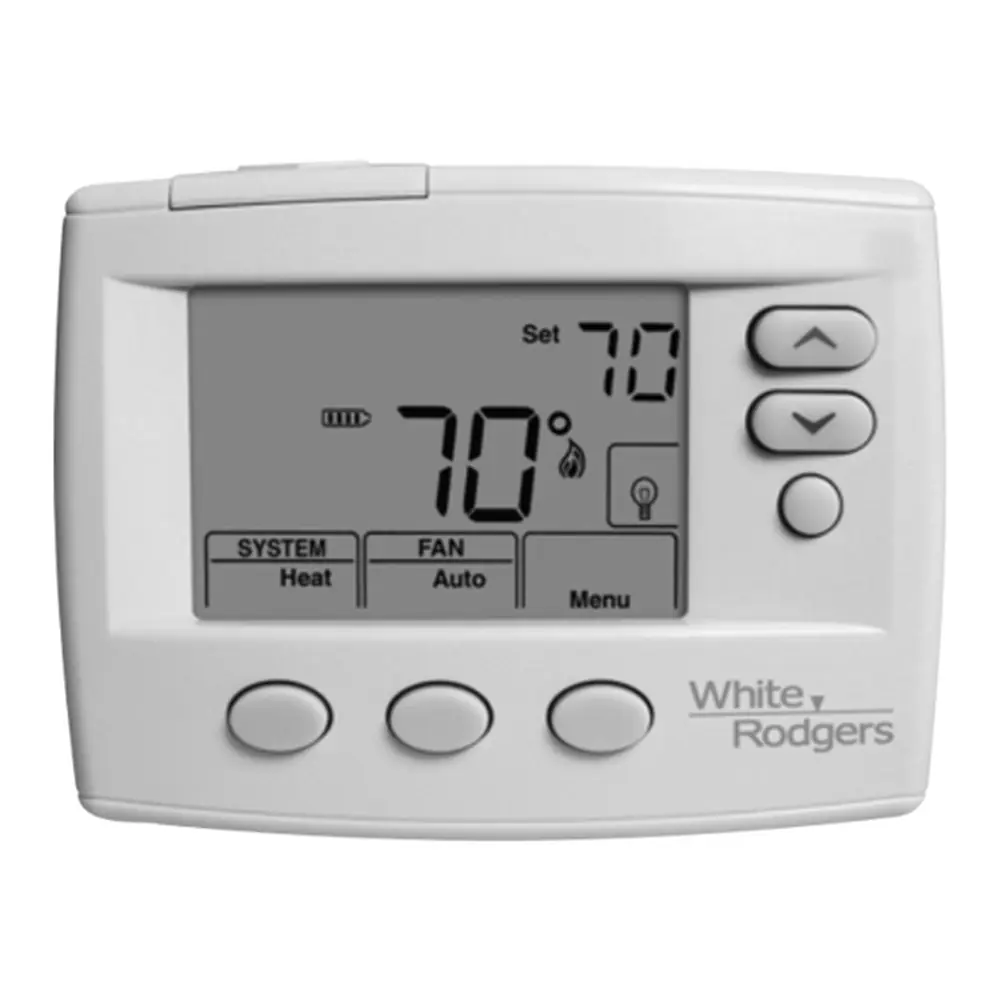
White-Rodgers Emerson 1F80-0261 Thermostat Instruction Manual
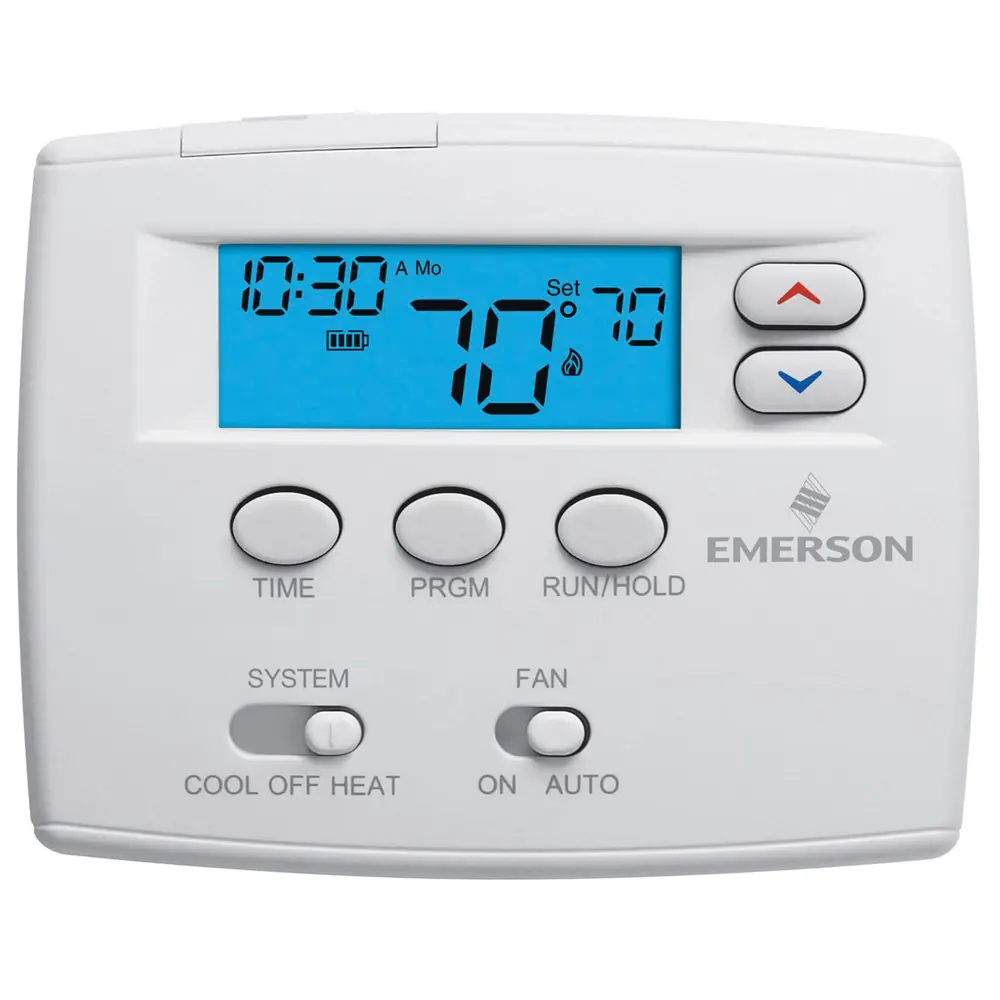
White-Rodgers Emerson 1F80-0261 Thermostat
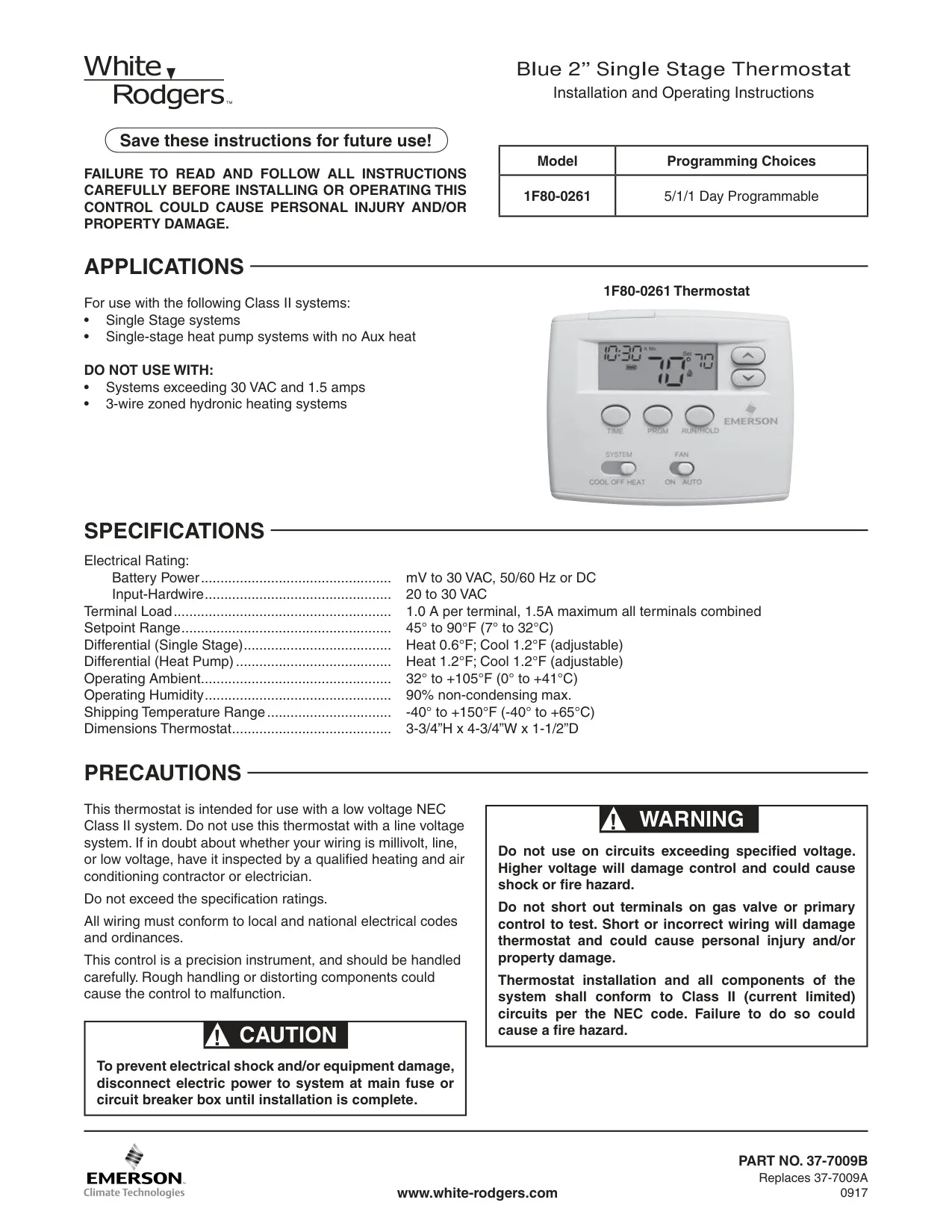
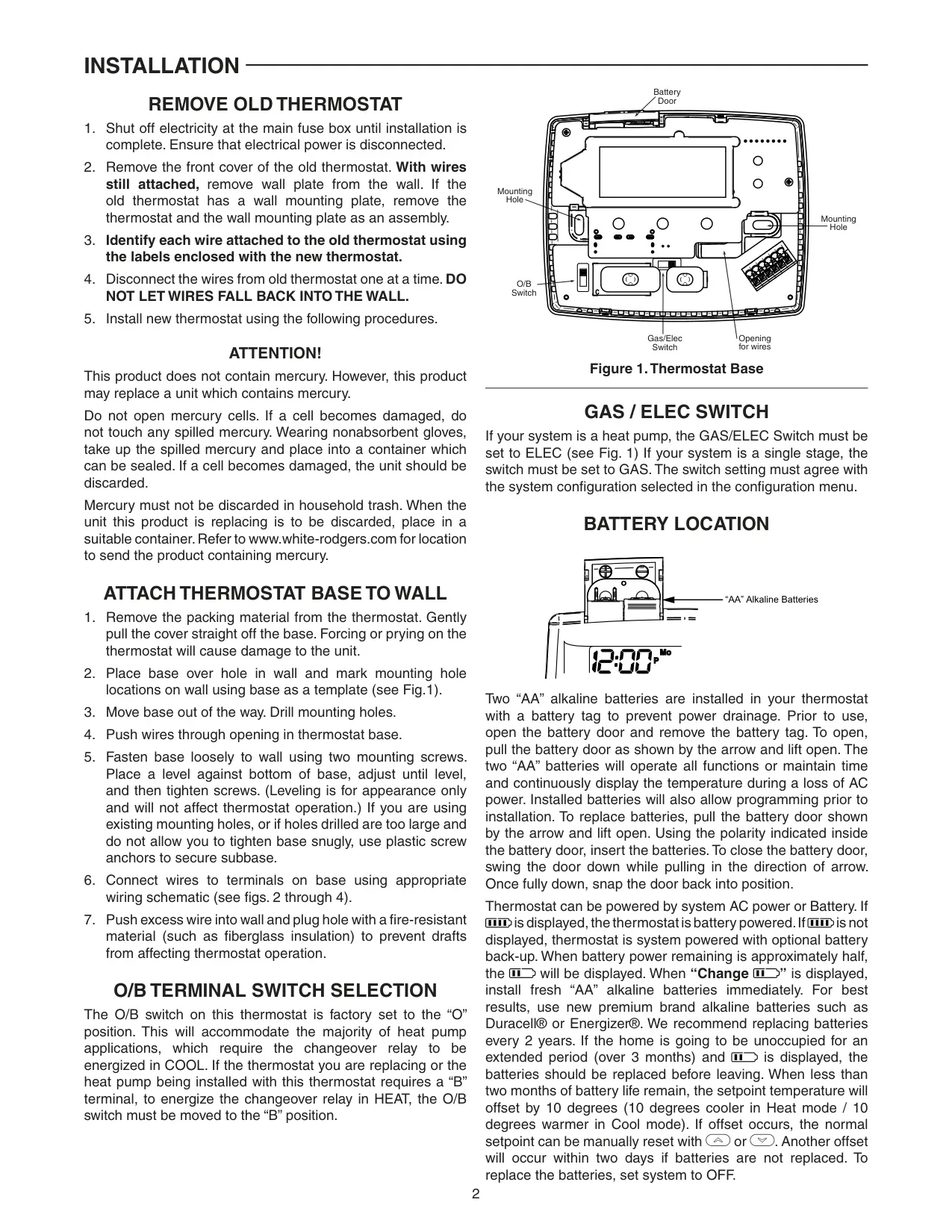


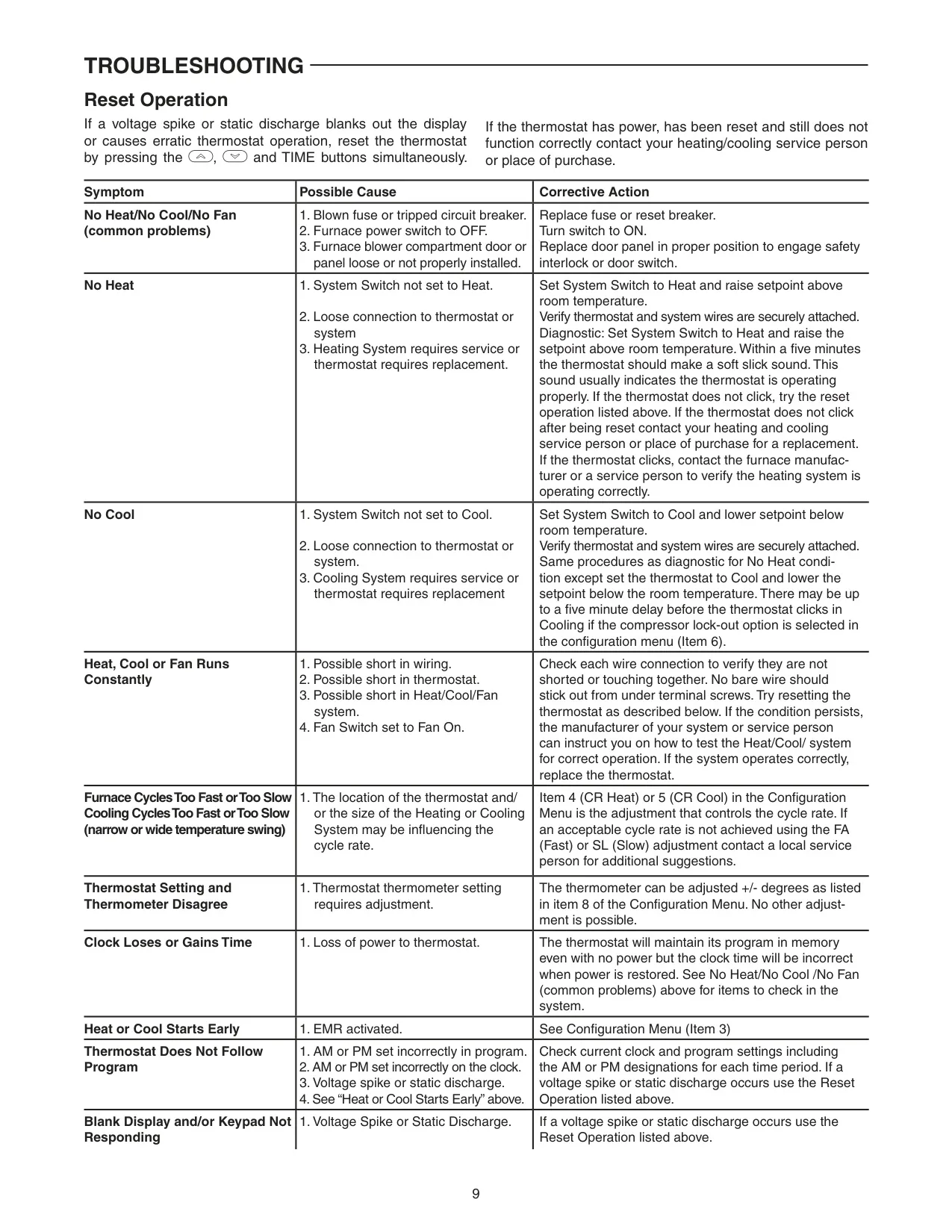





White-Rodgers 1F80-0261 Instructions
Here we offer the White-Rodgers Emerson 1F80-0261 Thermostat manual completely free and in English. We have cataloged this manual in the Thermostats section on Manualverse, and it has been rated by 1 users with an average rating of 5. If you have any specific questions about White-Rodgers Emerson 1F80-0261 Thermostat, we suggest checking the Frequently Asked Questions (FAQs) section of this manual.
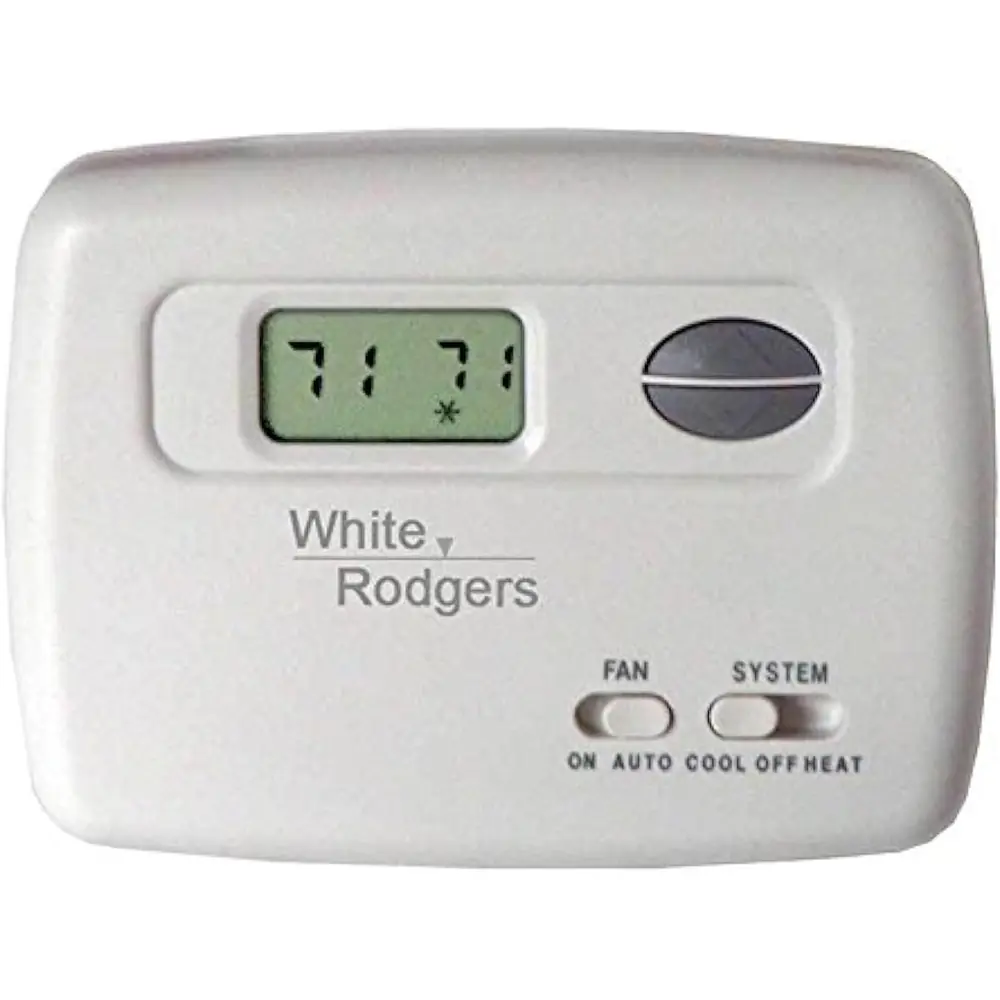
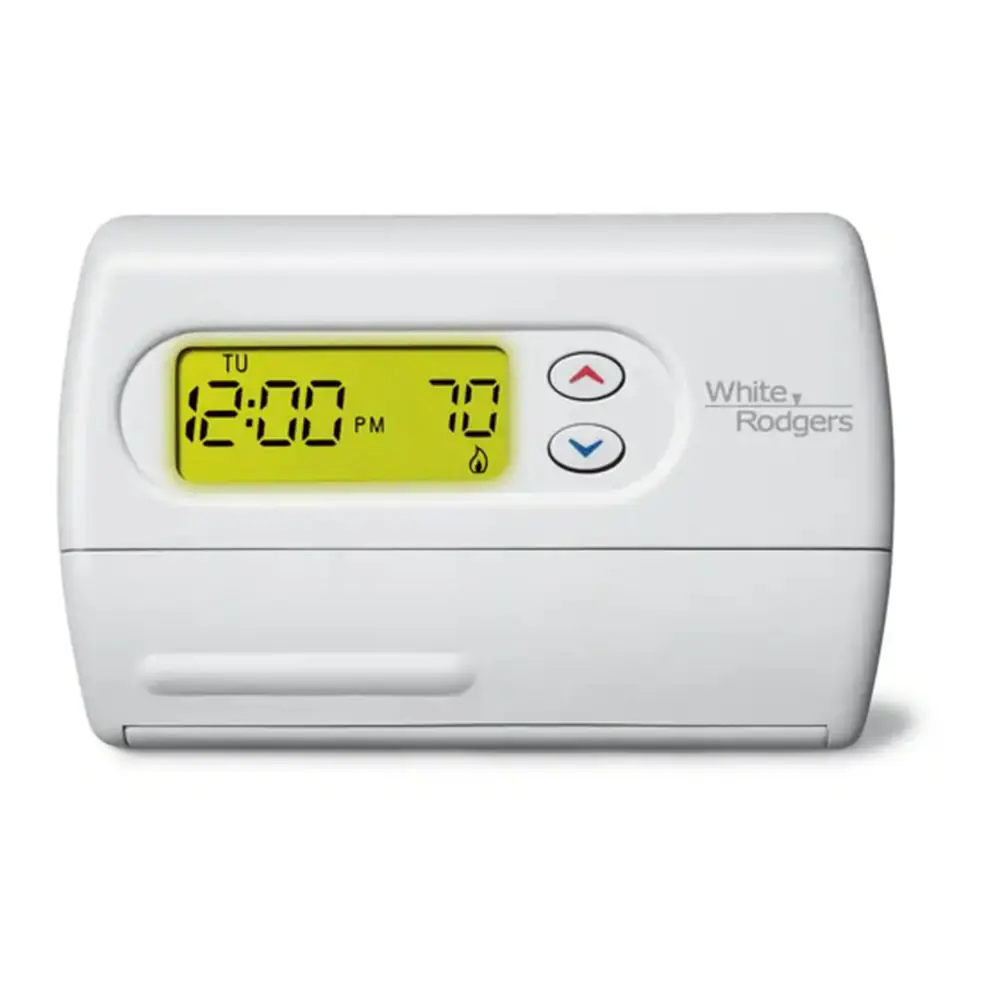
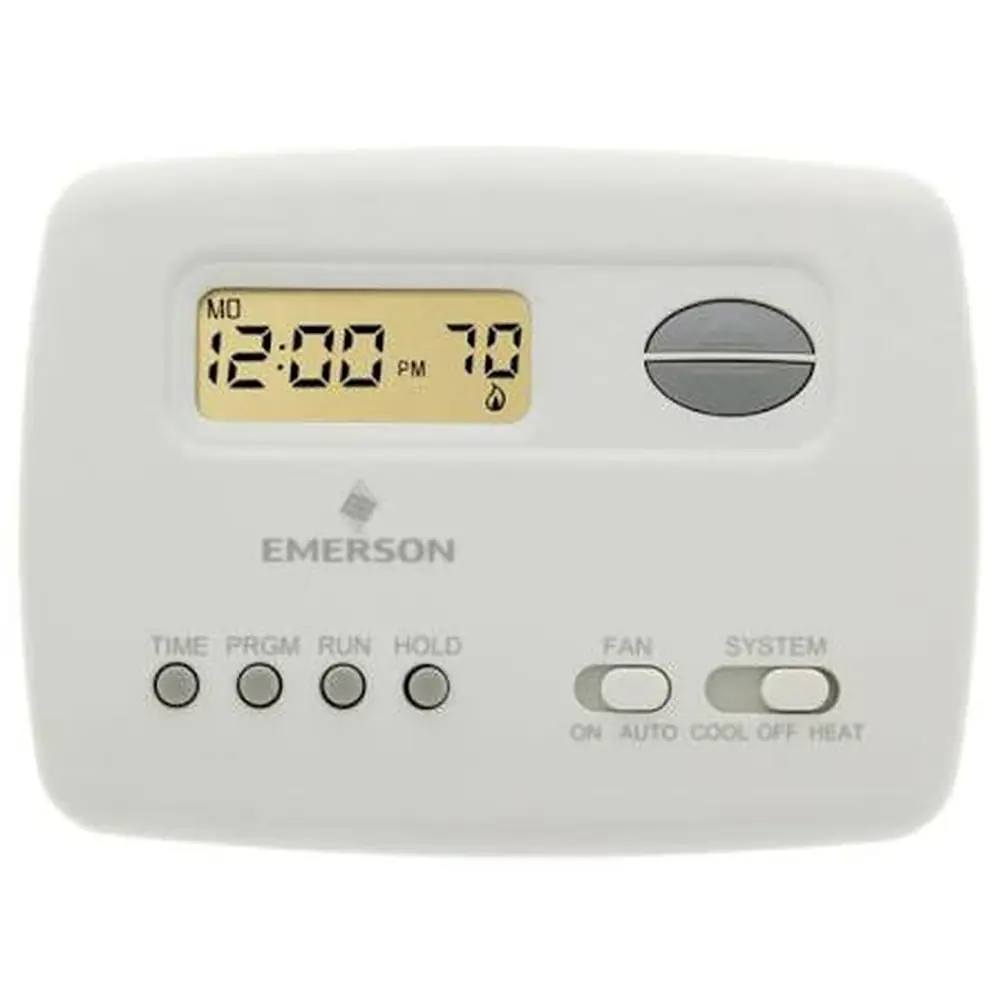
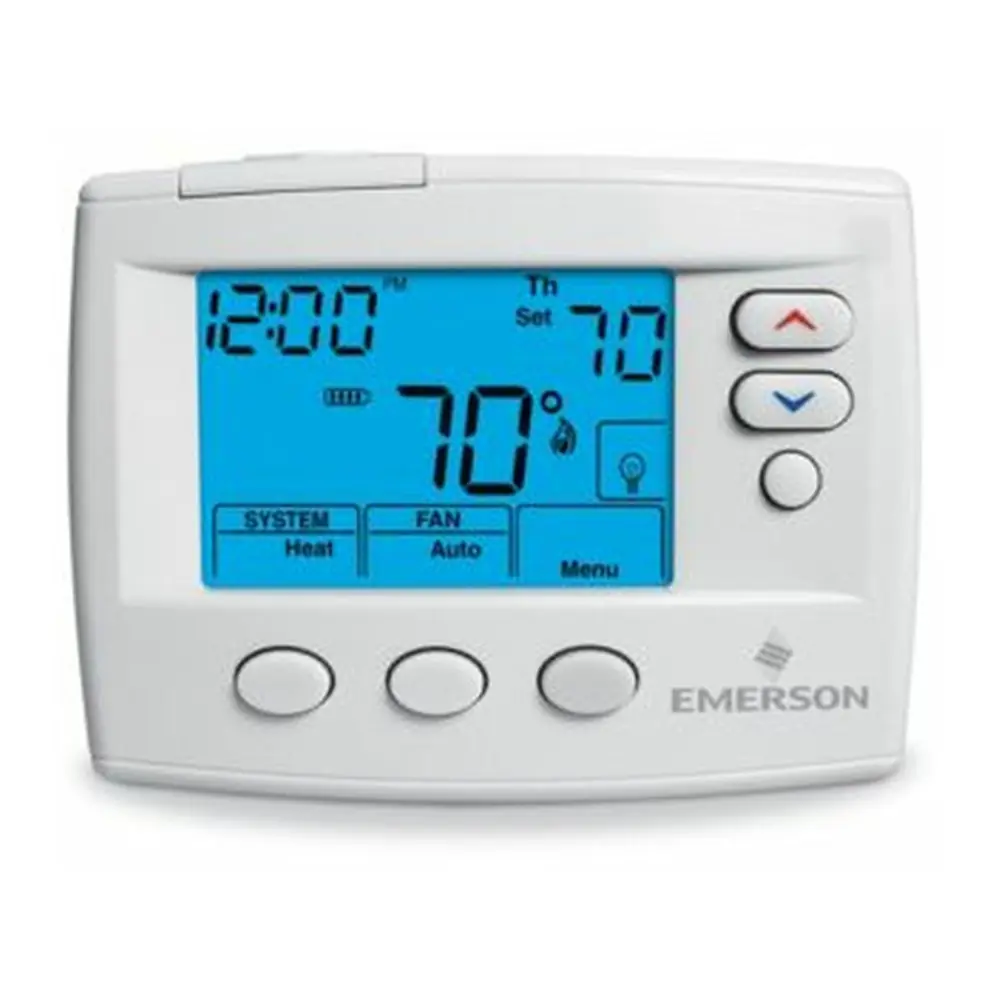
Product Images
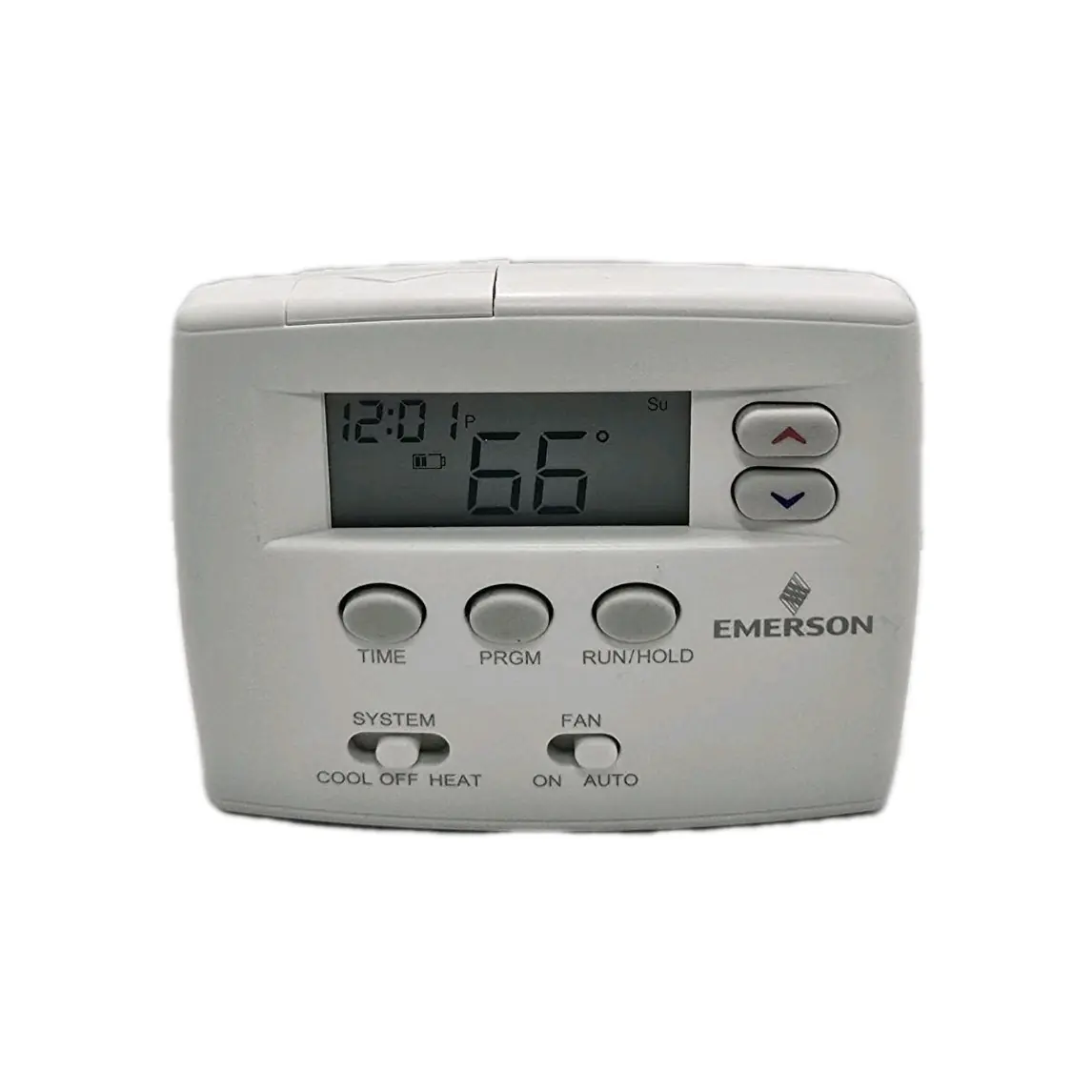
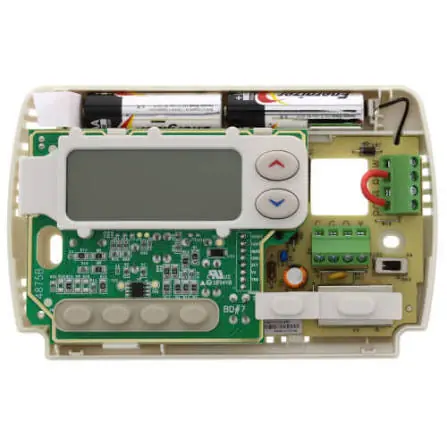
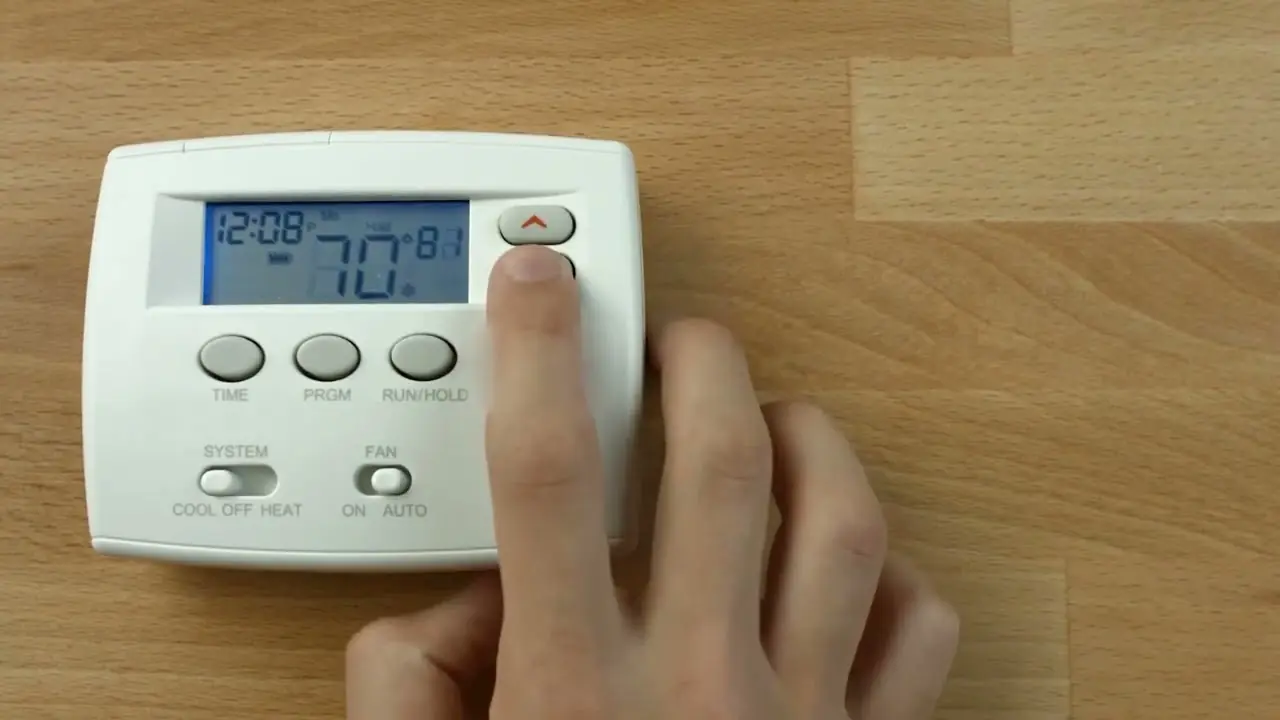
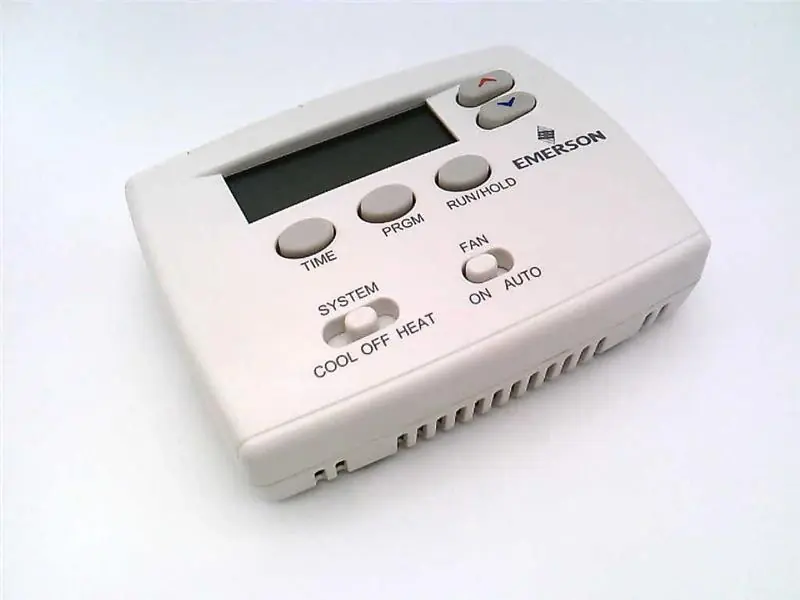
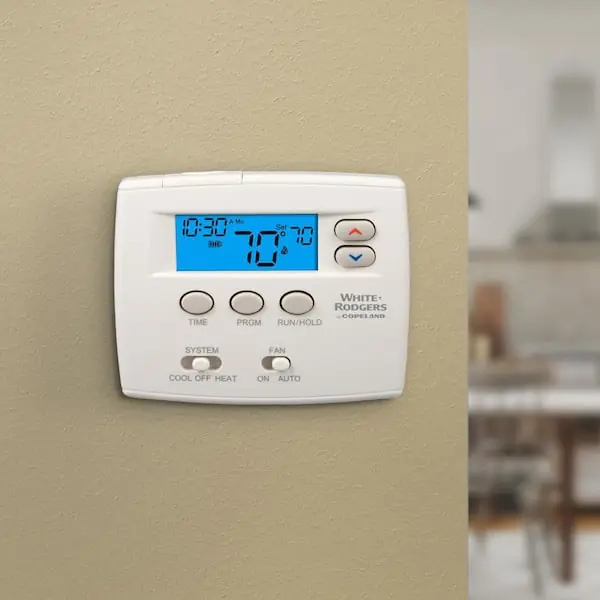
White-Rodgers Emerson 1F80-0261 Thermostat Specifications
| Specification | Value |
|---|---|
| Model | 1F80-0261 |
| Programming Choices | 5/1/1 Day Programmable |
| System Compatibility | Single Stage systems; Single-stage heat pump systems with no Aux heat (Class II systems only) |
| Electrical Rating (Battery Power) | mV to 30 VAC, 50/60 Hz or DC |
| Electrical Rating (Input-Hardwire) | 20 to 30 VAC |
| Terminal Load | 1.0 A per terminal, 1.5A maximum all terminals combined |
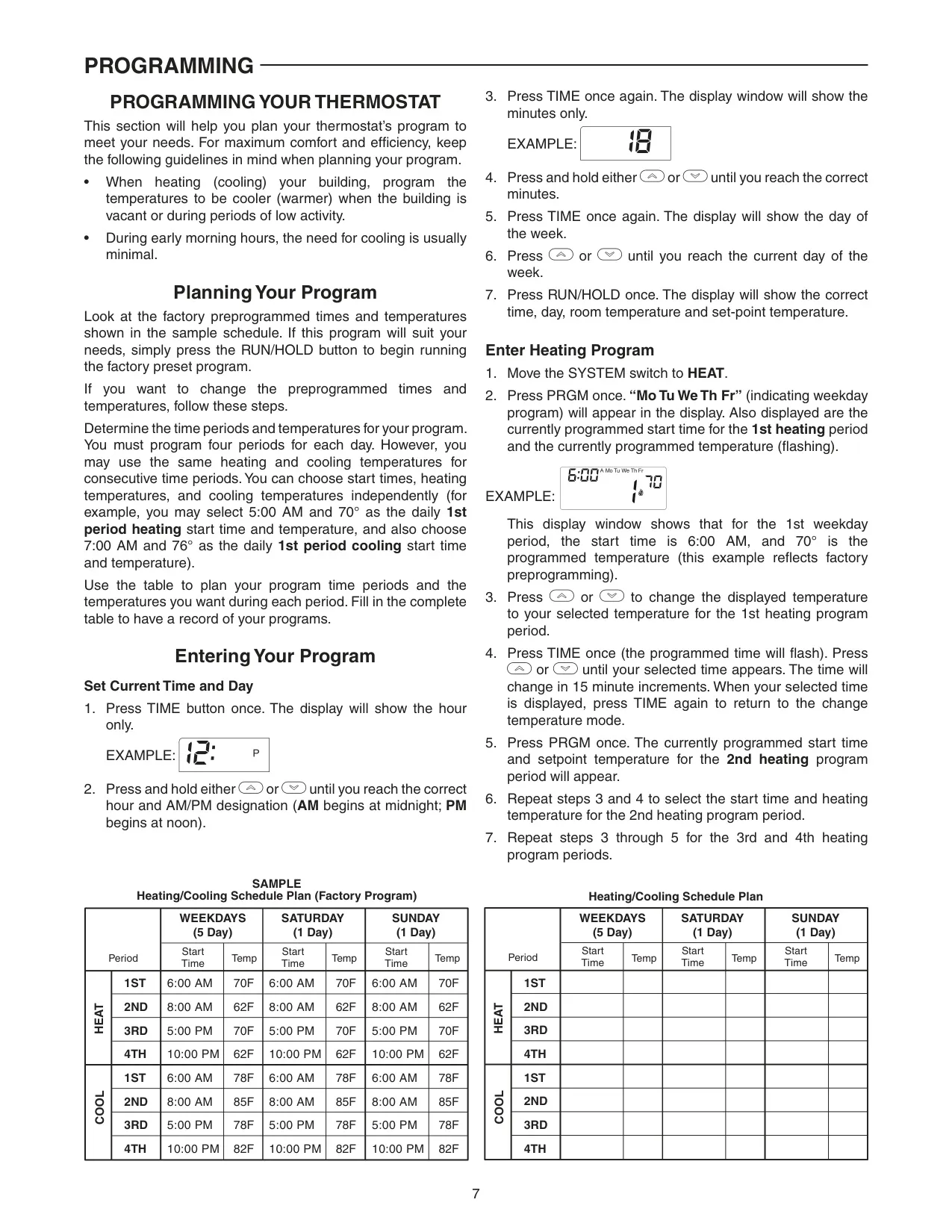
| Setpoint Range | 45° to 90°F (7° to 32°C) |
| Differential (Single Stage) | Heat 0.6°F; Cool 1.2°F (adjustable) |
| Differential (Heat Pump) | Heat 1.2°F; Cool 1.2°F (adjustable) |
| Operating Ambient Temperature | 32° to +105°F (0° to +41°C) |
| Operating Humidity | 90% non-condensing max. |
| Shipping Temperature Range | -40° to +150°F (-40° to +65°C) |
| Thermostat Dimensions | 3-3/4”H x 4-3/4”W x 1-1/2”D |
Emerson 1F80-0261 Thermostat Details
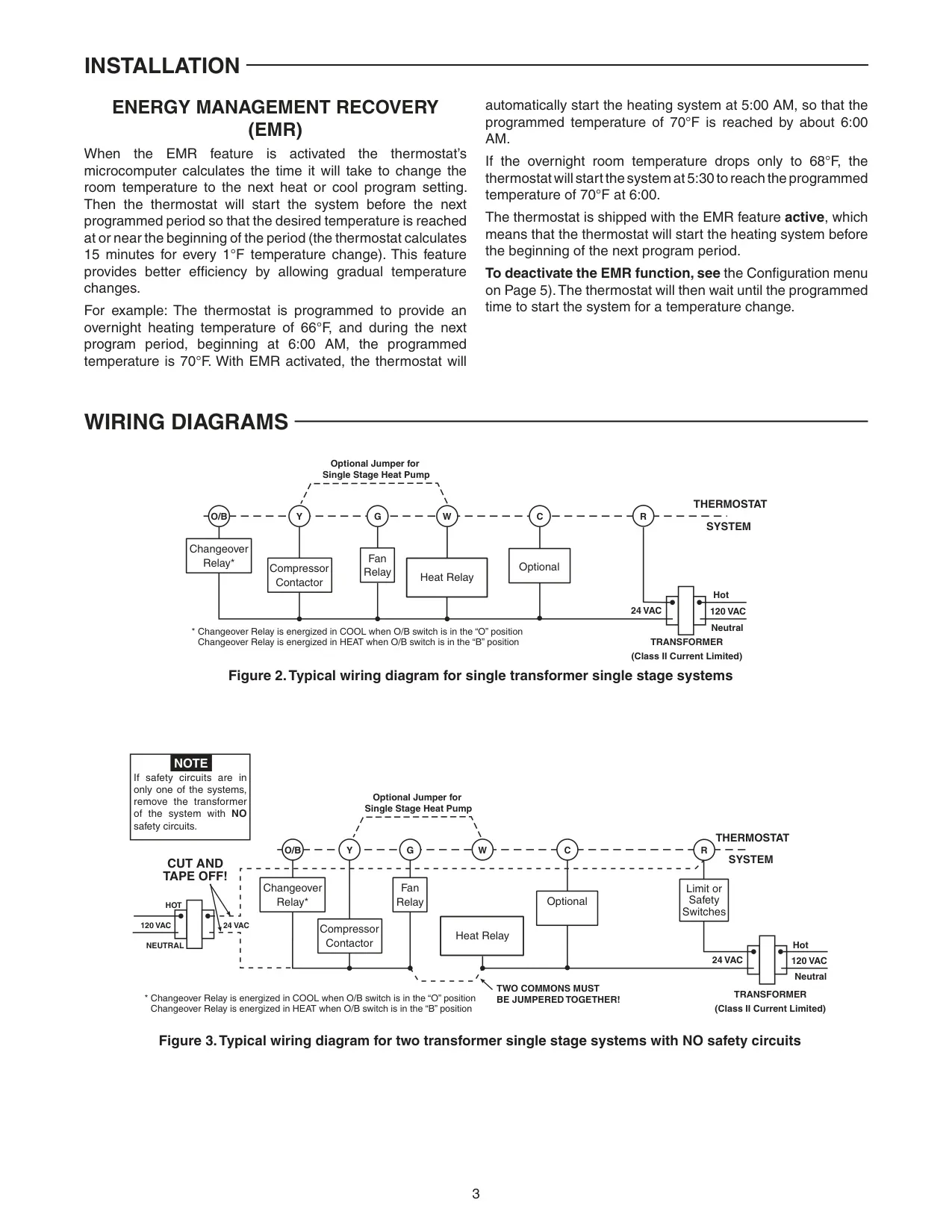
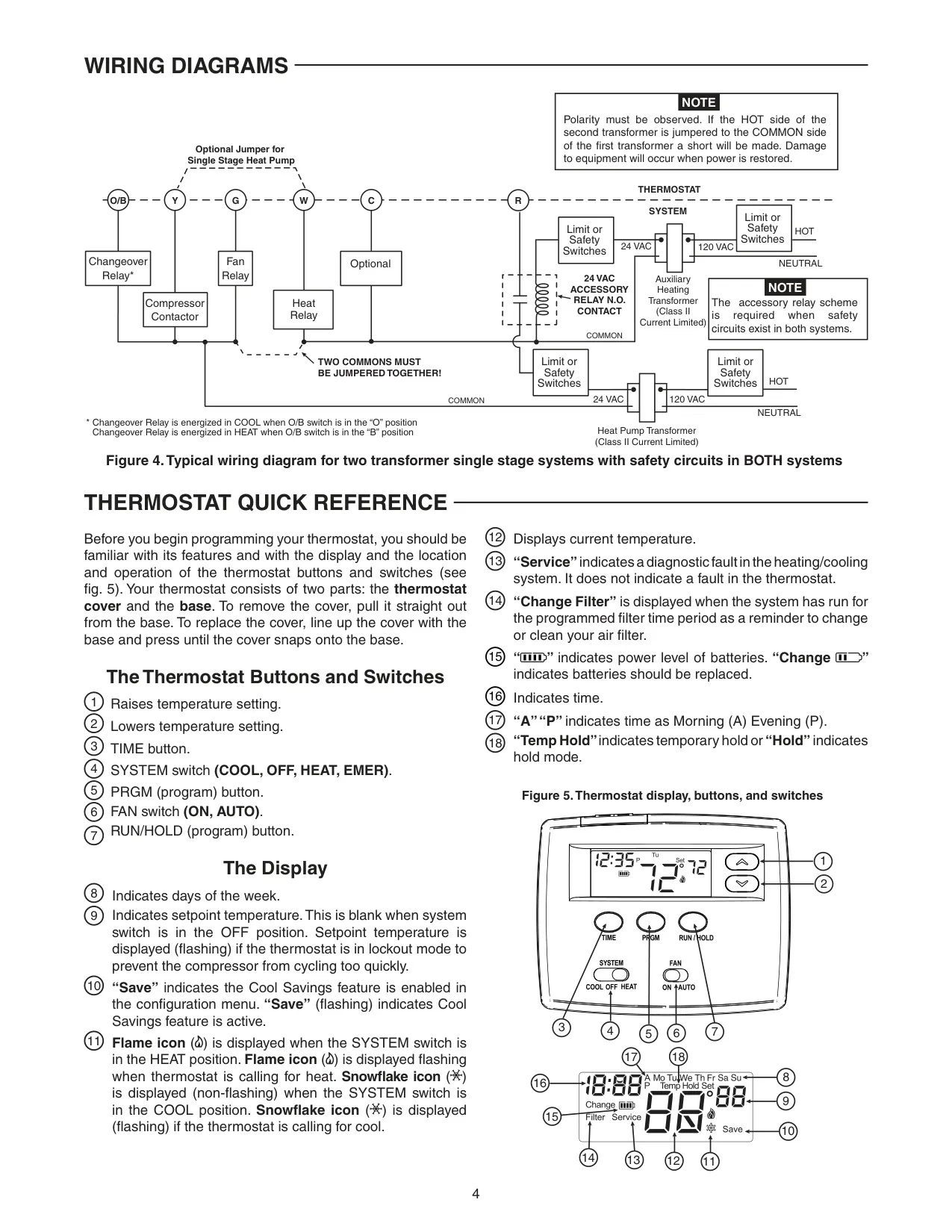
The White-Rodgers Emerson 1F80-0261 thermostat offers robust features designed for efficient climate control in compatible residential systems. This model is engineered exclusively for low voltage, NEC Class II single-stage heating/cooling systems, and single-stage heat pump systems without auxiliary heat. It is crucial to ensure your system falls within these parameters to prevent damage.
Powering the thermostat can be achieved either through system AC power, often with an optional battery backup, or solely via two "AA" alkaline batteries. A dedicated battery tag ensures no power drainage before installation. The display includes a convenient indicator for battery power level, alerting users when approximately half power remains and explicitly displaying "Change Batteries" when fresh "AA" alkaline units are needed, ideally every two years. If battery life is critically low, the thermostat will automatically offset the setpoint temperature by 10 degrees.
Key physical switches enhance installation flexibility. The GAS/ELEC switch must be configured to match the system type (GAS for single-stage, ELEC for heat pump) and correspond with the internal configuration menu setting. Similarly, the O/B terminal switch, factory-set to "O" for cool-energized changeover relays, can be manually switched to "B" if the heat pump system requires the changeover relay to be energized in heat mode.
Advanced energy-saving functionalities are built-in. The Energy Management Recovery (EMR) feature intelligently calculates the optimal time to activate the heating or cooling system to reach the desired program setpoint precisely at the scheduled time. This ensures comfort at the start of a period while promoting gradual temperature changes for better efficiency, estimating 15 minutes for every 1°F change needed.
Another notable feature is Cool Savings™, which actively works to reduce cooling system run time and conserve energy during periods of high demand. If the cooling system operates for over 20 minutes, it subtly adjusts (increases) the setpoint temperature in small increments. This encourages the system to satisfy the thermostat and turn off, with "Save" appearing on the display when active. The degree of this adjustment is configurable from 1 (least) to 6 (most).
Users can fine-tune system performance through adjustable cycle rates for both heating and cooling, influencing temperature swing (Fast, Medium, Slow options). A Compressor Lockout feature provides a crucial 5-minute delay between cooling cycles to protect the compressor from short cycling, with a flashing setpoint indicating activation. This can be enabled or disabled based on your compressor's built-in protections.
Additional user-friendly options include a configurable backlight display, which can be set to continuous illumination if a "C" terminal is connected, or momentary activation with any button press. The temperature display can be adjusted up to 4° higher or lower, allowing users to calibrate it to match a preferred reference. Furthermore, a customizable filter replacement reminder displays "Change Filter" after a programmed run time, defaulting to 200 hours, adjustable in 25-hour increments, ensuring timely maintenance for optimal system performance.
Frequently Asked Questions (FAQs)
Can't find the answer you need? Here are some frequently asked questions about the White-Rodgers Emerson 1F80-0261 Thermostat, and we answer them below.