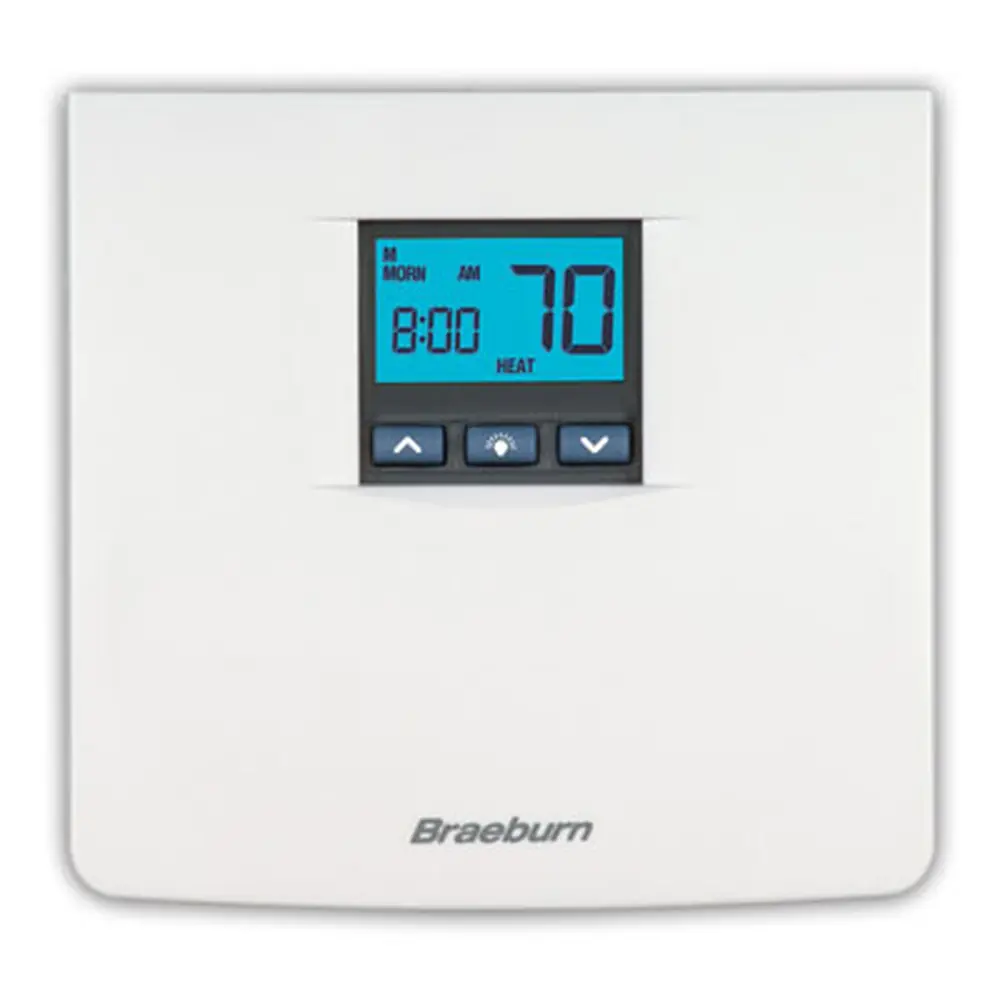
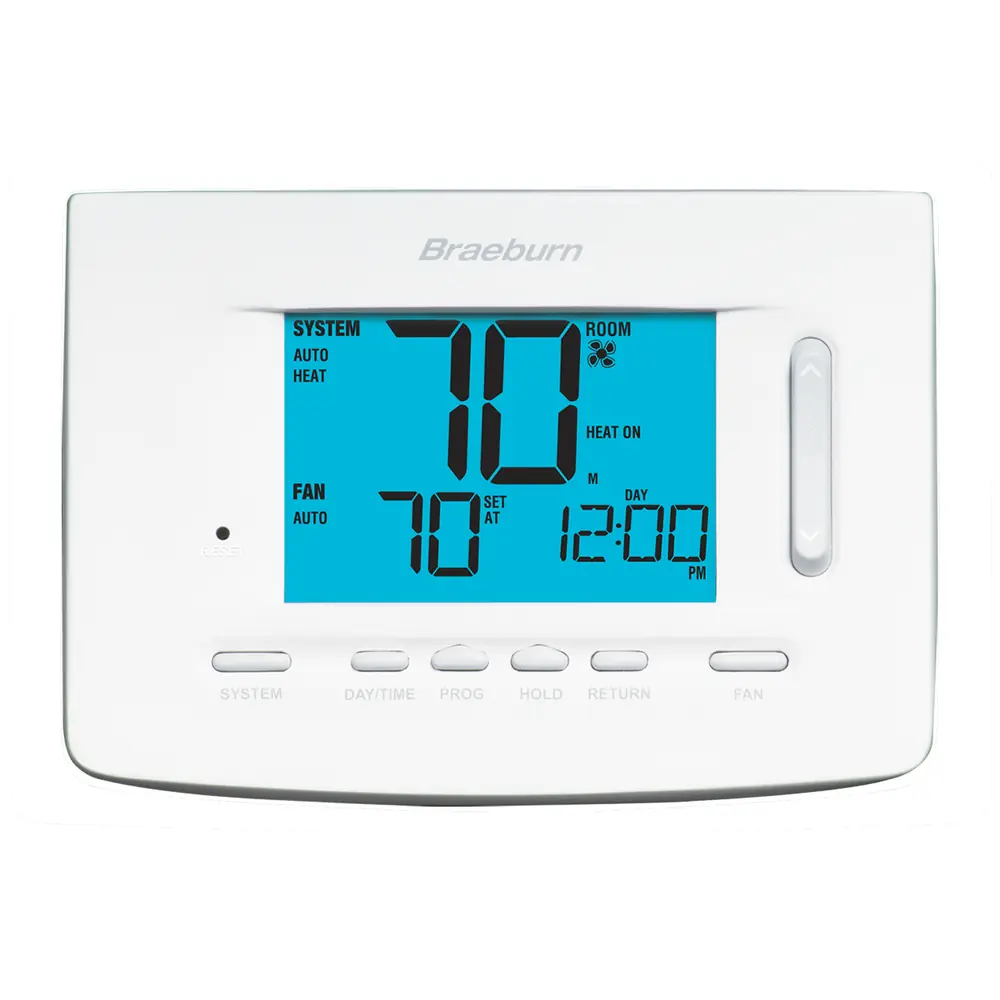
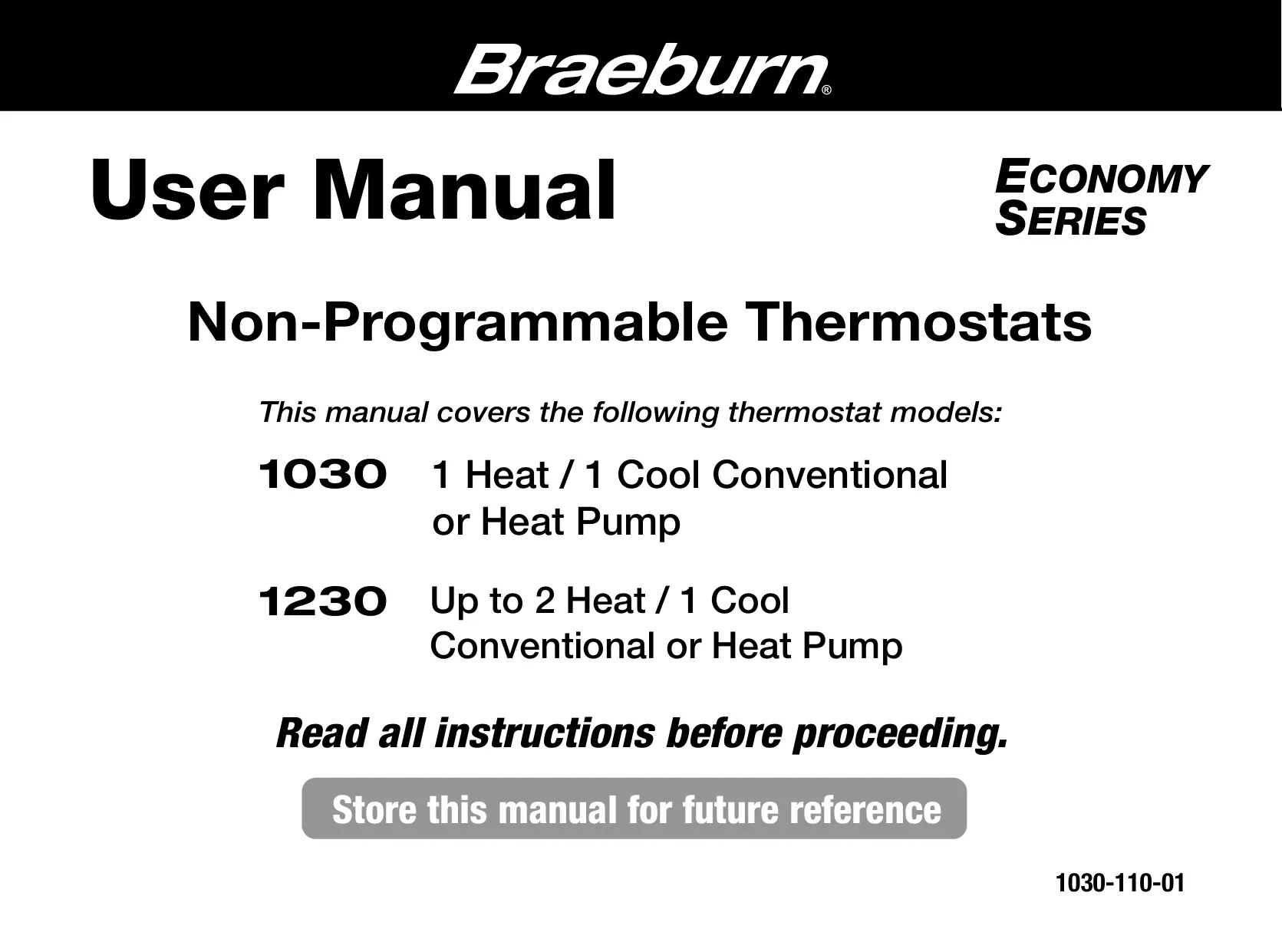
Braeburn 1230 Thermostat Instruction Manual
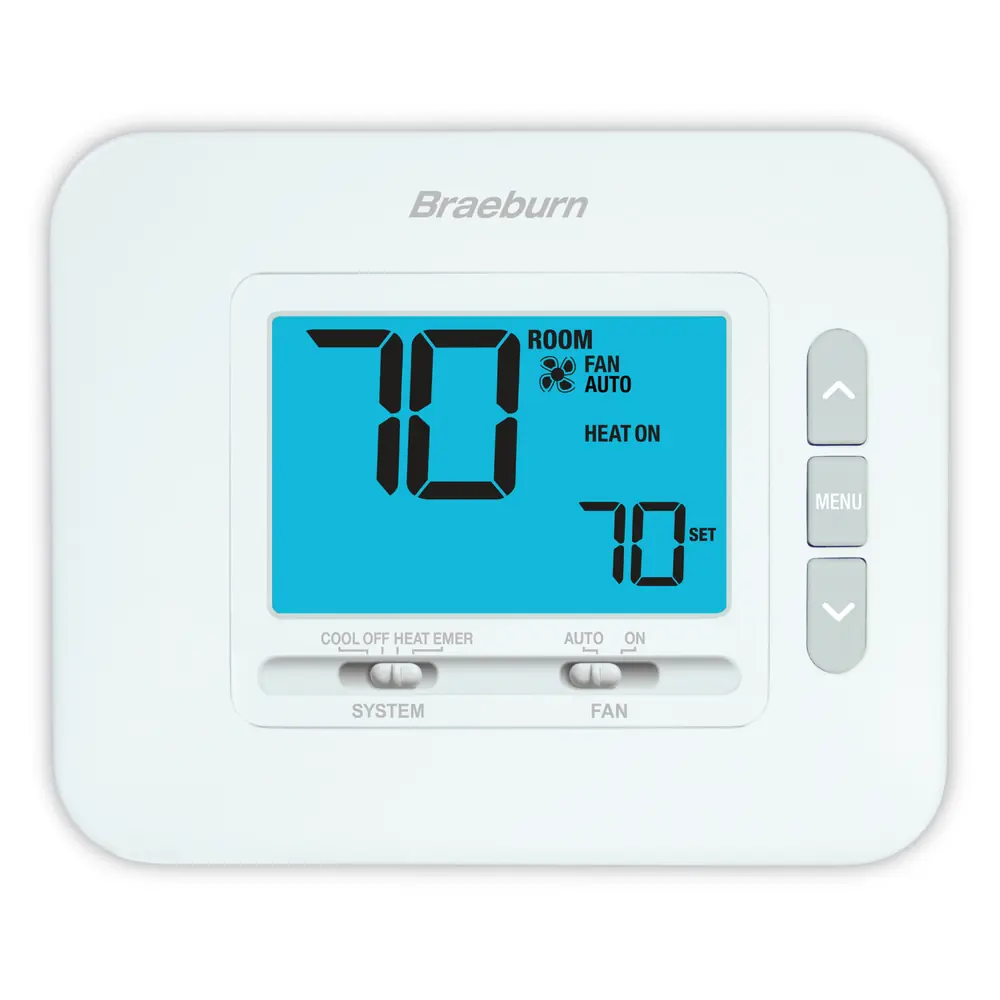
Braeburn 1230 Thermostat



Braeburn 1230 Thermostat
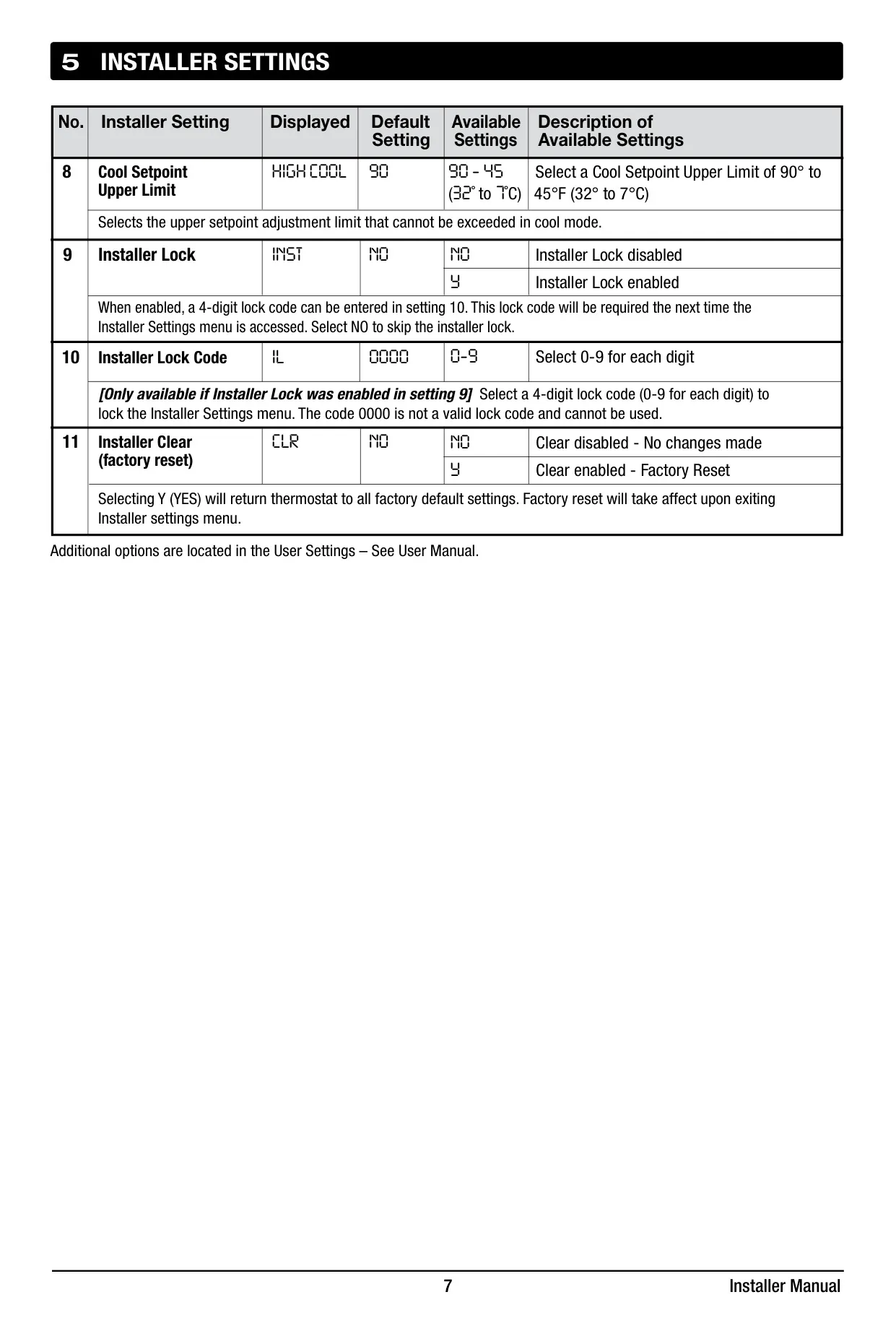
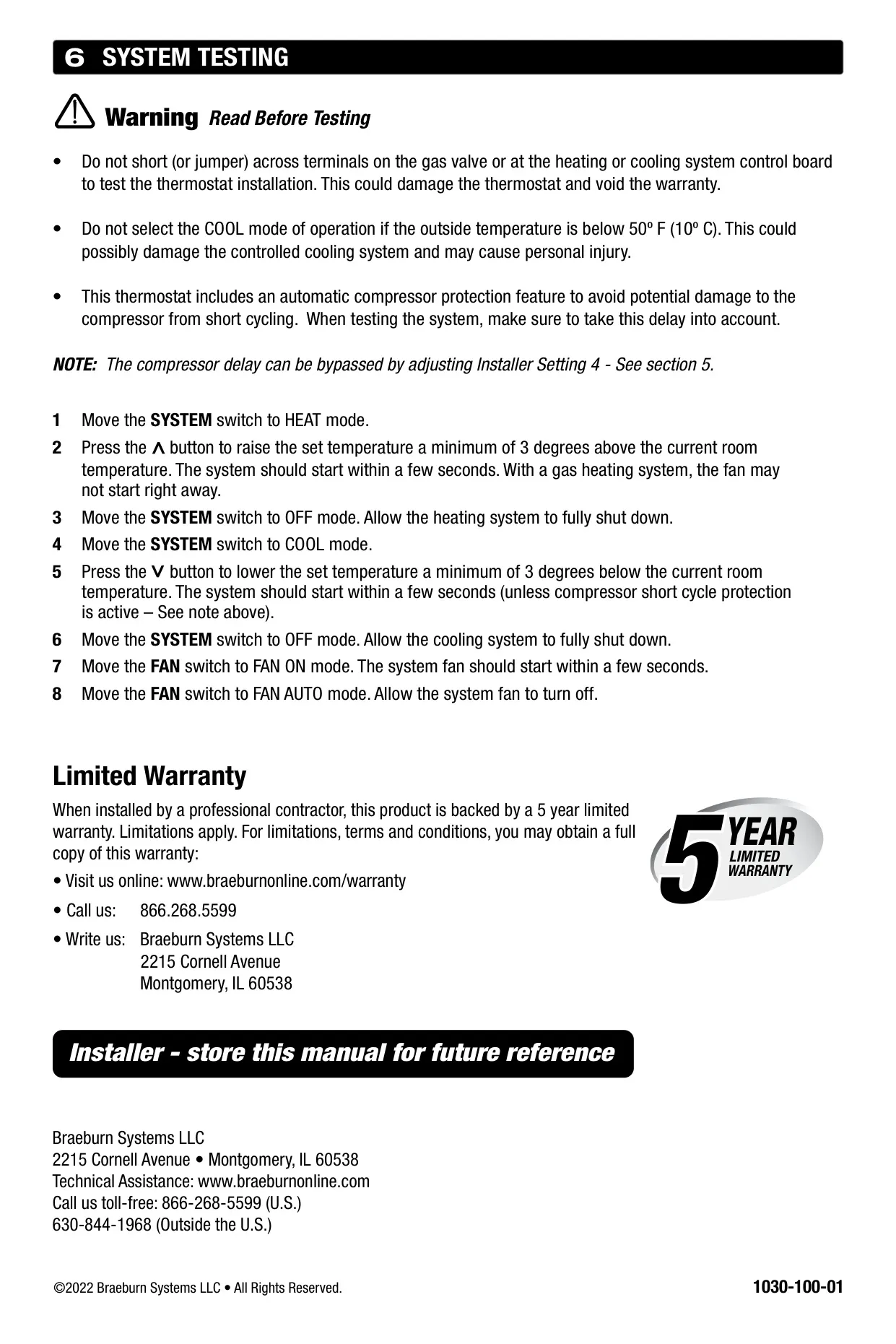
Braeburn 1230 Thermostat Instructions
Here we offer the Braeburn 1230 Thermostat manual completely free and in English. We have cataloged this manual in the Thermostats section on Manualverse, and it has been rated by 1 users with an average rating of 5. If you have any specific questions about Braeburn 1230 Thermostat, we suggest checking the Frequently Asked Questions (FAQs) section of this manual.
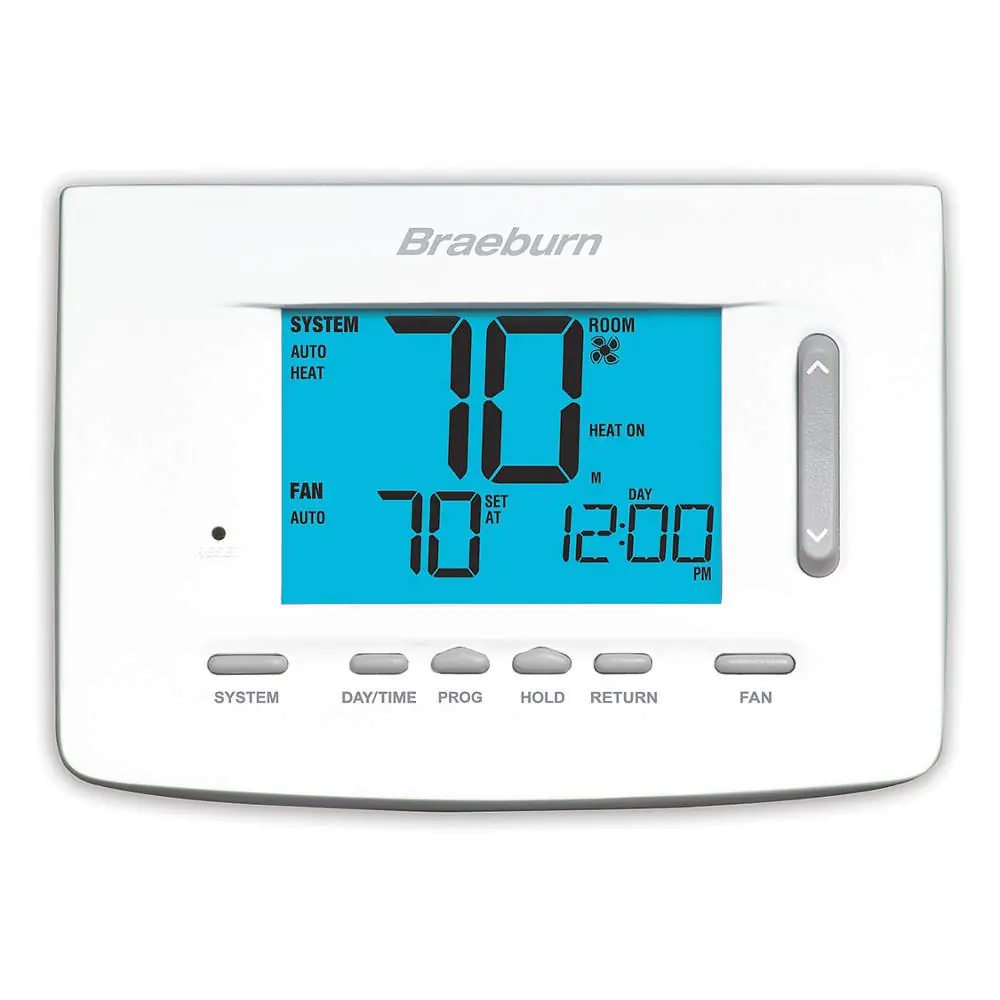
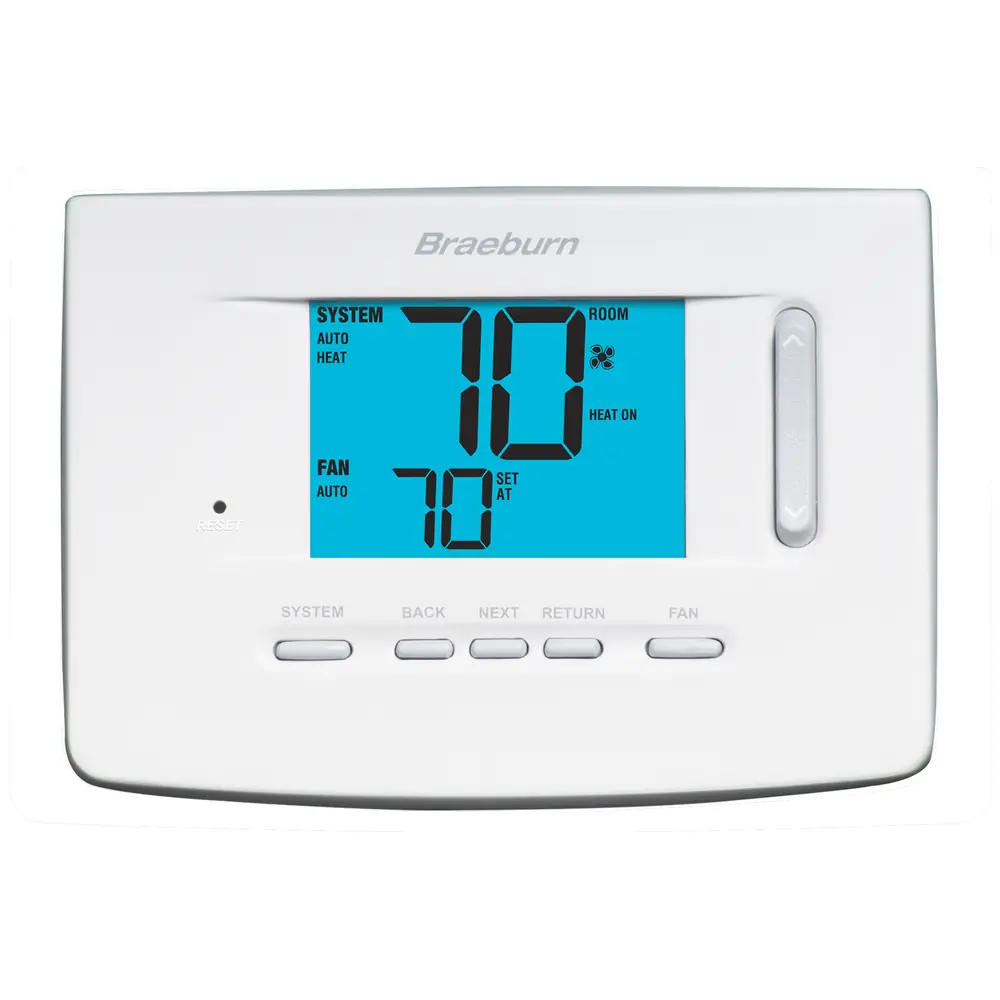
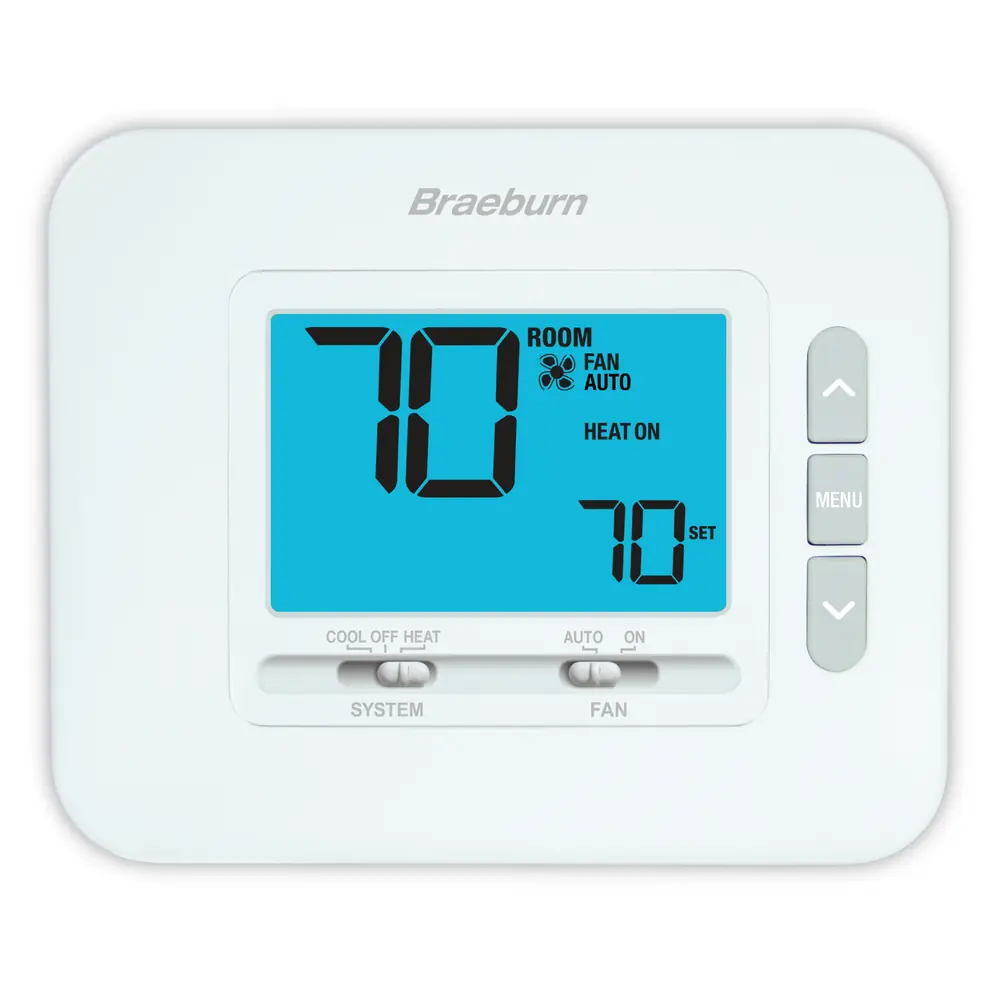
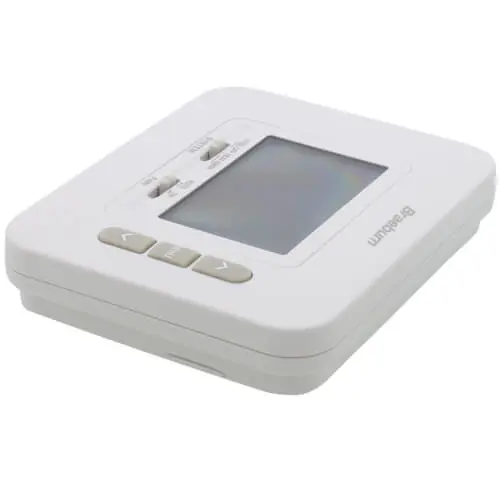
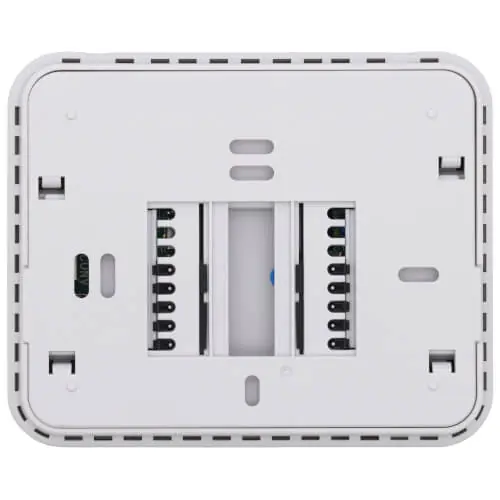
Product Images
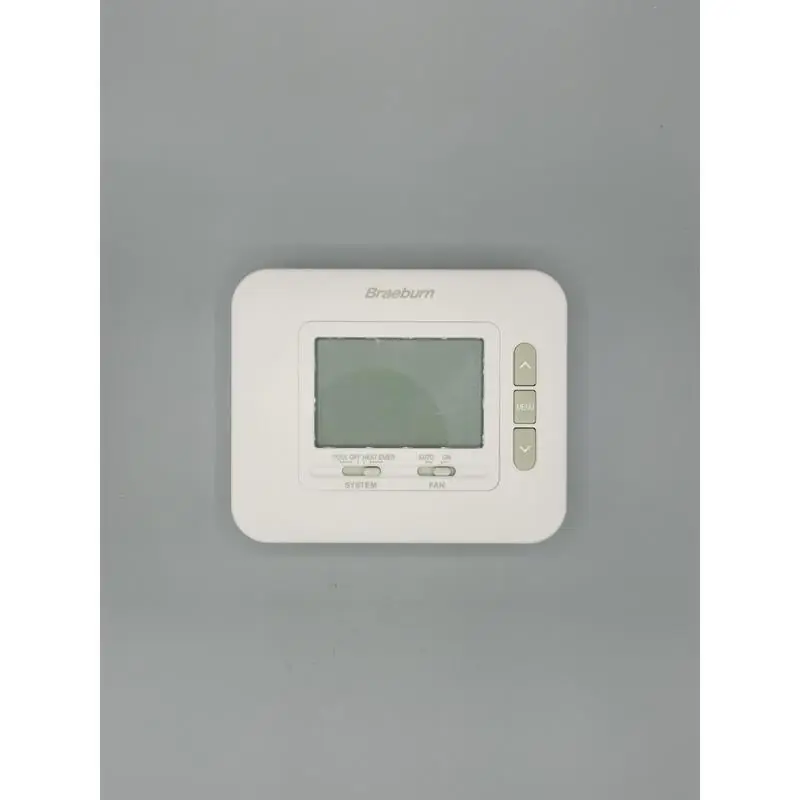
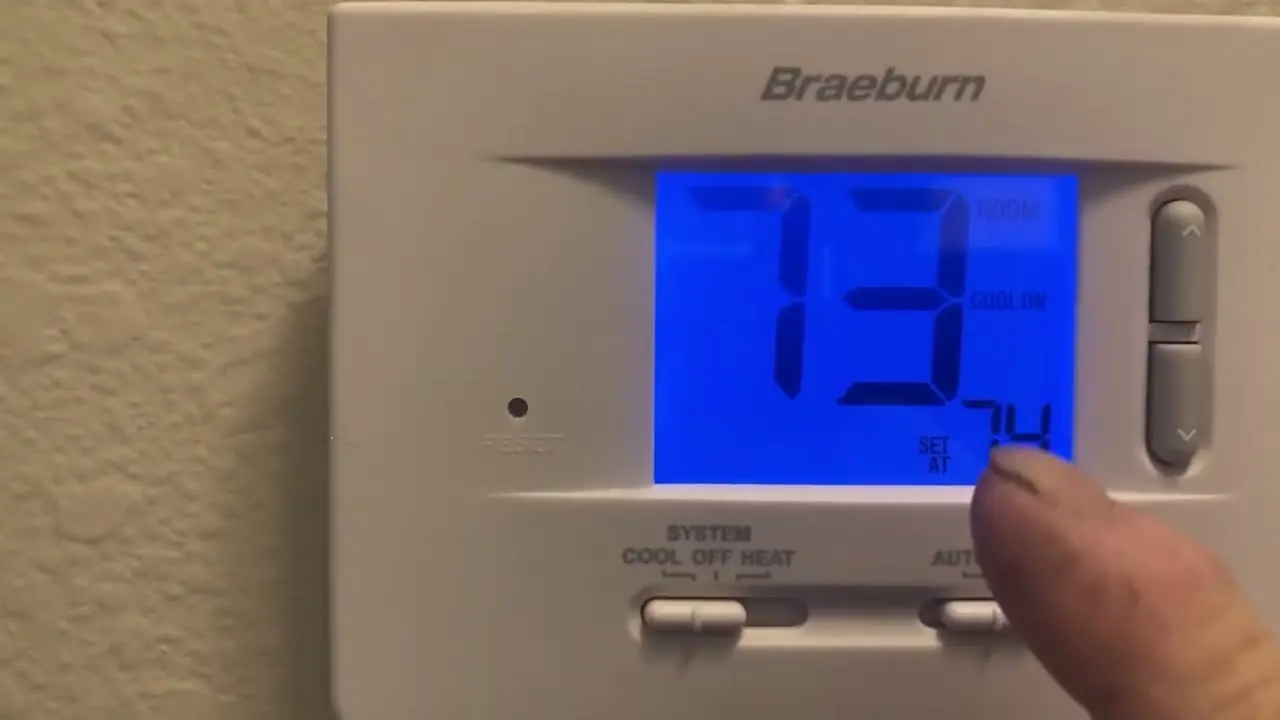
Braeburn 1230 Thermostat Specifications
| Category | Specification | Details |
|---|---|---|
| Model Compatibility | Heat Pump Systems | Up to 2 Heat / 1 Cool |
| Conventional Systems | Up to 2 Heat / 1 Cool | |
| Other Compatible Systems | 250 – 750 millivolt heating only, 2-wire hydronic zone systems | |
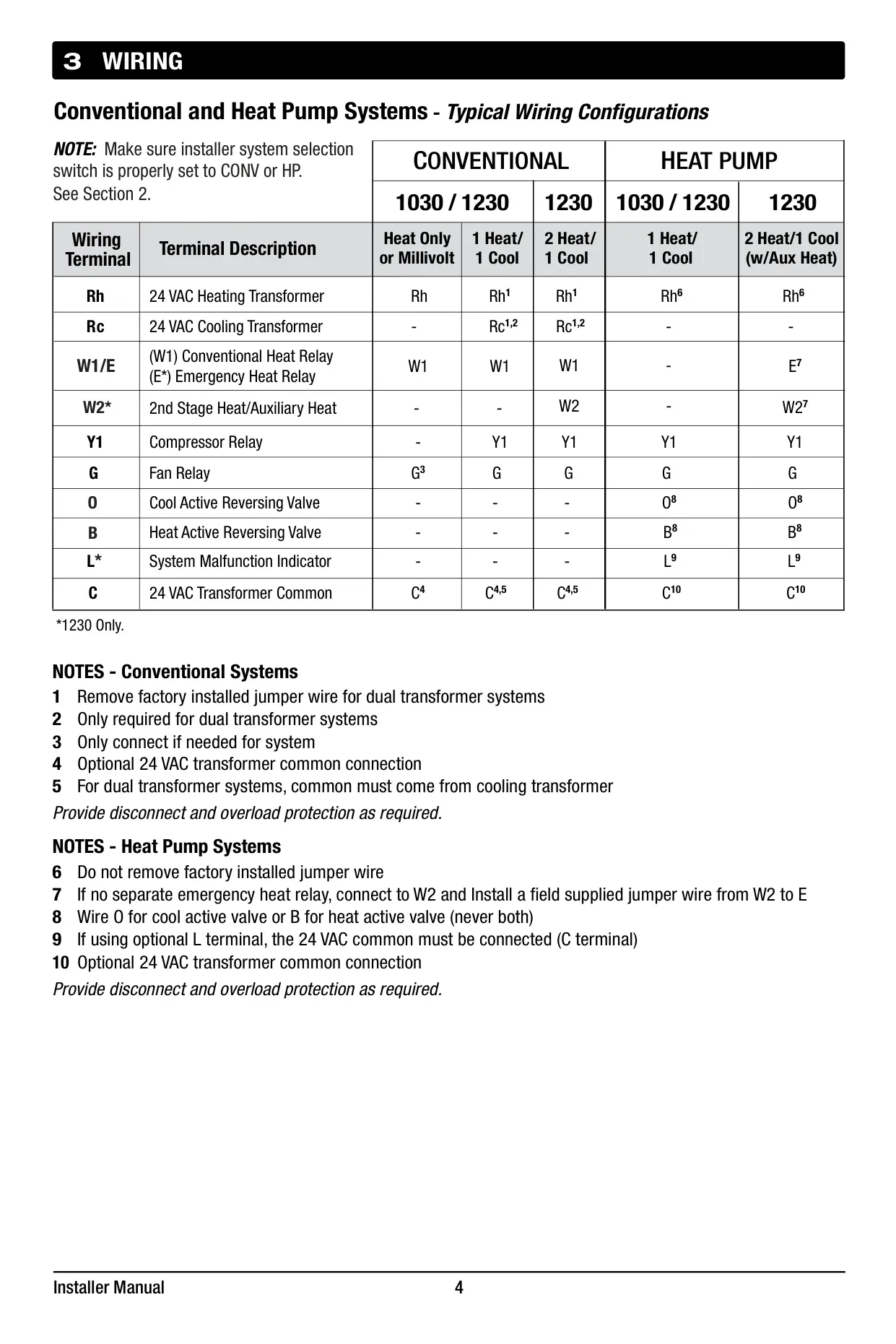
| Terminations | Braeburn 1230 | Rc, Rh, W1/E, W2, Y1, G, O, B, L, C |
| Electrical Rating | Voltage | 24 Volt AC |
| Maximum Load per Terminal | 1 amp | |
| Power Requirements | AC Power | 18 – 30 Volts AC |
| DC Power | 3.0 Volt DC (2 “AA” Alkaline Batteries Included) | |
| Control Range | Temperature | 45° to 90° F (7° to 32° C) |
| Temperature Accuracy | Precision | +/- 1° F (+/- .5° C) |
Braeburn 1230 Thermostat Details
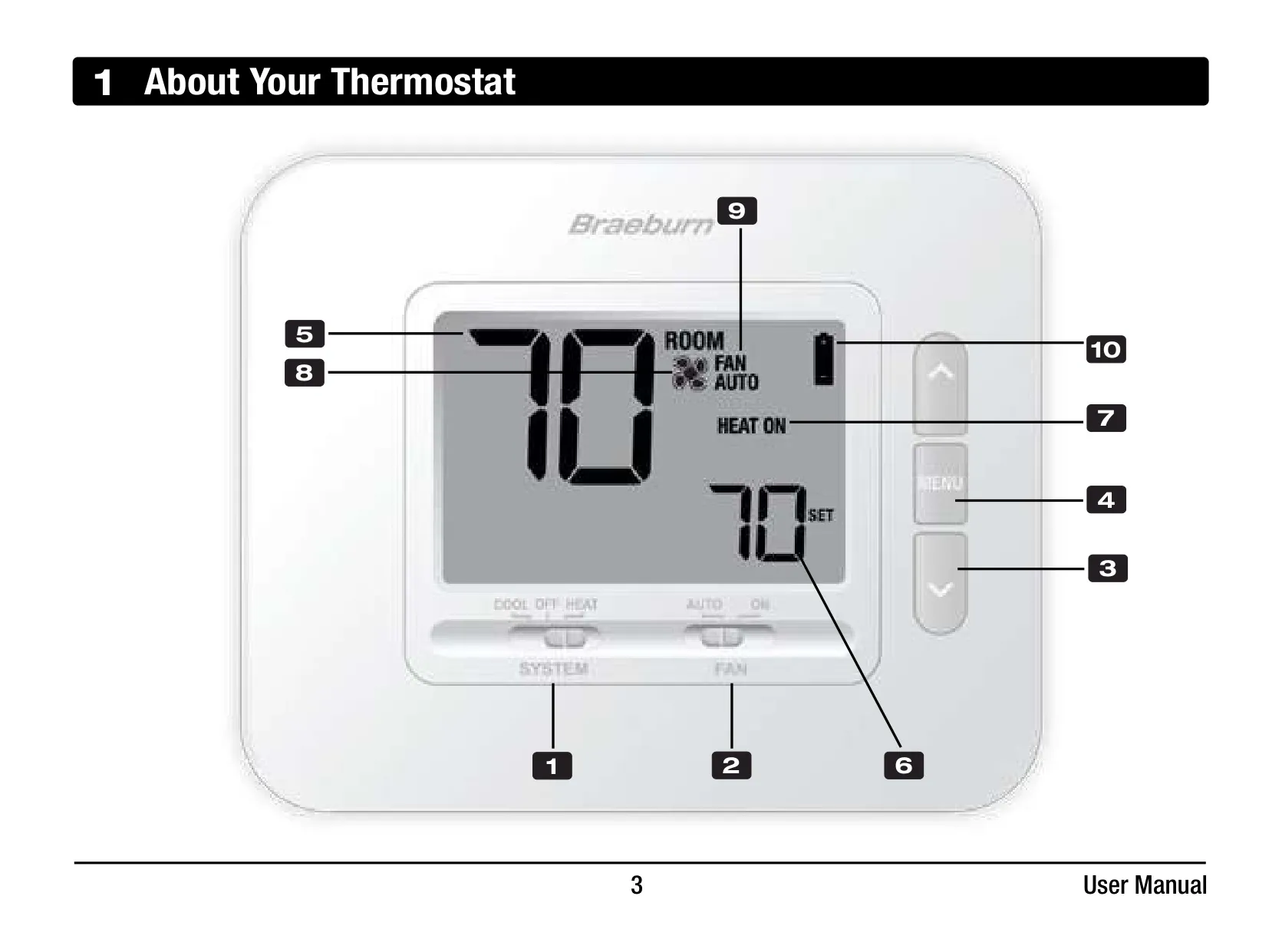
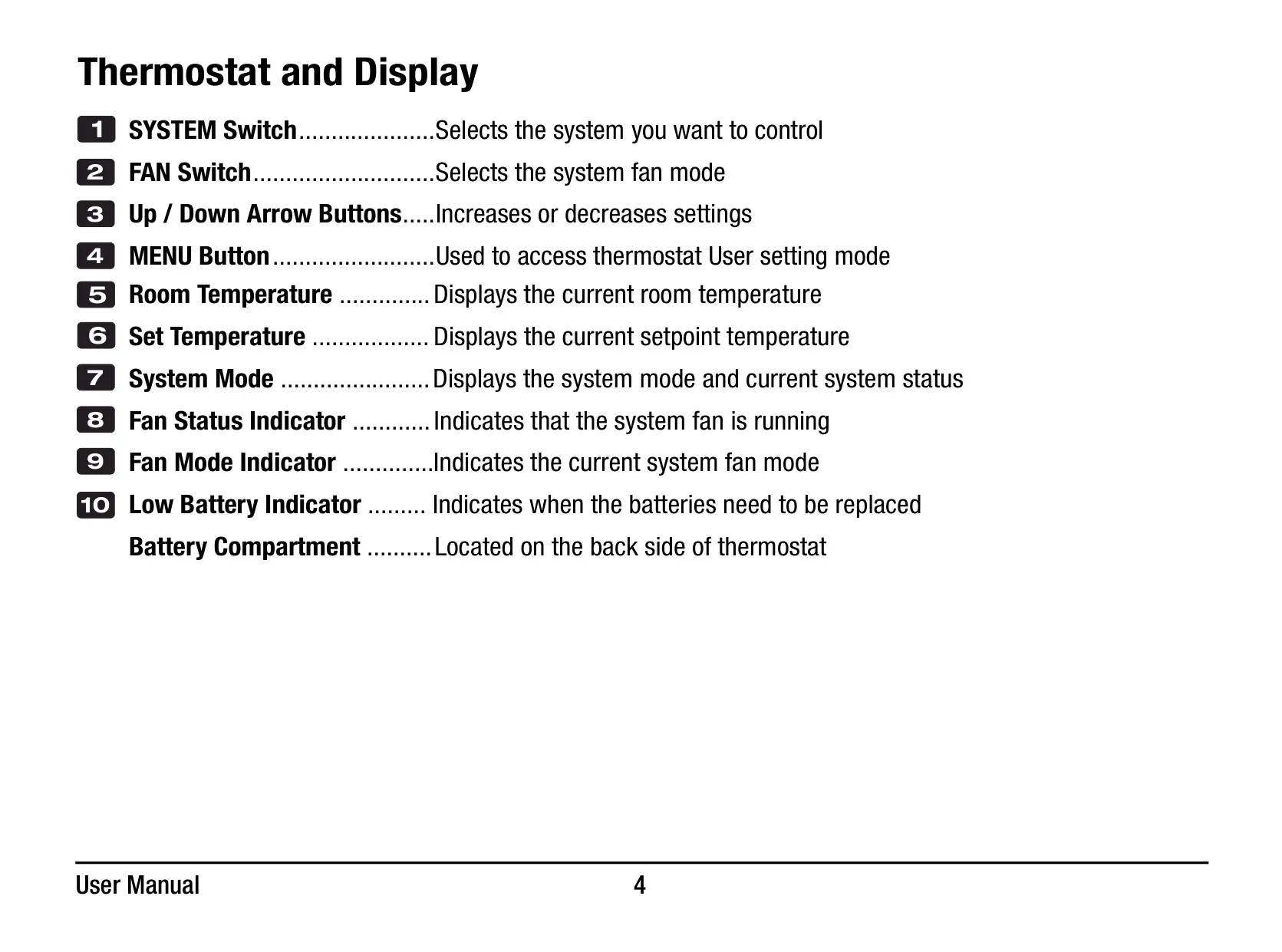
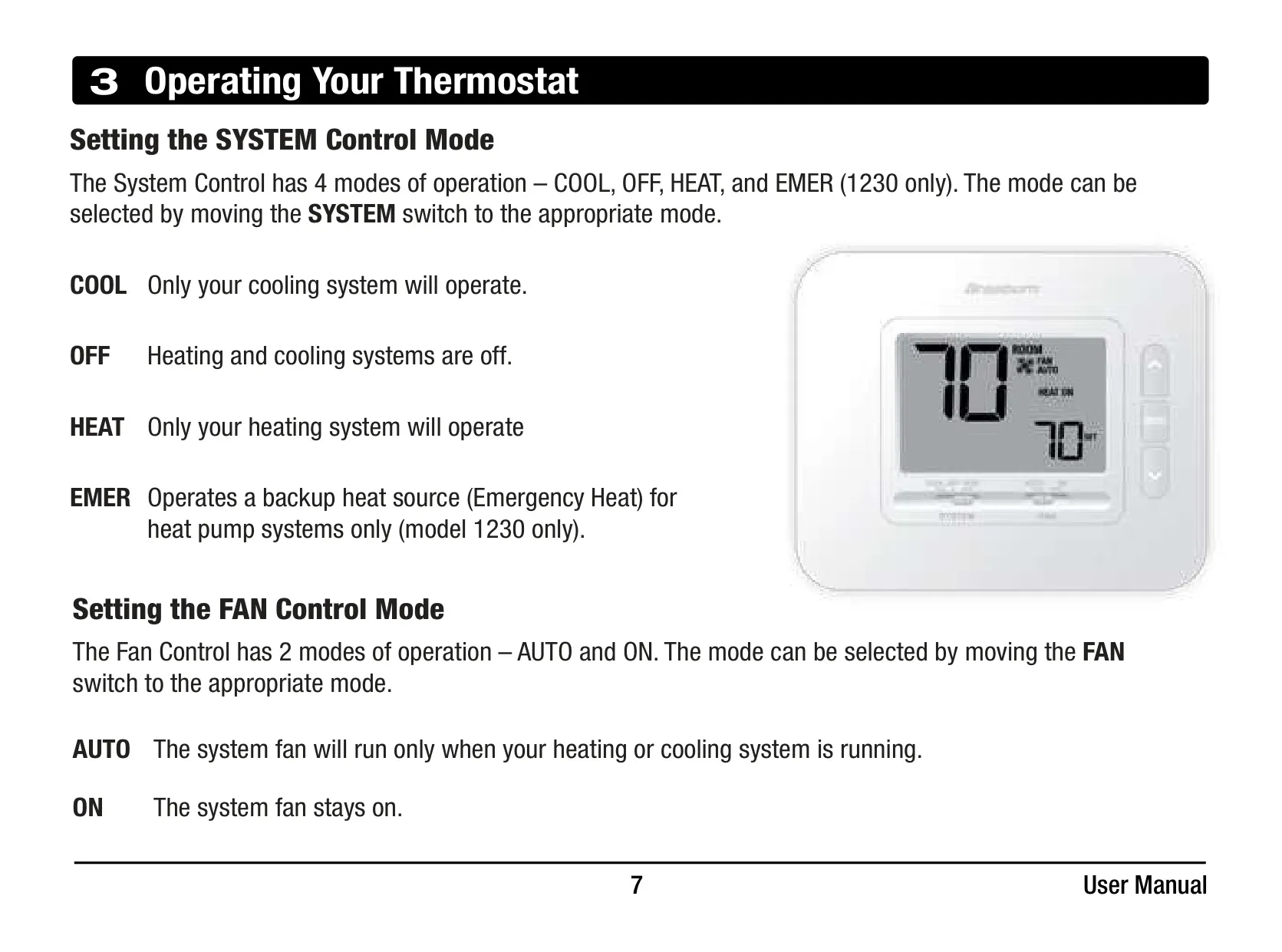
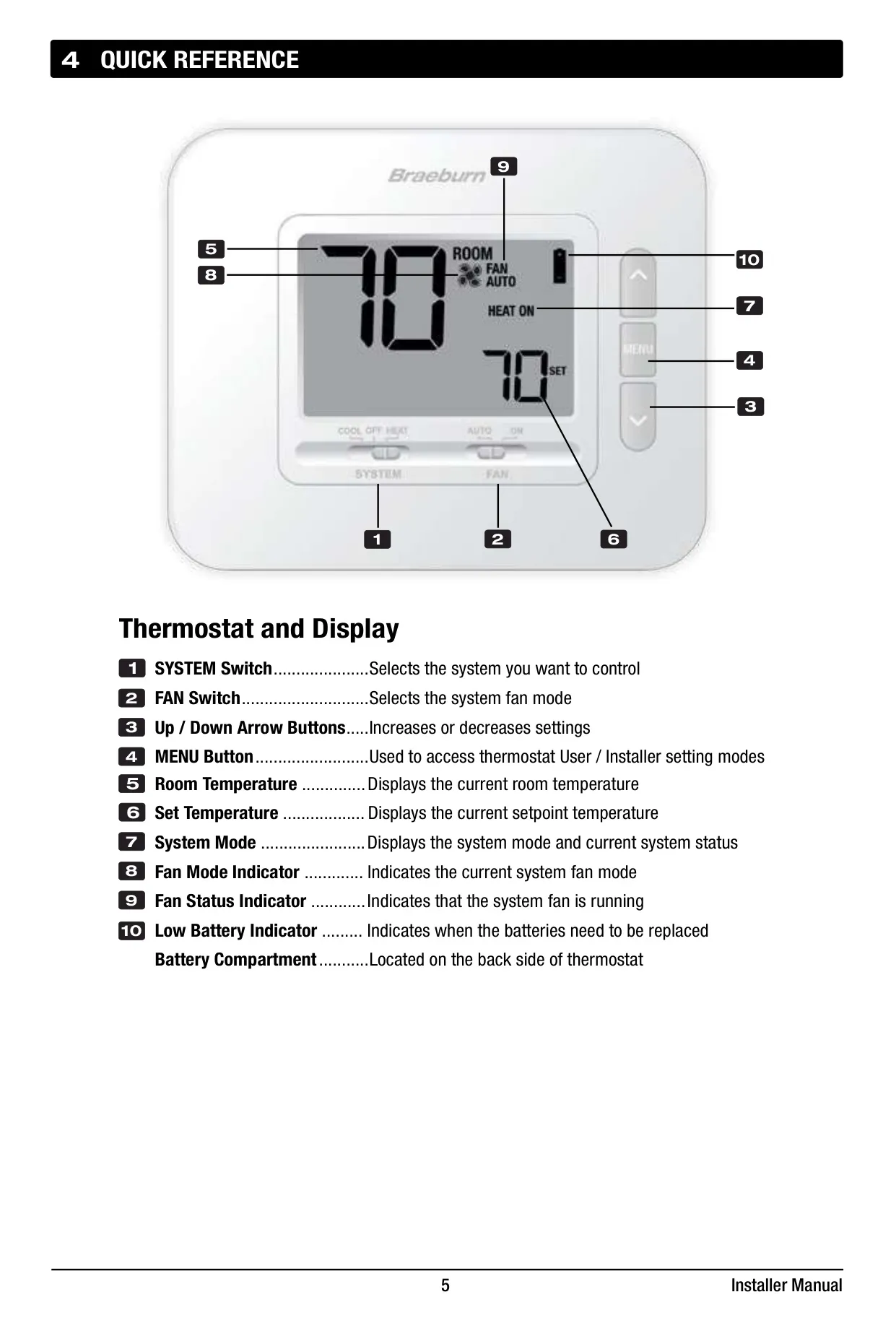
The Braeburn 1230 Thermostat, part of the Economy Series, is a non-programmable unit designed for straightforward control of your HVAC system. Its intuitive display offers a quick reference to key information, including the current room temperature, setpoint temperature, and active system and fan modes. Essential controls are easily accessible, featuring dedicated switches for SYSTEM (COOL, OFF, HEAT, EMER) and FAN (AUTO, ON) modes, alongside Up/Down arrow buttons for temperature adjustments. This simplicity ensures users can manage their indoor climate with minimal effort.
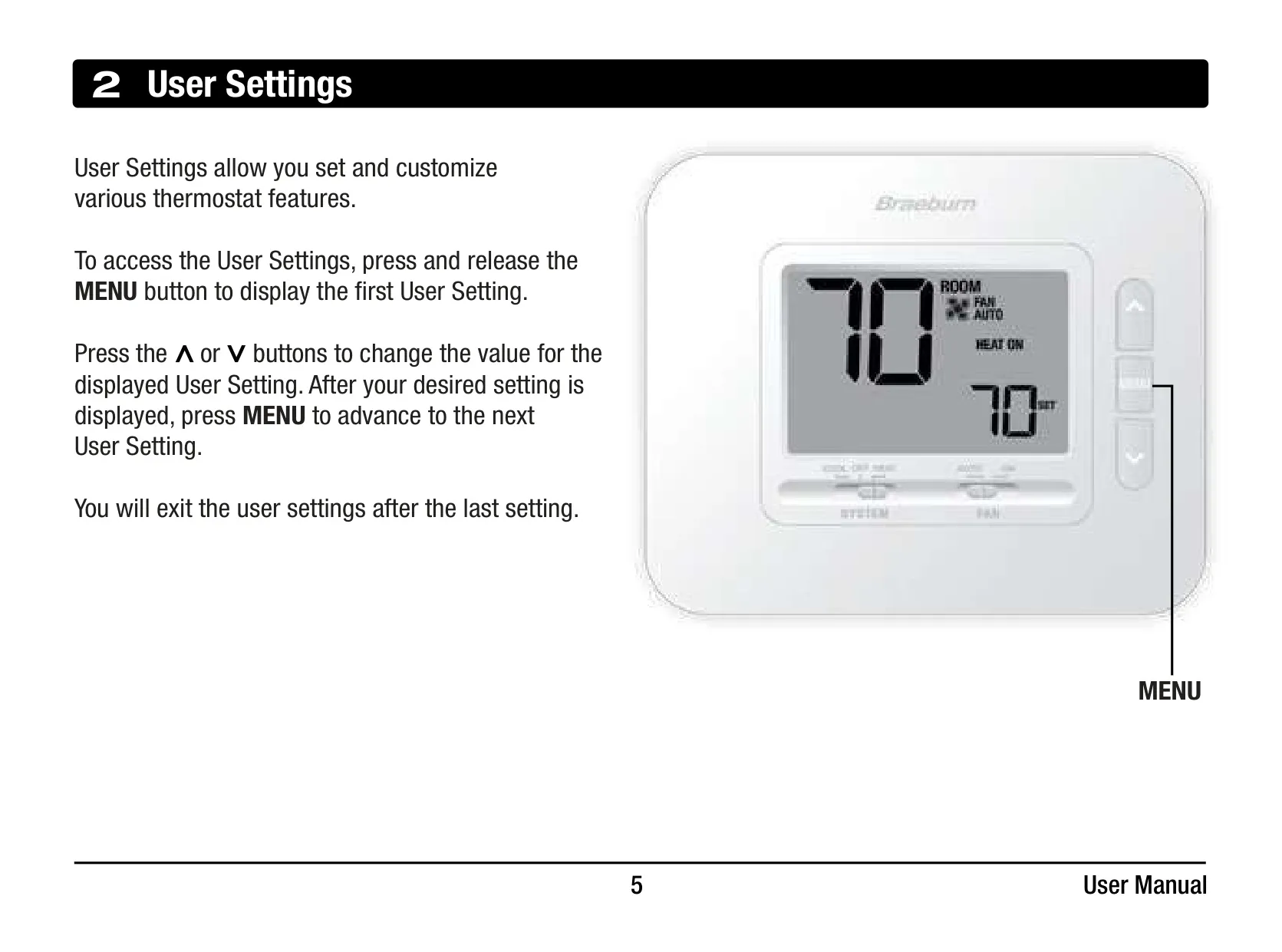
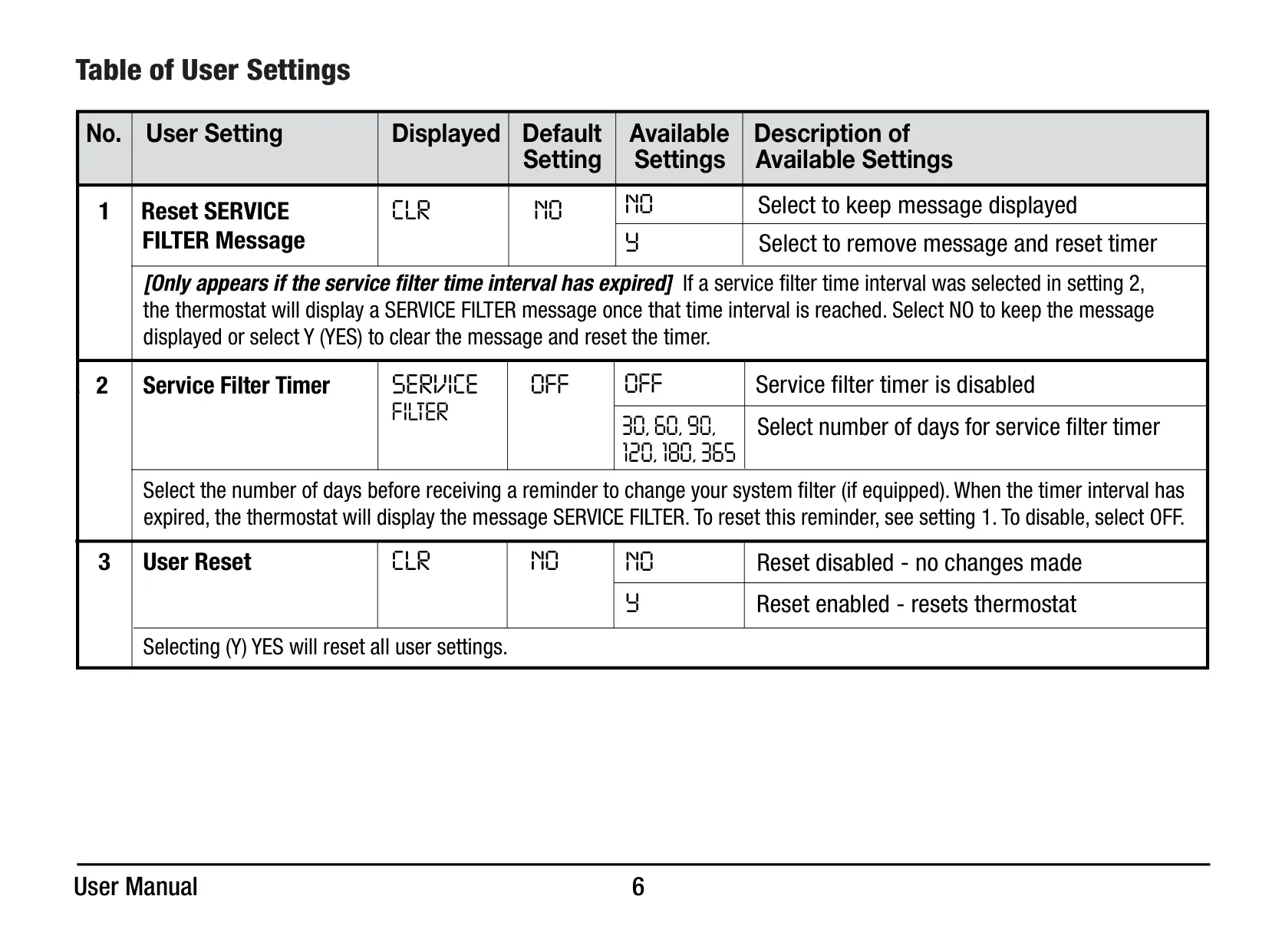
Beyond basic temperature control, the Braeburn 1230 incorporates several user-friendly features. Users can access a "User Settings" menu to customize various thermostat functions. A notable feature is the Service Filter Timer, which can be set to remind users to change their system filter after a specified number of days (30, 60, 90, 120, 180, or 365). This helps maintain system efficiency and indoor air quality.
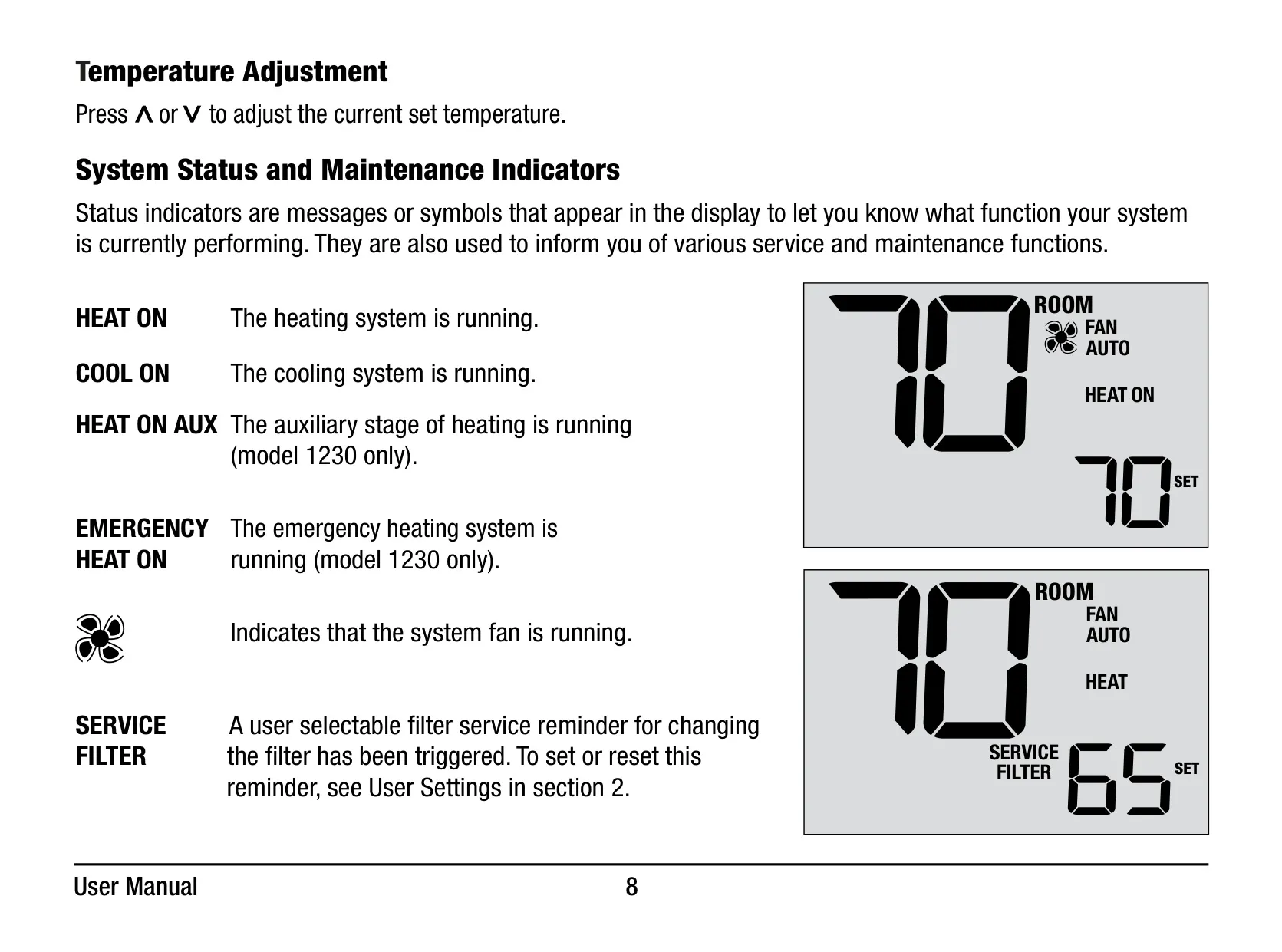
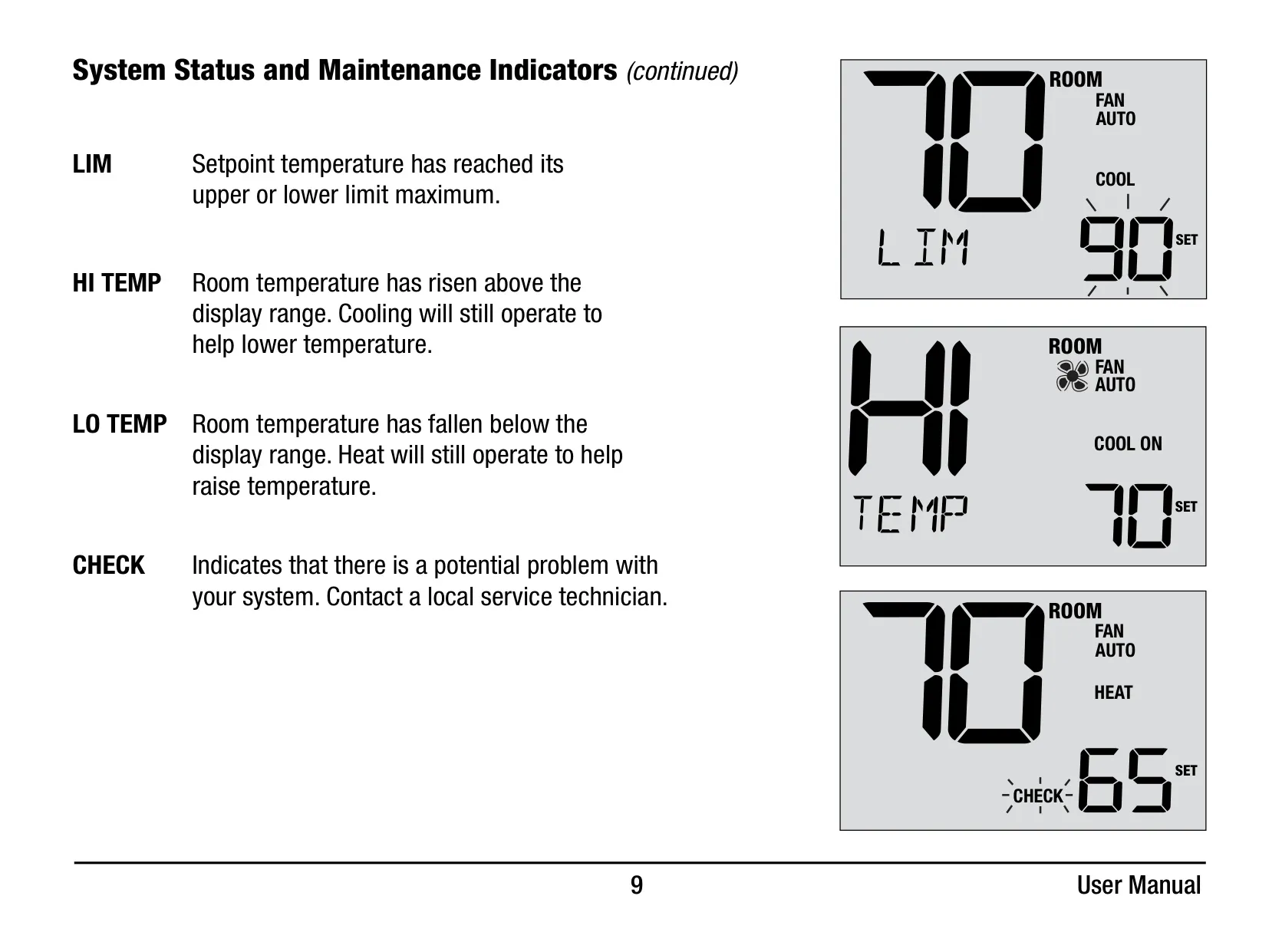
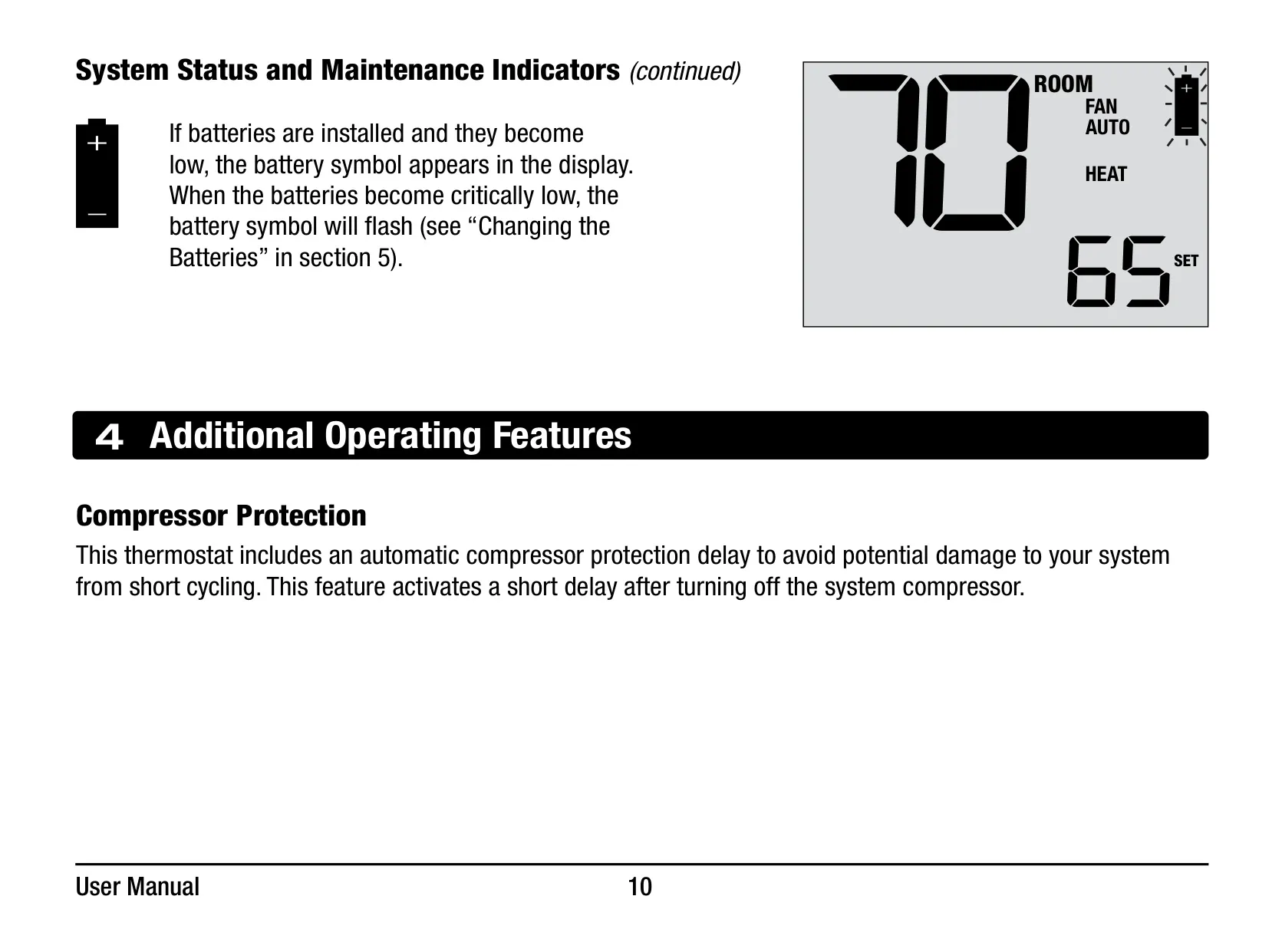
The thermostat also provides clear system status and maintenance indicators on its display. Messages such as "HEAT ON," "COOL ON," and for the 1230 model, "HEAT ON AUX" or "EMERGENCY HEAT ON," inform you of your system's operational status. A "SERVICE FILTER" message will appear when the filter timer expires, guiding timely maintenance. Additionally, a flashing low battery indicator provides a clear visual cue when the two "AA" alkaline batteries need replacement, ensuring uninterrupted operation.
For system protection, the Braeburn 1230 includes an automatic Compressor Protection delay. This crucial feature prevents potential damage to your system's compressor caused by rapid on-off cycling, ensuring longevity and reliable performance. This delay activates for a short period after the compressor turns off, allowing for optimal recovery before restarting.
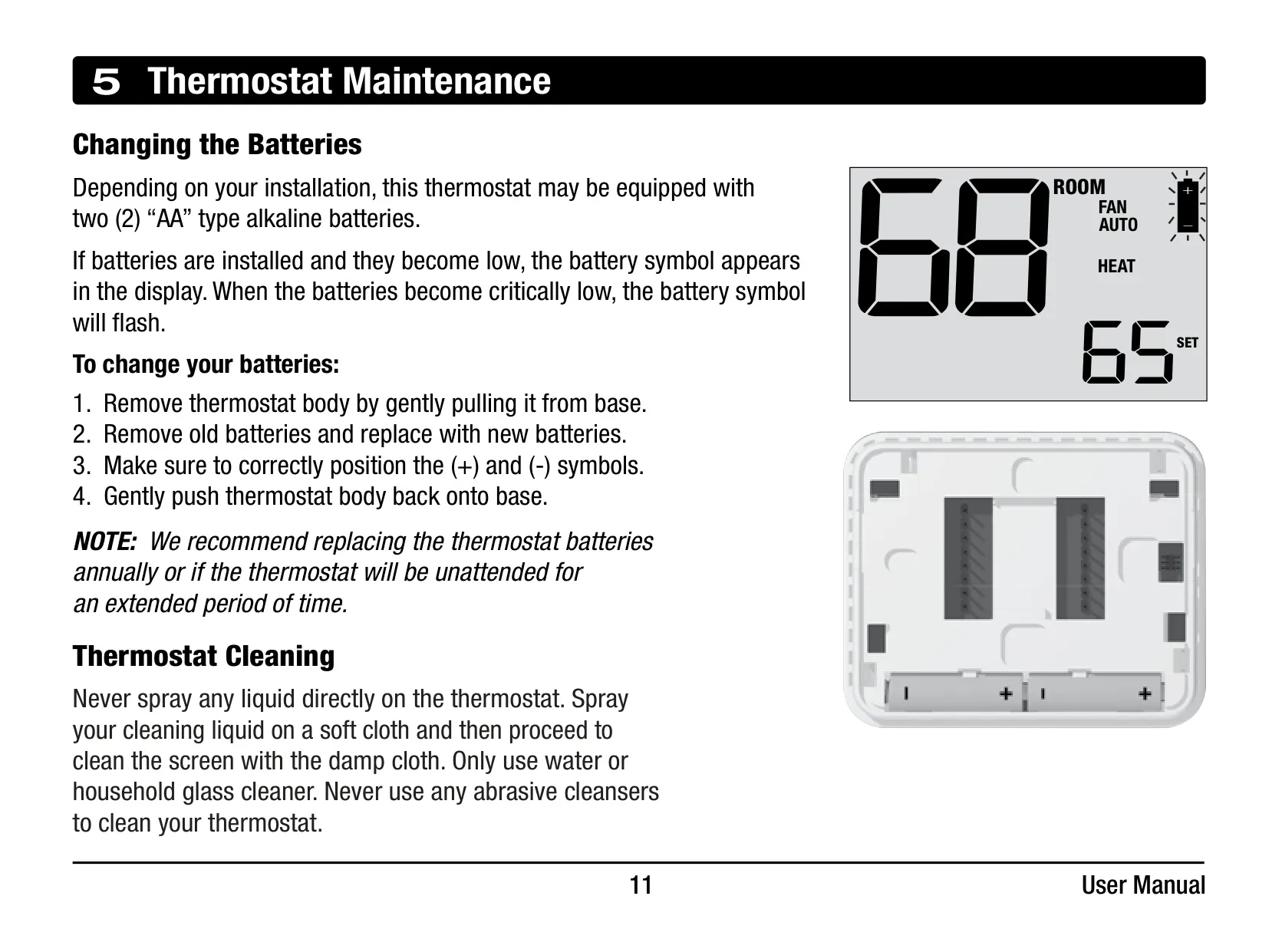
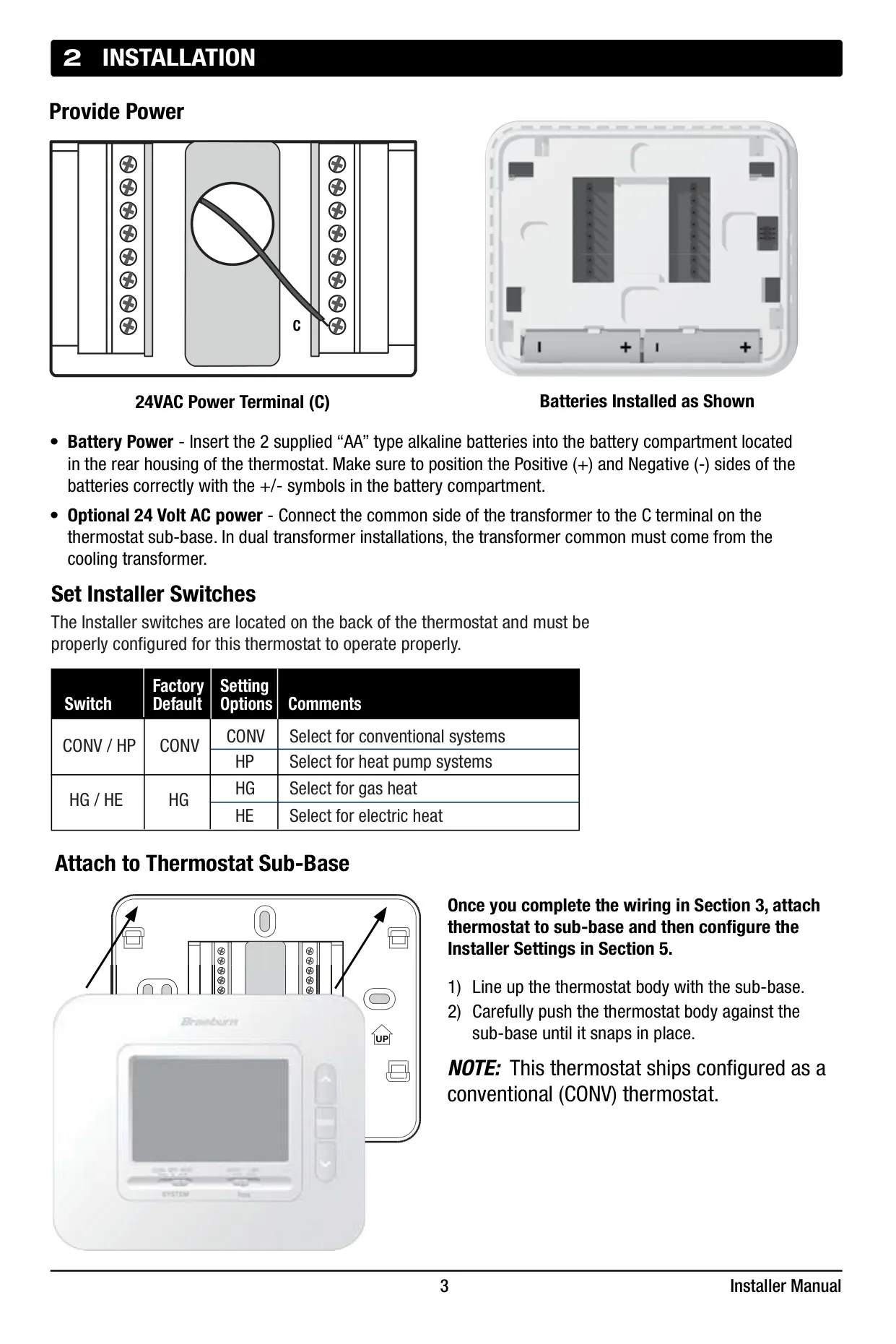
Maintenance of the Braeburn 1230 is also straightforward. Battery replacement is an easy task, typically recommended annually or before extended periods of inactivity, by gently pulling the thermostat body from its base. Cleaning the thermostat involves spraying a soft cloth with water or household glass cleaner and then wiping the screen, explicitly cautioning against direct spraying or abrasive cleansers. These simple steps ensure your thermostat remains functional and aesthetically pleasing.
Frequently Asked Questions (FAQs)
Can't find the answer you need? Here are some frequently asked questions about the Braeburn 1230 Thermostat, and we answer them below.