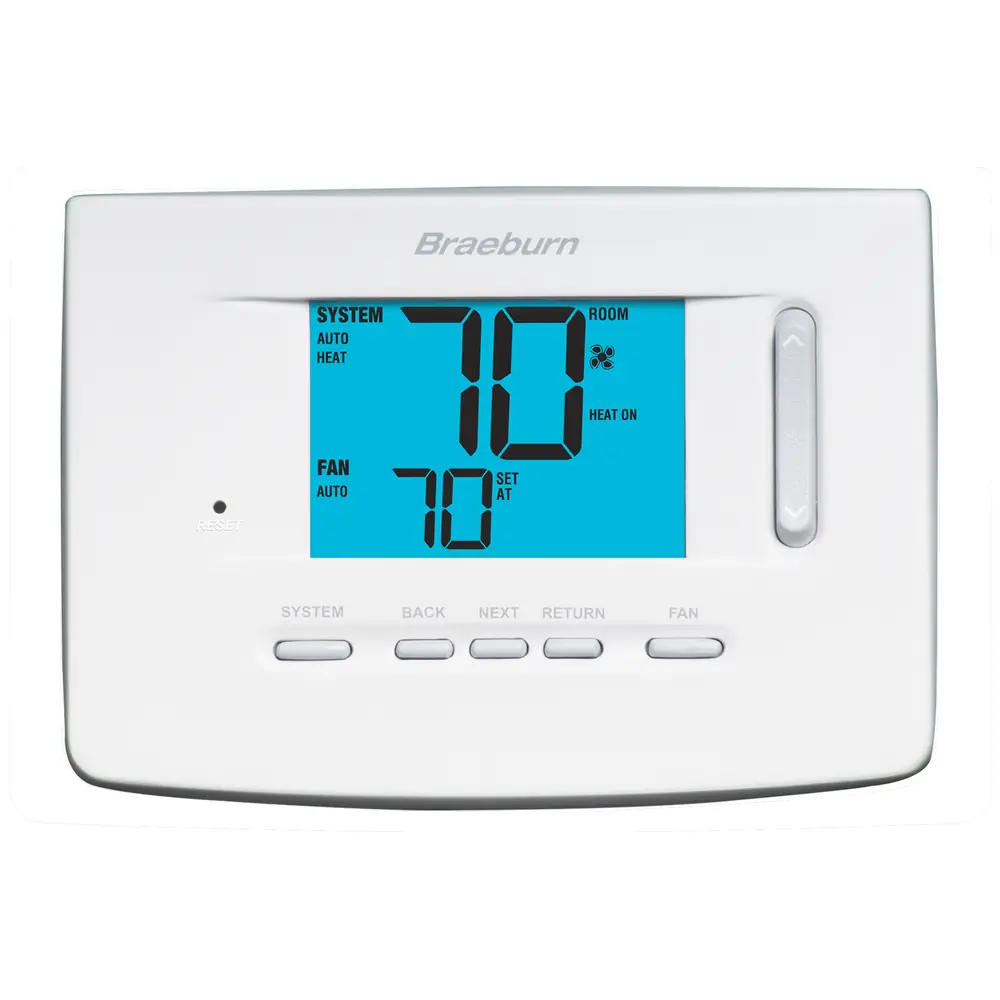
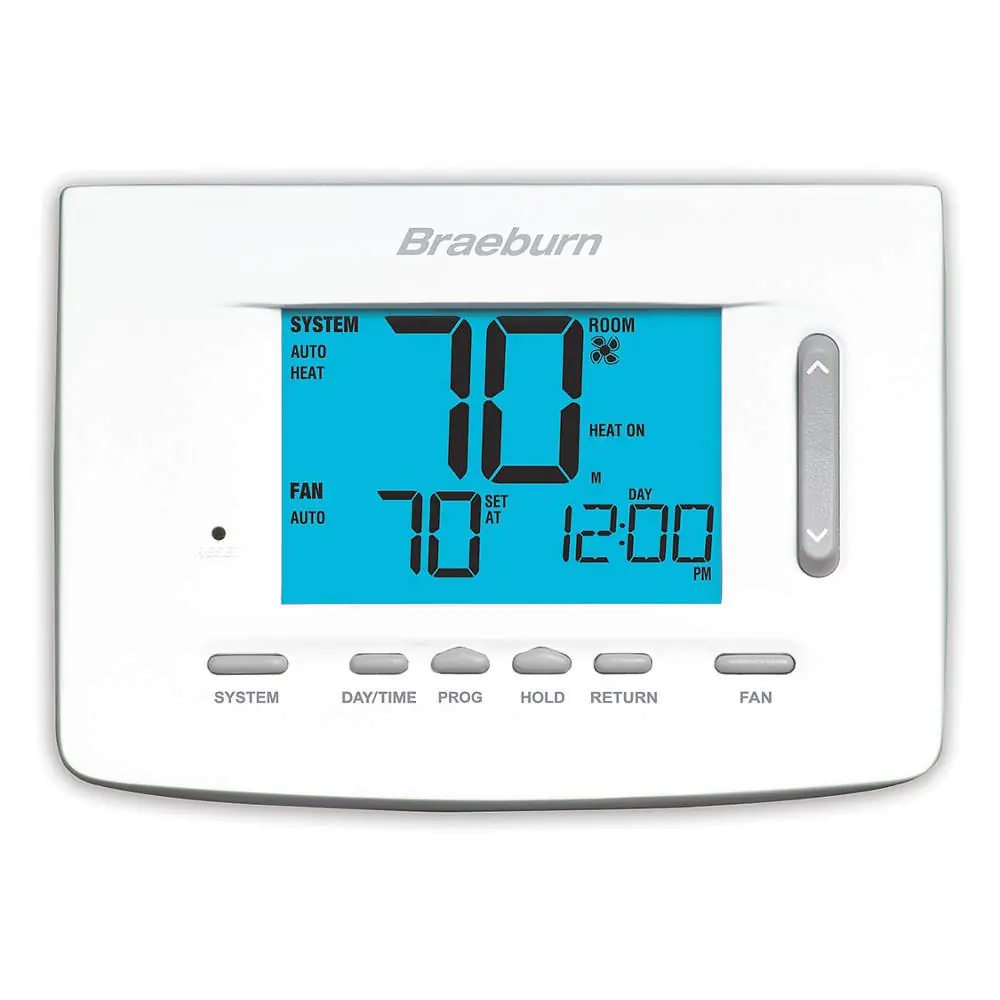
Braeburn 1030 Thermostat Instruction Manual
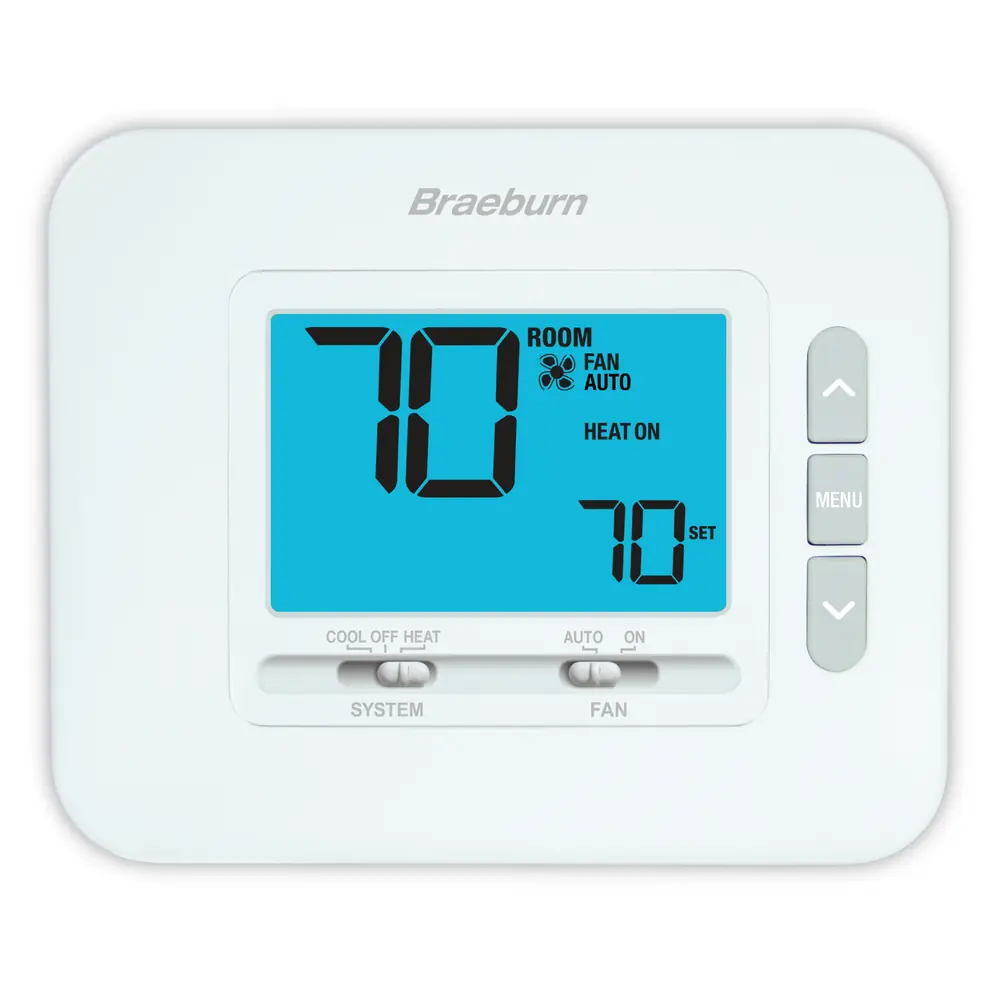
Braeburn 1030 Thermostat



Braeburn 1030 Thermostat
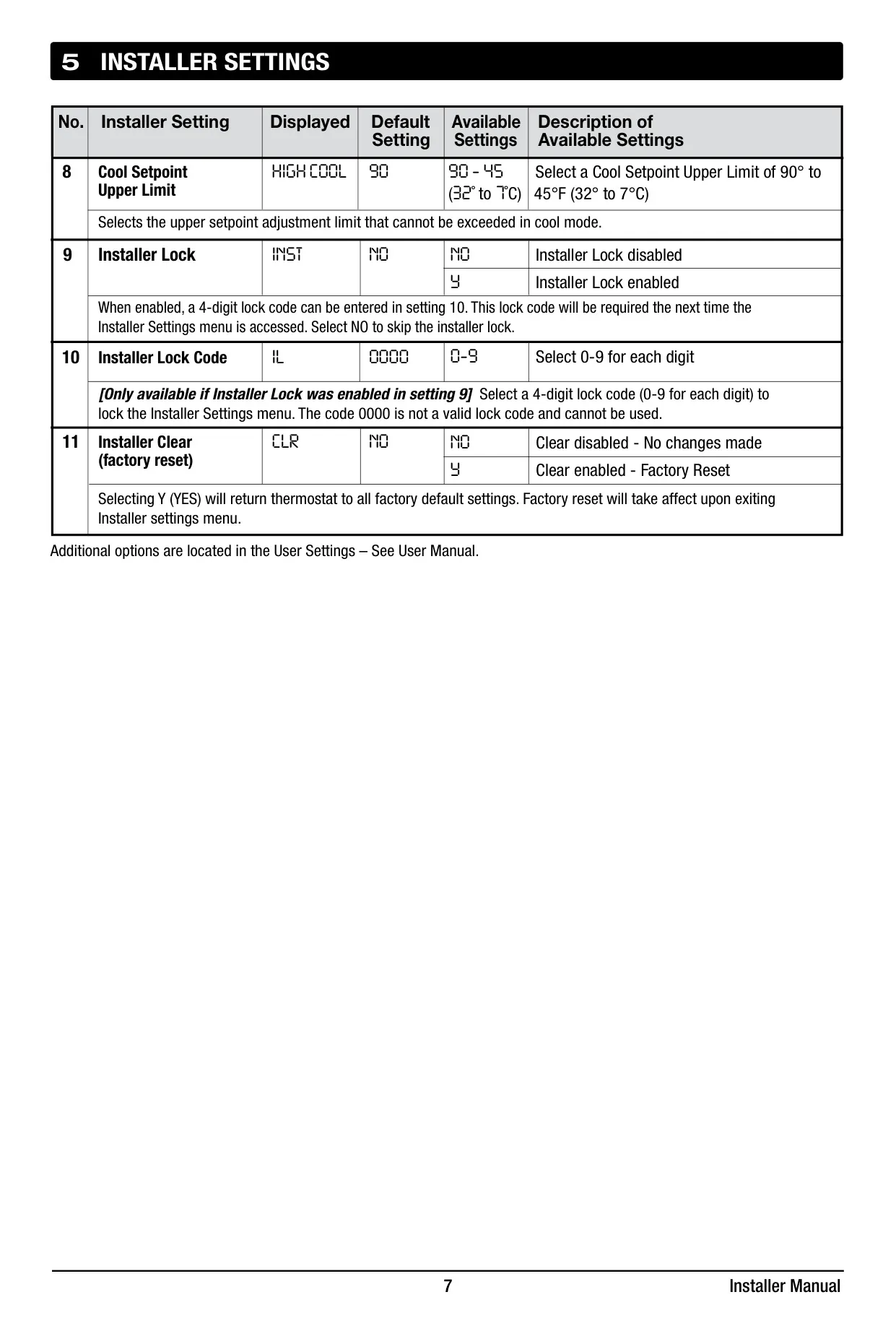
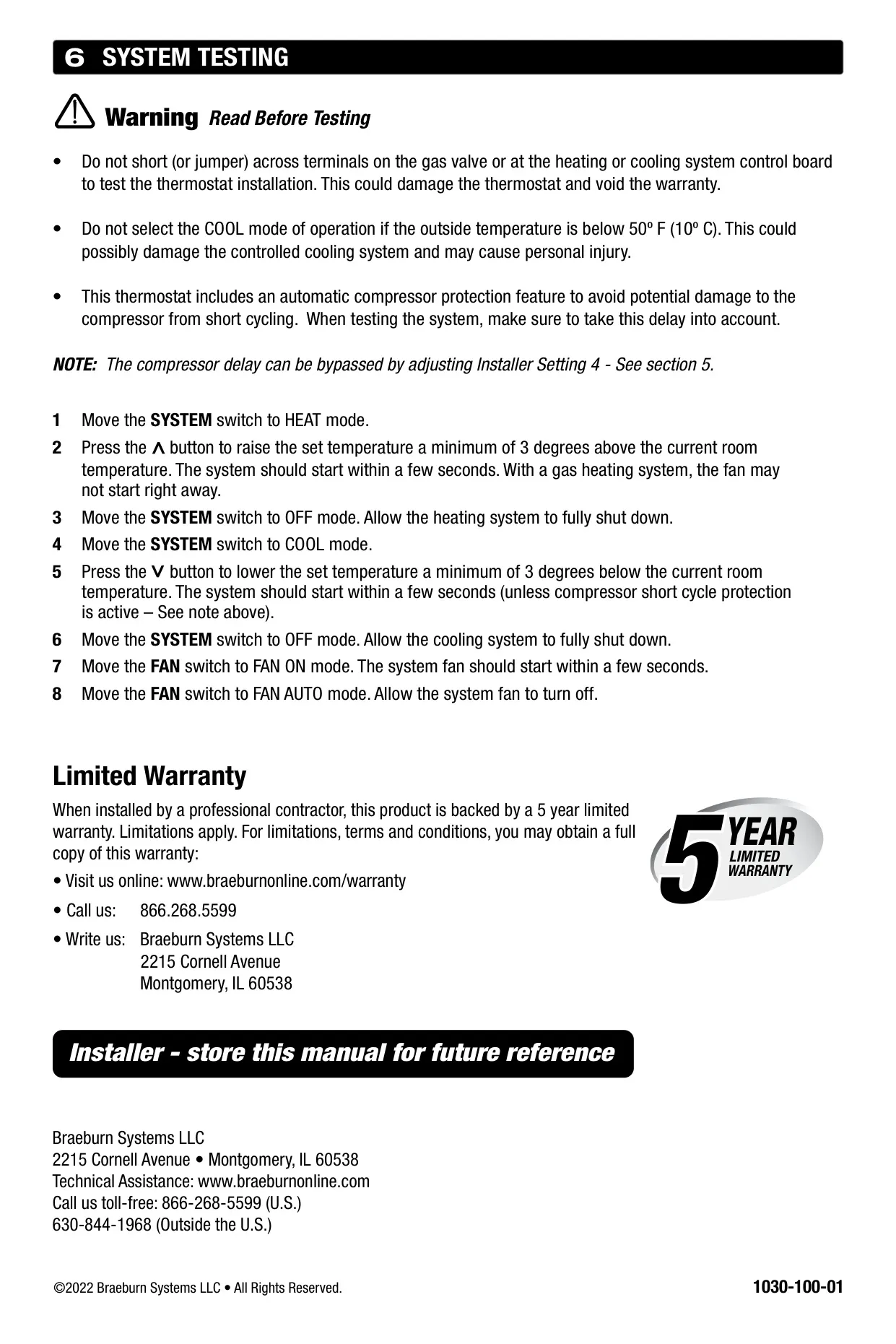
Braeburn 1030 Thermostat Instructions
Here we offer the Braeburn 1030 Thermostat manual completely free and in English. We have cataloged this manual in the Thermostats section on Manualverse, and it has been rated by 1 users with an average rating of 5. If you have any specific questions about Braeburn 1030 Thermostat, we suggest checking the Frequently Asked Questions (FAQs) section of this manual.
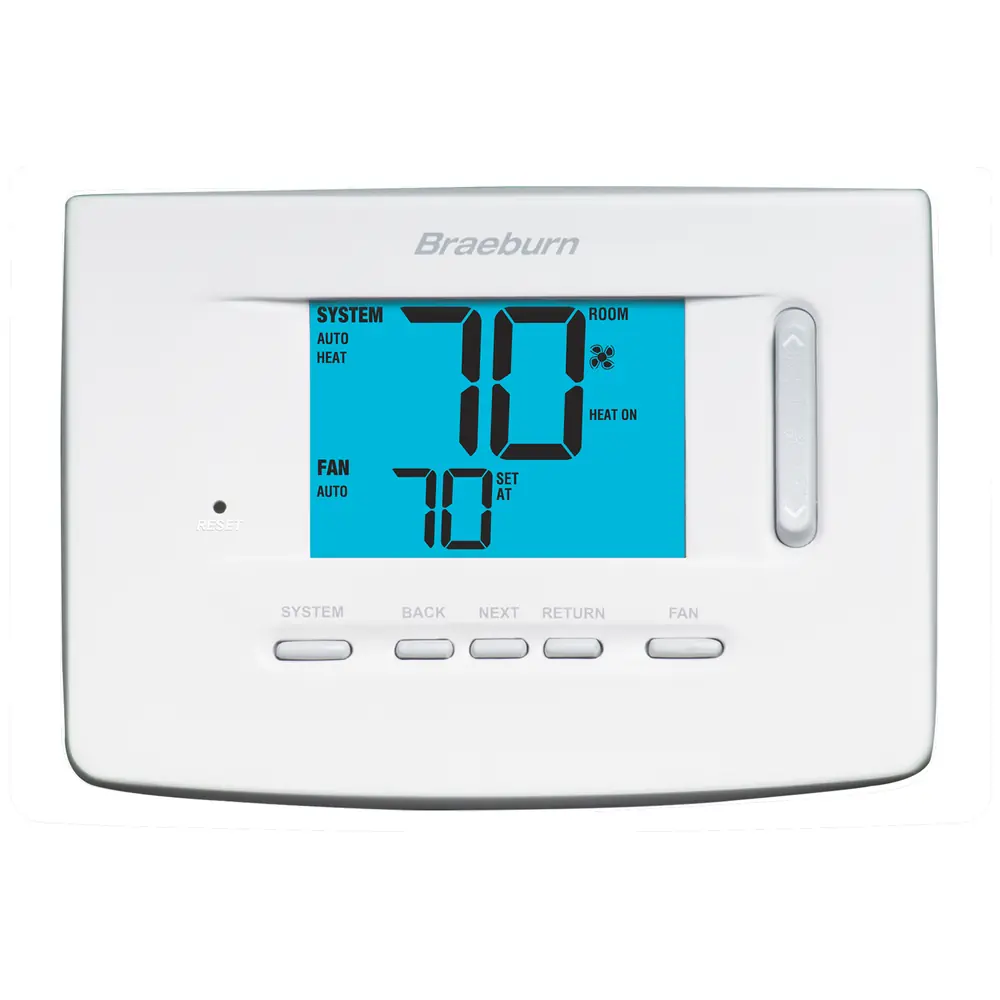
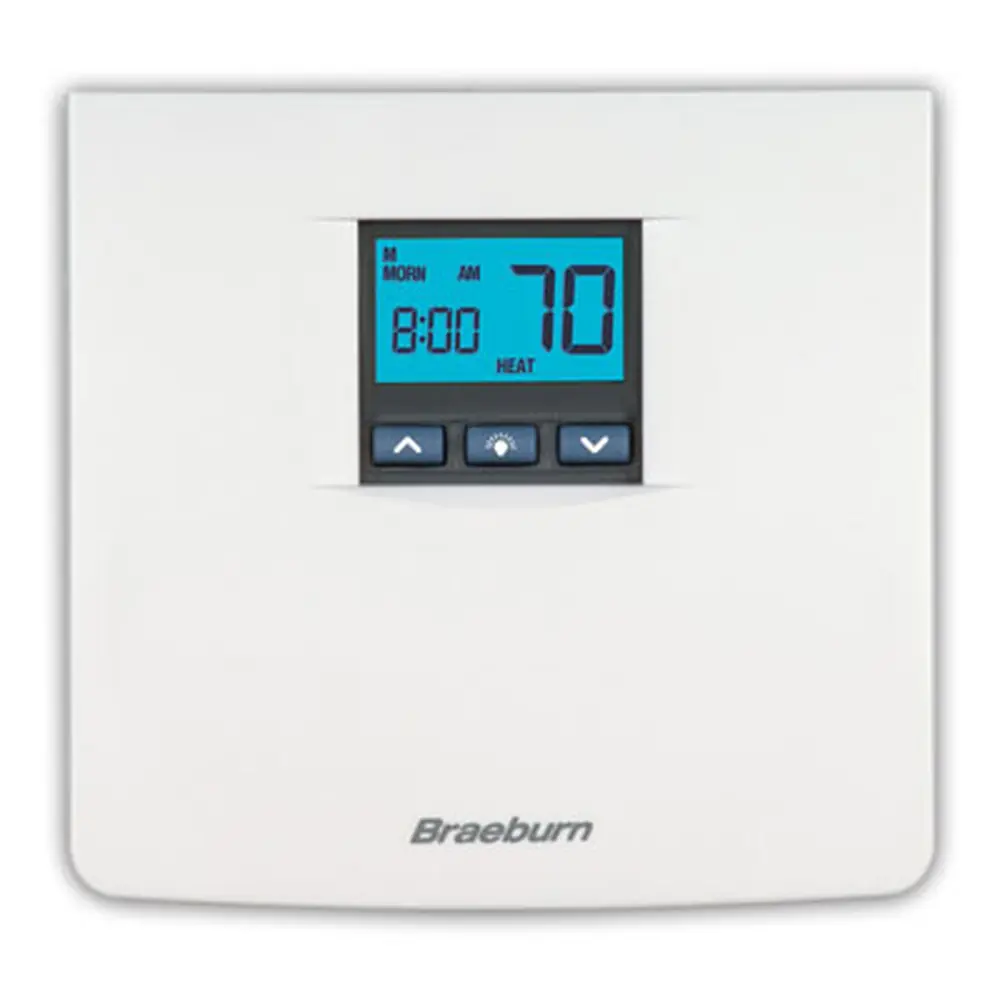
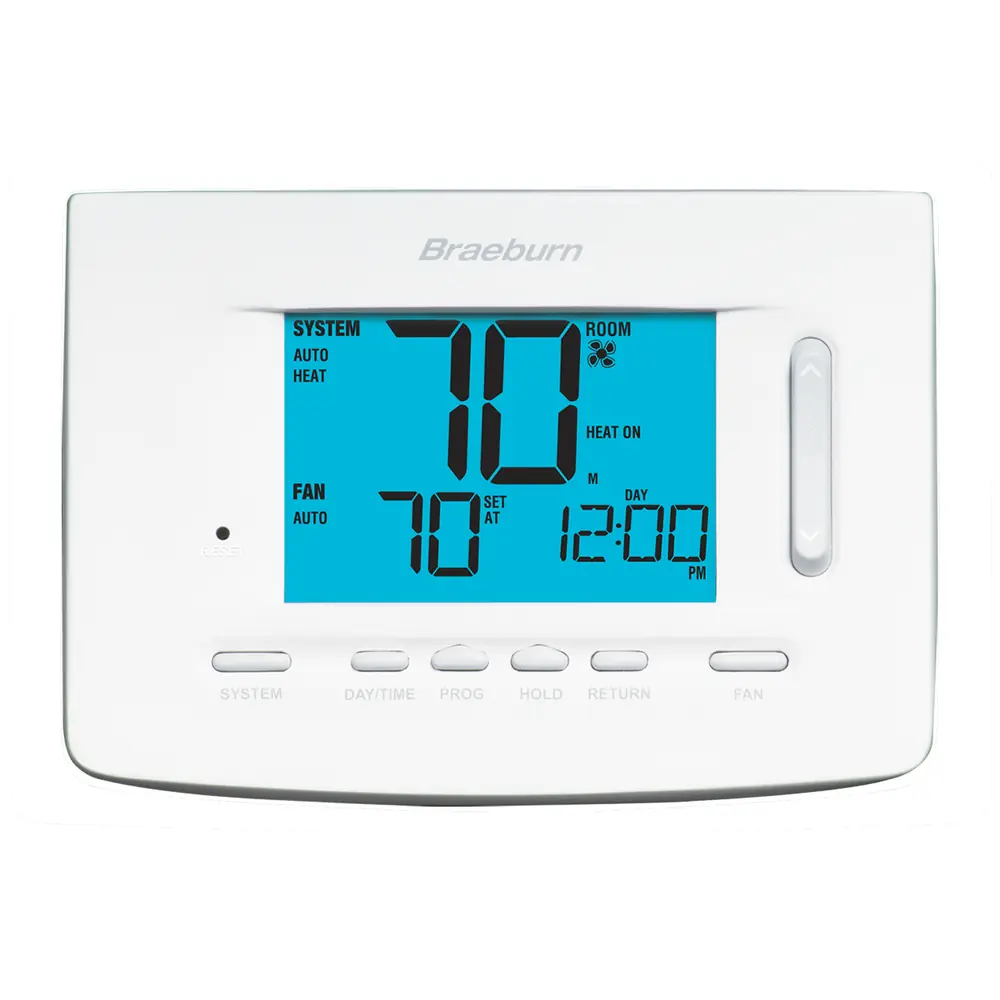
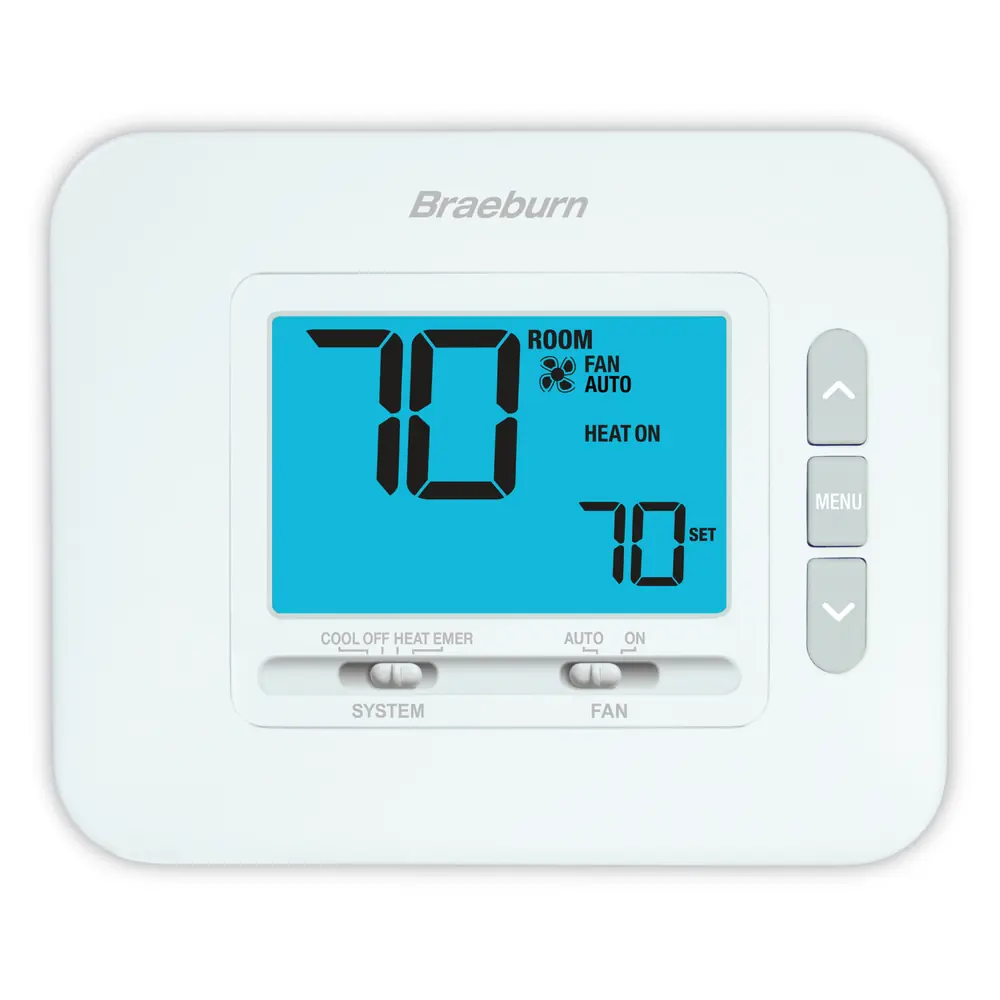
Product Images
Braeburn 1030 Thermostat Specifications
| Feature | Specification |
|---|---|
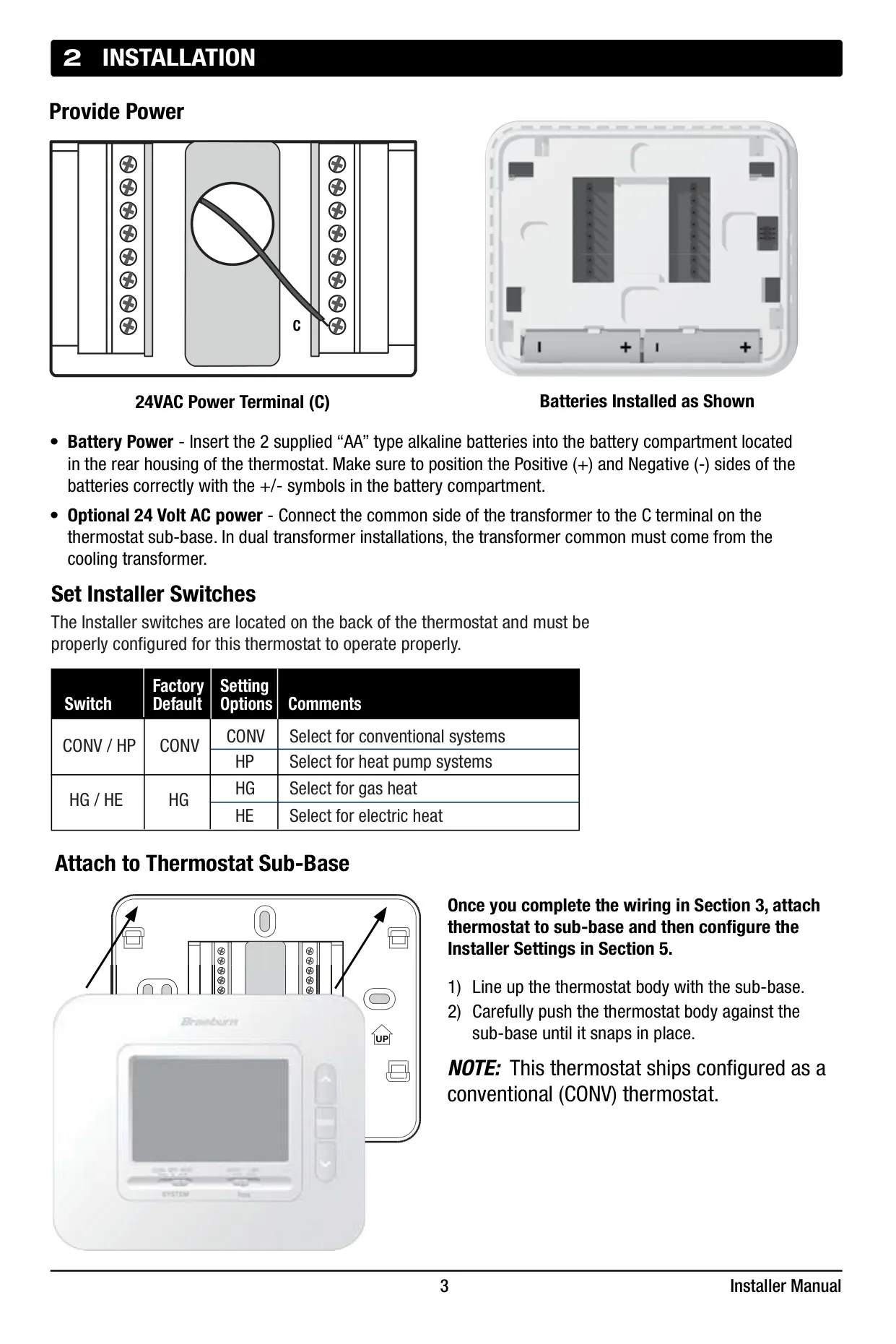
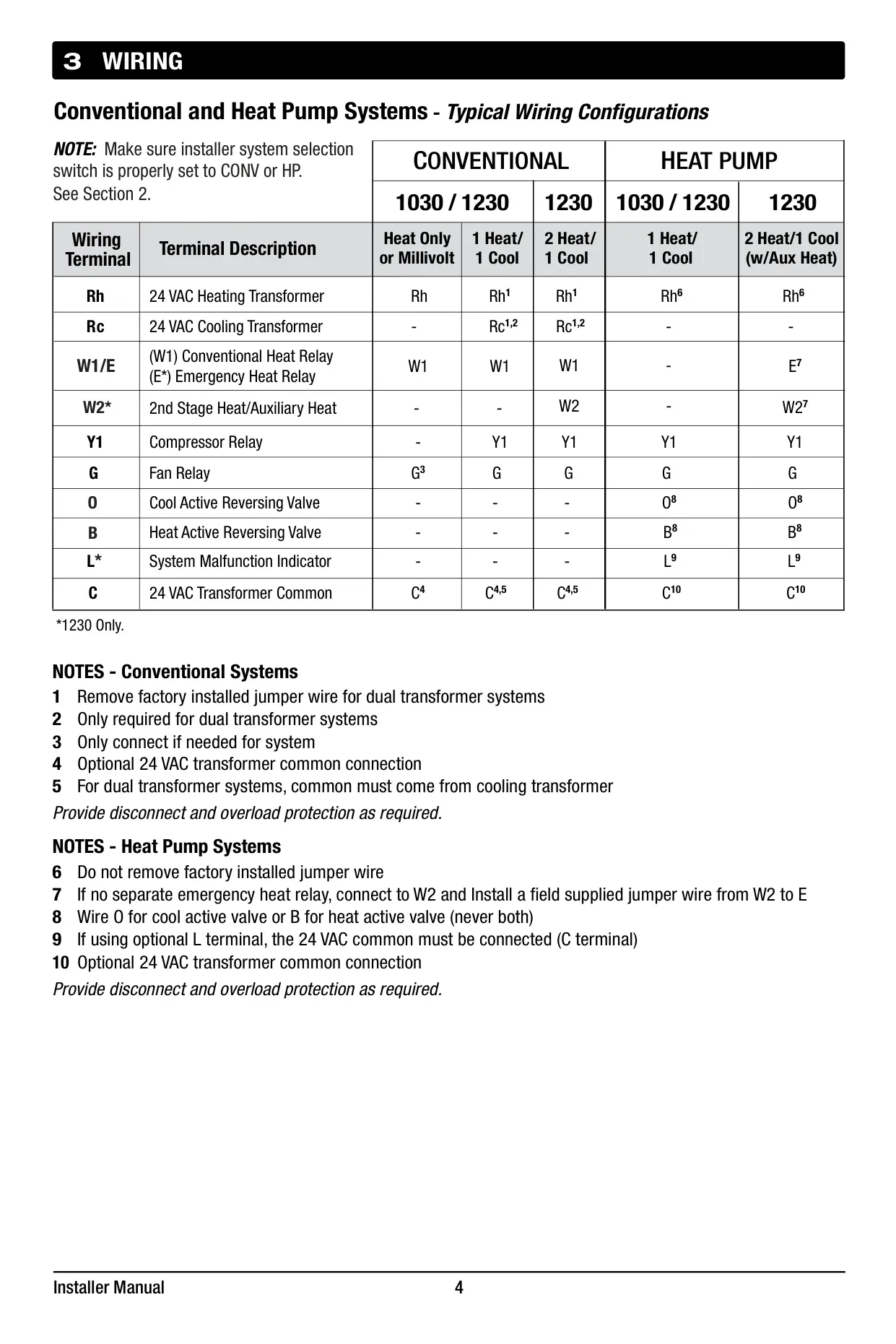
| Compatibility | Single stage conventional and heat pump systems; 250 – 750 millivolt heating only systems; 2 wire hydronic zone systems |
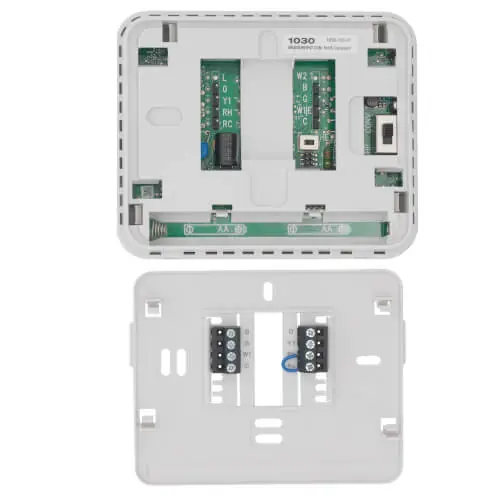
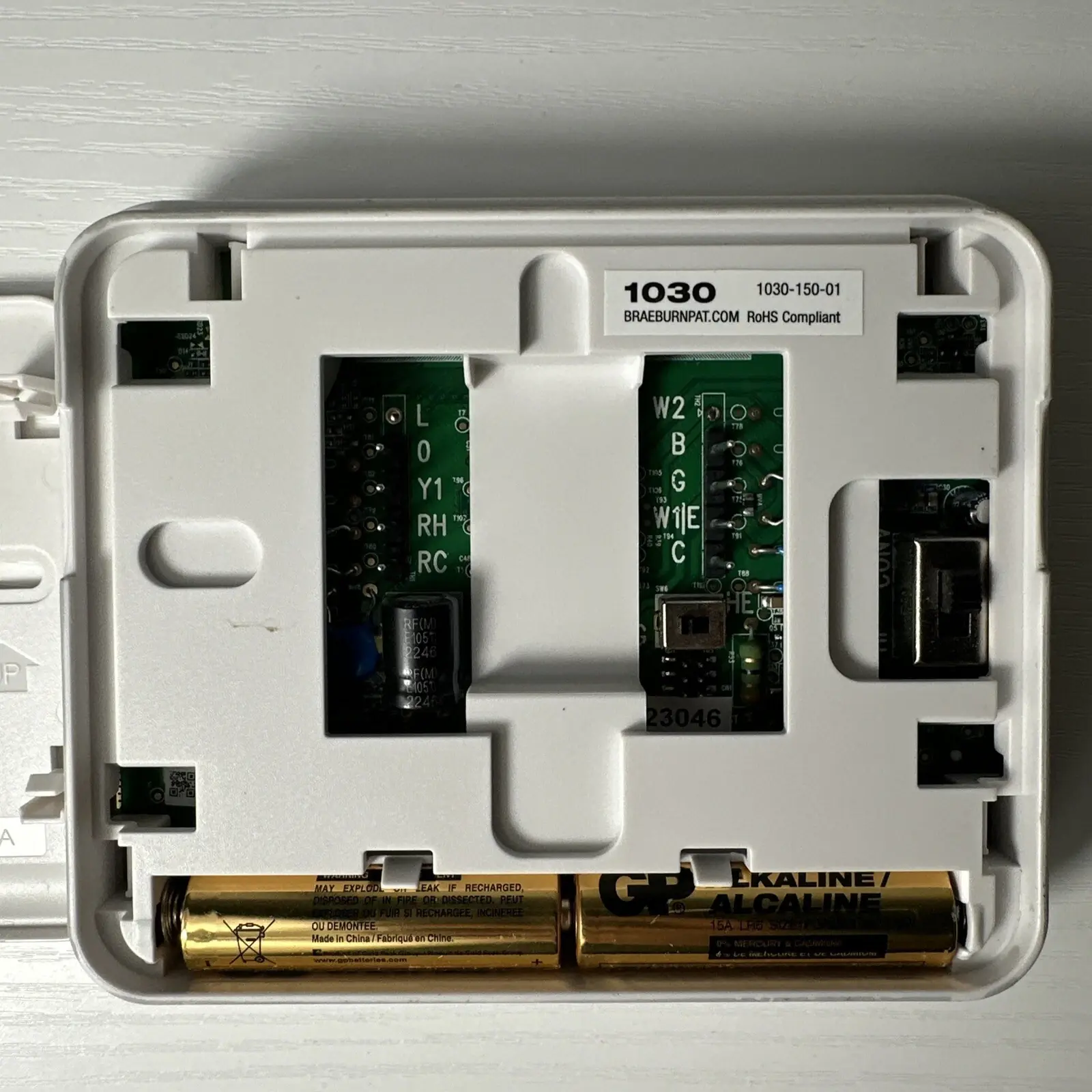
| Terminations (1030 Model) | Rc, Rh, W1, Y1, G, O, B, C |
| Electrical Rating | 24 Volt AC; 1 amp maximum load per terminal |
| AC Power | 18 – 30 Volts AC |
| DC Power | 3.0 Volt DC (2 "AA" Alkaline Batteries Included) |
| Control Range | 45° to 90° F (7° to 32° C) |
| Temperature Accuracy | +/- 1° F (+/- .5° C) |
Braeburn 1030 Thermostat Details
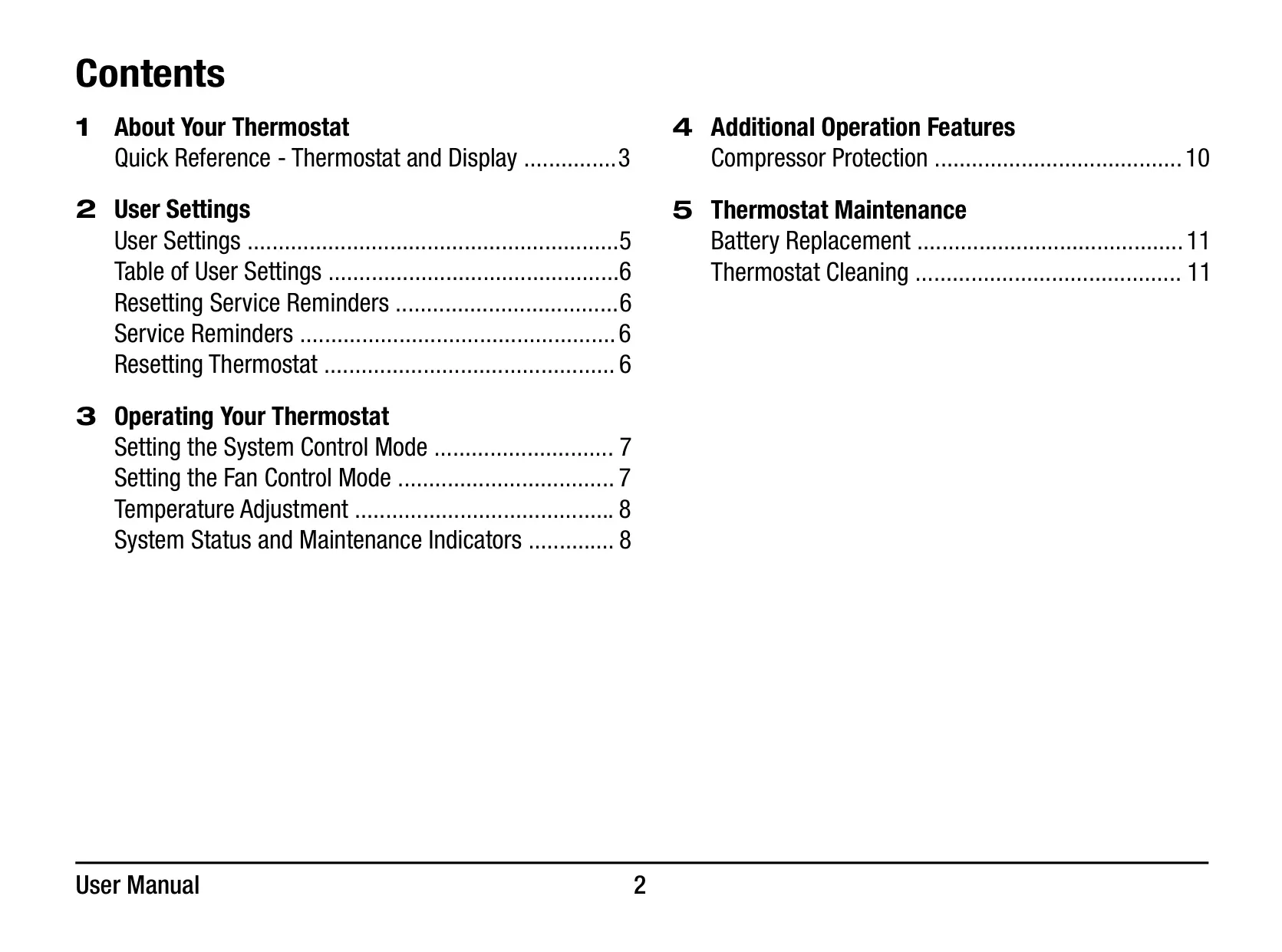
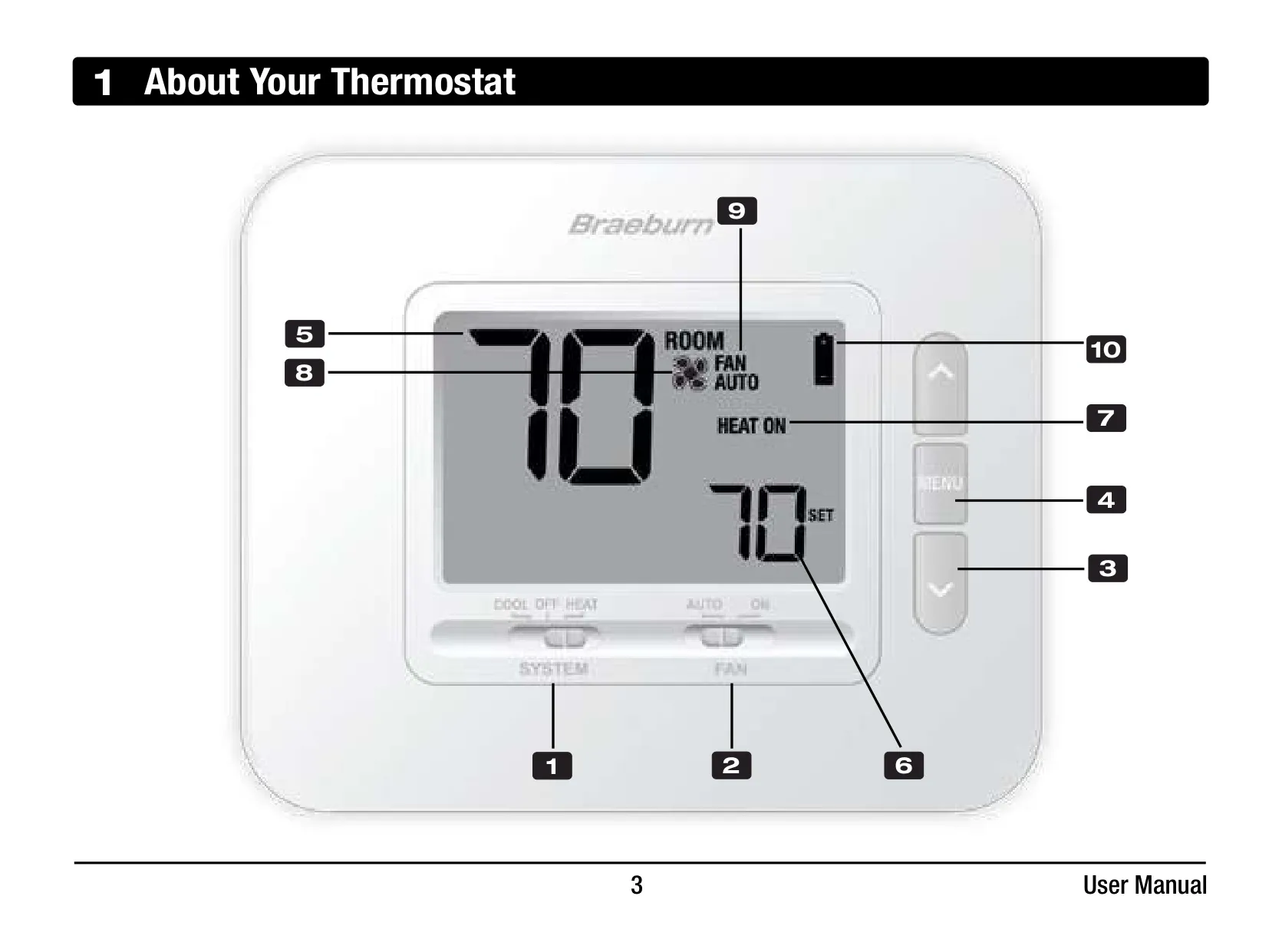
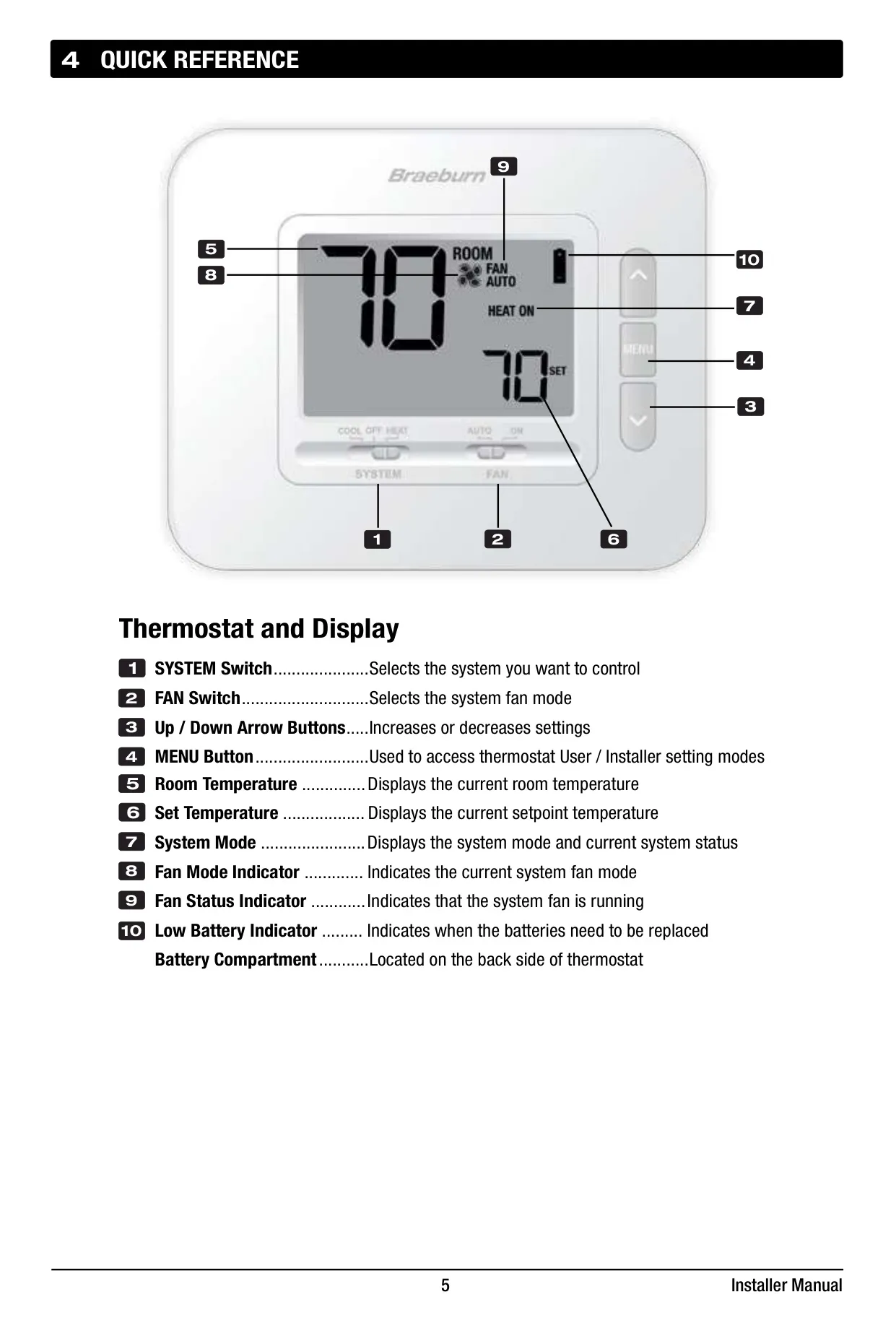
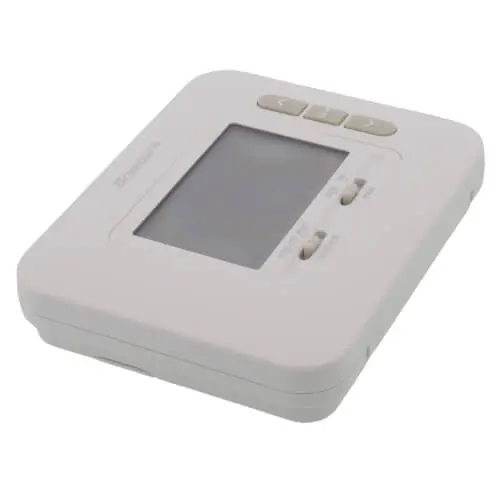
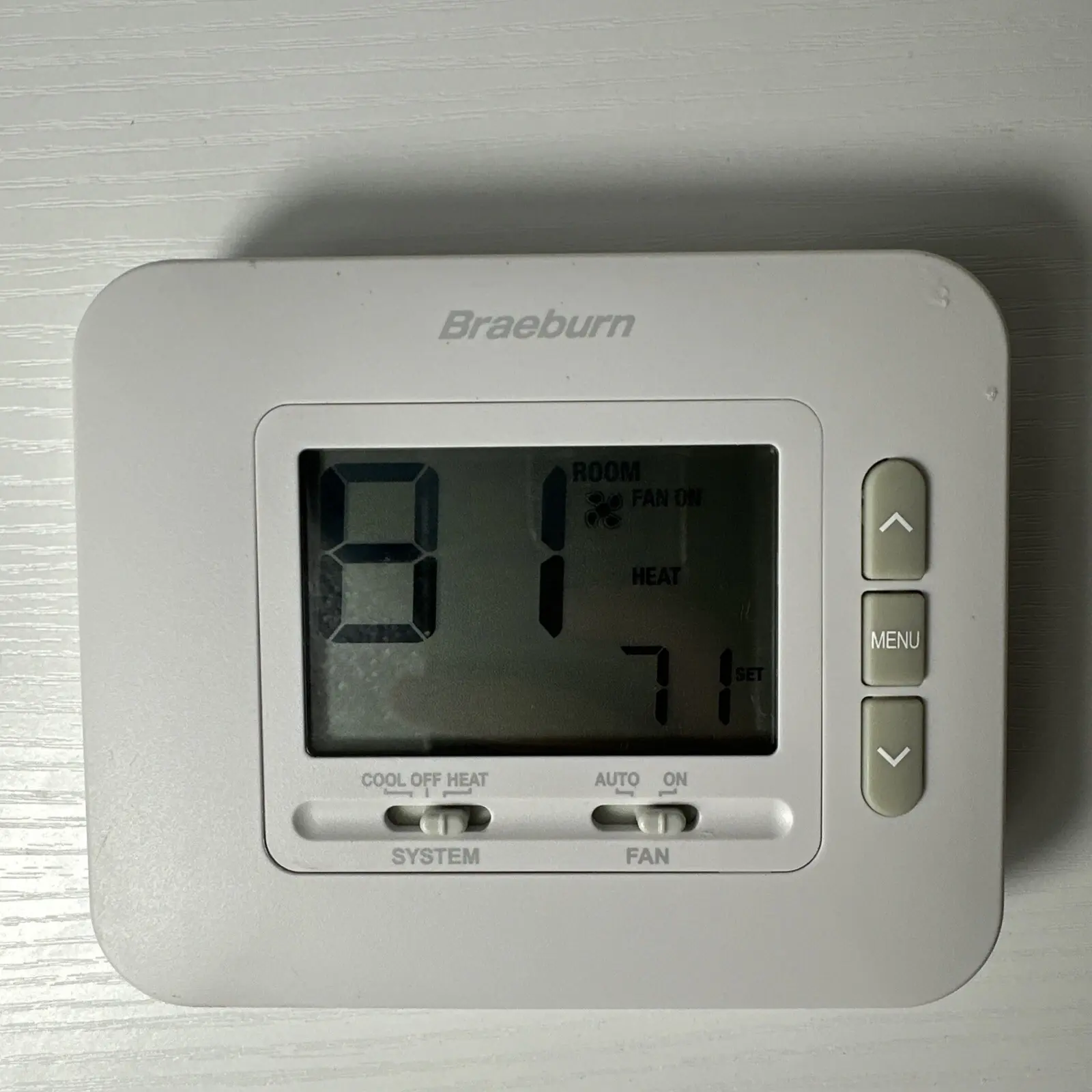
The Braeburn 1030 Thermostat is a user-friendly, non-programmable device designed for efficient temperature control. It supports single-stage conventional and heat pump systems, offering a straightforward interface for managing your home's climate. The thermostat features a clear display that presents the current room temperature, the desired set temperature, and the system's operational mode, ensuring essential information is always visible at a glance.
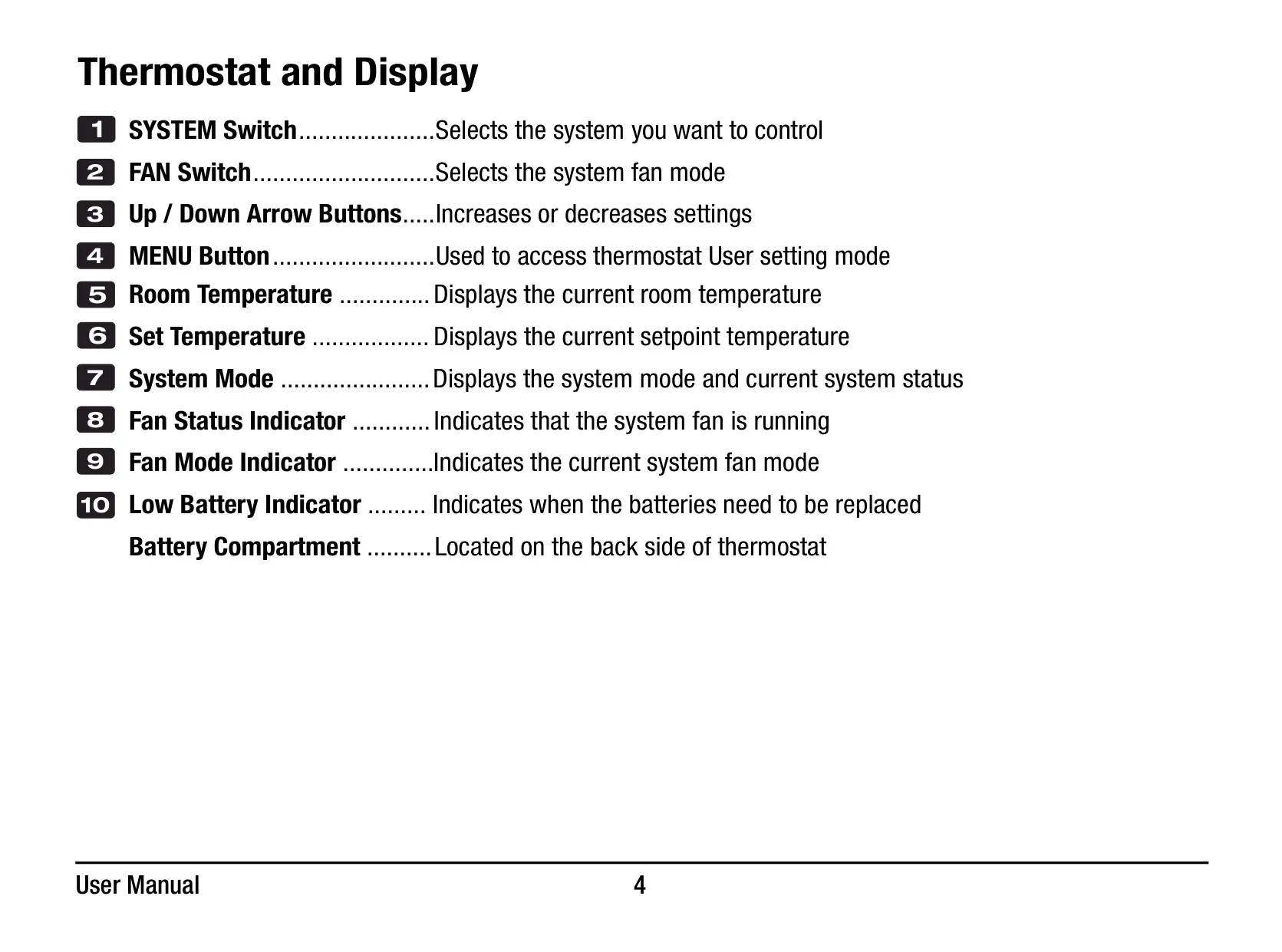
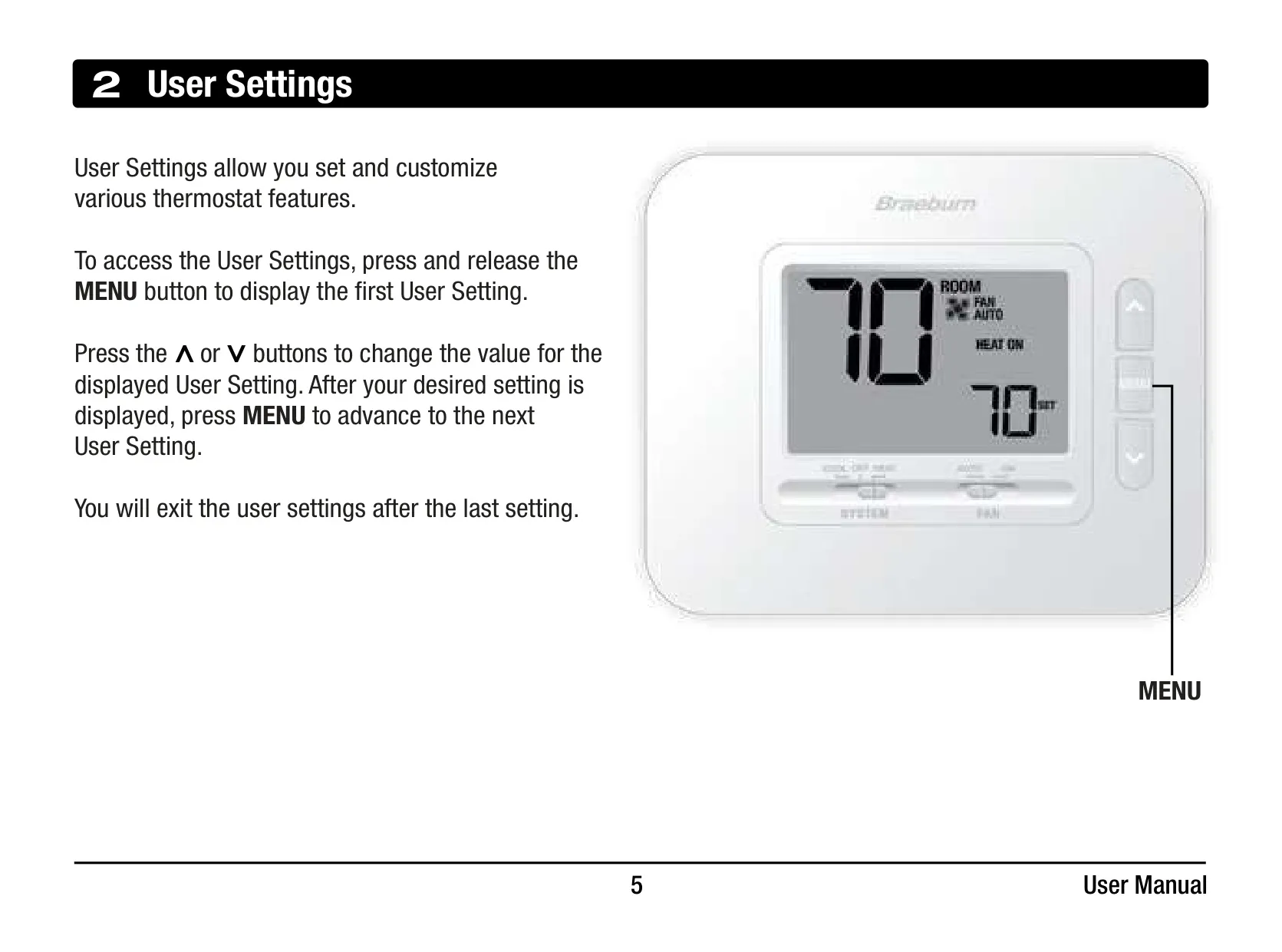
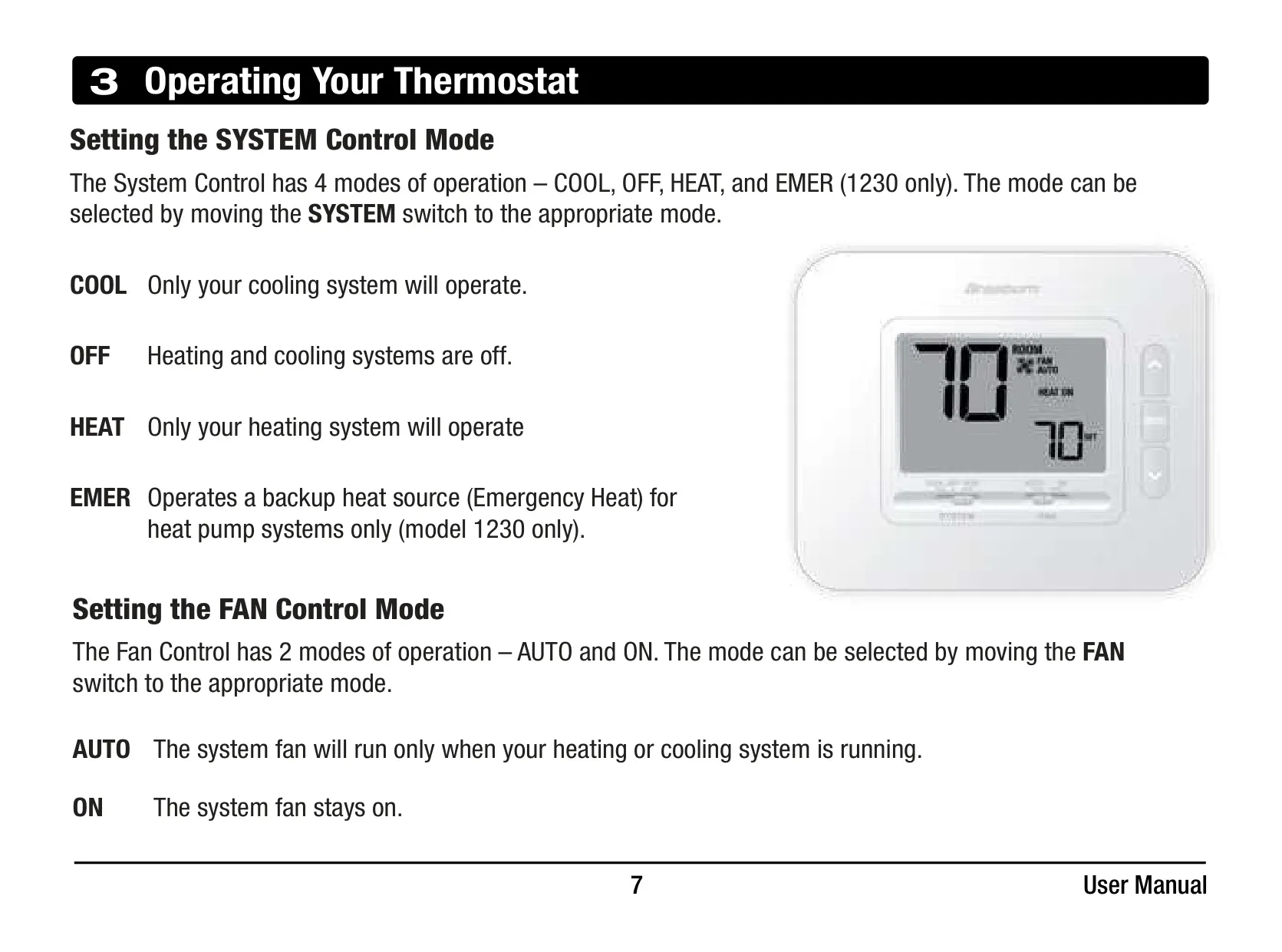
Operating the Braeburn 1030 is intuitive, thanks to its dedicated SYSTEM and FAN switches. Users can easily select between COOL, OFF, or HEAT modes for system control, and choose AUTO or ON for the fan operation. Temperature adjustments are made effortlessly using the Up and Down arrow buttons, allowing for precise environmental tuning to personal comfort levels. A convenient MENU button provides access to additional user settings.
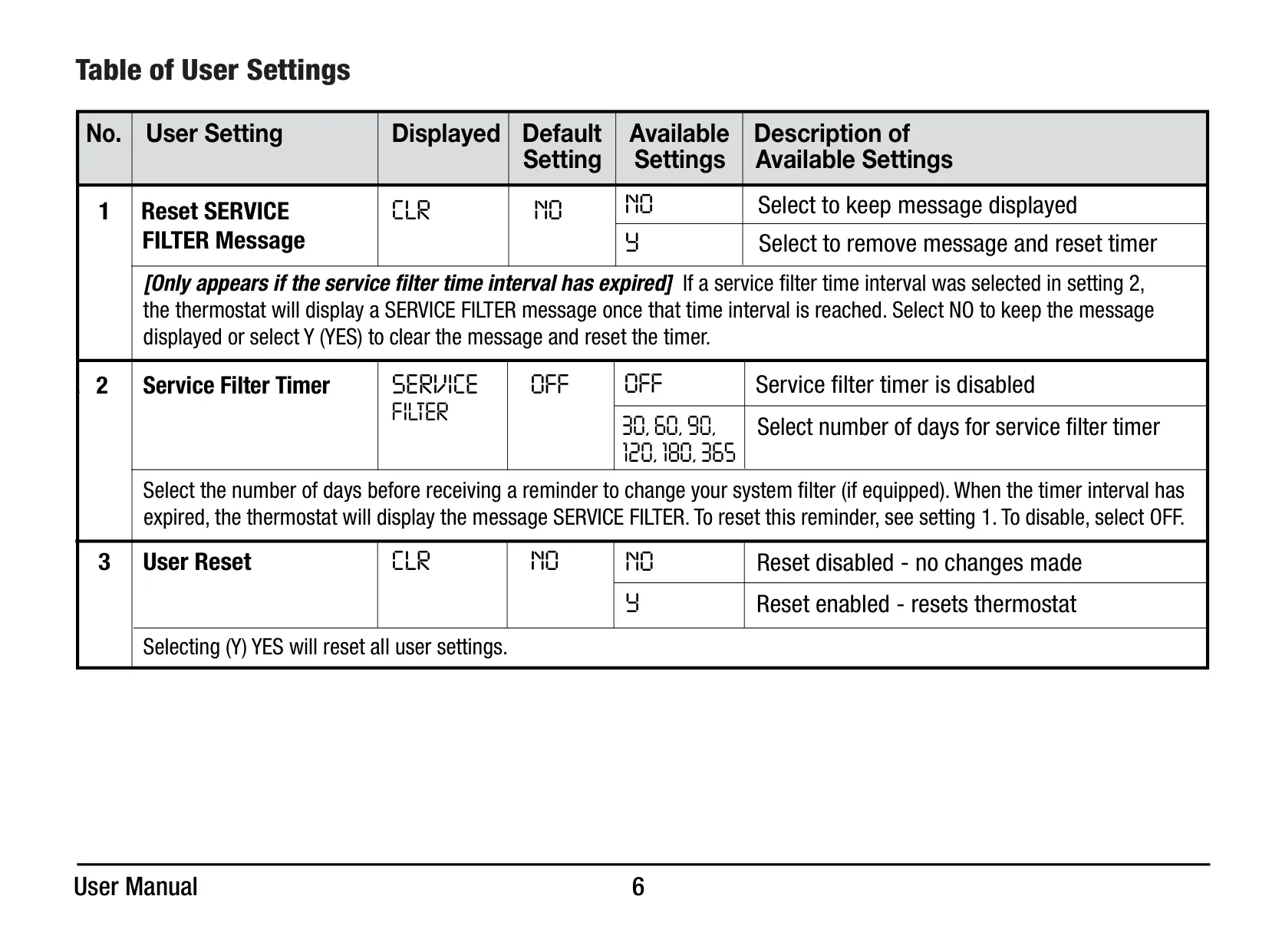
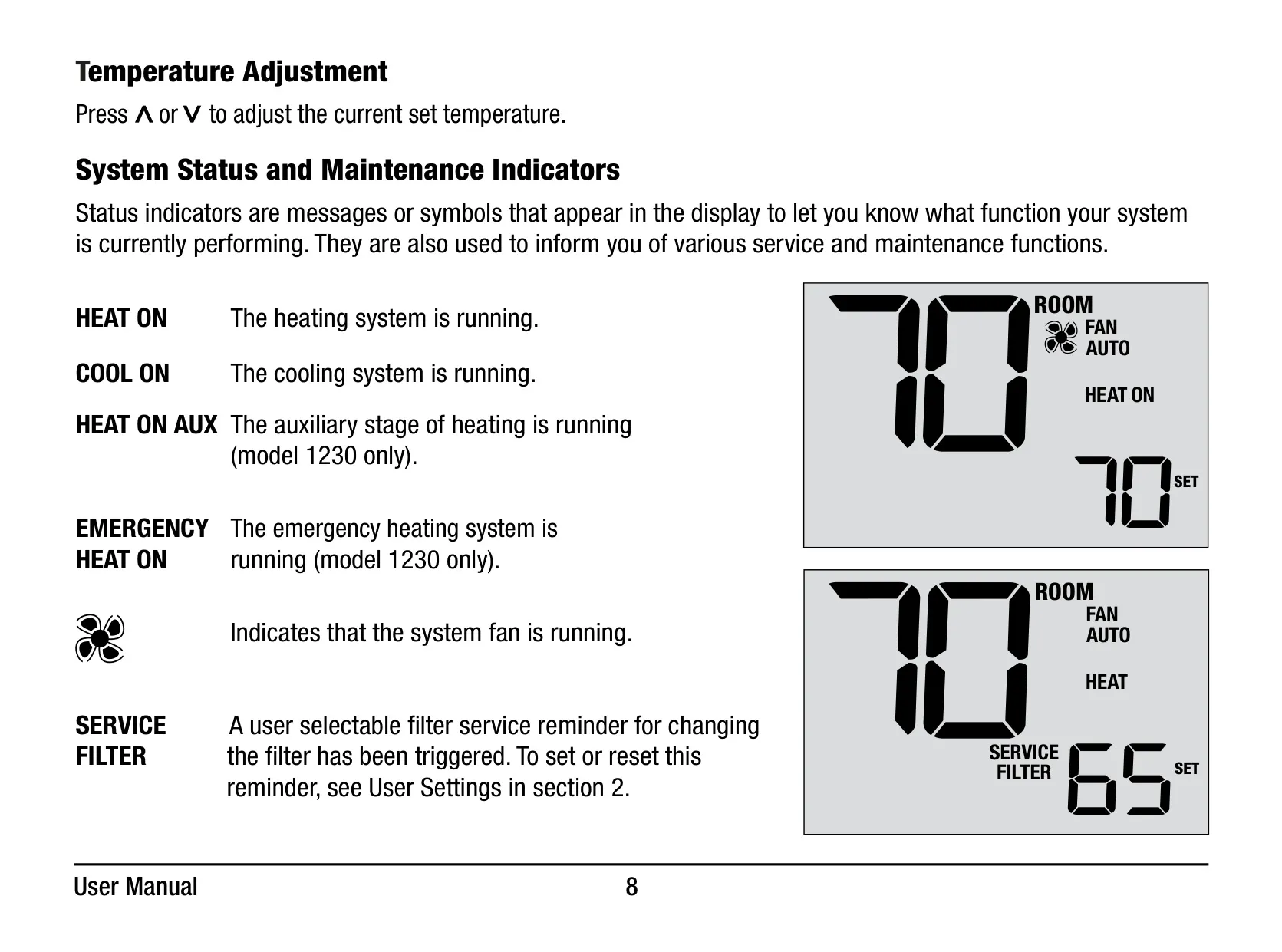
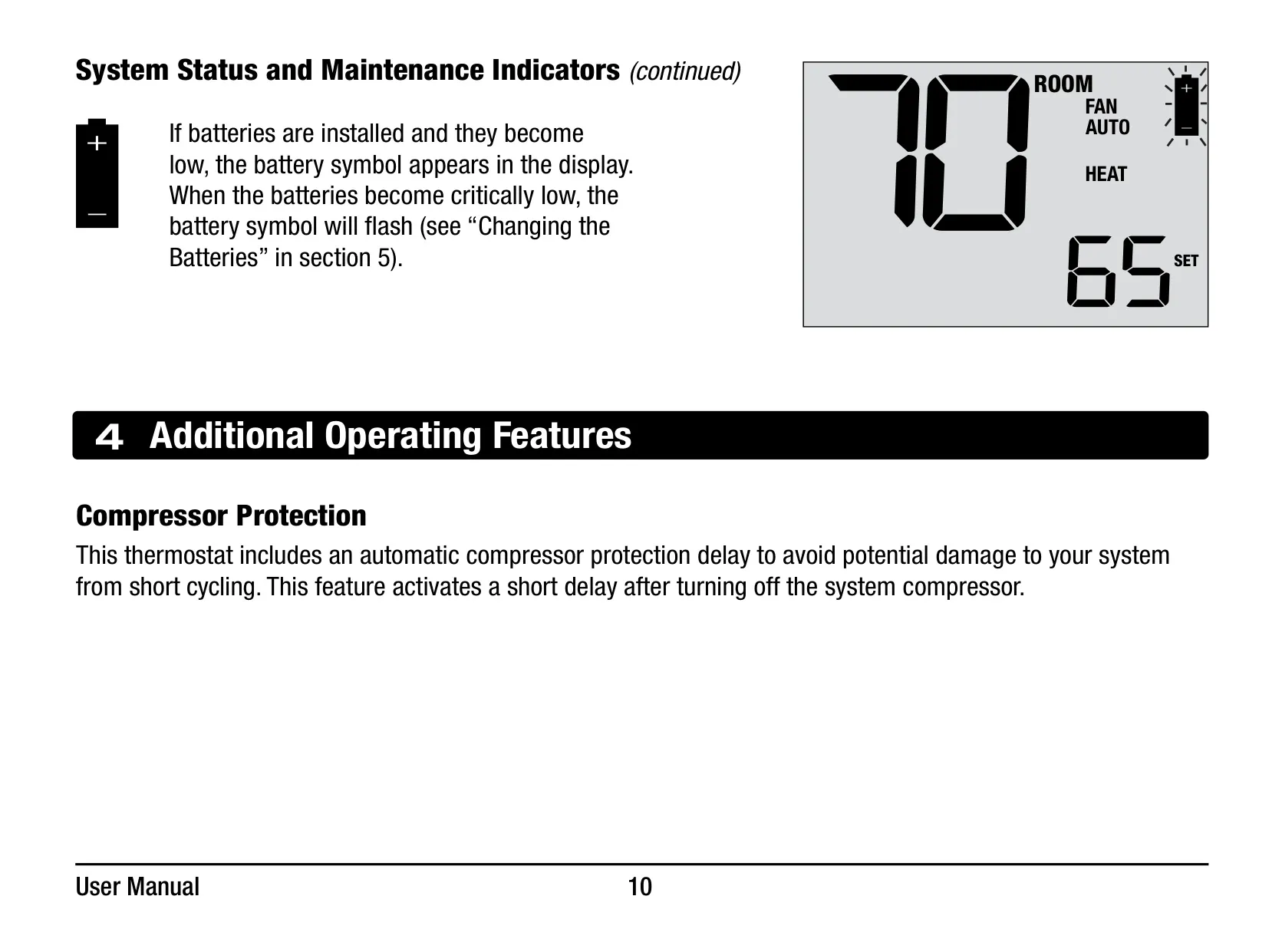
Beyond basic operation, the thermostat incorporates several useful indicators. Messages like "HEAT ON" or "COOL ON" confirm the system's active status, while a fan icon shows when the system fan is running. The "SERVICE FILTER" indicator serves as a crucial reminder for filter maintenance, with a user-configurable timer that can be set from 30 to 365 days, or disabled entirely. This helps ensure optimal system performance and air quality.
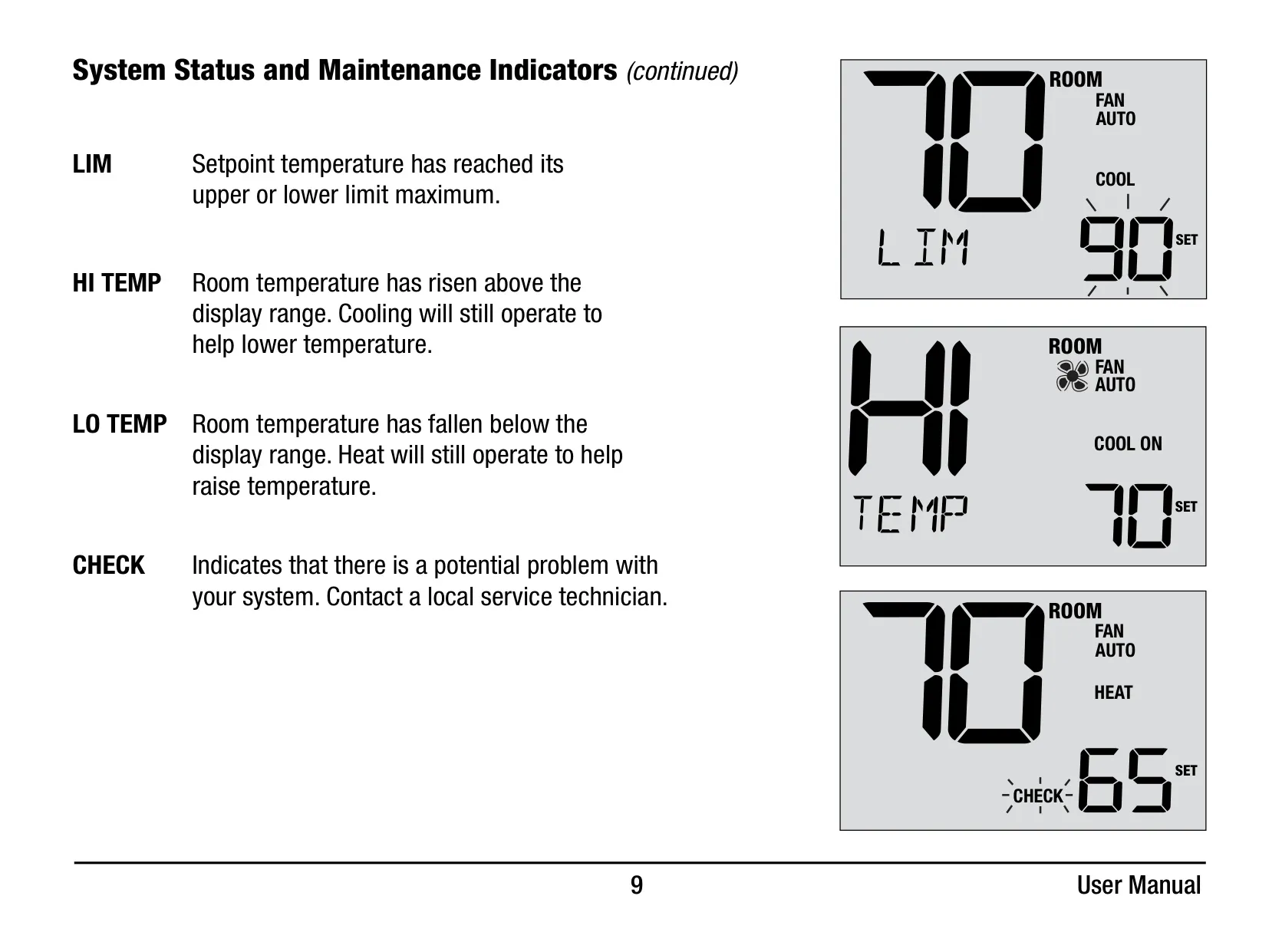
For system protection, the Braeburn 1030 includes an automatic Compressor Protection delay. This feature intelligently prevents potential damage to your system's compressor by imposing a short lockout period after it turns off, effectively preventing rapid short cycling. Additionally, the display offers alerts such as "LIM" for setpoint limits, "HI TEMP" or "LO TEMP" if room temperature exceeds display range, and a "CHECK" message for potential system malfunctions.
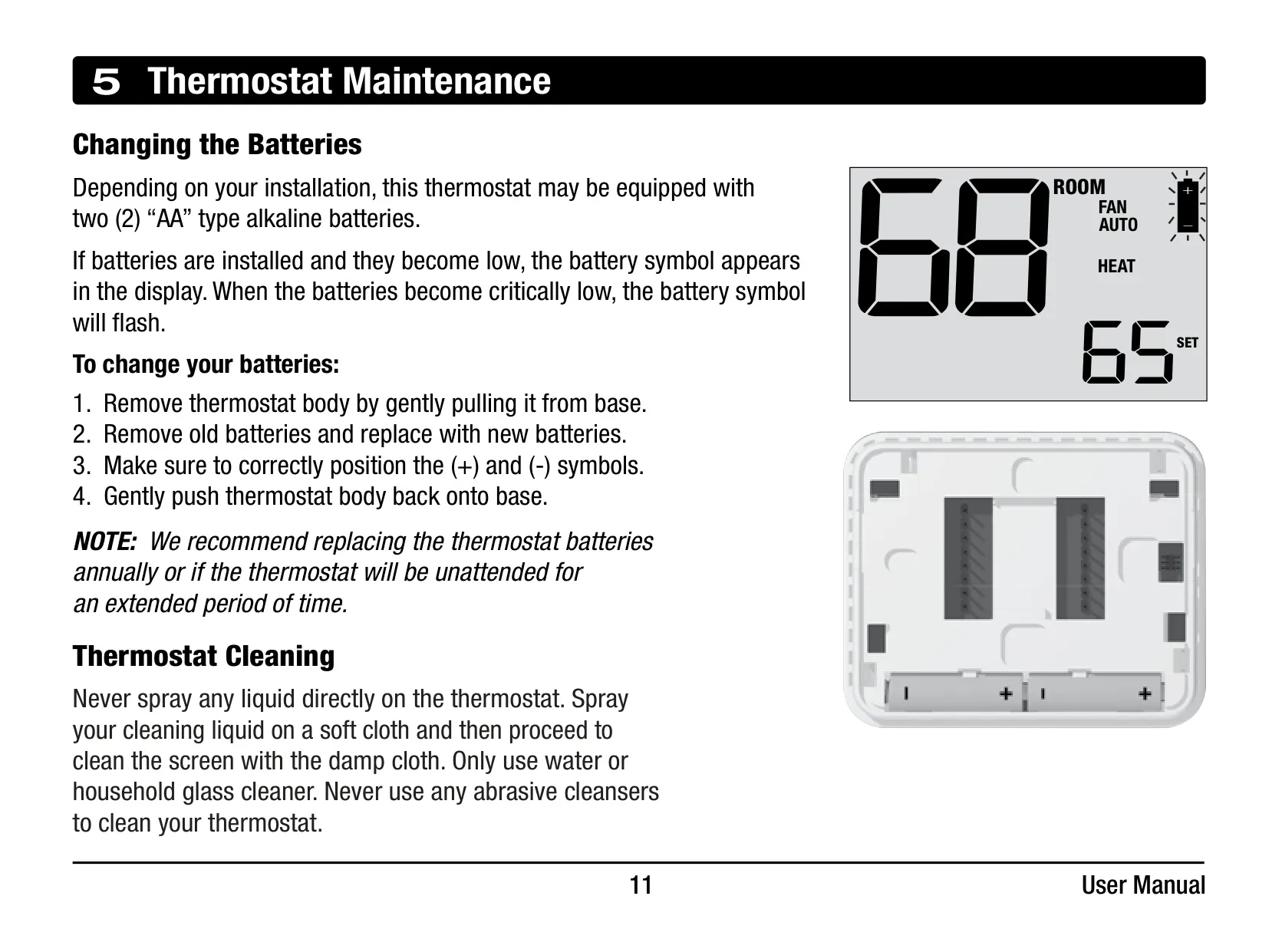
Maintenance for the Braeburn 1030 is minimal. It typically operates on two "AA" alkaline batteries, with a low battery indicator on the display signaling when replacement is due. Annual battery replacement is recommended for continuous, reliable operation. Cleaning the thermostat is simple: use a soft cloth dampened with water or household glass cleaner, avoiding direct sprays or abrasive materials, to maintain its pristine condition.
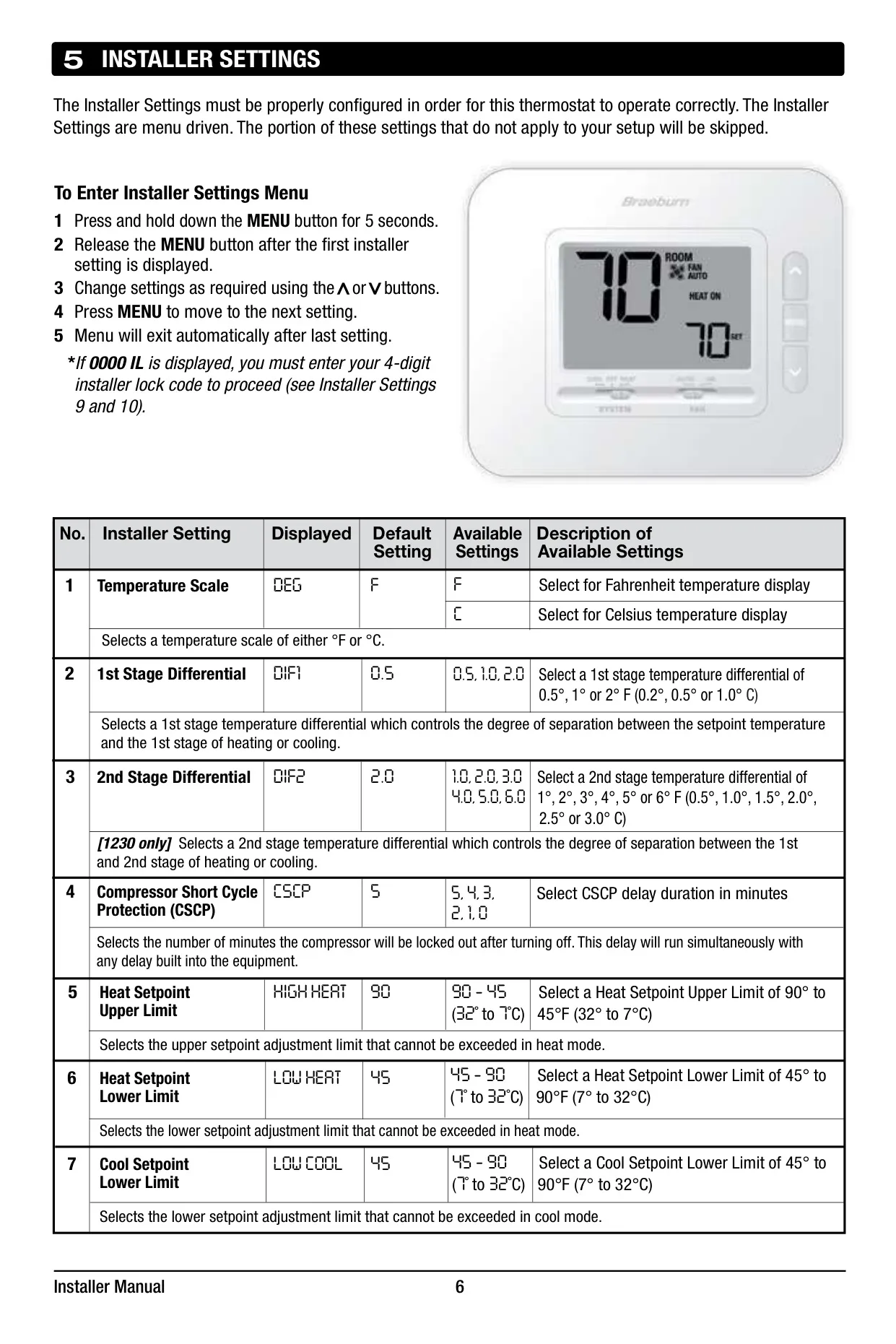
Installers can customize the Braeburn 1030 through a dedicated settings menu. This allows for configuration of the temperature scale (°F or °C), adjustment of the 1st stage temperature differential, and setting of the compressor short cycle protection delay duration. Furthermore, installers can define upper and lower setpoint limits for both heating and cooling modes, ensuring that temperature adjustments remain within safe and efficient boundaries.
To safeguard against unauthorized modifications, an optional Installer Lock feature is available, allowing a 4-digit code to secure the installer settings. For troubleshooting or re-configuration, a factory reset option is also provided within the installer menu, enabling all settings to be returned to their default values. This blend of user-friendly operation and robust configurability makes the Braeburn 1030 a versatile choice.
Frequently Asked Questions (FAQs)
Can't find the answer you need? Here are some frequently asked questions about the Braeburn 1030 Thermostat, and we answer them below.