Kenmore Water Softener 520 Series Instruction Manual
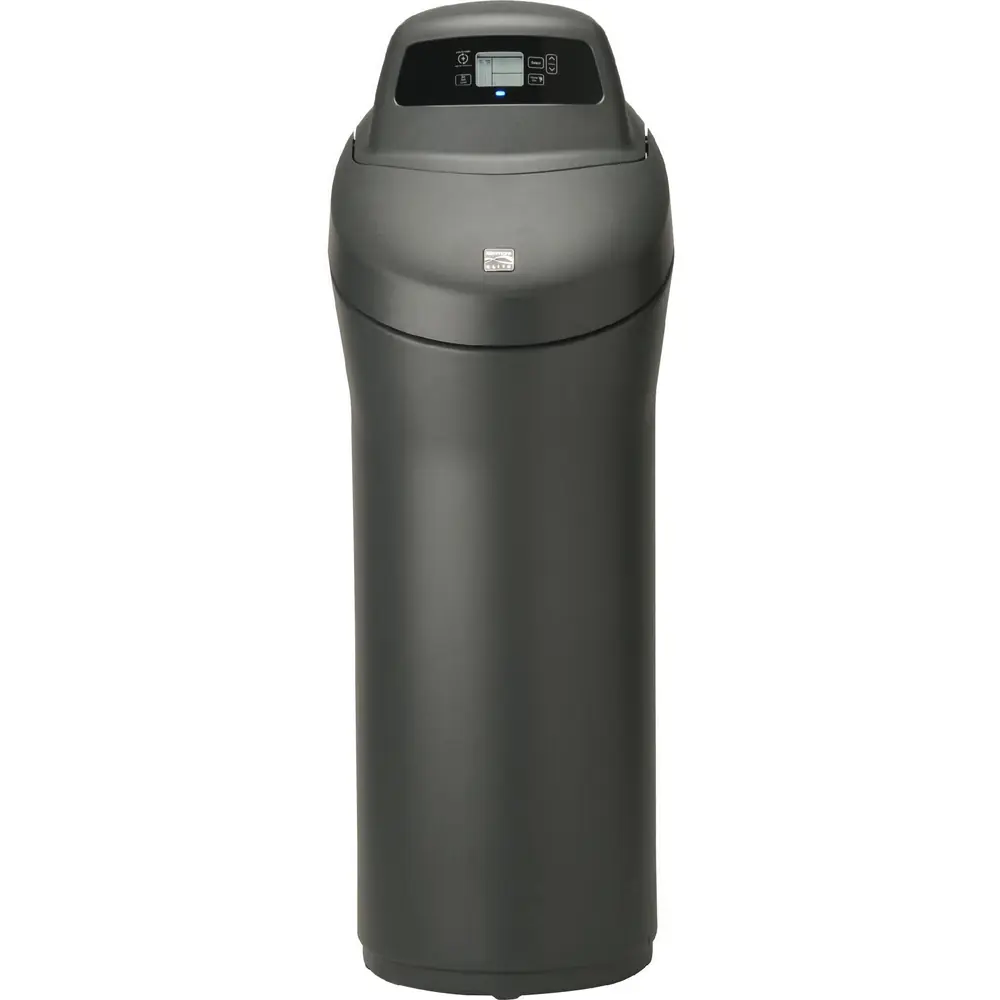
Kenmore Water Softener 520 Series


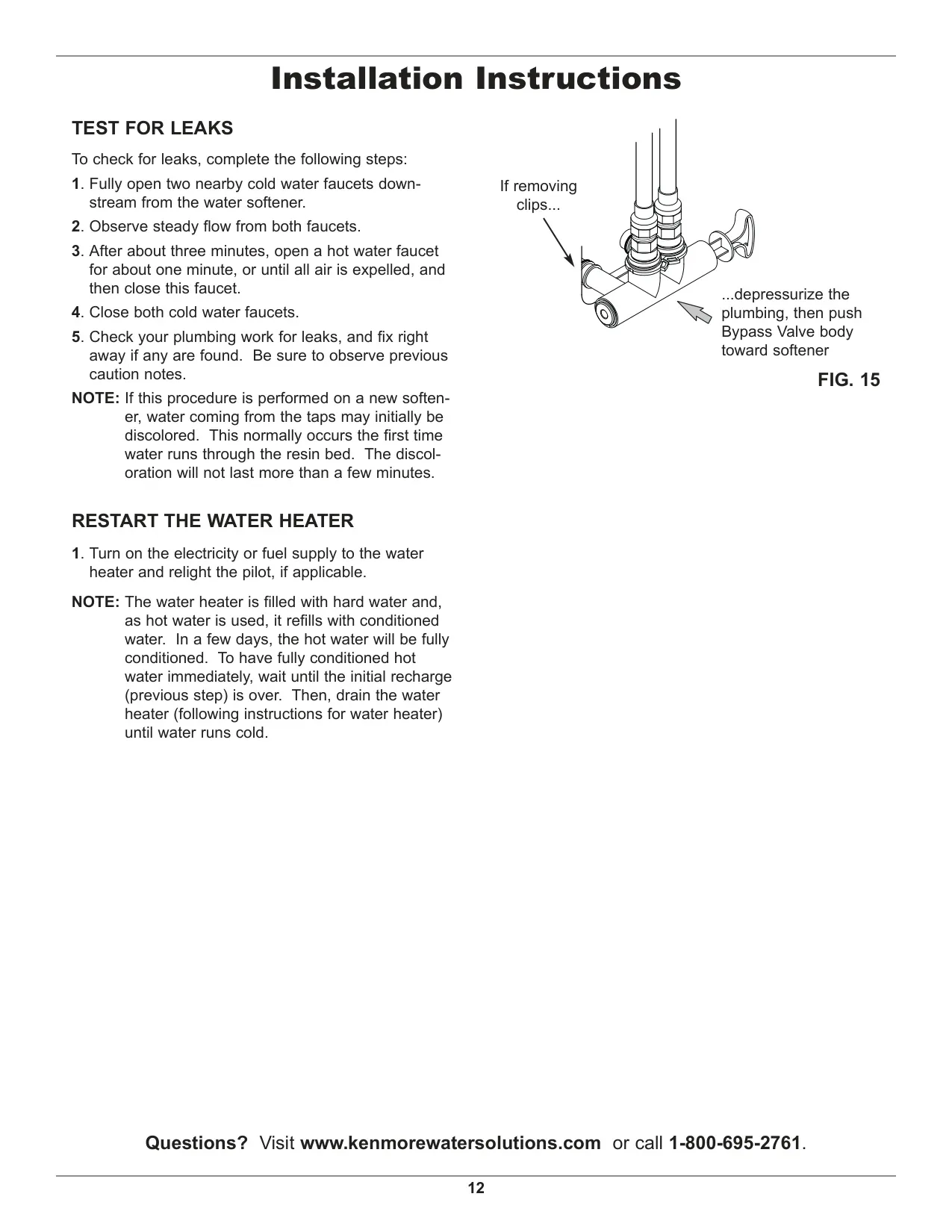


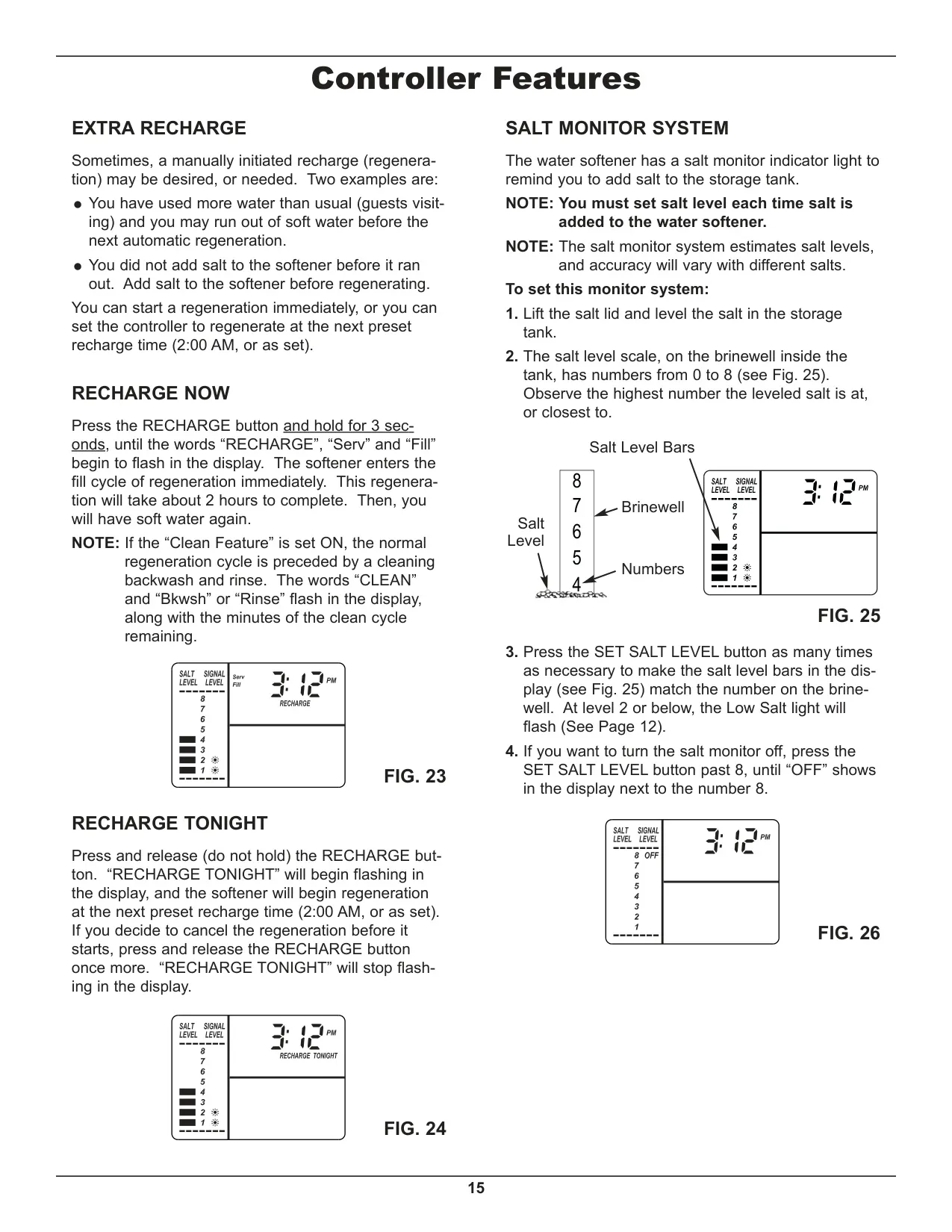

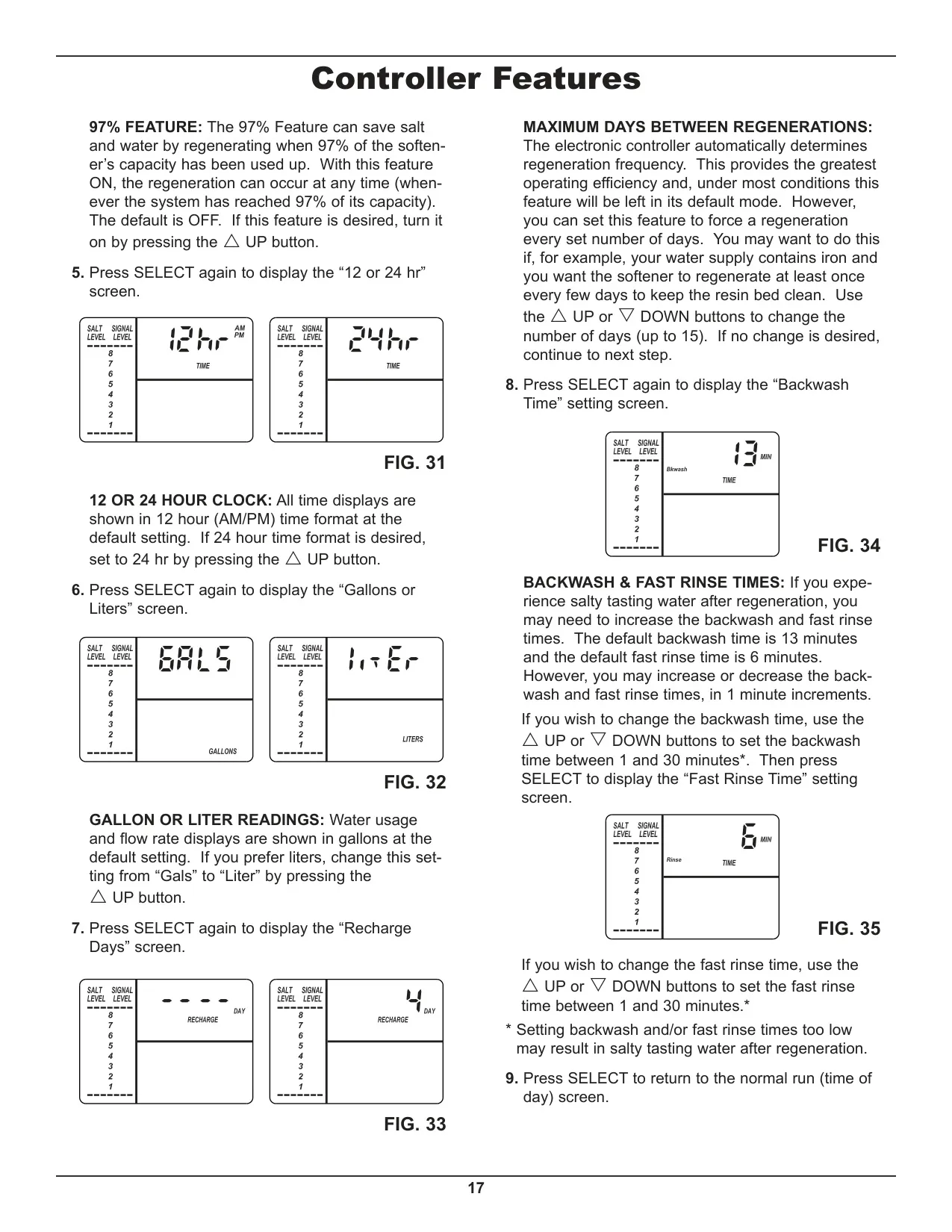




Kenmore 520 Series Instructions
Here we offer the Kenmore Water Softener 520 Series manual completely free and in English. We have cataloged this manual in the Water Softeners section on Manualverse, and it has been rated by 1 users with an average rating of 5. If you have any specific questions about Kenmore Water Softener 520 Series, we suggest checking the Frequently Asked Questions (FAQs) section of this manual.
Product Images


Kenmore Water Softener 520 Series Specifications
| Specification | Model 625.385200 |
|---|---|
| Model Code | 520P |
| Rated Softening Capacity (Grains @ Salt Dose) | 11,000 @ 2.6 lbs. 24,700 @ 7.8 lbs. 31,100 @ 13.4 lbs. |
| Rated Efficiency (Grains/Pound of Salt @ Minimum Salt Dose) | 4,230 @ 2.6 lbs. |
| Water Used During Regeneration @ Minimum Salt Dose | 5.0 gal. / 1,000 grains |
| Total Water Used Per Regeneration @ Maximum Salt Dose | 54.7 gallons |
| Rated Service Flow Rate | 8.0 gpm |
| Amount of High Capacity Ion Exchange Resin | 0.98 cu. ft. |
| Pressure Drop at Rated Service Flow | 8.4 psig |
| Intermittent Flow Rate @ 15 psi | 13.7 gpm |
| Water Supply Max. Hardness | 100 gpg |
| Water Supply Max. Clear Water Iron | 3 ppm |
| Water Supply Pressure Limits (minimum / maximum) | 20 - 125 psi (137.9 - 861.8 kPa) |
| Water Temperature Limits (minimum / maximum) | 40 - 120 °F (5 - 49 °C) |
| Minimum Water Supply Flow Rate | 3 gpm (11.4 lpm) |
| Maximum Drain Flow Rate | 2.0 gpm (7.6 lpm) |
| Chlorine Reduction Capacity @ 0.50 ppm | 2,280,000 gal. (8,630,000 liters) |
| Chlorine Reduction Capacity @ 0.75 ppm | 1,520,000 gal. (5,750,000 liters) |
| Chlorine Reduction Capacity @ 1.0 ppm | 1,140,000 gal. (4,310,000 liters) |
| Chlorine Reduction Capacity @ 1.5 ppm | 760,000 gal. (2,870,000 liters) |
| Chlorine Reduction Capacity @ 2.0 ppm | 570,000 gal. (2,150,000 liters) |
| Barium Reduction (Influent Challenge Level) | 10 ±10% mg/L |
| Barium Reduction (Maximum Allowable Product Water Level) | 2.0 mg/L |
| Radium 226/228 Reduction (Influent Challenge Level) | 25 pCi/L |
| Radium 226/228 Reduction (Maximum Allowable Product Water Level) | 5 pCi/L |
| Chlorine Reduction (Influent Challenge Level) | 2.0 ±10% mg/L |
| Chlorine Reduction (Requirement) | 50% |
Kenmore Water Softener 520 Series Details
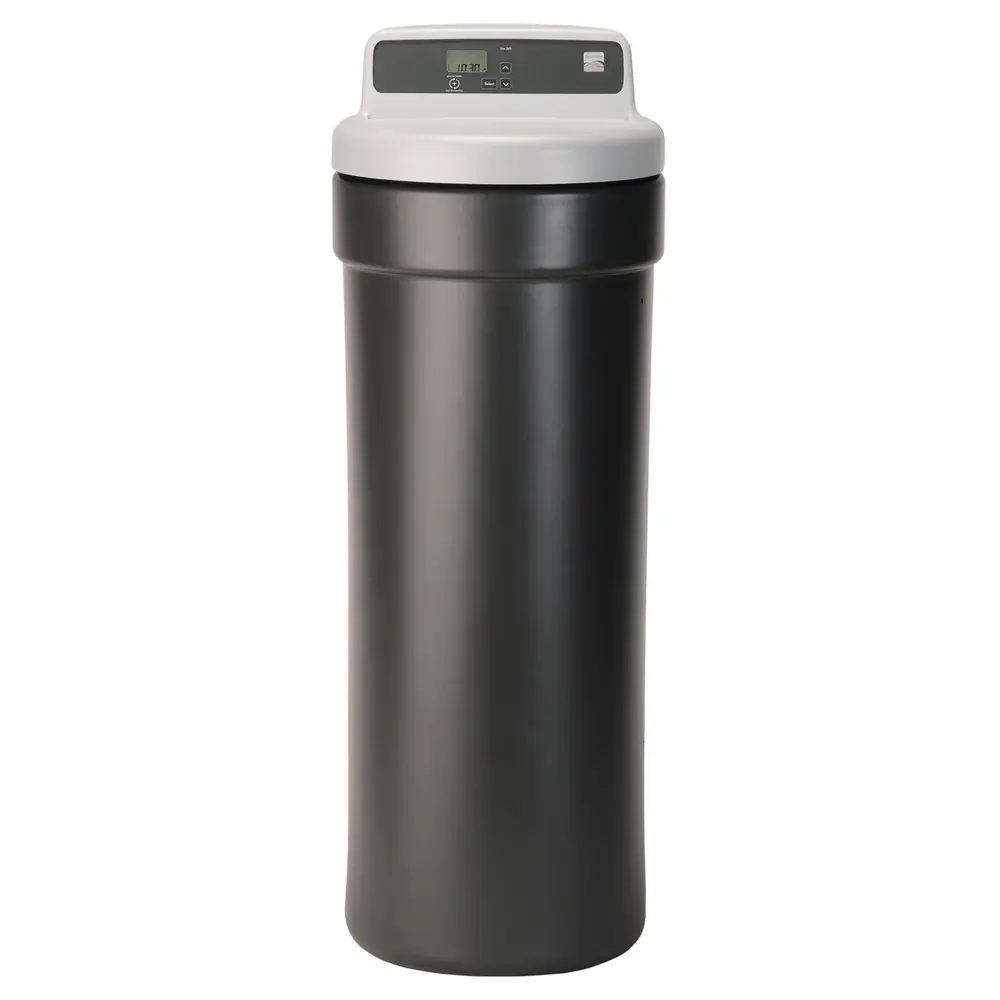
The Kenmore Water Softener 520 Series (Model 625.385200) is a versatile hybrid system, functioning as both a water softener and a whole-home filter. This integrated design streamlines water treatment, offering comprehensive conditioning for your household water supply. It boasts certifications from NSF International (NSF/ANSI Standard 42 for chlorine taste/odor, Standard 44 for hardness, efficiency, barium, radium 226/228, and NSF/ANSI/CAN Standard 372) and the Water Quality Association (CSA B483.1), assuring adherence to strict performance and safety standards.
Equipped with a Demand Initiated Regeneration (D.I.R.) feature, this system intelligently regenerates based on actual water usage, thereby minimizing salt and water consumption. Its variable salt dose mechanism further optimizes efficiency by selecting the precise amount of regenerant needed for each cycle. While rated efficiency is measured under laboratory conditions, actual operational efficiency may vary depending on local water hardness, usage patterns, and other contaminants.
The 520 Series is effective against ferrous (clear water) iron, capable of reducing moderate amounts. For every 1 ppm of clear water iron, it's recommended to add 5 grains to your water hardness setting to ensure optimal performance. However, it's important to note that this softener is not designed to remove ferric (red water), bacterial, organically bound, or colloidal iron types, which may require separate treatment solutions.
Sediment removal is another consideration. While the softener itself doesn't remove fine sediment particles like clay or silt, it features a unique cleansing feature. This integrated basket captures larger sediment particles before they reach your home's plumbing, protecting water-using appliances. The system also supports an optional "Clean Feature" backwash cycle to enhance the cleaning of the resin bed and the cleansing screen, particularly beneficial for water supplies with iron or high sediment levels.
User interaction is simplified via an electronic control panel that displays key information and allows for easy programming. Beyond basic time and hardness settings, users can enable advanced features such as Salt Efficiency, which operates at 4000 grains per pound of salt or higher (a requirement in California). The "97% Feature" is another advanced option, triggering regeneration when 97% of the softener's capacity is used, potentially saving salt and water.
The control panel also allows selection of salt type (NaCl or KCl), adjusts regeneration times accordingly, and provides options for 12/24 hour clock display and Gallons/Liters readings for flow rate and average daily usage. A convenient tank light illuminates when the salt lid is open, and a salt monitor system alerts you to low salt levels, which must be reset manually each time salt is added. The system includes power outage memory, retaining settings for several hours.
Routine maintenance is straightforward, focusing on consistent salt replenishment using recommended nugget, pellet, or coarse solar salts with low impurities. The manual provides guidance on breaking a salt "bridge" that can form due to humidity or incorrect salt types, ensuring continuous brine production. Critical for performance, the nozzle & venturi assembly, responsible for drawing brine, requires periodic cleaning to prevent blockages from sand or silt.
For seasonal homes or areas prone to freezing, the 520 Series requires proper winterization by draining all water to prevent damage, a detailed procedure outlined in the manual. The comprehensive warranty includes a one-year full warranty, a ten-year limited warranty on the salt storage and resin/mineral tanks, and a three-year limited warranty on the electronic control board, offering peace of mind for your investment.
Frequently Asked Questions (FAQs)
Can't find the answer you need? Here are some frequently asked questions about the Kenmore Water Softener 520 Series, and we answer them below.