Robertshaw RS2110 Thermostat Instruction Manual
Robertshaw RS2110 Thermostat



Robertshaw RS2110 Instructions
Here we offer the Robertshaw RS2110 Thermostat manual completely free and in English. We have cataloged this manual in the Thermostats section on Manualverse, and it has been rated by 1 users with an average rating of 5. If you have any specific questions about Robertshaw RS2110 Thermostat, we suggest checking the Frequently Asked Questions (FAQs) section of this manual.
Product Images
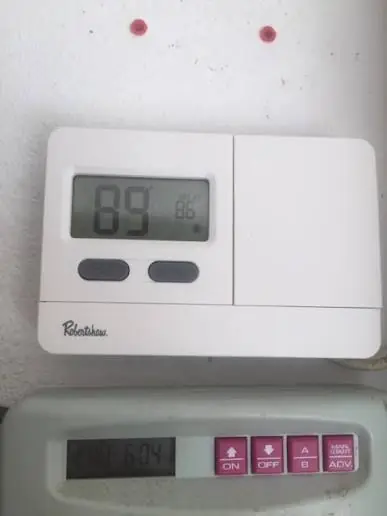
Robertshaw RS2110 Thermostat Specifications
| Specification | Detail |
|---|---|
| Model Series | RS2110 |
| Thermostat Type | Digital Non-Programmable |
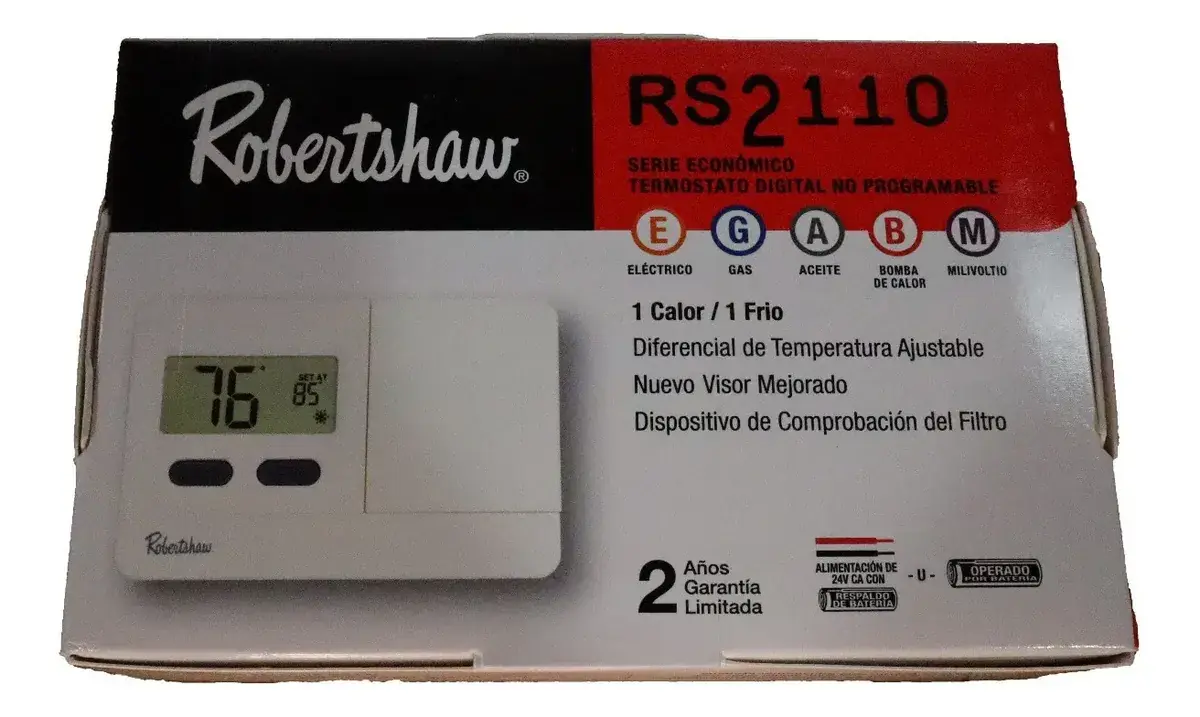
| System Compatibility | One Stage Heat/Cool, Standard Heat Only, Standard Central AC, Gas/Oil Heat, Electric Furnace, Hydronic (2 Wires) |
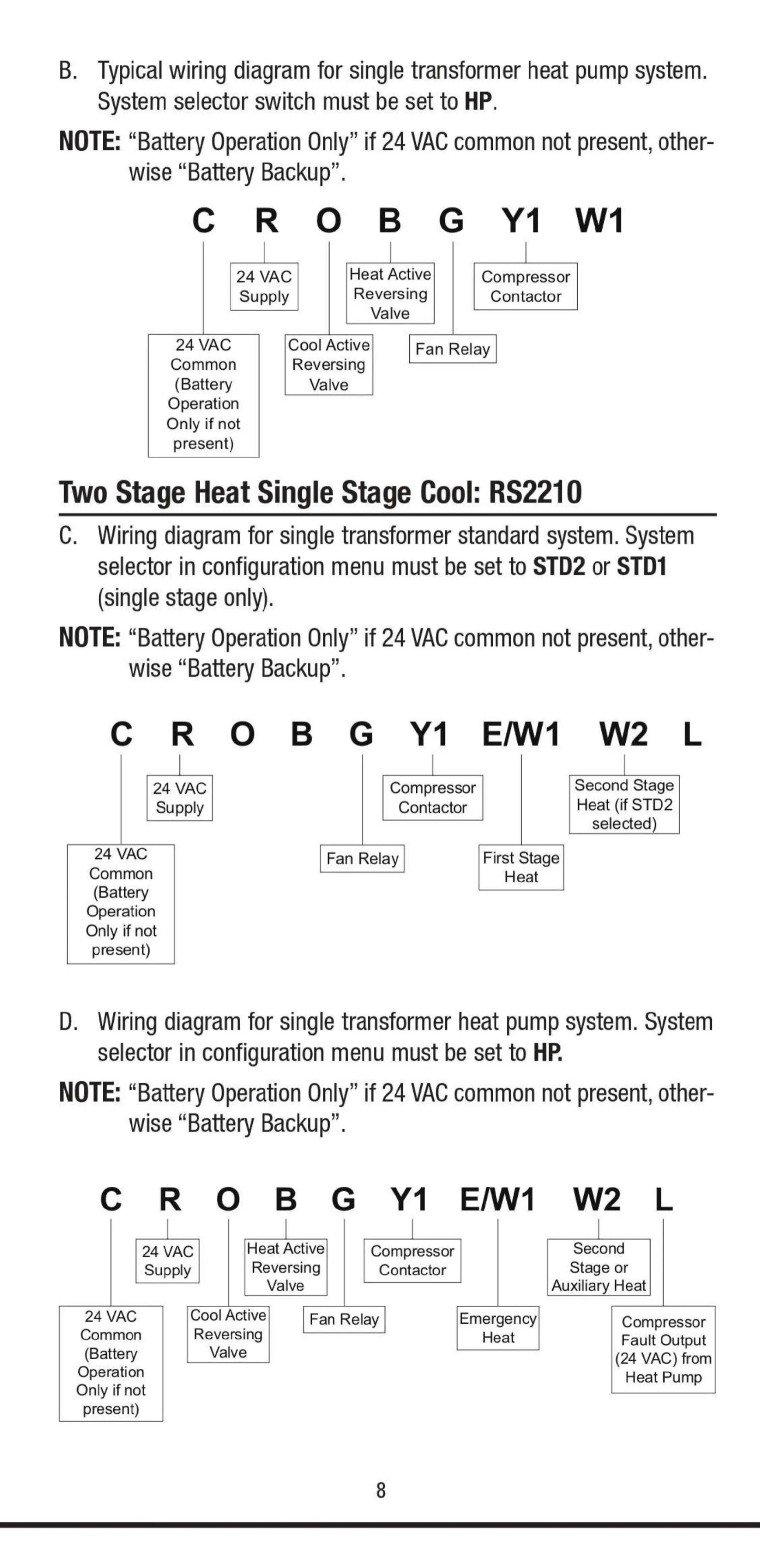
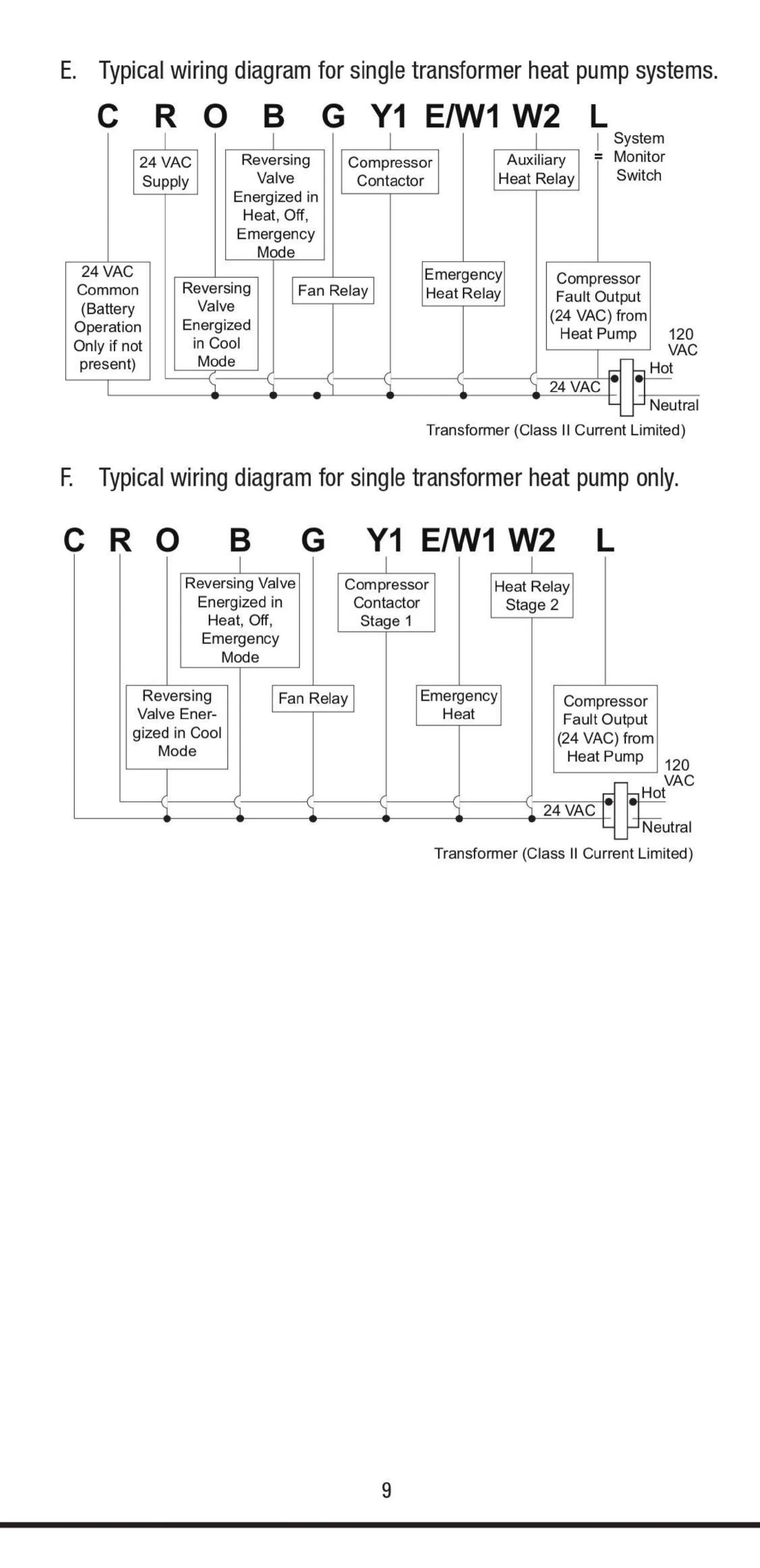
| Heat Pump Compatibility | Yes (without Auxiliary Heat), Yes (with Auxiliary/Emergency Heat) |
| Millivolt Compatibility | Yes (Floor or Wall Furnaces) |
| Power Source | 24 VAC or 2 x 1.5V AA Alkaline Batteries |
| Operating Voltage | 24 VAC (Do not exceed 30 VAC) |
| Set Temperature Range | 45°F to 90°F (7°C to 32°C) |
| Display Temperature Range | 30°F to 99°F (0°C to 37°C) |
| Heat Mode Auto Cut-Off | Above 95°F (35°C) |
| Cool Mode Auto Cut-Off | Below 45°F (7°C) |
| Compressor Protection | 4-minute delay between cycles |
| Filter Monitor | Alerts after 400 hours of system run time |
| Battery Replacement Interval | At least every 18-24 months |
| Mounting Hardware | Two #8 slotted screws, two wall anchors |
| Drill Bit Size | 3/16" for mounting holes |
| Warranty | Two (2) Year Limited Warranty |
| Incompatible Systems | Split Transformer Systems, 3-Wire Hydronic (110/220 Volts) |
Robertshaw RS2110 Thermostat Details
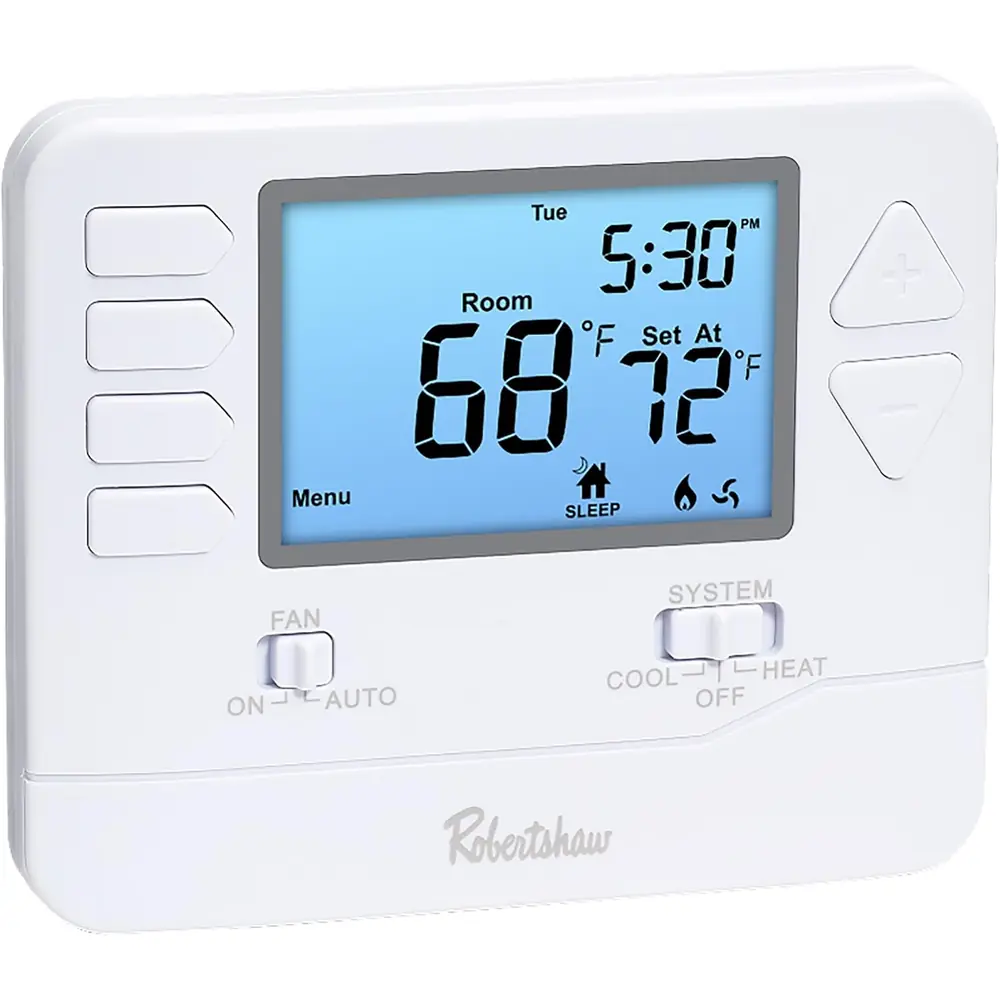
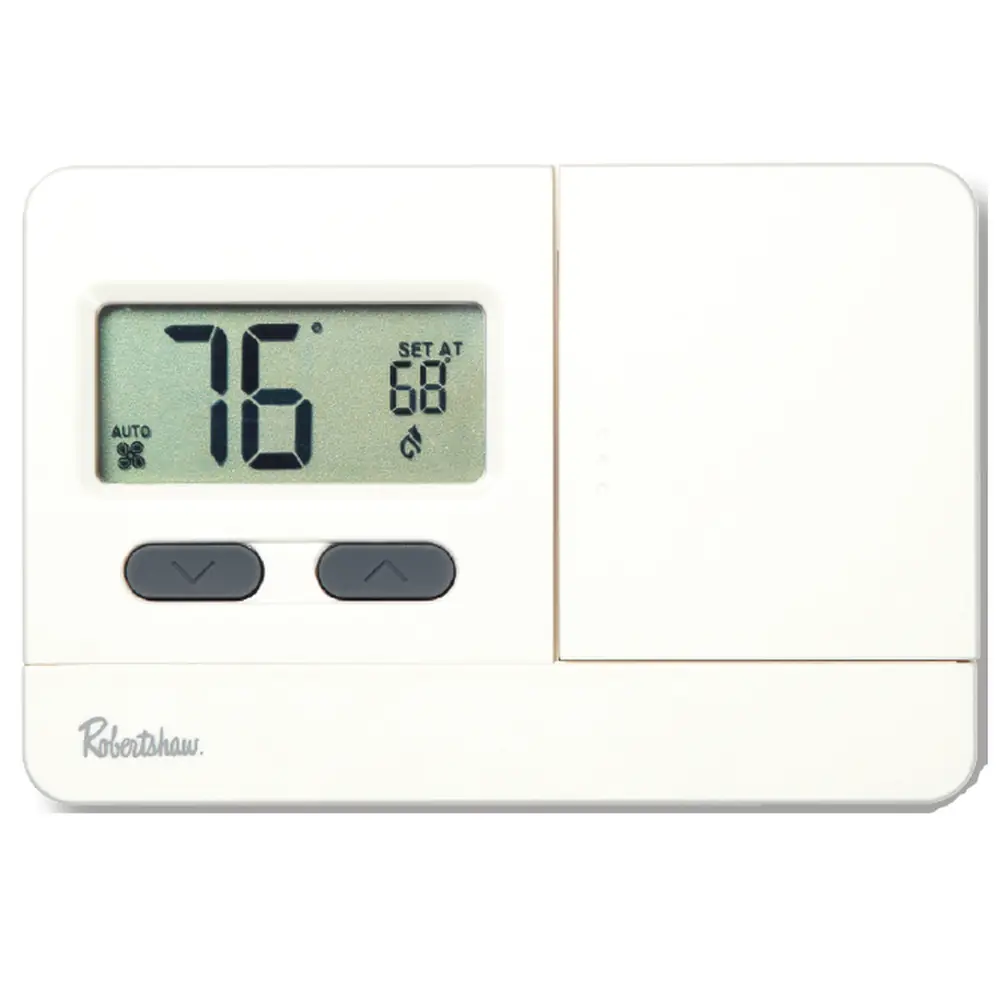
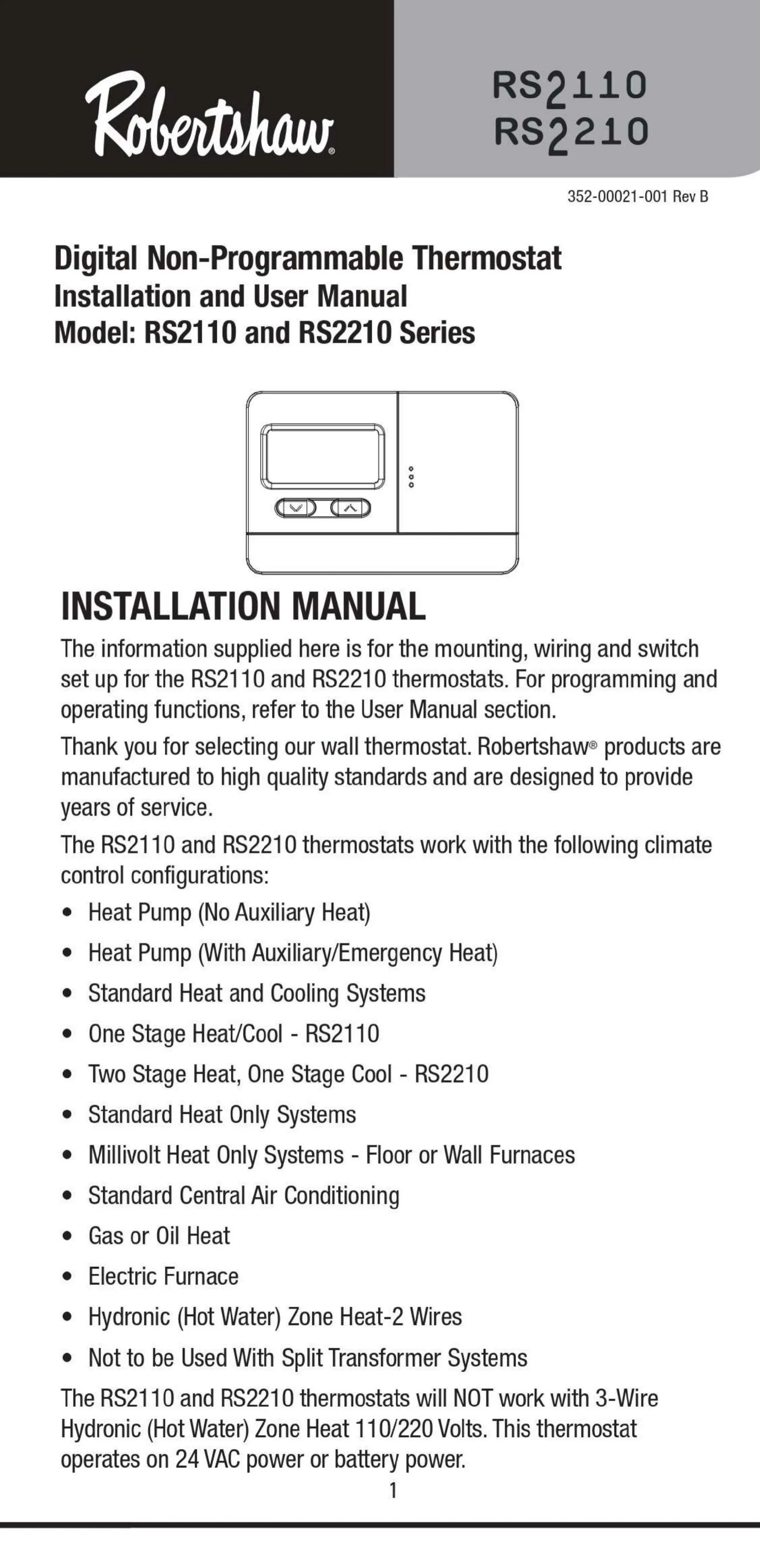
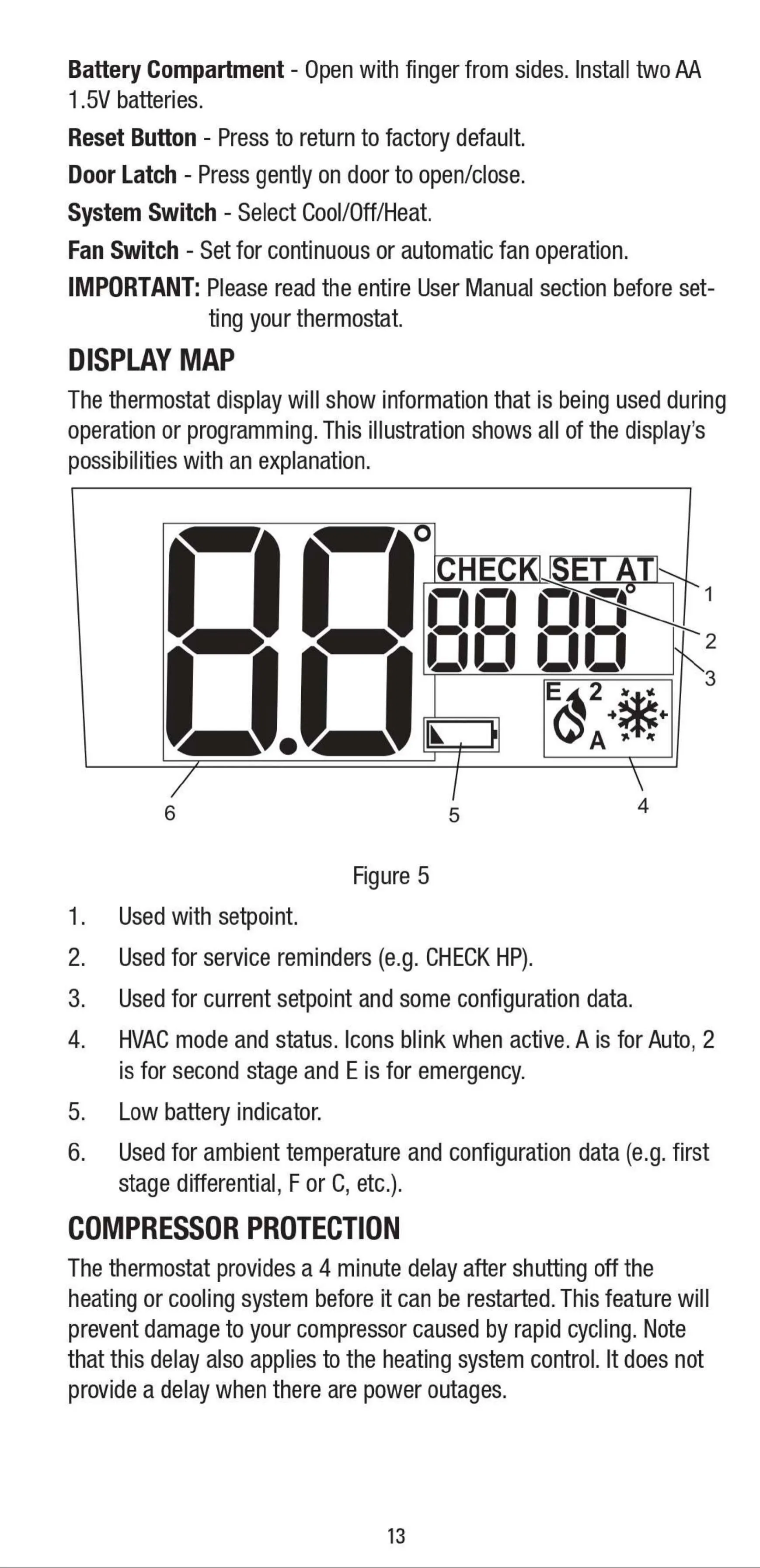
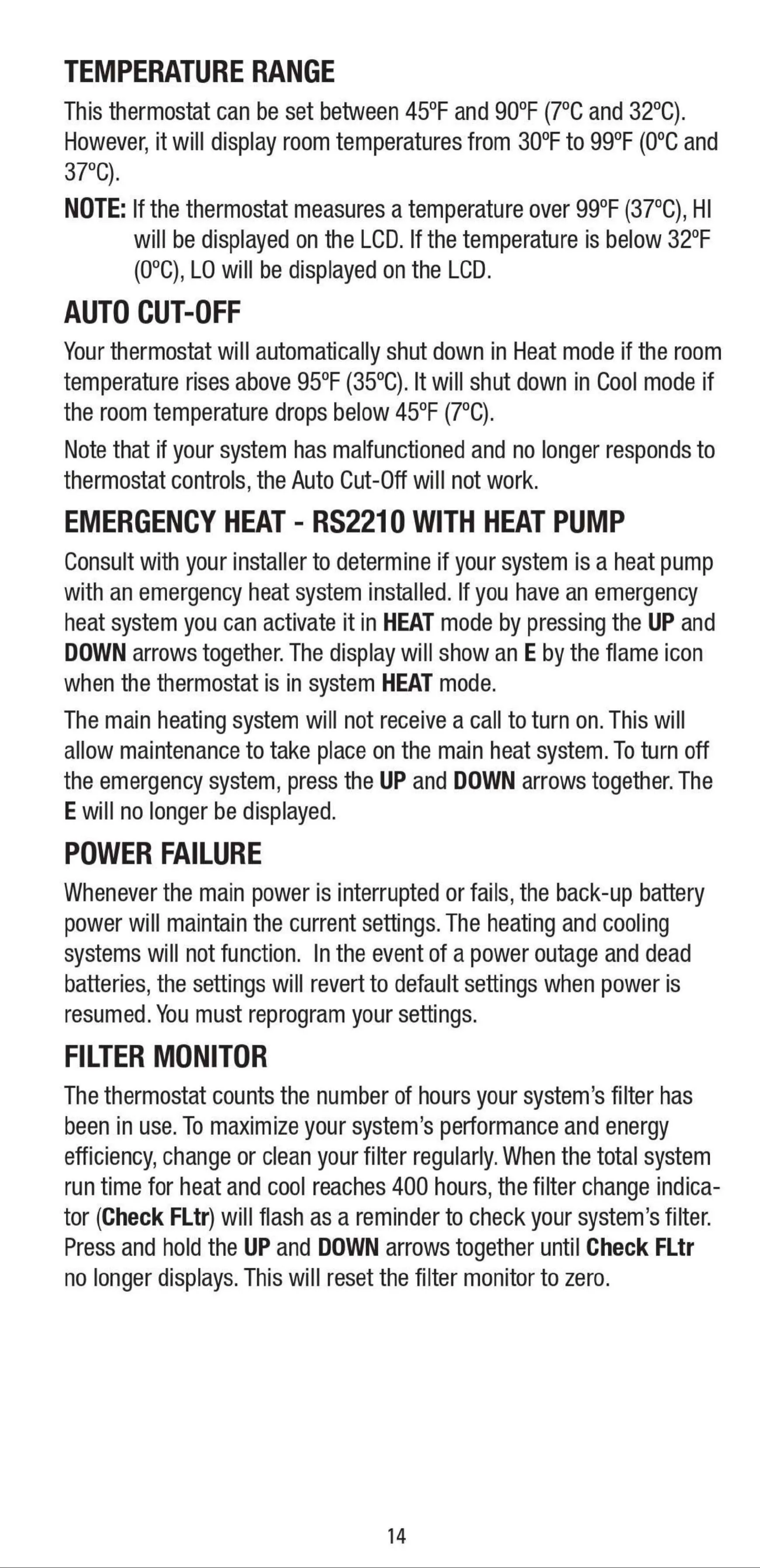
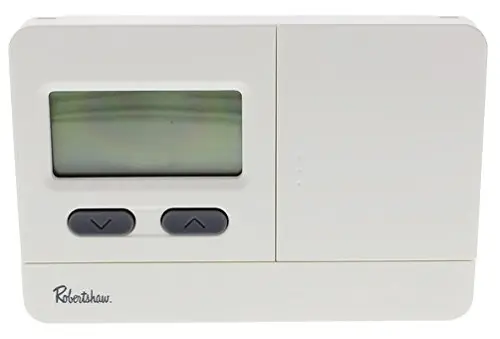
The Robertshaw RS2110 thermostat boasts an improved LCD display, designed for effortless viewing and temperature adjustments. This clear screen provides essential information at a glance, including ambient temperature, current setpoint, and the operational status of your HVAC system through intuitive icons. When active, these icons, such as the flame or snowflake, will blink, offering real-time feedback. Extreme room temperatures outside the normal display range are indicated by "HI" or "LO", ensuring you are always aware of your environment.
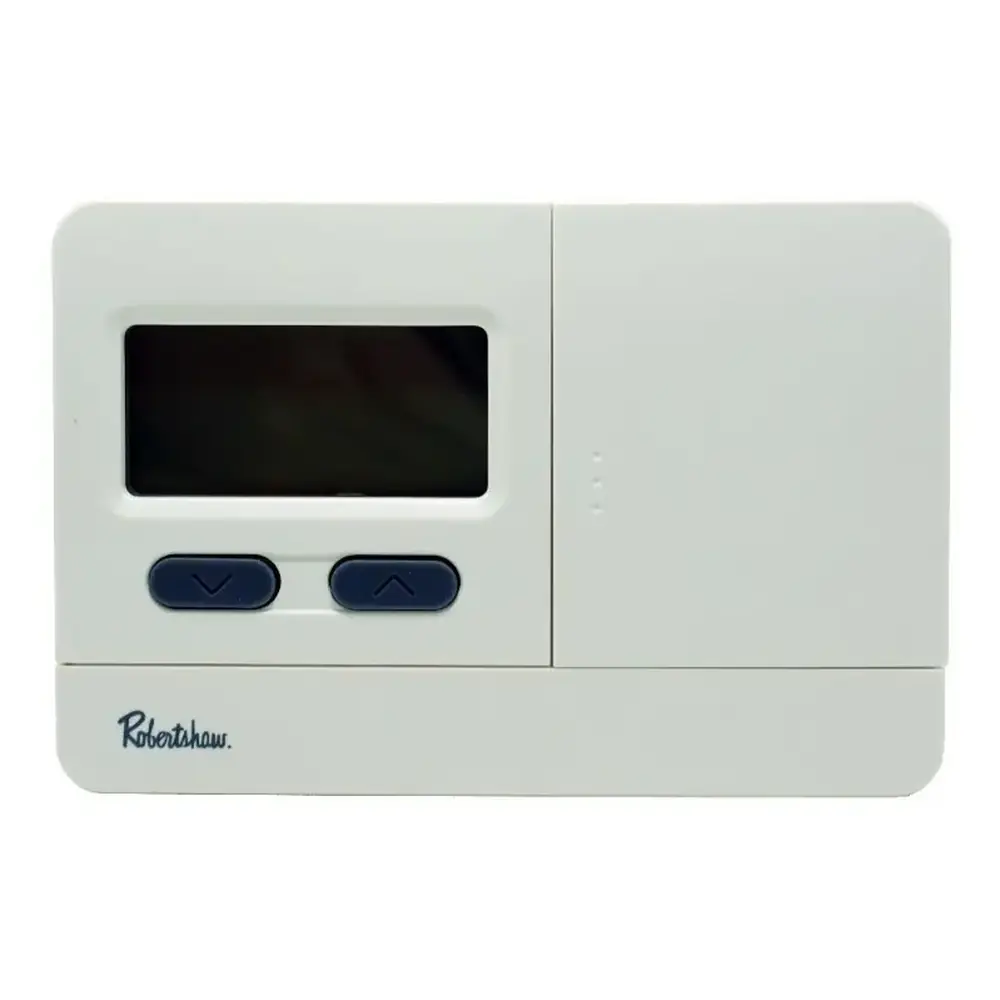
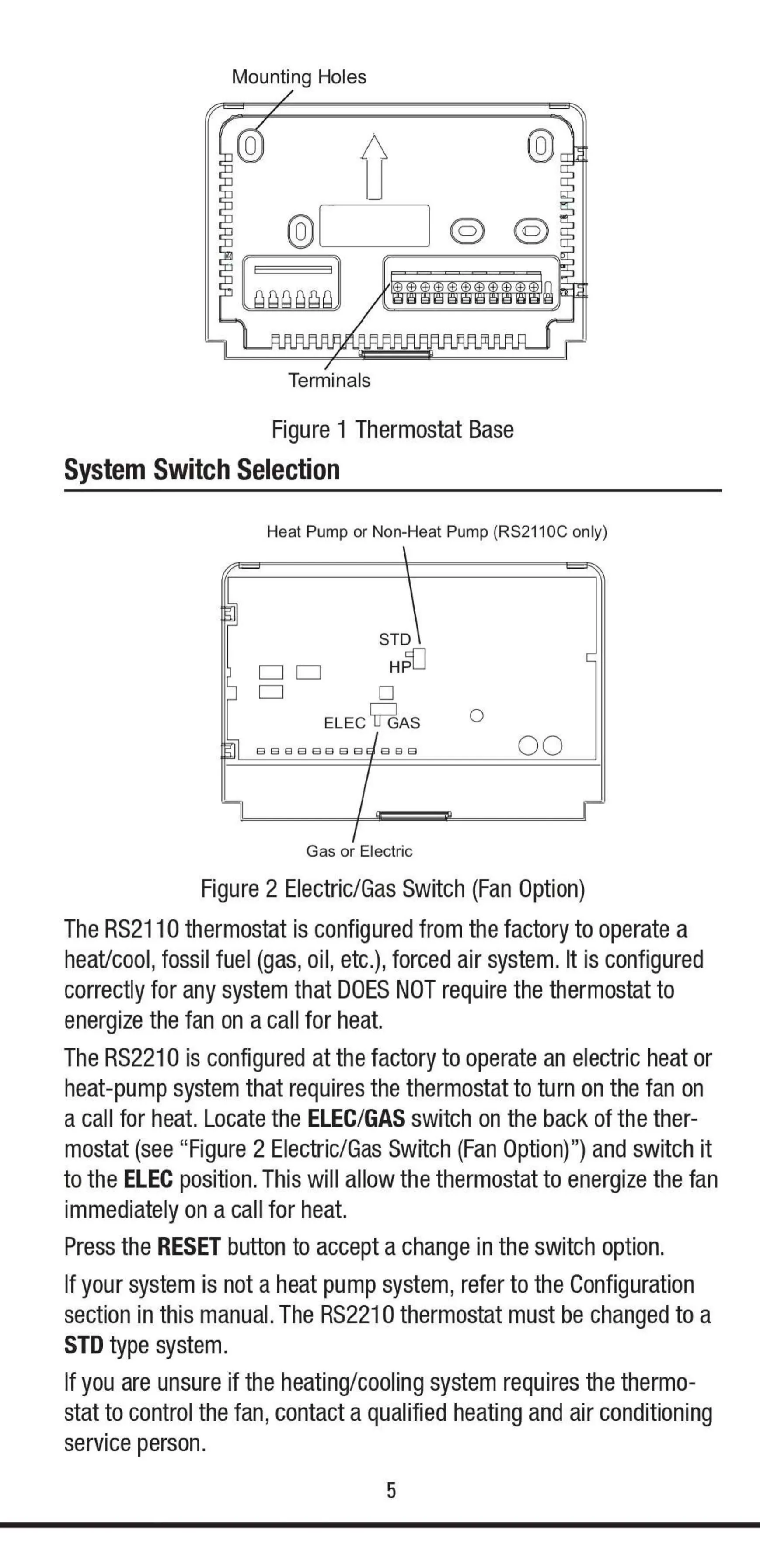
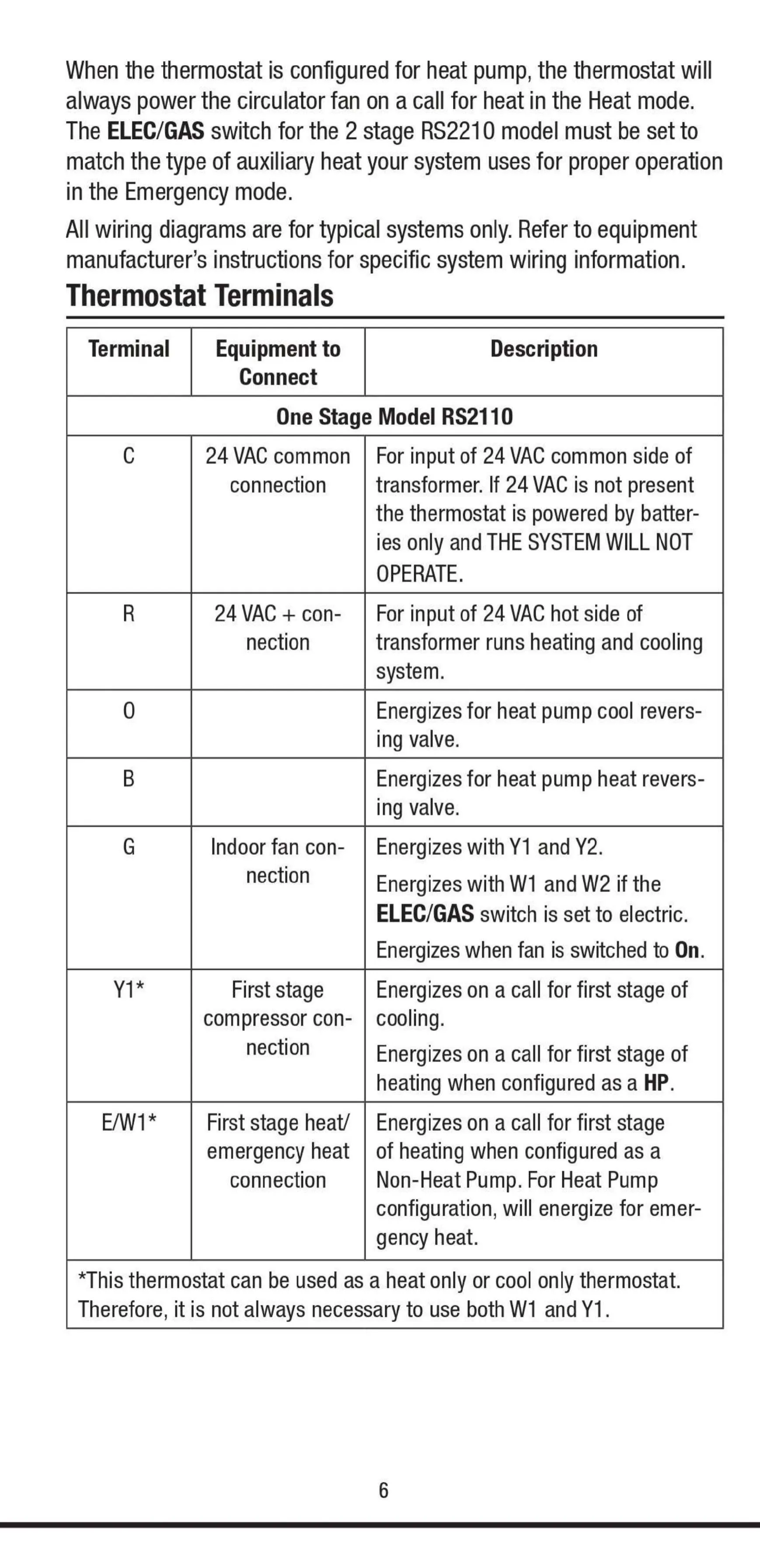
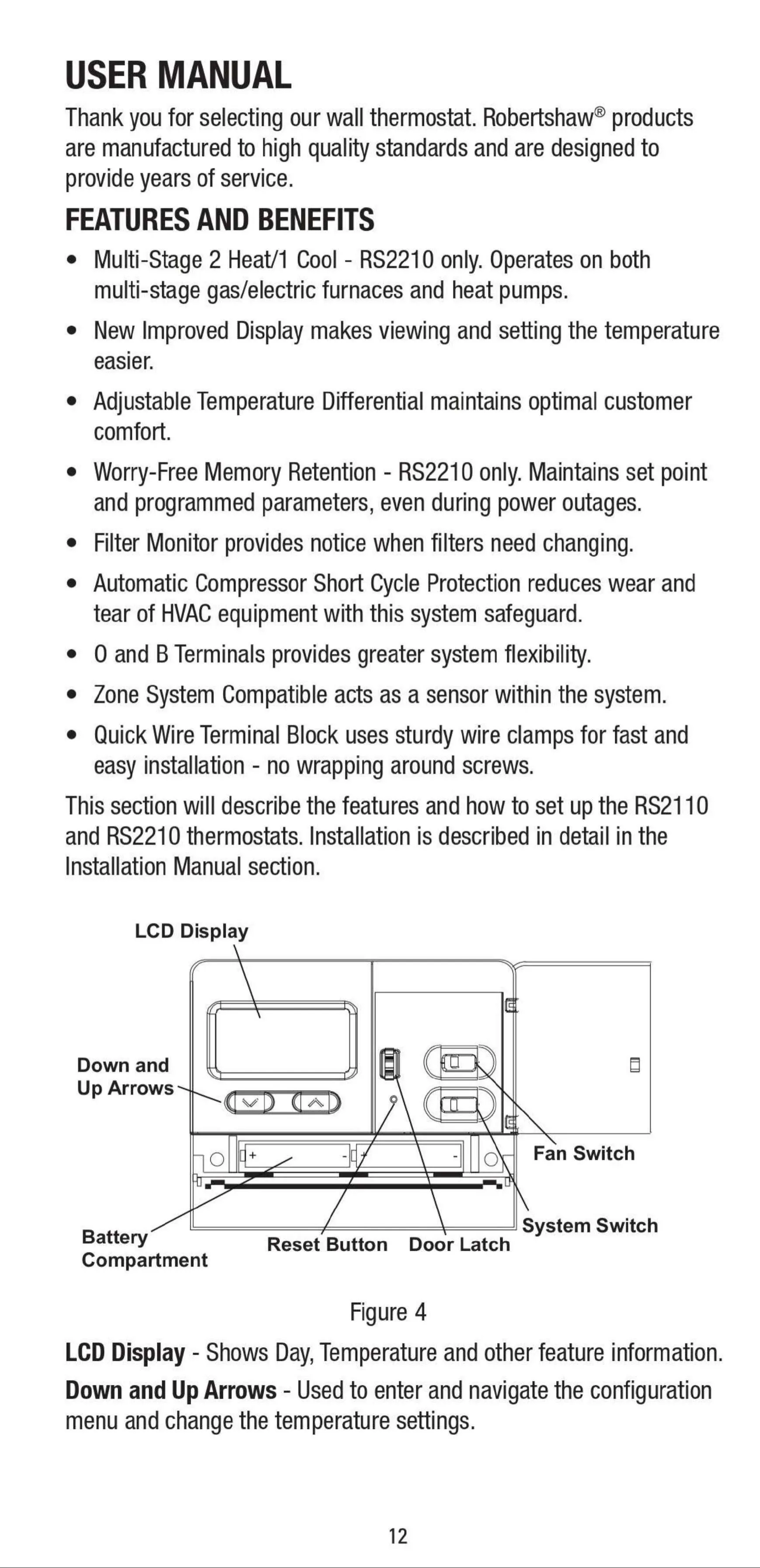
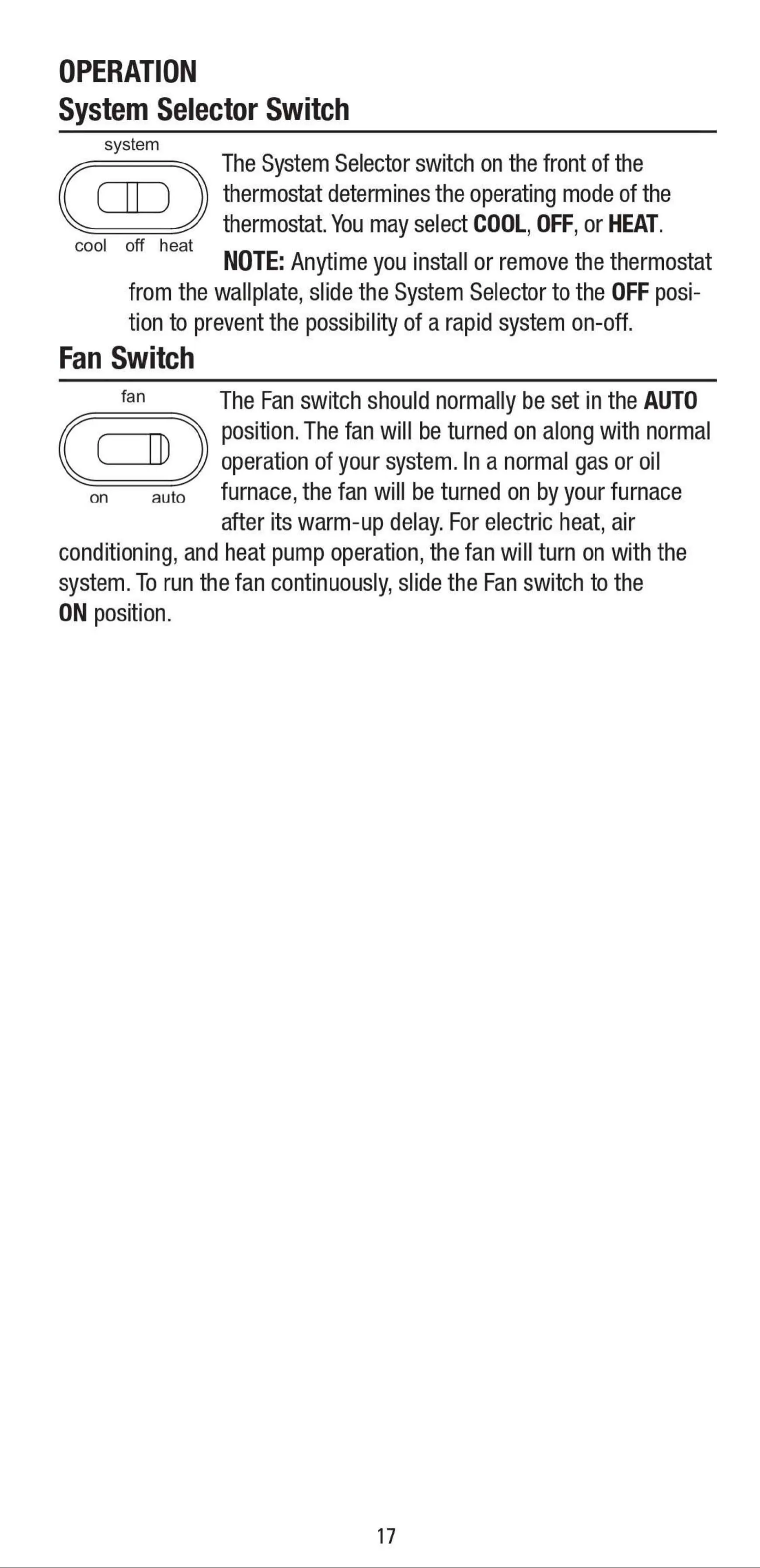
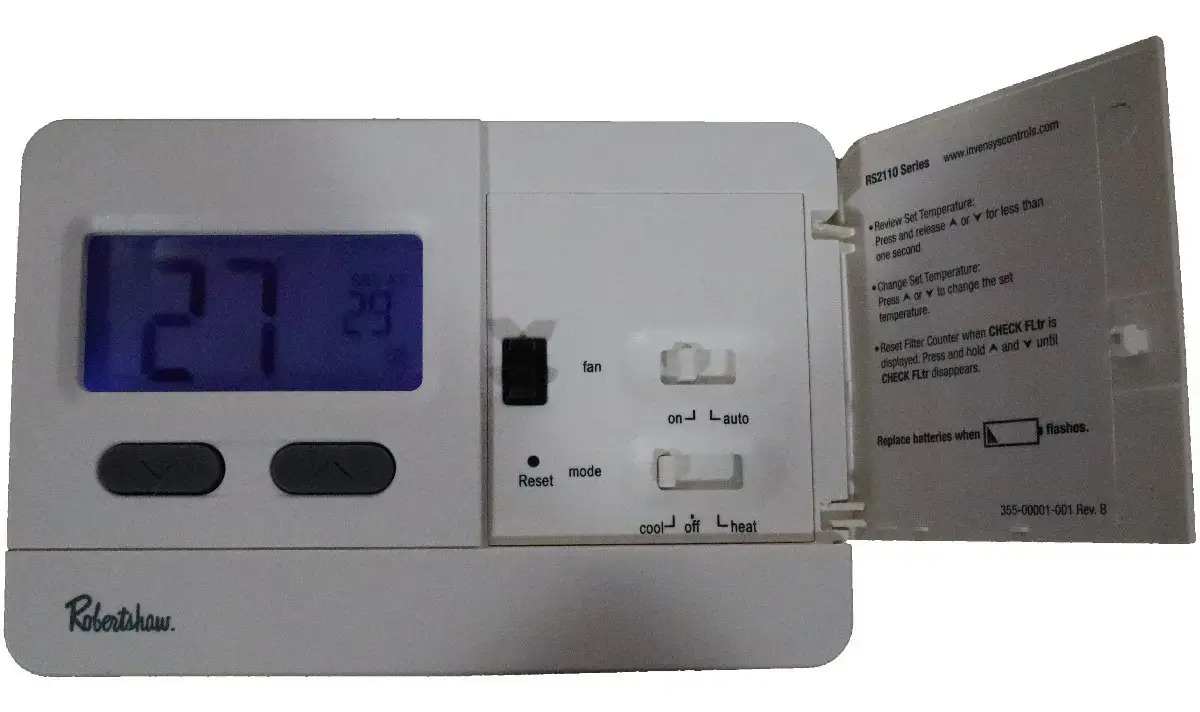
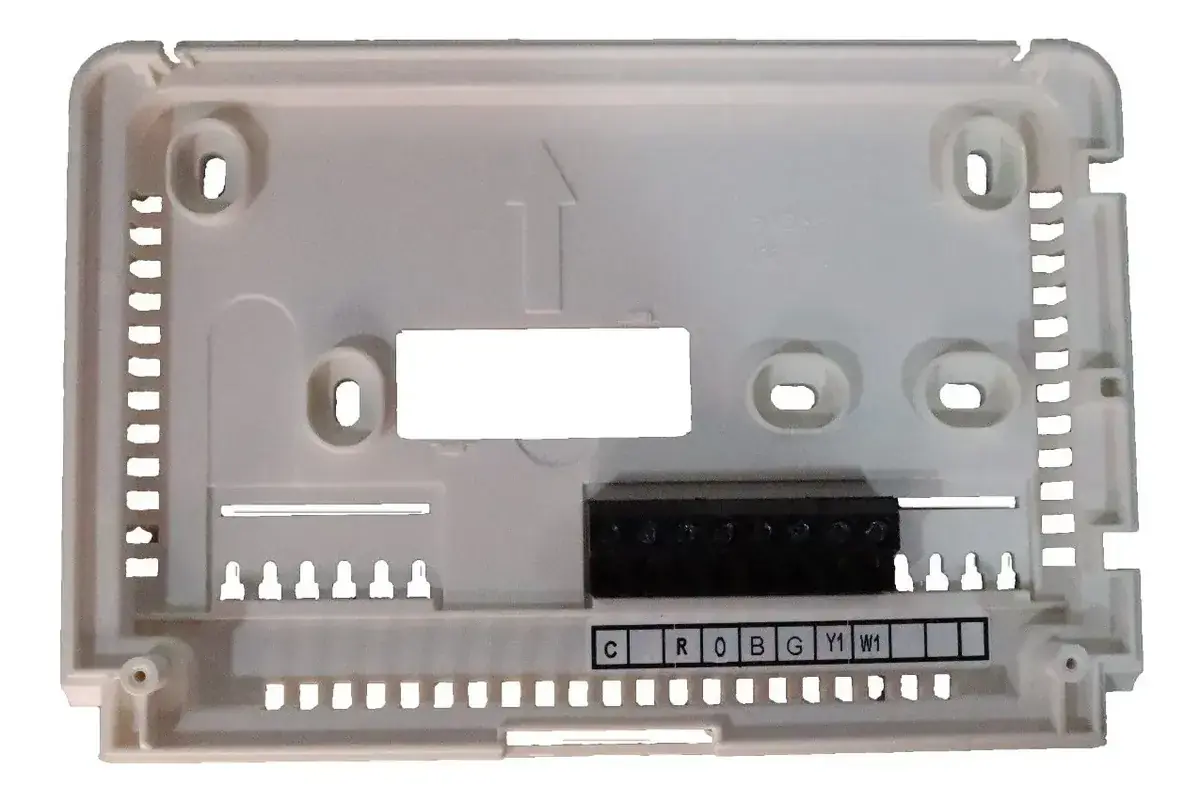
Navigating the RS2110 is straightforward, thanks to its user-friendly controls. Dedicated Up and Down arrows allow for precise temperature setting and menu navigation. A convenient Reset button quickly restores factory defaults, while a secure door latch protects the battery compartment. The thermostat also features distinct System and Fan switches, enabling easy selection between COOL, OFF, or HEAT modes, and automatic or continuous fan operation, respectively. Installation is further simplified by a quick wire terminal block, utilizing sturdy clamps for fast, screw-less connections.
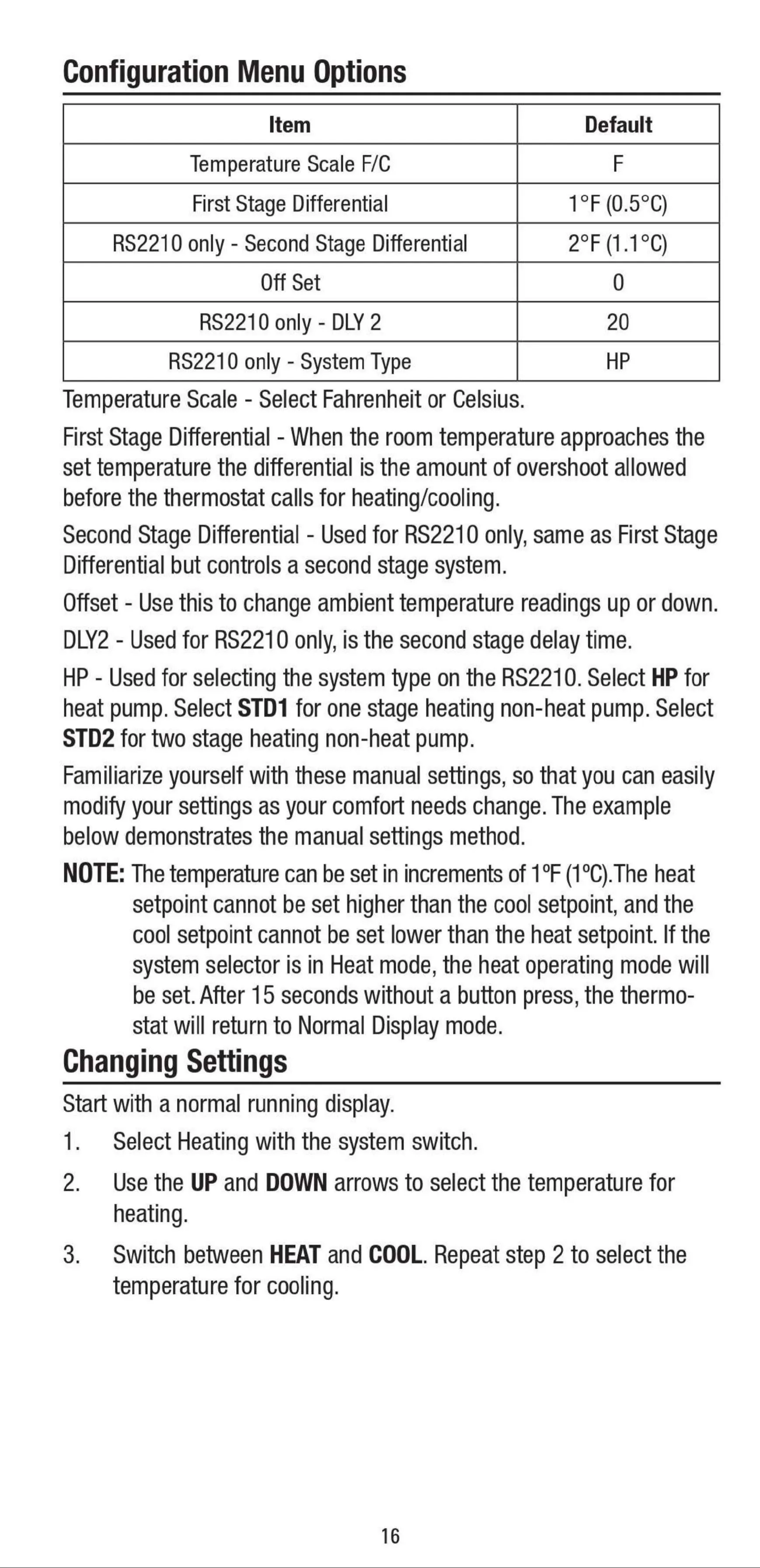
Beyond basic operation, the RS2110 offers several configurable features to tailor its performance to your needs. Users can easily switch between Fahrenheit and Celsius temperature scales. The First Stage Differential setting allows adjustment of the temperature overshoot before the system calls for heating or cooling, enhancing comfort. An Offset function provides the ability to fine-tune ambient temperature readings. Accessing this Configuration Menu is simple: just set the System switch to OFF and simultaneously press the UP and DOWN arrows for three seconds.
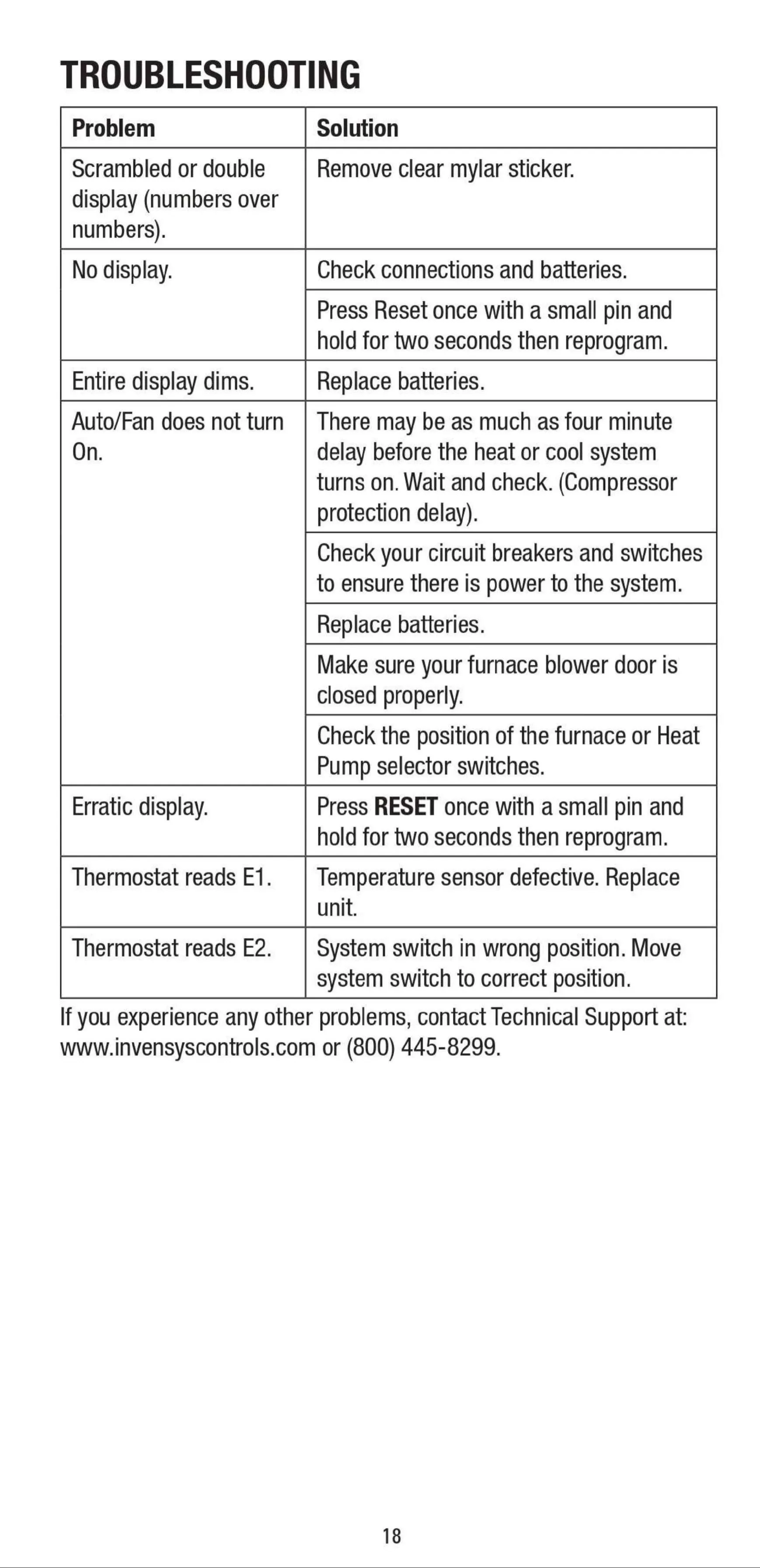
The RS2110 prioritizes system longevity and maintenance. It incorporates automatic compressor short cycle protection, imposing a 4-minute delay between heating or cooling cycles. This critical safeguard prevents damage to your compressor from rapid cycling. Furthermore, the Filter Monitor feature tracks system run time and conveniently flashes "Check FLtr" after 400 hours, reminding you to change or clean your air filter for optimal performance and energy efficiency. Resetting this reminder is as easy as holding the UP and DOWN arrows together.
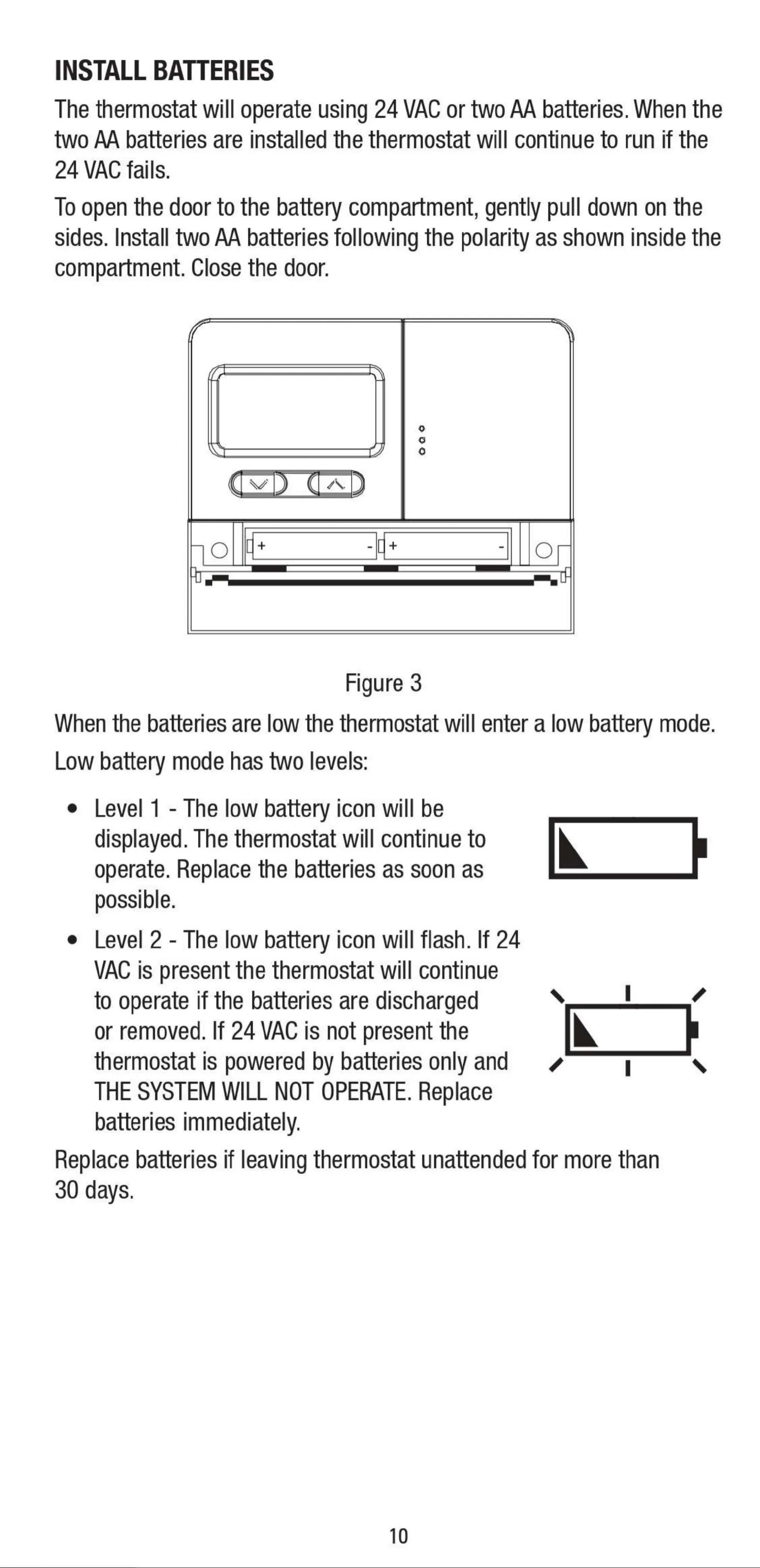
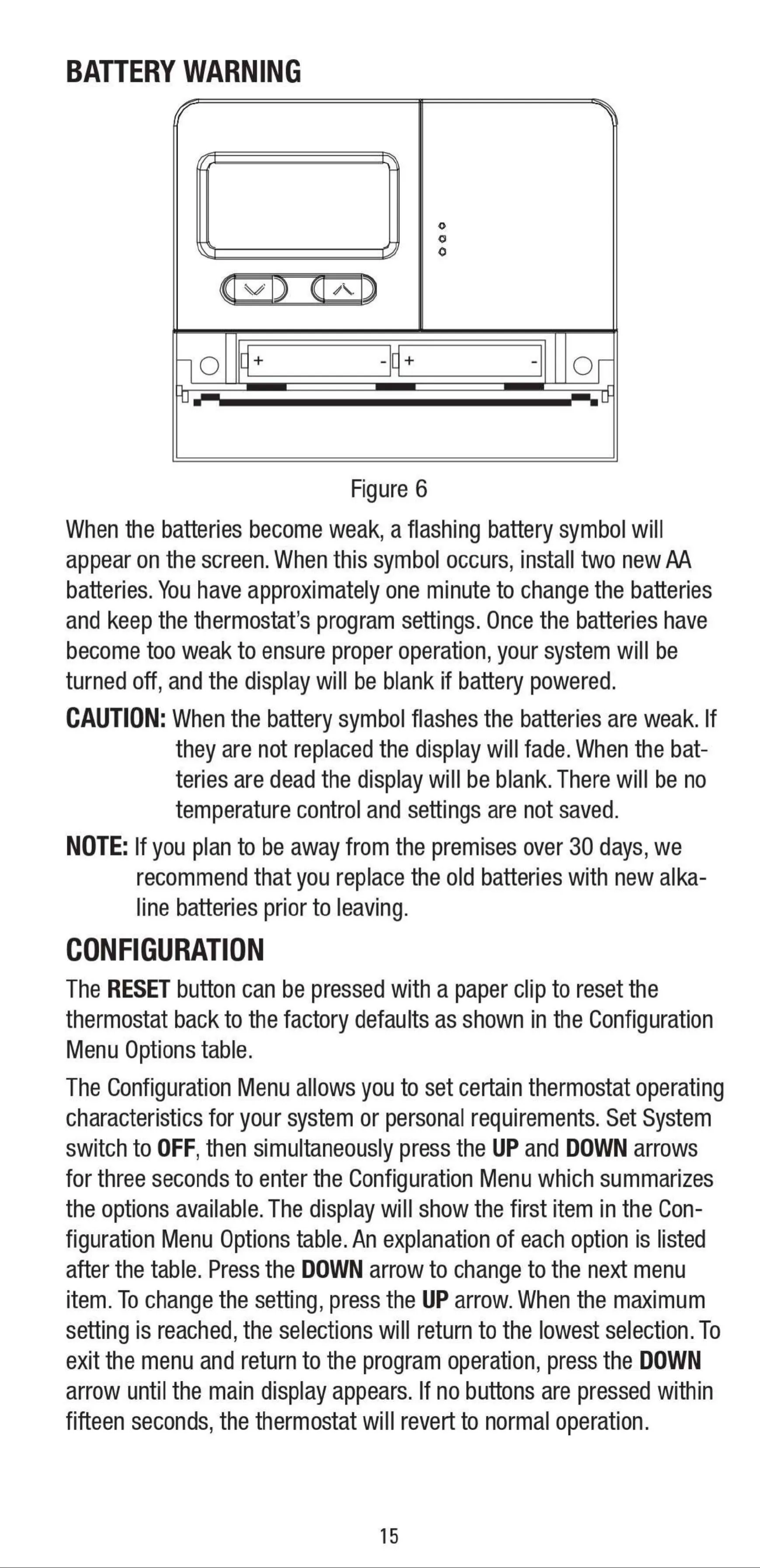
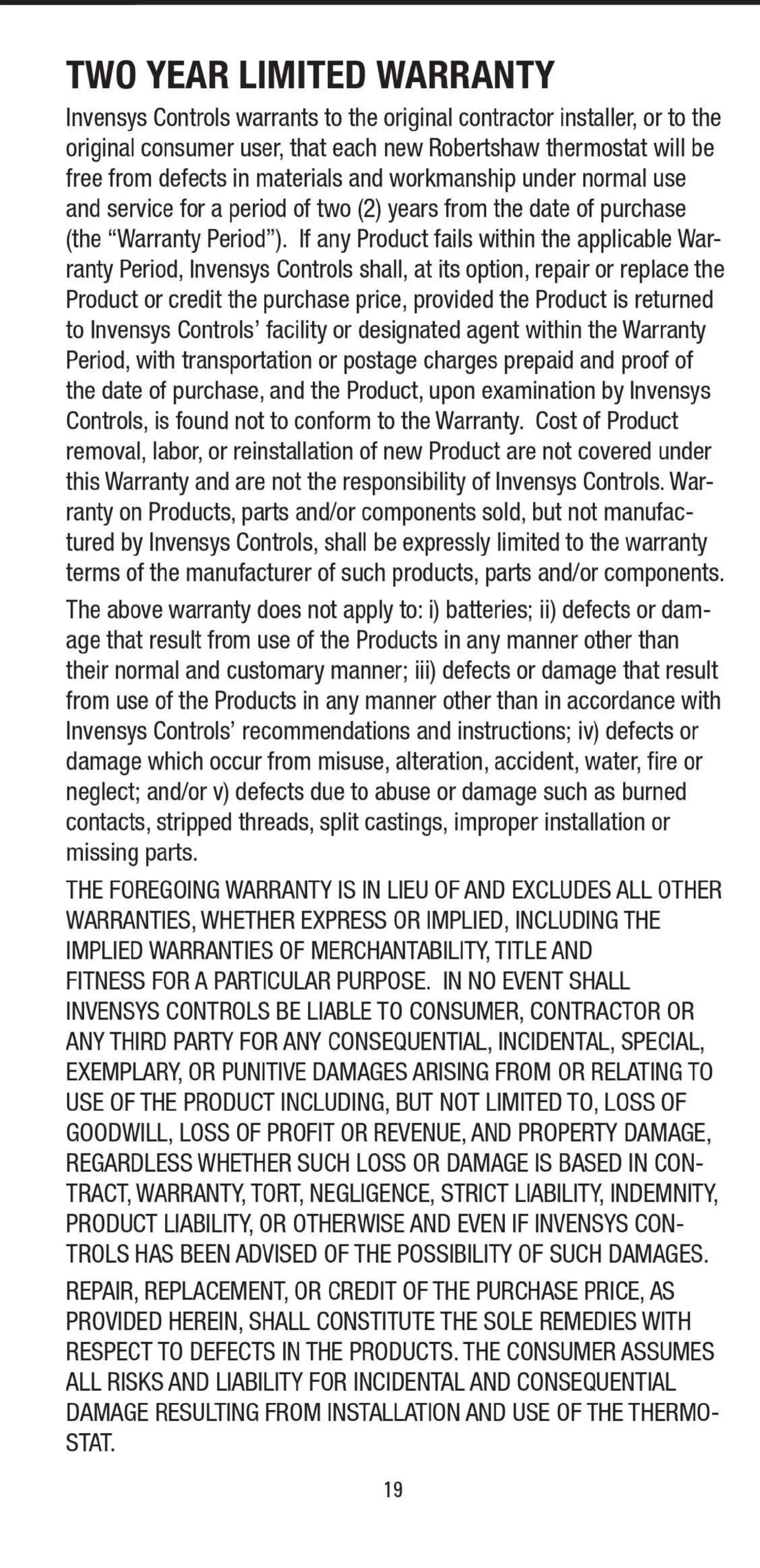
Operating on either 24 VAC or two AA batteries, the thermostat ensures continuity. If 24 VAC power fails, the batteries act as a backup, preserving current settings – although the heating/cooling system will not operate without main power. A flashing battery symbol on the display provides timely notification for battery replacement, preventing unexpected shutdowns. Important safety warnings throughout the manual emphasize proper installation by a qualified technician, the necessity of turning off power, and avoiding voltages higher than 30 VAC, mitigating risks of electrical shock or fire. The device itself is mercury-free, supporting responsible disposal.
Frequently Asked Questions (FAQs)
Can't find the answer you need? Here are some frequently asked questions about the Robertshaw RS2110 Thermostat, and we answer them below.