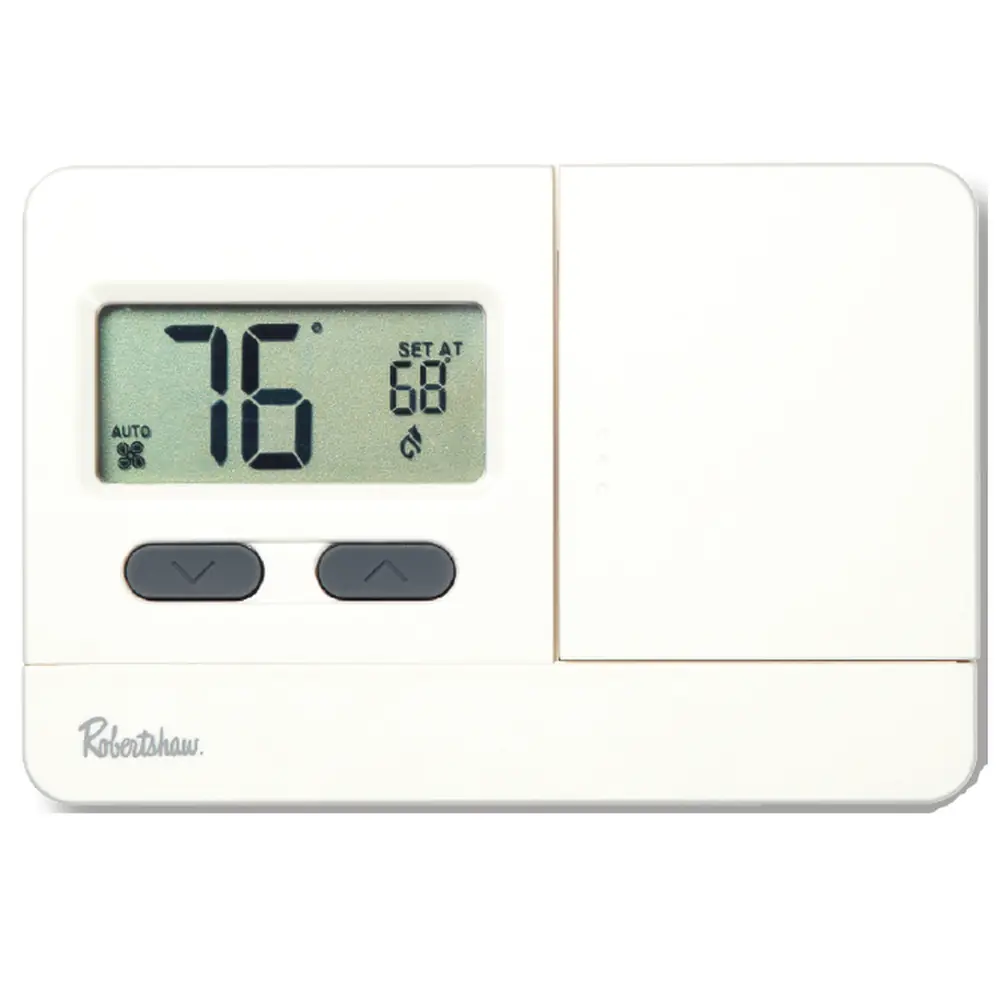
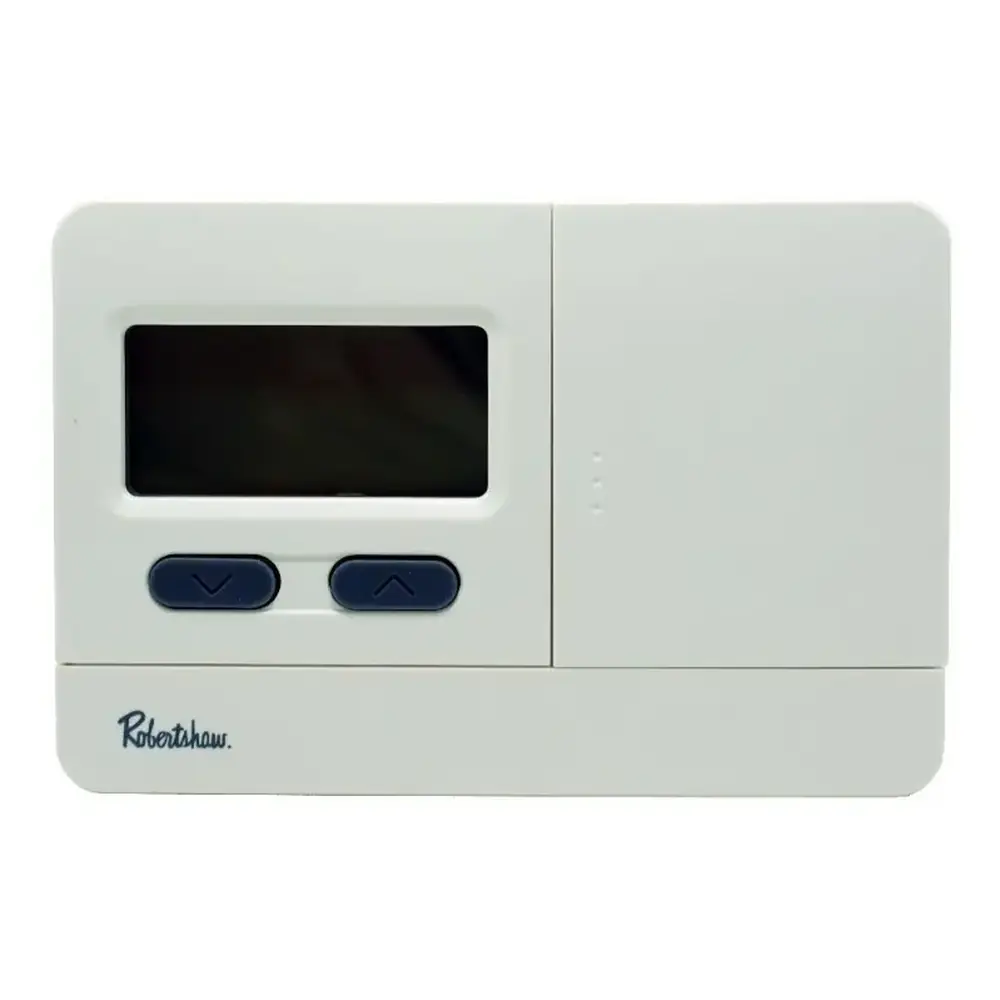
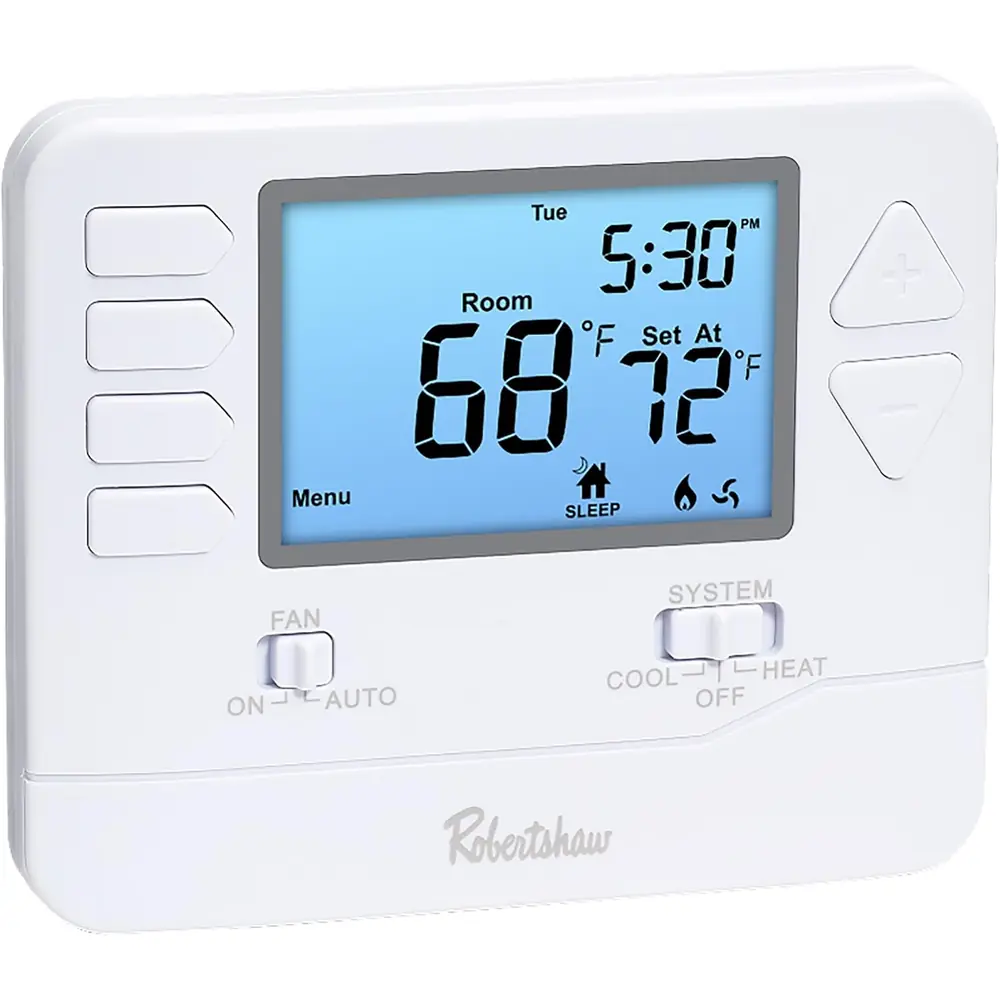
Robertshaw 9600 Thermostat Instruction Manual
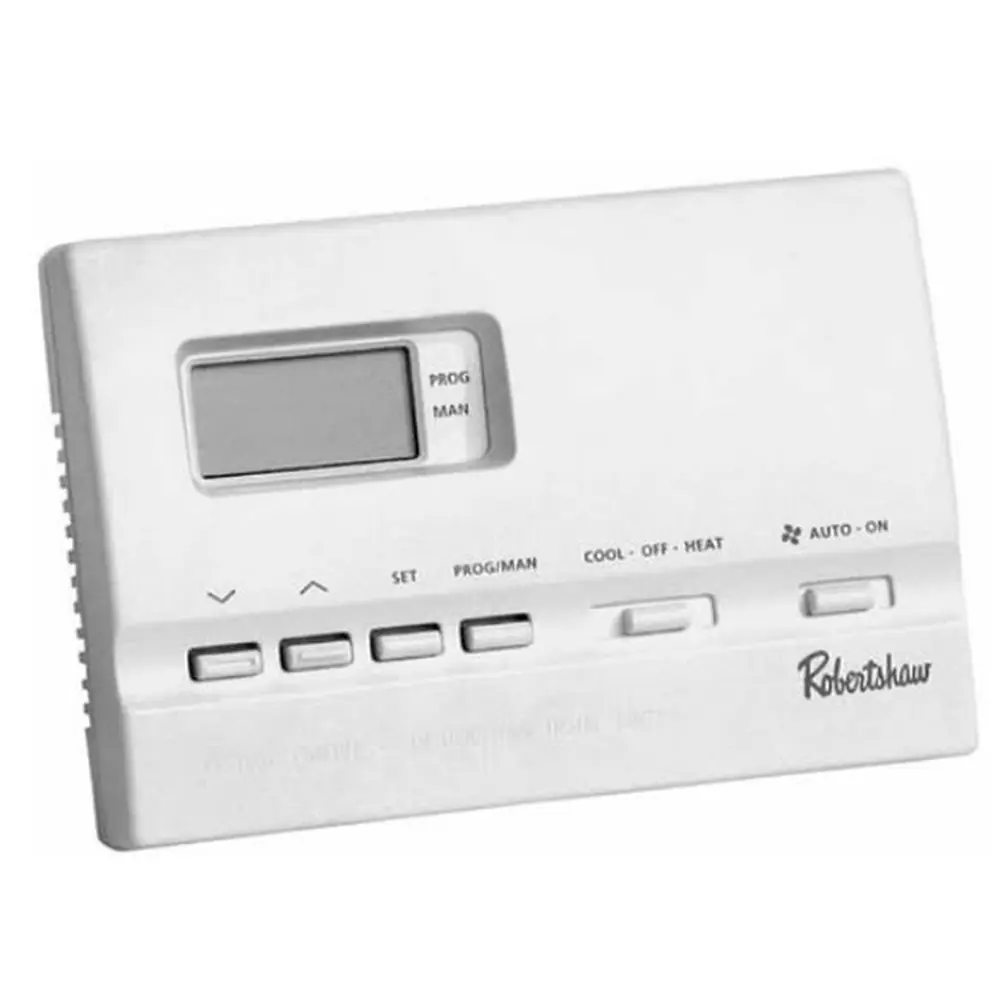
Robertshaw 9600 Thermostat
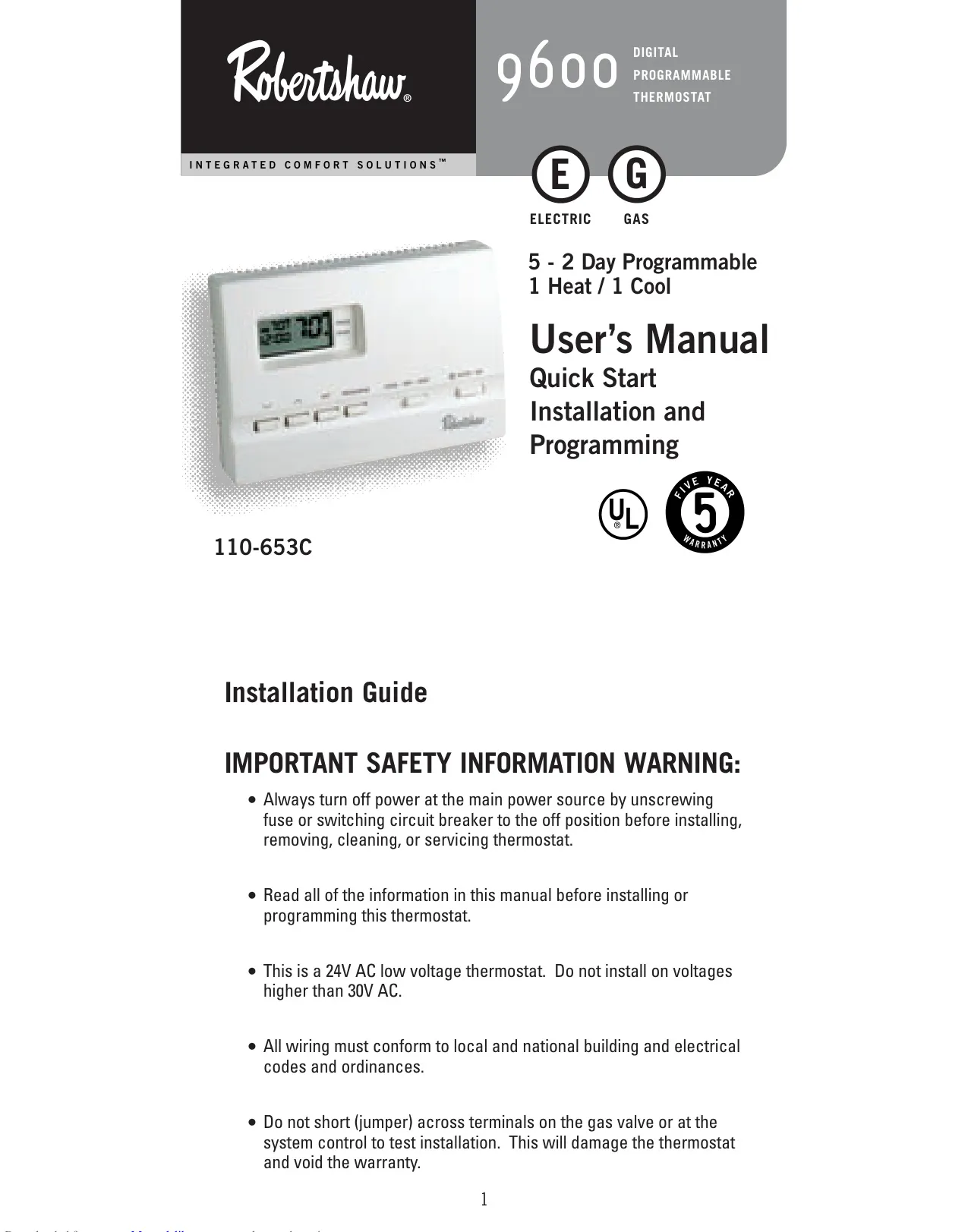
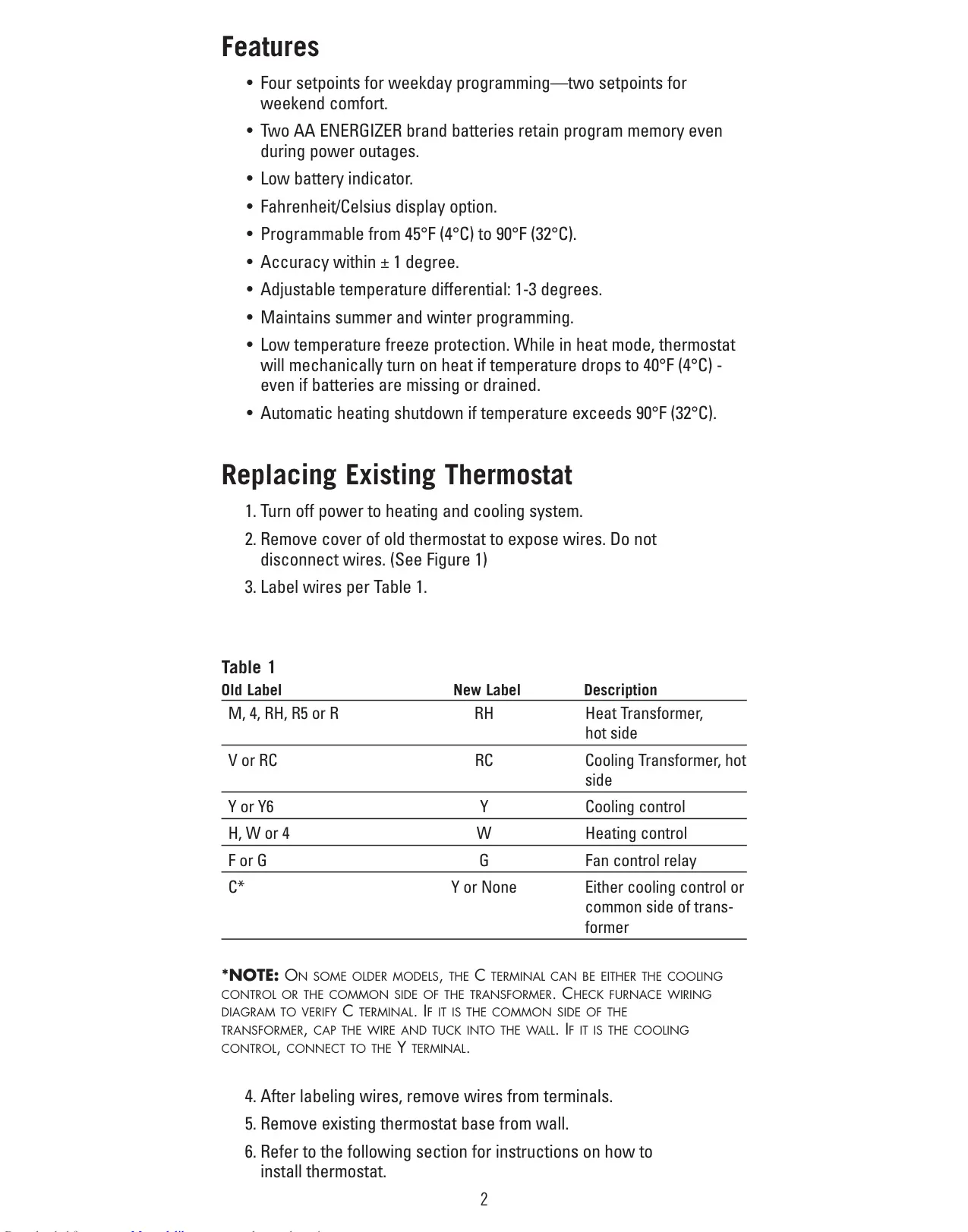
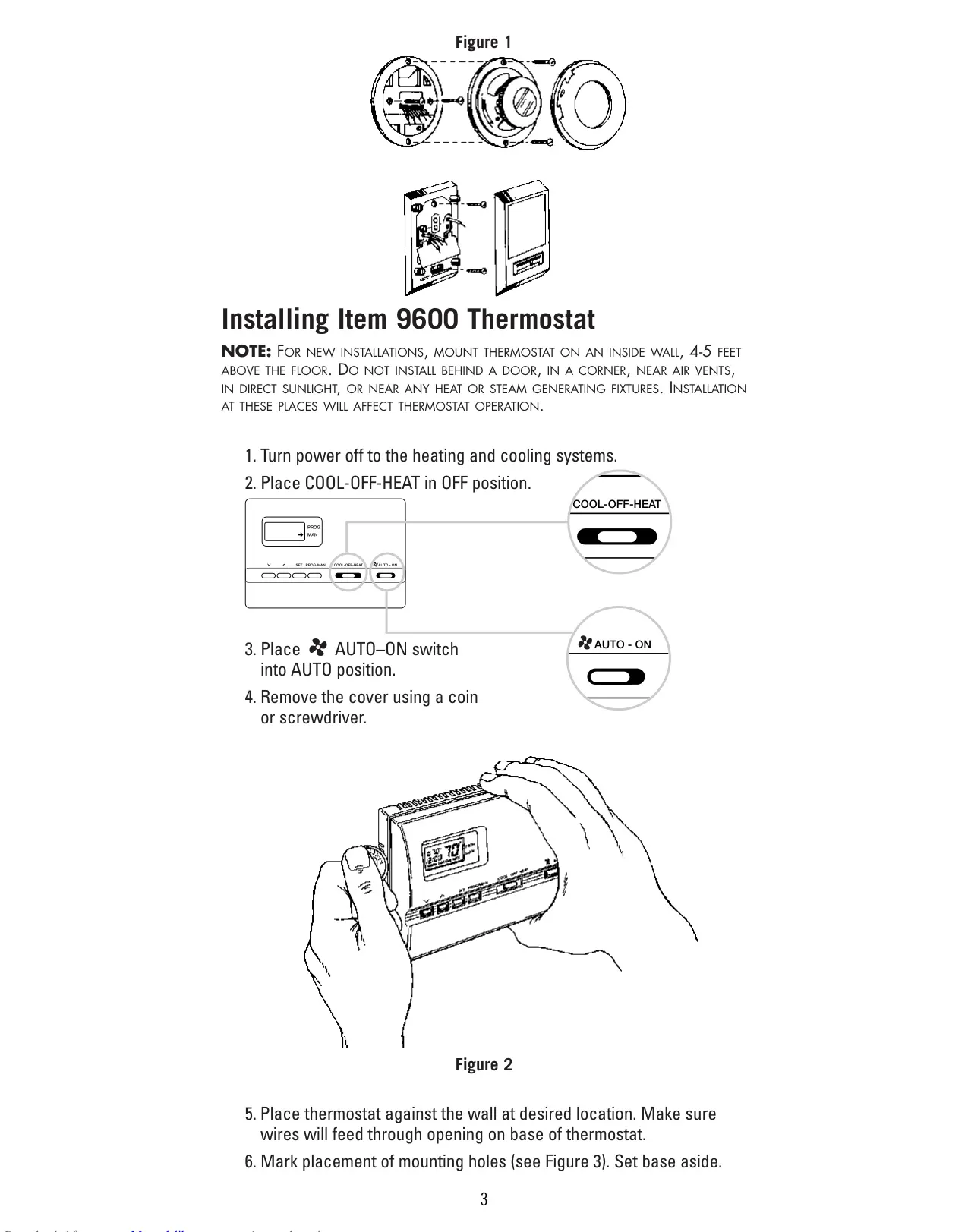
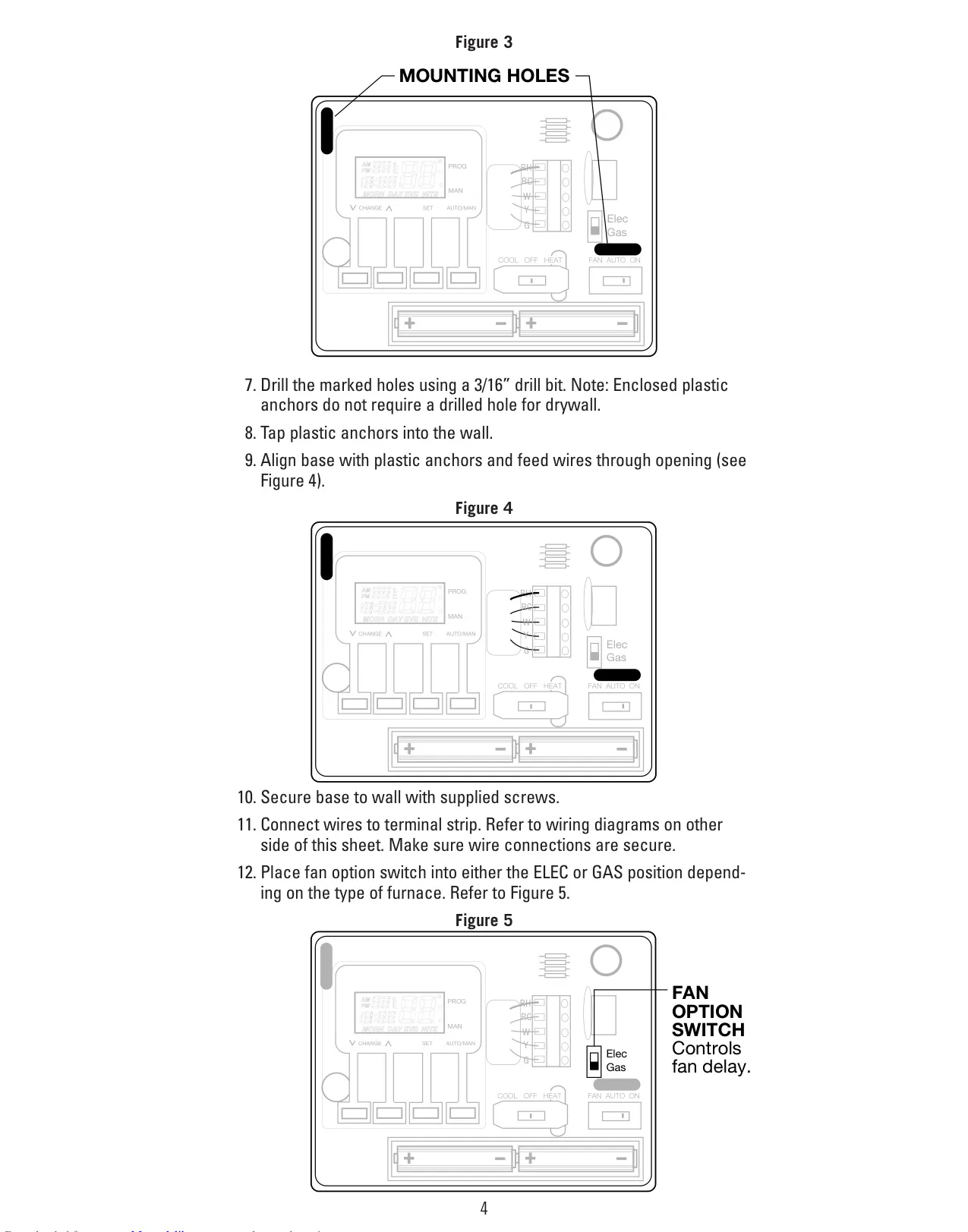


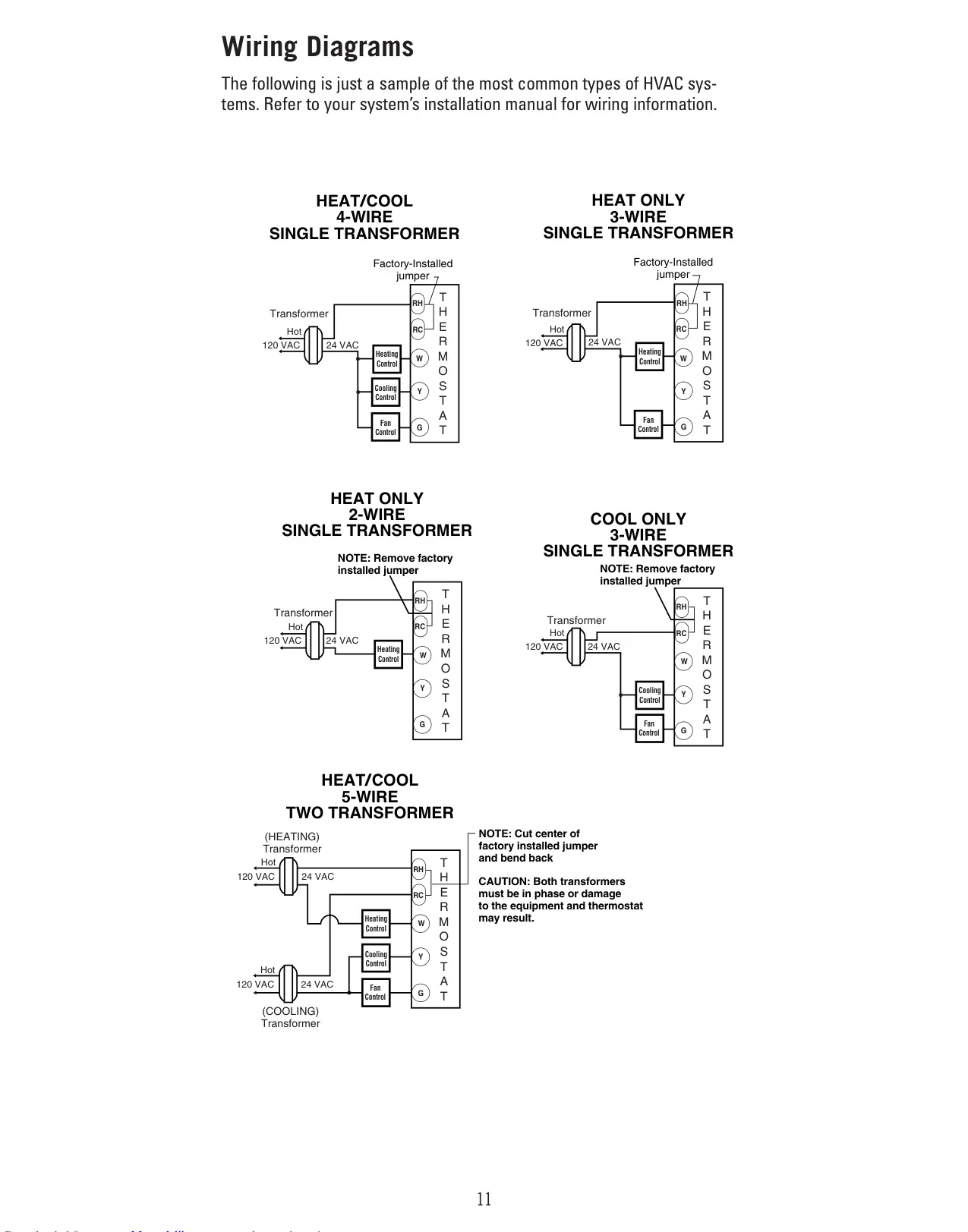



Robertshaw 9600 Thermostat Instructions
Here we offer the Robertshaw 9600 Thermostat manual completely free and in English. We have cataloged this manual in the Thermostats section on Manualverse, and it has been rated by 1 users with an average rating of 5. If you have any specific questions about Robertshaw 9600 Thermostat, we suggest checking the Frequently Asked Questions (FAQs) section of this manual.
Product Images
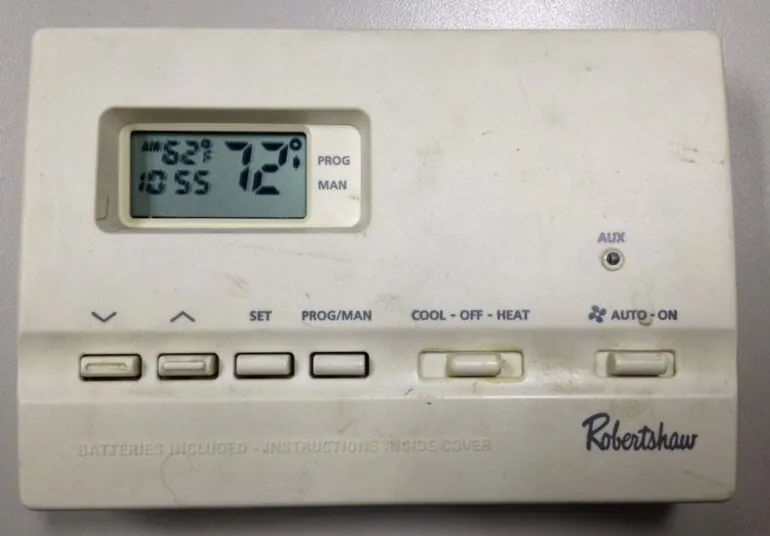
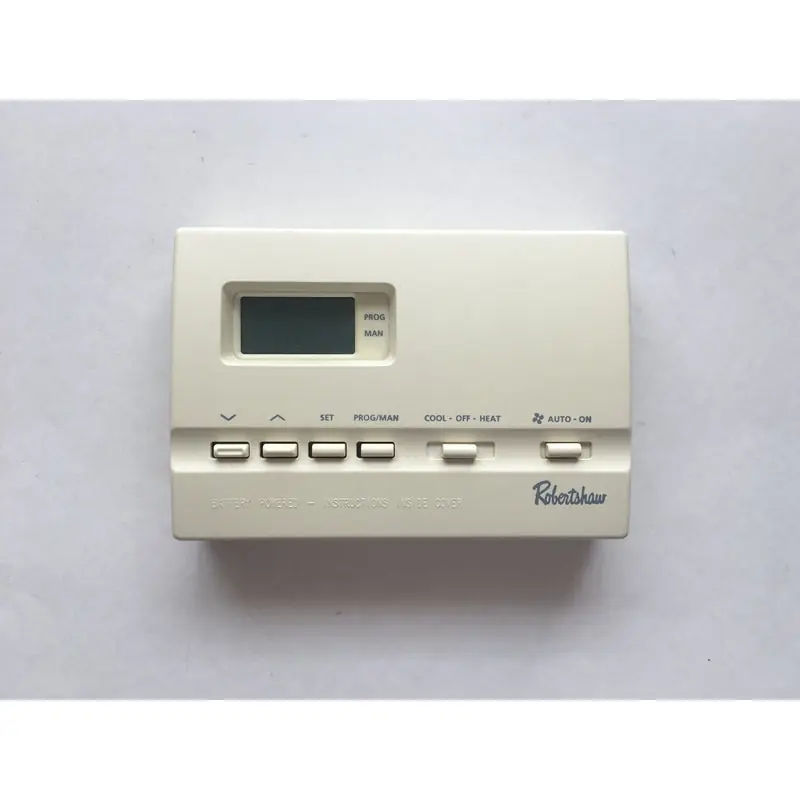
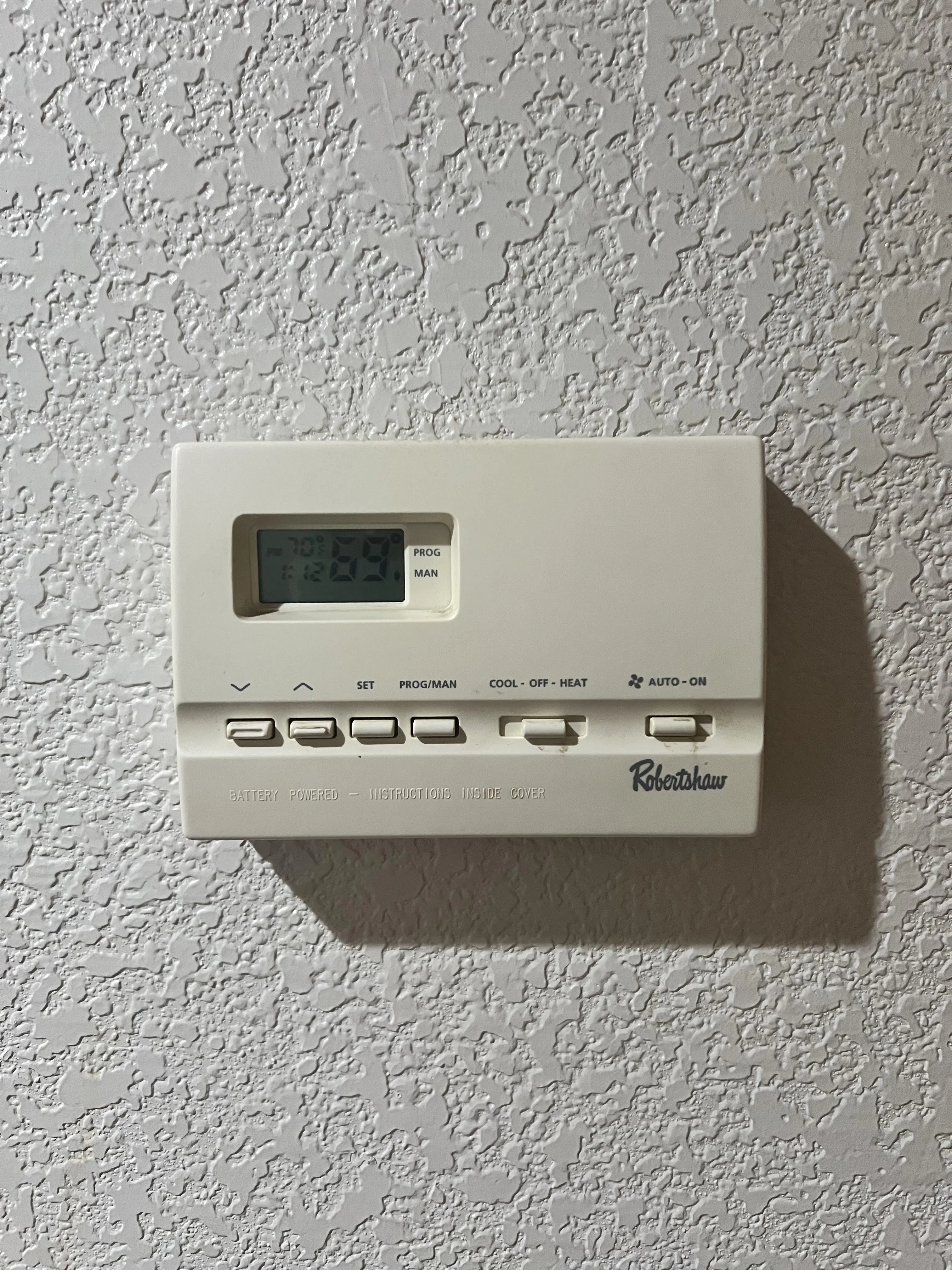
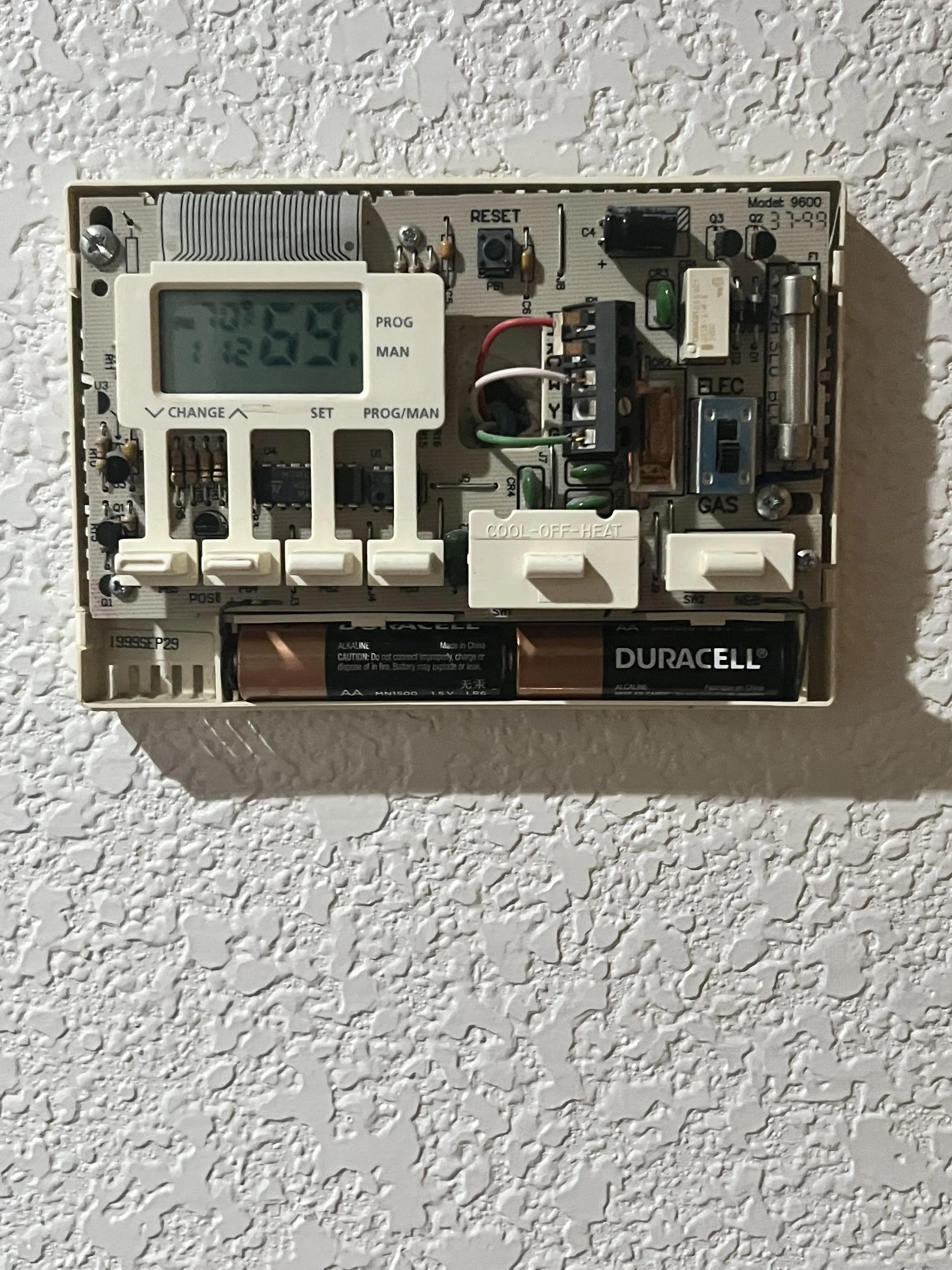
Robertshaw 9600 Thermostat Specifications
| Feature | Specification |
|---|---|
| Model | Robertshaw 9600 (Model 110-653C) |
| System Type Compatibility | 1 Heat / 1 Cool (also supports Heat Only, Cool Only) |
| Programmability | 5-2 Day Programmable |
| Temperature Range (Programmable) | 45°F (4°C) to 90°F (32°C) |
| Accuracy | ± 1 degree |
| Temperature Differential | Adjustable 1-3 degrees (Factory preset at 1°) |
| Operating Voltage | 24V AC (low voltage, max 30V AC) |
| Battery Backup | 2x AA ENERGIZER brand batteries (for program memory) |
| Display Options | Fahrenheit (°F) / Celsius (°C) selectable |
| Program Memory Retention | Battery-backed during power outages |
| Safety Features | Freeze Protection (40°F/4°C), High Temp Shutdown (90°F/32°C), 5-min Compressor Delay |
| Warranty | 5-Year Limited Warranty |
Robertshaw 9600 Thermostat Details
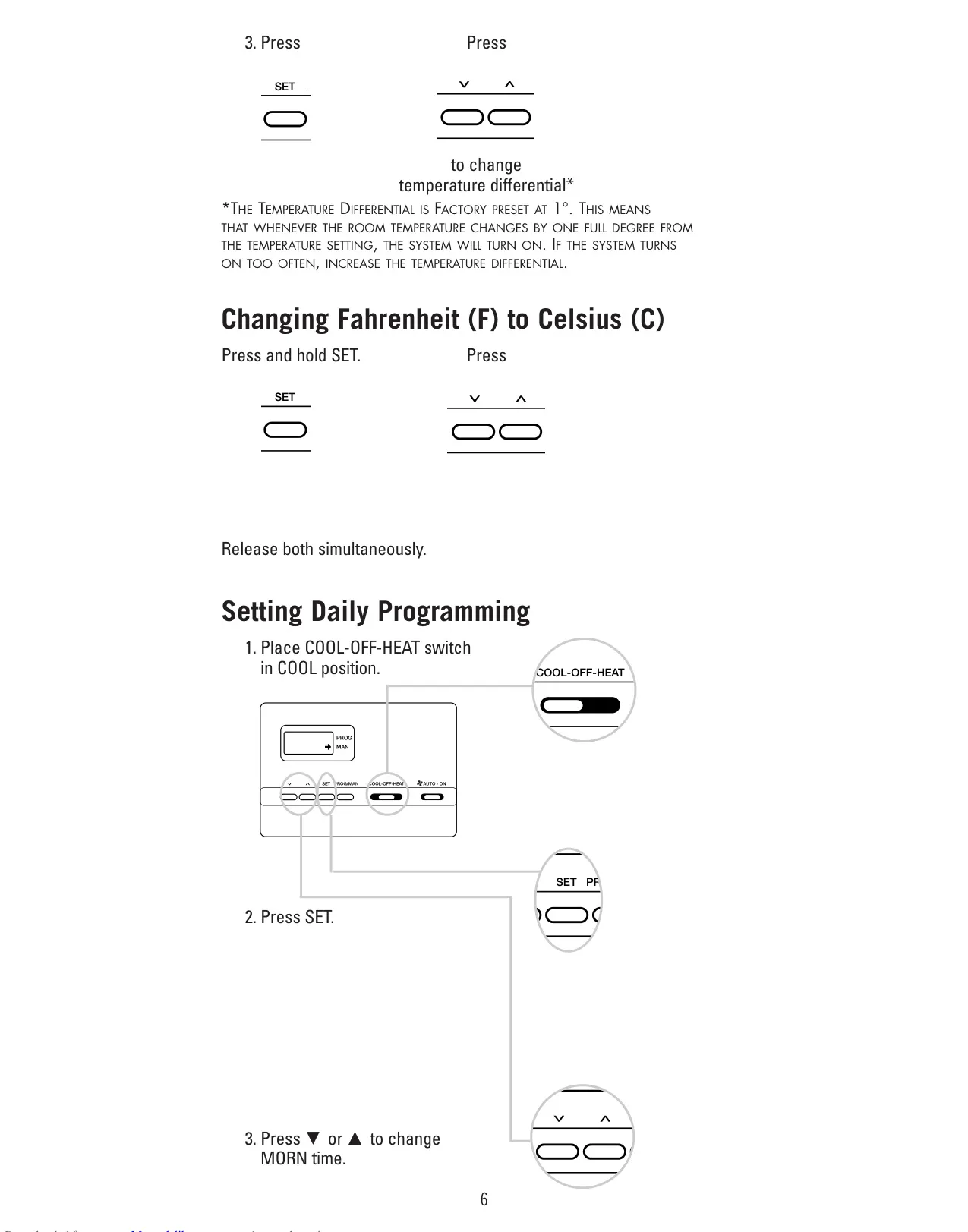
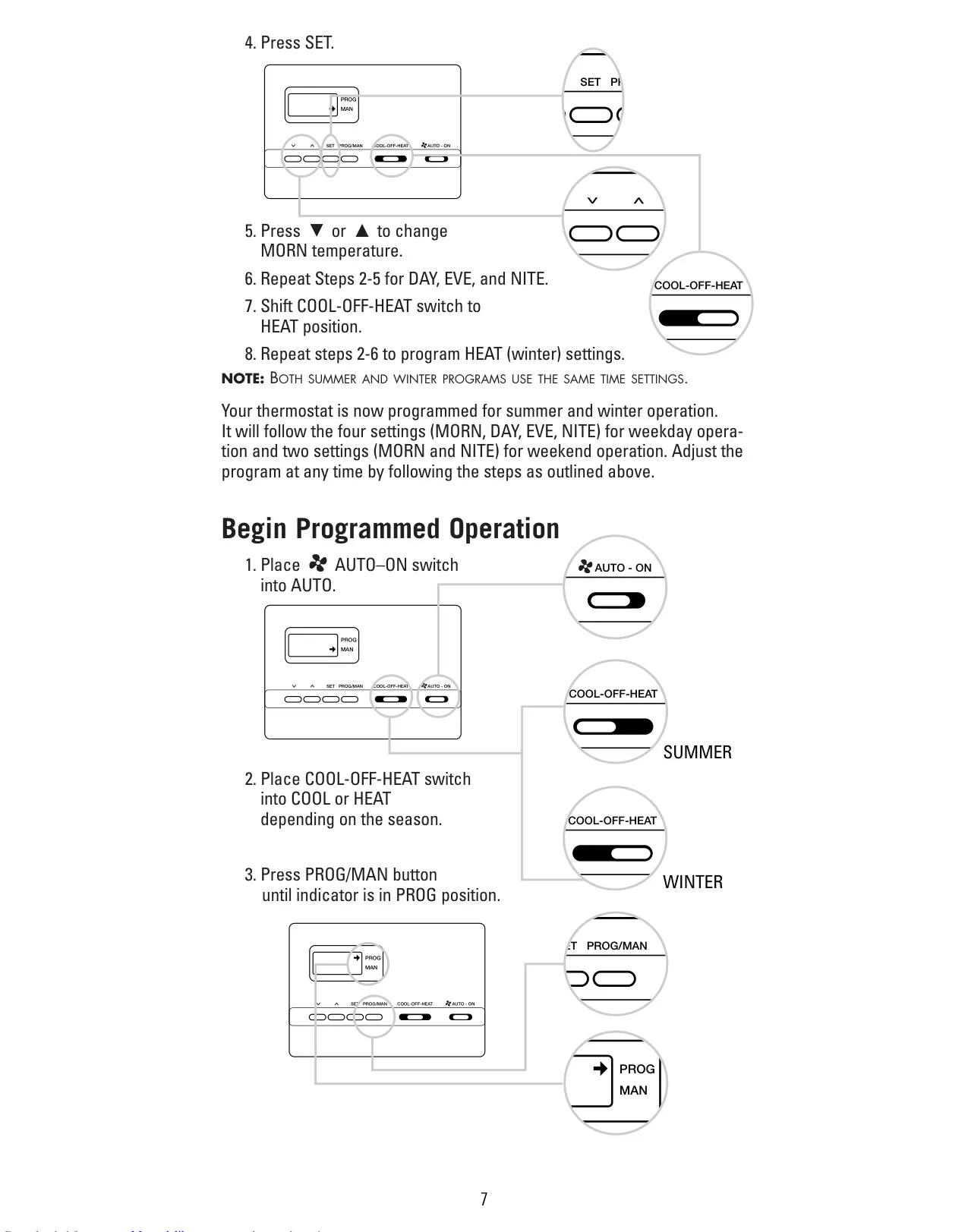
The Robertshaw 9600 Thermostat is engineered to provide precise control over your home's heating and cooling, designed for 1 Heat / 1 Cool systems. This model boasts a versatile 5-2 day programmable schedule, allowing users to tailor their comfort across weekdays and weekends. It supports four distinct setpoints for weekdays—Morning, Day, Evening, and Night—and two for weekends, ensuring energy efficiency without sacrificing comfort. A unique aspect is its ability to maintain both summer and winter programming simultaneously, simplifying seasonal transitions with ease.
Operating the 9600 is straightforward, with intuitive controls for setting the time, day of the week, and preferred temperature differential. The temperature differential, initially set at 1° at the factory, can be adjusted by the user between 1 and 3 degrees. This adjustment fine-tunes system cycling frequency, preventing constant on-off events and prolonging equipment life. Users can also easily switch the temperature display between Fahrenheit and Celsius, catering to individual preferences and making it globally adaptable.
Power for program memory retention is supplied by two AA batteries, ensuring that your customized settings remain intact even during power outages. A low battery indicator prompts timely replacement, preventing loss of programming. Safety is paramount with the 9600, incorporating low temperature freeze protection, which mechanically activates the heat if the temperature drops to 40°F (4°C), even if batteries are drained or missing. Conversely, it provides automatic heating shutdown if the temperature exceeds 90°F (32°C) for additional system protection.
Installation requires careful attention to safety, starting with explicitly turning off power to the heating and cooling system. The manual provides clear, step-by-step instructions for replacing an existing thermostat, including crucial wire labeling to ensure correct connections. It emphasizes that this is a 24V AC low voltage device and warns against installation on voltages higher than 30V AC. Proper mounting location is also highlighted, recommending an inside wall, 4-5 feet above the floor, away from drafts, direct sunlight, or heat-generating fixtures to ensure accurate temperature readings and optimal performance.
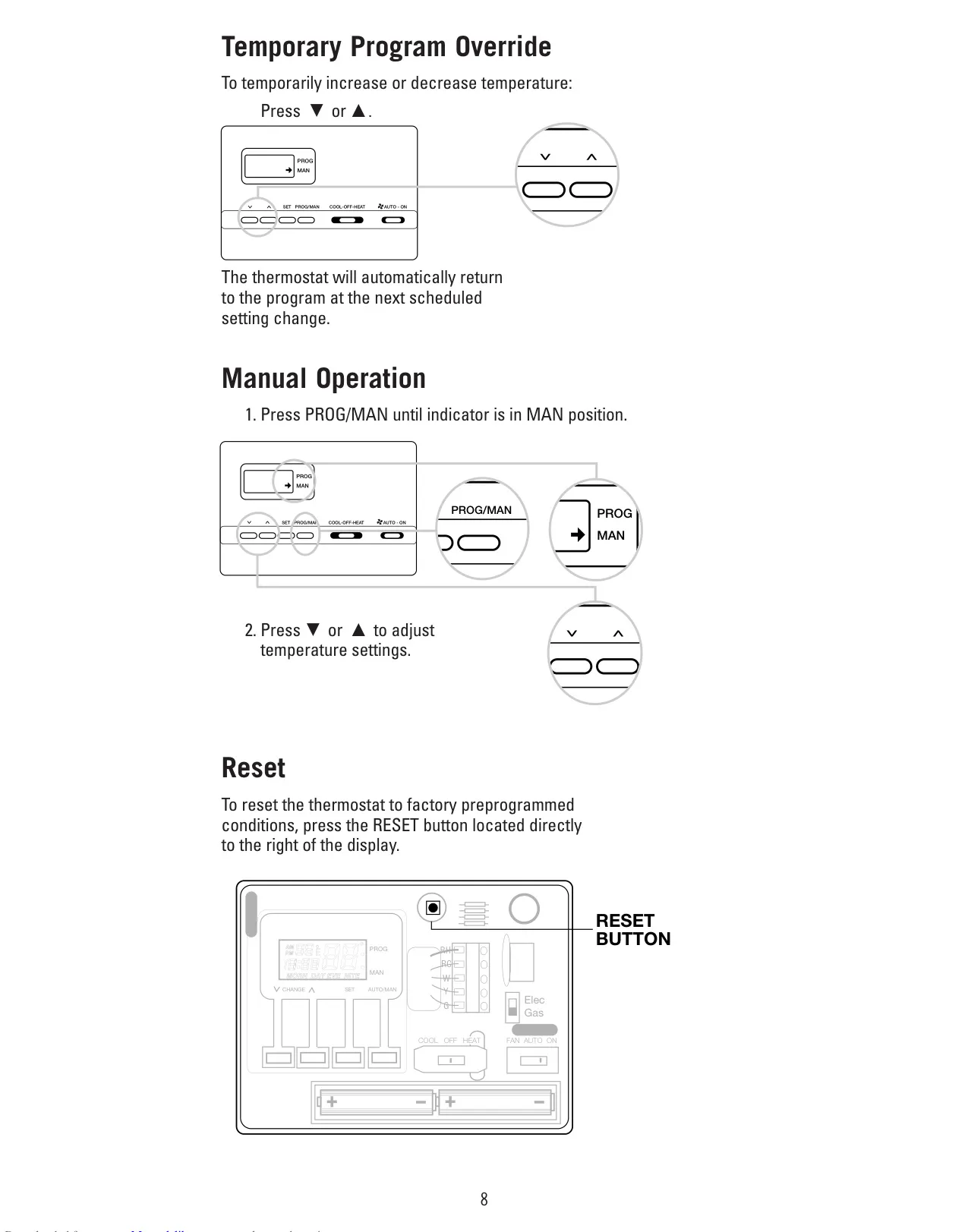
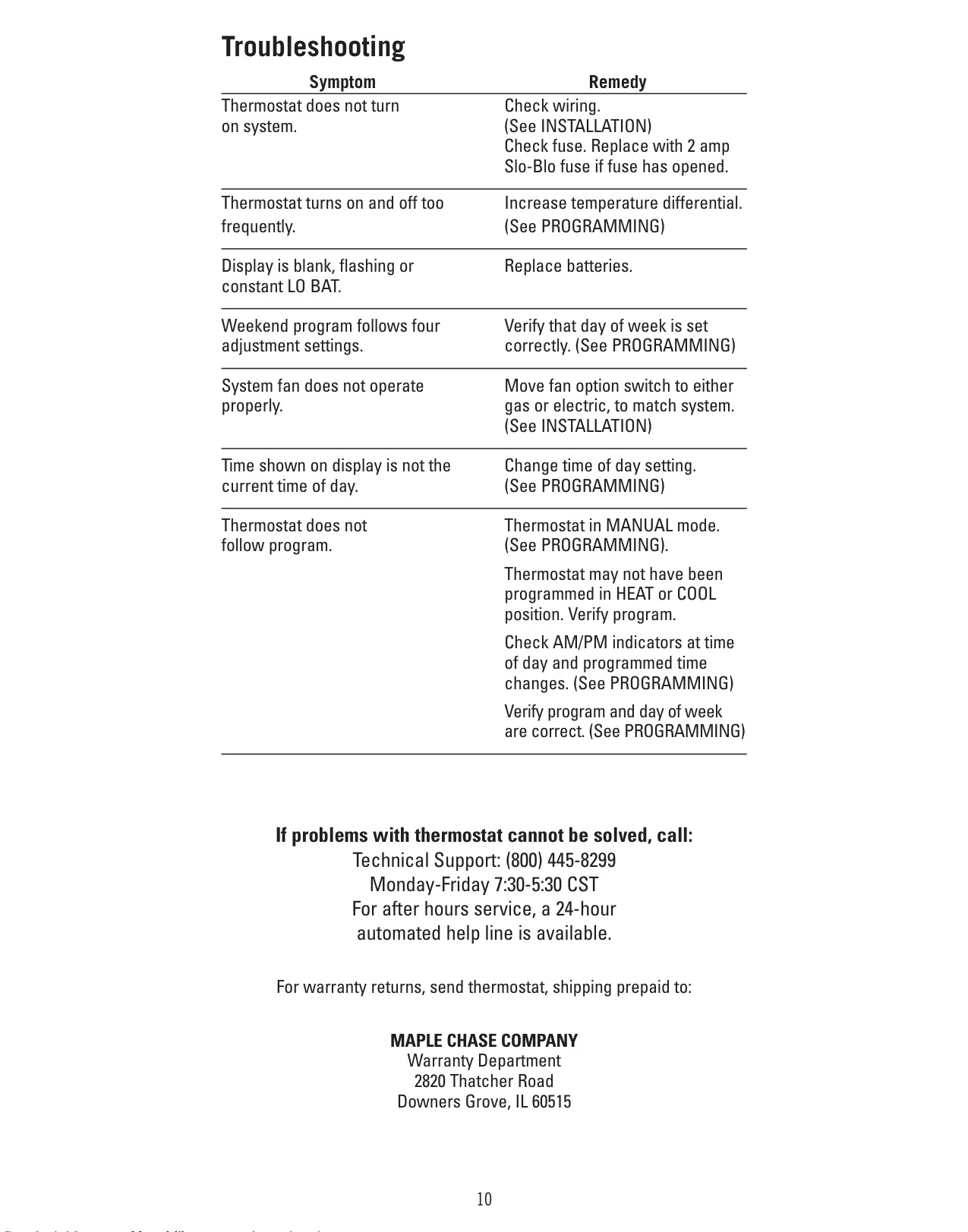
Beyond its core programming, the thermostat offers useful functionalities like temporary program override, allowing brief temperature adjustments without altering the meticulously saved schedule. For complete manual control over temperature settings, a dedicated mode is available by pressing the PROG/MAN button. Furthermore, a convenient reset button located directly to the right of the display restores the thermostat to its factory preprogrammed conditions, providing a clean slate if needed. The comprehensive troubleshooting guide is an invaluable resource, addressing common symptoms such as the system not activating, frequent cycling, blank displays, or incorrect program following. This support ensures users can quickly diagnose and resolve most operational issues, maximizing their comfort and convenience.
Frequently Asked Questions (FAQs)
Can't find the answer you need? Here are some frequently asked questions about the Robertshaw 9600 Thermostat, and we answer them below.