Venstar T3700 Thermostat Instruction Manual
Venstar T3700 Thermostat











Venstar T3700 Thermostat

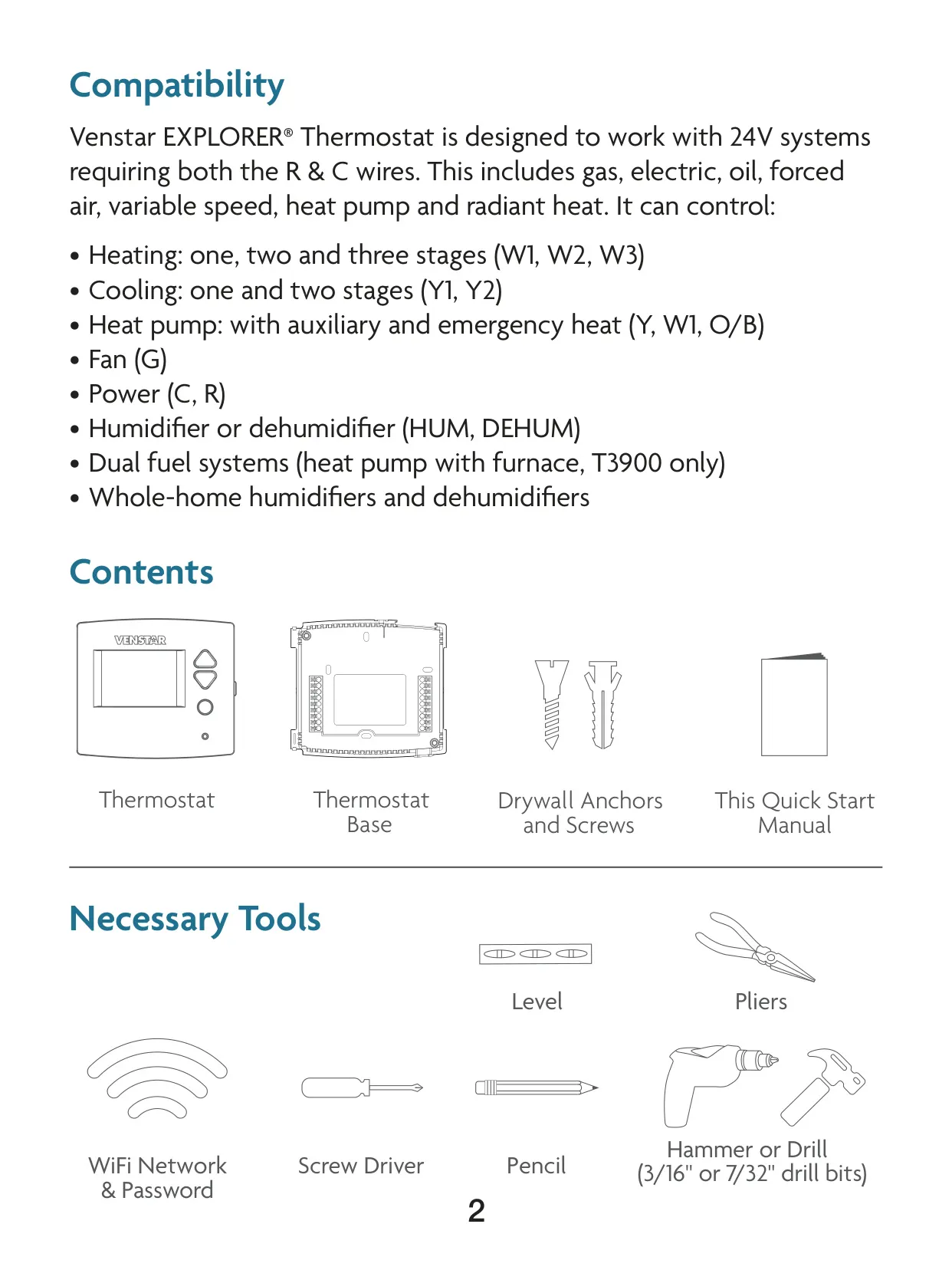
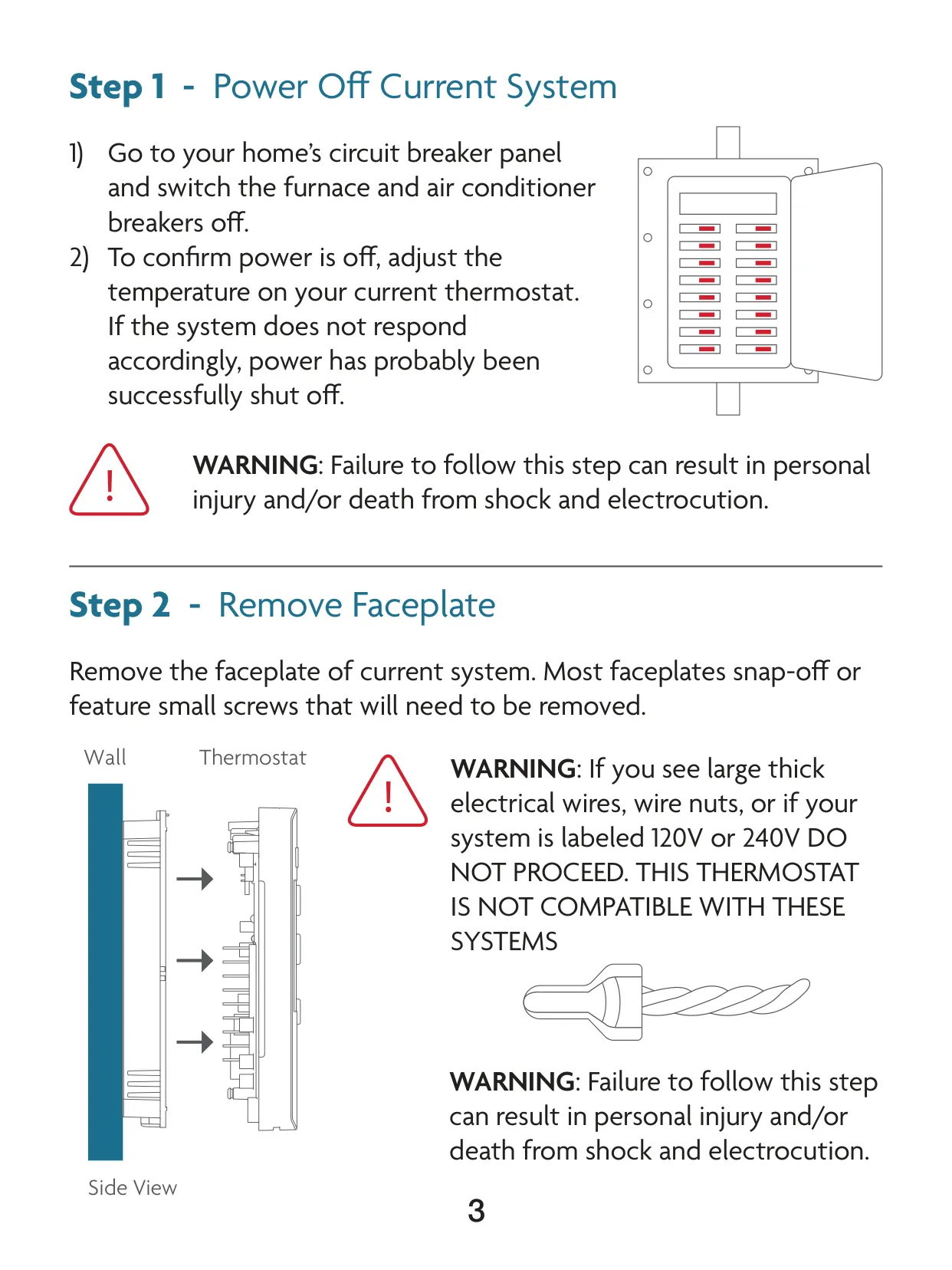
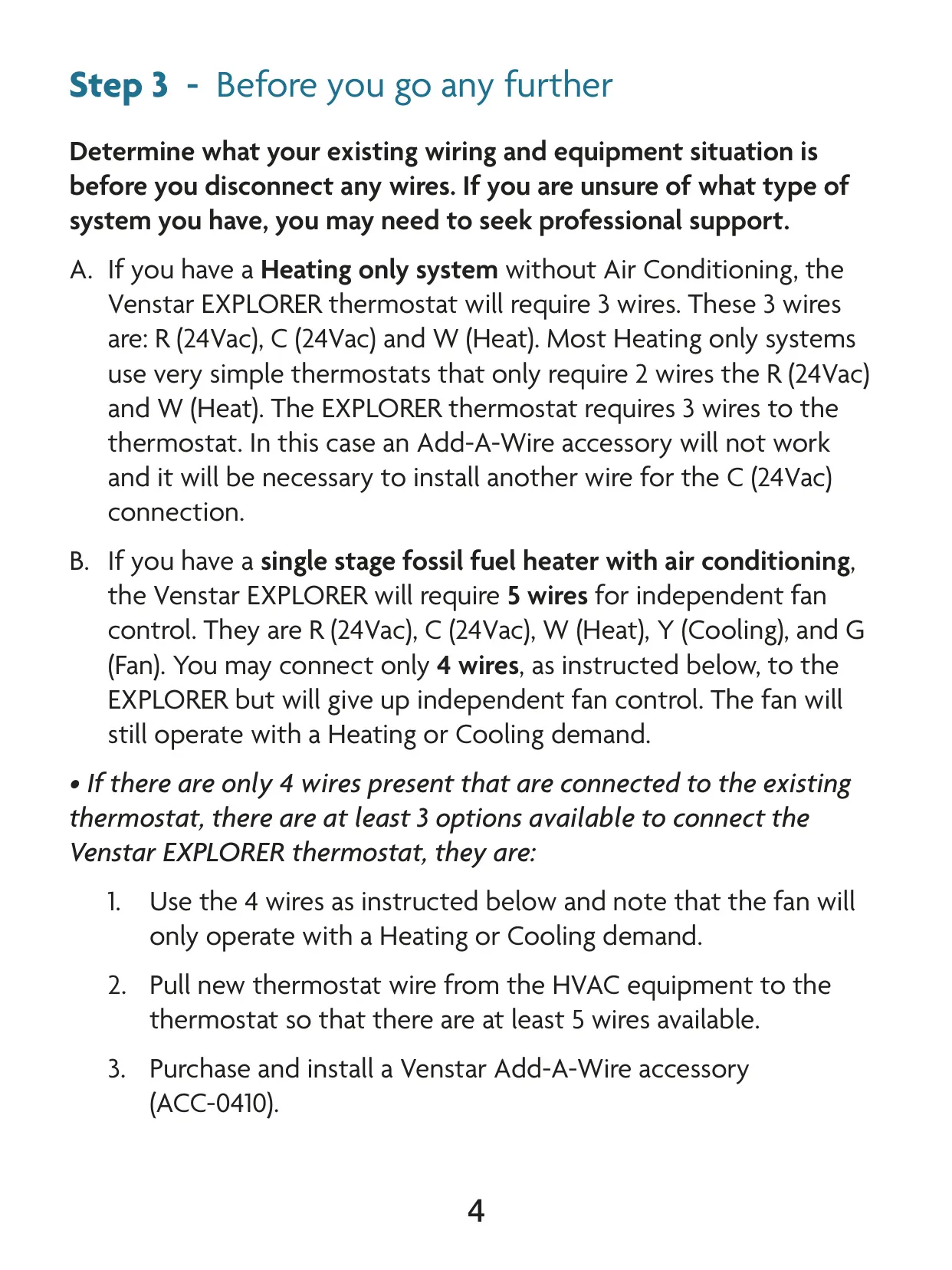
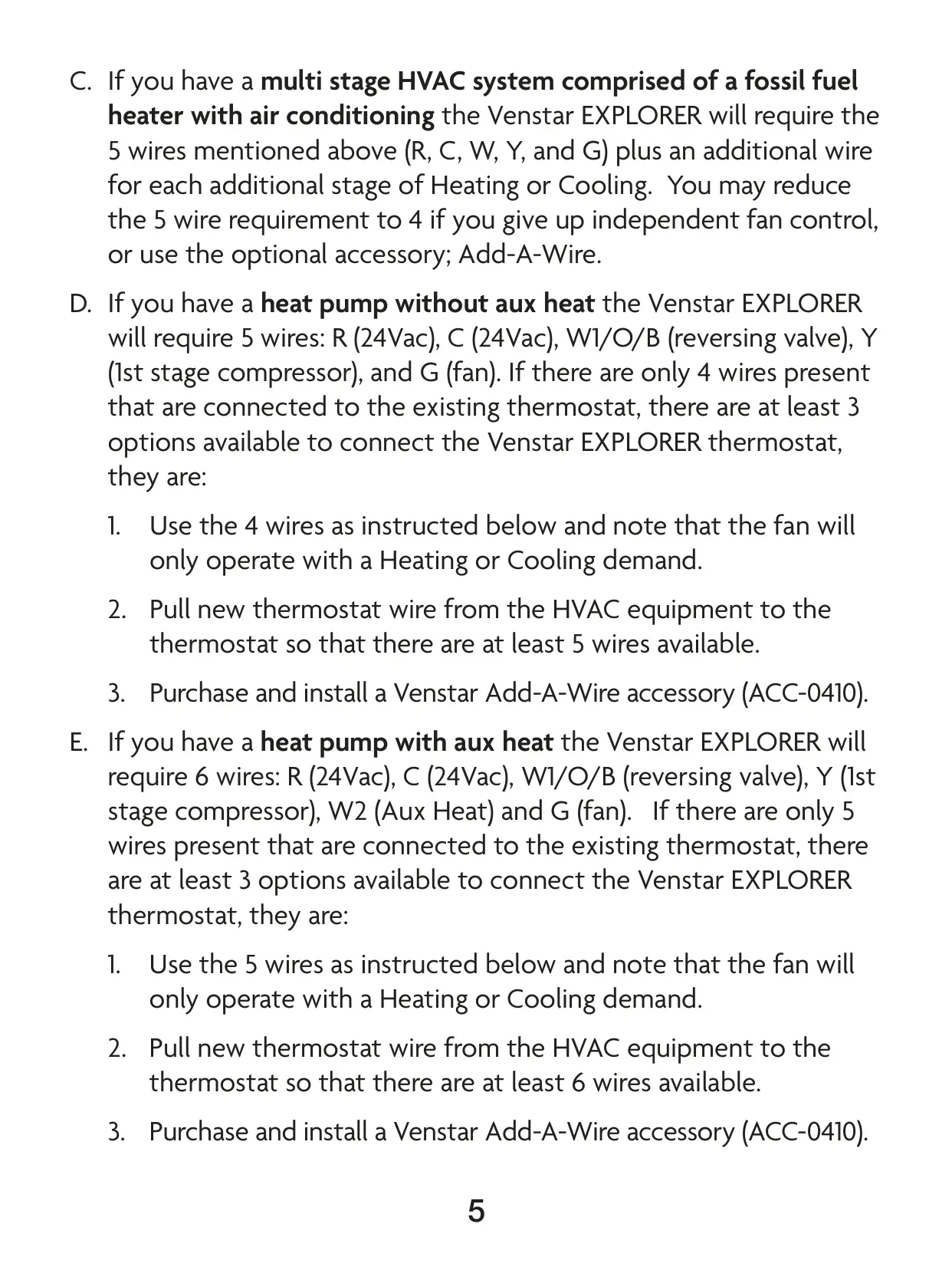
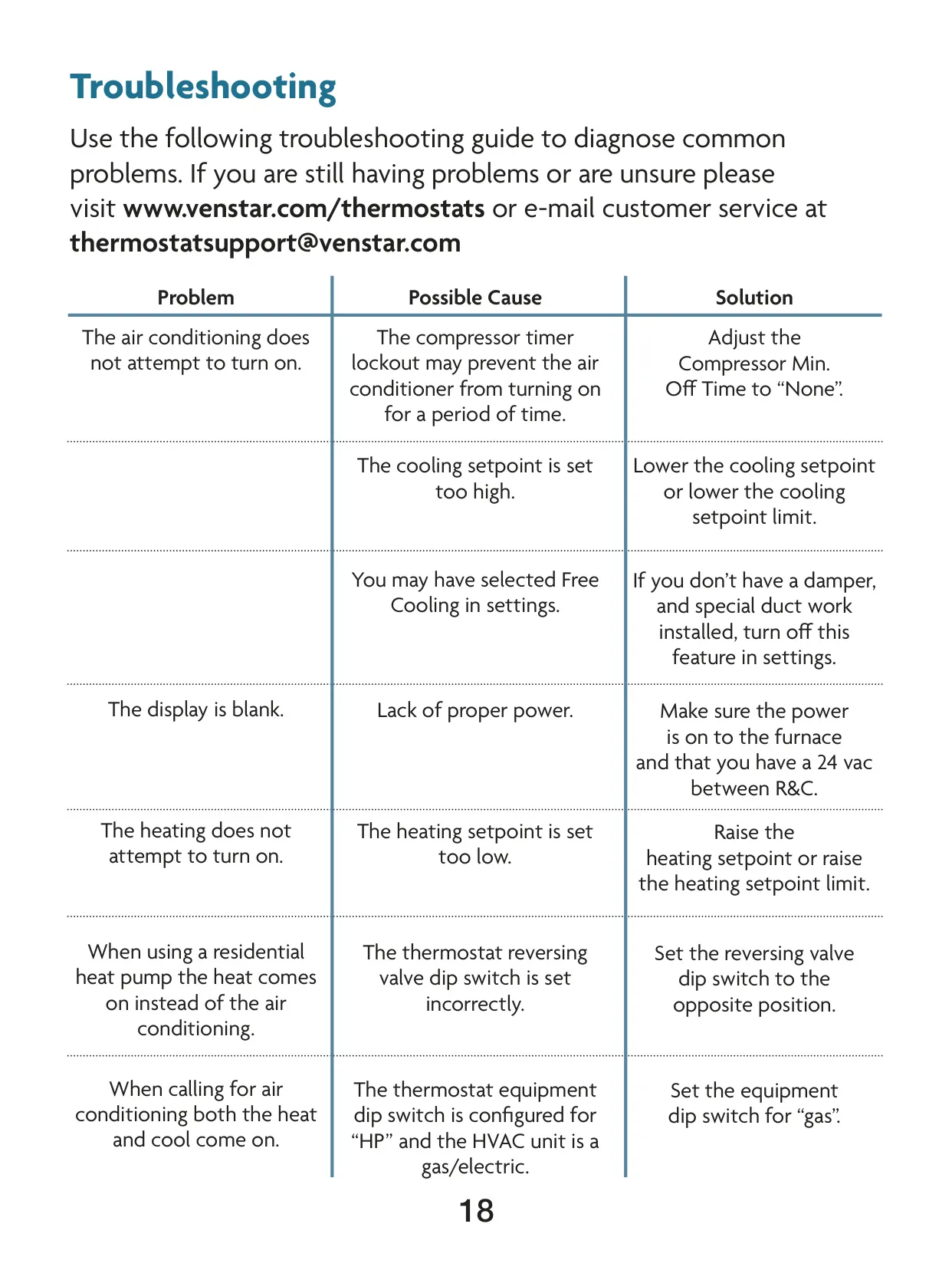
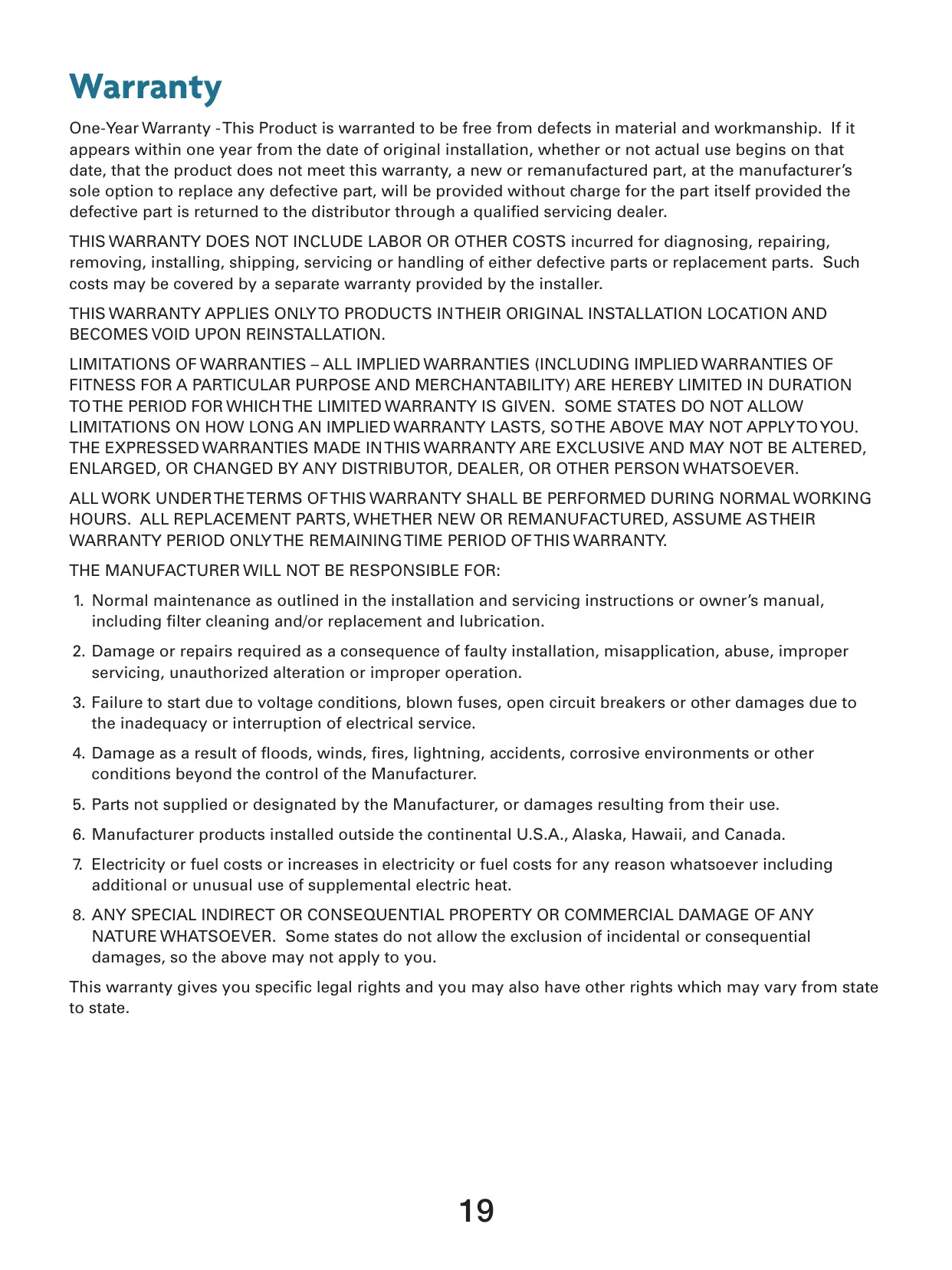



Venstar T3700 Thermostat Instructions
Here we offer the Venstar T3700 Thermostat manual completely free and in English. We have cataloged this manual in the Thermostats section on Manualverse, and it has been rated by 1 users with an average rating of 5. If you have any specific questions about Venstar T3700 Thermostat, we suggest checking the Frequently Asked Questions (FAQs) section of this manual.
Product Images
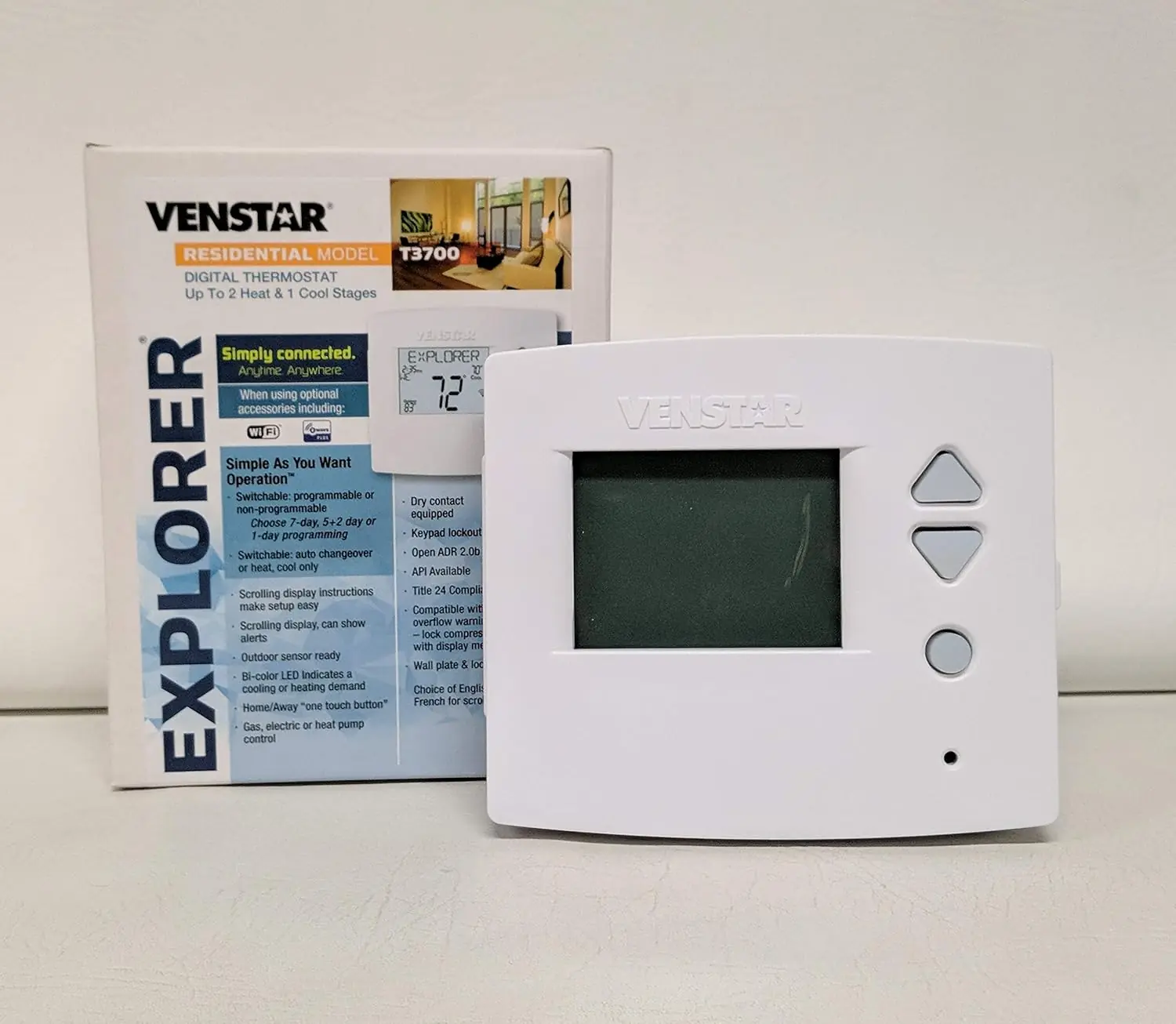
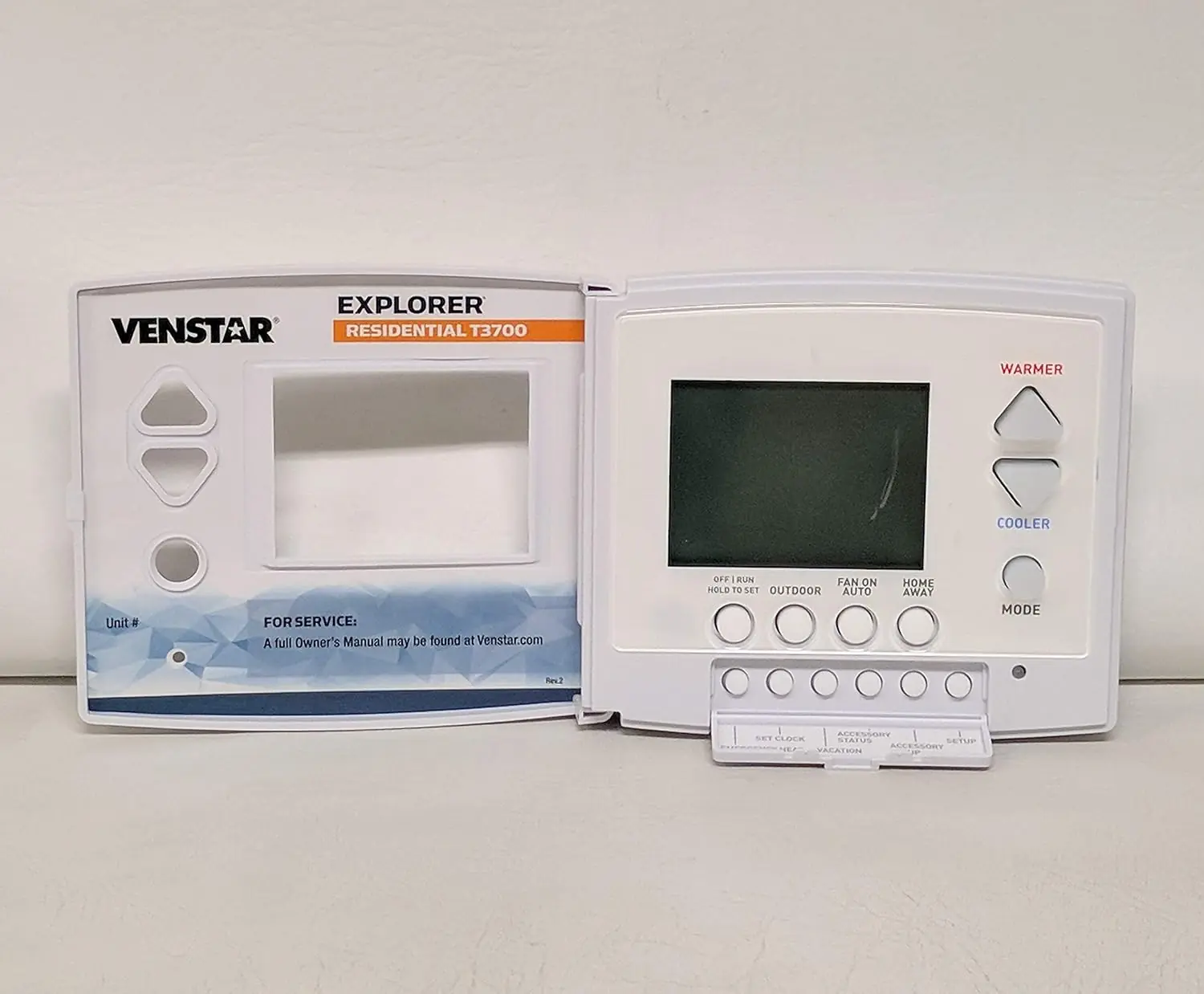
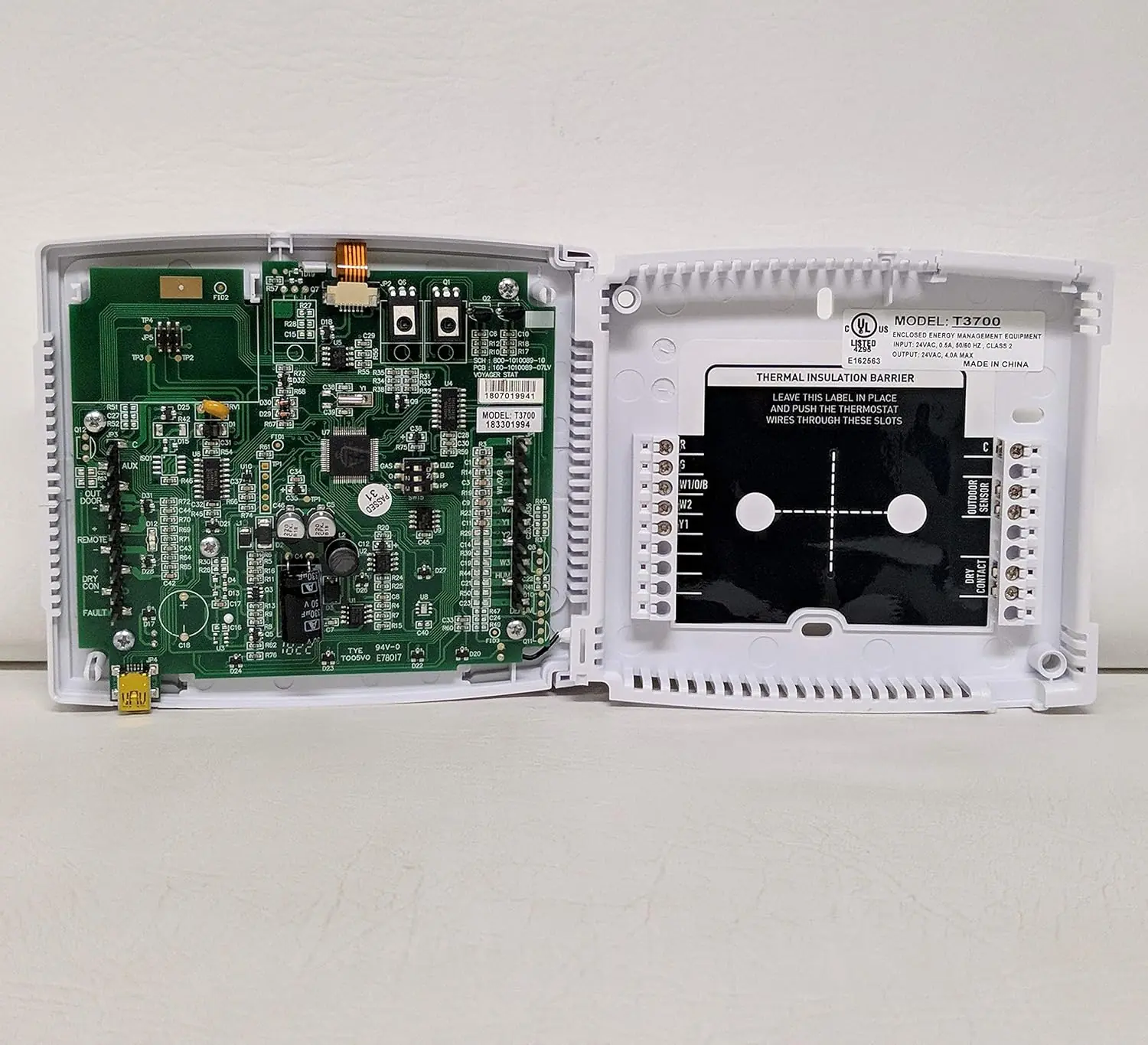
Venstar T3700 Thermostat Specifications
| Feature | Specification |
|---|---|
| Model | Venstar T3700 (Voyager Thermostat) |
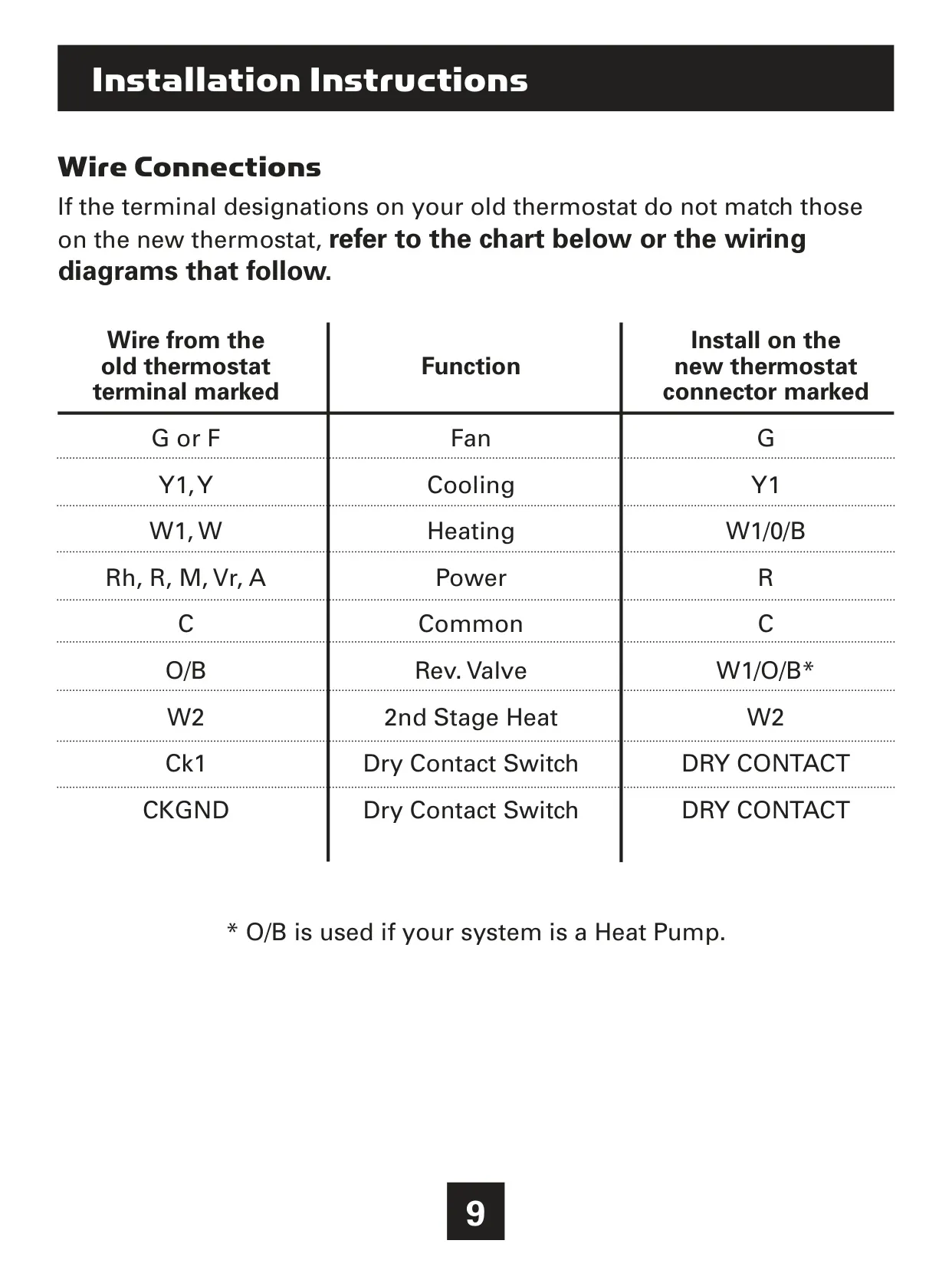
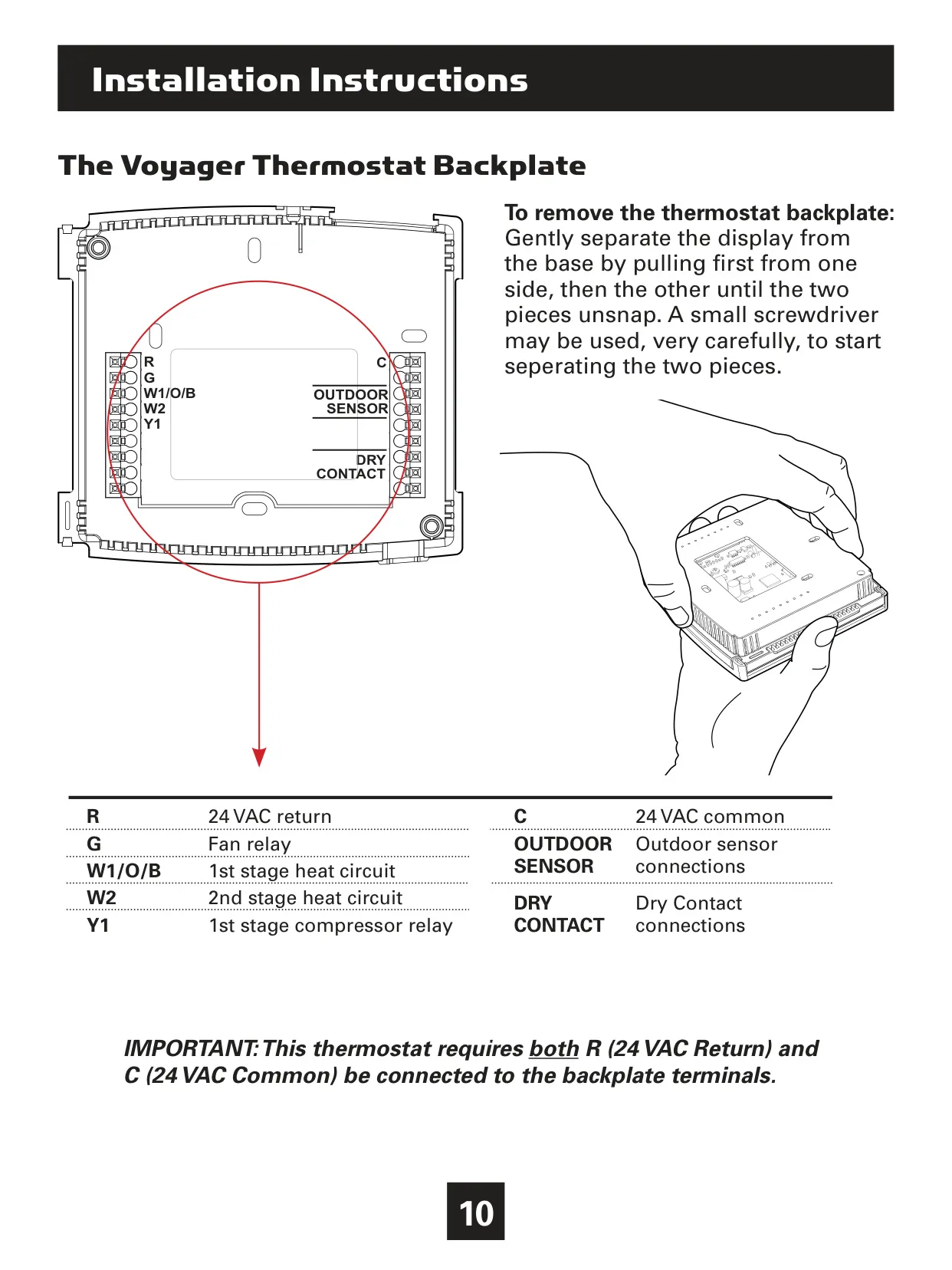
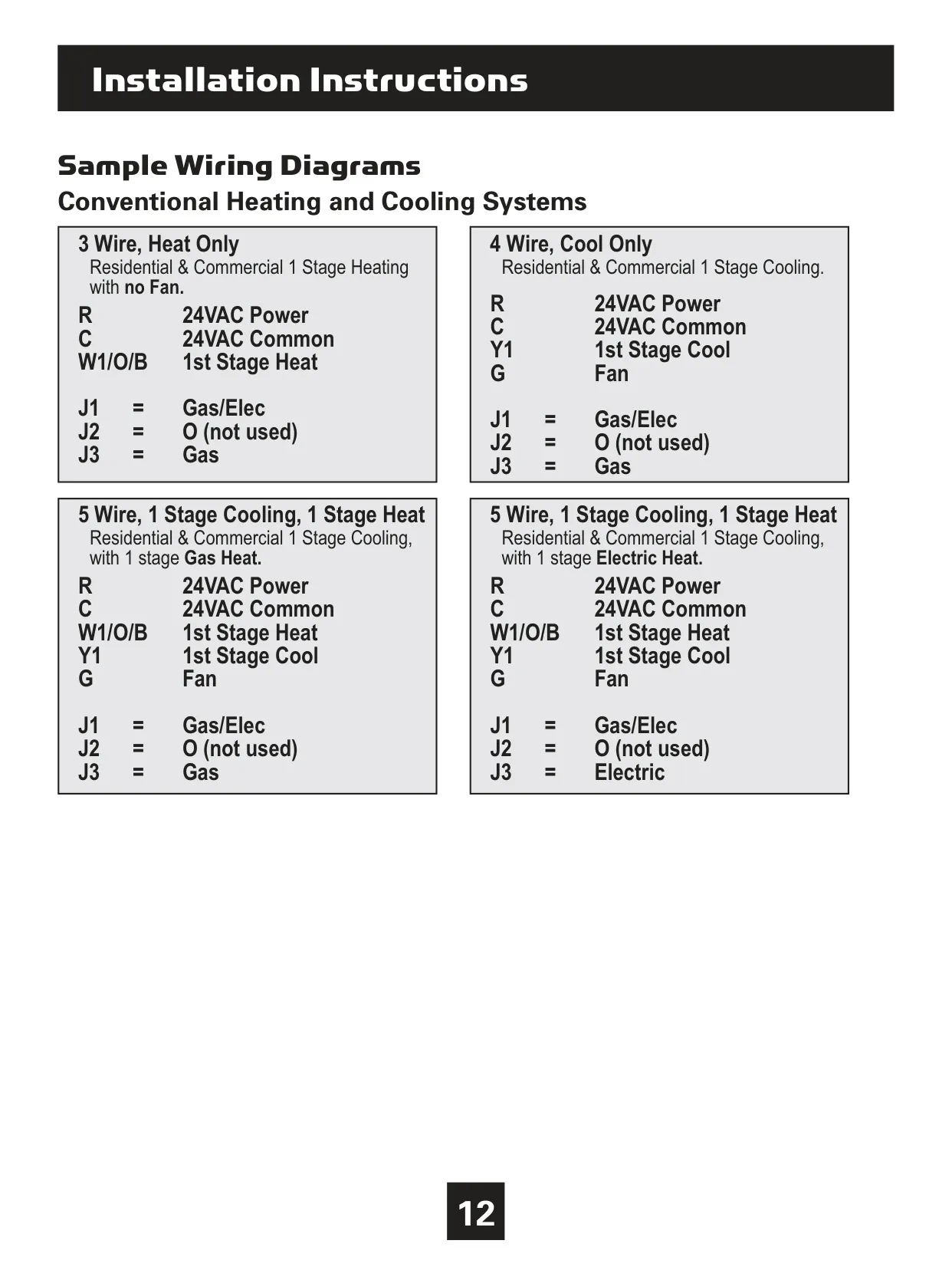
| System Compatibility | 24V systems requiring R & C wires, including gas, electric, oil, forced air, variable speed, heat pump, and radiant heat. |
| Heating Stages | 1, 2, or 3 stages (W1, W2, W3) |
| Cooling Stages | 1 or 2 stages (Y1, Y2) |
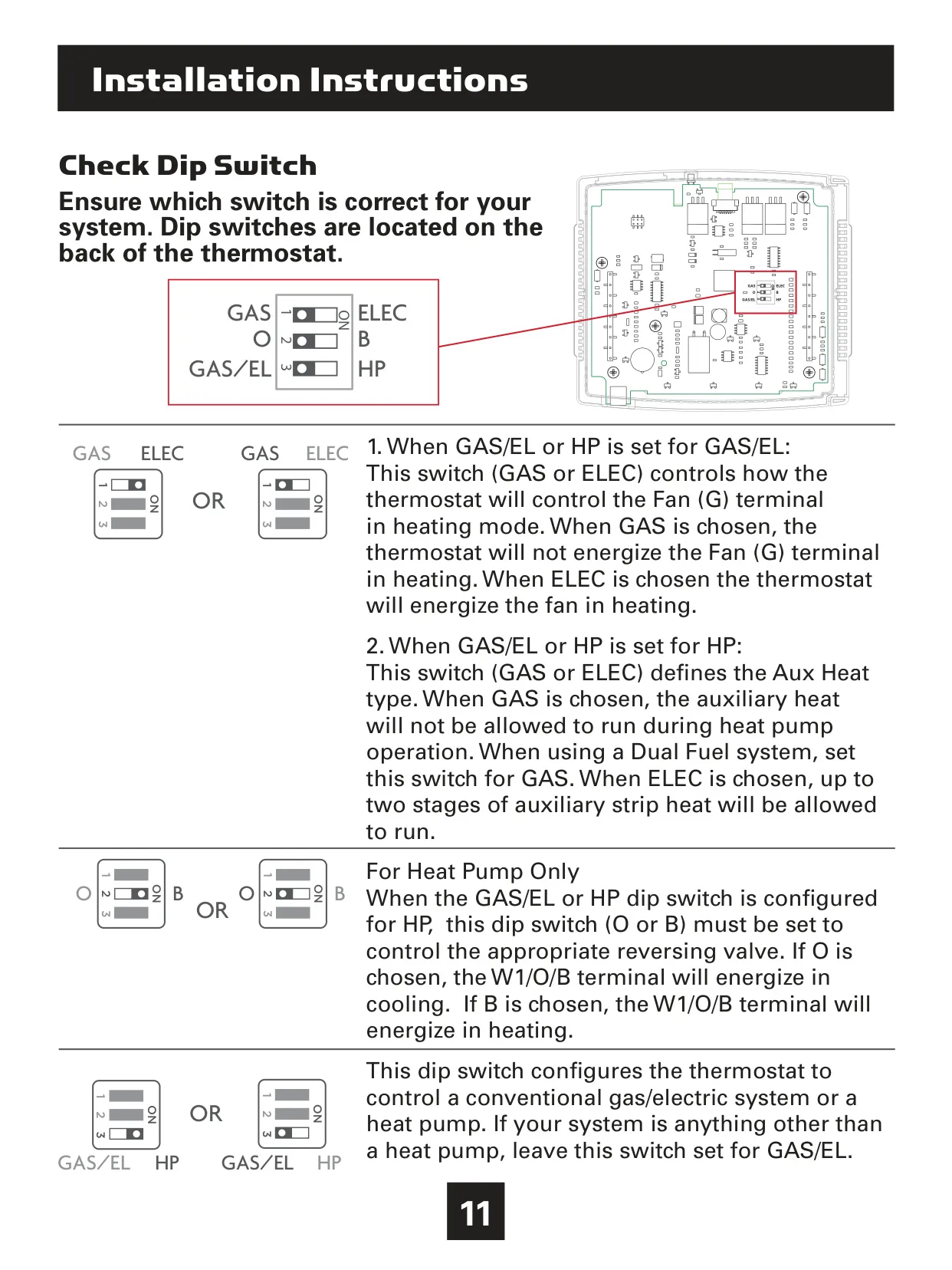
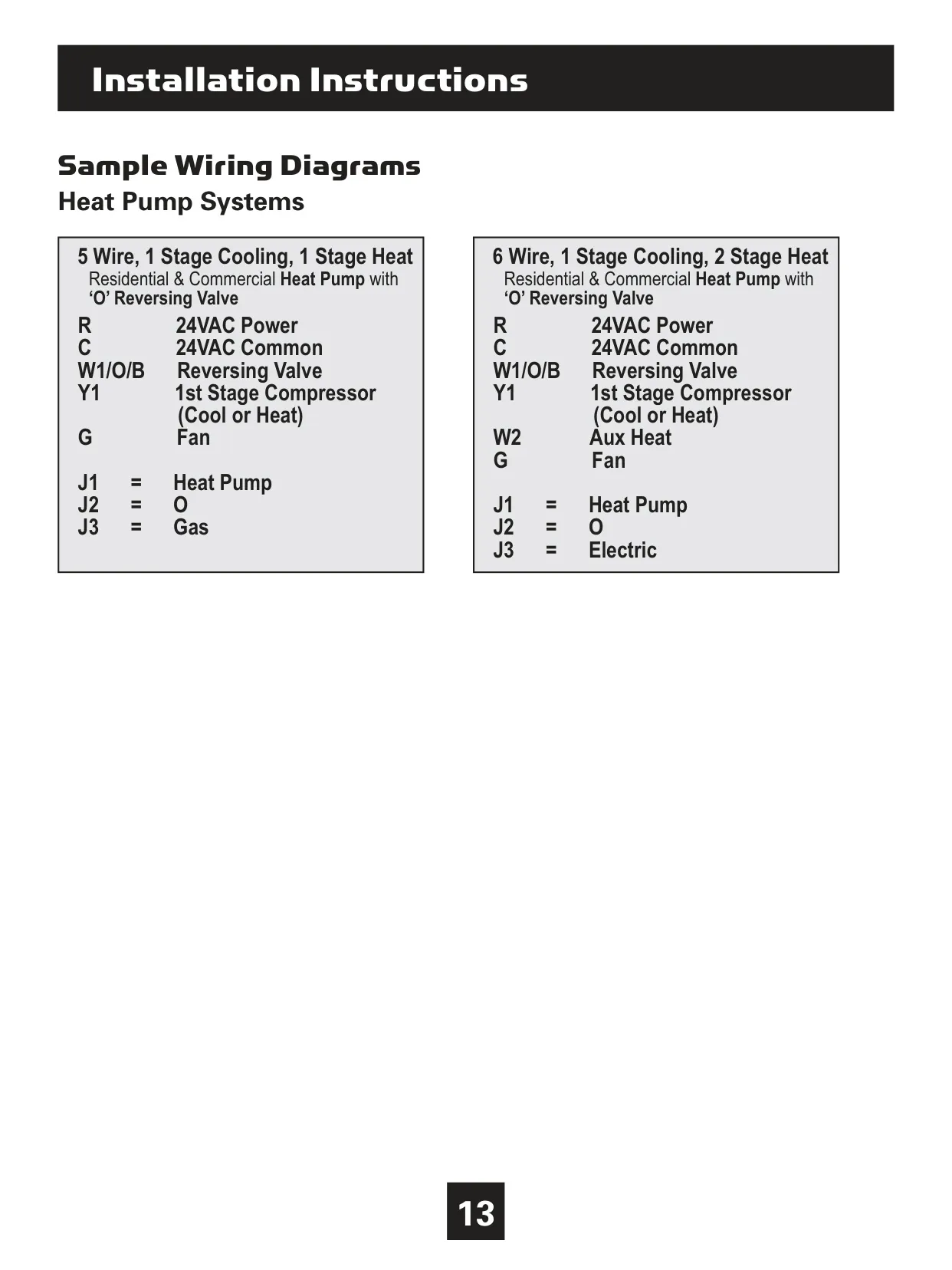
| Heat Pump Support | Yes, with auxiliary and emergency heat (Y, W1, O/B) |
| Fan Control | Dedicated G terminal |
| Power Requirements | 24 VAC (R & C terminals required) |
| Dry Contact Terminals | Yes (Ck1, CKGND) |
| Optional Wireless Modules | Wi-Fi, Z-Wave, ZigBee, Venstar RF Module |
| Display Type | Backlit LCD with Scrolling Display |
| Temperature Display Units | Fahrenheit (F) or Celsius (C) |
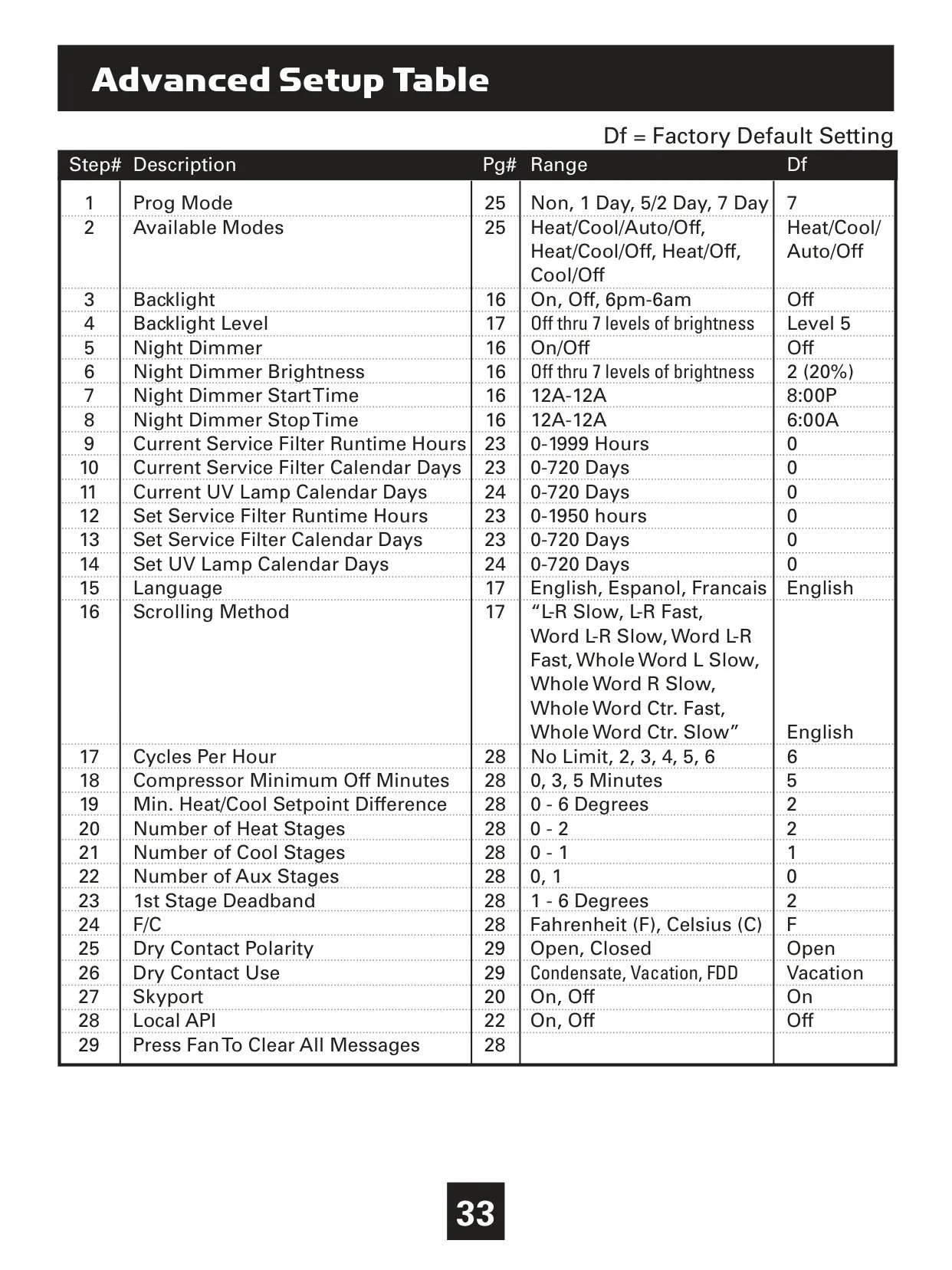
| Program Modes | Non-Programmable, 1 Day, 5/2 Day, 7 Day Program |
| Available Operating Modes | Heat/Cool/Auto/Off, Heat/Cool/Off, Heat/Off, Cool/Off |
| Cycles Per Hour (CPH) Settings | No Limit, 2, 3, 4, 5, 6 |
| Compressor Minimum Off Minutes | 0, 3, 5 minutes |
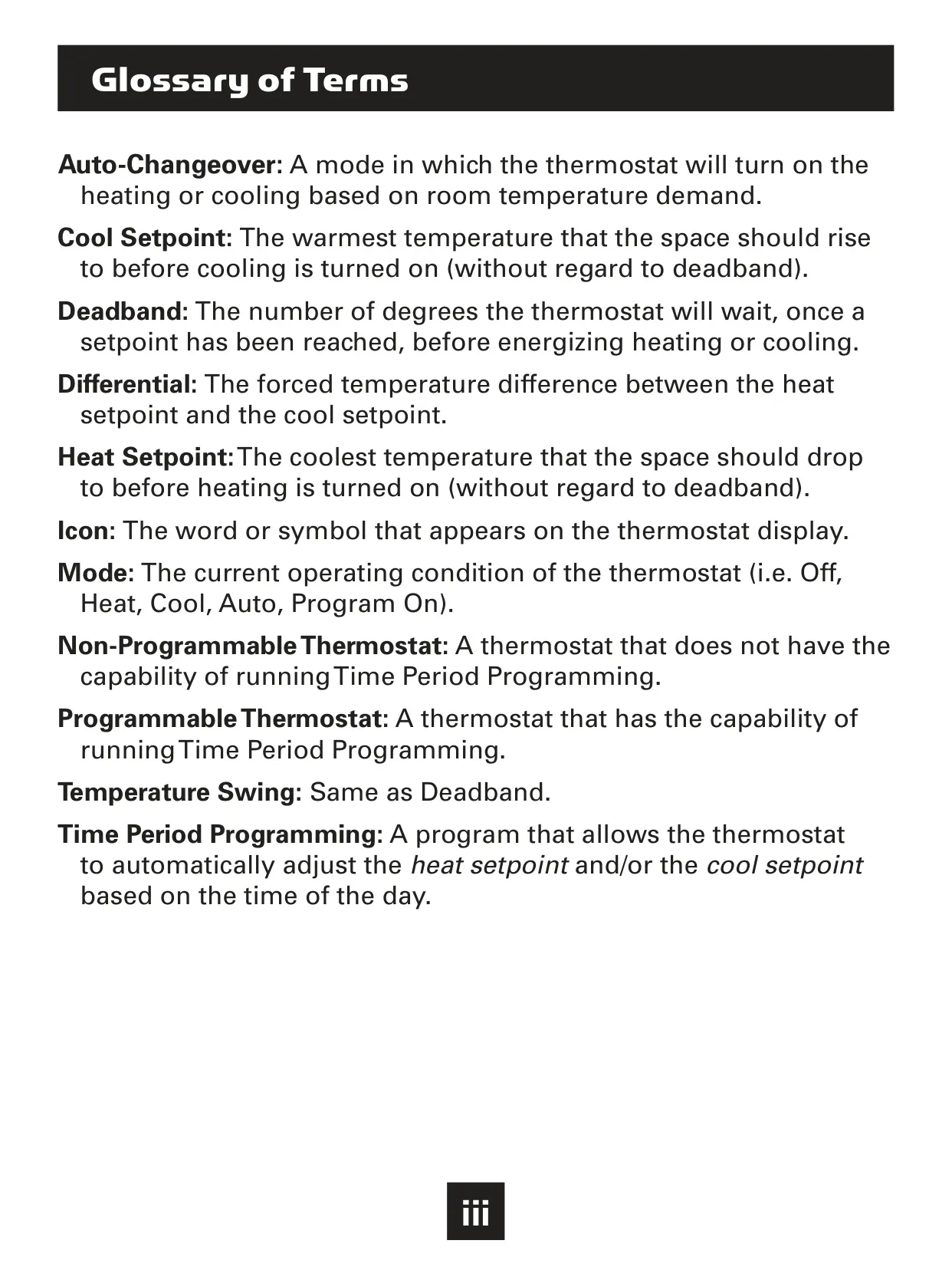
| Minimum Heat/Cool Setpoint Difference | 0 to 6 degrees (in Auto mode) |
| 1st Stage Deadband | 1 to 6 degrees |
| Firmware Version | Rev. 1.0 (at time of publication, upgradable) |
| FCC Compliance | Part 15, Subpart C (Intentional Radiator) |
| RF Exposure Separation Distance | Minimum 20 cm from all persons |
| User Interface Languages | English, Spanish, French |
Venstar T3700 Thermostat Details
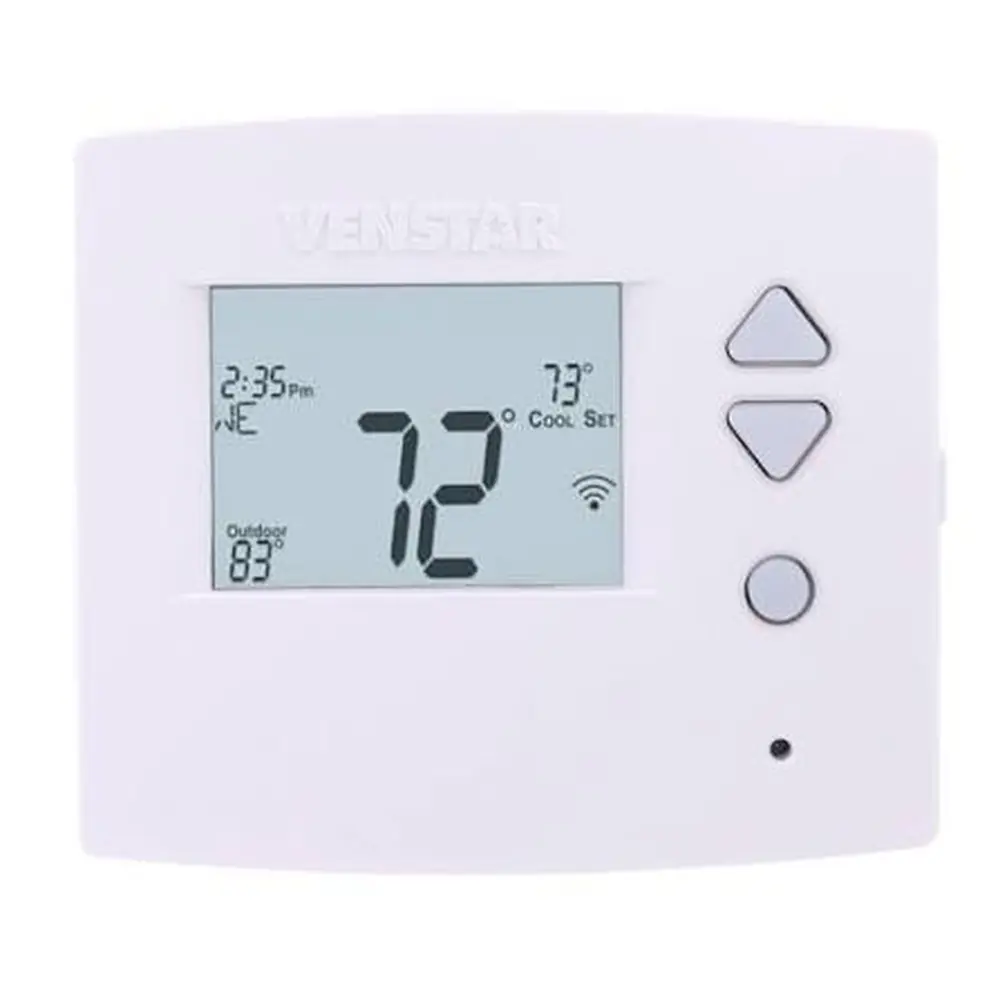
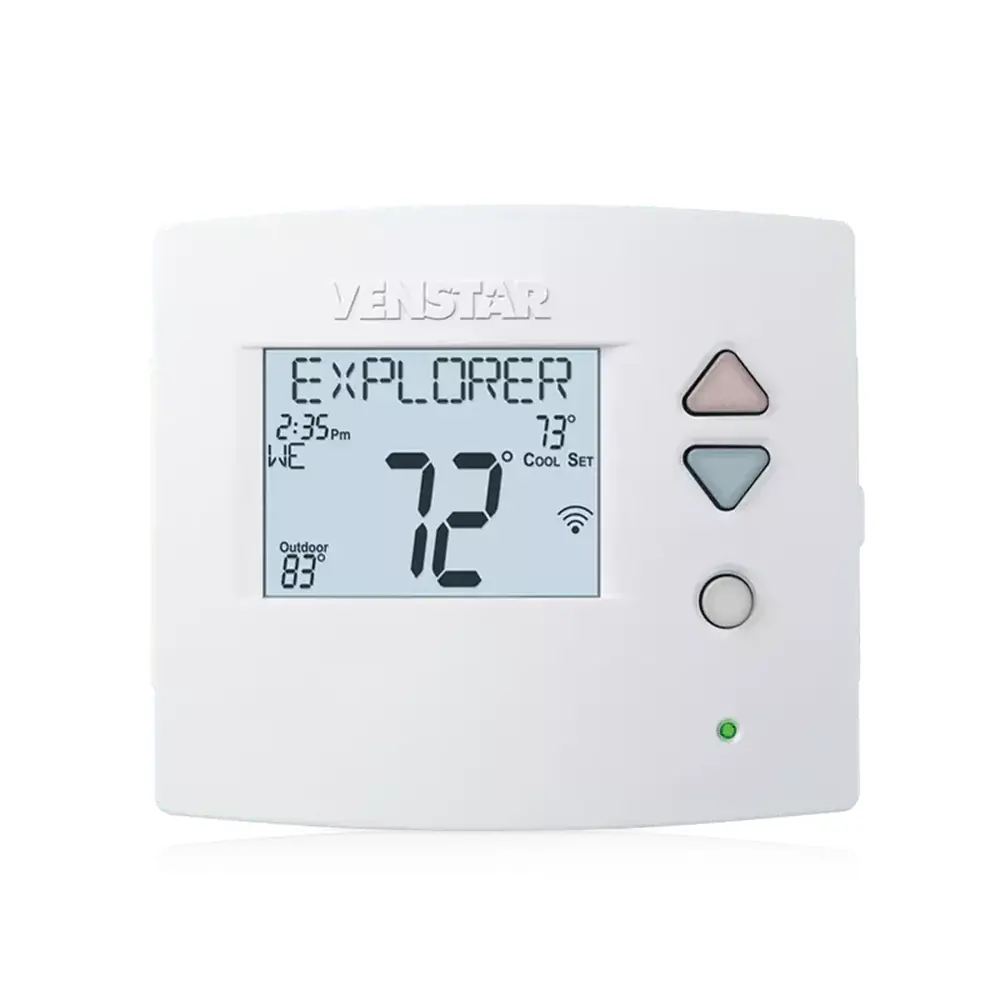
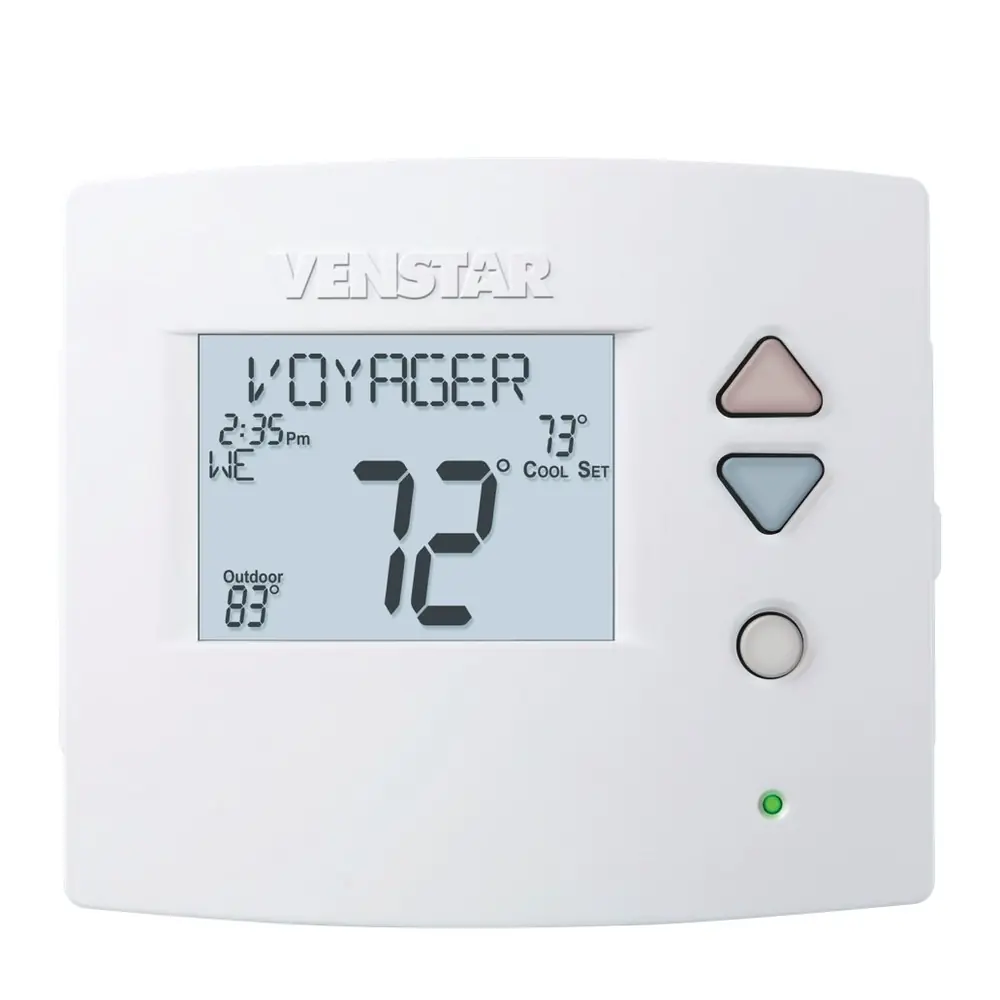
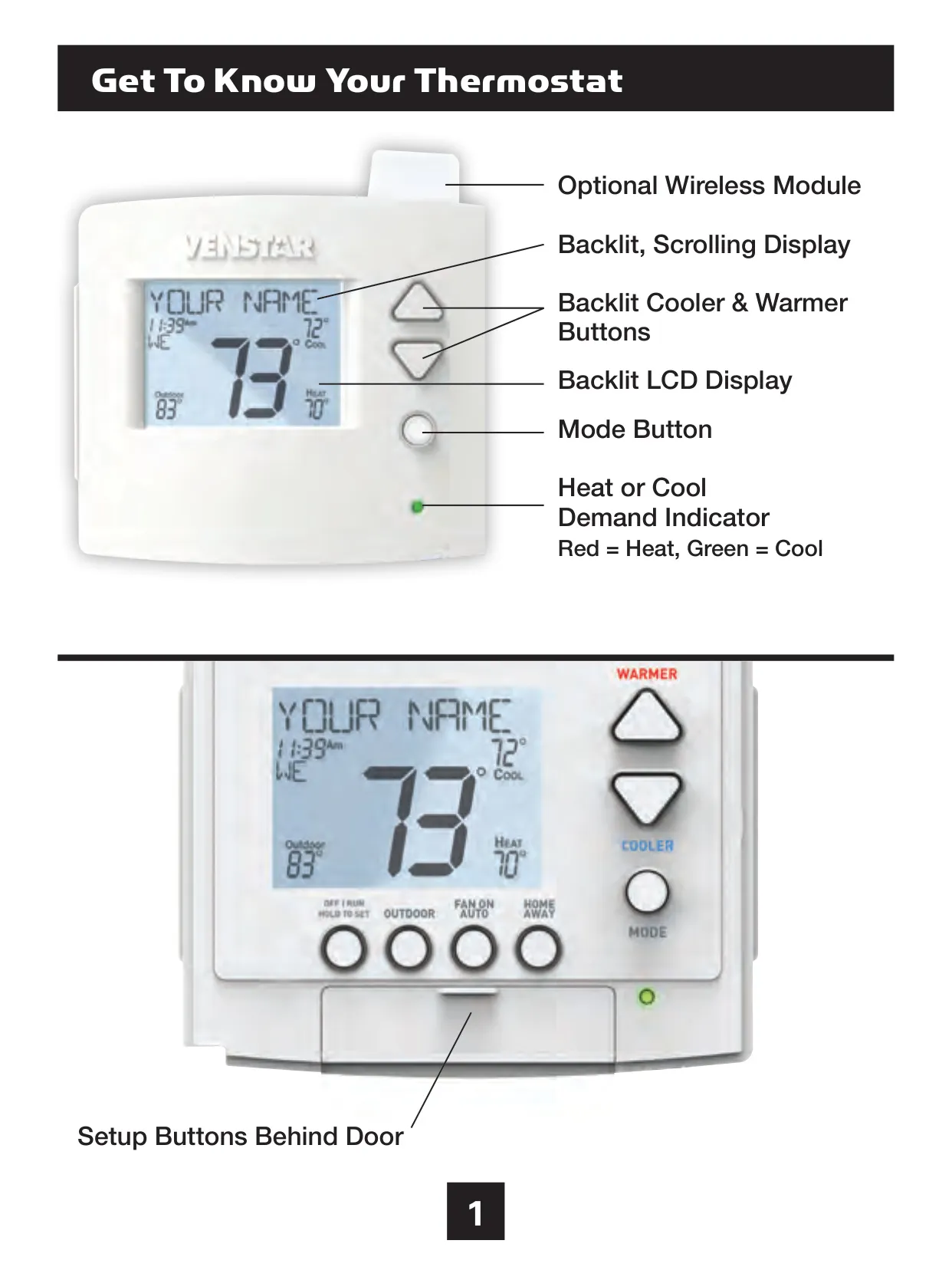
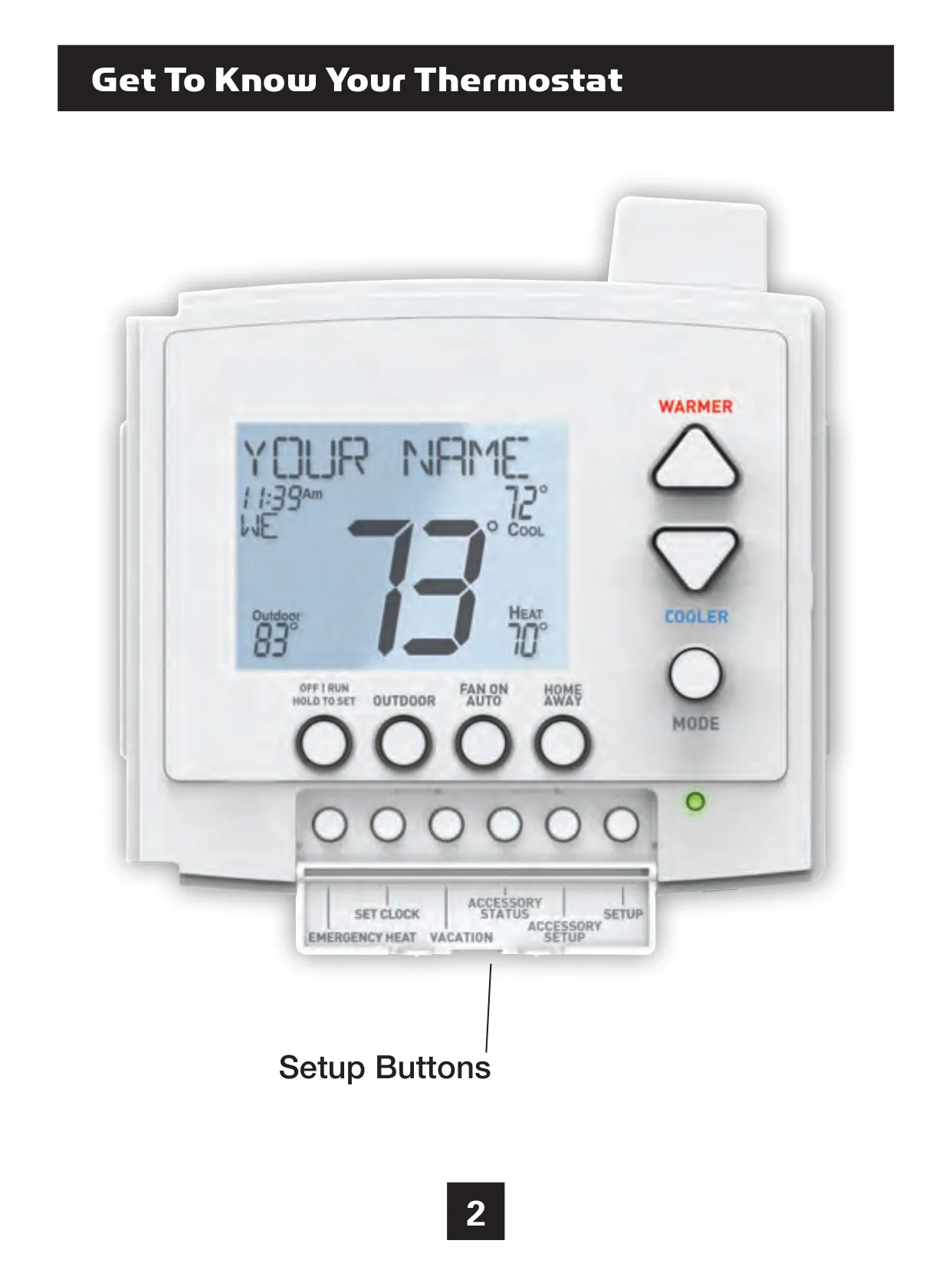
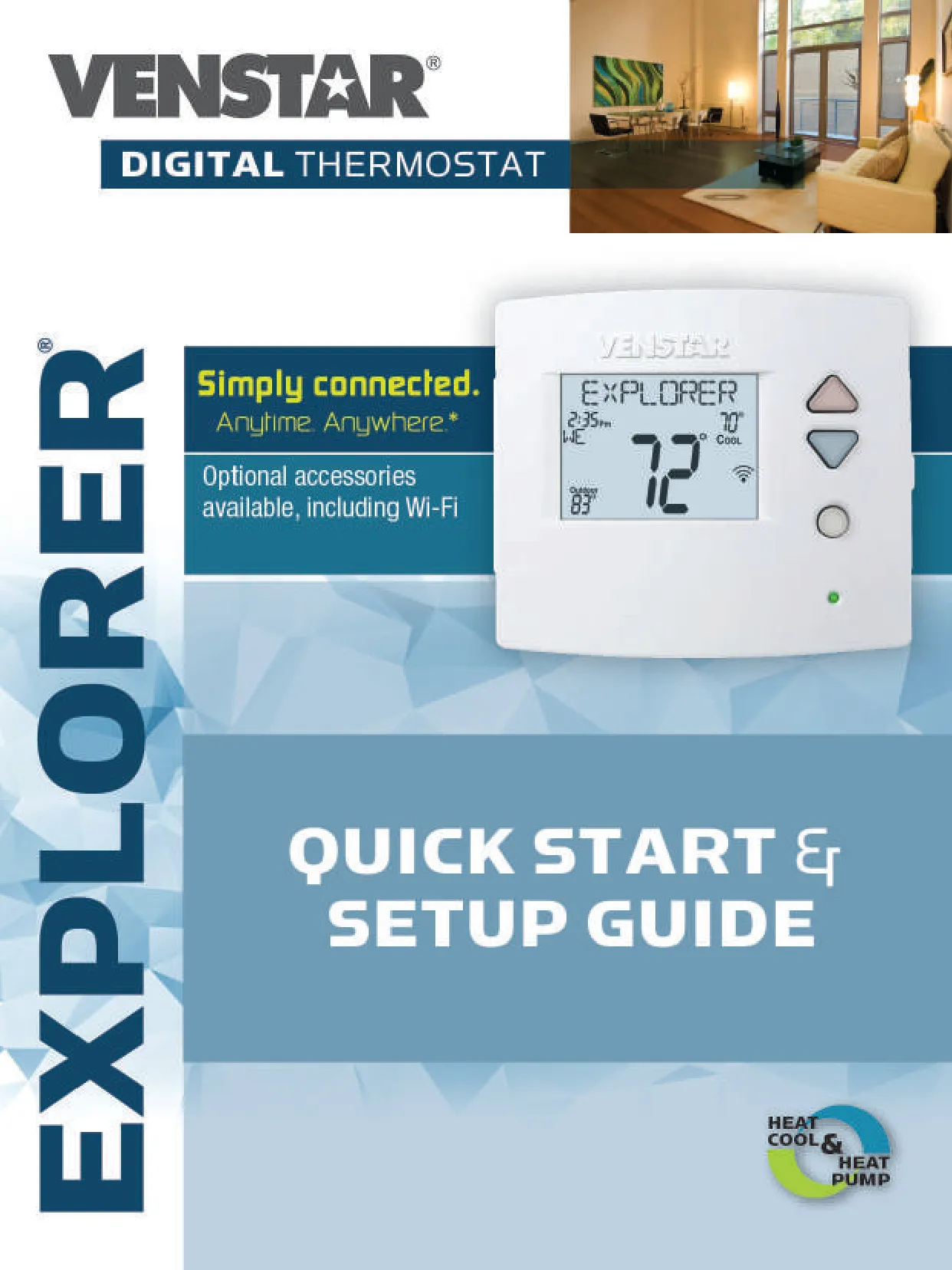
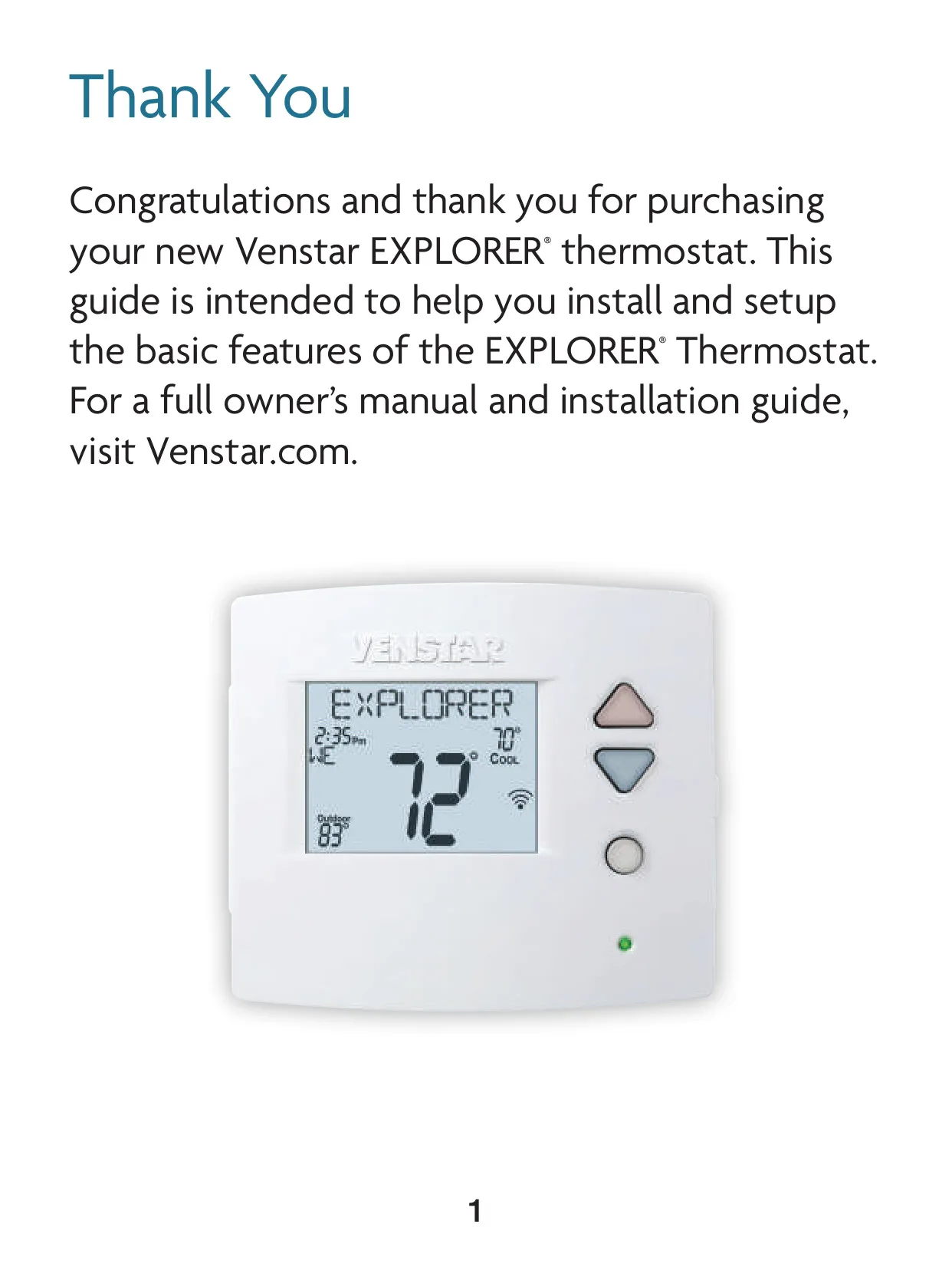
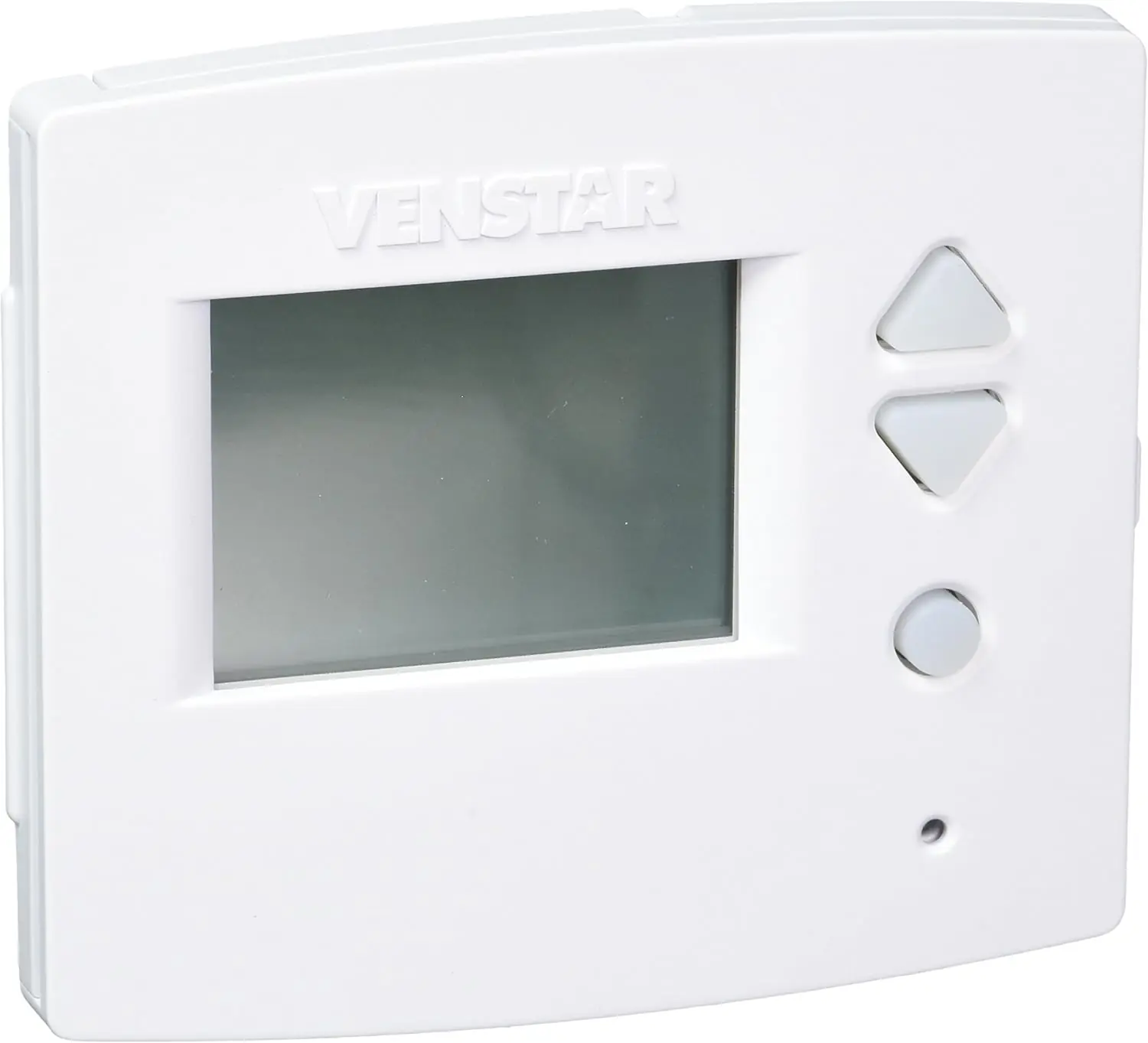
The Venstar T3700 Thermostat, also known as the Voyager Thermostat, offers an intuitive user experience with its backlit LCD display and scrolling text, designed to simplify navigation through setup screens. It features backlit Cooler & Warmer buttons, a dedicated Mode button, and clear indicators for heat (red) or cool (green) demand. The front panel also includes easily accessible Setup buttons hidden behind a door, contributing to its sleek design.
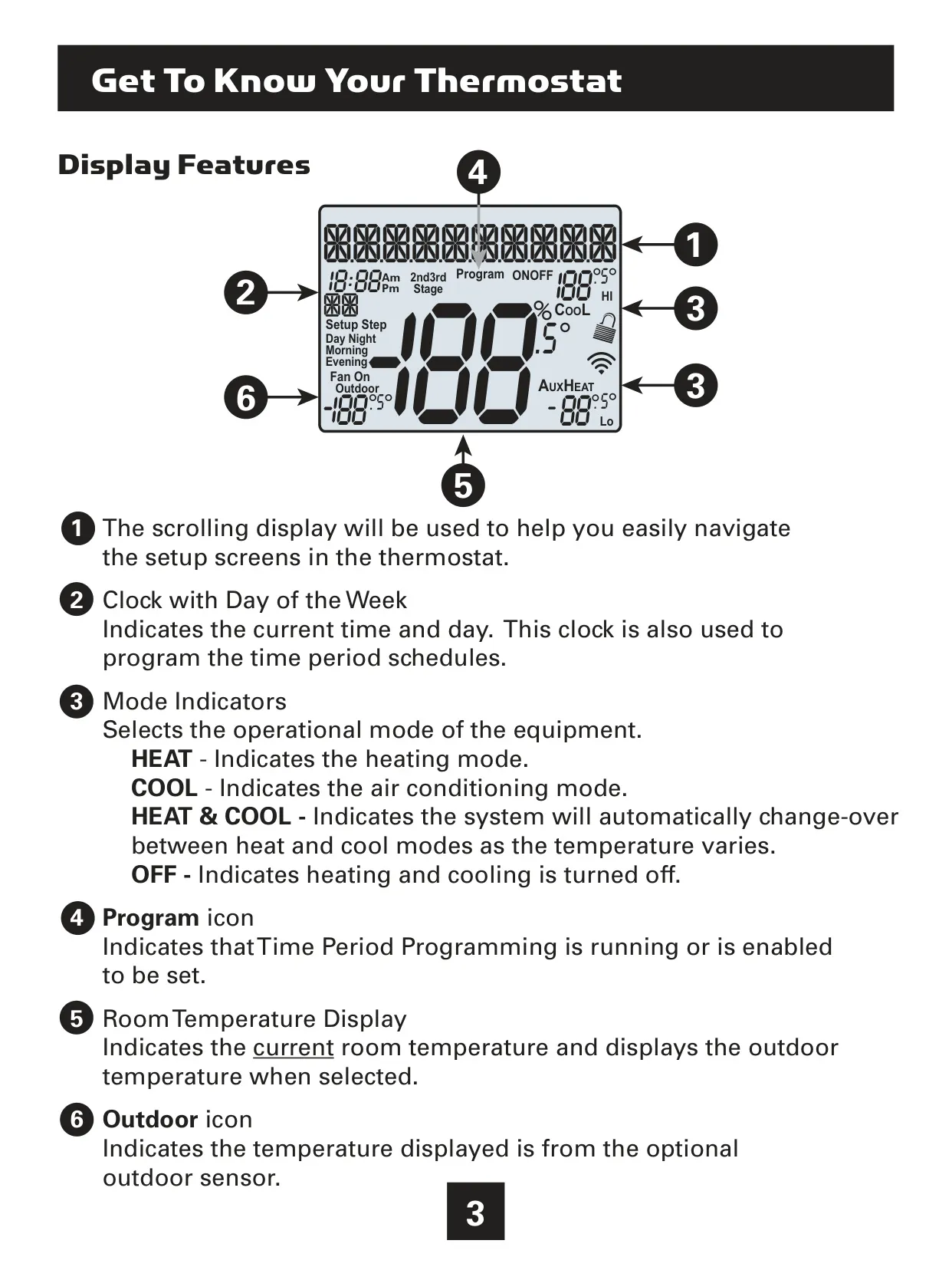
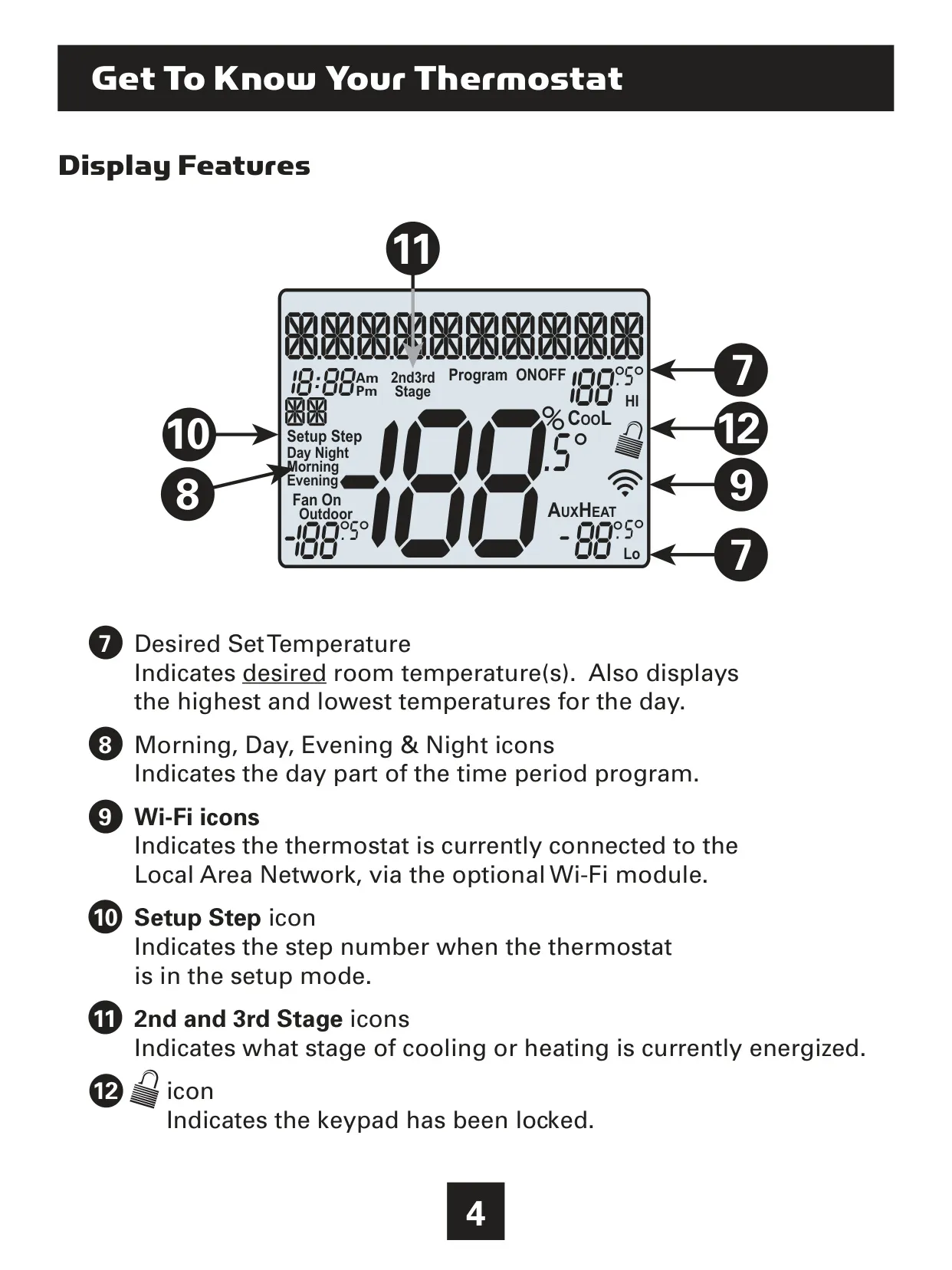
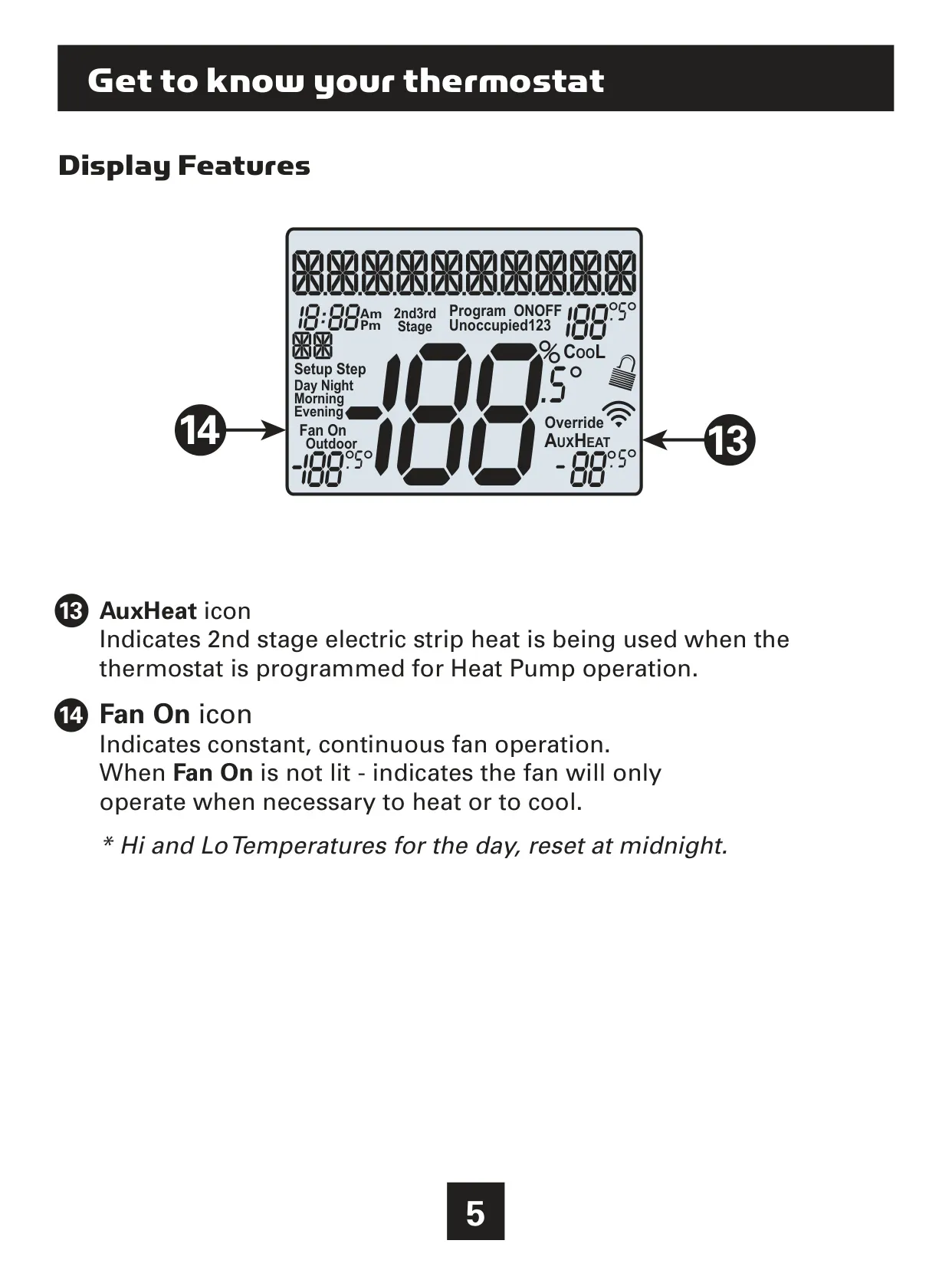
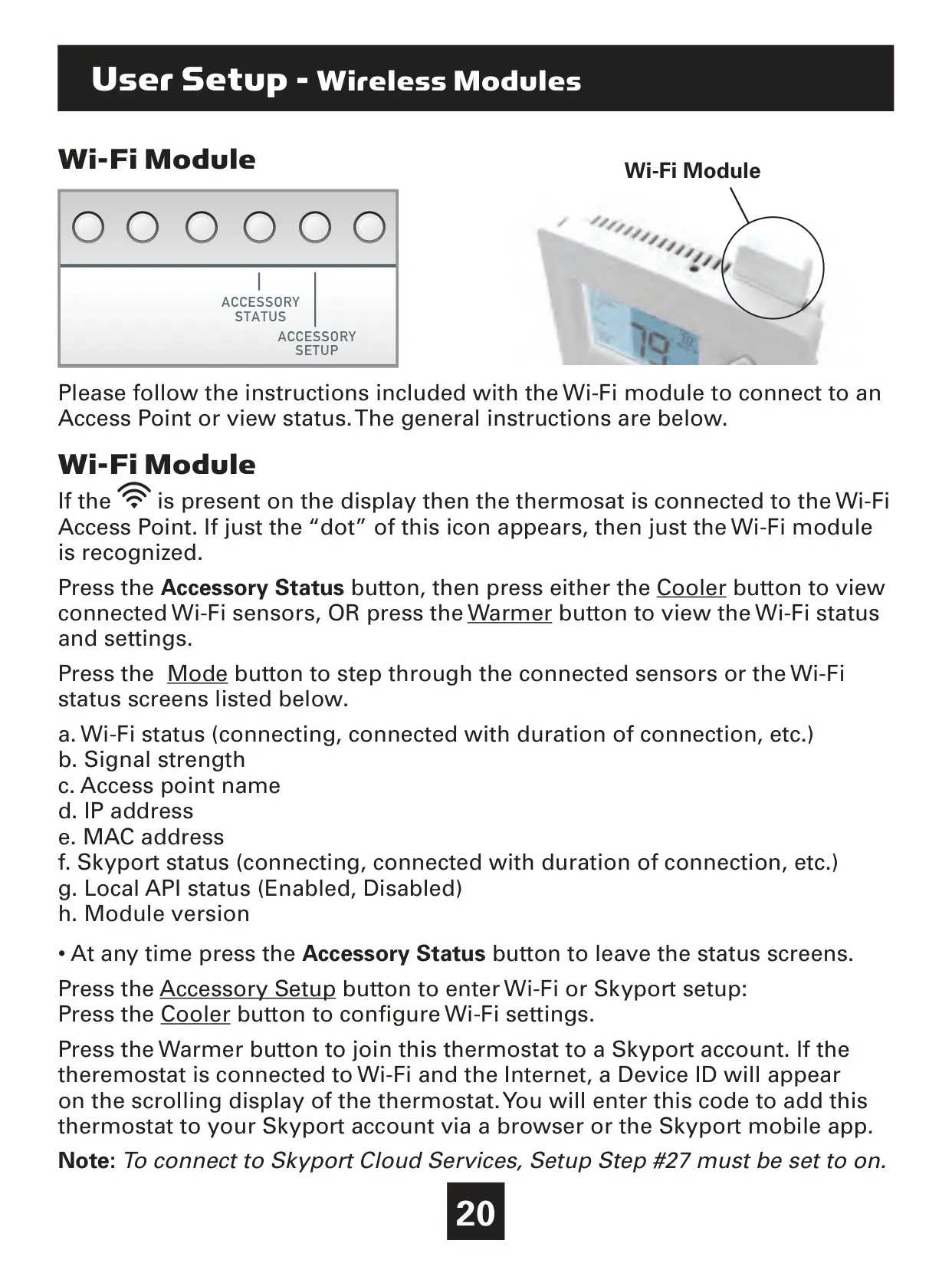
Its display is rich with information, showing the current time and day, which is crucial for scheduling. Mode indicators like HEAT, COOL, HEAT & COOL (for auto-changeover), and OFF provide immediate feedback on the system's operational status. A "Program" icon indicates when time period programming is active, while a "Wi-Fi" icon confirms network connectivity via an optional module.
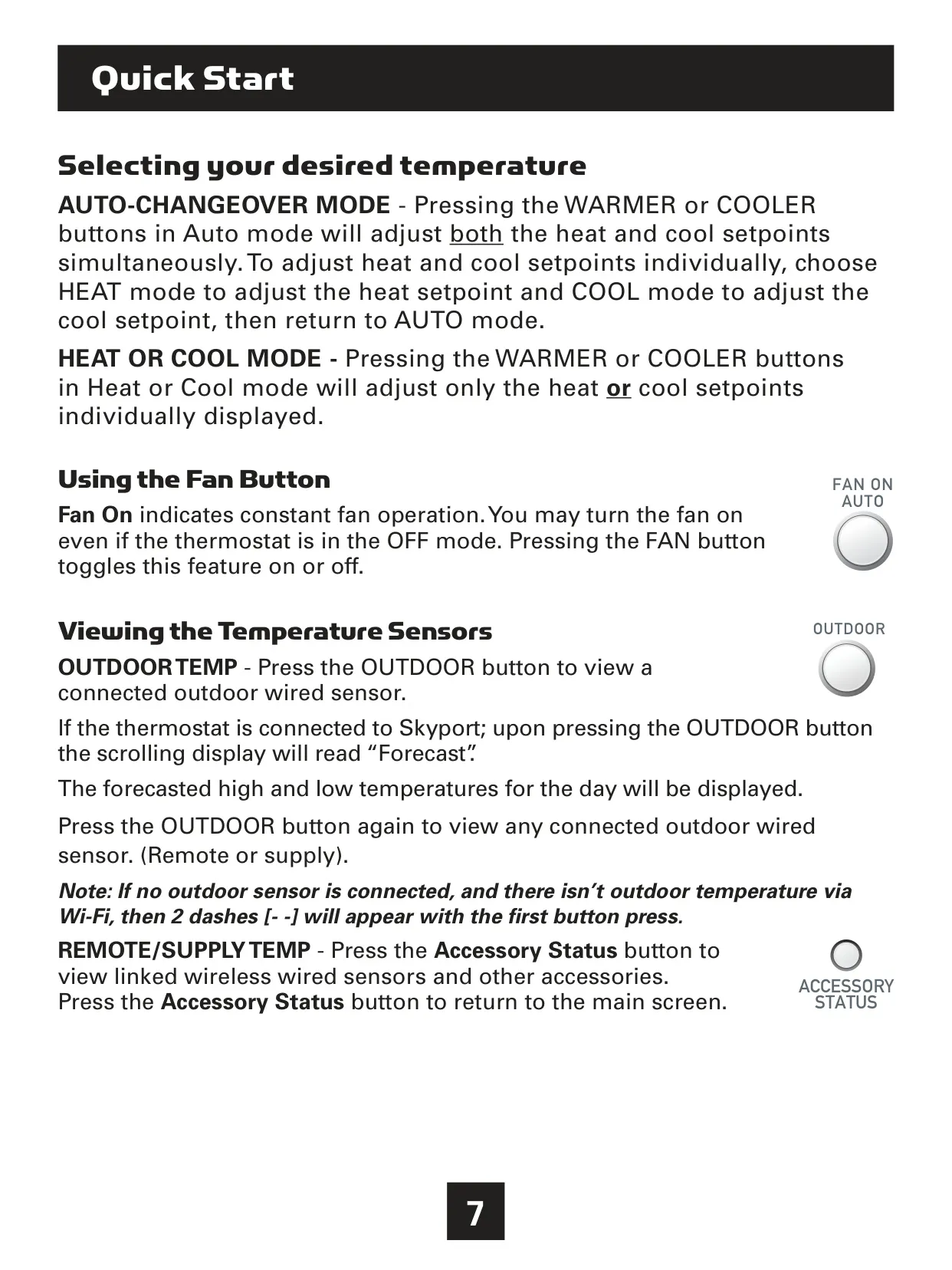
Beyond basic temperature display, the T3700 can show outdoor temperatures from an optional wired sensor or, if connected to Skyport, even provide a forecast of daily high and low temperatures. Icons for "Morning," "Day," "Evening," and "Night" visually represent the active part of the programmed schedule. Furthermore, indicators for "2nd" and "3rd Stage" show when additional heating or cooling capacity is engaged, and an "AuxHeat" icon signals the use of electric strip heat in heat pump operations.
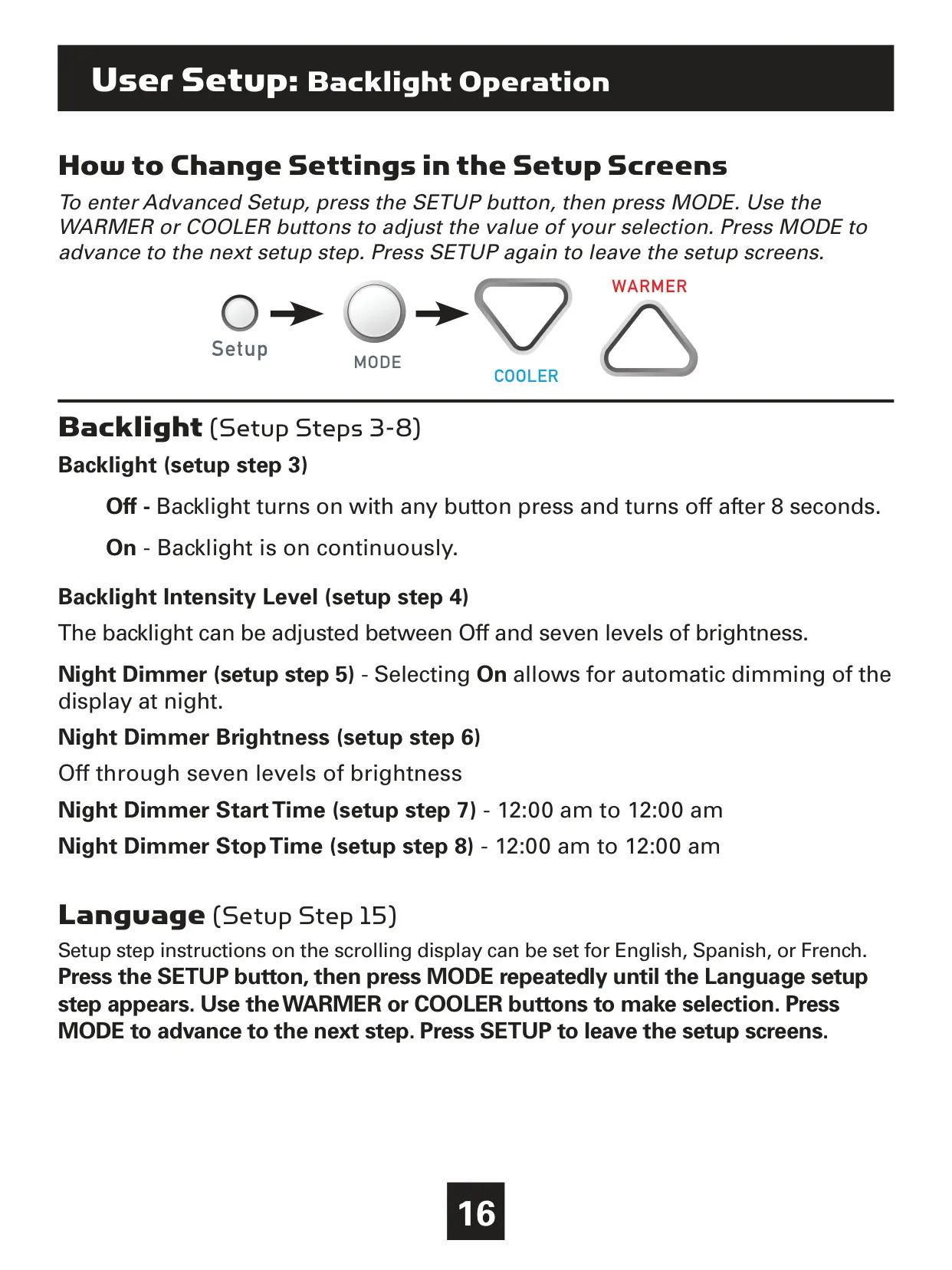
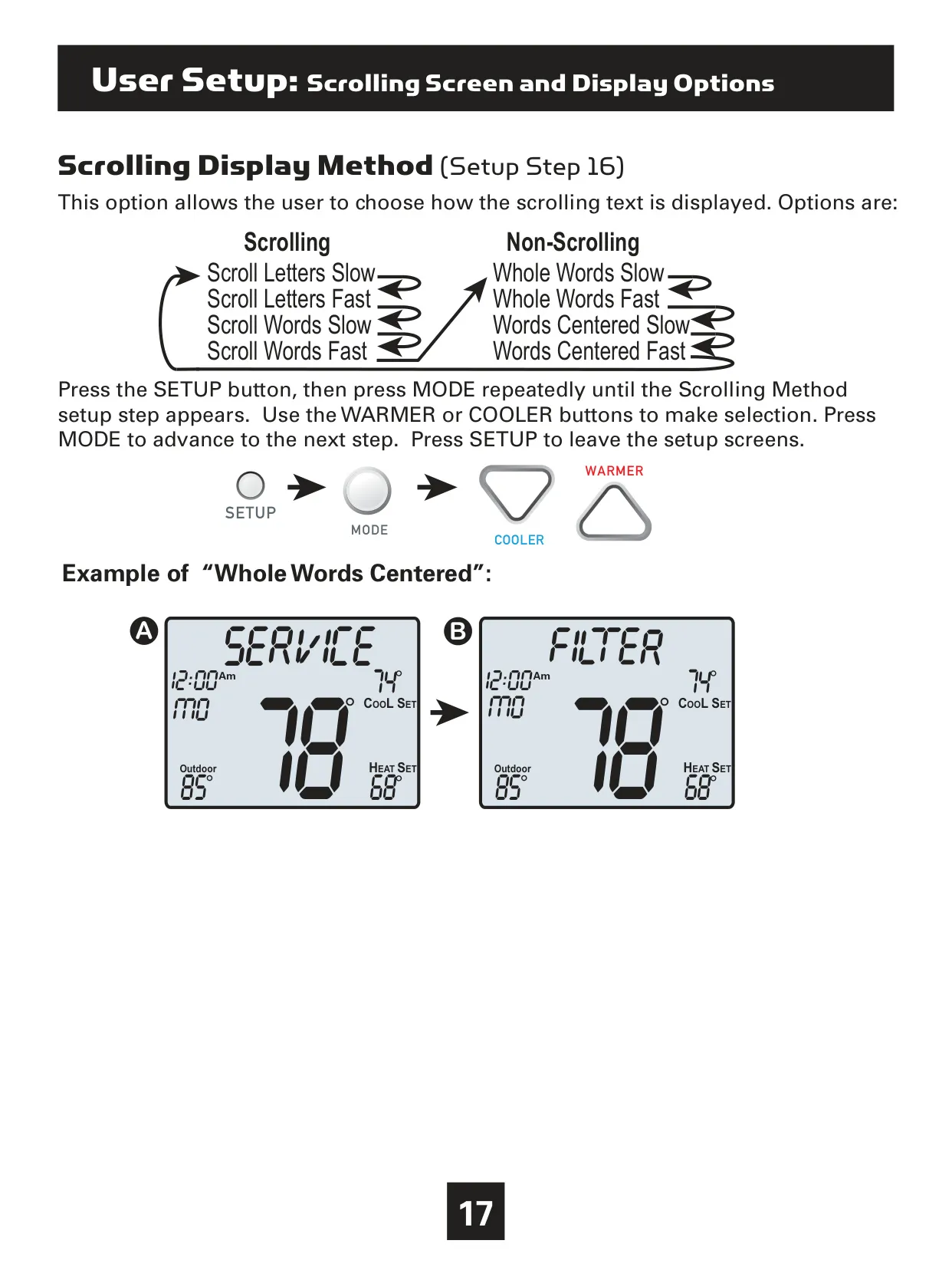
Customization extends to the display's aesthetics and functionality. Users can adjust the backlight intensity across seven levels or enable a "Night Dimmer" feature, specifying its brightness and start/stop times for reduced illumination during evening hours. The scrolling text method itself can be tailored, offering options from slow letter-by-letter scrolls to fast, centered whole words, enhancing readability based on preference.
For convenience, the thermostat includes "Vacation" and "Away" settings. The Vacation feature allows temporary energy-saving setpoints for a pre-defined number of days, ideal for extended absences. The Home/Away feature provides a quick, one-button press to activate stored unoccupied settings without altering the regular program, maintaining these settings until deactivated.
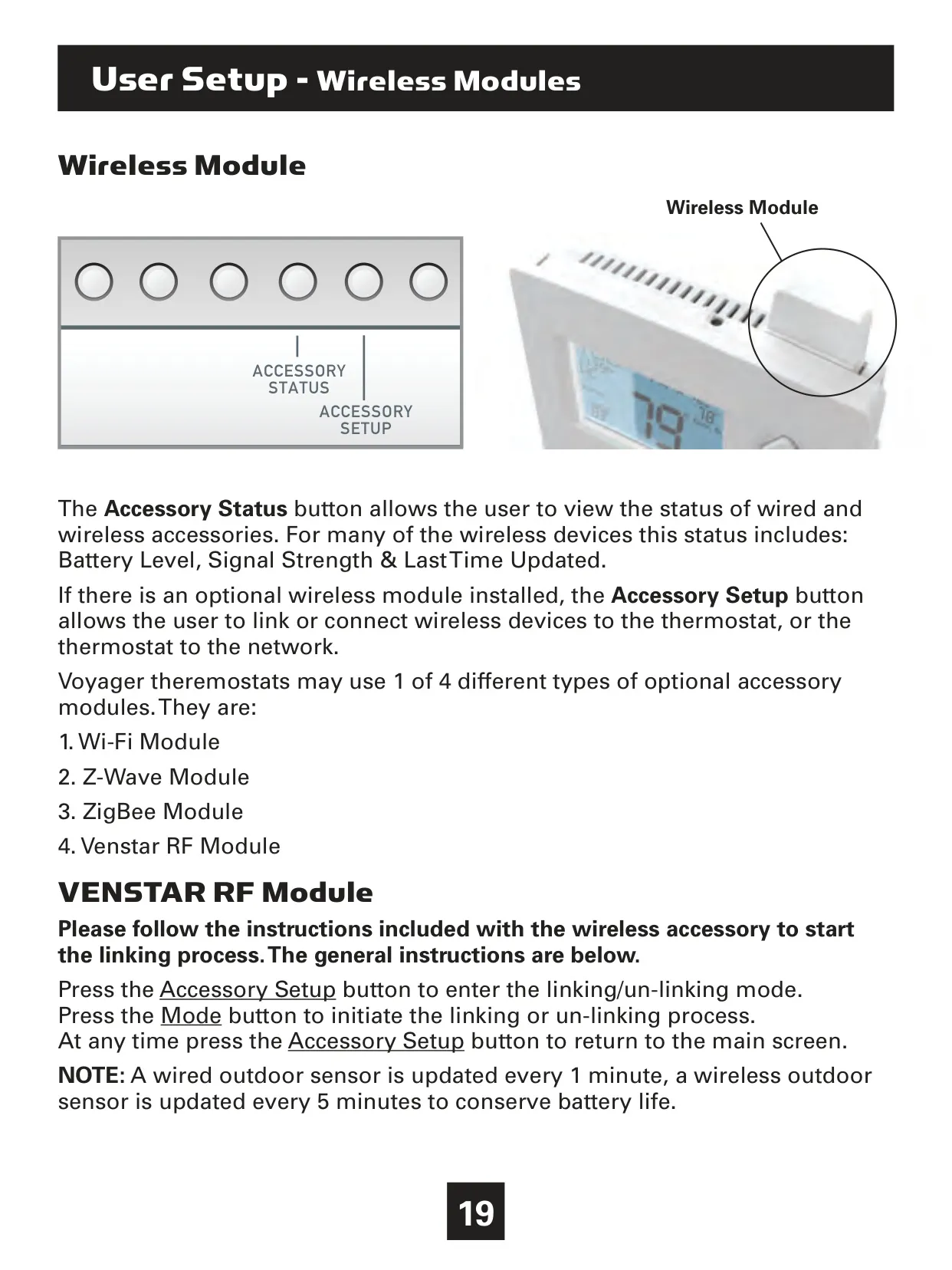
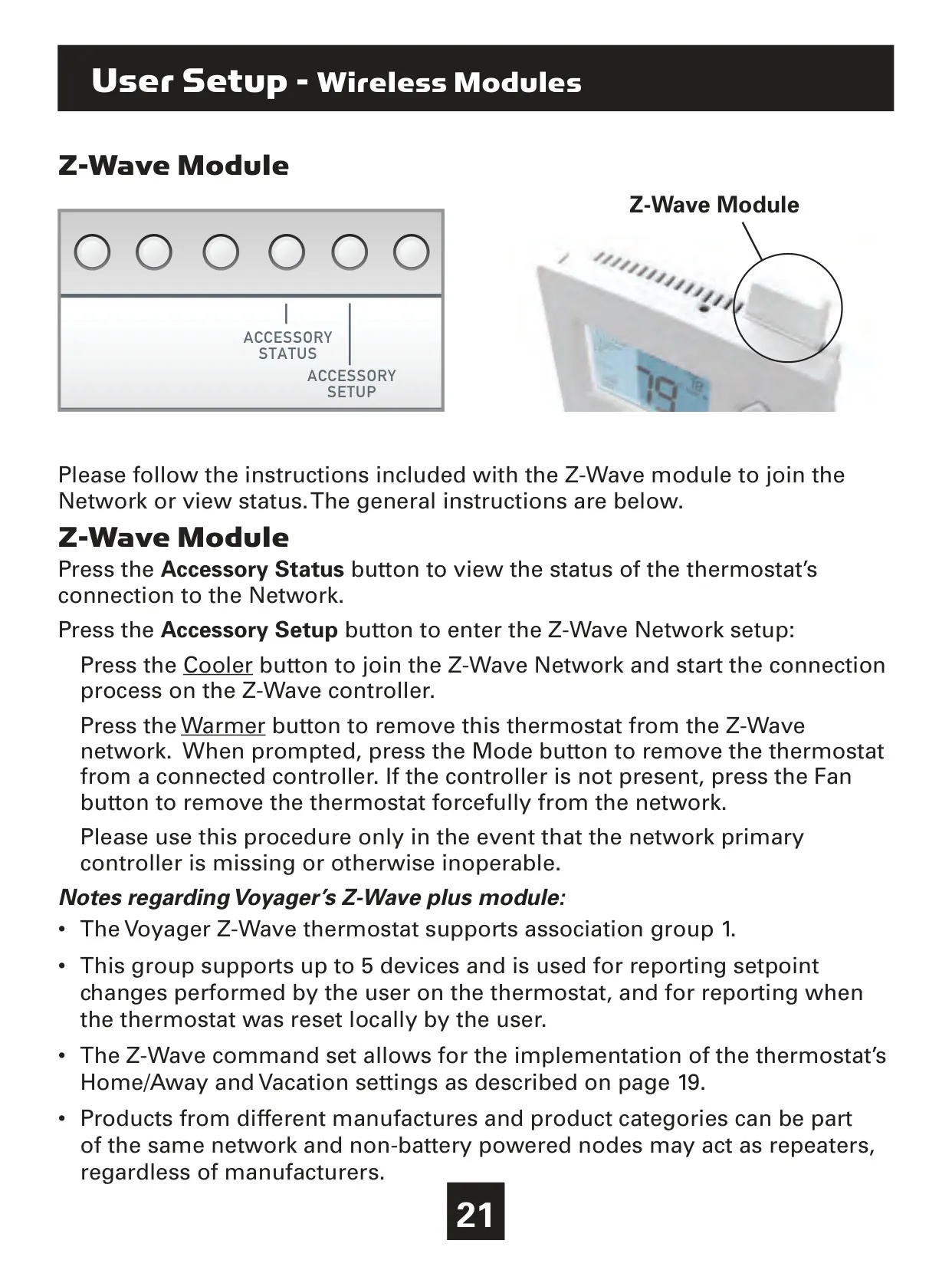
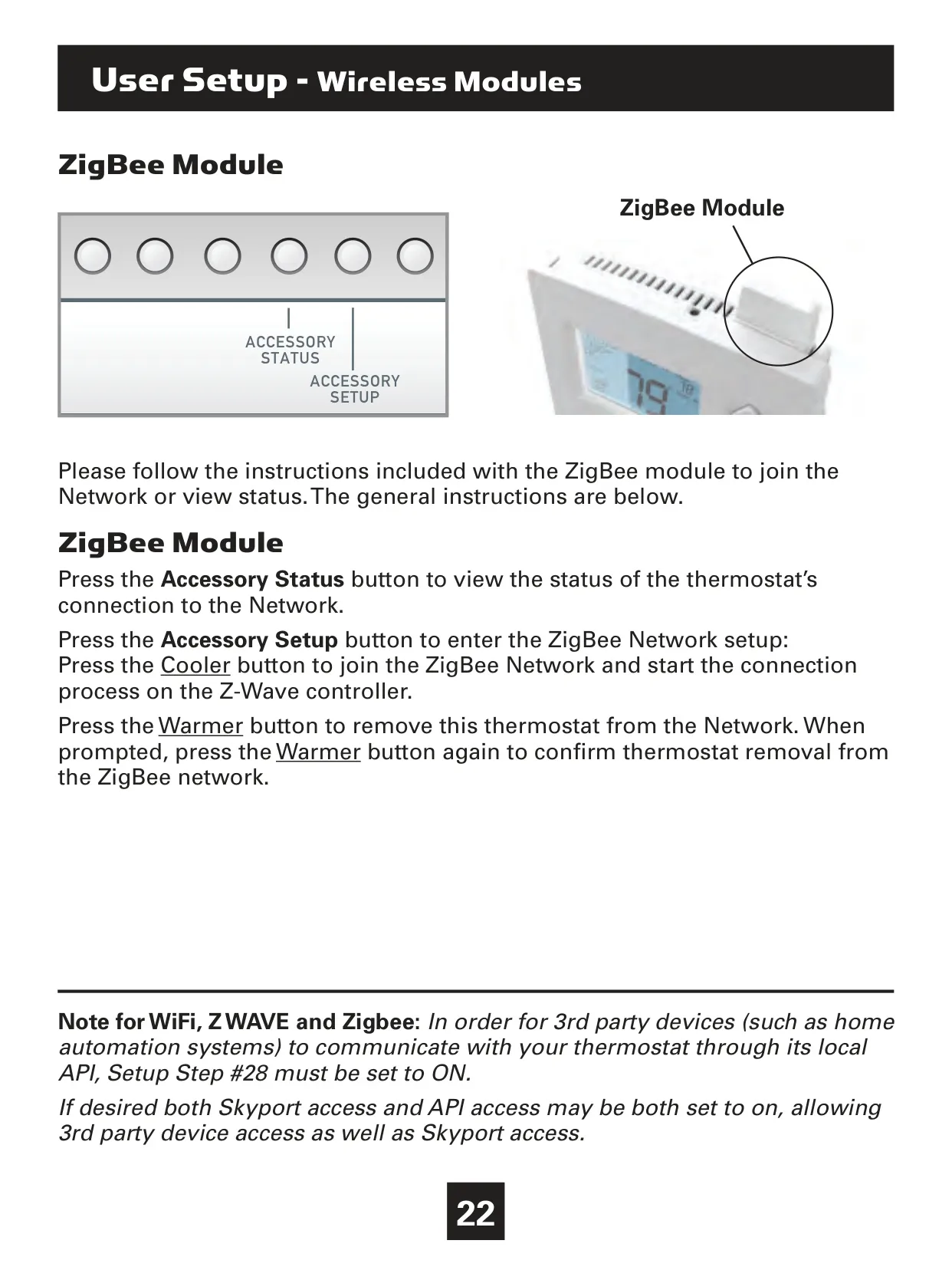
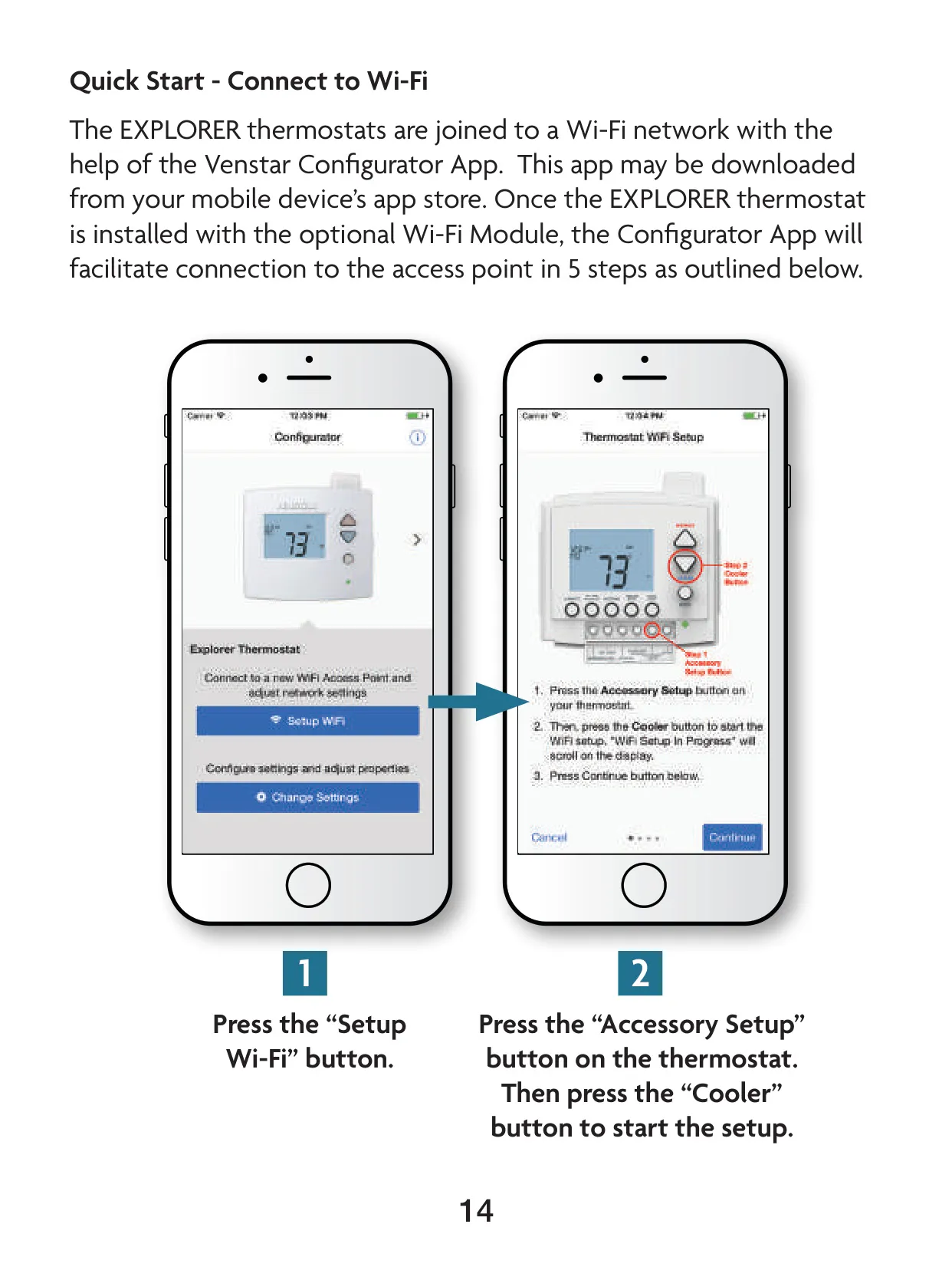
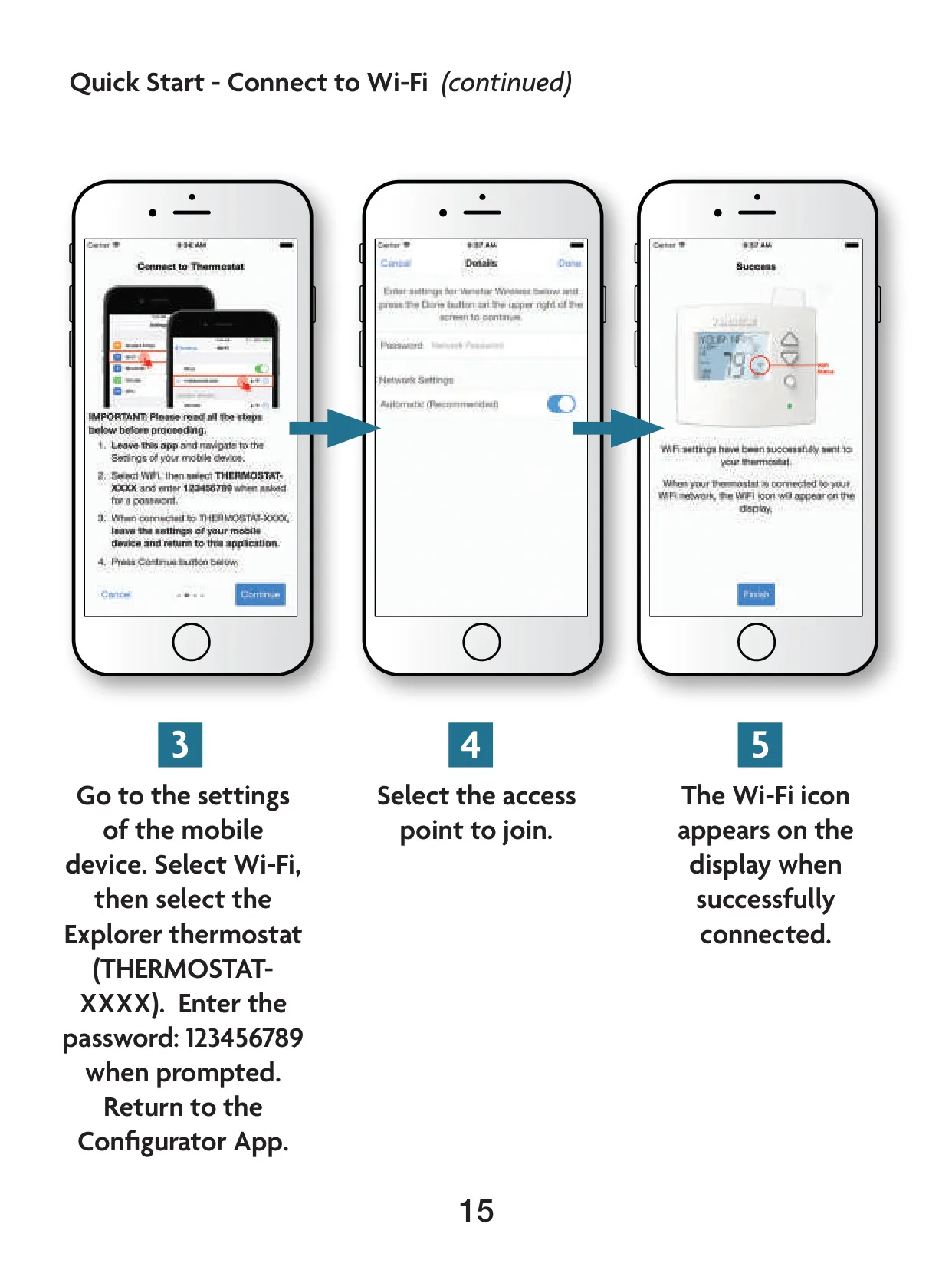
The T3700 supports various wireless modules including Wi-Fi, Z-Wave, ZigBee, and Venstar RF, allowing for advanced system integration. The "Accessory Status" button provides crucial information such as battery levels, signal strength, and last update times for linked wireless devices. This connectivity enables remote monitoring and control through platforms like Venstar Skyport Cloud Services.
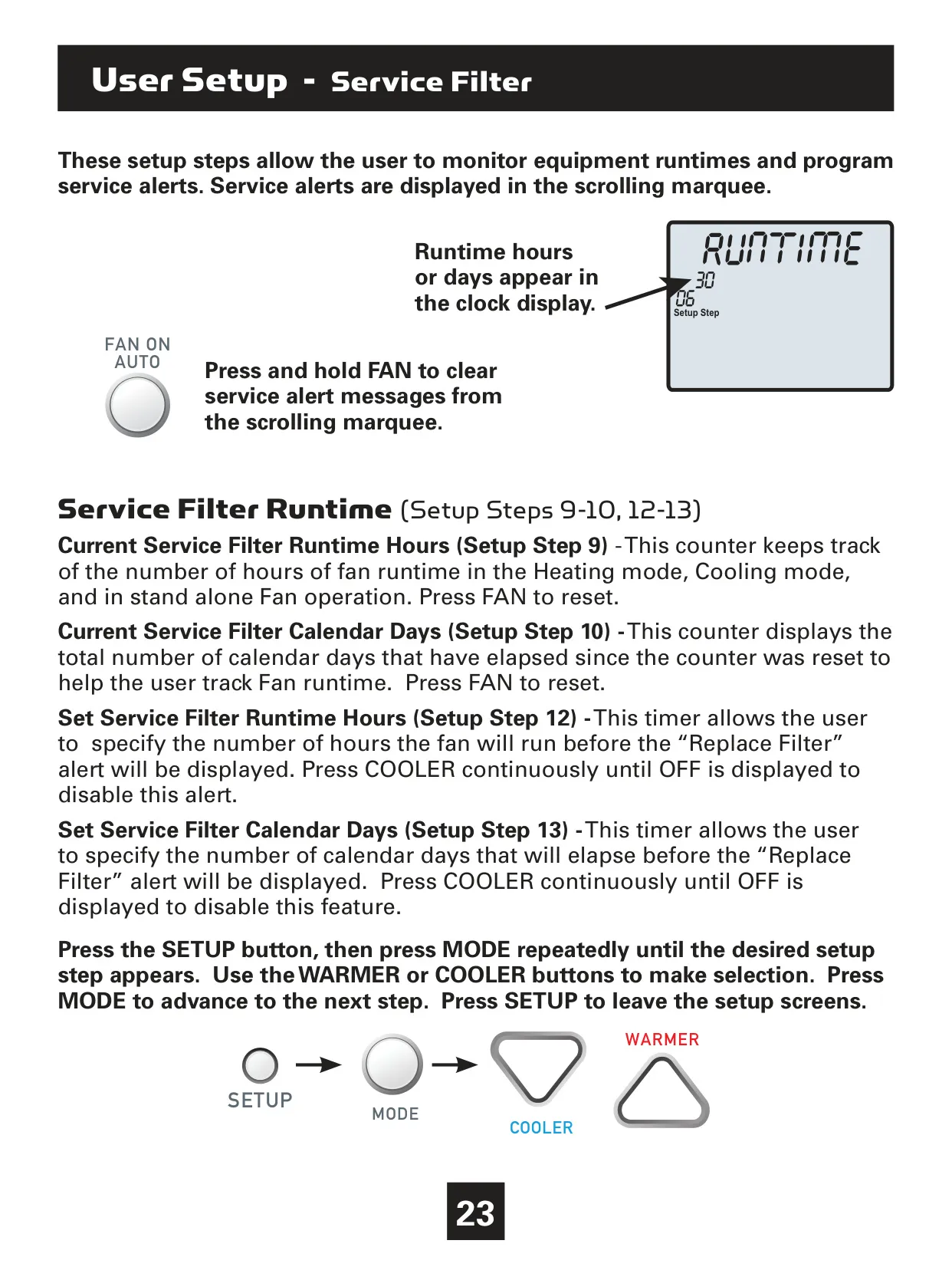
Maintenance is streamlined with "Service Filter" and "UV Lamp Runtime" counters. These track fan operating hours and UV lamp calendar days, respectively. Users can set alerts that trigger a "Replace Filter" or "Replace UV Lamp" message on the scrolling display, ensuring timely upkeep. These alerts can be easily cleared by simply holding down the FAN button.
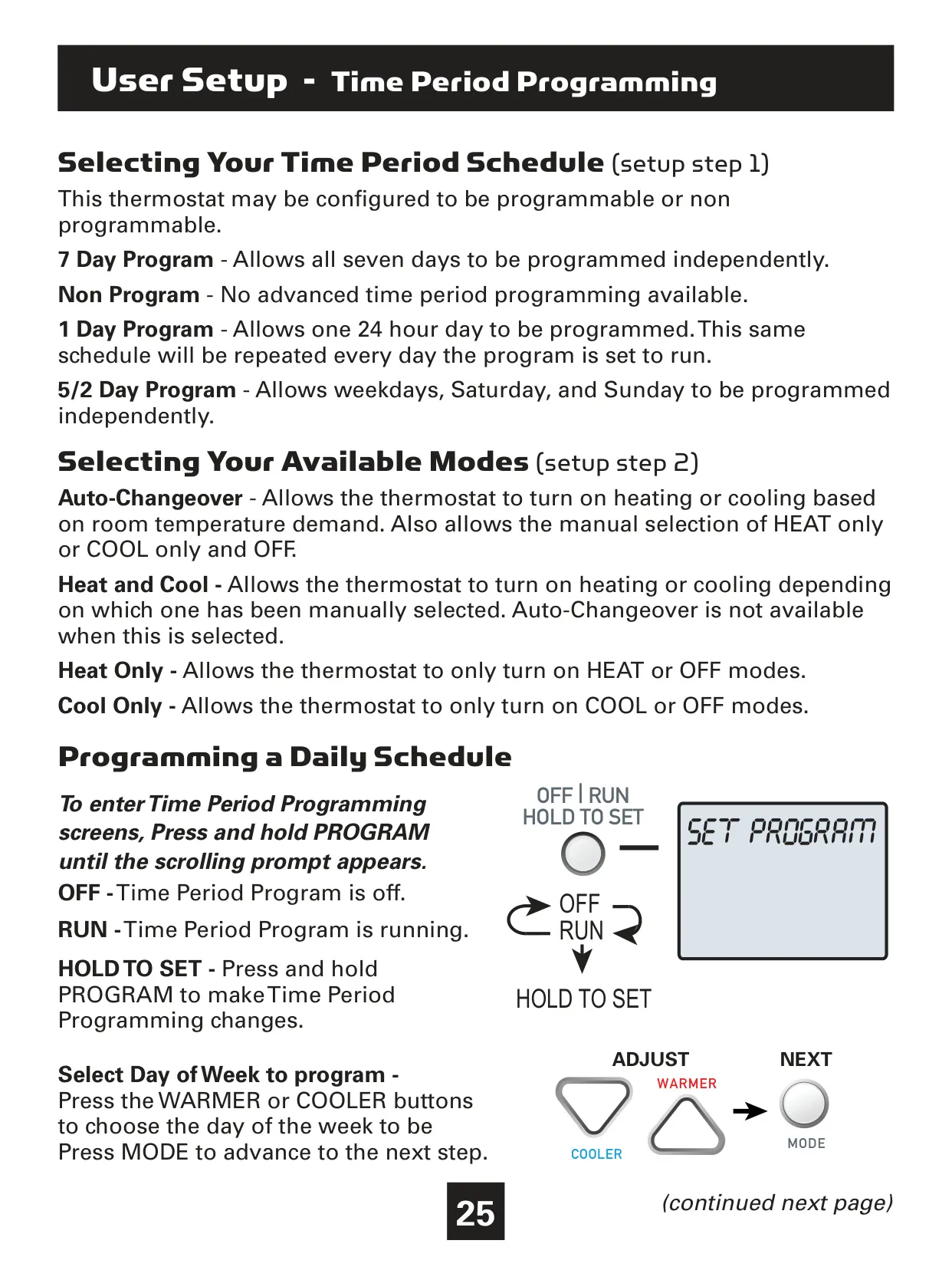
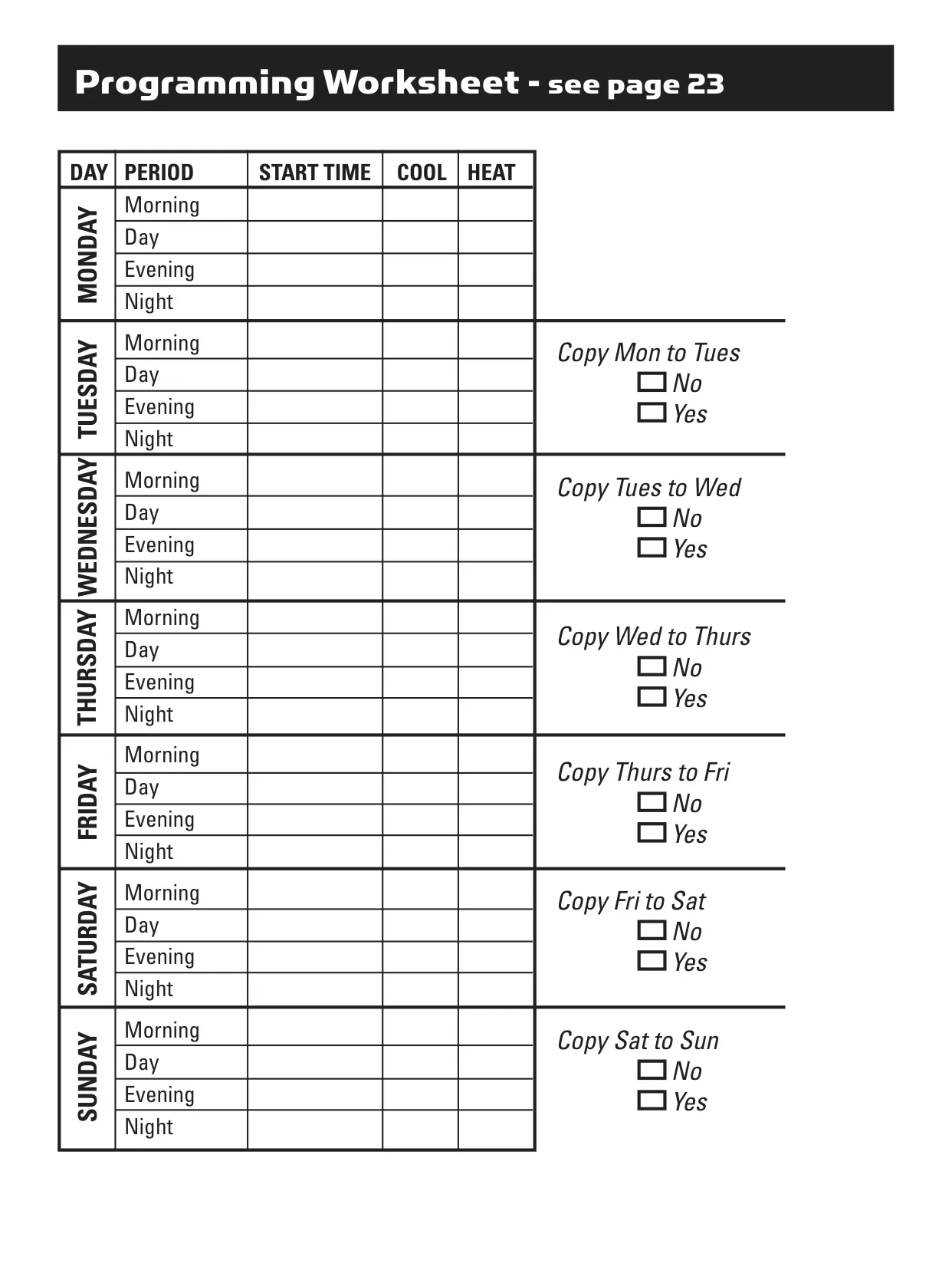
Advanced programming options include up to four customizable time periods per day: Morning, Day, Evening, and Night. Each period's start time, mode, and setpoints can be independently adjusted, or even disabled. A useful "Copy Current Day to Next Day" function allows for quick replication of schedules, simplifying the setup process for multi-day programming.
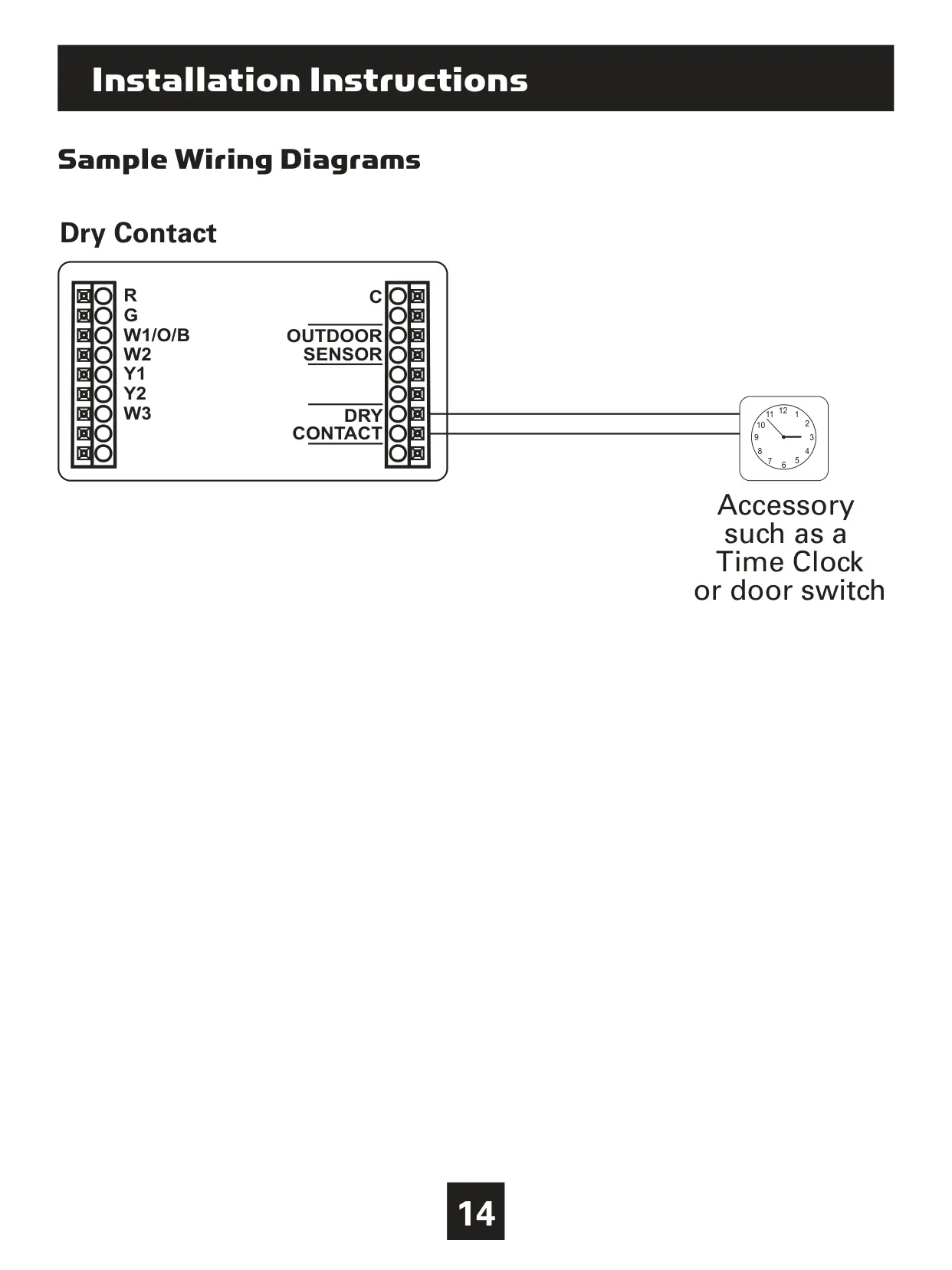
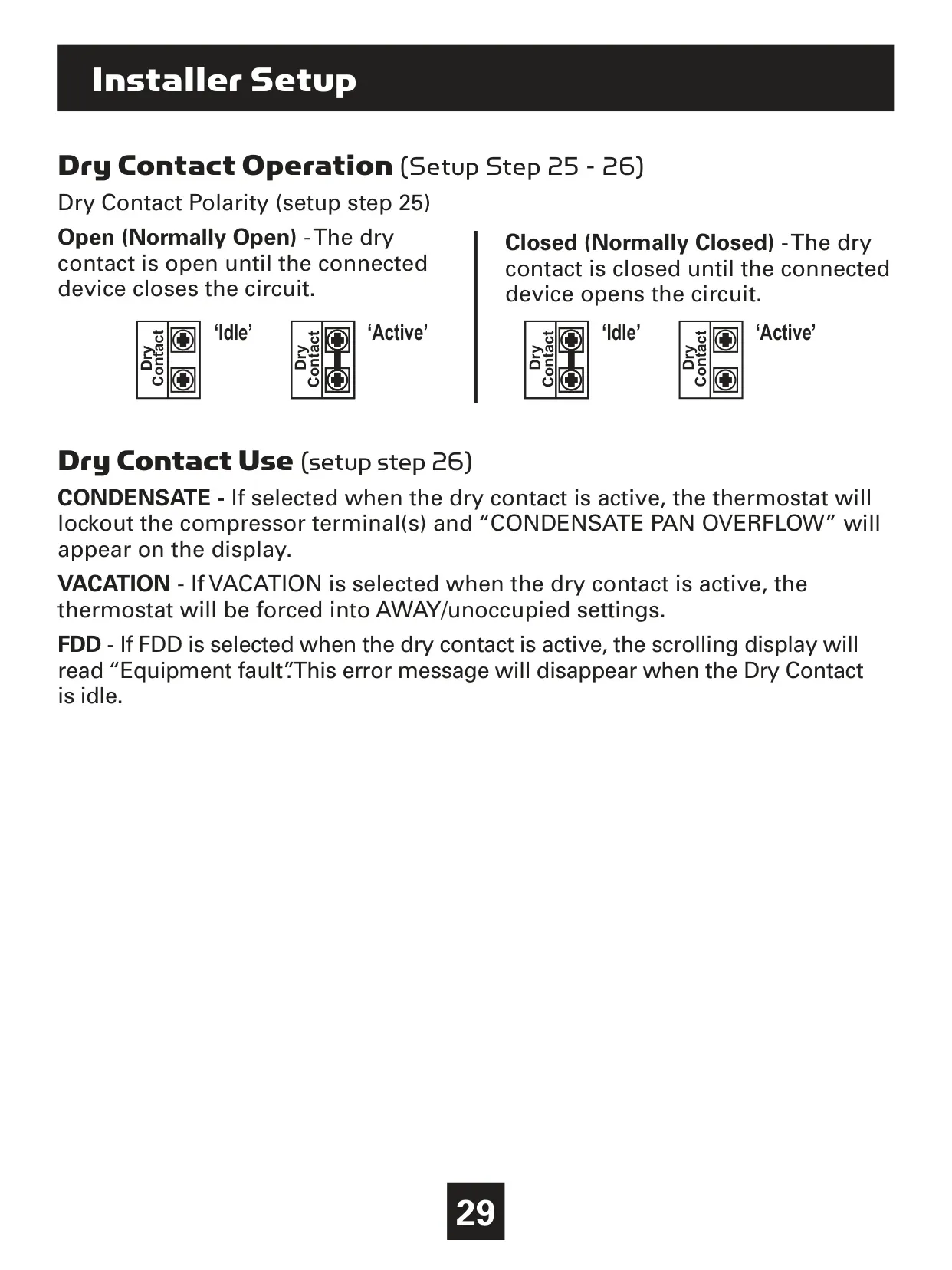
The thermostat also offers robust installer-level settings, such as adjusting the number of heating, cooling, and auxiliary stages, along with precise deadband controls to fine-tune system response. Its Dry Contact terminals offer versatile functionality, configurable for uses like condensate pan overflow detection (locking out the compressor), triggering vacation settings, or indicating an equipment fault (FDD).
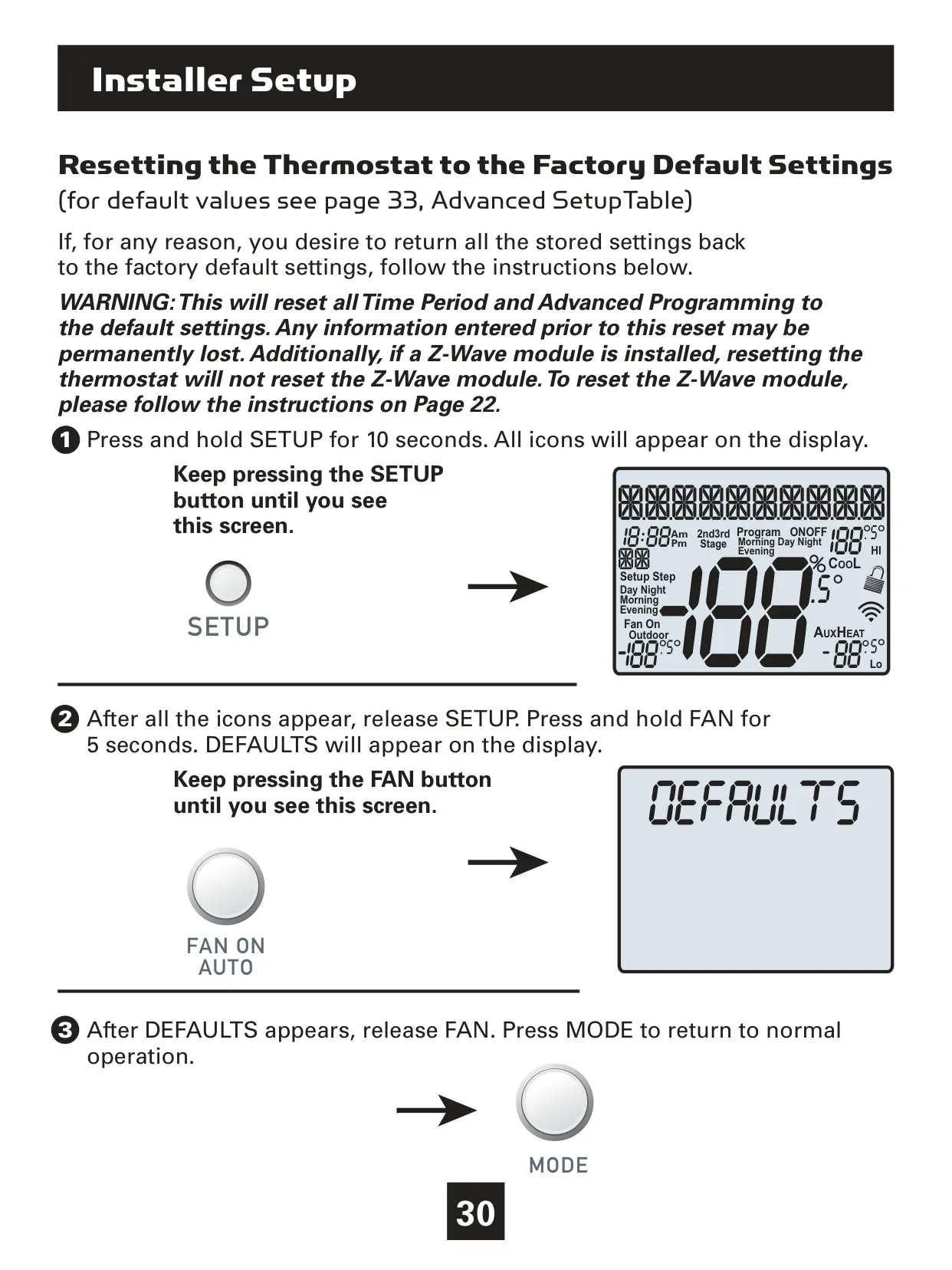
Security is addressed with a keypad lockout feature, disabling front panel buttons to prevent unauthorized tampering. In case of extensive configuration changes or troubleshooting, the thermostat can be reset to factory default settings via a simple sequence of button presses, although this will erase all stored programming.
Frequently Asked Questions (FAQs)
Can't find the answer you need? Here are some frequently asked questions about the Venstar T3700 Thermostat, and we answer them below.