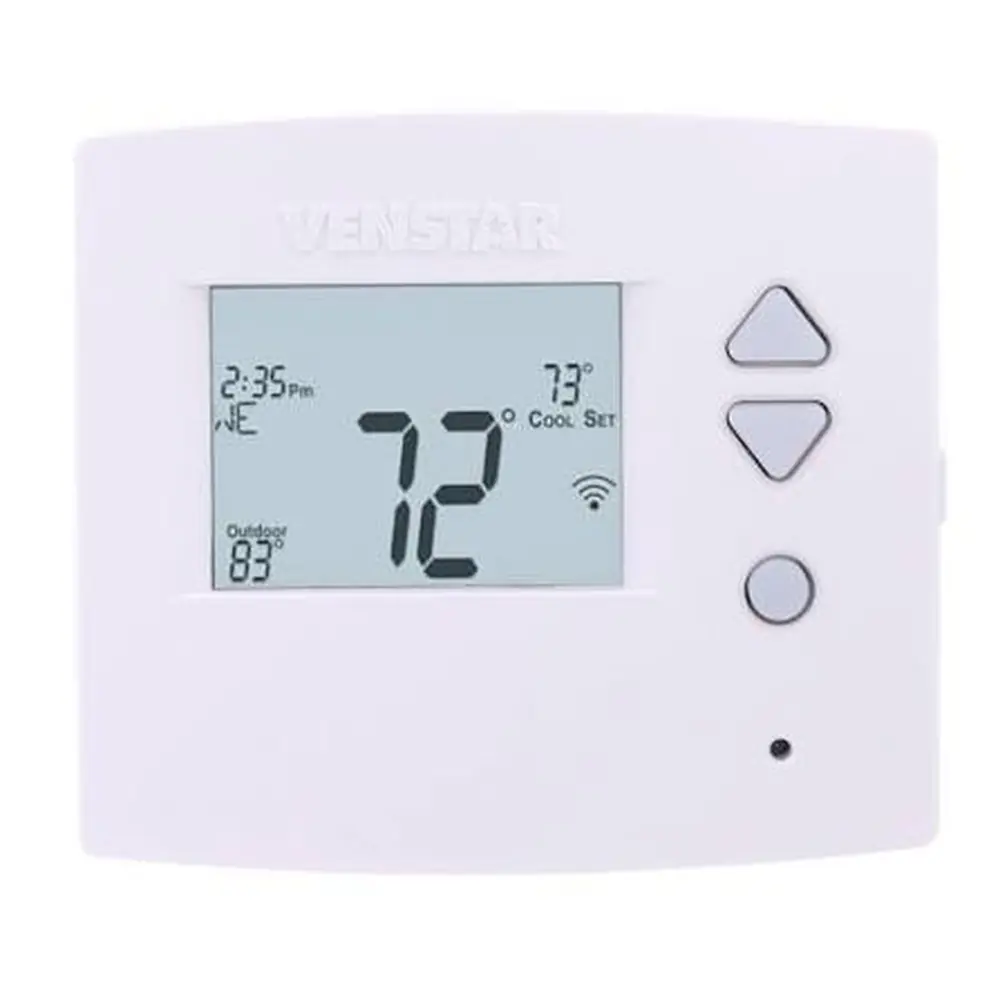
Venstar T4900 Thermostat Instruction Manual

Manual Venstar T4900 Thermostat Instruction Manual

Venstar T4900 Thermostat Instruction Manual
5/5 (1👤)
📕 Manual PDF 📄 60 Pages
★Rate It★

How many stars do you give this manual?

Venstar T4900 Thermostat
Full Screen

Venstar T4900 Thermostat
Full Screen

Venstar T4900 Thermostat Instructions
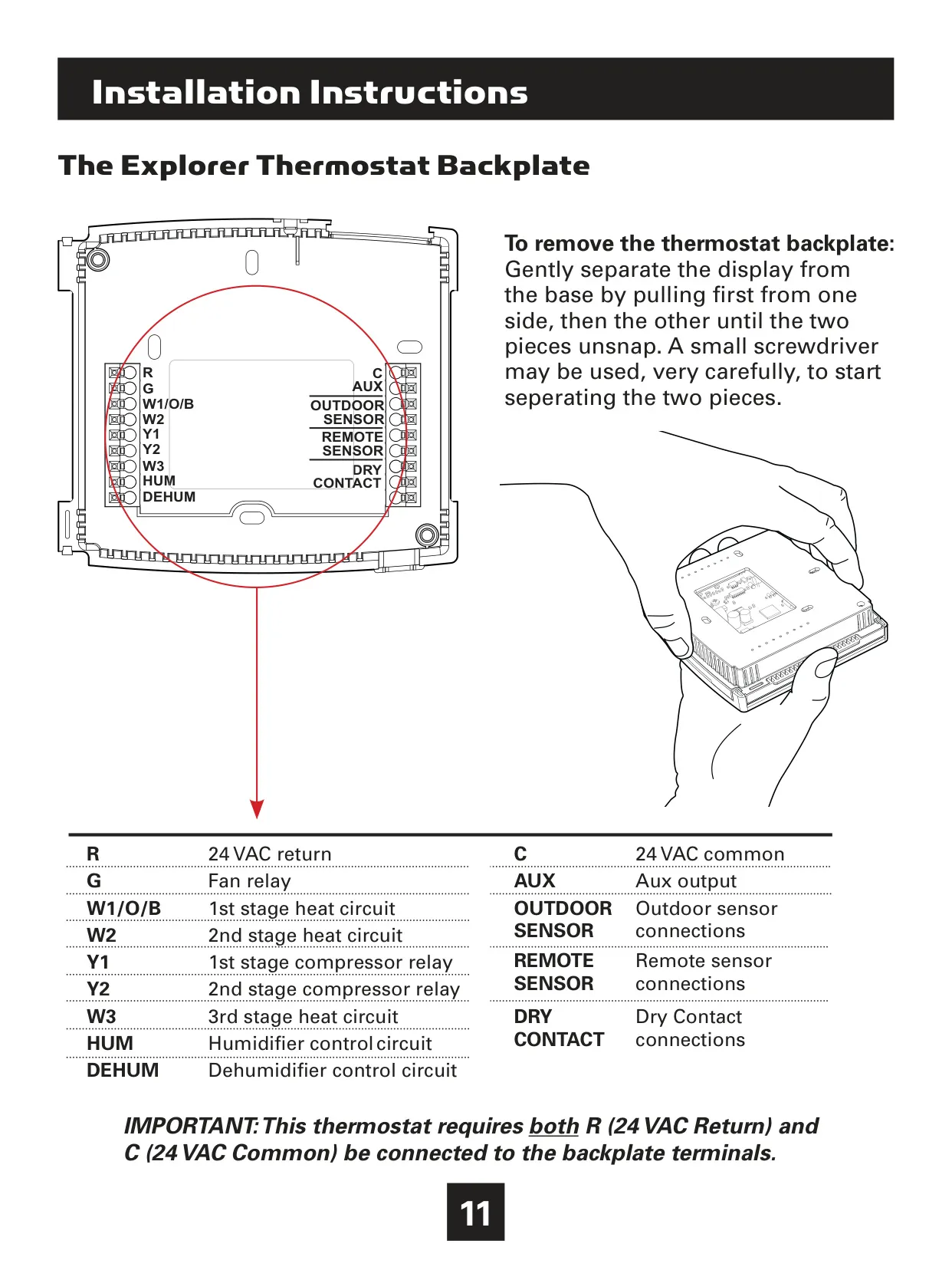
Here we offer the Venstar T4900 Thermostat manual completely free and in English. We have cataloged this manual in the Thermostats section on Manualverse, and it has been rated by 1 users with an average rating of 5. If you have any specific questions about Venstar T4900 Thermostat, we suggest checking the Frequently Asked Questions (FAQs) section of this manual.

Product Images

Imagen 1
Imagen 2
Imagen 3
Imagen 4
Imagen 5
Miniatura 1
Miniatura 2
Miniatura 3
Miniatura 4
Miniatura 5

Venstar T4900 Thermostat Specifications
Feature Specification
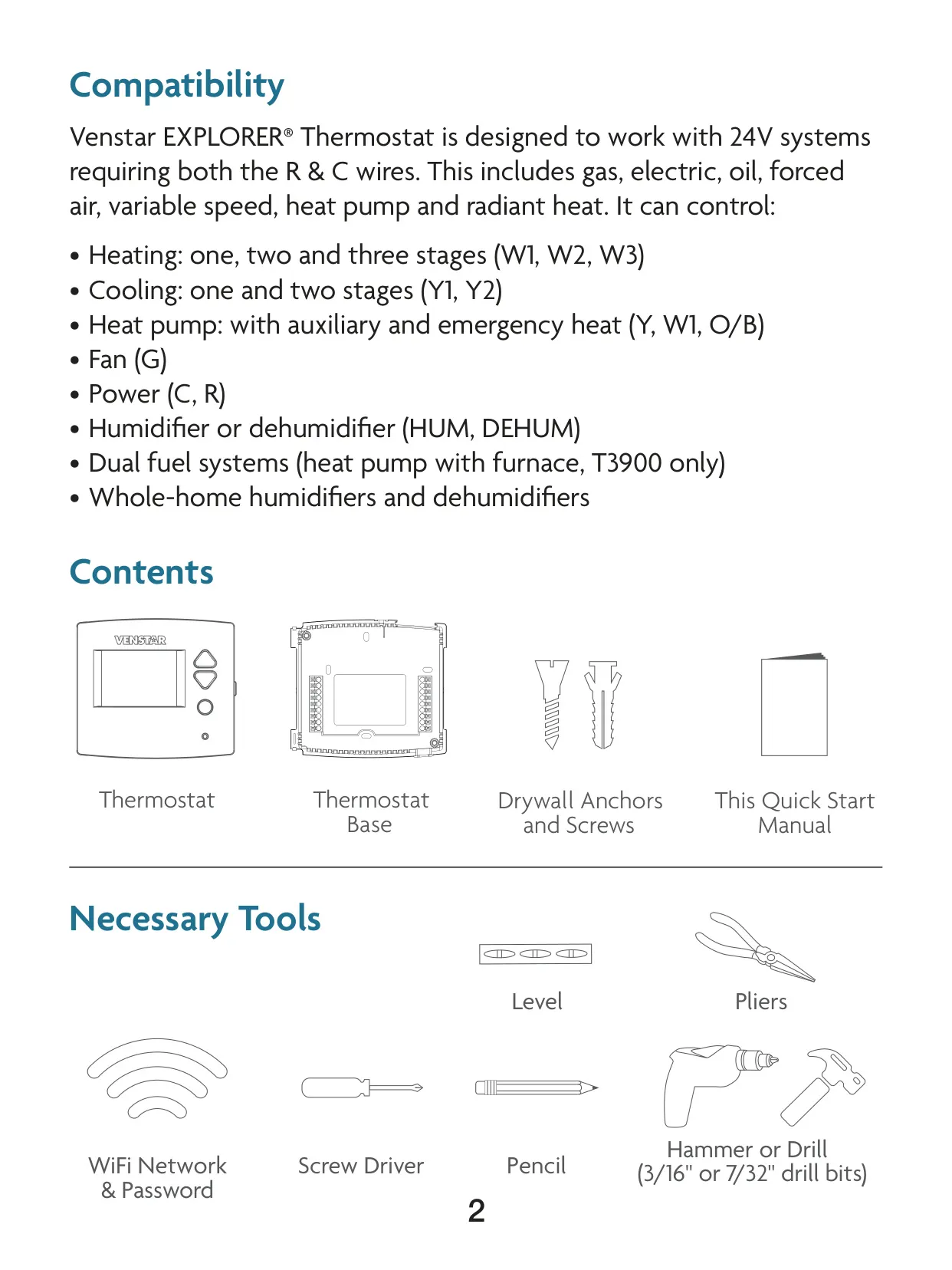
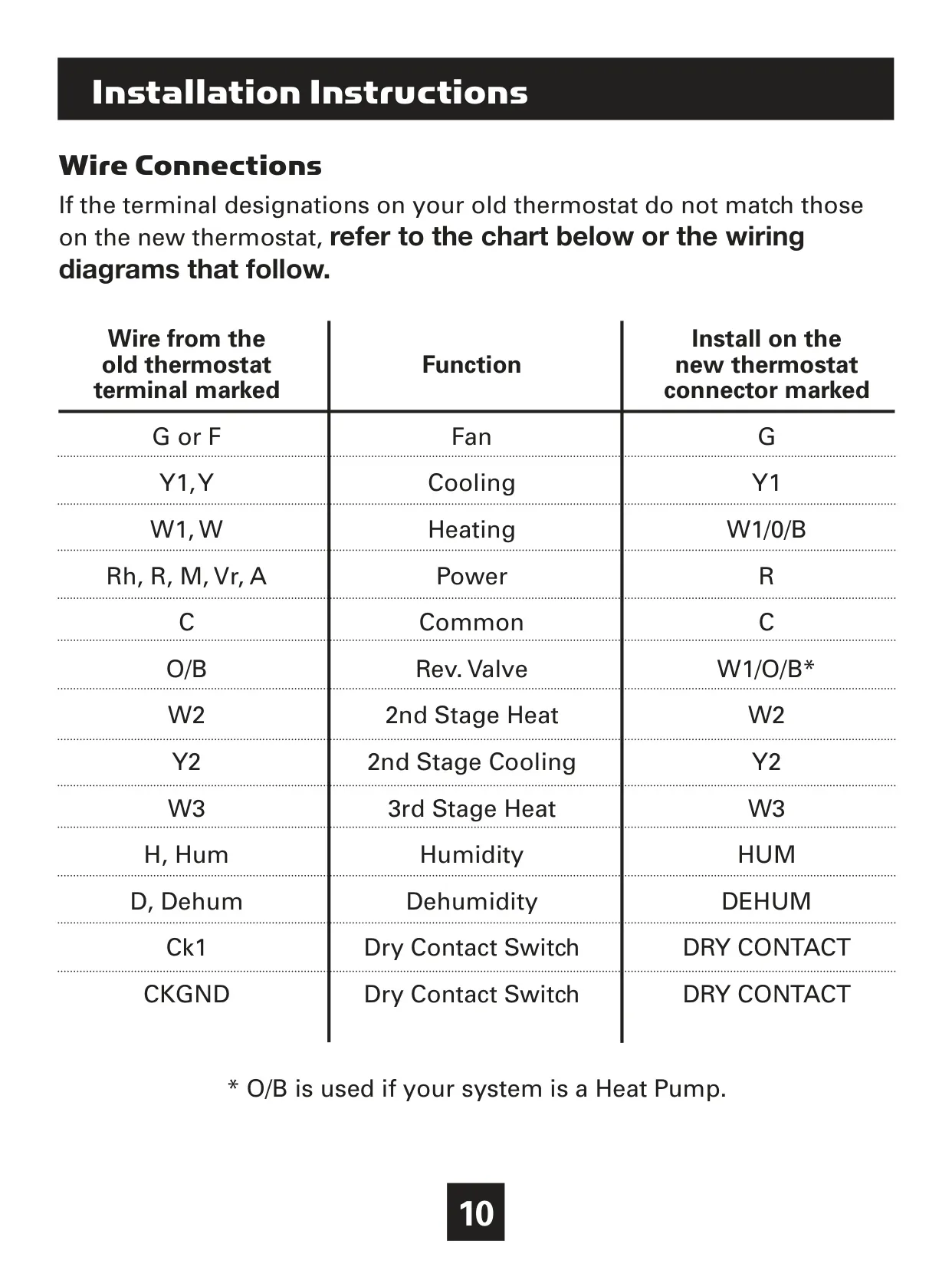
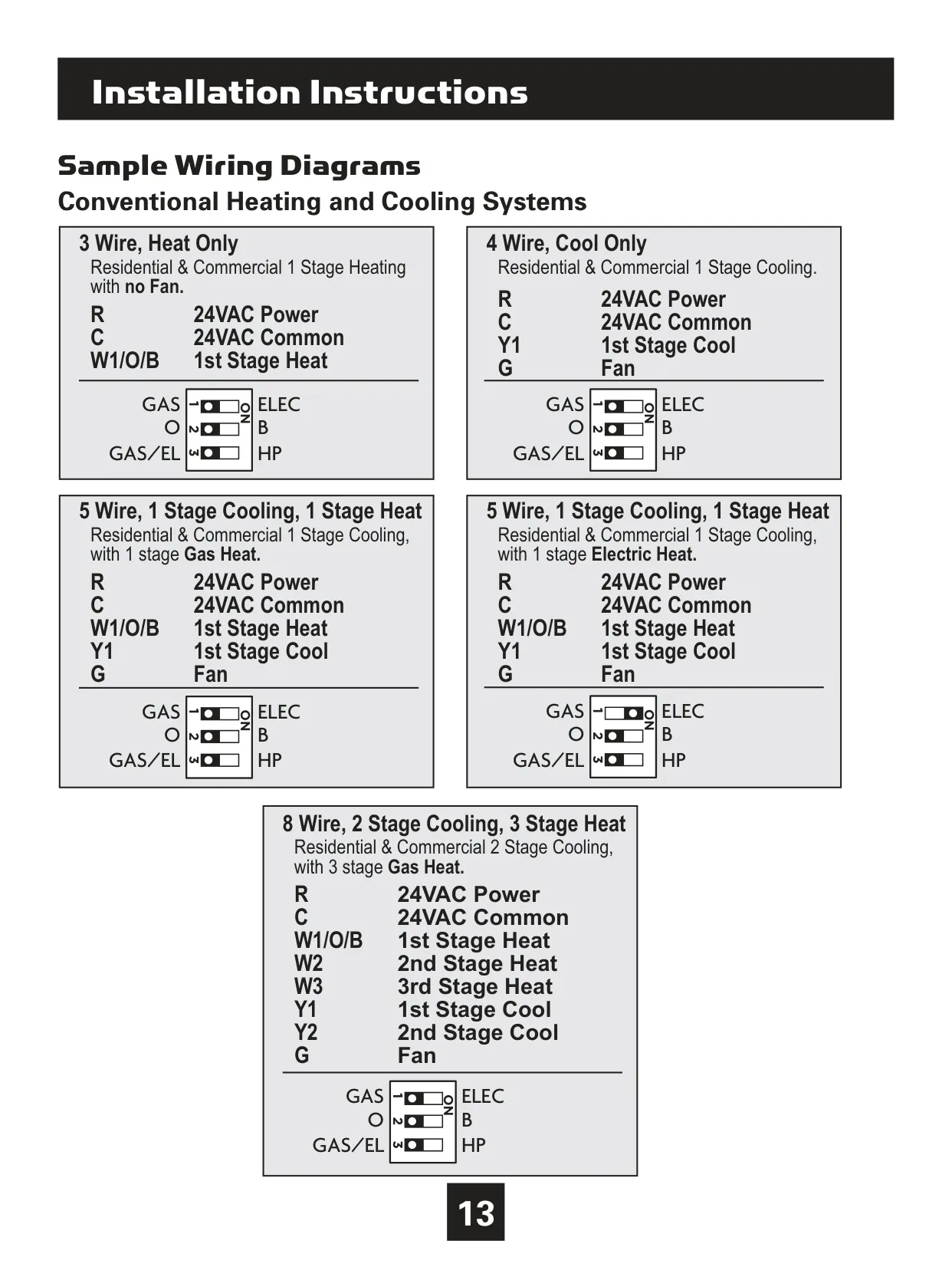
System Compatibility 24V systems (Gas, Electric, Oil, Forced Air, Variable Speed, Heat Pump, Radiant)
Heating Stages 1, 2, or 3 Stages (W1, W2, W3)
Cooling Stages 1 or 2 Stages (Y1, Y2)
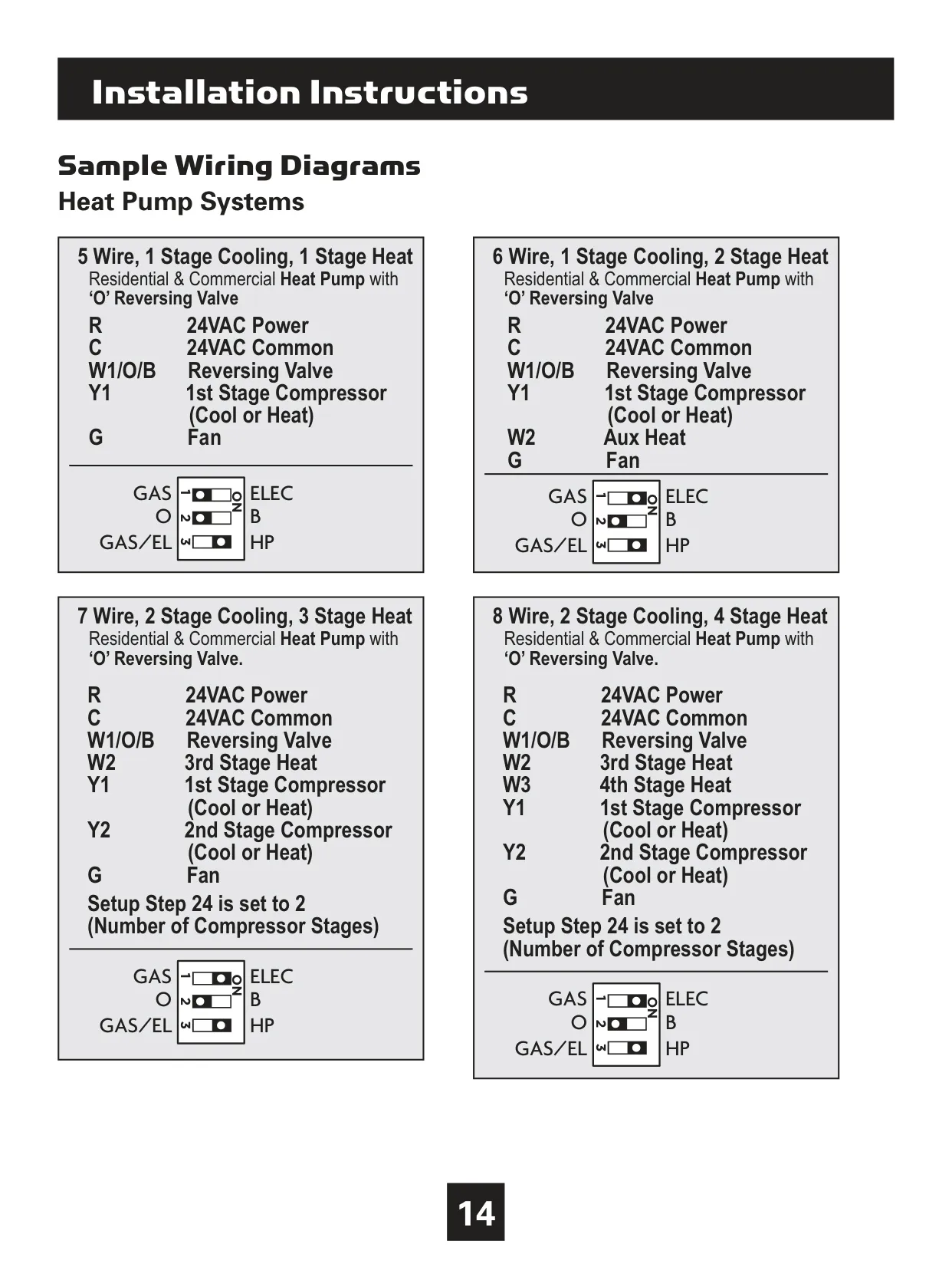
Heat Pump Support Yes, with Auxiliary (W2) and Emergency Heat
Power Input 24 VAC (requires R and C wires)
Fan Control G terminal
Display Type Backlit LCD with Scrolling Display
Connectivity Optional Wi-Fi Module (2.4 GHz, b/g/n), Optional Z-Wave Module
Temperature Display Units Fahrenheit (°F) or Celsius (°C)
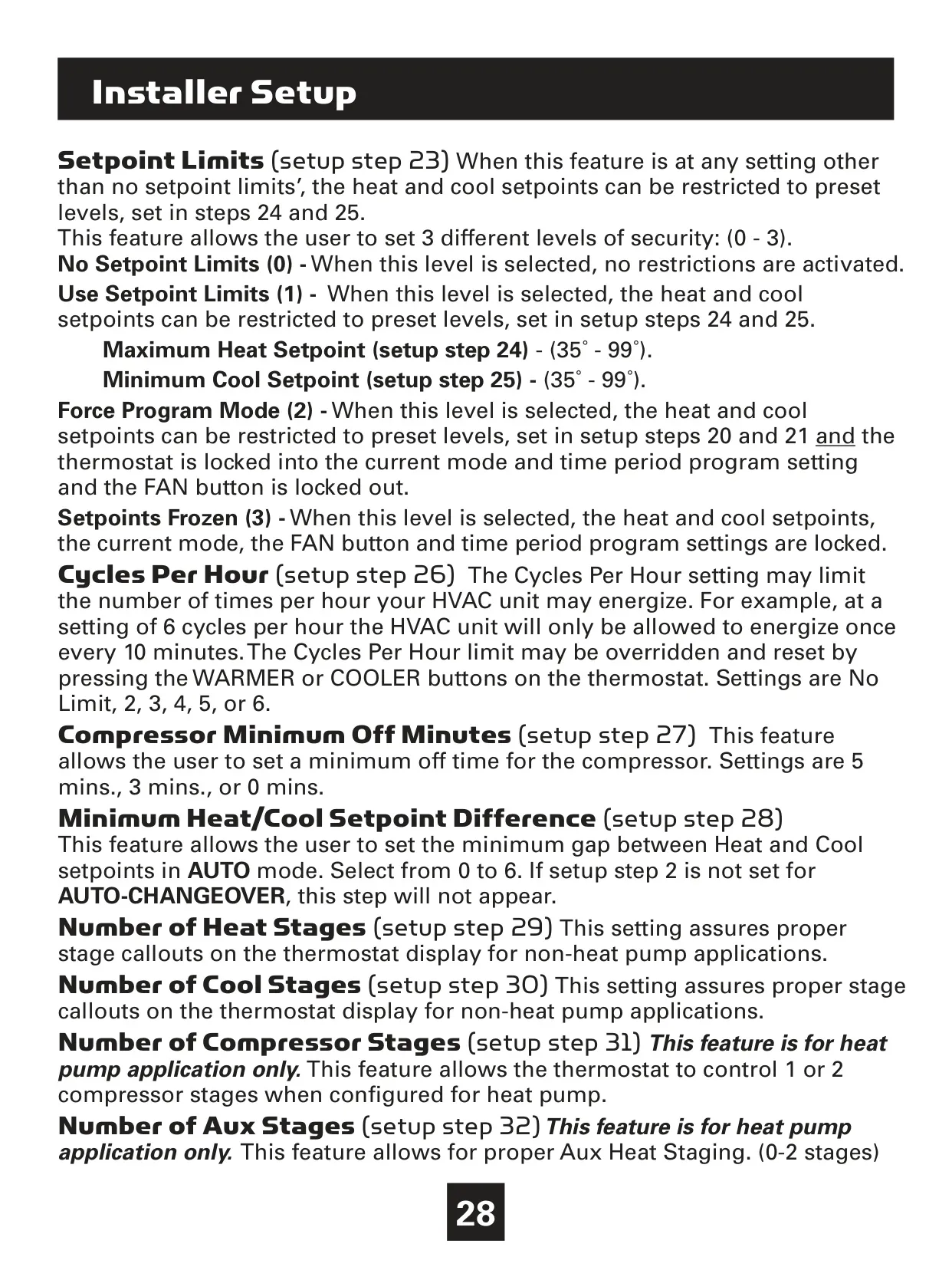
Maximum Heat Setpoint Range 35°F - 99°F
Minimum Cool Setpoint Range 35°F - 99°F
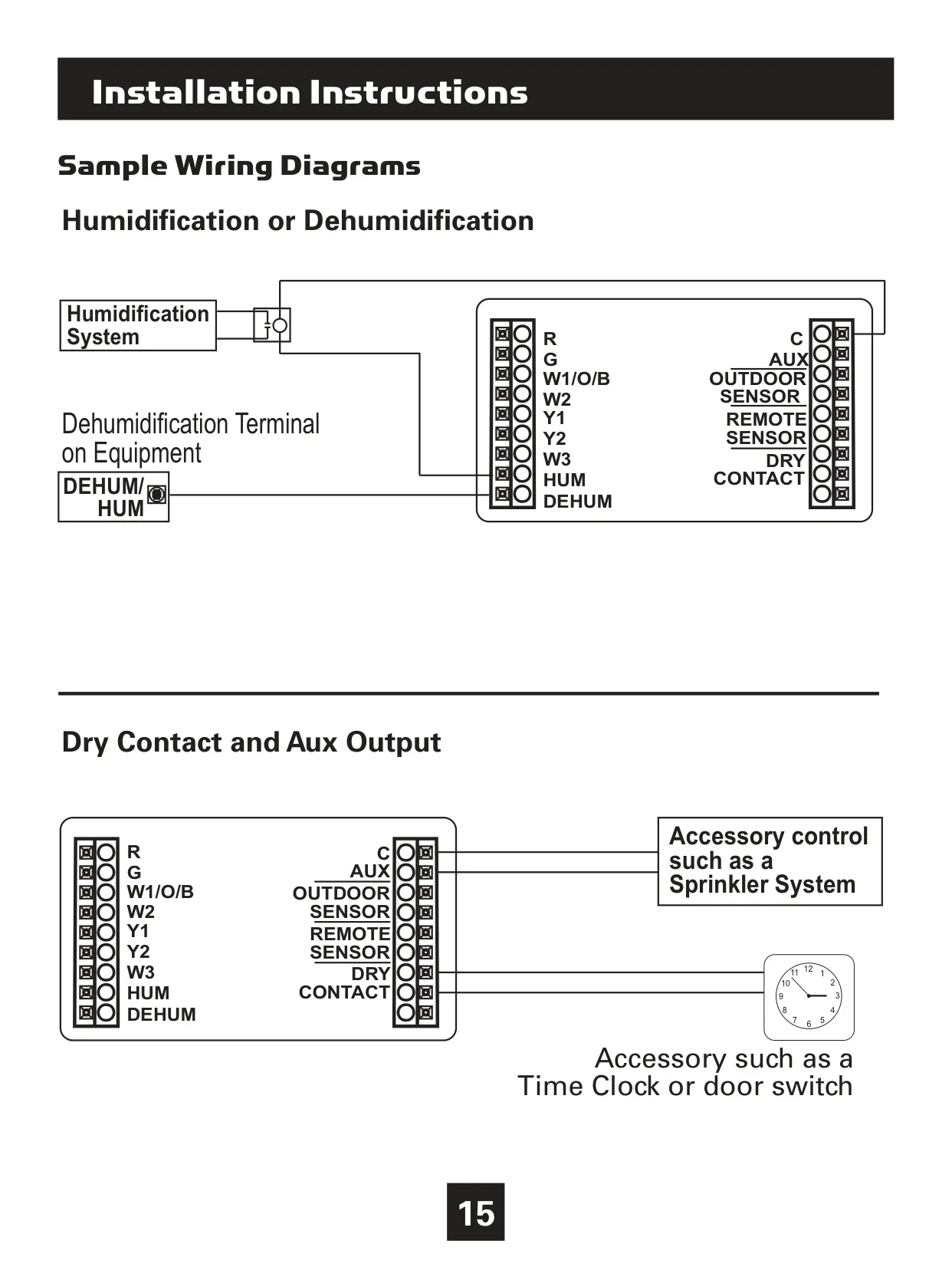
Humidity Control Yes (HUM, DEHUM terminals for humidification and dehumidification)
Auxiliary Output Programmable (AUX terminal)
Dry Contact Input Programmable (DRY CONTACT terminals)
Firmware Updateable (manual reflects rev. 12 at publication)
FCC ID MUH-SKYPORT3
IC 12547A-SKYPORT3

Venstar T4900 Thermostat Details
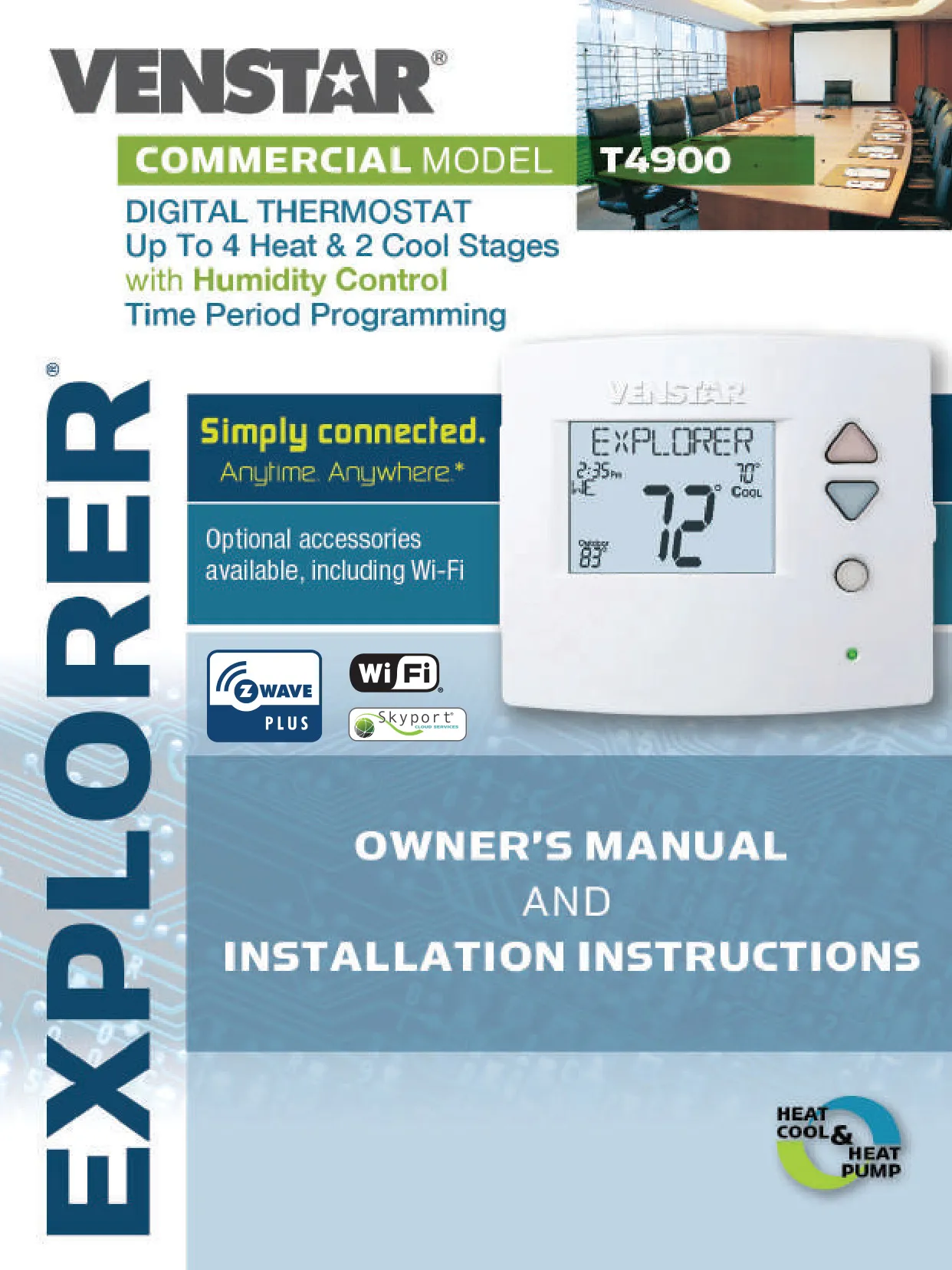
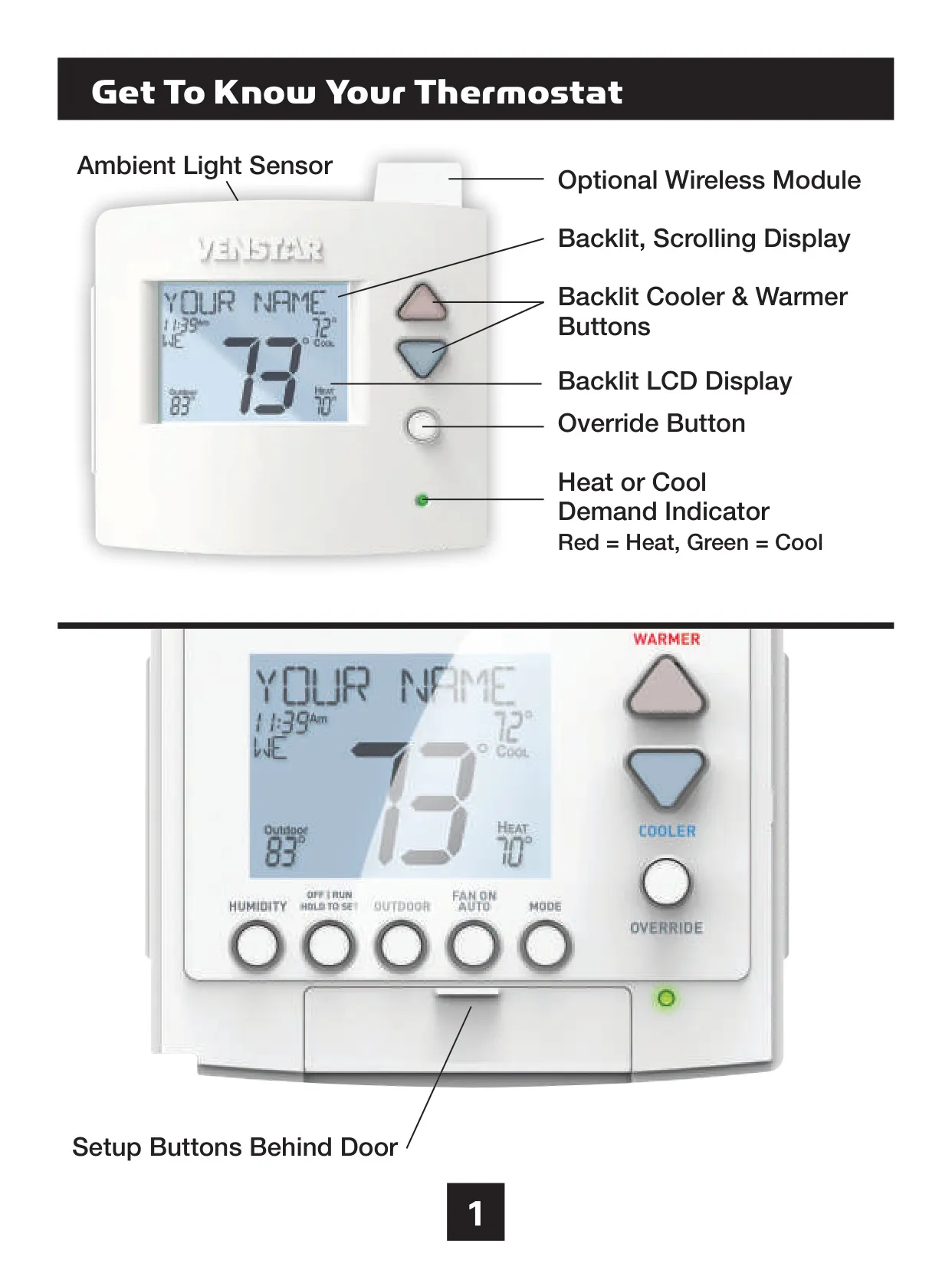
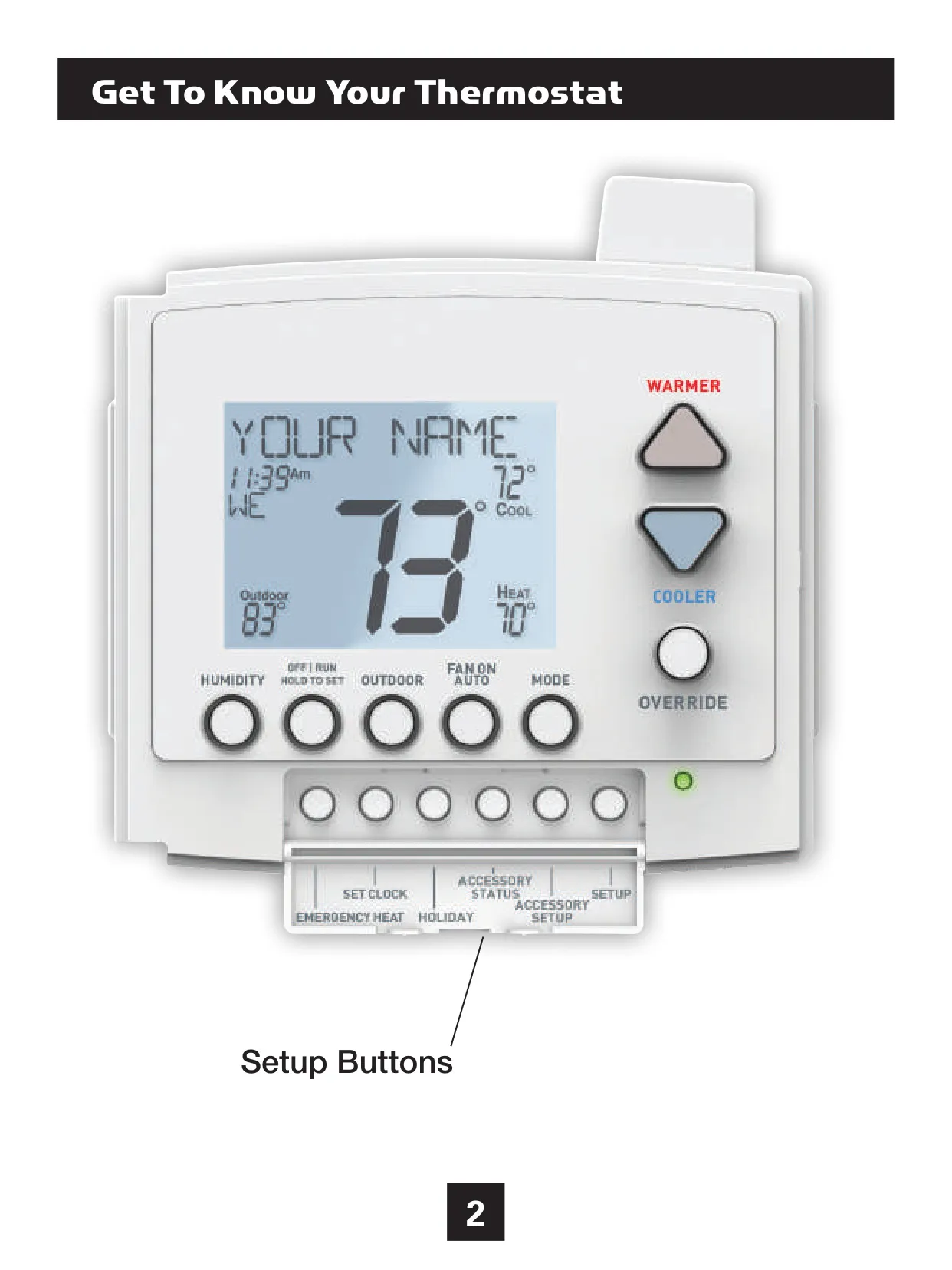
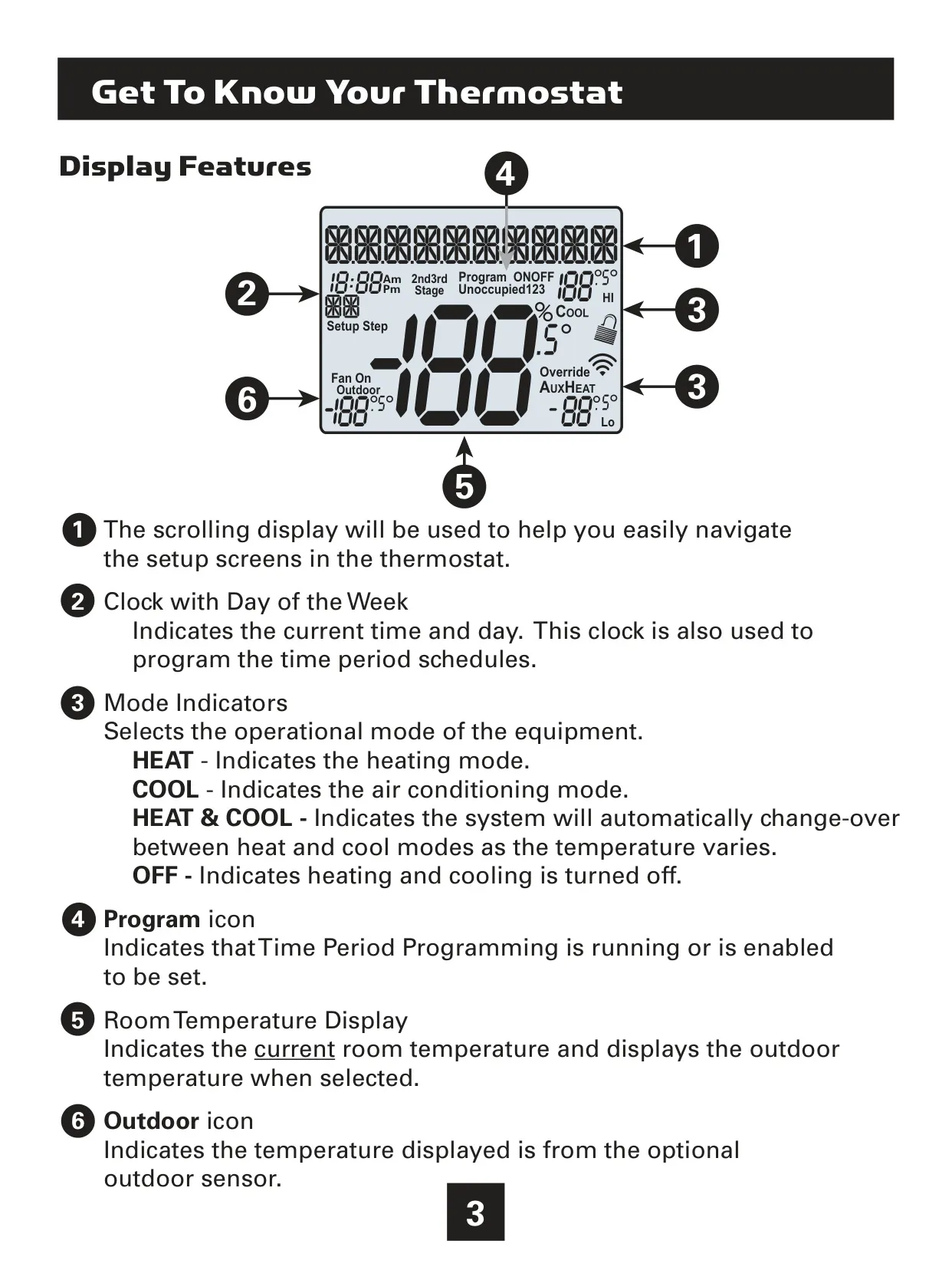
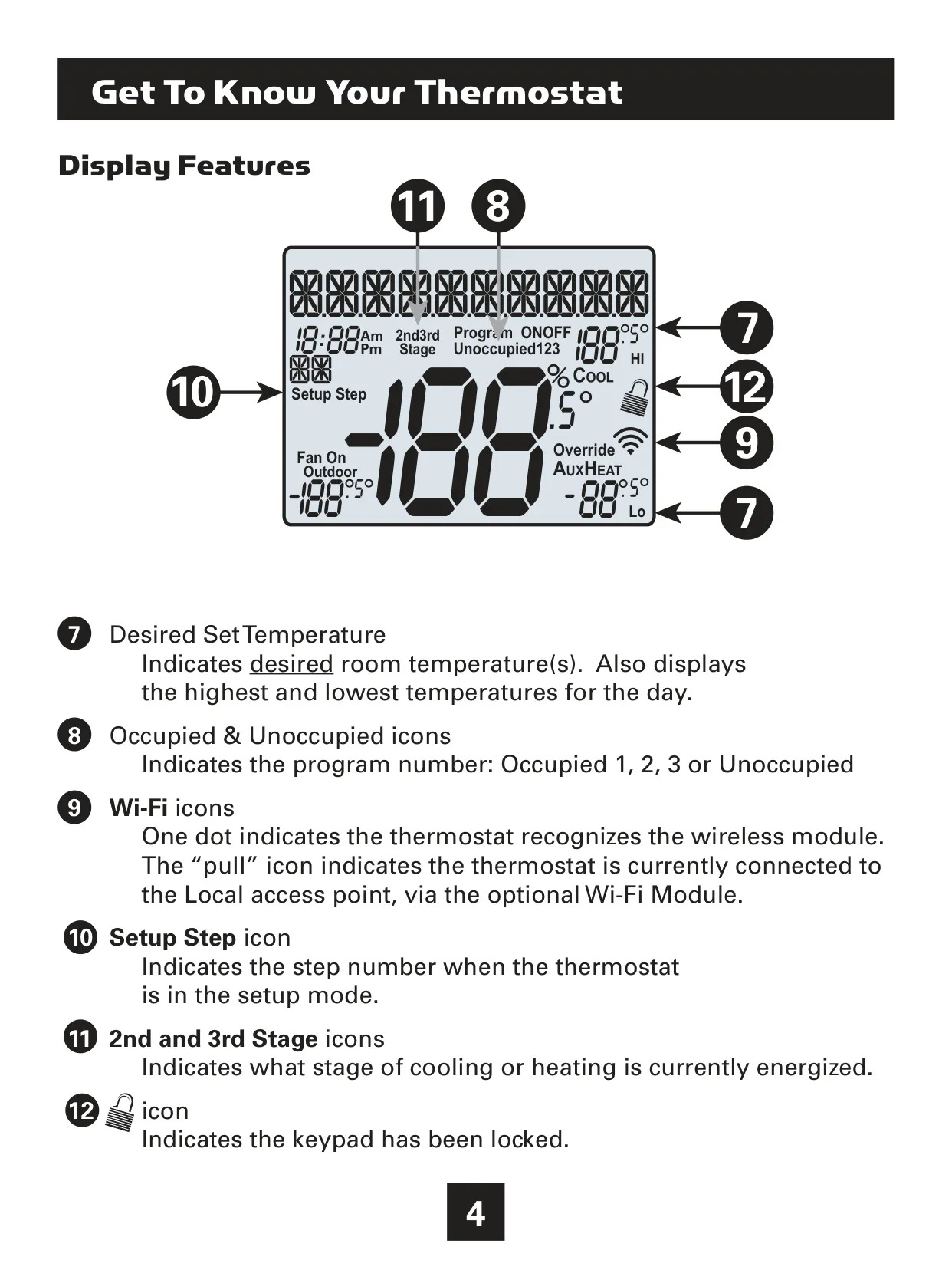
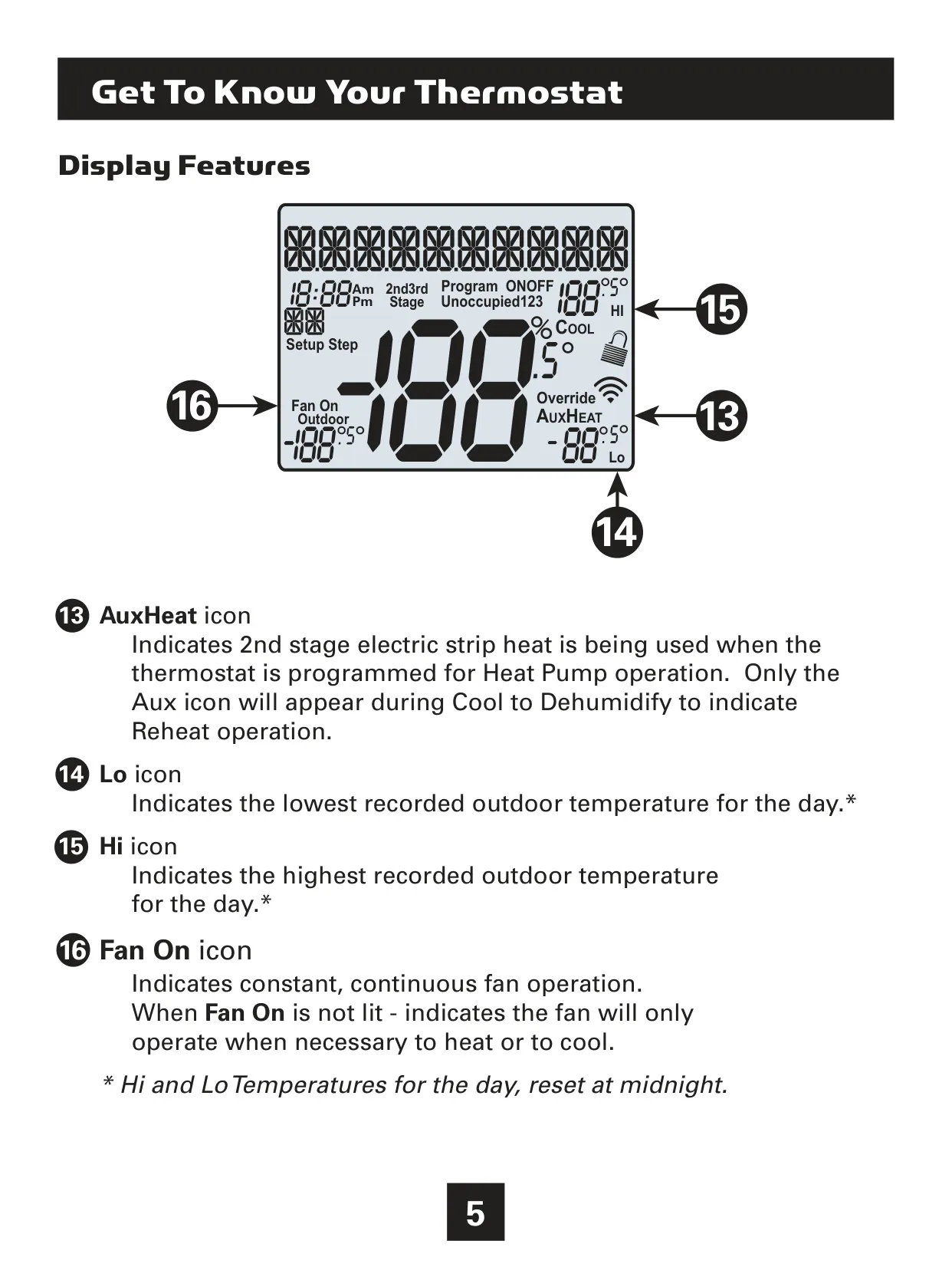
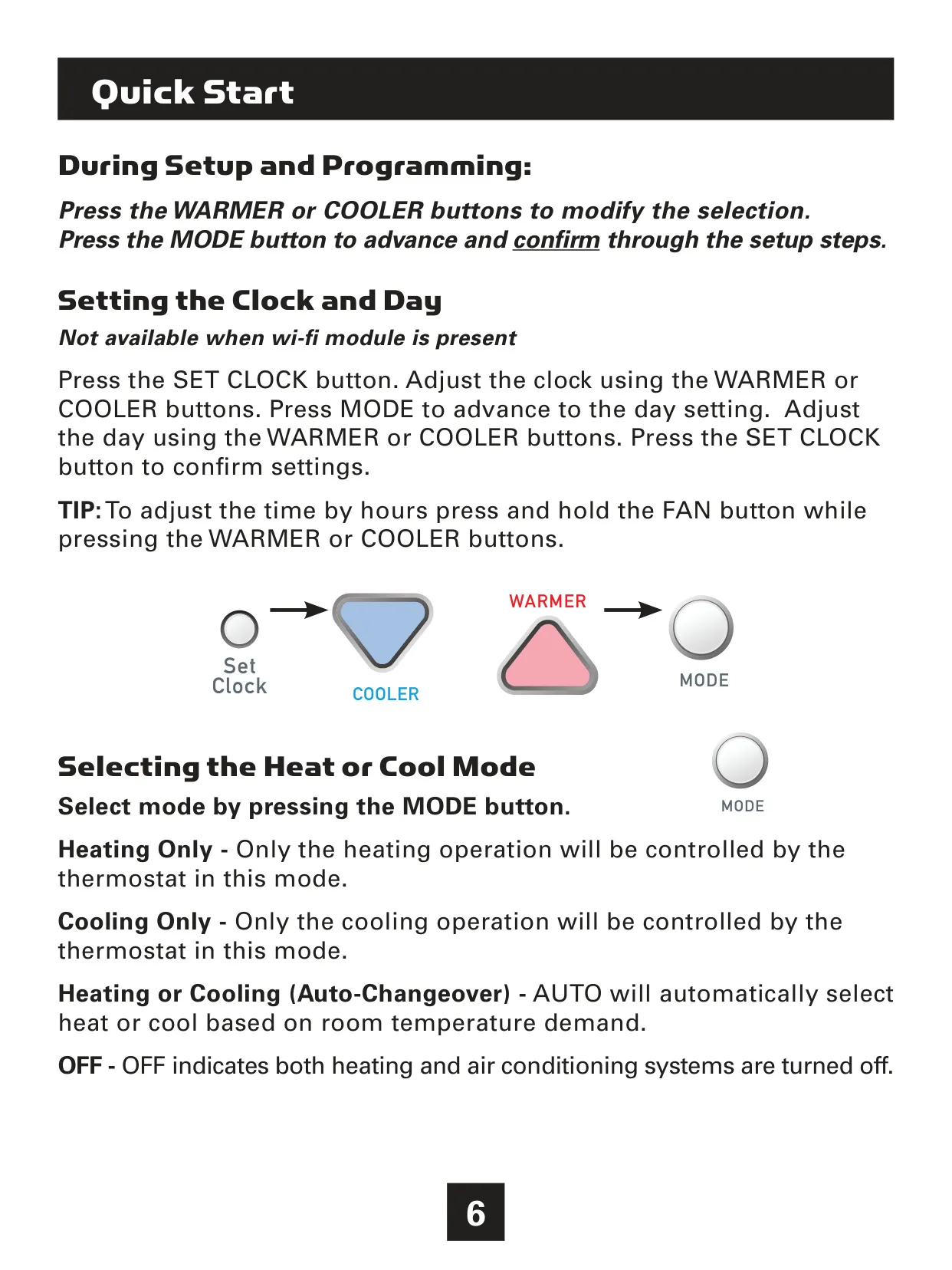
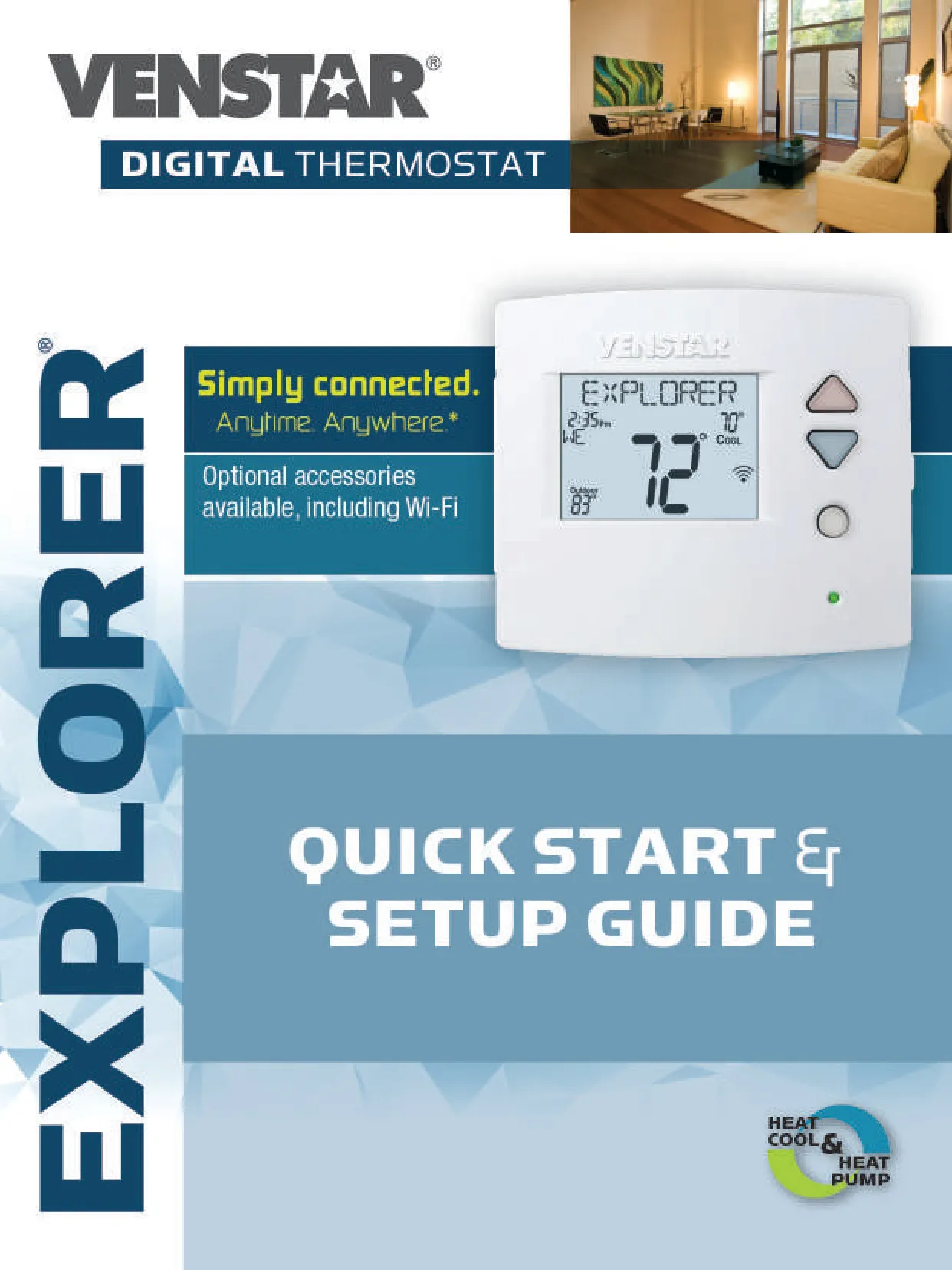
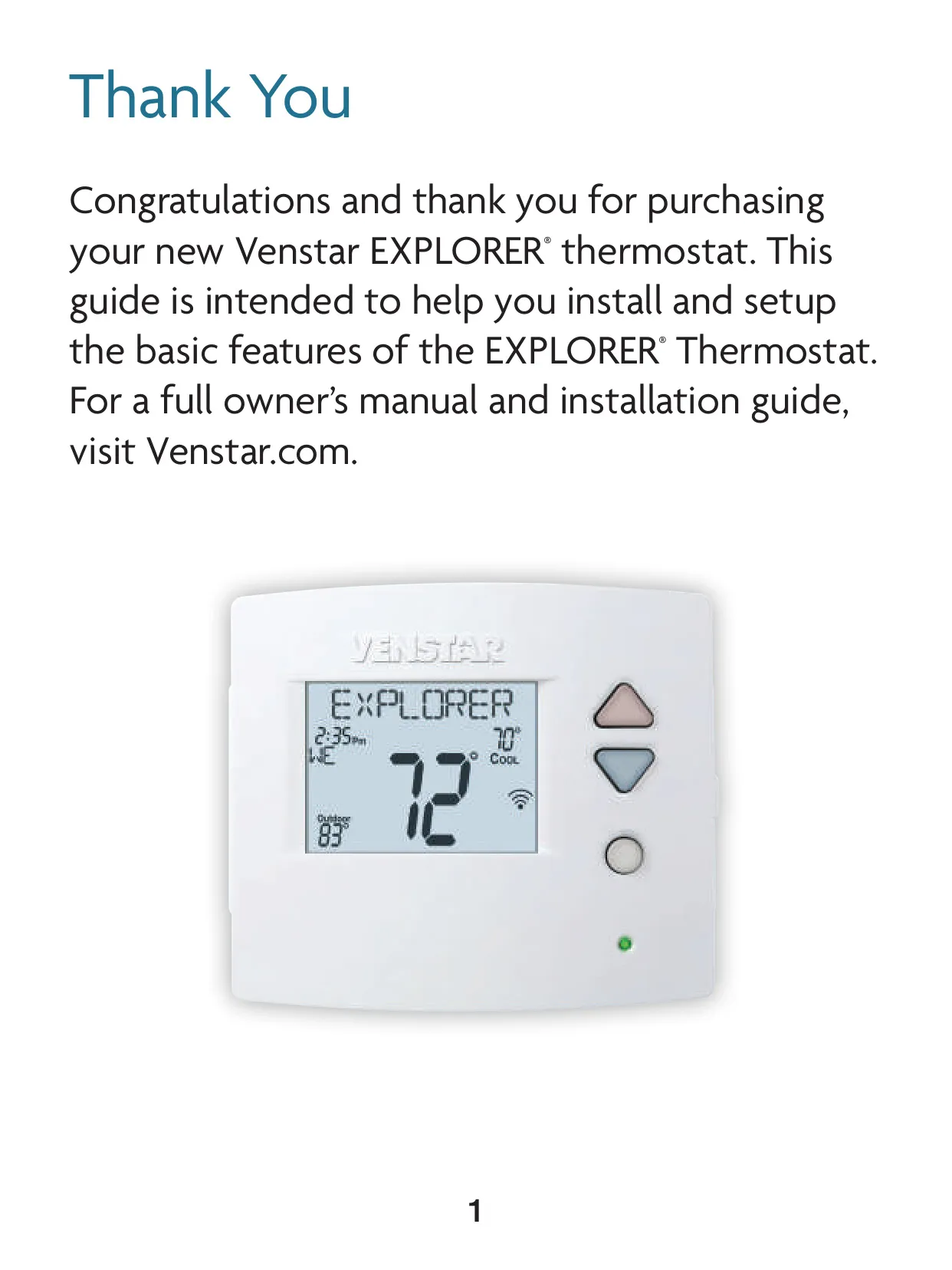
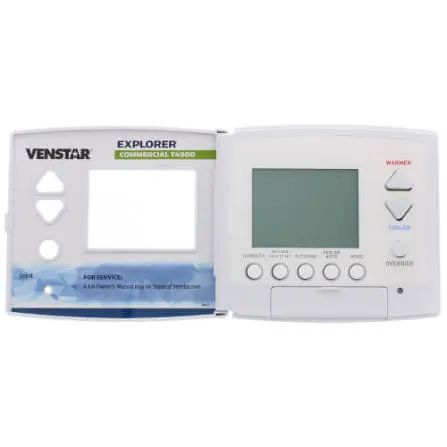
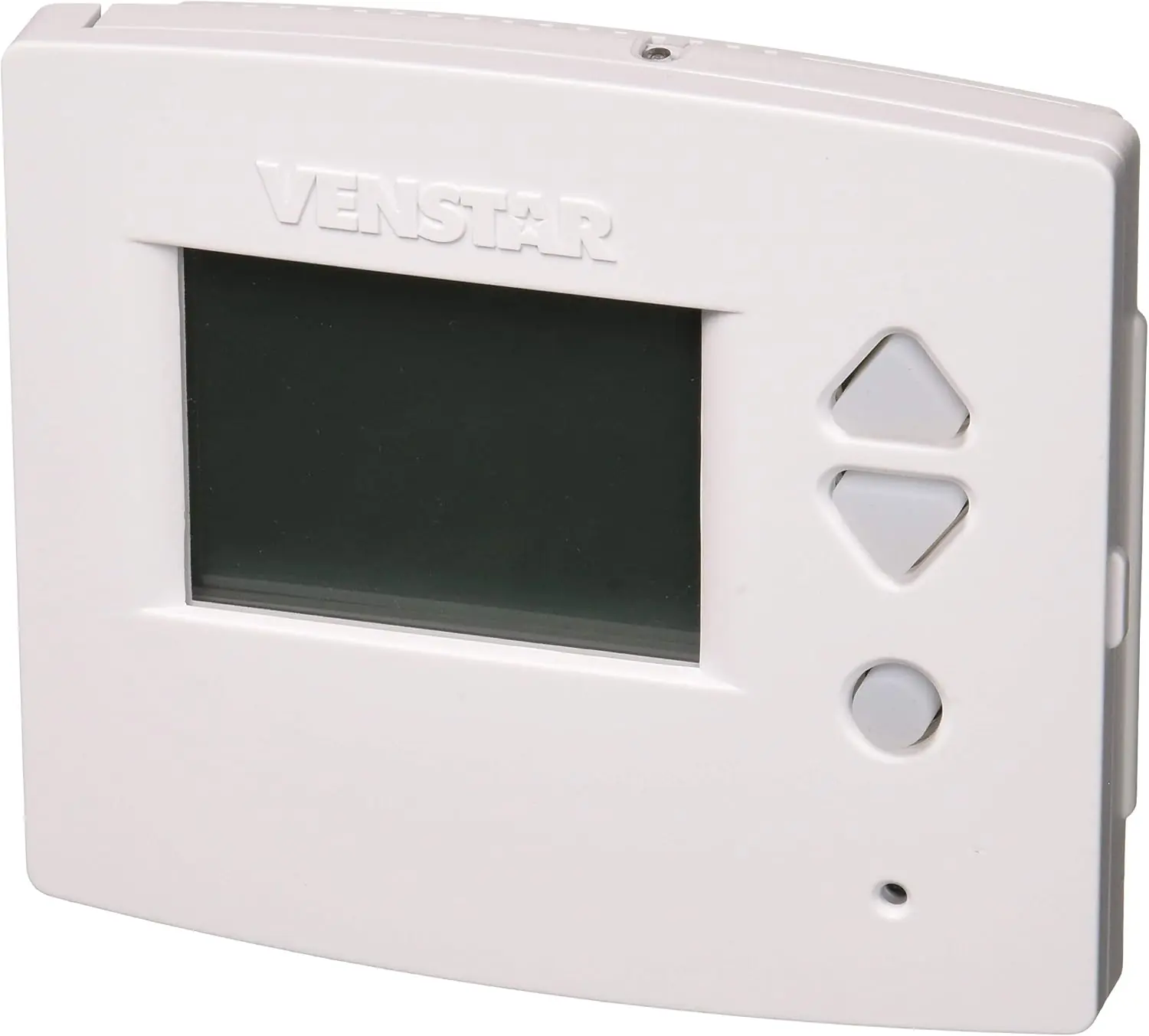
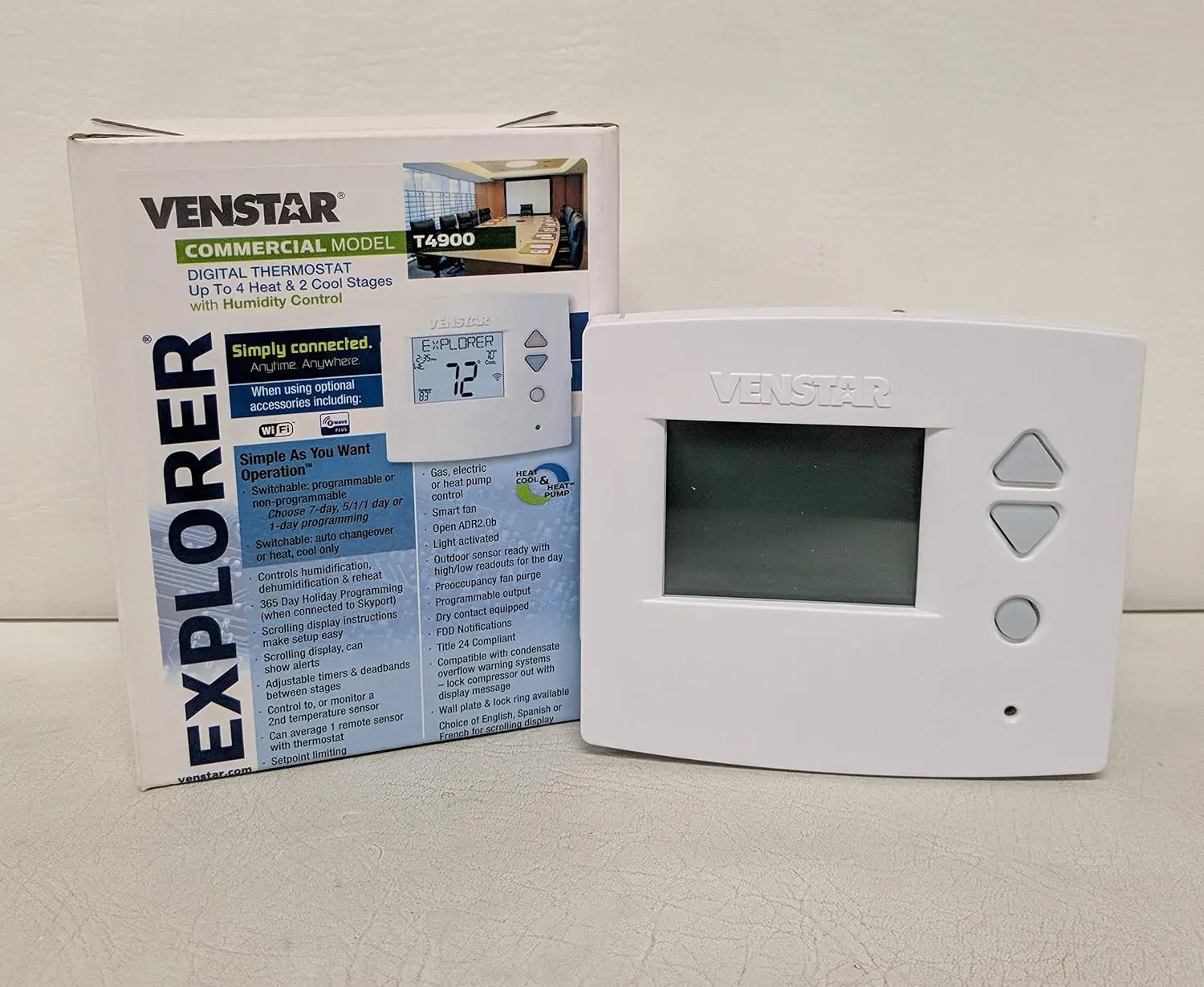
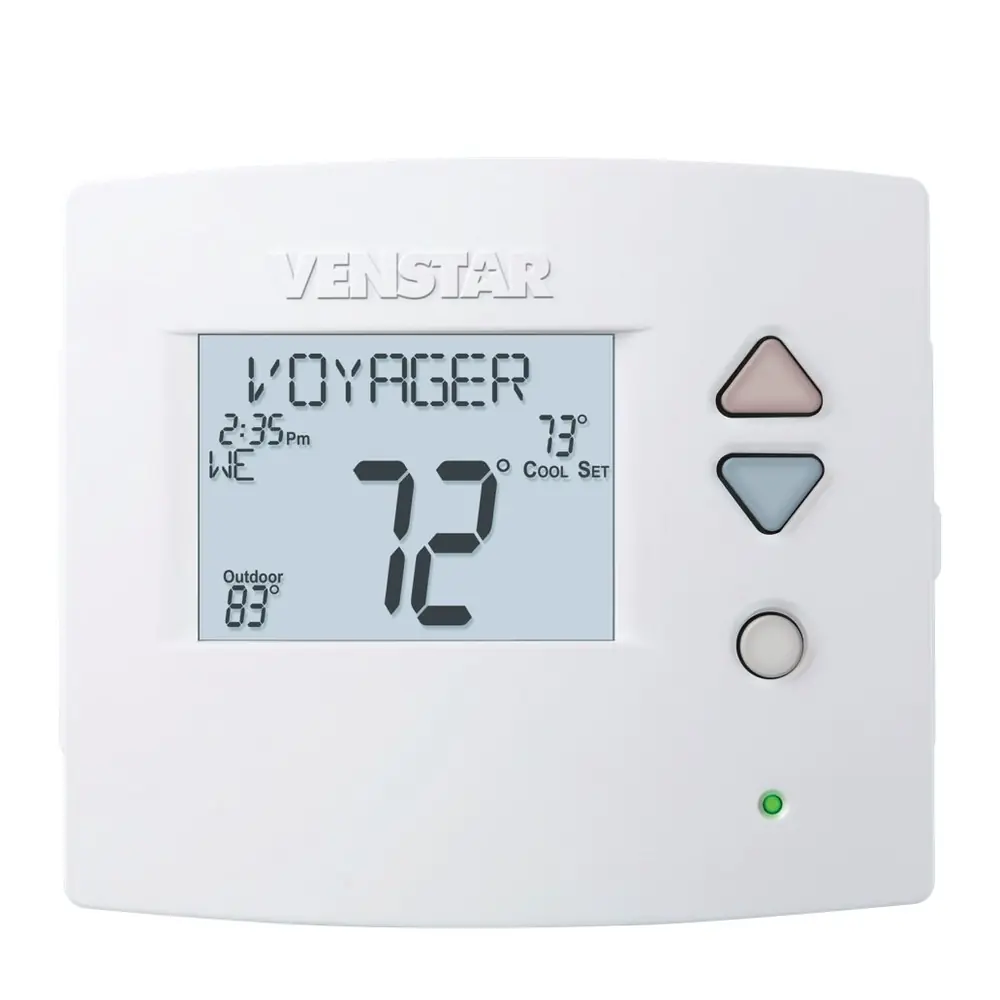
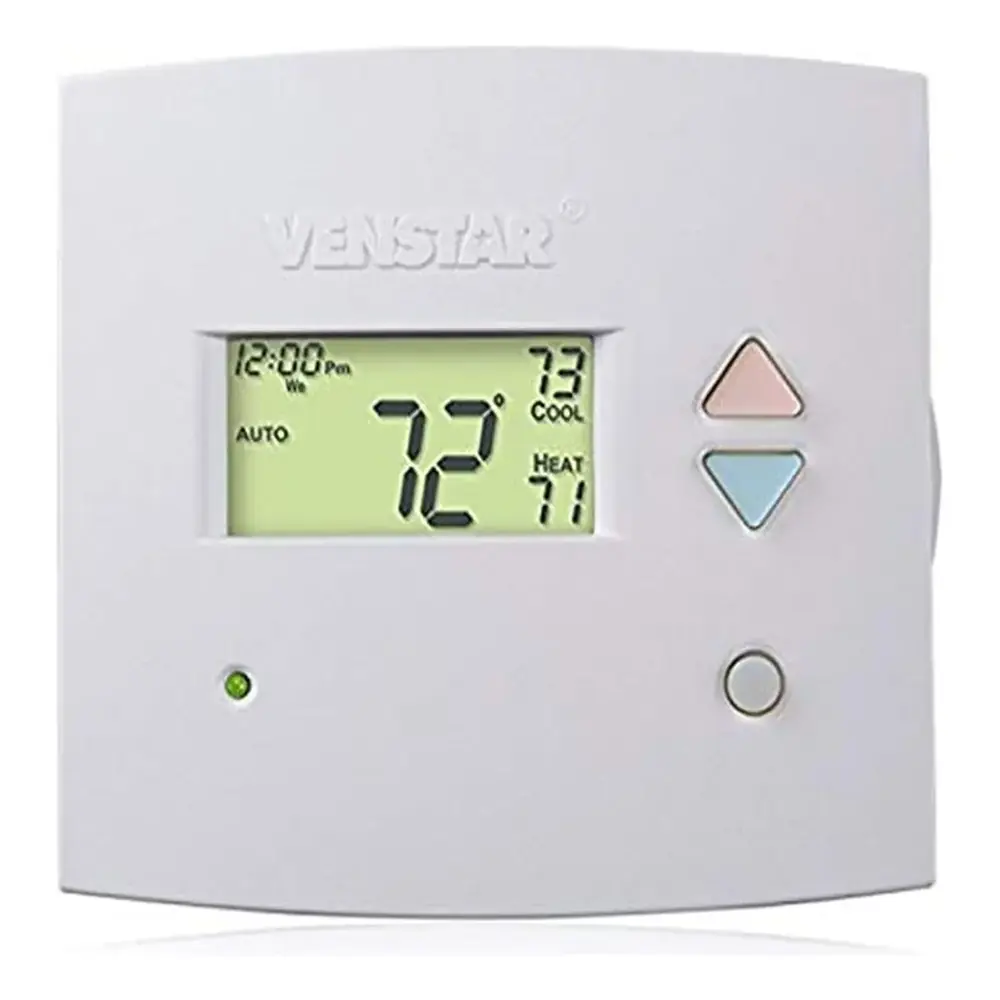
The Venstar T4900 Thermostat features an intuitive user interface centered around a backlit LCD display with a unique scrolling text system, designed for easy navigation through menus. Key buttons like Warmer, Cooler, Mode, and Setup facilitate precise control. The display also incorporates an ambient light sensor for automatic backlight intensity adjustments, ensuring optimal visibility in various lighting conditions. Icons clearly indicate the current mode (Heat, Cool, Auto), program status, Wi-Fi connectivity, and heating/cooling stages, enhancing the user experience.
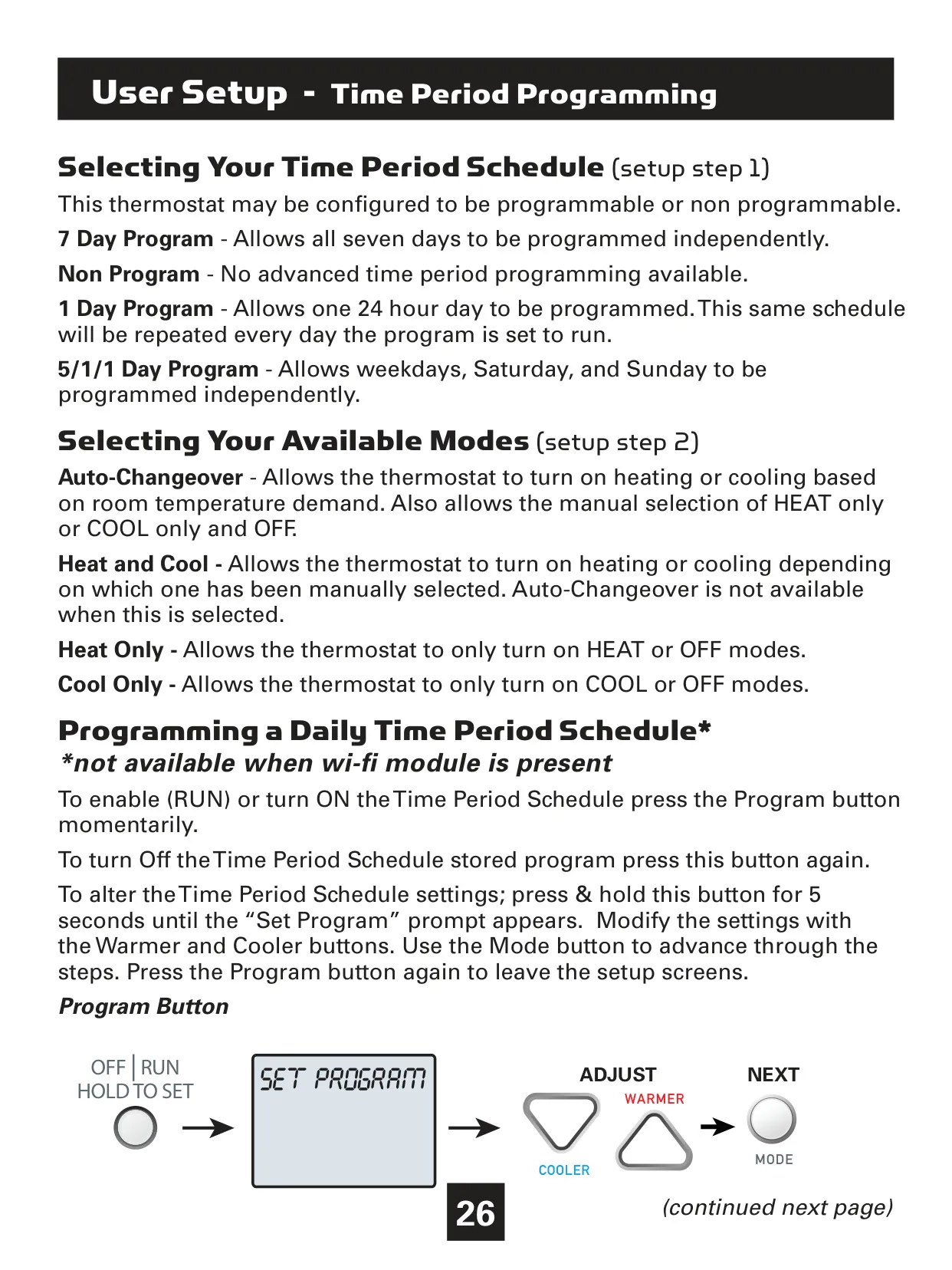
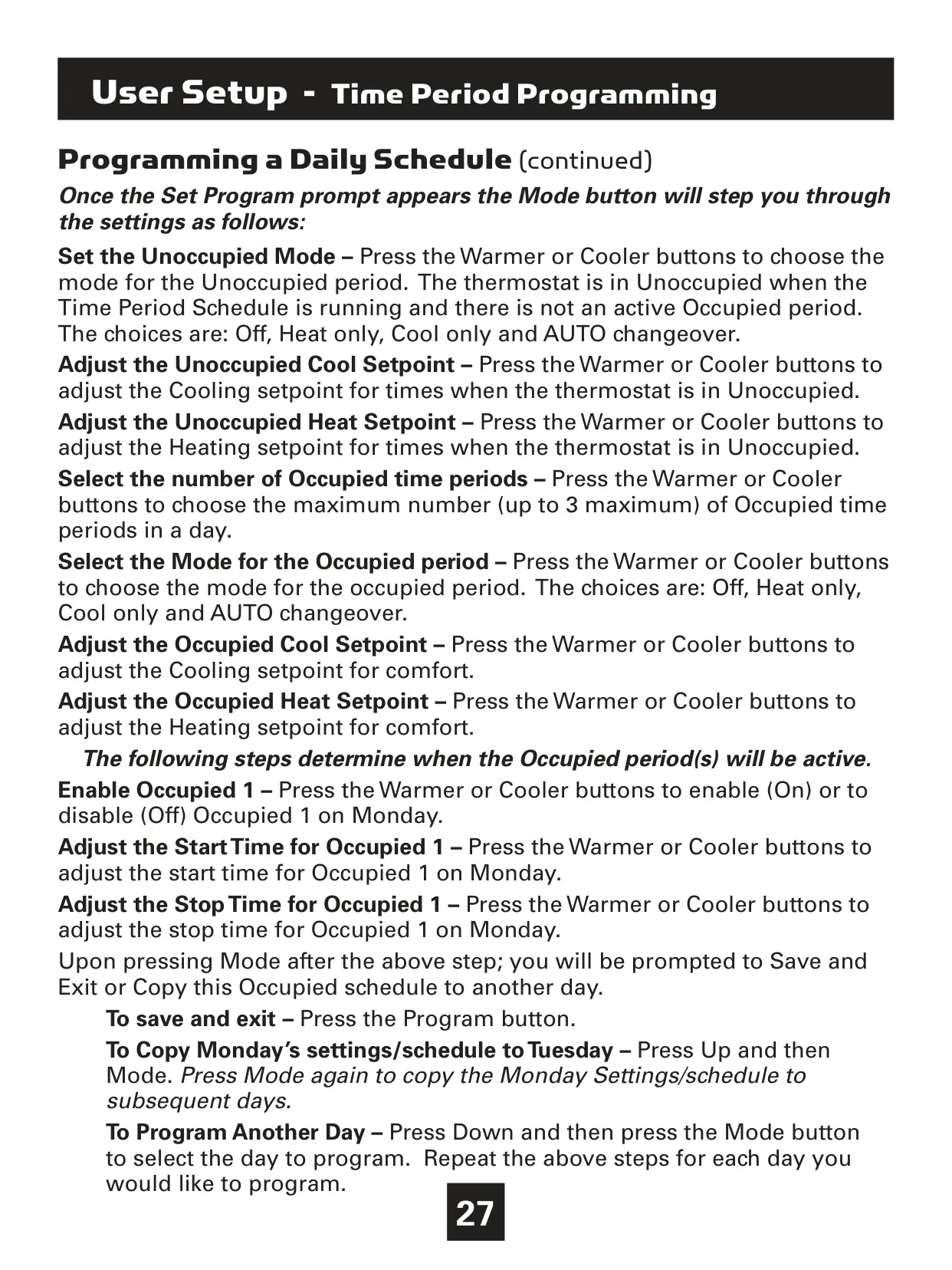
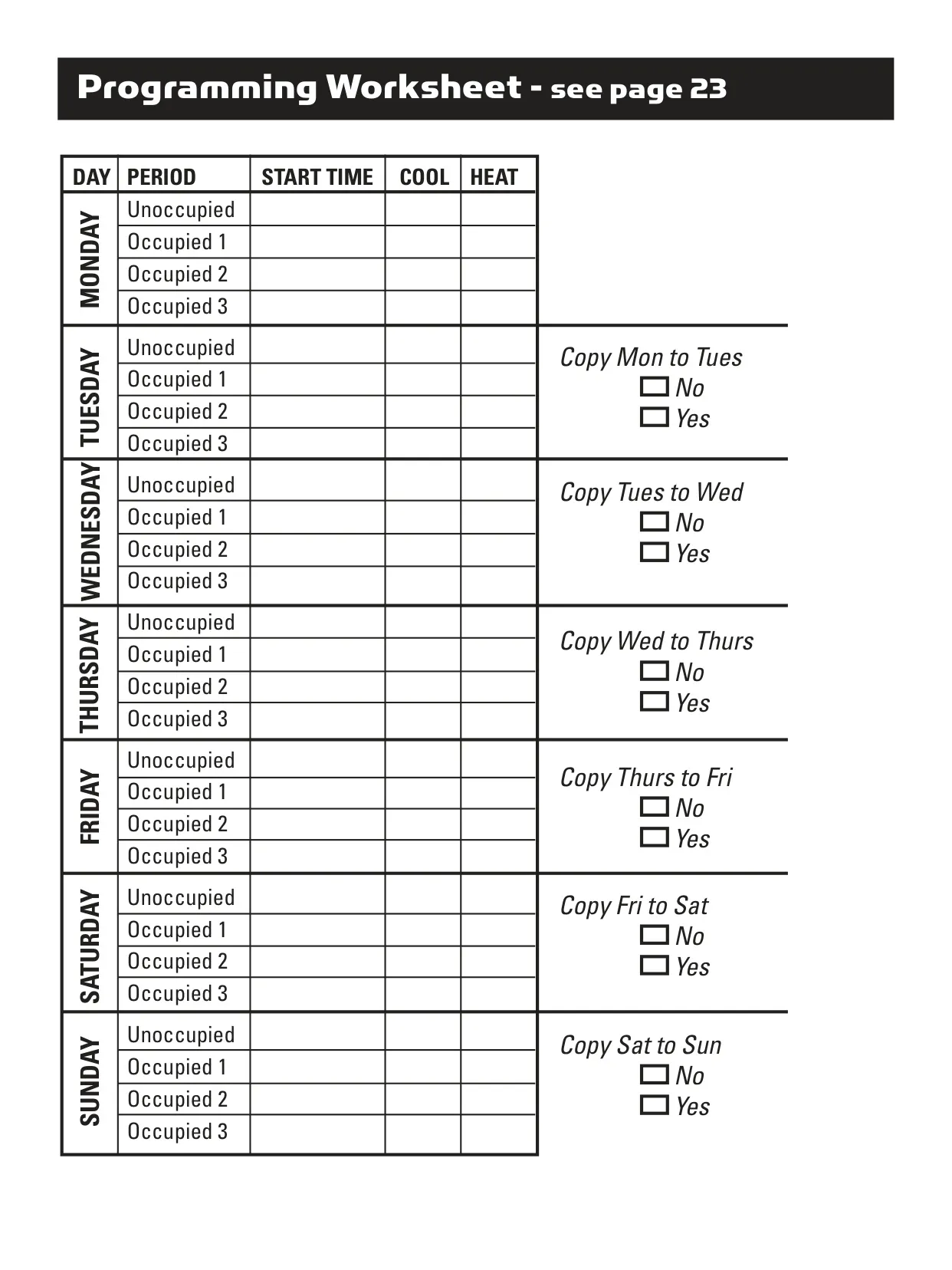
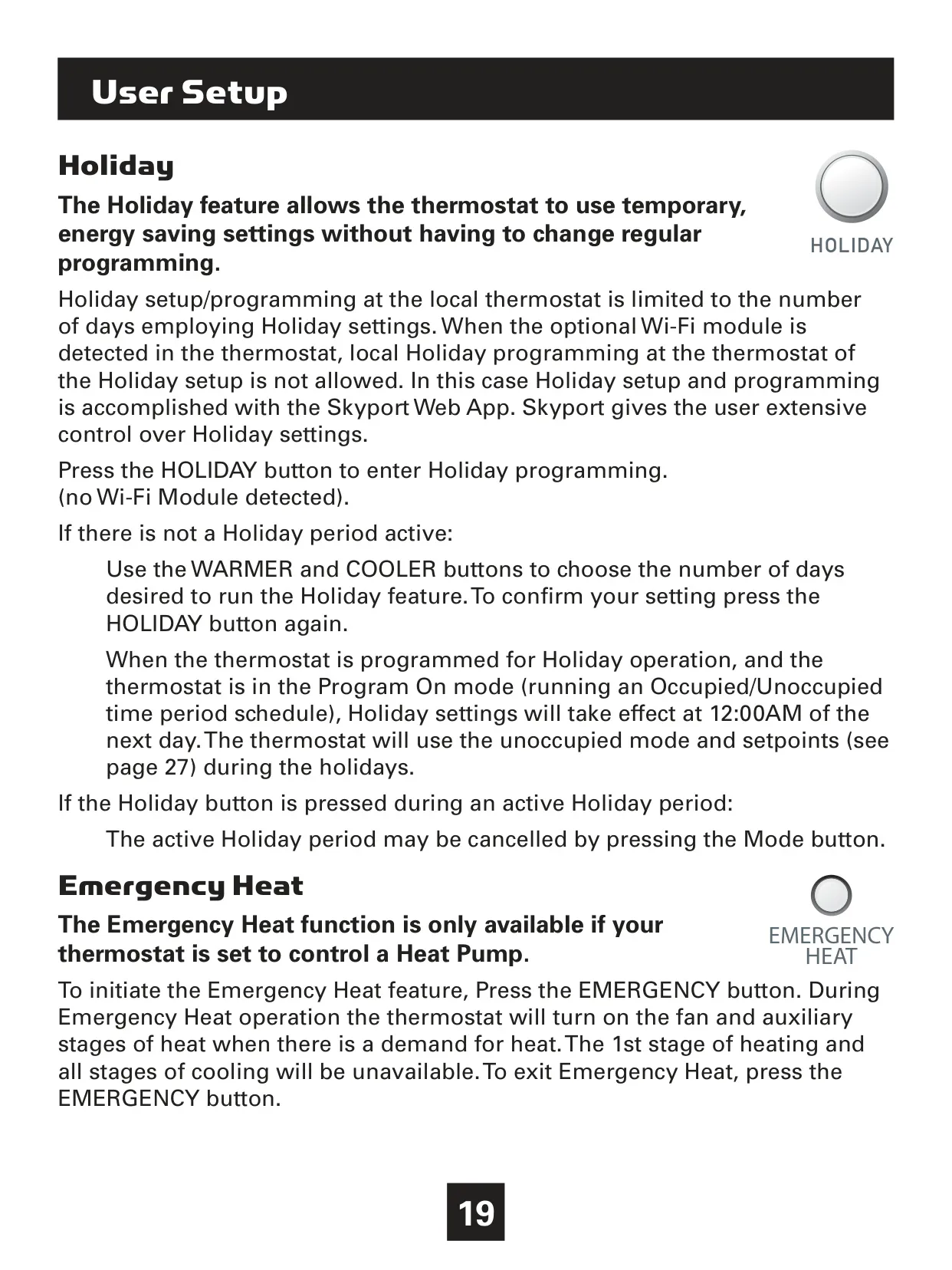
Users can tailor the T4900's operation to their lifestyle with flexible programming options, including 7-day, 5/1/1 day, or 1-day schedules, alongside a non-programmable mode. The advanced "Time Period Programming" allows for detailed customization of up to three Occupied periods daily, each with distinct modes and temperature setpoints, complementing the default Unoccupied settings. A dedicated Holiday feature offers temporary energy-saving adjustments without disrupting regular programming, ideal for extended absences.

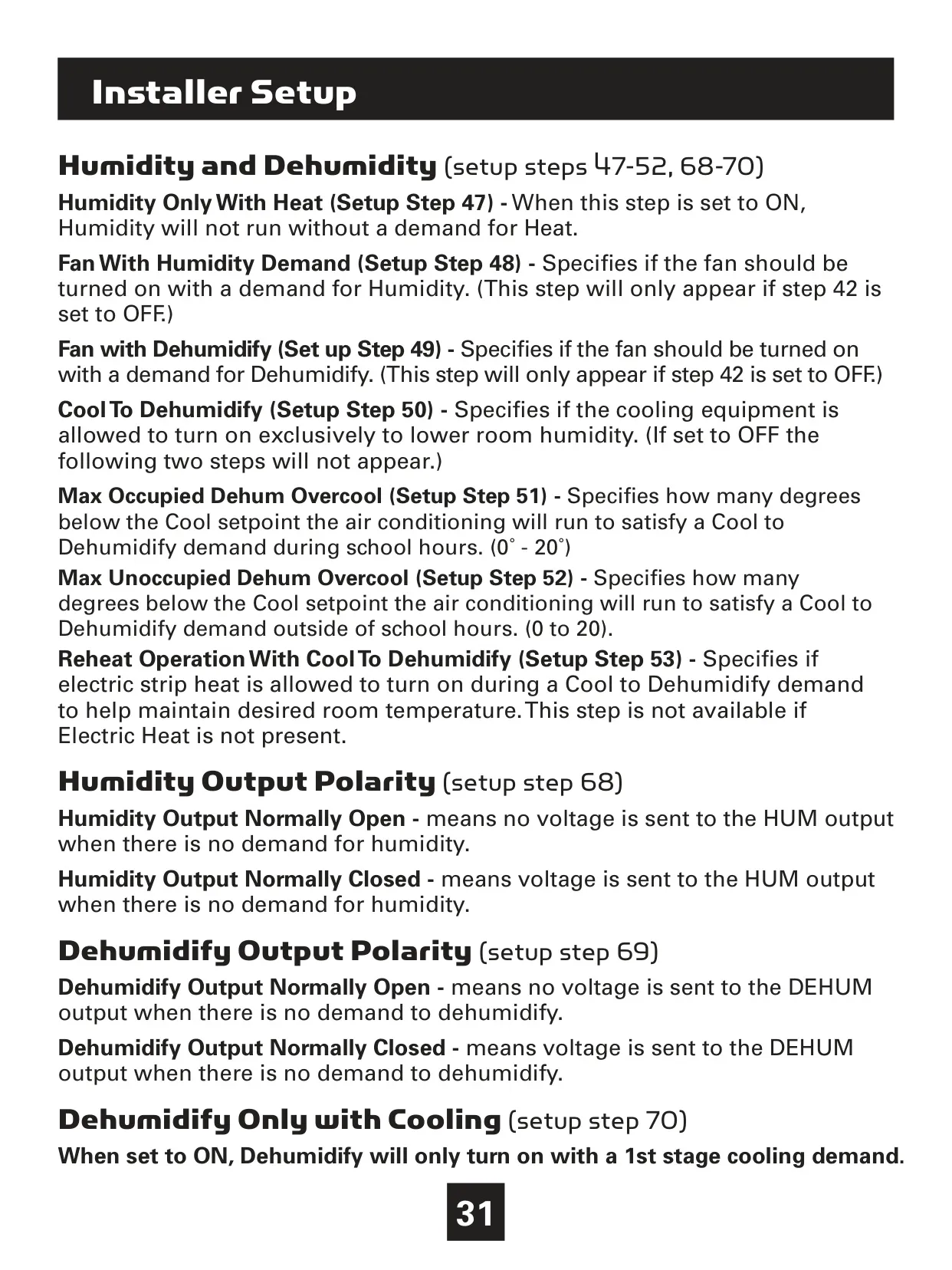
Beyond basic heating and cooling, the T4900 offers sophisticated climate management. It supports humidification and dehumidification, including a "Cool to Dehumidify" function that uses cooling equipment to reduce air moisture, and "Reheat Operation" to maintain comfortable temperatures during dehumidification. Multiple temperature sensor inputs are available, allowing control based on the thermostat's internal sensor, wired remote/supply sensors, or even an average of linked wireless sensors, providing precise environmental monitoring.

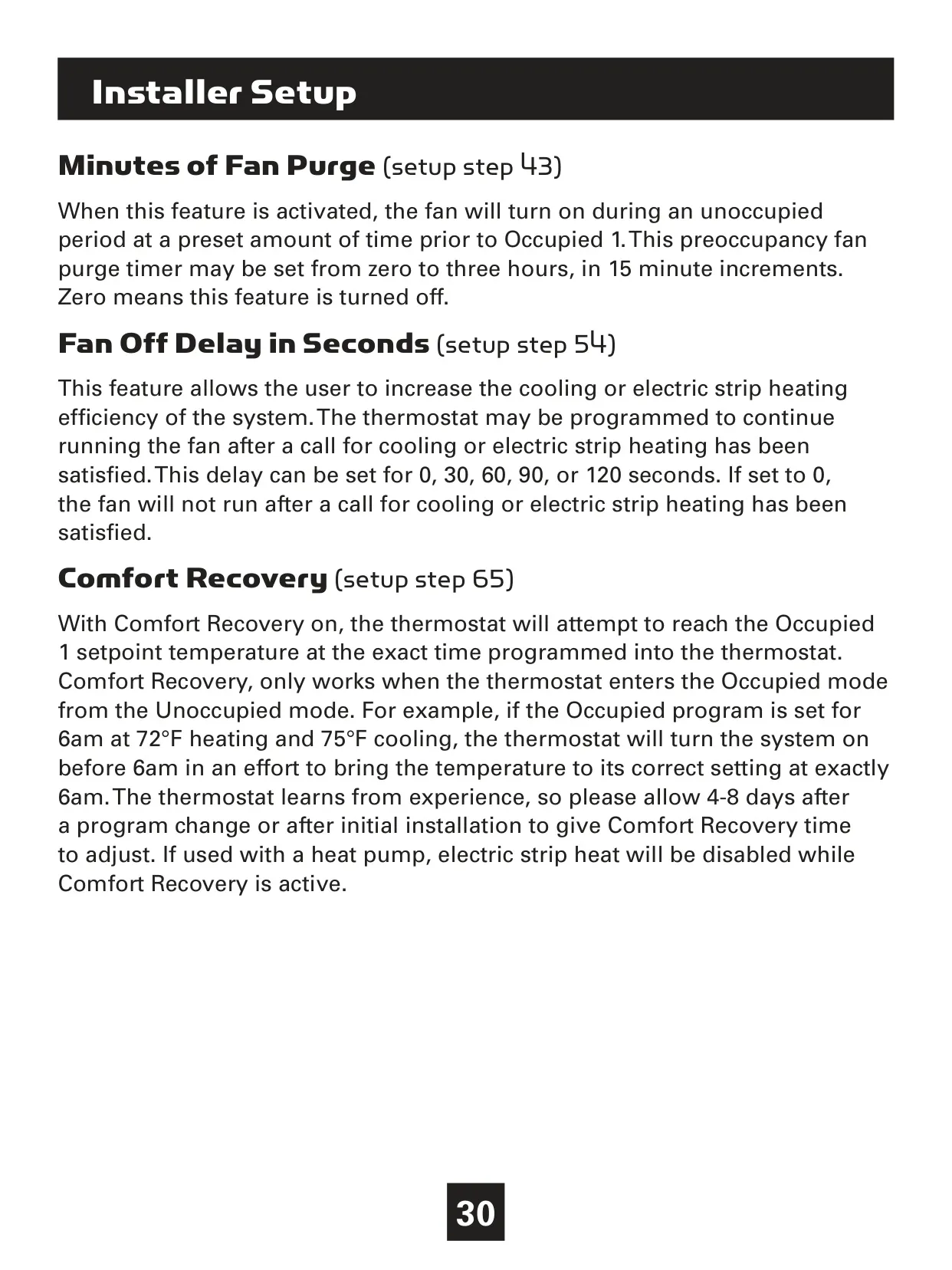
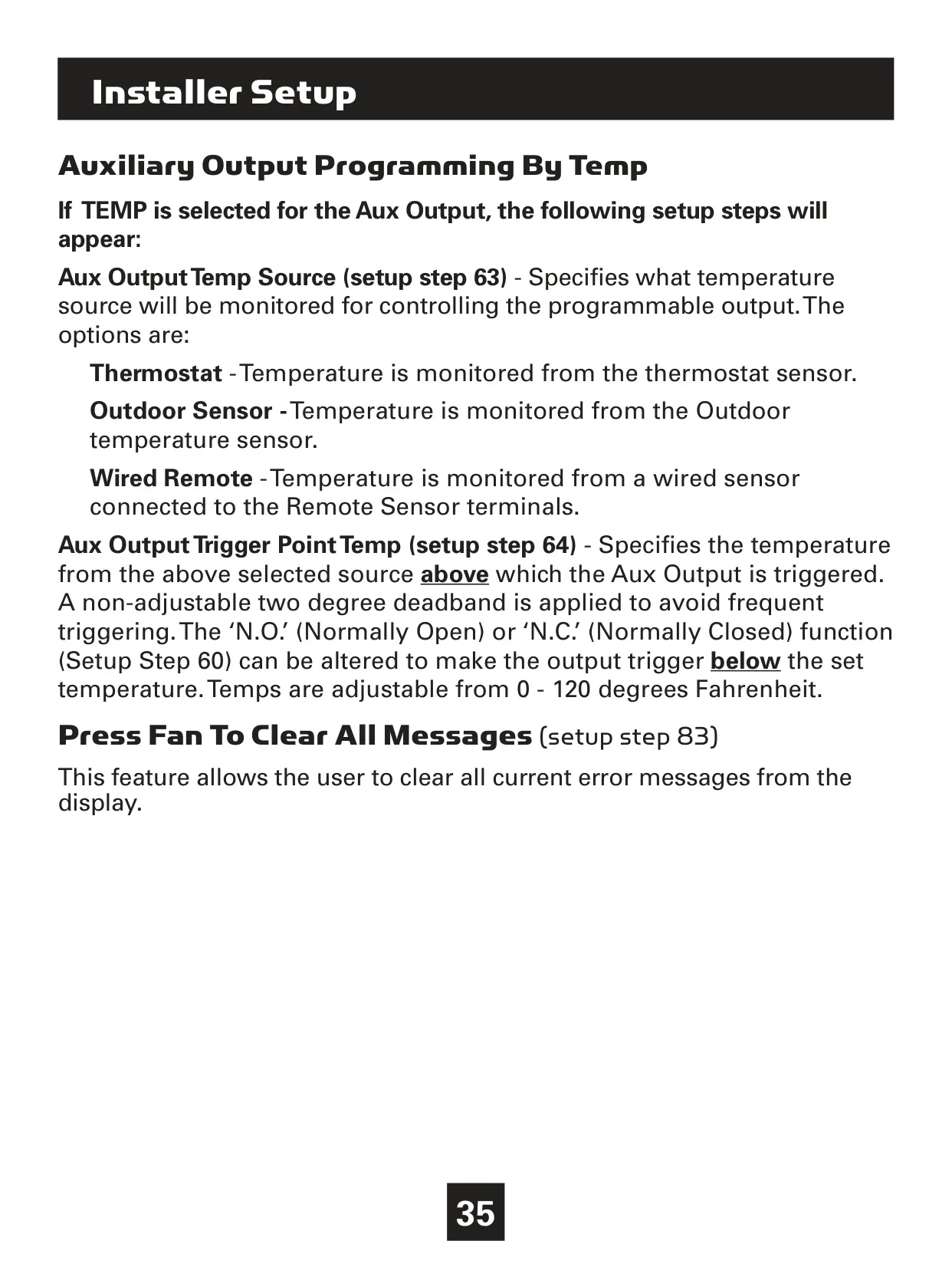
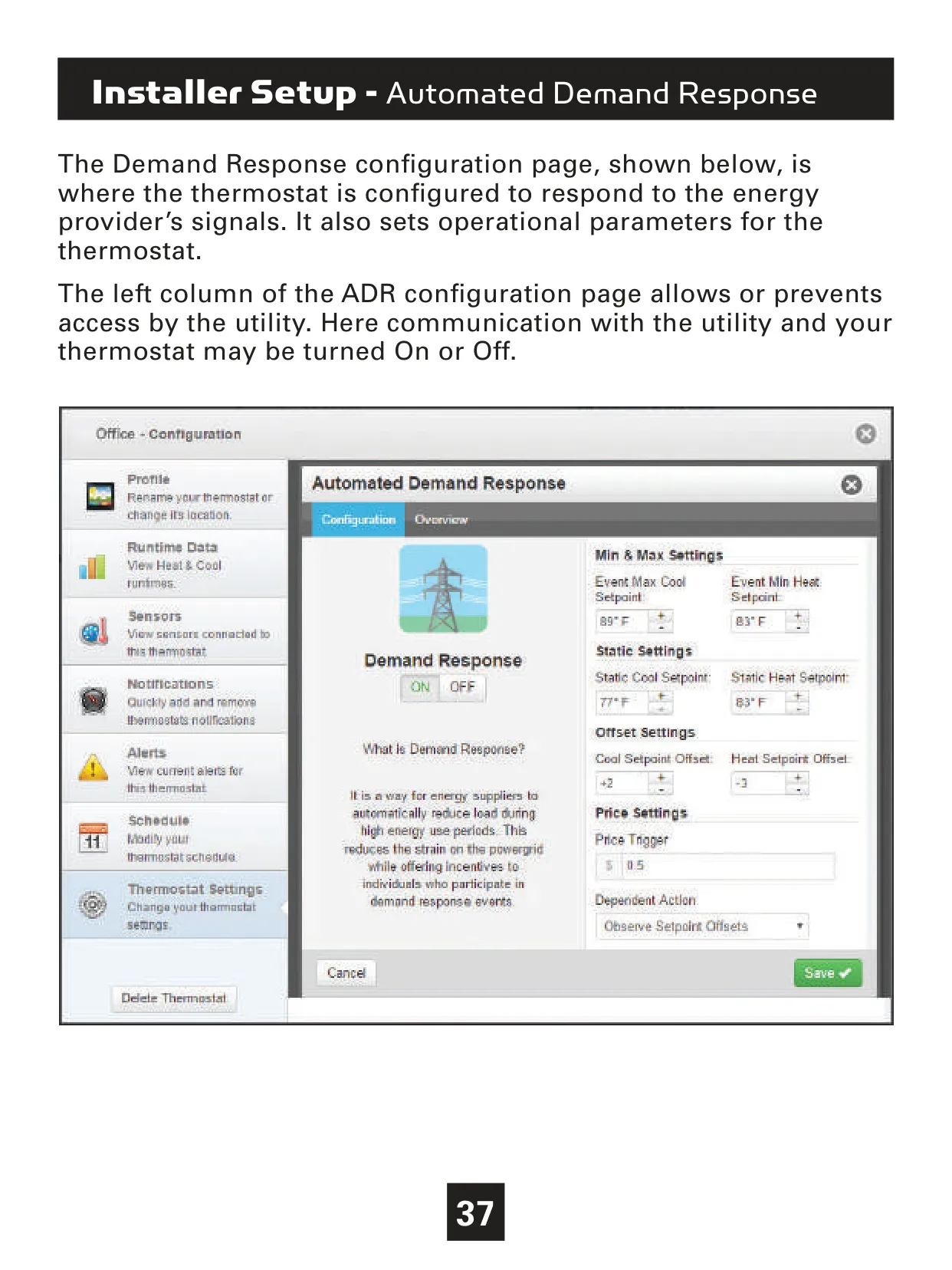
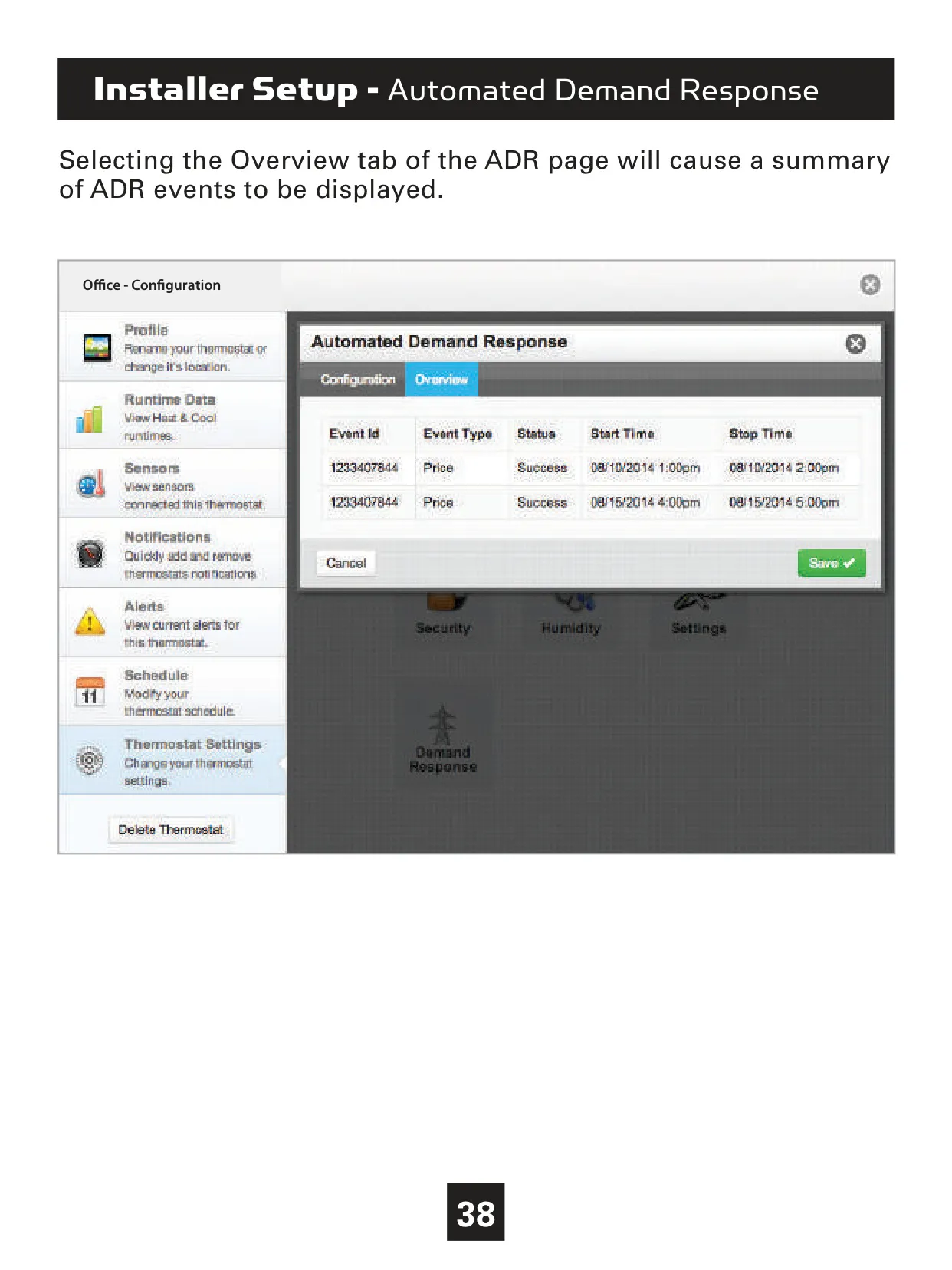
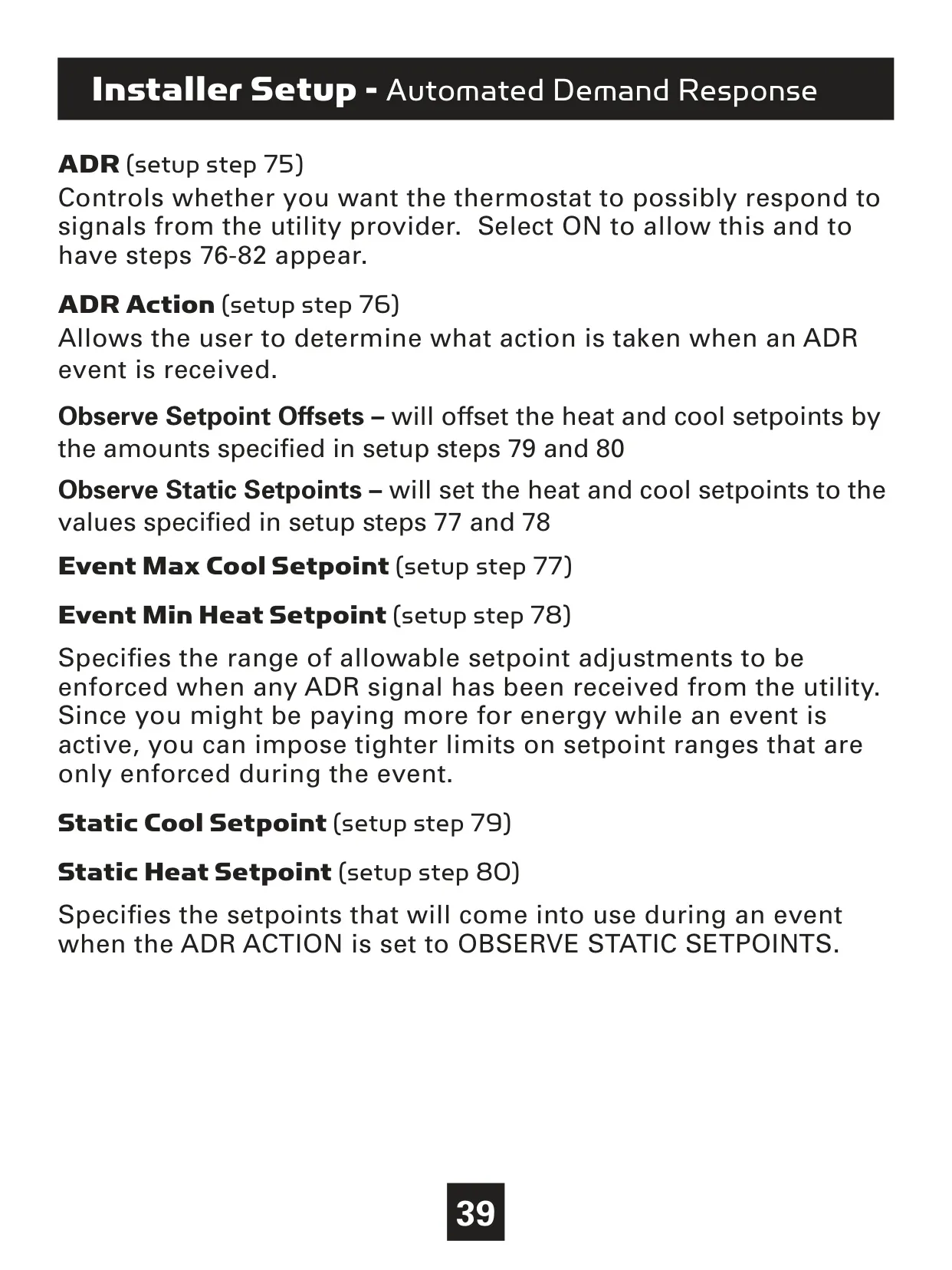
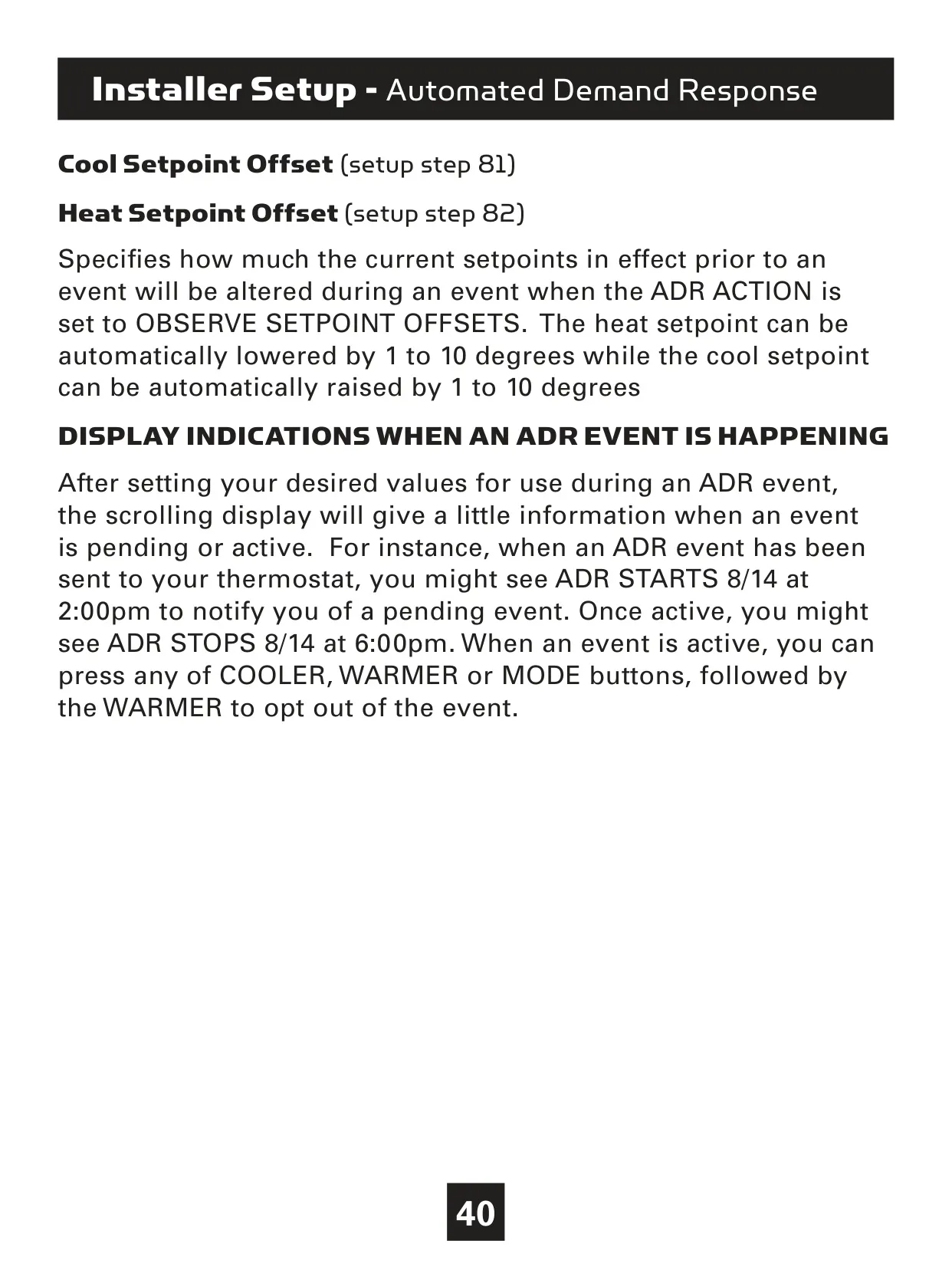
Designed with energy conservation in mind, the T4900 includes "Comfort Recovery," which intelligently pre-heats or pre-cools to reach desired temperatures by the scheduled time. Features like "Cycles Per Hour" and "Compressor Minimum Off Minutes" protect HVAC equipment and optimize efficiency. The thermostat also supports Automated Demand Response (ADR), allowing it to adapt to utility signals for energy reduction during peak demand periods, contributing to smarter energy usage and potential cost savings.

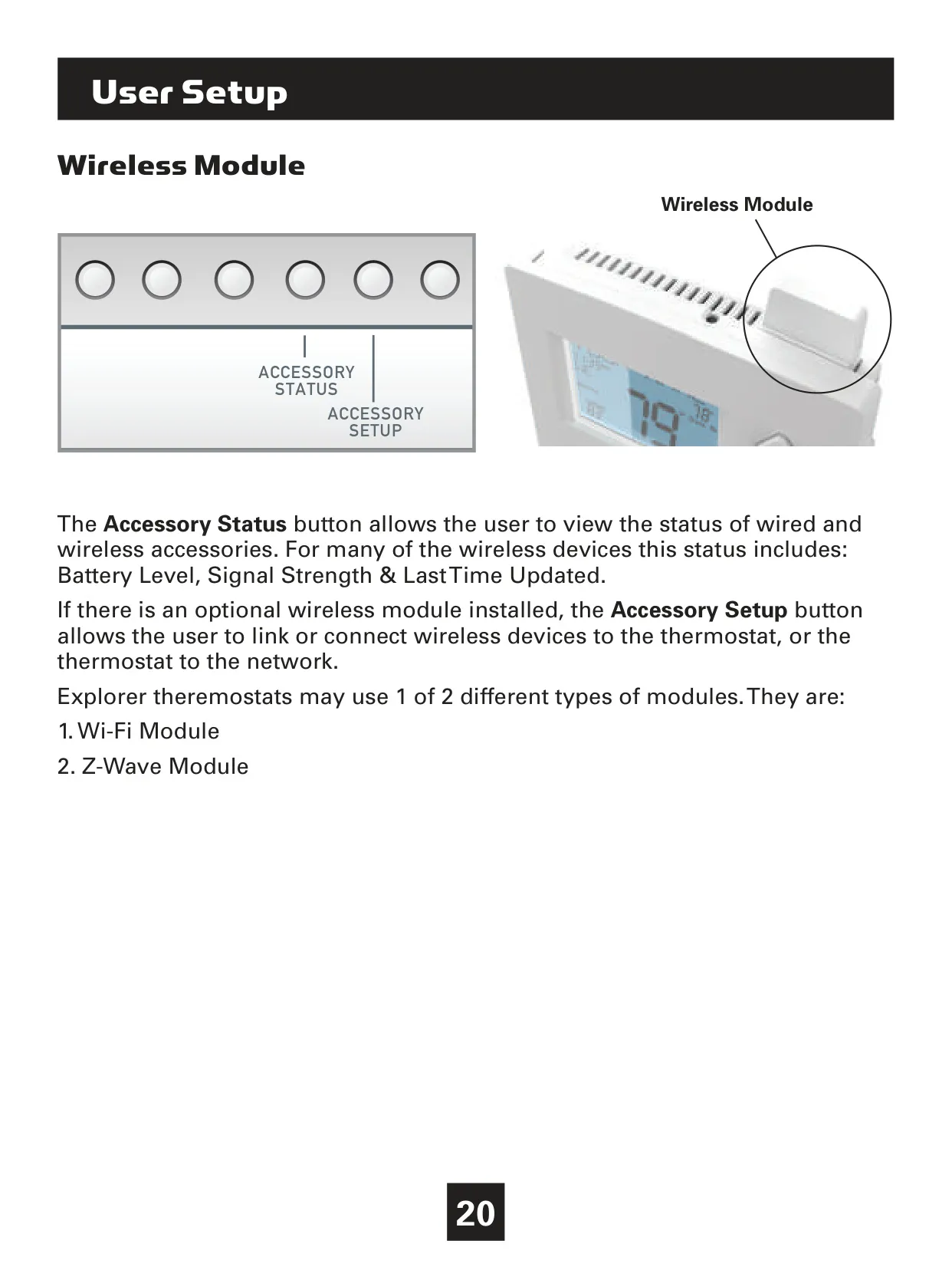
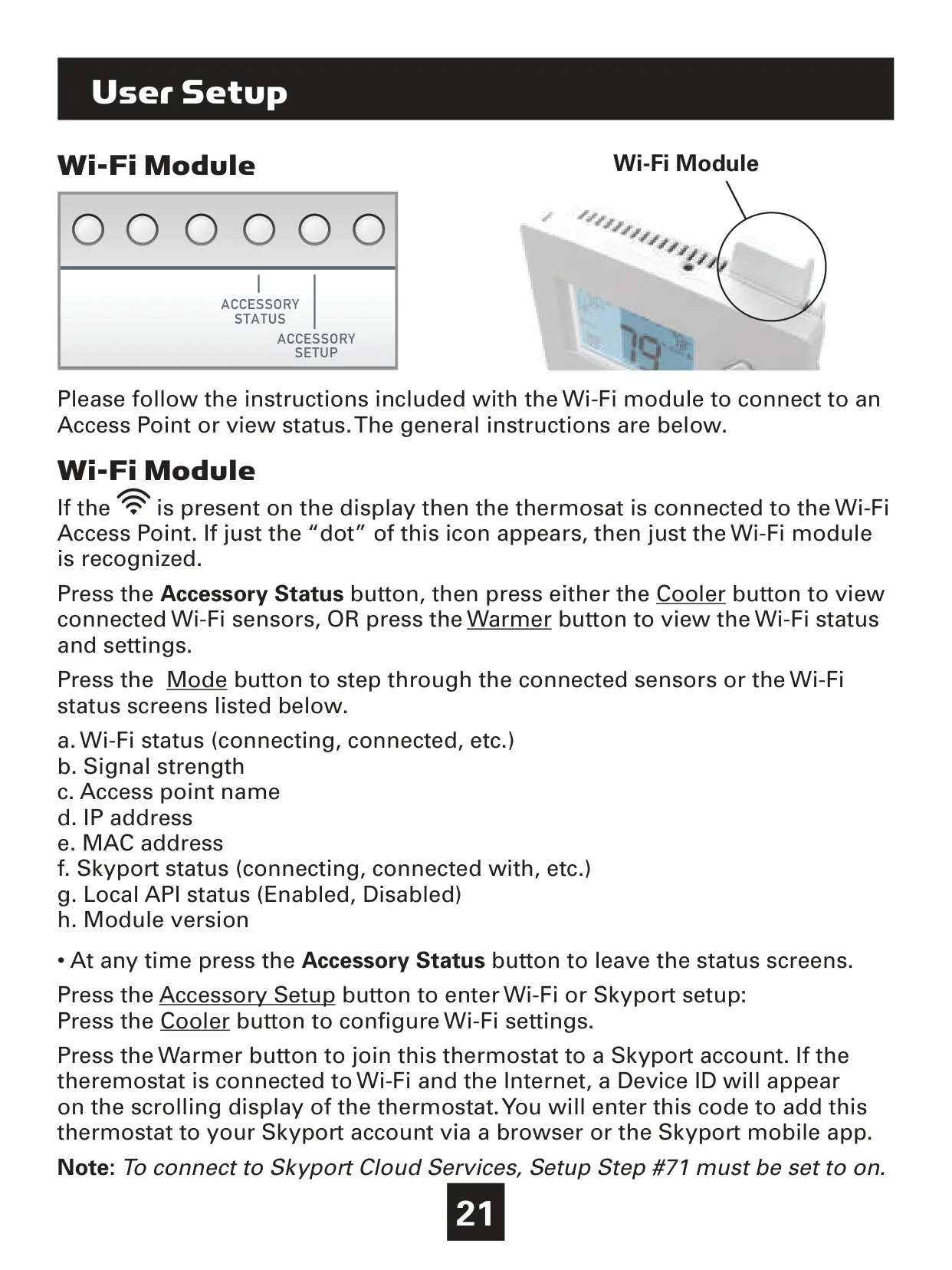
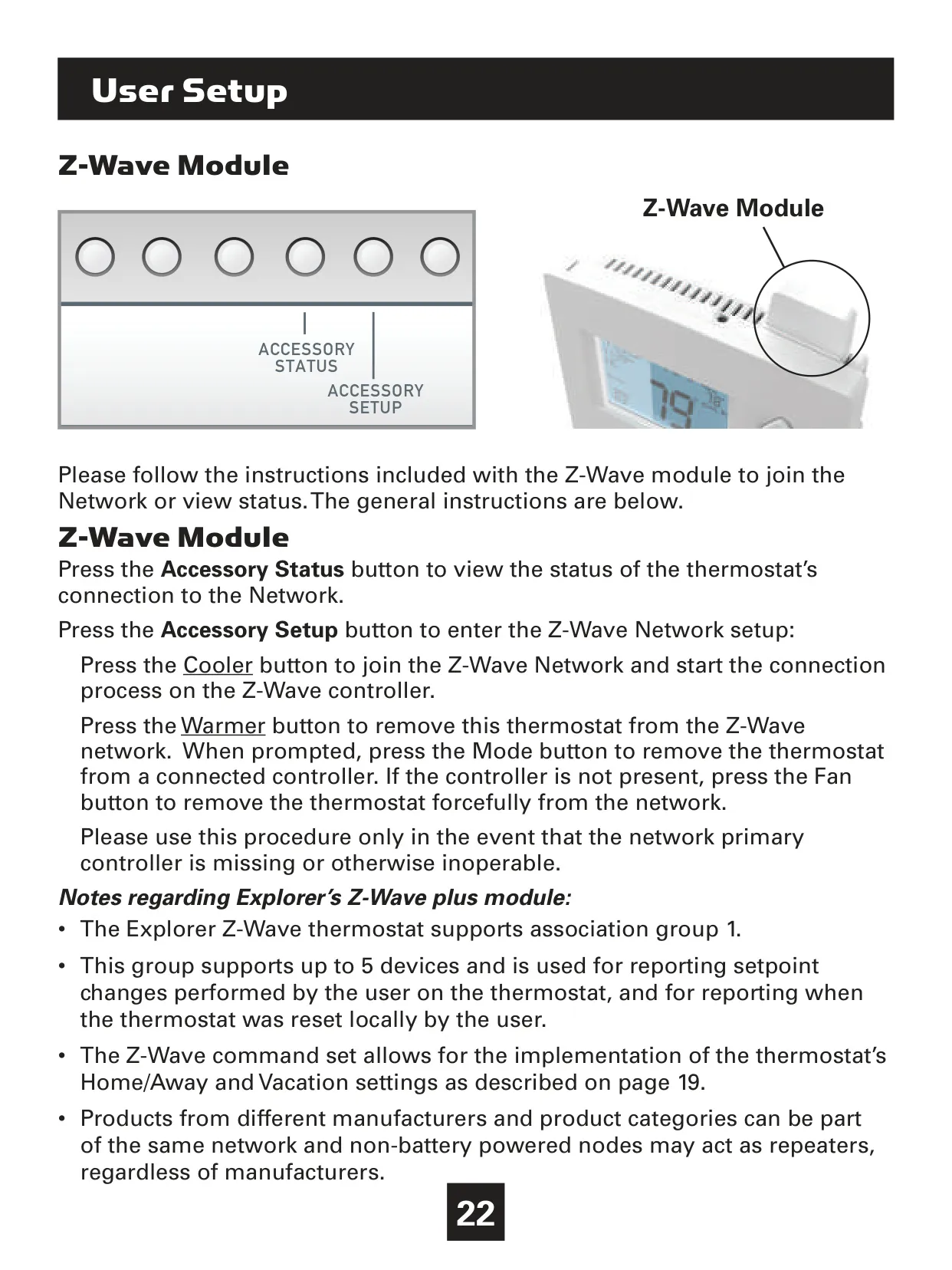
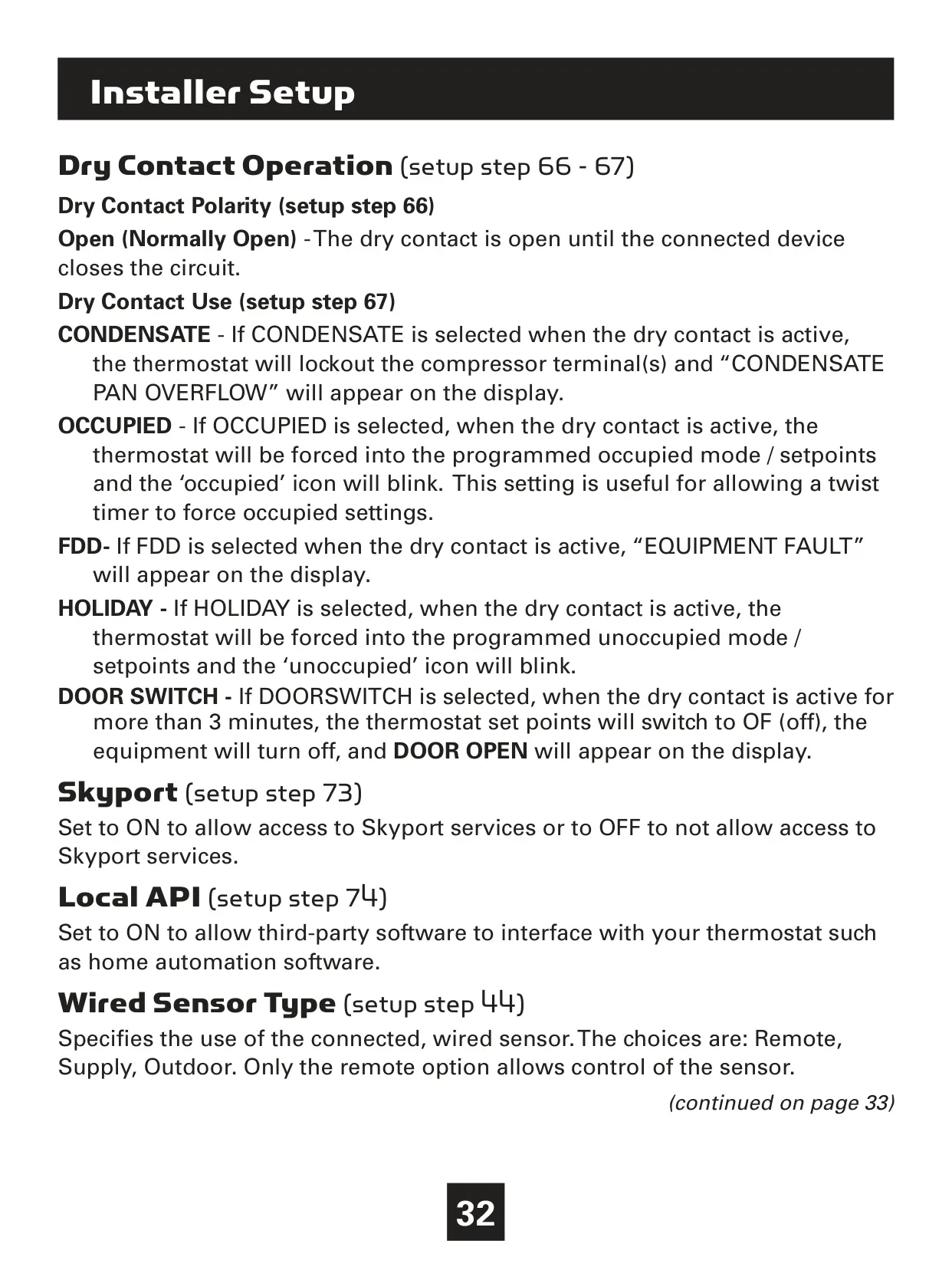
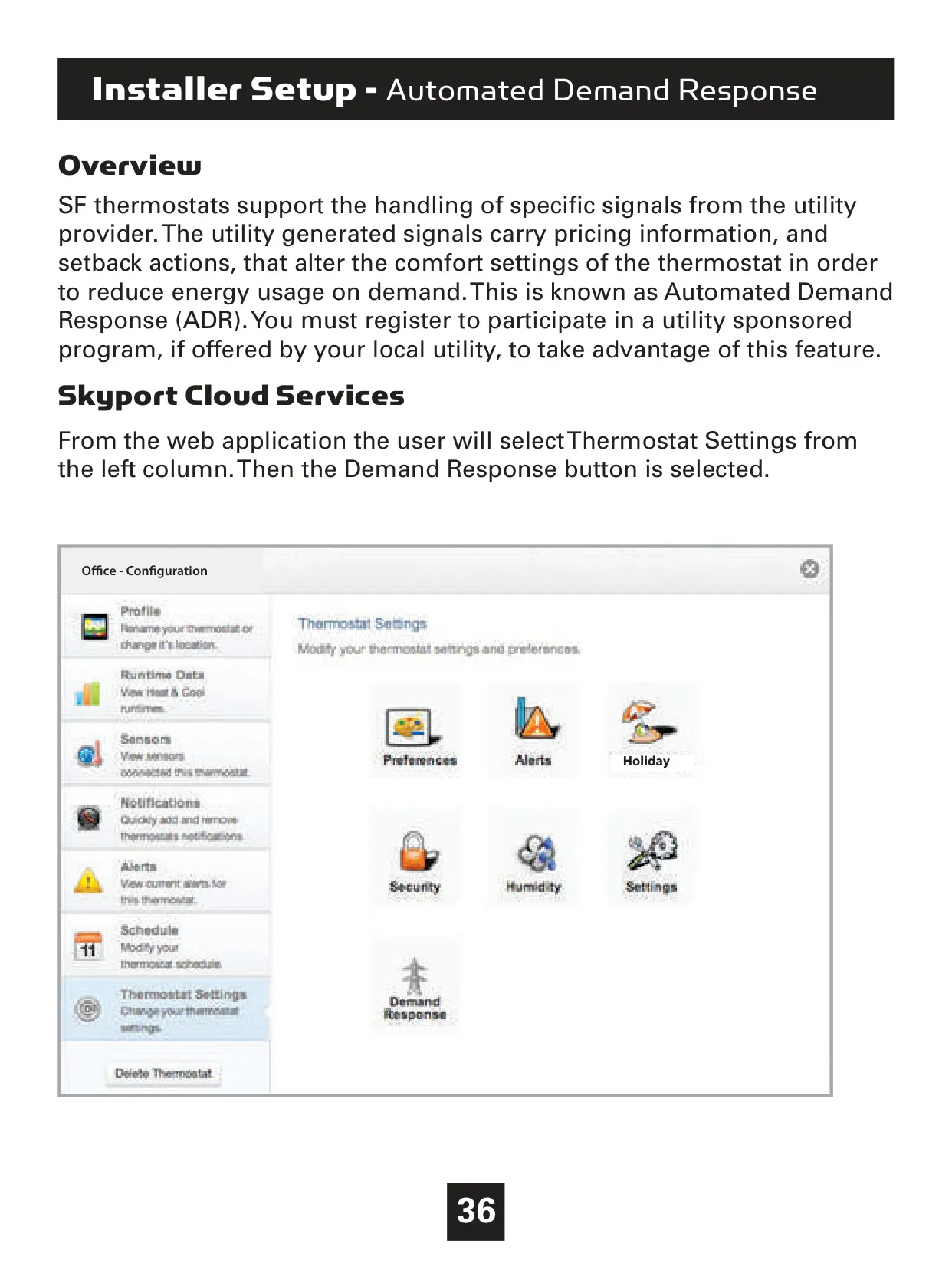
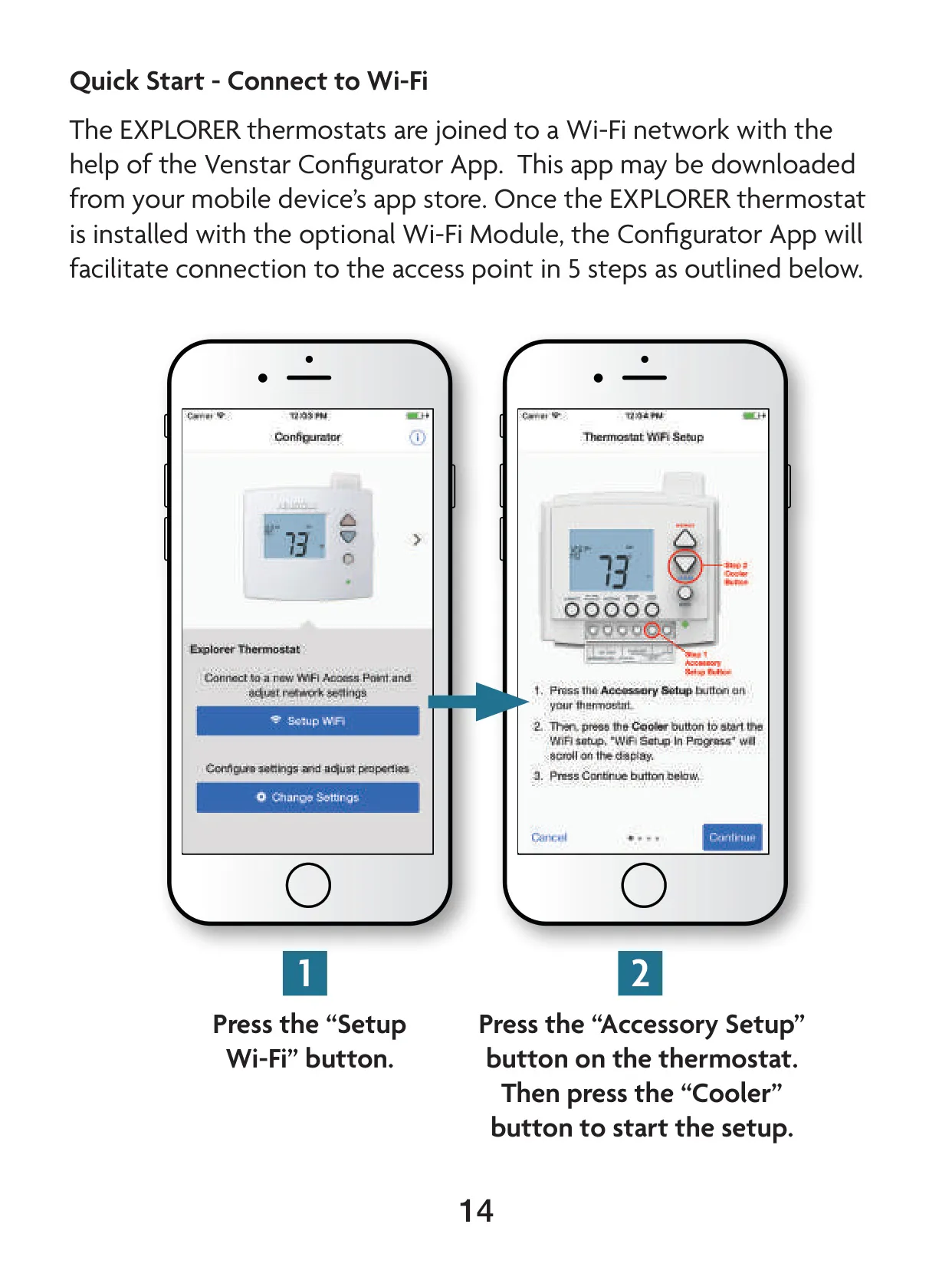
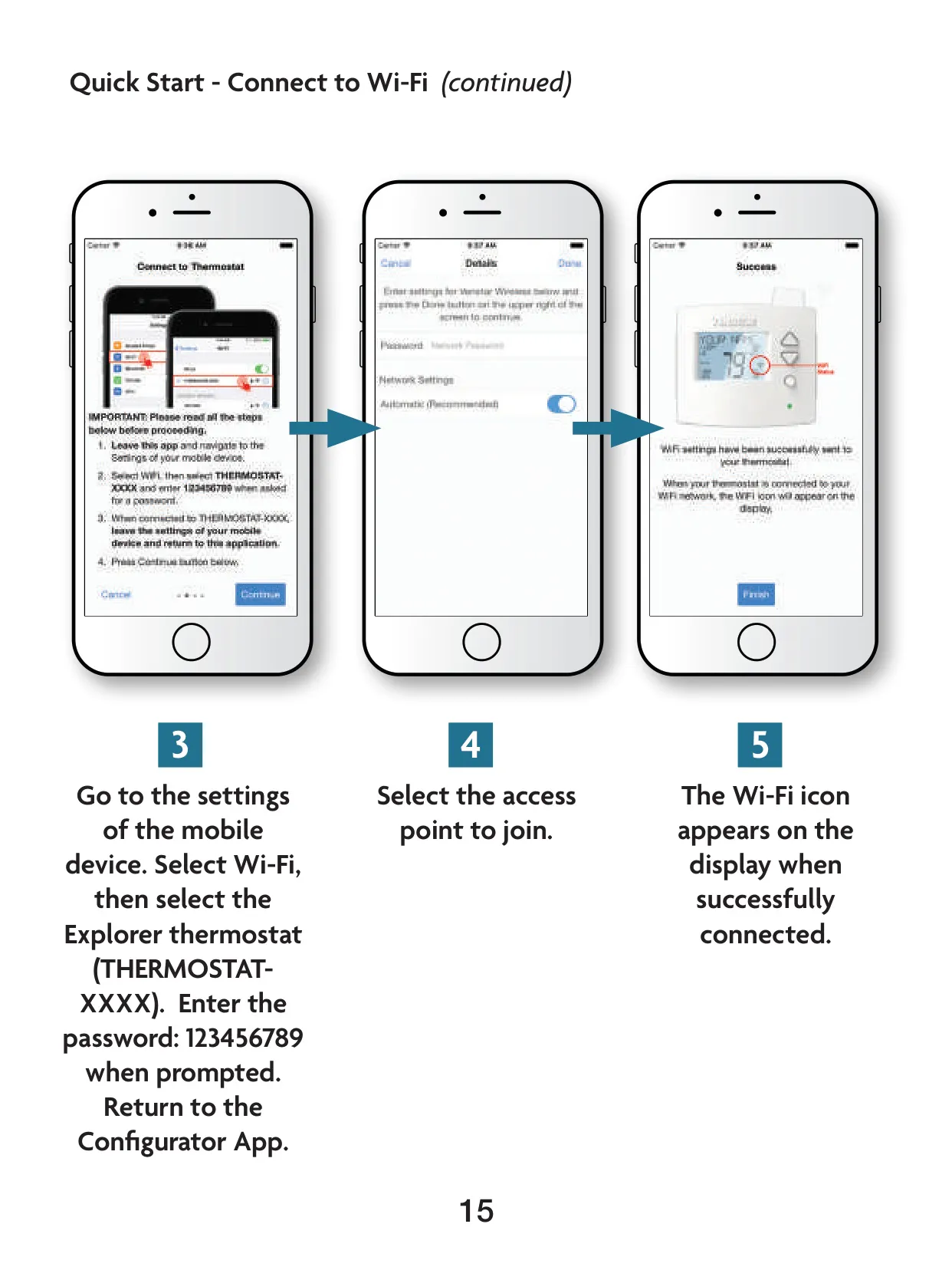
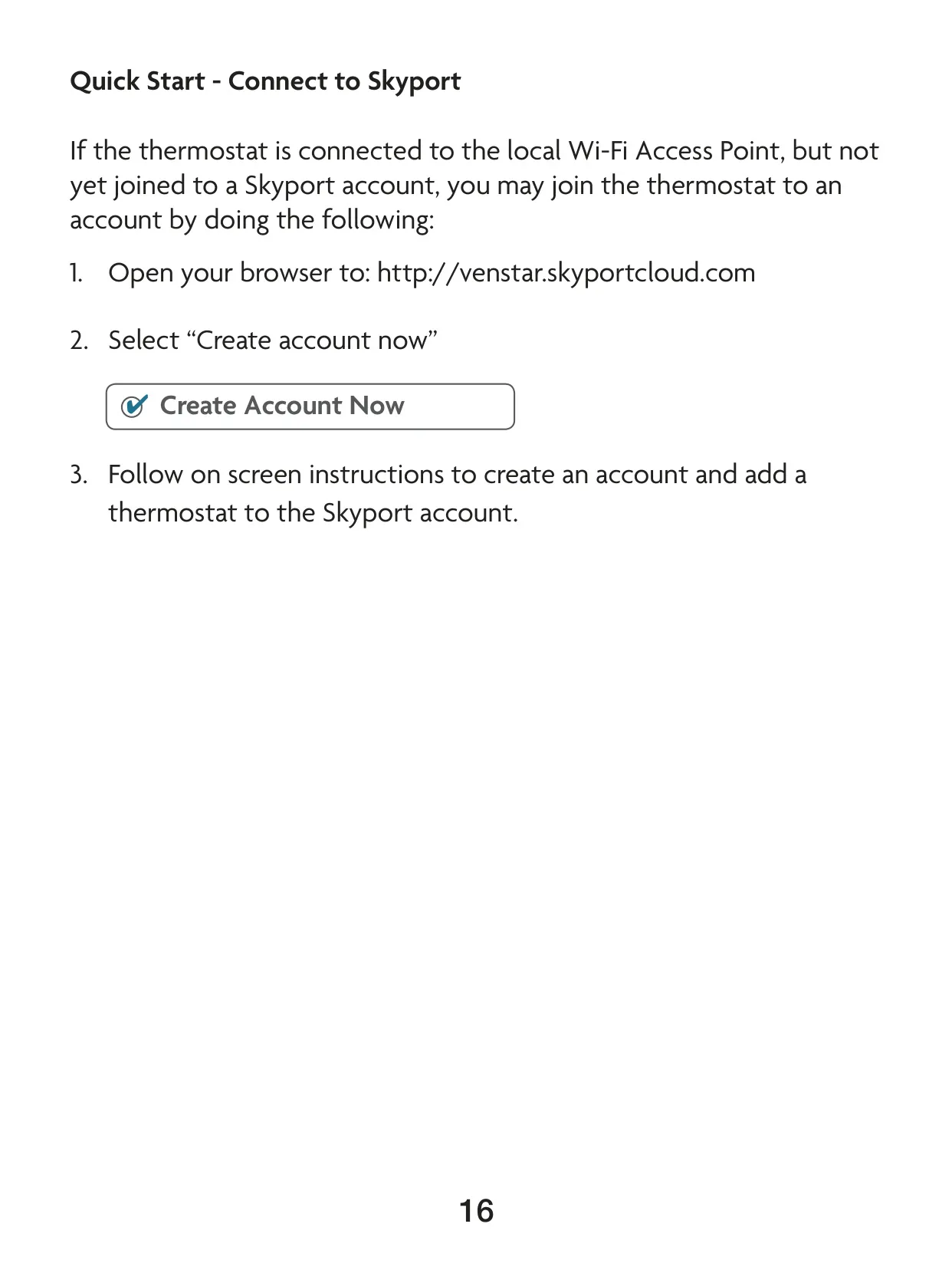
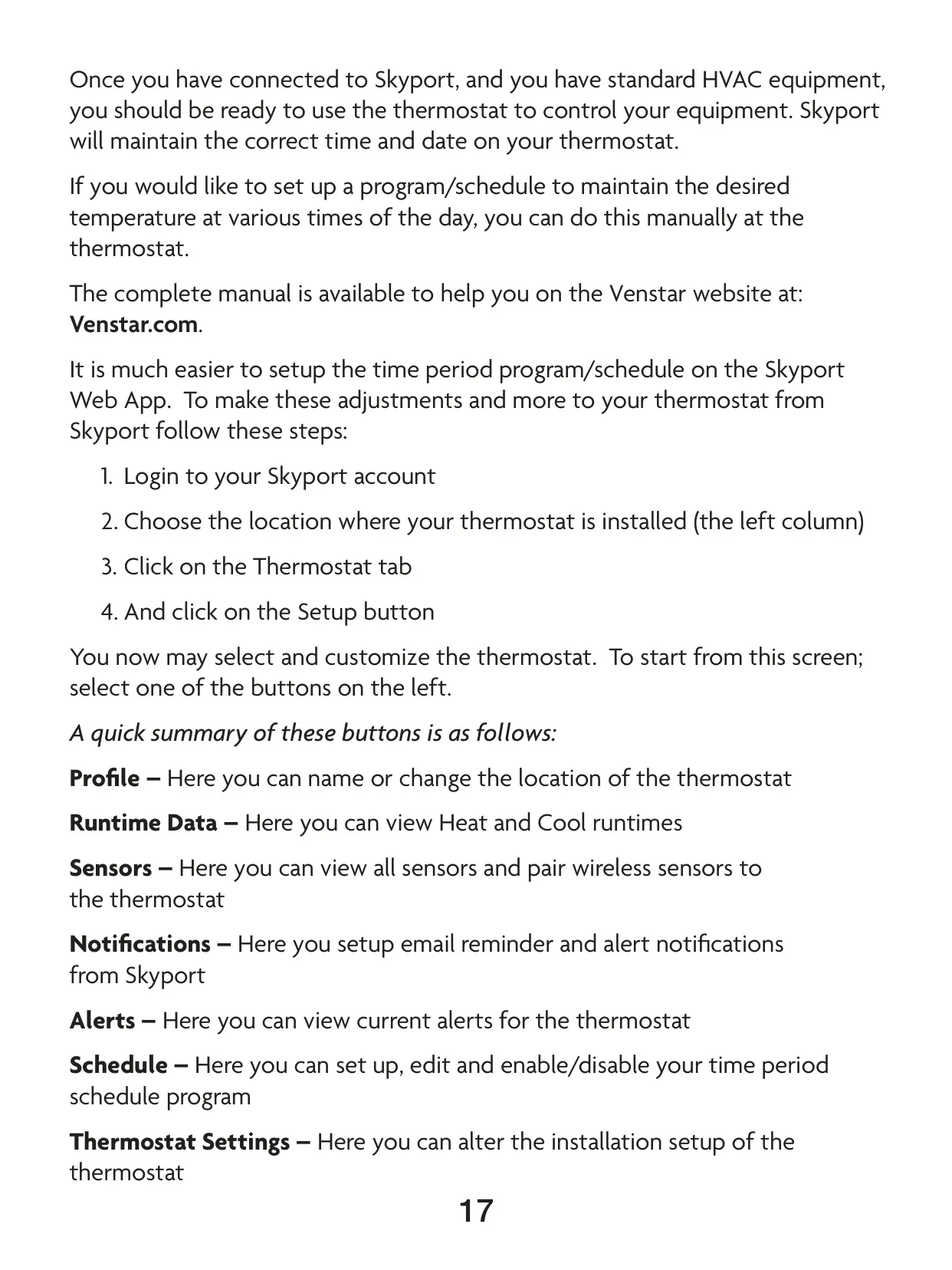
The T4900 truly shines in its connectivity, thanks to optional Wi-Fi and Z-Wave modules. These allow for remote control and integration into smart home ecosystems. Via the Venstar Skyport Cloud Services, users can access their thermostat remotely through a web app or mobile device, enabling comprehensive control, schedule adjustments, runtime data monitoring, and alert notifications. Furthermore, a "Local API" setting facilitates integration with third-party home automation software, offering extensive customization possibilities.

Frequently Asked Questions (FAQs)

Can't find the answer you need? Here are some frequently asked questions about the Venstar T4900 Thermostat, and we answer them below.


Why is my Venstar T4900 Thermostat display blank?
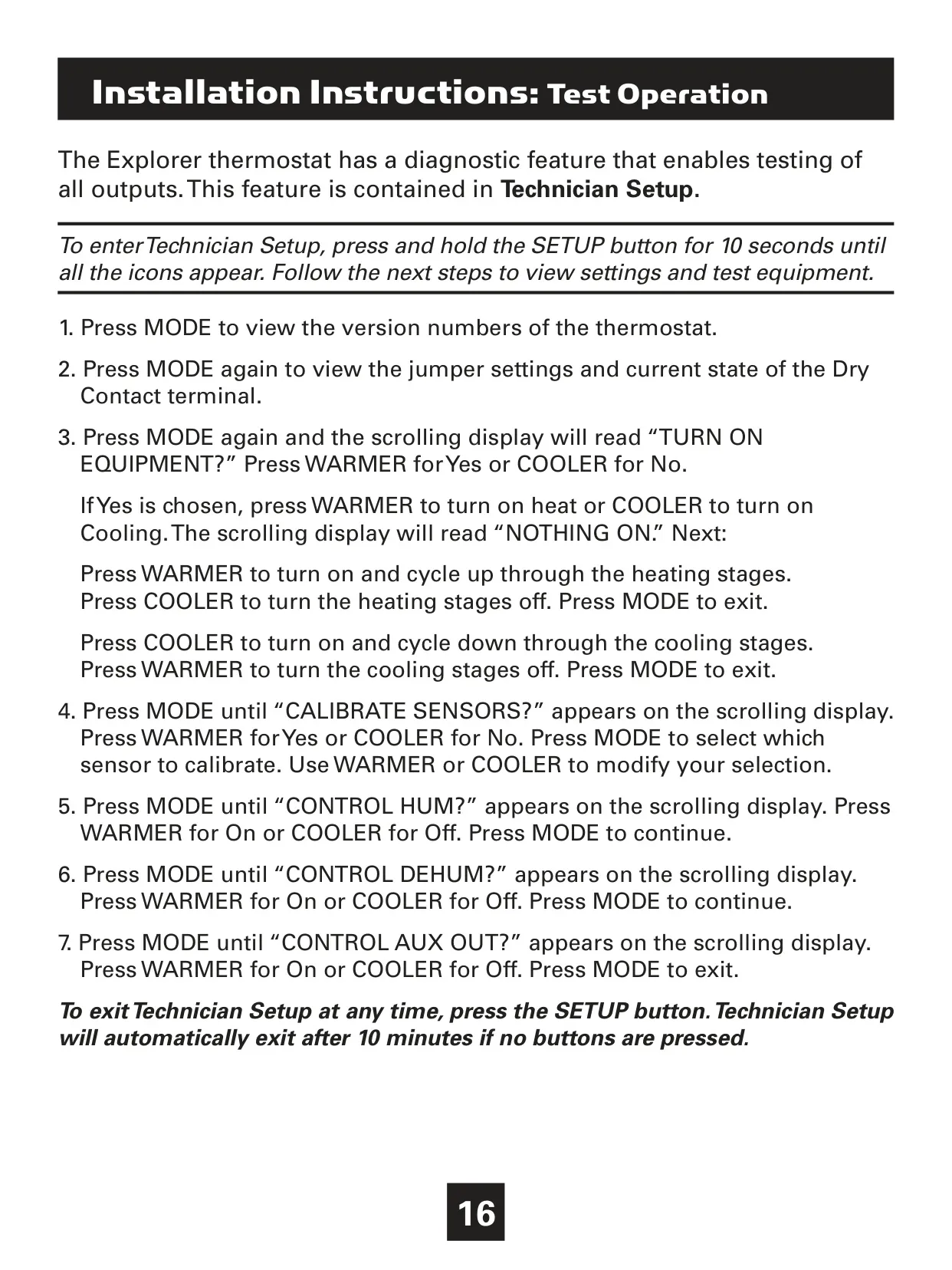
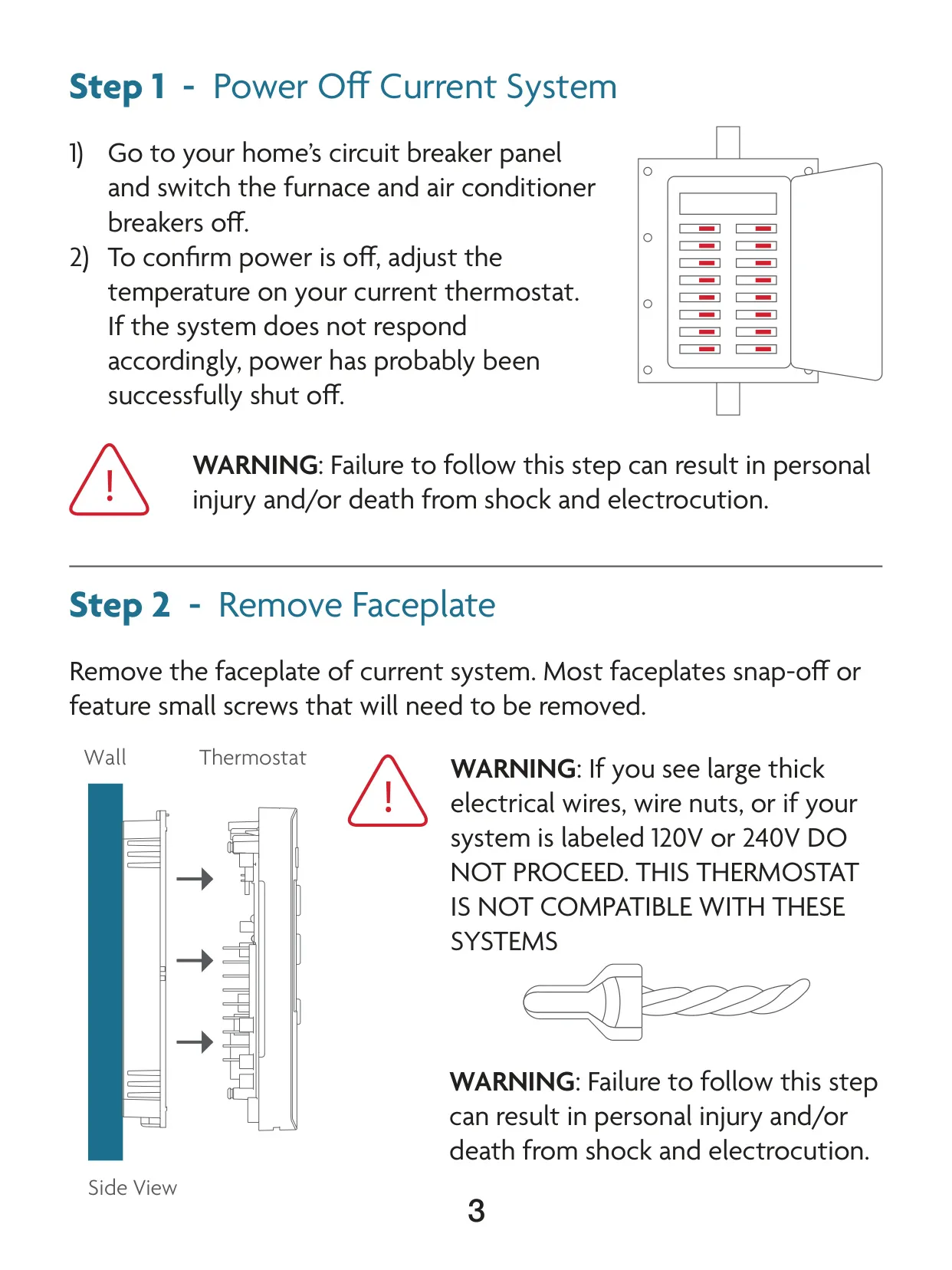
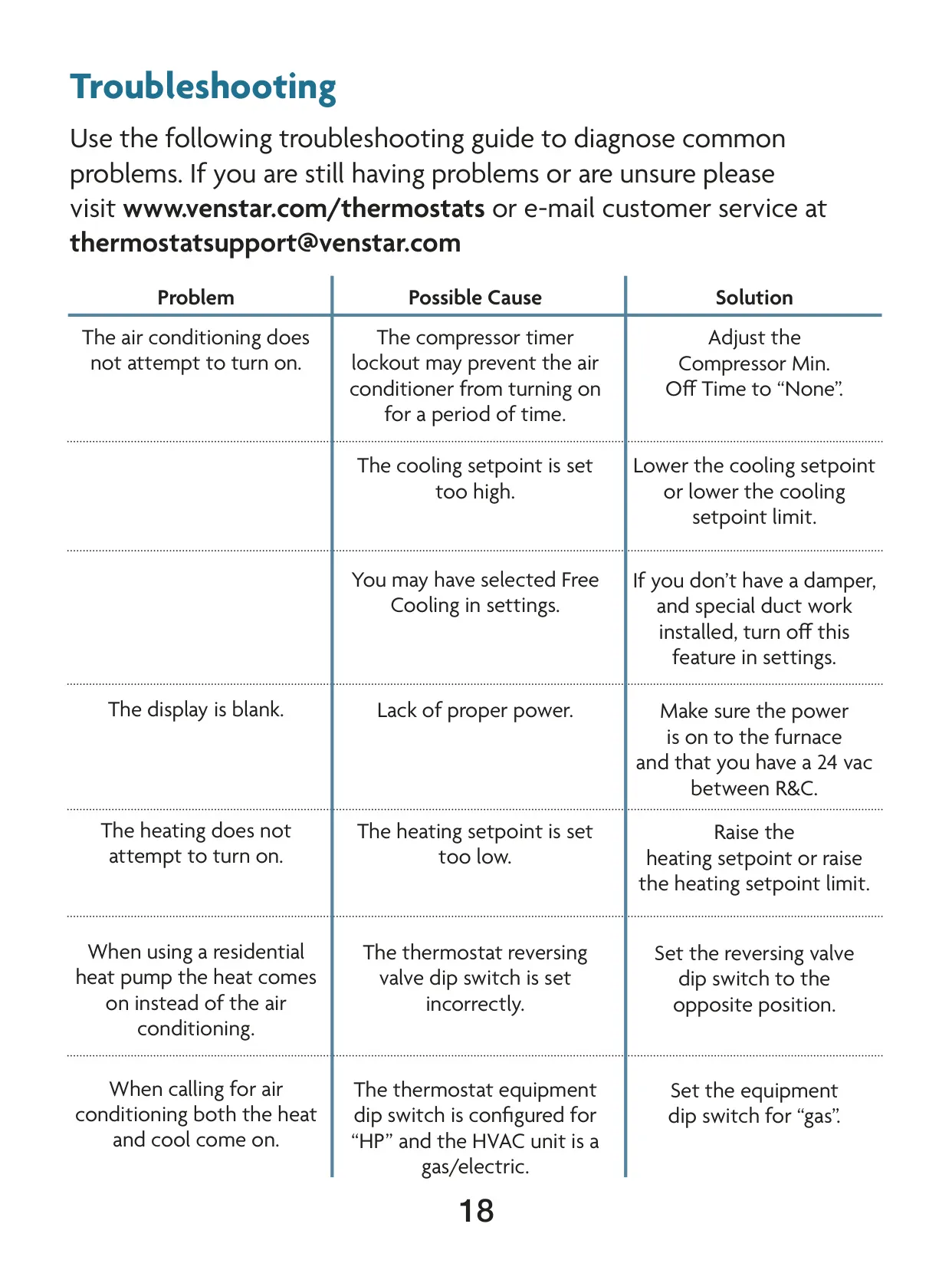
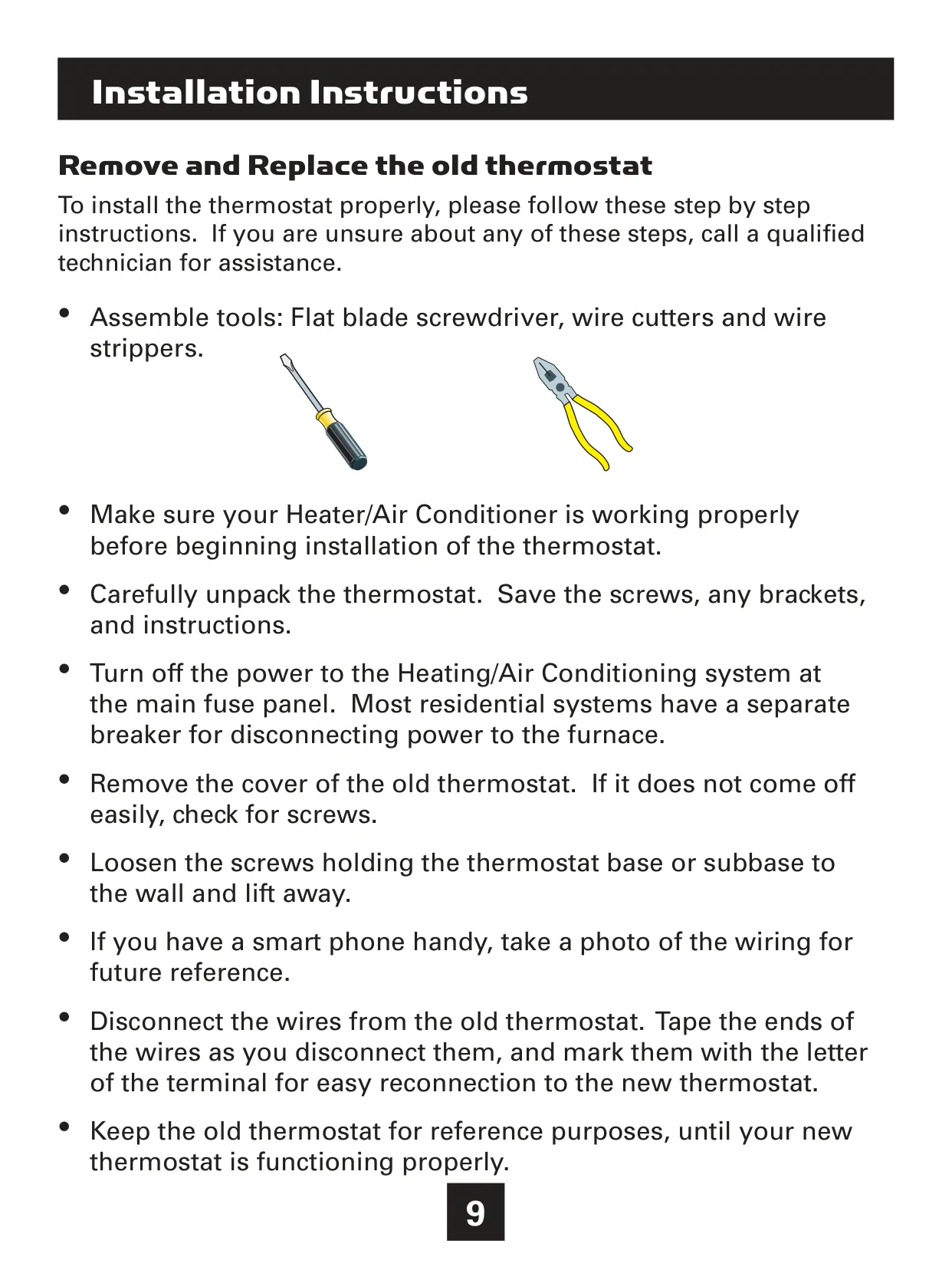
A blank display often indicates a lack of proper power. Check your furnace and air conditioner breakers at the main fuse panel to ensure they are on, and confirm you have 24VAC between the R and C terminals at the thermostat's wiring.

Why isn't the air conditioning turning on?
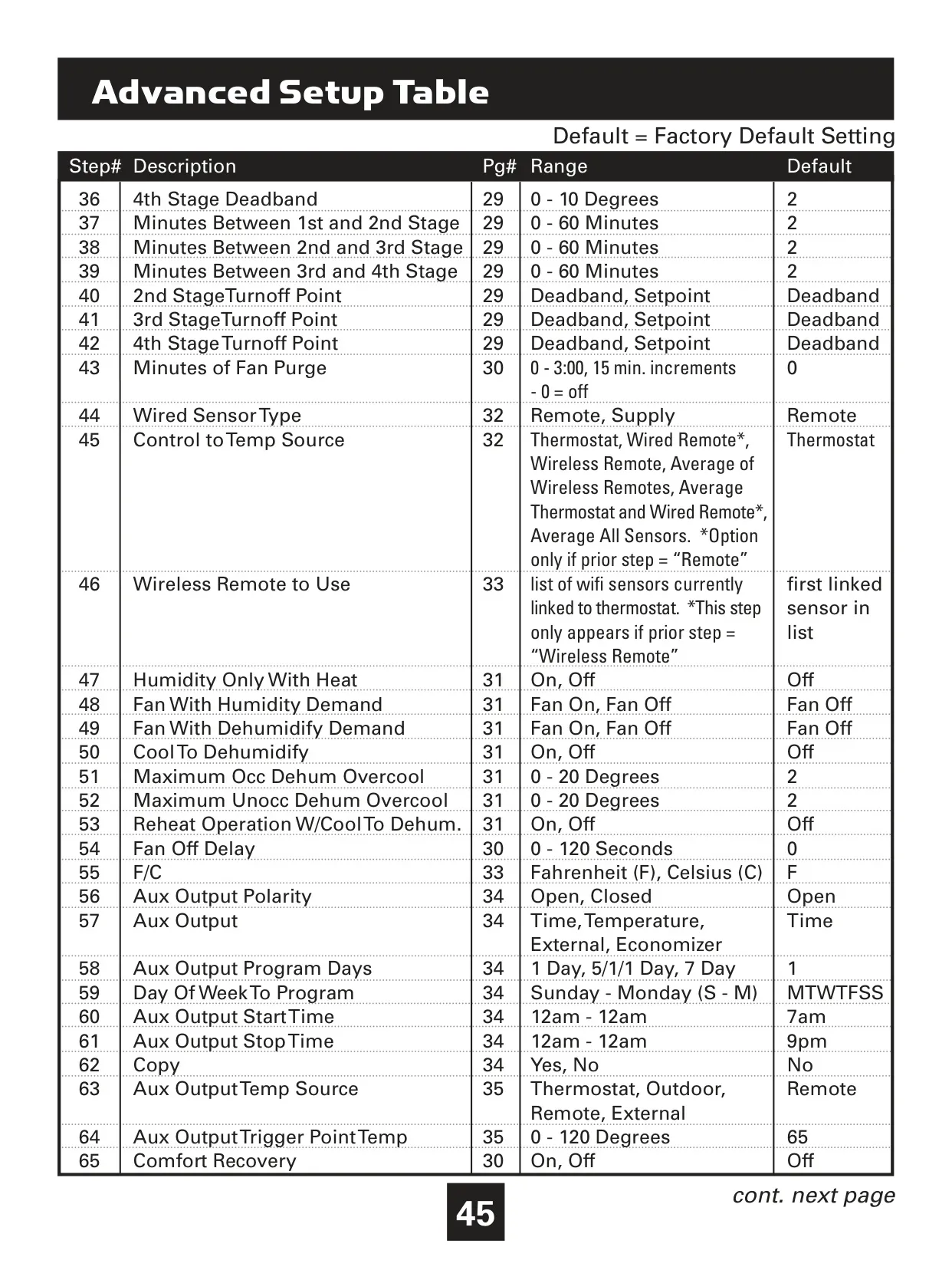
Several factors can prevent the AC from starting. The compressor timer lockout might be active; you can adjust the "Compressor Minimum Off Time" in the Installer Setup. Also, verify that the cooling setpoint isn't set too high, or lower the cooling setpoint limit if applicable.

My heating system isn't attempting to turn on, what should I check?
Ensure your heating setpoint is not set too low. Increase the desired heating temperature. If setpoint limits are enabled, you may need to adjust the "Maximum Heat Setpoint" in the Installer Setup to allow a higher setting.

I have a heat pump, but heat comes on when I want cooling. What's wrong?
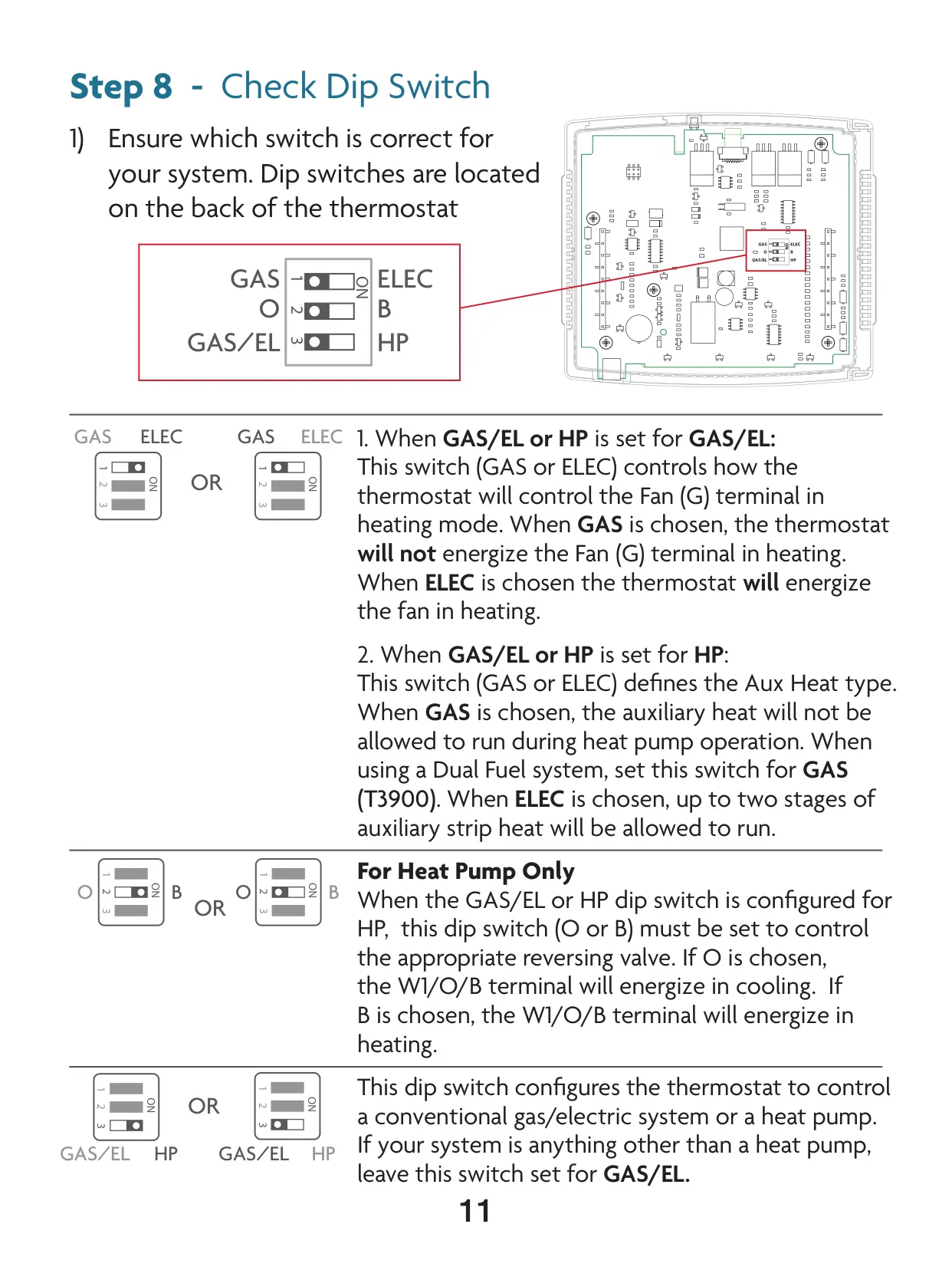
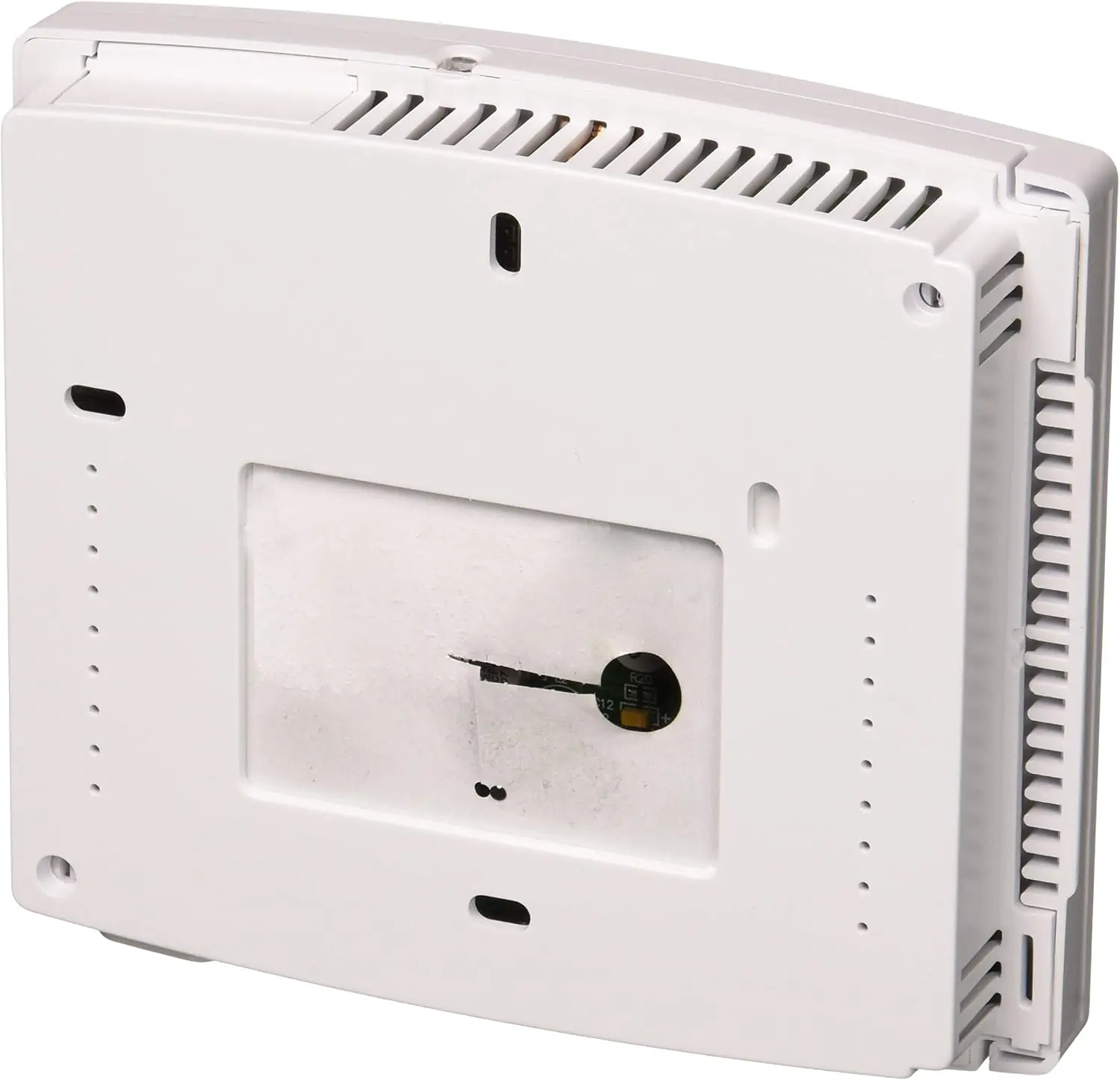
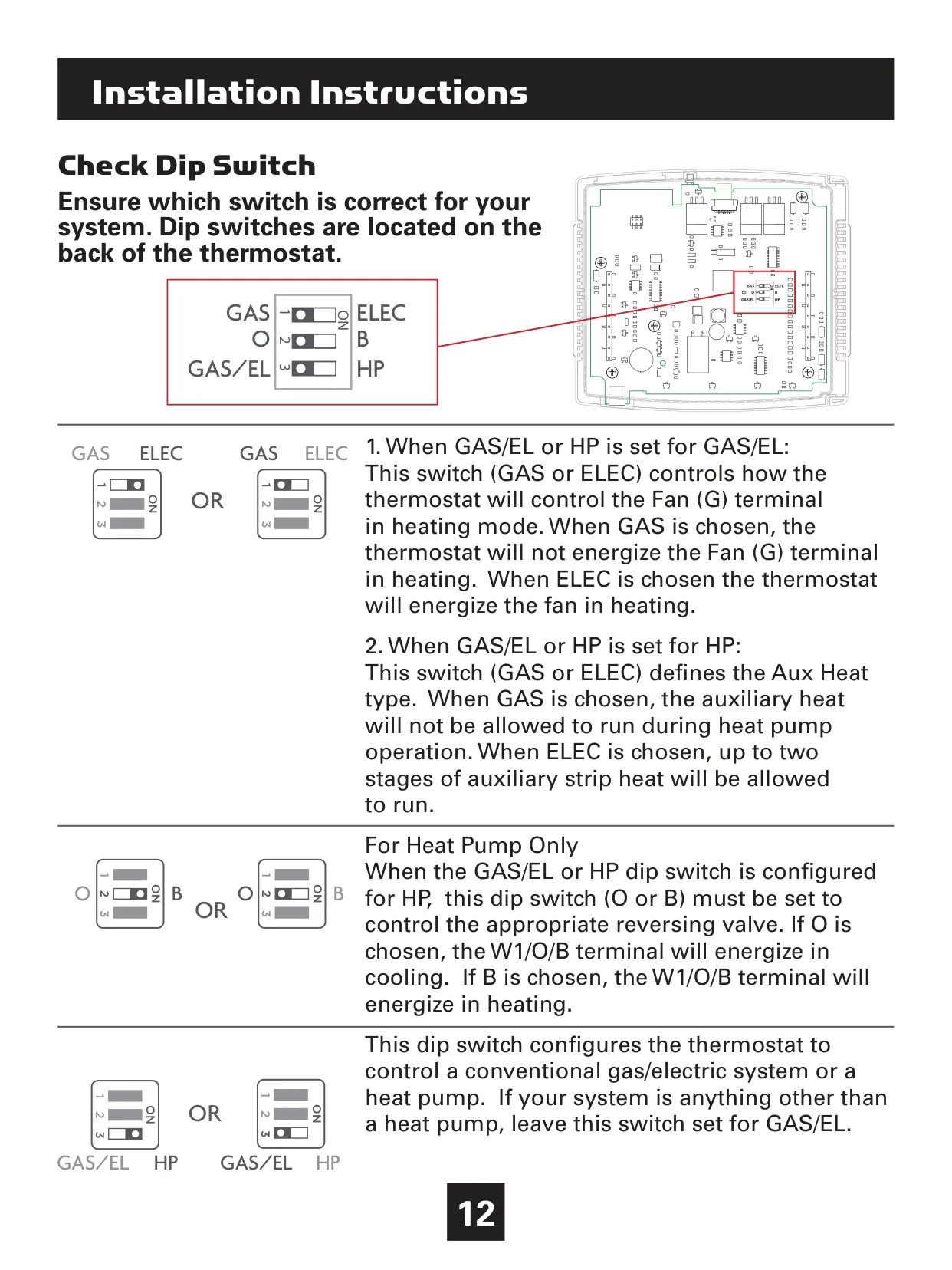
This typically happens if the thermostat's reversing valve dip switch is set incorrectly for your heat pump system. Locate the dip switches on the back of the thermostat and set the reversing valve dip switch to the opposite position (O or B) to match your system's configuration.

Why do both heating and cooling systems activate simultaneously when I call for AC?
This usually occurs if the thermostat's equipment dip switch is configured for "HP" (Heat Pump) but your HVAC unit is a conventional gas/electric system. You should set the equipment dip switch to "GAS/EL" (Gas/Electric) to correct this issue.

My thermostat display reads 'DISABLED' when I press the Program button. How can I enable programming?
The "DISABLED" message indicates that the Program Mode (Setup Step 1) is currently set to "NON PROGRAM." To enable scheduling, you need to change this setting to "1 Day," "5/1/1 Day," or "7 Day" program mode within the User Setup menu.

Can I control my Venstar T4900 Thermostat remotely?
Yes, with the optional Wi-Fi module installed, you can connect your thermostat to your local Wi-Fi network and then link it to your Venstar Skyport Cloud Services account. This allows for remote control and monitoring via a web browser or the Skyport mobile app.

Does the T4900 support external temperature sensors?
Absolutely. The T4900 supports wired remote, supply, and outdoor sensors. You can also integrate wireless remote temperature sensors. The thermostat offers the flexibility to control based on a single sensor or an average of multiple sensors, including the internal thermostat sensor.

What is the 'Comfort Recovery' feature?
Comfort Recovery is an energy-saving feature that learns your system's performance. When activated, the thermostat will intelligently start your HVAC system before a scheduled Occupied period to ensure the desired temperature is reached precisely by the programmed start time, enhancing comfort and efficiency.

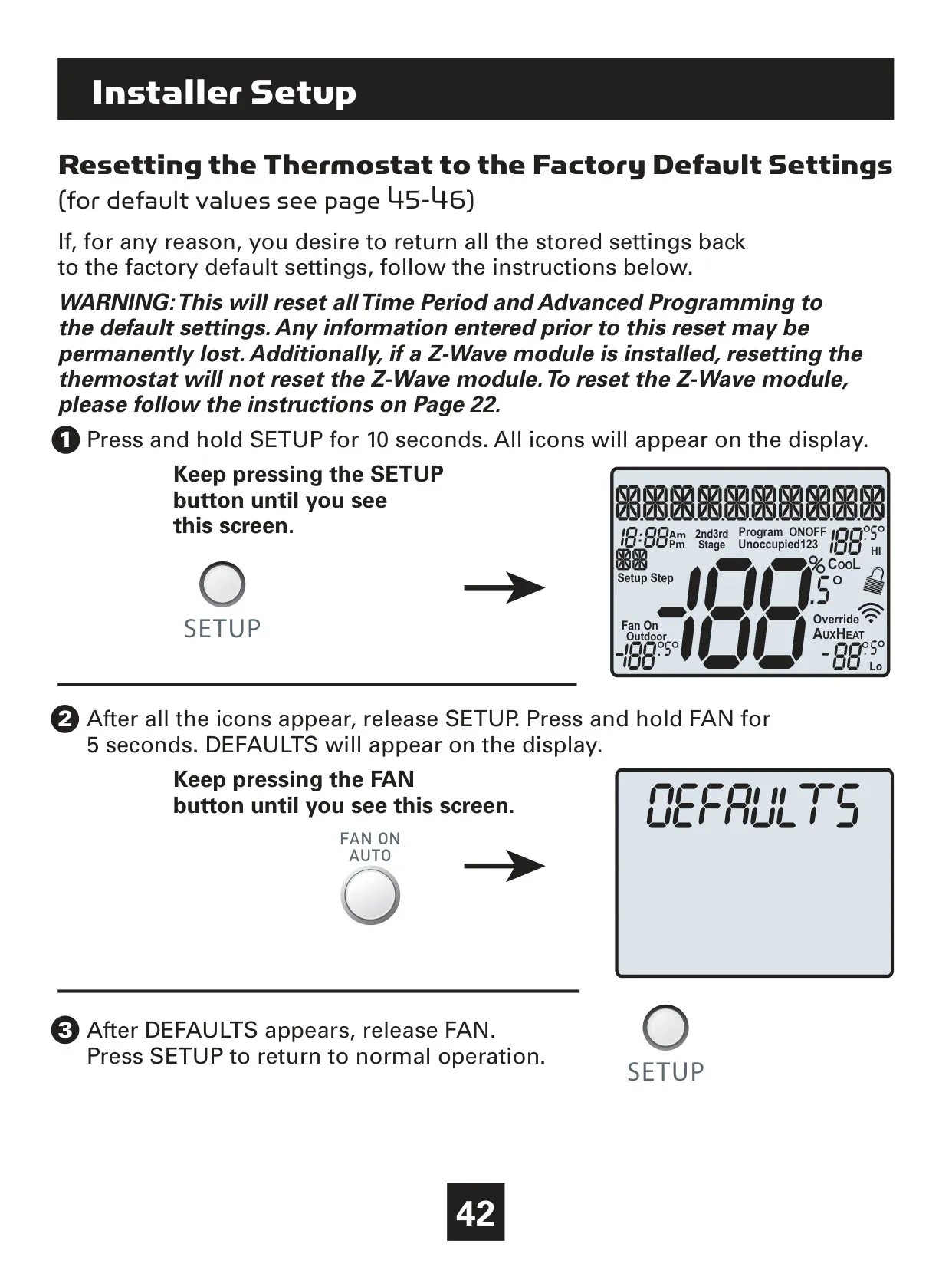
How do I reset my Venstar T4900 Thermostat to its factory default settings?
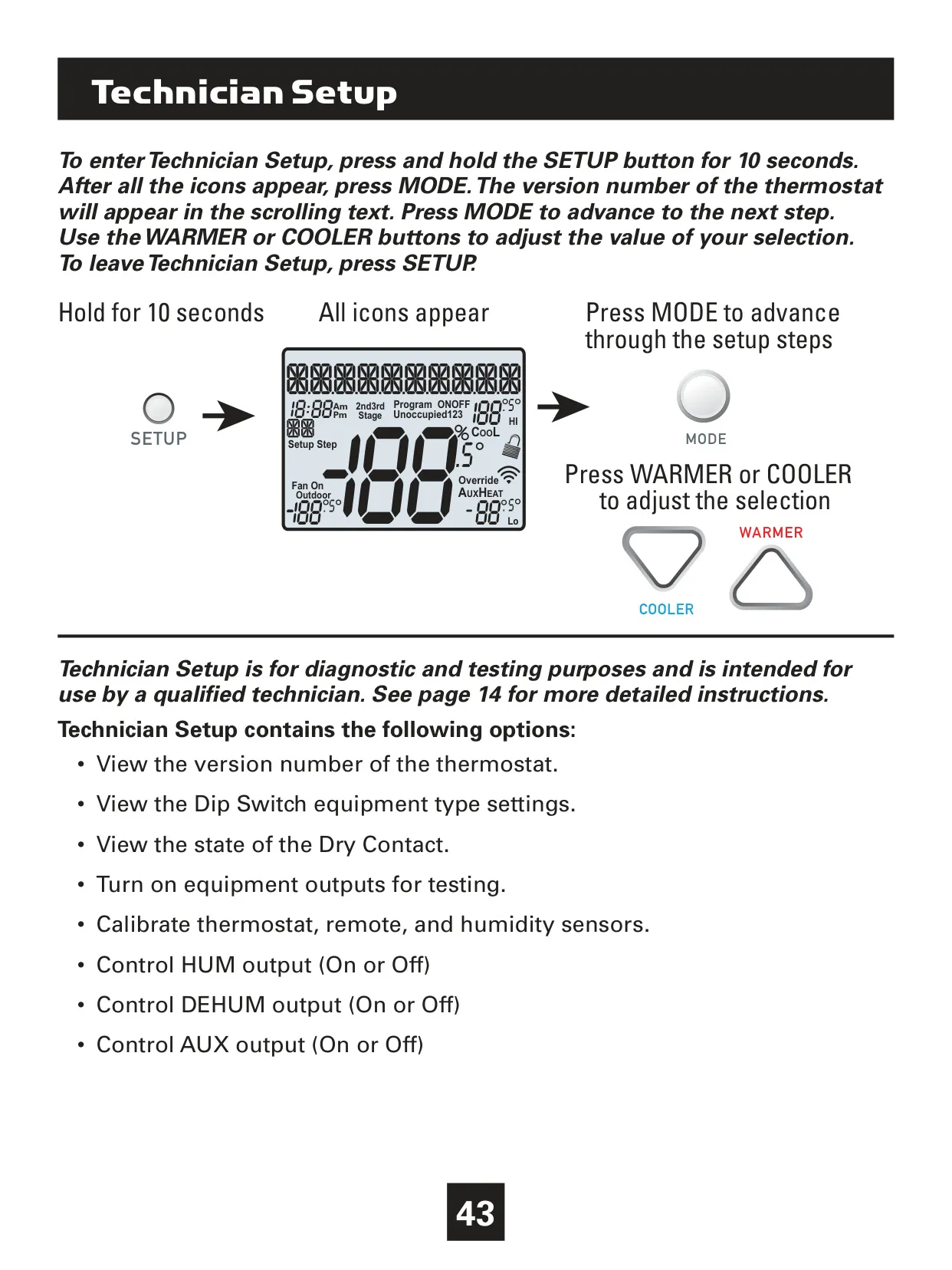
To reset, press and hold the SETUP button for 10 seconds until all icons appear. Release SETUP, then press and hold the FAN button for 5 seconds until "DEFAULTS" appears. Release FAN, then press SETUP again to return to normal operation. Note: This resets all settings and programming.

What is Automated Demand Response (ADR) and how does it work with the T4900?
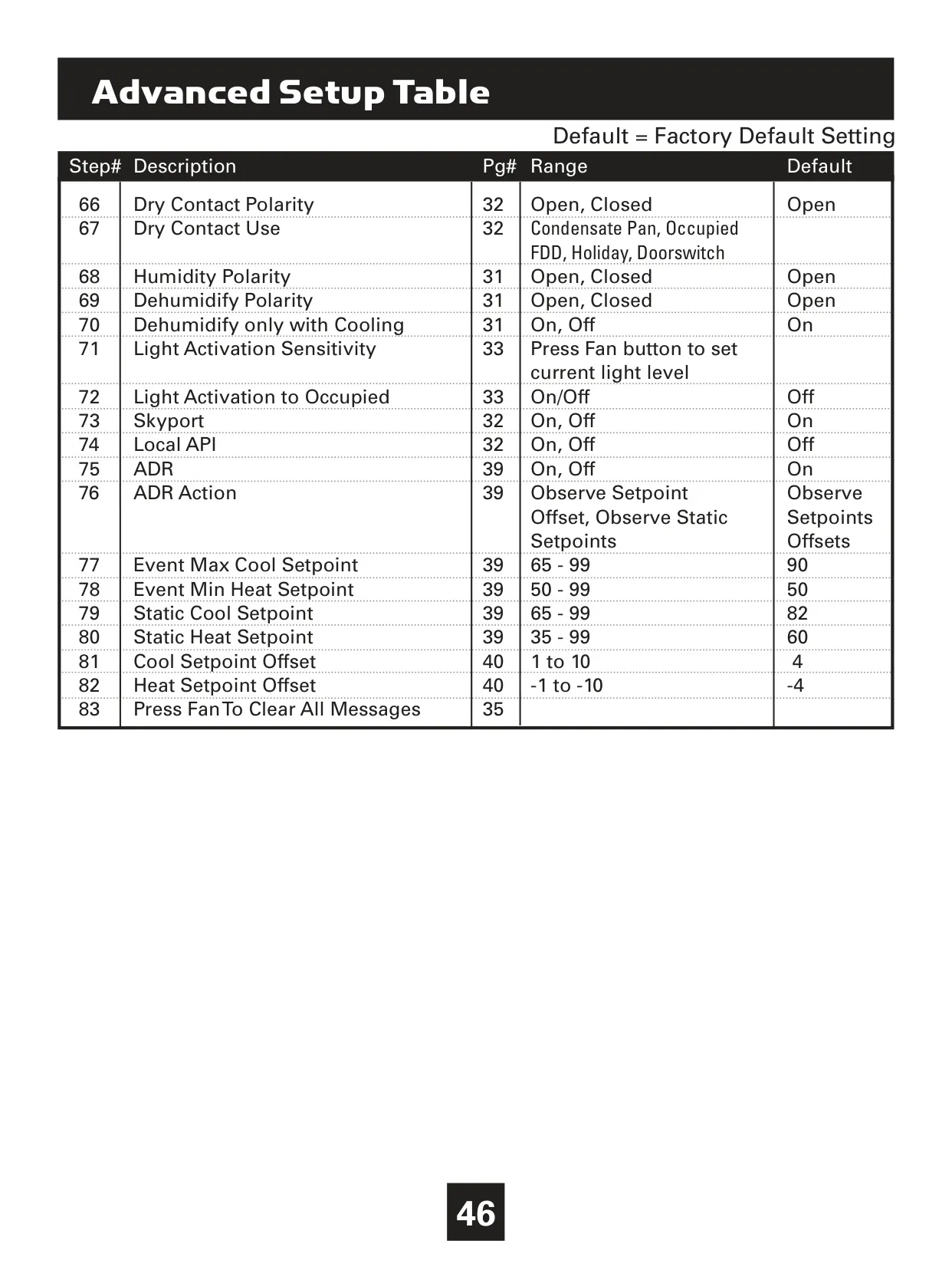
ADR allows your thermostat to respond to signals from your utility provider, typically to reduce energy consumption during peak times. If you participate in a utility program, the thermostat can automatically adjust setpoints or switch to static setpoints during an ADR event to help manage energy demand and potentially save costs.

Can I lock the keypad on my Venstar T4900 Thermostat to prevent unauthorized changes?
Yes, you can lock the keypad. To do so, press and hold the MODE button, and while holding it, simultaneously press the WARMER and COOLER buttons. A lock icon will appear on the display, indicating the keypad is locked. Repeat the process to unlock it.
How can I adjust the backlight operation and intensity?
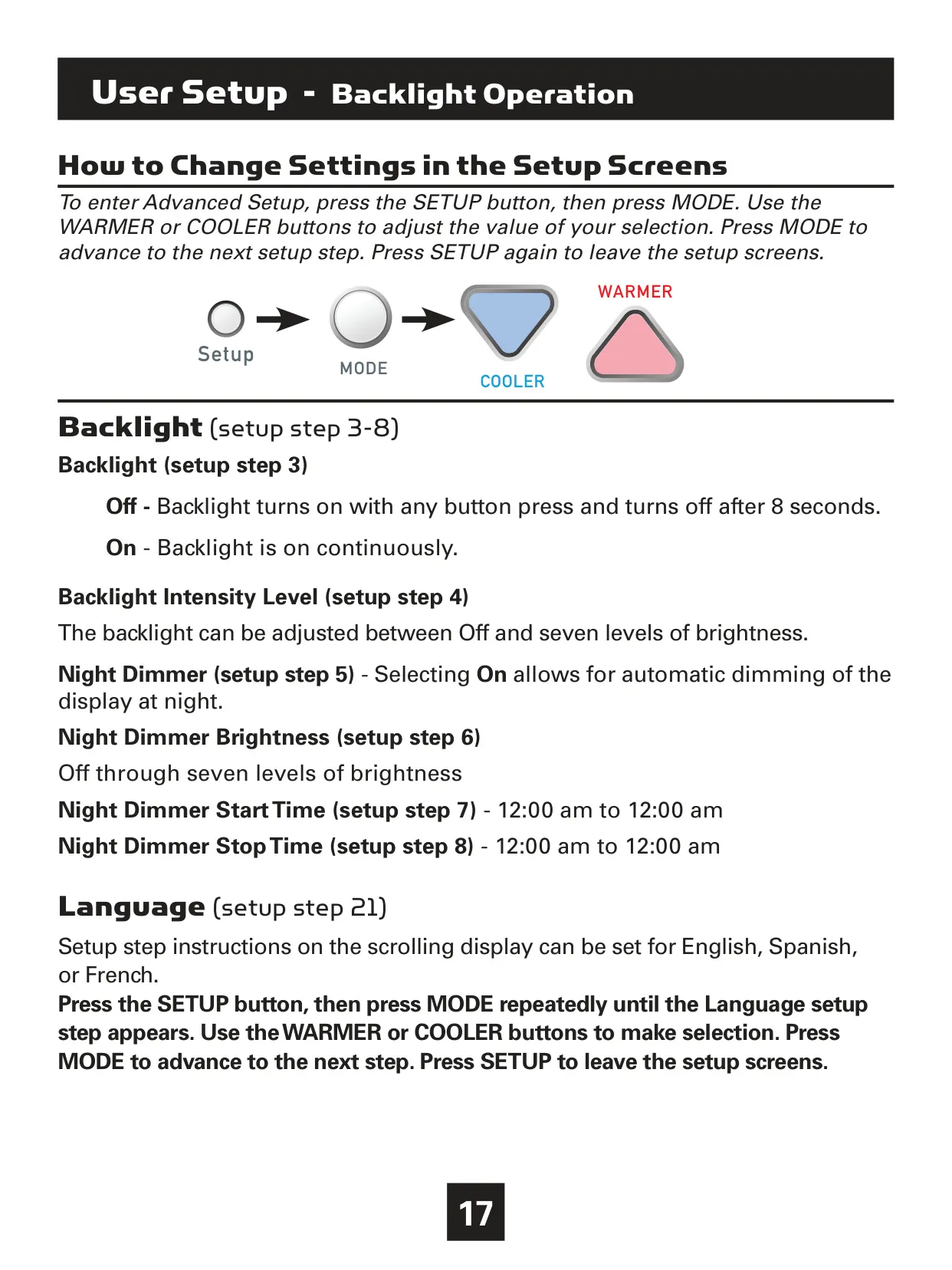
The backlight settings are found in User Setup (steps 3-8). You can choose for the backlight to be continuously "On" or "Off" (activating with button presses). You can also adjust the intensity level and enable a "Night Dimmer" with adjustable brightness, start, and stop times for automatic dimming during specific hours.

Related product manuals

Go up