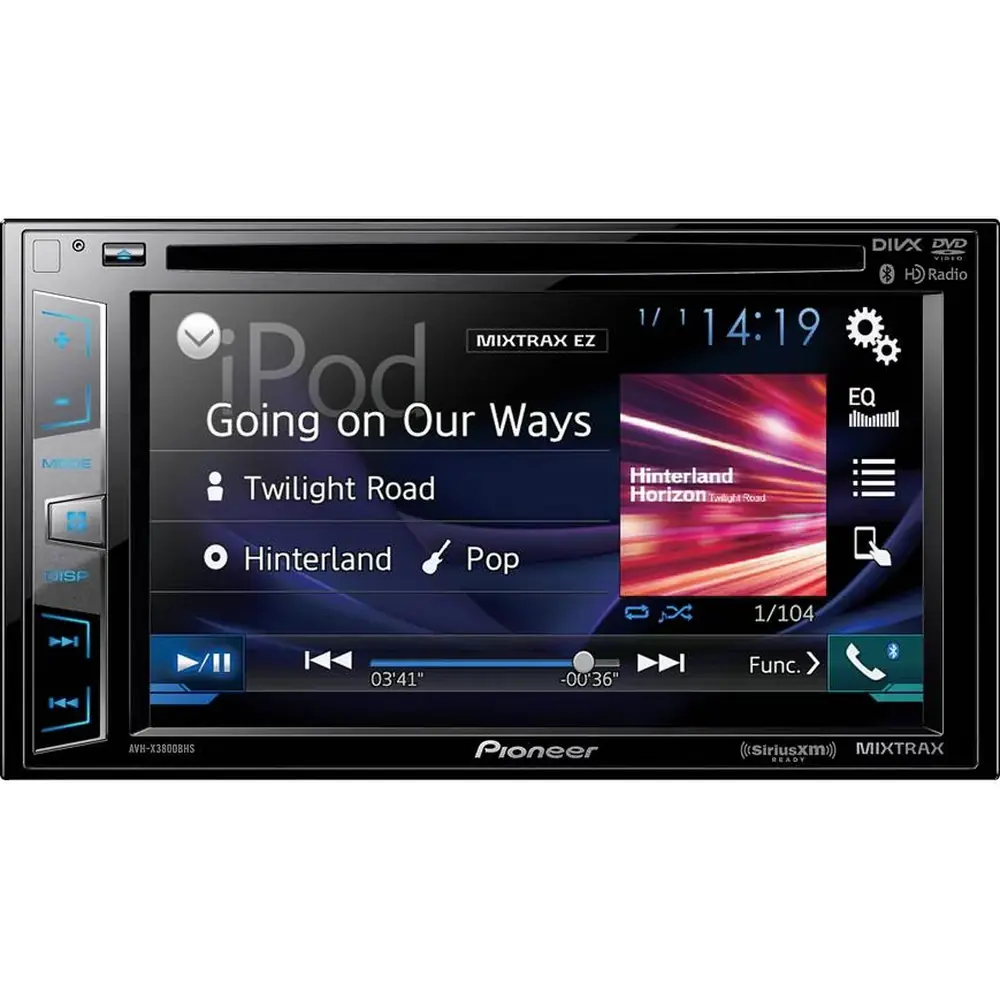
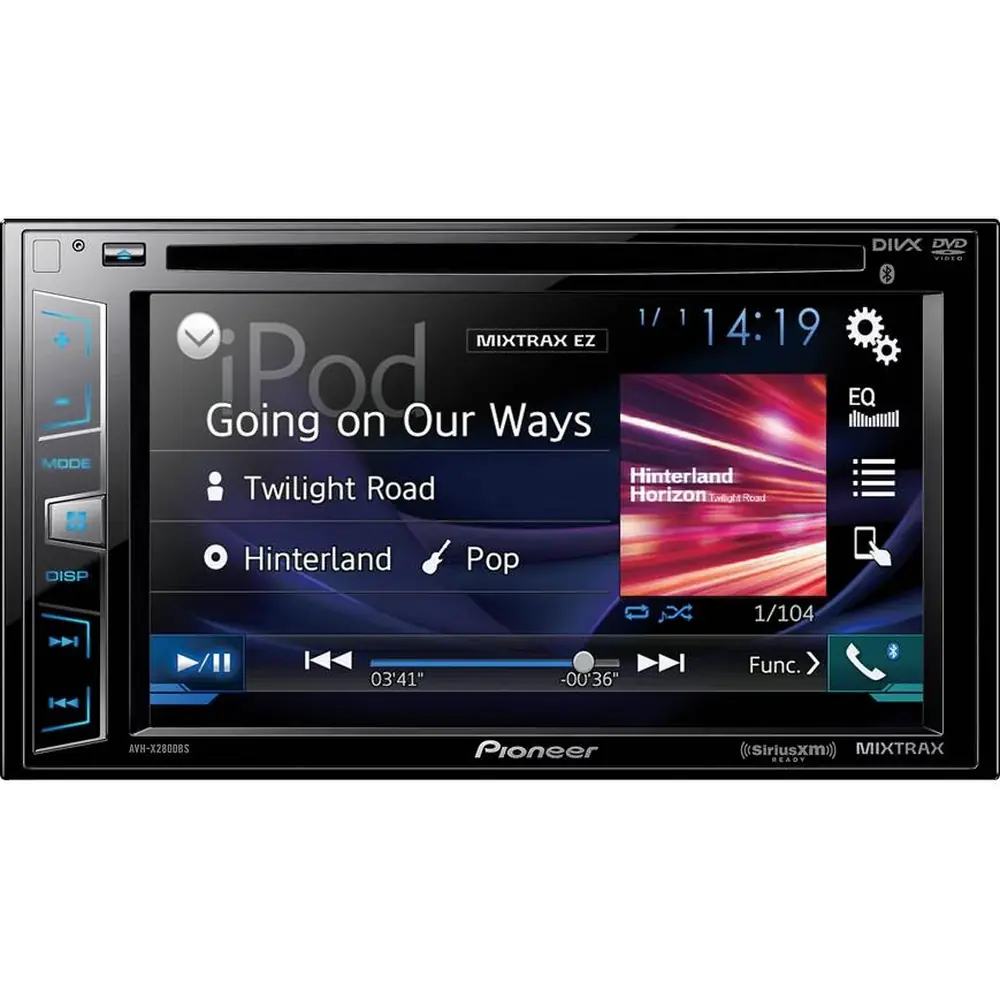
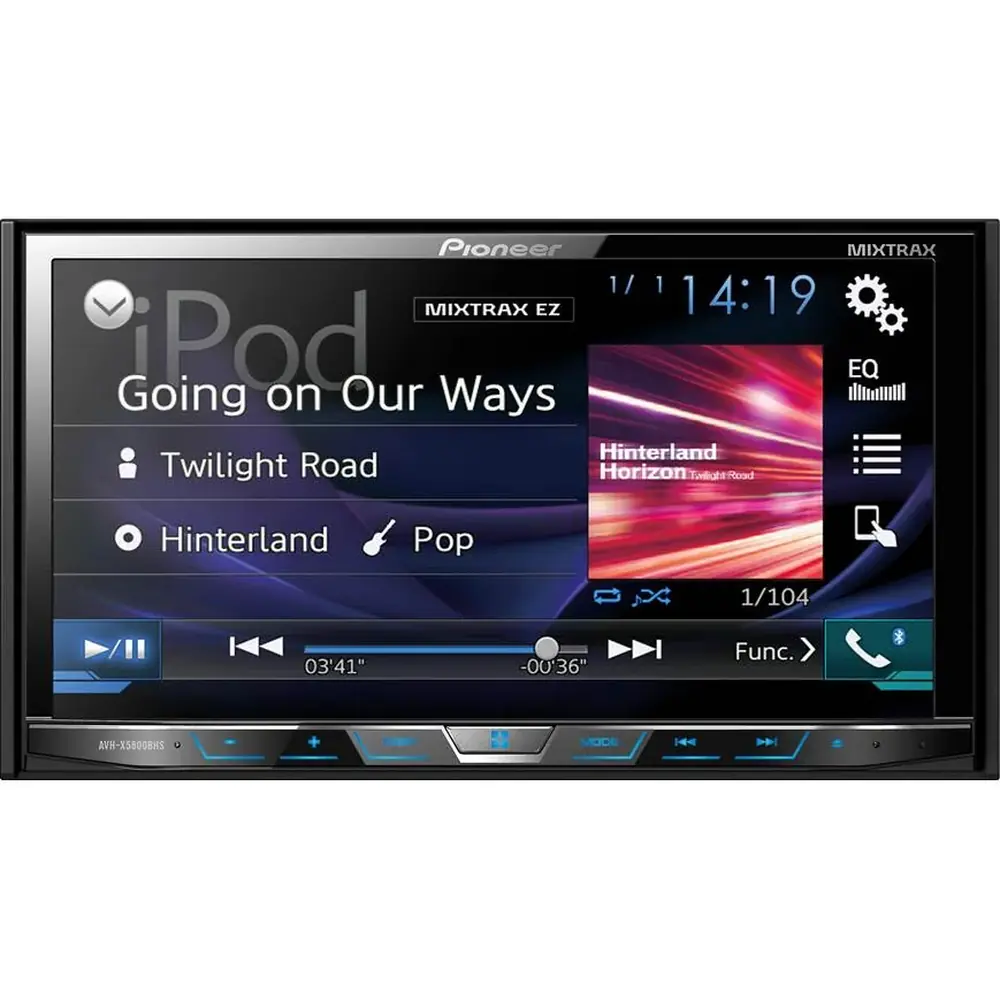
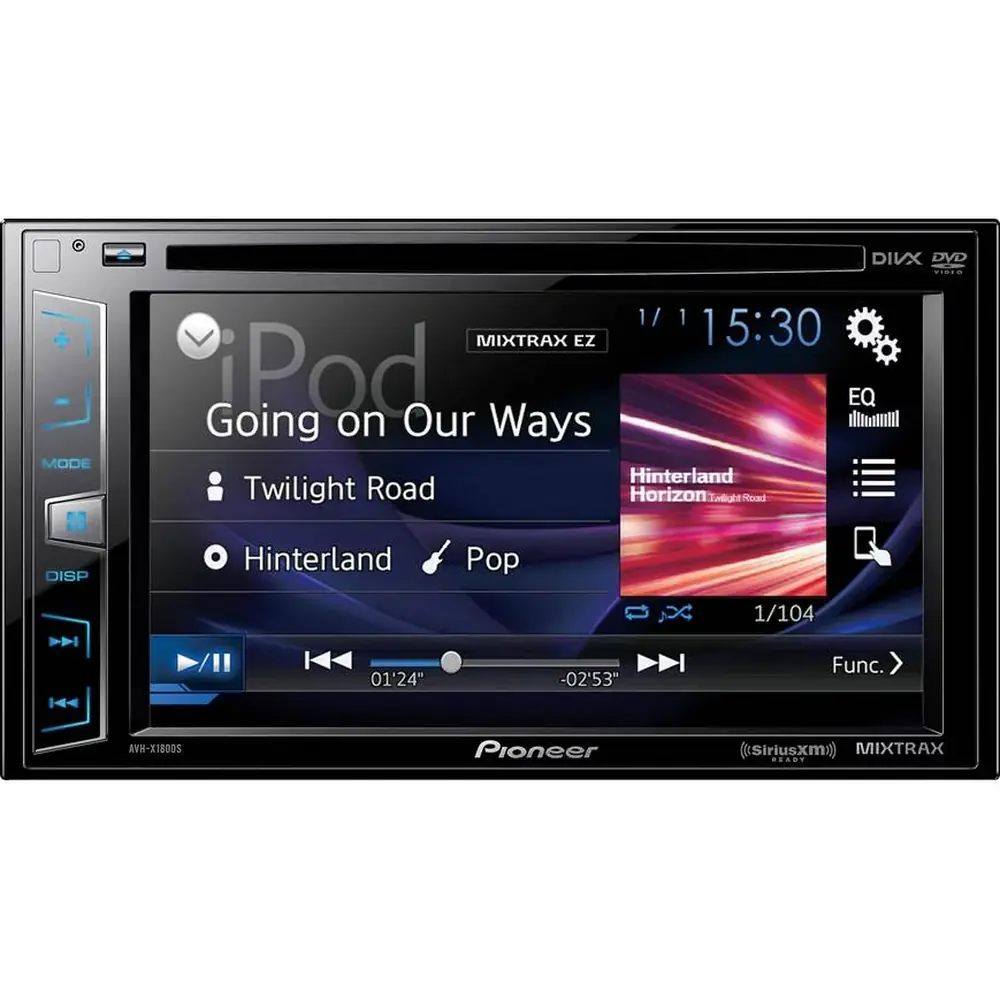
Pioneer DEH-S5100BT Audio Receiver Instruction Manual

Pioneer DEH-S5100BT Audio Receiver




















Pioneer DEH-S5100BT Audio Receiver



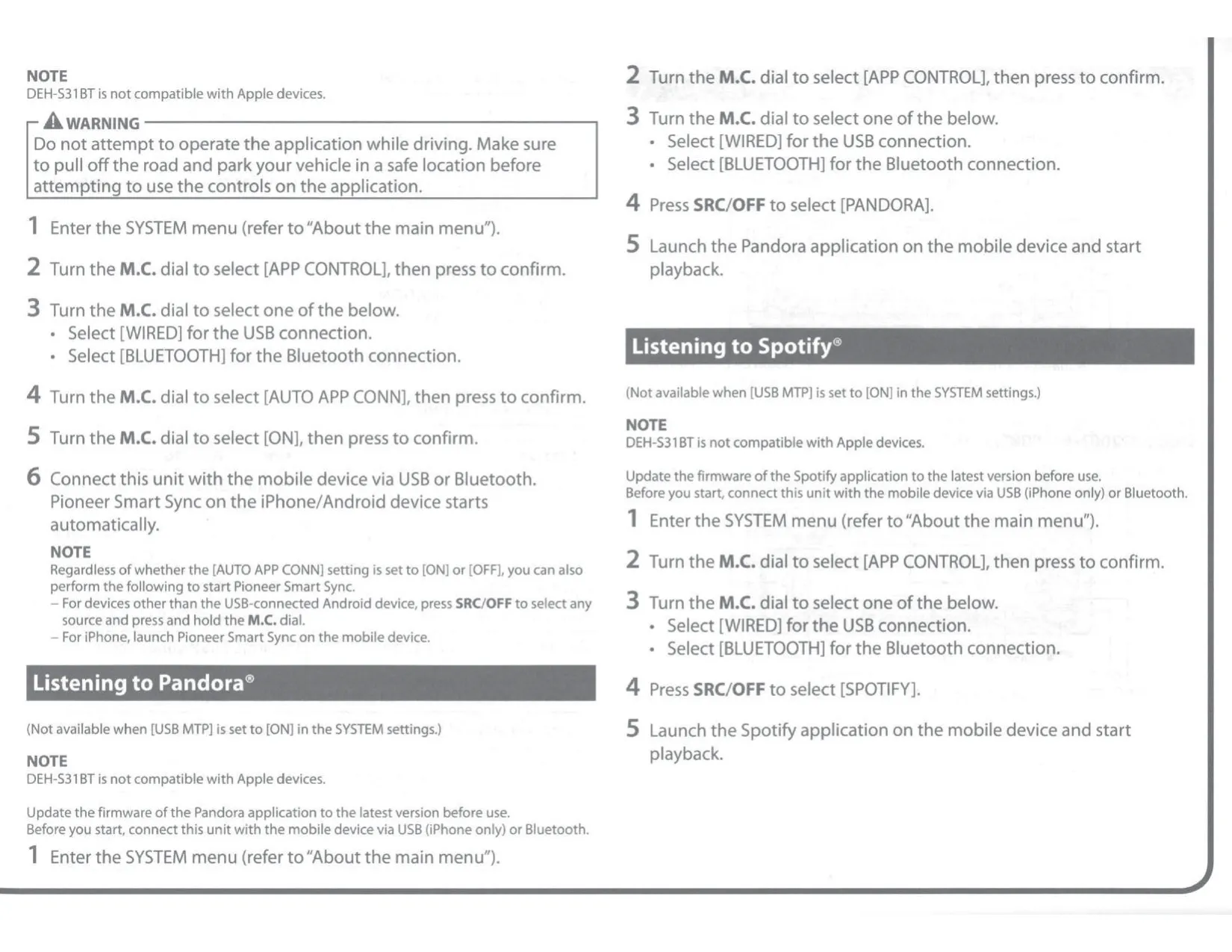
Pioneer DEH-S5100BT Instructions
Here we offer the Pioneer DEH-S5100BT Audio Receiver manual completely free and in English. We have cataloged this manual in the Audio Receivers section on Manualverse, and it has been rated by 1 users with an average rating of 5. If you have any specific questions about Pioneer DEH-S5100BT Audio Receiver, we suggest checking the Frequently Asked Questions (FAQs) section of this manual.
Product Images

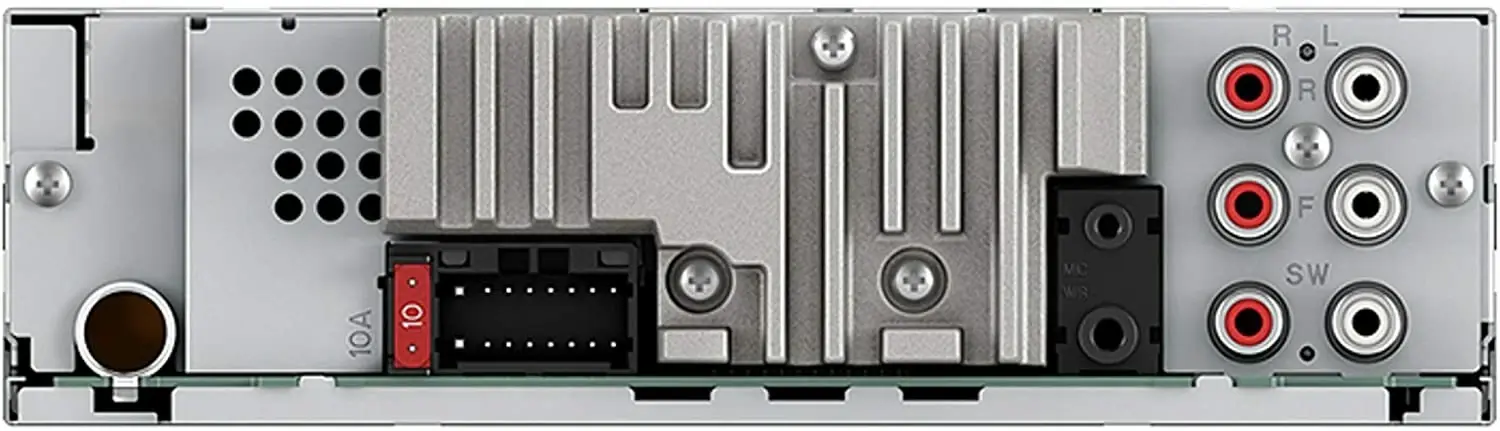


Pioneer DEH-S5100BT Audio Receiver Specifications
| Feature | Specification |
|---|---|
| Product type | Single-DIN CD RDS receiver with Bluetooth |
| Power source | 14.4 V DC (10.8 V to 15.1 V allowable) |
| Grounding system | Negative type (12 V battery only) |
| Maximum current consumption | 10.0 A |
| Fuse | 10 A |
| Chassis dimensions (W × H × D) | 178 mm × 50 mm × 165 mm (7 in. × 2 in. × 6-1/2 in.) |
| Nose dimensions, DIN (W × H × D) | 188 mm × 58 mm × 16 mm (7-3/8 in. × 2-1/4 in. × 5/8 in.) |
| Nose dimensions, D (W × H × D) | 170 mm × 46 mm × 16 mm (6-3/4 in. × 1-3/4 in. × 5/8 in.) |
| Weight | 1 kg (2.2 lbs) |
| Maximum power output | 50 W × 4 ch/4 Ω (no subwoofer); 50 W × 2 ch/4 Ω + 70 W × 1 ch/2 Ω (with subwoofer) |
| Continuous power output | 22 W × 4 (50 Hz to 15 000 Hz, 5 % THD, 4 Ω load, both channels driven) |
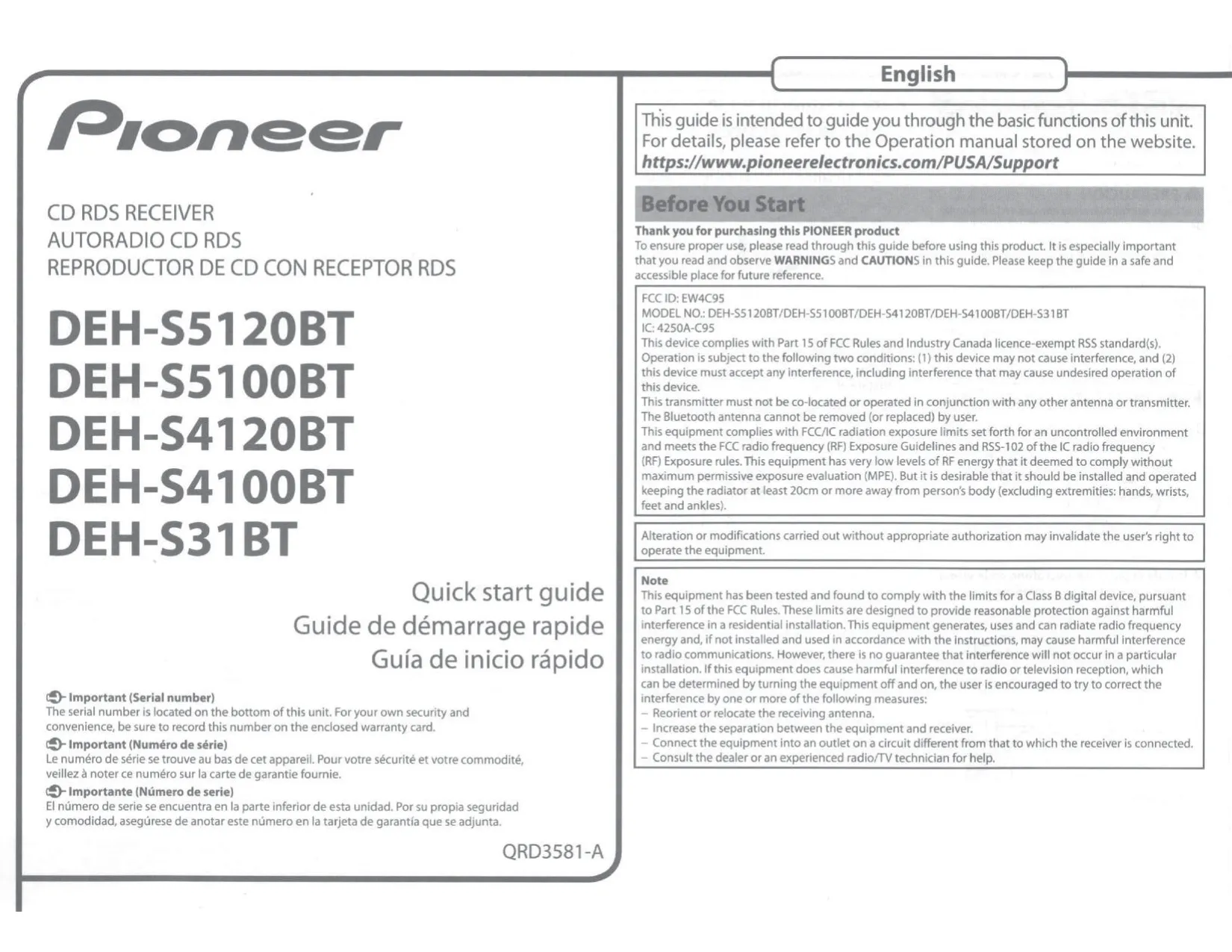
| CEA2006 power output | 14 W RMS × 4 channels (4 Ω, ≤1 % THD+N) |
| CEA2006 S/N ratio | 91 dBA (reference: 1 W into 4 Ω) |
| Load impedance | 4 Ω (4 Ω to 8 Ω allowable; 2 Ω for 1 ch) |
| Recommended speakers | Over 50 W maximum input, 4 Ω to 8 Ω; subwoofer over 70 W when 2 Ω is used |
| Preout maximum output level | 2.0 V |
| RCA preouts | Front output, rear output or subwoofer output |
| Graphic equalizer | 13-band (50 Hz to 12.5 kHz), ±12 dB in 2 dB steps; 31-band via Pioneer Smart Sync |
| EQ presets | SUPER BASS, POWERFUL, DYNAMIC, NATURAL, VOCAL, VIVID, FLAT, CUSTOM1, CUSTOM2 |
| High pass filter | 25 Hz to 250 Hz (11 steps); slope –6/–12/–18/–24 dB/oct, OFF |
| Subwoofer/low pass filter | 25 Hz to 250 Hz (11 steps); slope –6 to –36 dB/oct, OFF |
| Subwoofer phase | Normal/Reverse |
| Speaker level | +10 dB to –24 dB (1 dB step) |
| Time alignment | 0 inch to 140 inch (1 inch/step) |
| CD player S/N ratio | 94 dB (1 kHz) (IEC-A network) |
| CD player channels | 2 (stereo) |
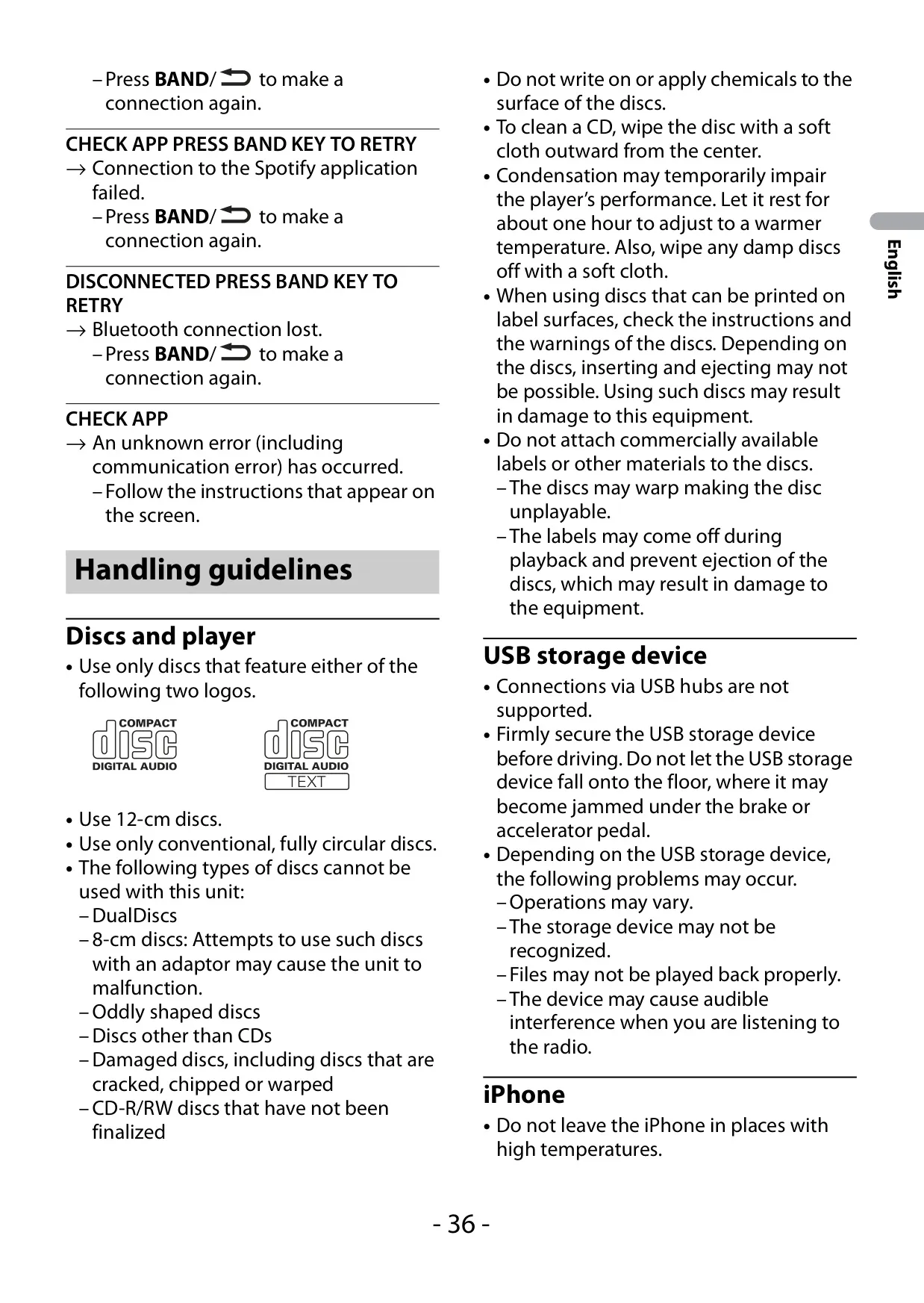
| Usable discs | 12 cm CD, CD-R/RW (finalized); multi-session compatible |
| Disc file system | ISO 9660 Level 1 and 2, Romeo, Joliet |
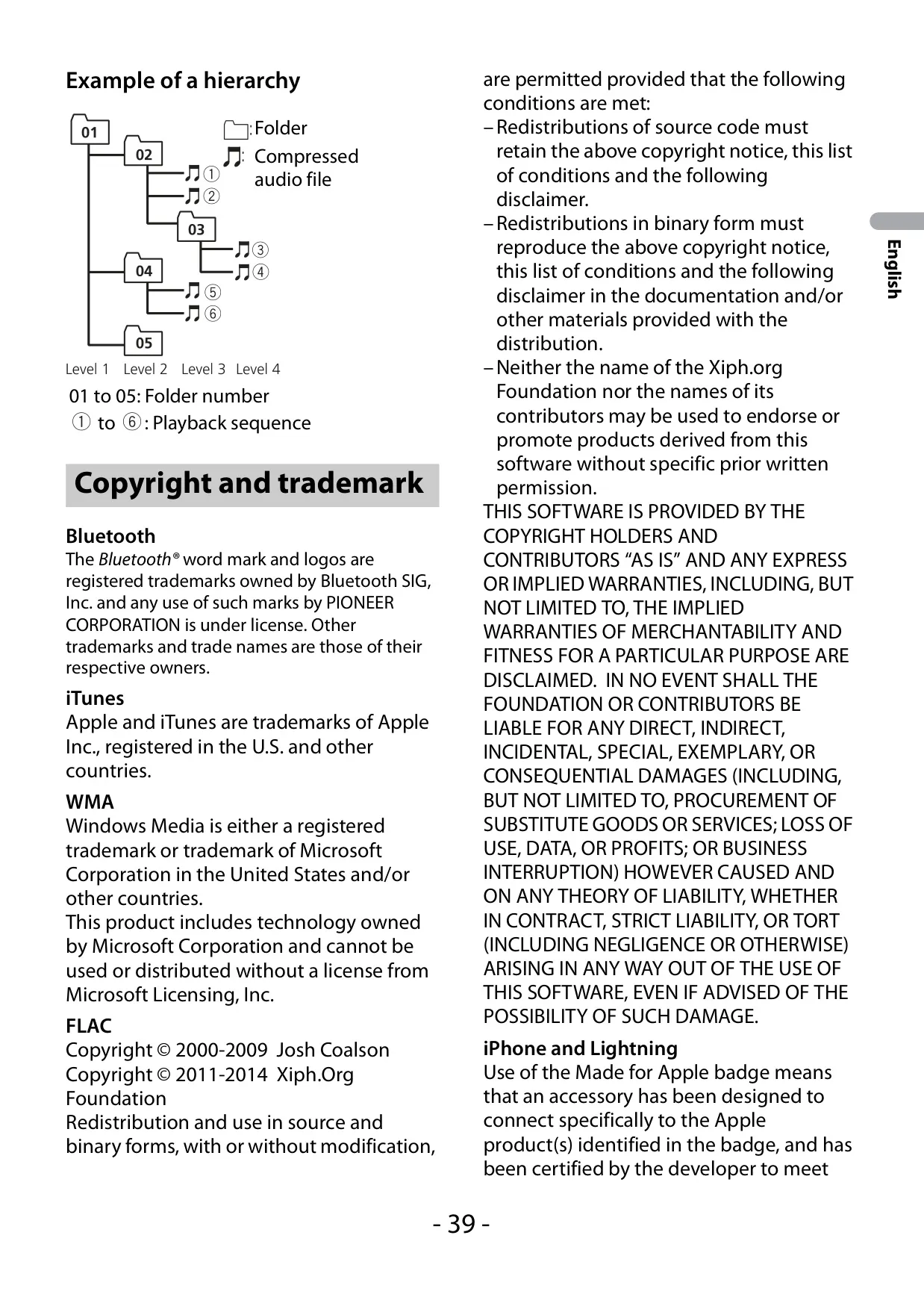
| Disc playable folders/files | Up to 99 folders / 999 files, up to 8 tiers |
| Audio formats | MP3, WMA (Ver. 7 to 9.2), AAC (iTunes encoded, .m4a), WAV (Linear PCM), FLAC (USB only) |
| FLAC support | v1.2.1; 8 kHz to 96 kHz; 8/16/24 bit; 1/2 ch |
| MP3 bit rate | 8 kbps to 320 kbps (CBR), VBR |
| WMA bit rate | 48 kbps to 320 kbps (CBR), 48 kbps to 384 kbps (VBR) |
| AAC bit rate | 16 kbps to 320 kbps, VBR (11.025 kHz to 48 kHz) |
| USB standard | USB 2.0 full speed |
| USB maximum current supply | 1.5 A |
| USB protocols | MSC, MTP, AOA 2.0 |
| USB file system | FAT12, FAT16, FAT32 |
| USB playable folders/files | Up to 1 500 folders / 15 000 files, up to 8 tiers |
| FM tuner frequency range | 87.9 MHz to 107.9 MHz |
| FM usable sensitivity | 11 dBf (1.0 μV/75 Ω, mono, S/N: 30 dB) |
| FM S/N ratio | 65 dB (IHF-A network) |
| AM tuner frequency range | 530 kHz to 1 710 kHz |
| AM usable sensitivity | 25 μV (S/N: 20 dB) |
| AM S/N ratio | 60 dB (IHF-A network) |
| Radio presets | FM1, FM2, FM3, AM with 6 presets each (24 total) |
| Bluetooth version | Bluetooth 4.0 certified, +4 dBm max (Power class 2) |
| BLE | Version 4.0 certified, +3 dBm max |
| Bluetooth frequency band | 2 400 MHz to 2 483.5 MHz |
| Bluetooth profiles | GAP, SDAP, HFP 1.6, PBAP, A2DP, AVRCP 1.5, SPP 1.1 |
| Simultaneous phones | Up to 2 Bluetooth telephones |
| Microphone | External, 3 m (9 ft. 10-1/8 in.) cable |
| AUX input | 3.5 mm stereo mini jack (front) |
| Illumination | Key and display colors: 12 presets, SCAN or CUSTOM RGB (levels 0 to 60) |
| Brightness | Keys and display adjustable from 1 to 10 |
| Pioneer Smart Sync compatibility | iOS 10.3 or later; Android OS 5.0 or later |
| Supported iPhone models | iPhone 5 through iPhone X (incl. SE, Plus models) |
| Streaming services | Pandora, Spotify |
| Menu languages | English, Spanish, Canadian French |
| Remote control | CD-R510 (sold separately); wired remote input |
| Laser classification | Class 1 laser product (IEC 60825-1:2007) |
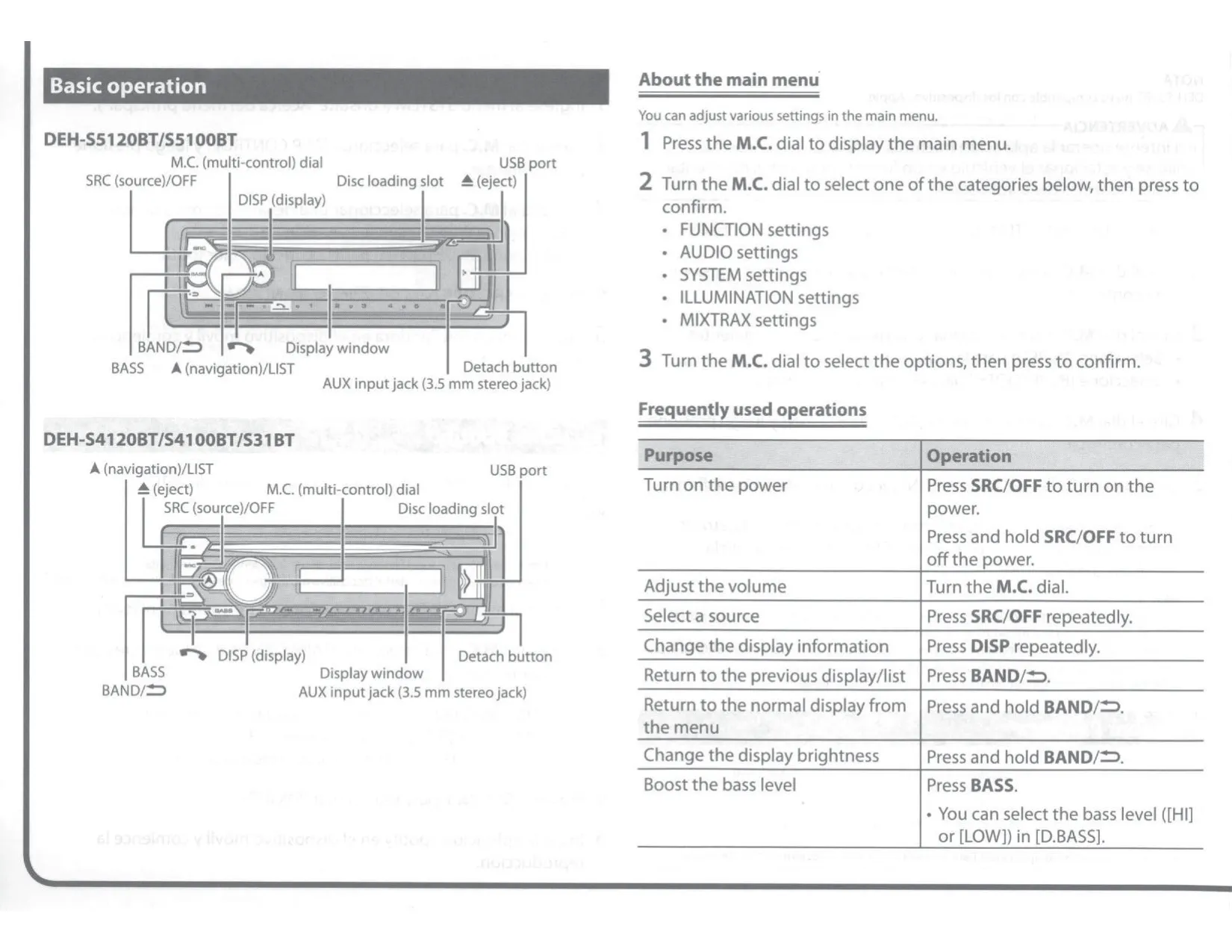
| FCC ID / IC | EW4C95 / 4250A-C95 |
Pioneer DEH-S5100BT Receiver Details
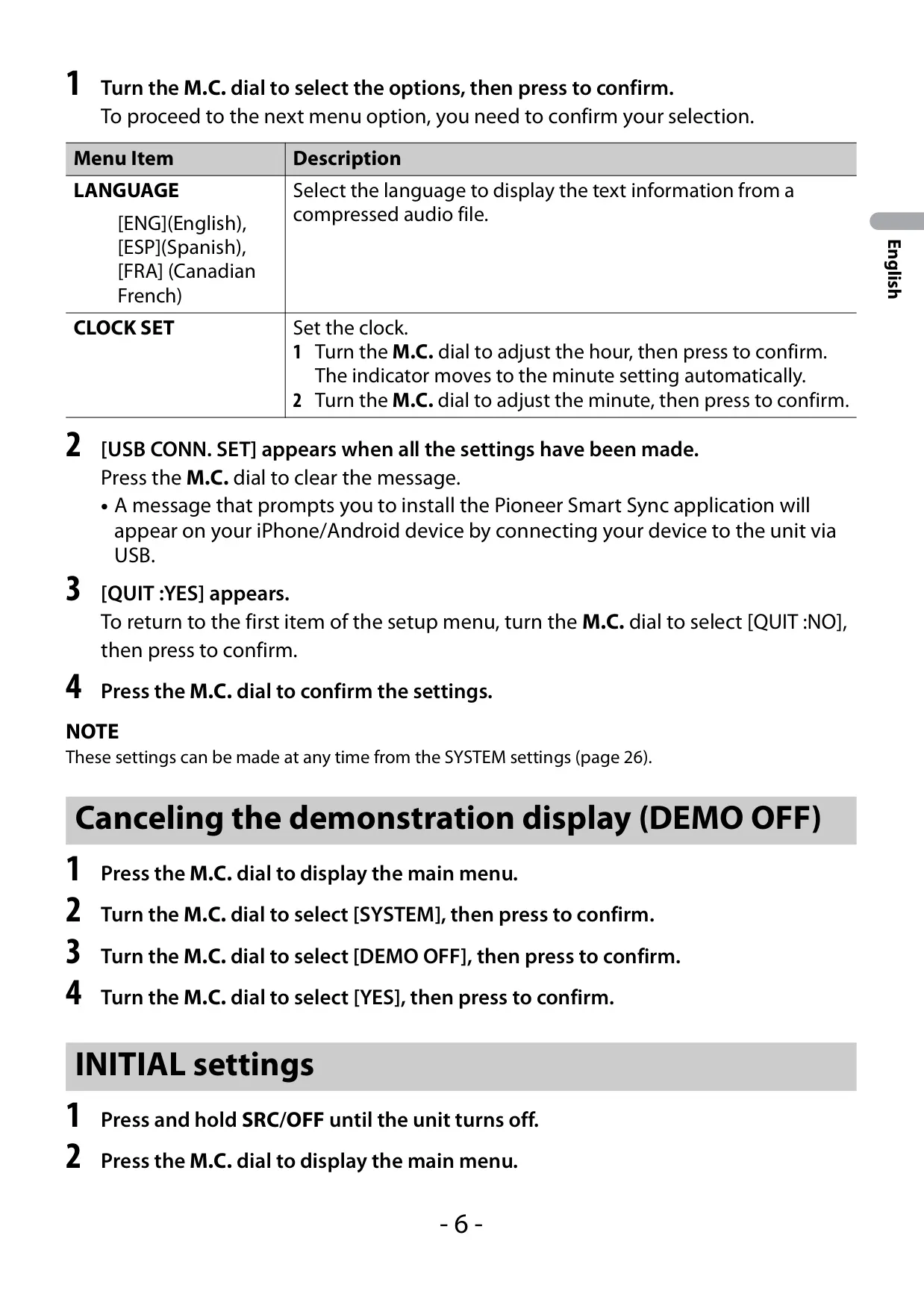
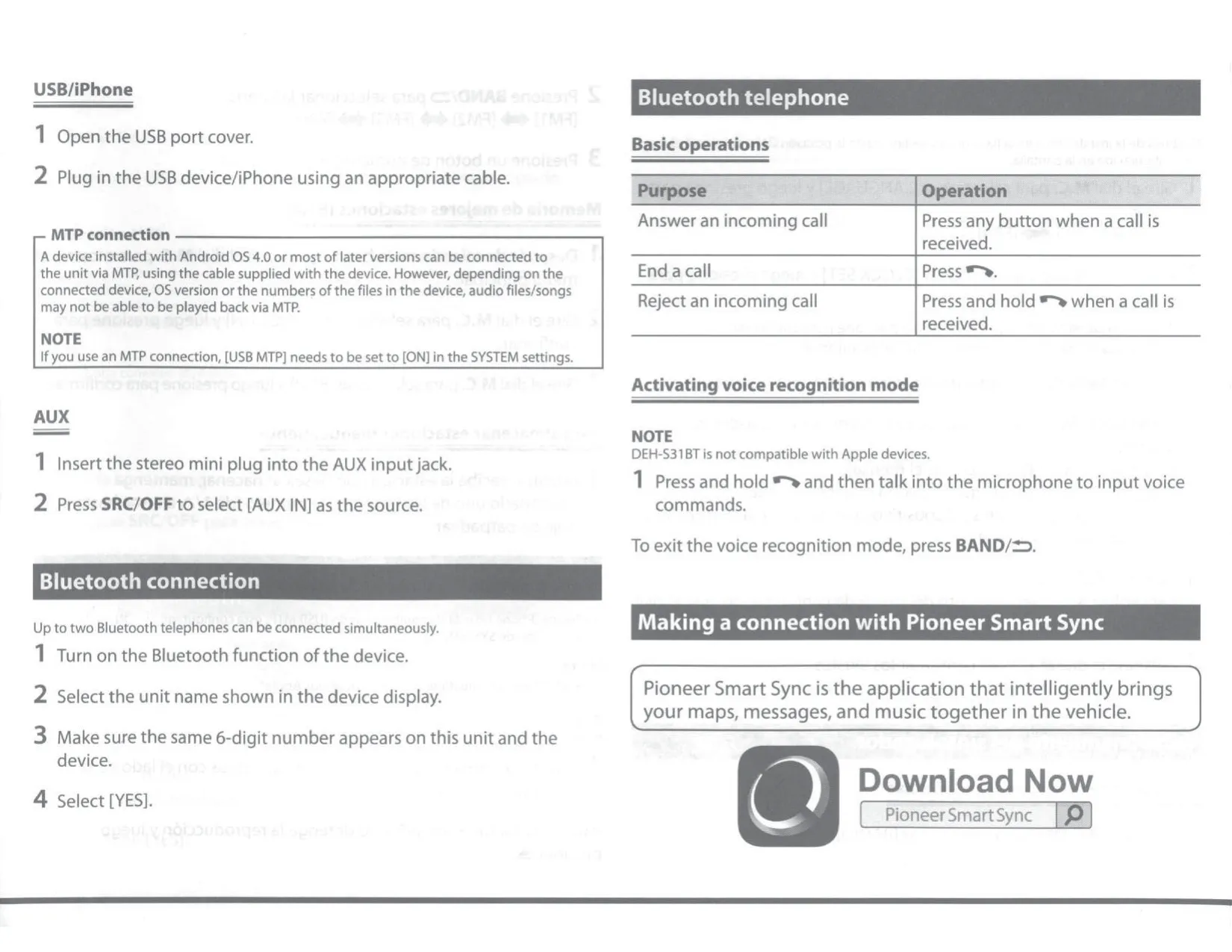
The Pioneer DEH-S5100BT is a single-DIN CD receiver made for drivers who want detailed sound tuning and smartphone control in one unit. A setup menu appears the first time the ignition is turned on, so you can pick the display language and set the clock. The front panel detaches to prevent theft, and a supplied screw can lock it in place. If the unit behaves strangely, press the recessed RESET button with a pointed tool longer than 8 mm to reset the microprocessor.
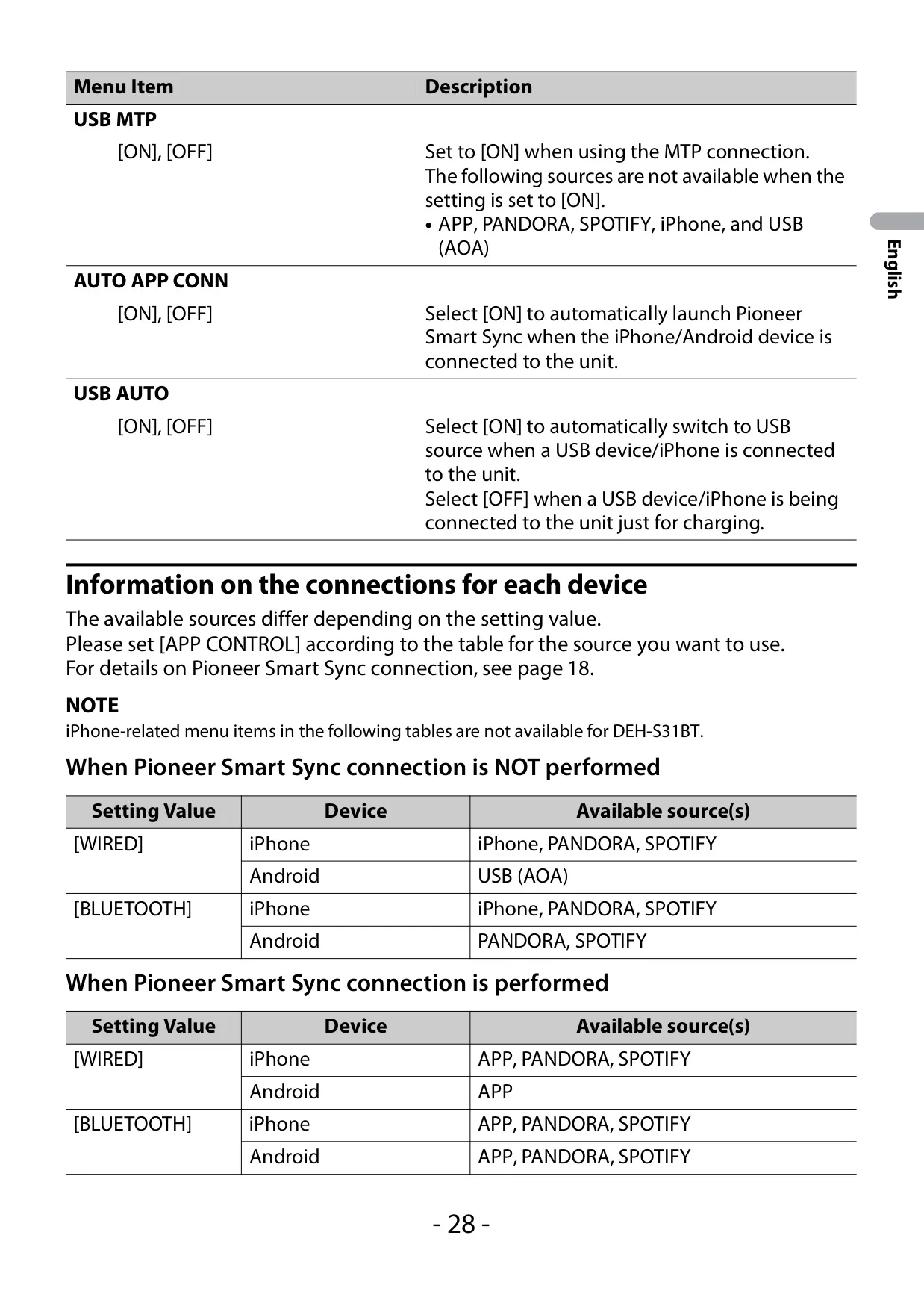
Most features expand when you connect the free Pioneer Smart Sync app. It can start navigation apps, read incoming messages aloud, change the illumination theme and wallpaper, and unlock Super "Todoroki" Sound, a stronger bass boost. Easy Sound Fit sets time alignment from your vehicle type. If you turn on AUTO APP CONN, the app launches automatically whenever your phone connects by USB or Bluetooth. The APP CONTROL setting chooses whether the app link uses a cable or Bluetooth.
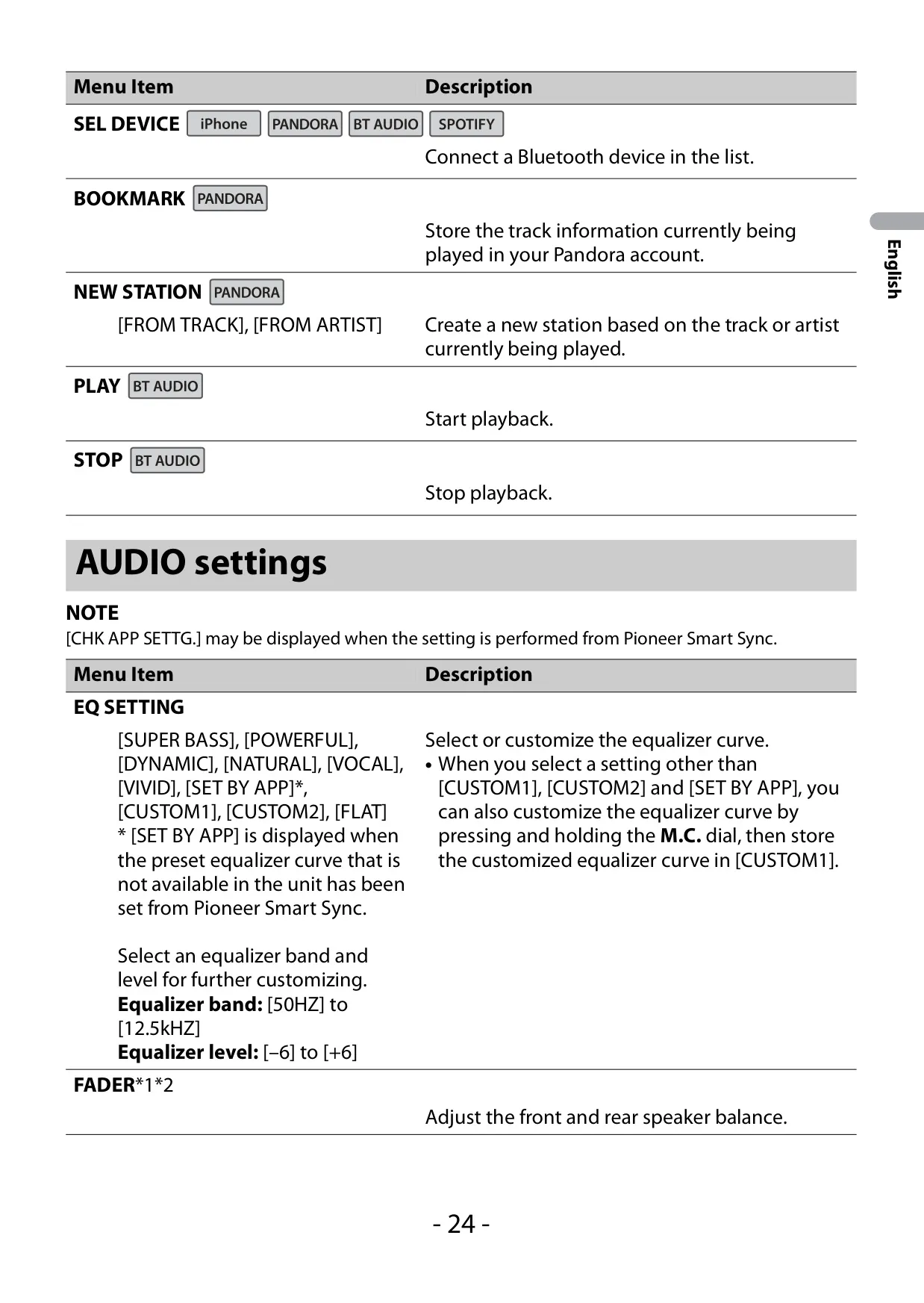
Several tools help with sound tuning. POSITION adjusts levels and delays for the driver, the passenger, the front seats or every seat. D.BASS adds deep bass even without a subwoofer, and LOUDNESS keeps music full at low volume. SLA matches volume between sources, and S.RTRV (Sound Retriever) improves compressed files. With SAVE SETTINGS and LOAD SETTINGS, you can store crossover, EQ, time alignment and speaker levels, then restore them later.
For hands-free calls, the receiver supports call history, phone book access, six preset numbers and automatic answering. Private mode sends the call audio back to the handset, and you can switch between an active caller and one on hold. Press and hold the phone button to start voice recognition, which works with Siri and Android assistants. With multiple devices paired, passengers can take turns playing music over Bluetooth, and up to five devices can be registered.
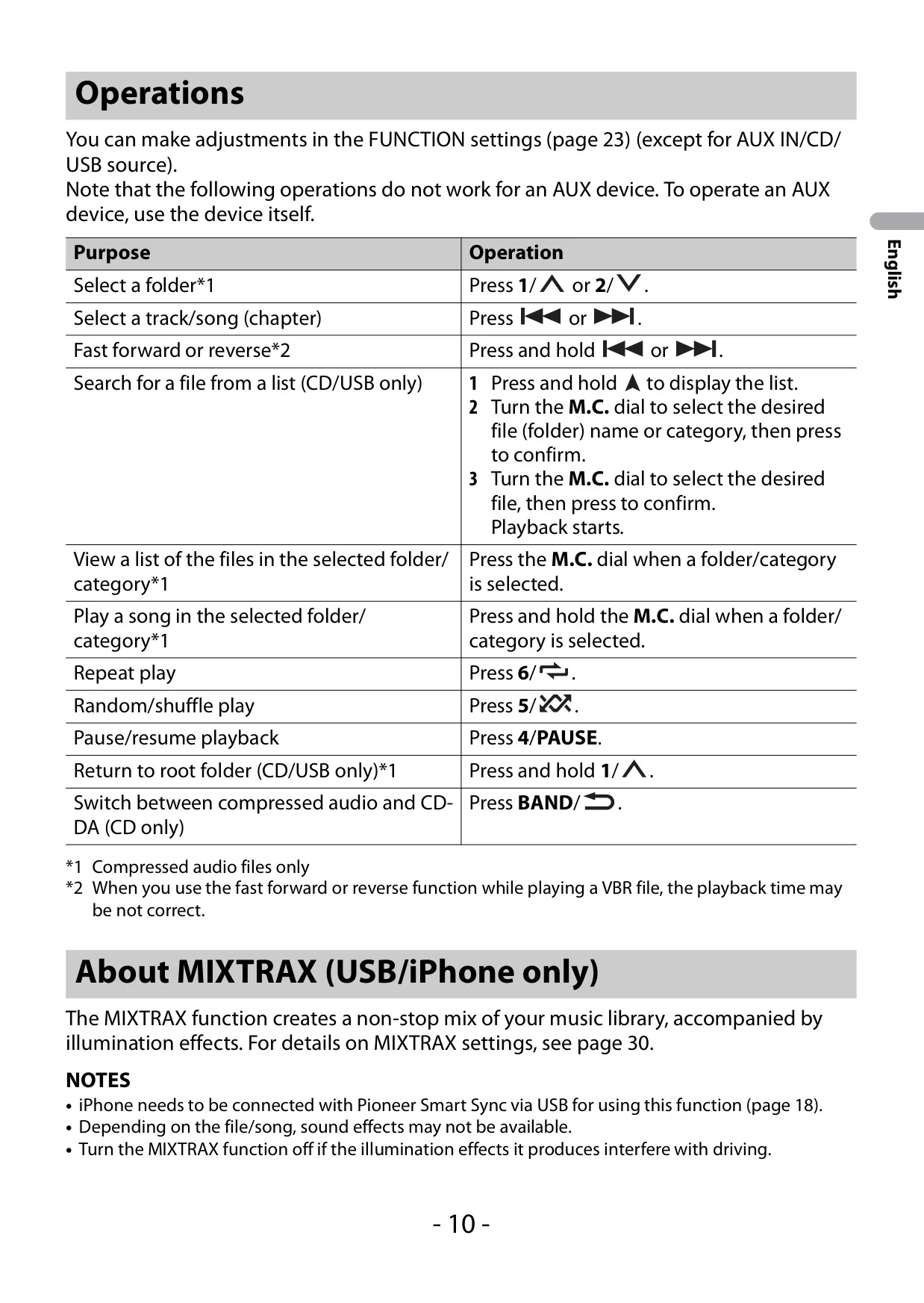
MIXTRAX turns a USB or iPhone music library into a non-stop mix, with playback lengths from 1.0 to 3.0 minutes. On this model, the light show can follow sound level or bass, using six Sound Level patterns, six Low Pass patterns or three random modes. PHONE COLOR flashes the keys during incoming calls. DIM SETTING can link brightness to the vehicle's lights or the clock.
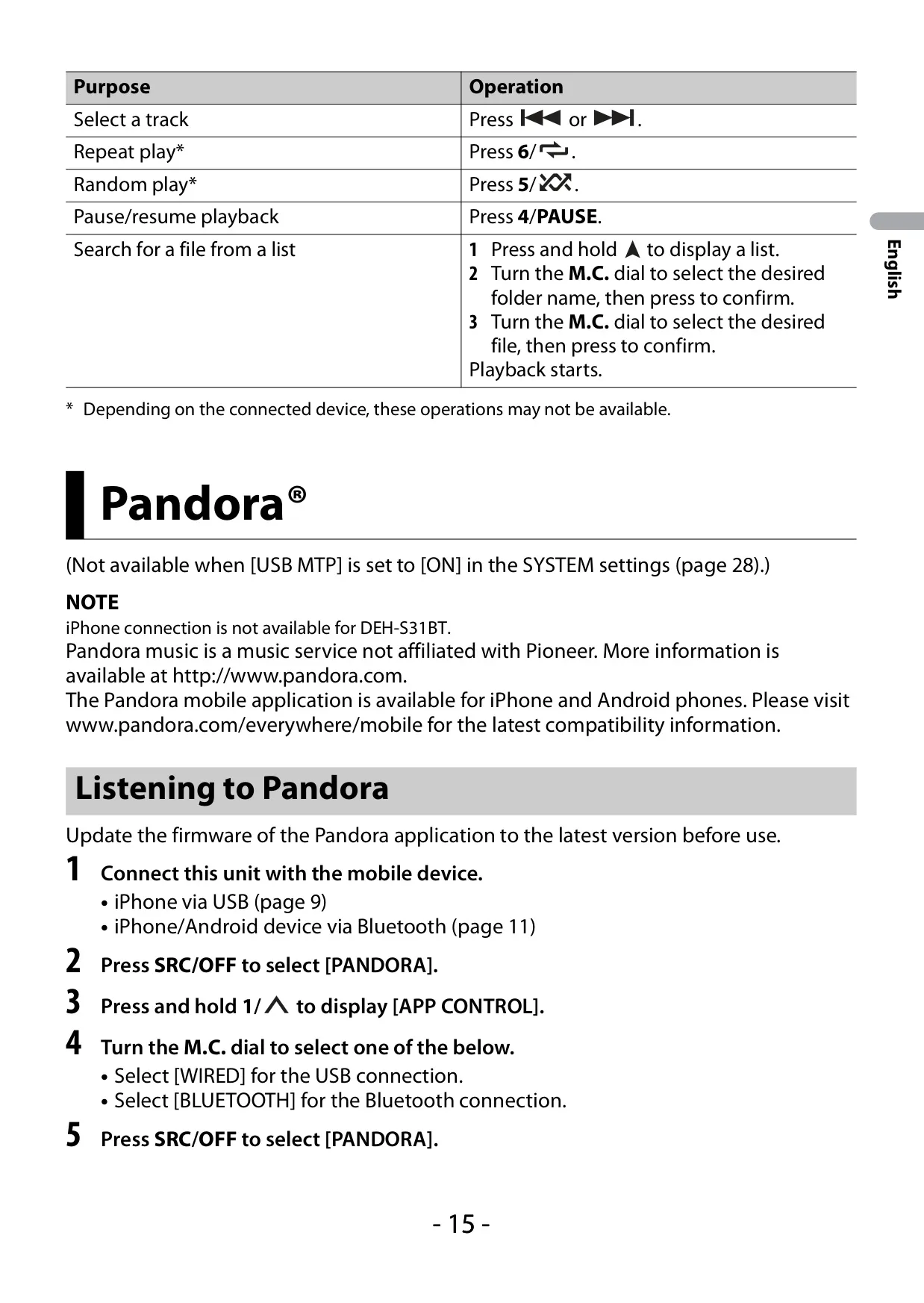
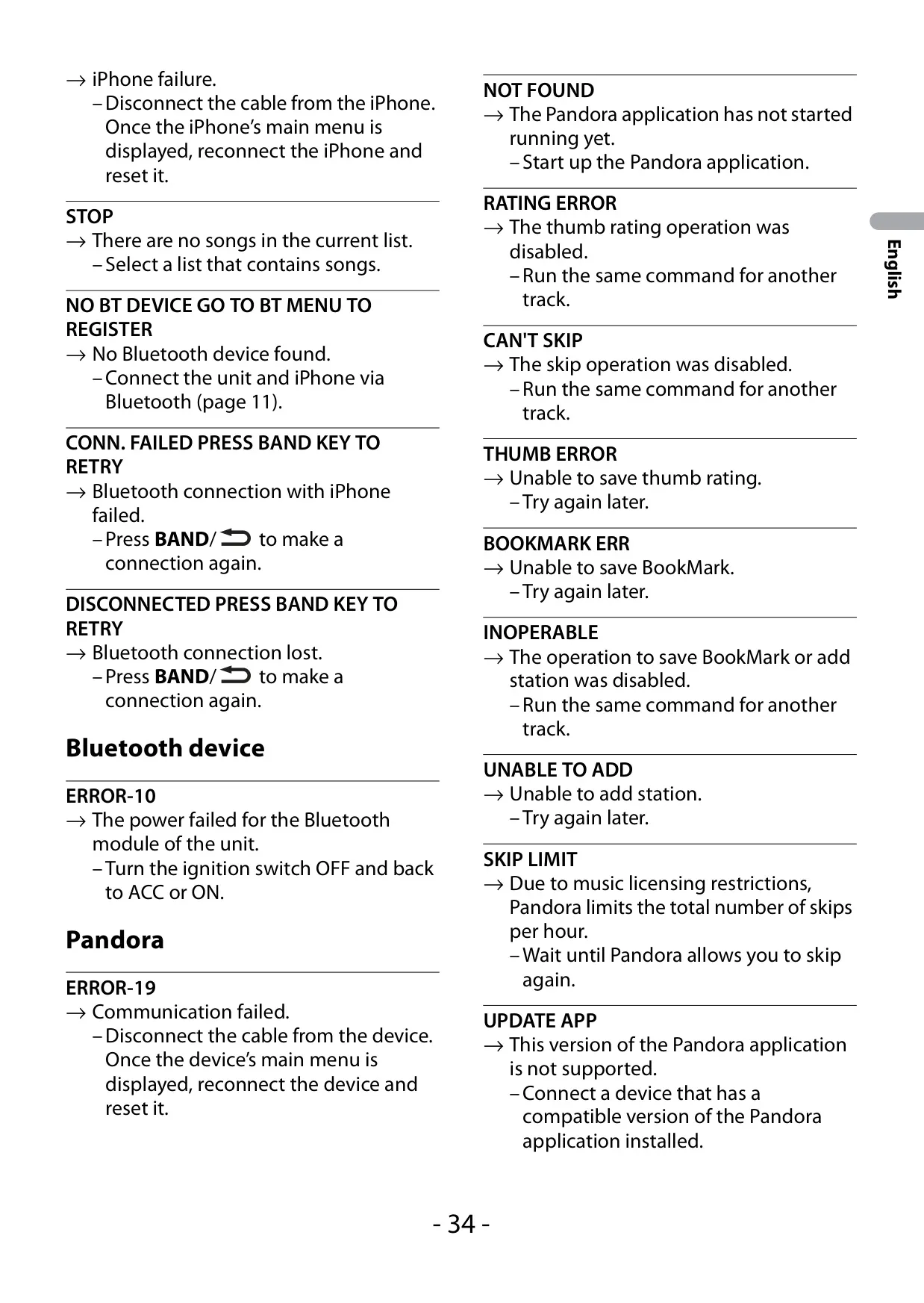
From the head unit, you can control Pandora and Spotify. For Pandora, you can give thumbs up or down, bookmark tracks and create stations. For Spotify, you can save tracks and start a radio from the current song. The INITIAL menu sets the rear and RCA outputs for full-range speakers or subwoofers. It also shows system information, runs firmware updates and performs a full system reset. For installation, Pioneer recommends mounting the unit at less than 60° and connecting the ground wire first.
Frequently Asked Questions (FAQs)
Can't find the answer you need? Here are some frequently asked questions about the Pioneer DEH-S5100BT Audio Receiver, and we answer them below.