Siemens RDJ10RF Thermostat Instruction Manual
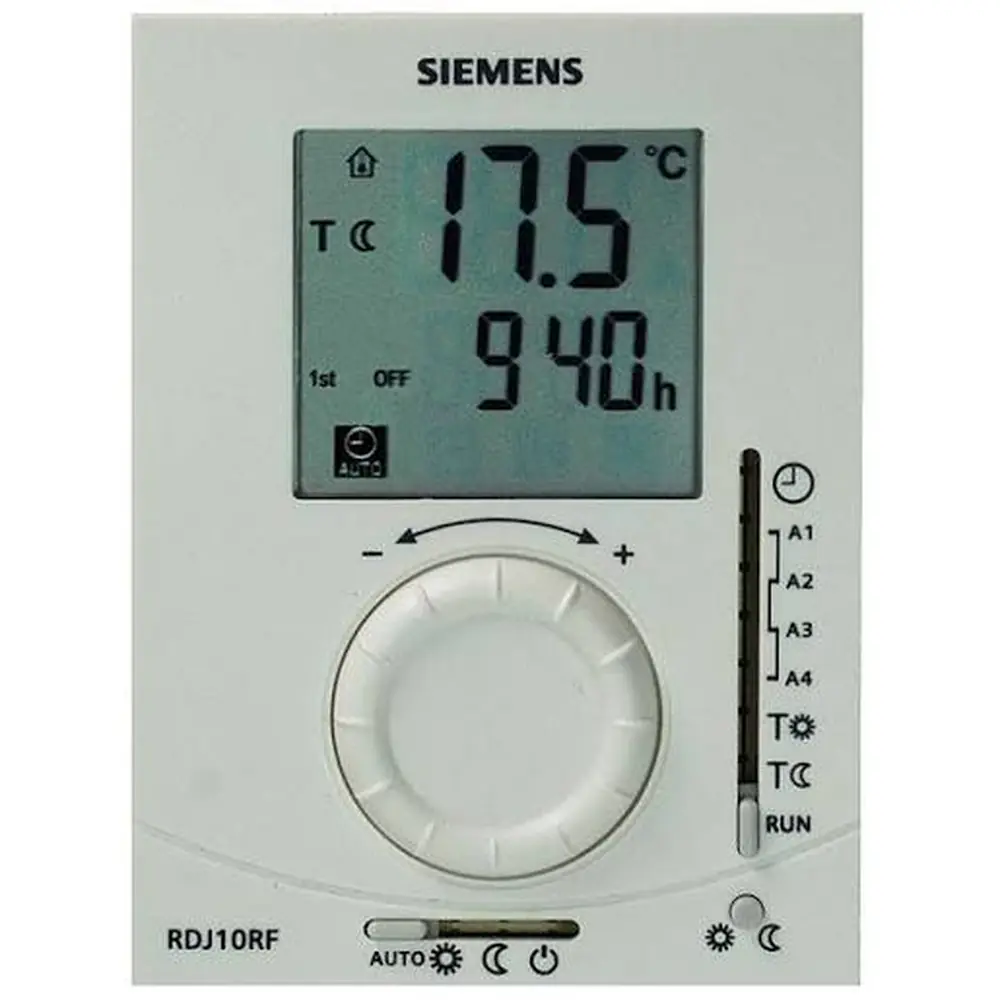
Siemens RDJ10RF Thermostat




Siemens RDJ10RF Thermostat Instructions
Here we offer the Siemens RDJ10RF Thermostat manual completely free and in English. We have cataloged this manual in the Thermostats section on Manualverse, and it has been rated by 1 users with an average rating of 5. If you have any specific questions about Siemens RDJ10RF Thermostat, we suggest checking the Frequently Asked Questions (FAQs) section of this manual.
Product Images


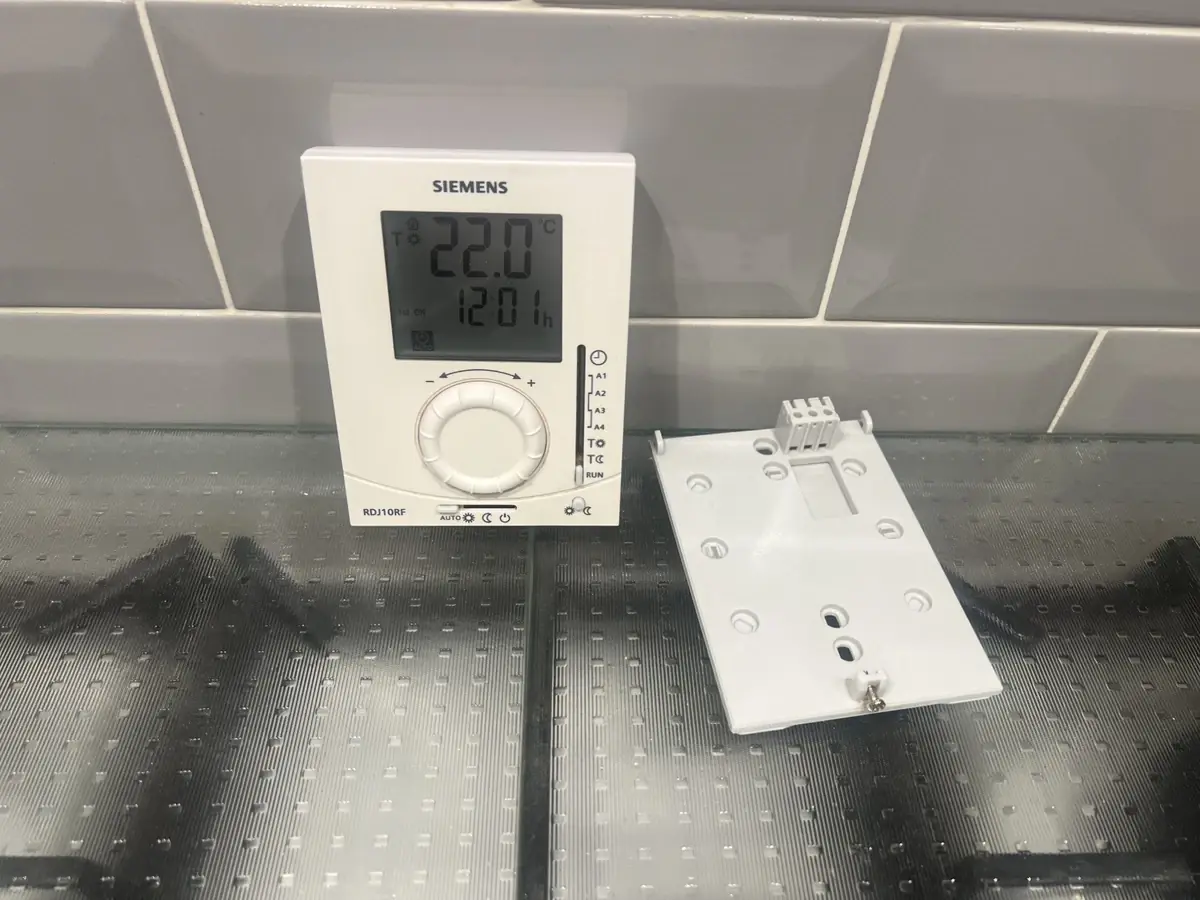
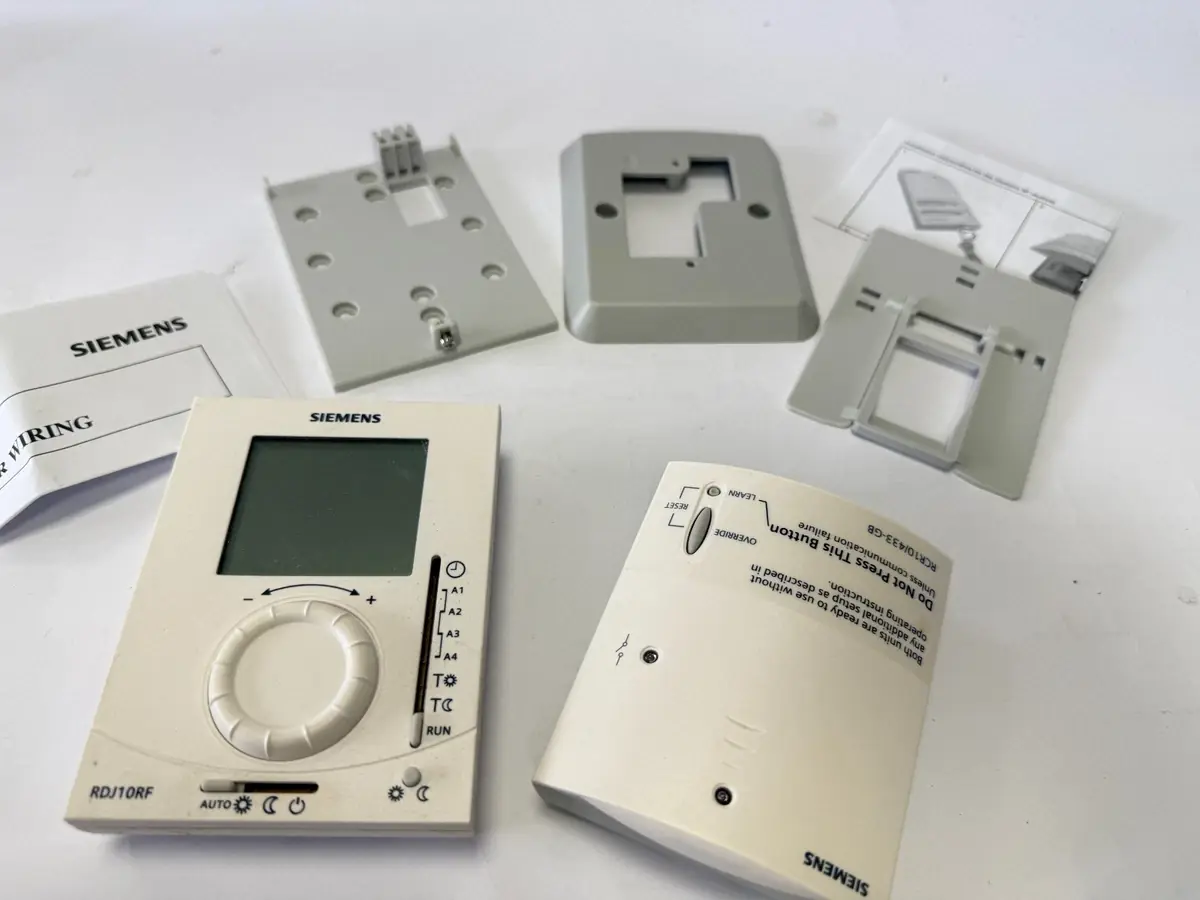
Siemens RDJ10RF Thermostat Specifications
| Feature | Specification |
|---|---|
| Product Model | RDJ10RF/SET (RDJ10RF wireless temperature controller + RCR10/433 receiver) |
| Power Supply | 2 x AA 1.5V alkaline batteries (for RDJ10RF transmitter) |
| Frost Protection | 5 °C fixed setpoint |
| Operating Modes | Automatic, Comfort (ON), Energy Saving (OFF), Frost Protection |
| Temperature Control | Ergonomic setting knob for setpoint adjustment |
| Display Indicators | Actual room temp, Heat demand, Low battery, Frost/Energy/Comfort/Auto modes, Setpoint changed |
| Wireless Frequency | 433 MHz (implied by RCR10/433 receiver model) |
| User Interface | Programming selector (positions for clock, ON/OFF times, comfort/energy-saving temp, RUN), Operating mode selector (Auto, ON, OFF, Frost), Advance button, Learn button, Test button |
| Receiver Indicators | Orange LED (Relay ON), Solid Green LED (Good RF signal), Solid Red LED (No RF signal) |
| Receiver Controls | OVERRIDE button, LEARN button, RESET function (LEARN & OVERRIDE for 4s) |
| Document Version | CE1B3072en / 03.03.2013 |
Siemens RDJ10RF Thermostat Details
The Siemens RDJ10RF thermostat offers versatile operating modes to suit various needs. Users can select Automatic mode for adherence to programmed schedules, Comfort mode for continuous heating to a preferred setpoint, or Energy Saving mode to maintain a lower, energy-efficient temperature. For protection against freezing pipes, a dedicated Frost Protection mode ensures the temperature never drops below 5°C. The central ergonomic setting knob facilitates intuitive adjustment of desired room temperatures, making daily interaction straightforward.
Beyond basic operation, the RDJ10RF allows for detailed programming to optimize comfort and energy use. Users can easily set the current time using the programming selector. Furthermore, the thermostat supports the scheduling of specific "ON" and "OFF" times, designated as A1, A2, A3, and A4. This enables the creation of a daily heating schedule with up to two distinct comfort periods. The programming selector also provides dedicated positions for setting both the comfort and energy saving temperature setpoints.
For immediate adjustments, the Advance button provides a quick override, switching the operating mode between comfort and energy-saving until the next programmed event. Should a temporary temperature adjustment be required outside of the schedule, a slight turn of the setting knob allows for a temporary setpoint change in Automatic mode, indicated by a helpful hand symbol on the display. The display also clearly communicates vital information, including actual room temperature, a "demand for heat" indicator, and a "replace batteries" warning.
The RDJ10RF system includes the RCR10/433 receiver, which acts as the crucial link to the heating system. This receiver provides clear status feedback through its LED indicators: an orange LED signals when the relay is active and calling for heat, while a solid green LED confirms a strong wireless signal from the thermostat. A solid red LED, conversely, indicates a loss of communication. The receiver also features an OVERRIDE button, enabling manual control of the heating output for 15 minutes, independently of the thermostat's signal.
While the RDJ10RF and RCR10/433 units are factory-bonded for immediate use, the manual provides clear instructions for re-establishing communication if necessary, involving a simple learn process initiated by dedicated buttons on both units. A TEST button on the transmitter allows for verification of successful wireless transmission. Routine maintenance is straightforward, requiring two AA 1.5V alkaline batteries, with a reminder to check programmed values after replacement. Adhering to simple energy-saving tips, such as not exceeding 21°C, can further enhance efficiency.
Frequently Asked Questions (FAQs)
Can't find the answer you need? Here are some frequently asked questions about the Siemens RDJ10RF Thermostat, and we answer them below.