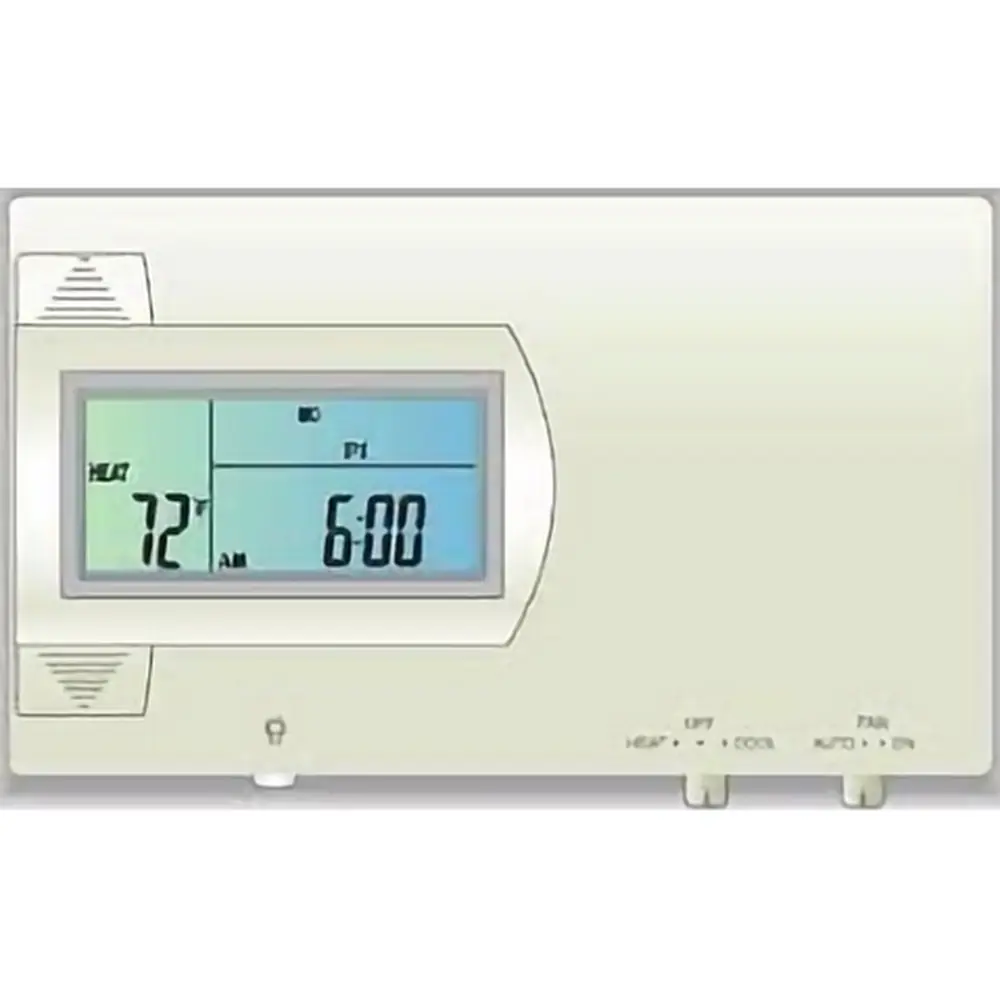
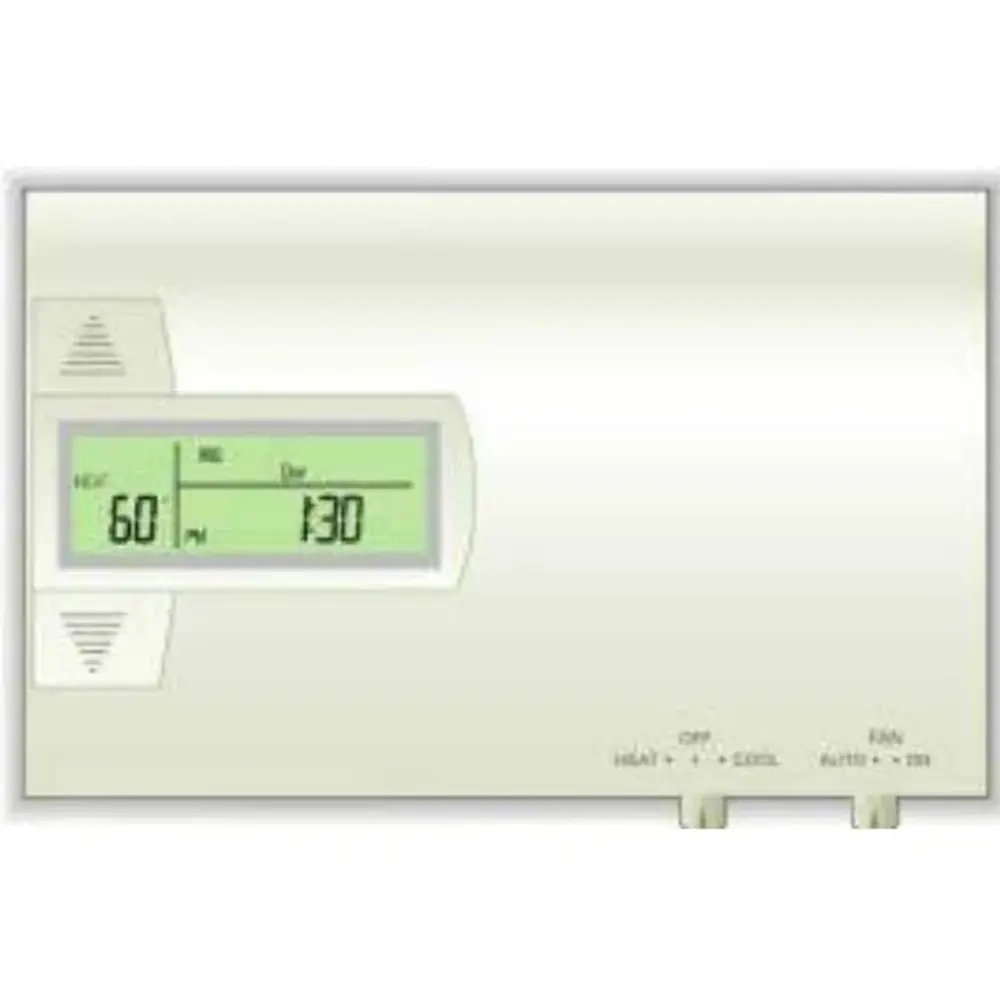
Ritetemp 8022c Thermostat Instruction Manual
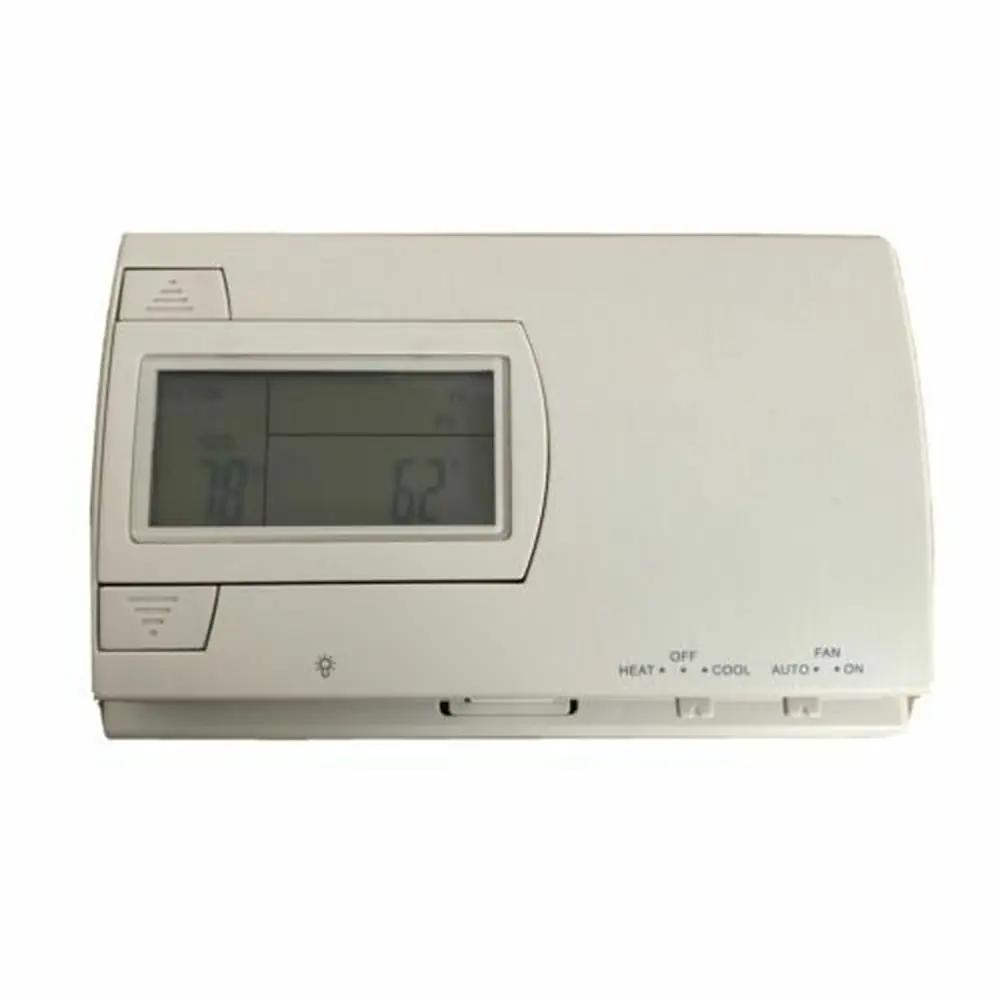
Ritetemp 8022c Thermostat
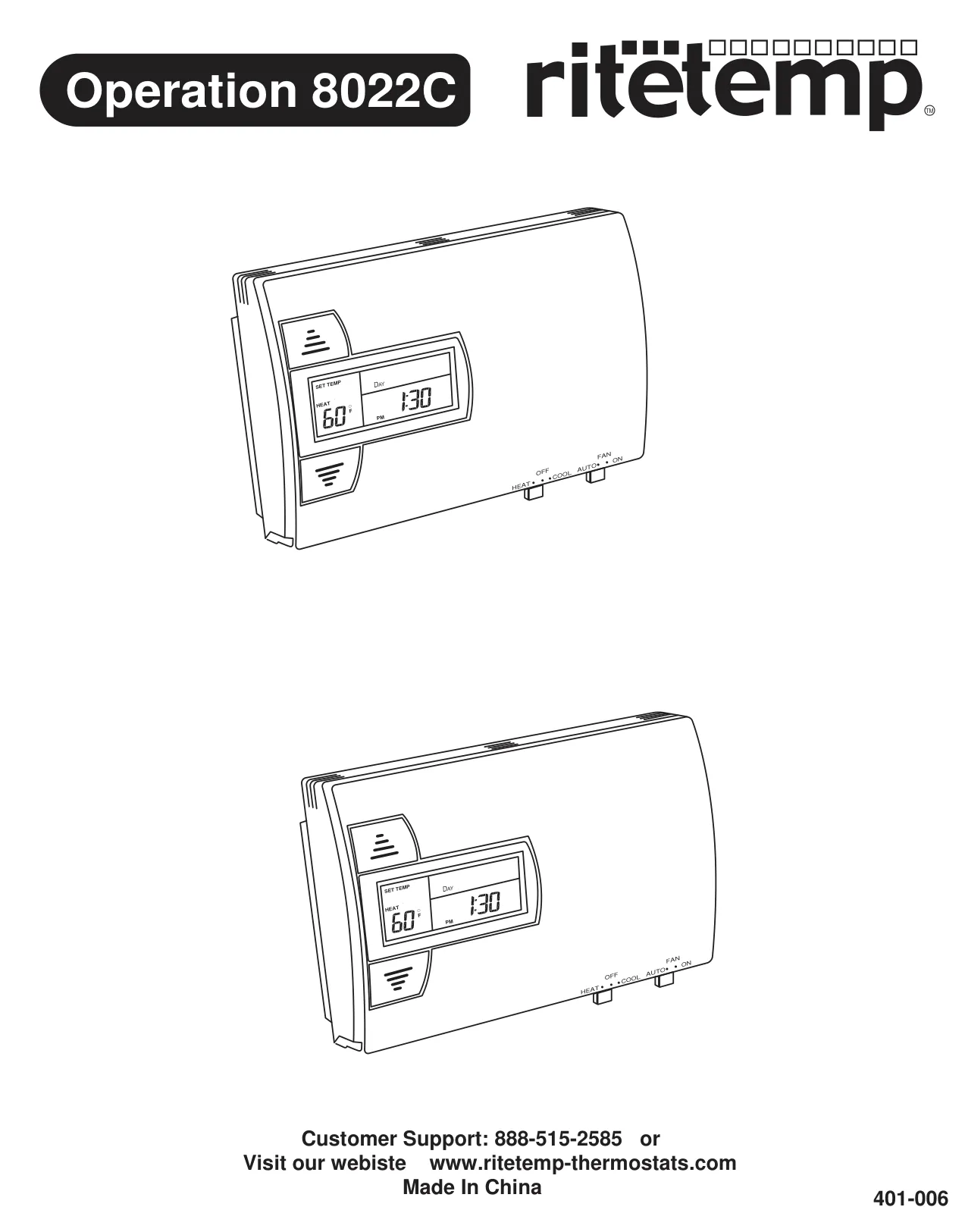



Ritetemp 8022c Thermostat
Ritetemp 8022c Thermostat Instructions
Here we offer the Ritetemp 8022c Thermostat manual completely free and in English. We have cataloged this manual in the Thermostats section on Manualverse, and it has been rated by 1 users with an average rating of 5. If you have any specific questions about Ritetemp 8022c Thermostat, we suggest checking the Frequently Asked Questions (FAQs) section of this manual.
Product Images
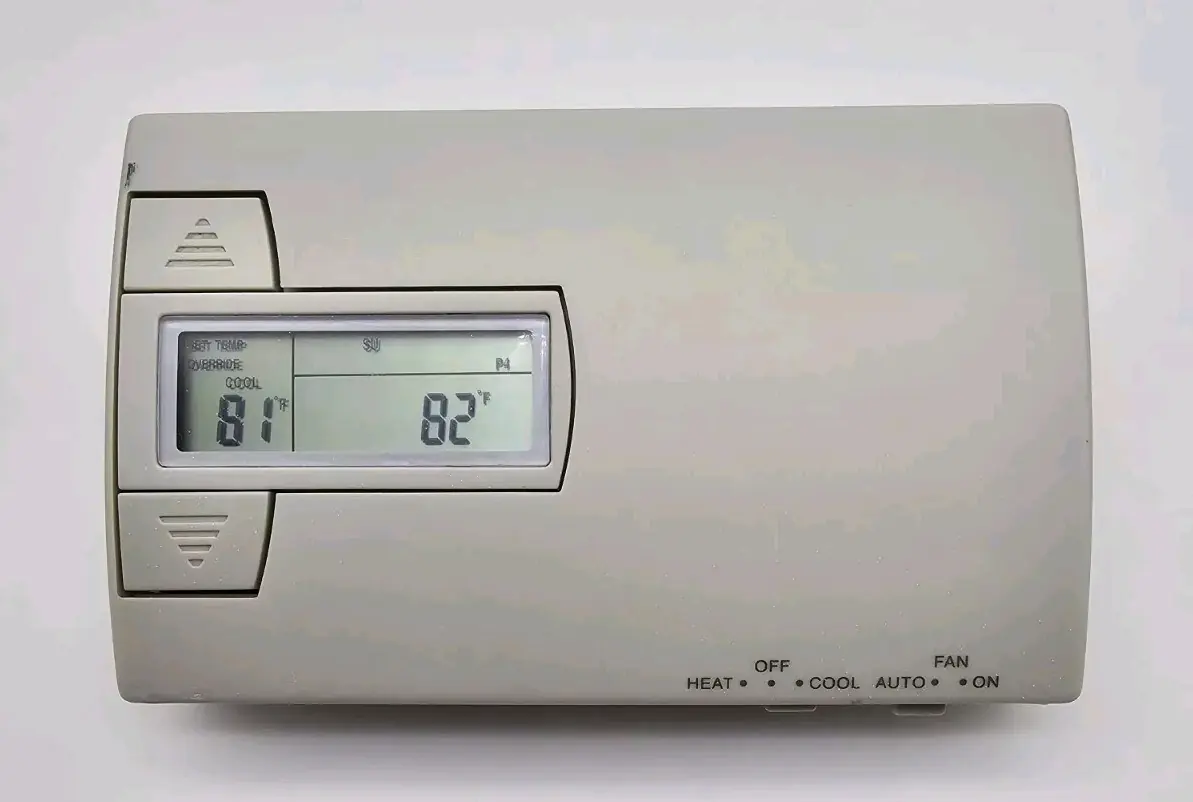
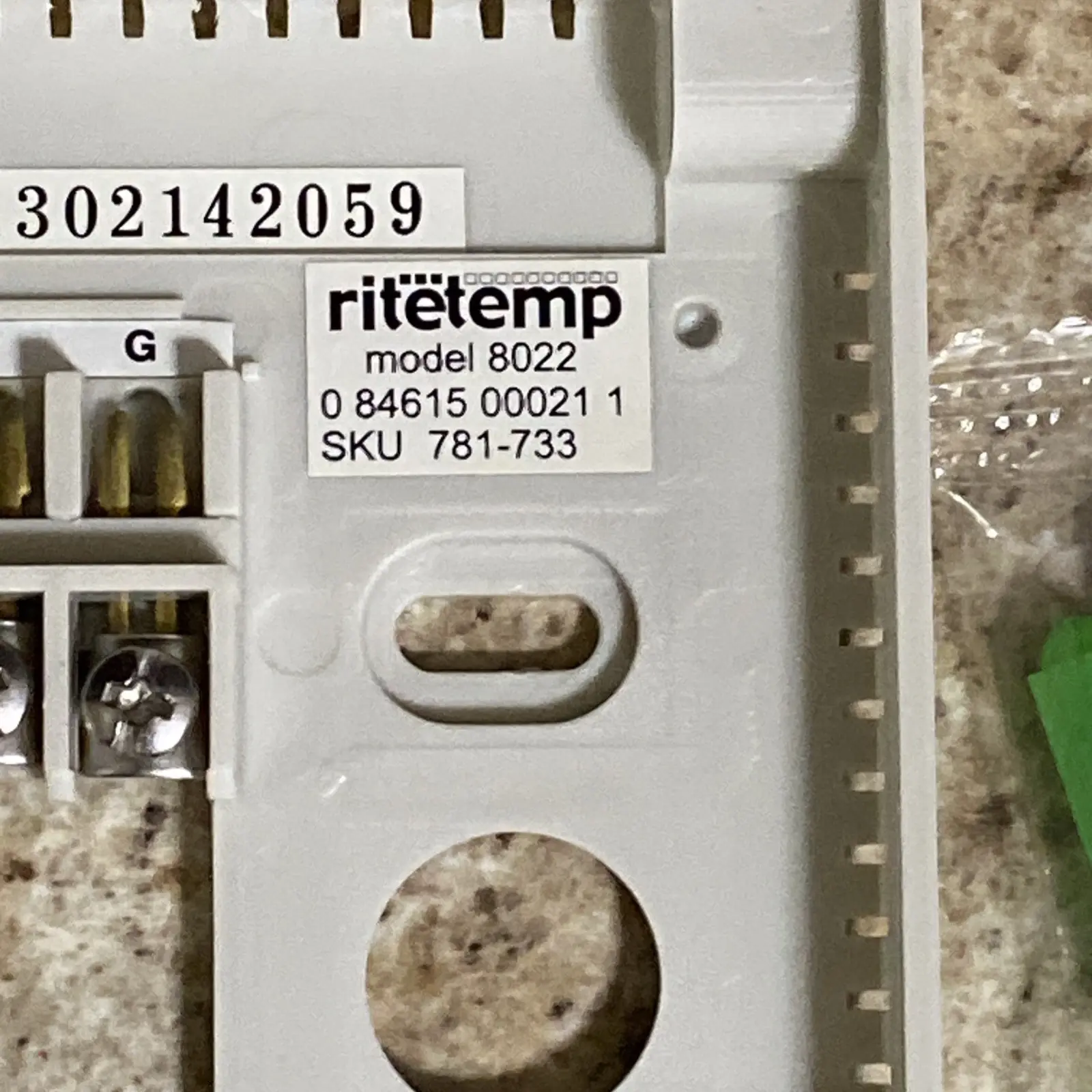
Ritetemp 8022c Thermostat Specifications
| Feature | Specification |
|---|---|
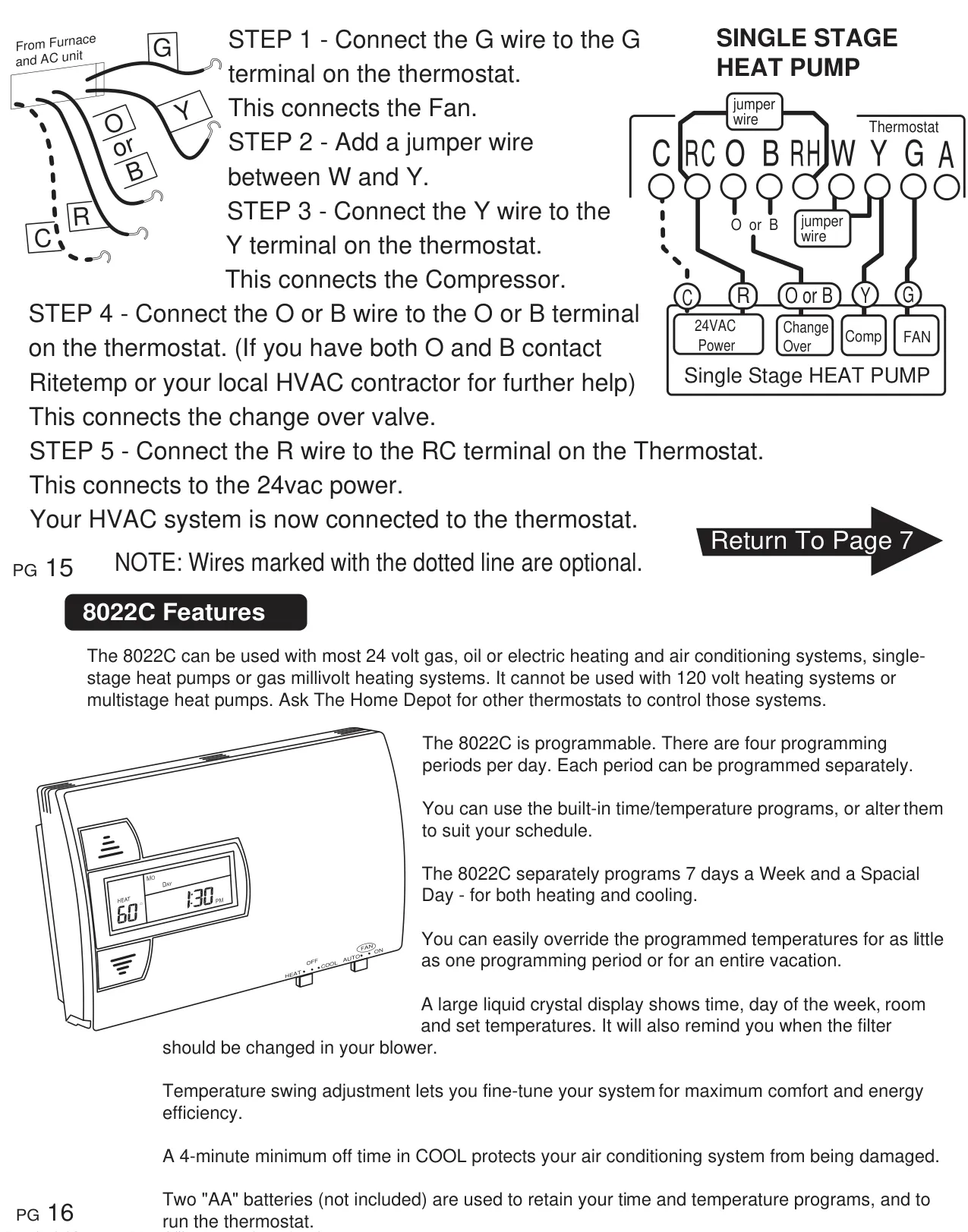
| Compatibility | Most 24-volt gas, oil, or electric heating and AC systems; single-stage heat pumps; gas millivolt heating systems. Not compatible with 120-volt heating systems or multistage heat pumps. |
| Power Source | 2 AA alkaline batteries (not included); optional 24VAC (C-wire connection) for extended battery life. |
| Temperature Range (Control) | Heat: 40-90°F (4-32°C); Cool: 50-99°F (10-37°C) |
| Temperature Accuracy | Factory calibrated to +/- 1°F; user-adjustable calibration. |
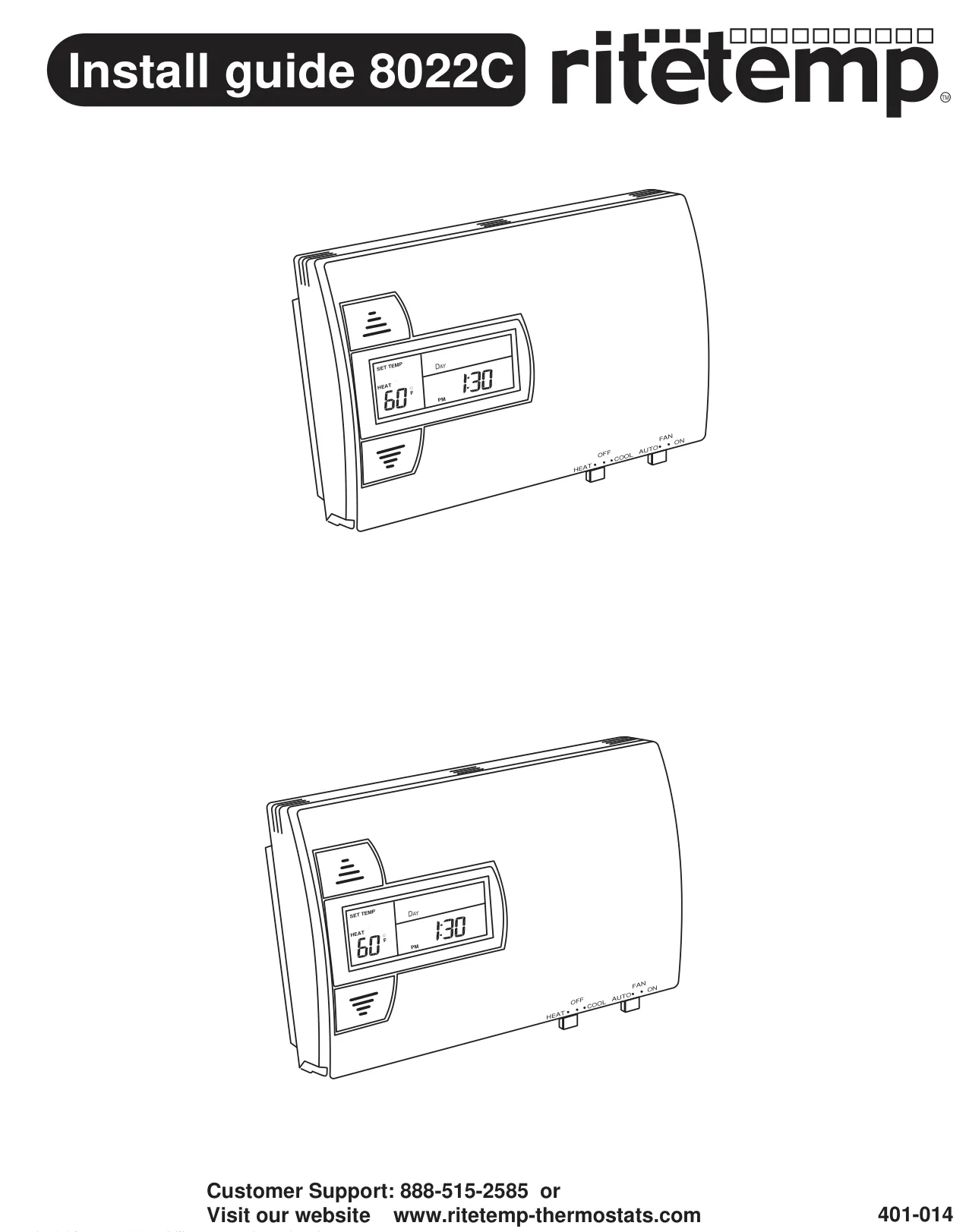
| Temperature Display | Fahrenheit (F) / Celsius (C) selectable via jumper. |
| Time Display | 12-hour / 24-hour format selectable via jumper. |
| Programming | 7-day programmable; 4 time periods (P1, P2, P3, P4) per day; Special Day Program (SDP). |
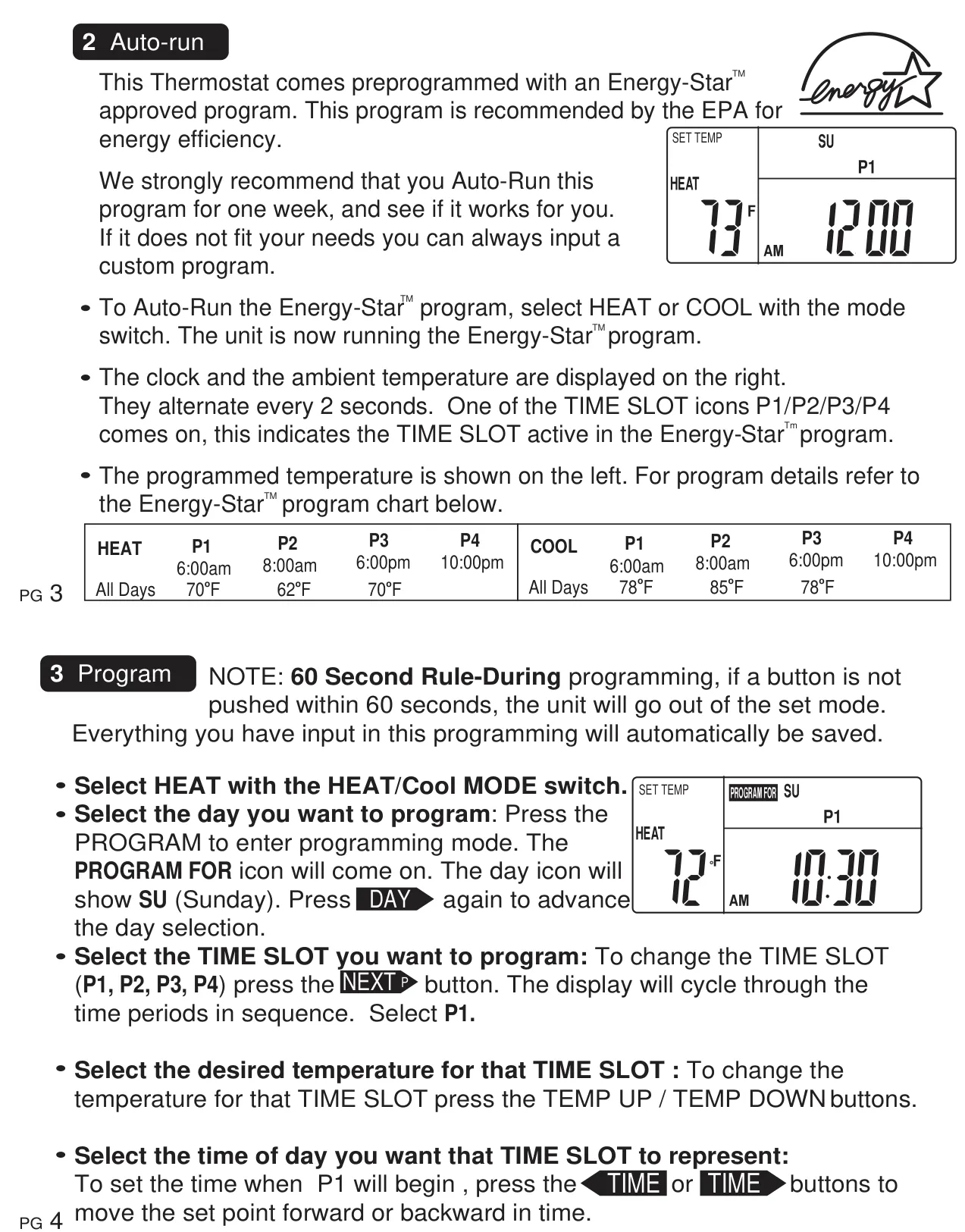
| Default Program | Energy-Star™ approved program (EPA recommended). |
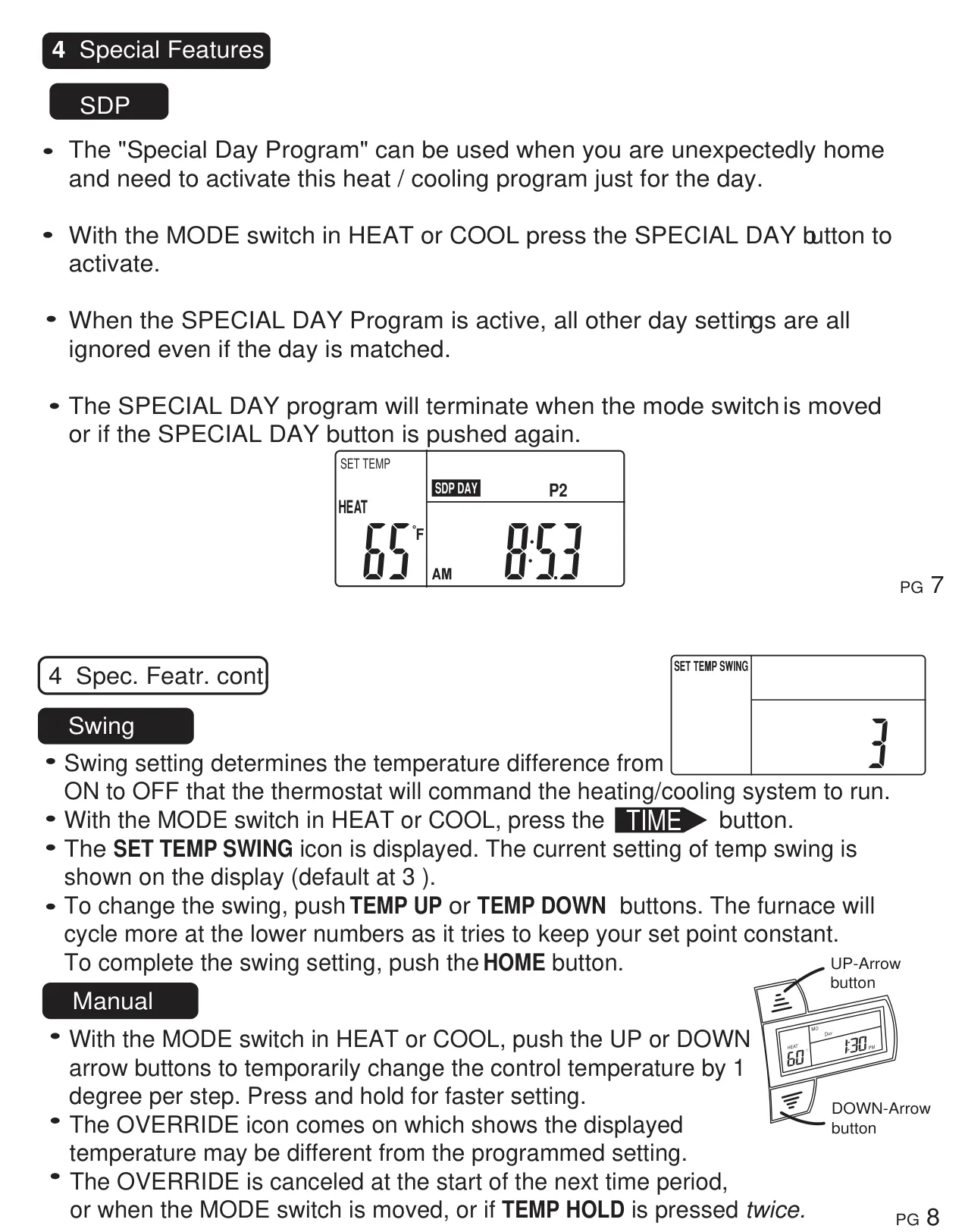
| Temperature Swing Setting | Adjustable (default: 3). |
| Cooling Minimum Off Time | 4 minutes (system protection). |
| Filter Monitor | Tracks furnace run time; adjustable filter limit (000-500 hours). |
| Battery Life | Well over 1 year; 30-second window for battery replacement without losing custom settings. |
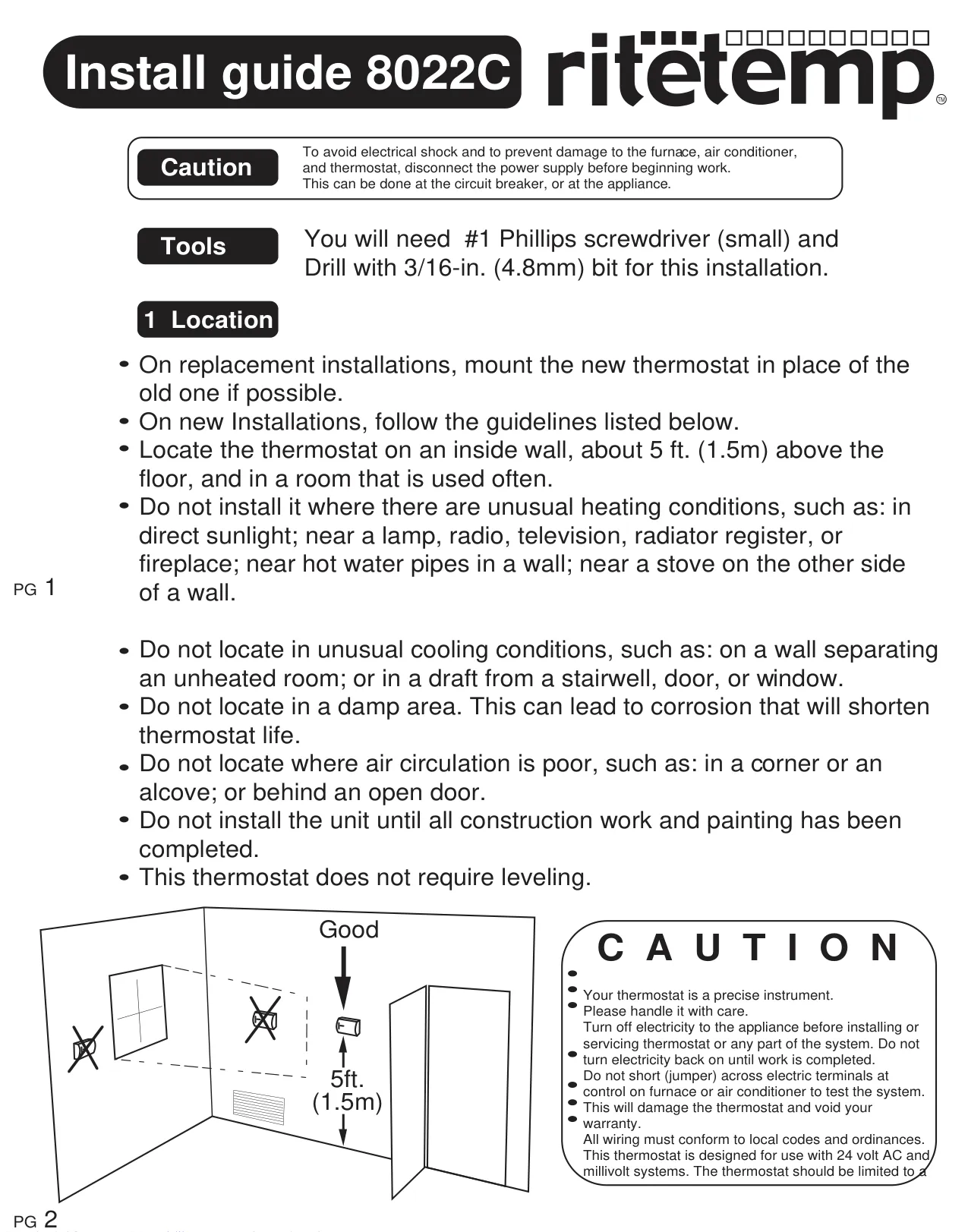
| Mounting Height | Approximately 5 ft. (1.5m) above the floor. |
| Required Drill Bit (Anchors) | 3/16-inch (4.8mm). |
| Wire Strip Length | 3/8-inch (9.5mm). |
| Customer Support | 888-515-2585; www.ritetemp-thermostats.com |
| Manufacturing Origin | Made In China |
Ritetemp 8022c Thermostat Details
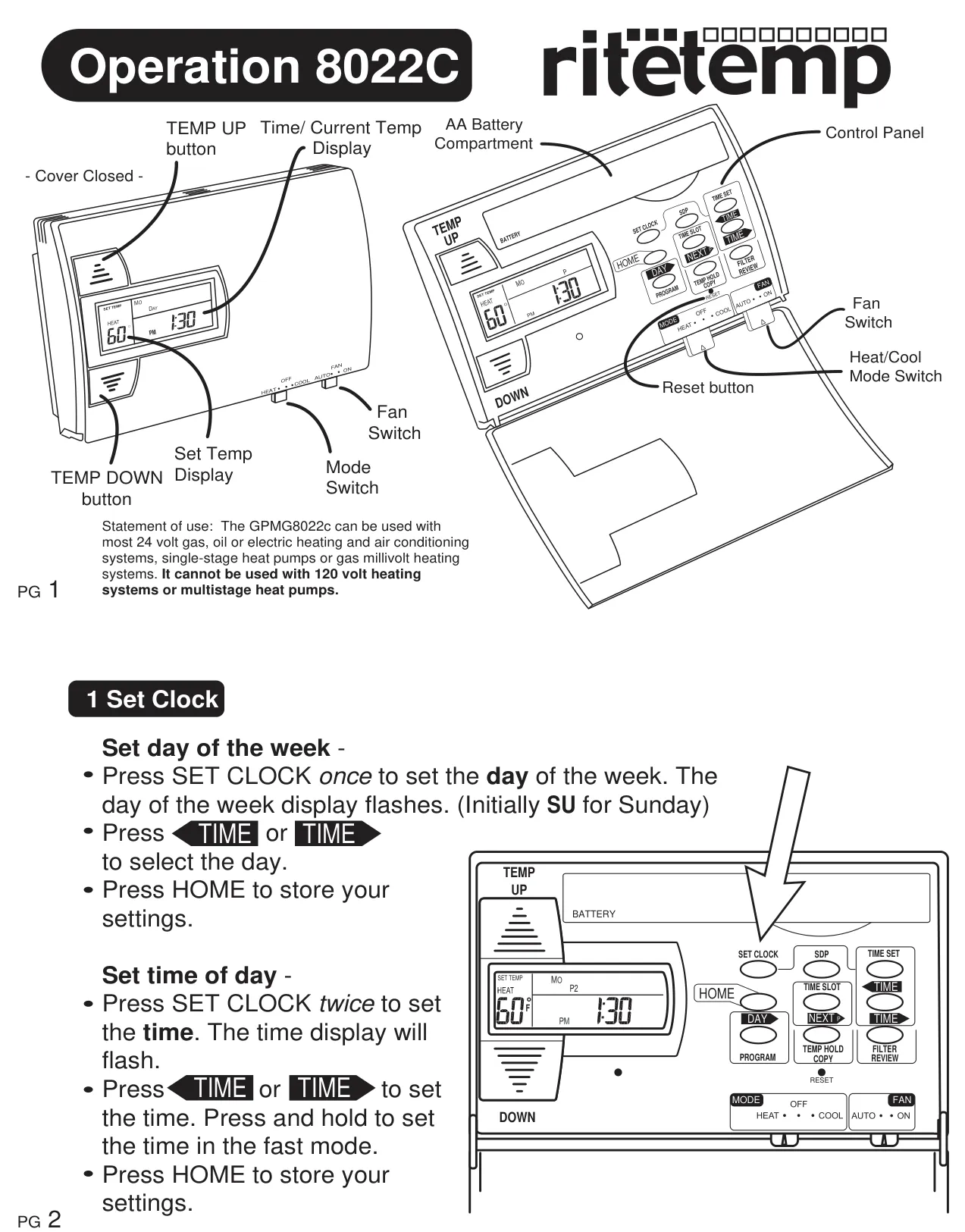
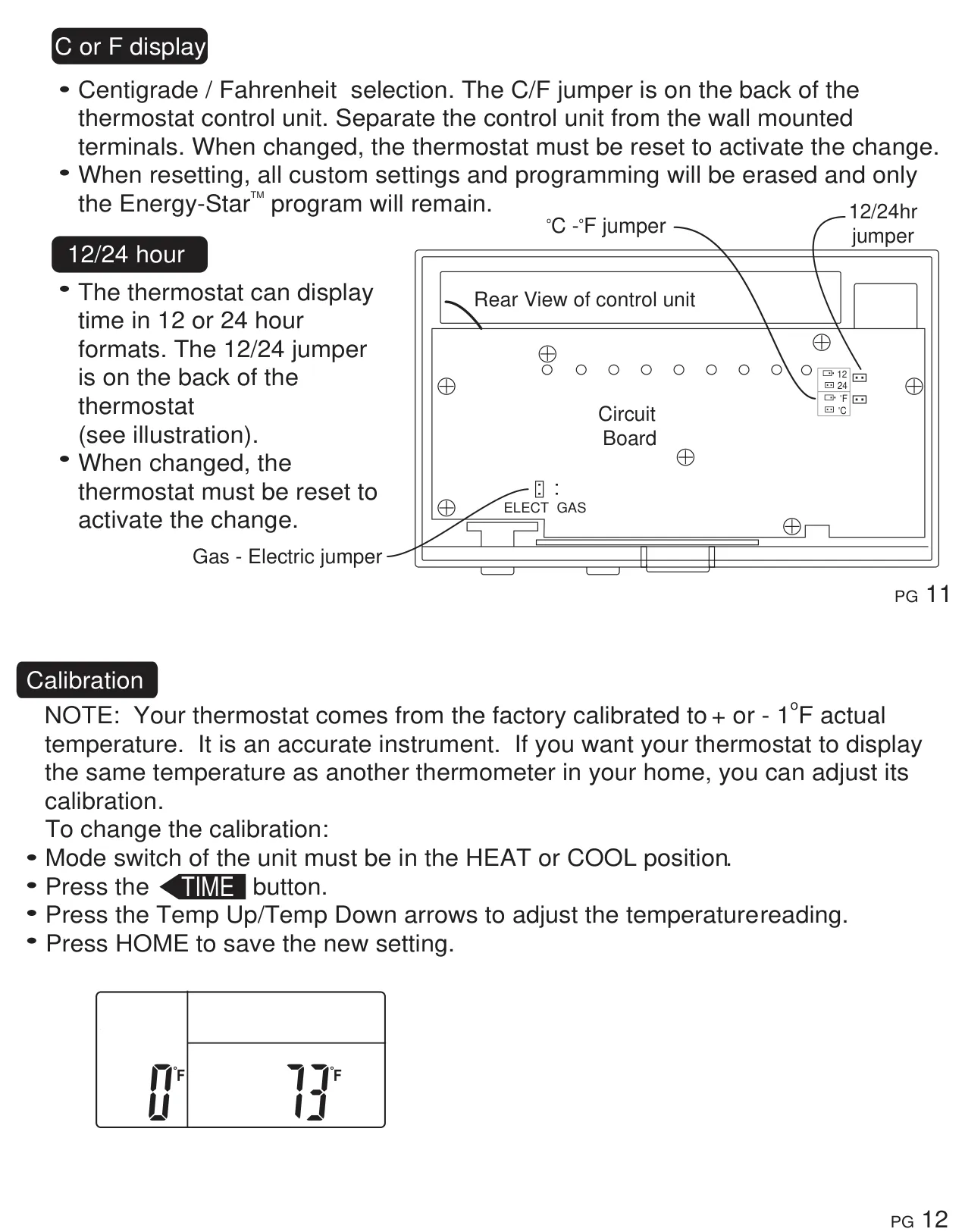
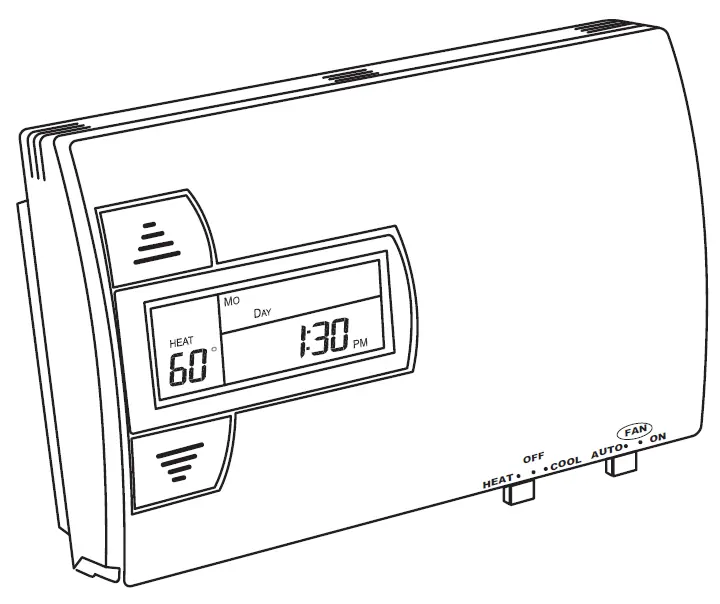
The Ritetemp 8022c Thermostat is designed for user-friendly climate control, featuring a large liquid crystal display (LCD) that continuously shows the current time, day of the week, ambient room temperature, and the set temperature. This clear display ensures that all critical information is visible at a glance, making it easy to monitor your home's climate settings. The control panel includes distinct buttons for temperature adjustment (TEMP UP/DOWN), clock settings (SET CLOCK), program management (PROGRAM, NEXT P), and special functions like FILTER and COPY, alongside a mode switch for HEAT/COOL/OFF and a FAN switch for AUTO/ON.
One of the thermostat's core capabilities is its versatile programming. It offers independent 7-day programming, allowing users to customize heating and cooling schedules for each day of the week. Each day can be divided into four distinct time periods (P1, P2, P3, P4), enabling precise temperature control tailored to daily routines. For added flexibility, the unit also includes a "Special Day Program" (SDP) that can be pre-configured and activated on demand, overriding the regular daily schedule when unexpected events, like a day off from work, occur.
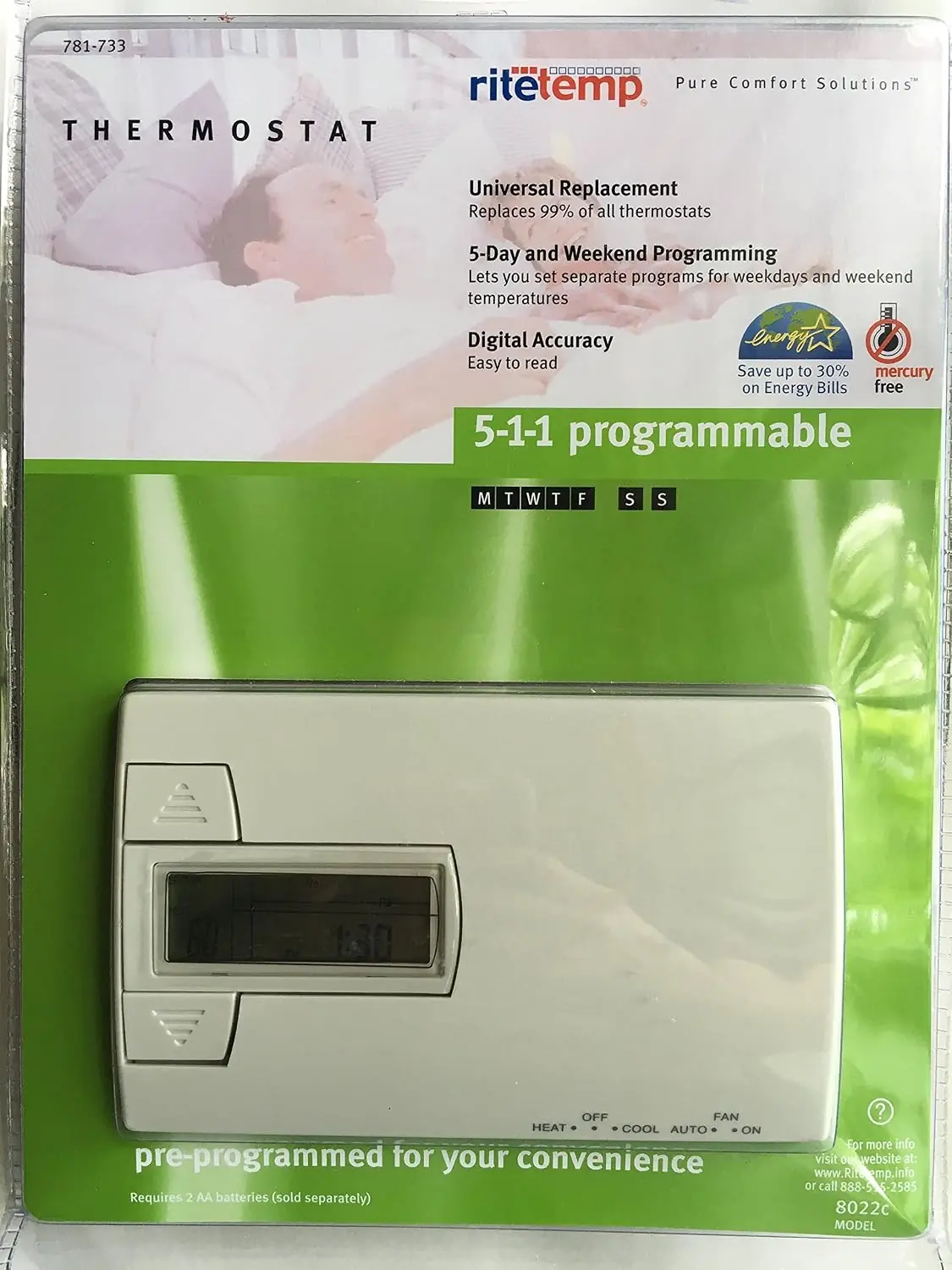
For those prioritizing energy efficiency, the Ritetemp 8022c comes with a pre-programmed, Energy-Star™ approved schedule, recommended by the EPA. Users can choose to "Auto-Run" this program for a week to assess its suitability before opting for custom programming. The programming process itself is safeguarded by a "60 Second Rule," which automatically saves any entered settings if no button is pressed within a minute, preventing accidental loss of adjustments. Additionally, the thermostat provides a convenient "Copy" function, allowing users to easily duplicate a day's program to another, streamlining the setup process.
Beyond scheduling, the 8022c includes several intelligent features for enhanced comfort and maintenance. The "Swing" setting allows for fine-tuning the temperature difference between when the heating or cooling system turns ON and OFF. Adjusting this can impact system cycling frequency and overall comfort. For immediate control, users can implement a "Manual Override" for temporary temperature changes or utilize the "TEMP HOLD" feature to maintain a specific temperature indefinitely, ideal for extended periods away from a programmed schedule.
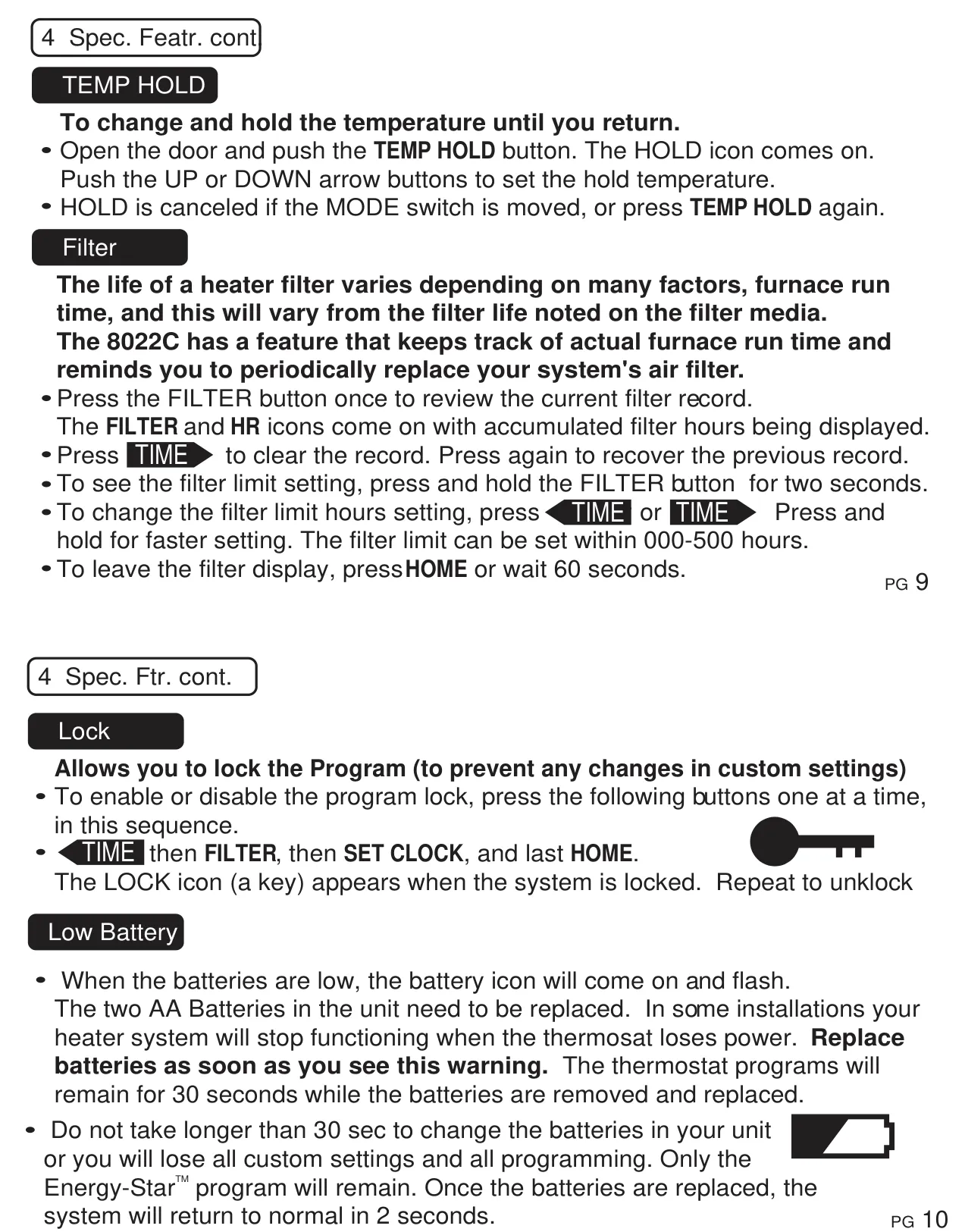
Maintenance is simplified with the integrated filter reminder. This feature actively tracks the actual run time of your furnace and reminds you when it's time to replace the air filter, with an adjustable limit from 0 to 500 hours. A program "Lock" function adds a layer of security, preventing unauthorized changes to custom settings via a specific button sequence. The thermostat also alerts users to low battery levels with a flashing icon, emphasizing the need for prompt replacement (within 30 seconds to preserve custom programming, unless an optional C-wire is used).
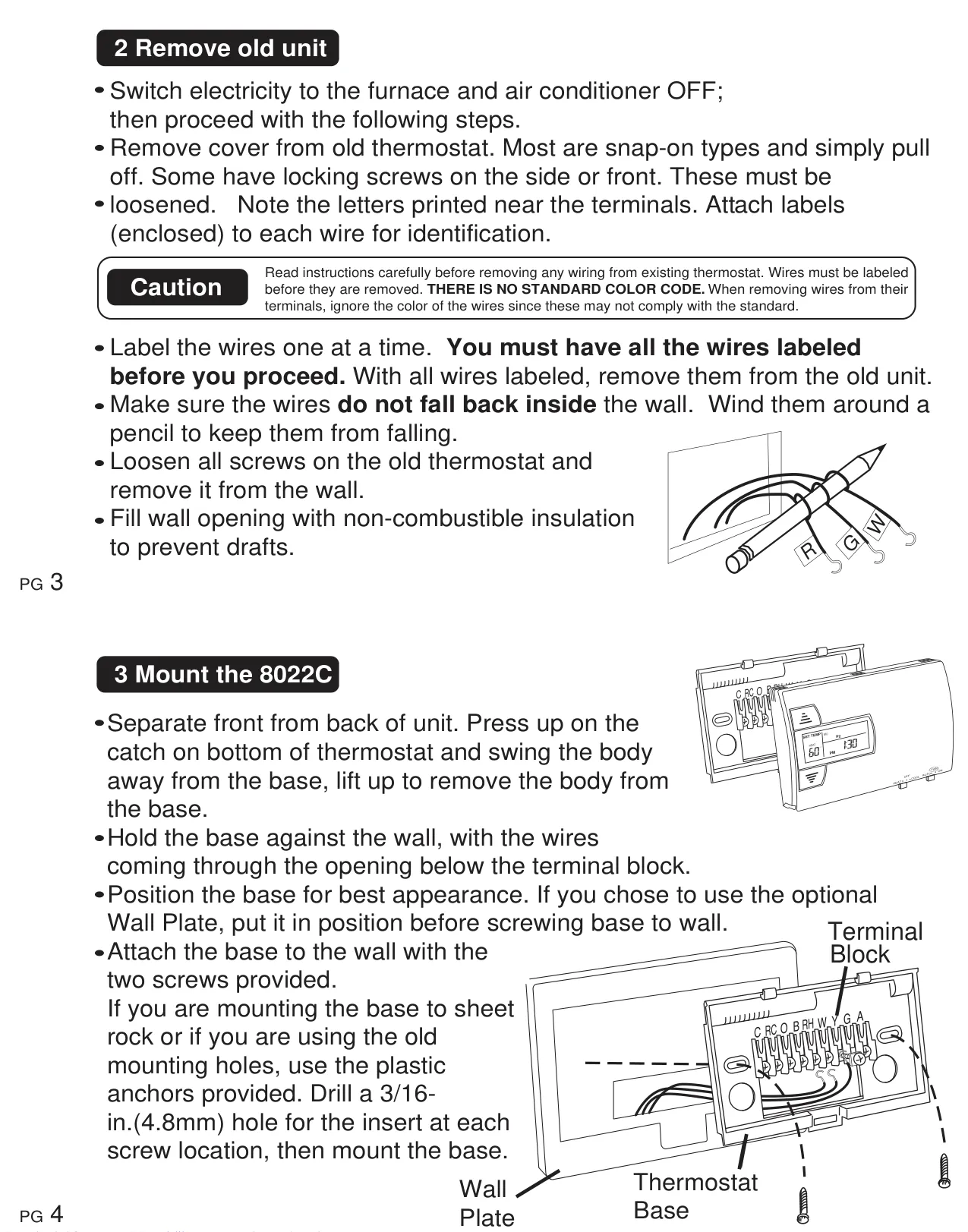
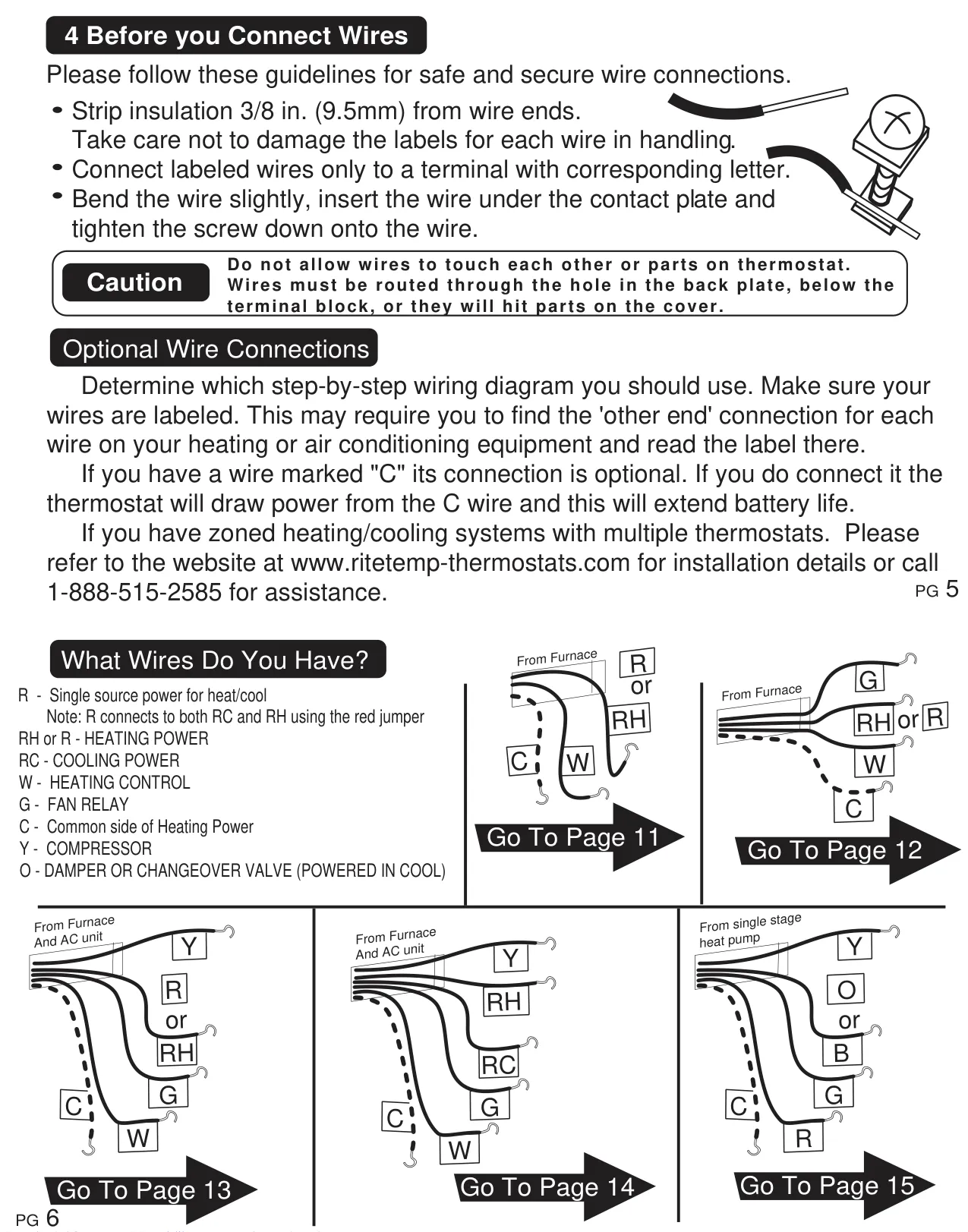
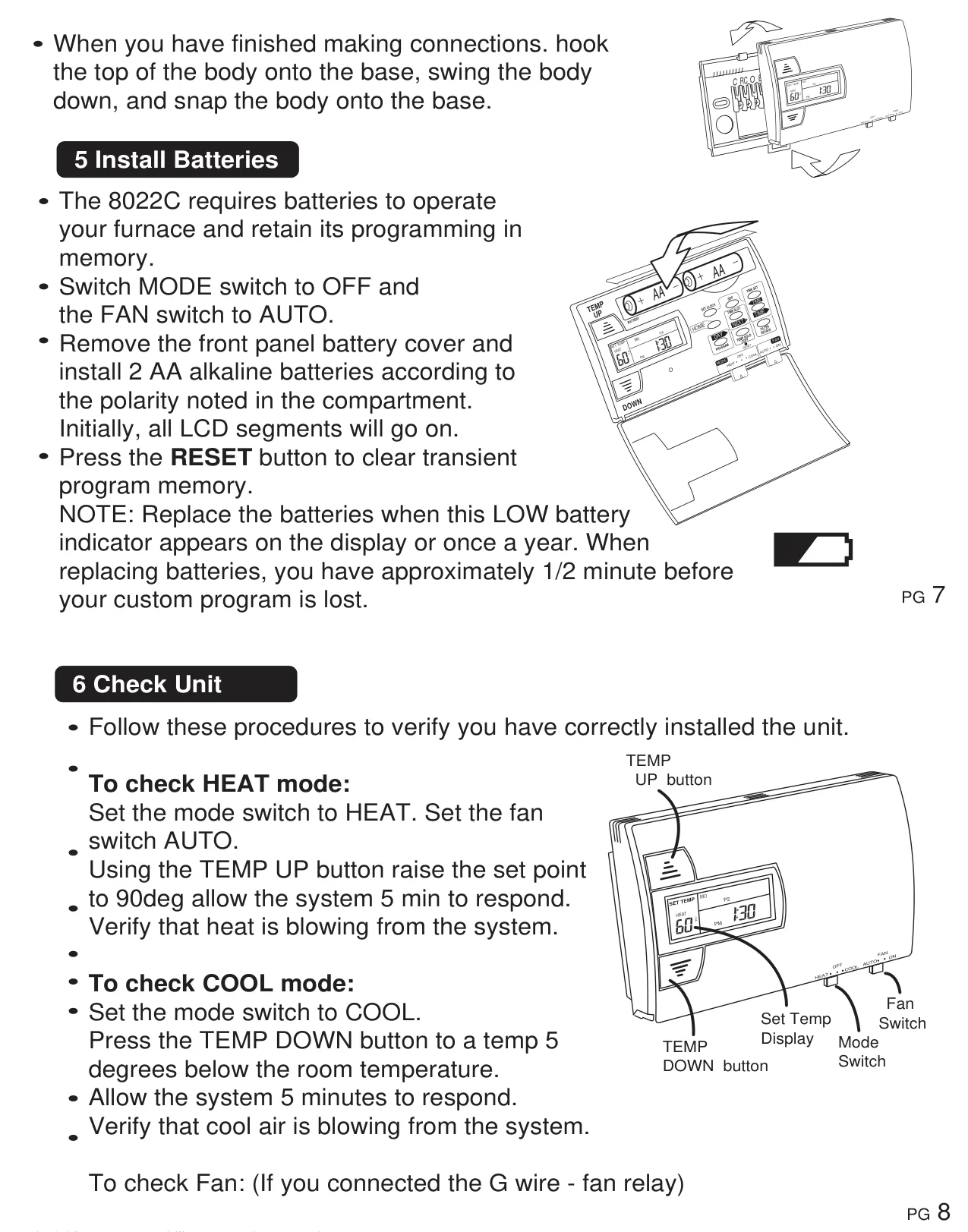
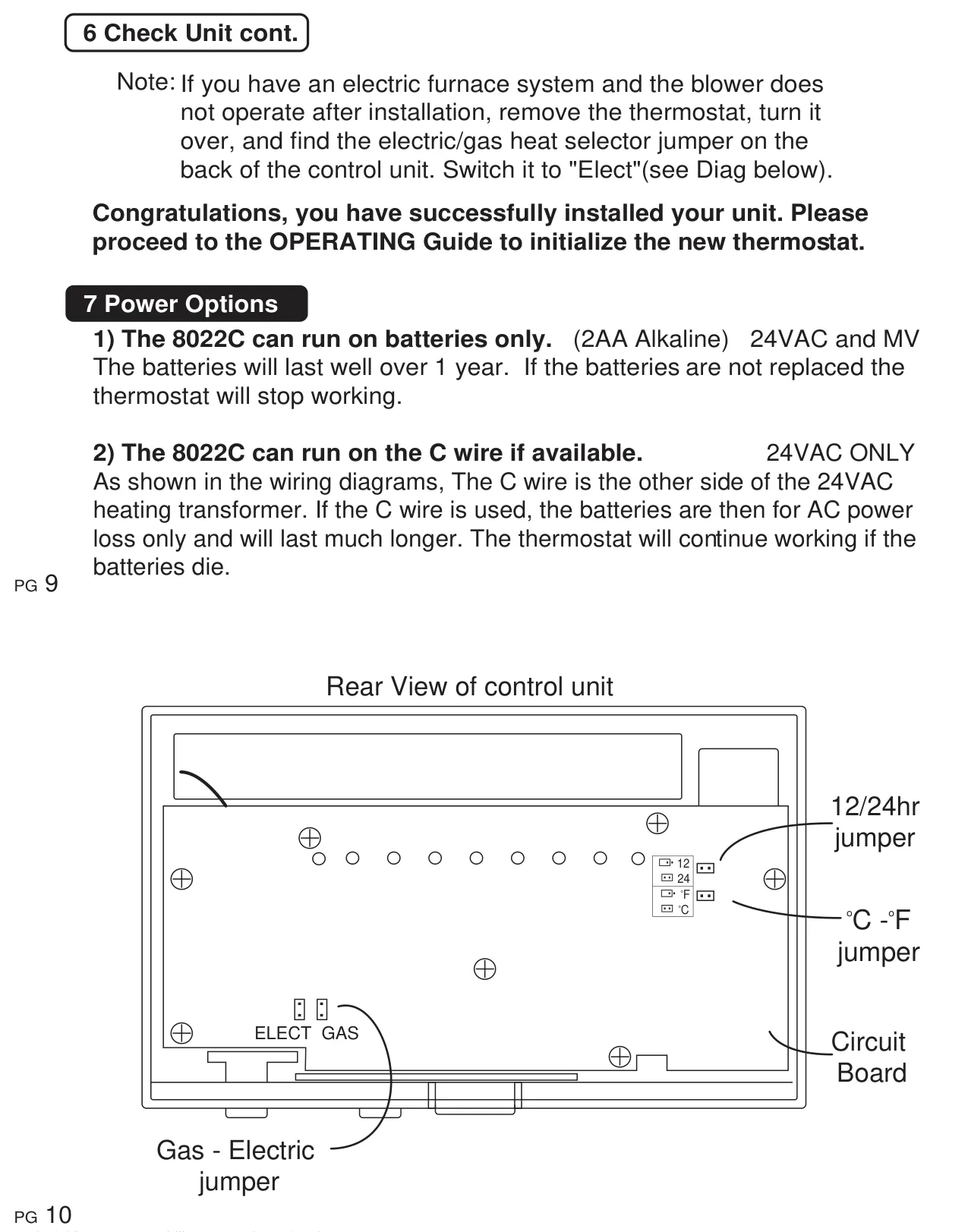
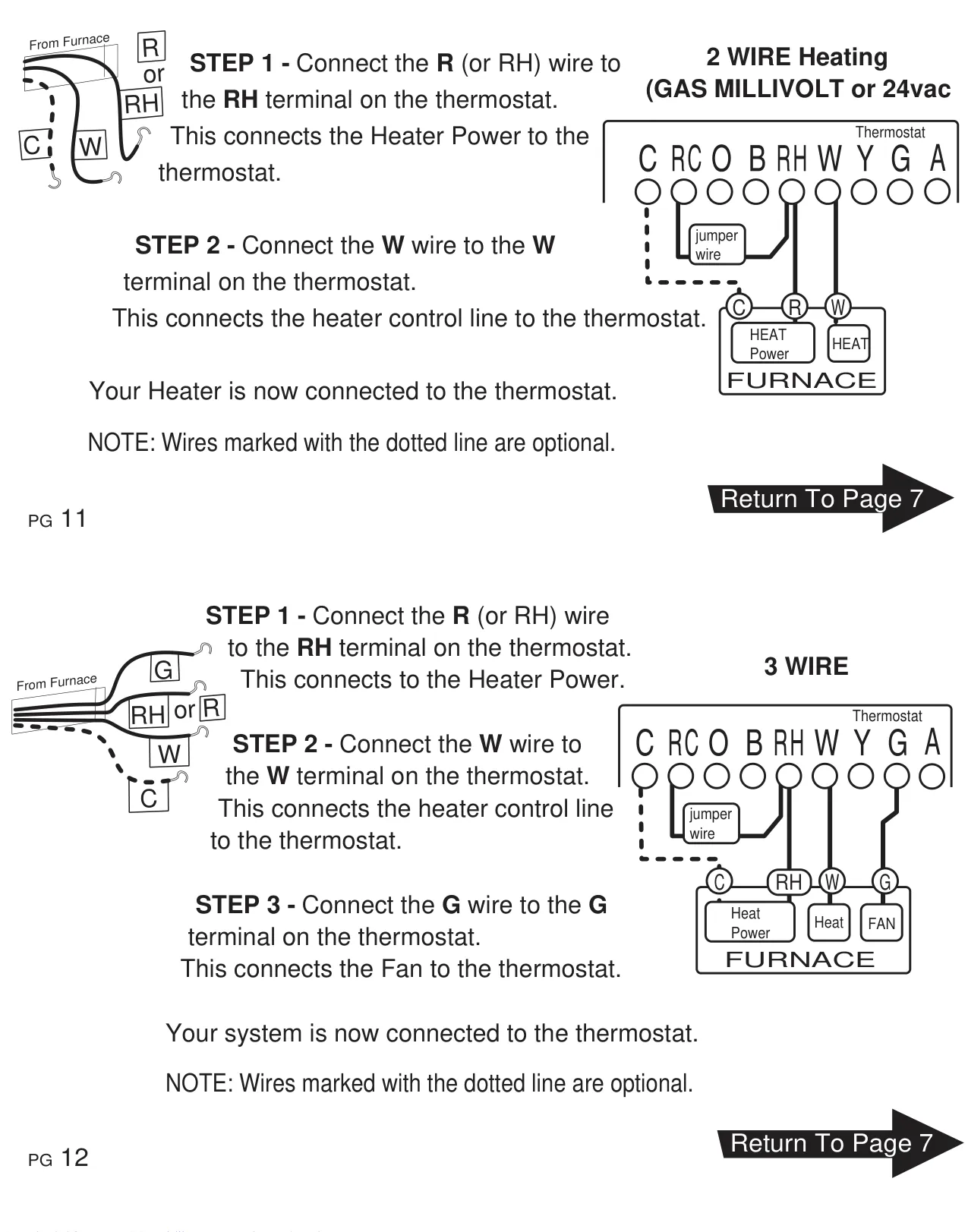
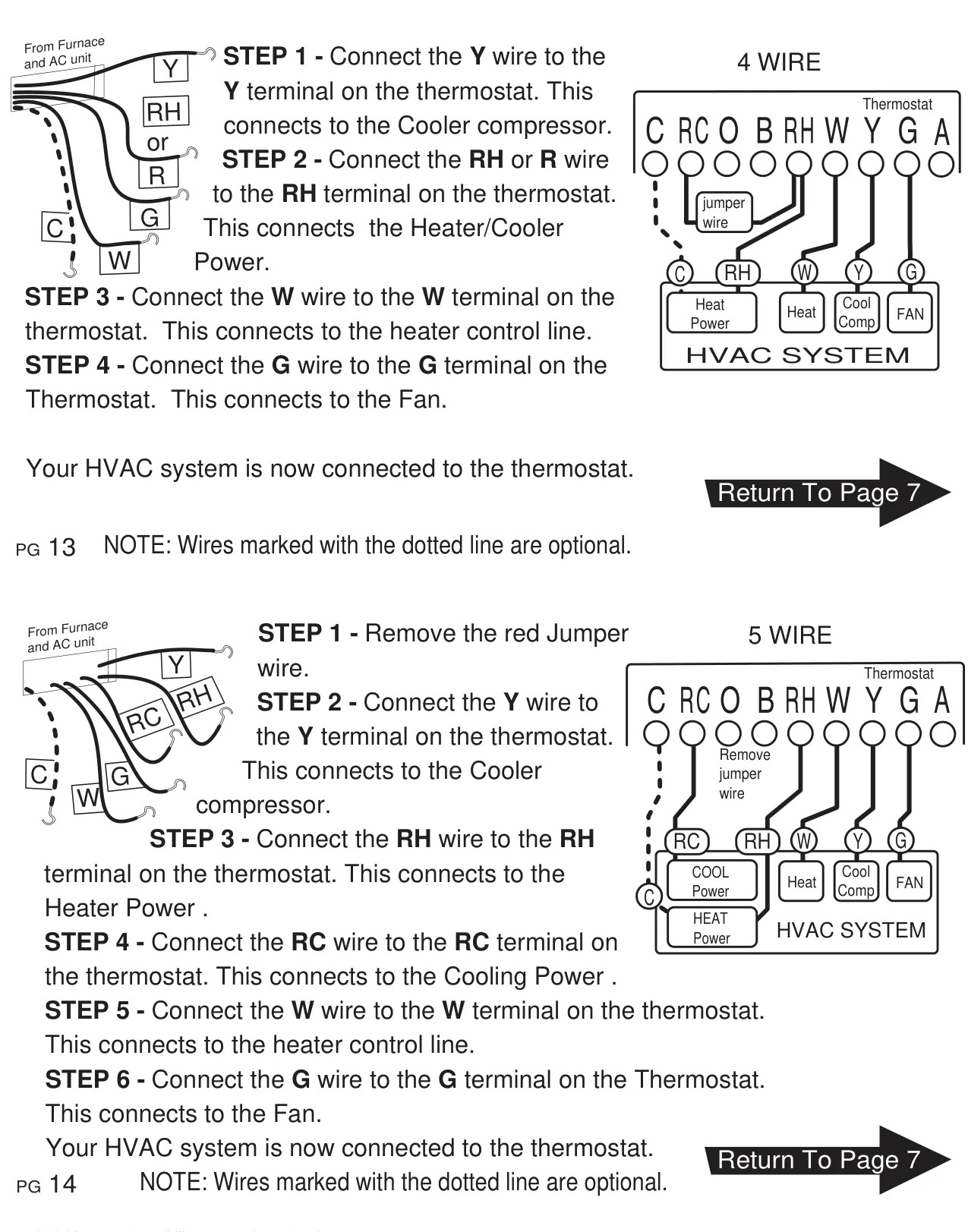
Installation safety is paramount, with the manual providing detailed instructions to disconnect power, properly label wires (as there's no standard color code), and secure the unit. It also explains various wiring configurations for different HVAC systems, including the benefit of connecting an optional "C" wire for continuous 24VAC power, which significantly extends battery life by using the batteries as a backup during power outages. Post-installation, a comprehensive "Check Unit" procedure guides users through verifying the correct operation of heating, cooling, and fan modes, including adjusting an "Electric/Gas" jumper for electric furnace systems if the blower doesn't operate initially.
Frequently Asked Questions (FAQs)
Can't find the answer you need? Here are some frequently asked questions about the Ritetemp 8022c Thermostat, and we answer them below.