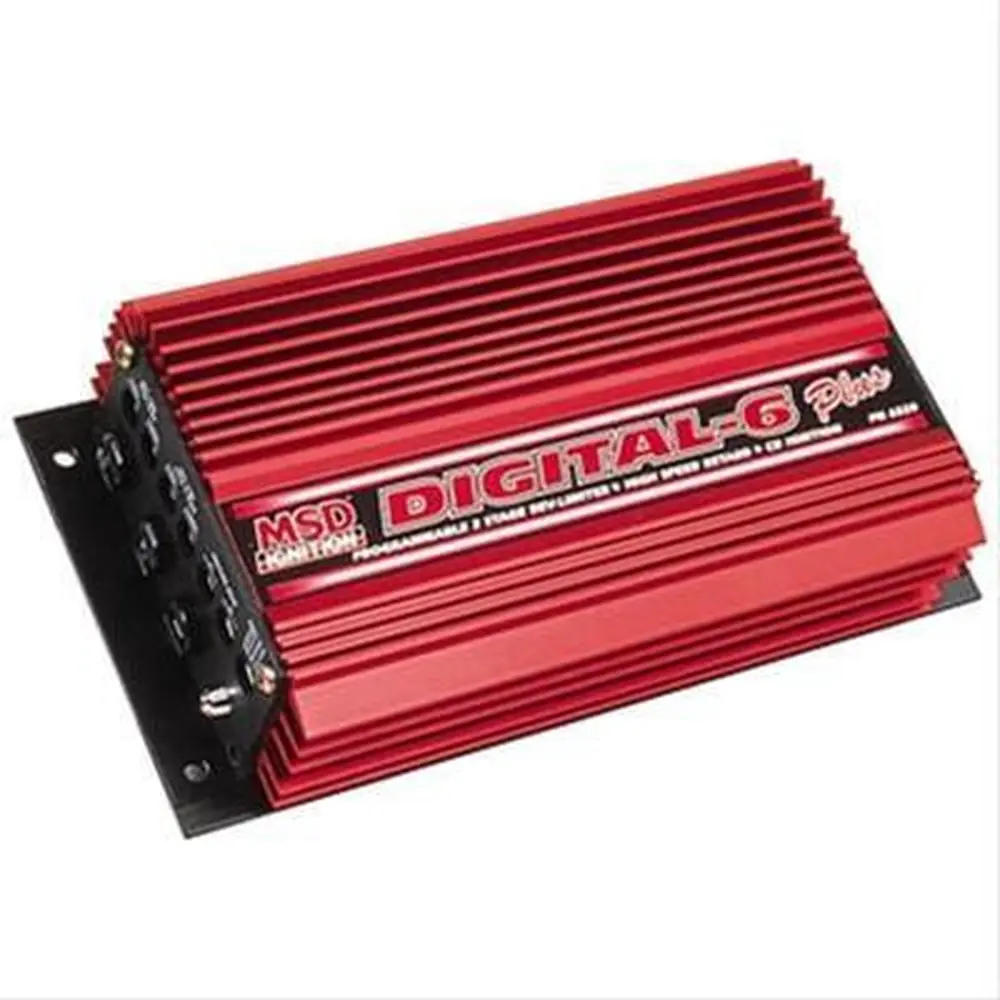
MSD 6014 Ignition Control Instruction Manual
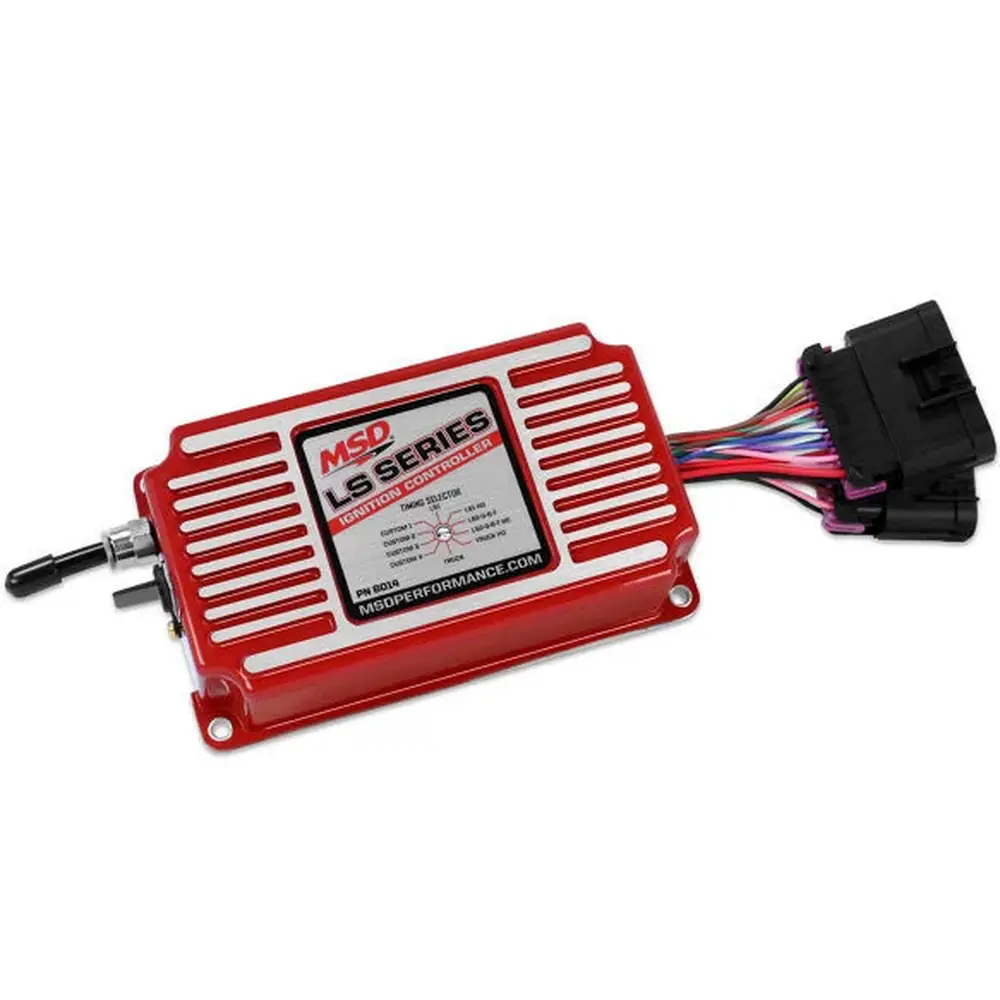
MSD 6014 Ignition Control








MSD 6014 Ignition Control Instructions
Here we offer the MSD 6014 Ignition Control manual completely free and in English. We have cataloged this manual in the Ignition Boxes section on Manualverse, and it has been rated by 1 users with an average rating of 5. If you have any specific questions about MSD 6014 Ignition Control, we suggest checking the Frequently Asked Questions (FAQs) section of this manual.
Product Images

MSD 6014 Ignition Control Specifications
| Feature | Specification |
|---|---|
| Manufacturer | MSD |
| Part Numbers | PN 6014 / 60143 |
| Application | GM LS series engines |
| Crank/Cam Configurations | 24x/1x and 58x/4x (detected automatically from the reluctor wheel pattern) |
| Pre-Programmed Timing Tables | 6 (cannot be edited): Truck, LS1, LS2-3-6-7 and HO versions |
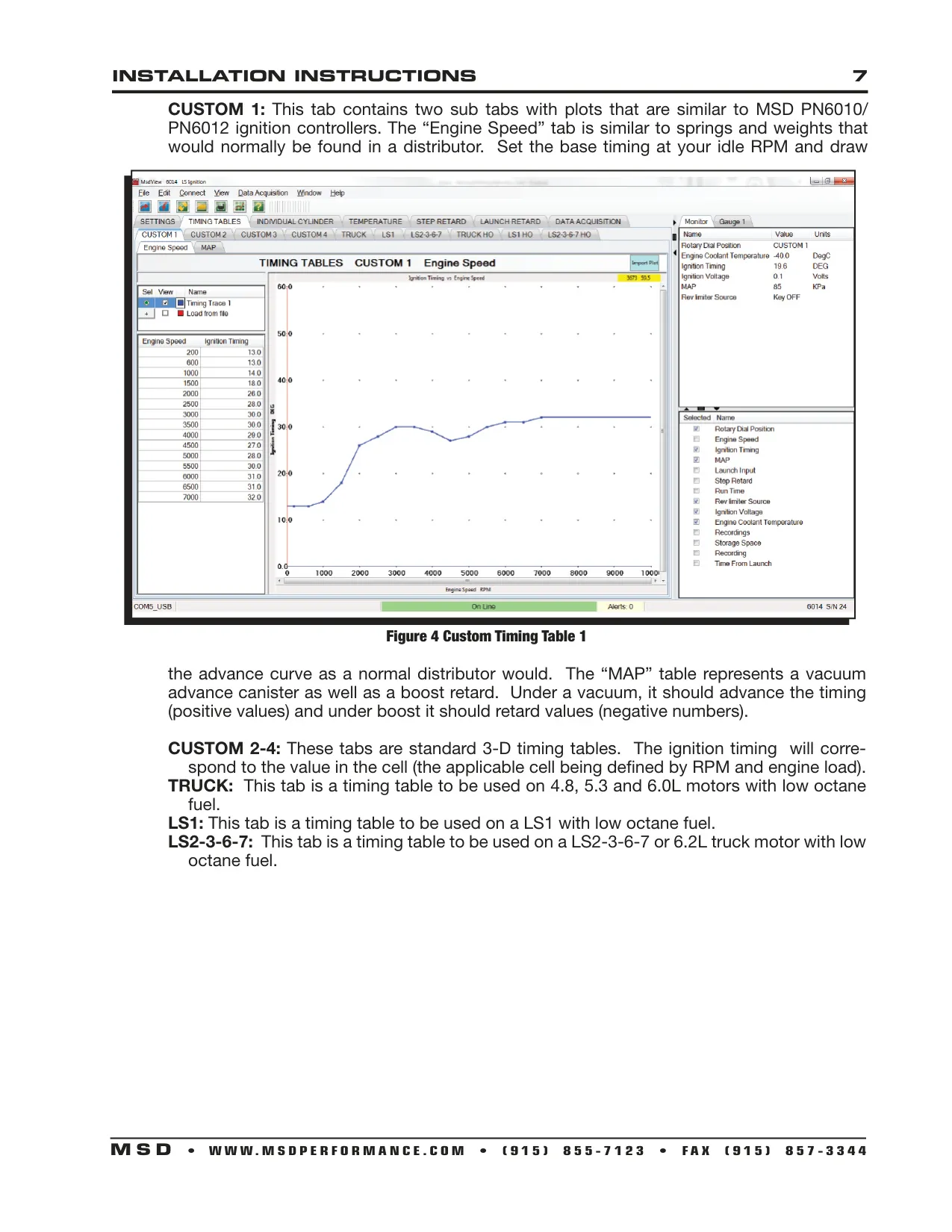
| Customizable Timing Maps | 4 (Custom 1 = timing plot by engine speed and MAP; Custom 2-4 = 3-D timing tables) |
| Table Selection | Front rotary dial, can be changed on the fly |
| HO Tables | 4-5 extra degrees of timing at wide open throttle; for 91-93 octane fuel only |
| Built-in MAP Sensor | 2.5 Bar, 1/4" Camozzi fitting |
| Data Logging Memory | 8 MB internal |
| Recording Limit | 10 minutes each time Data Acquisition is enabled |
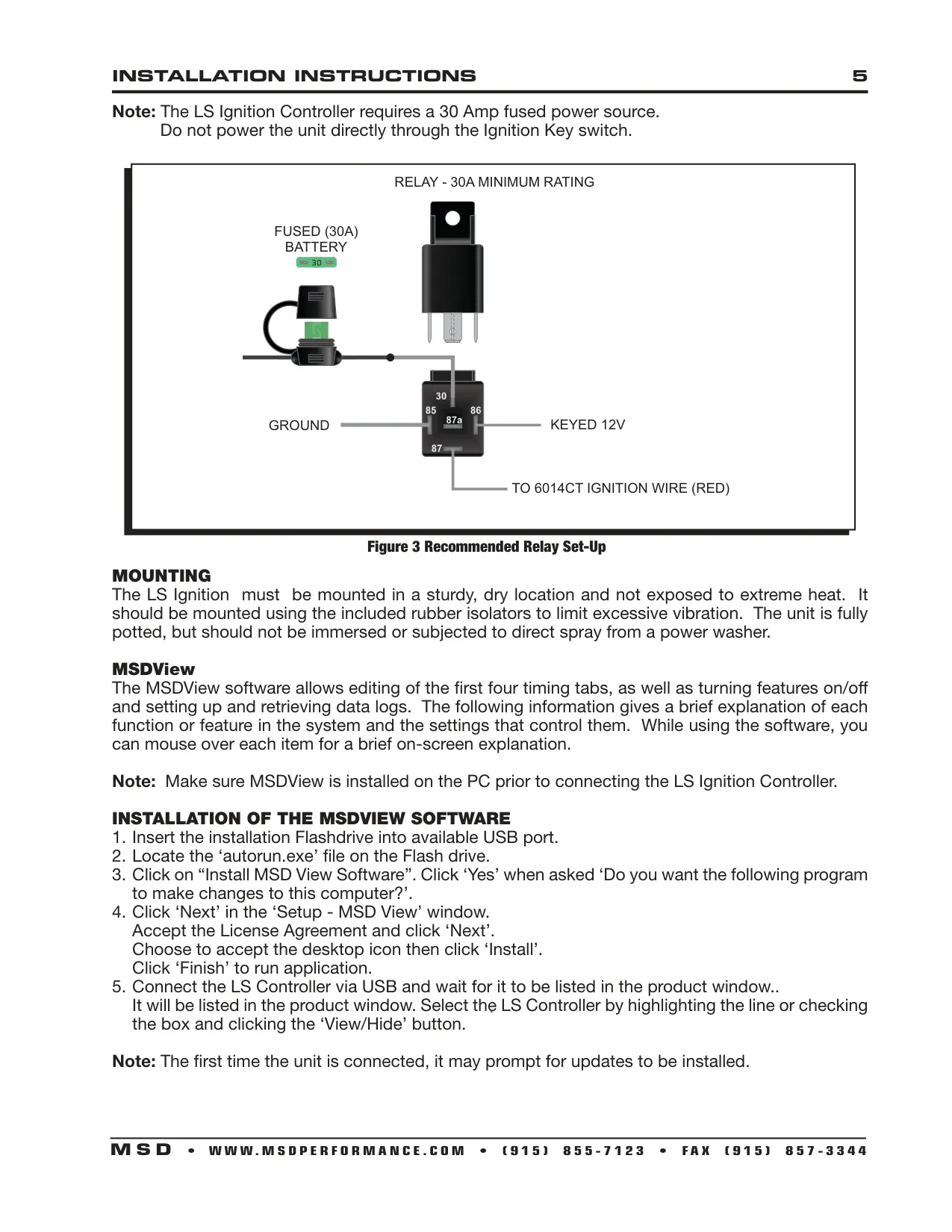
| Power Requirement | 30 A fused power source through a relay (relay rated 30 A minimum); do not power through the ignition key switch |
| Battery Fault Threshold | Below 9 V or above 18 V |
| Recommended Ignition Voltage | Above 12 V |
| Tach Output | 12-volt square wave (gray wire) |
| Step Retard Input | Pink wire, turned on with +12 V |
| Launch Rev Limiter (Two-Step) Input | Blue wire, turned on with +12 V |
| Latched Launch Re-Arm Point | Engine speed must fall below 7/8 of the set Launch RPM |
| Launch Retard Window | 10 seconds after the launch wire is released |
| Coil Type Settings | Auto, LS1 (LS1/6), LS2/3/7, Truck |
| Main Harness Connector | 16-pin |
| Cam/Crank Connector | 10-pin |
| Cam/Crank Extension Harnesses | 22791 (24x crank / 1x cam, rear), 2279 (24x crank / 1x cam, front), 2278 (58x crank / 4x cam, front) |
| Coolant Temp Sensor (Optional) | GM PN 12608814 (stock LS sensor) |
| Default ECT Value (Sensor Missing or Faulted) | 50°C (122°F) |
| Programming Software | MSDView, connected by USB |
| Bench Programming | Runs on USB power alone; no external power needed |
| Construction | Fully potted, mounted on rubber isolators |
| Spark Plug Wires | Solid core wires cannot be used |
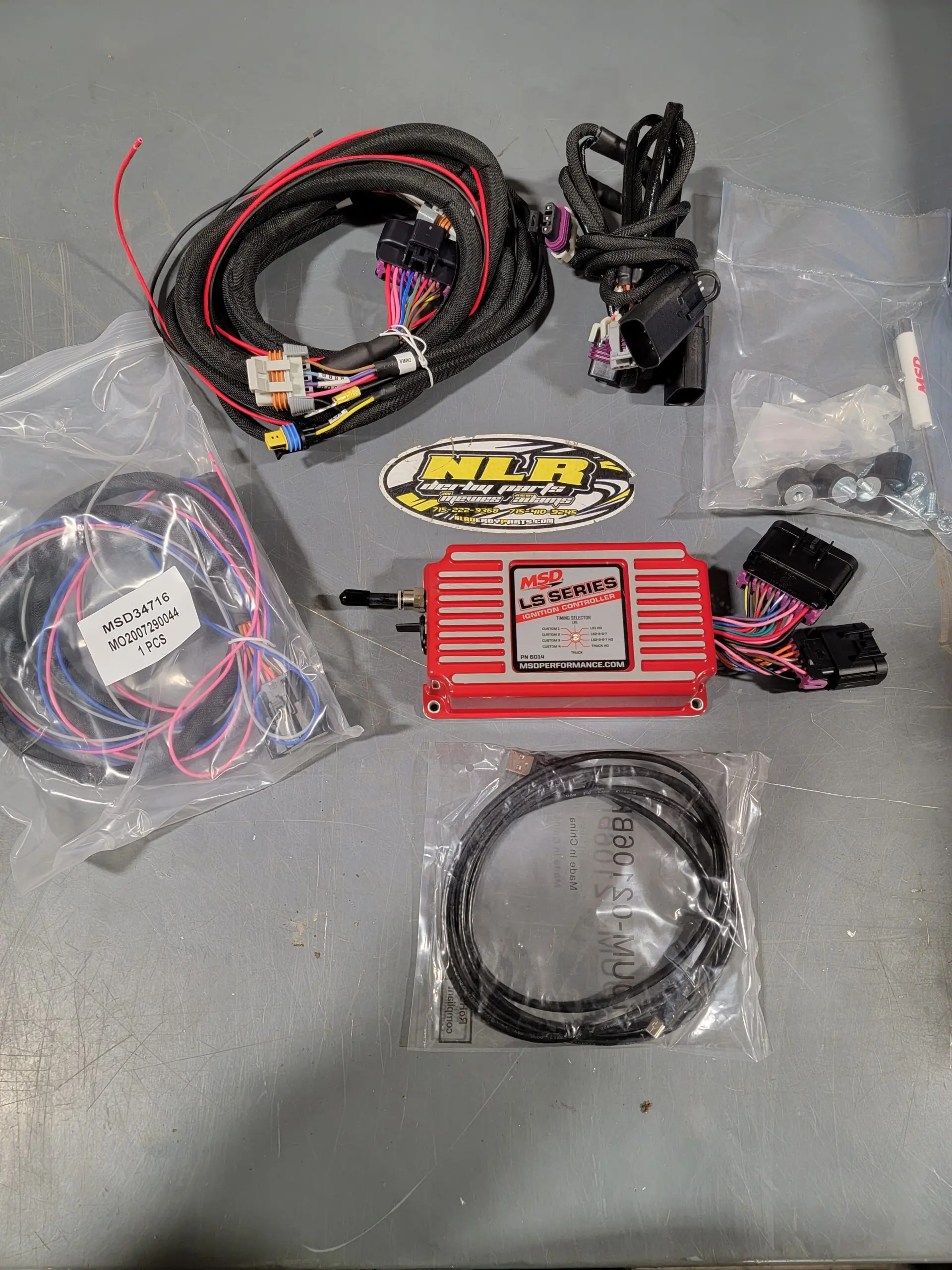
| Parts Included | Controller, main wiring harness, 24x crank/cam pigtail, 58x crank/cam pigtail, sub harness, USB cable, mounting kit, MSDView USB drive |
| Warranty | 1 year from the original purchase date |
MSD 6014 Ignition Control Details
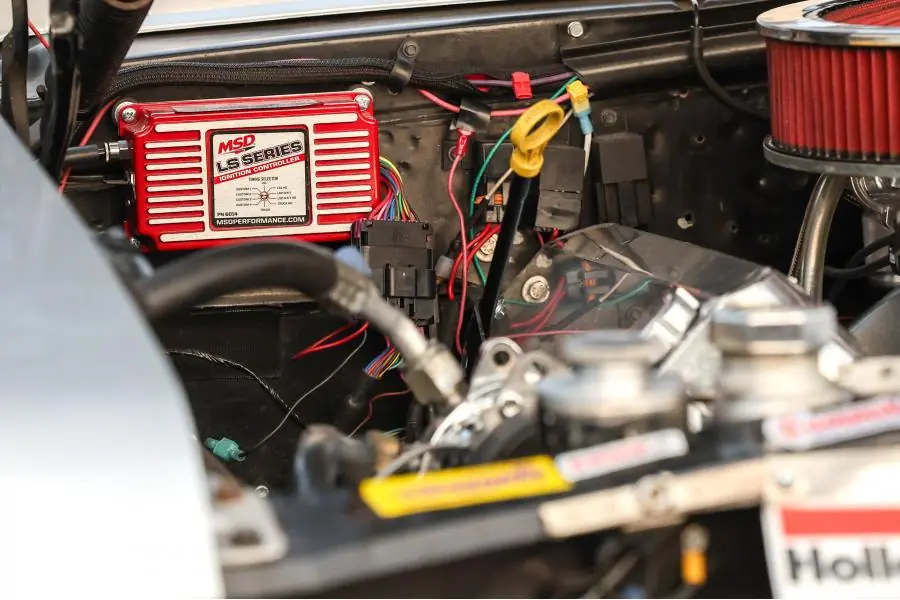
The MSD 6014 LS Ignition Control is a standalone spark controller for GM LS engines. The main harness connects to the passenger-side coils (2-4-6-8) and the driver-side coils (1-3-5-7) through separate 8-pin coil connectors. A sub harness connects to the crank and cam sensors. Disconnect the battery before installation, removing the negative cable first. Mount the unit in a sturdy, dry place away from extreme heat. Although the unit is potted, do not submerge it or spray it directly with a power washer.
MSDView must be installed on the PC before you connect the controller. The installer runs from the included flash drive with autorun.exe. The first time you connect, the software may ask to install updates. Changes are applied to the unit in real time. You can save several calibration files to the PC and load them back for different setups. If you hover the mouse over a setting, a short explanation appears. The basic settings include the maximum and launch rev limiters, the latched two-step option, coil dwell type and Idle Timing Control.
Turn on Idle Timing Control on engines with a computer-controlled IAC. When it is on, idle timing changes constantly, so it may appear to jump around under a timing light. The Custom 1 map works like the MSD 6010/6012 controllers. Its Engine Speed plot replaces distributor springs and weights, and its MAP plot works like a vacuum advance canister with boost retard. Custom 2-4 share the same axes. You can change the axis units, for example to improve MAP resolution on naturally aspirated engines.
Final timing is the sum of the selected table, the temperature correction and the individual cylinder offsets. The per-cylinder tables use the same load and RPM axes as the custom tables. Positive values advance timing and negative values retard it. The temperature table pulls timing as the engine gets hotter. Its values assume the stock GM coolant sensor. Keep the cells around 50°C at zero, because the controller uses that value when the sensor is missing.
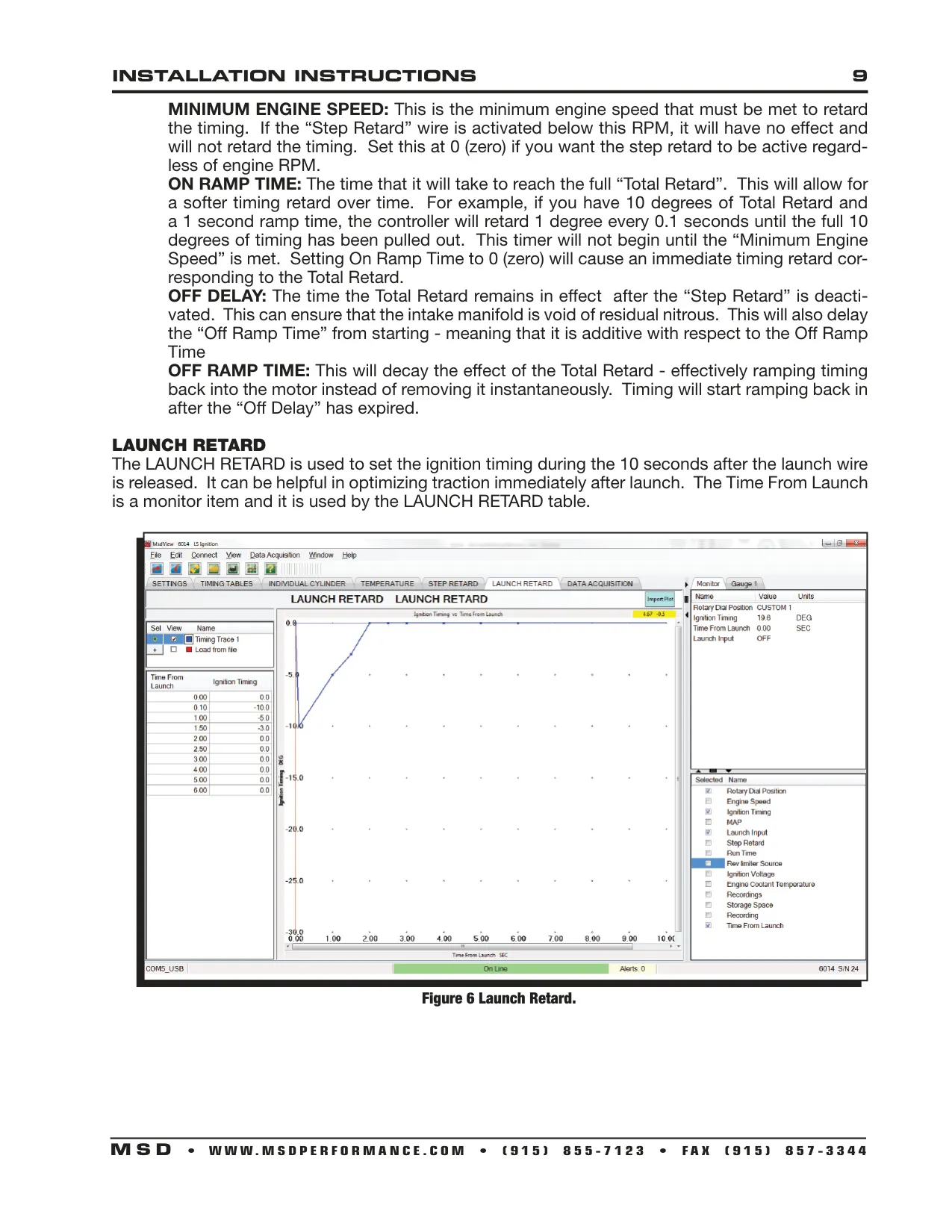
The Step Retard function is designed for nitrous and other power adders. You set Total Retard, Minimum Engine Speed, On Ramp Time, Off Delay and Off Ramp Time. For example, 10 degrees of retard with a 1-second ramp removes 1 degree every 0.1 seconds. The Off Delay helps clear leftover nitrous from the intake before timing ramps back in. A separate Launch Retard table, based on Time From Launch, adjusts timing to improve traction just after launch.
You can configure data acquisition with a master switch, a start RPM, a stop RPM, a maximum recording length and an option to start only when the launch wire is active. The recorded channels include RPM, timing, MAP, launch and step retard inputs, ECT, ignition voltage and sensor faults. Monitors show the dial position, run time, rev limit source, free storage and Time From Launch. Alerts cover EEPROM and flash errors, a full flash memory, and a buffer warning at 90%.
Frequently Asked Questions (FAQs)
Can't find the answer you need? Here are some frequently asked questions about the MSD 6014 Ignition Control, and we answer them below.