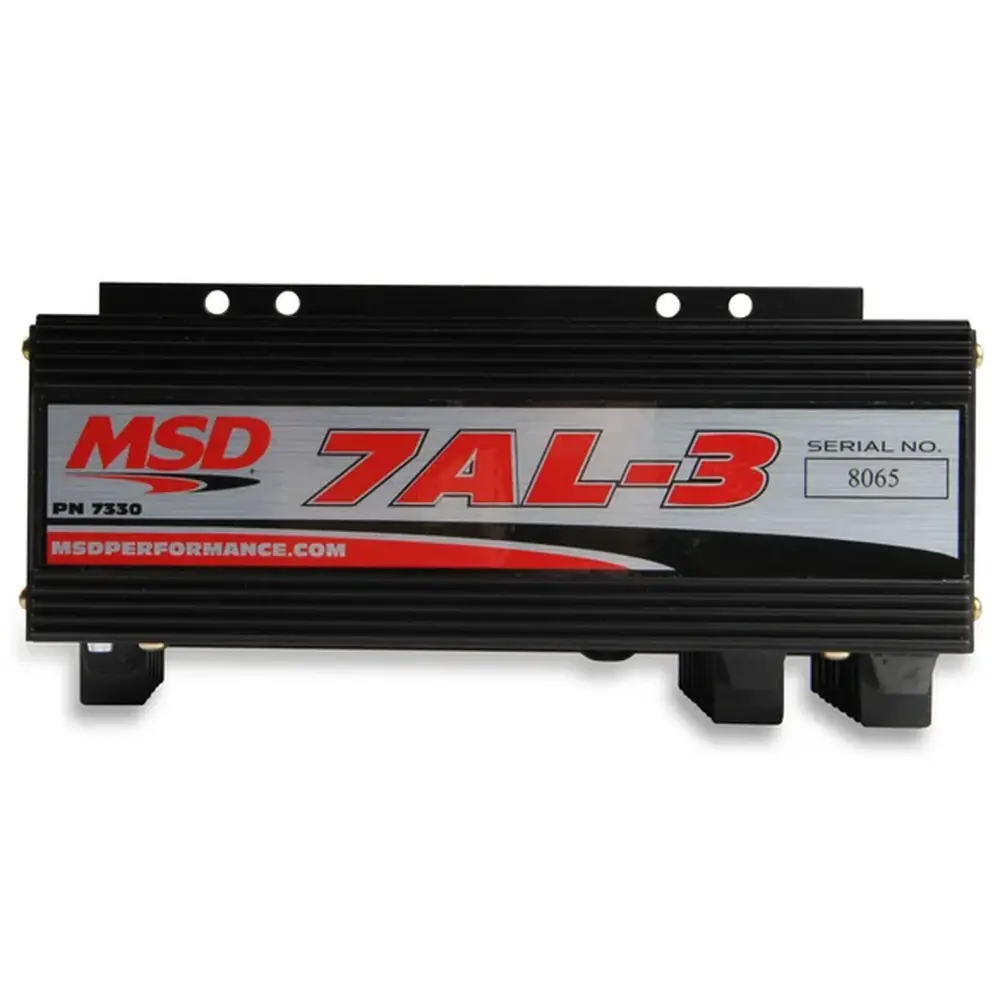
MSD 2 Step 8739 Launch Control Instruction Manual
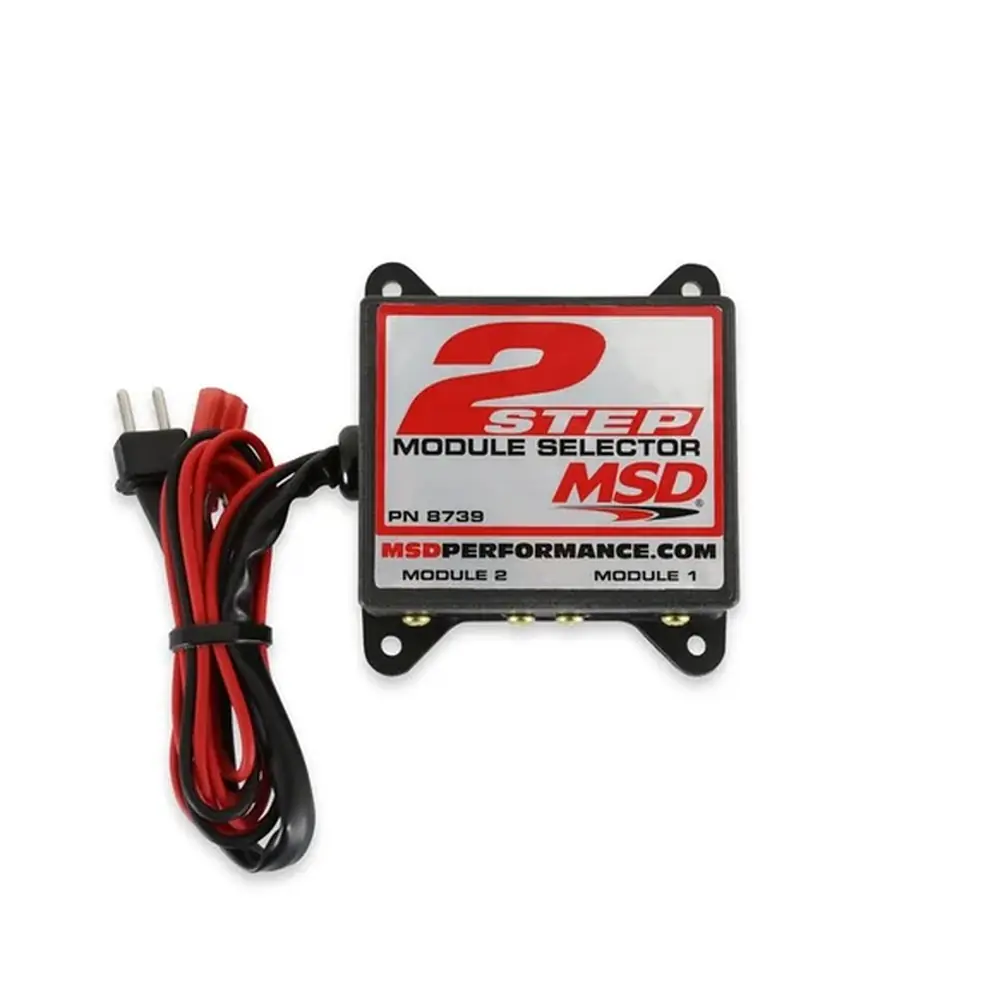
MSD 2 Step 8739 Launch Control
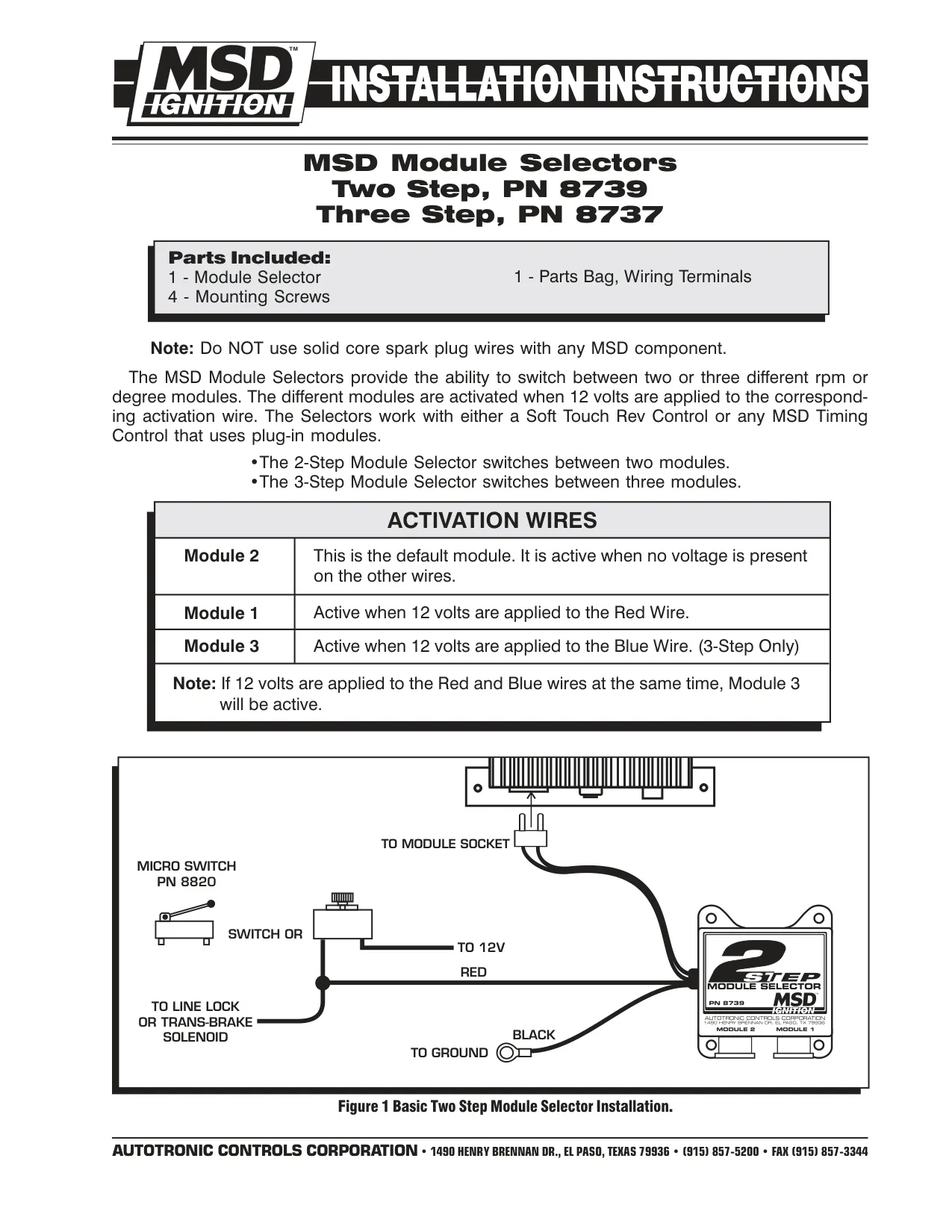
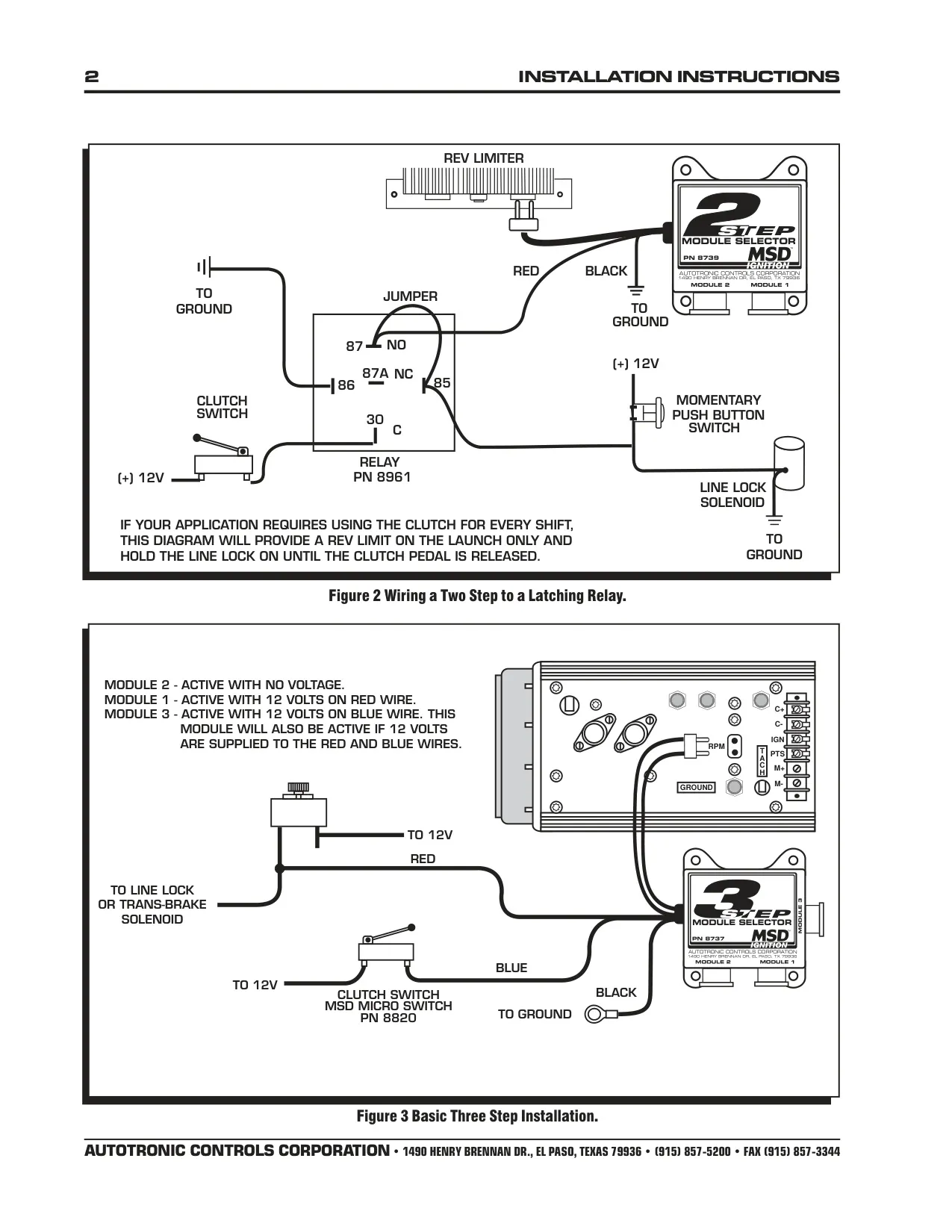



MSD 2 Step 8739 Instructions
Here we offer the MSD 2 Step 8739 Launch Control manual completely free and in English. We have cataloged this manual in the Launch Controls section on Manualverse, and it has been rated by 1 users with an average rating of 5. If you have any specific questions about MSD 2 Step 8739 Launch Control, we suggest checking the Frequently Asked Questions (FAQs) section of this manual.
Product Images

MSD 2 Step 8739 Launch Control Specifications
| Feature | Specification |
|---|---|
| Product | MSD Two Step Module Selector |
| Part Number | PN 8739 |
| Manufacturer | Autotronic Controls Corporation (MSD Ignition) |
| Number of Selectable Modules | 2 (Module 1 and Module 2) |
| Default Module | Module 2 (active when no voltage is applied to the activation wire) |
| Module 1 Activation | 12 volts applied to the Red wire |
| Activation Voltage | 12 volts |
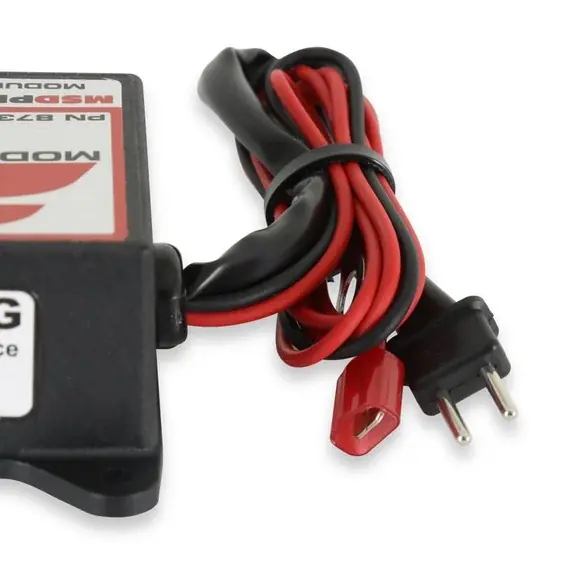
| Red Wire | Activation input for Module 1 (to 12V through a switch) |
| Black Wire | Ground |
| Compatible Controls | MSD Soft Touch Rev Control or any MSD Timing Control that uses plug-in modules |
| Recommended Activation Switch | MSD Micro Switch PN 8820 |
| Recommended Relay (Latching Circuit) | PN 8961 |
| Related Model | Three Step Module Selector PN 8737 |
| Parts Included | 1 Module Selector, 1 Parts Bag with wiring terminals, 4 Mounting Screws |
| Spark Plug Wire Requirement | Do not use solid core spark plug wires |
| Warranty | 1 year from date of purchase (limited) |
| Manual Reference | FRM22502, Revised 03/01 |
MSD 2 Step 8739 Launch Control Details
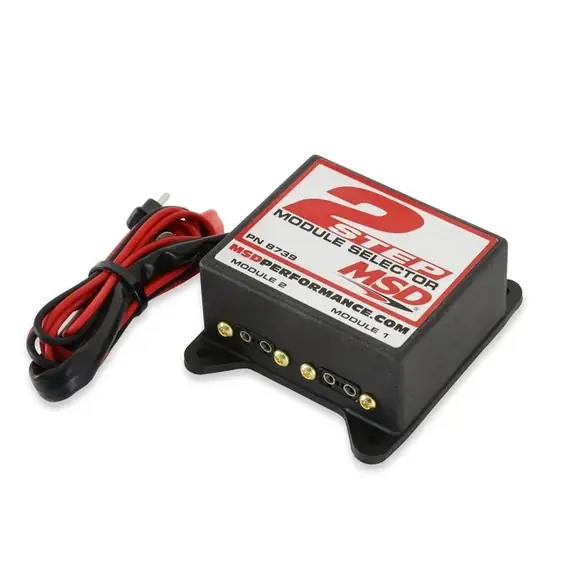
The MSD 2 Step Module Selector PN 8739 lets a driver switch between two rpm or timing modules while the vehicle is running. It does not limit rpm or change timing by itself. Instead, it decides which plug-in module the connected MSD control reads. This makes it a simple way to run a lower launch rpm limit on the starting line and a higher limit once the car is moving down the track.
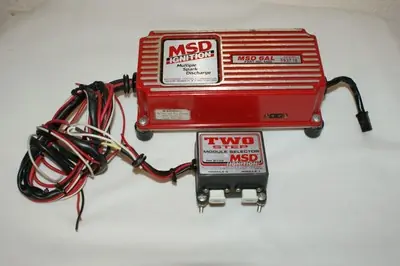
In the basic installation shown in Figure 1, the selector plugs into the module socket of the rev control and holds the two modules in its own sockets, labeled Module 1 and Module 2. The Red wire goes to a 12-volt source through a switch, such as the MSD Micro Switch PN 8820. That same circuit can also feed a line lock or trans-brake solenoid. When the driver engages the solenoid, Module 1 takes over automatically and sets the launch rpm.
When the activation switch is released, the Red wire loses voltage and the selector goes back to Module 2. Because Module 2 is the default, a failed or disconnected switch circuit always leaves the engine on the main module, not the launch limit. This matters during the run: the lower launch limit should never be active once the driver leaves the line, and the default behavior makes sure of that.
For cars where the clutch is used on every shift, the manual includes a latching relay circuit in Figure 2. It uses relay PN 8961 with standard terminals 30, 85, 86, 87 (normally open) and 87A (normally closed), plus a momentary push button and a clutch switch. With this wiring, the rev limit applies on the launch only, so it is not triggered again on each gear change. The circuit also keeps the line lock on until the clutch pedal is released.
The selector also works with MSD timing controls that use plug-in degree modules, not just rpm modules. The wiring diagrams for the companion Three Step PN 8737 show how one switched 12-volt input can bring in a different retard value or shift point. The same principle applies to the Two Step, which handles one alternate module. Examples include a timing retard that comes on with nitrous or a second shift-light setting for a particular gear.
Installation is simple. The selector comes with four mounting screws and a bag of wiring terminals, so it can be mounted firmly near the ignition control. MSD warns against using solid core spark plug wires with any of its components, because the electrical interference they produce can disrupt the electronics. Use a good-quality ground on the Black wire and a clean, switched 12-volt feed on the Red wire to get reliable module switching.
For service, MSD repairs units under warranty free of charge when you provide proof of purchase. After the warranty expires, repairs are billed between a minimum and a maximum charge. Leave the wires at their installed length and include a detailed description of the problem and a list of the components installed on the vehicle. Repaired units go back by regular UPS. Technical support is available Monday through Friday, 8:00 a.m. to 5:00 p.m. Mountain Time.
Frequently Asked Questions (FAQs)
Can't find the answer you need? Here are some frequently asked questions about the MSD 2 Step 8739 Launch Control, and we answer them below.