
Minelab Vanquish 540 Metal Detector Instruction Manual
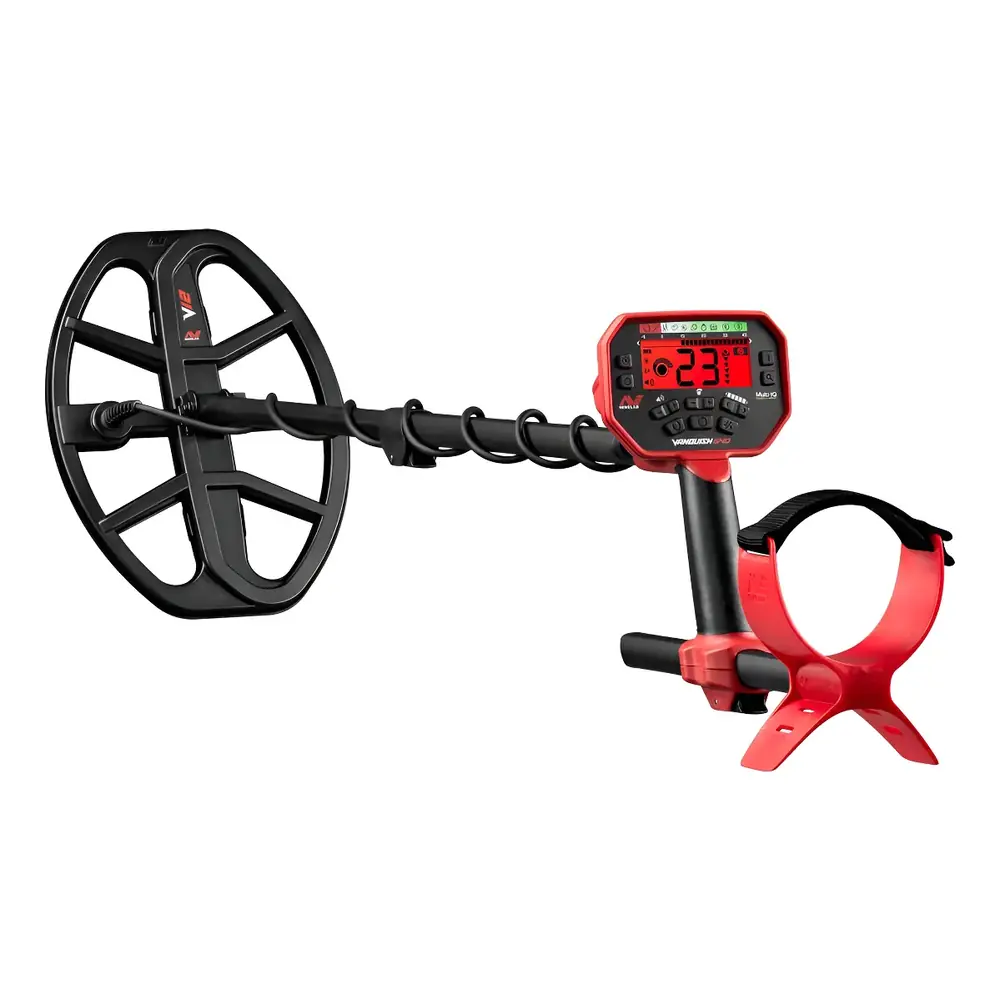
Minelab Vanquish 540 Metal Detector

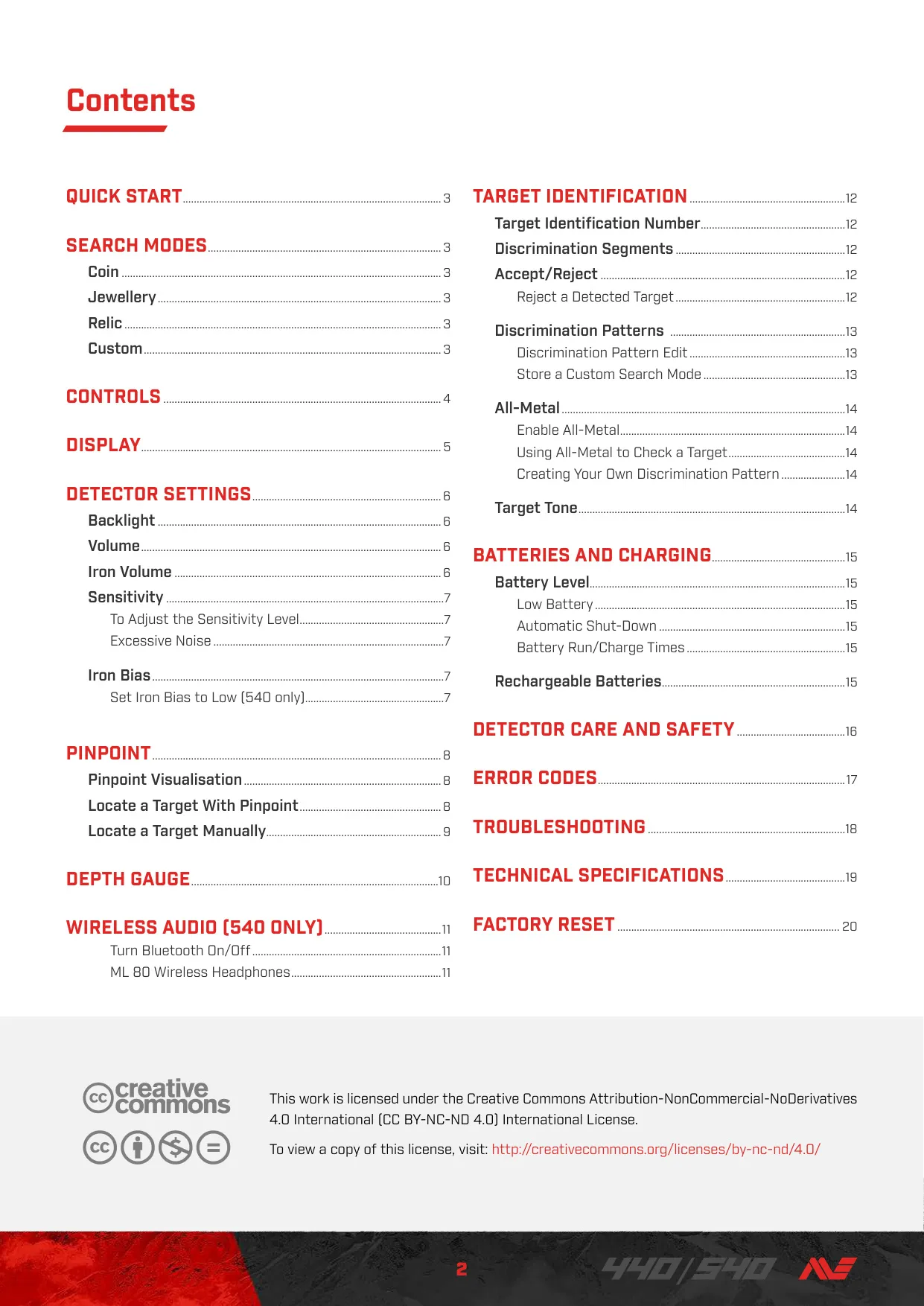


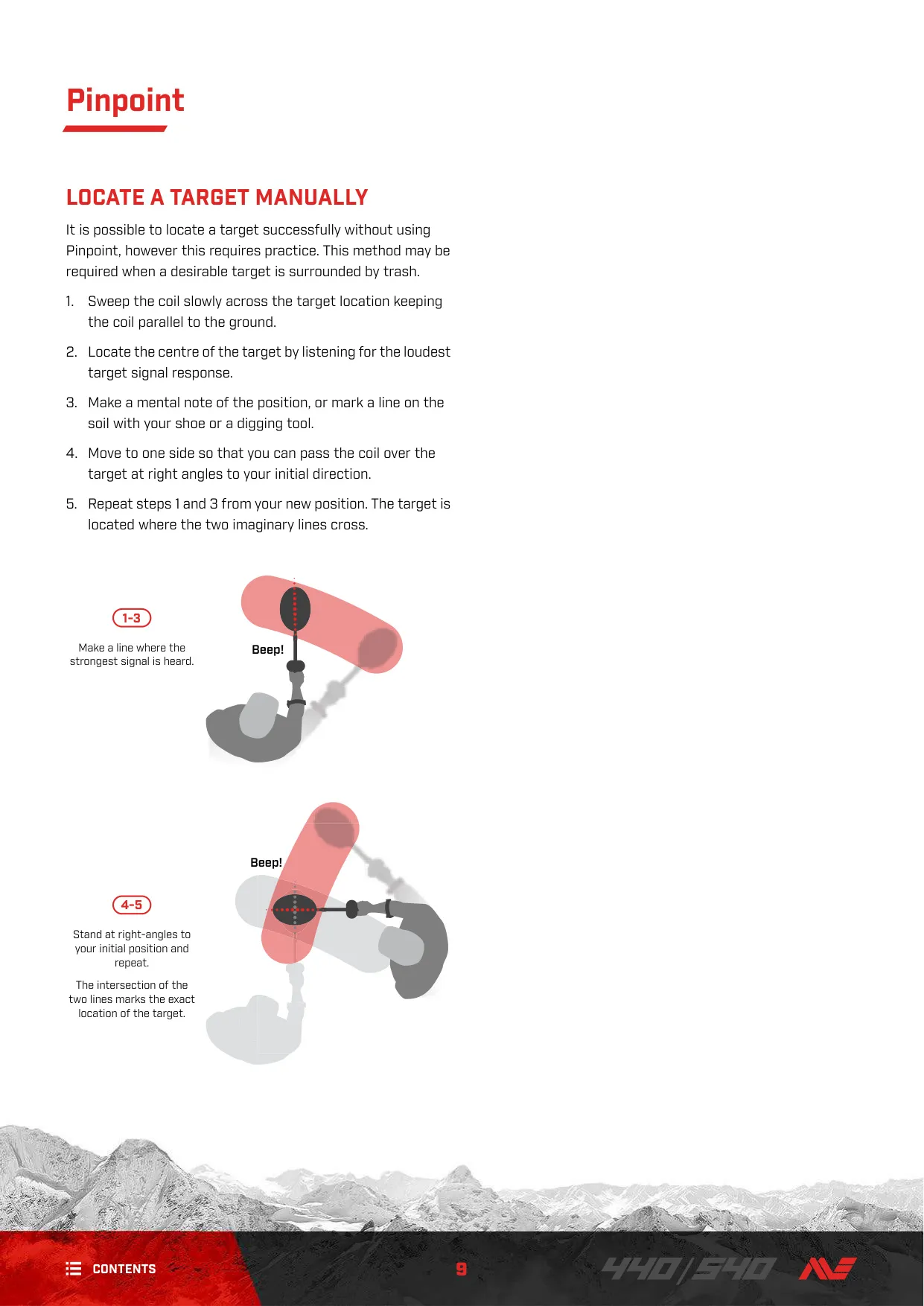


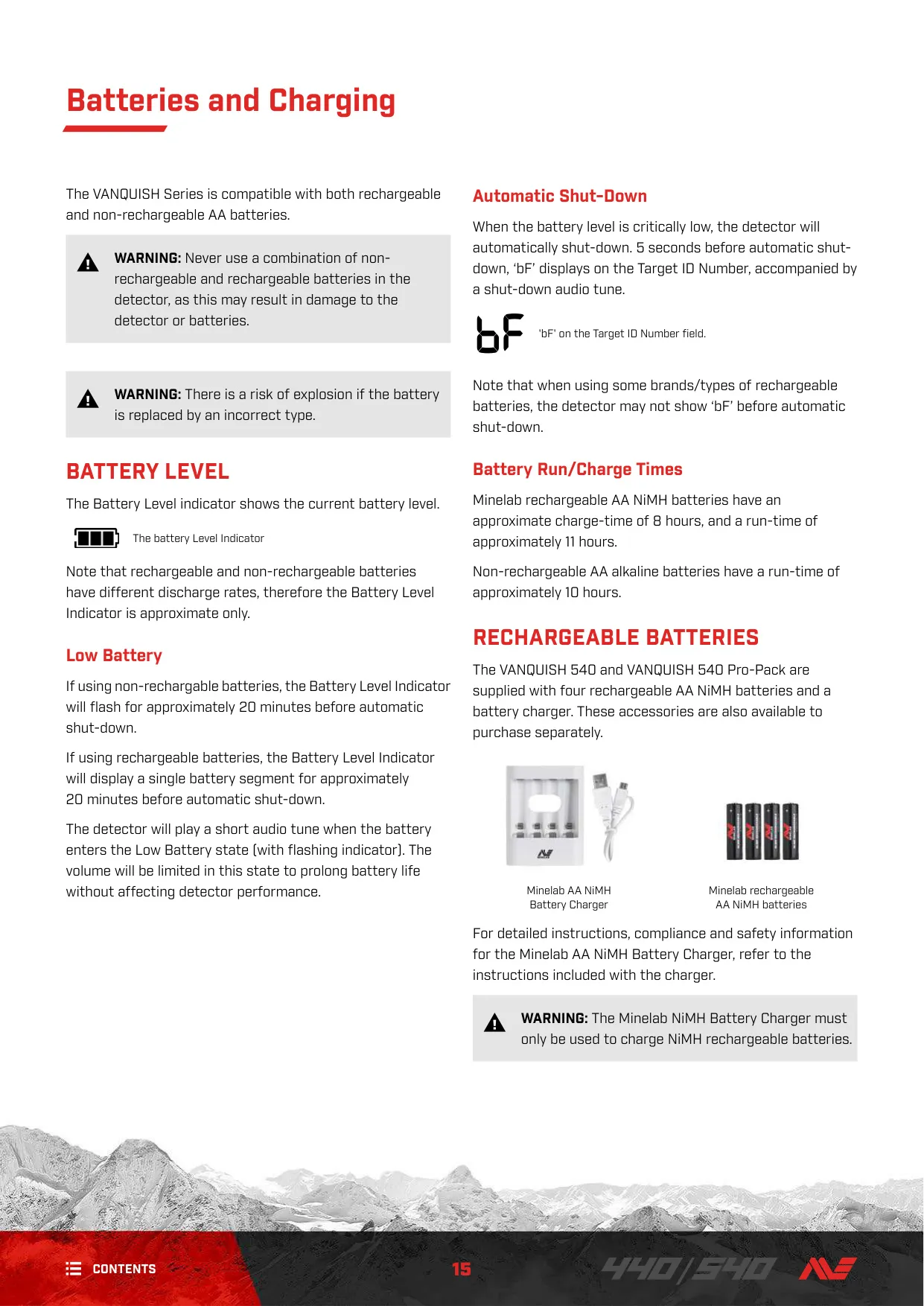






Minelab Vanquish 540 Metal Detector


Minelab Vanquish 540 Instructions
Here we offer the Minelab Vanquish 540 Metal Detector manual completely free and in English. We have cataloged this manual in the Metal Detectors section on Manualverse, and it has been rated by 1 users with an average rating of 5. If you have any specific questions about Minelab Vanquish 540 Metal Detector, we suggest checking the Frequently Asked Questions (FAQs) section of this manual.
Product Images



Minelab Vanquish 540 Metal Detector Specifications
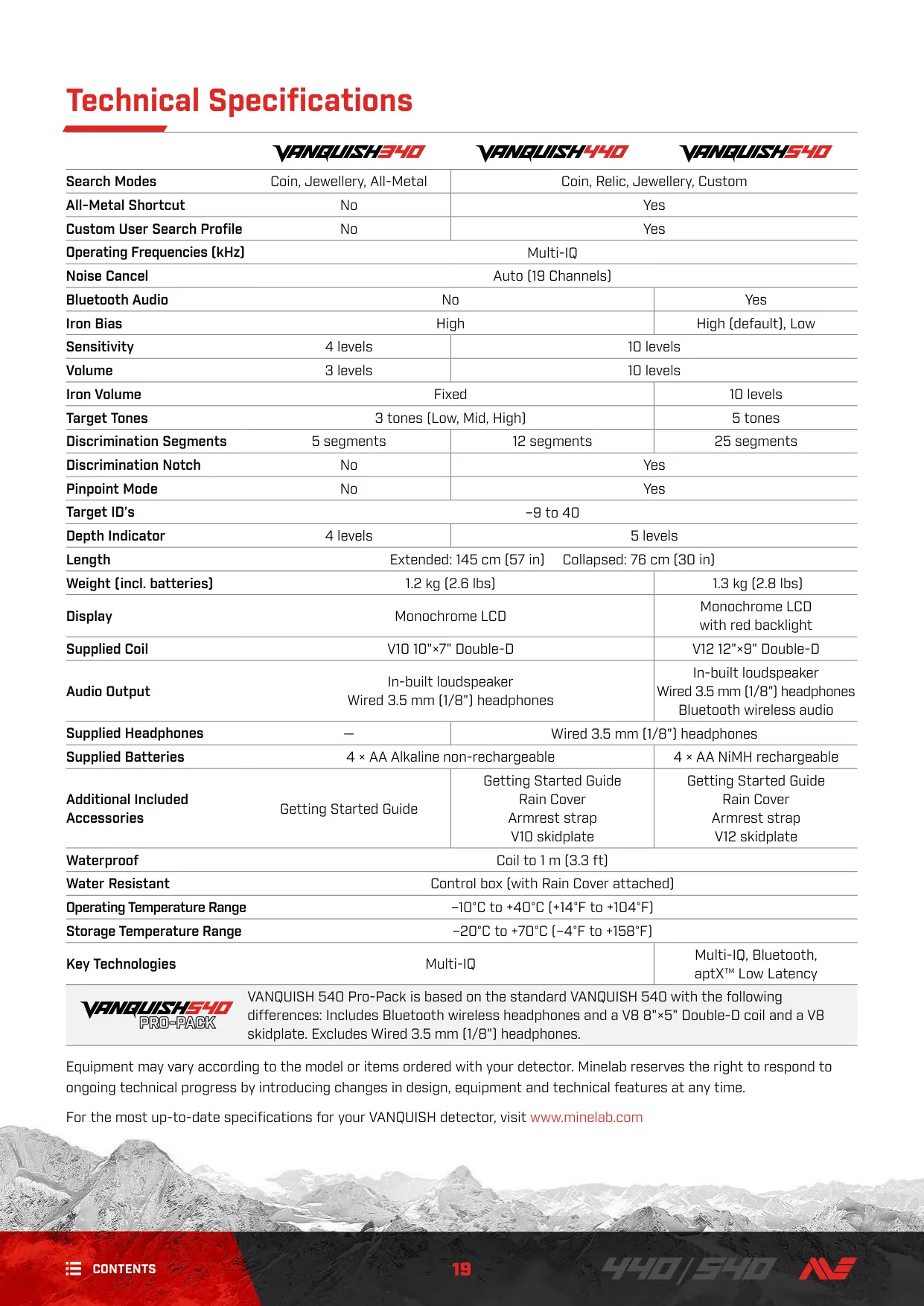
| Feature | Specification |
|---|---|
| Search Modes | Coin, Relic, Jewellery, Custom |
| All-Metal Shortcut | Yes |
| Custom User Search Profile | Yes |
| Operating Frequencies (kHz) | Multi-IQ |
| Noise Cancel | Auto (19 Channels) |
| Bluetooth Audio | Yes |
| Iron Bias | High (default), Low |
| Sensitivity | 10 levels |
| Volume | 10 levels |
| Iron Volume | 10 levels |
| Target Tones | 5 tones (T1 to T5) |
| Discrimination Segments | 25 segments |
| Discrimination Notch | Yes |
| Pinpoint Mode | Yes |
| Target ID’s | –9 to 40 |
| Depth Indicator | 5 levels |
| Length | Extended: 145 cm (57 in) / Collapsed: 76 cm (30 in) |
| Weight (incl. batteries) | 1.3 kg (2.8 lbs) |
| Display | Monochrome LCD with red backlight |
| Supplied Coil | V12 12"×9" Double‑D |
| Audio Output | In‑built loudspeaker, Wired 3.5 mm (1/8") headphones, Bluetooth wireless audio |
| Supplied Headphones | Wired 3.5 mm (1/8") headphones |
| Supplied Batteries | 4 × AA NiMH rechargeable |
| Additional Included Accessories | Getting Started Guide, Rain Cover, Armrest strap, V12 skidplate |
| Waterproof | Coil to 1 m (3.3 ft) |
| Water Resistant | Control box (with Rain Cover attached) |
| Operating Temperature Range | –10°C to +40°C (+14°F to +104°F) |
| Storage Temperature Range | –20°C to +70°C (–4°F to +158°F) |
| Key Technologies | Multi‑IQ, Bluetooth, aptX™ Low Latency |
Minelab Vanquish 540 Metal Detector Details
The Minelab Vanquish 540 stands out with its Multi-IQ technology, allowing it to operate on multiple frequencies simultaneously. This innovative feature ensures superior detection performance across all terrain types—from parks to beaches and goldfields—and for a wide range of targets, from coins to relics and jewellery. The detector offers four distinct search modes: Coin, Jewellery, Relic, and Custom, each optimized with unique target separation and depth capabilities. These modes simplify operation, letting users quickly adapt to different hunting environments and target preferences, significantly enhancing the prospecting experience.
Beyond preset modes, the Vanquish 540 provides extensive customization options. The Custom Search Mode is particularly valuable, allowing users to save their preferred discrimination patterns and settings. This ensures that personal configurations are retained even after the detector is powered off, streamlining subsequent hunts. The advanced discrimination system utilizes Target Identification (ID) numbers ranging from –9 to 40, coupled with 25 adjustable discrimination segments. Users can precisely accept or reject specific target categories, minimizing time spent digging undesirable items like iron trash.
For comprehensive target analysis, the detector includes an All-Metal function. This mode turns on all discrimination segments, ensuring that no metal targets are missed, including iron. It's especially useful for checking a detected non-ferrous signal for underlying ferrous material, helping to distinguish between a valuable find and complex iron trash. Complementing this, the adjustable Iron Bias feature, with "High" and "Low" settings, further refines how the detector processes ferrous targets. The "Low" setting is particularly beneficial for identifying desirable coins amidst dense iron contamination.
Target recovery is made easier with the dedicated Pinpoint mode. By pressing and holding the Pinpoint button, users can precisely narrow down a target's location before digging. The visual feedback on the discrimination segments, combined with varying audio tones and volumes, guides the user directly to the target's center. Furthermore, the Depth Gauge provides an approximate indication of the buried target's depth. While a guide, this feature assists in planning excavation, reducing effort and potential damage to finds.
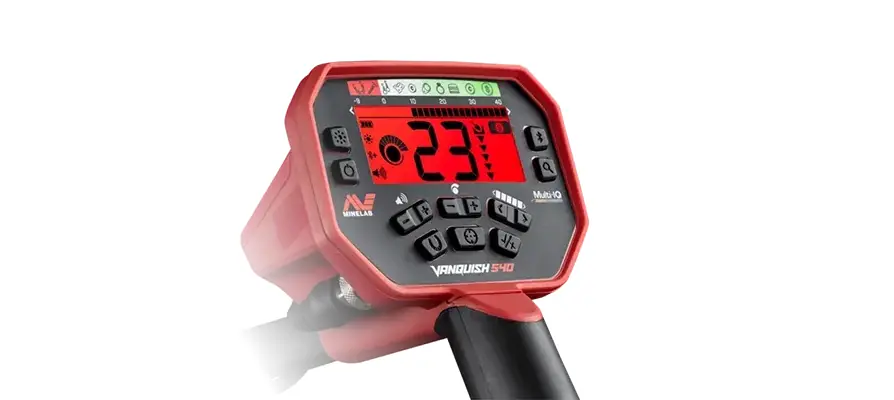
The Vanquish 540 offers advanced audio and display features for enhanced user experience. It supports Bluetooth wireless audio, with Qualcomm aptX™ Low Latency technology, ensuring minimal delay for critical target responses when using compatible headphones like the Minelab ML 80. The detector boasts adjustable volume, including a dedicated Iron Volume control, allowing users to fine-tune the loudness of ferrous signals. A red backlight illuminates the monochrome LCD, making it suitable for detecting in low-light conditions, and a 5-tone target identification system provides distinct audio cues.
Designed for practicality, the Vanquish 540 features 10 levels of sensitivity to maximize detection depth under various ground conditions, alongside an automatic noise cancel function to mitigate environmental interference. Power is supplied by four rechargeable AA NiMH batteries, offering convenience and an approximate 11-hour run-time on a full charge. The detector also includes a battery level indicator and an automatic shut-down feature for critically low battery situations, ensuring reliable operation during extended detecting sessions.
Frequently Asked Questions (FAQs)
Can't find the answer you need? Here are some frequently asked questions about the Minelab Vanquish 540 Metal Detector, and we answer them below.


