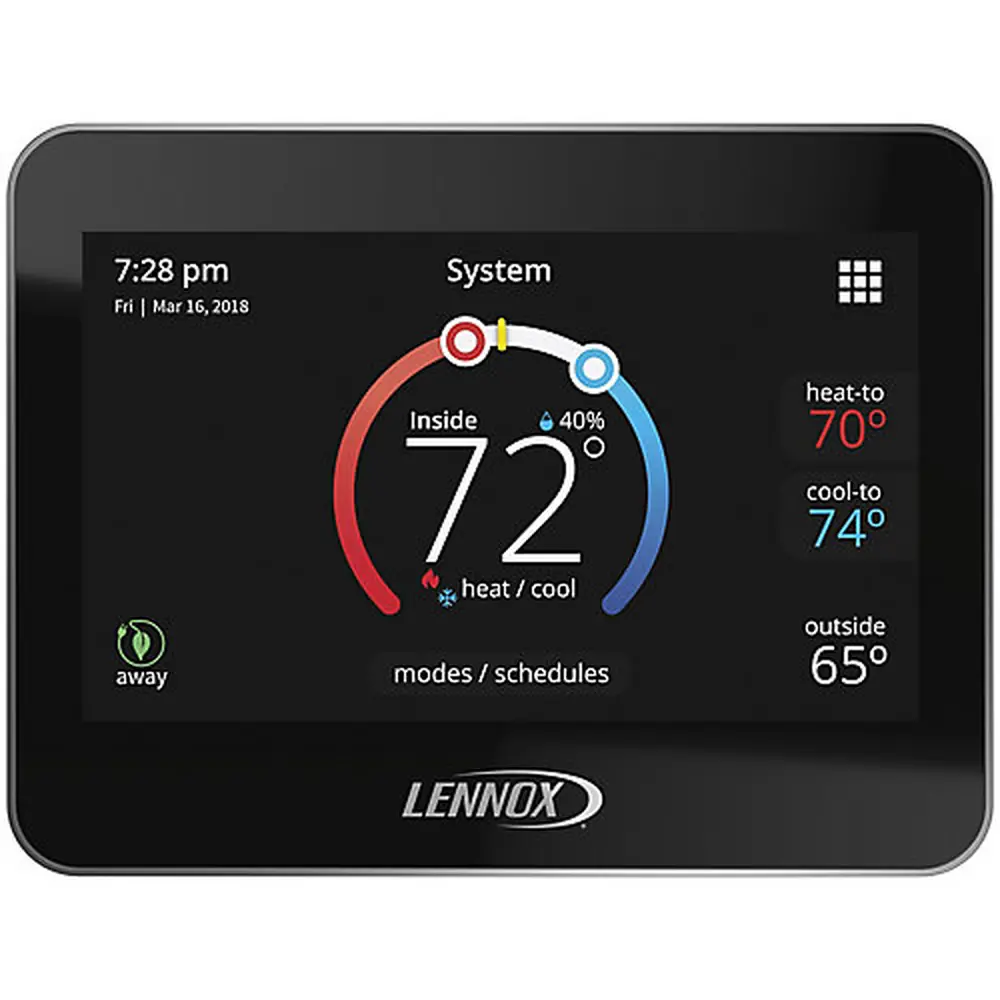
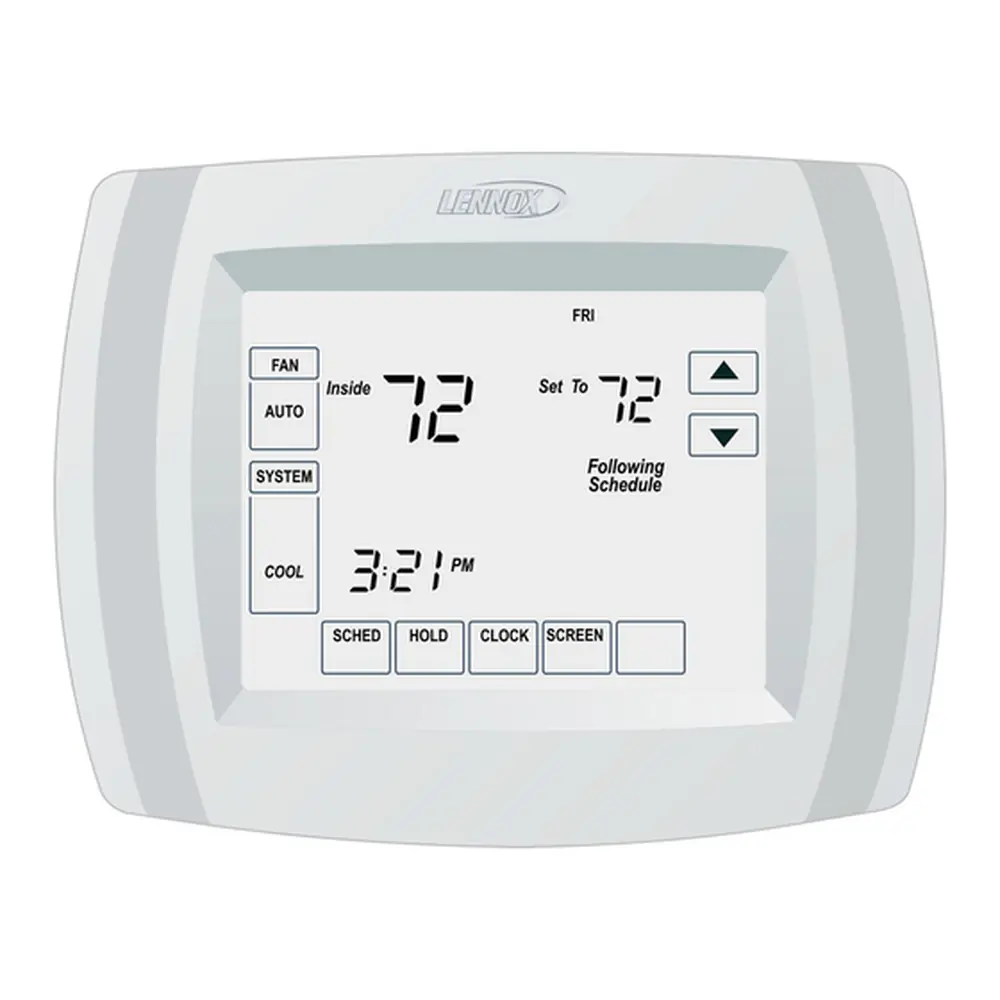
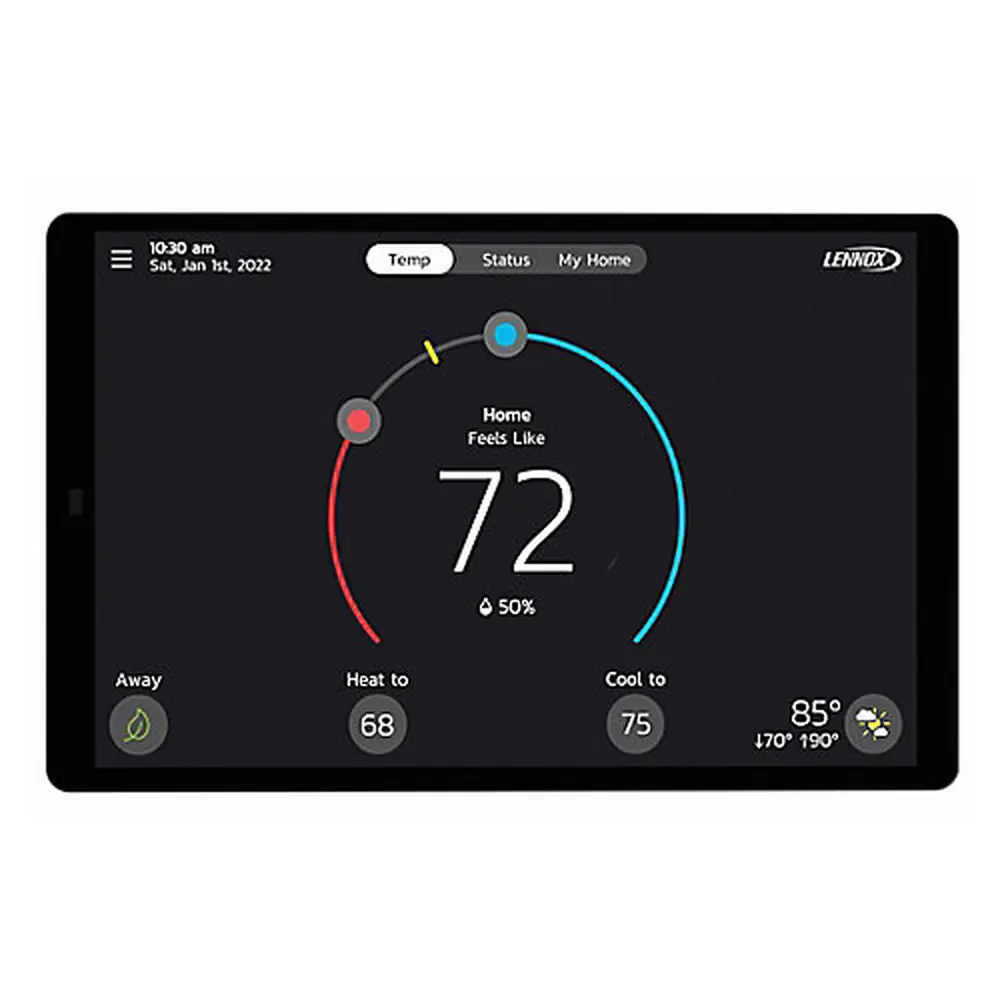
Lennox iComfort S30 Thermostat Instruction Manual
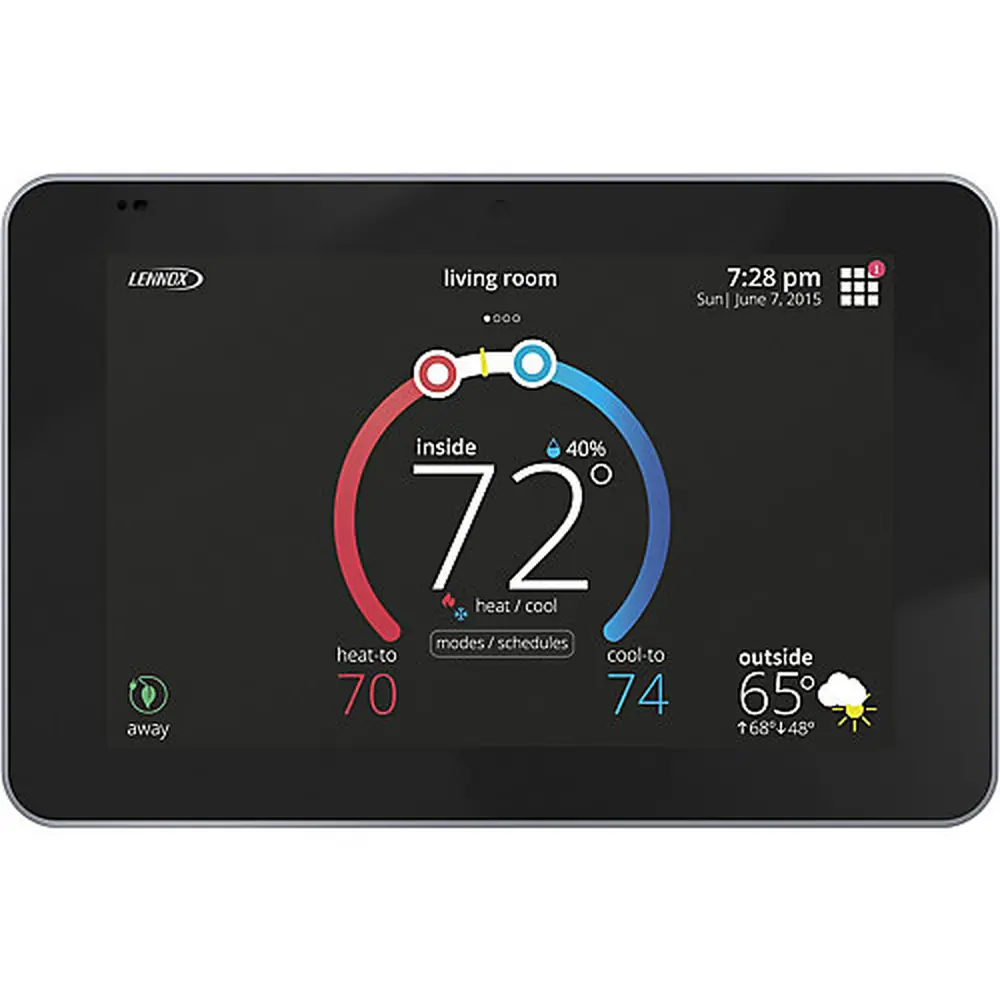
Lennox iComfort S30 Thermostat
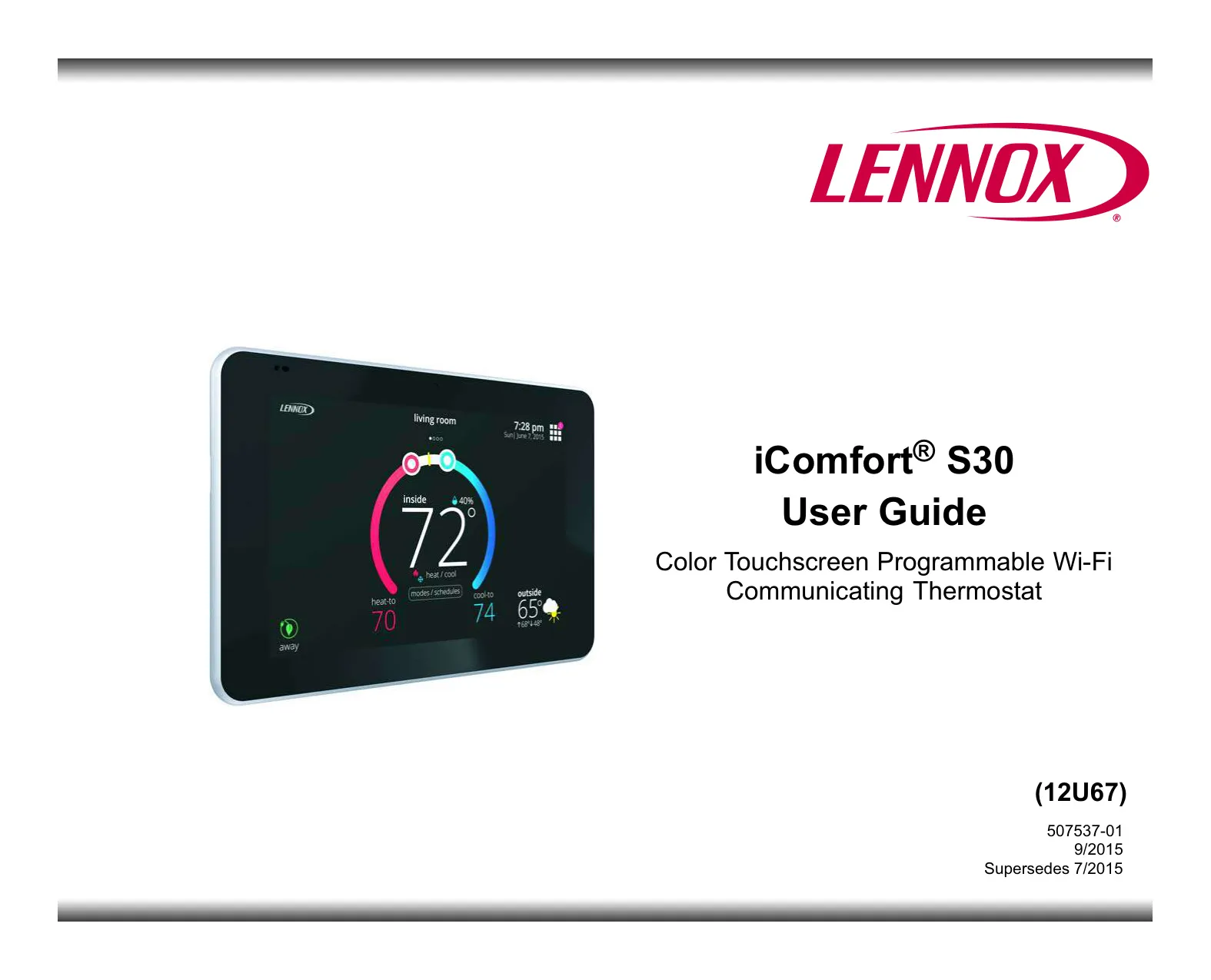
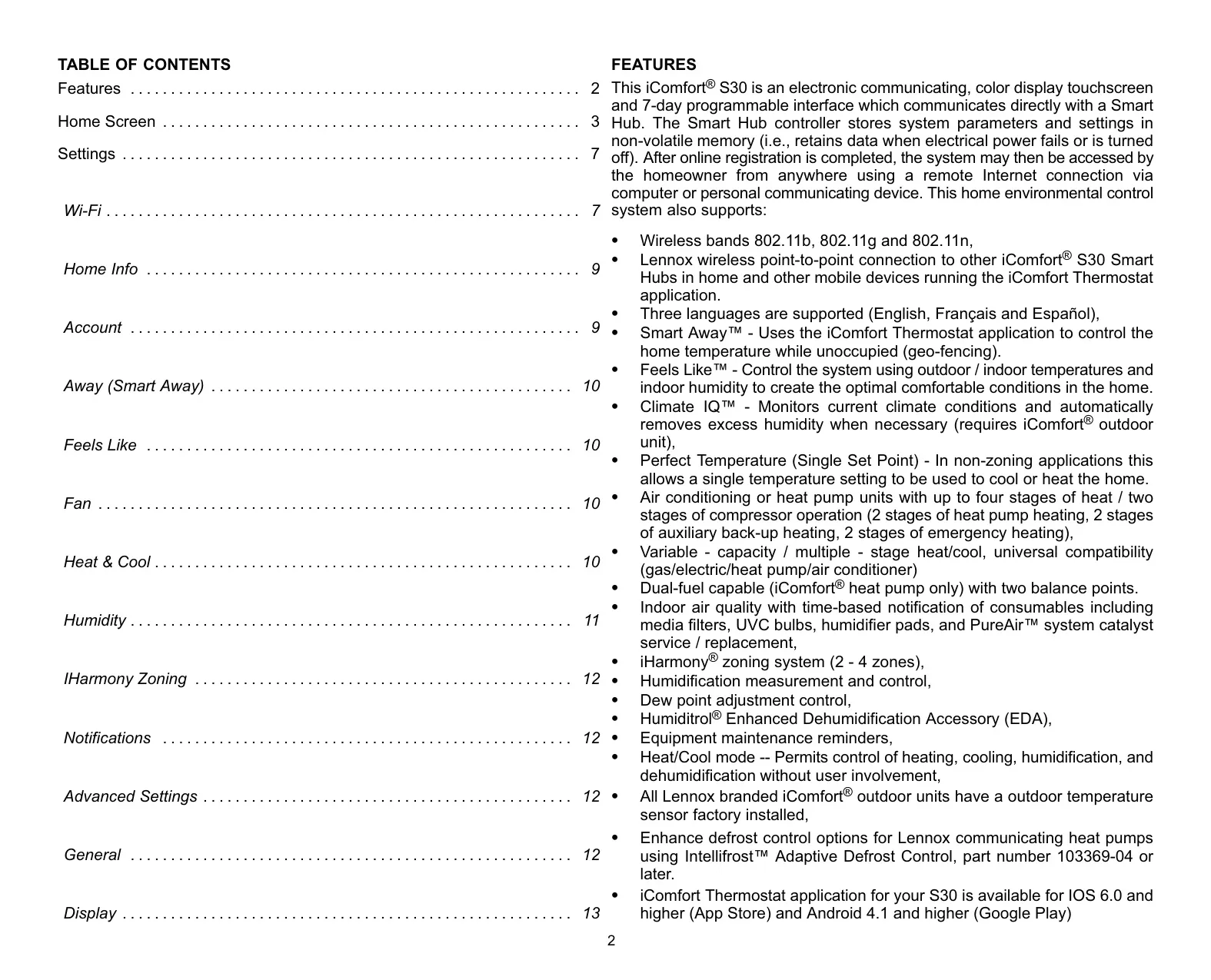
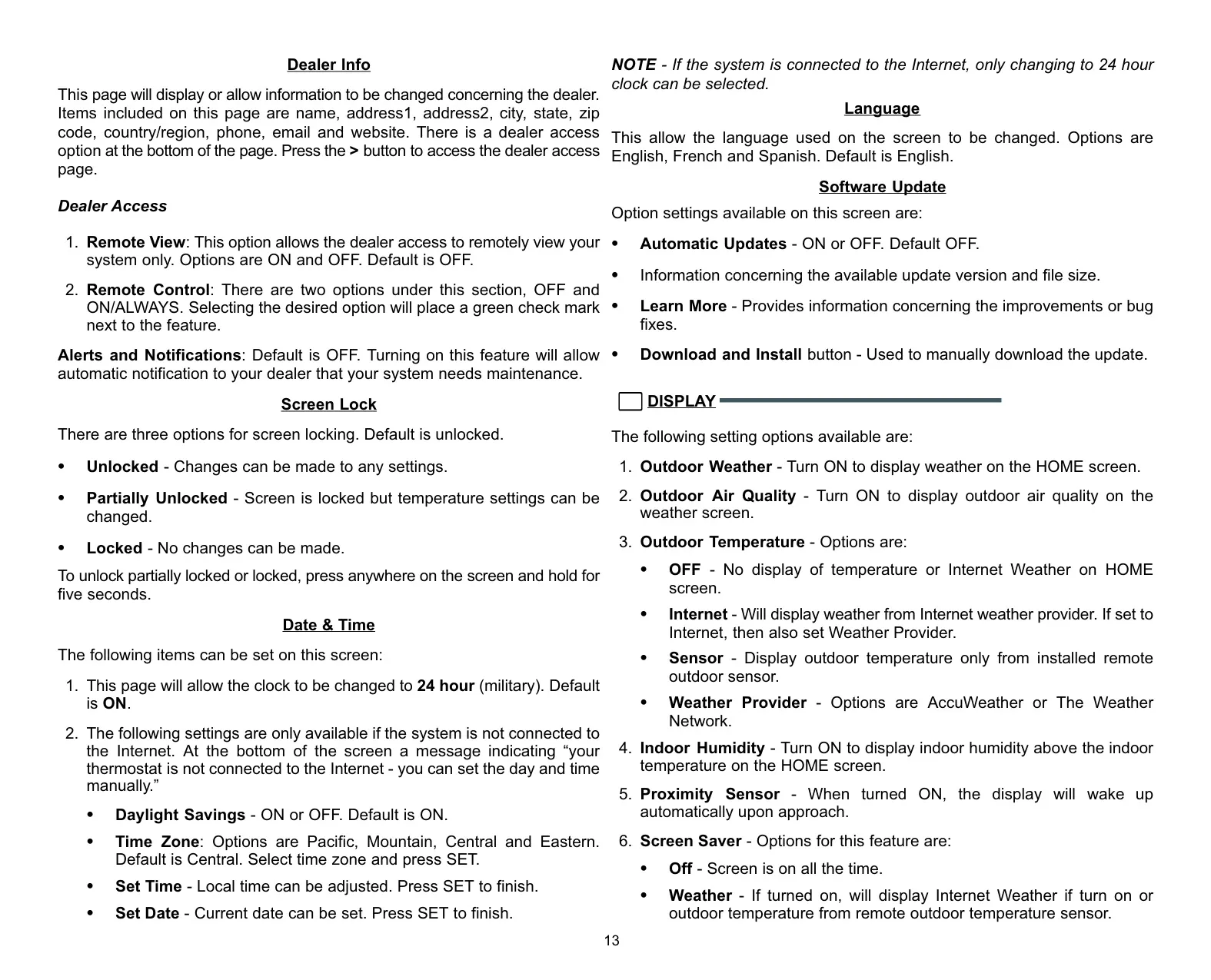
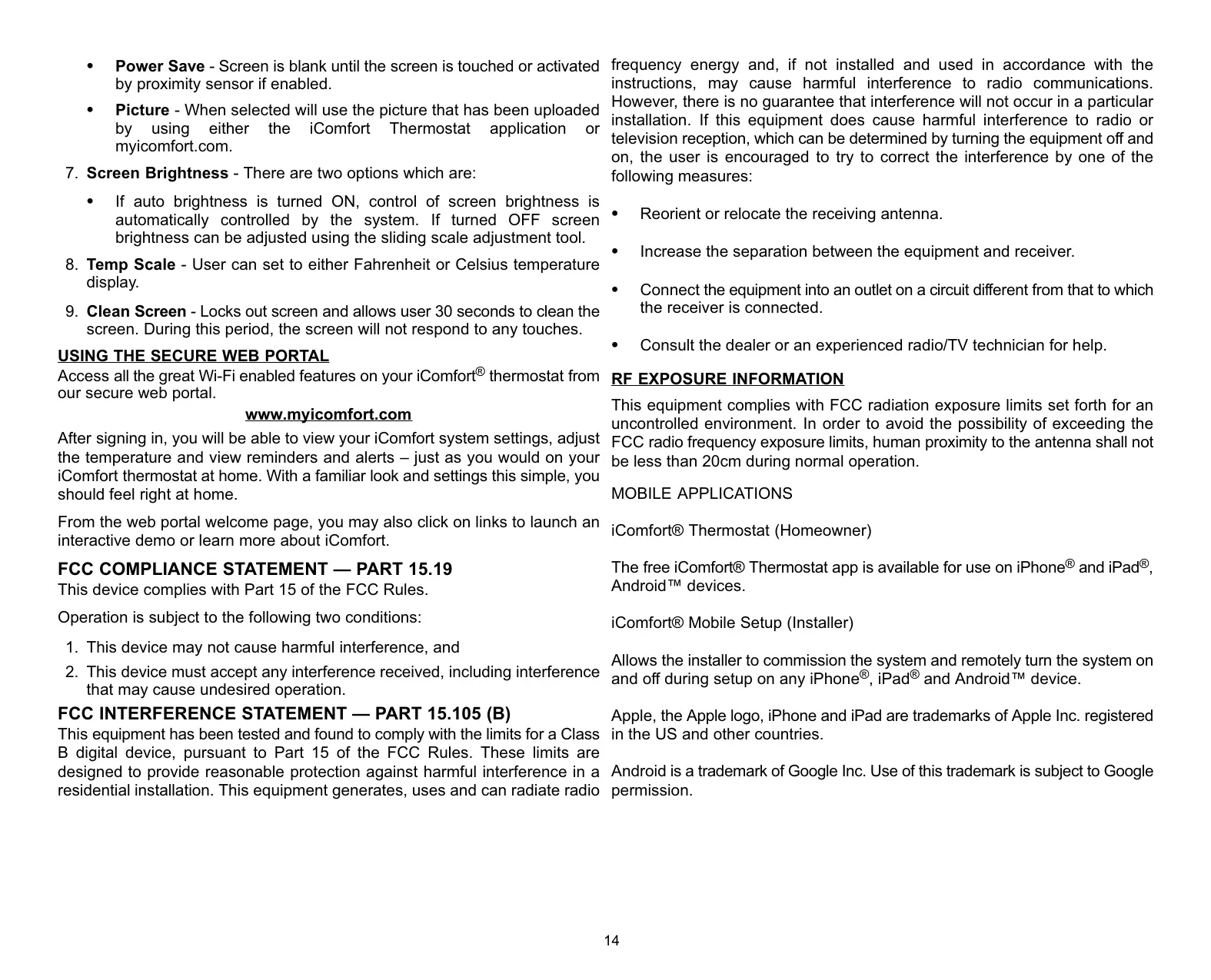
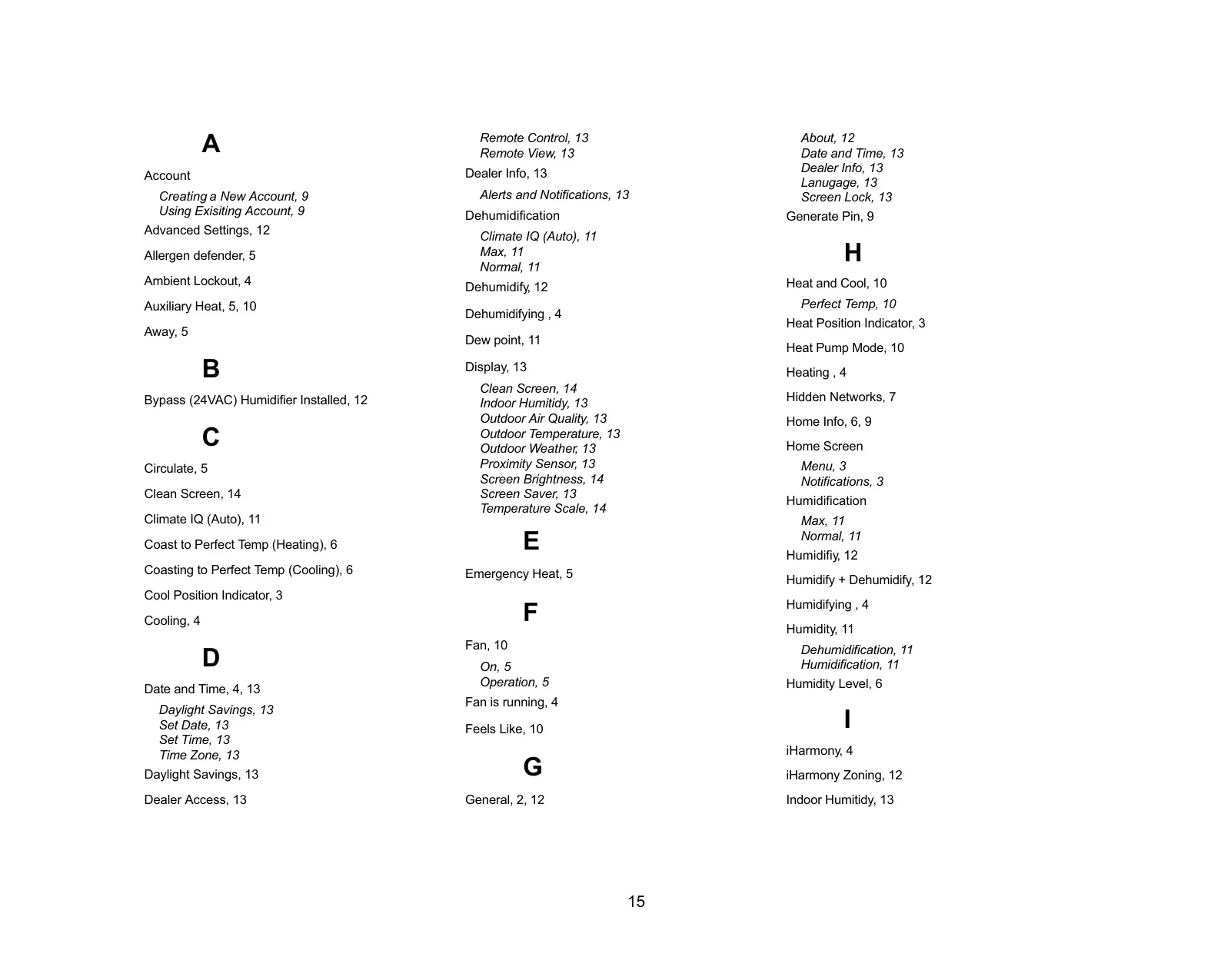
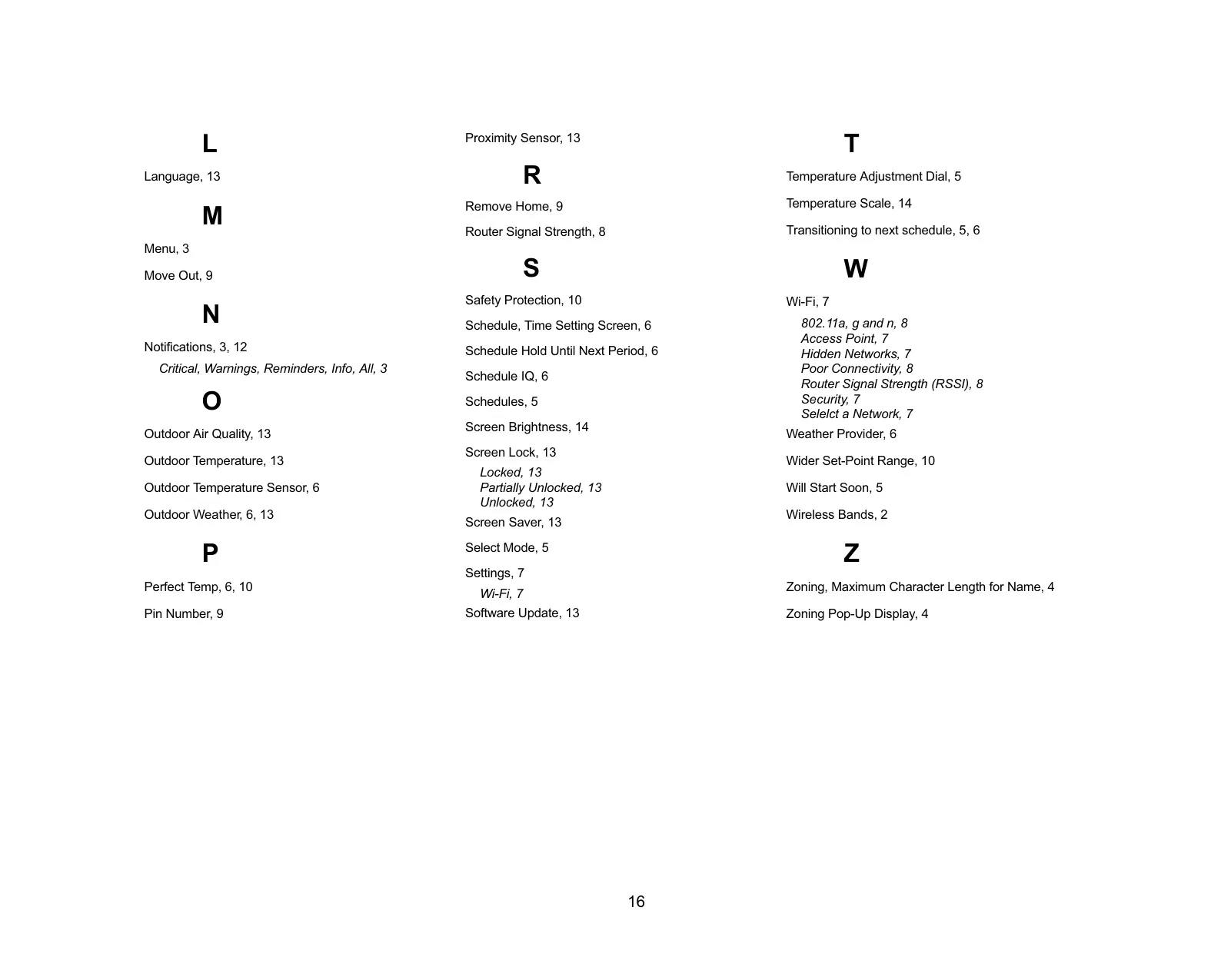


Lennox iComfort S30 Thermostat

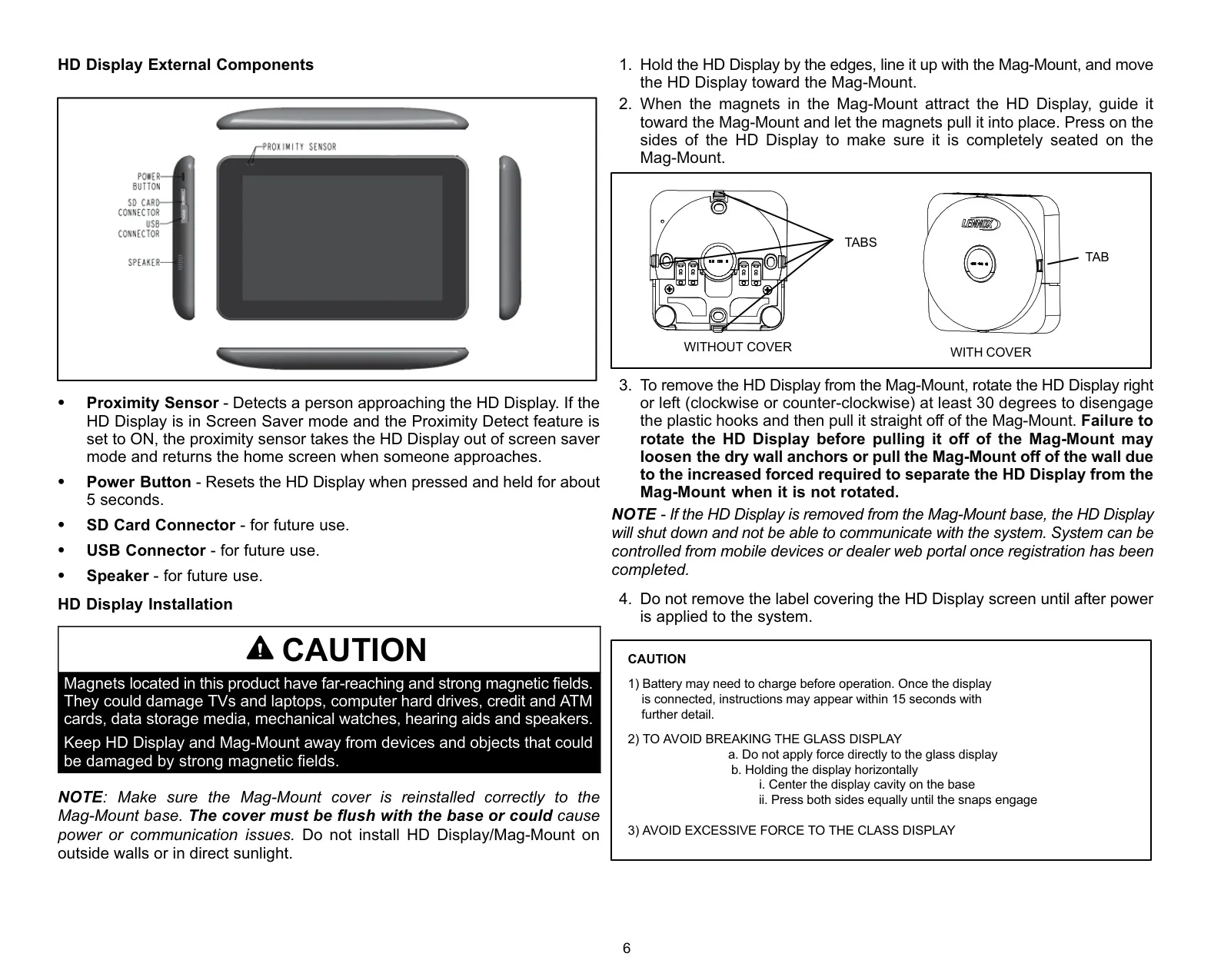
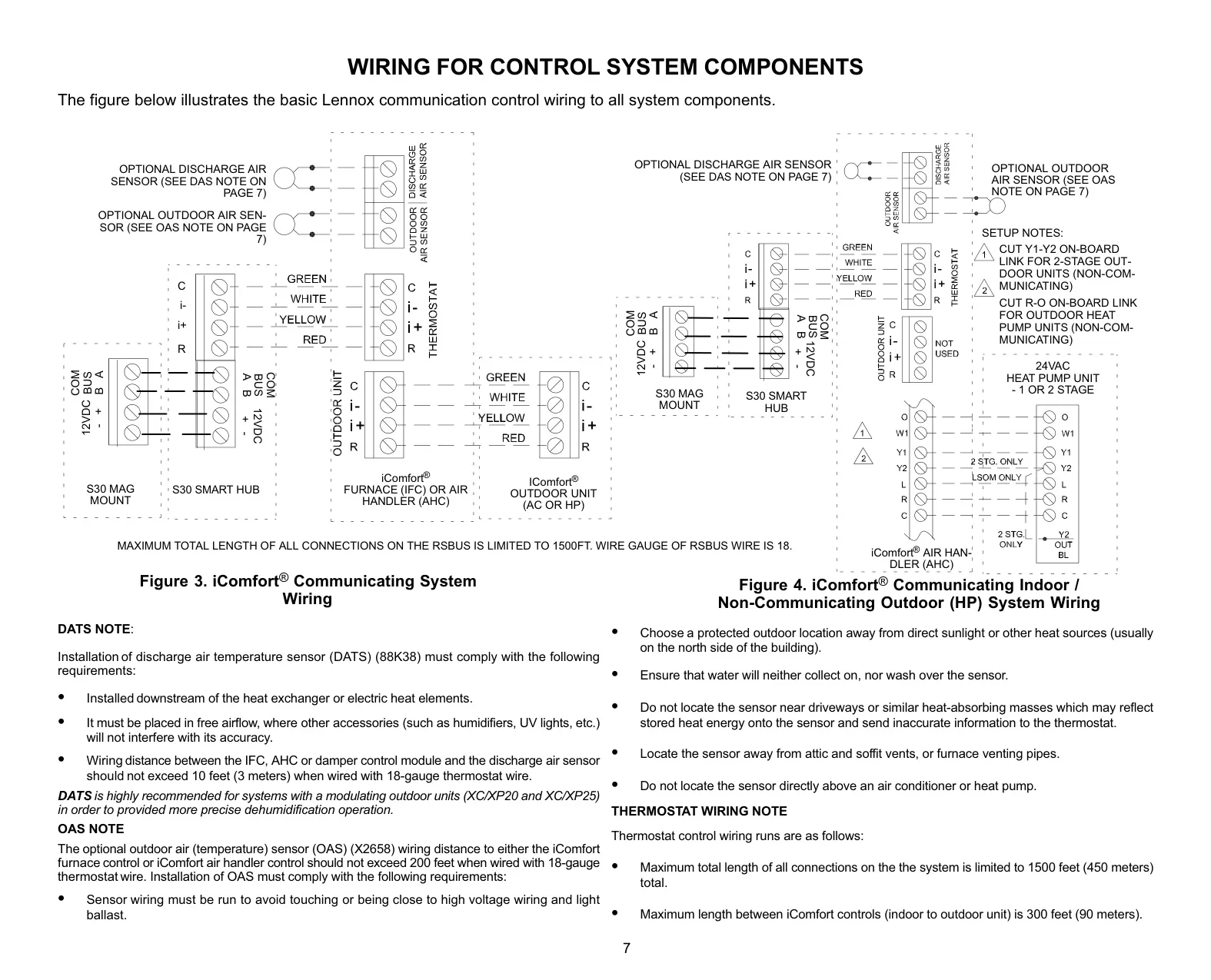
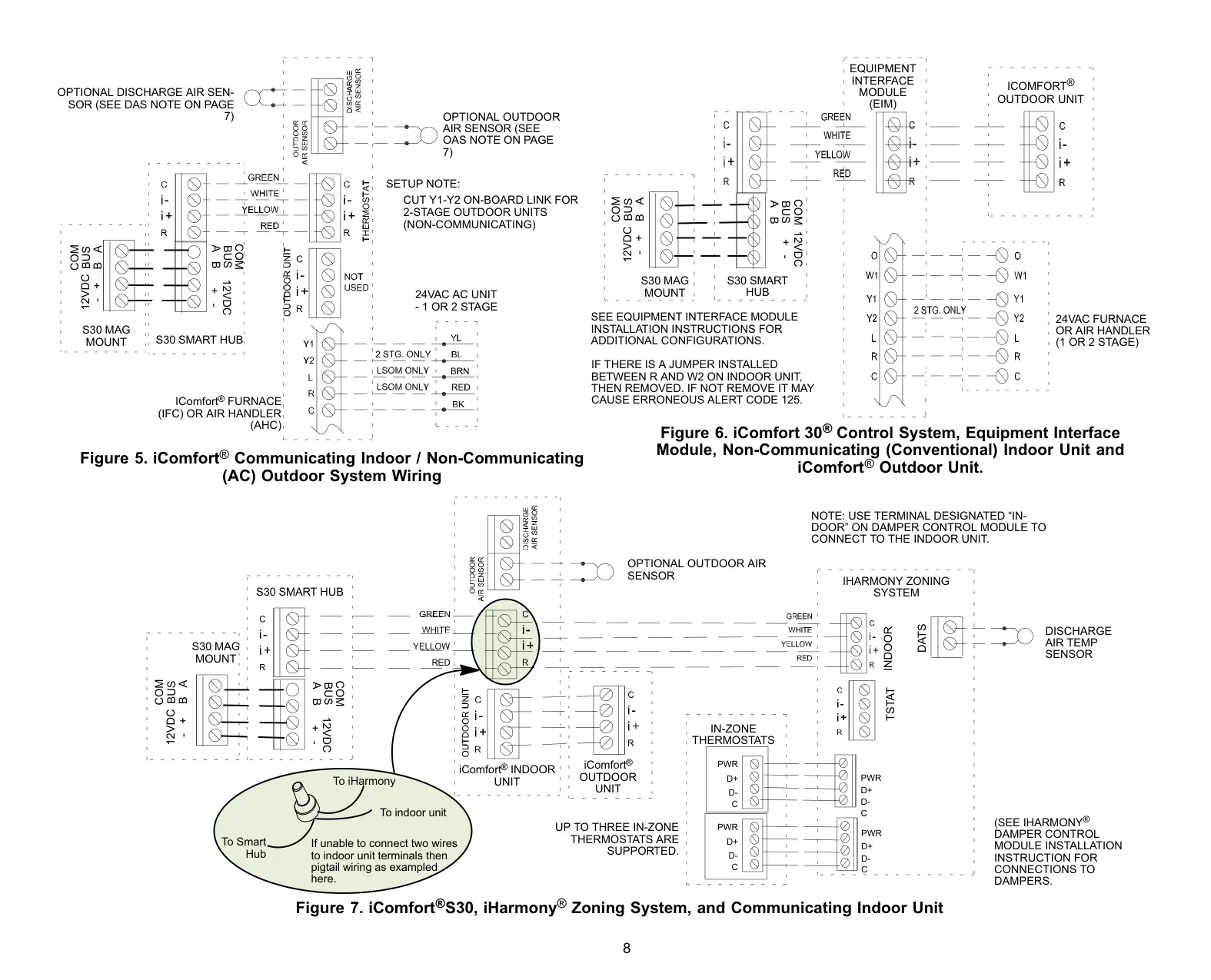
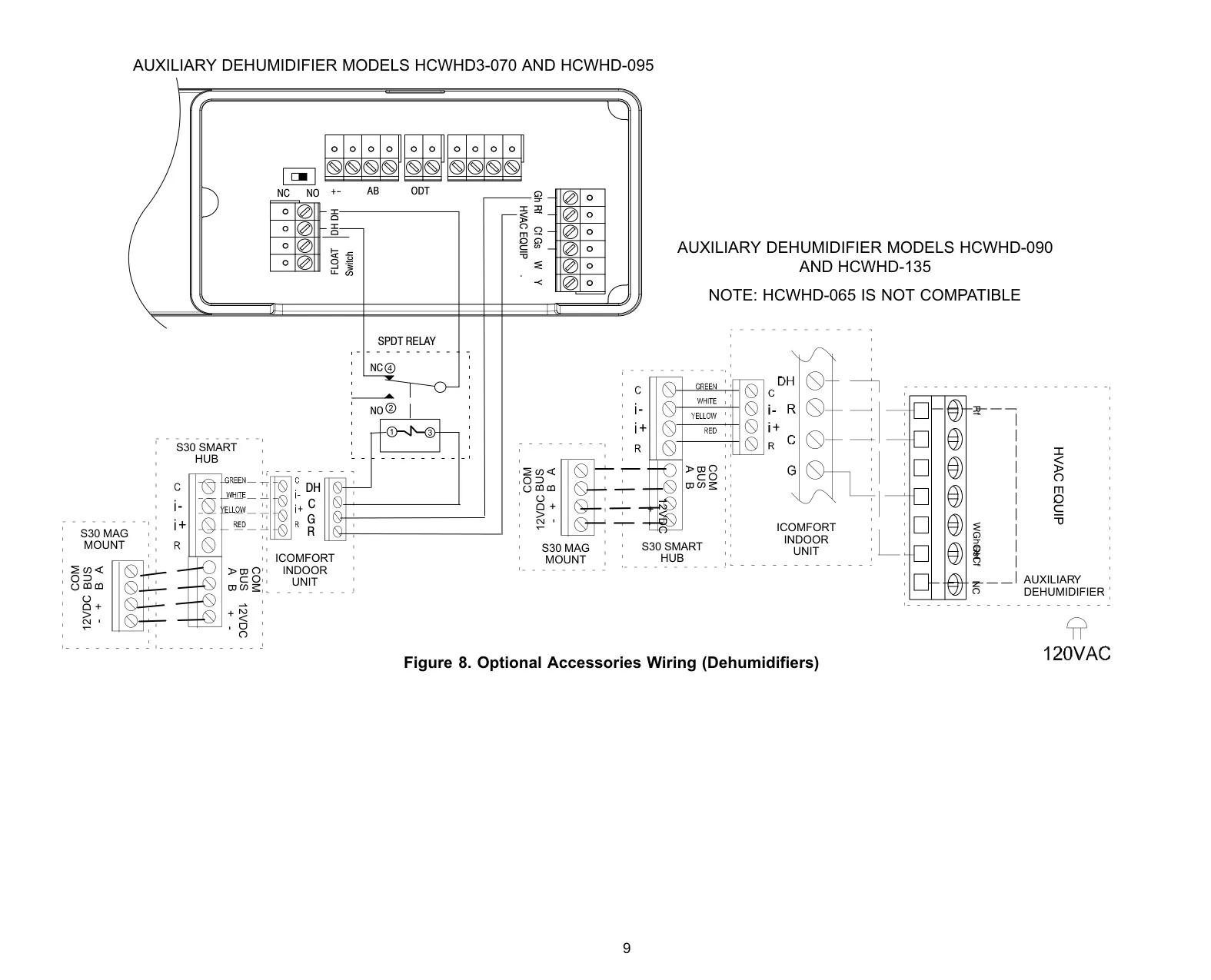
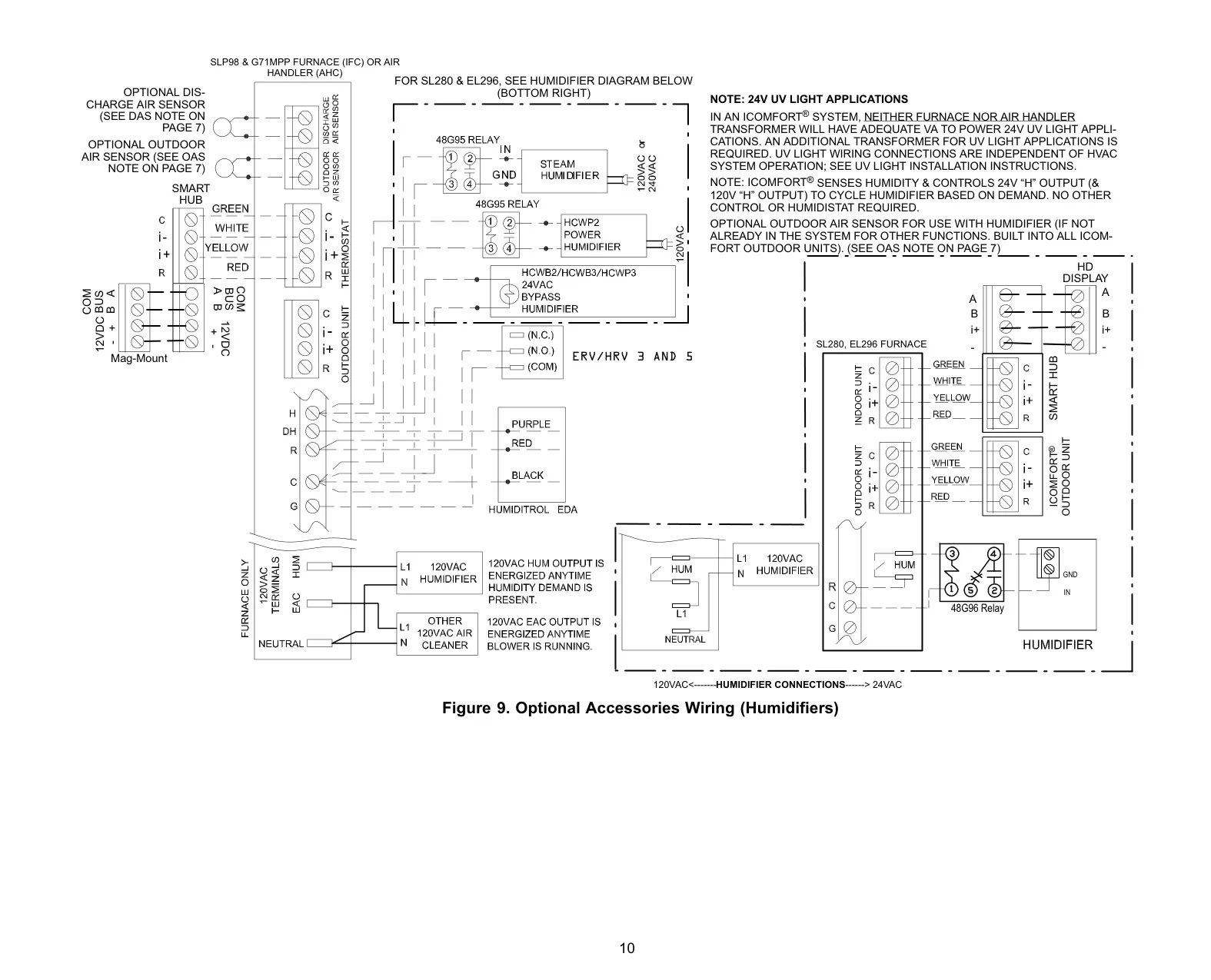
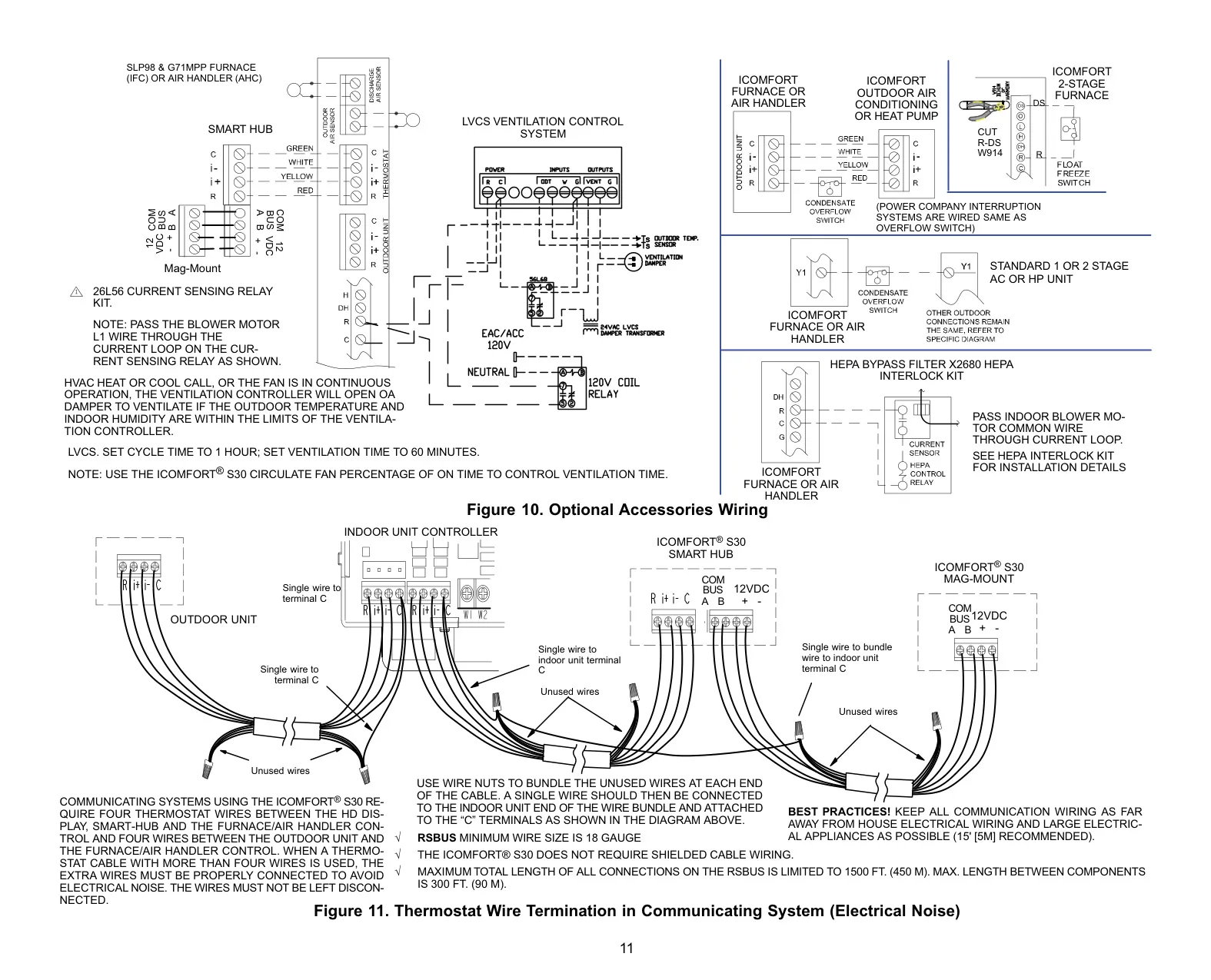

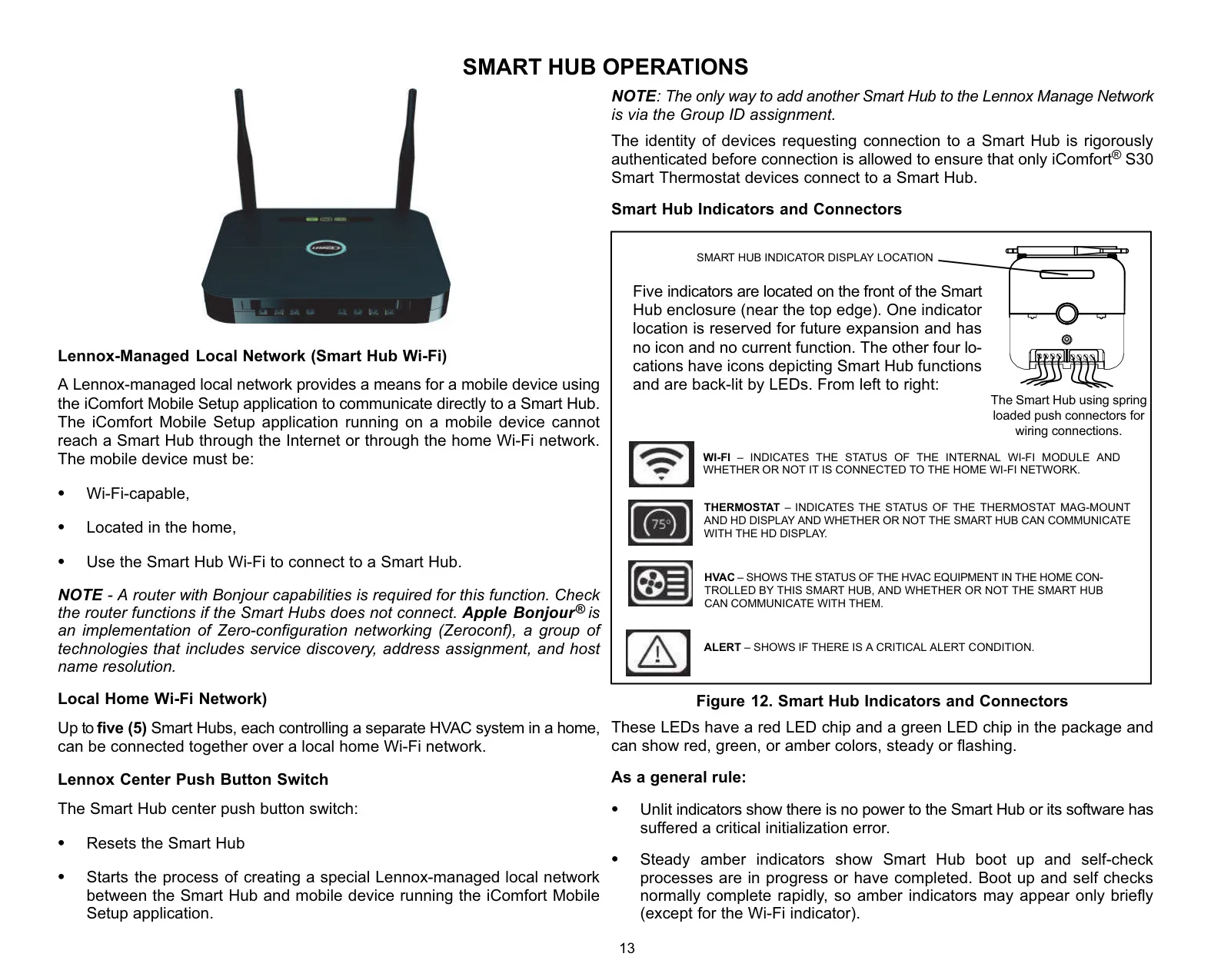
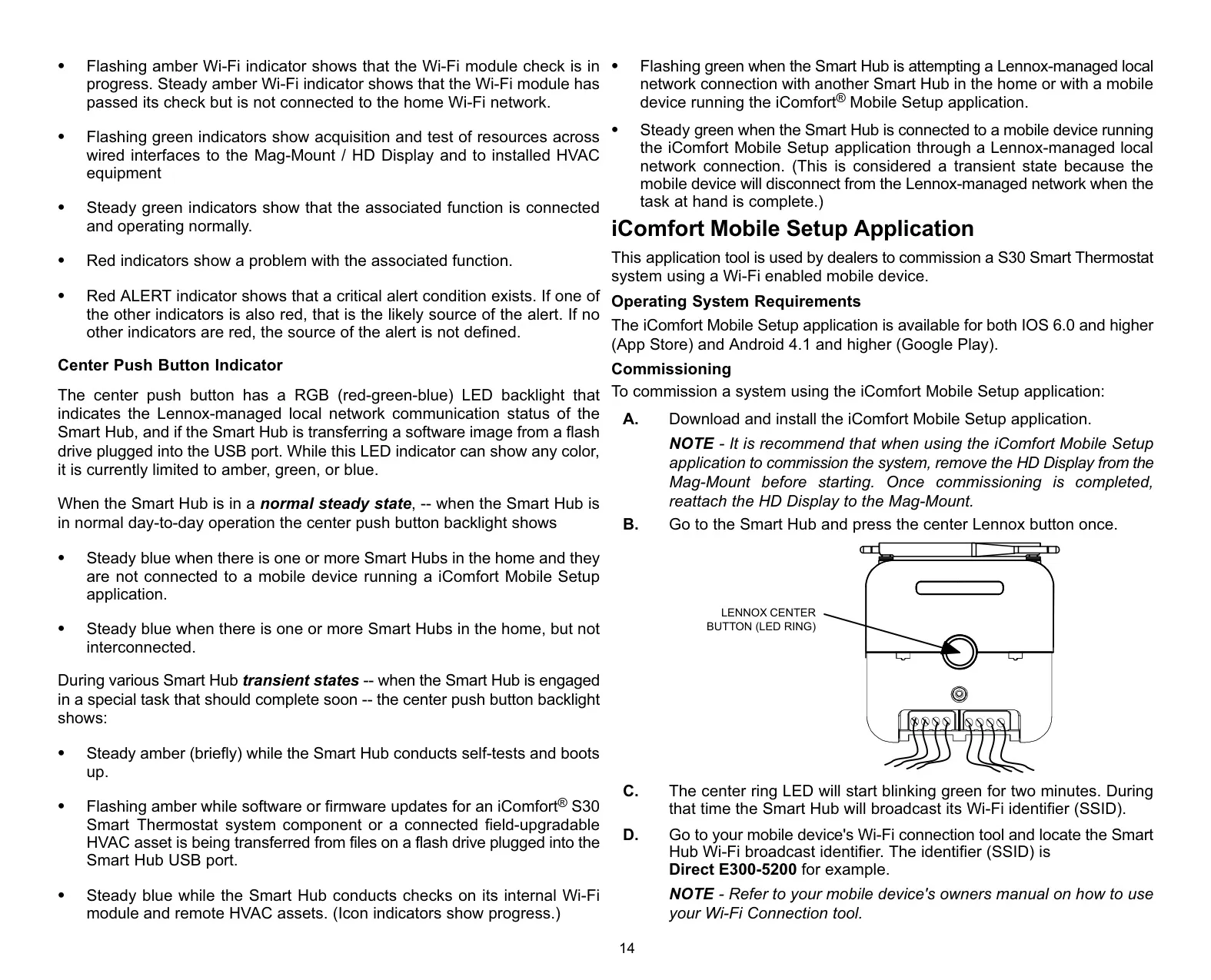
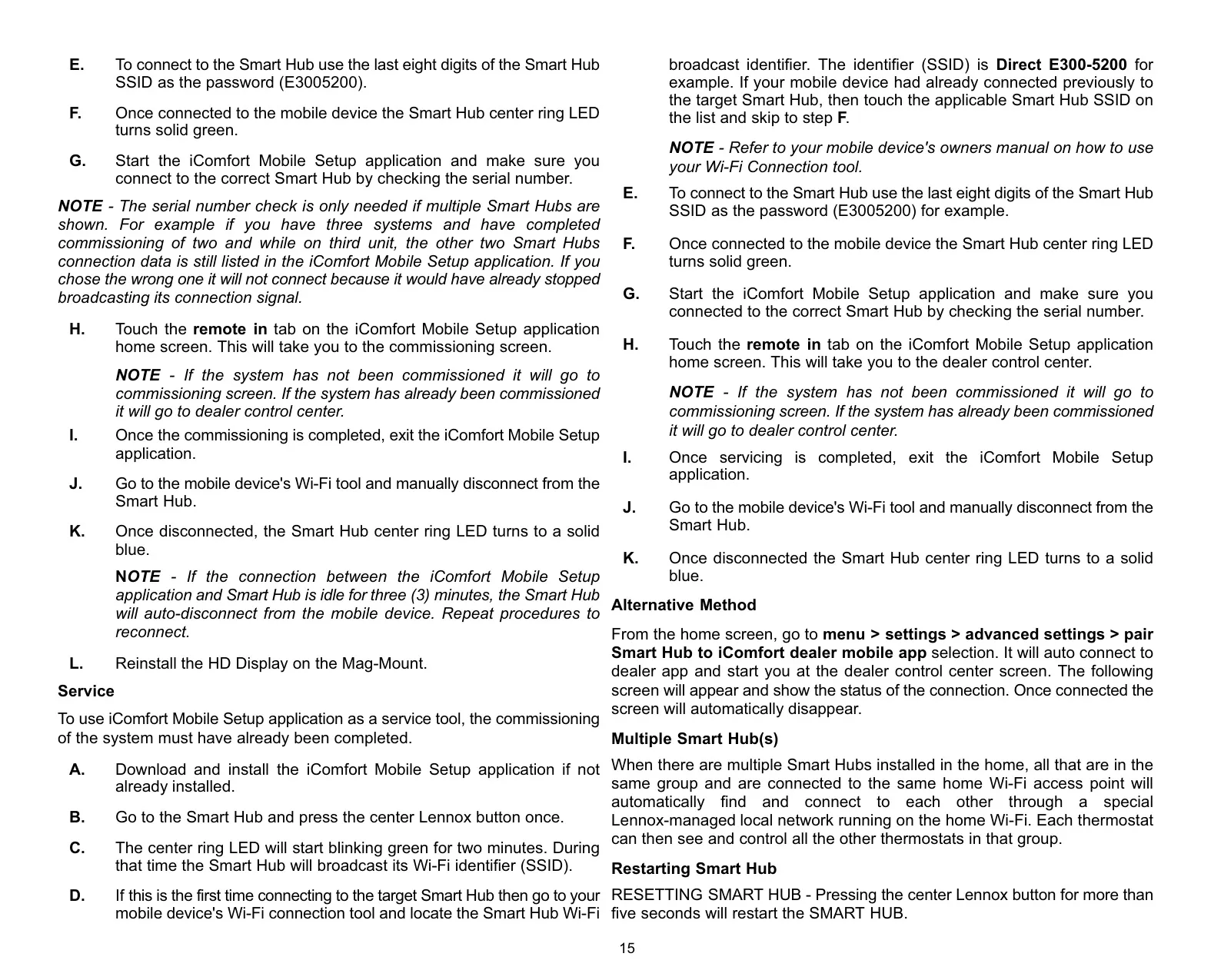
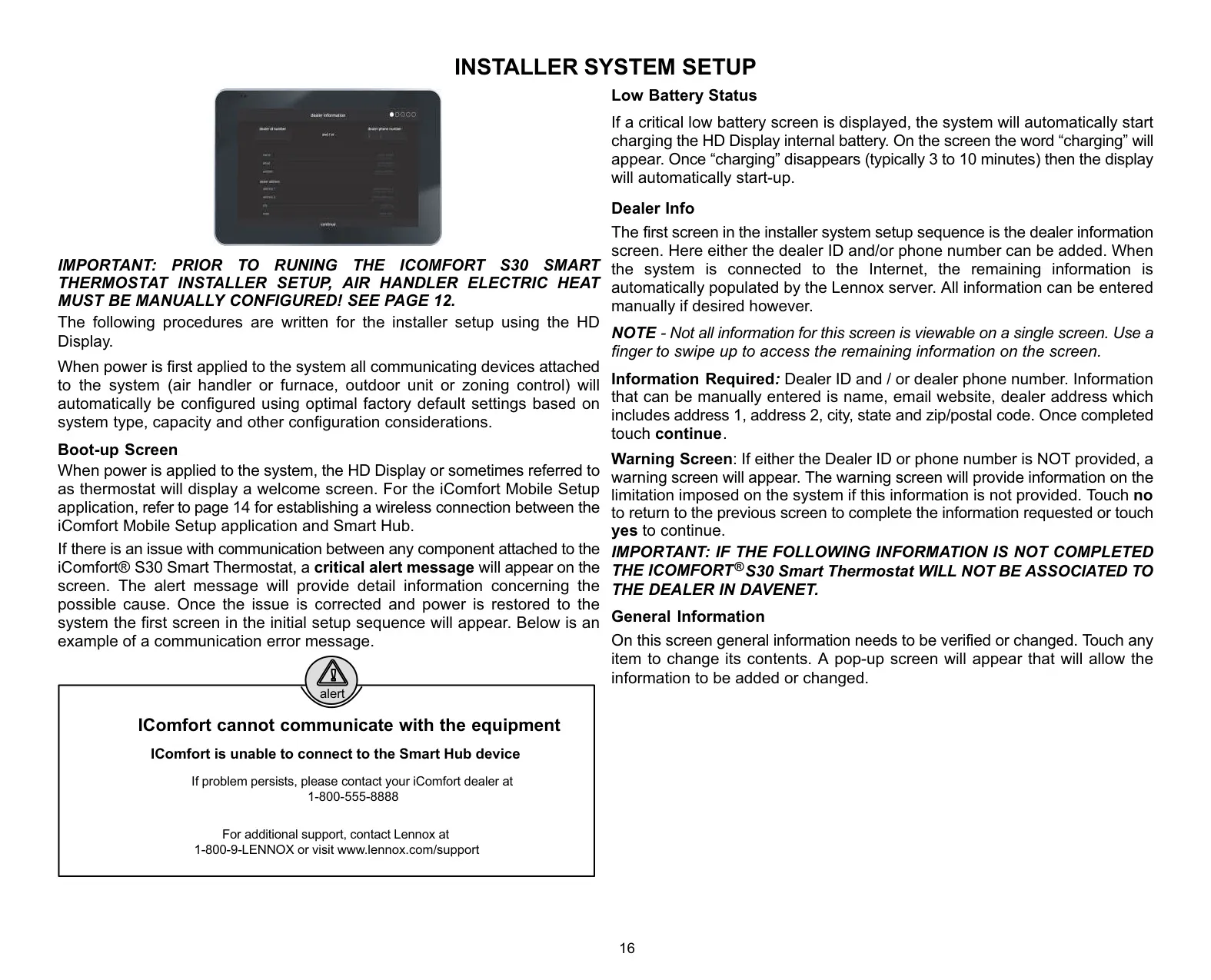
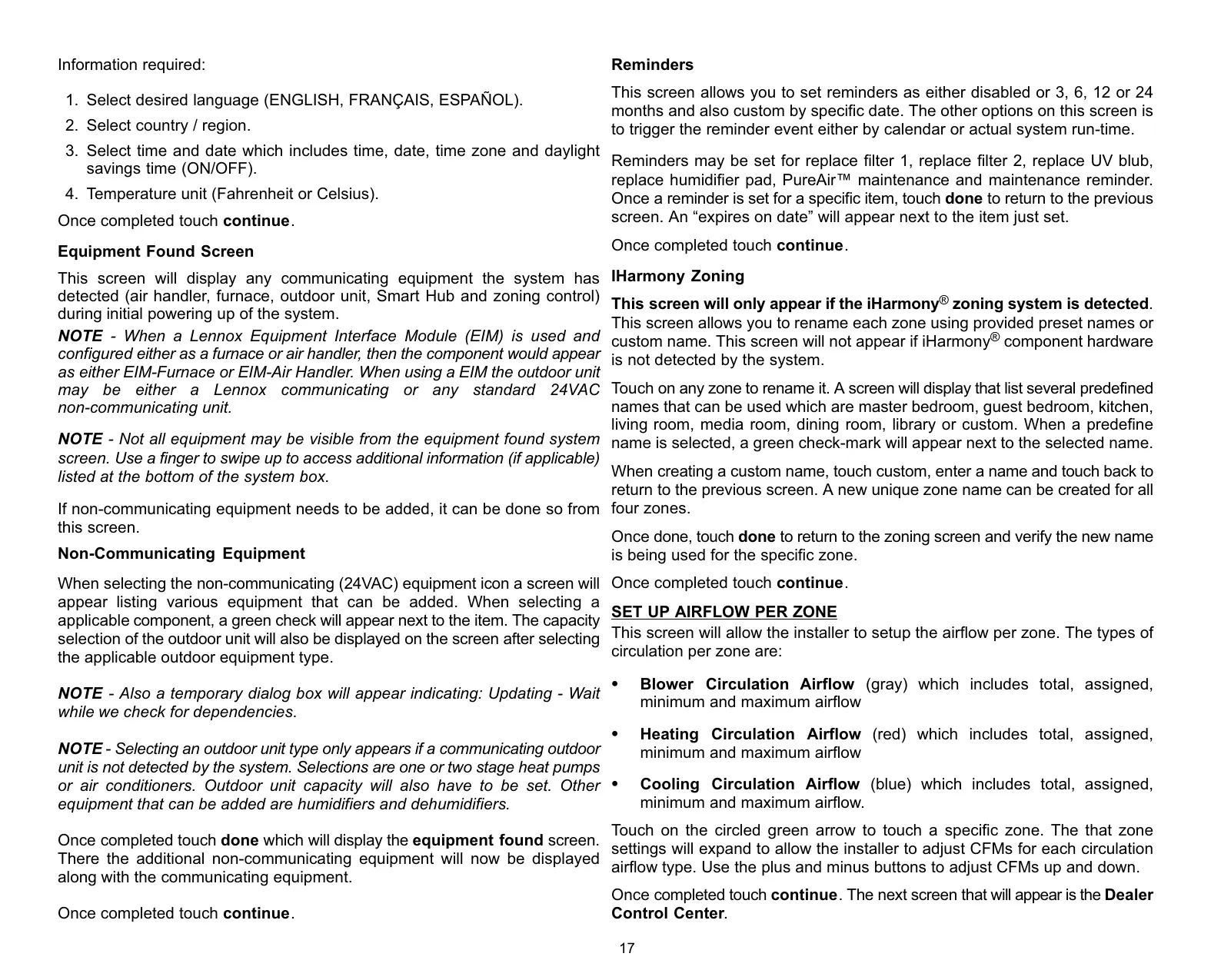
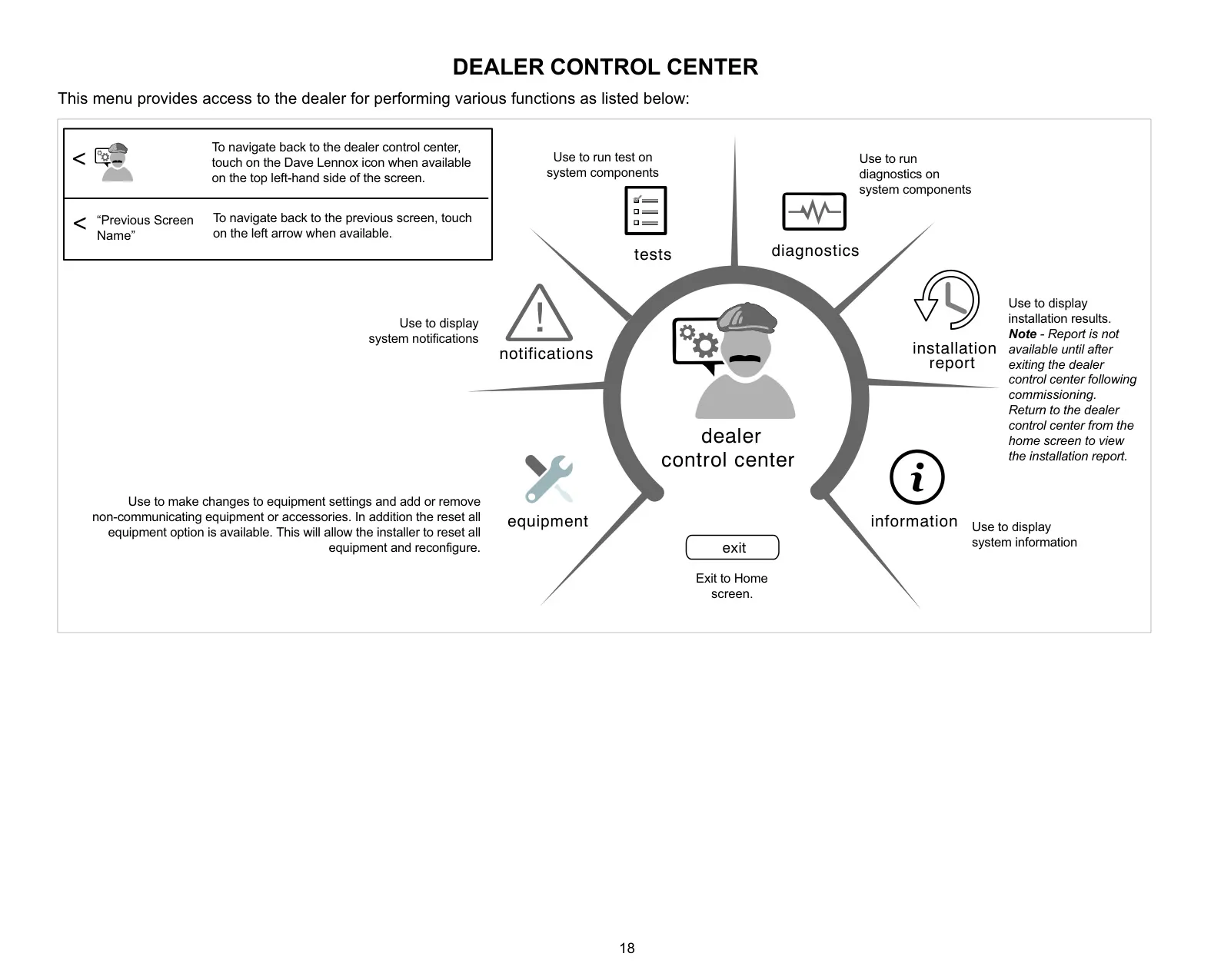
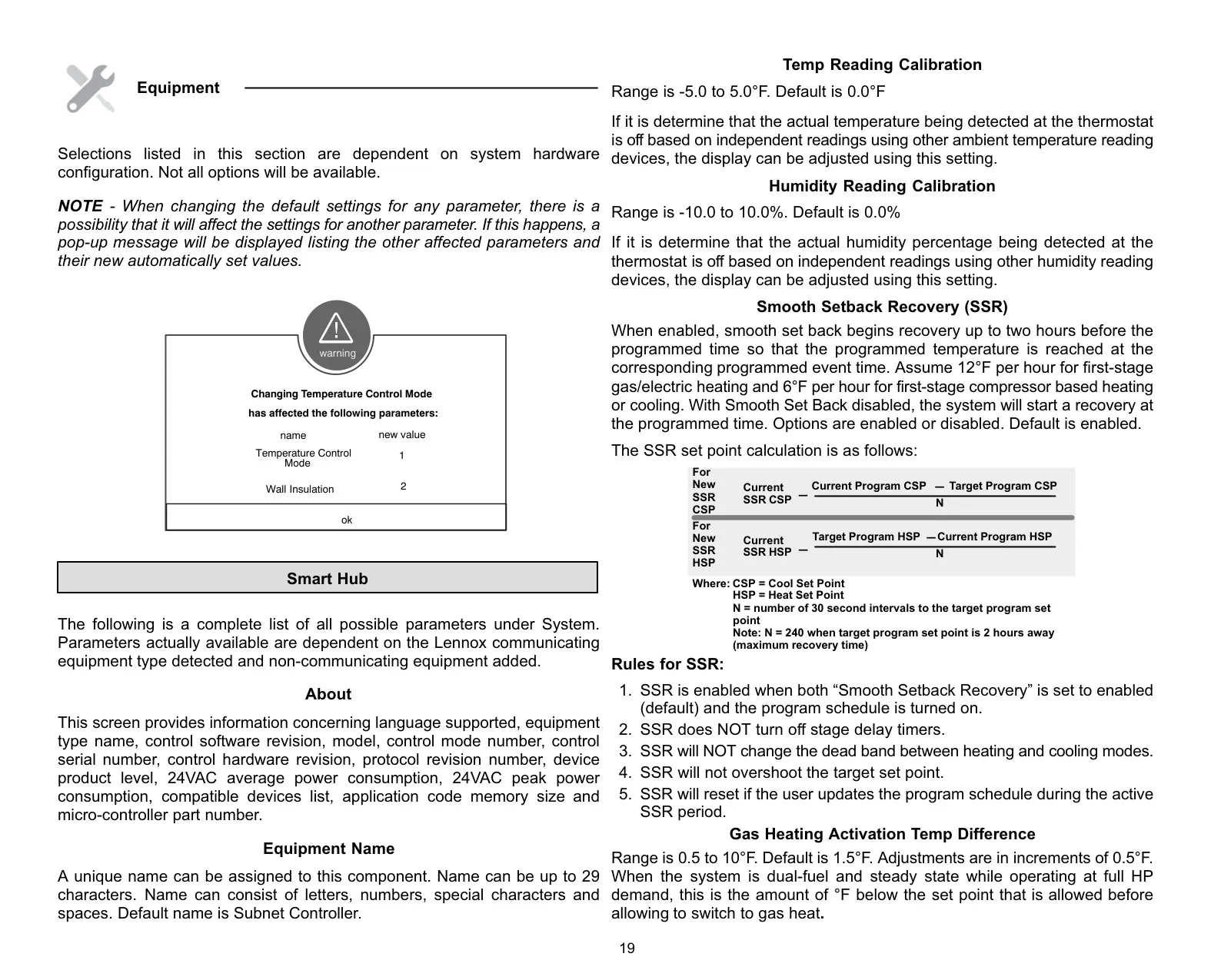
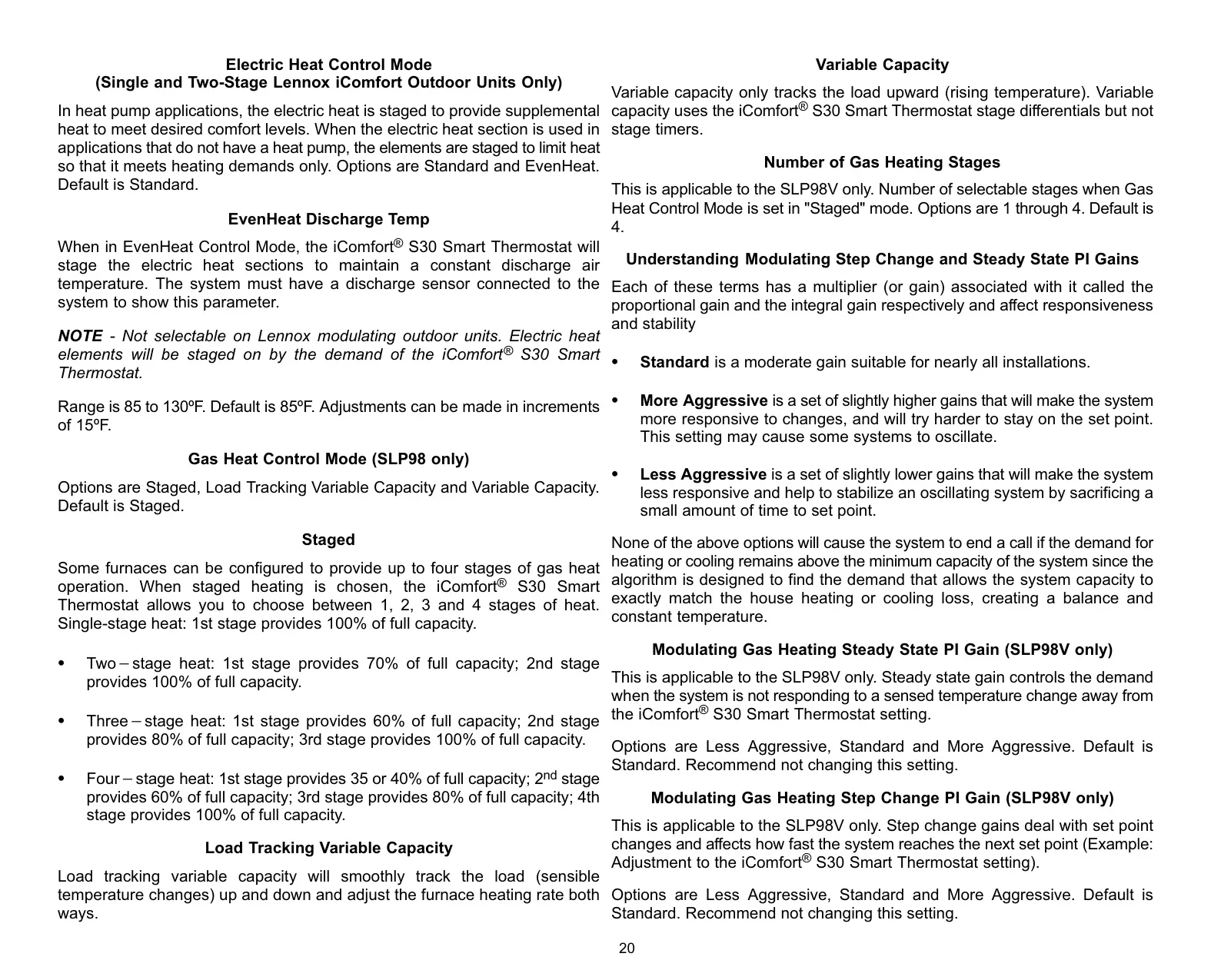
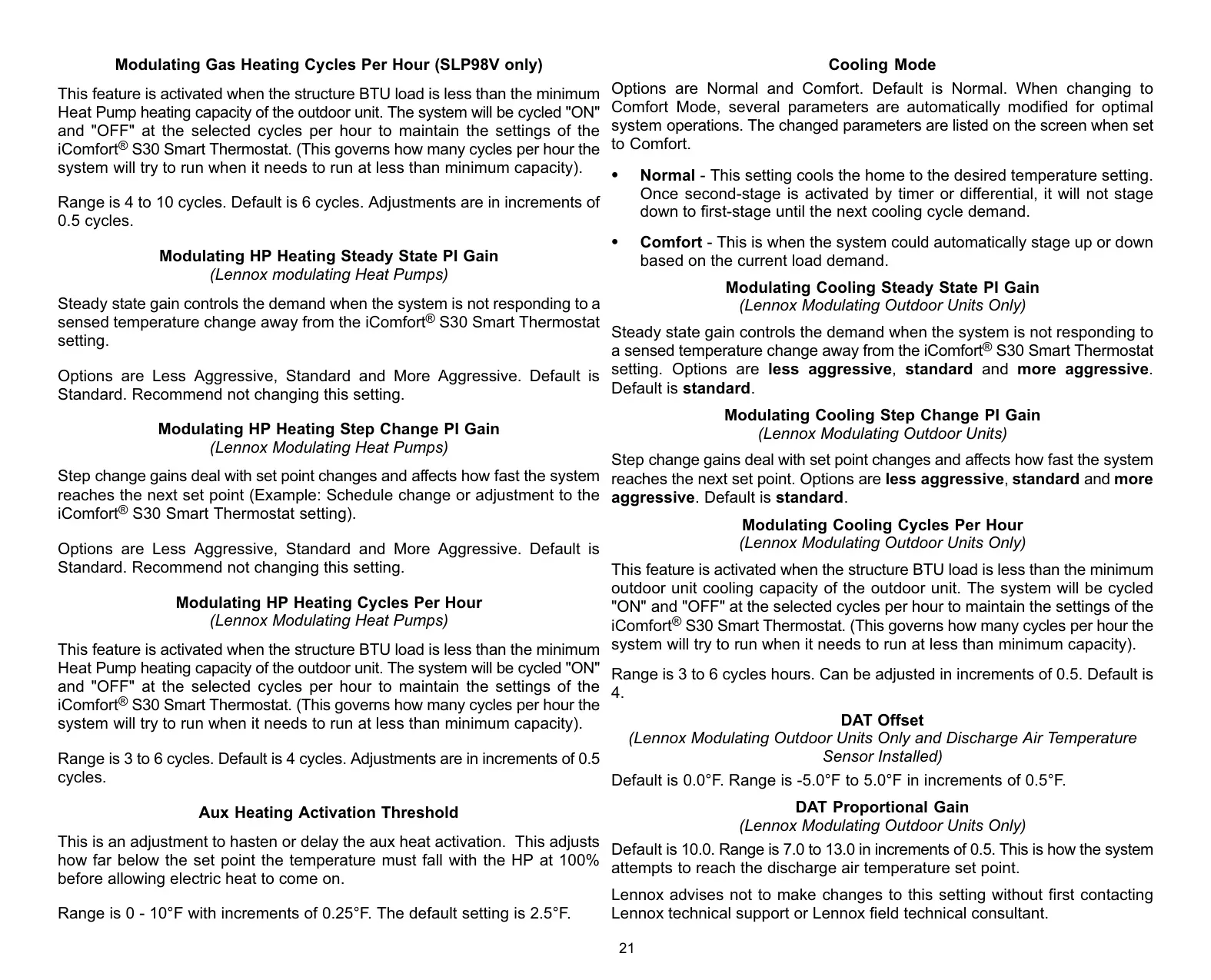
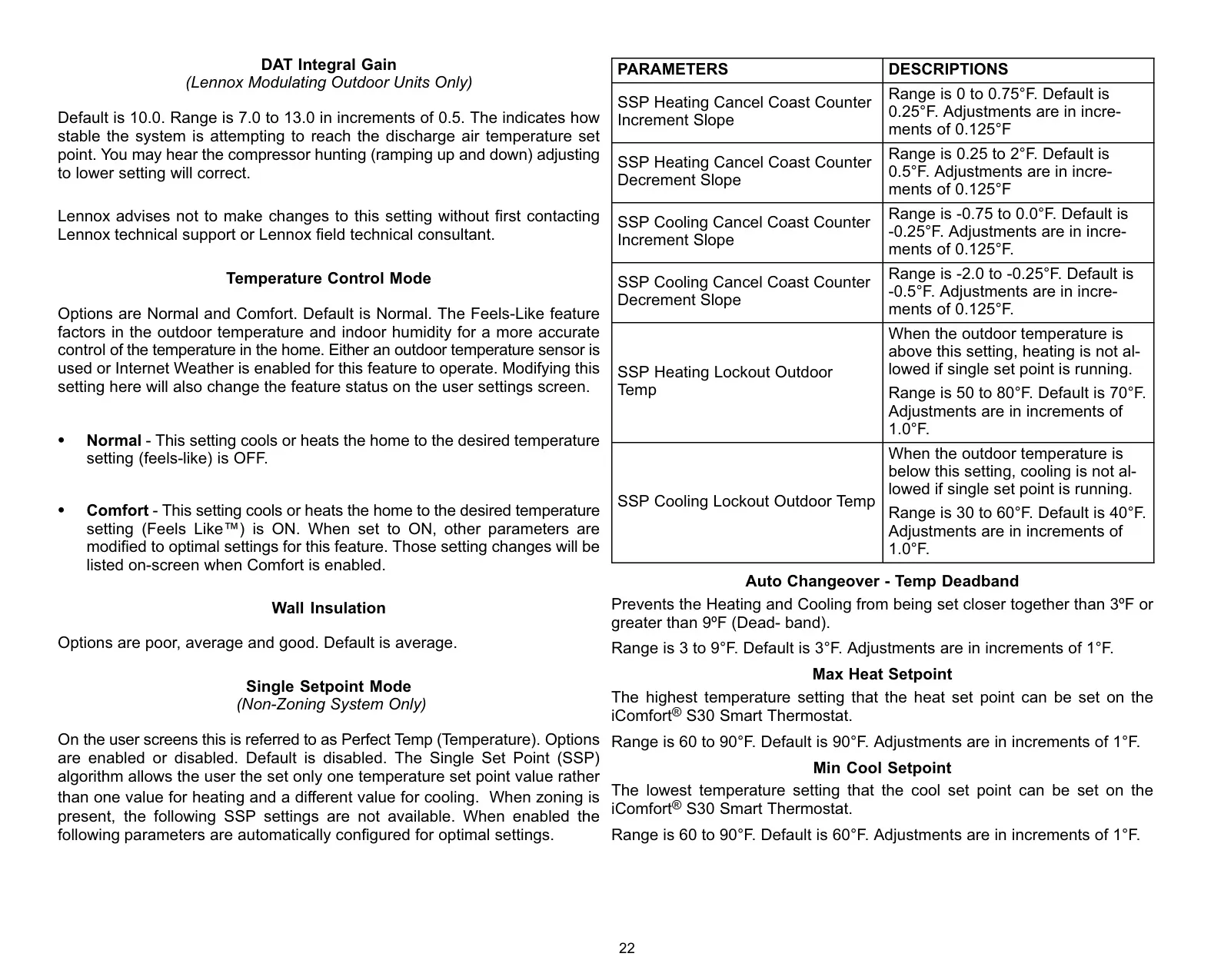
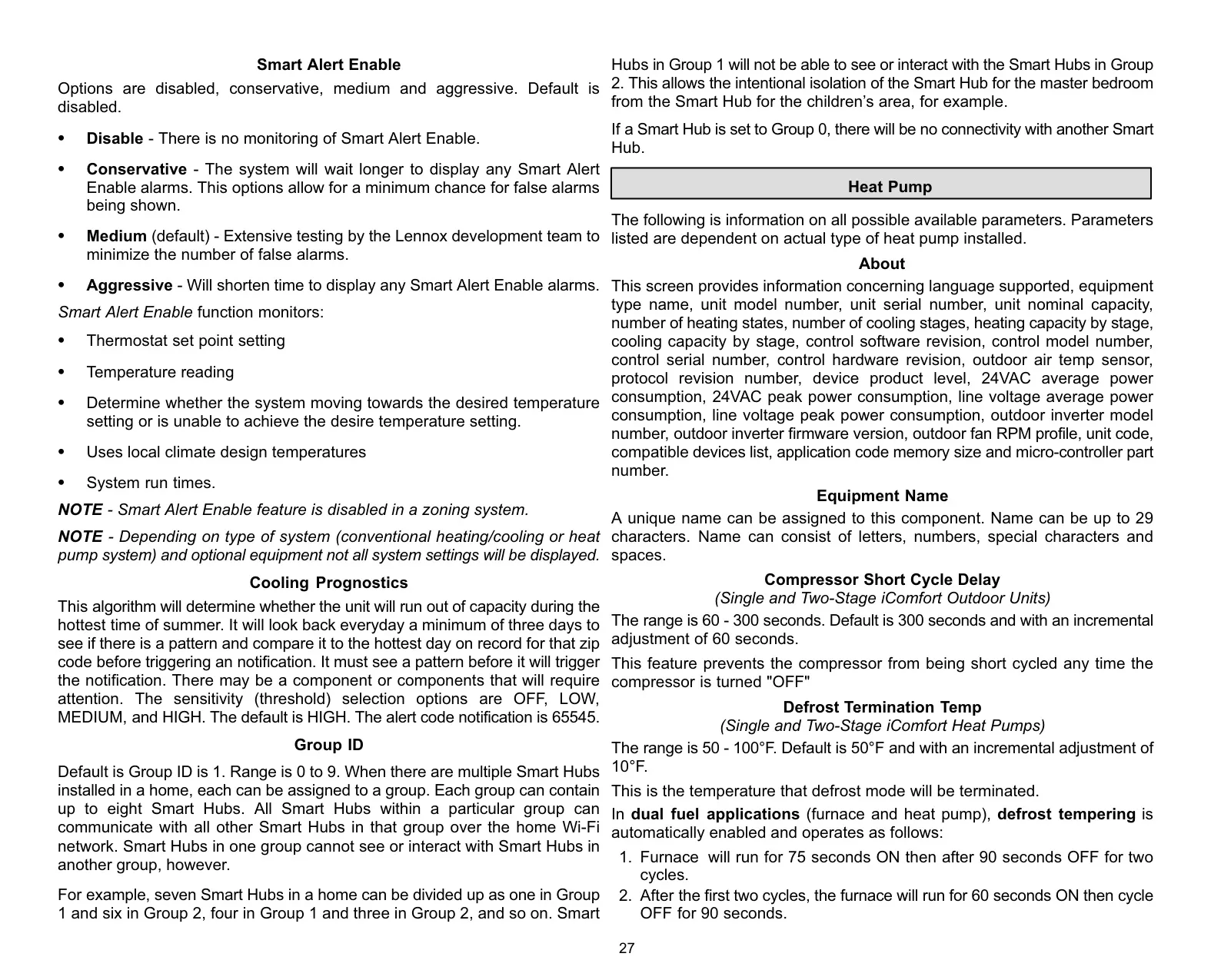
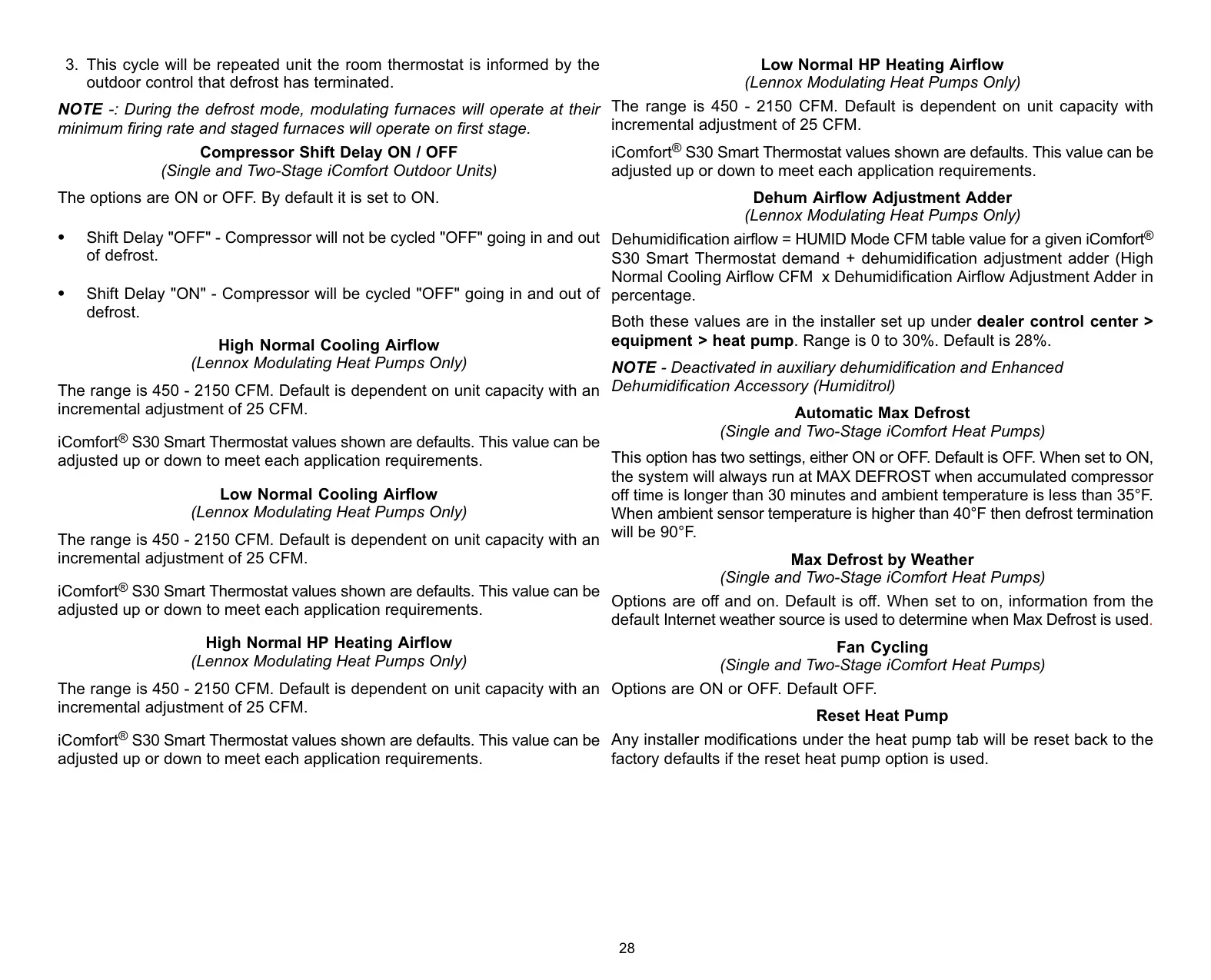
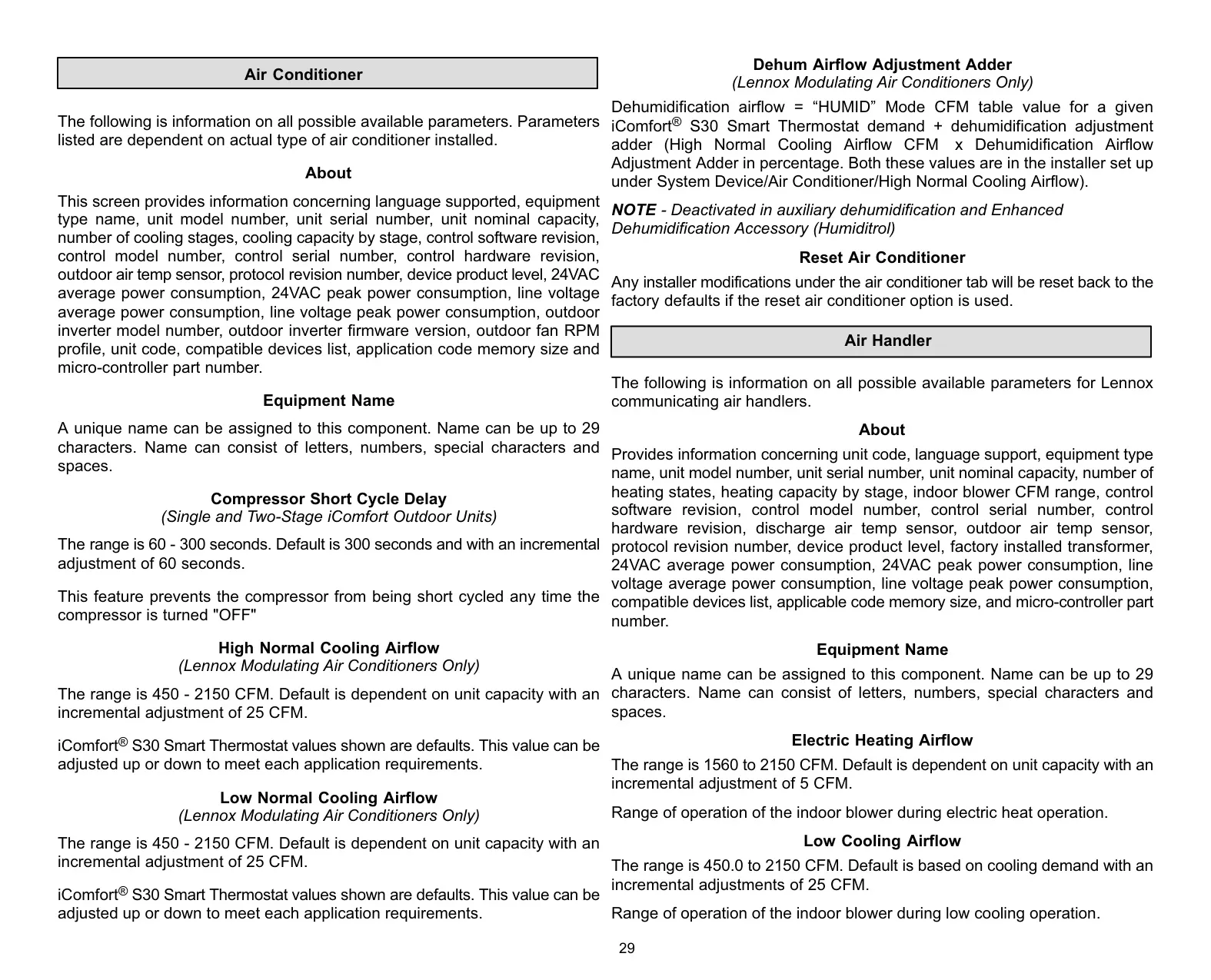
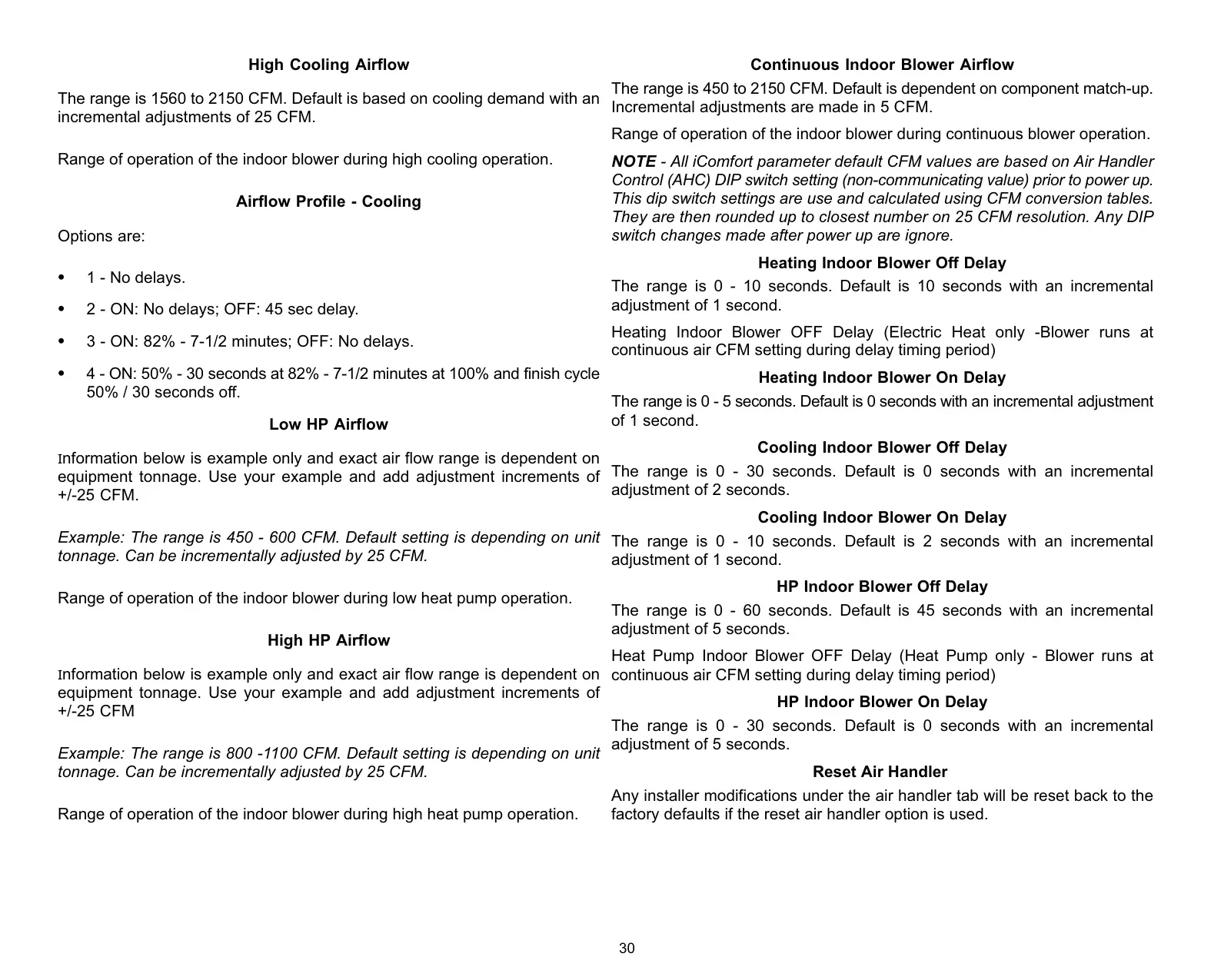
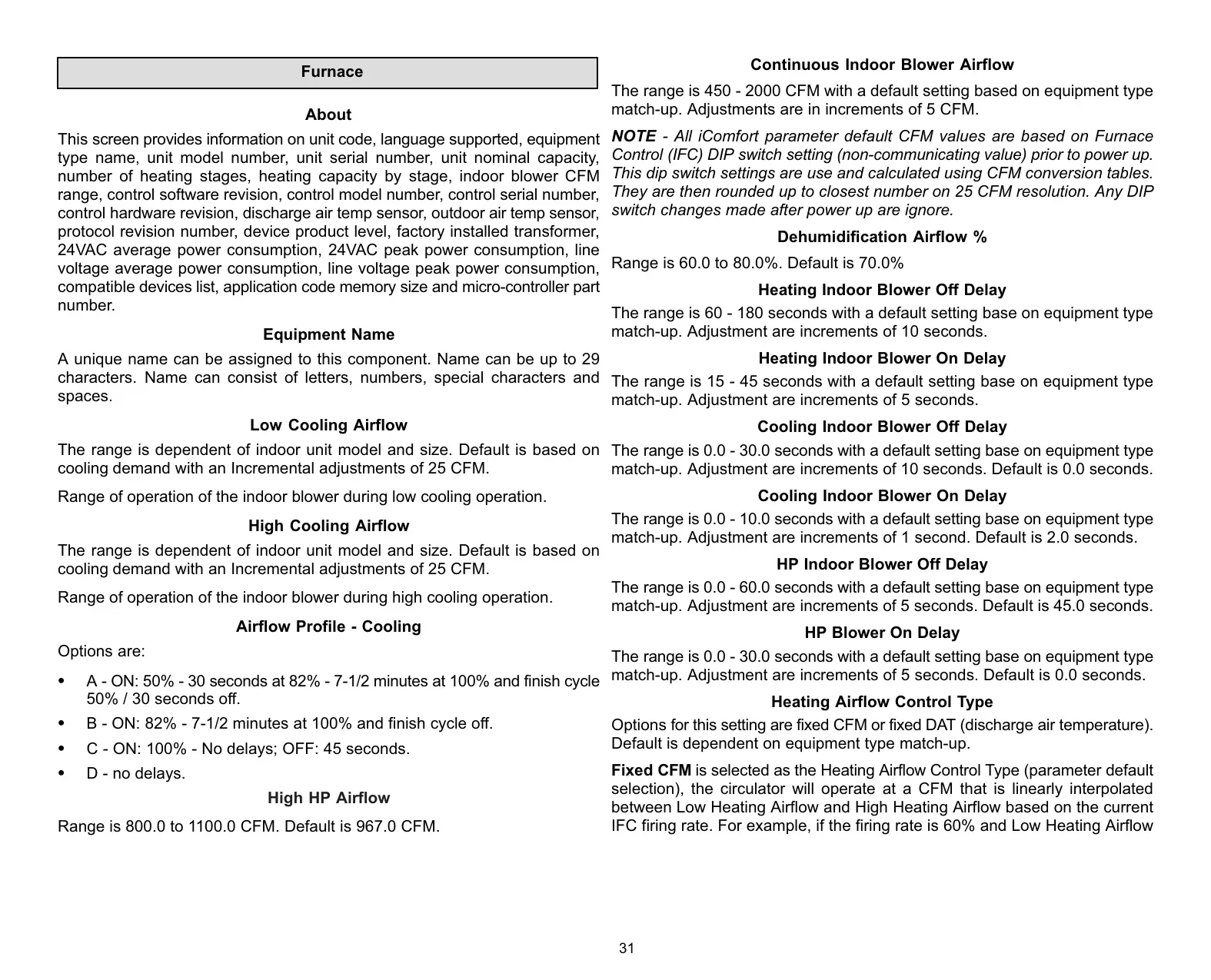
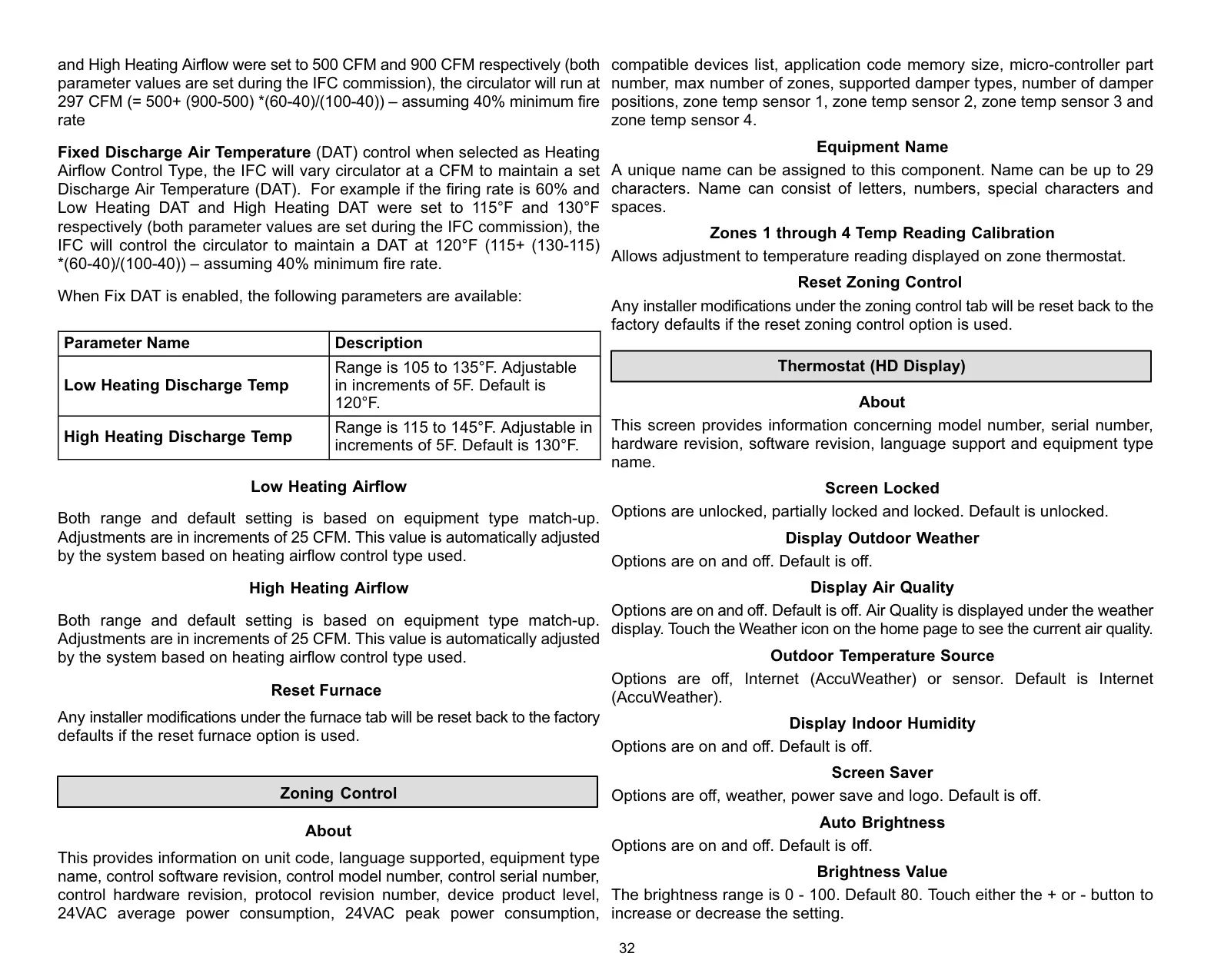
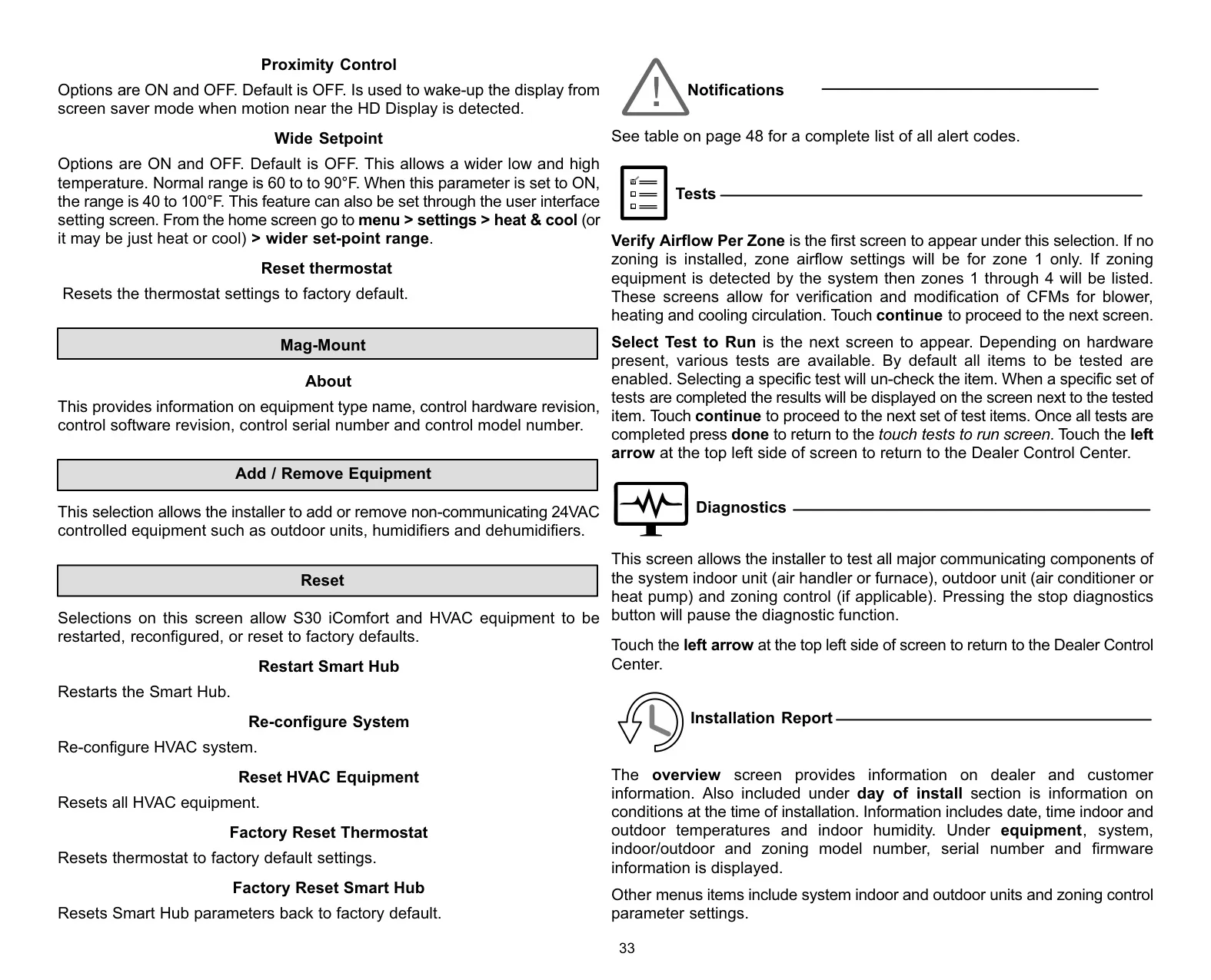
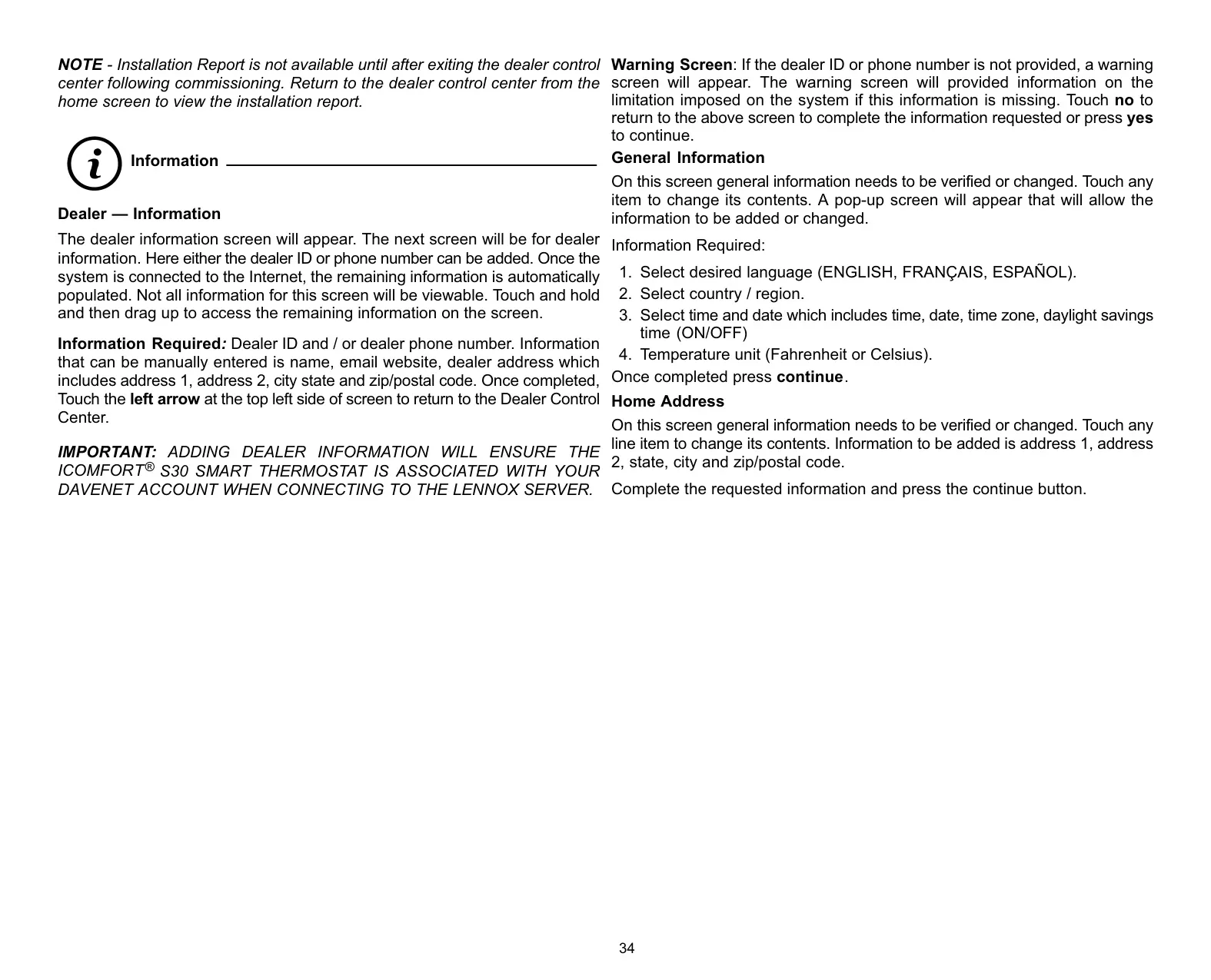
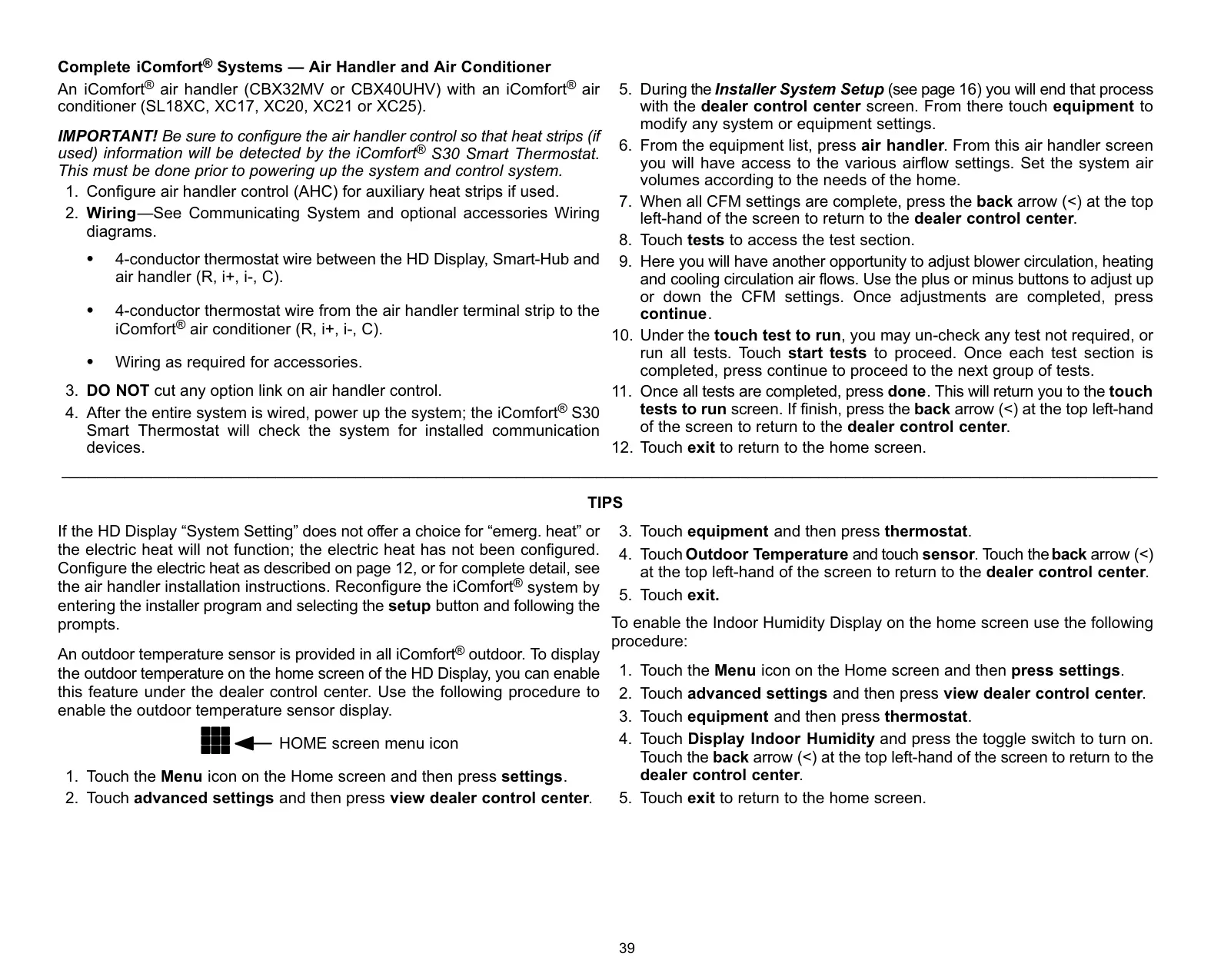
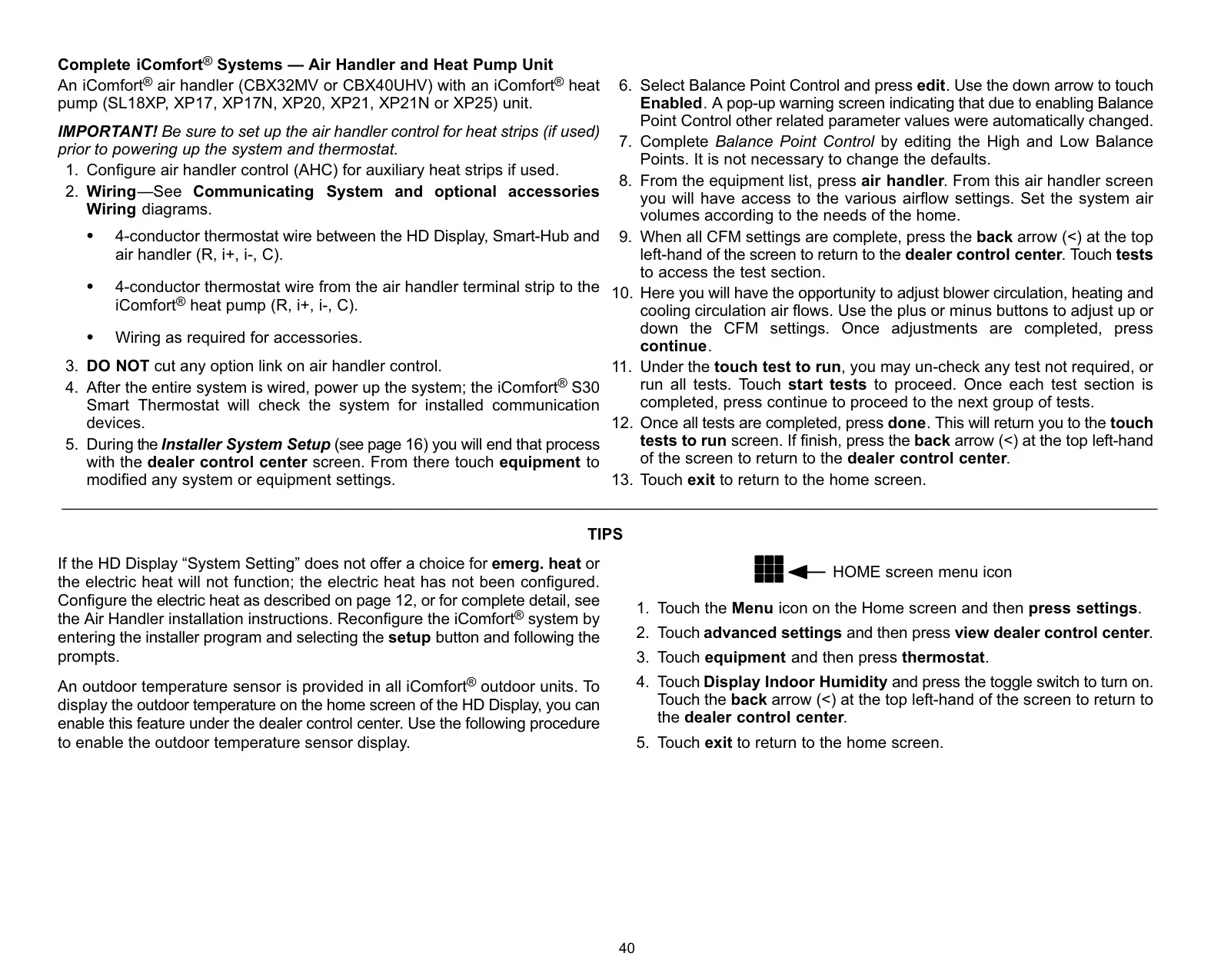
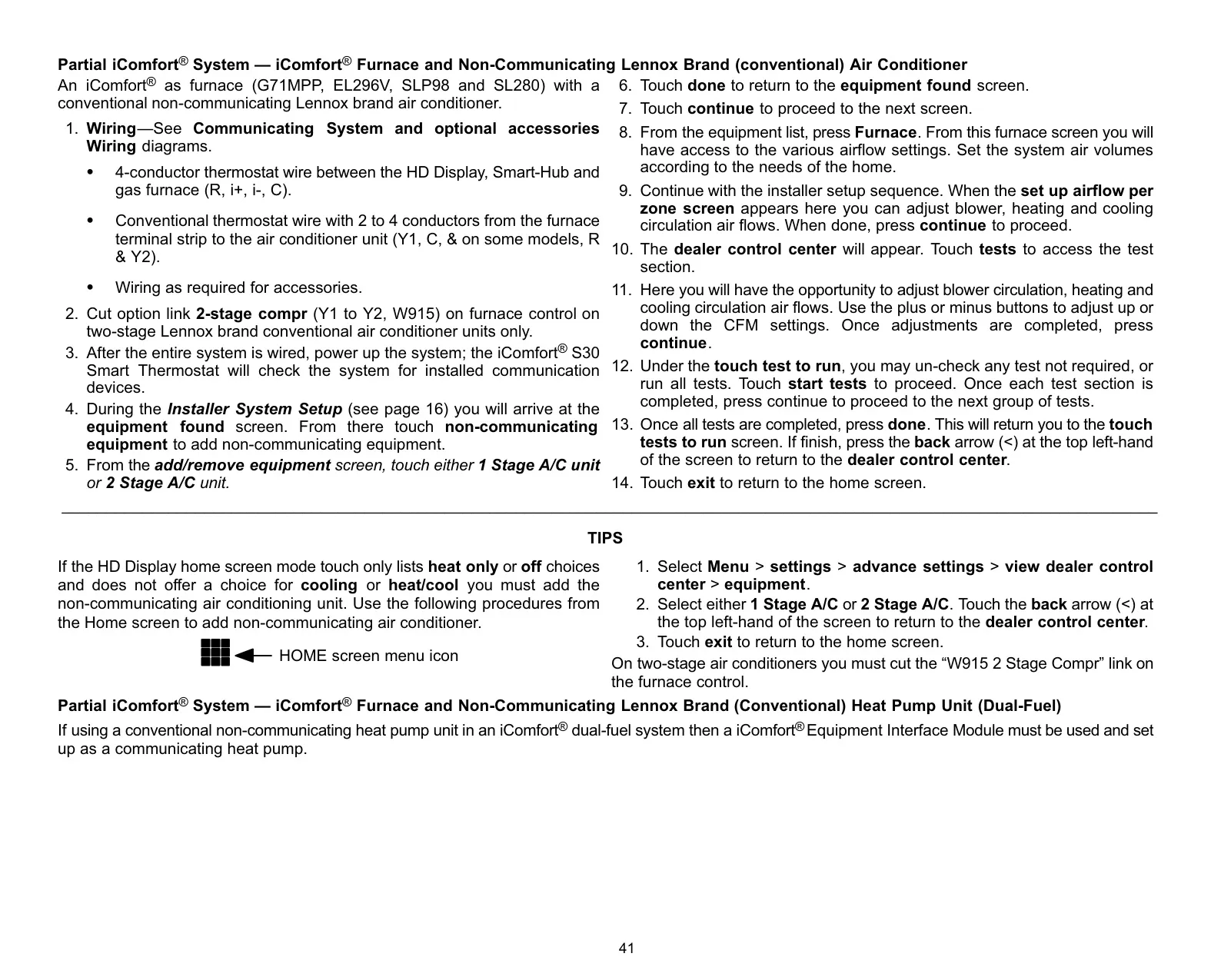
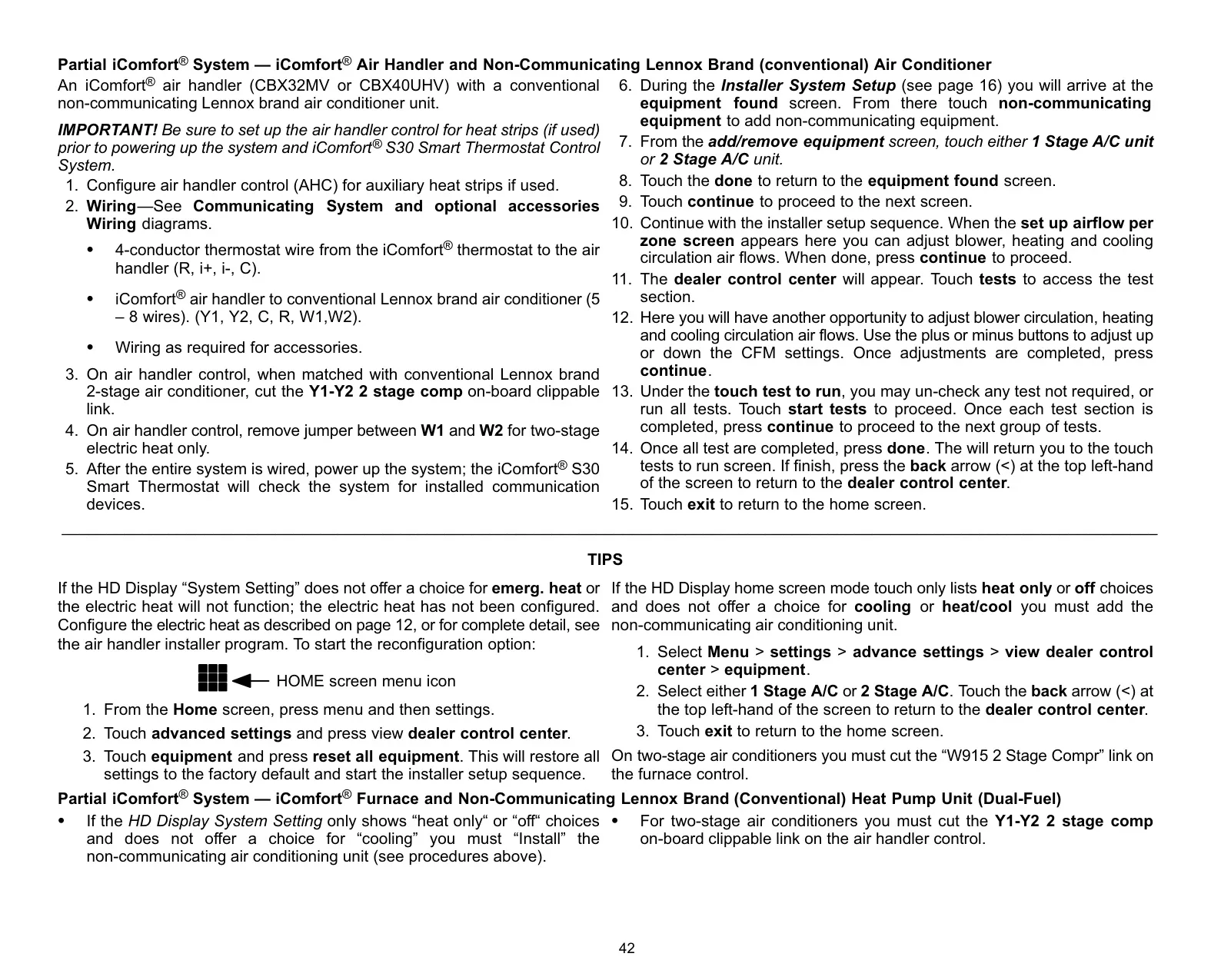
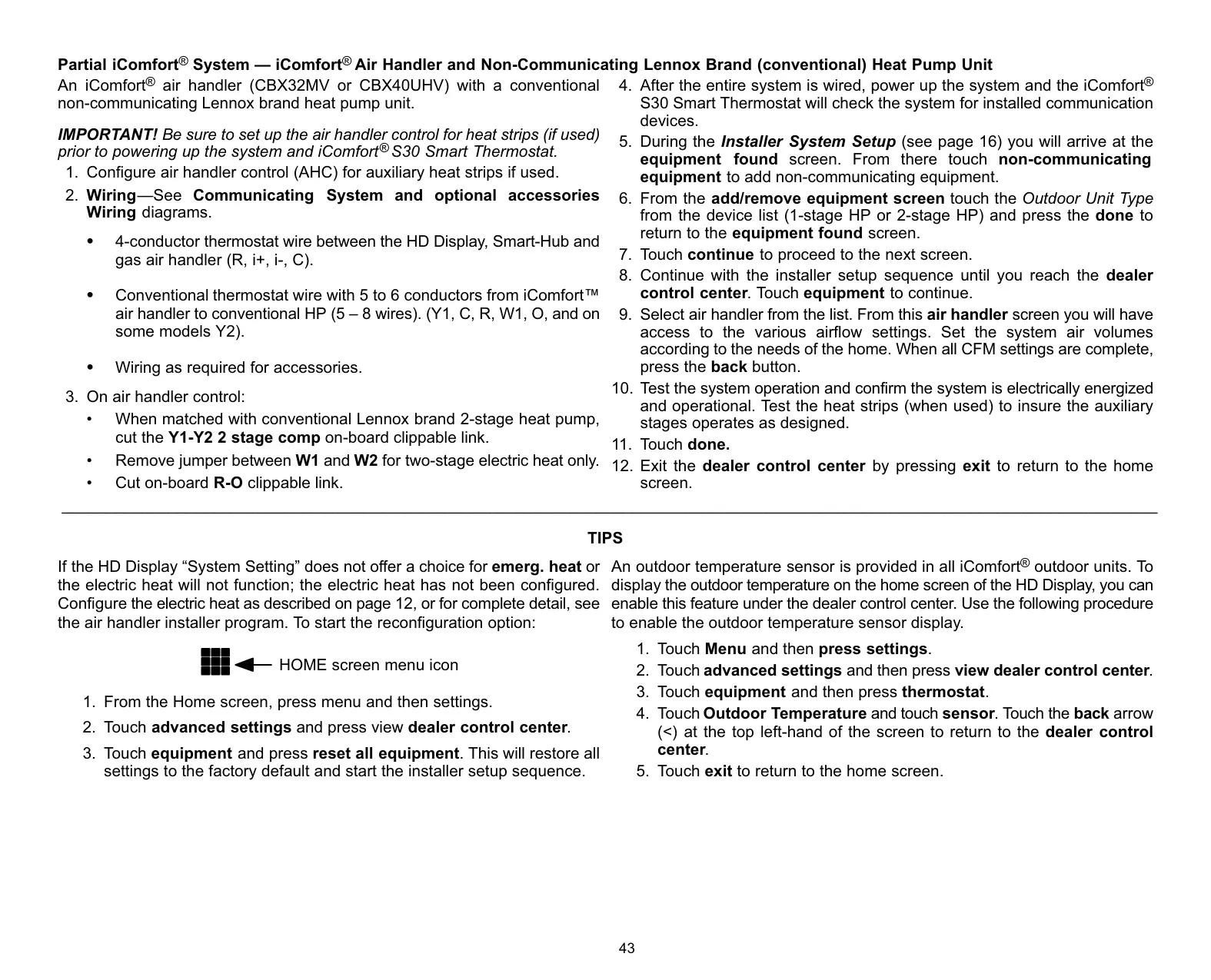
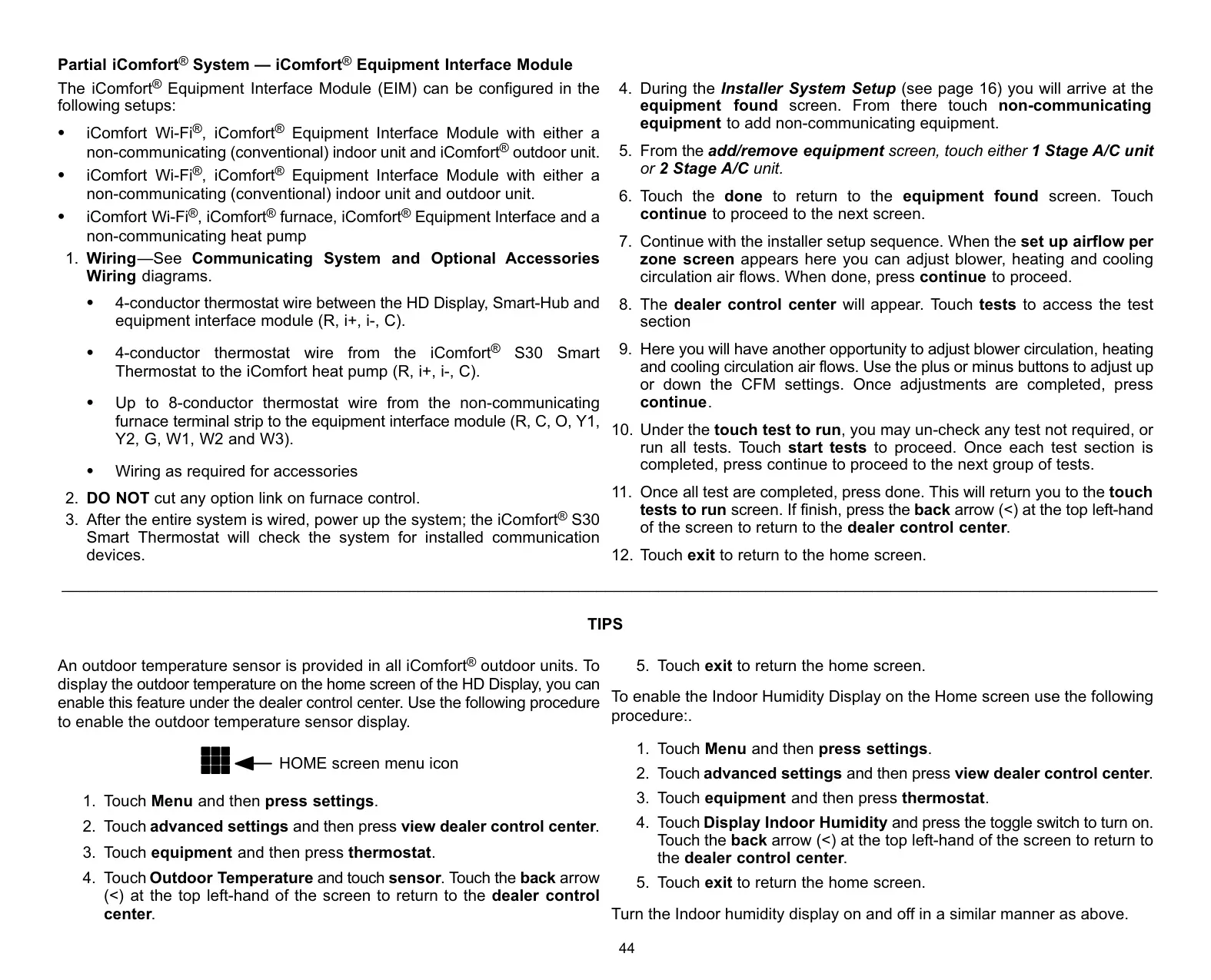
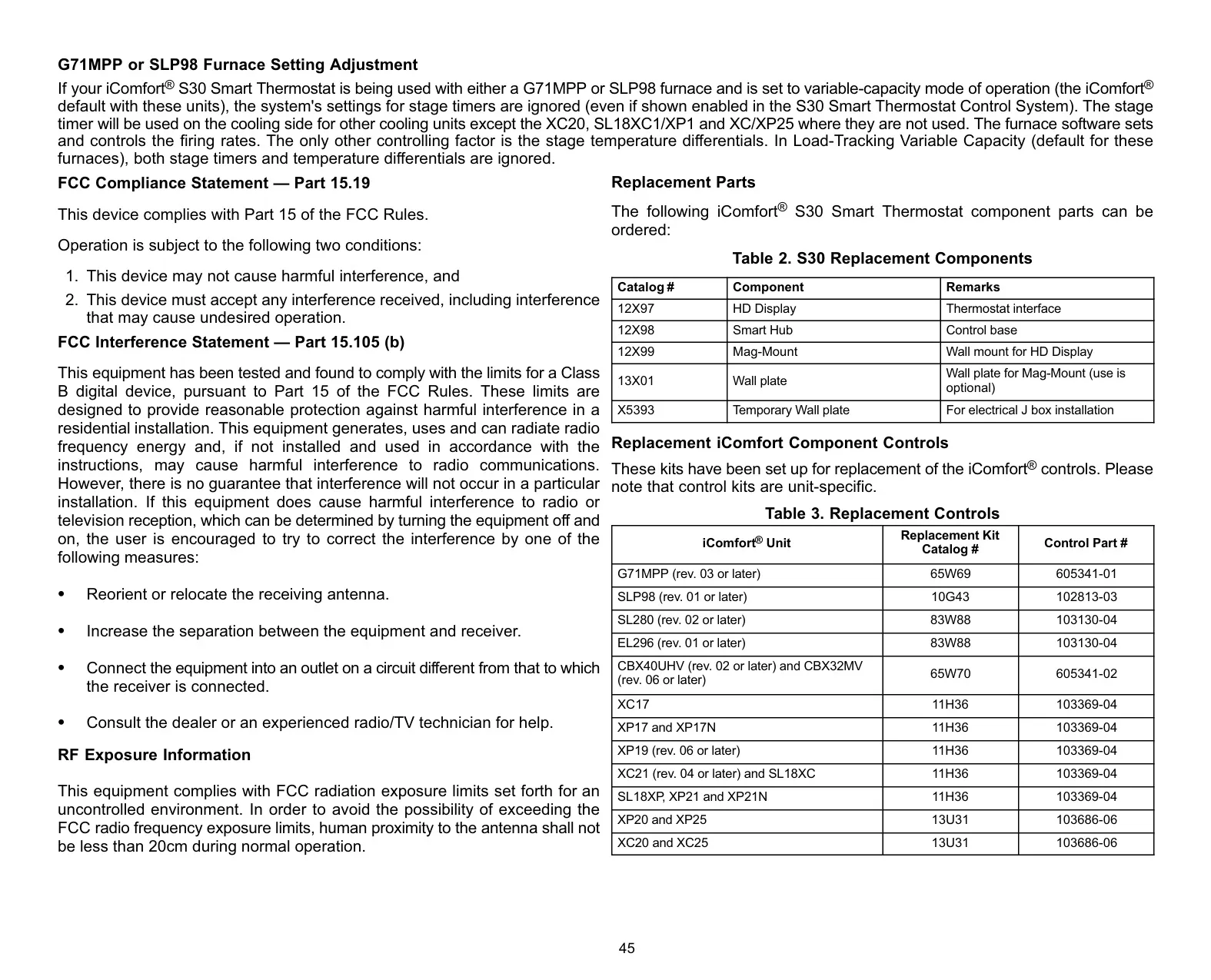
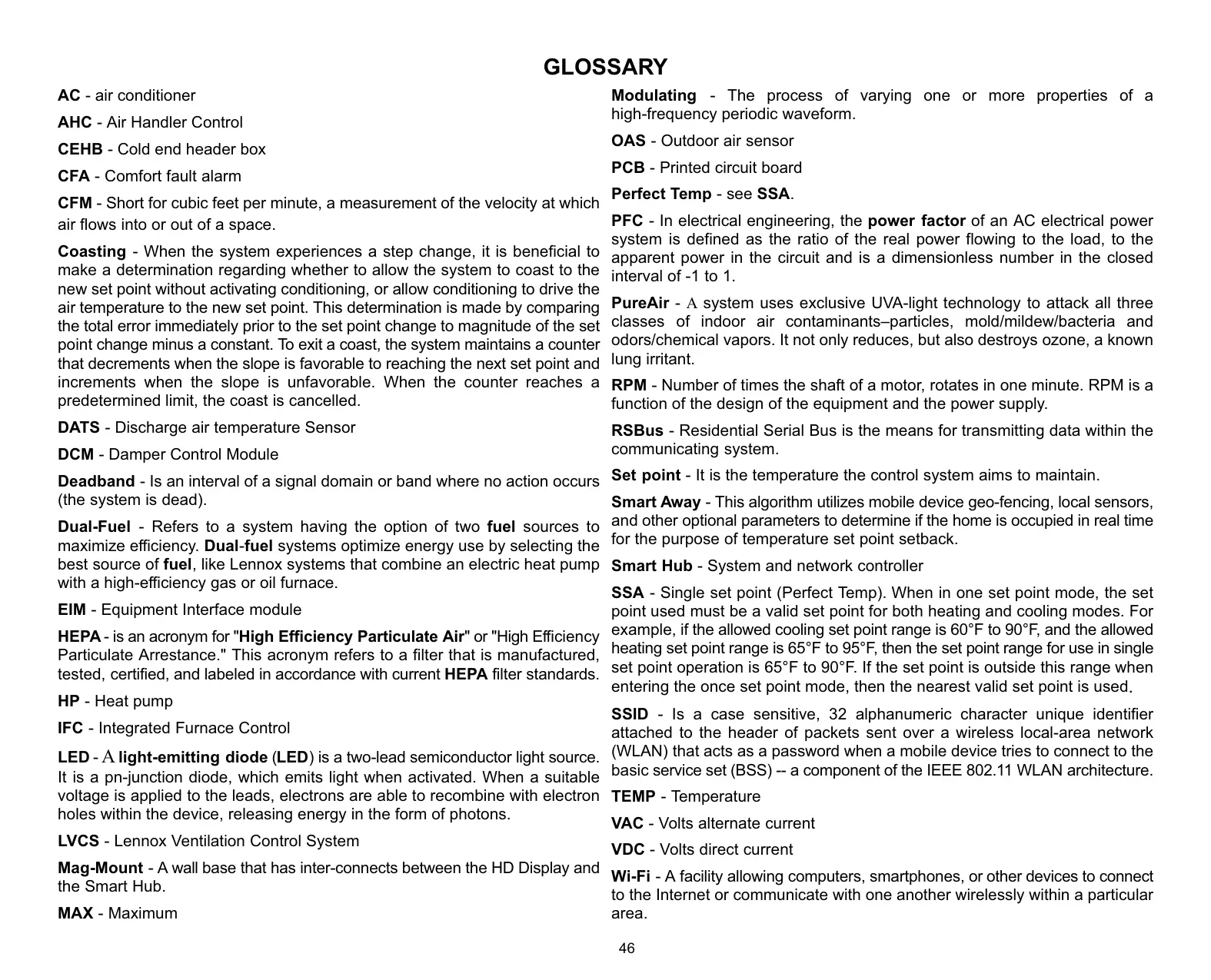
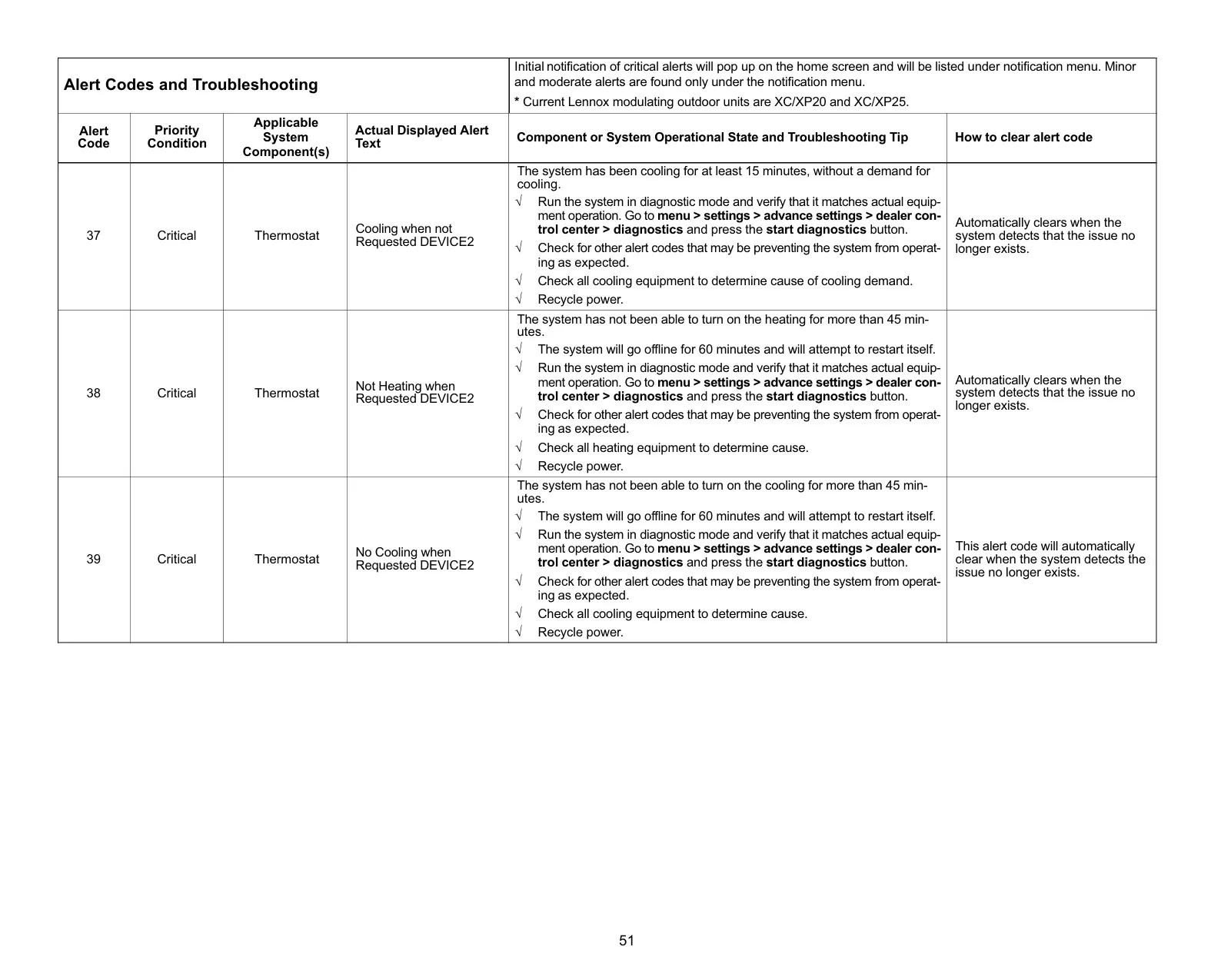
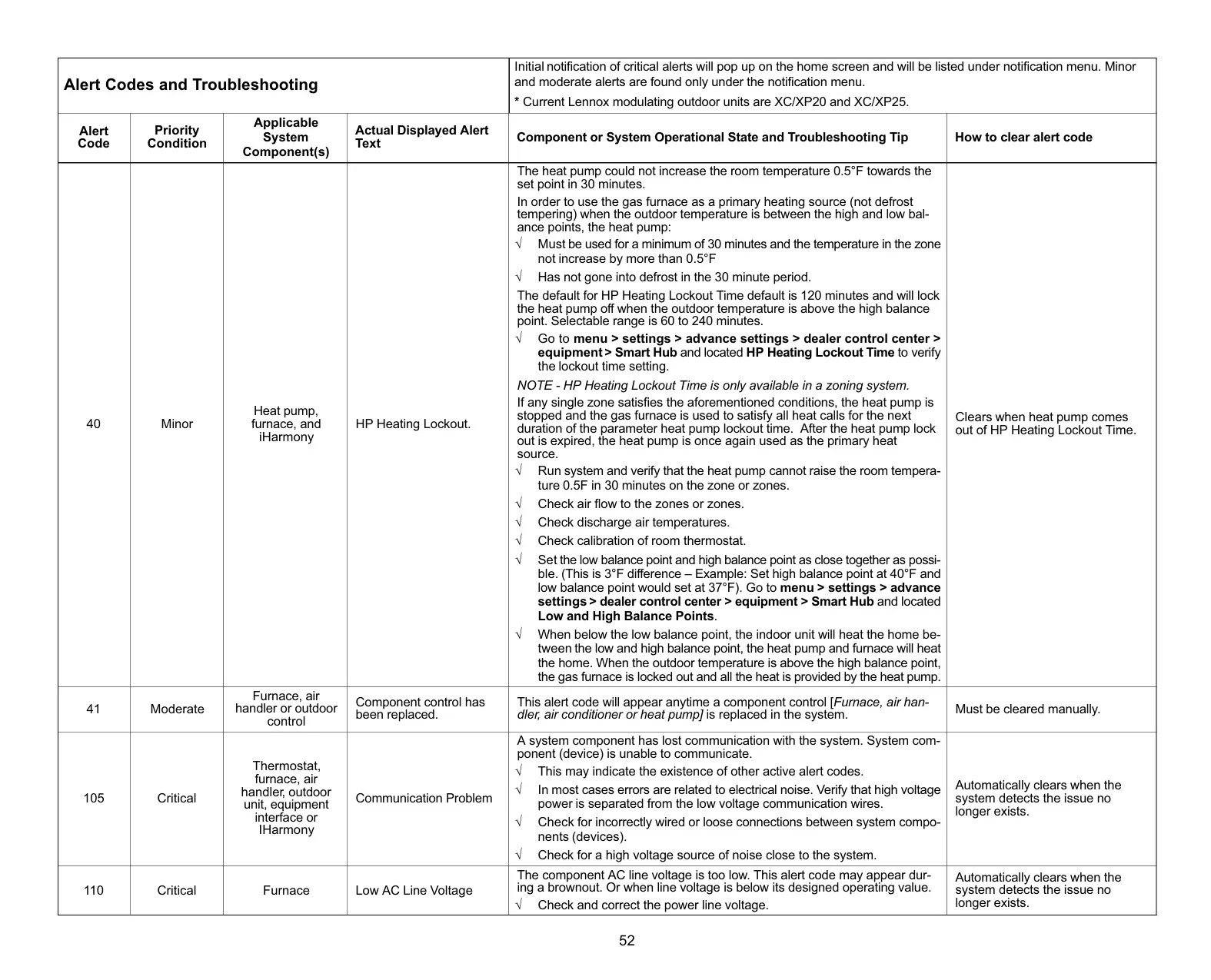
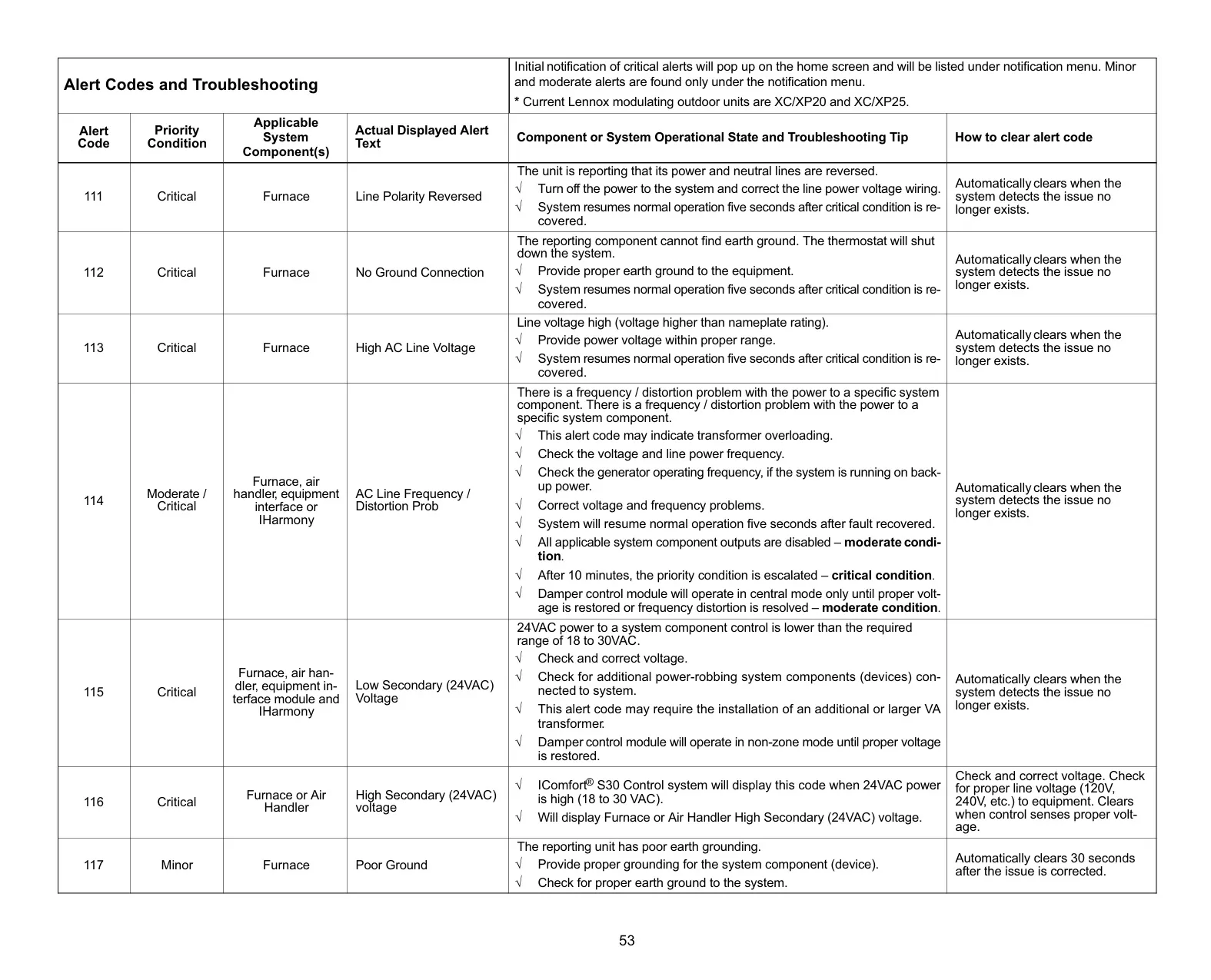
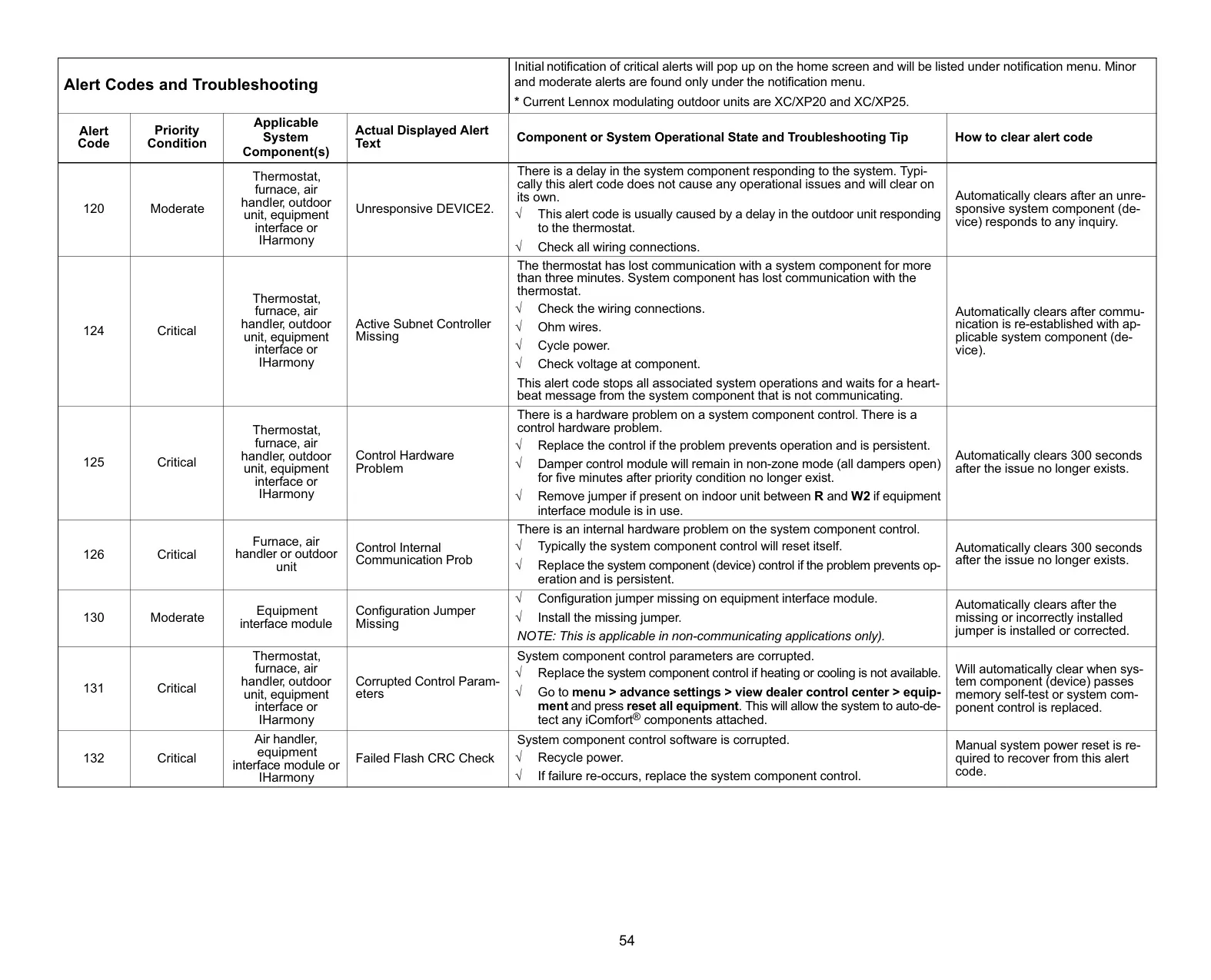
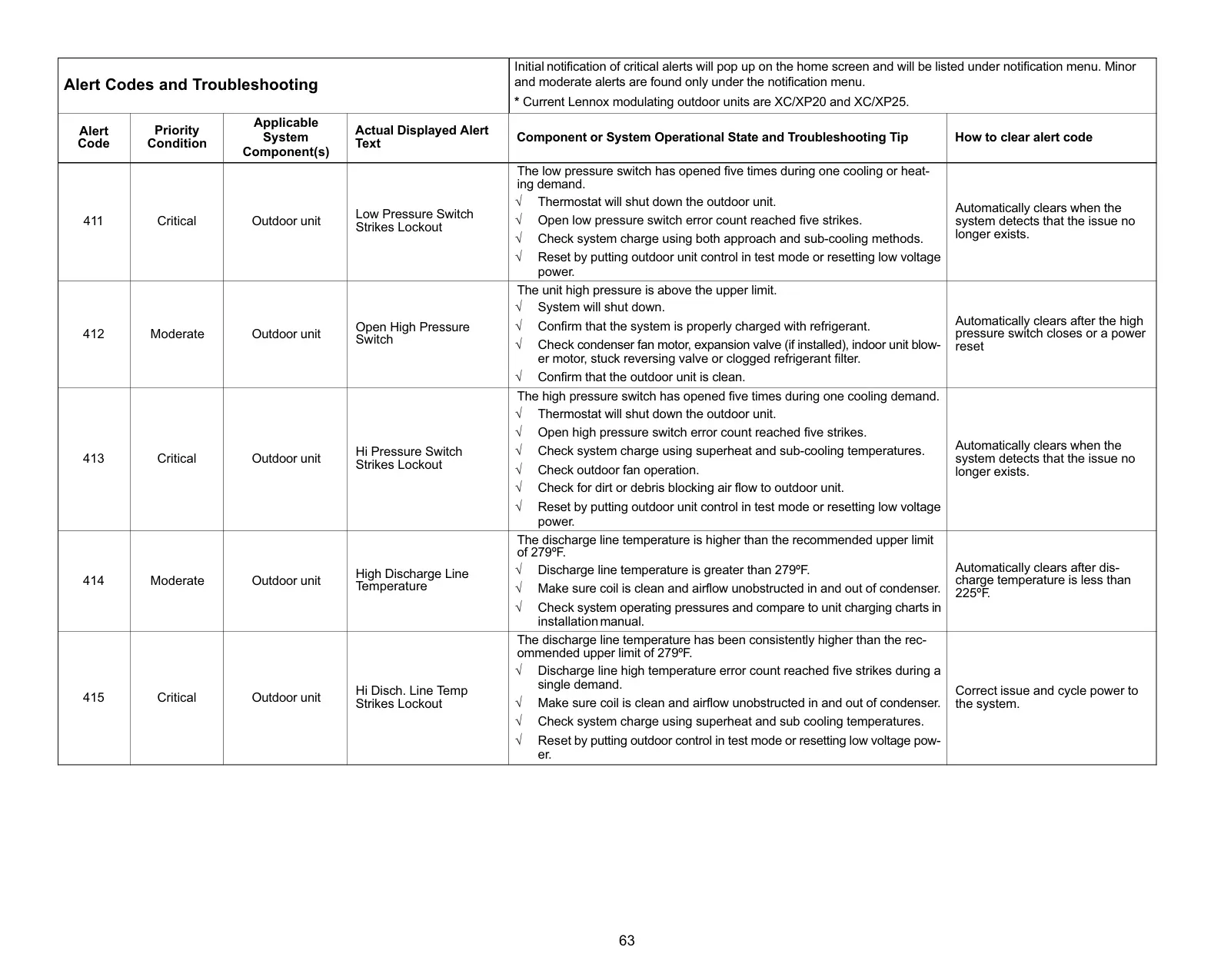
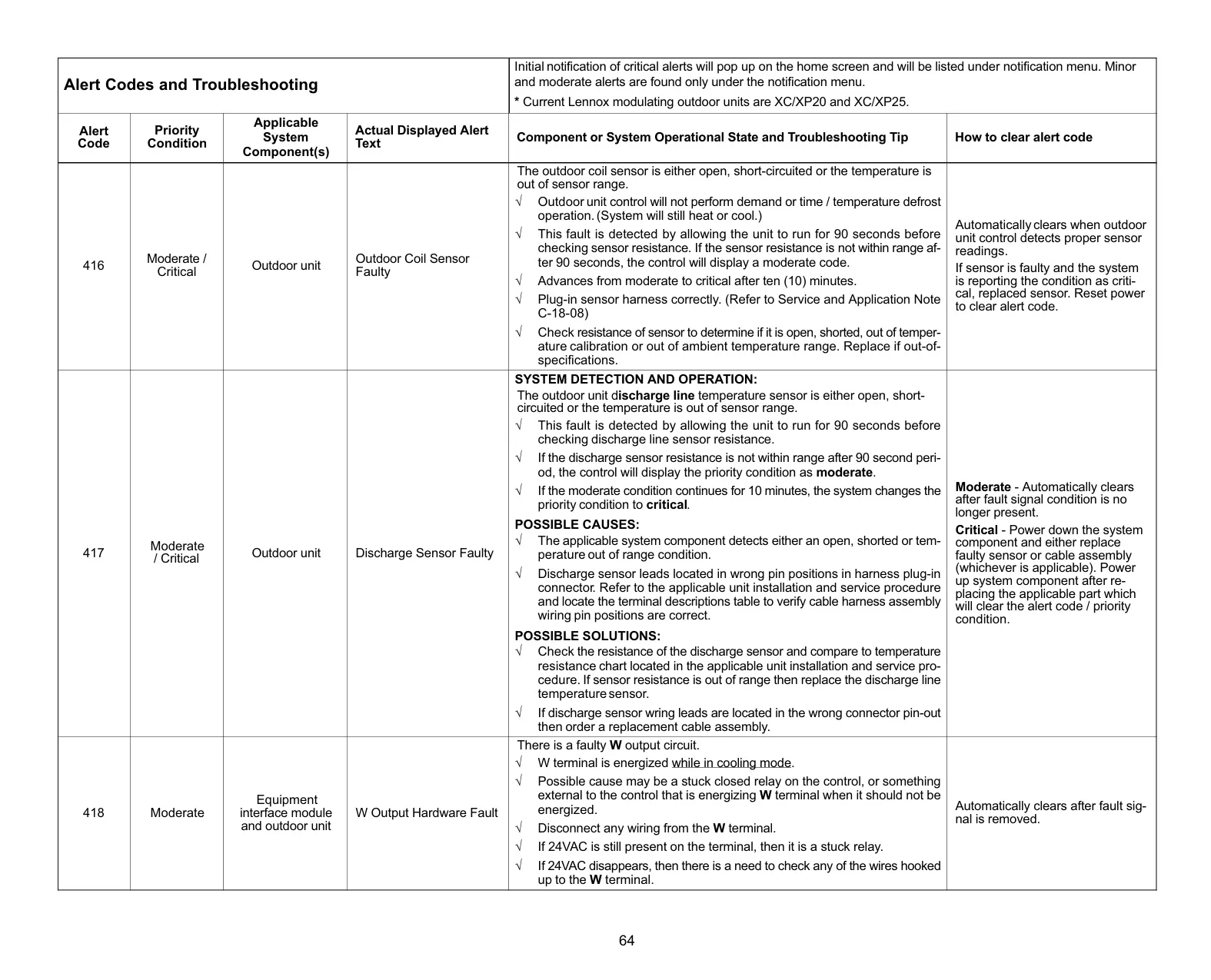
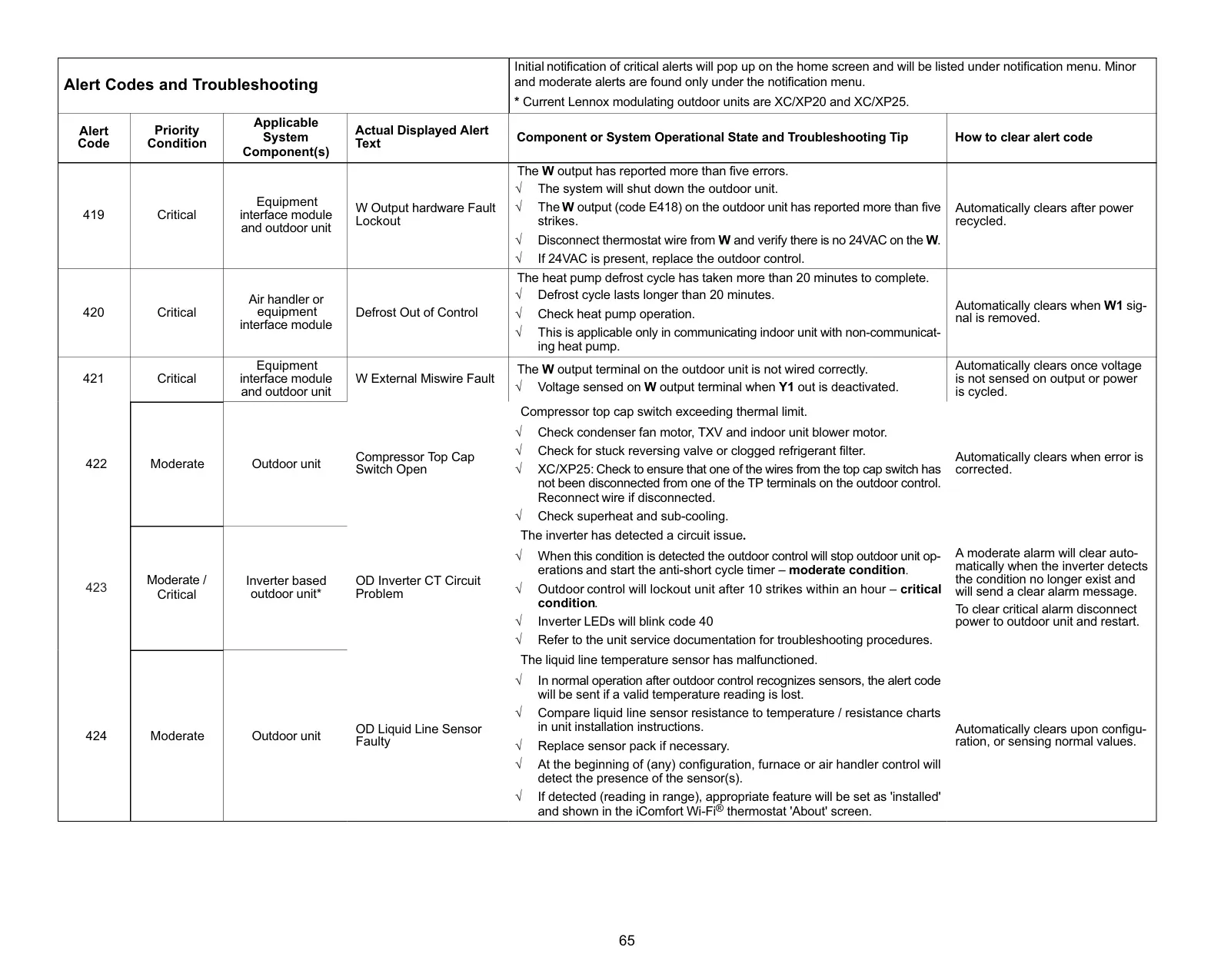
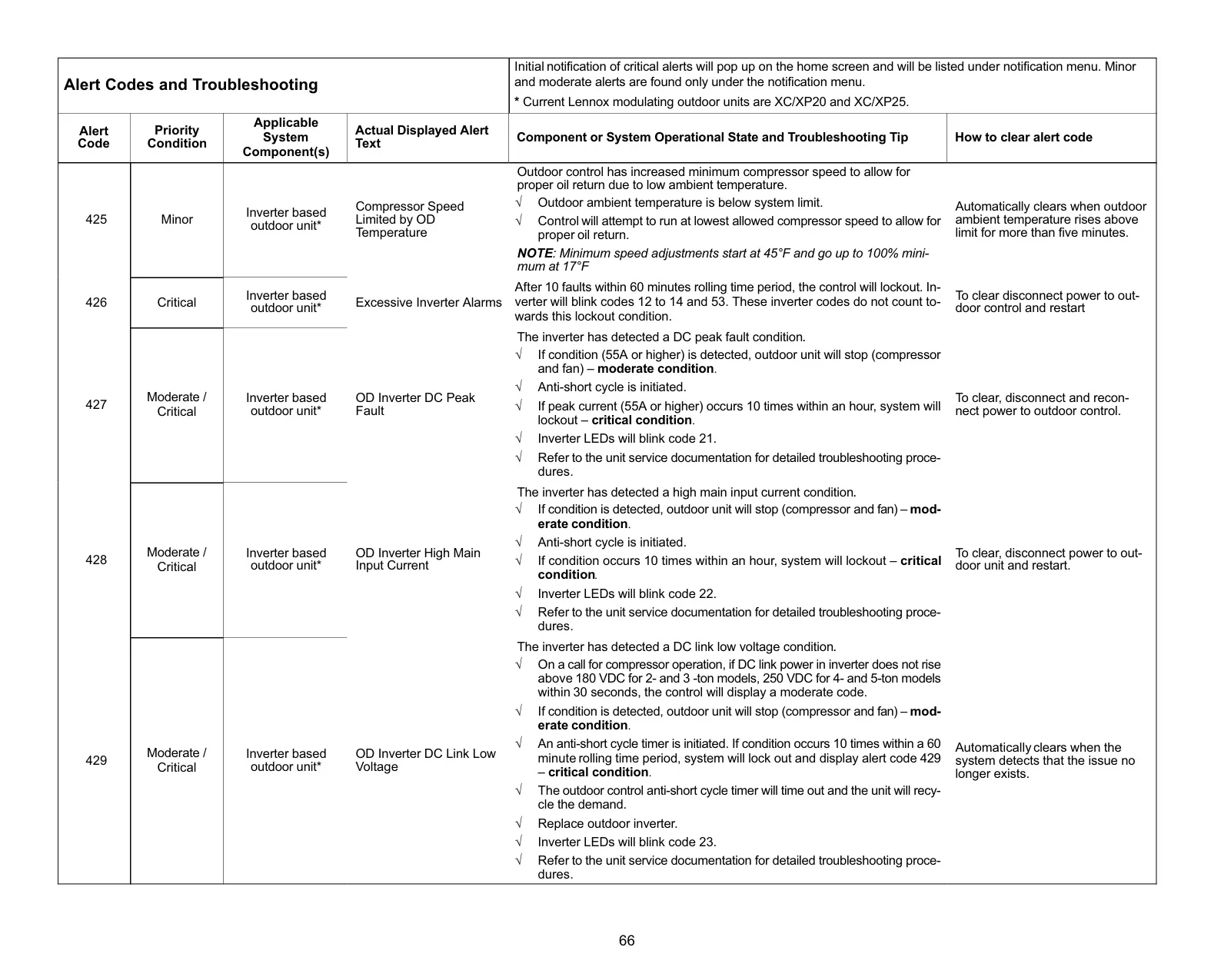

Lennox iComfort S30 Instructions
Here we offer the Lennox iComfort S30 Thermostat manual completely free and in English. We have cataloged this manual in the Thermostats section on Manualverse, and it has been rated by 1 users with an average rating of 5. If you have any specific questions about Lennox iComfort S30 Thermostat, we suggest checking the Frequently Asked Questions (FAQs) section of this manual.
Product Images
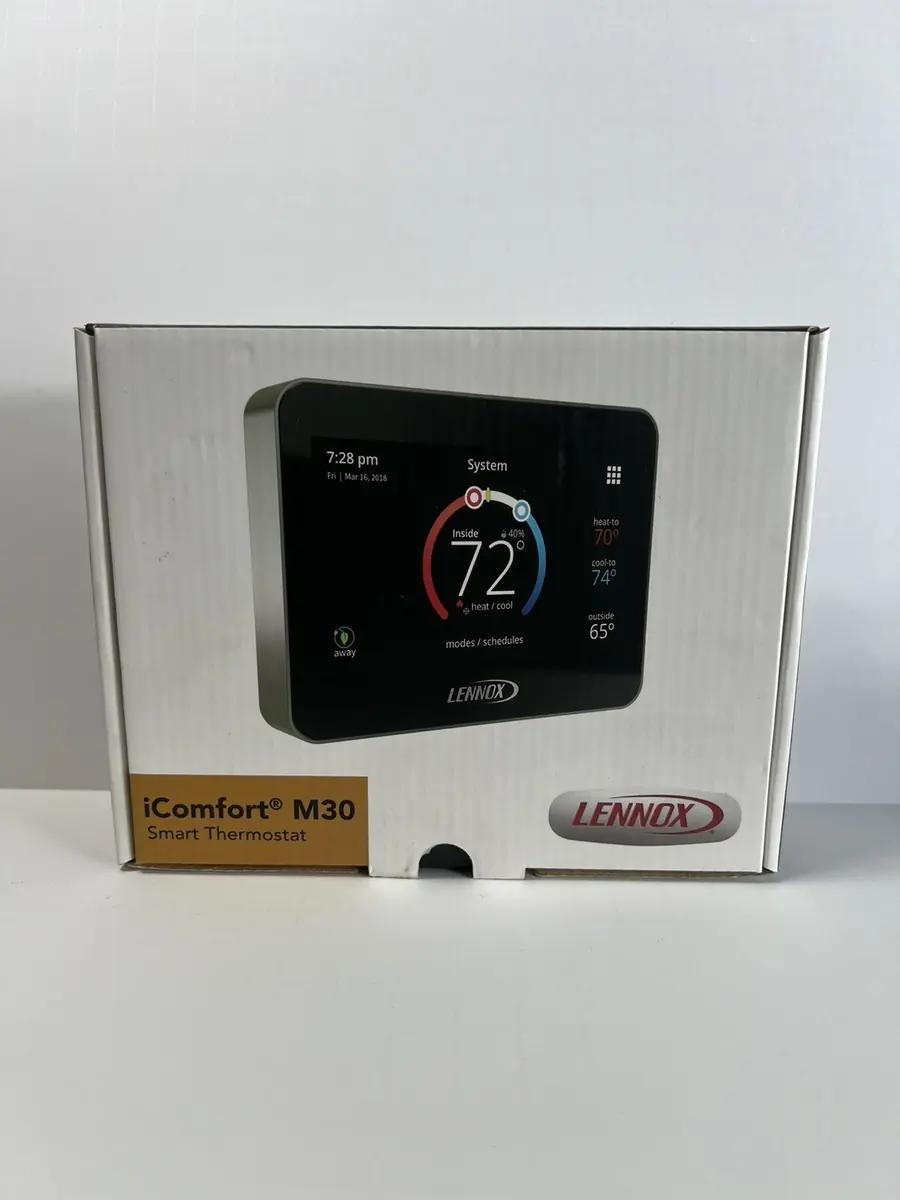
Lennox iComfort S30 Thermostat Specifications
| Specification | Value |
|---|---|
| Model Number | 12U67 |
| Type | Color Touchscreen, Programmable, Wi-Fi, Communicating Thermostat |
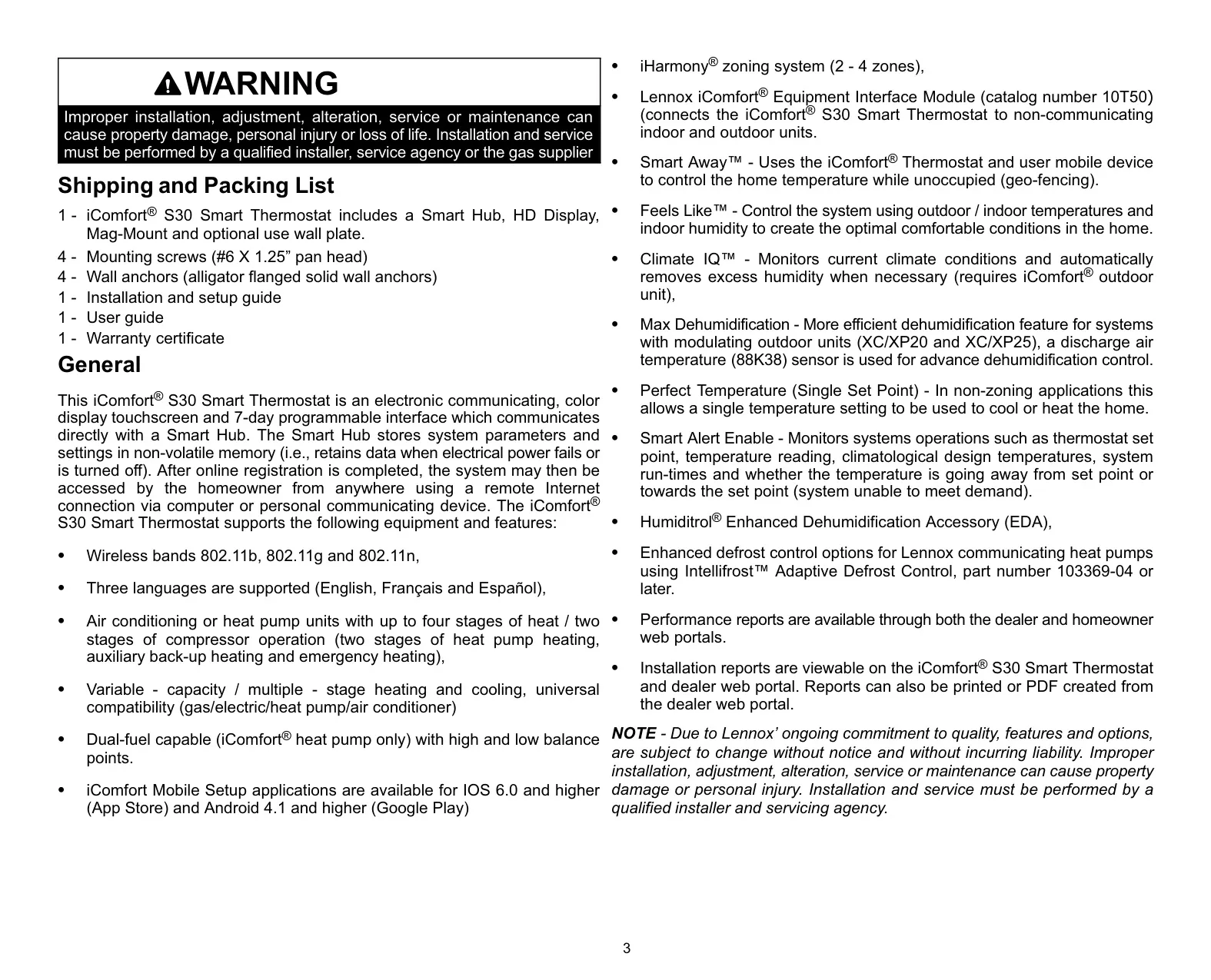
| Supported Wi-Fi Bands | 802.11b, 802.11g, 802.11n |
| Programmability | 7-day programmable |
| Supported Languages | English, Français, Español |
| Heating Stages | Up to 4 (Heat pump, auxiliary, emergency) |
| Cooling Stages | Up to 2 (Compressor operation) |
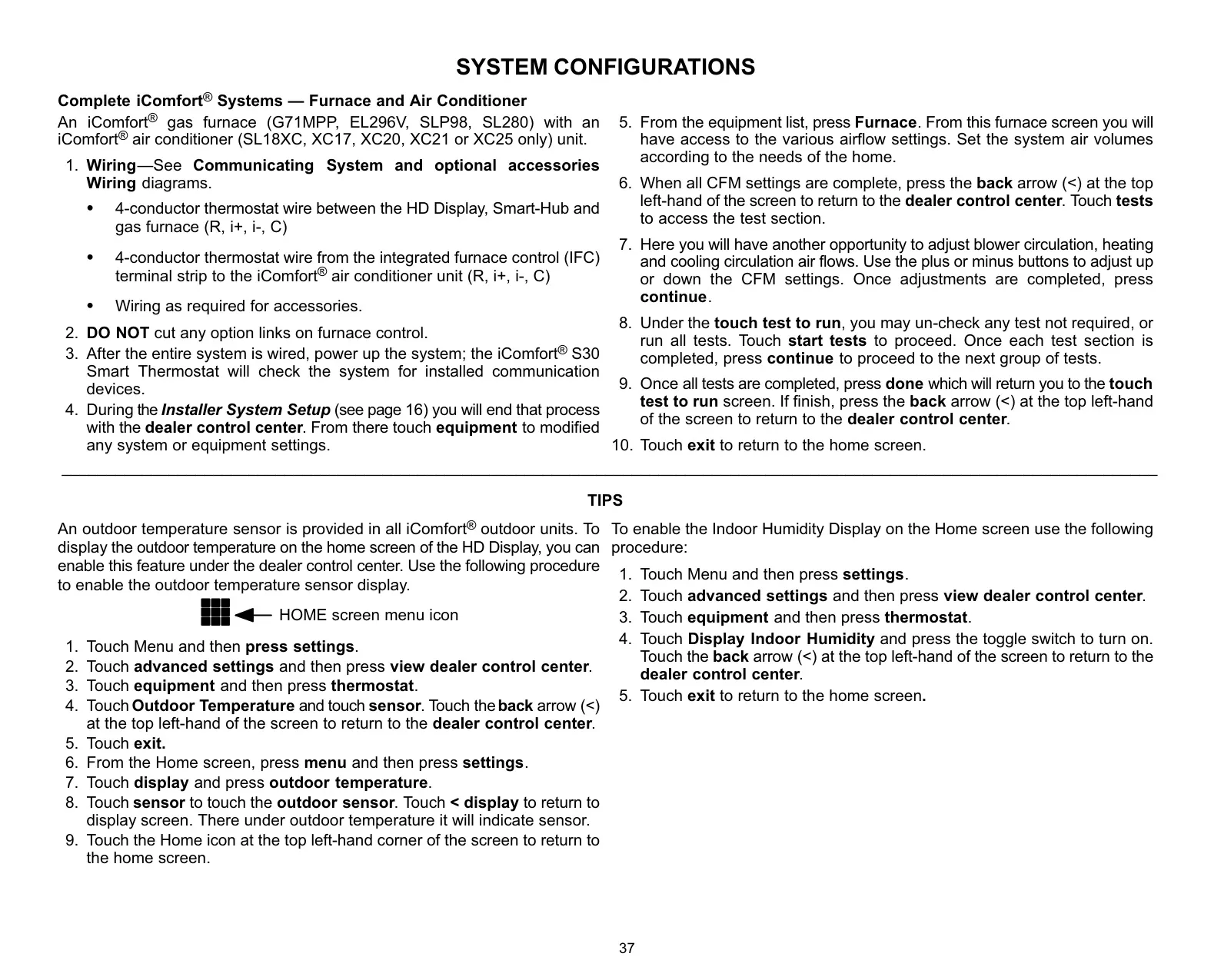
| System Compatibility | Variable-capacity / multiple-stage heat/cool, universal (gas/electric/heat pump/air conditioner) |
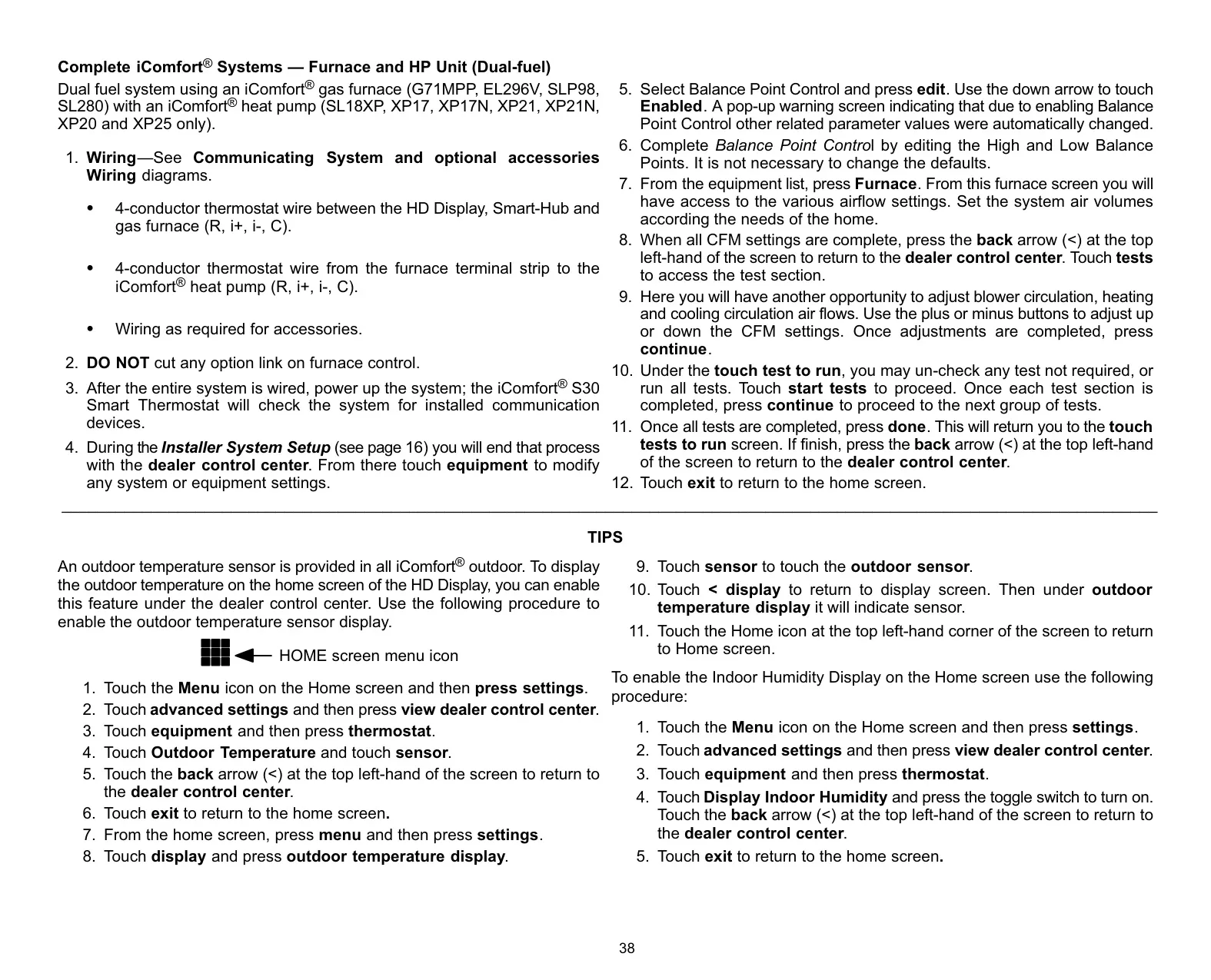
| Dual-Fuel Capability | Yes (iComfort heat pump only) with high & low balance points |
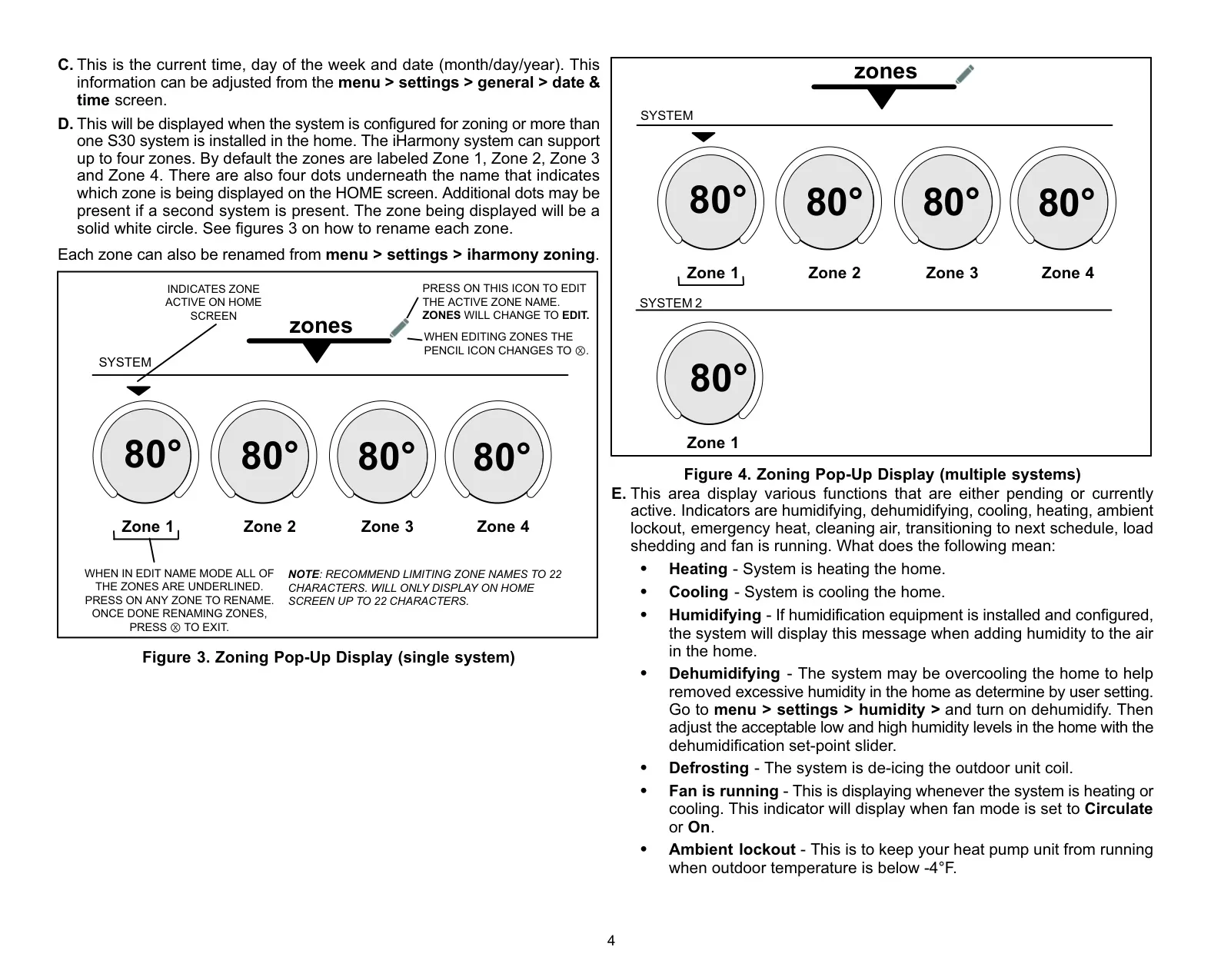
| Zoning System Support | iHarmony® zoning system (2-4 zones) |
| Mobile Application OS Support | iOS 6.0 and higher, Android 4.1 and higher |
| Max RSBus Wiring Length (Total) | 1500 feet (450 meters) |
| Max RSBus Wiring Length (Between Components) | 300 feet (90 meters) |
| Min RSBus Wire Gauge | 18 GAUGE |
| Max Voltage | 30VAC |
| Max Load per Thermostat Connection | 1 AMP |
| Max Wi-Fi Password Length | 63 characters |
| Max Wi-Fi Access Point Name Length | 32 characters (visible or hidden) |
| Ideal Wi-Fi Signal Strength (RSSI) | -1 to -69 RSSI |
Lennox iComfort S30 Thermostat Details
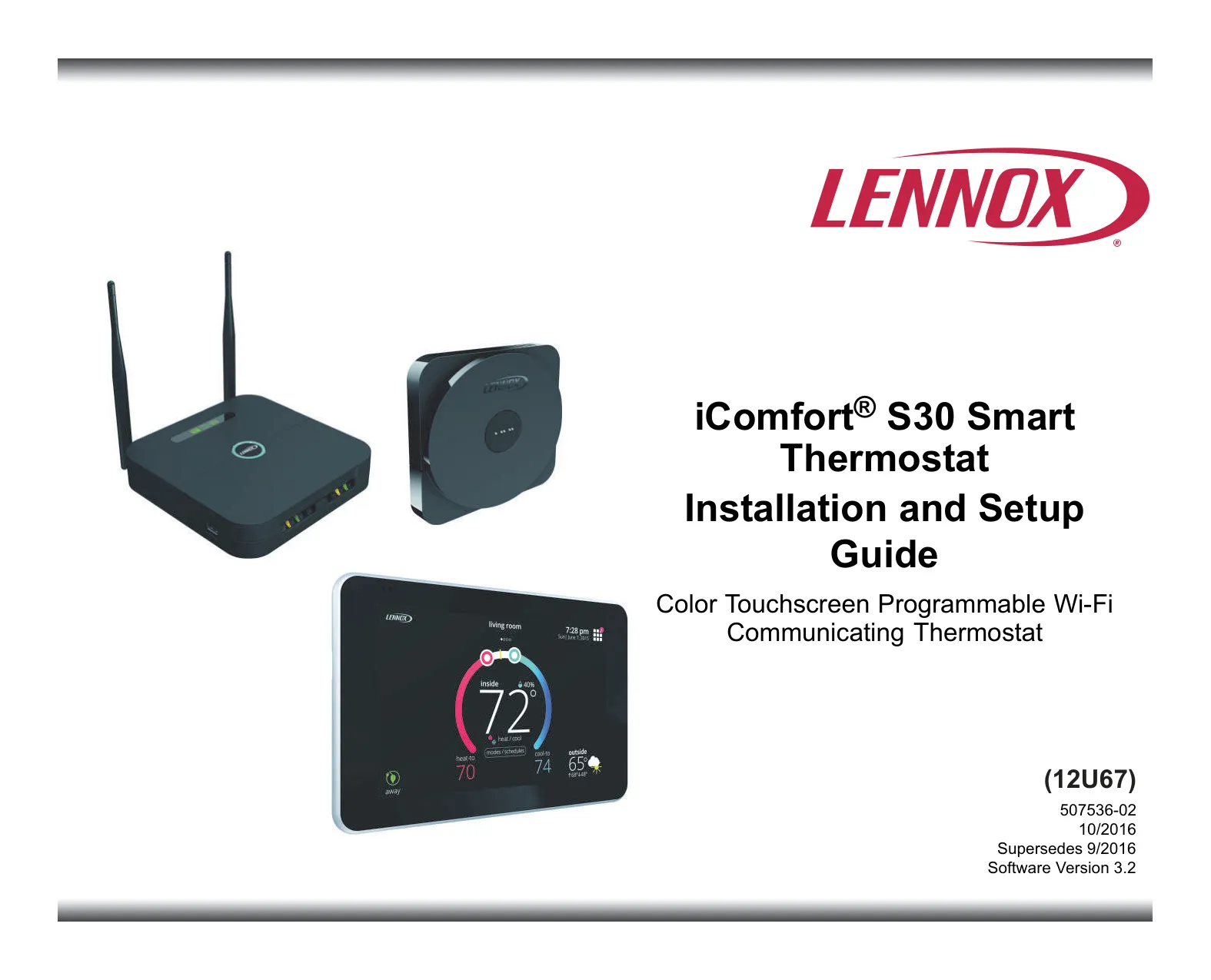
The Lennox iComfort S30 is an advanced electronic thermostat designed for seamless home environmental control. It communicates directly with a Smart Hub, which acts as the system's central controller, securely storing all system parameters and settings in non-volatile memory. This ensures that your preferences are retained even during power outages or disconnections.
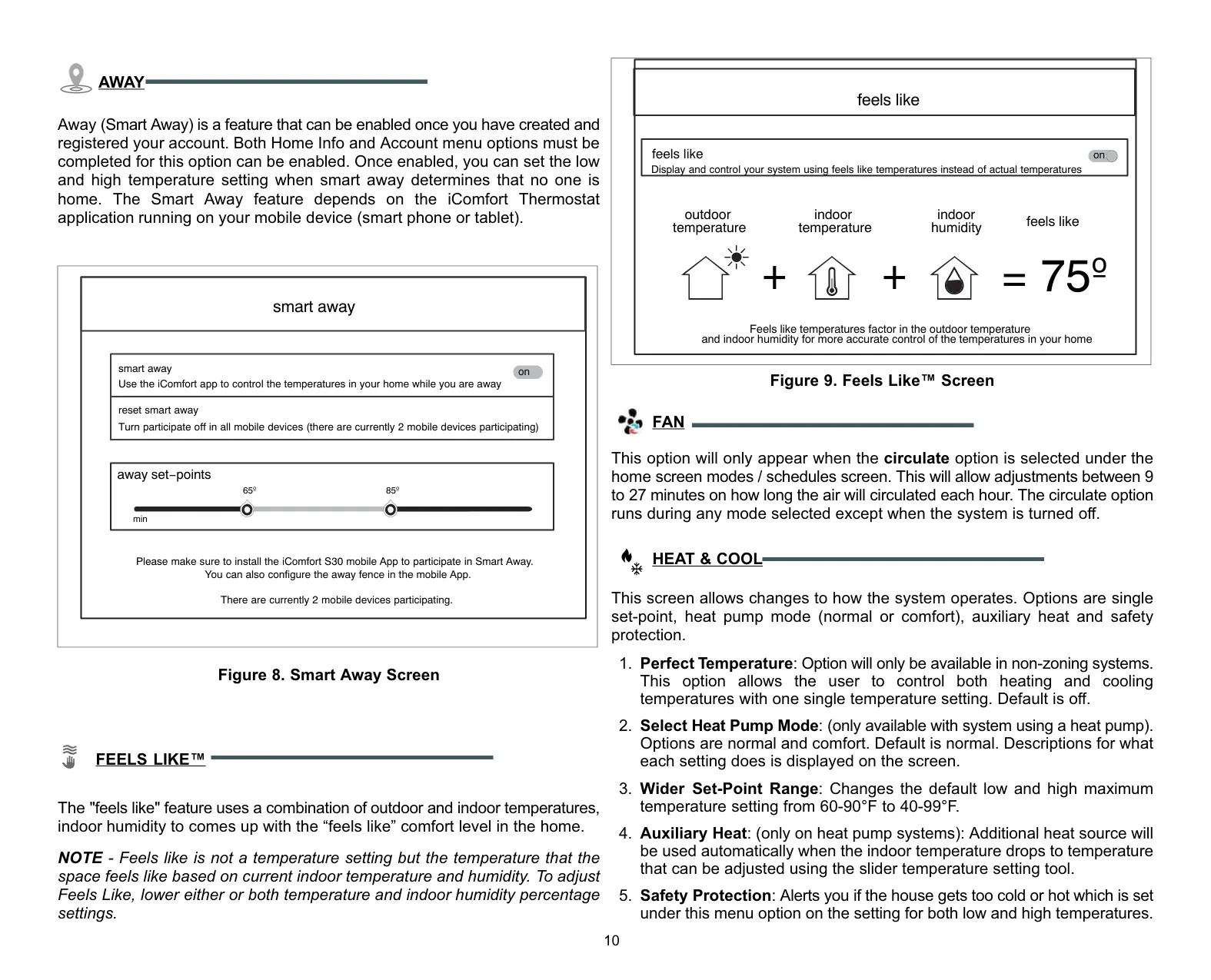
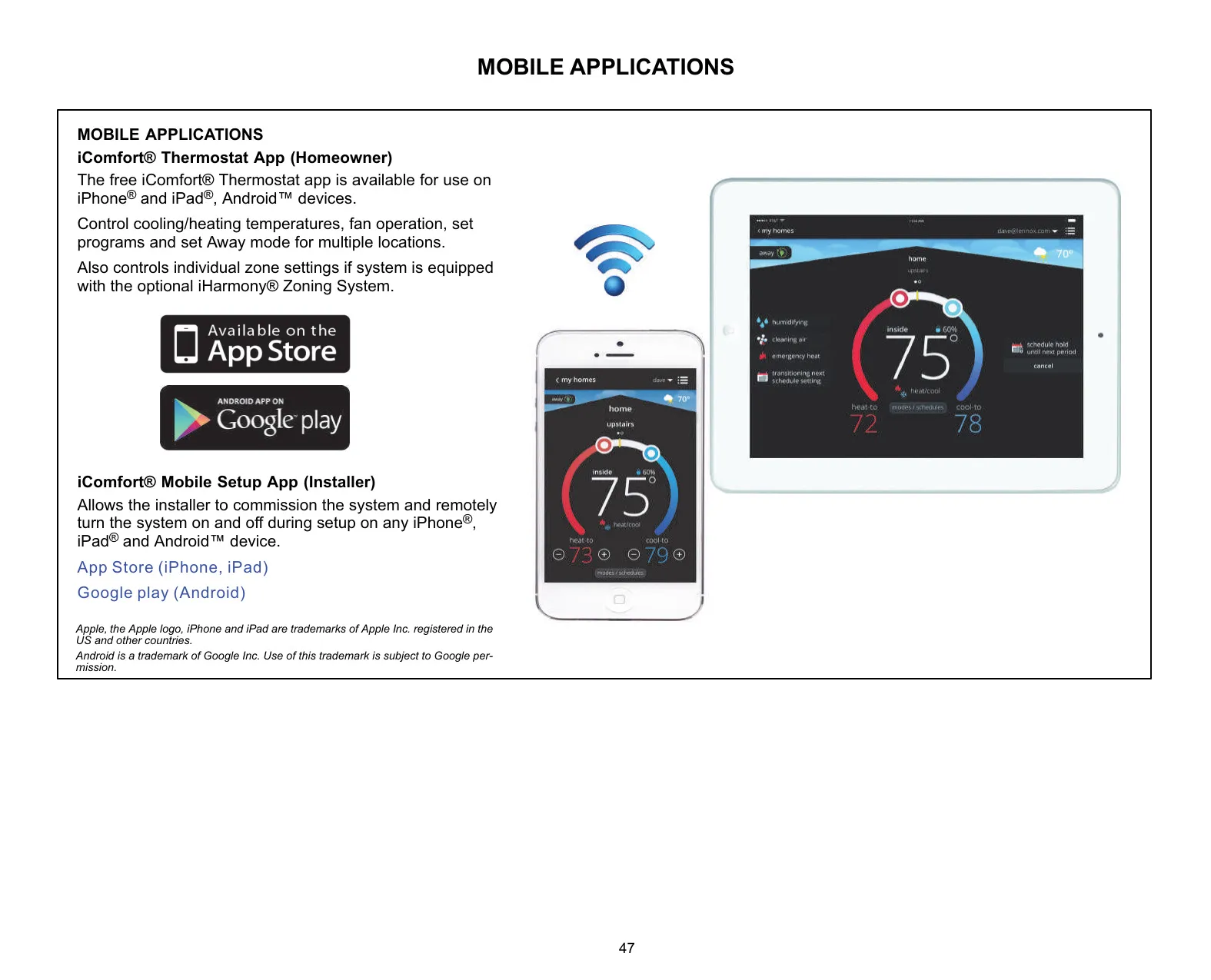
One of its standout features is Smart Away™, which utilizes geo-fencing technology through the iComfort Thermostat mobile application. This intelligent function automatically adjusts home temperatures for energy savings when unoccupied, learning your patterns and reducing waste without direct input.
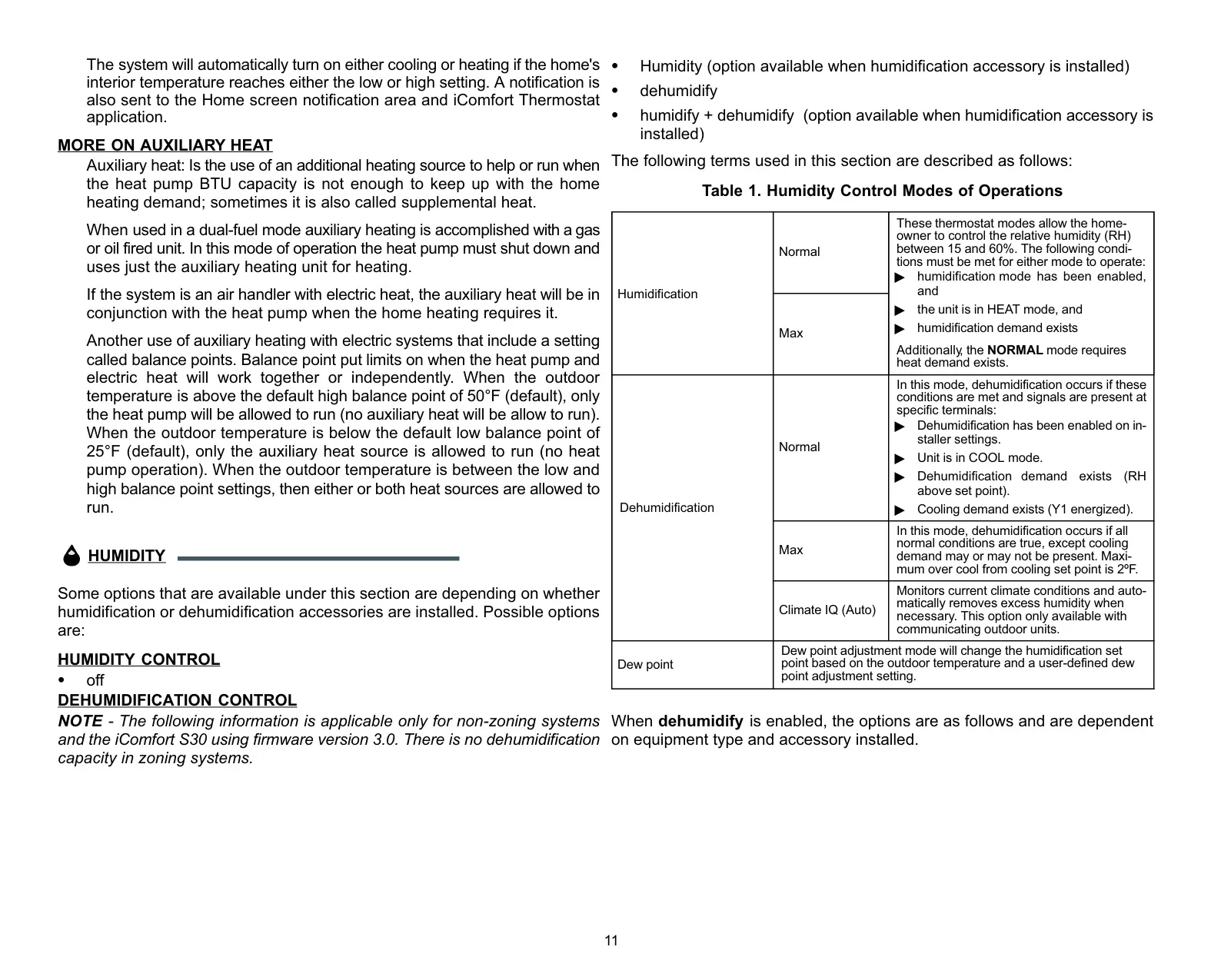
Another innovative comfort feature is Feels Like™. This mode goes beyond simple temperature readings, considering outdoor and indoor temperatures along with indoor humidity to create an optimal "feels like" comfort level in your home. This nuanced approach ensures a more pleasant environment tailored to perceived comfort rather than just a numerical set point.
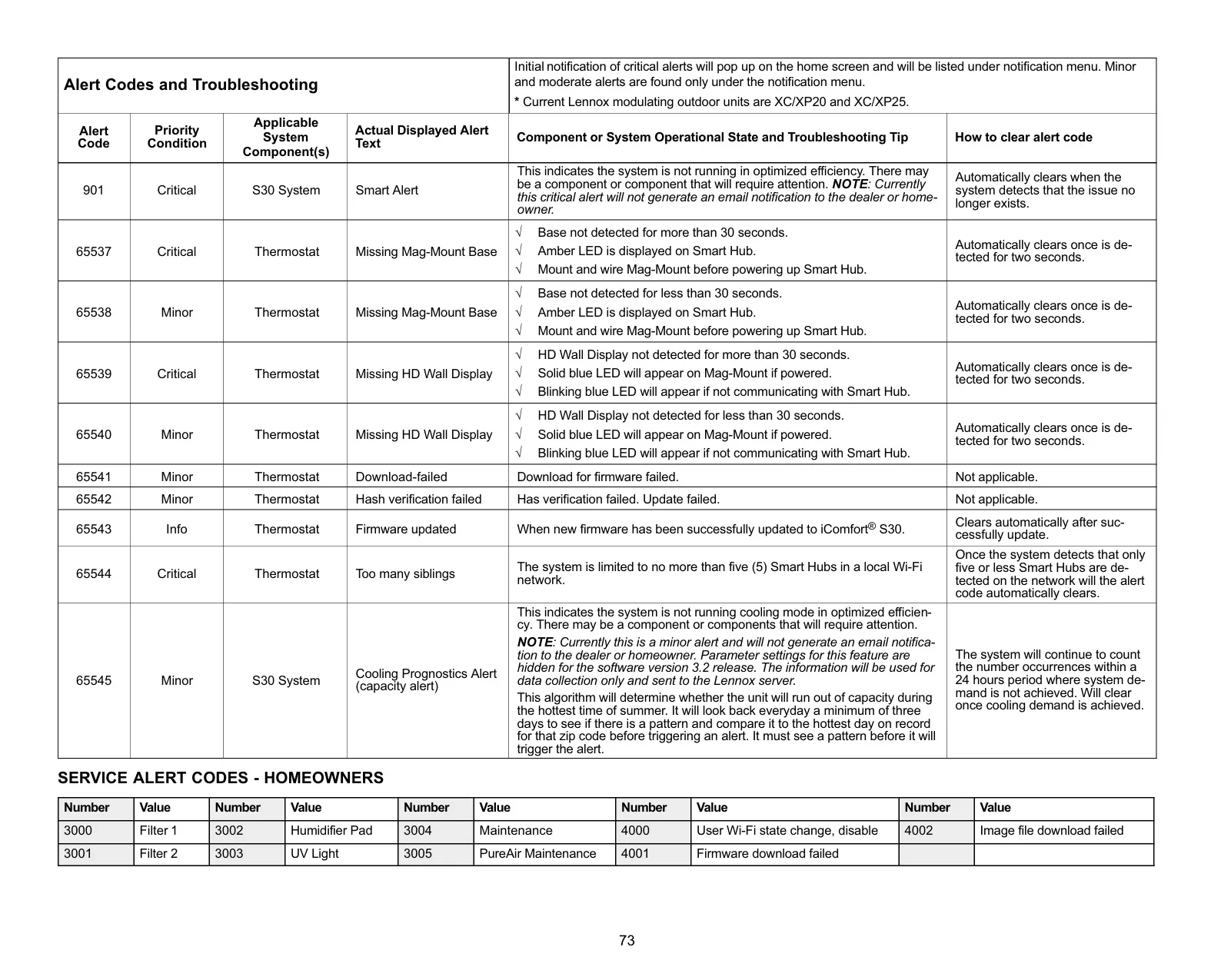
For enhanced indoor air quality, the S30 provides comprehensive monitoring and notifications. It offers time-based reminders for replacing consumables such as media filters, UVC bulbs, humidifier pads, and servicing the PureAir™ system catalyst, ensuring your air remains clean and healthy.
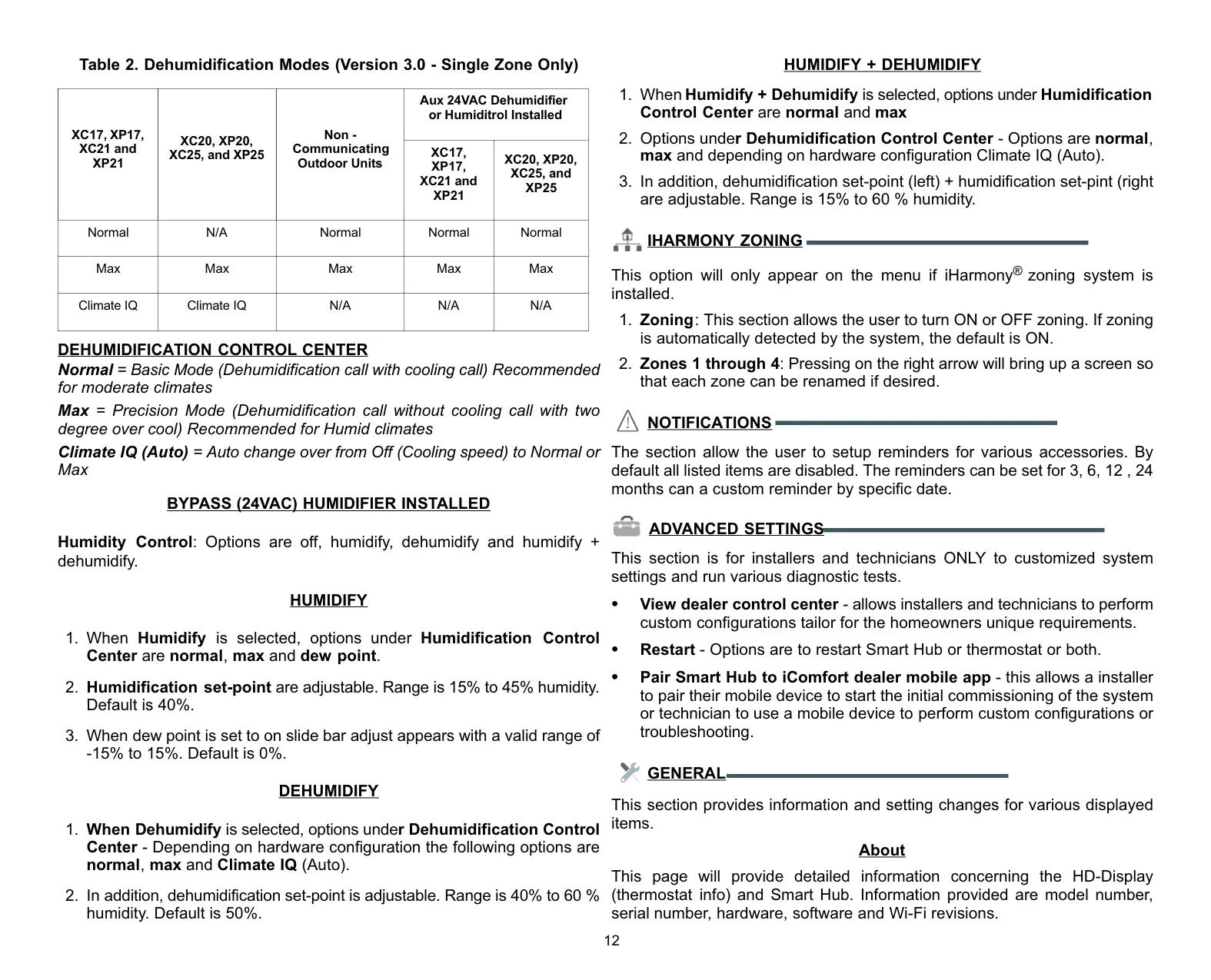
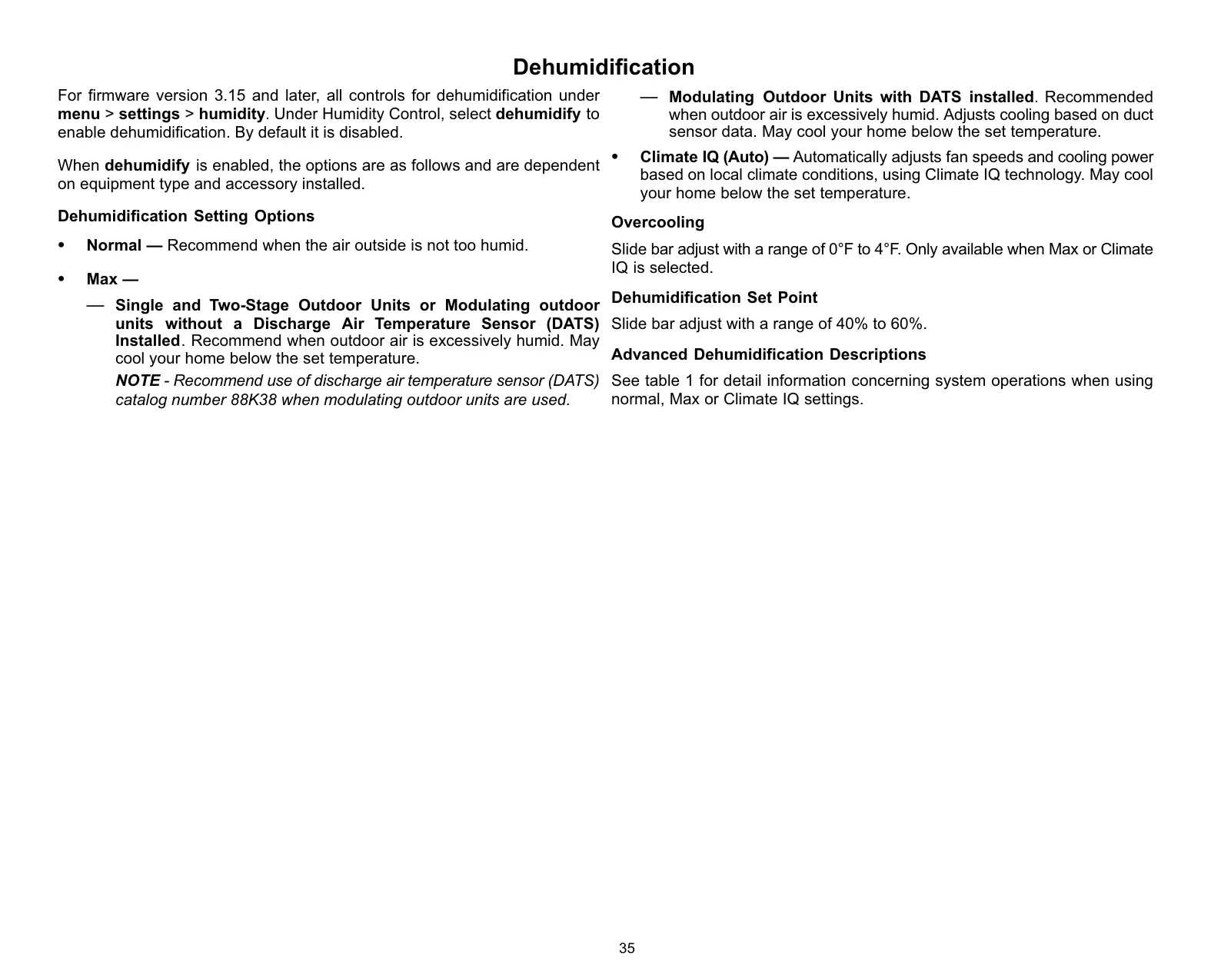
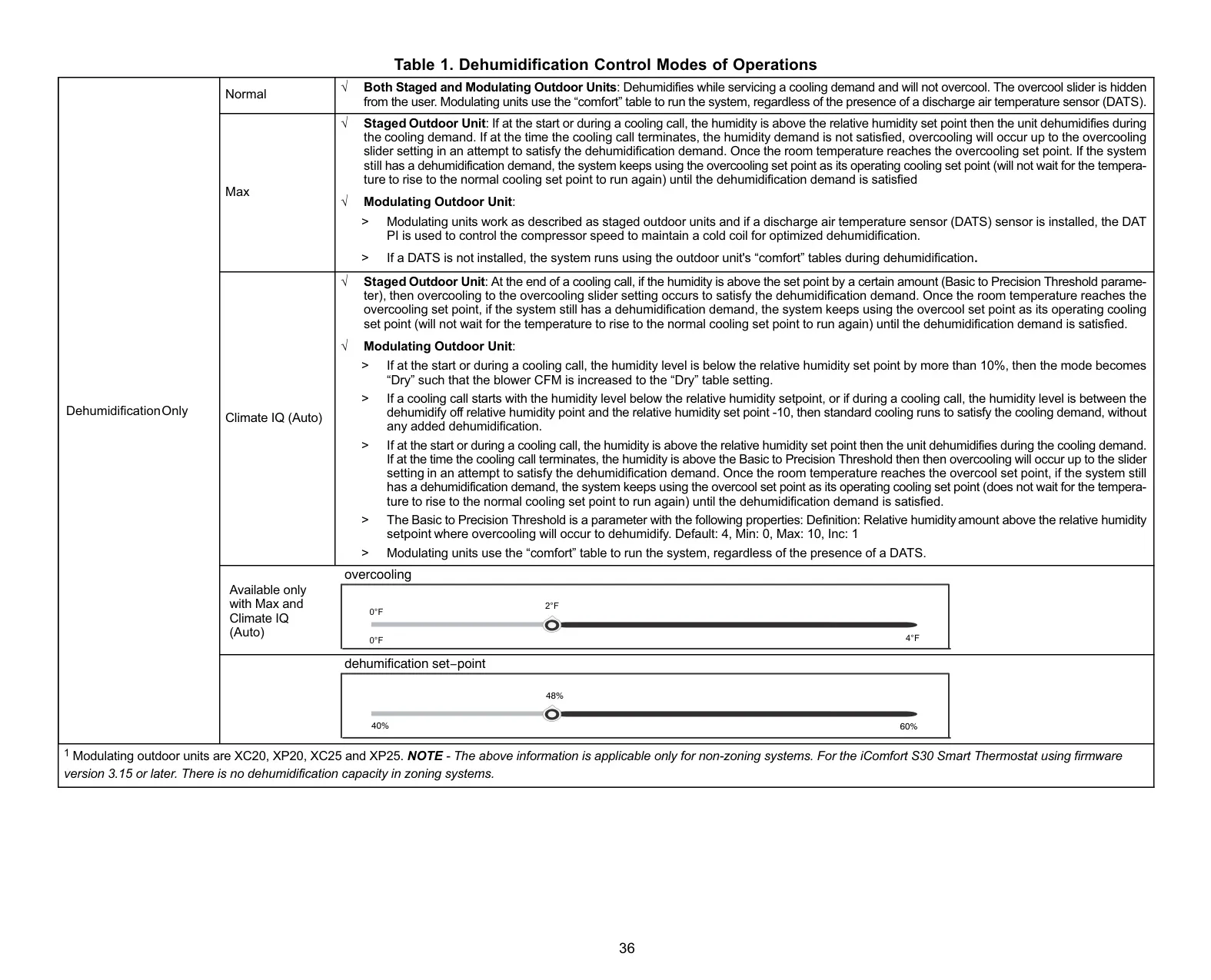
The system also includes Climate IQ™, which actively monitors current climate conditions and automatically removes excess humidity when necessary, especially useful in humid environments. This feature, when paired with a compatible iComfort outdoor unit, contributes significantly to overall home comfort and air quality management.
For non-zoning applications, the Perfect Temperature (Single Set Point) allows for a unified temperature setting to control both heating and cooling. This simplifies user interaction, letting you manage your home's climate with a single, intuitive adjustment.
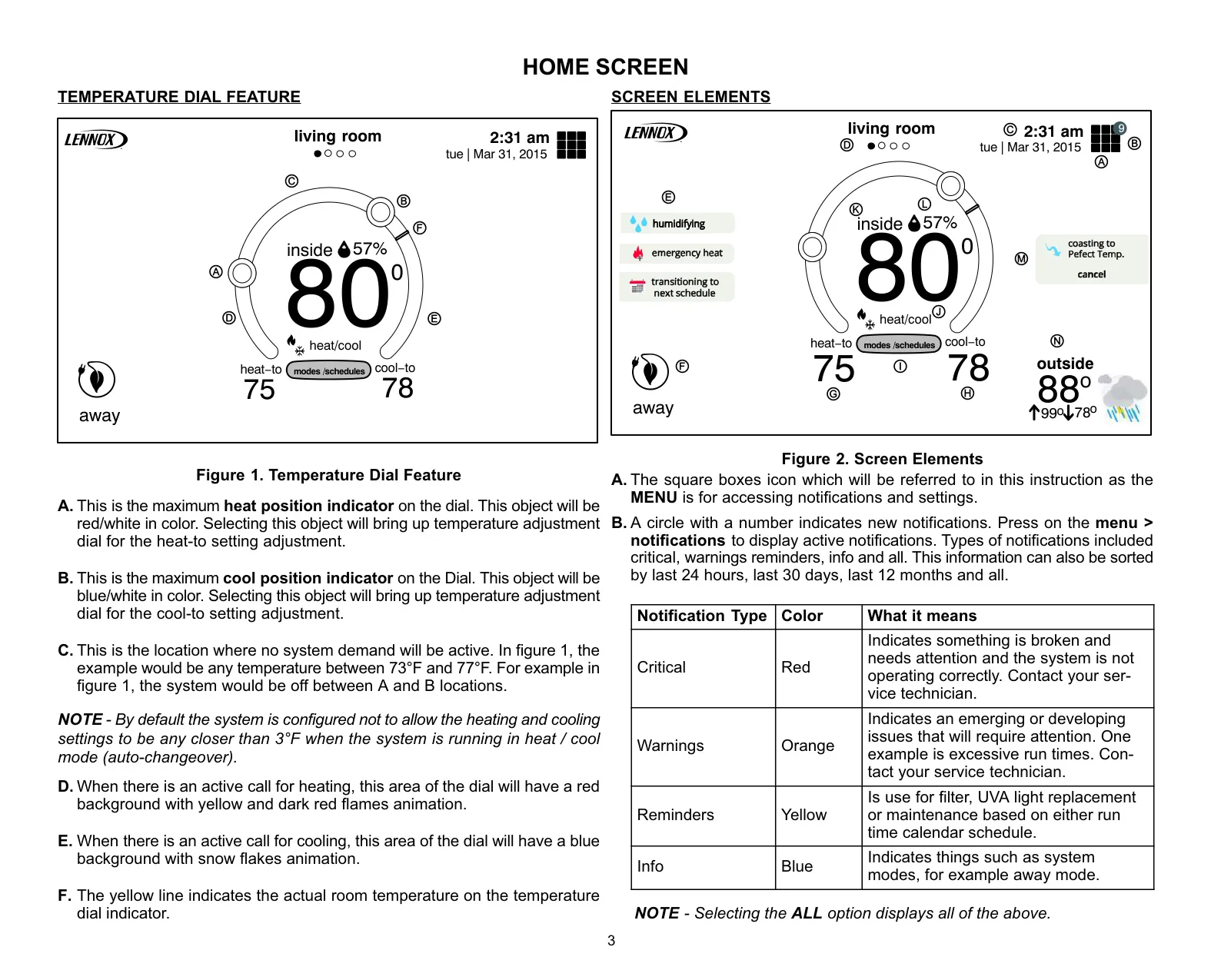
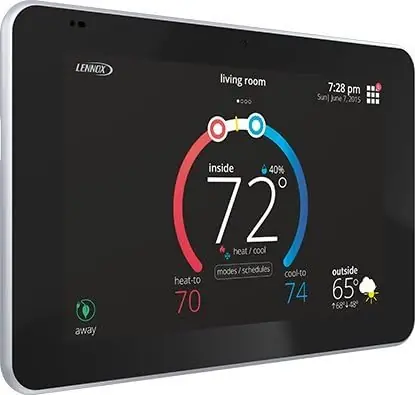
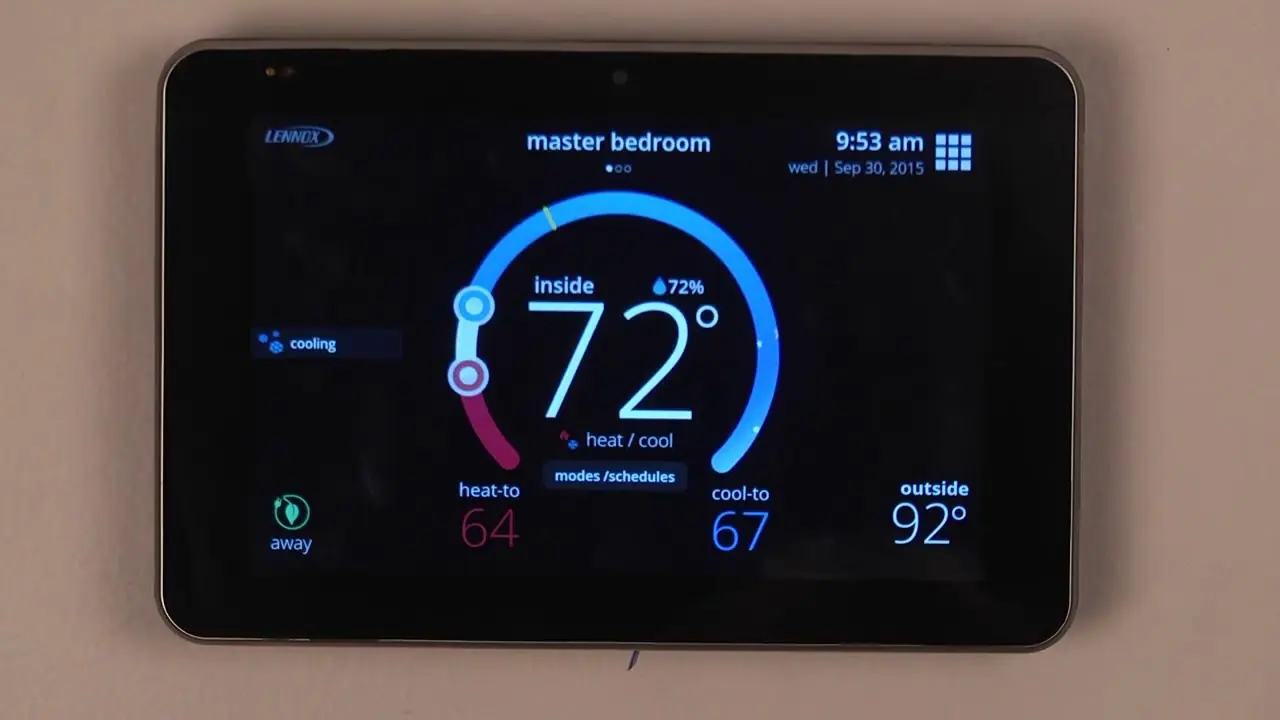
The S30 boasts a user-friendly interface with a vivid color touchscreen. Its Home Screen provides immediate access to essential information like current time, date, active system functions (e.g., humidifying, cooling), indoor humidity levels, and even outdoor weather forecasts, providing a complete overview at a glance.
Allergen Defender is another thoughtful feature that leverages Internet weather data. When high pollen counts are detected in your area, the fan automatically runs between heating or cooling cycles to help clean the air, providing relief for allergy sufferers.
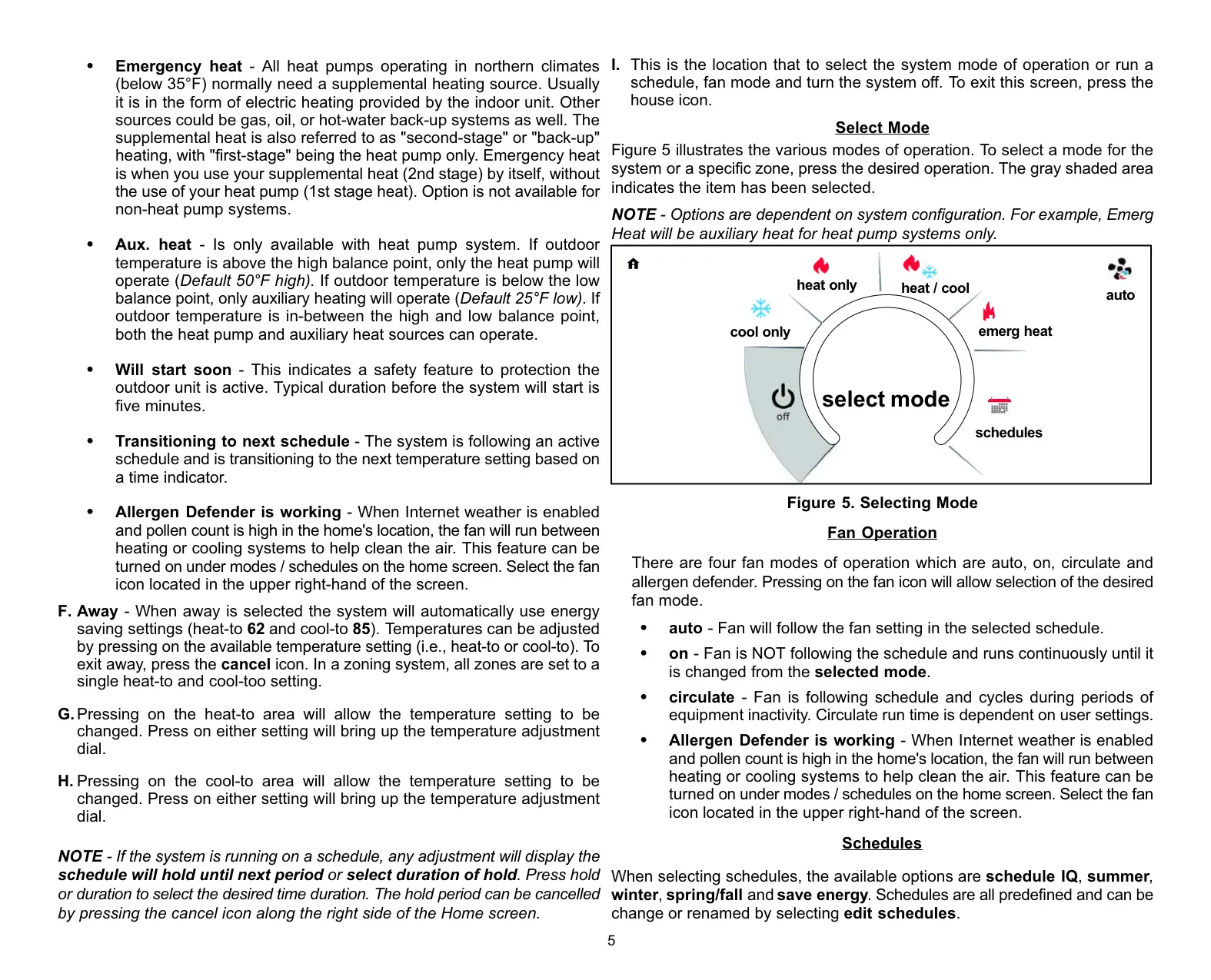
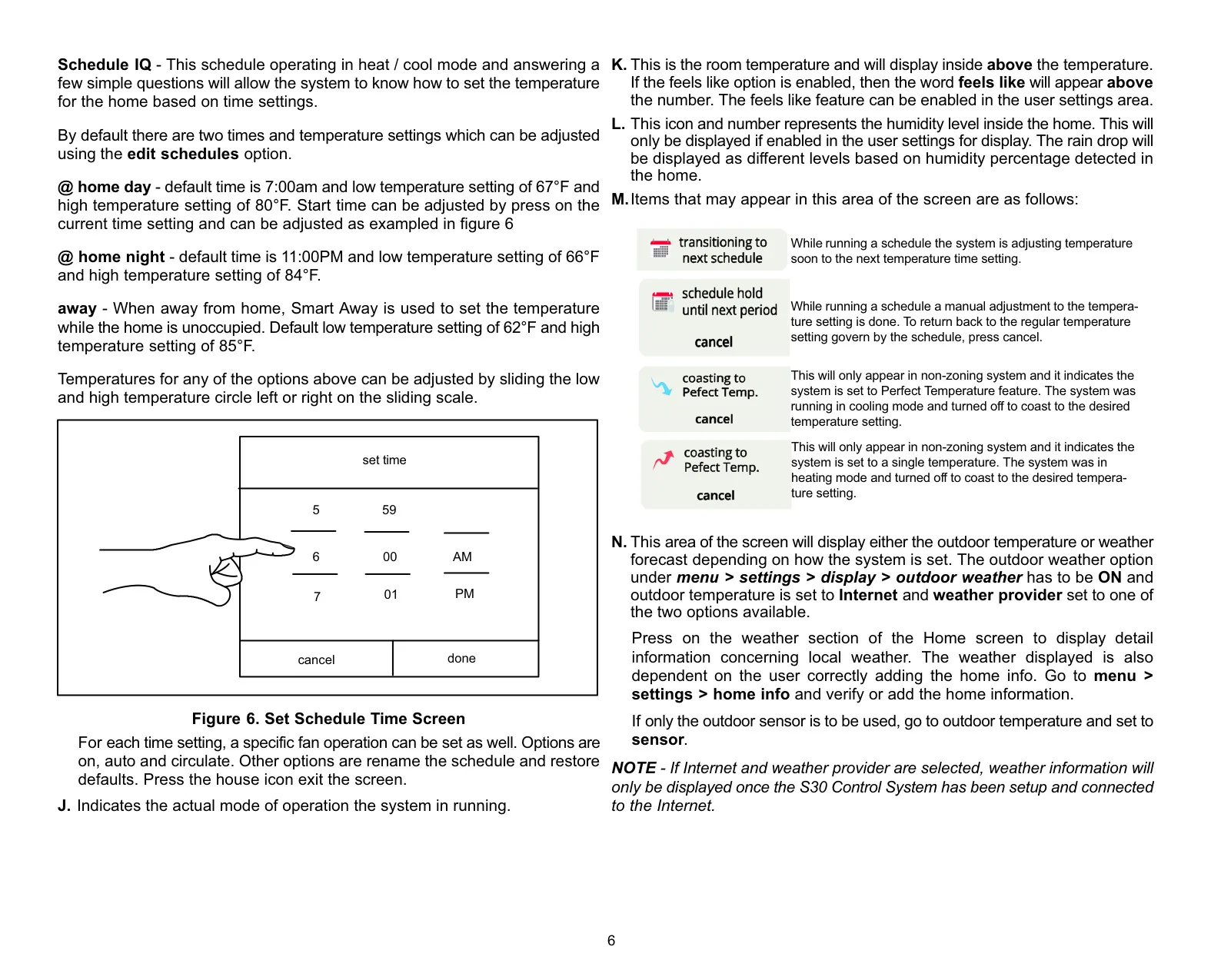
Beyond standard modes, the S30 supports flexible fan operations including "auto," "on," "circulate" (with adjustable run times), and the aforementioned "Allergen Defender." It also offers predefined schedules like Schedule IQ, which intelligently sets temperatures based on learned time settings, though these can be customized.
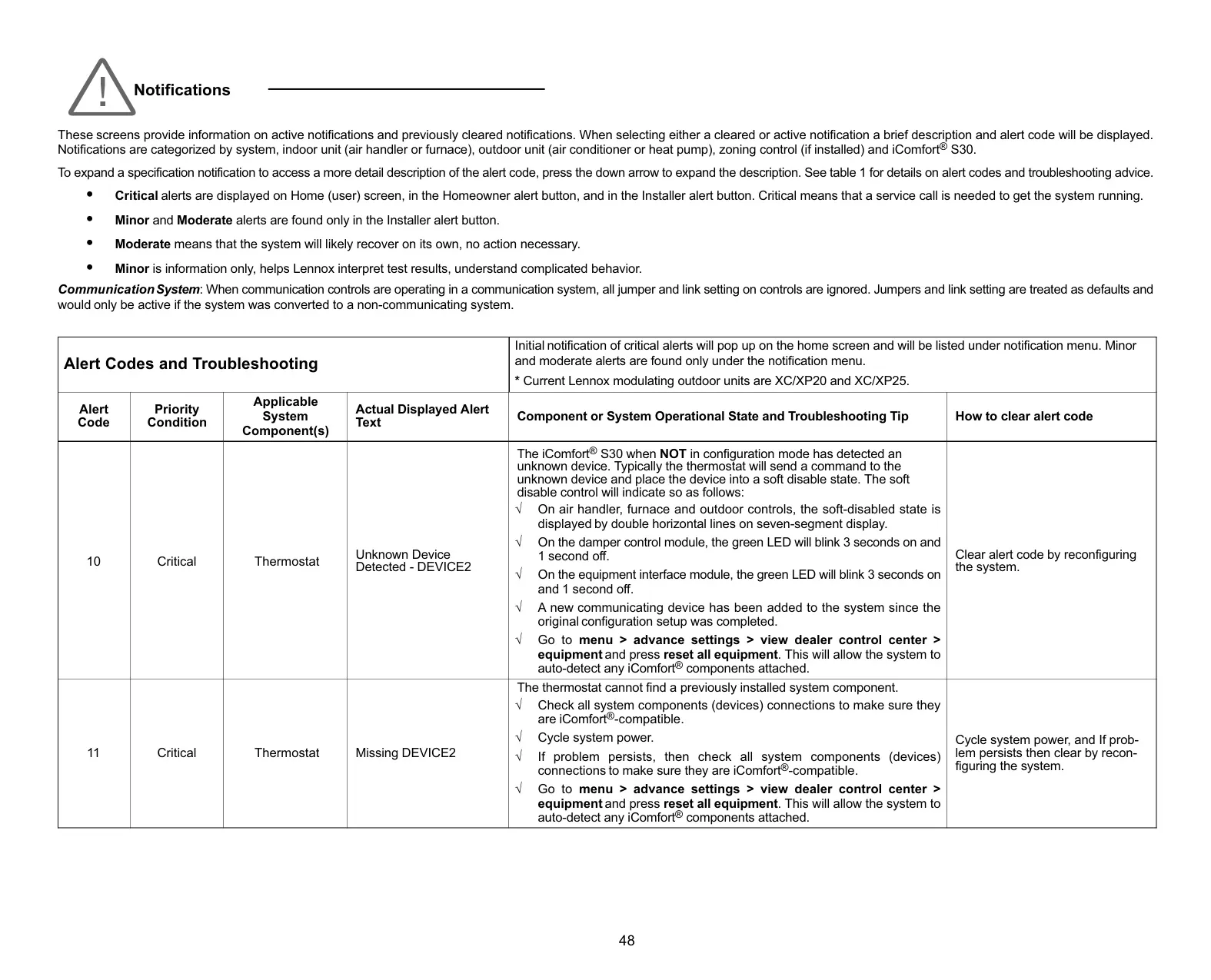
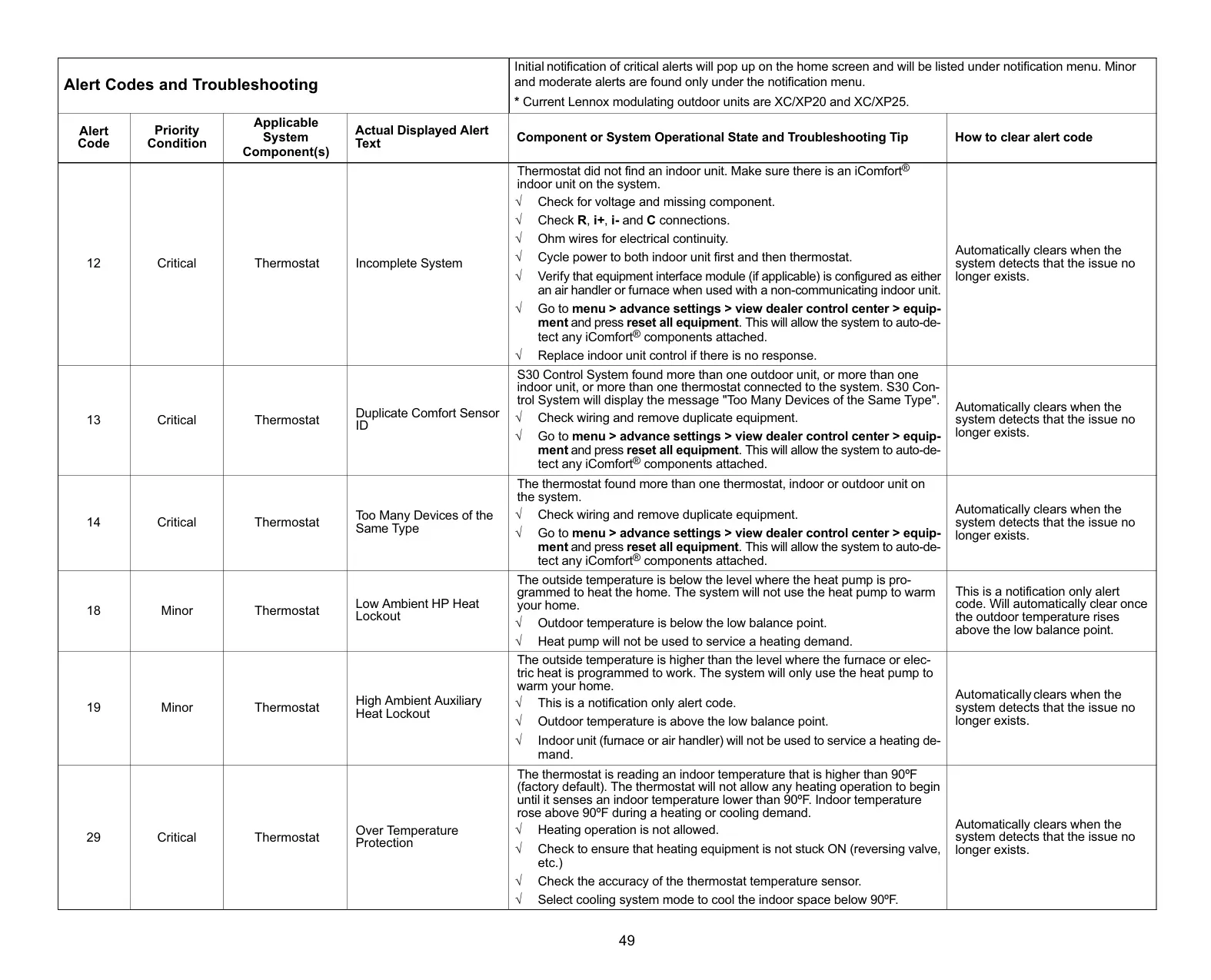
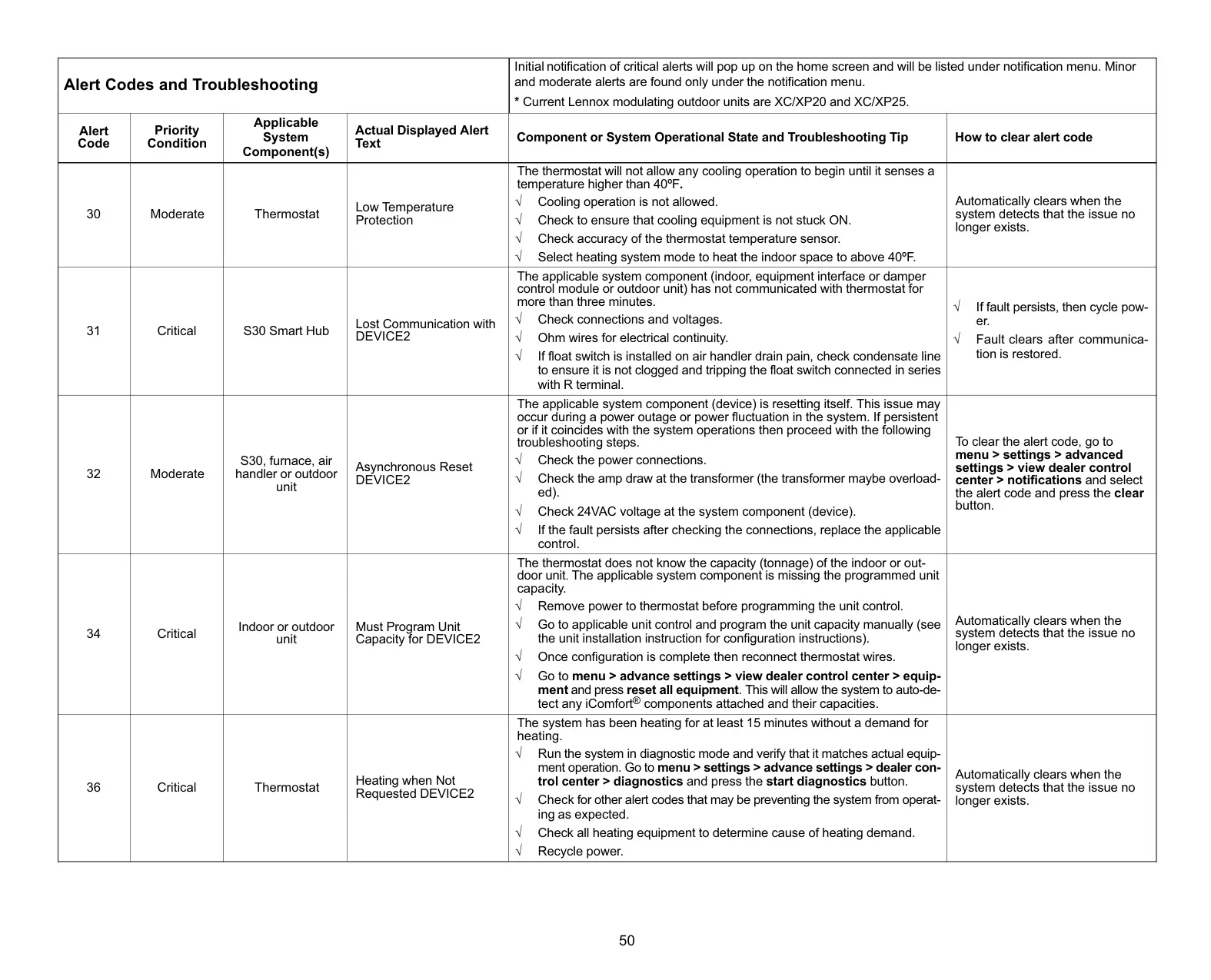
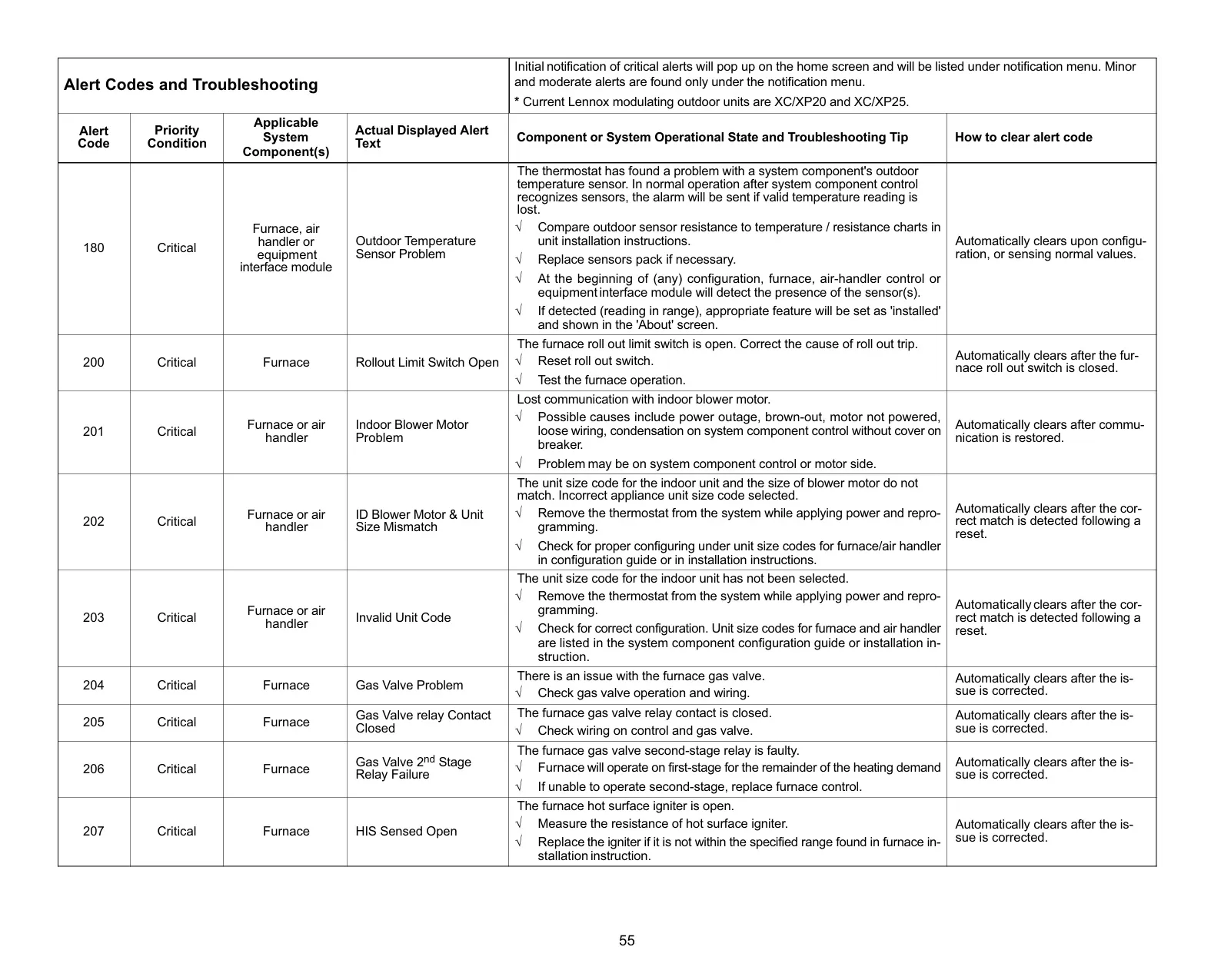
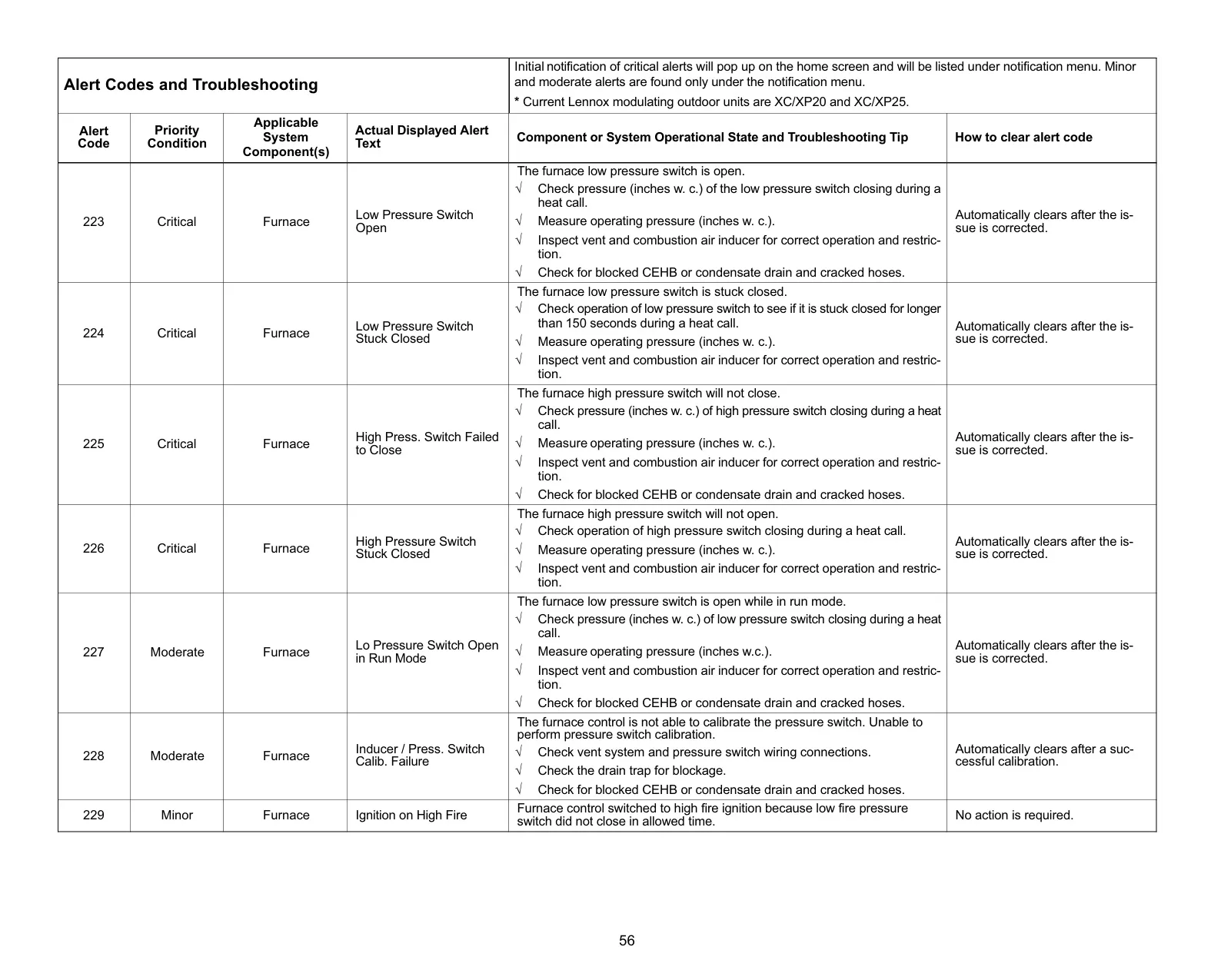
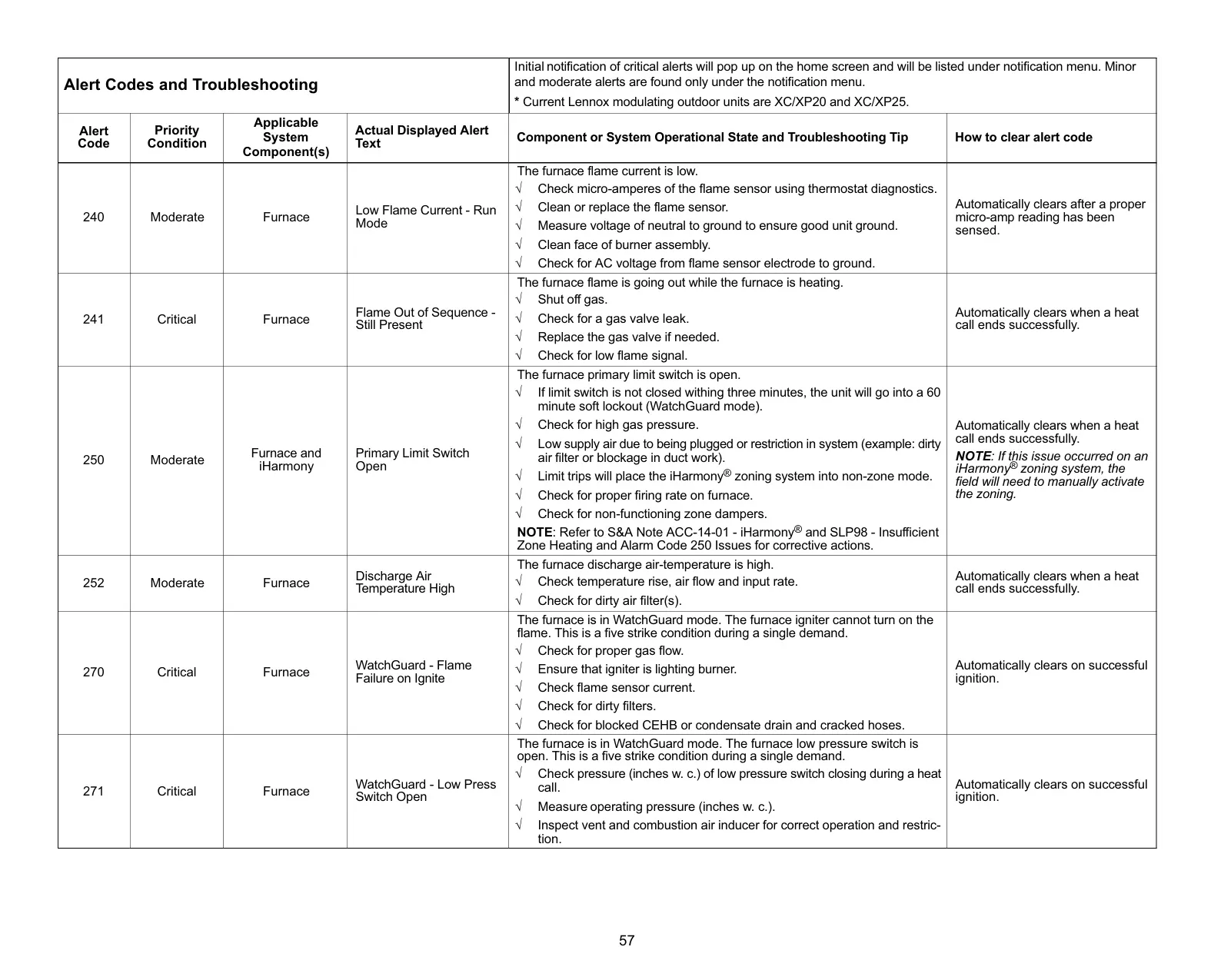
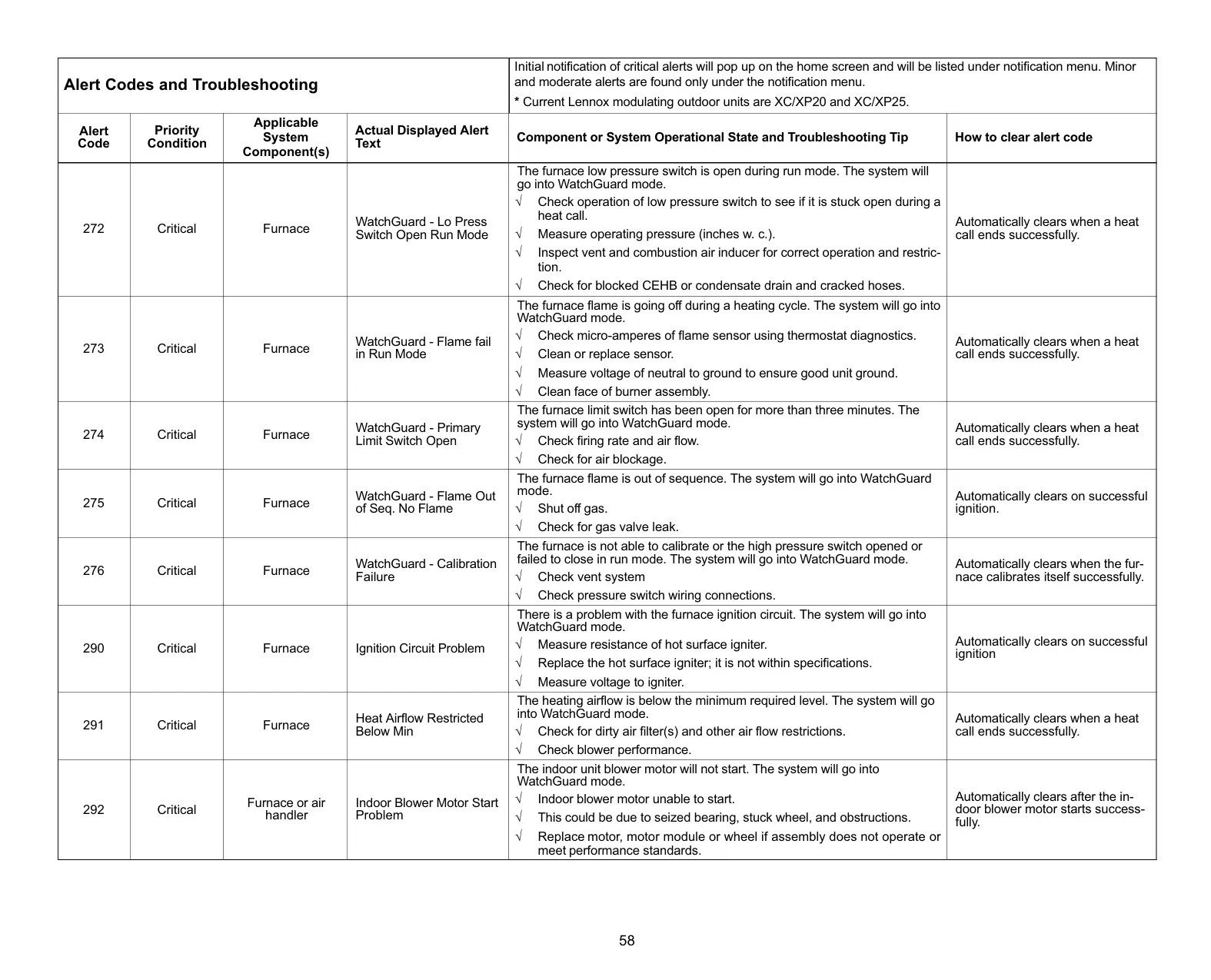
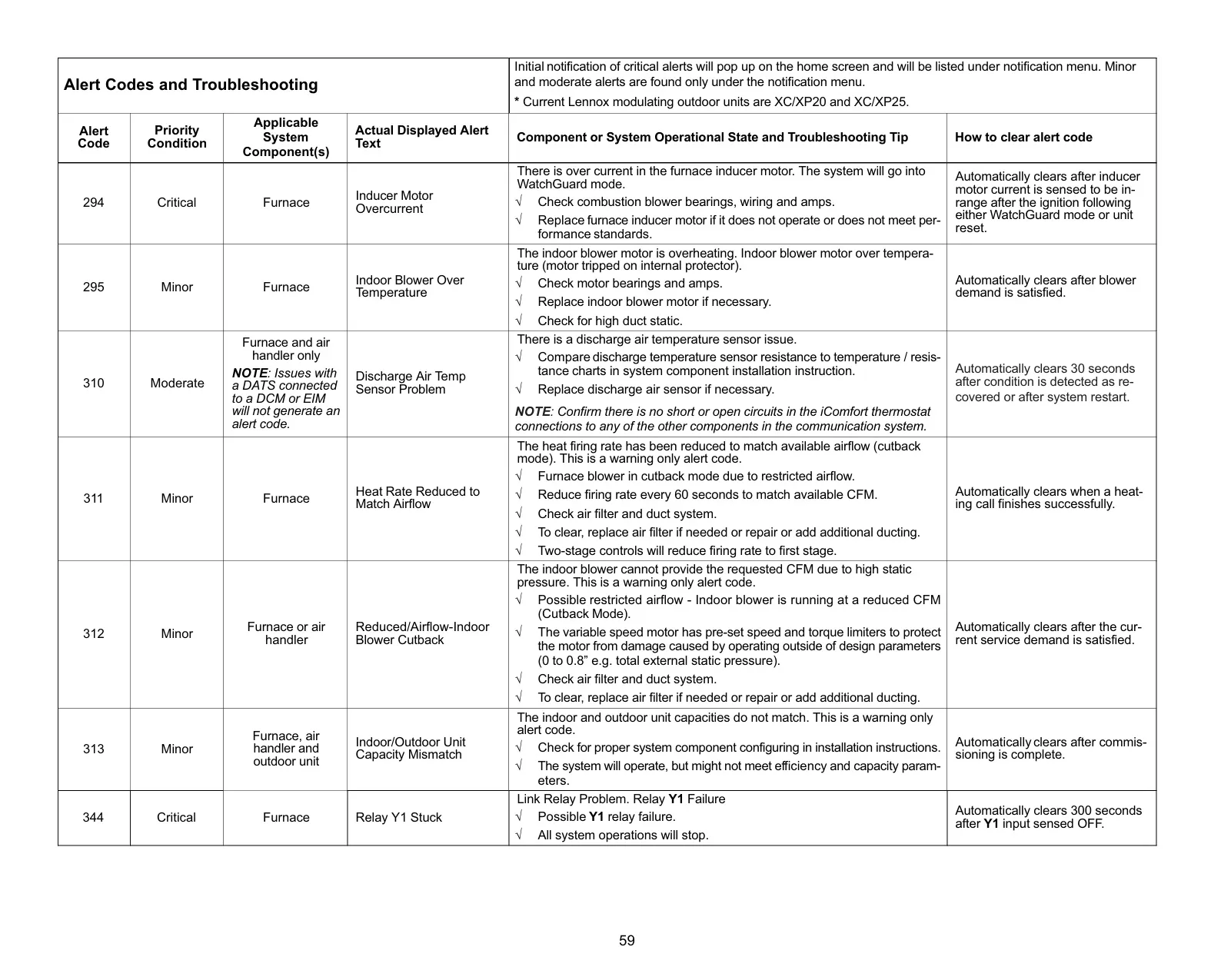
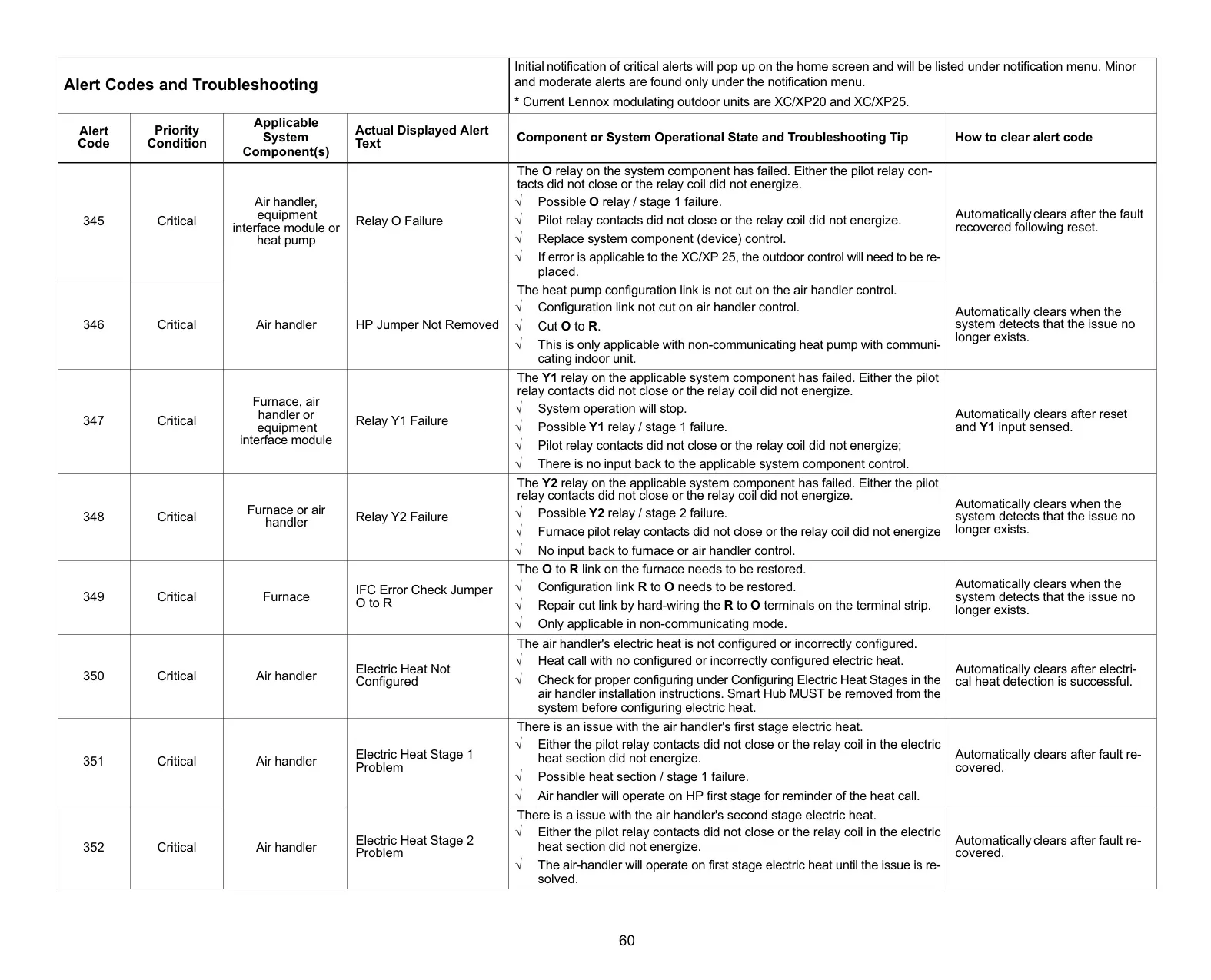
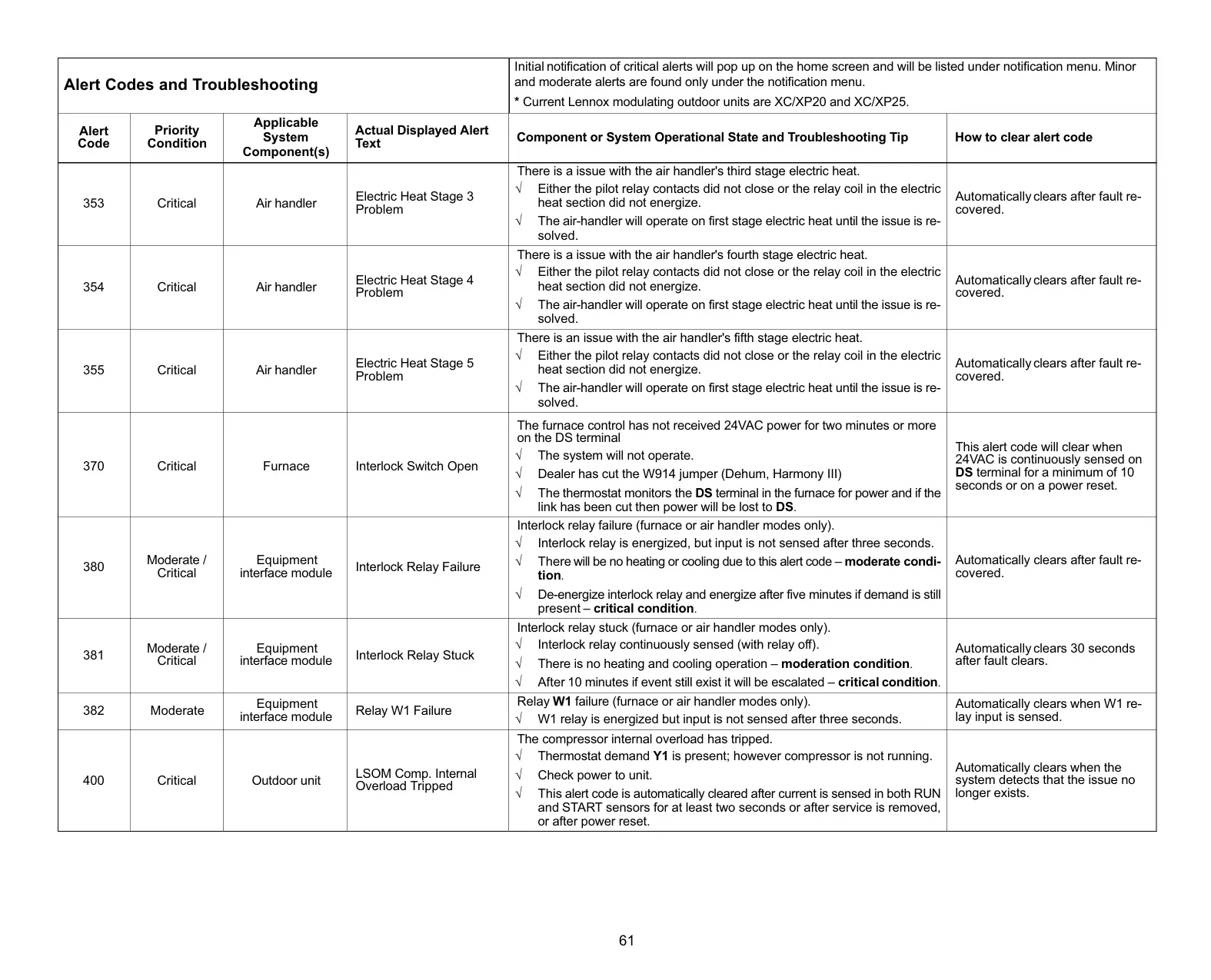
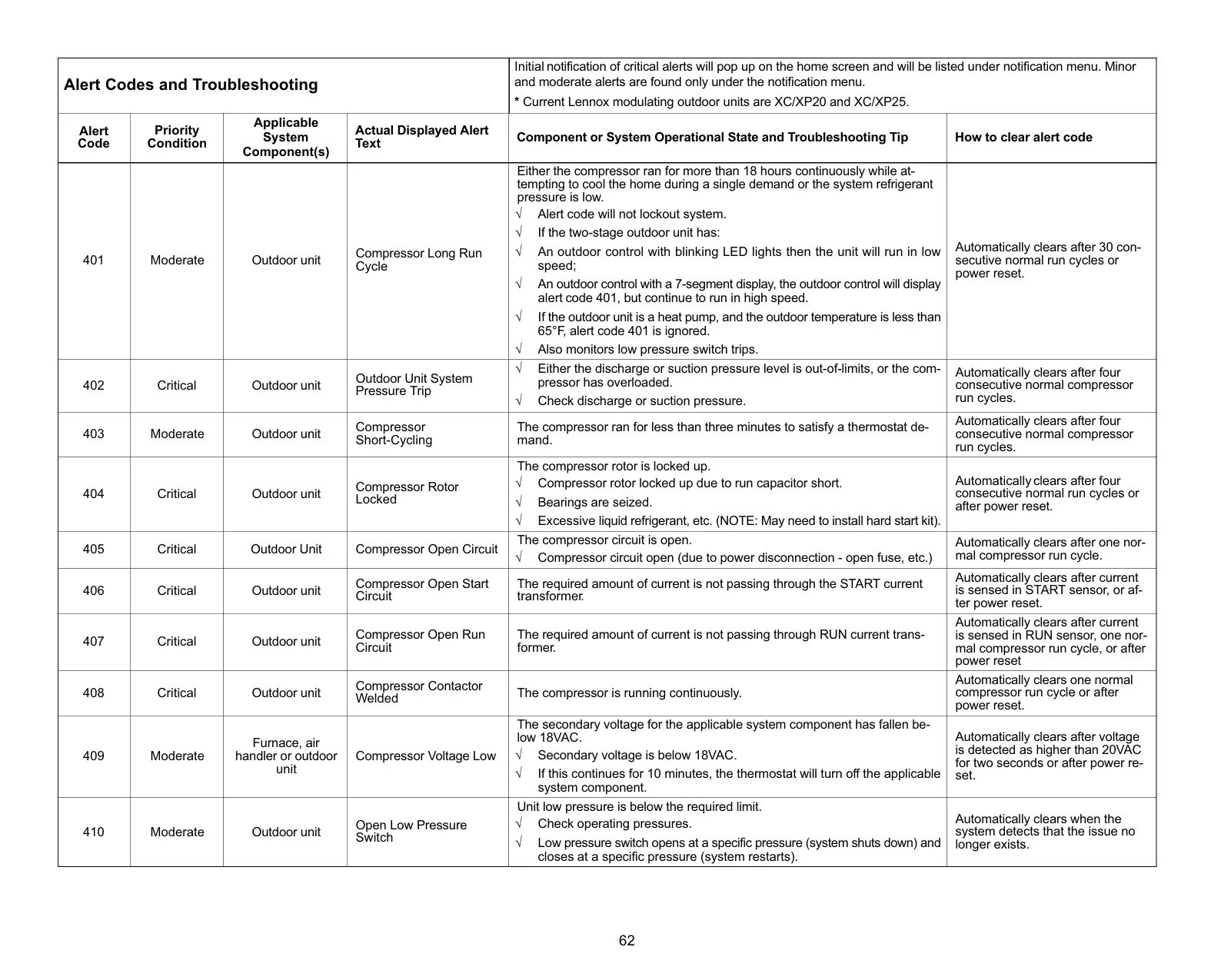
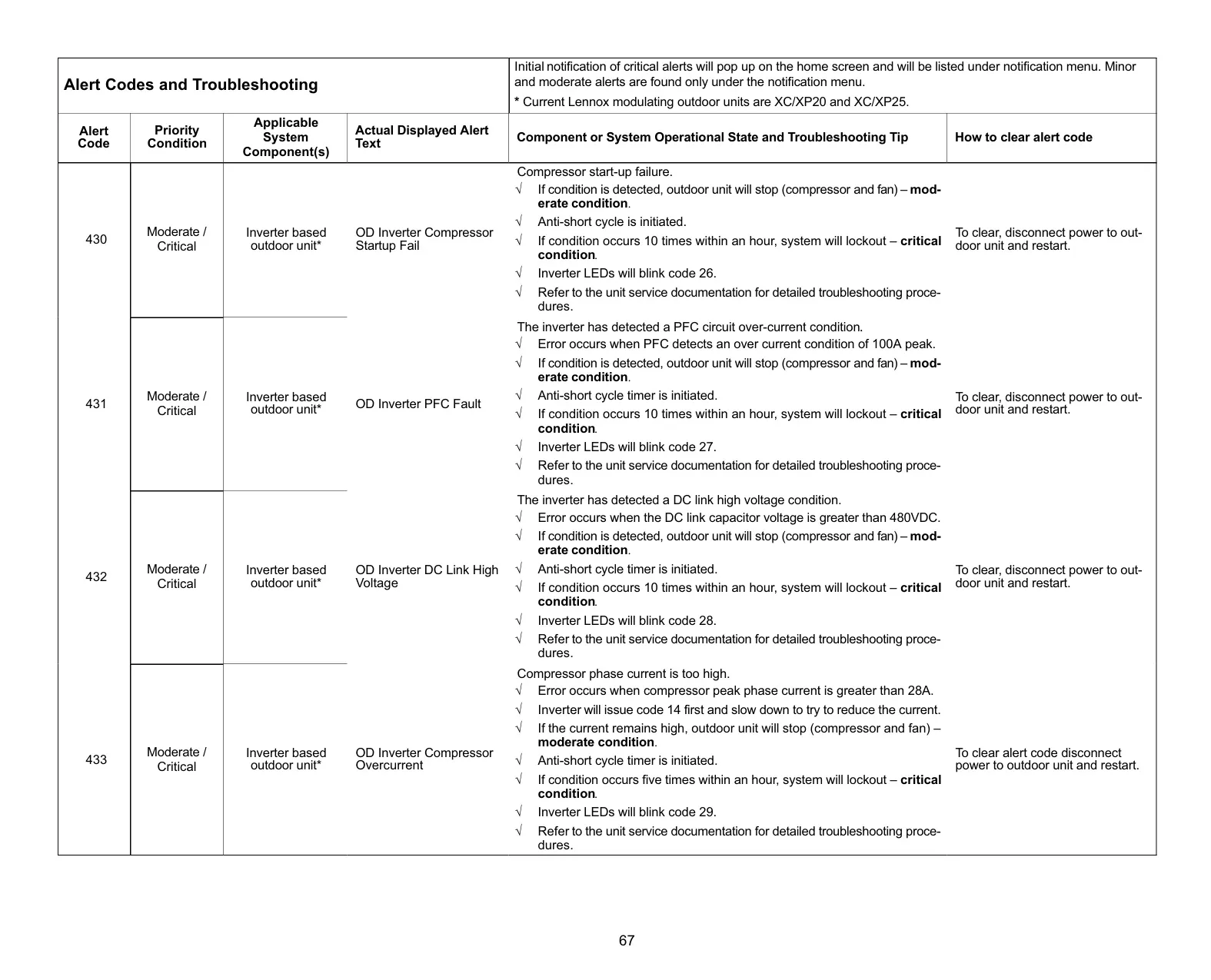
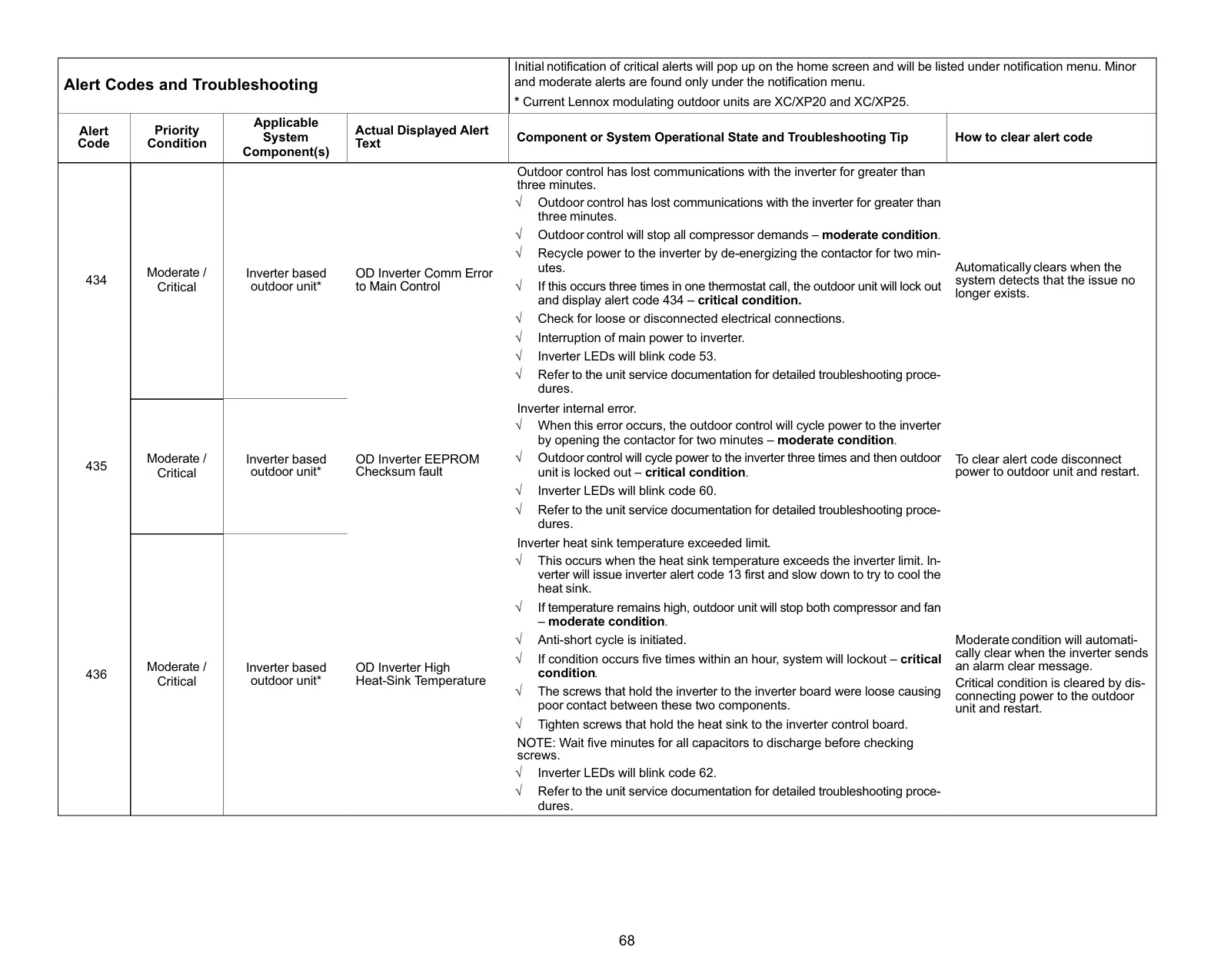
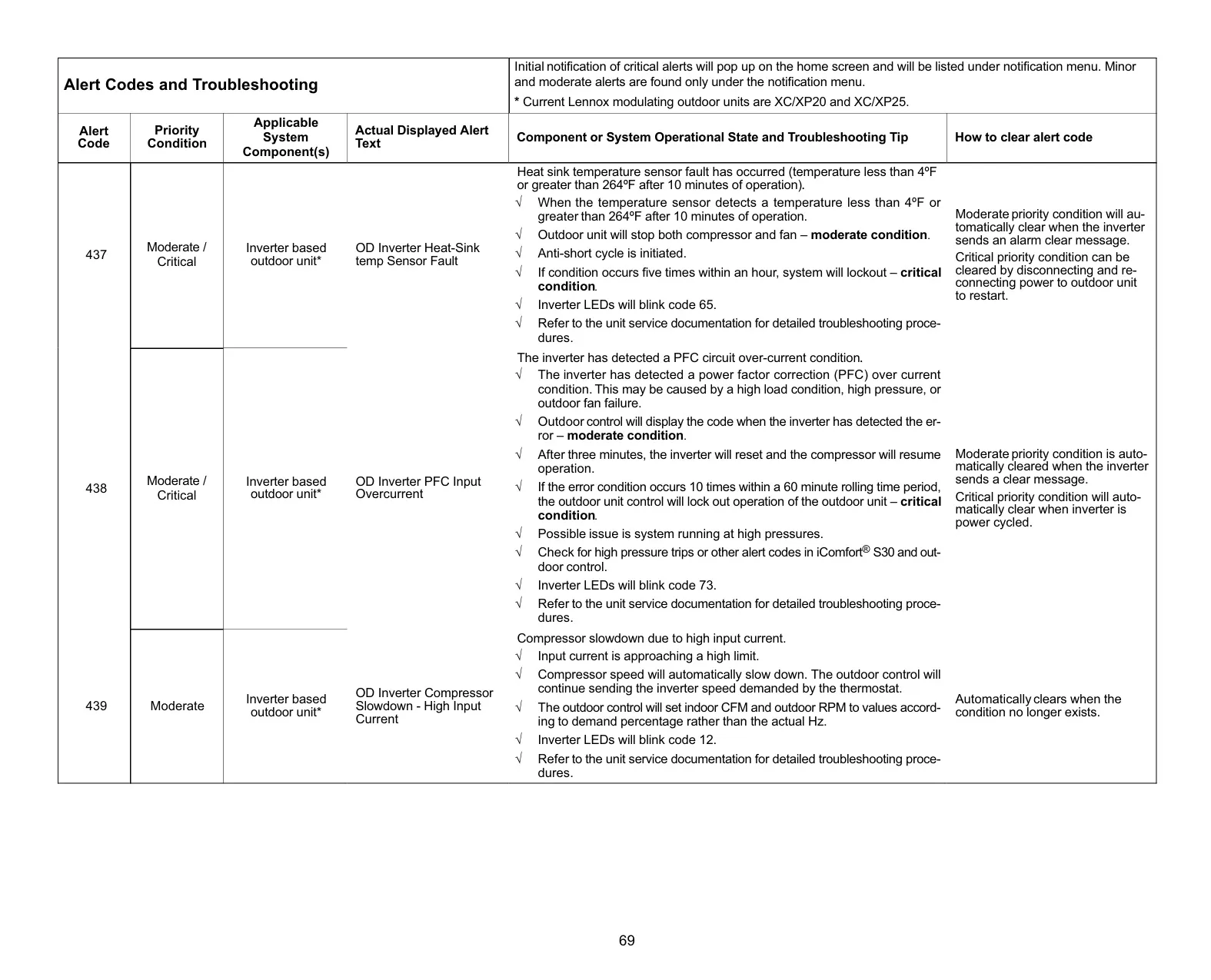
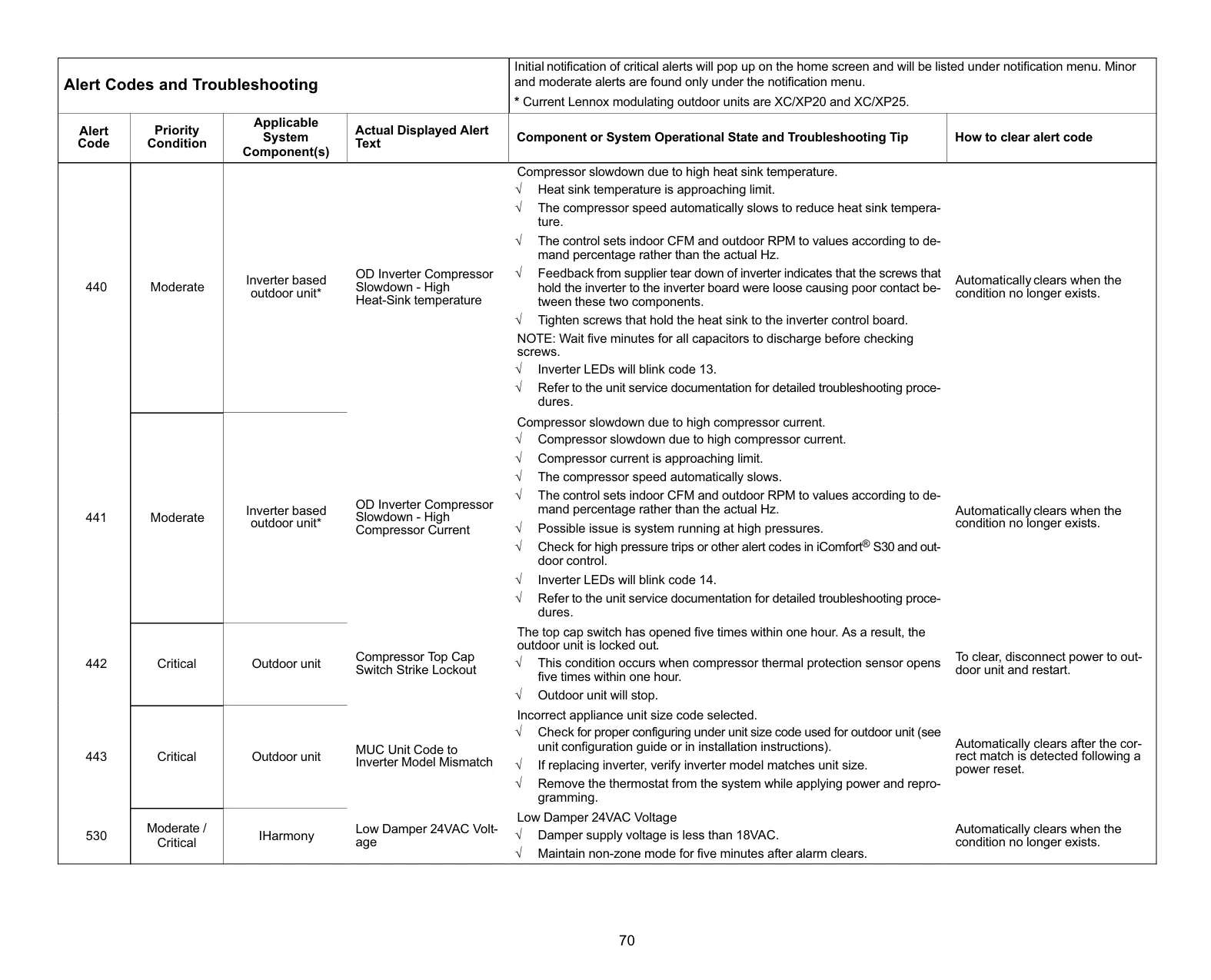
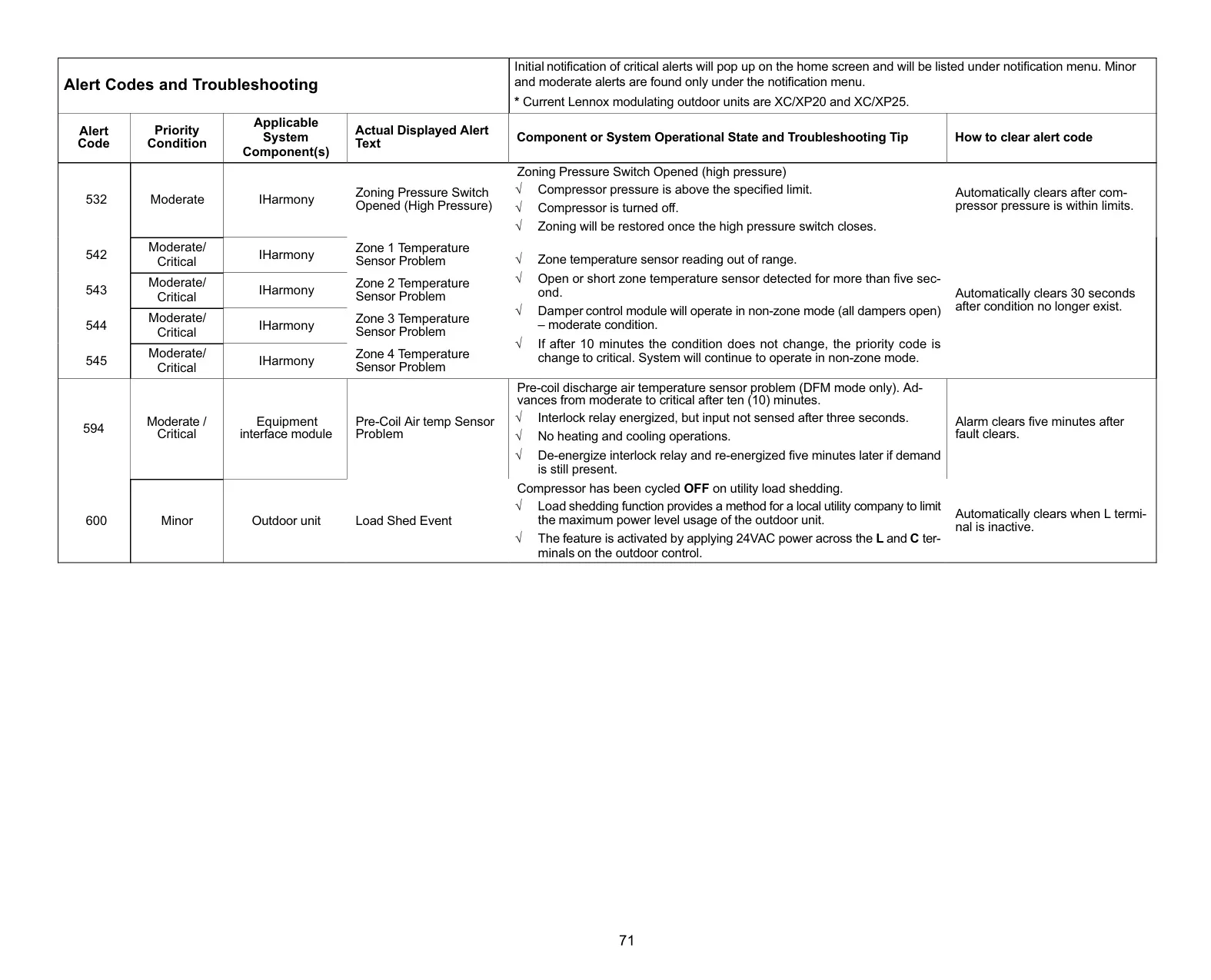
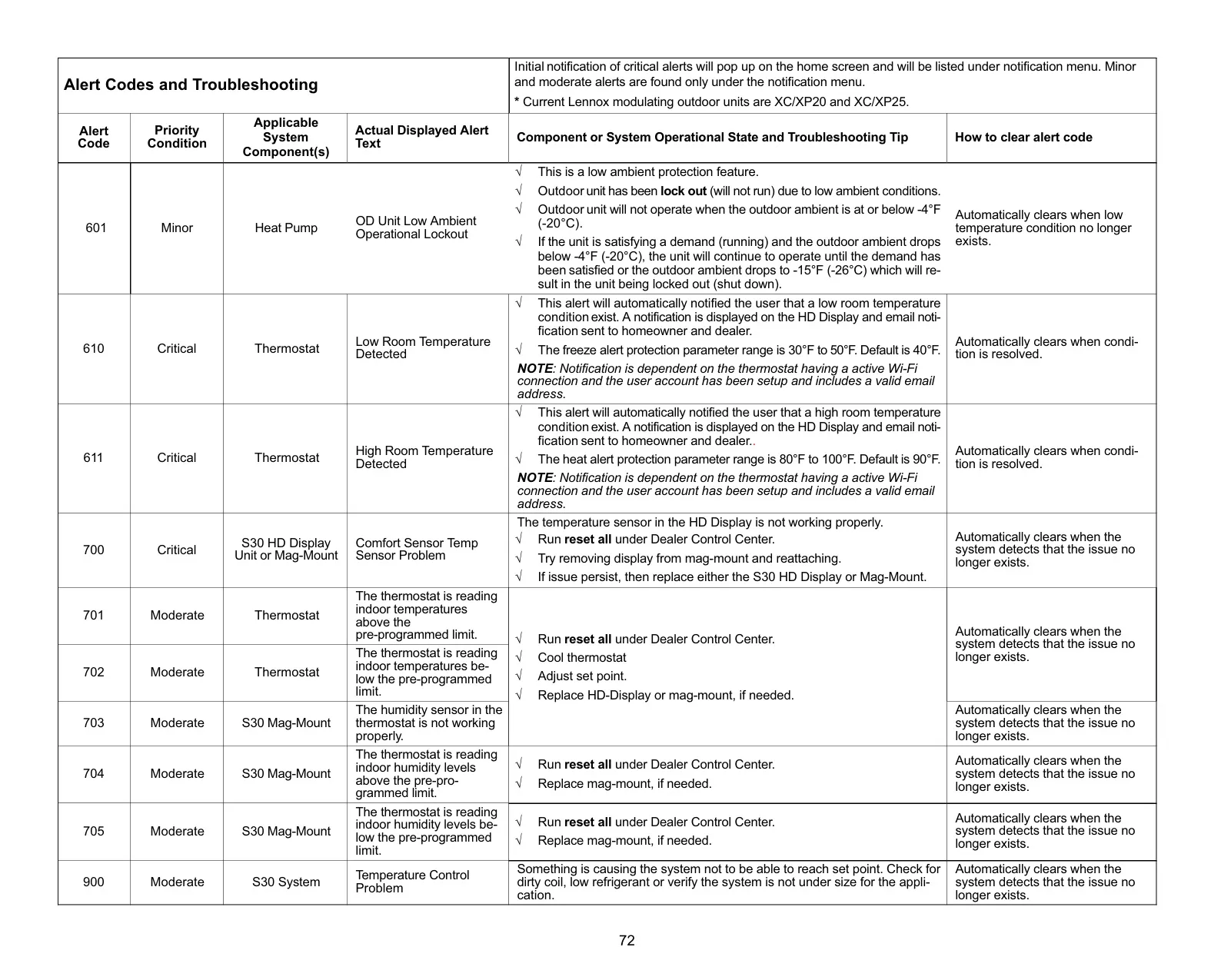
Notifications are categorized for clarity: Critical (red) for immediate issues, Warnings (orange) for emerging concerns, Reminders (yellow) for maintenance, and Info (blue) for general system status. This structured alert system keeps homeowners informed without overwhelming them.
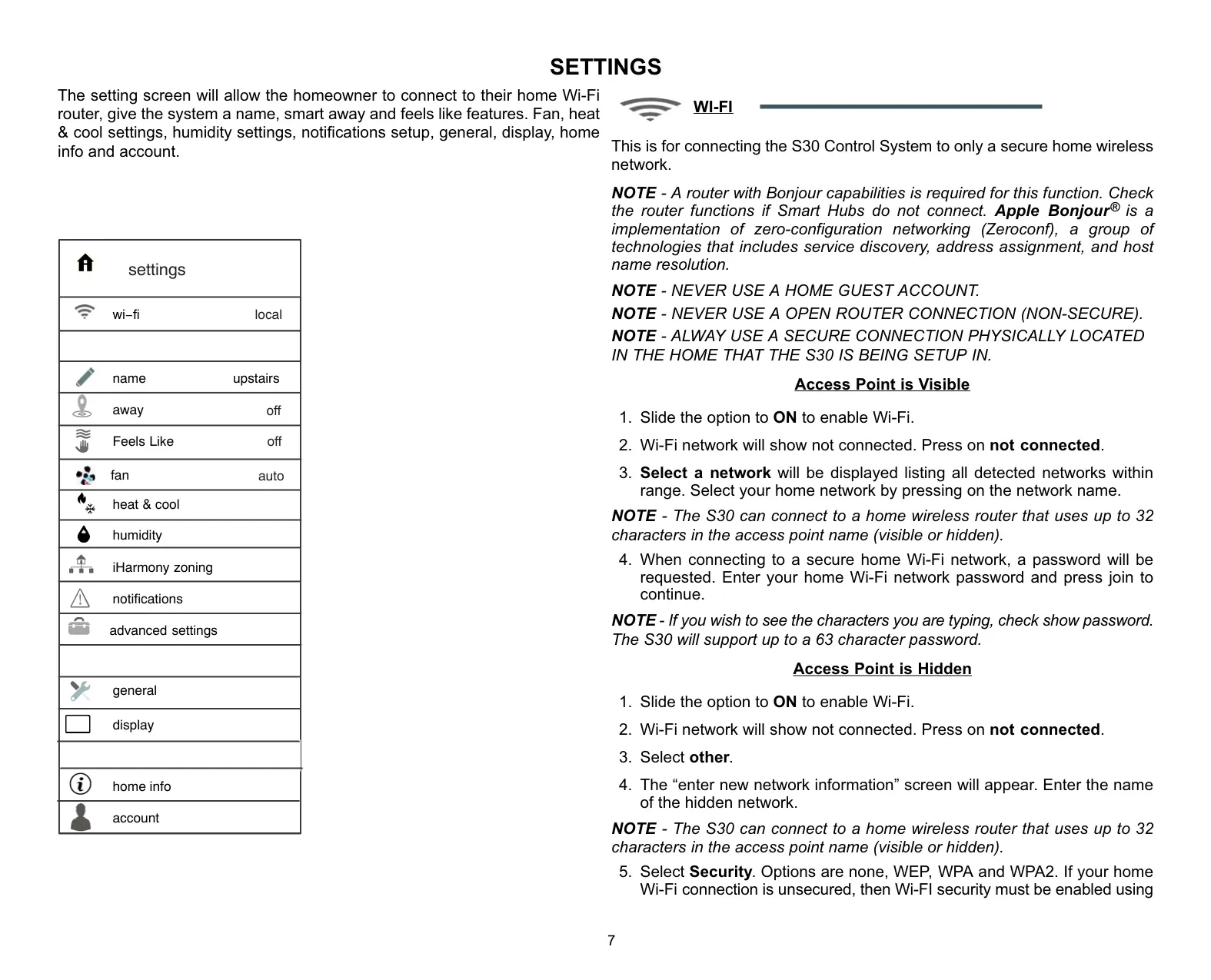
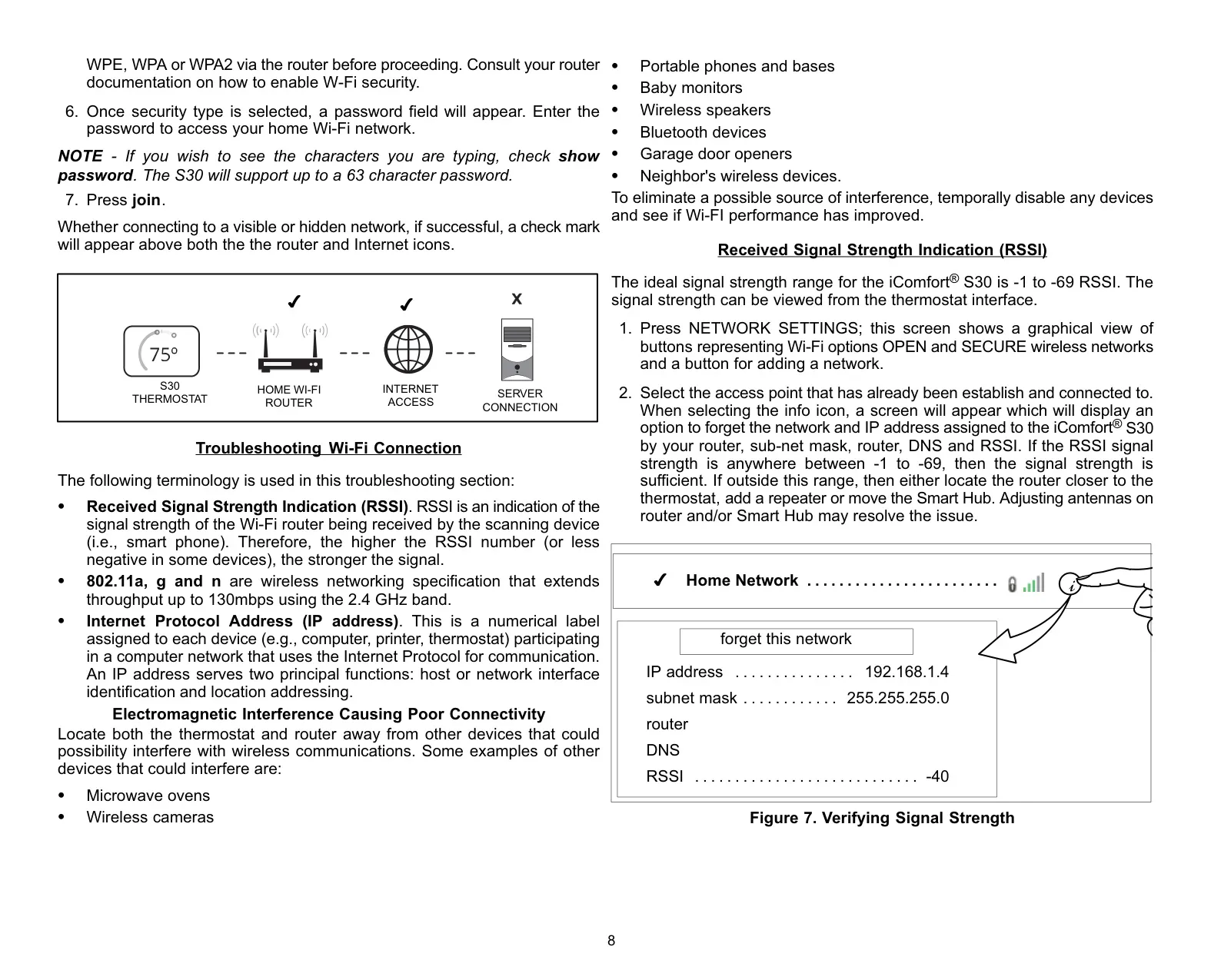
The thermostat’s extensive settings menu allows for personalized control over almost every aspect of your HVAC system. From Wi-Fi configuration and account management for remote access to detailed adjustments for humidity, auxiliary heat, and even screen behavior, the S30 provides a deep level of customization. Troubleshooting tools, like RSSI signal strength indicators, are also built-in for easier maintenance.
Frequently Asked Questions (FAQs)
Can't find the answer you need? Here are some frequently asked questions about the Lennox iComfort S30 Thermostat, and we answer them below.