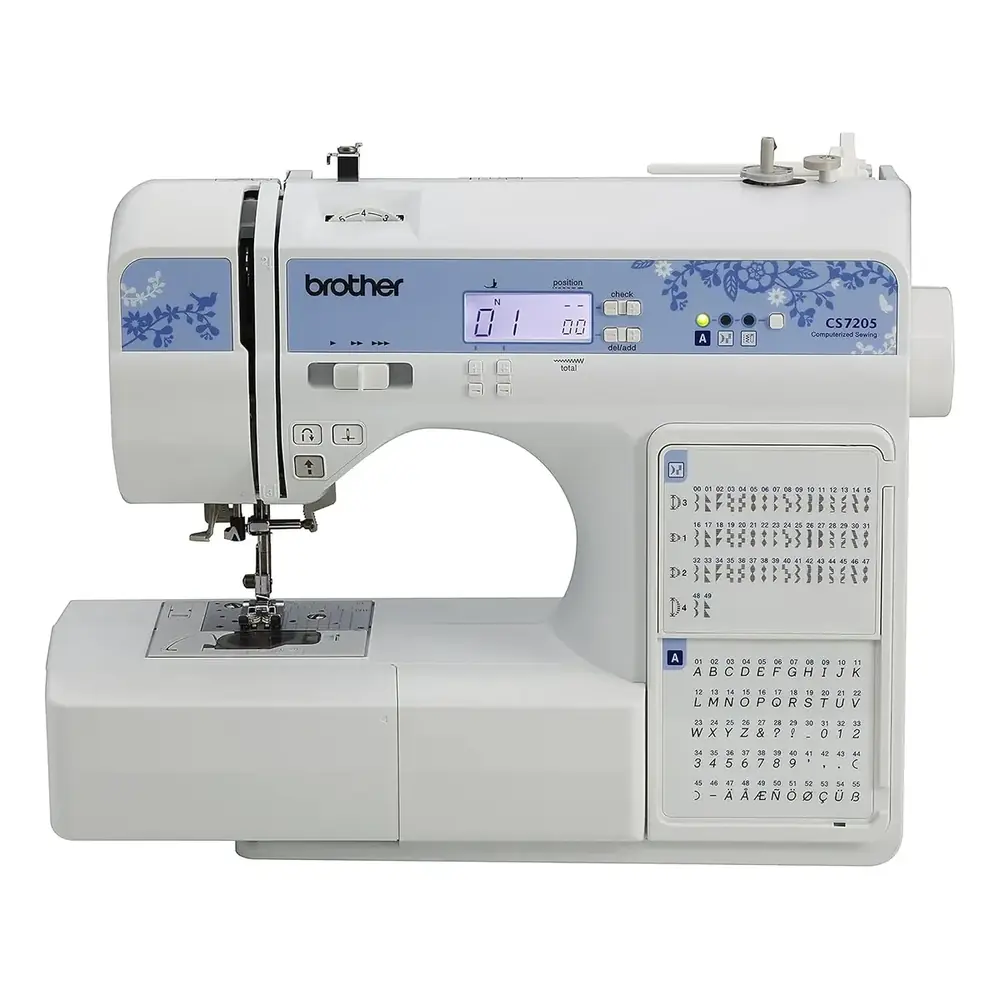
Brother CS7205 Sewing Machine Instruction Manual

Manual Brother CS7205 Sewing Machine Instruction Manual

Brother CS7205 Sewing Machine Instruction Manual
5/5 (1👤)
📕 Manual PDF 📄 76 Pages
★Rate It★

How many stars do you give this manual?

Brother CS7205 Sewing Machine

Full Screen

Brother CS7205 Sewing Machine

Full Screen

Brother CS7205 Instructions

Here we offer the Brother CS7205 Sewing Machine manual completely free and in English. We have cataloged this manual in the Sewing Machines section on Manualverse, and it has been rated by 1 users with an average rating of 5. If you have any specific questions about Brother CS7205 Sewing Machine, we suggest checking the Frequently Asked Questions (FAQs) section of this manual.


Product Images

Imagen 1
Imagen 2
Imagen 3
Imagen 4
Imagen 5
Imagen 6
Miniatura 1
Miniatura 2
Miniatura 3
Miniatura 4
Miniatura 5
Miniatura 6

Brother CS7205 Sewing Machine Specifications

Feature Specification
Product Code 888-E35
Intended Use Household
Power Source AC Household Current (country of purchase only)
Bobbin Type Class 15 (Part Codes: SA156, XA5539-151)
Needle Compatibility Home Sewing Machine Needles (65/9 to 100/16); Ball Point, Twin, Wing Needles
Max Stitch Width 7.0 mm (1/4 inch)
Max Stitch Length 5.0 mm (3/16 inch)
Max Twin Needle Stitch Width 5.0 mm (3/16 inch)
Max Buttonhole/Bar Tack Length 28 mm (1-1/8 inches)
Piecing Seam Allowance 6.5 mm (1/4 inch)
Max Character Stitch Combination 35 characters (for models equipped)
Number of Character Stitches 55 (for models equipped with character stitches)
Included Presser Feet Zigzag "J", Buttonhole "A", Overcasting "G", Monogramming "N", Zipper "I", Blind Stitch "R", Button Fitting "M"

Brother CS7205 Sewing Machine Details

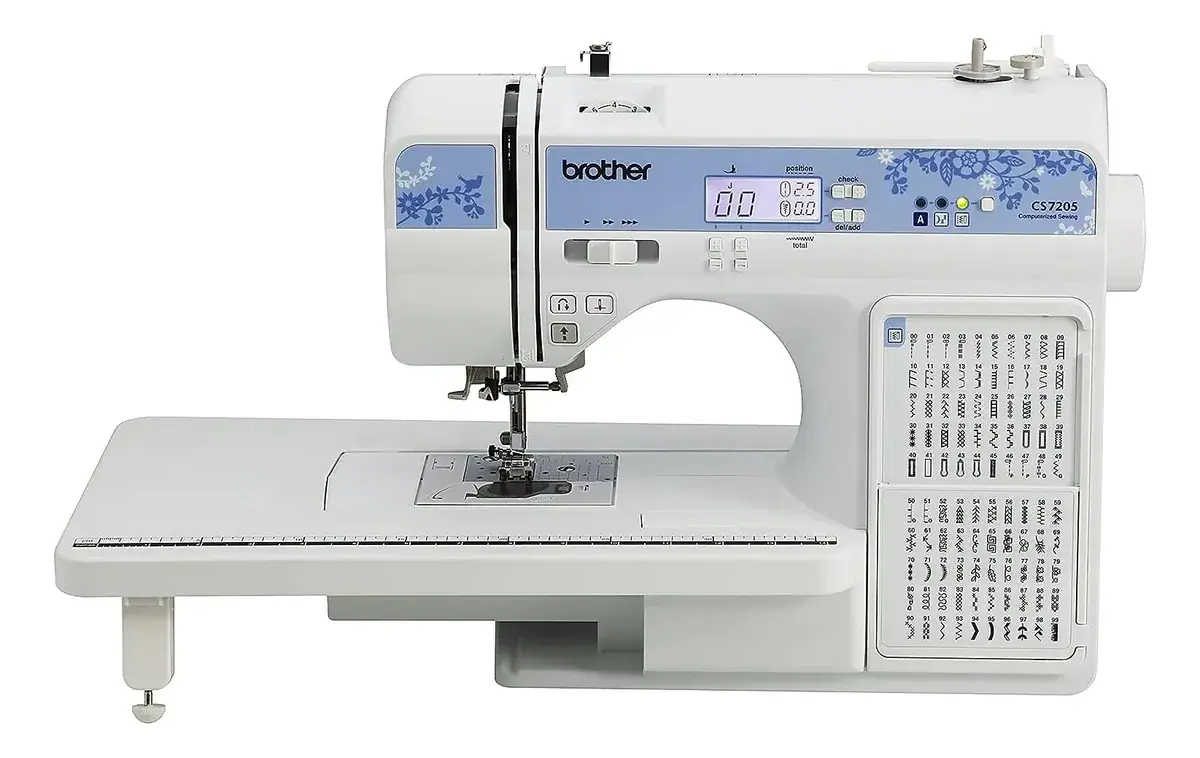
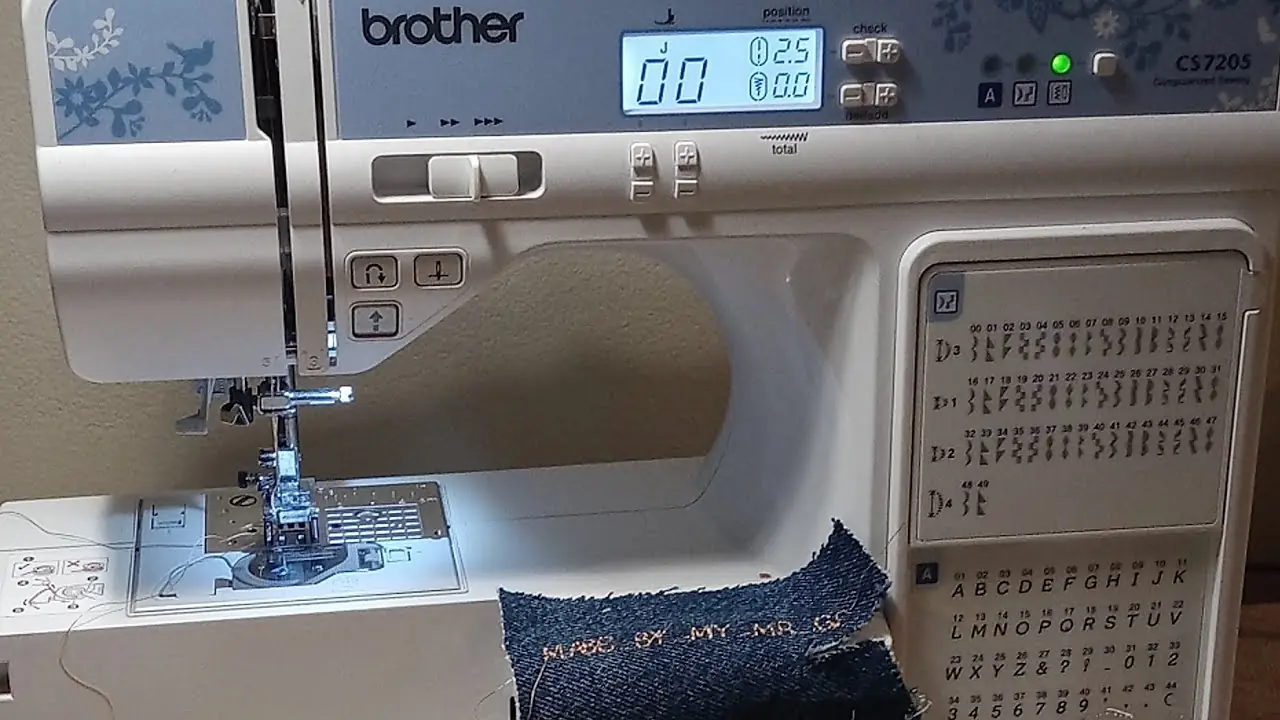
The Brother CS7205 is a versatile sewing machine designed for household use, offering a comprehensive suite of features for both novice and experienced sewers. Its user-friendly design prioritizes ease of setup and operation. Key functionalities like quick bobbin winding and the quick-set bobbin system significantly streamline the threading process, allowing users to start sewing almost immediately. The clear operation panel and LCD display provide instant feedback on selected stitches, recommended presser feet, and stitch adjustments.

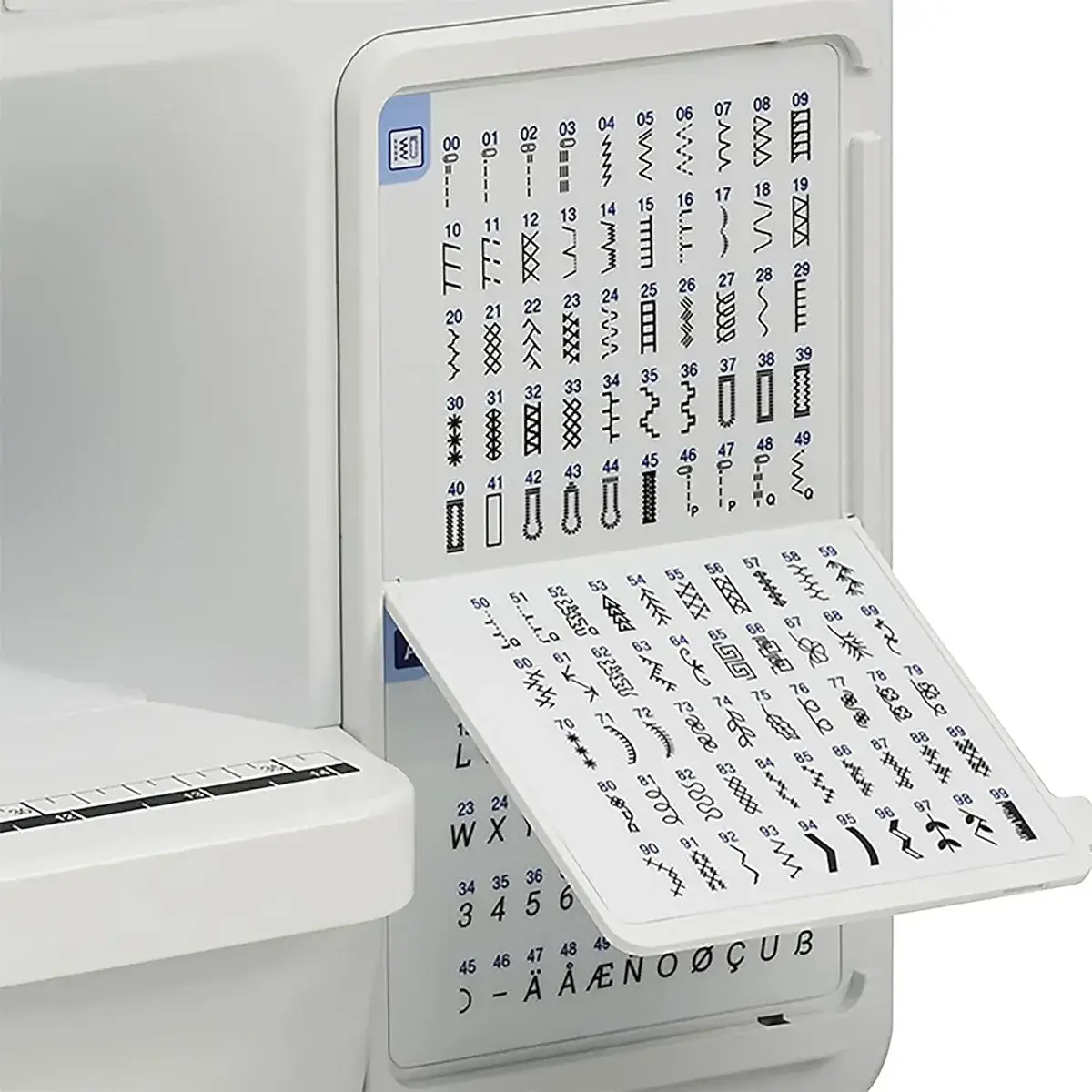
This machine excels in adaptability, supporting a wide range of sewing projects. Users can easily select from numerous utility, decorative, and character stitches to suit various fabric types and design preferences. Precise control over stitch length and width, along with adjustable thread tension, ensures professional-quality results on diverse materials, from delicate thin fabrics to robust thick ones like denim.

Beyond basic stitching, the CS7205 facilitates specialized techniques. Features like automatic buttonhole sewing, zipper insertion, and various quilting options—including free-motion quilting with optional accessories—expand creative possibilities. The ability to sew character stitches (on equipped models) allows for personalized projects, combining letters and symbols to craft unique designs and messages.

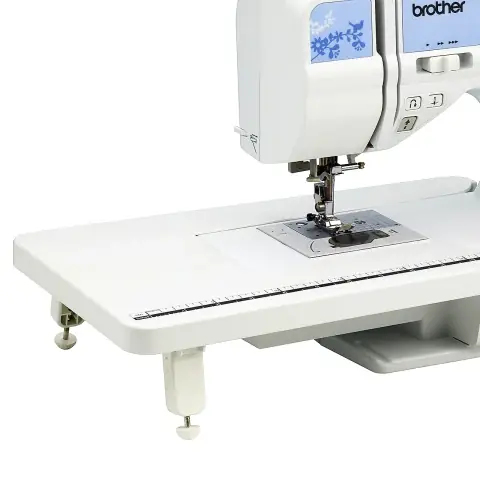
Convenience is further enhanced by thoughtful design elements. The removable flat bed attachment converts the machine into a free arm, simplifying stitching on cylindrical items such as cuffs and pant legs. A built-in thread cutter and the ability to adjust the needle stop position contribute to a smoother, more efficient sewing experience. The sewing speed controller offers precise management over stitching pace, which is crucial for intricate work.

Maintaining the Brother CS7205 is straightforward, focusing on regular cleaning of the machine surface and the bobbin race area to ensure optimal performance and longevity. Safety is paramount, with strict guidelines on power supply, needle handling, and operation, minimizing risks and promoting a secure sewing environment. The machine is a reliable companion for a multitude of creative endeavors.

Frequently Asked Questions (FAQs)

Can't find the answer you need? Here are some frequently asked questions about the Brother CS7205 Sewing Machine, and we answer them below.
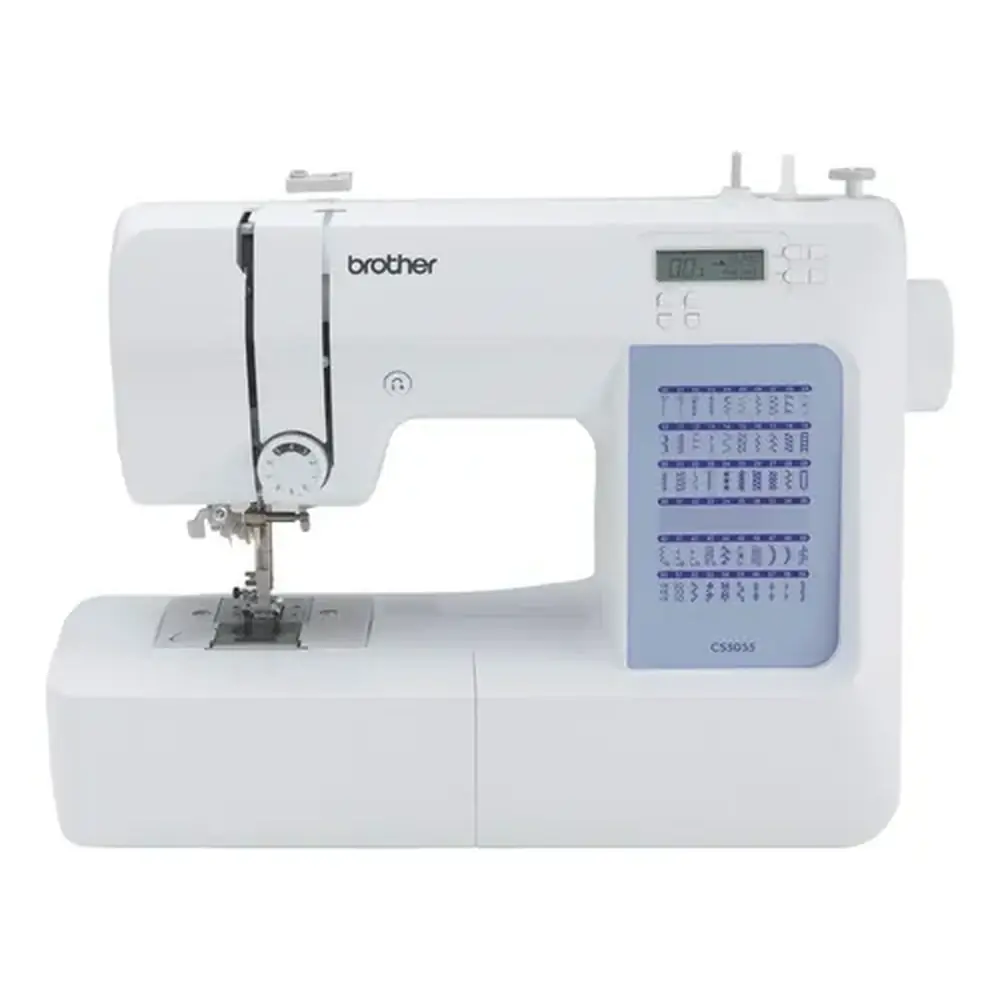
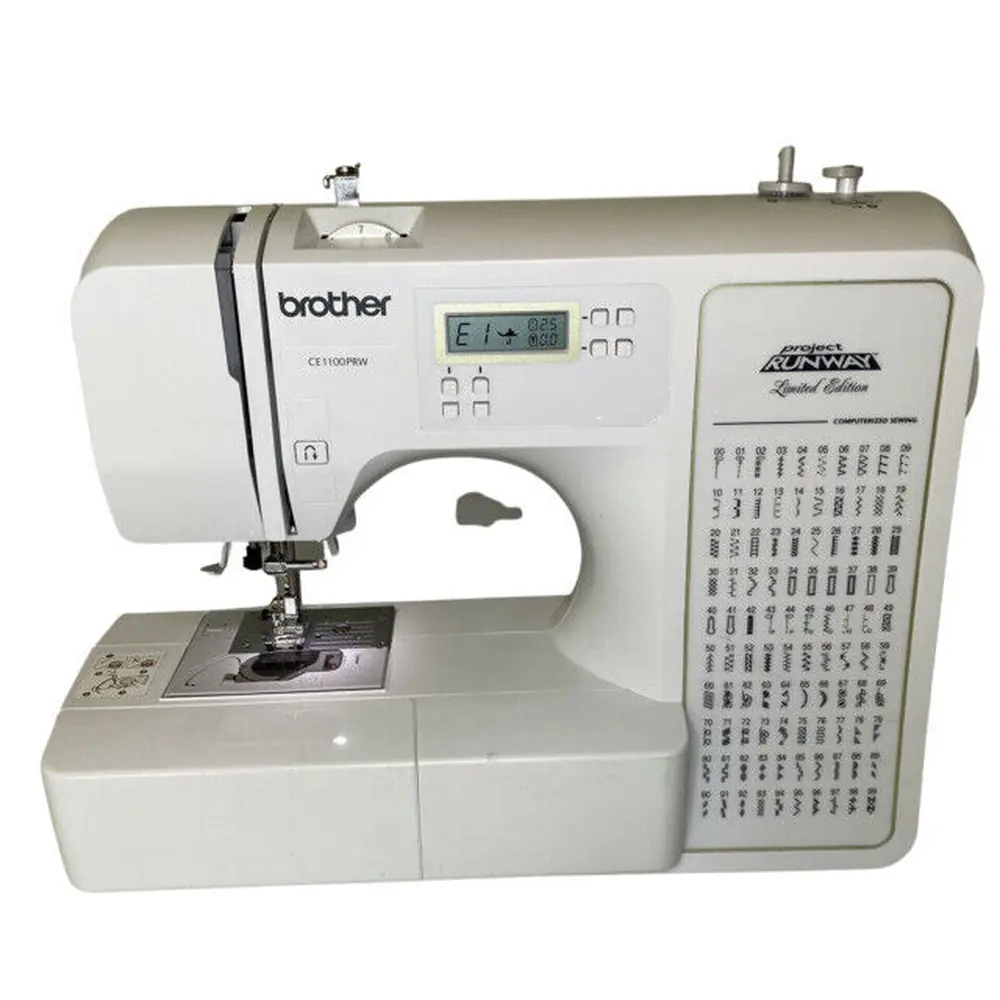
How do I properly wind the bobbin on the Brother CS7205?
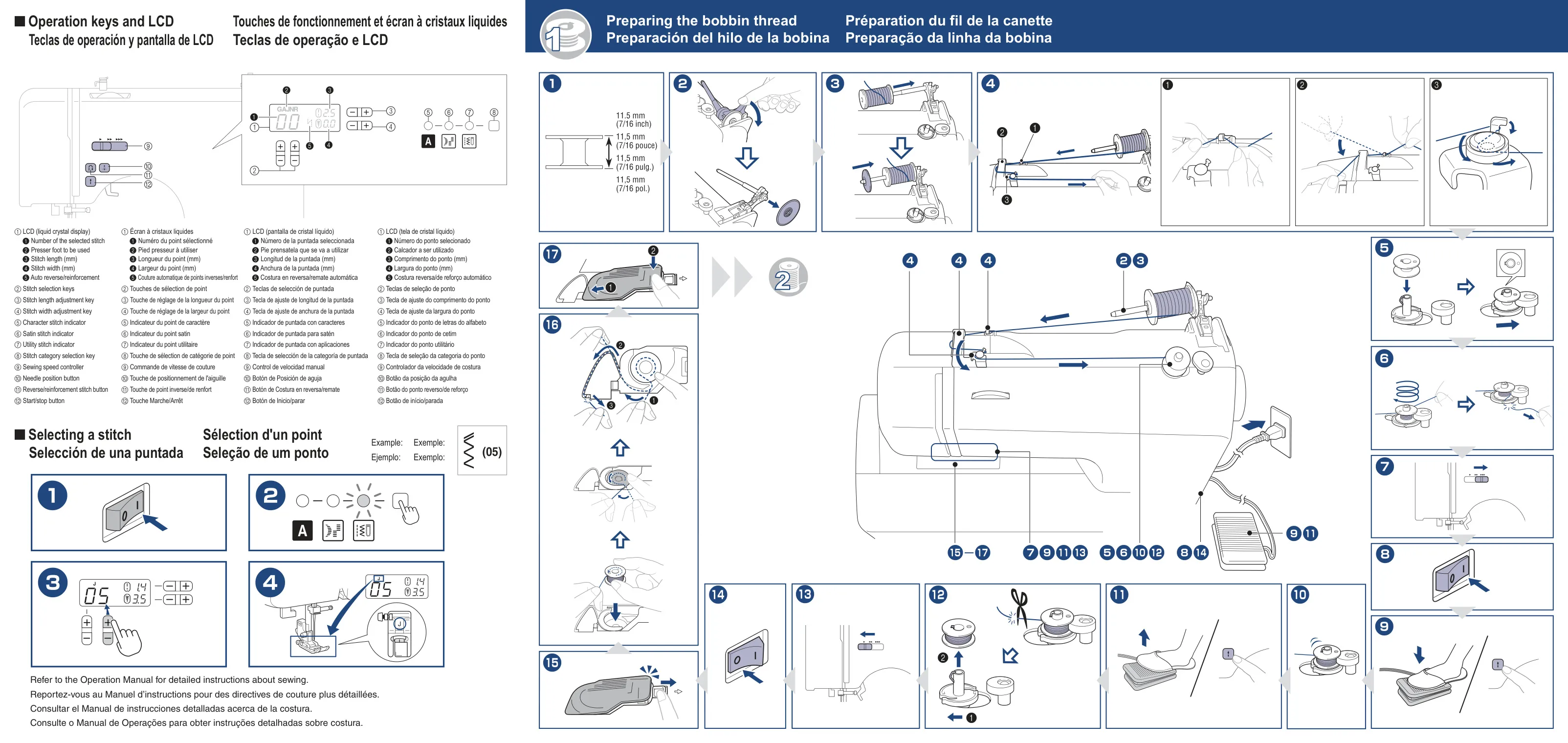
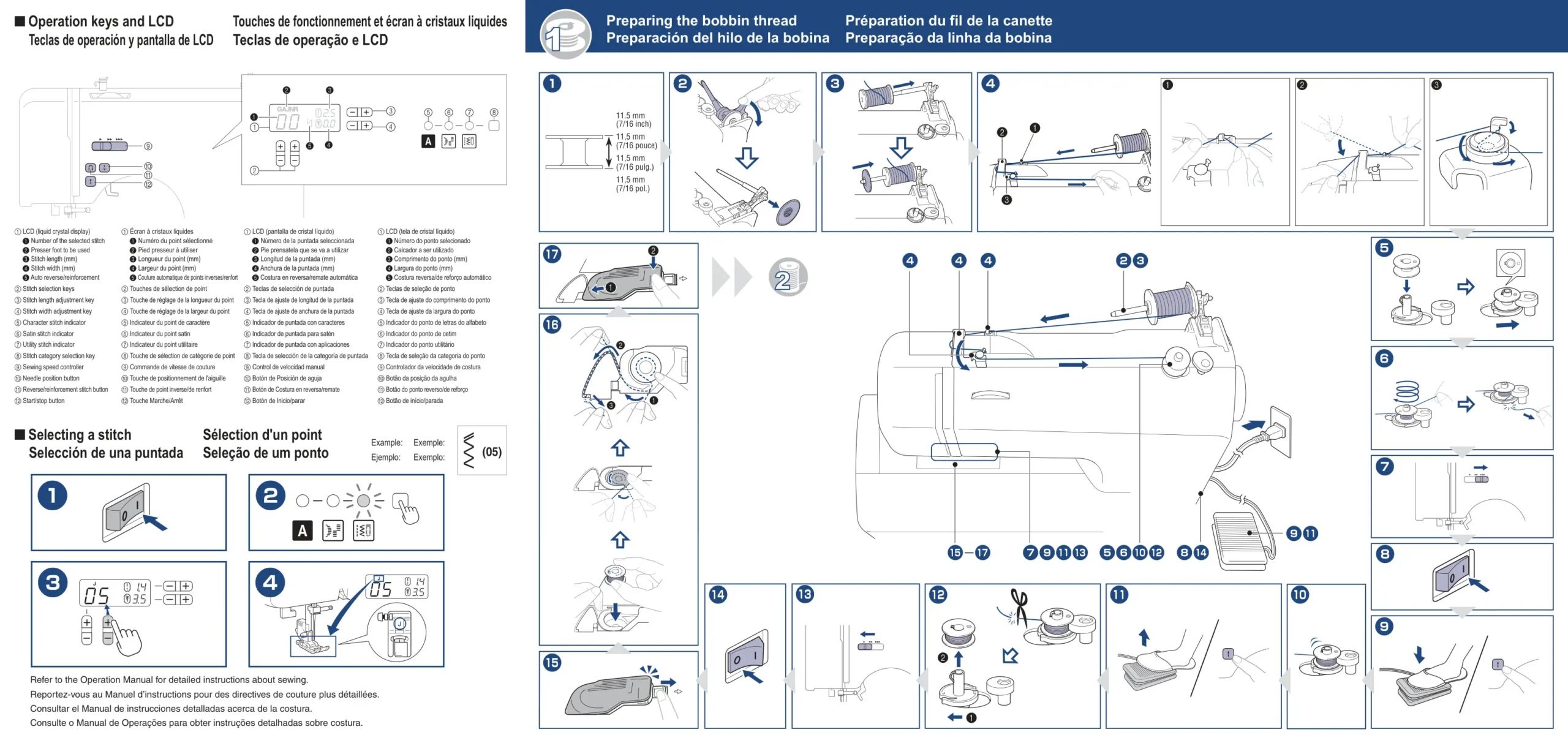
To wind the bobbin, first raise the spool pin and place your thread spool. Guide the thread through the bobbin-winding thread guide and around the pre-tension disc, then onto the bobbin. Slide the bobbin winder shaft to the right, hold the thread end, and start the machine until the bobbin is full. Ensure the thread is wound evenly to prevent tension issues.

What should I do if the upper thread keeps breaking?
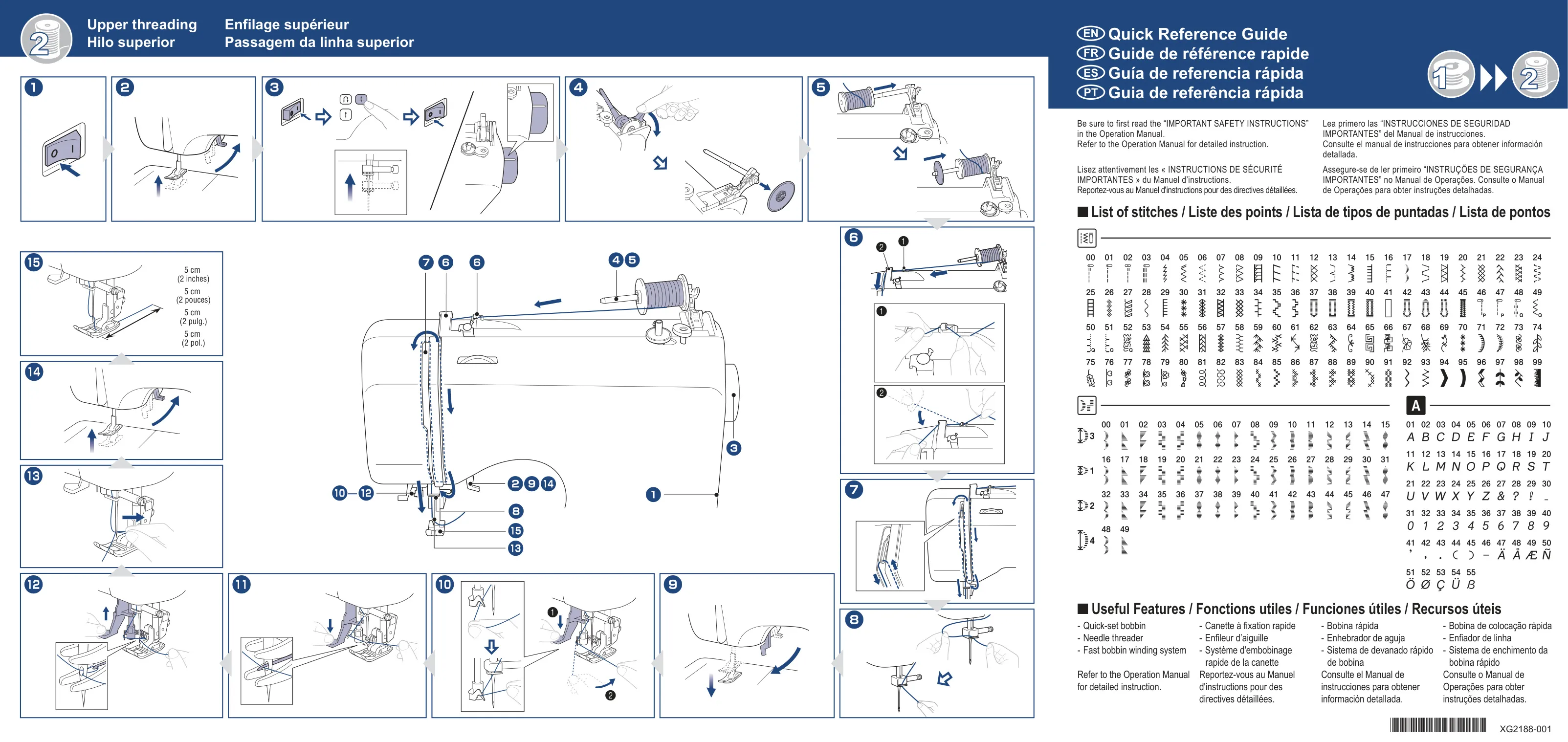
Upper thread breakage can be caused by incorrect threading, tight thread tension, a bent or blunt needle, or an improperly installed spool cap. Check that the upper thread is correctly routed through all guides and the take-up lever, adjust the tension dial to a lower number, replace the needle if damaged, and ensure the spool cap fits the thread spool correctly.

Can I use any type of bobbin with this machine?
No, it is crucial to use only bobbins specifically designed for the Brother CS7205, with part codes SA156 or XA5539-151 (Class 15 type). Using incorrect bobbins can lead to thread tangles, needle breakage, and damage to the machine.

How do I adjust the thread tension for better stitch quality?
If the thread tension is incorrect, your stitches may appear loose or tight. First, ensure both upper and lower threads are correctly routed. Then, turn the upper tension-control dial: increase the number (clockwise) if loops appear on the fabric's surface (upper tension too loose), or decrease the number (counter-clockwise) if loops appear on the wrong side (upper tension too tight). Perform a test stitch on scrap fabric.

What type of needles should I use for different fabrics?
The appropriate needle depends on the fabric and thread thickness. For general use, refer to a needle chart (typically 75/11 to 90/14 for medium-weight fabrics). Use a ball point needle for stretch fabrics, and a thicker needle (90/14 to 100/16) for thick fabrics like denim. Always ensure the needle is not bent or blunt.

How do I perform basic cleaning and maintenance on my sewing machine?
Regular maintenance includes cleaning the machine surface with a neutral detergent and, importantly, cleaning the bobbin race. Turn off and unplug the machine, raise the needle and presser foot, remove the needle plate cover and bobbin case, and use a cleaning brush or vacuum to remove lint and dust from the race area. Do not oil the machine yourself.

My fabric is getting caught in the machine; what's wrong?
Fabric getting caught often indicates tangled thread below the needle plate. Turn off the machine, remove the needle, presser foot, and needle plate cover. Carefully cut and remove any tangled threads around the bobbin case and feed dogs. Clean the race area, reassemble, and check machine operations before continuing to sew. A damaged needle or bobbin case can also contribute to this issue.

How do I utilize the free-arm sewing feature?
To enable free-arm sewing, simply slide off the flat bed attachment. This exposes the machine's arm, making it easier to sew cylindrical pieces such as cuffs, pant legs, or small, hard-to-reach areas. Remember to reattach the flat bed attachment when finished with free-arm sewing.

Can I sew decorative patterns and custom characters with this machine?
Yes, the Brother CS7205 offers a variety of decorative stitches. For models equipped with character stitches, you can combine up to 35 characters to create personalized names, messages, or patterns. Use the stitch category selection key and stitch selection keys on the operation panel to choose and combine your desired characters.

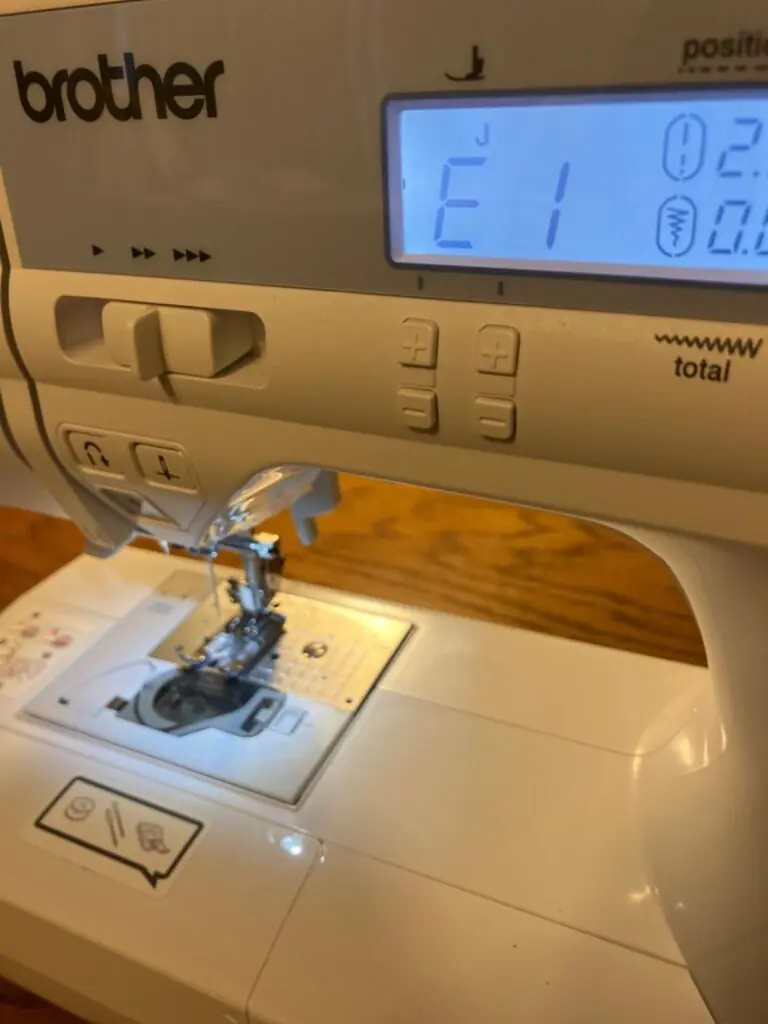
What does it mean if an 'E6' error message appears on the LCD?
An 'E6' error message typically indicates an issue like the motor locking up due to tangled thread in the race, a bent or broken needle hitting the needle plate, or an incorrect needle/thread combination for the fabric. To resolve, first turn off the machine, remove any tangled threads, check and replace the needle if damaged, and ensure proper threading and needle/thread compatibility.

Related product manuals

Go up