Braeburn Thermostat 3020 Instruction Manual
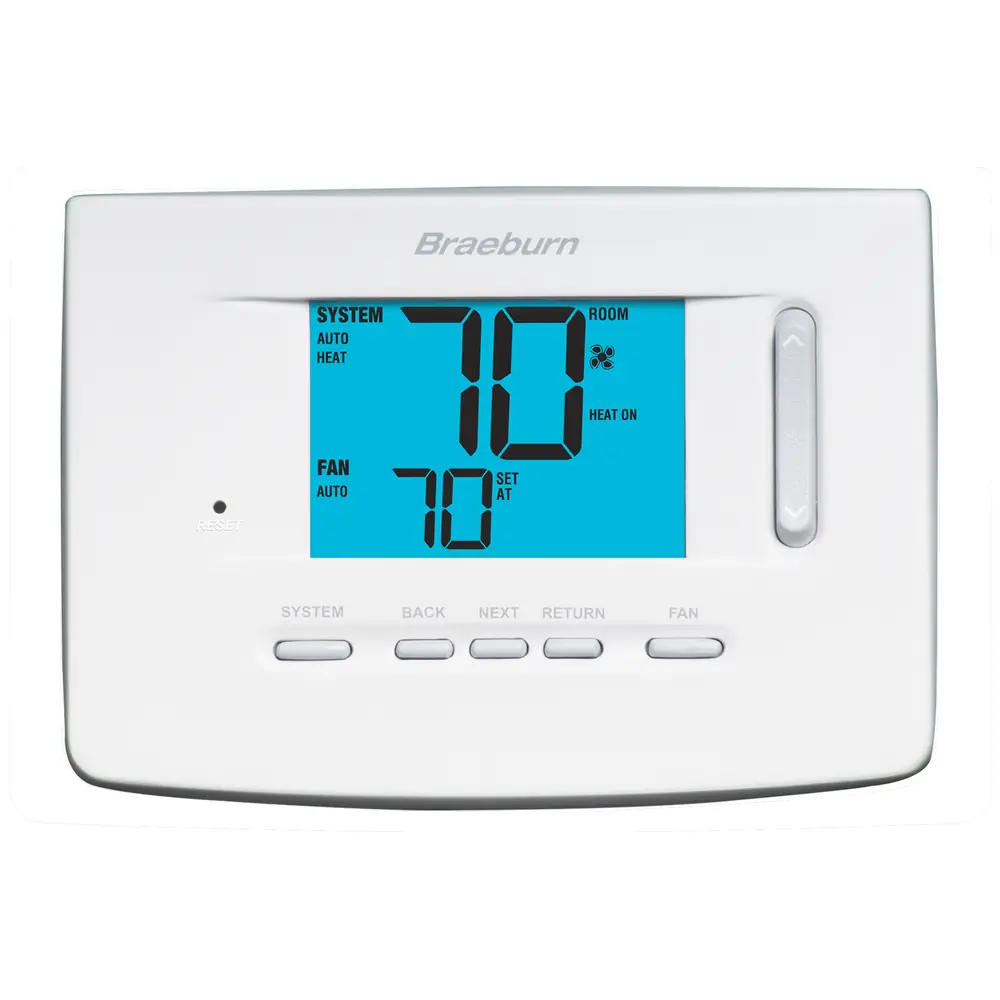
Braeburn Thermostat 3020





Braeburn Thermostat 3020


Braeburn Thermostat 3020 Instructions
Here we offer the Braeburn Thermostat 3020 manual completely free and in English. We have cataloged this manual in the Thermostats section on Manualverse, and it has been rated by 1 users with an average rating of 5. If you have any specific questions about Braeburn Thermostat 3020, we suggest checking the Frequently Asked Questions (FAQs) section of this manual.
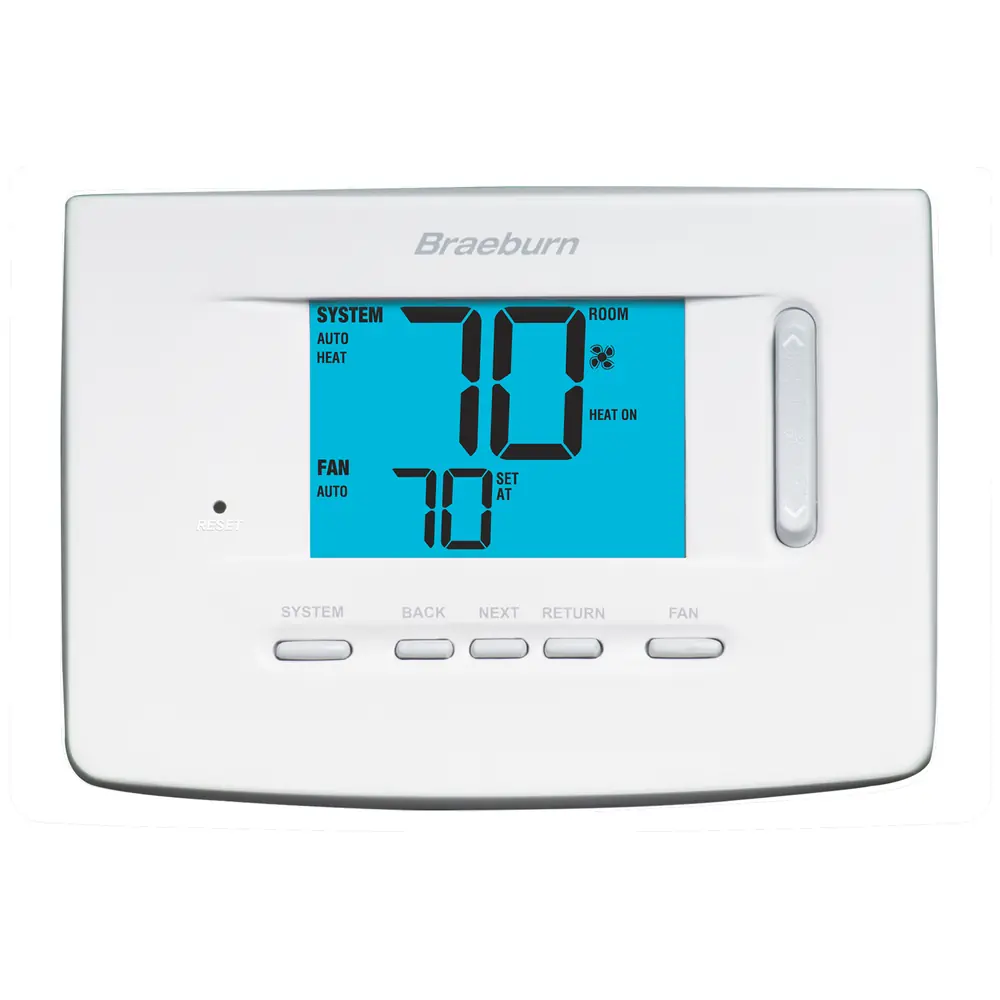
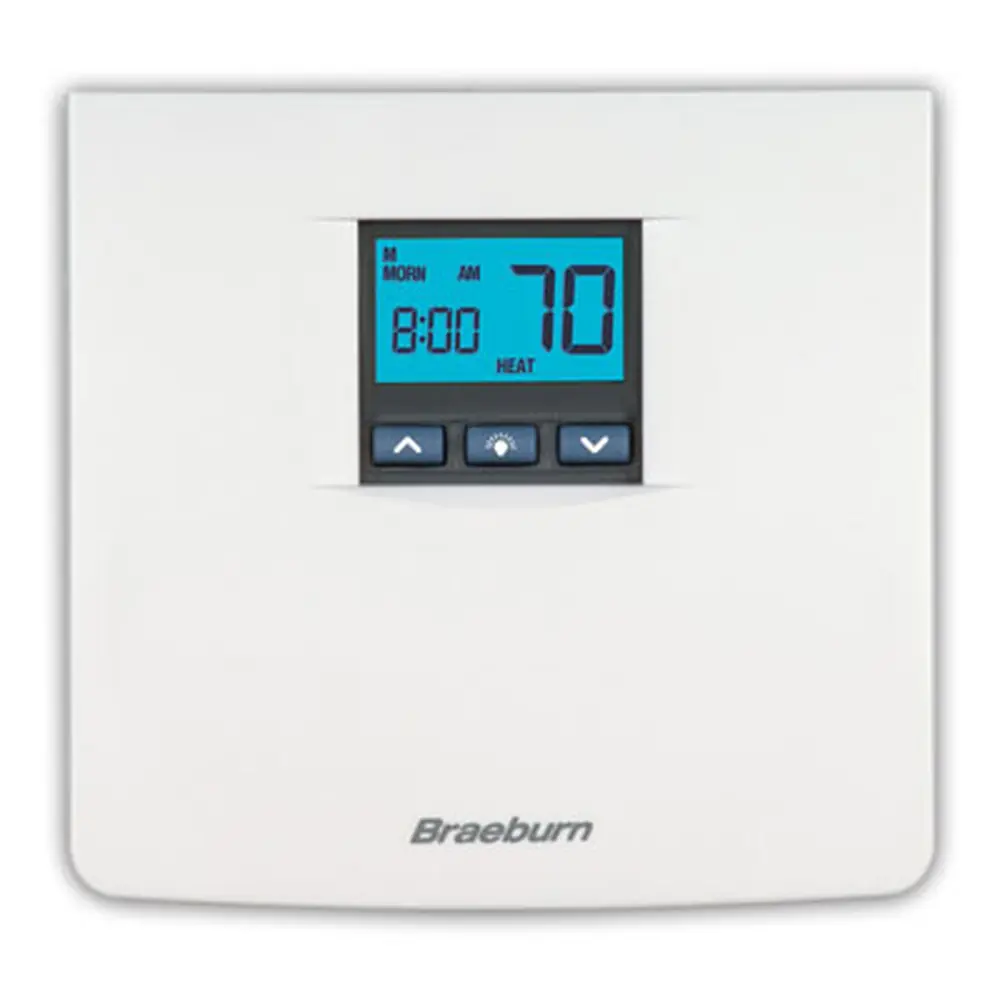
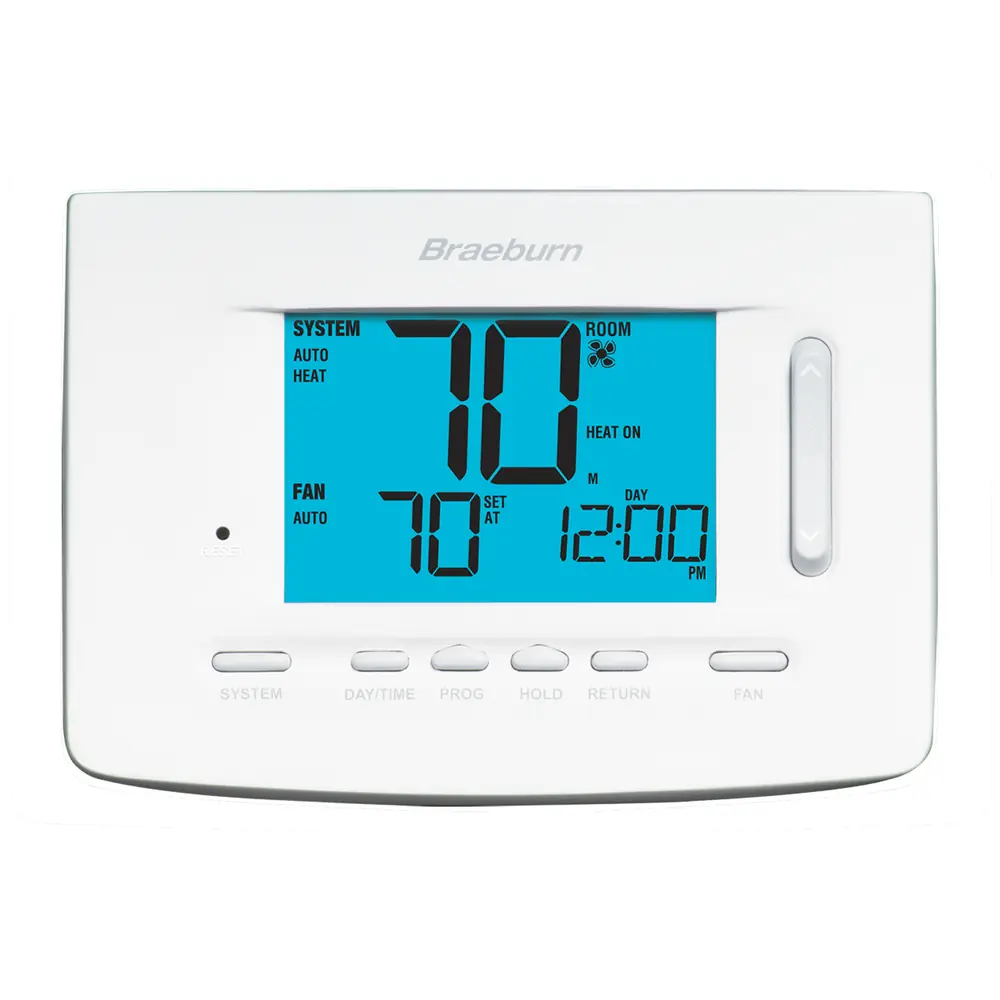
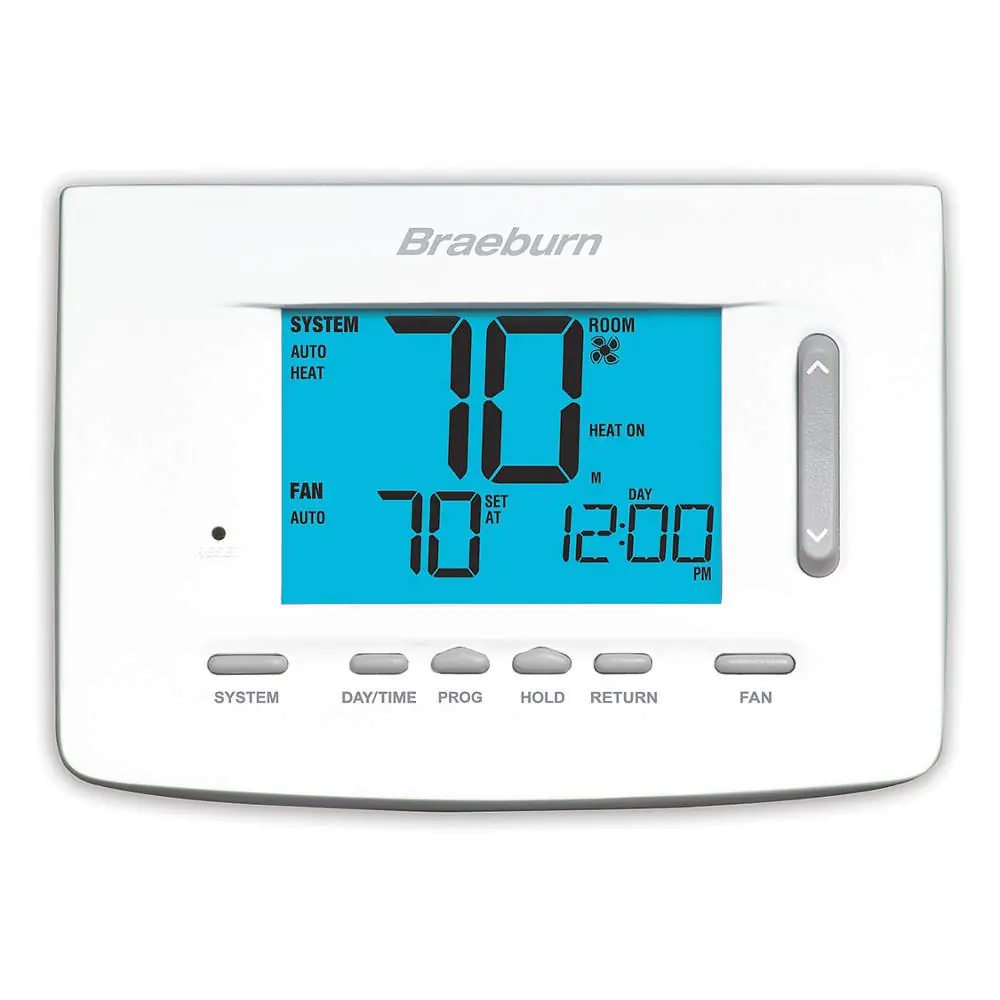
Product Images
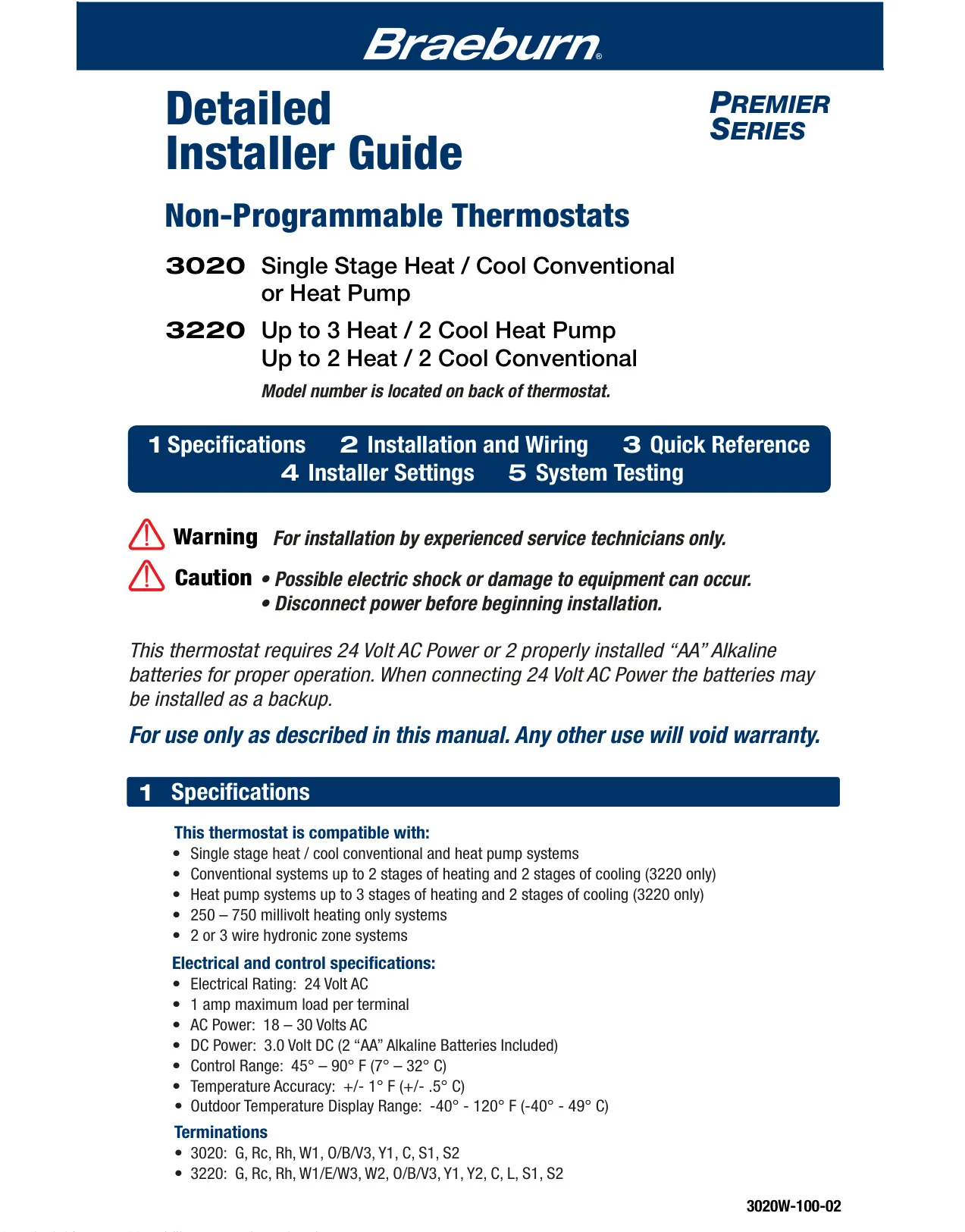
Braeburn Thermostat 3020 Specifications
| Feature | Specification |
|---|---|
| Model | 3020 (Non-Programmable) |
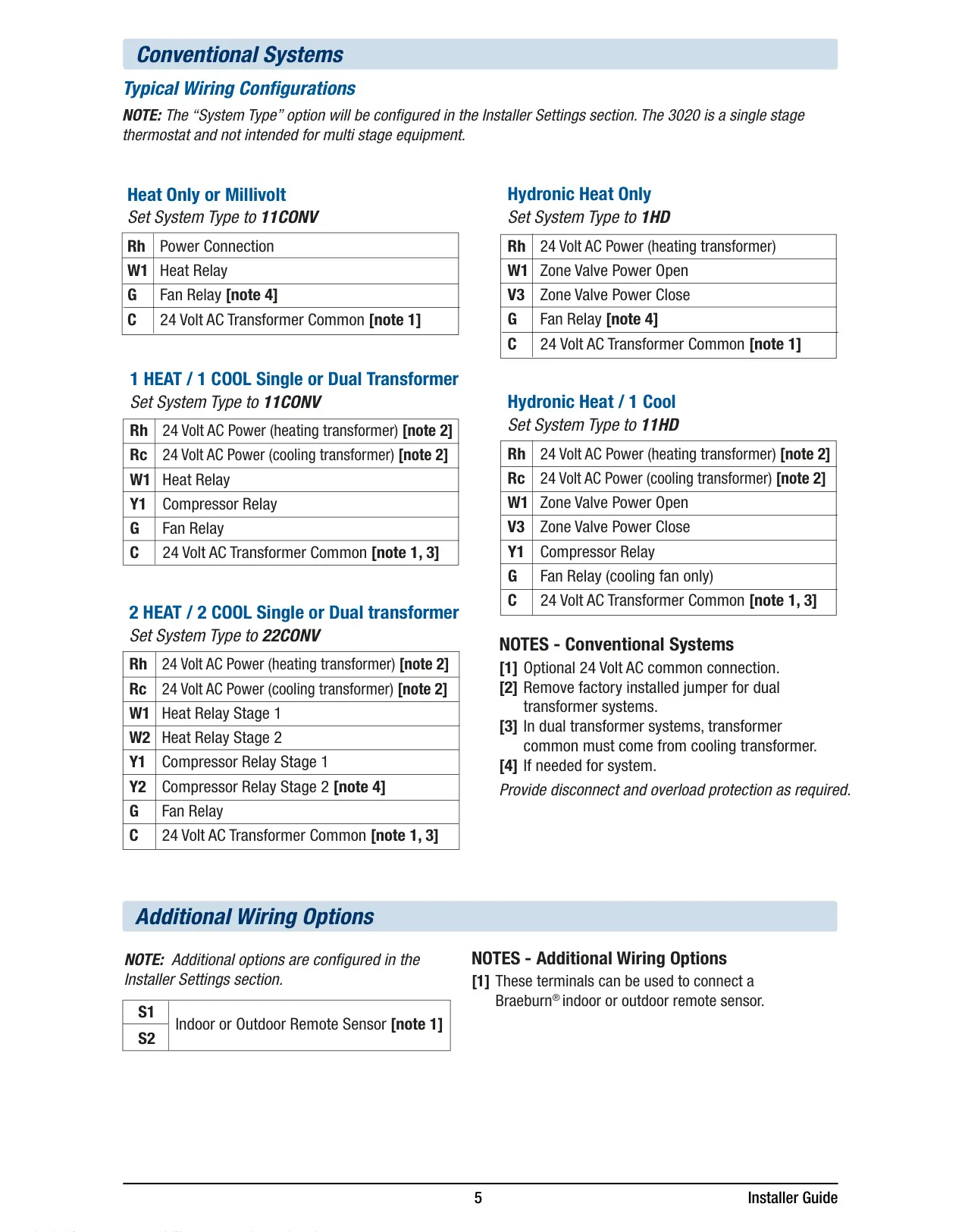
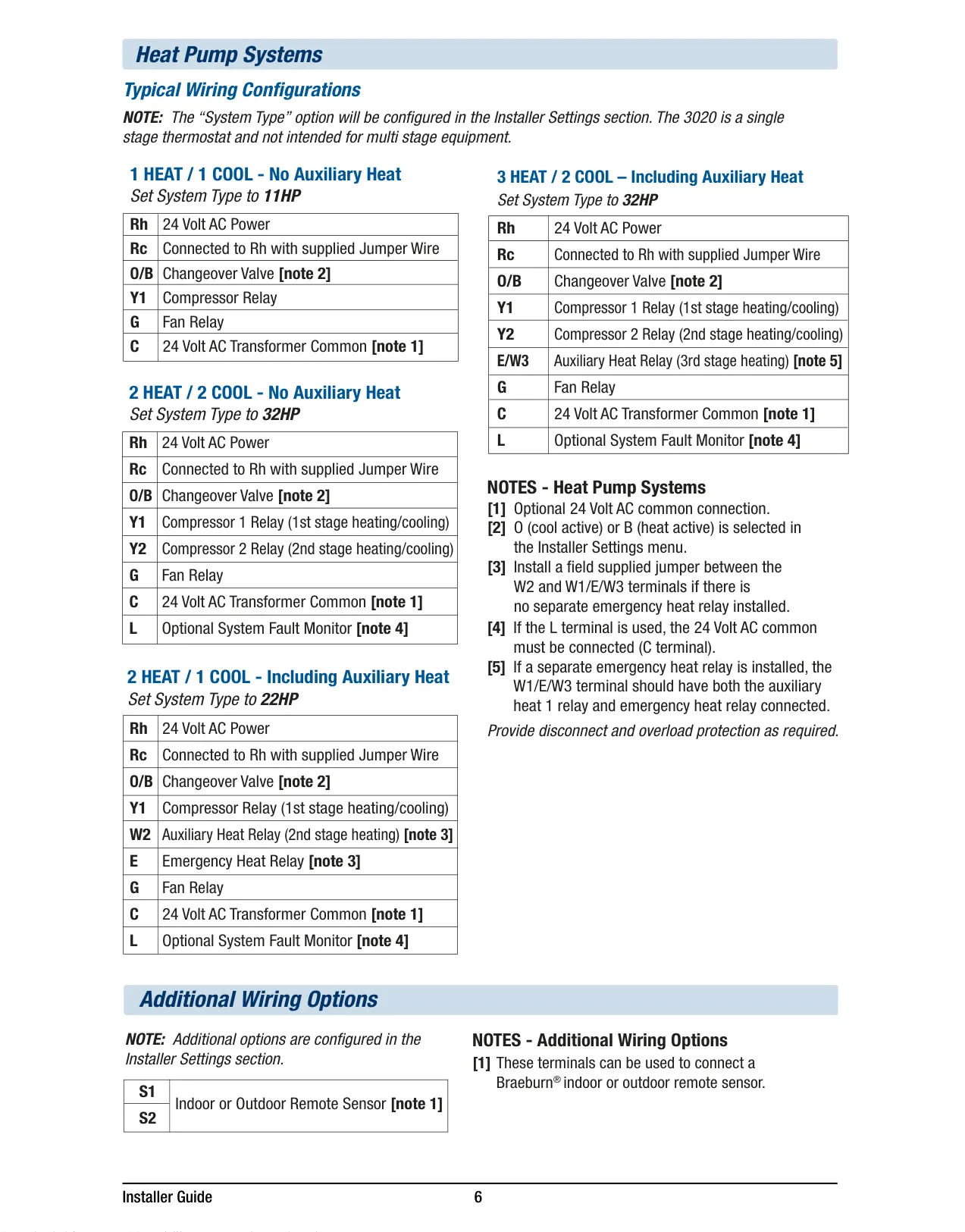
| System Compatibility | 1 Heat / 1 Cool Conventional or Heat Pump Systems |
| Electrical Rating | 24 Volt AC, 1 Amp Maximum Load per Terminal |
| AC Power | 18 – 30 Volts AC |
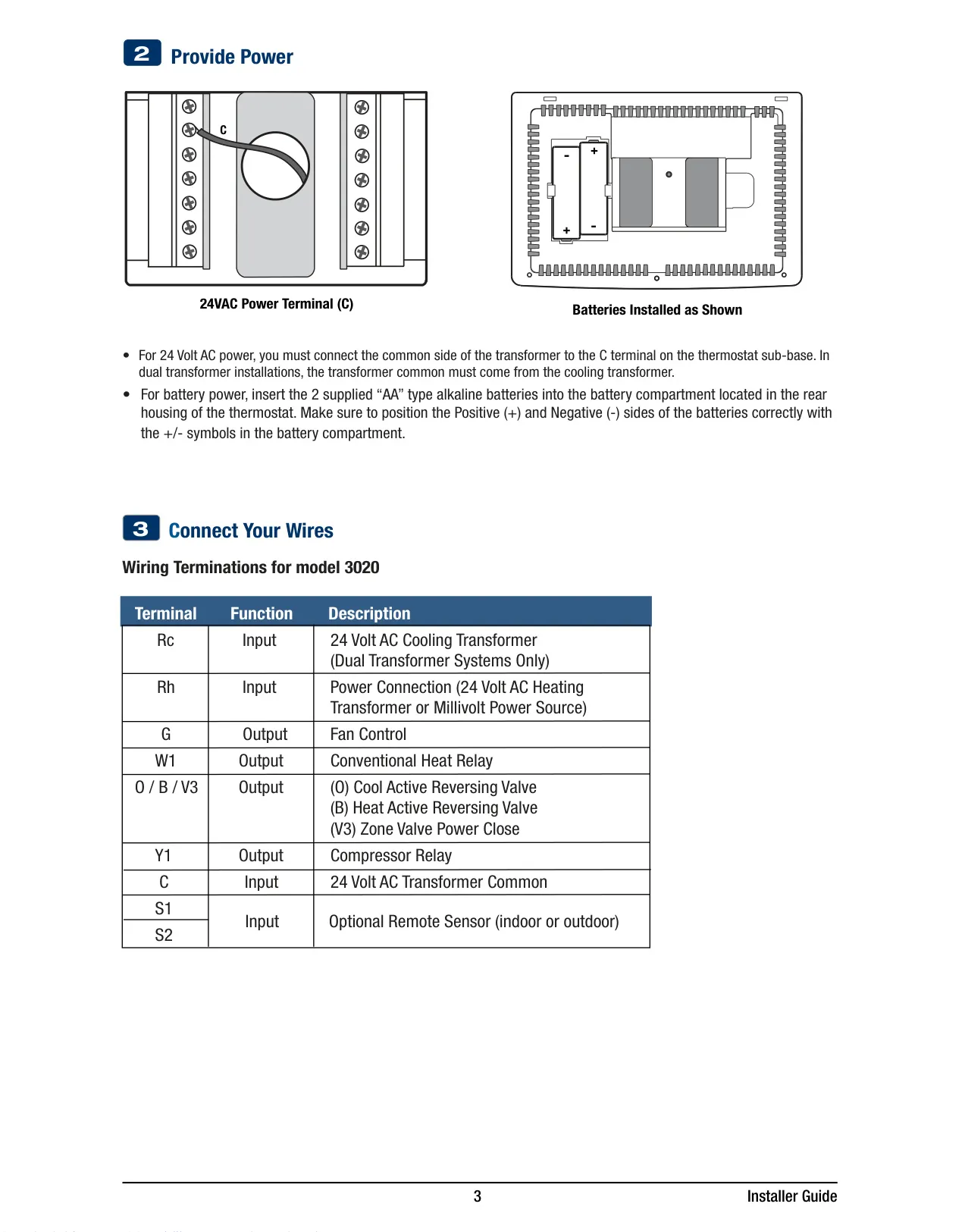
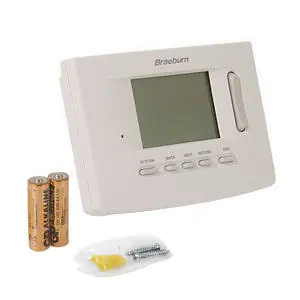
| DC Power | 3.0 Volt DC (2 “AA” Alkaline Batteries) |
| Control Range | 45° – 90° F (7° – 32° C) |
| Temperature Accuracy | +/- 1° F (+/- 0.5° C) |
| Outdoor Temperature Display Range | -40° – 120° F (-40° – 49° C) (Requires optional Braeburn outdoor sensor) |
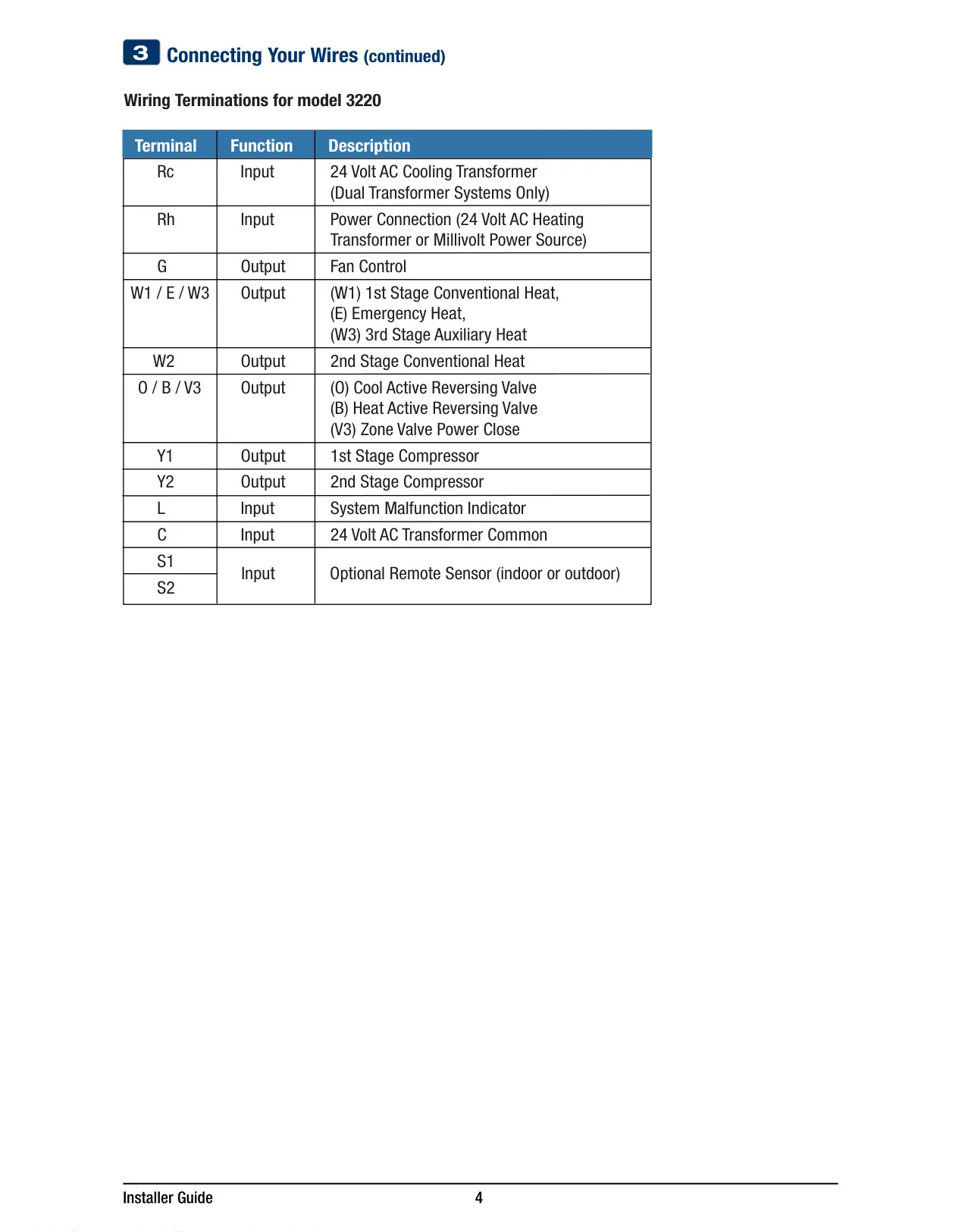
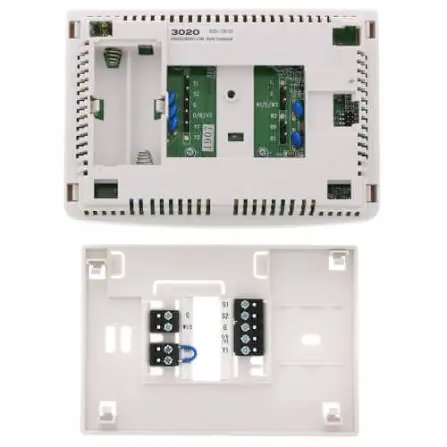
| Terminations (Model 3020) | G, Rc, Rh, W1, O/B/V3, Y1, C, S1, S2 |
Braeburn Thermostat 3020 Details
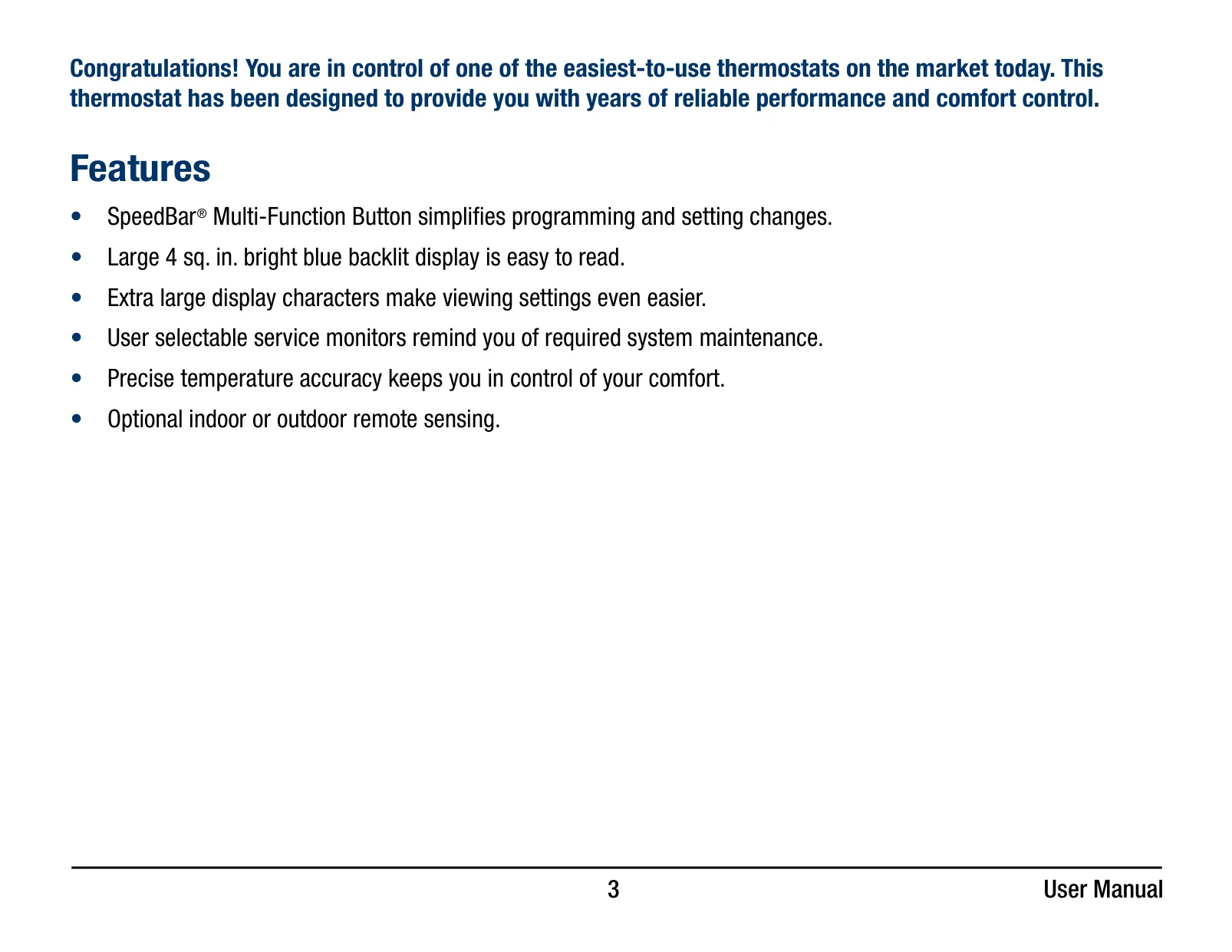
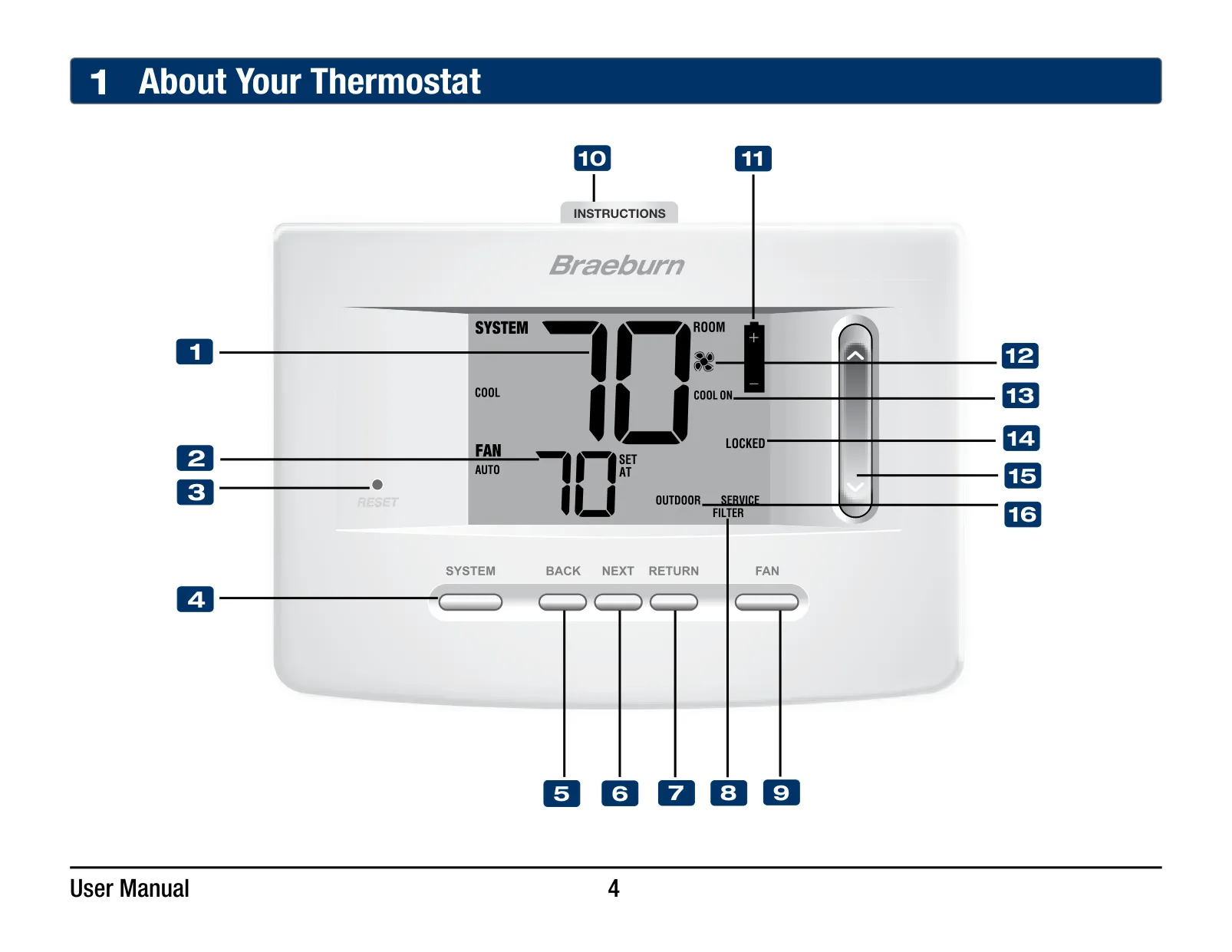
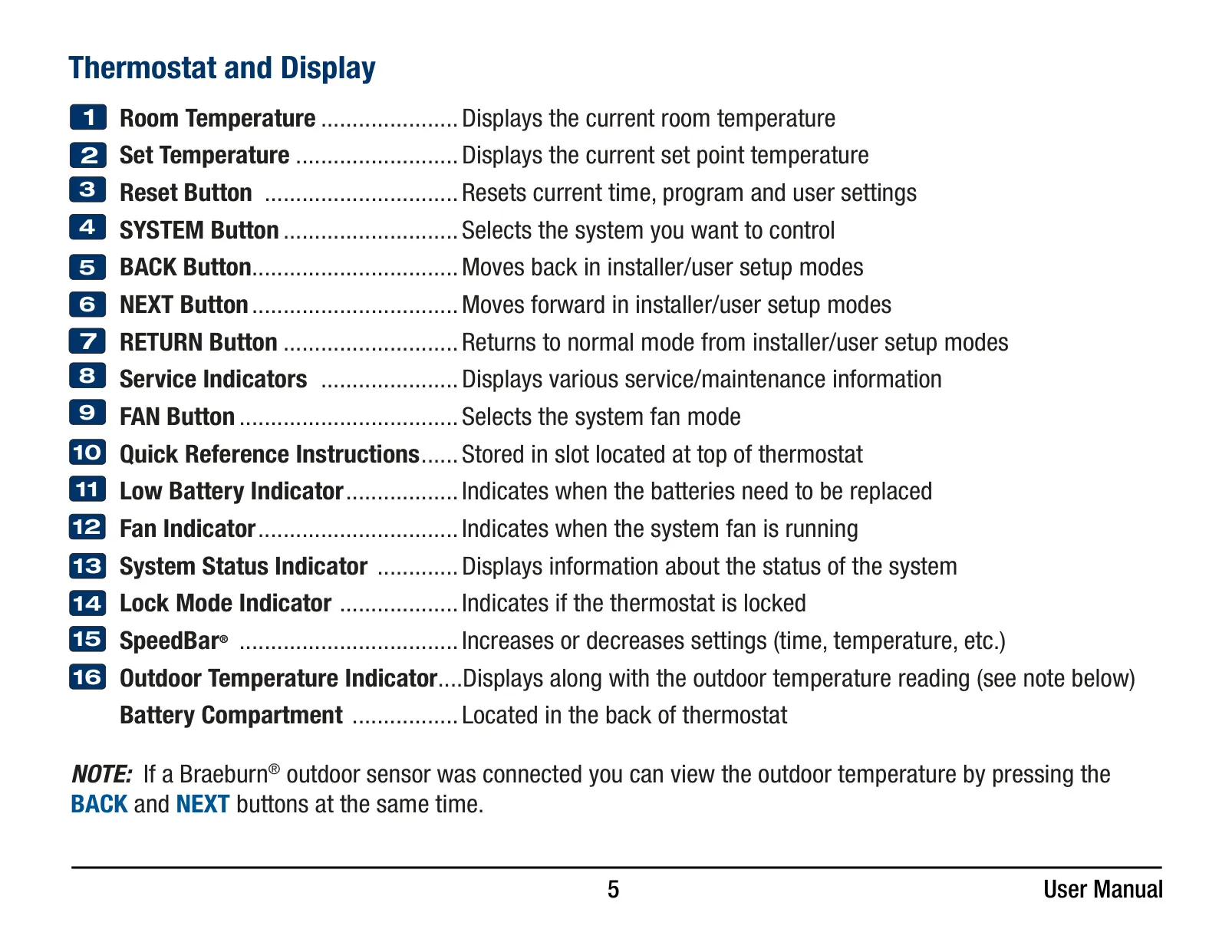
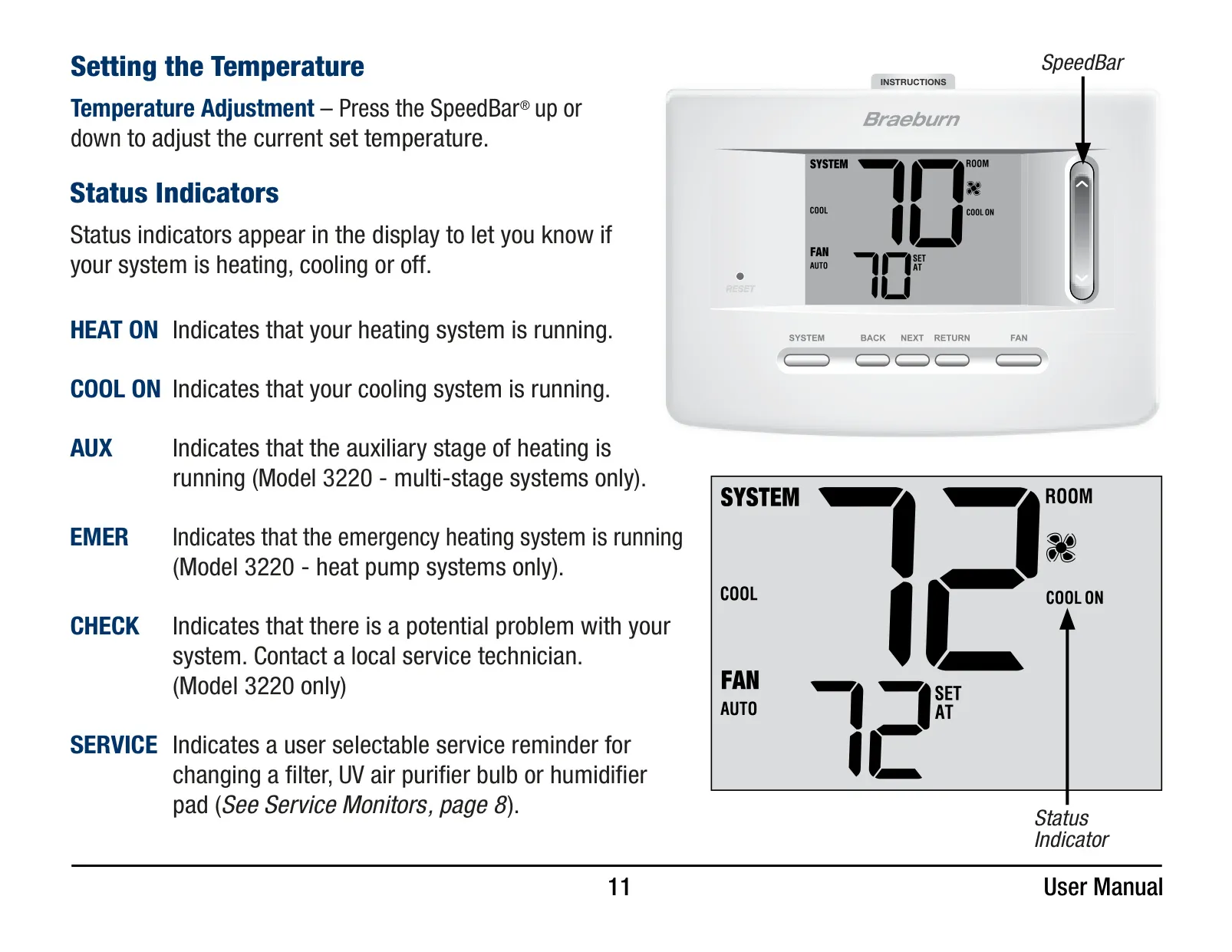
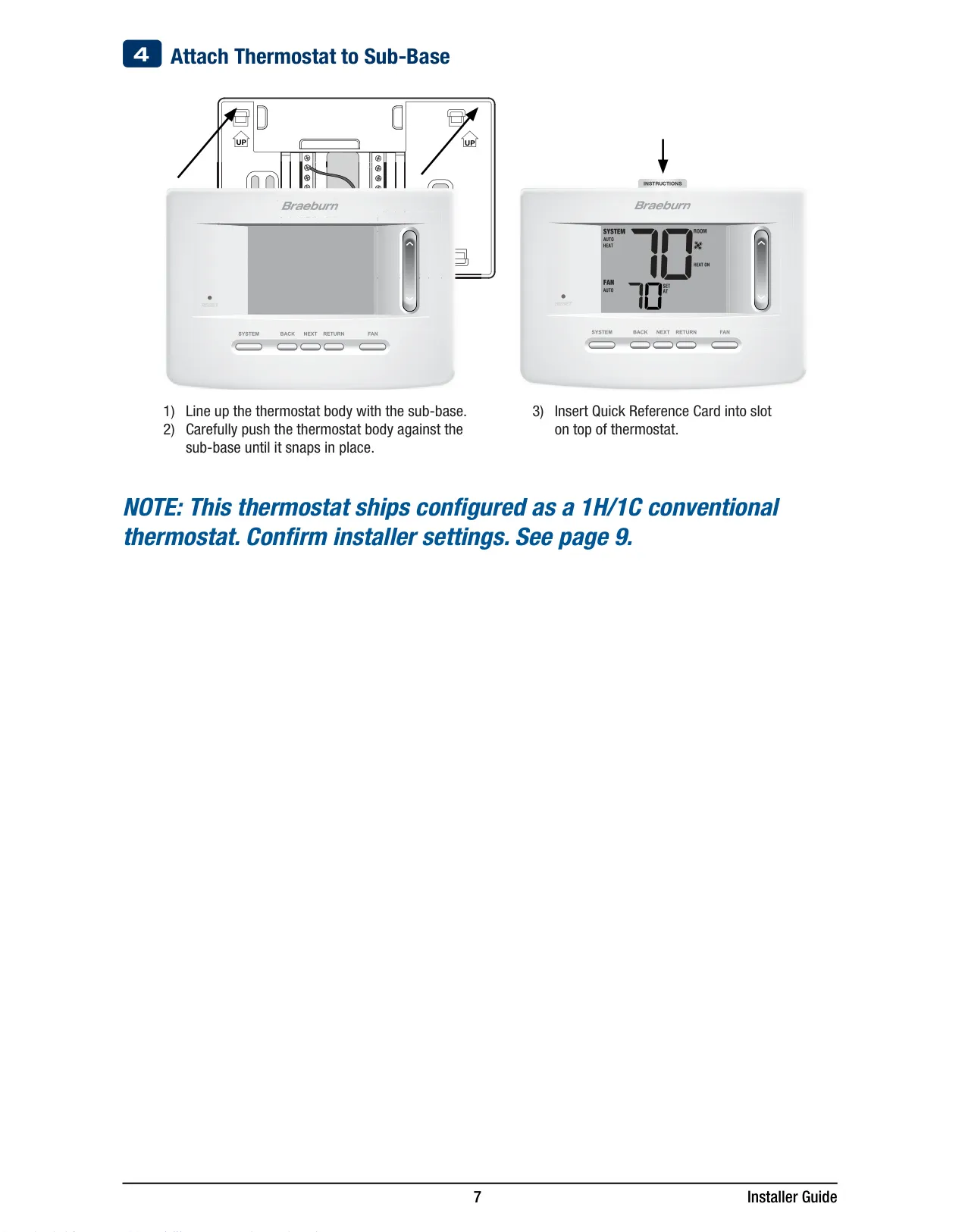
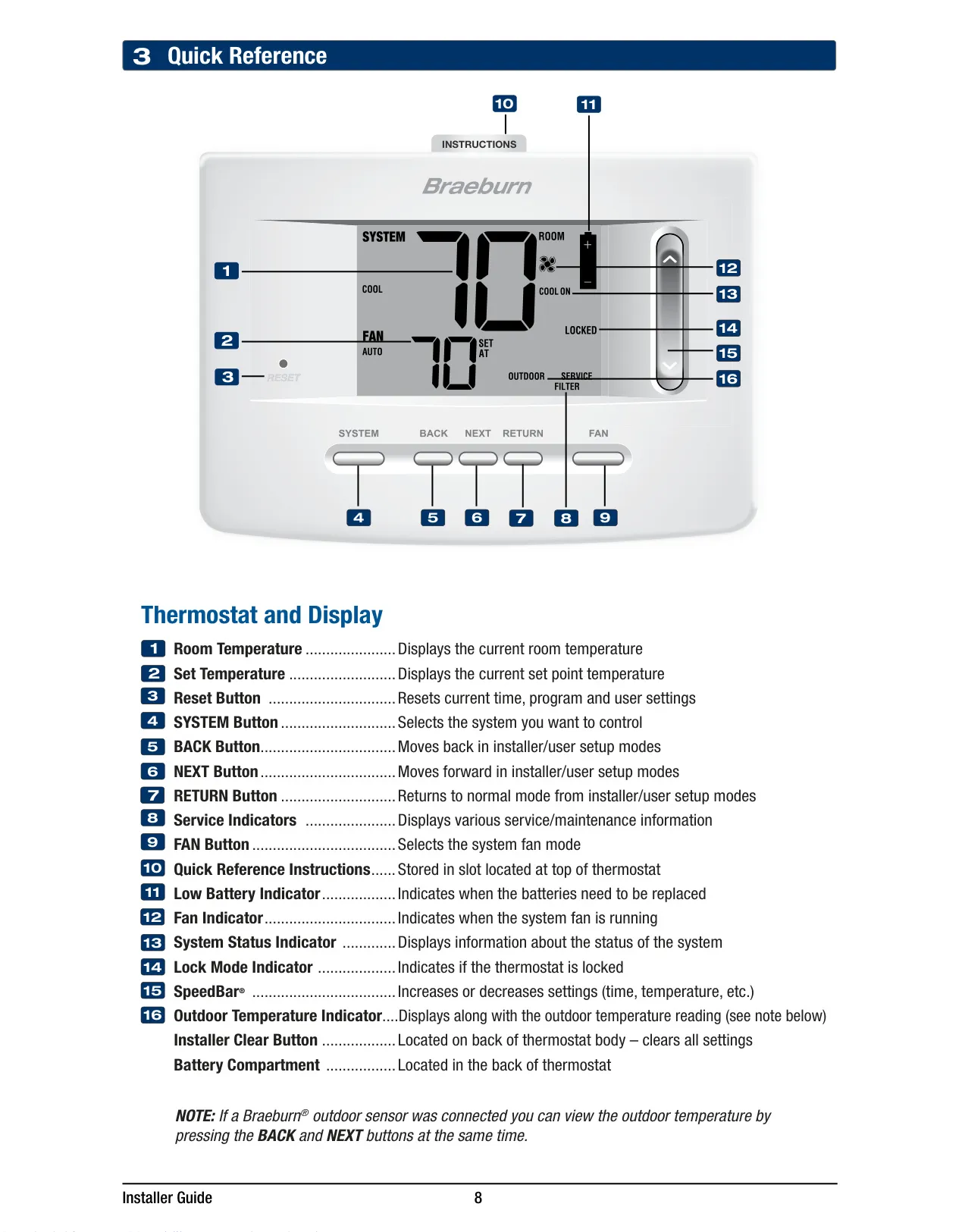
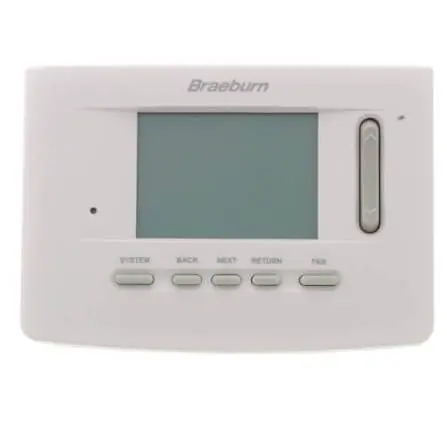
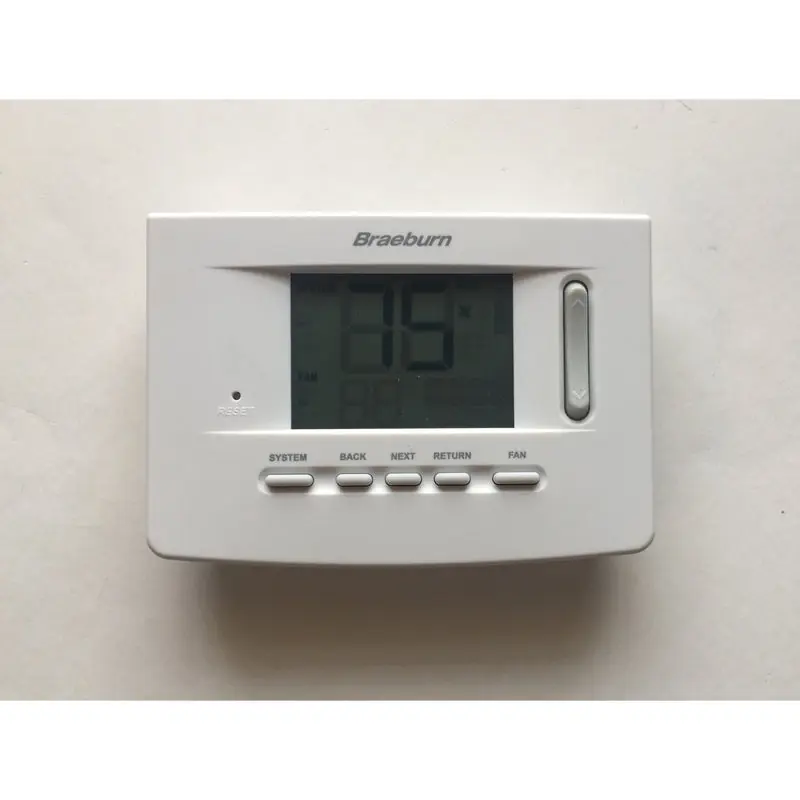
The Braeburn Thermostat 3020 distinguishes itself through its intuitive design and user-centric features, making climate control effortless. A standout is the SpeedBar® Multi-Function Button, which significantly simplifies program adjustments and setting changes. The thermostat boasts a large 4 sq. in. bright blue backlit display, ensuring excellent visibility in any lighting condition. This is further enhanced by extra-large display characters, making current temperatures and settings remarkably easy to read at a glance. For quick assistance, a convenient slot at the top stores Quick Reference Instructions, always keeping essential guidance within reach.
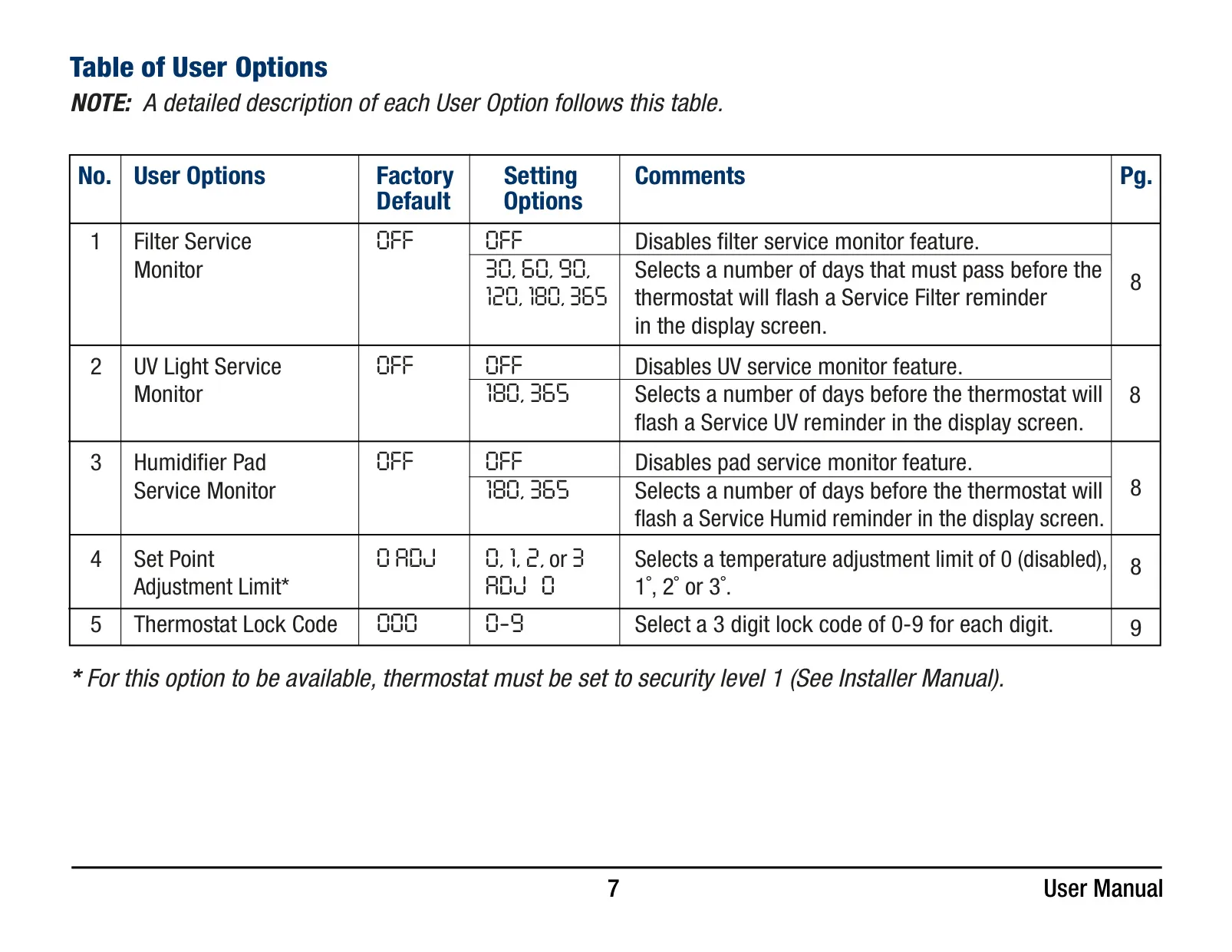
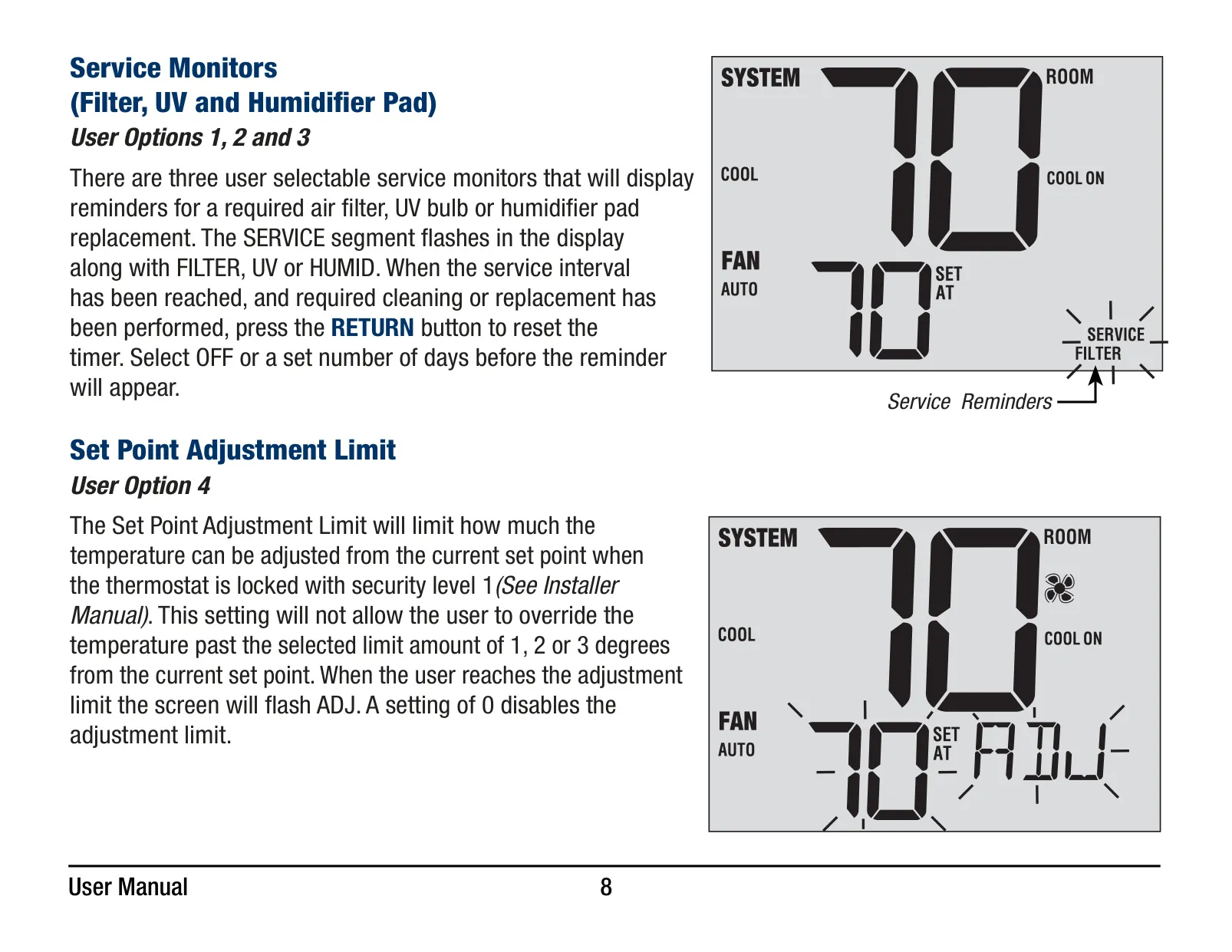
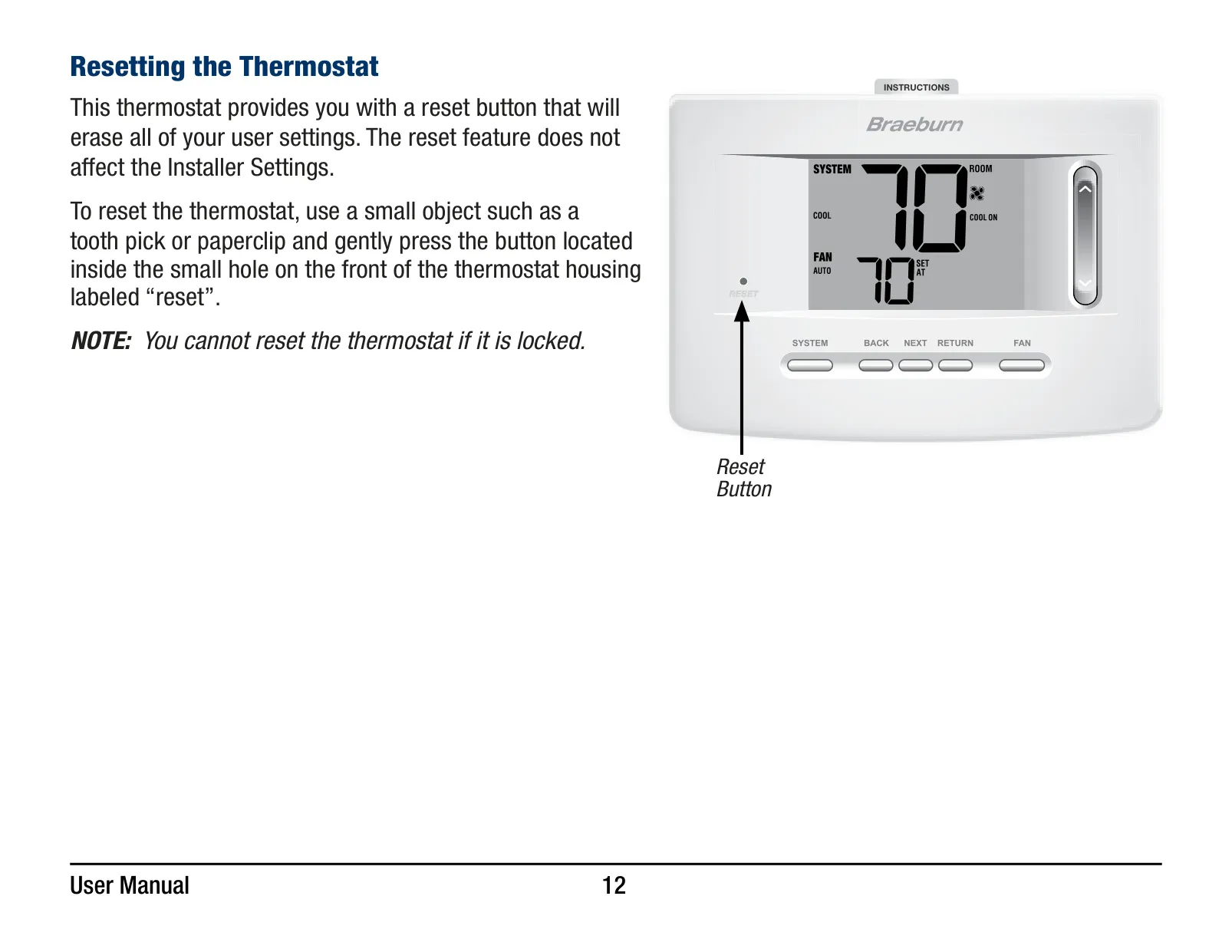
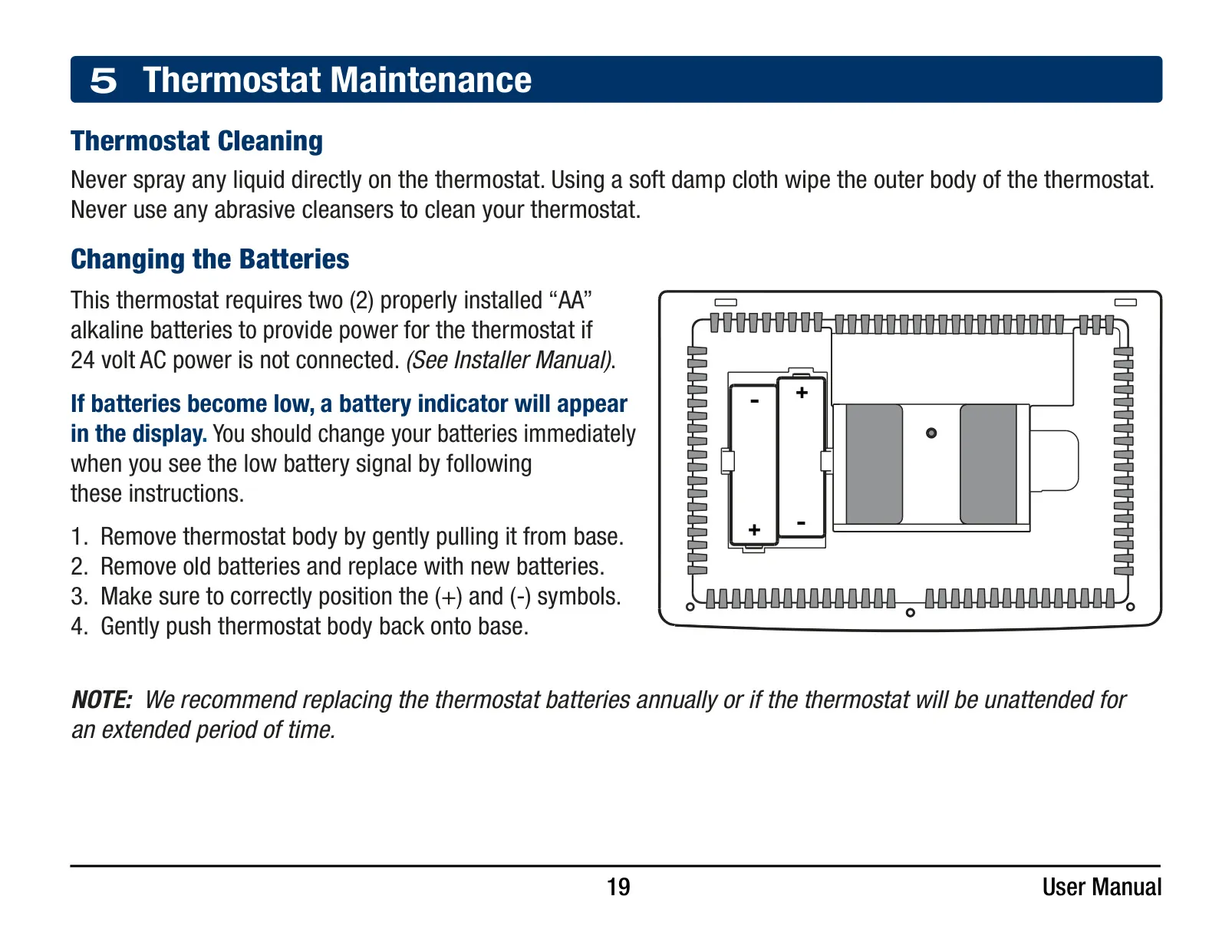
Beyond its visual appeal, the 3020 incorporates practical maintenance reminders. Users can activate selectable service monitors for air filters, UV bulbs, and humidifier pads. These customizable alerts flash 'SERVICE' along with the specific reminder (FILTER, UV, HUMID) when a set interval, from 30 to 365 days, is reached. Additionally, the thermostat includes a simple Reset Button to erase all user-defined settings without altering the installer configurations, and a clear Low Battery Indicator prompt for timely battery replacement, ensuring uninterrupted operation.
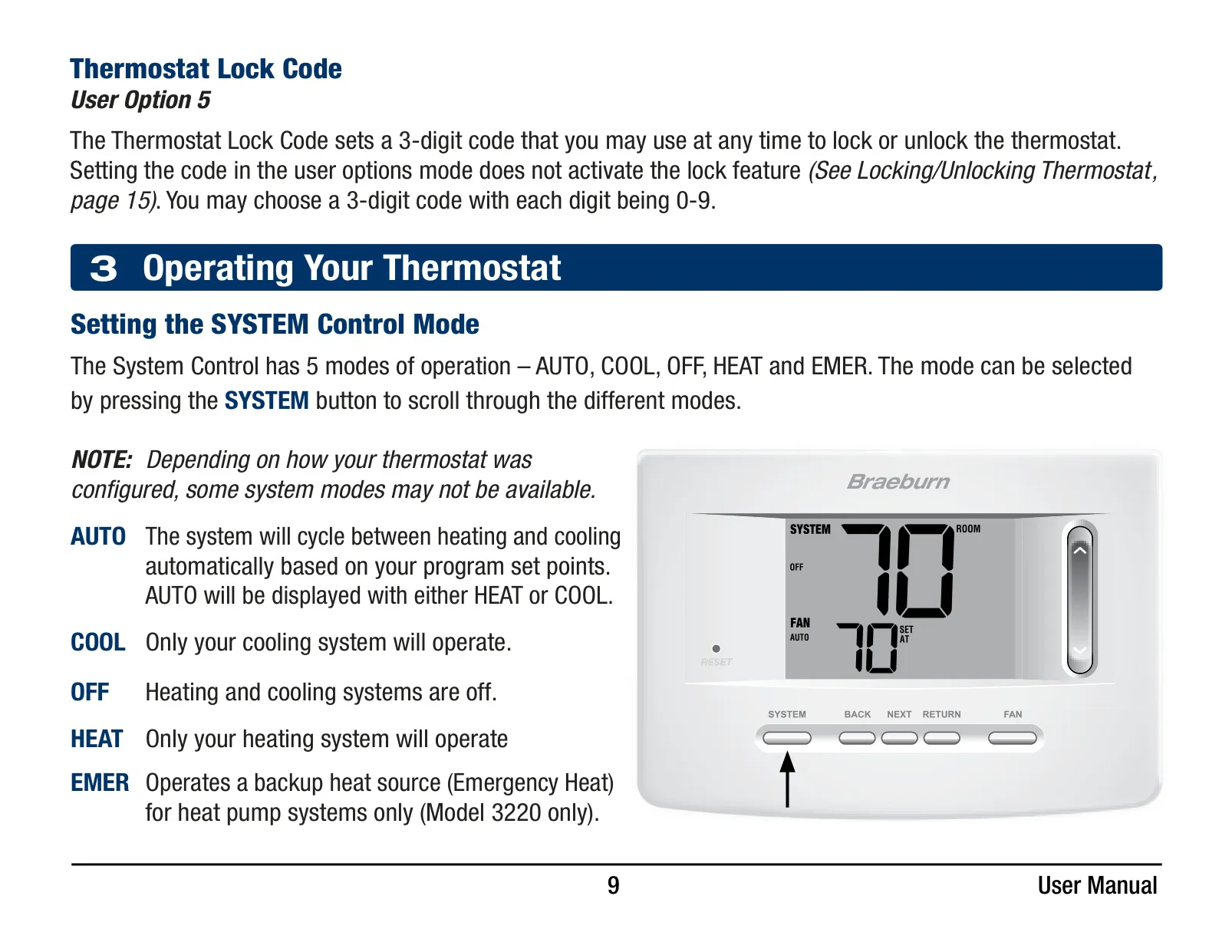
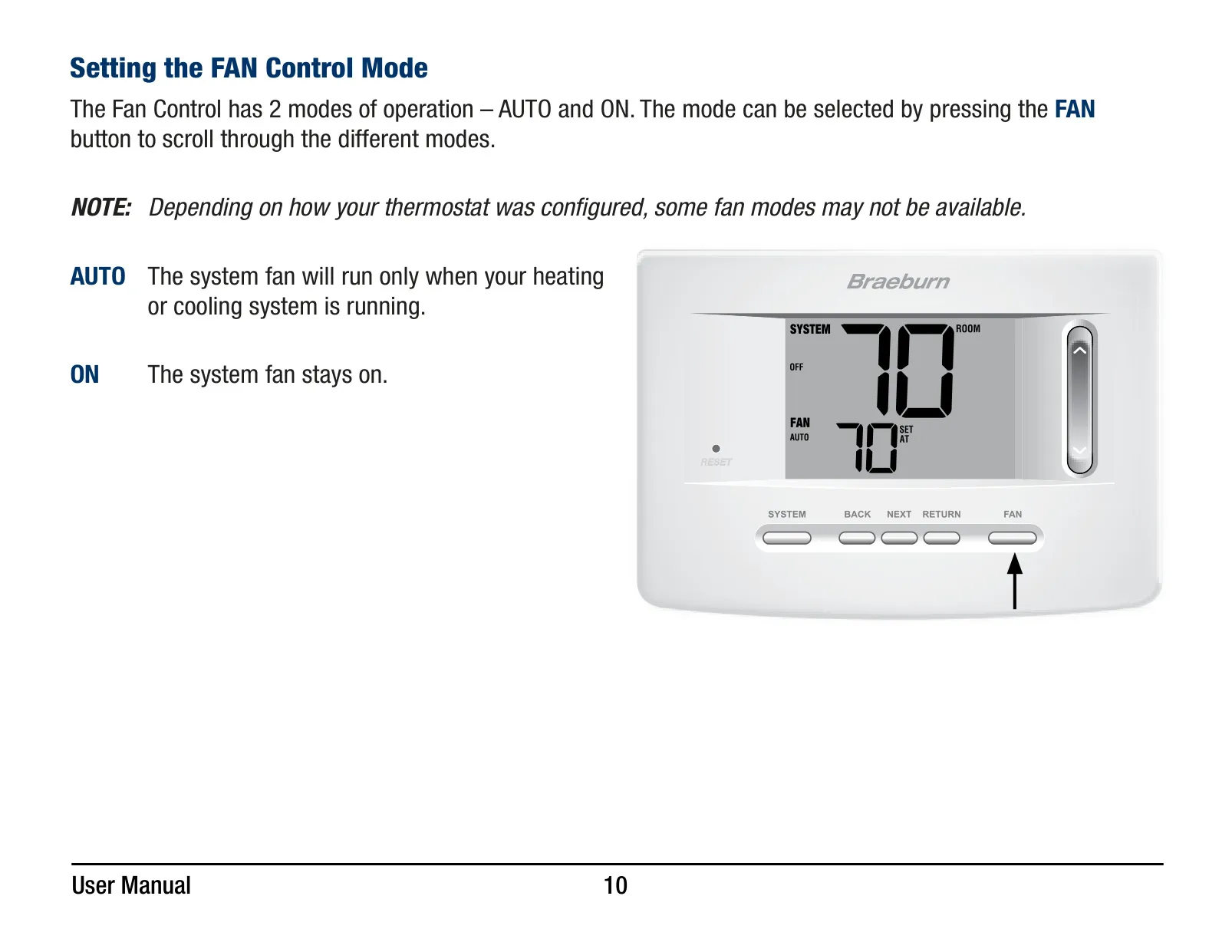
Operating the thermostat is straightforward with its distinct control modes. The System Control Mode offers choices like AUTO, which intelligently cycles between heating and cooling to maintain comfort, COOL for cooling only, OFF to deactivate both systems, and HEAT for heating only. Users should note that the availability of these modes depends on how the thermostat was initially configured. Similarly, the Fan Control Mode provides AUTO, where the fan runs exclusively with the heating or cooling system, and ON, for continuous fan operation.
The Braeburn 3020 also integrates smart features for enhanced comfort and system longevity. Its Auto Changeover Mode, if enabled during installation, allows the system to automatically switch between heating and cooling to meet set points. This intelligent function operates with a 'dead band' to prevent the heating and cooling systems from working against each other. Furthermore, the essential Compressor Protection feature safeguards your HVAC equipment by enforcing a short delay after the compressor turns off, effectively preventing potential damage from rapid on-off cycles, also known as short cycling.
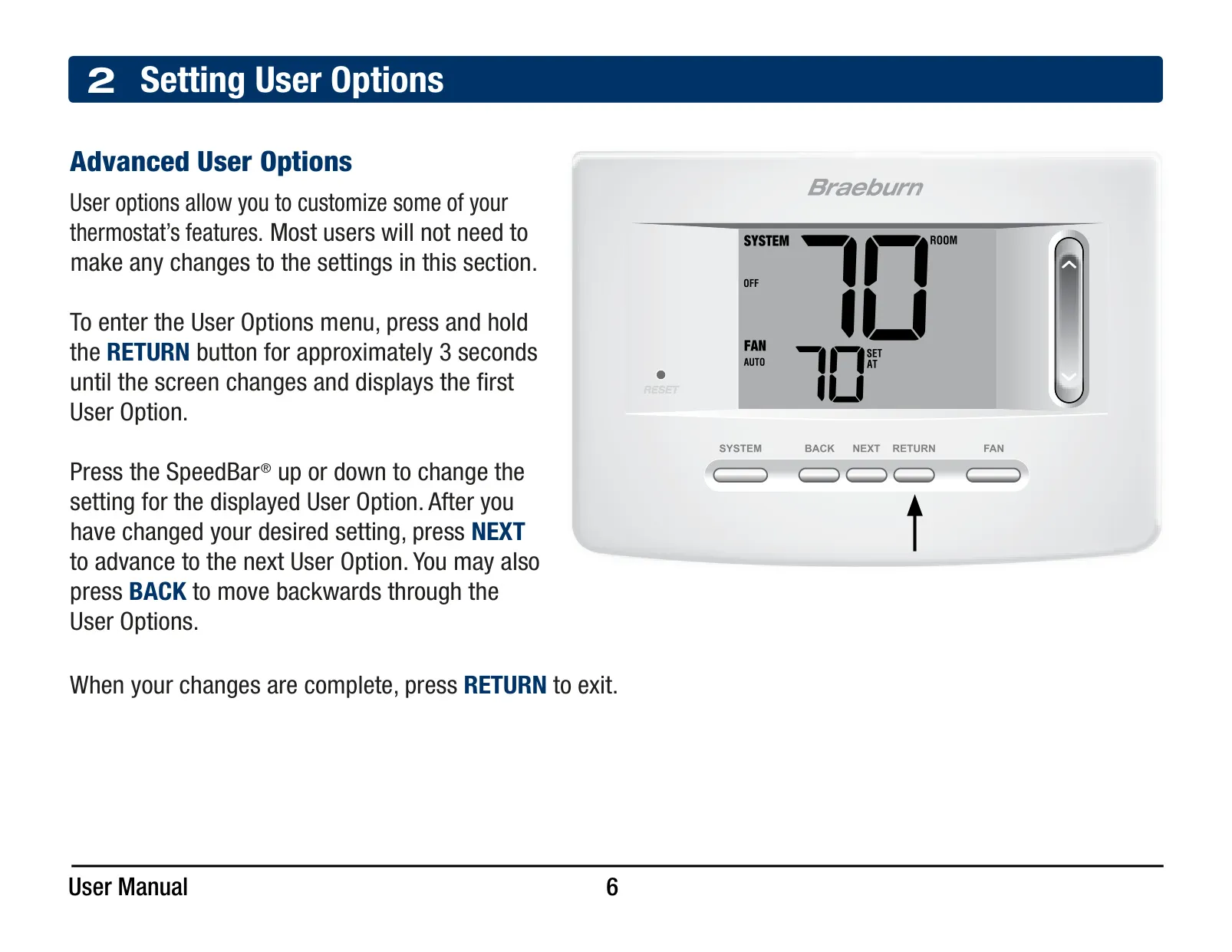
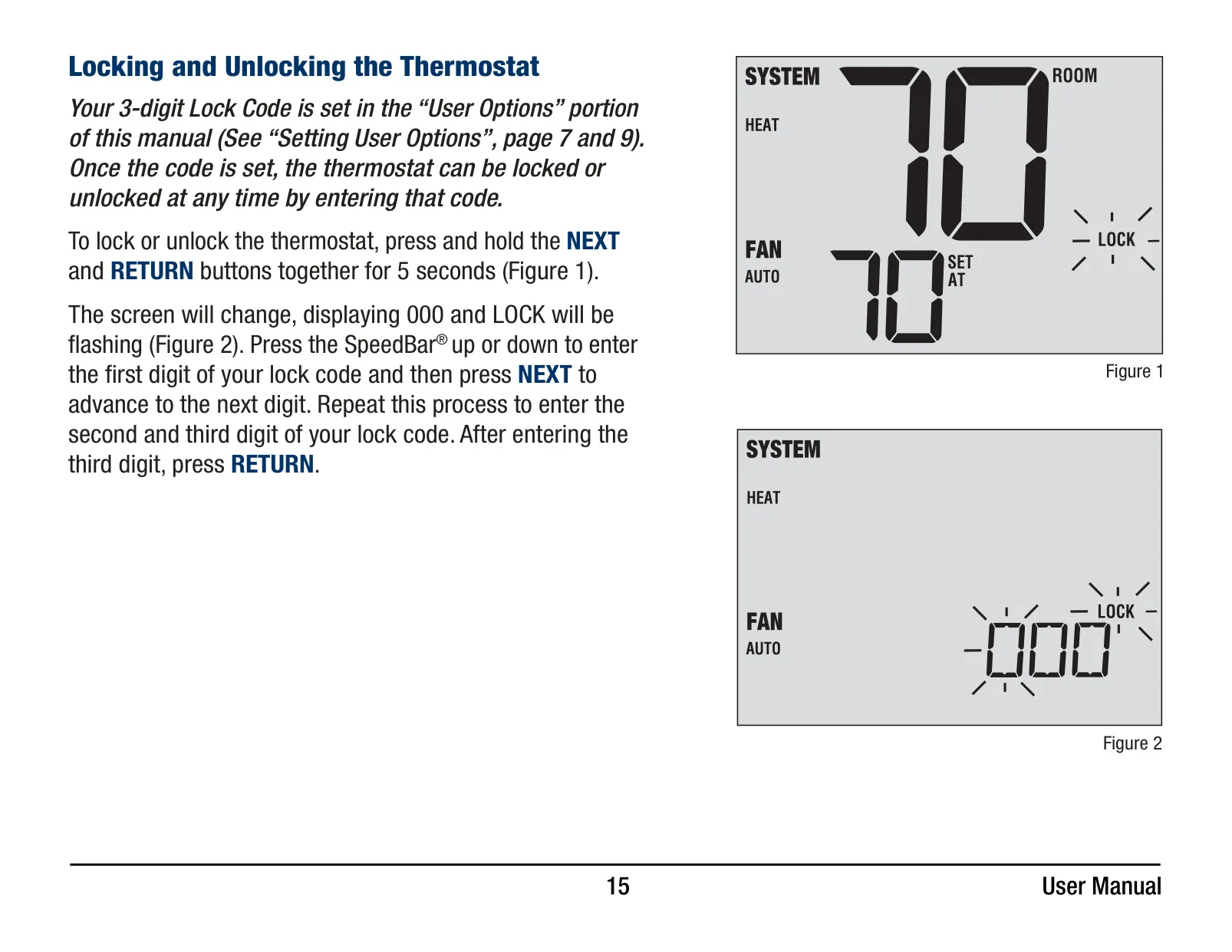
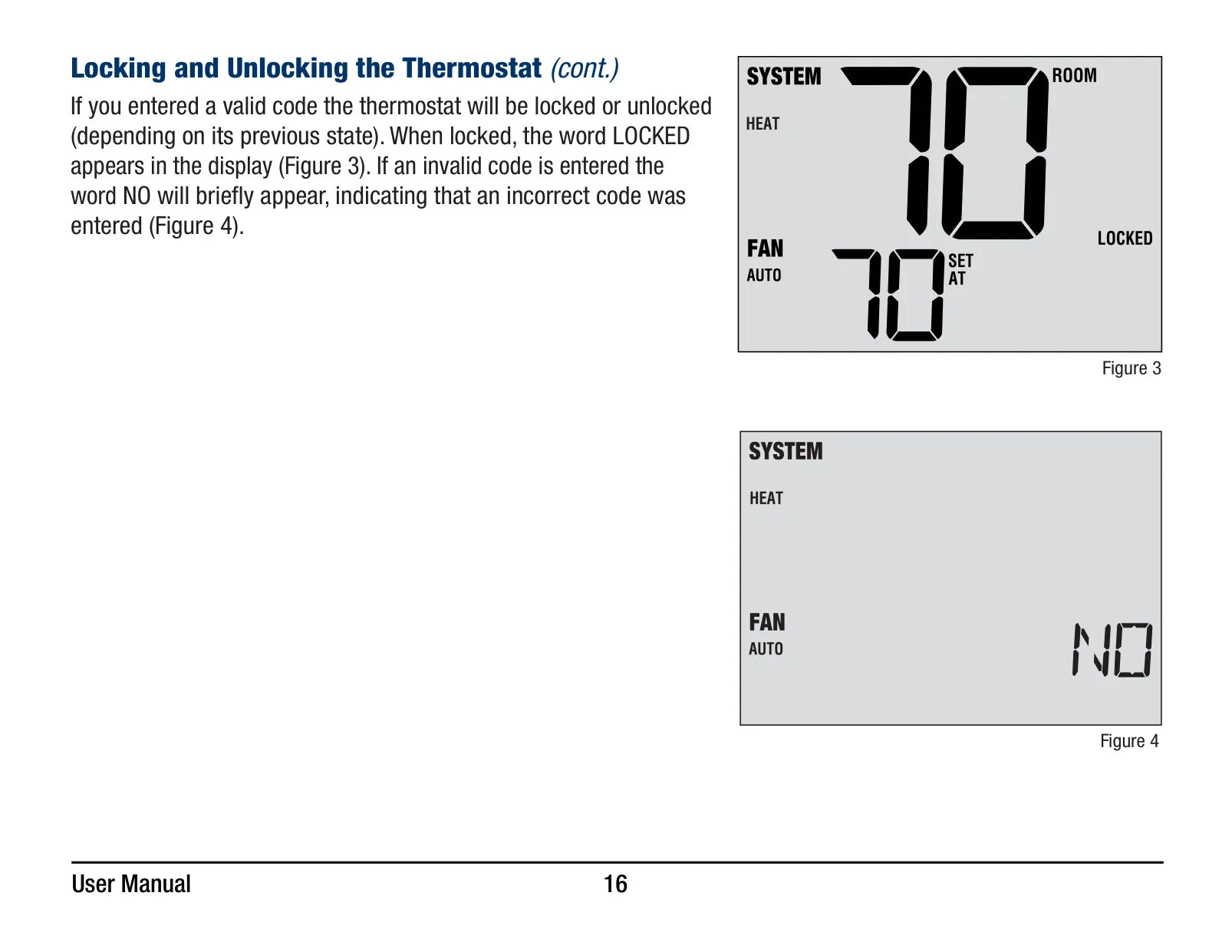
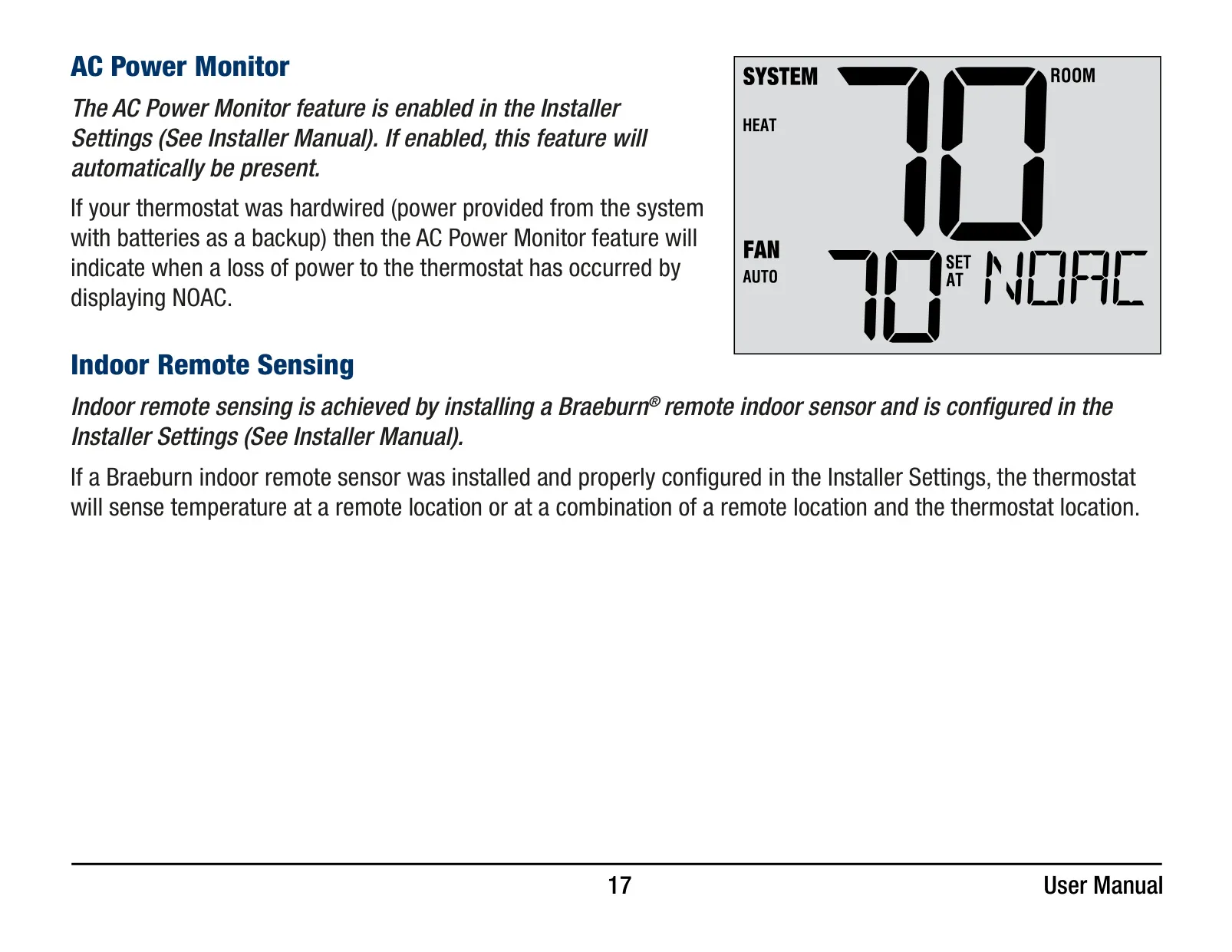
For added security and control, the thermostat allows for activation of a Thermostat Lock Code. Once a unique 3-digit code is set, users can lock or unlock the device, choosing between a complete lockout or a partial lockout that still permits temperature adjustments via the SpeedBar®. This prevents unauthorized tampering. Another critical protective feature is the AC Power Monitor. If the thermostat is hardwired, this monitor will display 'NOAC' in the event of a power loss, providing an immediate visual alert to potential system issues.
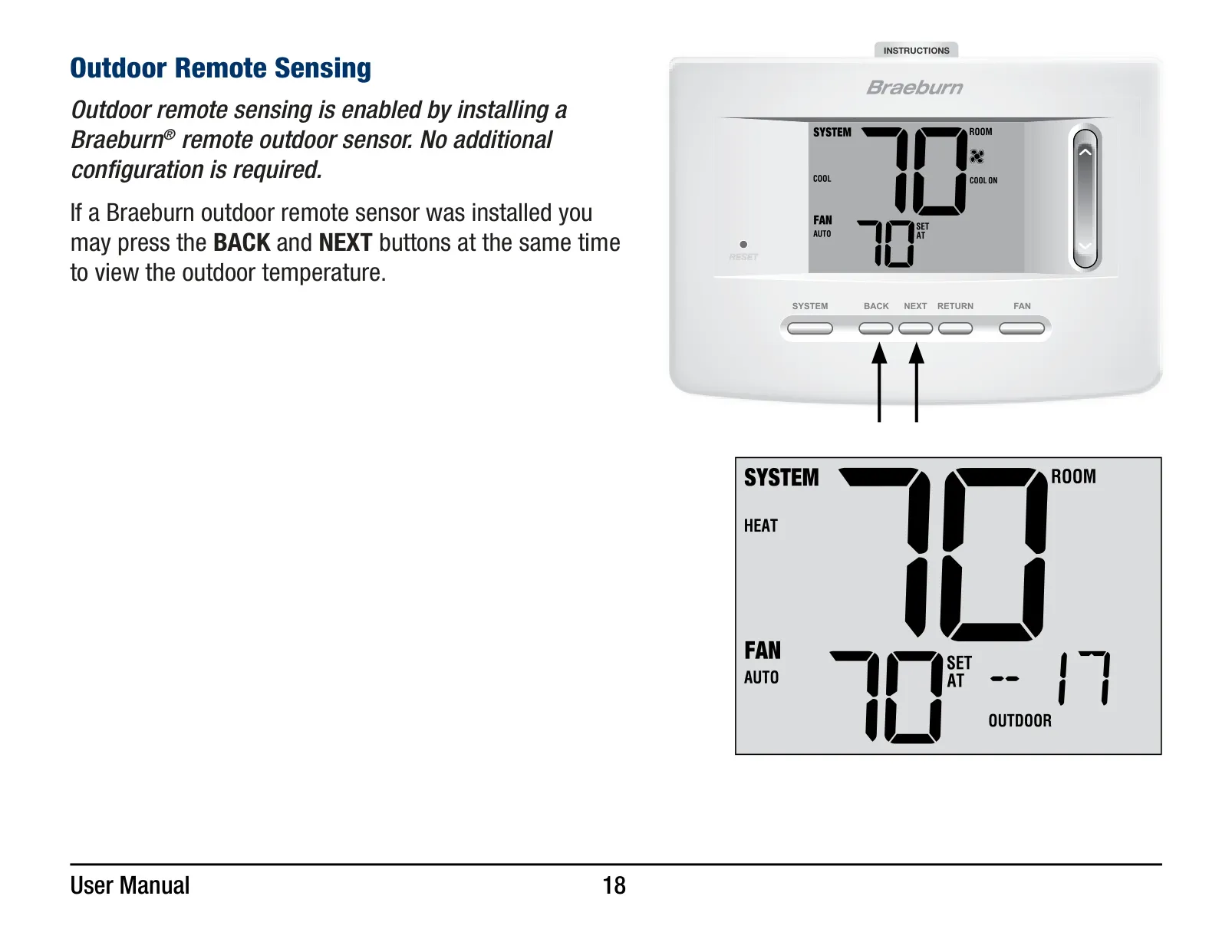
The 3020 extends its versatility with optional indoor or outdoor remote sensing capabilities. When an indoor remote sensor is connected, the thermostat can sense temperature solely from the remote location, or combine its reading with the thermostat's internal sensor. For those interested in external conditions, an outdoor remote sensor allows users to easily view the outdoor temperature by simultaneously pressing the BACK and NEXT buttons. Maintaining the thermostat's appearance is simple; a soft damp cloth should be used for cleaning, strictly avoiding abrasive cleansers.
Frequently Asked Questions (FAQs)
Can't find the answer you need? Here are some frequently asked questions about the Braeburn Thermostat 3020, and we answer them below.