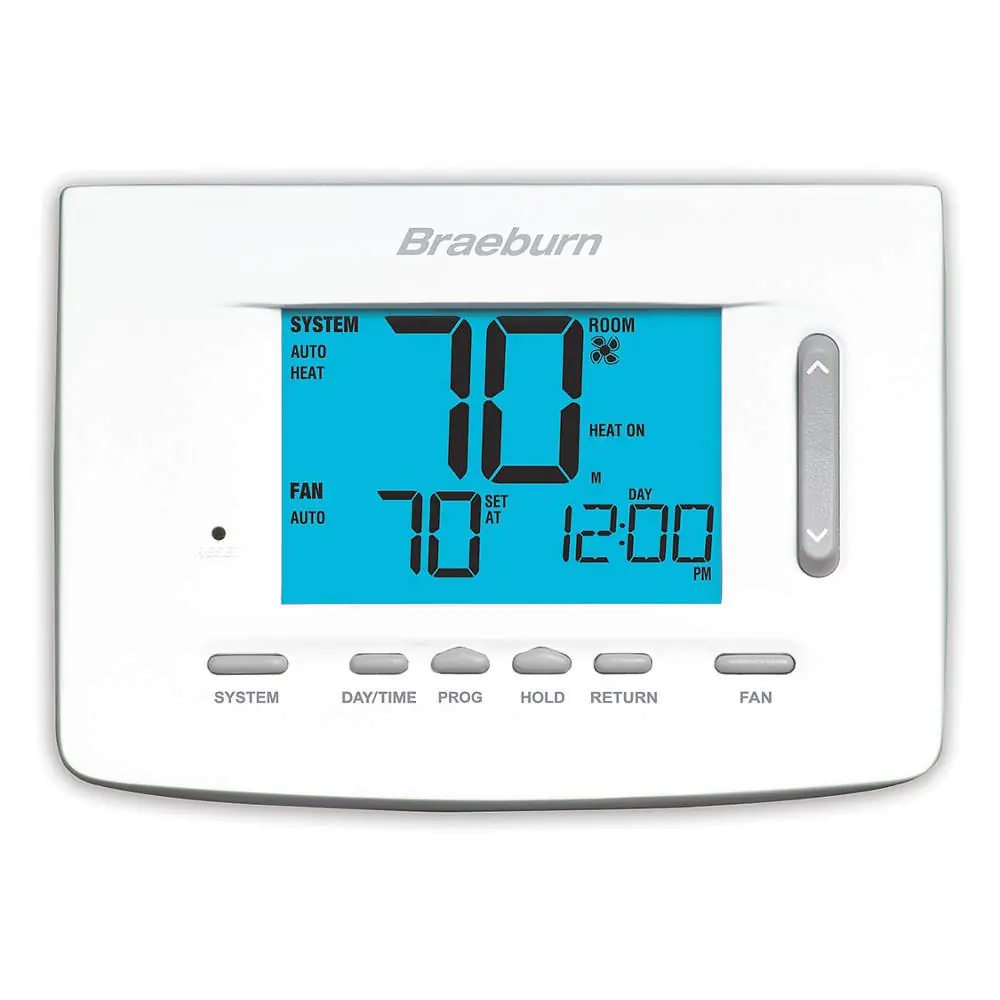
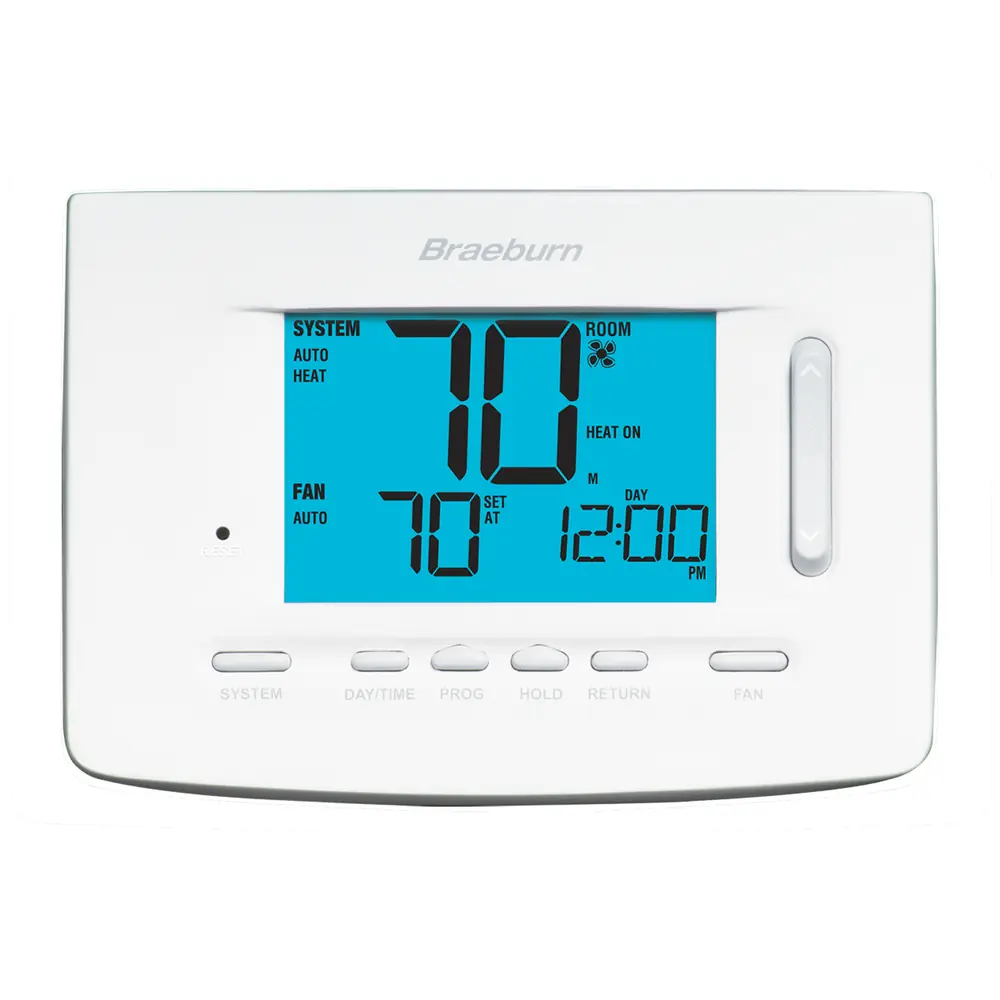
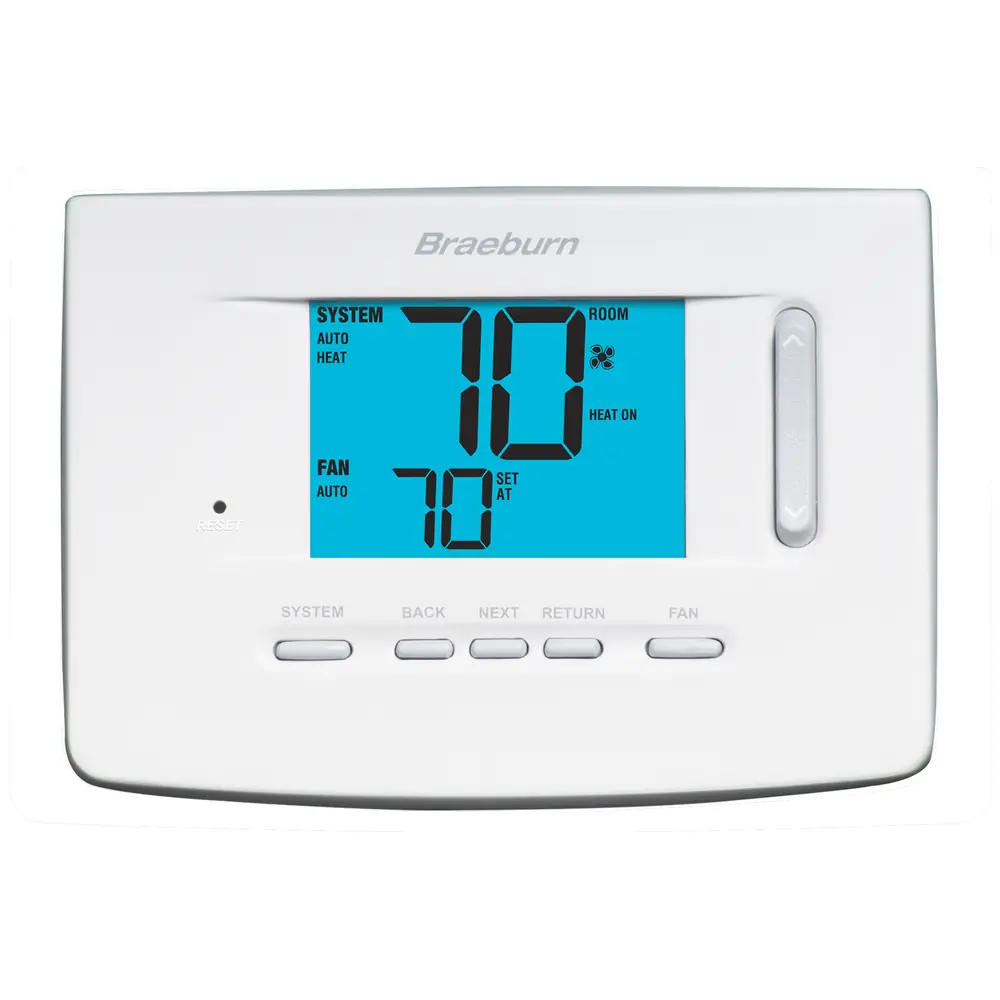
Braeburn 5000 Thermostat Instruction Manual
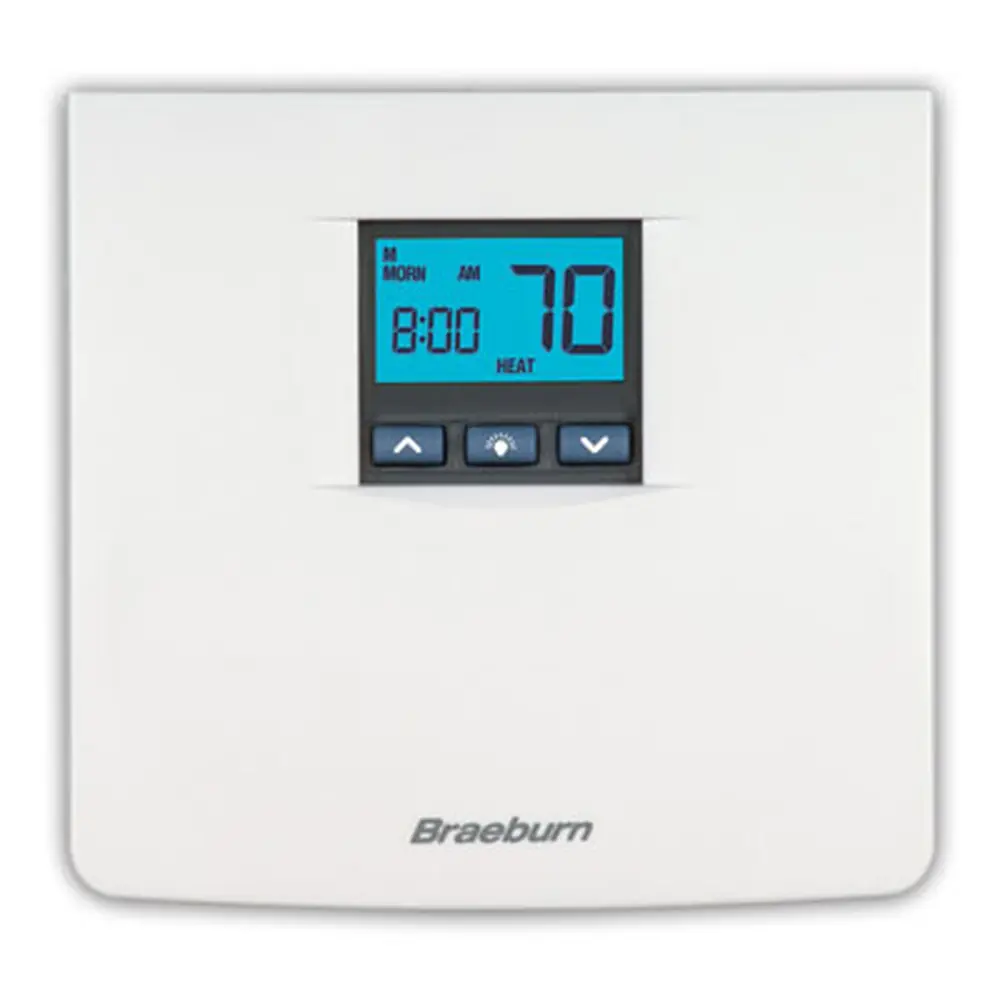
Braeburn 5000 Thermostat
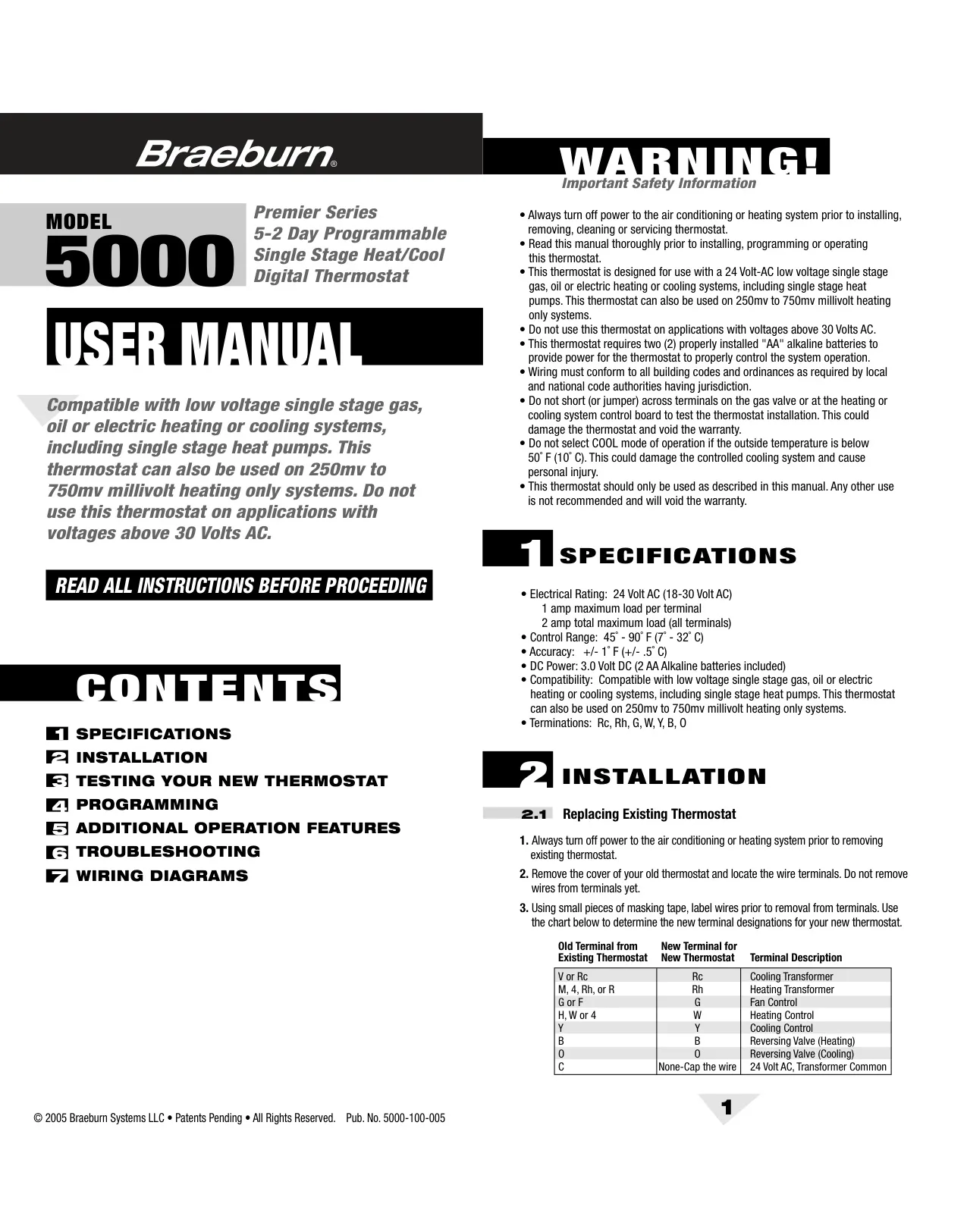
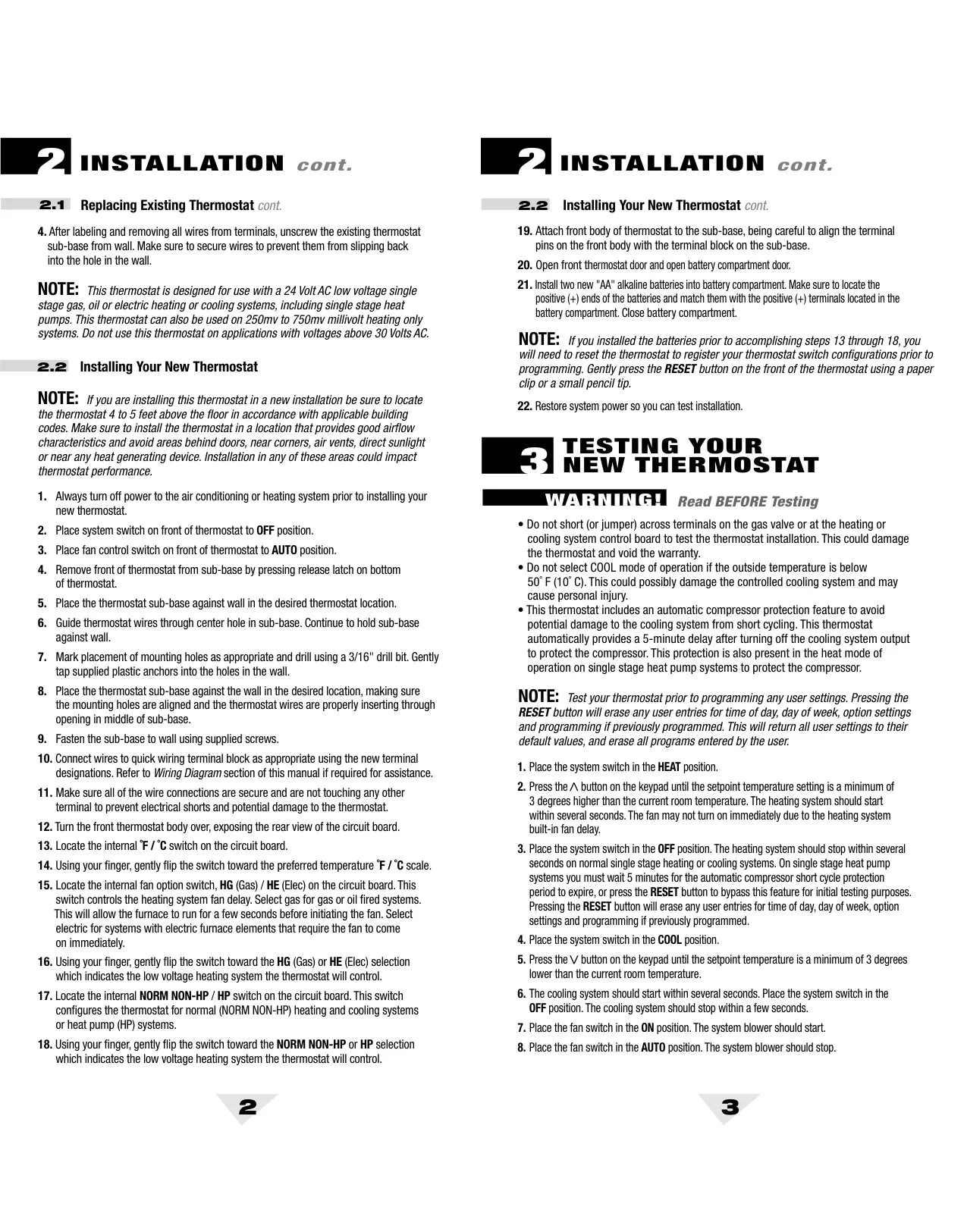
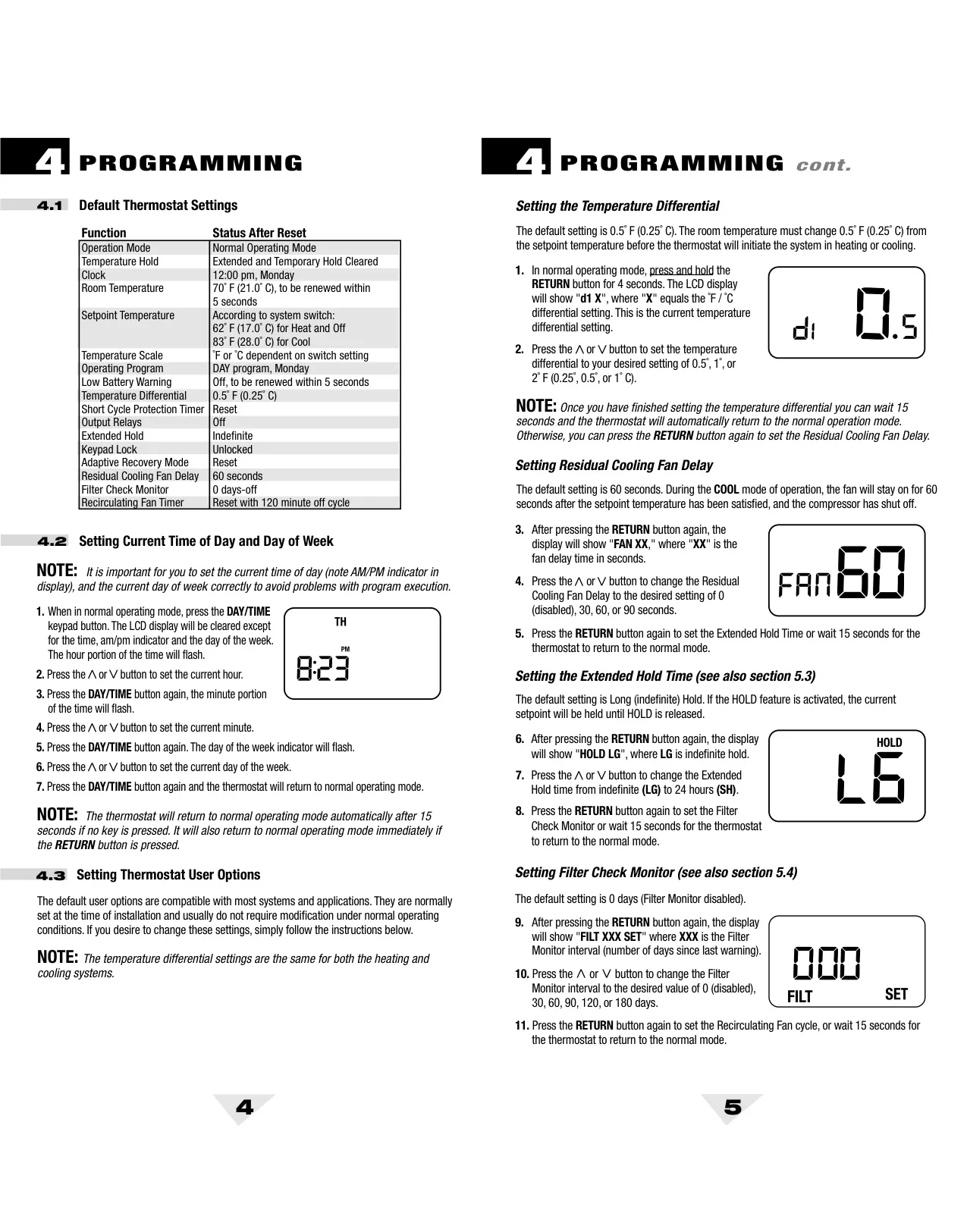




Braeburn 5000 Thermostat
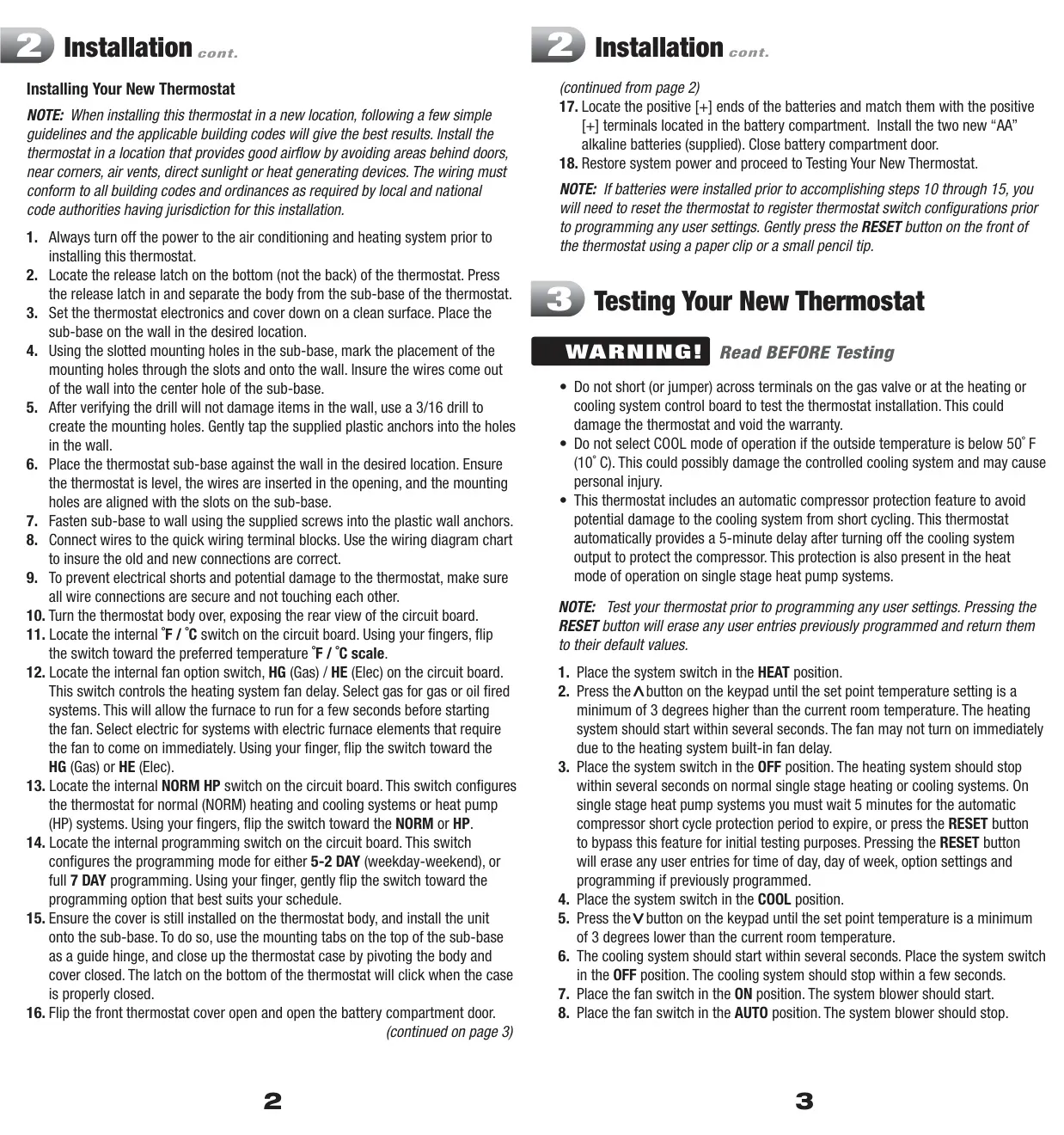
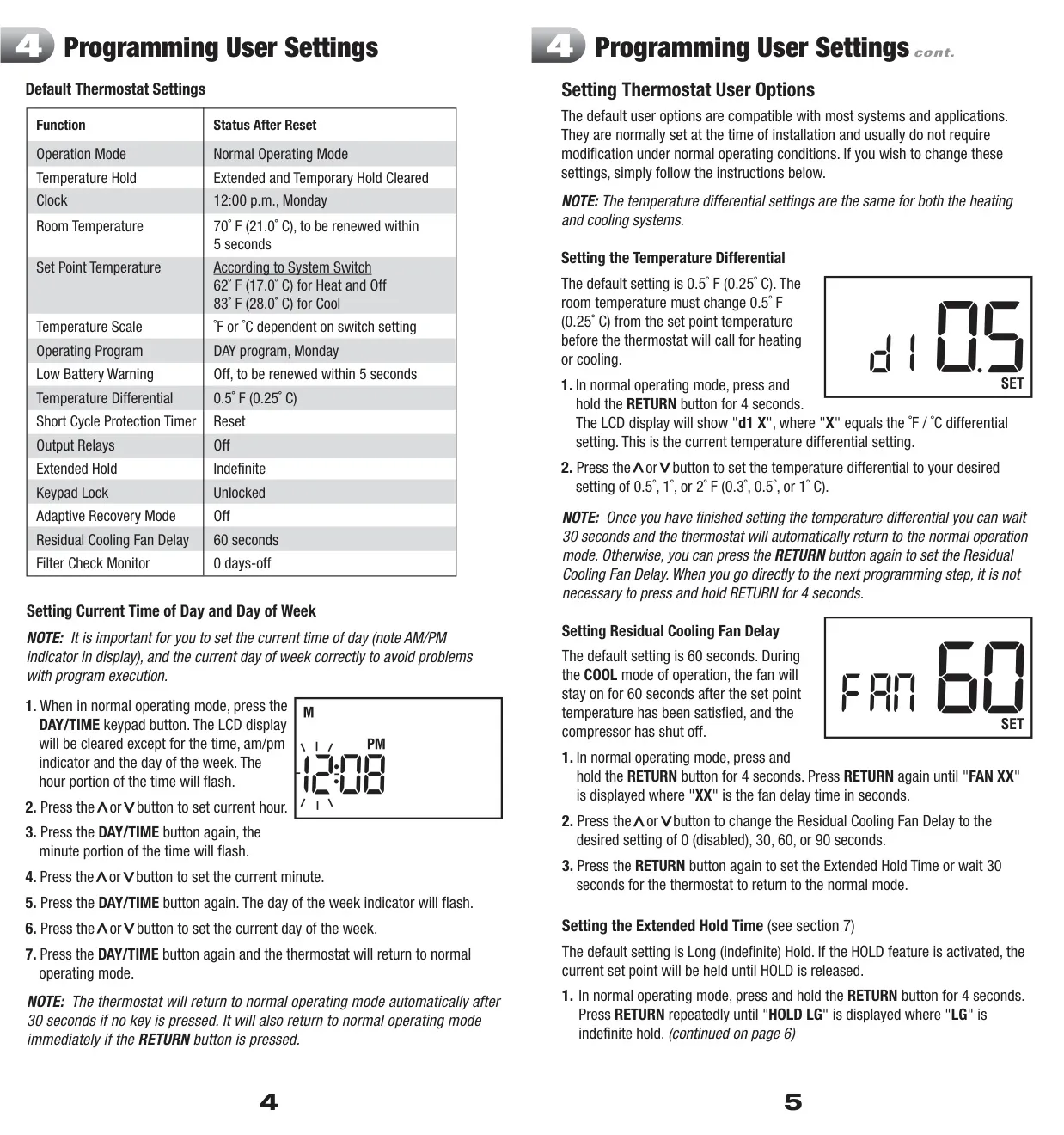
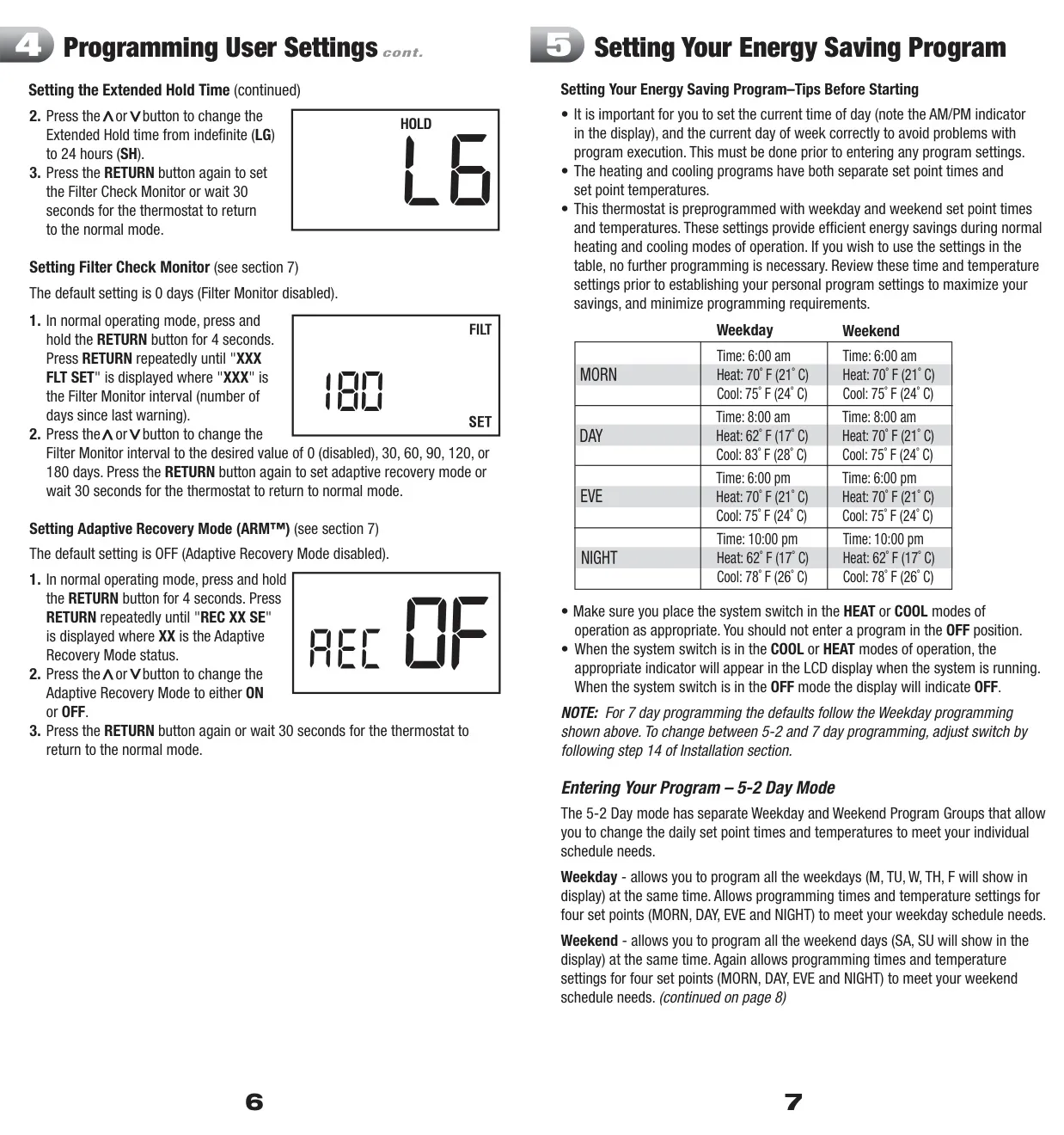
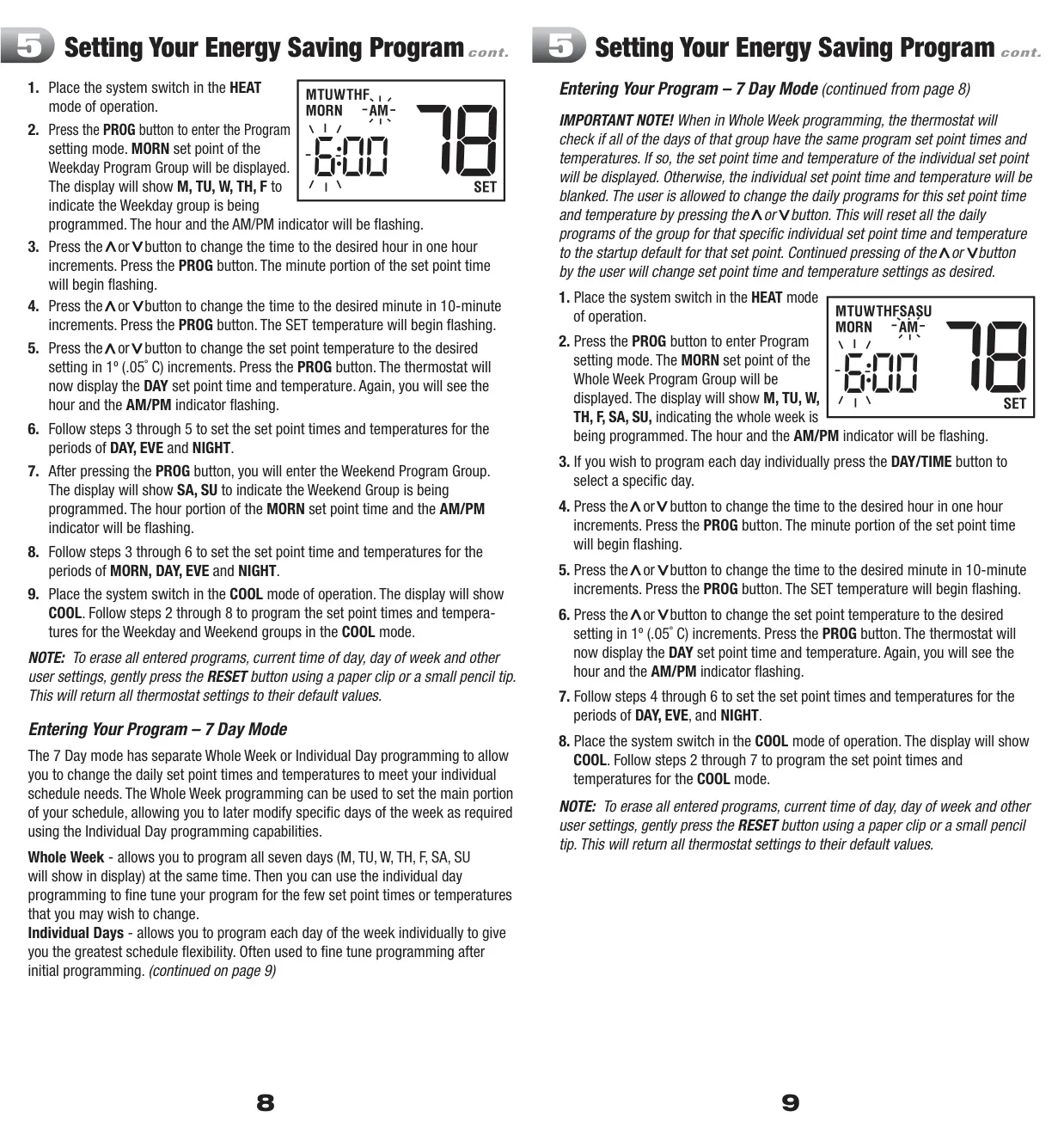
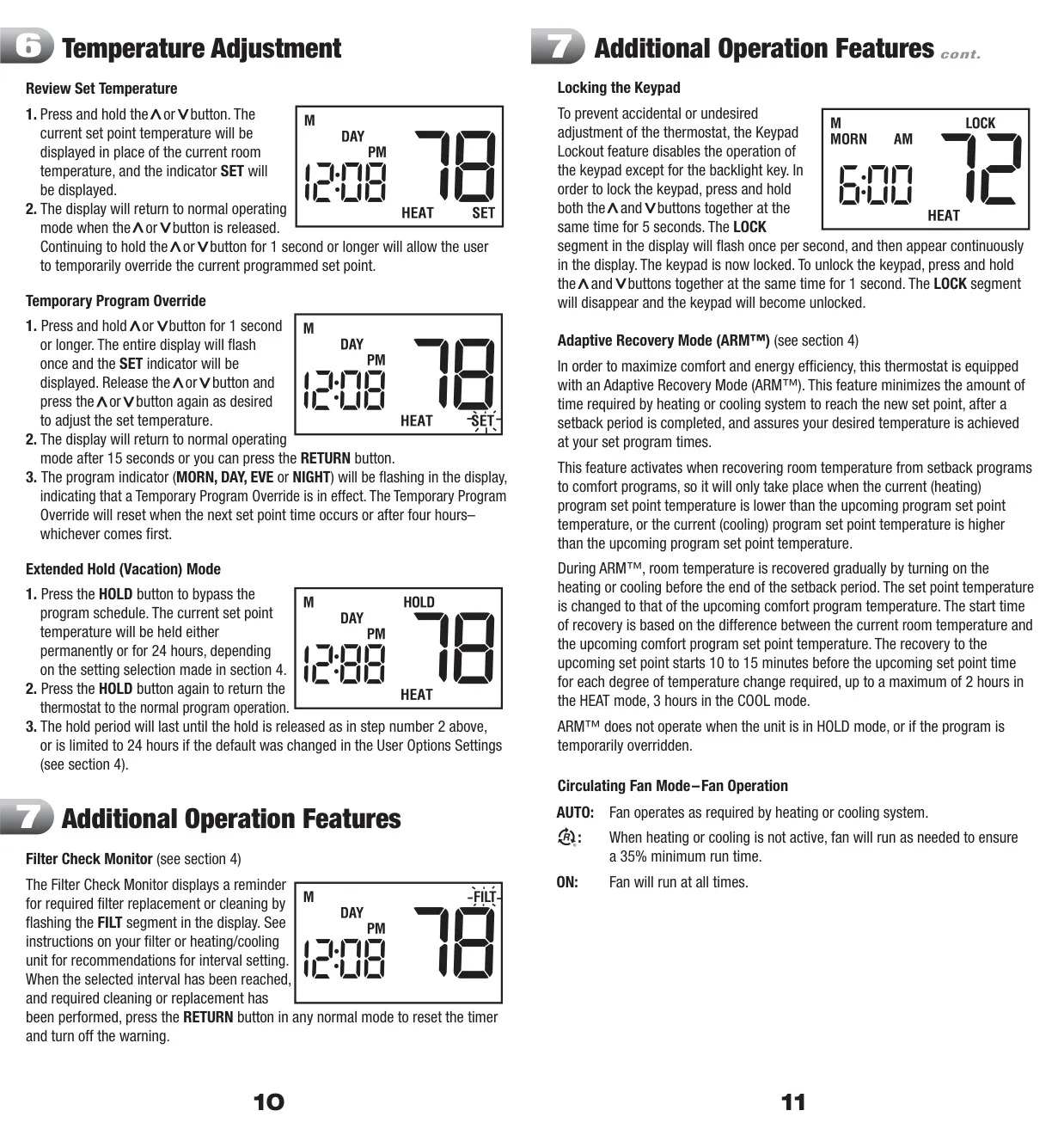
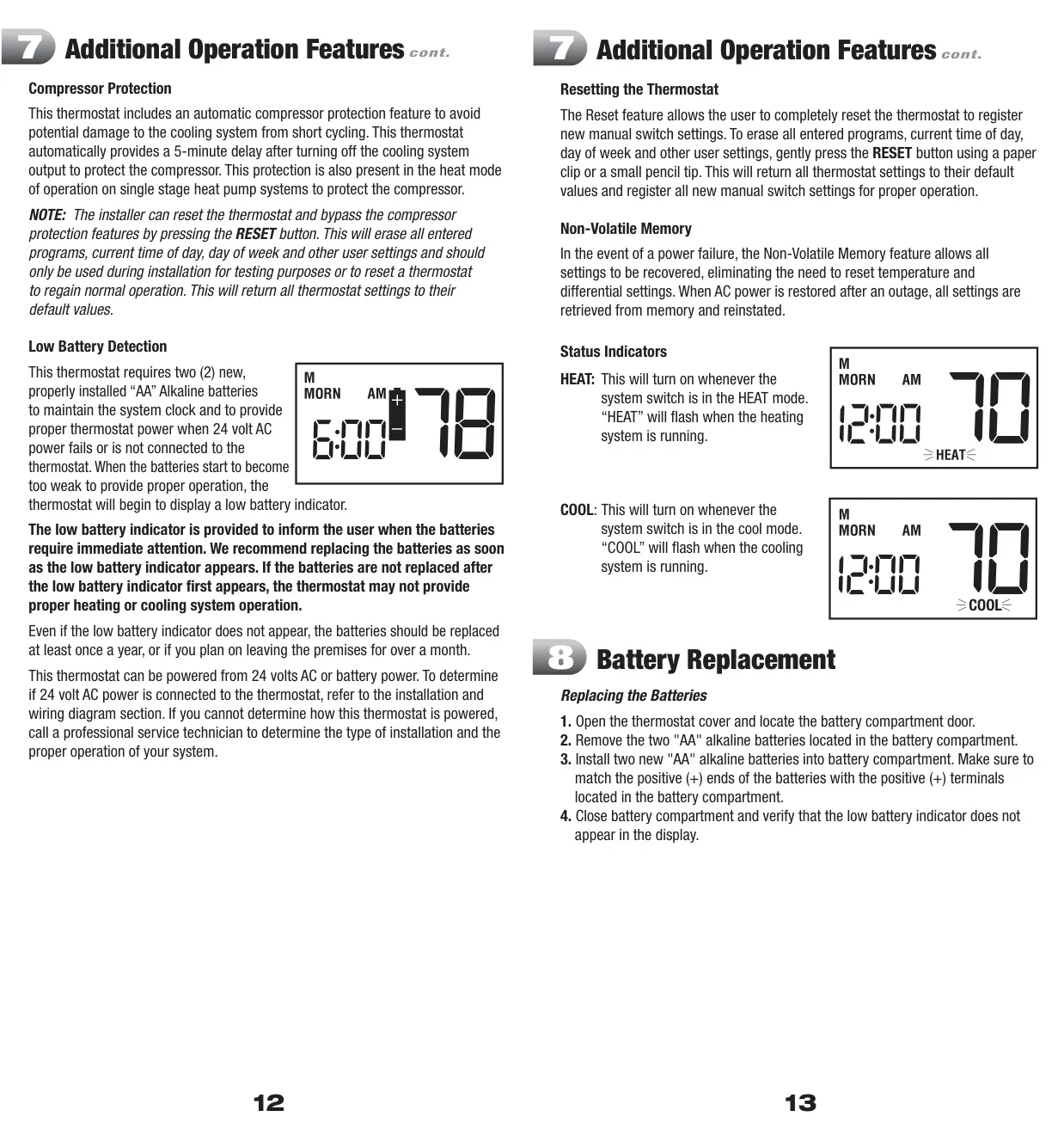
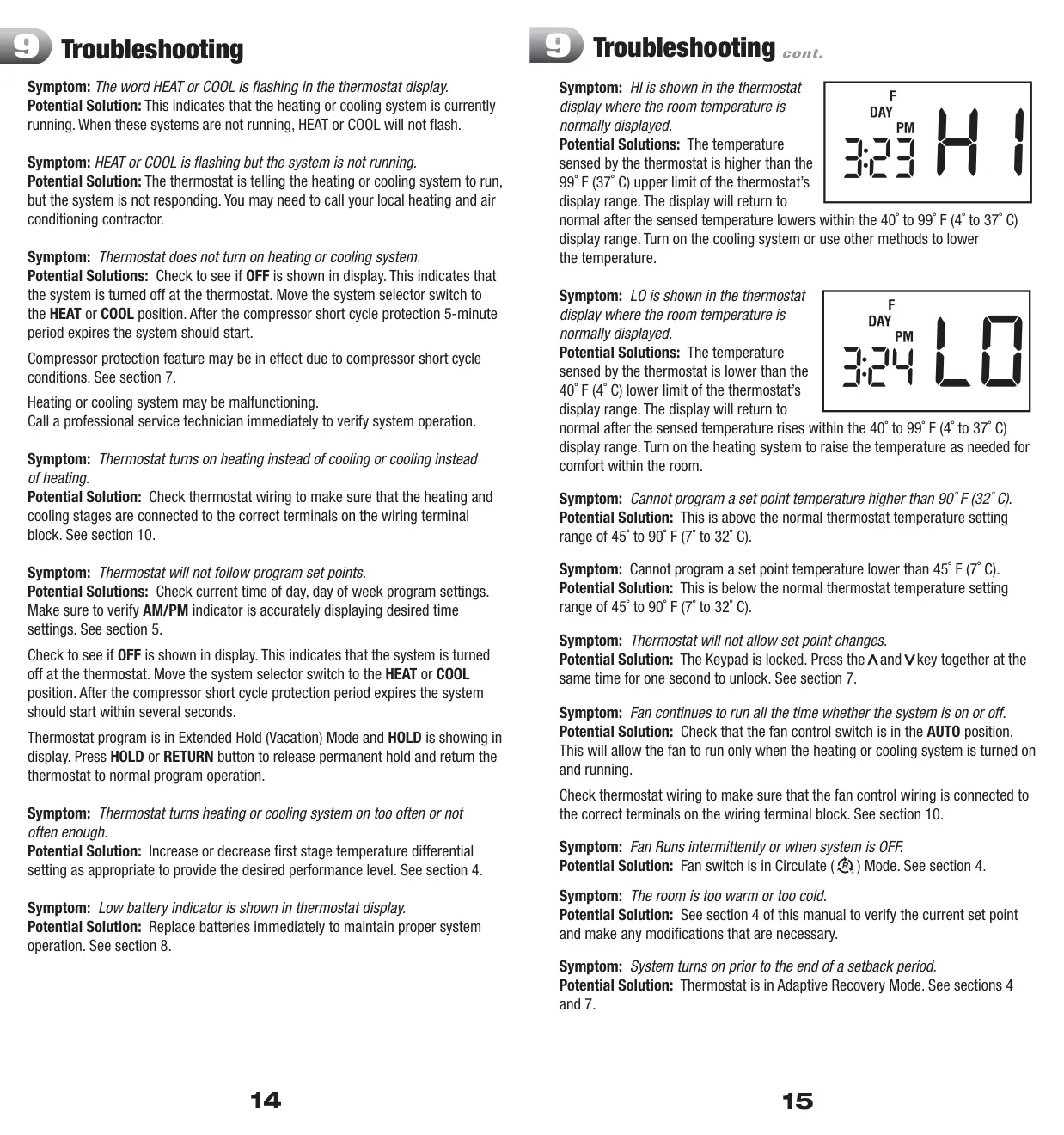
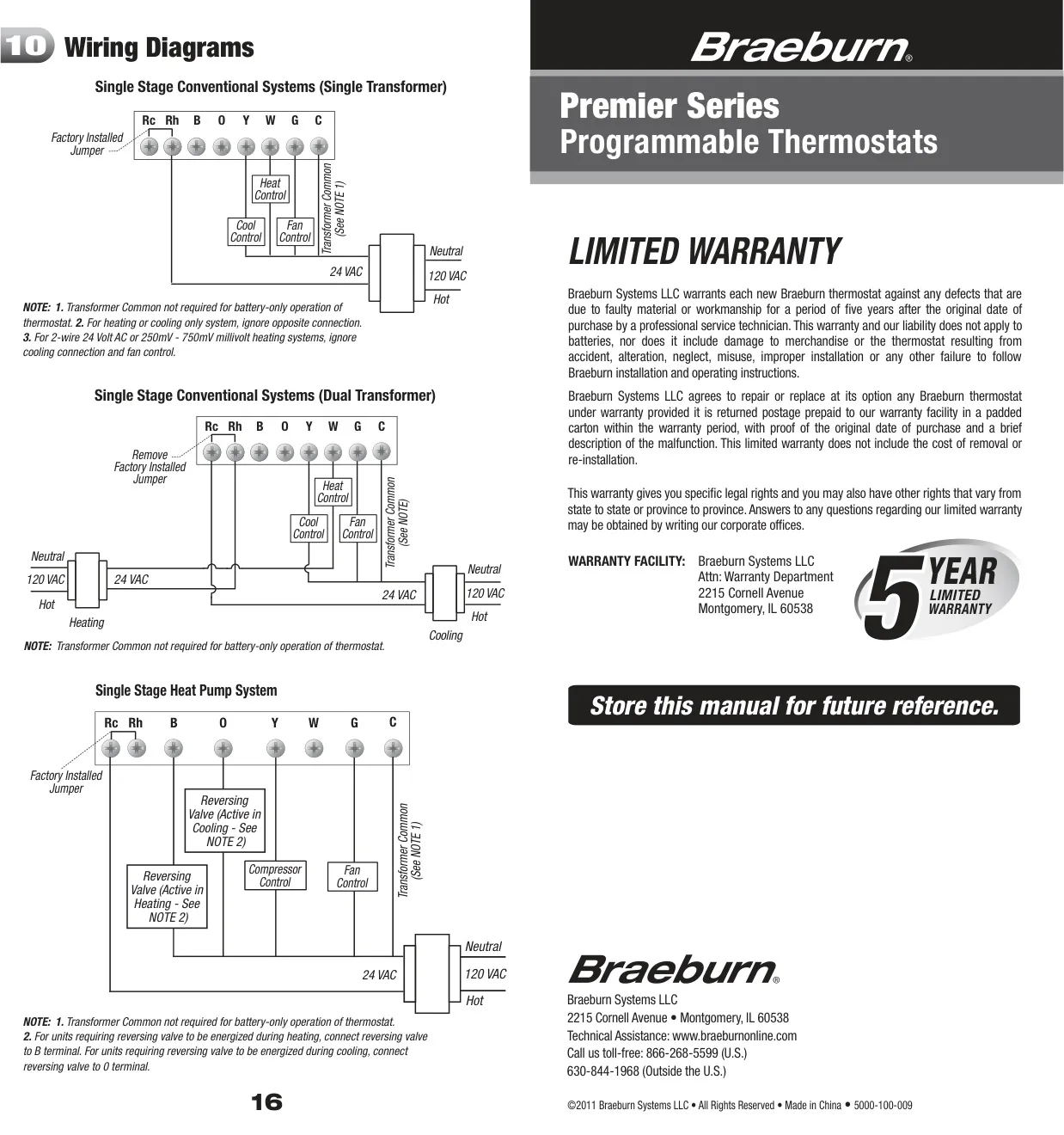
Braeburn 5000 Thermostat Instructions
Here we offer the Braeburn 5000 Thermostat manual completely free and in English. We have cataloged this manual in the Thermostats section on Manualverse, and it has been rated by 1 users with an average rating of 5. If you have any specific questions about Braeburn 5000 Thermostat, we suggest checking the Frequently Asked Questions (FAQs) section of this manual.
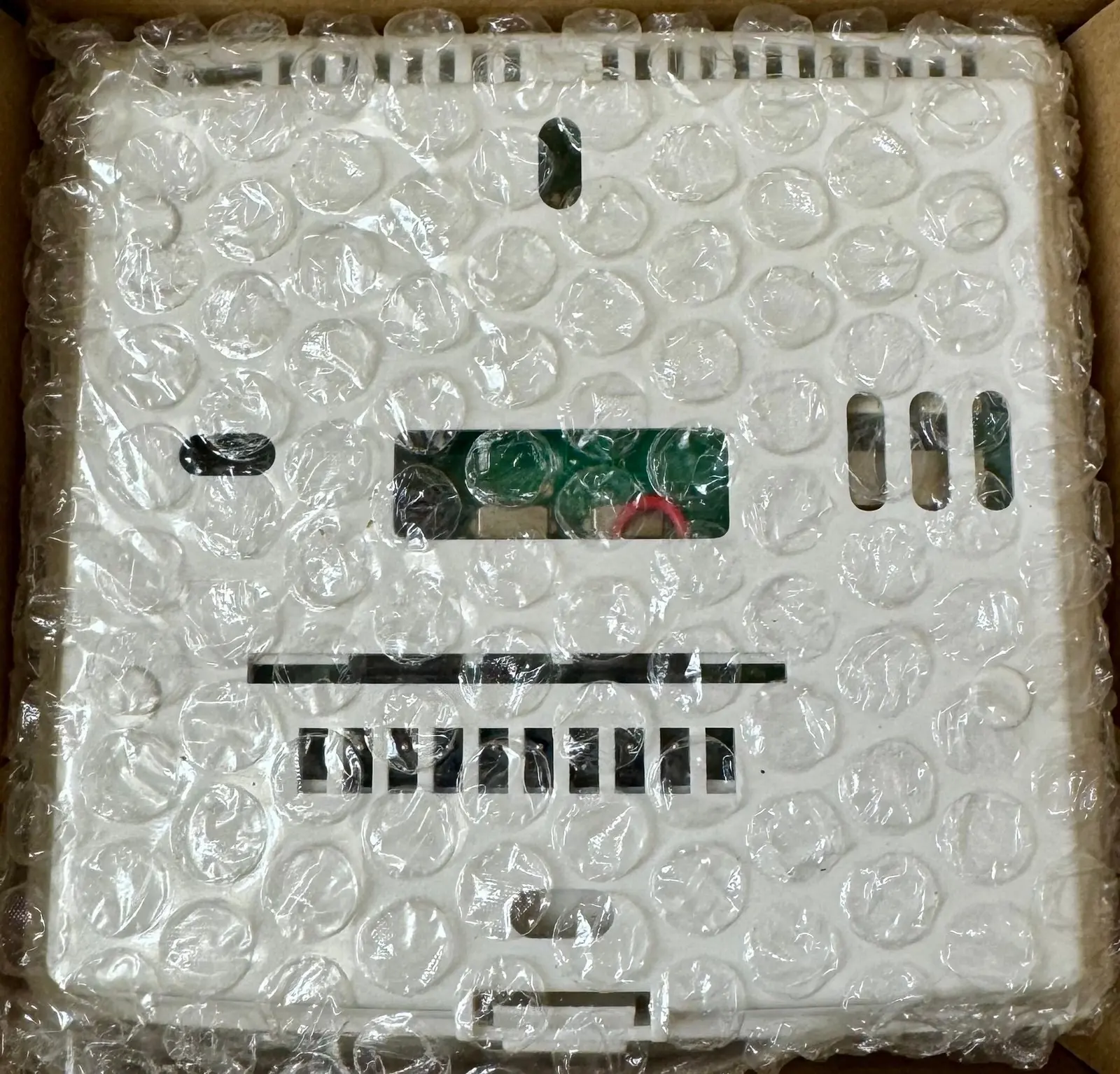
Product Images


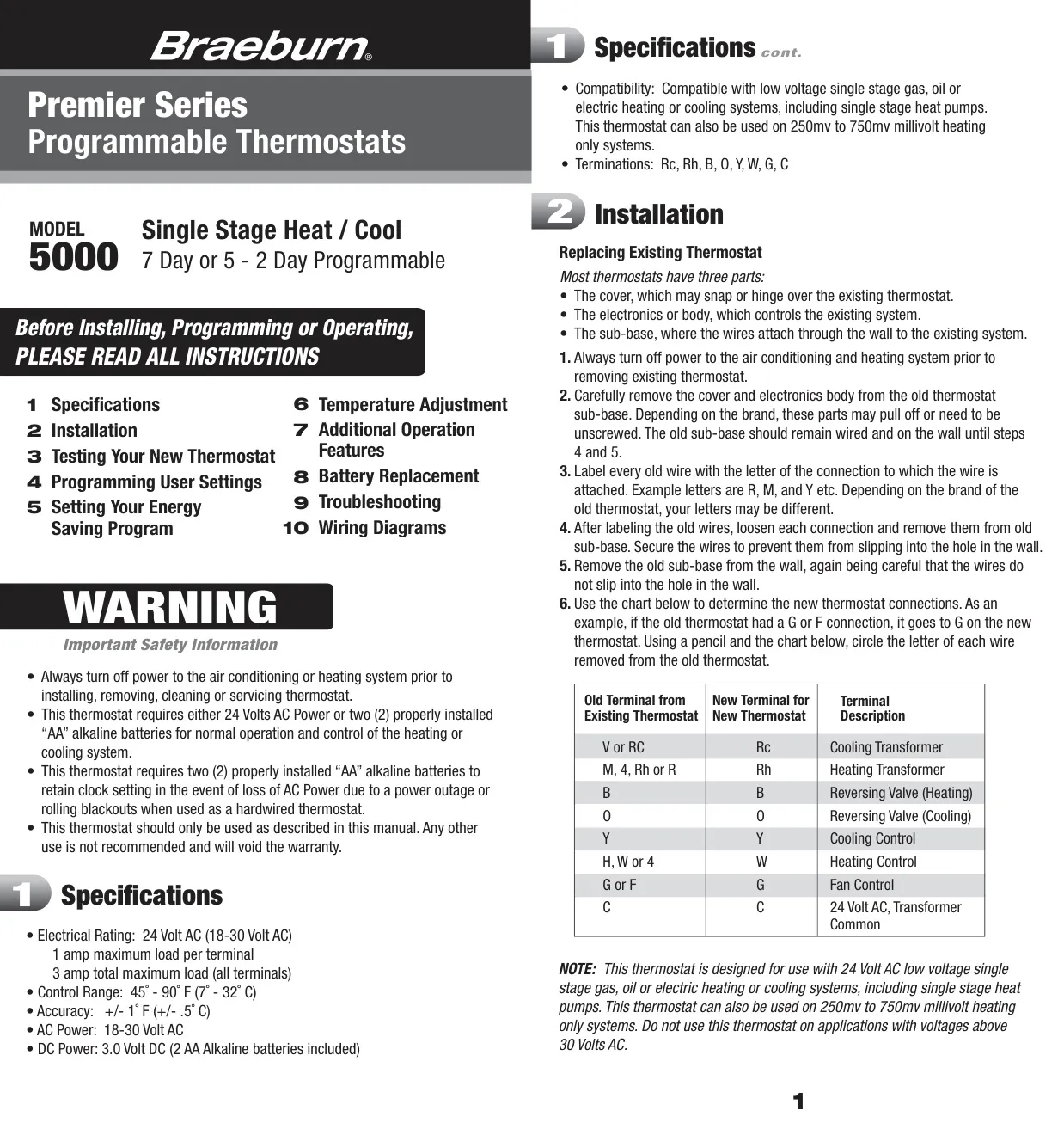
Braeburn 5000 Thermostat Specifications
| Feature | Specification |
|---|---|
| Electrical Rating | 24 Volt AC (18-30 Volt AC) |
| Maximum Load Per Terminal | 1 Amp |
| Total Maximum Load (All Terminals) | 3 Amps |
| Control Range | 45˚ - 90˚ F (7˚ - 32˚ C) |
| Accuracy | +/- 1˚ F (+/- 0.5˚ C) |
| DC Power | 3.0 Volt DC (2 AA Alkaline batteries included) |
| AC Power | 18-30 Volt AC |
| Compatibility | Low voltage single stage gas, oil, or electric heating/cooling systems, including single stage heat pumps. Also 250mv to 750mv millivolt heating only systems. |
| Terminations | Rc, Rh, B, O, Y, W, G, C |
| Programming Modes | 5-2 Day or 7 Day Programmable (selectable via internal switch) |
| Temperature Scale | Fahrenheit or Celsius (selectable via internal switch) |
Braeburn 5000 Thermostat Details
The Braeburn 5000 Thermostat, a Premier Series digital model, offers a comprehensive suite of features designed for optimal control and energy efficiency in a variety of heating and cooling systems. It boasts compatibility with common low-voltage single-stage gas, oil, or electric systems, including single-stage heat pumps, and even millivolt heating-only systems, ensuring broad applicability for residential and light commercial settings.
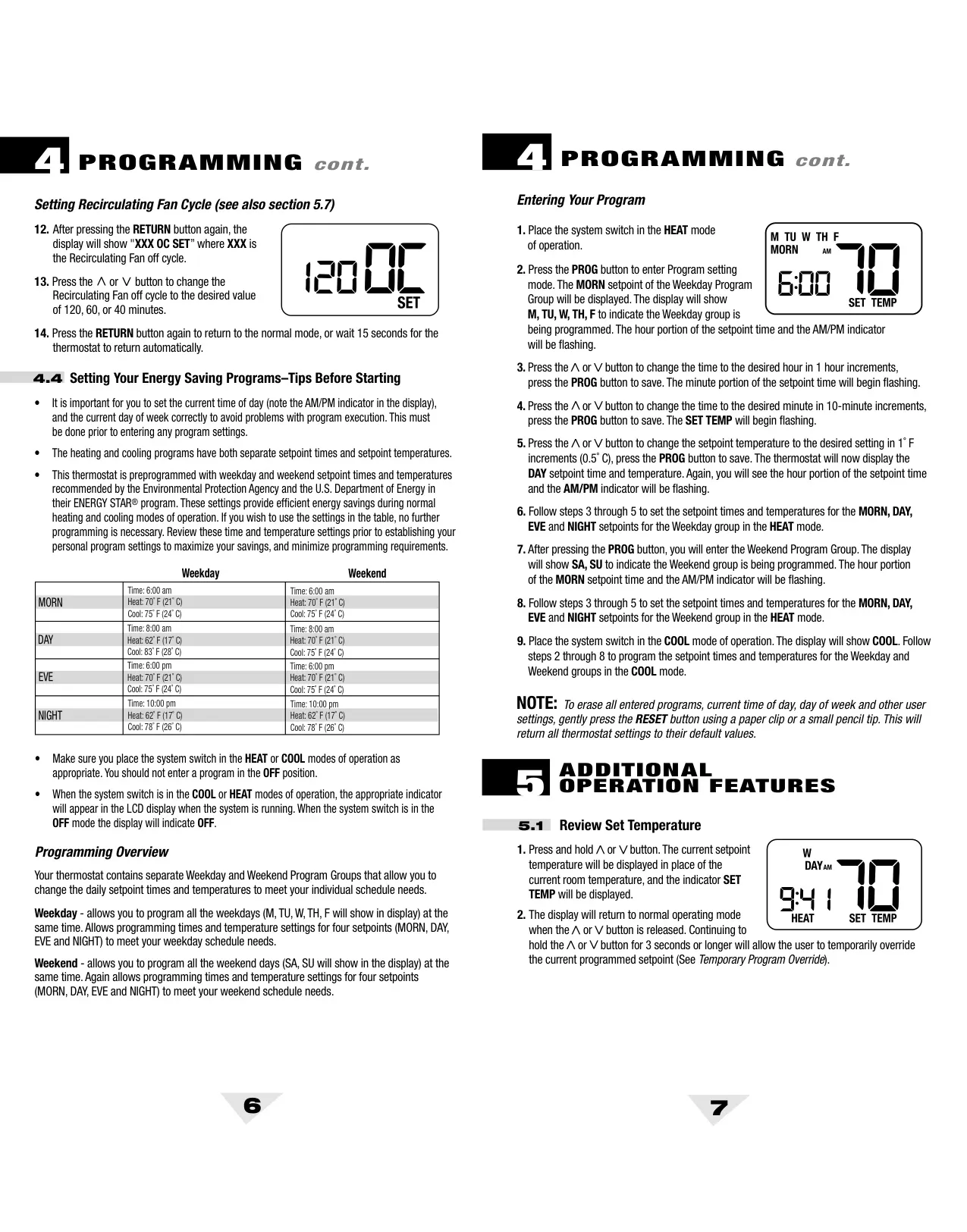
Beyond its core specifications, the thermostat provides remarkable programming flexibility. Users can choose between a 5-2 Day or 7 Day programming mode via an internal switch during installation. This allows for either common weekday/weekend schedules or the ability to customize each day individually, accommodating diverse lifestyle needs. The device comes preprogrammed with ENERGY STAR® recommended settings, facilitating immediate energy savings without complex setup.
User-configurable options enhance comfort and system performance. These include adjusting the Temperature Differential (0.5˚, 1˚, or 2˚ F) to control how often the system cycles, and setting the Residual Cooling Fan Delay (0, 30, 60, or 90 seconds) to maximize cooling efficiency. For longer periods away, the Extended Hold feature can be set for an indefinite duration or a 24-hour period, overriding the program schedule.
The Braeburn 5000 also incorporates intelligent operational modes such as the Adaptive Recovery Mode (ARM™). When enabled, ARM™ learns how long it takes for your system to reach the desired temperature, initiating heating or cooling early to ensure your space is comfortable precisely at your scheduled program times. This feature operates intelligently, optimizing system run-time for both comfort and energy efficiency, though it pauses during manual holds or temporary overrides.
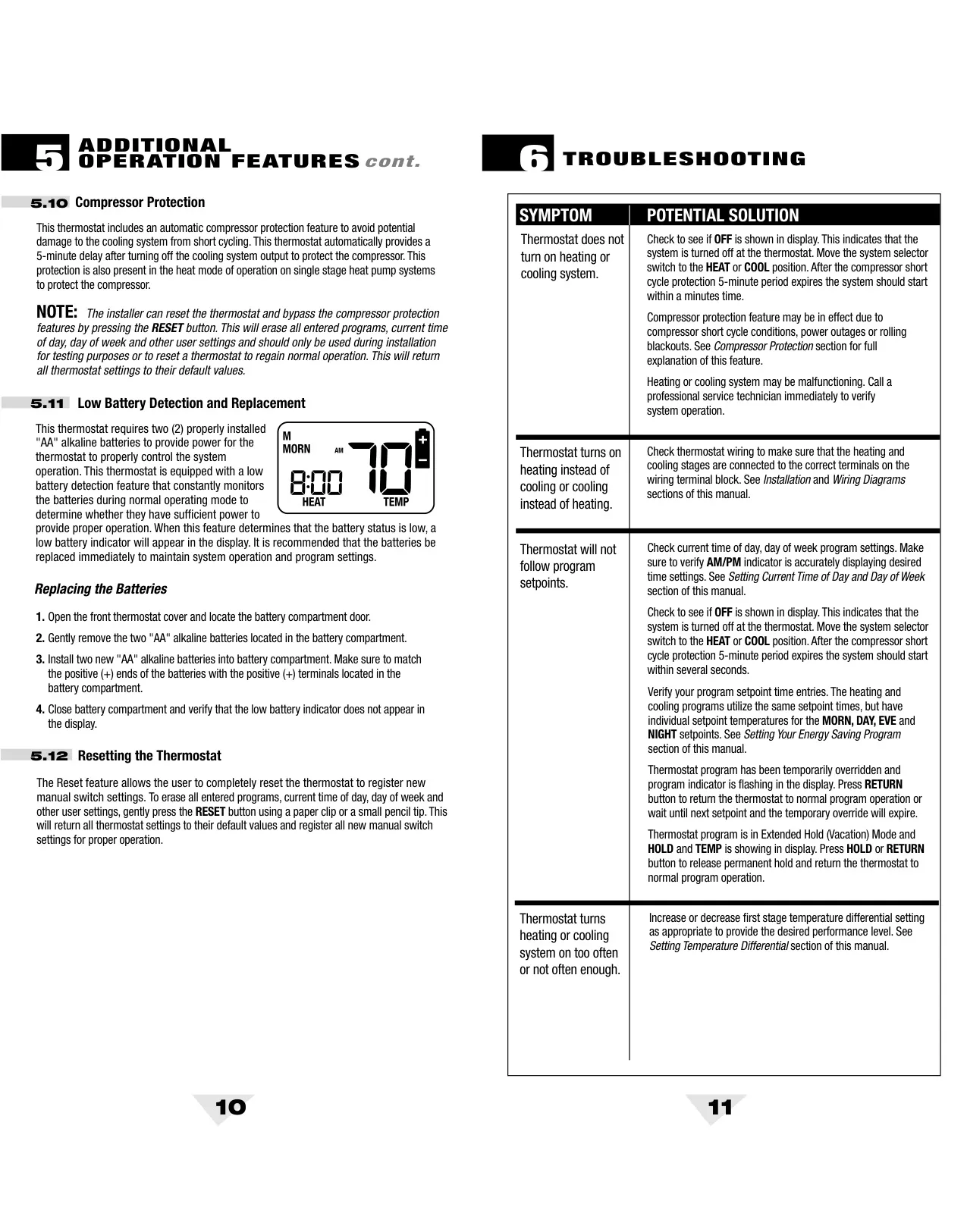
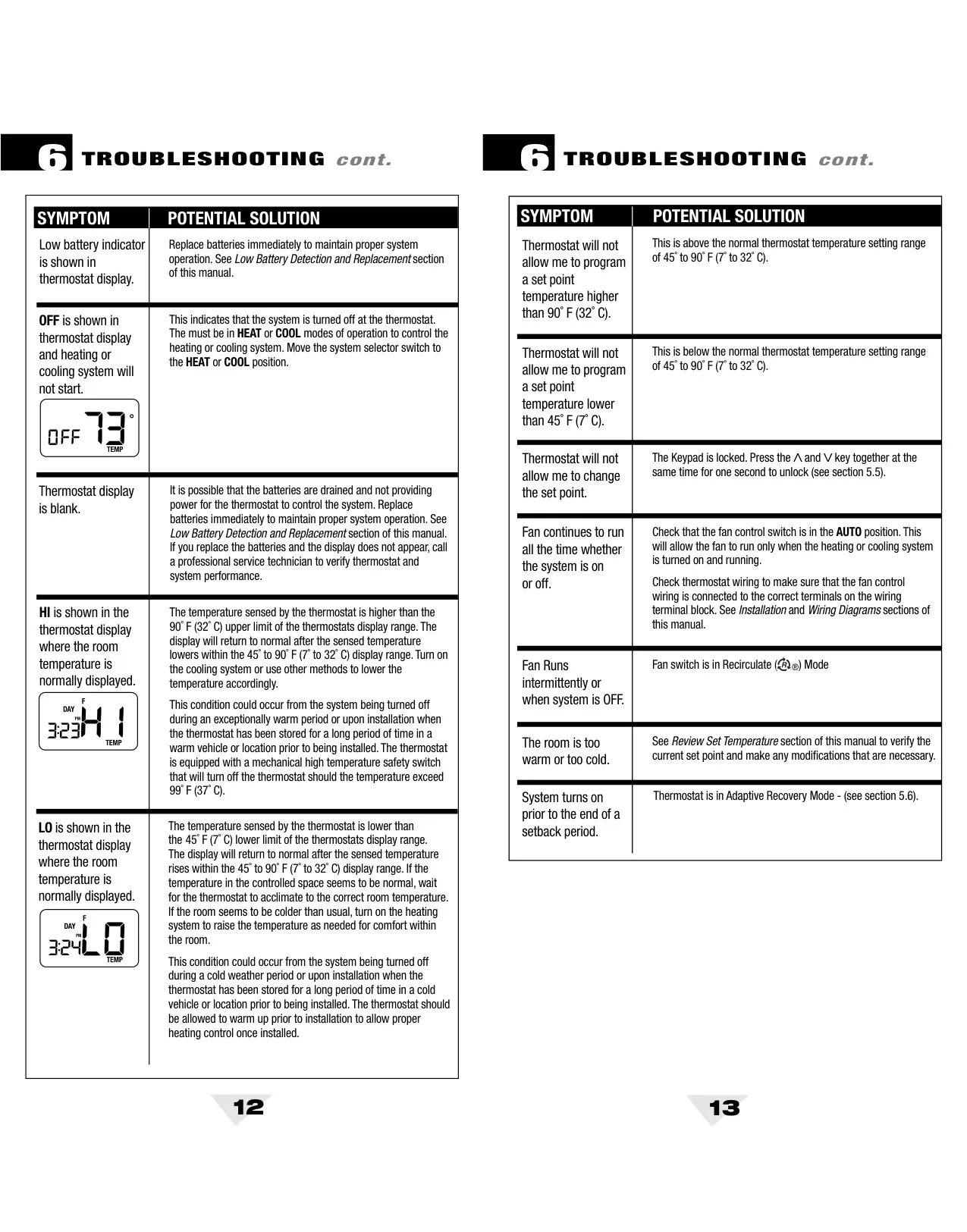
Several safety and maintenance features are integrated to protect the system and inform the user. A Filter Check Monitor can be set to remind users when to inspect or replace air filters, with intervals from 30 to 180 days. For system longevity, an automatic Compressor Protection feature implements a 5-minute delay after turning off cooling (or heat pump heating) to prevent damage from short cycling. The thermostat also has a keypad lockout to prevent accidental adjustments, and a low battery indicator to prompt timely battery replacement, ensuring uninterrupted operation.
Furthermore, the thermostat offers a Recirculating Fan Mode, which can be engaged by moving the fan switch to the recirculate position. In this mode, if neither heating nor cooling is active, the fan will cycle periodically (based on a configurable off-cycle of 40, 60, or 120 minutes) to promote better air circulation and filtration. This feature contributes to more even temperature distribution and improved indoor air quality. In the event of extreme temperatures, a mechanical high-temperature safety switch activates at 99˚F (37˚C) and a software feature at 93˚F (34˚C) to turn off the heating system. For standard heating systems, a Low Temperature "Freeze" Protection will initiate heat at 41˚F (5˚C) even if batteries are depleted, safeguarding against freezing conditions.
Frequently Asked Questions (FAQs)
Can't find the answer you need? Here are some frequently asked questions about the Braeburn 5000 Thermostat, and we answer them below.