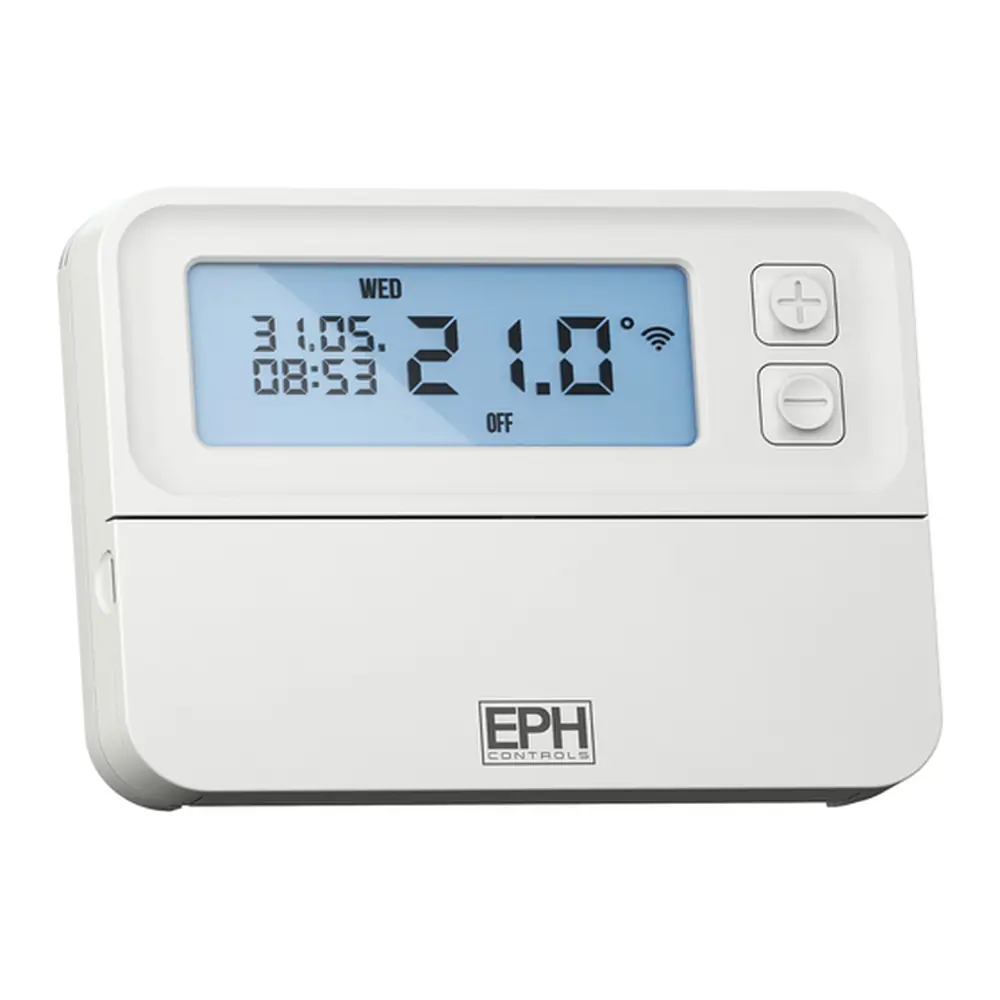
EPH Combi Pack 4 Thermostat Instruction Manual
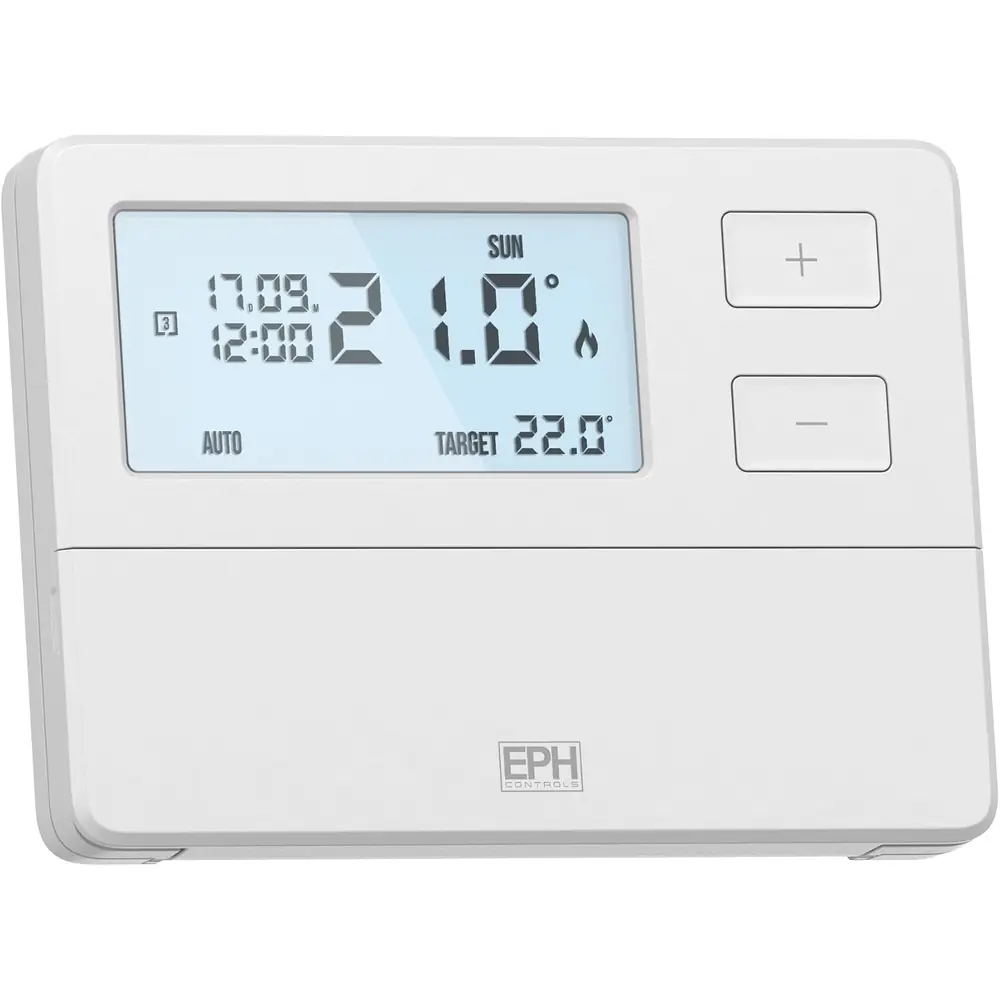
EPH Combi Pack 4 Thermostat











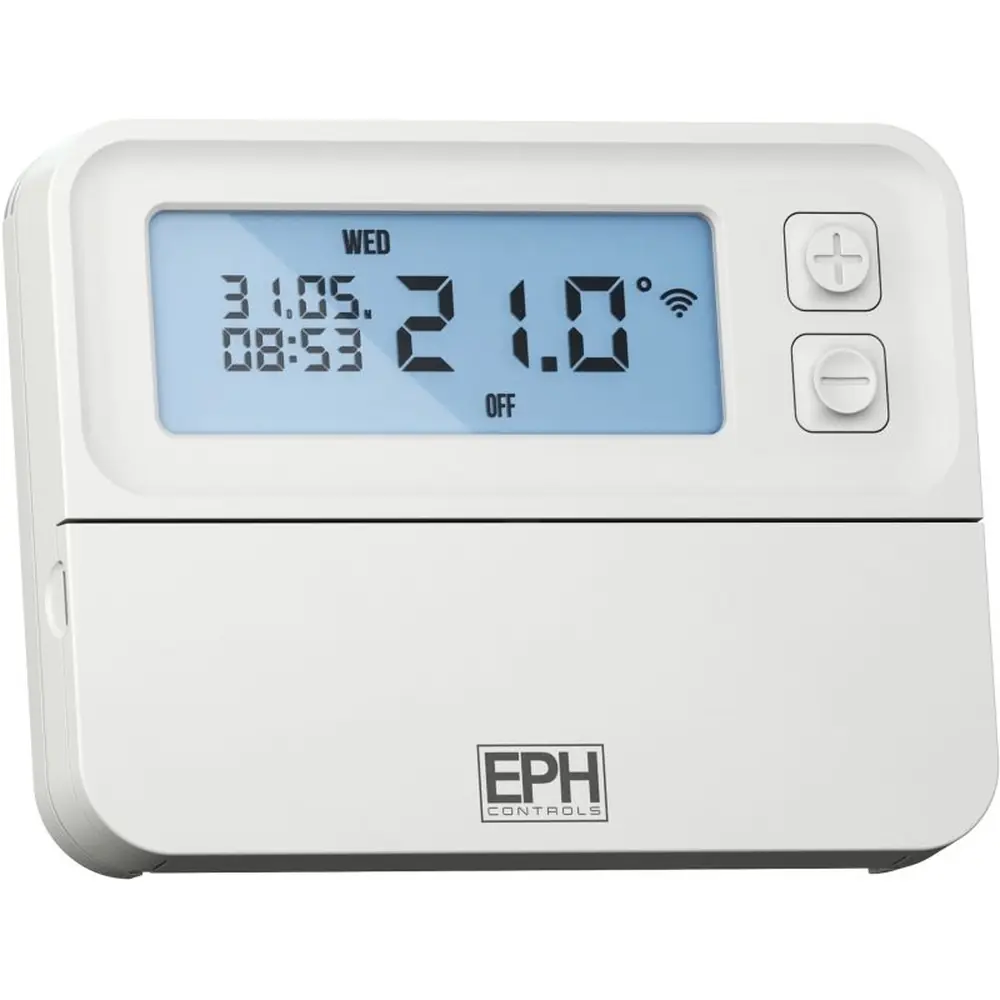
EPH Combi Pack 4 Thermostat

EPH Combi Pack 4 Thermostat Instructions
Here we offer the EPH Combi Pack 4 Thermostat manual completely free and in English. We have cataloged this manual in the Thermostats section on Manualverse, and it has been rated by 1 users with an average rating of 5. If you have any specific questions about EPH Combi Pack 4 Thermostat, we suggest checking the Frequently Asked Questions (FAQs) section of this manual.
Product Images
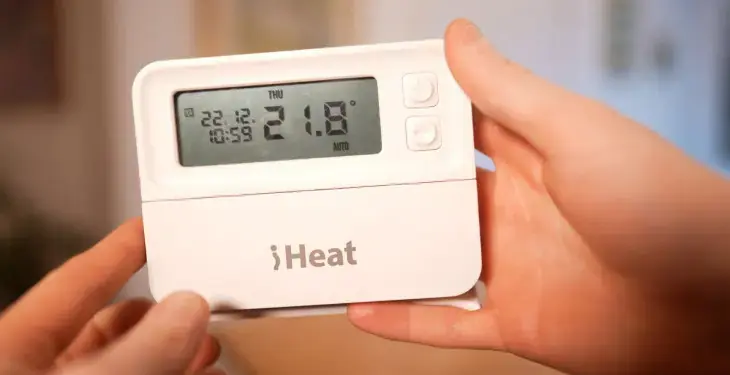
EPH Combi Pack 4 Thermostat Specifications
| Feature | Specification |
|---|---|
| Kit Components | RFRP-OT wireless room thermostat + RF1A-OT wireless receiver (OpenTherm®) |
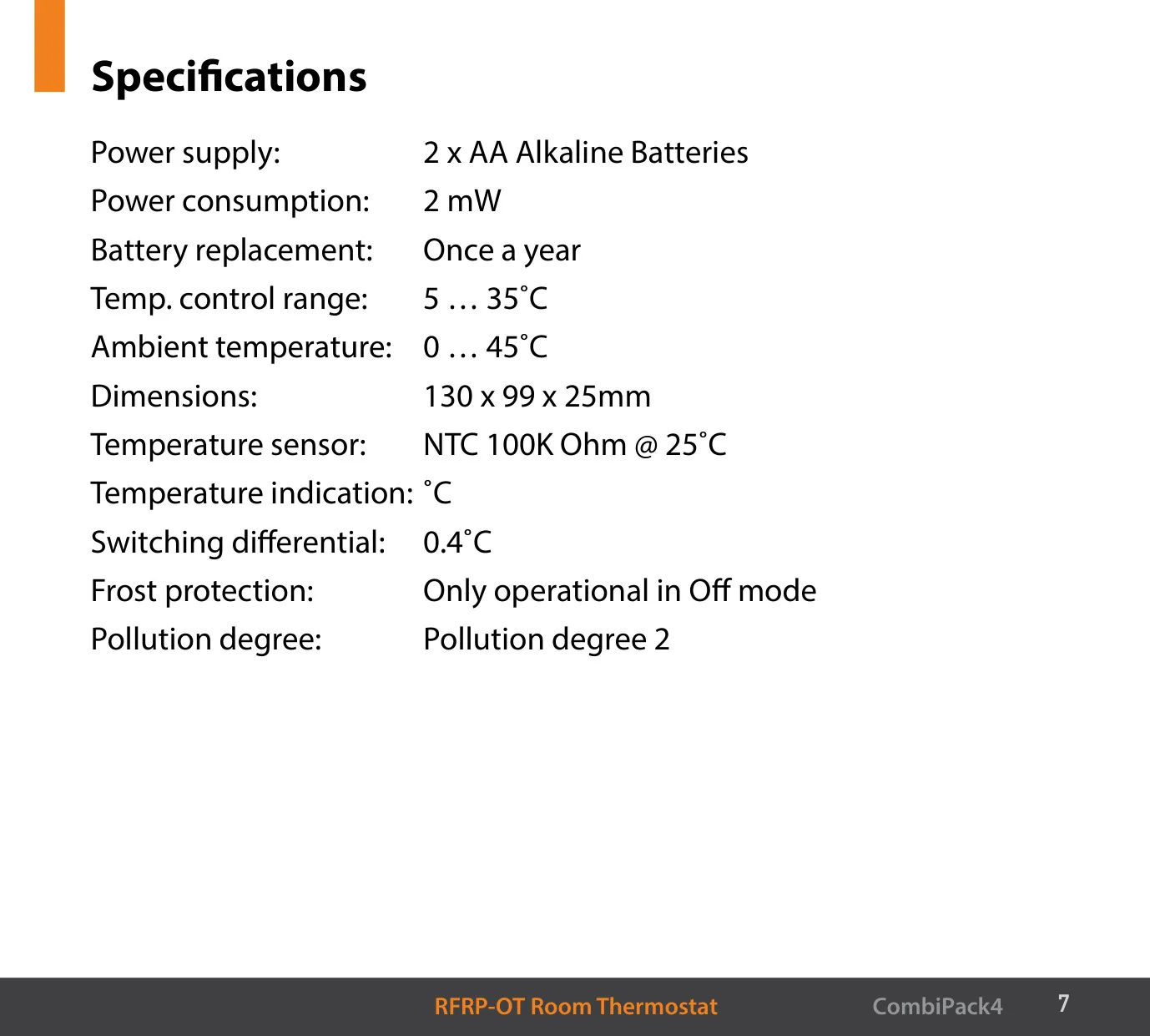
| Thermostat Power Supply | 2 x AA alkaline batteries |
| Thermostat Power Consumption | 2 mW |
| Battery Replacement | Once a year |
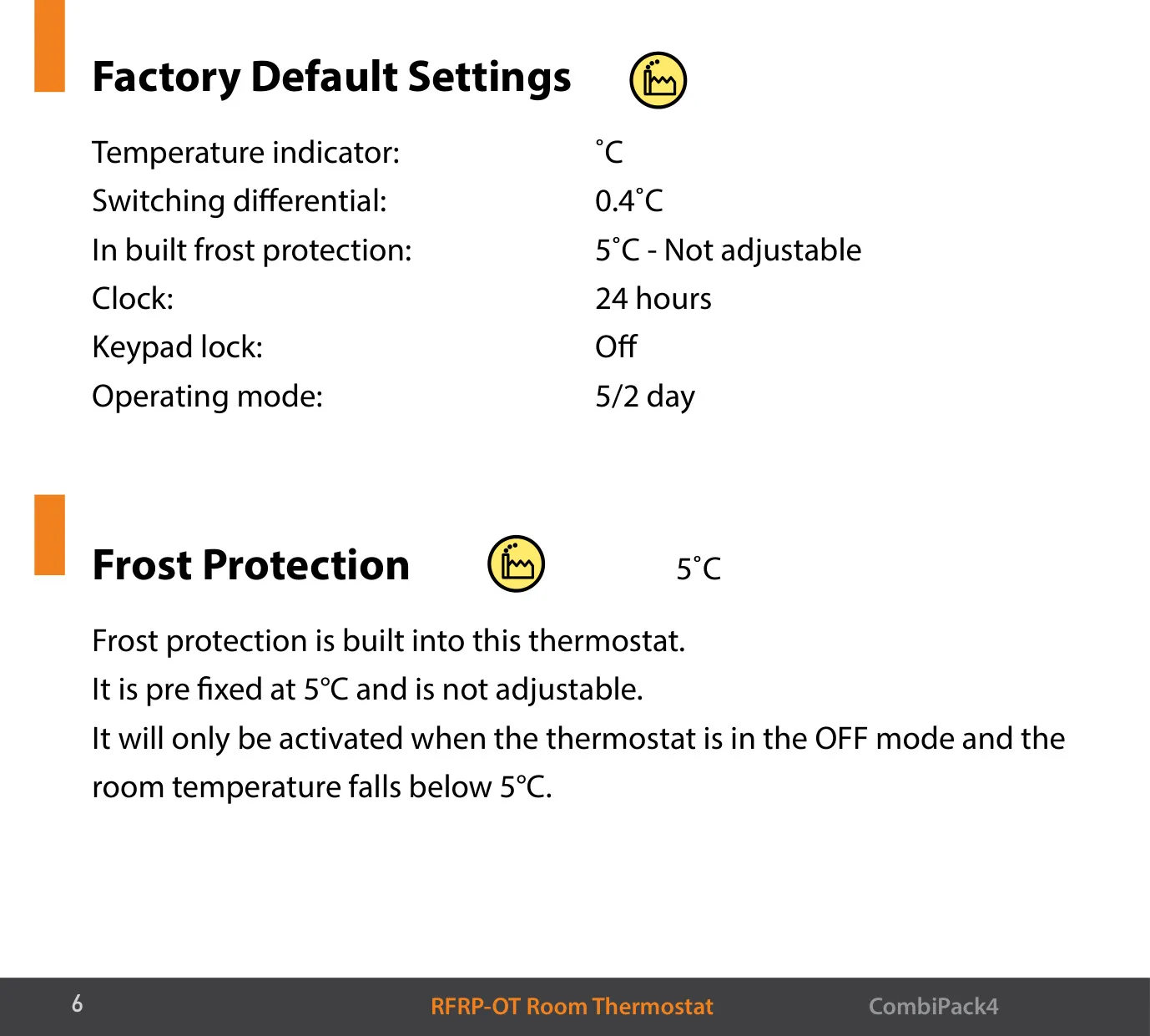
| Temperature Control Range | 5 … 35 °C |
| Thermostat Ambient Temperature | 0 … 45 °C |
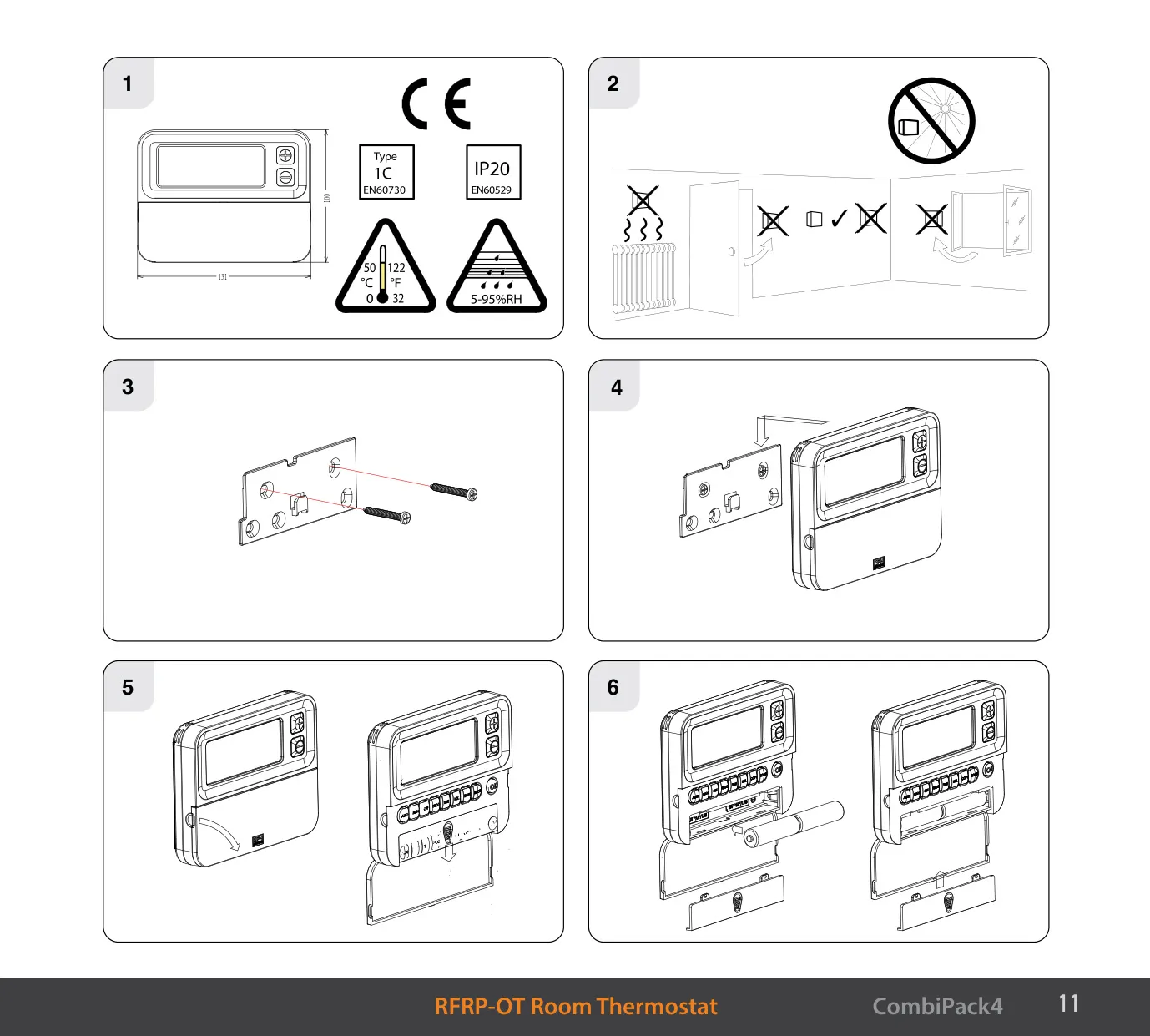
| Thermostat Dimensions | 130 x 99 x 25 mm |
| Temperature Sensor | NTC 100K Ohm @ 25 °C |
| Temperature Indication | °C |
| Switching Differential (Default) | 0.4 °C |
| Built-in Frost Protection | 5 °C, fixed, only operational in OFF mode |
| Clock Format | 24 hours |
| Default Operating Mode | 5/2 day |
| Programs per Day | 6 (time and temperature per program) |
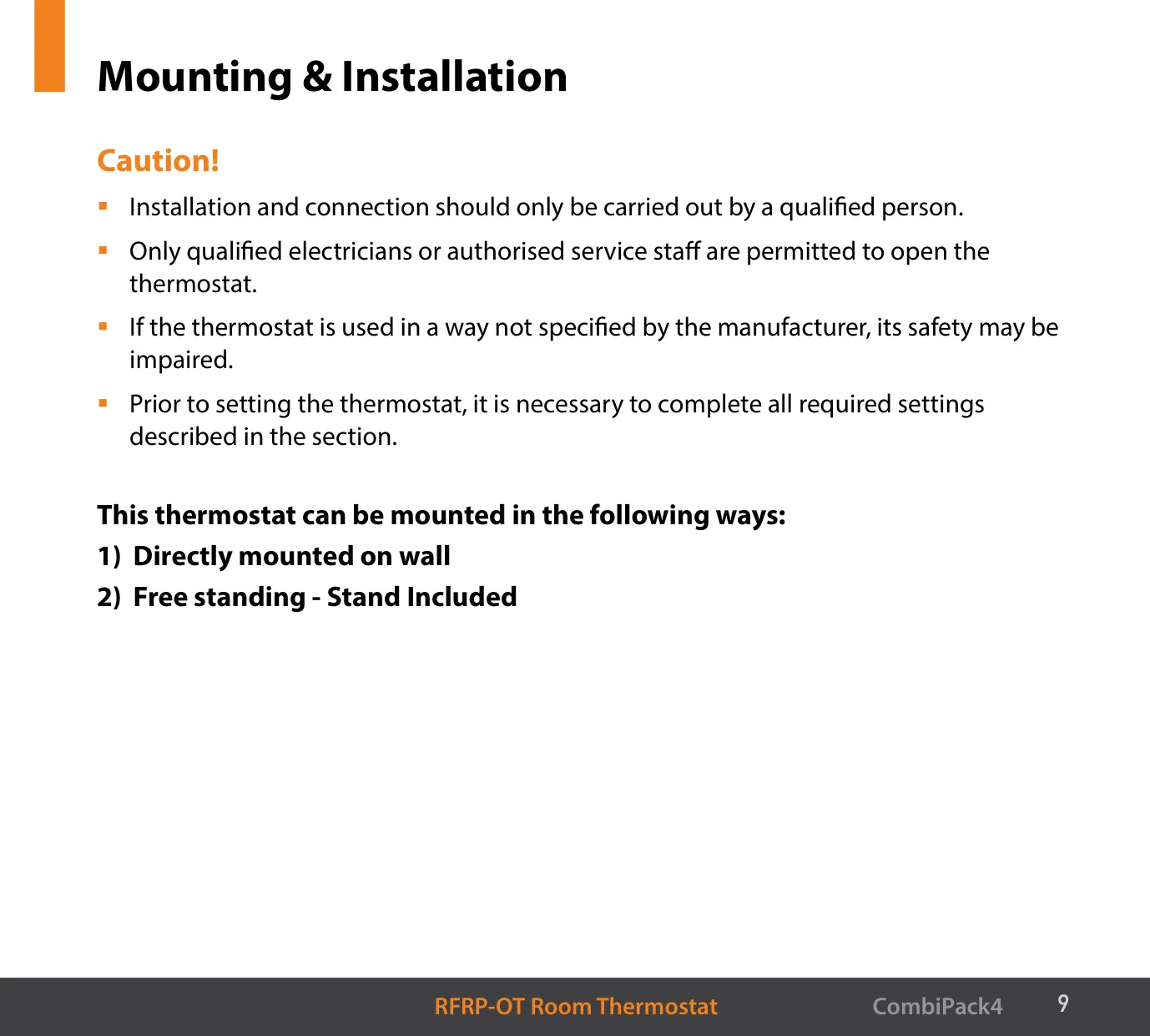
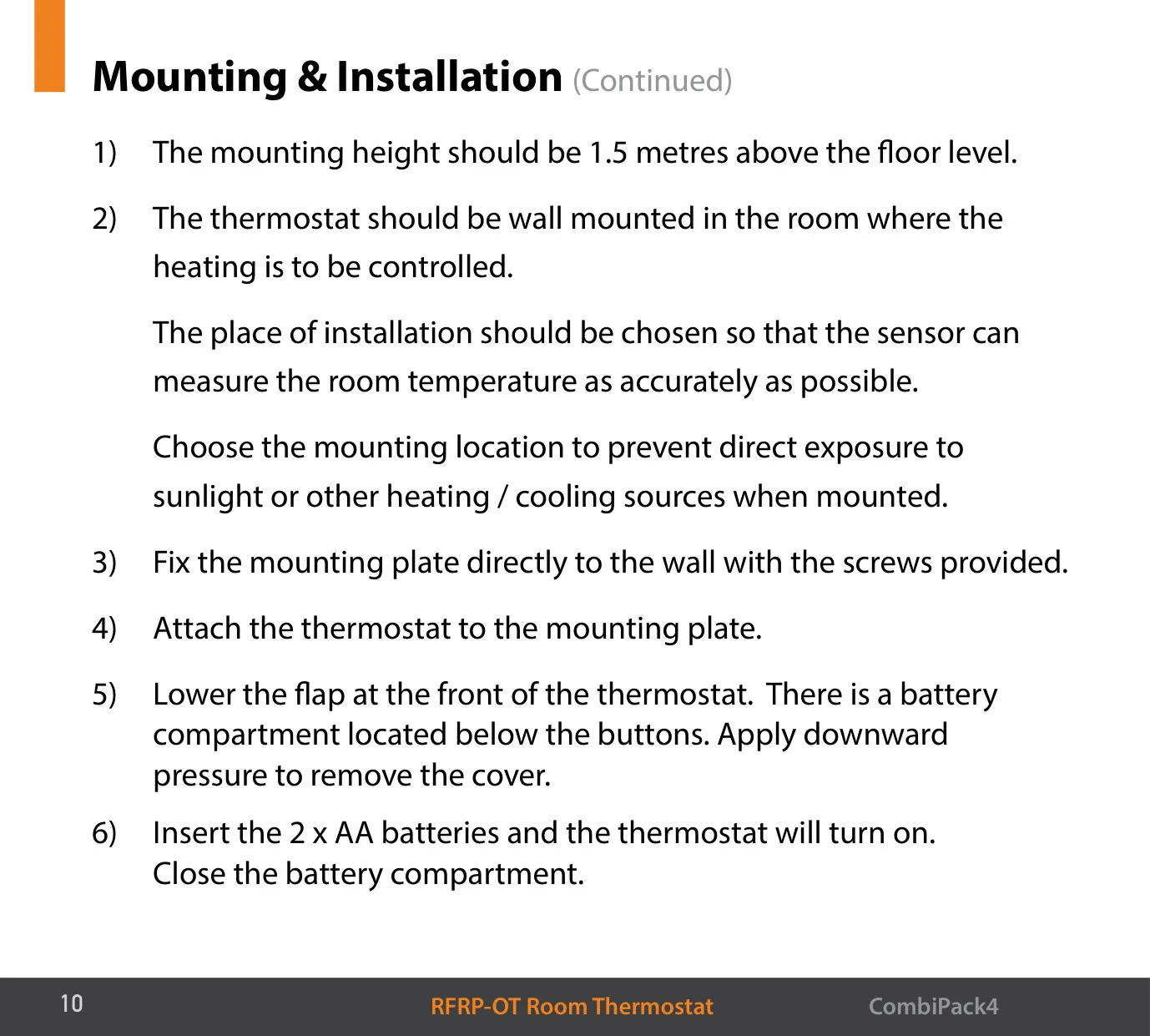
| Thermostat Mounting | Wall mounted or free standing (stand included) |
| Recommended Mounting Height | 1.5 m above floor level |
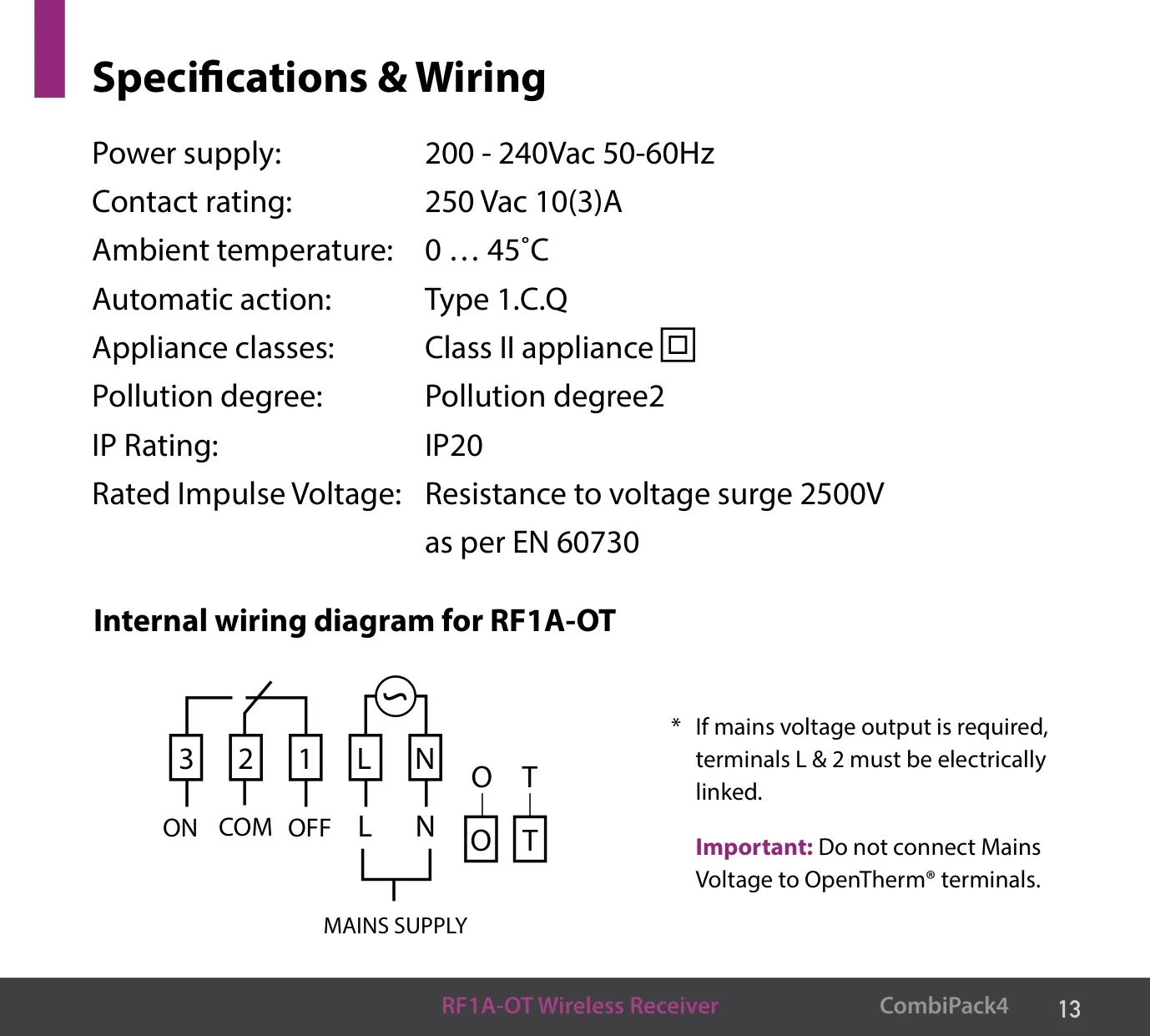
| Receiver Power Supply | 200 - 240 Vac, 50-60 Hz |
| Receiver Contact Rating | 250 Vac 10(3) A |
| Receiver Ambient Temperature | 0 … 45 °C |
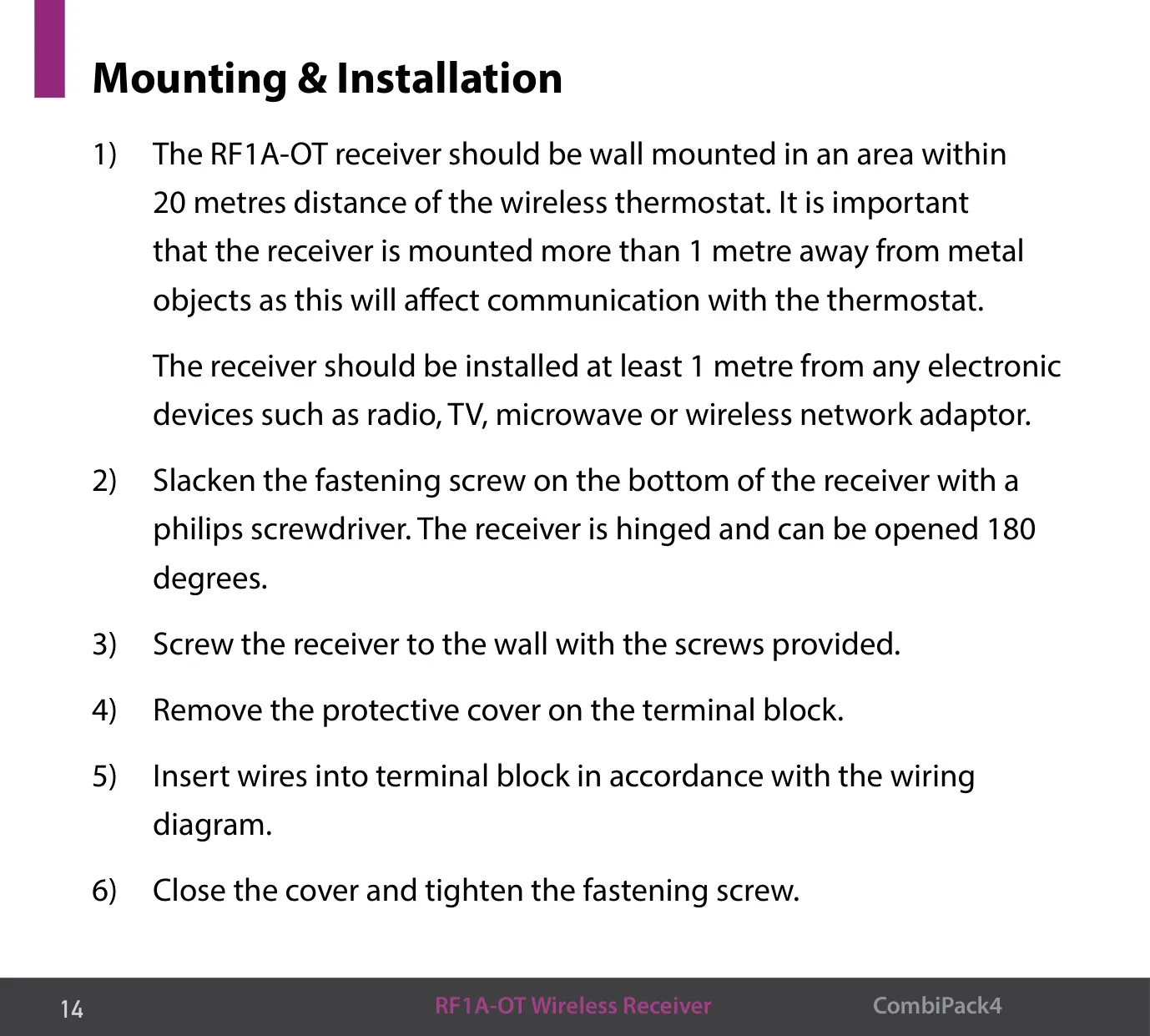
| Receiver Dimensions (Diagram) | Approx. 84 x 86 mm |
| Automatic Action | Type 1.C.Q |
| Appliance Class | Class II |
| Pollution Degree | Pollution degree 2 |
| IP Rating (Receiver) | IP20 |
| Rated Impulse Voltage | 2500 V as per EN 60730 |
| Receiver Terminals | 3, 2, 1 (ON / COM / OFF), L, N, O, T (OpenTherm®) |
| Wireless Range | Receiver within 20 m of the thermostat |
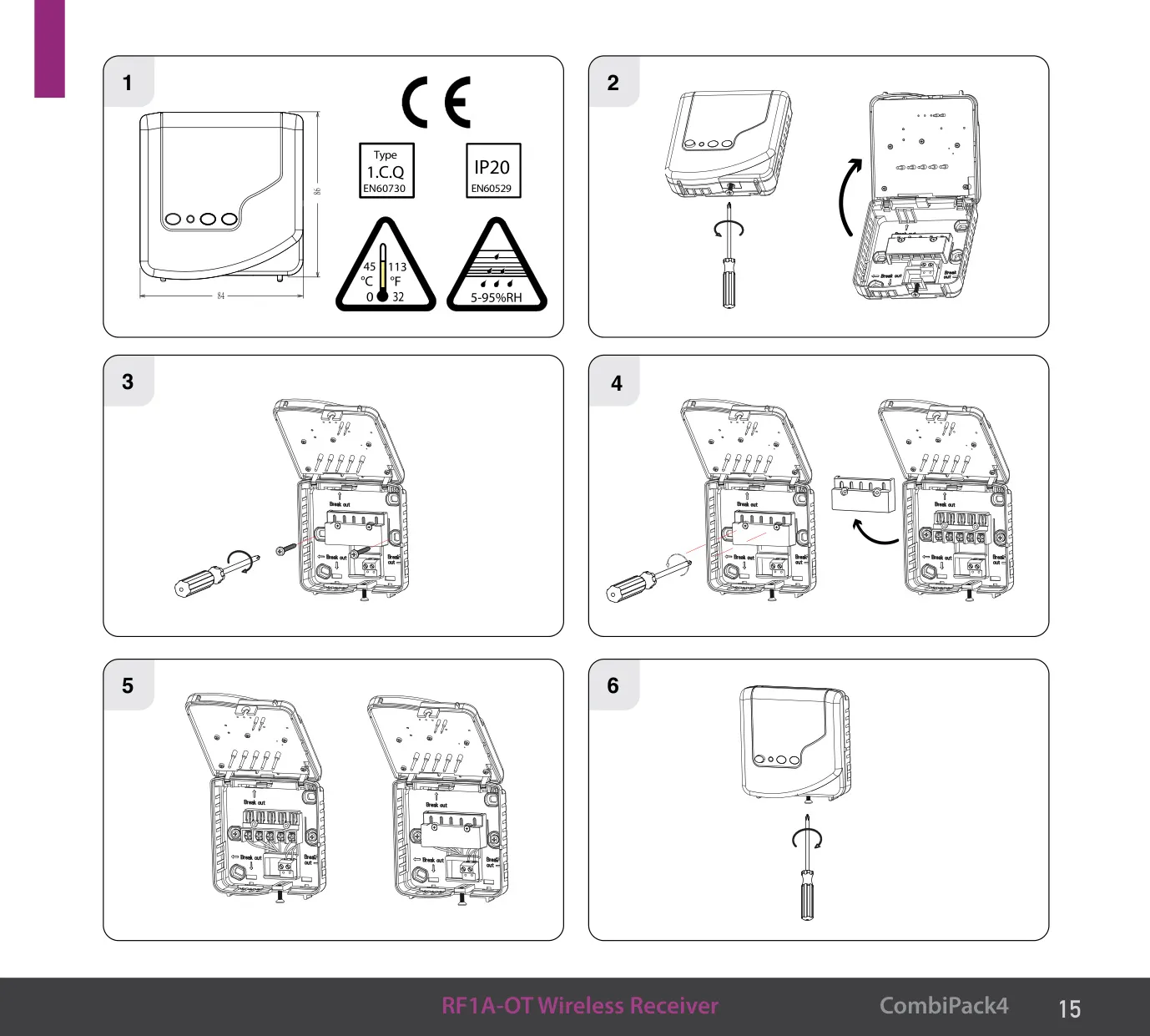
| Receiver Clearance | Min. 1 m from metal objects and electronic devices |
| Max. Thermostats per OpenTherm® Boiler | 6 (via hub receiver) |
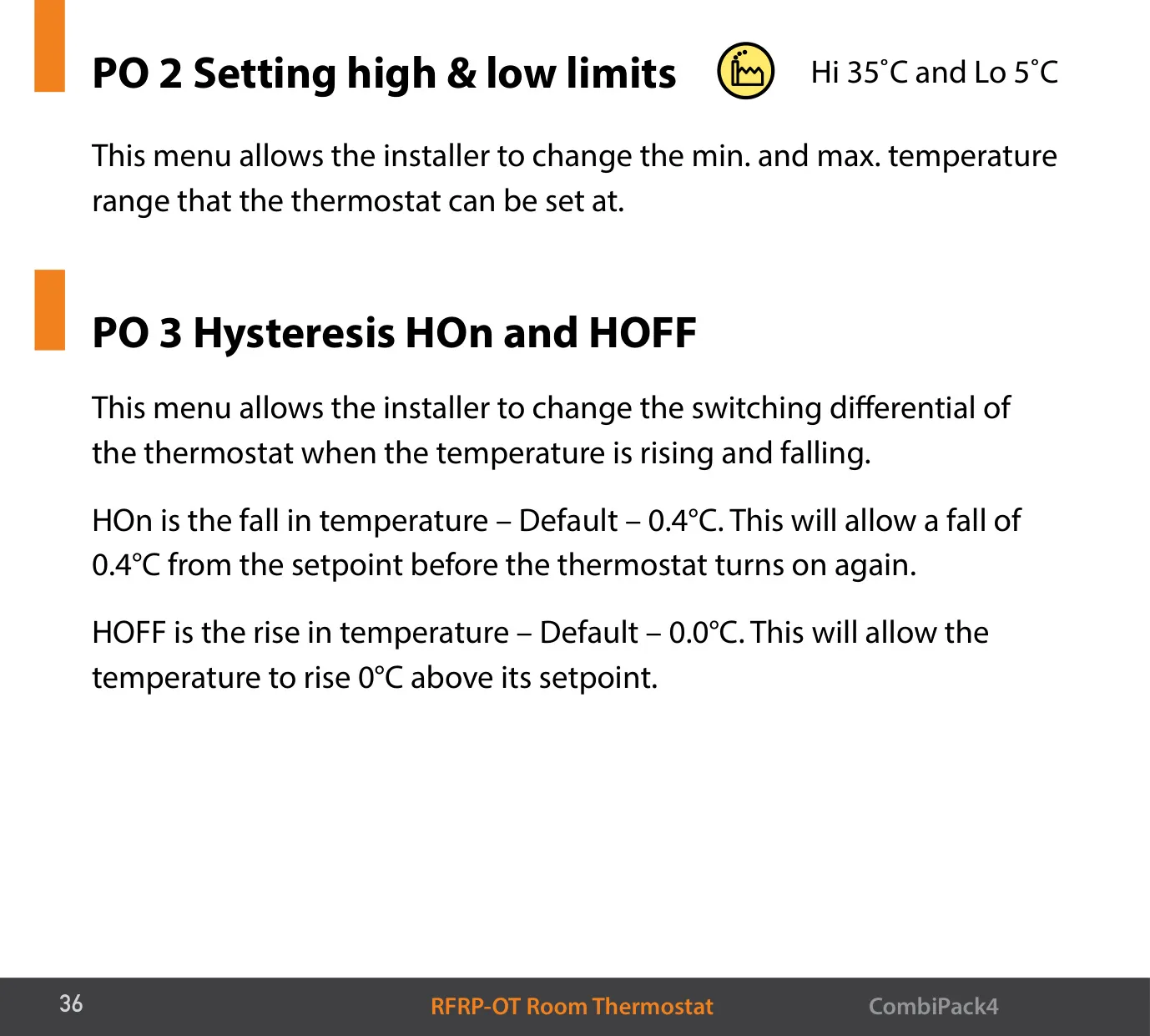
| High / Low Limits (Default) | Hi 35 °C / Lo 5 °C |
| DHW Temperature Adjustment Step | 0.5 °C |
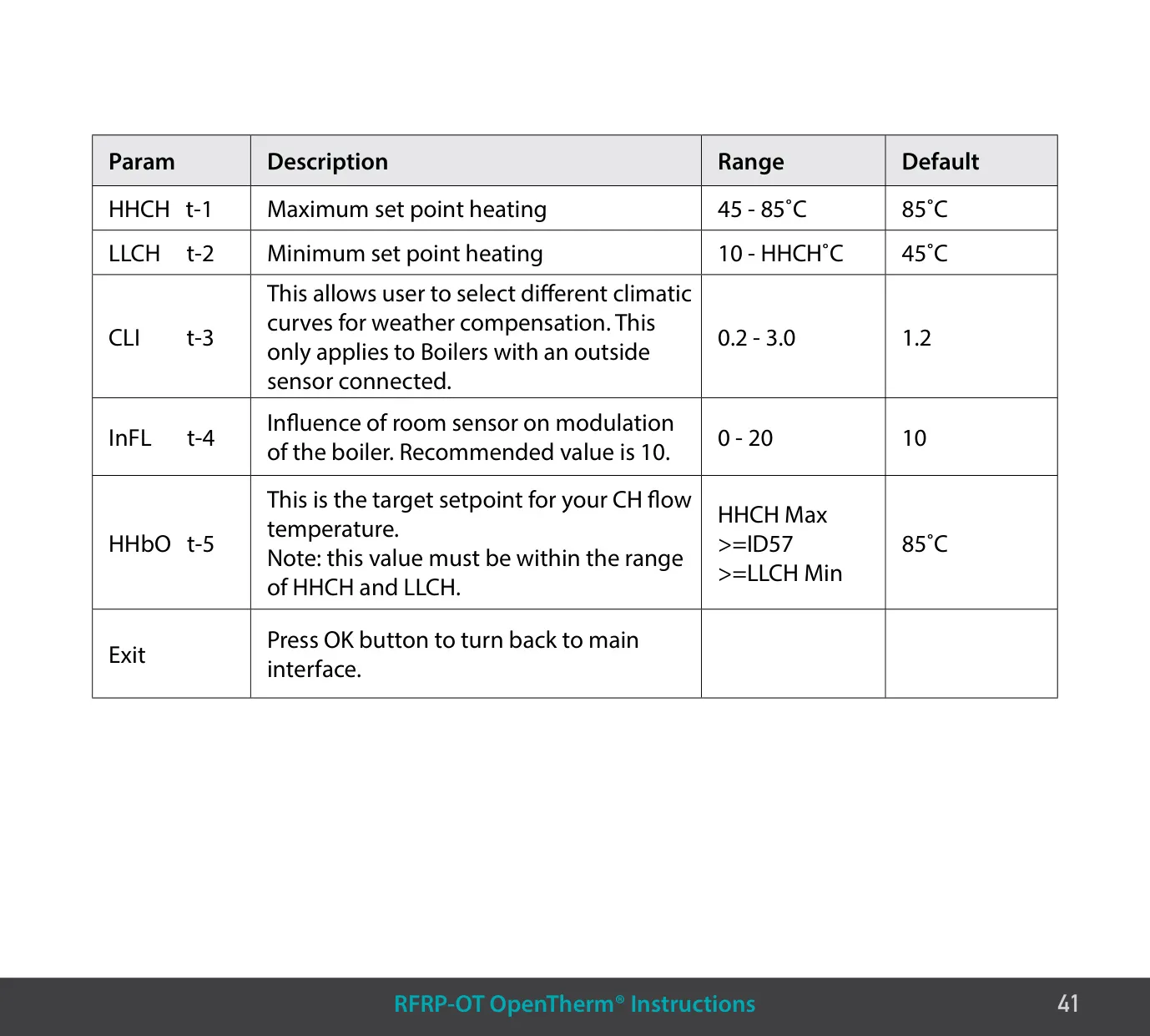
| HHCH – Maximum Heating Setpoint | 45 - 85 °C (default 85 °C) |
| LLCH – Minimum Heating Setpoint | 10 °C - HHCH (default 45 °C) |
| CLI – Climatic Curve | 0.2 - 3.0 (default 1.2) |
| InFL – Room Sensor Influence | 0 - 20 (default 10) |
| HHbO – CH Flow Target Setpoint | Between LLCH and HHCH (default 85 °C) |
EPH Combi Pack 4 Thermostat Details
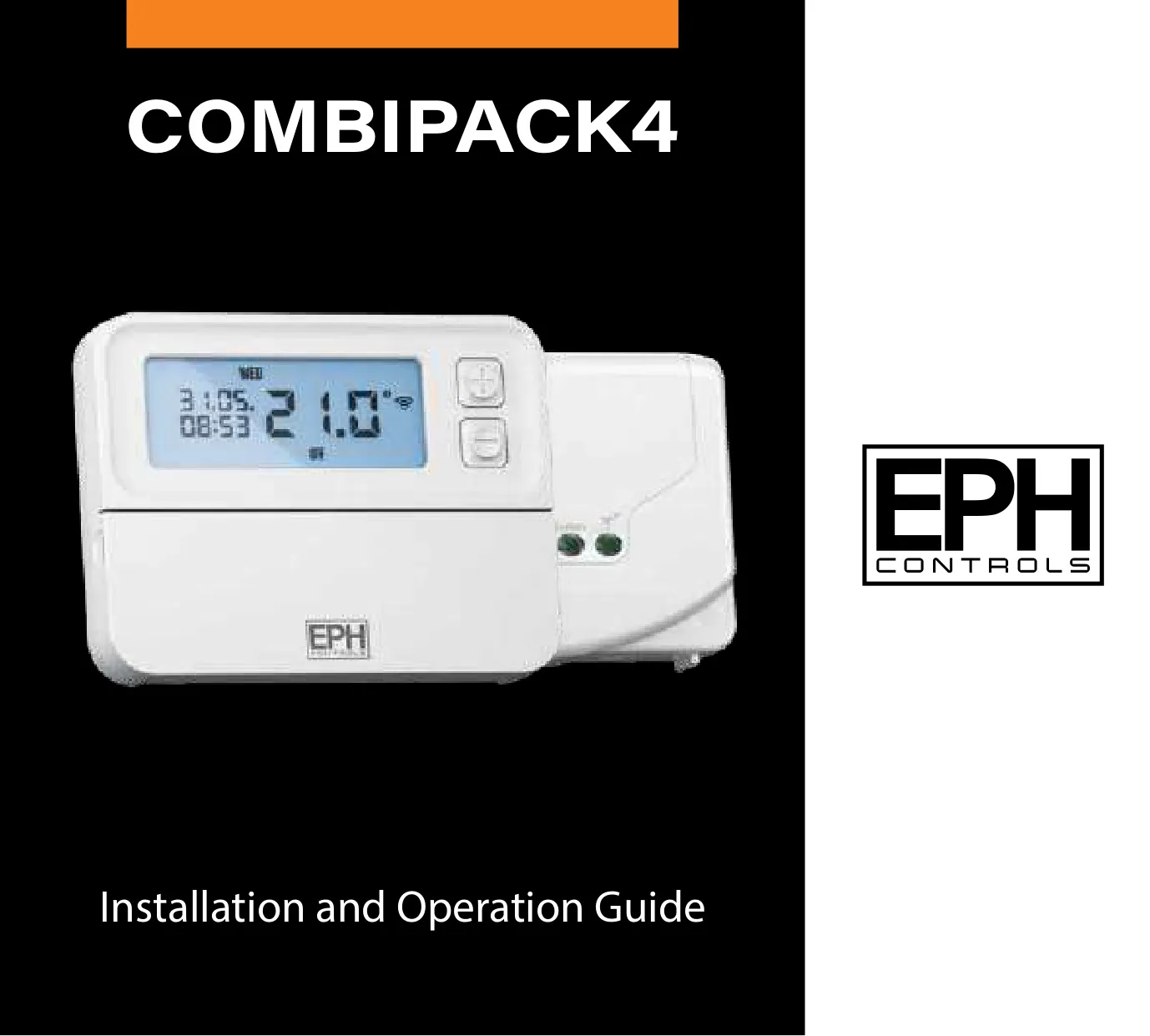
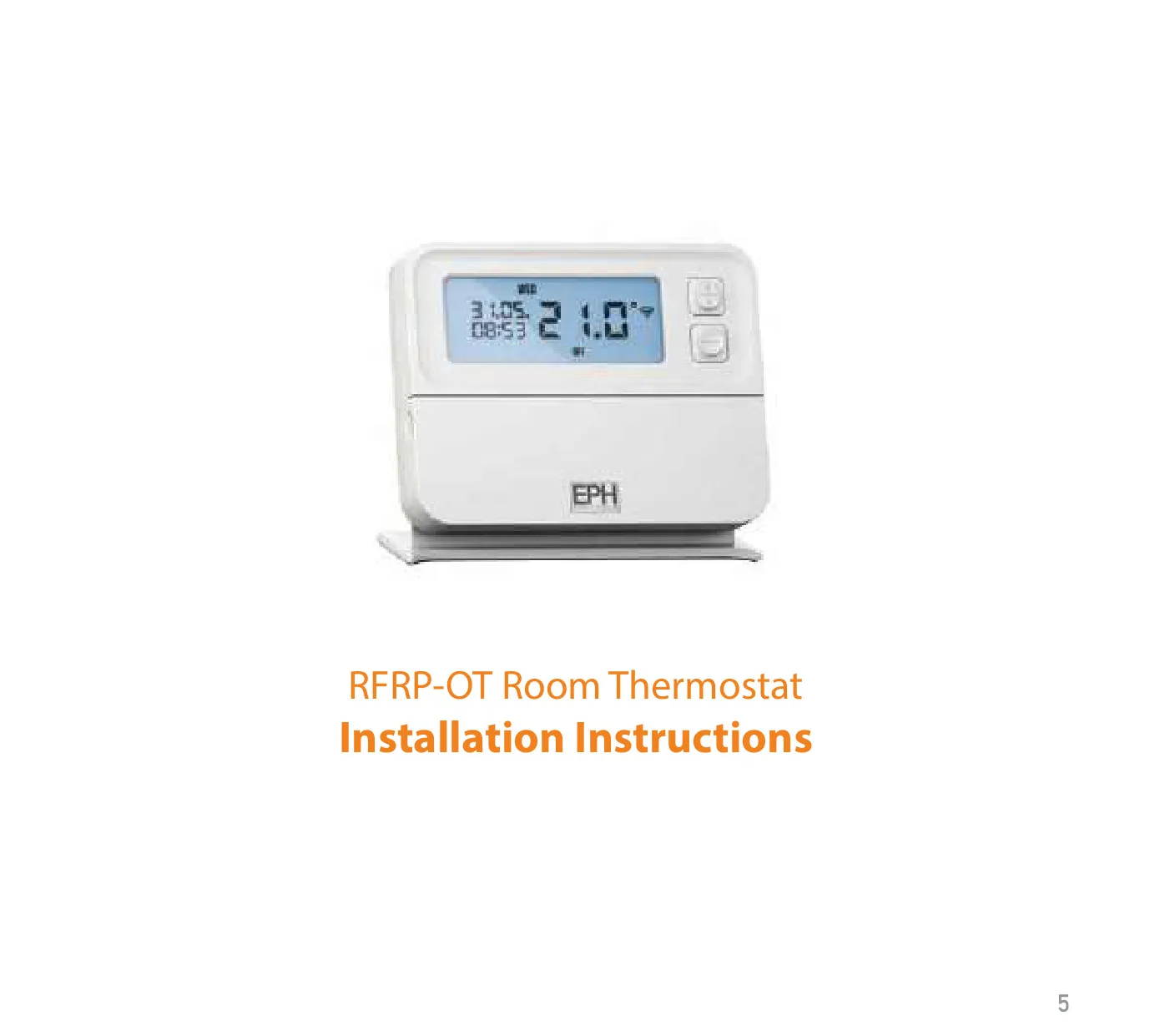
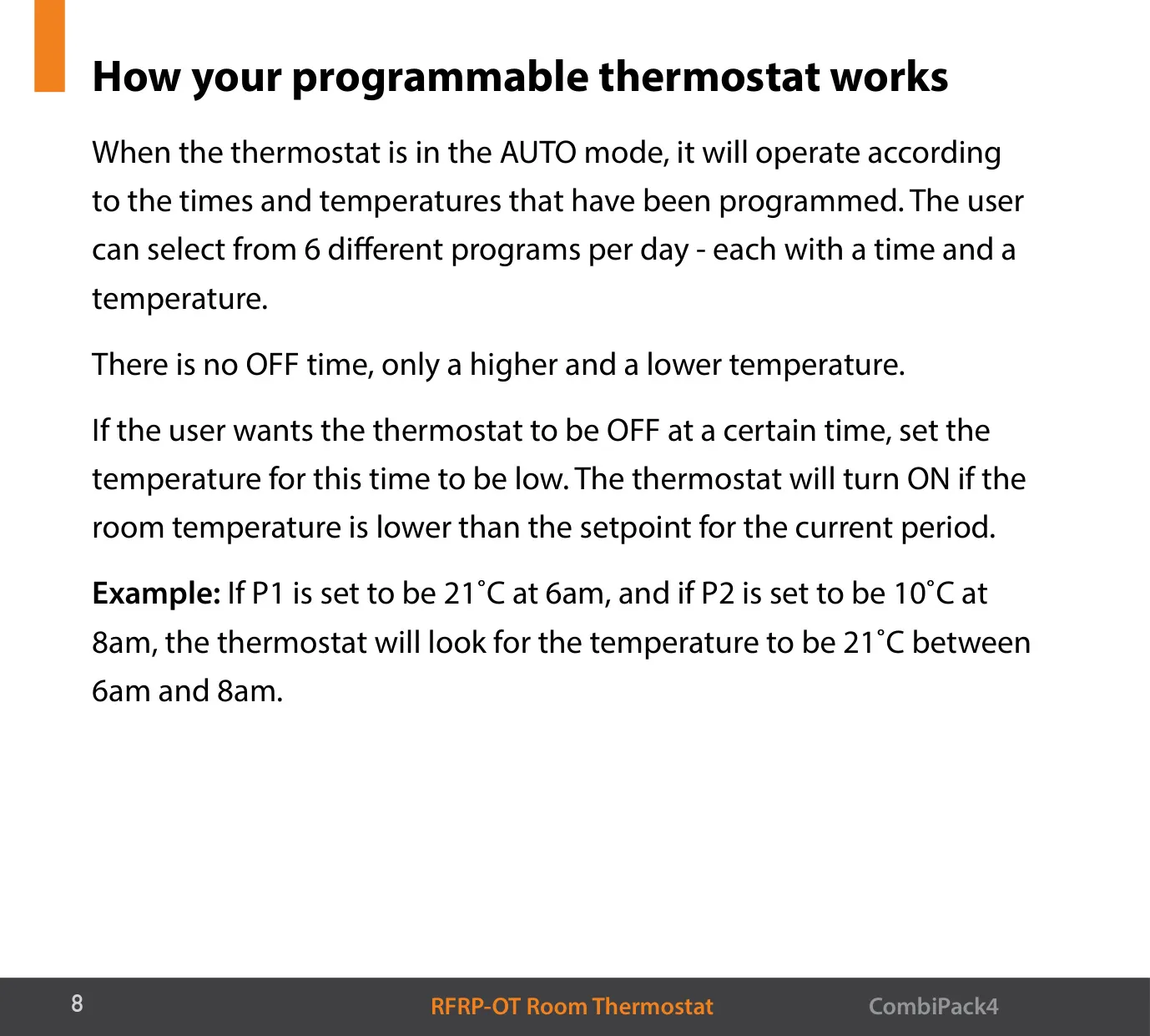
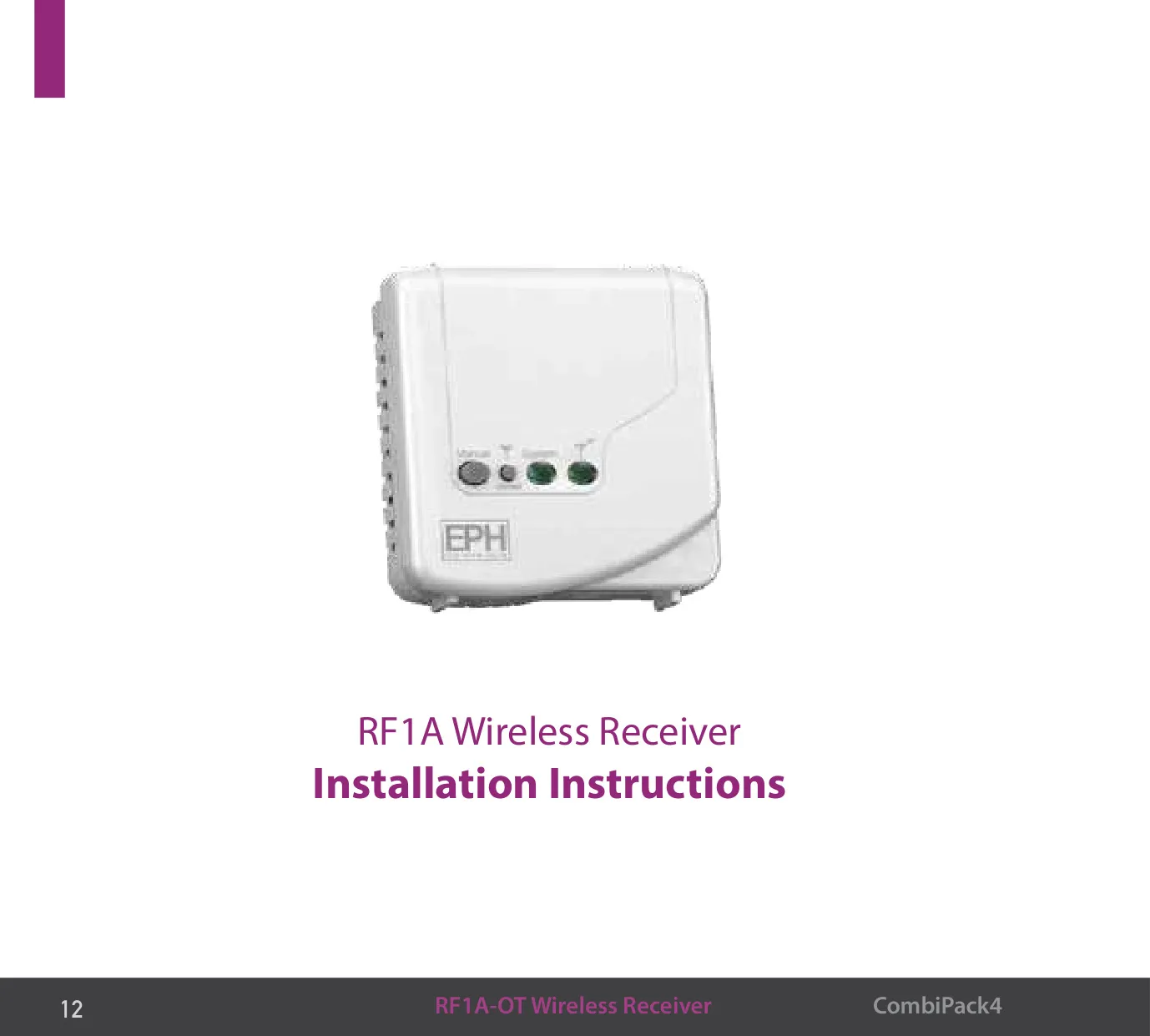
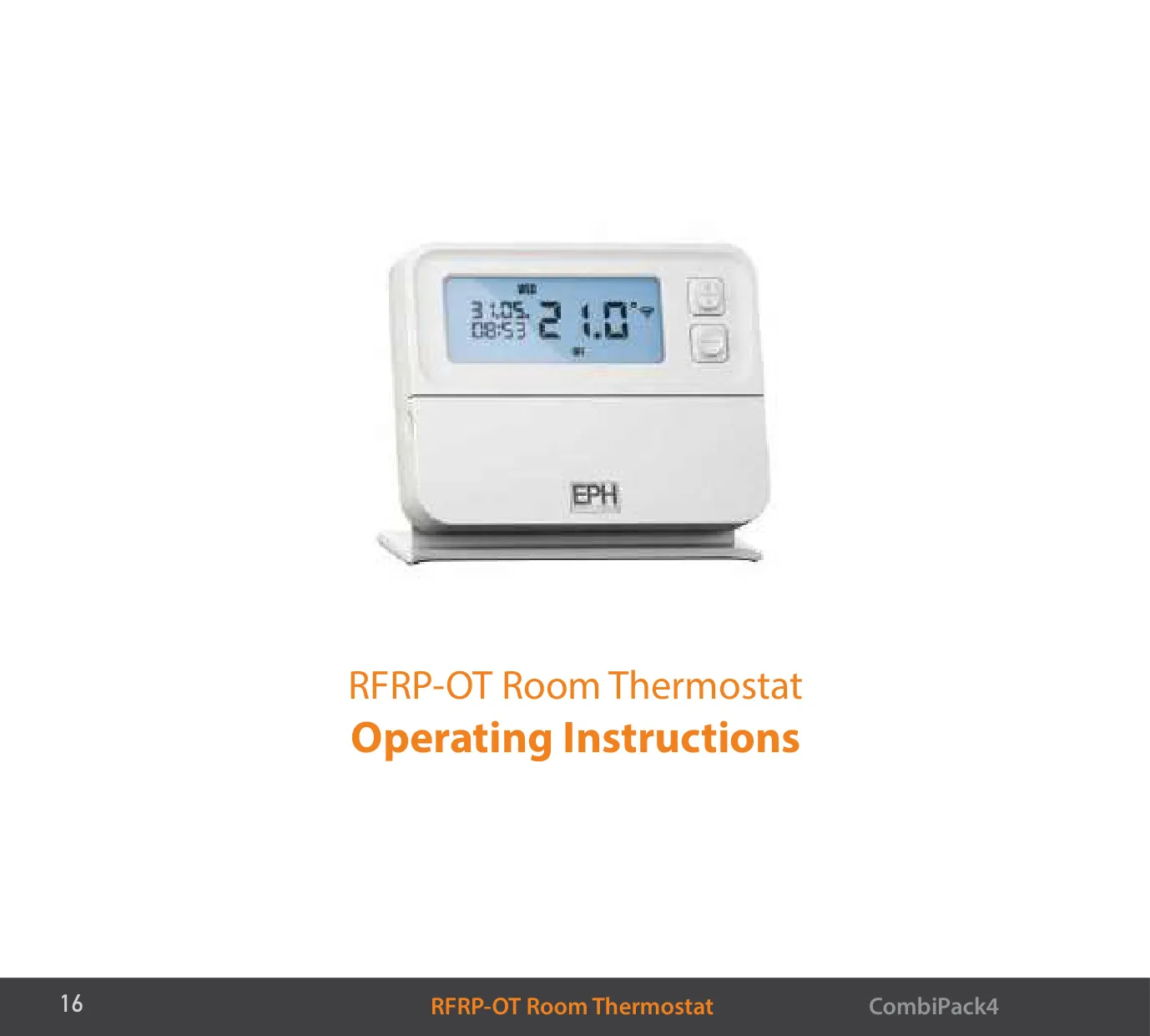
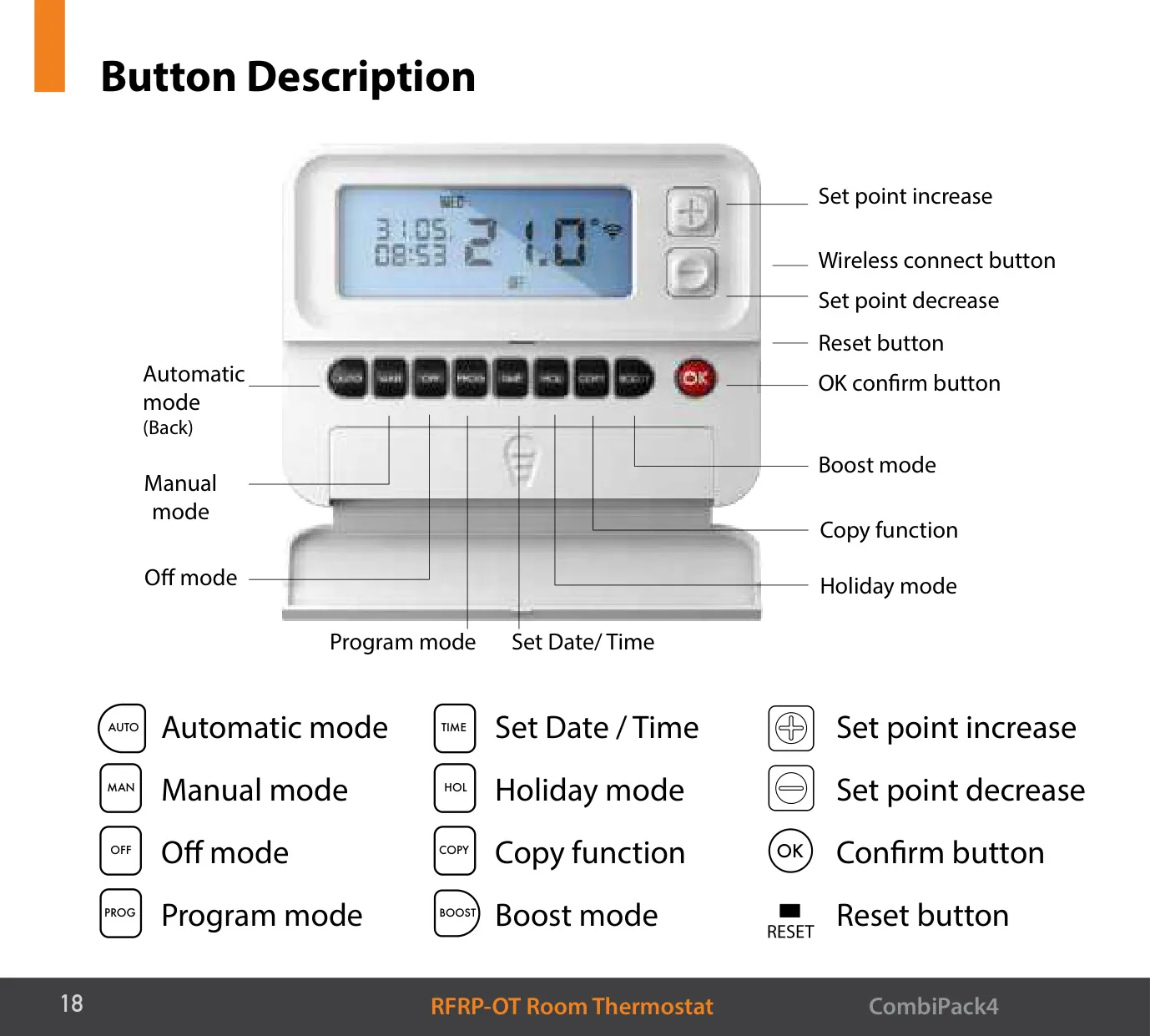
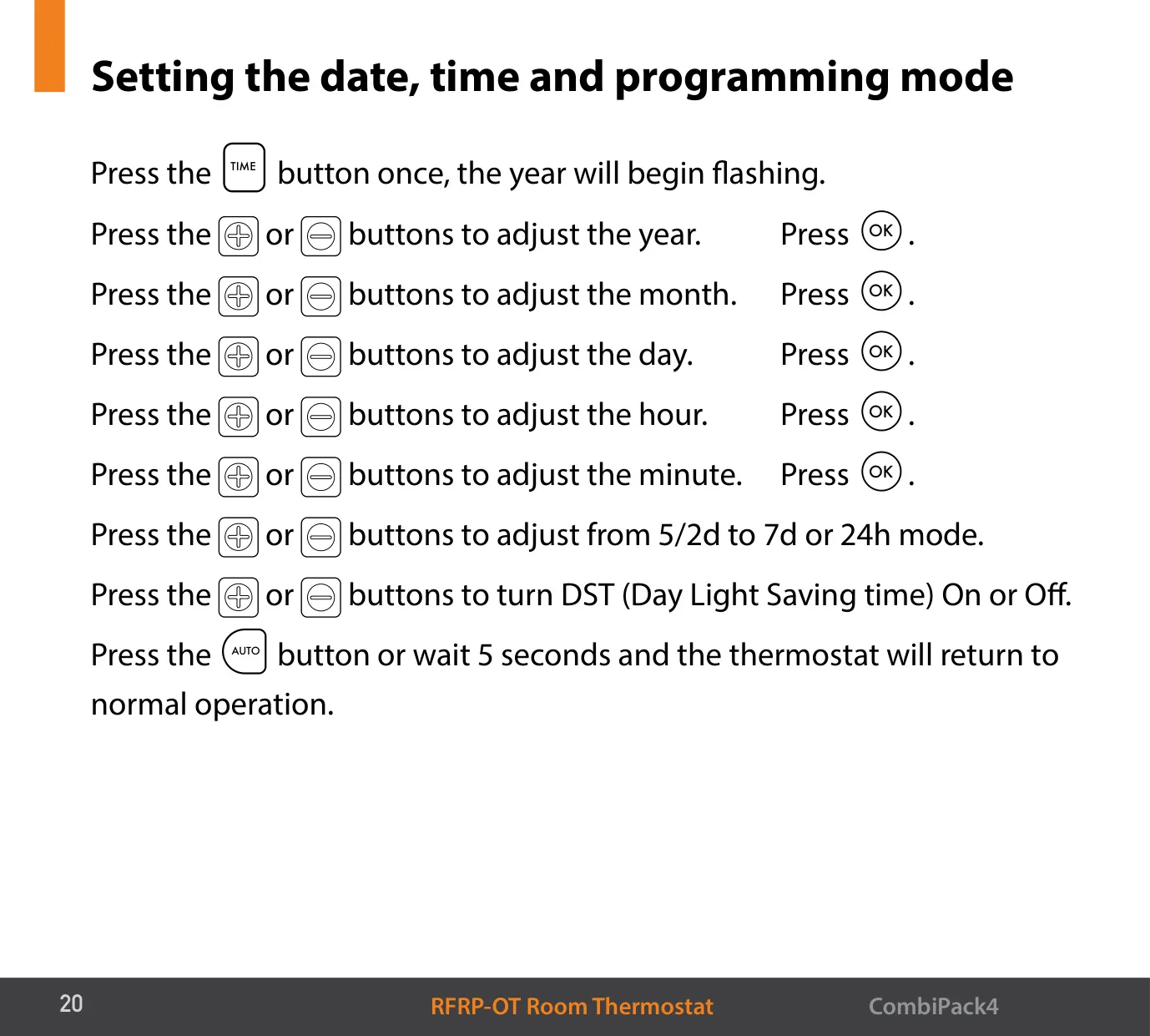
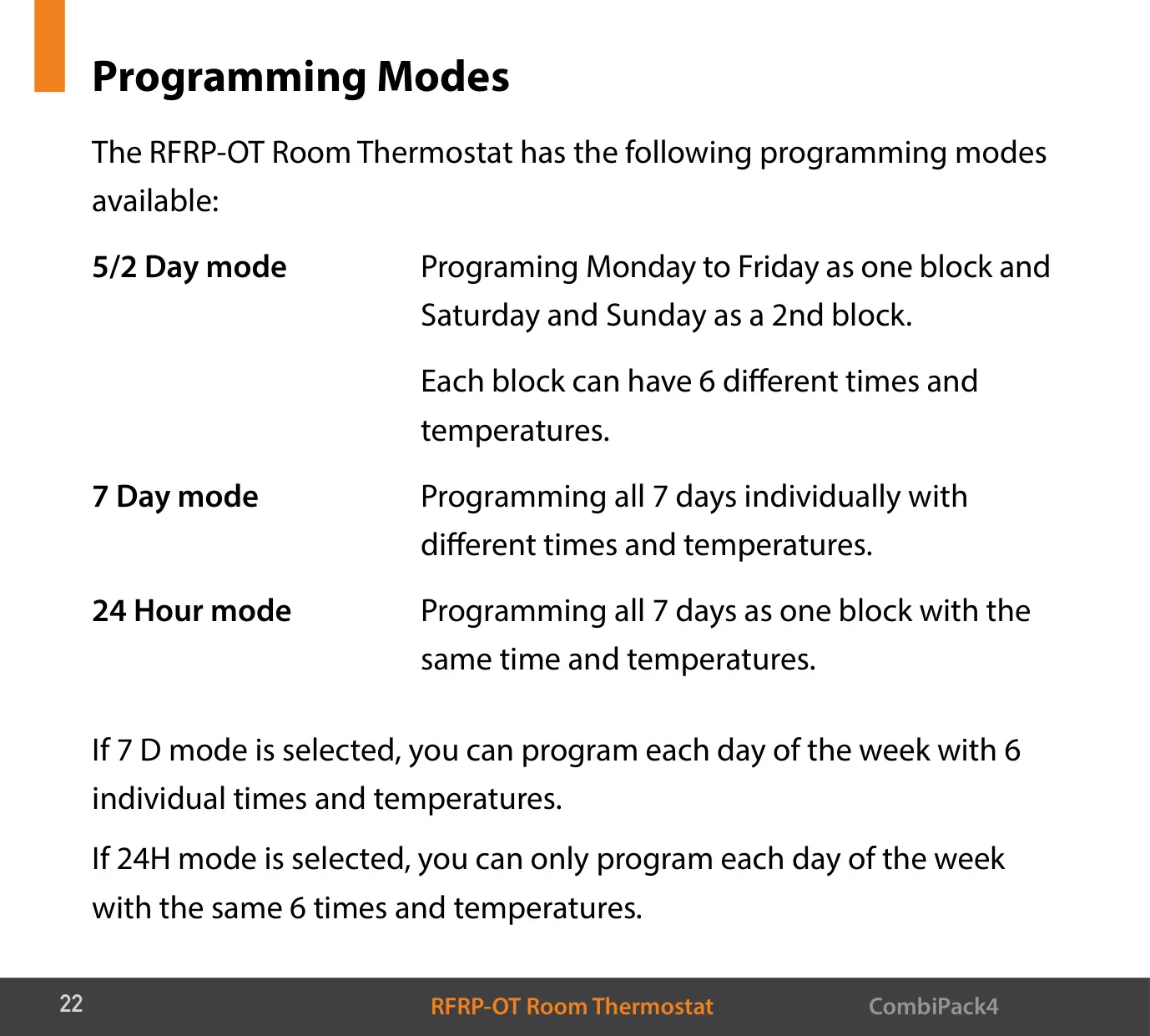
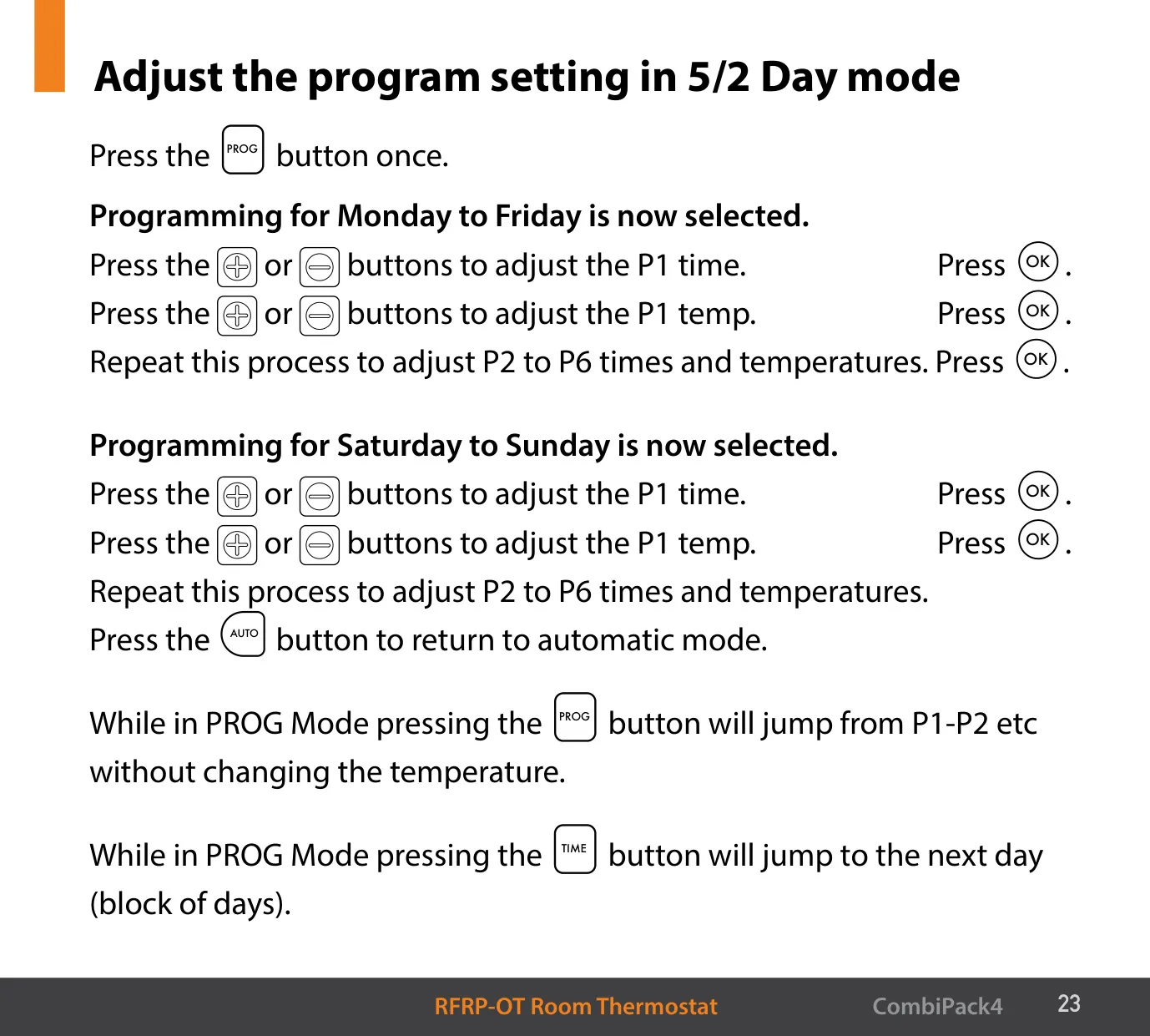
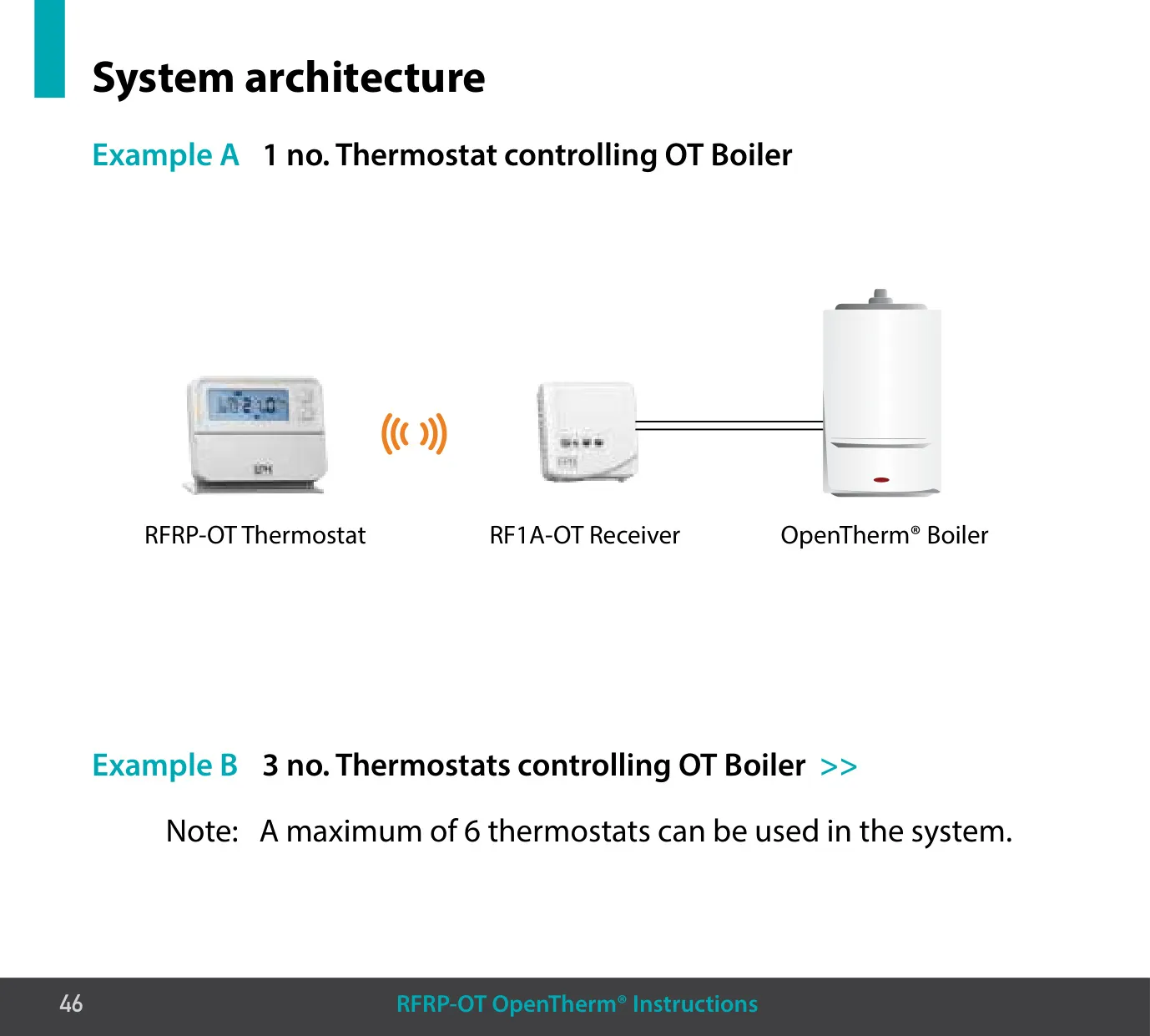
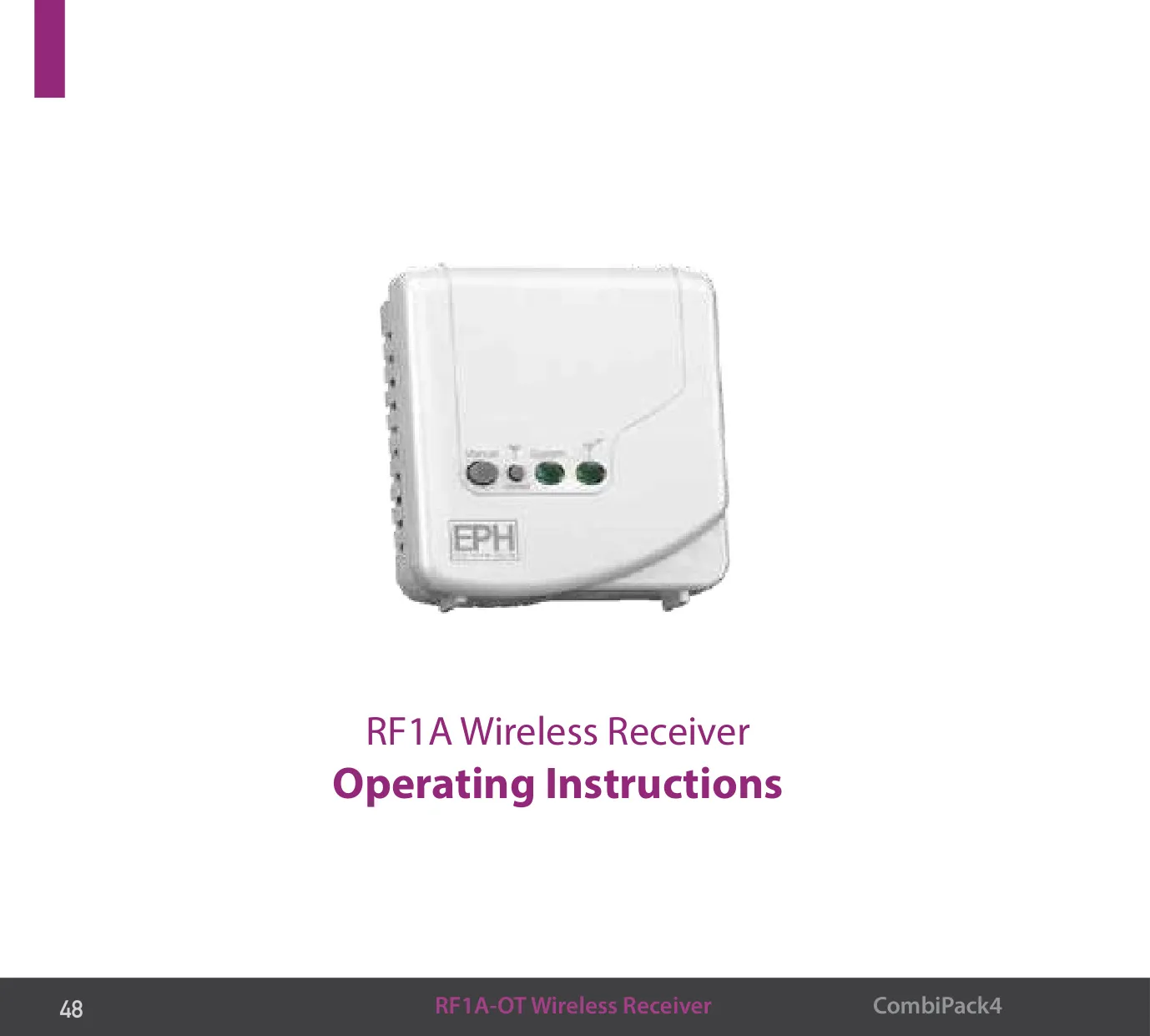
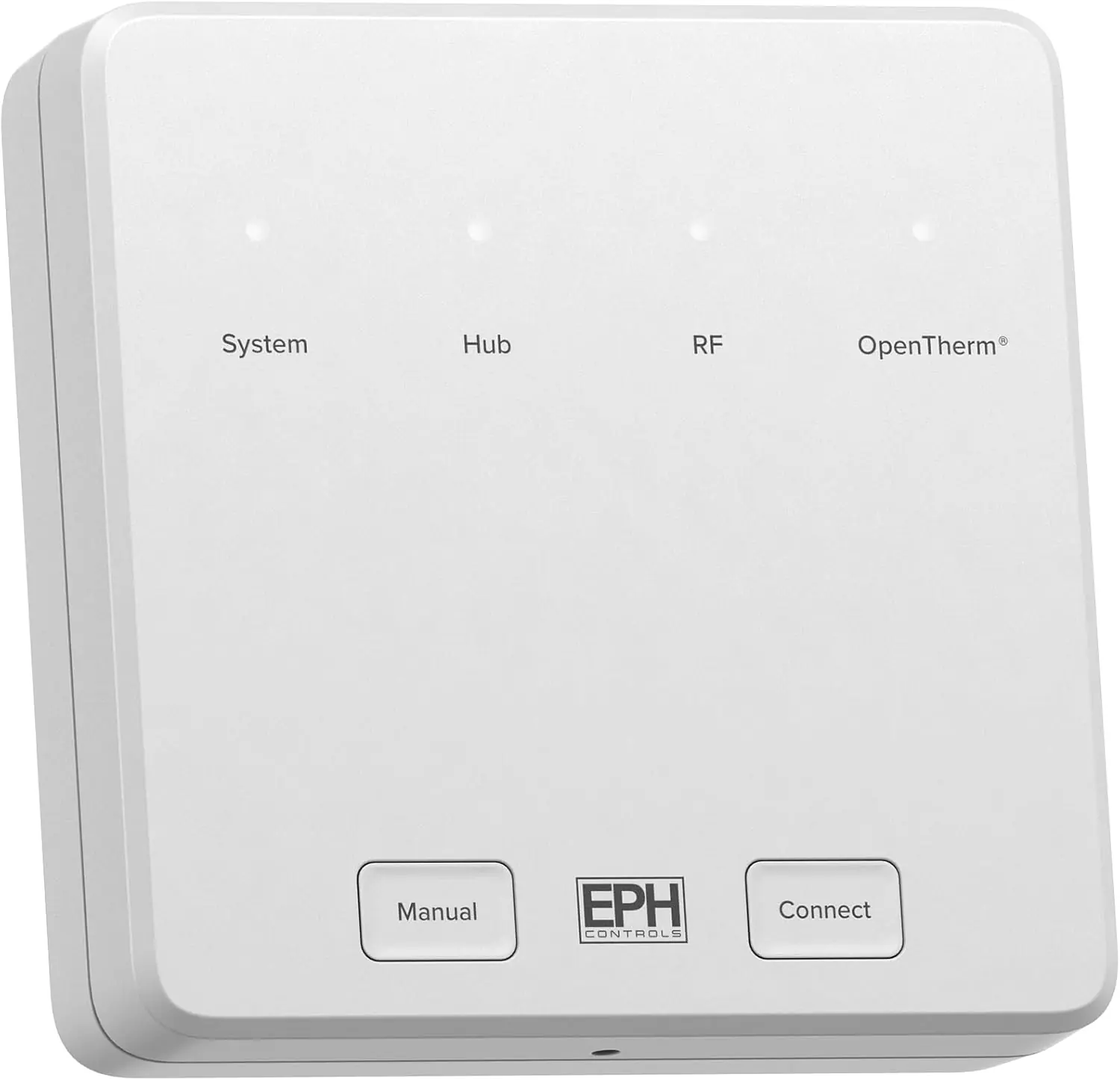
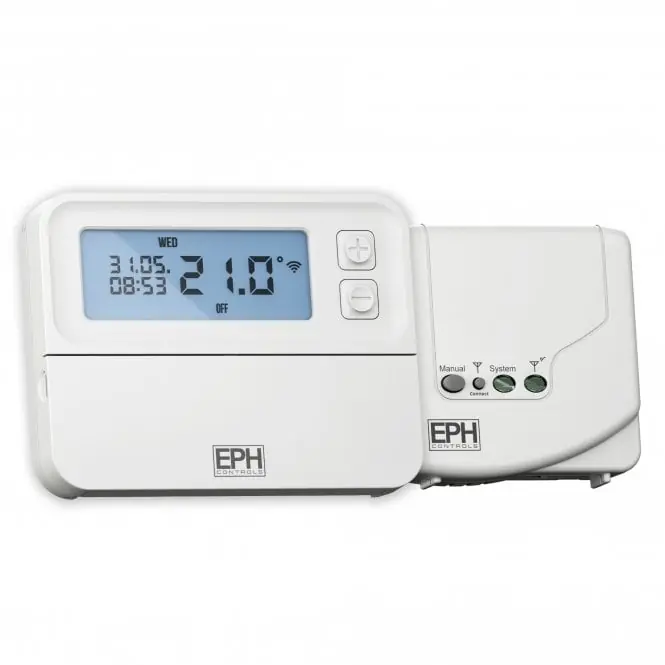
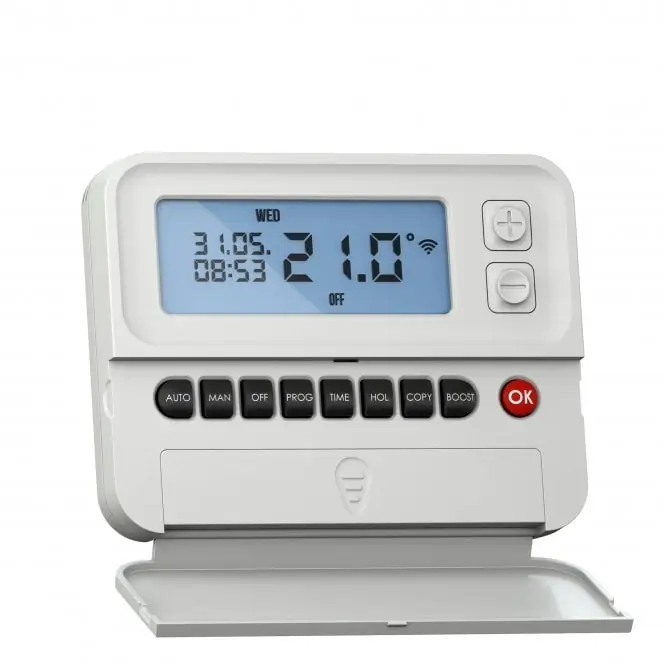
The EPH Combi Pack 4 combines the RFRP-OT programmable room thermostat with the RF1A-OT receiver. In a CombiPack4 the two units come already paired by radio. In AUTO mode the thermostat follows its programmed times and temperatures. The programs have no OFF time, only higher and lower temperatures. If you want the heating off during a period, set a low temperature for it. Three programming modes are available: 5/2 Day (Monday to Friday and Saturday to Sunday as two blocks), 7 Day (each day set separately) and 24 Hour (one schedule for every day).
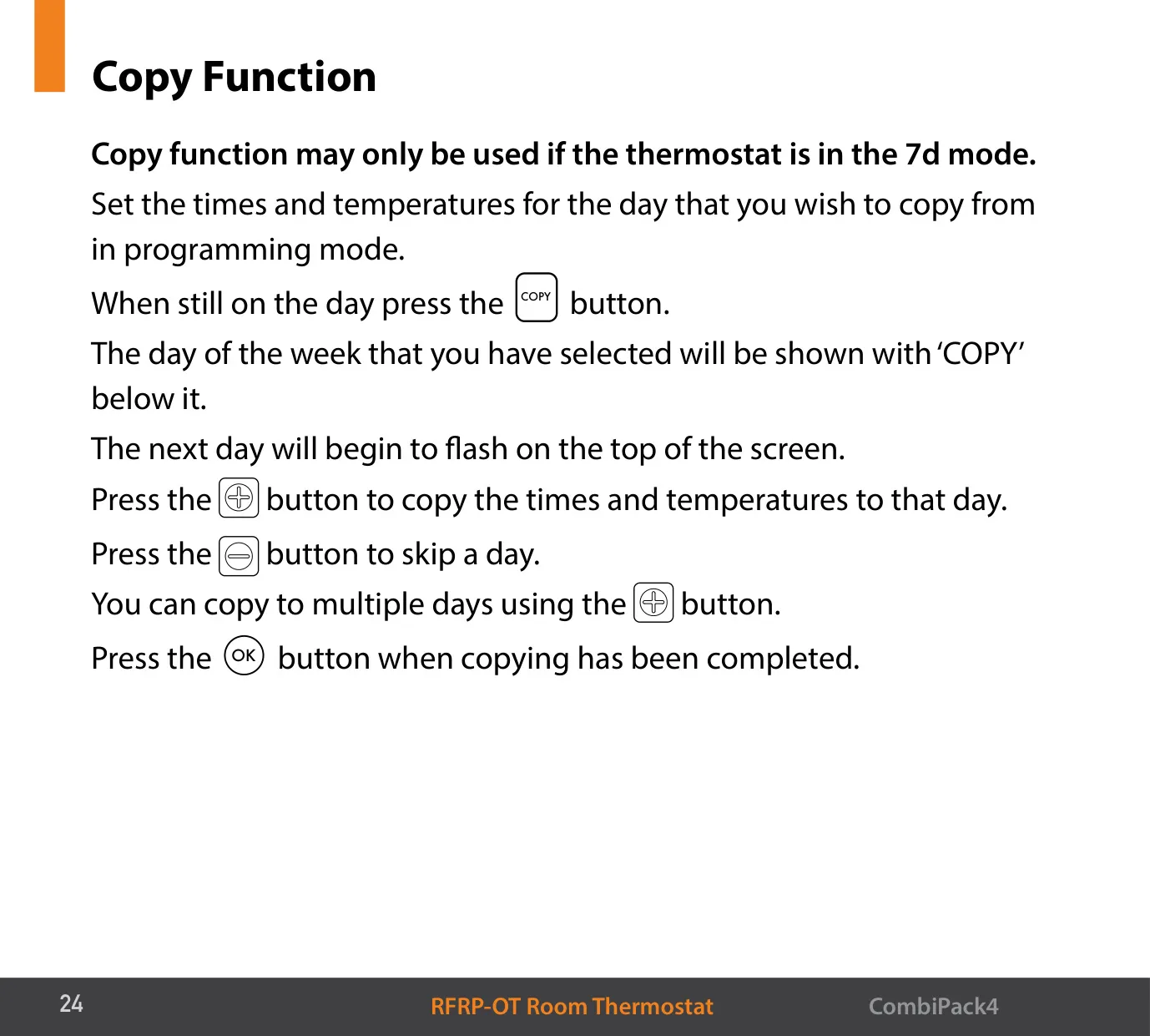
The factory weekday program heats to 21 °C at 06:30 and 17:30 and sets back to 10 °C at the other switching times, with the last change at 22:00. Weekends start at 08:00 and end at 23:00. In PROG mode, pressing PROG skips to the next program and pressing TIME jumps to the next day or block of days. The COPY function only works in 7d mode. It copies one day's six times and temperatures to as many other days as you choose.
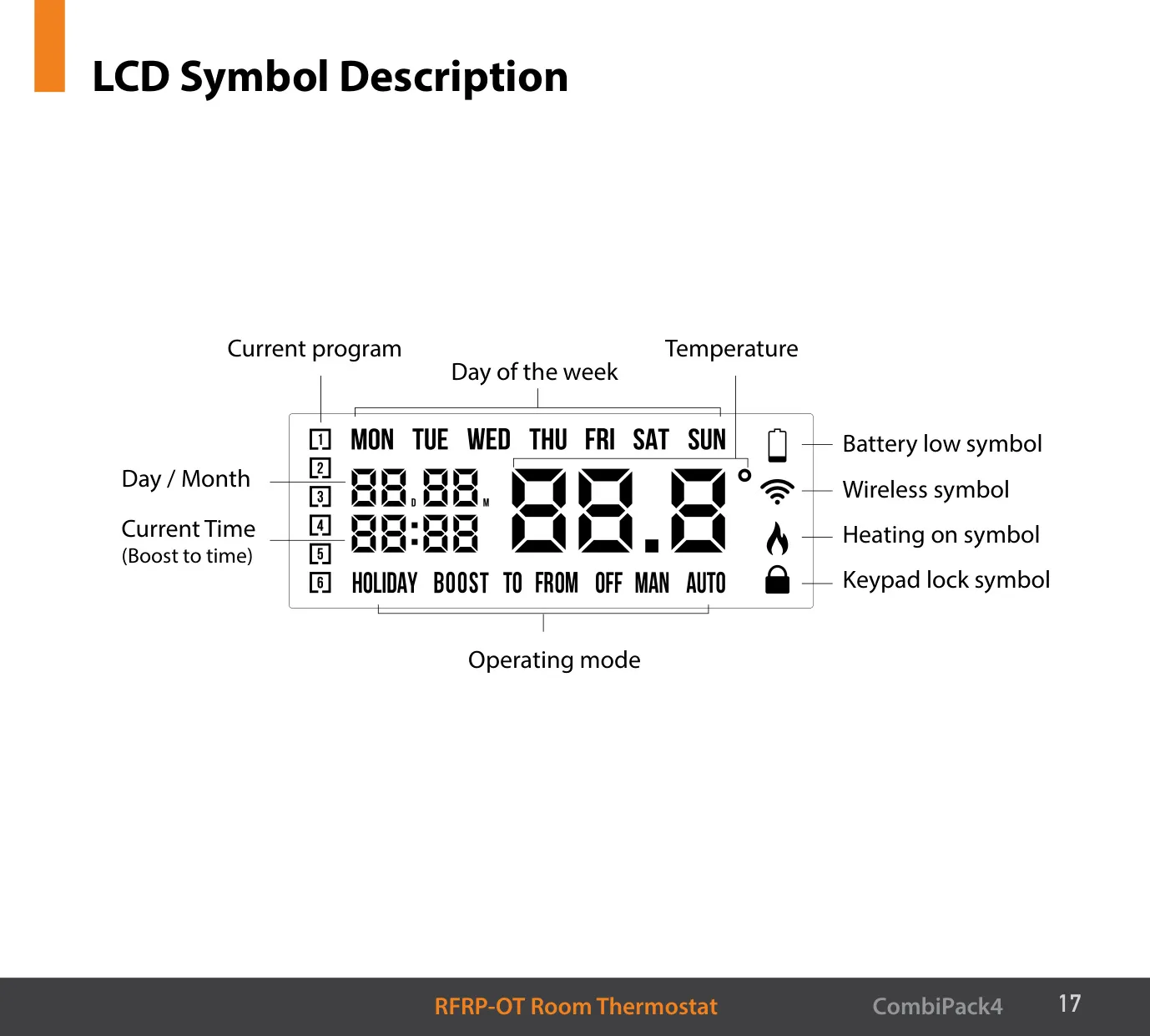
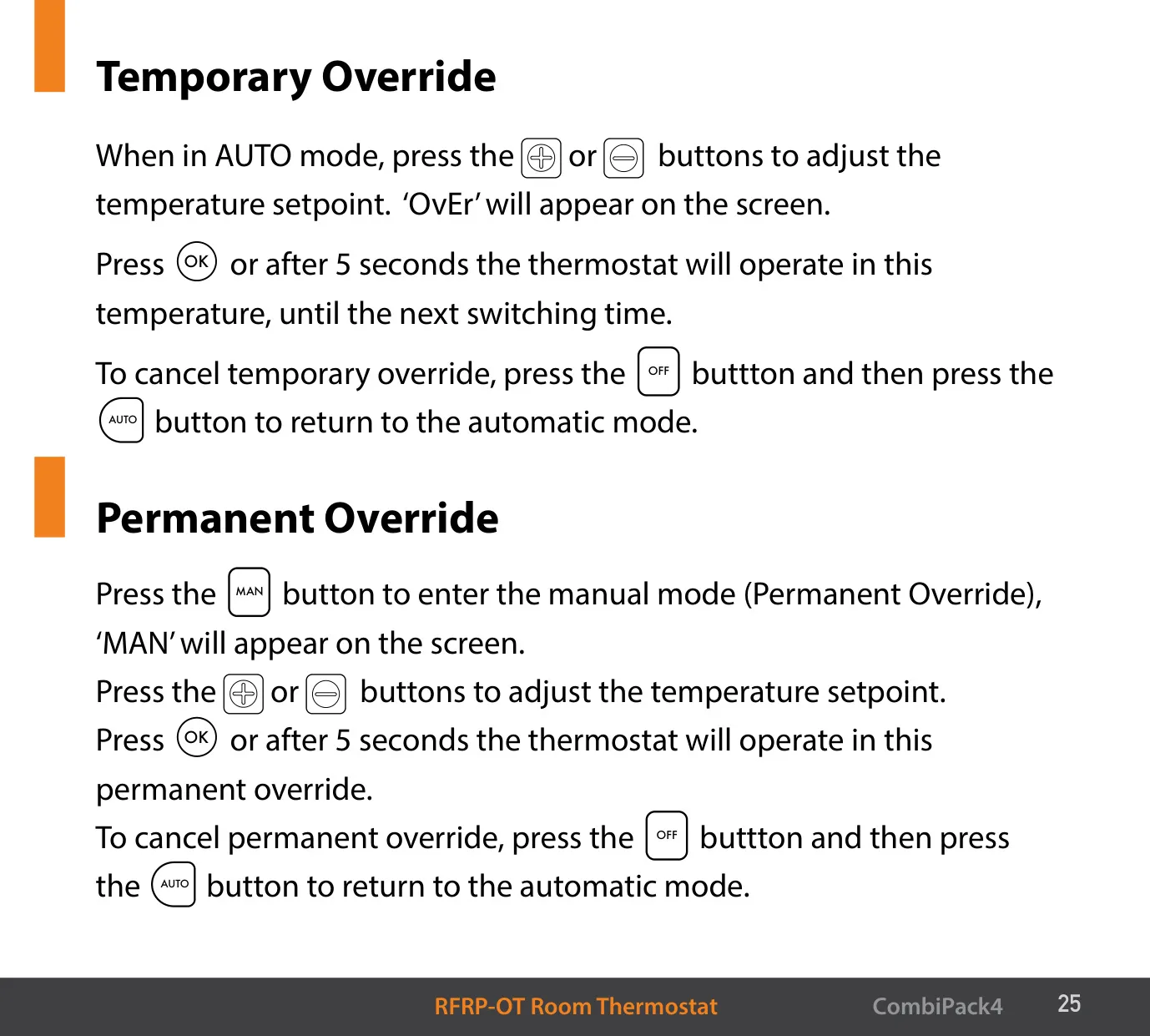
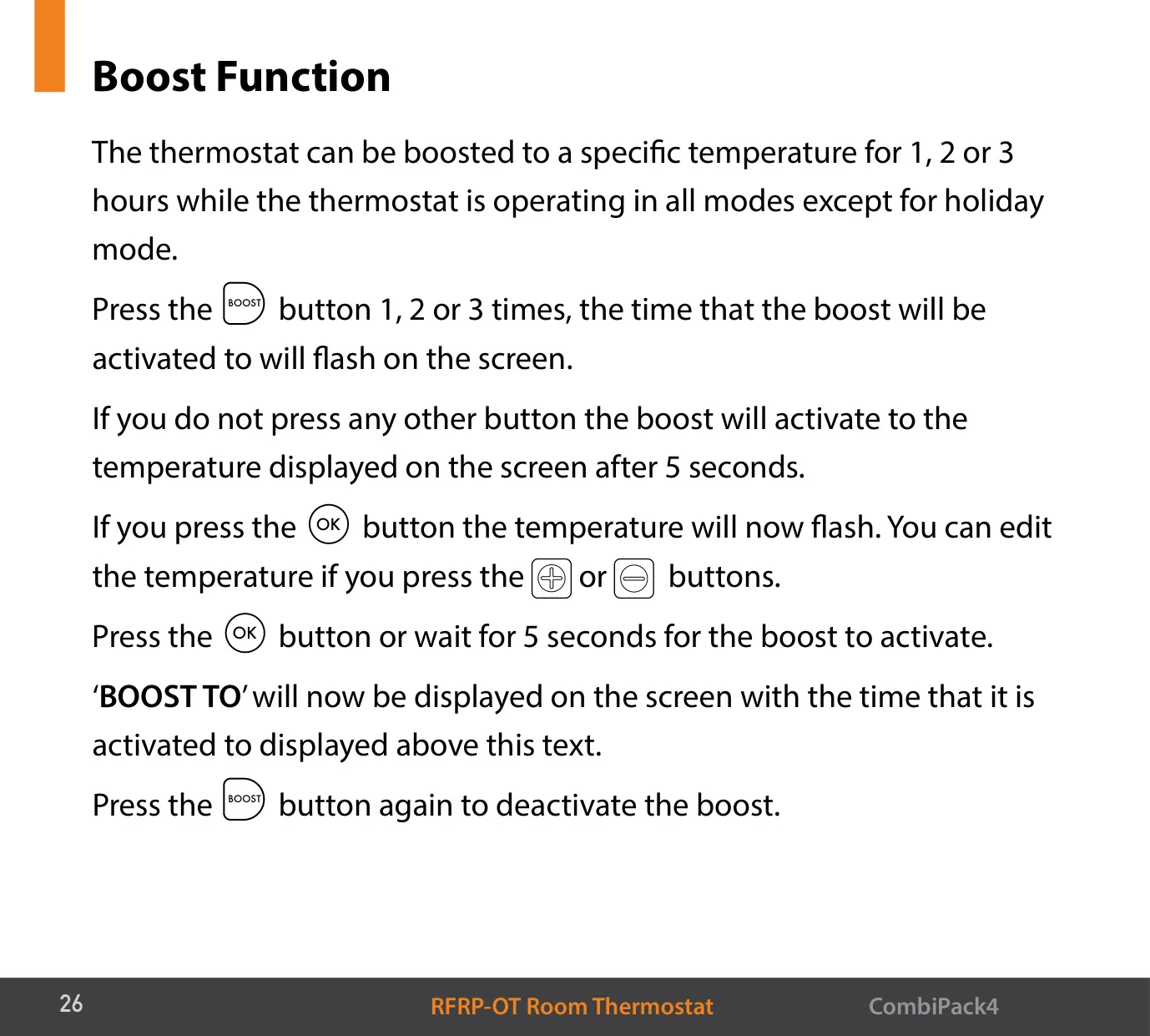
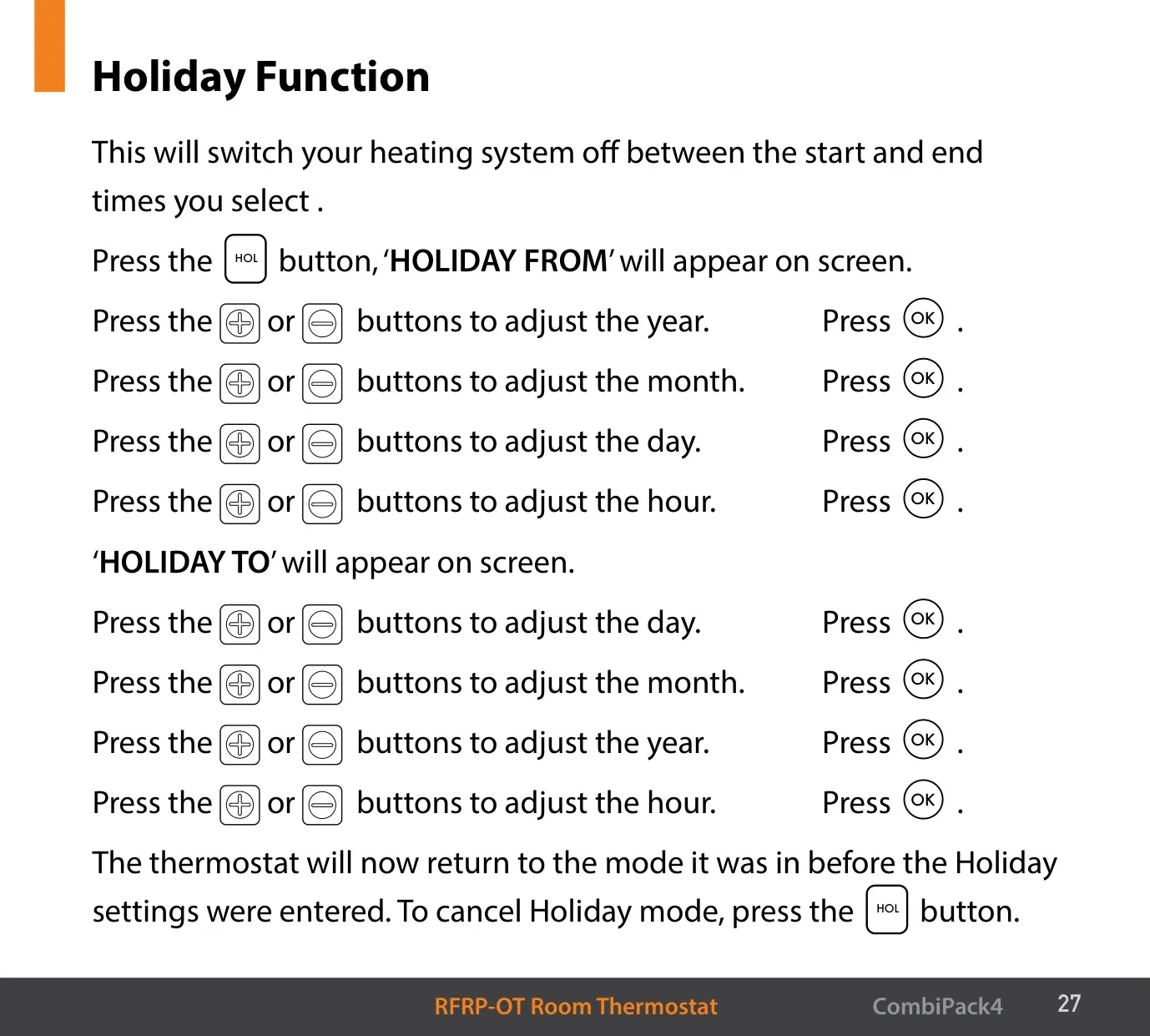
The thermostat has several manual overrides. In AUTO mode, pressing the up or down button starts a temporary override and shows "OvEr". This setpoint holds until the next switching time. The MAN button sets a permanent override. To cancel either one, press OFF and then AUTO. The BOOST function raises the temperature for 1, 2 or 3 hours in every mode except holiday, and the screen shows "BOOST TO". The HOL function turns the heating off between a start date and hour and an end date and hour. The thermostat then goes back to its previous mode.
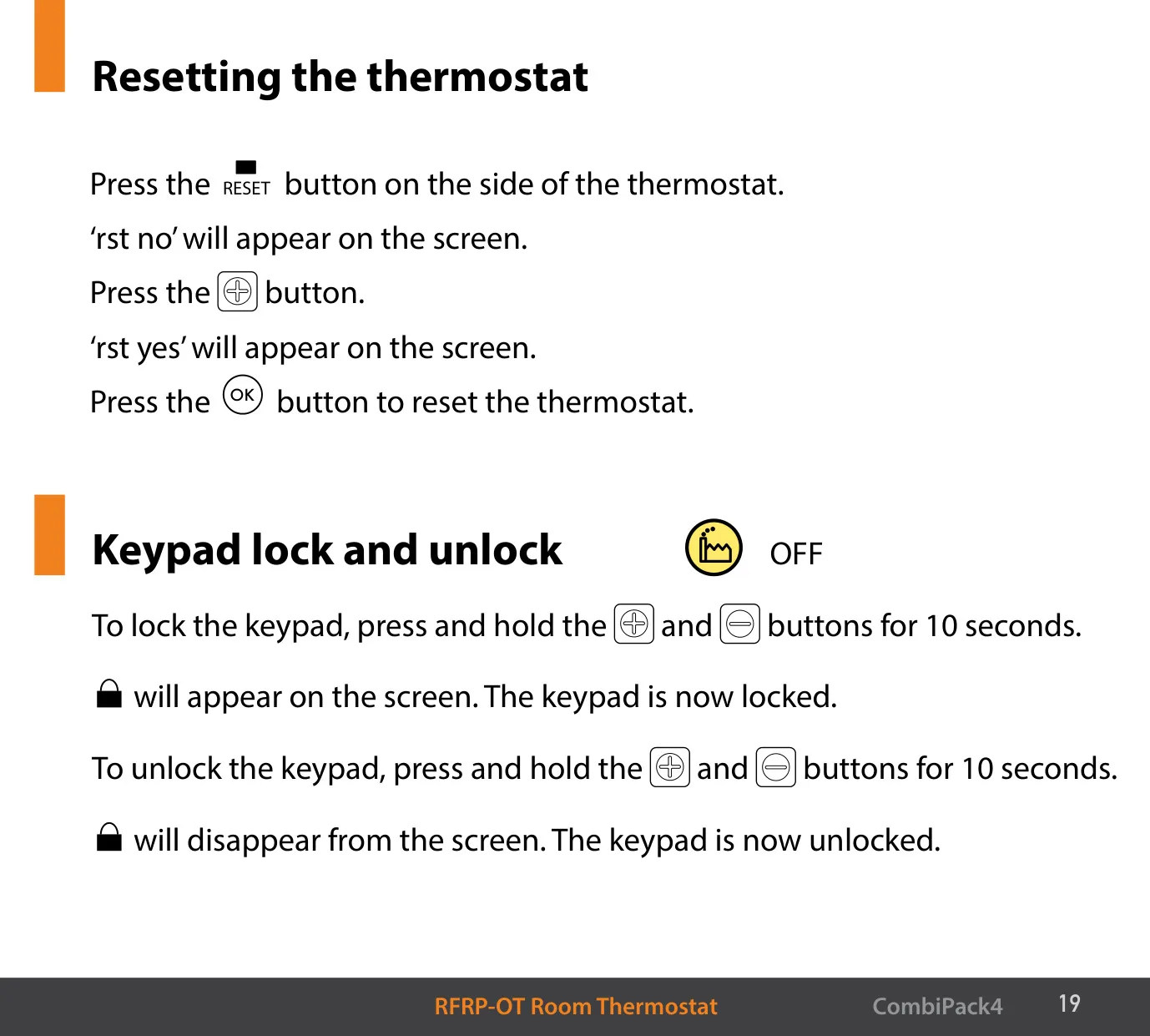
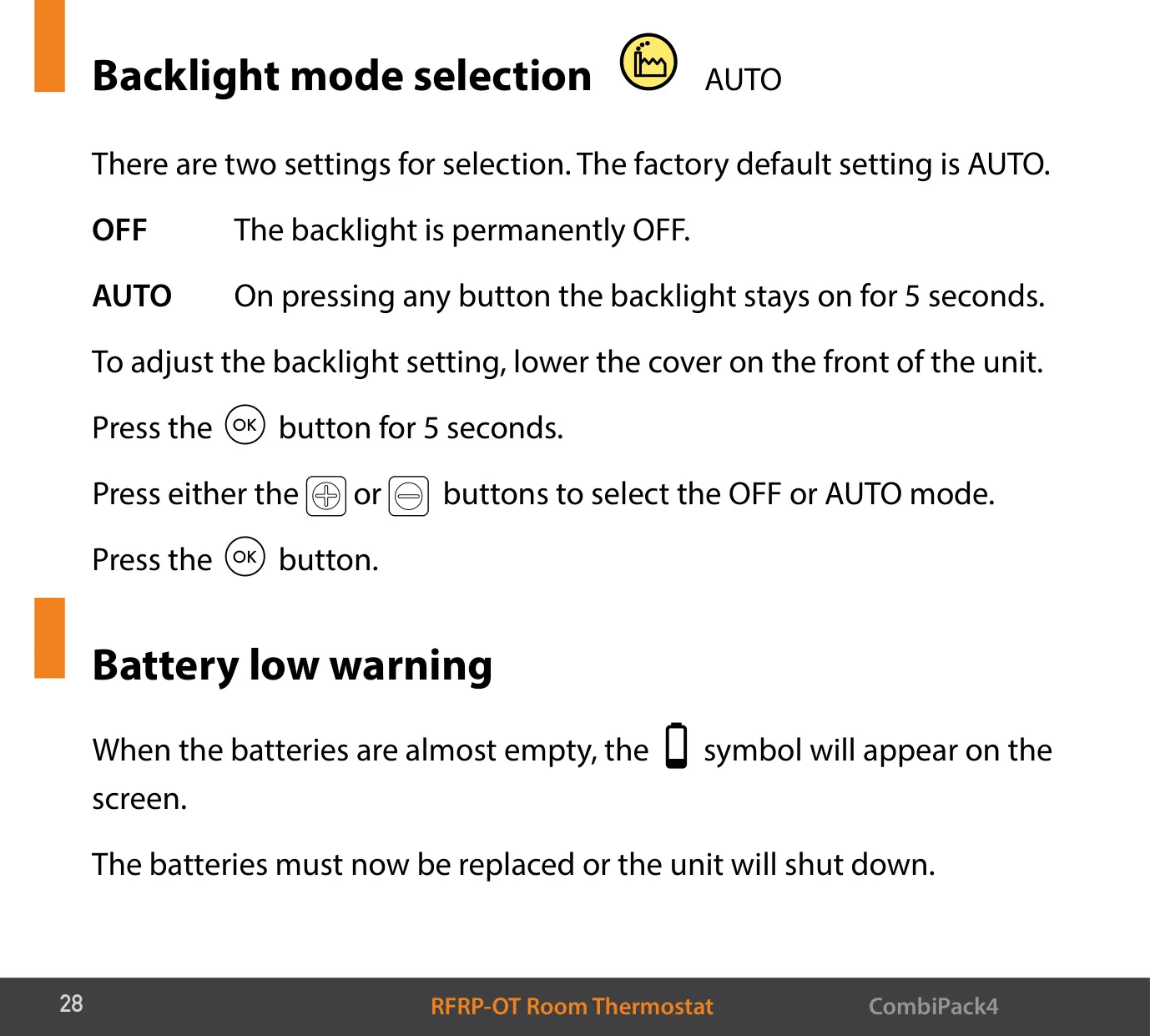
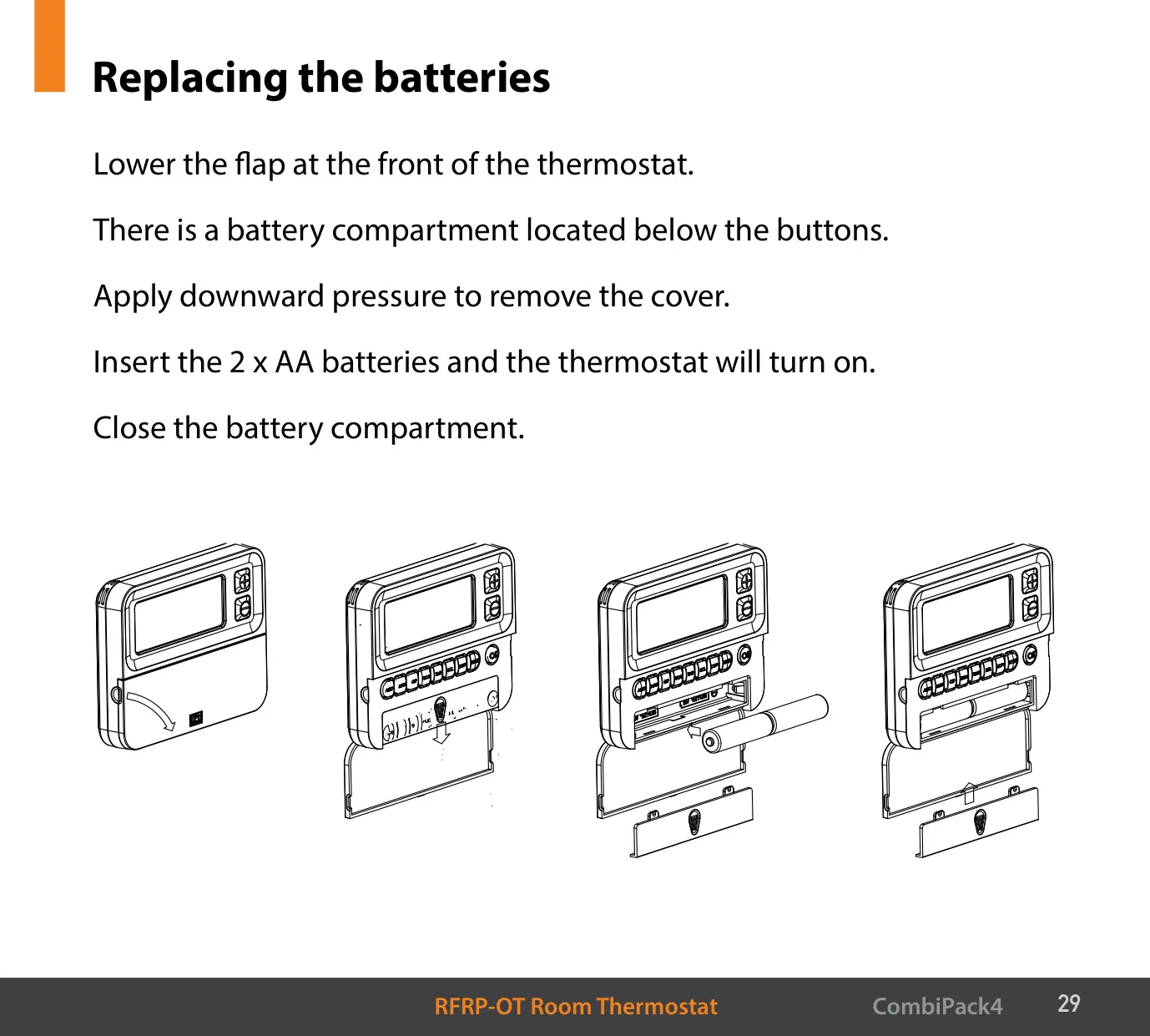
The setup options include daylight saving time (on or off) and a backlight that is either always off or AUTO, which lights for 5 seconds after any button press. To lock or unlock the keypad, hold the two lock buttons for 10 seconds. The side reset button goes through "rst no" and "rst yes" before you confirm. When the low battery symbol appears, replace the batteries straight away, or the unit will shut down.
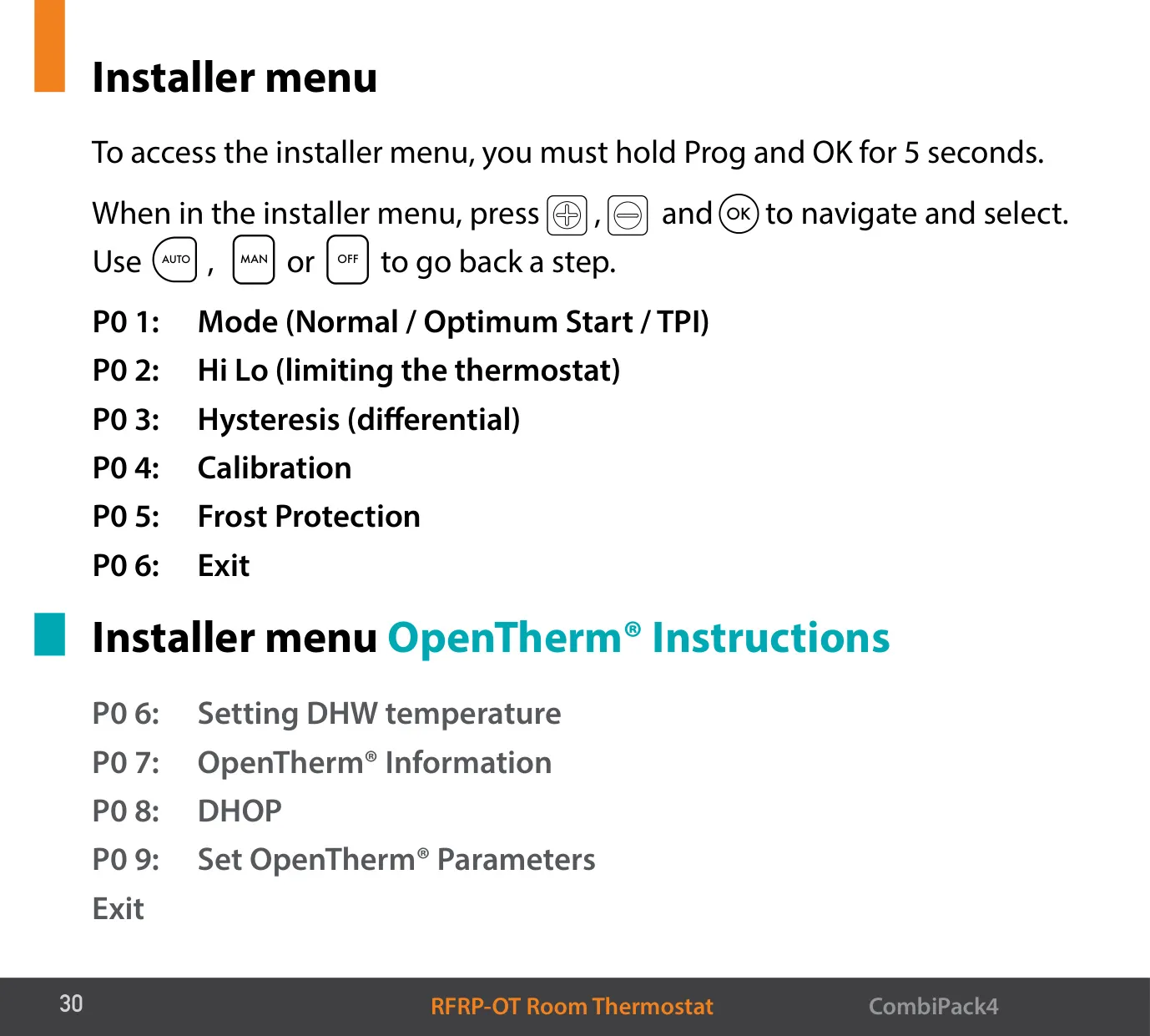
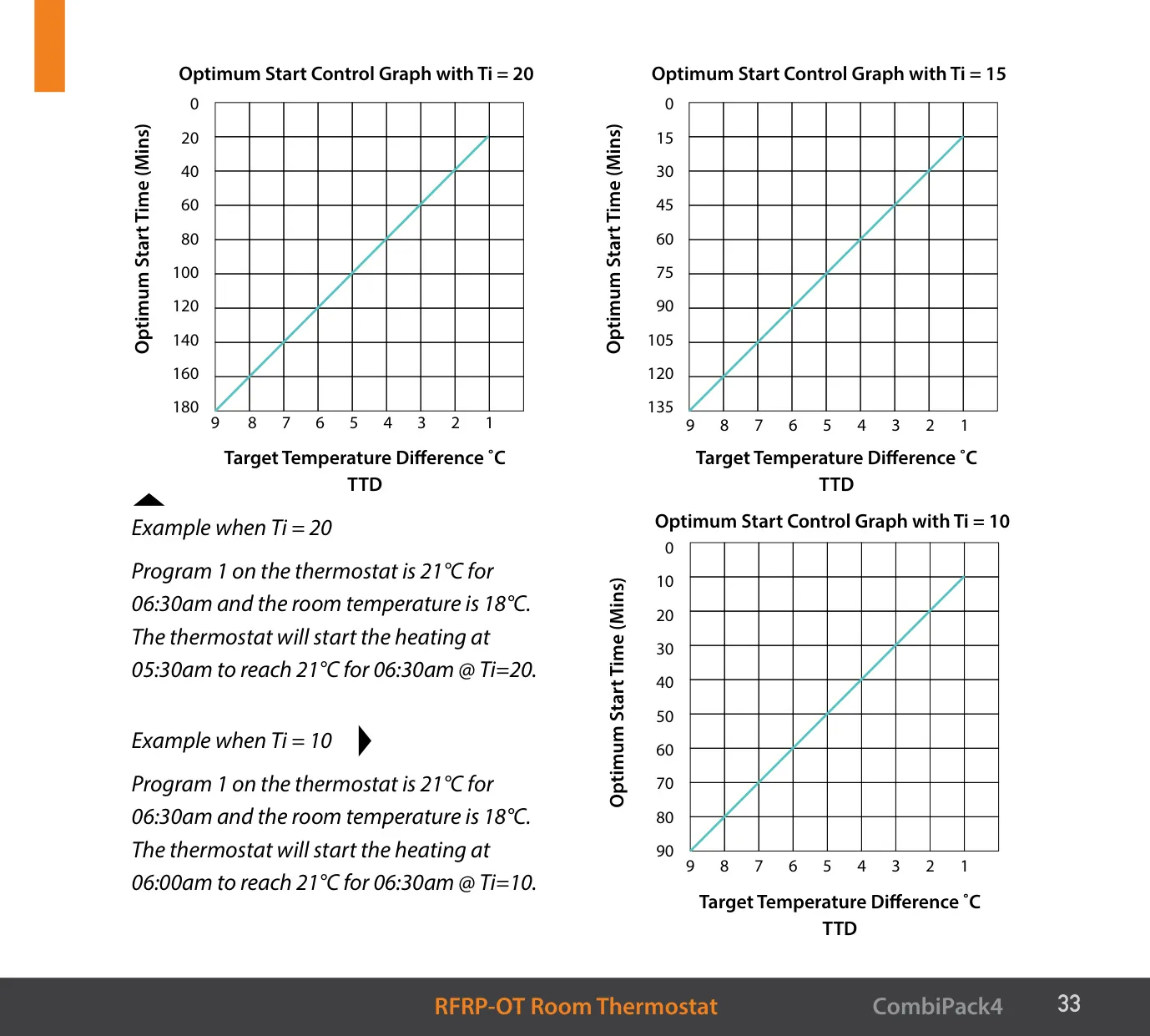
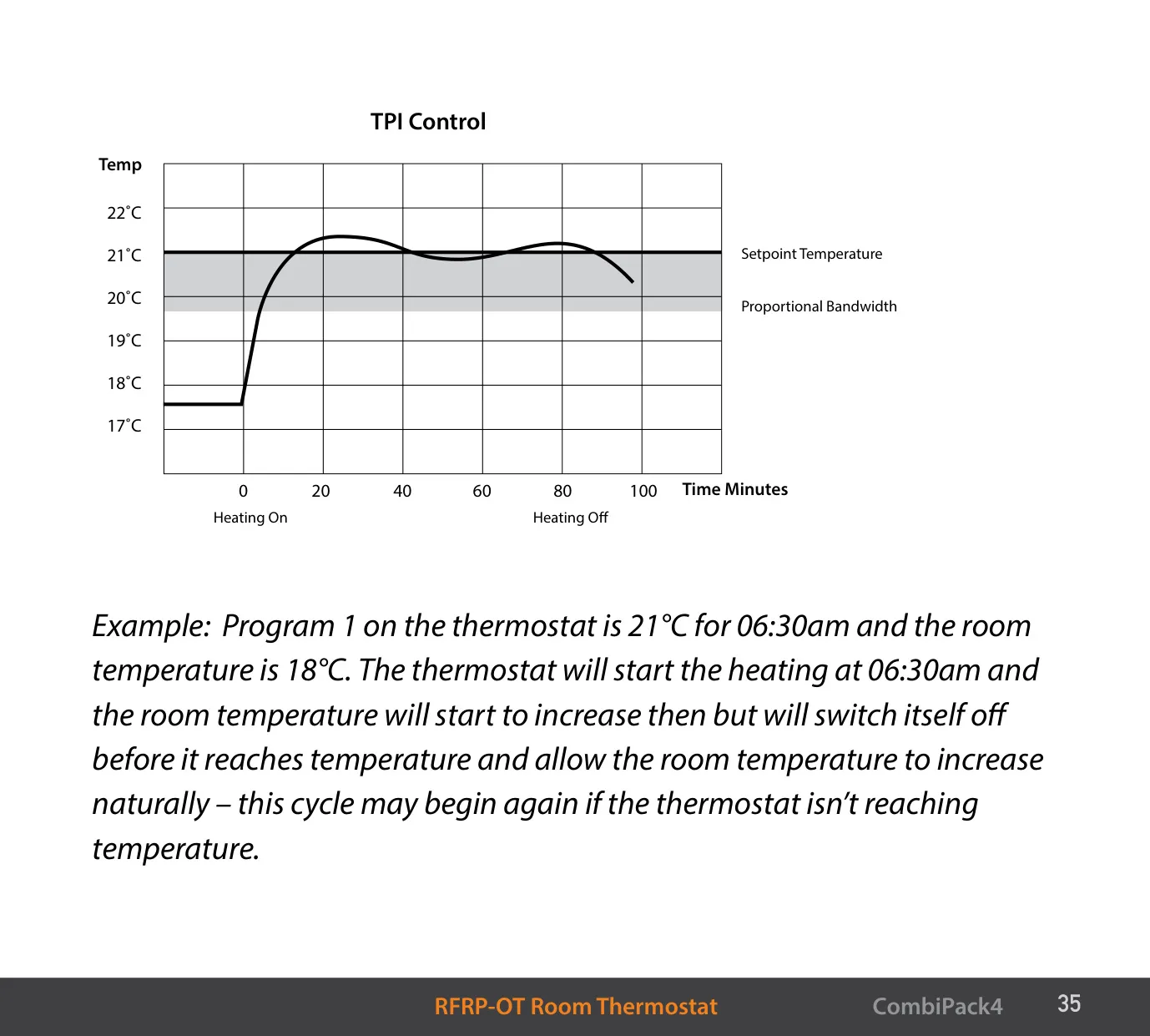
To open the installer menu, hold PROG and OK for 5 seconds. P01 offers Normal, Optimum Start (Boiler Plus) and TPI control. Optimum Start uses a Ti value of 10, 15, 20, 25 or 30 minutes per 1 °C of temperature rise, with a maximum pre-heat time of 180 minutes. For example, with Ti=20, a room at 18 °C that should reach 21 °C by 06:30 starts heating at 05:30. In TPI mode you can set 2, 3, 6 or 12 cycles per hour (default 6). The proportional band runs from 1.5 to 3.0 °C (default 2 °C).
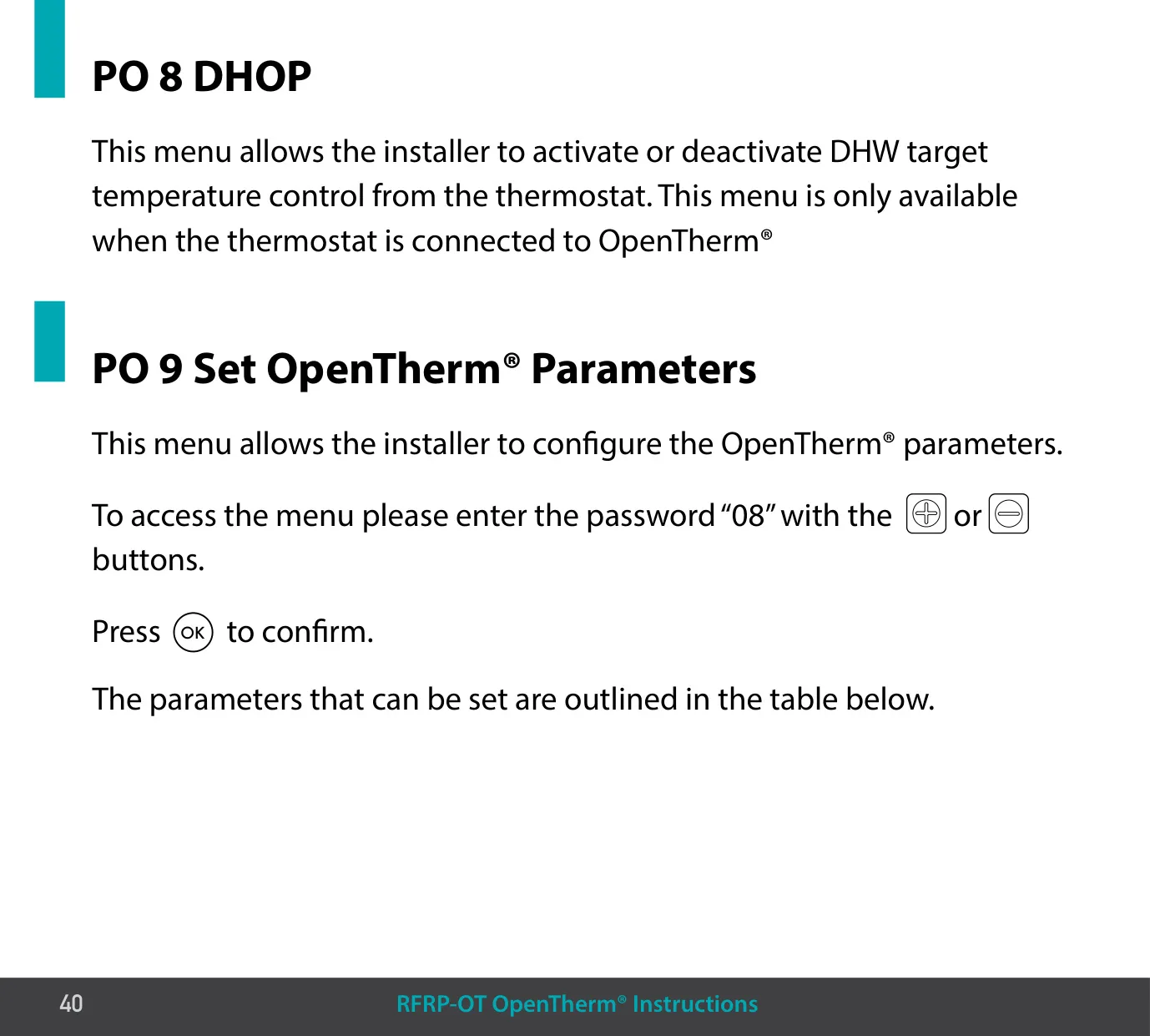
Other installer menus set the Hi/Lo limits, the HOn and HOFF hysteresis values (defaults 0.4 °C and 0.0 °C), sensor calibration and whether frost protection is active. With an OpenTherm® connection, extra menus appear. You can set the DHW temperature when DHOP is on. The information screen shows boiler data: target, outlet and return water temperatures, DHW and flue temperatures, outdoor temperature, modulation, water flow and pressure. P09 parameters need the password "08".
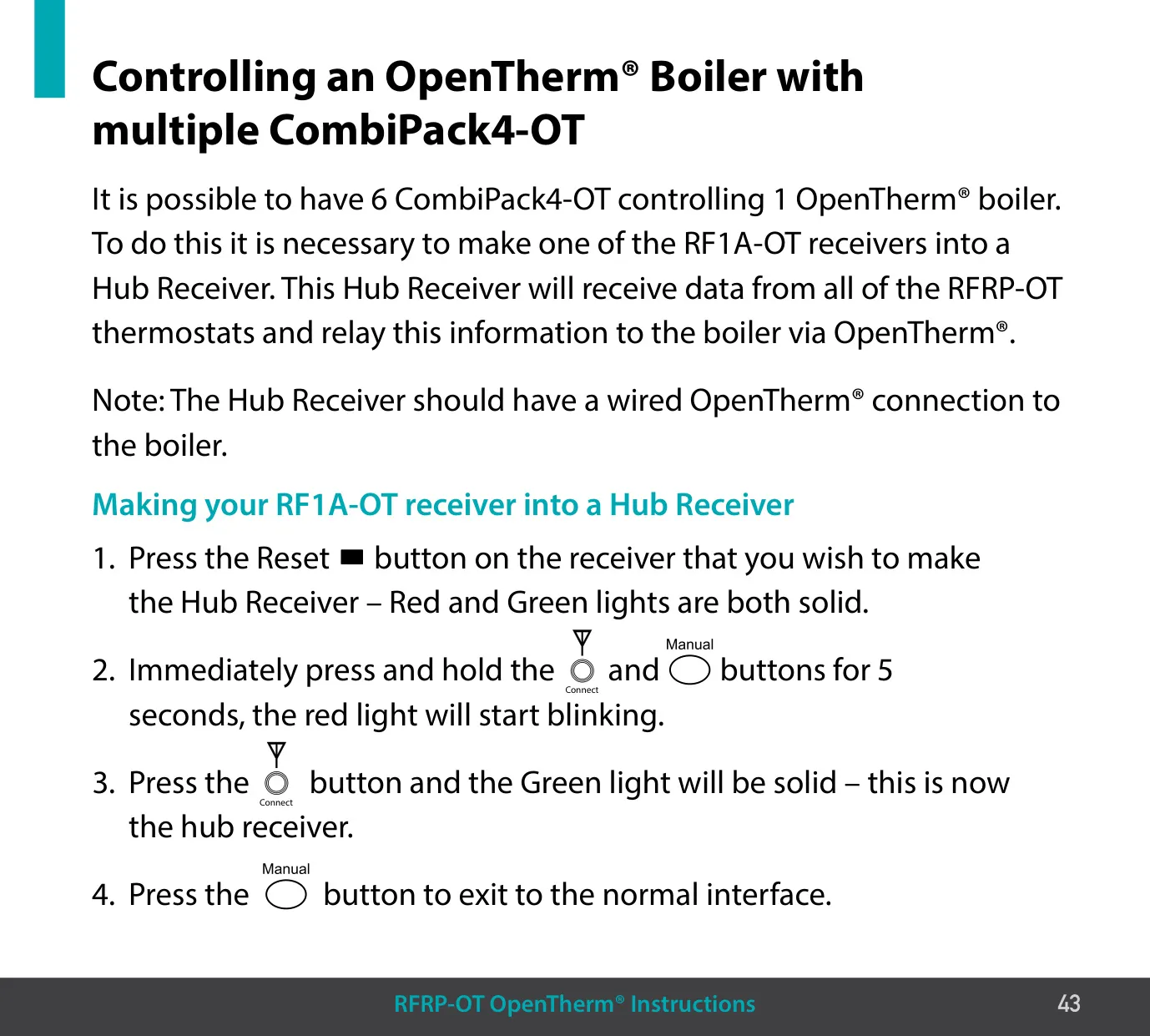
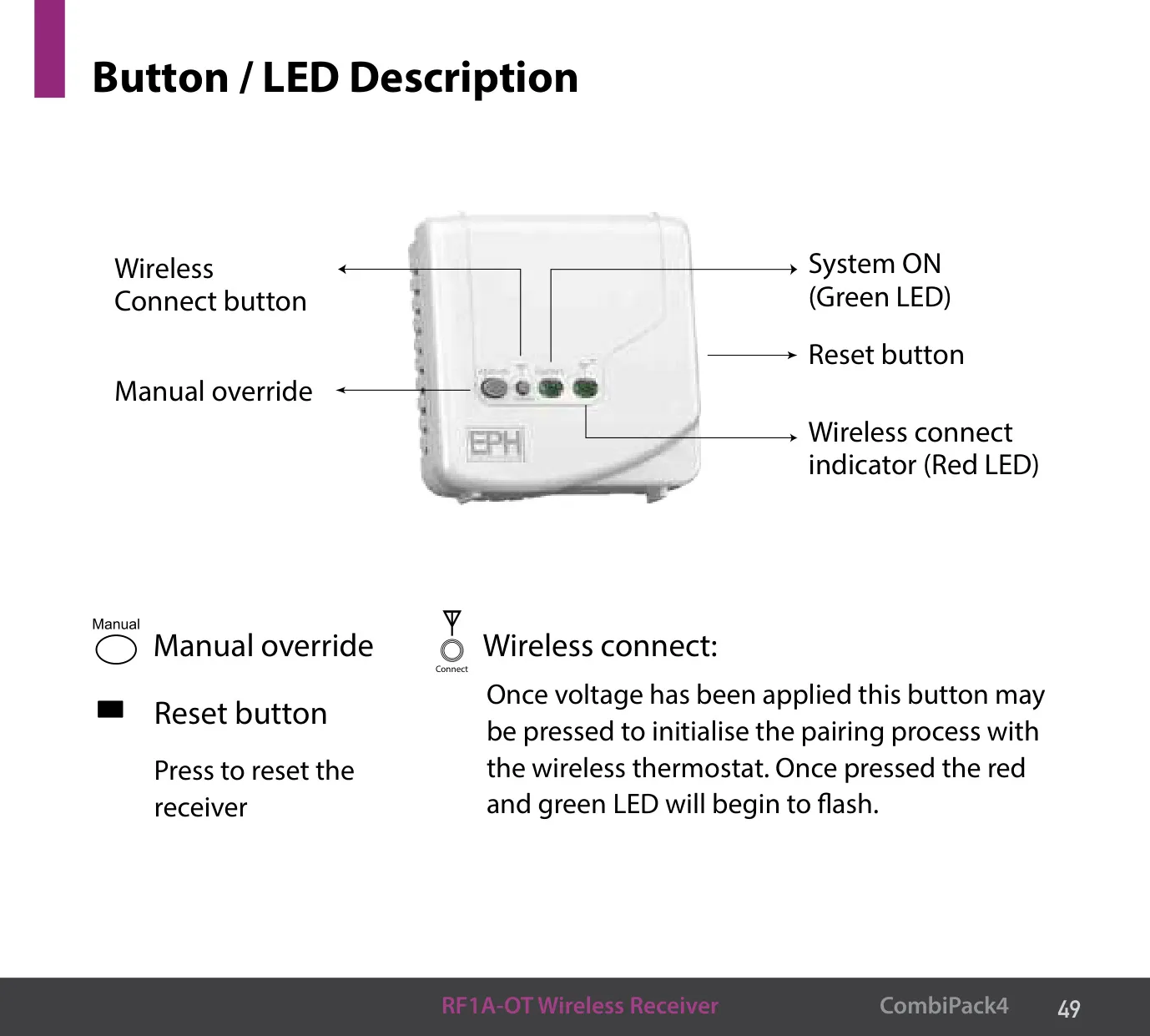
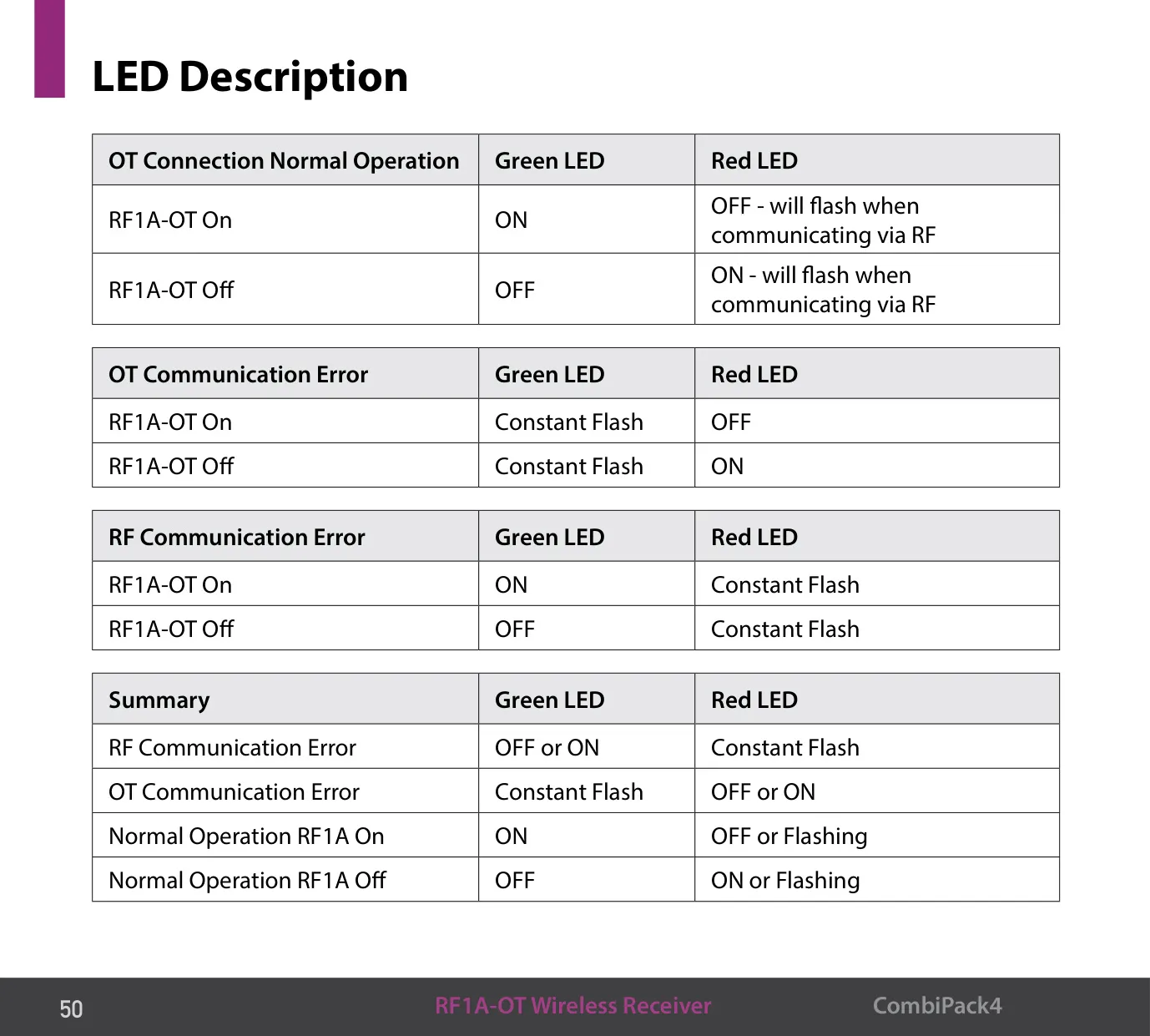
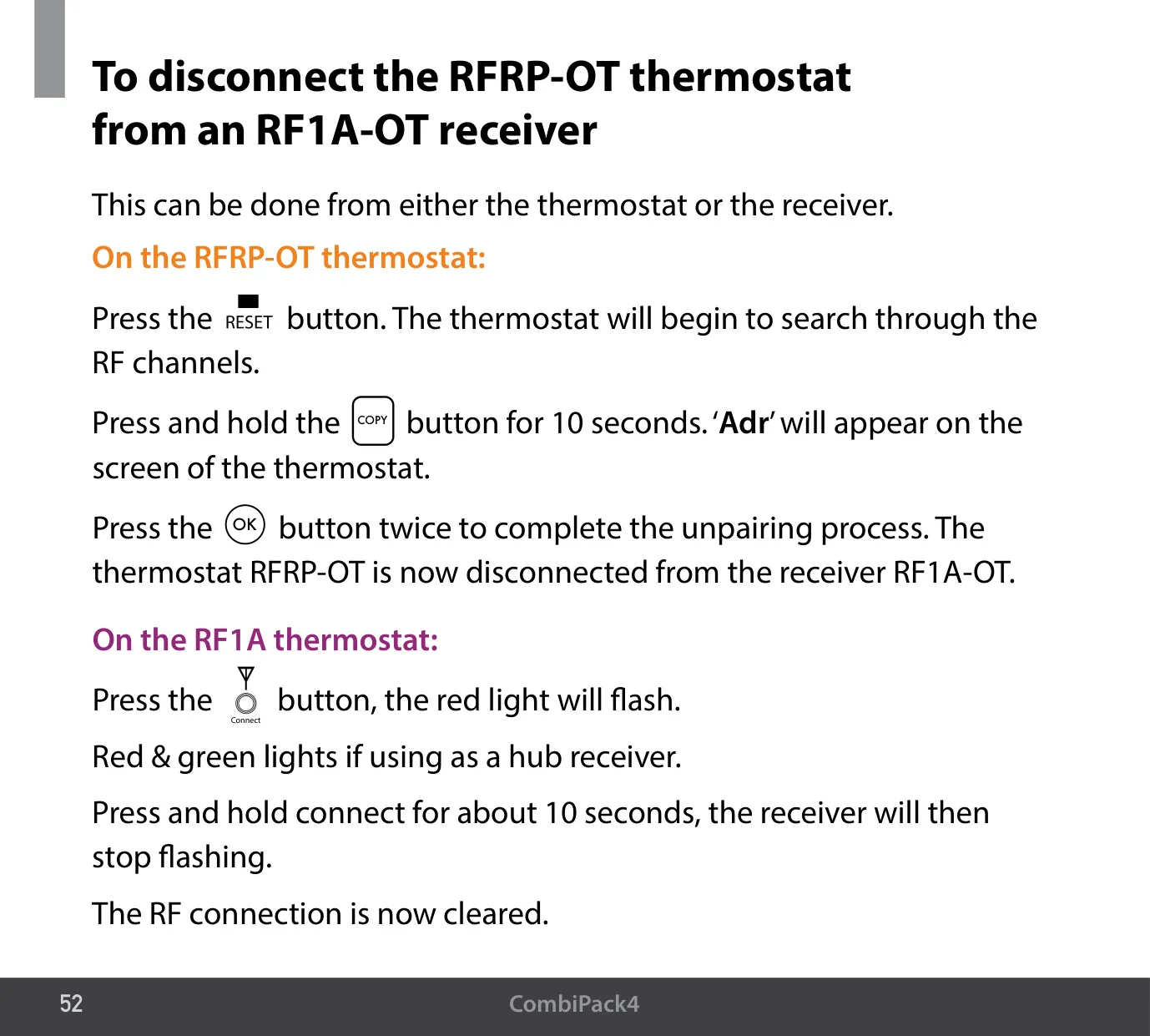
Up to six CombiPack4-OT kits can control one OpenTherm® boiler. One RF1A-OT becomes the Hub Receiver and must have a wired OpenTherm® connection to the boiler. After the receivers are paired, data sharing starts after about 2 to 5 minutes. The receiver LEDs show normal operation, OpenTherm® errors (green flashing constantly) and RF errors (red flashing constantly). If a thermostat is paired manually, the screen shows "r01". To unpair from the thermostat, hold COPY for 10 seconds until "Adr" appears.
Frequently Asked Questions (FAQs)
Can't find the answer you need? Here are some frequently asked questions about the EPH Combi Pack 4 Thermostat, and we answer them below.