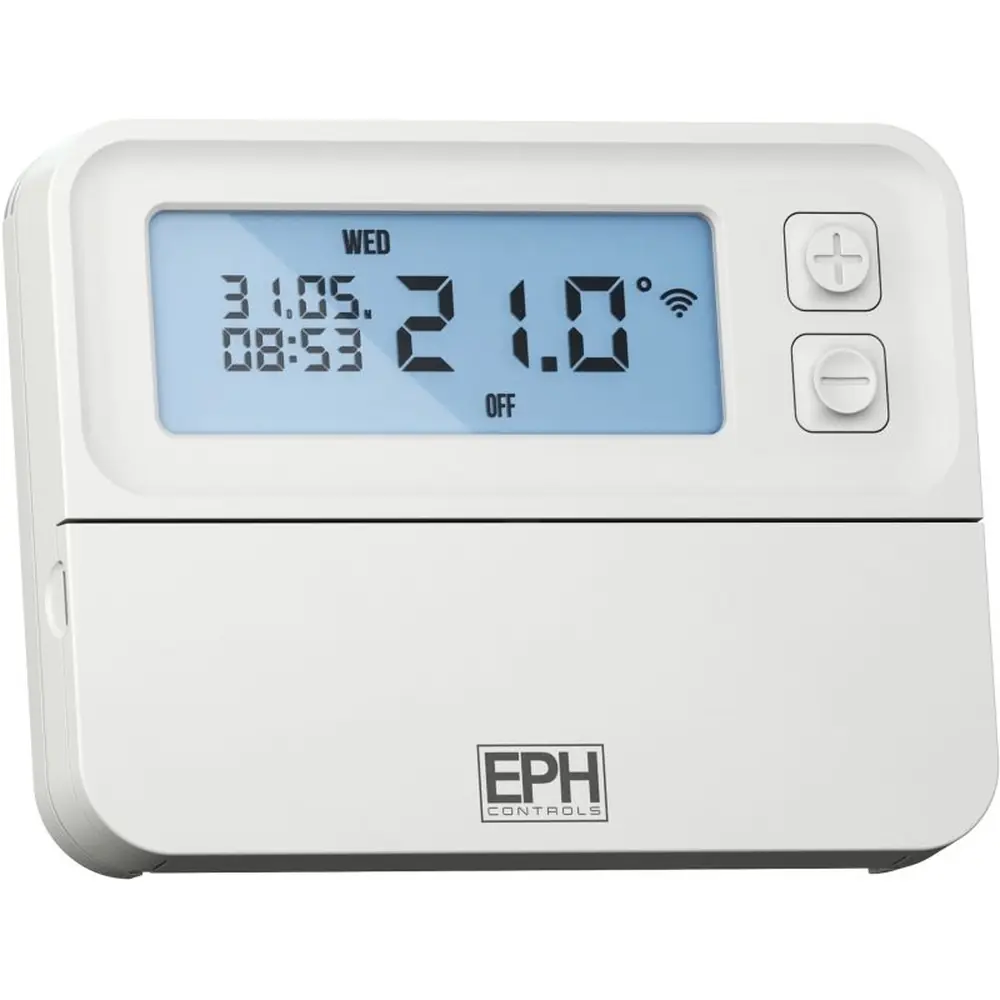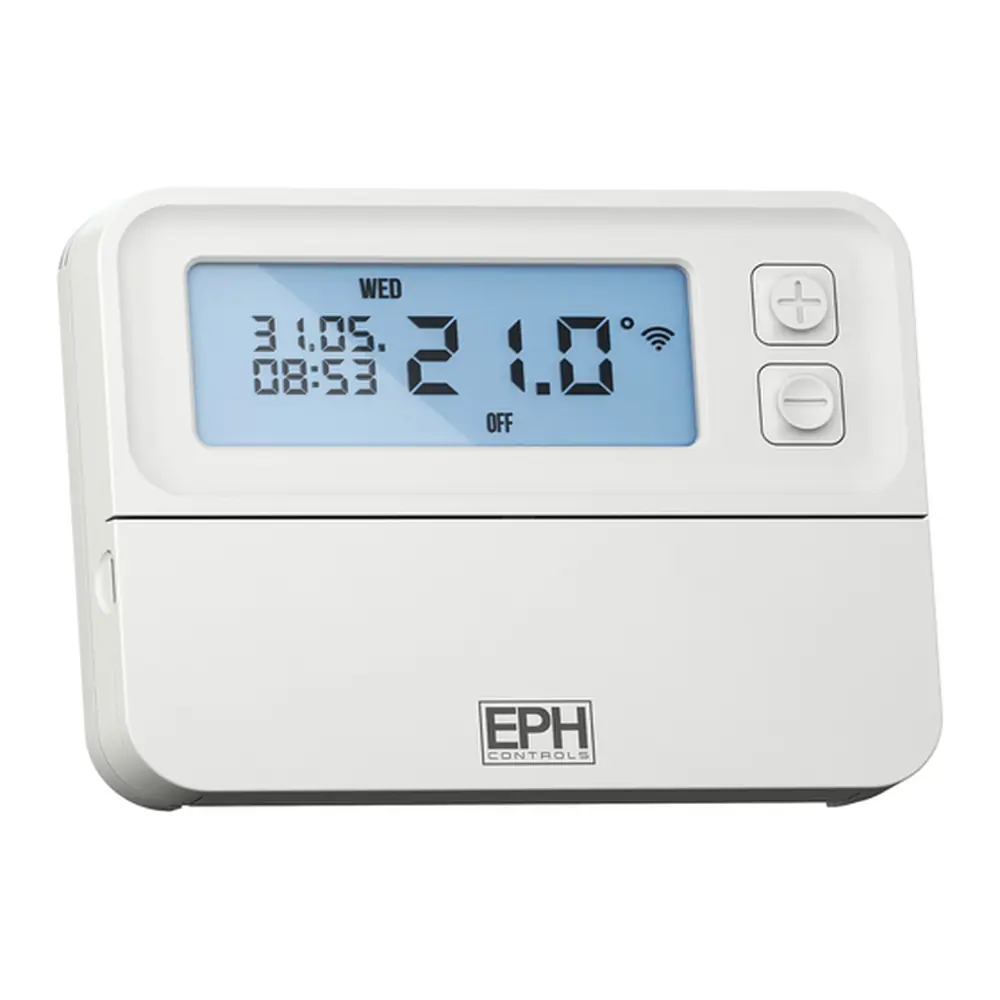
EPH CP4 V2 Thermostat Instruction Manual
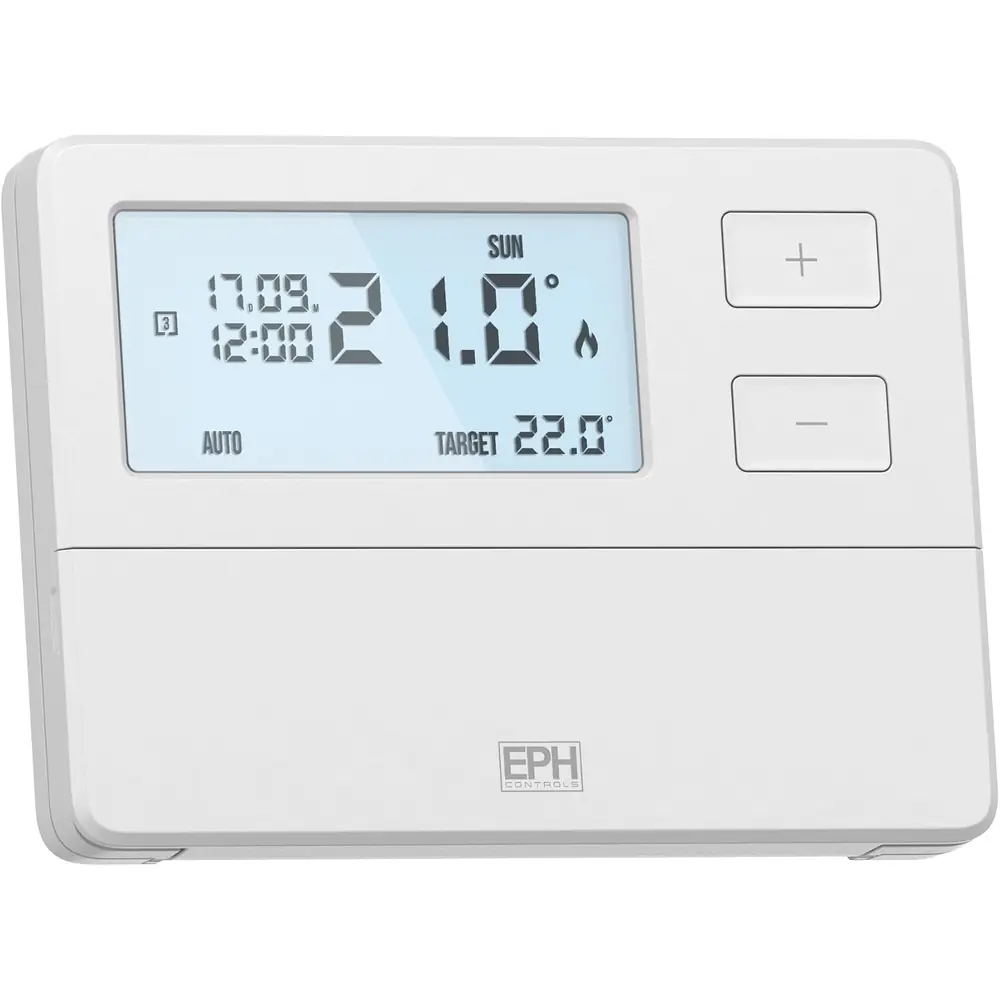
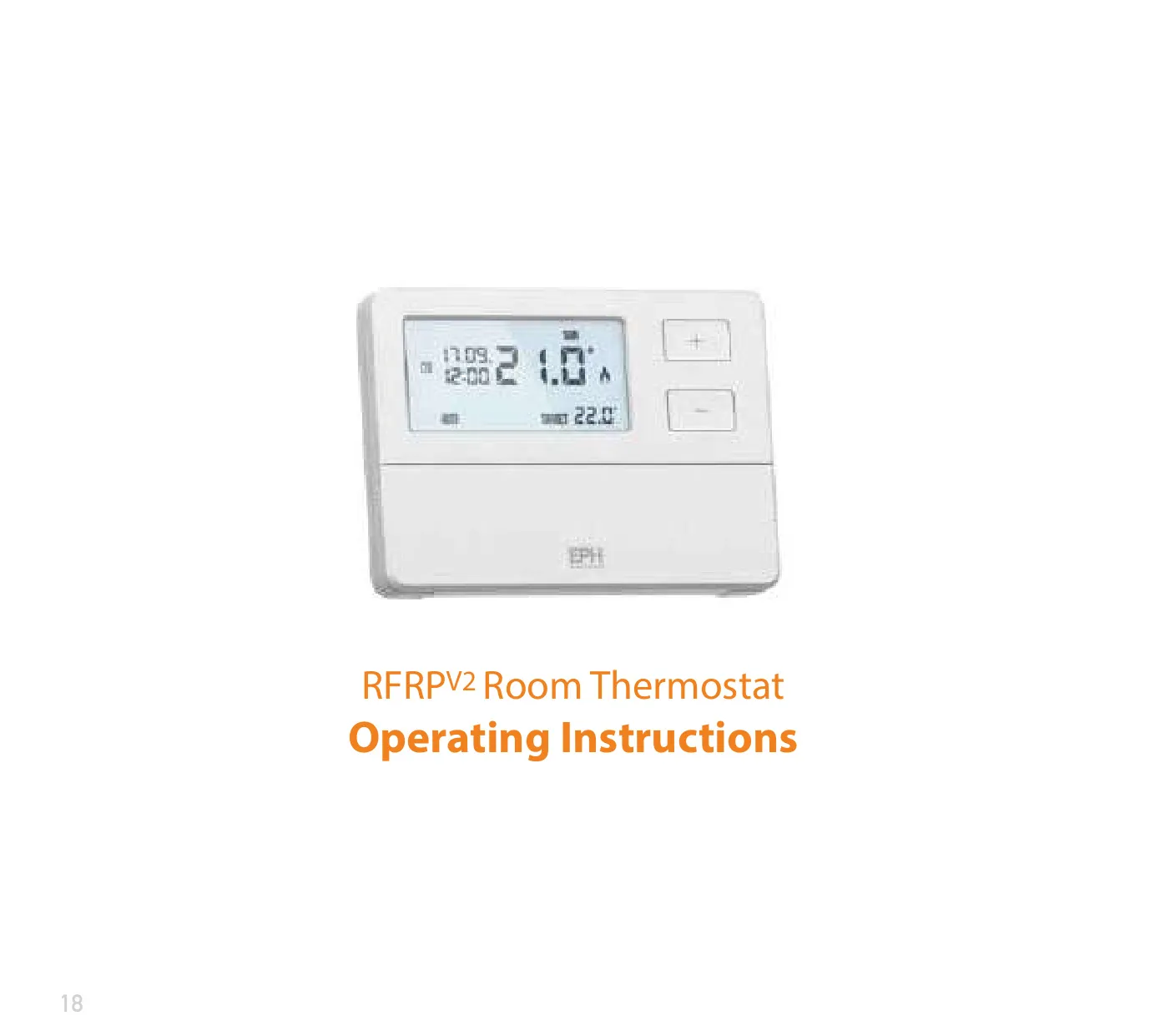
EPH CP4 V2 Thermostat
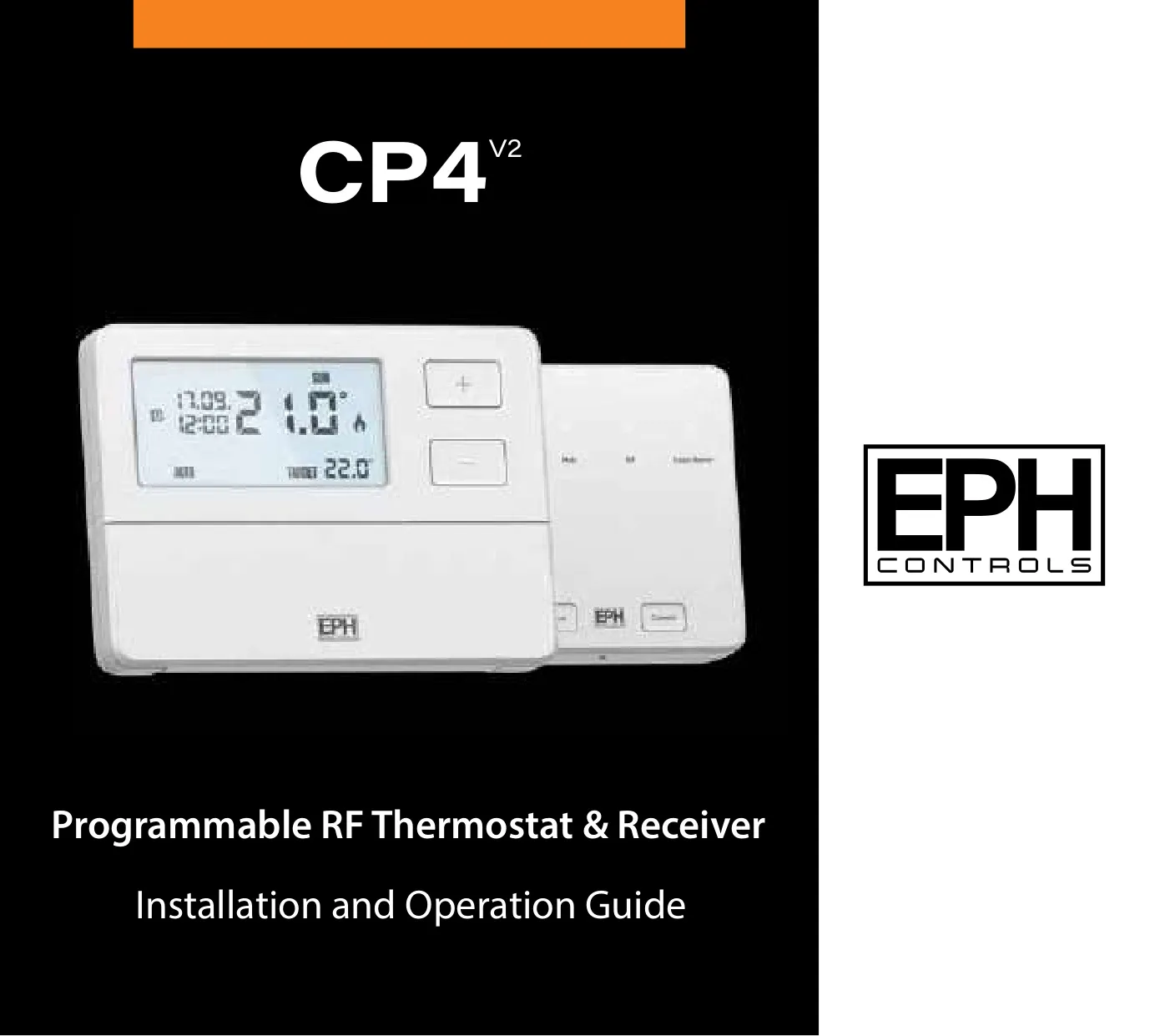







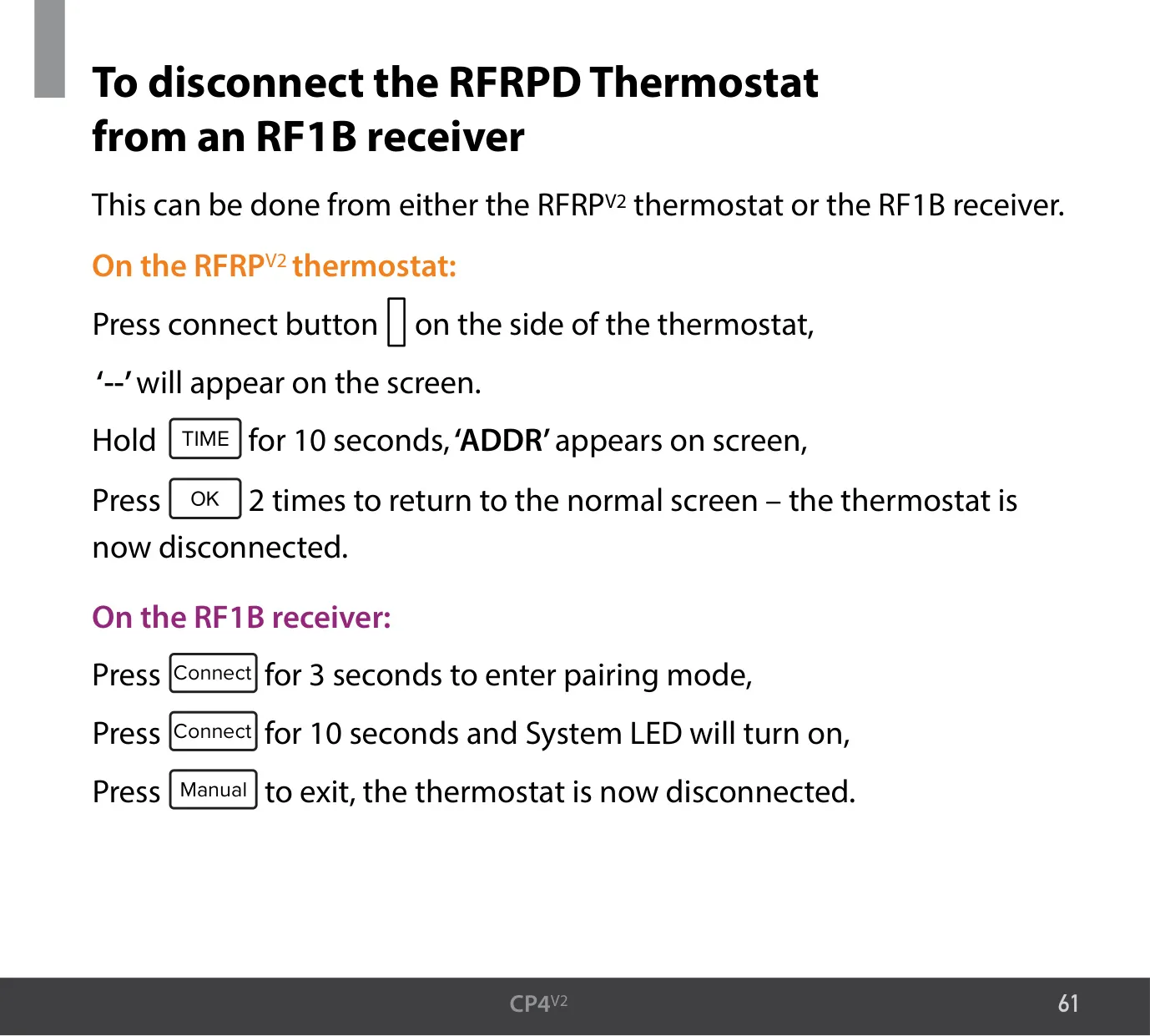



EPH CP4 V2 Thermostat Instructions
Here we offer the EPH CP4 V2 Thermostat manual completely free and in English. We have cataloged this manual in the Thermostats section on Manualverse, and it has been rated by 1 users with an average rating of 5. If you have any specific questions about EPH CP4 V2 Thermostat, we suggest checking the Frequently Asked Questions (FAQs) section of this manual.
Product Images
EPH CP4 V2 Thermostat Specifications
| Feature | Specification |
|---|---|
| Kit Components | RFRP V2 programmable RF room thermostat and RF1B wireless receiver |
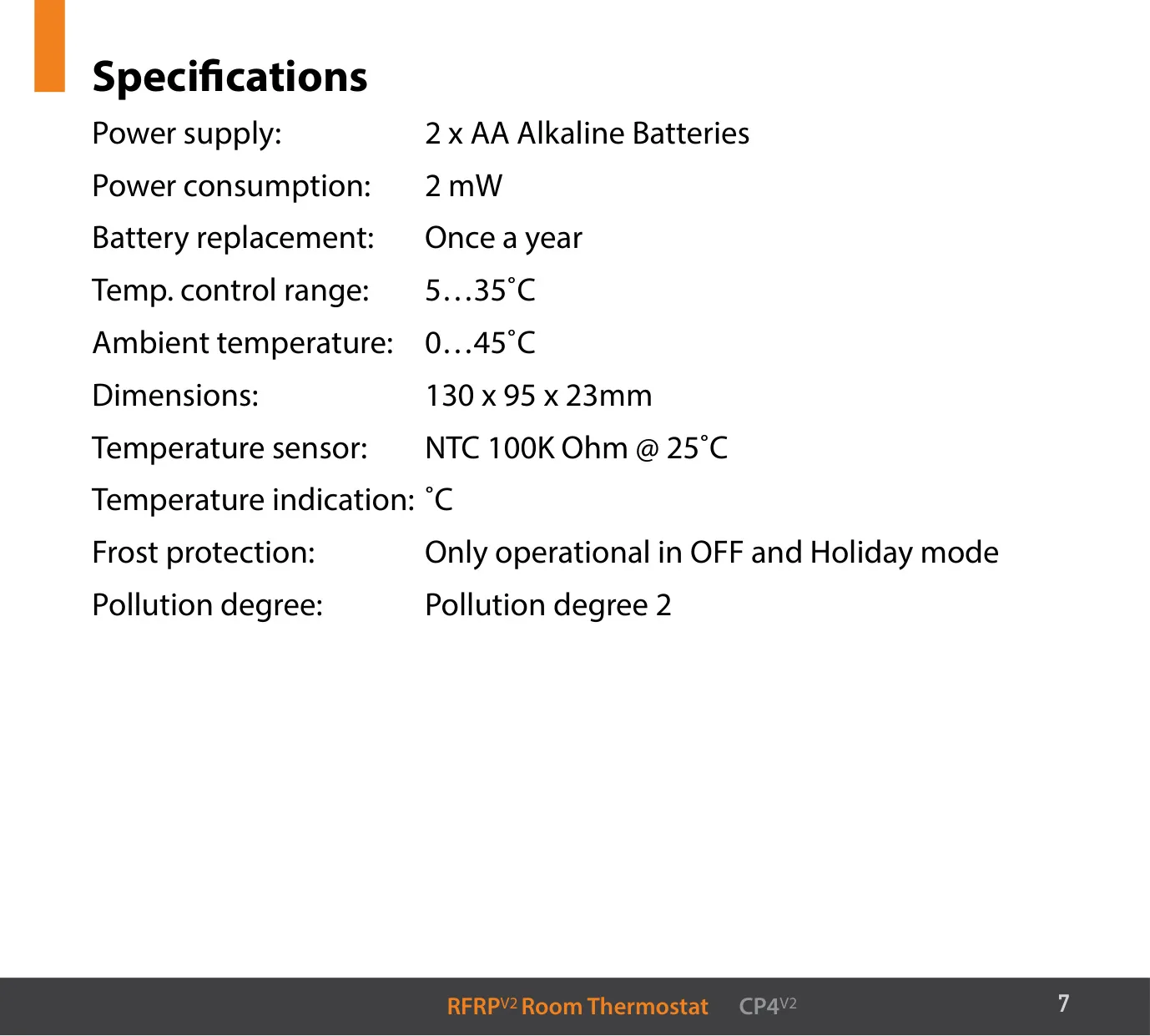
| Thermostat Power Supply | 2 x AA alkaline batteries |
| Thermostat Power Consumption | 2 mW |
| Battery Replacement | Once a year |
| Temperature Control Range | 5…35 °C |
| Thermostat Ambient Temperature | 0…45 °C |
| Thermostat Dimensions | 130 x 95 x 23 mm |
| Temperature Sensor | NTC 100K Ohm @ 25 °C |
| Temperature Indication | °C |
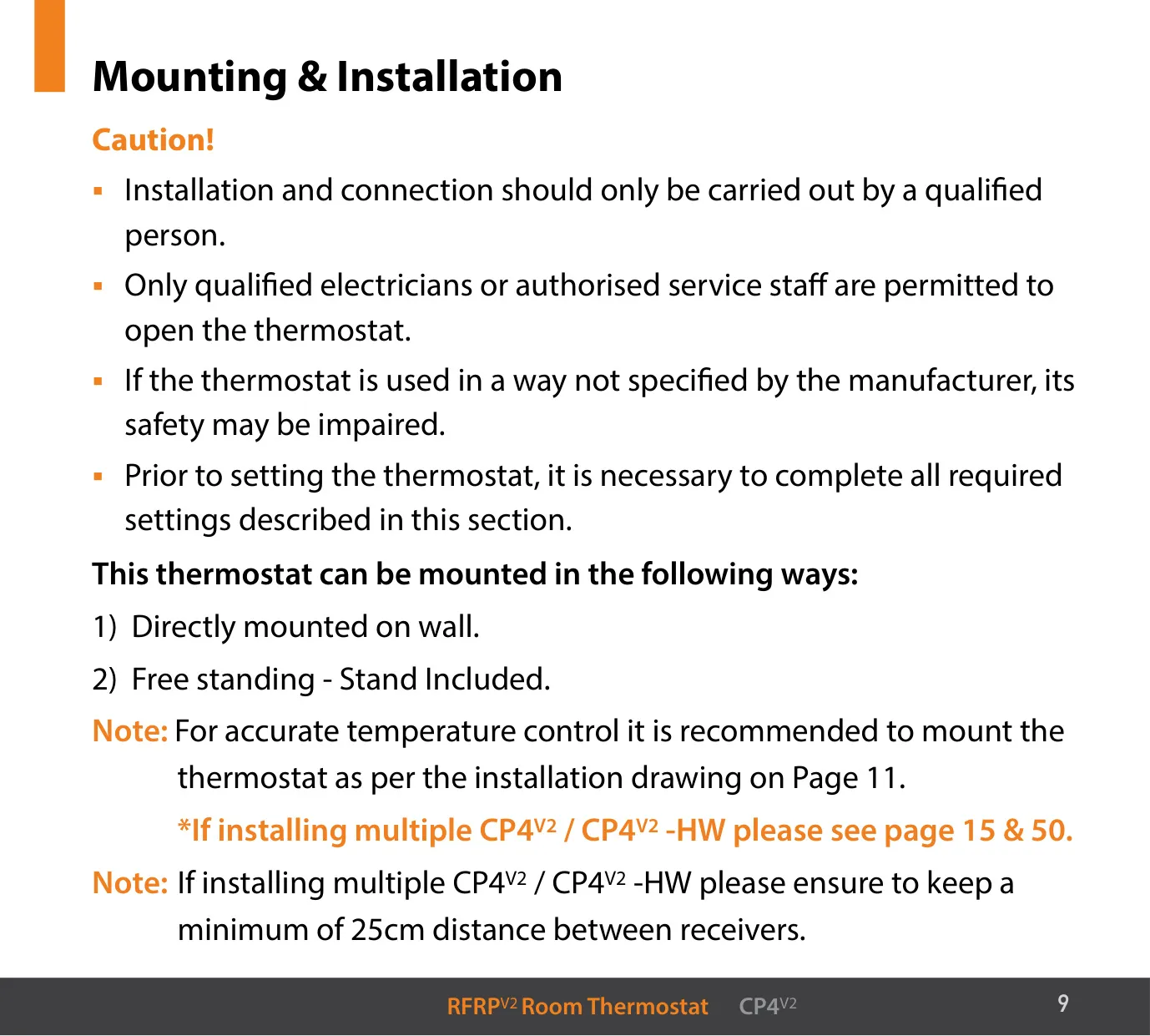
| Mounting Options | Wall mounted or free standing (stand included) |
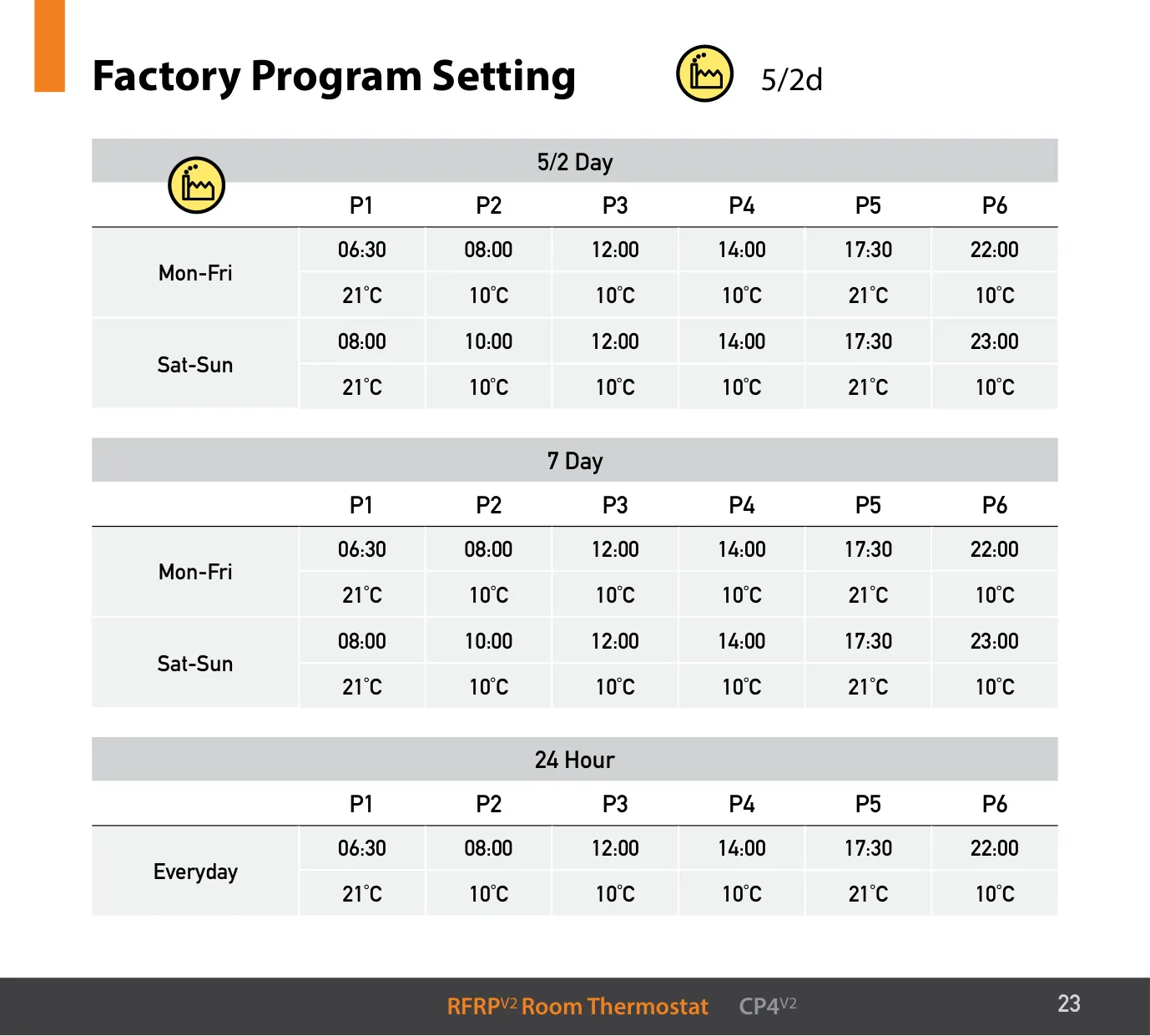
| Programs per Day | 6 time and temperature periods |
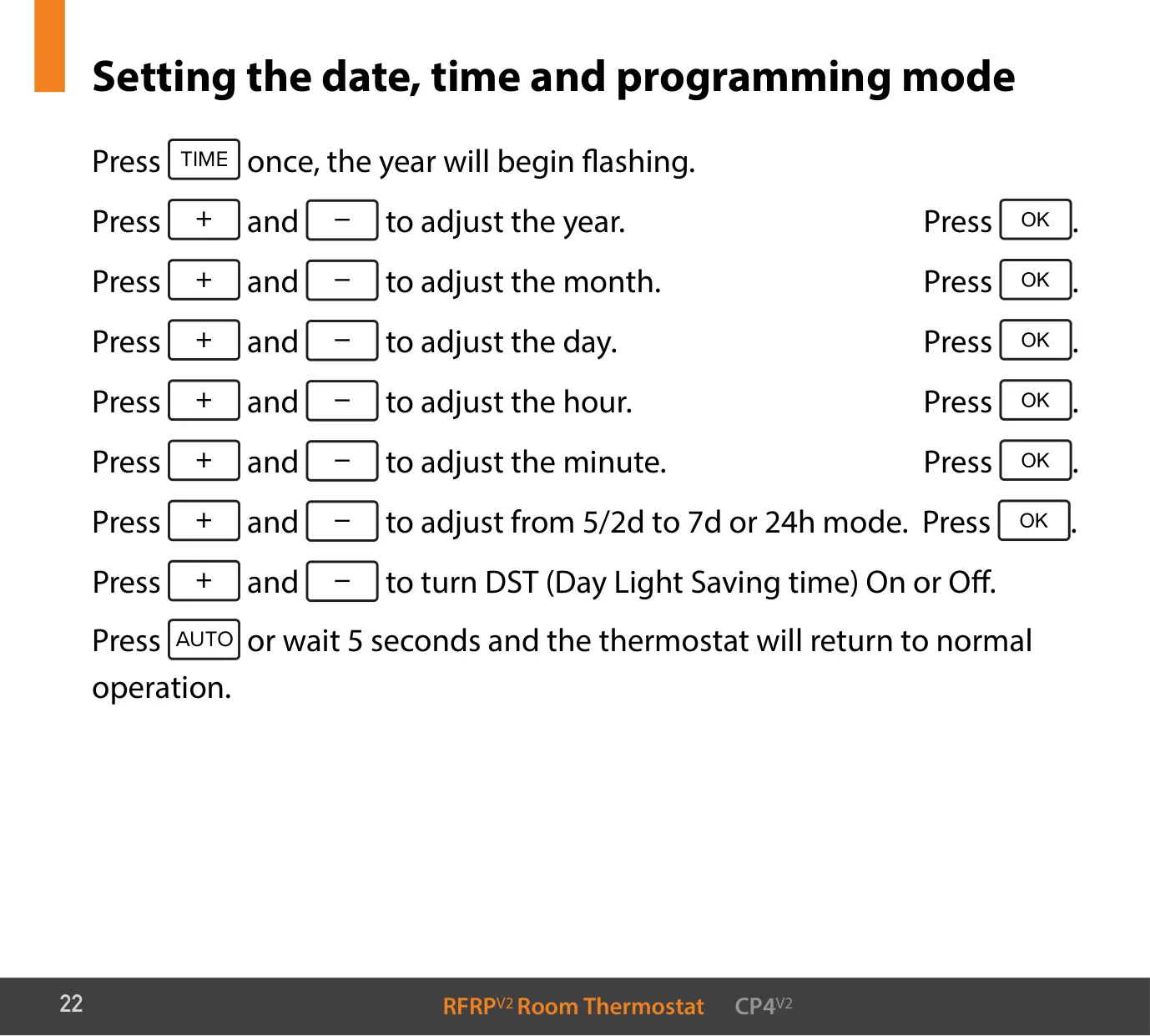
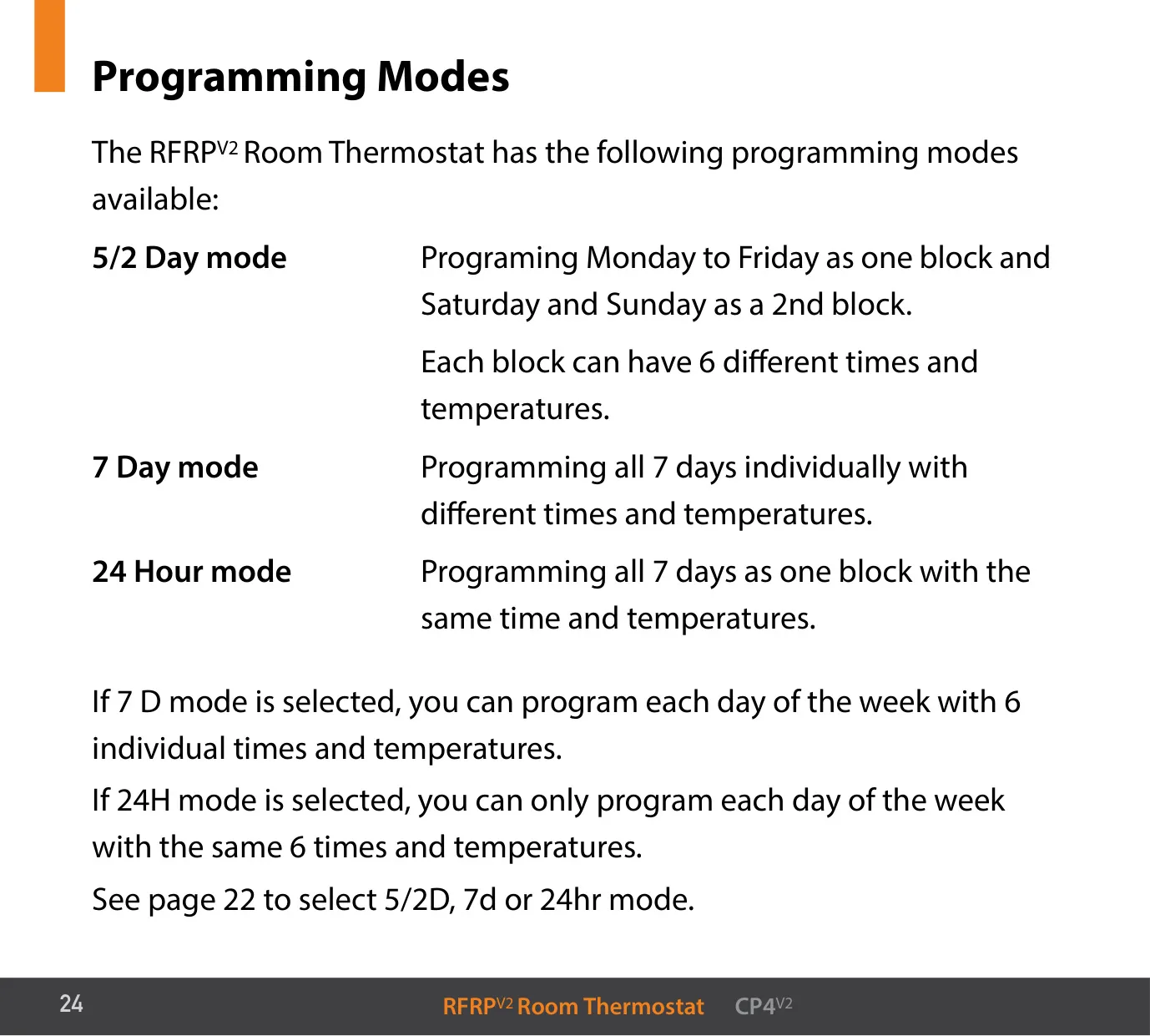
| Programming Modes | 5/2 Day (default), 7 Day, 24 Hour |
| Clock Format | 24 hours, with DST on/off option |
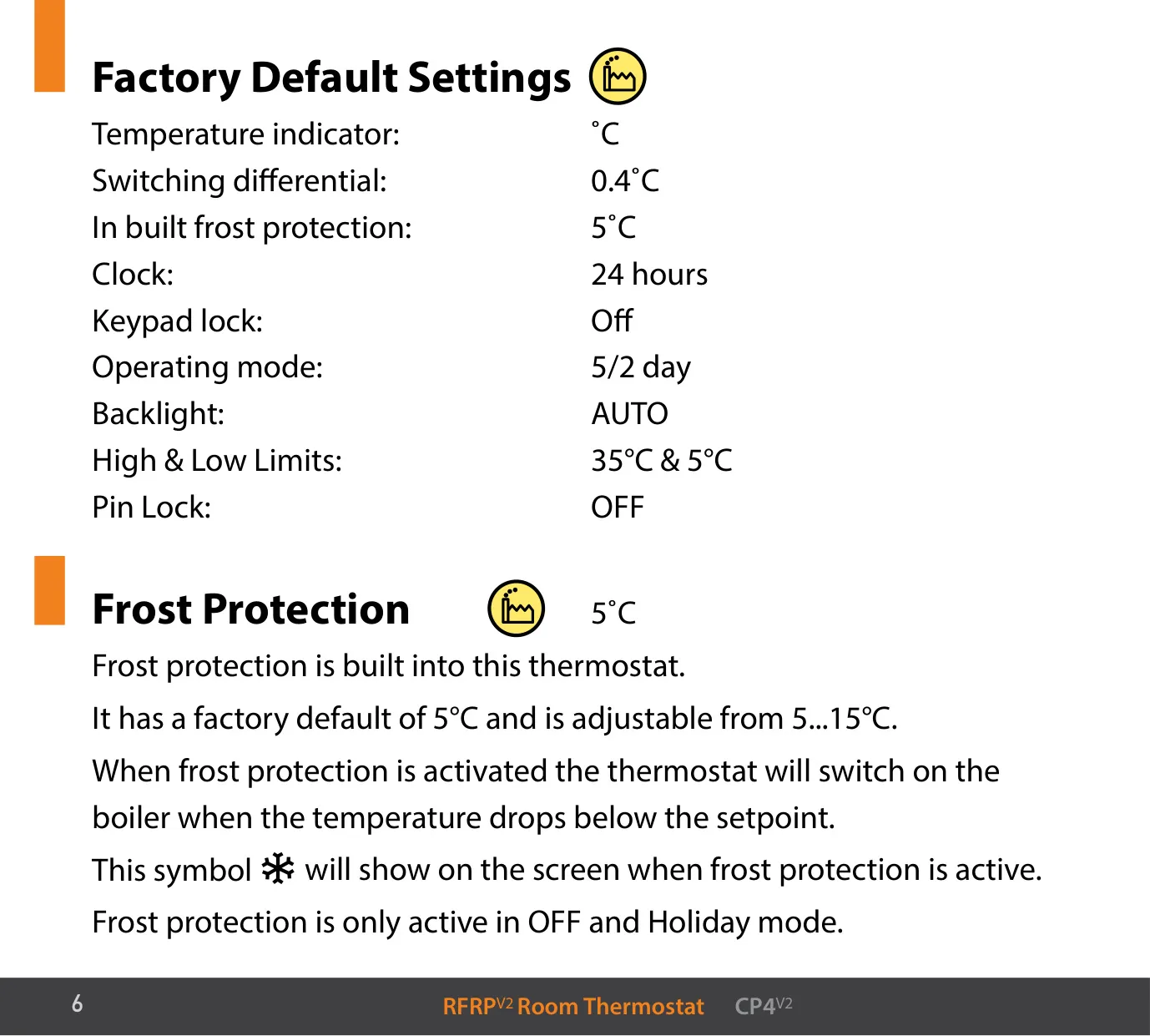
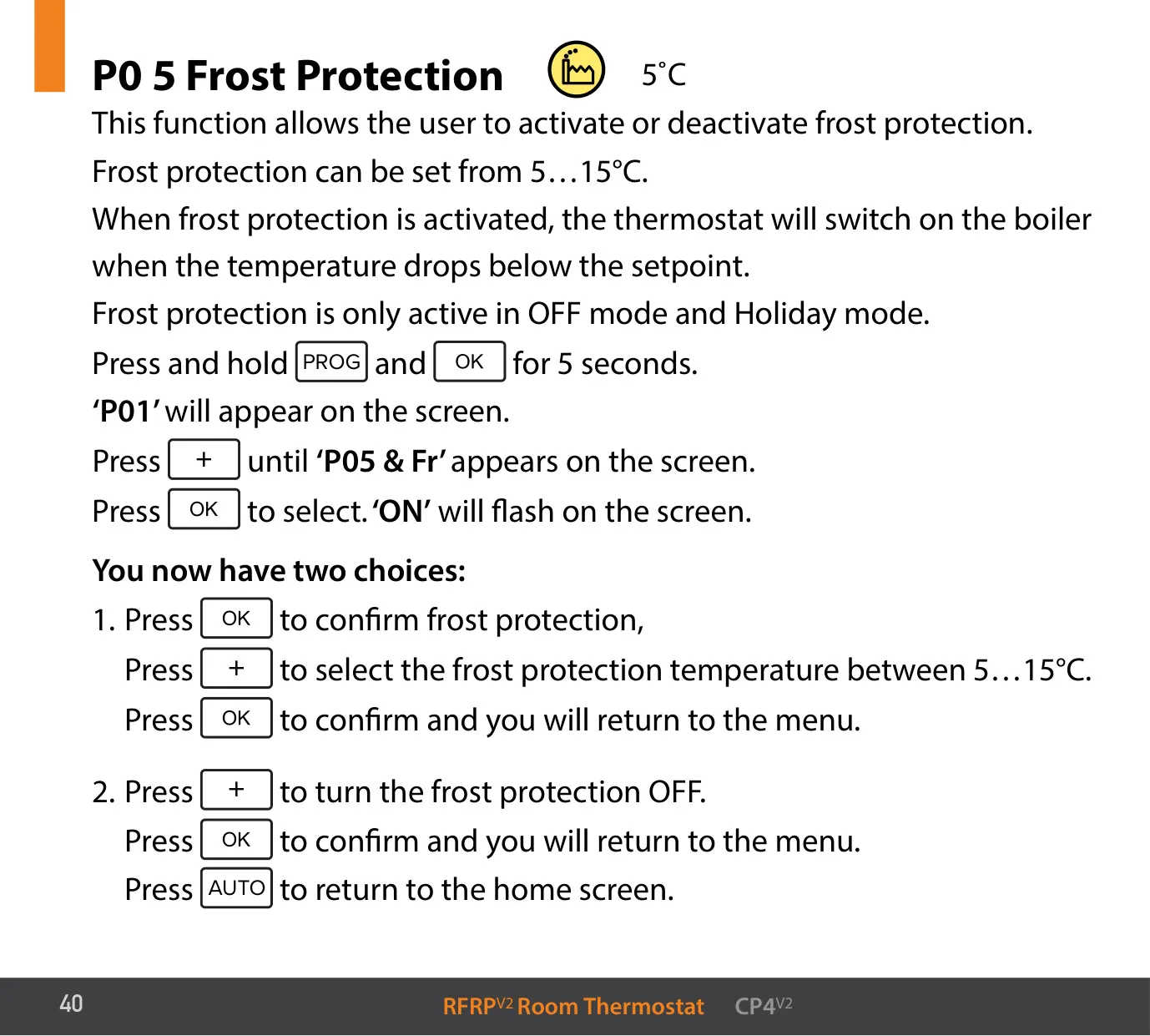
| Frost Protection | Default 5 °C, adjustable 5…15 °C; active only in OFF and Holiday mode |
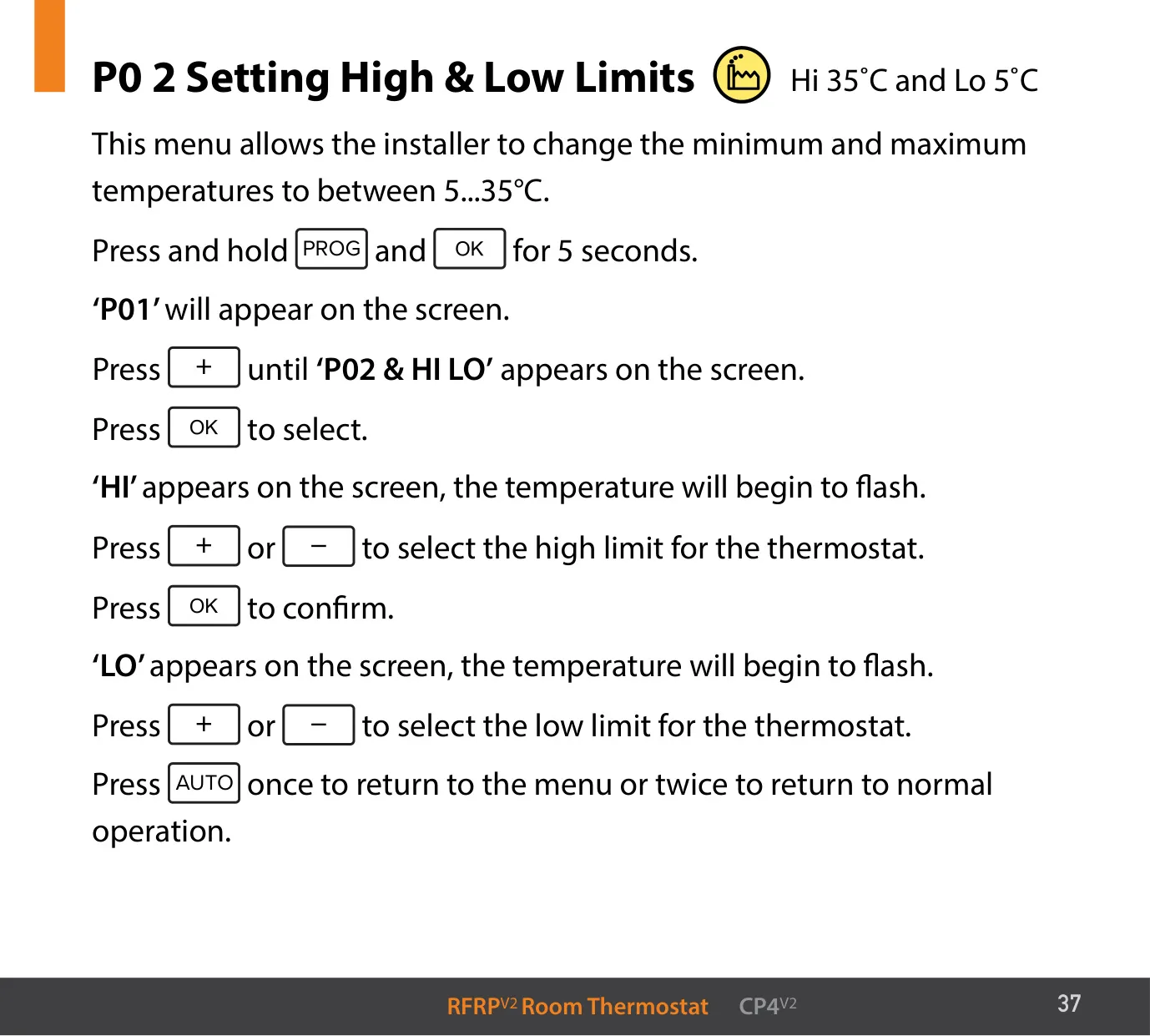
| High & Low Limits | Default 35 °C and 5 °C, adjustable within 5…35 °C |
| Switching Differential (H On) | Default 0.4 °C, adjustable 0.2…1 °C |
| Switching Differential (H OFF) | Default 0.0 °C, adjustable 0.0…1 °C |
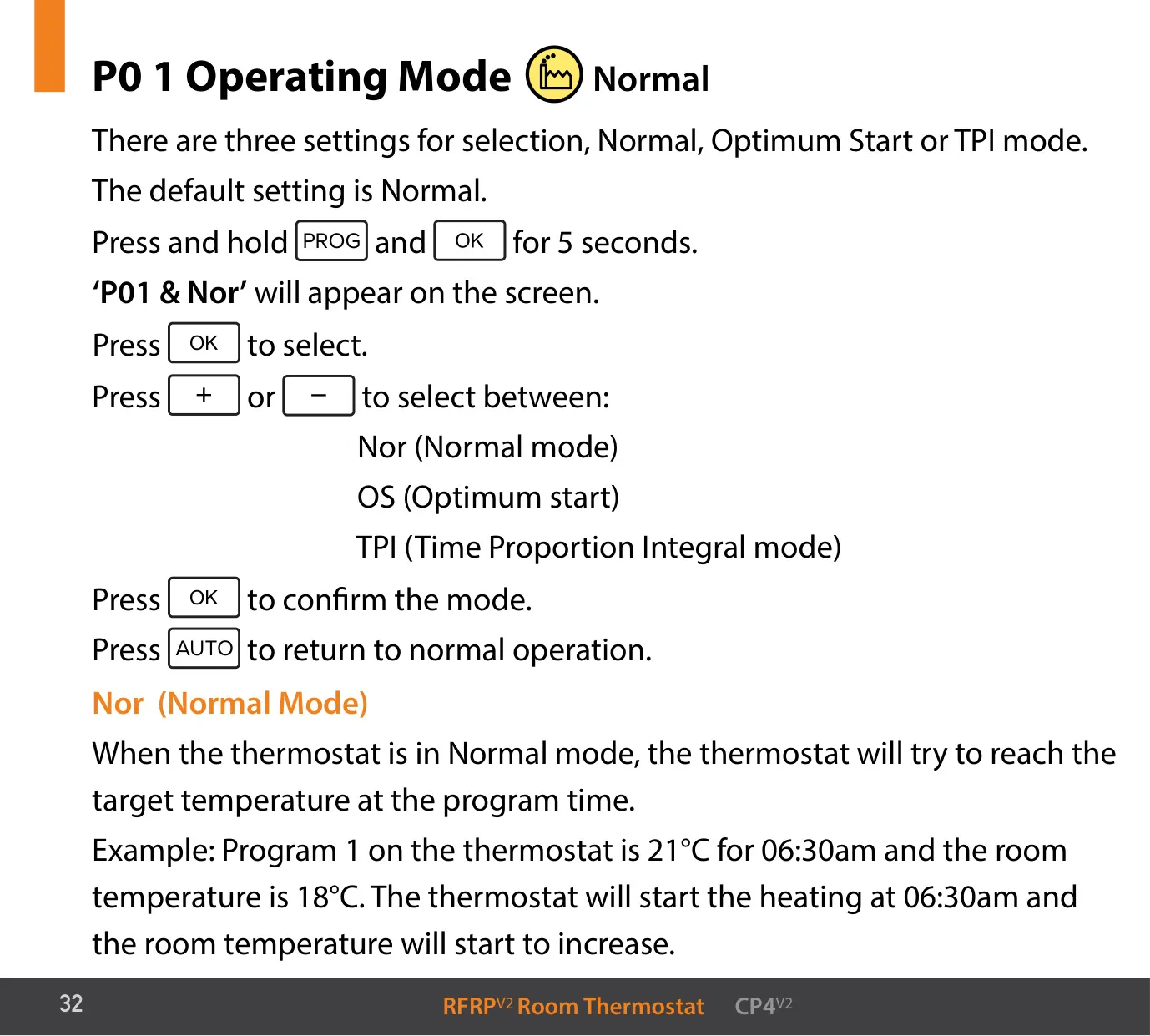
| Operating Modes | Normal (default), Optimum Start, TPI |
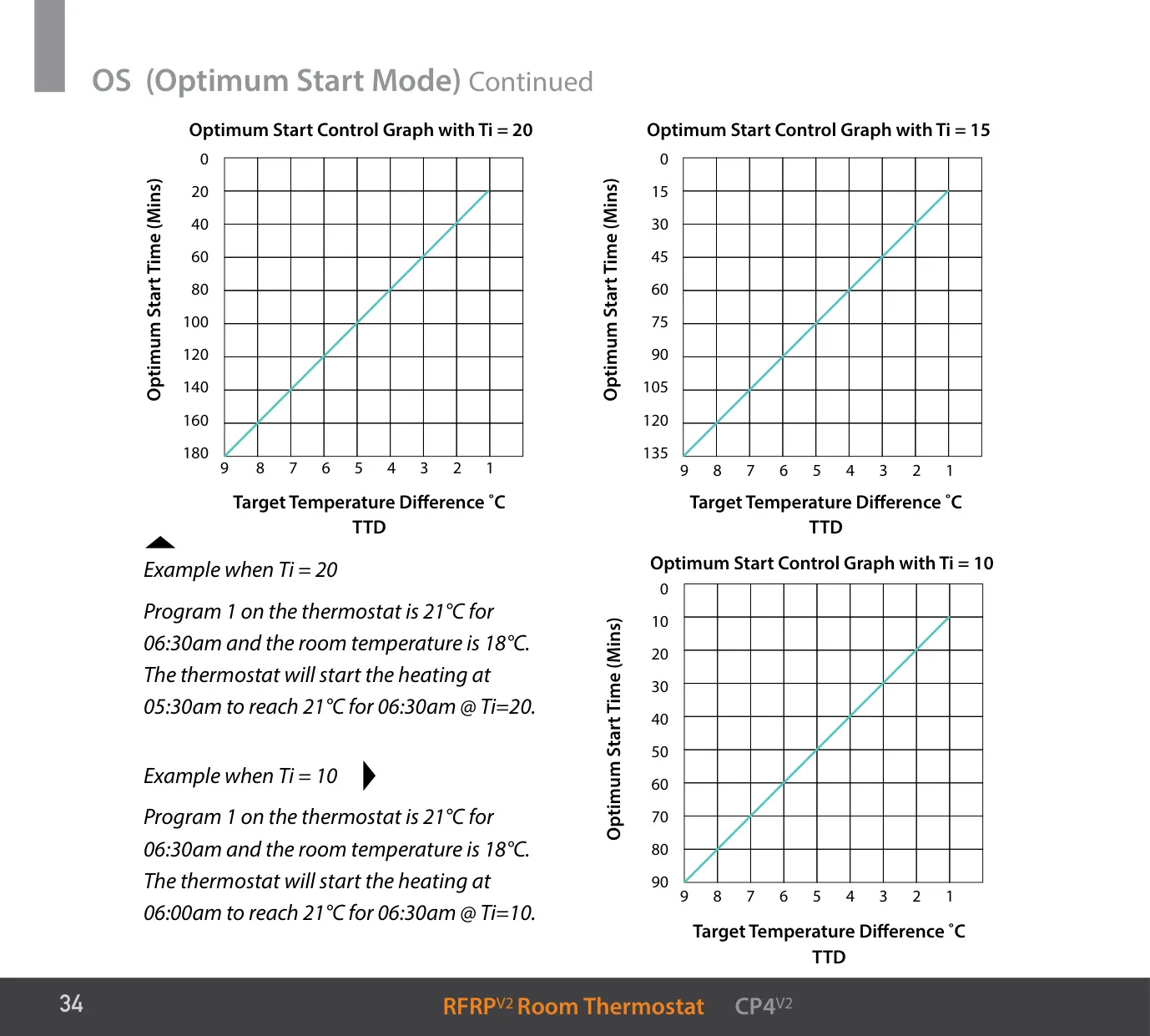
| Optimum Start Time Interval (Ti) | 10, 15, 20, 25 or 30 minutes per 1 °C; maximum start time 180 minutes |
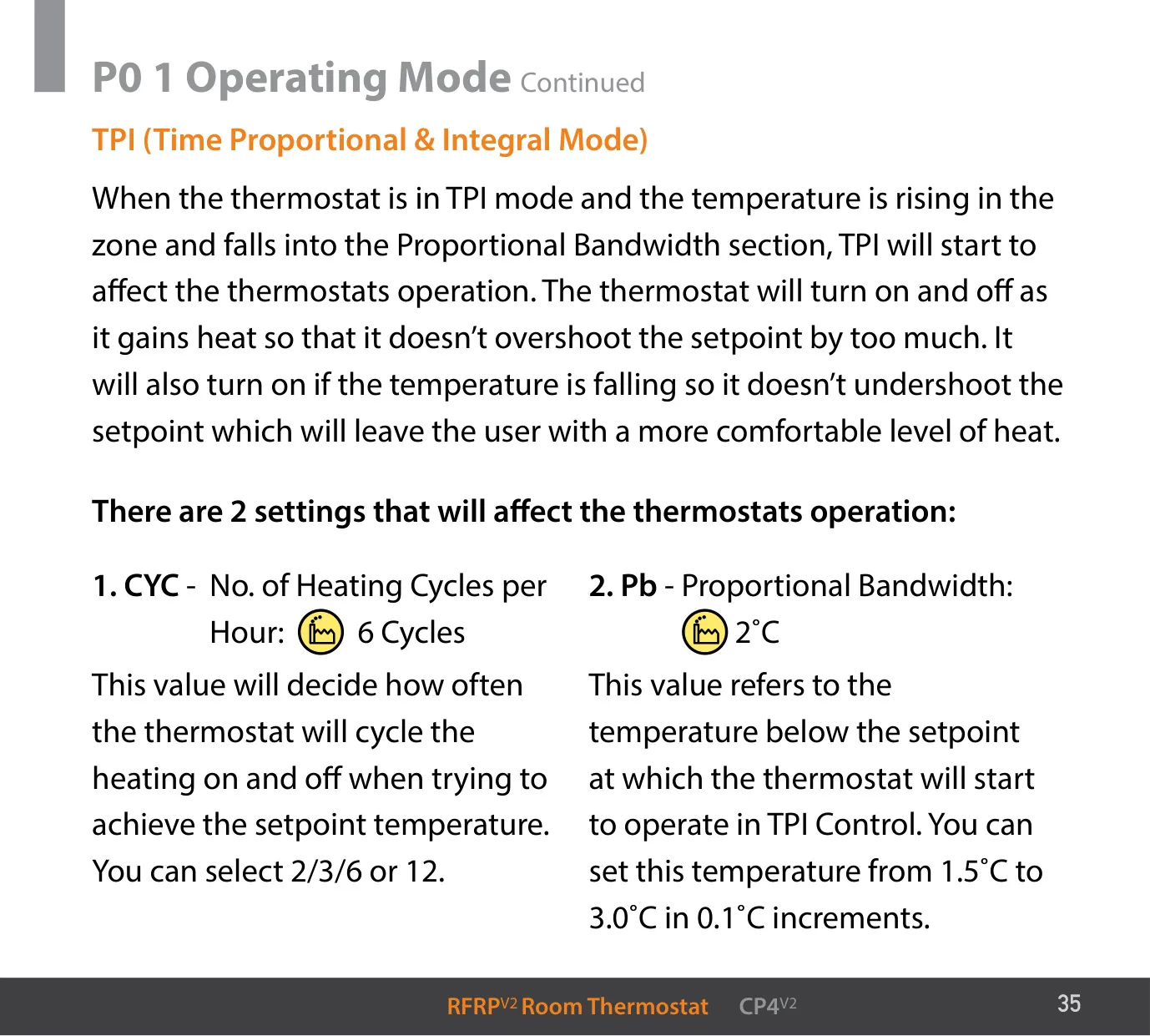
| TPI Cycles per Hour | 2, 3, 6 or 12 (default 6) |
| TPI Proportional Bandwidth | 1.5…3.0 °C in 0.1 °C steps (default 2 °C) |
| Boost Durations | 30 minutes, 1, 2 or 3 hours |
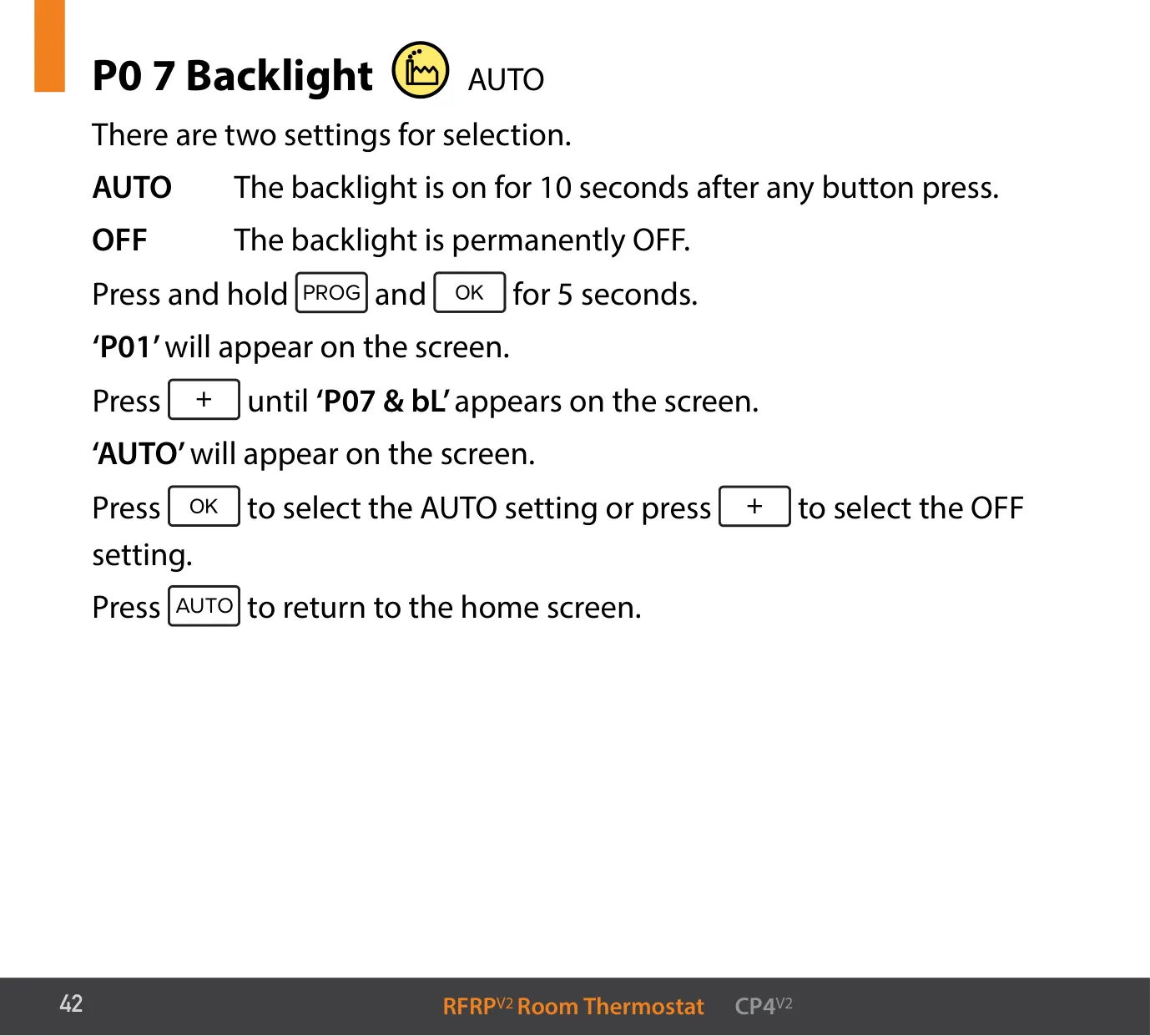
| Backlight | AUTO (on for 10 seconds after button press) or OFF |
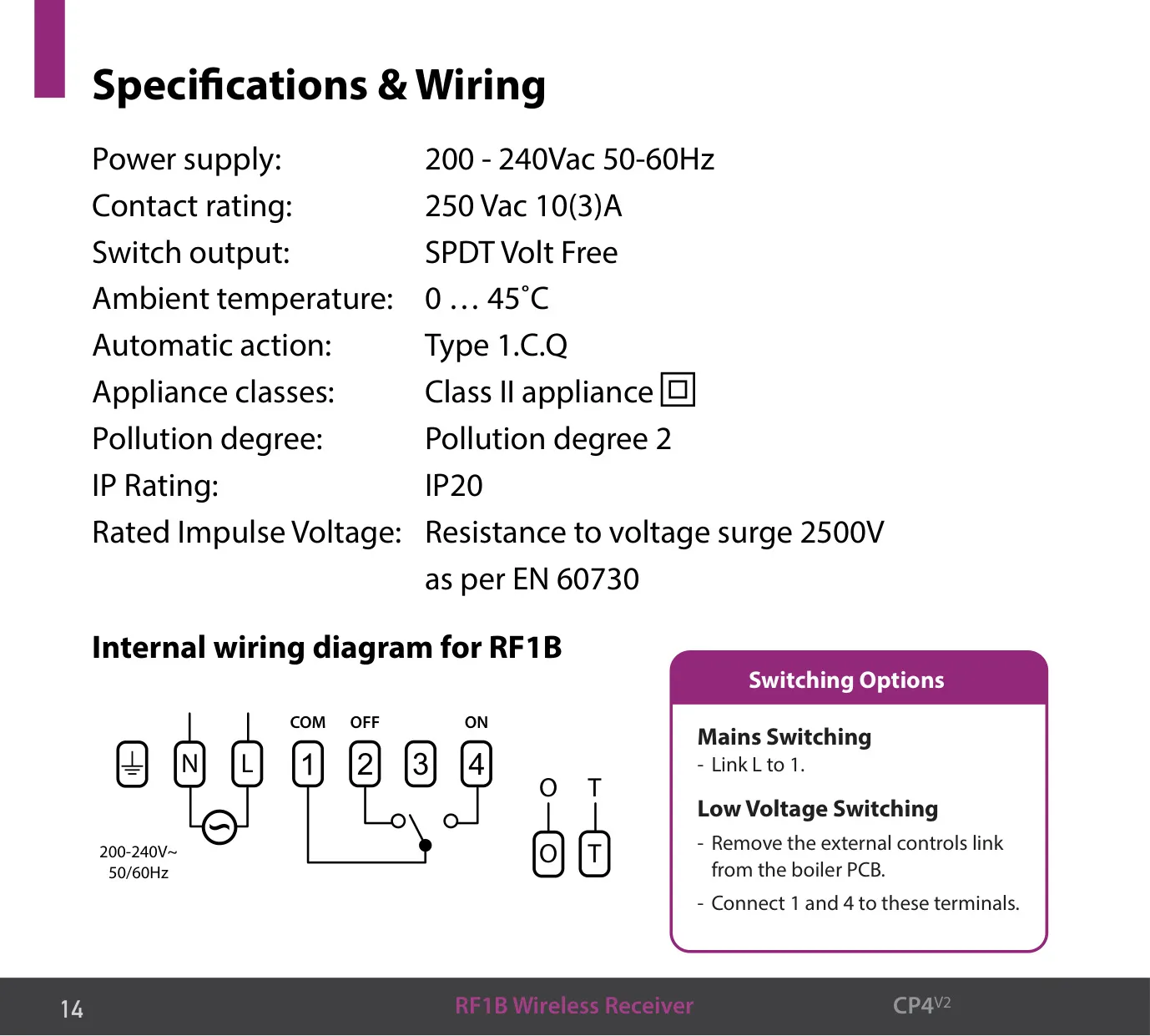
| Receiver Power Supply | 200–240 Vac, 50–60 Hz |
| Receiver Contact Rating | 250 Vac 10(3)A |
| Receiver Switch Output | SPDT, volt free |
| Receiver Ambient Temperature | 0…45 °C |
| Automatic Action | Type 1.C.Q |
| Appliance Class | Class II |
| IP Rating | IP20 |
| Rated Impulse Voltage | 2500 V as per EN 60730 |
| Pollution Degree | Pollution degree 2 |
| Wireless Range | Receiver within 20 metres of the thermostat |
| Boiler Communication | On/off switching or OpenTherm® |
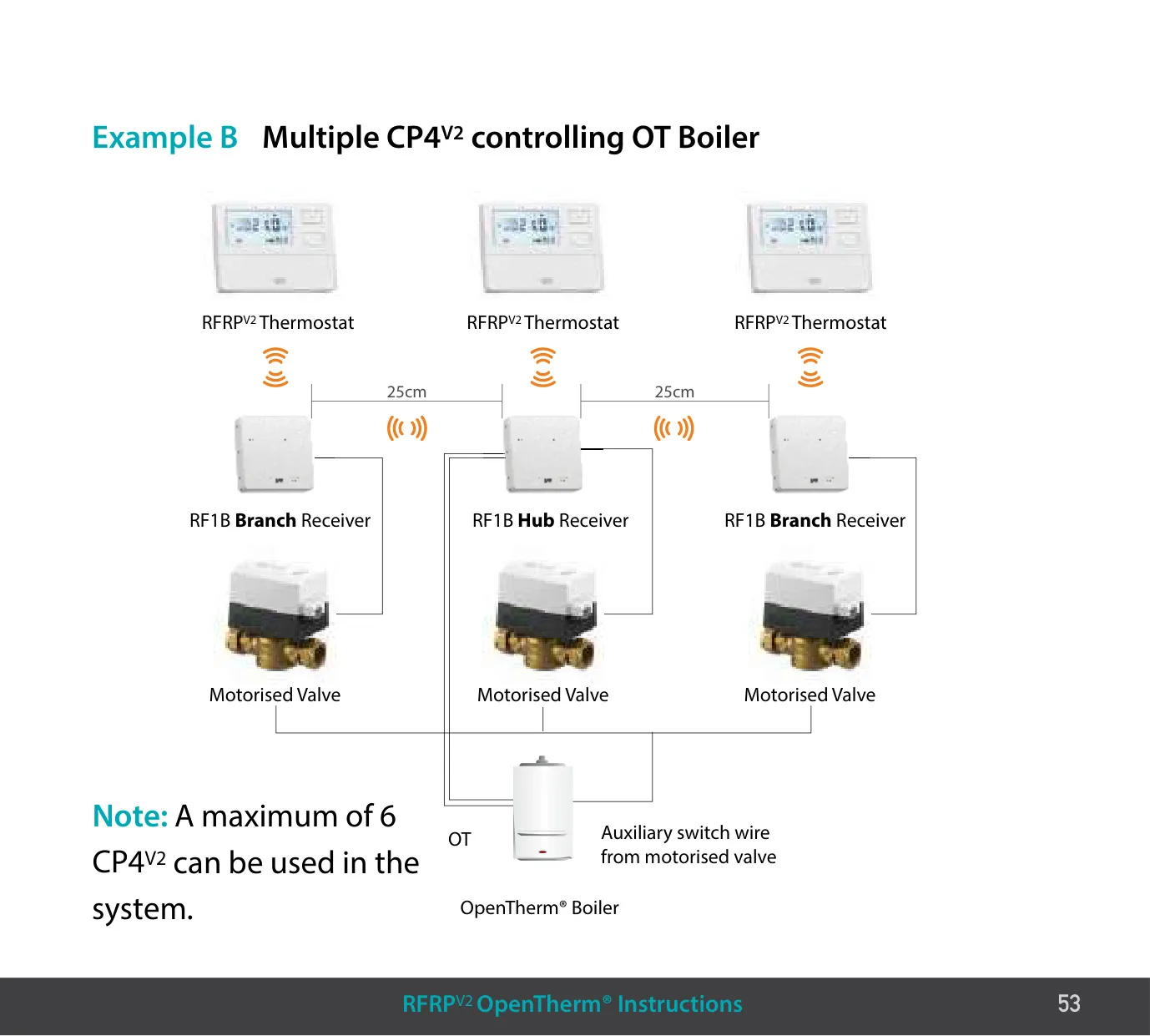
| Maximum Units per OpenTherm® Boiler | 6 CP4 V2 systems (1 hub and up to 5 branch receivers) |
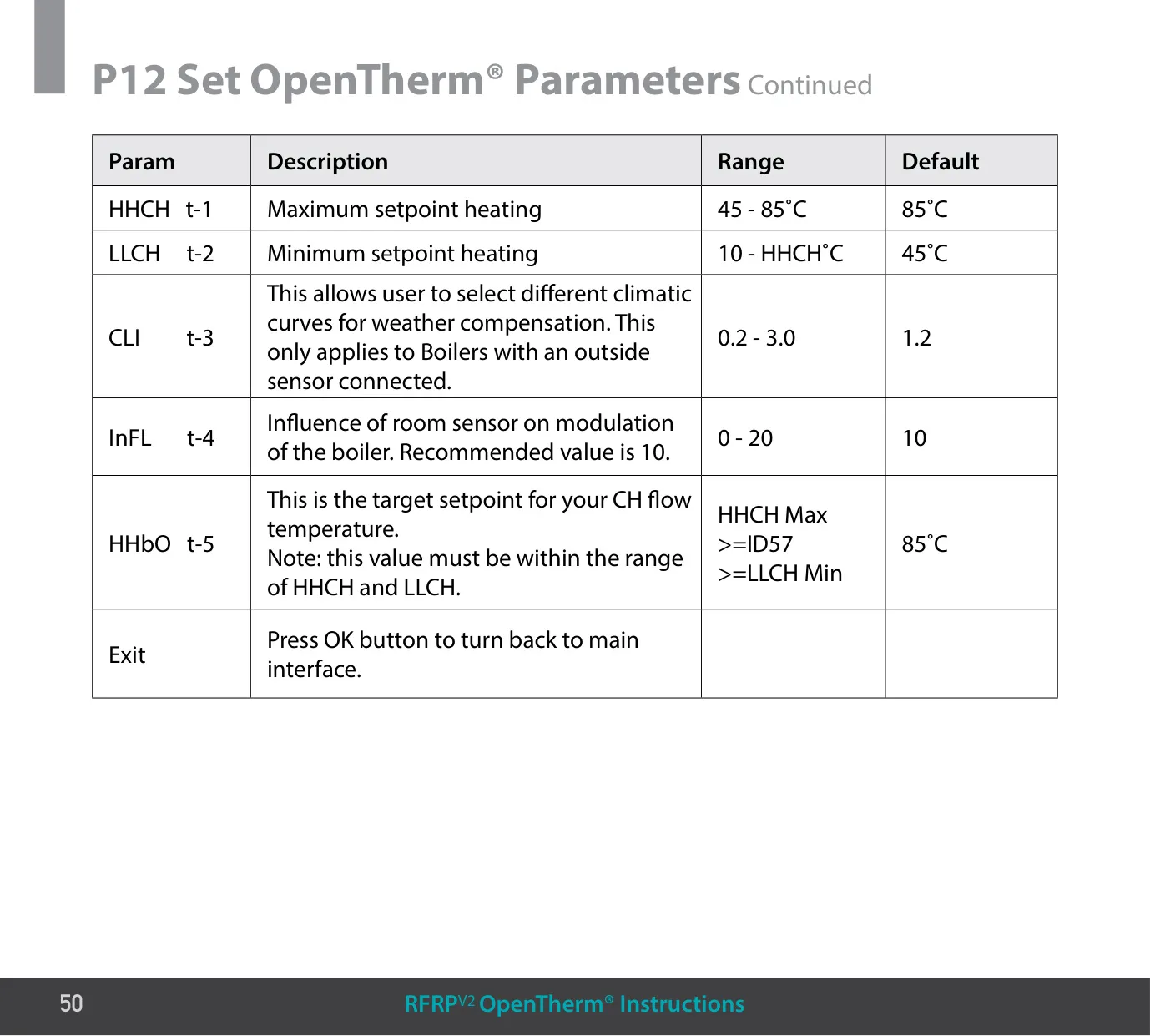
| OpenTherm® Max CH Setpoint (HHCH) | 45–85 °C (default 85 °C) |
| OpenTherm® Min CH Setpoint (LLCH) | 10 °C up to the HHCH value (default 45 °C) |
| Climatic Curve (CLI) | 0.2–3.0 (default 1.2) |
| Room Sensor Influence (InFL) | 0–20 (default and recommended value 10) |
EPH CP4 V2 Thermostat Details
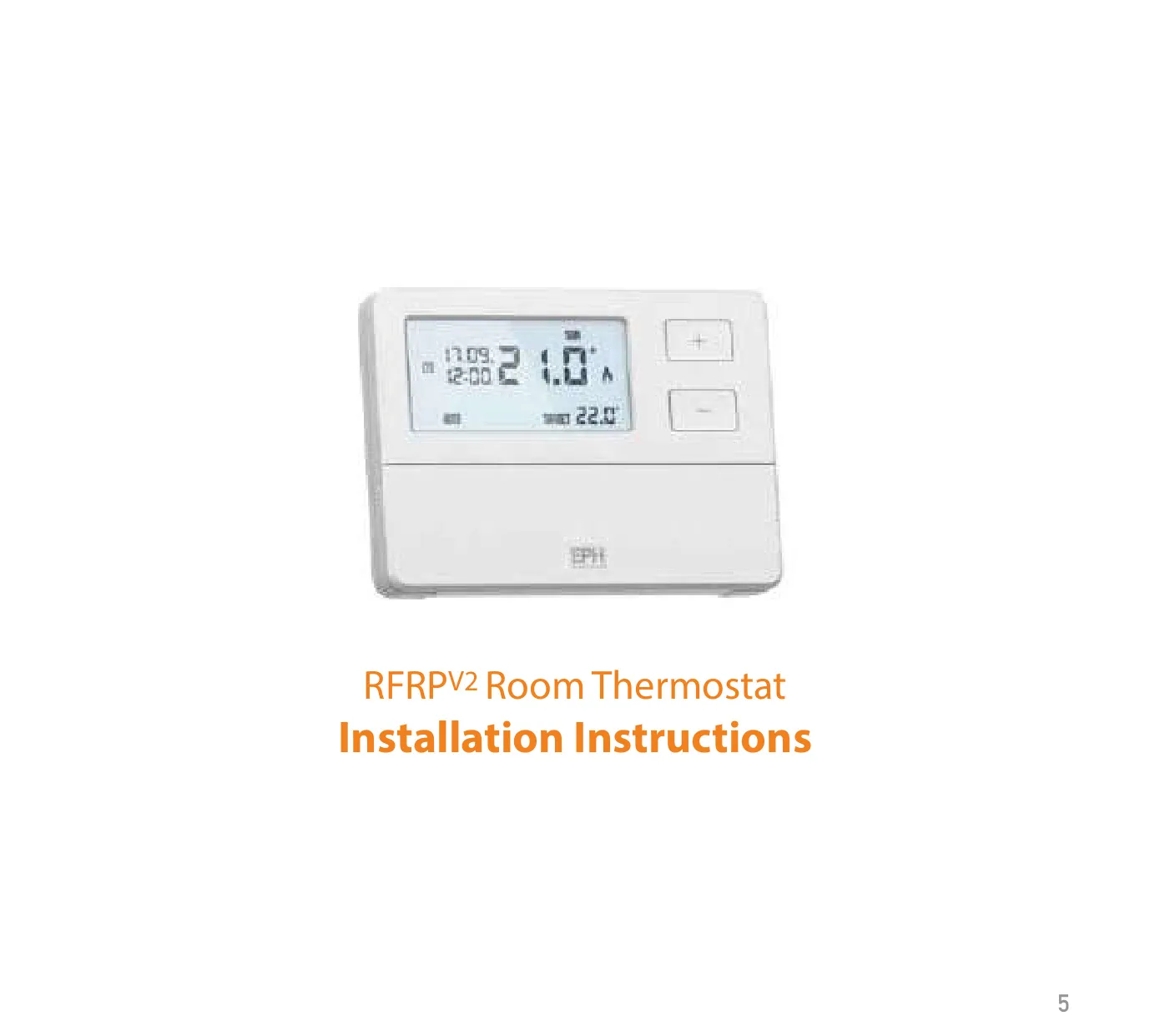
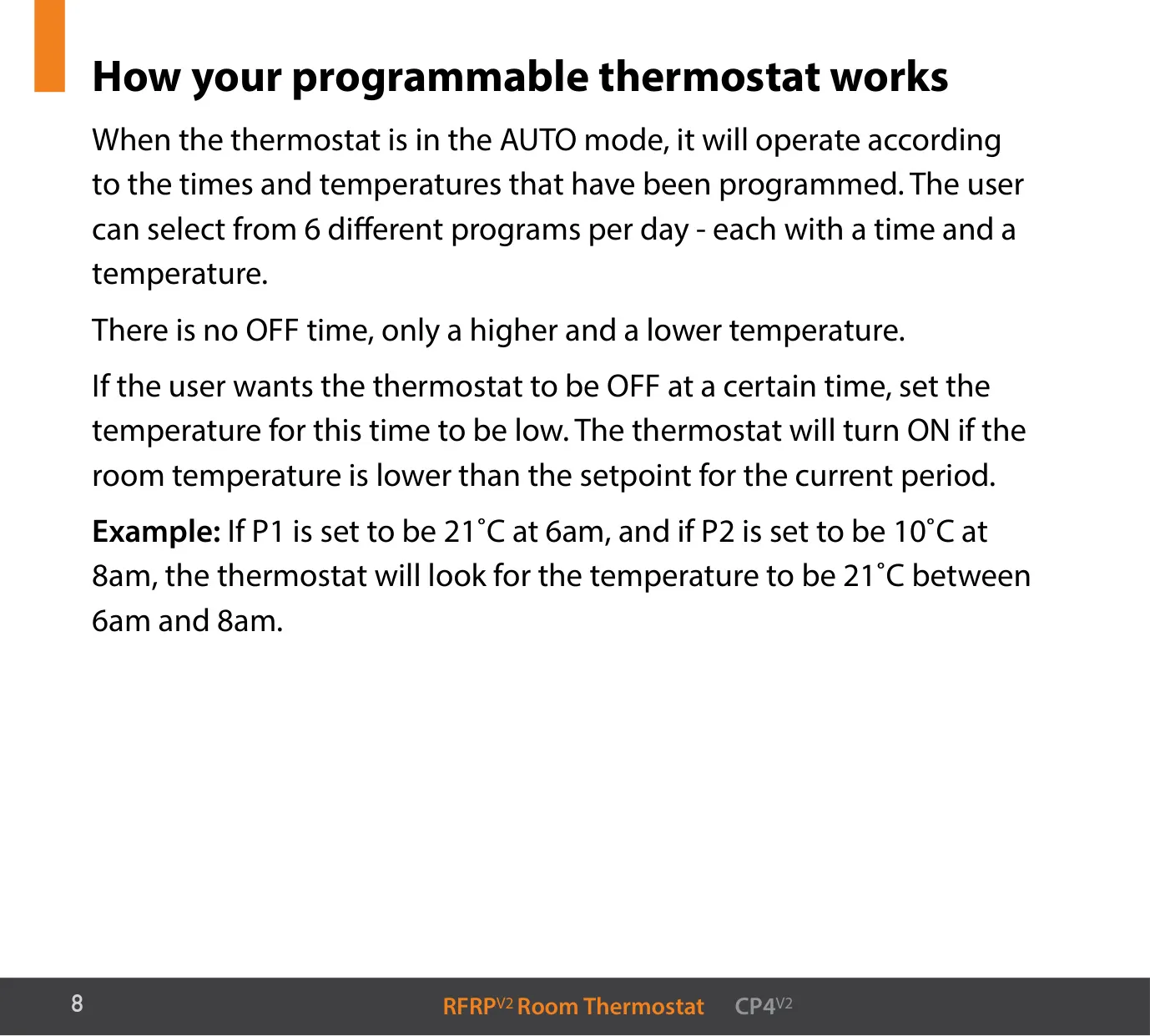
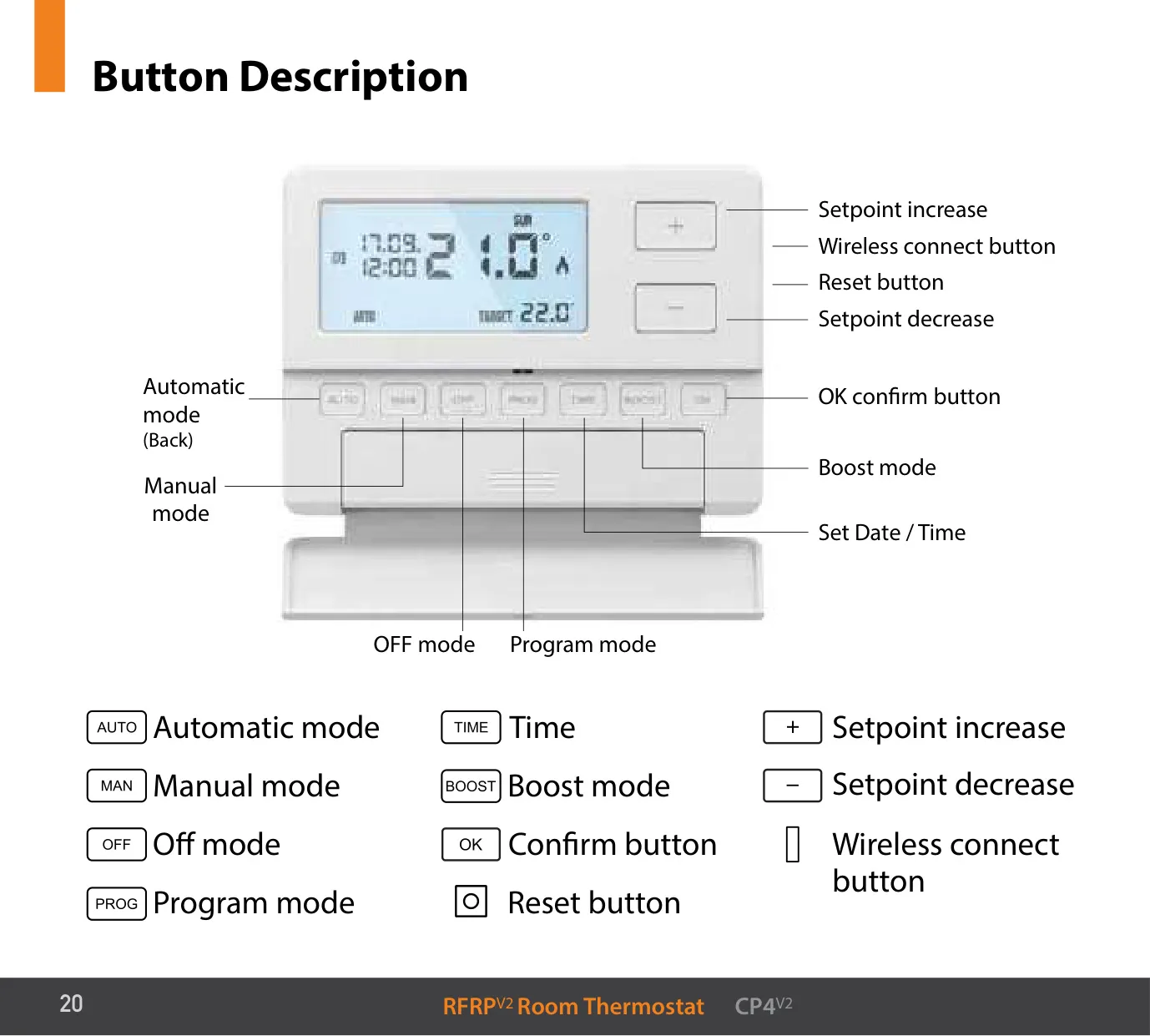
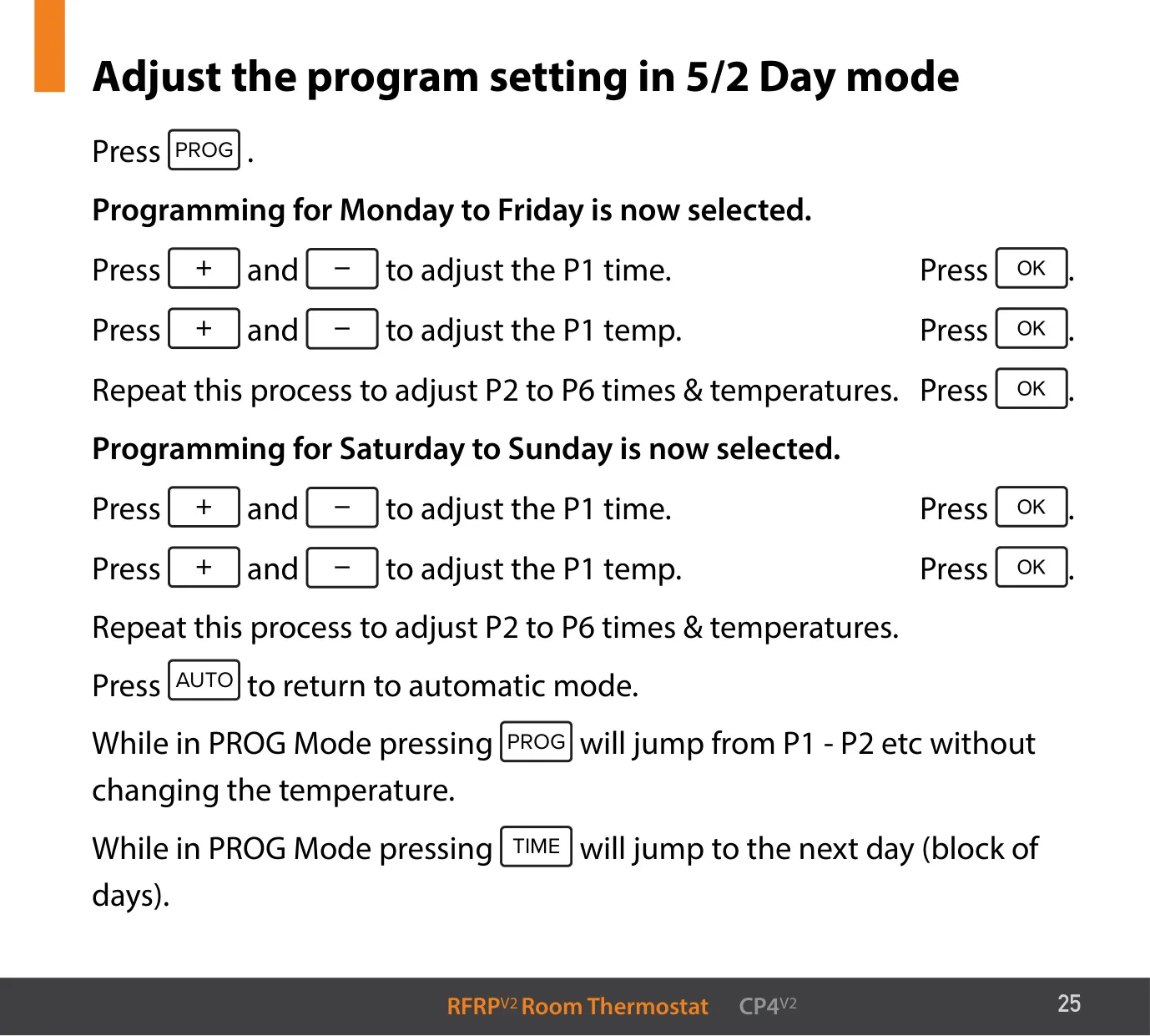
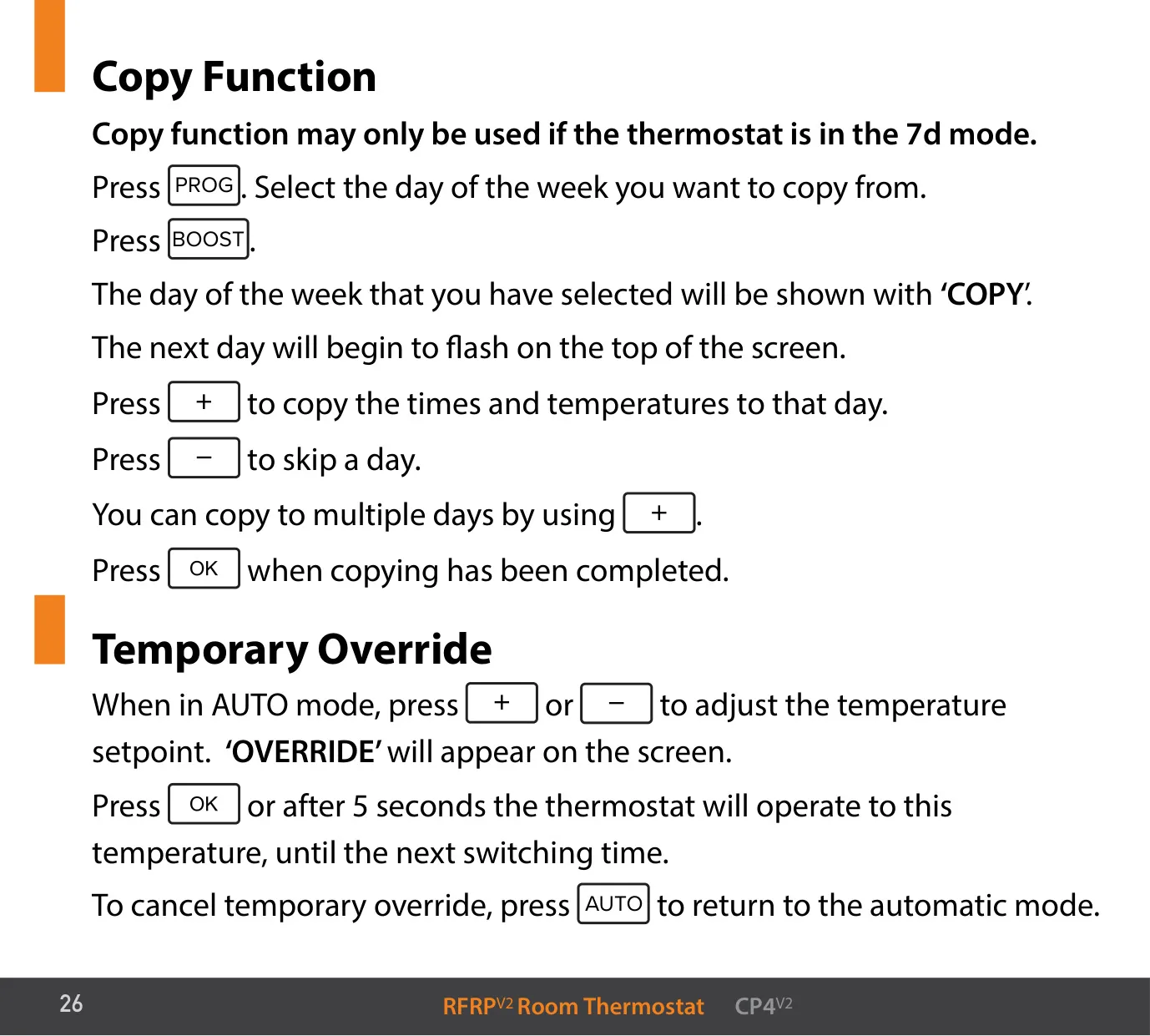
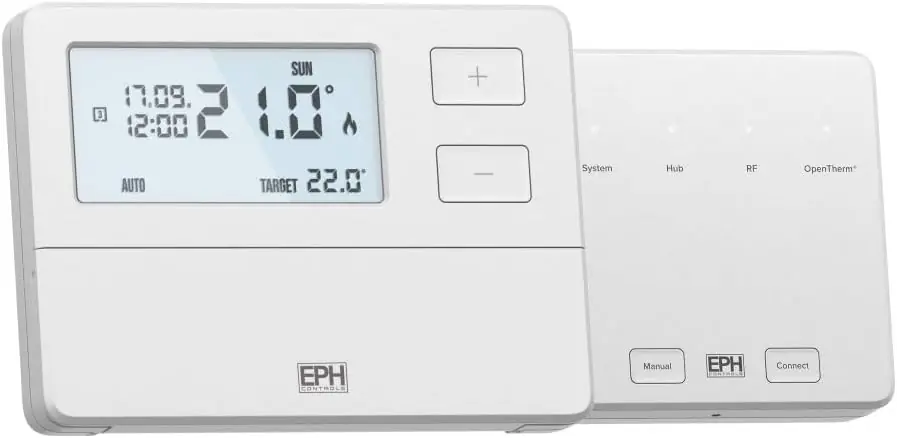
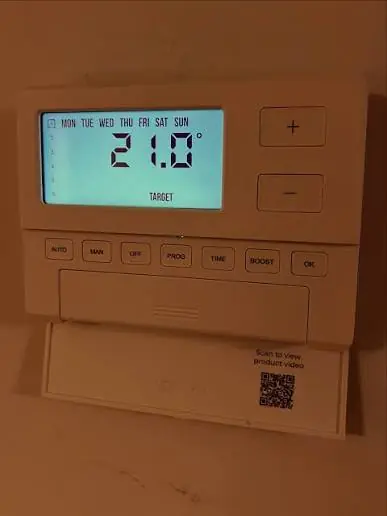
The EPH CP4 V2 is a kit made up of the RFRP V2 programmable room thermostat and the RF1B wireless receiver. In AUTO mode, the thermostat follows a schedule with six periods per day. Each period has its own time and temperature. There is no OFF time, so to turn the heating off for a period, you set a low temperature for it. In 7 Day mode, a Copy function started with the BOOST button copies one day's schedule to other days.
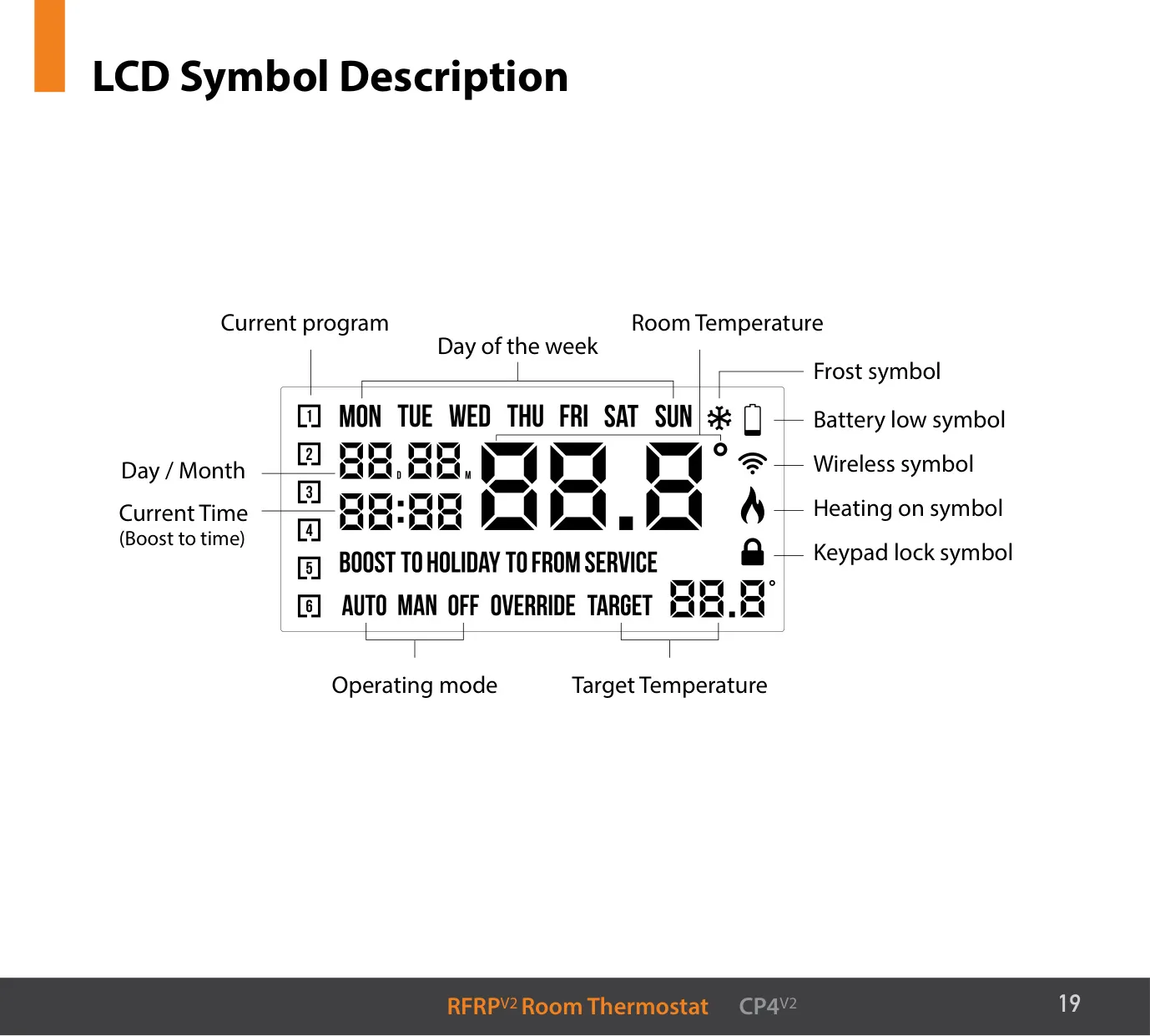
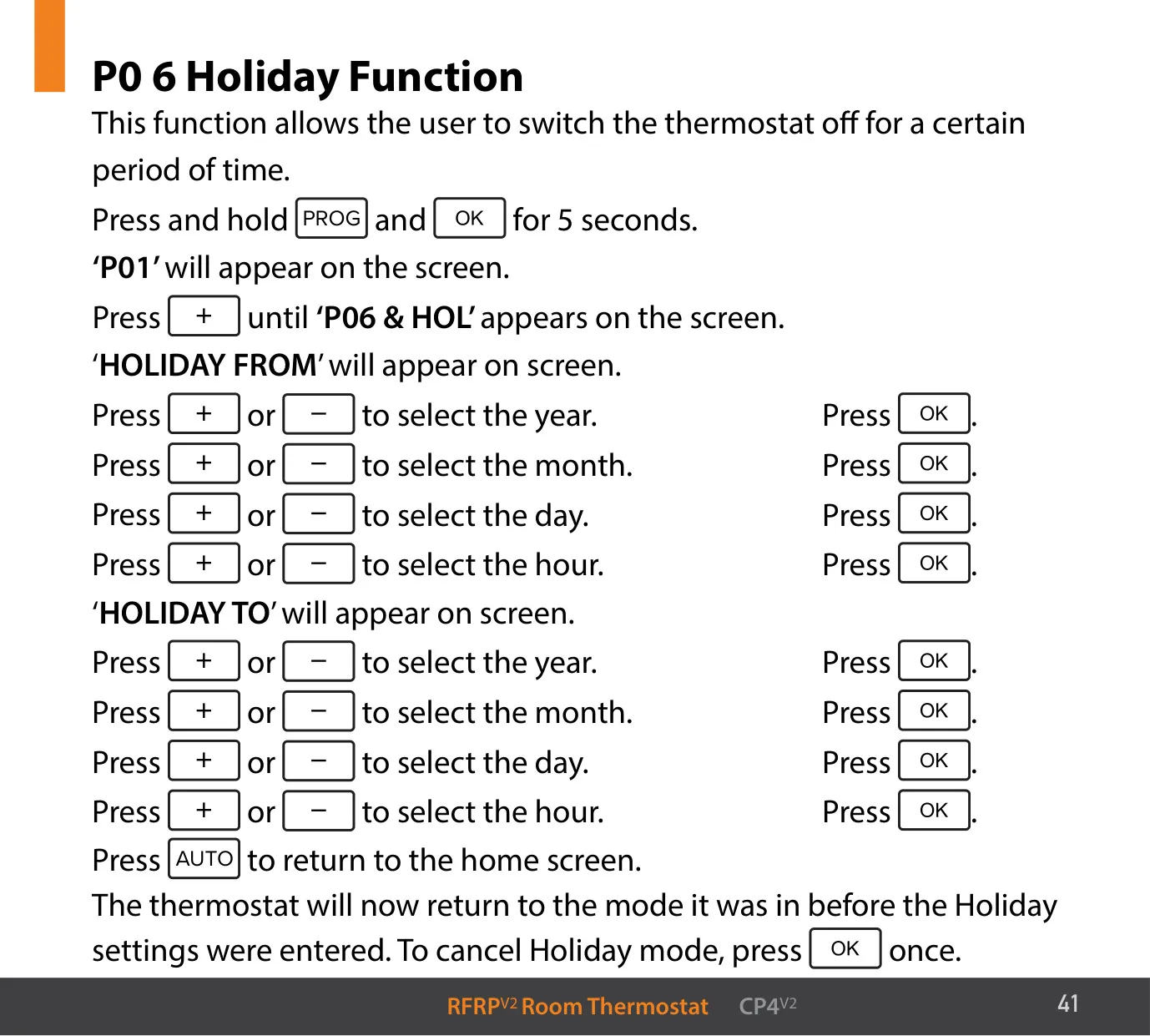
You can change the temperature without editing the schedule. Pressing + or − in AUTO mode starts a Temporary Override, shown as "OVERRIDE" on the screen. The new temperature holds until the next switching time. The MAN button starts a Permanent Override, which keeps the chosen temperature until you press AUTO again. The Holiday Function lets you set "HOLIDAY FROM" and "HOLIDAY TO" dates and hours. The heating stays off during that time, but frost protection stays active.
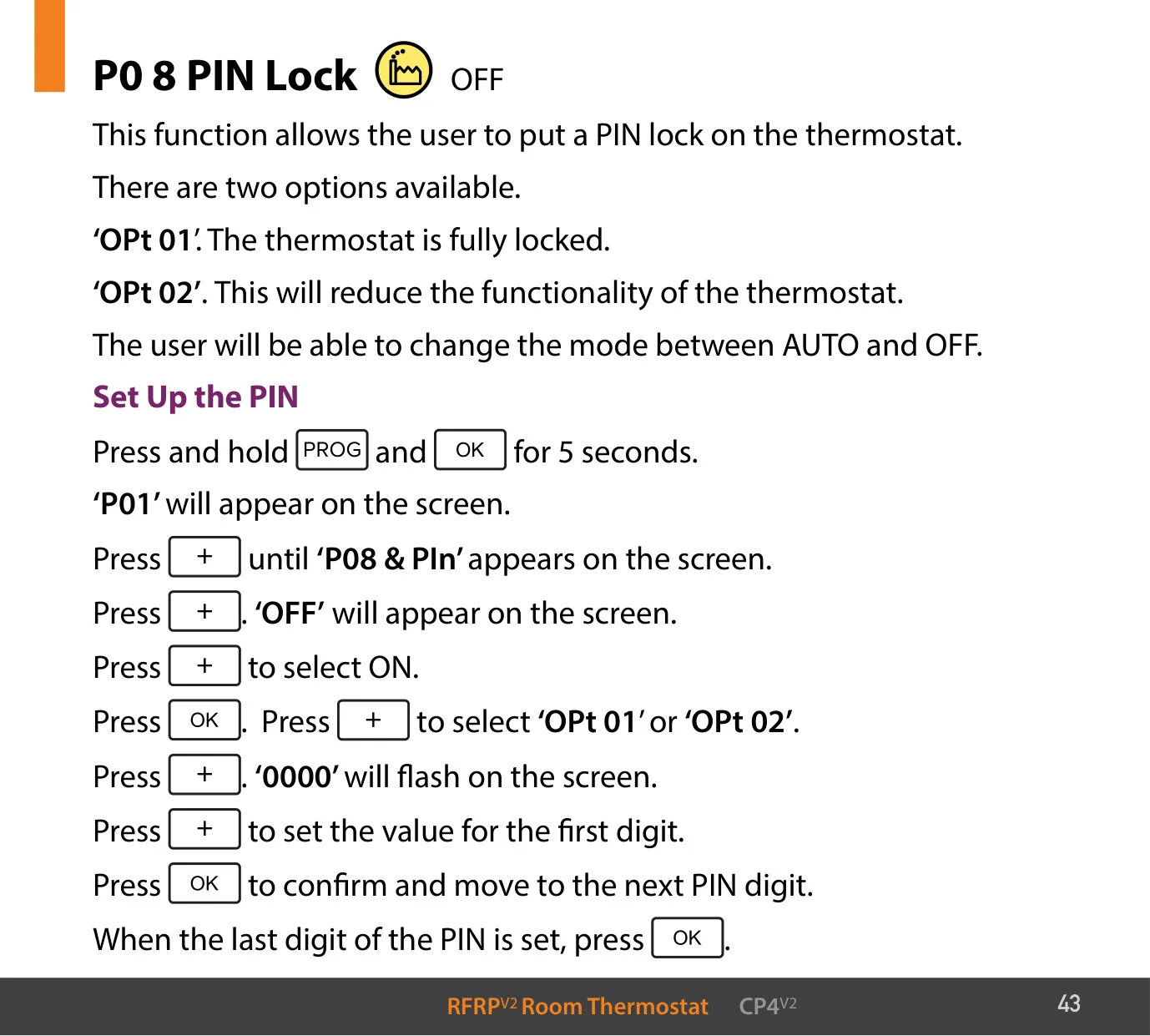
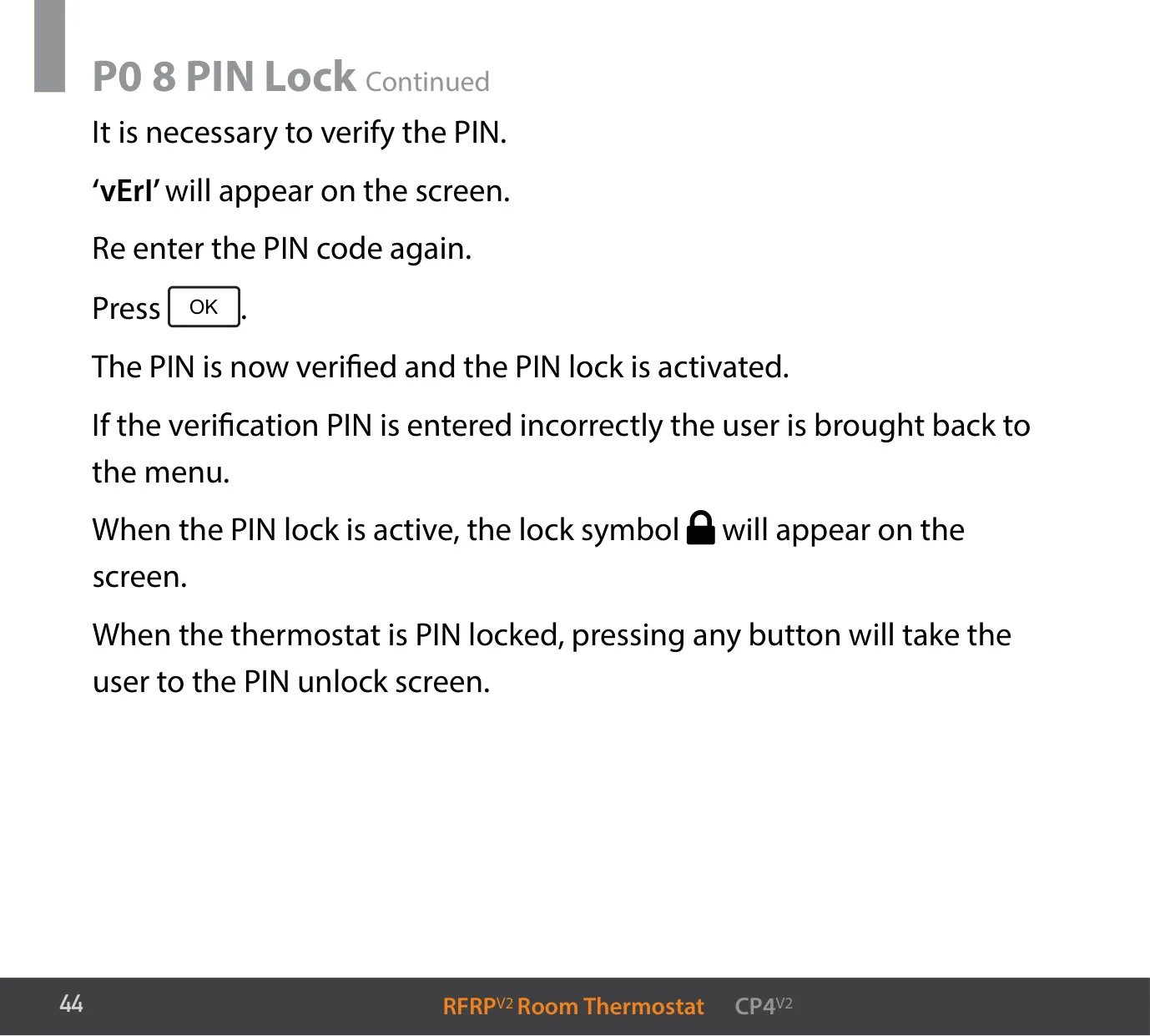
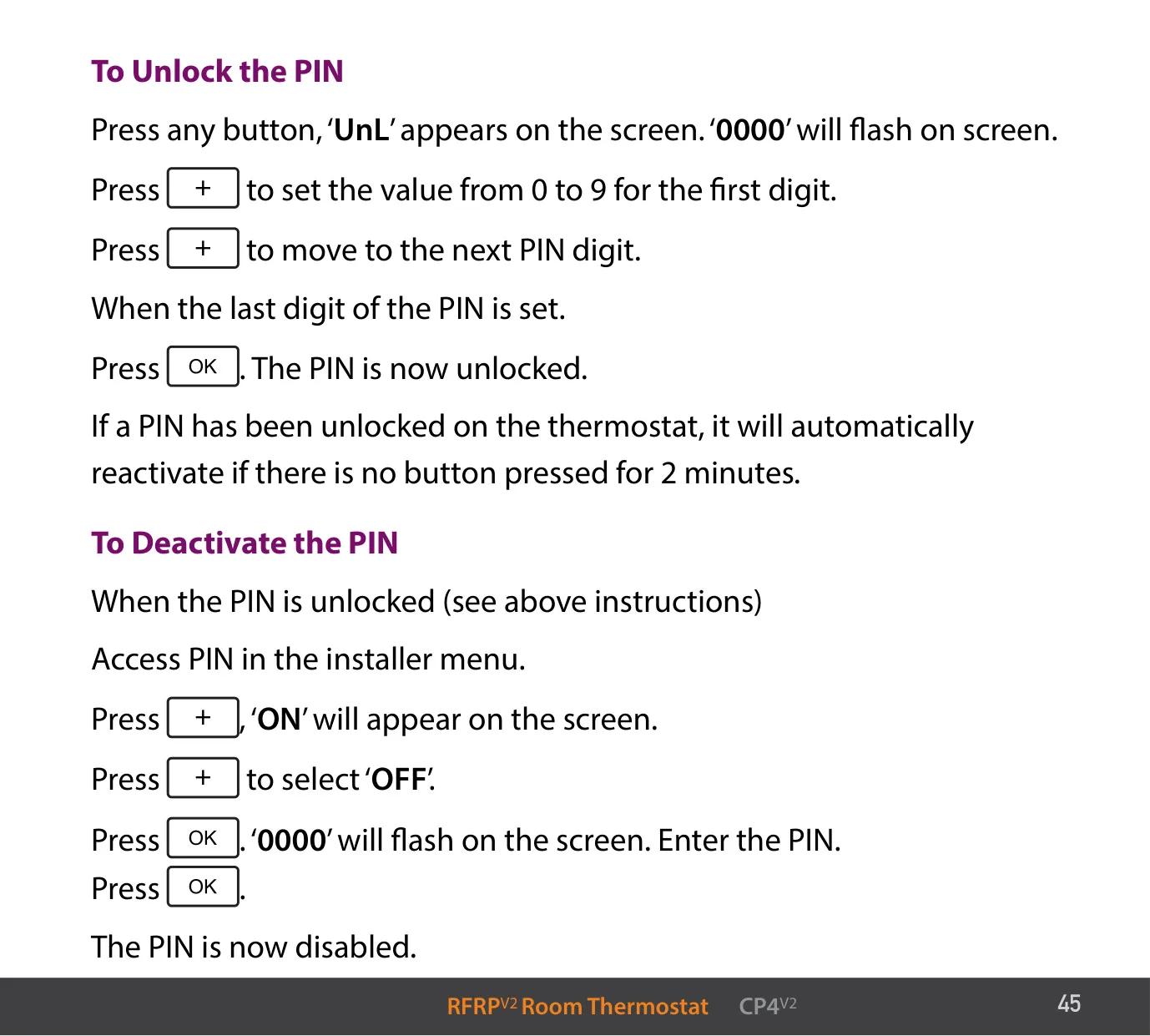
Two kinds of lock protect the settings. To turn the basic keypad lock on or off, hold + and − for 10 seconds. The PIN Lock has two options: "OPt 01" locks the thermostat completely, and "OPt 02" only allows switching between AUTO and OFF. You confirm the four-digit PIN by entering it again at the "vErI" prompt. After you unlock it, the PIN lock turns back on by itself if no button is pressed for 2 minutes. The reset button on the side restores the factory settings.
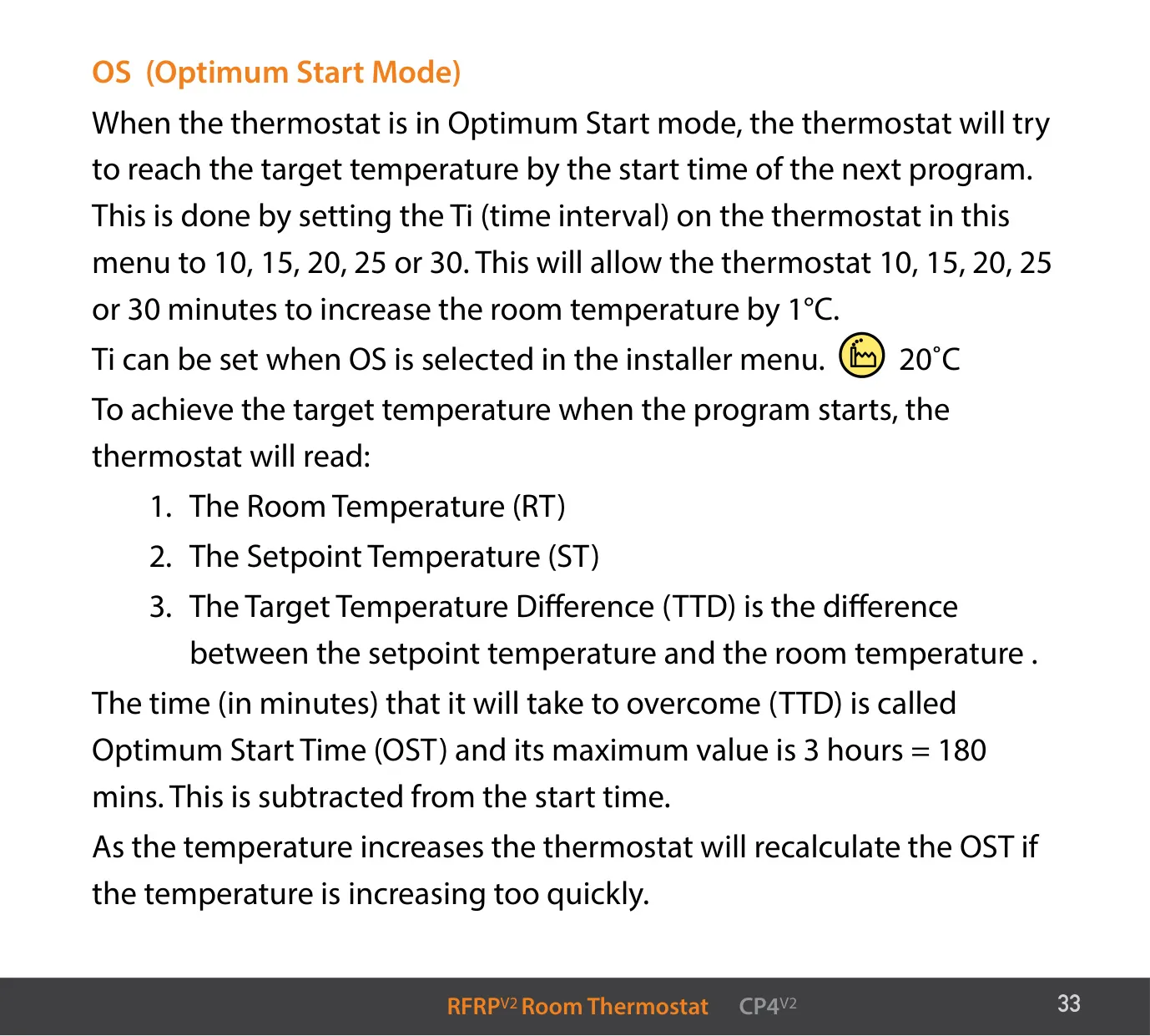
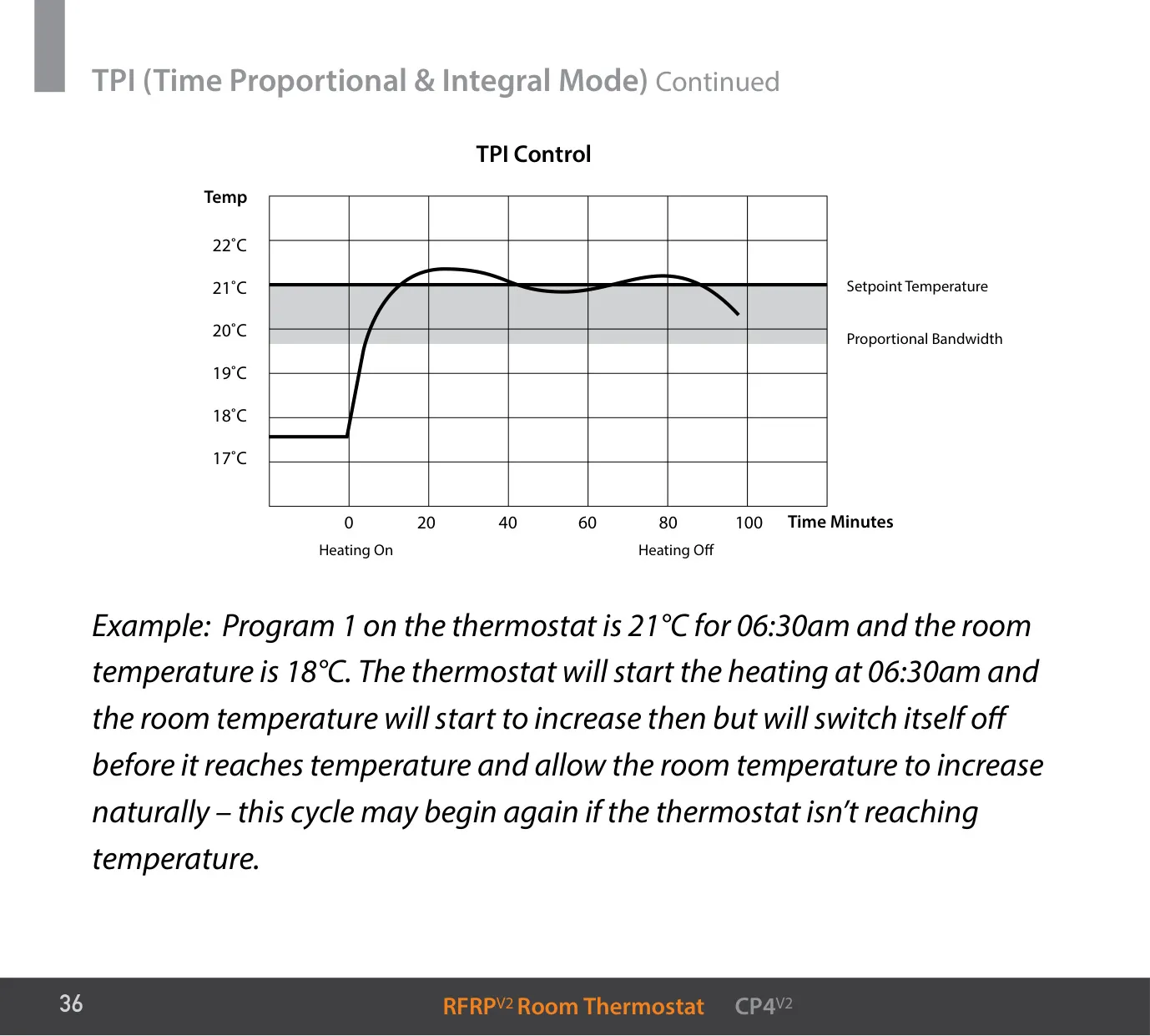
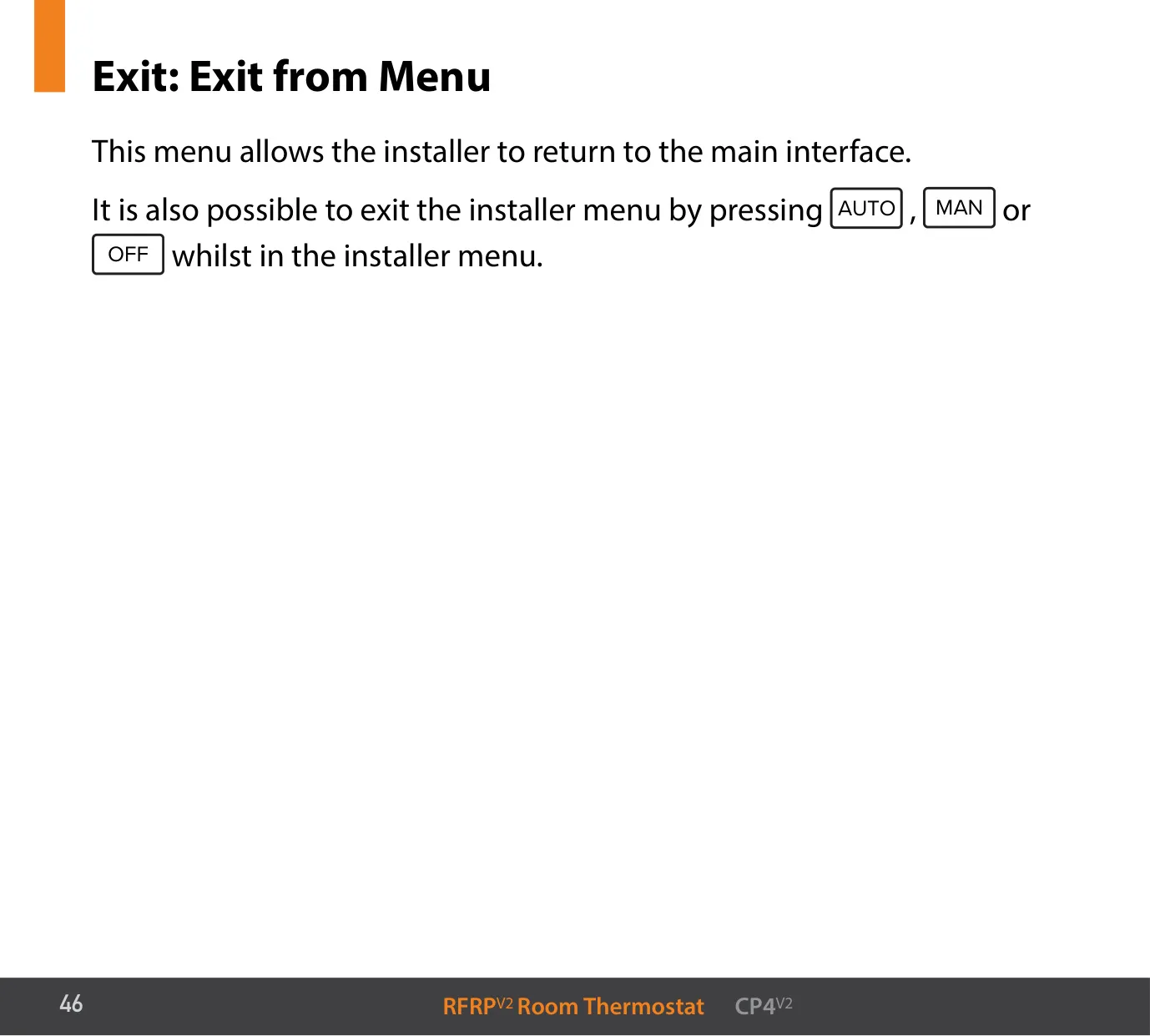
To open the installer menu, hold PROG and − for 5 seconds. Menu P04 lets you correct the displayed room temperature if it differs from the real temperature. In Optimum Start mode, the thermostat starts heating early so the room reaches the target temperature by the programmed time. For example, with Ti set to 20, it starts one hour early when the room is 3 °C below the target. TPI mode switches the boiler on and off near the target temperature so the room doesn't overheat or get too cold.
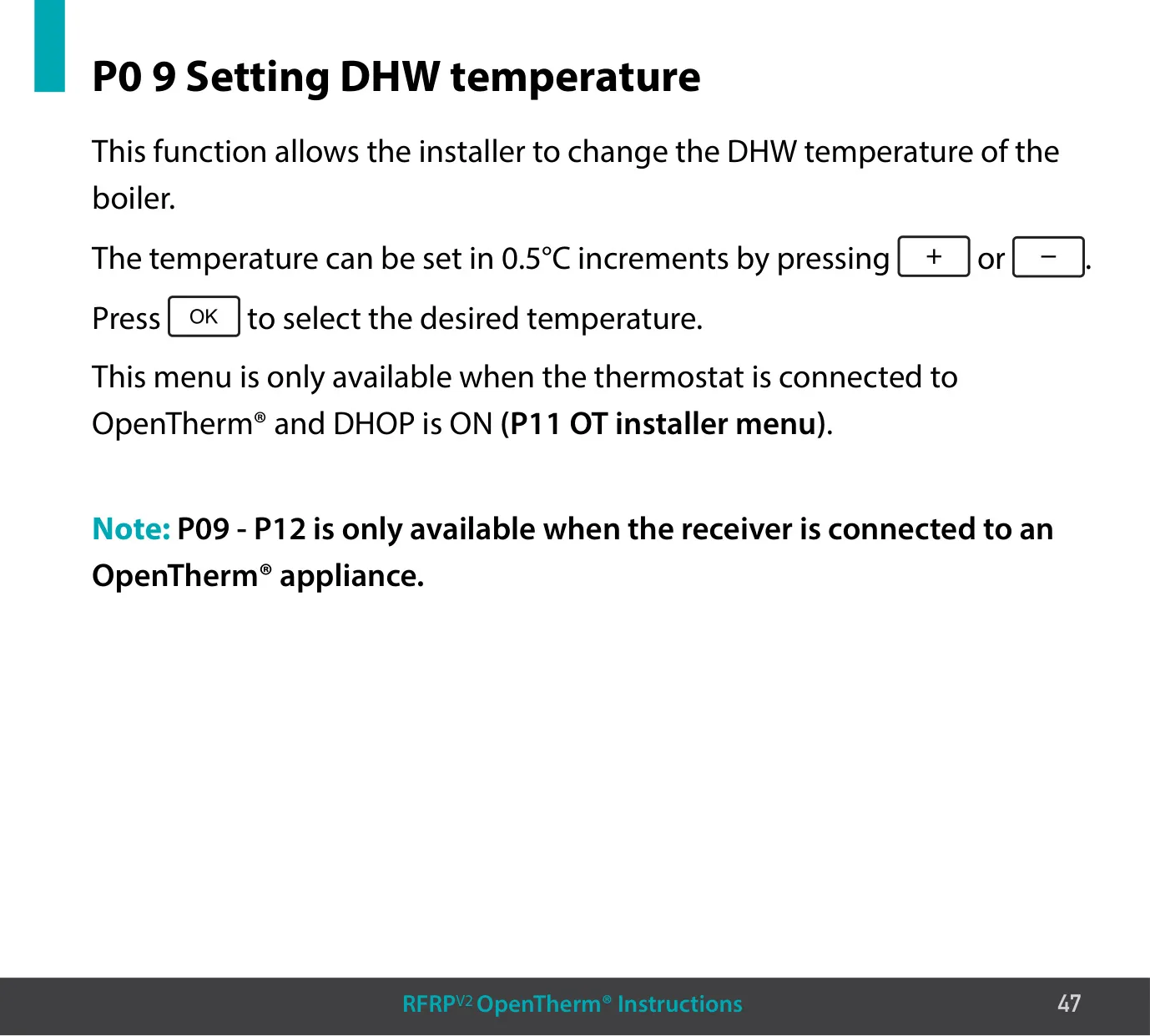
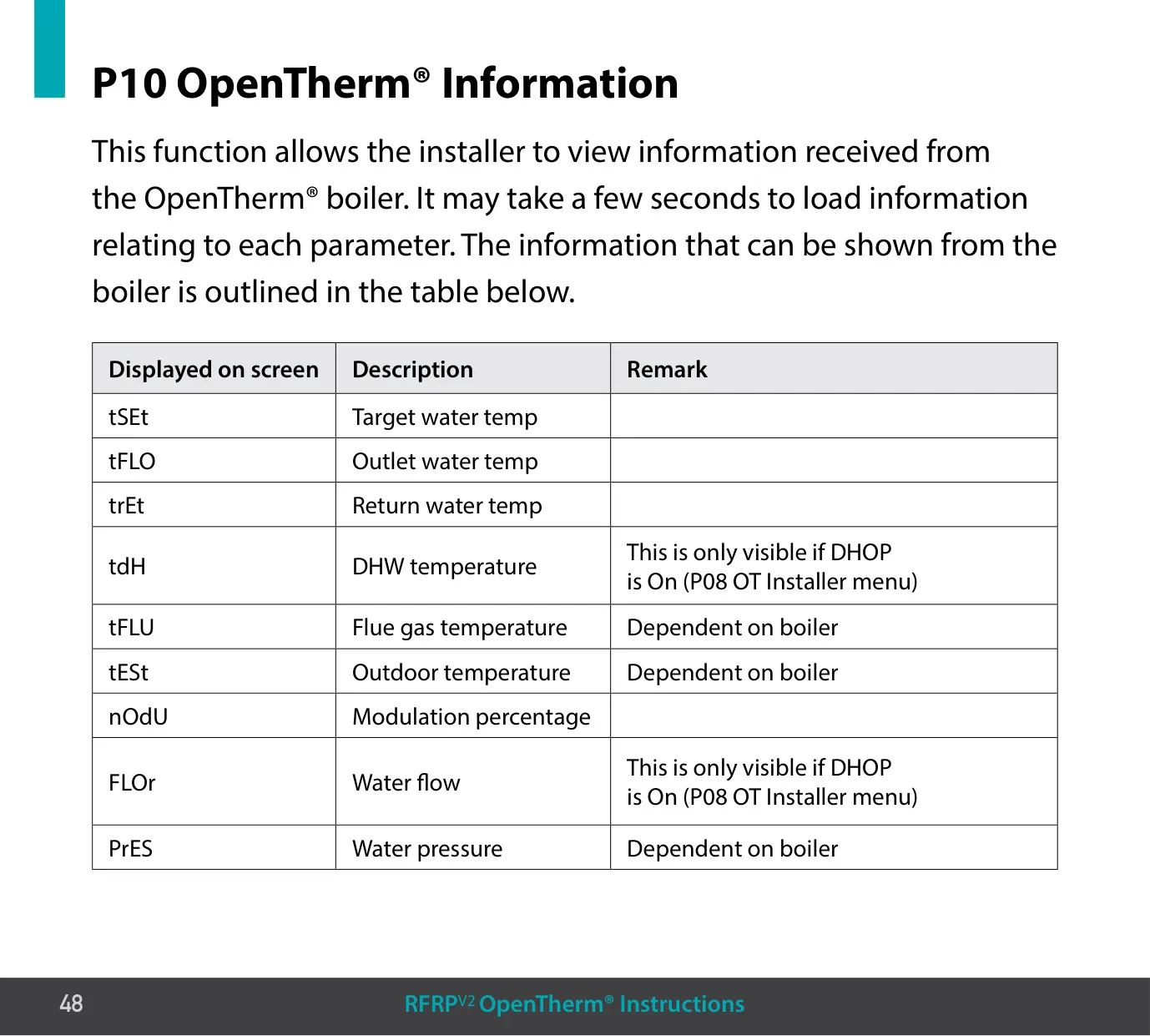
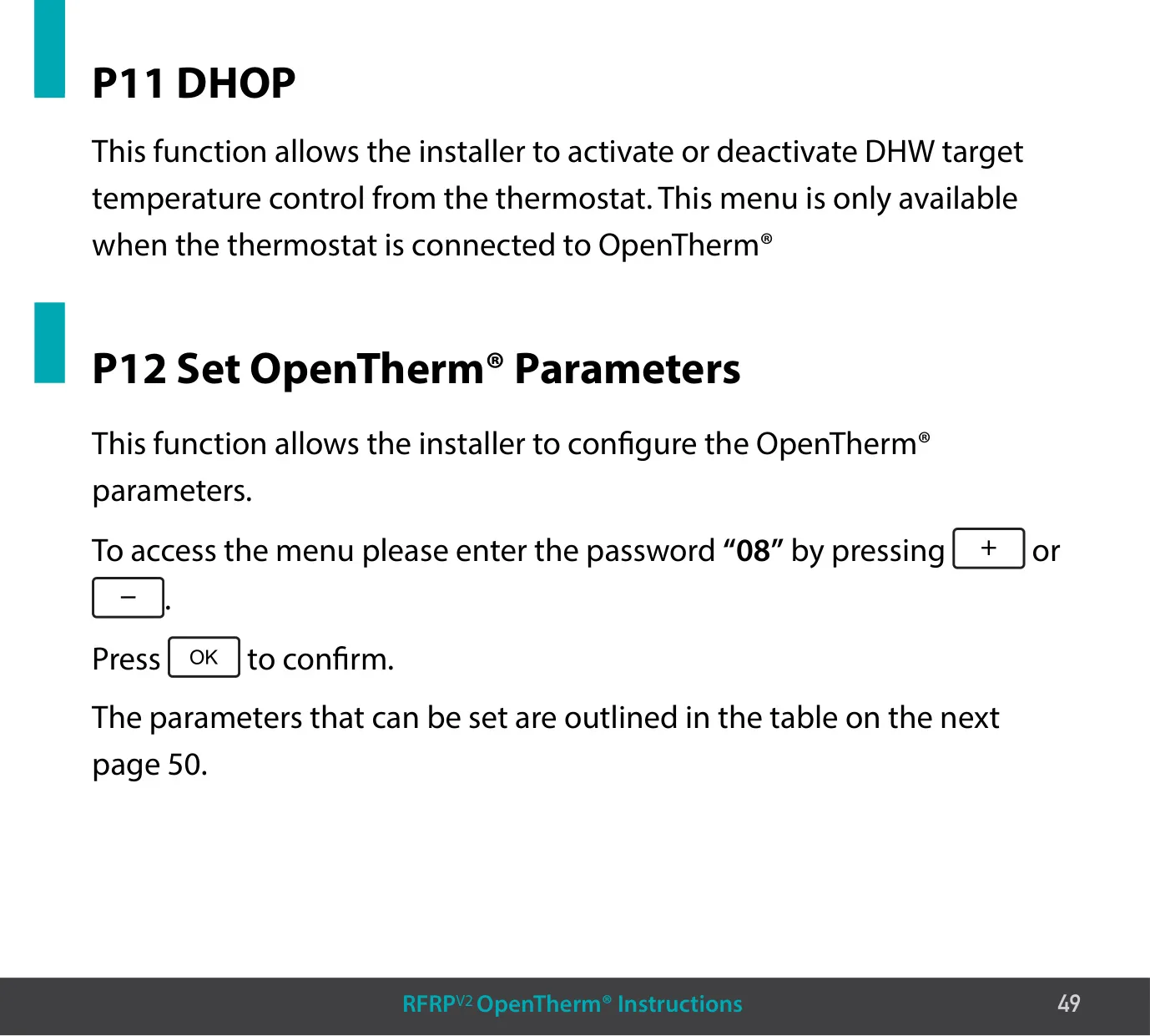
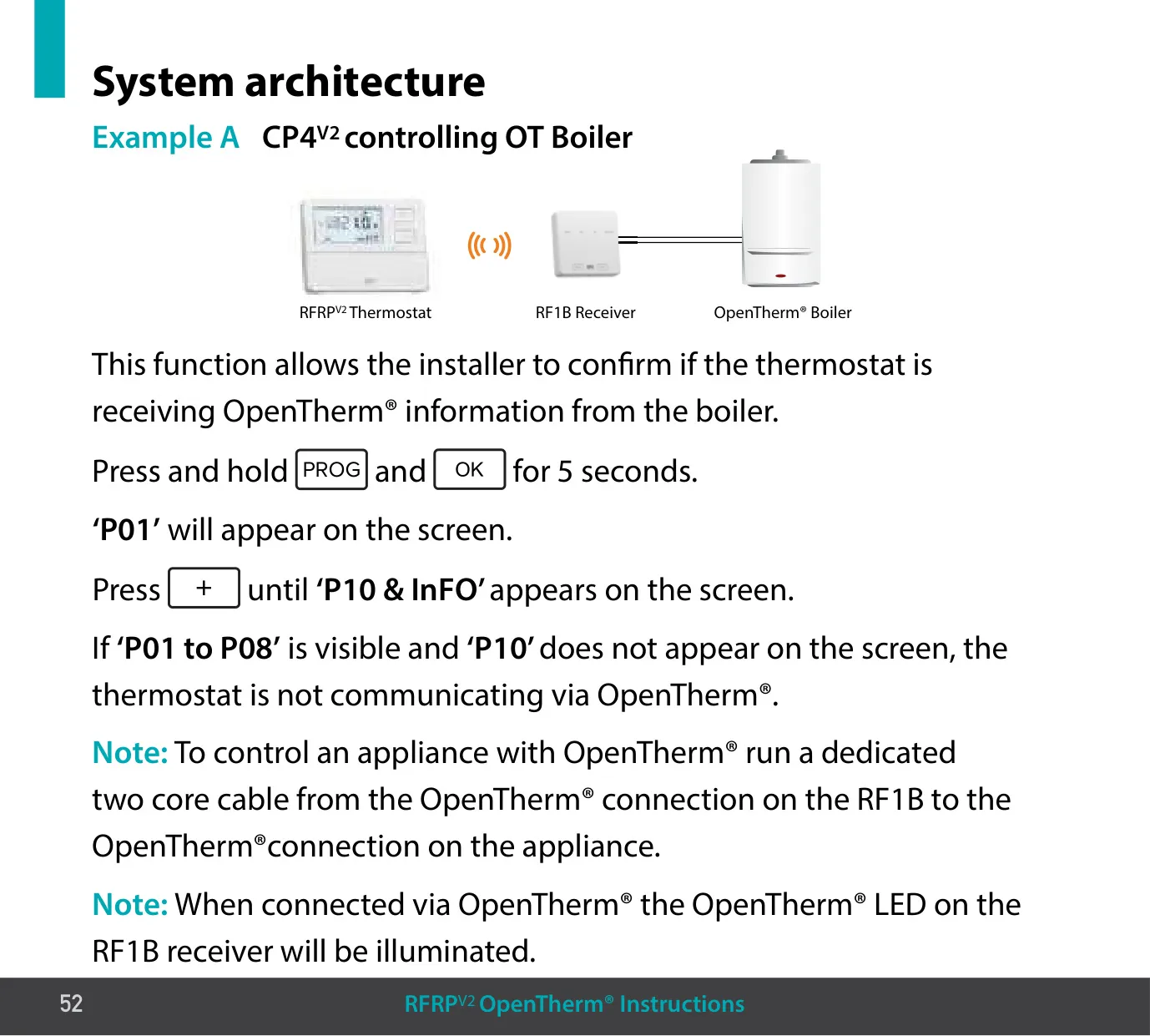
When the RF1B is wired to an OpenTherm® boiler with a dedicated two-core cable, menus P09 to P12 become available. P10 shows boiler data: target, flow and return water temperatures, hot water temperature, modulation percentage, and, if the boiler supports them, flue gas temperature, outdoor temperature, water flow and pressure. P11 (DHOP) turns on hot water temperature control from the thermostat, and P09 sets that temperature in 0.5 °C steps. P12 is protected by the password "08" and sets the boiler parameters.
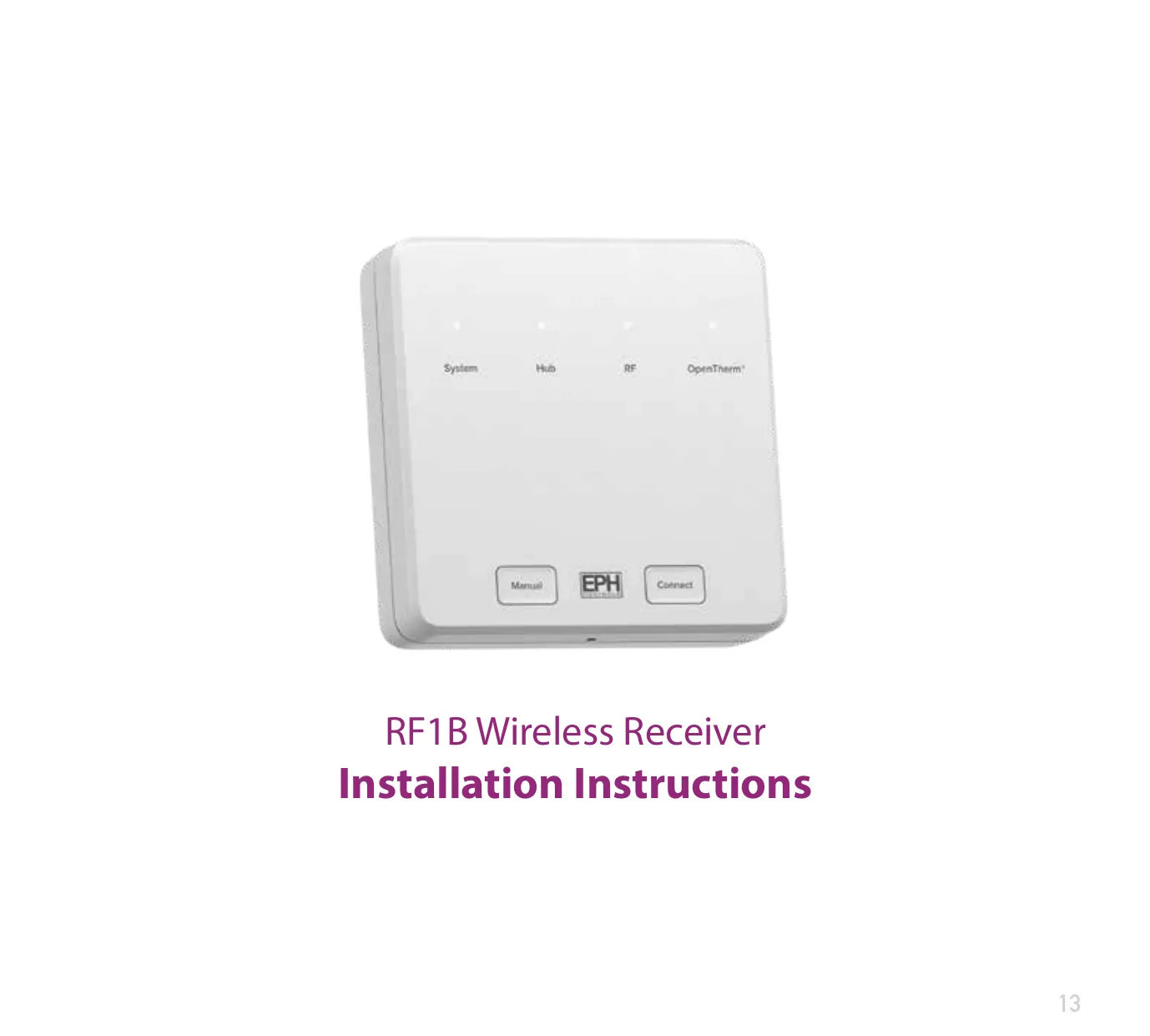
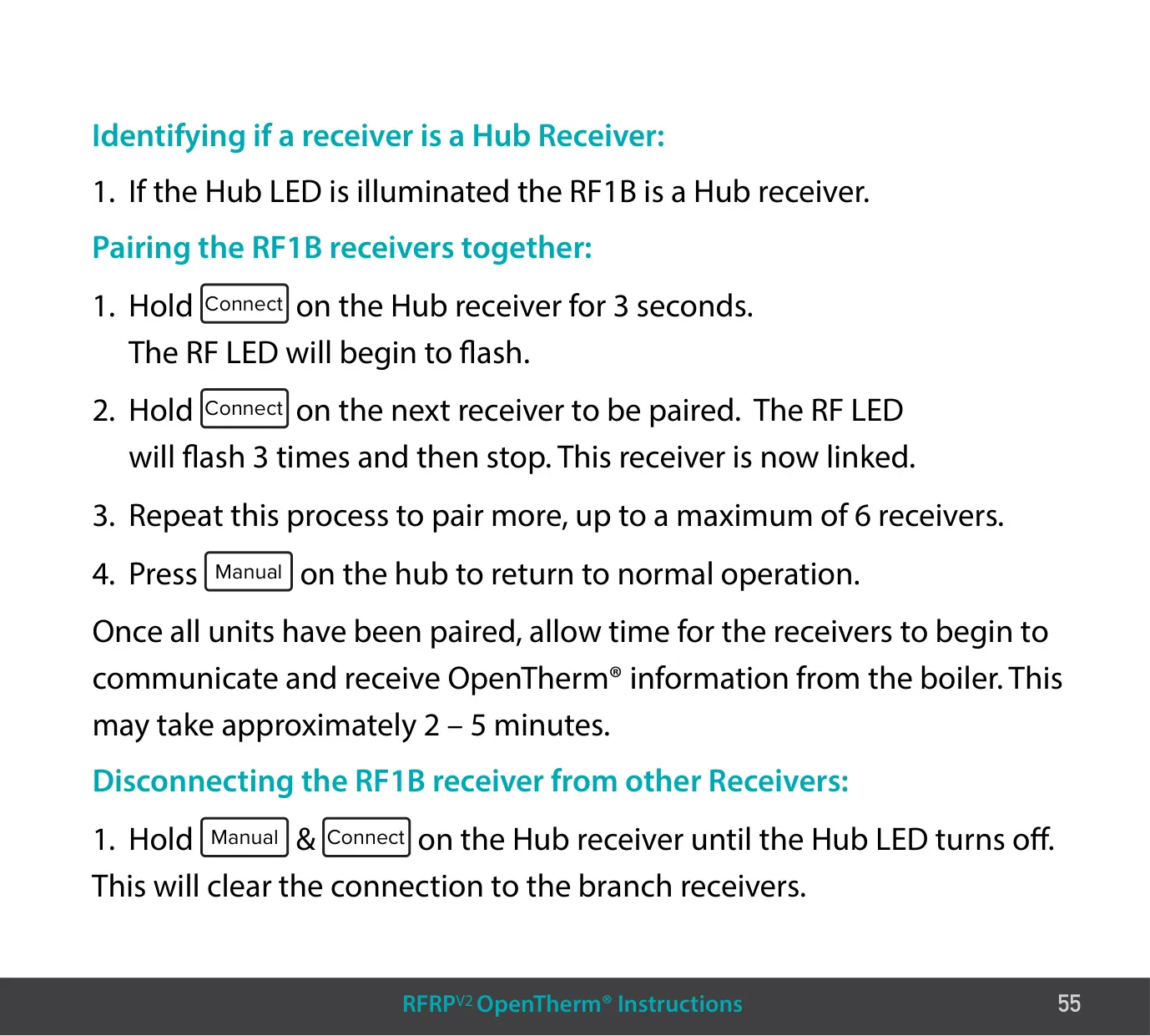
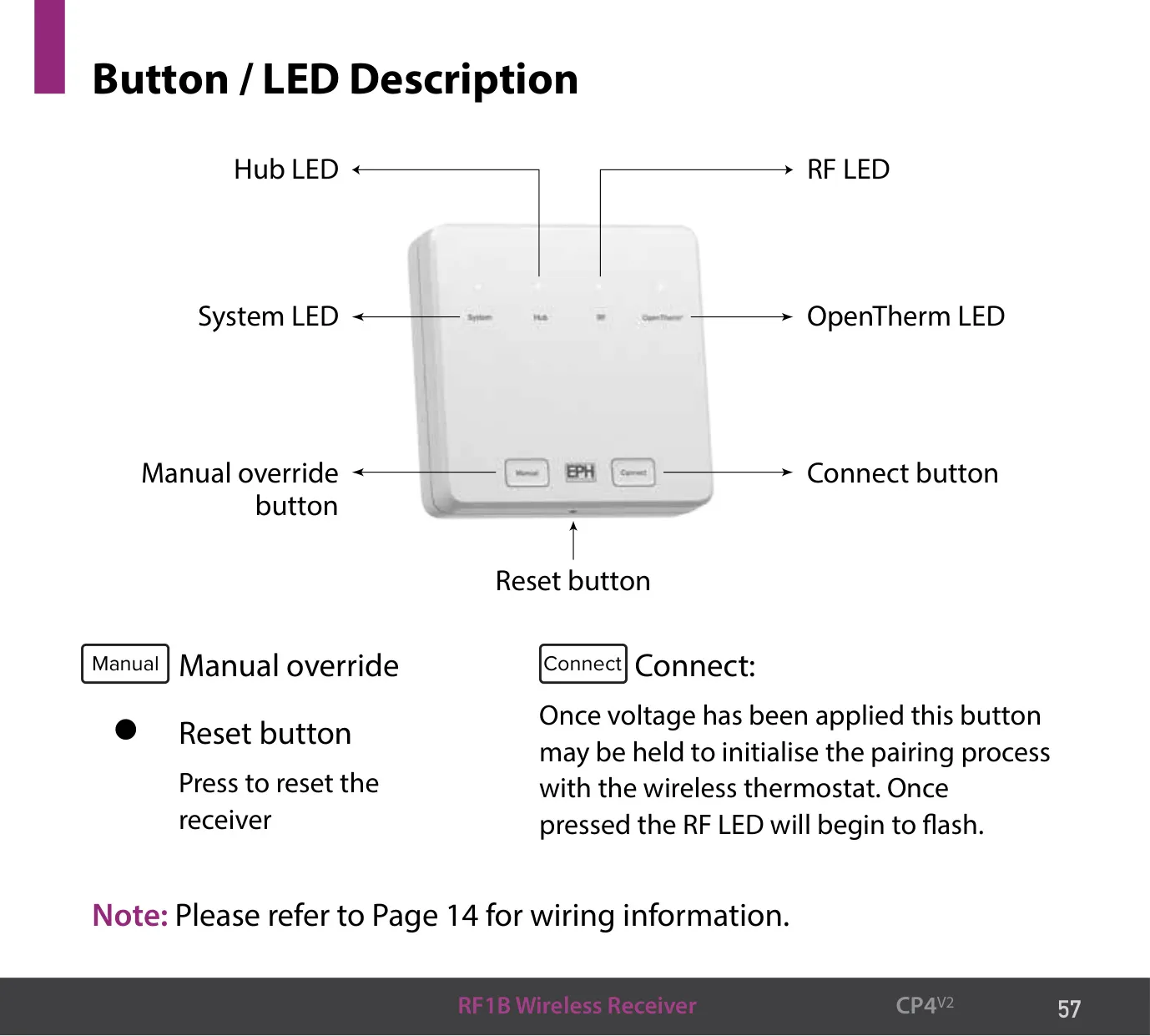
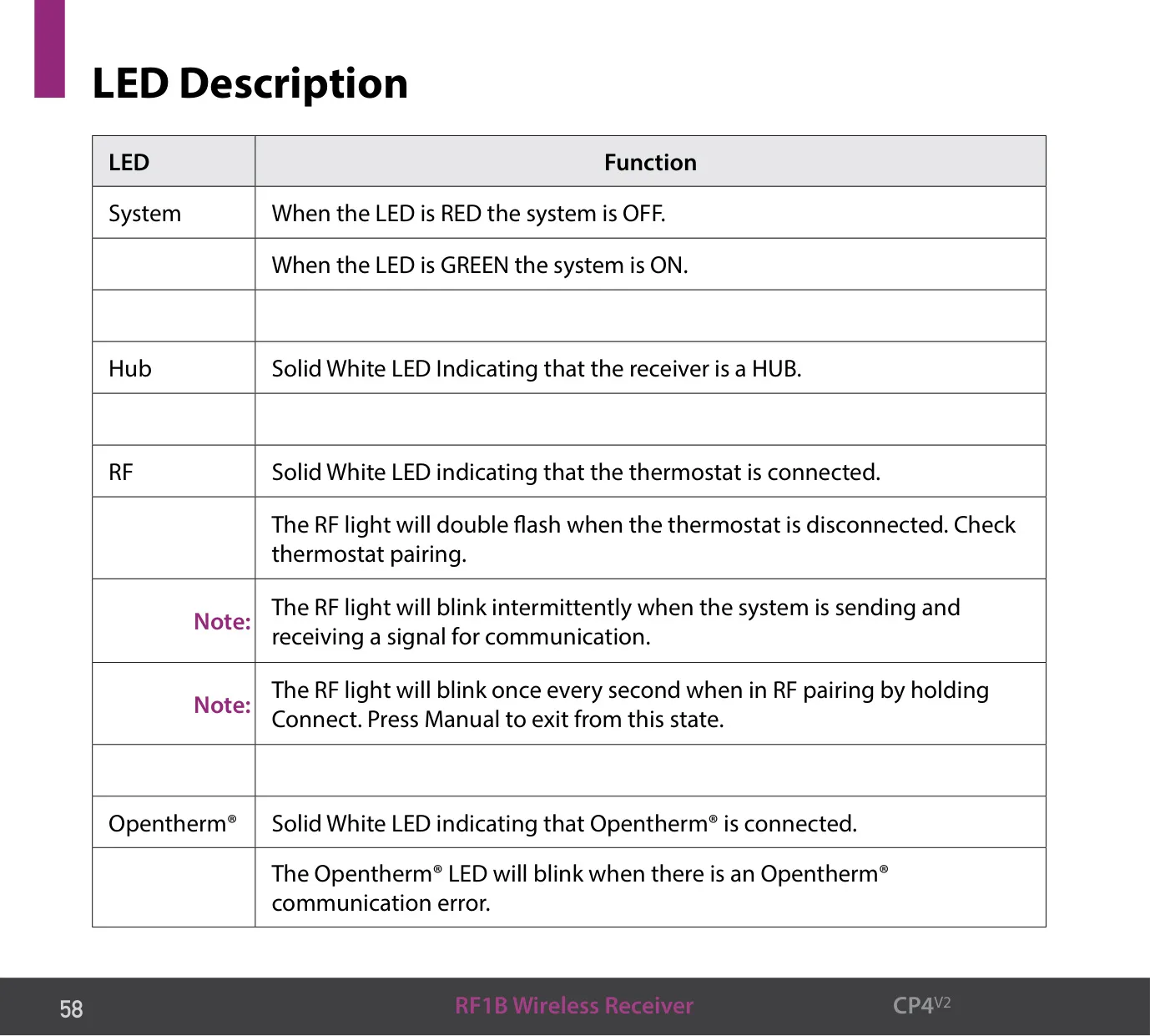
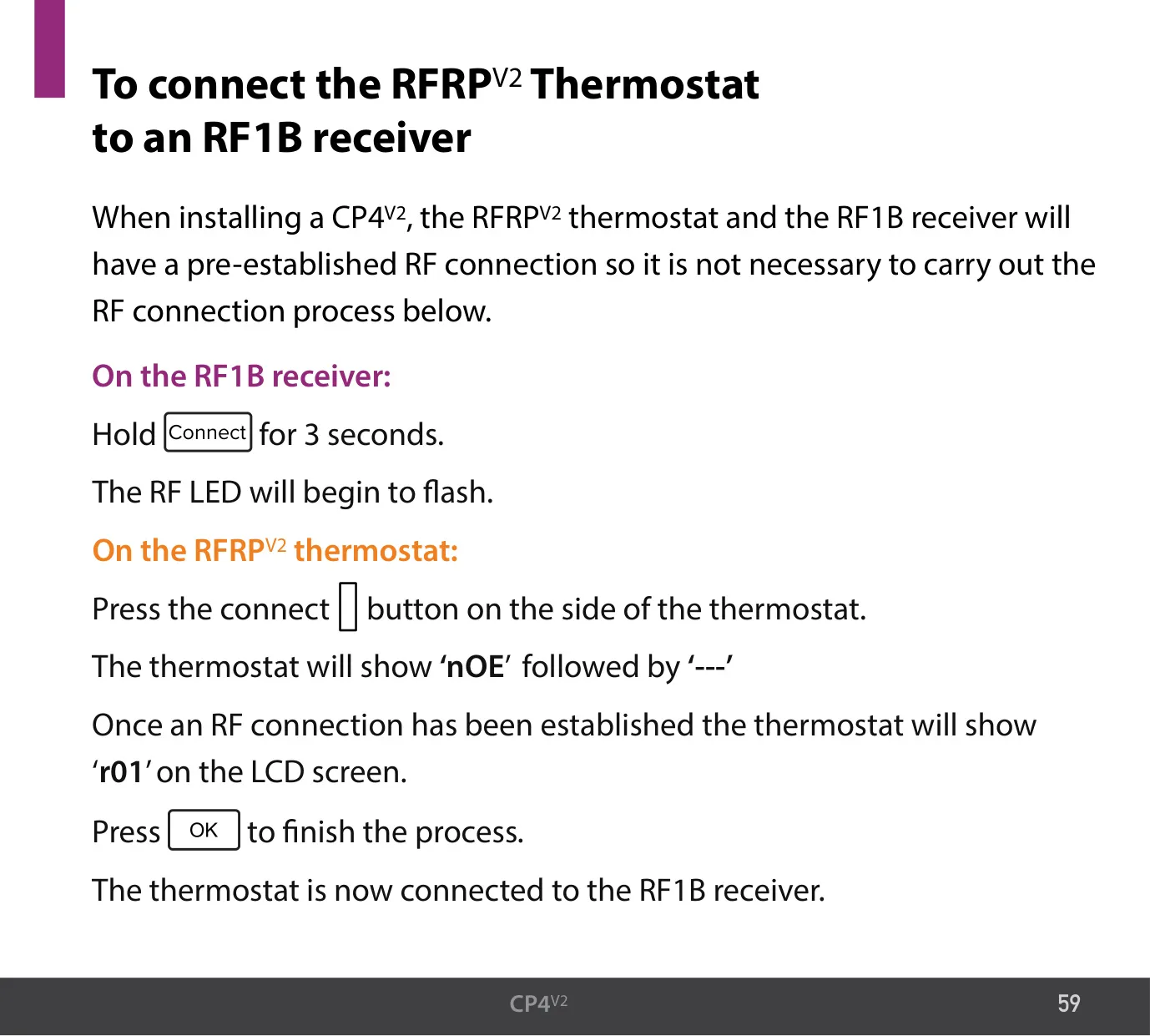
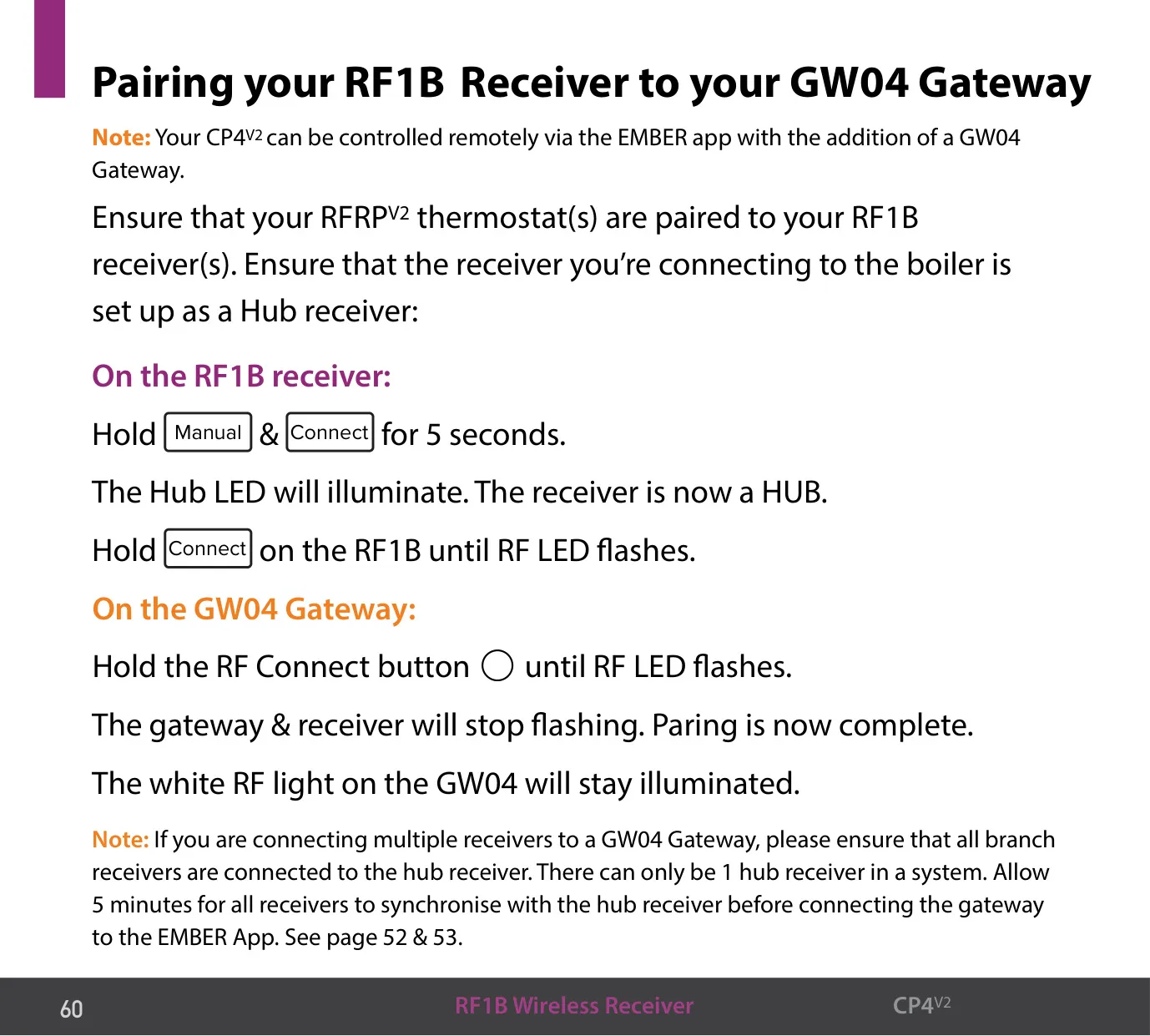
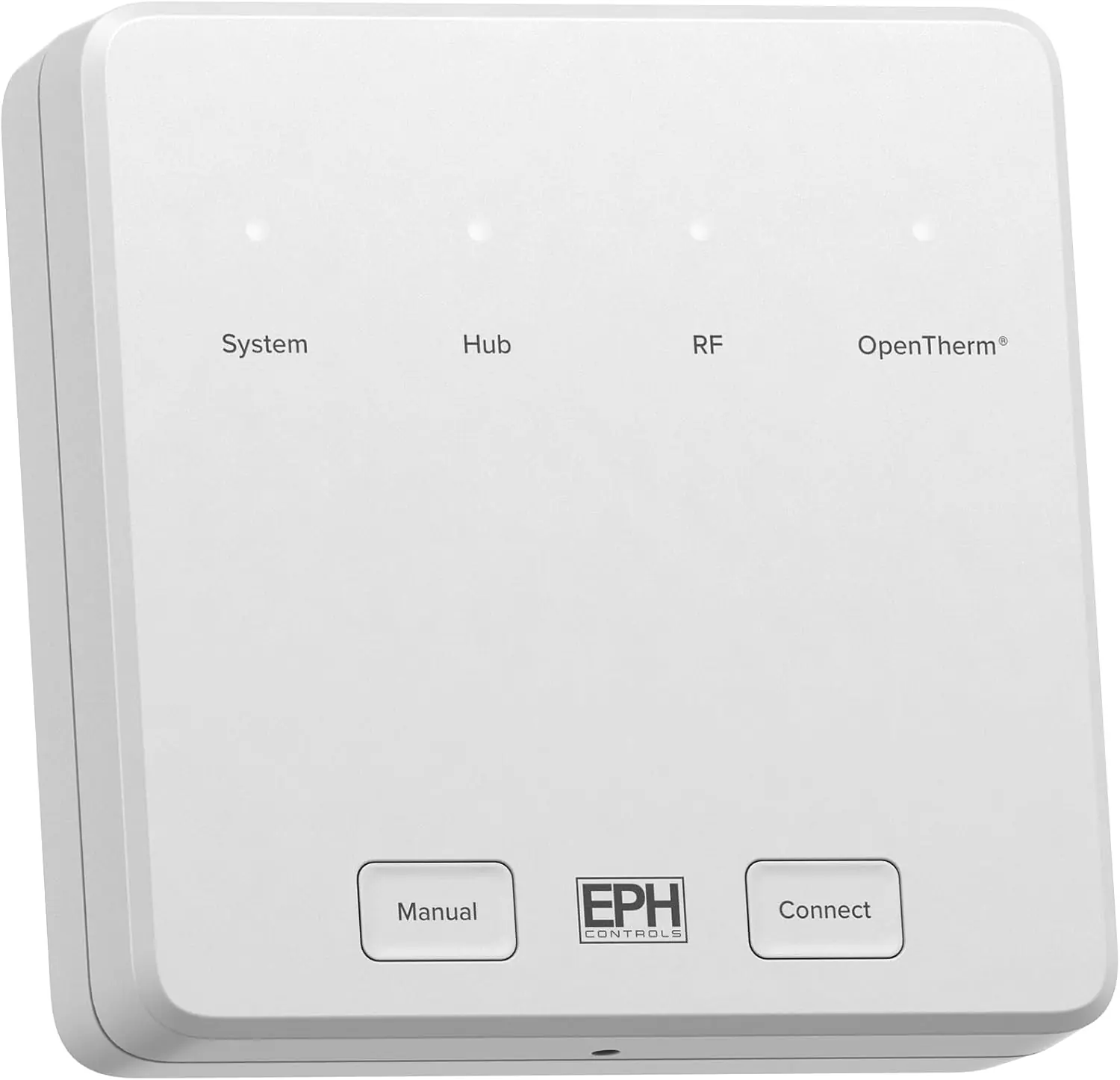
In systems with several zones, one RF1B becomes the Hub receiver when you hold Manual and Connect for 5 seconds. The other receivers are Branch receivers. To pair them, hold Connect on the hub for 3 seconds, then hold Connect on each branch. The receivers need about 2–5 minutes to start receiving boiler data. A system can have only one hub. Four LEDs show the receiver status. The RF LED double-flashes when the thermostat link is lost, and the OpenTherm® LED blinks when there is a communication error with the boiler.
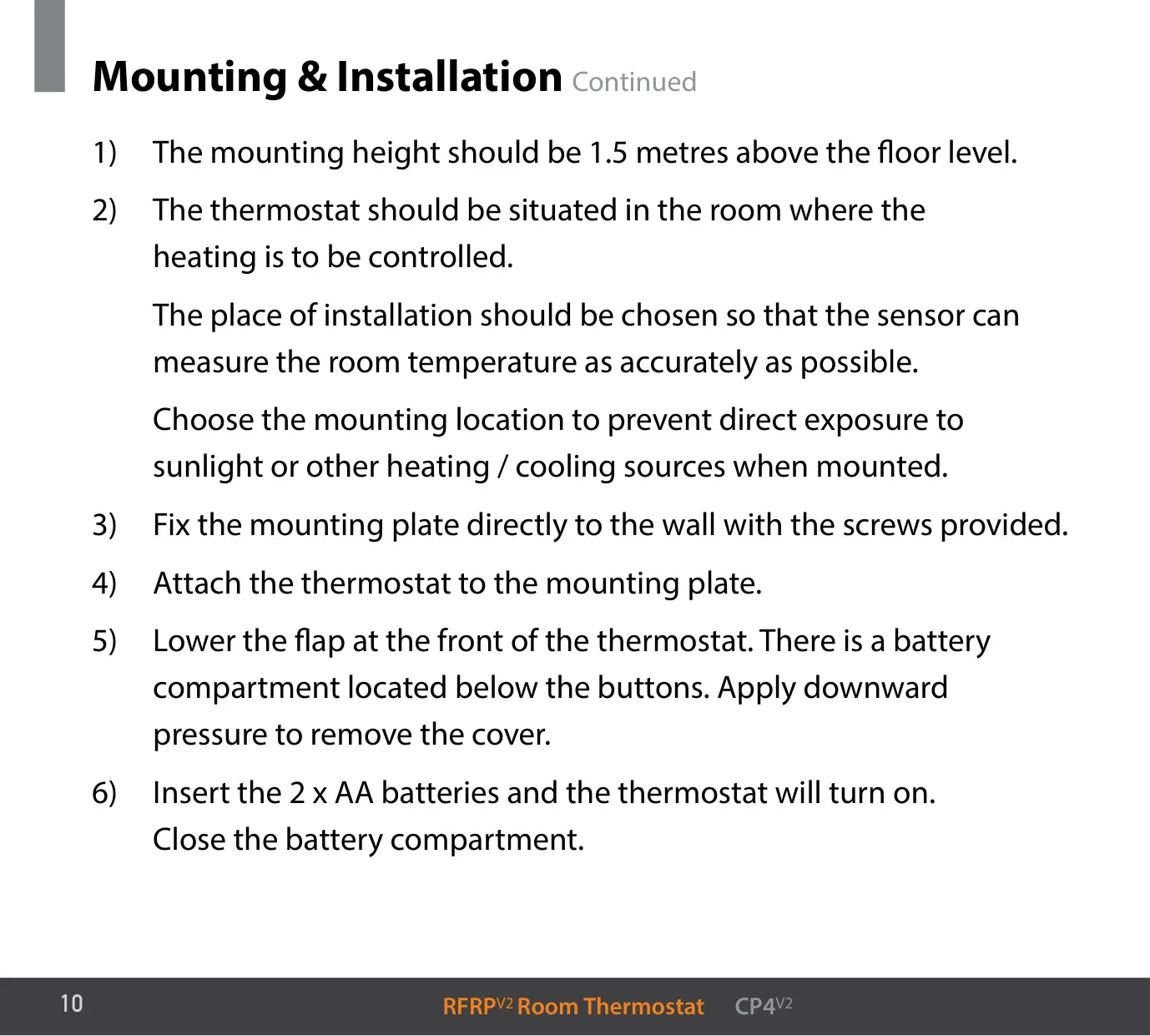
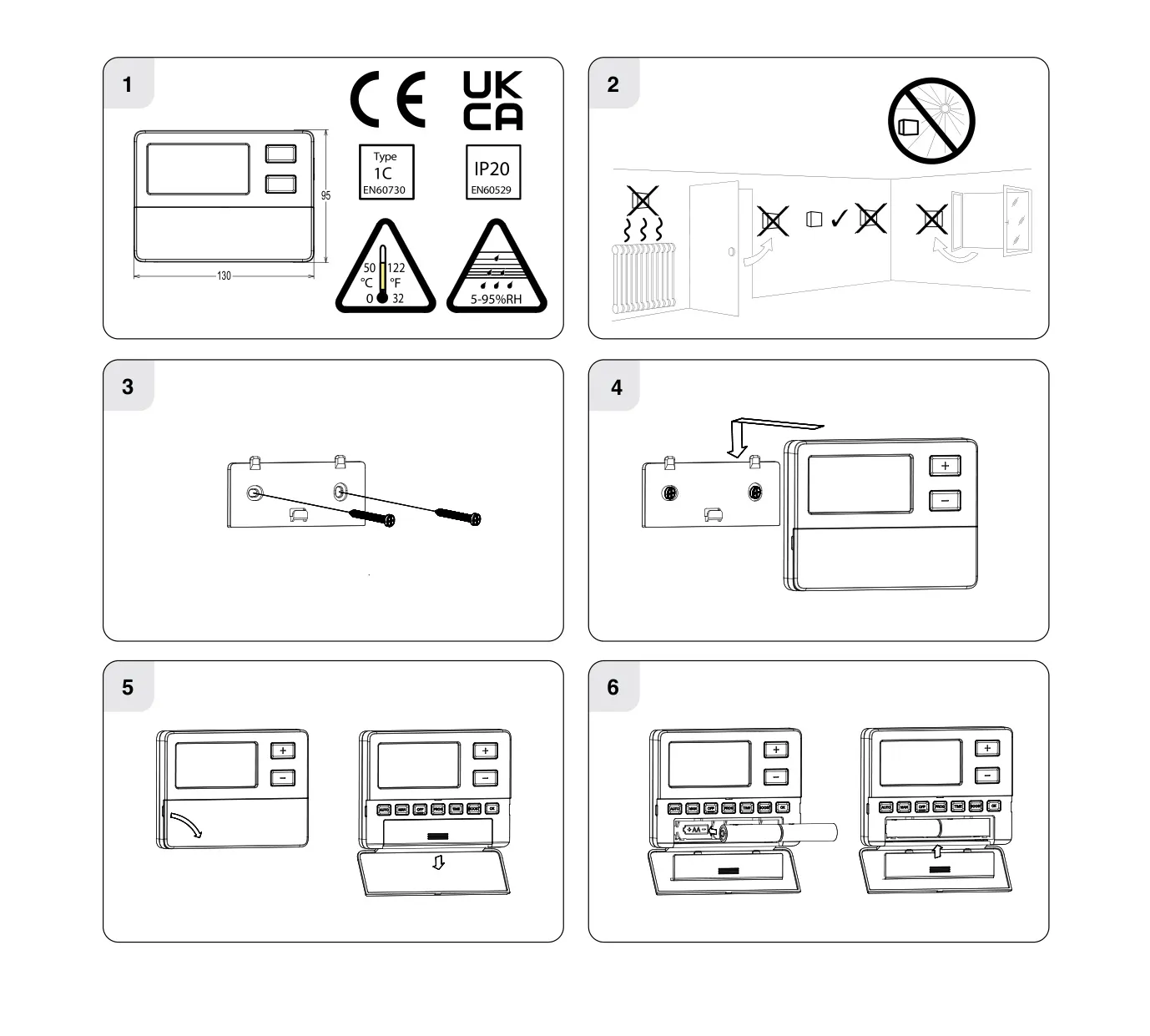
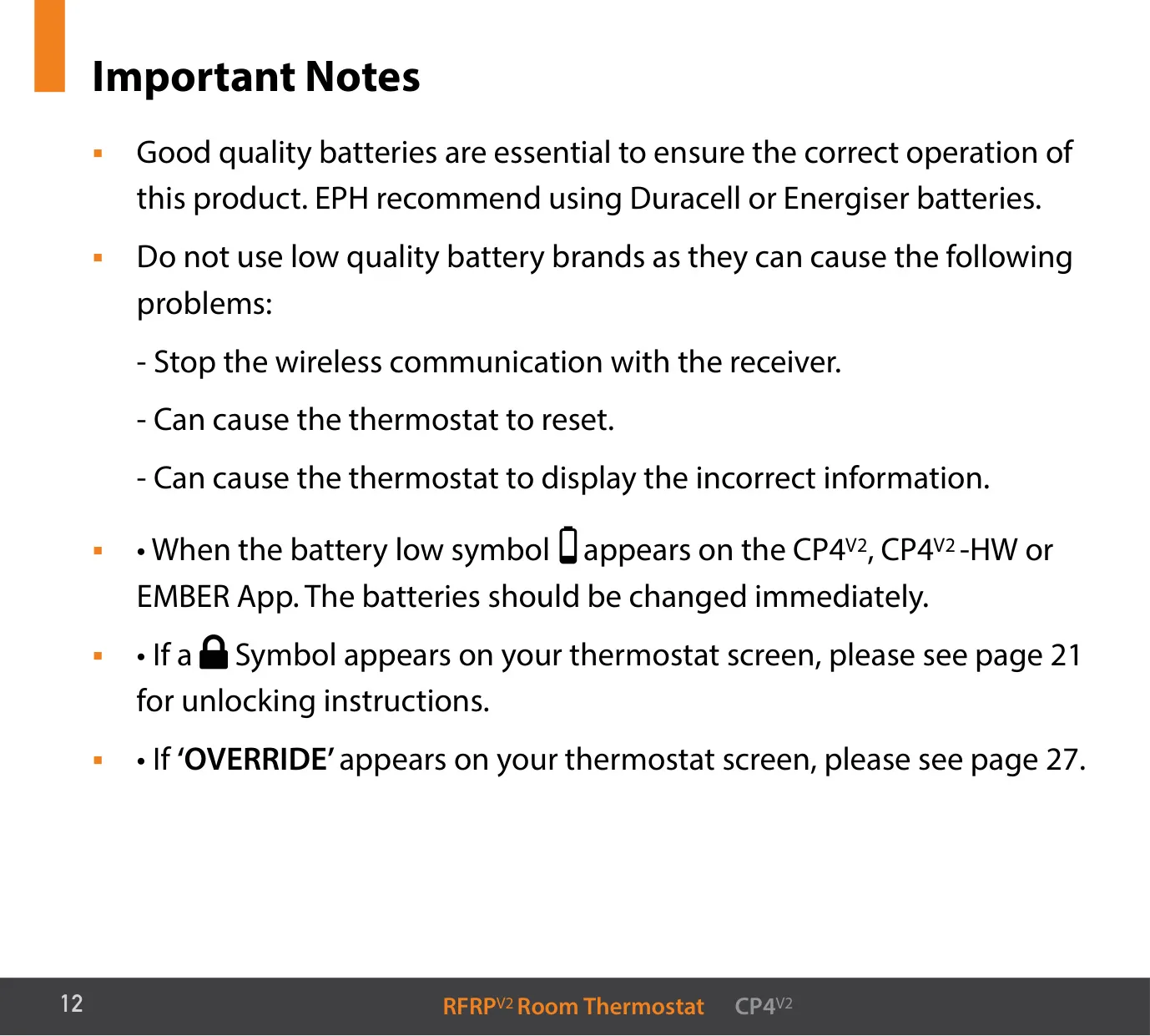
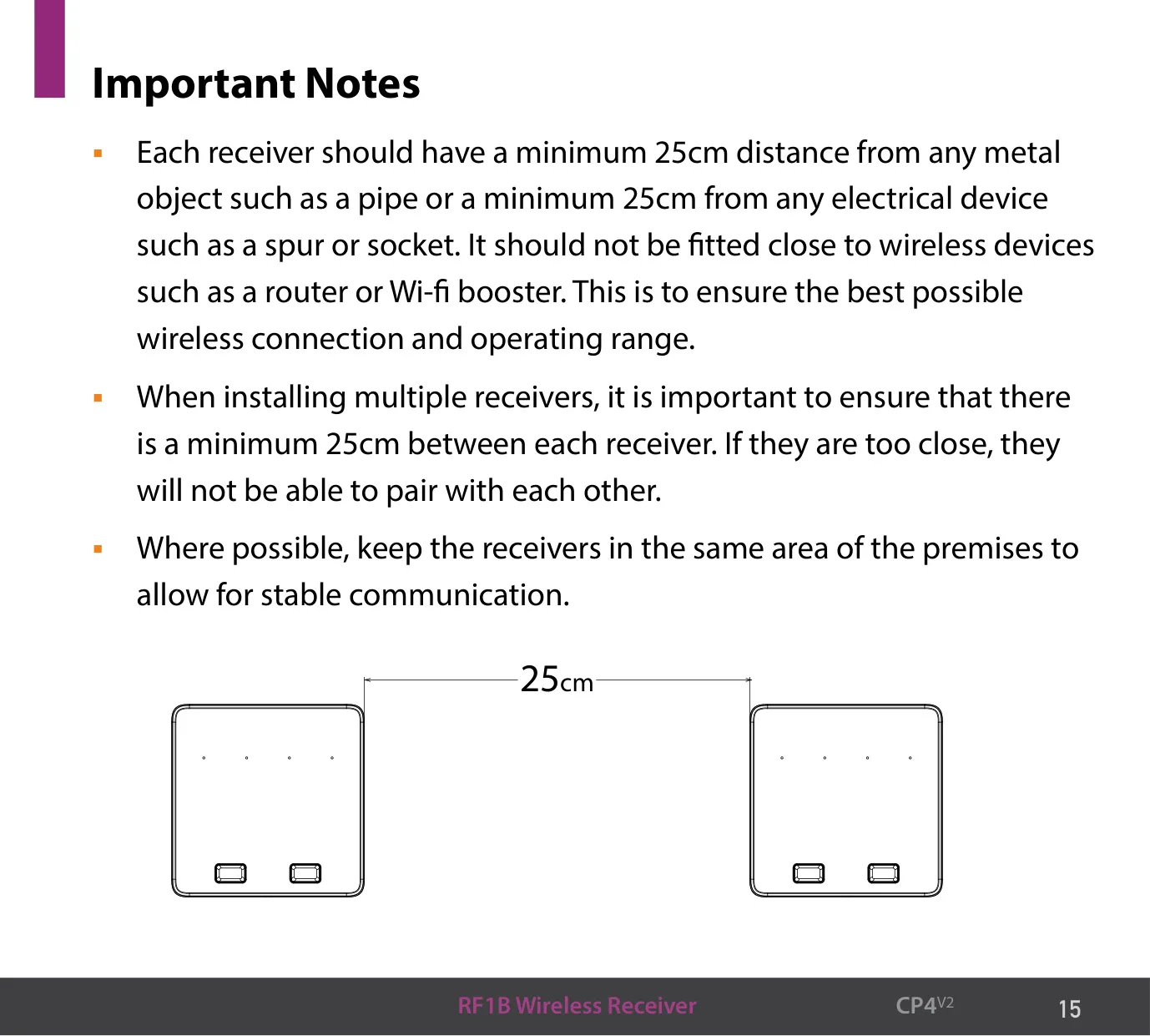
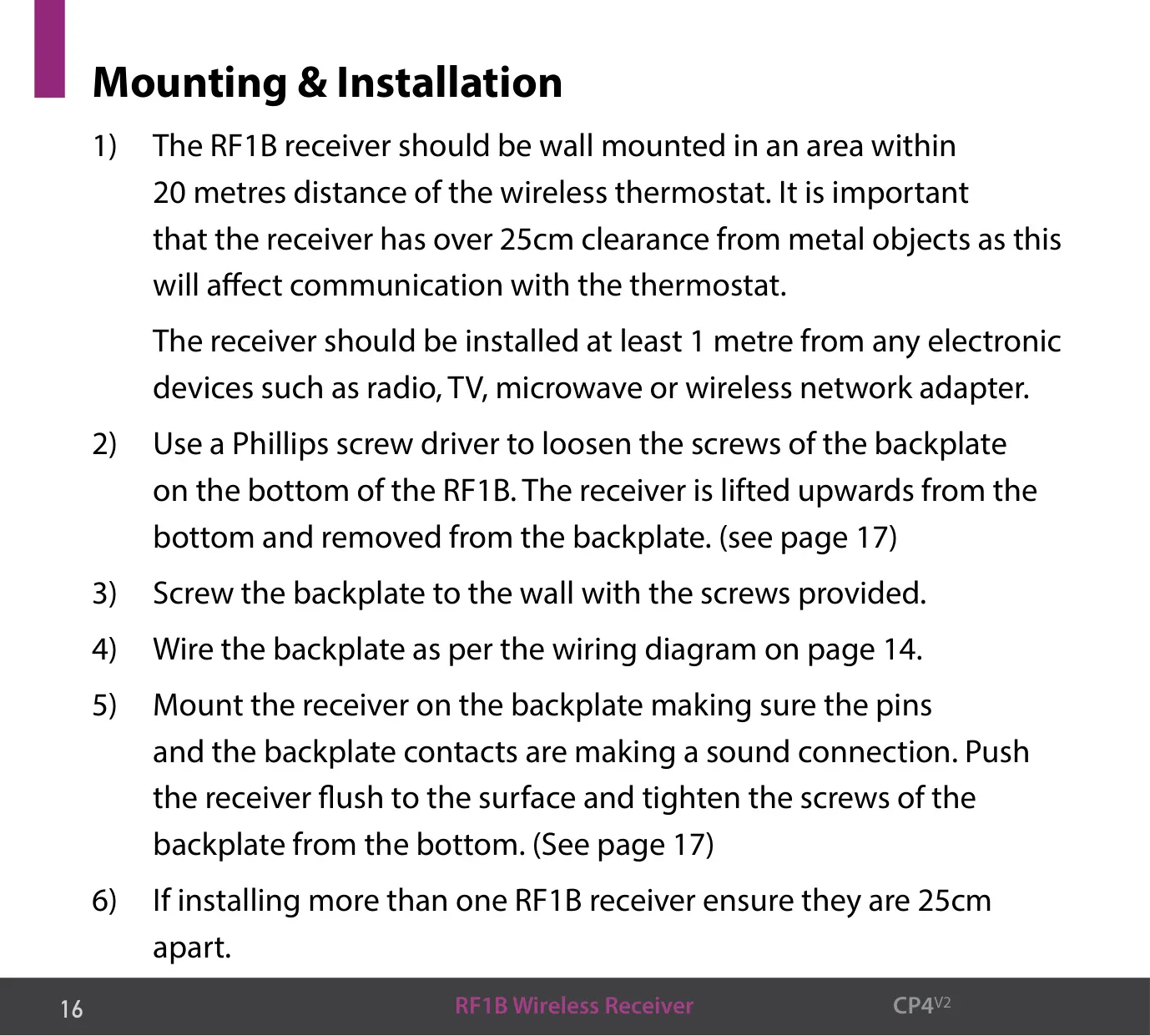
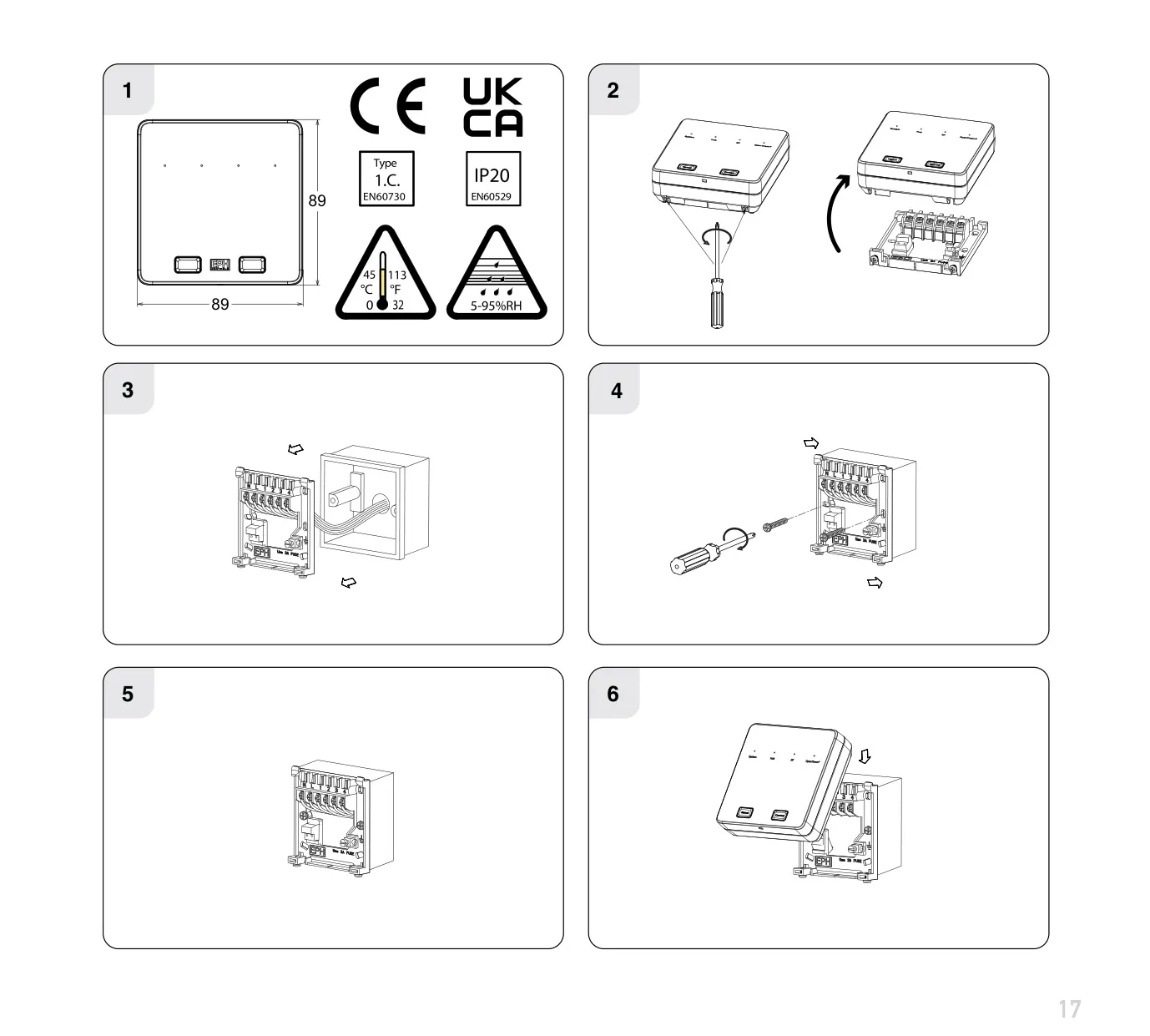
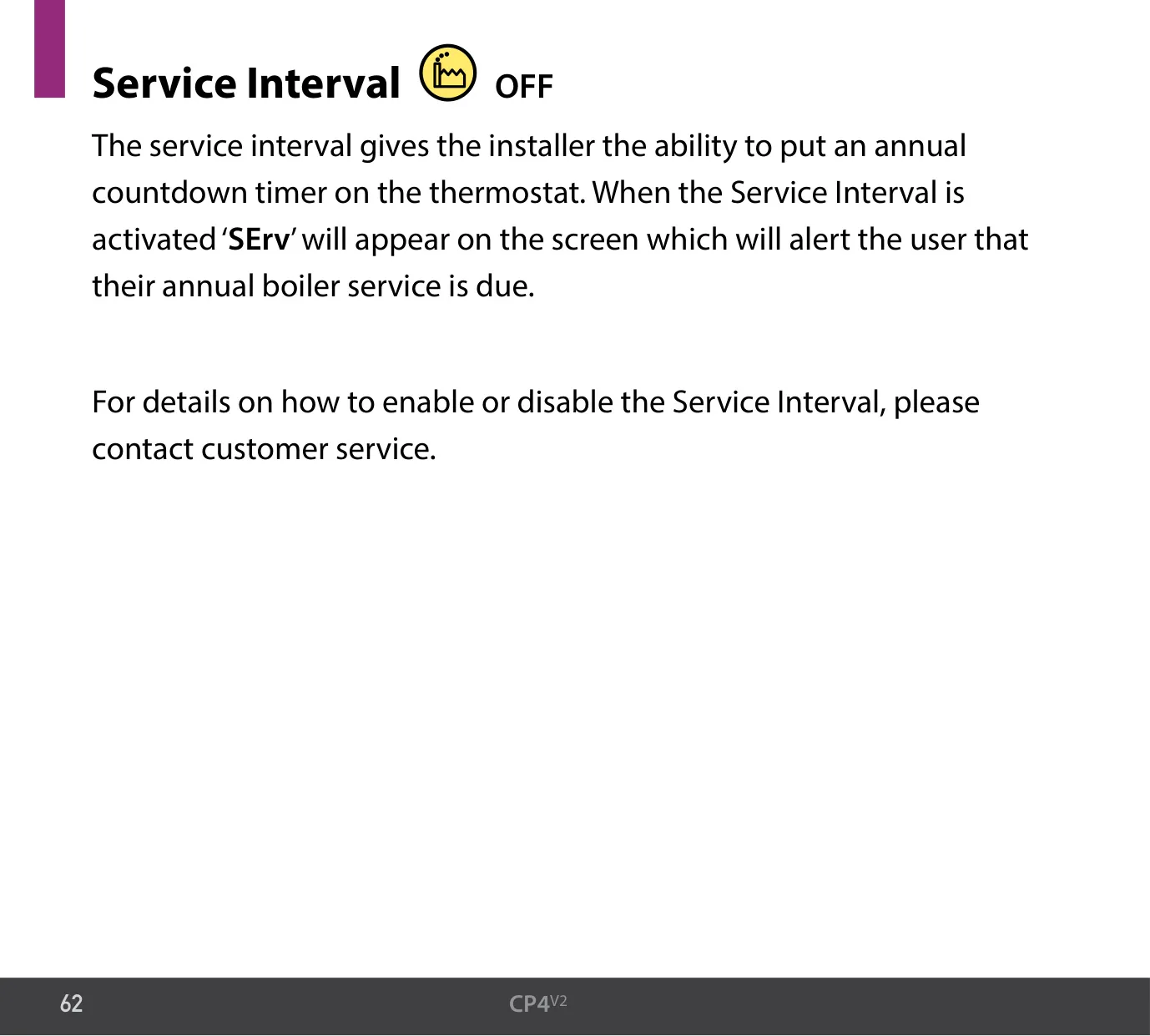
If you add a GW04 Gateway and pair it to the hub, you can control the system remotely with the EMBER app. The thermostat and receiver come already paired. Mount the thermostat 1.5 m above the floor, out of direct sunlight and away from heat sources. Keep each receiver 25 cm from metal objects, electrical fittings and other receivers, and 1 m from radios, TVs or microwaves. EPH recommends Duracell or Energiser batteries. An optional Service Interval shows "SErv" when the yearly boiler service is due.
Frequently Asked Questions (FAQs)
Can't find the answer you need? Here are some frequently asked questions about the EPH CP4 V2 Thermostat, and we answer them below.