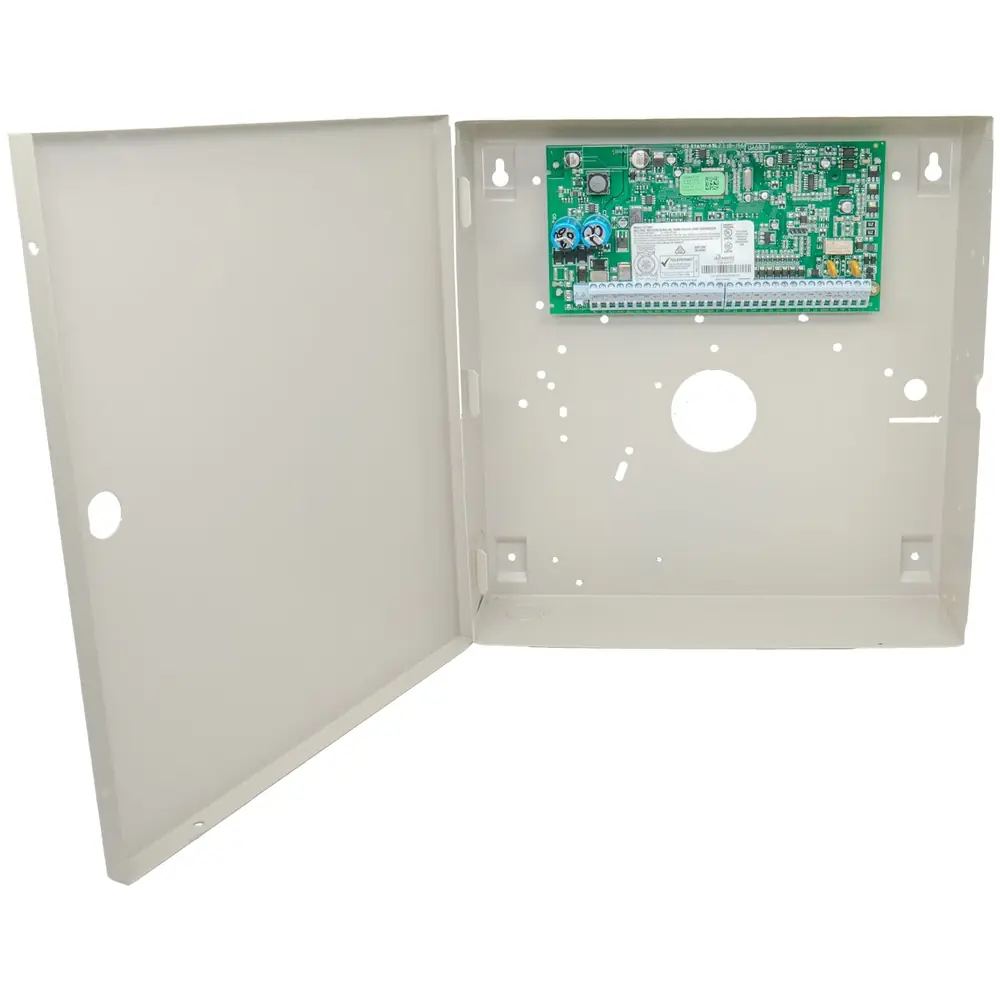
DSC PC1616 Security System Instruction Manual
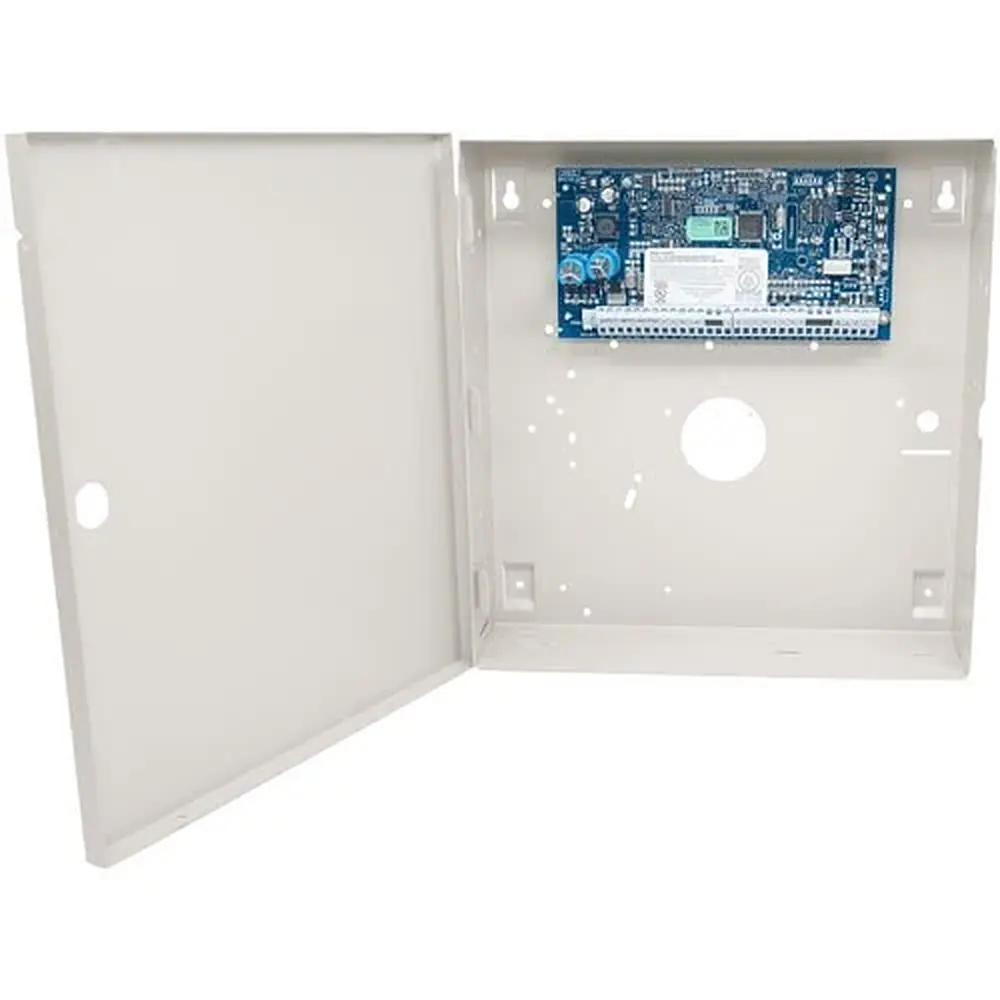
DSC PC1616 Security System









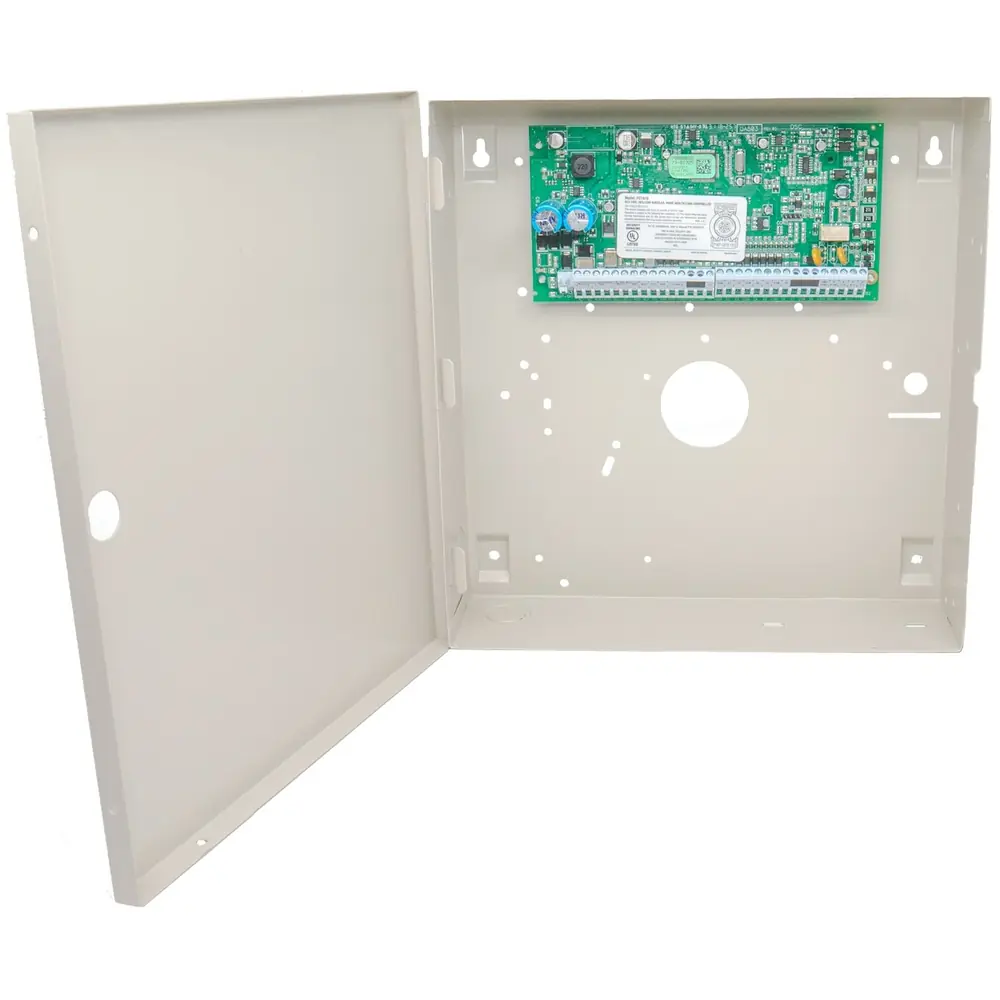
DSC PC1616 Security System





















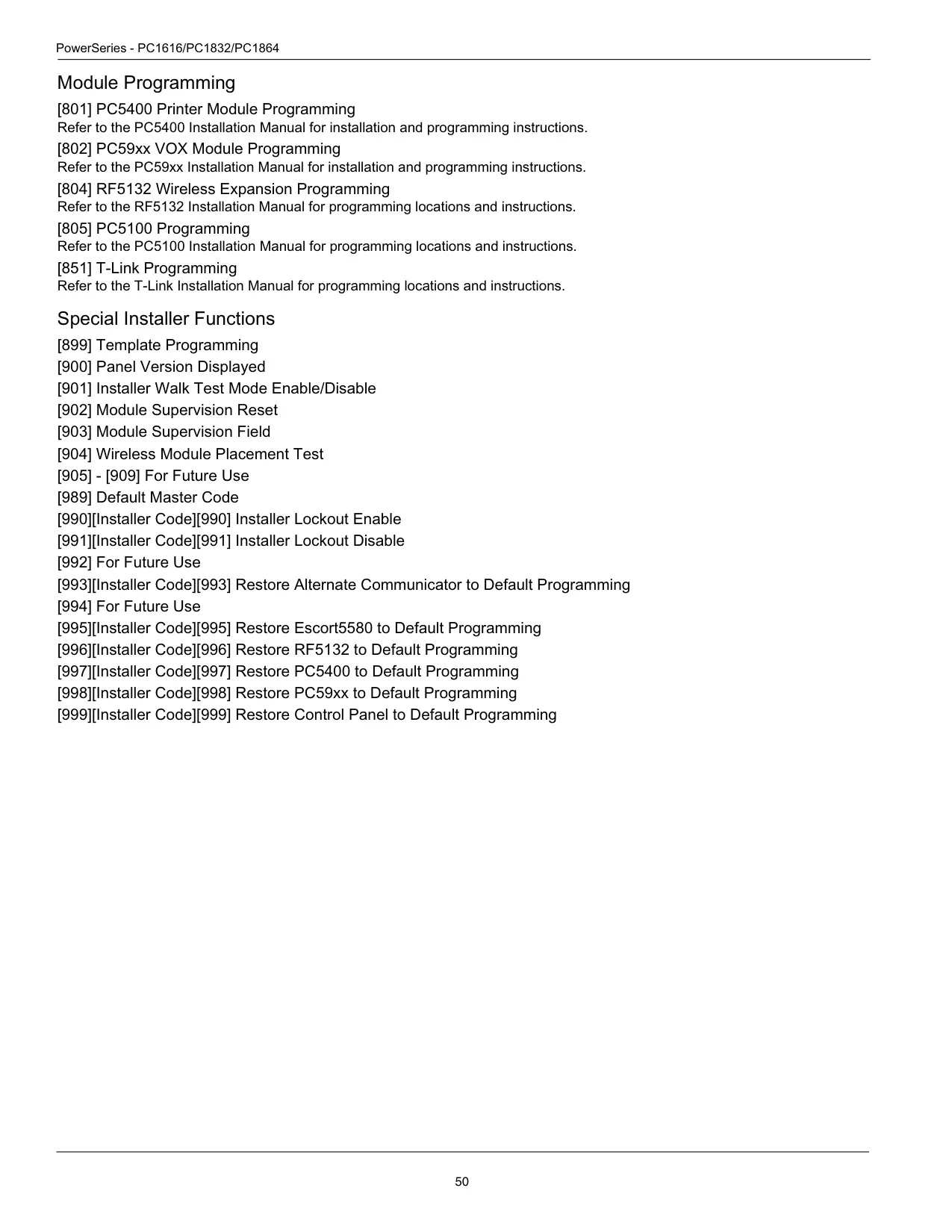


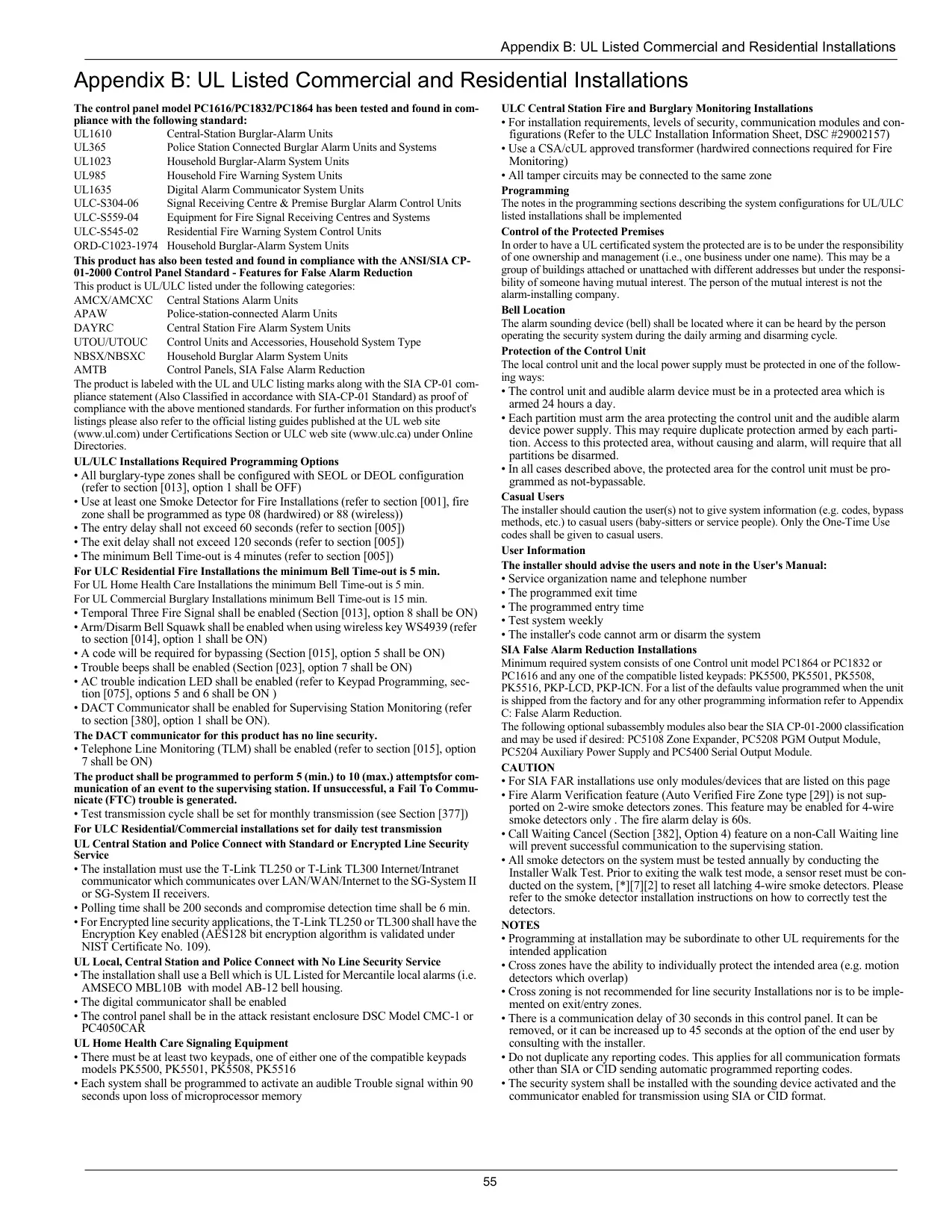






DSC PC1616 Security System Instructions
Here we offer the DSC PC1616 Security System manual completely free and in English. We have cataloged this manual in the Anti-theft Alarms section on Manualverse, and it has been rated by 1 users with an average rating of 5. If you have any specific questions about DSC PC1616 Security System, we suggest checking the Frequently Asked Questions (FAQs) section of this manual.
Product Images

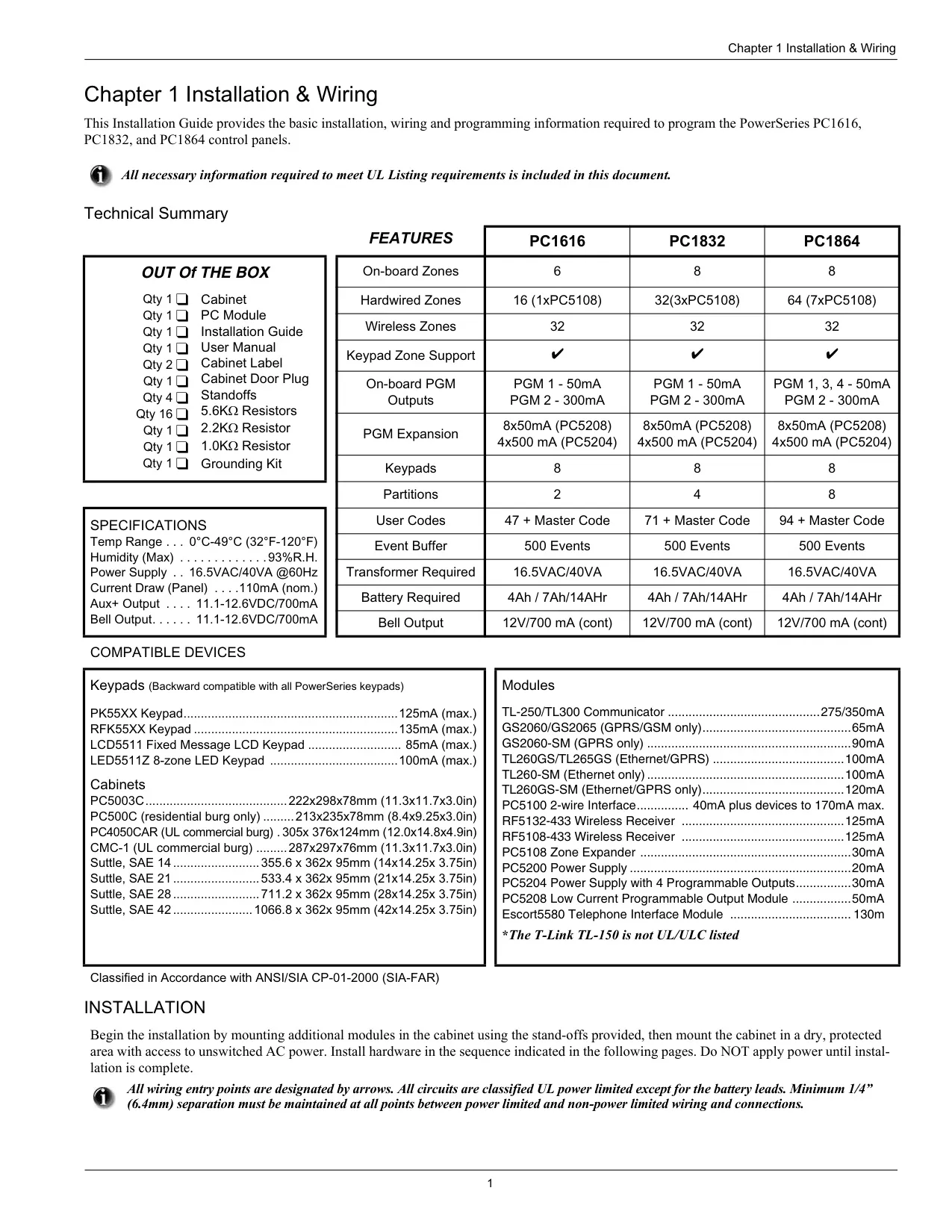
DSC PC1616 Security System Specifications
| Feature | Specification |
|---|---|
| Model | DSC PowerSeries PC1616 Control Panel |
| Firmware Covered by Manual | v4.6 and higher |
| Manufacturer | Digital Security Controls (Tyco Safety Products Canada Ltd.) |
| User Access Codes | Codes 1-48 (Master Code is code 40) |
| Access Code Length | 4 or 6 digits |
| Minimum Code Variations (6-digit codes) | 20,833 |
| Partitions | 2 (Partition 1 and Partition 2) |
| Bypass Groups | 1 per partition |
| Event Buffer | Last 500 events (viewable on LCD keypads) |
| Communicator Delay | 30 seconds by default; can be removed or raised to 45 seconds |
| Quick Exit Time | 2 minutes |
| DLS Service Window | 6 hours |
| User Walk Test Auto-Timeout | 15 minutes with no zone violation |
| System Test Bell Output | 2 seconds |
| Trouble Beep Interval | Every 10 seconds |
| Invalid Code Error Tone | 2 seconds |
| Trouble Indications | 8 trouble categories (digits 1-8) |
| Recommended Standby Battery Replacement | Every 3-5 years |
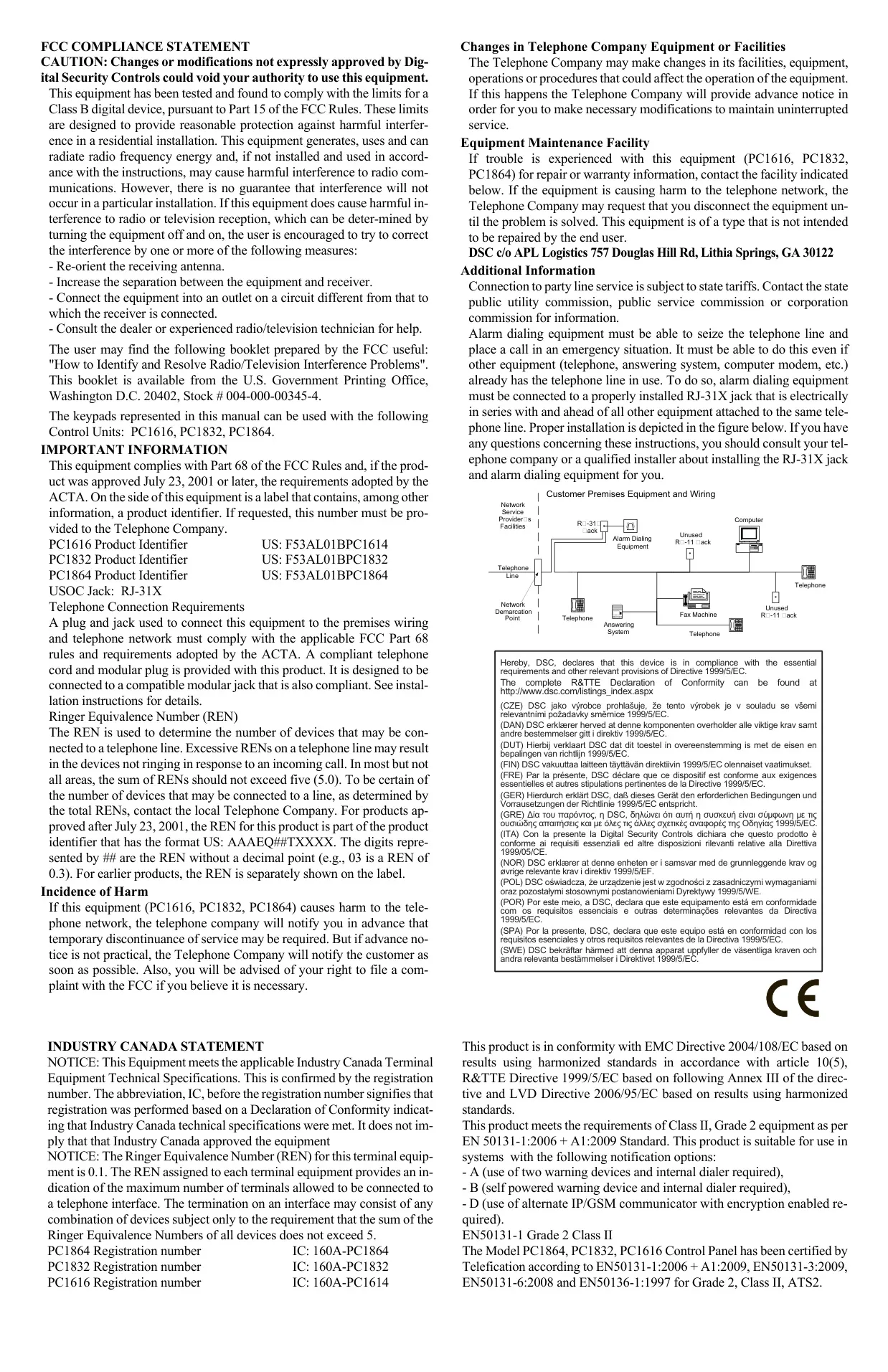
| Telephone Jack | USOC RJ-31X |
| Ringer Equivalence Number (REN) | 0.1 |
| FCC Product Identifier | US: F53AL01BPC1614 |
| Industry Canada Registration | IC: 160A-PC1614 |
| FCC Compliance | Part 15 Class B digital device; Part 68 / ACTA |
| European Certification | EN50131-1:2006 + A1:2009, EN50131-3:2009, EN50131-6:2008, EN50136-1:1997 – Grade 2, Class II, ATS2 |
| EU Directives | EMC 2004/108/EC, R&TTE 1999/5/EC, LVD 2006/95/EC |
| Notification Options (EN50131) | A, B and D |
| False Alarm Standard | ANSI/SIA CP-01-2000 |
| Installation Environment | Indoor only, pollution degree max 2, overvoltage category II |
| Power Connection | Direct plug-in transformer (North America); permanently connected (EU and Australia) |
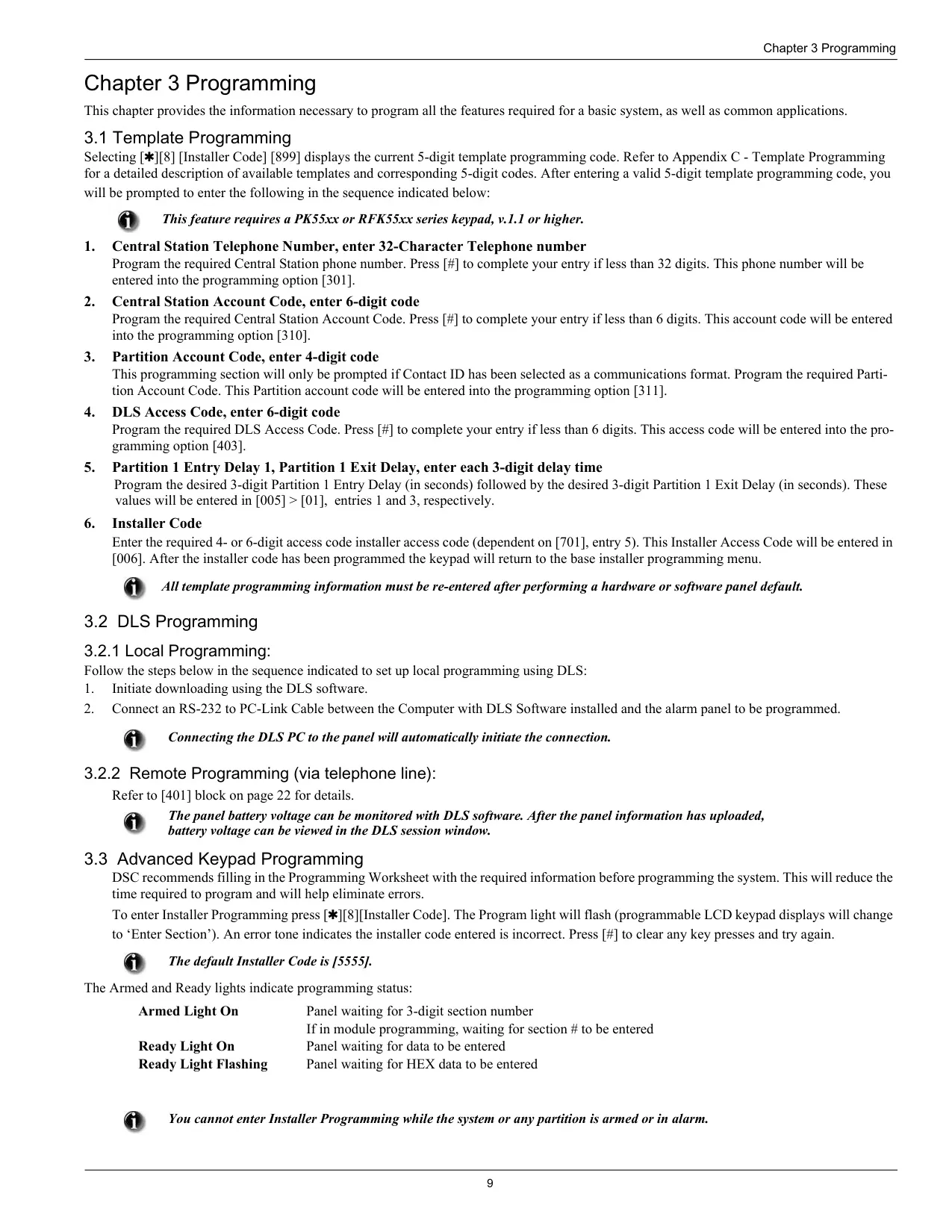
| Compatible Keypads | PK5500, PK5501, PK5508, PK5516, RFK5500, RFK5501, RFK5508, RFK5516, RFK5564, LED5511, LCD5511, PC1555RKZ |
| Keypad Brightness/Contrast Levels | 10 levels (PK5500/RFK5500/RFK5564); 4 backlight levels (PK5501/PK5508/PK5516/RFK models) |
| Keypad Buzzer Levels | 21 levels (level 00 turns the buzzer off) |
DSC PC1616 Security System Details
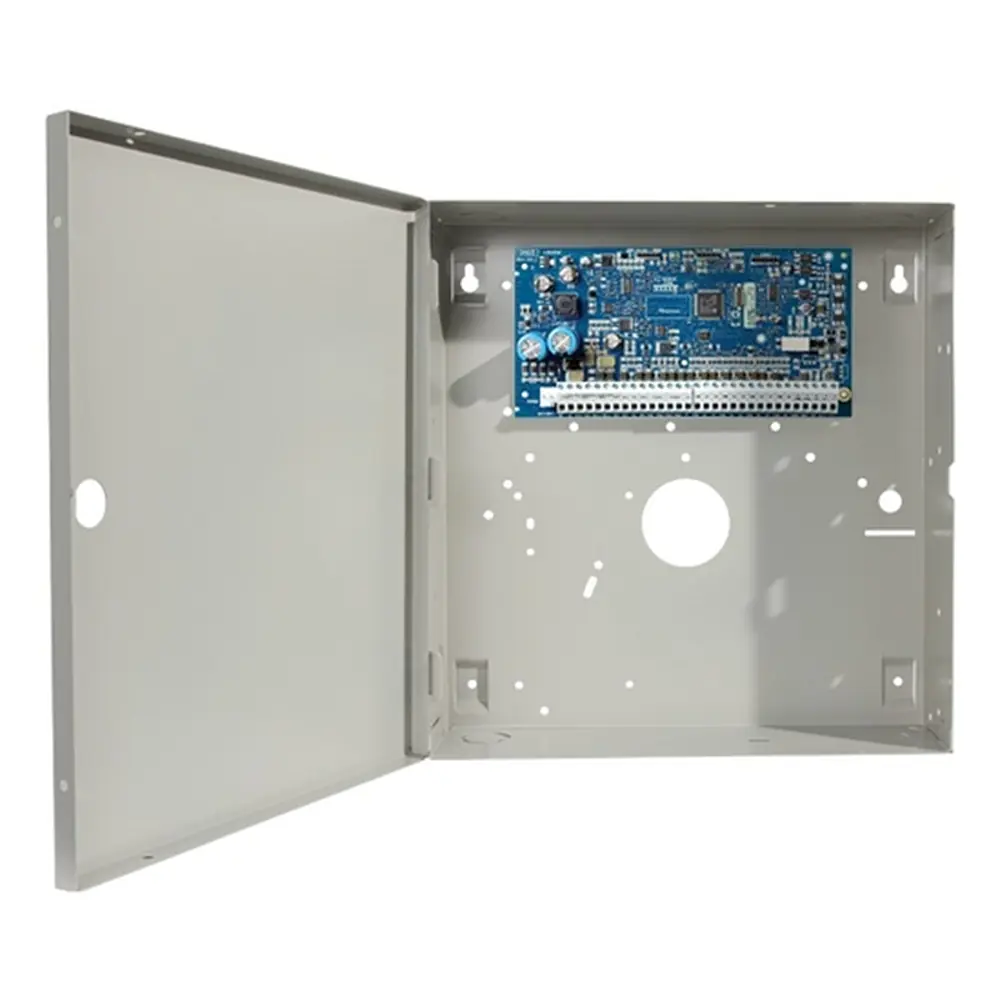
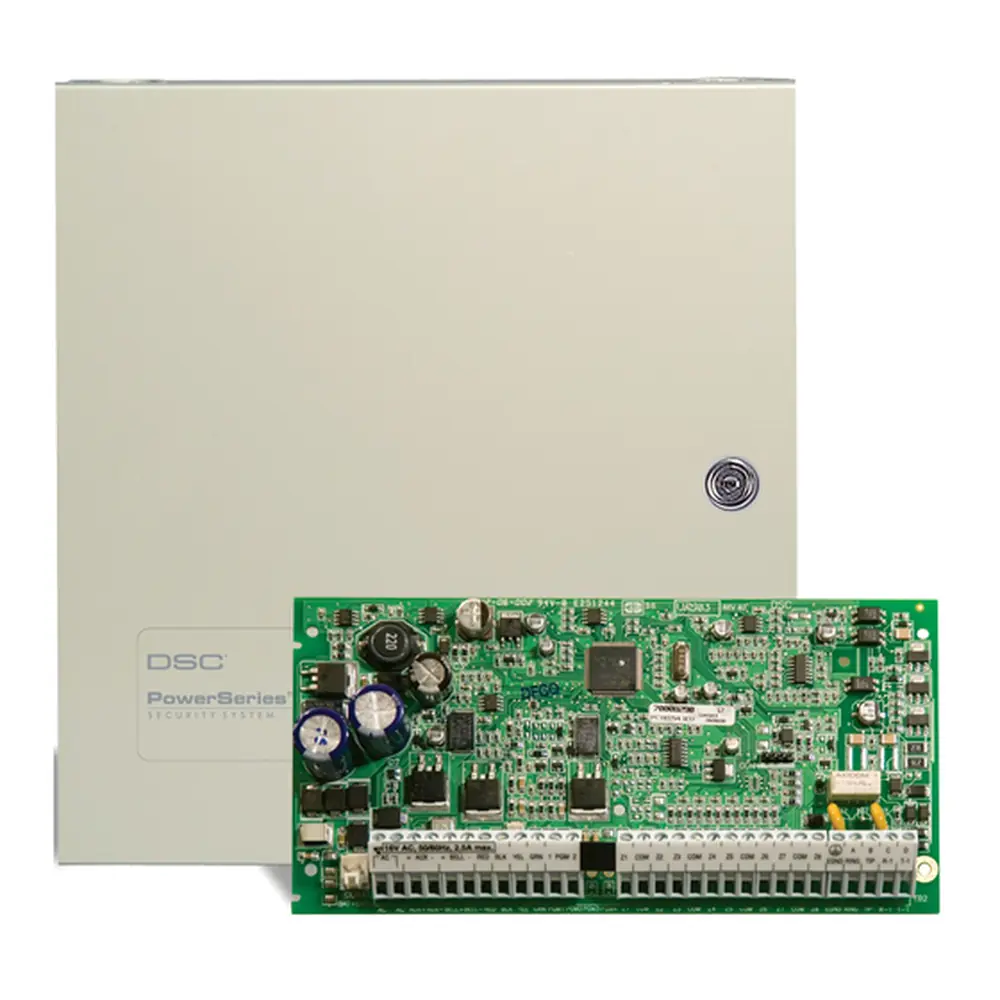
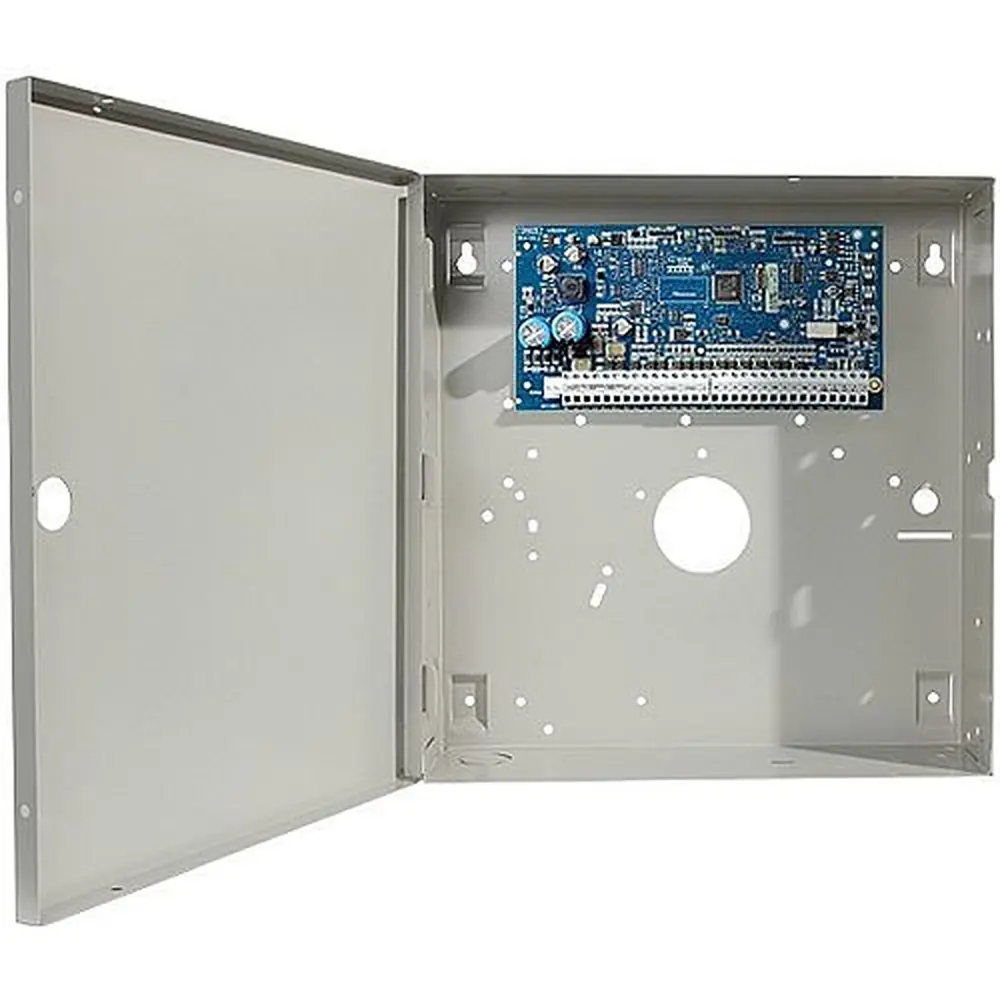
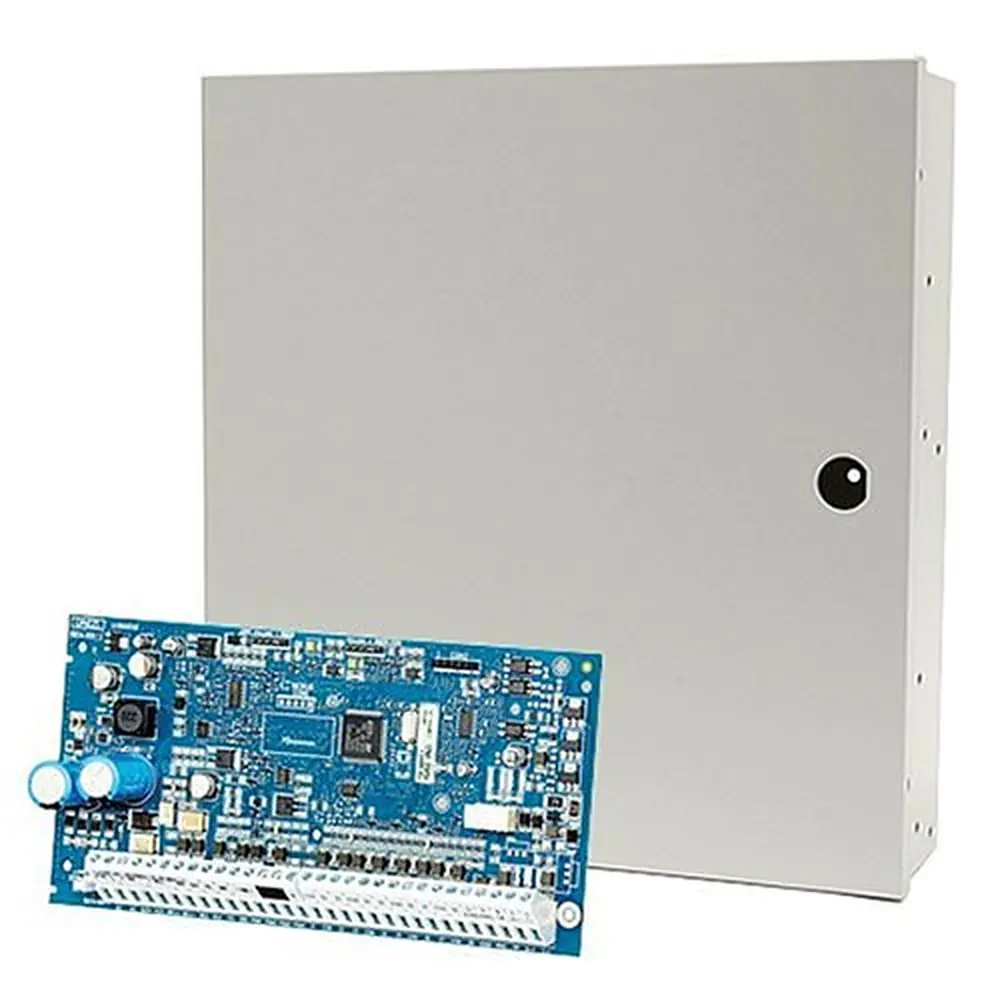
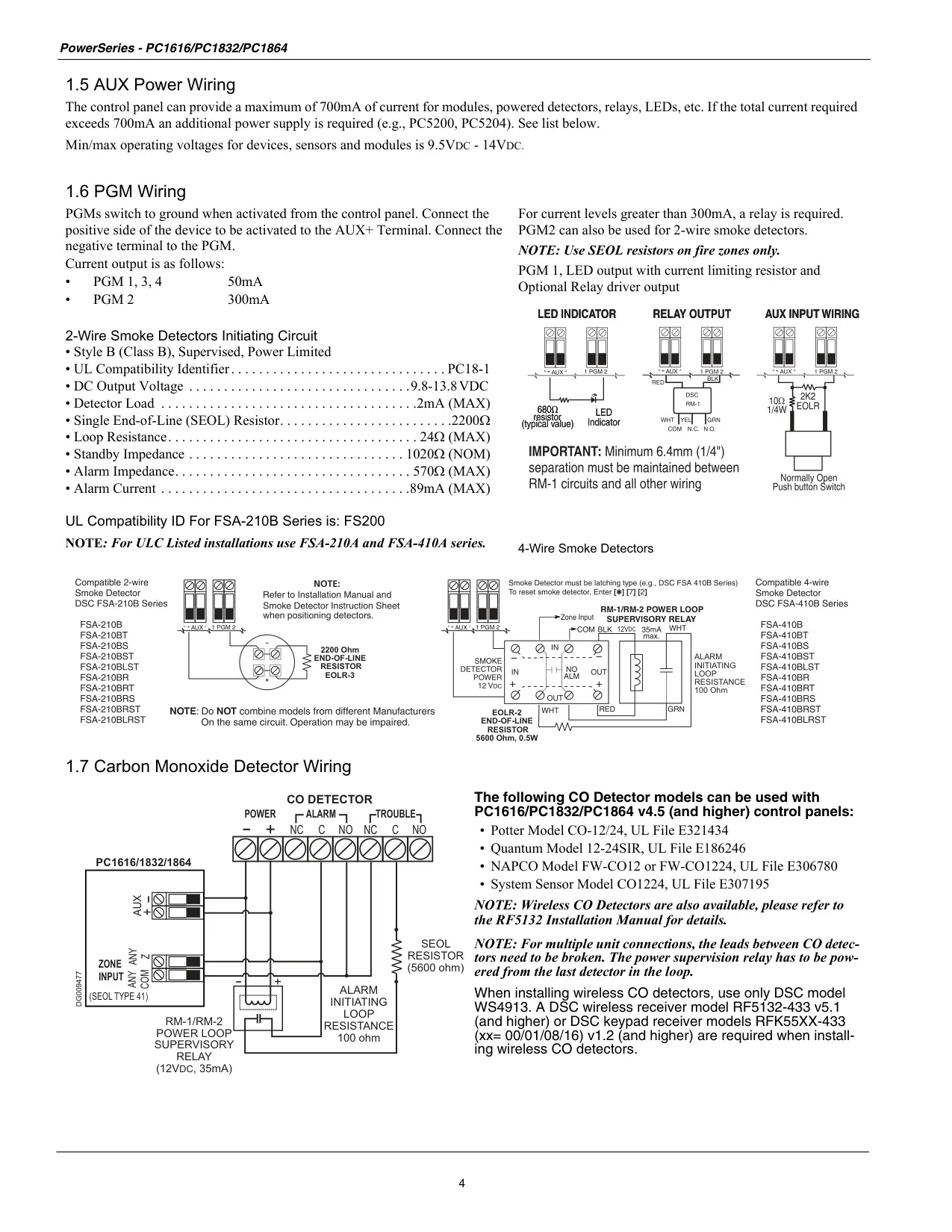
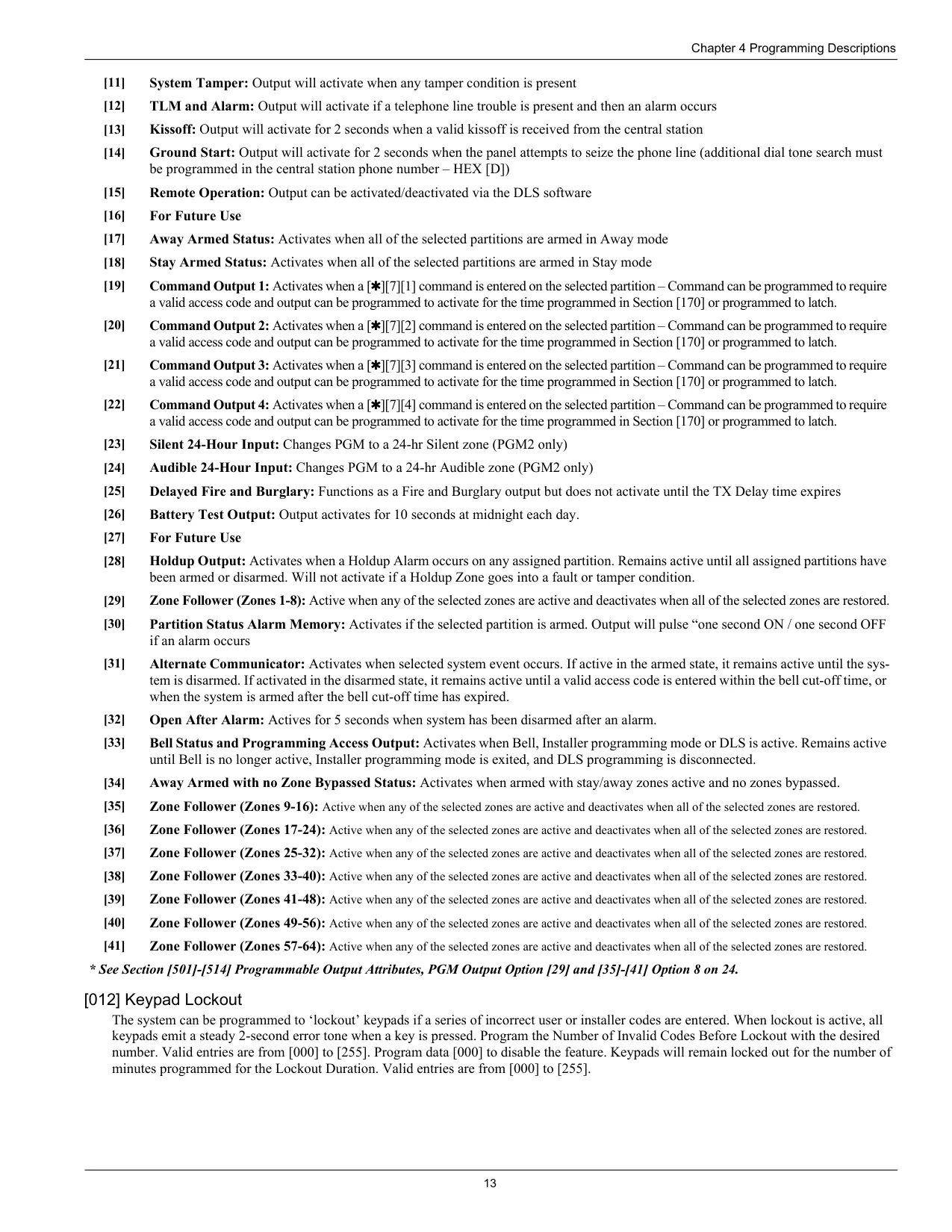
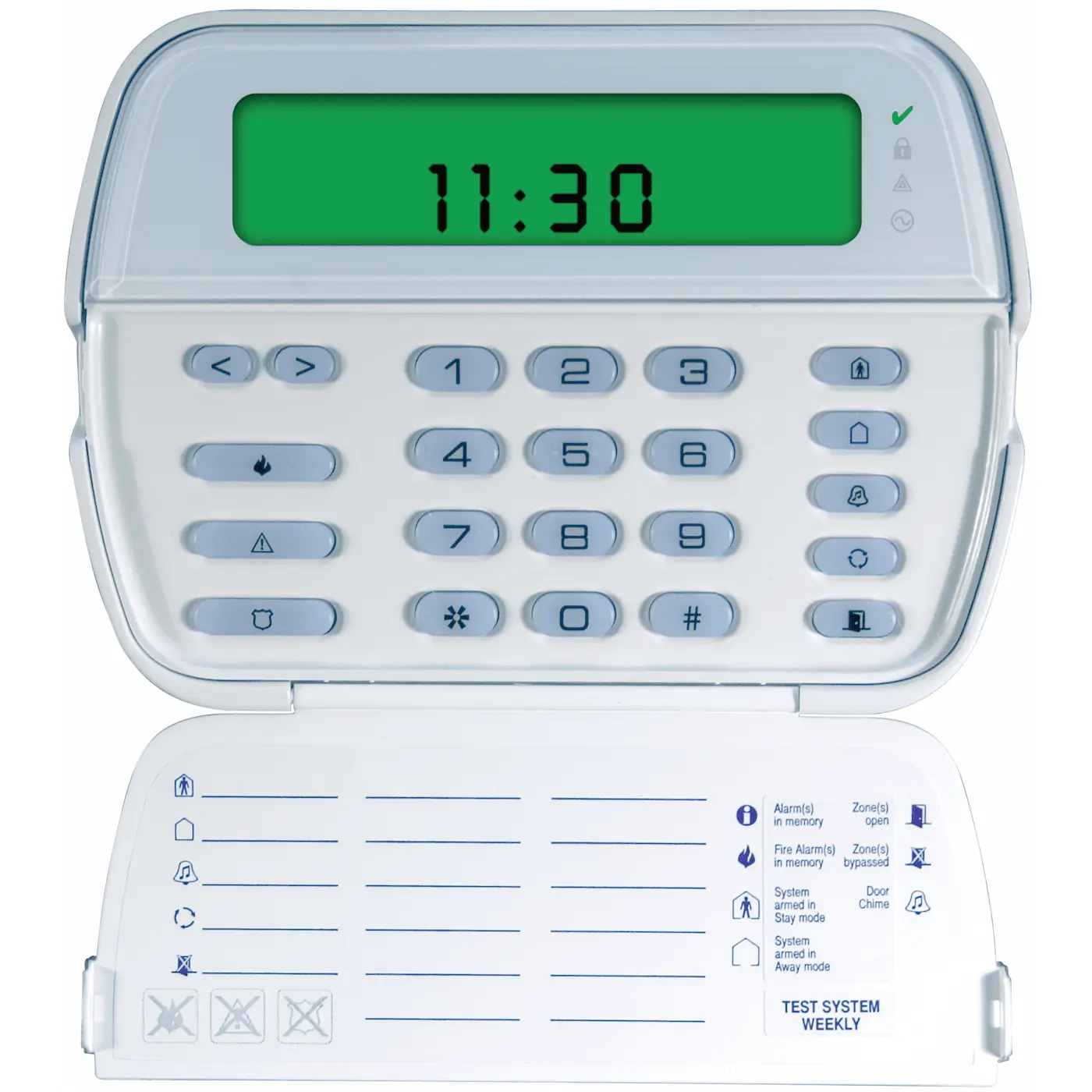
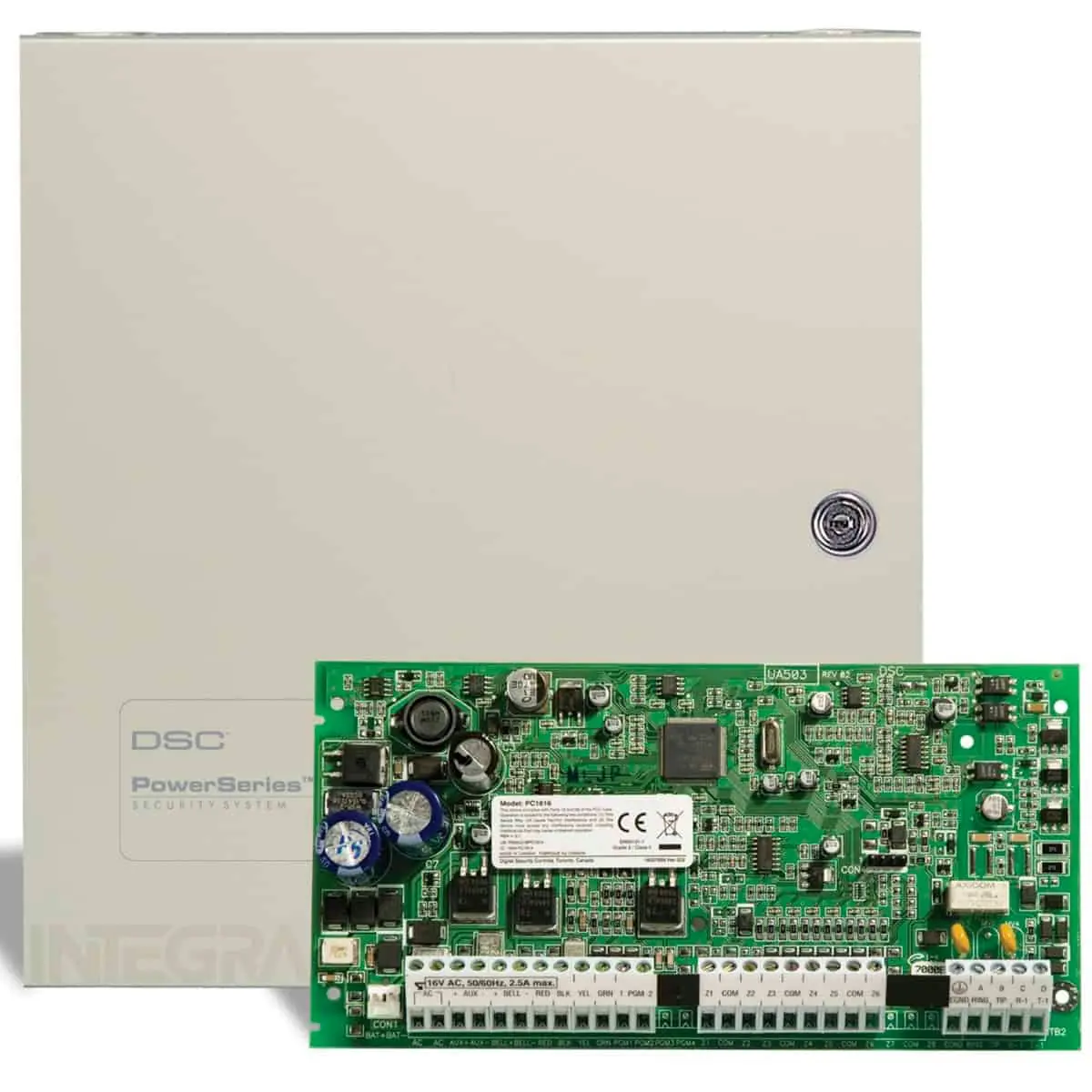
The DSC PC1616 is a PowerSeries control panel. It sits in a metal cabinet that holds the system electronics, fuses and standby battery, and it is usually mounted out of the way in a utility closet or basement. You control it from keypads placed near the entry and exit doors. LED keypads show status lights for each zone, and LCD models display text messages. Zones connect to sensors such as door contacts, motion detectors and glassbreak detectors. Once the installer enables them, the panel can also monitor smoke and carbon monoxide detectors.
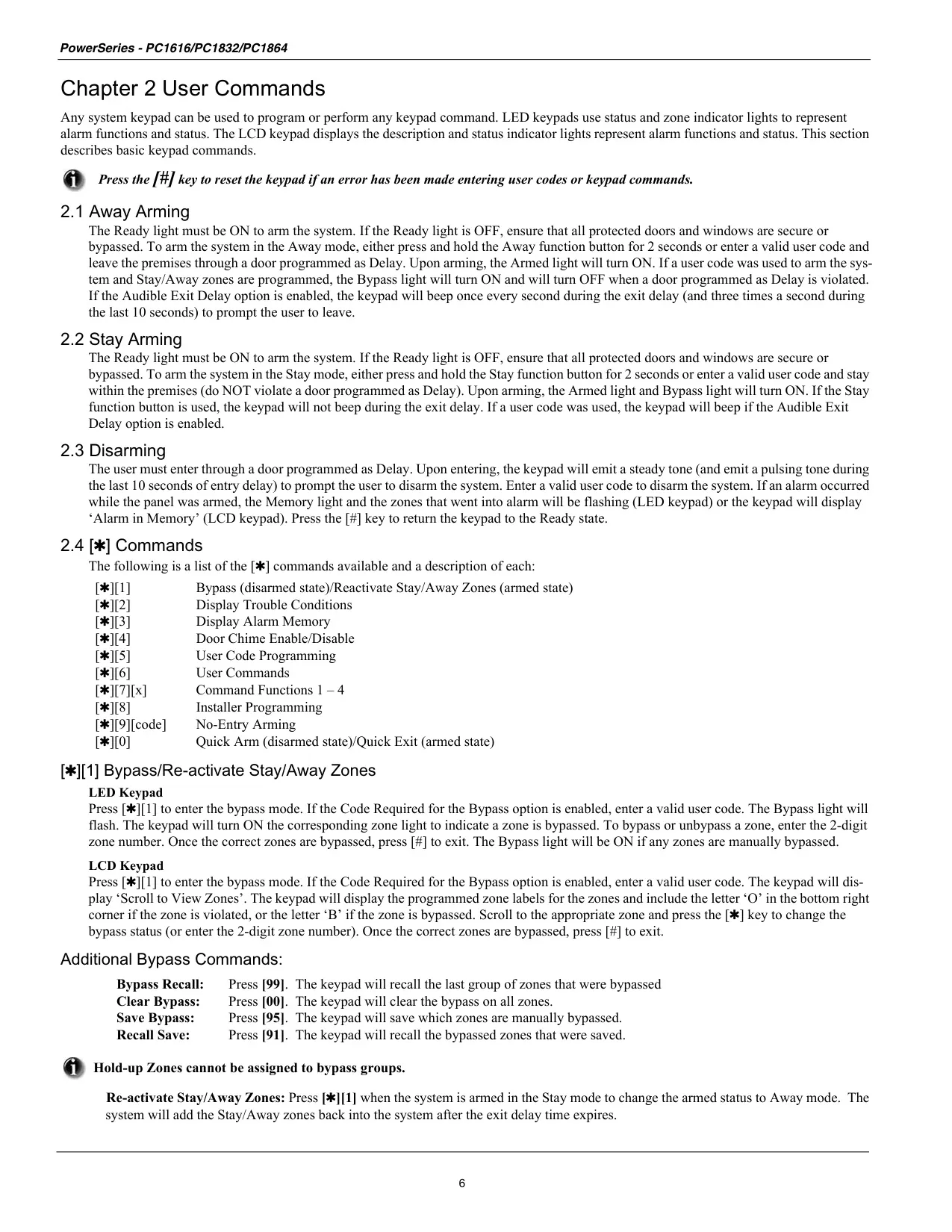
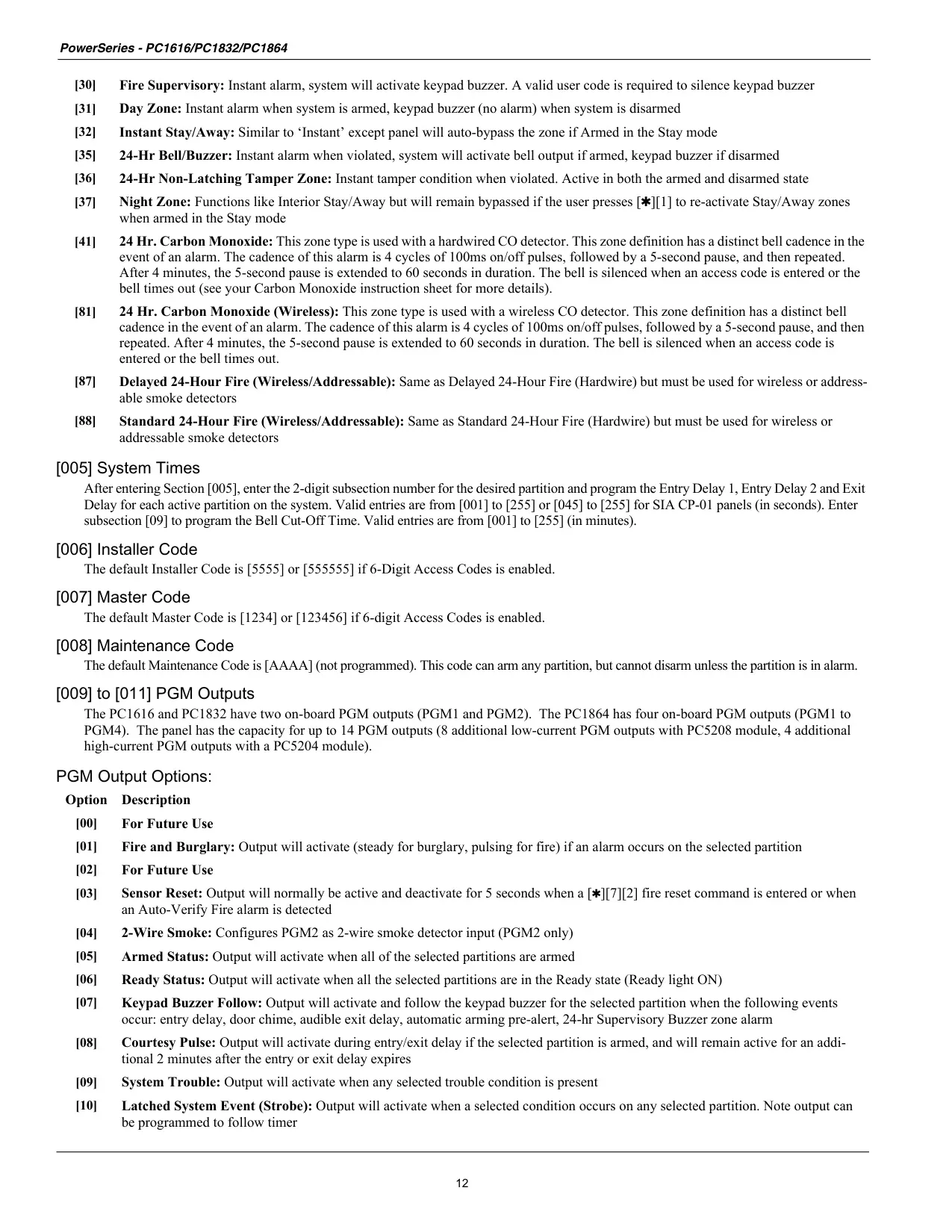
The panel has several arming modes. Away arming protects the whole premises once the exit delay ends. Stay arming protects the doors and windows but bypasses interior motion sensors, so people can stay inside. Pressing [][1] switches to Night arming, which also arms the interior zones except those the installer set as night zones. No-Entry arming ([][9] plus your code) turns off the entry delay, so any entry causes an instant alarm.
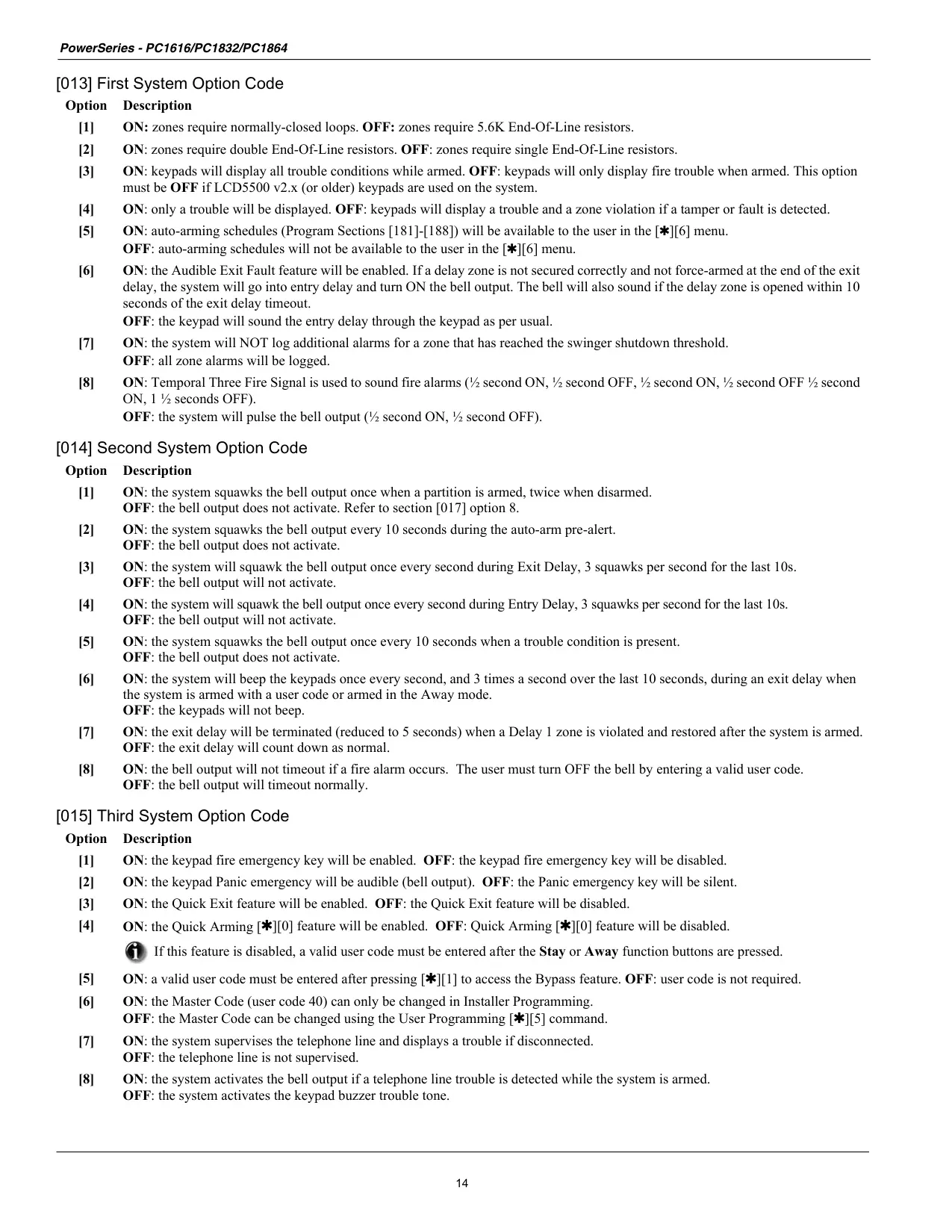
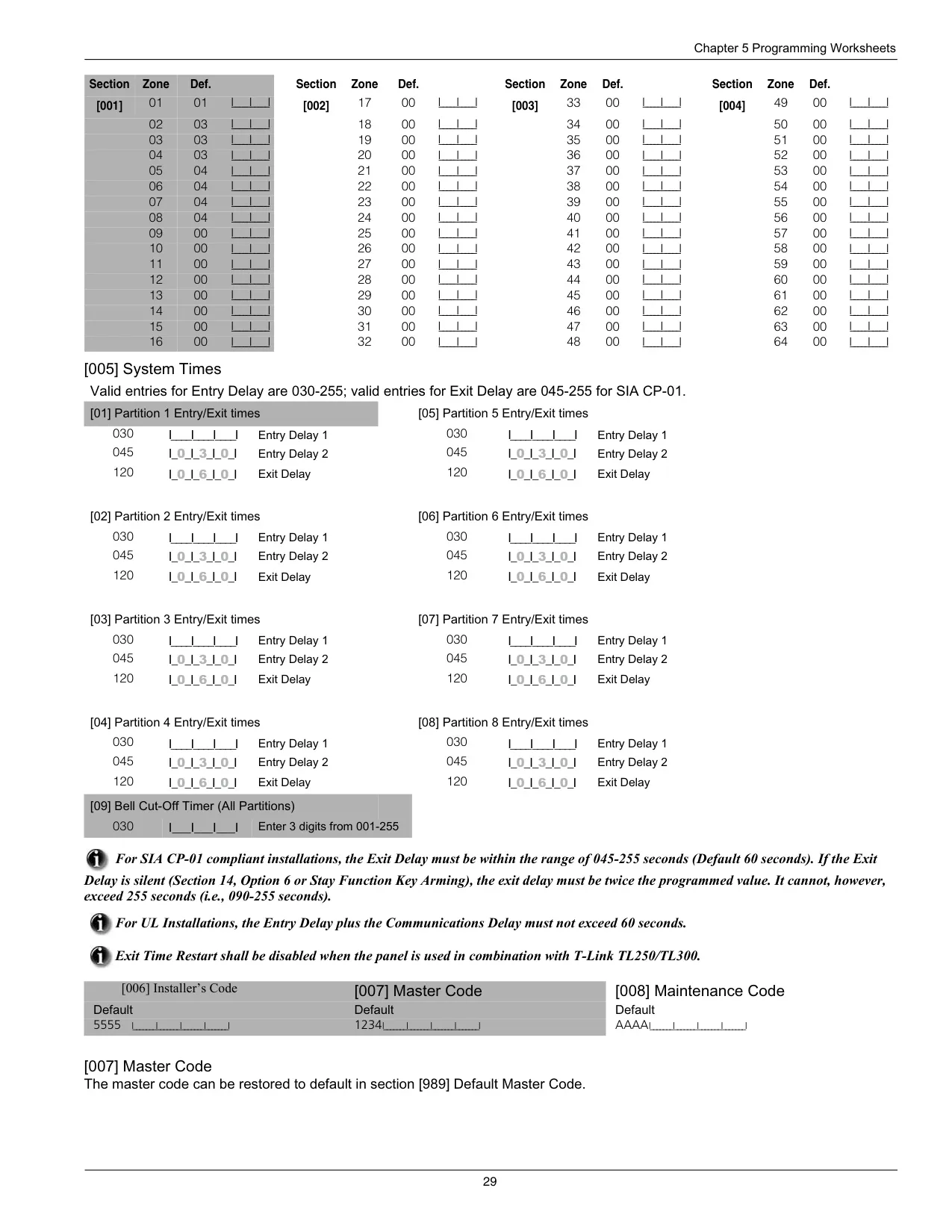
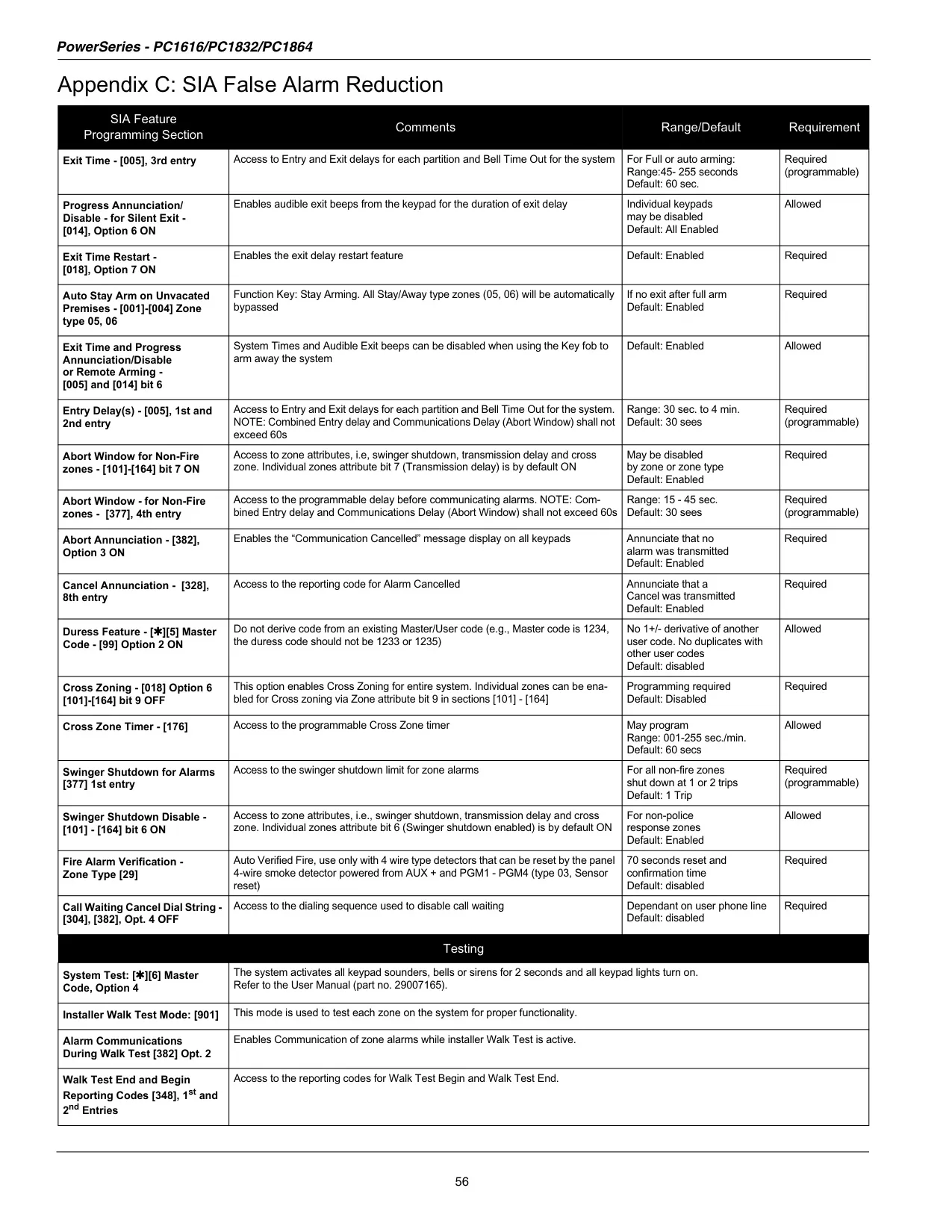
Several features help reduce false alarms. With Audible Exit Fault, the keypad gives a continuous beep and the siren sounds if you don't leave in time or the entry door isn't fully closed. Silent Exit Delay mutes the keypad buzzer and doubles the exit time when you arm with the Stay key or No-Entry arming (CP-01 versions only). On SIA FAR panels, the Stay exit delay is twice as long as the Away exit delay.
Each alarm type has its own sound. A temporal or pulsed siren means fire. Four quick beeps, a 5-second pause and four more beeps mean carbon monoxide. A continuous siren means a burglary. When more than one alarm is active, fire comes first, then CO, then burglary. You can hold the F, A or P key for 2 seconds to send a Fire, Auxiliary or Panic alarm to the central station.
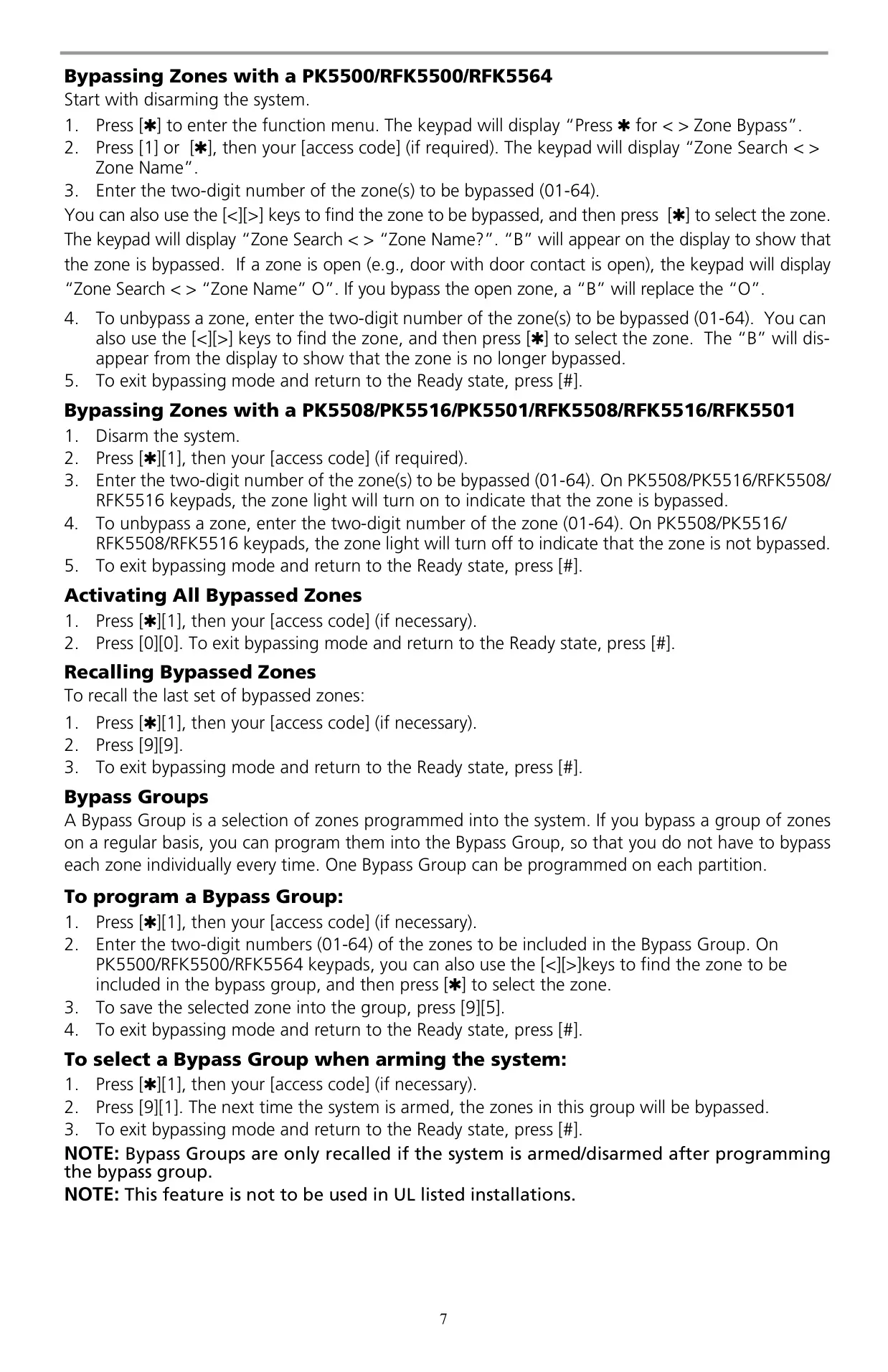
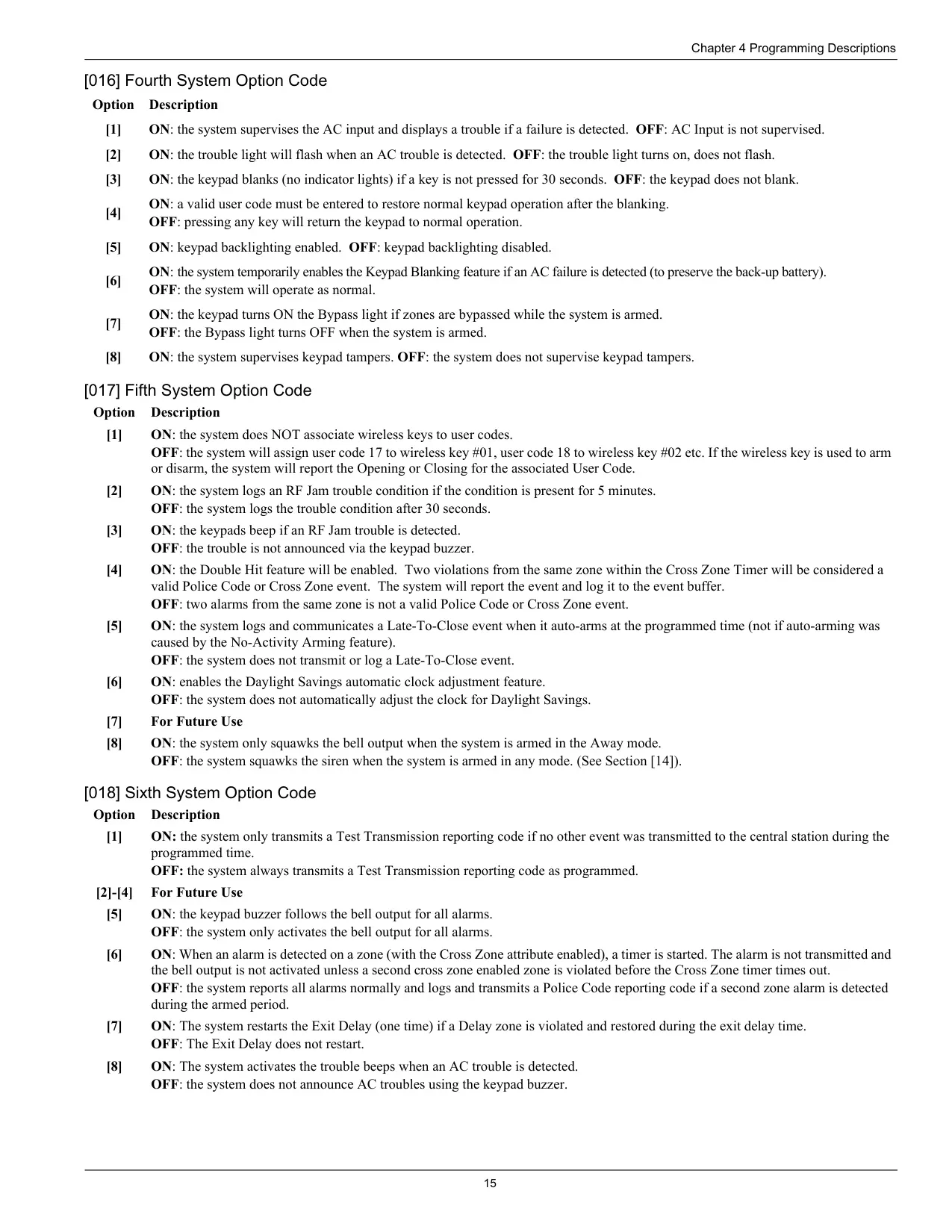
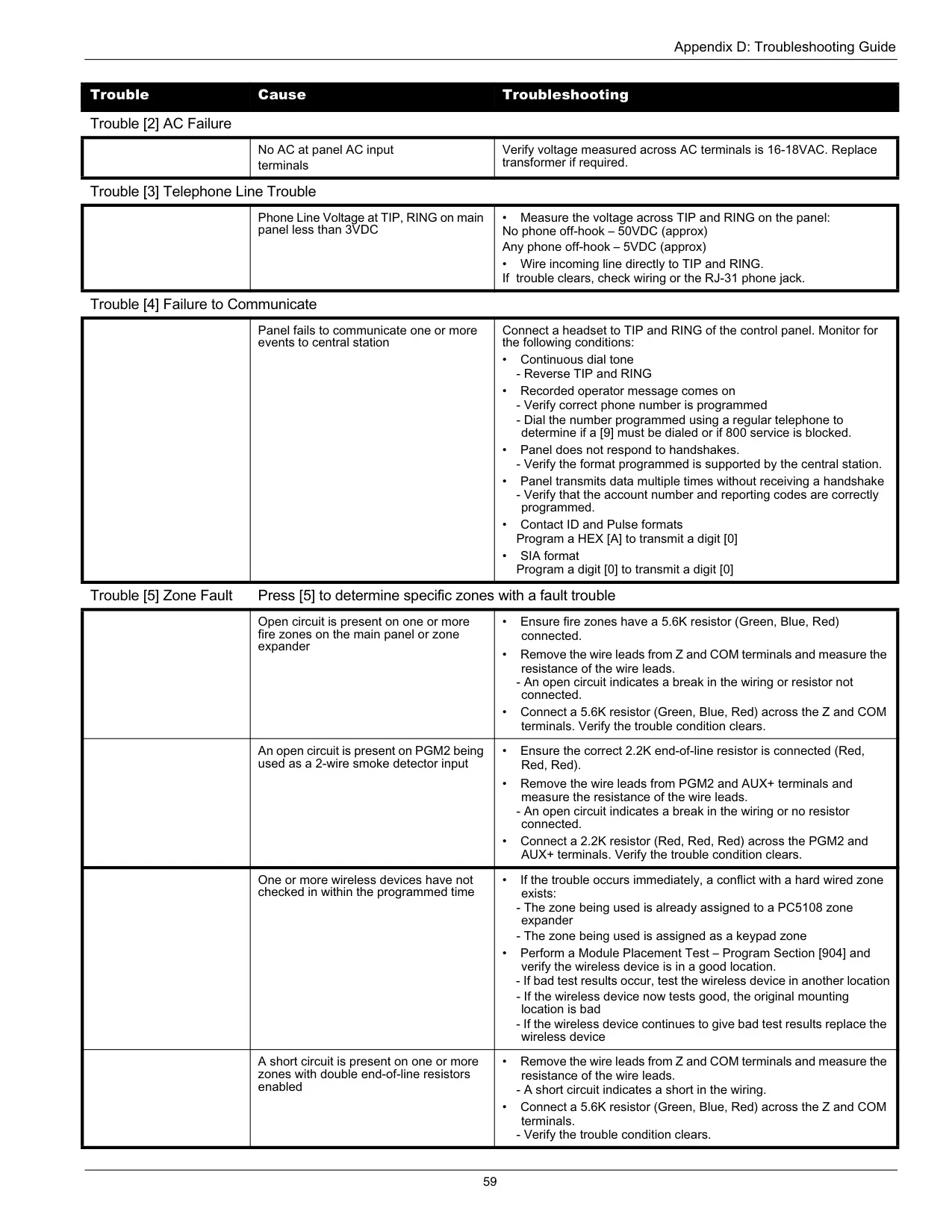
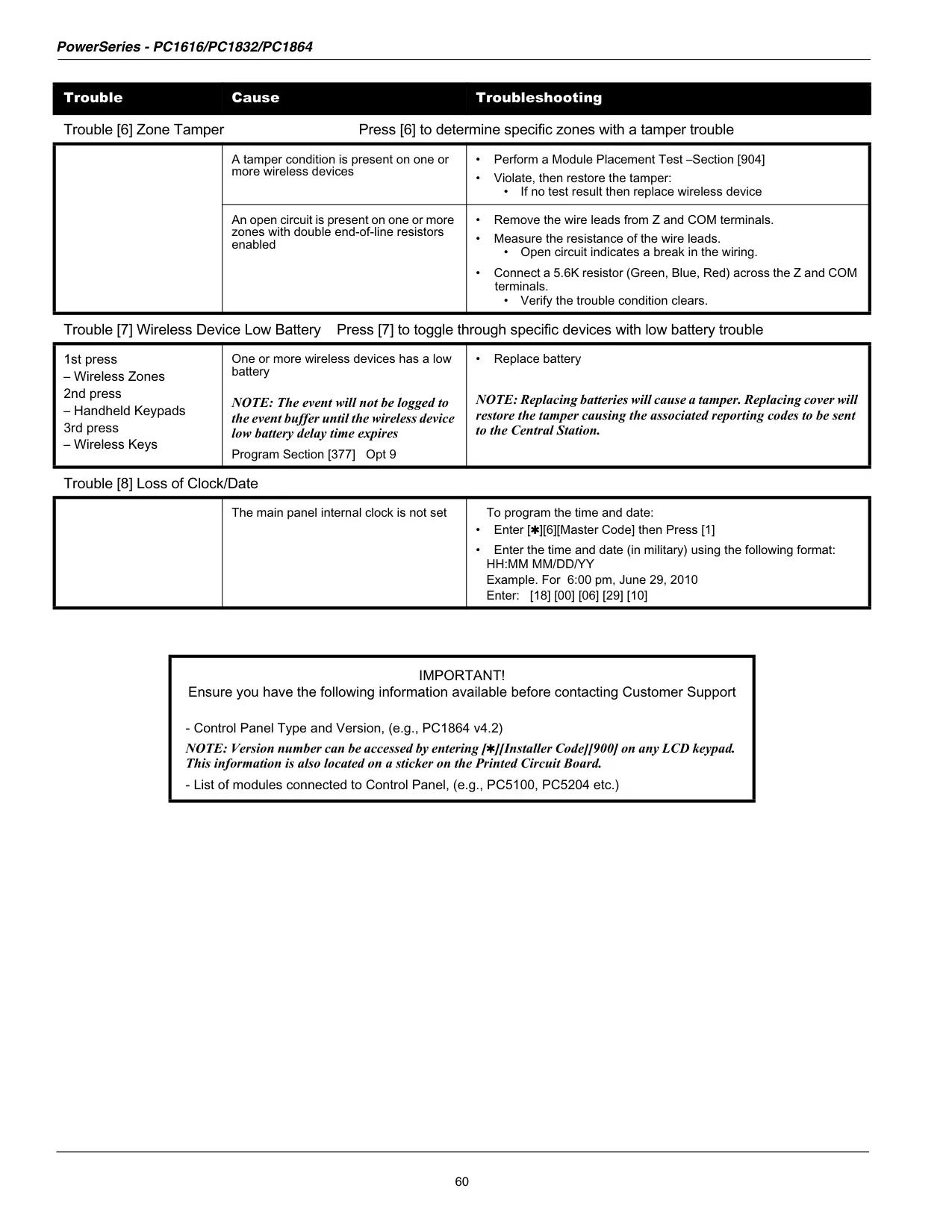
Zone bypassing lets you leave selected zones unarmed. You can also clear all bypasses with [0][0], bring back the last set with [9][9], or save a Bypass Group with [9][5] and recall it with [9][1]. Trouble conditions show up as digits 1 to 8, covering service required, AC loss, telephone line fault, communication failure, zone fault, tamper, low battery and lost time. If the installer allows it, you can press [9] in the trouble menu to acknowledge troubles and arm anyway, and the panel logs who did it.
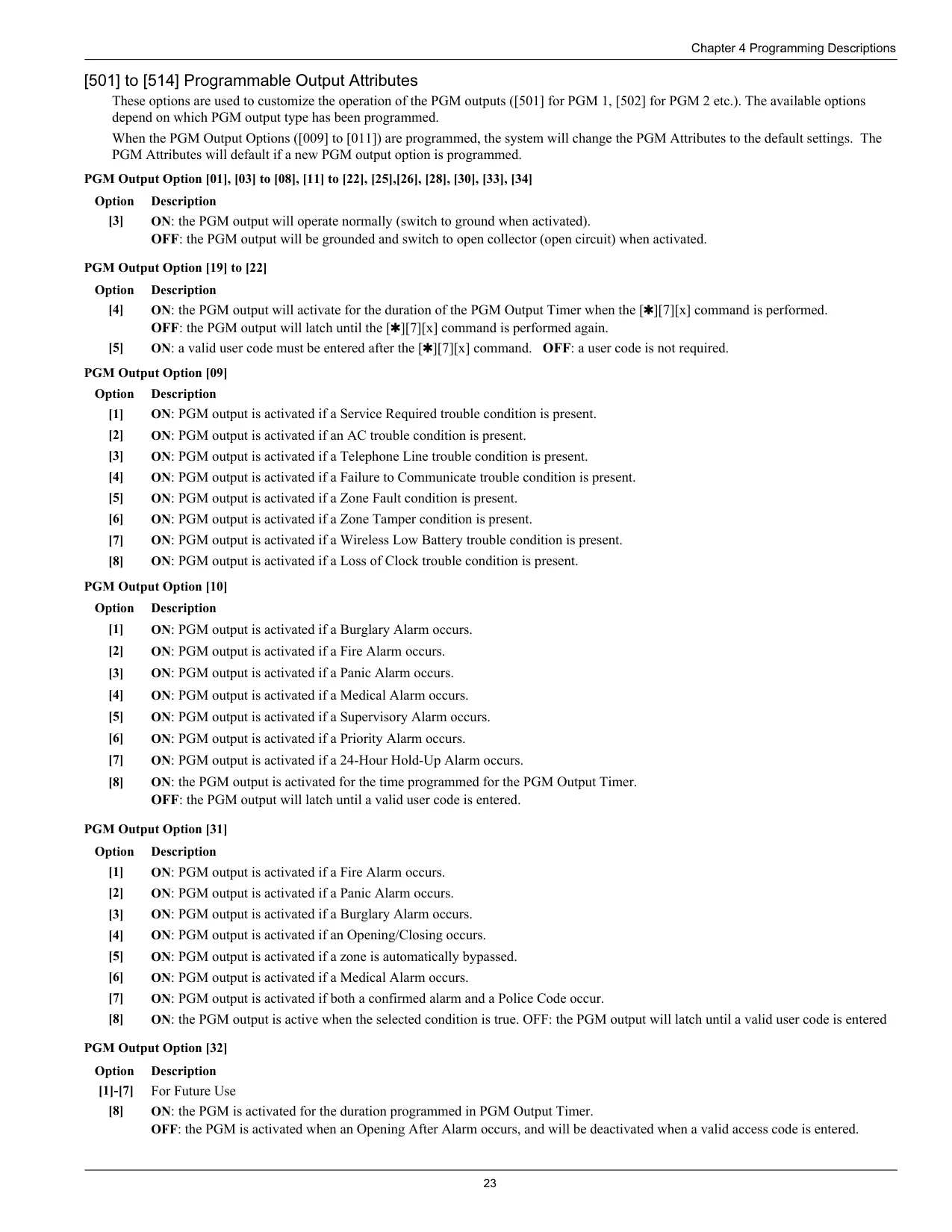
Each user code can have its own attributes: Supervisor, Duress, Zone Bypassing, ESCORT remote access, Bell Squawk on arming and disarming, and One-Time Use. A partition mask controls which of the two partitions each code can use. The panel rejects codes that duplicate an existing code or differ from one by only plus or minus 1. Wireless keys can arm and disarm the system, with one bell squawk when arming and two when disarming.
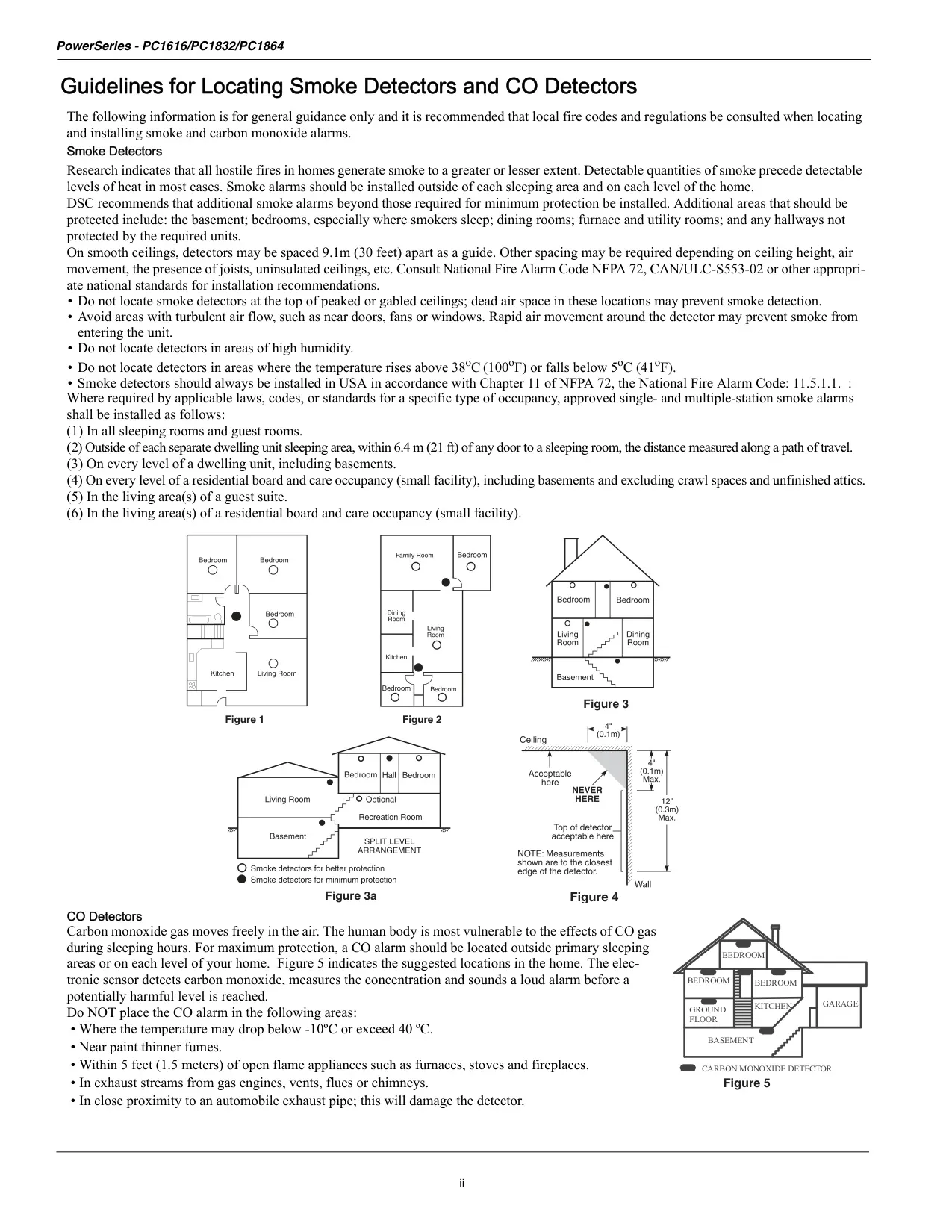
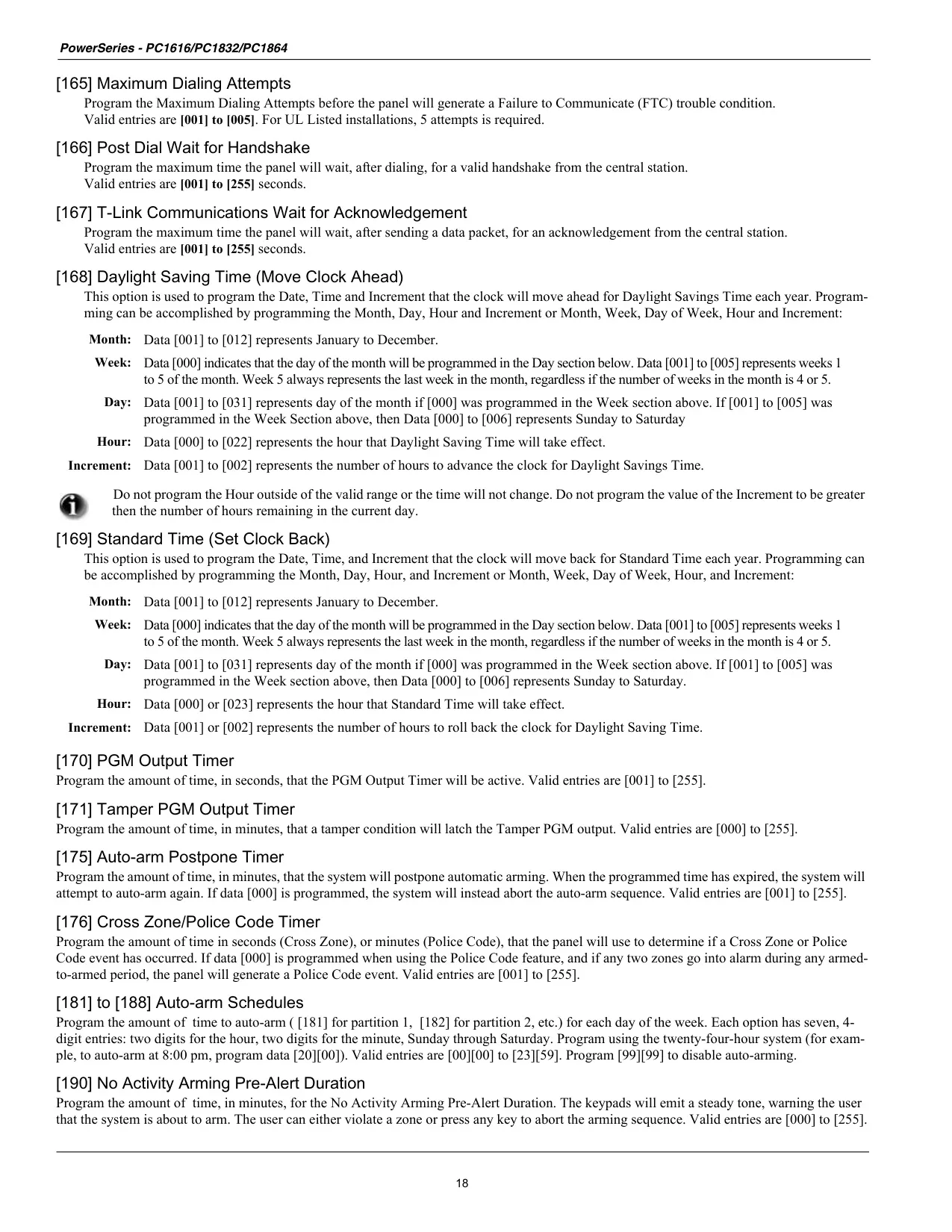
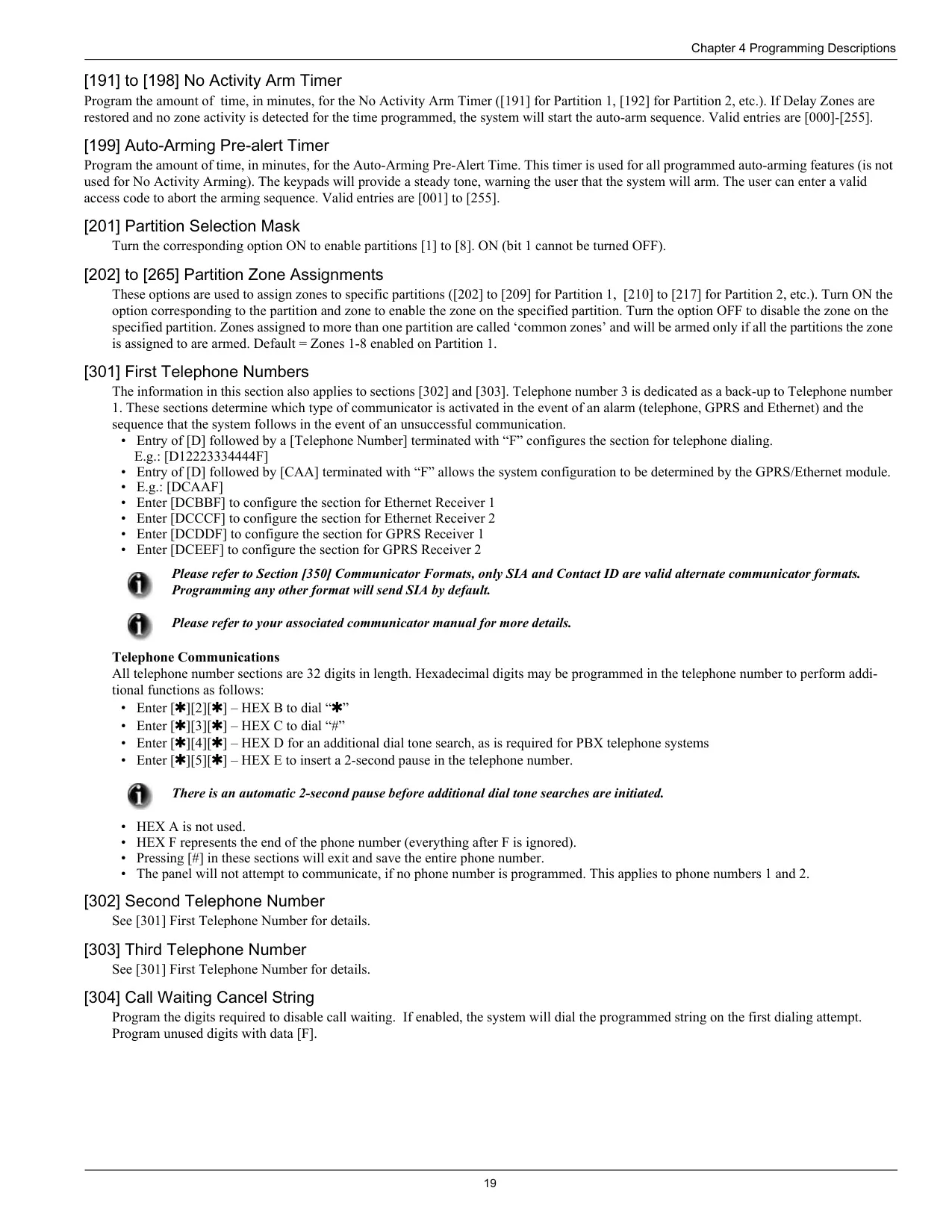
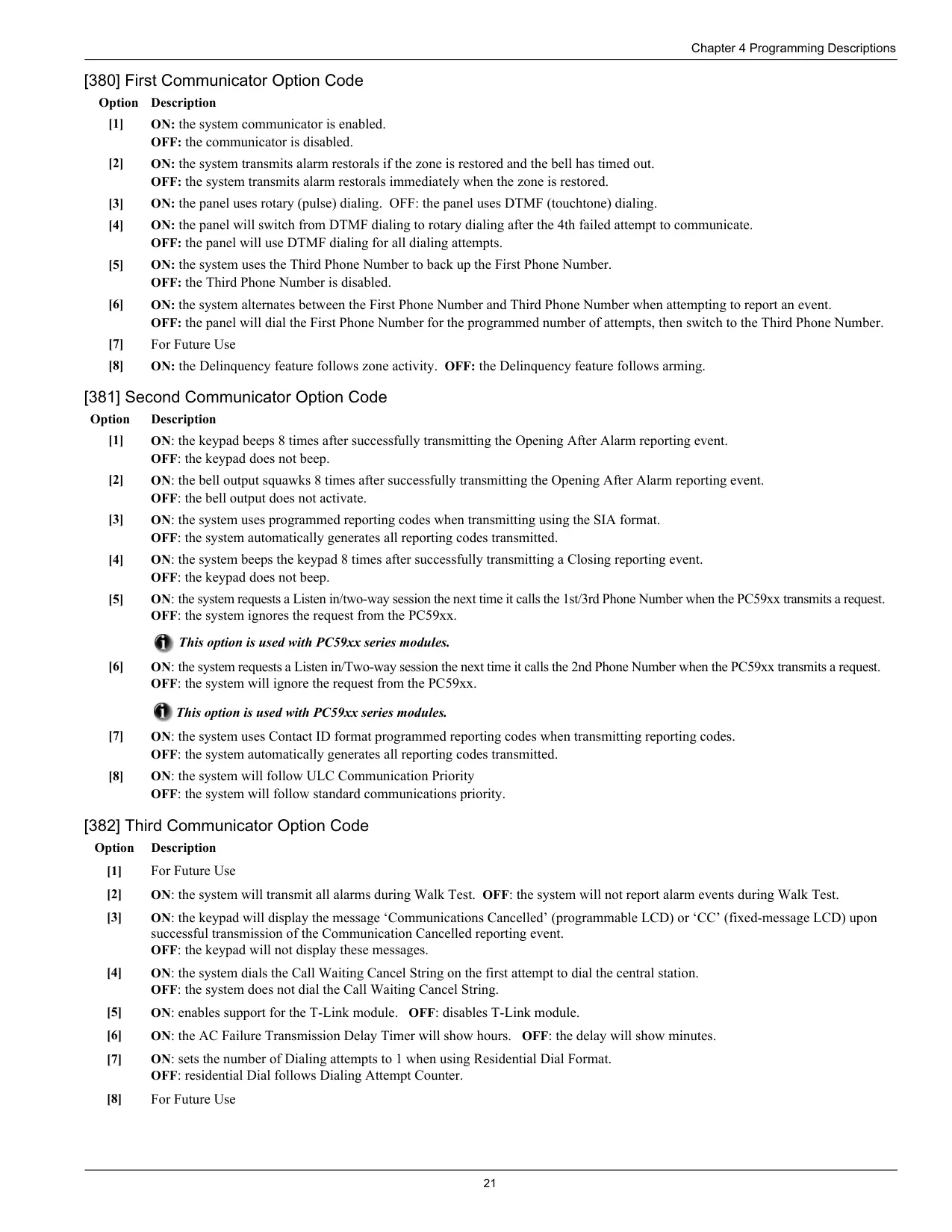
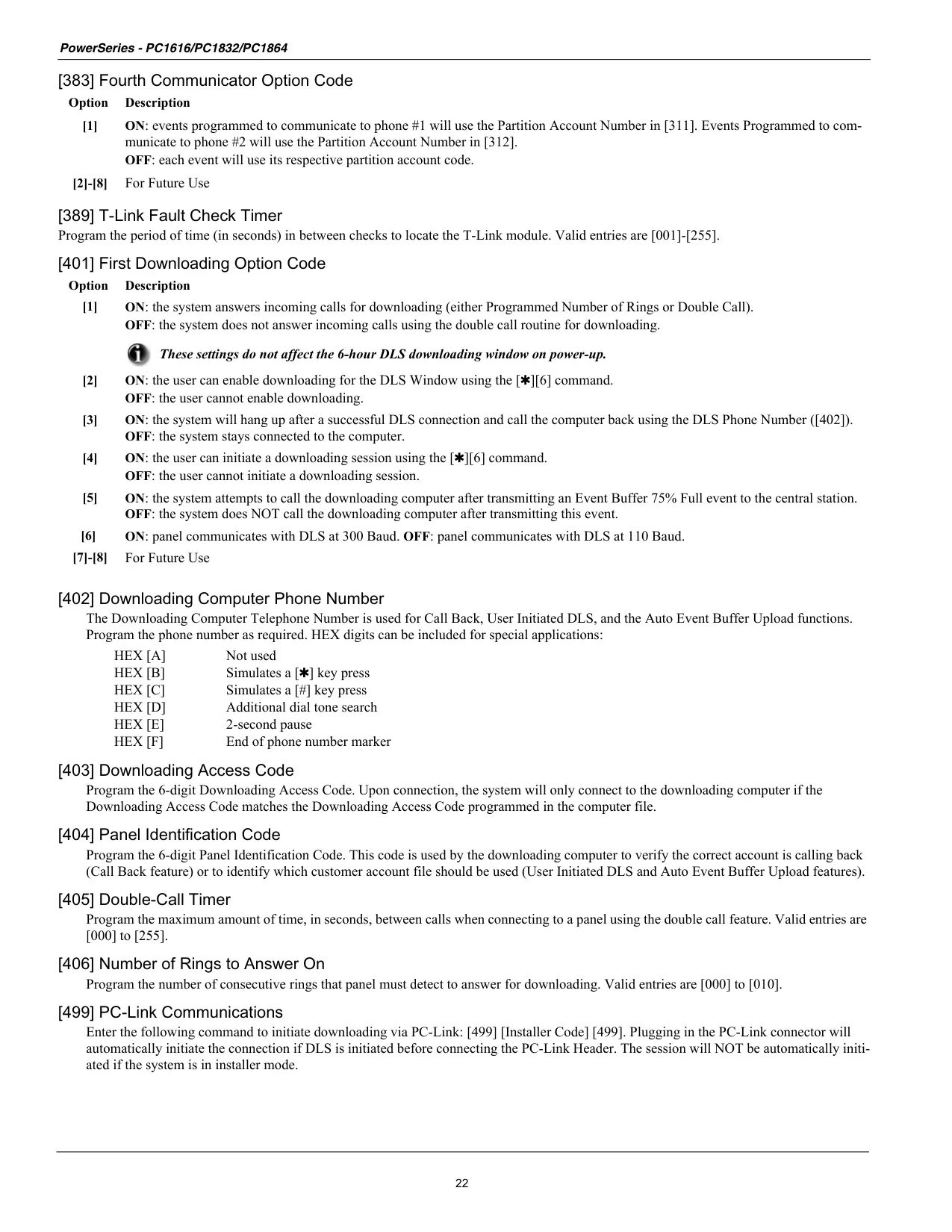
The [][6] menu includes auto-arm control with a separate time for each day of the week, a system test, DLS service access, user call-up and a European user walk test. On PK5500-class keypads, the global status screen shows each partition as Armed, Ready, Not Ready or In Alarm. Sensor reset ([][7][2]) clears latched smoke and glassbreak detectors. The manual also covers where to place smoke and CO detectors, how to do a household fire safety audit and how to plan a fire escape.
Frequently Asked Questions (FAQs)
Can't find the answer you need? Here are some frequently asked questions about the DSC PC1616 Security System, and we answer them below.