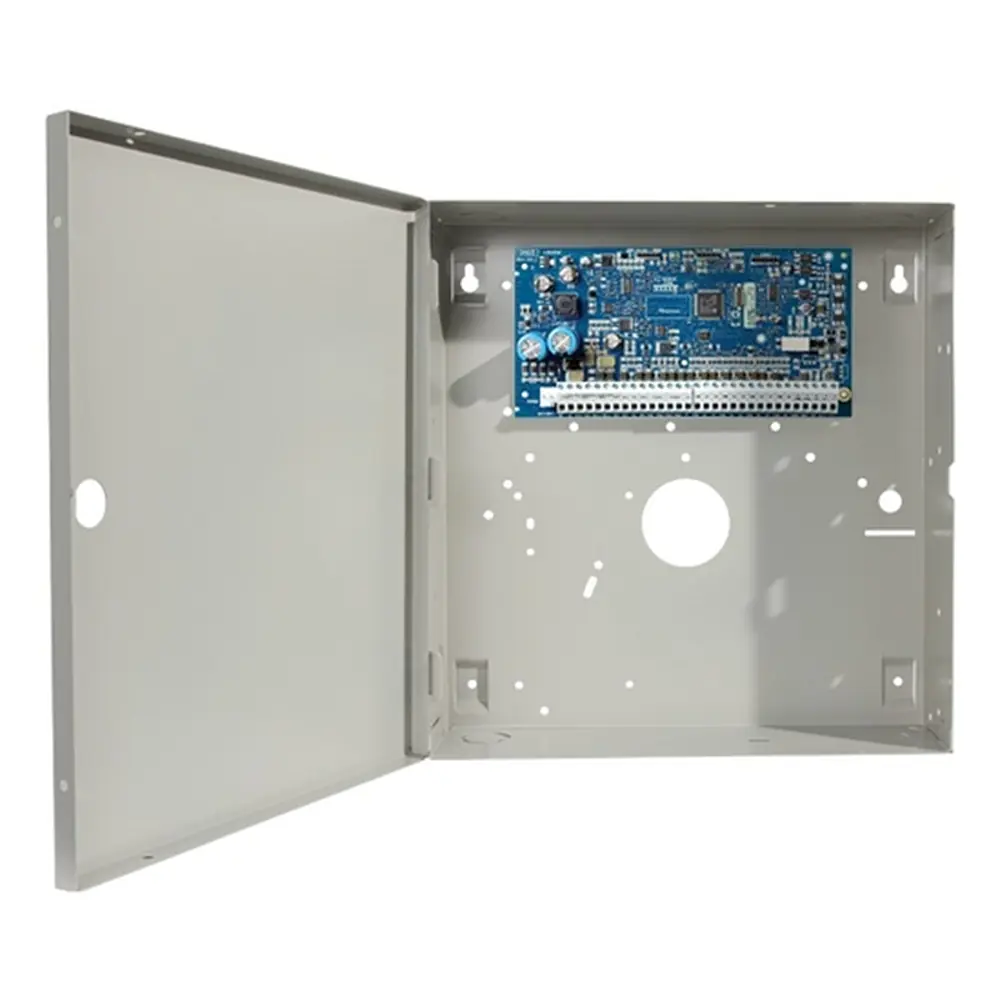
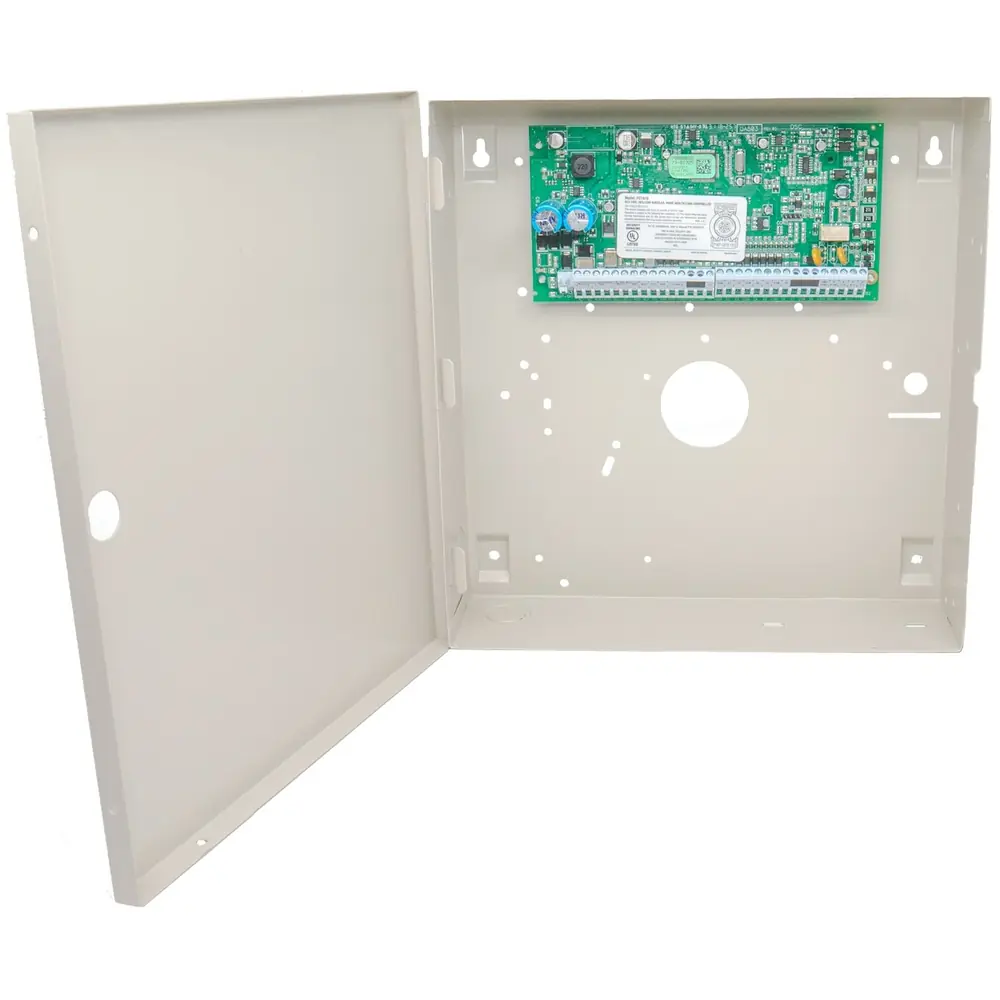
DSC Neo HS2128 Security System Instruction Manual
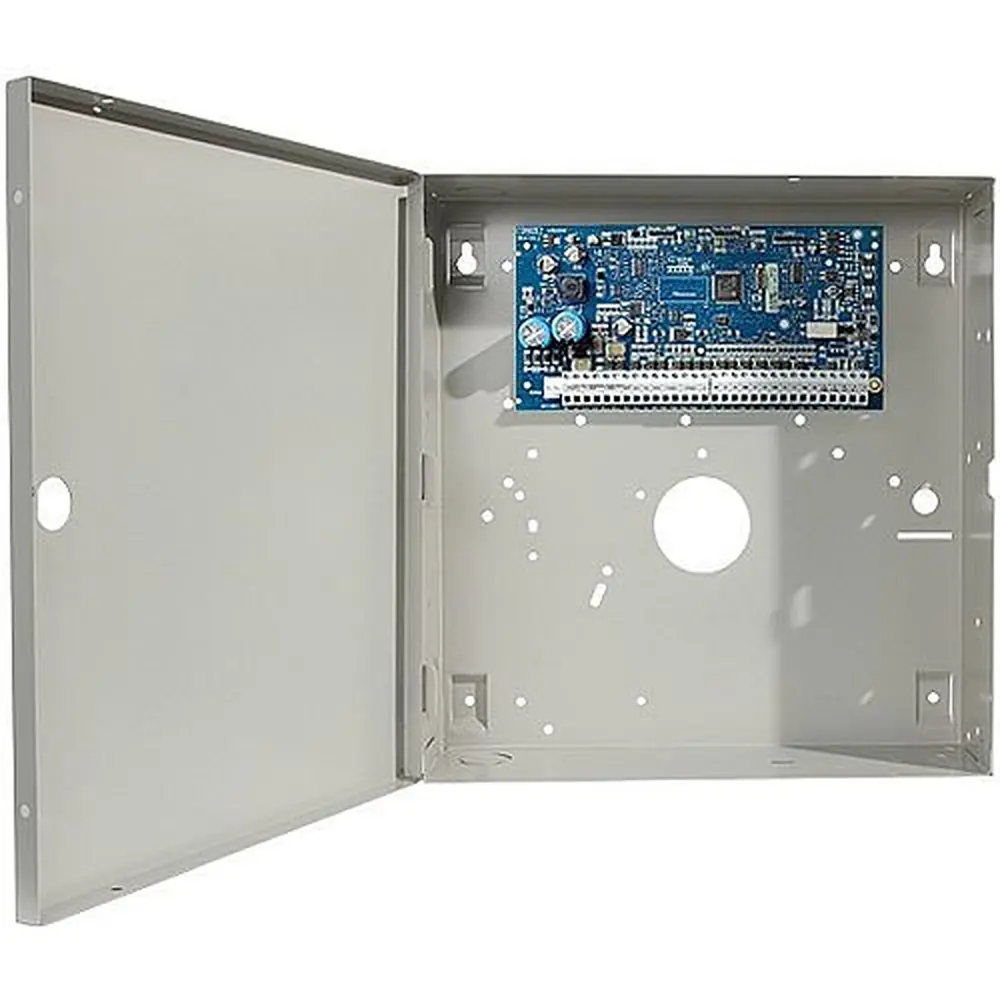
DSC Neo HS2128 Security System
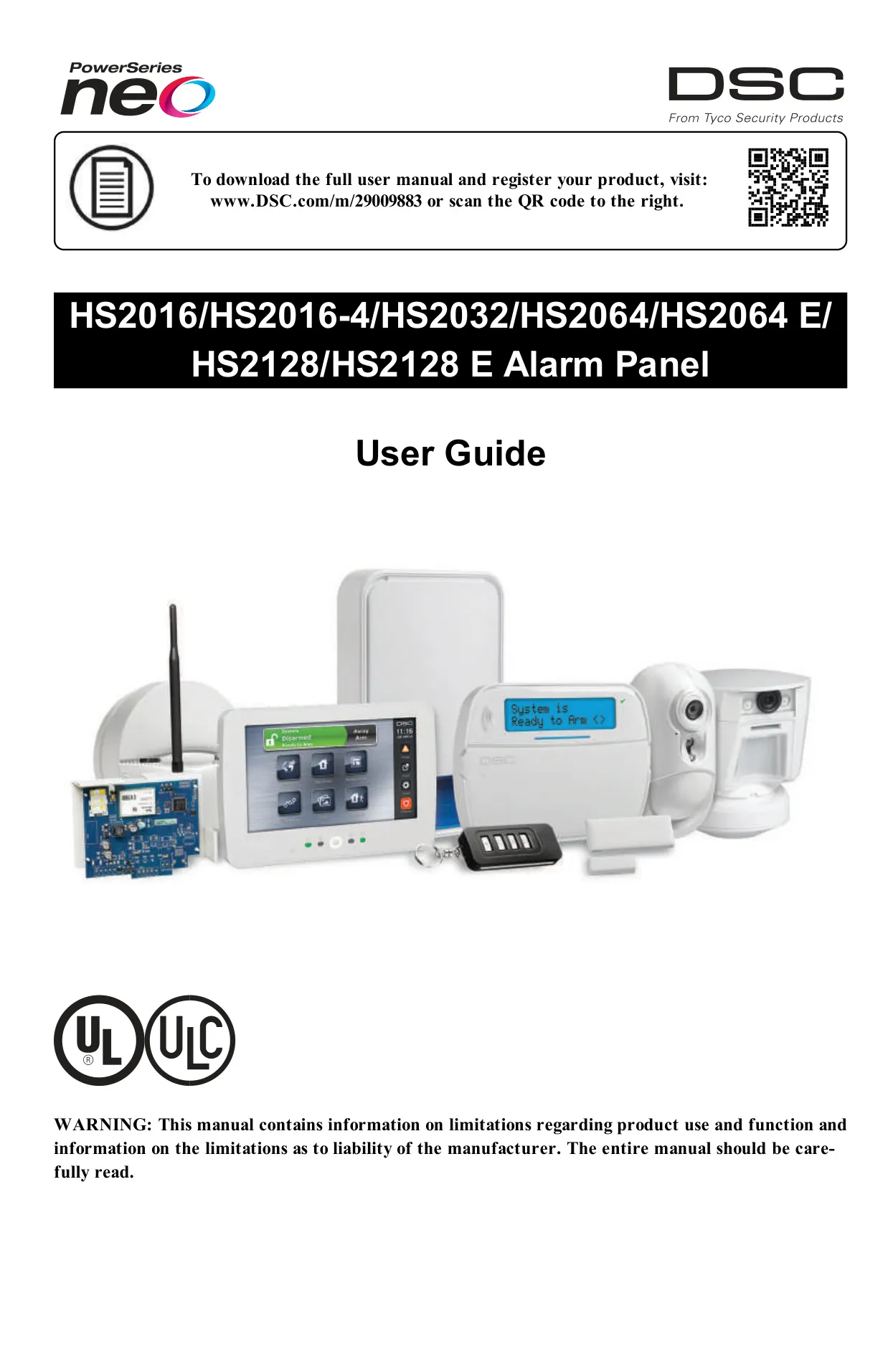














DSC Neo HS2128 Security System
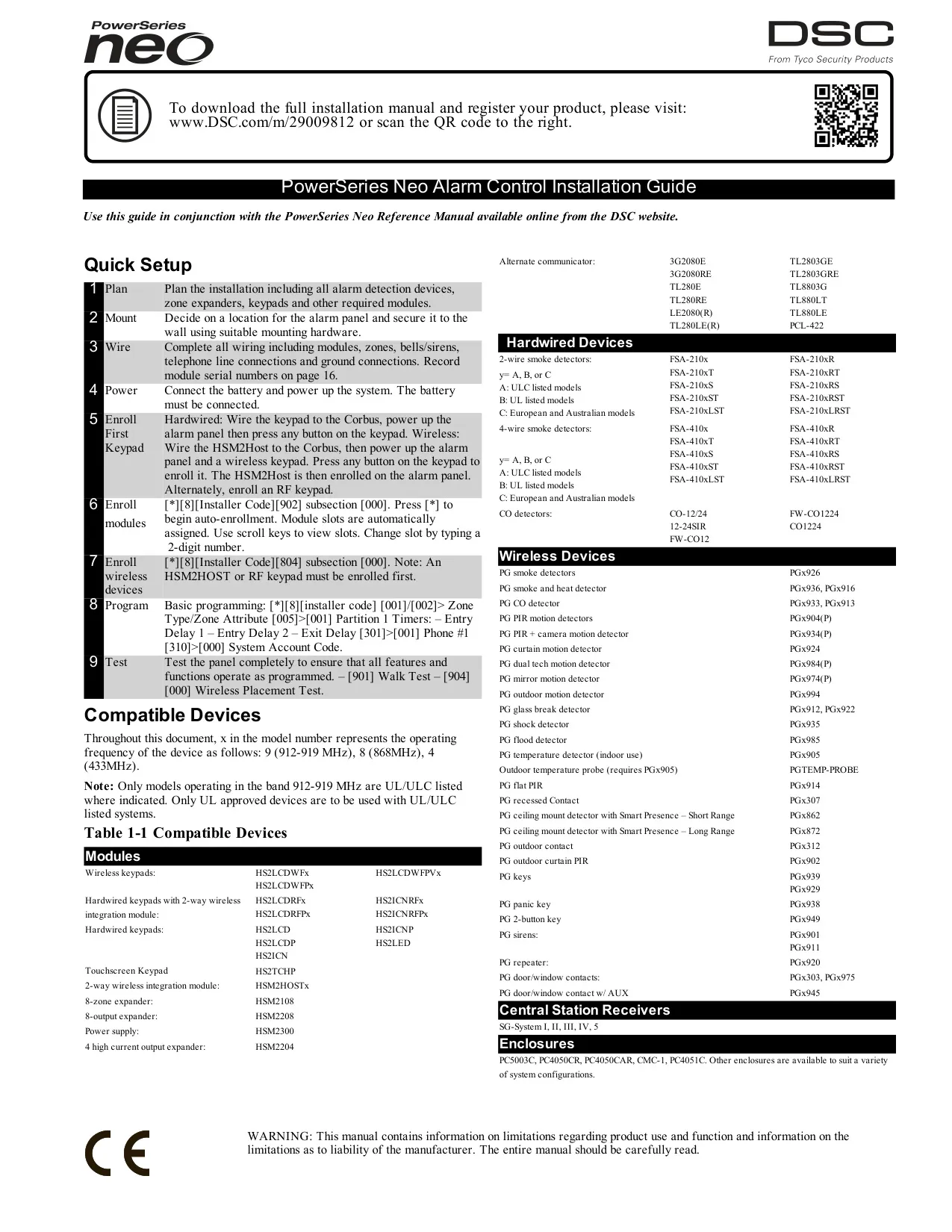


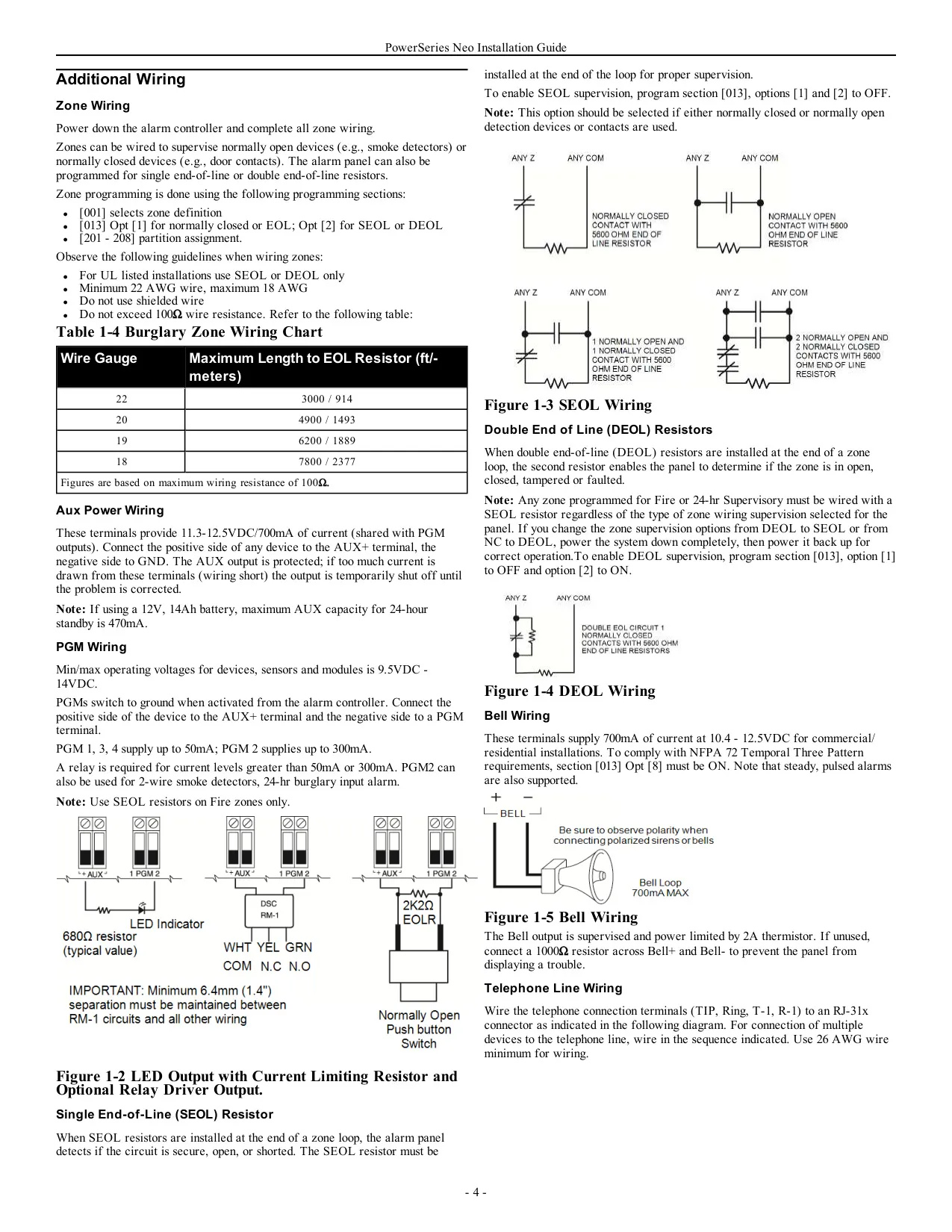
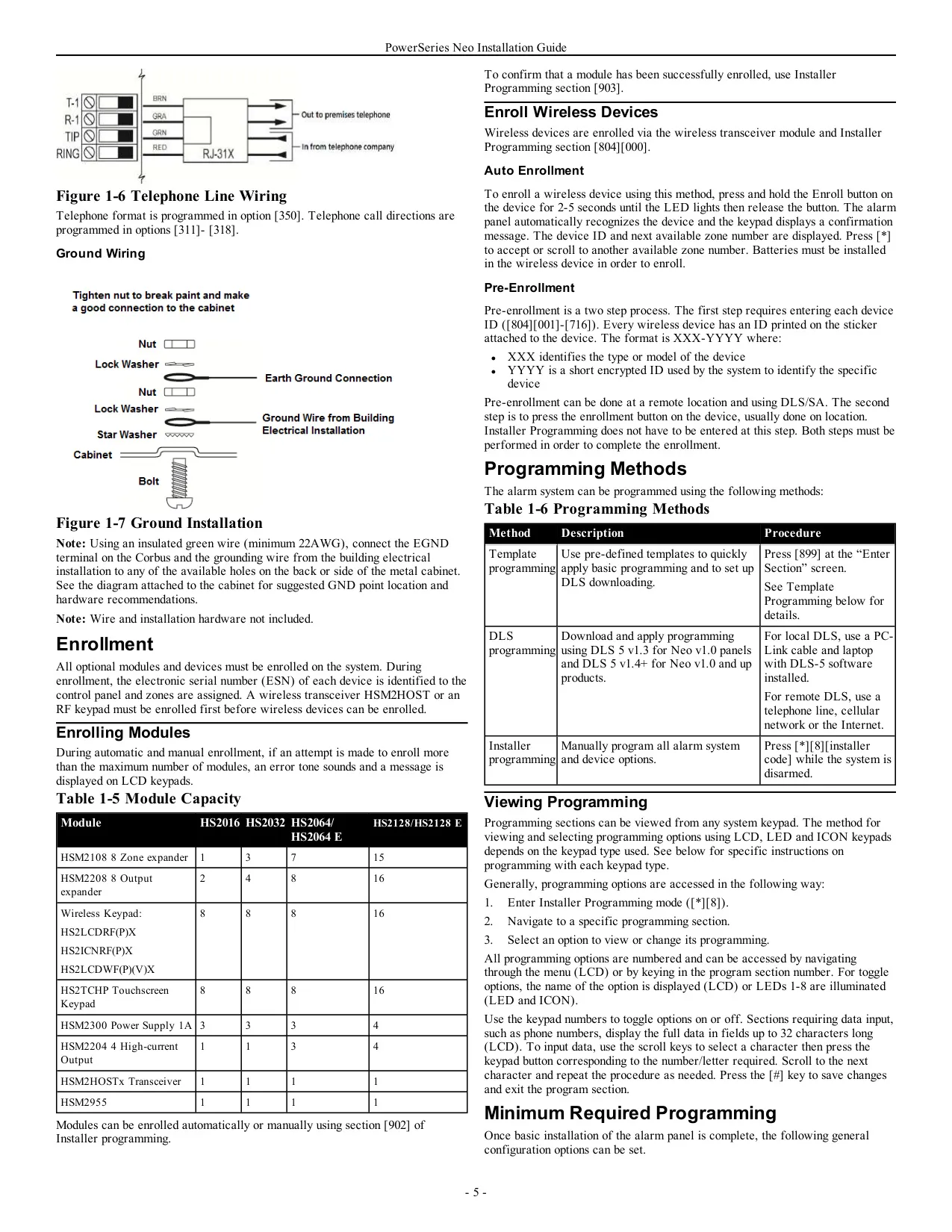
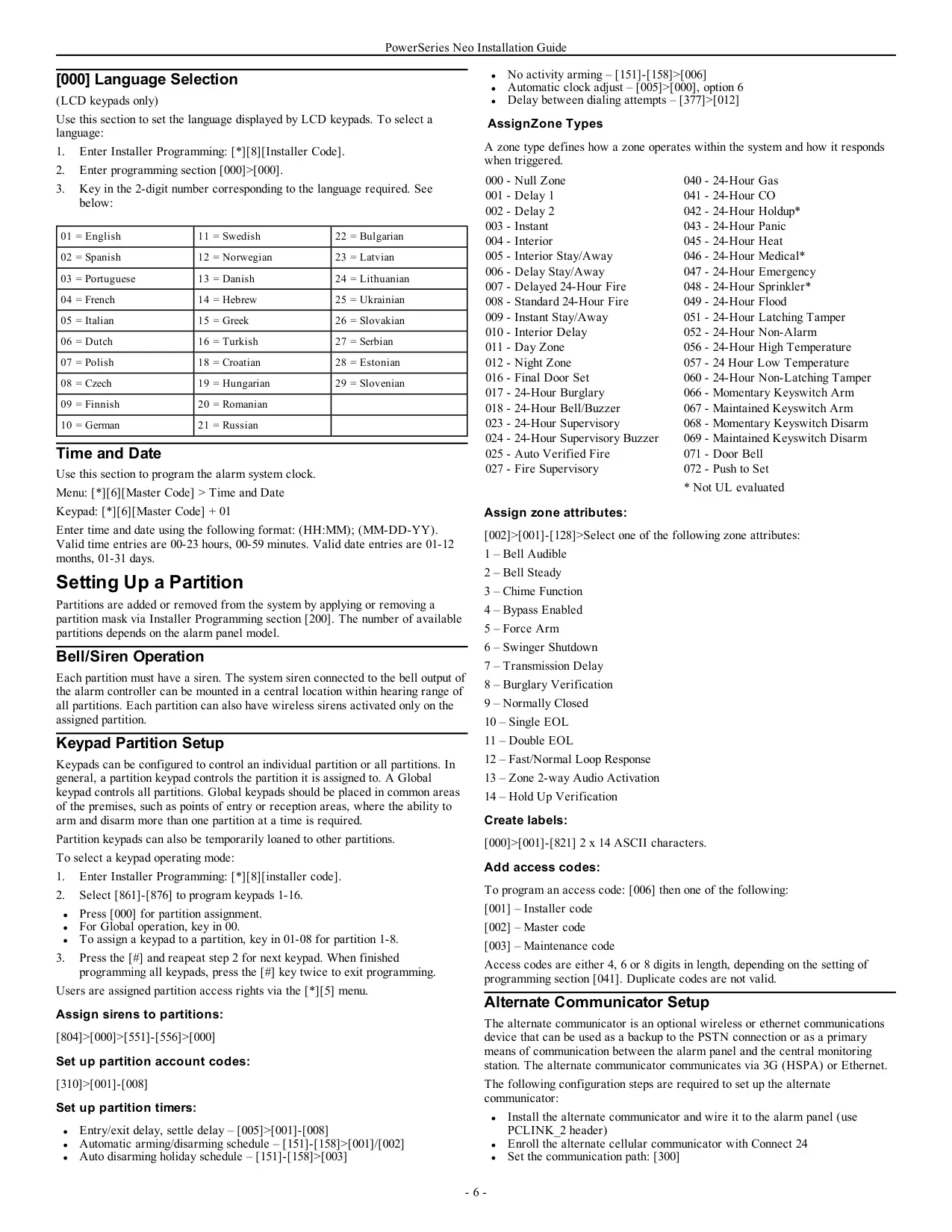


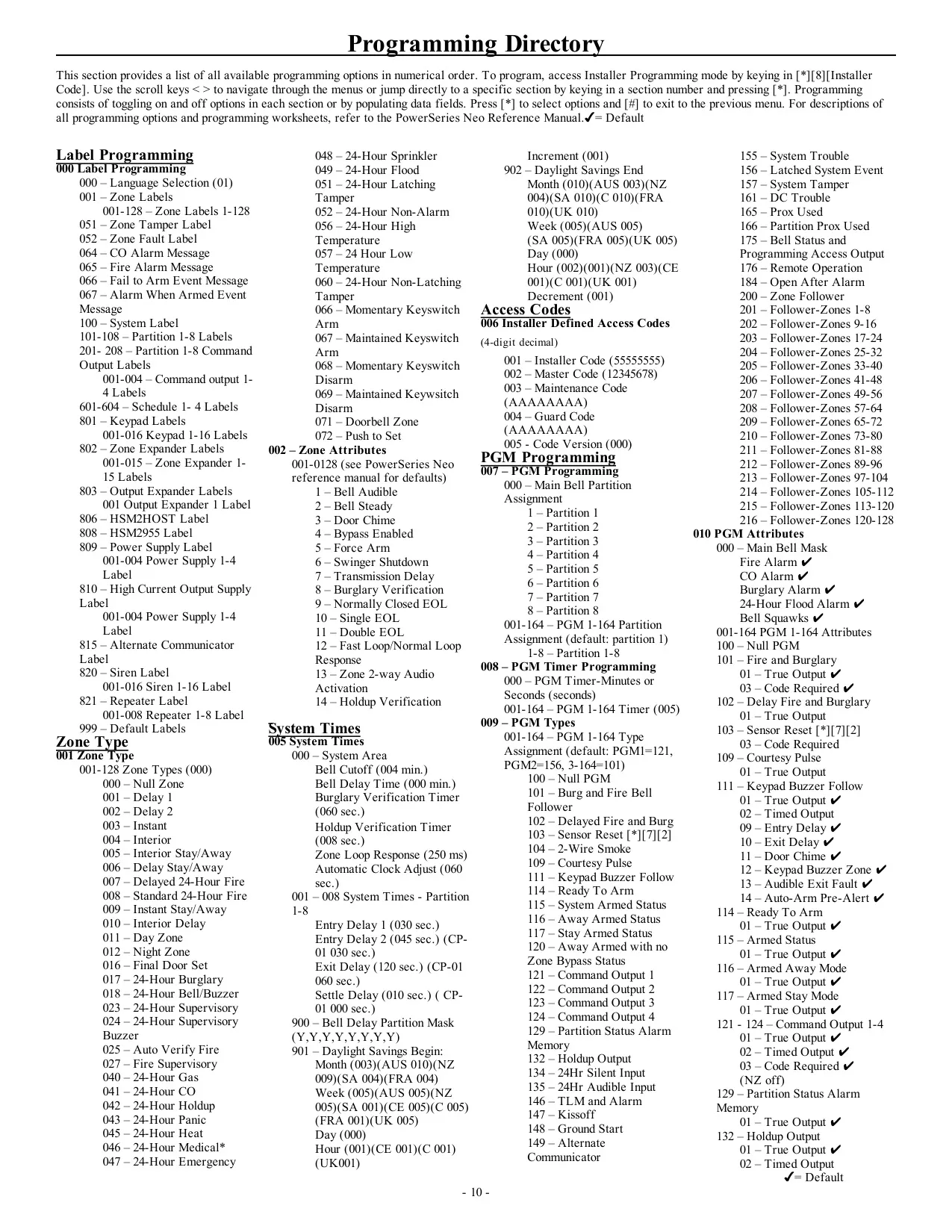


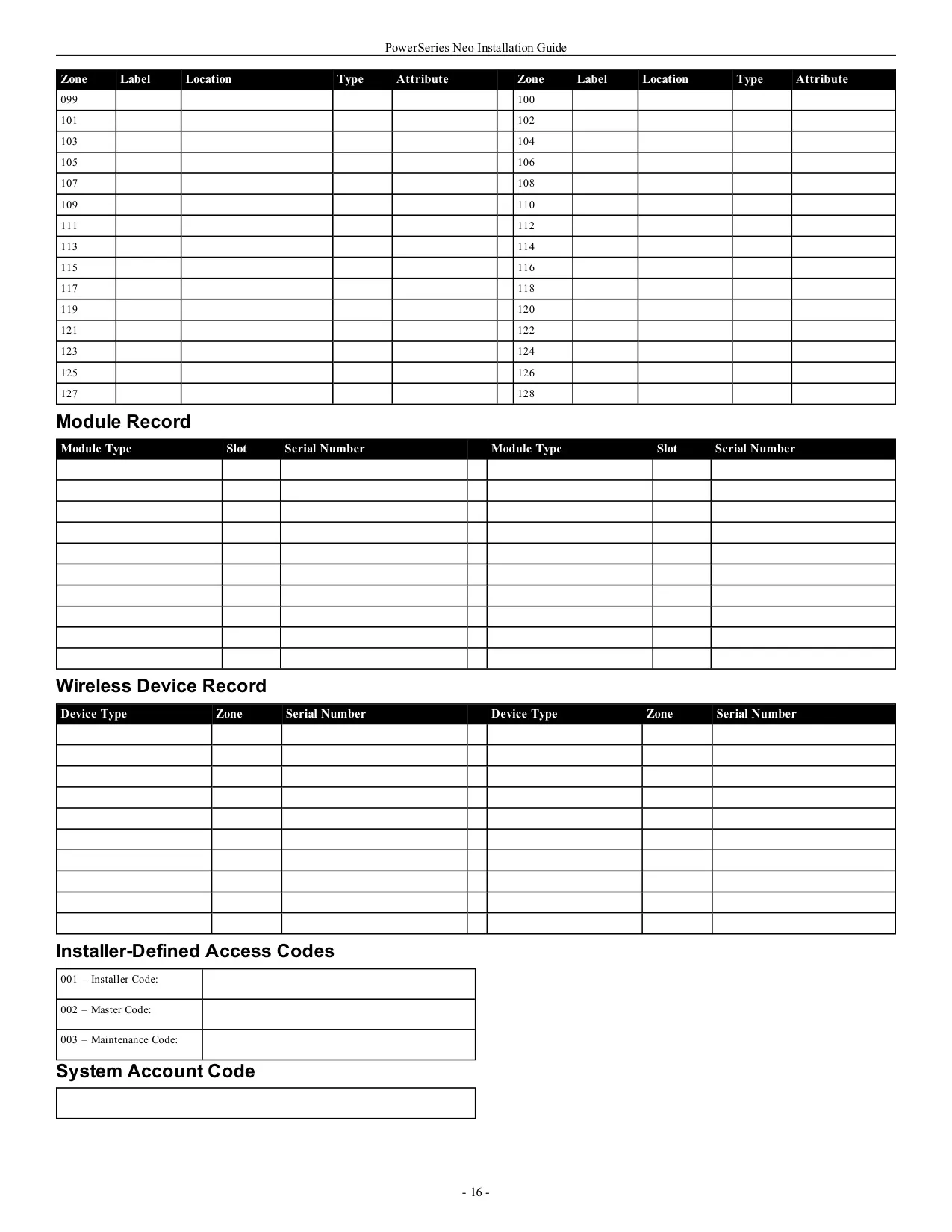

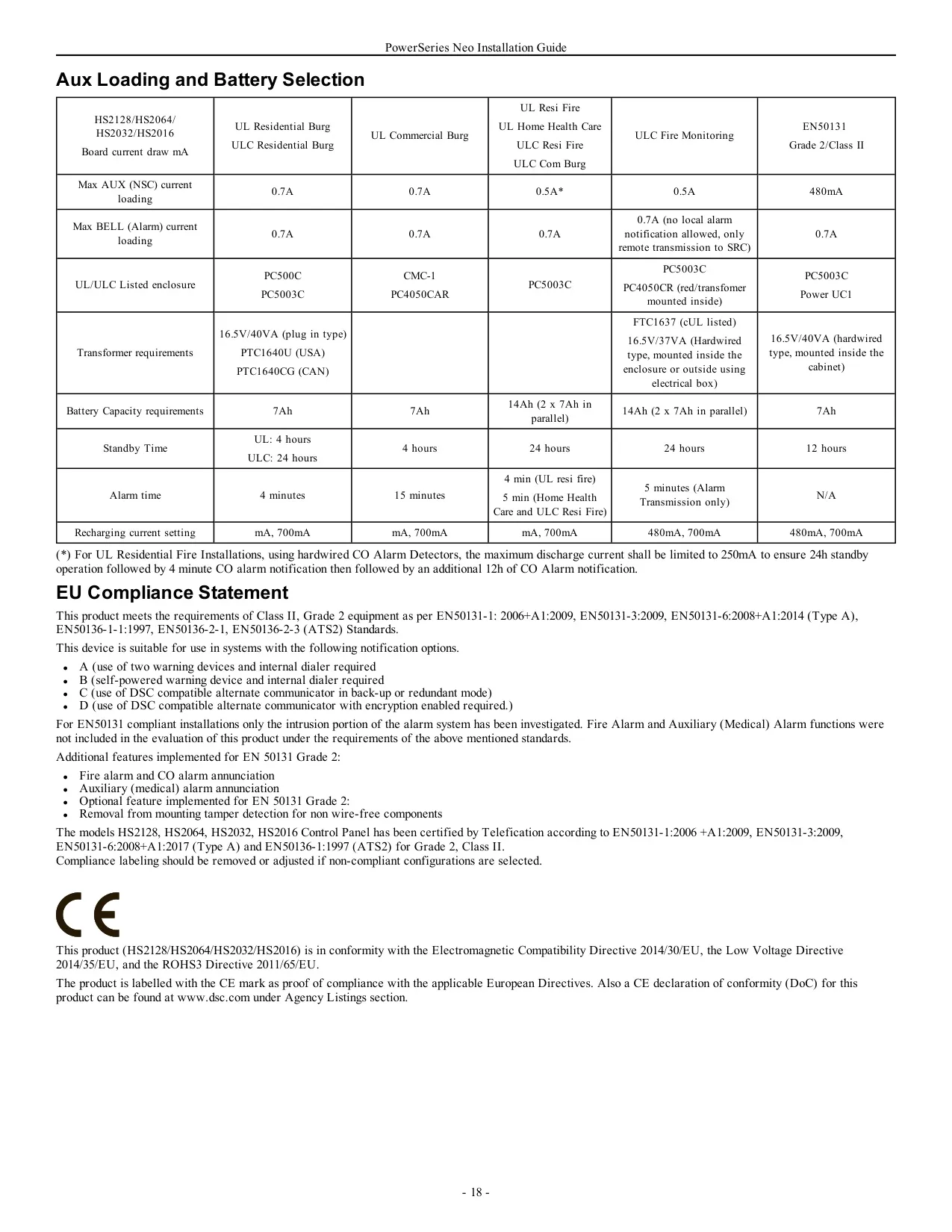


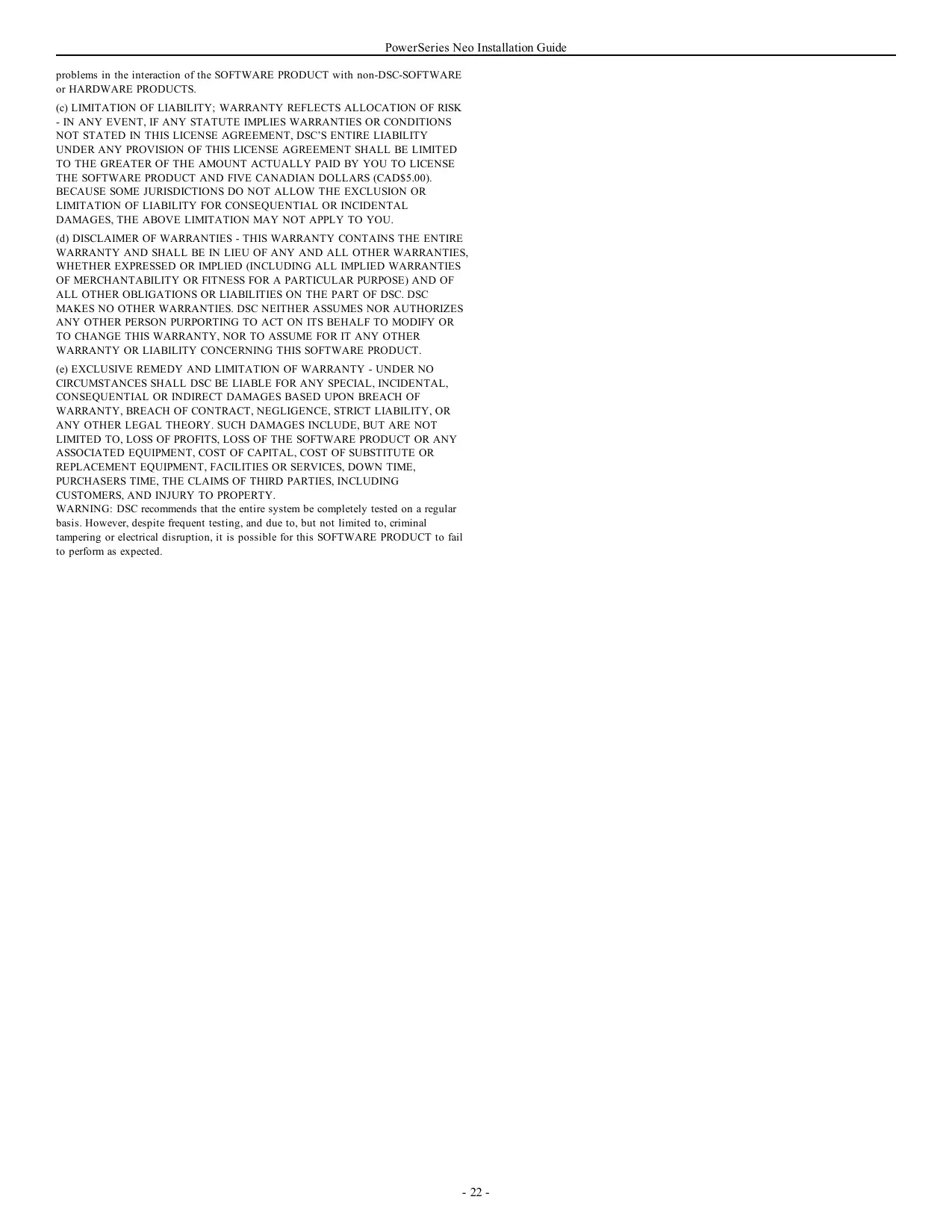
DSC Neo HS2128 Security System












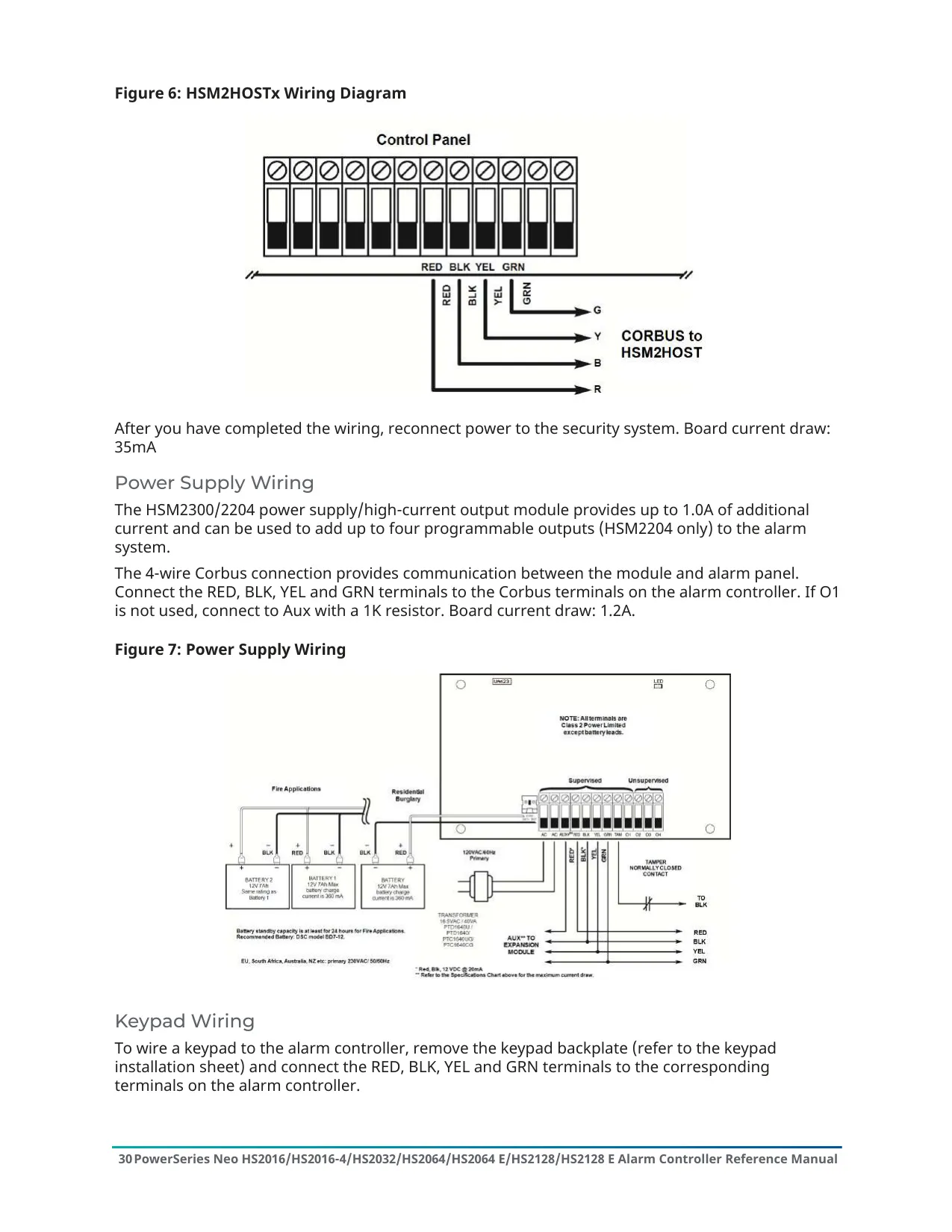


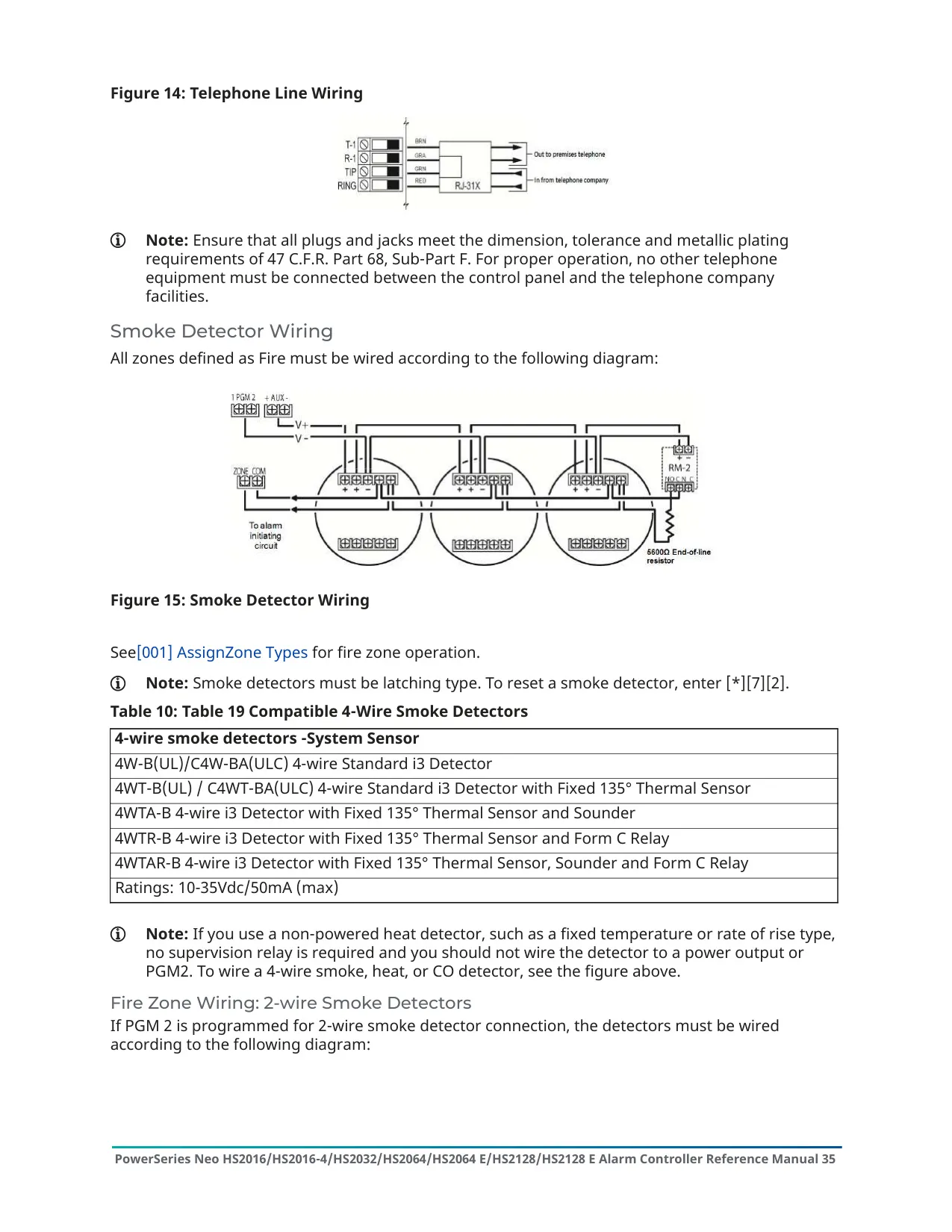


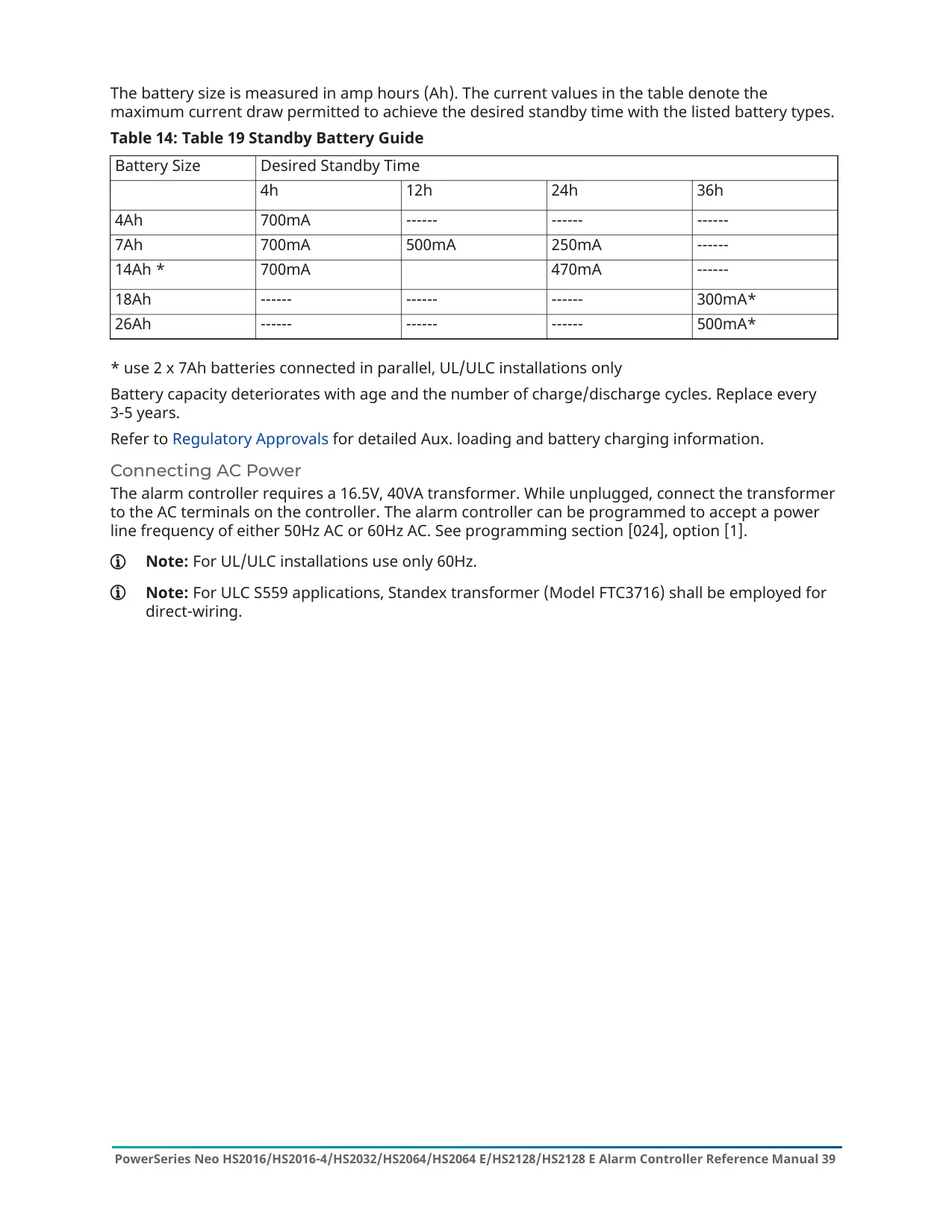




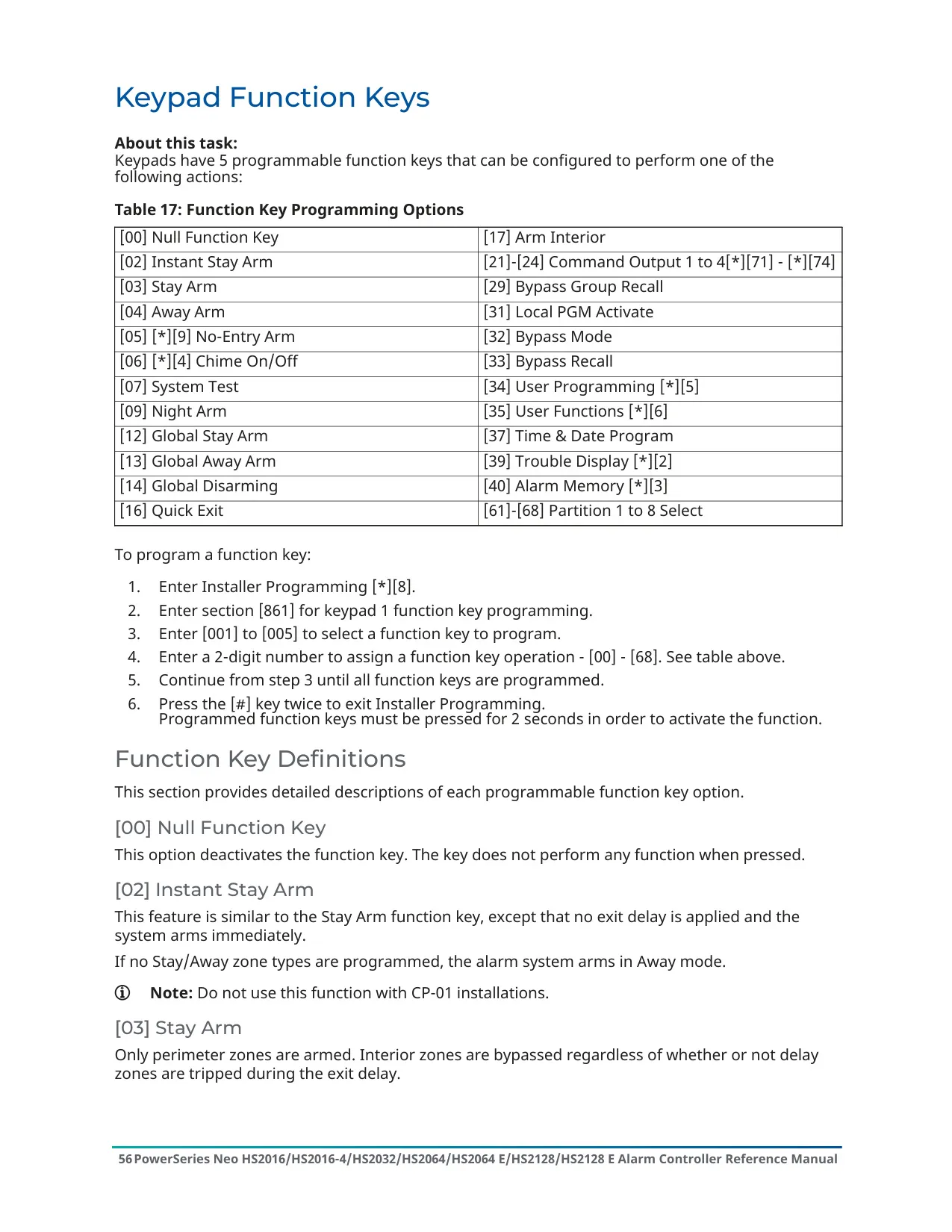


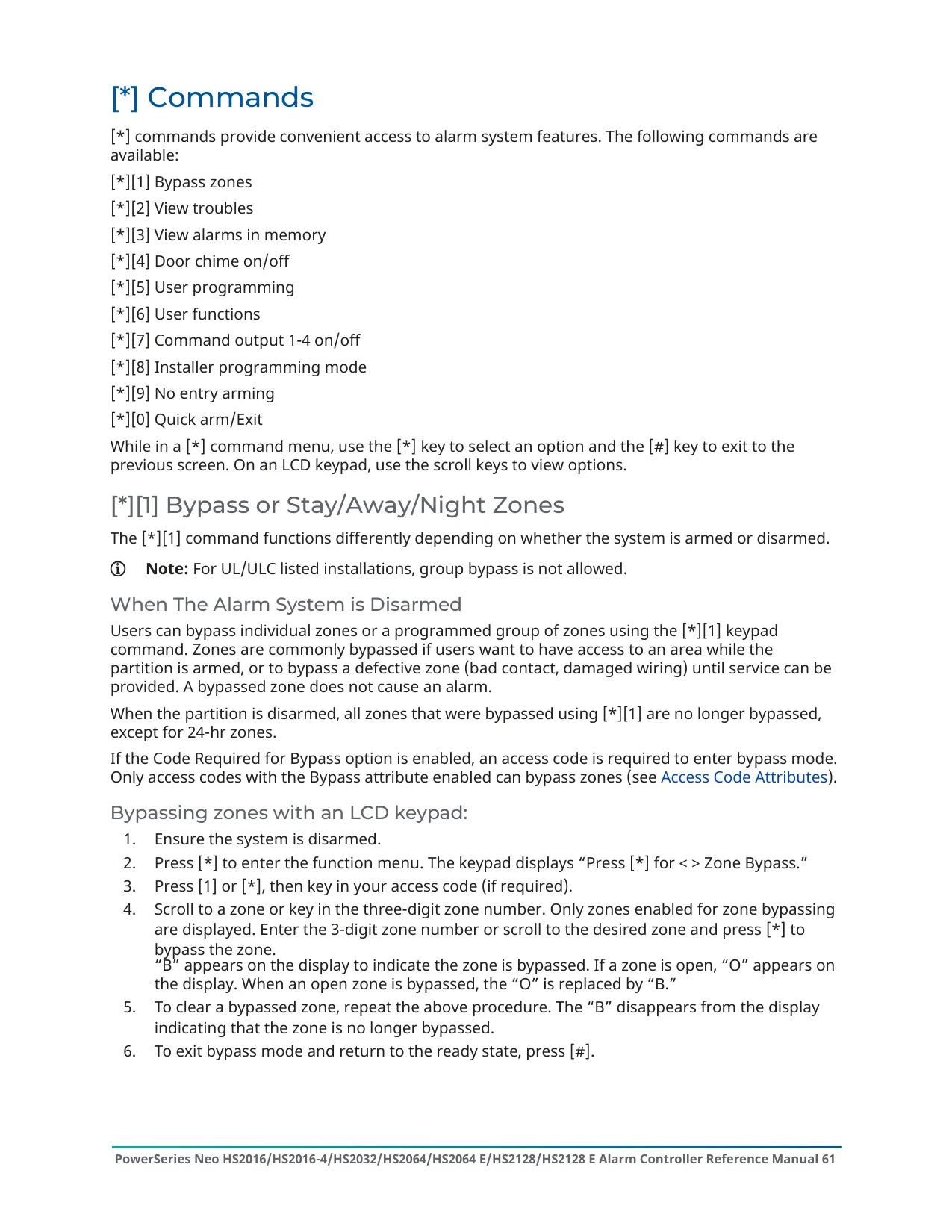
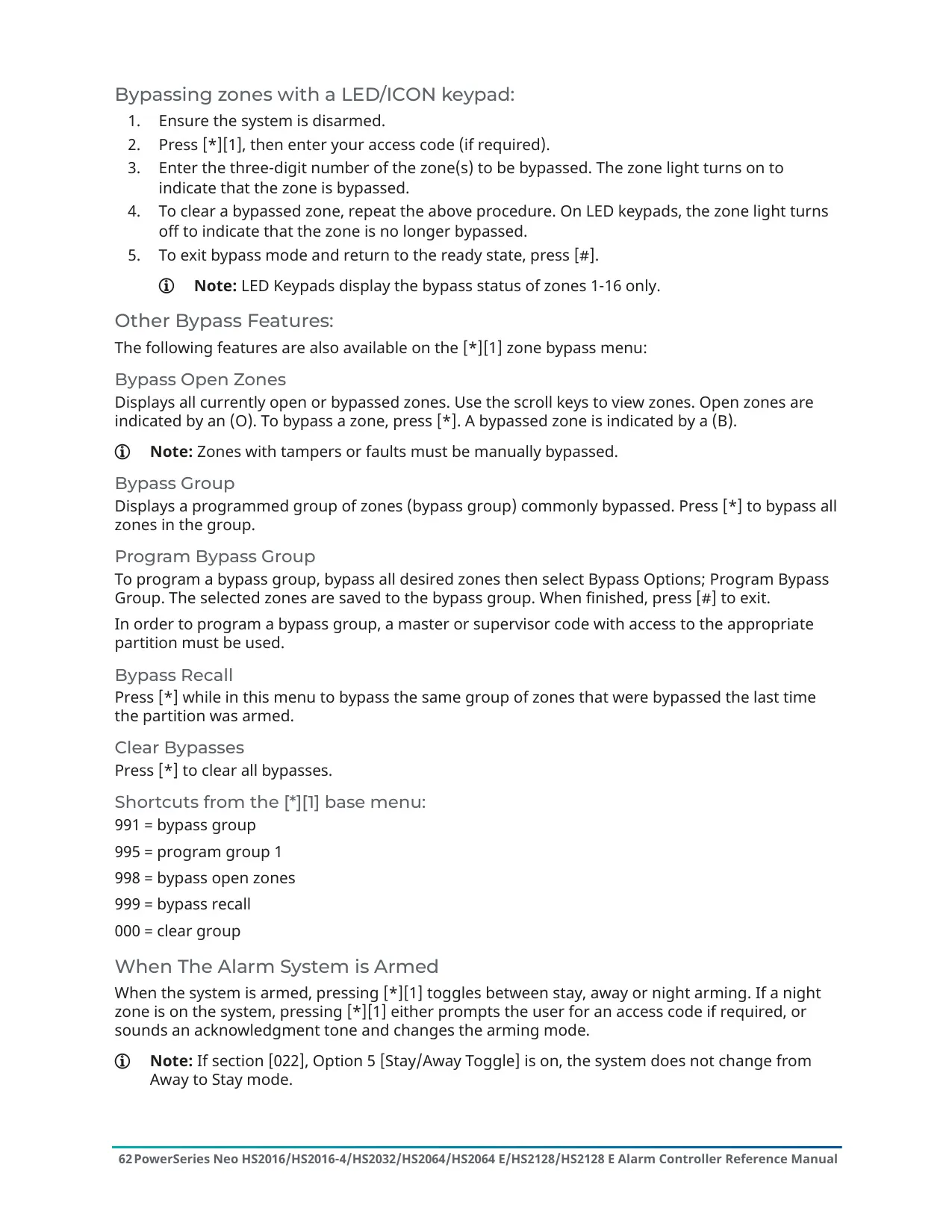


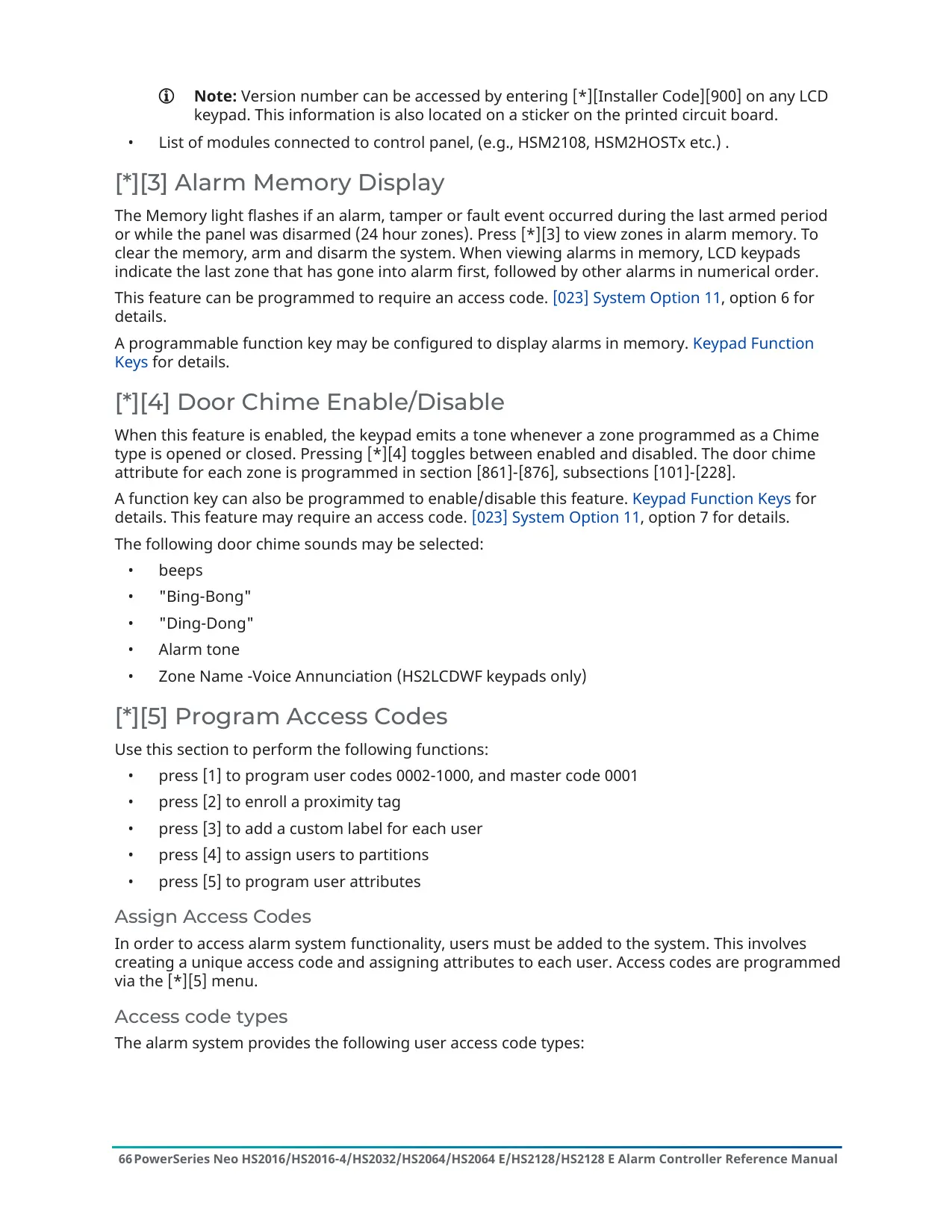


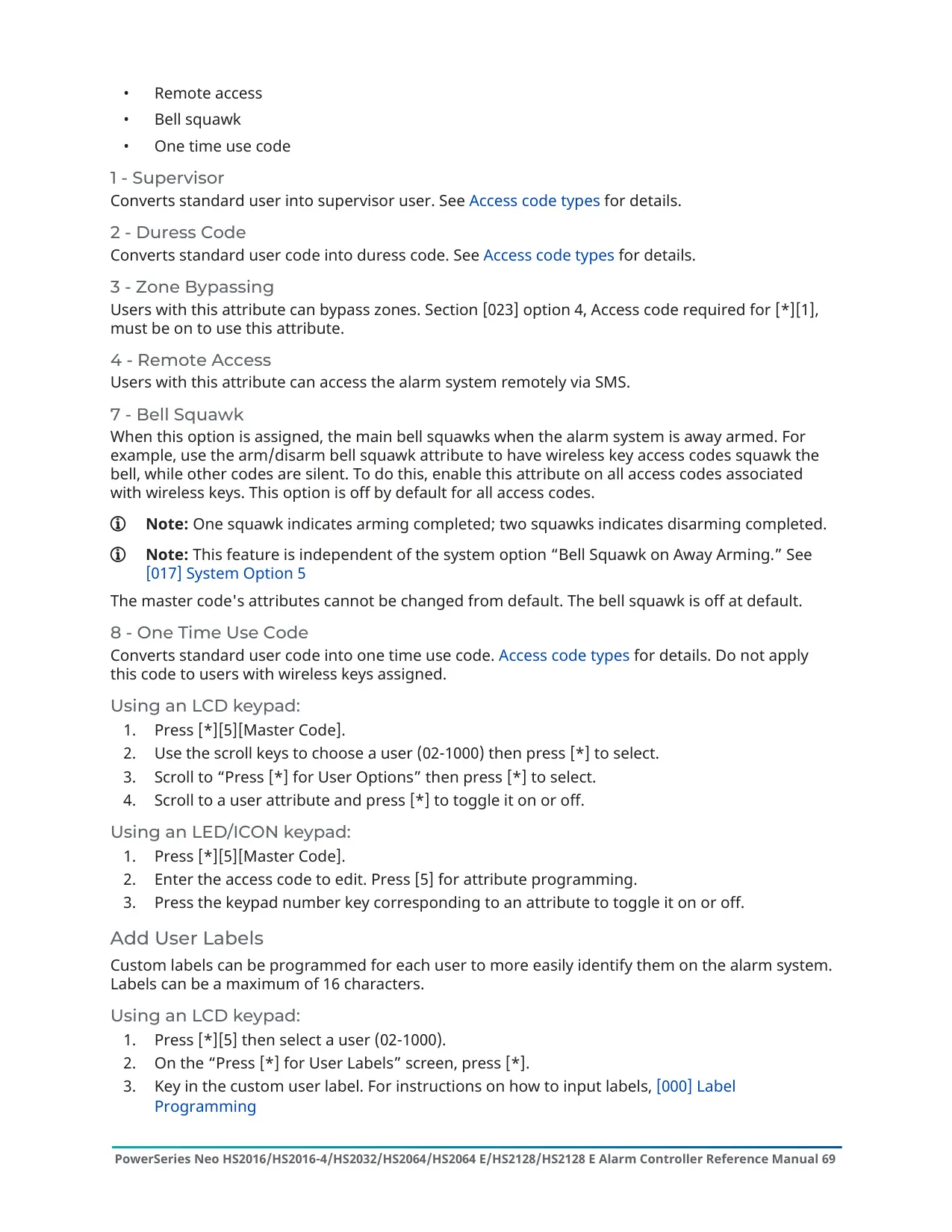














































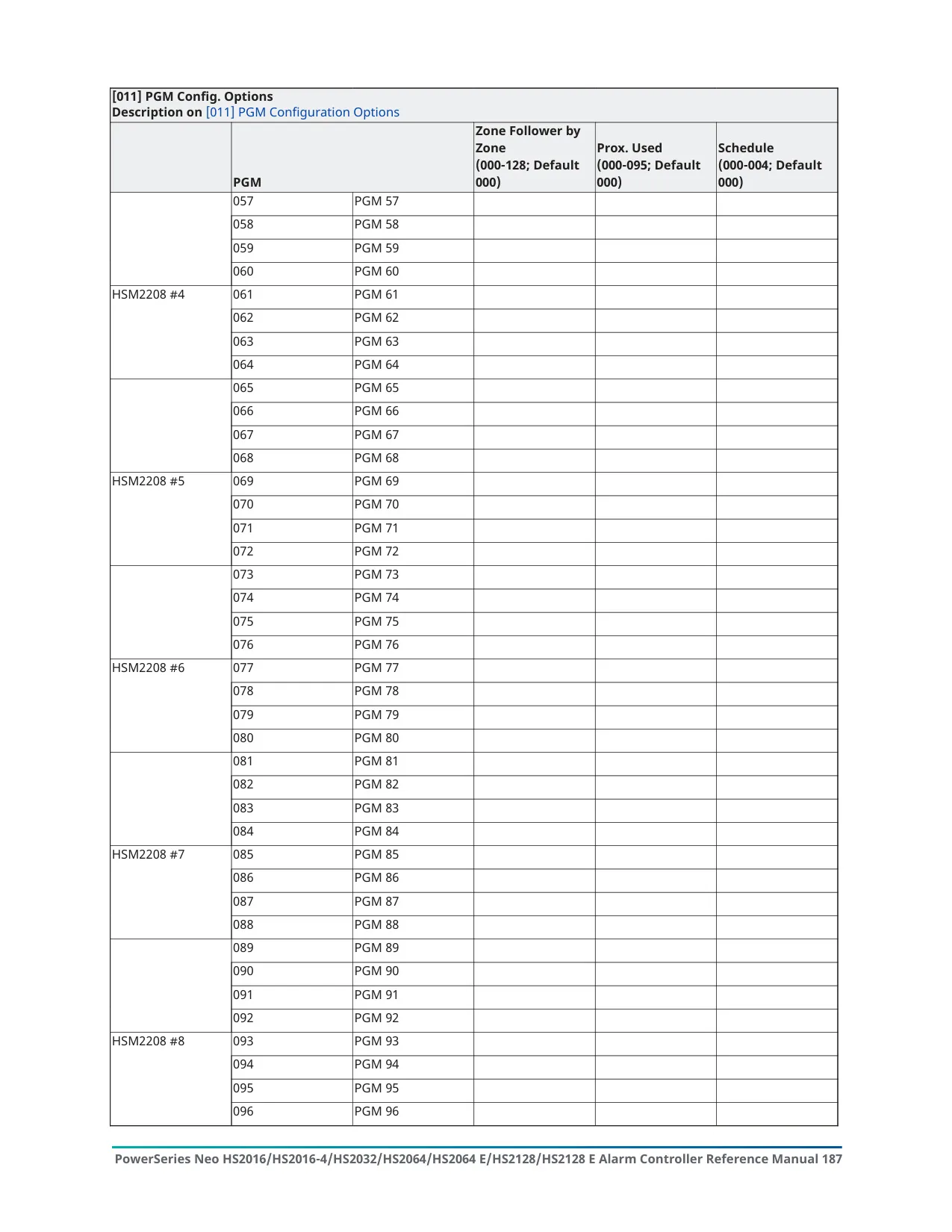


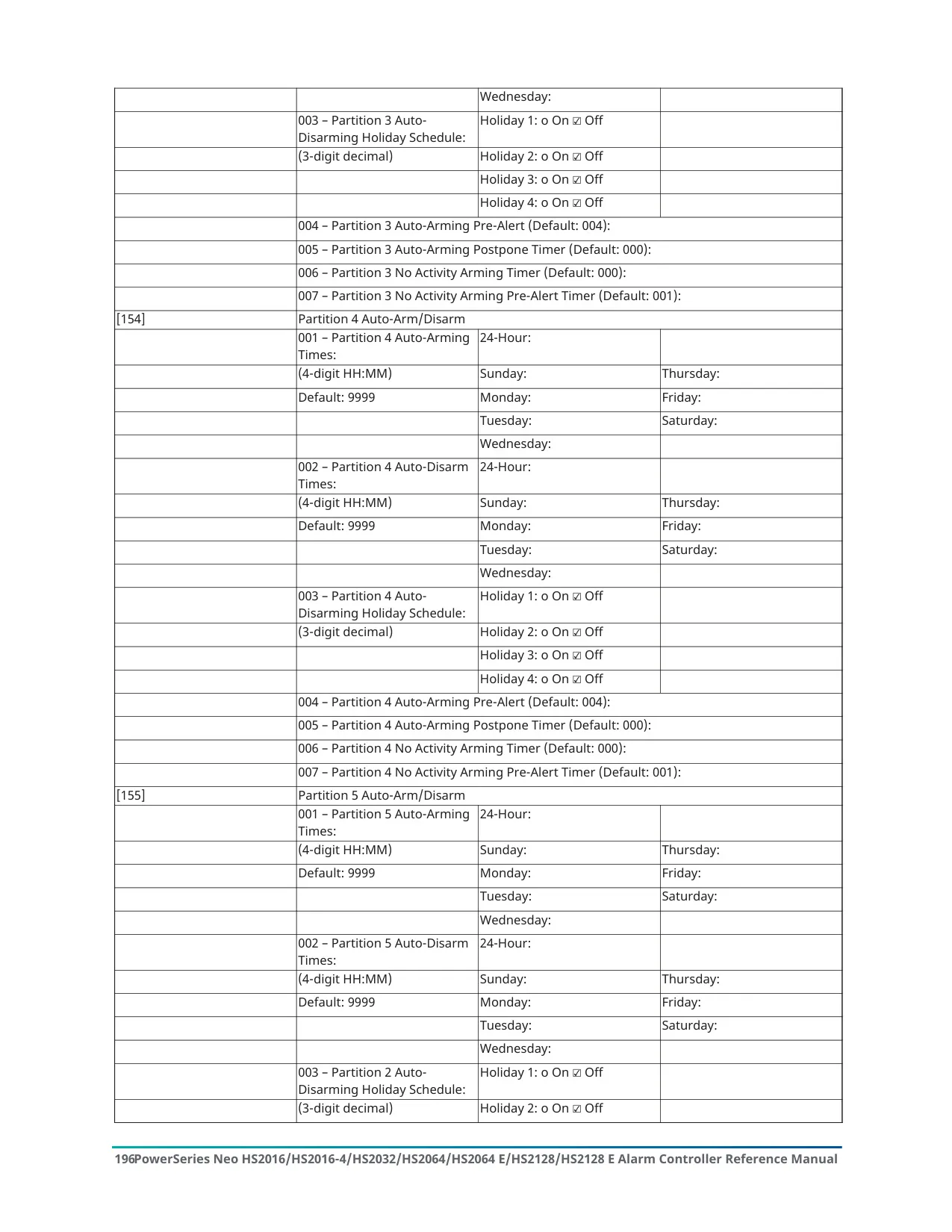


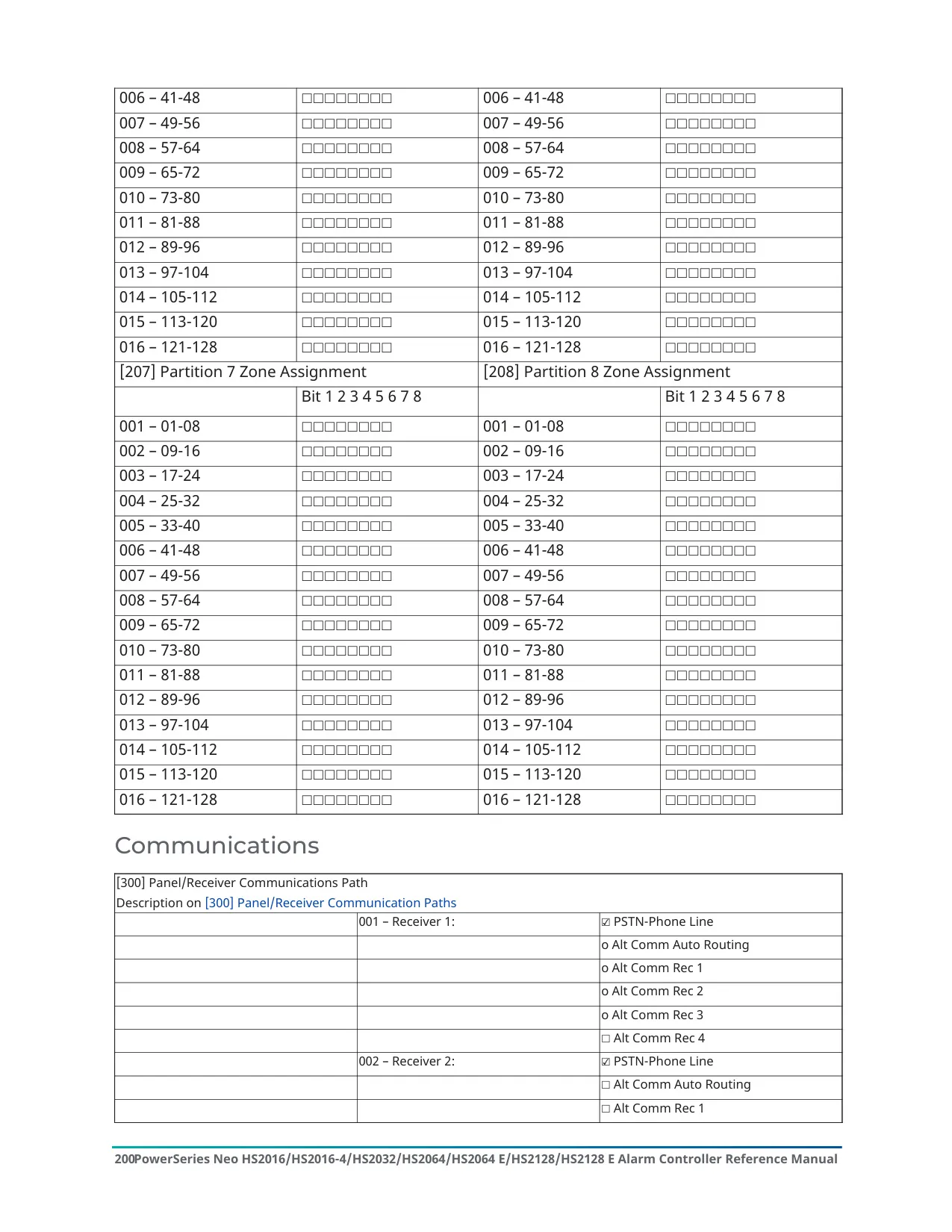
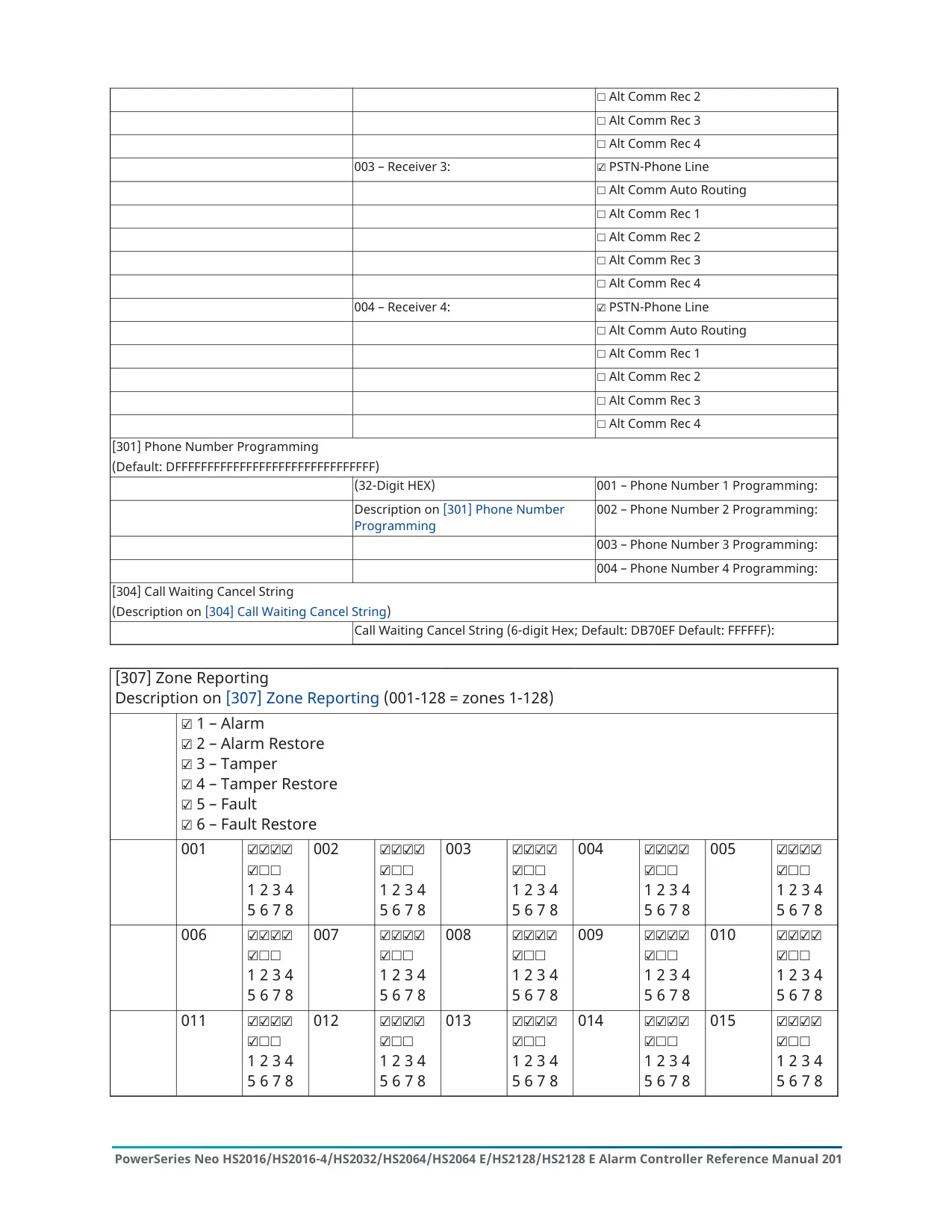
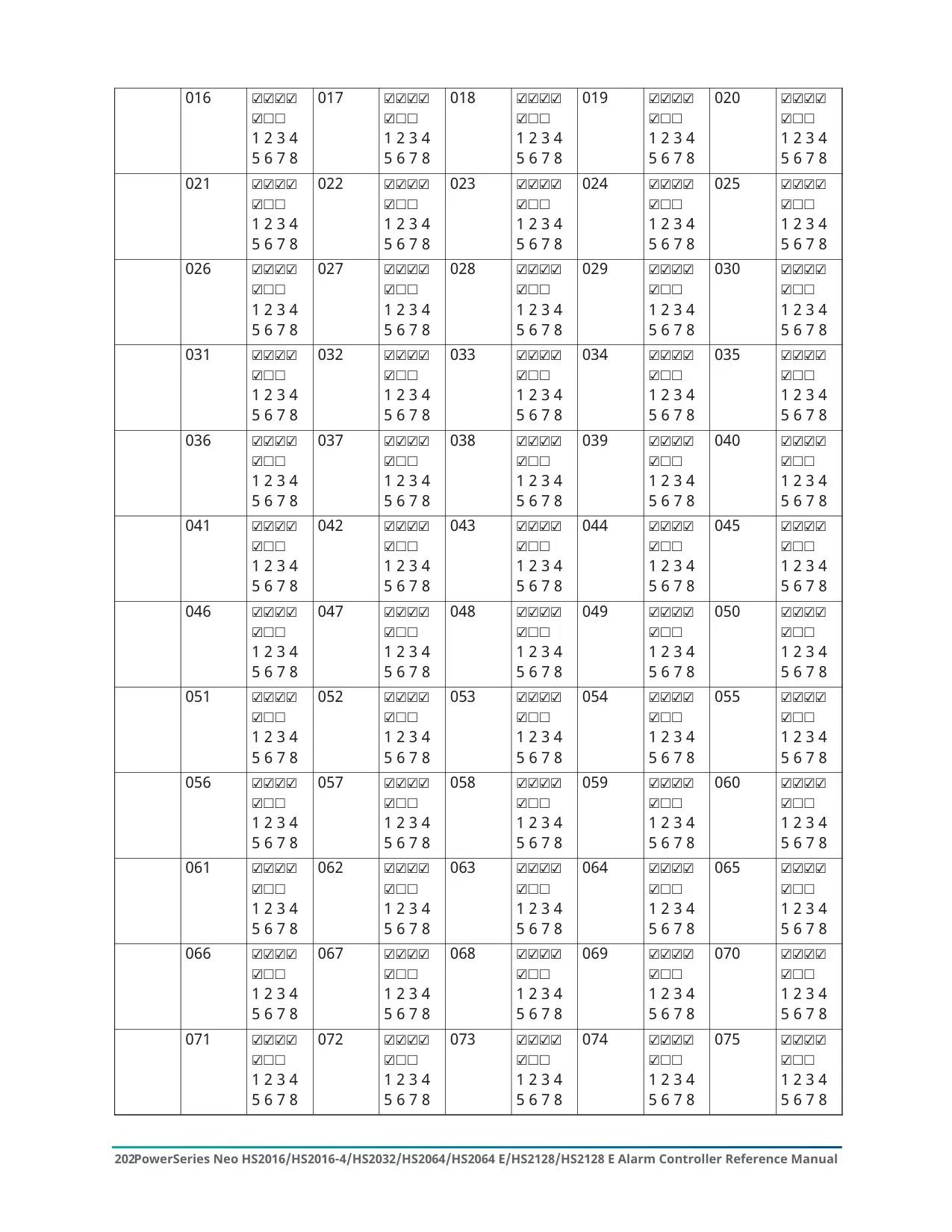


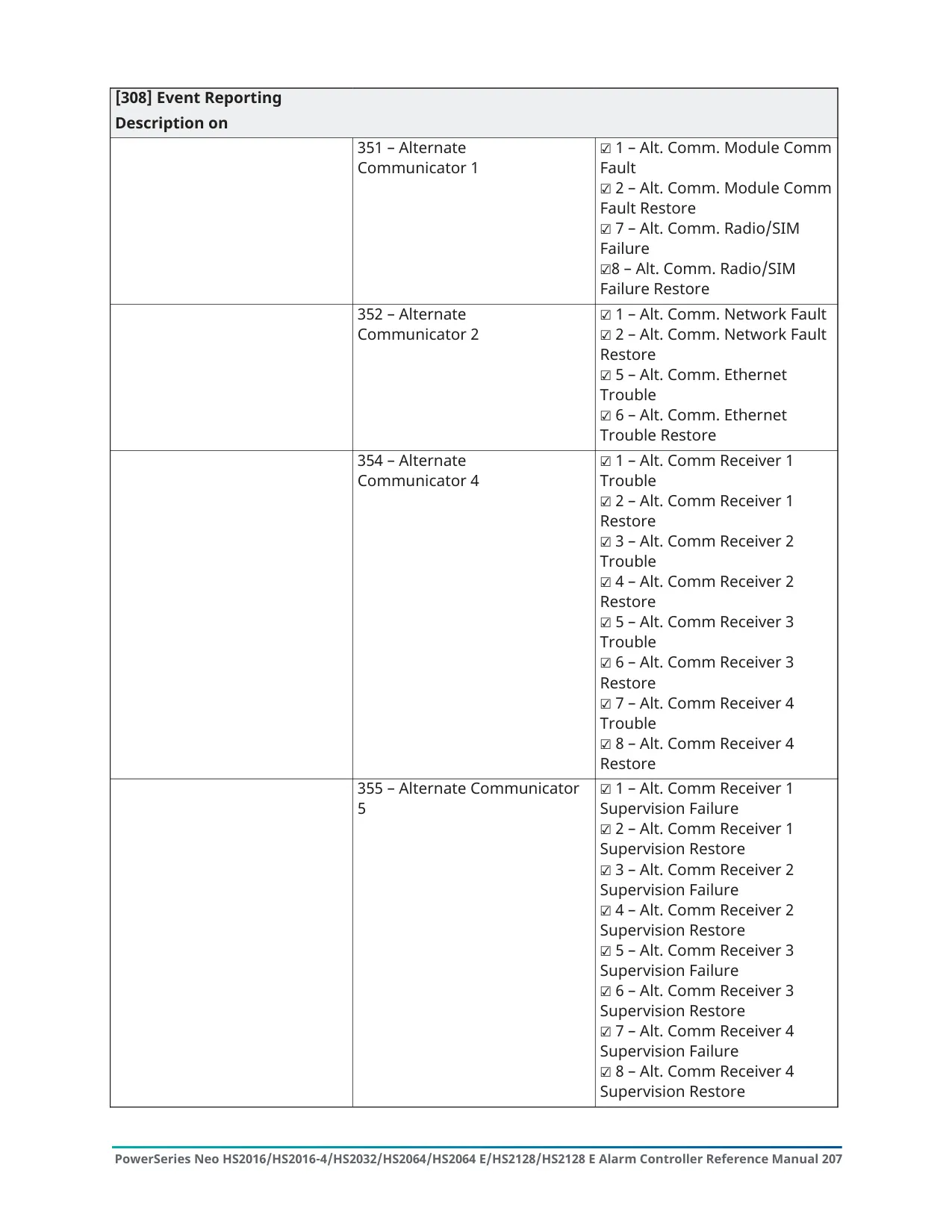

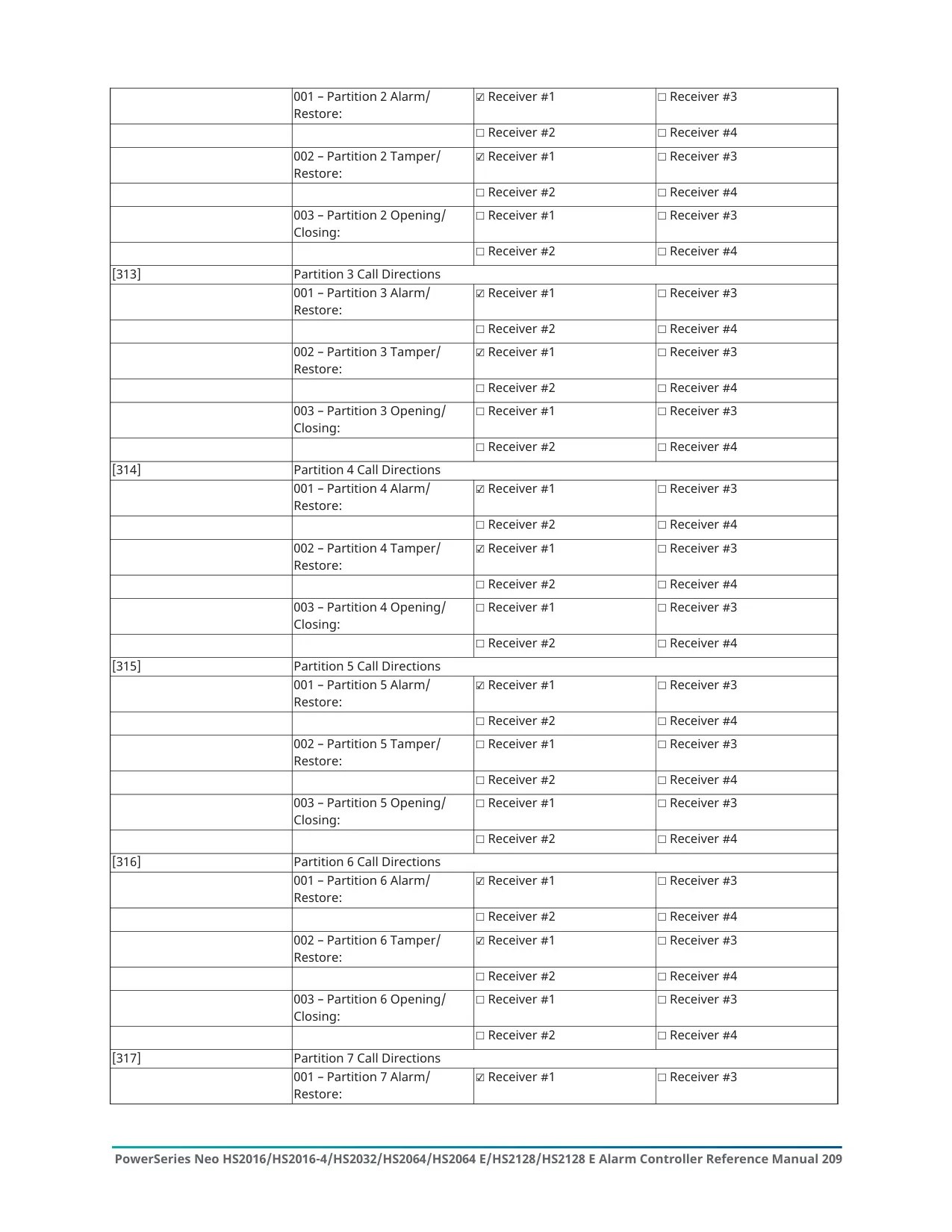


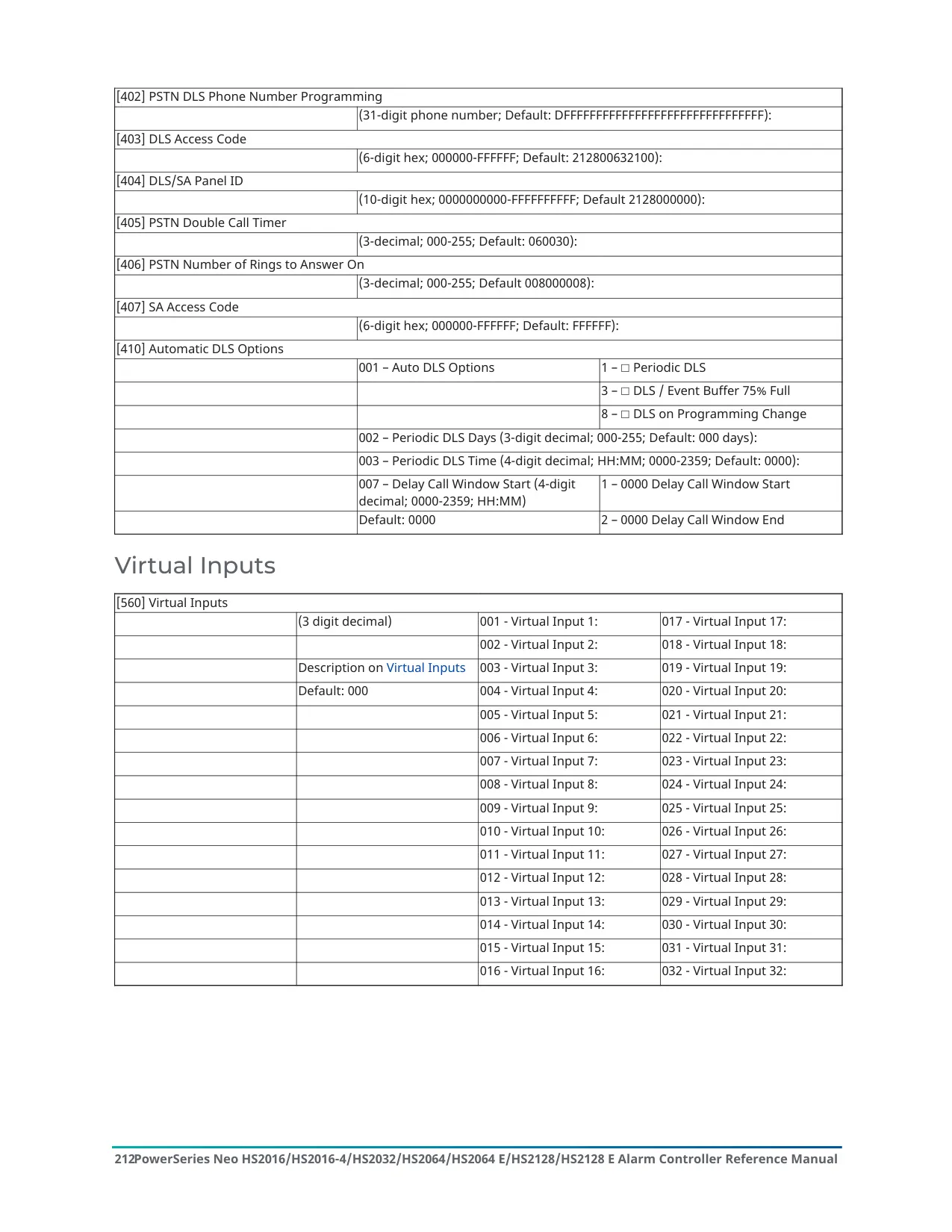

























DSC Neo HS2128 Instructions
Here we offer the DSC Neo HS2128 Security System manual completely free and in English. We have cataloged this manual in the Anti-theft Alarms section on Manualverse, and it has been rated by 1 users with an average rating of 5. If you have any specific questions about DSC Neo HS2128 Security System, we suggest checking the Frequently Asked Questions (FAQs) section of this manual.
Product Images
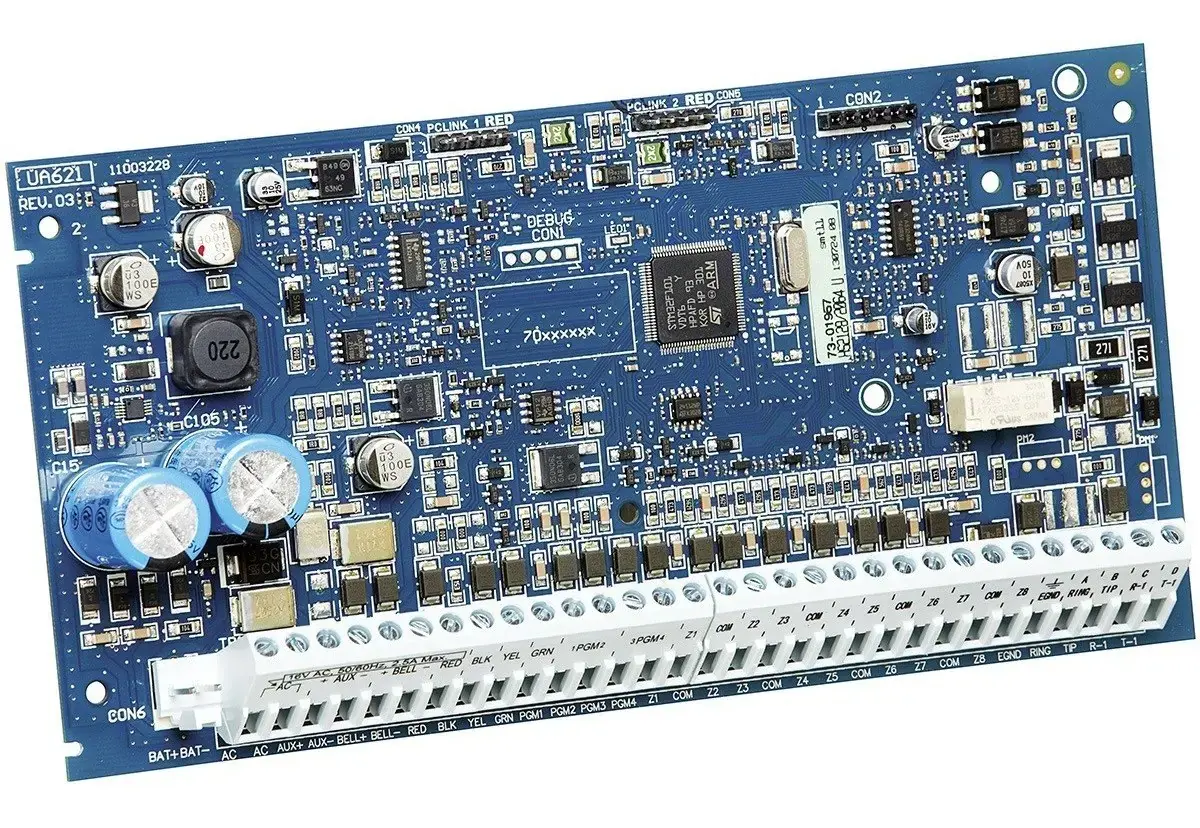
DSC Neo HS2128 Security System Specifications
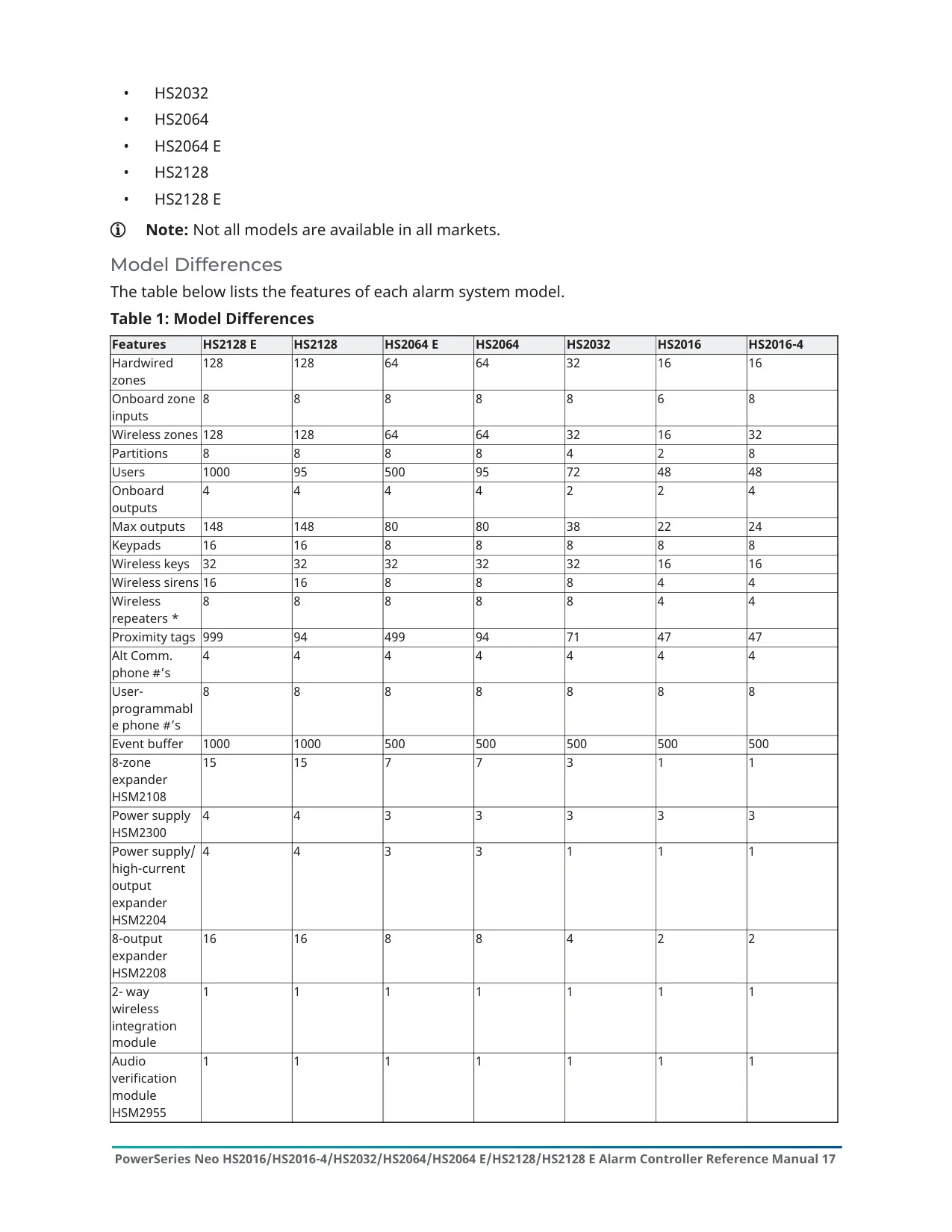
| Feature | Specification |
|---|---|
| Product Family | DSC PowerSeries Neo Alarm Panel |
| Model | HS2128 (manual also covers HS2016, HS2016-4, HS2032, HS2064, HS2064 E, HS2128 E) |
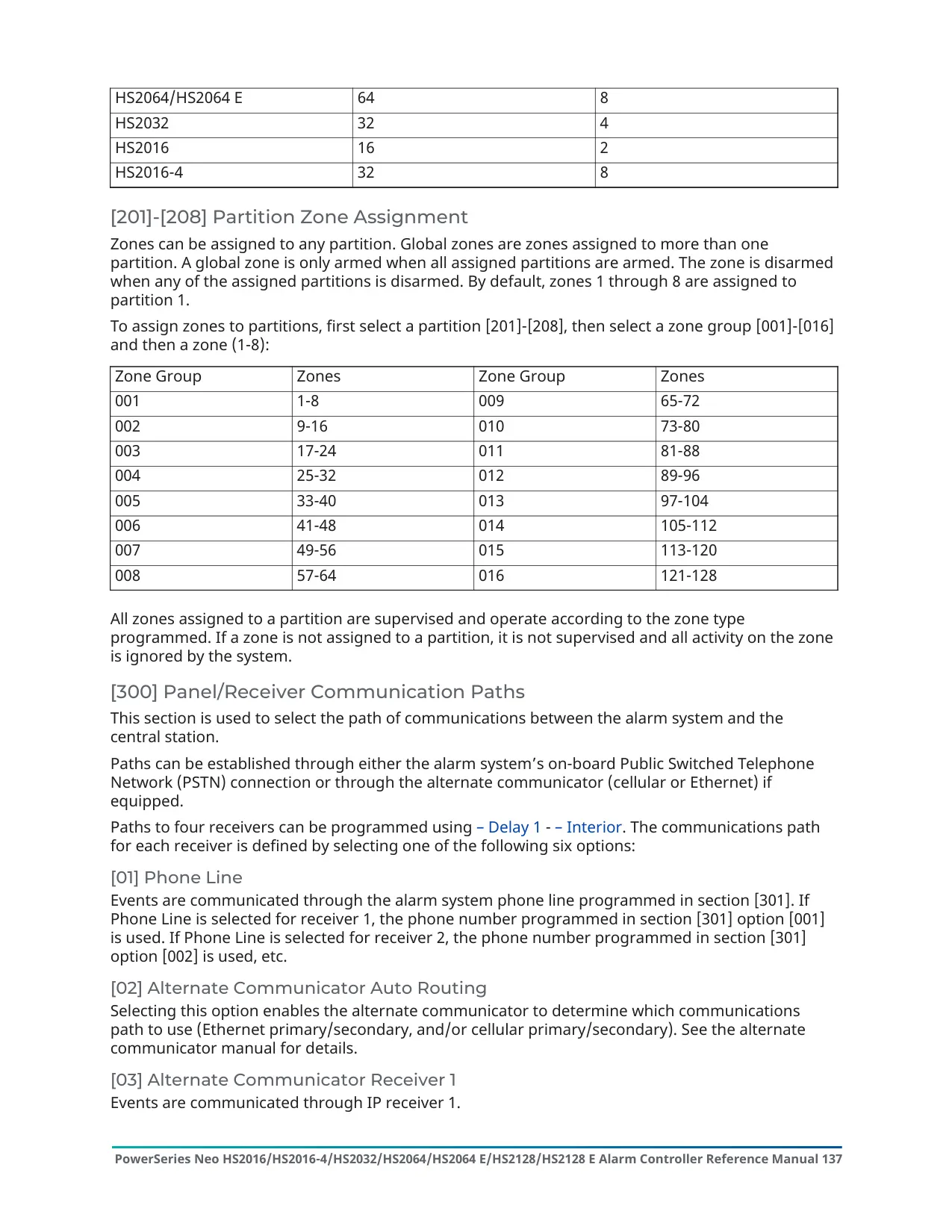
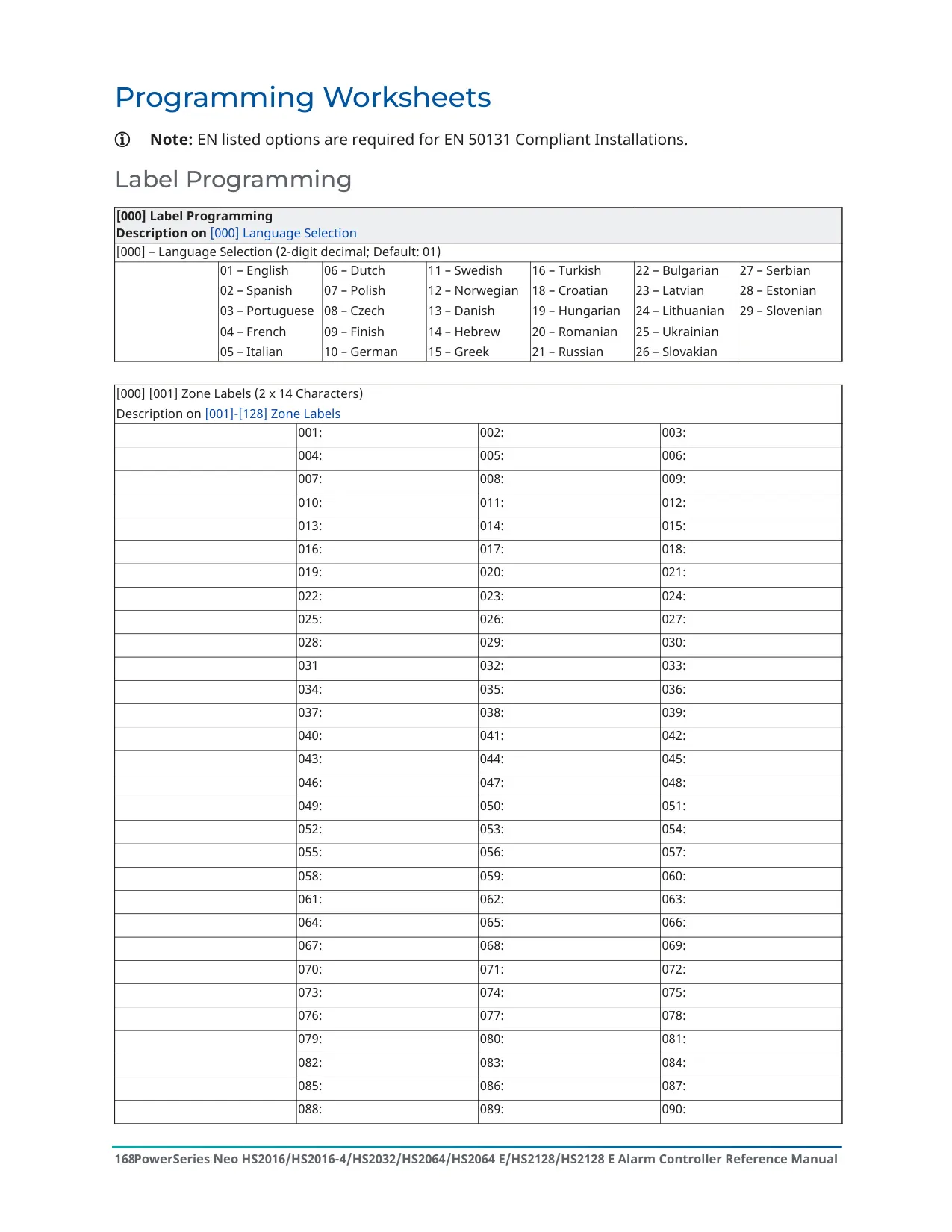
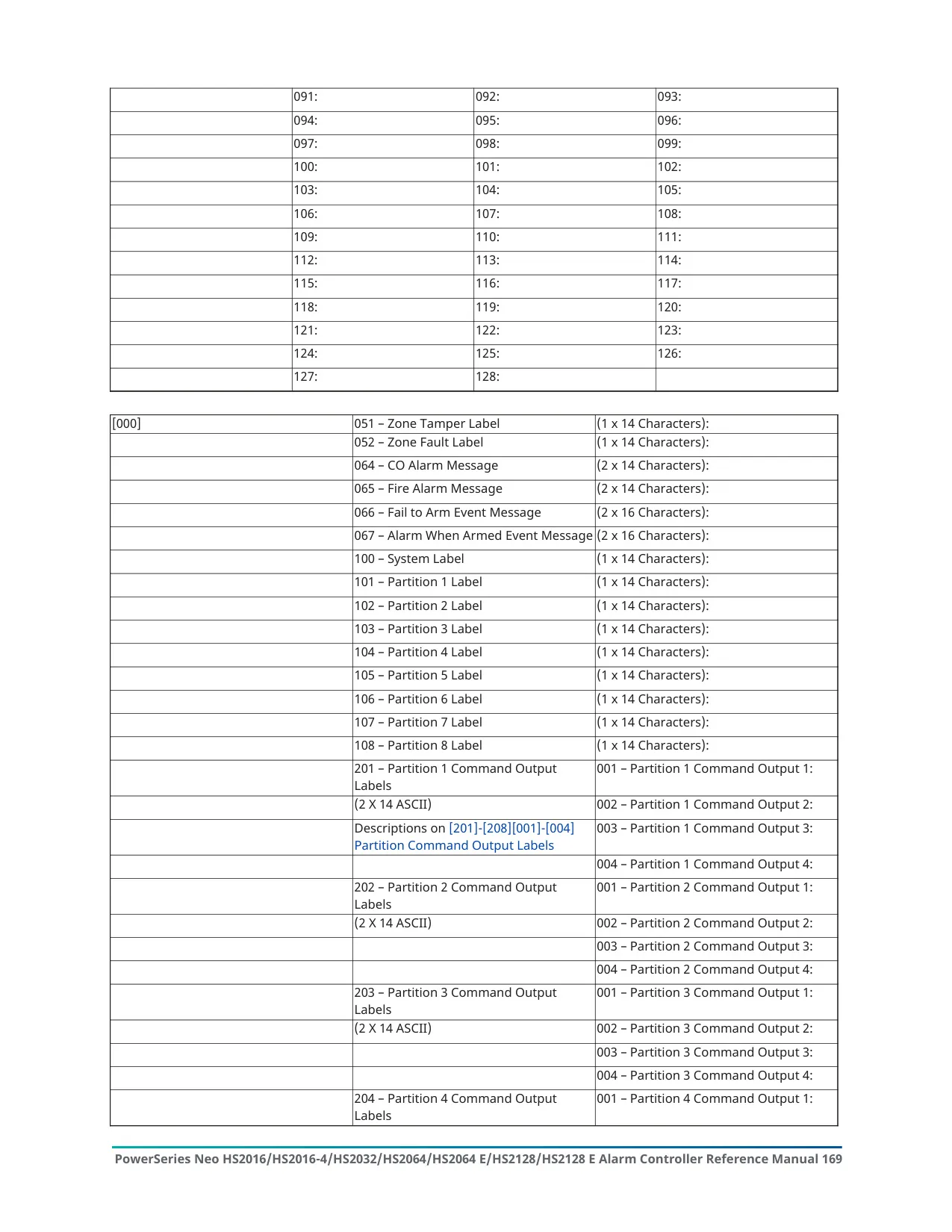
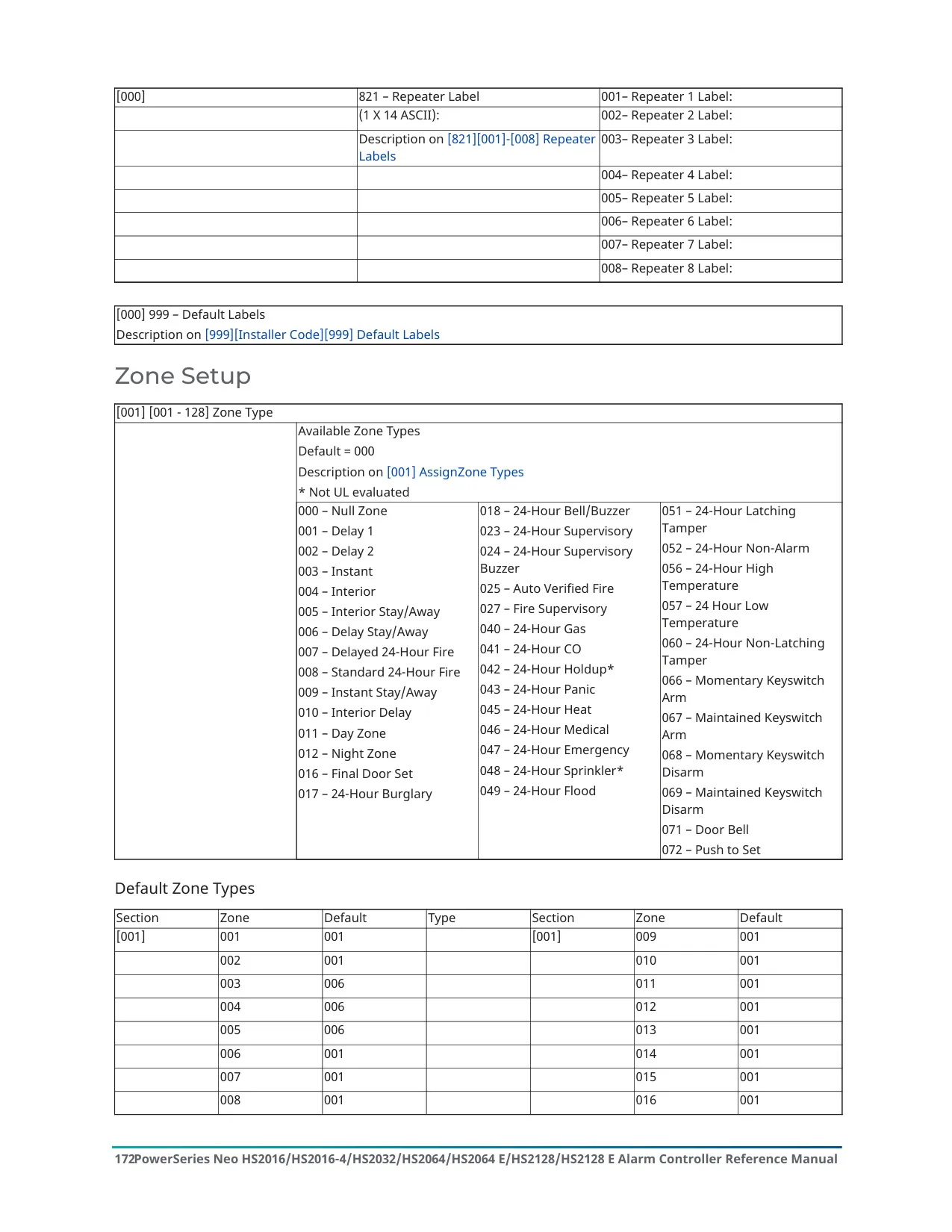
| Zone Capacity | Up to 128 zones (001-128) |
| User Access Codes | 95 users (01-95); Master Code is user 01 |
| Access Code Length | 4, 6 or 8 digits |
| Minimum Code Variations (8-digit) | 1,052,631 for HS2128; no disallowed codes |
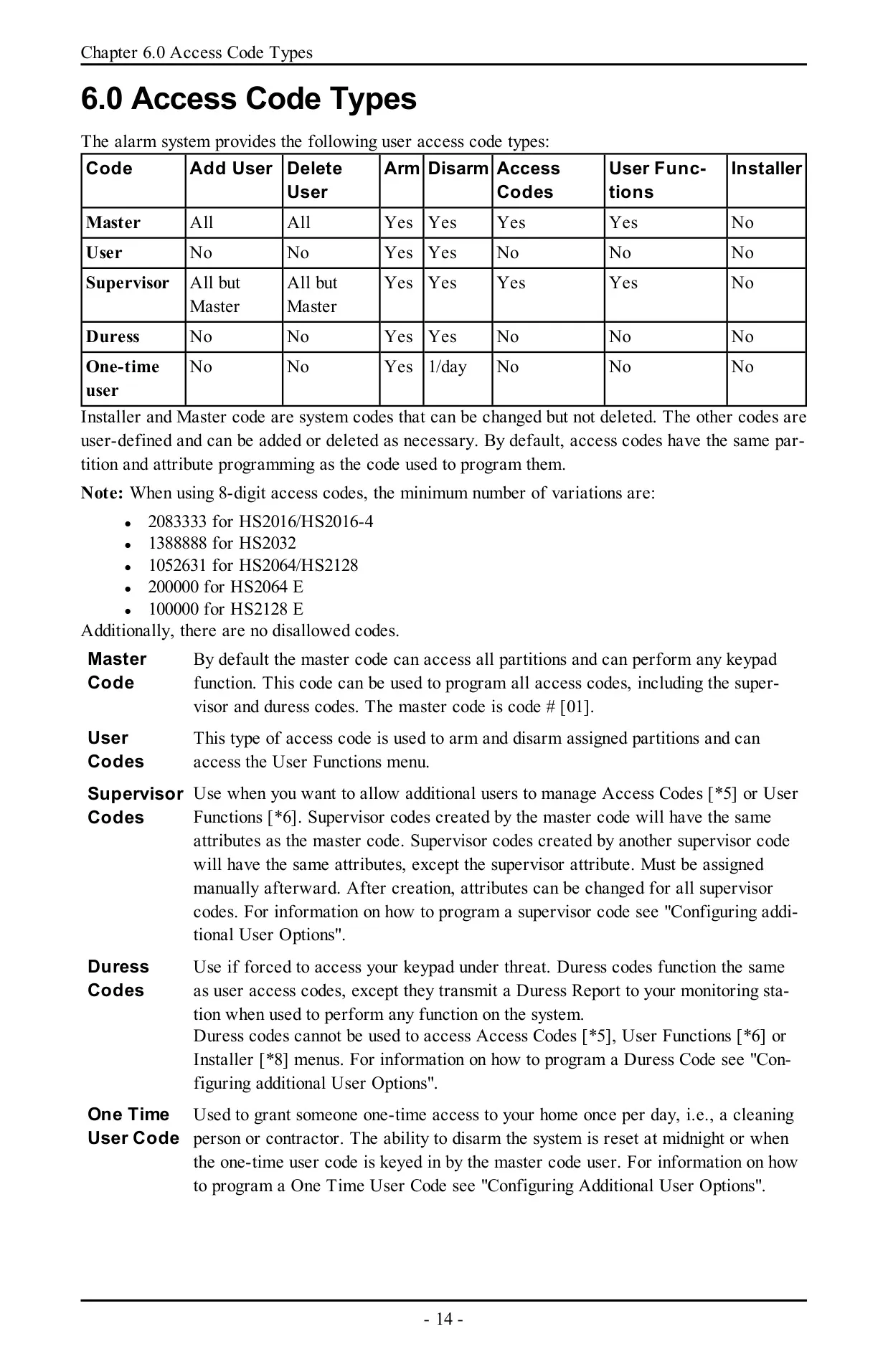
| Access Code Types | Installer, Master, Supervisor, User, Duress, One-time User |
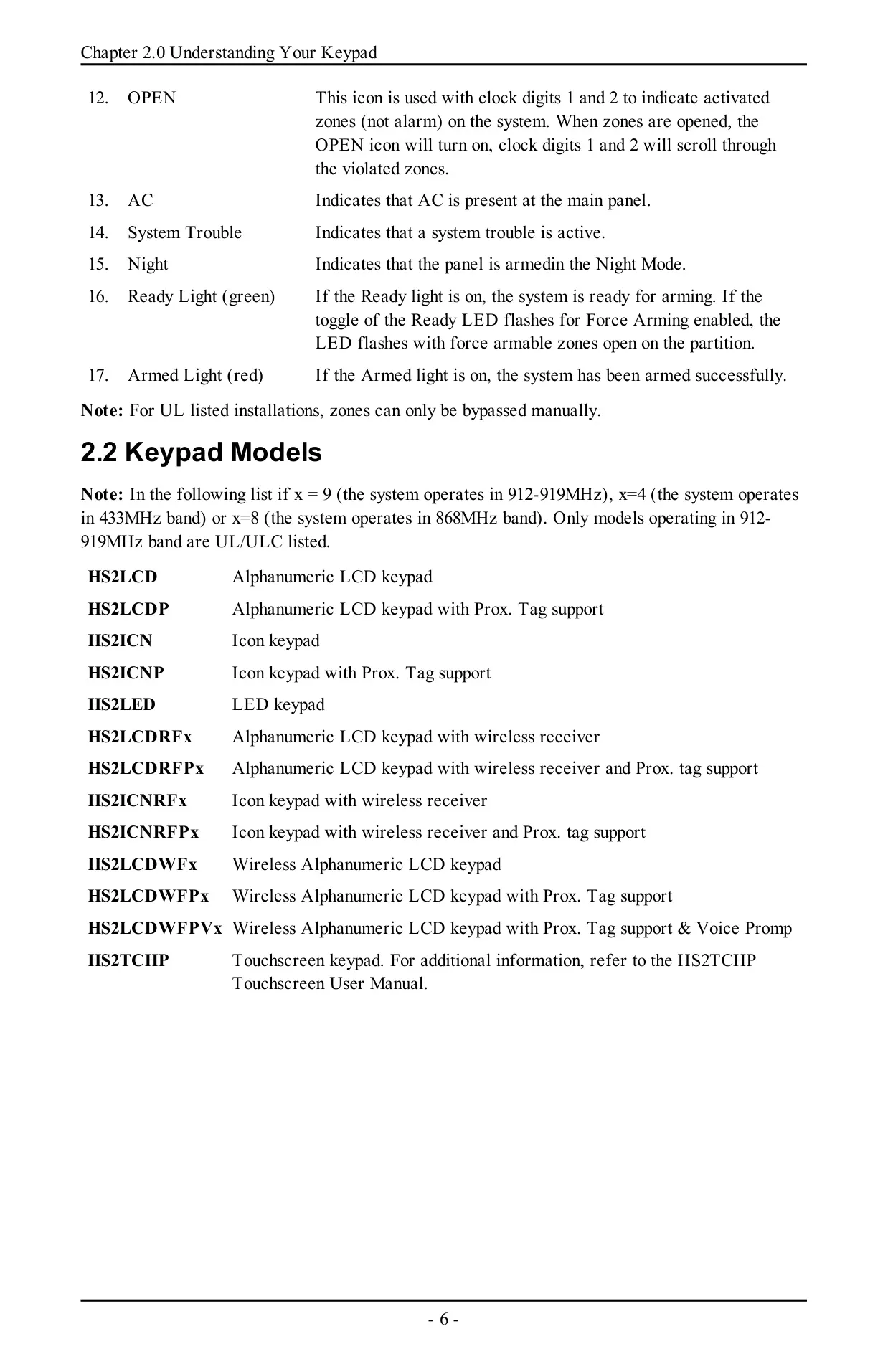
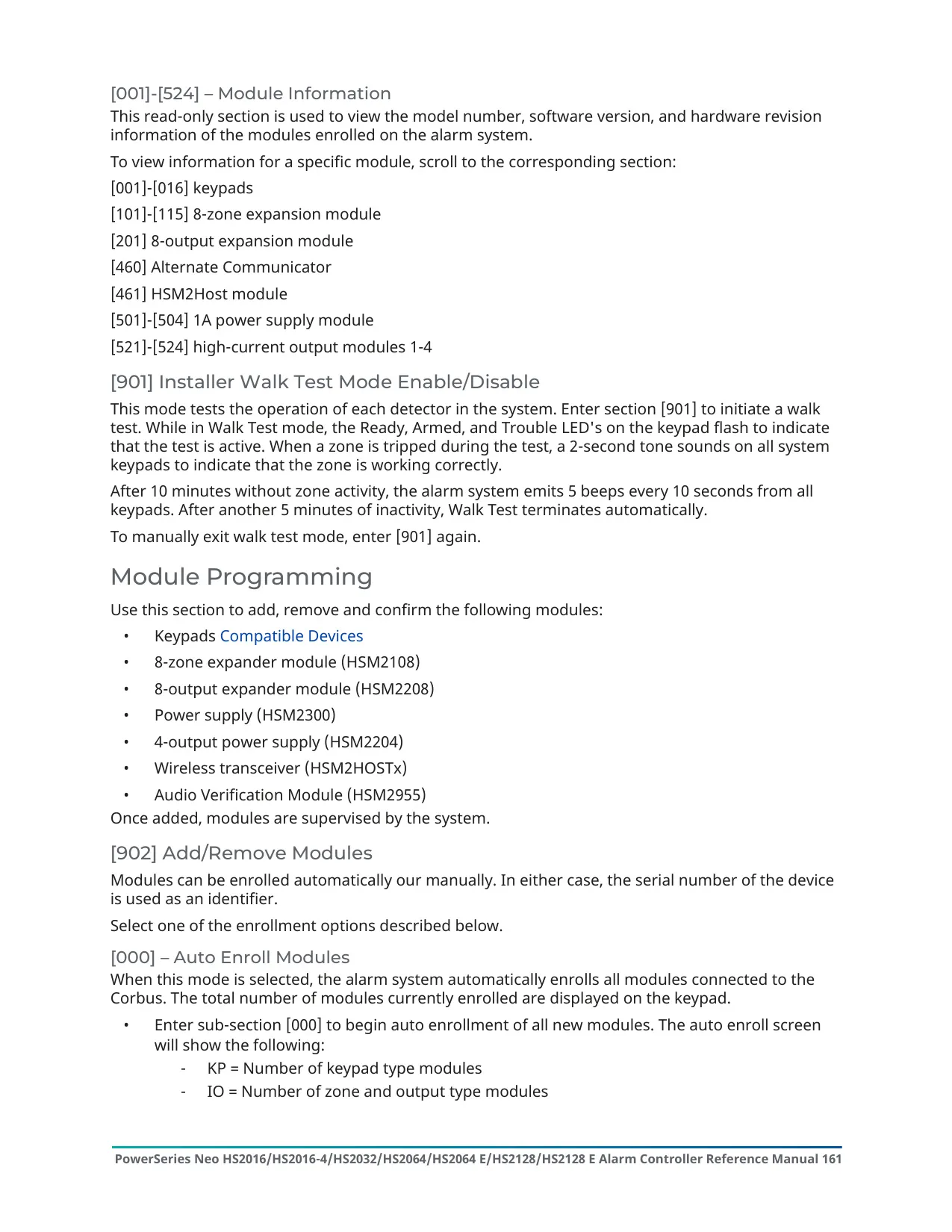
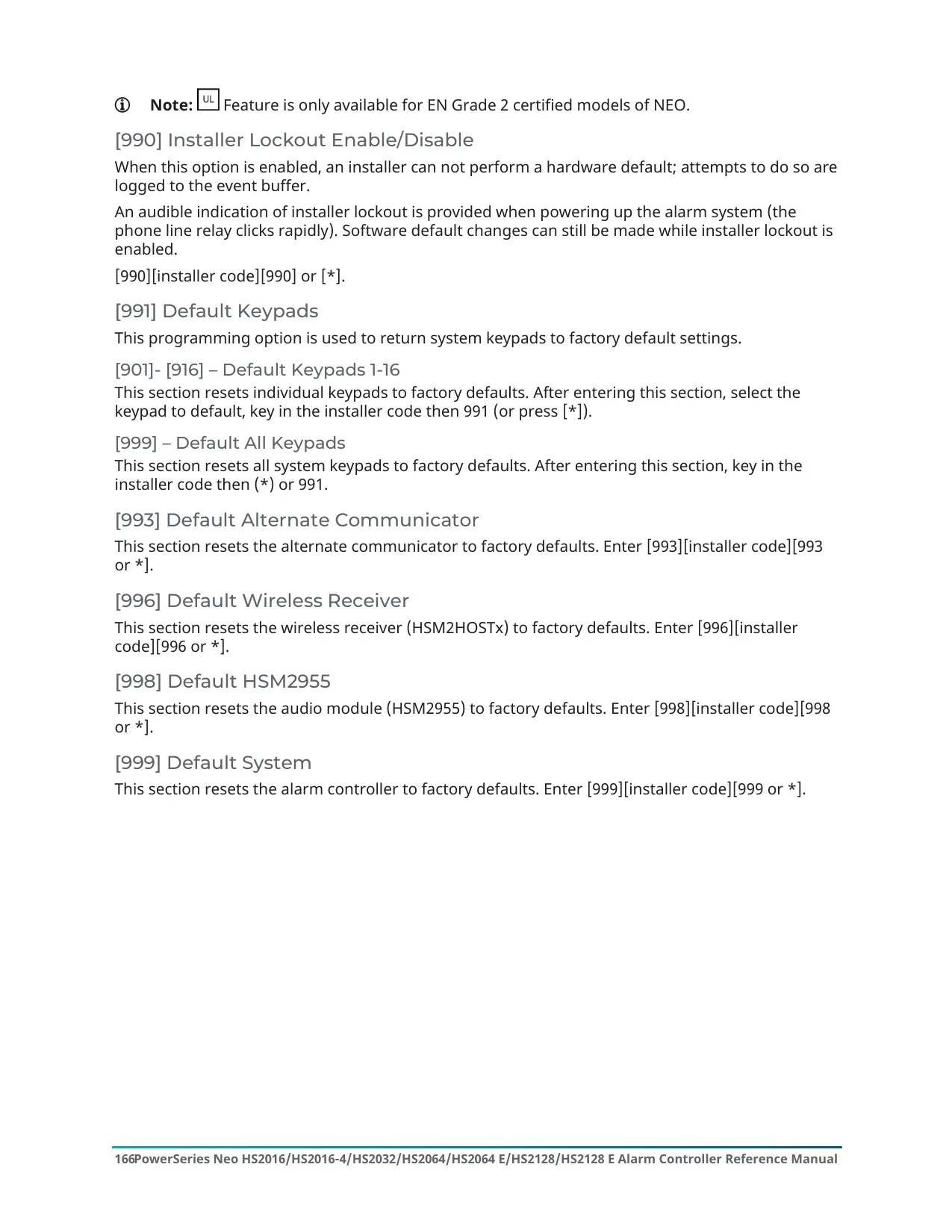
| Supported Keypads | Up to 16 keypads (HS2LCD, HS2ICN, HS2LED, RF, wireless, Prox and HS2TCHP touchscreen variants) |
| Sirens | Up to 16 |
| Wireless Repeaters | Up to 8 |
| Wireless Keys | Up to 32 |
| Zone Expanders | Up to 15 |
| Output Expanders | Up to 16 output modules |
| Power Supply Modules | Up to 4 |
| High Current Output Modules | Up to 4 output terminals |
| Audio Stations | Up to 4 |
| Monitoring Receivers | Up to 4 |
| Compatible 2-Way Wireless Keys | PG4929/PG8929/PG9929, PG4939/PG8939/PG9939 |
| Wireless Frequency Bands | 912-919 MHz (UL/ULC listed), 433 MHz, 868 MHz |
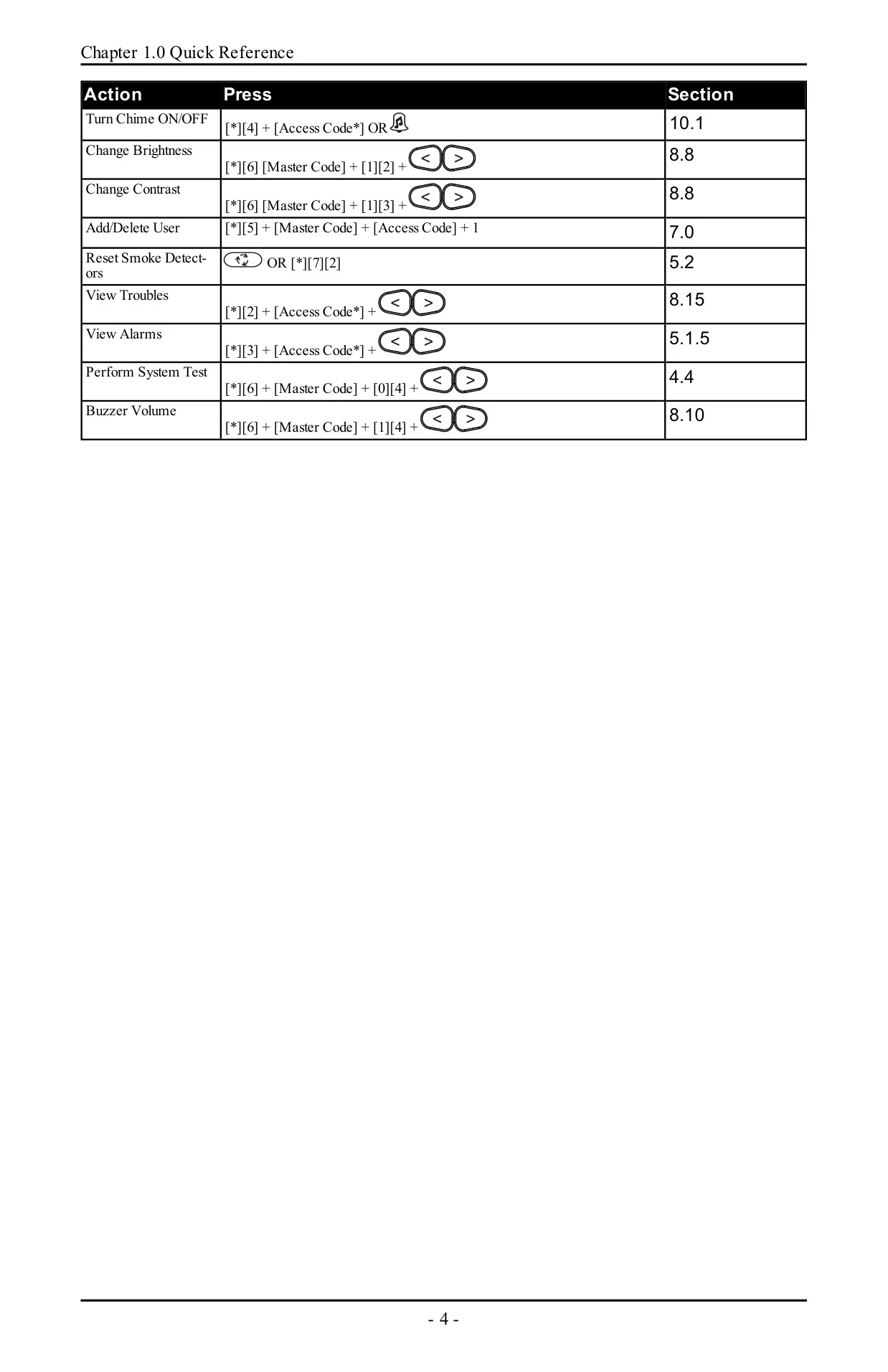
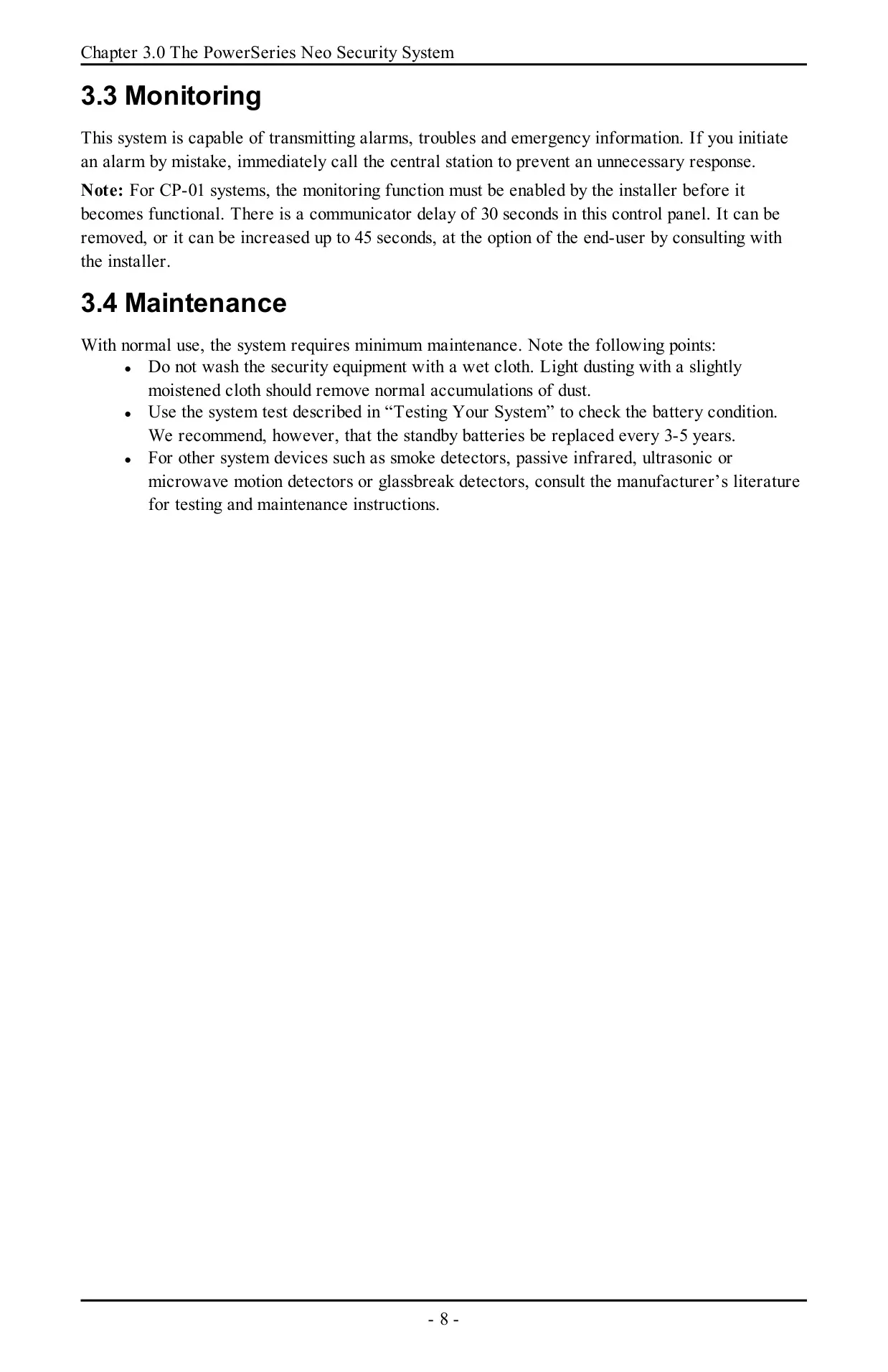
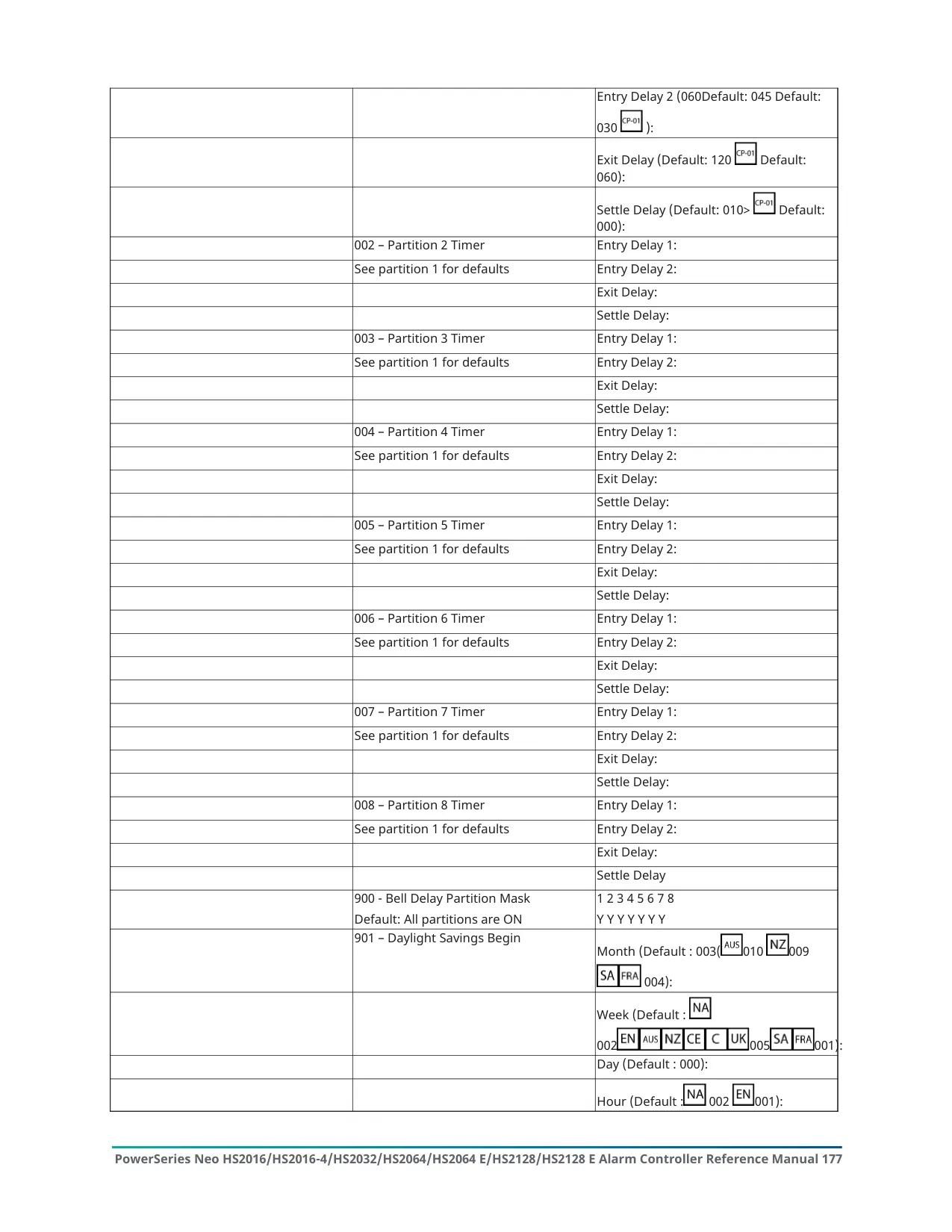
| Communicator Delay | 30 seconds default; can be removed or increased up to 45 seconds |
| Maximum Entry Delay | 45 seconds |
| Maximum Alarm Transmission Delay (CP-01) | 45 seconds |
| Final Exit Delay (Push to Set / Final Door Set) | Programmable, typically 10 seconds |
| Arming Modes | Away, Stay, Night, No-Entry, Quick Arm |
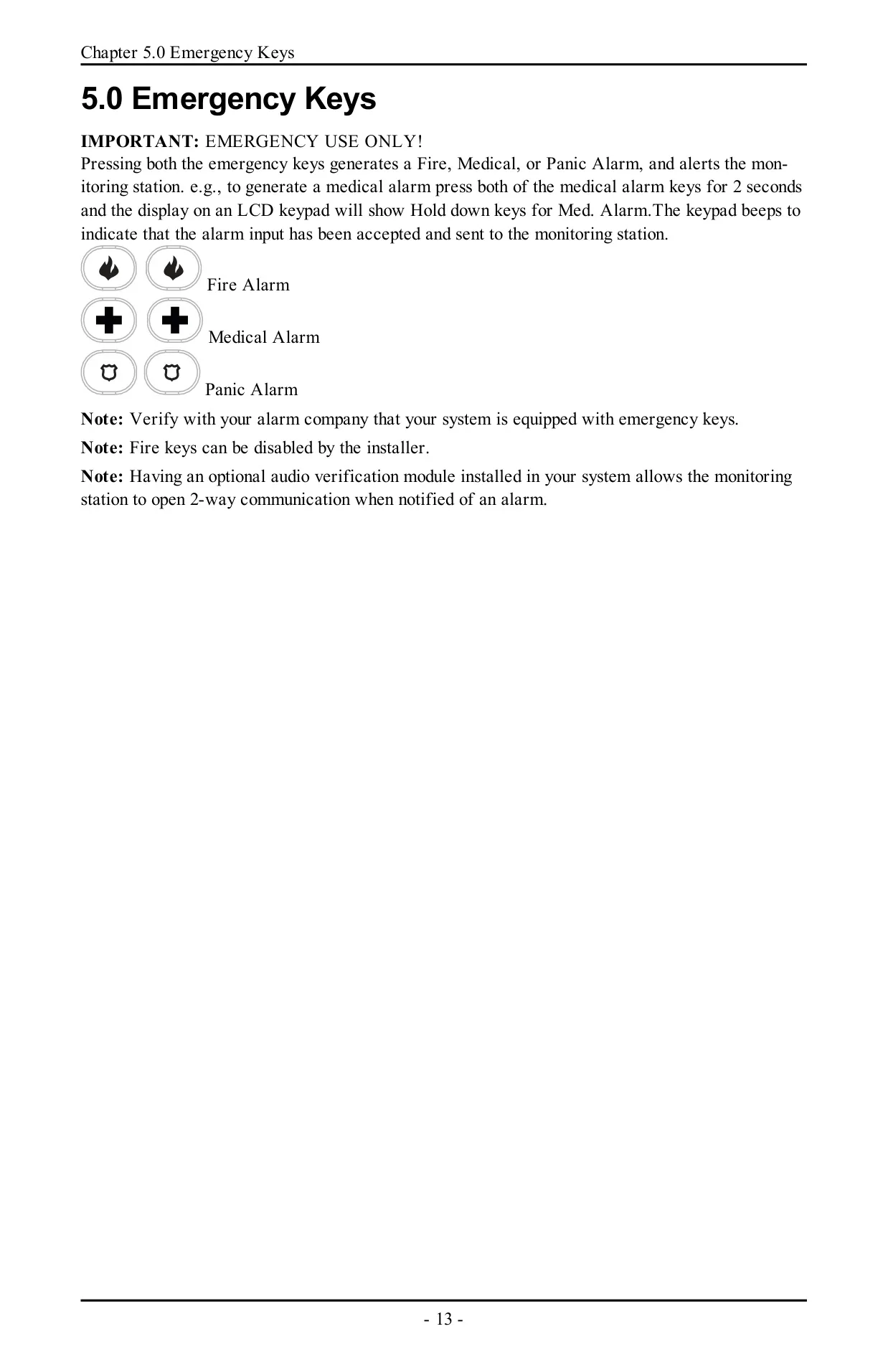
| Emergency Keys | Fire, Medical, Panic (press for 2 seconds) |
| Invalid Code Error Tone | 2 seconds |
| Trouble Beep Interval | Once every 10 seconds |
| Standby Battery Replacement | Recommended every 3-5 years |
| System Test Frequency | Weekly |
| False Alarm Standard | ANSI/SIA CP-01-2010 |
| Installation Environment | Indoor, non-hazardous; pollution degree max 2; overvoltage category II |
| Power Connection | Stationary-fixed direct plug-in power supply (no mains on/off switch) |
| Telephone Jack | USOC RJ-31X |
| FCC Product Identifier | US:F53AL01BHS2128 |
| ISED Canada Registration | IC:160A-HS2128 |
| Ringer Equivalence Number (REN) | 0.1 |
| FCC Compliance | Part 15 Class B digital device; Part 68 |
| Wireless Keypad RF Exposure Distance | At least 20 cm from persons |
| Document Number | 29009865R003 |
DSC Neo HS2128 Security System Details
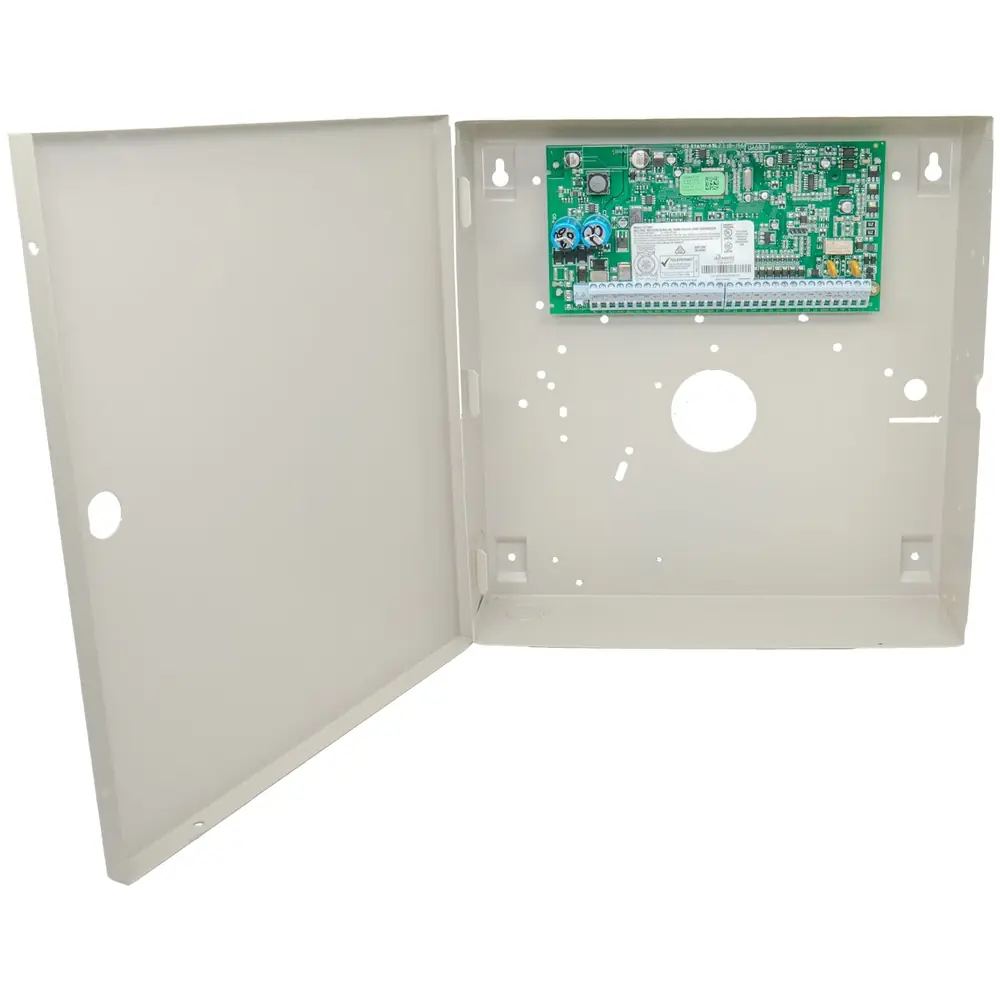
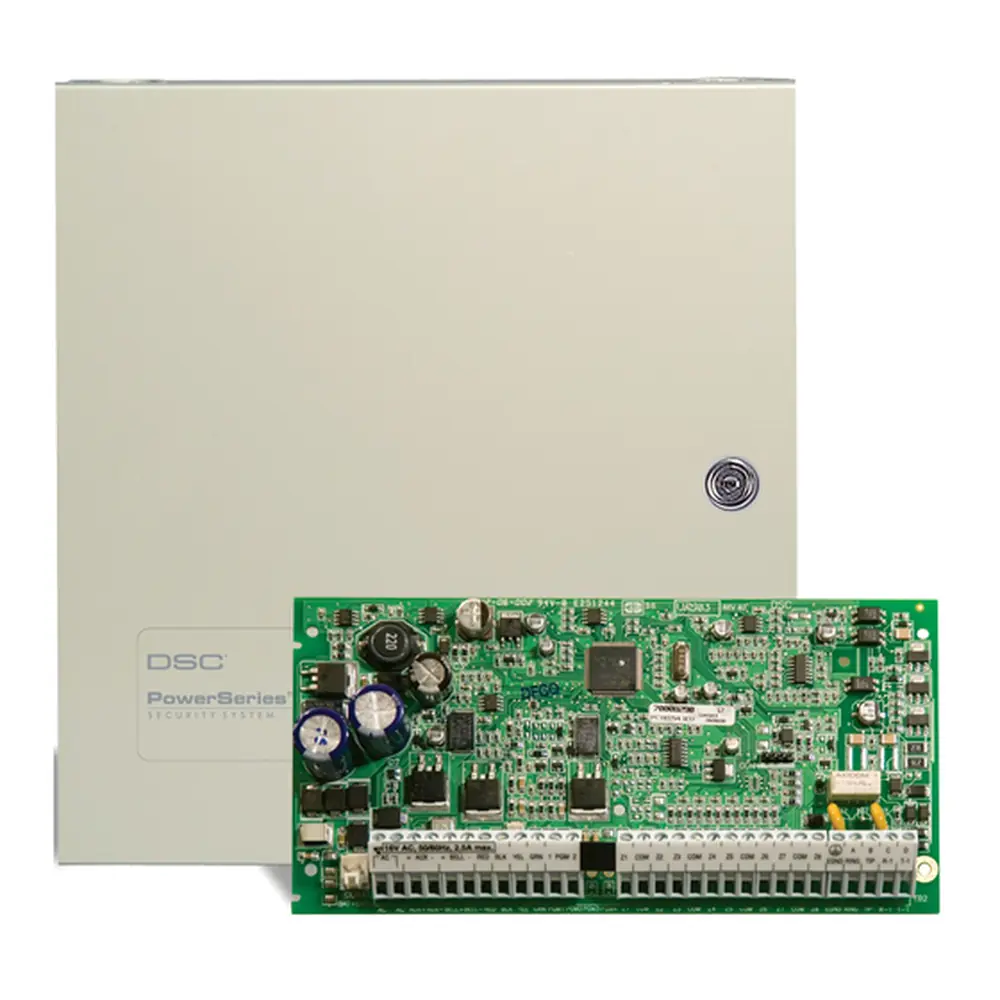
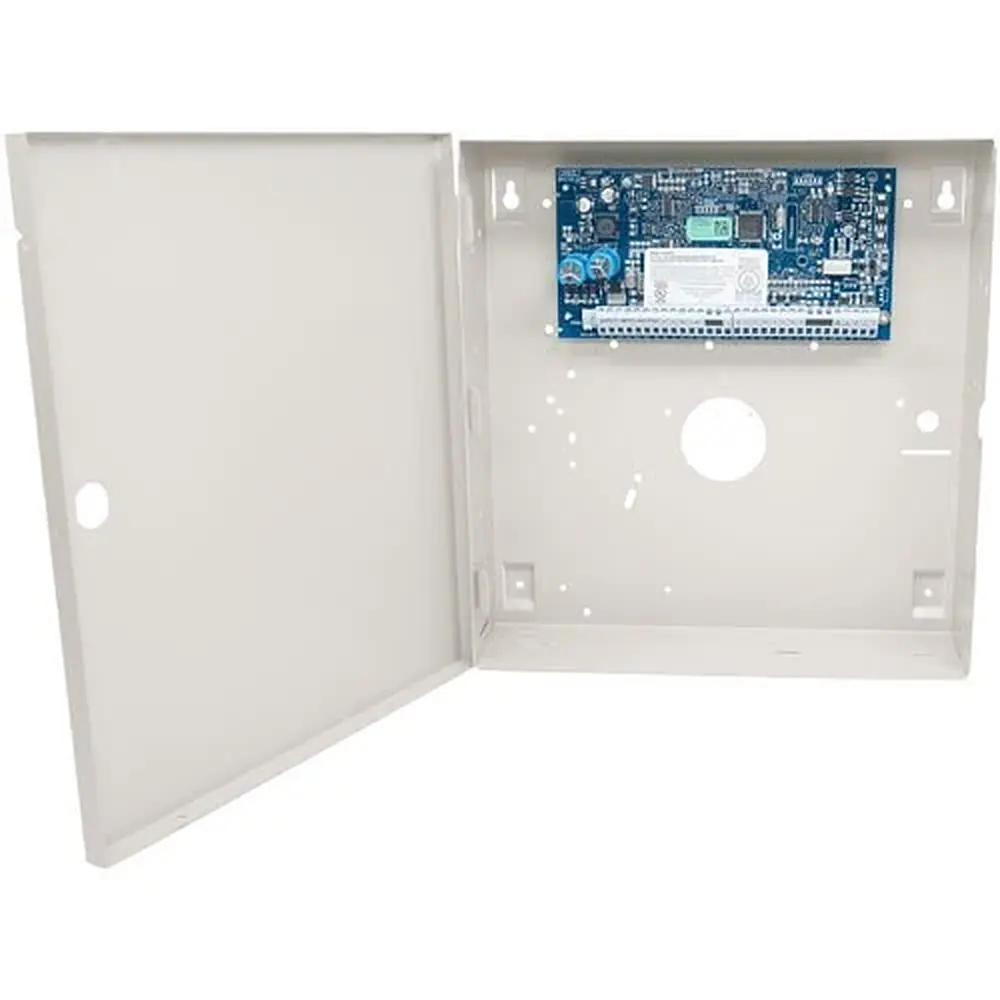
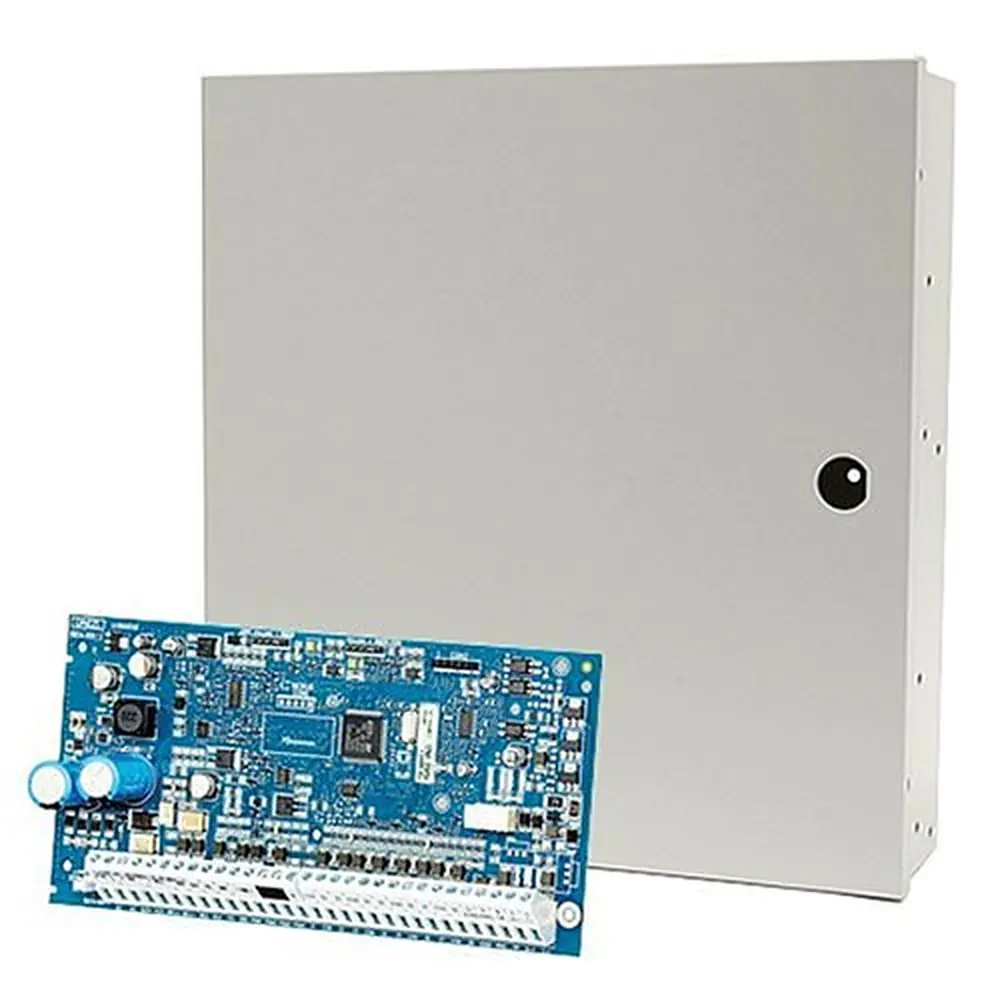
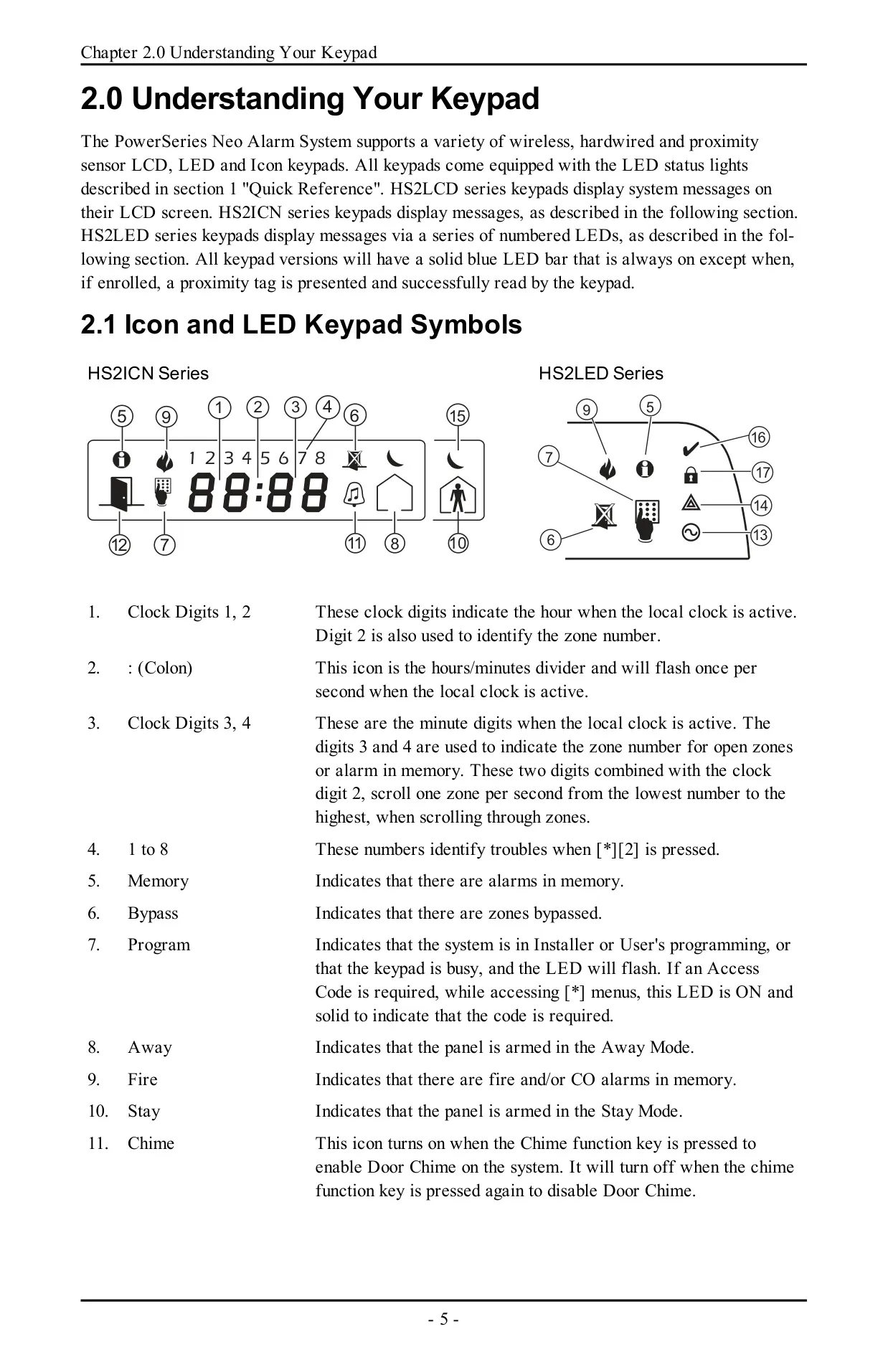
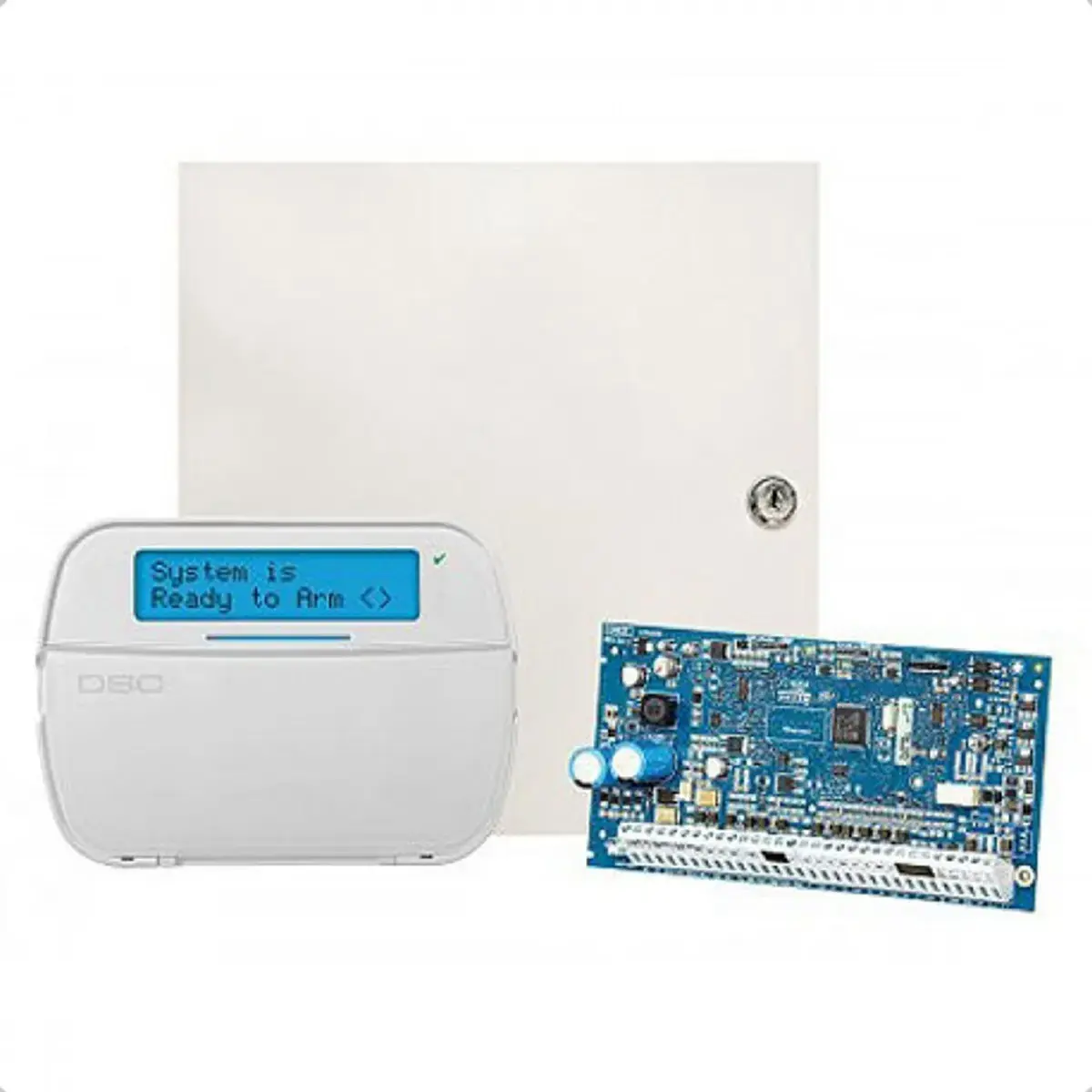
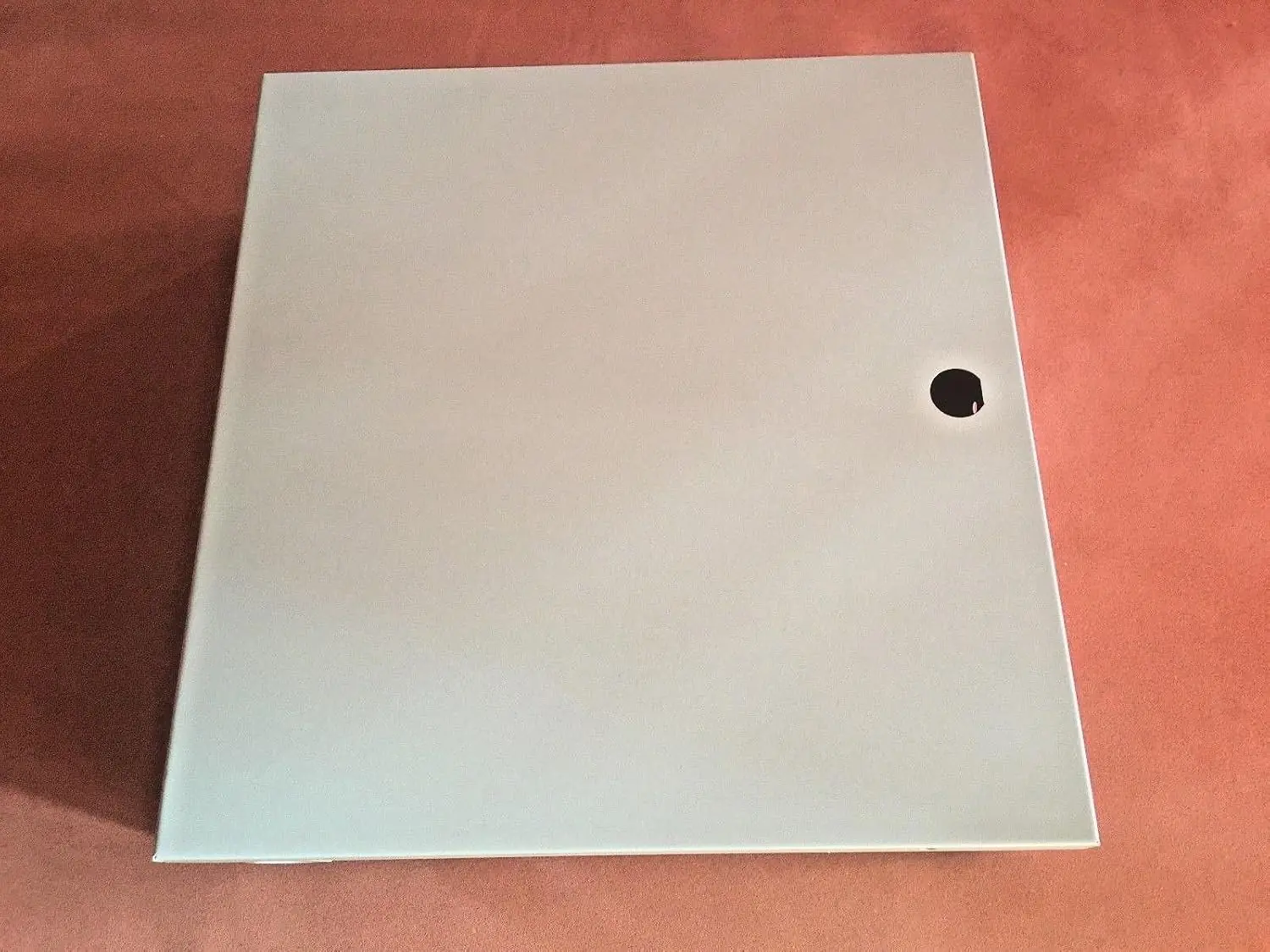
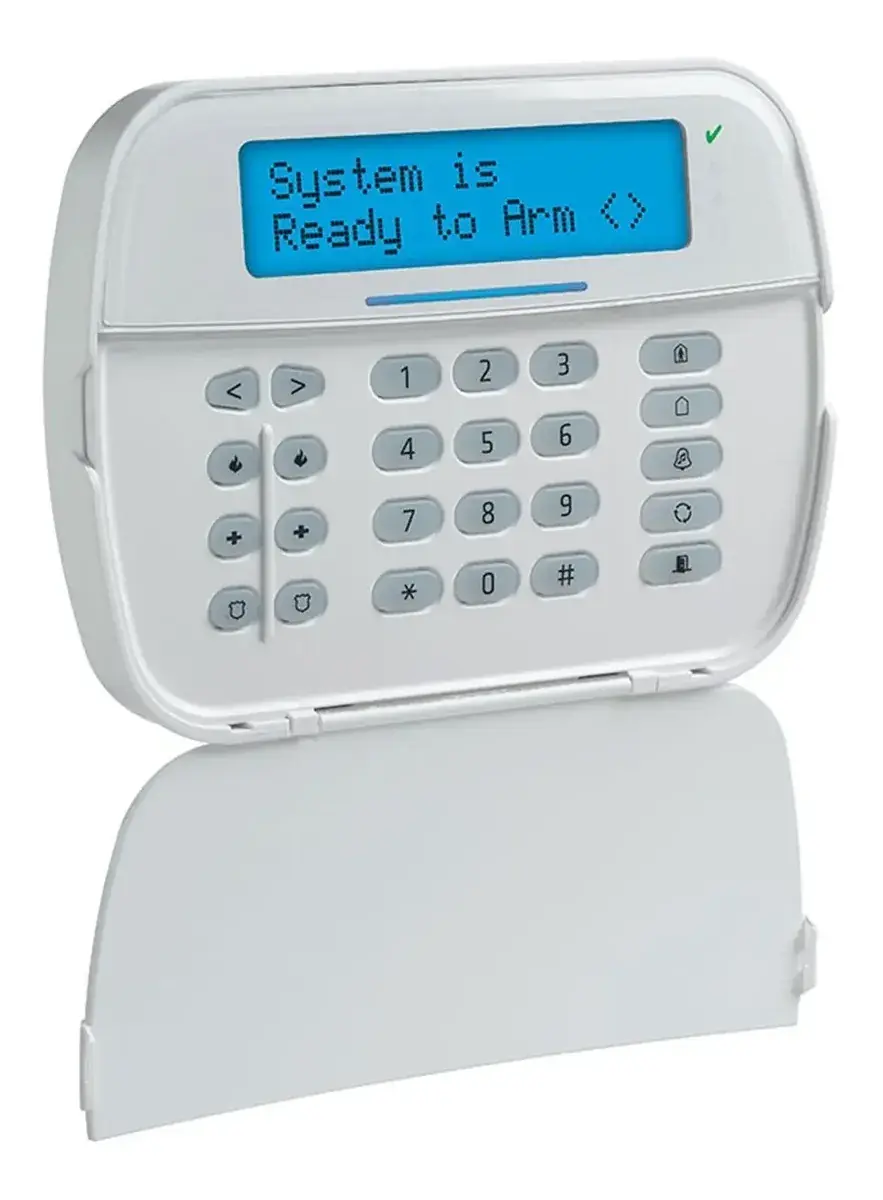
The DSC Neo HS2128 is a high-capacity control panel in the PowerSeries Neo family. It sits in a metal cabinet, usually in a utility closet or basement, that holds the system electronics, fuses and standby battery. Keypads are mounted near the entry and exit doors. You can use LCD, icon or LED keypads, and each one has Ready, Armed, Trouble and AC Power status lights. Every keypad also has a solid blue LED bar. It turns off for a moment when the keypad reads an enrolled proximity tag.
To help prevent false alarms, the panel offers an infinite exit delay through the Push to Set or Final Door Set feature. When arming starts, the keypad beeps once per second until the final exit door opens and closes, or until you press the Push to Set button. Before the system finishes arming, it checks for open zones and cancels the arming if it finds any. The Exit Delay Time Restart option restarts the countdown once if an entry/exit zone is tripped a second time.
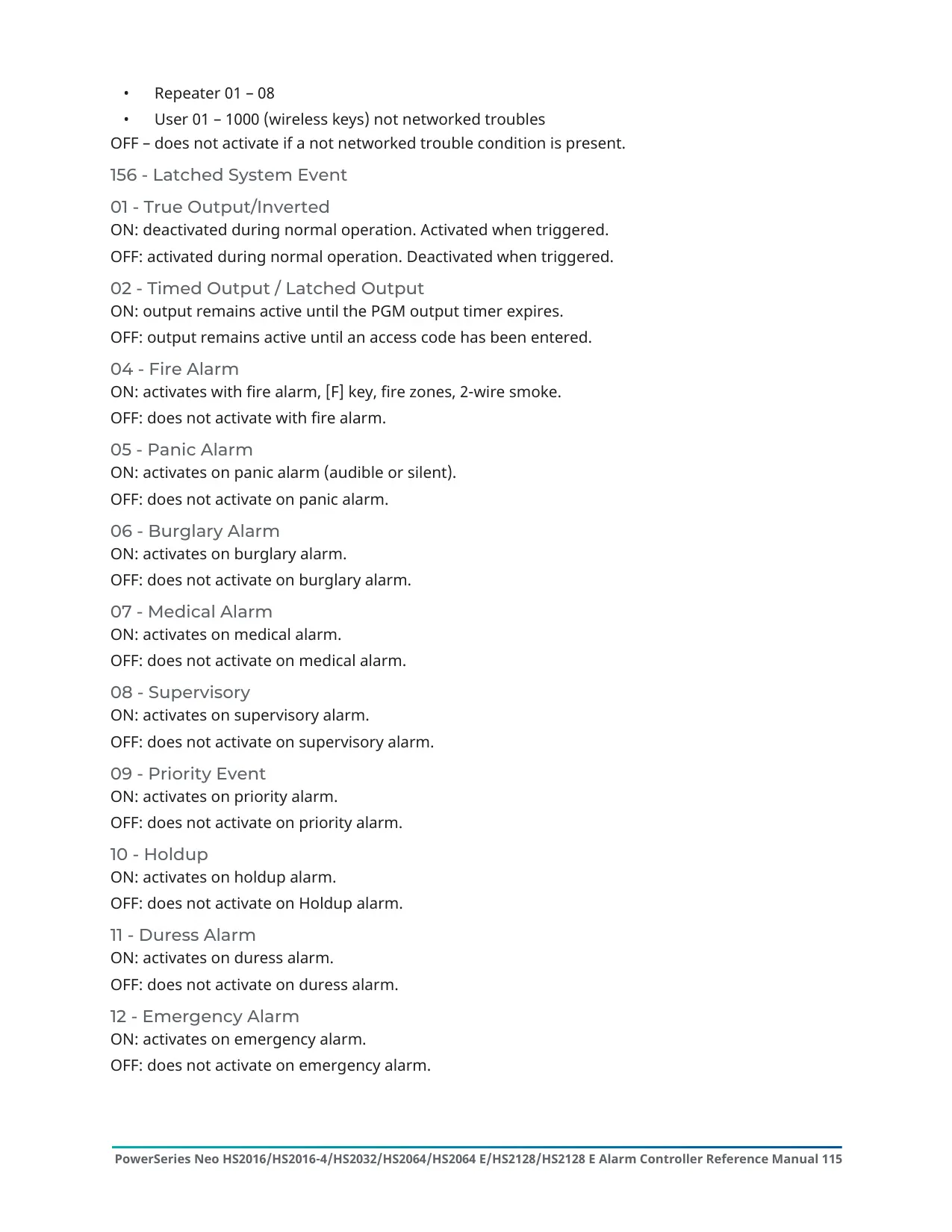
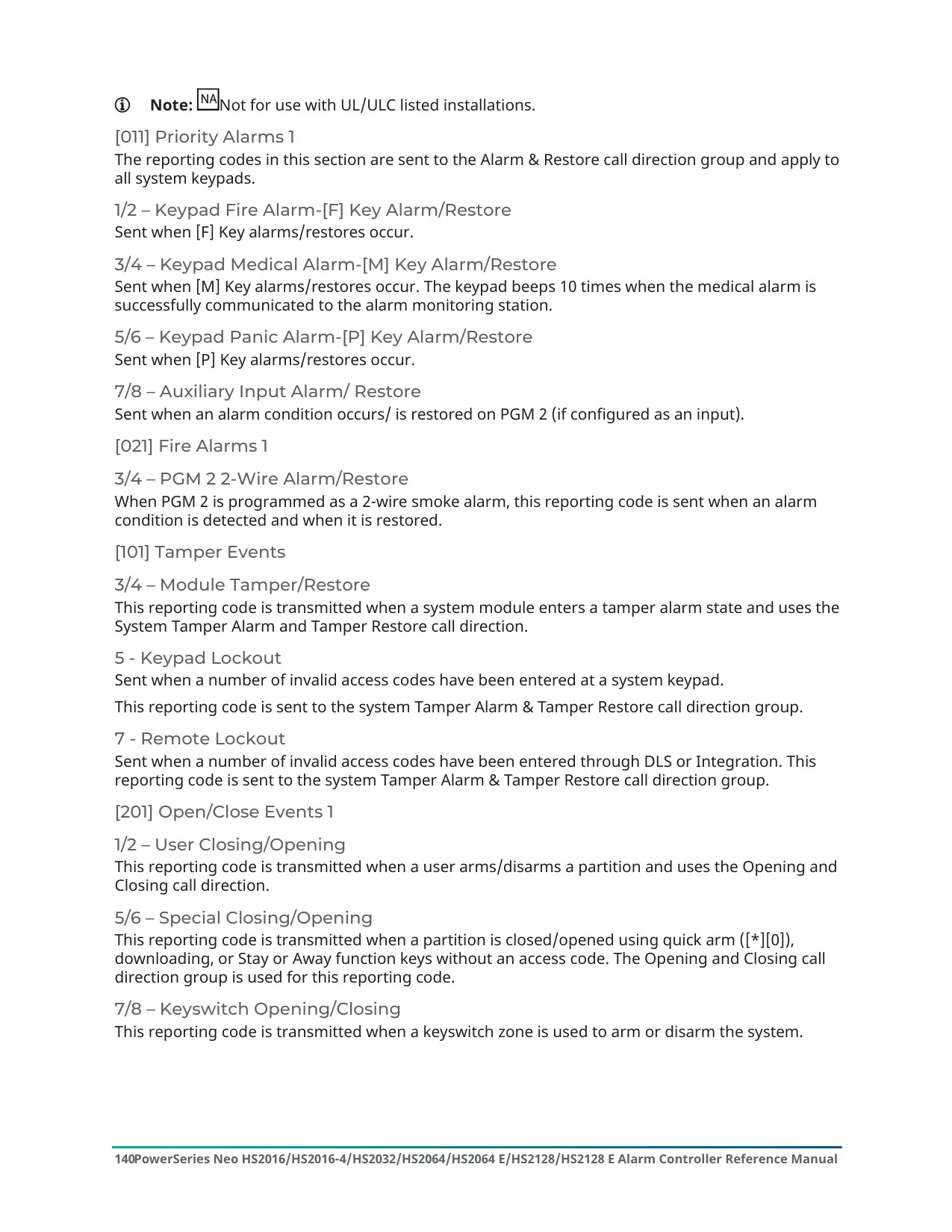
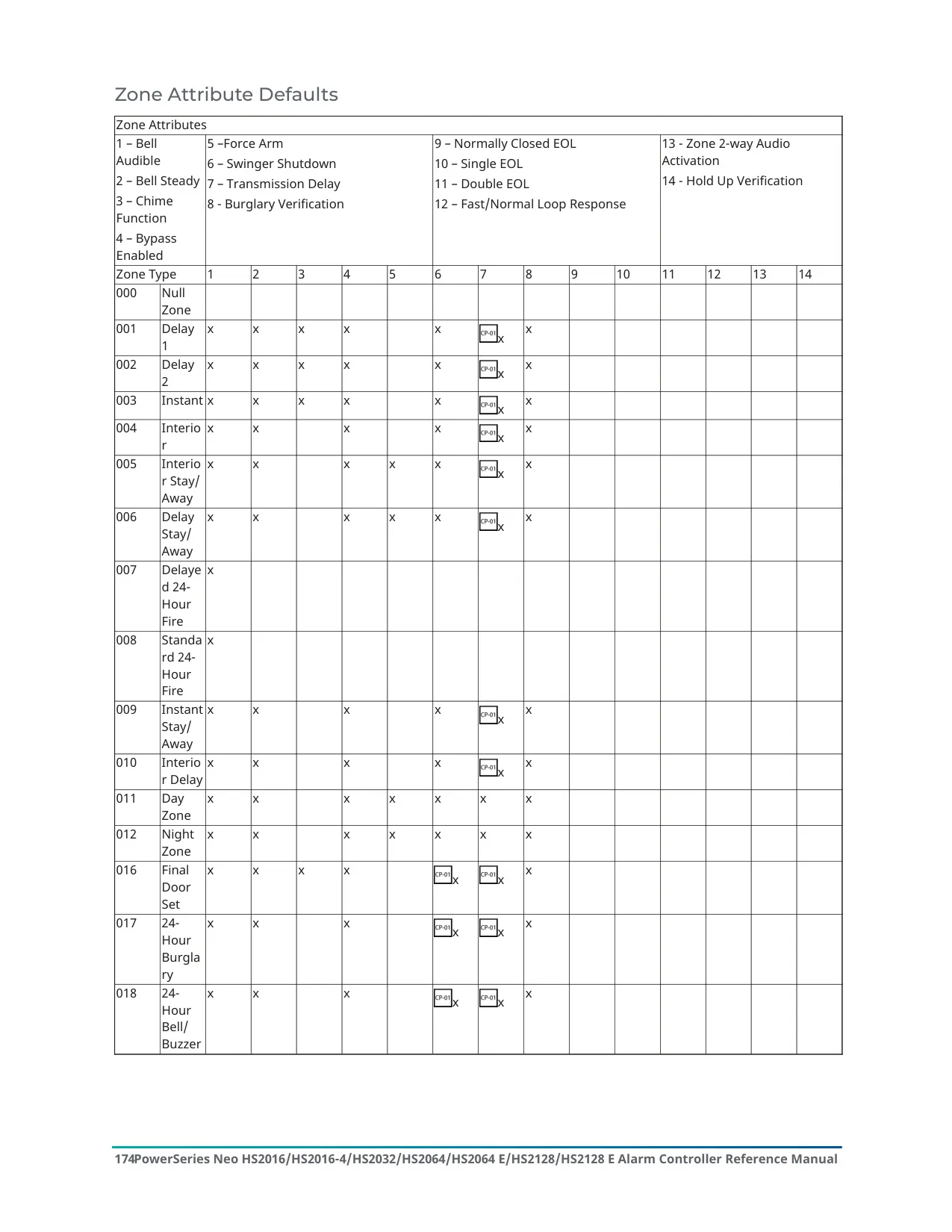
Several verification tools reduce false dispatches. Burglary Verification uses cross-zone and sequential detection, so two or more zones must trip within a set time to confirm an alarm. Swinger Shutdown disables a zone after a programmable number of trips, and this is on for all burglary zones in CP-01 installations. Fire Alarm Verification and an optional Call Waiting cancel feature are also available. The installer must enable and configure all of these features.
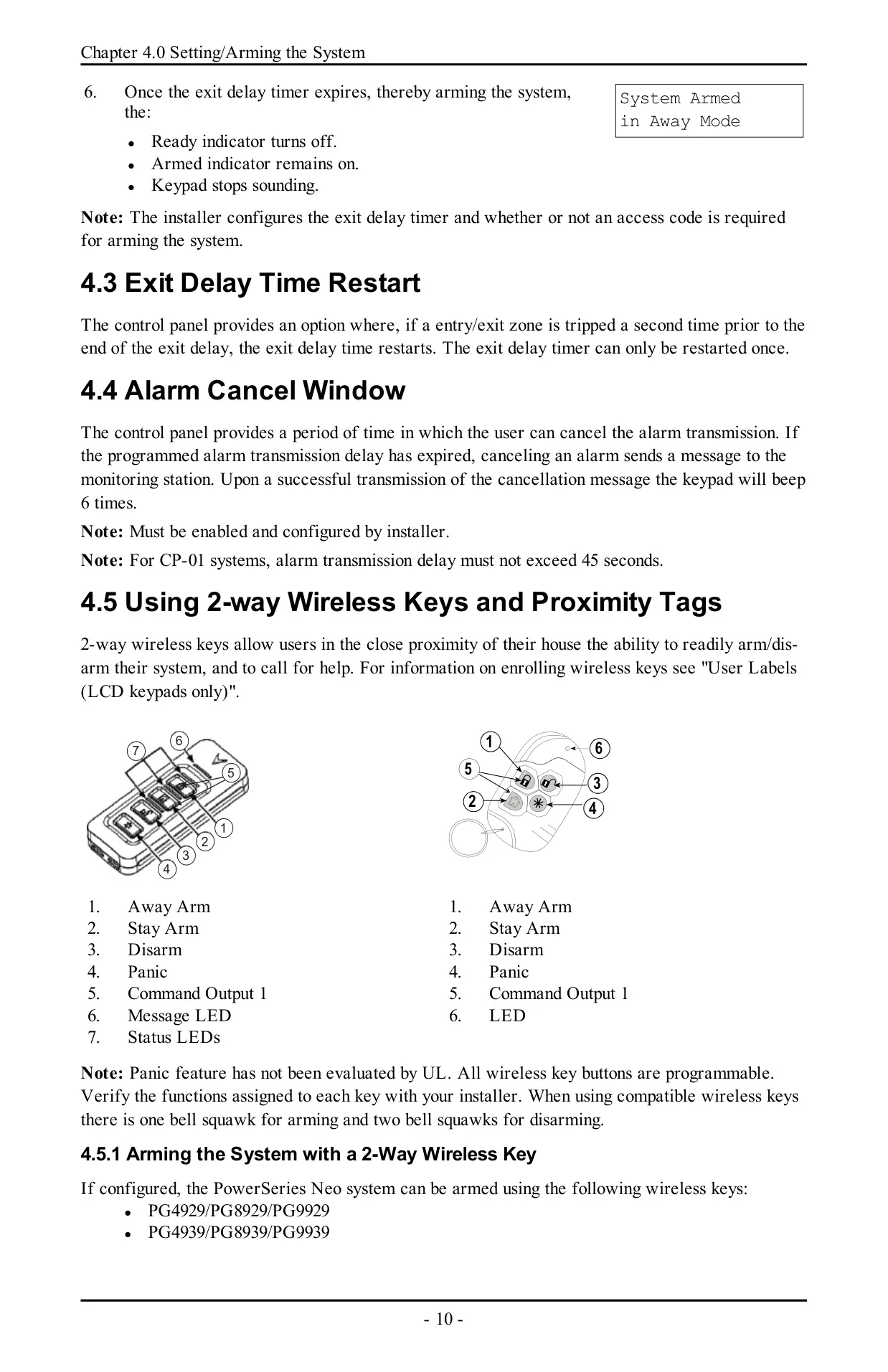
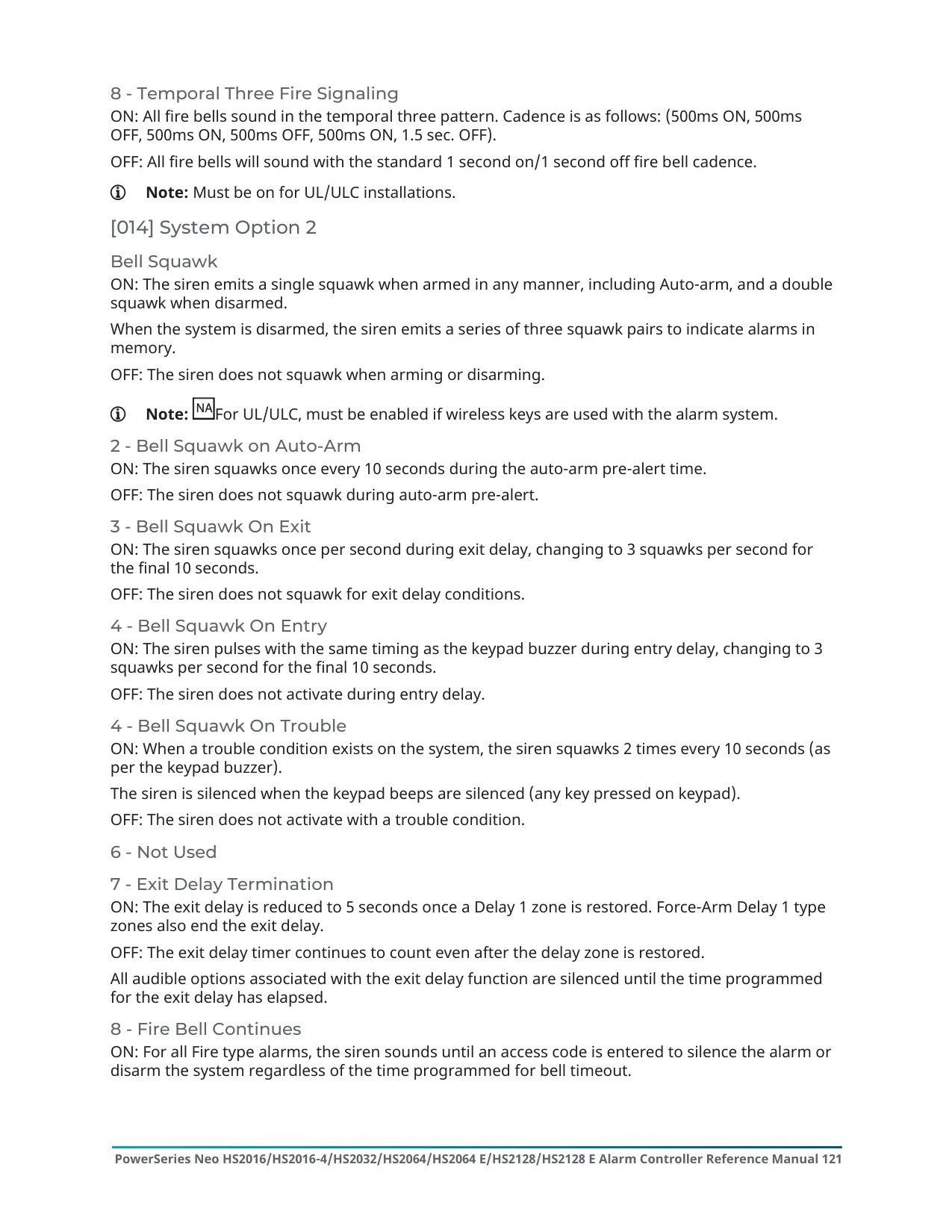
You can arm and disarm the system with the keypad, 2-way wireless keys or proximity tags. Wireless key buttons are programmable. Compatible sirens give one squawk when the system arms and two when it disarms. Proximity tags can also run custom functions, such as unlocking a storeroom. After you disarm with a wireless key, the manual advises checking the alarm memory. Any proximity tag linked to a deleted user code has to be enrolled again.
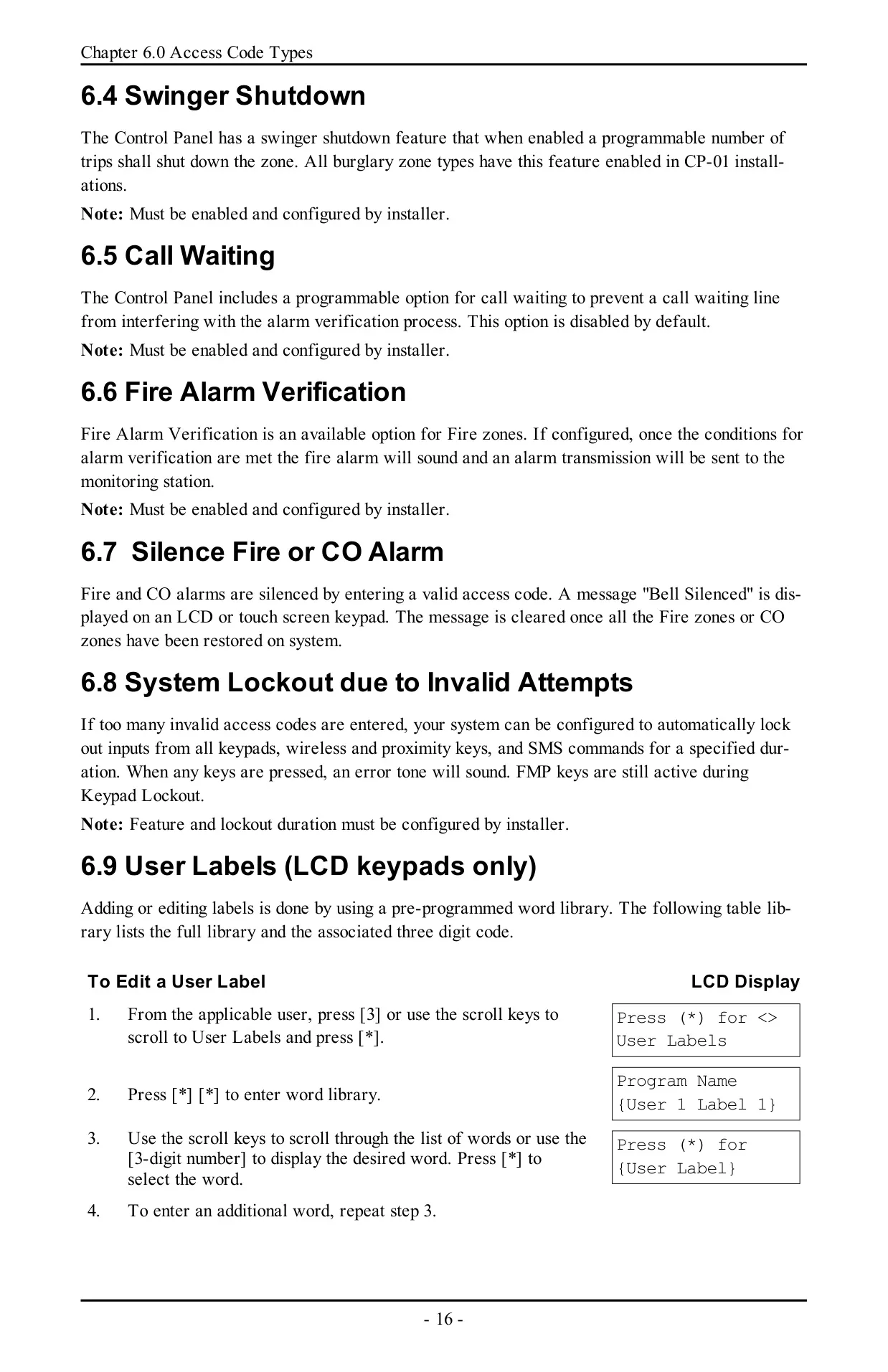
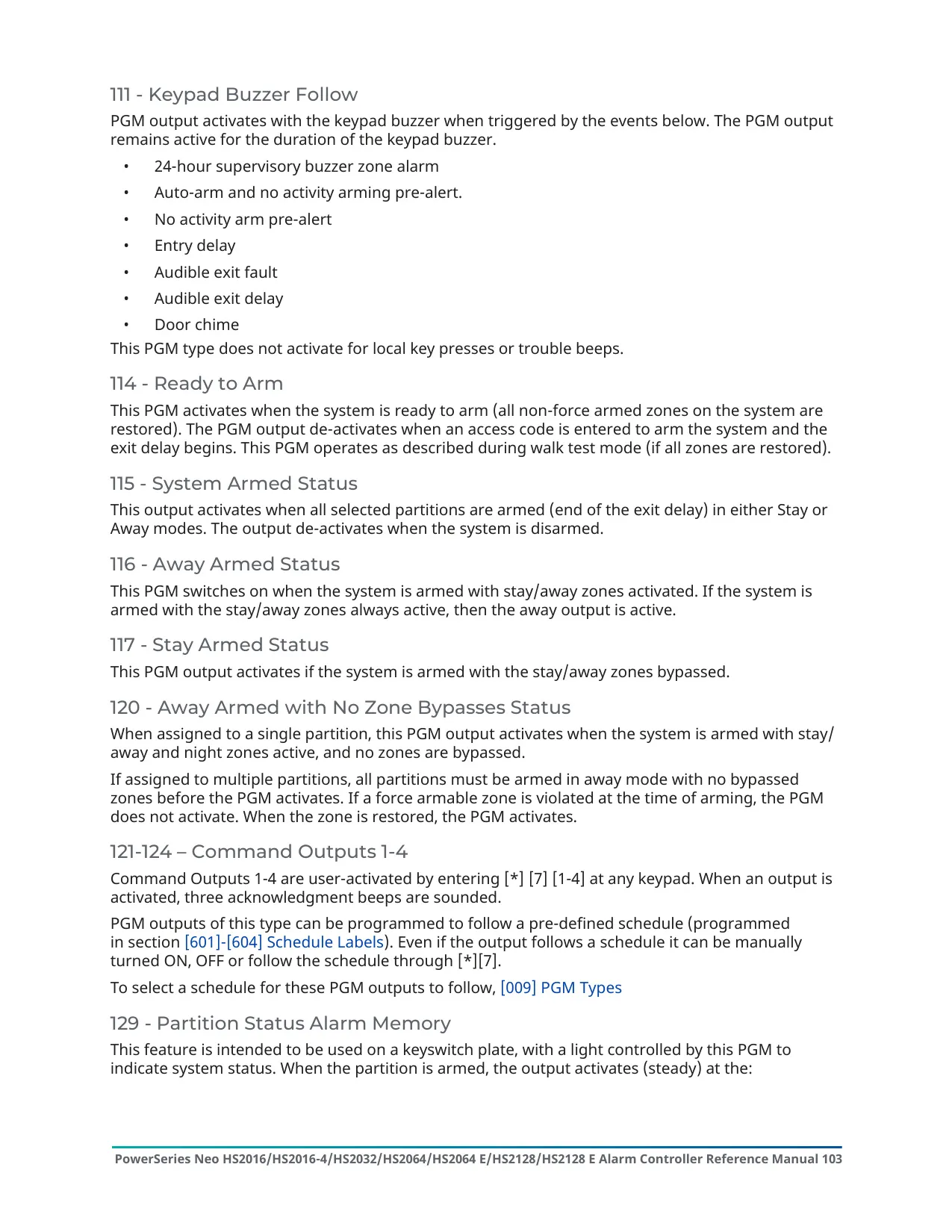
On LCD keypads, user names come from a built-in word library of 238 three-digit entries. These include room names, letters A-Z, digits and symbols. If too many invalid codes are entered, the System Lockout feature can block keypads, wireless keys, proximity tags and SMS commands for a set time. The FMP emergency keys still work during a lockout. To silence a fire or CO alarm, enter a valid code. The keypad then shows Bell Silenced until all fire or CO zones have restored.
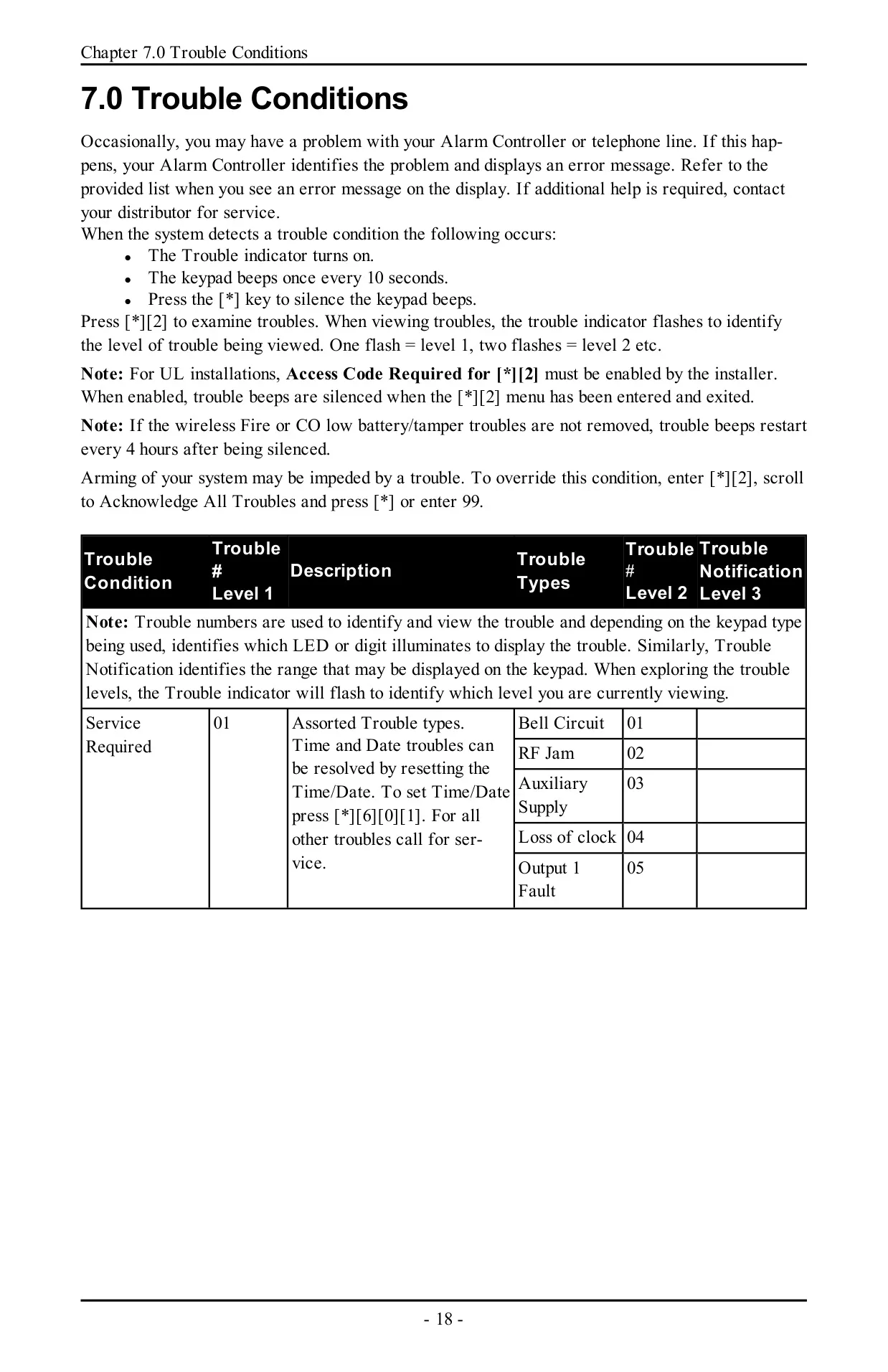
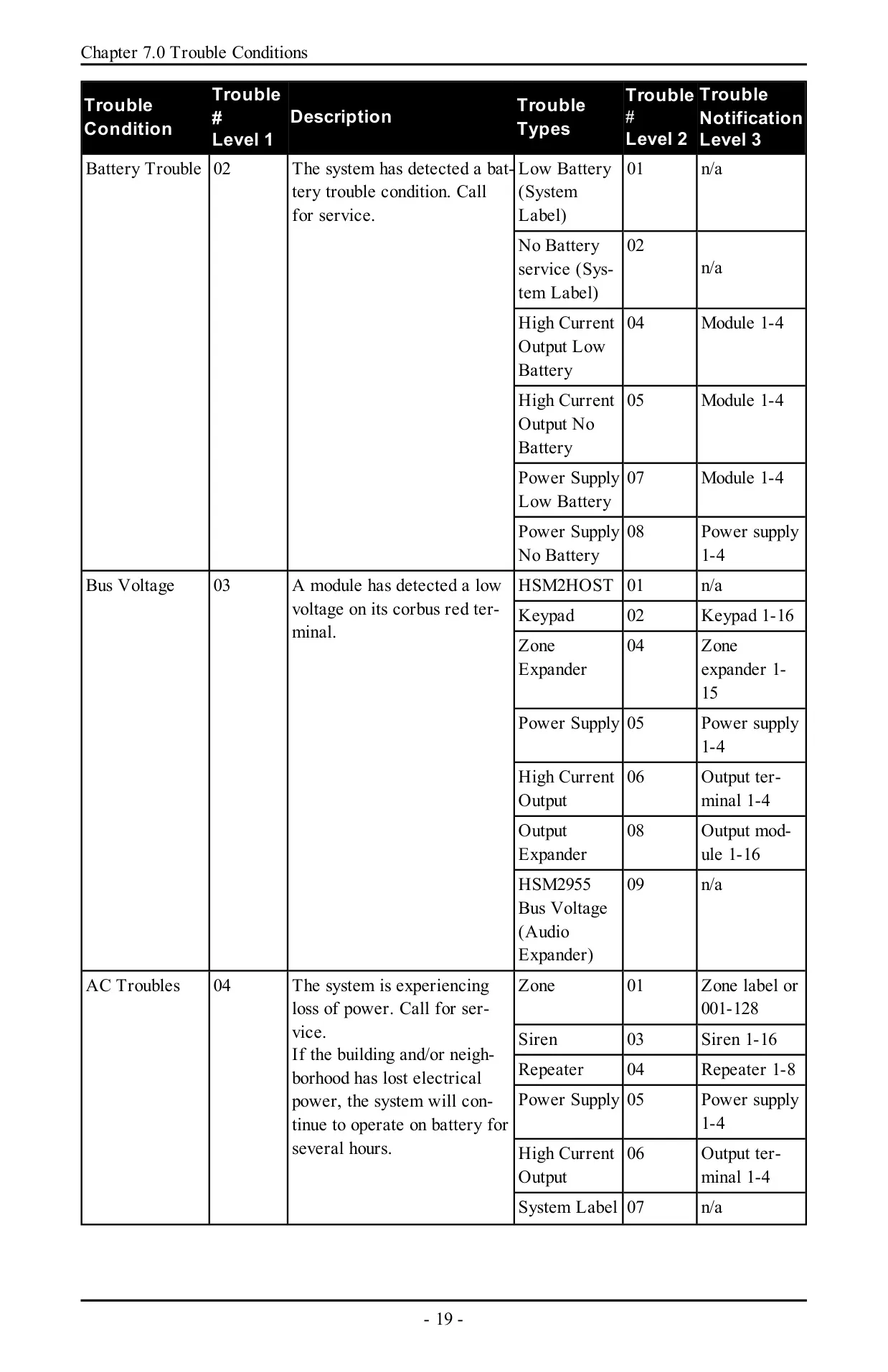
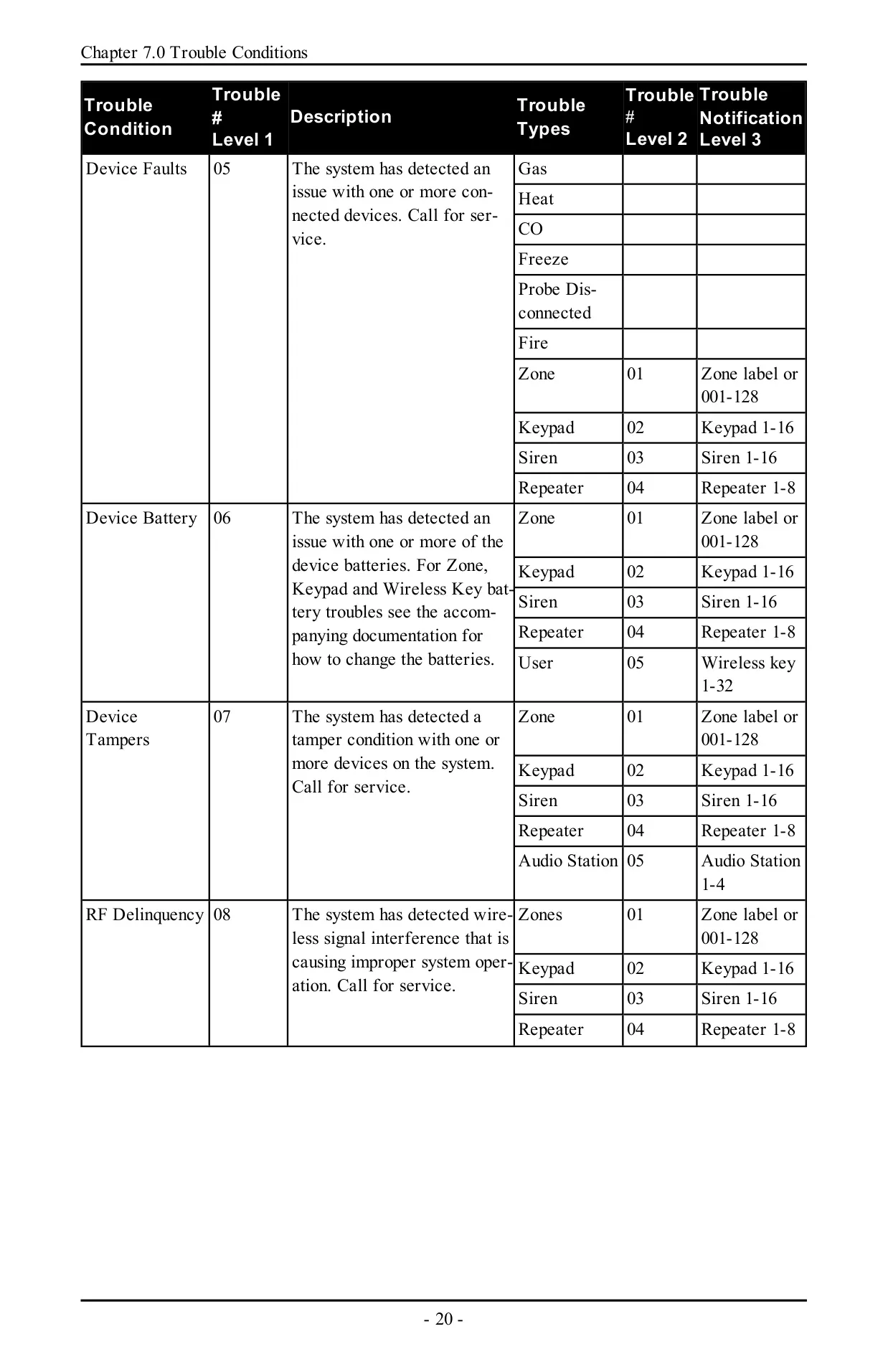
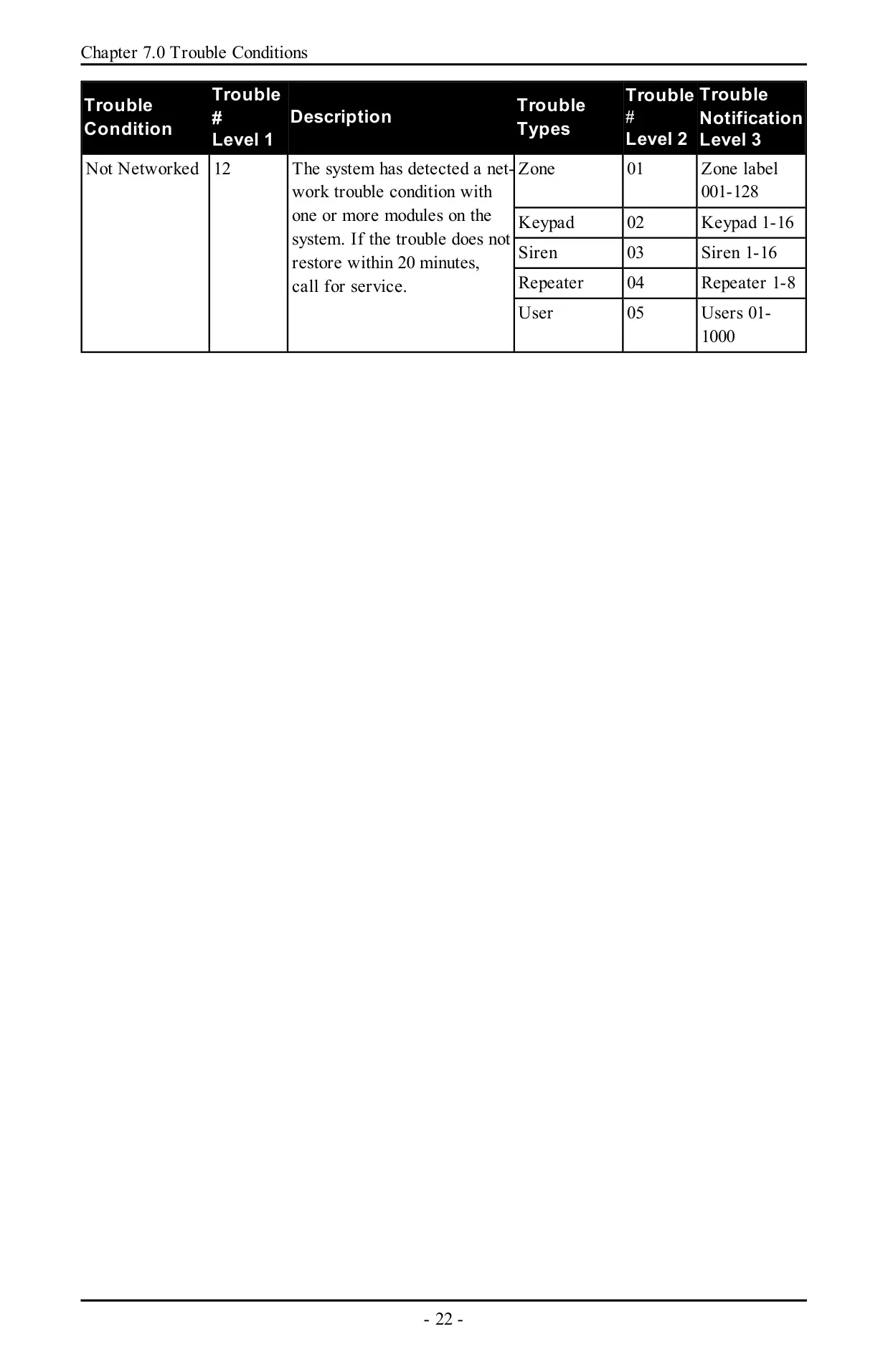
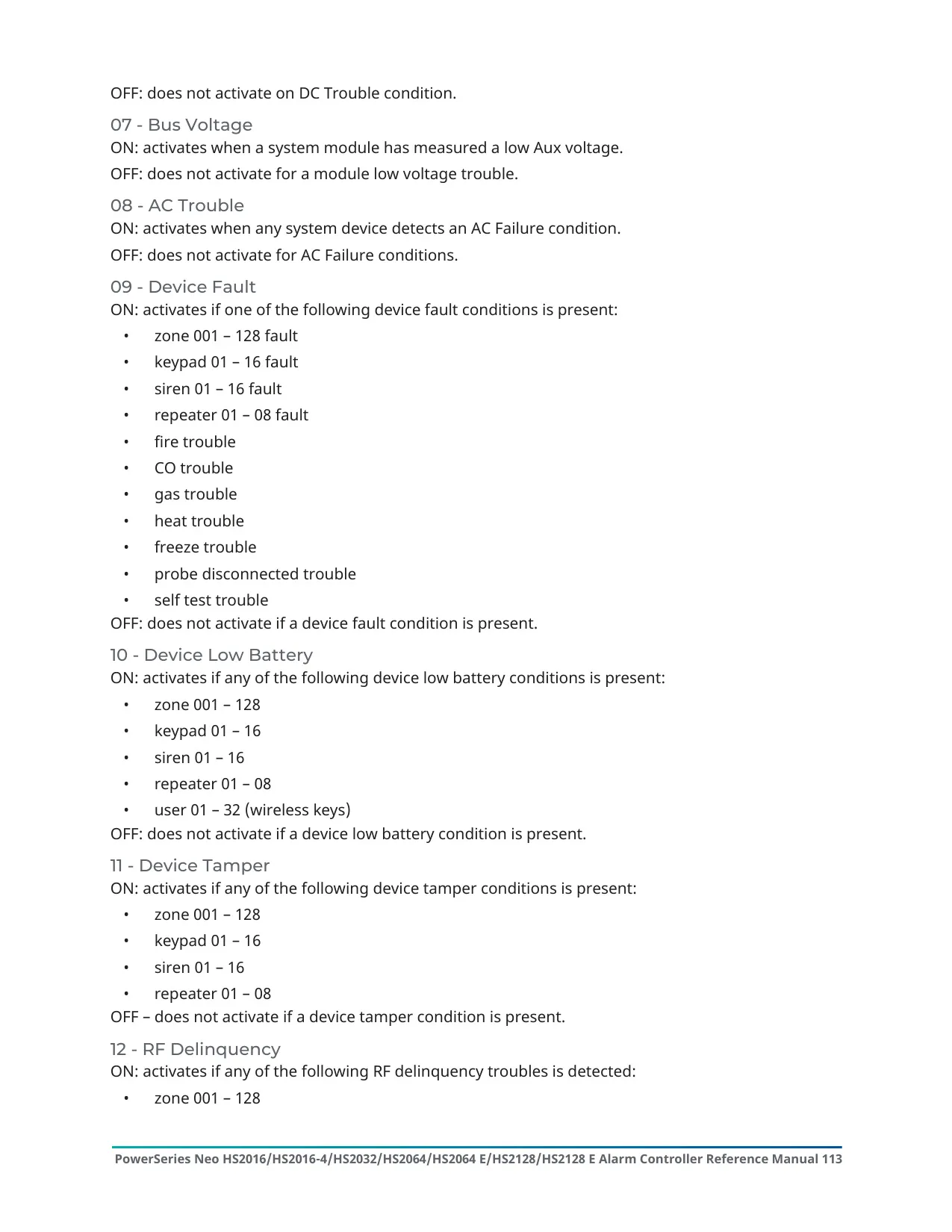
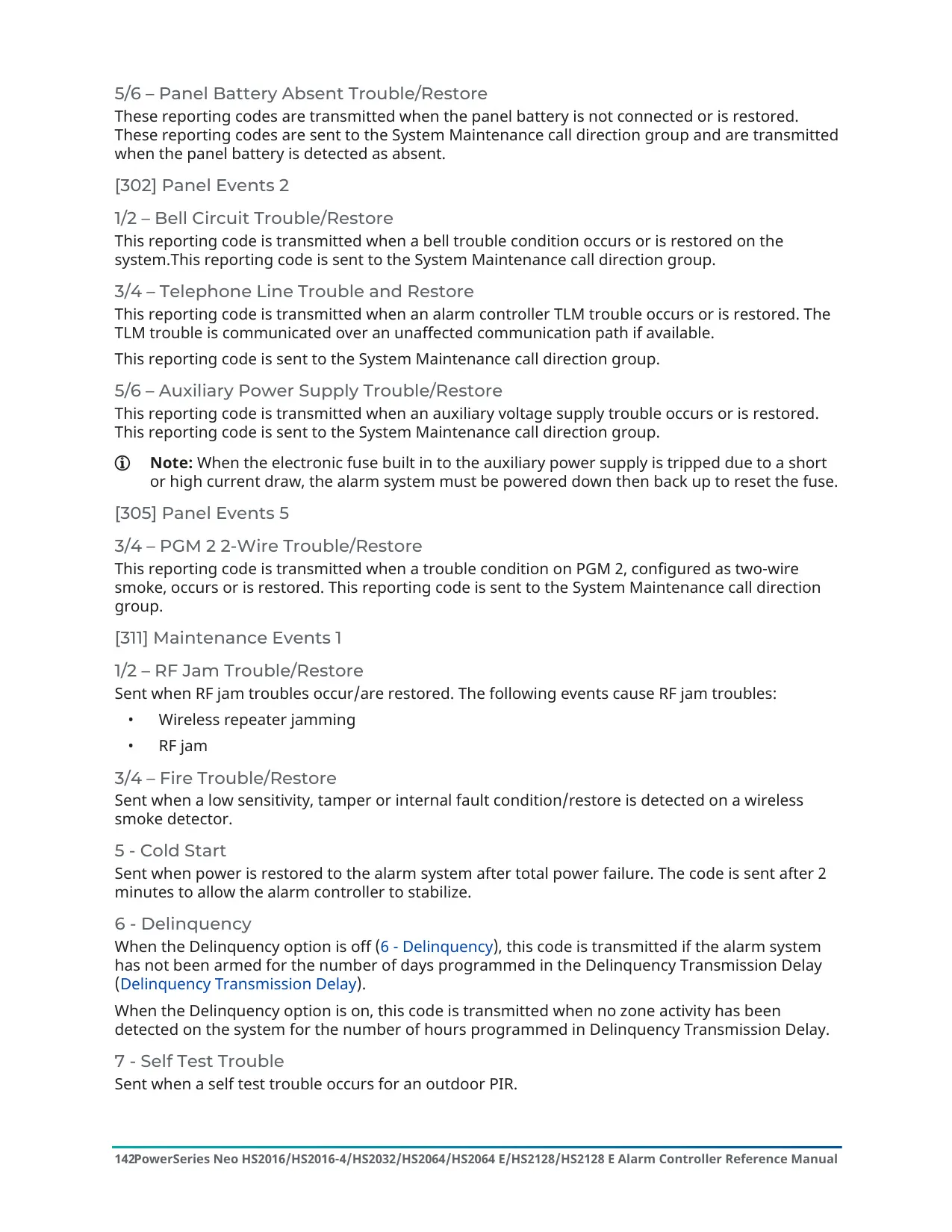
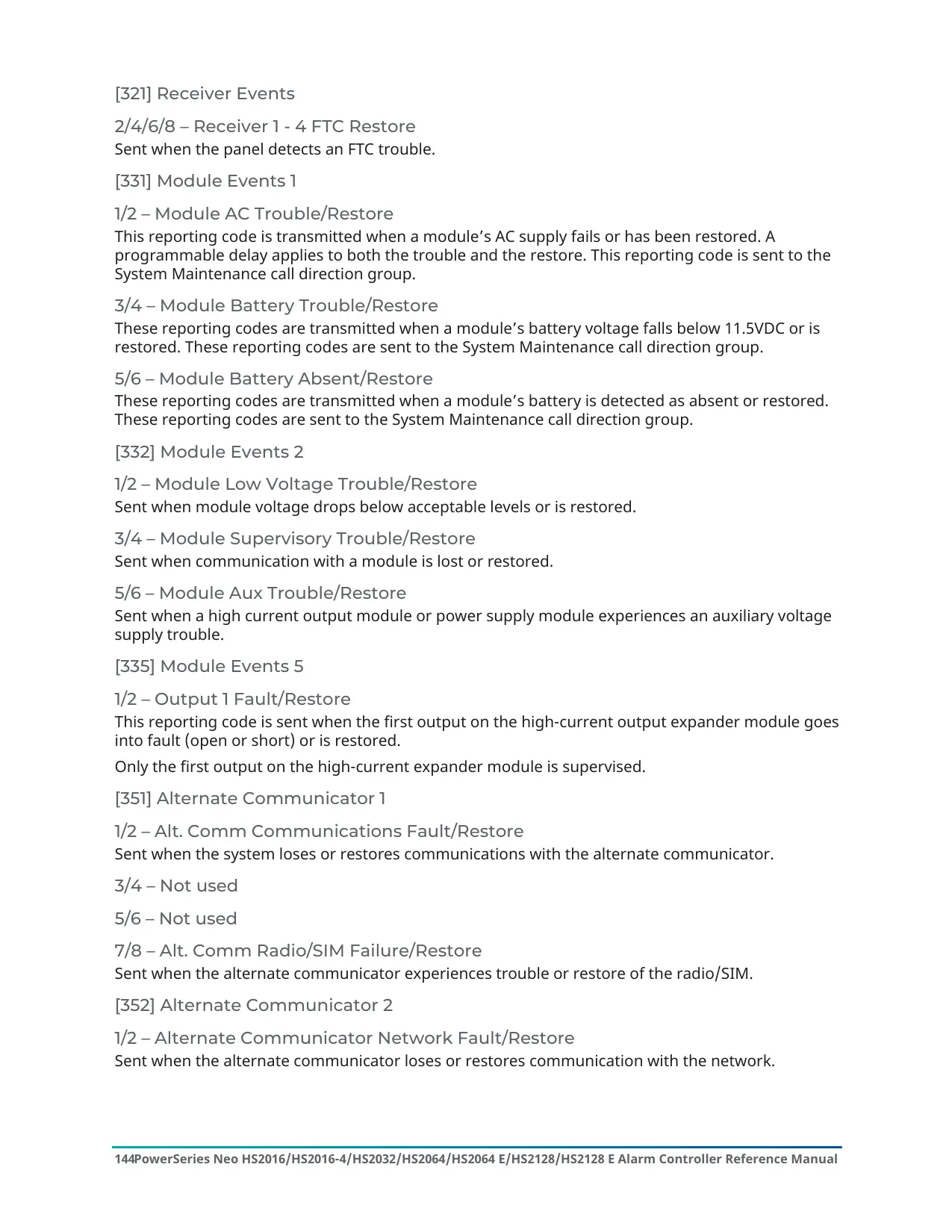
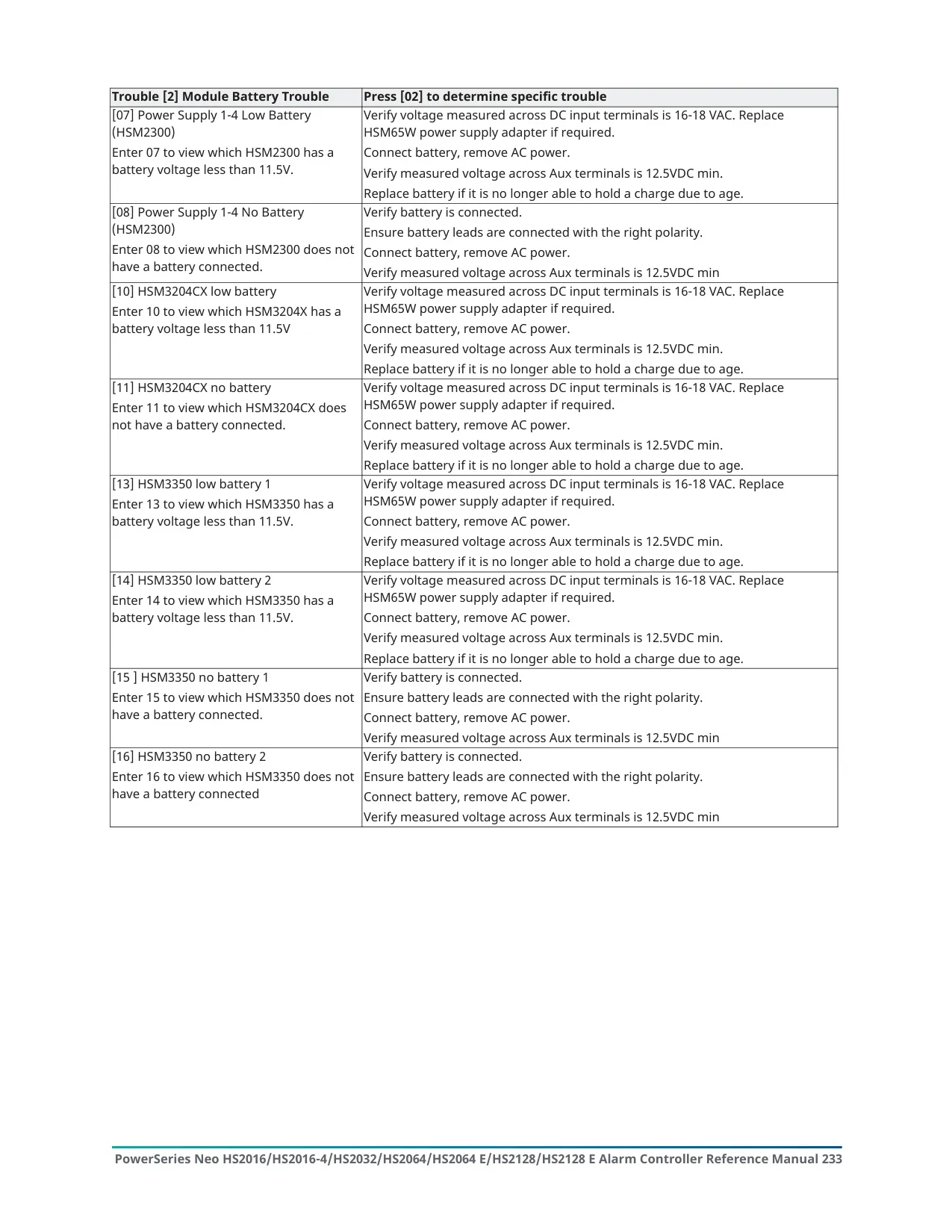
Trouble reporting works in three levels. Press [*][2] to view troubles. The Trouble indicator flashes once for level 1, twice for level 2, and so on. The 12 trouble groups include service required, battery, bus voltage, AC, device faults, tampers, RF delinquency, module supervision, communications and network faults. If wireless fire or CO low-battery or tamper troubles are not fixed, the trouble beeps start again every 4 hours.
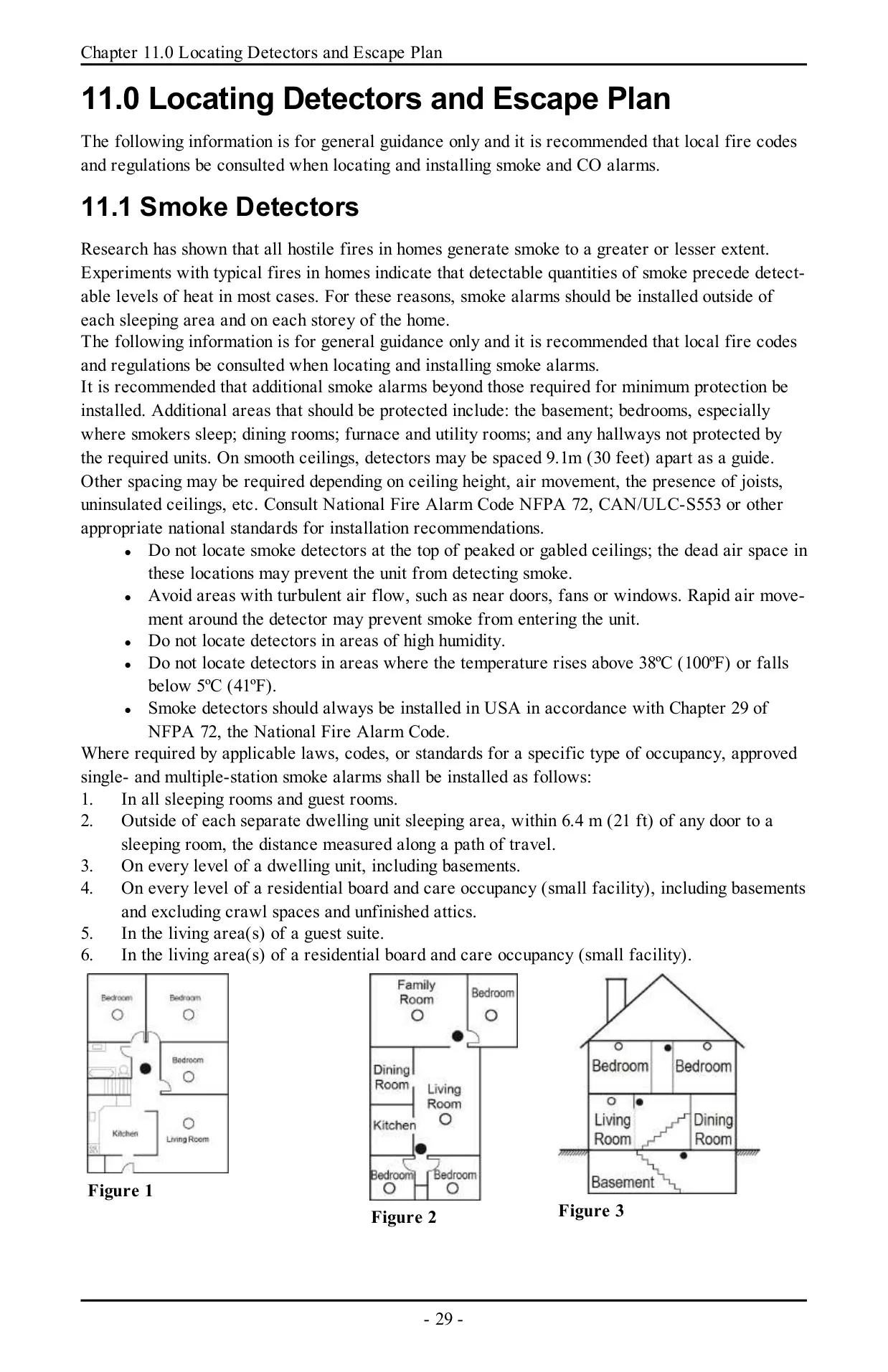
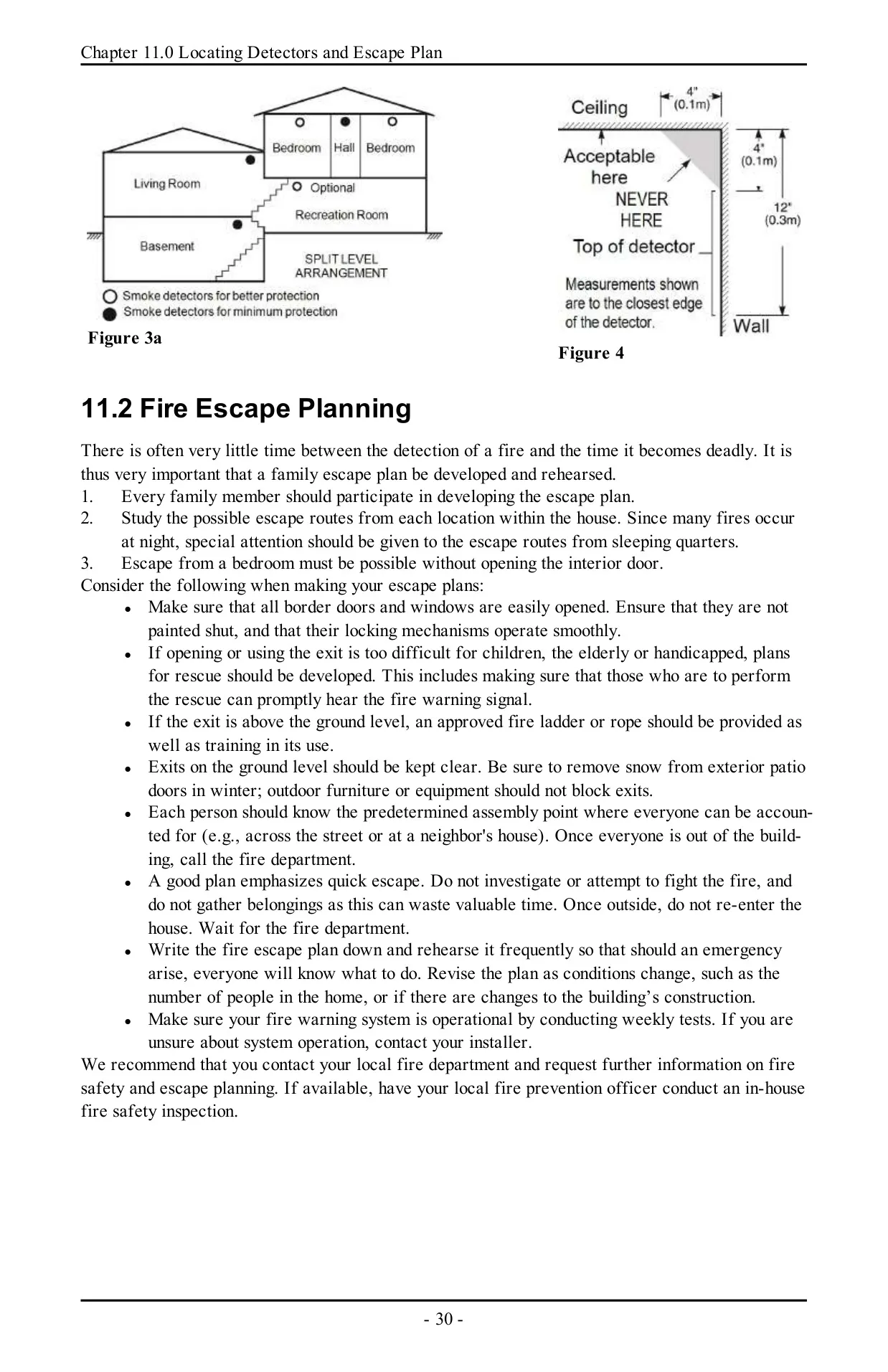
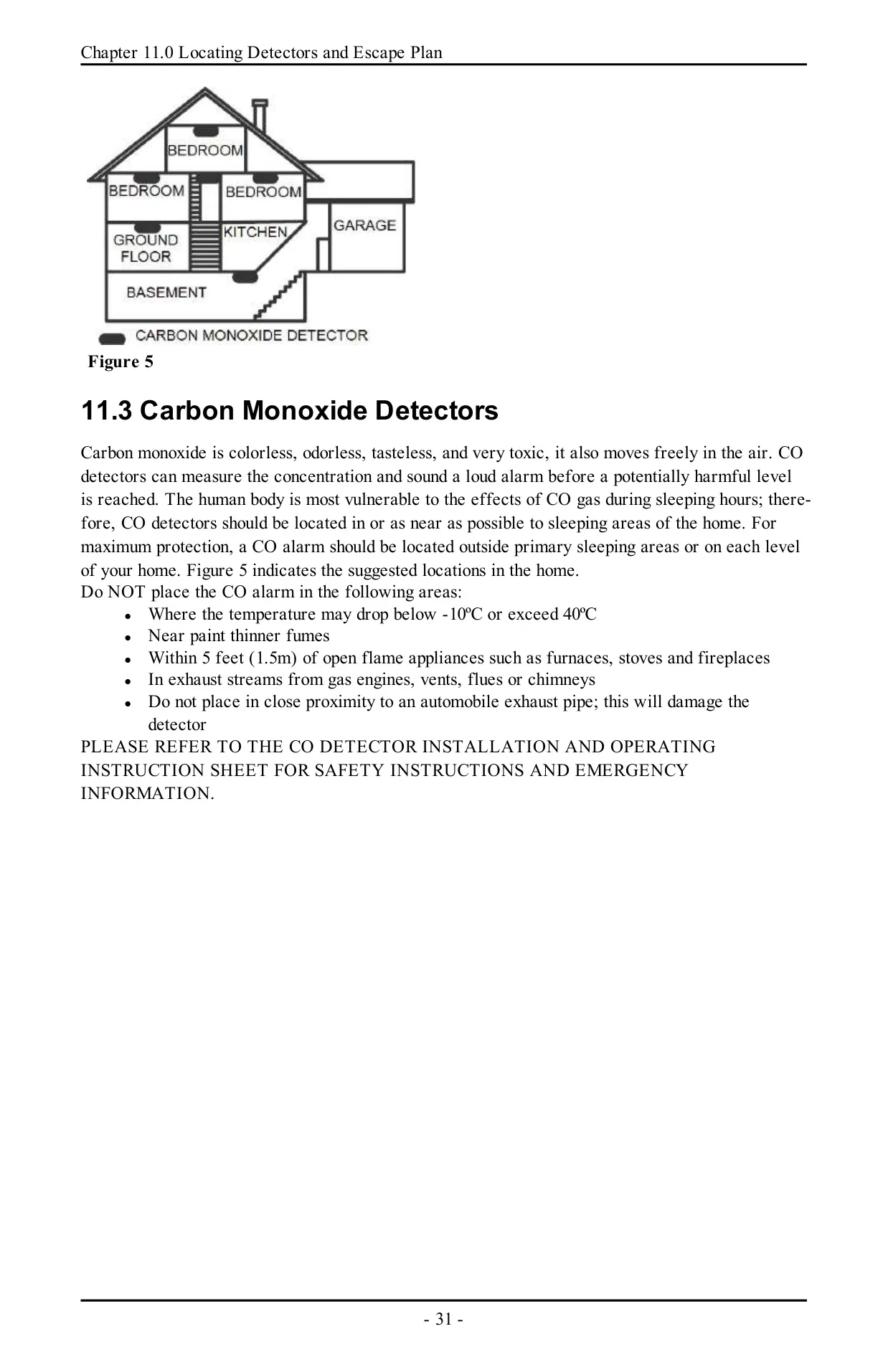
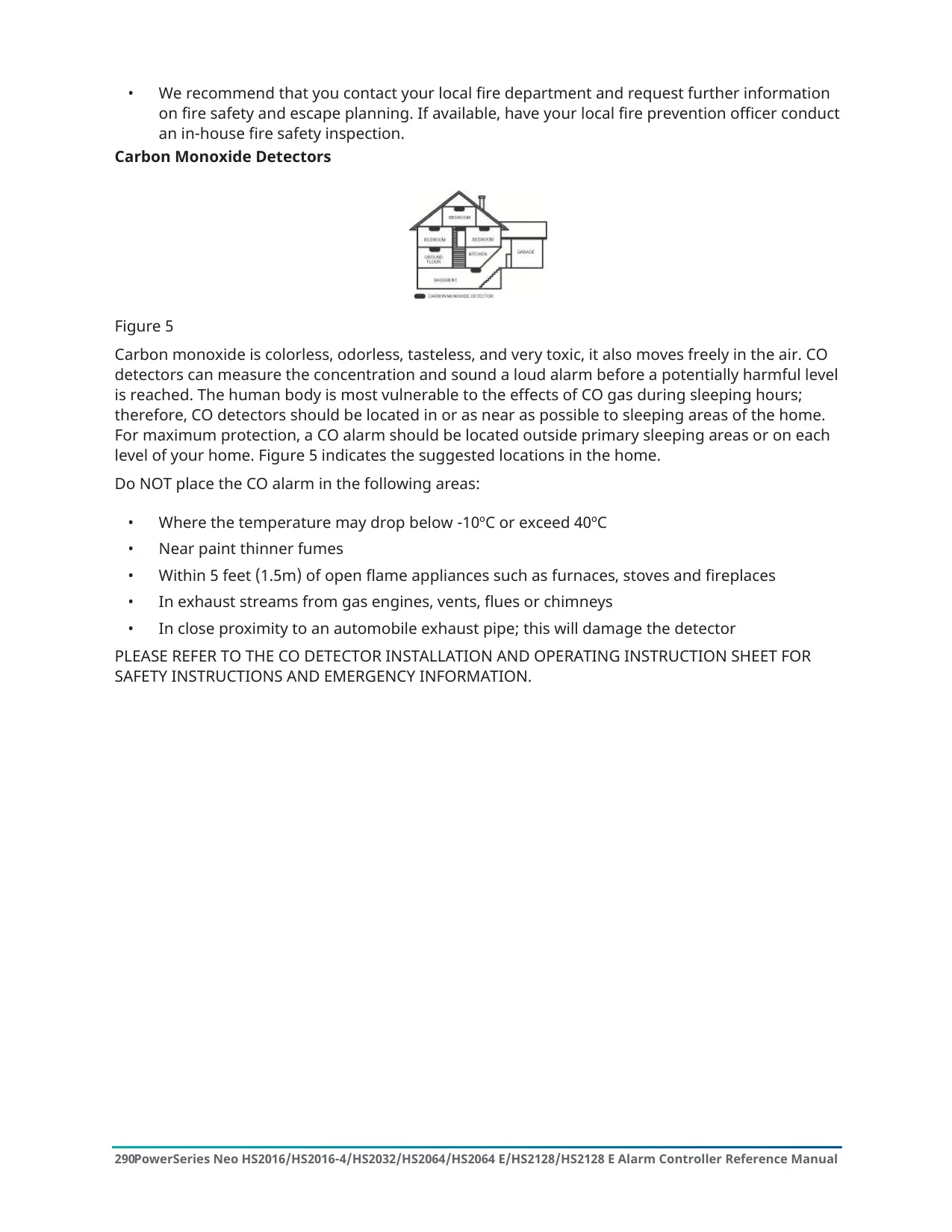
When AC power is lost, the system keeps running on battery for several hours. Clean the units only with a damp cloth. Do not use alcohol, abrasives, solvents or aerosol sprays. The manual also explains how to place smoke and CO detectors and how to plan a fire escape. It notes that smoke detectors on smooth ceilings can be spaced about 9.1 m (30 ft) apart.
Frequently Asked Questions (FAQs)
Can't find the answer you need? Here are some frequently asked questions about the DSC Neo HS2128 Security System, and we answer them below.