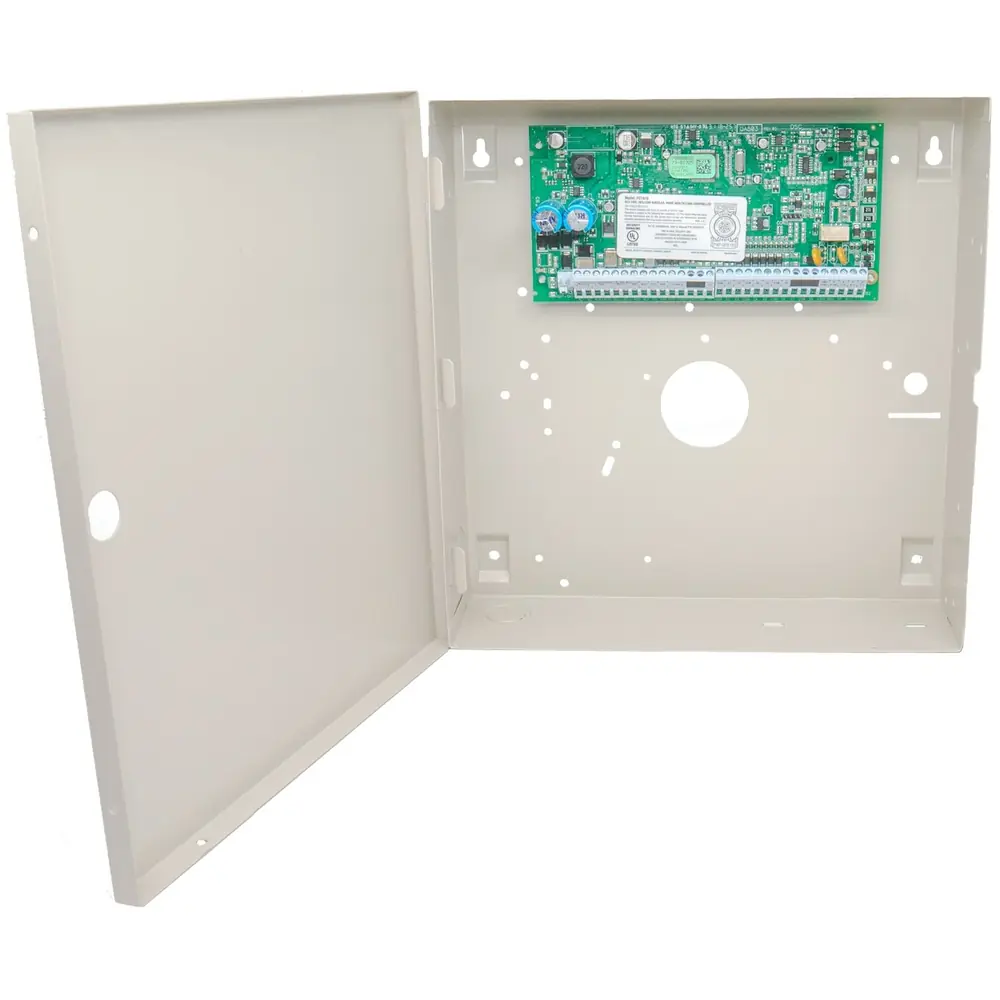
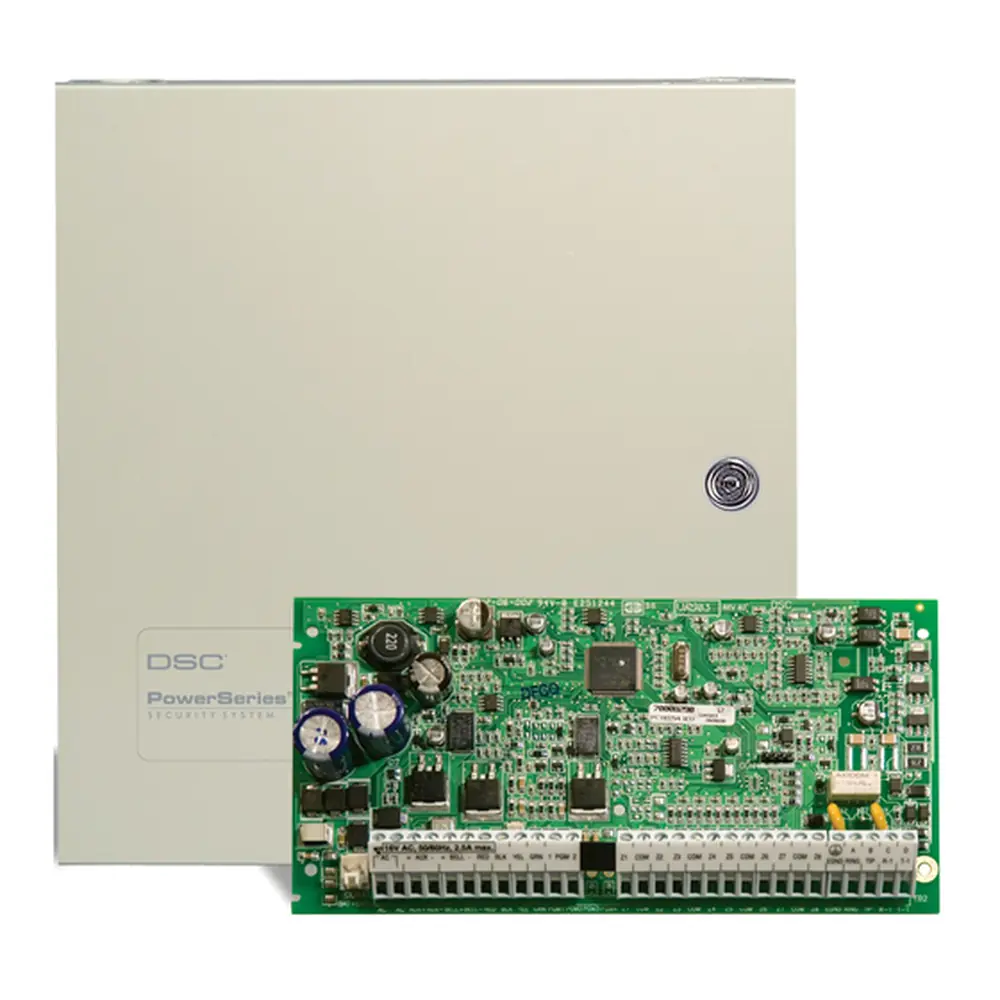
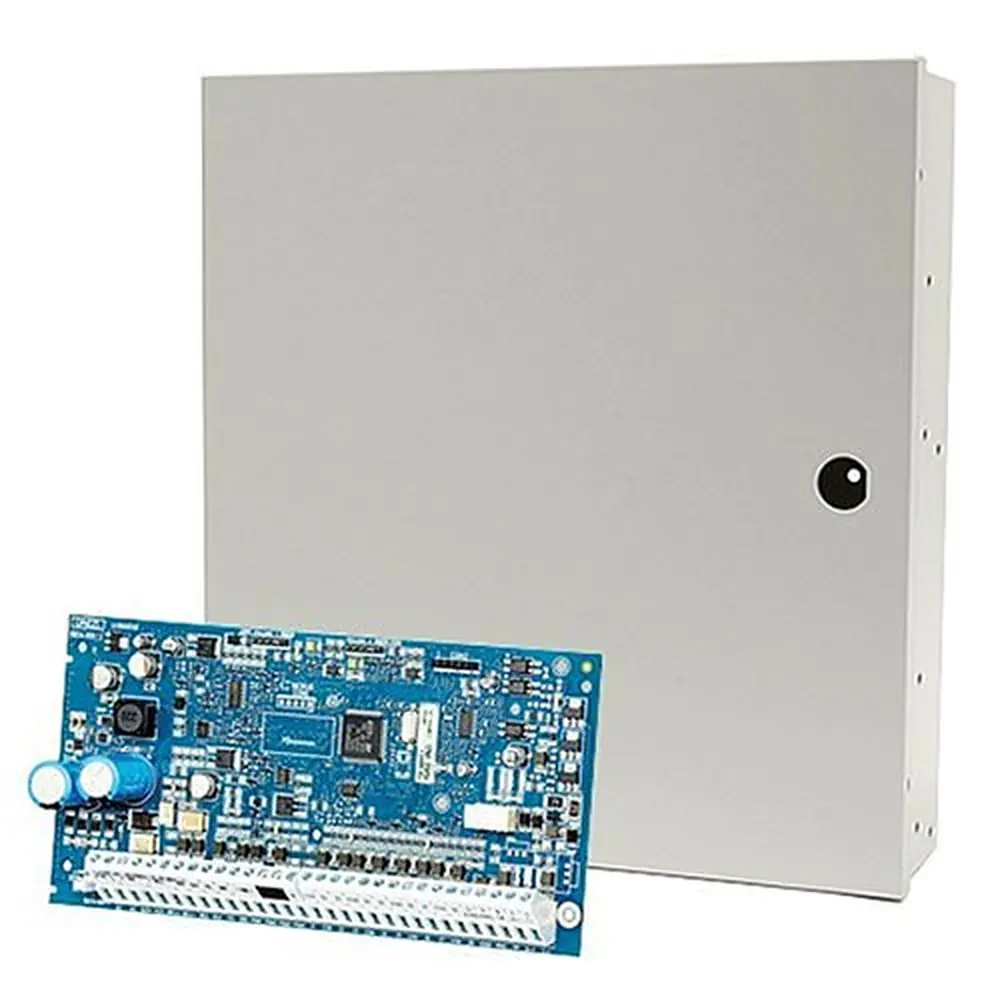
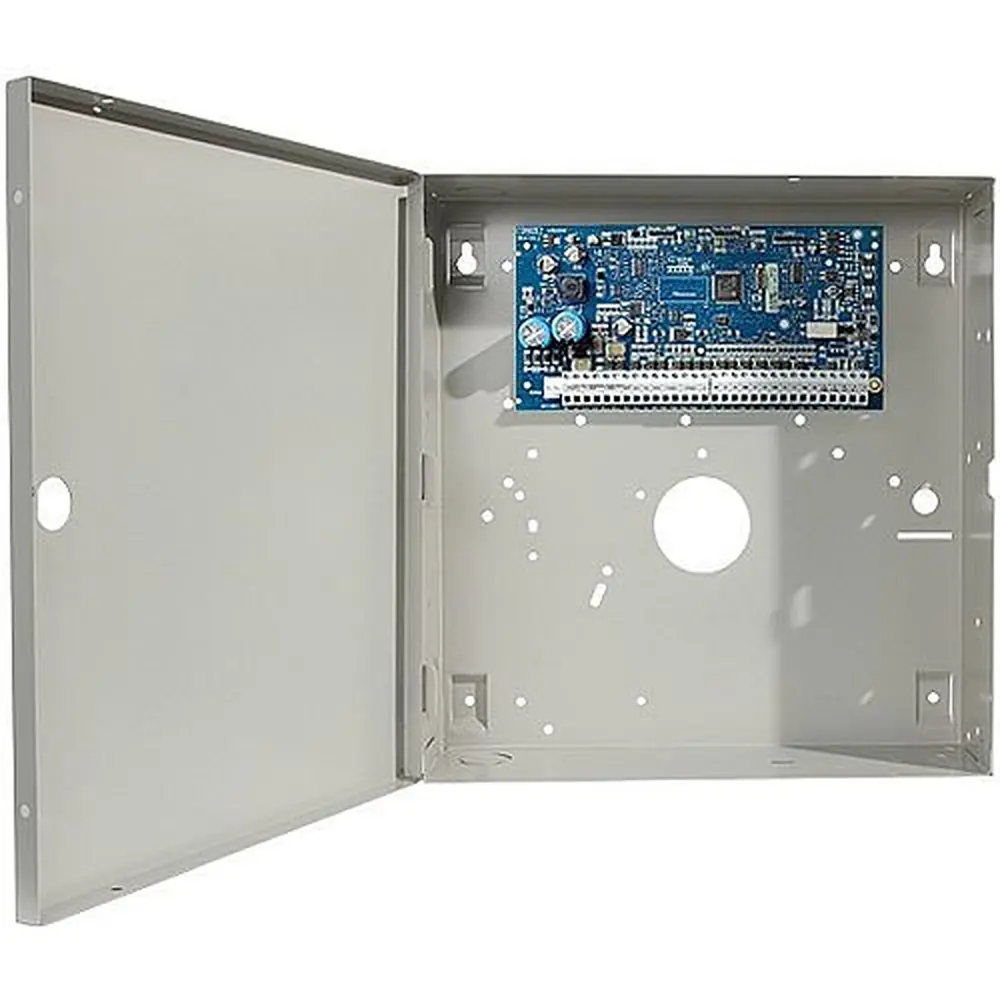
DSC Neo HS2064 Security System Instruction Manual
DSC Neo HS2064 Security System














DSC Neo HS2064 Security System
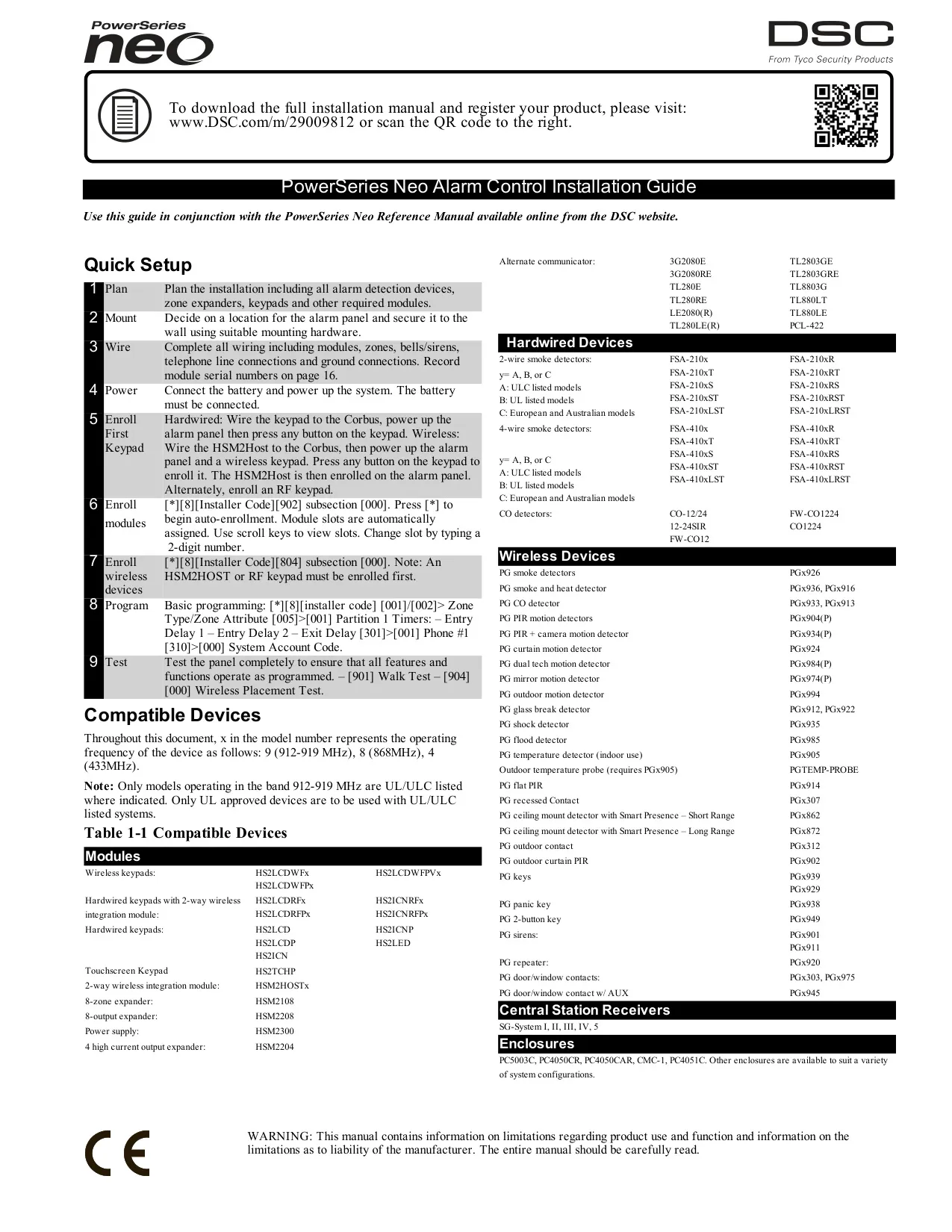


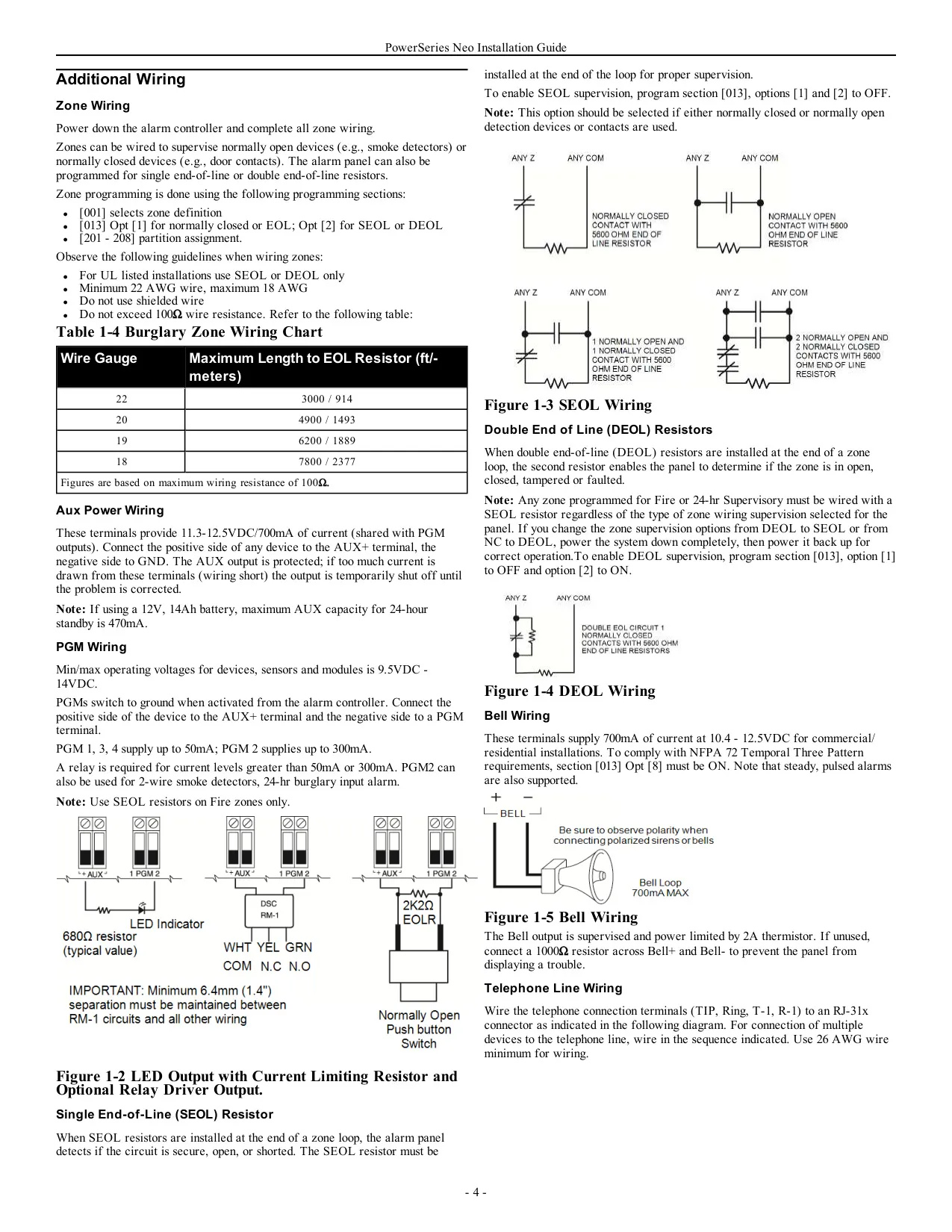
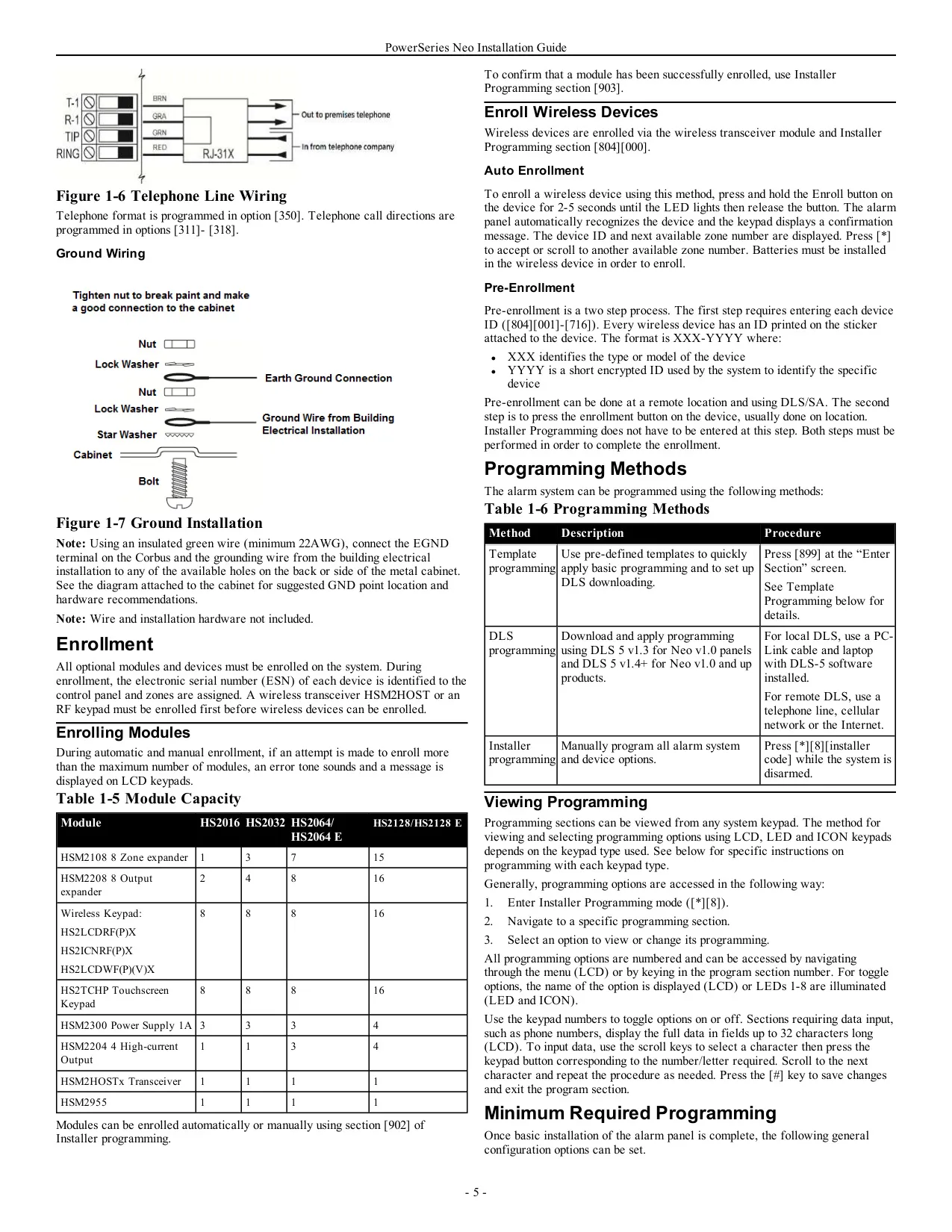
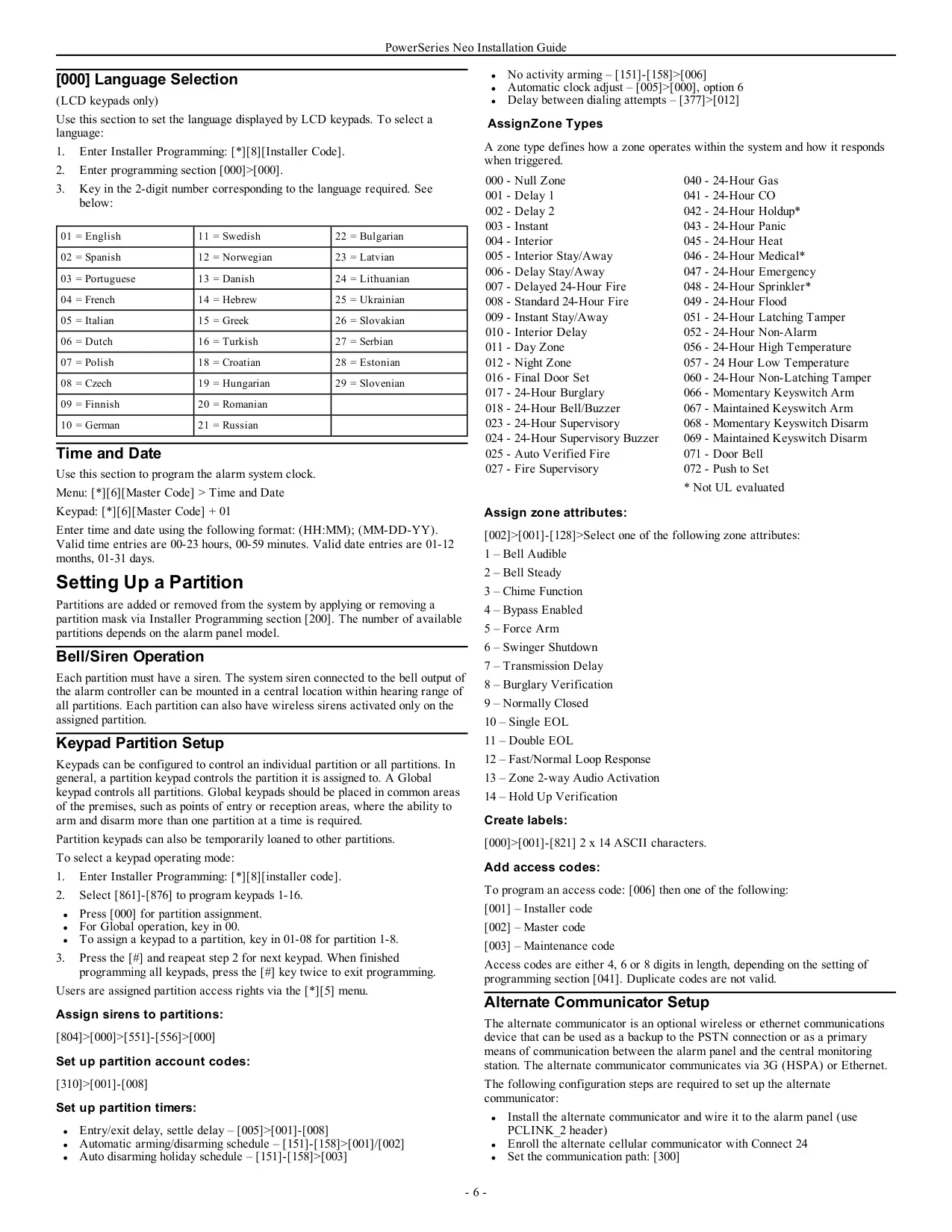


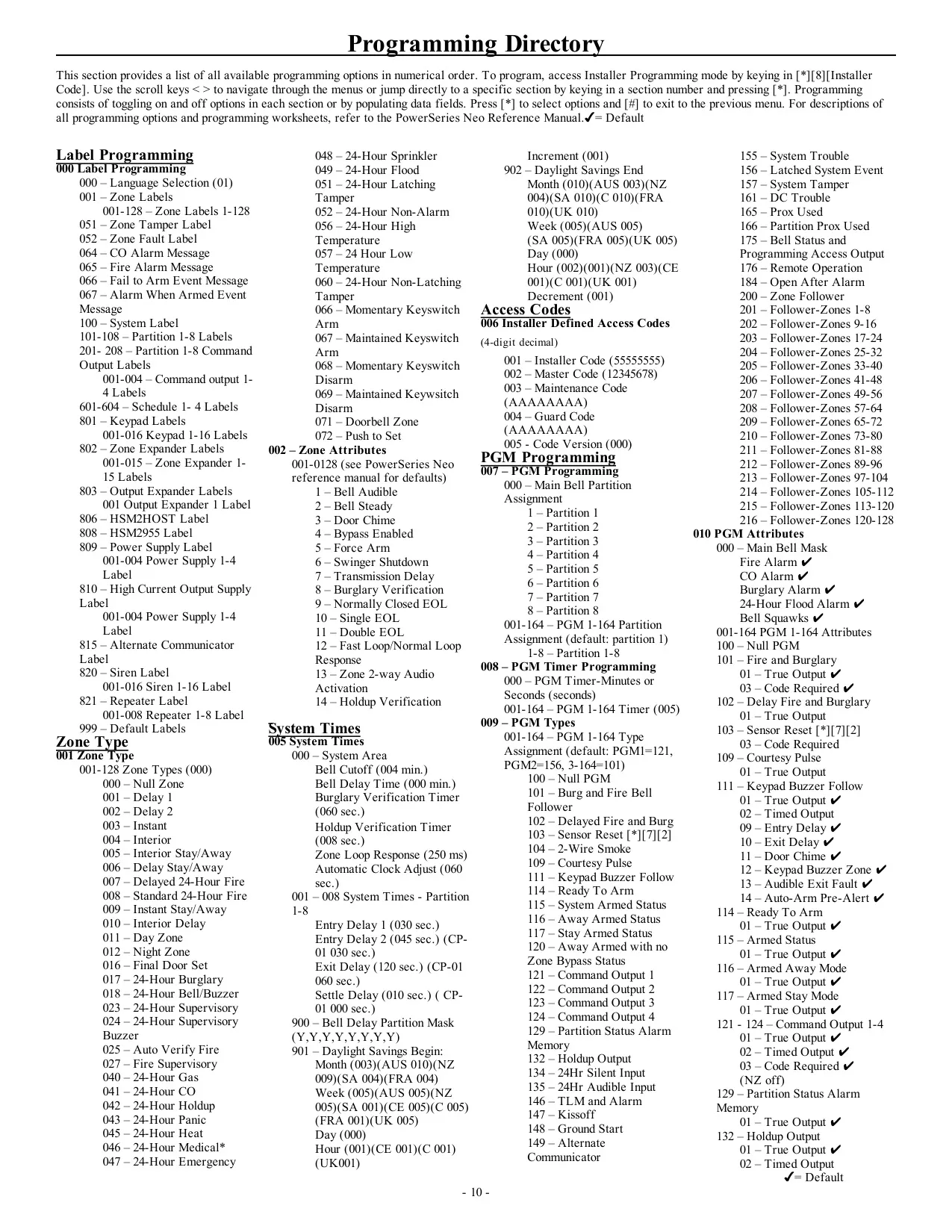


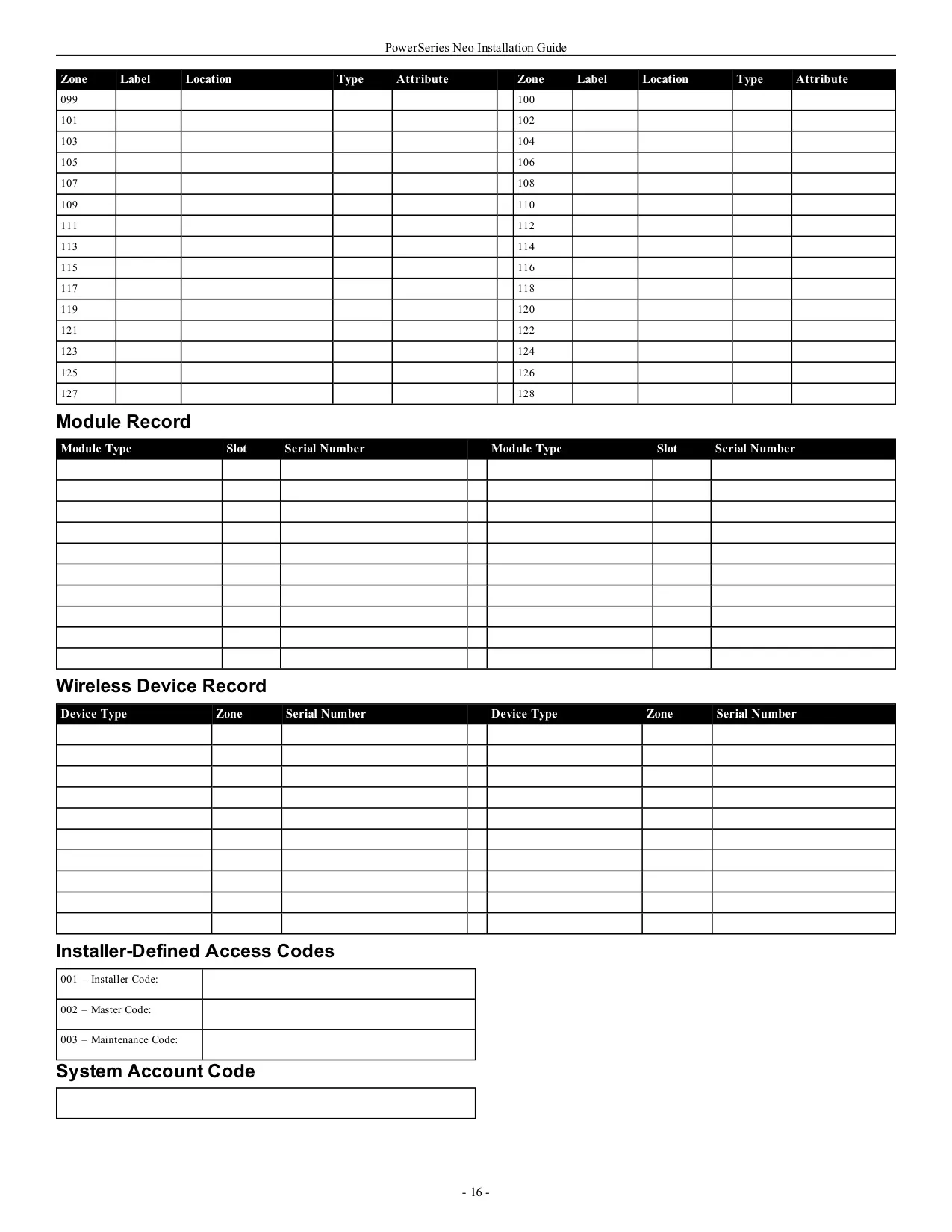

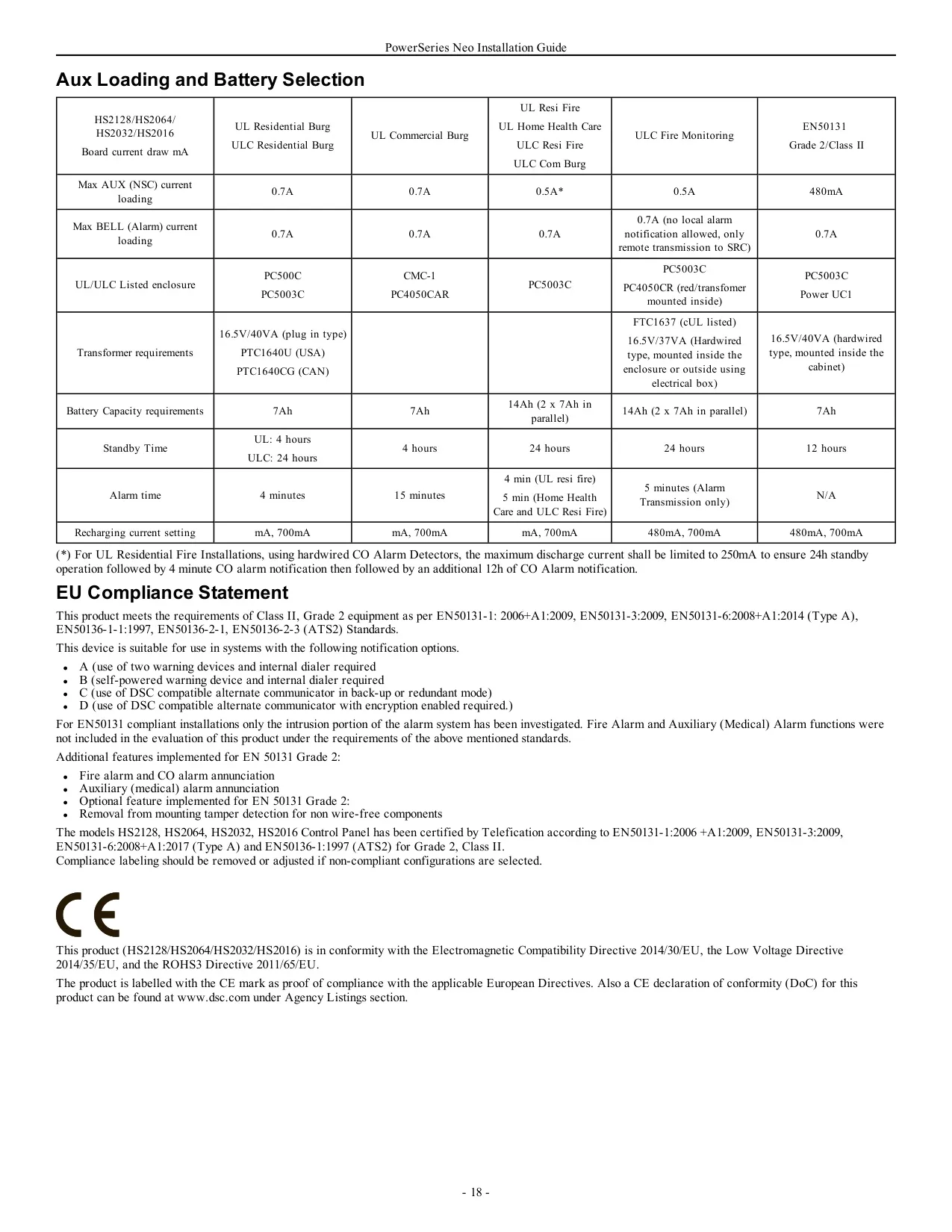


DSC Neo HS2064 Security System








































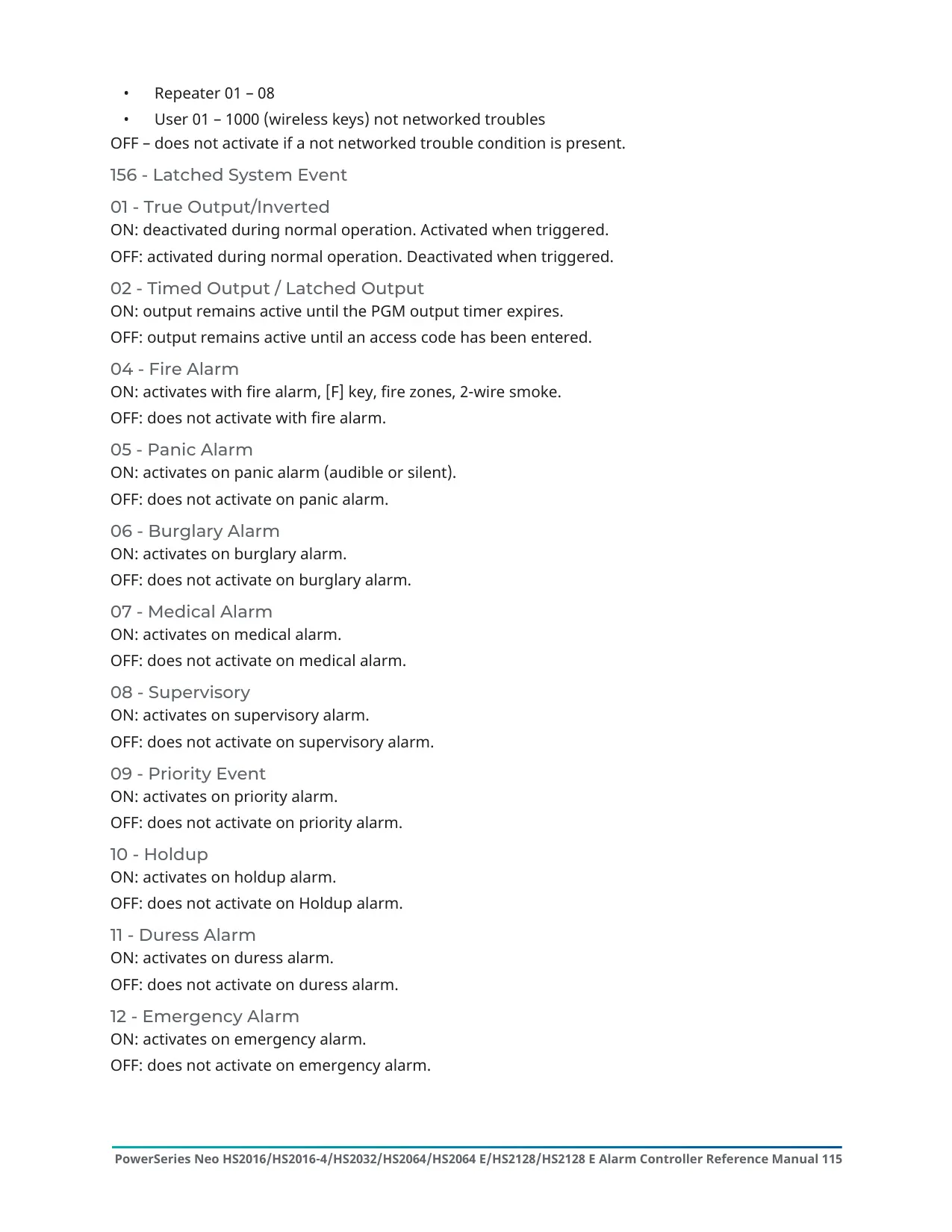


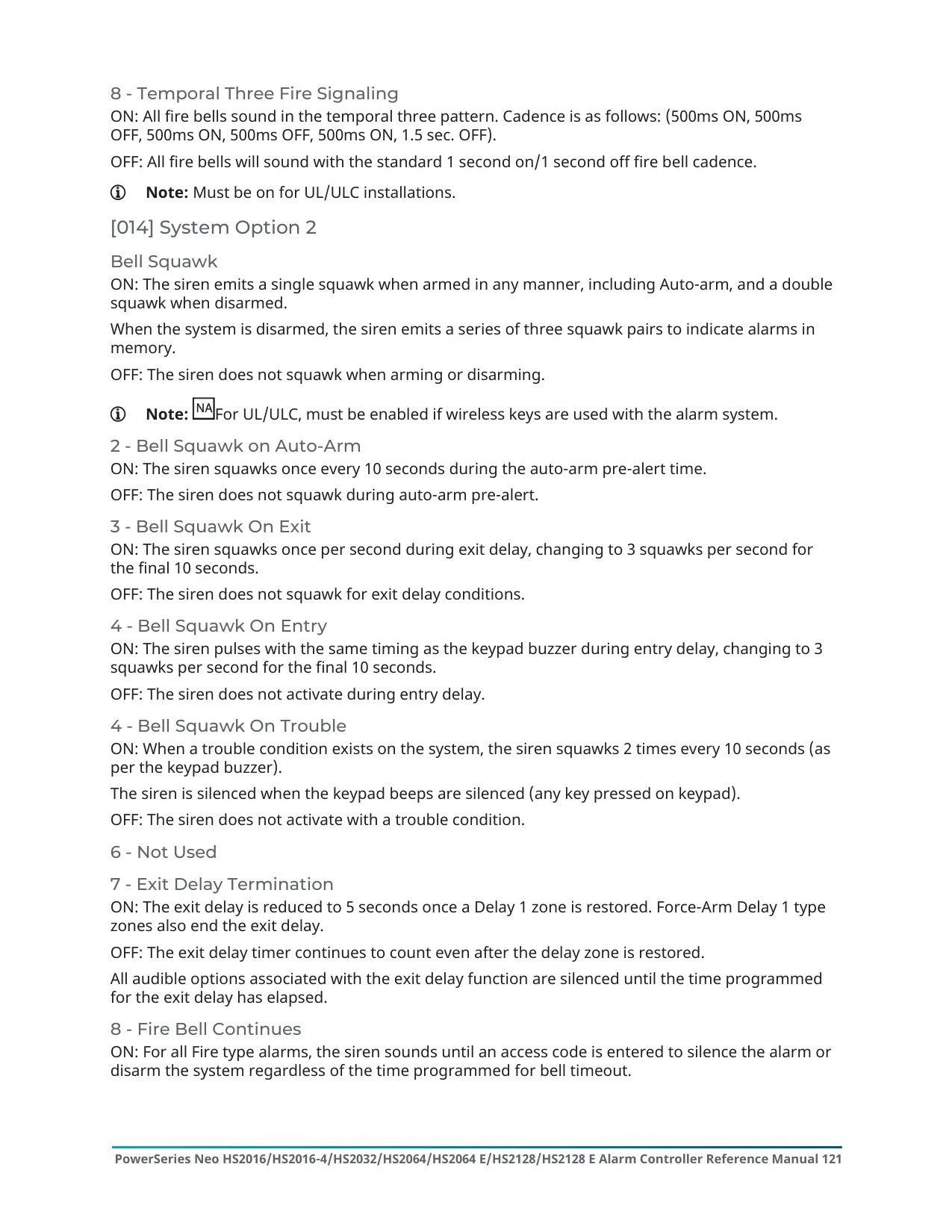


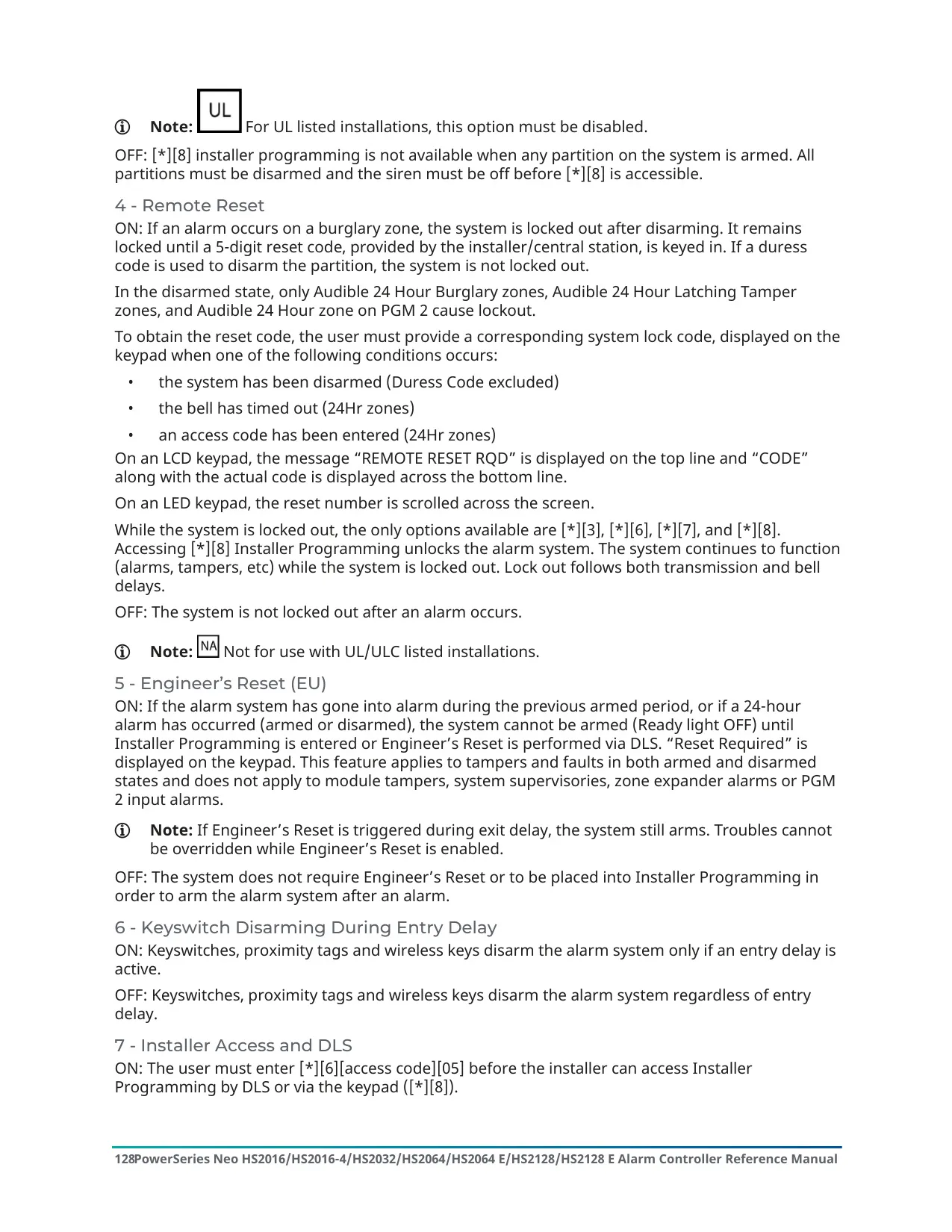
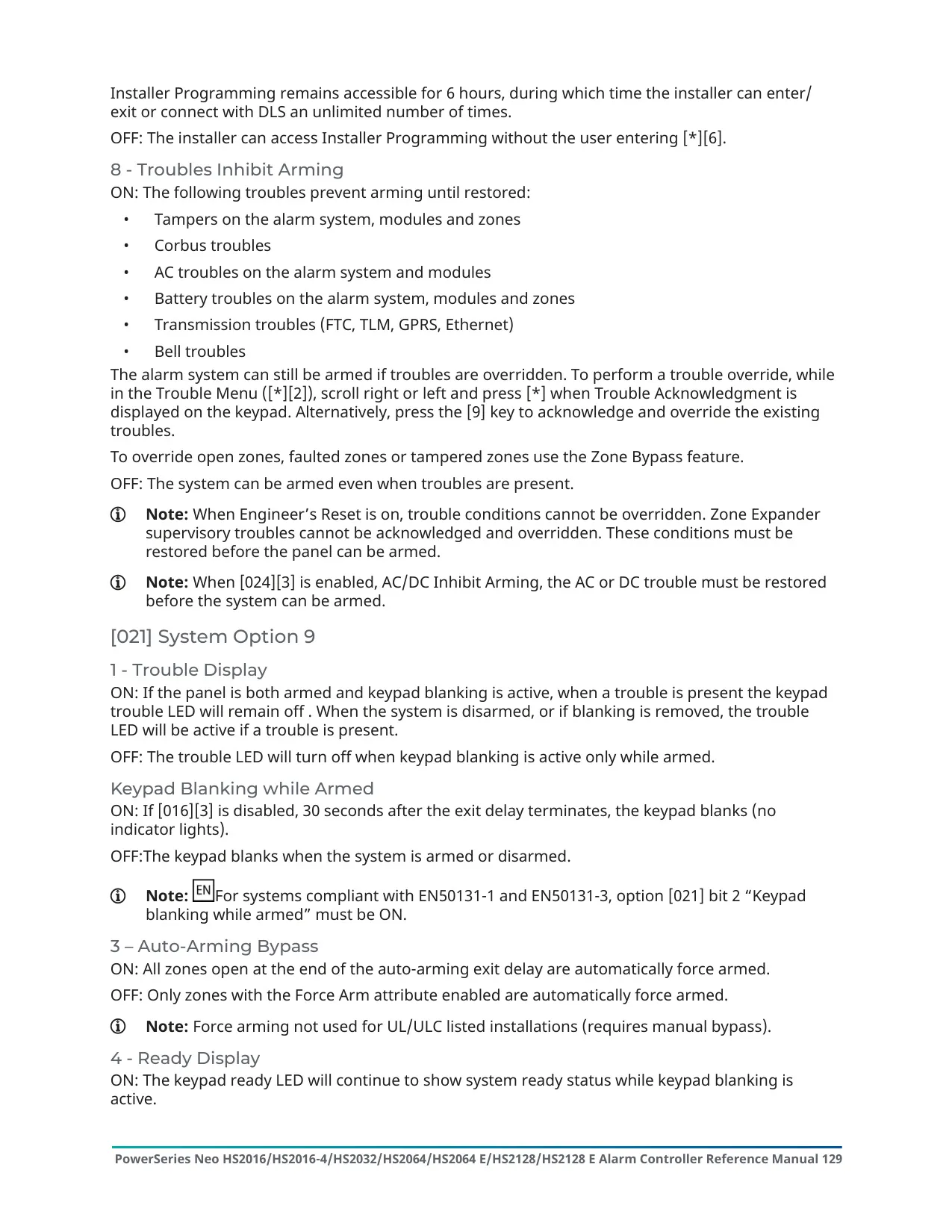

















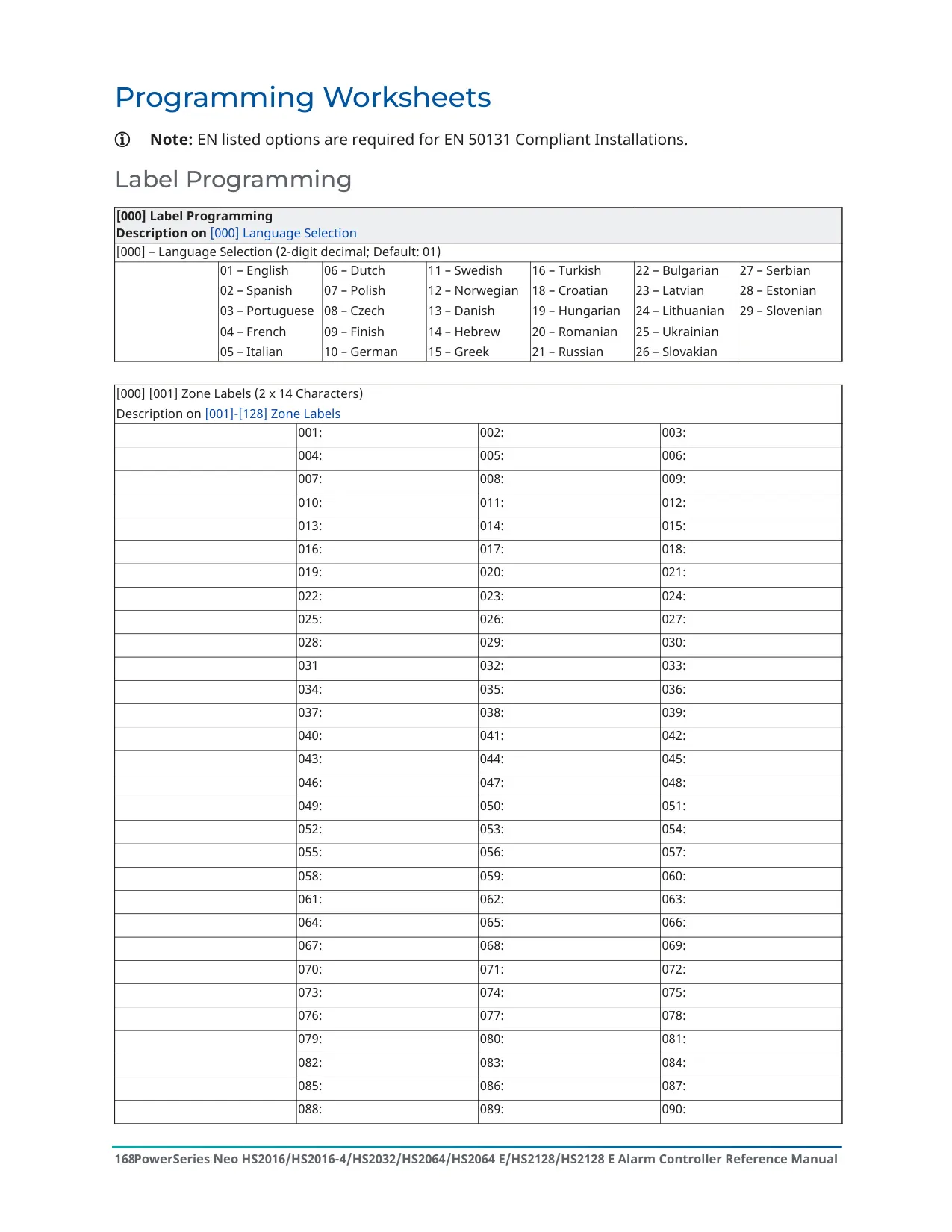
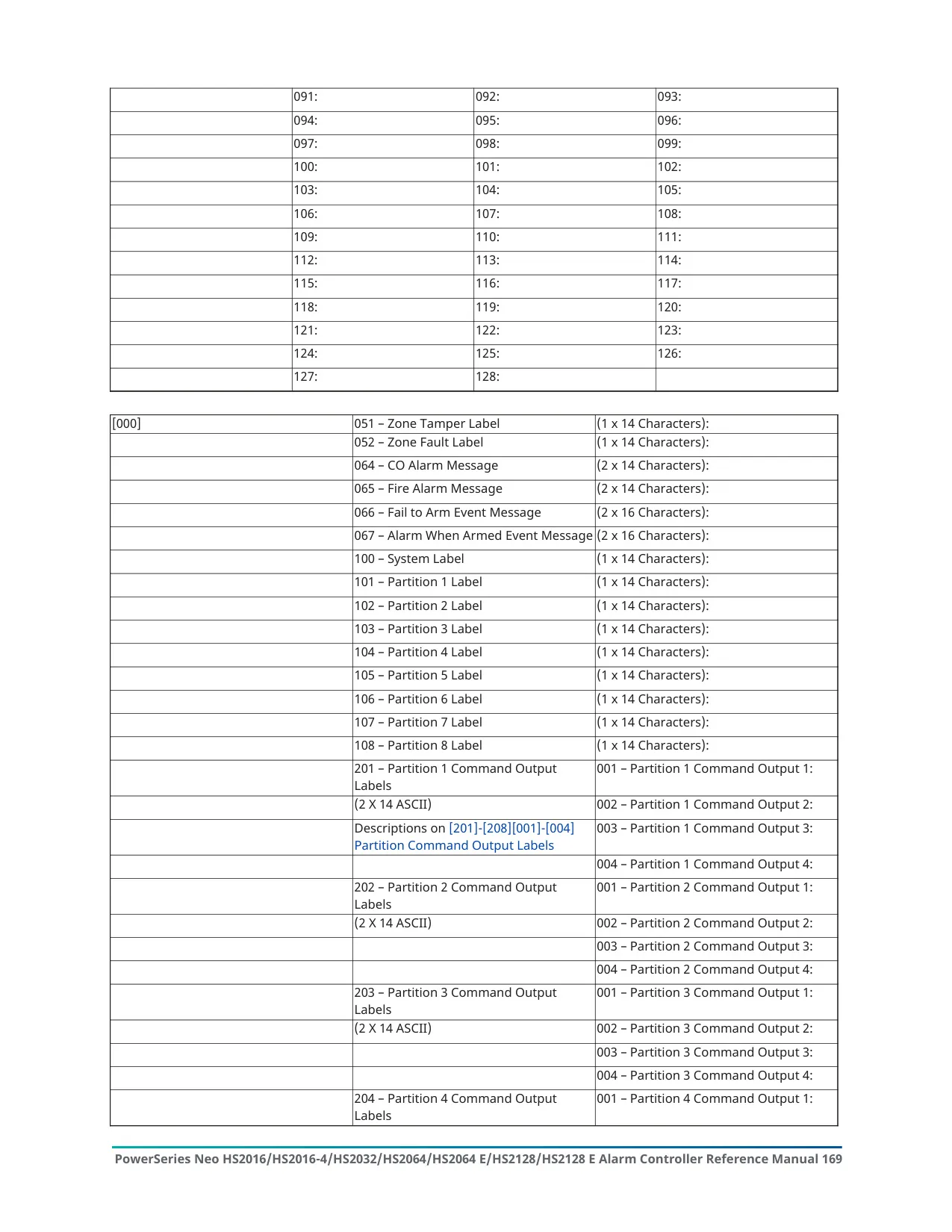


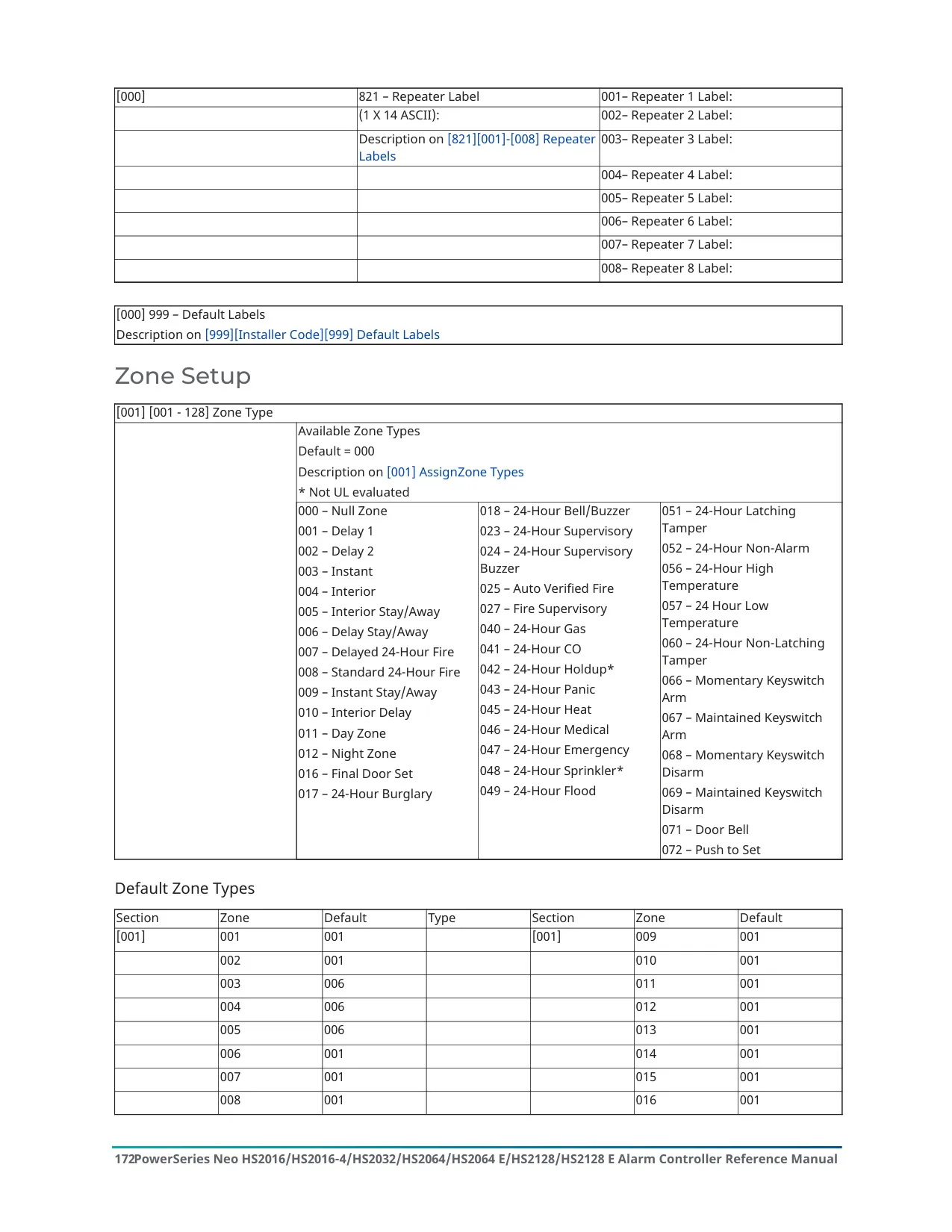

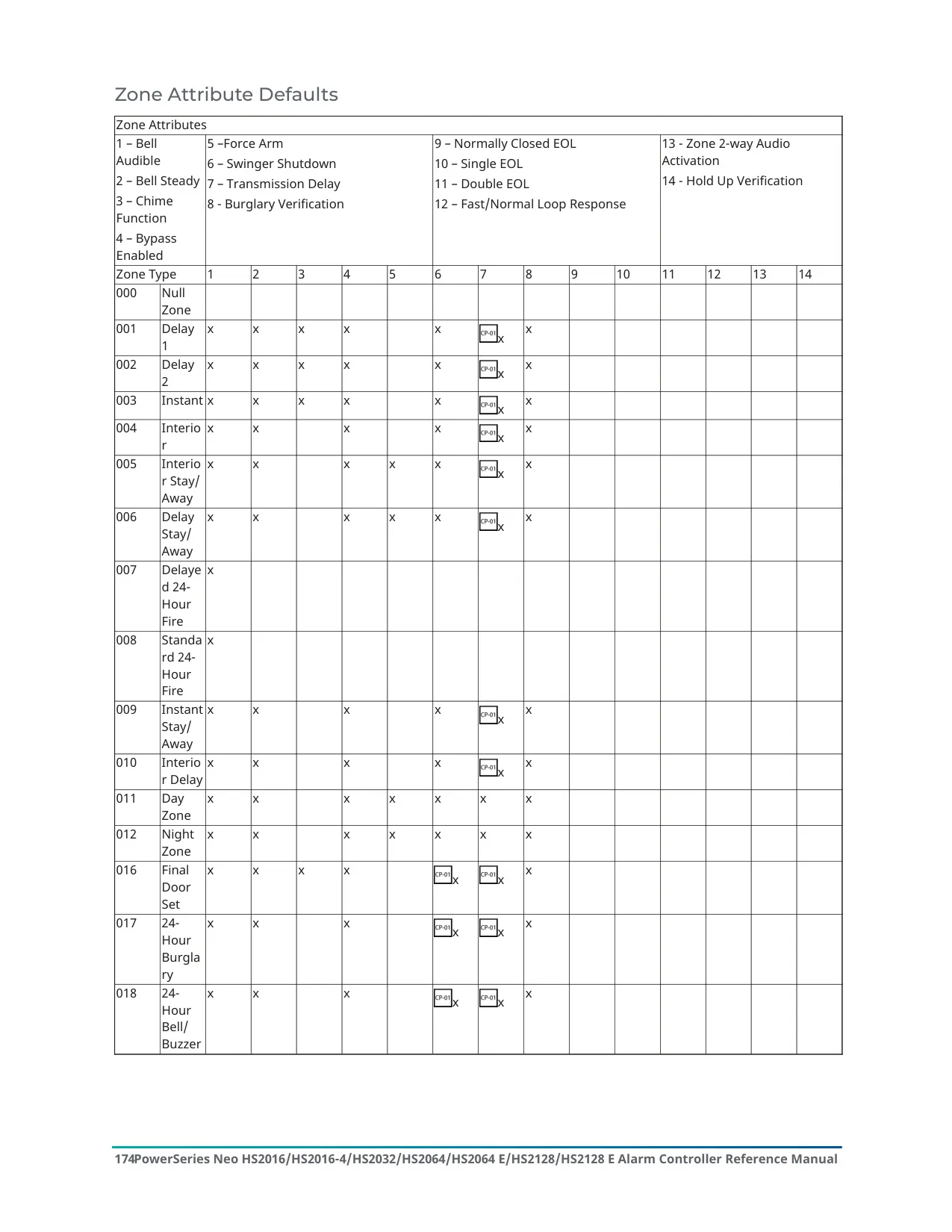


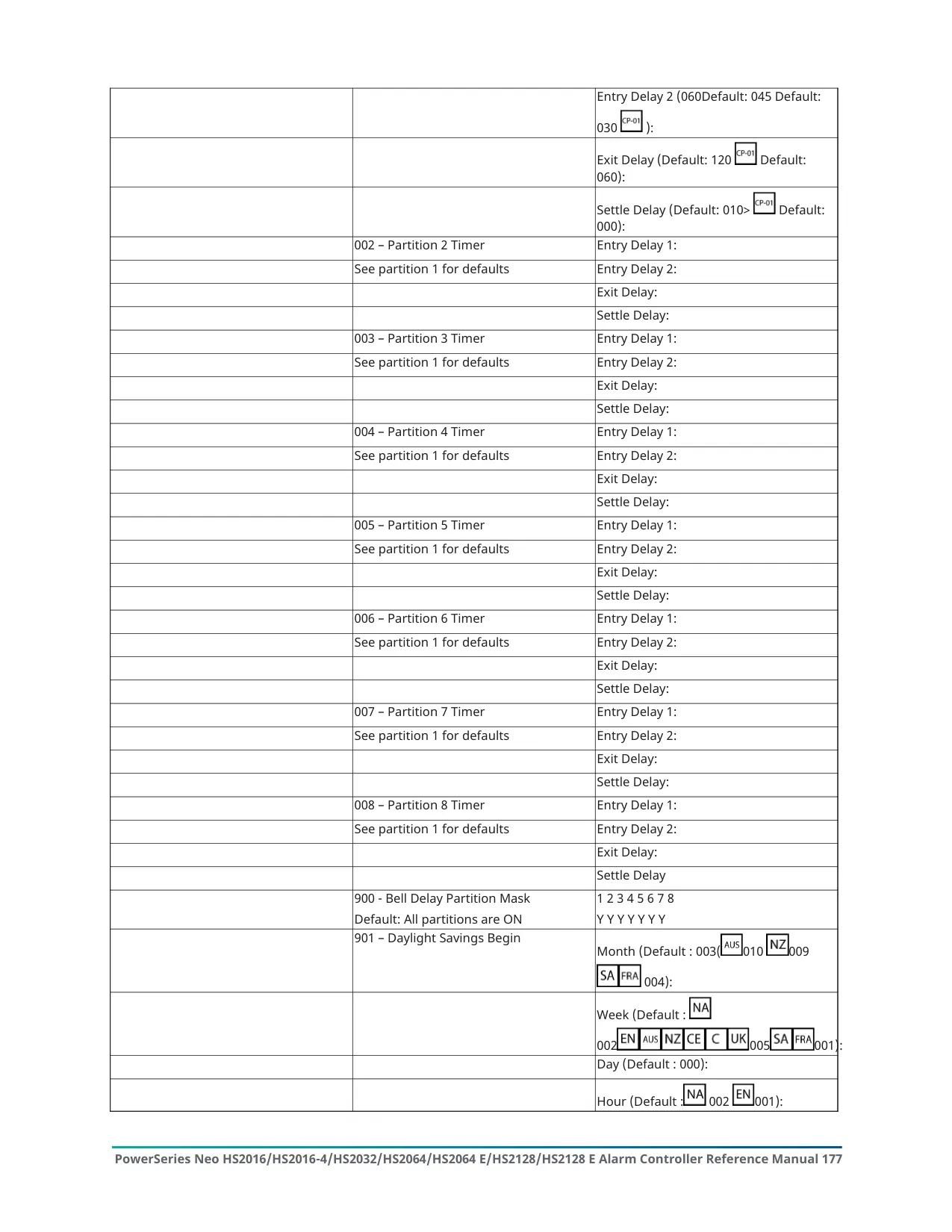


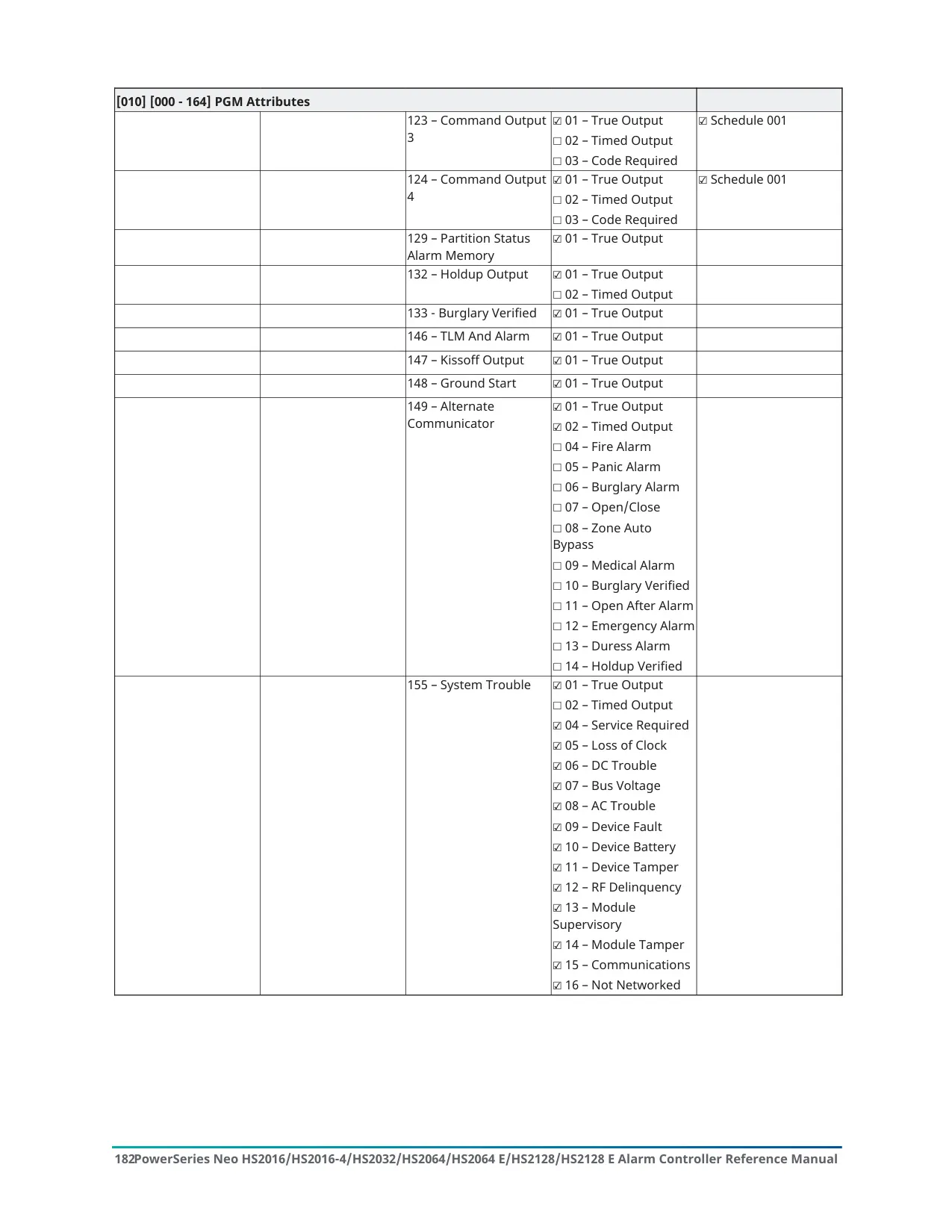


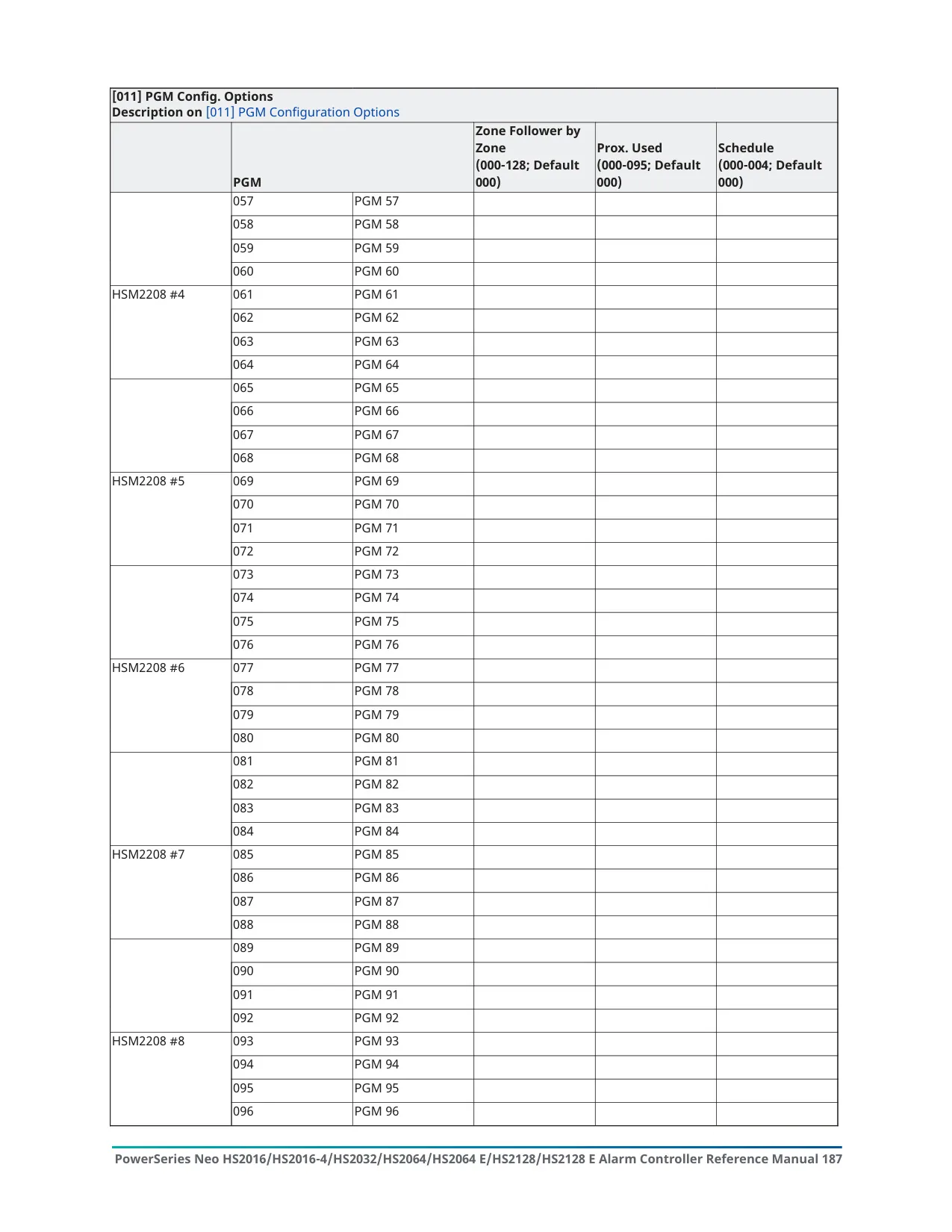


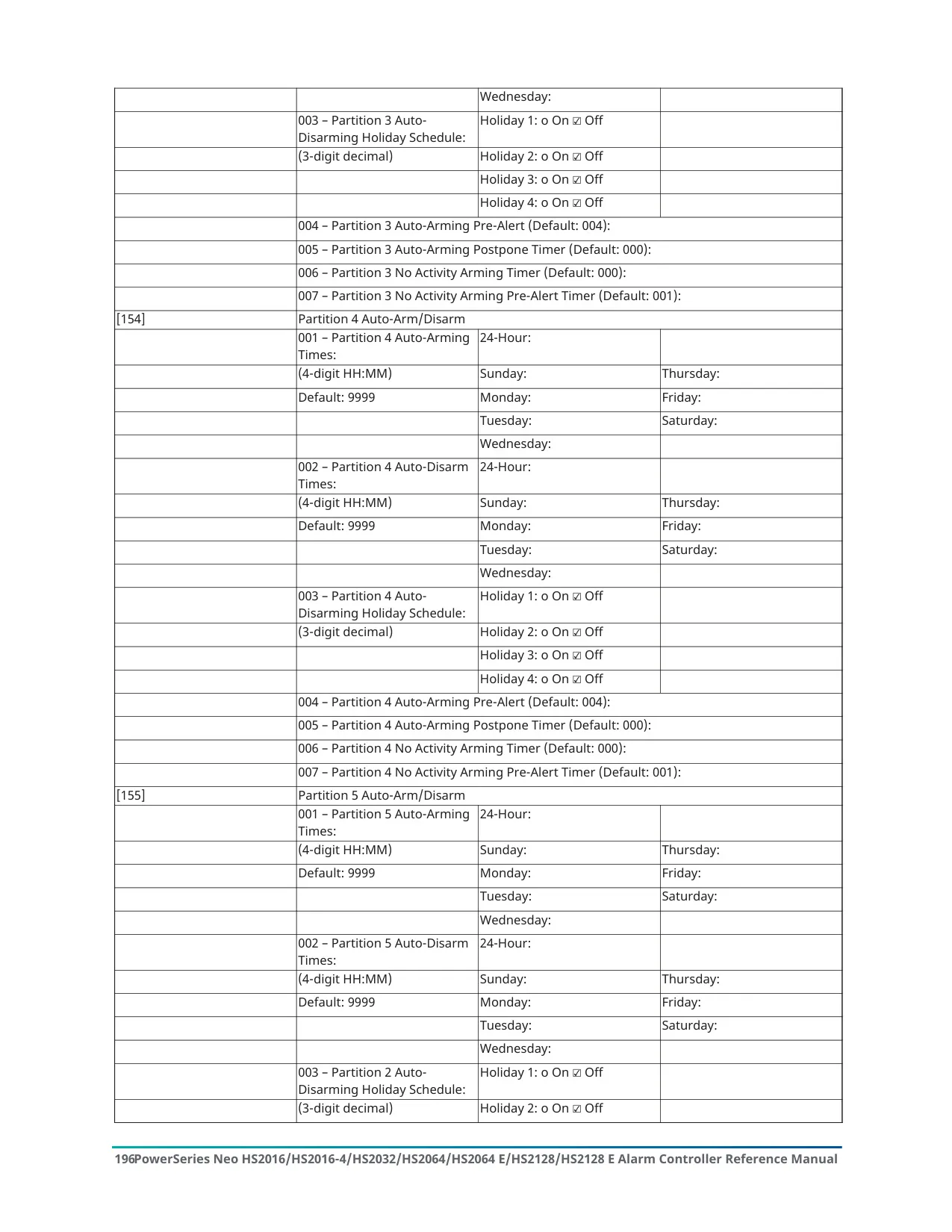


















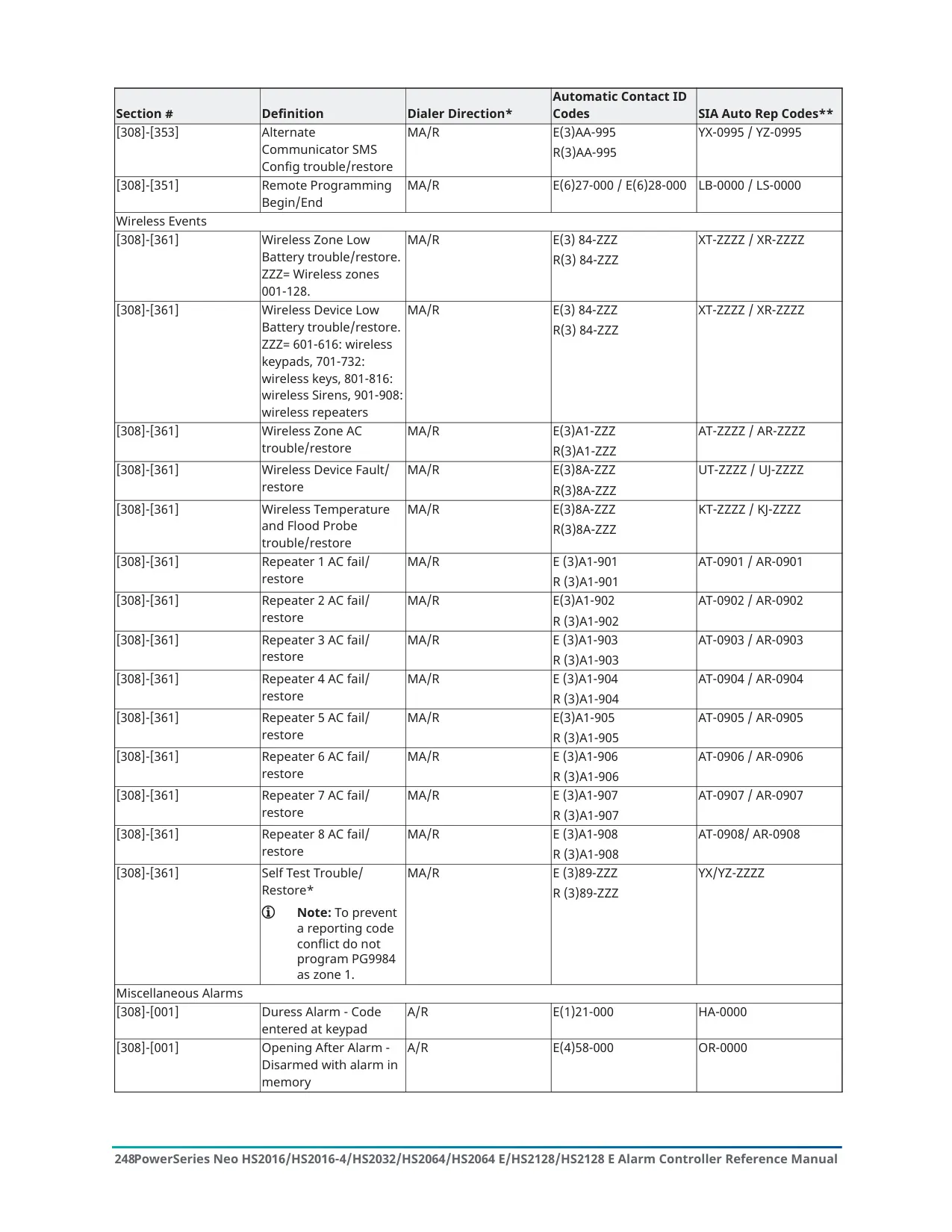

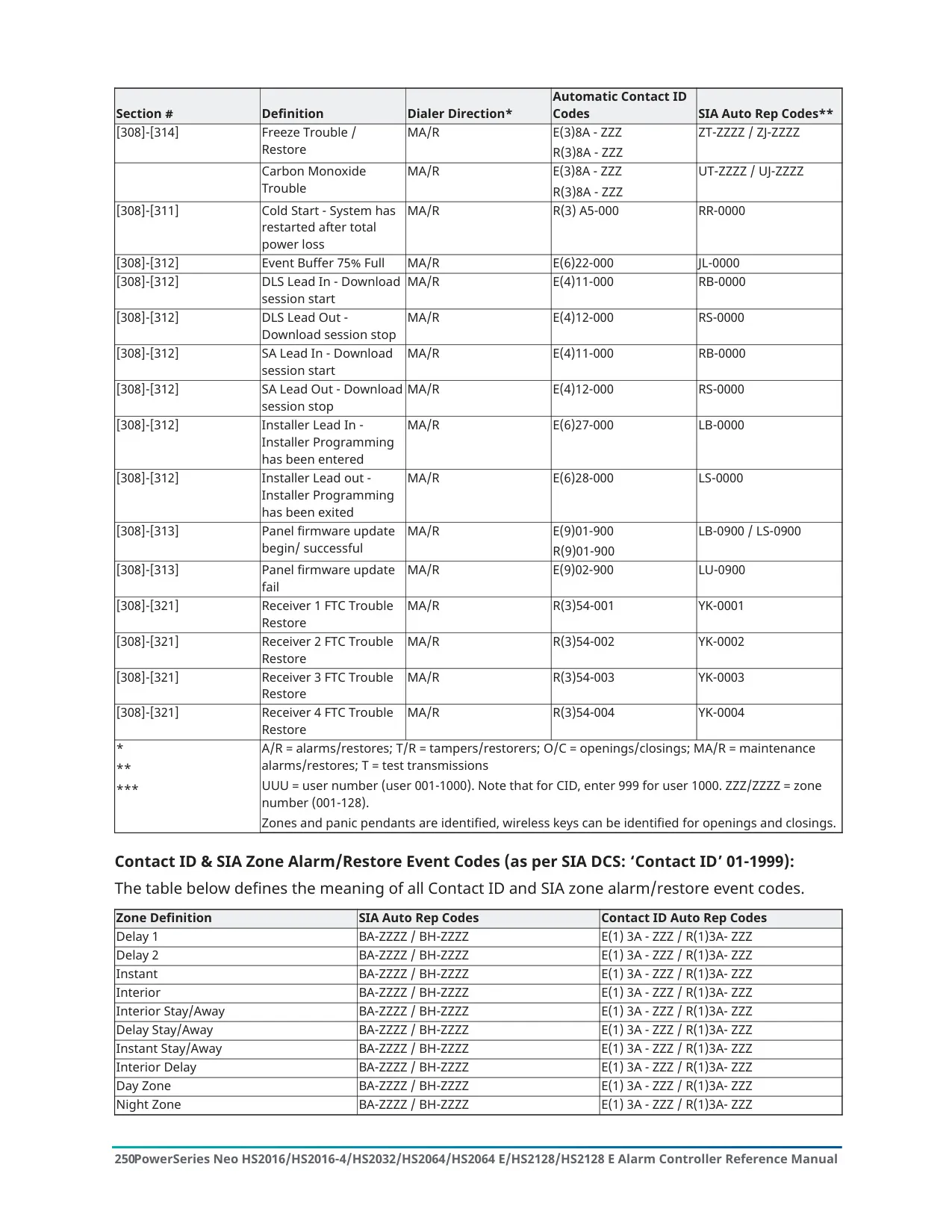


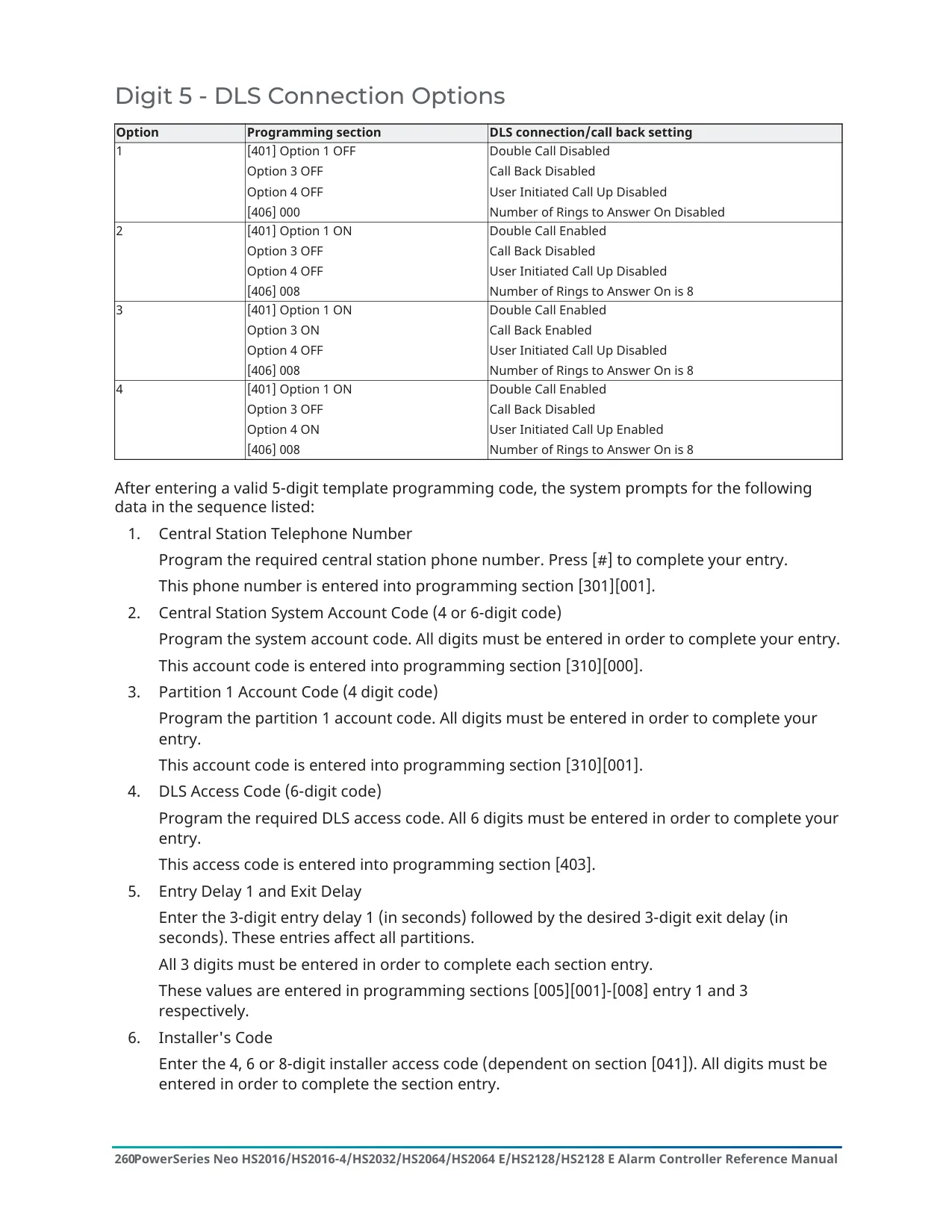


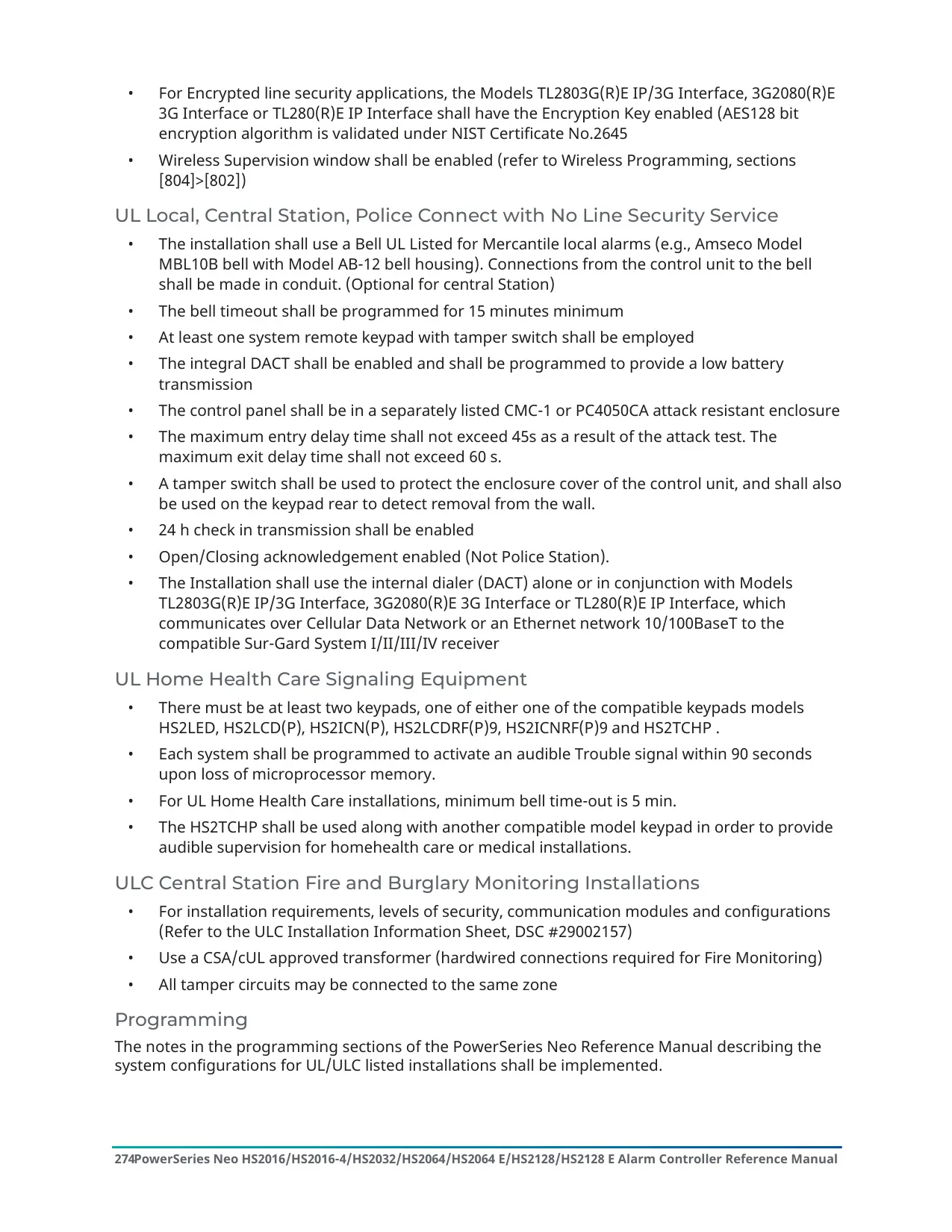








DSC Neo HS2064 Instructions
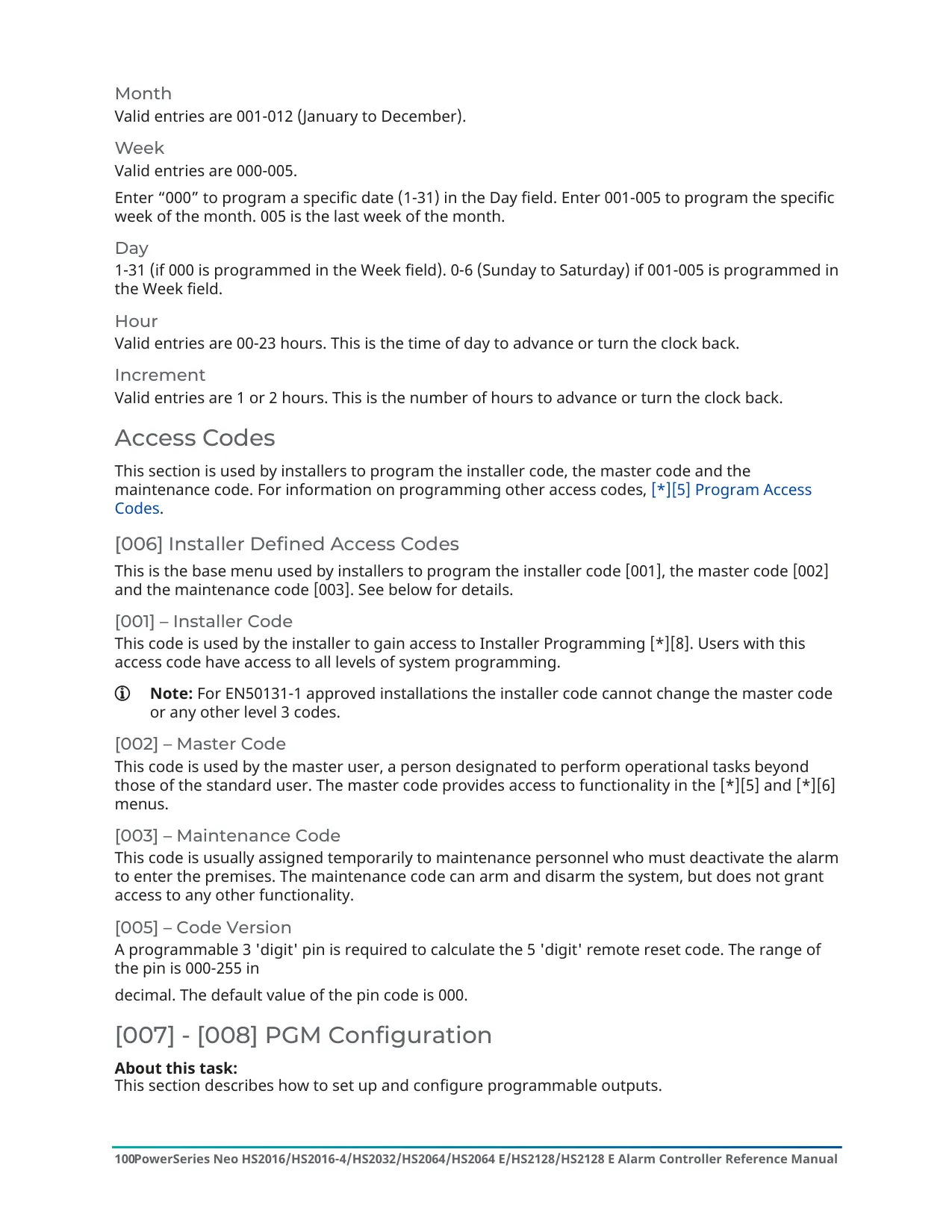
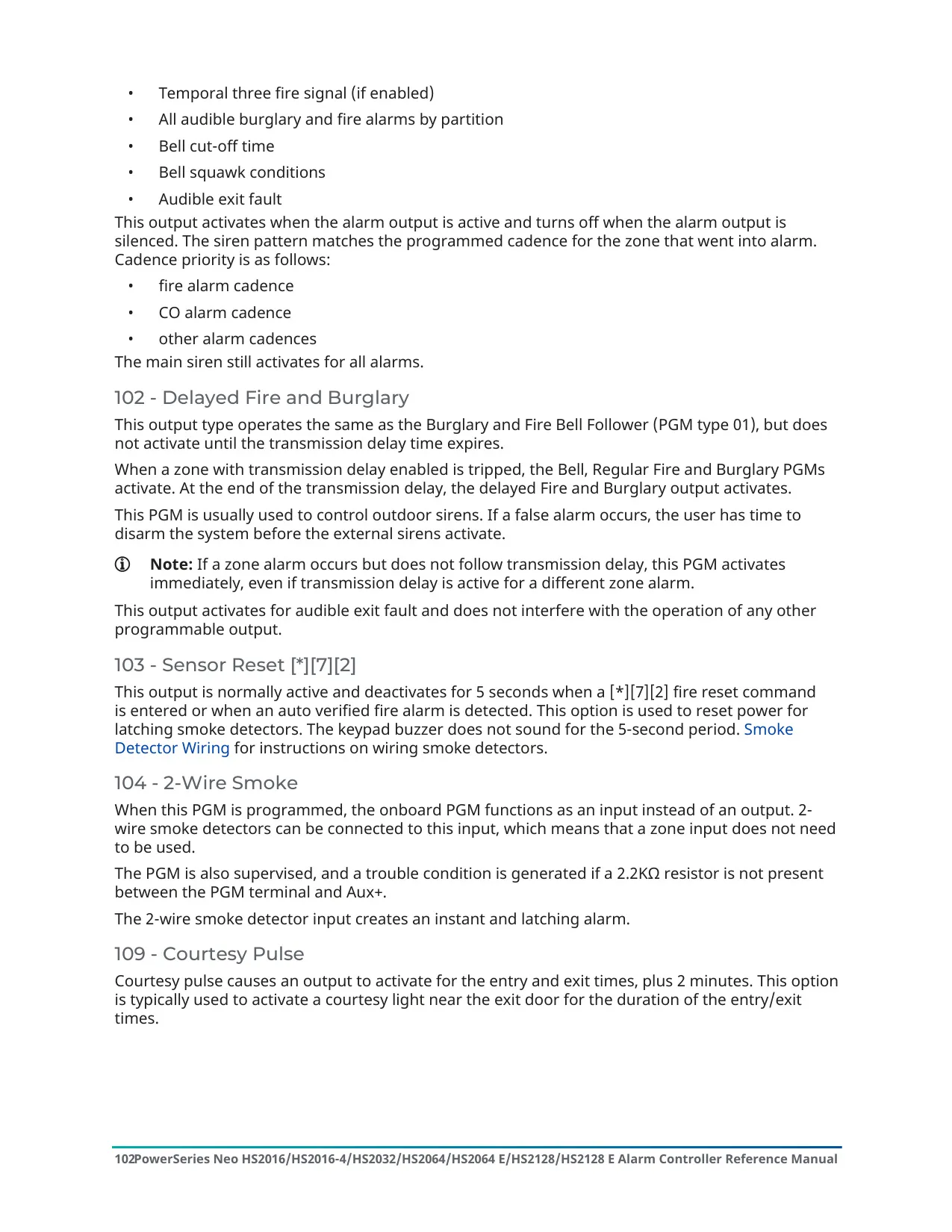
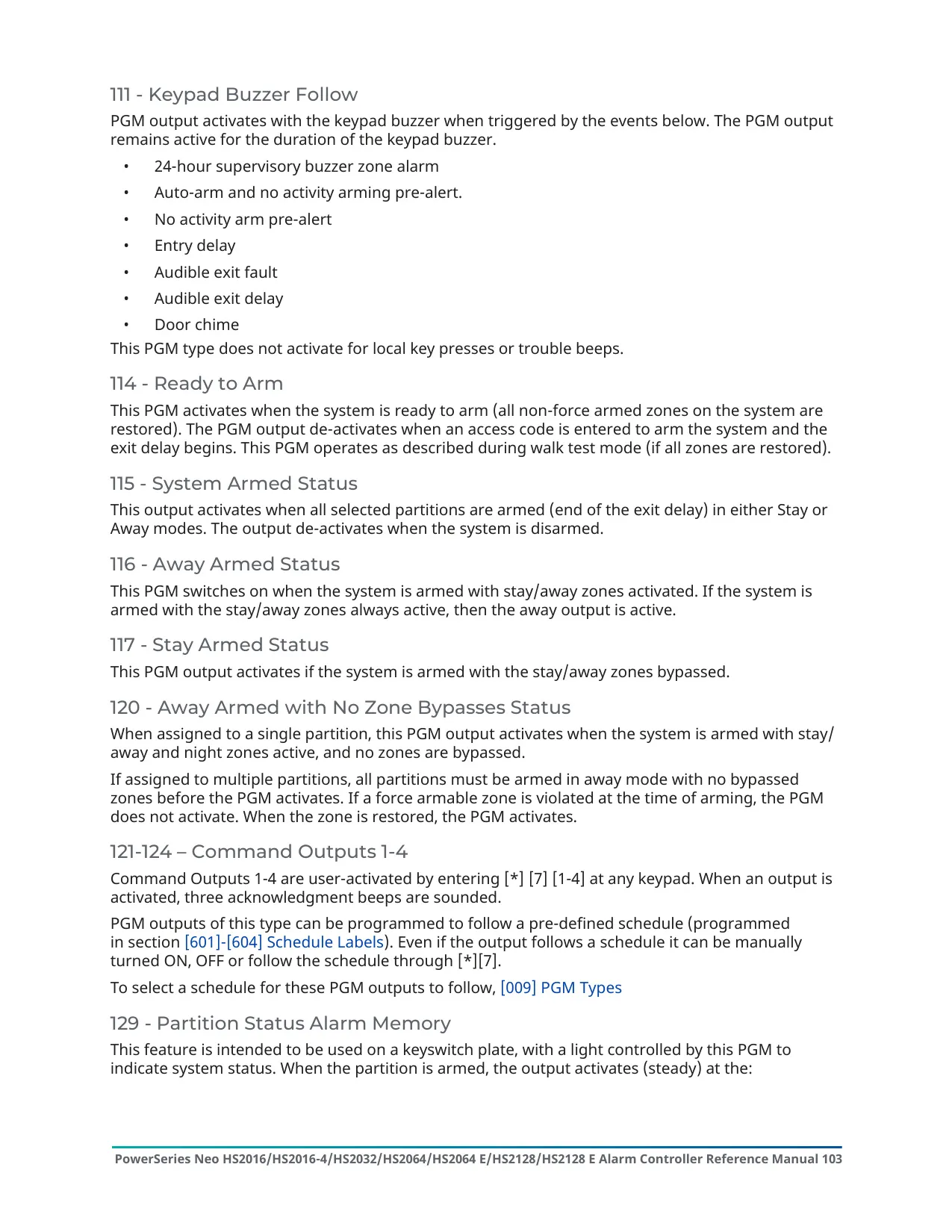
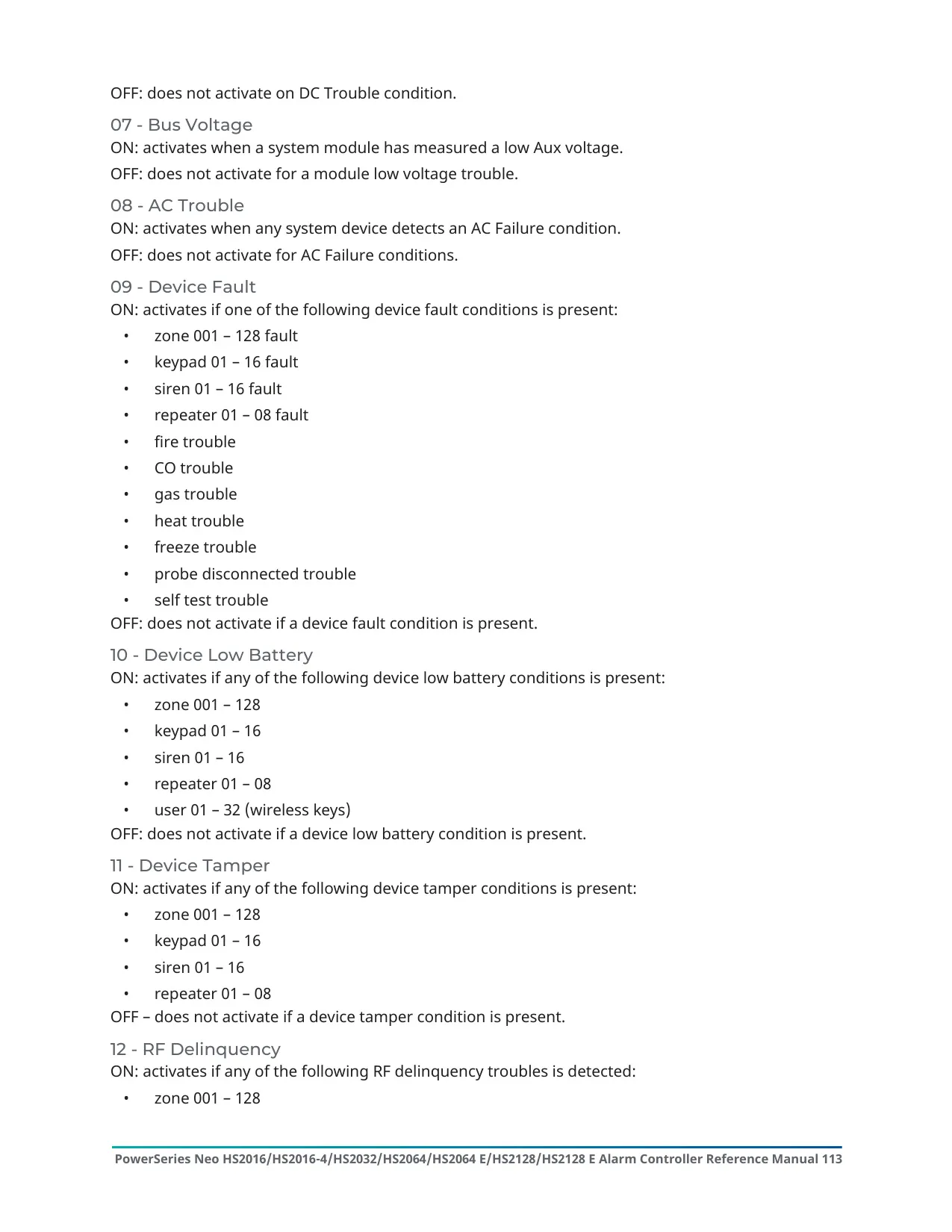
Here we offer the DSC Neo HS2064 Security System manual completely free and in English. We have cataloged this manual in the Anti-theft Alarms section on Manualverse, and it has been rated by 1 users with an average rating of 5. If you have any specific questions about DSC Neo HS2064 Security System, we suggest checking the Frequently Asked Questions (FAQs) section of this manual.
Product Images
DSC Neo HS2064 Security System Specifications
| Feature | Specification |
|---|---|
| Product Family | DSC PowerSeries Neo Alarm Panel |
| Model | HS2064 (HS2064 E variant also covered) |
| Manufacturer | Digital Security Controls (Tyco Security Products) |
| User Numbers (HS2064) | 01-95 |
| User Numbers (HS2064 E) | 001-500 |
| Access Code Length | 4, 6 or 8 digits |
| Minimum 8-Digit Code Variations (HS2064) | 1,052,631 |
| Minimum 8-Digit Code Variations (HS2064 E) | 200,000 |
| Master Code | User code #01 |
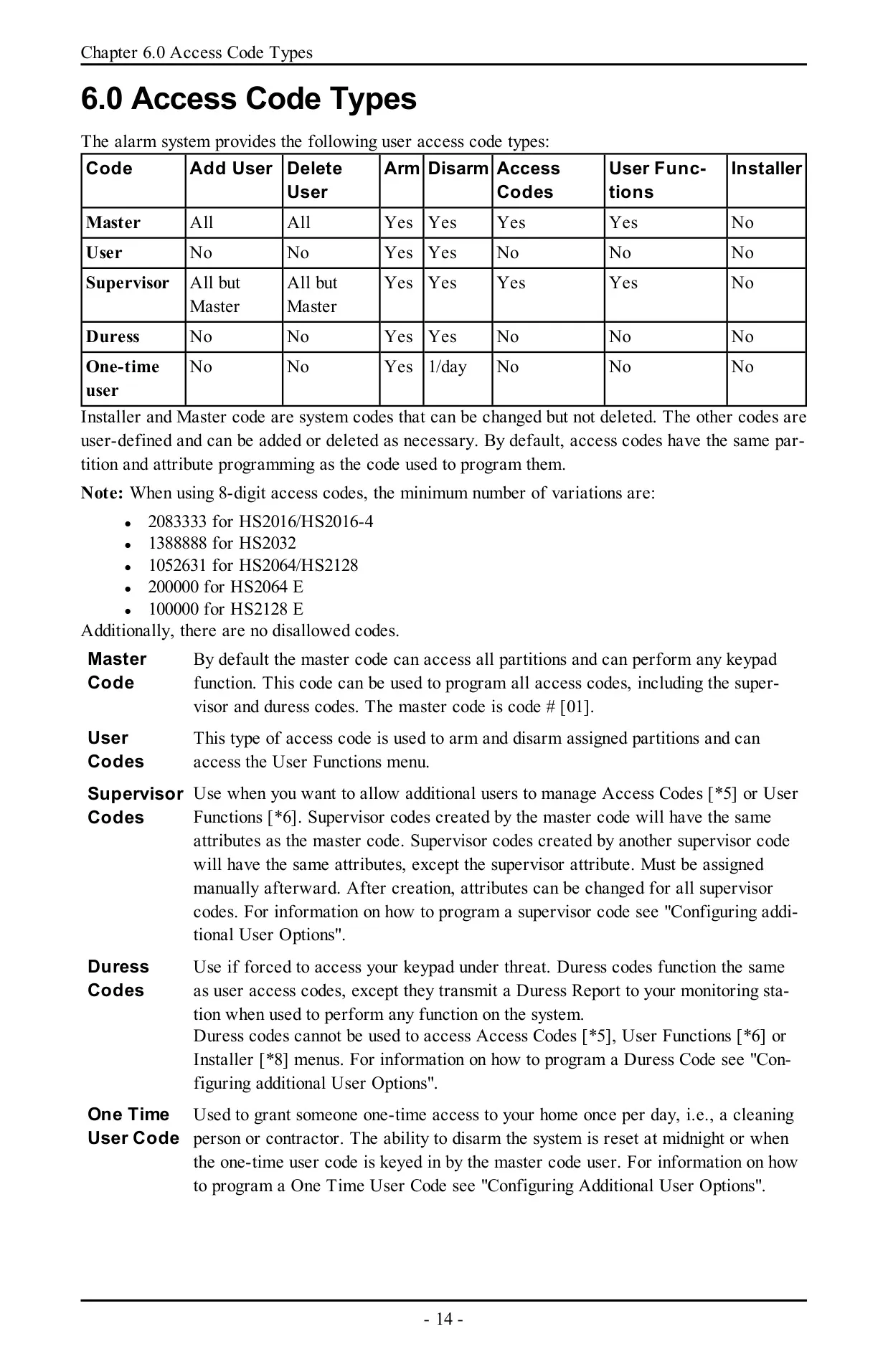
| Access Code Types | Master, User, Supervisor, Duress, One-Time User |
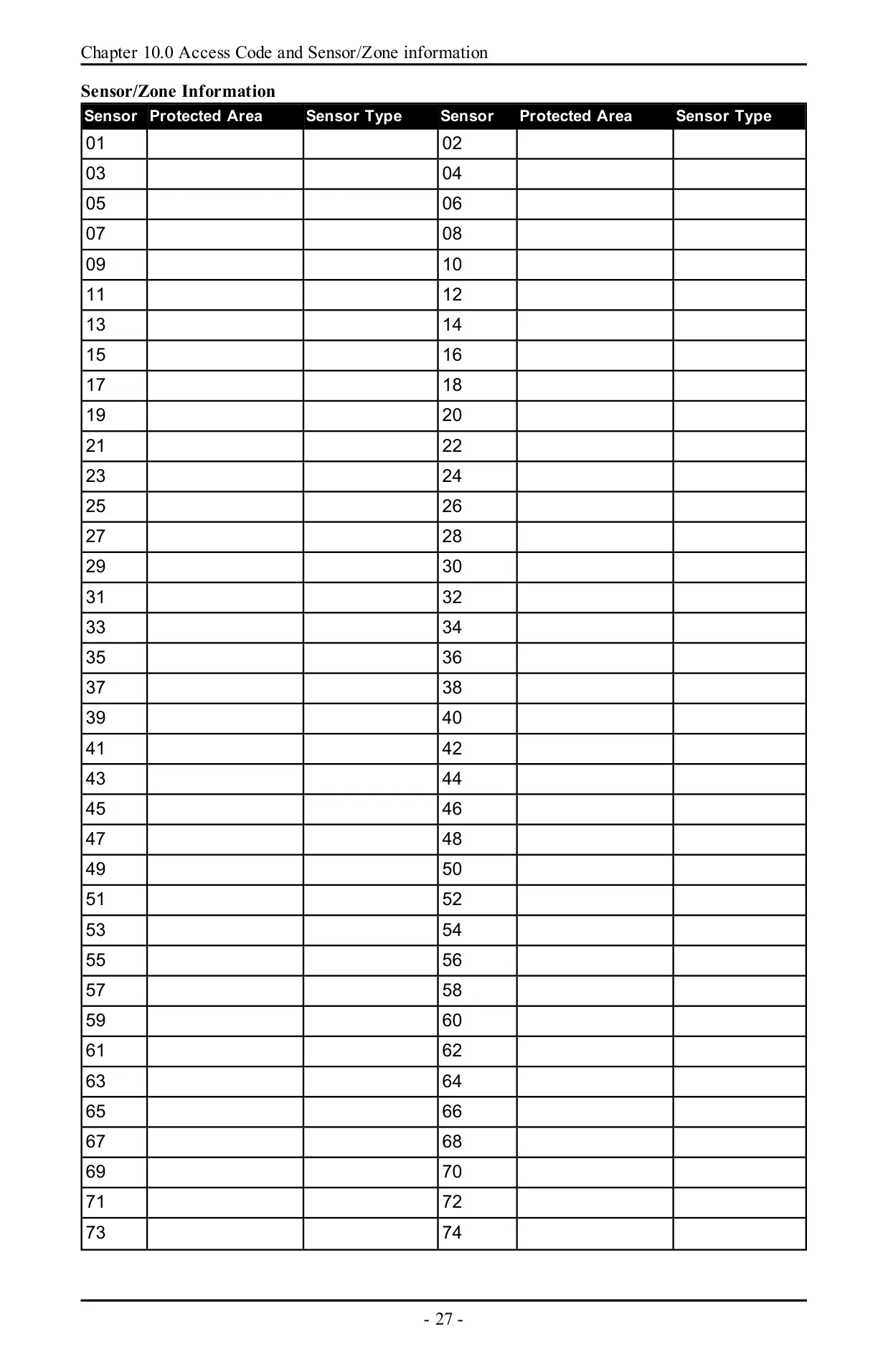
| Zone Labels Reported in Trouble Menus | 001-128 |
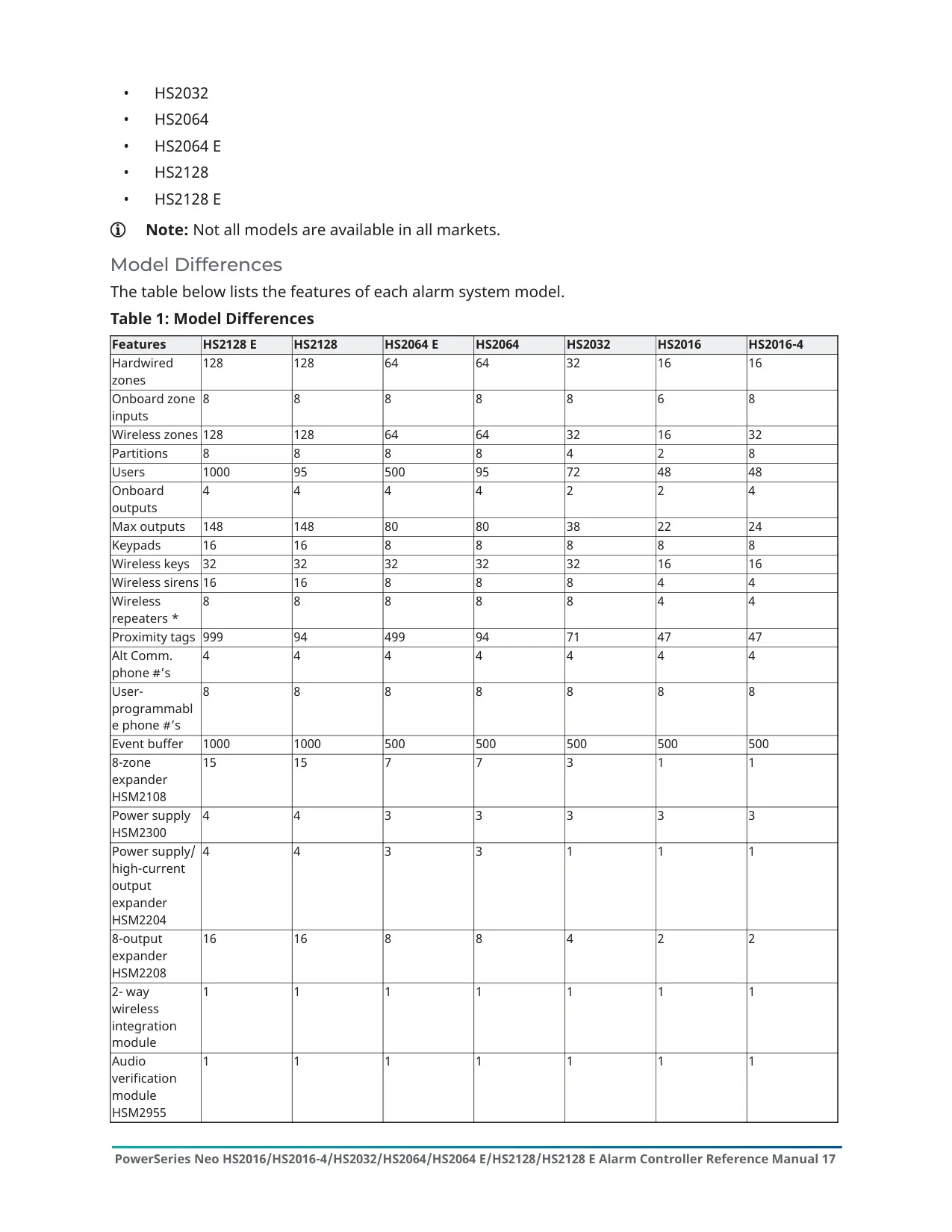
| Supported Keypads | Up to 16 |
| Zone Expanders | Up to 15 |
| Sirens | Up to 16 |
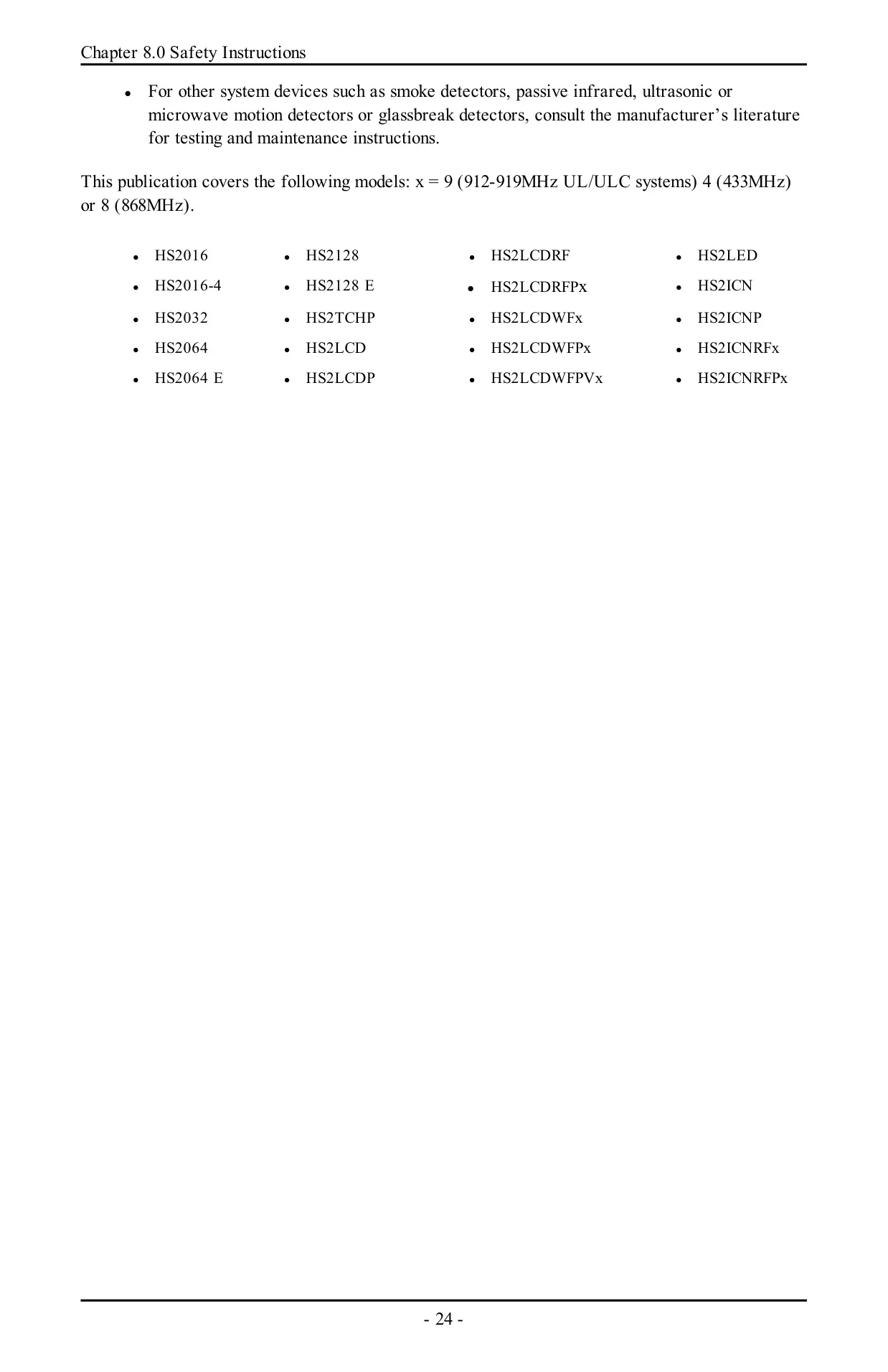
| Wireless Repeaters | Up to 8 |
| Wireless Keys | Up to 32 |
| Output Expander Modules | Up to 16 |
| Power Supply Modules | Up to 4 |
| High Current Output Terminals | Up to 4 |
| Monitoring Receivers | Up to 4 |
| Audio Stations | Up to 4 |
| Wireless Frequency Bands | 912-919 MHz (UL/ULC listed), 433 MHz, 868 MHz |
| Compatible 2-Way Wireless Keys | PG4929/PG8929/PG9929, PG4939/PG8939/PG9939 |
| Communicator Delay | 30 seconds by default (can be removed or increased up to 45 seconds) |
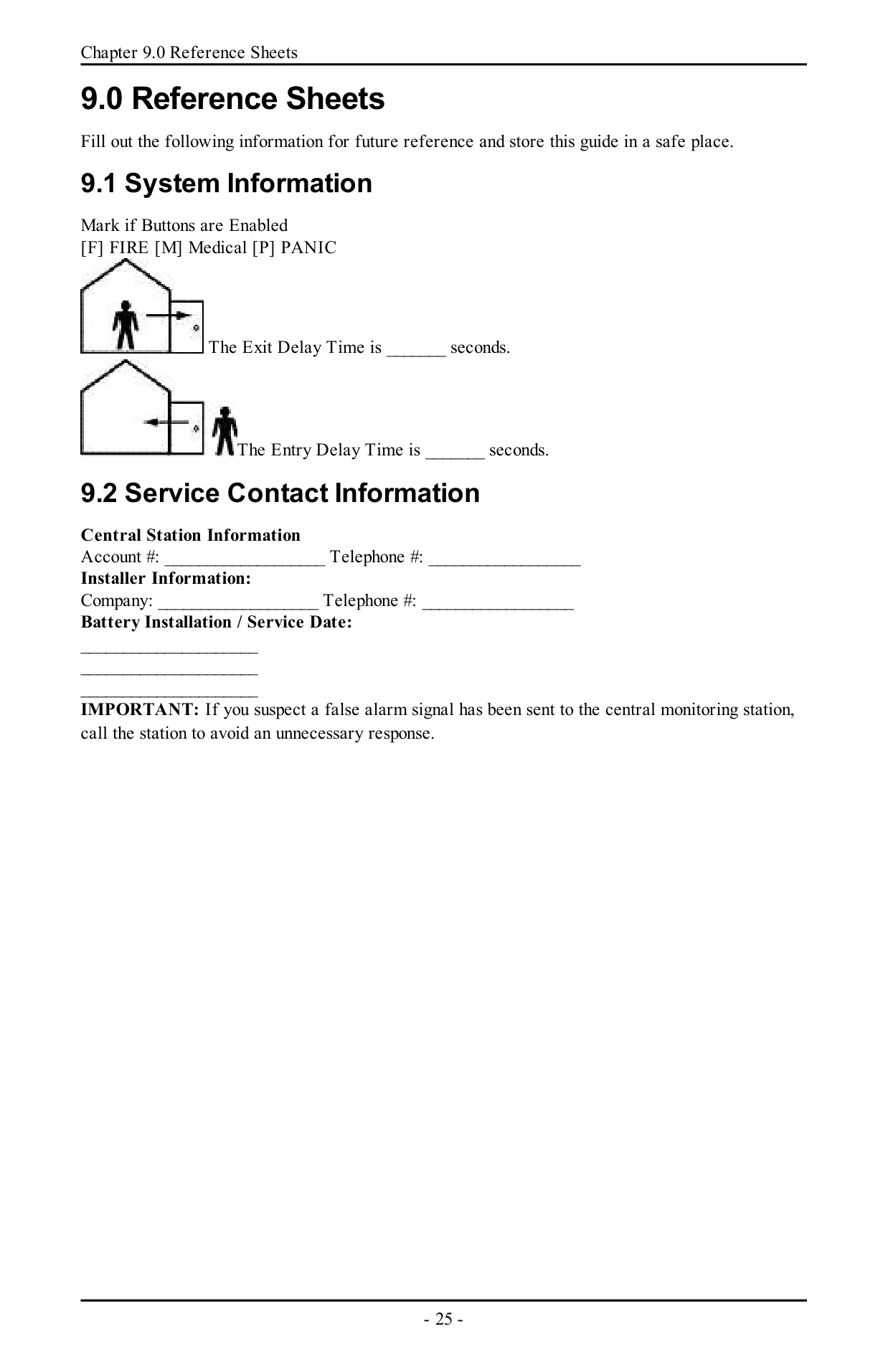
| Maximum Entry Delay | 45 seconds |
| Maximum Alarm Transmission Delay (CP-01) | 45 seconds |
| Final Exit Delay (Push to Set / Final Door Set) | Programmable, typically 10 seconds |
| Exit Delay Restart | Once per arming sequence |
| Invalid Code Error Tone | 2 seconds |
| Trouble Beep Interval | Once every 10 seconds |
| Wireless Fire/CO Trouble Beep Restart | Every 4 hours after silencing |
| System Test Activation Time | 2 seconds (sounders, bells/sirens, LEDs) |
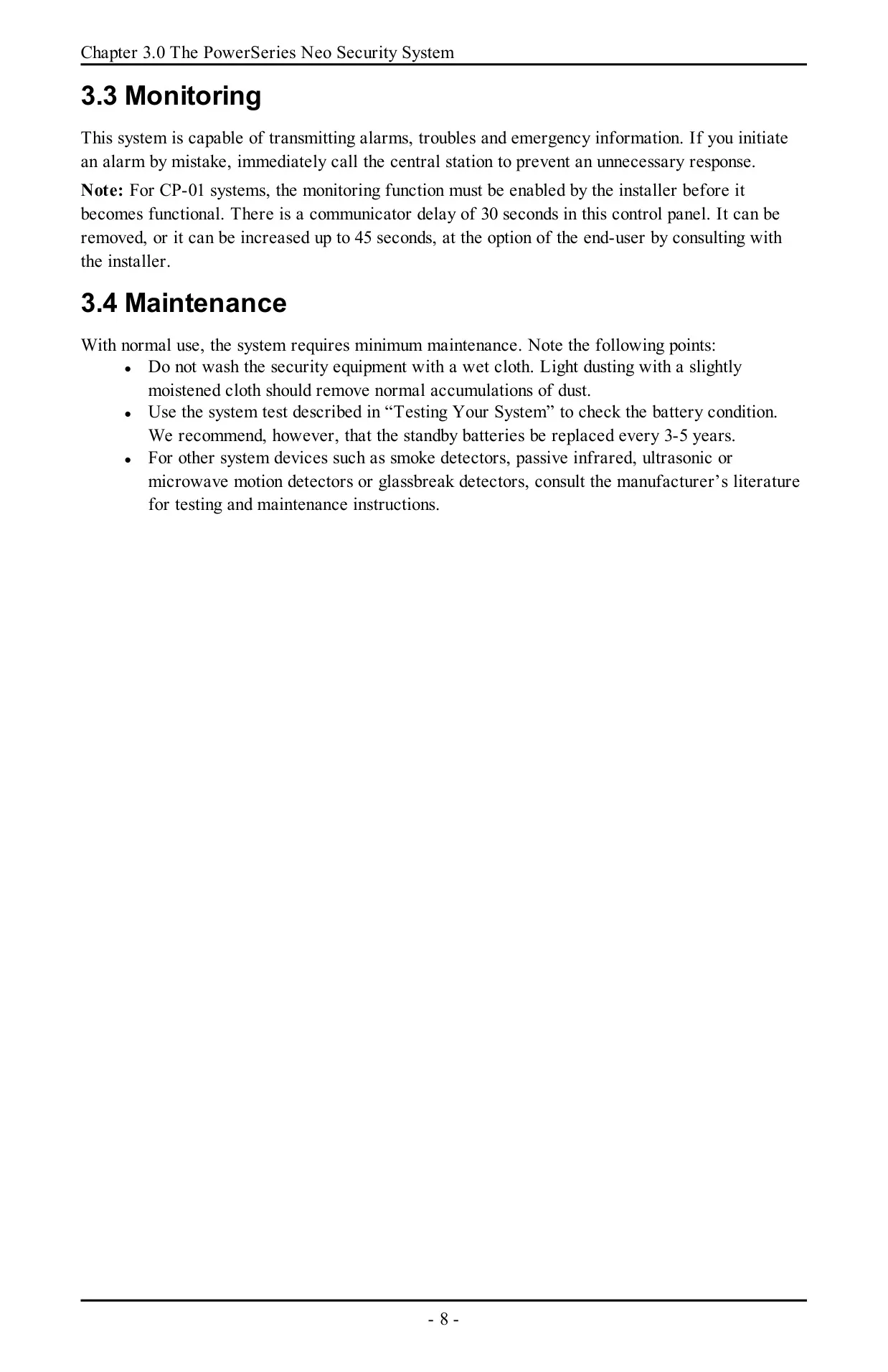
| Standby Battery Replacement | Recommended every 3-5 years |
| False Alarm Reduction Standard | ANSI/SIA CP-01-2010 |
| FCC Compliance | Part 15 Class B, Part 68 |
| FCC Product Identifier | US:F53AL01BHS2128 |
| ISED Canada Registration Number | IC:160A-HS2128 |
| Ringer Equivalence Number (REN) | 0.1 |
| USOC Jack | RJ-31X |
| Power Connection | Stationary-fixed direct plug-in power supply (no mains on/off switch) |
| Installation Environment | Indoor, non-hazardous locations, pollution degree max 2, overvoltage category II |
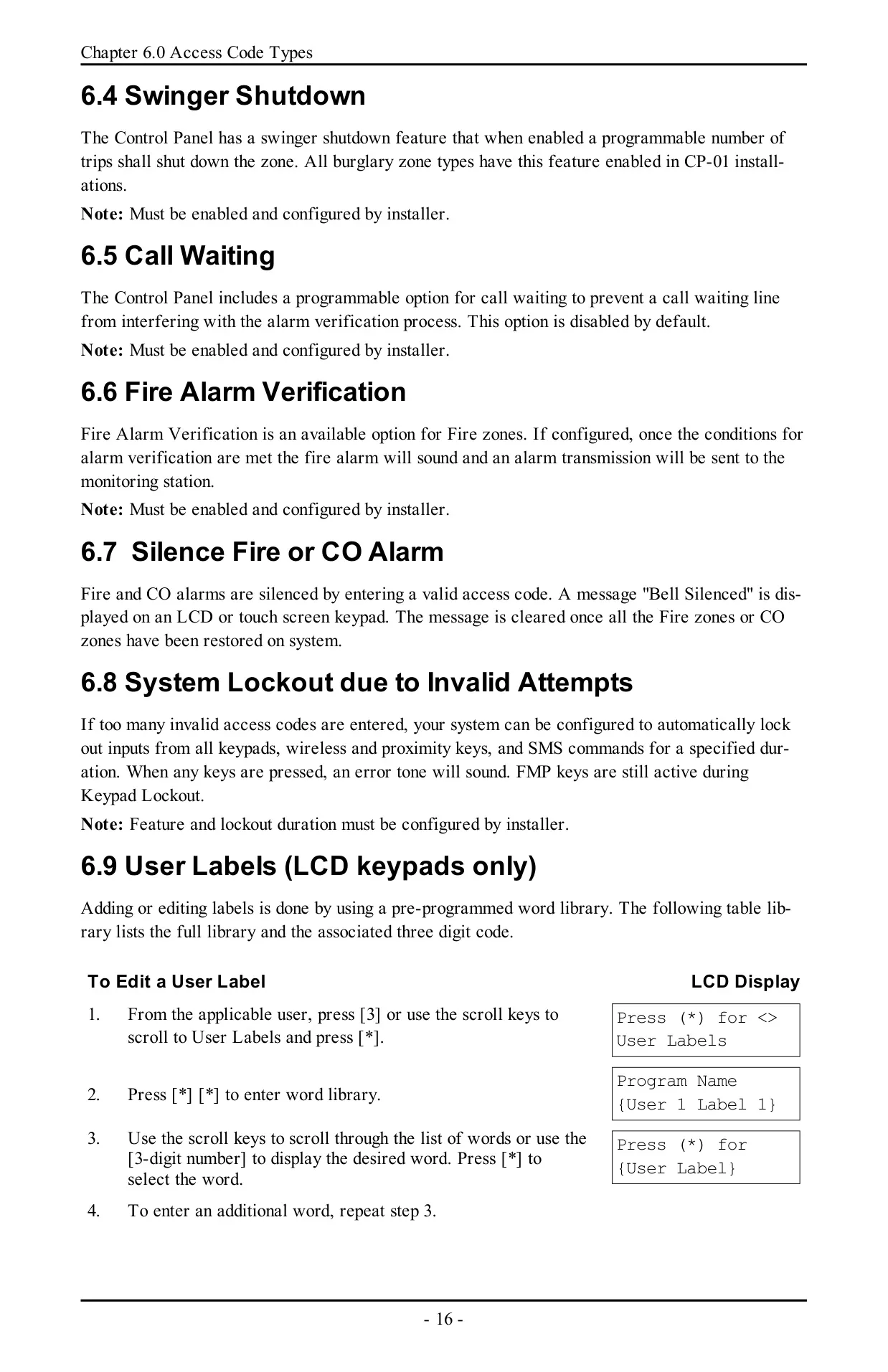
| User Label Word Library | Pre-programmed, codes 001-238 |
DSC Neo HS2064 Security System Details
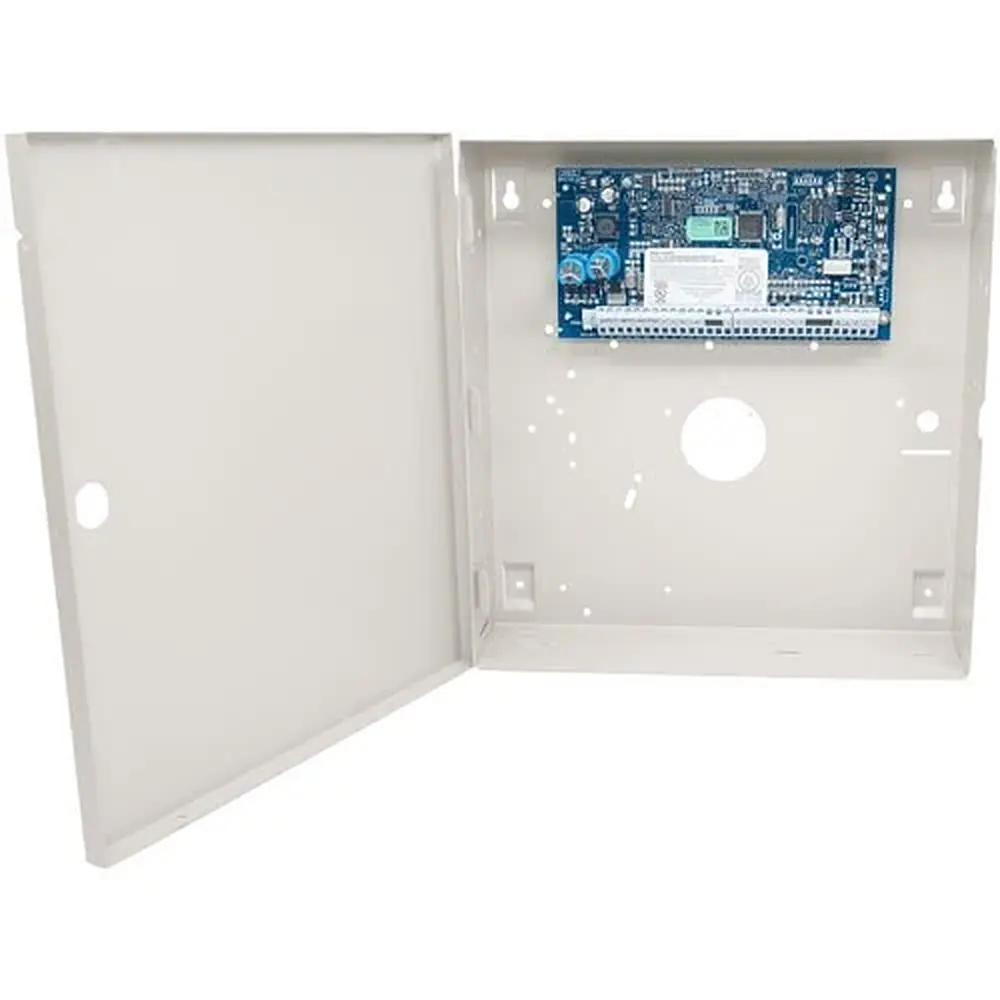
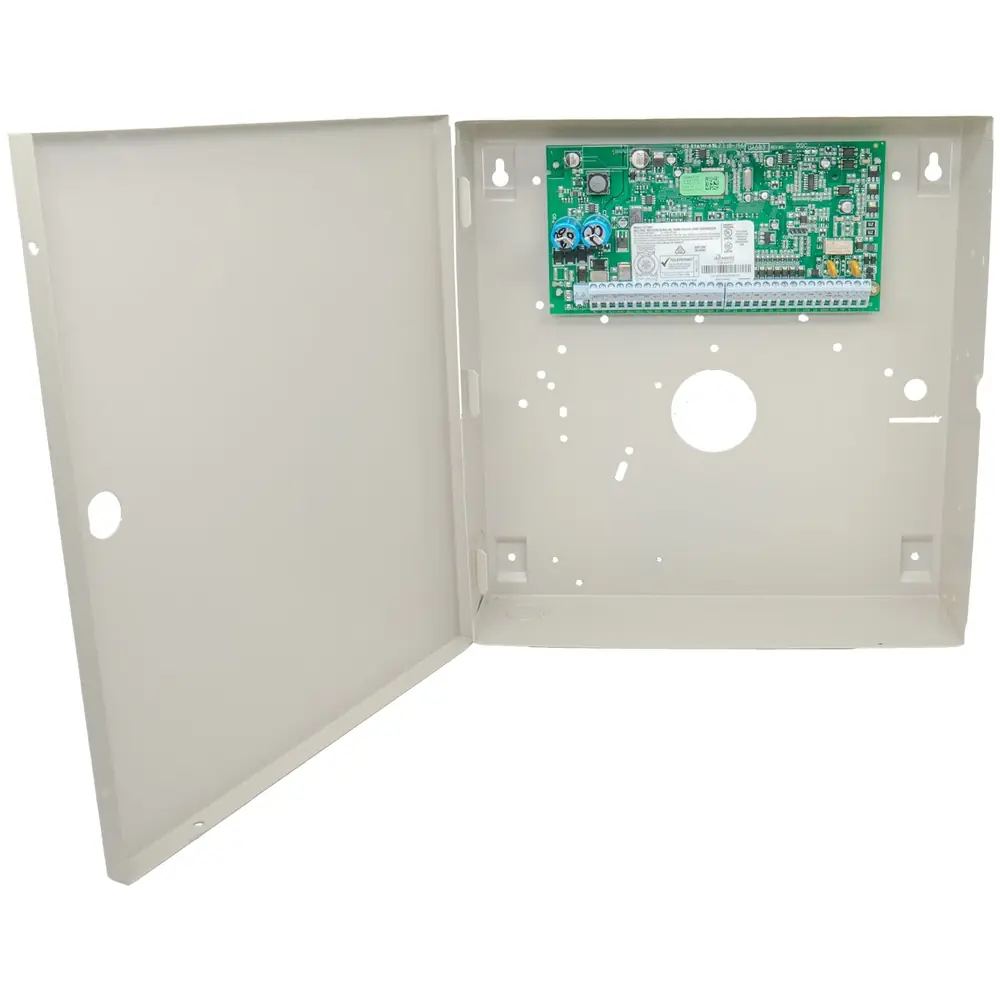
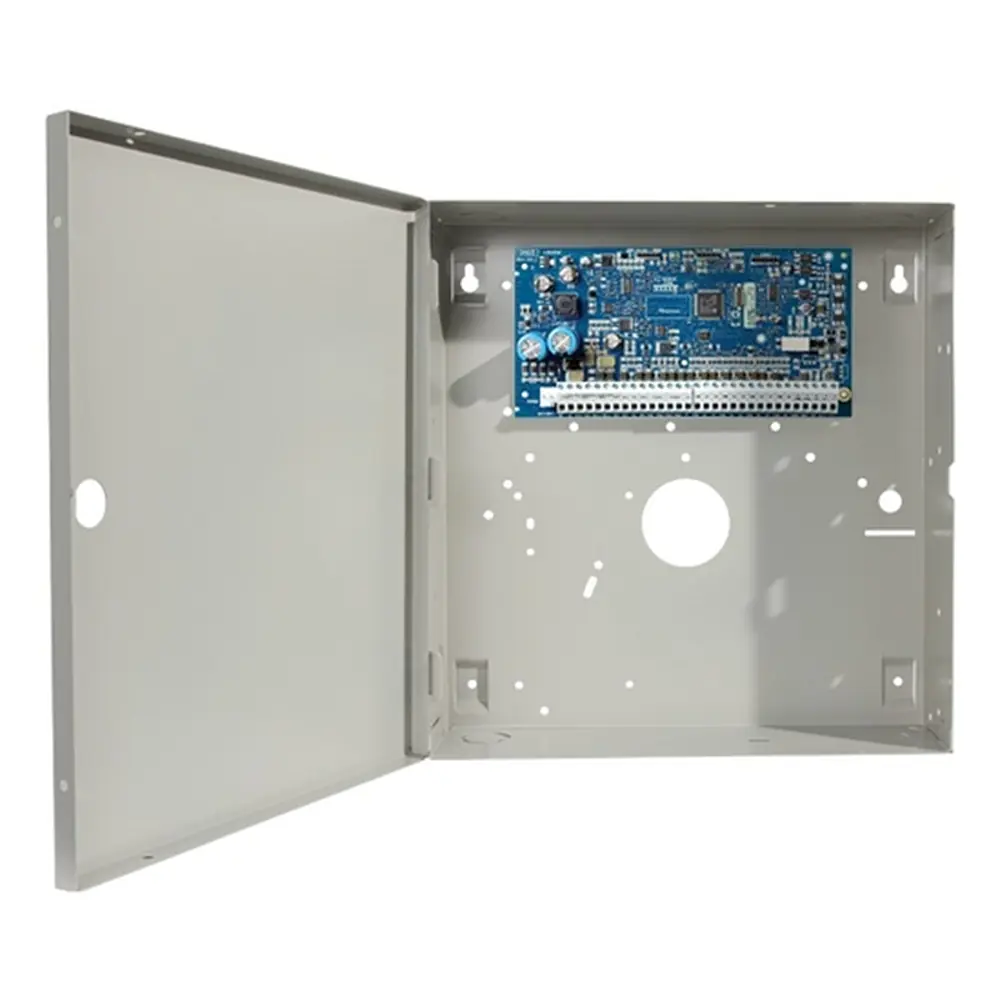
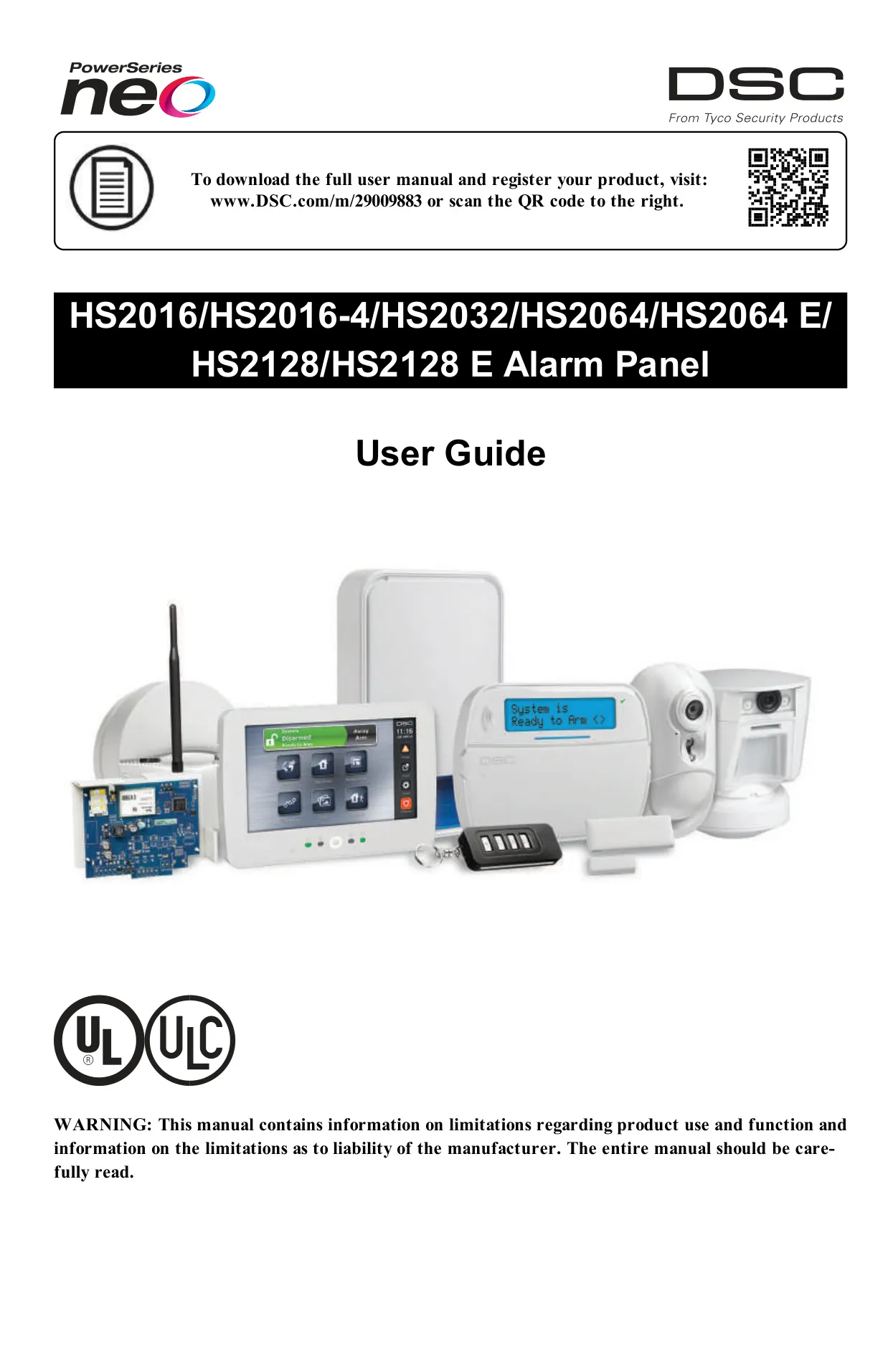
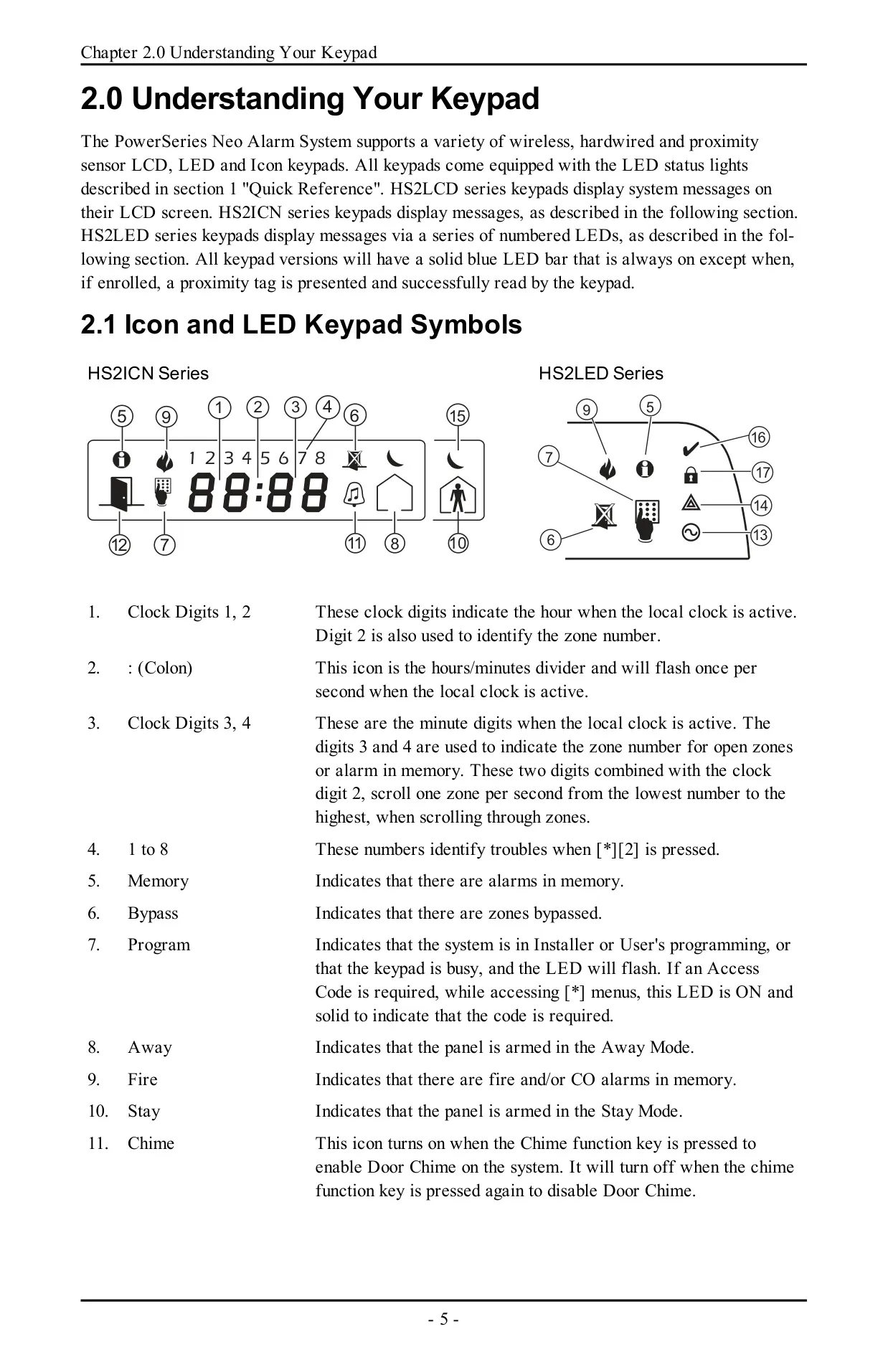
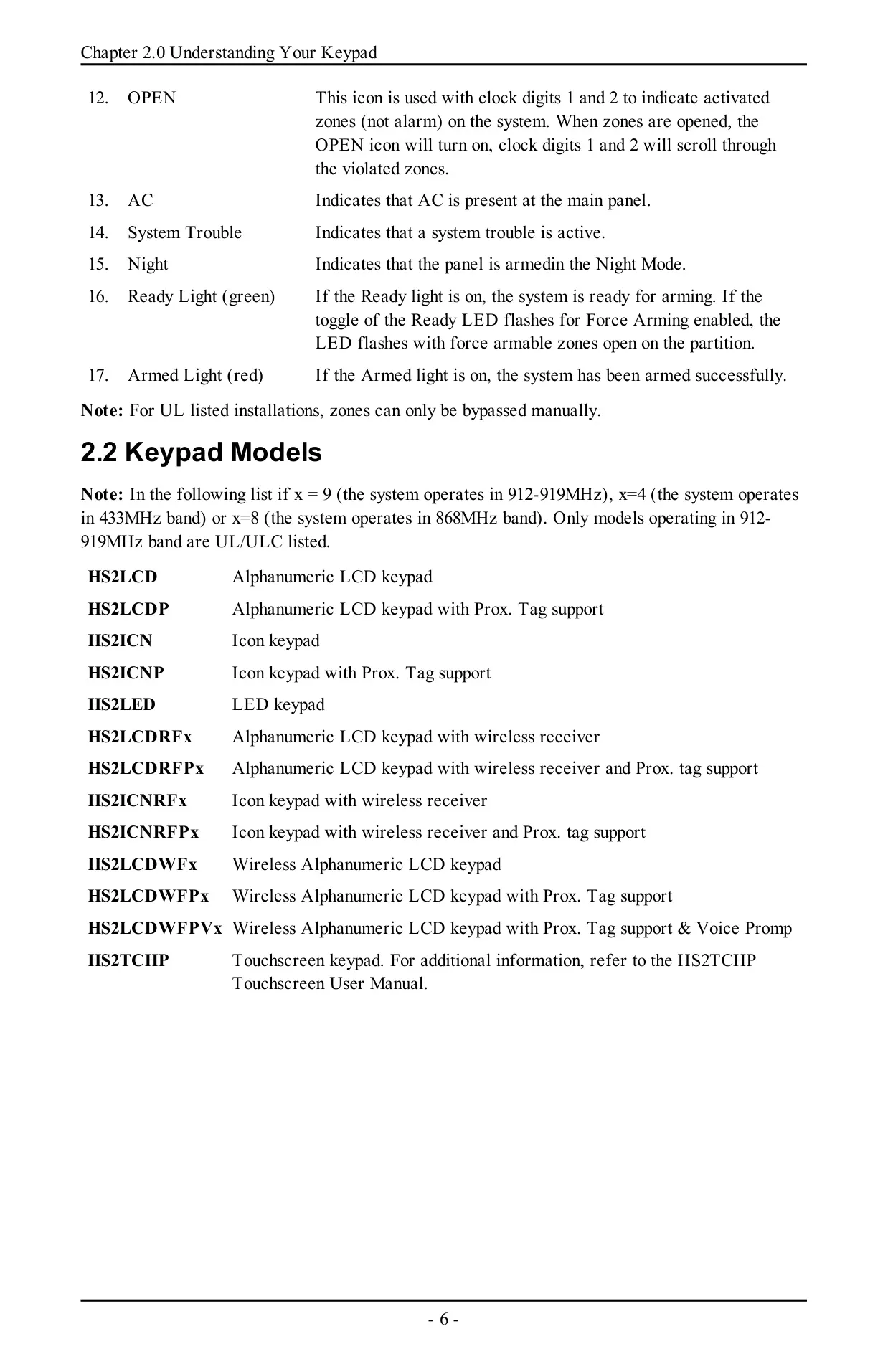
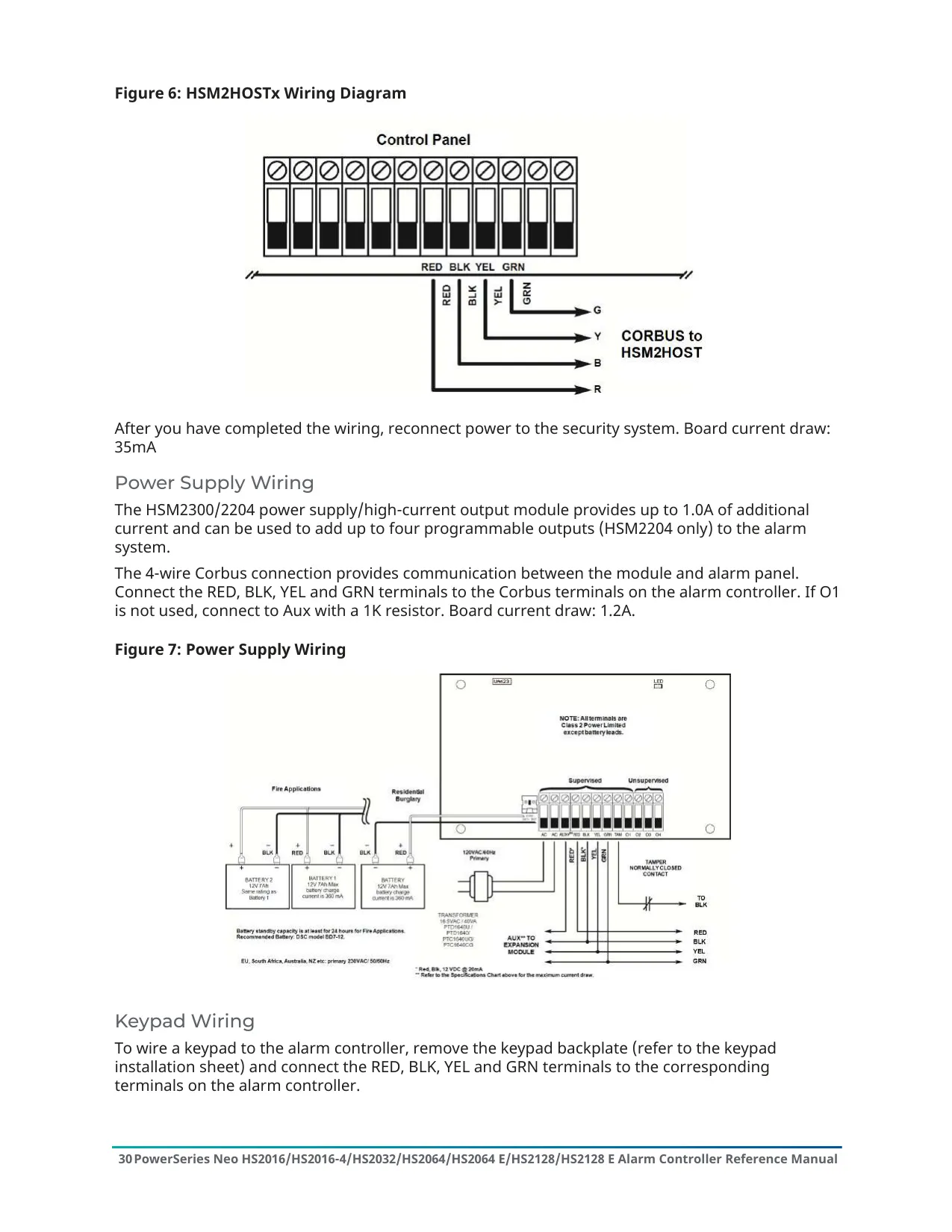
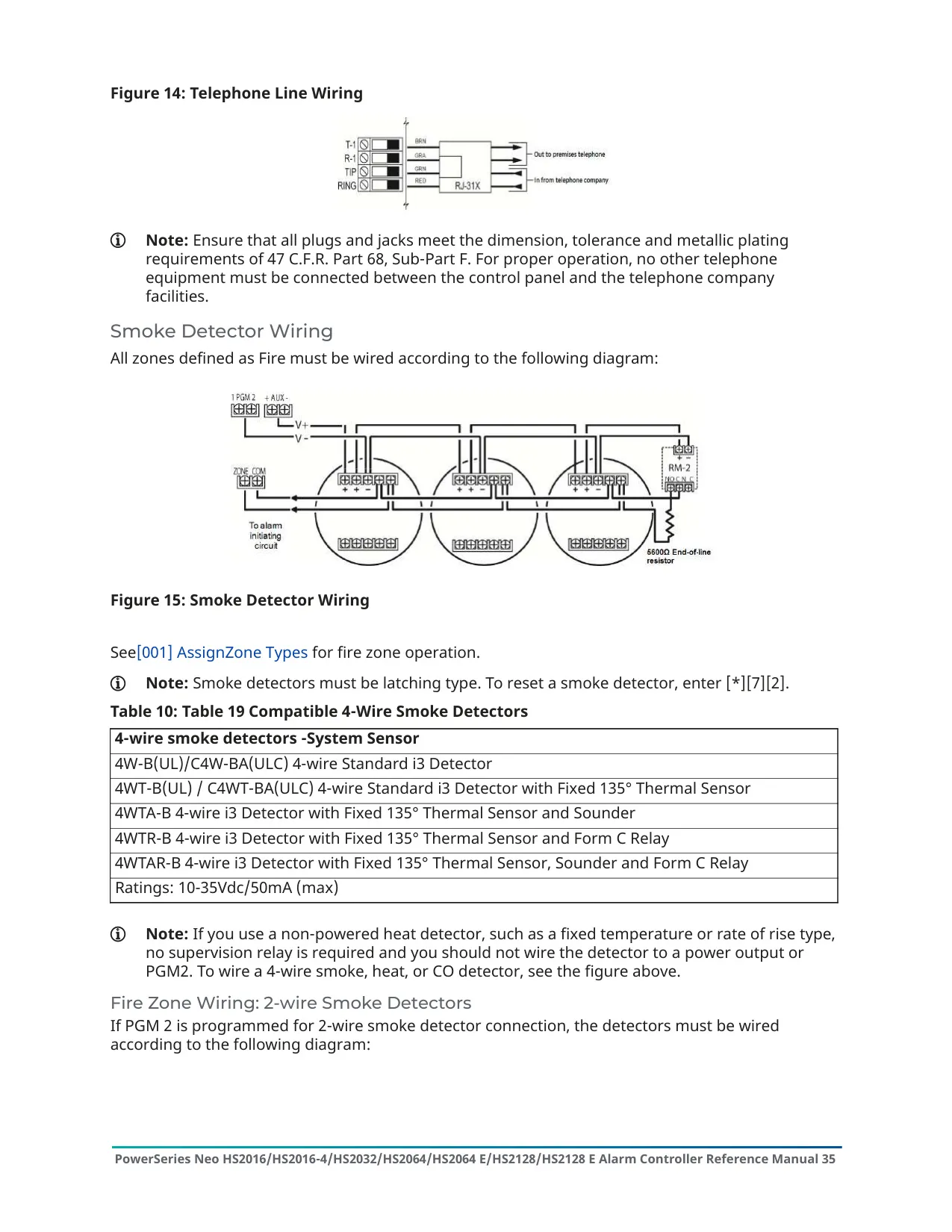
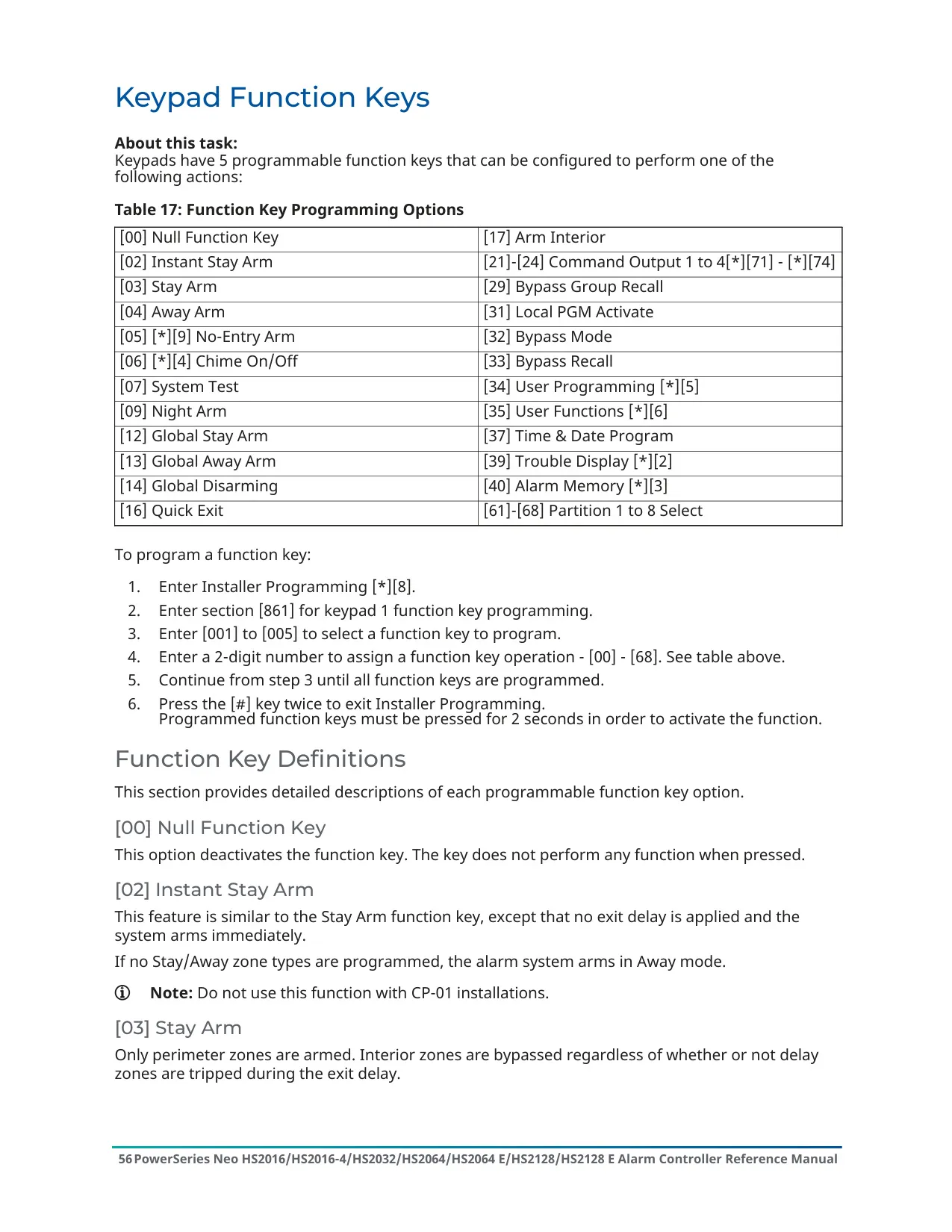
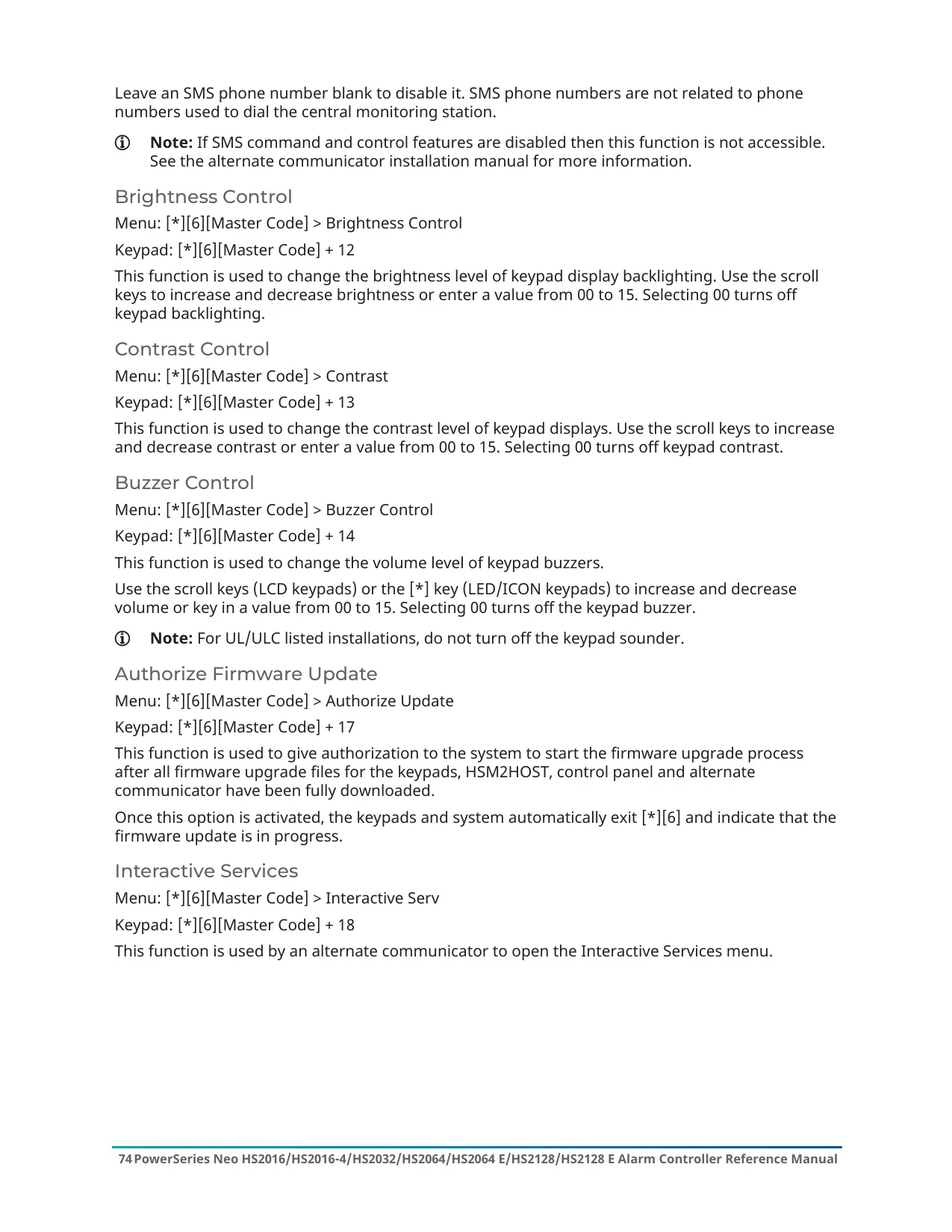
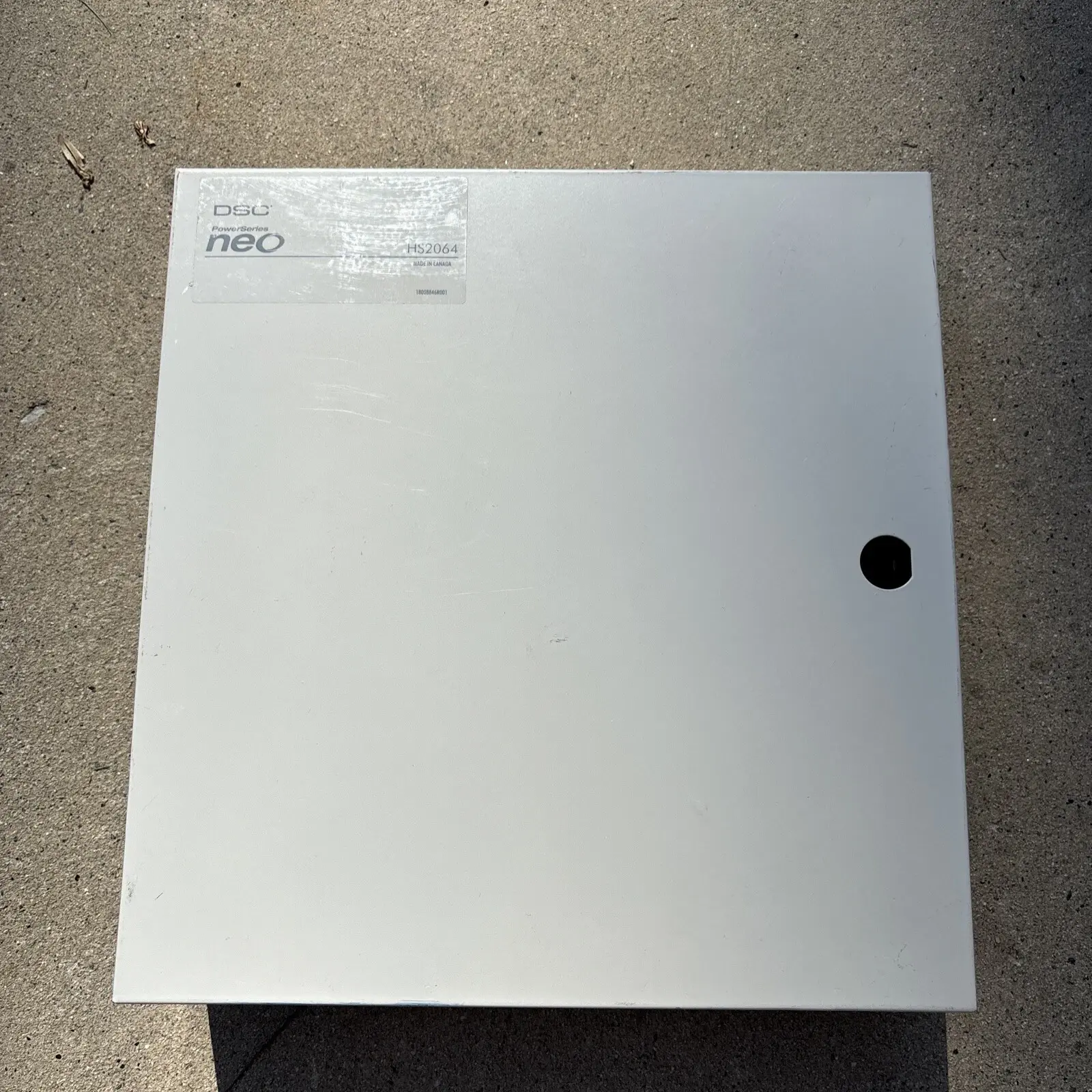
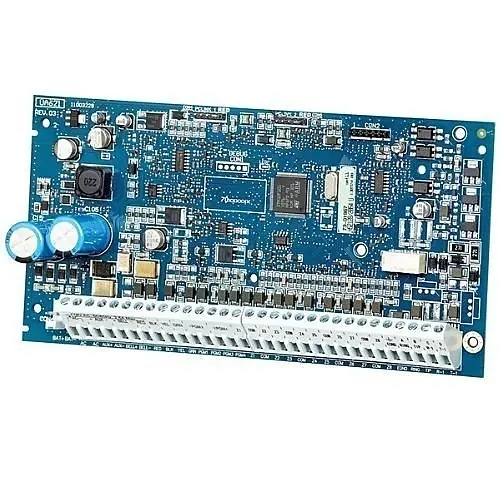
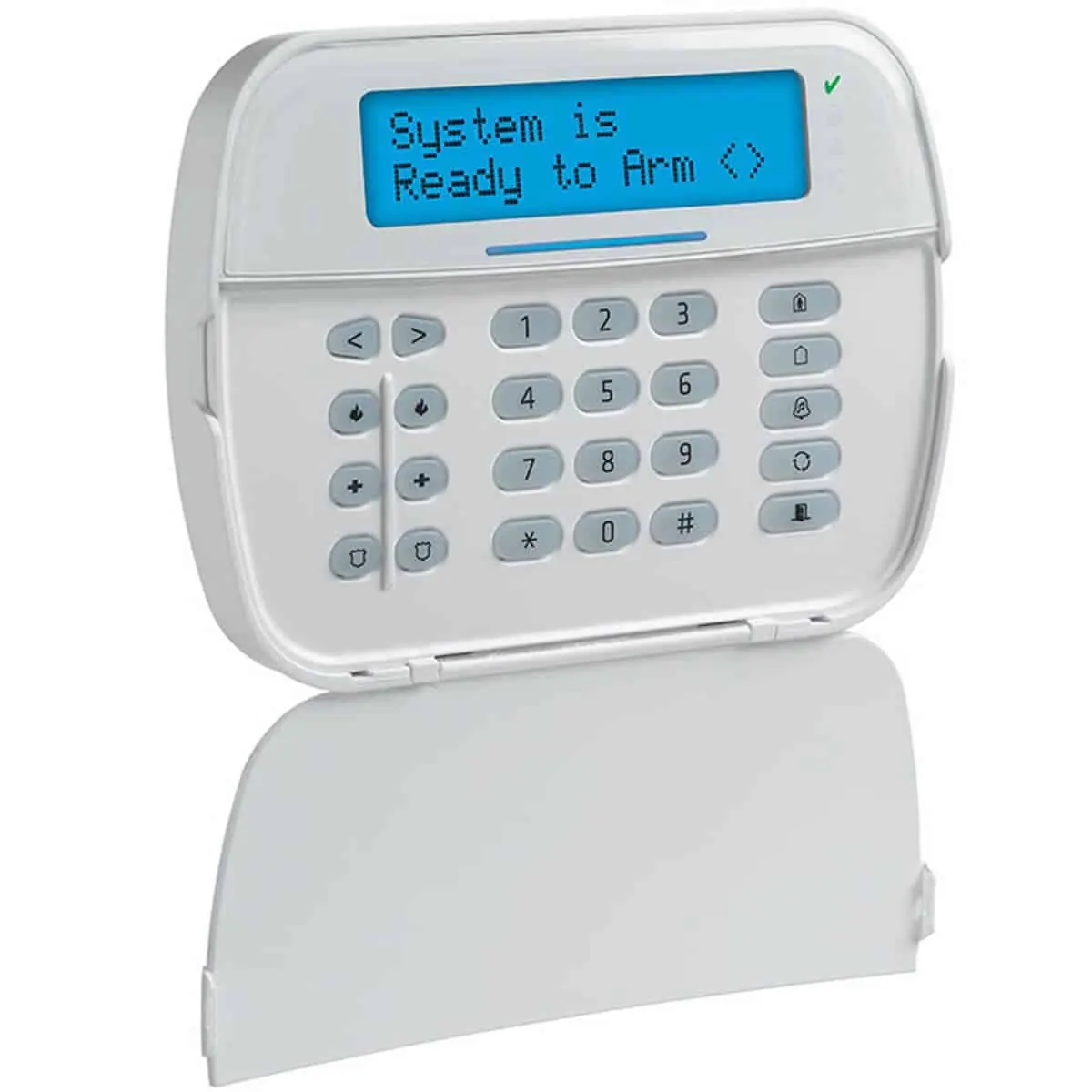
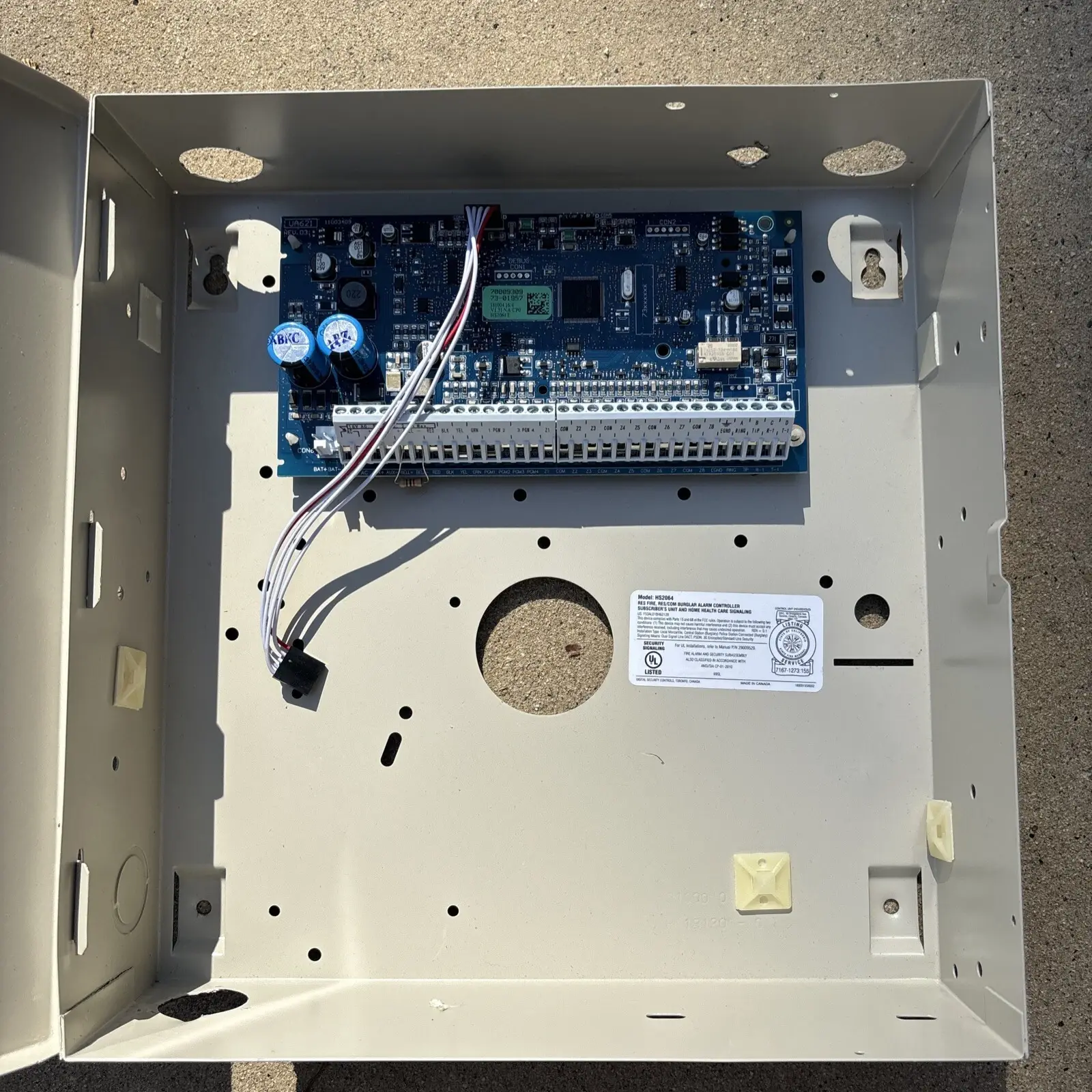
The DSC Neo HS2064 is a control panel in the PowerSeries Neo line. It usually sits in a metal cabinet in a utility closet or basement, and the cabinet holds the system electronics, fuses and standby battery. You run the panel from a keypad mounted near the entry and exit doors. Supported keypads include the HS2LCD alphanumeric models, HS2ICN icon models, HS2LED models and the HS2TCHP touchscreen. Some versions add proximity tag readers, built-in wireless receivers or voice prompts.
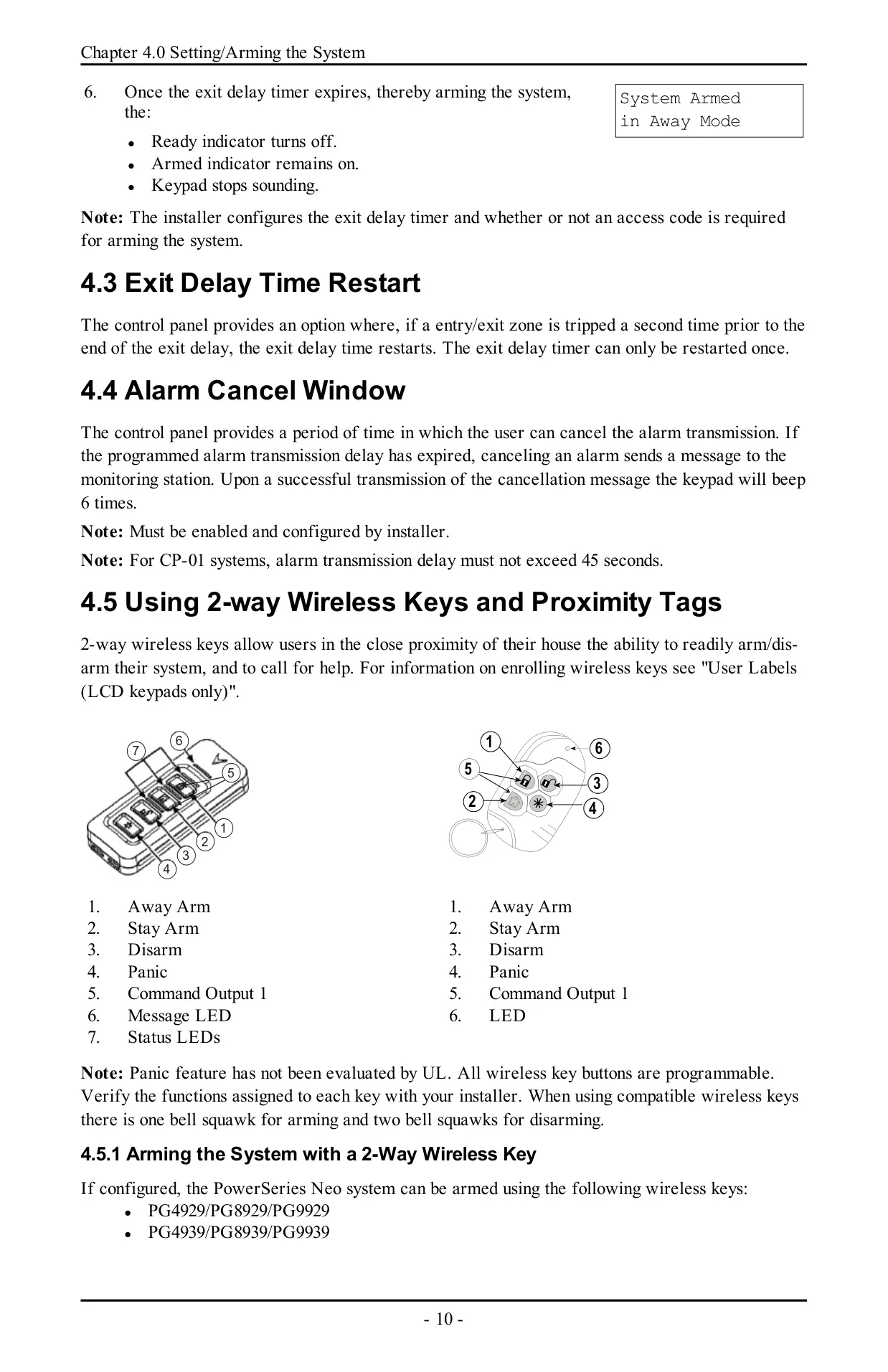
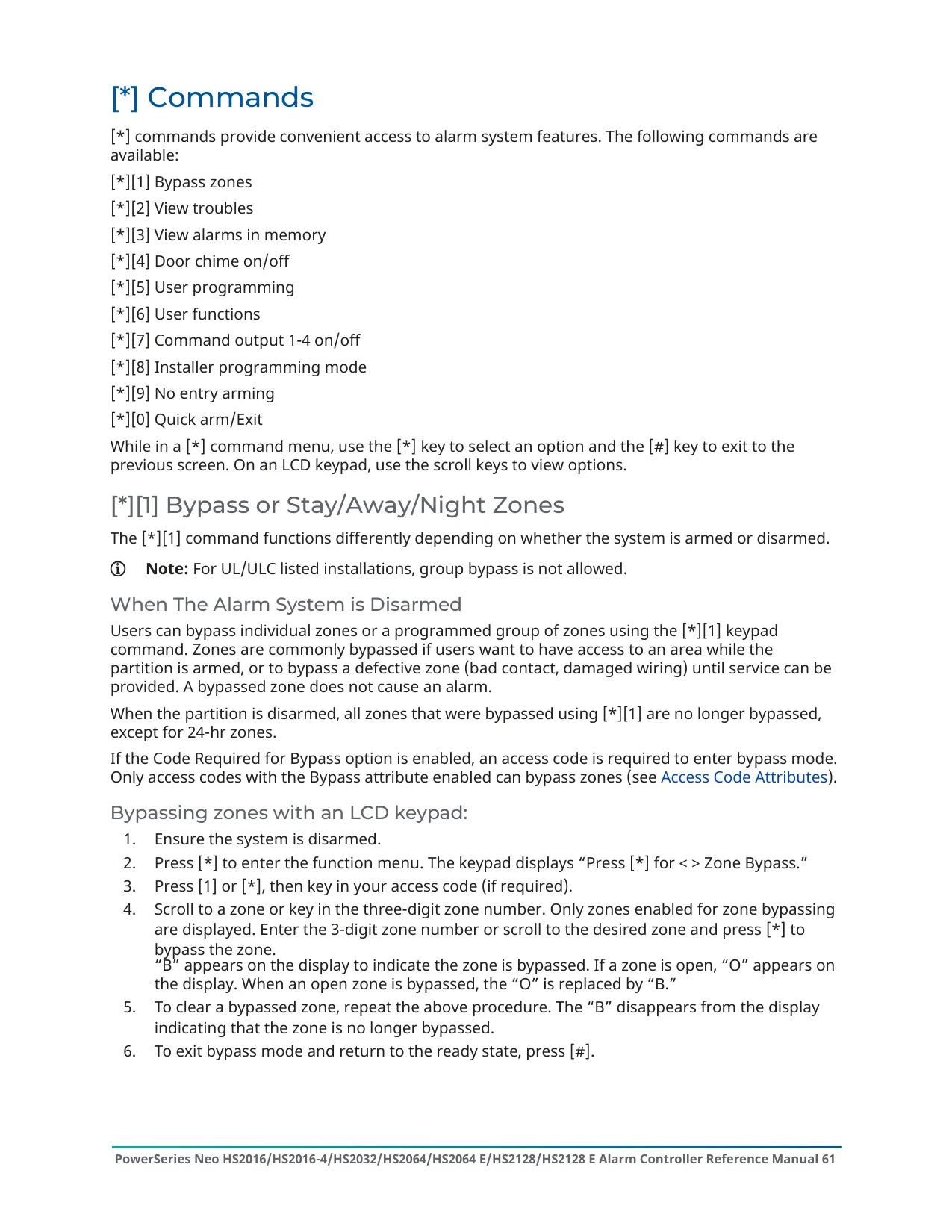
The system has several arming modes. Away mode arms both perimeter and interior sensors. Stay and Night modes leave you free to move around inside. No-Entry arming is done with [][9], and Quick Arm or Quick Exit with [][0]. You can arm by holding the Away or Stay key for 2 seconds, with a 2-way wireless key, or by presenting a proximity tag. During the exit delay the keypad beeps six times, then once per second, then rapidly in the last ten seconds.
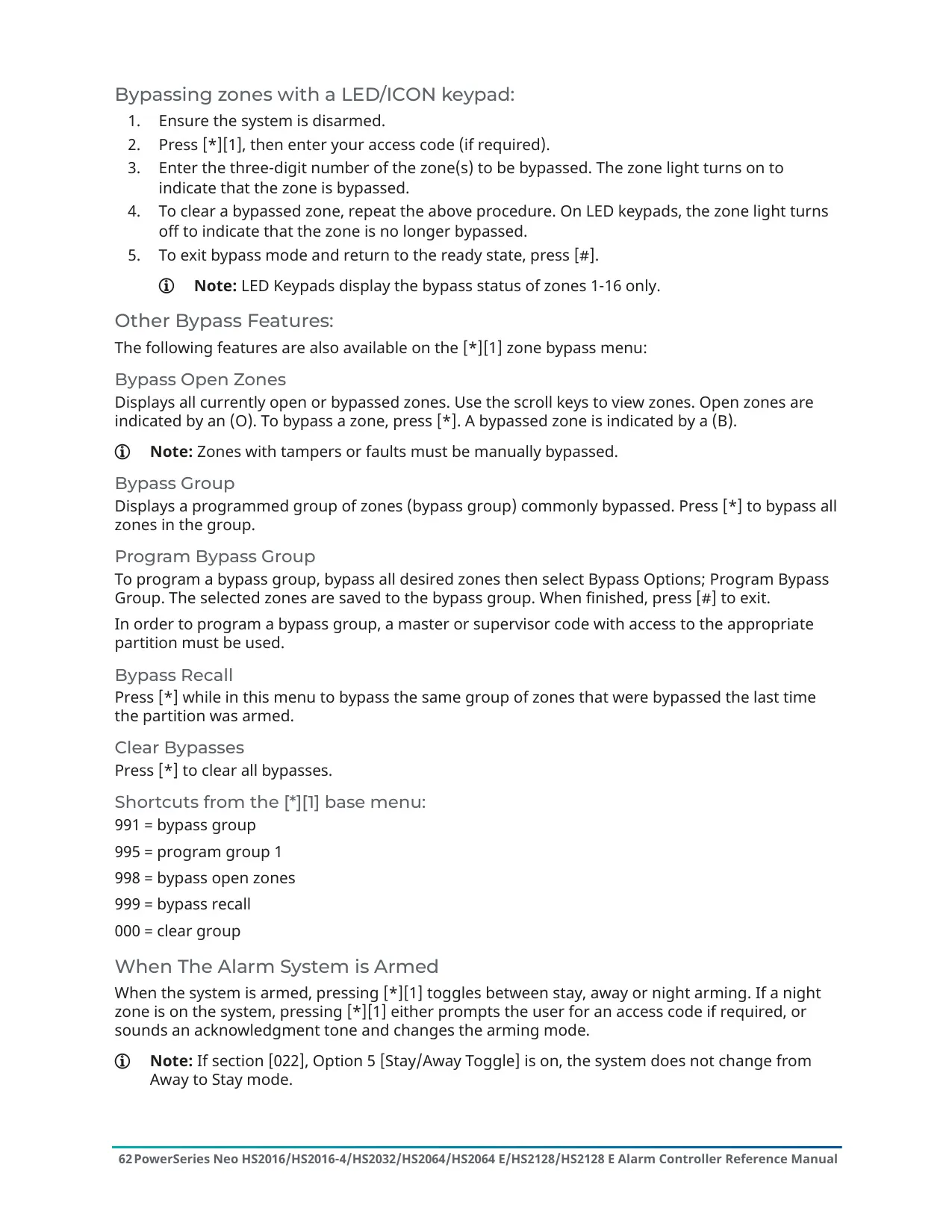
Several features help cut down on false alarms. With Push to Set or Final Door Set, the exit delay runs until the last door closes. The panel then checks for open zones and cancels arming if it finds any. Burglary Verification uses cross-zone and sequential detection, so two or more zones must trip within a set time before an alarm is confirmed. Swinger Shutdown shuts down a zone after a programmed number of trips. An Alarm Cancel Window lets you cancel a transmission, and the keypad beeps six times to confirm the cancellation was sent.
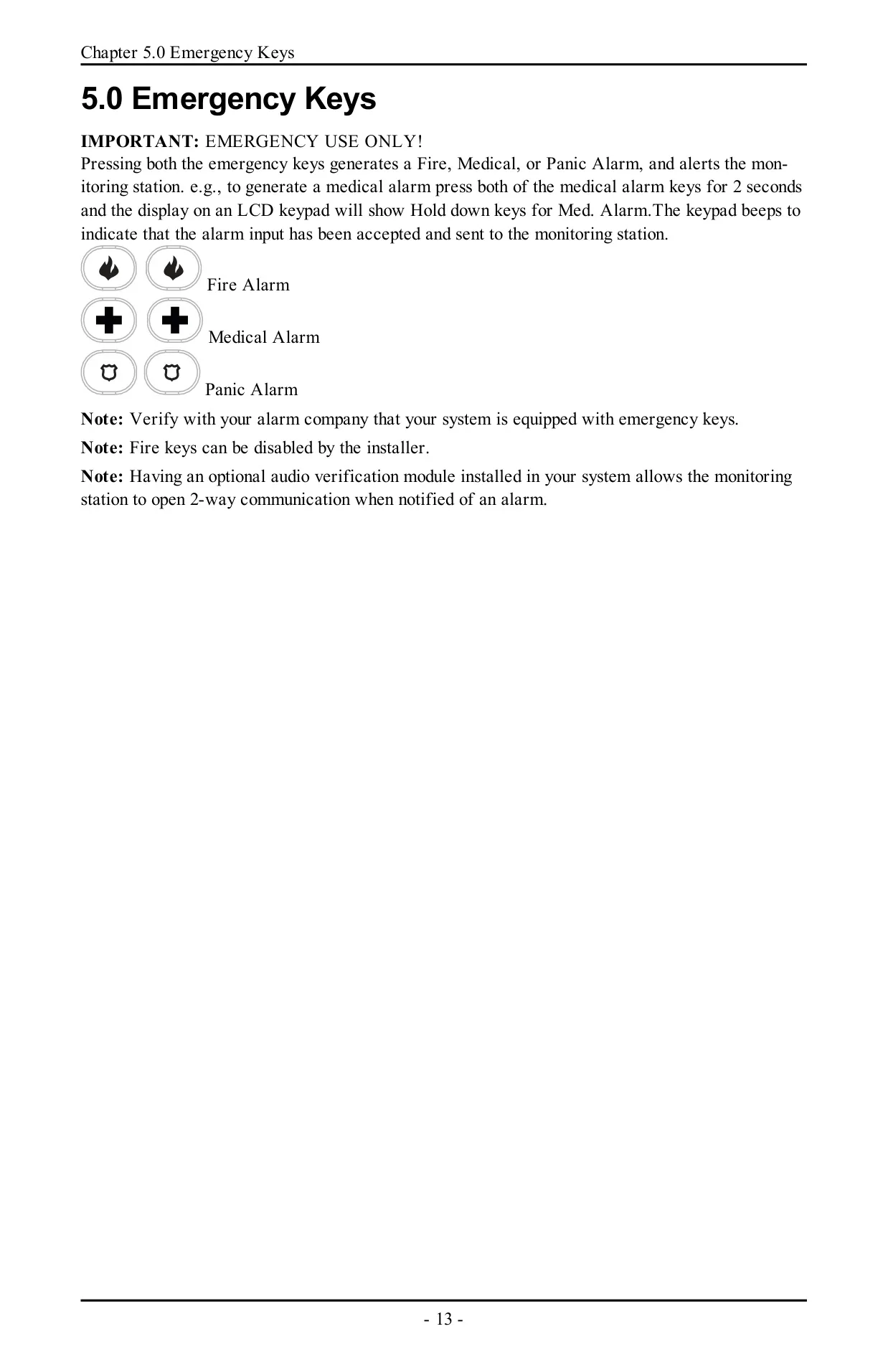
The emergency keys send Fire, Medical or Panic alarms when you hold both keys for 2 seconds. An optional audio verification module lets the monitoring station open 2-way voice communication after an alarm. A valid access code silences Fire and CO alarms, and LCD keypads then show "Bell Silenced". The system can also lock out all keypads, wireless keys, proximity tags and SMS commands after too many invalid code attempts. The Fire, Medical and Panic keys still work during a lockout.
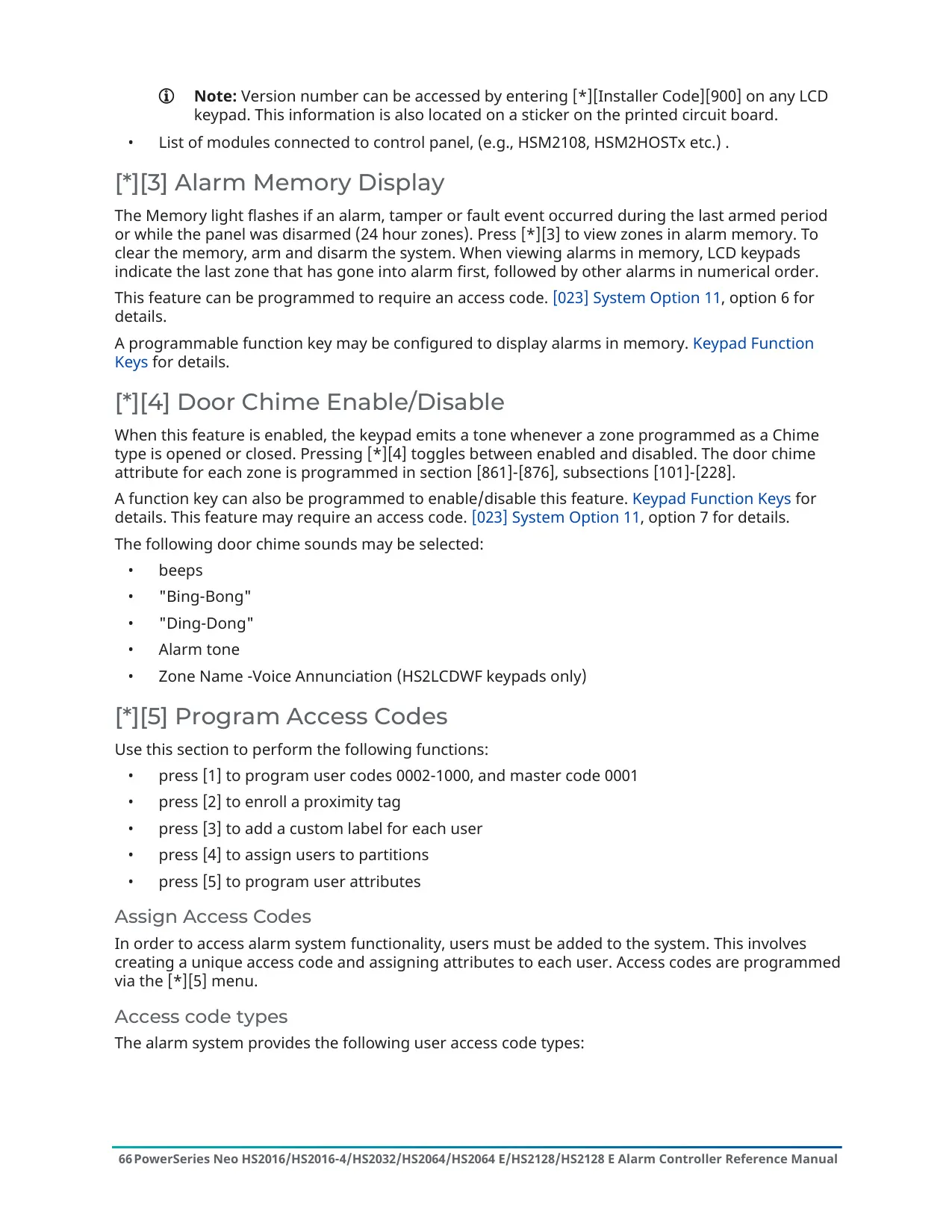
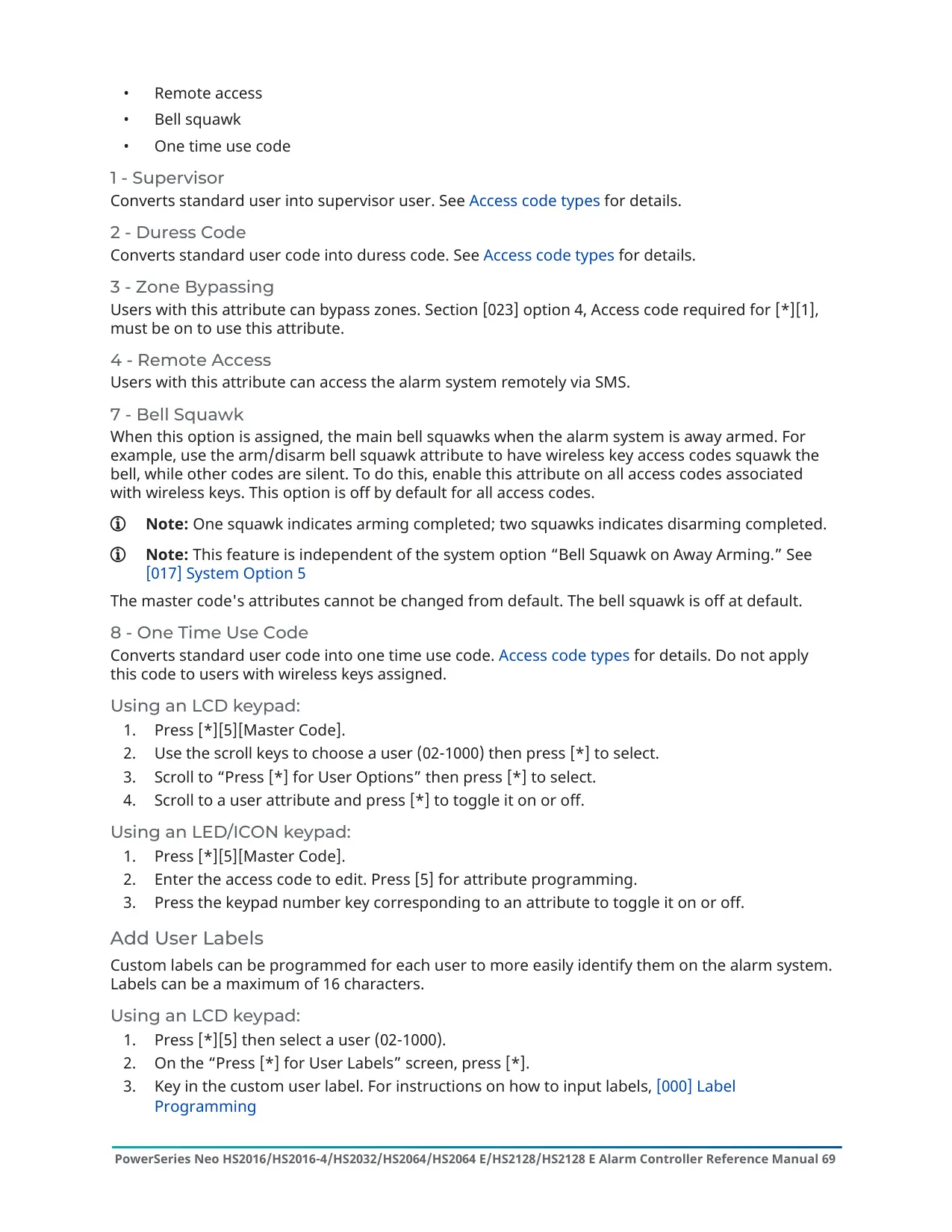
Duress codes work like normal user codes, but they send a silent Duress Report to the monitoring station. One-Time User codes can disarm the system once per day, and that permission resets at midnight. Supervisor codes can manage access codes and user functions. Installer and Master codes can be changed but never deleted. If you delete a user code, any proximity tag linked to it must be enrolled again. User labels on LCD keypads are built from a pre-programmed word library.
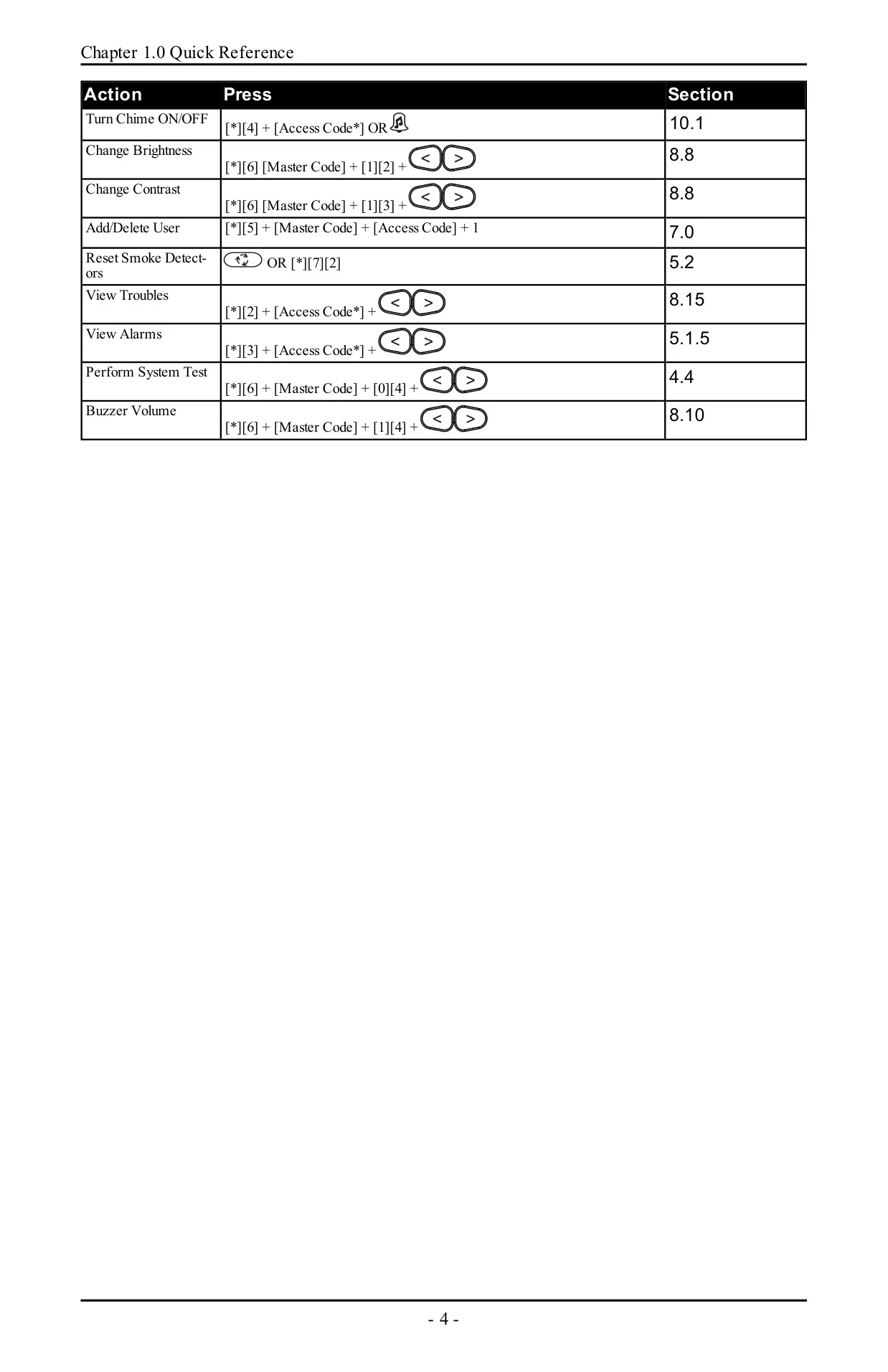
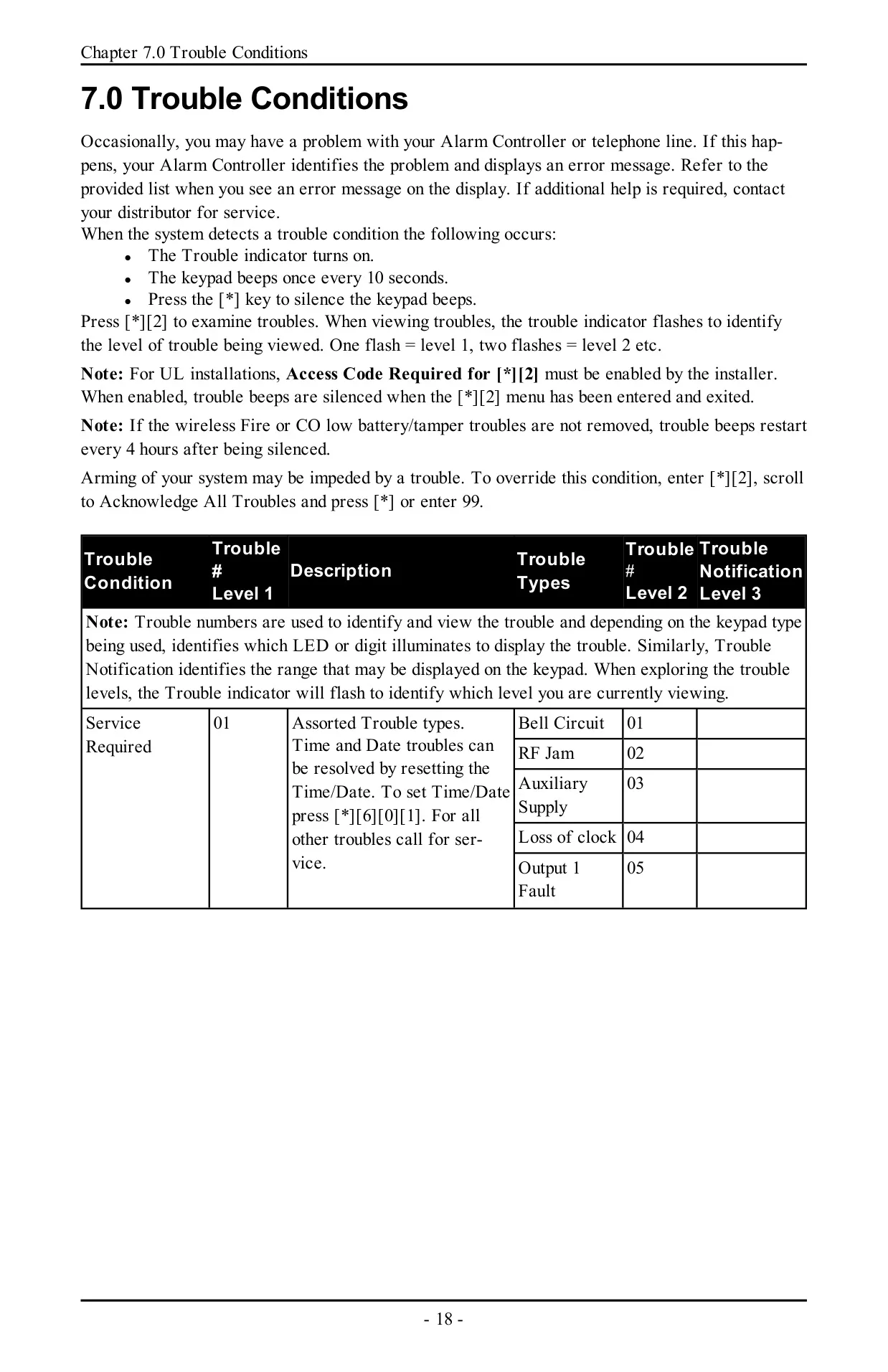
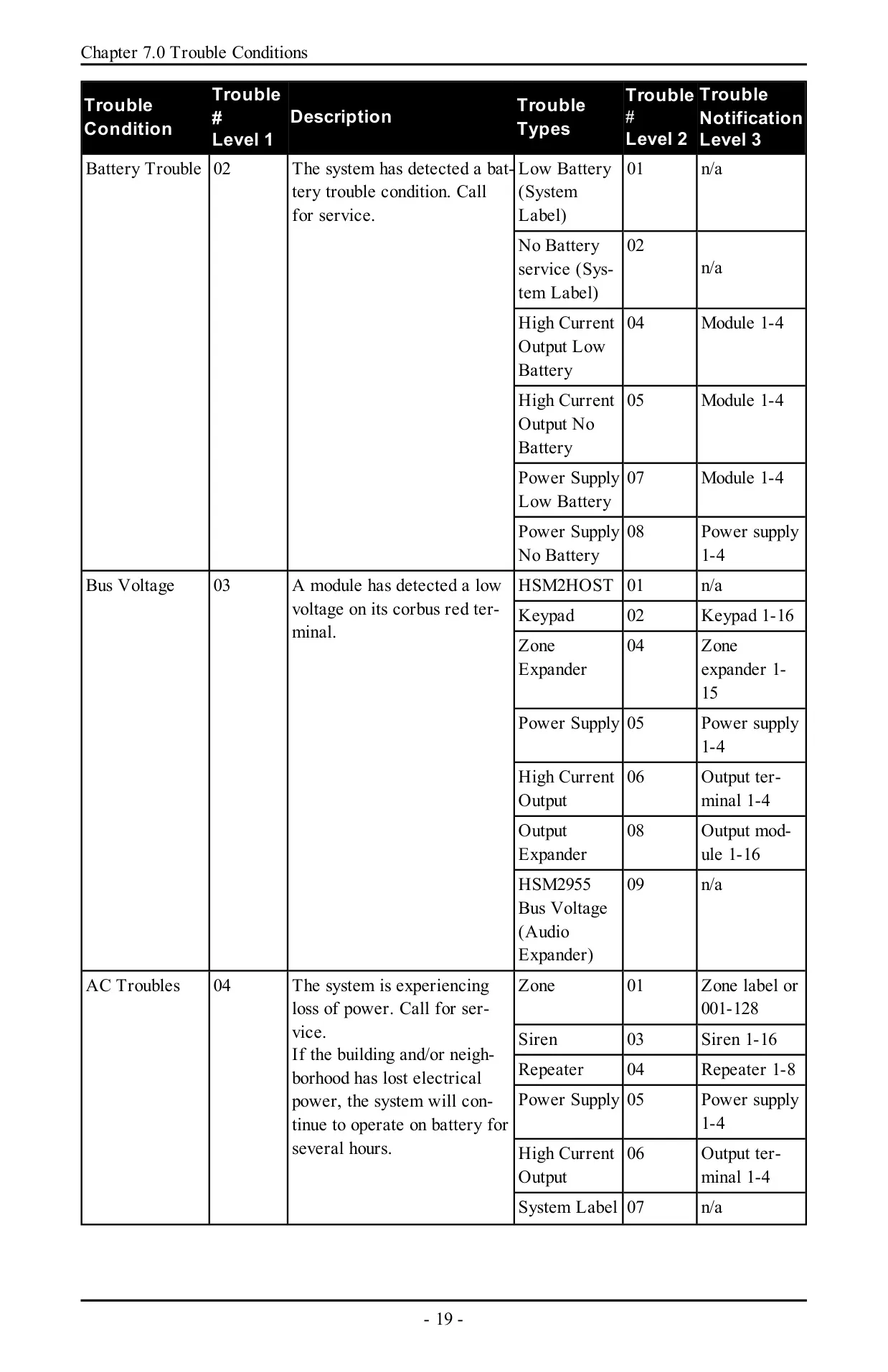
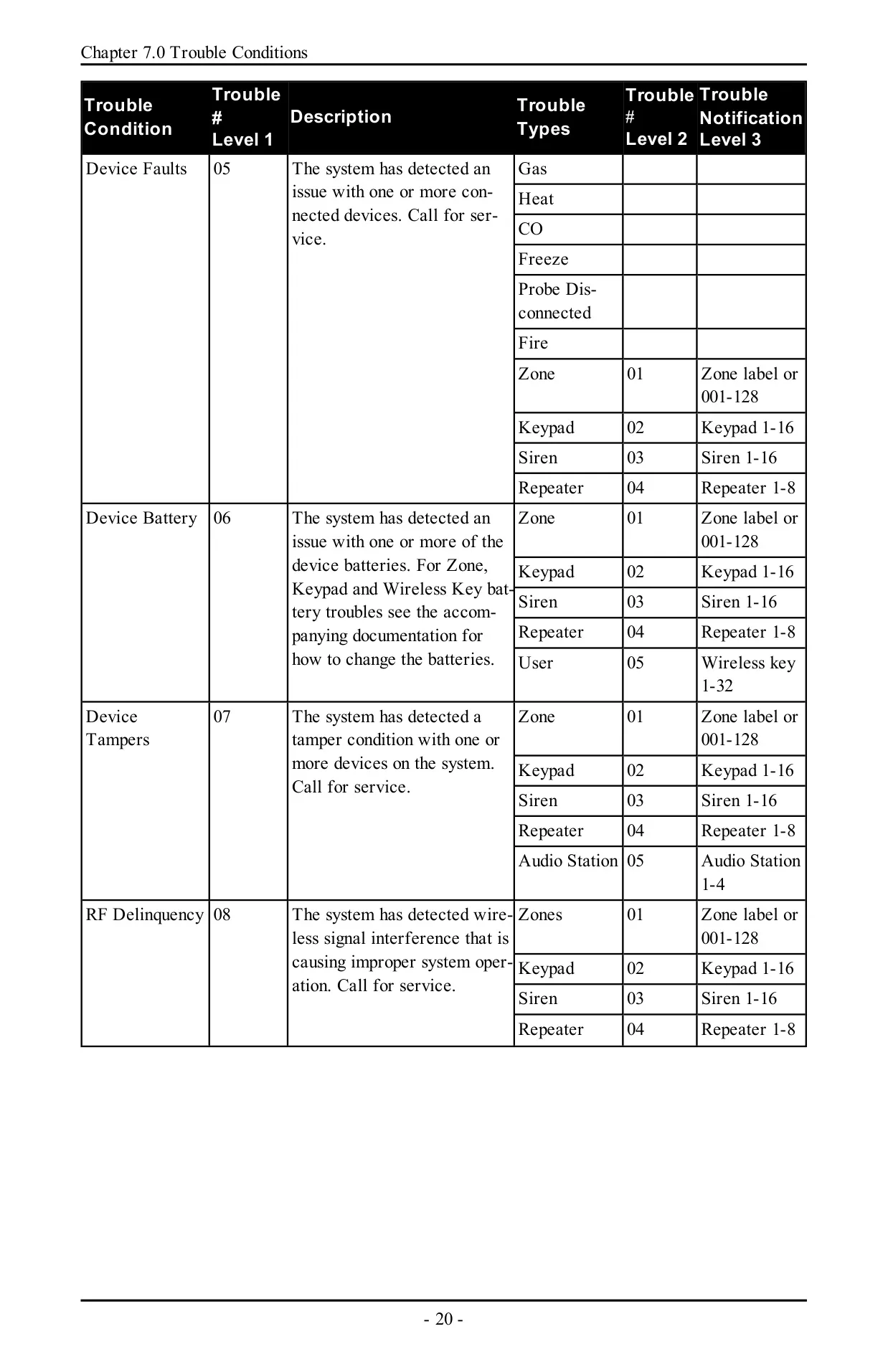
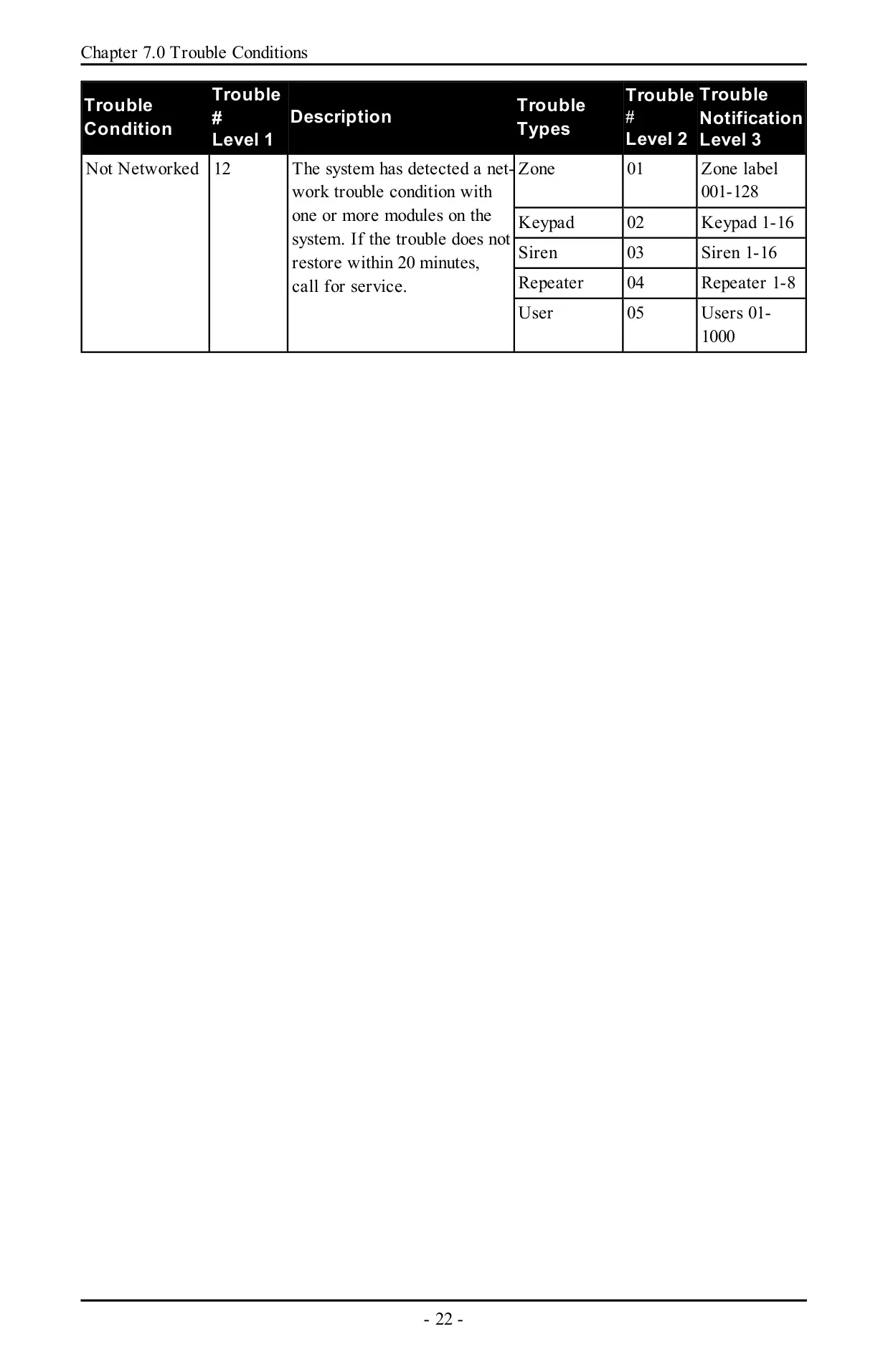
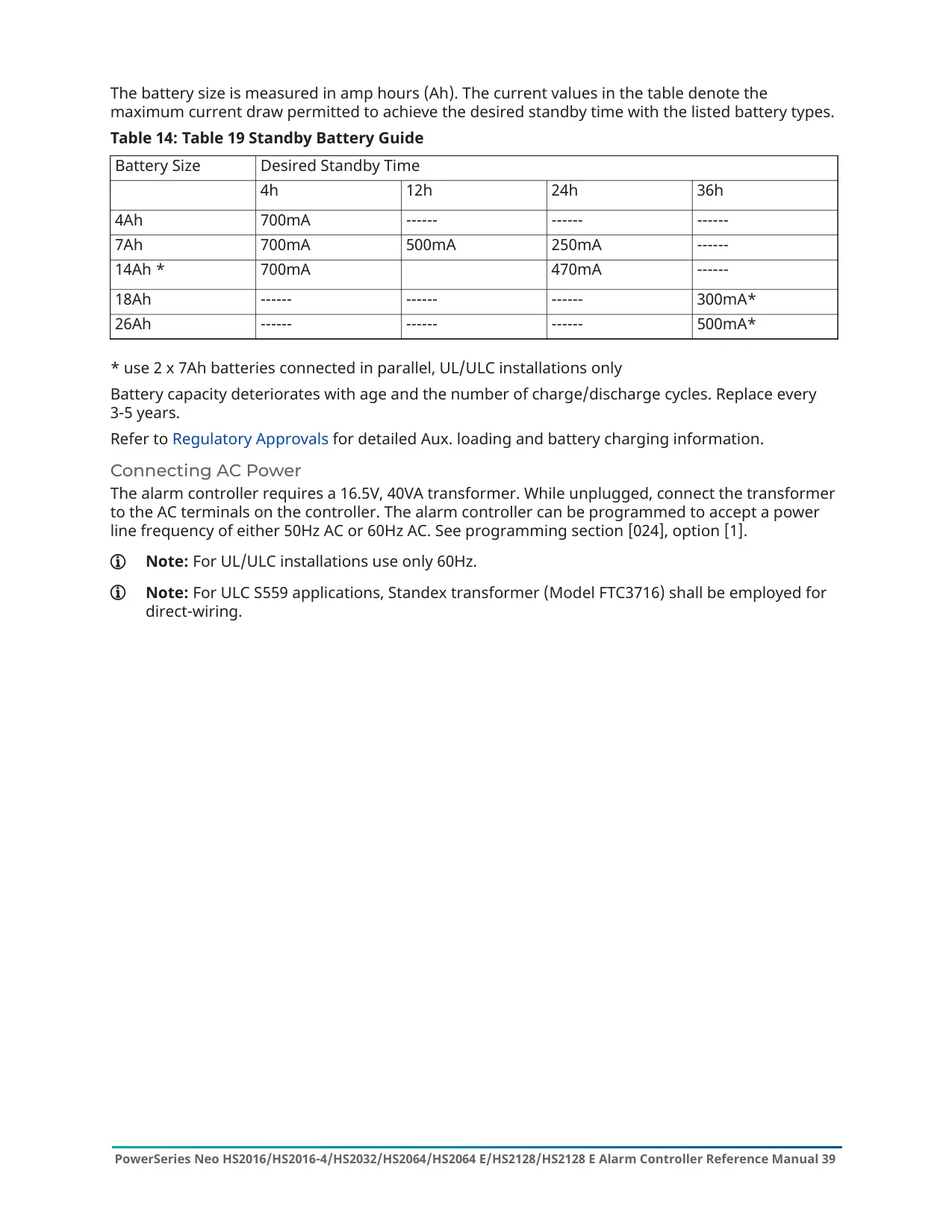
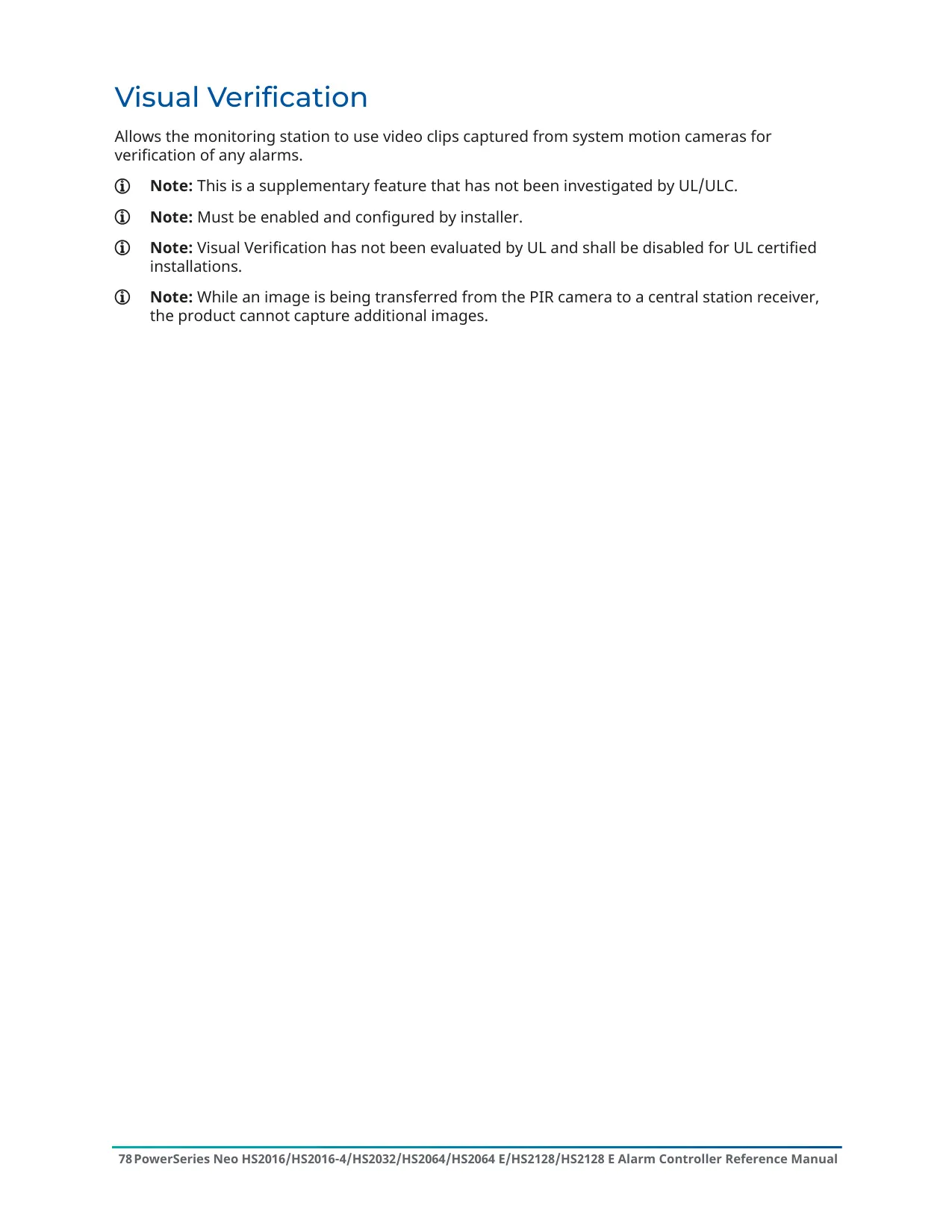
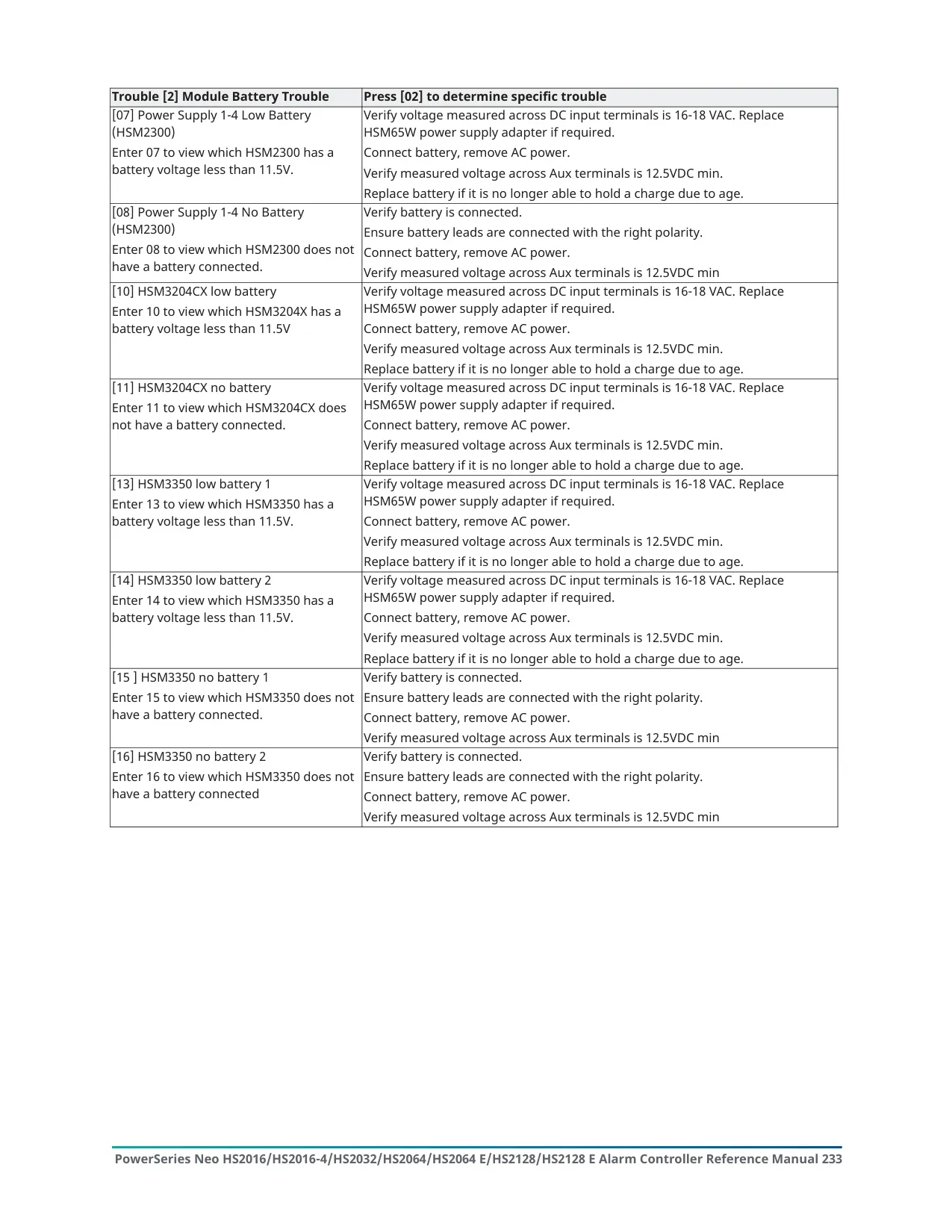
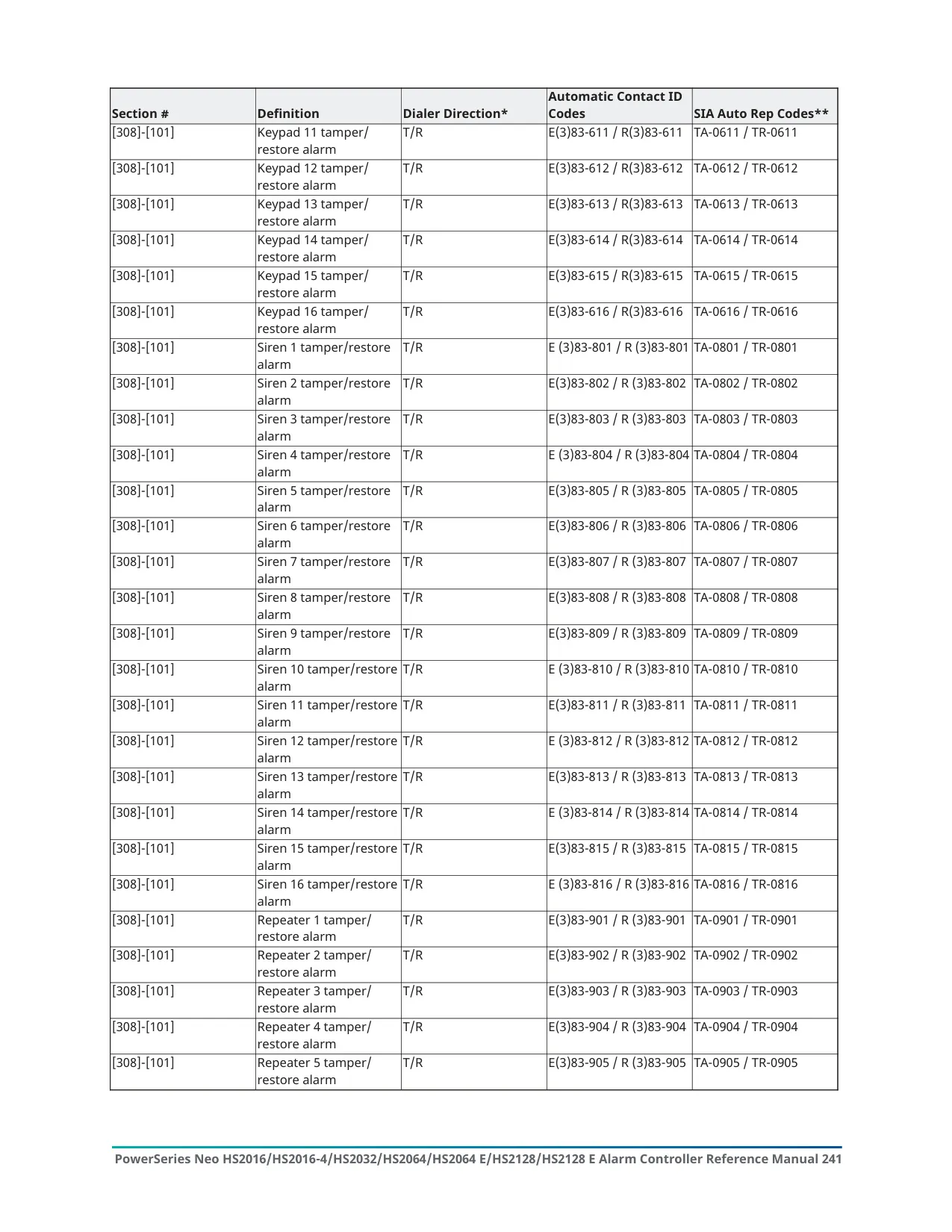
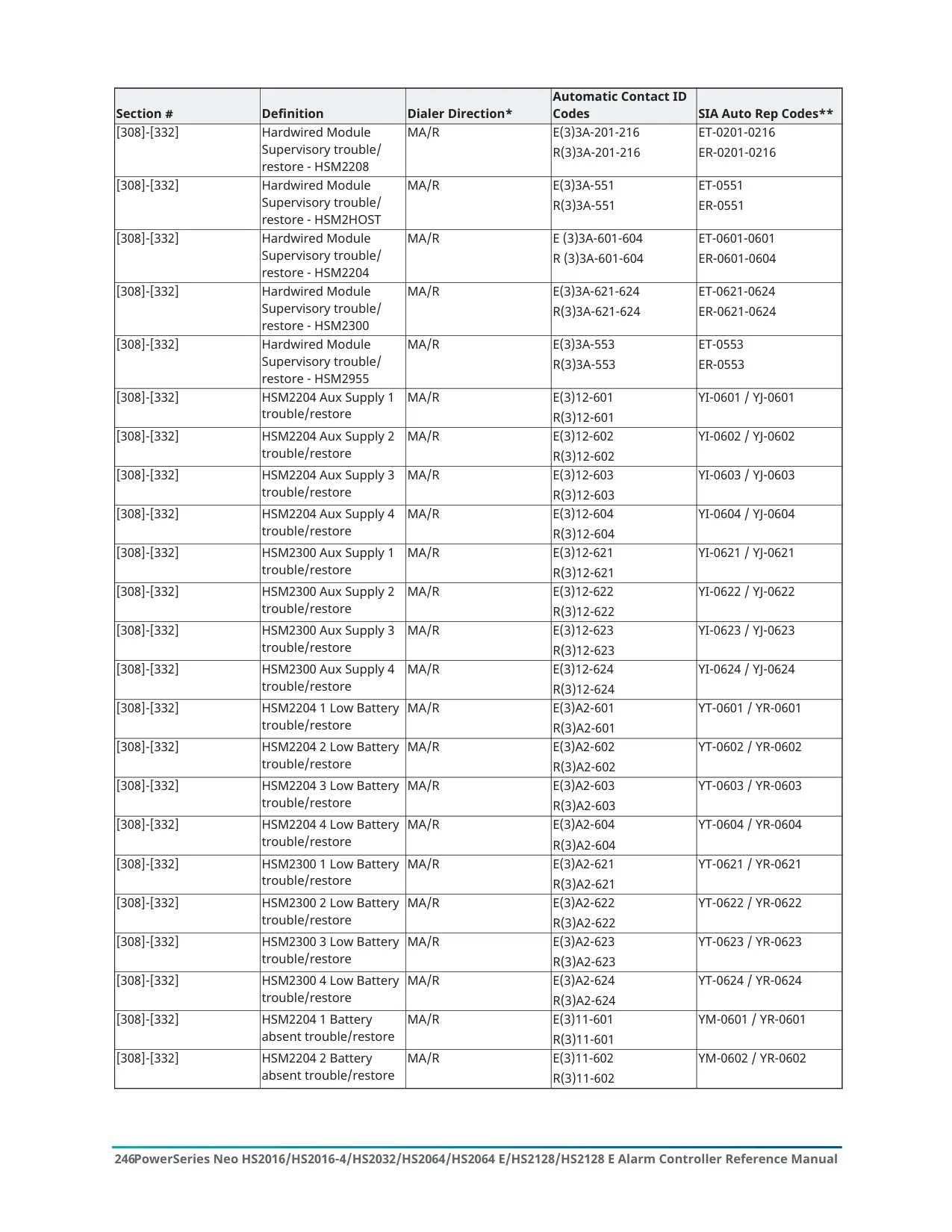
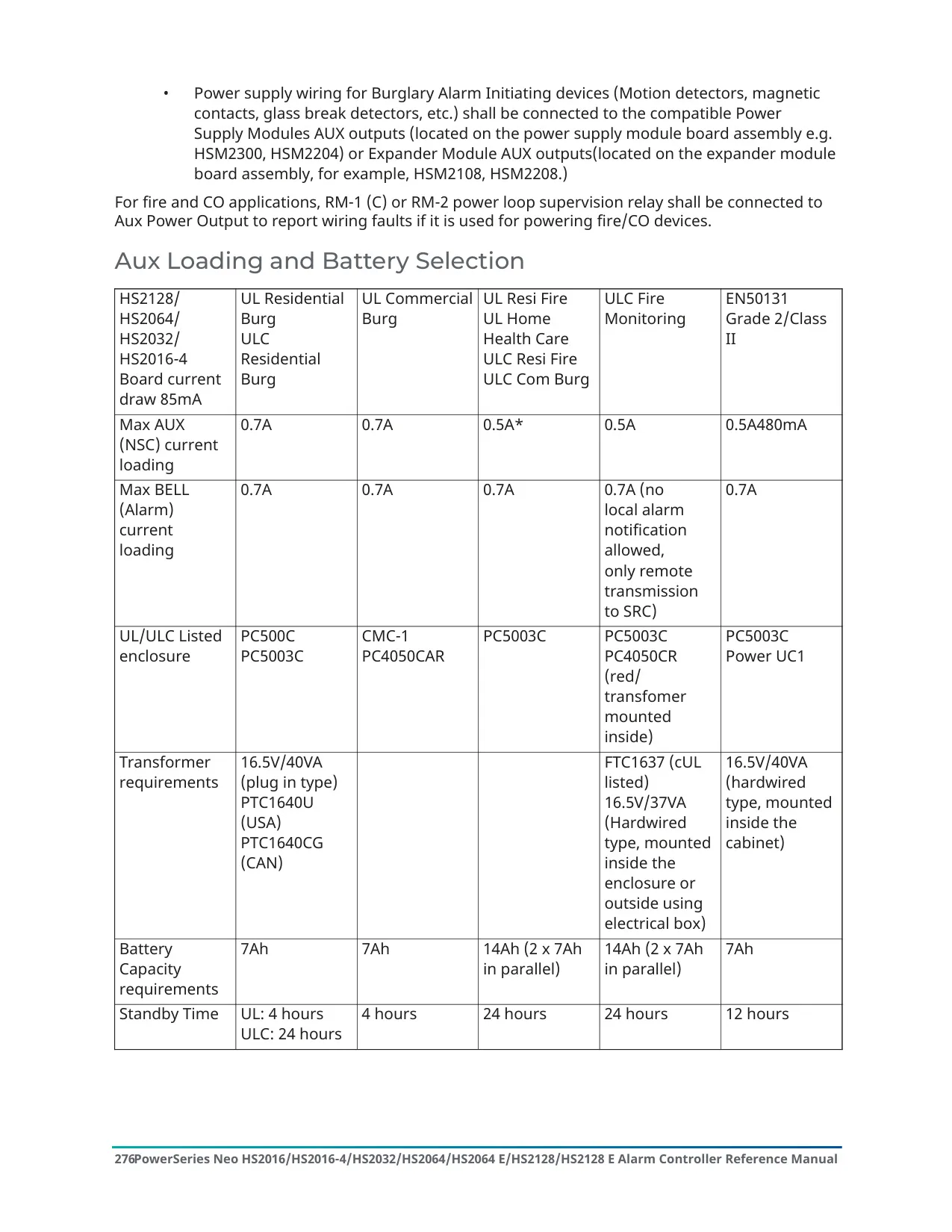
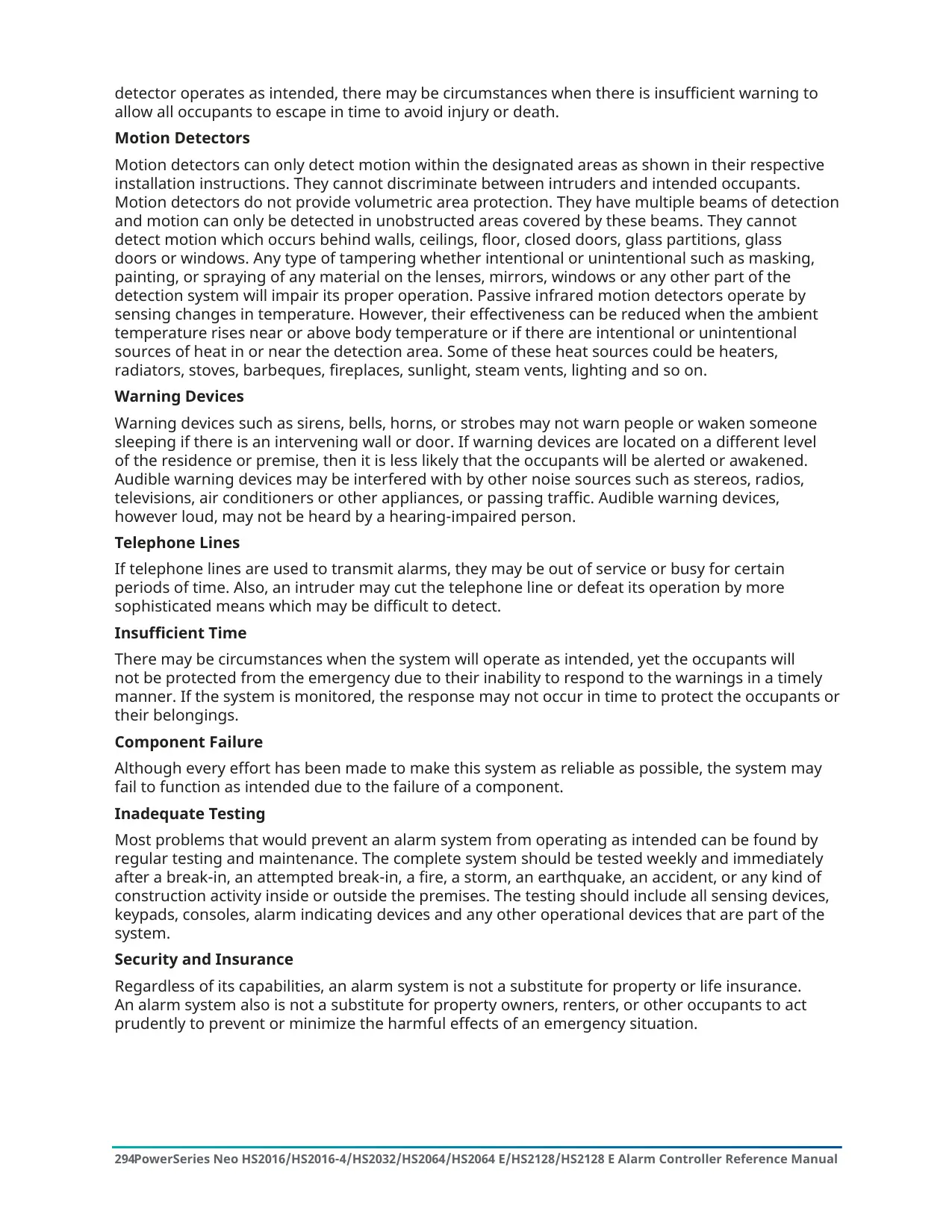
A tiered trouble menu, opened with [*][2], reports problems such as AC loss, battery faults, bus voltage, device tampers, RF interference, module supervision and communication faults. Communication faults include the phone line, cellular, Ethernet and SIM lock. If you lose AC power, the panel runs on battery for several hours. If PIR cameras are enrolled, each one sends two images during a system test. The manual says to test the system weekly and to have smoke detectors tested every year.
Frequently Asked Questions (FAQs)
Can't find the answer you need? Here are some frequently asked questions about the DSC Neo HS2064 Security System, and we answer them below.