
Hunter 44157 Thermostat Instruction Manual

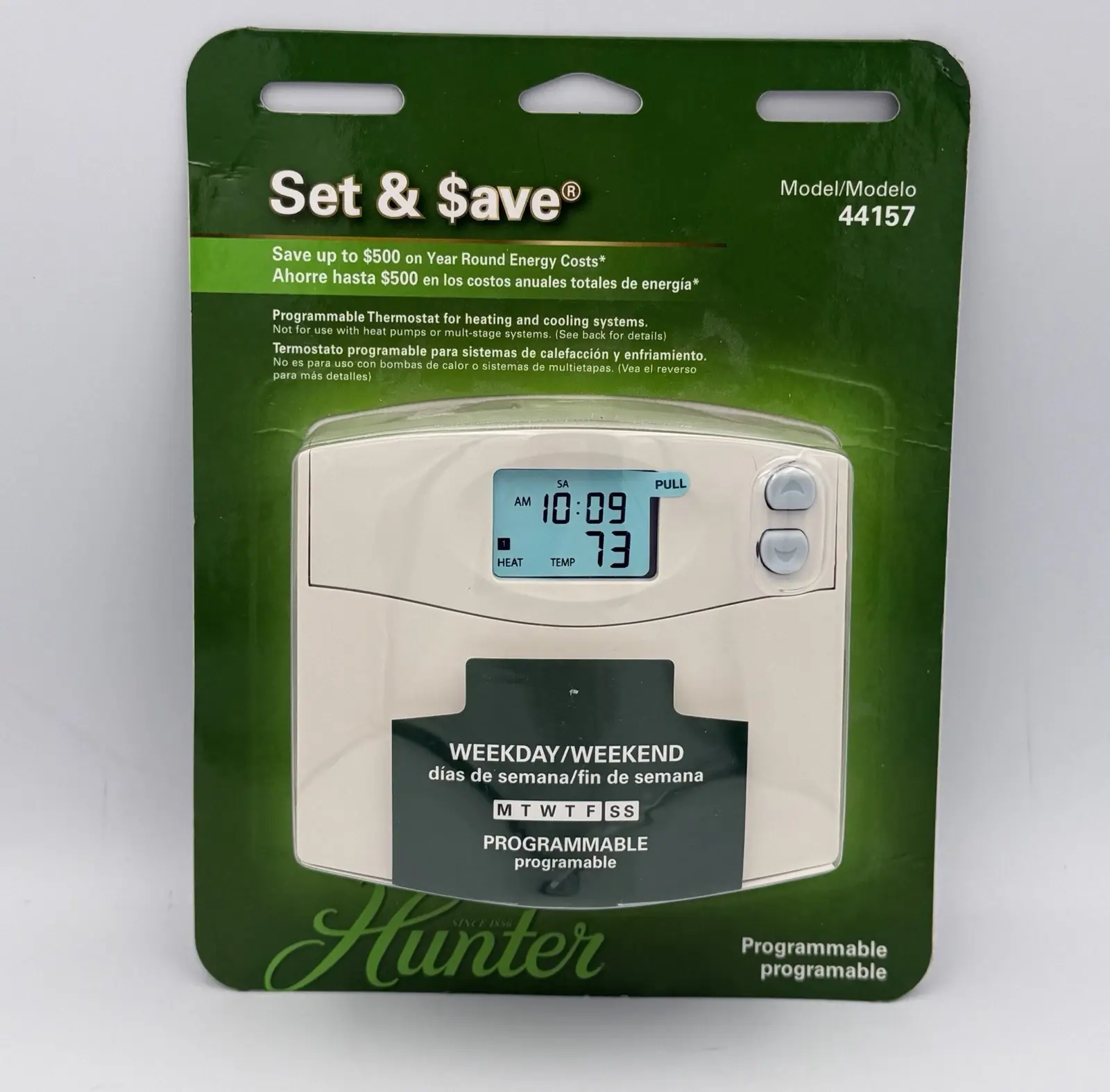
Hunter 44157 Thermostat






















Hunter 44157 Thermostat Instructions
Here we offer the Hunter 44157 Thermostat manual completely free and in English. We have cataloged this manual in the Thermostats section on Manualverse, and it has been rated by 1 users with an average rating of 5. If you have any specific questions about Hunter 44157 Thermostat, we suggest checking the Frequently Asked Questions (FAQs) section of this manual.
Product Images

Hunter 44157 Thermostat Specifications
| Feature | Specification |
|---|---|
| Product Series | Hunter Set & Save Programmable Thermostat (manual Form# 42708-01, cover references Model 44155C) |
| Compatible Systems | Gas standing pilot, gas electronic ignition, gas-fired boilers, gas millivolt systems, oil-fired boilers, oil-fired furnace, electric furnace, electric air conditioning, single-stage heat pump (no auxiliary) |
| Not Compatible With | Multi-stage heat pump systems, 110/220 V baseboard heating systems |
| Power Source | Two 1.5 V AA alkaline batteries (C/common wire not used) |
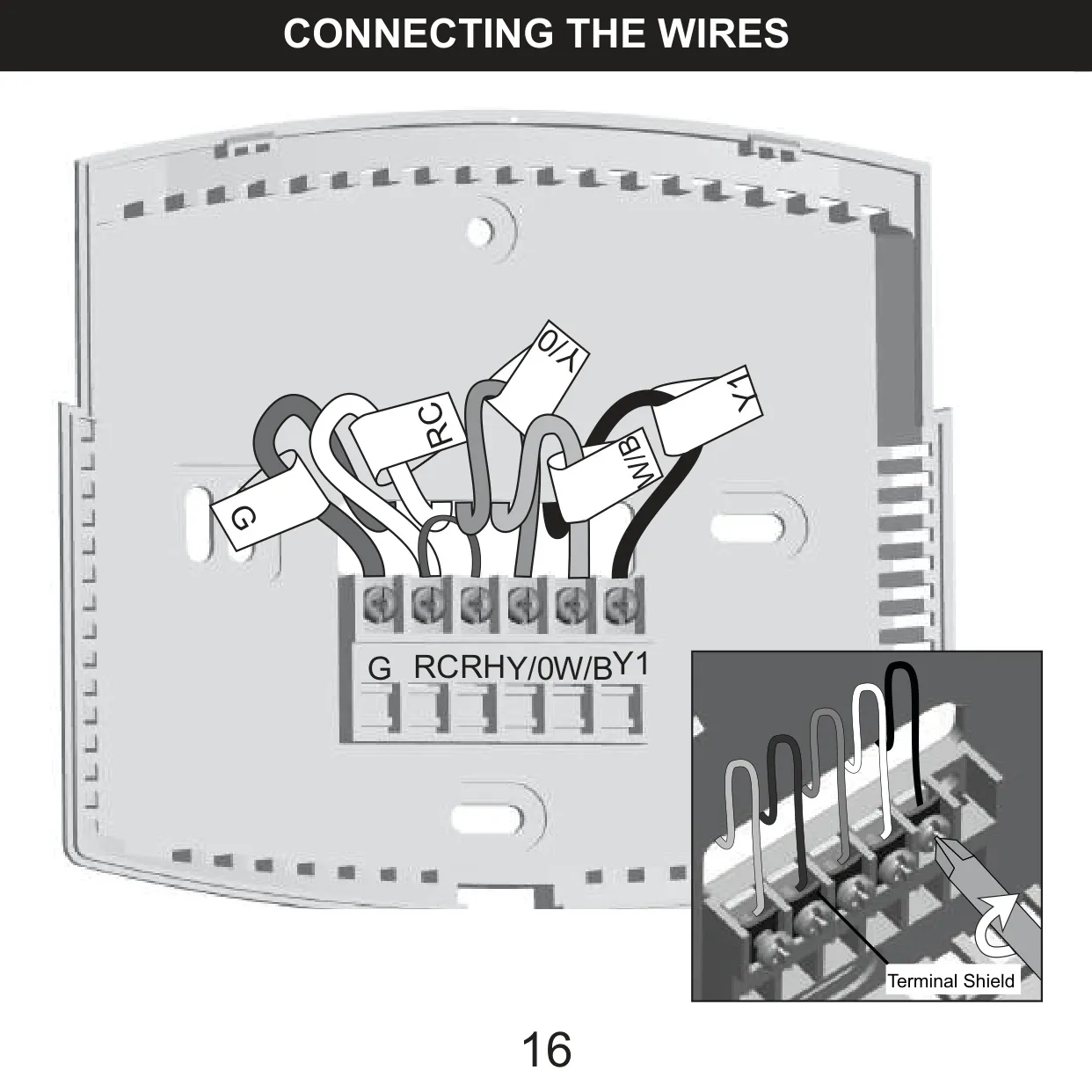
| Wiring Terminals | G, RC, RH, Y/O, W/B, Y1 |
| RC/RH Jumper | Factory-installed jumper wire between RC and RH |
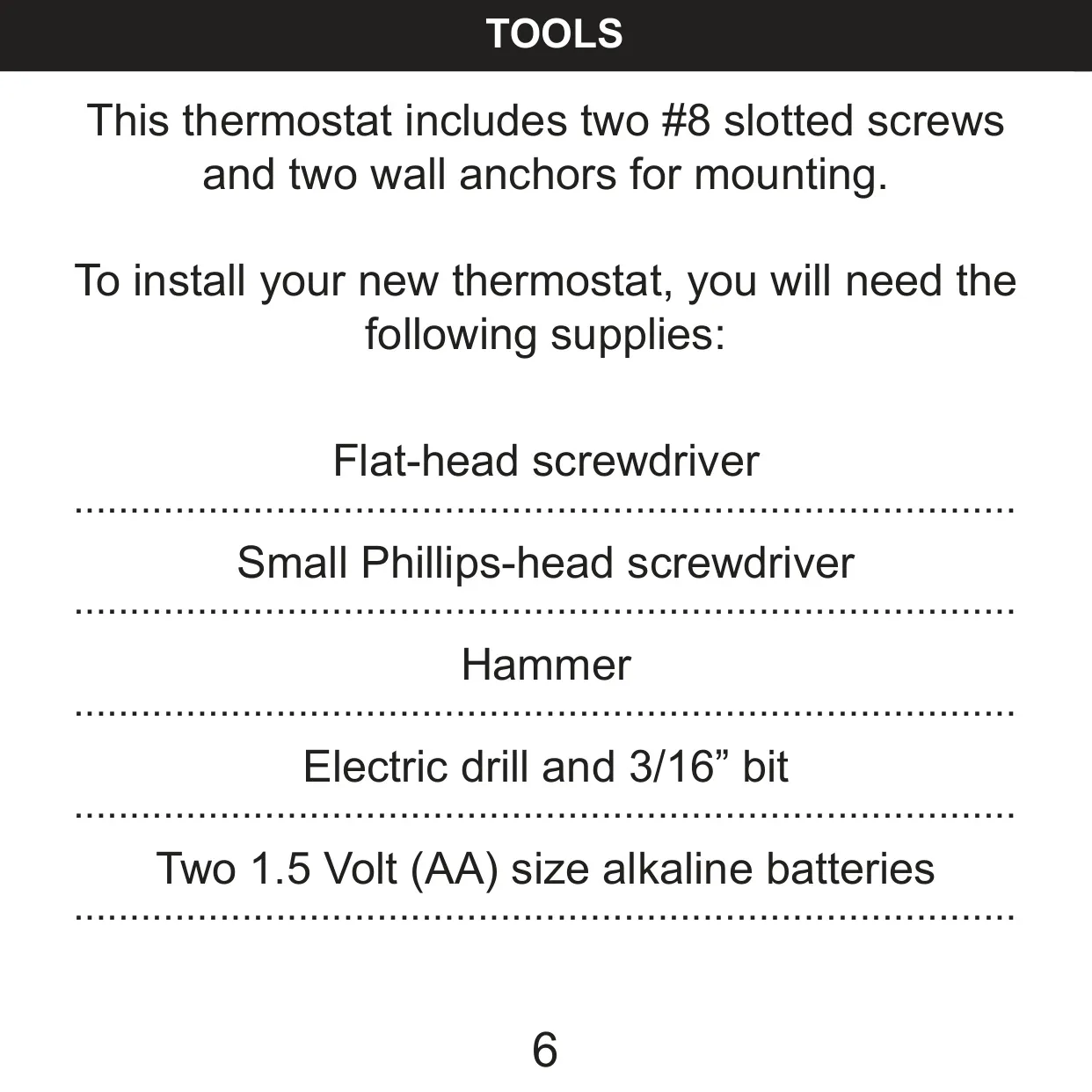
| Included Mounting Hardware | Two #8 slotted screws and two plastic wall anchors |
| Mounting Hole Drill Size | 3/16 in |
| Programming Capacity | Up to 4 programs per day (minimum 2), set individually for each day |
| Program Time Increment | 10 minutes |
| Program Temperature Increment | 1 °F (1 °C) |
| Program Temperature Range | 45 °F to 95 °F (7 °C to 35 °C) |
| Display Temperature Range | 30 °F to 99 °F (0 °C to 37 °C); "LO" below 30 °F, "HI" above 99 °F |
| Temperature Scale | Fahrenheit (default) or Celsius |
| Clock Format | 12-hour (default) or 24-hour |
| Heating Type Switch | HG (gas/oil, default) / HE (electric furnace) |
| System Type Switch | STD (Standard) / HP (Heat Pump) |
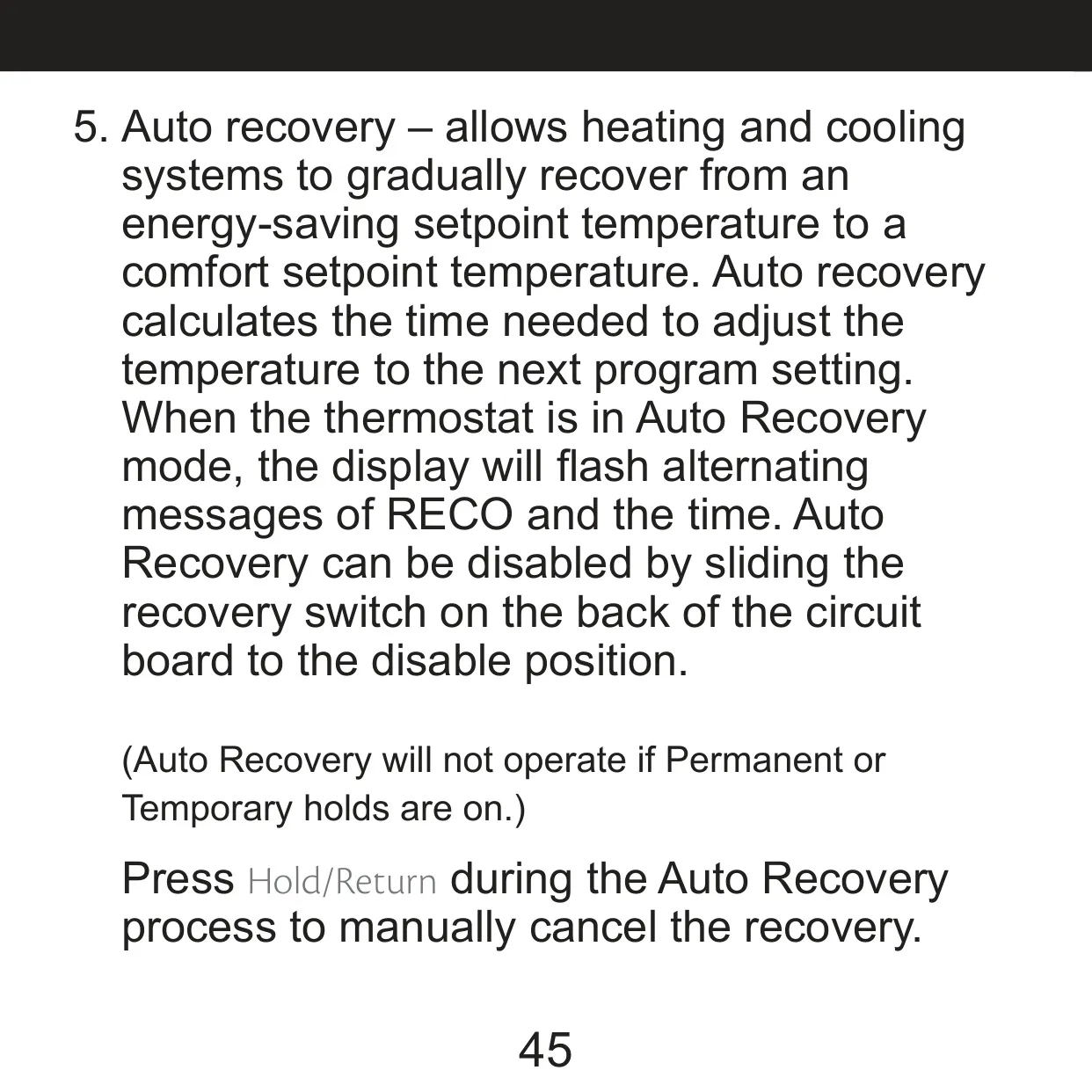
| Auto Recovery Switch | ENABLE / DISABLE |
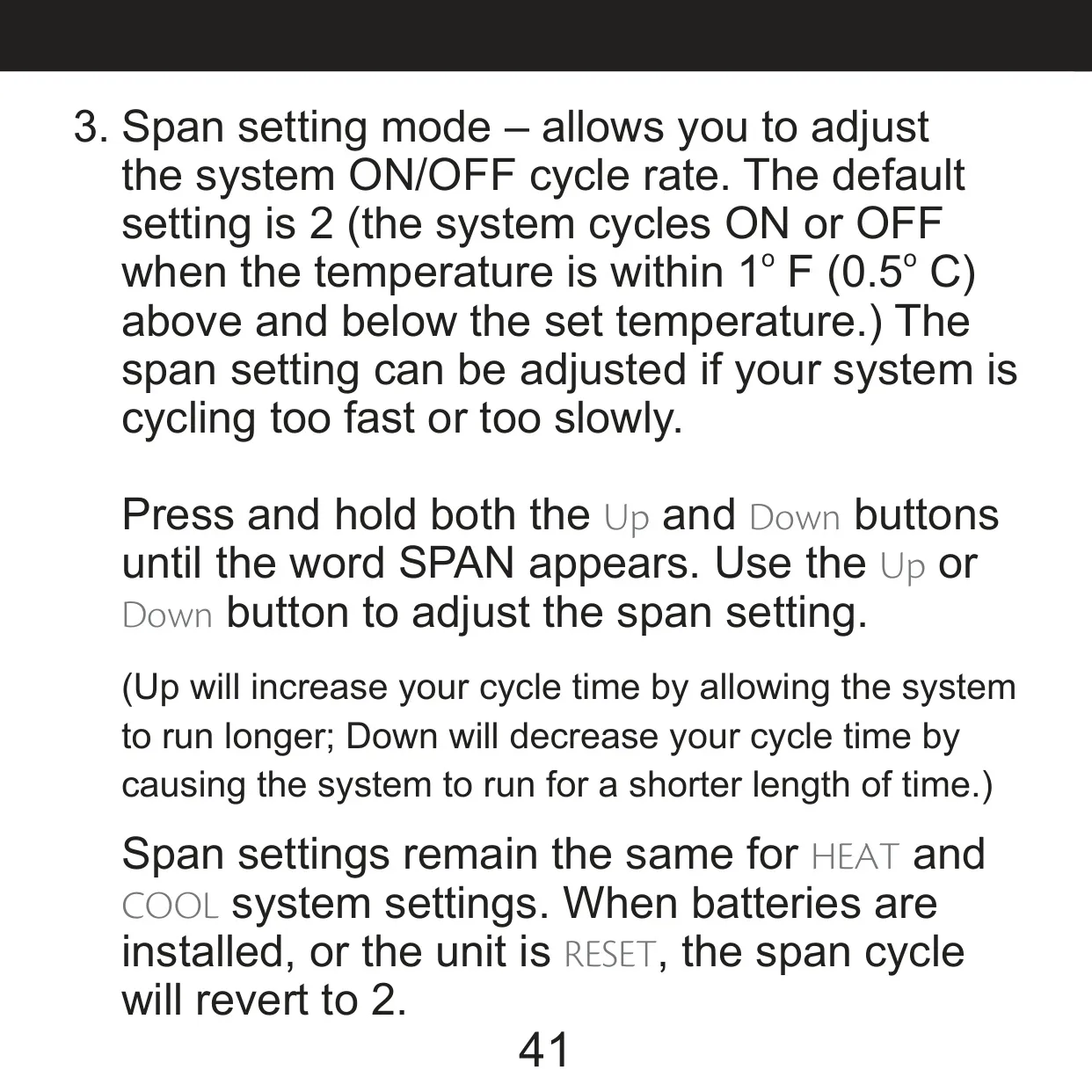
| Span (Cycle Rate) Default | 2 (±1 °F / 0.5 °C around set temperature) |
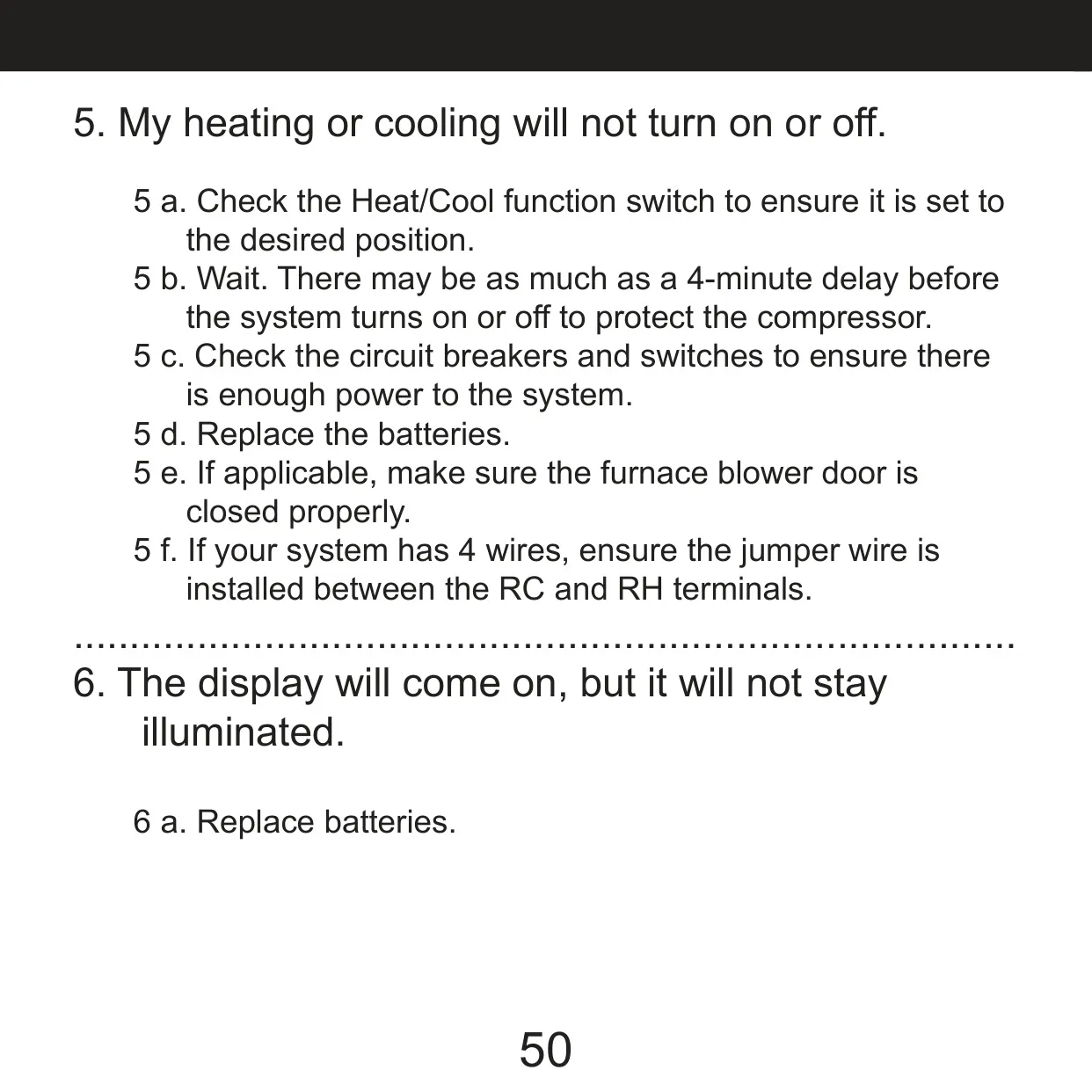
| Compressor Protection Delay | 3.5 minutes after cooling stops (up to 4 minutes noted in troubleshooting) |
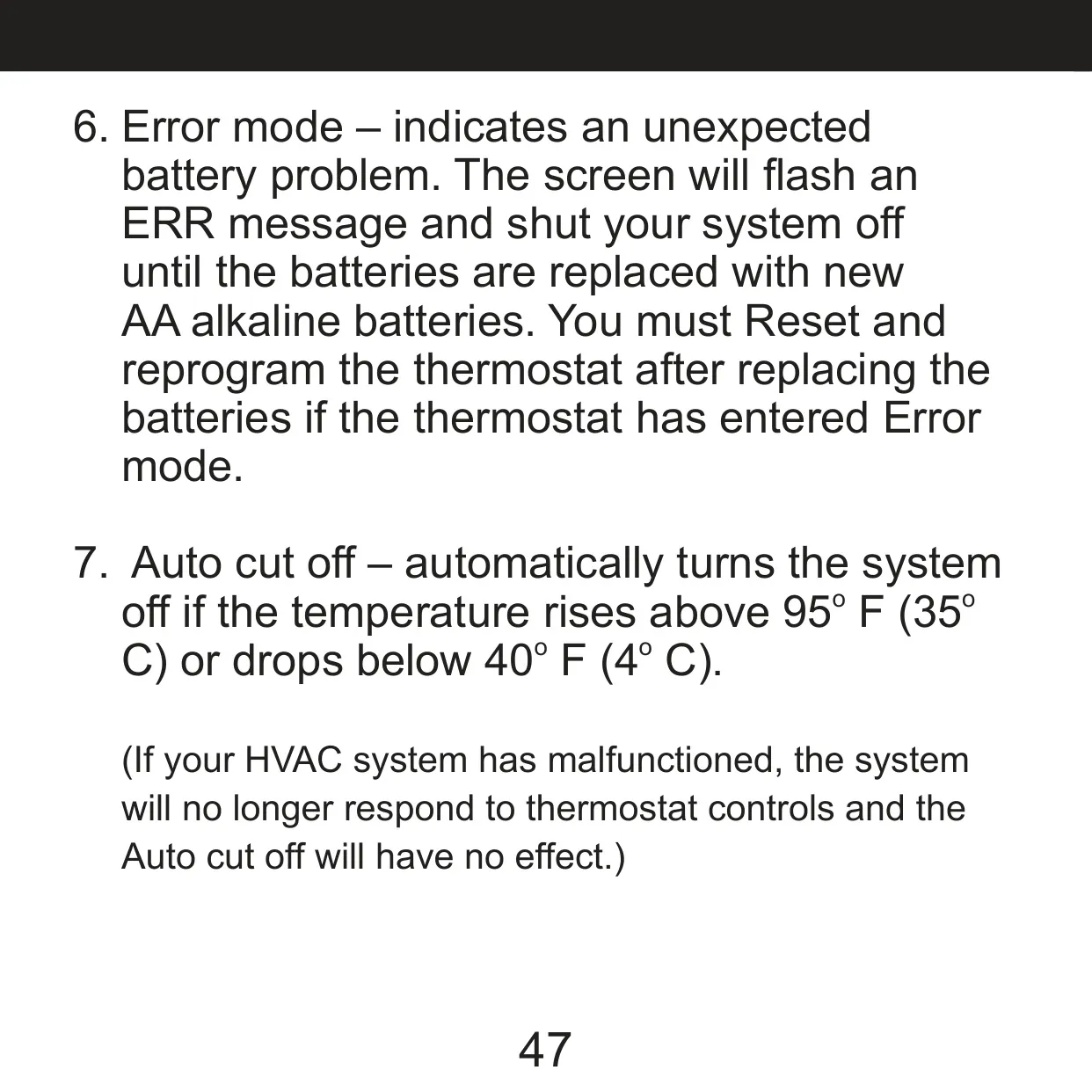
| Auto Cut Off | System turns off above 95 °F (35 °C) or below 40 °F (4 °C) |
| Filter Change Reminder | After 400 hours of system use |
| Backlight | INDIGLO Night-Light, turns off after 5 seconds of inactivity |
| Programming Timeout | 15 seconds of inactivity |
| Memory Retention During Battery Change | 1 minute |
| Technical Support | 1-888-830-1326, 8 am to 5 pm CST |
Hunter 44157 Thermostat Details
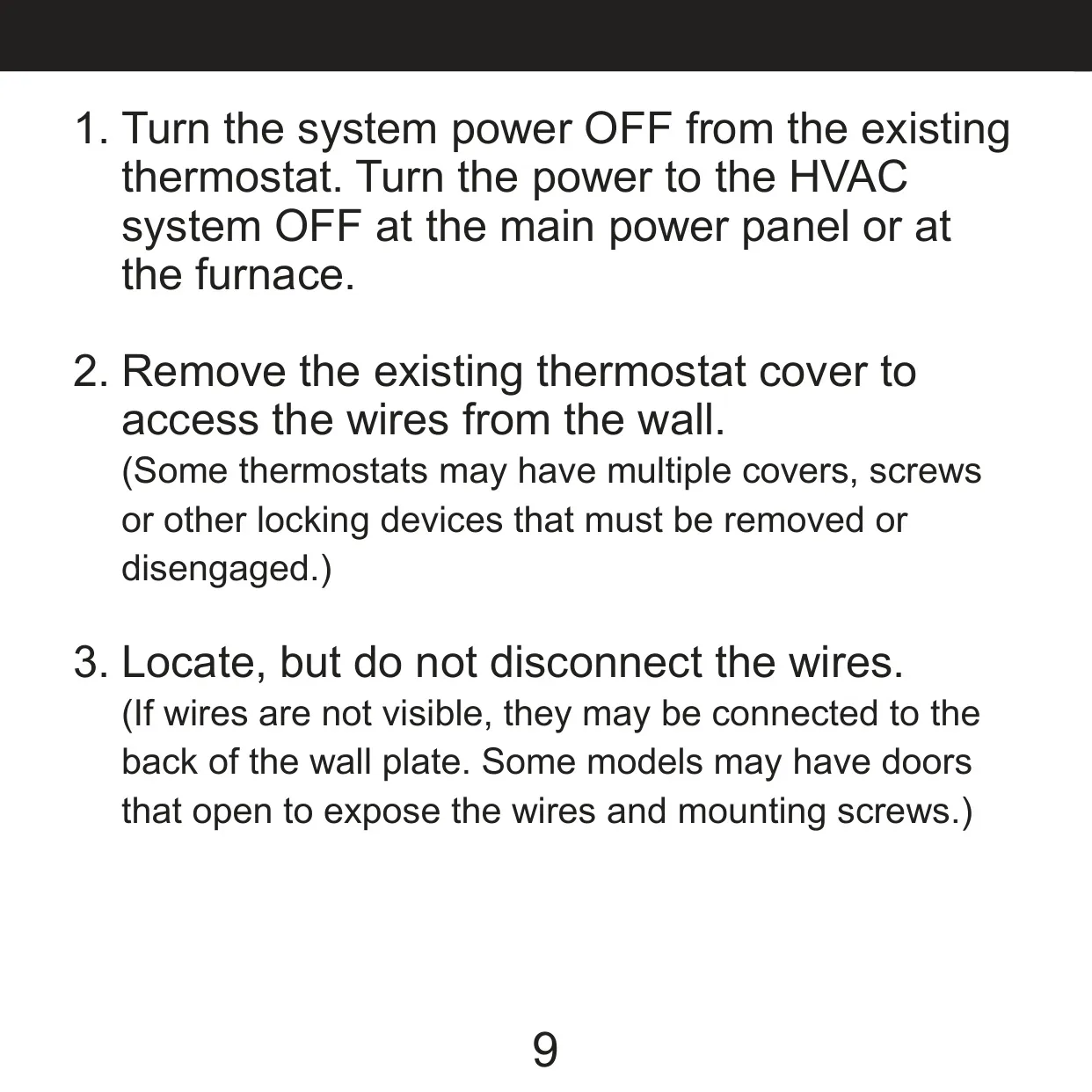
The Hunter 44157 Thermostat is part of Hunter's Set & Save programmable line and is meant to replace an existing wall thermostat with little effort. Before you take out the old unit, the manual says to turn off the system at the thermostat and cut power to the HVAC equipment at the main panel or furnace. Next, remove the old cover and find the wires, but don't disconnect them yet. Each wire has to be labeled first so it goes back on the right terminal.
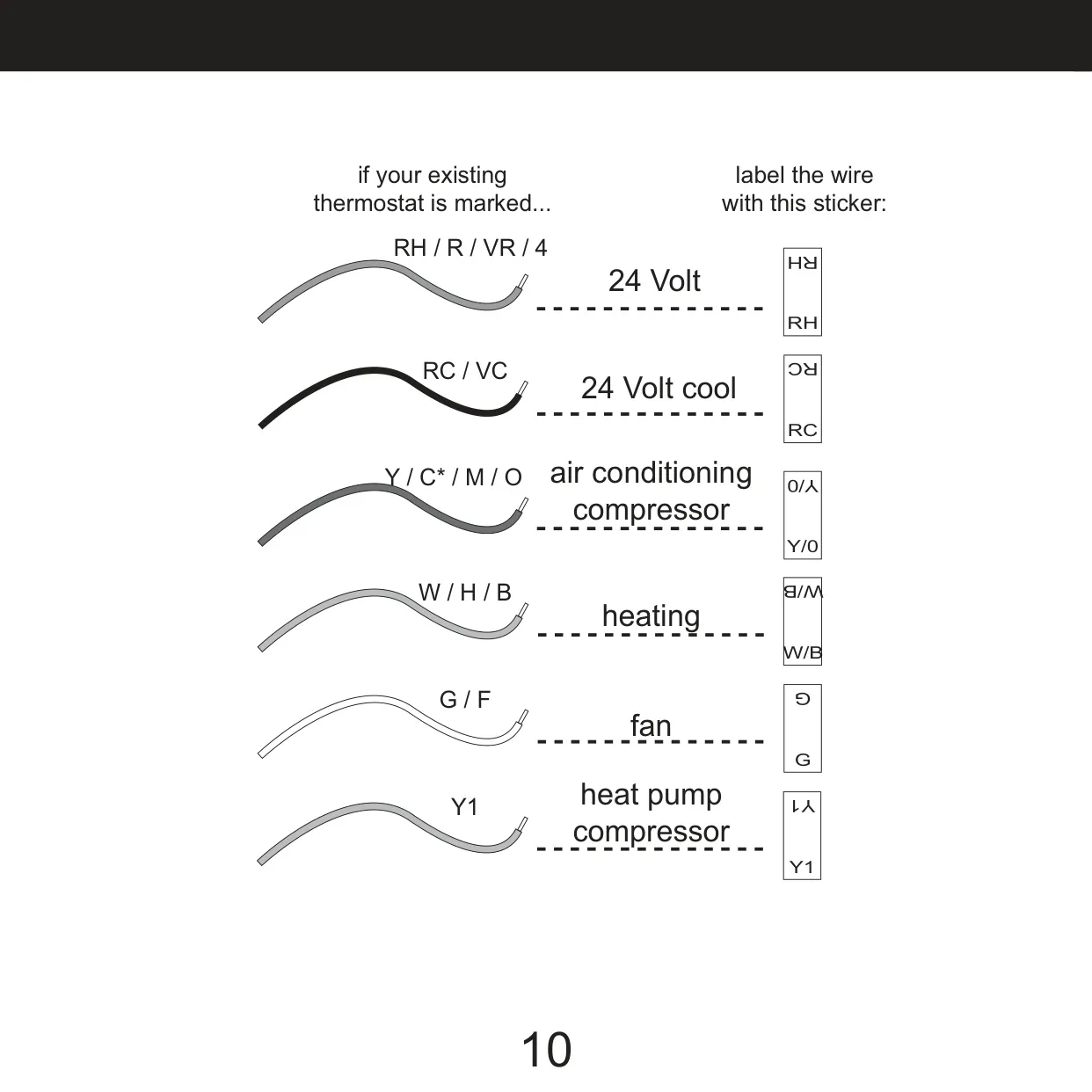
Hunter includes stickers for labeling, along with a chart that matches old terminal markings to the new ones. For example, RH, R, VR or 4 become RH, and W, H or B become W/B. Ignore wire colors because they don't always follow the standard. Go by the terminal letters instead. If both a Y and a C wire are present, C is probably a common wire and should not be connected. Battery-powered models like this one don't need it.
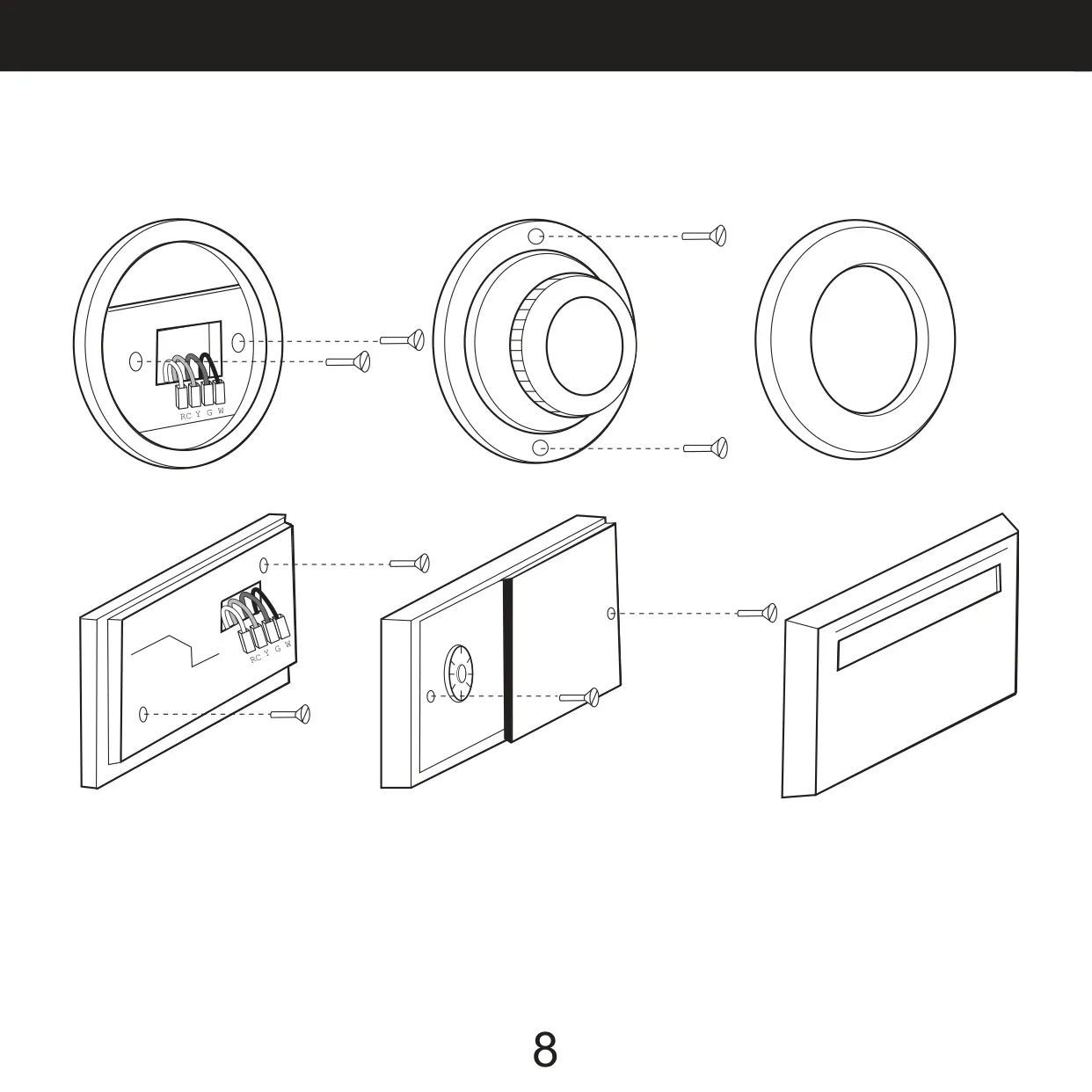
To mount the unit, press the release tab to take off the wall plate and pull the labeled wires through the opening. If the existing holes don't line up, level the plate by eye and mark two new holes. Tap the anchors in flush with the wall and screw the plate down. Wires go behind the black terminal shields. If you have separate RH and RC wires, remove the factory jumper. Tape the ends of any extra wires and push them back into the wall.
Before you snap the thermostat onto the plate, set the SYSTEM switch to OFF and the FAN switch to AUTO. Then set the switches on the back: HE/HG, Auto Recovery and System Type. Hook the top of the thermostat over the two tabs and press until the bottom tab clicks into place. Don't force it, because the terminal pins can be damaged. Finally, put in the batteries and turn the power back on.
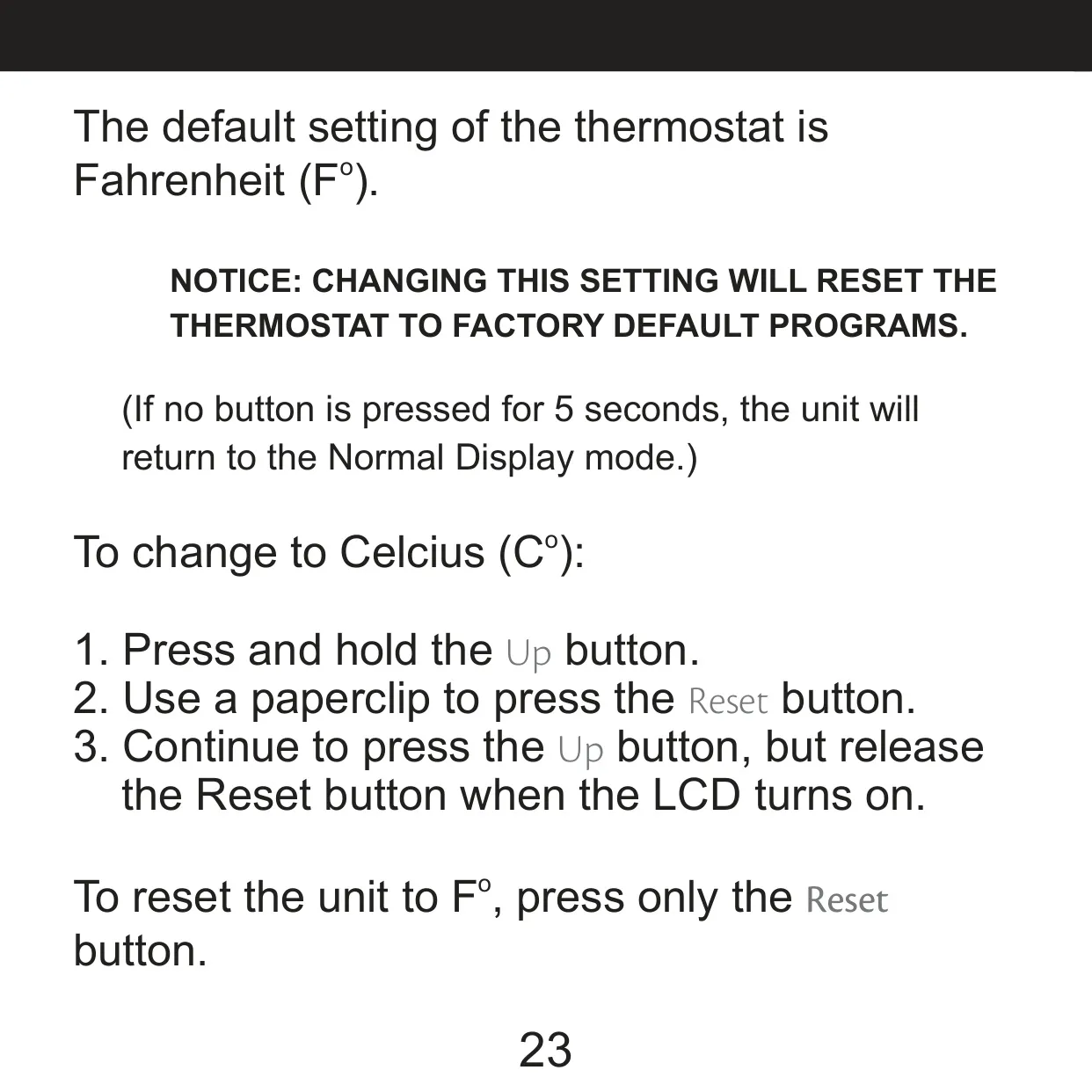
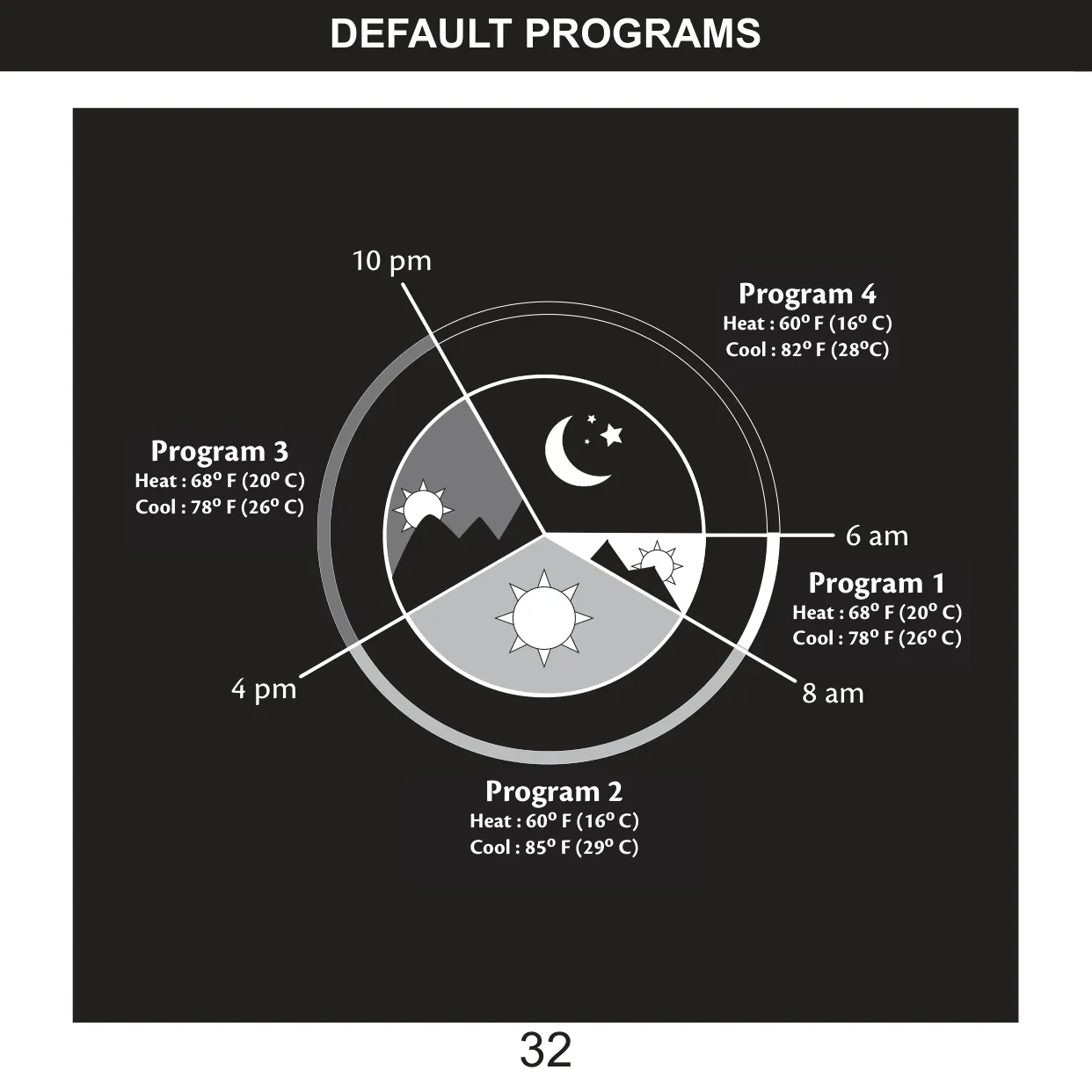
The thermostat comes with an energy-saving schedule already loaded. Program 1 starts at 6 am at 68 °F heat / 78 °F cool. Program 2 starts at 8 am at 60 °F / 85 °F. Program 3 starts at 4 pm at 68 °F / 78 °F, and Program 4 starts at 10 pm at 60 °F / 82 °F. Once the time and temperature scale are set, you don't need to do anything else to use these programs. Switching between Fahrenheit and Celsius resets the thermostat to these factory programs.
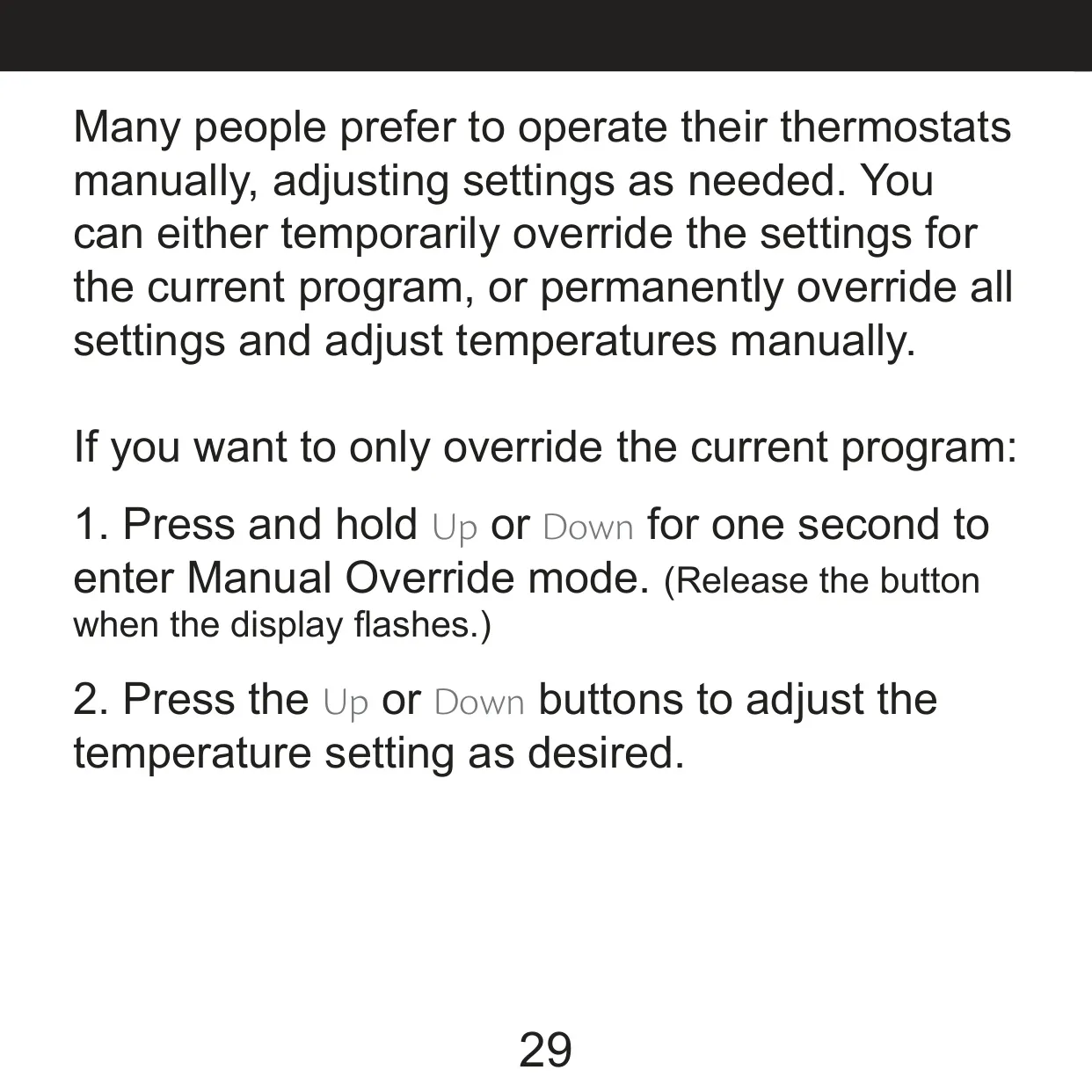
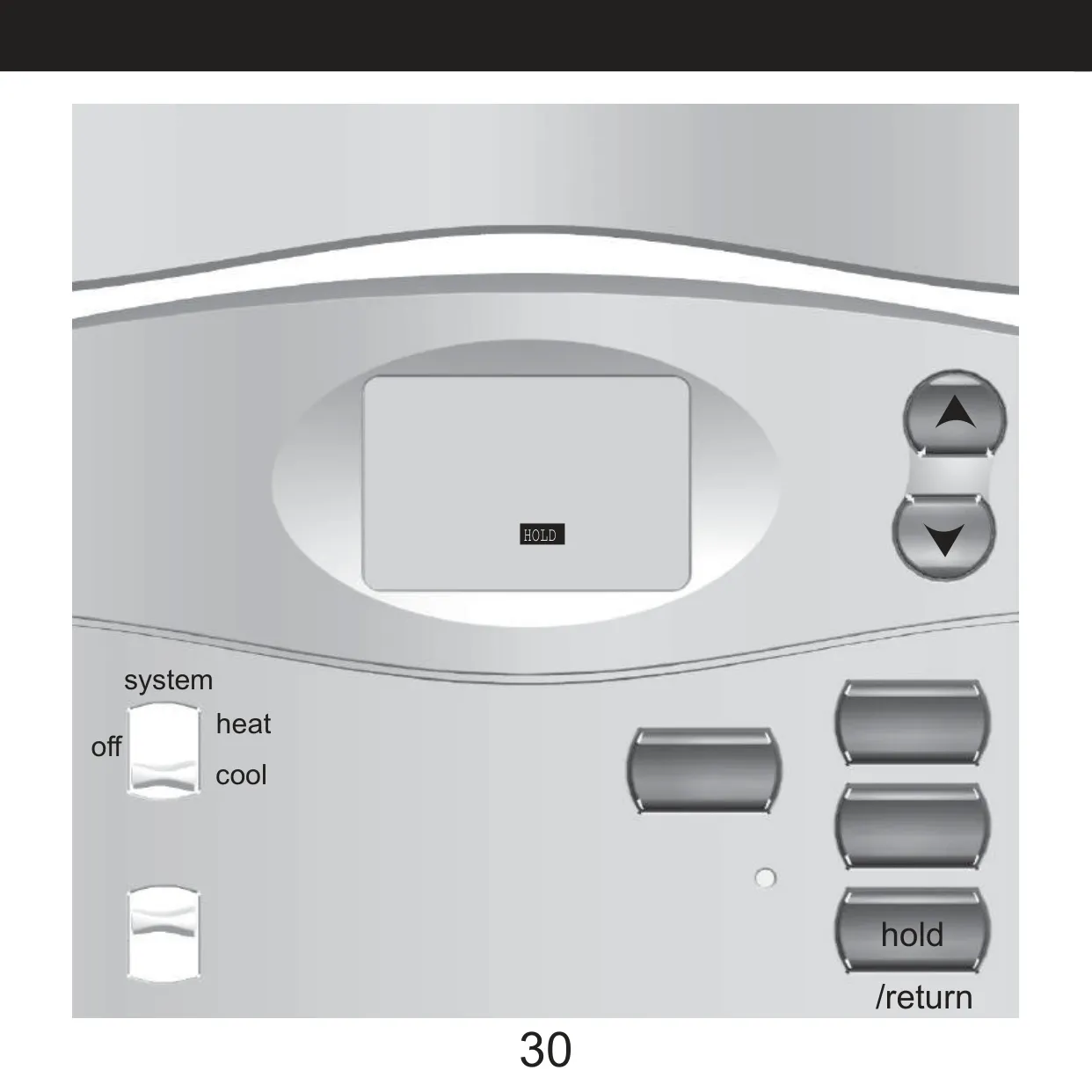
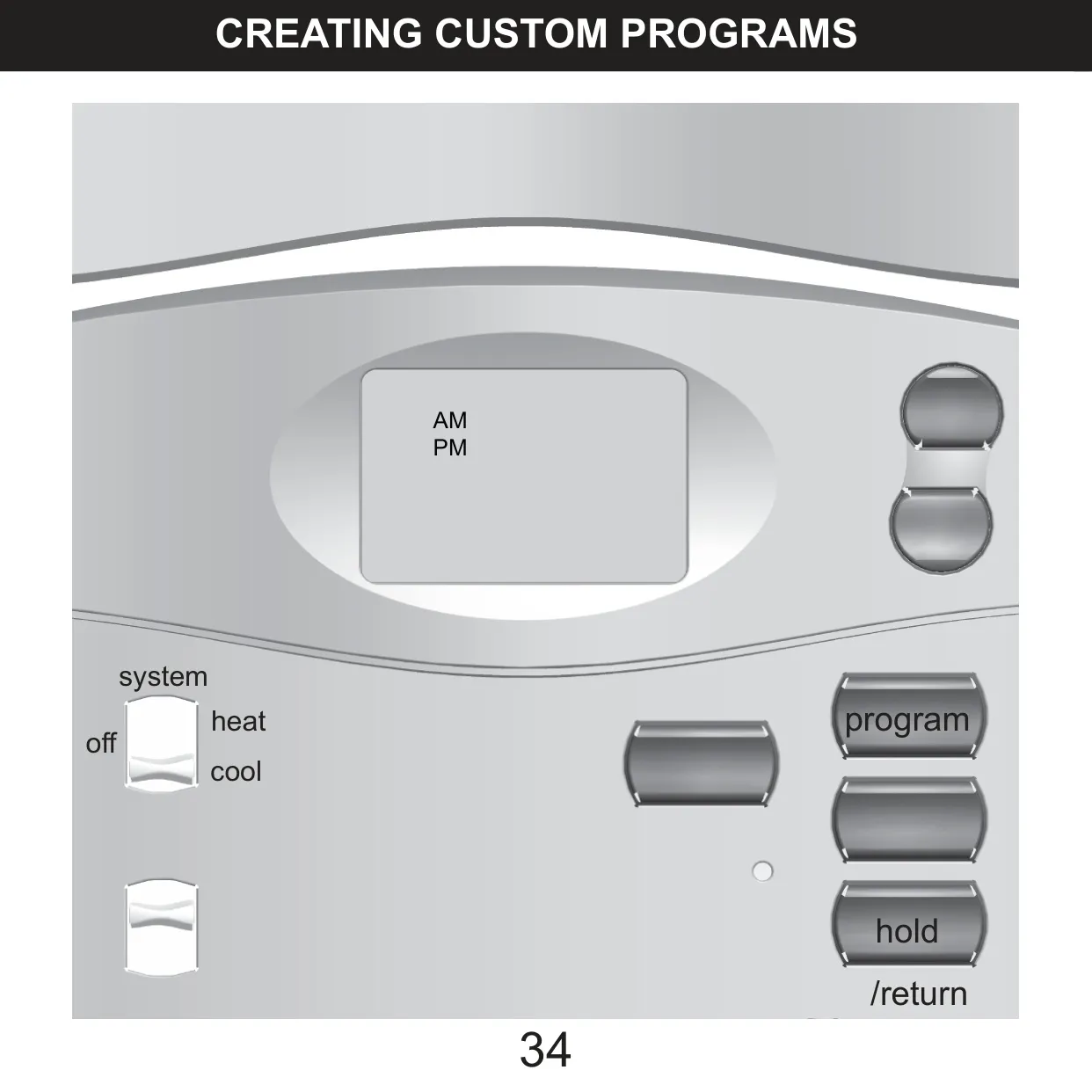
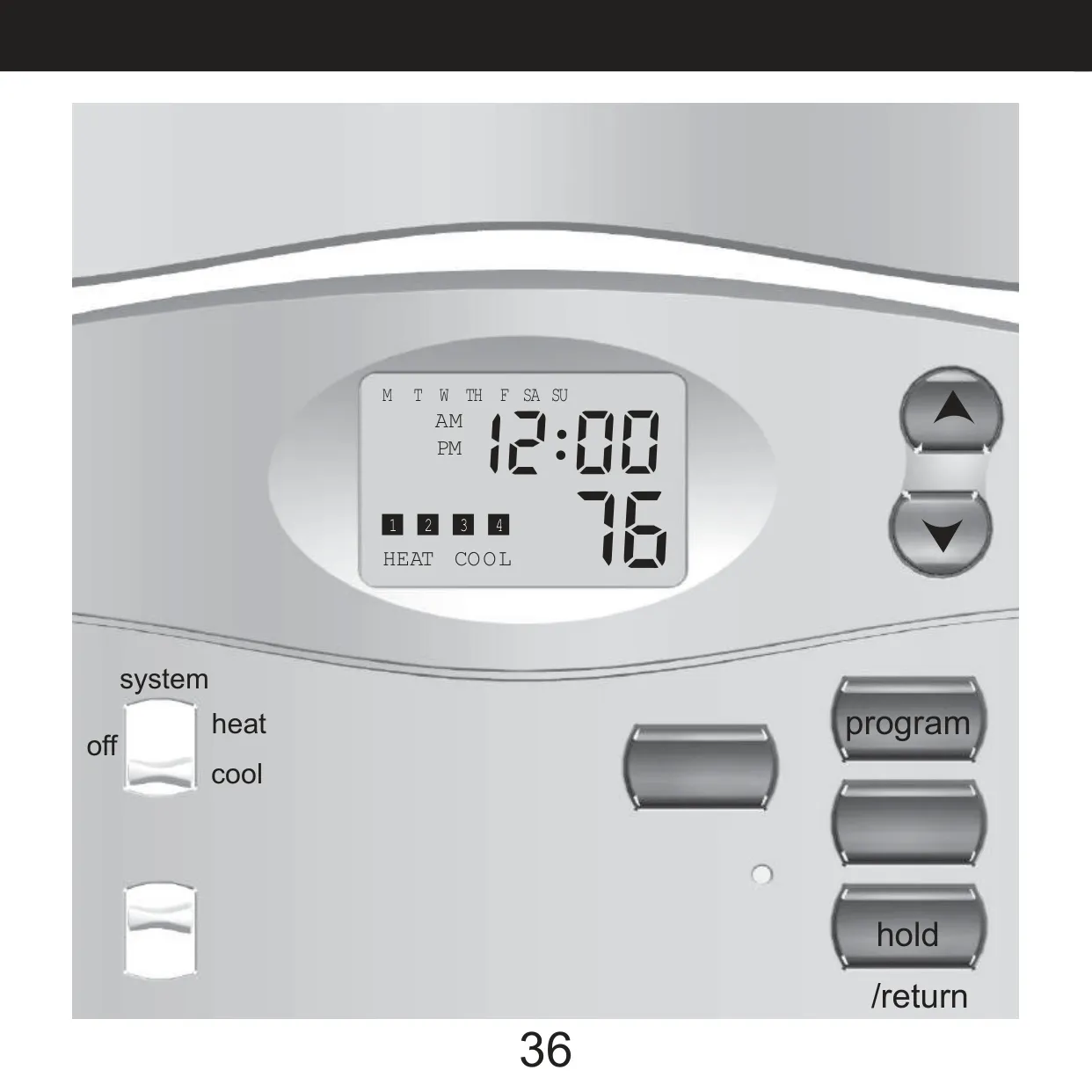
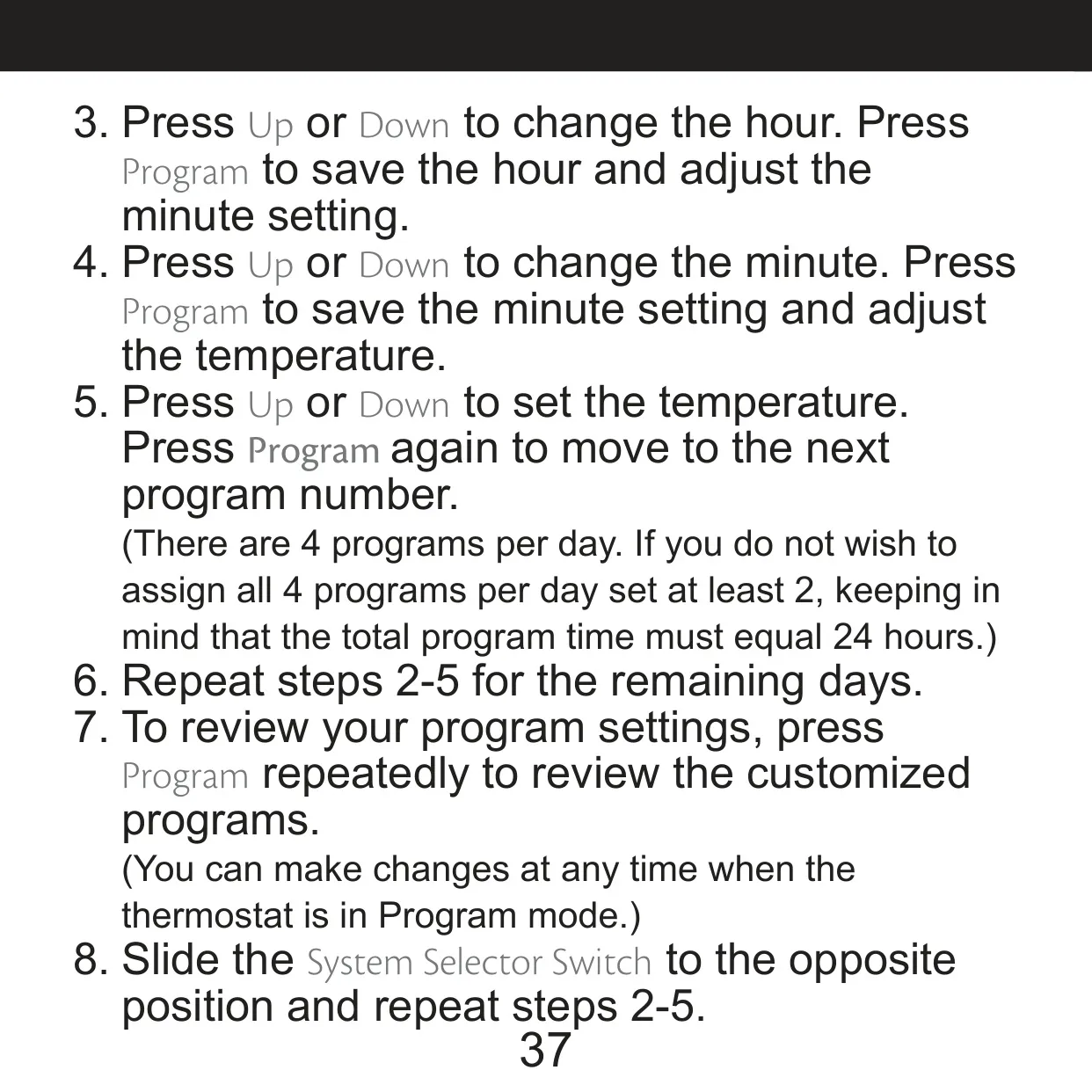
To program your own schedule, move the System switch to HEAT or COOL and press Program. Then set the hour, minutes and temperature for each of the four time periods, one day at a time. After that, flip the switch to the other mode and repeat. To override only the current program, hold Up or Down for one second. To keep a setting indefinitely, press Hold/Return until the Hold icon appears. While a hold is on, Auto Recovery doesn't run.
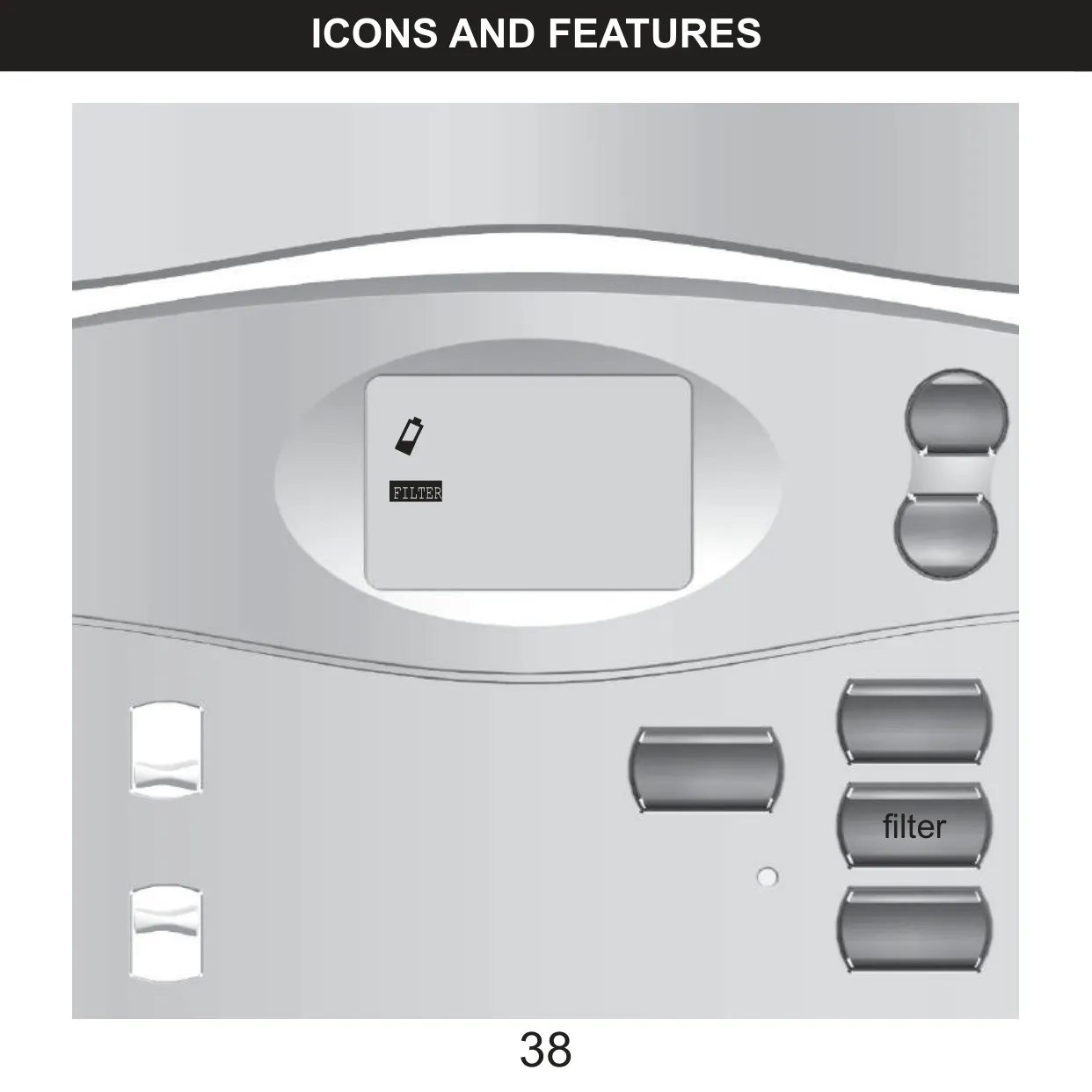
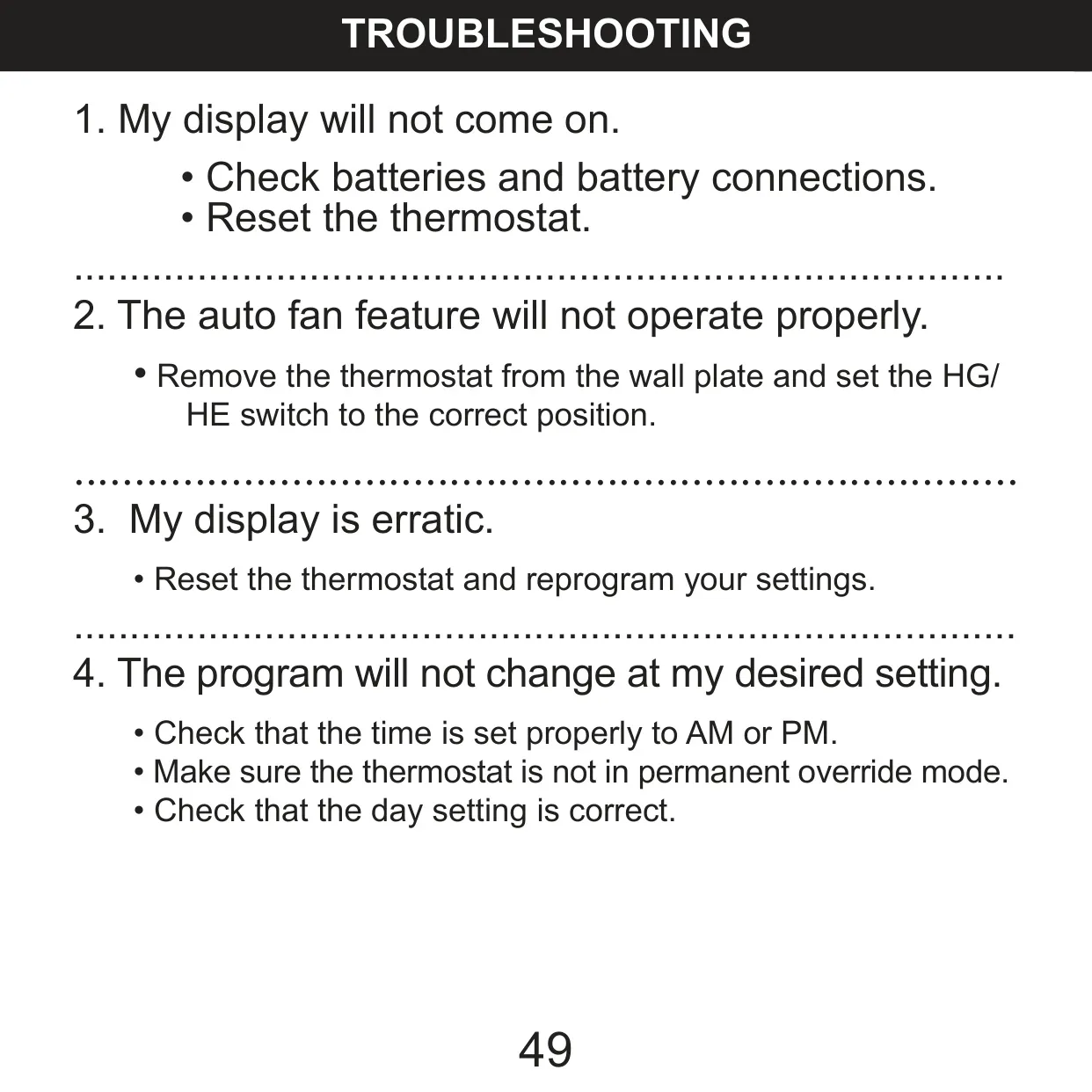
The battery warning works in two stages. First the icon flashes when the batteries get weak. If they keep draining, the icon flashes by itself and the HVAC system shuts off until you put in new batteries. If the screen shows ERR, there's an unexpected battery problem. Replace the batteries, then reset and reprogram the thermostat. The troubleshooting guide covers a blank display, an erratic screen and programs that don't change on time. If the system keeps running with the thermostat set to OFF, the manual says to replace the unit.
Frequently Asked Questions (FAQs)
Can't find the answer you need? Here are some frequently asked questions about the Hunter 44157 Thermostat, and we answer them below.

