
Hunter 44110 Thermostat Instruction Manual

Hunter 44110 Thermostat





















Hunter 44110 Thermostat Instructions
Here we offer the Hunter 44110 Thermostat manual completely free and in English. We have cataloged this manual in the Thermostats section on Manualverse, and it has been rated by 1 users with an average rating of 5. If you have any specific questions about Hunter 44110 Thermostat, we suggest checking the Frequently Asked Questions (FAQs) section of this manual.
Product Images

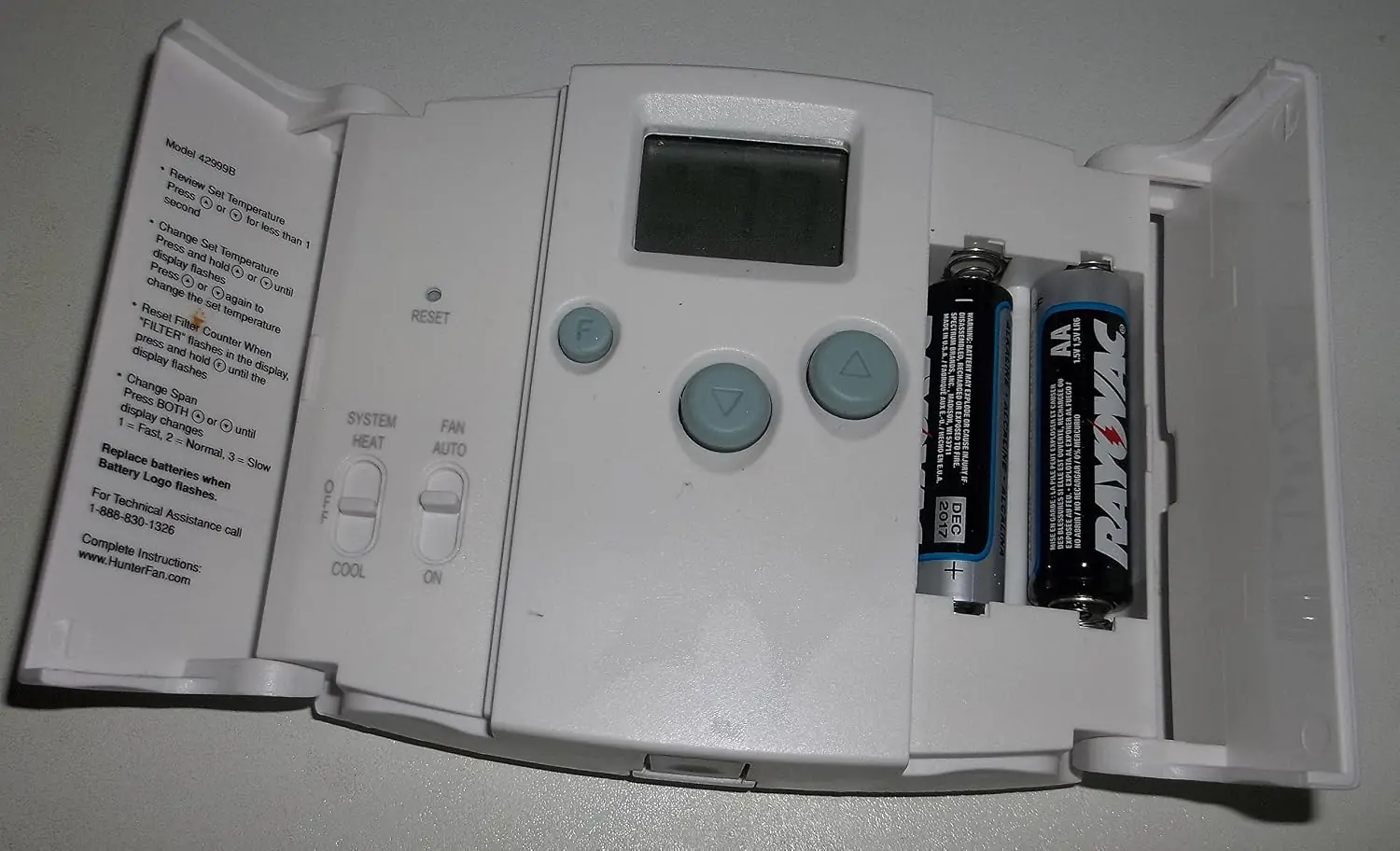


Hunter 44110 Thermostat Specifications
| Feature | Specification |
|---|---|
| Brand | Hunter |
| Model | 44110 Set & Save Programmable Thermostat |
| Compatible Systems | Gas (standing pilot, electronic ignition, fired boilers, millivolt), oil-fired boilers, oil-fired furnace, electric furnace, electric air conditioning |
| Incompatible Systems | Heat pump systems, 110/220 V baseboard heating |
| Power Source | Two 1.5 V AA alkaline batteries |
| Wiring Terminals | RH, RC, Y, W, G (RC–RH jumper included) |
| Common (C) Wire | Not used; leave disconnected |
| Programming Capacity | Up to 4 programs per day, programmable for each day of the week |
| Program Time Increments | 10 minutes |
| Temperature Setting Increments | 1 °F (1 °C) |
| Program Temperature Range | 45 °F to 95 °F (7 °C to 35 °C) |
| Display Temperature Range | 30 °F to 99 °F (0 °C to 37 °C); "LO" below 30 °F, "HI" above 99 °F |
| Temperature Units | Fahrenheit (default) or Celsius |
| Time Format | 12-hour (default) or 24-hour |
| Default Program 1 (6 am) | Heat 68 °F (20 °C) / Cool 78 °F (26 °C) |
| Default Program 2 (8 am) | Heat 60 °F (16 °C) / Cool 85 °F (29 °C) |
| Default Program 3 (4 pm) | Heat 68 °F (20 °C) / Cool 78 °F (26 °C) |
| Default Program 4 (10 pm) | Heat 60 °F (16 °C) / Cool 82 °F (28 °C) |
| Span (Cycle Rate) Default | Setting 2 (±1 °F / 0.5 °C around set temperature) |
| Filter Change Reminder | After 400 hours of system use |
| Compressor Protection Delay | 3.5 minutes after cooling stops (up to 4 minutes noted in troubleshooting) |
| Auto Cut Off | System off above 95 °F (35 °C) or below 40 °F (4 °C) |
| Programming Inactivity Timeout | 15 seconds |
| Battery Replacement Memory Window | 1 minute before programs and time are lost |
| Energy Efficiency | Meets ENERGY STAR guidelines |
| Rear Switches | HE/HG (heat type), Auto Recovery ENABLE/DISABLE |
| Front Switches | SYSTEM (Heat/Off/Cool), FAN (Auto/On) |
| Mounting Hardware Included | Two #8 slotted screws, two wall anchors, wire labels |
| Mounting Hole Size | 3/16 in drill bit |
| Required Tools | Flat-head screwdriver, small Phillips screwdriver, hammer, electric drill |
| Technical Support | 1-888-830-1326, 8 am to 5 pm CST |
Hunter 44110 Thermostat Details
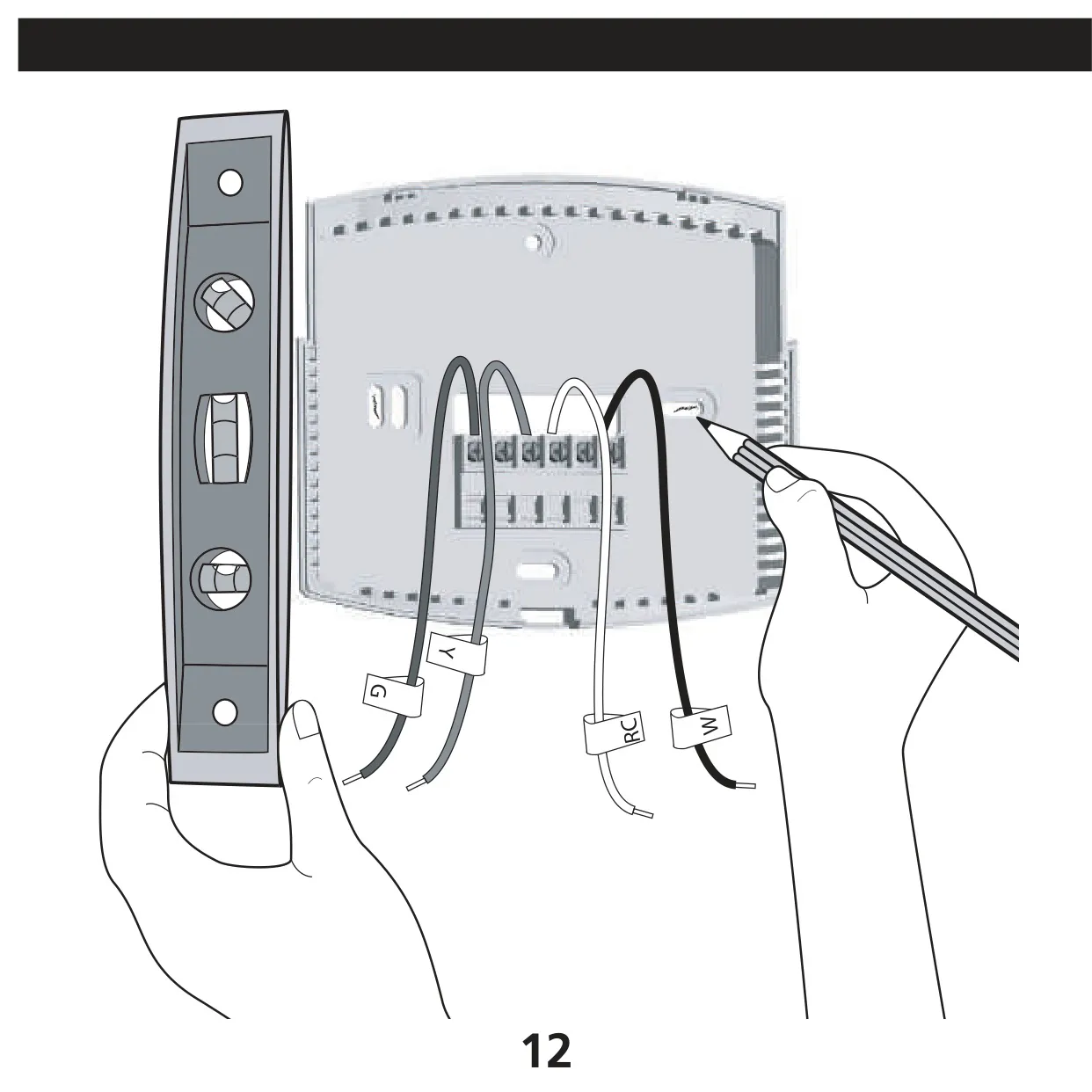
The Hunter 44110 Set & Save is built for simple installation. Before removing the old thermostat, turn off power at the main panel or furnace and use the supplied stickers to label each wire by its terminal letter. The manual says to ignore wire colors, because they don't always follow standards. Secure the wires so they don't slip back into the wall. Wrap any unused wires in electrical tape and push them back into the wall.
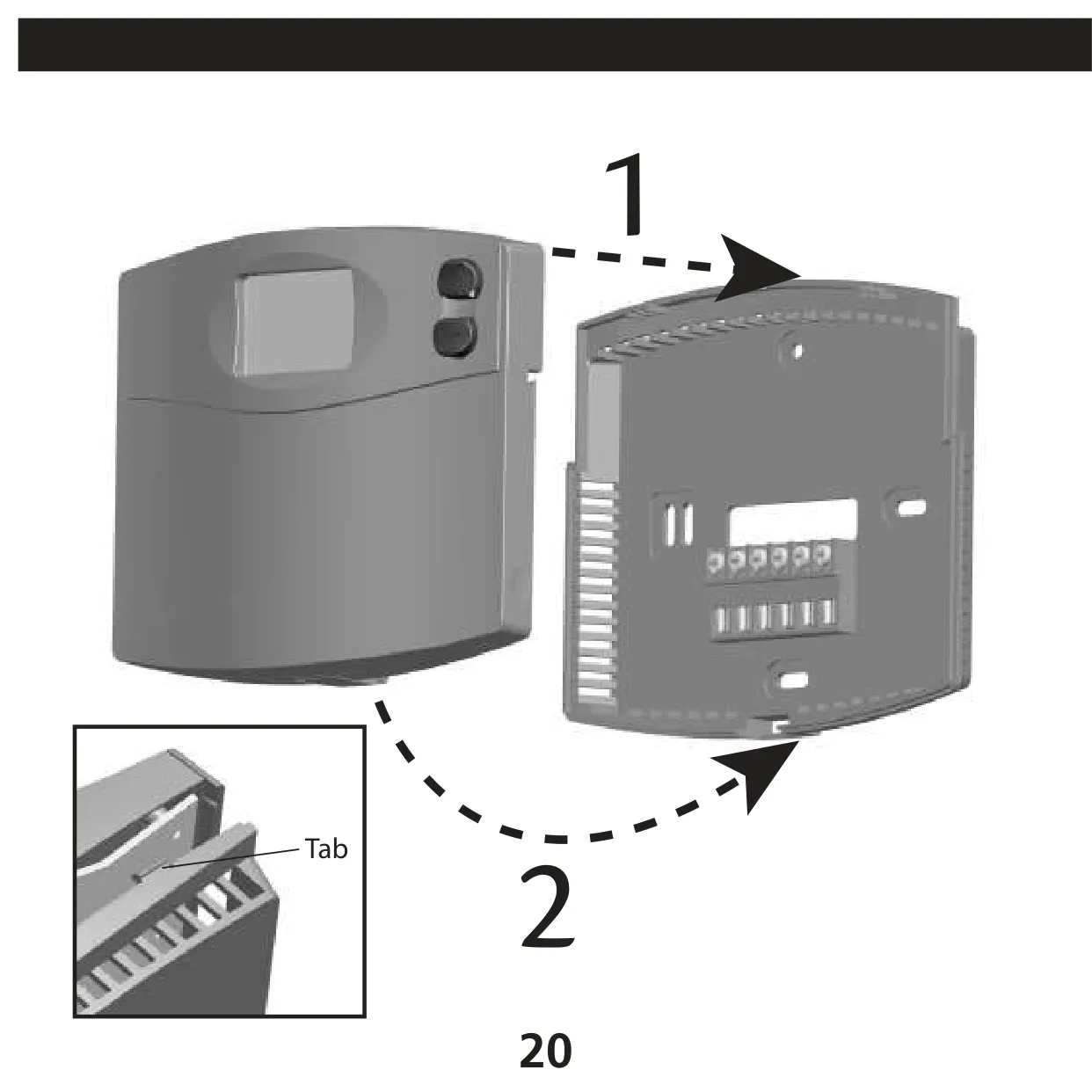
Mounting starts by pressing the release tab to separate the wall plate. Level it by eye, mark and drill the holes, then tap in the anchors until they sit flush with the wall. Wires go behind the black terminal shields. If your system has separate RH and RC wires, remove the factory jumper. Otherwise, leave it in place. When attaching the thermostat body, hook it over the top tabs and snap the bottom tab in. Never force it, because this can damage the terminal pins.
Before you attach the thermostat, set two rear switches. The HE/HG switch selects HG (the default) for gas furnaces and oil burners, or HE for electric furnaces. It has no effect in cooling mode. A wrong setting is the most common cause of auto fan problems. The Auto Recovery switch turns on an ENERGY STAR feature. It works out how long the system needs to reach the next program's temperature and starts early. While this runs, the display alternates between RECO and the time.
For manual control, the thermostat offers two override levels. A temporary override starts when you hold Up or Down for one second until the display flashes. It changes the temperature only until the next program period. A permanent hold starts when you press Hold/Return until the Hold icon appears. It ignores the schedule completely. Auto Recovery does not work while either hold is active. You can also cancel a recovery in progress by pressing Hold/Return.
To create a custom schedule, choose Heat or Cool on the system switch and press Program. Then set the hour, minute and temperature for each of the four daily periods, and repeat for every day. You must program heating and cooling separately. If you use fewer than four periods, the total program time must still cover 24 hours. Pressing Program repeatedly lets you review and edit your settings, and Hold/Return exits at any time.
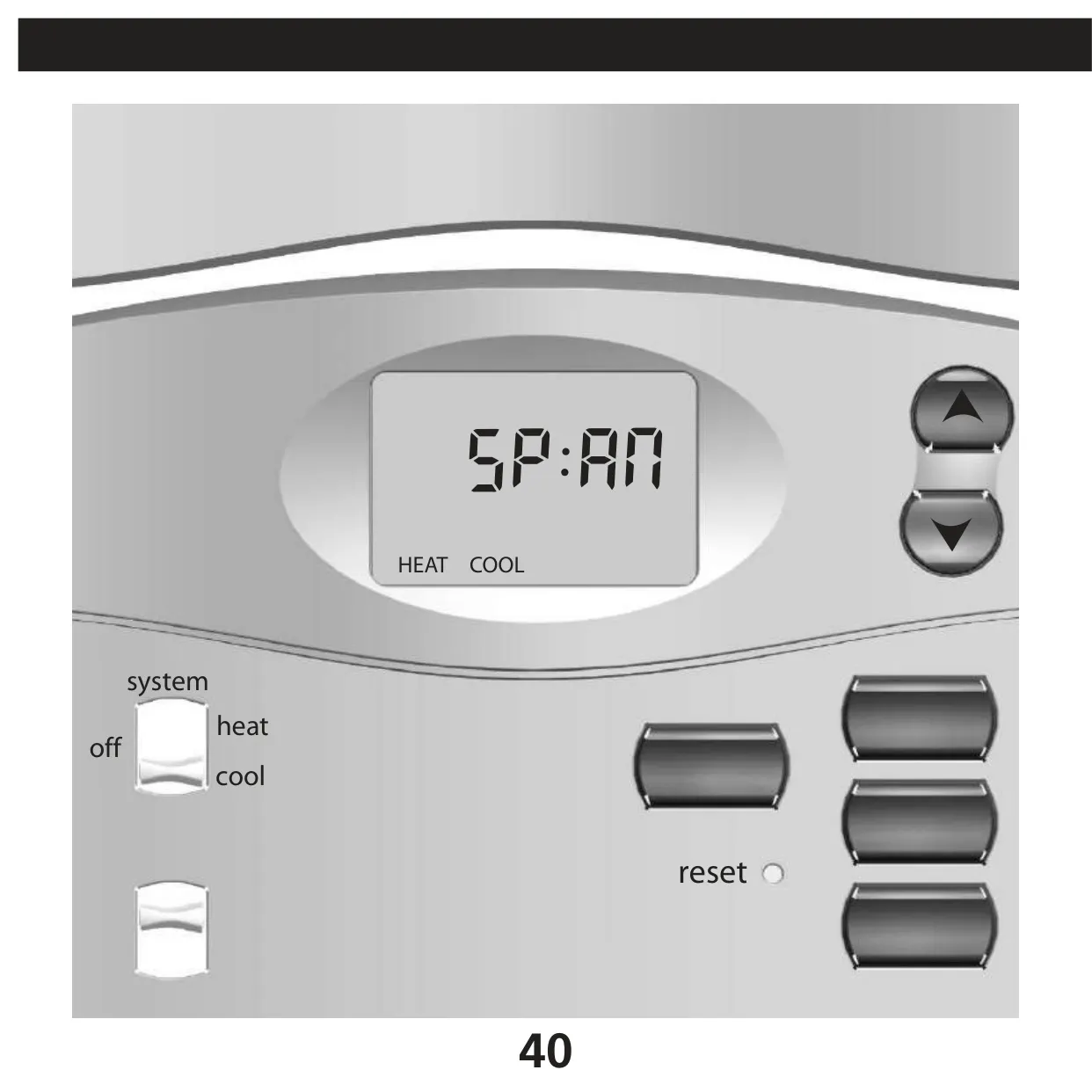
The Span setting controls how often the system cycles. Hold Up and Down together until SPAN appears. A higher value makes the system run longer, and a lower value shortens each cycle. The same span applies to heating and cooling. It returns to the default whenever you install batteries or reset the unit. To switch to Celsius, hold Up while pressing Reset with a paperclip. Be aware that this also restores the factory programs.
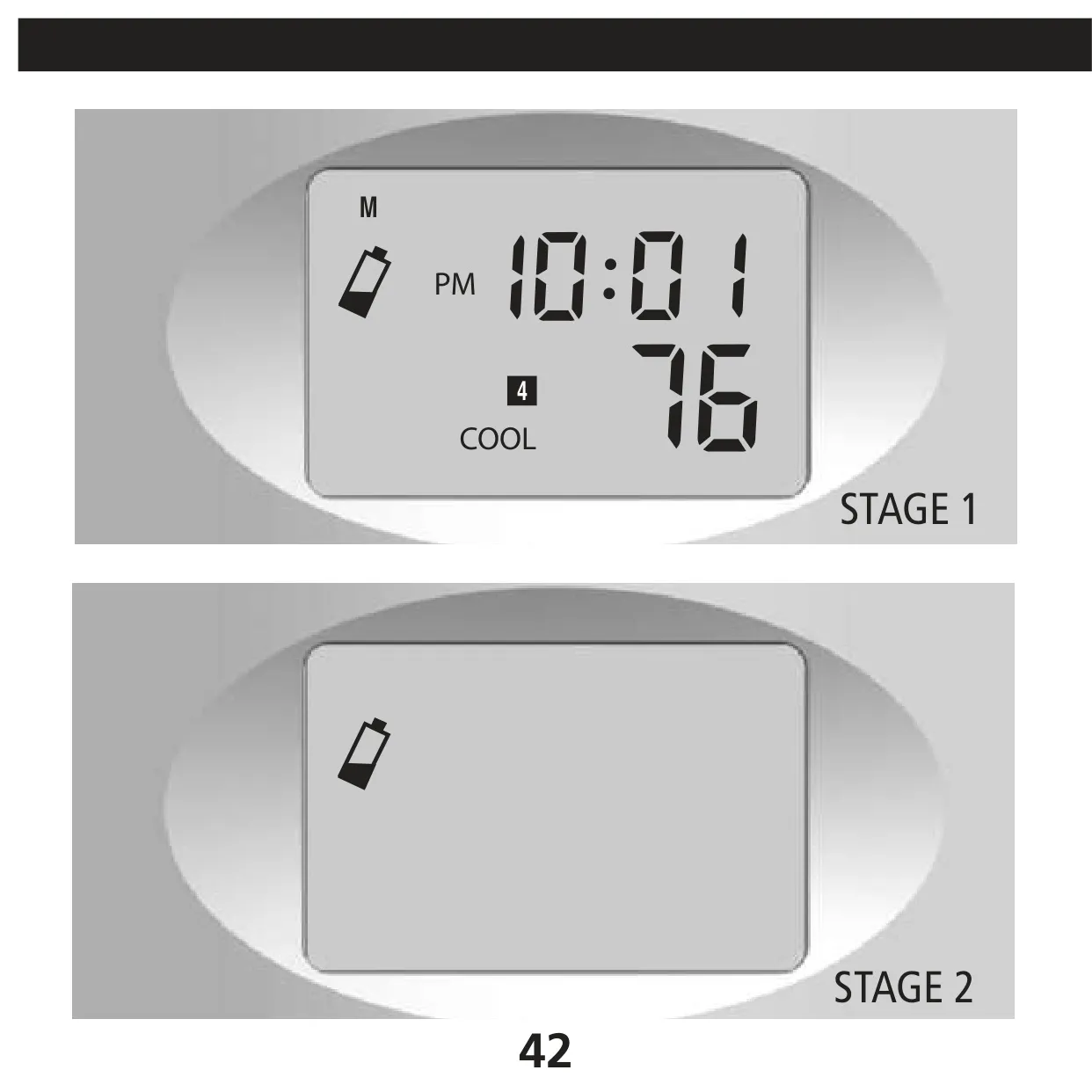
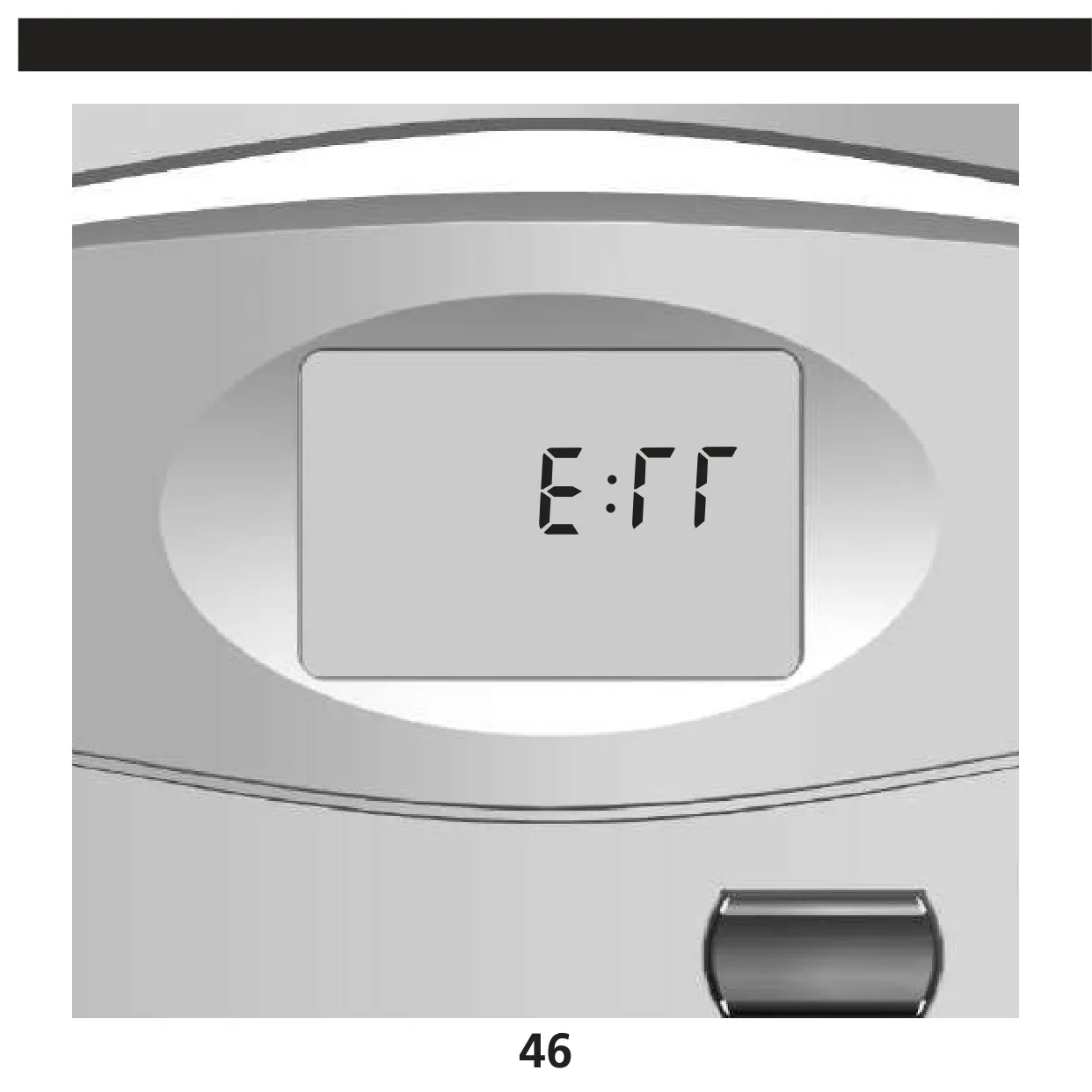
Battery monitoring works in two stages. First, a flashing icon warns of weak batteries. Next, a critical mode turns the HVAC system off until you install fresh AA alkaline cells. A separate Error mode shows ERR when there is an unexpected battery fault. In that case, you must reset and reprogram the thermostat after replacing the batteries. The filter reminder resets when you hold the Filter button for three seconds. A shorter press only shows the indicator.
The troubleshooting section covers common problems. Check the AM/PM setting and the day if programs don't change when expected. Make sure the furnace blower door is closed. On four-wire systems, confirm the RC–RH jumper is installed. If the system keeps running with the thermostat off, or the screen permanently reads HI, LO or ERR, Hunter recommends replacing the unit. You can find more help at hunterfan.com.
Frequently Asked Questions (FAQs)
Can't find the answer you need? Here are some frequently asked questions about the Hunter 44110 Thermostat, and we answer them below.

