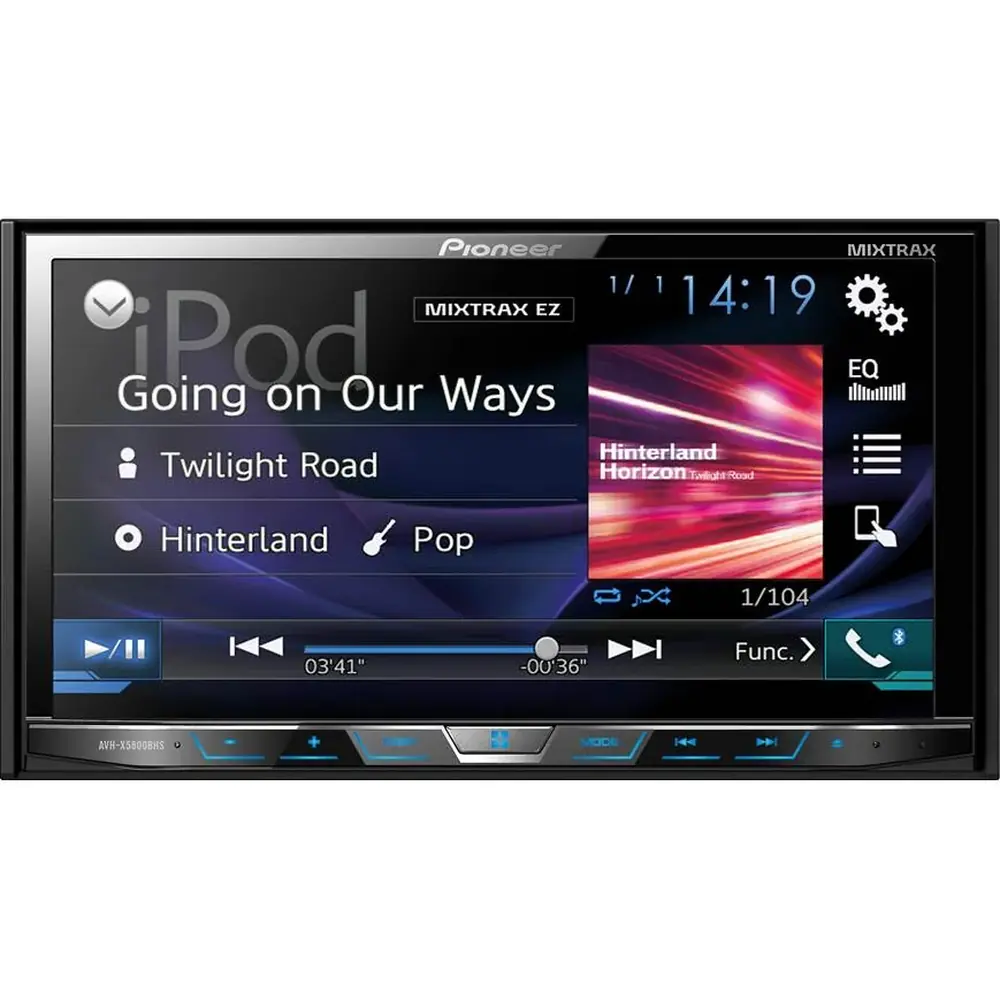
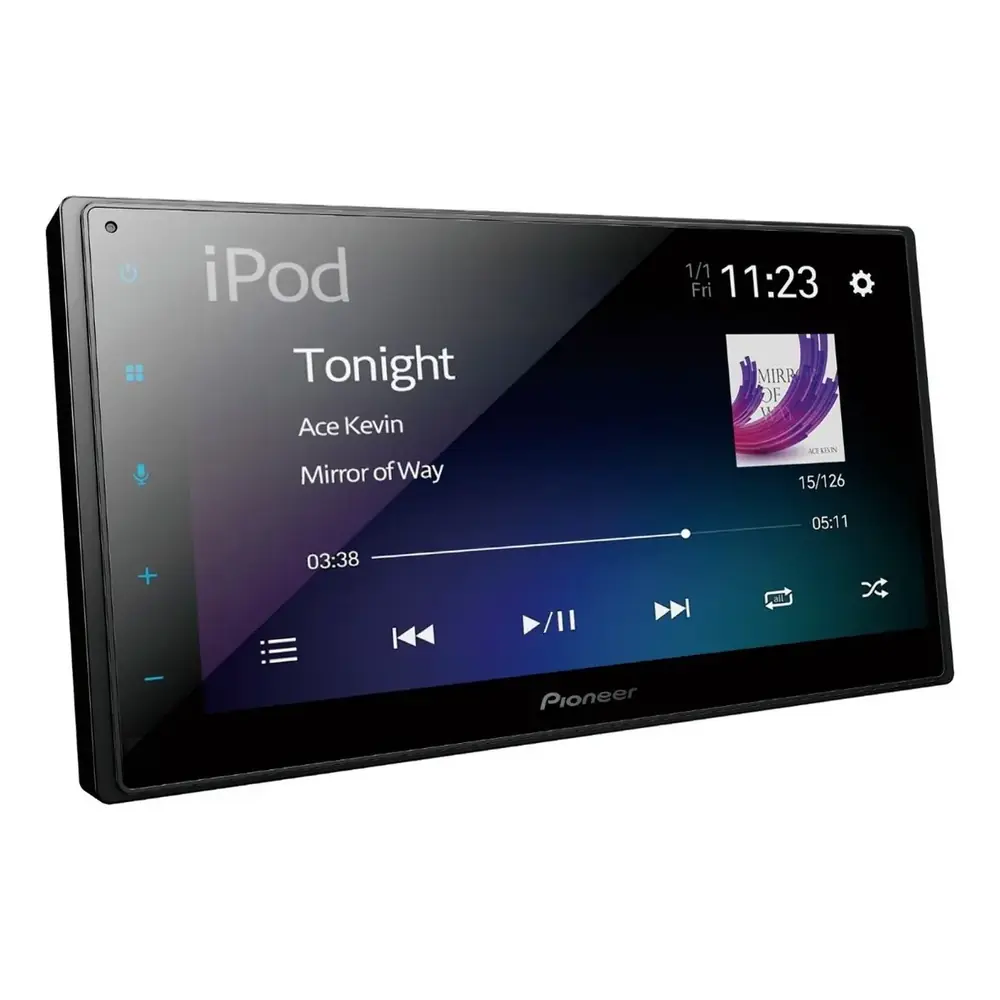
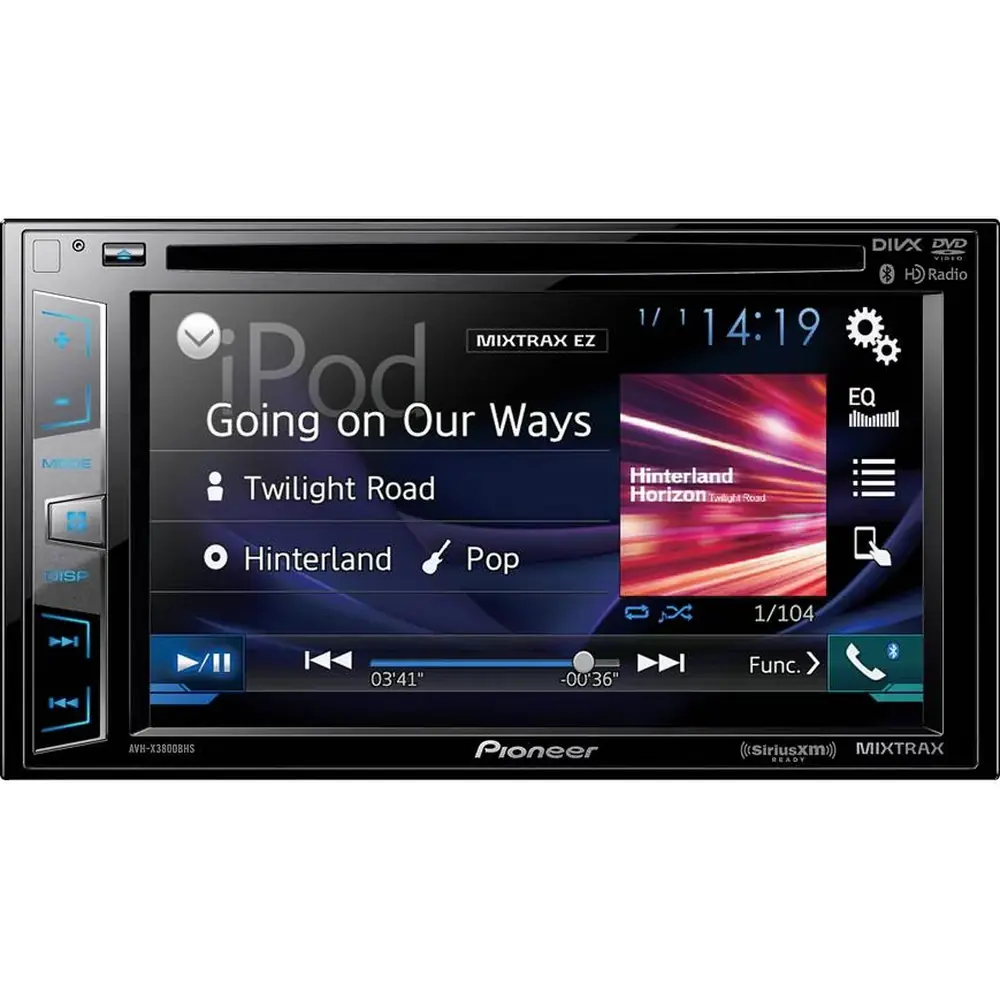
Pioneer DMH-100BT Multimedia Receiver Instruction Manual

Pioneer DMH-100BT Multimedia Receiver
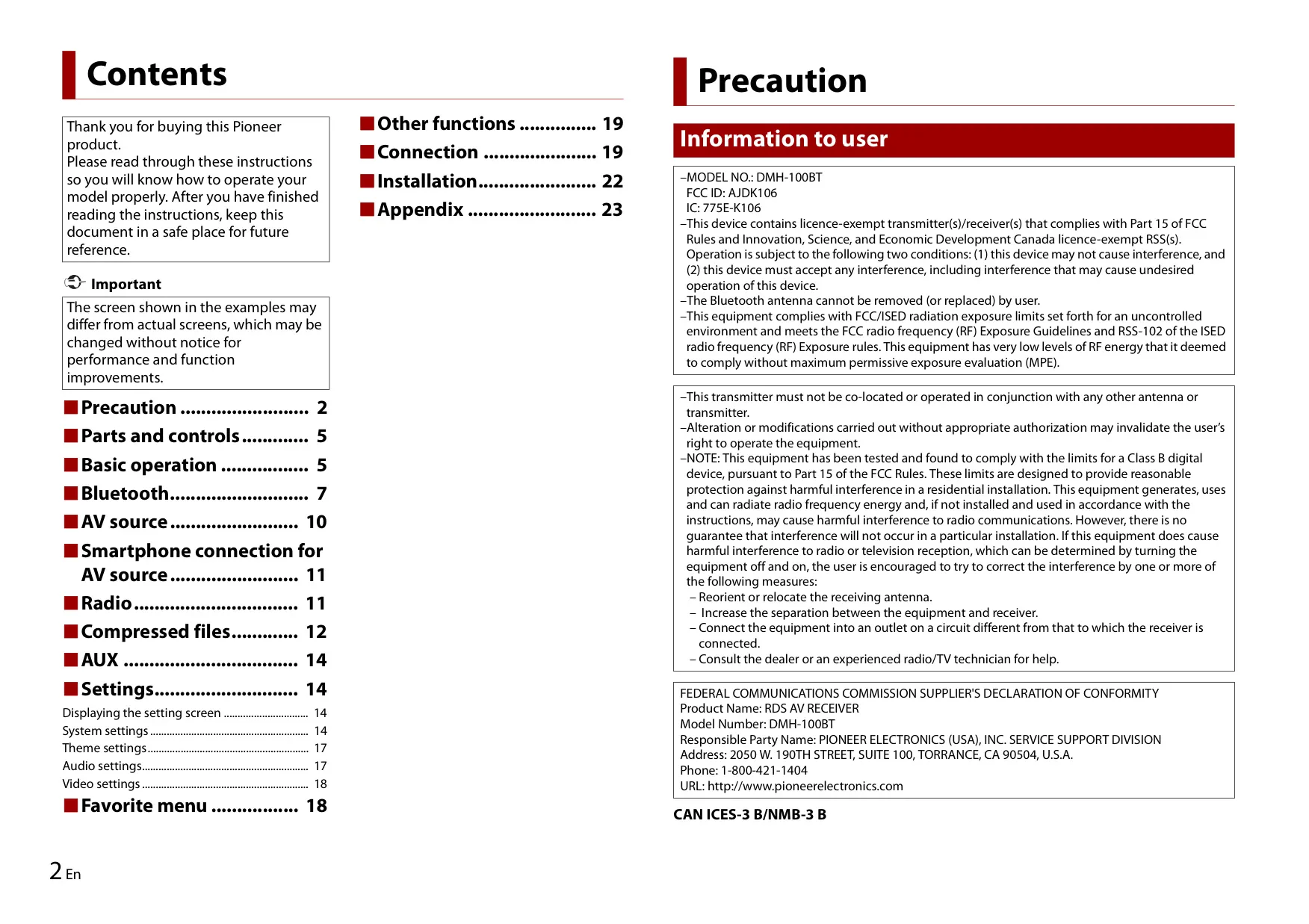


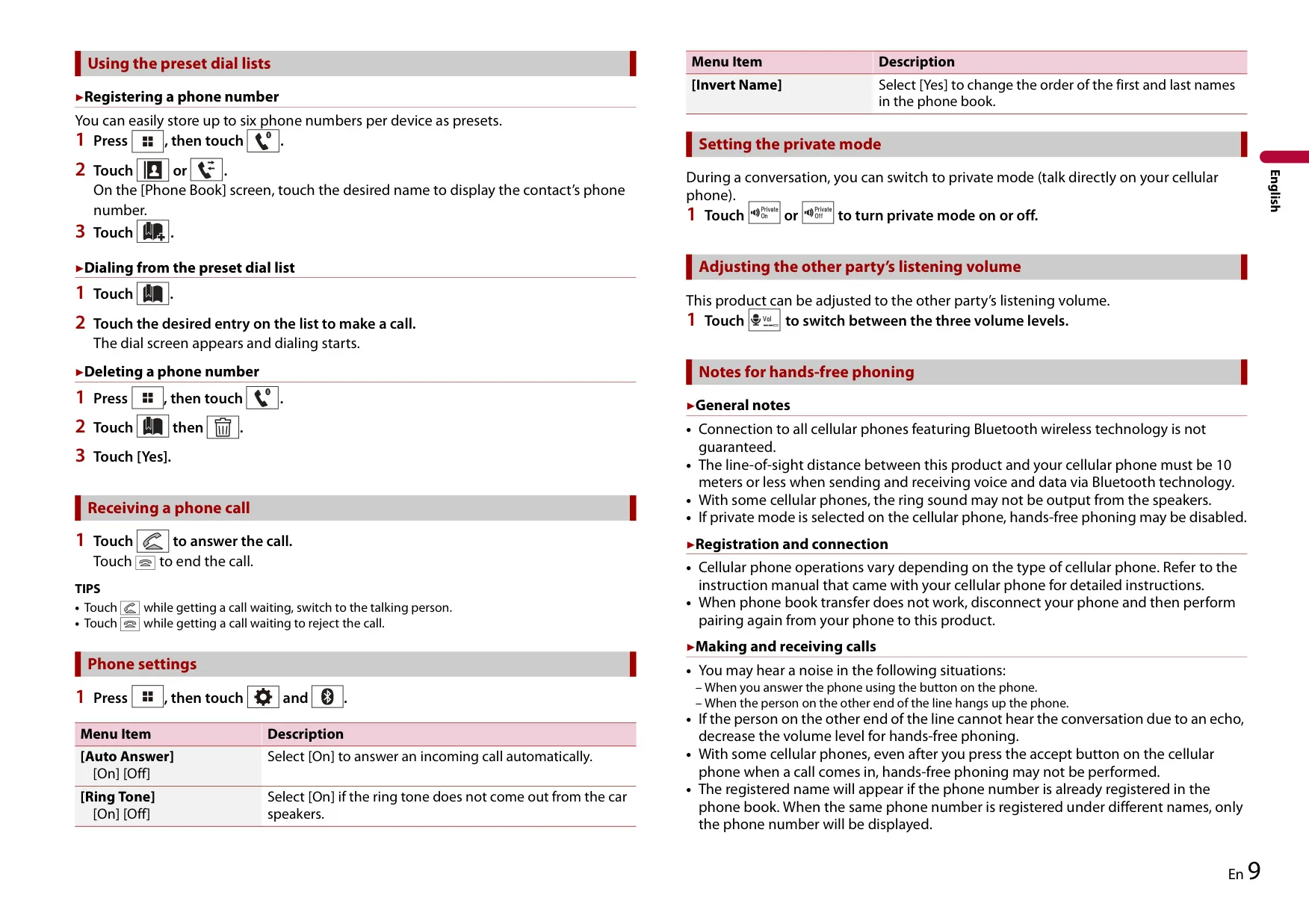


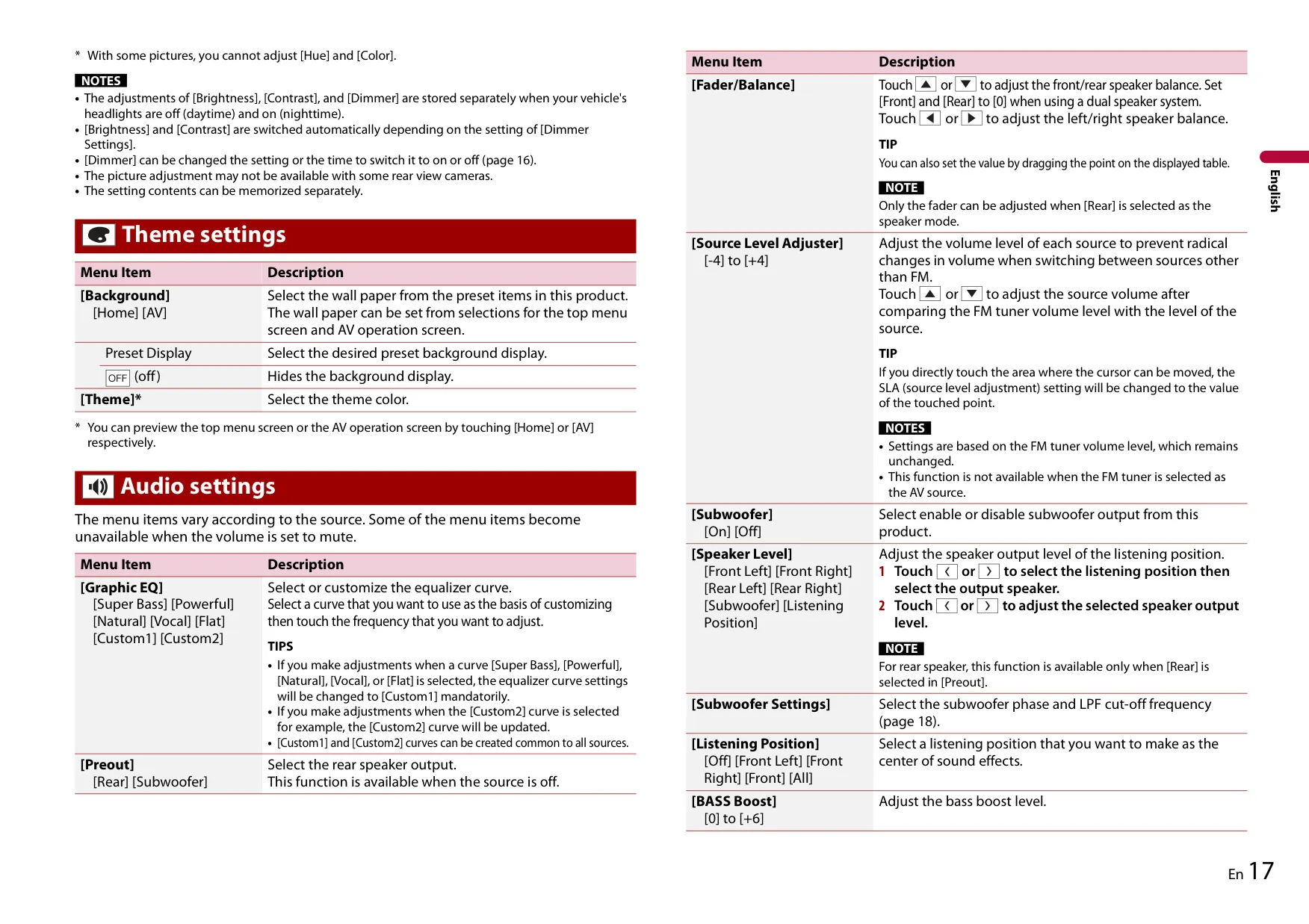




Pioneer DMH-100BT Instructions
Here we offer the Pioneer DMH-100BT Multimedia Receiver manual completely free and in English. We have cataloged this manual in the Multimedia Receivers section on Manualverse, and it has been rated by 1 users with an average rating of 5. If you have any specific questions about Pioneer DMH-100BT Multimedia Receiver, we suggest checking the Frequently Asked Questions (FAQs) section of this manual.
Product Images



Pioneer DMH-100BT Multimedia Receiver Specifications
| Feature | Specification |
|---|---|
| Model | DMH-100BT (RDS AV Receiver) |
| FCC ID / IC | AJDK106 / 775E-K106 |
| Rated power source | 14.4 V DC (10.8 V to 15.1 V allowable) |
| Grounding system | Negative type |
| Maximum current consumption | 10.0 A |
| Fuse | 10 A |
| Chassis dimensions (W × H × D) | 178 mm × 100 mm × 159 mm (7 in. × 3-7/8 in. × 6-1/4 in.) |
| Nose dimensions (W × H × D) | 171 mm × 97 mm × 5 mm (6-3/4 in. × 3-7/8 in. × 1/4 in.) |
| Weight | 1.0 kg (2.2 lbs) |
| Screen size / aspect ratio | 6.2 inch wide / 16:9 |
| Effective display area | 137.52 mm × 77.232 mm (5-3/8 in. × 3 in.) |
| Pixels | 1 152 000 (2 400 × 480) |
| Display method | TFT active matrix driving |
| Backlight | LED, lifetime of more than 10 000 hours |
| Color system | PAL / NTSC / PAL-M / PAL-N / SECAM compatible |
| Operating temperature range | -10 °C to +60 °C (+14 °F to +140 °F) |
| Maximum power output | 50 W × 4 ch / 4 Ω |
| Continuous power output | 22 W × 4 (50 Hz to 15 kHz, 5 % THD, 4 Ω load, both channels driven) |
| CTA2006 power output | 14 W RMS × 4 channels (4 Ω and ≤ 1 % THD+N) |
| CTA2006 S/N ratio | 91 dBA (reference: 1 W into 4 Ω) |
| Load impedance | 4 Ω (4 Ω to 8 Ω allowable) |
| Preout output level (max) | 2.0 V |
| Graphic equalizer | 7-band: 50 Hz / 125 Hz / 315 Hz / 800 Hz / 2 kHz / 5 kHz / 12.5 kHz |
| Equalizer gain | ±12 dB (2 dB/step) |
| Subwoofer LPF frequency | 80 Hz / 120 Hz / 160 Hz |
| Subwoofer phase | Normal / Reverse (monaural output) |
| Bass boost gain | +6 dB to 0 dB (1 dB/step) |
| Speaker level | +6 dB to -24 dB (1 dB/step) |
| USB standard | USB 1.1, USB 2.0 full speed, USB 2.0 high speed |
| USB max current supply | 0.5 A |
| USB class | MSC (Mass Storage Class), MTP (Media Transfer Protocol) |
| USB file system | FAT16, FAT32 |
| USB storage limits | 8 directory levels, 300 folders, 15 000 files |
| Maximum audio file playback time | 7.5 h (450 minutes) |
| Playable file types | MP3, WMA, AAC, WAV, DivX, MPEG-2, MPEG-4, JPEG, BMP |
| MP3 support | MPEG-1/2/2.5 Audio Layer 3, 8–320 kbps (CBR), VBR, 16–48 kHz, ID3 Ver. 1.0/1.1/2.2/2.3/2.4 |
| WMA support | Ver. 7, 7.1, 8, 9, 9.1, 9.2 (2 ch), 8–192 kbps (CBR), 8–48 kHz |
| AAC support | MPEG-4 AAC (iTunes encoded only, Ver. 10.6 and earlier), 8–320 kbps, 8–96 kHz |
| WAV support | Linear PCM, approx. 1.5 Mbps, 16–48 kHz |
| JPEG decode size | Max 8 192 (H) × 7 680 (W), min 32 × 32; pixel sampling 4:2:2, 4:2:0 |
| BMP decode size | Max 1 920 (H) × 936 (W), min 32 × 32 |
| Video decoding | DivX Home Theater (.avi, .divx), MPEG1 (Low Level), MPEG2 (Main Level), MPEG4 part2 (Main Level) |
| Maximum video resolution / frame rate | 720 × 576 pixels / 30 fps |
| Bluetooth version | Bluetooth 4.1 certified |
| Bluetooth output power | 3.0 dBm (-6 dB/+2 dB) (Power class 2) |
| Bluetooth frequency band | 2 400 MHz to 2 483.5 MHz |
| Bluetooth profiles | A2DP, AVRCP, hands-free phoning |
| FM frequency range | 87.9 MHz to 107.9 MHz |
| FM usable sensitivity | 12 dBf (1.1 μV/75 Ω, mono, S/N: 30 dB) |
| FM signal-to-noise ratio | 72 dB (IEC-A network) |
| AM frequency range | 530 kHz to 1 710 kHz |
| AM usable sensitivity | 28 μV (S/N: 20 dB) |
| AM signal-to-noise ratio | 62 dB (IEC-A network) |
| Inputs / outputs | USB port, AUX (mini-jack AV), rear view camera input (R.C IN), wired remote input, front output, rear/subwoofer output, antenna jack |
| Remote control output (blue/white lead) | Max. 300 mA, 12 V DC |
Pioneer DMH-100BT Receiver Details
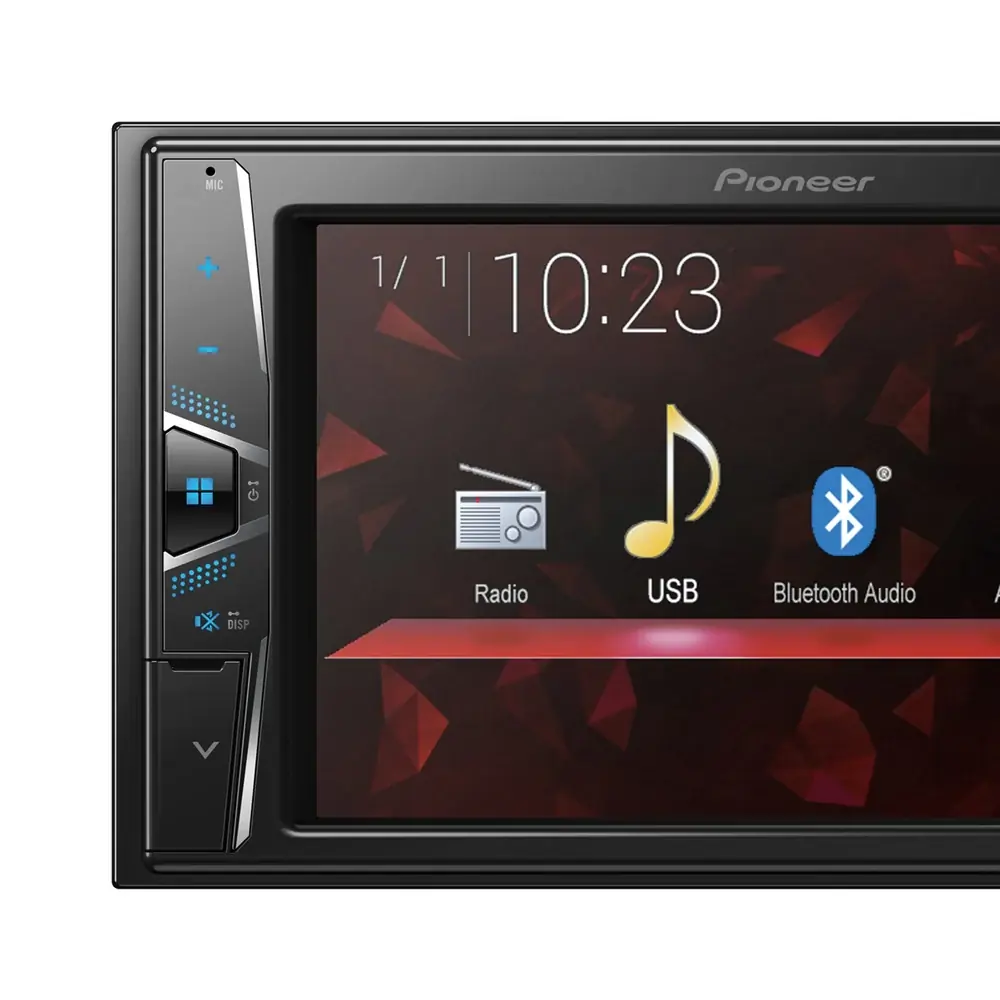
The Pioneer DMH-100BT is a single-chassis multimedia receiver controlled through a touch panel. A few physical buttons support it: HOME, VOL +/-, MUTE and a recessed RESET button. Pressing and holding HOME powers the unit off, and pressing and holding MUTE switches the display off. The hands-free microphone is built into the front grille. Pioneer recommends resetting the microprocessor before first use after installation, and also whenever the unit behaves abnormally.
The unit can store up to three paired Bluetooth devices, and two can be connected at the same time, though only one can handle hands-free calls. Secure Simple Pairing shows a six-digit confirmation code, and the default PIN is 0000. You can change the PIN to one of up to eight digits. Auto Connect reconnects the last device used, and the Visibility setting lets phones find the receiver. Phone features include phone book transfer for up to 1 000 entries, call history, six preset numbers per device, private mode, Auto Answer and three levels for the other party's listening volume.
The tuner covers FM1, FM2, FM3 and AM bands, each with six preset keys. BSM (Best Stations Memory) automatically stores the six strongest frequencies. The Local seek setting limits tuning to strong stations, with four levels on FM and two on AM. You can tune manually, seek, or use non-stop seek tuning. When playing from USB, you can switch between Music, Video and Photo modes. Video playback offers frame-by-frame and slow-motion playback, and you can change the audio and subtitle language. DivX files support .srt subtitles.
A rear view camera, such as the optional ND-BC8, switches to a full-screen image when the vehicle is put in reverse. The violet/white lead provides the reverse signal. Camera Polarity can be set to Battery or Ground. Camera View mode can show the camera image at any time while driving. A parking brake interlock on the light green lead blocks video and some touch functions until the vehicle is parked and the brake is applied.
Picture Adjustment covers Brightness, Contrast, Color and Hue, each from -24 to +24, and Dimmer from +1 to +48. Daytime and nighttime values are stored separately. The Dimmer Trigger can be set to Auto (follows the headlights), Manual, or Time, which can be adjusted in 15-minute steps. Theme settings let you choose a wallpaper and theme color. Wide screen modes include Full, Zoom, Normal and Trimming. Photo slideshows can advance every 5, 10 or 15 seconds, or manually.
The audio tools include the Super Bass, Powerful, Natural, Vocal and Flat EQ curves, plus two custom curves. Other options are Fader/Balance, a Source Level Adjuster from -4 to +4, Listening Position, Loudness (Low, Mid or High) and a preout switch between rear speakers and subwoofer. Up to 12 menu items can be saved as Favorites shortcuts. Touch Panel Calibration uses a four-corner adjustment followed by a 16-point adjustment. The unit shows error messages such as AMP Error, Error-02-9X/-DX and Error-10 to help with troubleshooting.
Frequently Asked Questions (FAQs)
Can't find the answer you need? Here are some frequently asked questions about the Pioneer DMH-100BT Multimedia Receiver, and we answer them below.