Aprilaire 600 Humidifier Instruction Manual
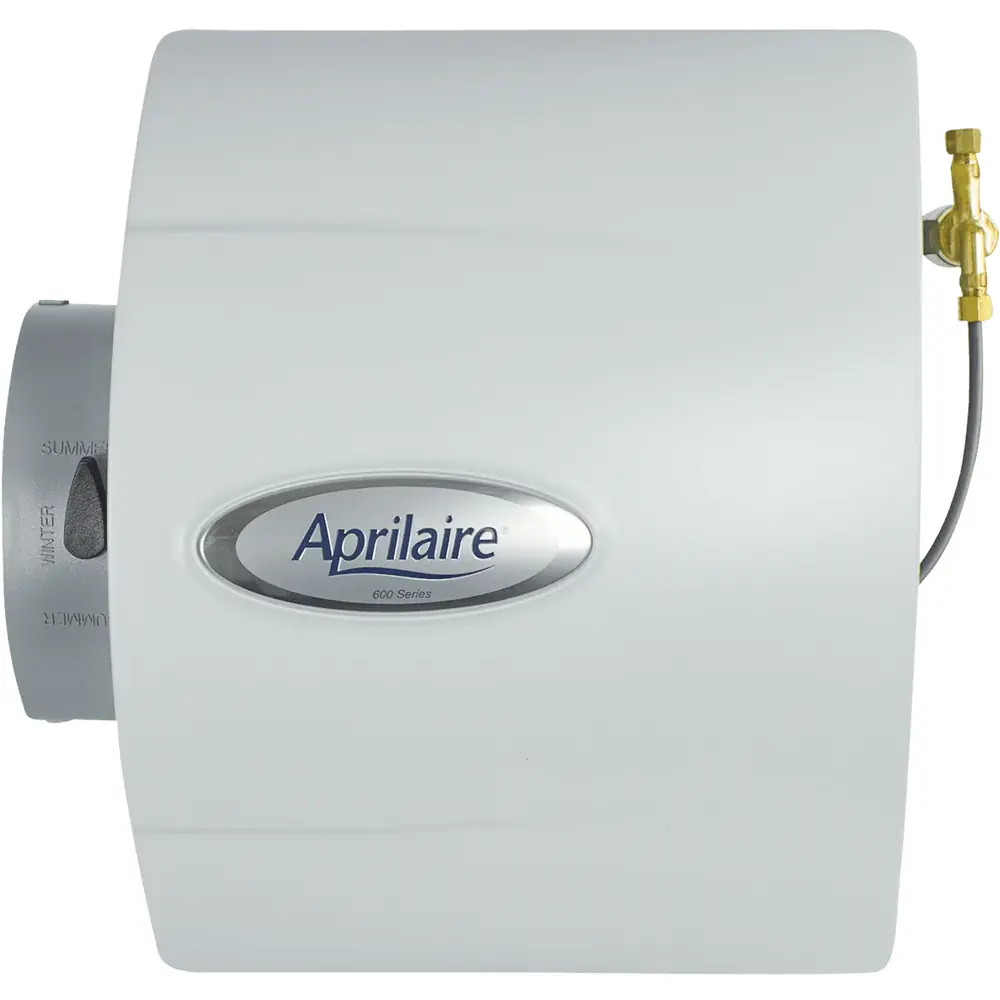
Aprilaire 600 Humidifier




Aprilaire 600 Humidifier

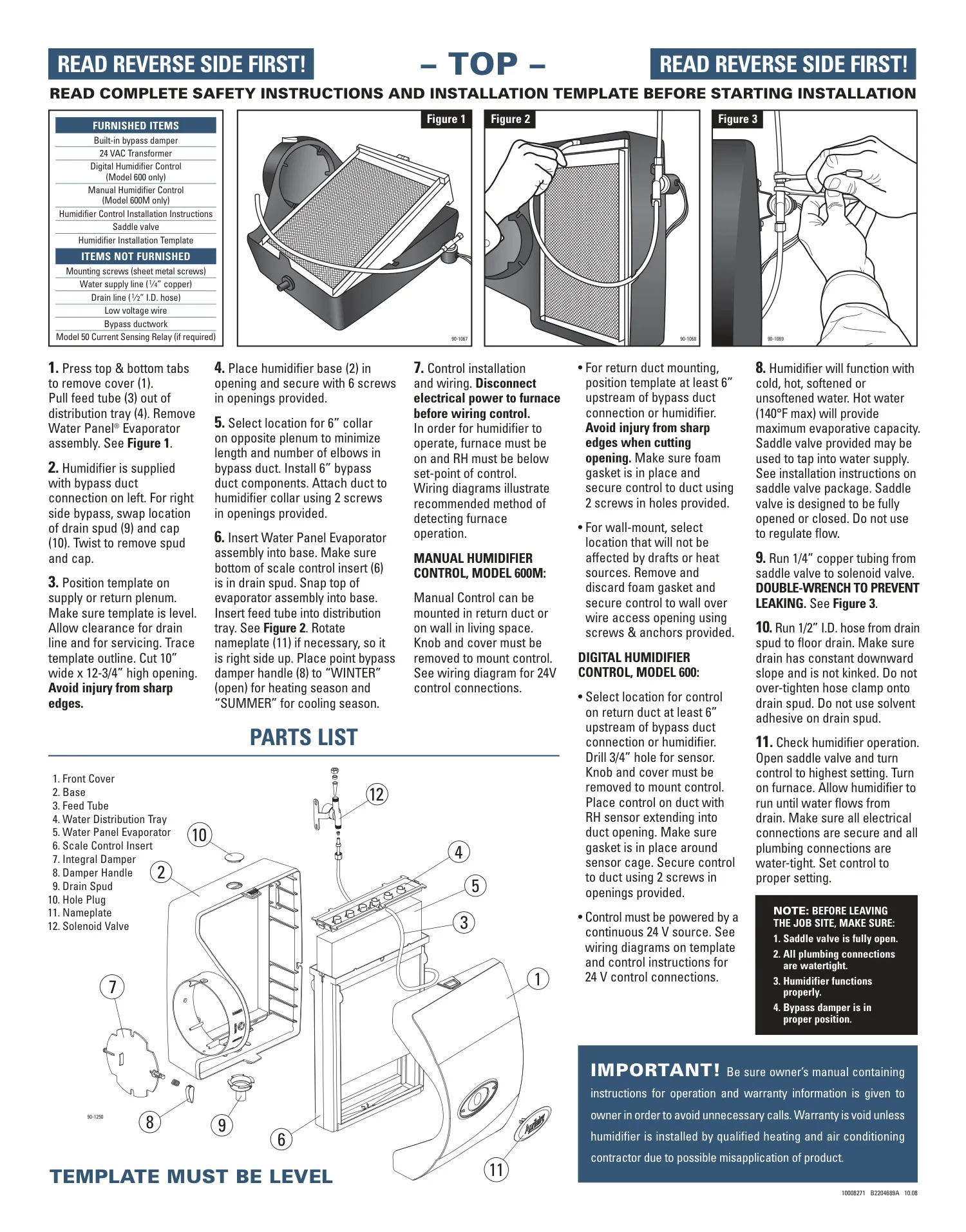
Aprilaire 600 Humidifier Instructions
Here we offer the Aprilaire 600 Humidifier manual completely free and in English. We have cataloged this manual in the Humidifiers section on Manualverse, and it has been rated by 1 users with an average rating of 5. If you have any specific questions about Aprilaire 600 Humidifier, we suggest checking the Frequently Asked Questions (FAQs) section of this manual.
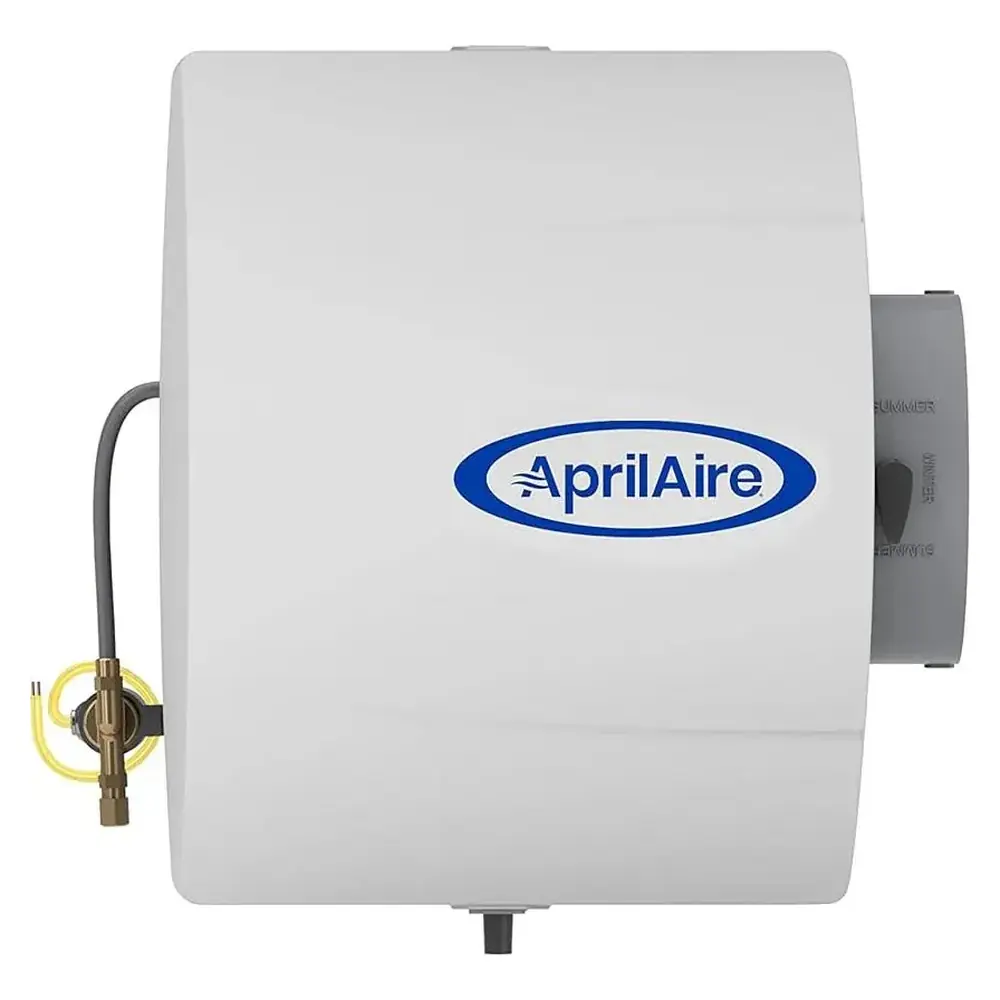
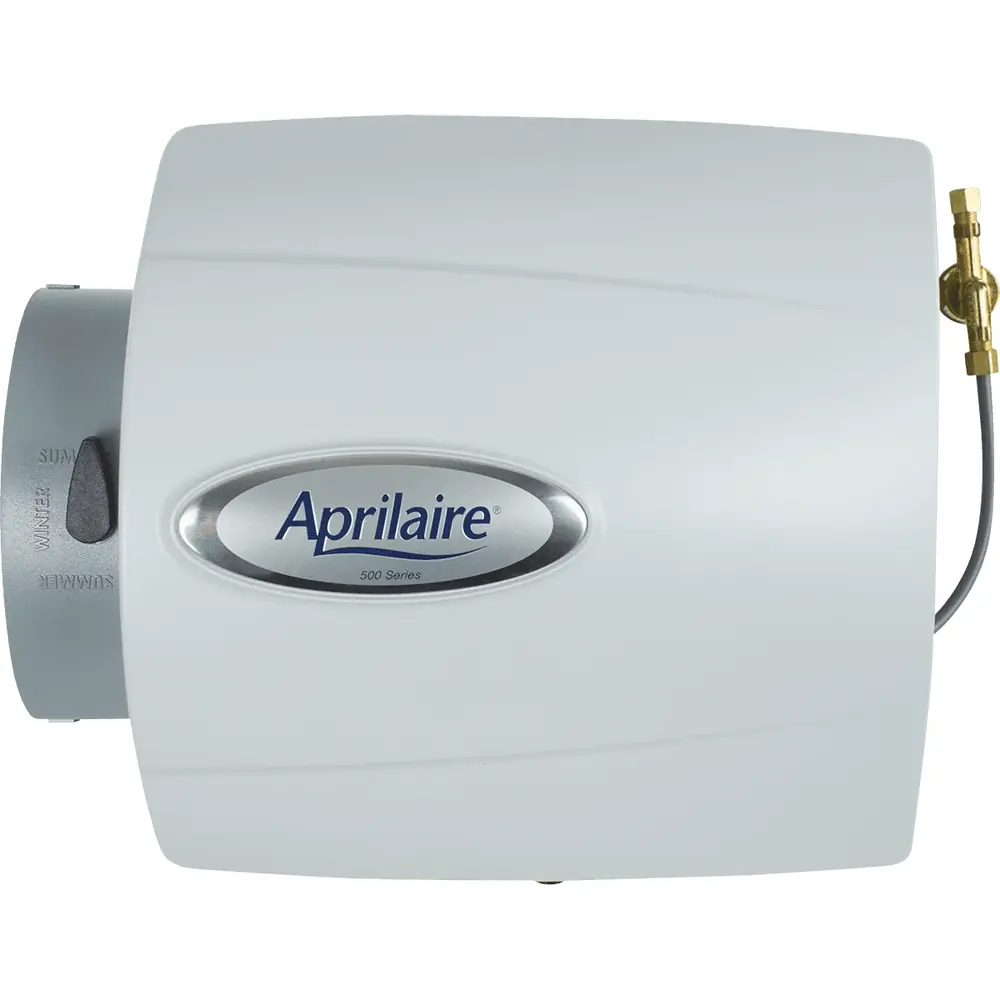
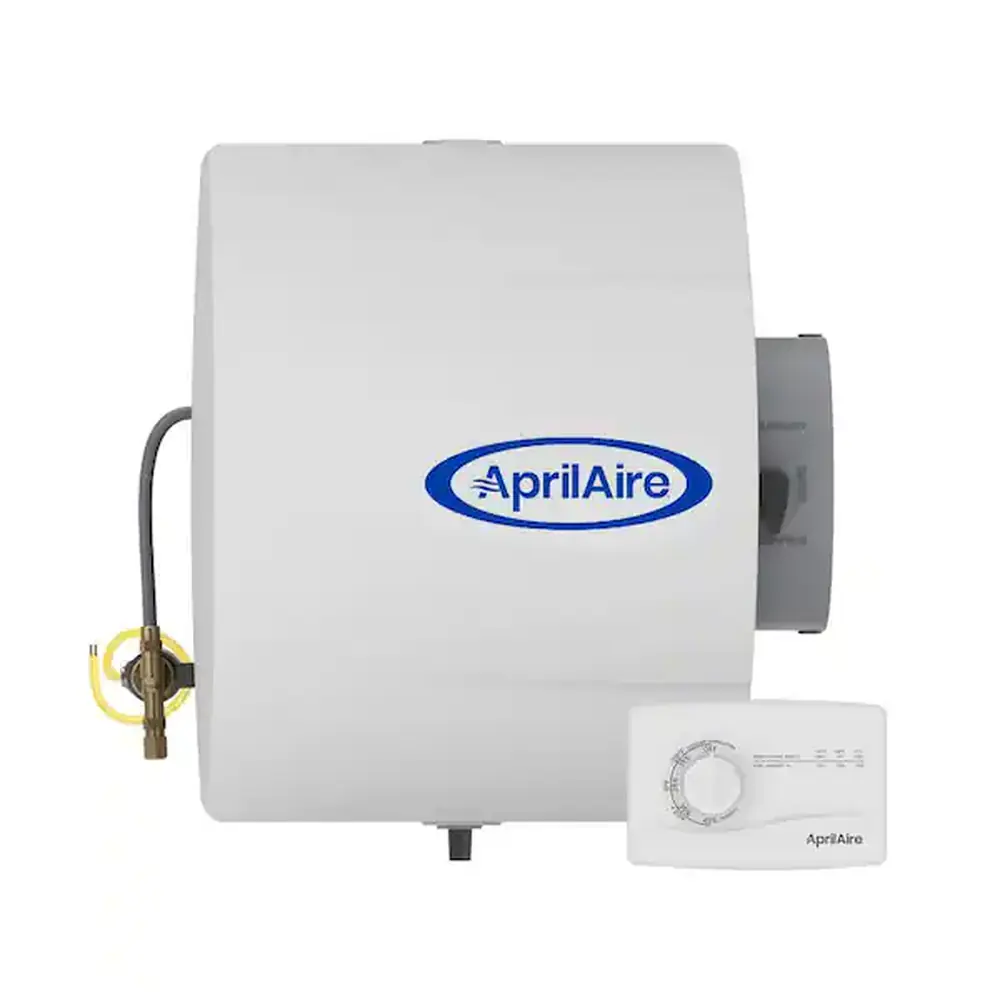
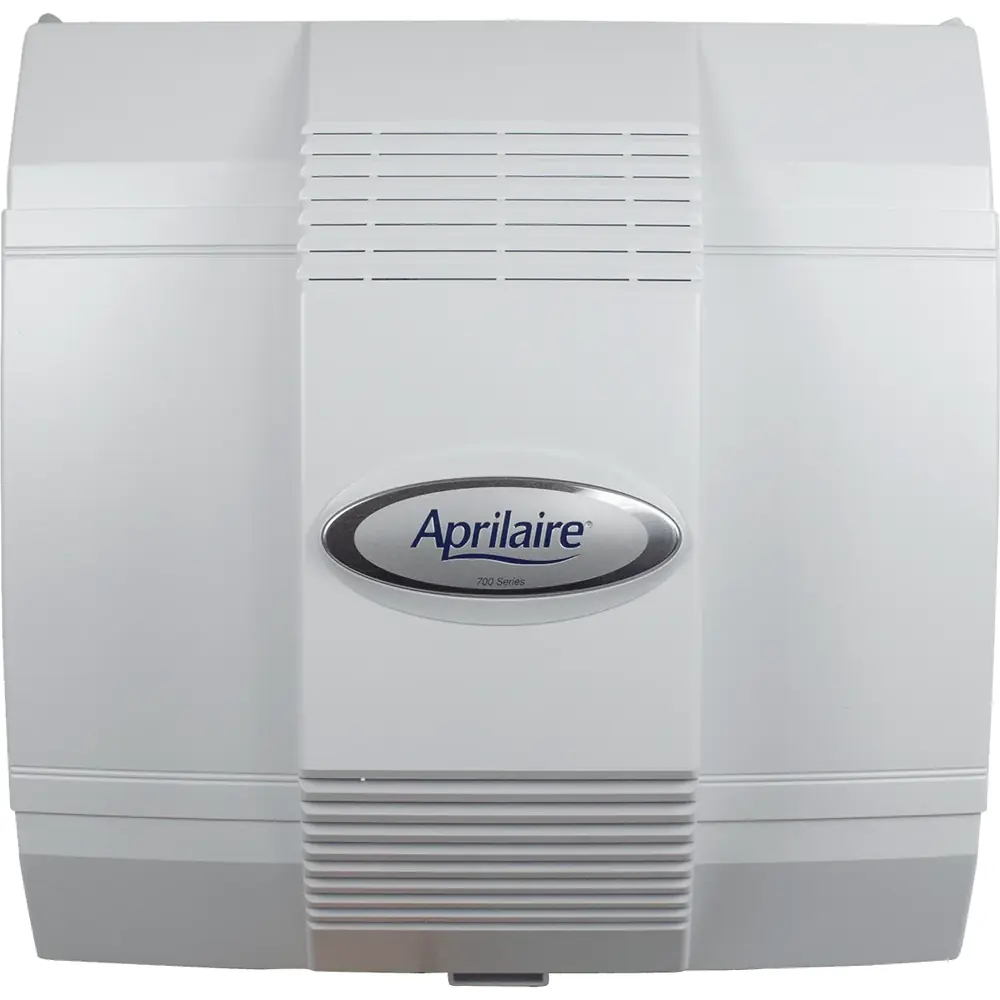
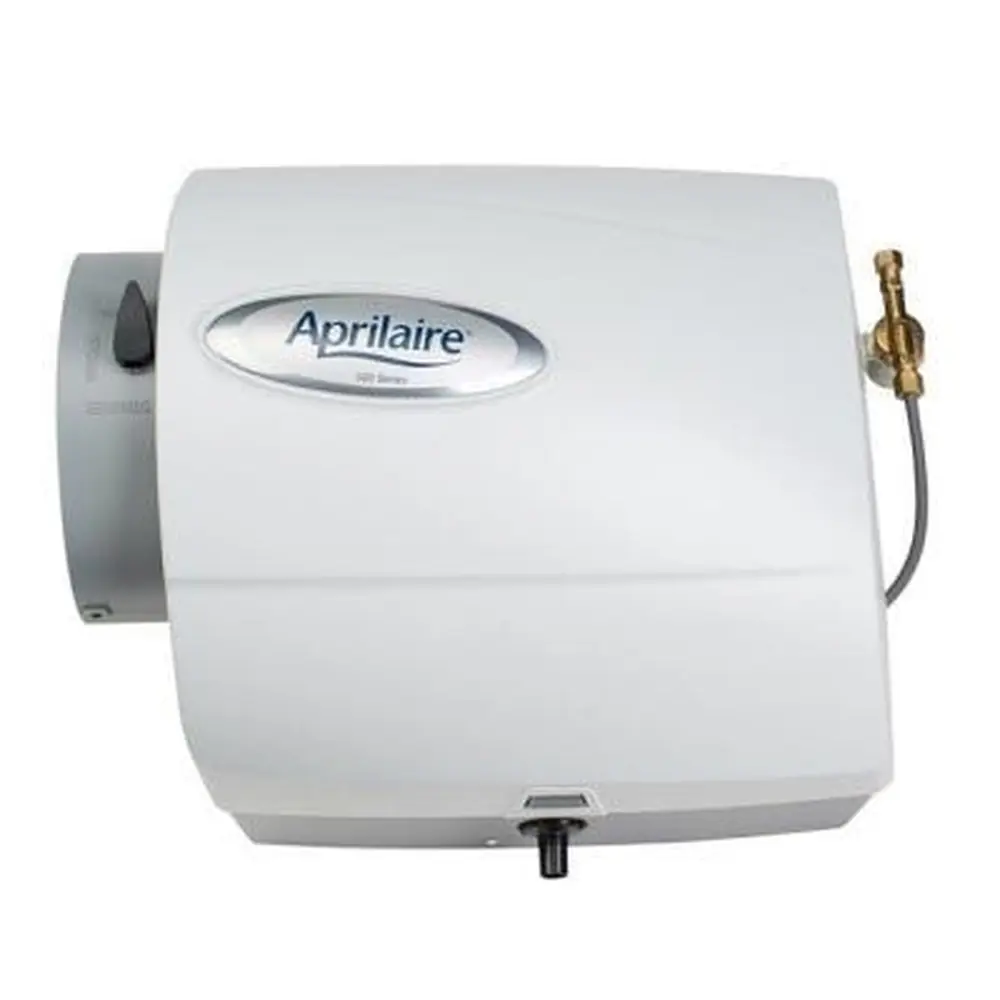
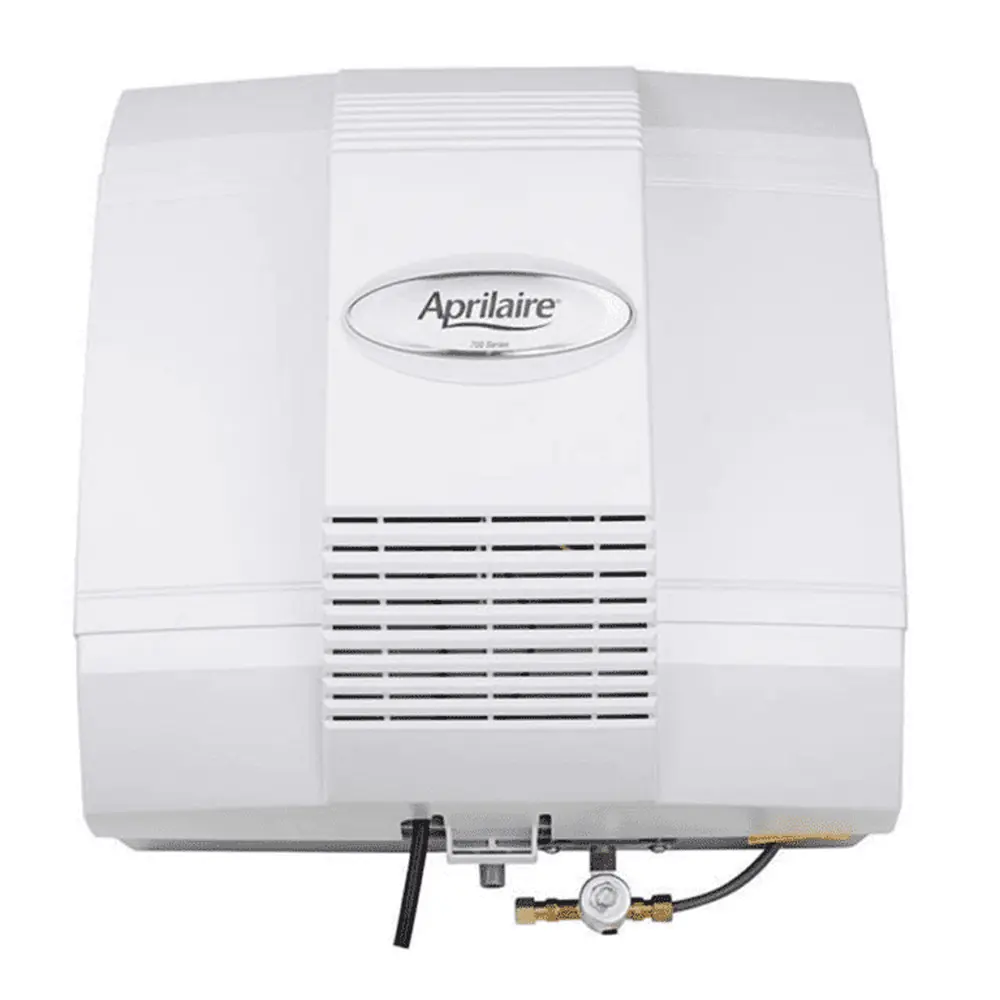
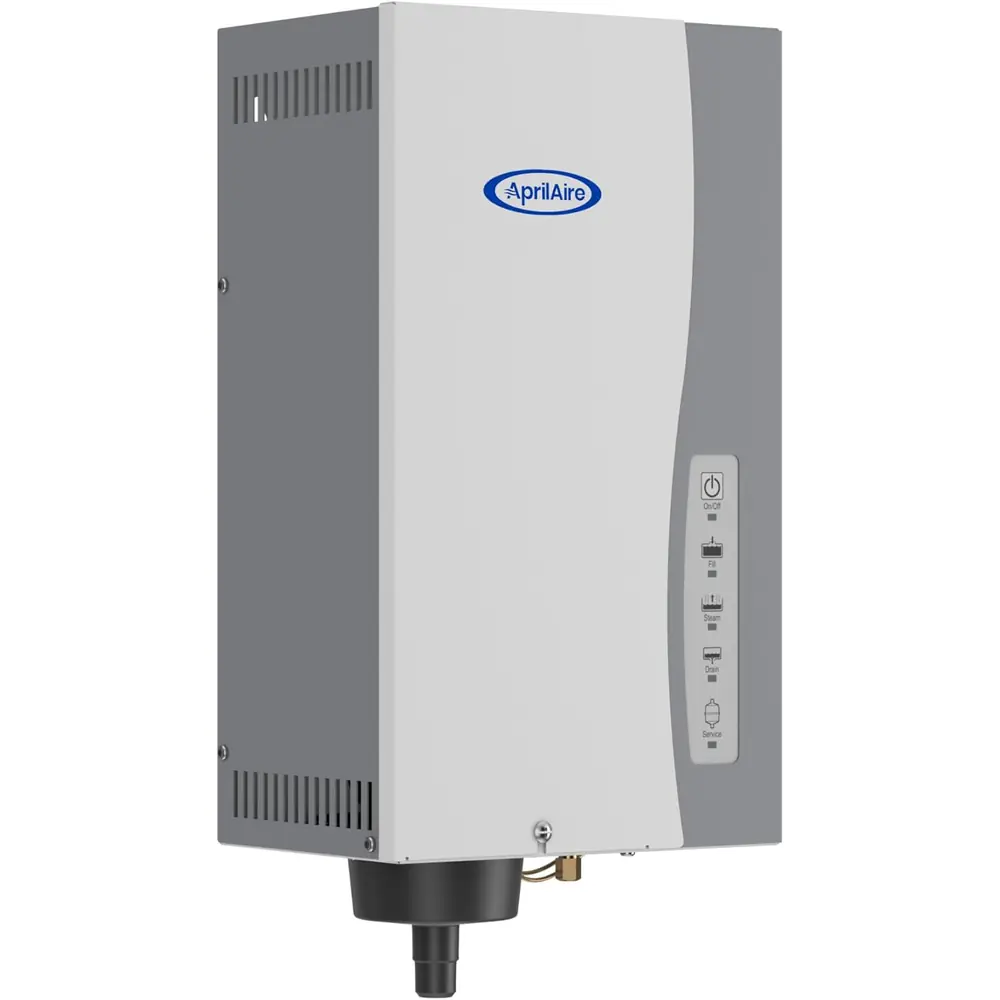
Product Images

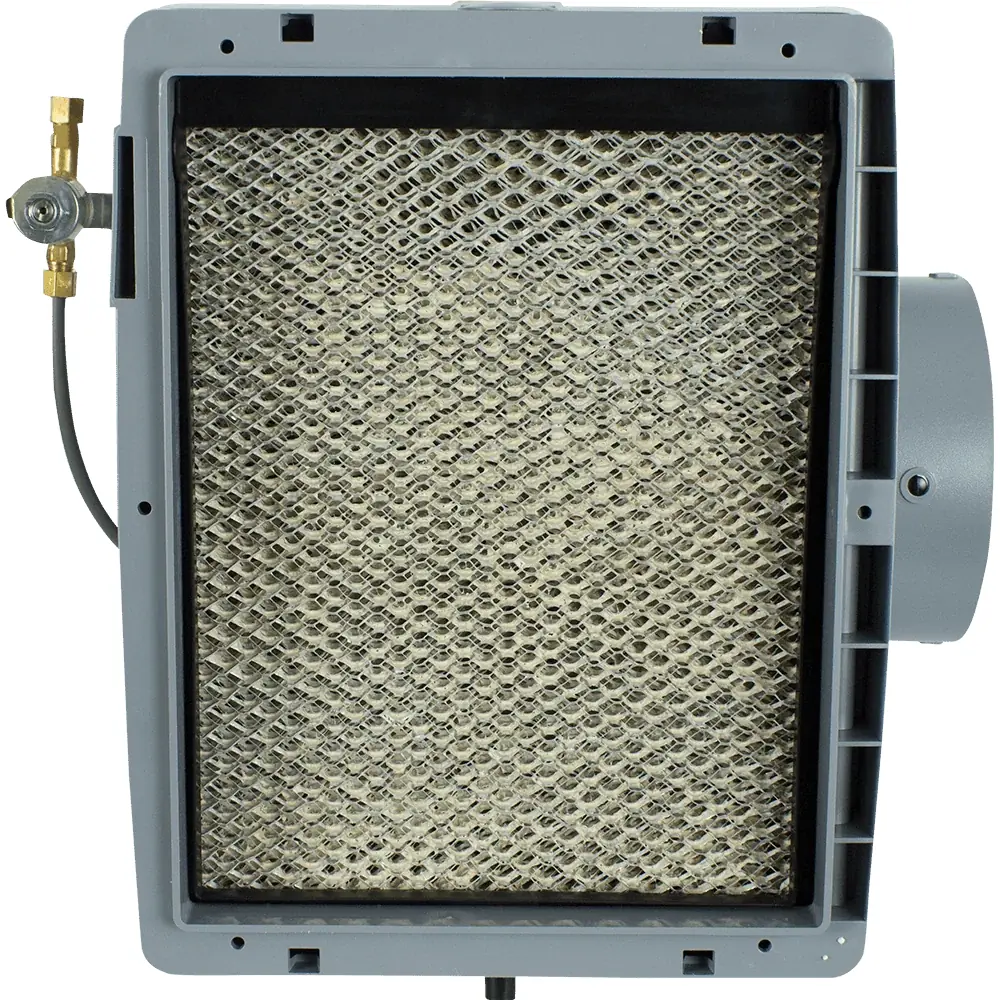
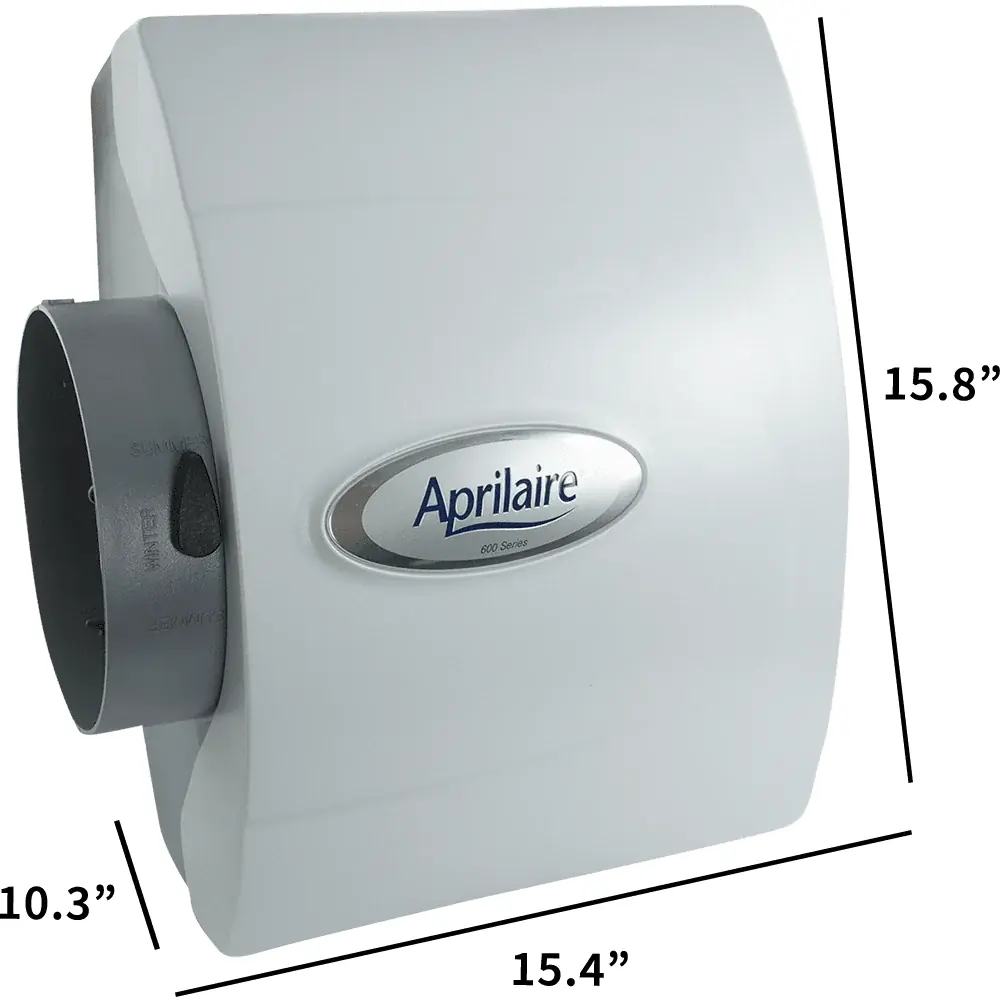
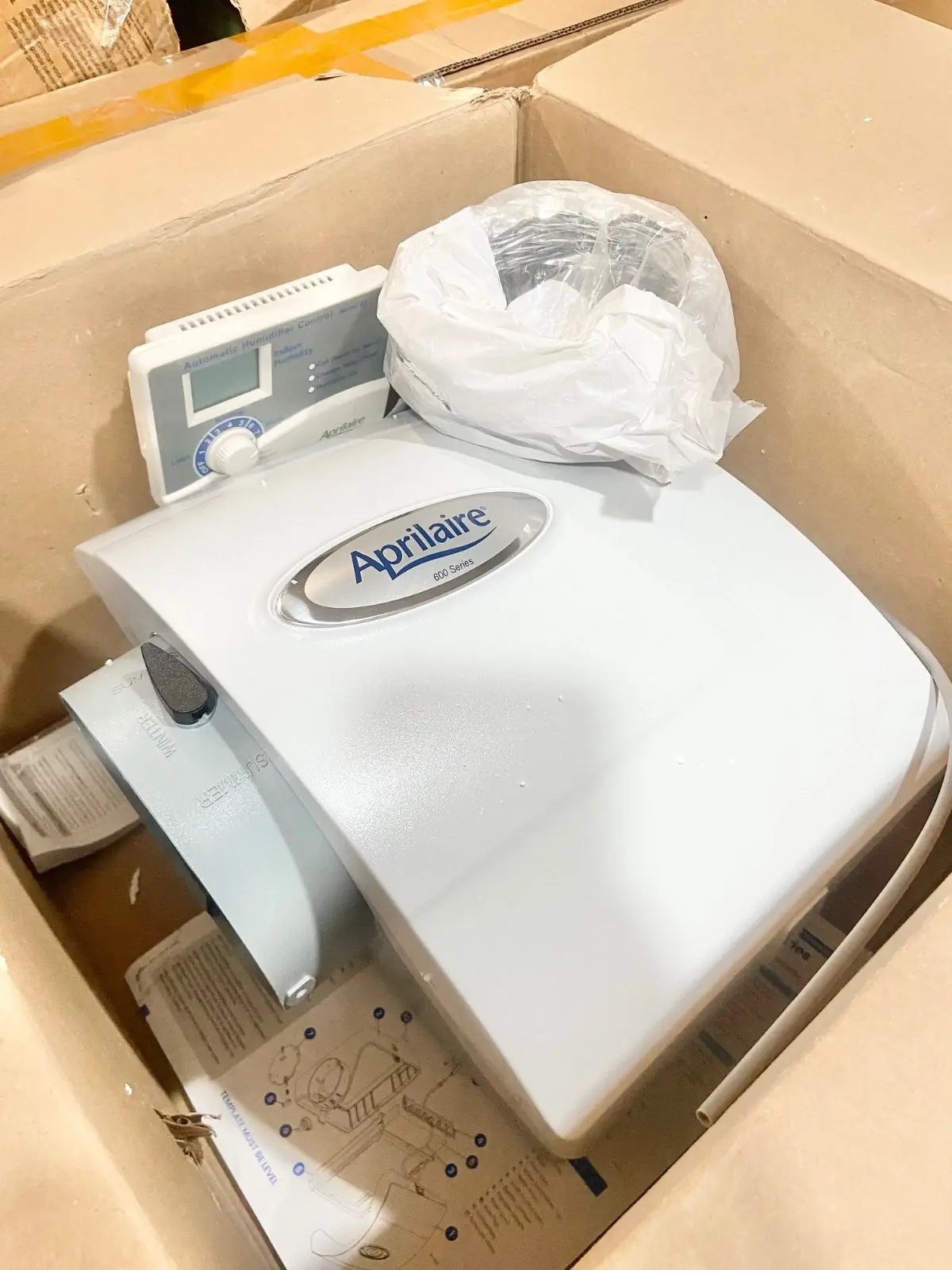
Aprilaire 600 Humidifier Specifications
| Feature | Specification |
|---|---|
| Model Series | 600 (with Automatic Digital Humidifier Control) and 600M (with Manual Humidifier Control) |
| Humidifier Type | Bypass evaporative humidifier with drain (flow-through) |
| Width (including solenoid valve) | 15 3/8 in. |
| Height (including drain spud) | 15 3/4 in. |
| Depth | 10 1/4 in. |
| Plenum Opening | 10 in. W x 12 3/4 in. H |
| Bypass Duct Opening | 6 in. diameter |
| Water Feed Rate | 3 gph |
| Electrical Data | 24 VAC, 60 Hz, 0.5 A |
| Transformer | 24 VAC transformer included (10 VA minimum when using a separate source) |
| Replacement Water Panel | AprilAire Water Panel 35 |
| Water Panel Replacement Interval | At least once a year |
| Supply Water | Hot, cold, hard or mechanically softened water |
| Maximum Hot Water Temperature | 140°F (60°C) |
| Maximum Water Pressure | 125 psi |
| Maximum Plenum Pressure Differential | 0.4 in. wg between supply and return plenums |
| Water Supply Line | 1/4 in. copper tubing (not included) |
| Drain Line | 1/2 in. I.D. hose (not included) |
| Mounting Location | Supply or return plenum; bypass duct can connect on the left or right |
| Base Mounting | 6 sheet metal screws |
| Control Dial Range (Model 600) | Settings 1 to 7, plus OFF and Test/Reset |
| Maximum Controlled RH (Automatic Control) | 45% RH |
| Automatic RH Adjustment | 1% RH for every 2°F change in outdoor temperature |
| Control Sensor Hole (Model 600) | 3/4 in., at least 6 in. upstream of the bypass connection or humidifier |
| In-Line Strainer Part Number | 4004 |
| Orifice Part Numbers | 4231 (yellow) or 4232 (blue), depending on model |
| Included Items | Built-in bypass damper, 24 VAC transformer, humidifier control, control instructions, saddle valve, installation template |
| Limited Warranty | 5 years from date of purchase |
| Technical Support | 800.334.6011 |
Aprilaire 600 Humidifier Details
The Aprilaire 600 is a bypass humidifier. It adds moisture through evaporation and uses the heat from your HVAC system instead of heating water itself. When the control calls for humidity and the system fan is running, water goes to a distribution tray. A synthetic fabric liner spreads it evenly over the Water Panel. Warm air passes from the supply duct, through the wet panel and into the return duct, then carries the moisture through the home.
An orifice keeps the water flow correct. During operation, a small, steady stream goes to the drain and carries away most of the minerals. This also stops water from standing still inside the unit. The scale control insert around the Water Panel traps mineral deposits. Every housing part that touches water is non-metal, so it will not rust or corrode. The saddle valve should be either fully open or fully closed and never used to adjust flow.
The Model 600 comes with the Automatic Digital Humidifier Control, which can run in Automatic or Manual mode. In Automatic mode, it reads indoor RH and outdoor temperature and adjusts output on its own to help prevent condensation. Three lights show the unit's status: red for Service Required, yellow for Change Water Panel and green for Humidifier On. When a fault occurs, the display shows error codes E1 to E4.
The Blower Activation switch lets the control turn on the HVAC fan, but the unit must be connected to hot water to use it. If the system has been idle for one hour, the fan runs for 3 minutes to sample the air. It also keeps running after a heat call ends if the RH set point hasn't been reached. Once started, this mode runs for up to 2 hours or until the set point is reached.
During the first heating season, start the dial at 5. Over the next 24 to 48 hours, adjust it up or down by one step at a time. If you see condensation on windows, lower the setting. If the air is too dry, raise it. In Manual mode, lower the setting before cold weather arrives. For example, use 35% RH at 20°F and 25% RH at 0°F. The Test/Reset position runs the humidifier for one minute and resets the Water Panel timer.
For installation, use the template, keep it level and leave room for the drain line and for servicing. Don't mount the unit on the furnace jacket or anywhere it could freeze. Don't wire the transformer into the blower motor circuit. The control needs a continuous 24 V power supply. On heat pump systems, hot water is required. Before summer, turn the damper handle to SUMMER. Clean the distribution tray, strainer and drain line every year.
Frequently Asked Questions (FAQs)
Can't find the answer you need? Here are some frequently asked questions about the Aprilaire 600 Humidifier, and we answer them below.