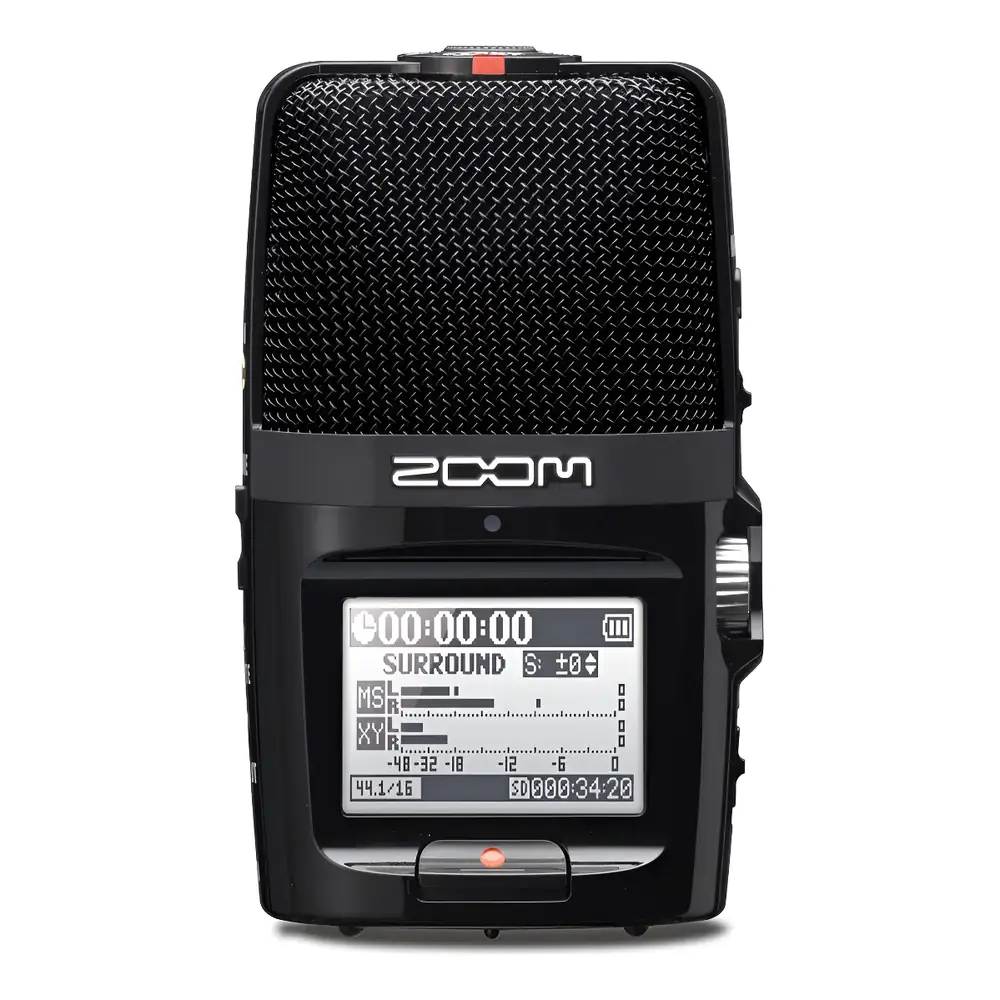
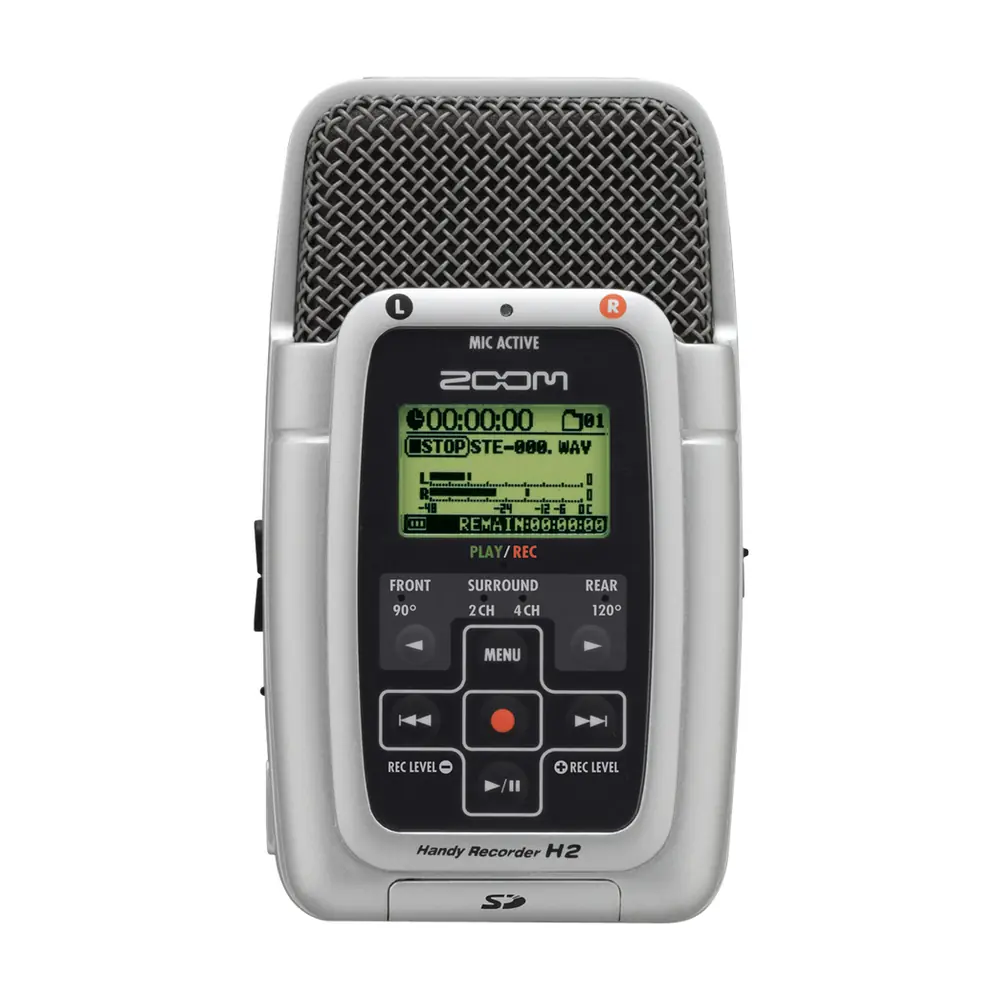
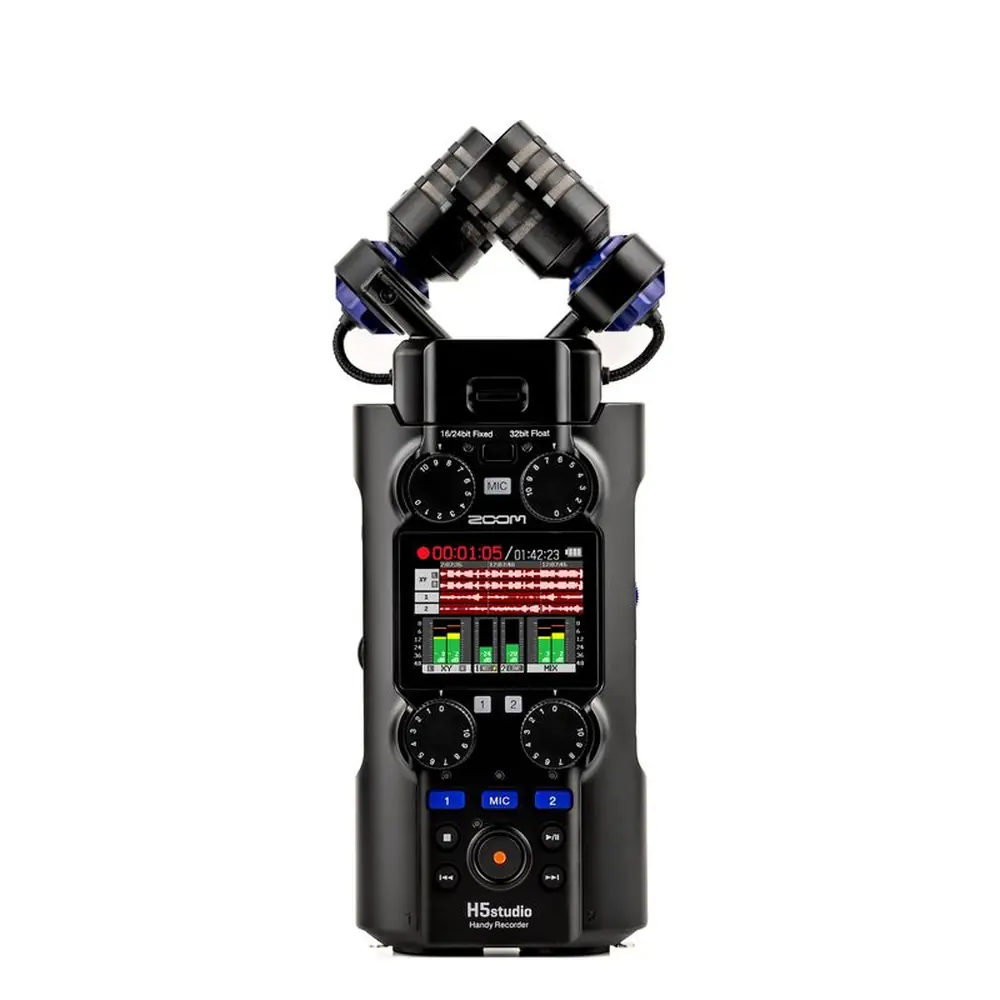
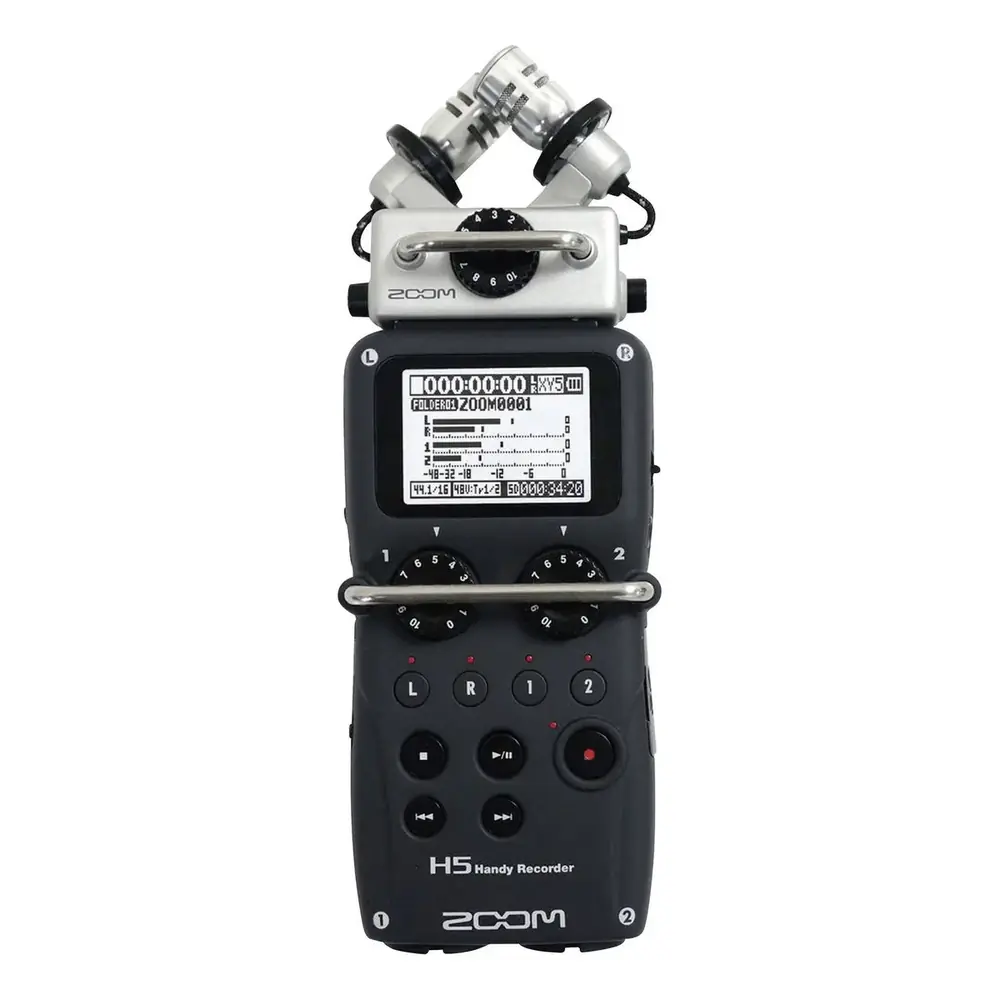
Zoom H1N Handy Recorder Instruction Manual
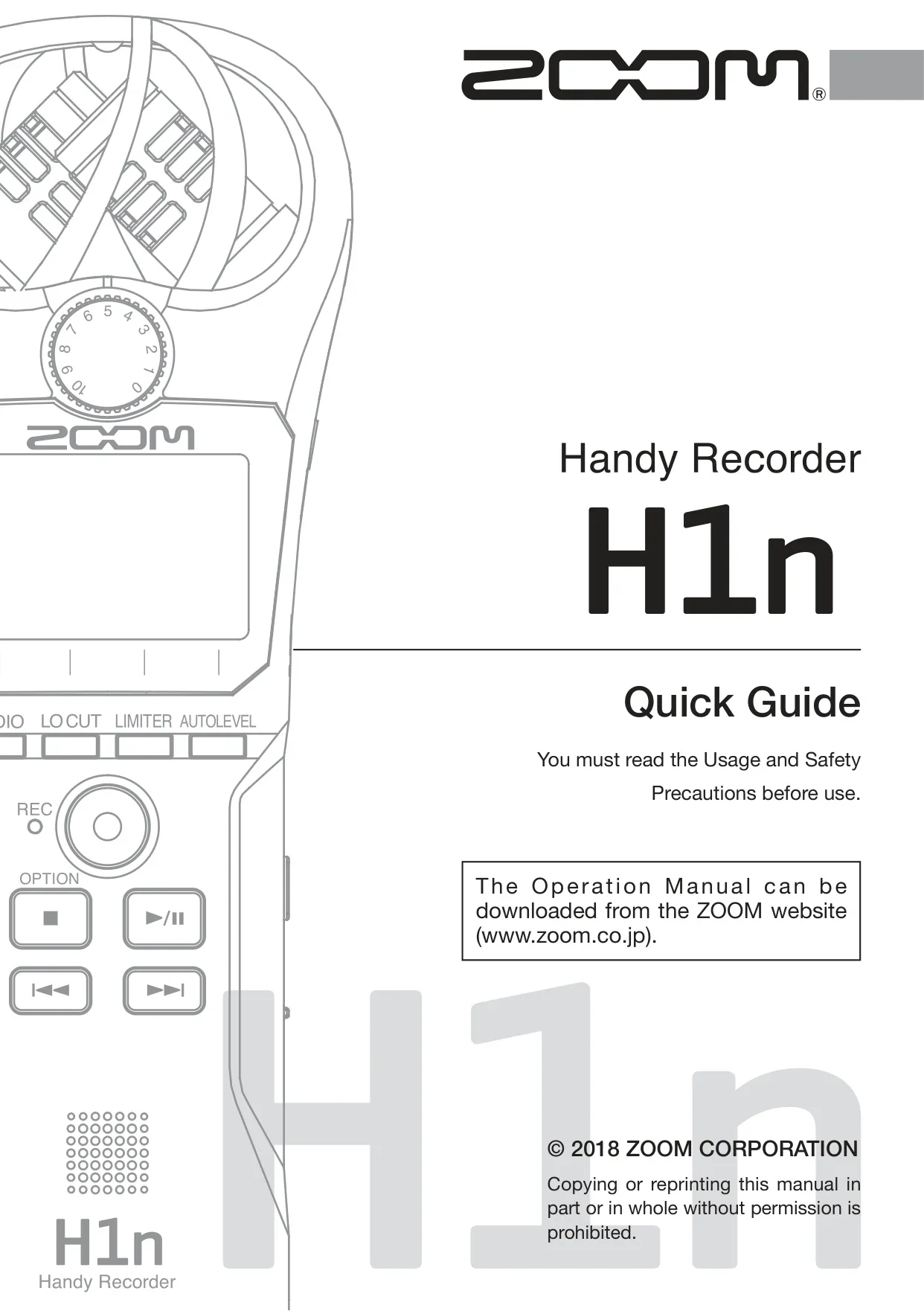
Zoom H1N Handy Recorder







Zoom H1N Handy Recorder




Zoom H1N Handy Recorder


Zoom H1N Handy Recorder

Zoom H1N Handy Recorder Instructions
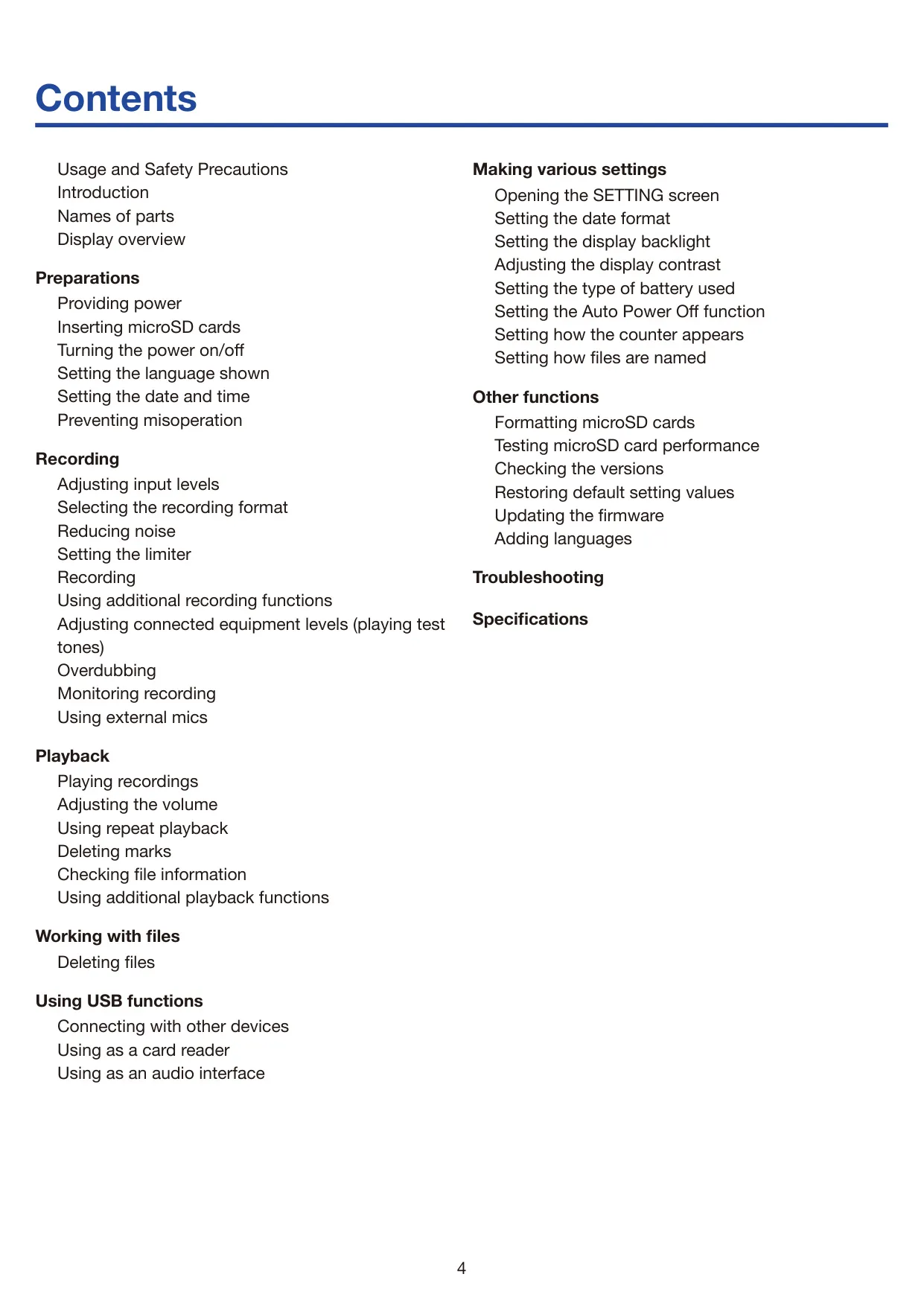
Here we offer the Zoom H1N Handy Recorder manual completely free and in English. We have cataloged this manual in the Handy Recorders section on Manualverse, and it has been rated by 1 users with an average rating of 5. If you have any specific questions about Zoom H1N Handy Recorder, we suggest checking the Frequently Asked Questions (FAQs) section of this manual.
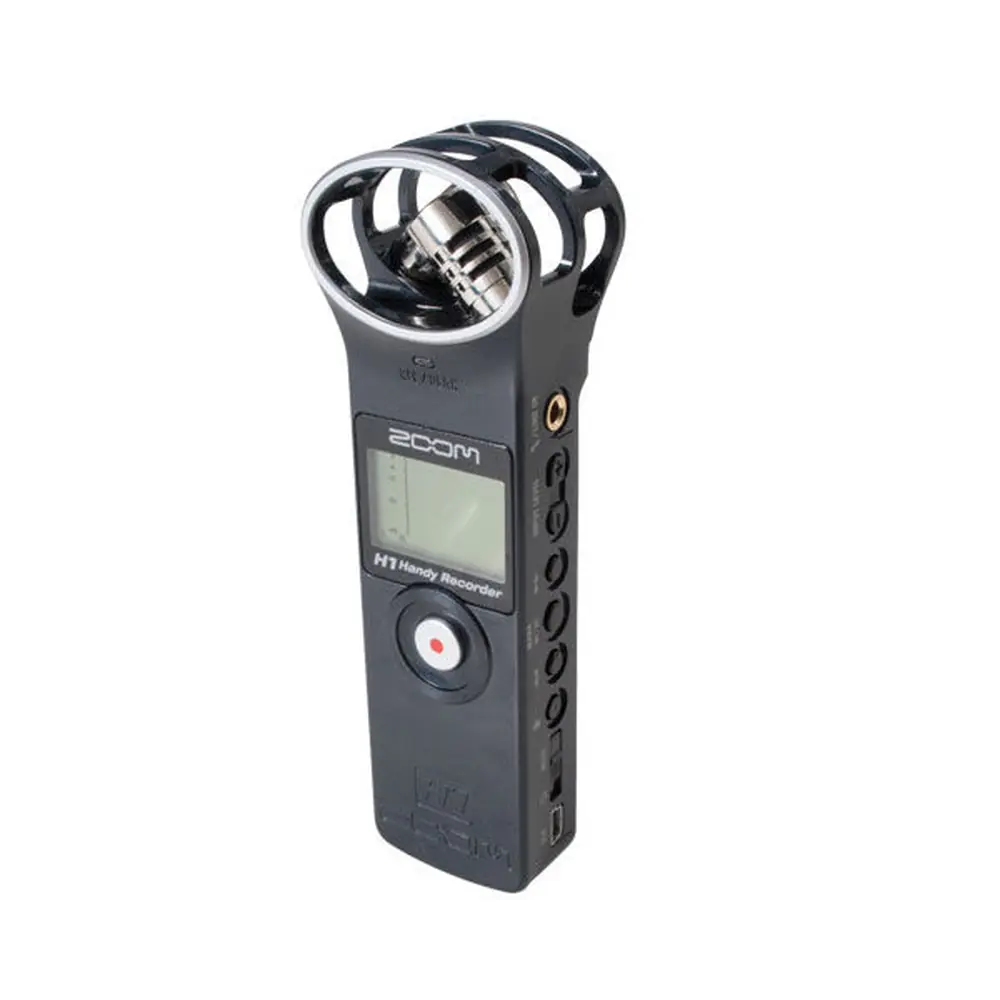
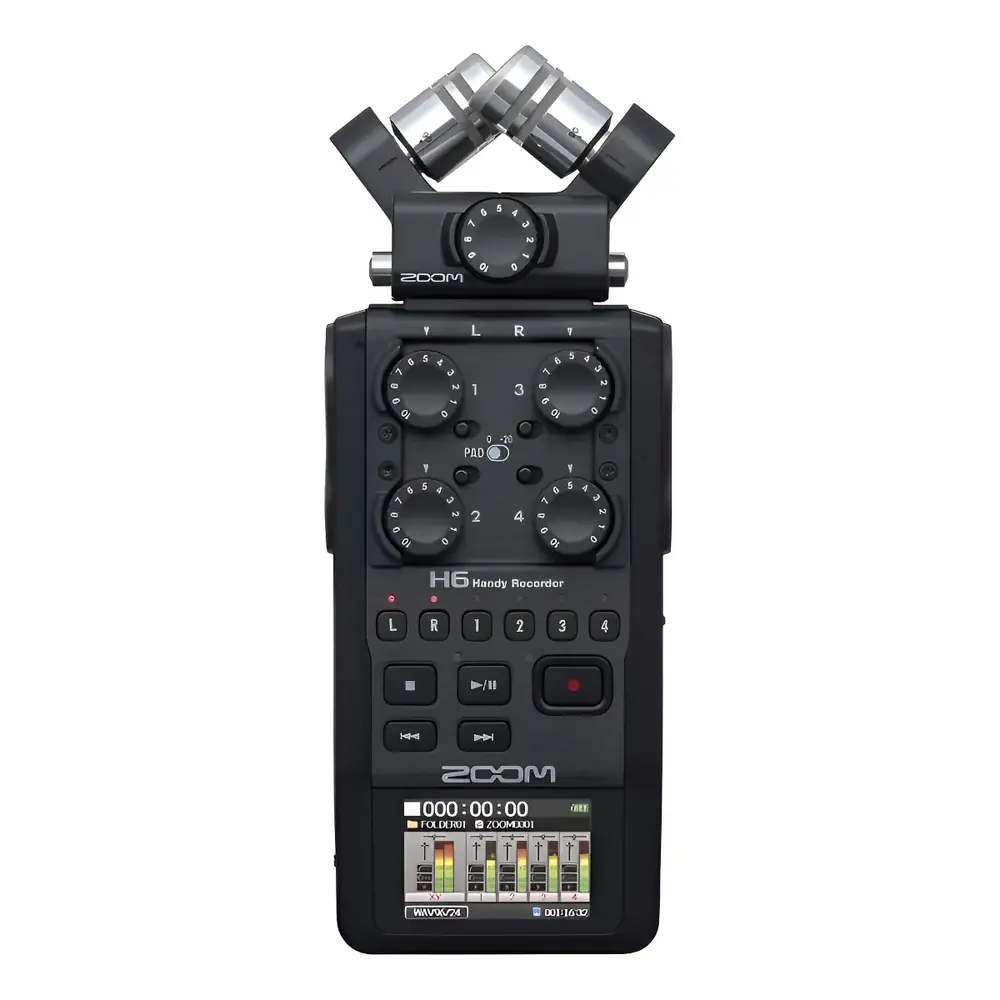
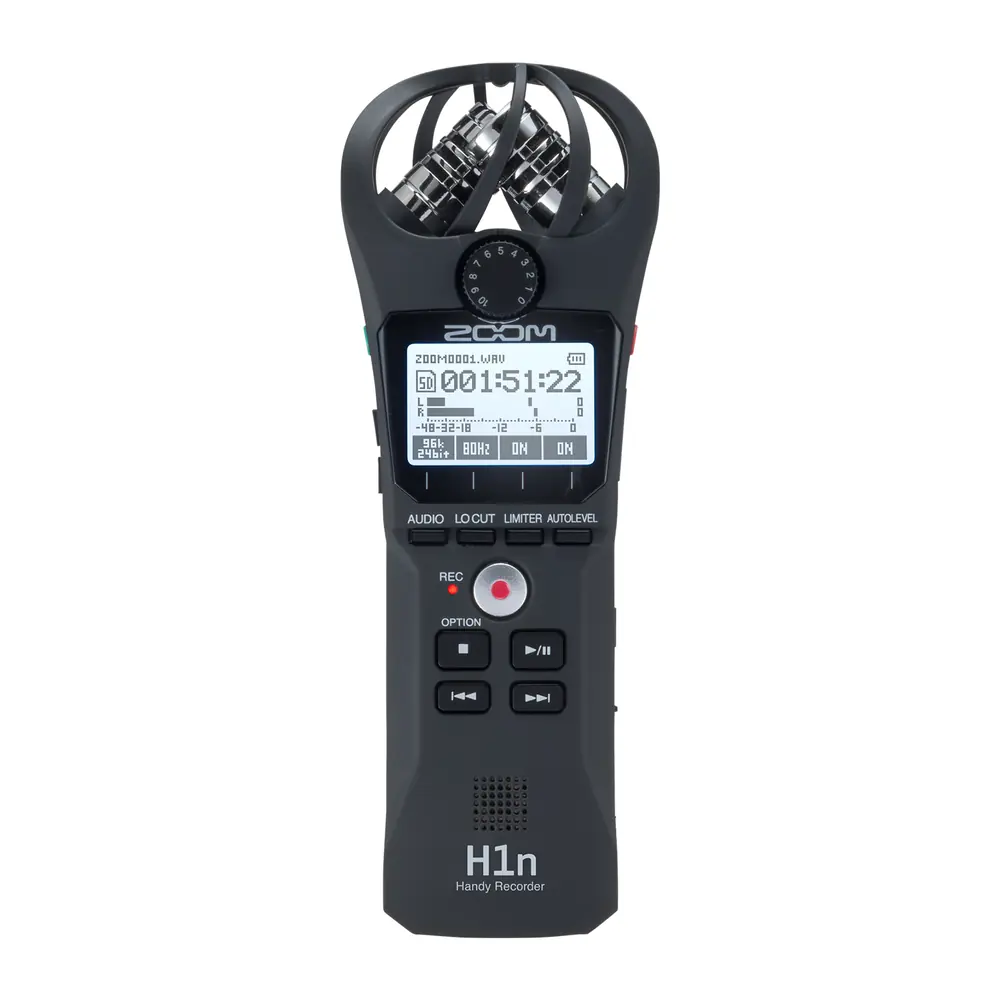
Product Images


Zoom H1N Handy Recorder Specifications
| Feature | Specification |
|---|---|
| Recording Media | microSD/microSDHC cards (Class 4 or higher, up to 32 GB) |
| Recording Formats (WAV) | 44.1 kHz/16-bit, 48 kHz/16-bit, 48 kHz/24-bit, 96 kHz/24-bit |
| Recording Formats (MP3) | 48 kbps, 128 kbps, 192 kbps, 256 kbps, 320 kbps |
| Display | 1.25" monochrome LCD (96×64) with REC LED (red) |
| Built-in Mic | 90° XY stereo format, 120 dB SPL maximum input sound pressure, -∞ dB – +39 dB input gain |
| MIC/LINE IN Jack | Stereo mini jack, -∞ dB – +39 dB input gain, 2 kΩ or higher input impedance, plug-in power (2.5 V) supported |
| PHONE/LINE OUT Jack | Combined line/headphone stereo mini jack |
| Built-in Speaker | 500 mW 8Ω mono speaker |
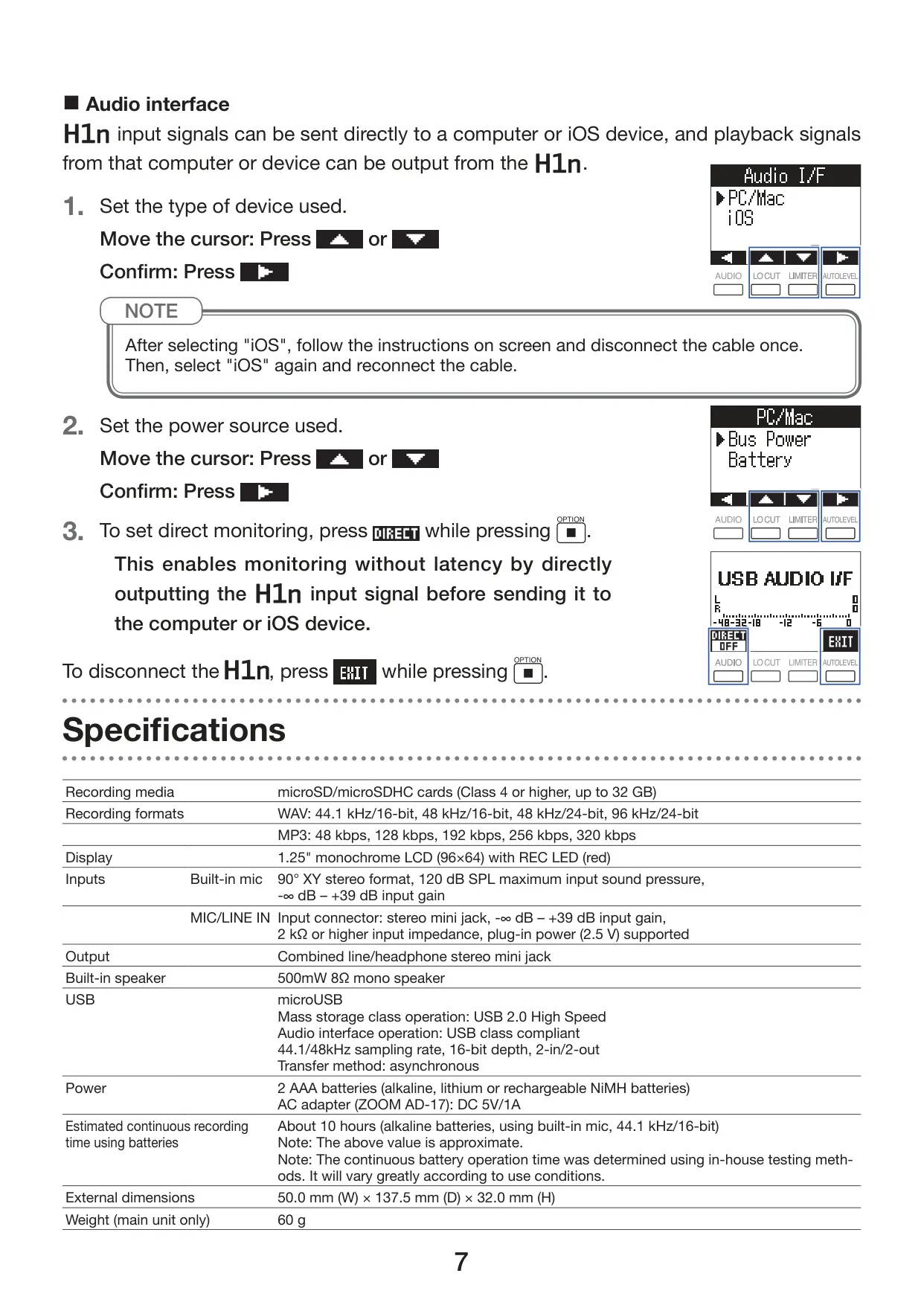
| USB Port | microUSB, USB 2.0 High Speed (Mass storage), USB class compliant (Audio interface), 44.1/48kHz sampling, 16-bit, 2-in/2-out, asynchronous transfer |
| Power | 2 AAA batteries (alkaline, NiMH, or lithium), AC adapter (ZOOM AD-17): DC 5V/1A |
| Estimated Continuous Recording Time | About 10 hours (alkaline batteries, built-in mic, 44.1 kHz/16-bit) |
| External Dimensions (W×D×H) | 50.0 mm × 137.5 mm × 32.0 mm |
| Weight (main unit only) | 60 g |
Zoom H1N Handy Recorder Details
The Zoom H1N Handy Recorder distinguishes itself with a user-centric design and a suite of advanced features beyond its core specifications. At its heart is a 90° XY stereo microphone configuration, engineered to capture immersive, three-dimensional sound with natural depth. This robust mic can handle sound pressure levels up to 120 dB SPL, ensuring clear, distortion-free recordings even in challenging, loud environments like band rehearsals or live club performances. The focus on acoustic fidelity extends to its USB audio interface, which employs an asynchronous transfer system. This technology minimizes the impact of computer jitter, ensuring a faithful reproduction of the original sound when connected to a PC or iOS device.
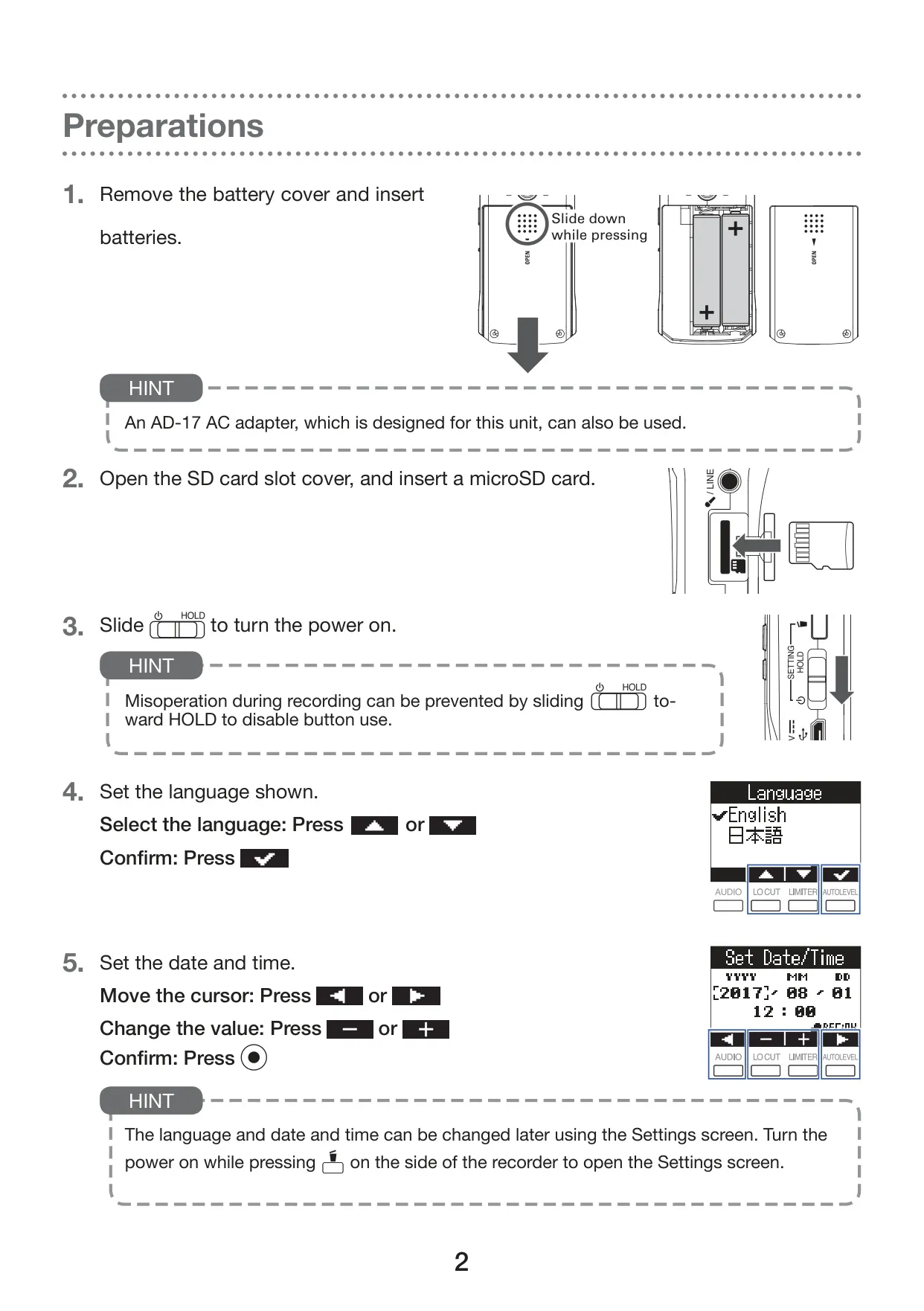
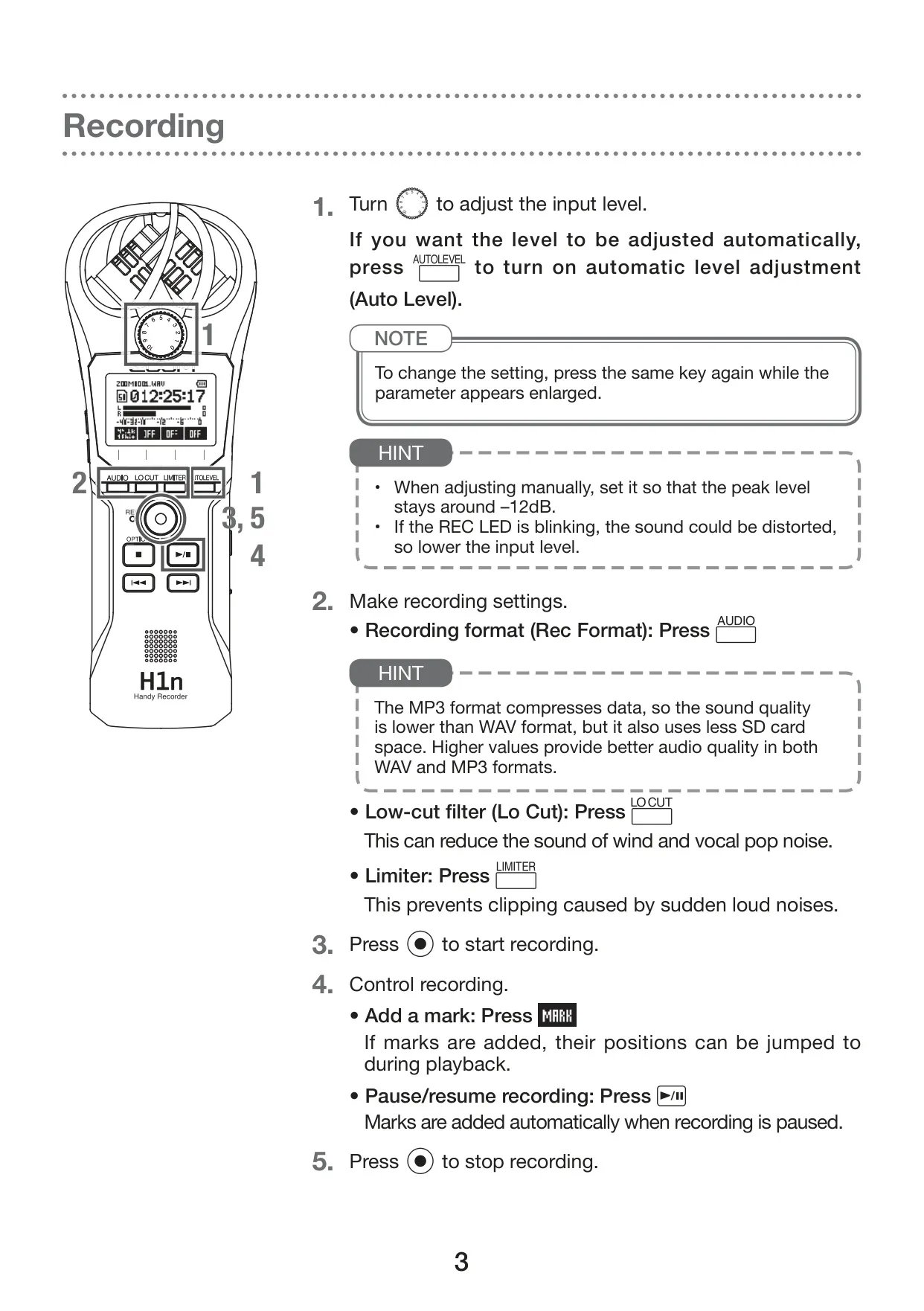
Ease of use is a cornerstone of the H1N's design. Its straightforward interface allows for quick input level adjustments via a dedicated dial, and recording settings can be altered without navigating complex menus. The full-dot display enhances usability, offering excellent visibility and supporting language localization, so users can view parameter names and messages in their preferred language. This intuitive control scheme makes the device accessible for both beginners and experienced audio professionals, reducing setup time and focusing on the recording process.
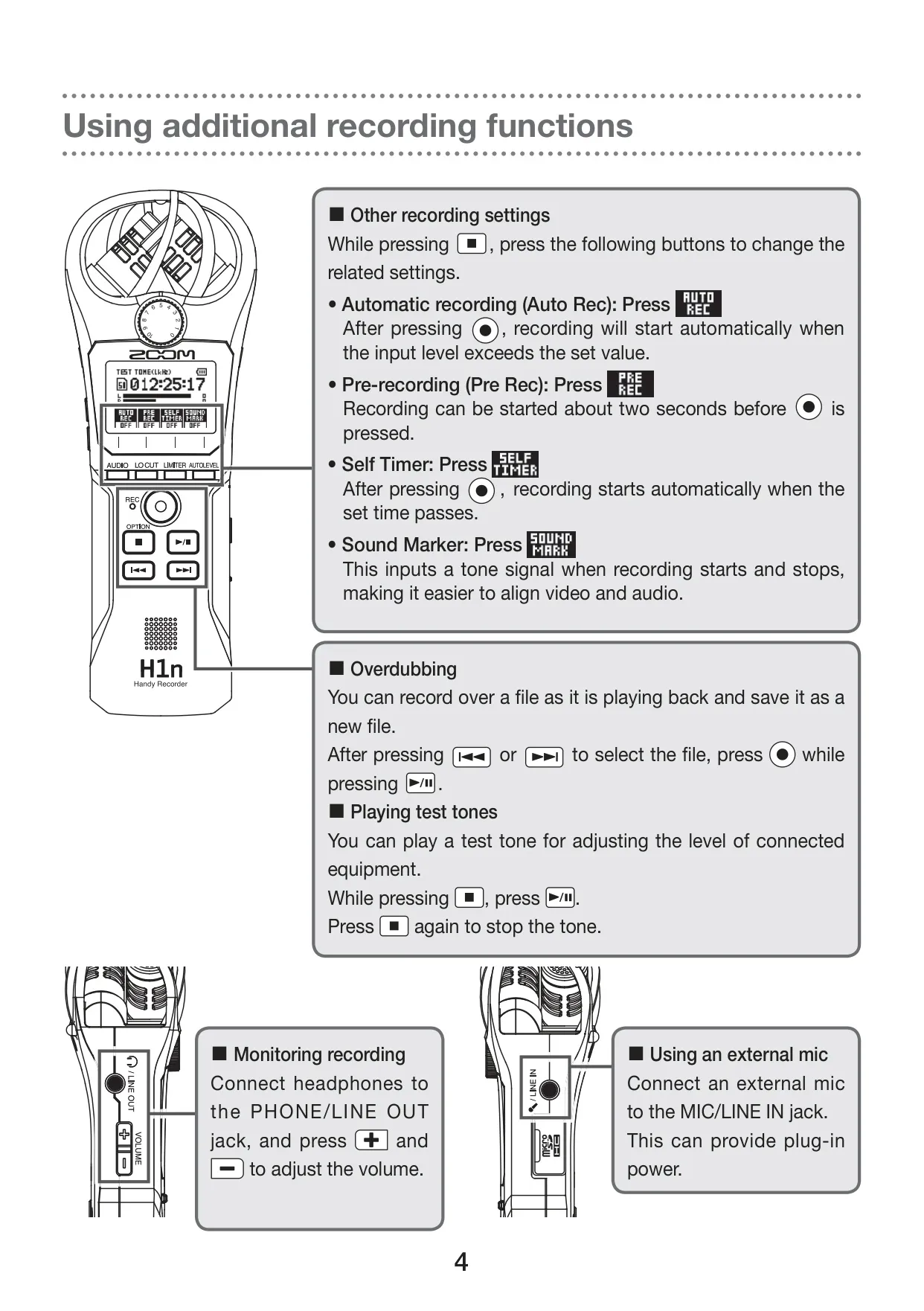
Beyond basic recording, the H1N incorporates several intelligent functions to prevent missed moments and enhance workflow. Features like automatic recording can be set to start when the input level exceeds a specified threshold, perfect for capturing unexpected events. Pre-recording buffers two seconds of audio before the record button is pressed, ensuring that the very beginning of a performance is never lost. For post-production, sound marks can be output to external cameras via the LINE OUT jack, simplifying audio-video synchronization, a boon for videographers and content creators.
The recorder also boasts a flexible overdubbing function, allowing users to layer new sounds over existing recordings non-destructively. When overdubbing, a new file is created, preserving the original recording and providing creative freedom without fear of irreversible errors. This feature is particularly useful for musicians layering instruments or vocal tracks. For solo recording endeavors, a self-timer function offers a delay before recording begins, allowing the user to get into position or prepare their instrument.
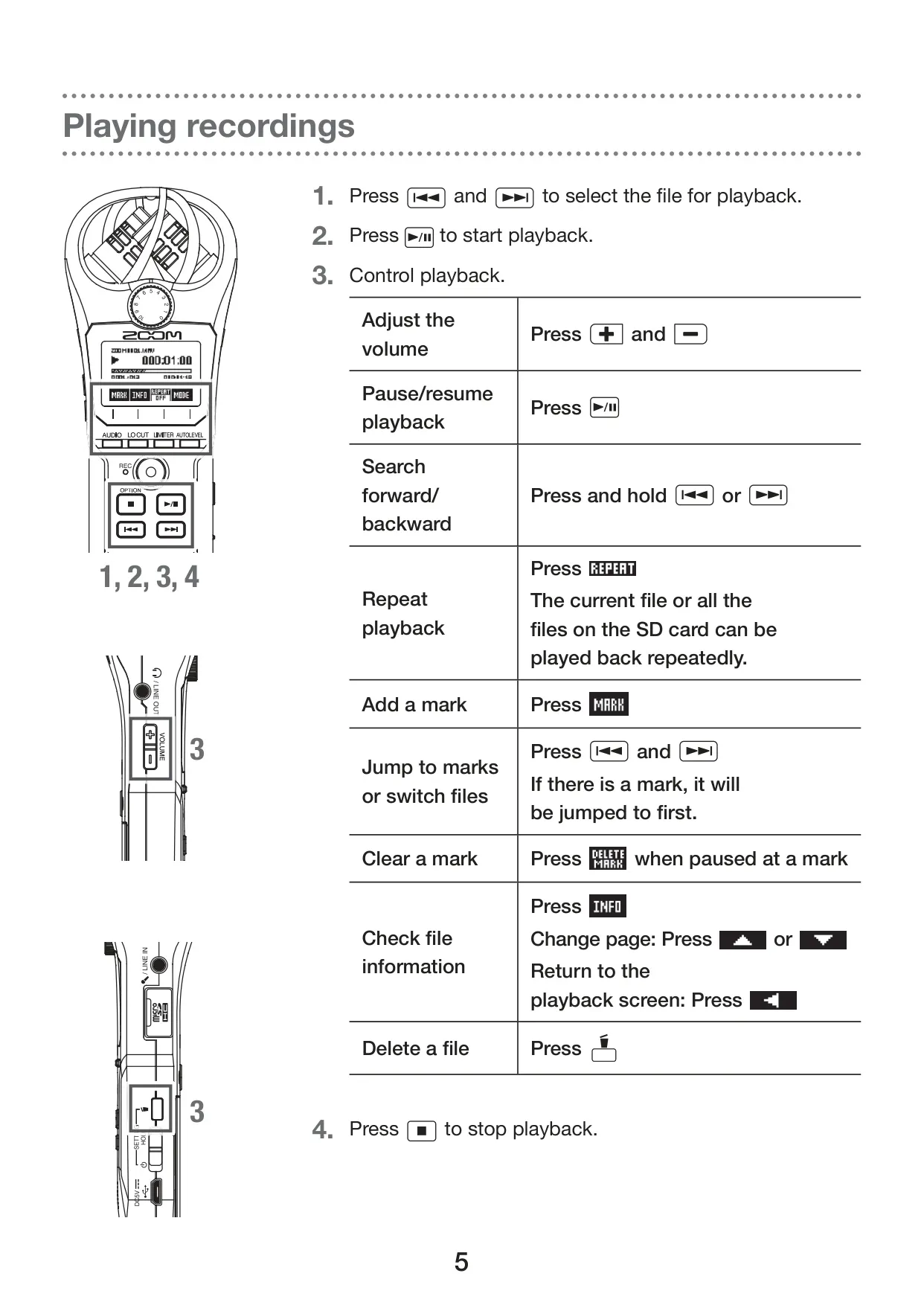
Advanced playback capabilities transform the H1N into a powerful tool for learning and transcription. Users can adjust playback speed from ×0.50 to ×2.00, utilize A-B repeat for focused practice on specific sections, and skip playback positions precisely. These functions are invaluable for transcribing interviews, learning musical pieces, or analyzing performances. Furthermore, integrated sound effects during playback—including Speech, Vo Cut, Bass, and Rock—allow for quick audio adjustments without needing external software, tailoring the listening experience to specific content types.
Maintaining optimal performance is made easy with several utility functions. The H1N supports microSD card formatting directly on the device, ensuring compatibility and data integrity. Users can also perform Quick or Full tests on their microSD cards to assess performance and usability, safeguarding against recording errors. Regular firmware updates can be installed via an SD card, ensuring the device always has the latest features and bug fixes. The ability to add new display languages further customizes the user experience, making the Zoom H1N a highly adaptable and comprehensive portable recorder.
Frequently Asked Questions (FAQs)
Can't find the answer you need? Here are some frequently asked questions about the Zoom H1N Handy Recorder, and we answer them below.