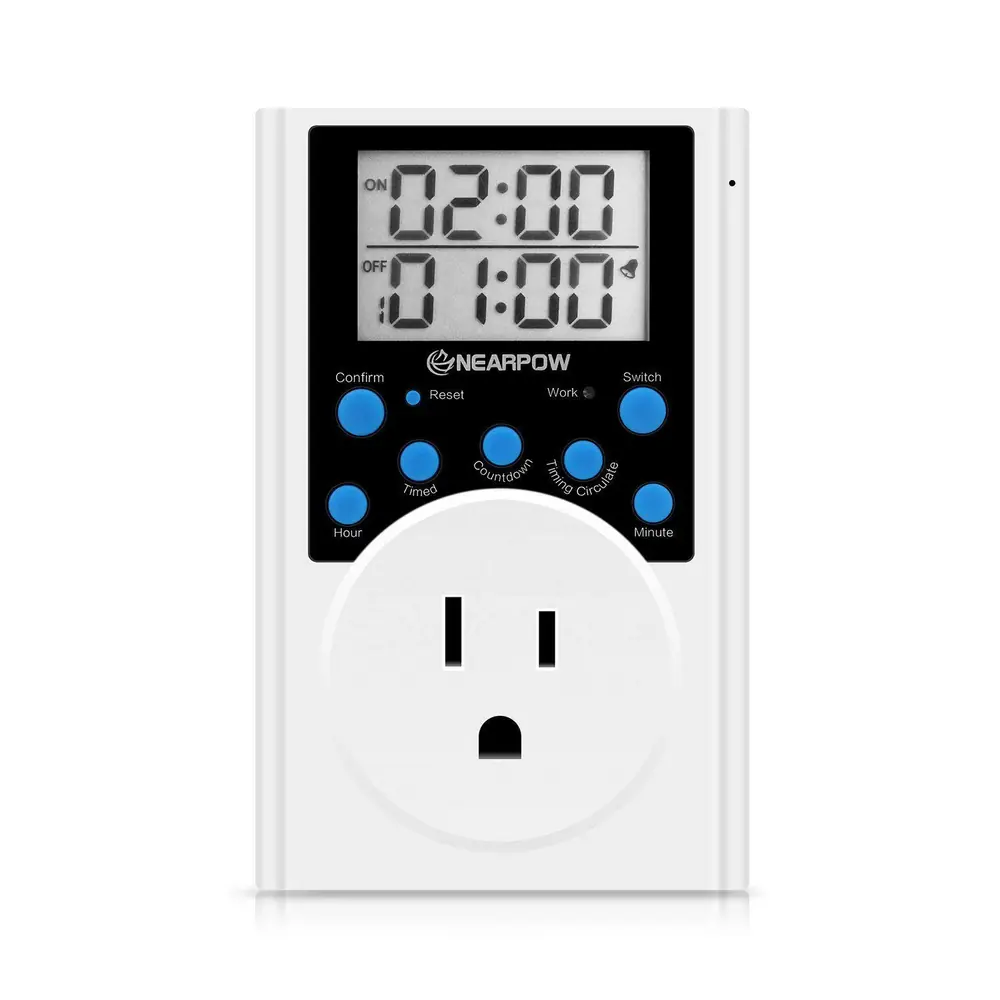
Nearpow TS20 Timer Instruction Manual
Nearpow TS20 Timer






Nearpow TS20 Timer Instructions
Here we offer the Nearpow TS20 Timer manual completely free and in English. We have cataloged this manual in the Digital Timers section on Manualverse, and it has been rated by 1 users with an average rating of 5. If you have any specific questions about Nearpow TS20 Timer, we suggest checking the Frequently Asked Questions (FAQs) section of this manual.
Product Images


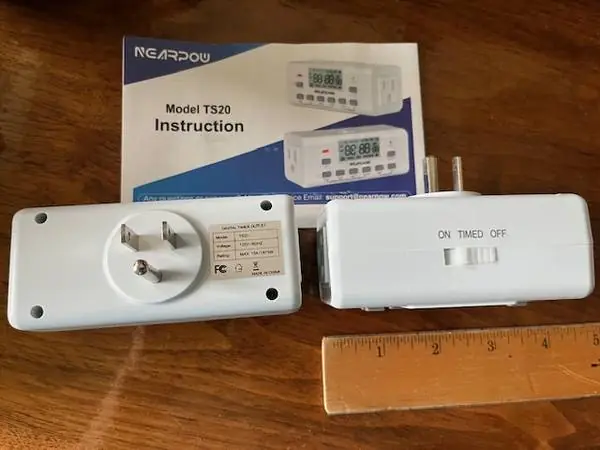
Nearpow TS20 Timer Specifications
| Feature | Detail |
|---|---|
| Model | TS20 |
| Outlets | 2 |
| Total Amperage | 15A (maximum combined) |
| Environment | Dry, indoor use only |
| Display | Digital, with indicator light |
| Power Source | Chargeable (internal battery for display/settings) |
Nearpow TS20 Timer Details
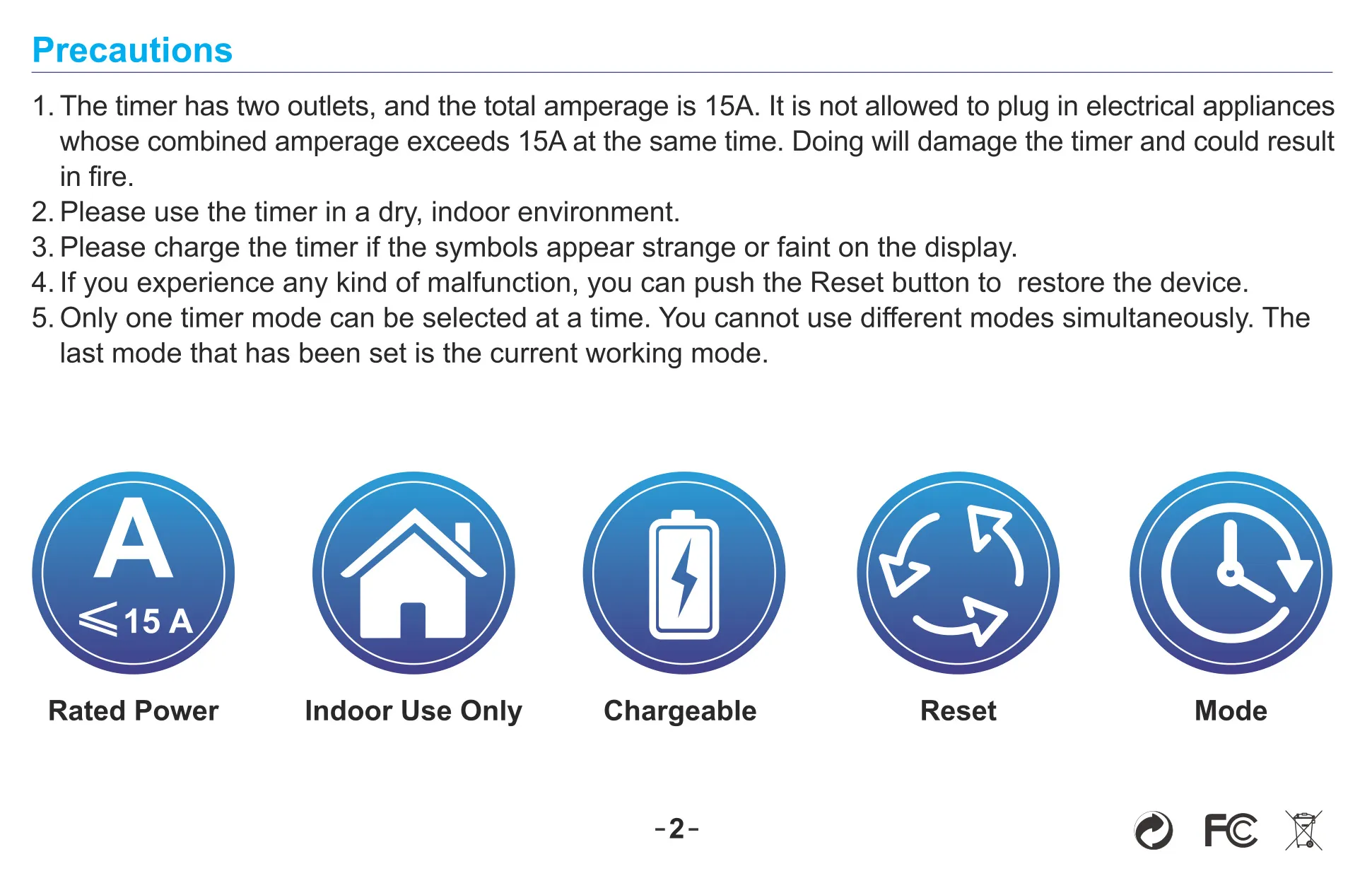
The Nearpow TS20 Timer offers dual outlets, allowing users to control two electrical appliances simultaneously. However, it is crucial to ensure their combined amperage does not exceed 15A to prevent damage to the timer or potential fire hazards. This device is designed exclusively for dry, indoor environments, emphasizing safety and proper usage conditions. An indicator light confirms when the timer is active and supplying power.
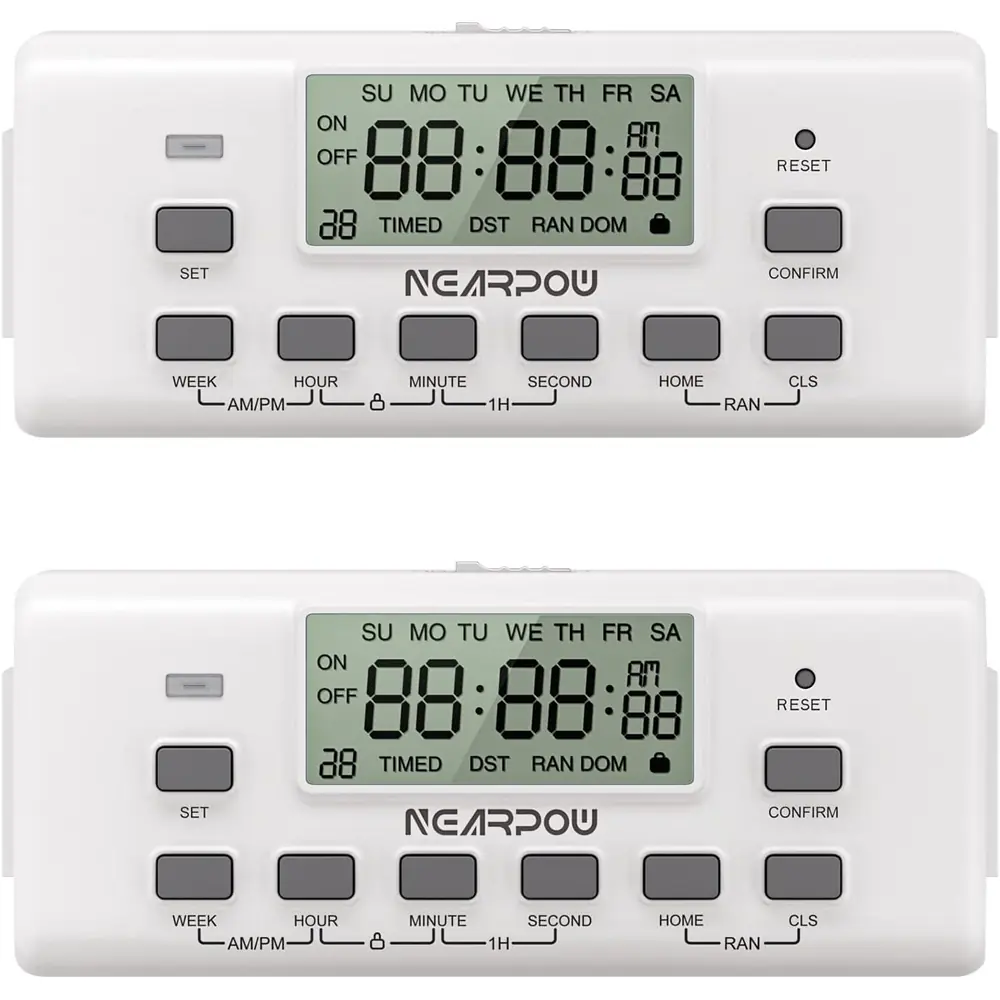
Operating the TS20 timer is straightforward, featuring essential control buttons for various functions. The "SET" button initiates time or daily schedule programming, while the "RESET" button offers a quick solution to restore factory settings in case of unexpected behavior. For navigation within the schedule setup, the "BACK" button conveniently returns to previous menu options, simplifying corrections.
The Nearpow TS20 offers three primary operating modes to suit different needs. In "ON" mode, the outlets are continuously powered, functioning as a regular extension. Conversely, "OFF" mode completely cuts power to the outlets. The highly versatile TIMED mode allows for precise scheduling, powering appliances on and off according to user-defined intervals. It is important to remember that only one mode can be active at a time.
Accurate timekeeping is fundamental for a timer, and the TS20 simplifies clock setup. Holding "SET" for three seconds activates the clock setting state, allowing users to adjust the WEEK, HOUR, MINUTE, and SECOND using dedicated buttons, then confirming with "CONFIRM". For scheduling, switching to "TIMED" mode enables users to define up to 10 distinct ON/OFF intervals, providing flexible automation for various devices throughout the day or week.
Beyond basic scheduling, the TS20 incorporates a sophisticated "Random Mode." Activated by simultaneously pressing "BACK" + "CLS" after a schedule is set, this feature introduces variability by adjusting power-on and power-off times up to 30 minutes early or late. This is particularly useful for security purposes, simulating occupancy when users are away. A critical tip is that the powered-on interval must exceed 30 minutes for randomness to take effect.
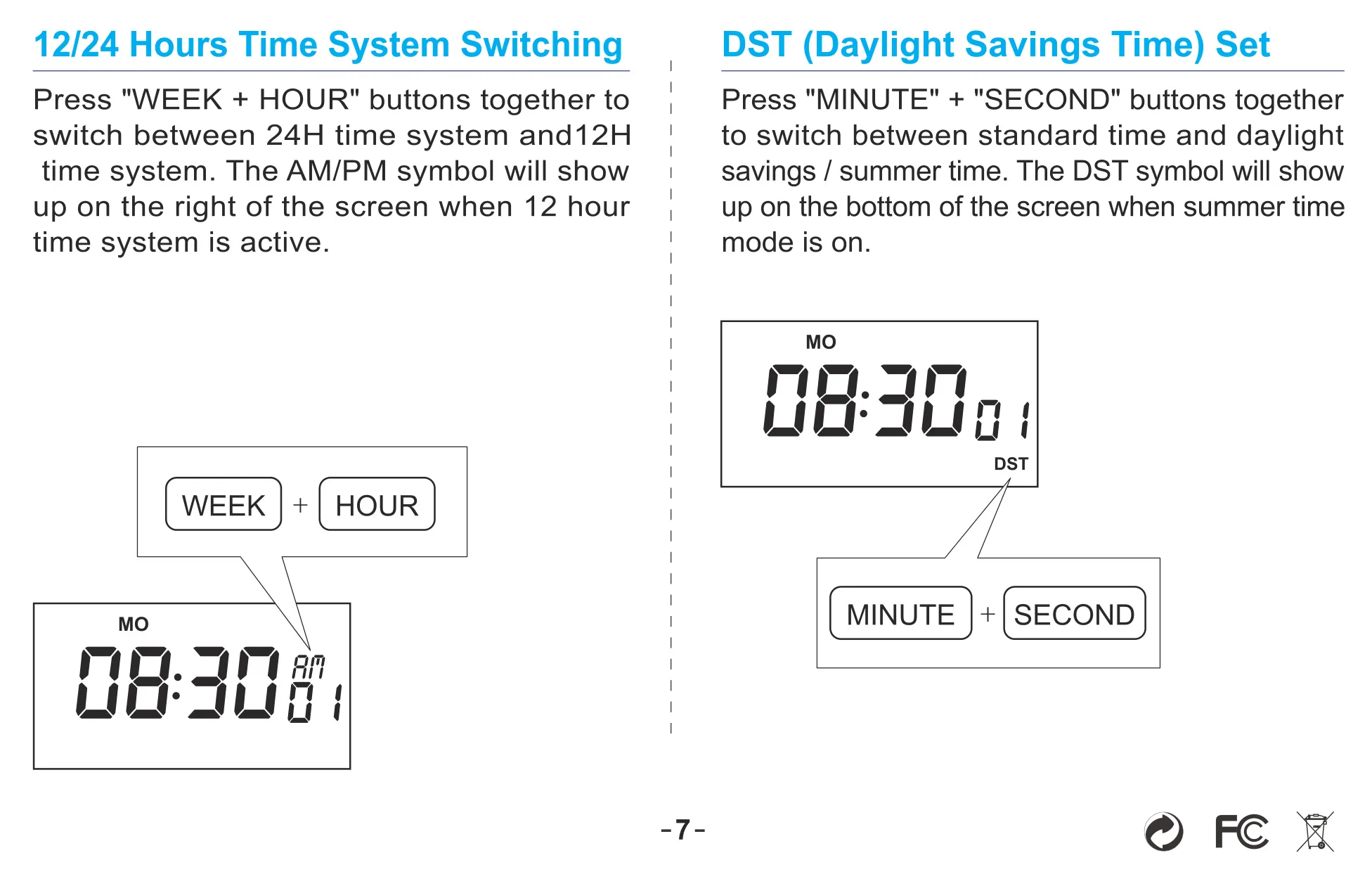
Further customization includes the ability to switch between 12-hour and 24-hour time systems by pressing "WEEK" + "HOUR" concurrently, with an AM/PM symbol indicating the 12-hour format. Daylight Saving Time (DST) can be toggled via "MINUTE" + "SECOND", displaying a "DST" symbol when active. For security and to prevent accidental changes, the timer features a button lock, activated and deactivated by pressing "HOUR" + "MINUTE" together.
The timer's display is designed for clarity, showing current settings and active modes. If the symbols appear strange or faint, it indicates a low internal battery, requiring the device to be charged. The "CLS" button serves a specific function for clearing a single-set time period within a schedule interval, providing fine-grained control over programmed events. Regular checking of the display ensures optimal operation.
Frequently Asked Questions (FAQs)
Can't find the answer you need? Here are some frequently asked questions about the Nearpow TS20 Timer, and we answer them below.