
Kyocera E4811 DuraXV-Extreme+ Cell Phone Instruction Manual
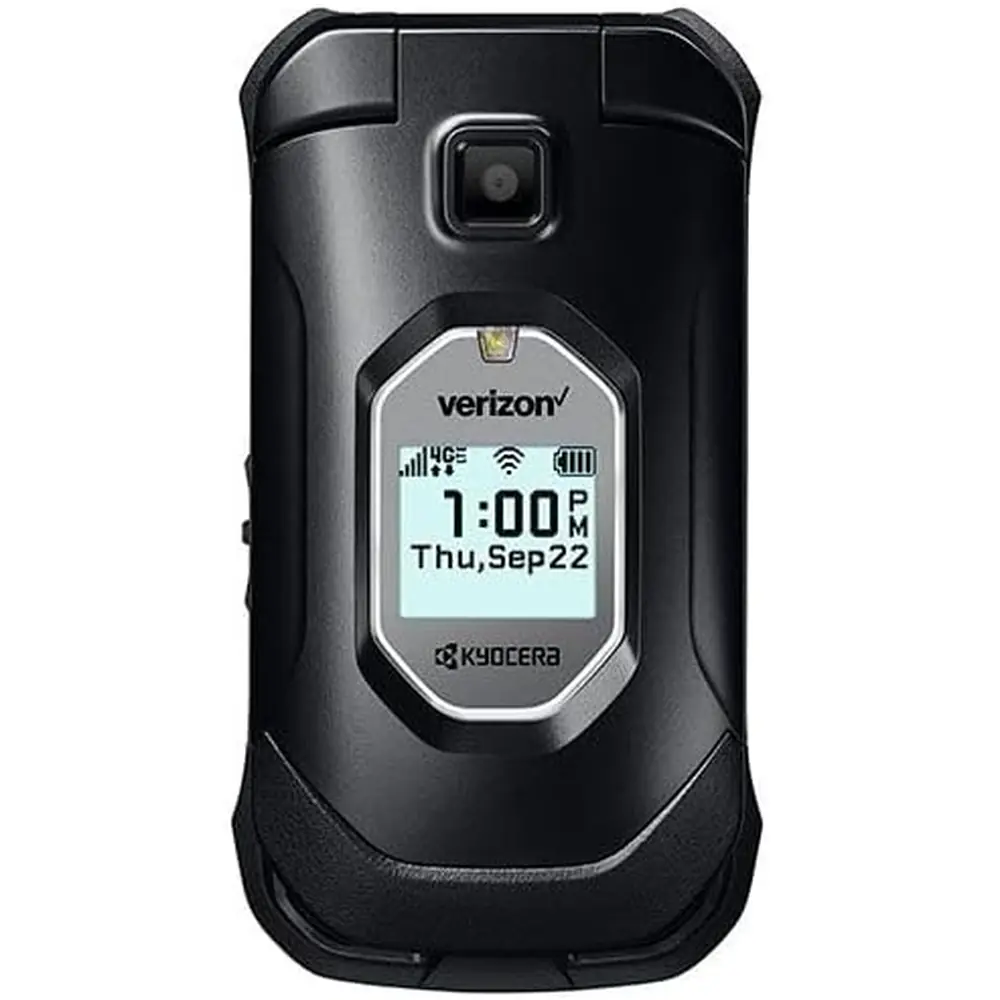
Kyocera E4811 DuraXV-Extreme+ Cell Phone


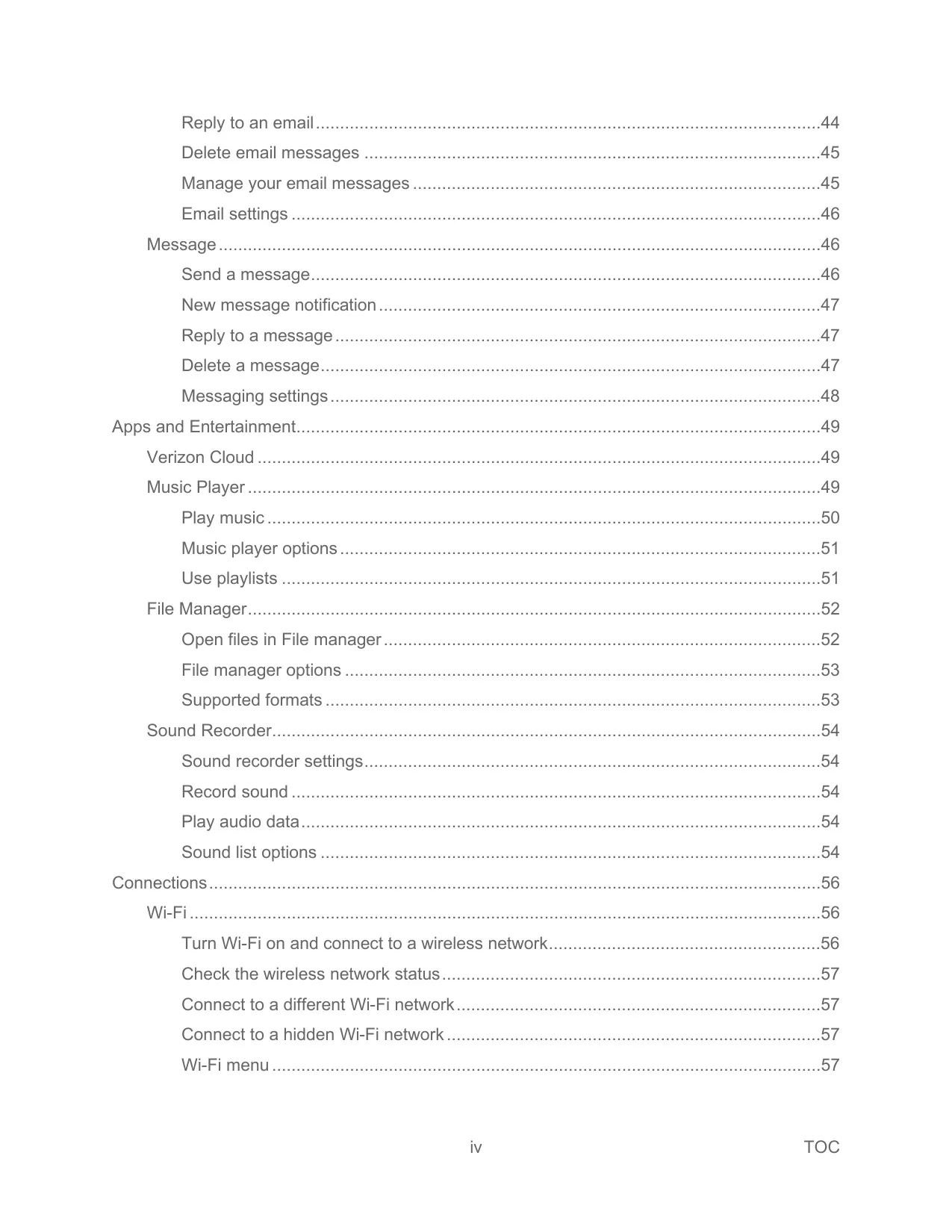

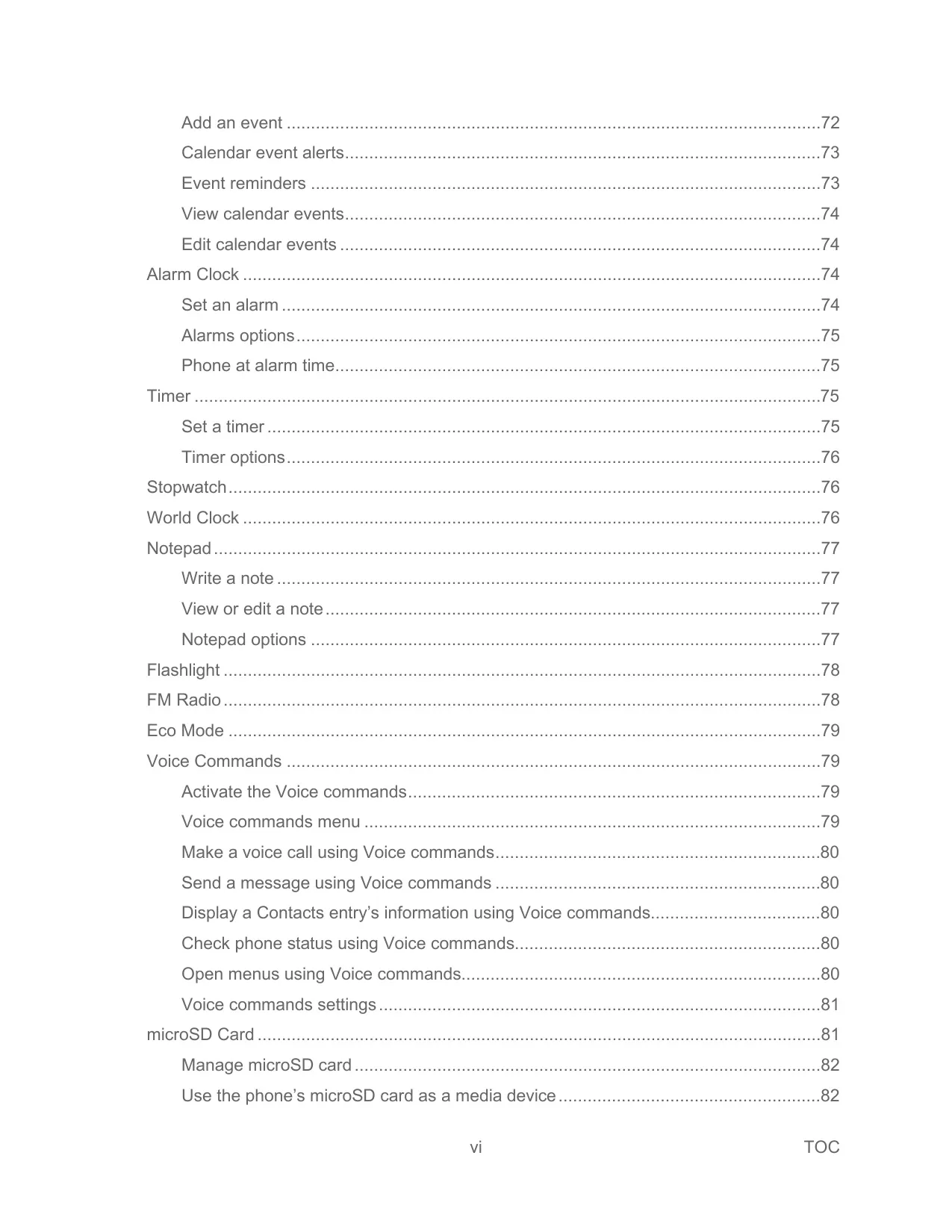

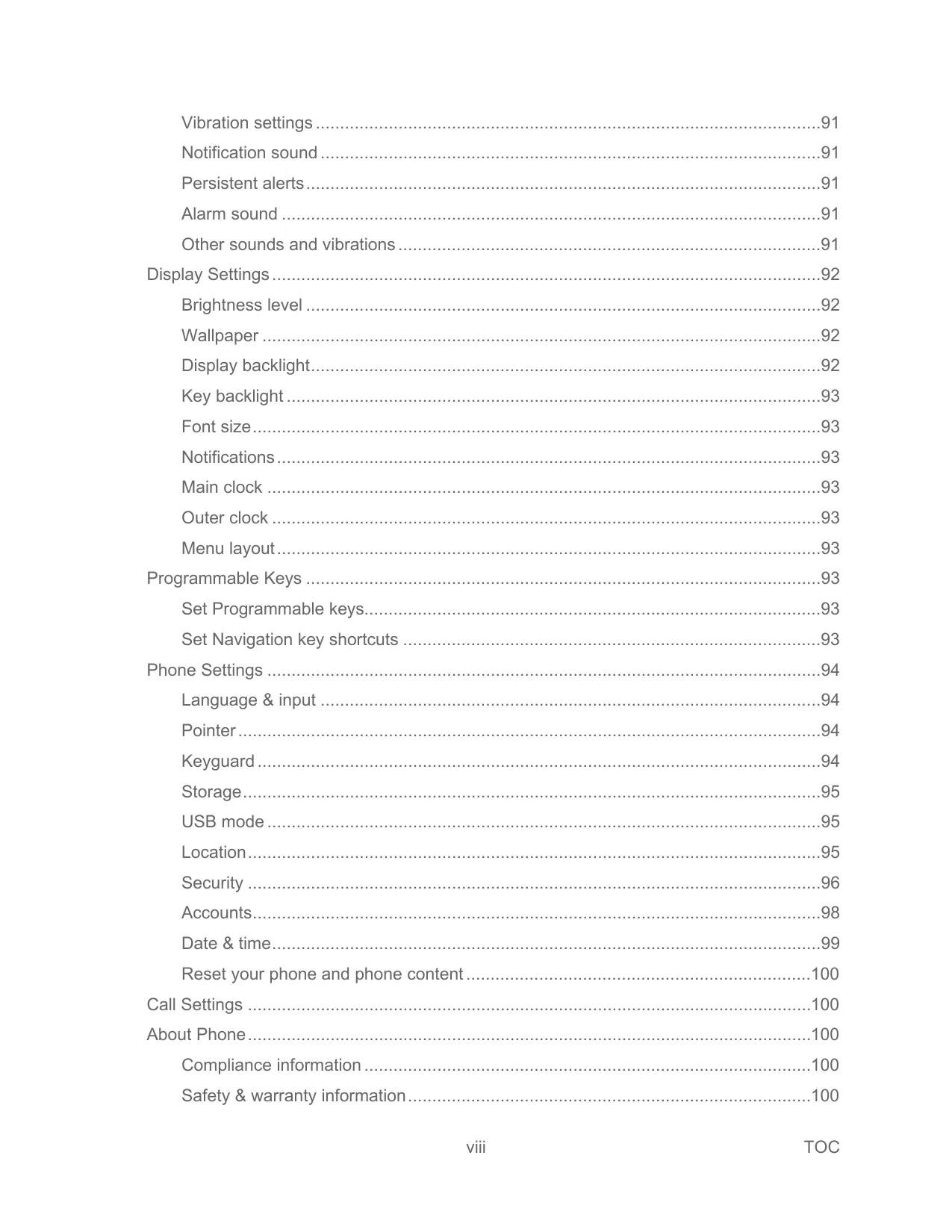


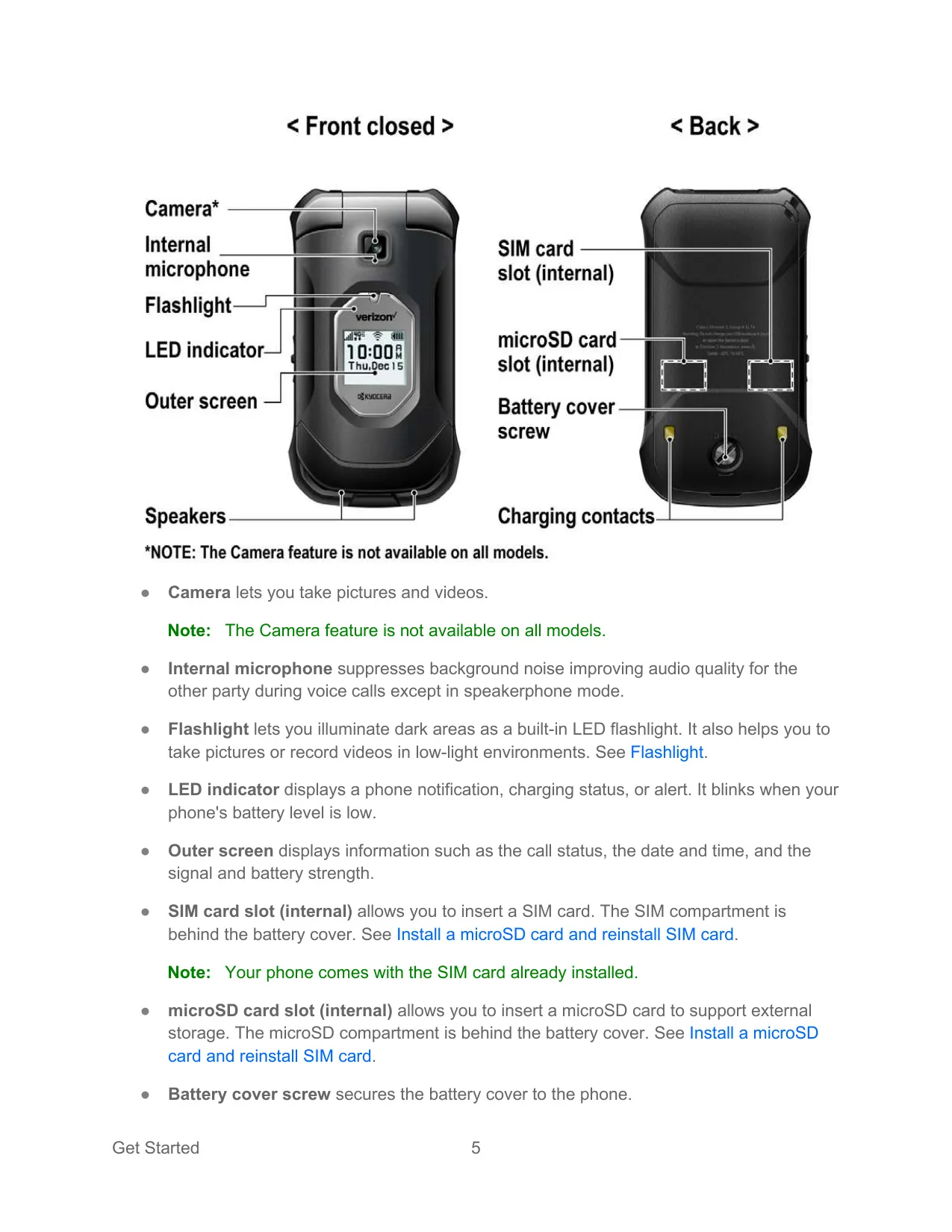


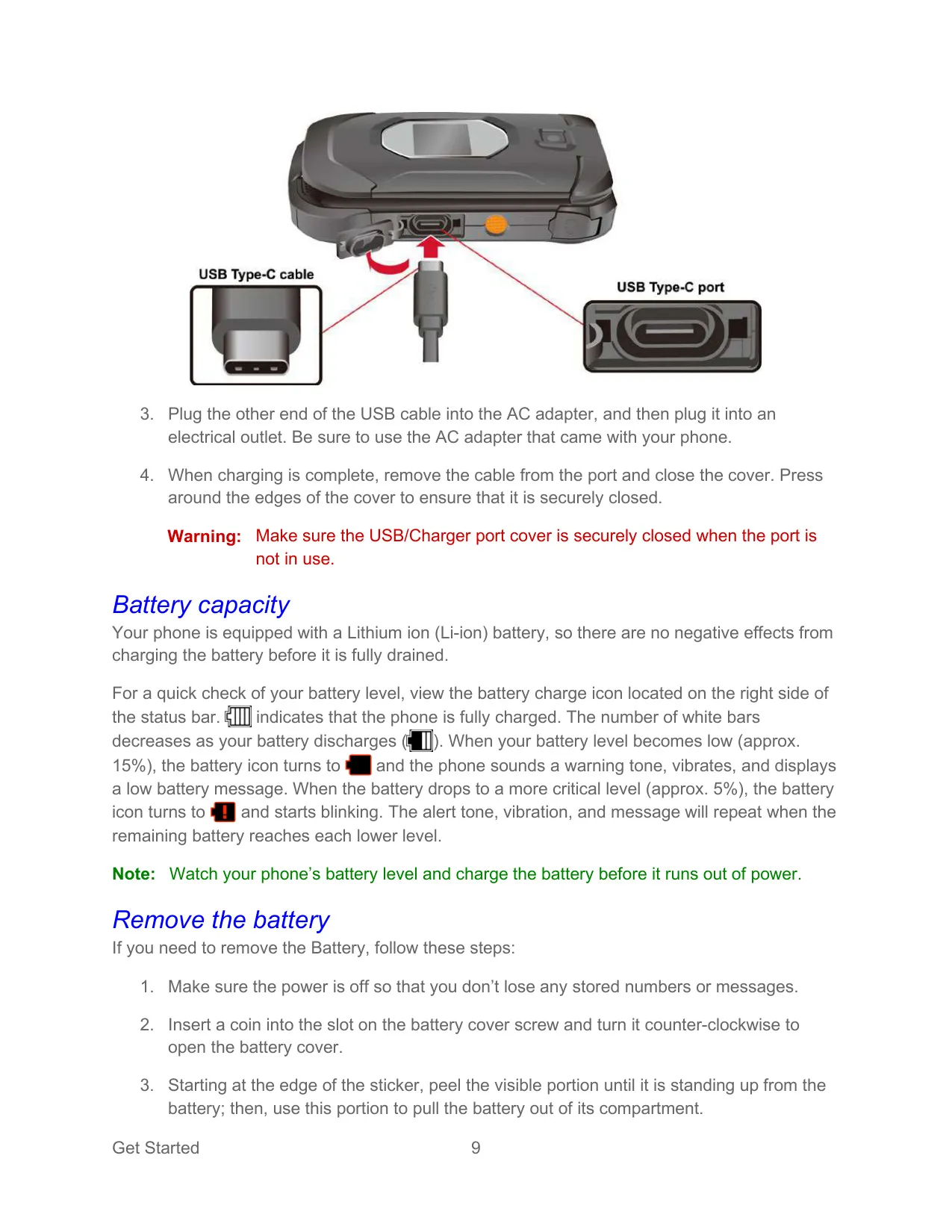
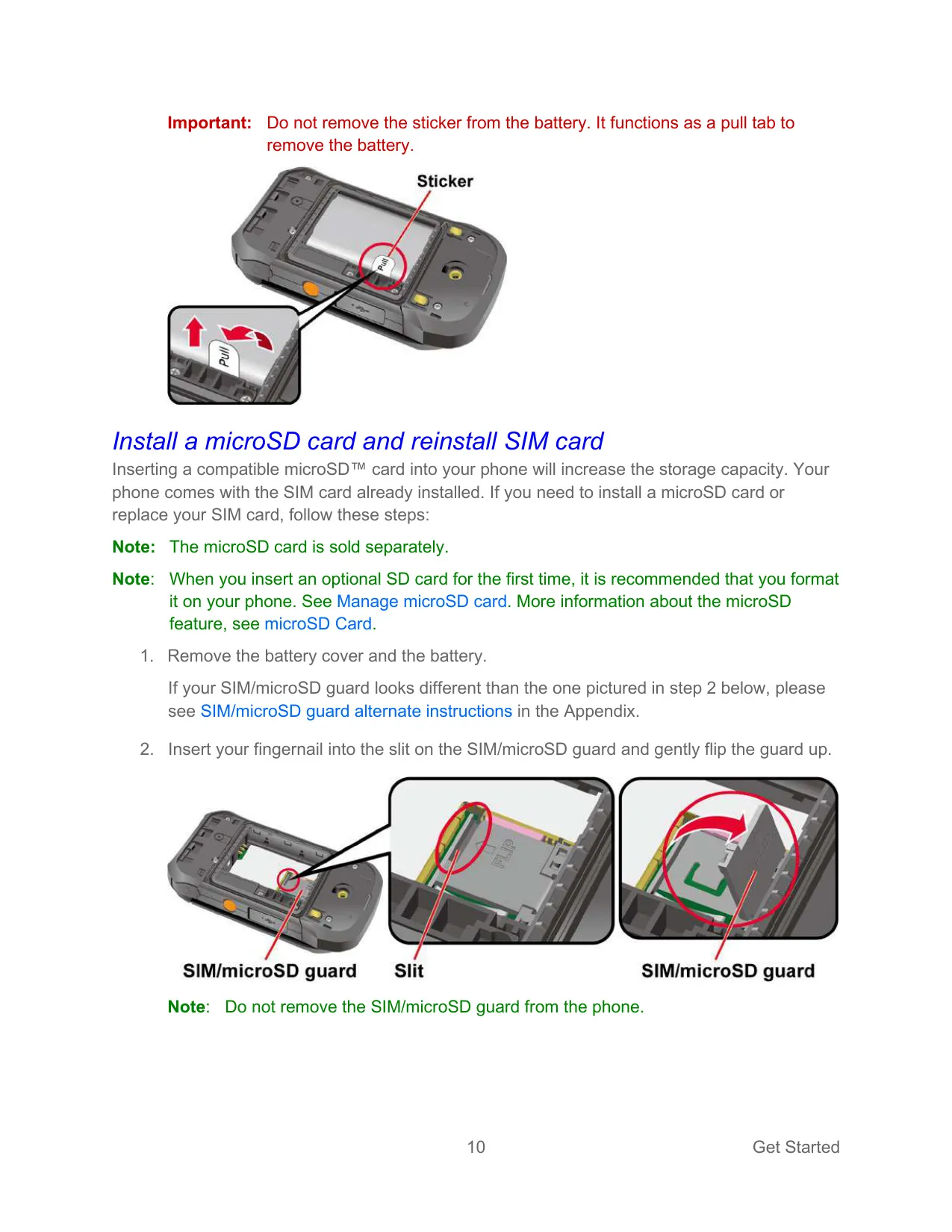


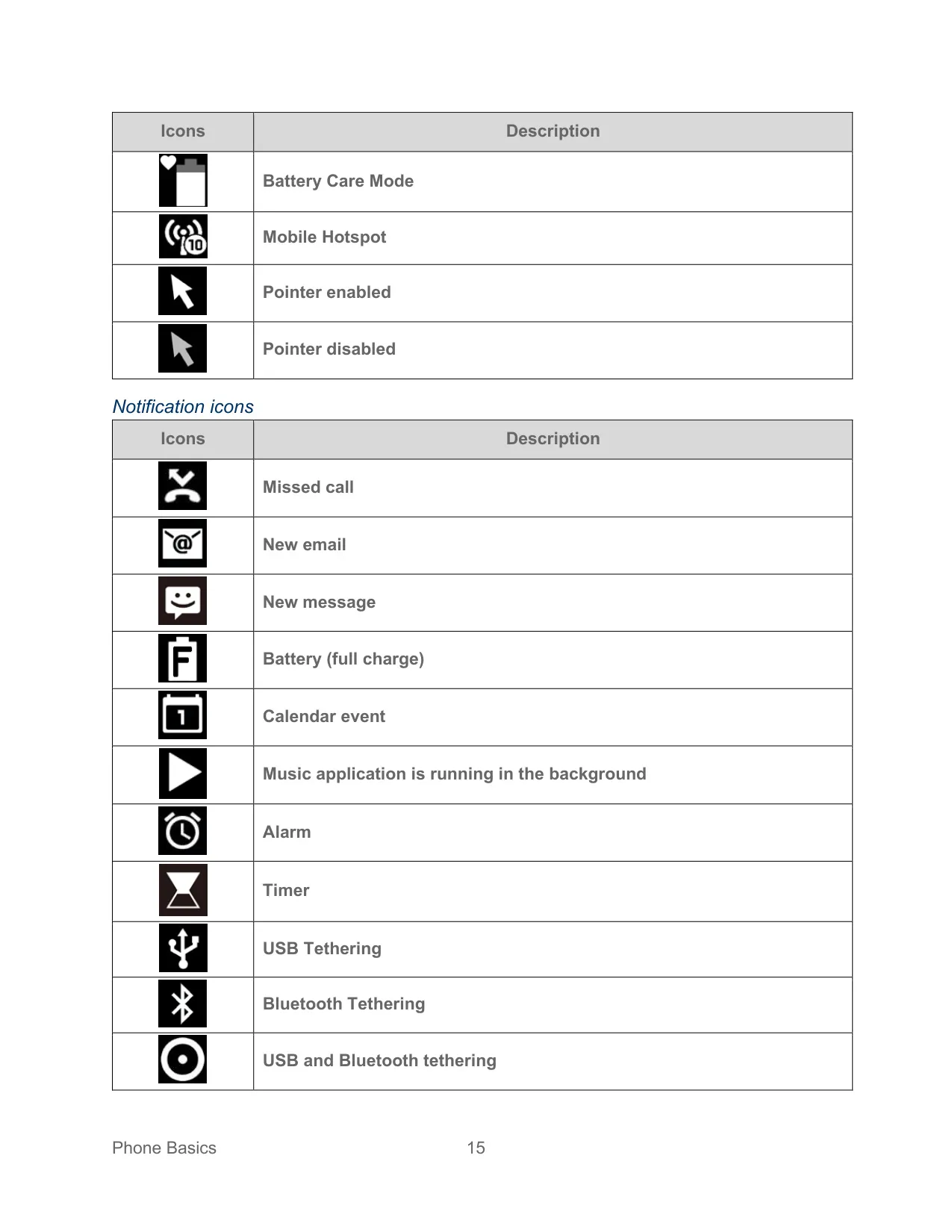


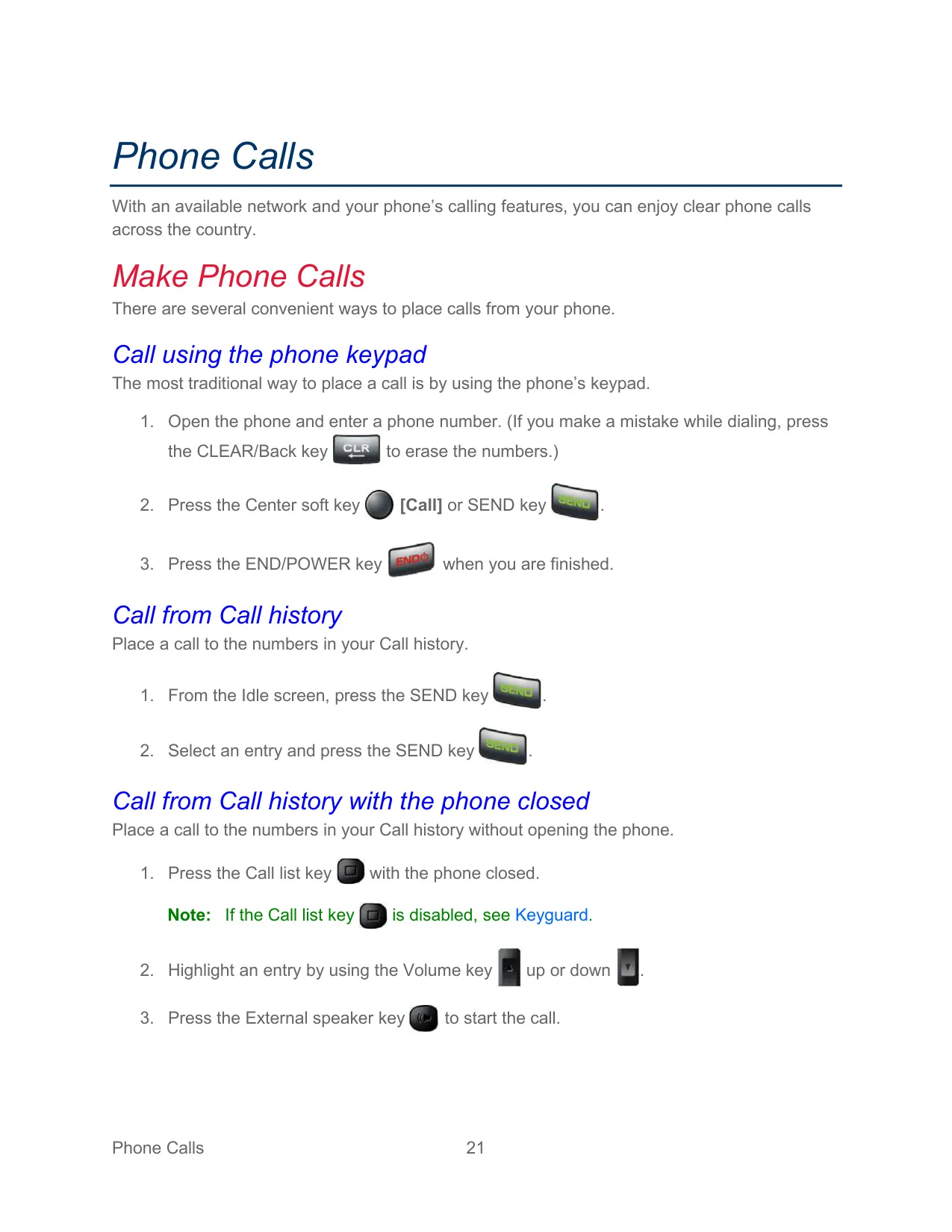


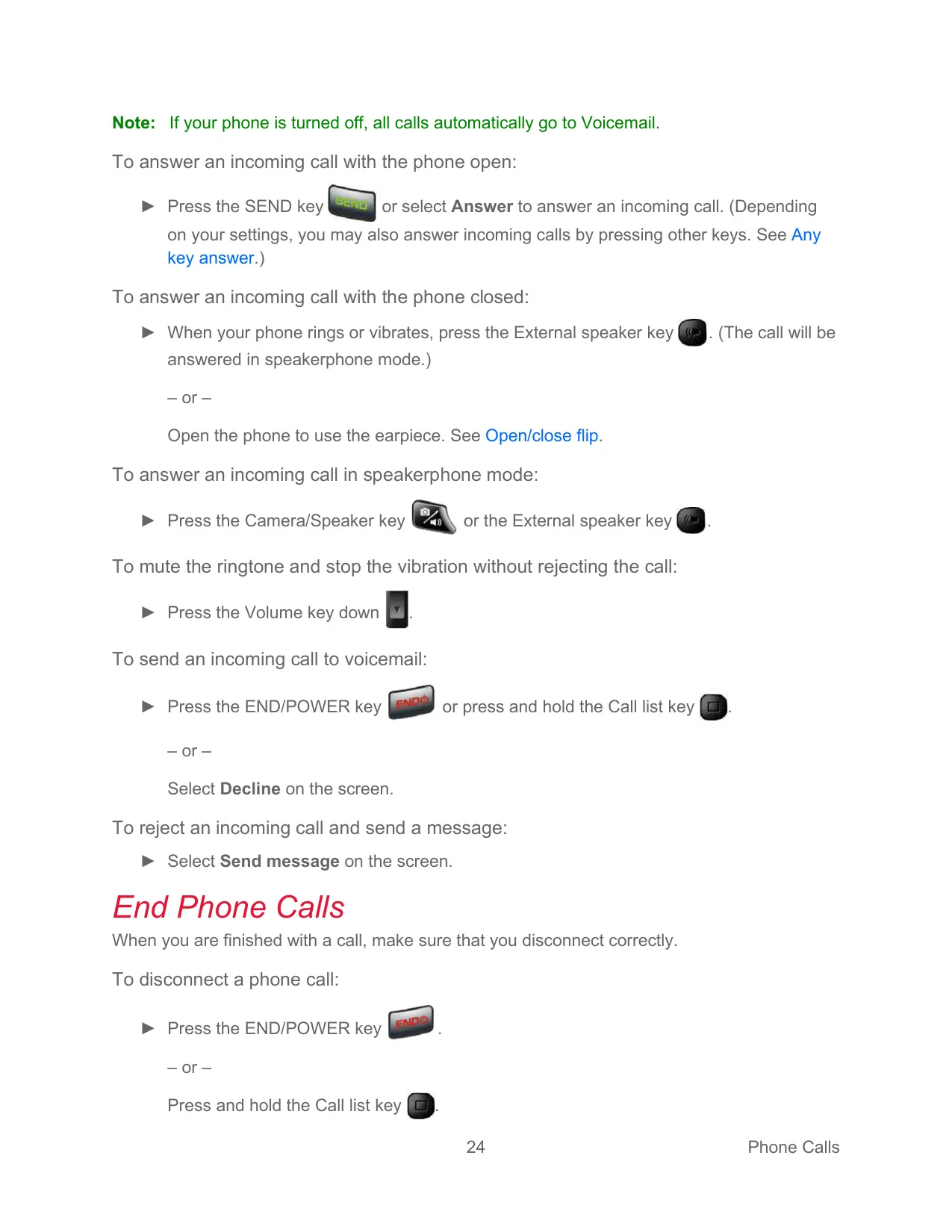


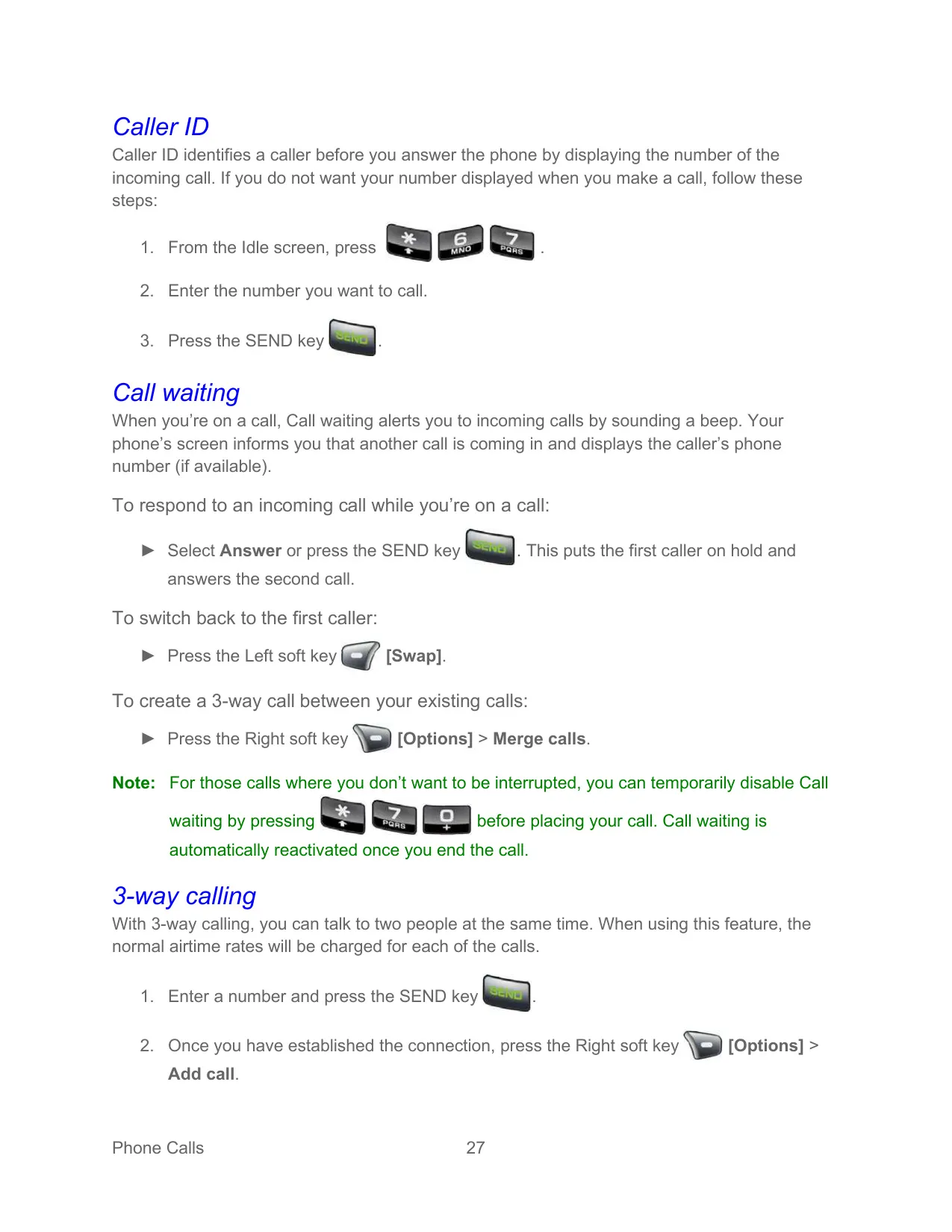
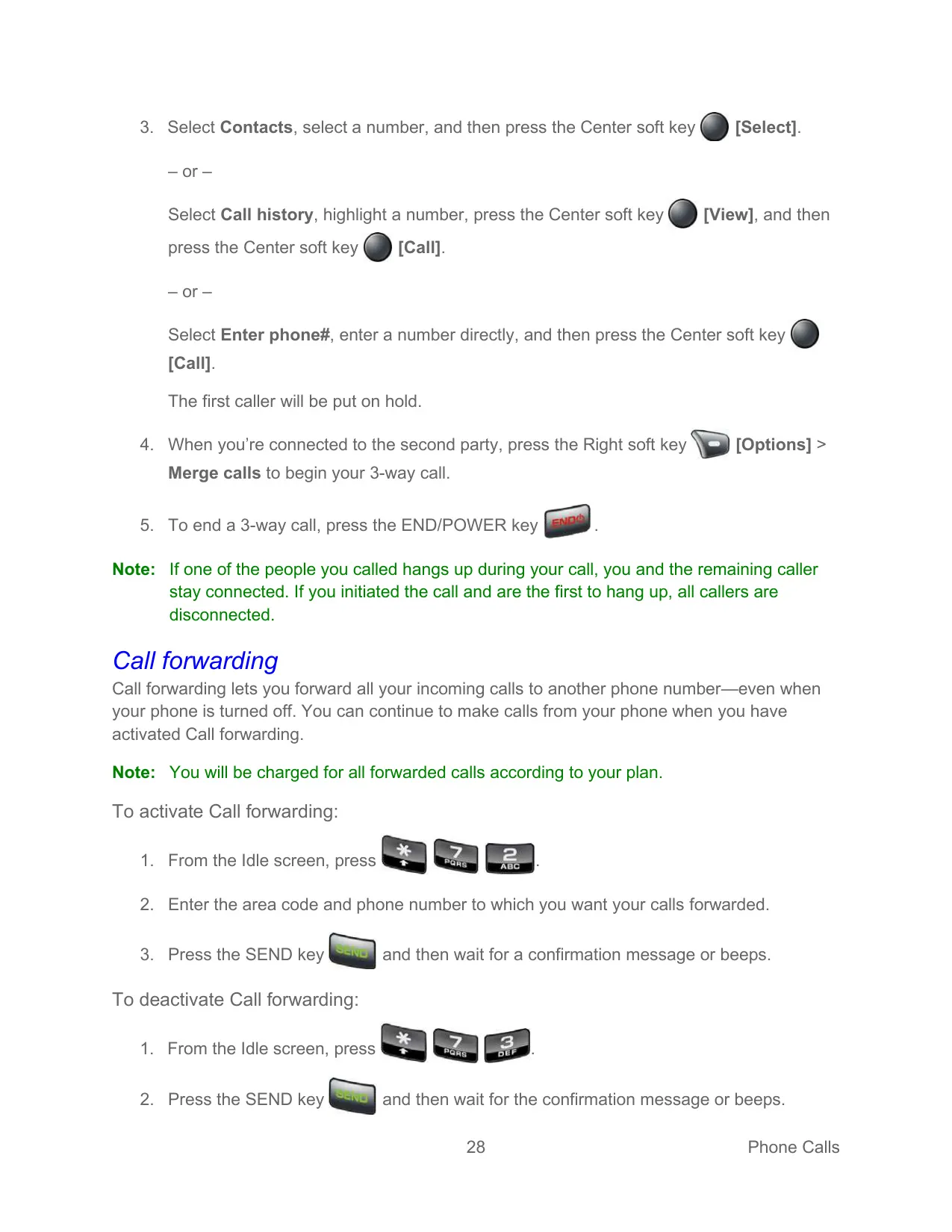

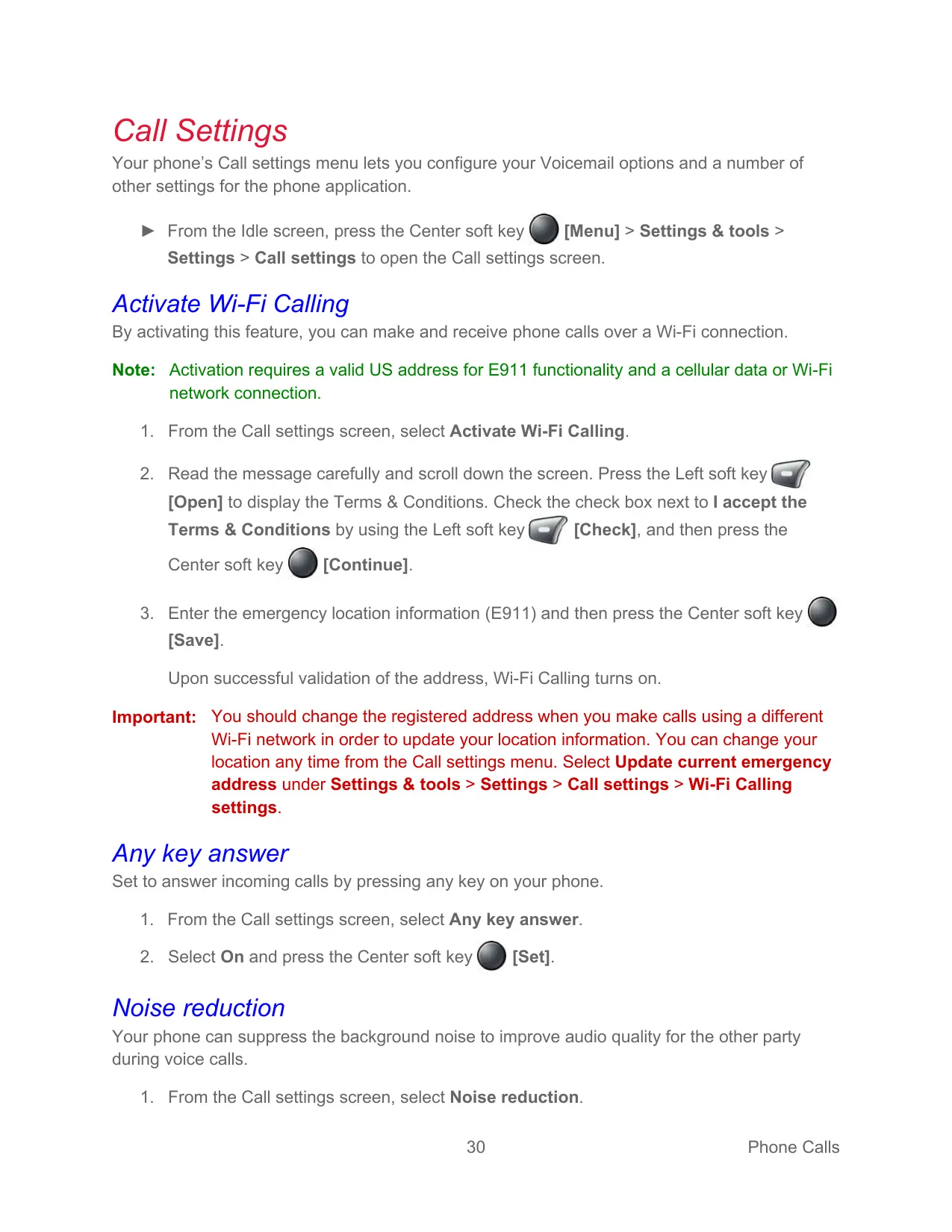


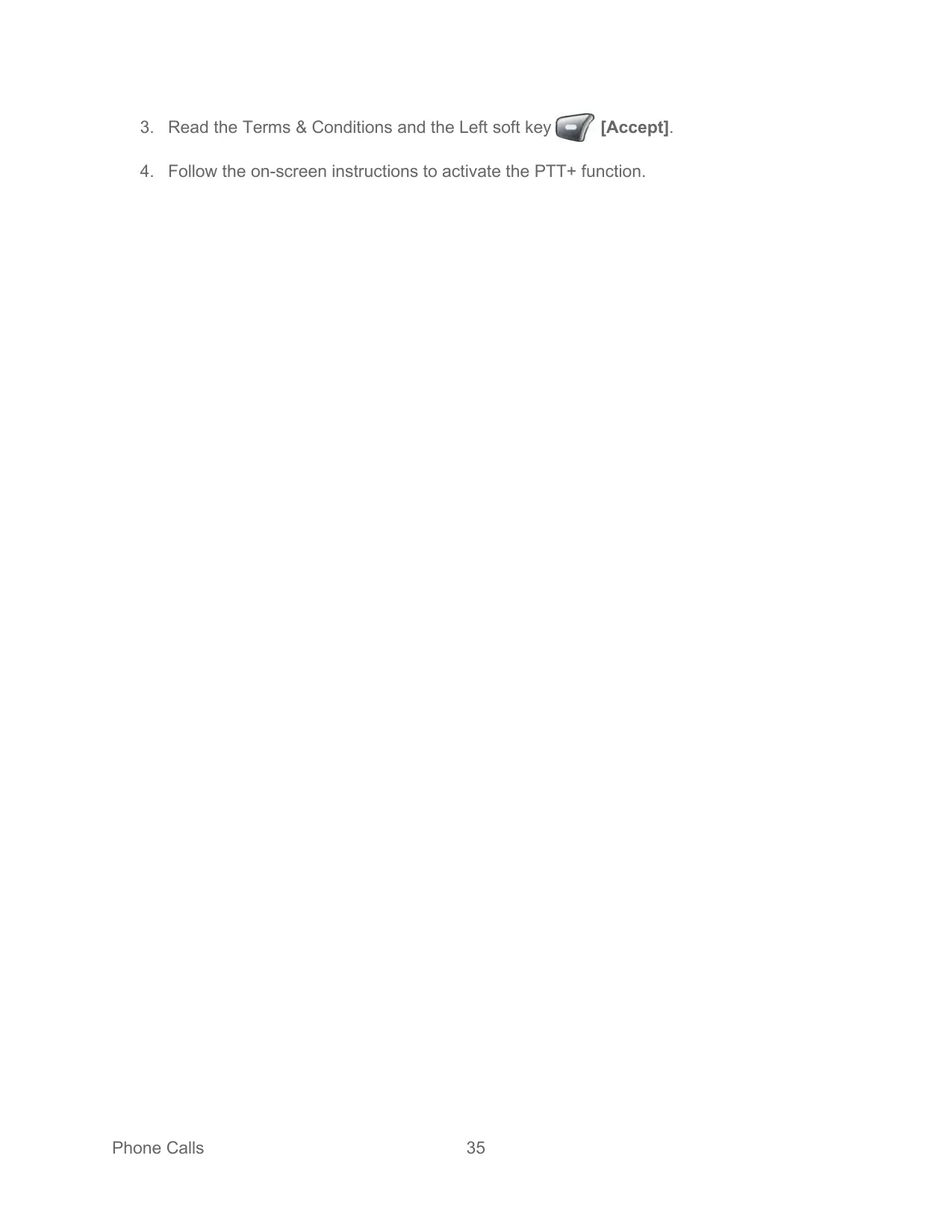
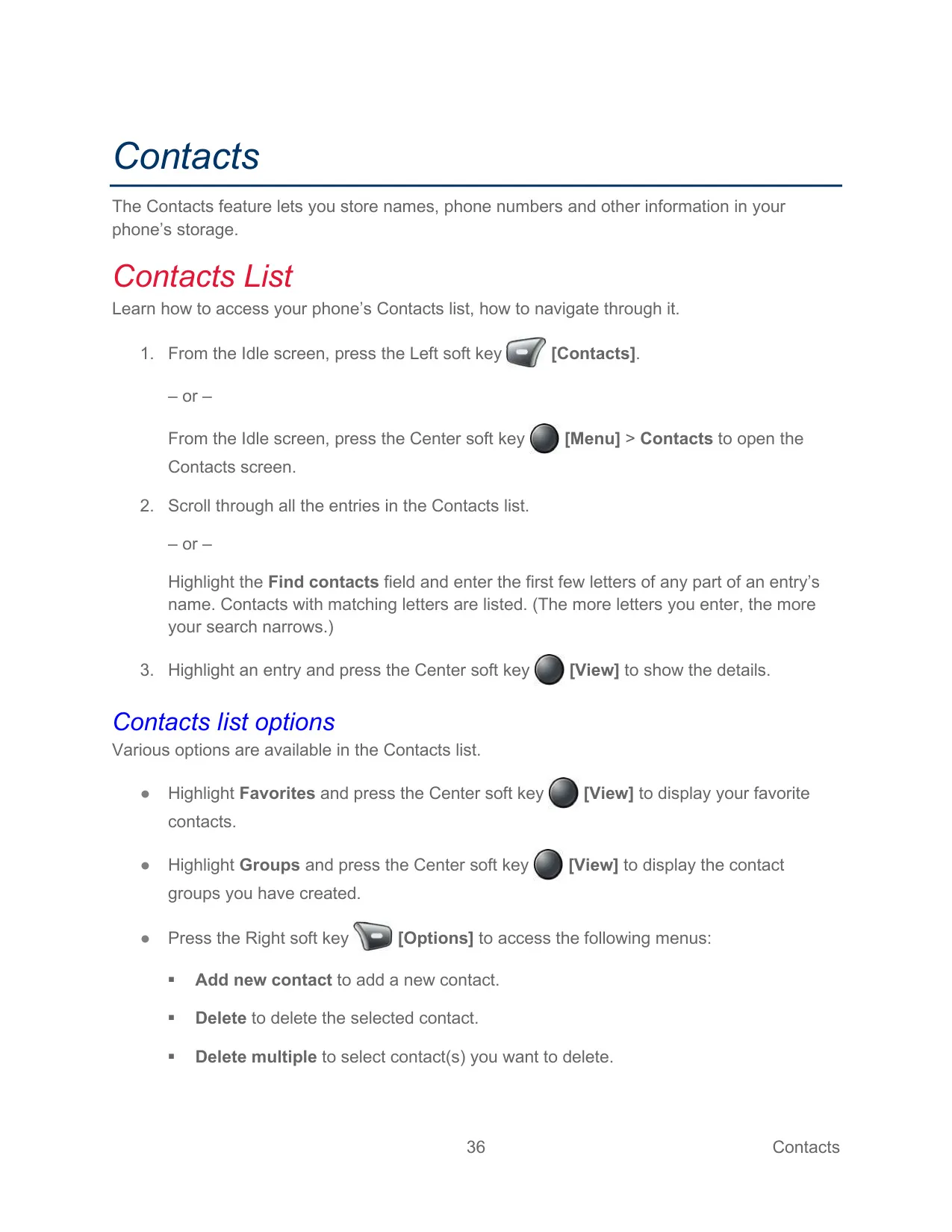
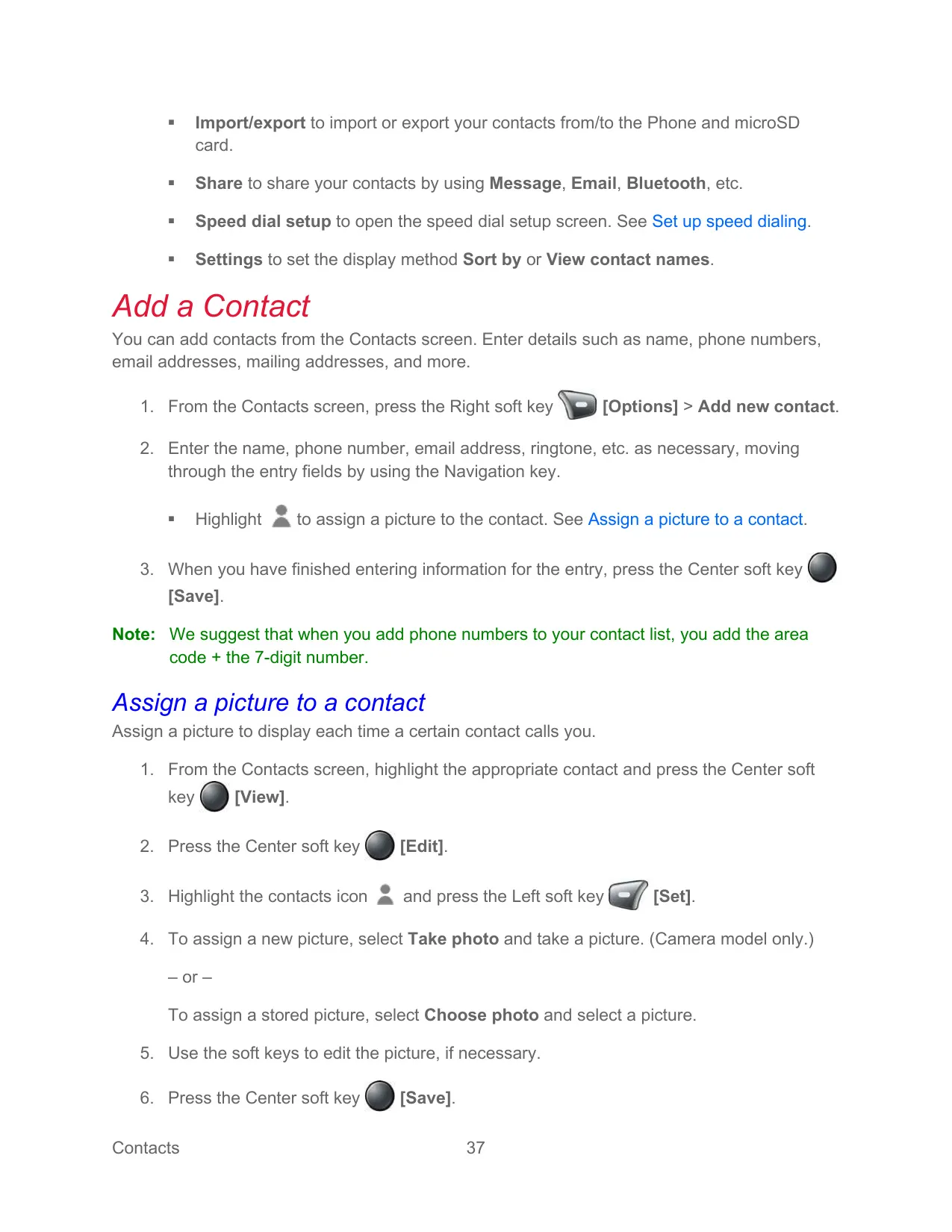

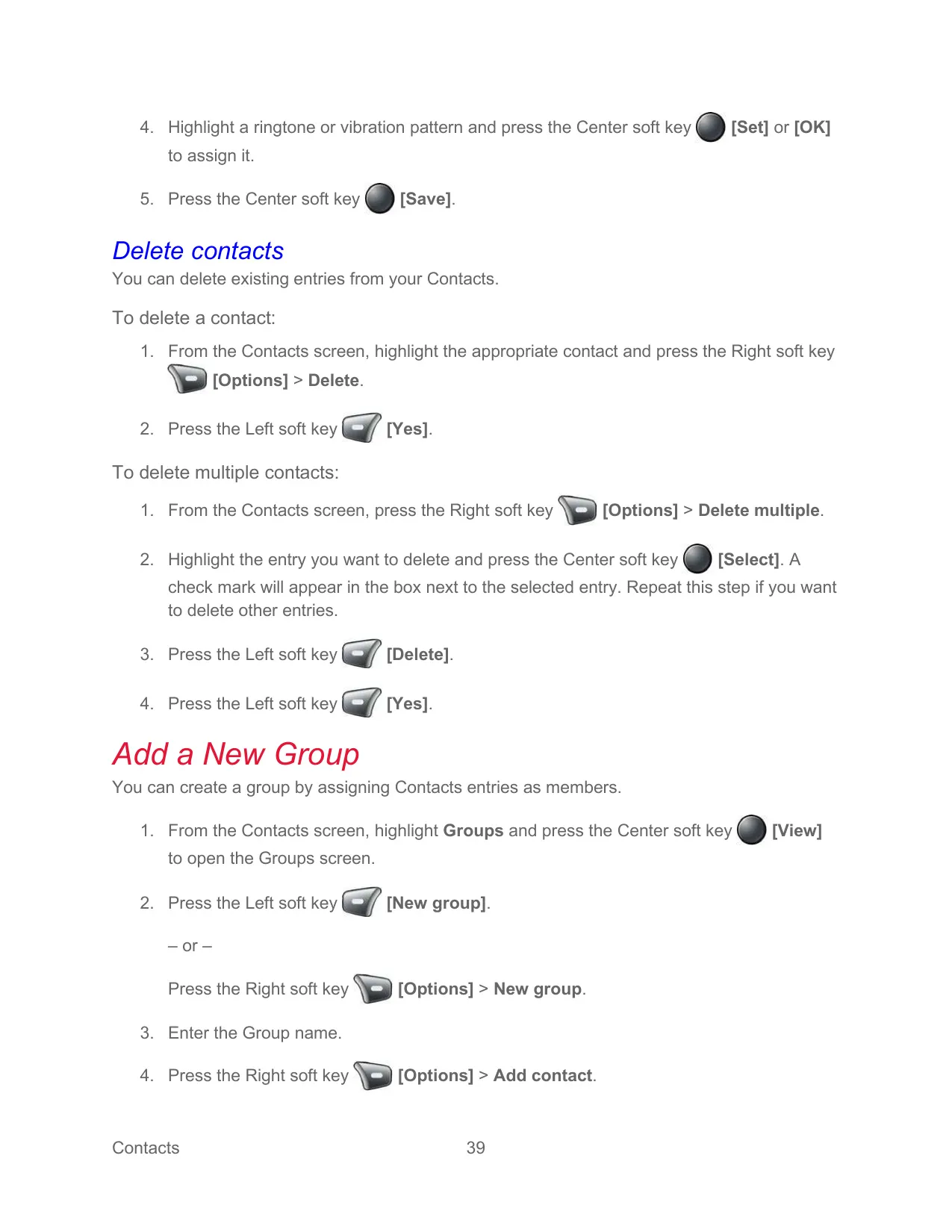
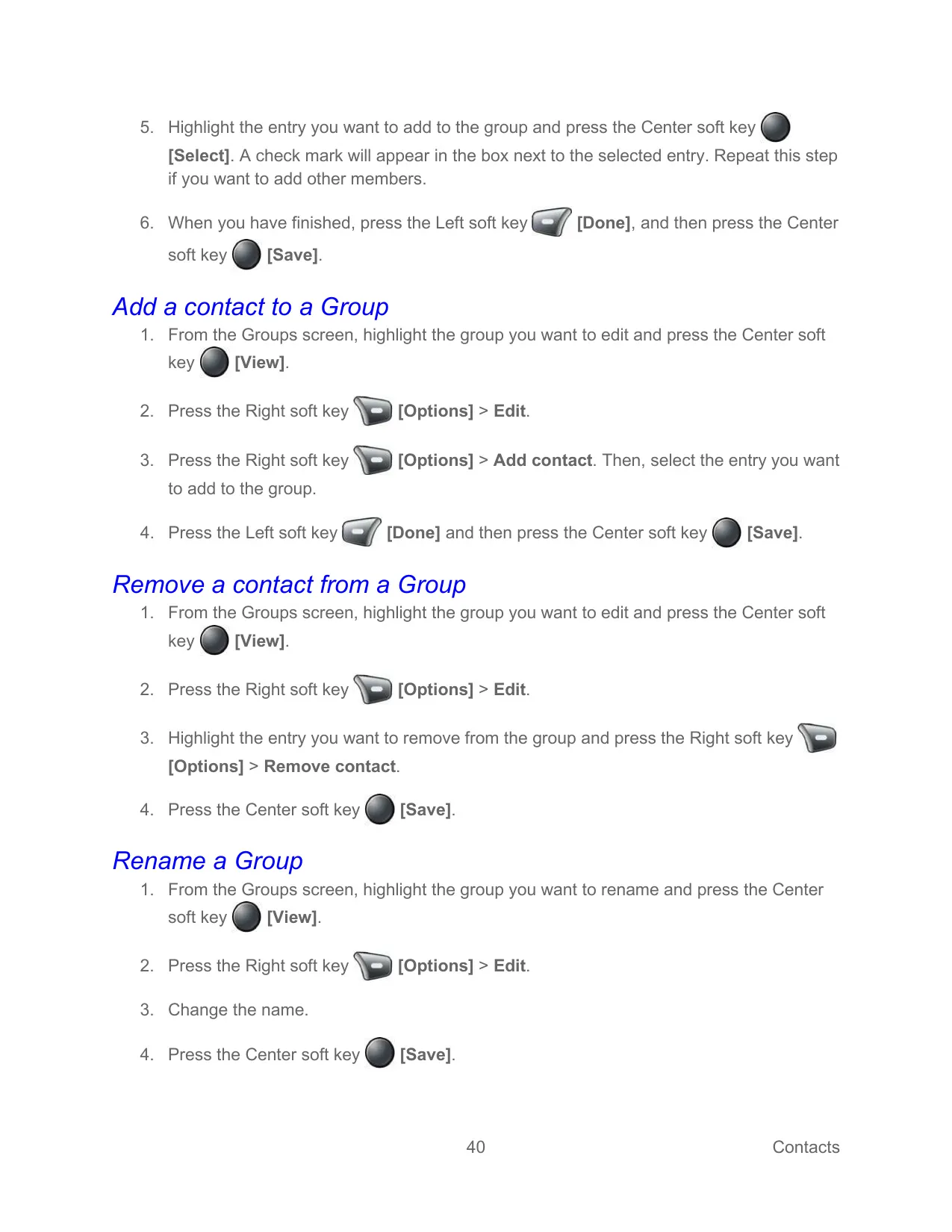

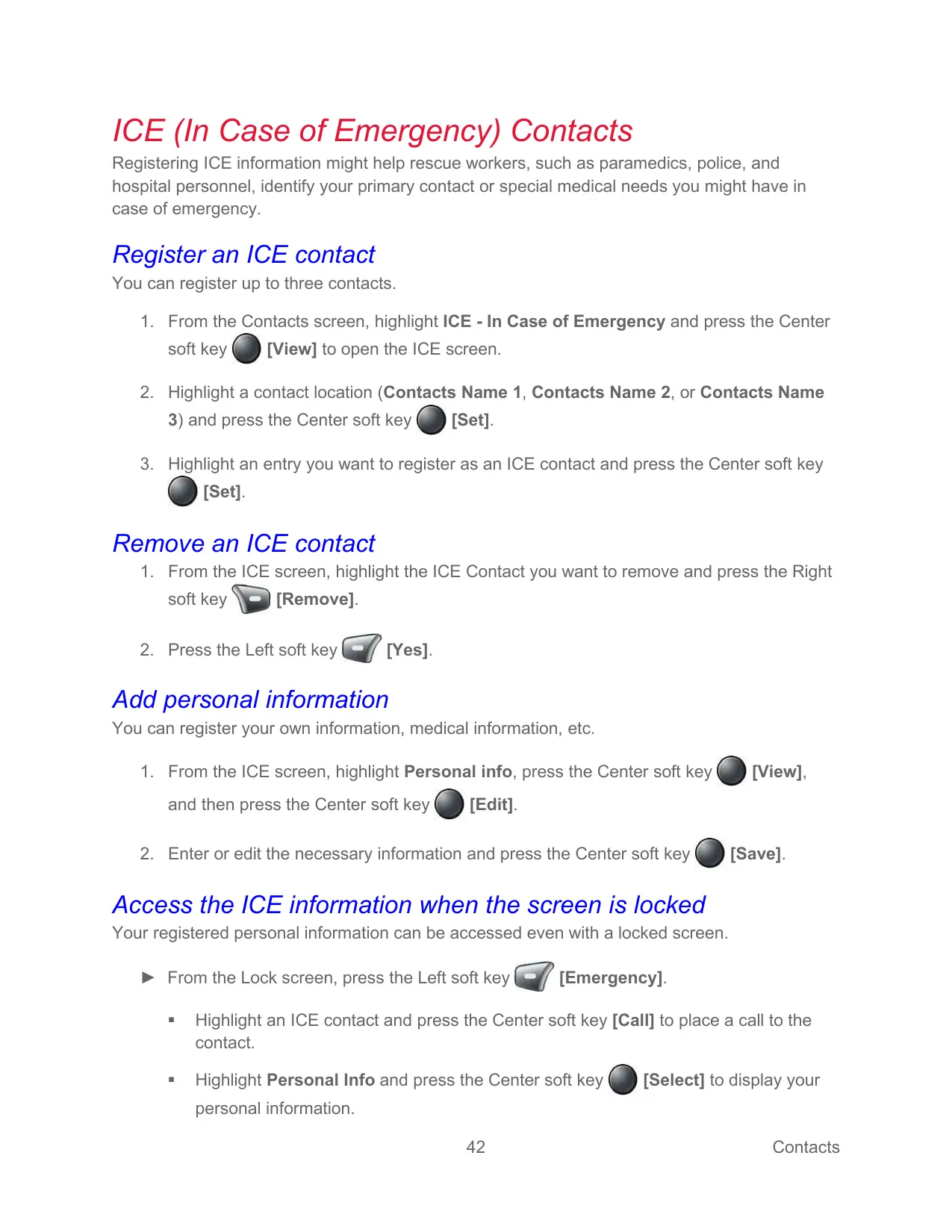


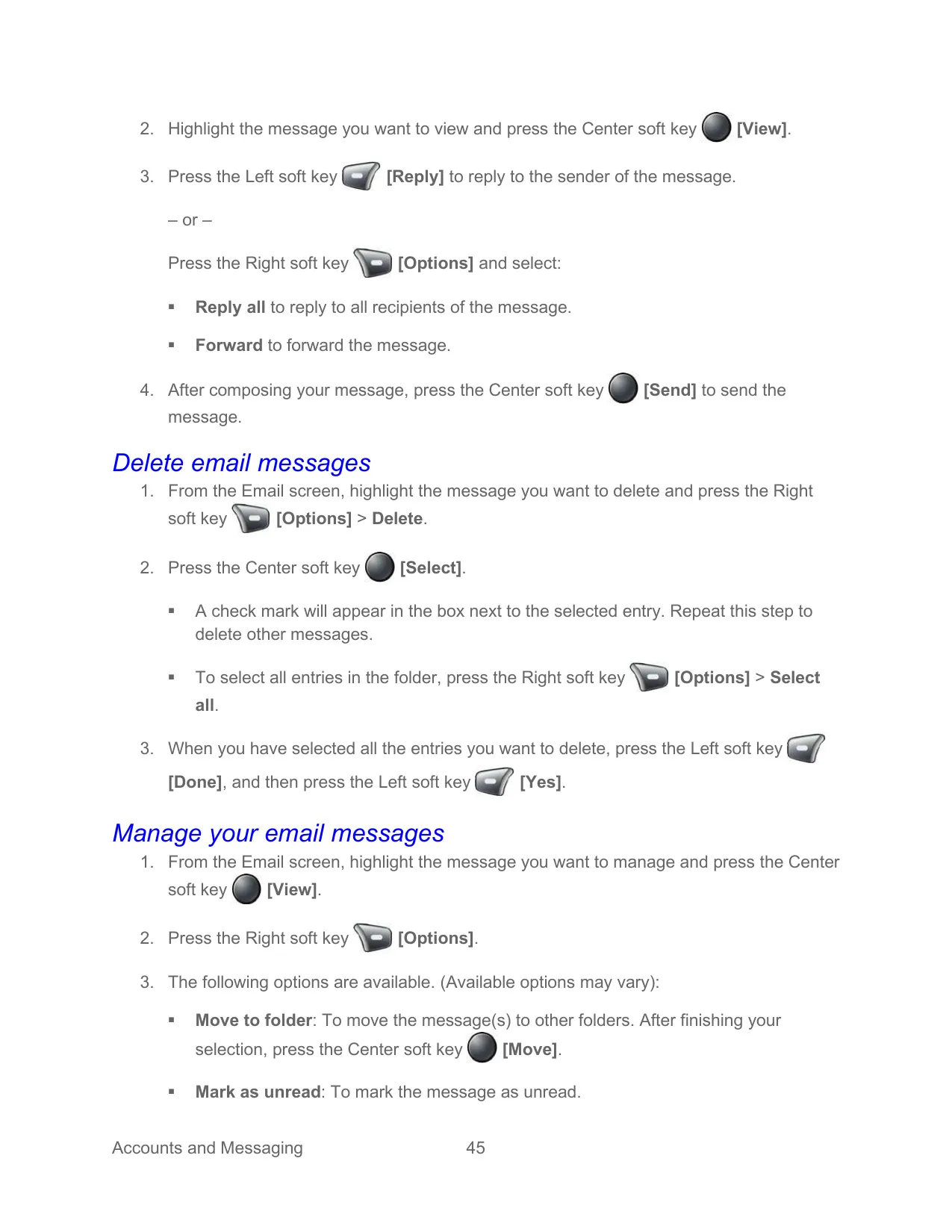






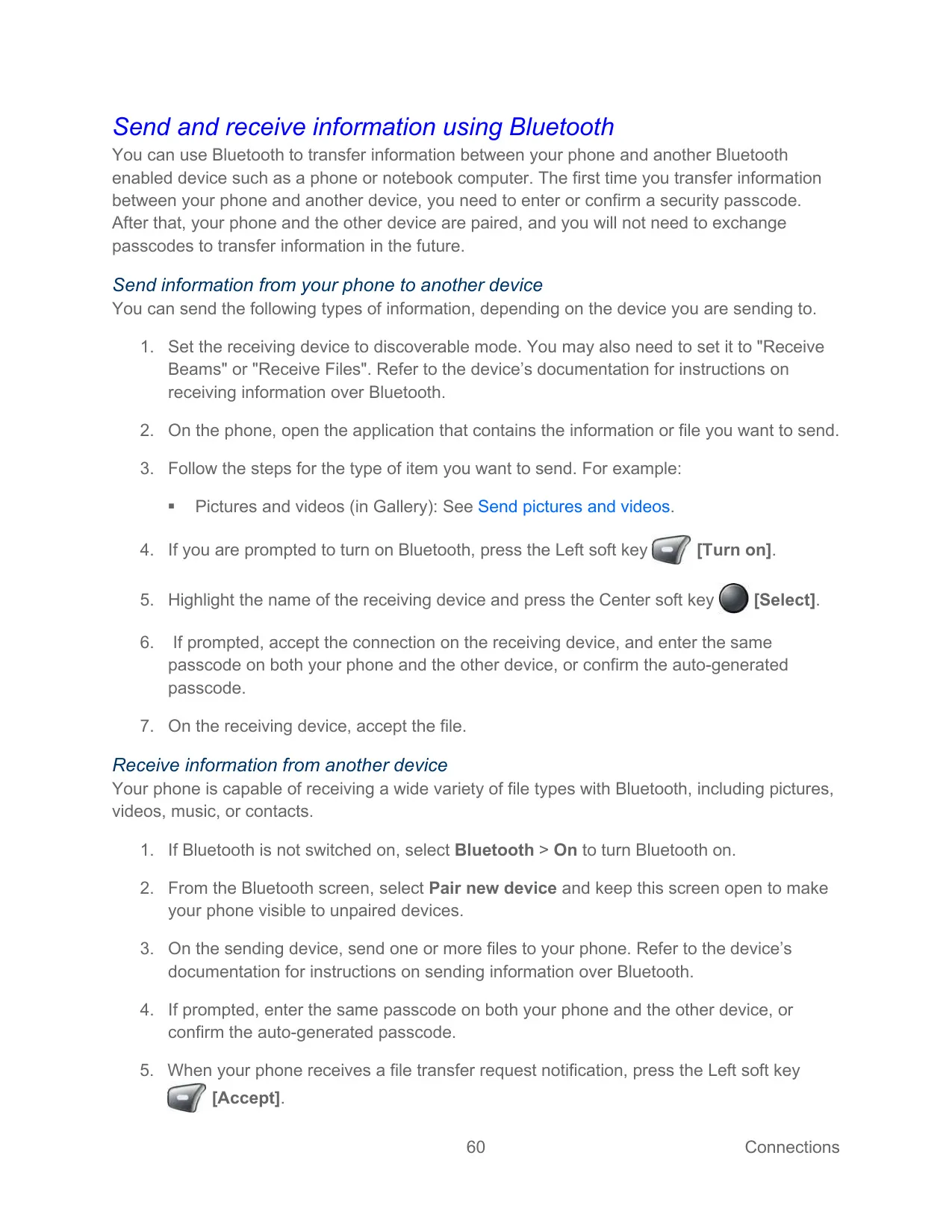

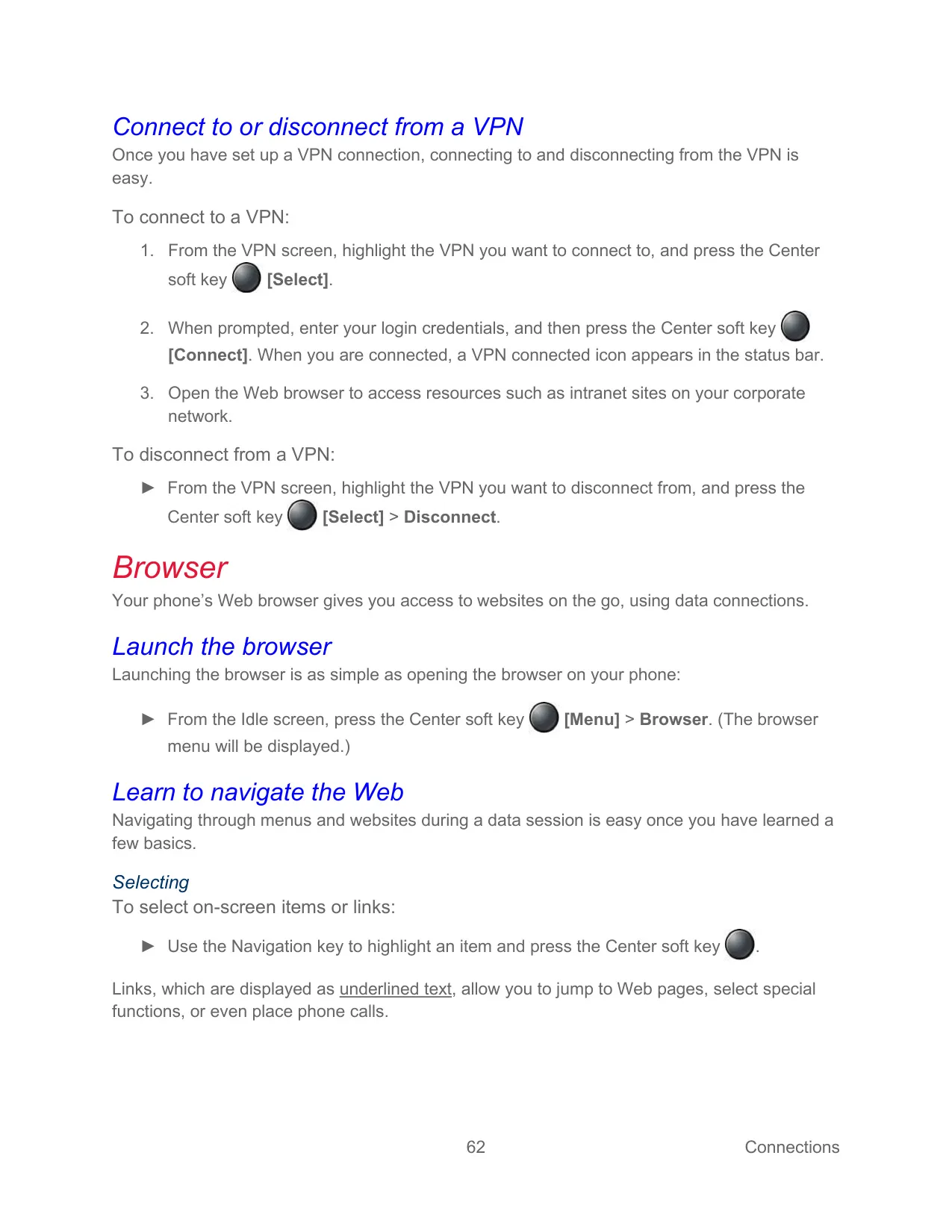
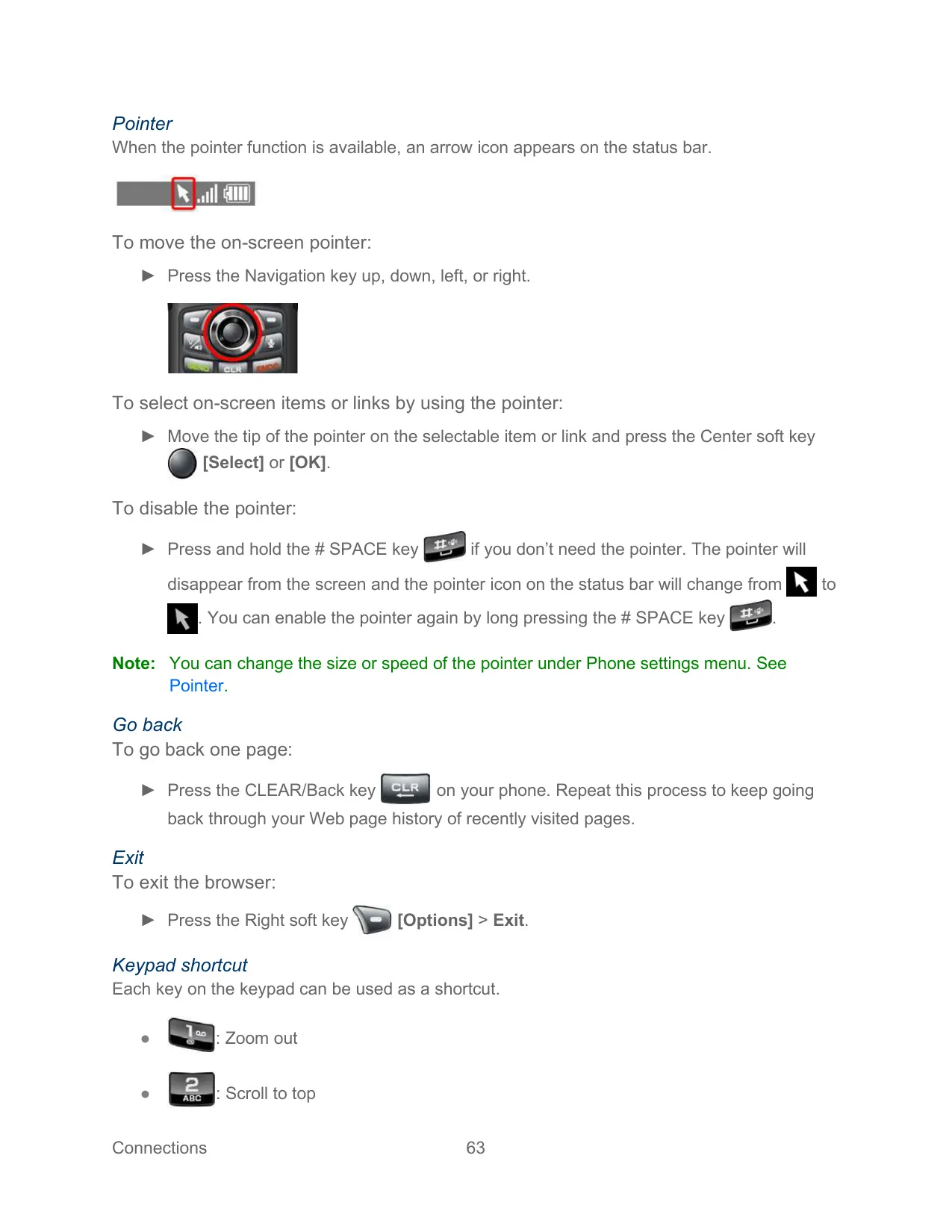


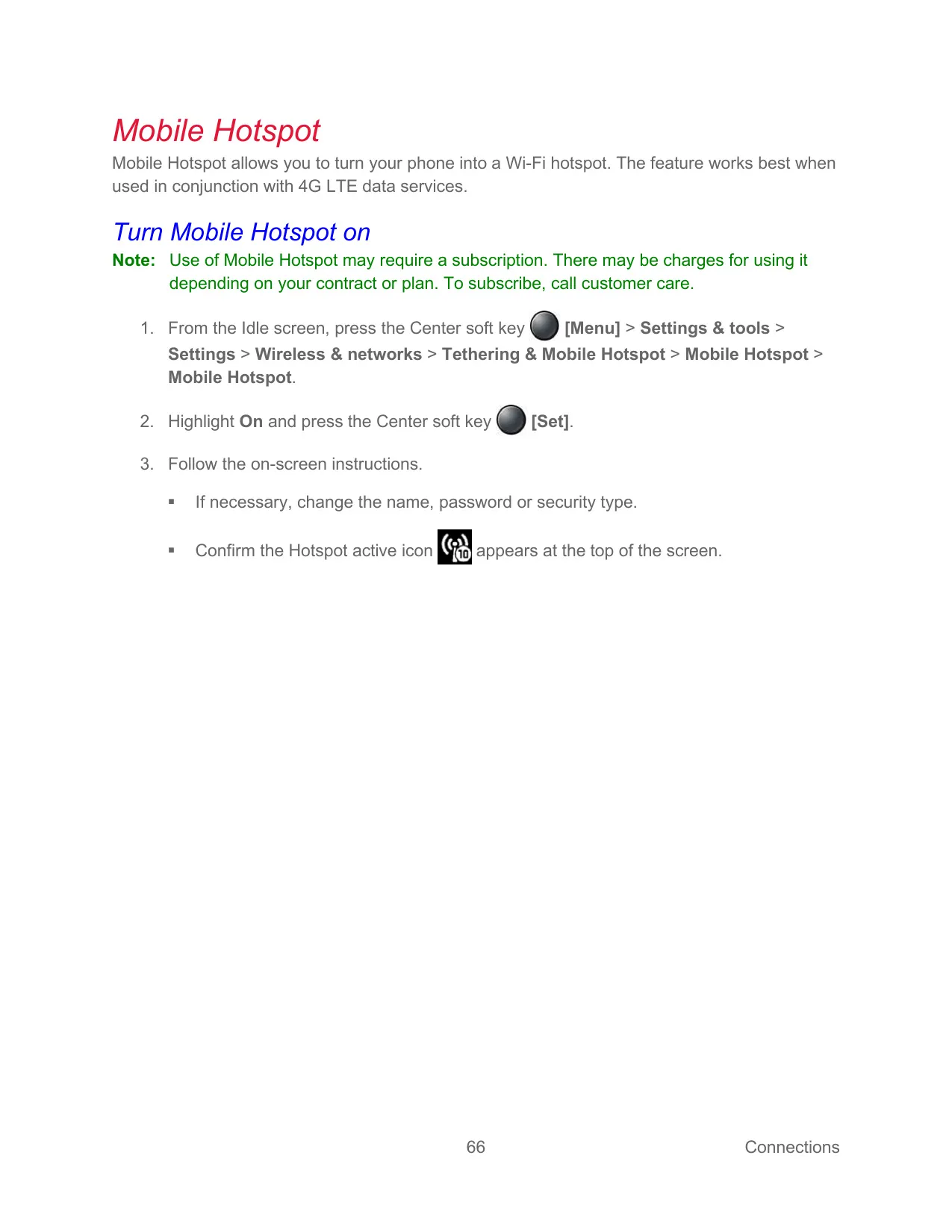


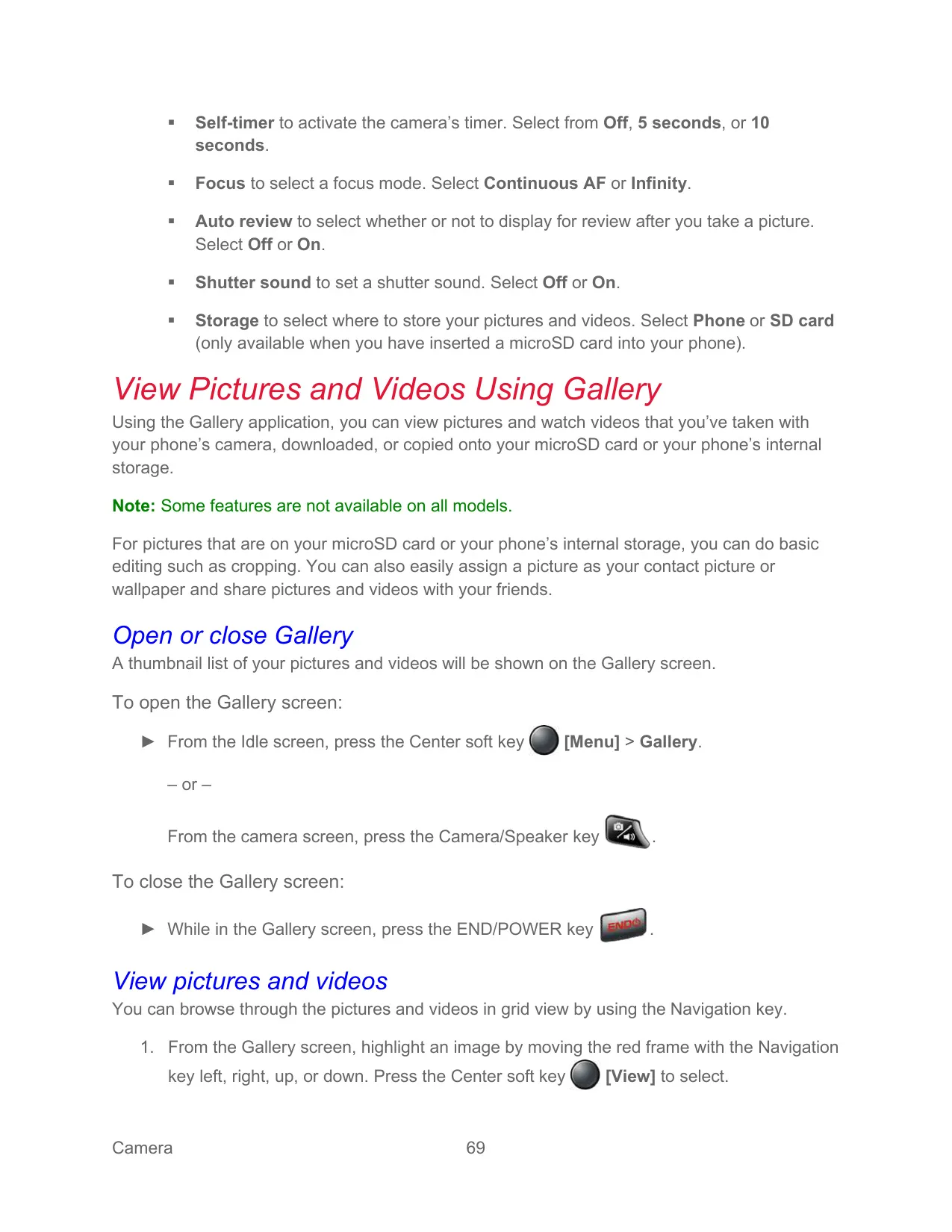

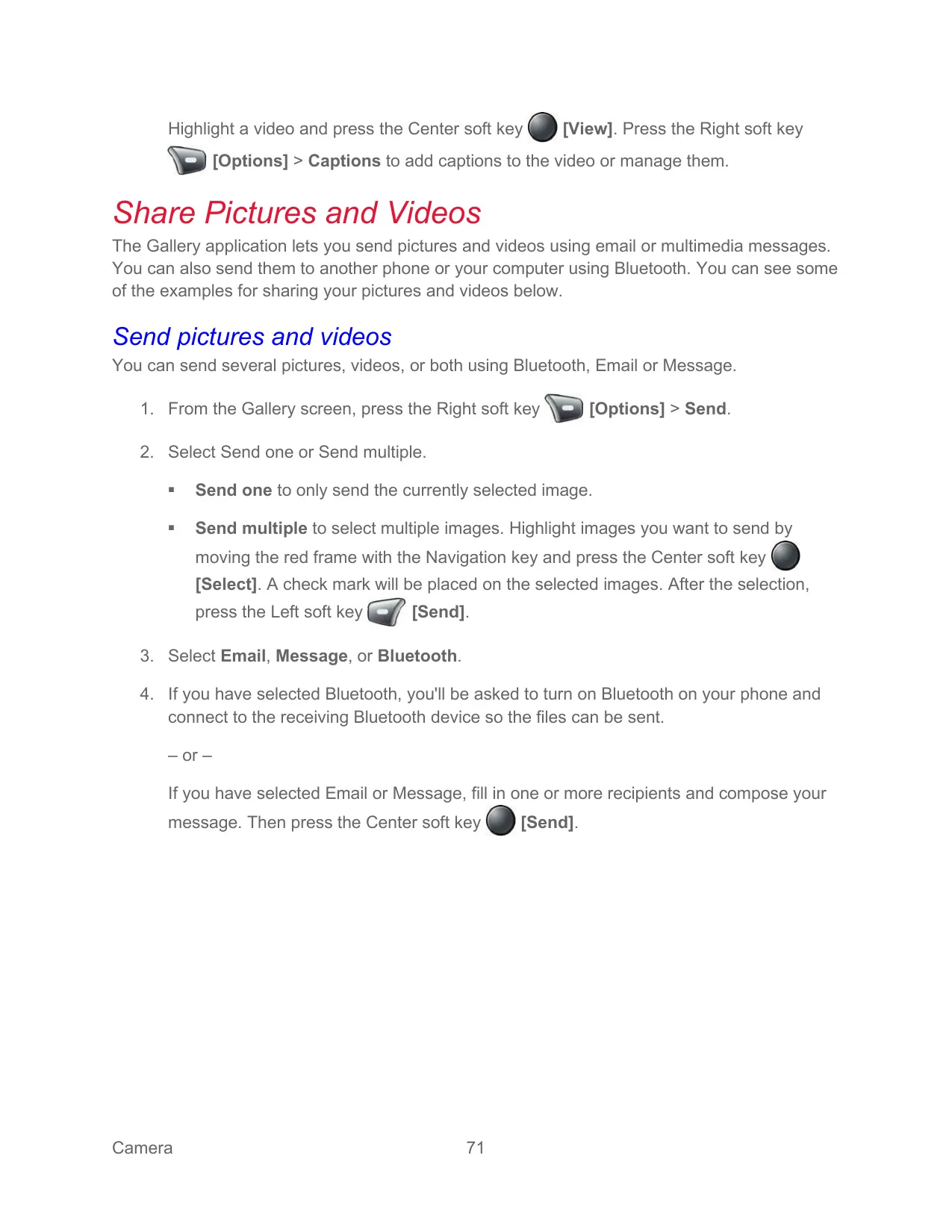


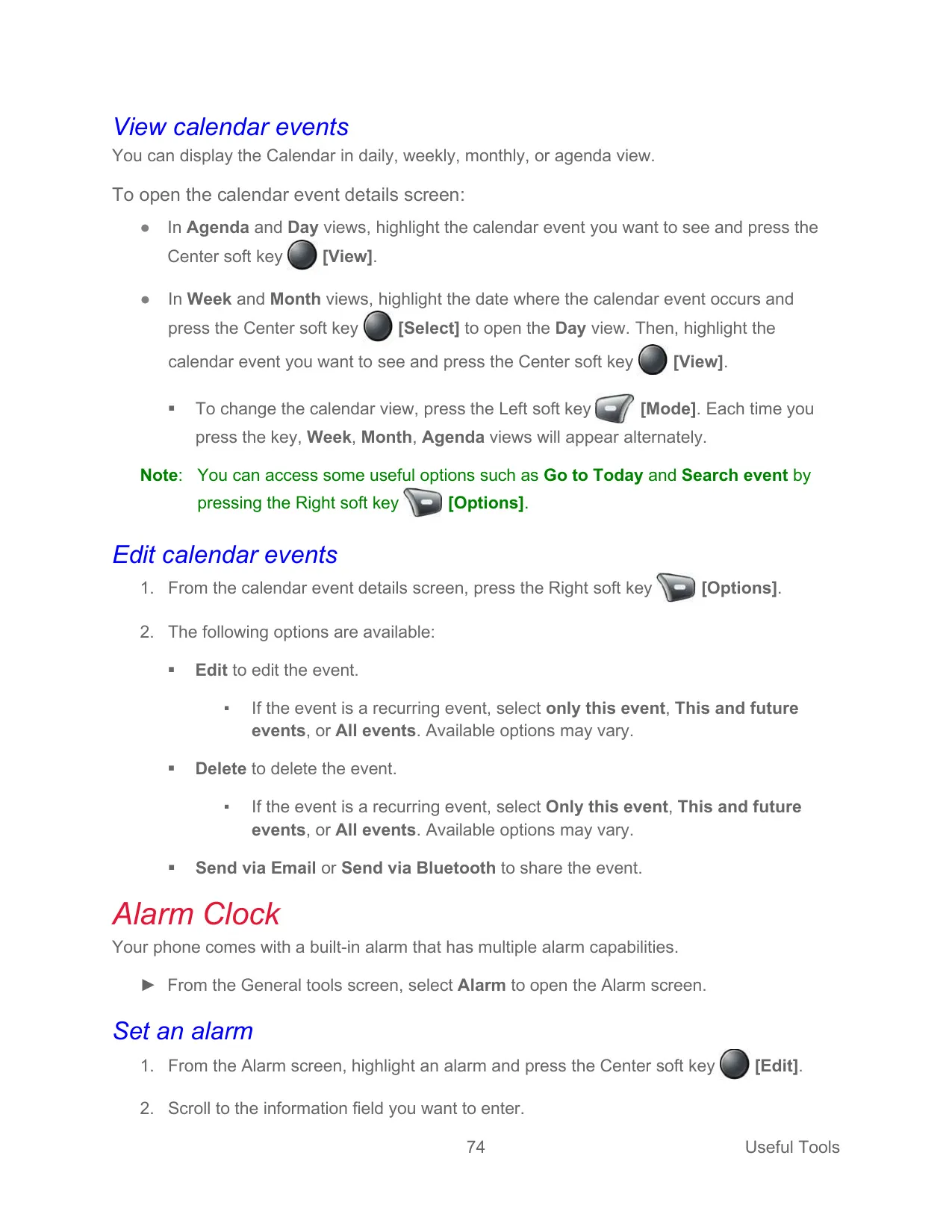


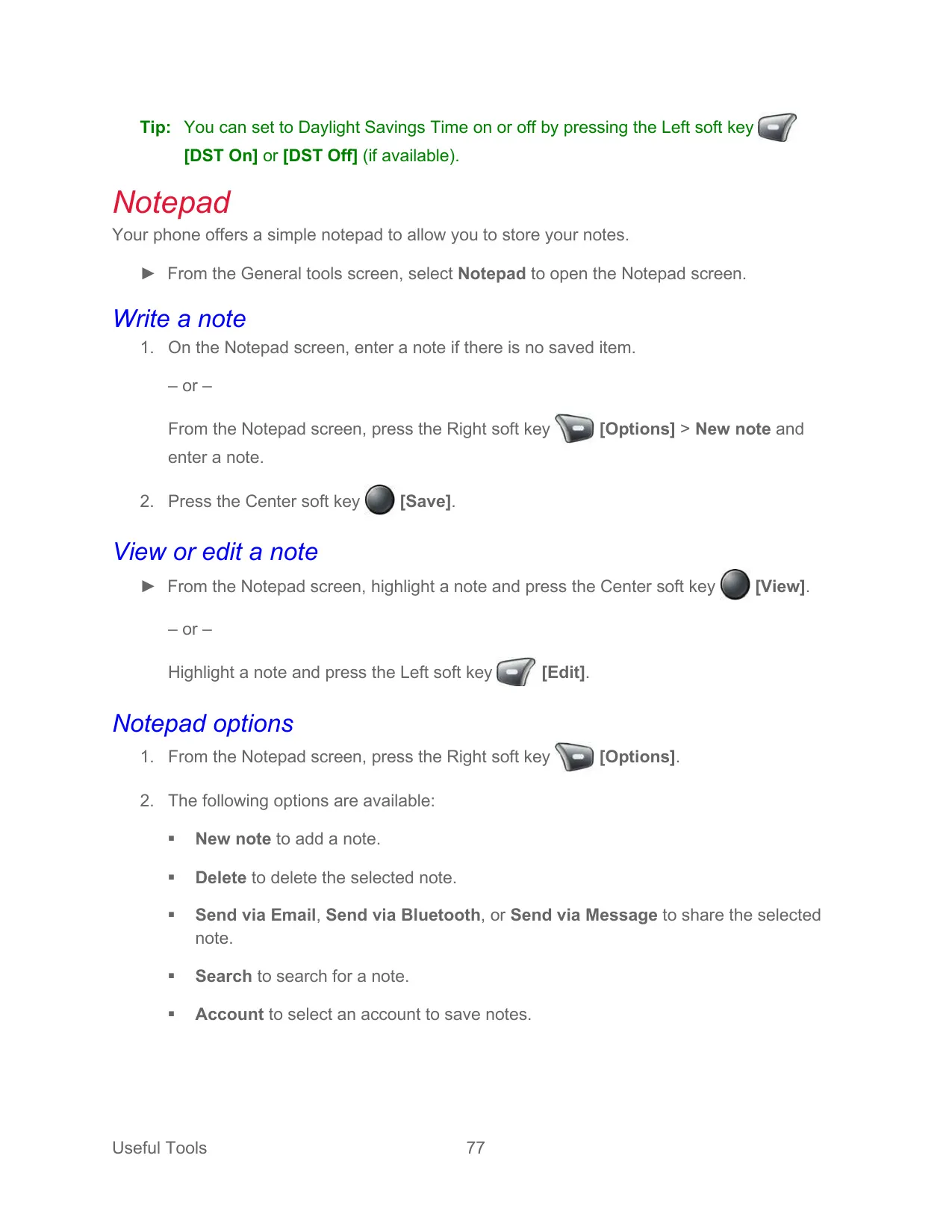

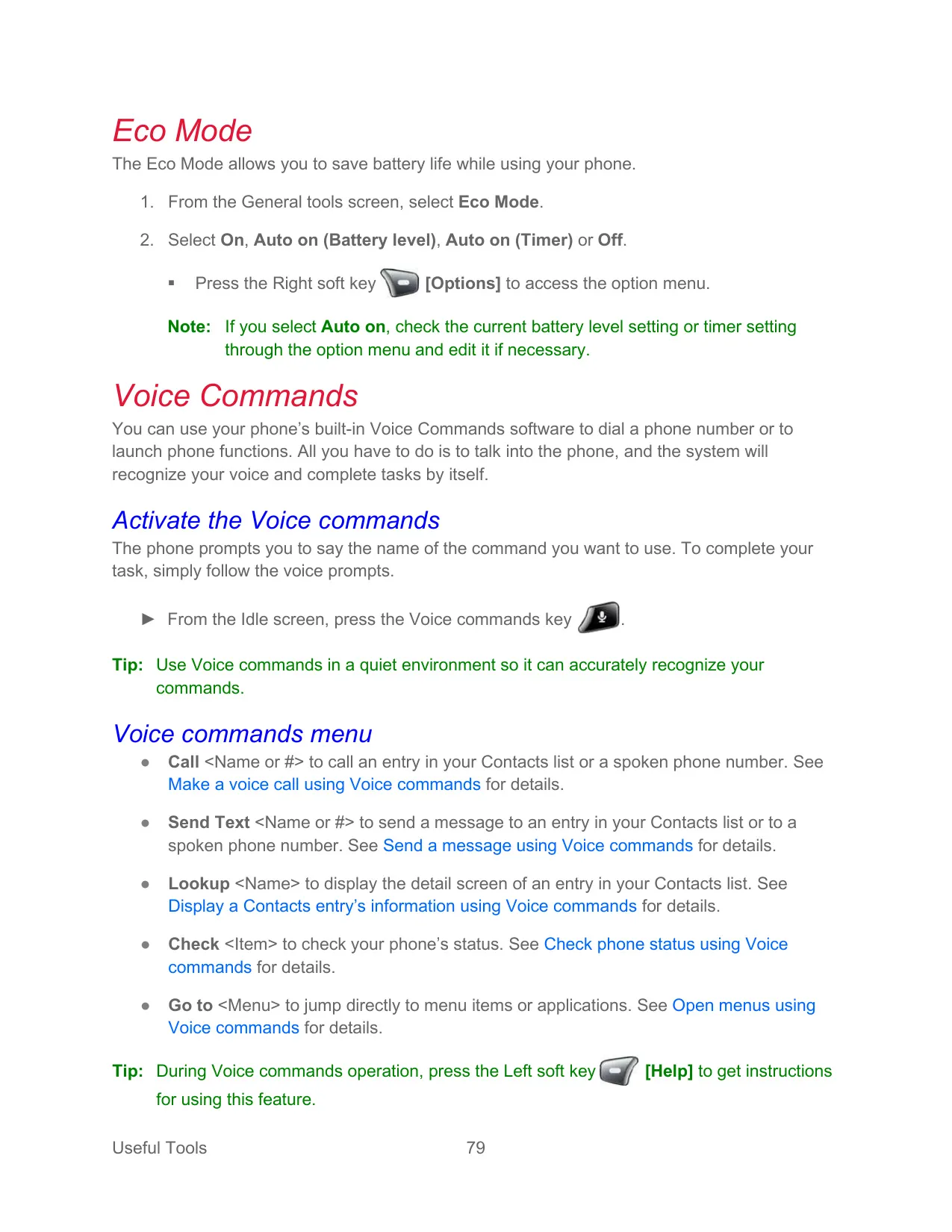


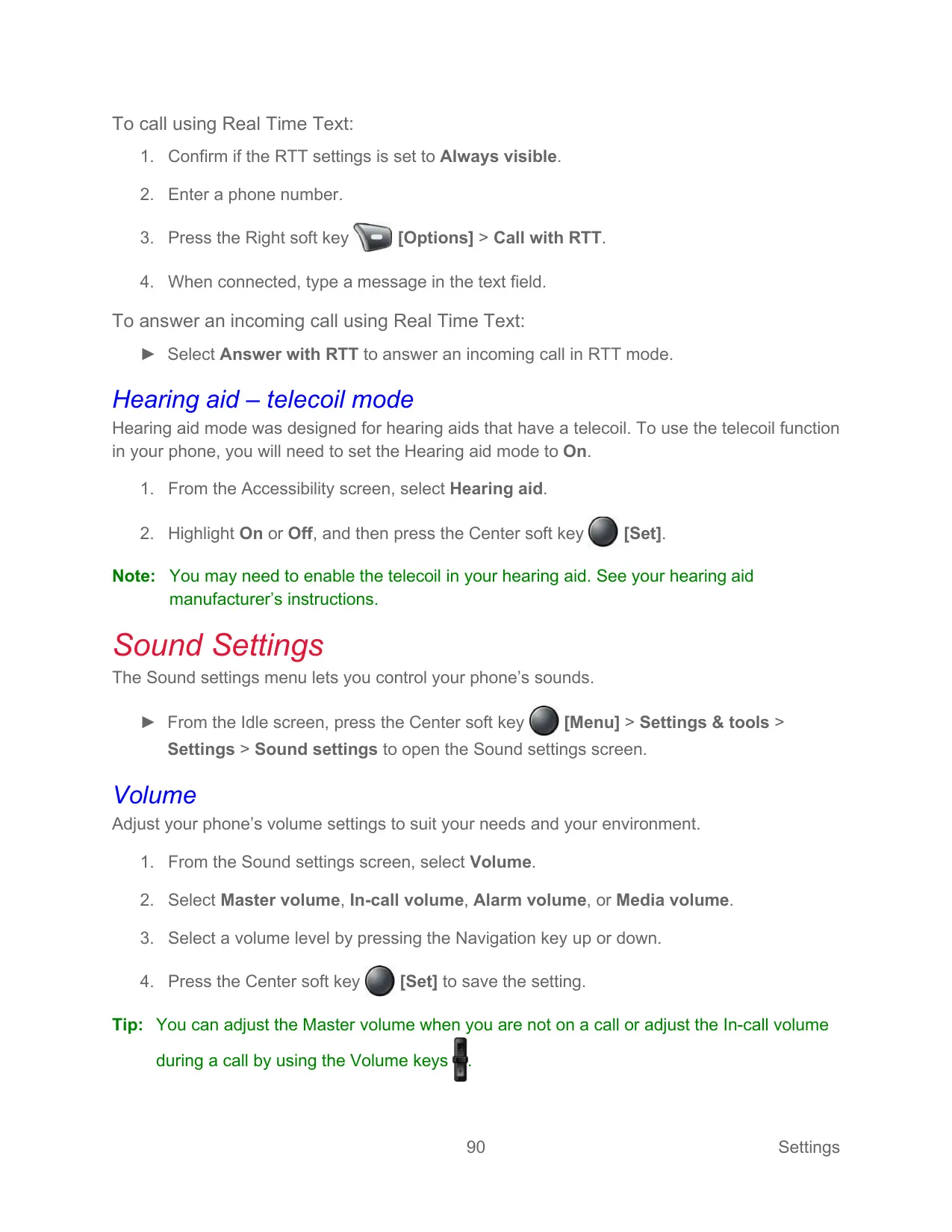

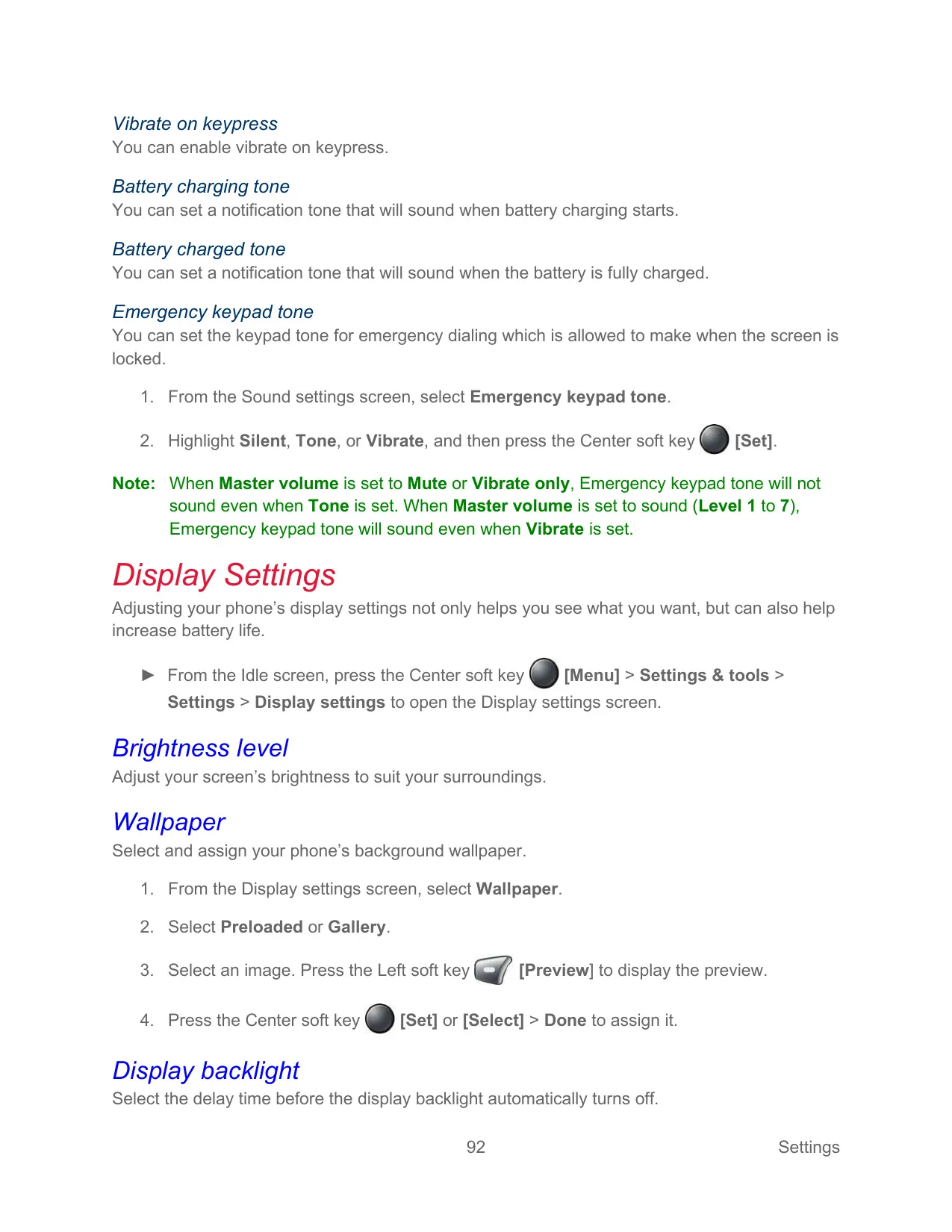


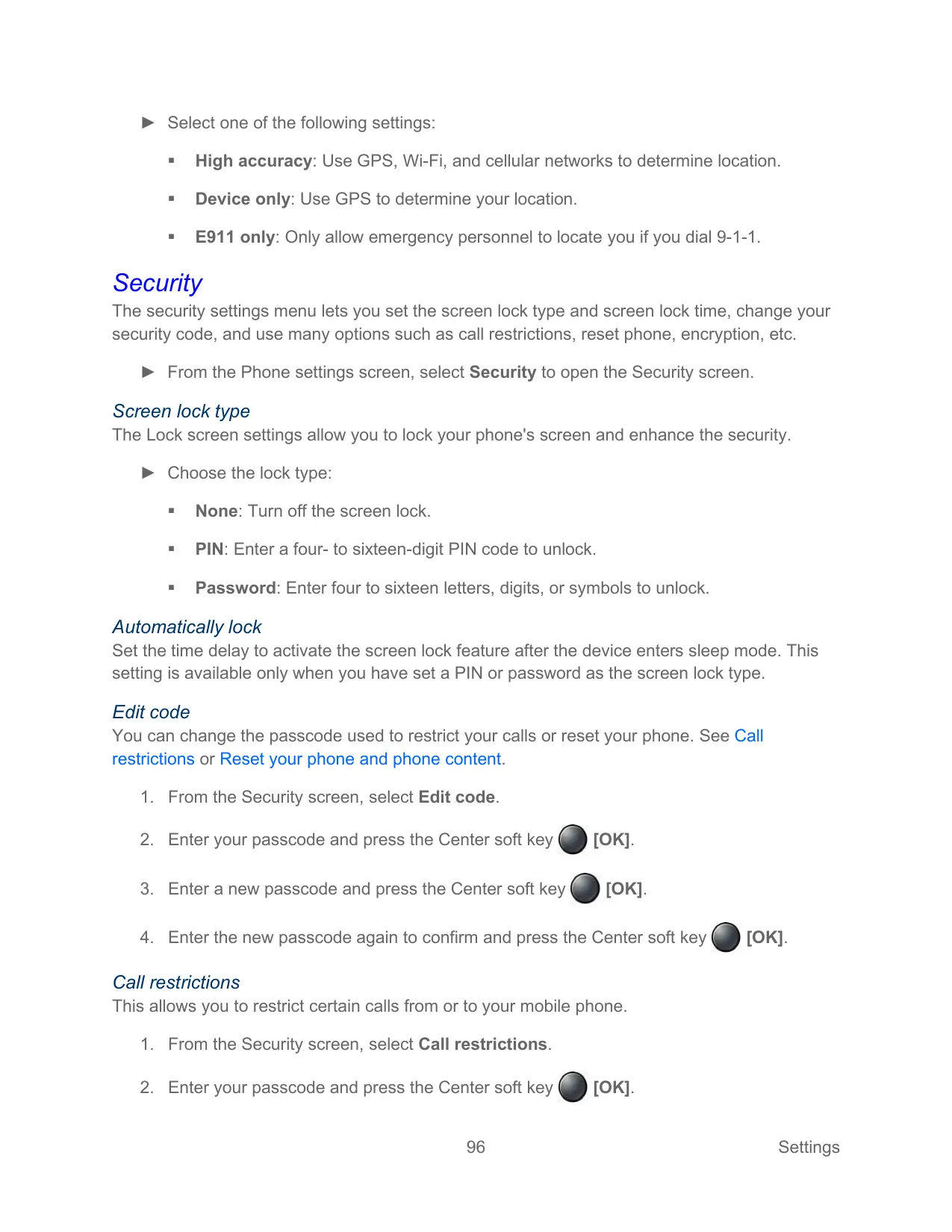






Kyocera E4811 Cell Phone Instructions
Here we offer the Kyocera E4811 DuraXV-Extreme+ Cell Phone manual completely free and in English. We have cataloged this manual in the Cell Phones section on Manualverse, and it has been rated by 1 users with an average rating of 5. If you have any specific questions about Kyocera E4811 DuraXV-Extreme+ Cell Phone, we suggest checking the Frequently Asked Questions (FAQs) section of this manual.
Product Images
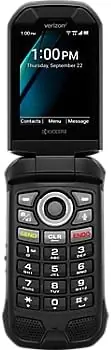
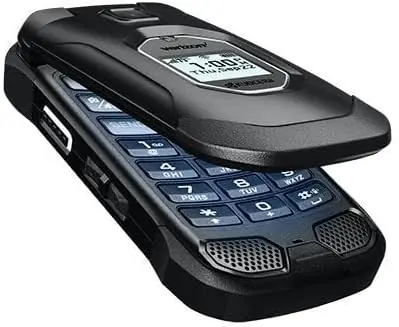

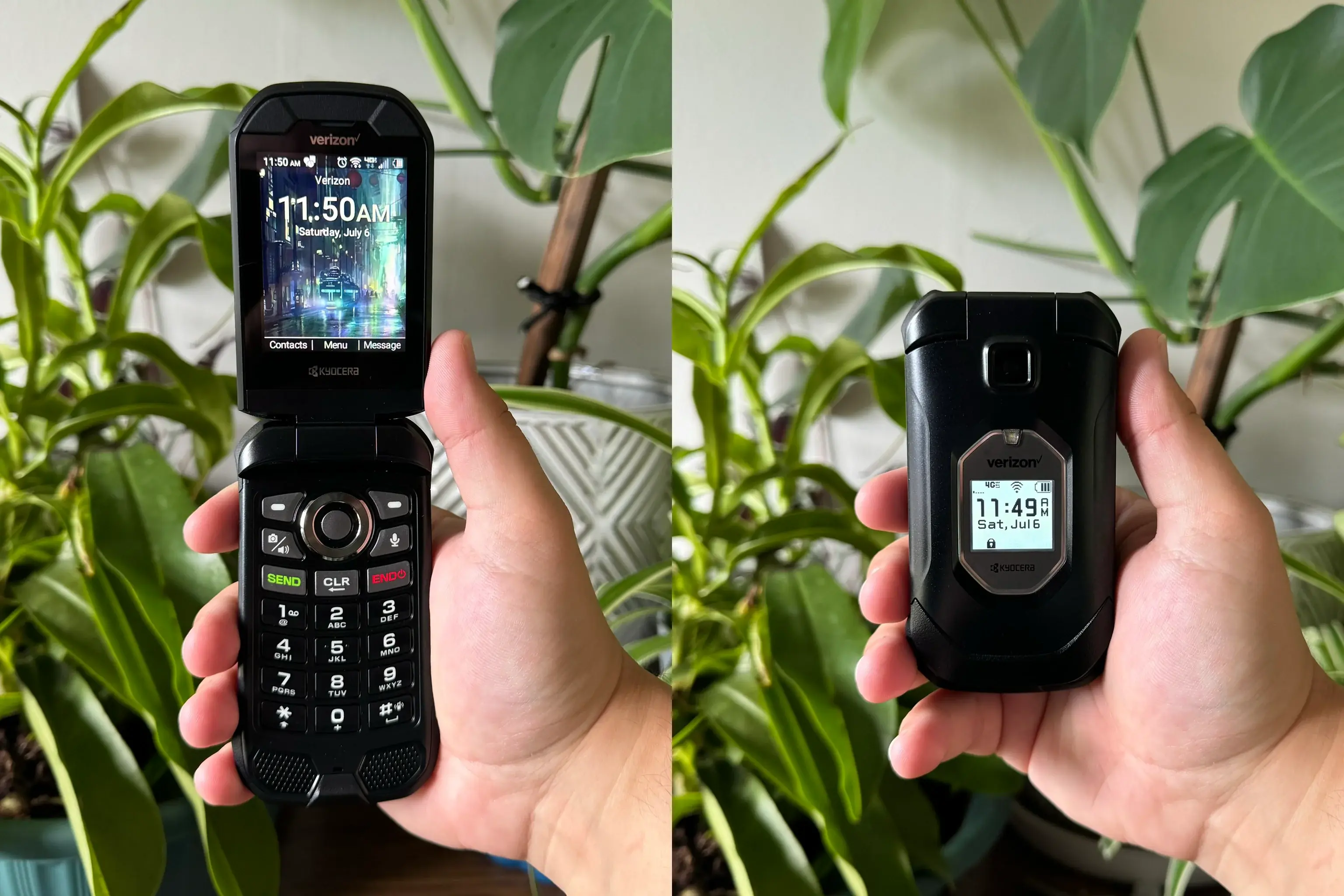
Kyocera E4811 DuraXV-Extreme+ Cell Phone Specifications
| Feature | Specification |
|---|---|
| Model | Kyocera DuraXV EXTREME+ (E4811) |
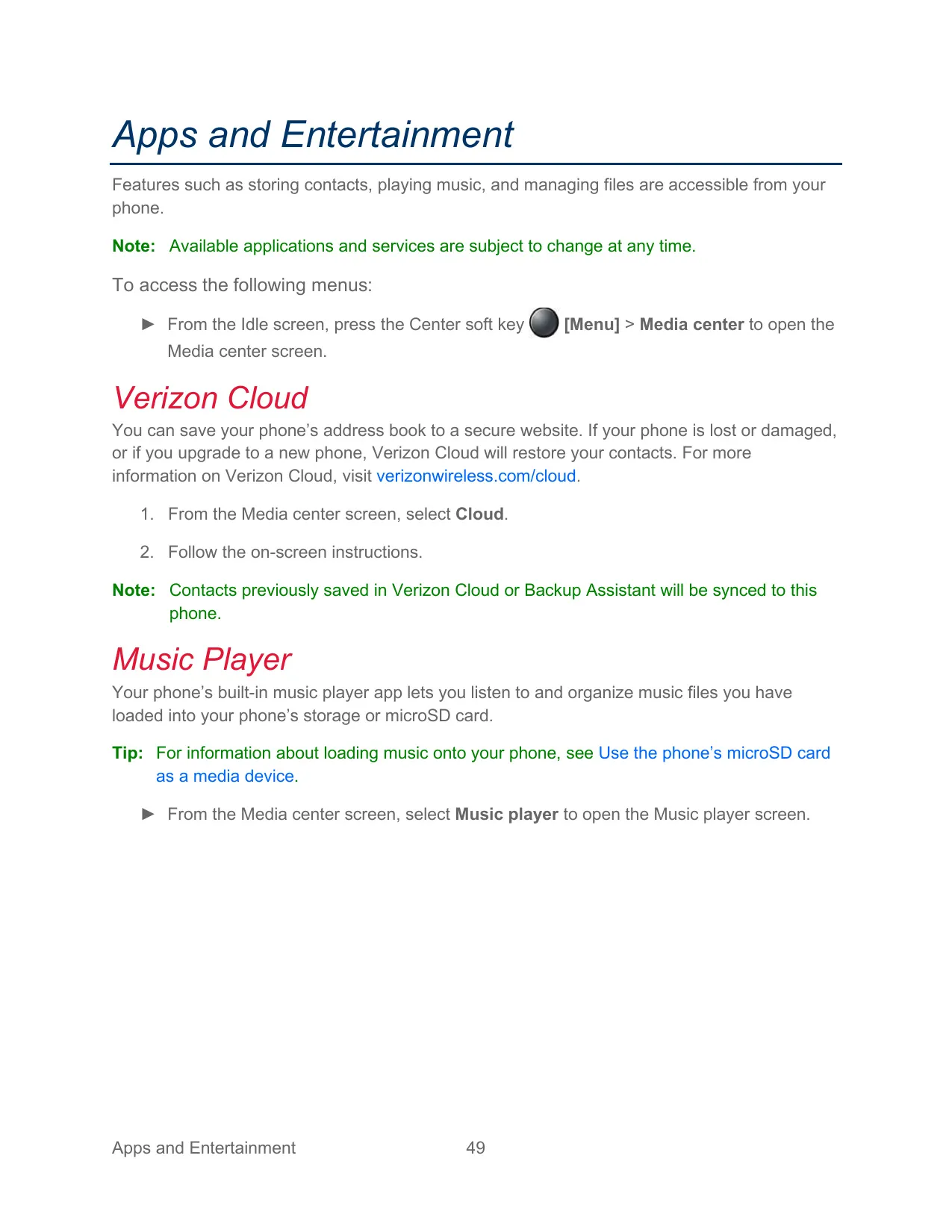
| Carrier Services | Verizon (Push To Talk Plus, Verizon Cloud, Wi-Fi Calling) |
| Form Factor | Flip phone with main screen and outer screen |
| Network Data Service | 4G LTE |
| Rear Camera | 5.0 megapixel with autofocus (camera model only) |
| Picture Sizes | High (5M pixel), Normal (2M pixel), Low (0.1M pixel) |
| Video Resolutions | High (720p), Normal (480p), Low (240p) |
| Camera Focus Modes | Continuous AF, Infinity |
| Camera Self-timer | Off, 5 seconds, 10 seconds |
| Flashlight | Built-in LED flashlight / camera light |
| Battery Type | Removable Lithium-ion (Li-ion) |
| Low Battery Alerts | Approx. 15% (low), approx. 5% (critical, blinking icon) |
| Battery Care Mode | Limits charge to 85% of capacity |
| Charging Port | USB Type-C with sealed cover |
| Charging Contacts | For optional multi-bay charger and carkit |
| Headset Jack | Camlock jack, supports 5-pole headsets with PTT button |
| SIM Card | Pre-installed, internal slot behind battery cover |
| Expandable Storage | microSD card up to 512 GB (sold separately) |
| Wi-Fi | Yes, including Wi-Fi Calling and hidden network support |
| Bluetooth Range | Approx. 30 feet |
| Bluetooth Declaration ID | D060726 |
| Location | Embedded GPS chip for E911; modes High accuracy, Device only, E911 only |
| Mobile Hotspot | Yes (subscription may be required) |
| Tethering | USB and Bluetooth |
| VPN | Supported (profiles with PPP encryption MPPE options) |
| FM Radio | Yes, earphone used as antenna |
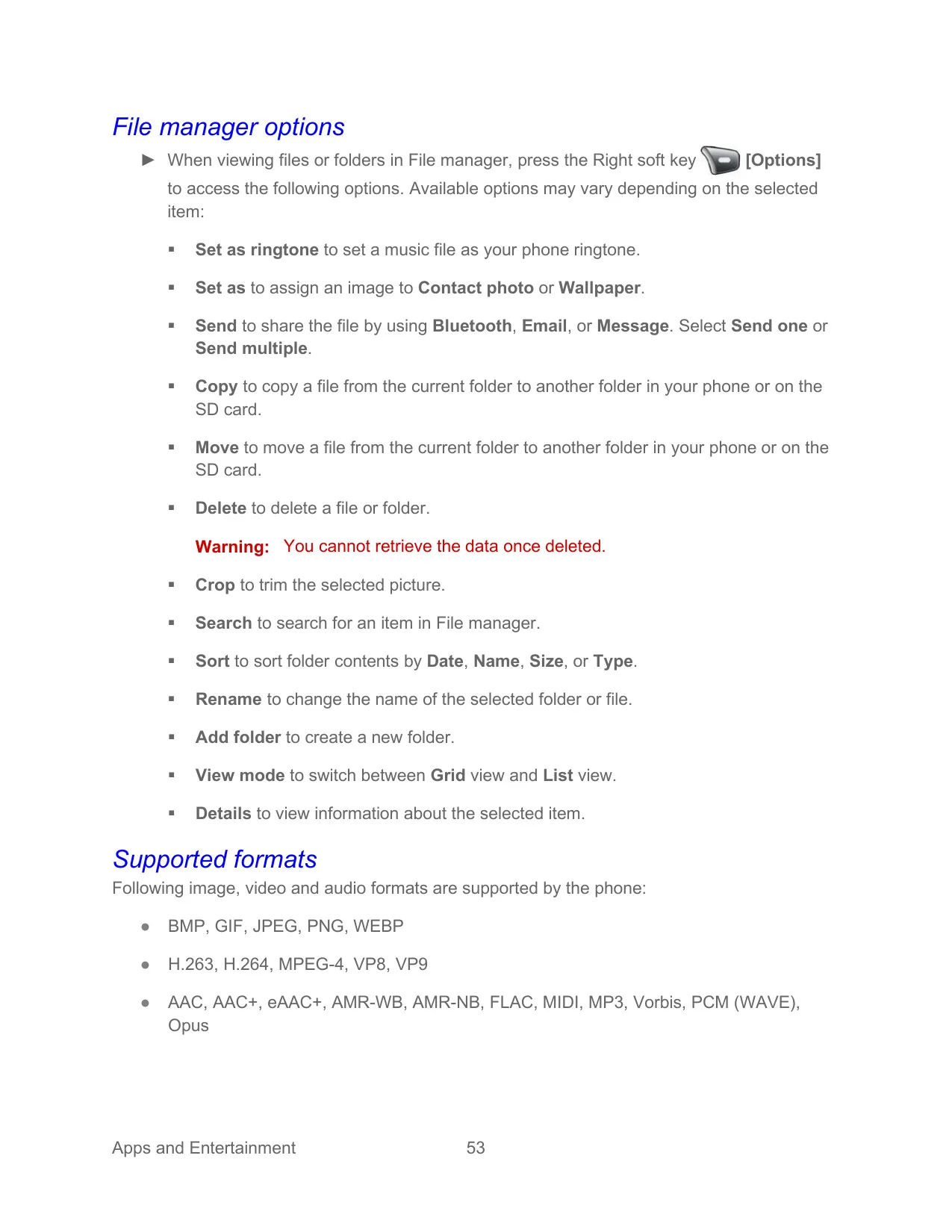
| Supported Image Formats | BMP, GIF, JPEG, PNG, WEBP |
| Supported Video Formats | H.263, H.264, MPEG-4, VP8, VP9 |
| Supported Audio Formats | AAC, AAC+, eAAC+, AMR-WB, AMR-NB, FLAC, MIDI, MP3, Vorbis, PCM (WAVE), Opus |
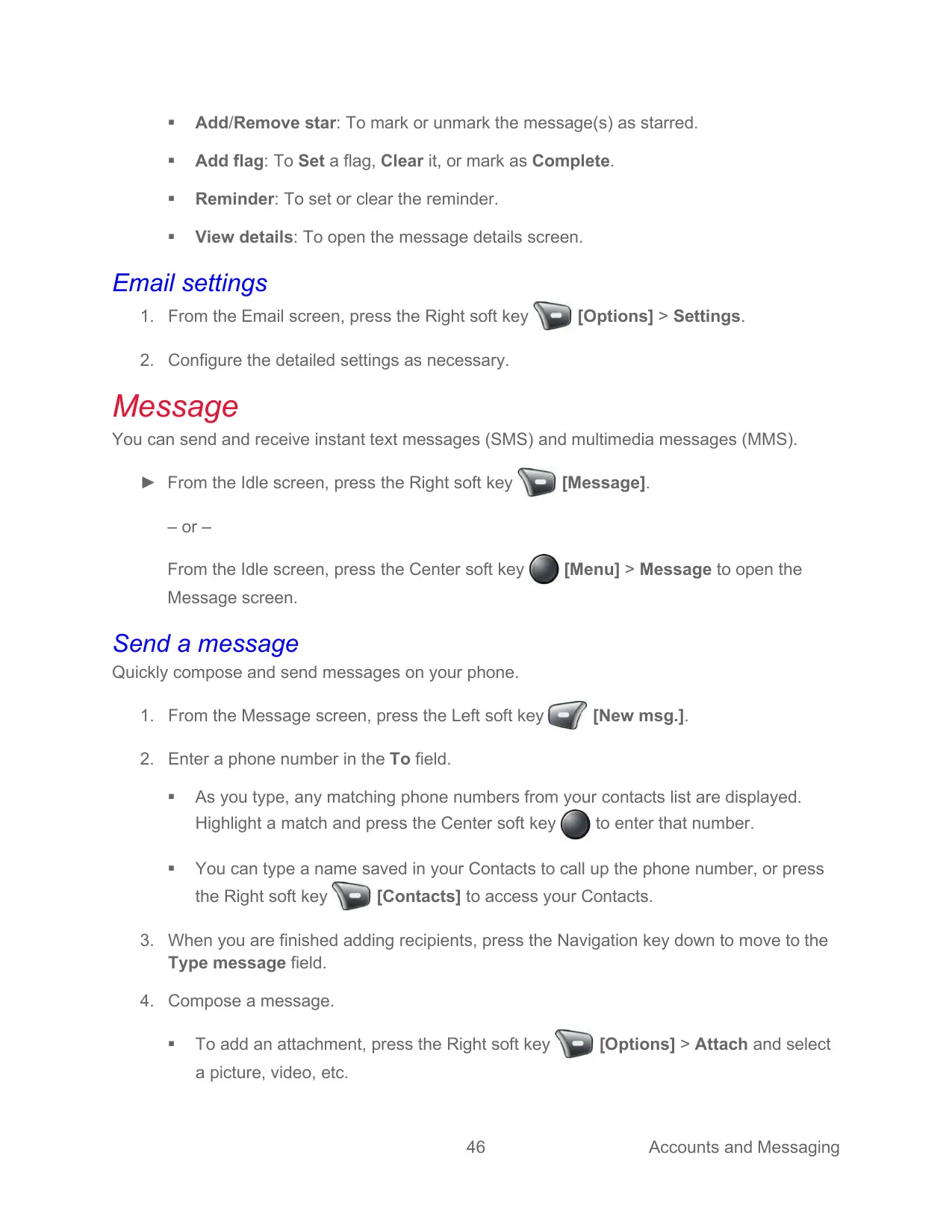
| Messaging | SMS, MMS |
| POP3, IMAP, Microsoft Exchange ActiveSync | |
| USB Modes | Charge only, Media device (MTP), Photo transfer (PTP), USB tethering, System Update |
| Programmable Keys | PTT key, SOS key, External speaker key, Call list key, Navigation keys |
| Master Volume Levels | Level 1 to 7, plus Vibrate only and Mute |
| Screen Lock | None, PIN (4 to 16 digits), Password (4 to 16 characters) |
| Encryption | Phone encrypted by default; optional SD card encryption |
| Device Control Default Password | 000000 |
| Speed Dial Locations | 2 to 999999 (1 reserved for Voicemail) |
| ICE Contacts | Up to 3 |
| Hearing Aid Compatibility | Telecoil mode |
| Real Time Text (RTT) | Supported without external TTY keyboard |
| Menu Languages | English, Spanish |
| Factory Reset Duration | Up to 10 minutes |
| Warranty / Support Phone | 1-800-349-4478 |
Kyocera E4811 DuraXV-Extreme+ Details
The Kyocera DuraXV EXTREME+ is a rugged flip phone designed for field workers, and most of its call controls work with the phone closed. You can use the External speaker key to answer calls on speakerphone. The Call list key shows recent calls on the outer screen. You can scroll through that list with the Volume keys and start a call without opening the flip. A Keyguard locks these external keys to stop accidental presses. It unlocks with a long press or a two-key sequence.
The phone has several call-handling options. Flip open to answer and Close to end let the flip itself control calls. Any key answer and Auto answer in hands-free or speakerphone mode make it easier to take calls while your hands are busy. Noise reduction uses an internal microphone to cut background noise for the other person. You can also use call rejection lists, editable quick-response texts, assisted dialing for international roaming, a call timer, and numbers with 2-second or hard "wait" pauses.
Business tools include Device Control, which administrators can use to restrict Wi-Fi, Bluetooth, outgoing calls and other functions. Device Control policies can be copied to other phones using a QR code over Wi-Fi. FieldForce Manager lets the office track workers' locations. The Carkit power on/off setting can turn the phone on, or on and off, with the vehicle's ignition, but only with carkits that connect through the charging contacts.
Accessibility settings include Readout, which speaks keys, menus and contact names. You can adjust its speech rate and pitch. Font options go up to MagniFont, and there is color inversion and color correction for deuteranomaly, protanomaly and tritanomaly. You can also turn on captions, mono audio and sound balance. Persistent alerts can repeat a tone, a vibration or a blinking LED at a set interval until you check your notifications.
You can press the dedicated Voice Commands key to call, send texts, look up contacts, check the time, signal, battery or volume, and open menus by voice. The dialing region can be set to North America or Other. Text entry supports Prediction, Abc, ABC and 123 modes, plus symbols, smileys, emoticons, web shortcuts, and copy and paste through a Paste list.
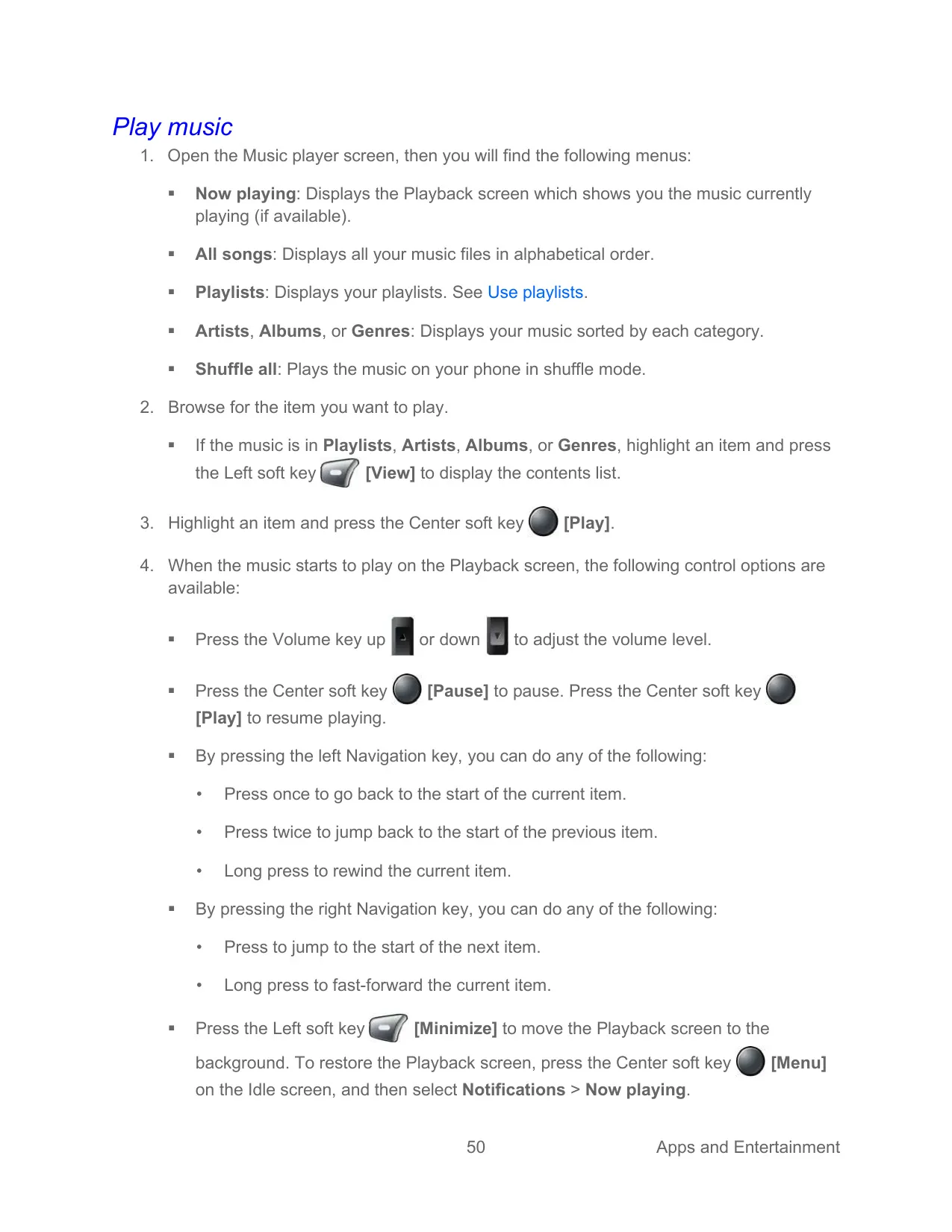
The phone also includes a calculator, a calendar with day, week, month and agenda views, alarms, multiple timers, and a stopwatch with split and lap modes. There is also a world clock with Daylight Saving Time controls, and a notepad. Eco Mode can switch on manually, at a set battery level or on a timer. The music player supports playlists, shuffle and repeat. The sound recorder offers Normal or High quality formats. A file manager lets you copy, move, crop and sort files.
For safety, ICE information, including personal and medical details, can be opened from the lock screen with the Emergency soft key. Wireless emergency alerts are supported, and National Alerts are always on. Verizon Cloud backs up your contacts. Kyocera's free Remote Support lets a technician connect to the phone after you give them a support code (USA and Canada only). Software updates can be checked from the Settings menu.
Frequently Asked Questions (FAQs)
Can't find the answer you need? Here are some frequently asked questions about the Kyocera E4811 DuraXV-Extreme+ Cell Phone, and we answer them below.