
Intermatic ST01/ST01k/EI600 Digital Timer Instruction Manual
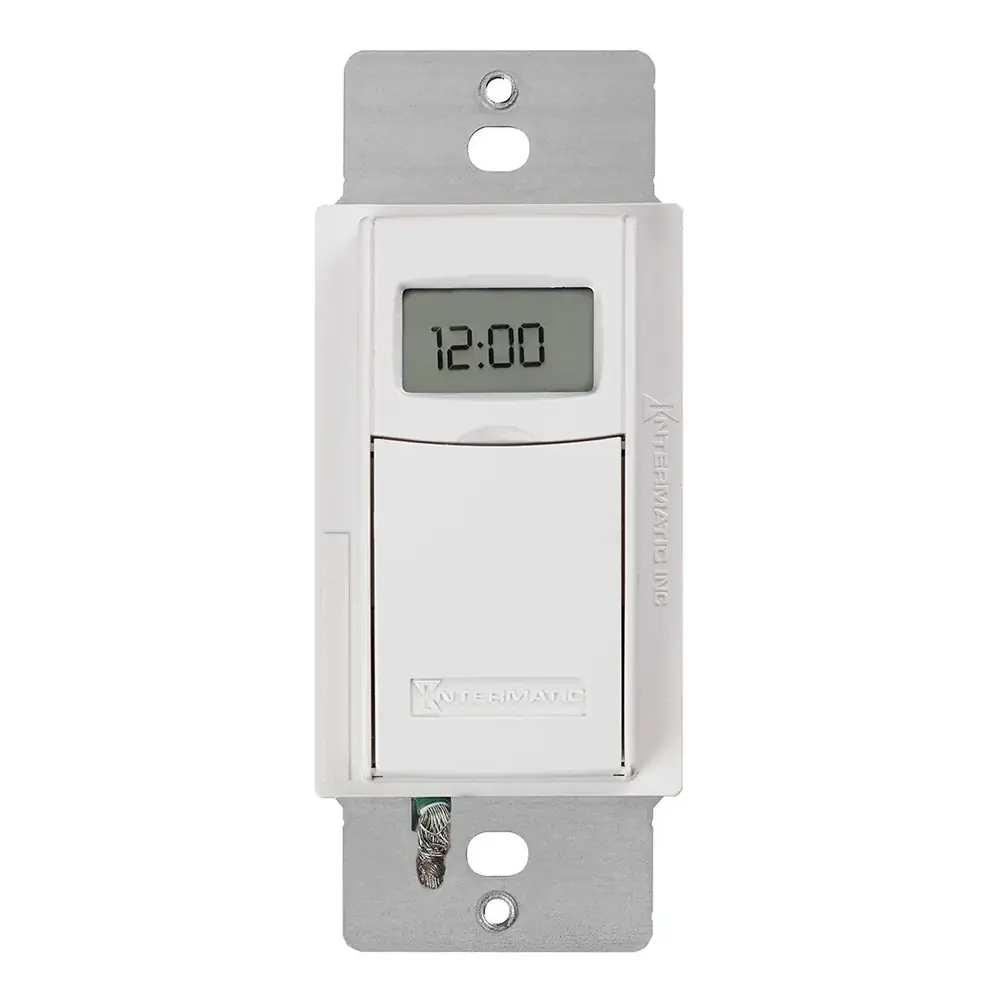
Intermatic ST01/ST01k/EI600 Digital Timer
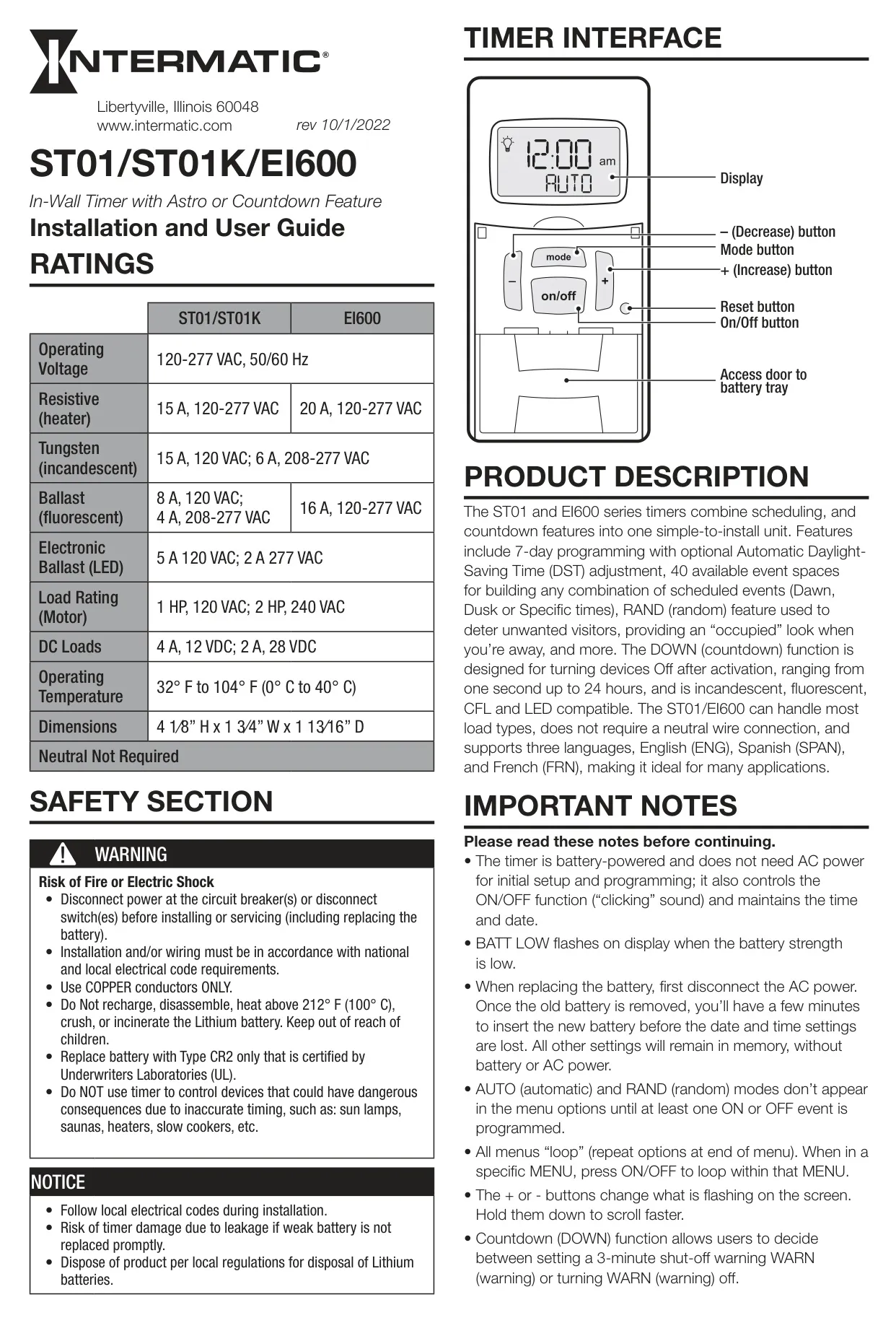
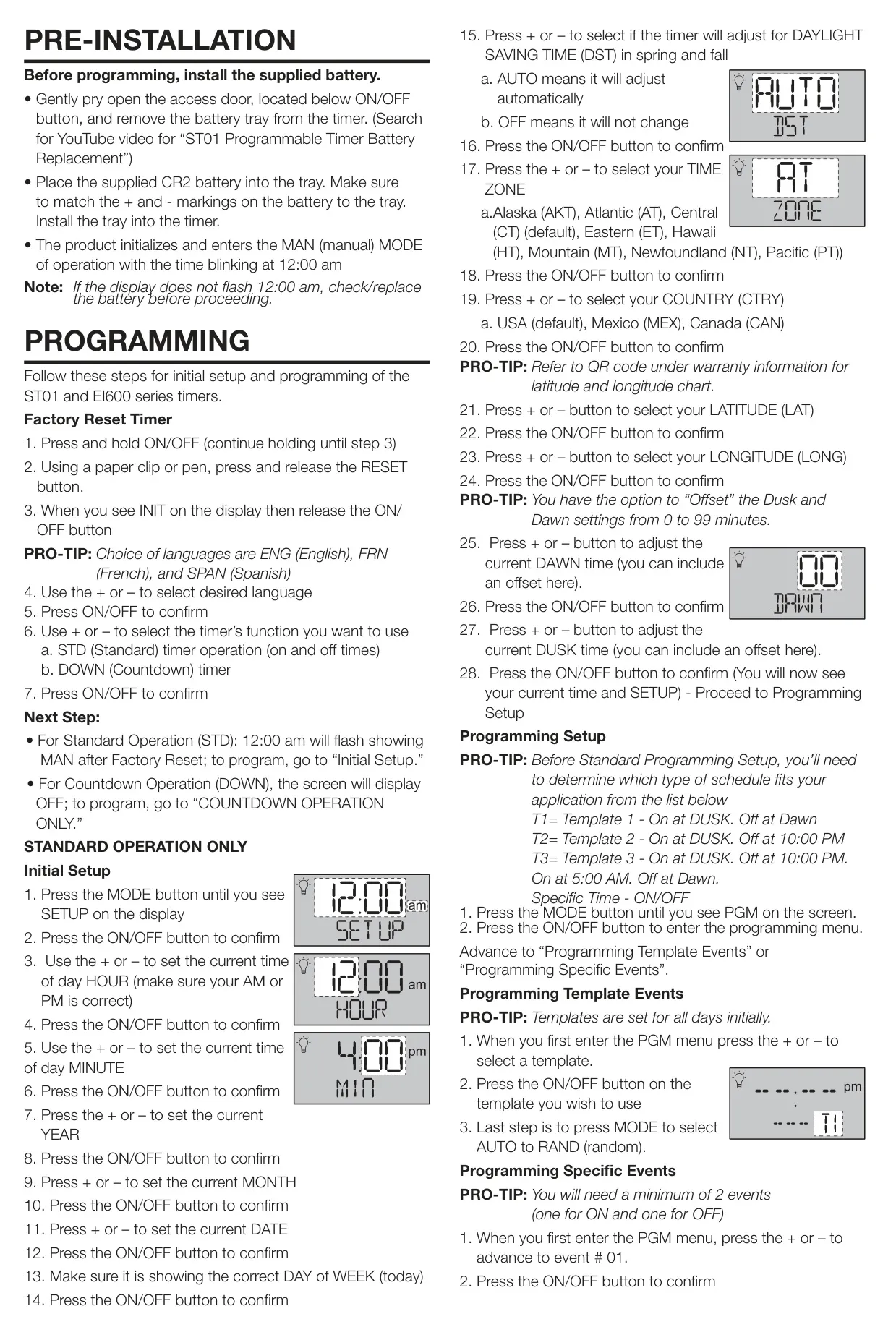
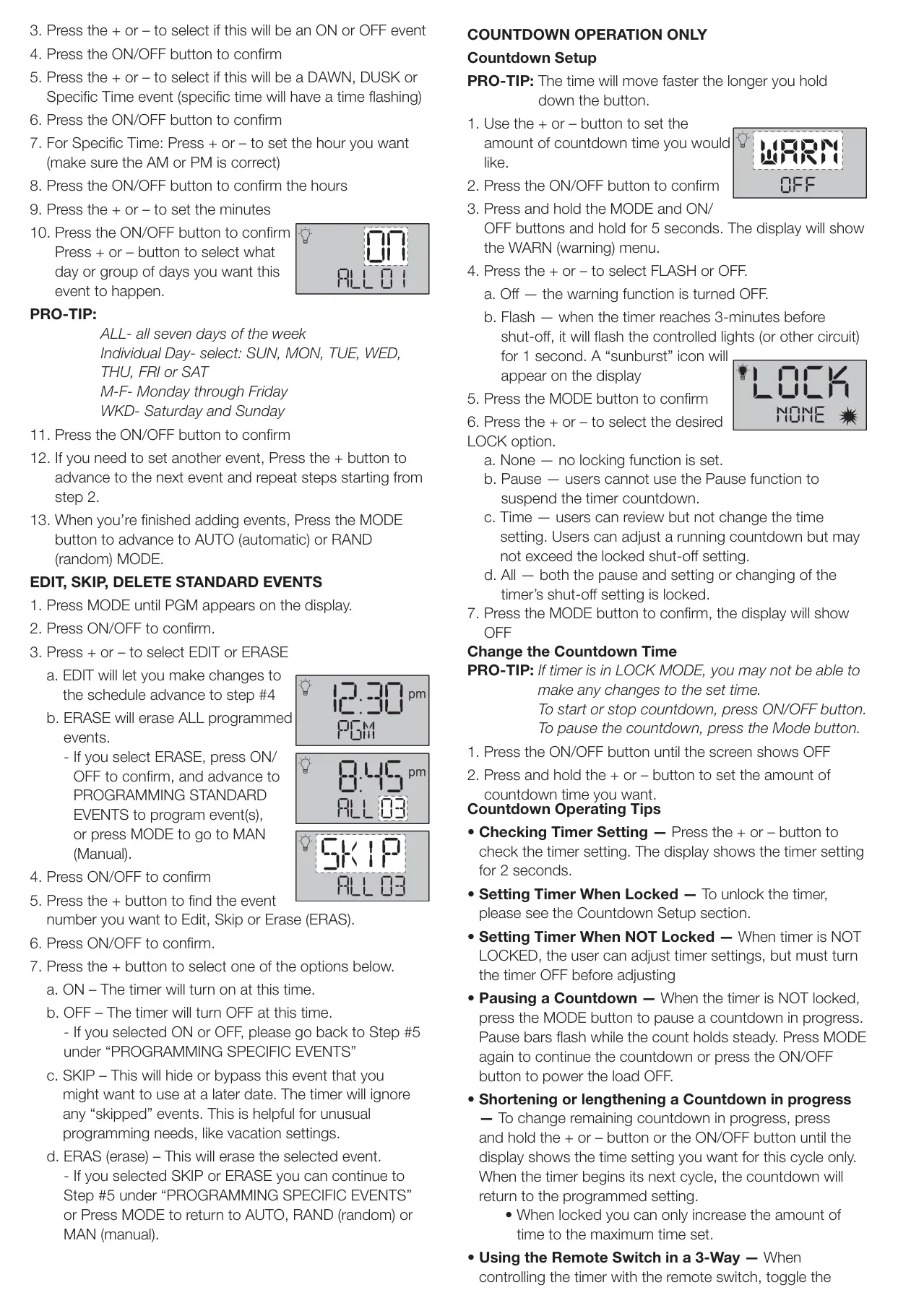


Intermatic ST01 Digital Timer Instructions
Here we offer the Intermatic ST01/ST01k/EI600 Digital Timer manual completely free and in English. We have cataloged this manual in the Digital Timers section on Manualverse, and it has been rated by 1 users with an average rating of 5. If you have any specific questions about Intermatic ST01/ST01k/EI600 Digital Timer, we suggest checking the Frequently Asked Questions (FAQs) section of this manual.
Product Images
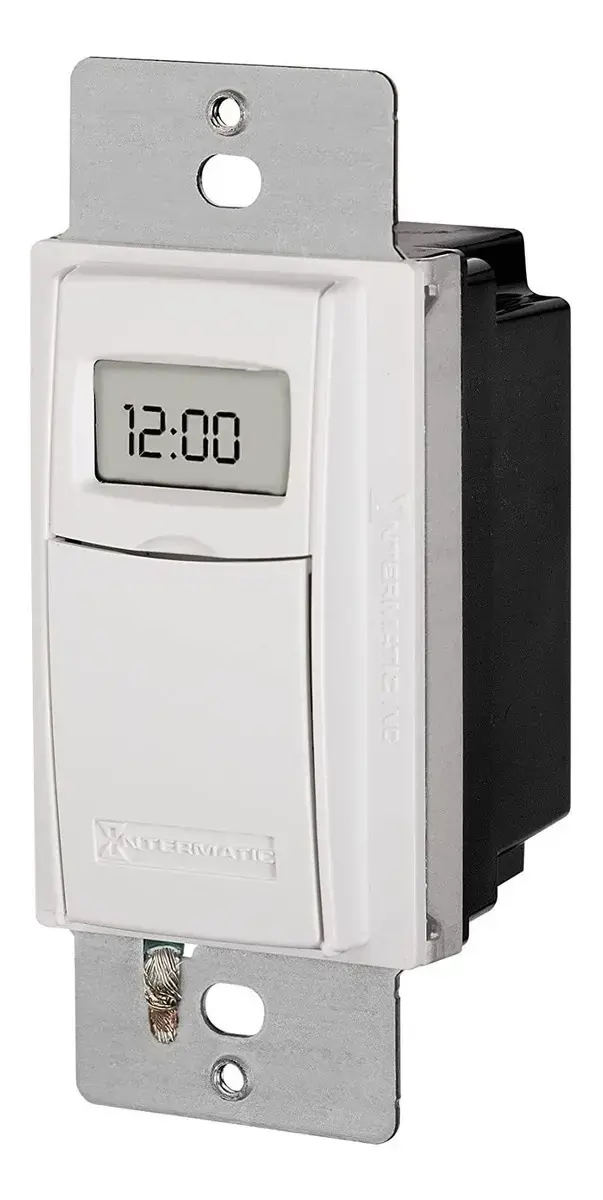
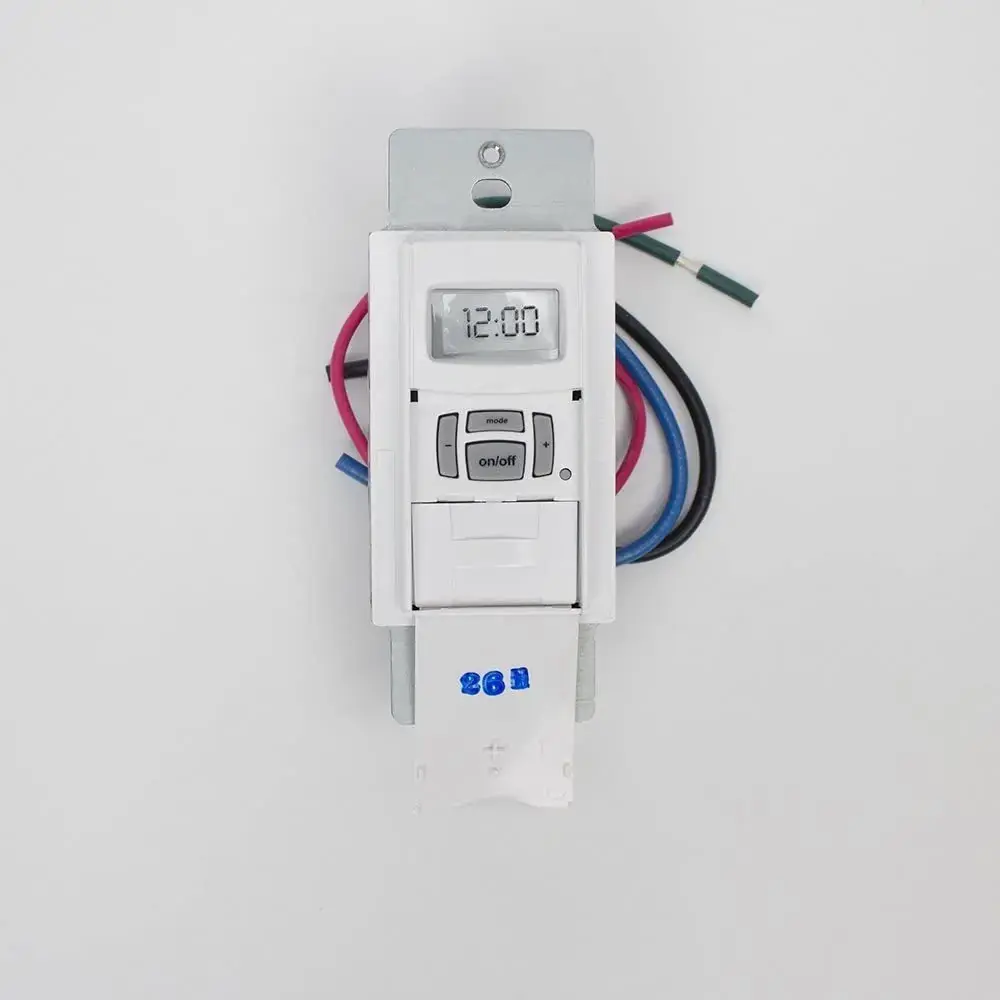
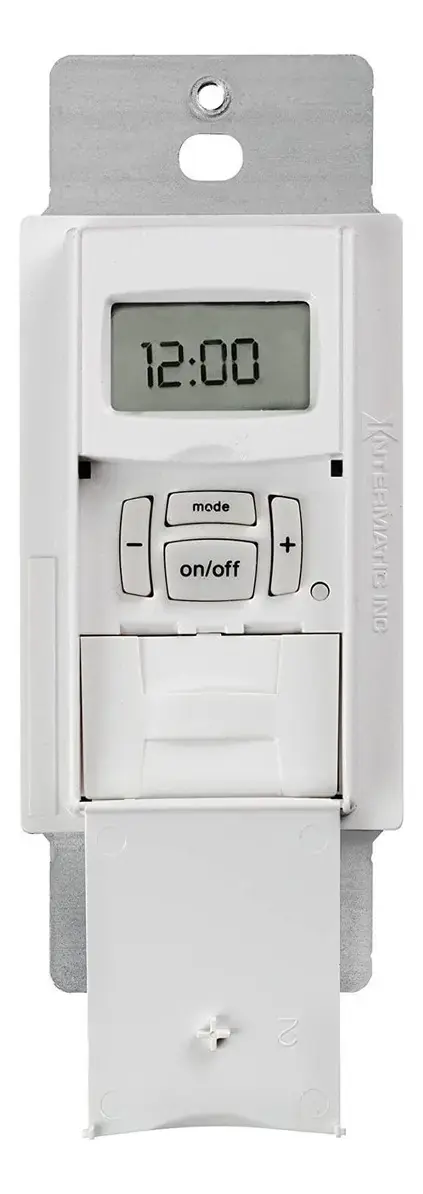
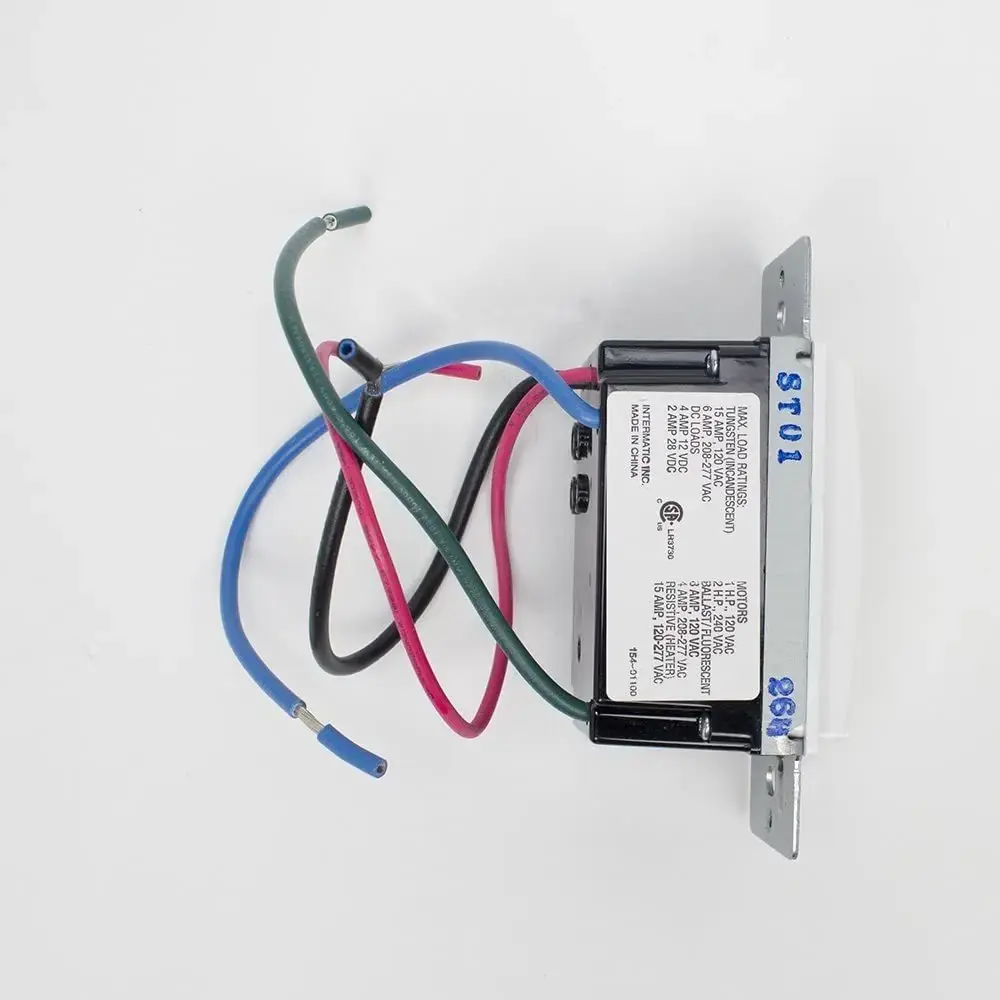
Intermatic ST01/ST01k/EI600 Digital Timer Specifications
| Specification | Value |
|---|---|
| Model Numbers | ST01, ST01k, EI600 |
| Product Type | In-Wall Digital Timer with Astro or Countdown Feature |
| Operating Voltage | 120-277 VAC, 50/60 Hz |
| Resistive (Heater) | 15 A, 120-277 VAC (ST01/ST01K); 20 A, 120-277 VAC (EI600) |
| Tungsten (Incandescent) | 15 A, 120 VAC; 6 A, 208-277 VAC |
| Ballast (Fluorescent) | 8 A, 120 VAC; 4 A, 208-277 VAC (ST01/ST01K); 16 A, 120-277 VAC (EI600) |
| Electronic Ballast (LED) | 5 A, 120 VAC; 2 A, 277 VAC |
| Motor Load | 1 HP, 120 VAC; 2 HP, 240 VAC |
| DC Loads | 4 A, 12 VDC; 2 A, 28 VDC |
| Operating Temperature | 32° F to 104° F (0° C to 40° C) |
| Dimensions (H x W x D) | 4 1⁄8” H x 1 3⁄4” W x 1 13⁄16” D |
| Neutral Wire | Not Required |
| Battery Type | CR2 Lithium (UL certified) |
Intermatic ST01/ST01k/EI600 Details
The Intermatic ST01/ST01k/EI600 digital timer offers robust scheduling capabilities, allowing for comprehensive 7-day programming. Users can define up to 40 unique event spaces, configuring combinations of "Dawn," "Dusk," or specific time-based schedules. An optional Automatic Daylight-Saving Time (DST) adjustment feature simplifies seasonal changes, eliminating manual adjustments. Furthermore, the timer supports three distinct languages: English (ENG), Spanish (SPAN), and French (FRN), enhancing its usability across a diverse user base. This versatility makes it suitable for a wide array of applications.
Beyond its scheduling prowess, the timer incorporates a practical "RAND" (random) feature. This mode intelligently varies switching times to simulate an "occupied" appearance, providing an effective deterrent against unwanted visitors when the premises are vacant. The device also boasts a flexible "DOWN" (countdown) function, enabling users to program automatic shut-off sequences ranging from a mere one second up to a full 24 hours after activation. This makes it ideal for managing power to various devices, offering both convenience and energy efficiency.
Powering the timer is a CR2 Lithium battery, which facilitates initial setup and programming without requiring AC power. The battery also maintains the internal clock and date, and controls the ON/OFF function, indicated by an audible "clicking" sound. A "BATT LOW" message on the display warns users when the battery charge is diminishing, prompting timely replacement. Crucially, all programmed settings—except for the current date and time during a brief battery change window—are retained in memory, even without continuous battery or AC power.
The user interface is designed for intuitive navigation. Menus "loop," repeating options for easy access, and dedicated "+" and "–" buttons allow for quick adjustments, with a hold function for faster scrolling. The "AUTO" and "RAND" operational modes become accessible only after at least one ON or OFF event has been successfully programmed, streamlining the initial setup process. For the countdown function, users can configure a 3-minute shut-off warning, known as "WARN," which can be set to flash the controlled lights as a visual alert or be turned off entirely.
Further enhancing its utility, the countdown function includes several "LOCK" options: None, Pause (disables the ability to suspend the countdown), Time (allows review but prevents alteration of the time setting), and All (locks both pause and time setting adjustments). Installation is straightforward; the timer is compatible with both single-pole and 3-way wiring configurations, and notably, it does not necessitate a neutral wire. For installations involving contractor or motor loads, the manual recommends incorporating an ET-NF noise filter to ensure stable operation and prevent potential interference.
Frequently Asked Questions (FAQs)
Can't find the answer you need? Here are some frequently asked questions about the Intermatic ST01/ST01k/EI600 Digital Timer, and we answer them below.