
iHome IBT232 Clock Radio Instruction Manual

iHome IBT232 Clock Radio









iHome IBT232 Clock Radio Instructions
Here we offer the iHome IBT232 Clock Radio manual completely free and in English. We have cataloged this manual in the Clock Radios section on Manualverse, and it has been rated by 1 users with an average rating of 5. If you have any specific questions about iHome IBT232 Clock Radio, we suggest checking the Frequently Asked Questions (FAQs) section of this manual.
Product Images
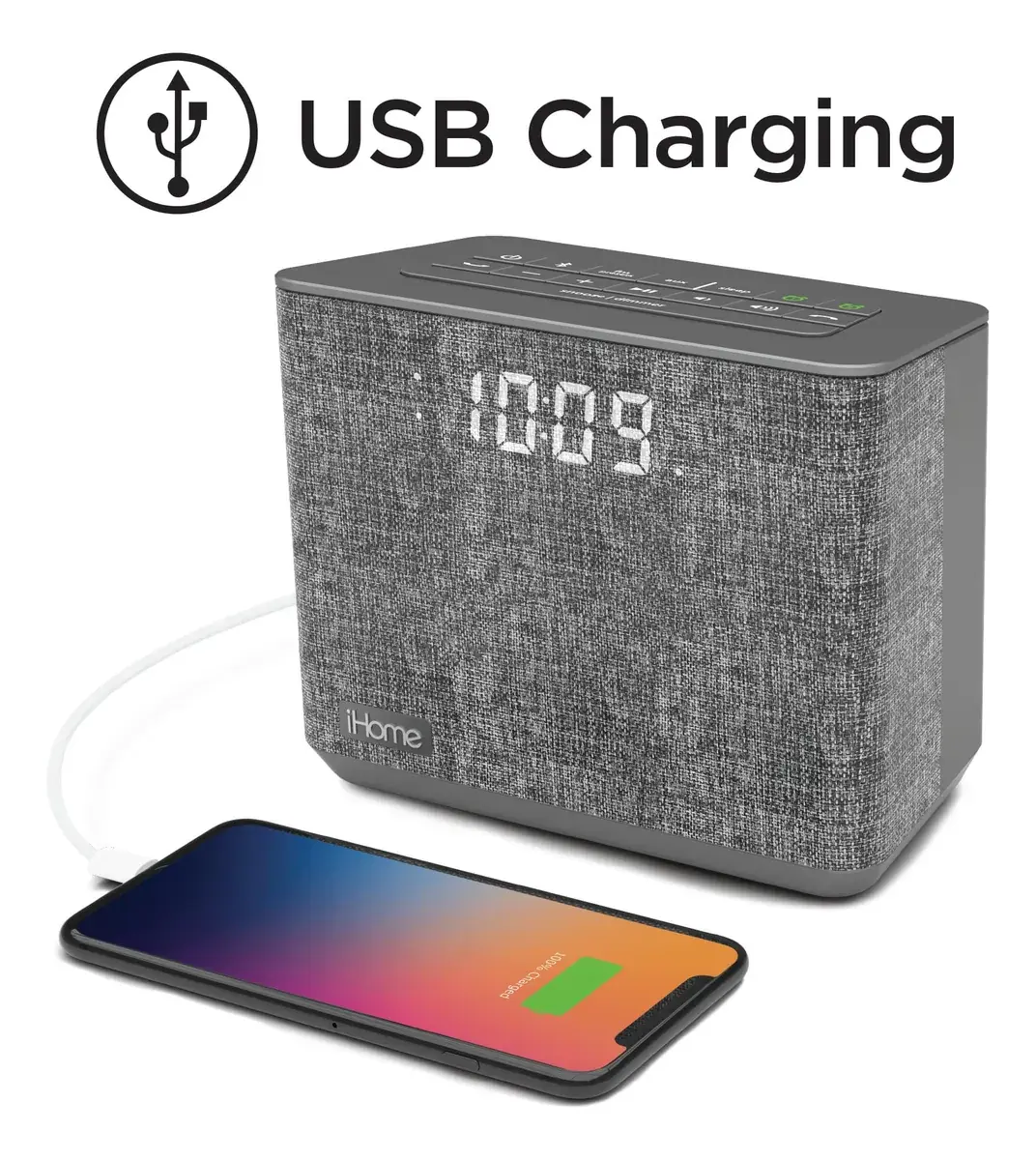


iHome IBT232 Clock Radio Specifications
| Feature | Specification |
|---|---|
| Model | iHome iBT232 |
| Product Type | Bluetooth FM Clock Radio with USB Charging |
| Power Input | DC 7.5V 1.6A |
| AC Adapter | 100V-240V universal AC adapter (included) |
| Clock Backup Batteries | 2 x AA (included) |
| Radio Band | FM |
| FM Presets | 6 (P1-P6) |
| FM Antenna | Extendable wire antenna (rear) |
| Alarms | Dual alarms (Alarm 1 and Alarm 2) |
| Wake-to Sources | Bluetooth, FM radio, tone |
| Alarm Tones | 4 (t1-t4) |
| Alarm Schedules | 7 d (every day), 5 d (weekdays), 2 d (weekends) |
| Snooze Duration | Adjustable 1-29 minutes (9 minutes default) |
| Sleep Timer | 15, 30, 60, 90, 120 minutes or OFF |
| Clock Format | 12-hour or 24-hour |
| Daylight Saving Time Switch | Auto, +1, -1 |
| Bluetooth Device Name | iHome iBT232 |
| Bluetooth Passcode | 1234 |
| Bluetooth Range | About 33 feet |
| Pairing Mode Timeout | 3 minutes |
| Speakerphone | Yes, built-in microphone next to display |
| Voice Control | Siri / Google Now (iOS 10 or Android 4.1 and later) |
| Auxiliary Input | 3.5mm stereo aux-in jack |
| USB Charging Port | Yes, standard USB (cable not included) |
| FCC ID | EMOiBT232 |
| IC | 986B-iBT232 |
| FCC Classification | Class B digital device, Part 15 |
| Warranty | Limited 1 year (USA only) |
| Customer Service | 1-800-288-2792 |
iHome IBT232 Clock Radio Details
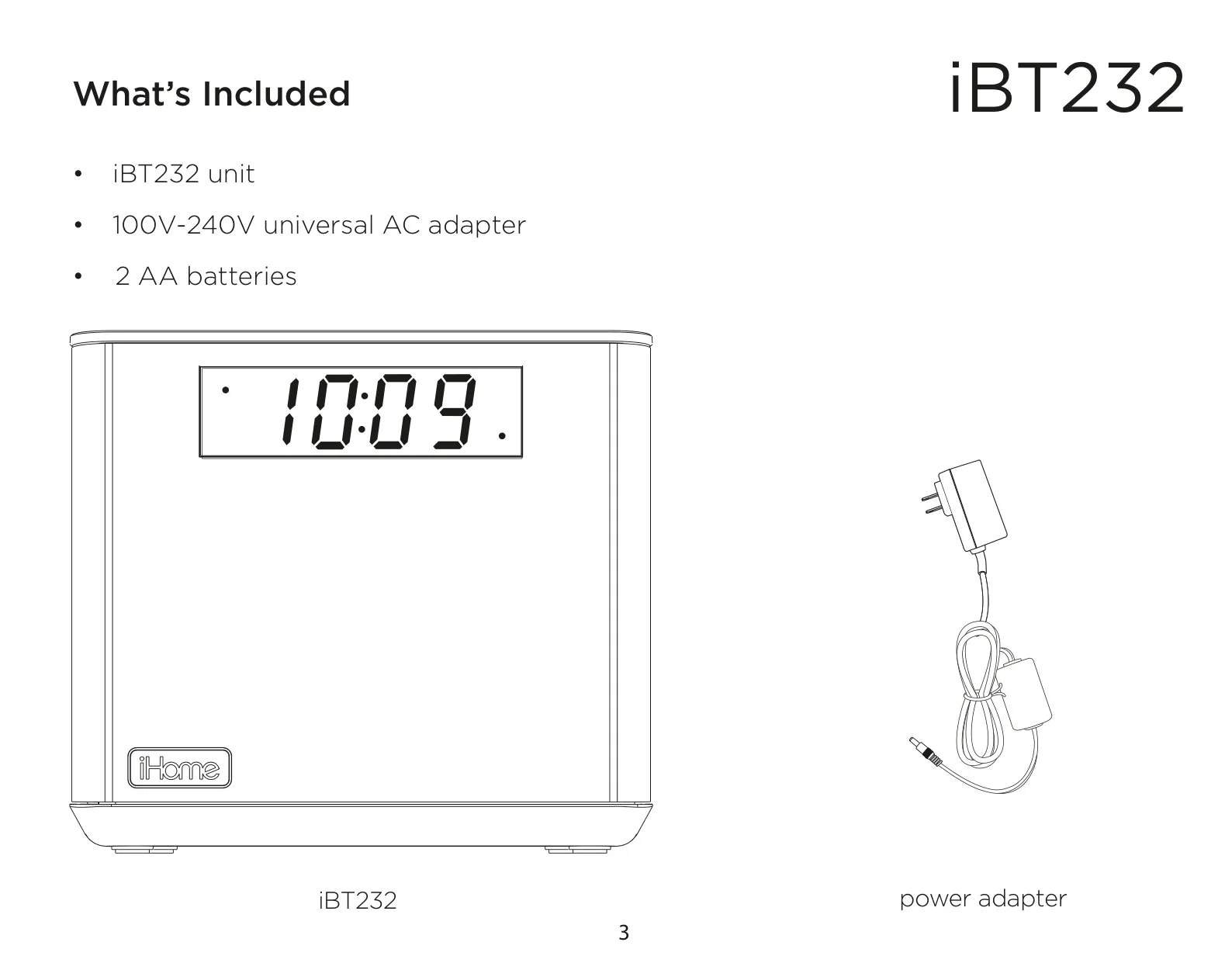
The iHome iBT232 is a bedside clock radio that also works as a wireless speaker. To set it up, plug the AC adapter into the DC jack on the back and into a wall outlet that is not controlled by a switch, then extend the FM antenna. Install the two AA backup batteries before you first use the unit. For daily care, wipe the unit with a soft cloth moistened only with mild soap and water. Solvents such as benzene or thinner can damage its surface.
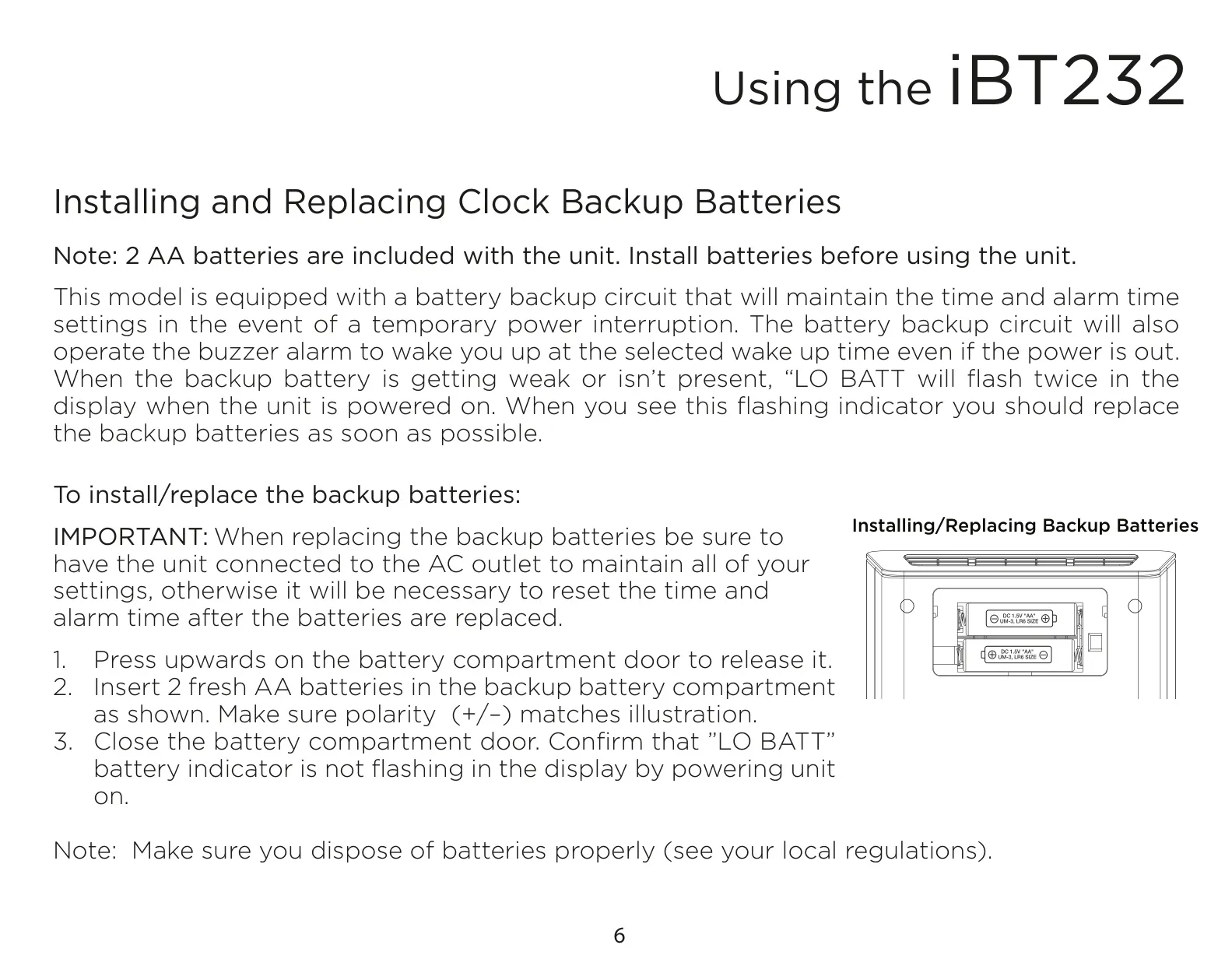
The battery backup circuit keeps the time and alarm settings during a temporary power interruption. If the power is out, it also runs the buzzer alarm so you still wake up on time. When the batteries are weak or missing, "LO BATT" flashes twice on the display at power-on. Replace the batteries while the unit is still plugged in so your settings are kept. Otherwise you will need to reset the time and alarms.
The display has a PM indicator on the left; there is no AM indicator, so take care when setting times. The Snooze/Display Dimmer Button has two jobs. While an alarm is sounding, it snoozes the alarm, and you can snooze several times. The rest of the time, it cycles through the brightness levels, one of which turns the display off completely. Holding it for 2 seconds opens the snooze duration setting.
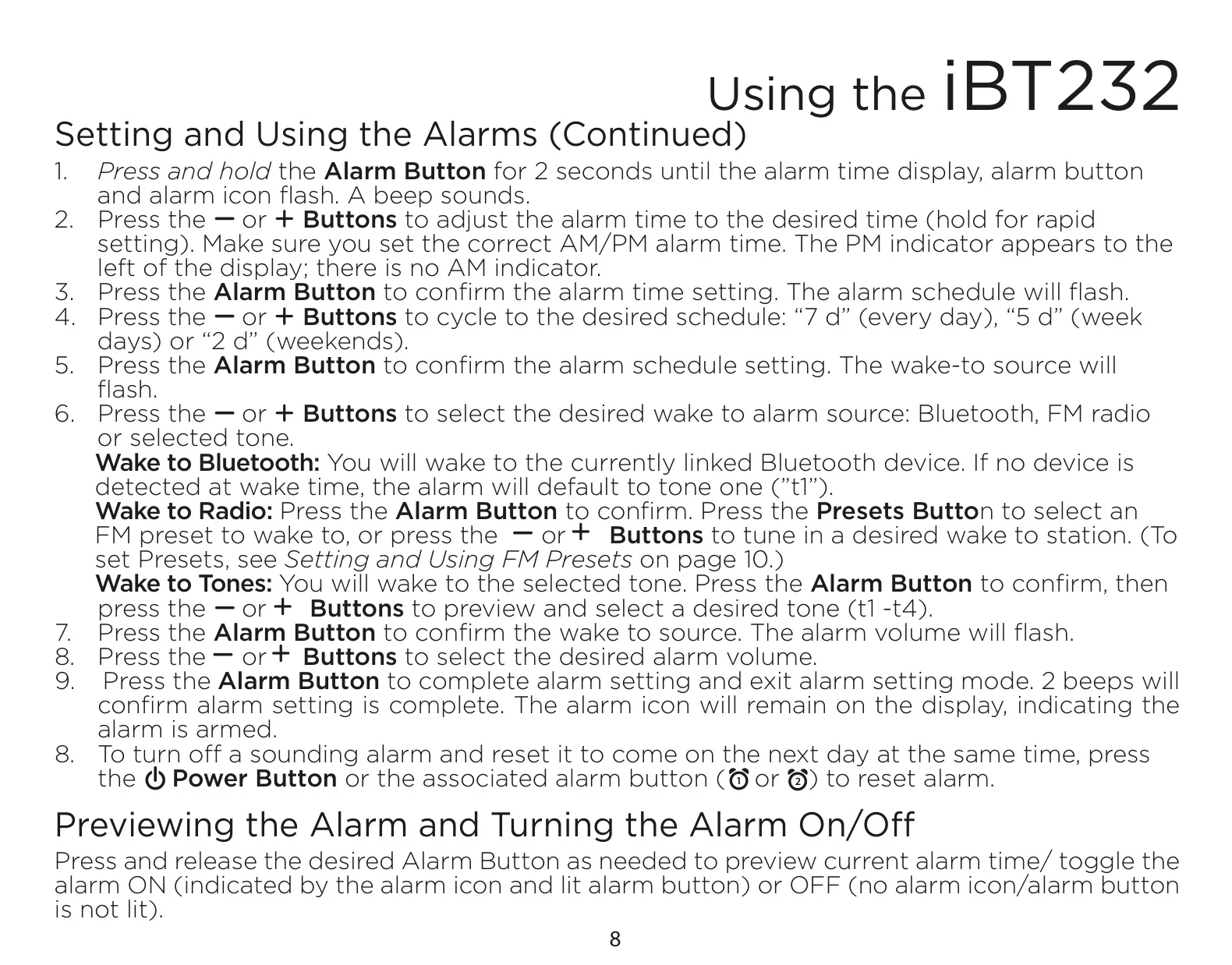
Each alarm is set in a guided sequence: time, schedule, wake source and alarm volume. Every step must be completed while the display is flashing. If you wait too long, setting mode times out but saves any changes you have made. Pressing an alarm button once shows its current alarm time and switches it on or off. An armed alarm shows its icon on the display and its button lights up. Pressing Power or the matching alarm button stops a sounding alarm and resets it for the same time the next day.
If you choose to wake to Bluetooth and no linked device is found at alarm time, the unit plays tone t1 instead. When waking to radio, you can choose one of your presets or tune to any station manually. In sleep mode, the sleep volume is stored separately from the other volume settings. Pressing the Sleep button during sleep mode shows how much time is left. On FM, holding the tuning buttons scans to the next clear station.
In Bluetooth mode, "bt" appears on the display and the Bluetooth Button glows green. The Play/Pause Button plays or pauses audio, and the arrow buttons skip to the previous or next track. When a call comes in, music mutes, "CALL" flashes on the display, and you use the Answer and End buttons to take or decline the call. After the call ends, the unit goes back to what it was doing. When you power it on, the unit automatically reconnects to the last paired device if that device is in range.
The aux-in mode shows "AUX" on the display and works with phones, tablets, game devices, laptops and MP3 players. The USB port only charges devices while the unit is plugged into a working outlet. Some devices that use their own proprietary charging method may not charge from it. If the unit freezes, unplug it, remove the backup batteries and wait 2 minutes, then reconnect everything. After this reset, you will need to set the clock, radio and other settings again.
For safety, keep the unit away from water and heat sources, and do not block its ventilation openings. If you will not use it for a month or longer, remove the backup batteries to prevent corrosion. The warranty is offered by SDI Technologies. To use it, you need a Return Authorization Number and the sales receipt. It does not cover damage from misuse, excessive heat or cracked cabinets, or the cost of shipping.
Frequently Asked Questions (FAQs)
Can't find the answer you need? Here are some frequently asked questions about the iHome IBT232 Clock Radio, and we answer them below.