
Devireg 550 Thermostat Instruction Manual
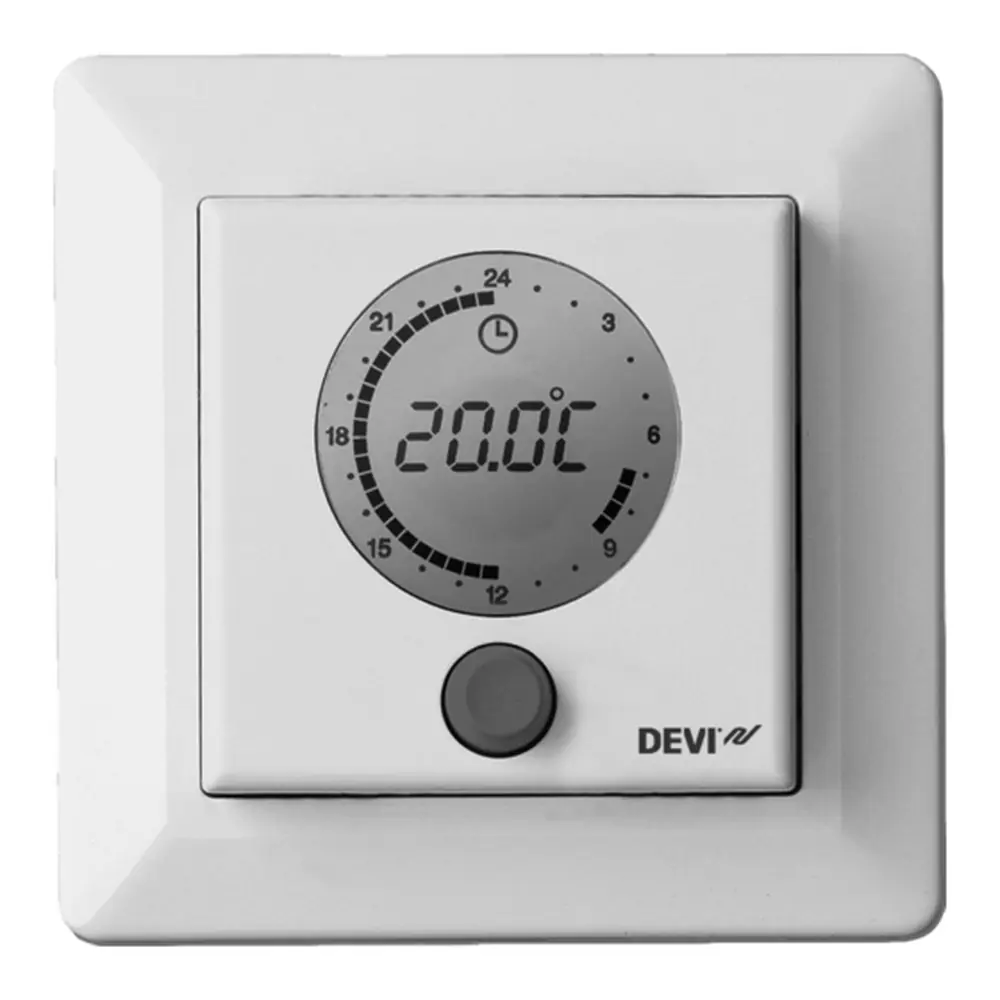
Devireg 550 Thermostat


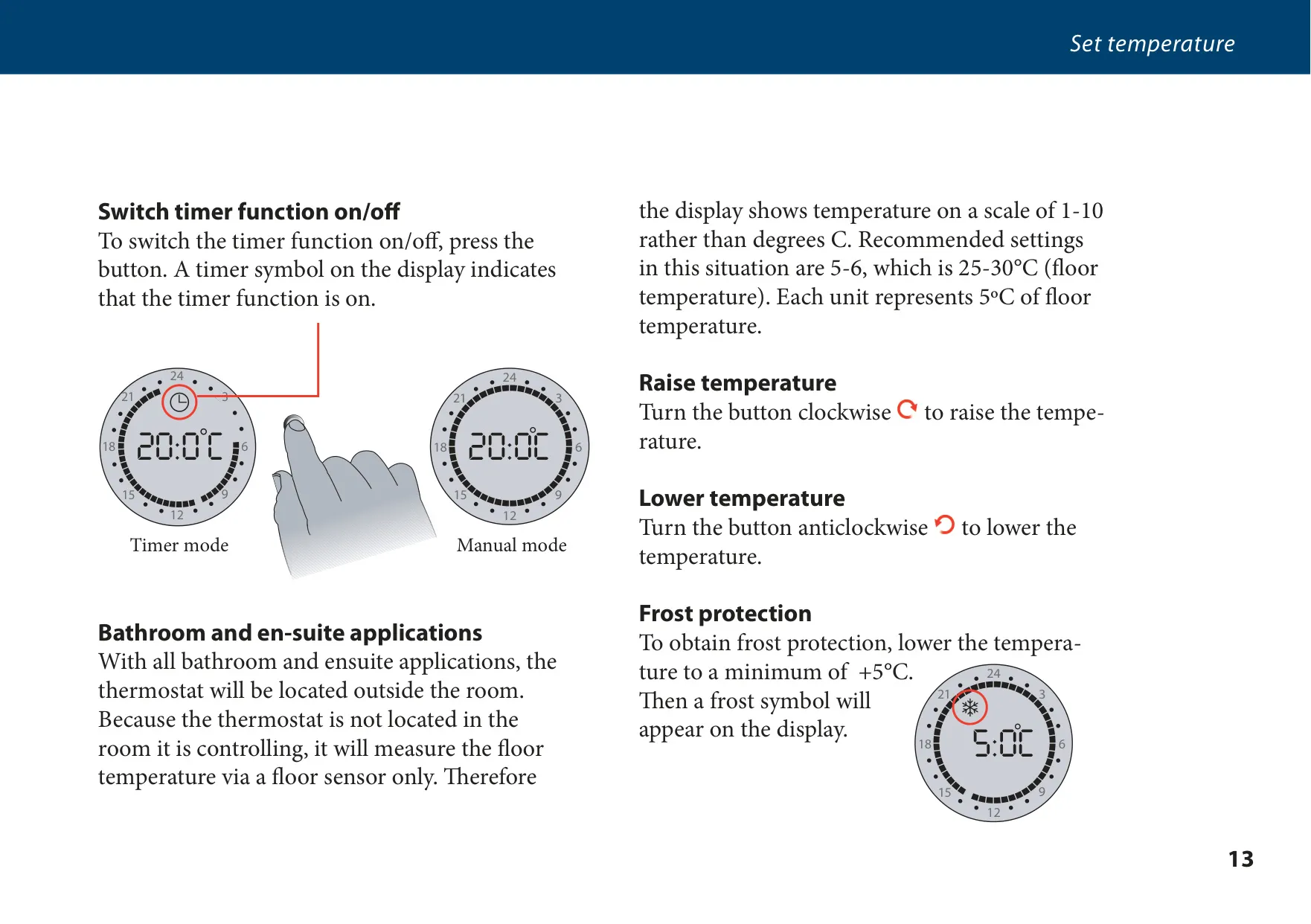




Devireg 550 Thermostat Instructions
Here we offer the Devireg 550 Thermostat manual completely free and in English. We have cataloged this manual in the Thermostats section on Manualverse, and it has been rated by 1 users with an average rating of 5. If you have any specific questions about Devireg 550 Thermostat, we suggest checking the Frequently Asked Questions (FAQs) section of this manual.
Product Images
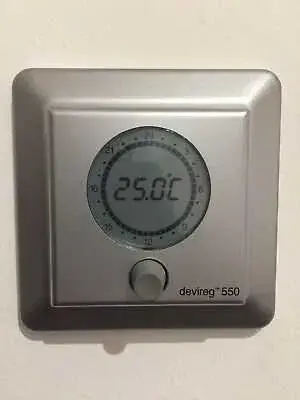
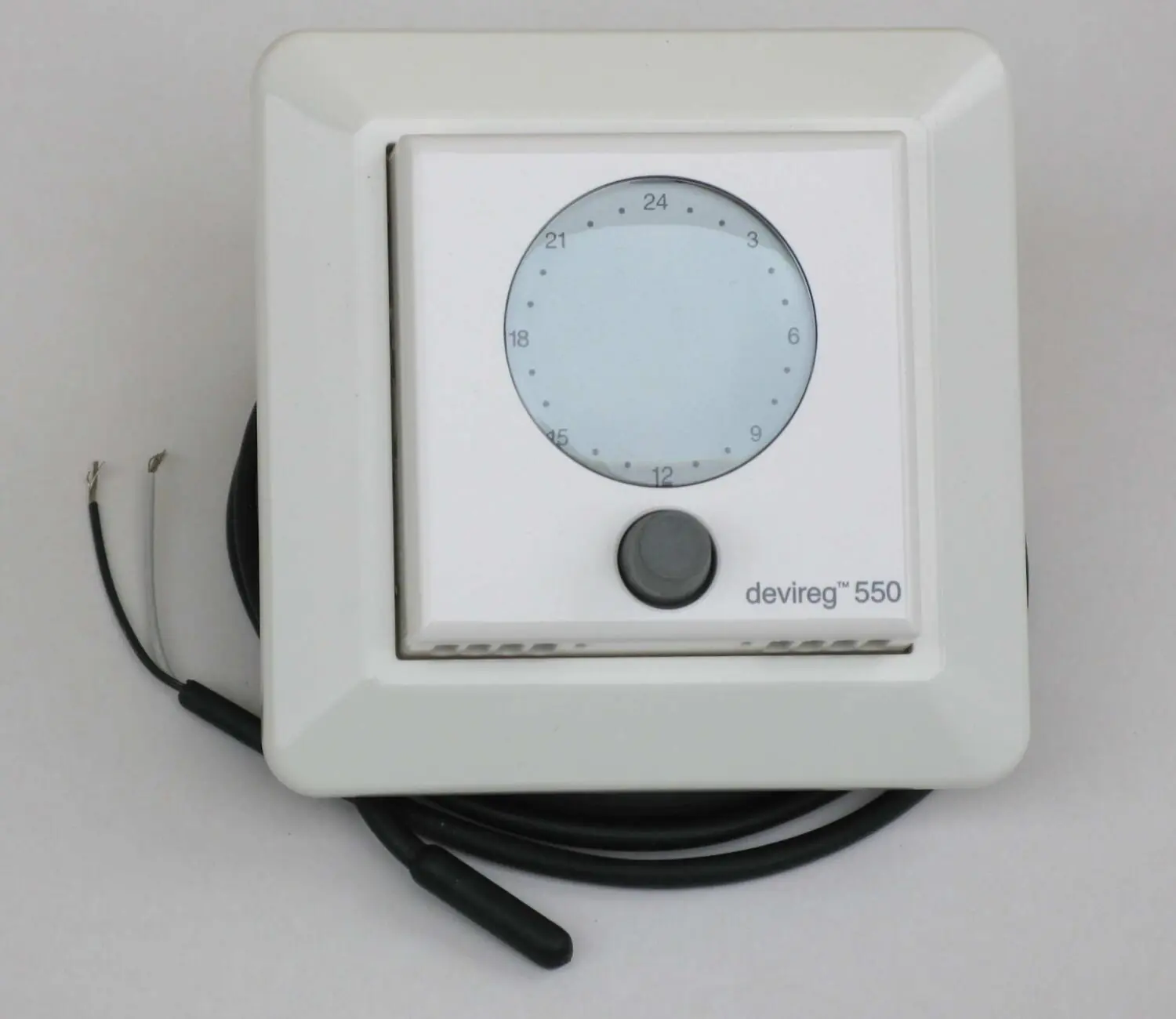
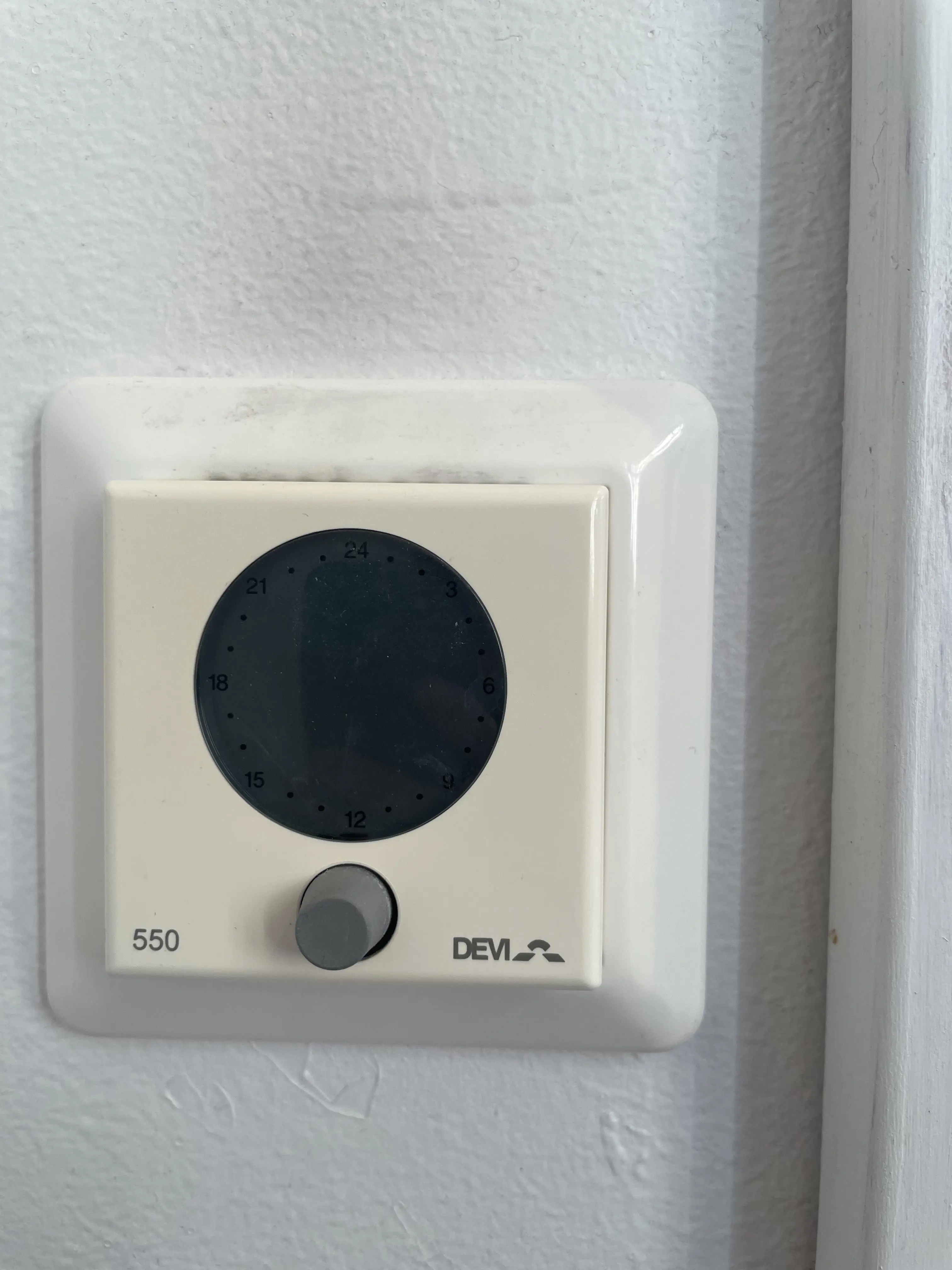
Devireg 550 Thermostat Specifications
| Feature | Specification |
|---|---|
| Product Type | Adaptive electronic temperature controller (thermostat) |
| Manufacturer | DEVI (Member of the Danfoss Group) |
| Primary Application | Electric underfloor heating systems; also suitable for other heating systems (e.g. power heating units) |
| Temperature Setting Range | 5°C to 35°C |
| Floor Sensor Only Display | Scale 1 to 10 (each unit = 5°C of floor temperature) |
| Recommended Bathroom Setting | 5–6 on scale (25–30°C floor temperature) |
| Frost Protection | Minimum +5°C (frost symbol shown) |
| Off Position | Below +5°C (1 on scale) in manual mode, OFF displayed |
| Sensor Modes | rFS (floor + air sensors) or FS (floor sensor only) |
| Temperature Readout | °C |
| Configuration Access Code | 0044 |
| Operating Mode Setting | ALO |
| Offset (OFFS) | 0.0°C |
| Set-back Level (LO) | Adjustable, -30°C recommended during configuration |
| Maximum Floor Temperature Parameter | “nt” (set according to floor finish) |
| Clock Display | 24-hour or 12-hour AM/PM |
| Timer Program | 7-day weekly, individual periods per day |
| Timer Resolution | 30-minute intervals |
| Timer Factory Setting | Not factory set |
| Clock Setting Access | Hold button for 3 seconds |
| Timer Programming Access | Hold button for 6 seconds |
| User Interface | Single rotary push button (turn, press, press and hold) |
| Display | Numerical display with 24-hour clock ring and status symbols |
| Error Codes | 2 to 7 |
| Floor Sensor Resistance | 10 kΩ – 24 kΩ |
| Thermostat Warranty | 2 years |
| Heating Cables and Mats Warranty | 10 years |
| Document Reference | Article 08090705, Version 01.02 |
Devireg 550 Thermostat Details
The devireg™ 550 is described by DEVI as "the thermostat that thinks". It doesn't simply switch on and off around a set-point. It combines the radiant comfort from the floor with the air temperature in the room to offset changes in the weather outside. Once you set your comfort temperature, the thermostat adjusts the heating automatically to keep that comfort level, whatever the weather is doing.
One useful feature is open-window detection. When the room temperature drops suddenly, the devireg™ 550 doesn't start heating straight away to make up for it. Instead, it checks the information it has stored to work out whether the drop has a temporary cause, such as a window left open for ten minutes. This stops energy being wasted while the room is being aired.
The thermostat also uses adaptive start-up when switching from economy to comfort temperature. It learns how quickly the room loses heat, so it knows when to start heating to reach the chosen temperature at exactly the right time. You only enter the times when you want comfort and economy temperatures, and you never need to work out how early the heating should start.
The display uses symbols to show what the thermostat is doing. You'll see a timer symbol when automatic mode is active, a symbol when the room is below the set-point, a frost protection symbol, an AM/PM indicator and dedicated symbols for setting the clock and programming the timer. The 24-hour clock ring shows comfort periods as black segments and economy periods as clear segments. A flashing point marks the current time in half-hour steps.
In manual mode, the thermostat holds a constant temperature, which is shown by an unbroken clock ring. This mode suits 24-hour heating or holding a lower temperature while you're on holiday. The thermostat is located outside the room in bathroom and en-suite installations, so it uses the floor sensor only. If you make a mistake while programming, turn the dial anticlockwise to the first segment and press the button to clear the markers.
A built-in self-diagnostic system continuously checks the heating system, the thermostat and any connected network. If it detects a fault, the clock ring flashes and the fault code is displayed. If the floor sensor or its cable develops a fault, or the thermostat overheats, the heating is switched off automatically. Recommended maximum floor temperatures depend on the floor finish and construction, from 27–32°C on timber bases up to 40–45°C for cable screed under tiles.
DEVI says its underfloor heating has hygiene benefits. Air circulation is very gentle, so less dust is carried around the room, which helps people with allergies or asthma. The system produces no harmful fumes such as carbon monoxide. The warranty only covers connections made by authorised electricians and installations done according to the instructions. It is void if payment for the equipment is in default. For defective thermostats, DEVI may repair the unit free of charge.
Frequently Asked Questions (FAQs)
Can't find the answer you need? Here are some frequently asked questions about the Devireg 550 Thermostat, and we answer them below.