
Axxess ASWC-1 Universal Control Interface Instruction Manual
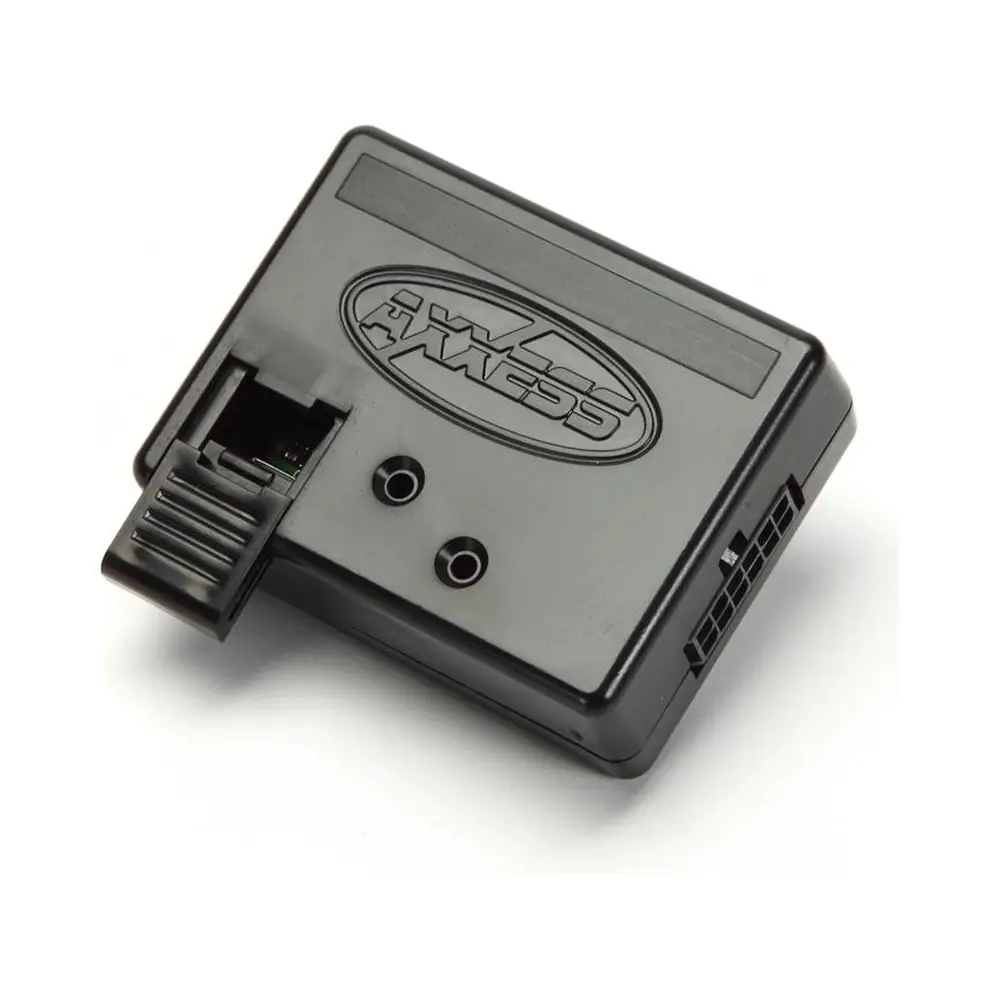
Axxess ASWC-1 Universal Control Interface

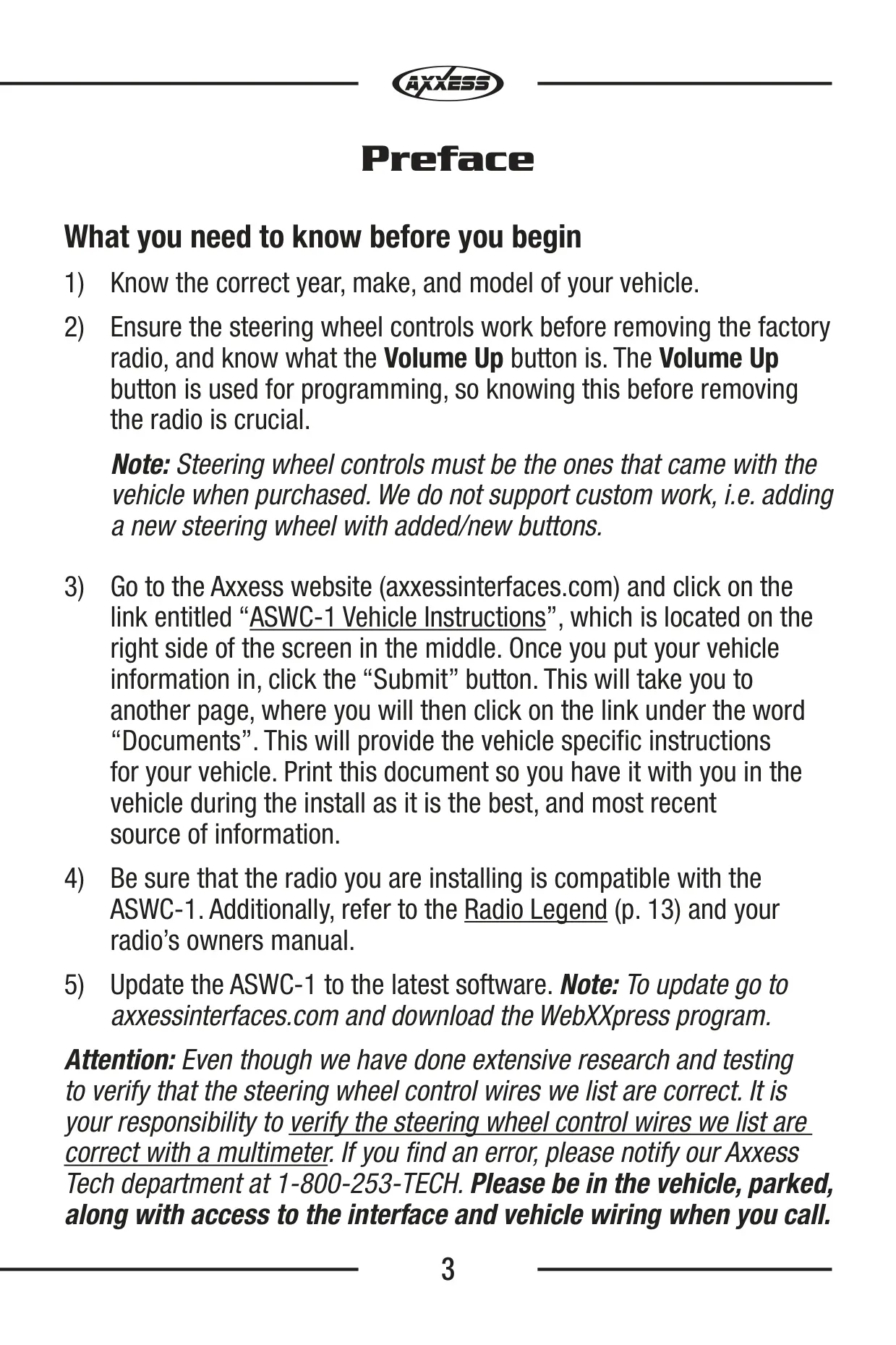









Axxess ASWC-1 Interface Instructions
Here we offer the Axxess ASWC-1 Universal Control Interface manual completely free and in English. We have cataloged this manual in the Universal Control Interfaces section on Manualverse, and it has been rated by 1 users with an average rating of 5. If you have any specific questions about Axxess ASWC-1 Universal Control Interface, we suggest checking the Frequently Asked Questions (FAQs) section of this manual.
Product Images

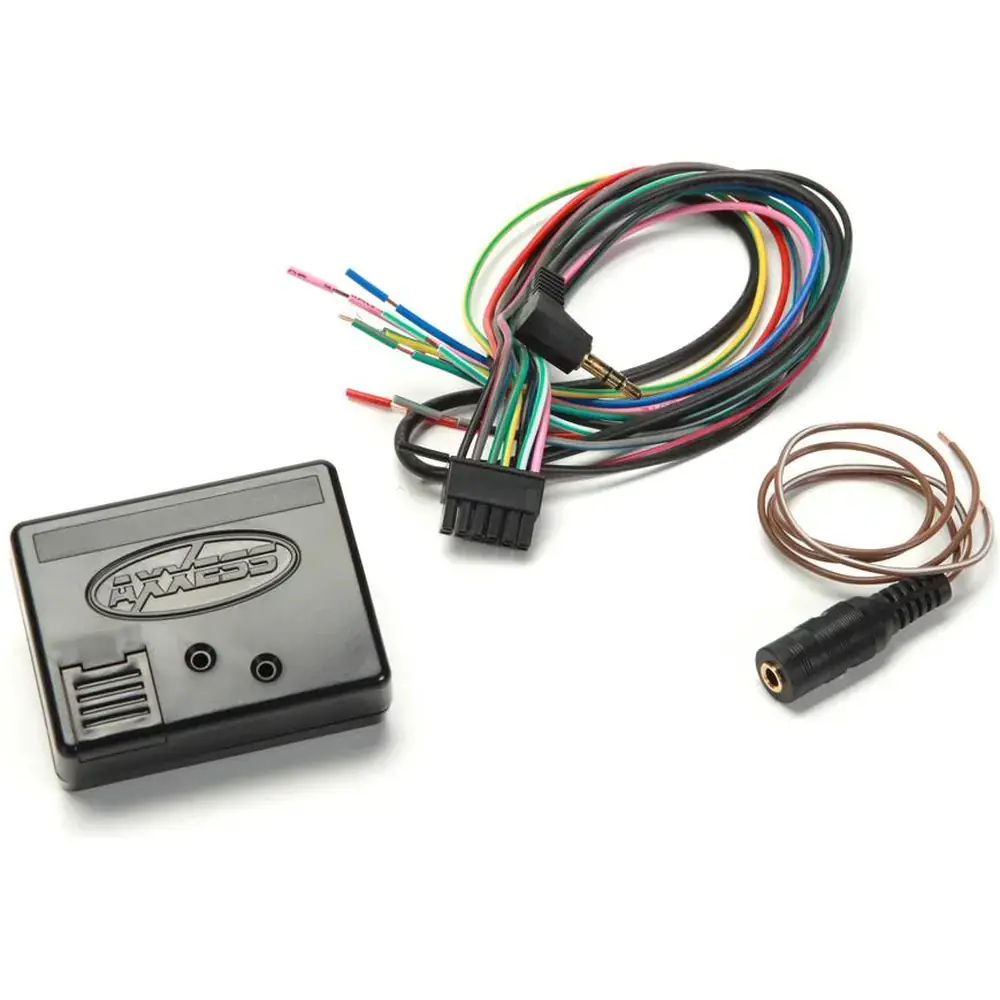
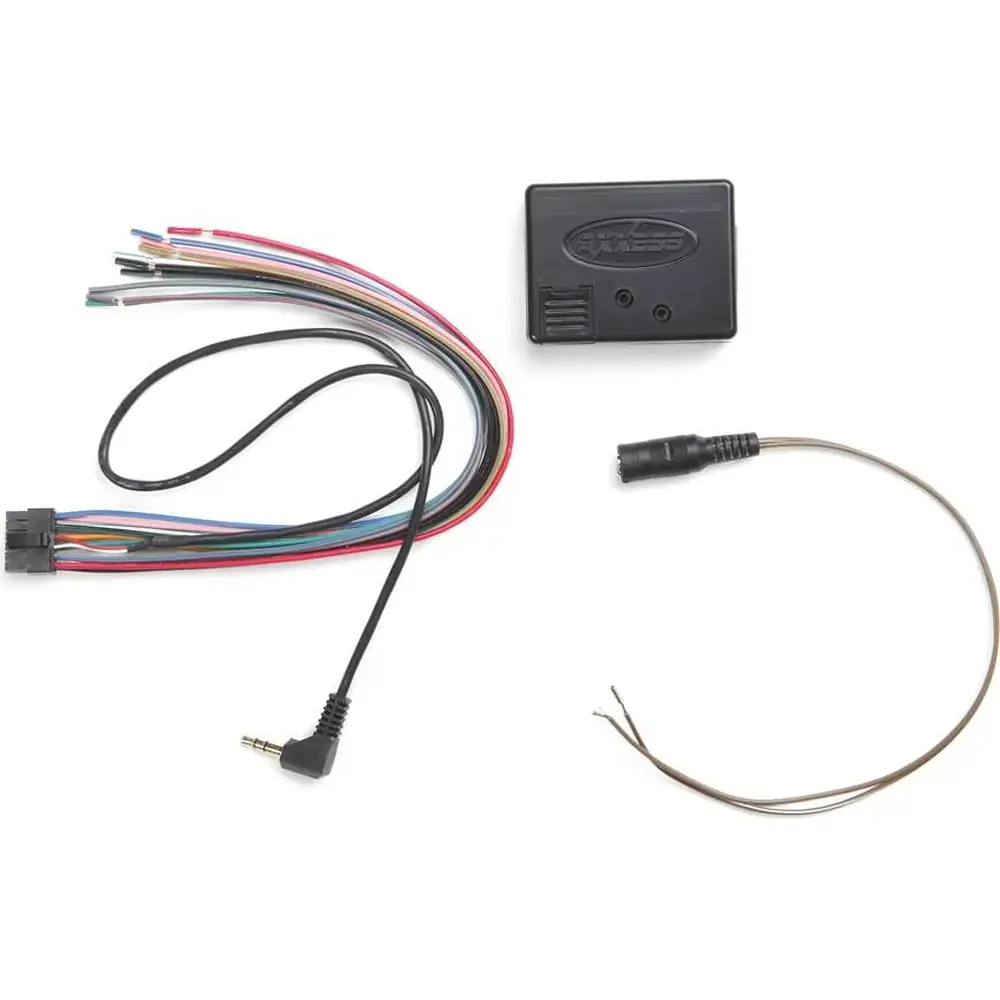
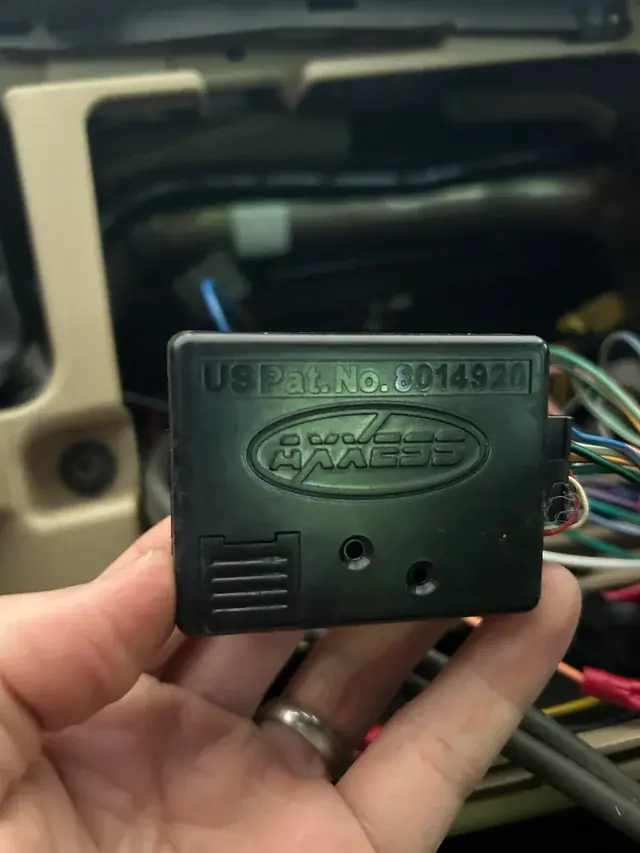
Axxess ASWC-1 Universal Control Interface Specifications
| Feature | Specification |
|---|---|
| Product | Axxess ASWC-1 Steering Wheel Control Interface |
| Manufacturer | Metra Electronics Corporation (Axxess) |
| US Patents | 8014920 and 8214105 |
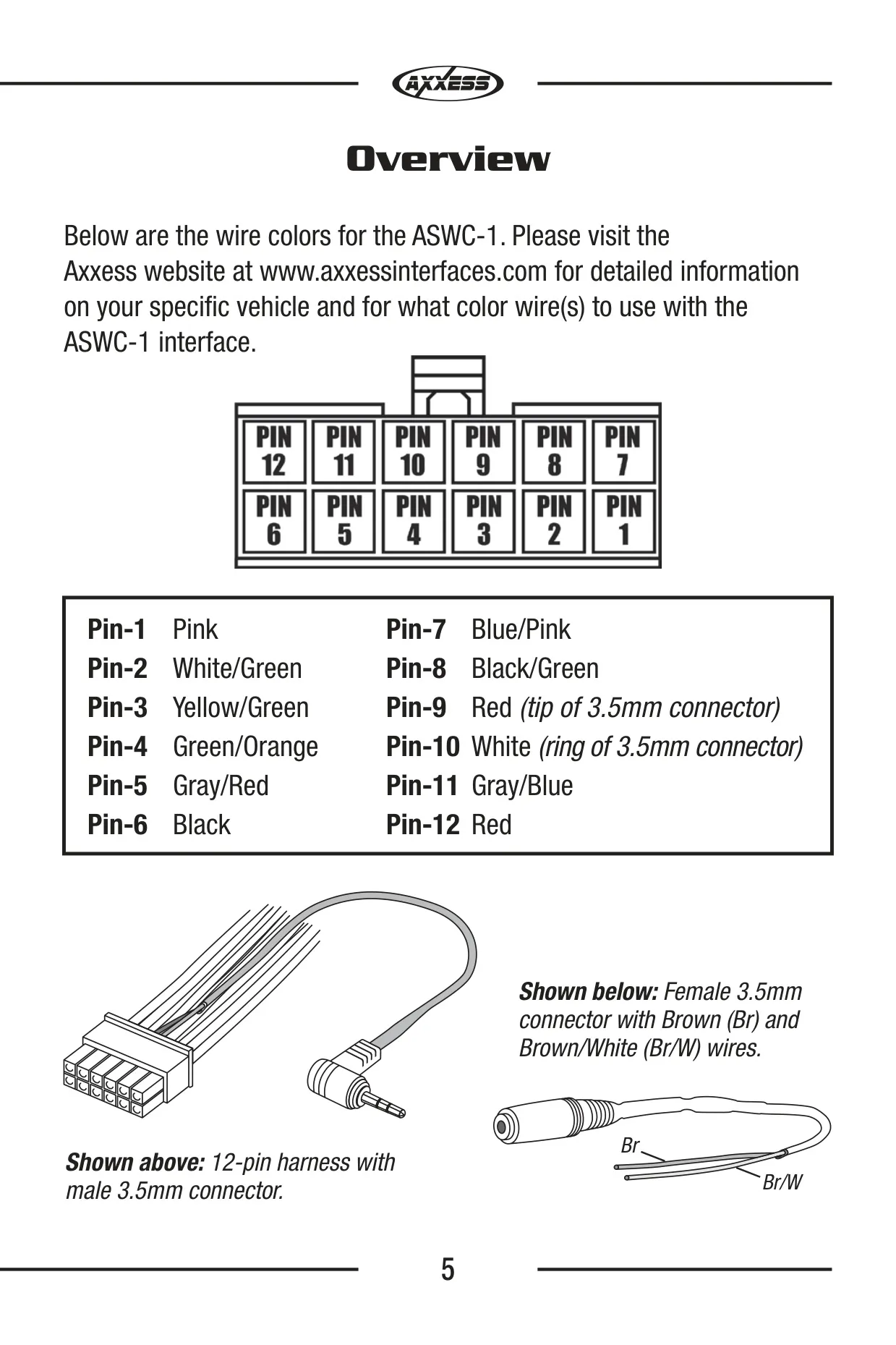
| Interface Components | ASWC-1 interface, 12-pin harness with male 3.5mm connector, female 3.5mm connector with Brown and Brown/White wires |
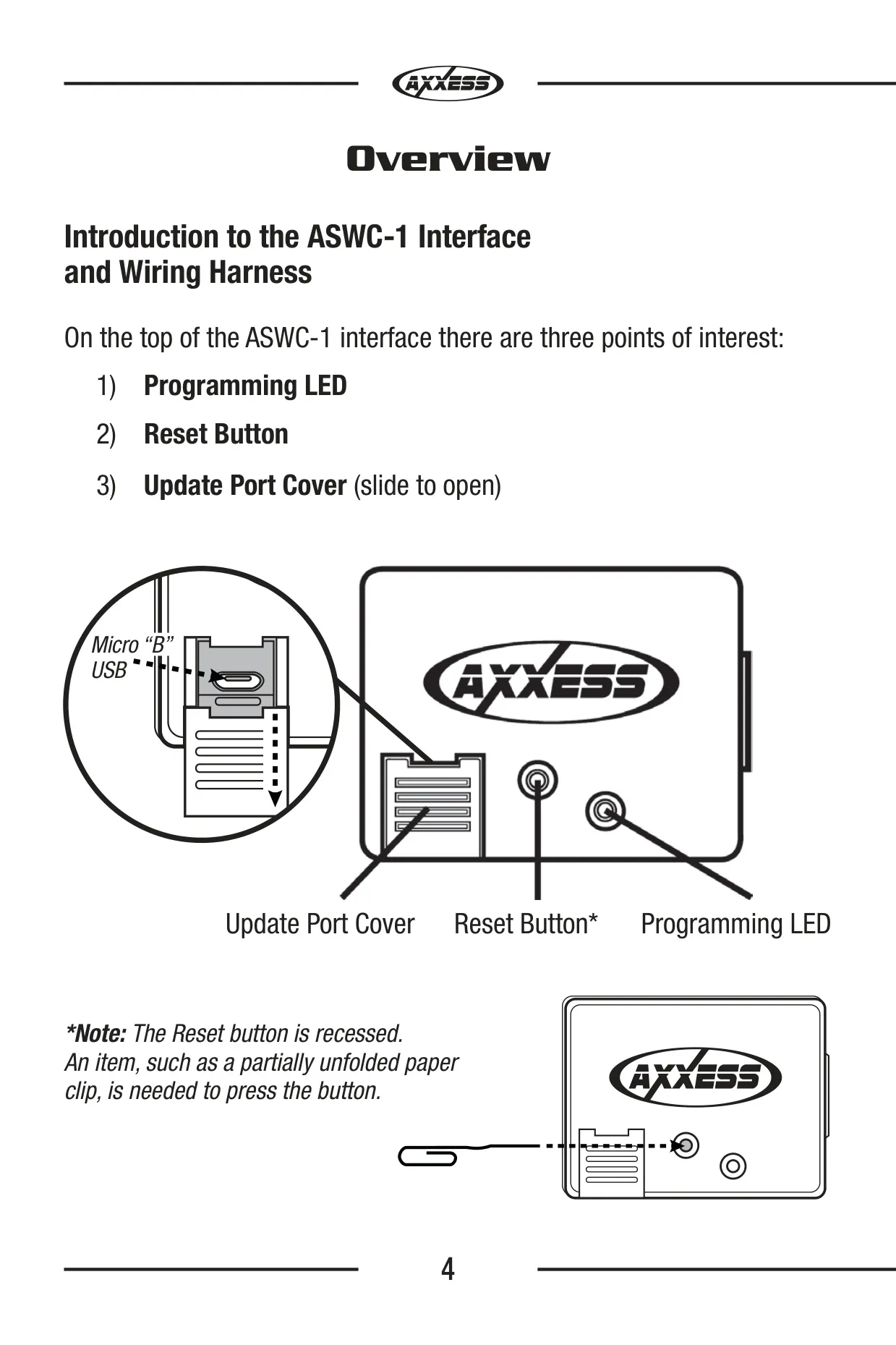
| Update Port | Micro "B" USB (behind sliding cover) |
| Update Software | WebXXpress (download from axxessinterfaces.com) |
| Top Panel Controls | Programming LED, recessed Reset button, Update Port Cover |
| LED Colors | Green (vehicle feedback), Red (radio feedback) |
| Power Input | 12-volt accessory wire (Red) |
| Ground | Black wire (Pin-6), dedicated chassis ground recommended |
| Pin-1 | Pink |
| Pin-2 | White/Green |
| Pin-3 | Yellow/Green |
| Pin-4 | Green/Orange |
| Pin-5 | Gray/Red |
| Pin-6 | Black |
| Pin-7 | Blue/Pink |
| Pin-8 | Black/Green |
| Pin-9 | Red (tip of 3.5mm connector) |
| Pin-10 | White (ring of 3.5mm connector) |
| Pin-11 | Gray/Blue |
| Pin-12 | Red |
| Vehicle SWC Wires Monitored (LED Feedback) | 7: White/Green, Yellow/Green, Green/Orange, Gray/Red, Black/Green, Gray/Blue, Pink |
| Supported Radio Types | 15: Eclipse (Type 1), Kenwood, Clarion (Type 1), Sony and Dual, JVC, Pioneer and Jensen, Alpine, Visteon, Valor, Clarion (Type 2), Metra OE, Eclipse (Type 2), LG, Parrot, XITE |
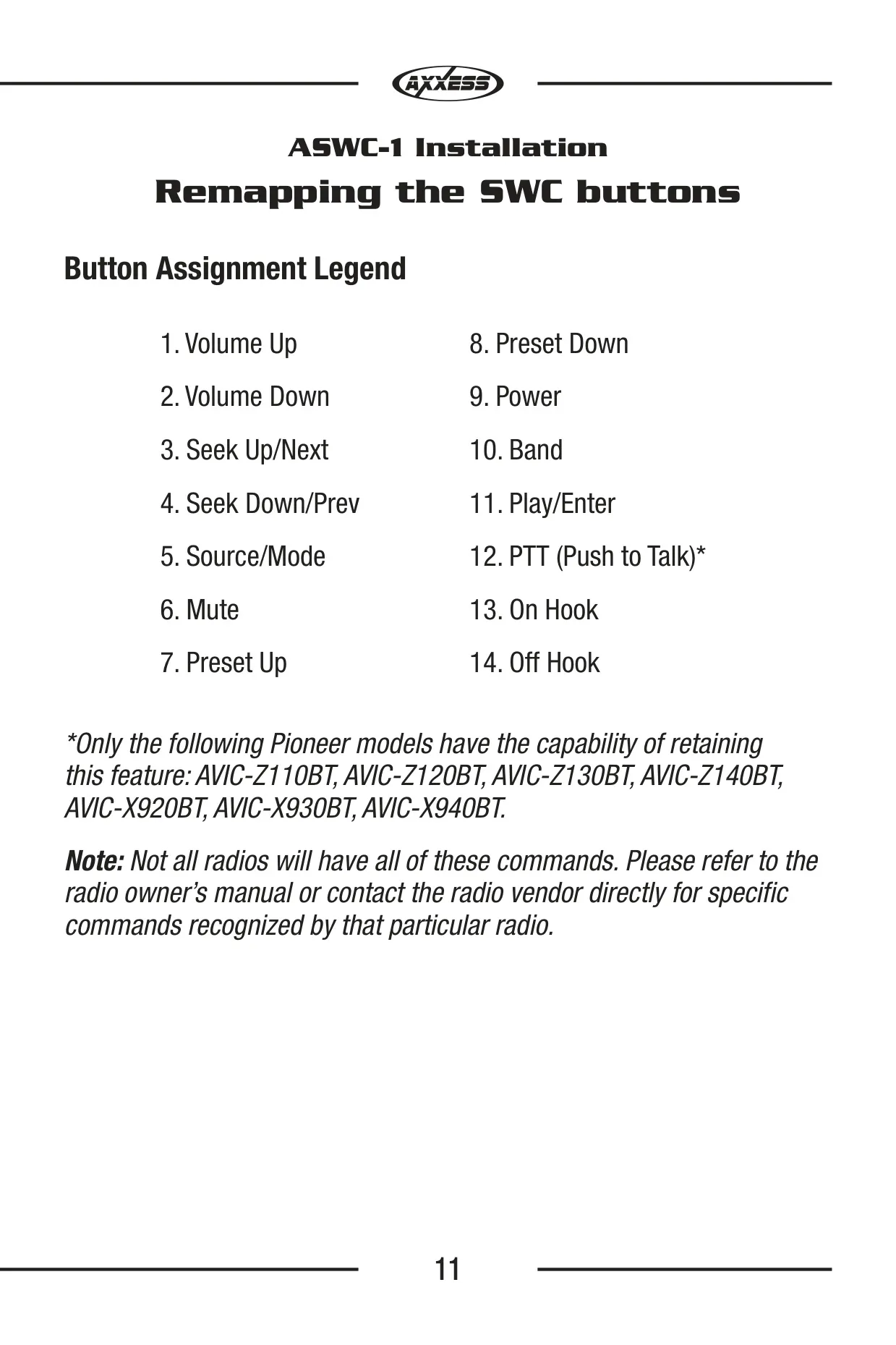
| Programmable Functions | 18: Volume Up/Down, Seek Up/Down, Source/Mode, Mute, Preset Up/Down, Power, Band, Play/Enter, PTT, On Hook, Off Hook, Fan Up/Down, Temp Up/Down |
| Dual Assignment Range | Button numbers 3 to 18 (1 and 2 not allowed) |
| Programming Modes | Auto Detect Mode, Manual Programming Mode |
| Memory | Retains settings after battery disconnection or interface removal |
| PTT Retention Compatible Pioneer Models | AVIC-Z110BT, AVIC-Z120BT, AVIC-Z130BT, AVIC-Z140BT, AVIC-X920BT, AVIC-X930BT, AVIC-X940BT |
| Parrot Asteroid Requirements | AX-SWC-PARROT (sold separately), radio firmware rev. 2.1.4 or higher |
| Tools Required | Cutting tool, crimping tool, tape |
| Connection Location | All connections made at the radio location |
| Tech Support | 1-800-253-TECH |
| Metra Help Line | 1-800-221-0932 |
Axxess ASWC-1 Interface Details
The recommended way to program the ASWC-1 is Auto Detect Mode. Each vehicle needs one of three actions to start detection: turning the ignition on, turning it on and holding Volume Up, or turning it on and tapping Volume Up repeatedly. The vehicle-specific ASWC-1 Vehicle Instructions document on axxessinterfaces.com says which action applies. Before removing the factory radio, check that the steering wheel controls work and identify the Volume Up button. Metra also says the installer is responsible for checking the listed wires with a multimeter.
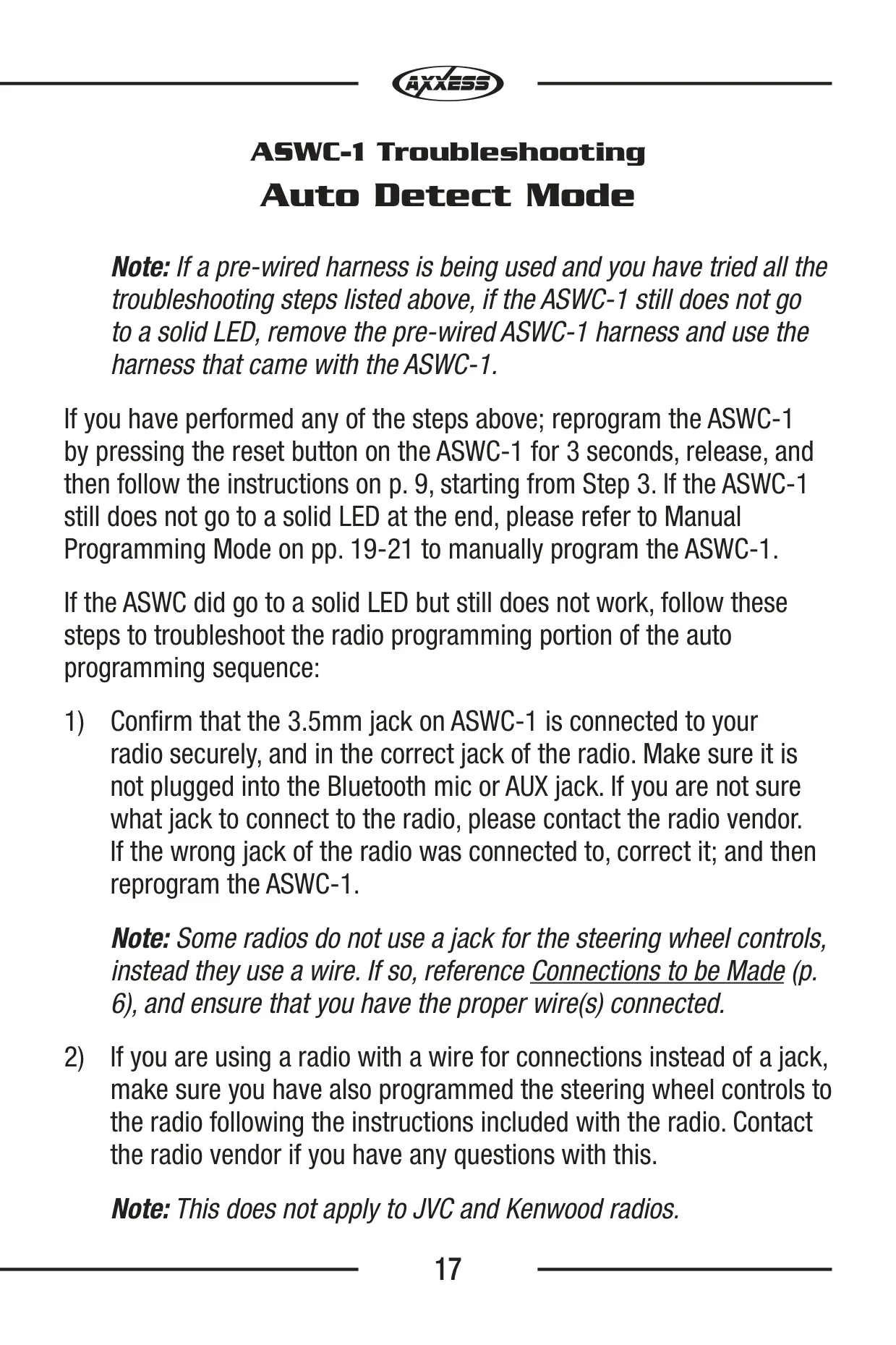
During detection, the LED flashes red rapidly while the interface looks for the vehicle and the radio. Next, it goes dark for about 2 seconds and gives a series of 7 green flashes. Long flashes mean a wire is connected and short flashes mean it is not. After another 2-second pause, it flashes red up to 15 times to identify the radio. A solid LED means detection succeeded. If you get 7 red flashes but don't have an Alpine radio, the interface did not detect any radio.
In vehicles with factory Bluetooth buttons, press and hold Hang up or Pick up after the LED goes solid. If the radio supports these commands, the LED goes out after 3 seconds and the buttons are programmed. You can also remap buttons later. Within 20 seconds of turning the ignition on, hold Volume Up until the LED goes solid. Then program the buttons in the order shown in the Button Assignment Legend. To skip a function your wheel doesn't have, press Volume Up for 1 second.
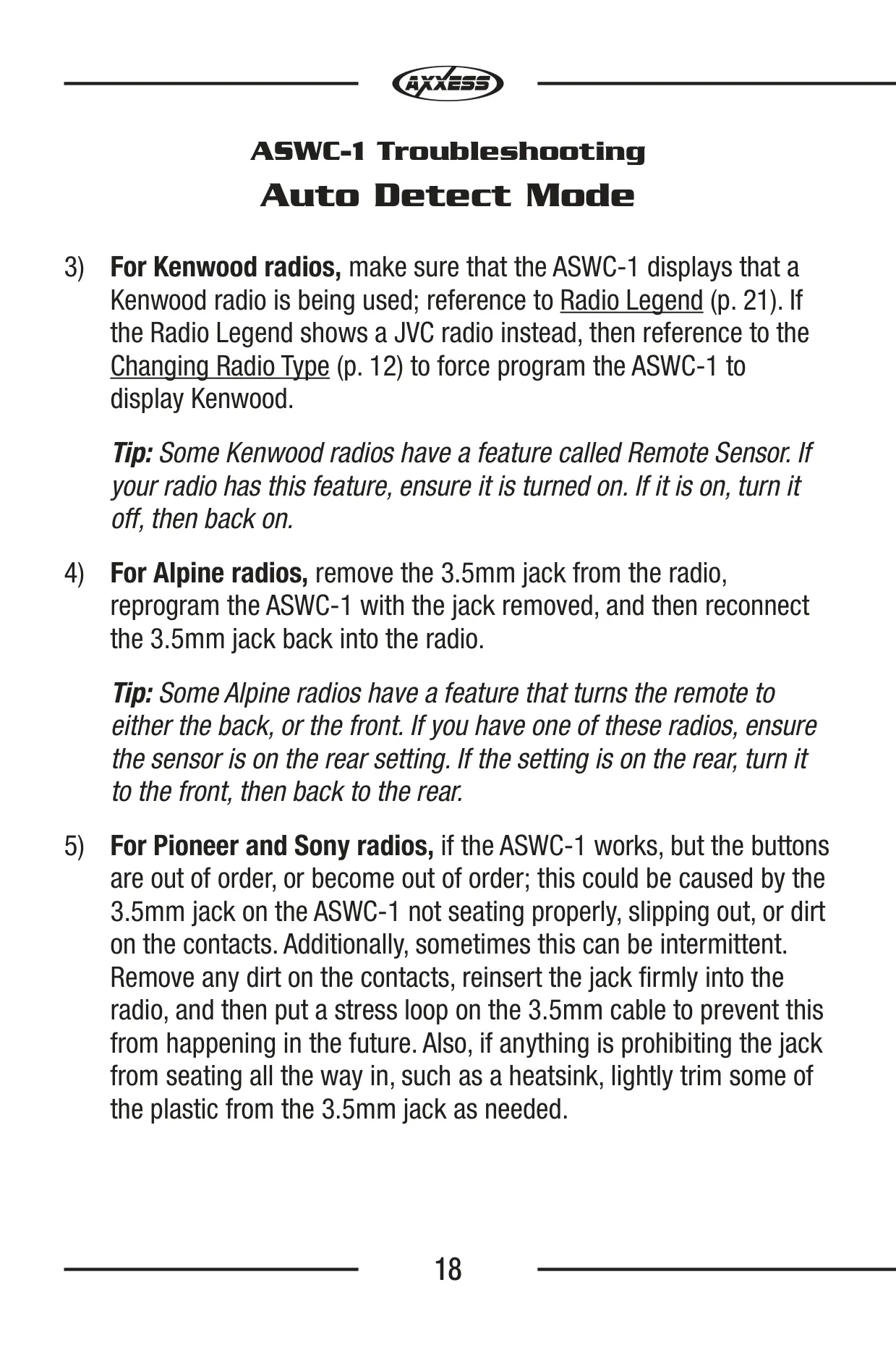
You can also choose the radio type manually. Wait 3 seconds after turning the key on, then hold Volume Down to enter the mode. Each held Volume Up press moves up one radio number. Holding Volume Down again stores the selection, and the LED stays on for about 3 seconds. The process cancels if no button is pressed for more than 10 seconds. Newer Kenwood radios may be detected as JVC and need this manual setting.
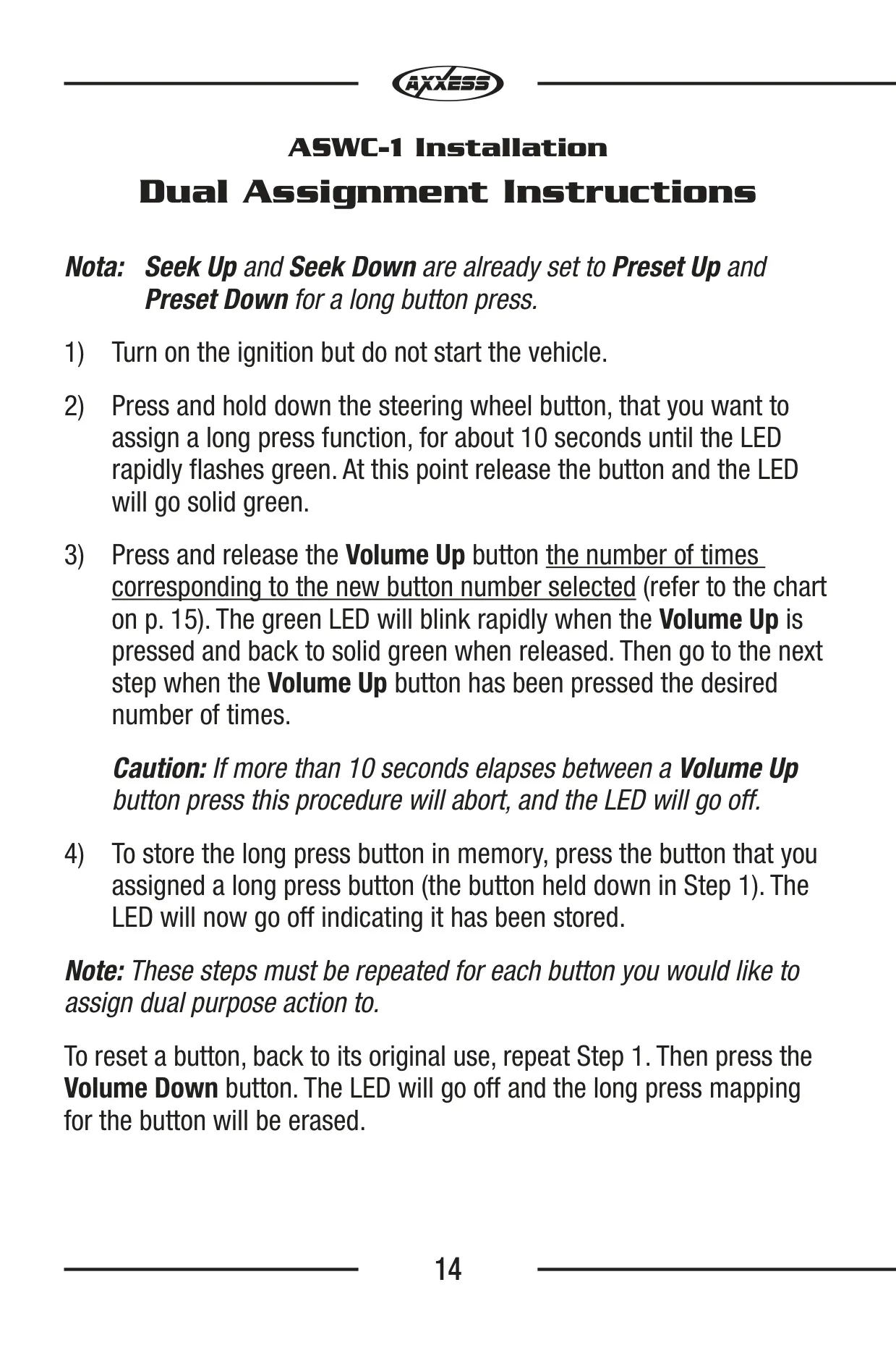
Dual assignment lets one button do a second job when you hold it longer. With the ignition on and the engine off, hold the button for about 10 seconds until the LED flashes green quickly. Release it and the LED turns solid green. Then press Volume Up once for each step of the chosen legend number, with no more than 10 seconds between presses. Press the original button to save. Seek Up and Seek Down already work as Preset Up and Preset Down on a long press.
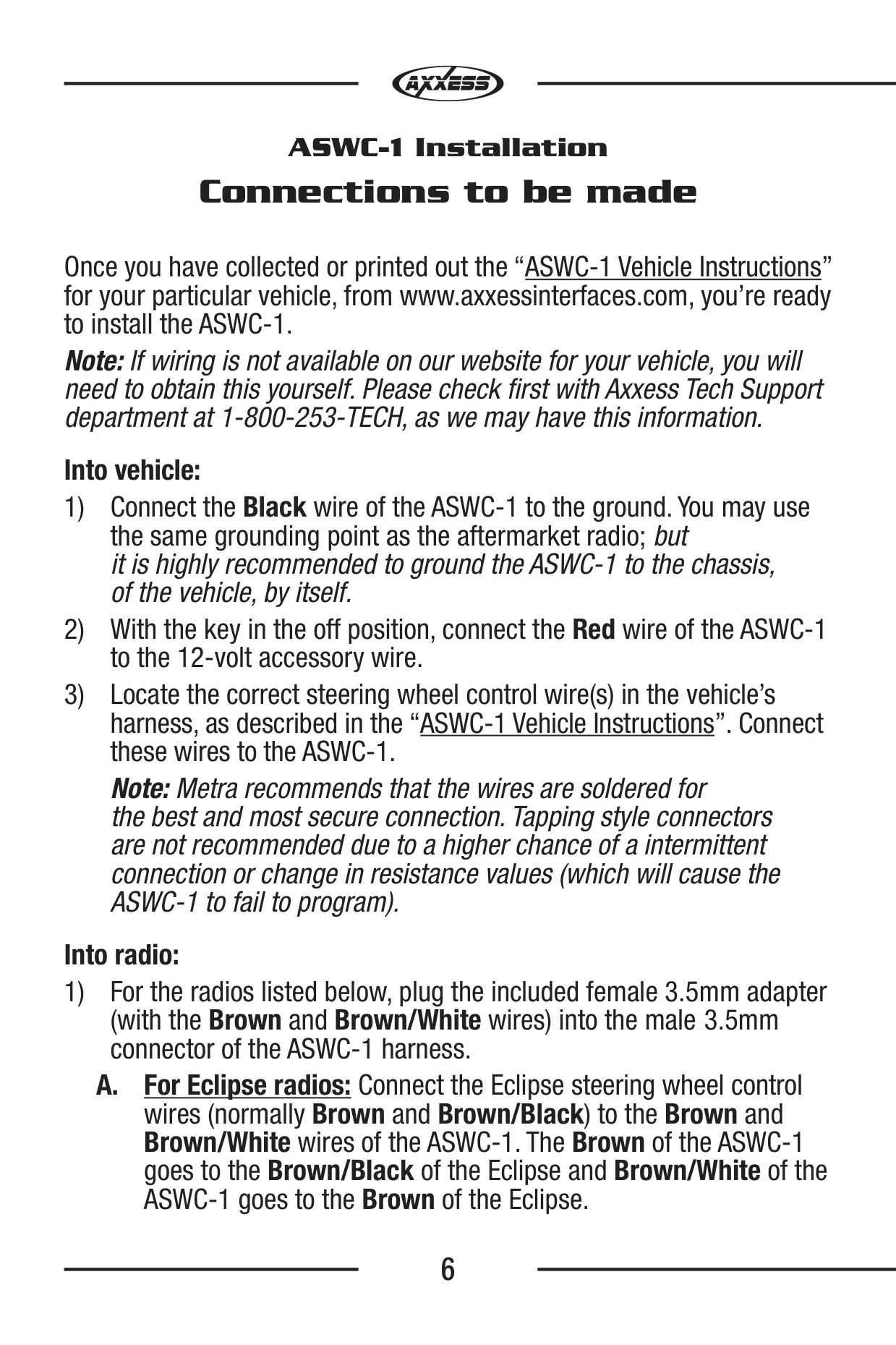
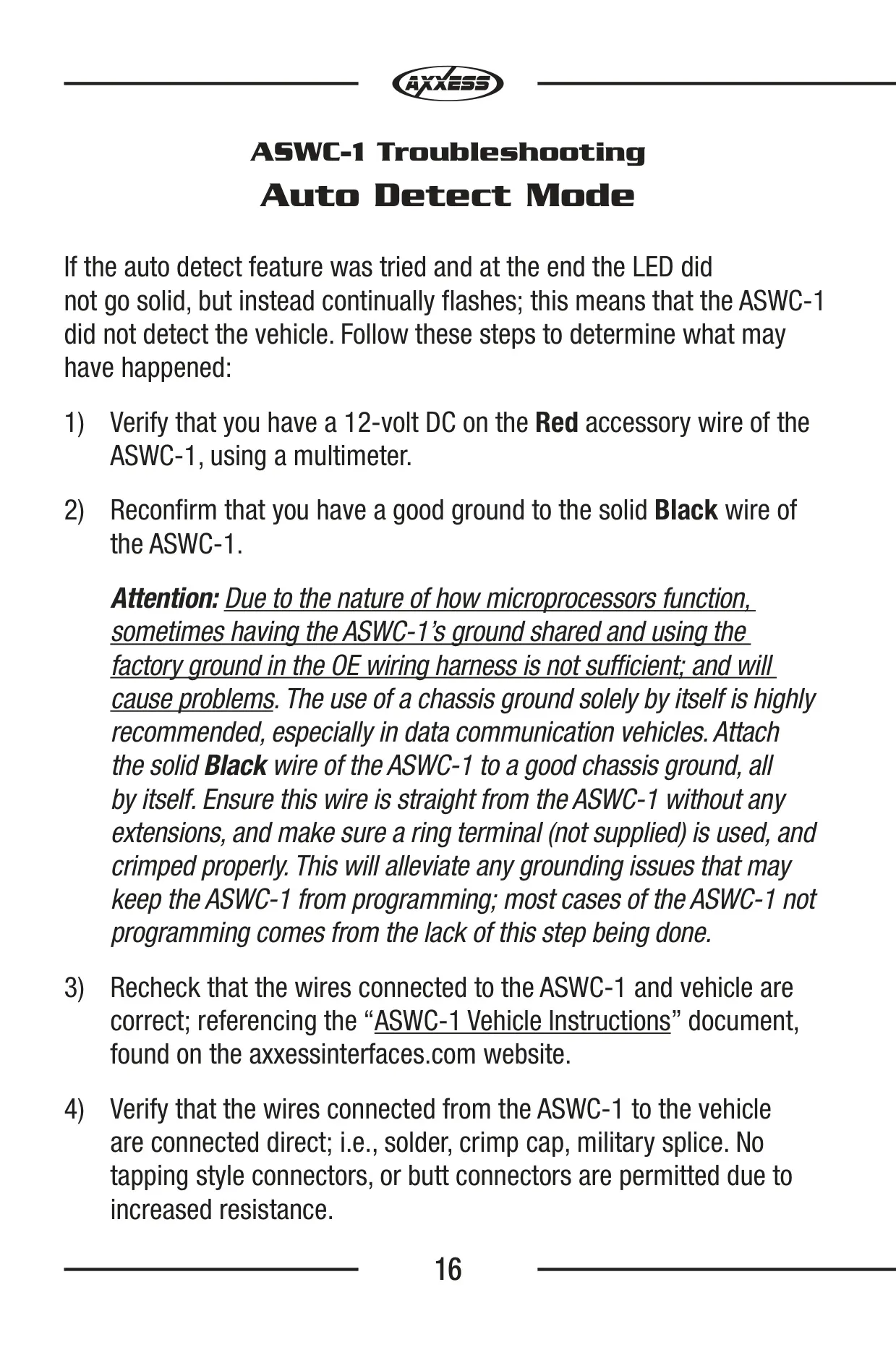
How you wire the interface has a big effect on whether it programs. The Black ground wire should run directly to the vehicle chassis on its own, with no extensions and a properly crimped ring terminal (not supplied). Metra says most programming failures come from skipping this step, especially in data communication vehicles. Make connections by soldering, with crimp caps or with military splices. Do not use tap-style or butt connectors, because the added resistance can stop programming. If a pre-wired harness doesn't work, switch to the harness that came with the interface.
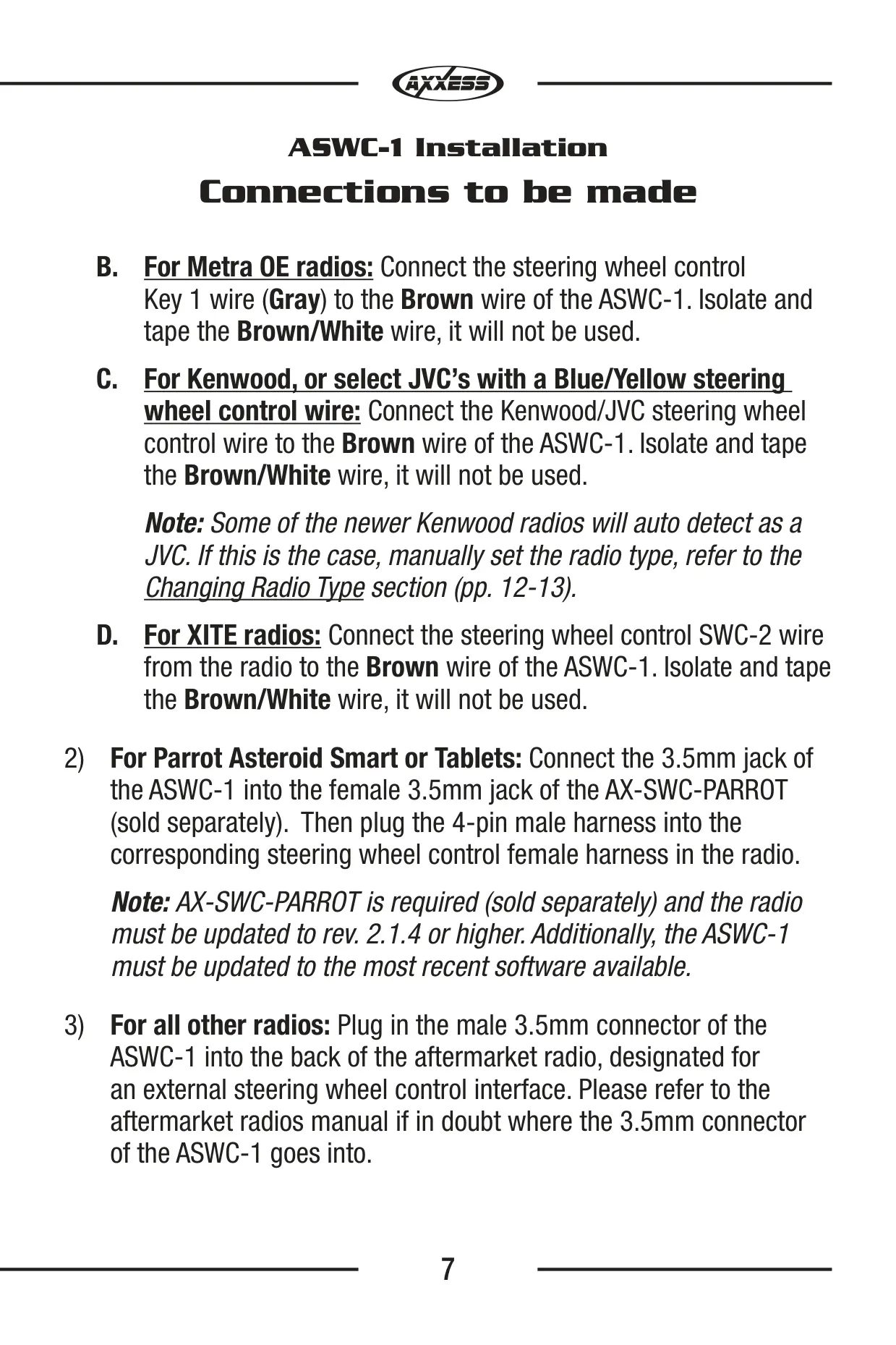
Some radios need special wiring. Eclipse wiring crosses over: the ASWC-1 Brown wire goes to the Eclipse Brown/Black wire, and the ASWC-1 Brown/White wire goes to the Eclipse Brown wire. Metra OE, XITE and Kenwood or JVC radios with a Blue/Yellow wire use only the Brown wire, and the Brown/White wire is taped off. Program Alpine units with the jack unplugged. If buttons on a Pioneer or Sony radio stop matching their functions, clean the 3.5mm jack, push it in fully and add a stress loop to the cable.
Manual Programming Mode is for non-data communication vehicles that are not on the auto detection list. With the ignition on, hold Reset for about 10 seconds until the LED flashes slowly. Then hold Volume Up for 7 seconds and program the remaining buttons in order. To restore the default settings, turn the ignition on, wait 3 seconds, hold Reset for 3 seconds and then reprogram the interface.
Frequently Asked Questions (FAQs)
Can't find the answer you need? Here are some frequently asked questions about the Axxess ASWC-1 Universal Control Interface, and we answer them below.