
Stanley Fatmax Powerit 1000a Power Station Instruction Manual
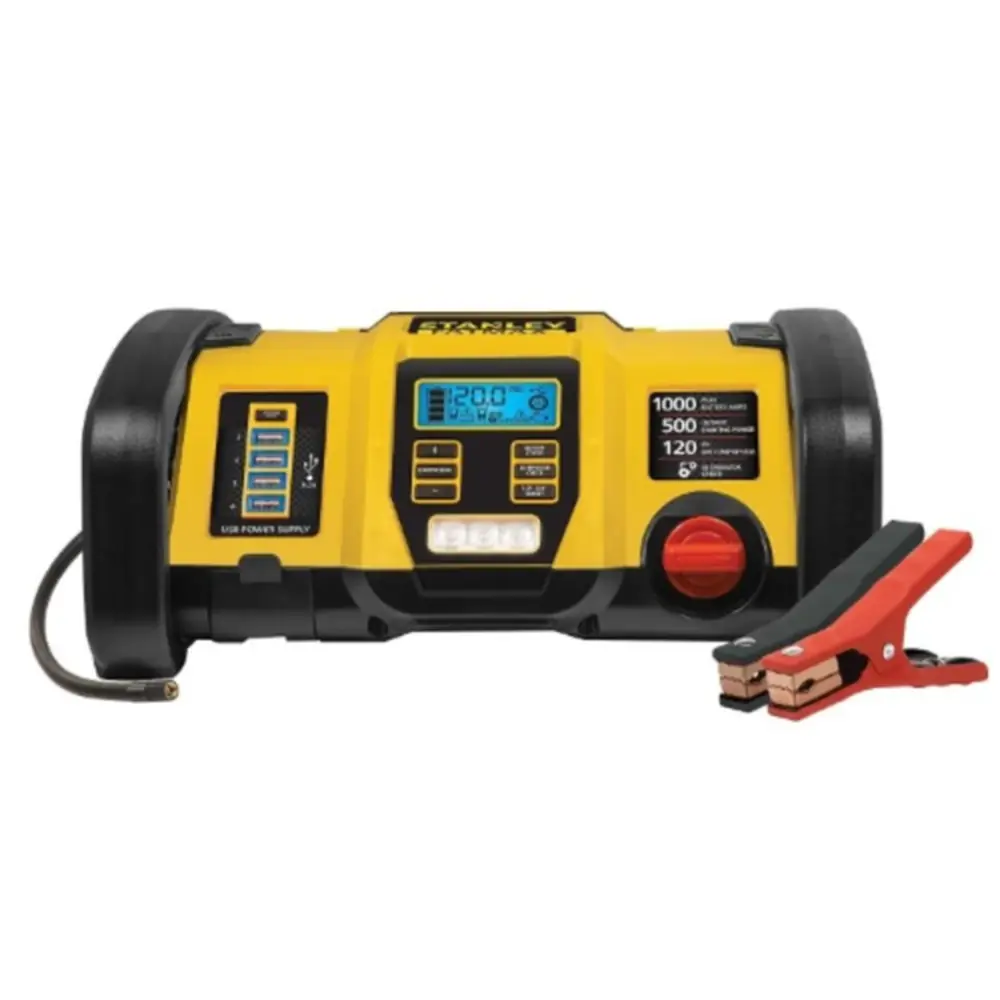
Stanley Fatmax Powerit 1000a Power Station




Stanley Fatmax Powerit 1000a Instructions
Here we offer the Stanley Fatmax Powerit 1000a Power Station manual completely free and in English. We have cataloged this manual in the Portable Power Stations section on Manualverse, and it has been rated by 1 users with an average rating of 5. If you have any specific questions about Stanley Fatmax Powerit 1000a Power Station, we suggest checking the Frequently Asked Questions (FAQs) section of this manual.
Product Images
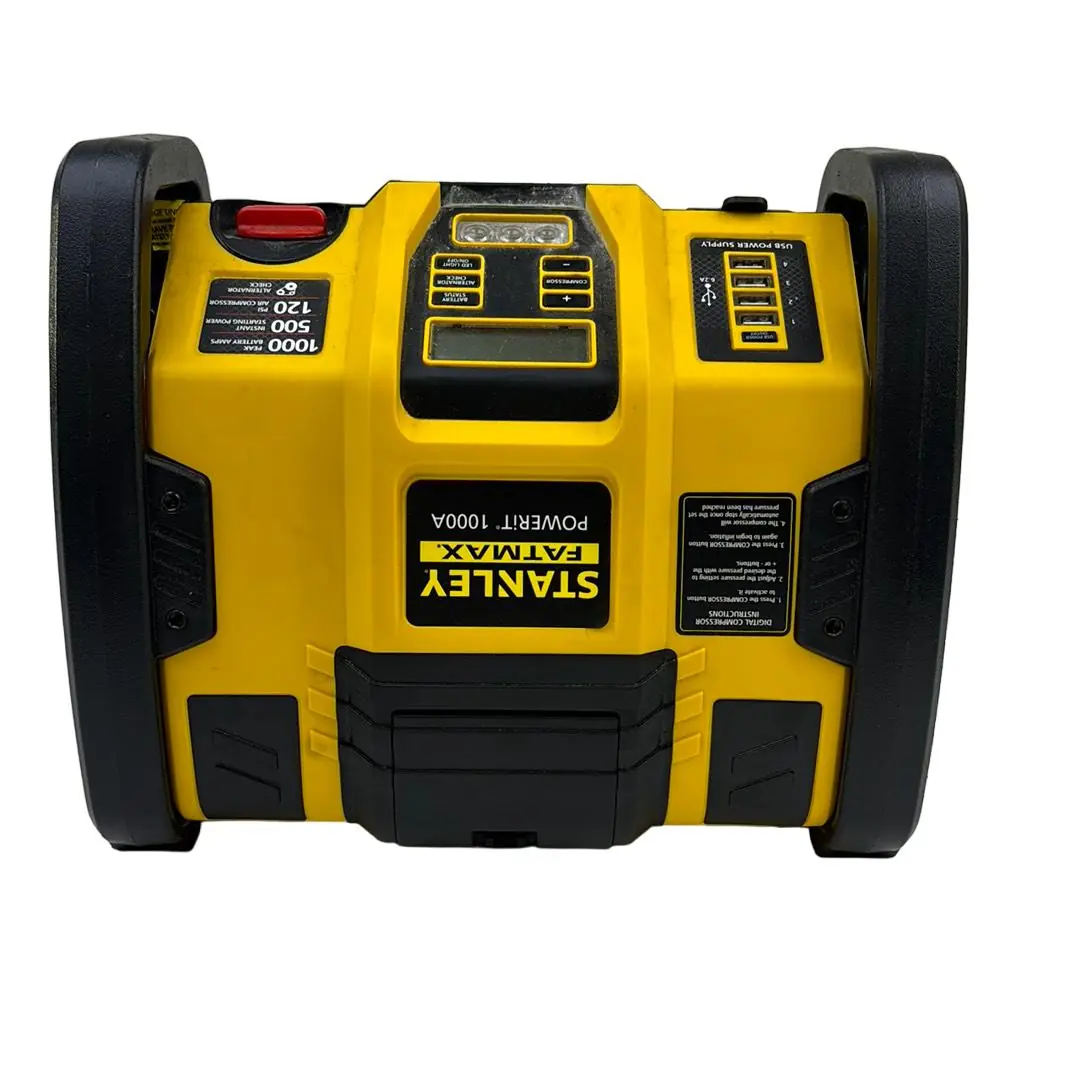
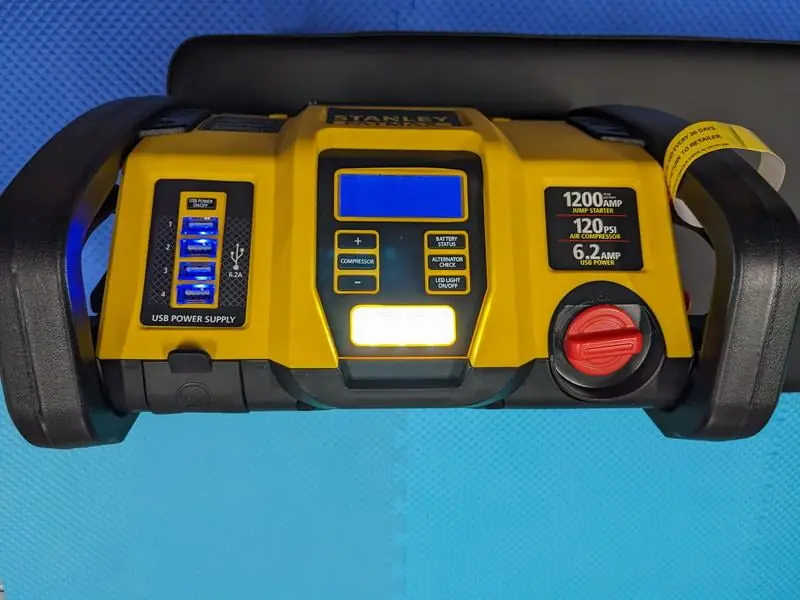
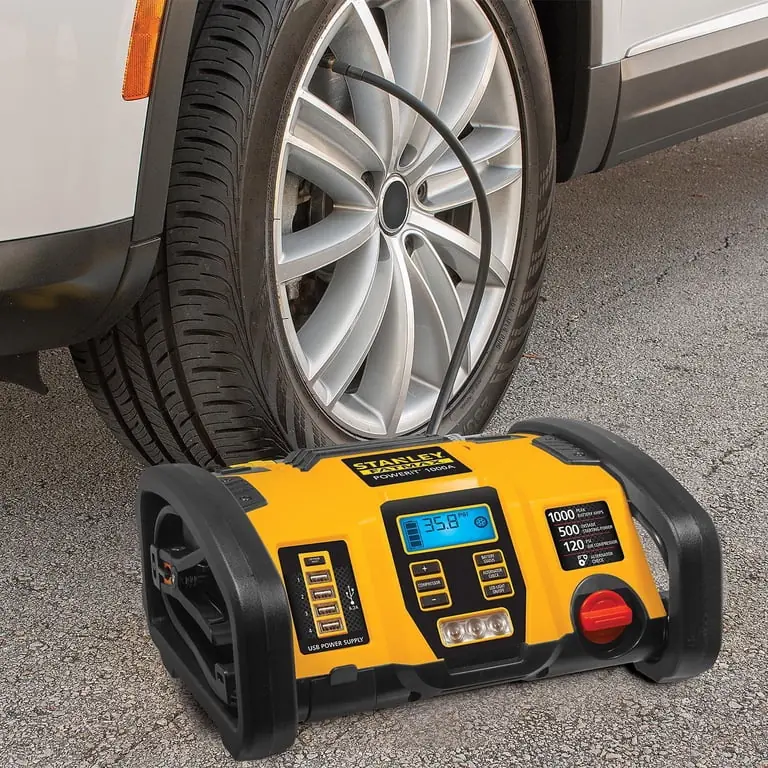
Stanley Fatmax Powerit 1000a Portable Power Station Specifications
| Specification | Detail |
|---|---|
| Boost Ampere | 12V DC, 1200A peak battery, 500A instant |
| Battery Type | Maintenance-free, sealed lead acid, 12VDC |
| AC Input | 120V AC, 60Hz, 13W |
| Area Light | 3 white LEDs |
| USB Ports | 5V DC each, 6.2A total (3.1A total in top two ports; 3.1A total in bottom two ports) |
| Compressor Maximum Pressure | 120 PSI |
Stanley Fatmax Powerit 1000a Details
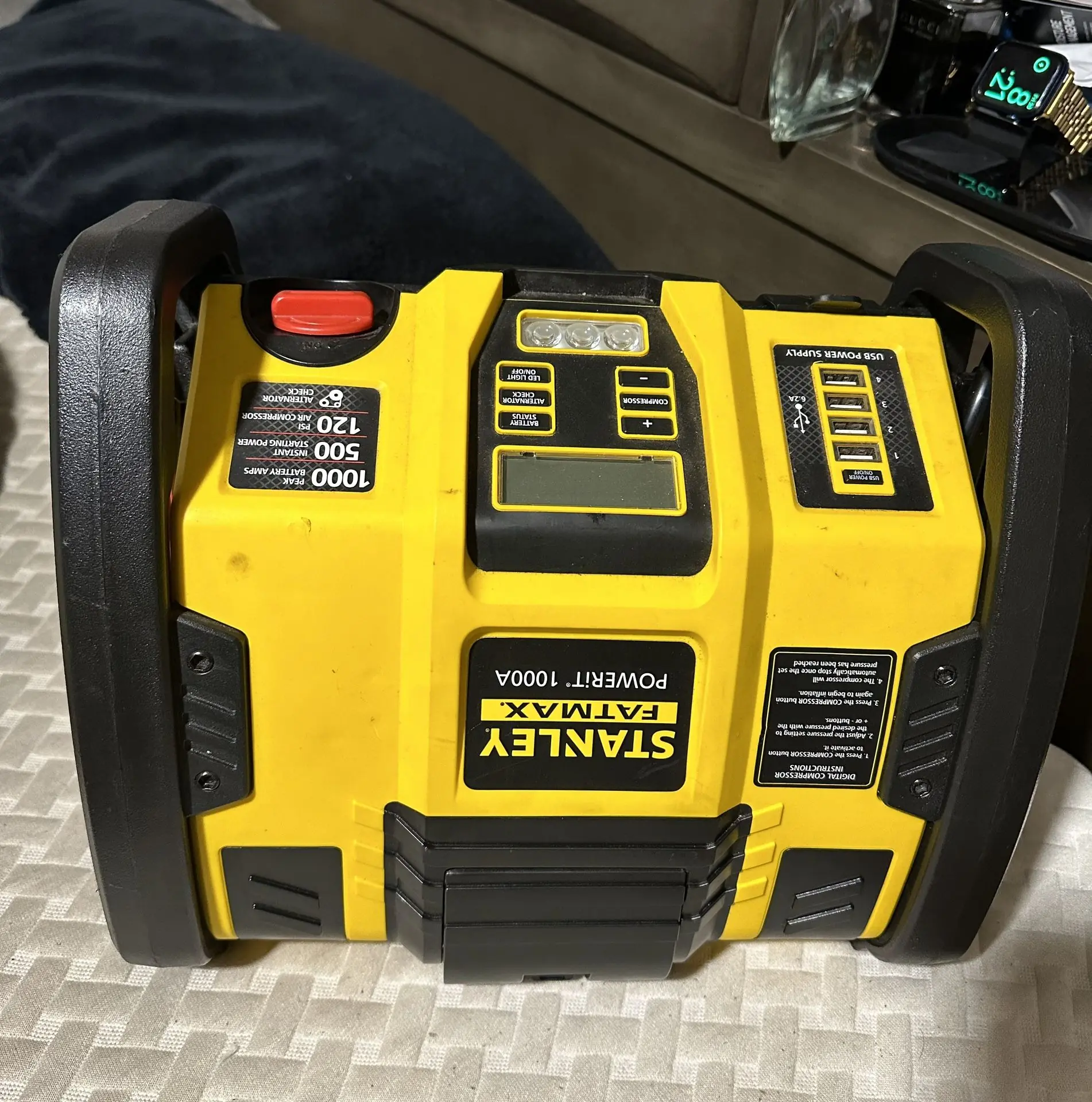
The Stanley Fatmax Powerit 1000a is a professional digital power station designed for versatile use, featuring a robust handle/roll bar for portability. It includes both positive (+) red and negative (–) black clamps for jump-starting, neatly stored when not in use. The unit also integrates an air hose with a Sure Fit® nozzle and a nozzle adapter, all housed within a convenient storage compartment, ensuring all accessories are kept together.
Central to its operation is a backlit LCD screen that provides essential information, including battery status, voltage indicators, and operational icons for various functions. Dedicated buttons control specific features: a USB Power Button, Compressor Power Button, and Compressor Pressure Control Buttons (+/-). Additionally, the unit features a Battery Status Button, Alternator Check Button, Jump Starter Power Switch, and an Area Light Power Button for the integrated LED Area Light.
For jump-starting vehicles, the Powerit 1000a is equipped with a specific power switch that activates only upon proper battery and frame connections. Crucially, it includes an alarm for reverse polarity connections, preventing potential damage to the unit and vehicle. It is designed for 12-volt DC battery systems and advises against use on frozen batteries or vehicles with specific computerized systems without prior manual consultation.
The built-in 12V DC portable compressor inflates tires and other inflatables up to 120 PSI. Users can set a desired pressure using the control buttons, and the compressor will automatically stop once that pressure is reached. To prevent overheating, the compressor has a runtime limit of approximately 10 minutes, after which a cooling period is recommended before further use.
The unit offers four USB ports, divided into two upper and two lower pairs, each providing a total of 3.1A at 5V. These ports are strictly for power, not data communication. They feature USB Power/Fault Indicators that flash blue to signal issues like low battery voltage, overload, or short circuits, with an automatic shutdown for protection. An integrated 3-LED area light provides illumination, operated via its dedicated power button.
Maintaining the Stanley Fatmax Powerit 1000a involves routine charging. The unit comes partially charged and requires an initial 40-hour AC charge or until the battery icon displays four solid bars. Subsequently, it should be recharged at least every 30 days and after each use to prolong battery life. The internal, non-replaceable lead-acid battery is designed for the unit's service life and must be disposed of properly according to local regulations.
Frequently Asked Questions (FAQs)
Can't find the answer you need? Here are some frequently asked questions about the Stanley Fatmax Powerit 1000a, and we answer them below.