
Spektrum DX6i Radio Control Transmitter Instruction Manual
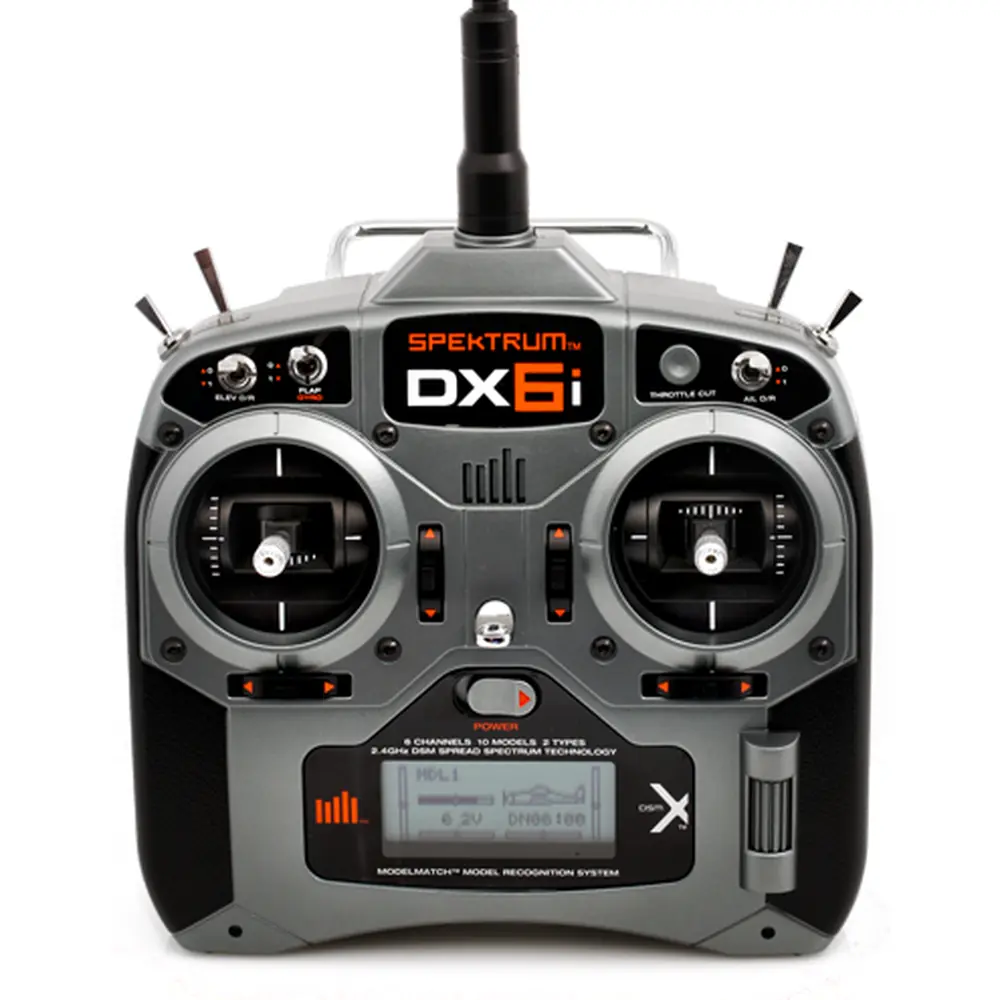
Spektrum DX6i Radio Control Transmitter


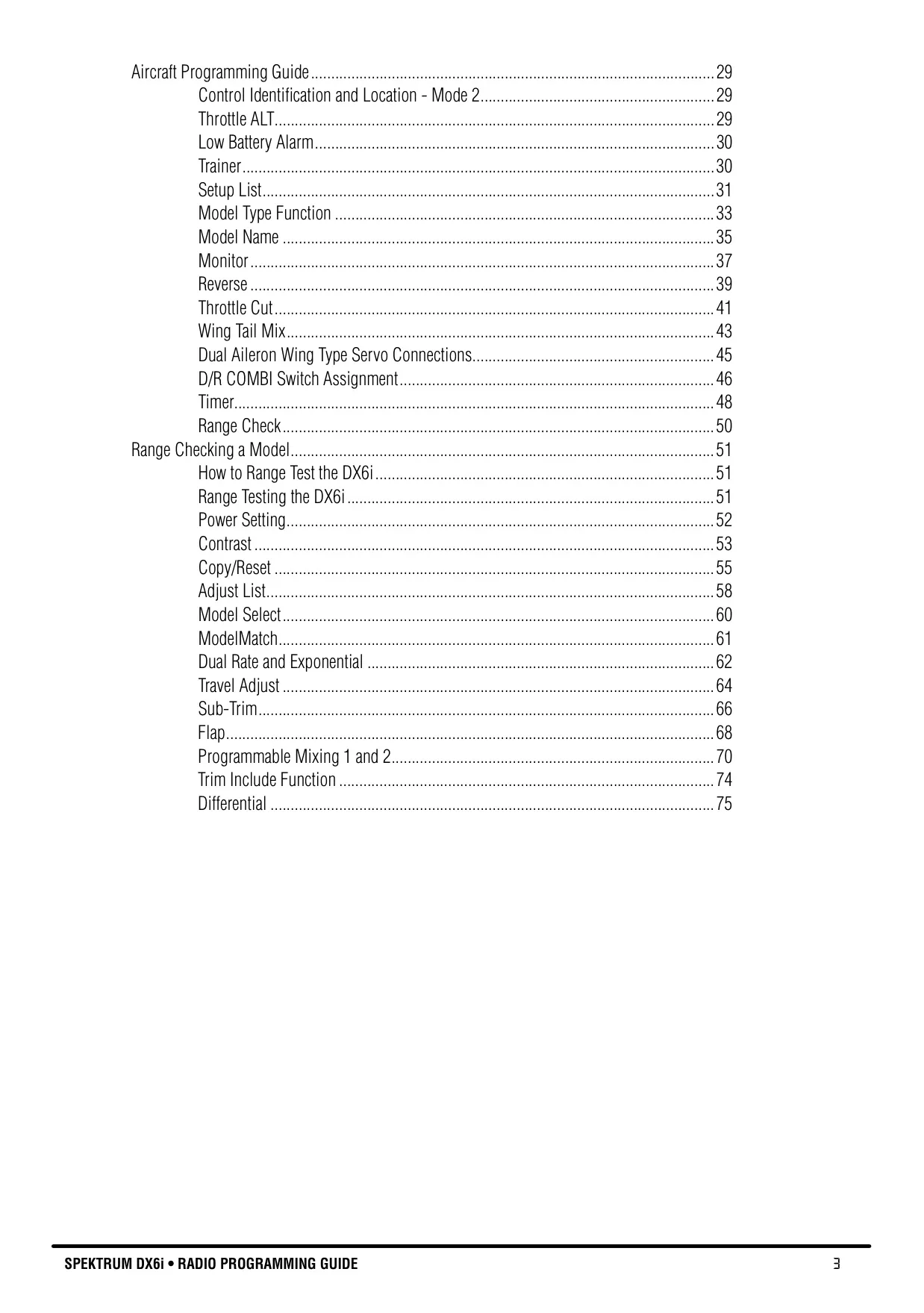









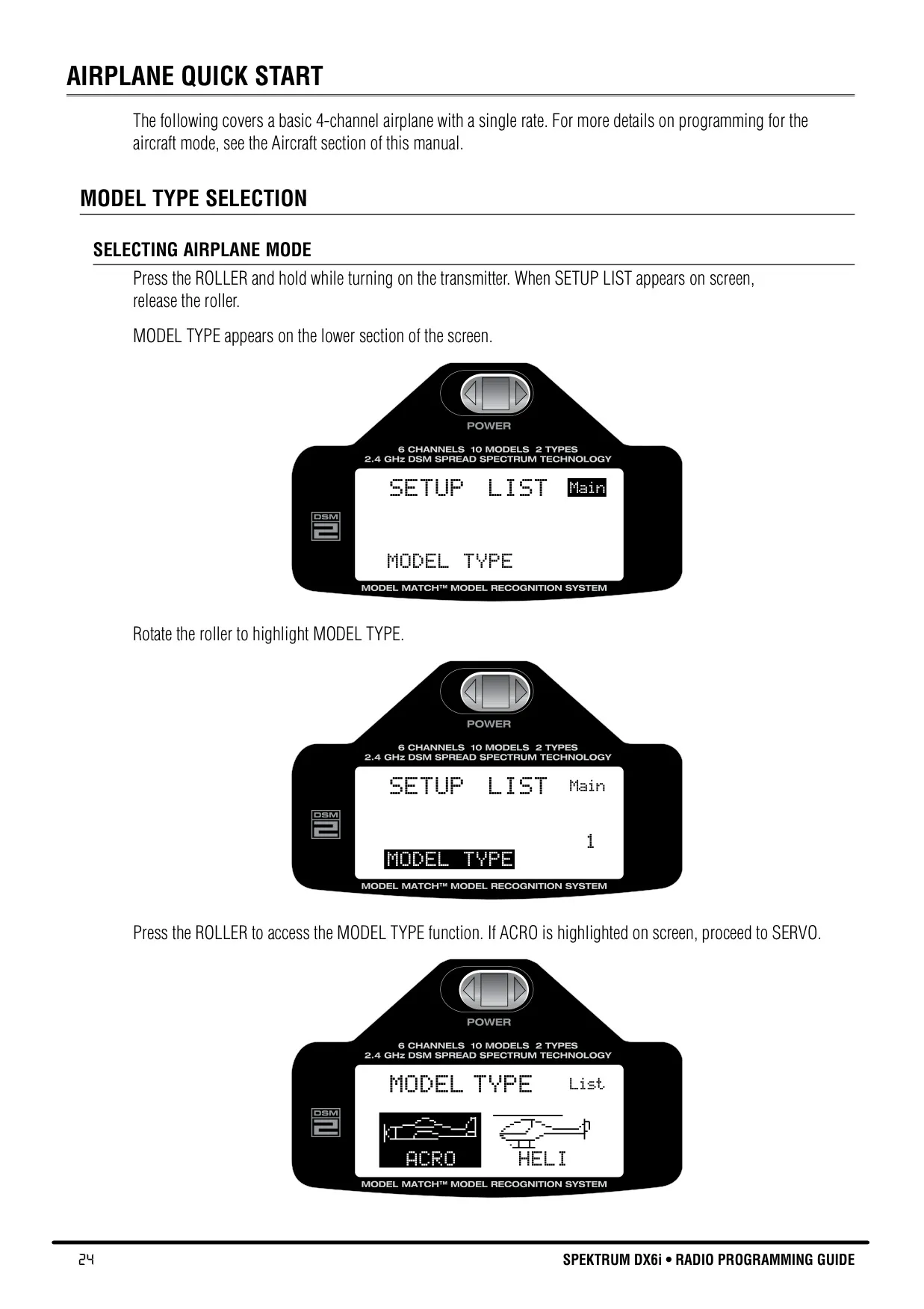
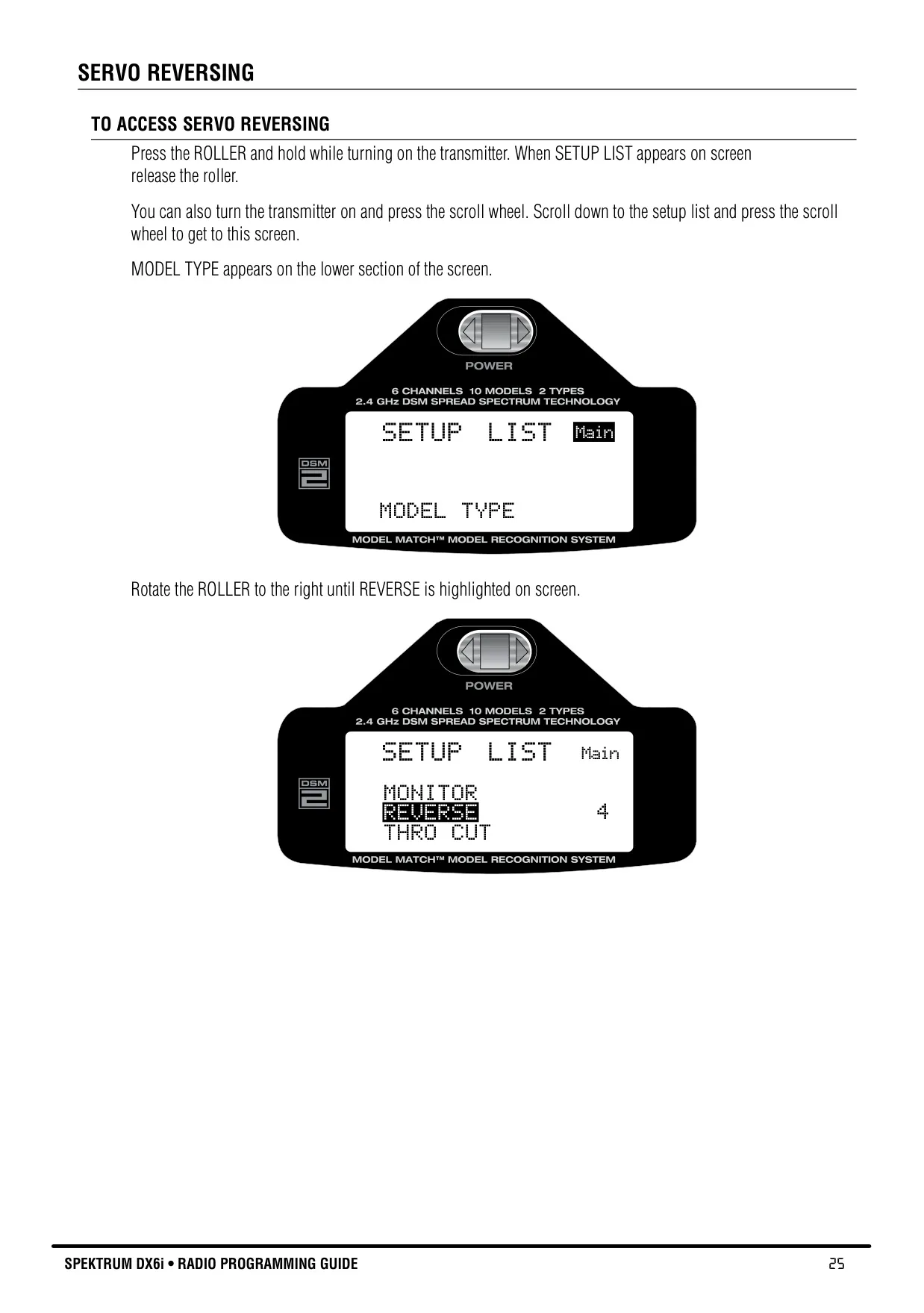
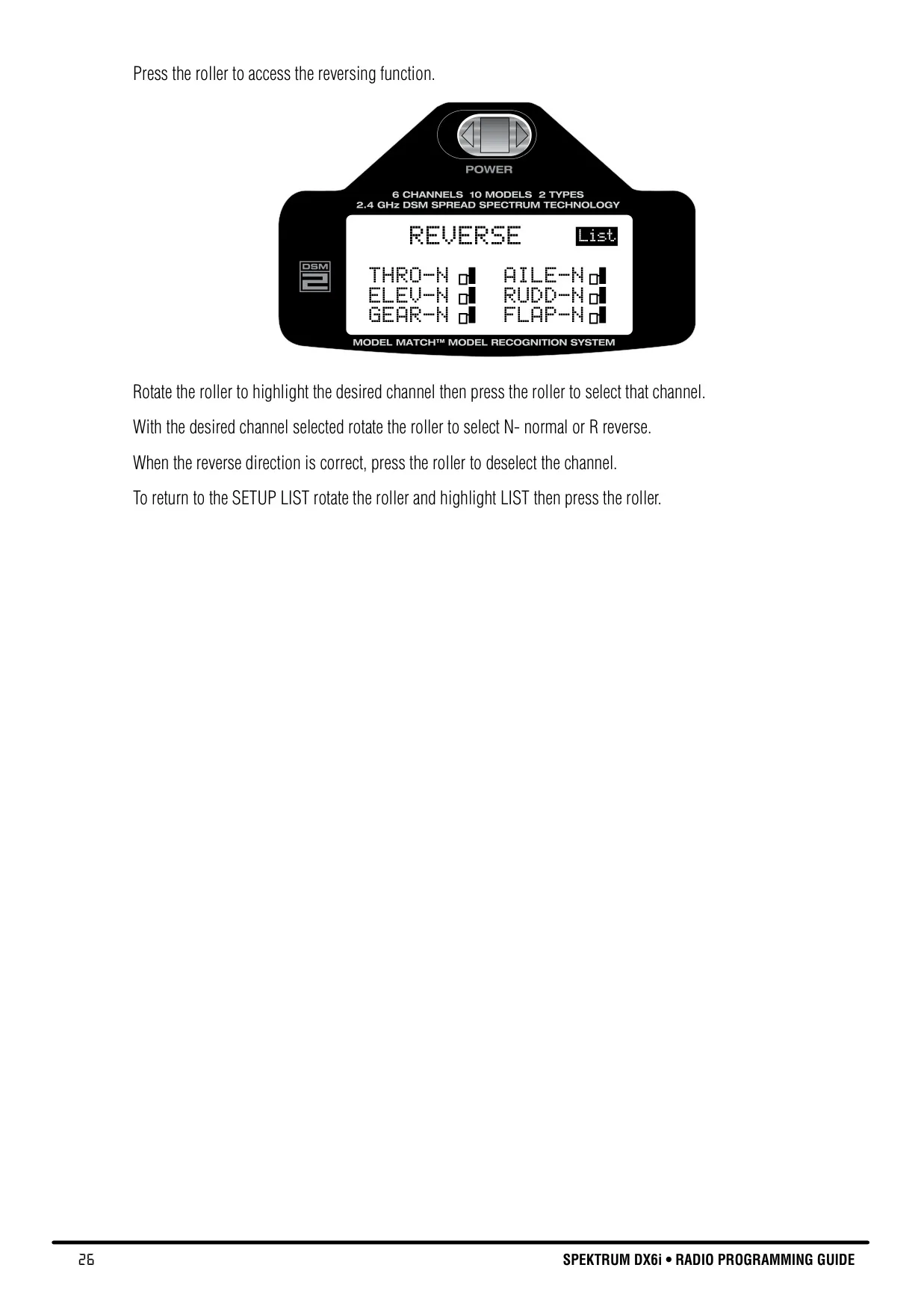


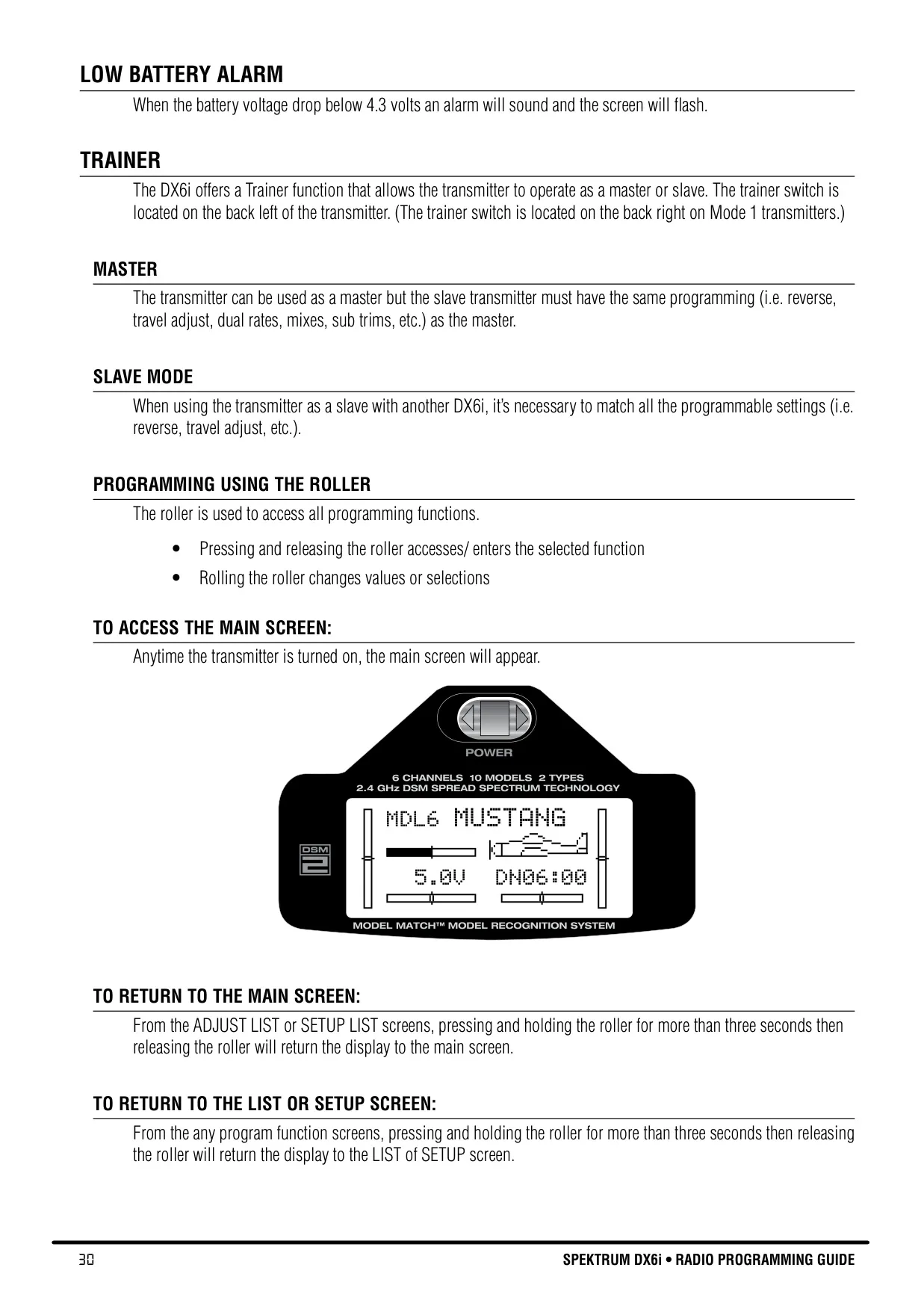
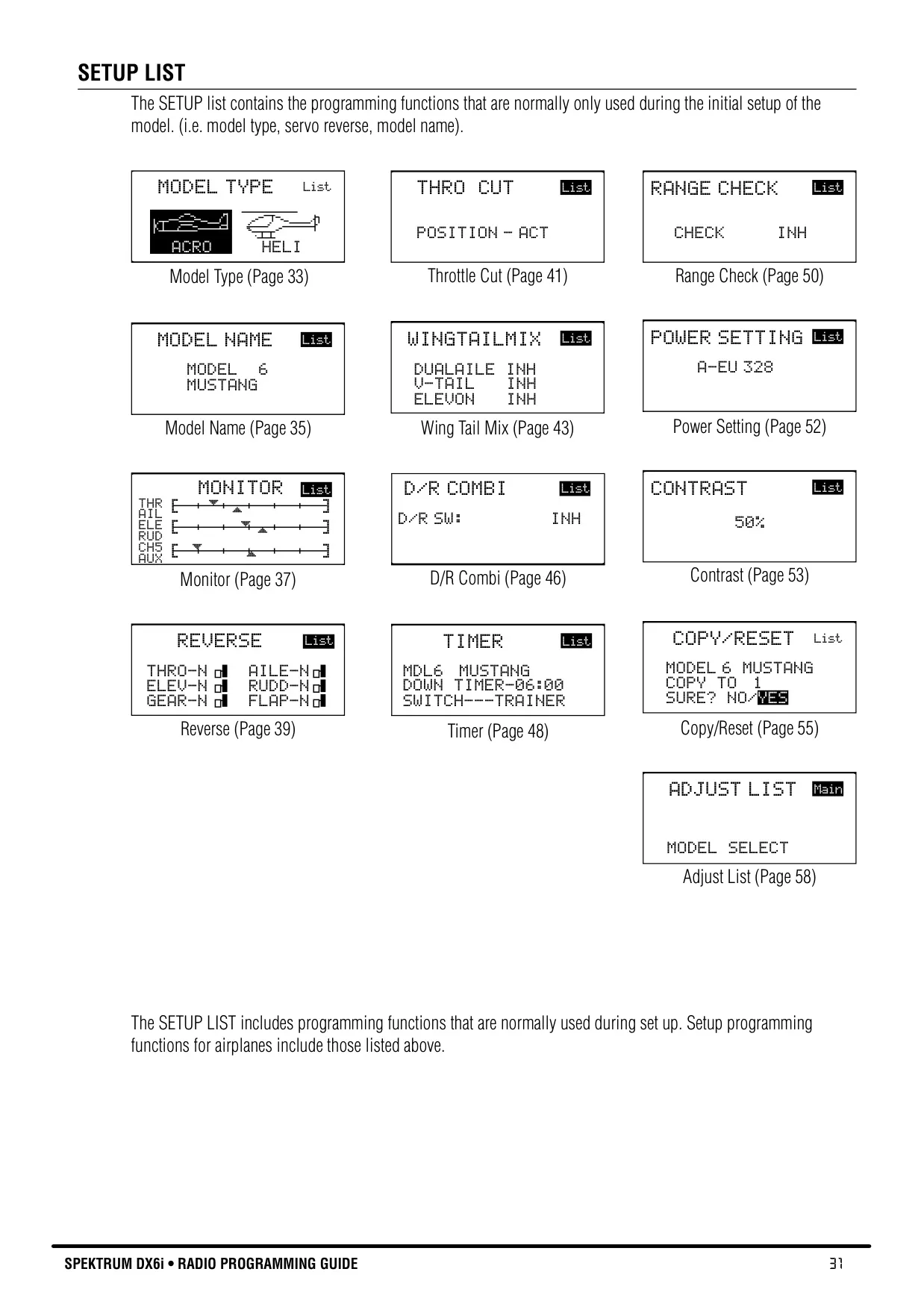

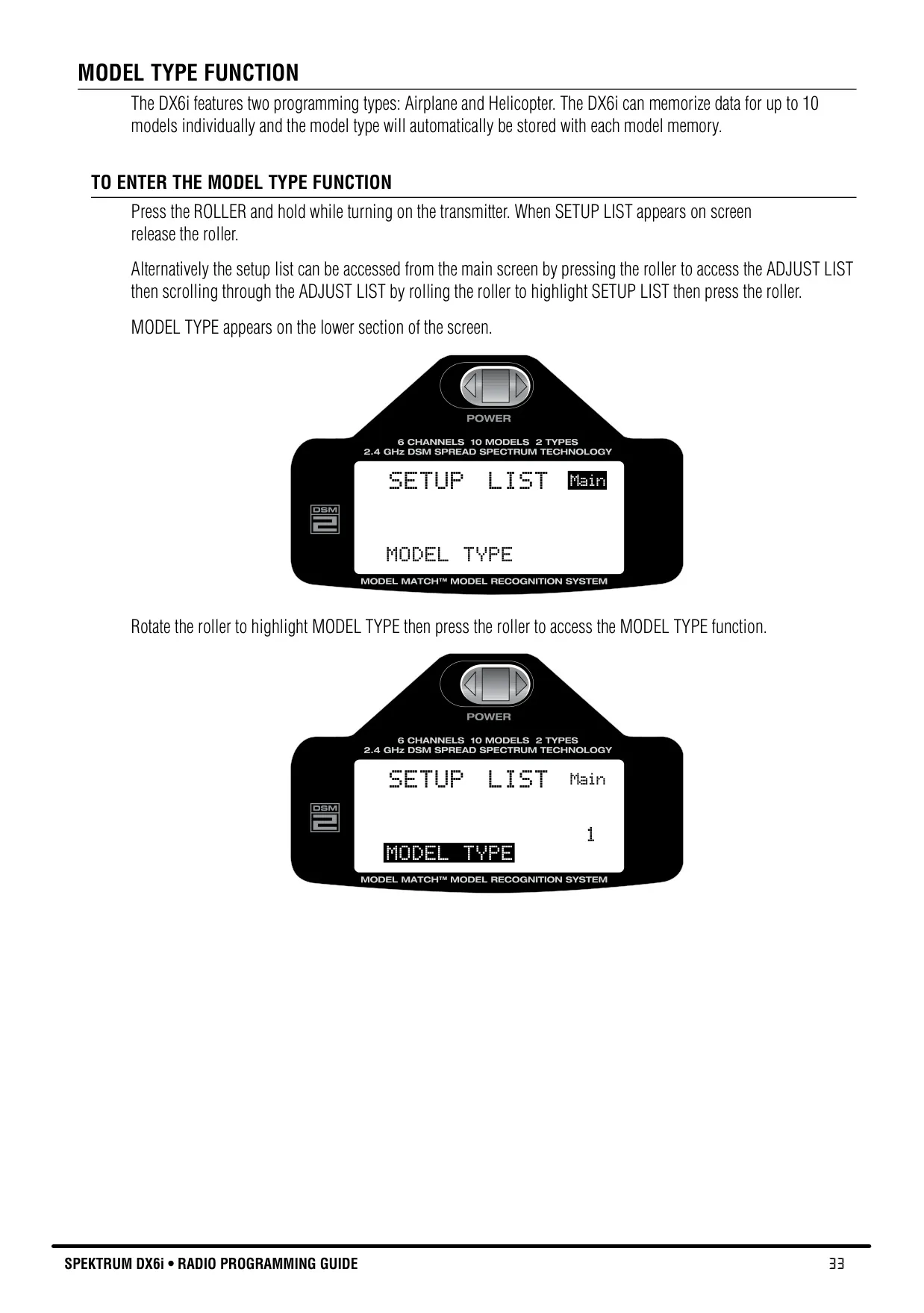
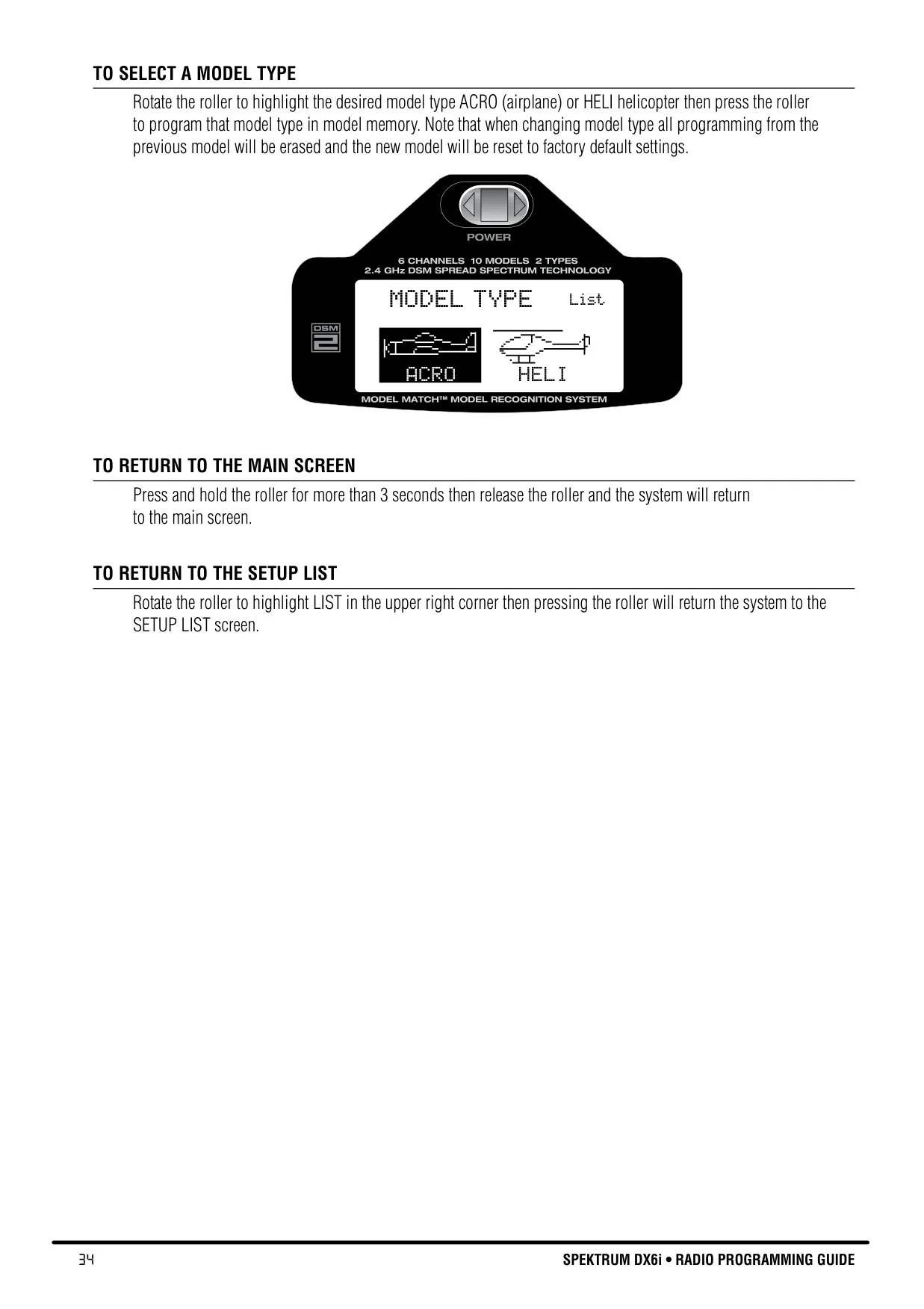
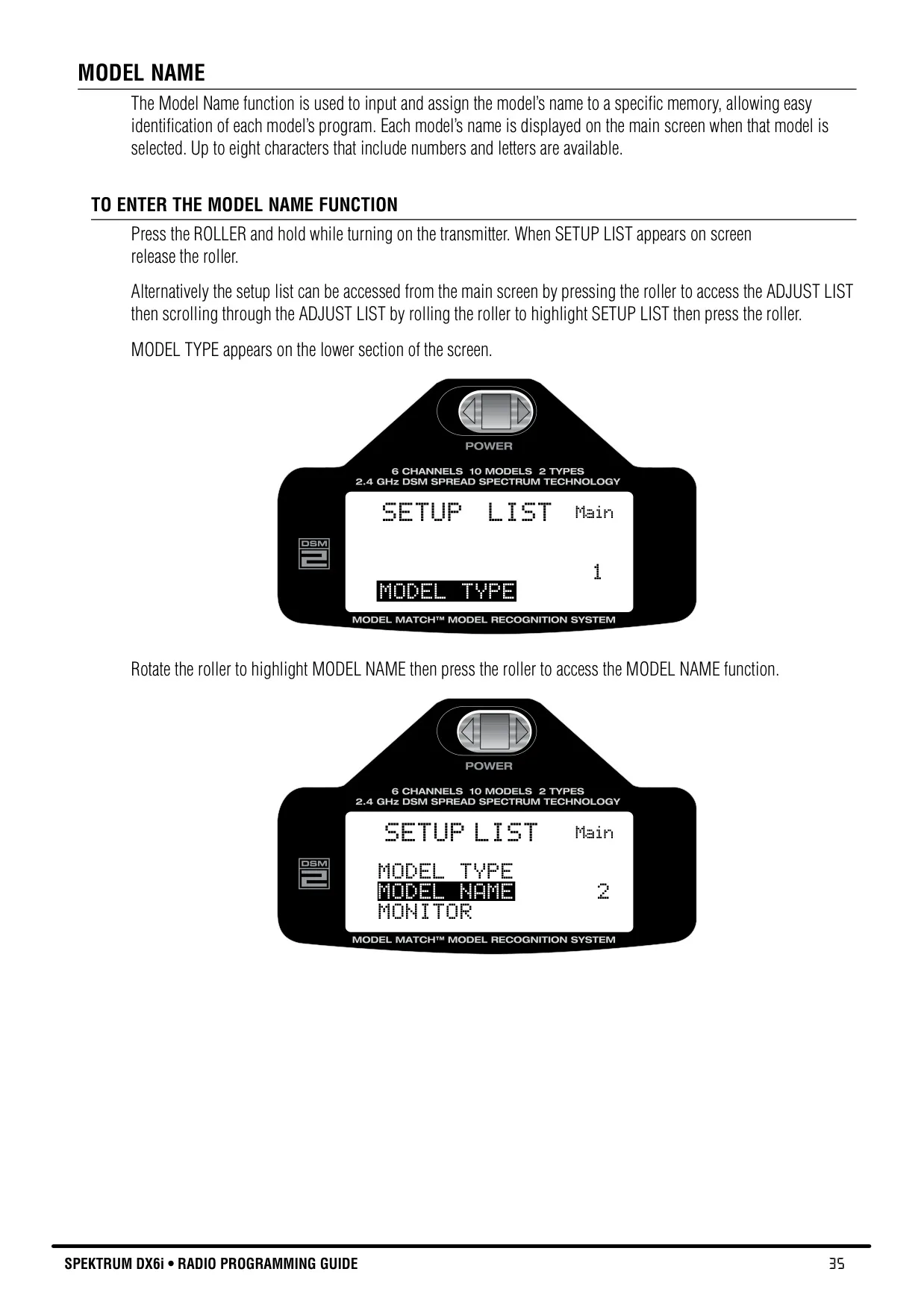









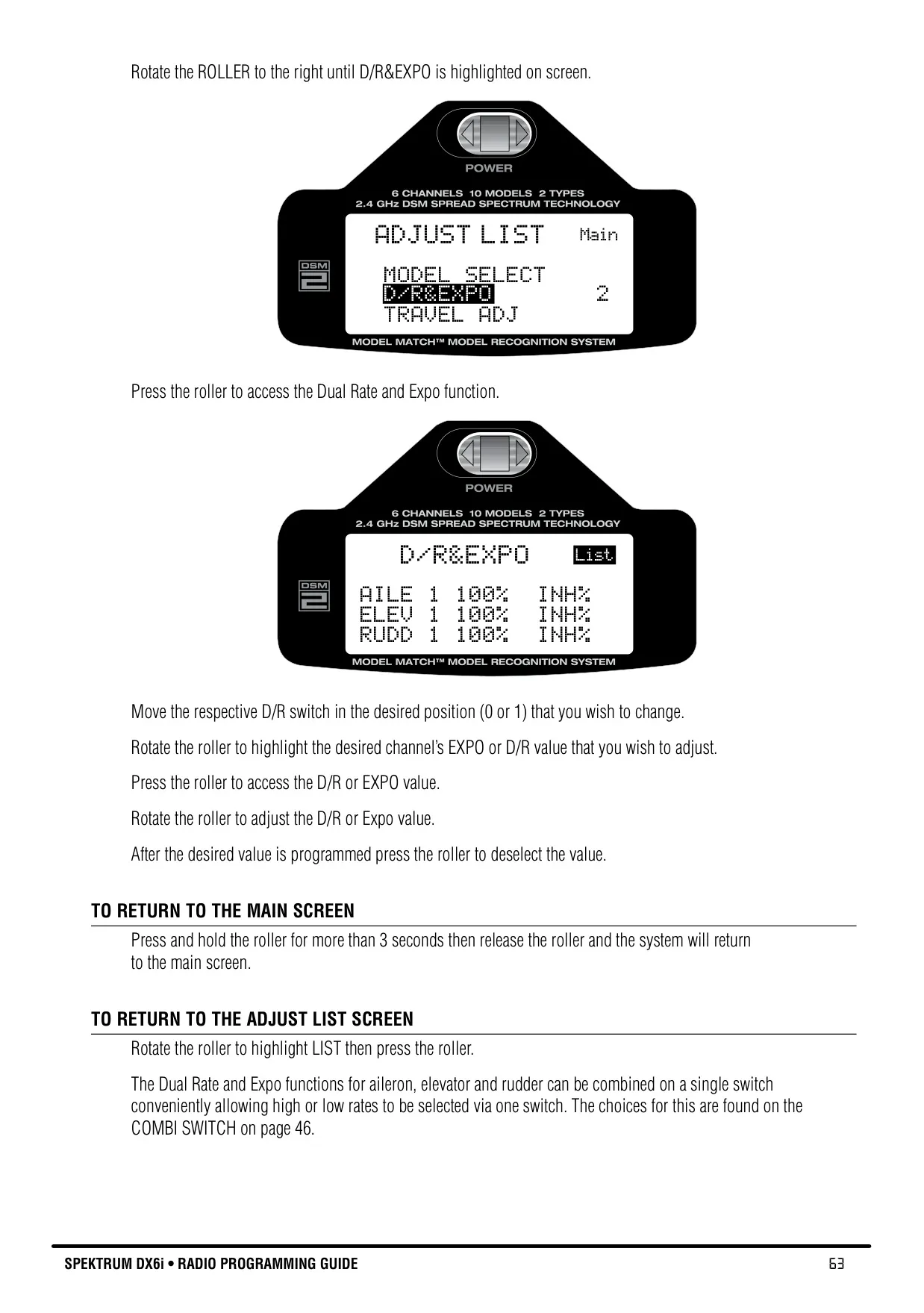

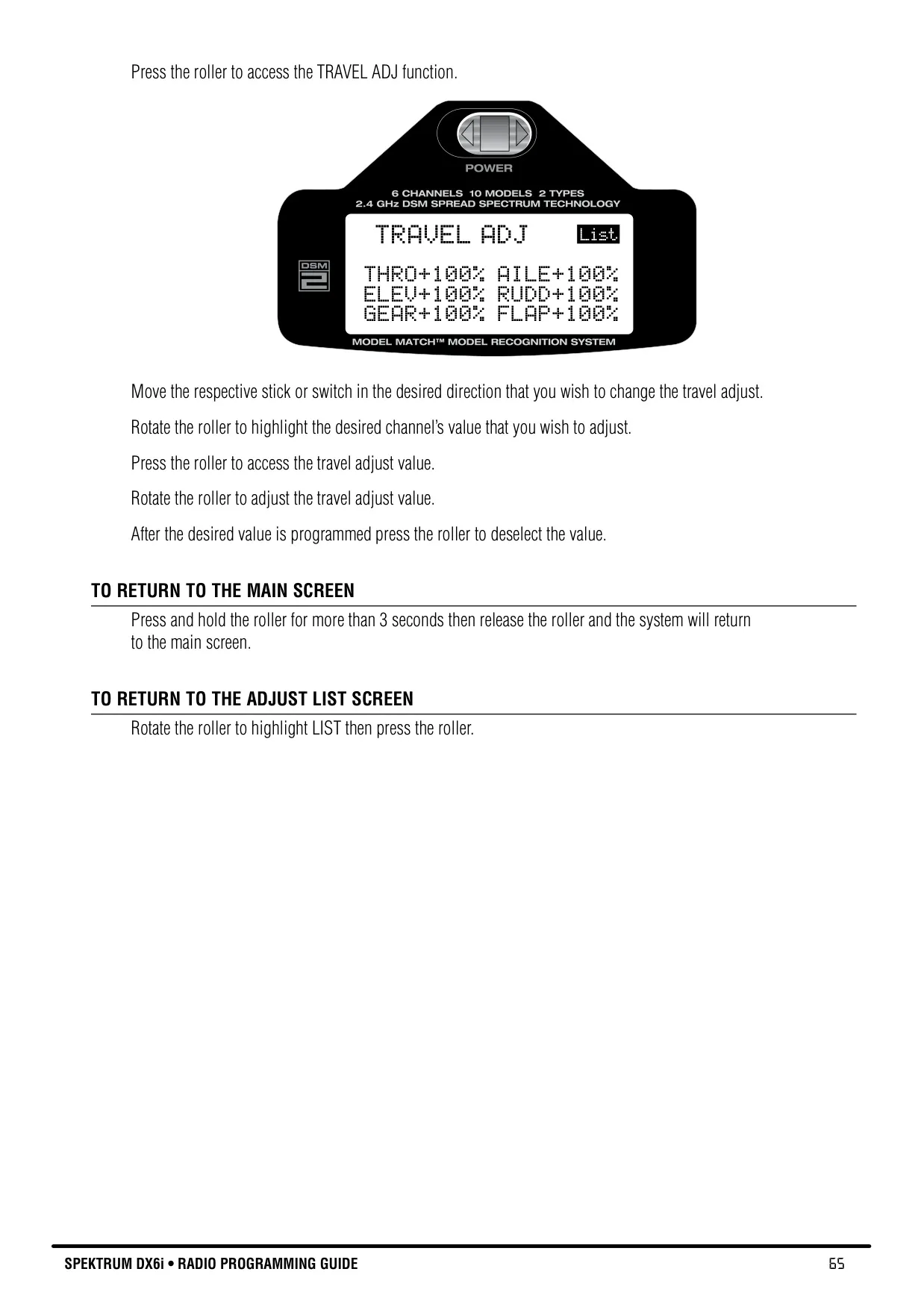

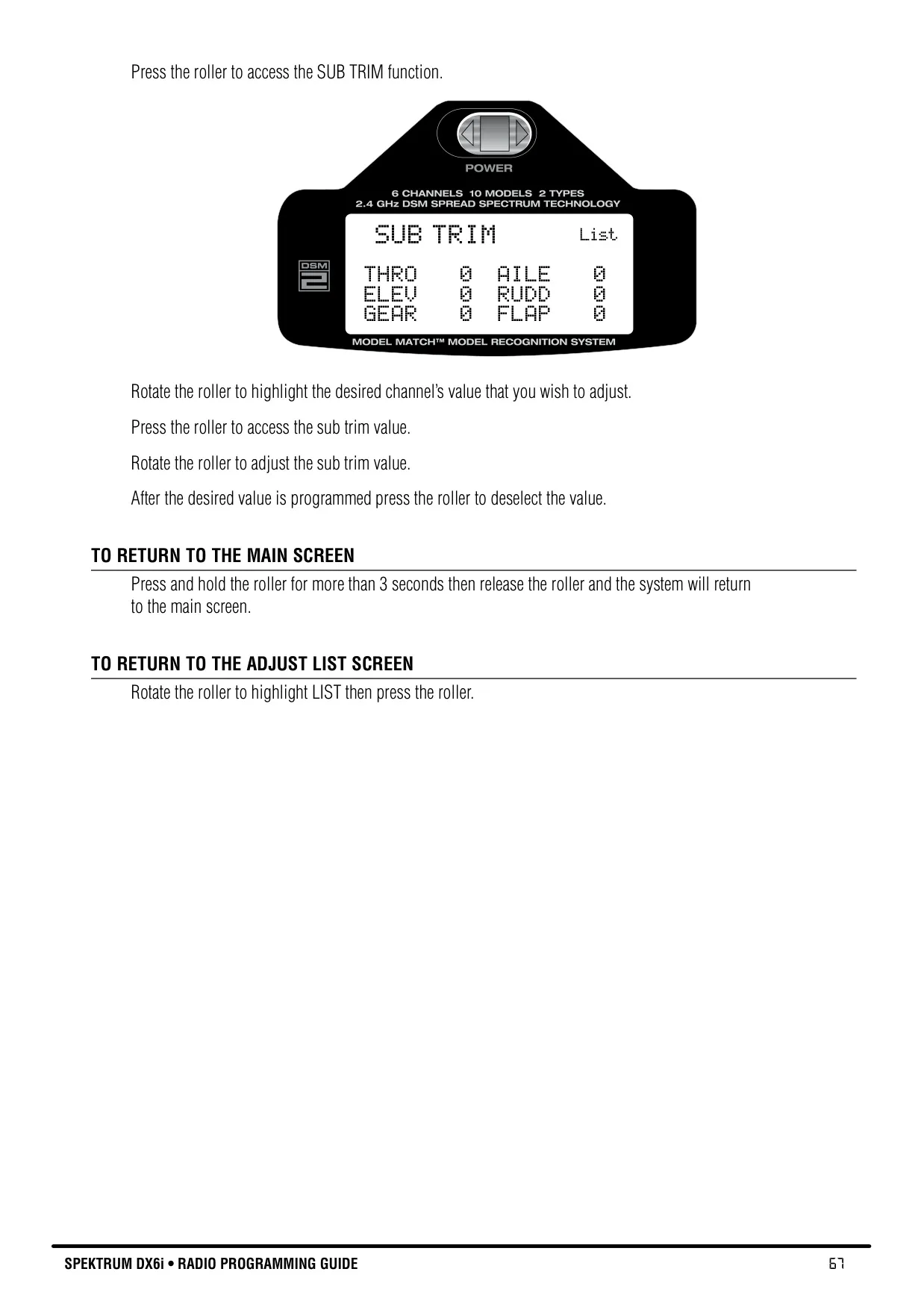
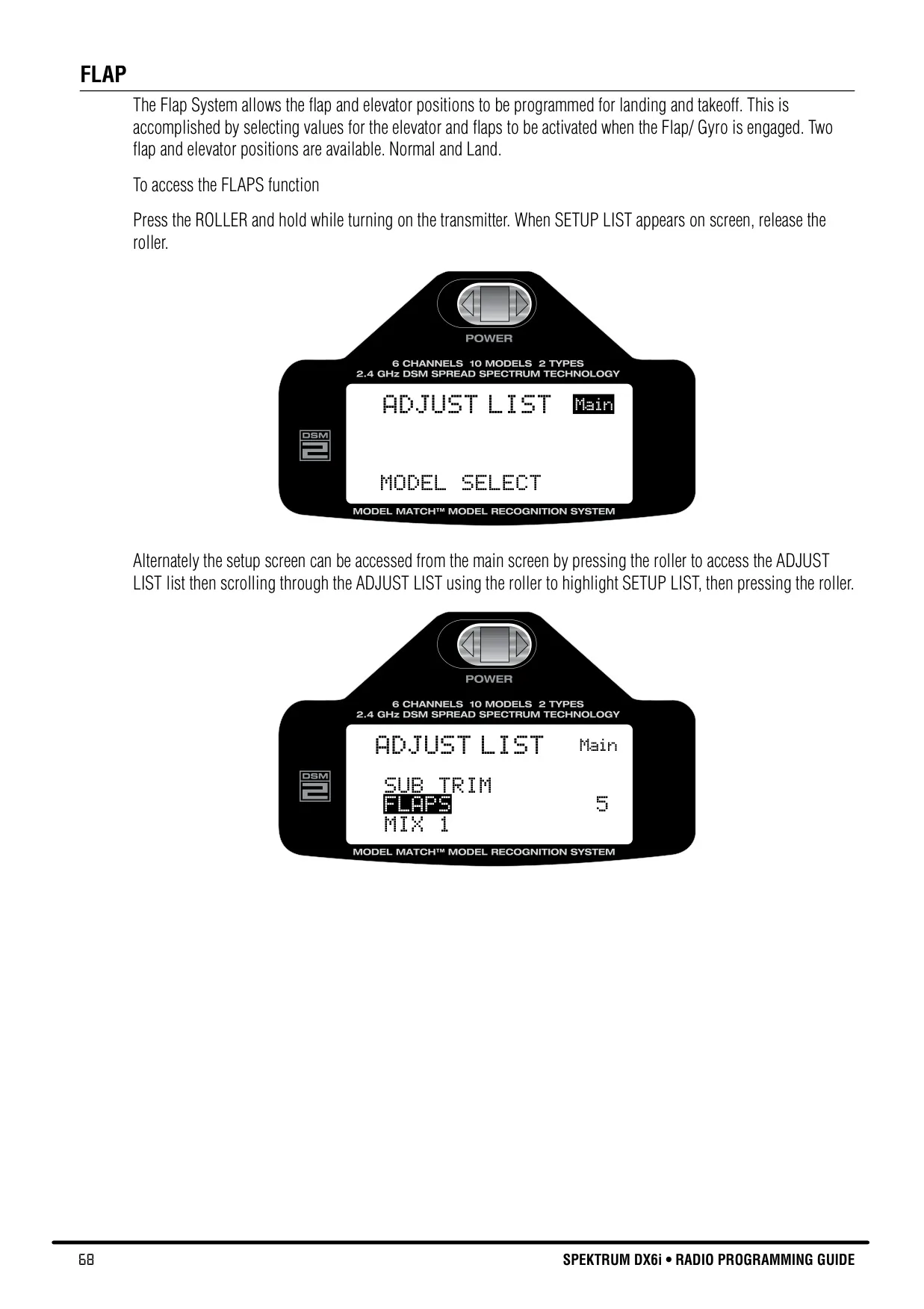
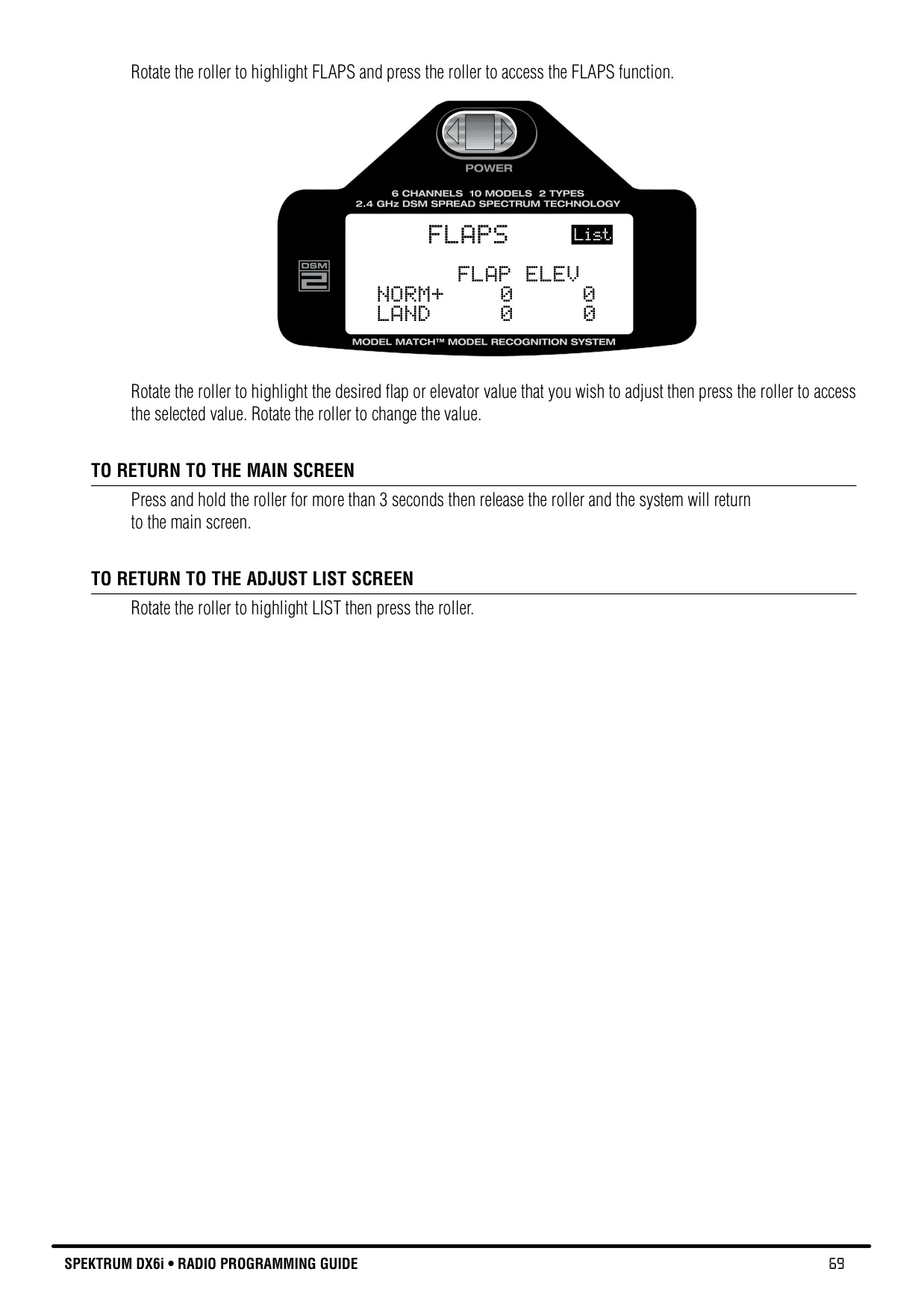

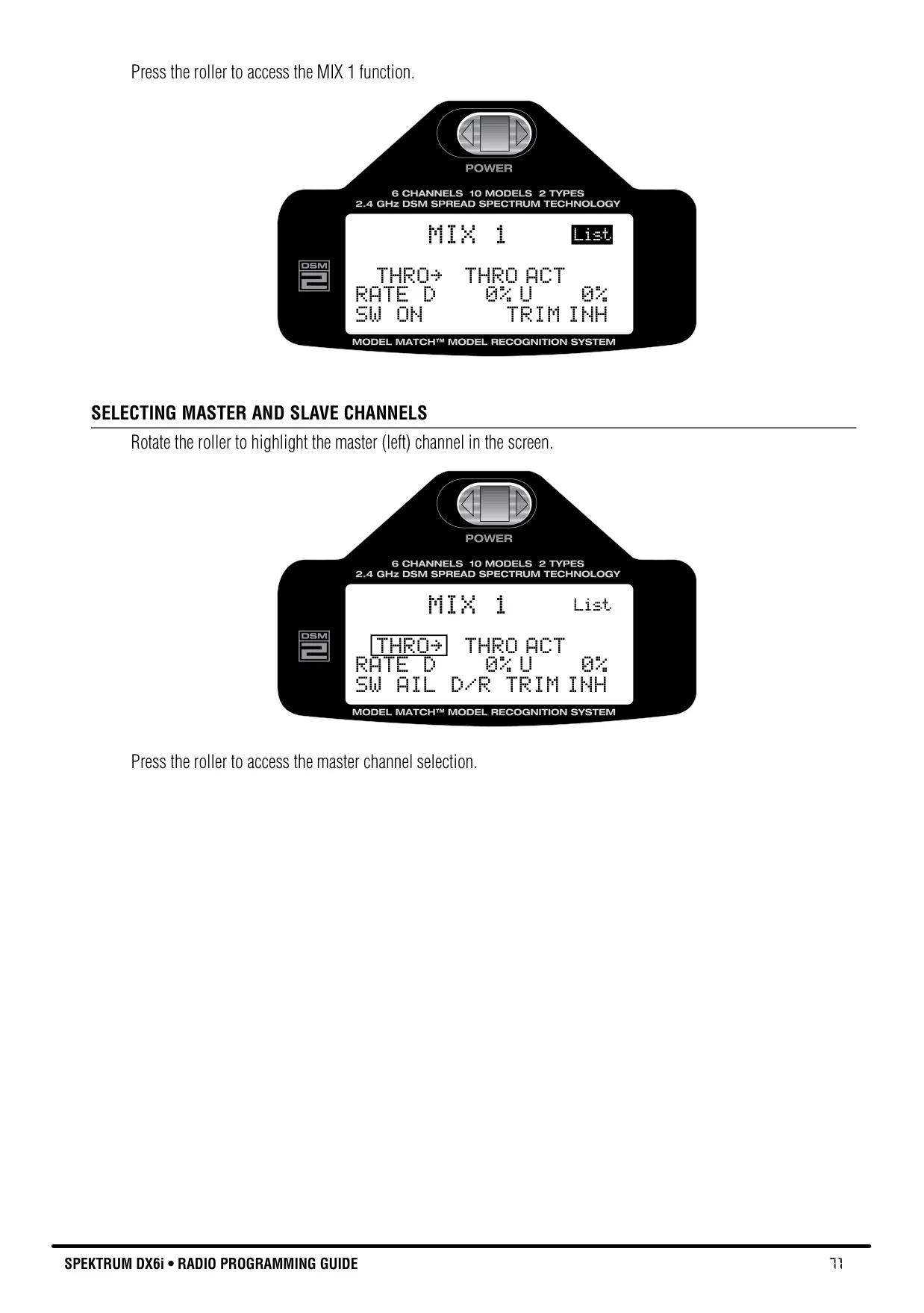
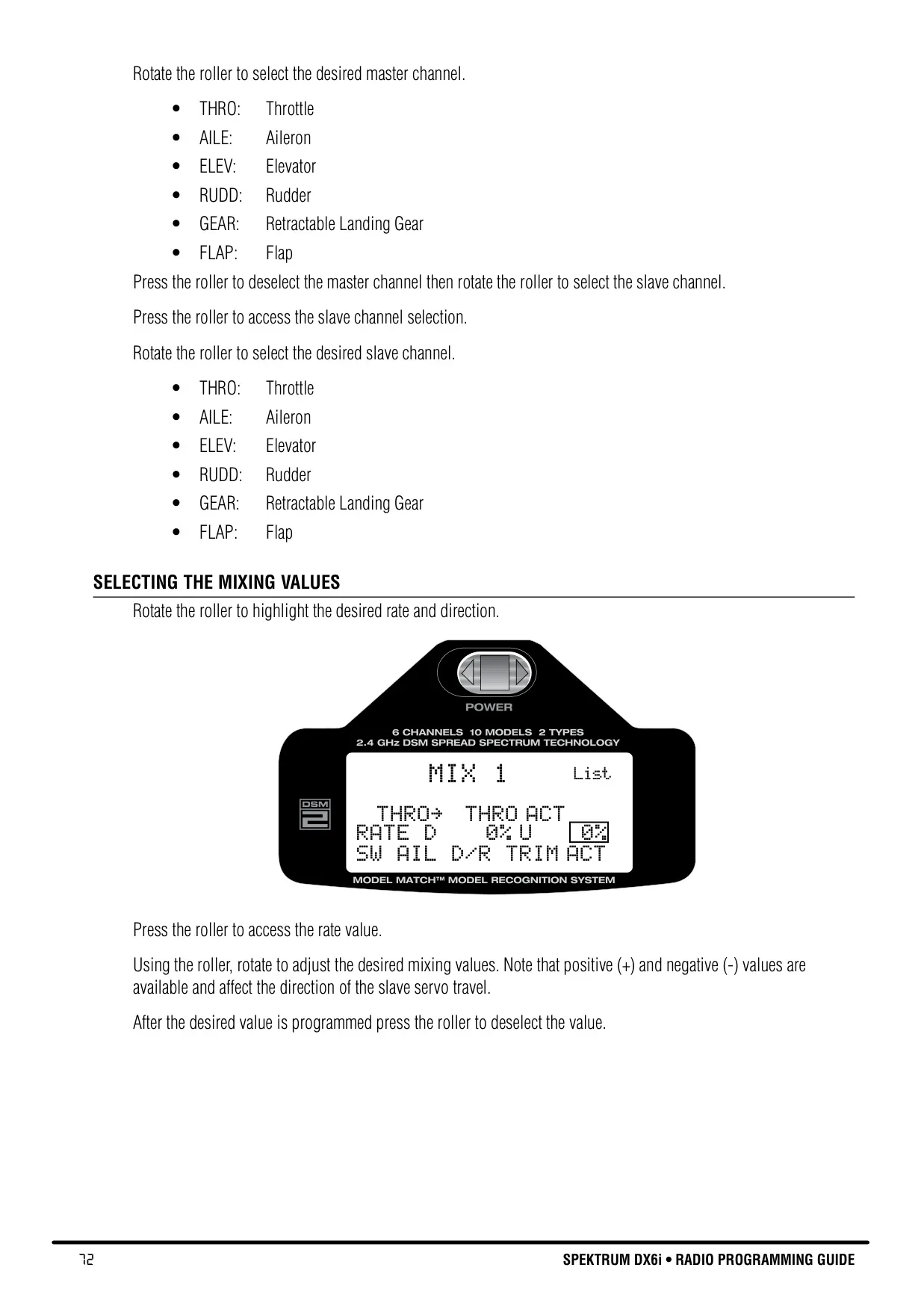
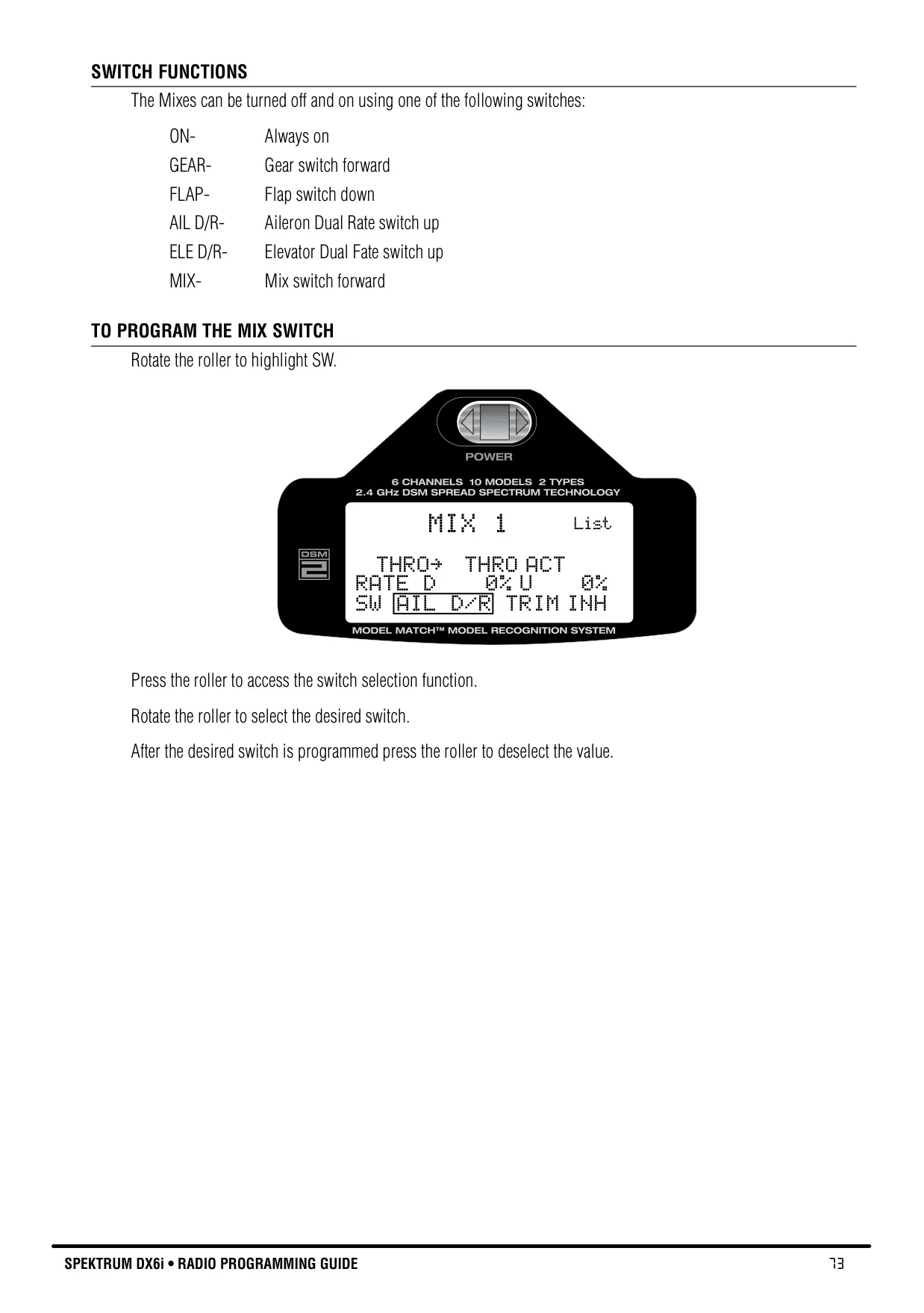

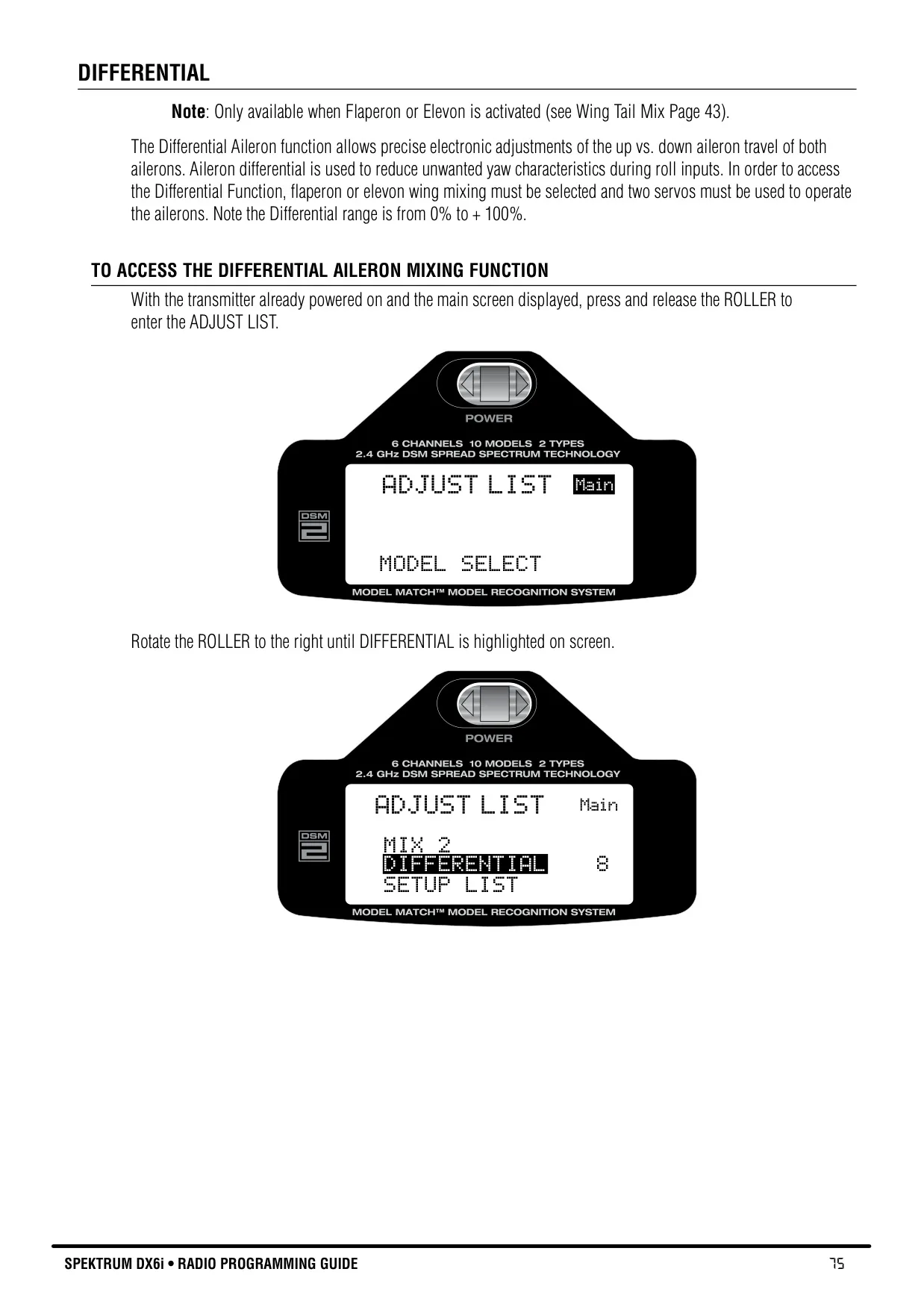
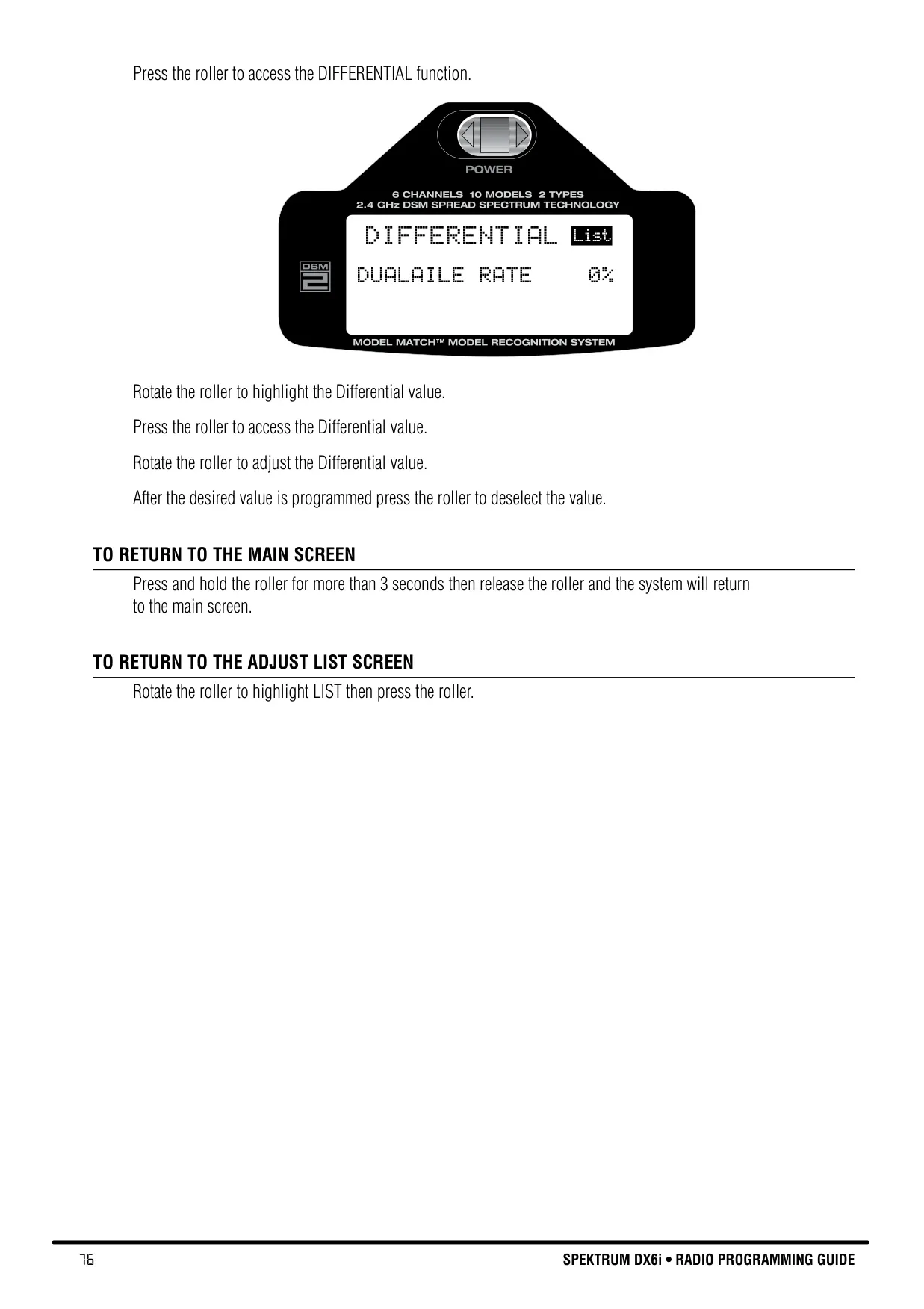
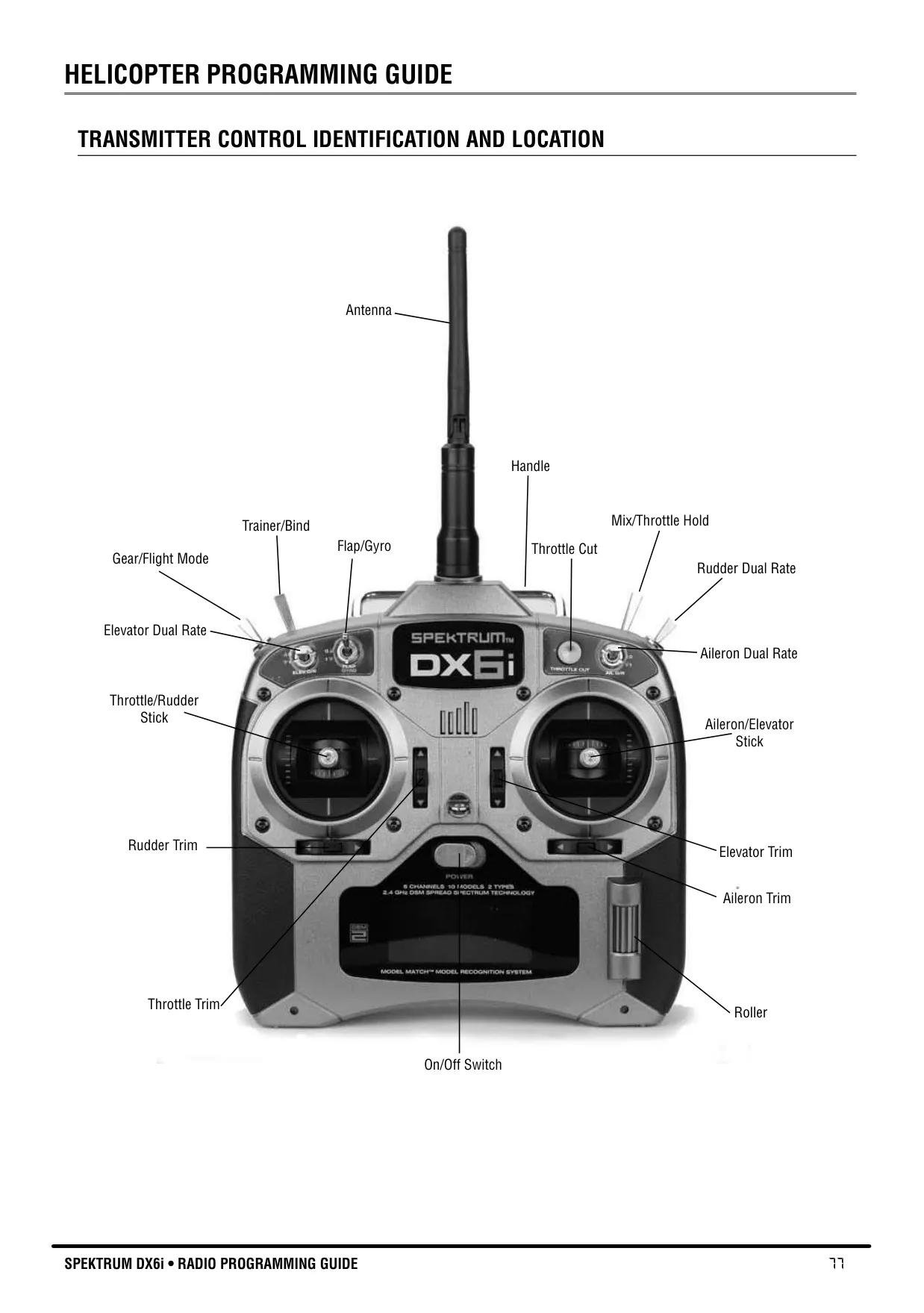







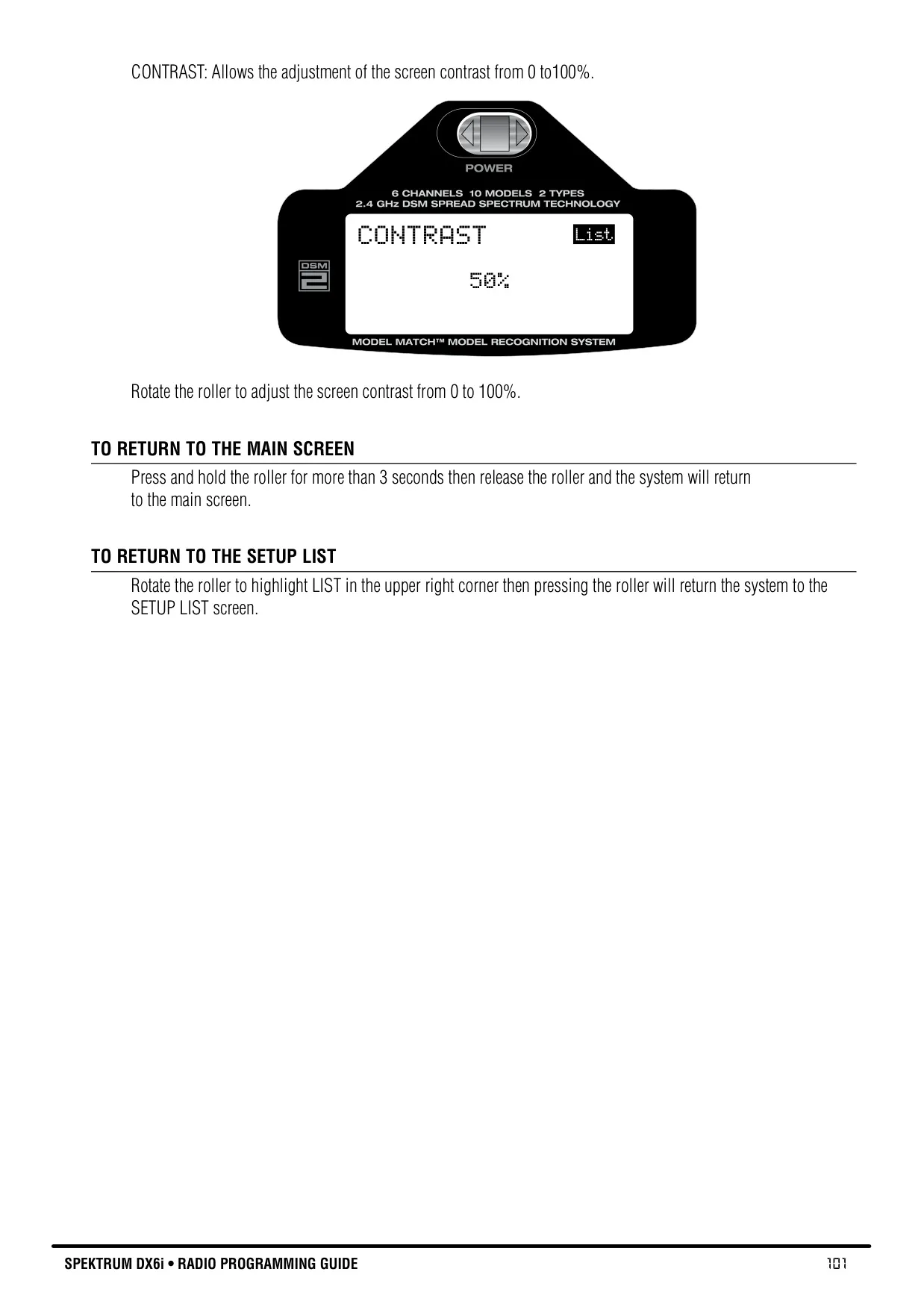
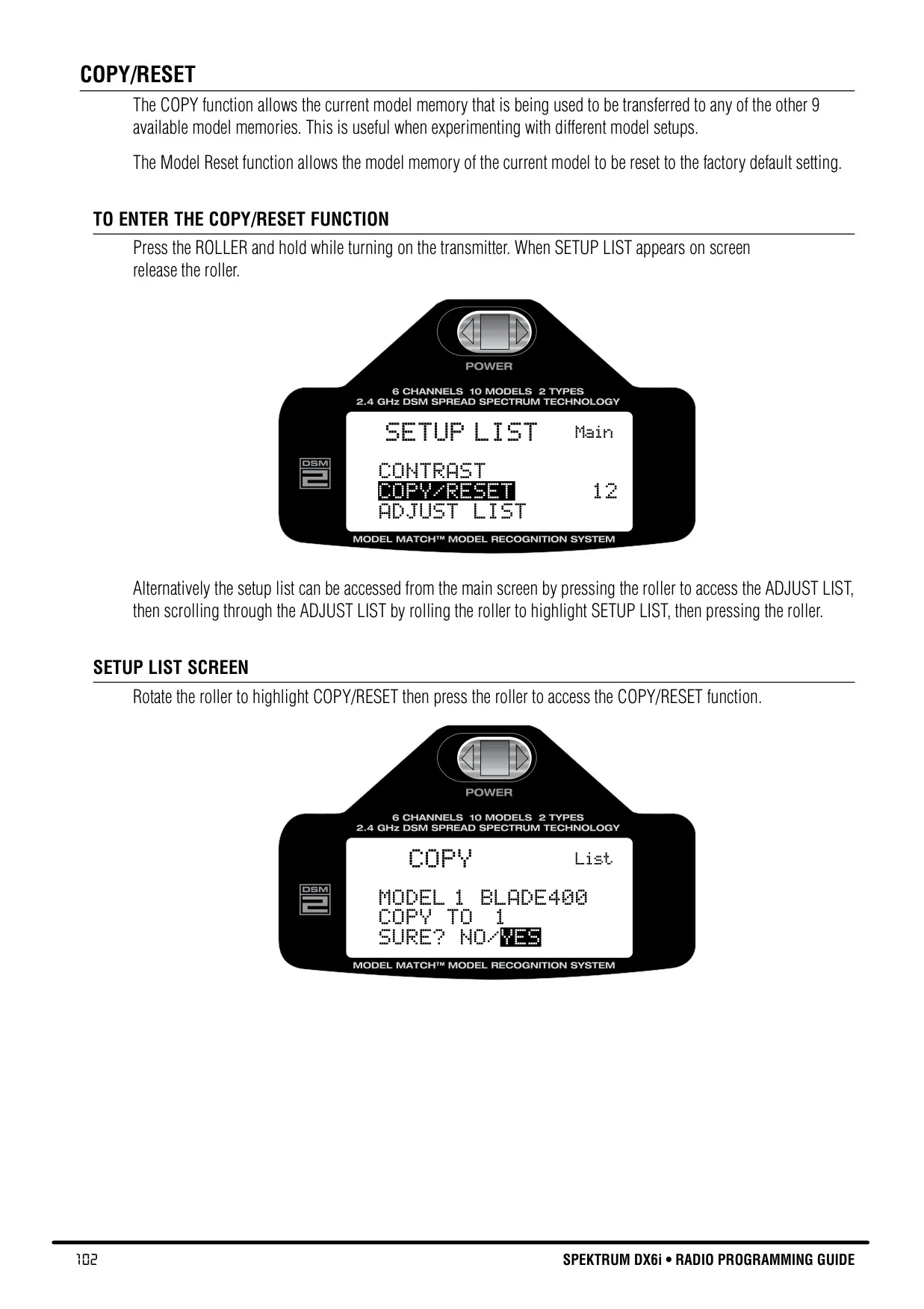
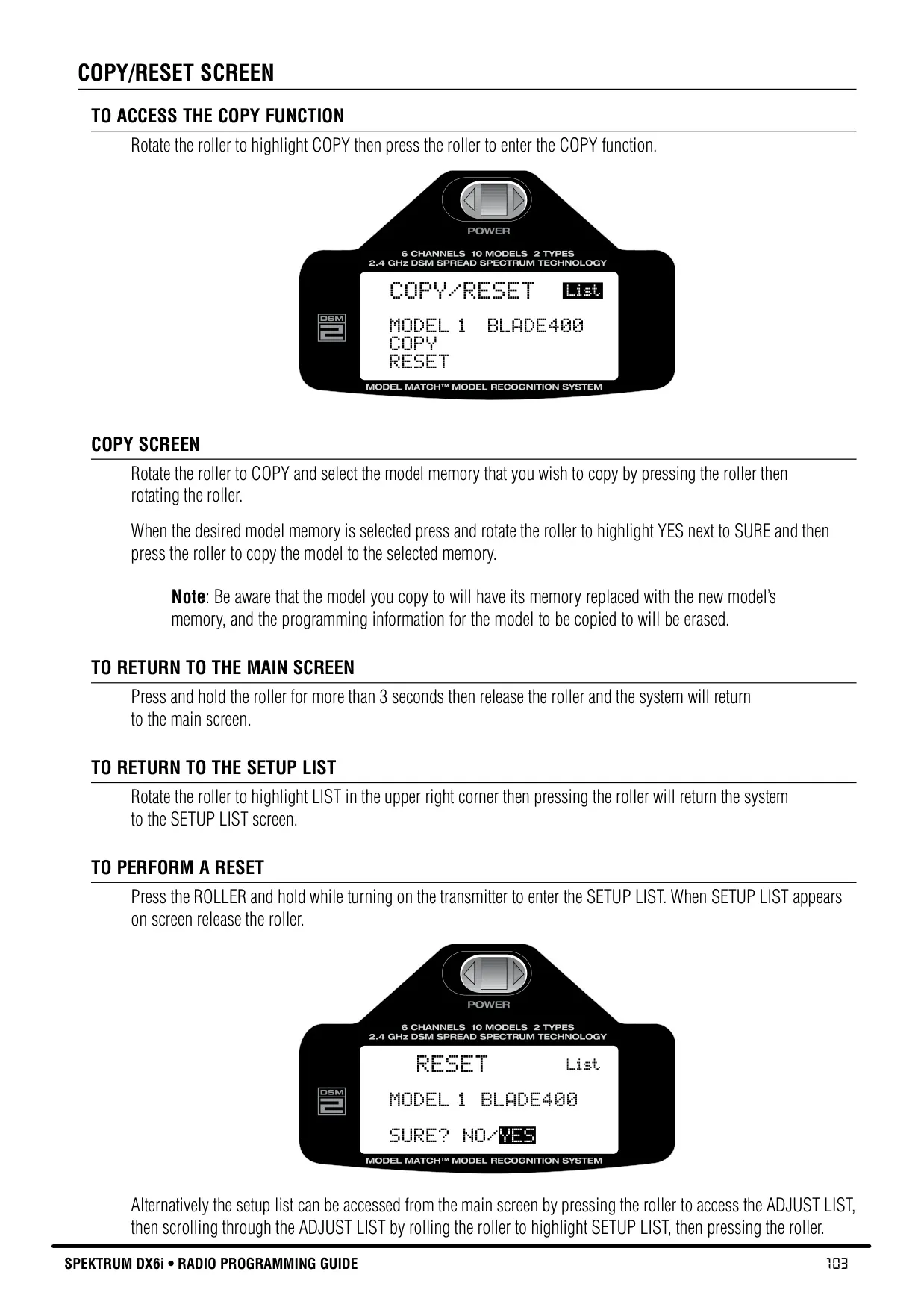


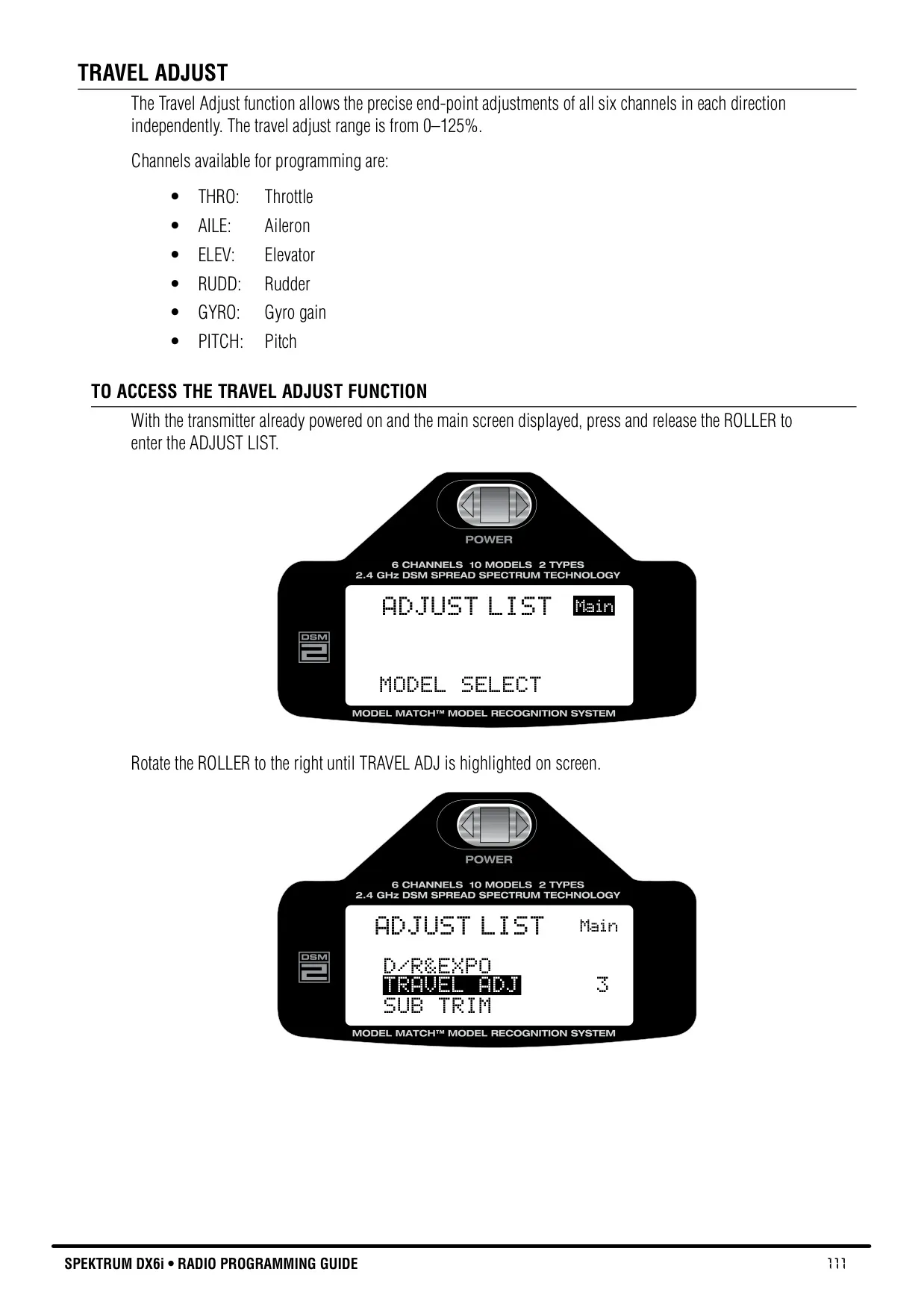
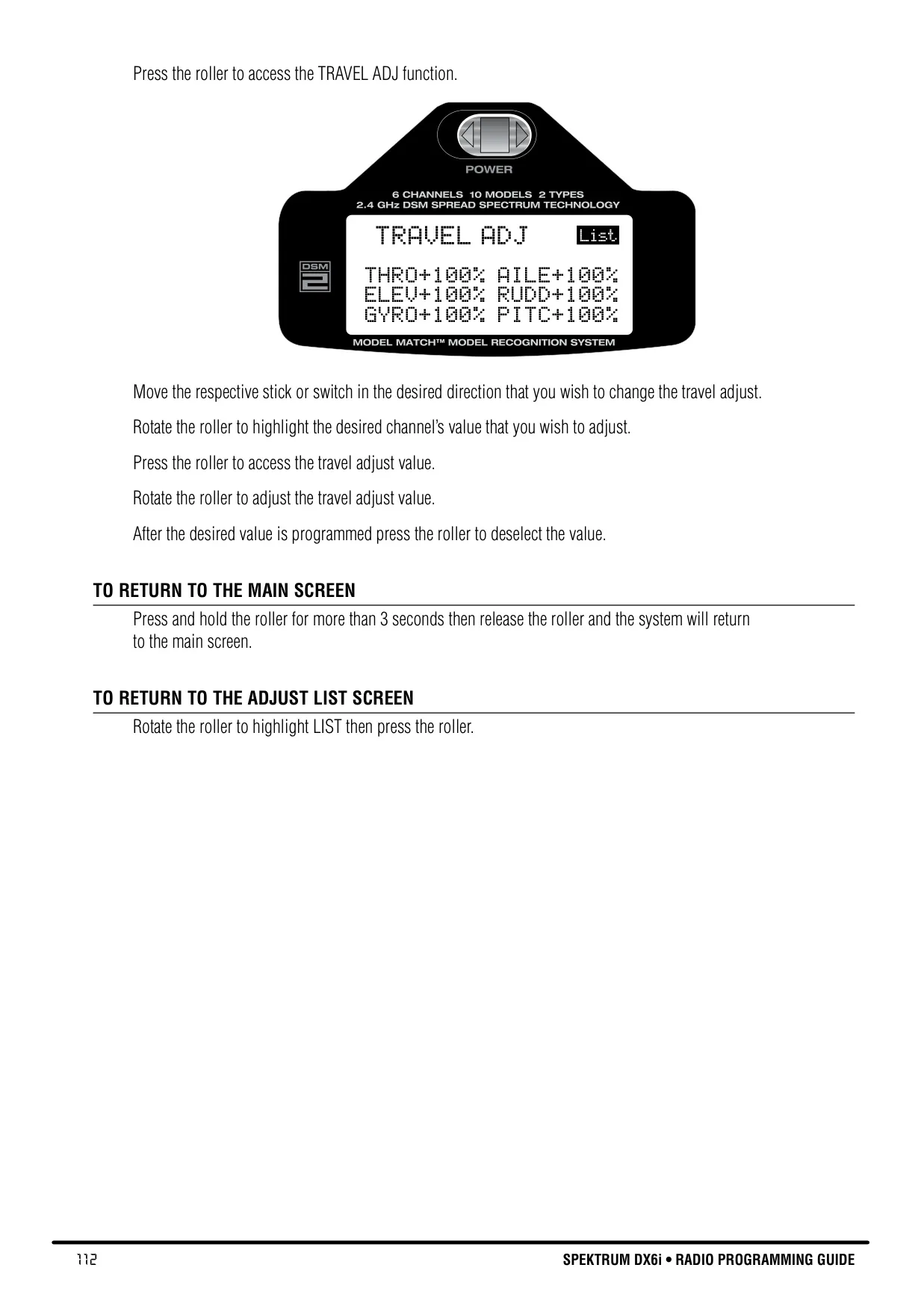


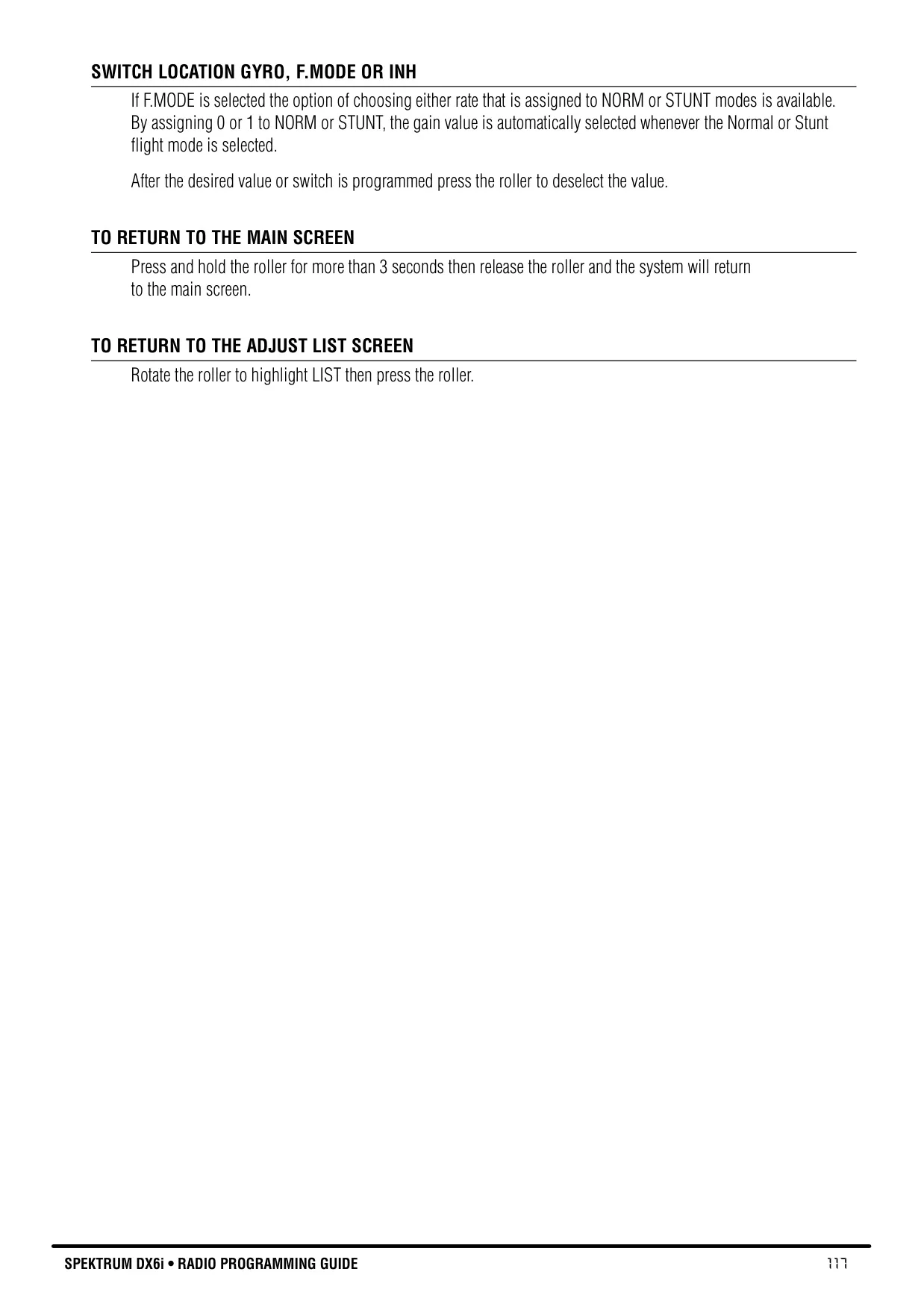


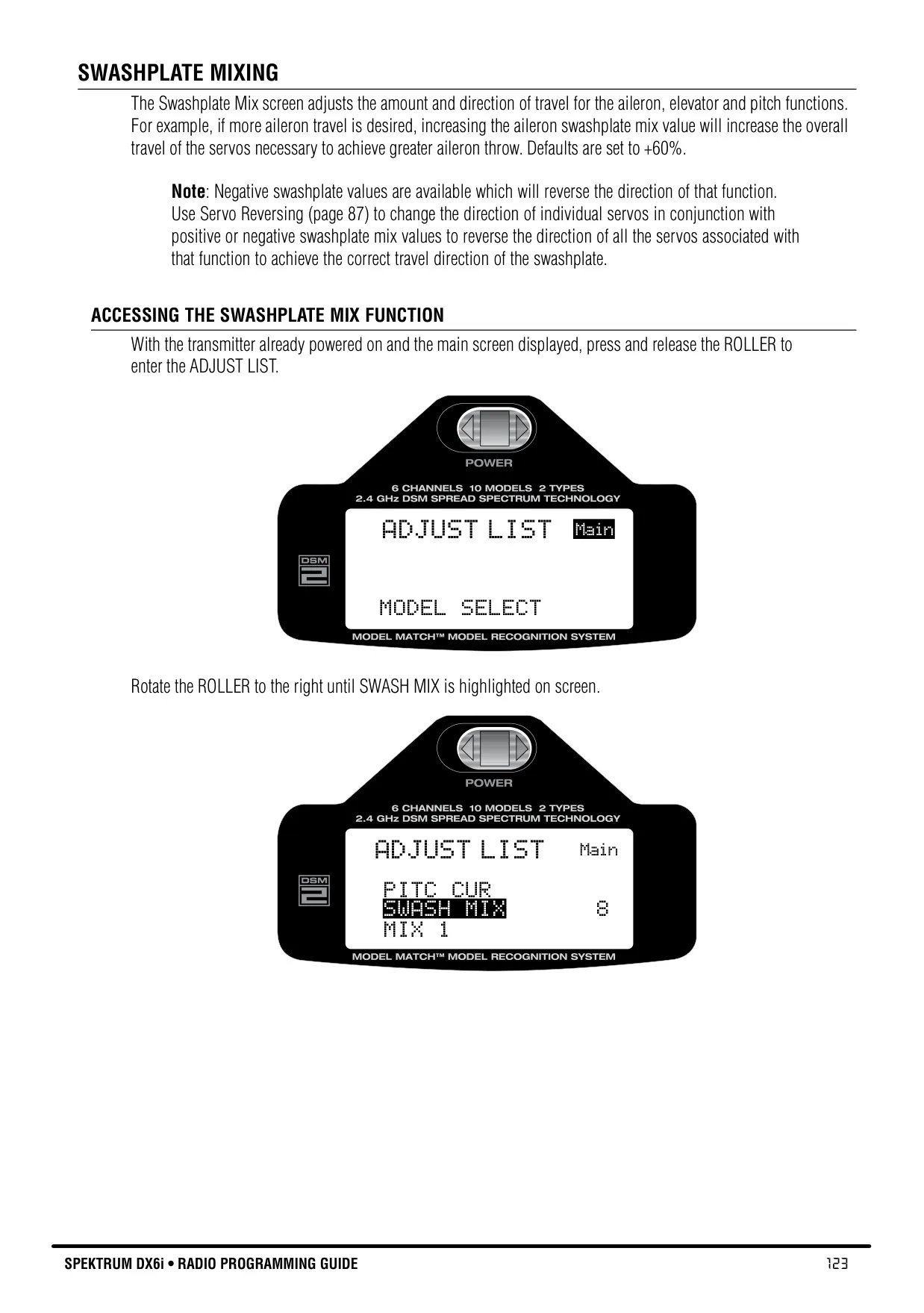


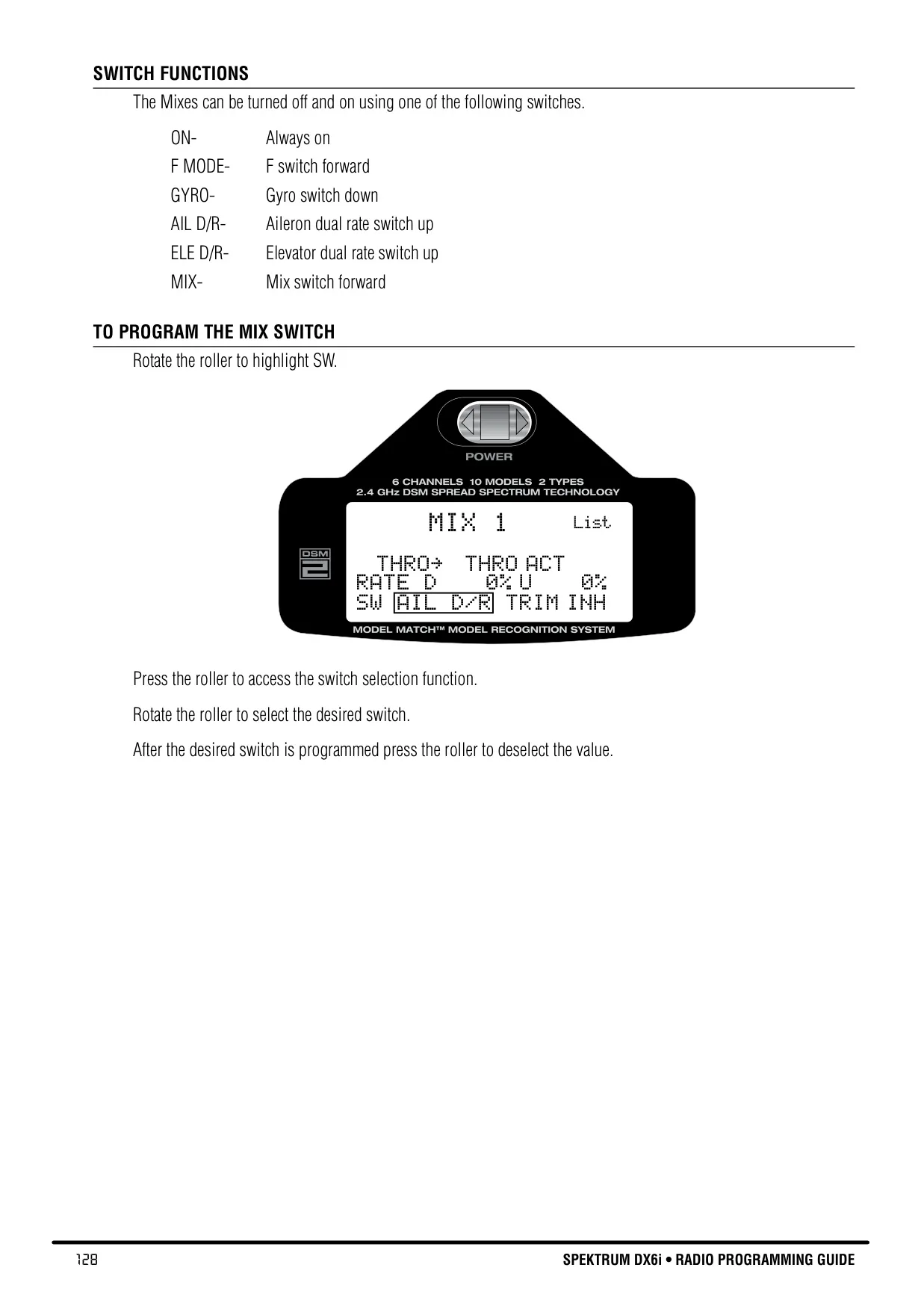

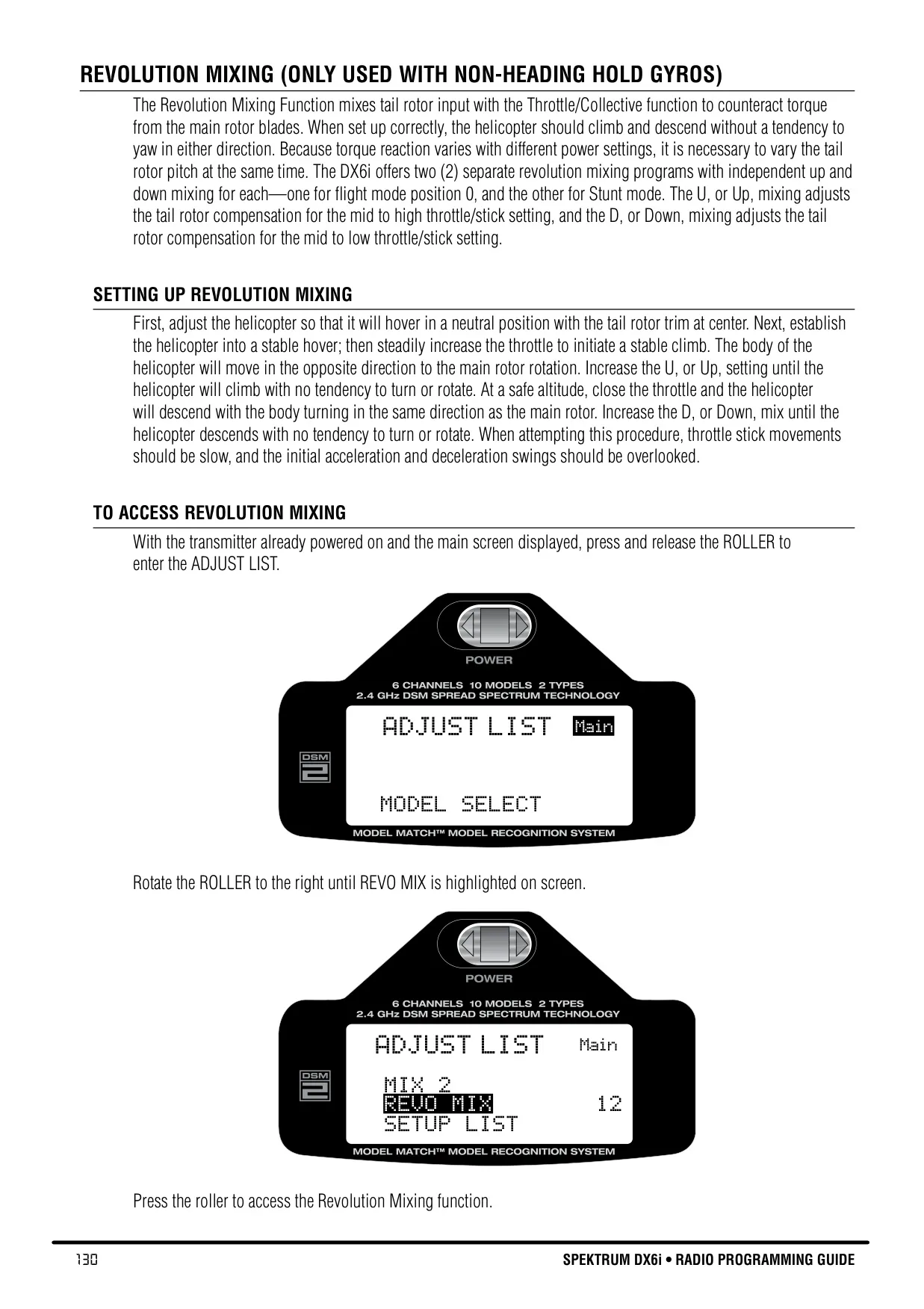


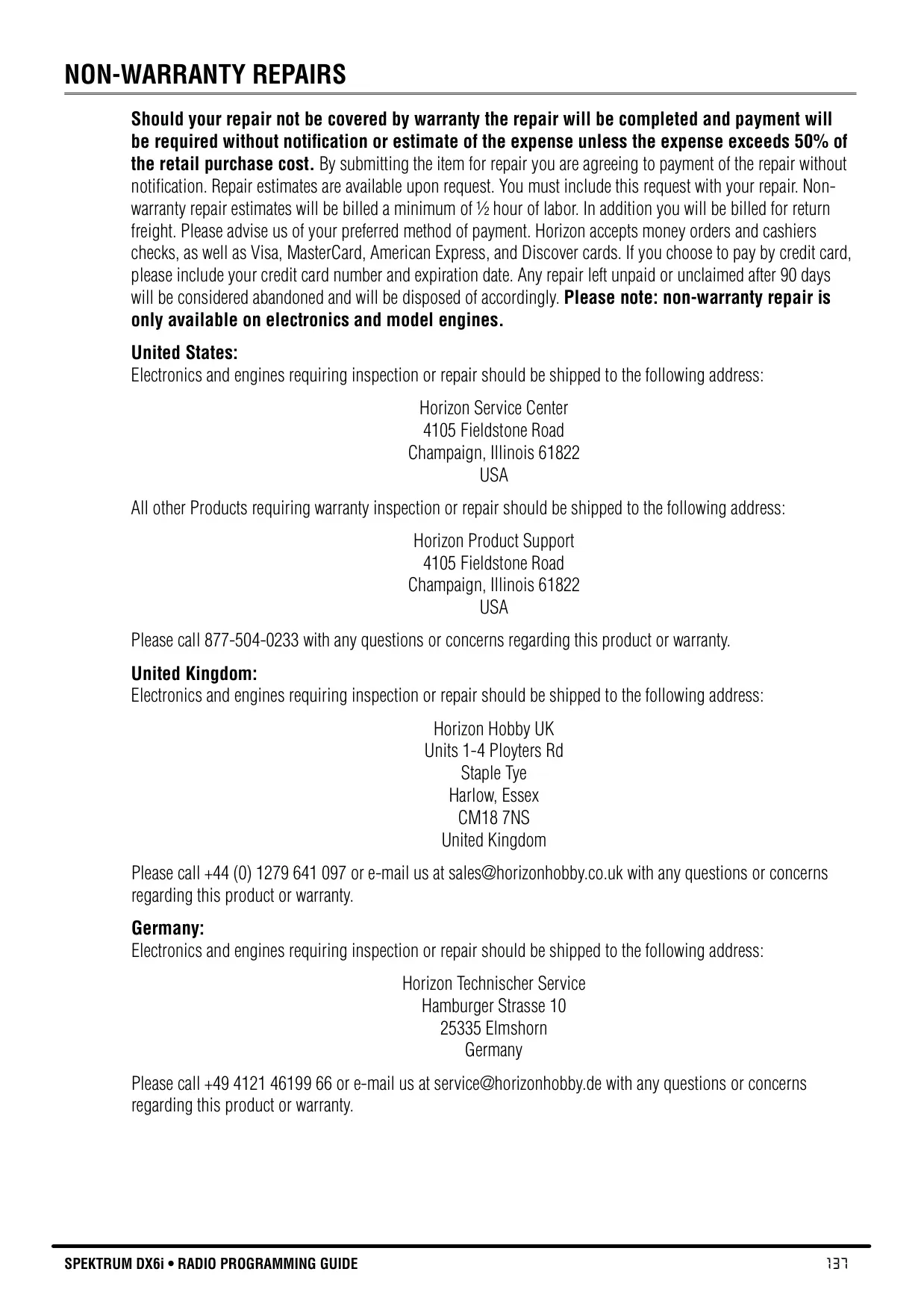




Spektrum DX6i Instructions
Here we offer the Spektrum DX6i Radio Control Transmitter manual completely free and in English. We have cataloged this manual in the Radio Control Transmitters section on Manualverse, and it has been rated by 1 users with an average rating of 5. If you have any specific questions about Spektrum DX6i Radio Control Transmitter, we suggest checking the Frequently Asked Questions (FAQs) section of this manual.
Product Images

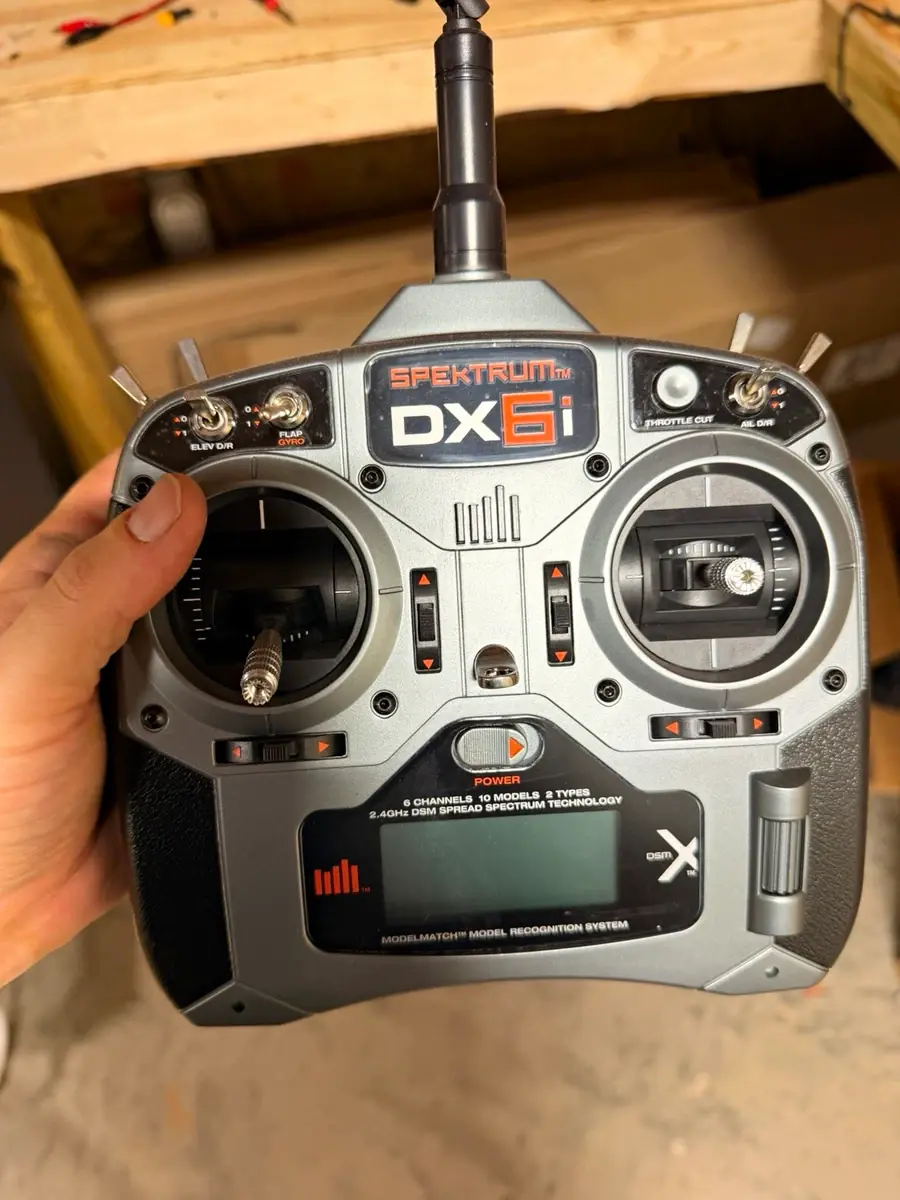
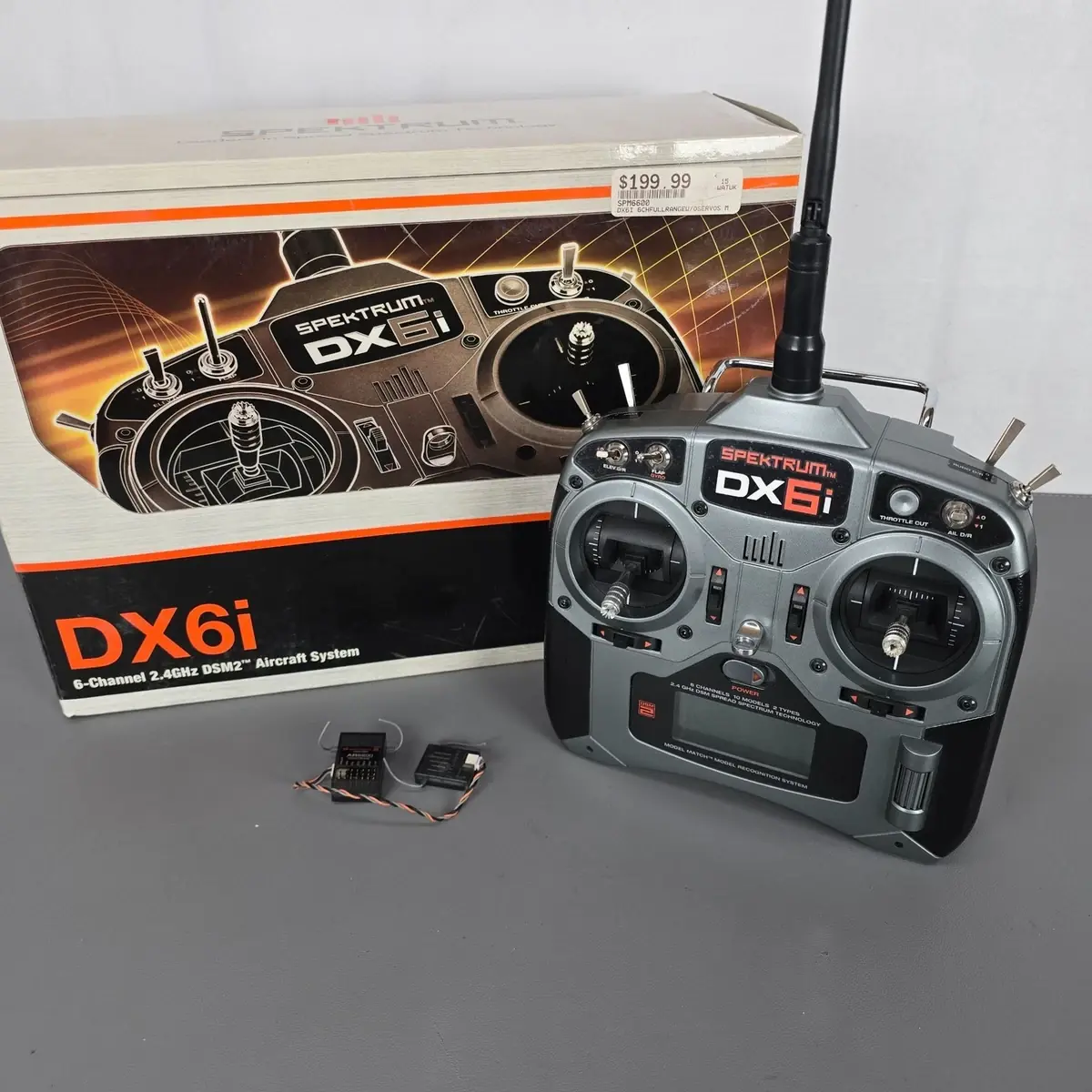

Spektrum DX6i Radio Control Transmitter Specifications
| Feature | Specification |
|---|---|
| Channels | 6 |
| Model Memory | 10 models |
| Frequency Band | 2.4GHz |
| Technology | DSM2 Full Range, DuaLink |
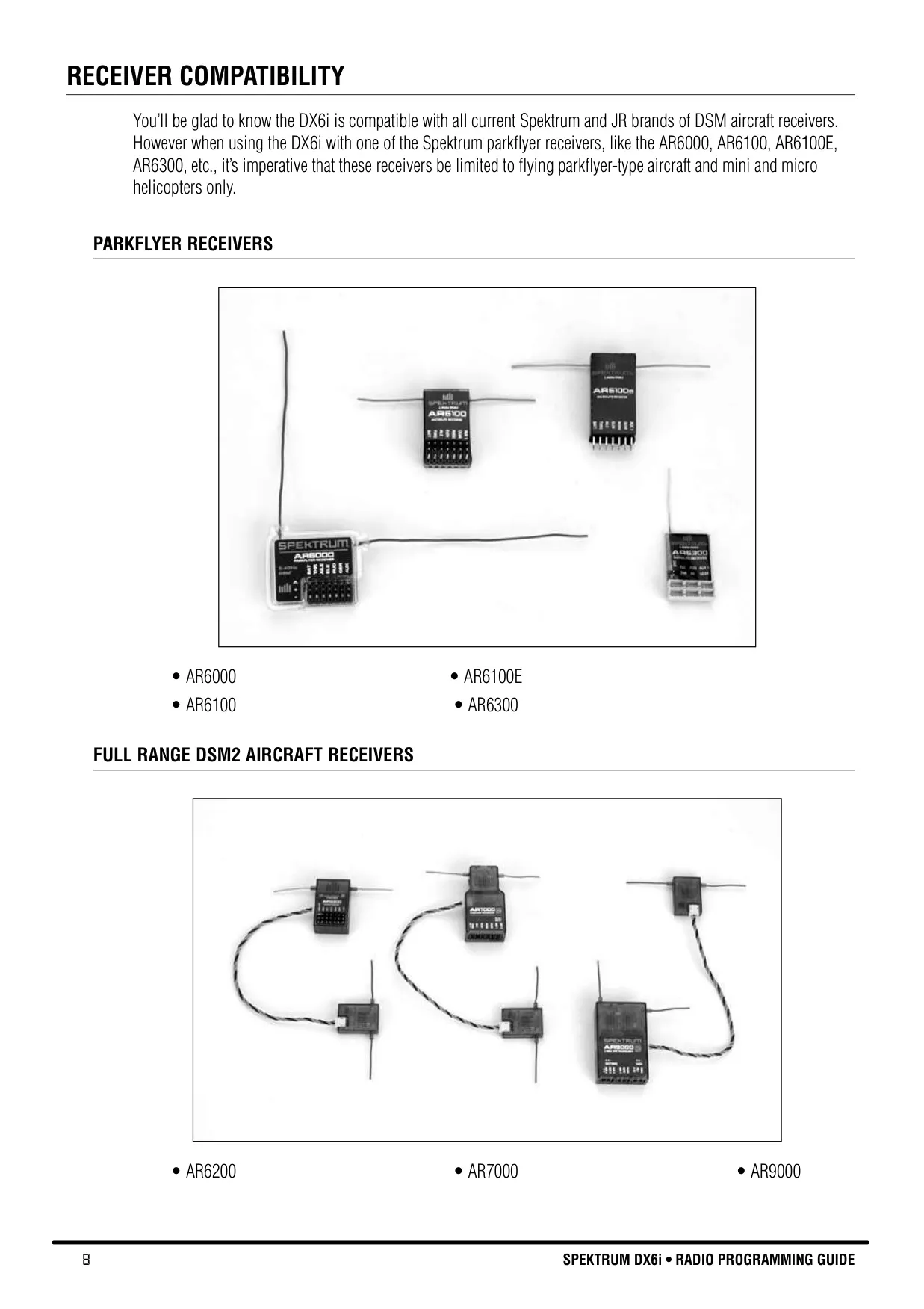
| Receiver Compatibility | Spektrum & JR DSM aircraft receivers (e.g., AR6200, AR6000, AR7000) |
| Transmitter Battery | 4 AA (NiMH rechargeable with some versions) |
| Charger (NiMH versions) | 4.8-volt, 150mA overnight charger |
| Receiver Operating Voltage | 3.5V - 9V (Recommended min. 4.8V under load) |
| Transmitter Low Battery Alarm | Below 4.3V |
| Digital Trims | Aileron, Elevator, Throttle, Rudder (Advanced Digital Trim) |
| Dual Rate & Exponential | Aileron, Elevator, Rudder (adjustable 0-100%, +/- 100% Expo) |
| Travel Adjust Range | 0% - 125% (per channel, per direction) |
| Sub-Trim Range | +/- 100% (+/- 30 degrees servo travel) |
| Programmable Mixes | 2 (Master/Slave, adjustable rates -125% to +125%, switchable) |
| Timers | Down-Timer (up to 59:50), Up-Timer (up to 59:59) |
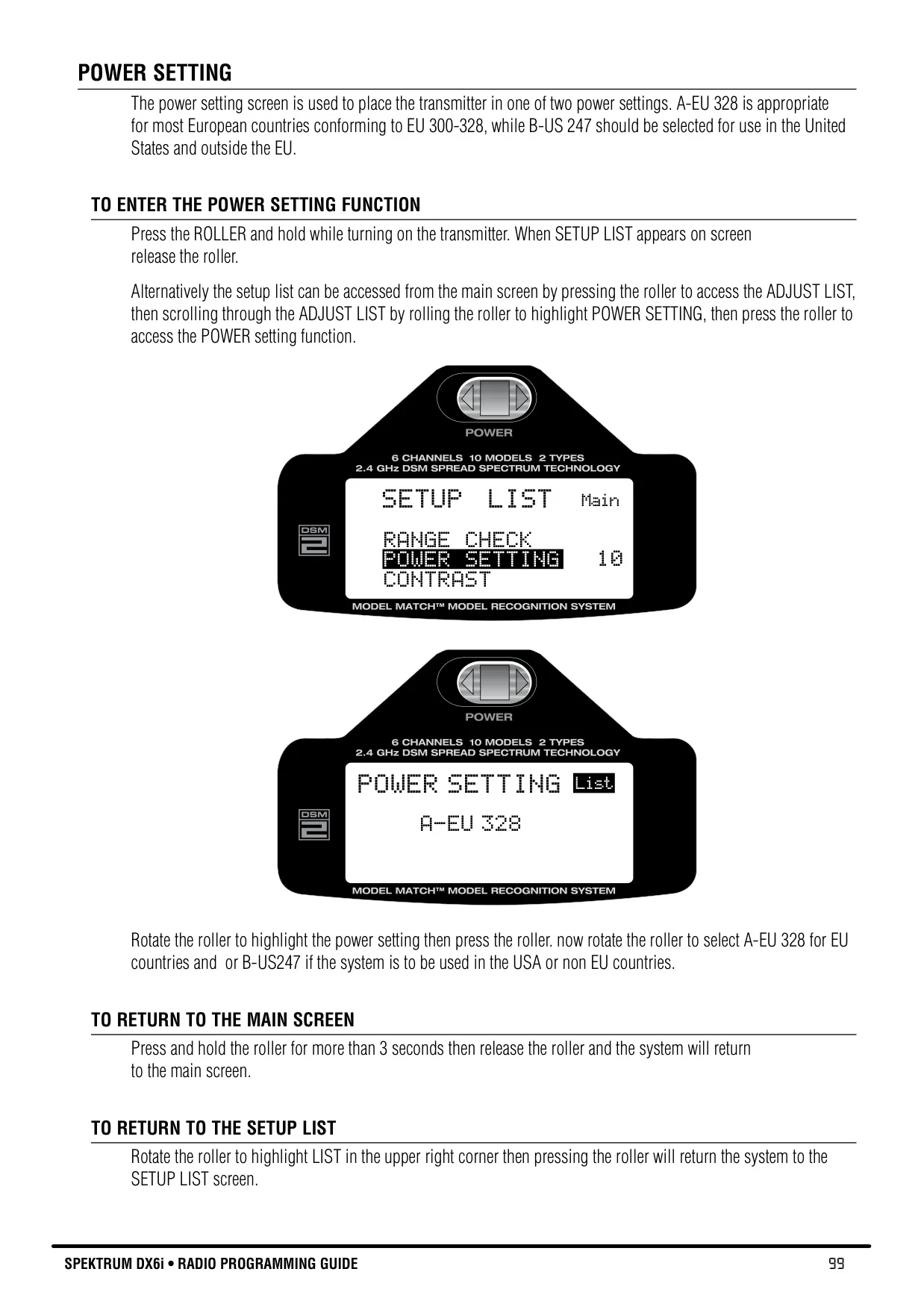
| Power Settings | A-EU 328 (EU), B-US 247 (USA/Non-EU) |
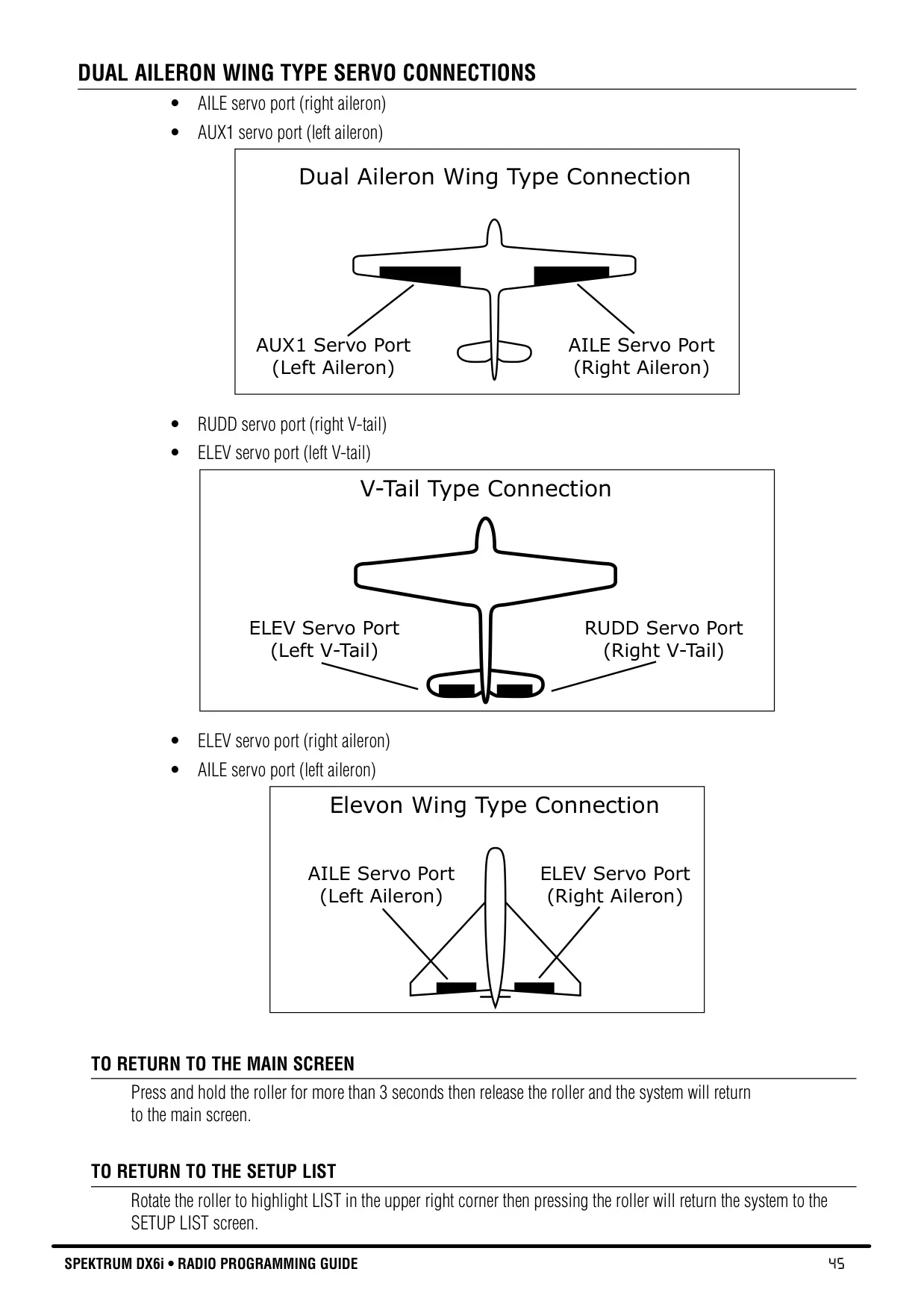
| Wing Types (Airplane) | Normal, Dual Aileron, Elevon (Delta mixing) |
| Tail Types (Airplane) | Normal, V-Tail |
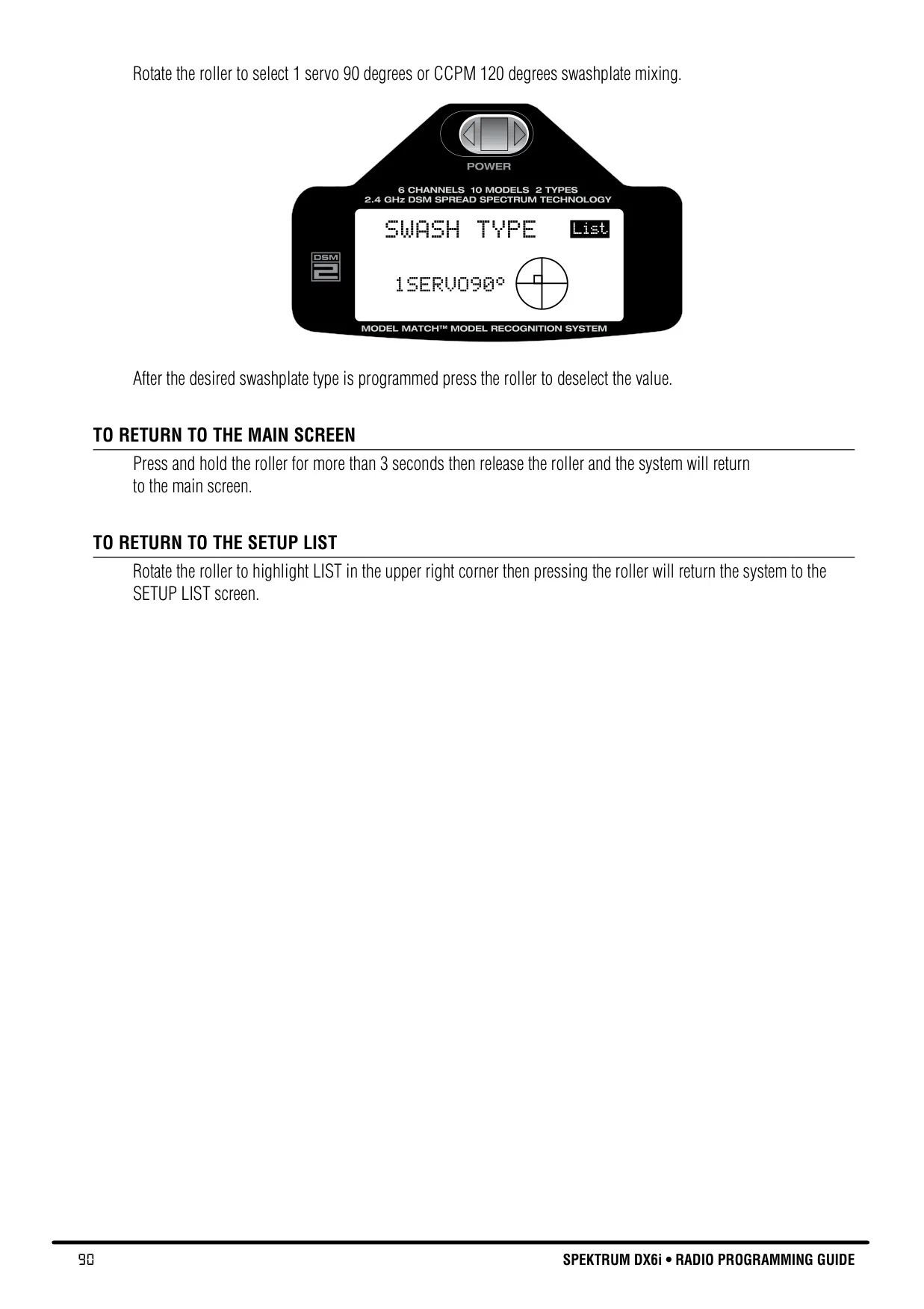
| Swashplate Types (Helicopter) | 1-Servo 90°, CCPM 120° |
| Throttle Curves (Helicopter) | 2 (Normal, Stunt), 5 adjustable points each |
| Pitch Curves (Helicopter) | 3 (Normal, Stunt, Hold), 5 adjustable points each |
| Gyro Function (Helicopter) | 2 selectable gain values (Flight Mode or Gyro switch) |
| Revolution Mixing (Helicopter) | For non-heading hold gyros (up/down mixing) |
Spektrum DX6i Transmitter Details
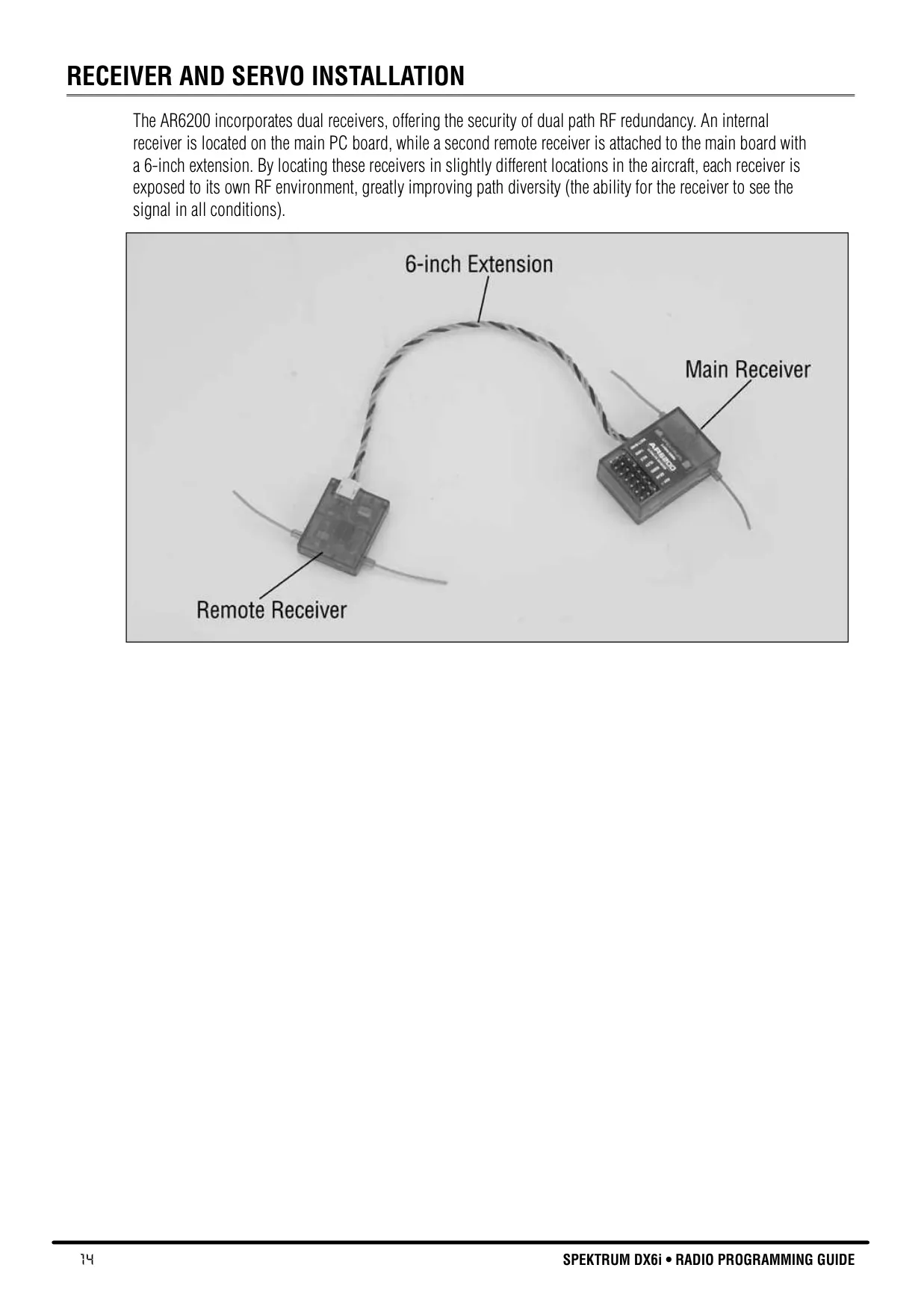
The Spektrum DX6i is engineered with 2.4GHz DSM2 DuaLink technology, providing a robust, full-range radio link for a variety of aircraft, from parkflyers to giant-scale models. Unlike traditional narrow-band systems, DuaLink is designed to be virtually immune to both internal and external radio interference. The system achieves this by simultaneously transmitting on two distinct frequencies and utilizing an internal and external receiver for superior path diversity, ensuring a bulletproof RF connection even in challenging RF environments.
A significant safety feature is ModelMatch™ technology. This prevents pilots from inadvertently flying a model with the wrong transmitter memory selected. During the binding process, the receiver learns and remembers the specific model memory from the transmitter. If an incorrect model memory is subsequently selected, the receiver simply won't operate, thereby preventing potential crashes or damage caused by misconfigured controls. Correcting this merely requires selecting the matching model memory.
The DX6i incorporates Advanced Digital Trims for aileron, elevator, throttle, and rudder. These digital trims automatically store selected trim values unique to each model, eliminating the need for manual re-adjustment when switching between aircraft. The trims also feature dual-speed scrolling, allowing for precise fine-tuning or rapid adjustments by holding the lever for an extended duration. This enhances convenience and precision during flight setup.
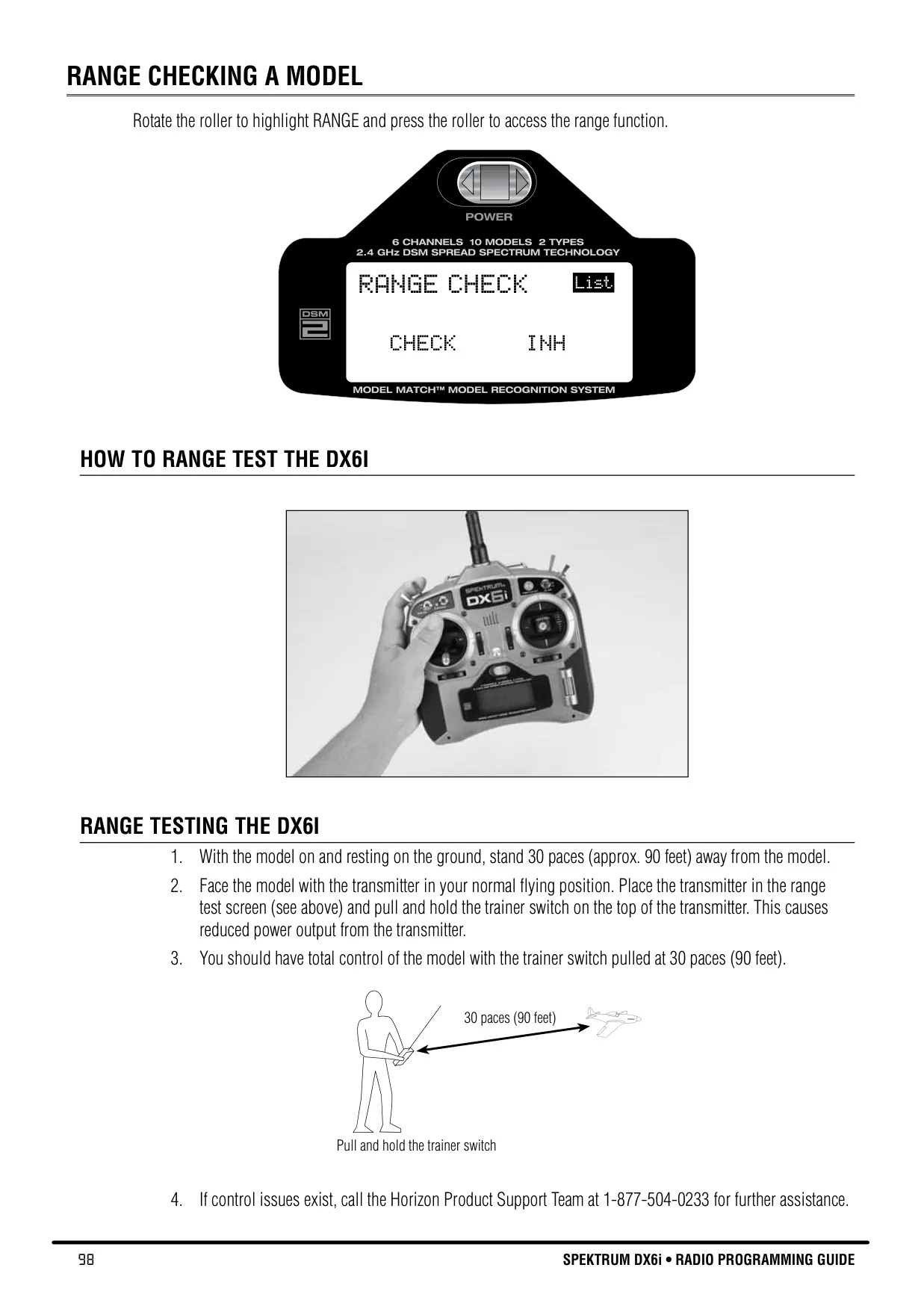
Before each flight session, especially with a new model, performing a range check is crucial for safety. The DX6i simplifies this process with a dedicated range testing system. By entering the RANGE CHECK program and holding the trainer switch, the transmitter’s output power is reduced. This allows the pilot to verify full control of the model at approximately 30 paces (90 feet), ensuring the integrity of the radio link before engaging in full-range flight.
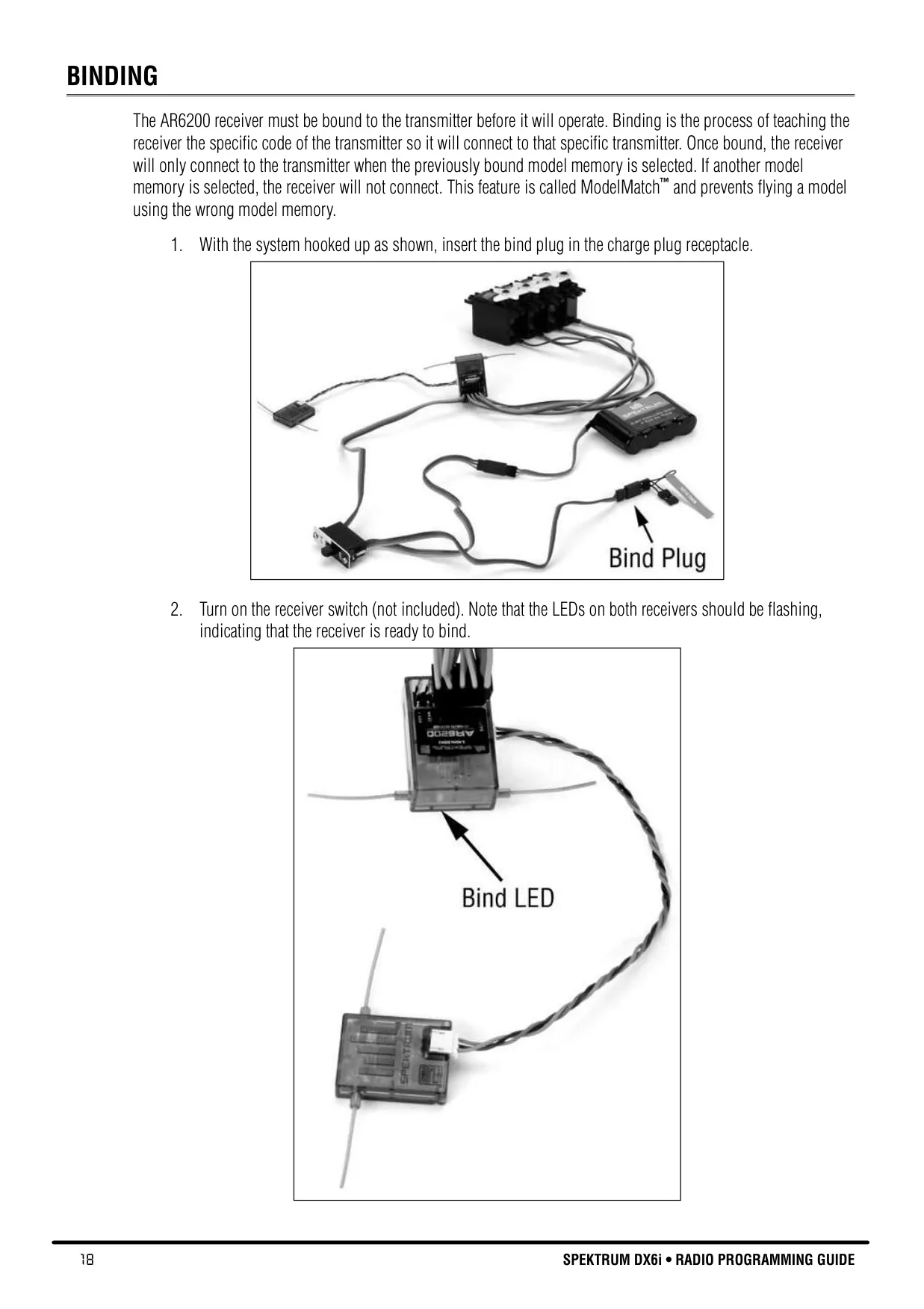
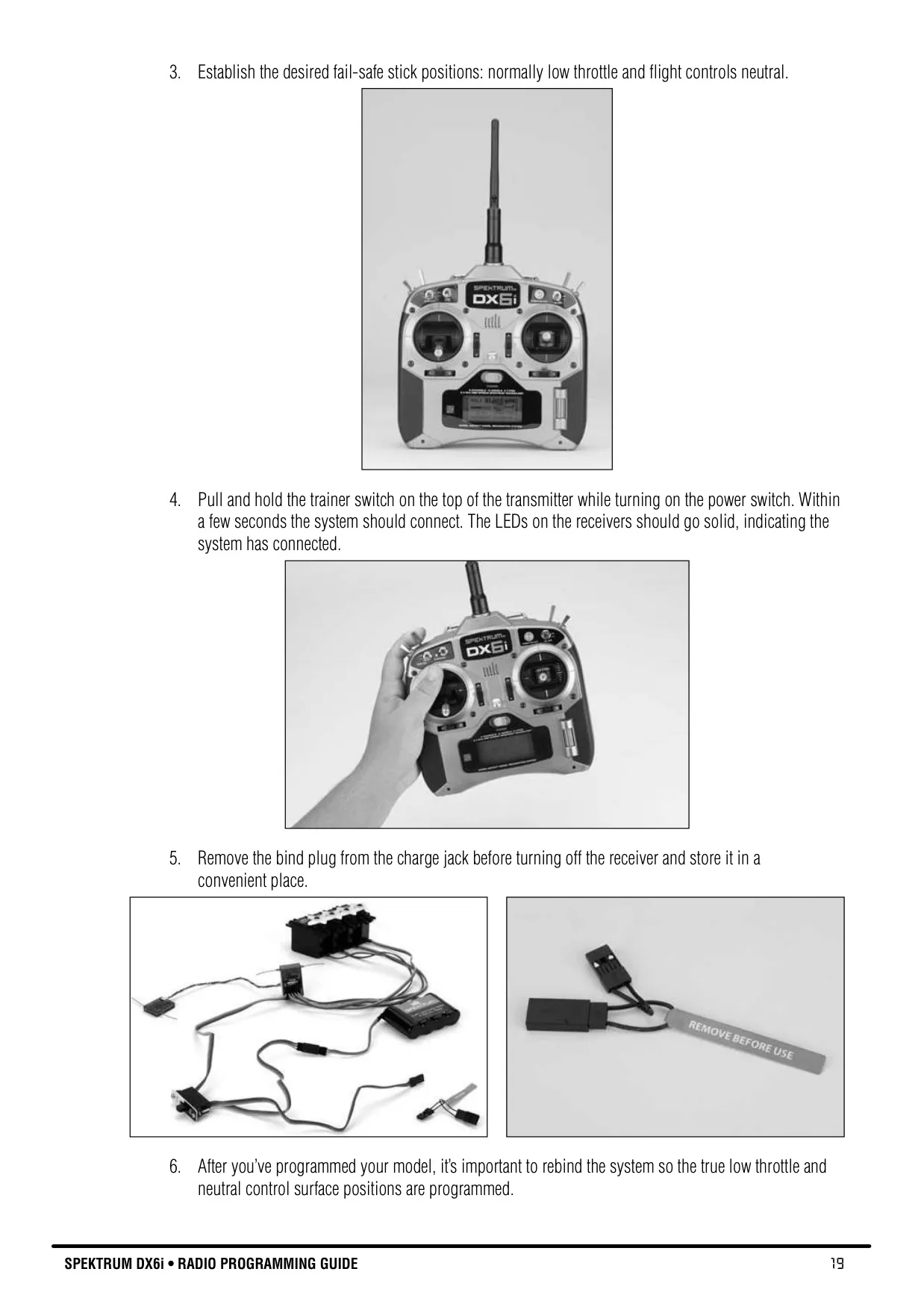
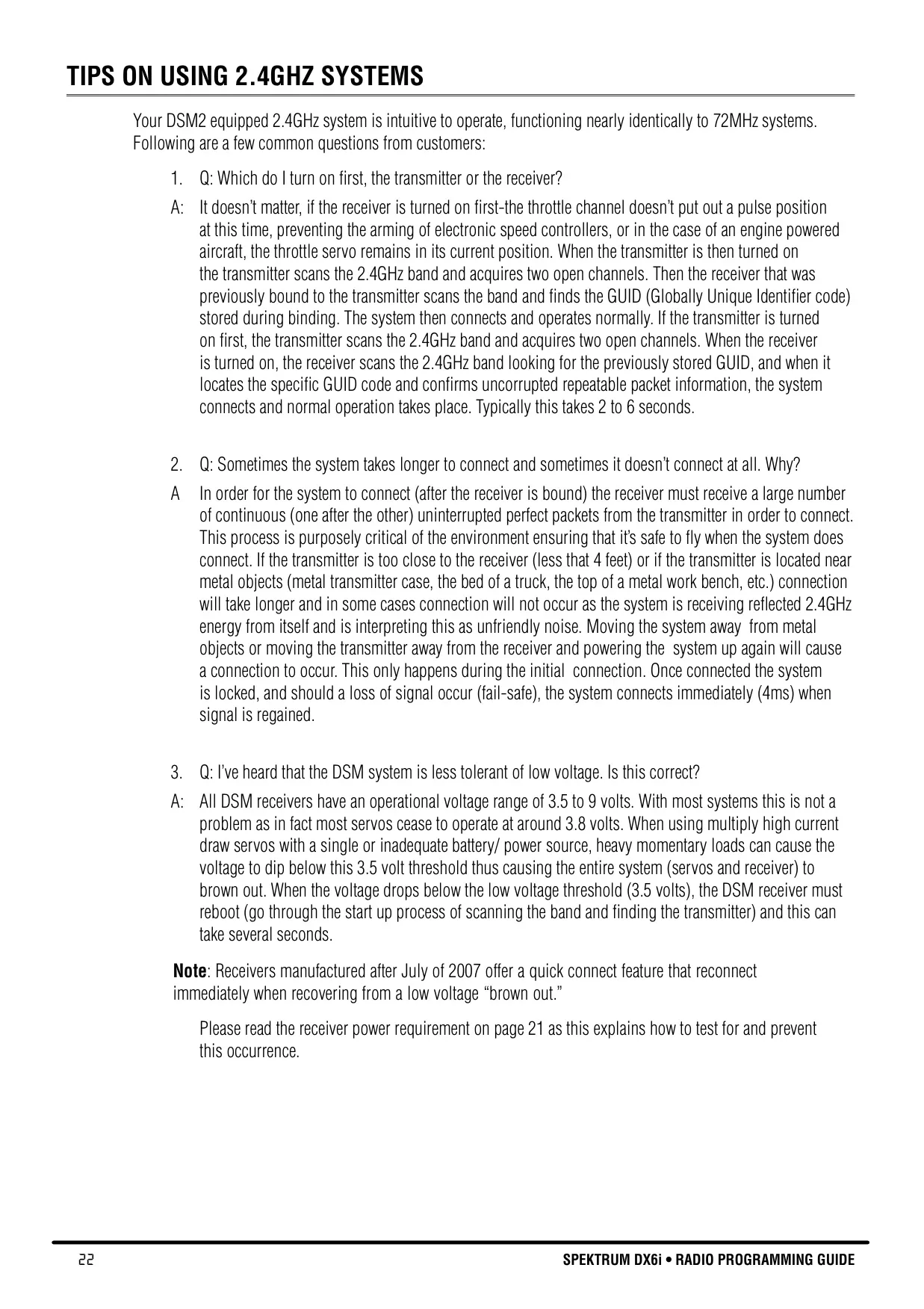
Binding the AR6200 receiver to the DX6i transmitter is a straightforward process that establishes a unique communication link. This process teaches the receiver the transmitter's specific code, which is then reinforced by ModelMatch technology. For optimal safety, it's recommended to rebind the system after initial model programming to ensure true low throttle and neutral control surface positions are accurately stored as fail-safe defaults.
The SmartSafe™ fail-safe system in the AR6200 receiver enhances safety significantly. It prevents unintentional motor response on startup and eliminates the risk of over-driving servos. Crucially, if the RF signal is lost during flight, SmartSafe drives the throttle servo to a preset low-throttle position (set during binding) while maintaining the last-commanded control surface positions. This system quickly regains full control within 4 milliseconds once the signal is re-established.
Proper receiver power system requirements are paramount for reliable operation, especially with large or complex models. The manual emphasizes testing the onboard power system to ensure it provides adequate power, maintaining a minimum of 4.8 volts at the receiver even under full servo loads. Inadequate power can lead to "brown-outs" where the receiver reboots, causing momentary loss of control. Recommendations include using current/volt meters and, for high-draw setups, multiple battery packs or power boxes.
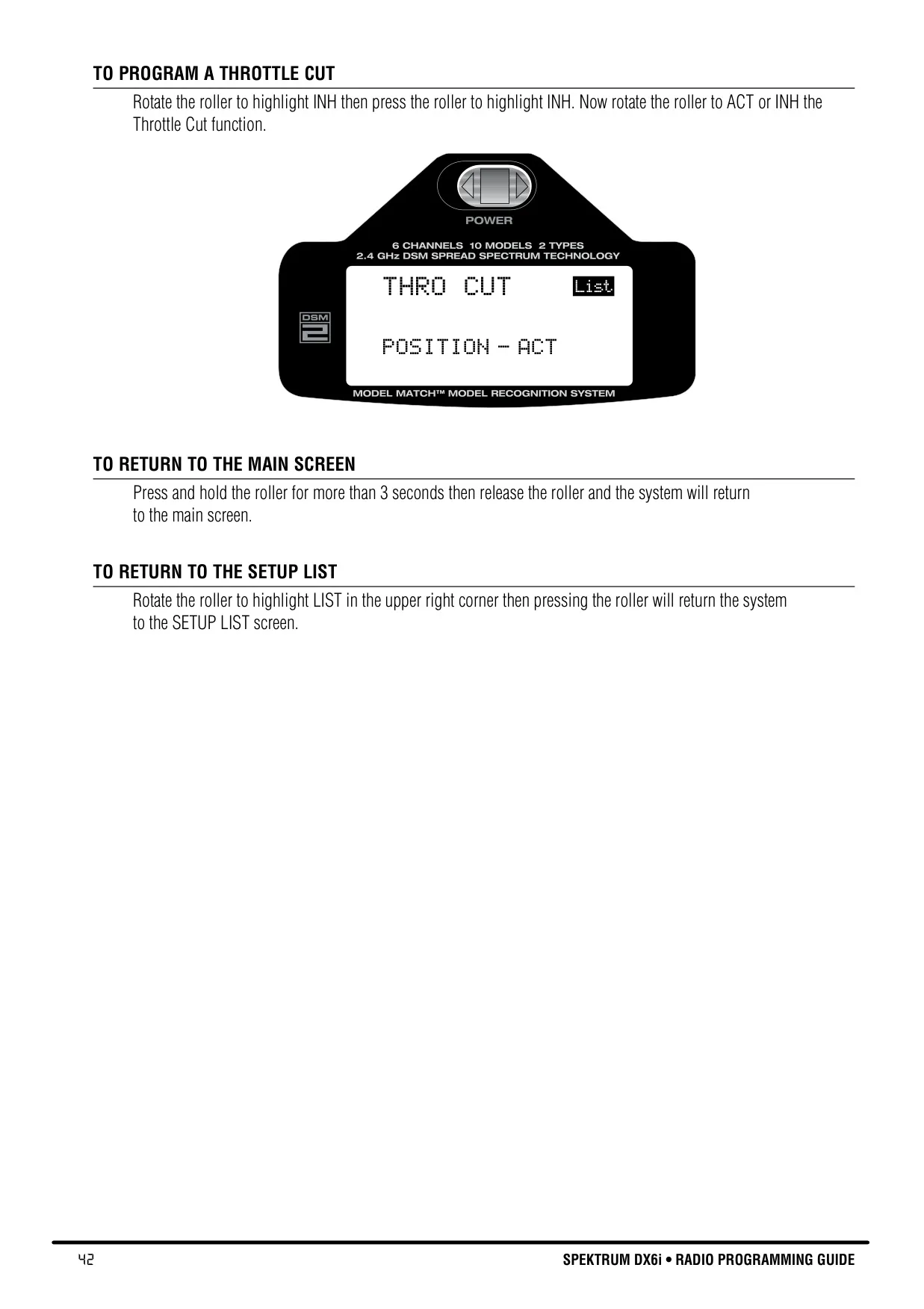
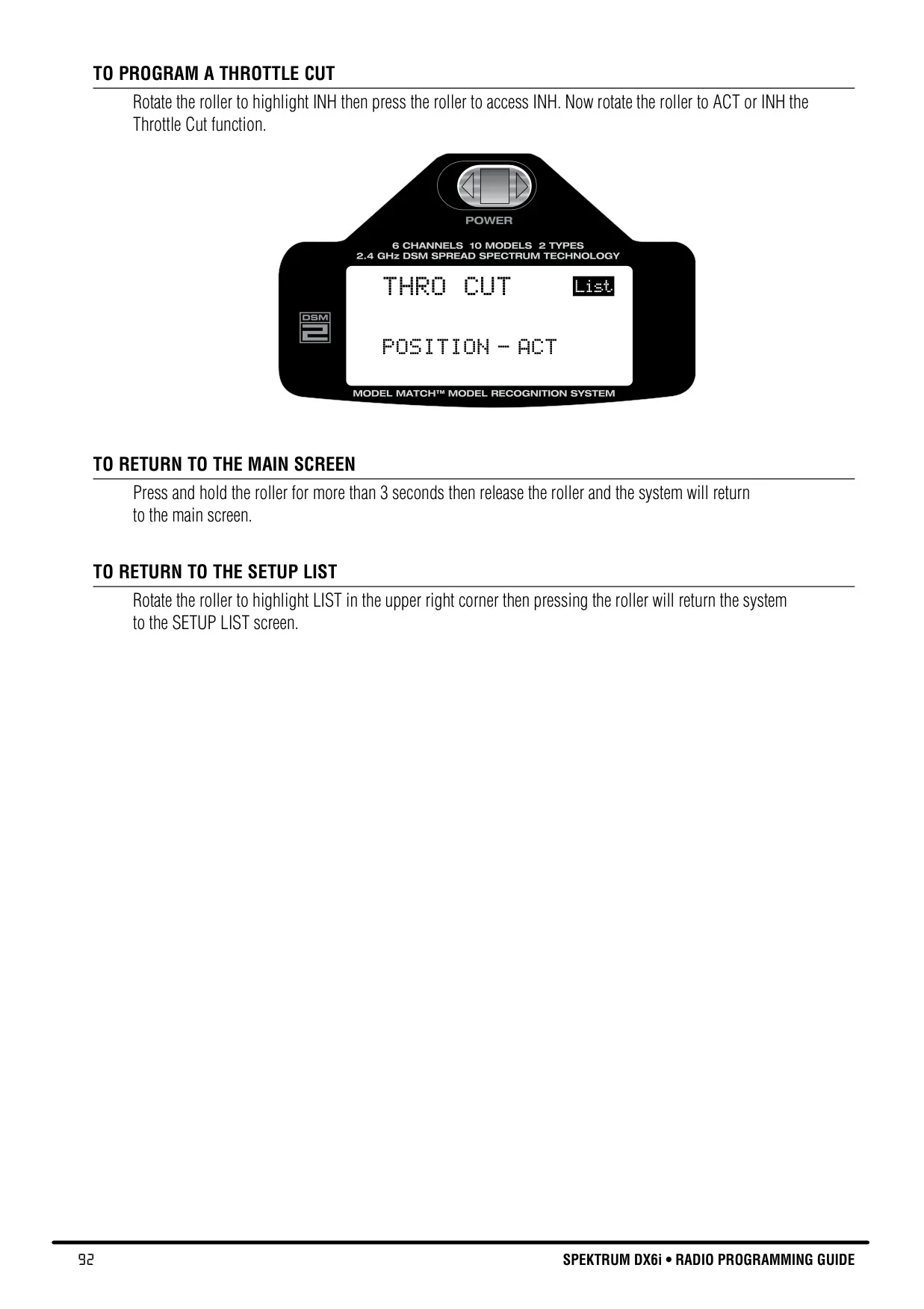
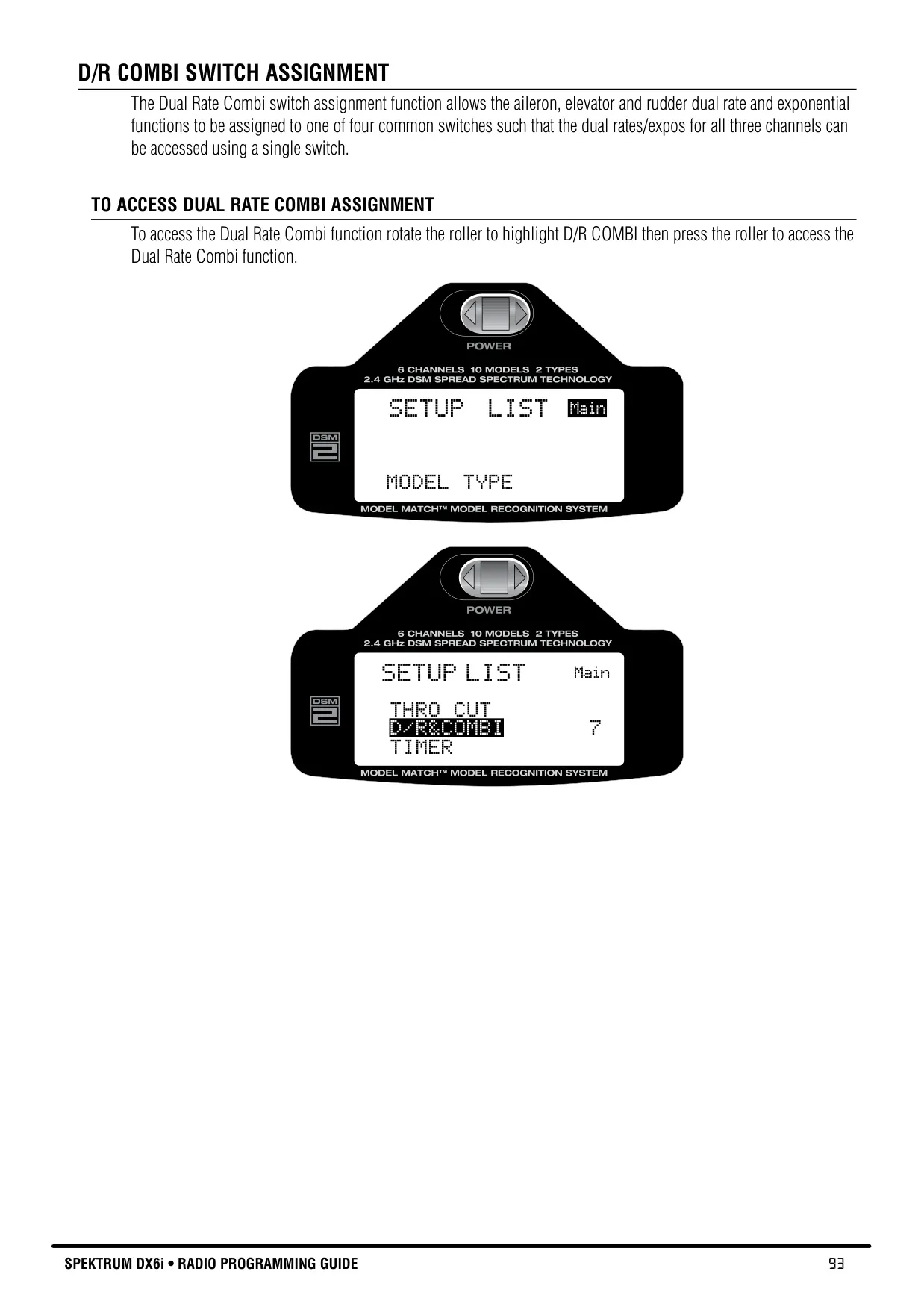
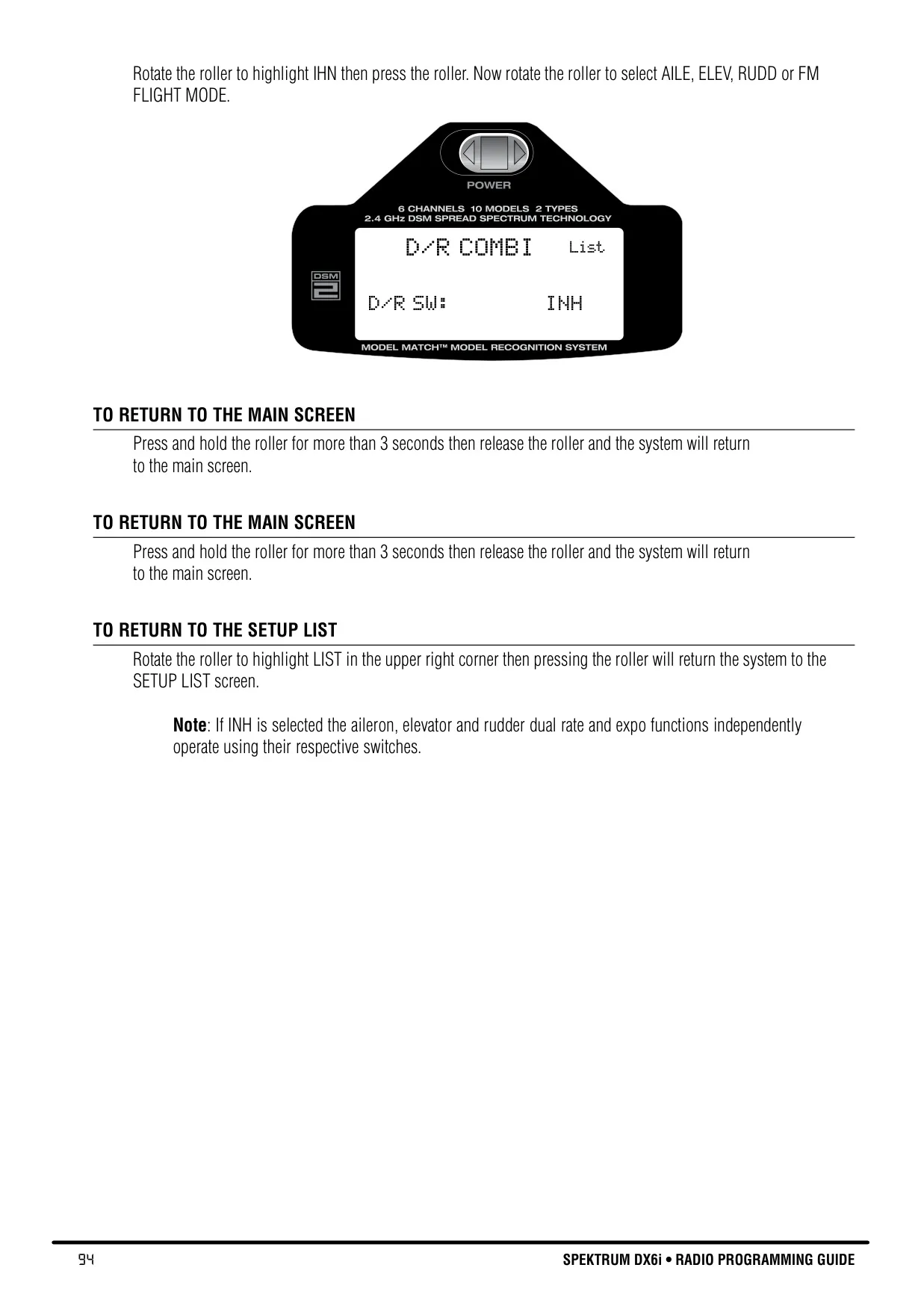
The DX6i's programmable functions extend beyond basic control. Features like Throttle Cut provide a quick, safe engine shutdown at a preprogrammed low-throttle position. D/R Combi Switch Assignment allows consolidating aileron, elevator, and rudder dual rates and exponential functions onto a single switch for streamlined in-flight adjustments. Furthermore, dedicated Flap and Pitch Curve adjustments offer precise control over flight characteristics for both airplanes and helicopters, accommodating various flight phases and maneuvers.
Frequently Asked Questions (FAQs)
Can't find the answer you need? Here are some frequently asked questions about the Spektrum DX6i Radio Control Transmitter, and we answer them below.