
Bryant T6-PRH Thermostat Instruction Manual
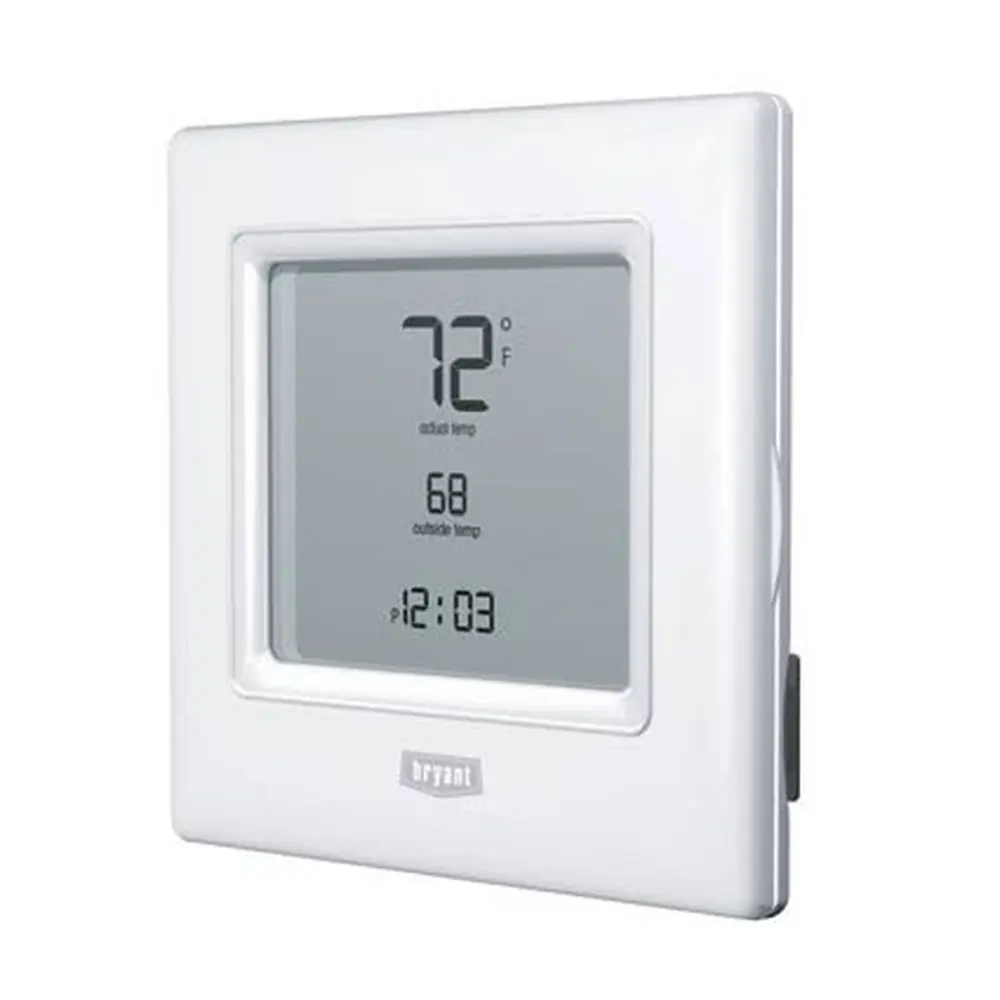
Bryant T6-PRH Thermostat


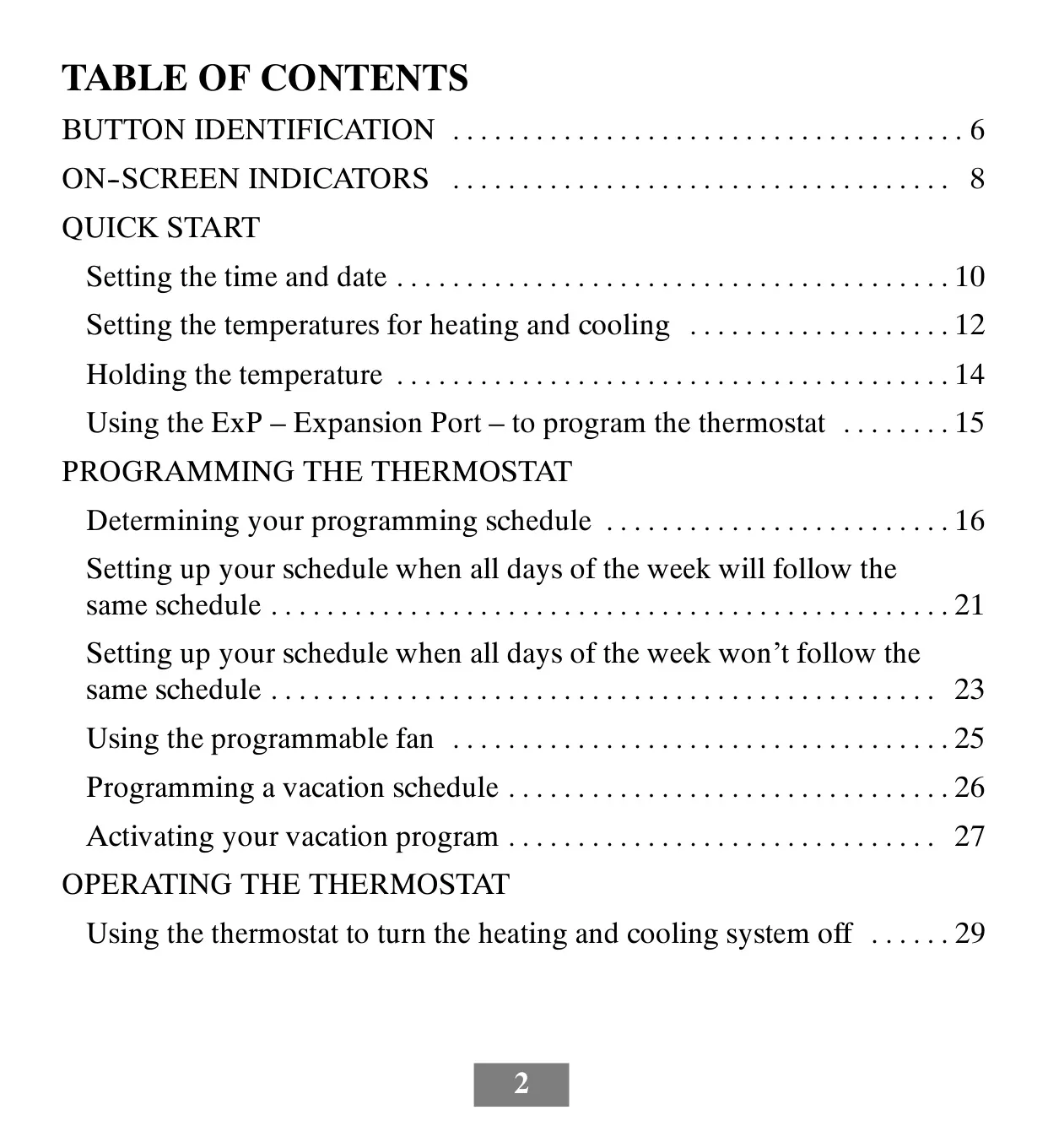
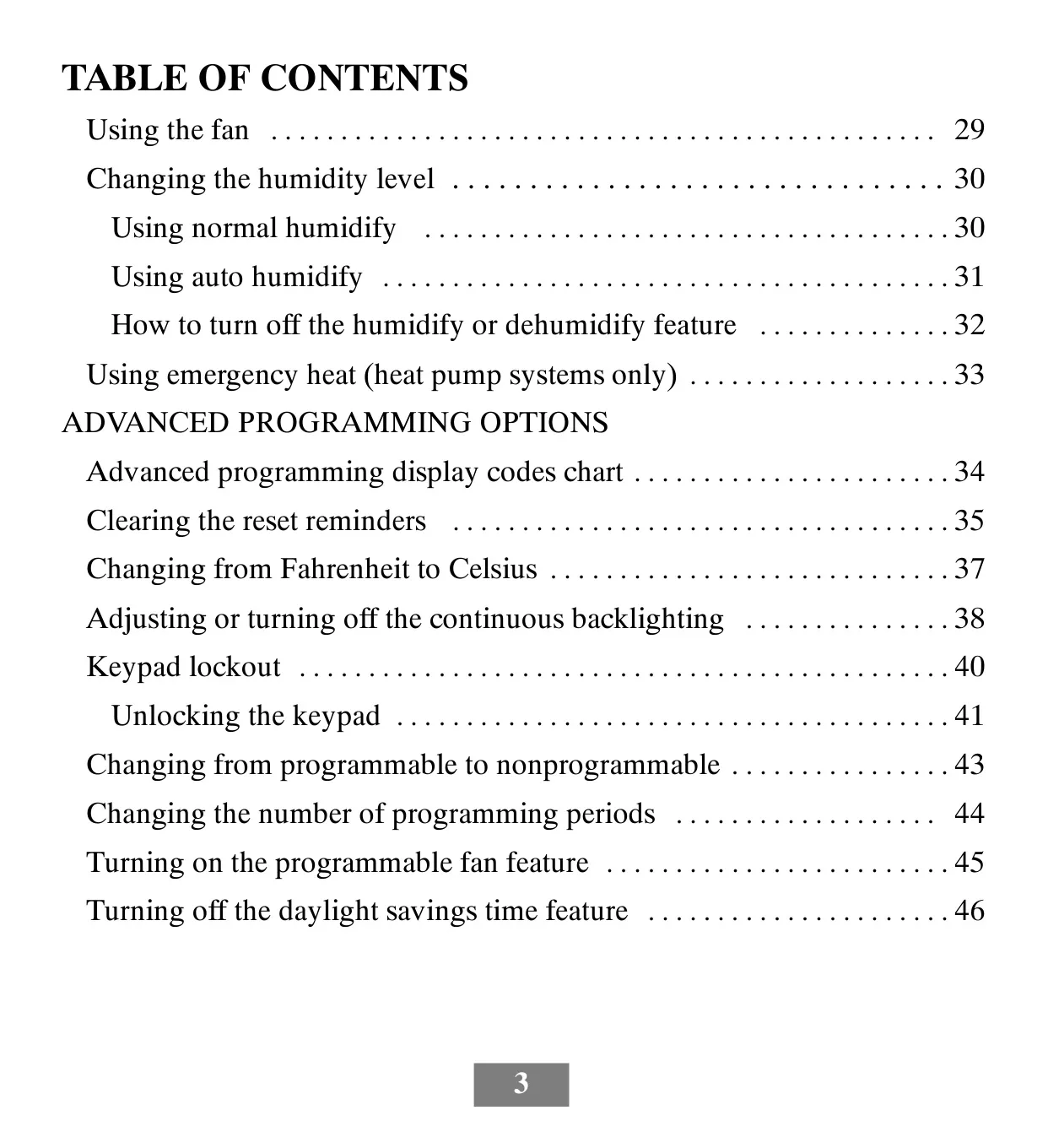
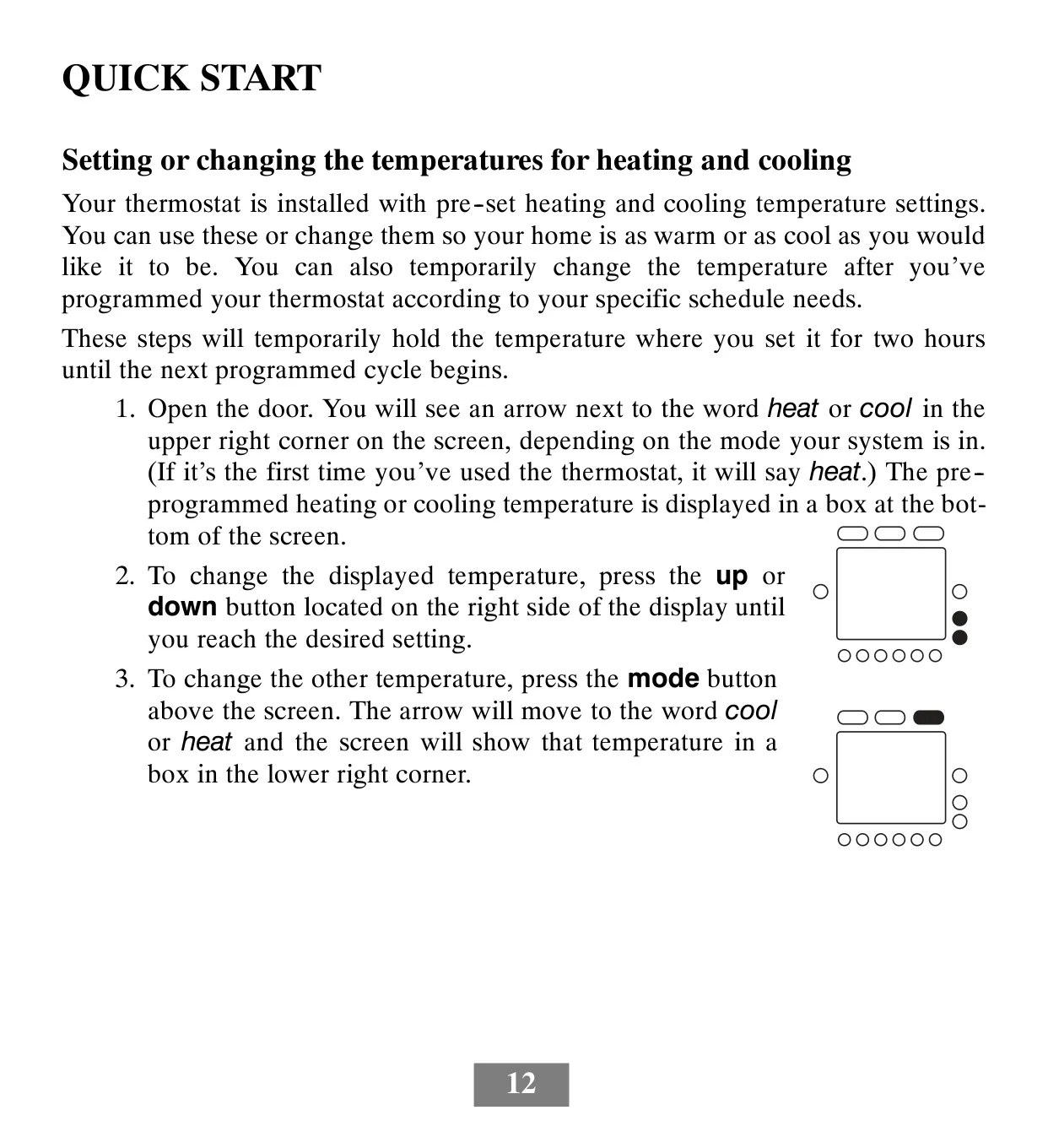


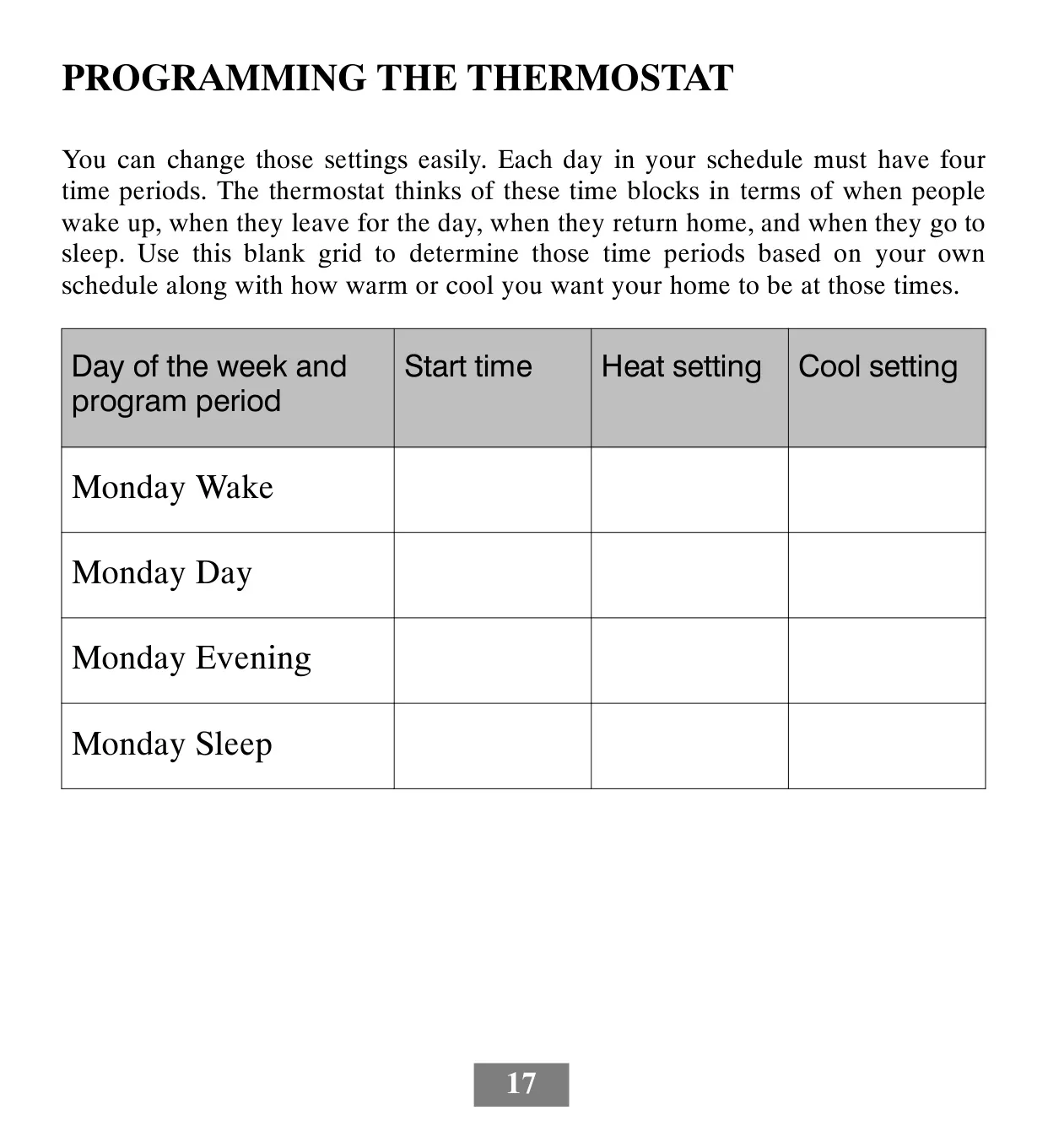
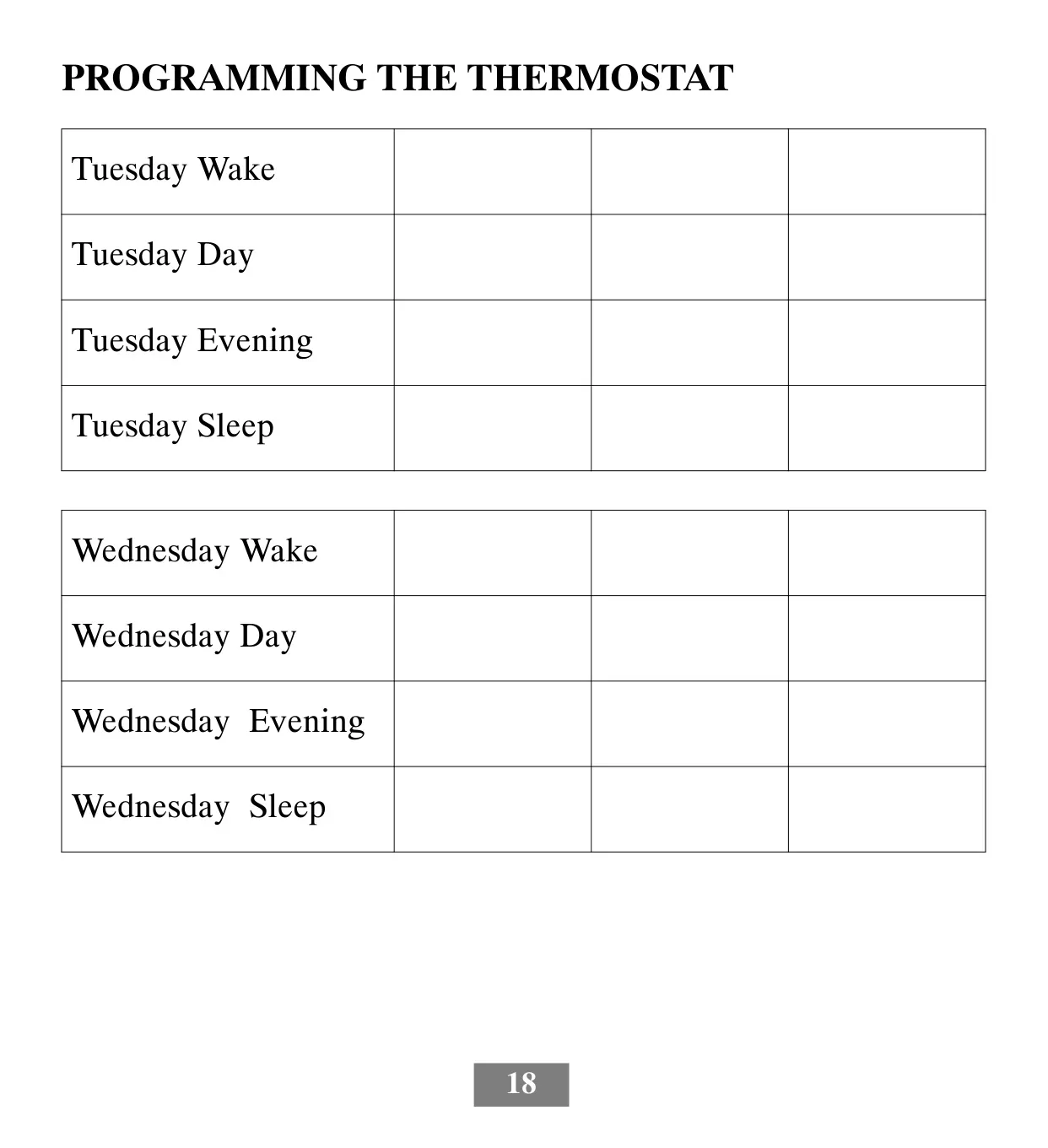
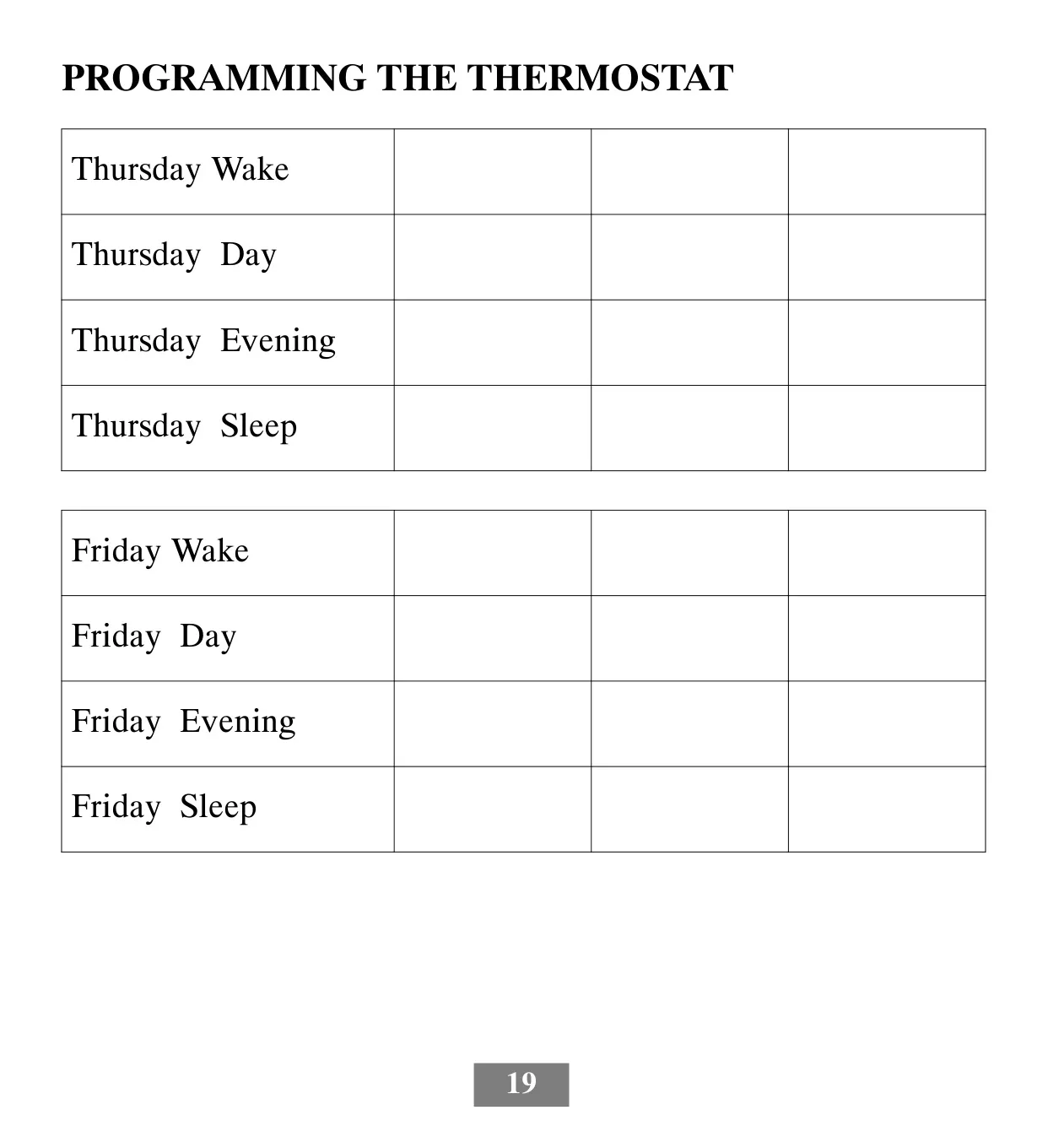
















Bryant T6-PRH Thermostat


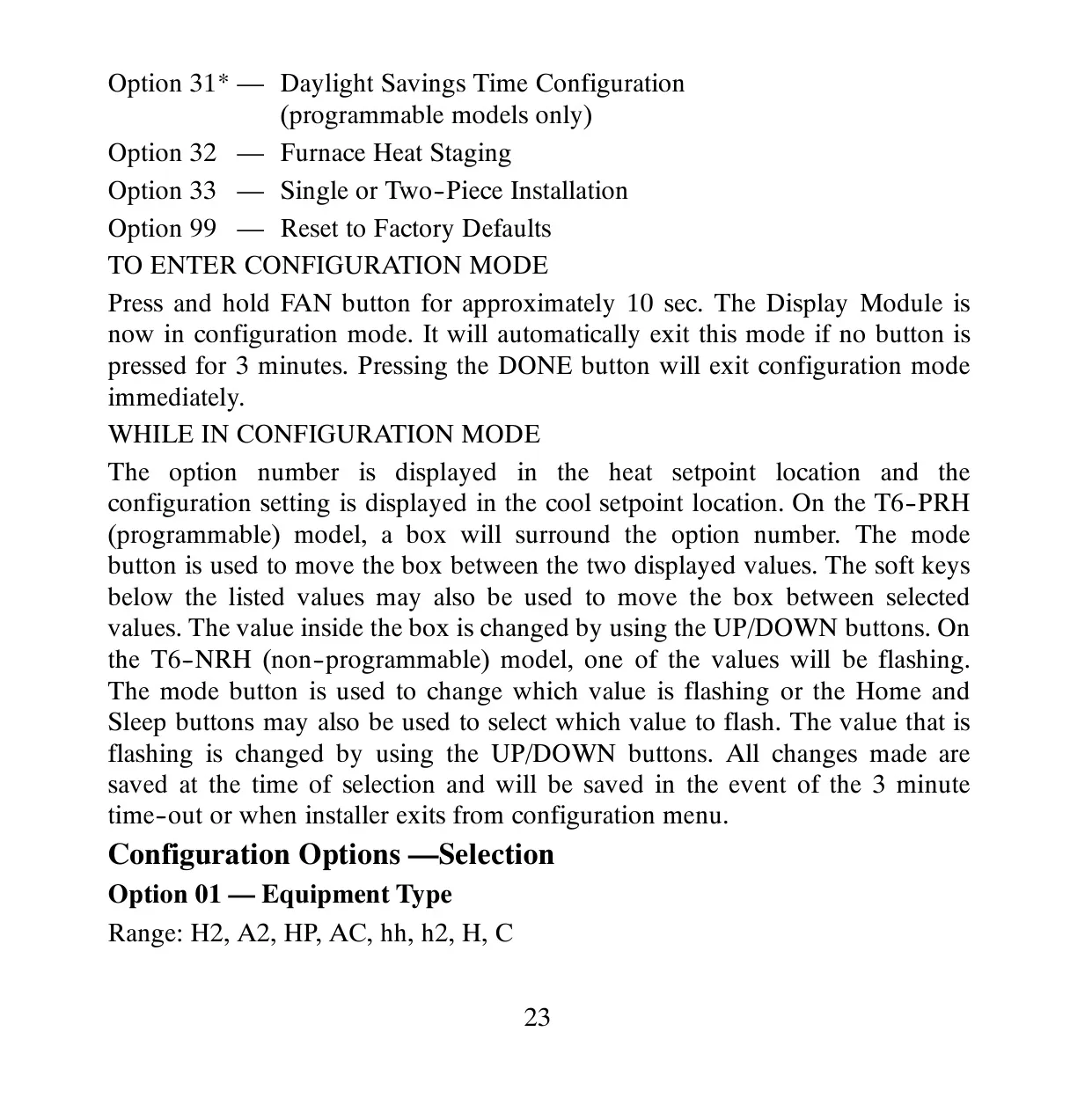
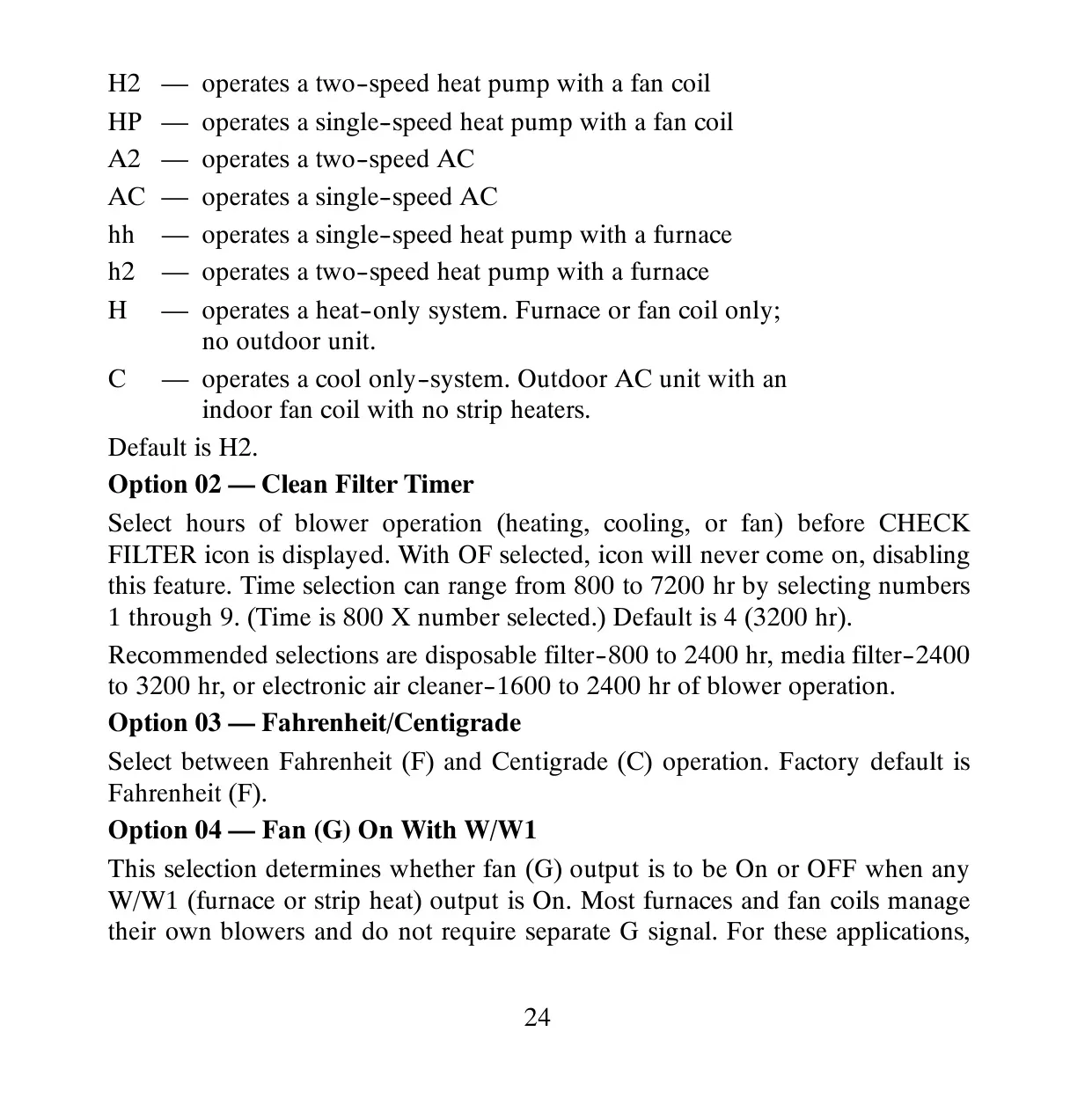
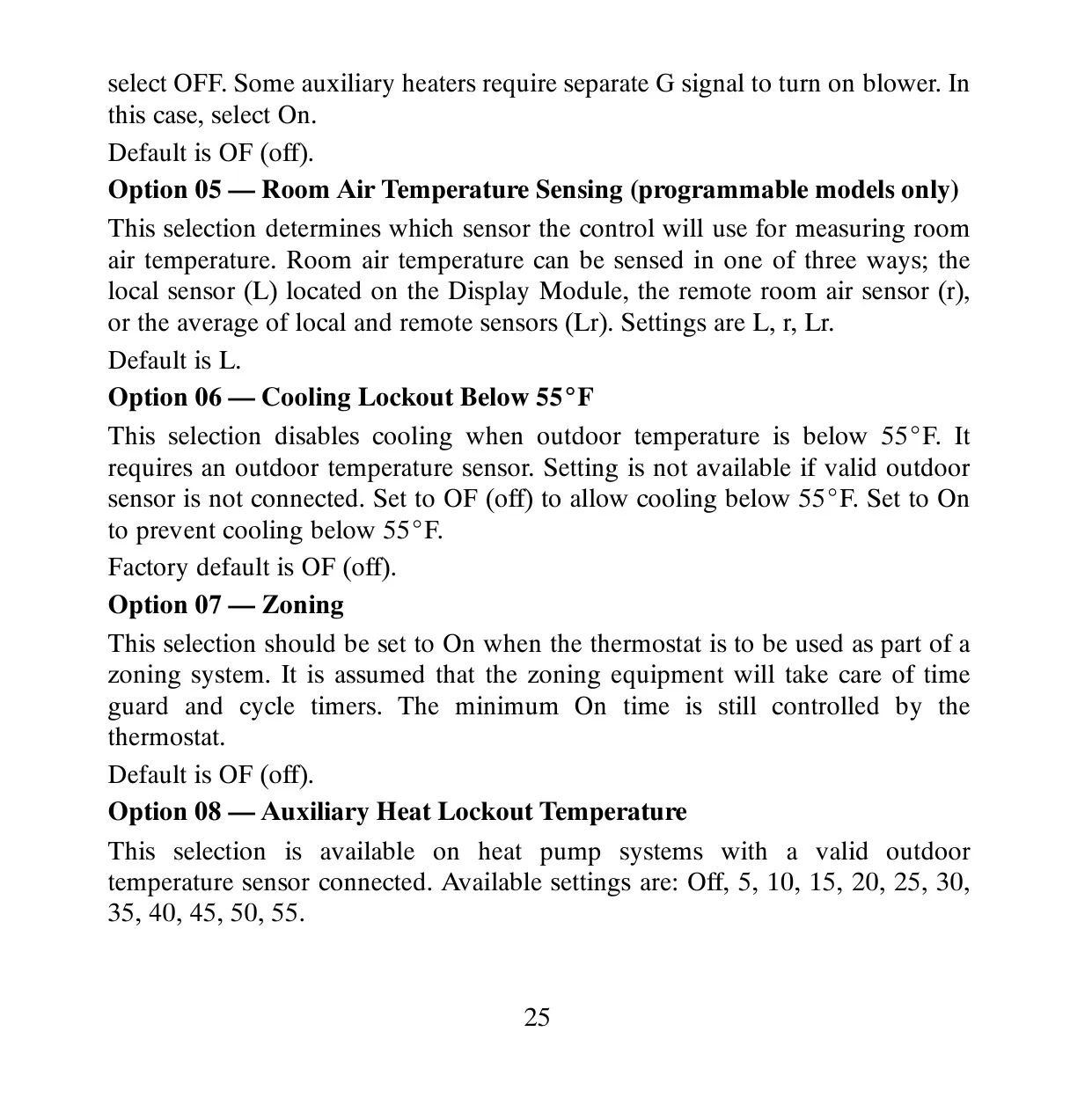
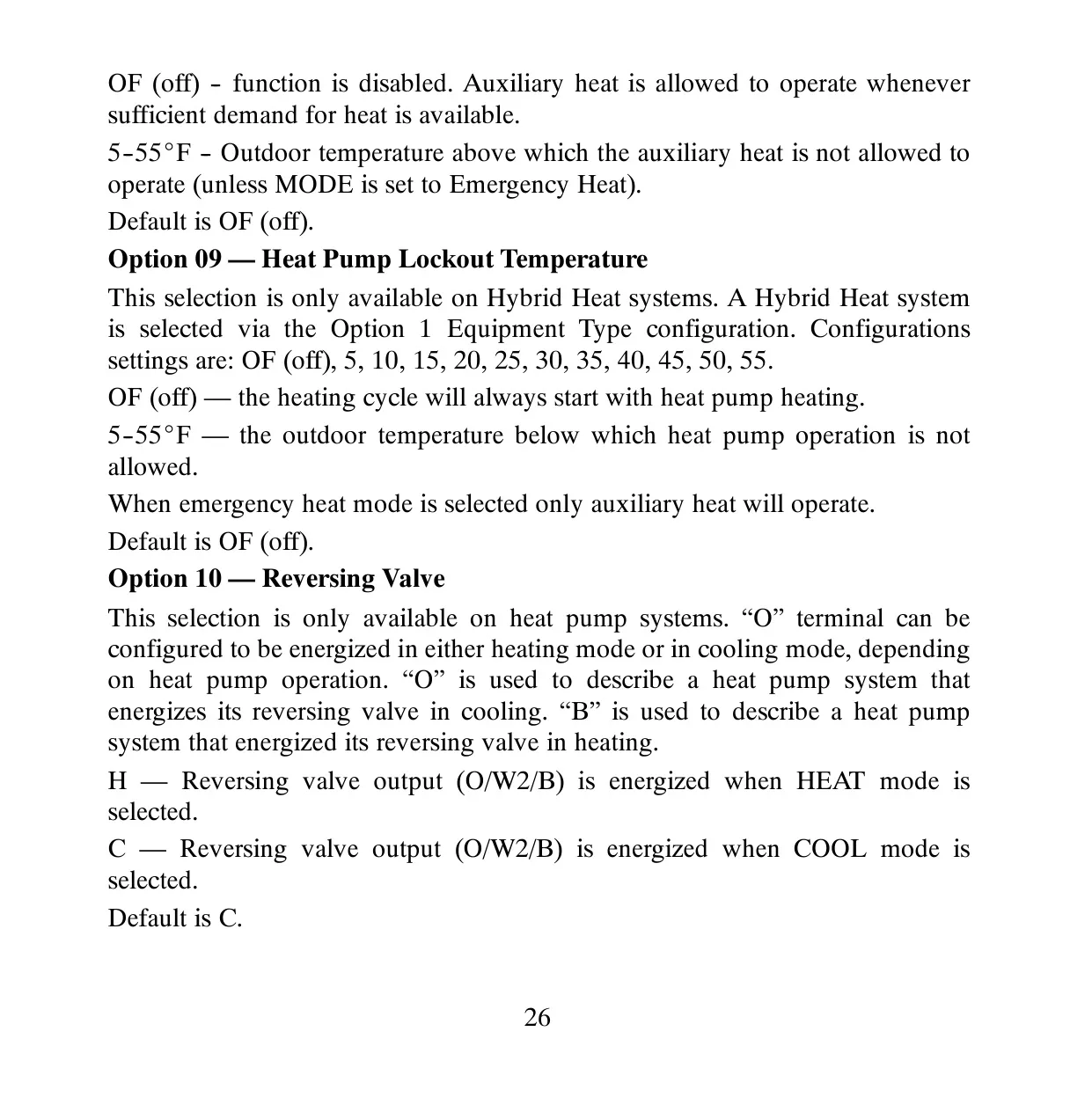
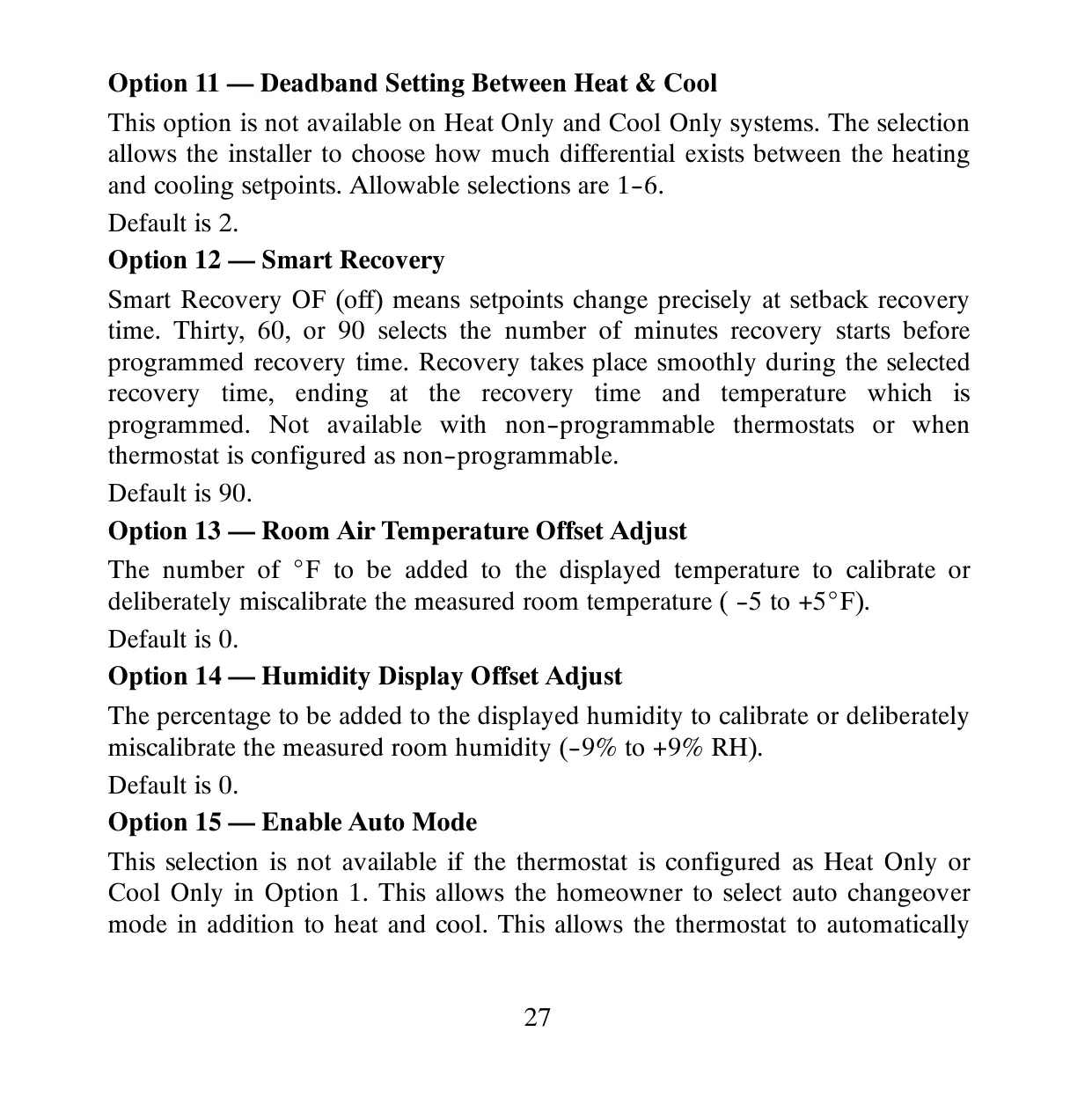
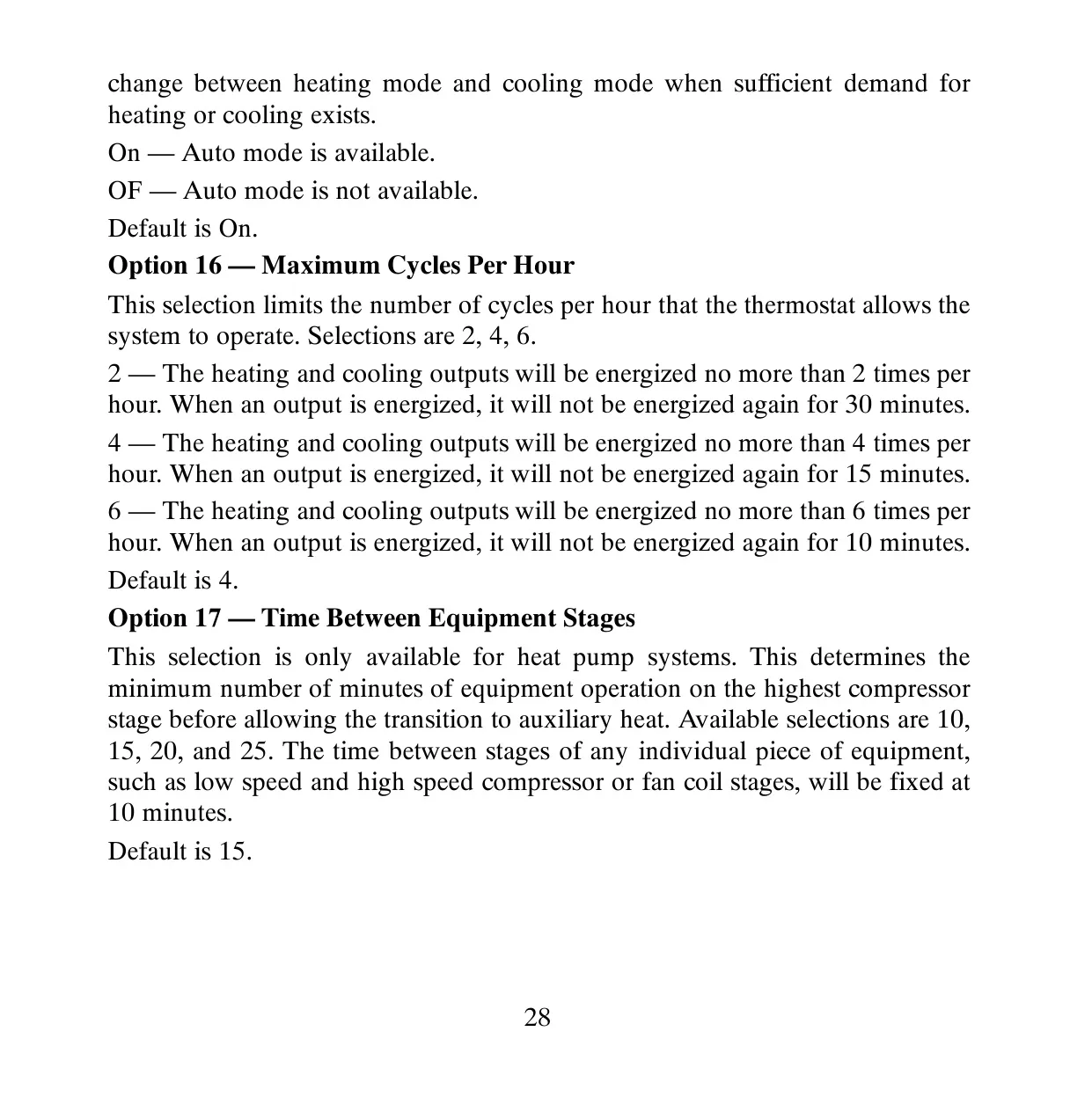
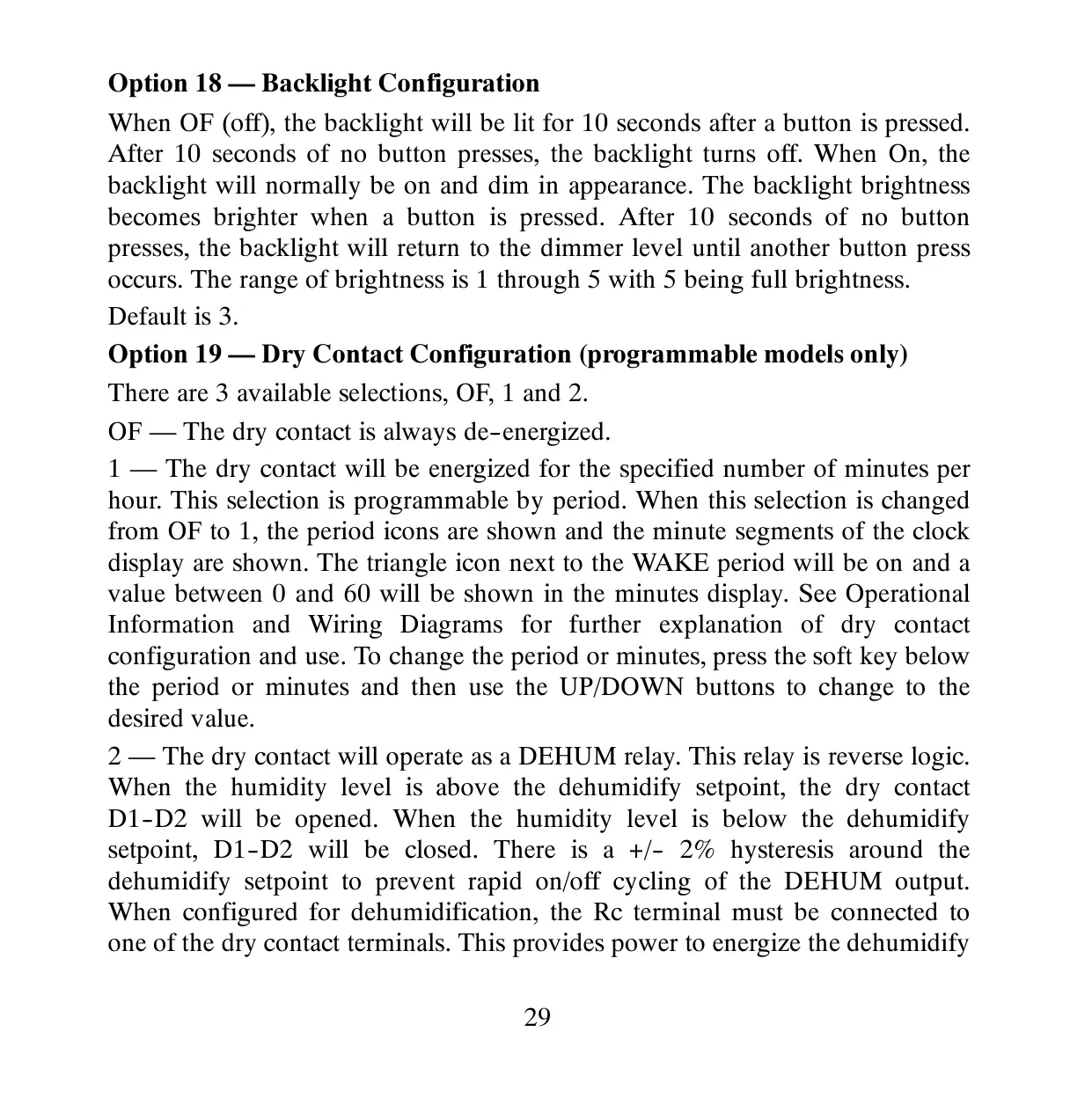
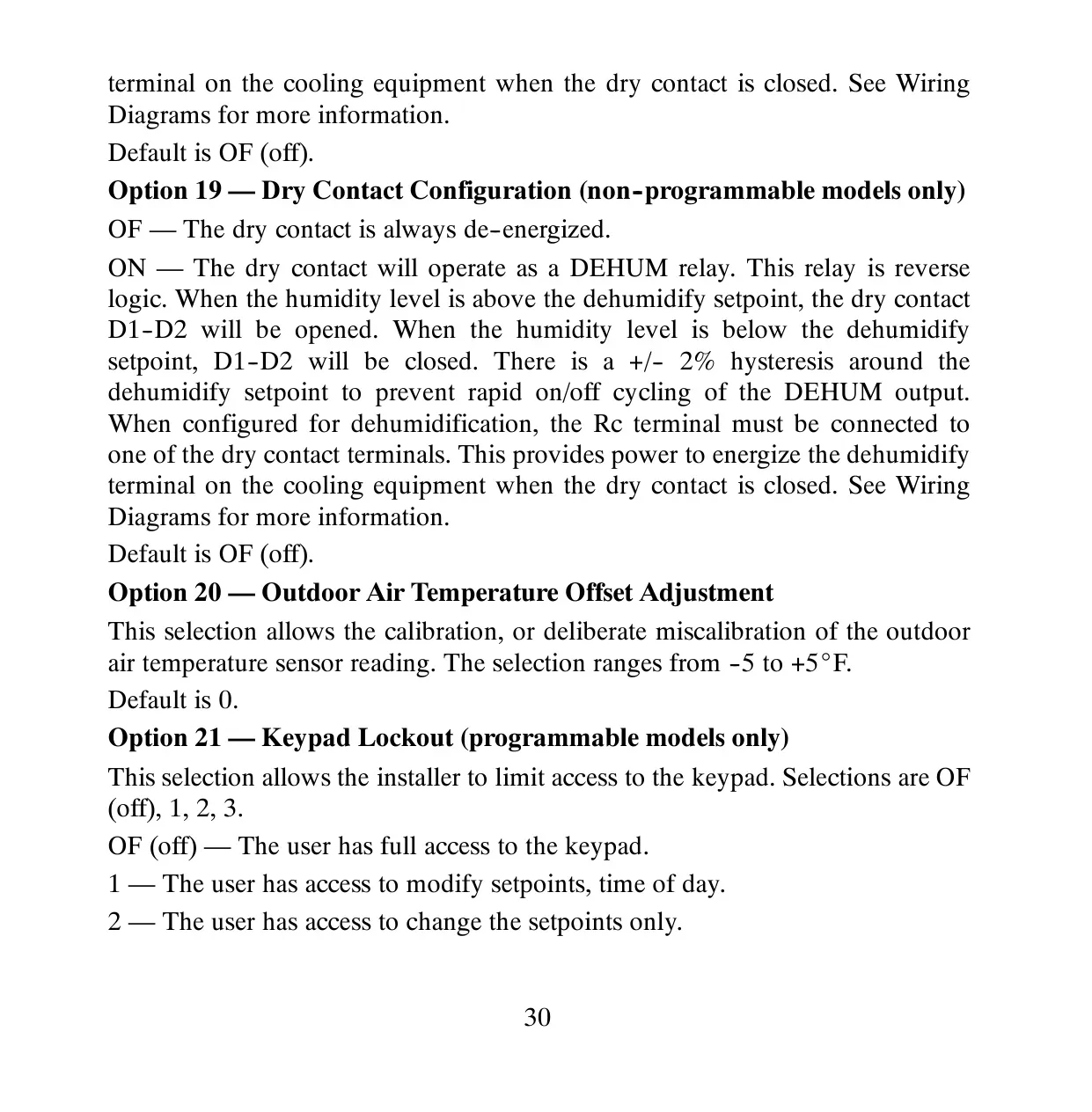

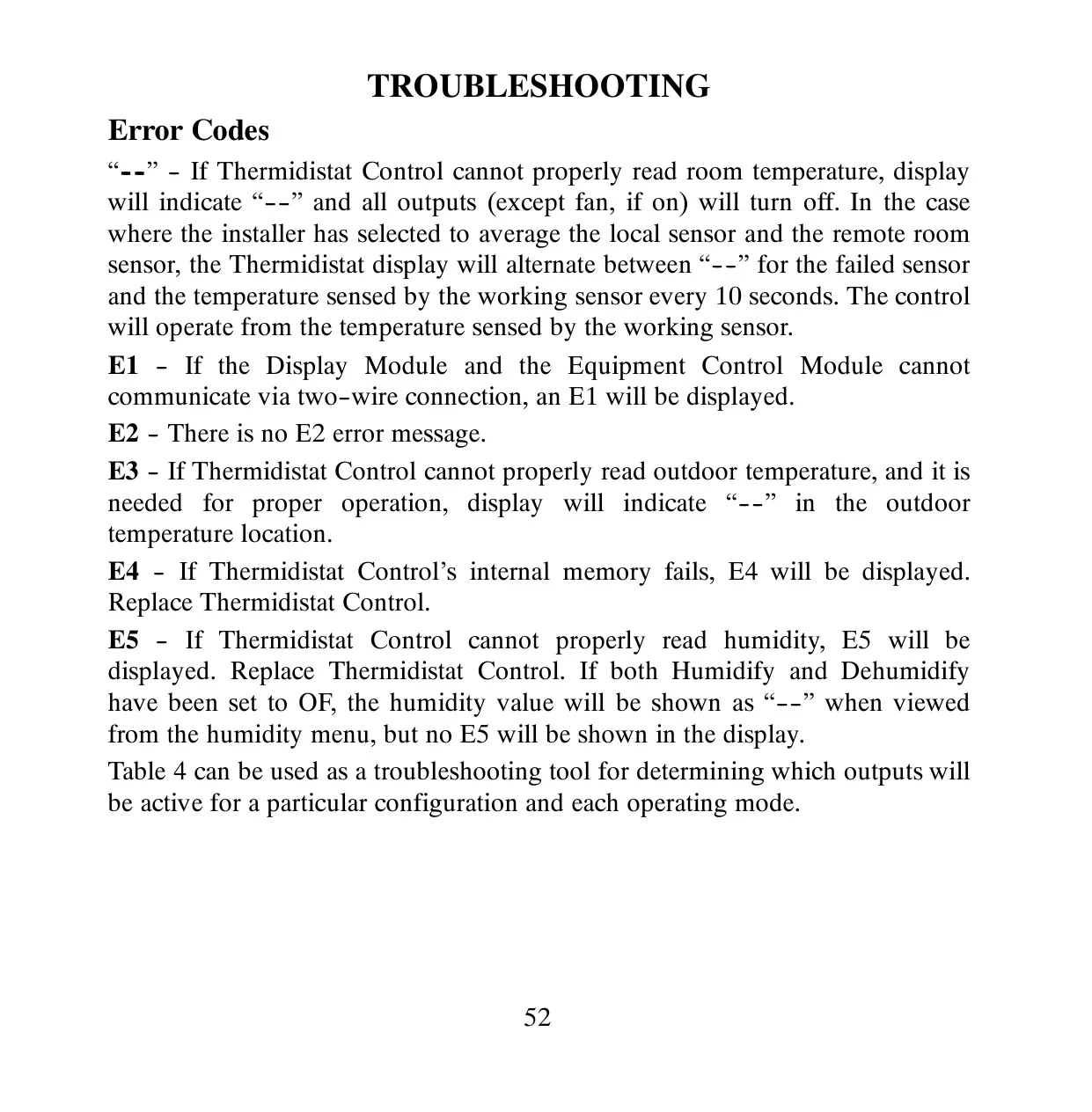
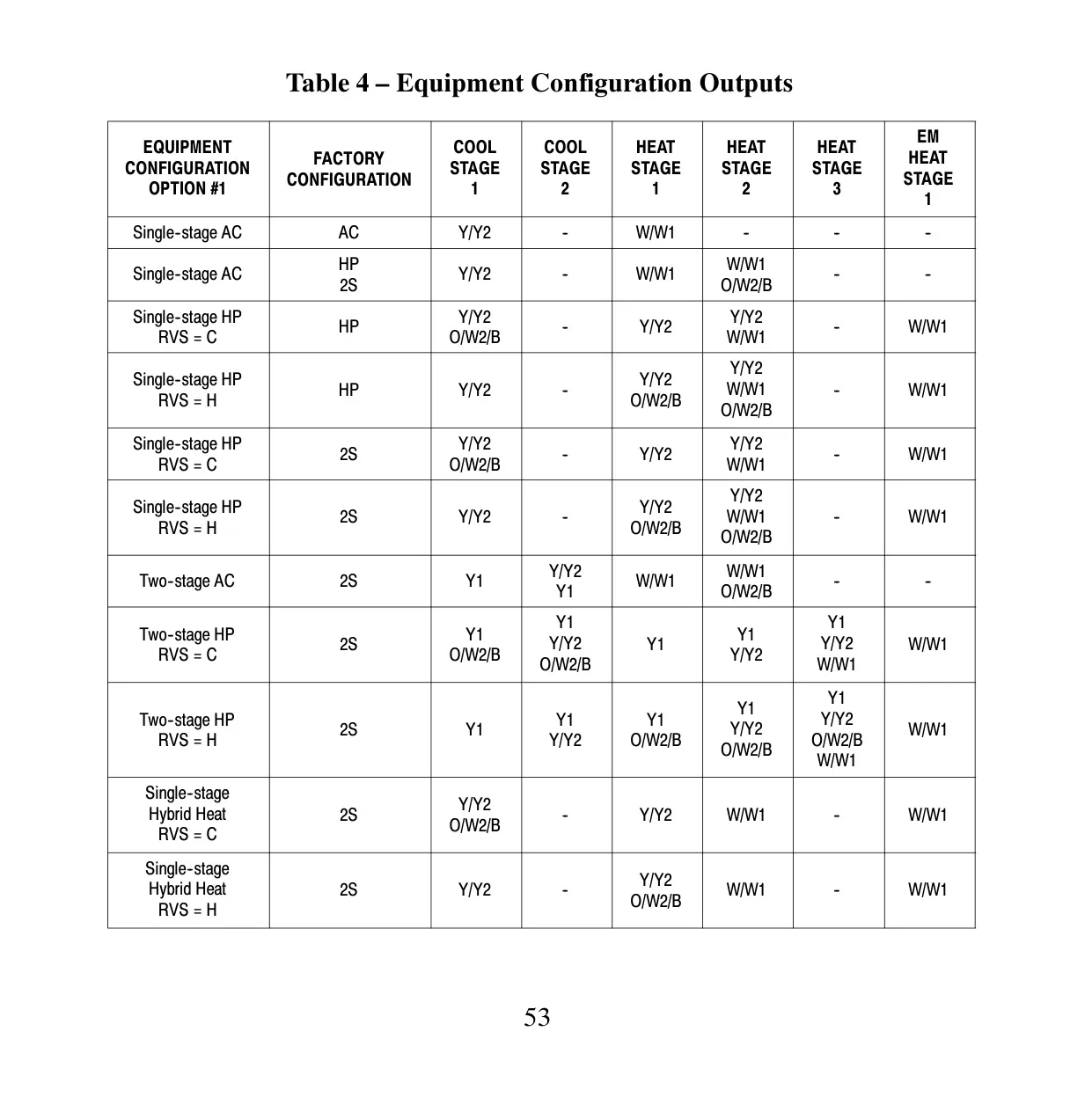
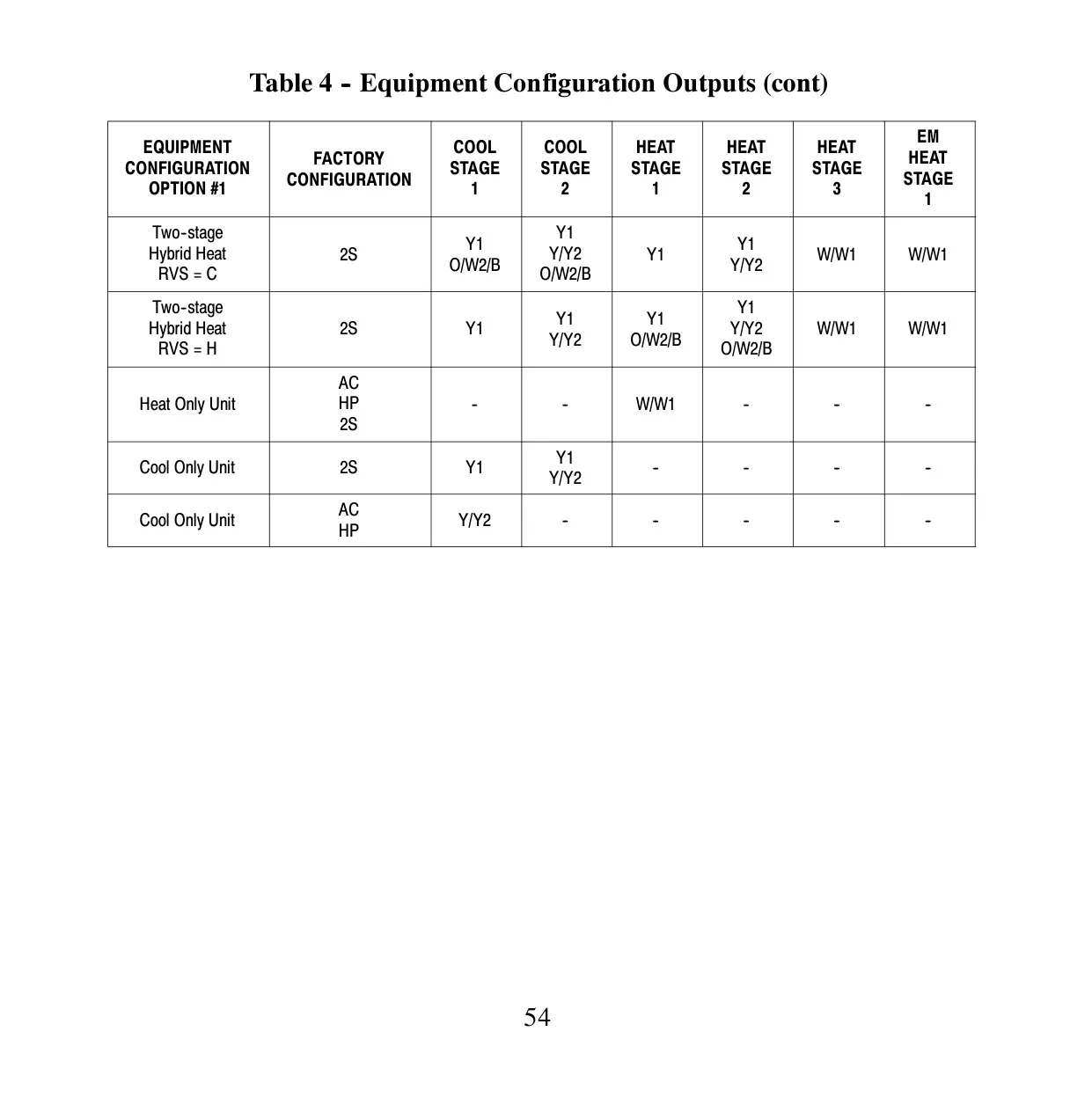
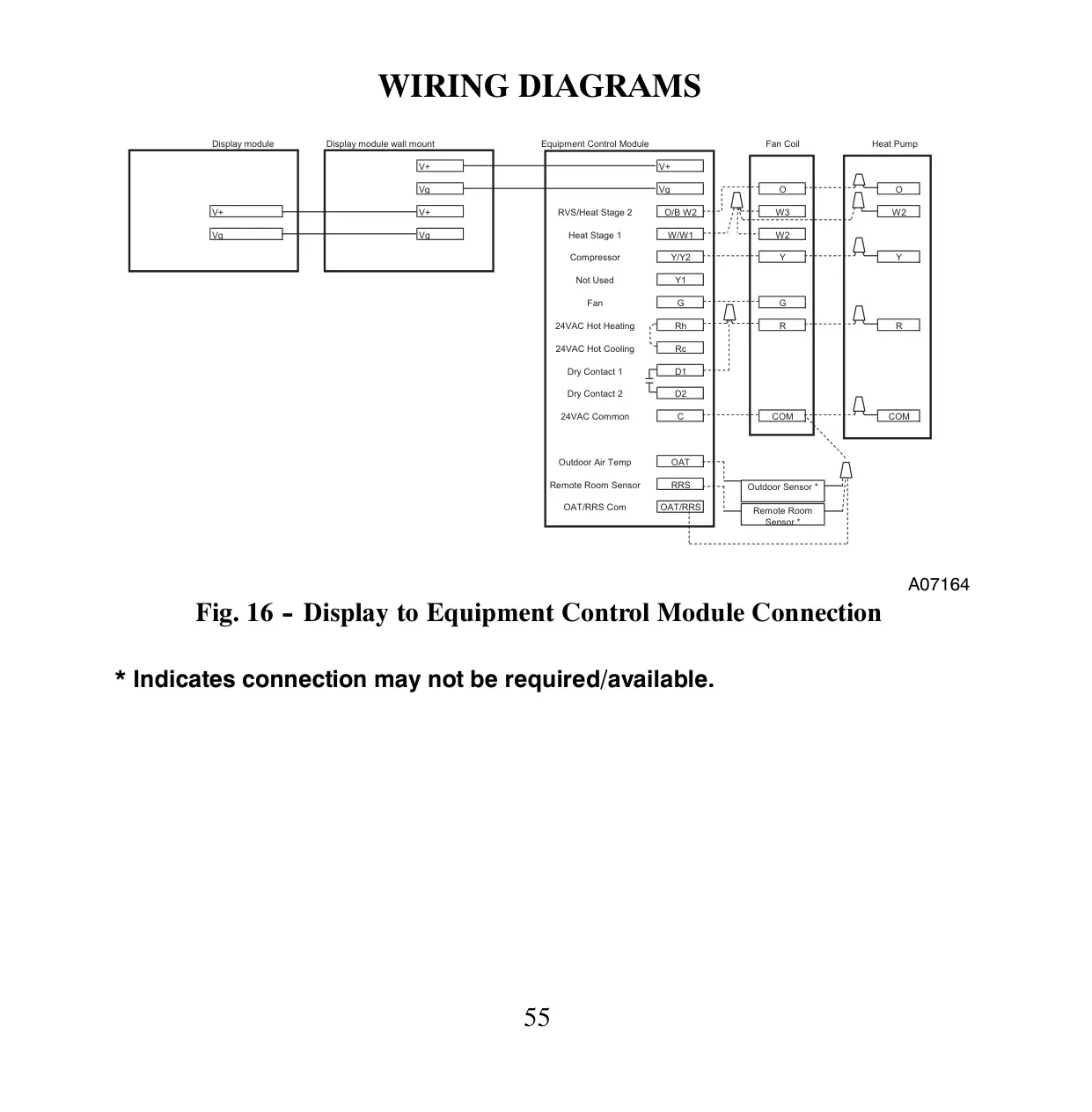
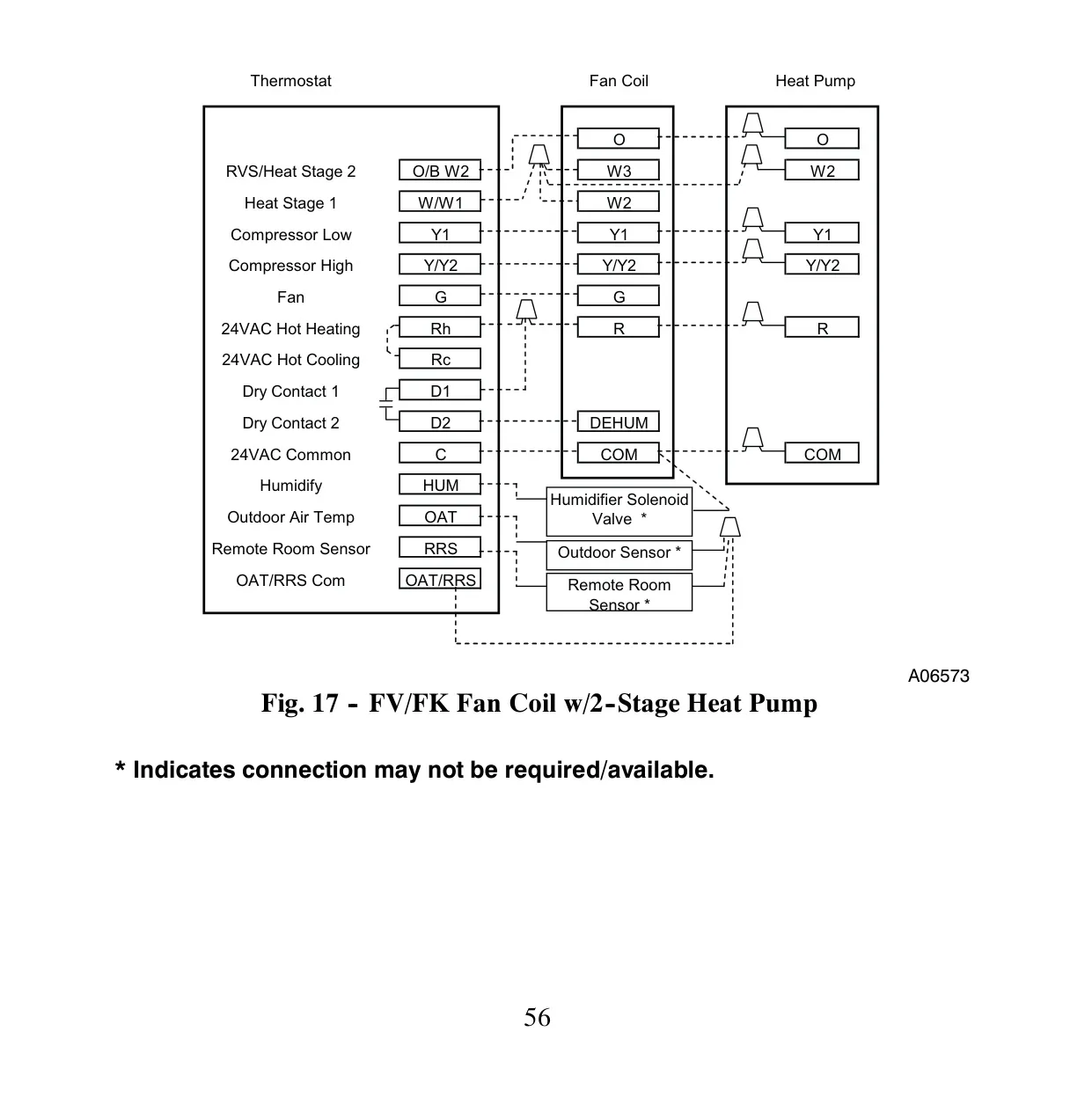
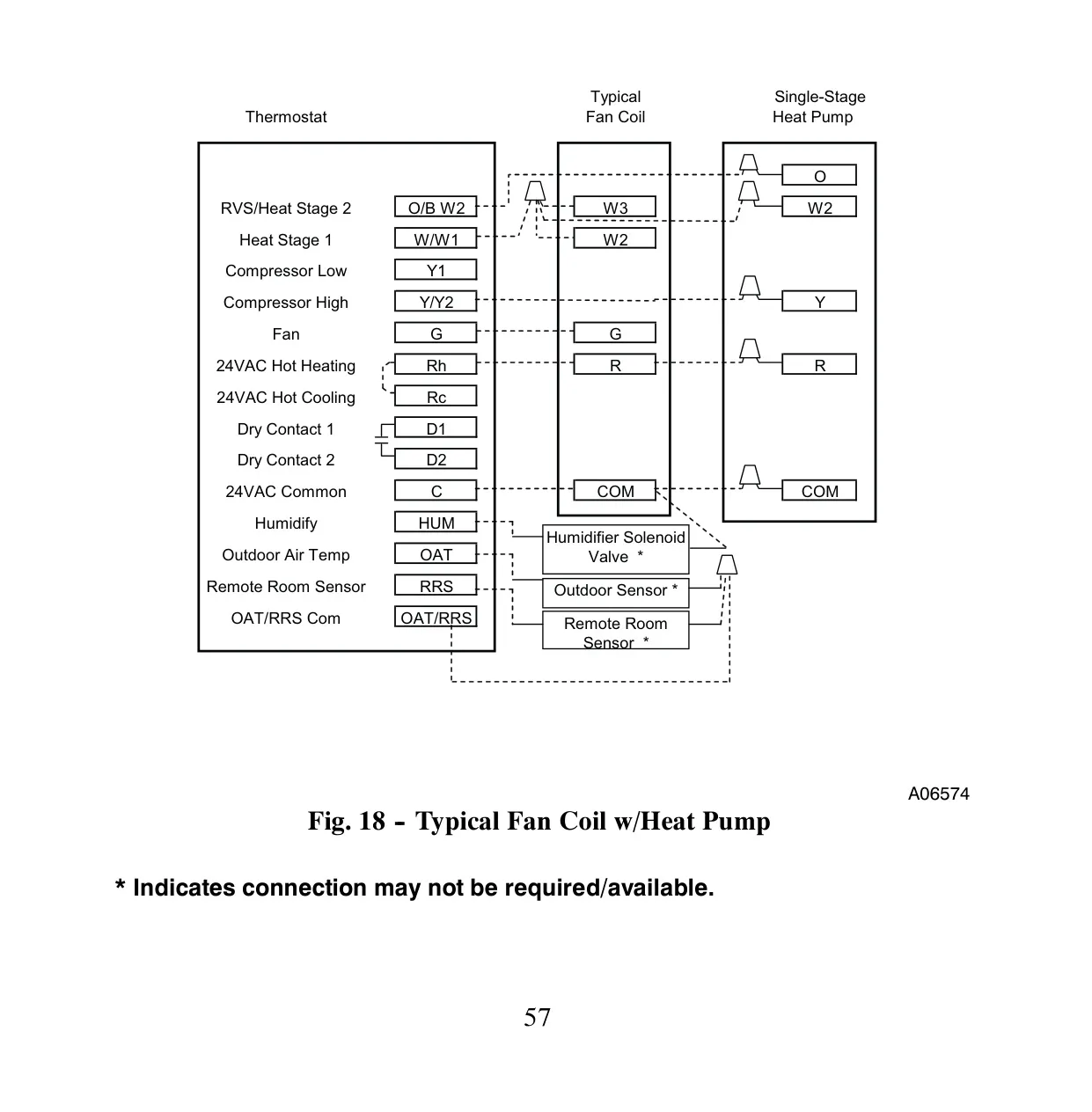
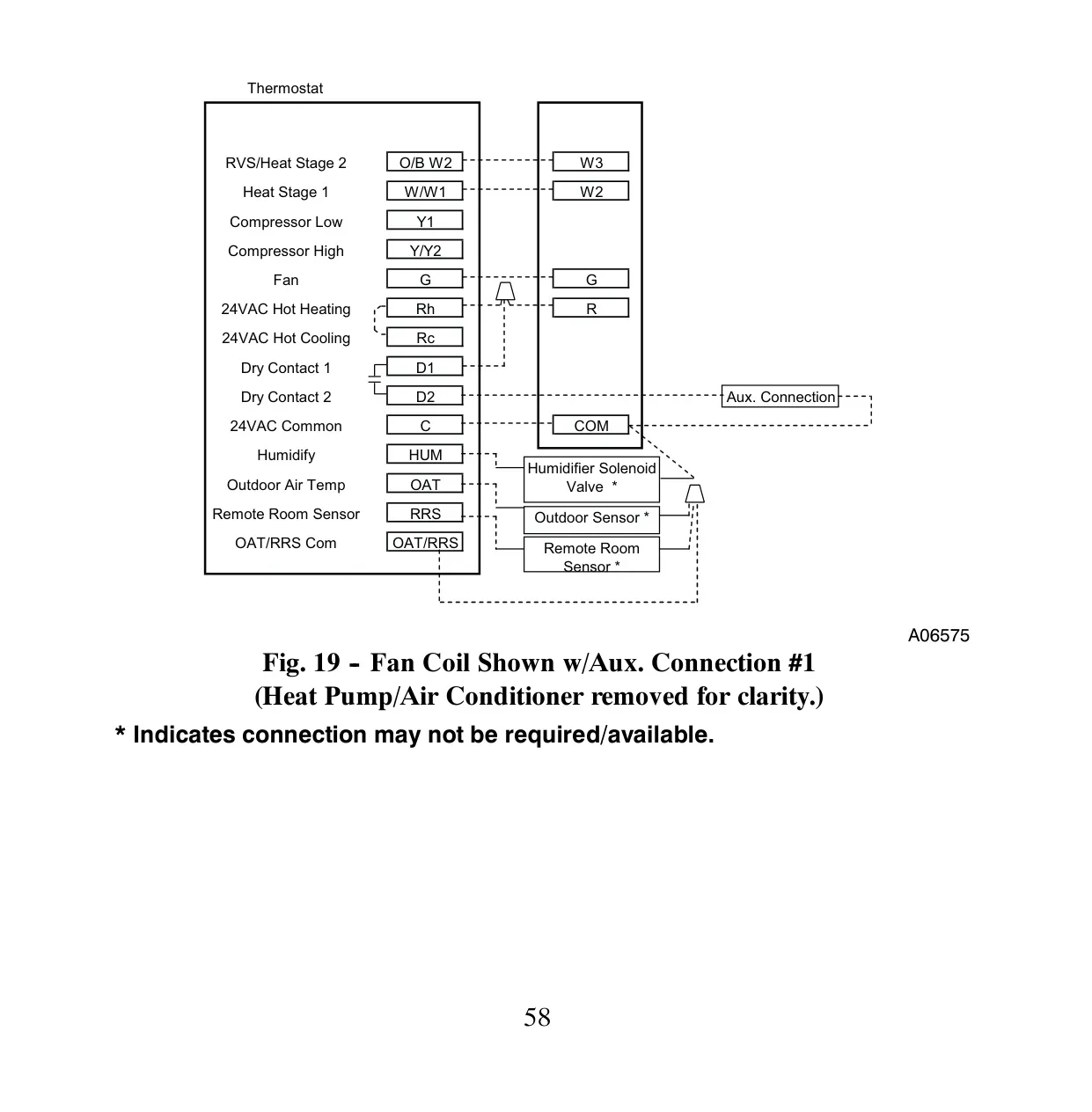
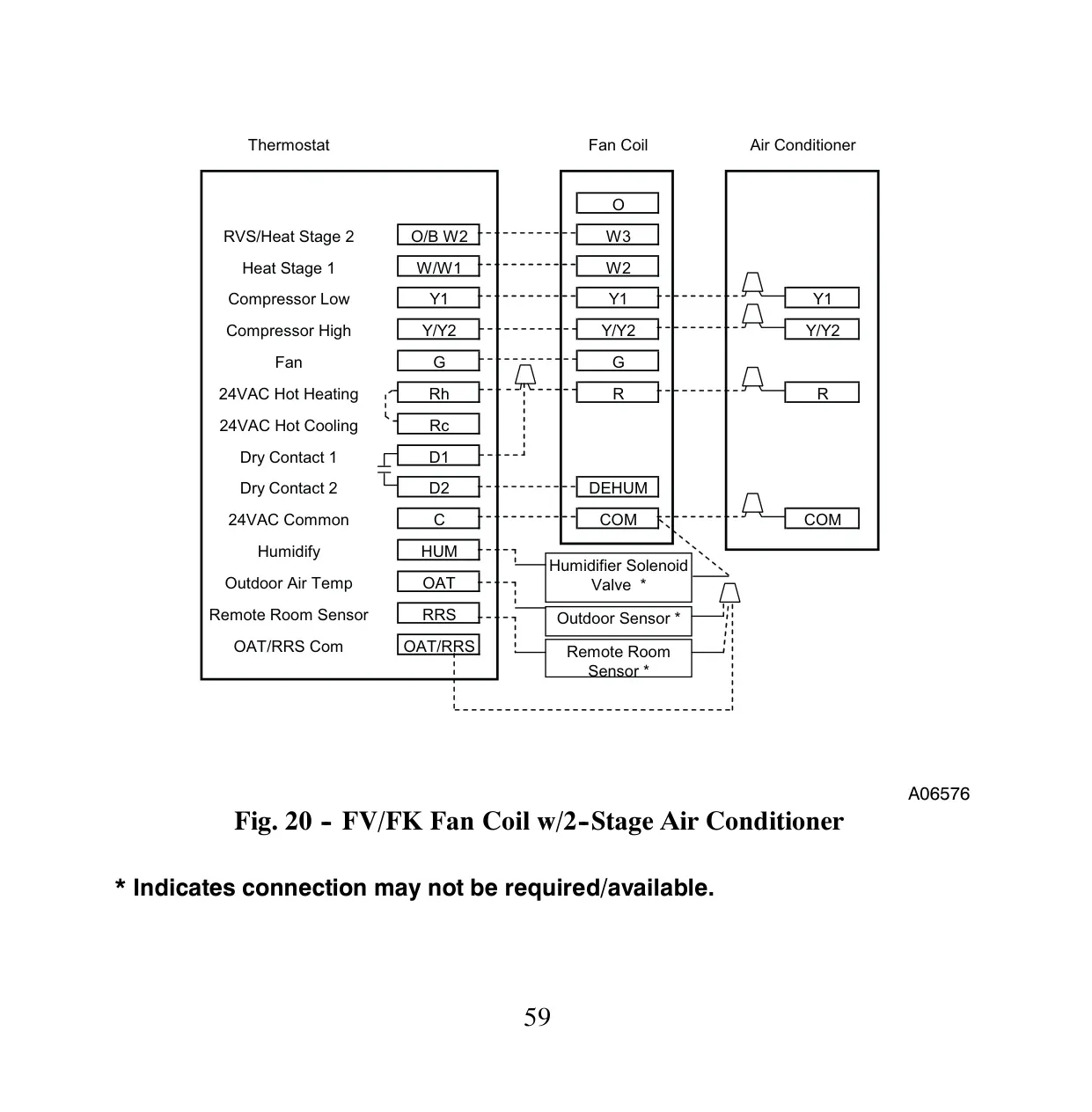
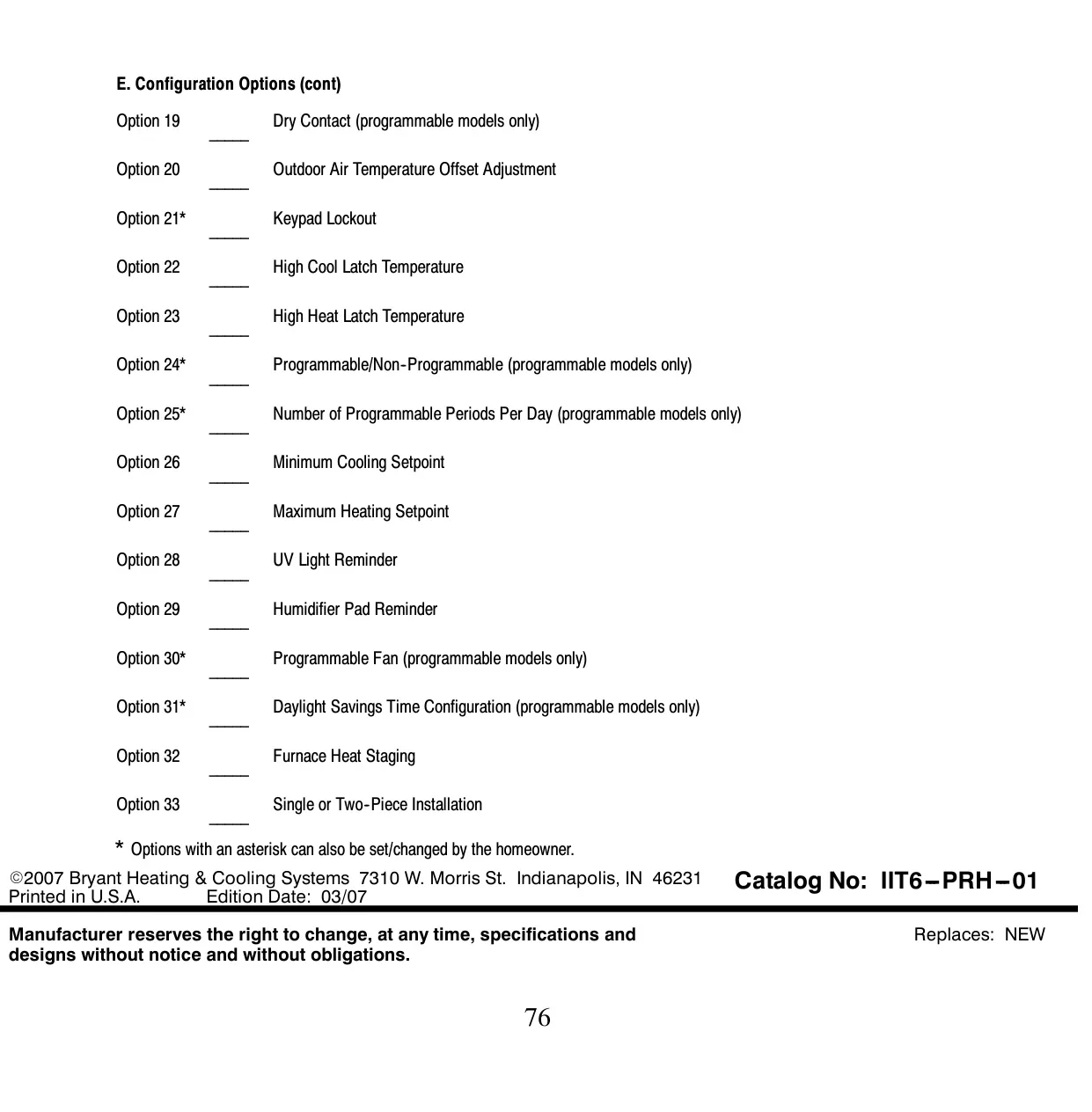
Bryant T6-PRH Thermostat Instructions
Here we offer the Bryant T6-PRH Thermostat manual completely free and in English. We have cataloged this manual in the Thermostats section on Manualverse, and it has been rated by 1 users with an average rating of 5. If you have any specific questions about Bryant T6-PRH Thermostat, we suggest checking the Frequently Asked Questions (FAQs) section of this manual.
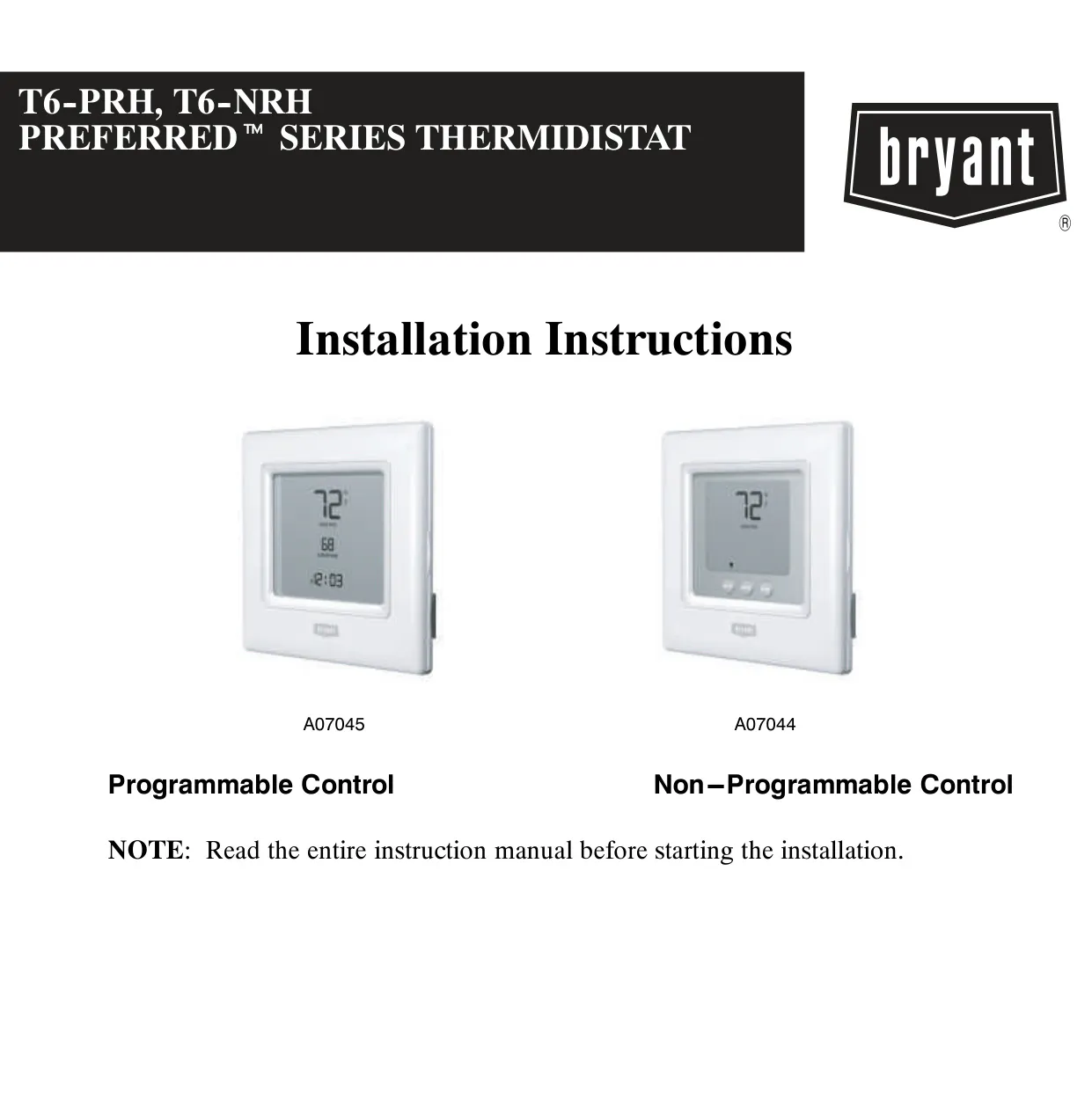
Product Images
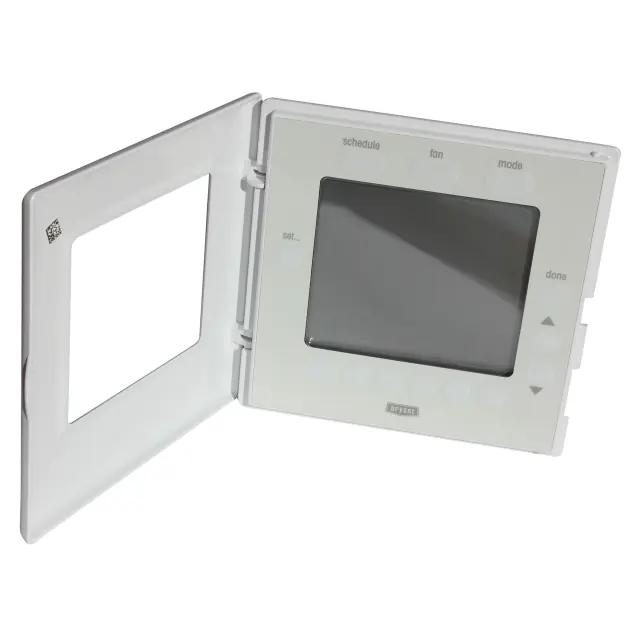
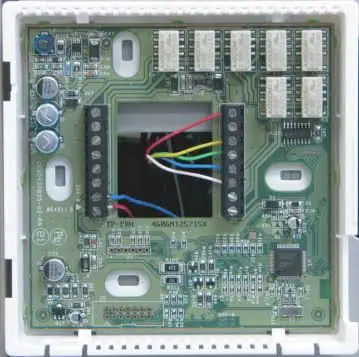
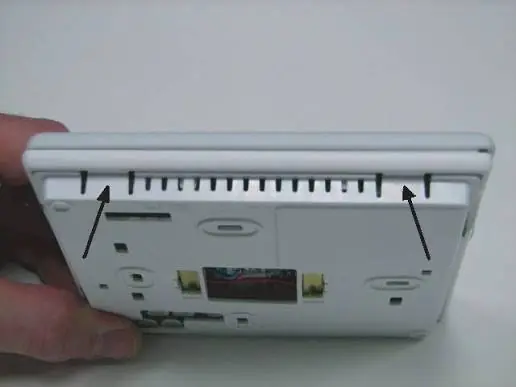
Bryant T6-PRH Thermostat Specifications
| Feature | Specification / Detail |
|---|---|
| Model Series | Bryant Preferred™ Series Programmable Thermidistat Control |
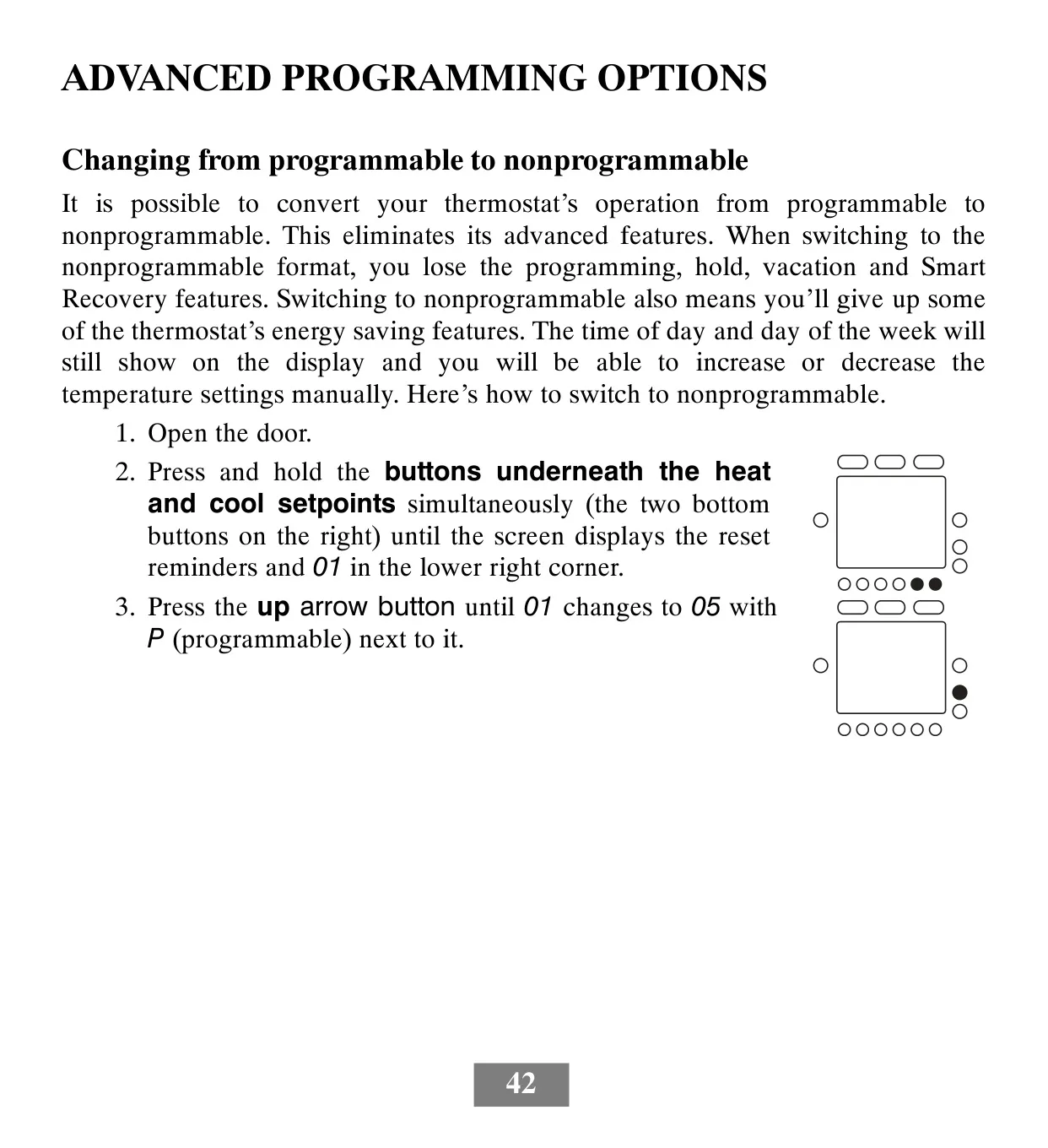
| Product Type | Programmable Thermostat (convertible to non-programmable) |
| Power Supply | 24VAC only (Rh, Rc, C terminals required), no batteries |
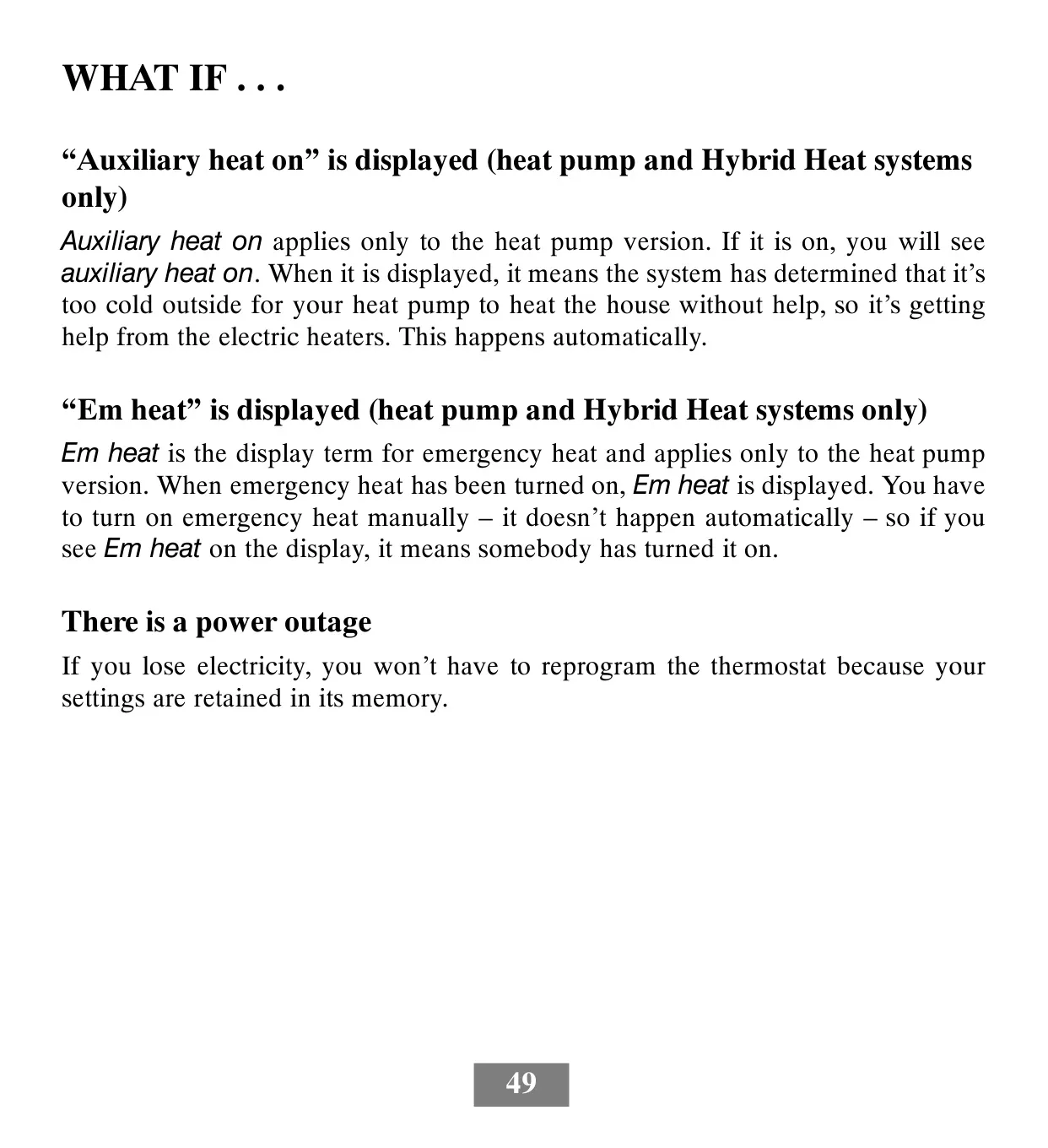
| Memory Retention | Internal memory stores programs and settings for unlimited time during power loss; clock runs for at least 24 hours. |
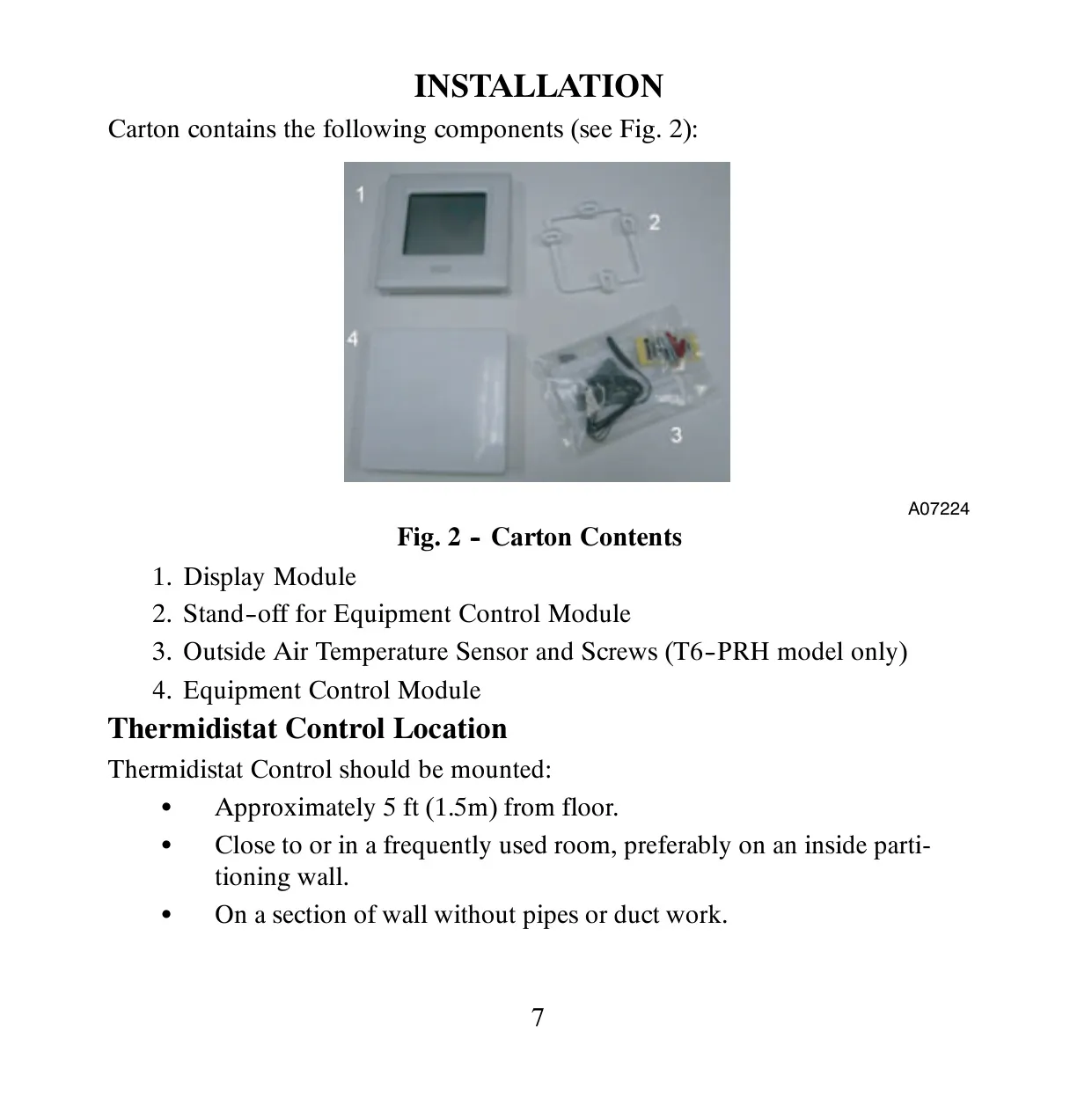
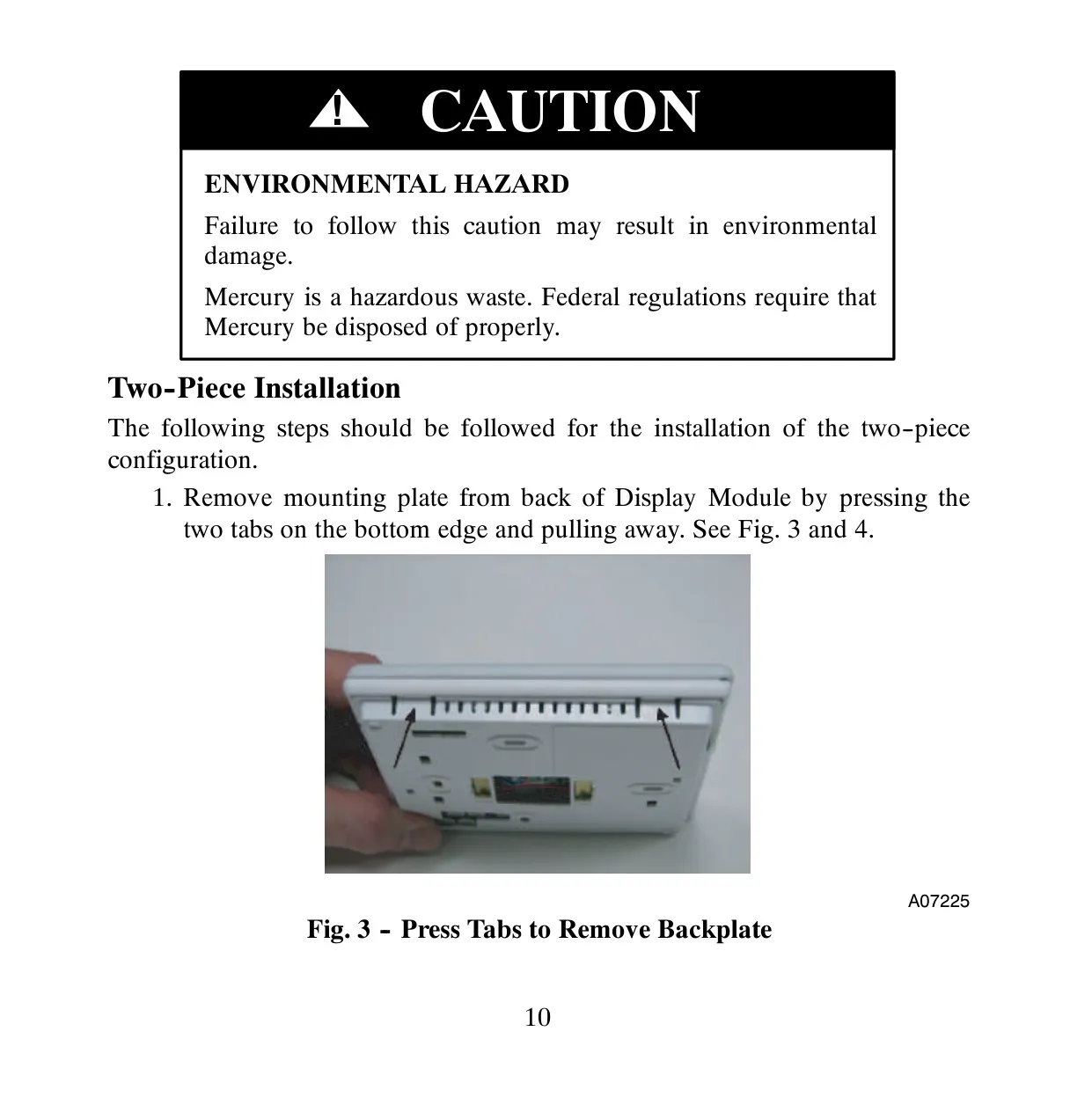
| Installation Type | Single-piece or Two-piece configuration (Display Module and Equipment Control Module) |
| System Compatibility | AC, Heat Pump (HP), Hybrid Heat systems; 1- or 2-speed compressors; Heating-only or Cooling-only |
| Temperature Control | Separate setpoints for heating and cooling |
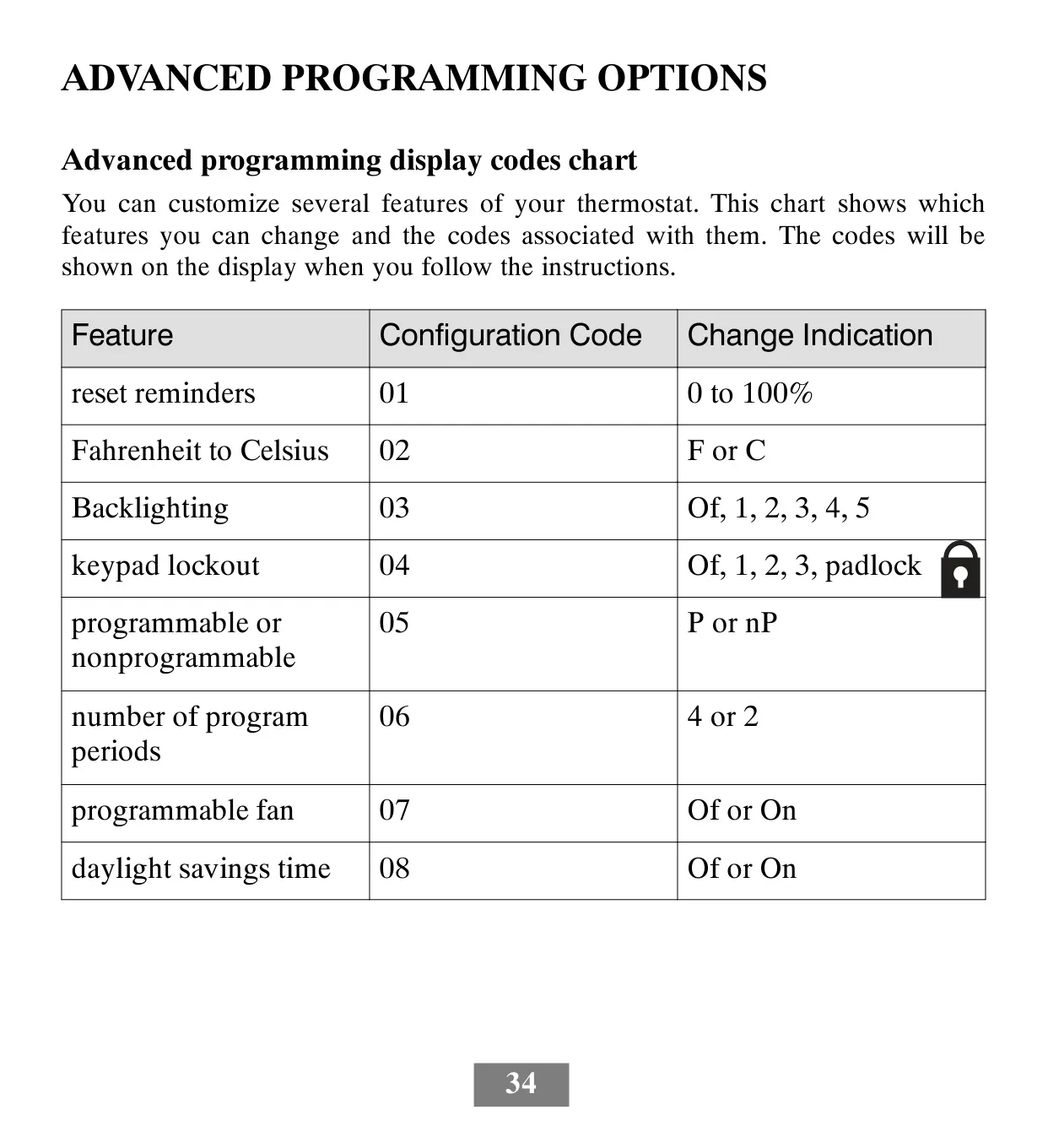
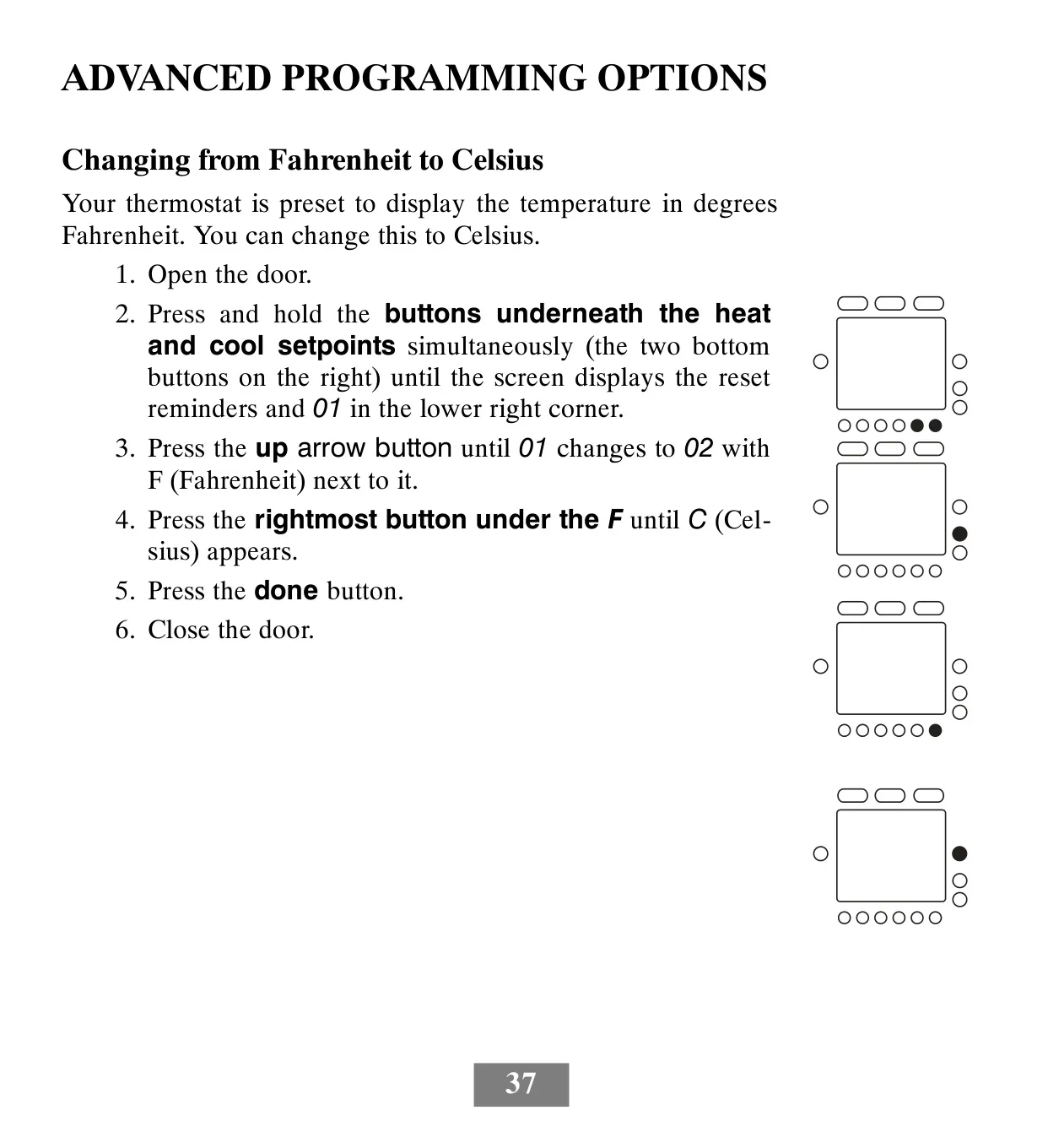
| Temperature Display Units | Fahrenheit (°F) or Celsius (°C), user-selectable (default: Fahrenheit) |
| Humidity Control (T6-PRH only) | Humidification (10-46% RH), Dehumidification (46-66% RH) |
| Programming Schedule | 7-day, 5/2-day, or 1-day programmable options |
| Daily Programming Periods | 4 periods (Wake, Day, Evening, Sleep) or 2 periods (Day, Sleep), user-configurable (default: 4 periods) |
| Fan Operation | Auto (fan with equipment) or On (continuous), programmable per schedule period |
| Backlighting | Adjustable intensity (Off, 1 to 5 brightness levels); continuous dim level, brightens on button press |
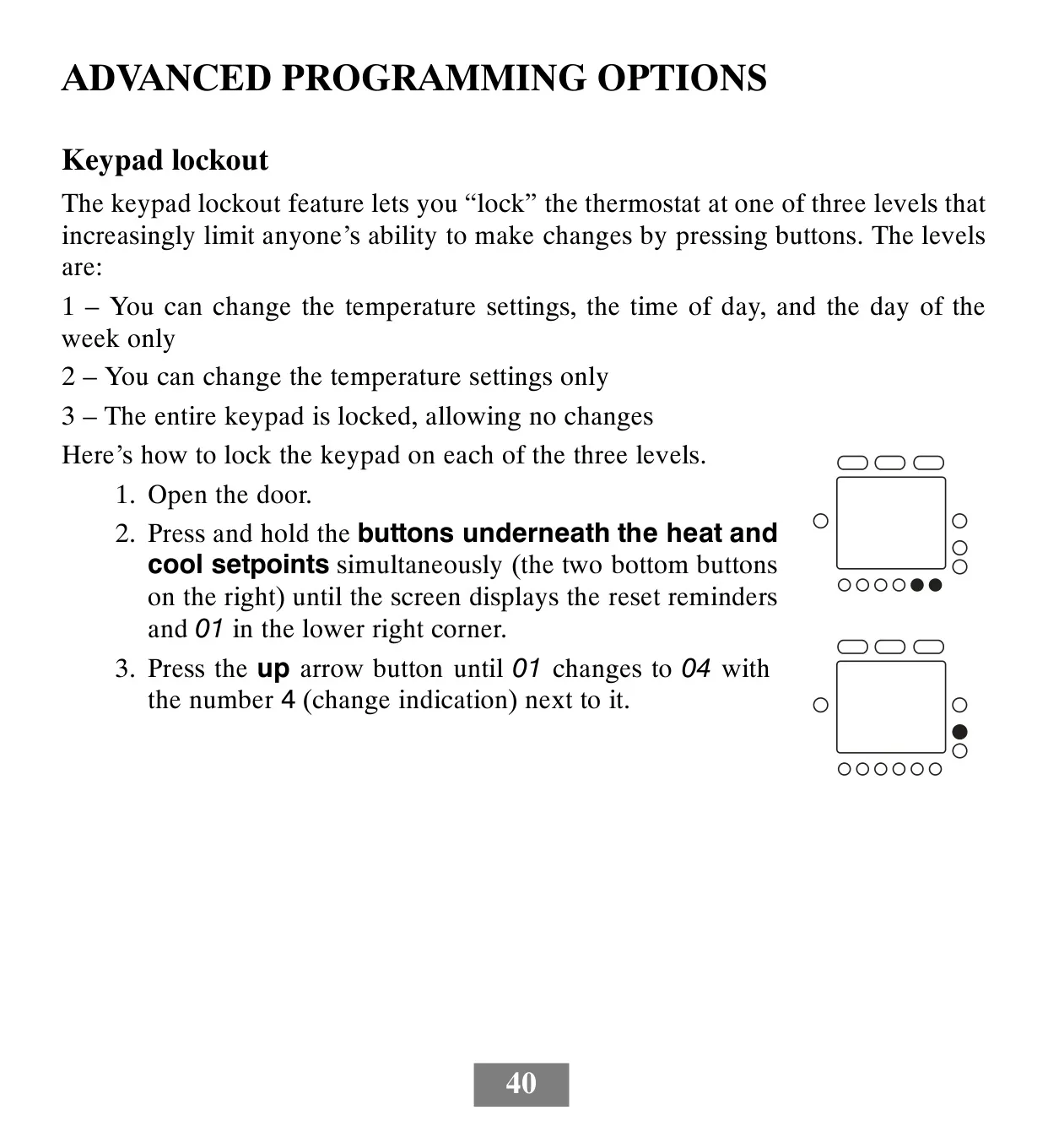
| Keypad Lockout | 3 levels: limited changes, temperature-only changes, or full lockout |
| Advanced Programming Port | ExP (Expansion Port) for programming via digital memory card |
| Sensors | Local room air temperature sensor, supports remote indoor temperature sensor, includes outdoor temperature sensor (T6-PRH model only) |
| Safety Timers | 5-minute compressor timeguard, cycle timer (2, 4, or 6 cycles/hour), 10-minute staging timer, 3-minute minimum on time |
| Origin | Designed and Assembled in the USA |
Bryant T6-PRH Thermostat Details
The Bryant T6-PRH Thermostat offers an advanced approach to home climate management, moving beyond basic temperature regulation. Its ultra-thin profile and intelligent design aim to integrate seamlessly with other modern home electronics, providing a sophisticated user experience. This thermostat is engineered for maximum flexibility, allowing programming options to precisely fit individual lifestyles, not just standard templates.
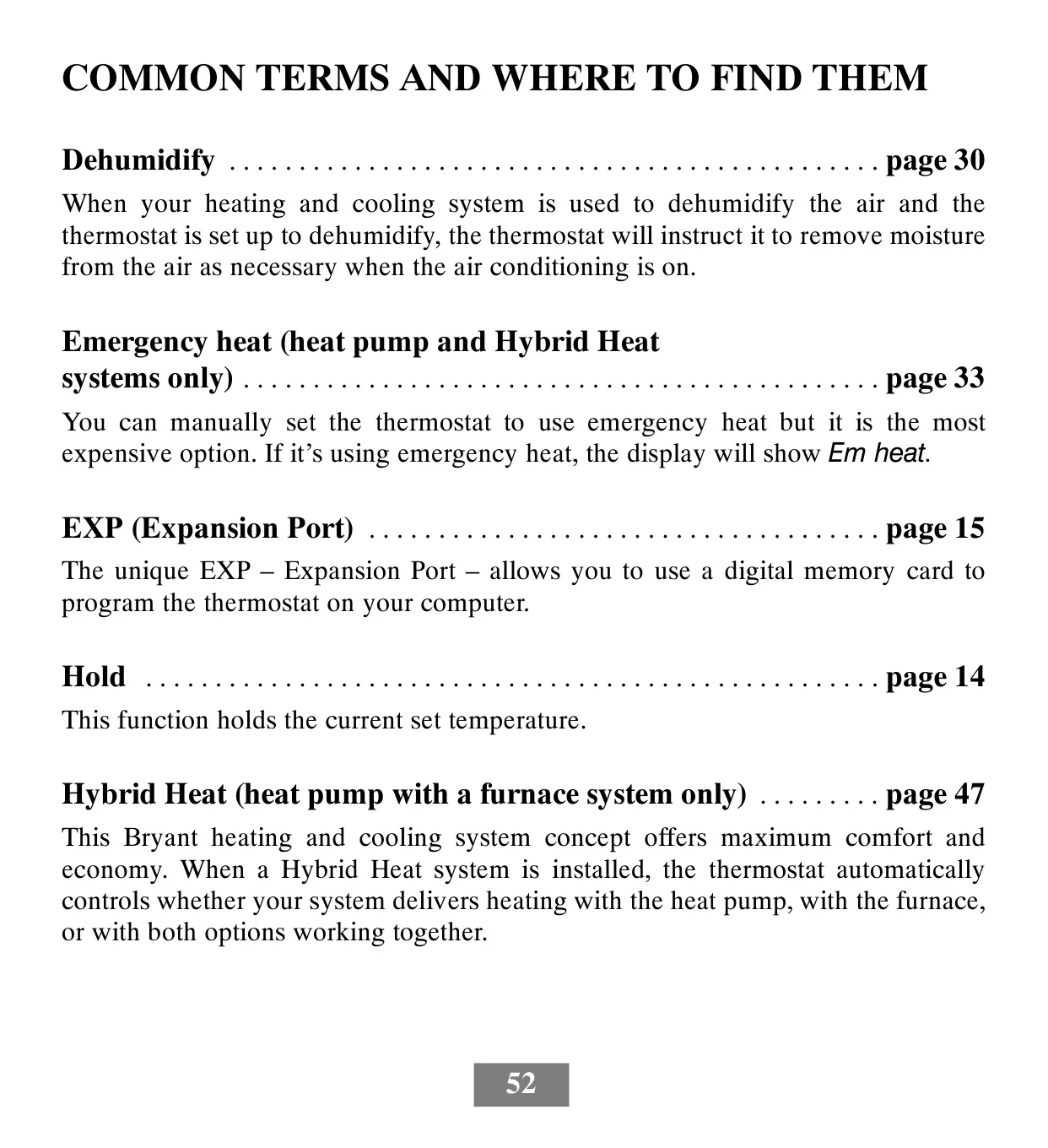
One of its standout features is the innovative ExP (Expansion Port), which elevates convenience. This unique port allows users to program their thermostat using a digital memory card inserted into a computer. This method simplifies complex scheduling, enabling easy transfer of customized temperature settings, times, and even maintenance reminders for furnace filters, UV lights, or humidifier pads, directly back to the thermostat.
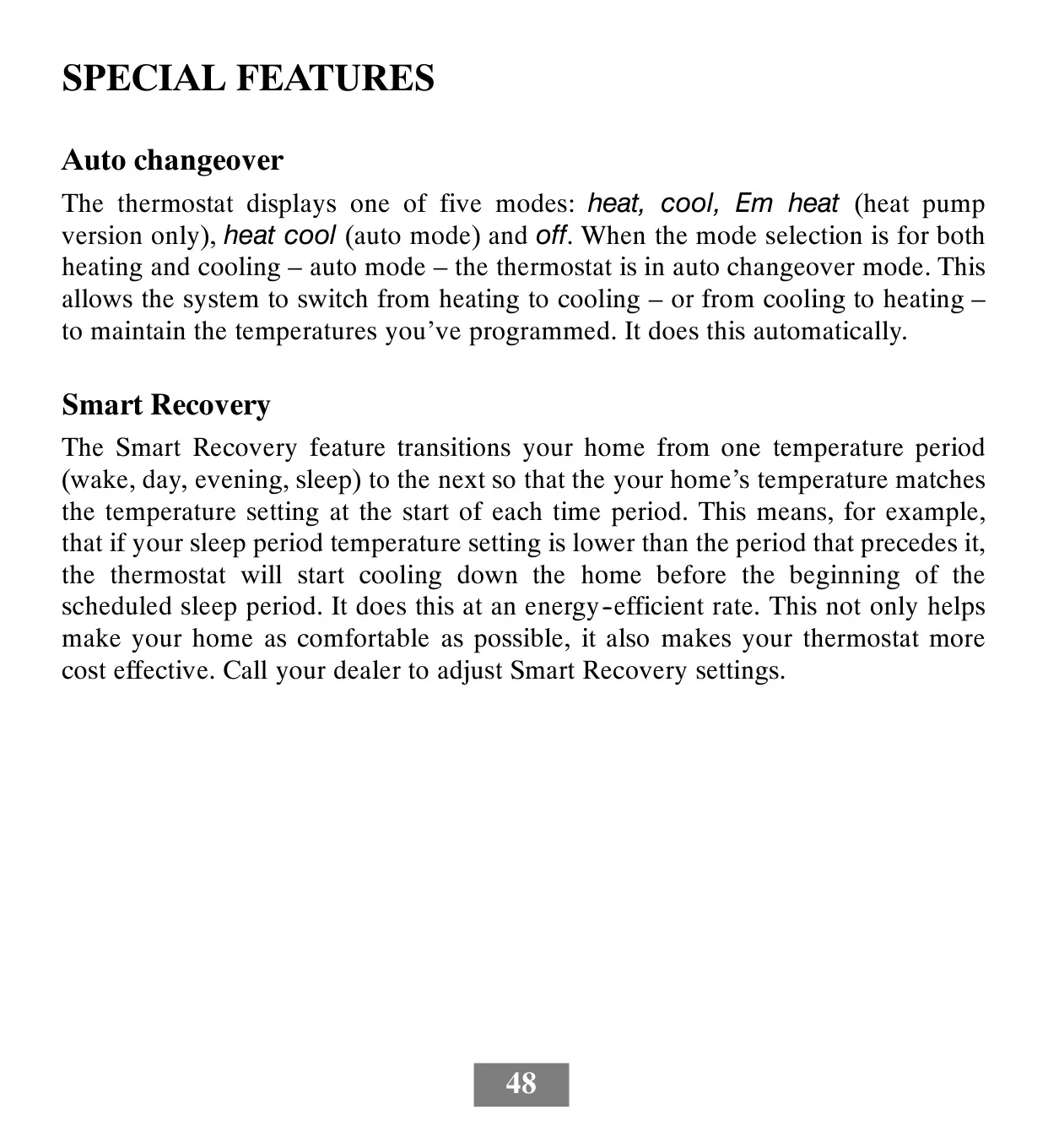
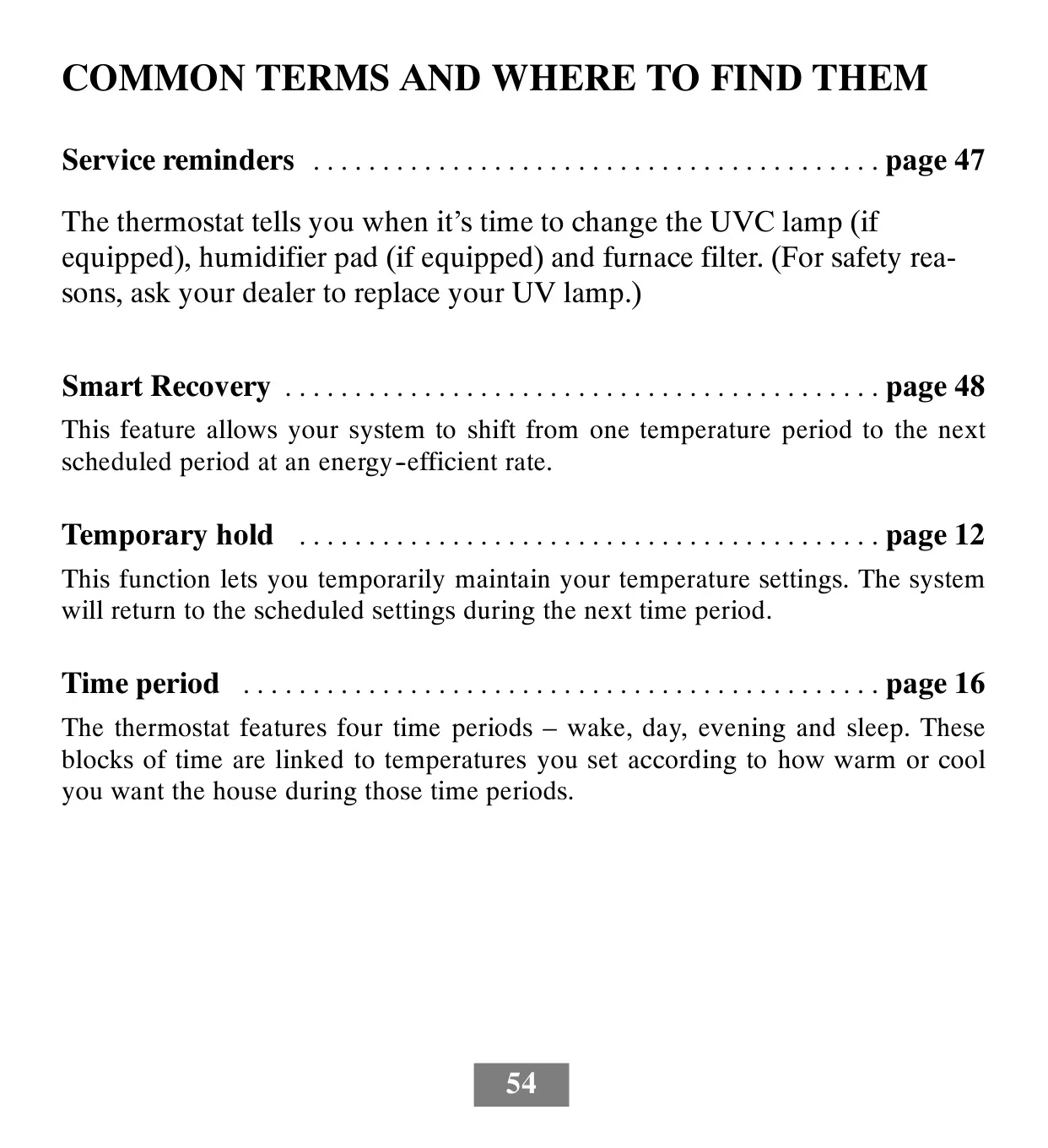
The Smart Recovery feature is designed to optimize comfort and energy efficiency. Instead of abruptly changing temperatures at the start of a new schedule period, Smart Recovery intelligently initiates heating or cooling beforehand. This ensures that your home reaches the desired temperature precisely when your programmed "wake," "day," "evening," or "sleep" period begins, all while operating at an energy-efficient rate.
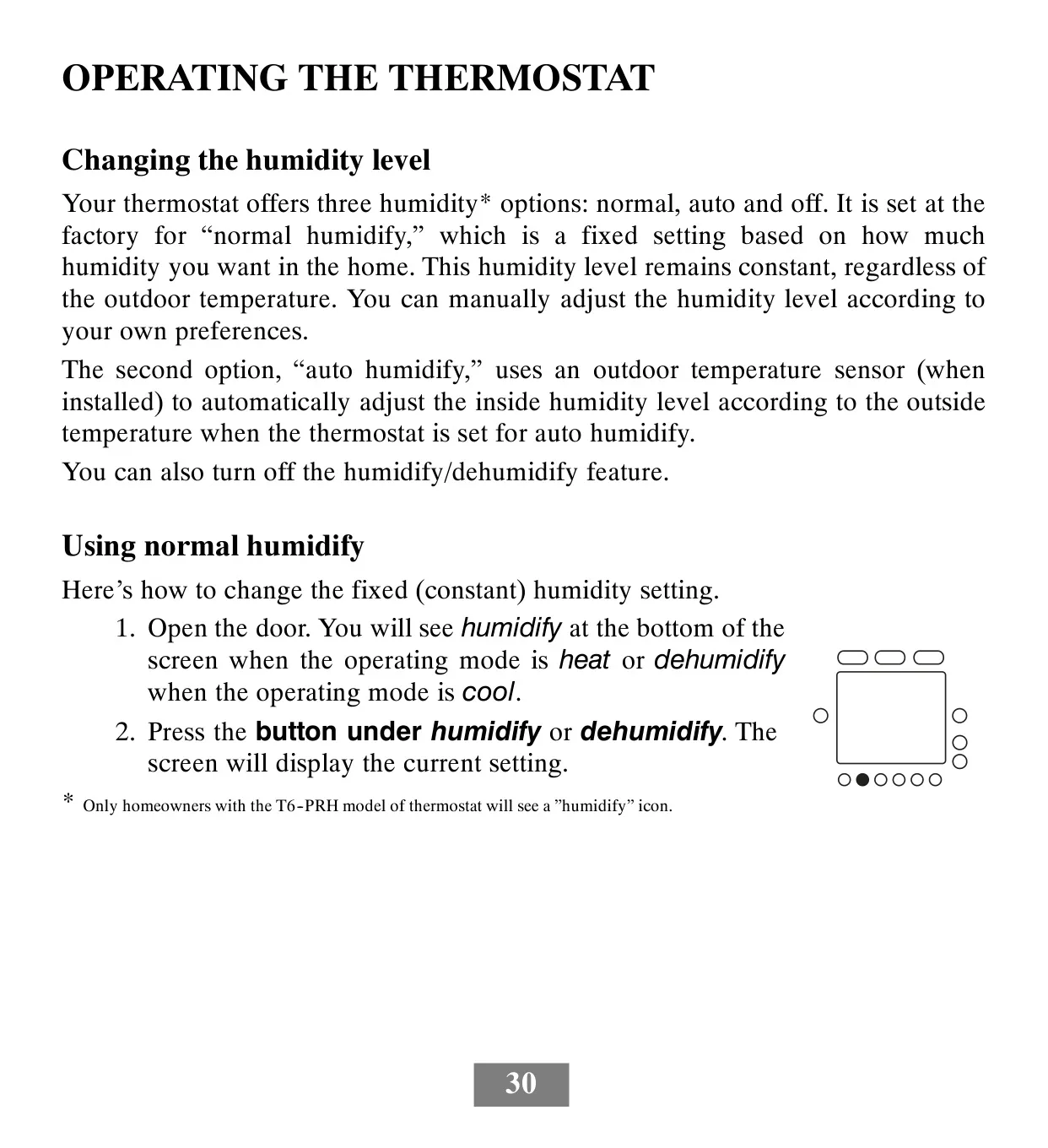
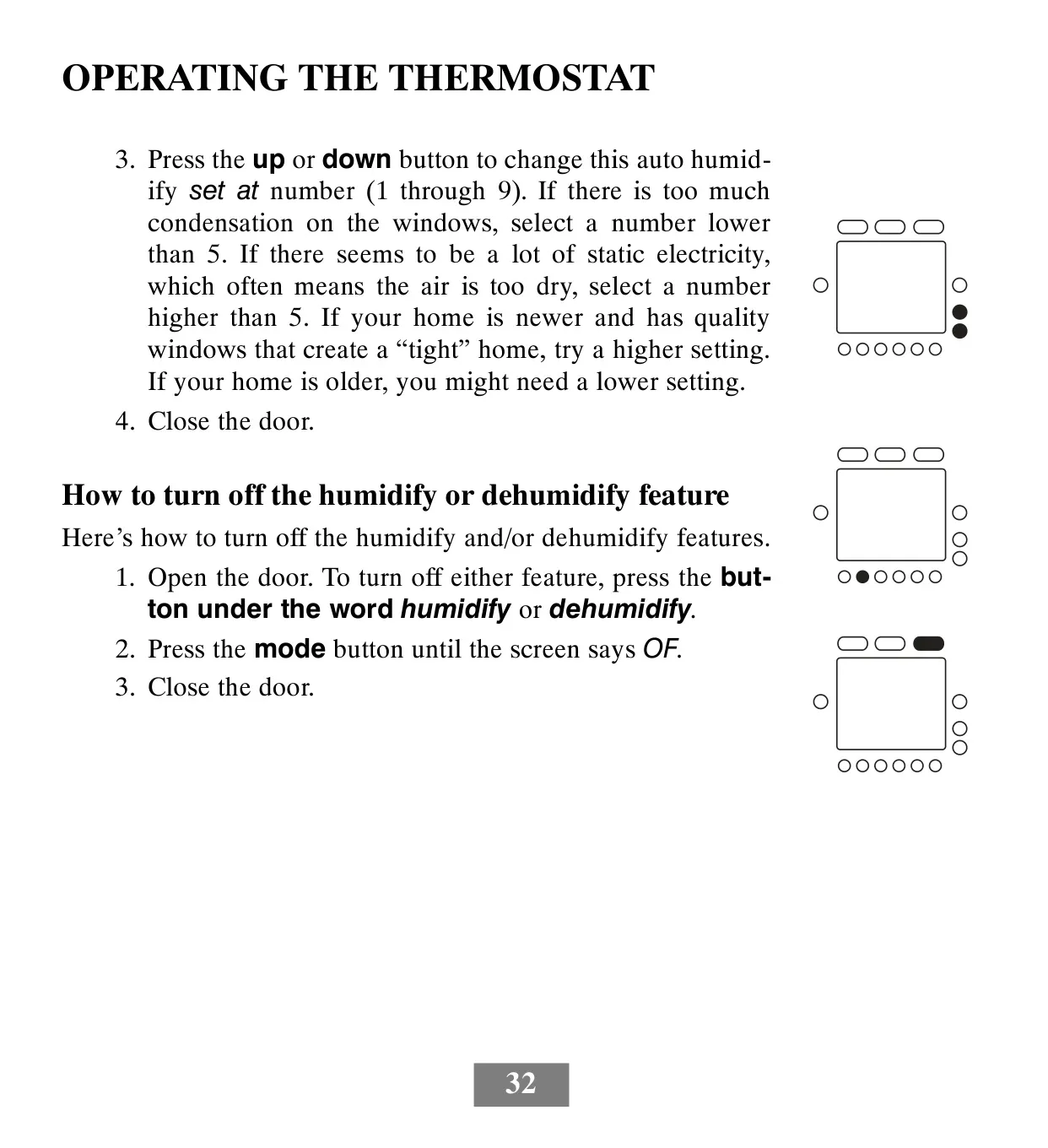
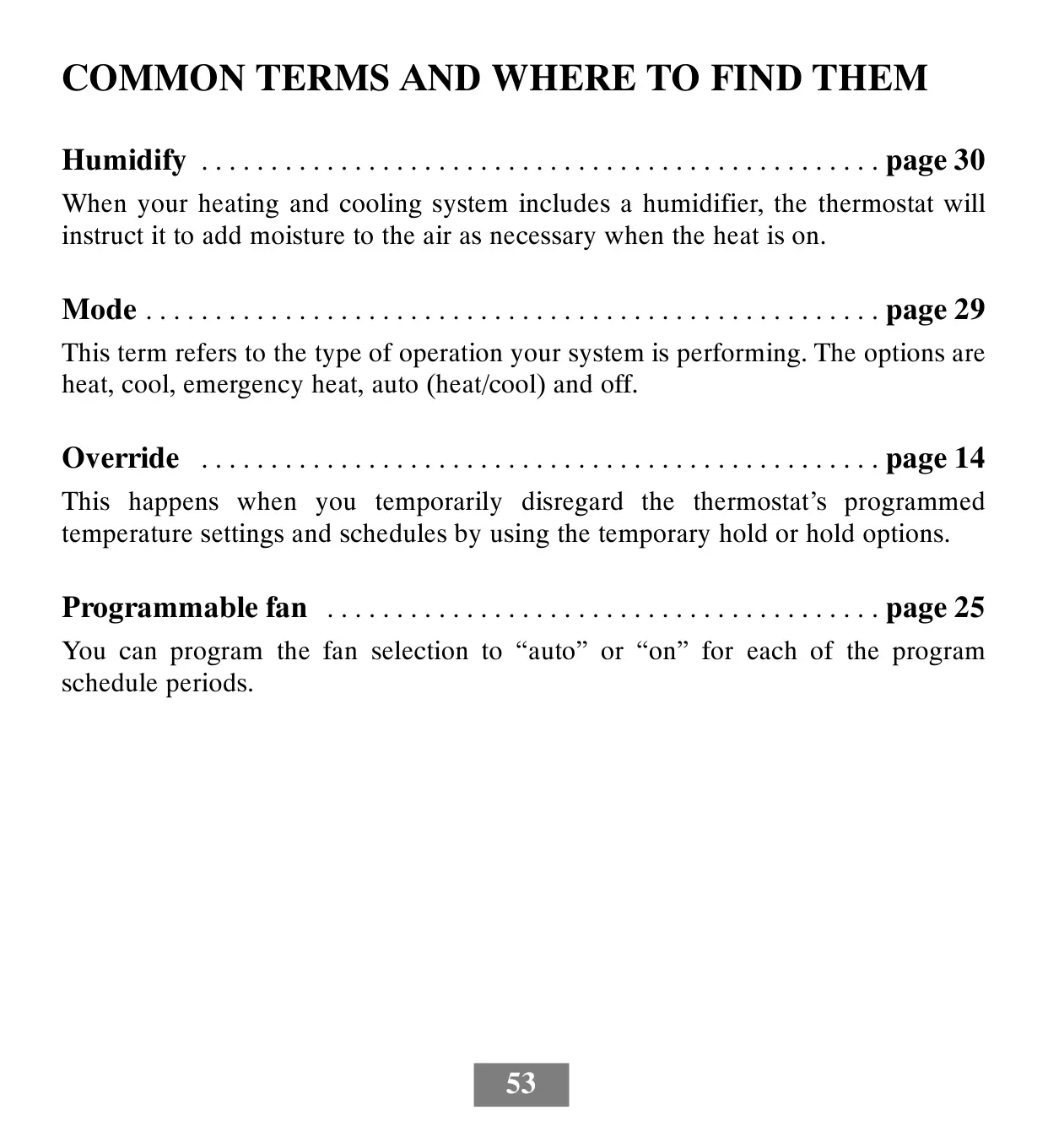
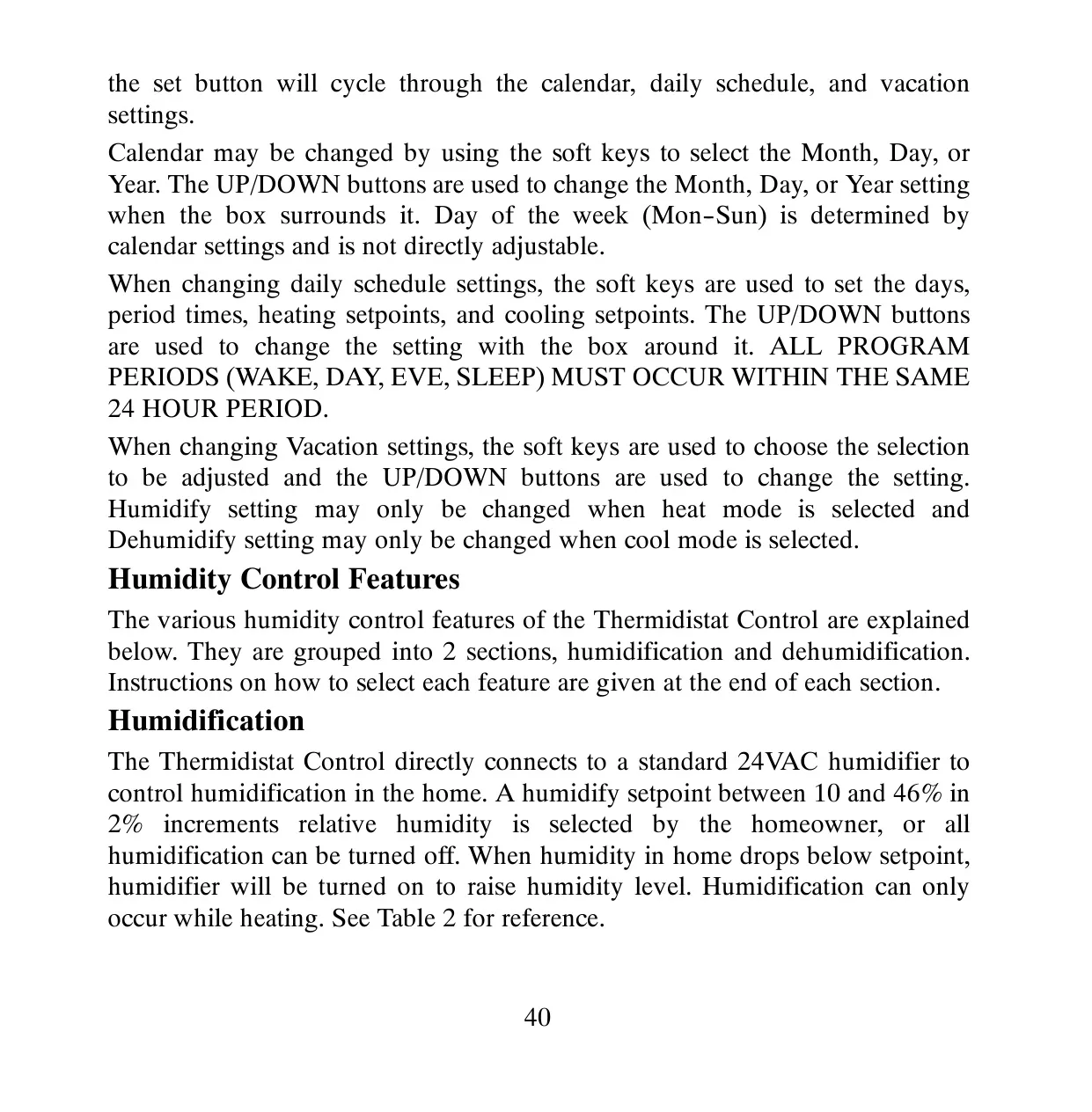
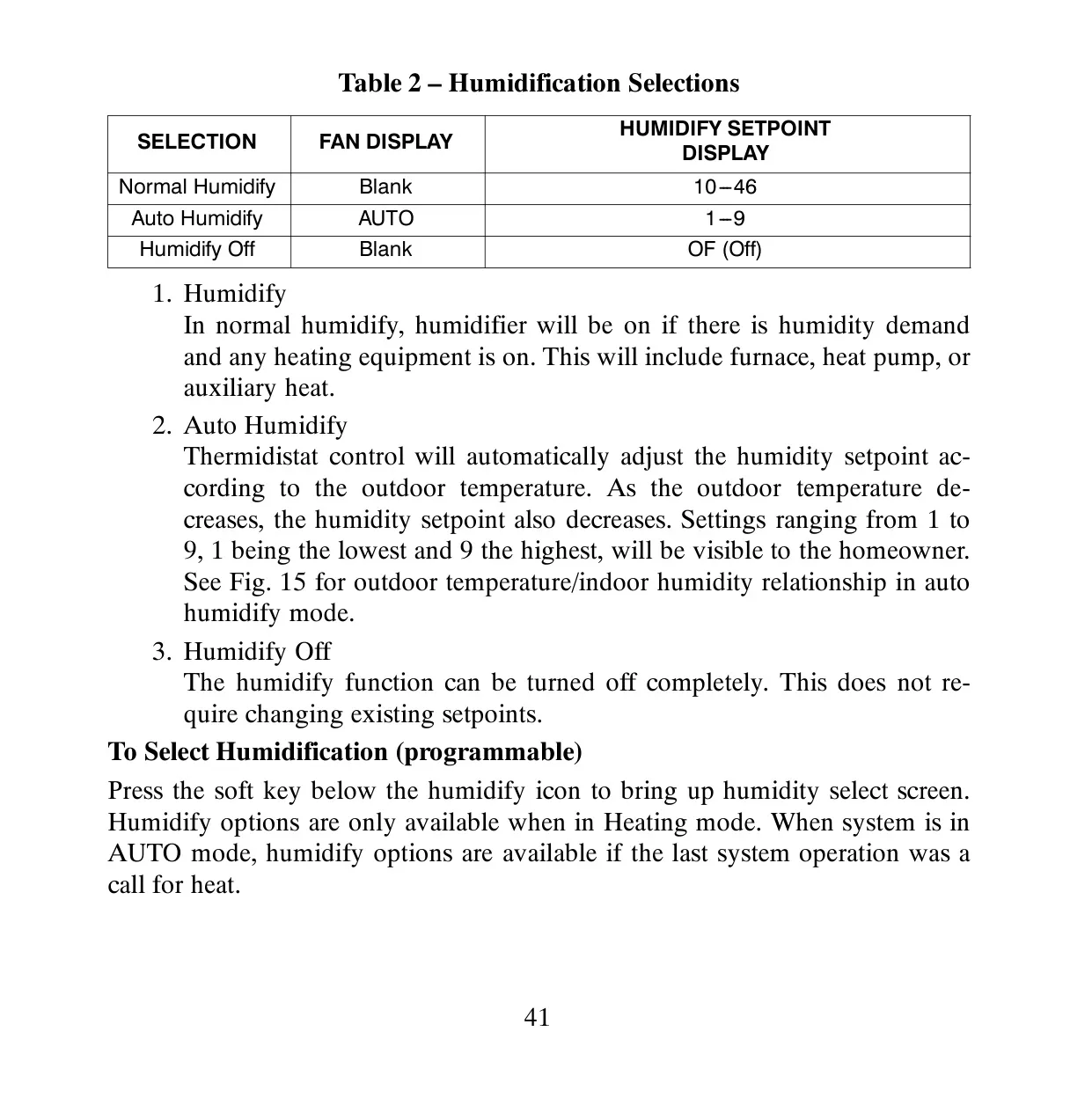
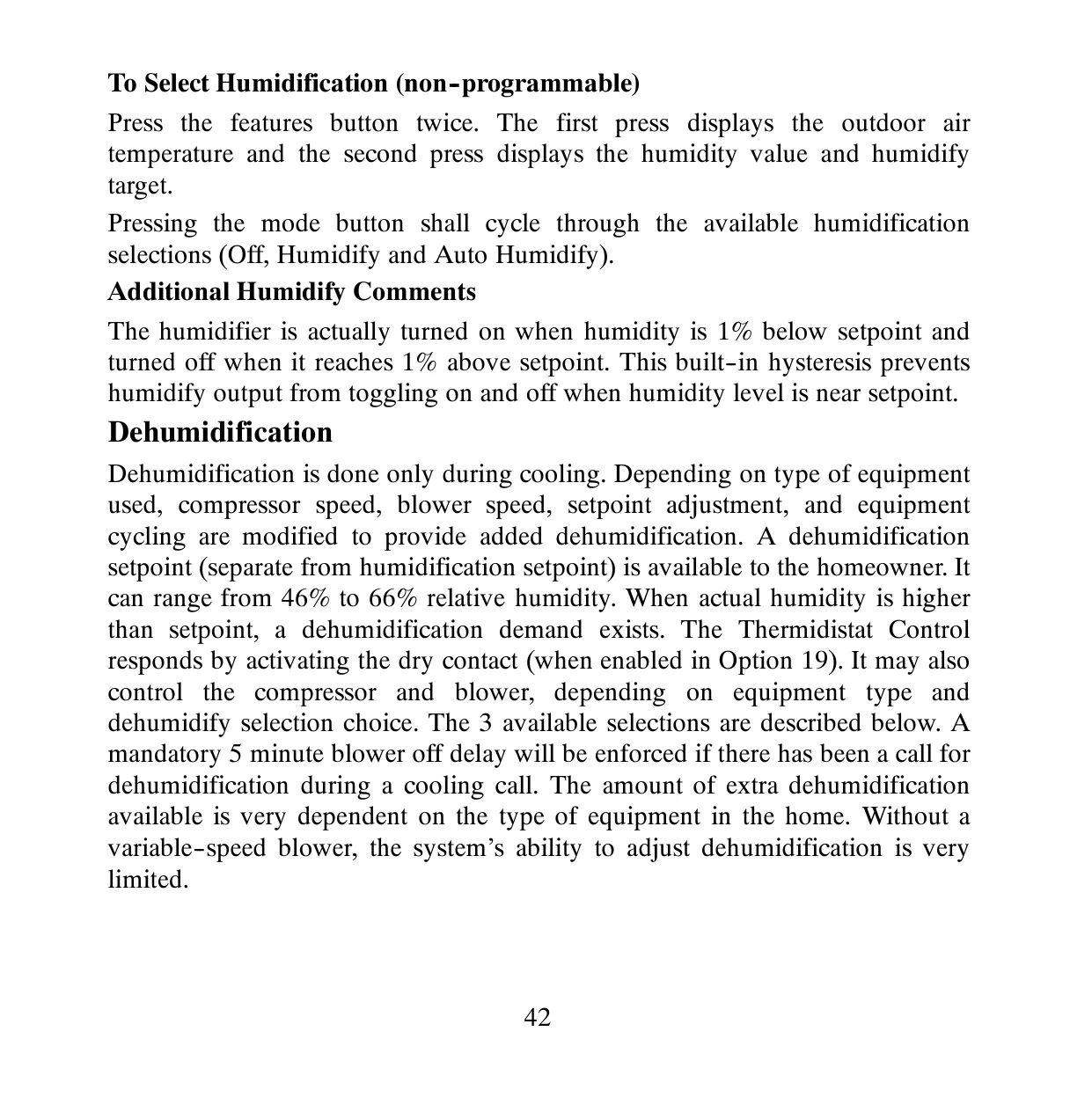
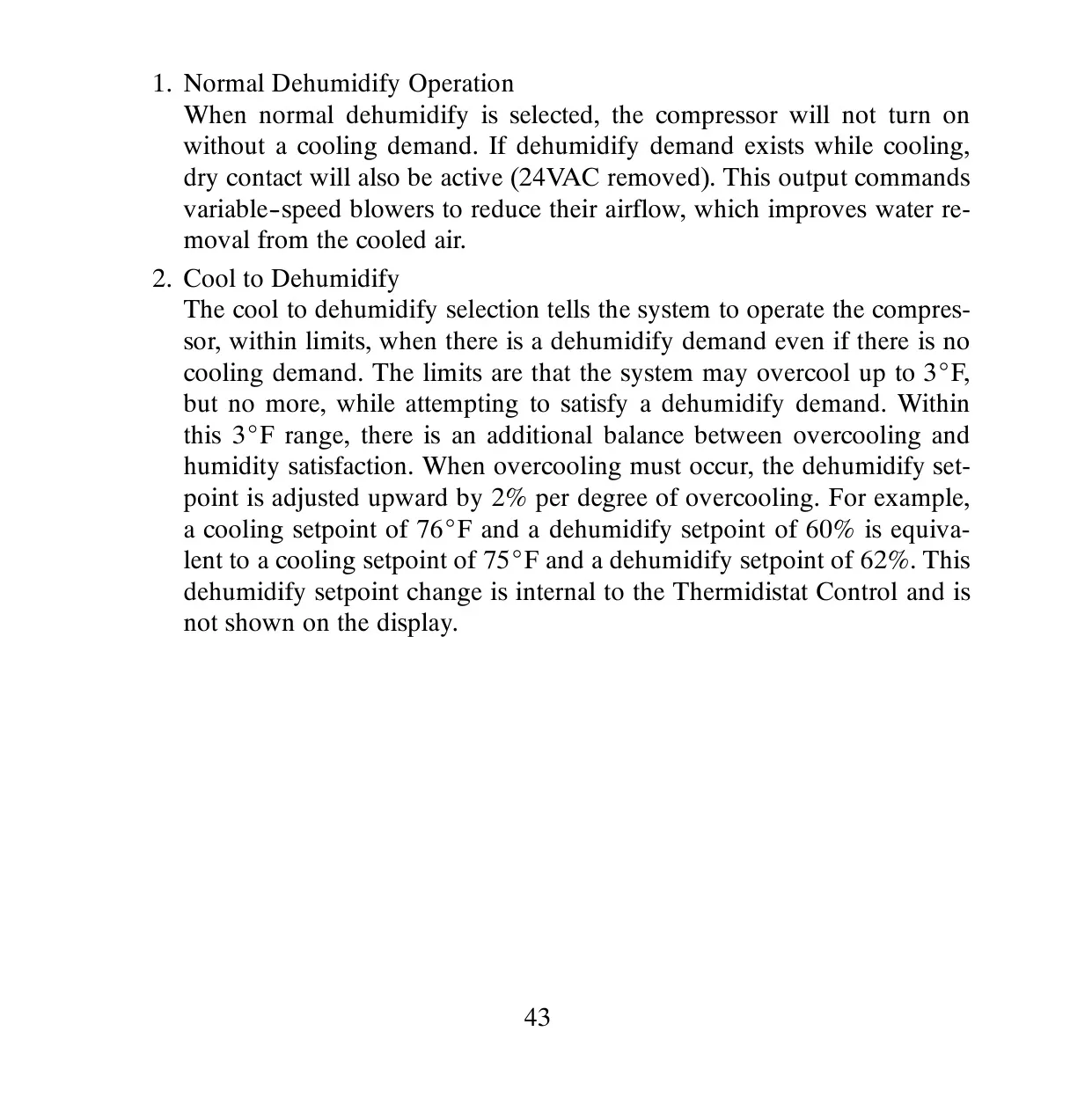
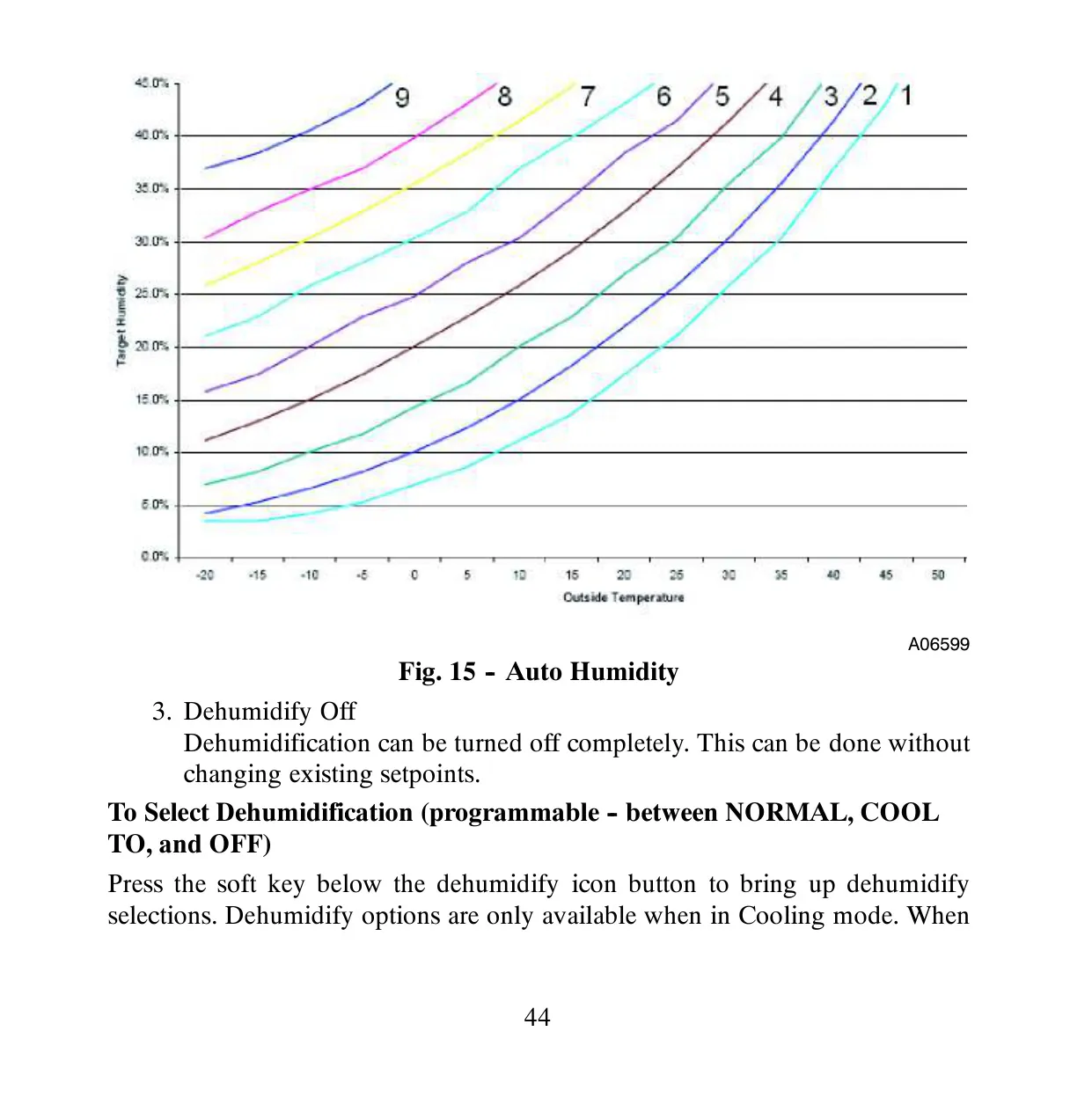
For comprehensive climate control, the T6-PRH integrates sophisticated humidity management. Beyond simple humidification, it offers "normal humidify" for fixed settings and "auto humidify," which dynamically adjusts the humidity level based on the outdoor temperature via a sensor. Similarly, for dehumidification, "cool to dehumidify" allows the system to overcool by up to 3°F to remove excess moisture, balancing comfort with active dehumidification needs.
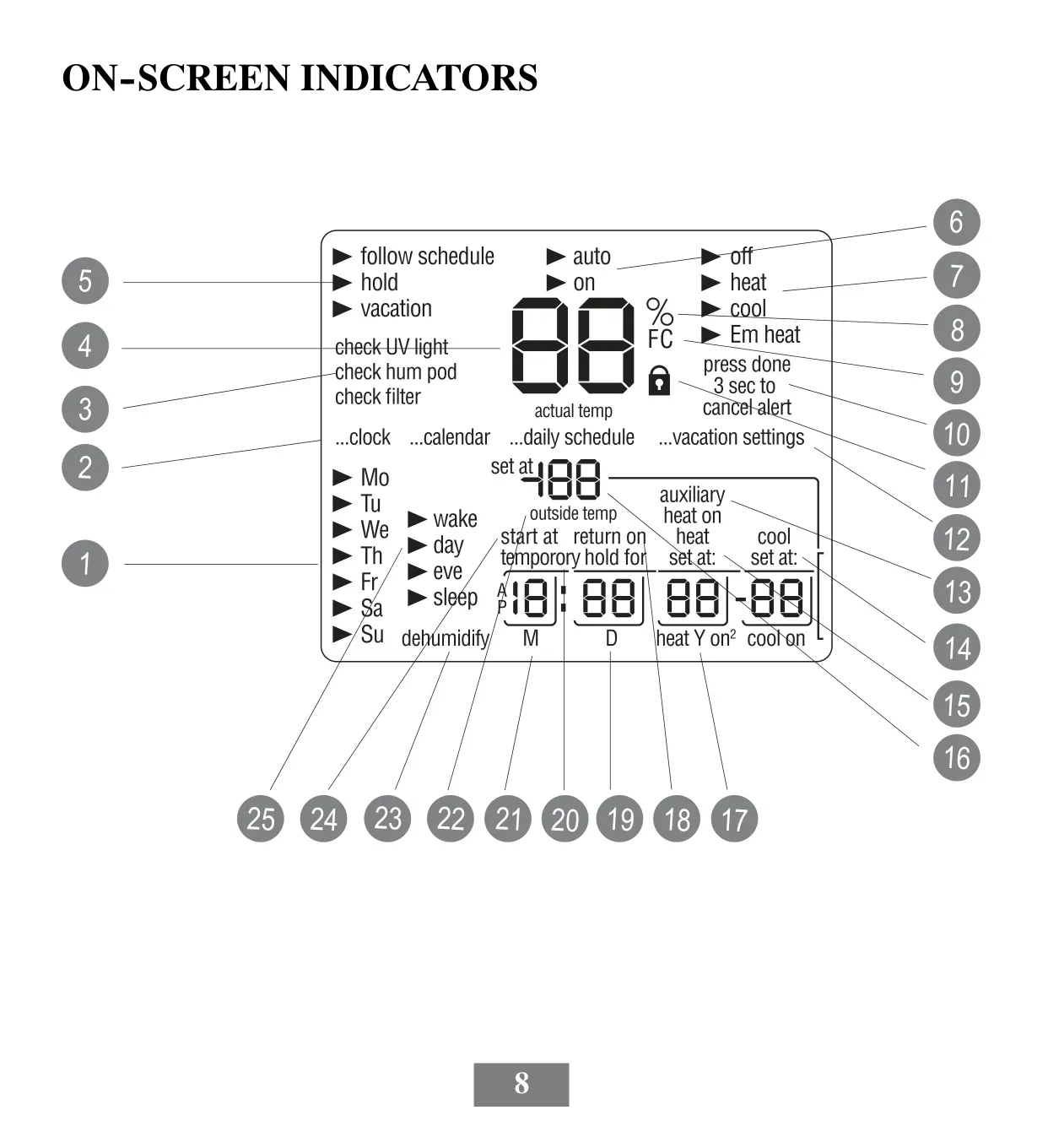
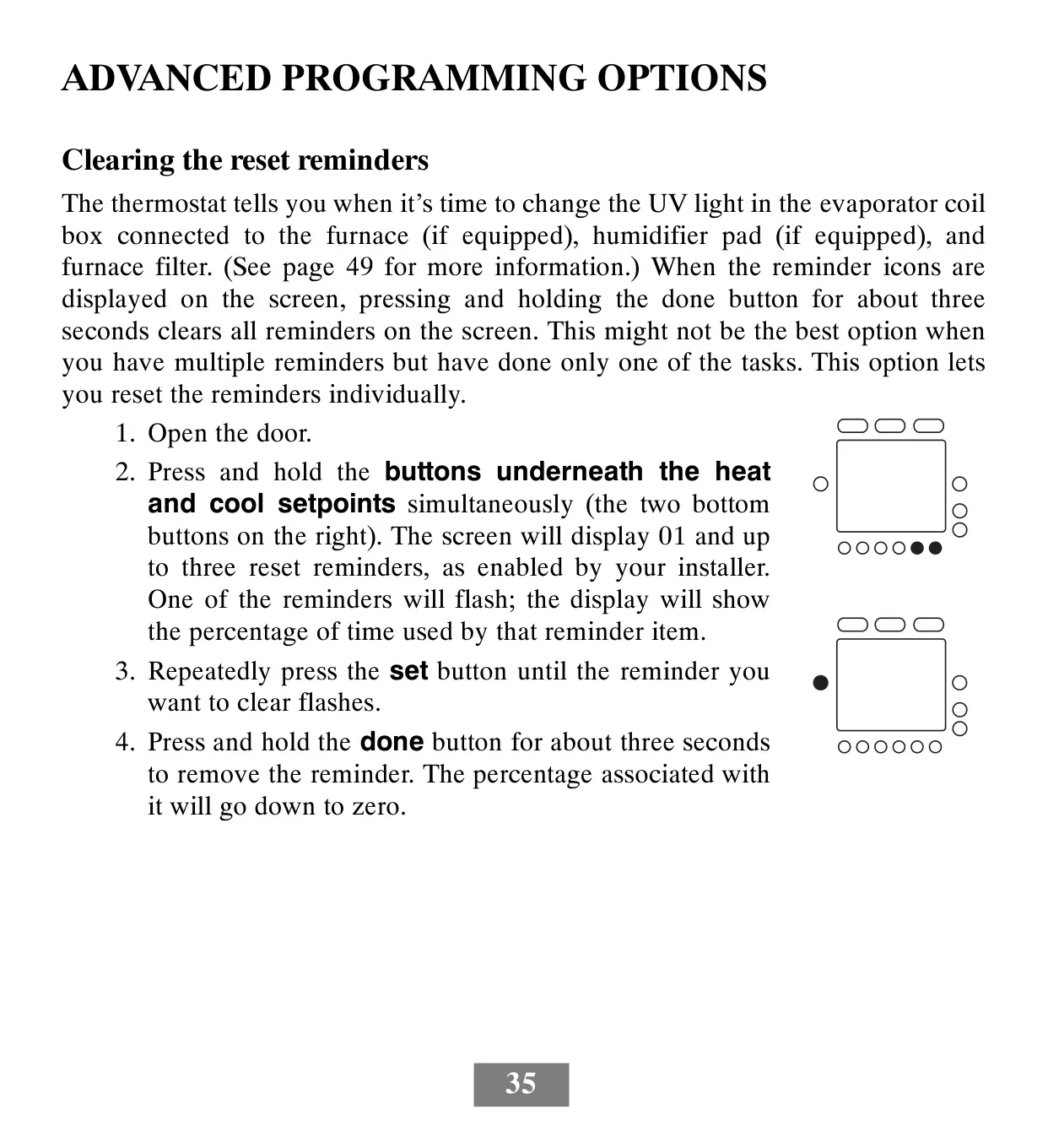
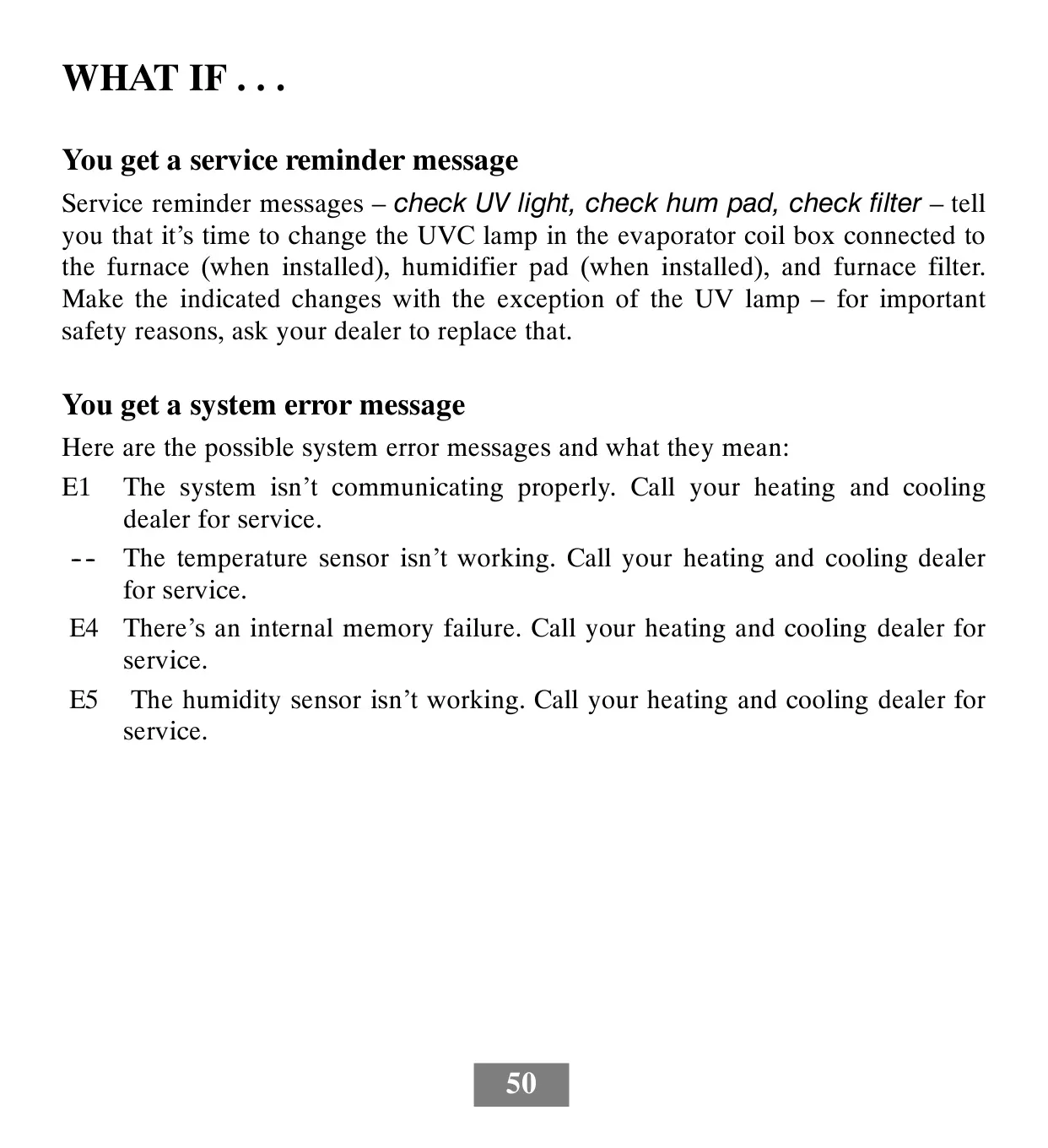
The thermostat simplifies maintenance with its integrated service reminders. It intelligently notifies you when it's time to check or replace components such as the UV light in the evaporator coil, the humidifier pad, or the furnace filter. These on-screen alerts help ensure your system operates efficiently and maintains optimal indoor air quality without constant manual tracking.
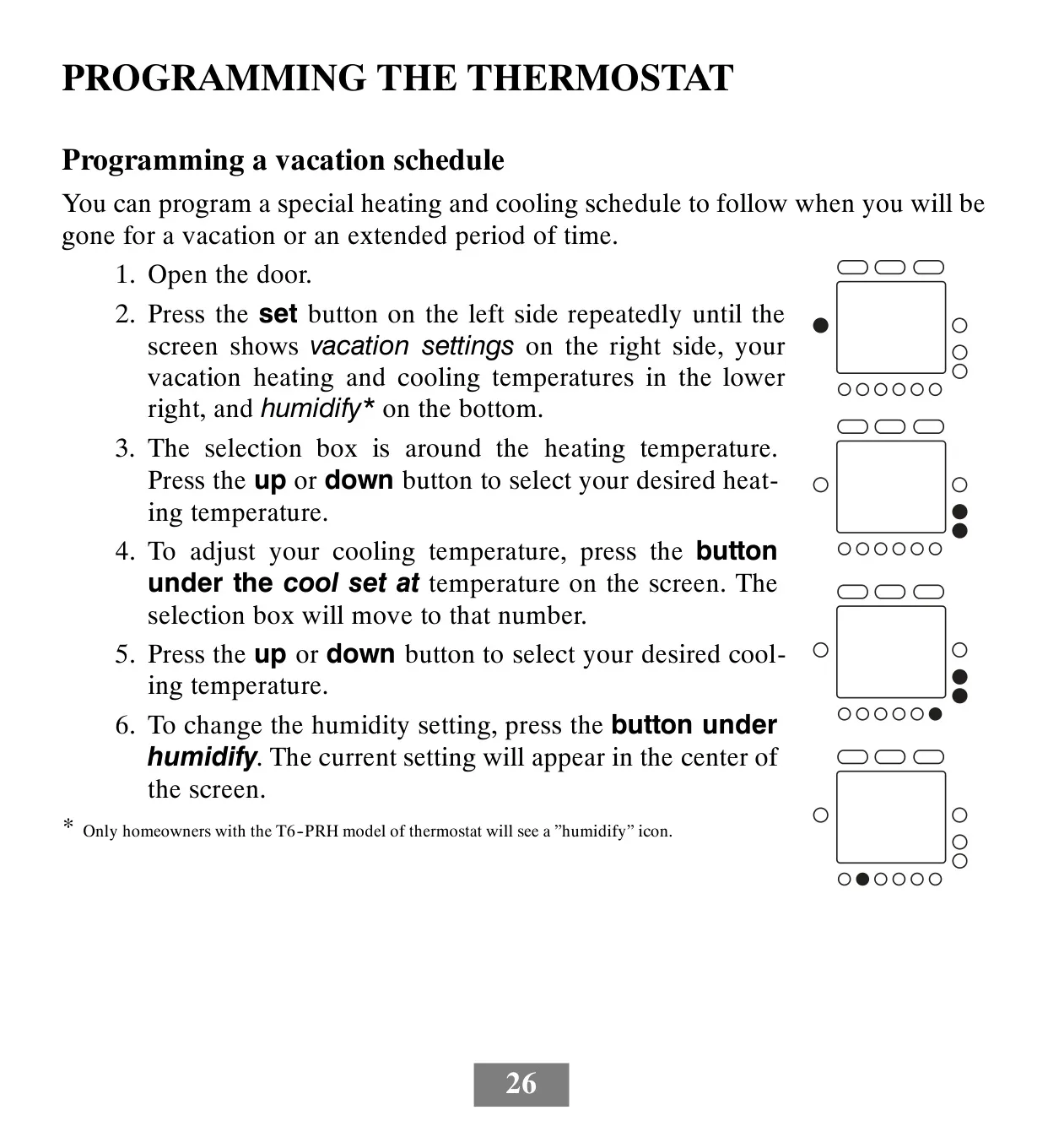
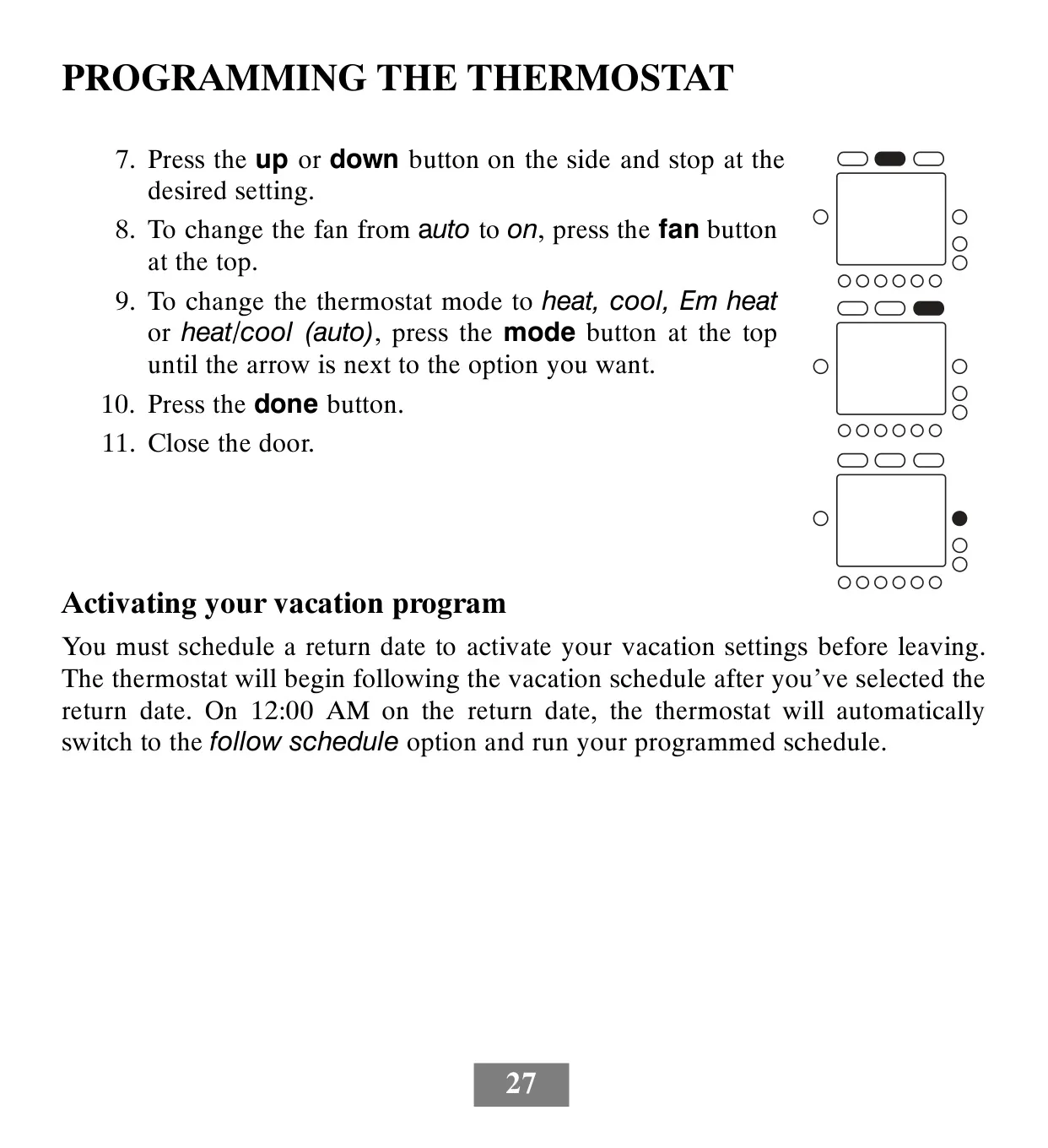
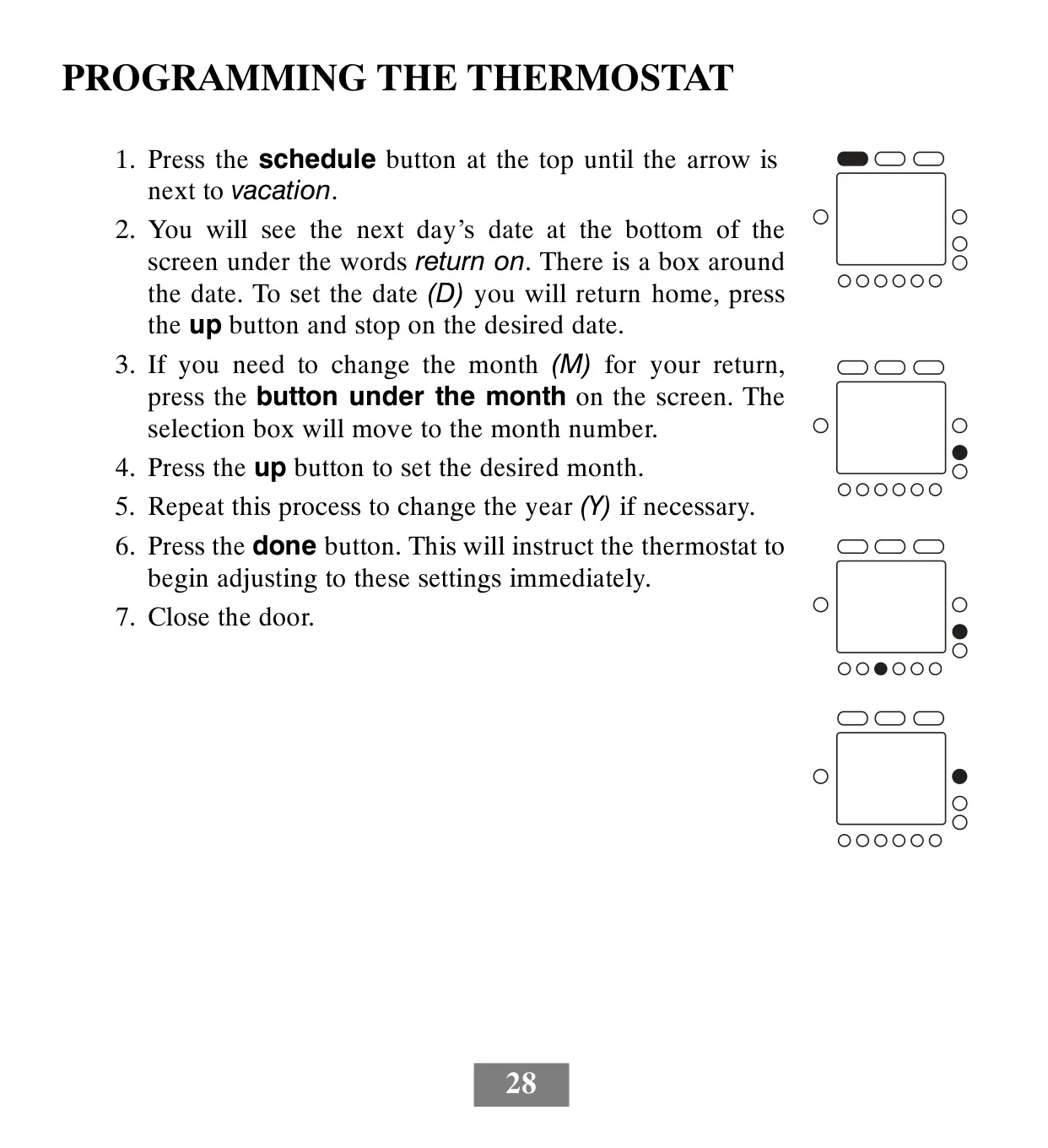
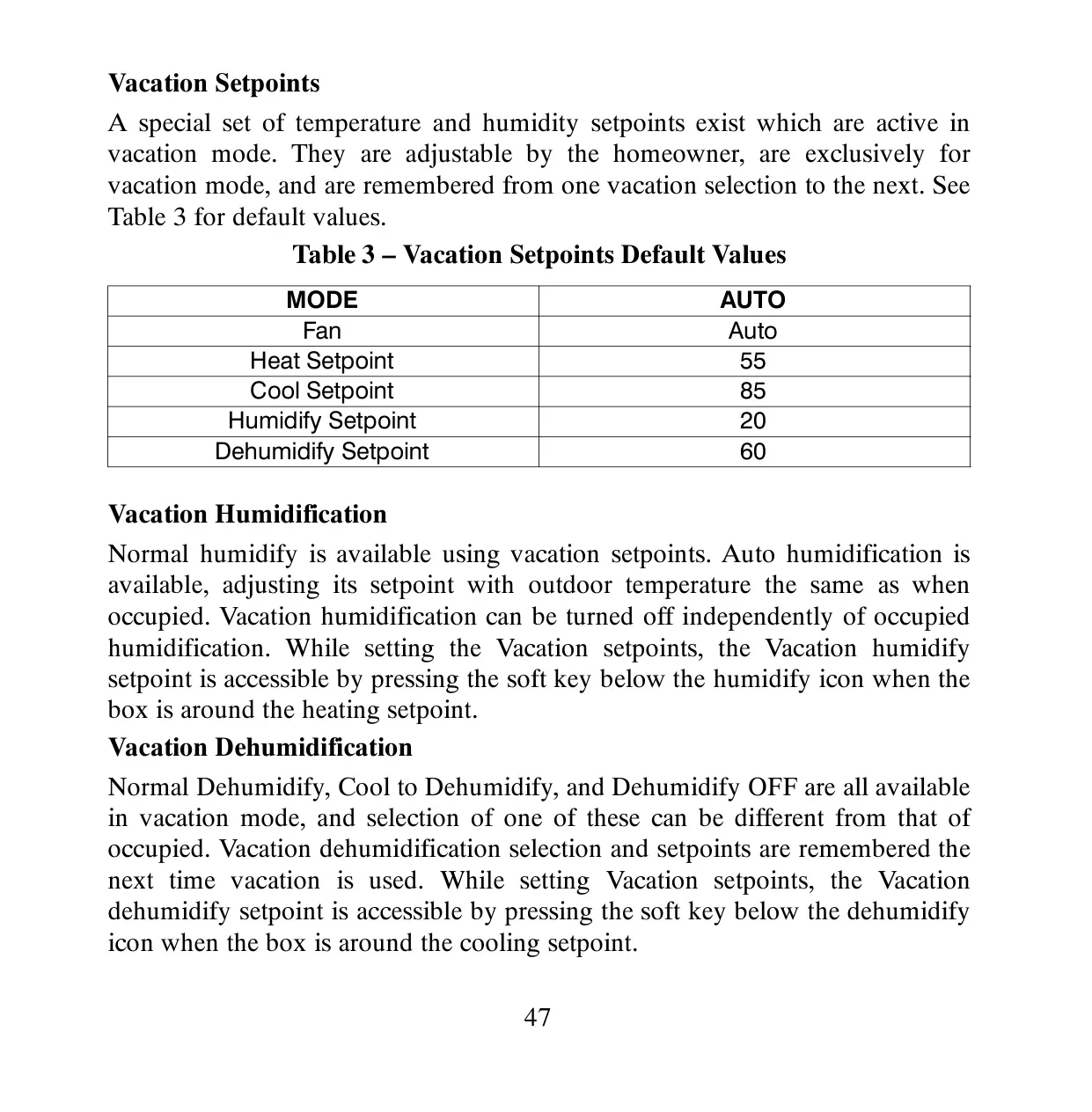
Operational flexibility is further enhanced by its auto changeover mode, allowing the system to seamlessly switch between heating and cooling to maintain your preferred setpoints. A dedicated vacation schedule function provides specialized heating and cooling settings for extended absences, automatically reverting to your regular program upon your chosen return date. This ensures both energy savings and home protection while you are away.
Frequently Asked Questions (FAQs)
Can't find the answer you need? Here are some frequently asked questions about the Bryant T6-PRH Thermostat, and we answer them below.