GoPro Hero 5 Session Action Camera Instruction Manual
GoPro Hero 5 Session Action Camera

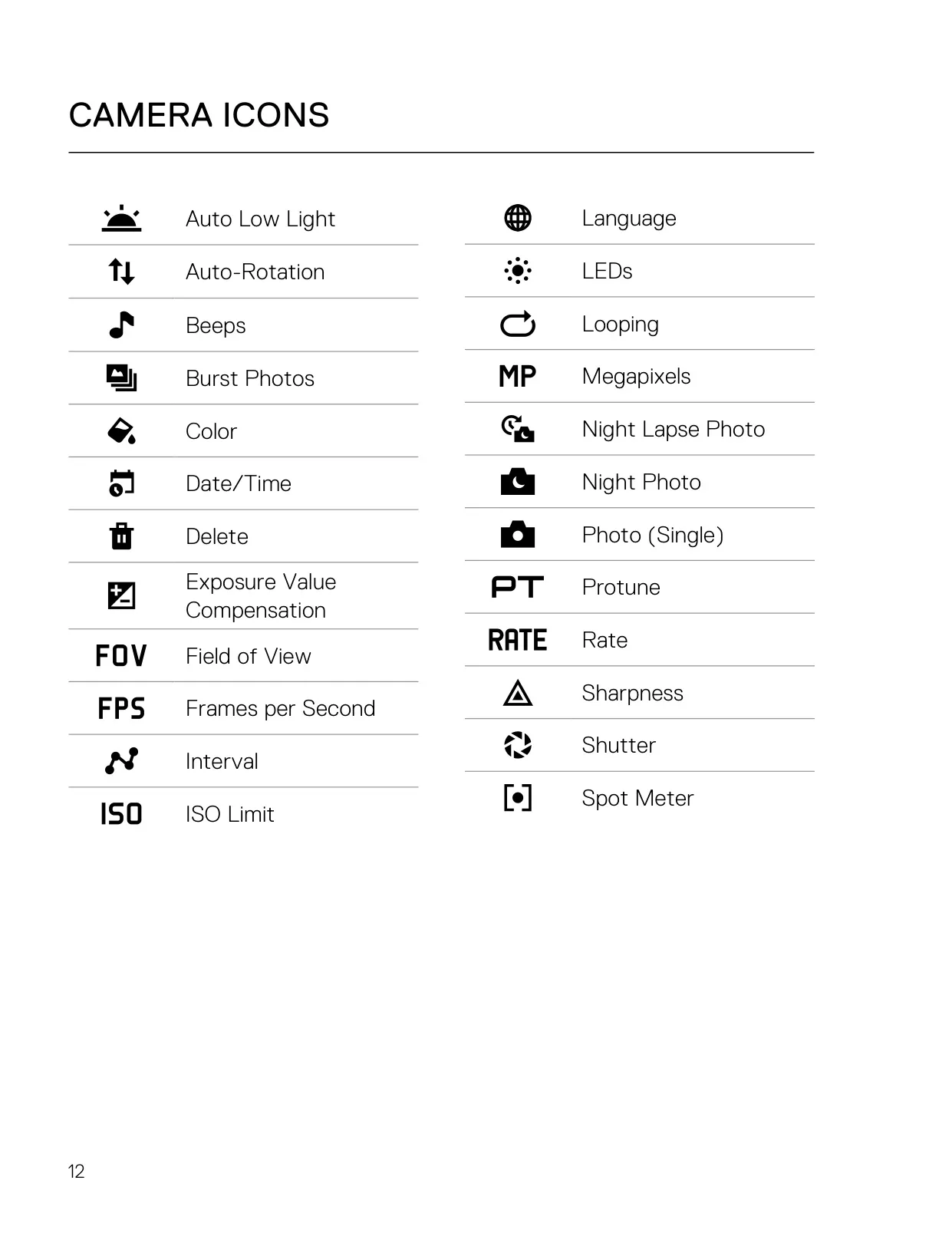
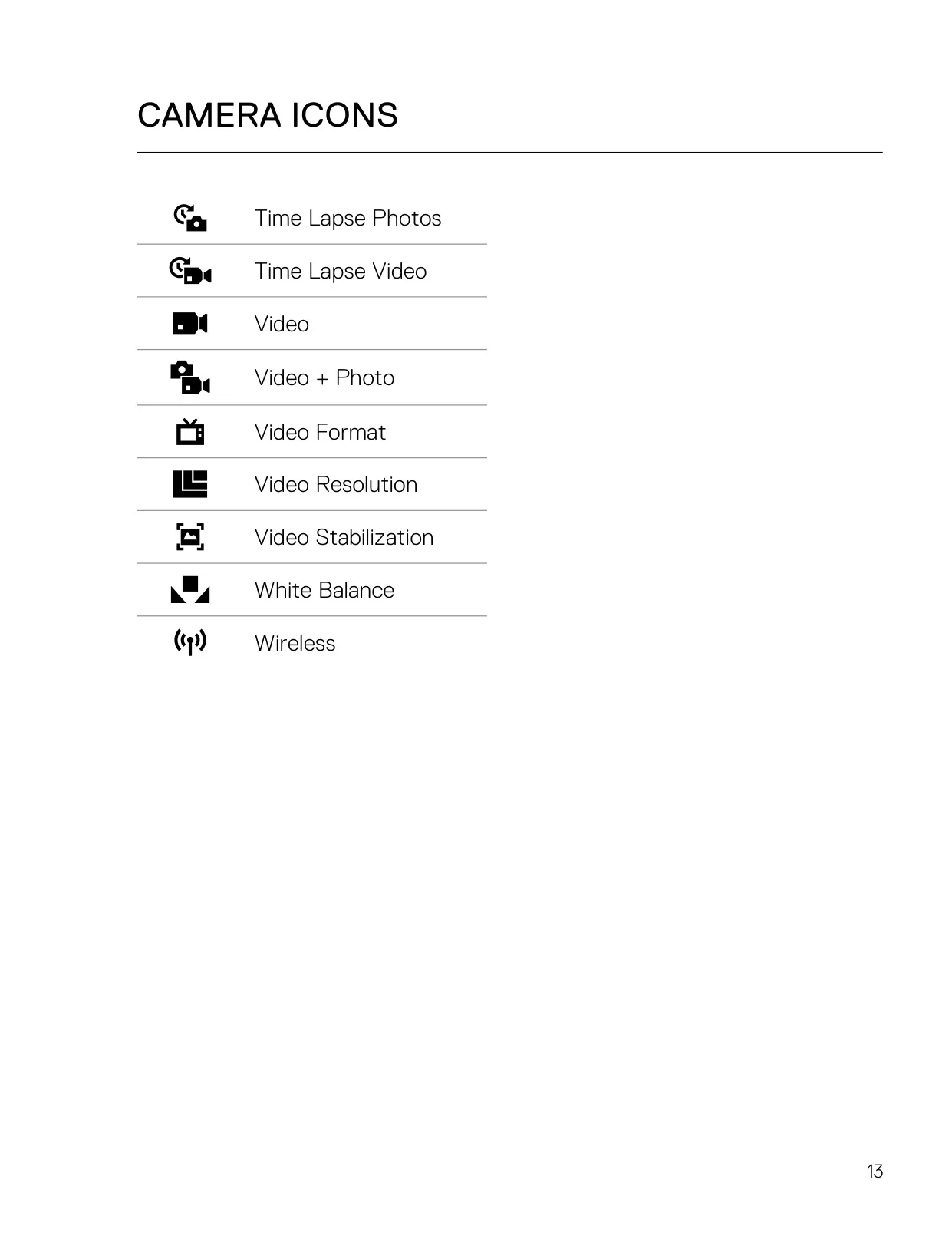









GoPro Hero 5 Session Instructions
Here we offer the GoPro Hero 5 Session Action Camera manual completely free and in English. We have cataloged this manual in the Action Camera section on Manualverse, and it has been rated by 1 users with an average rating of 5. If you have any specific questions about GoPro Hero 5 Session Action Camera, we suggest checking the Frequently Asked Questions (FAQs) section of this manual.
Product Images
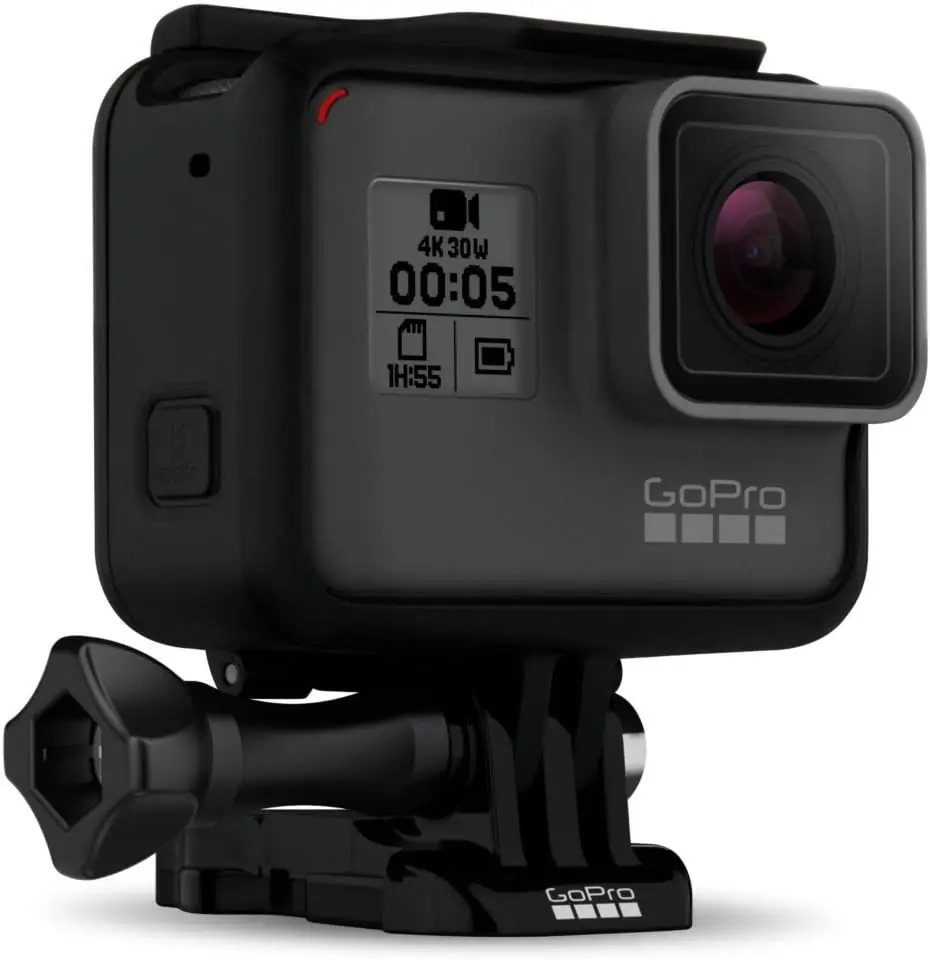
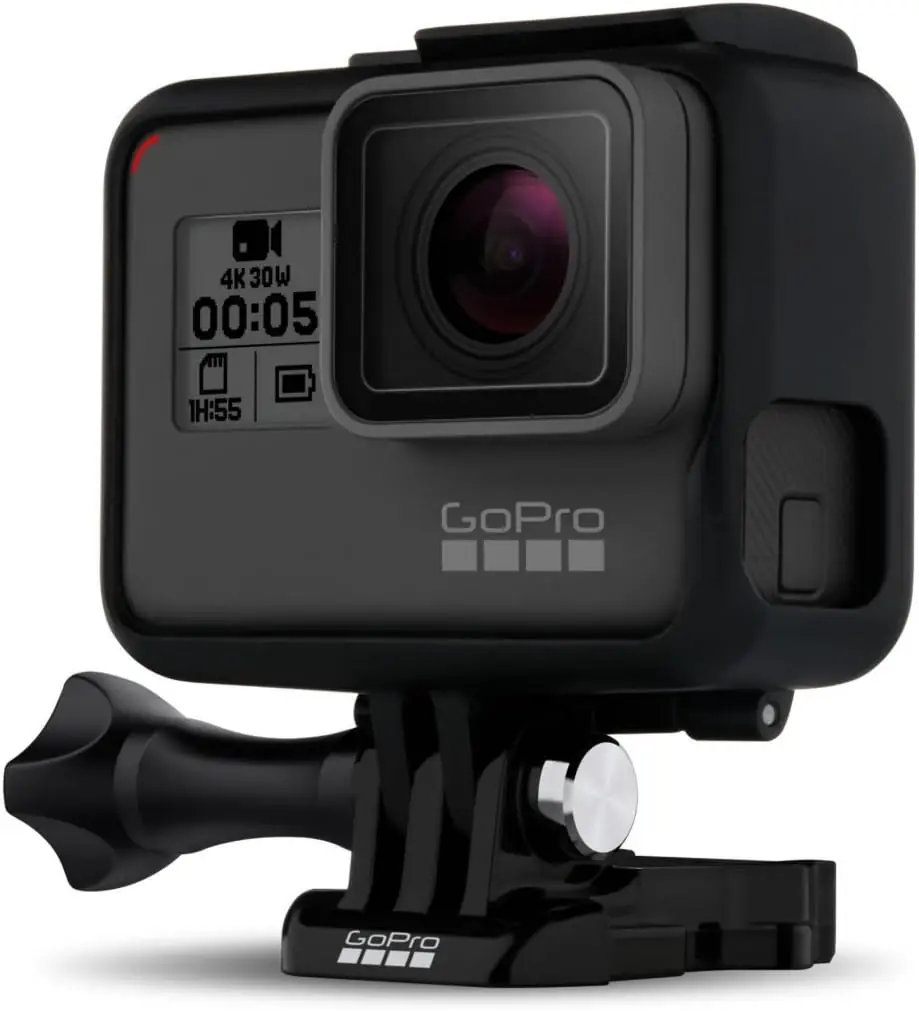
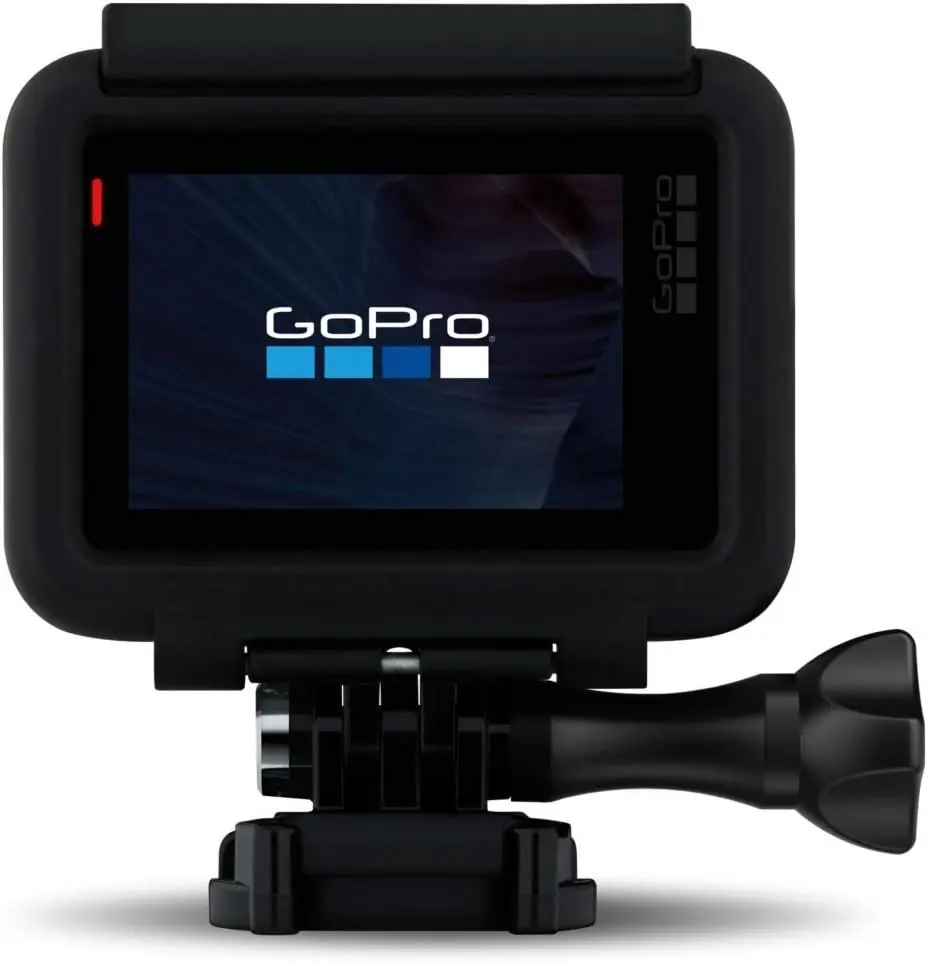
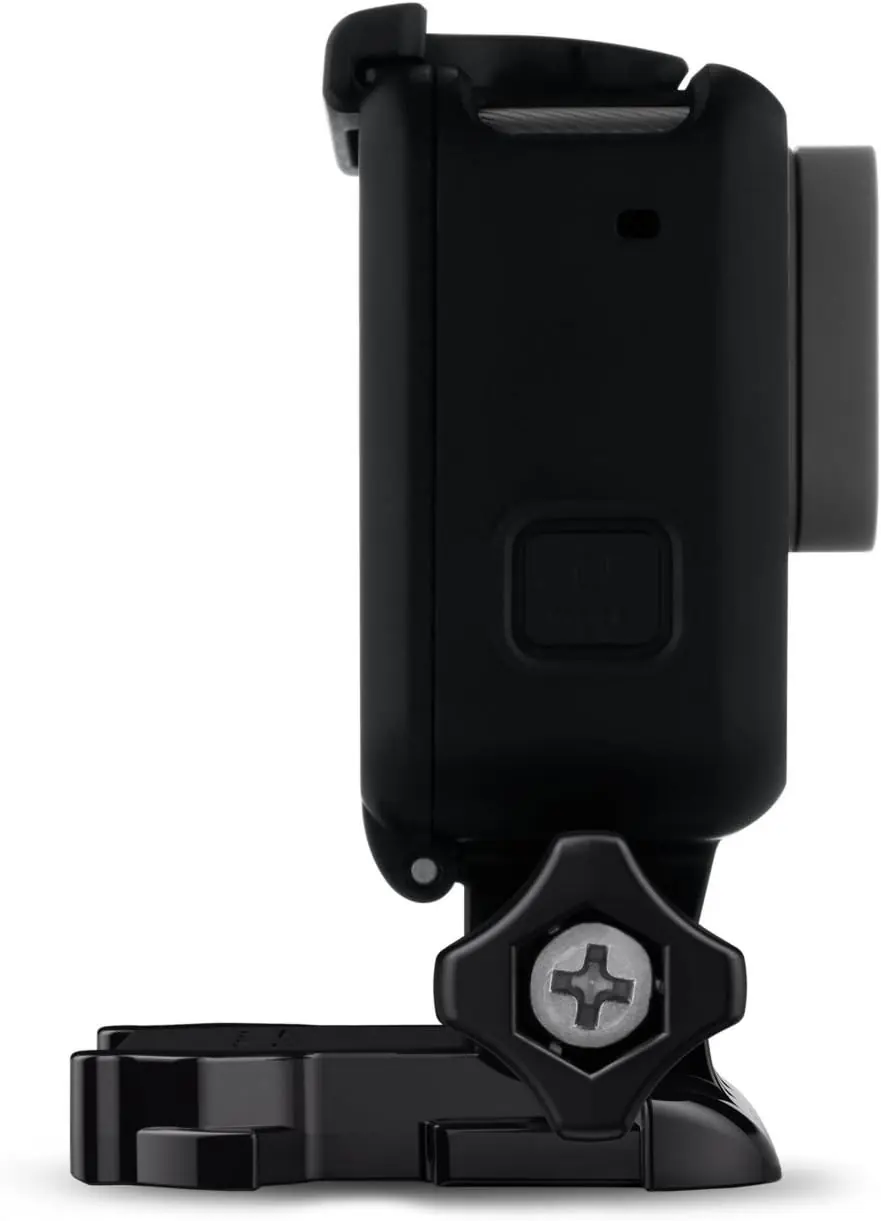
GoPro Hero 5 Session Action Camera Specifications
| Feature | Specification |
|---|---|
| Model | GoPro HERO5 Session |
| Waterproof Rating | 33 ft (10 m) with the door closed, no additional housing required |
| Photo Resolution | 10MP (all photo, burst and time lapse photo modes) |
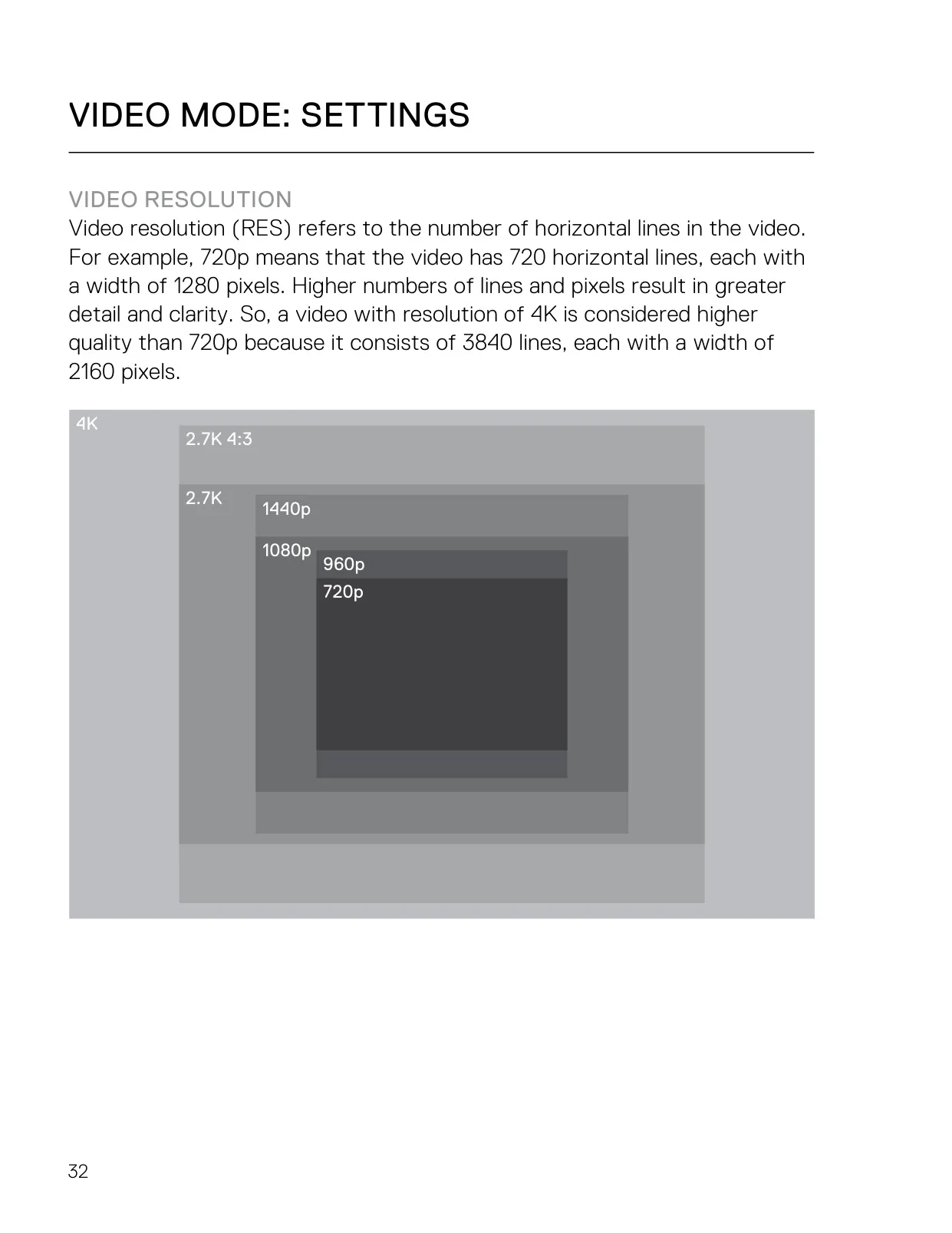
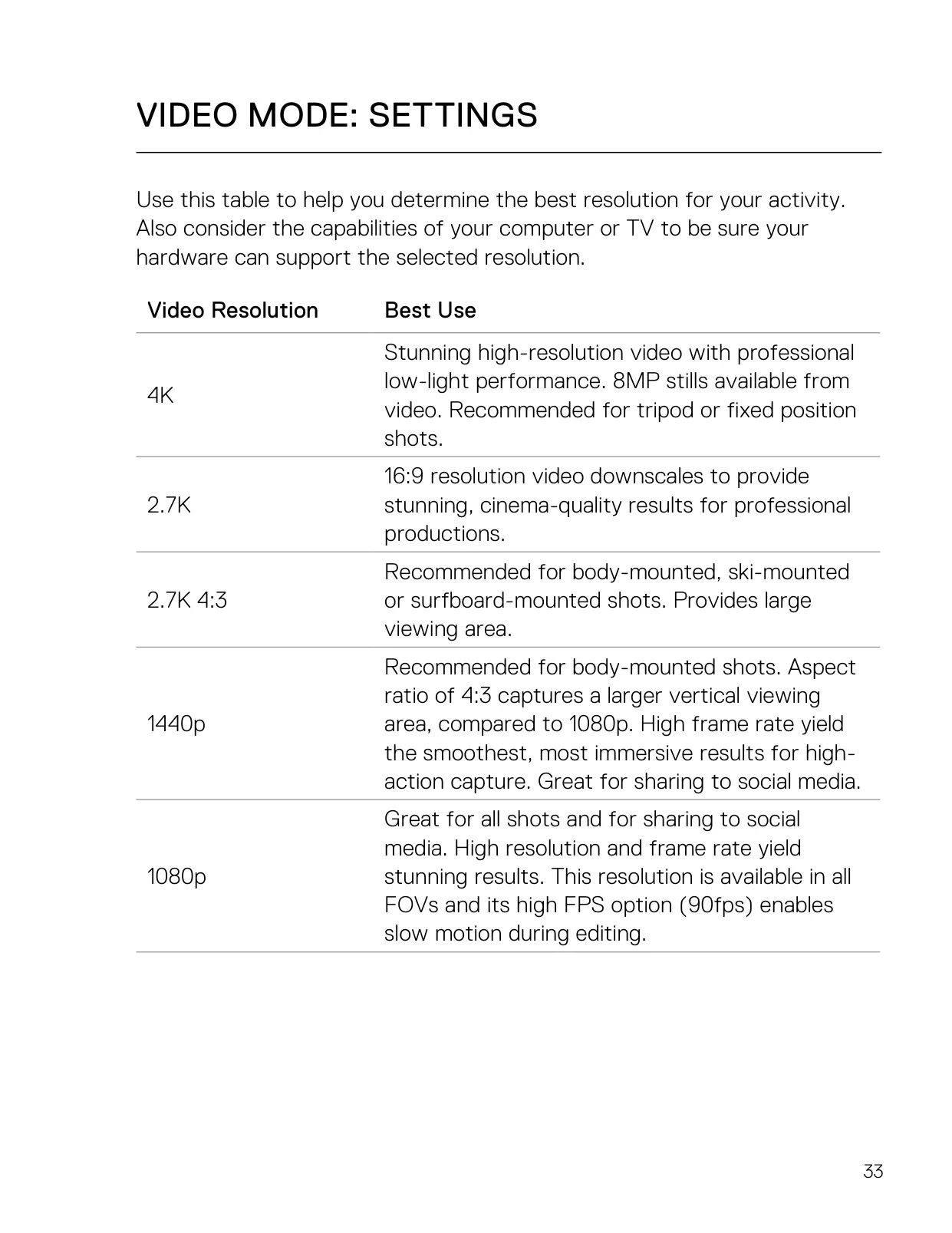
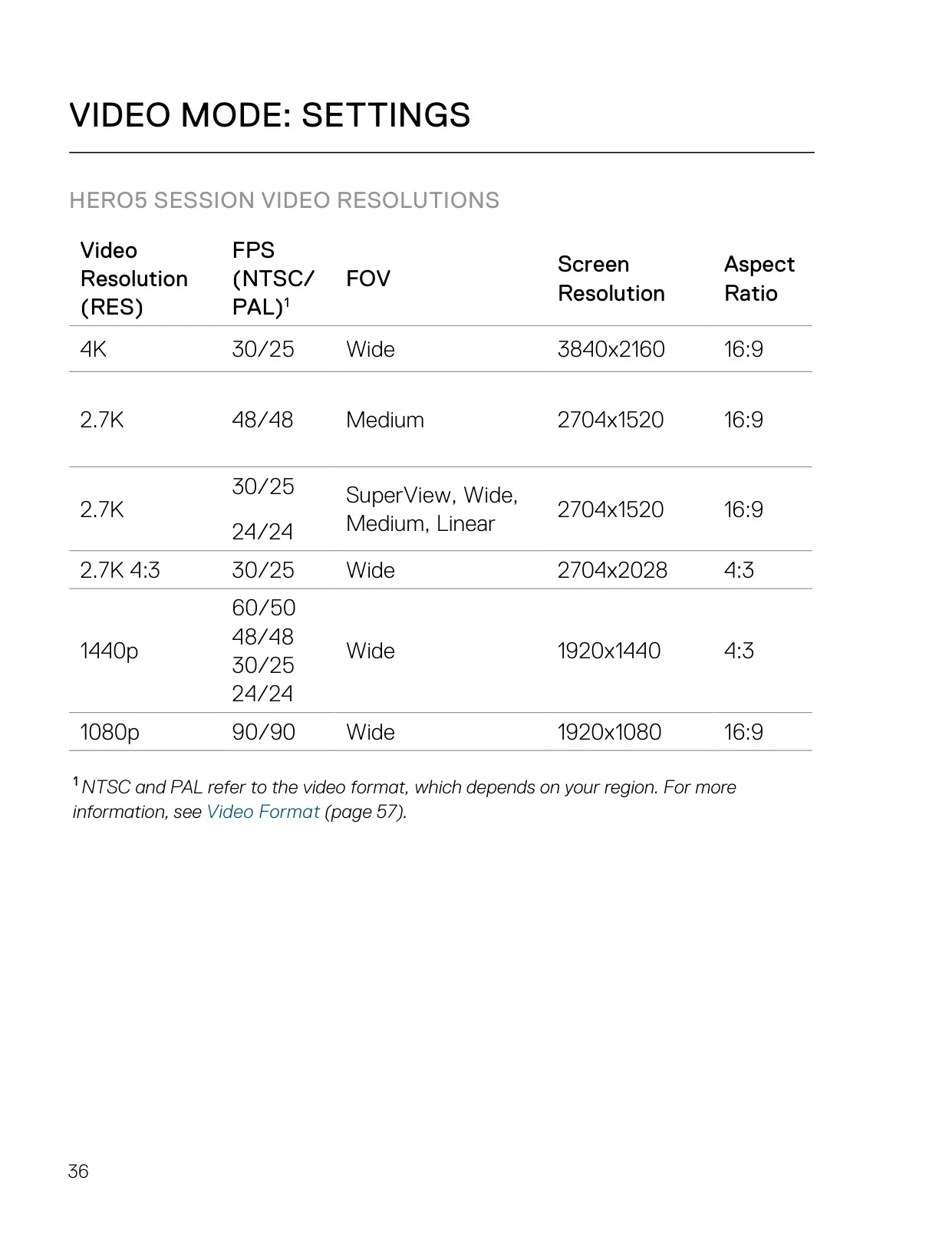
| Maximum Video Resolution | 4K (3840x2160) at 30/25 fps, 16:9, Wide FOV |
| 2.7K Video | 2704x1520 at 48/48 fps (Medium) and 30/25, 24/24 fps (SuperView, Wide, Medium, Linear), 16:9 |
| 2.7K 4:3 Video | 2704x2028 at 30/25 fps, Wide FOV |
| 1440p Video | 1920x1440 at 60/50, 48/48, 30/25, 24/24 fps, 4:3, Wide FOV |
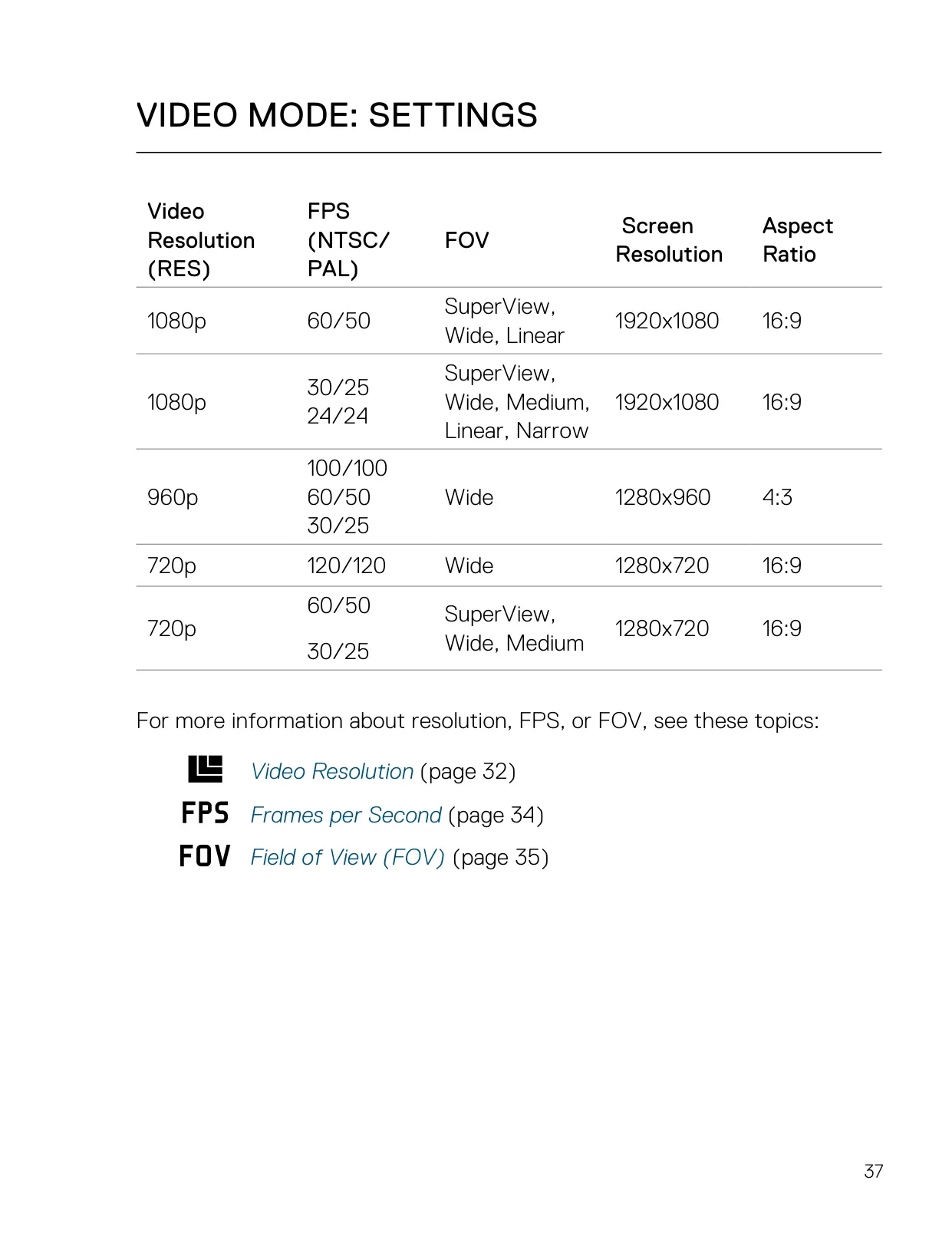
| 1080p Video | 1920x1080 at 90/90 fps (Wide), 60/50 fps (SuperView, Wide, Linear), 30/25 and 24/24 fps (SuperView, Wide, Medium, Linear, Narrow), 16:9 |
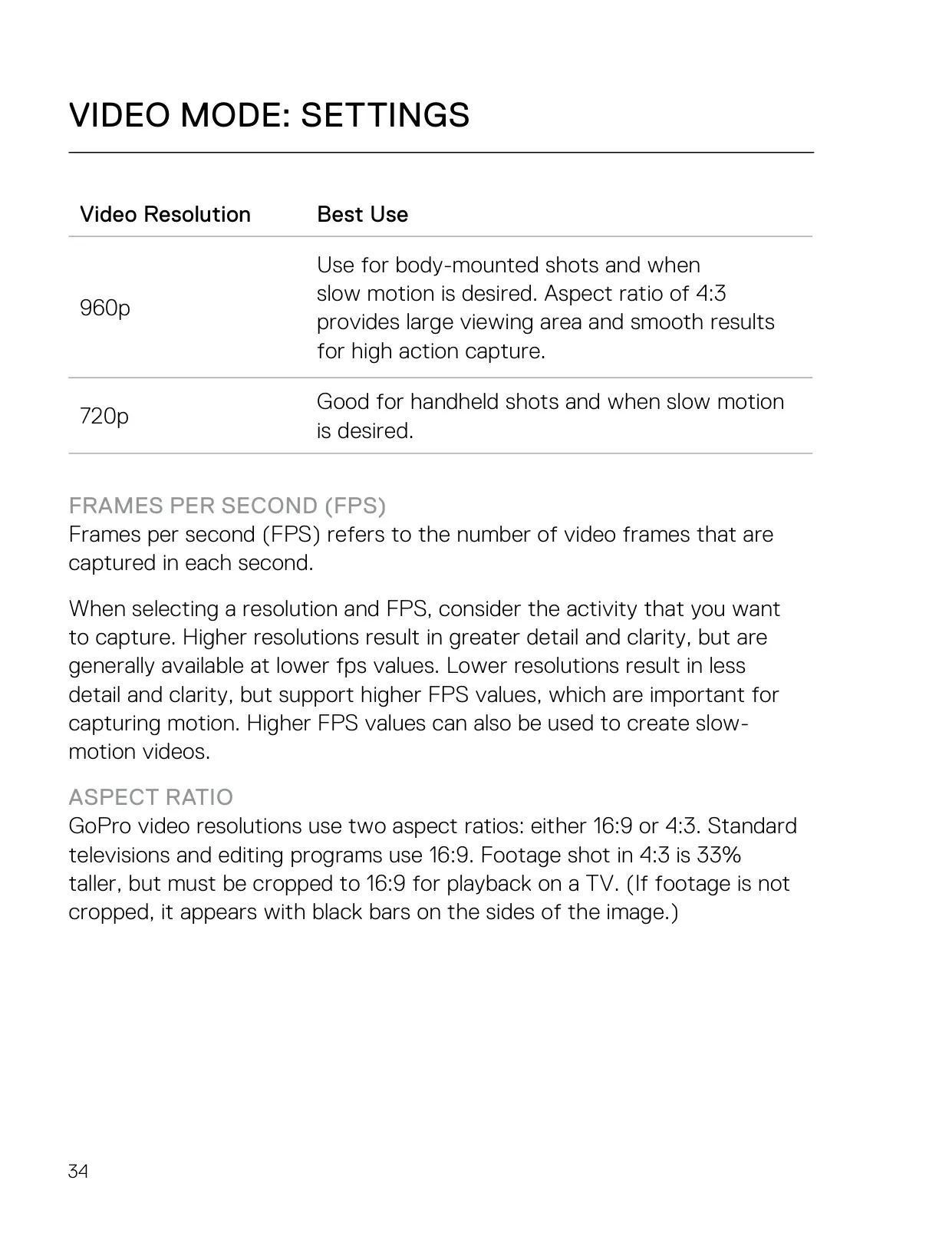
| 960p Video | 1280x960 at 100/100, 60/50, 30/25 fps, 4:3, Wide FOV |
| 720p Video | 1280x720 at 120/120 fps (Wide) and 60/50, 30/25 fps (SuperView, Wide, Medium), 16:9 |
| Aspect Ratios | 16:9 and 4:3 |
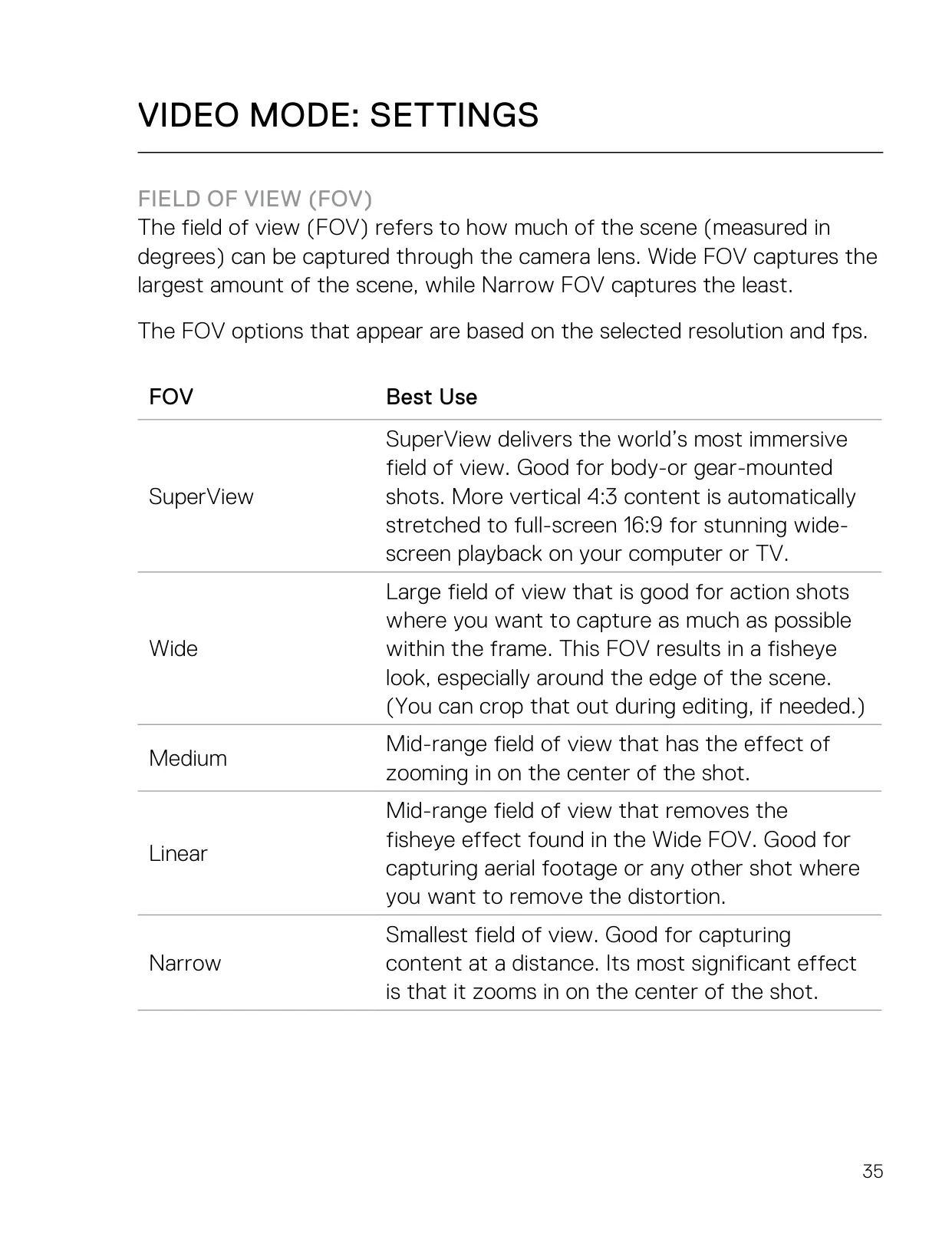
| Video Fields of View | SuperView, Wide, Medium, Linear, Narrow (depending on resolution and fps) |
| Photo Fields of View | Wide, Linear |
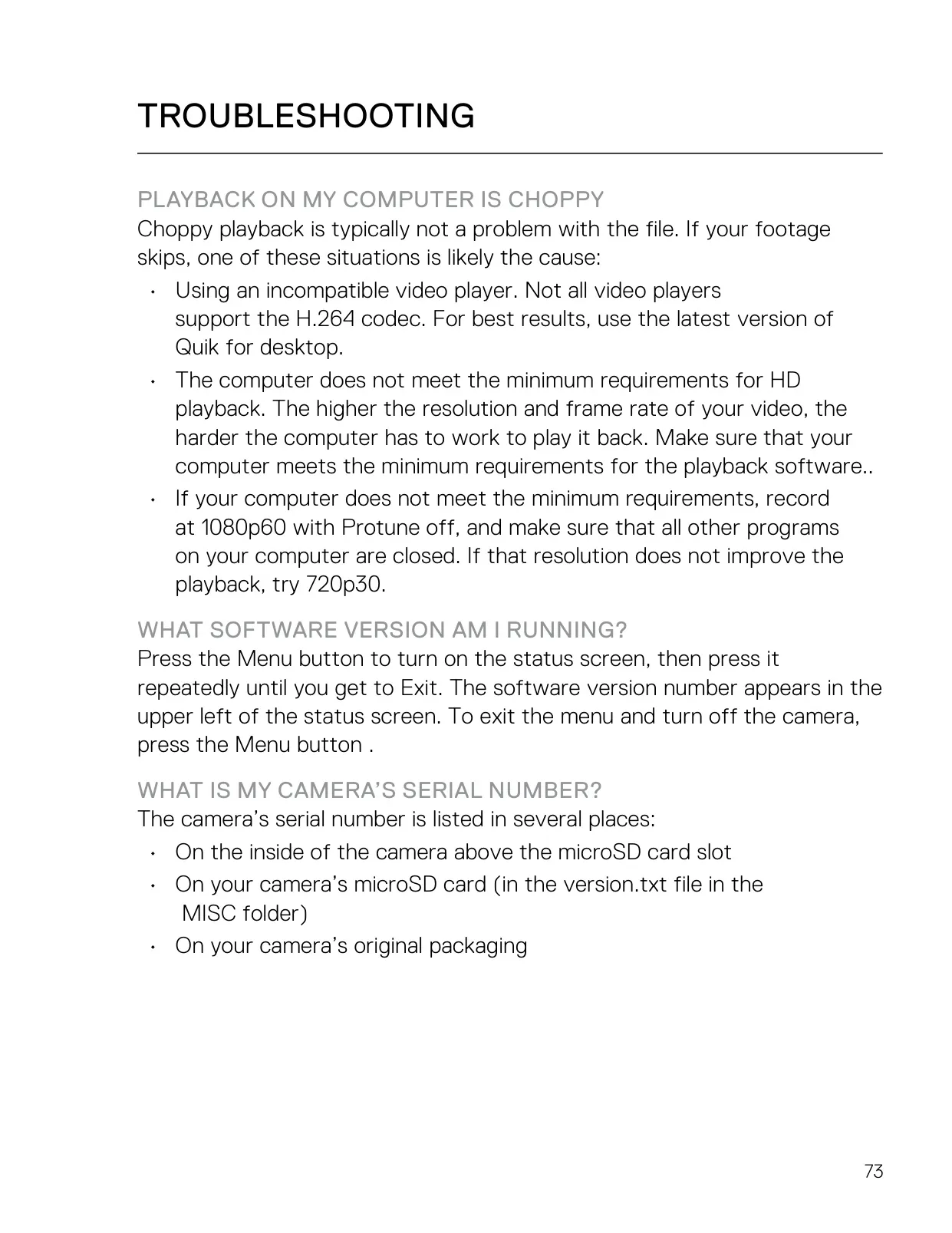
| Video Codec | H.264 |
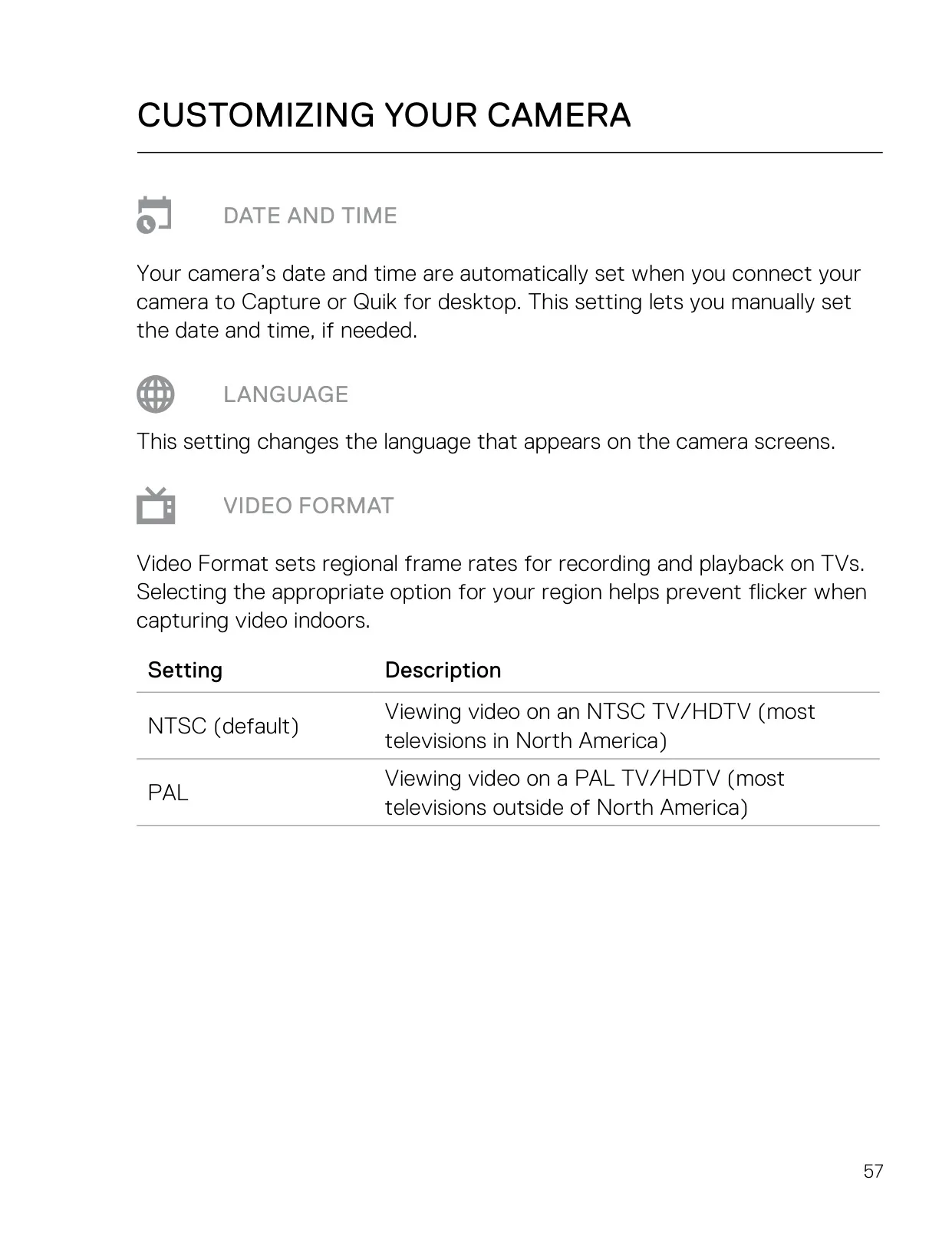
| Video Format | NTSC (default) or PAL |
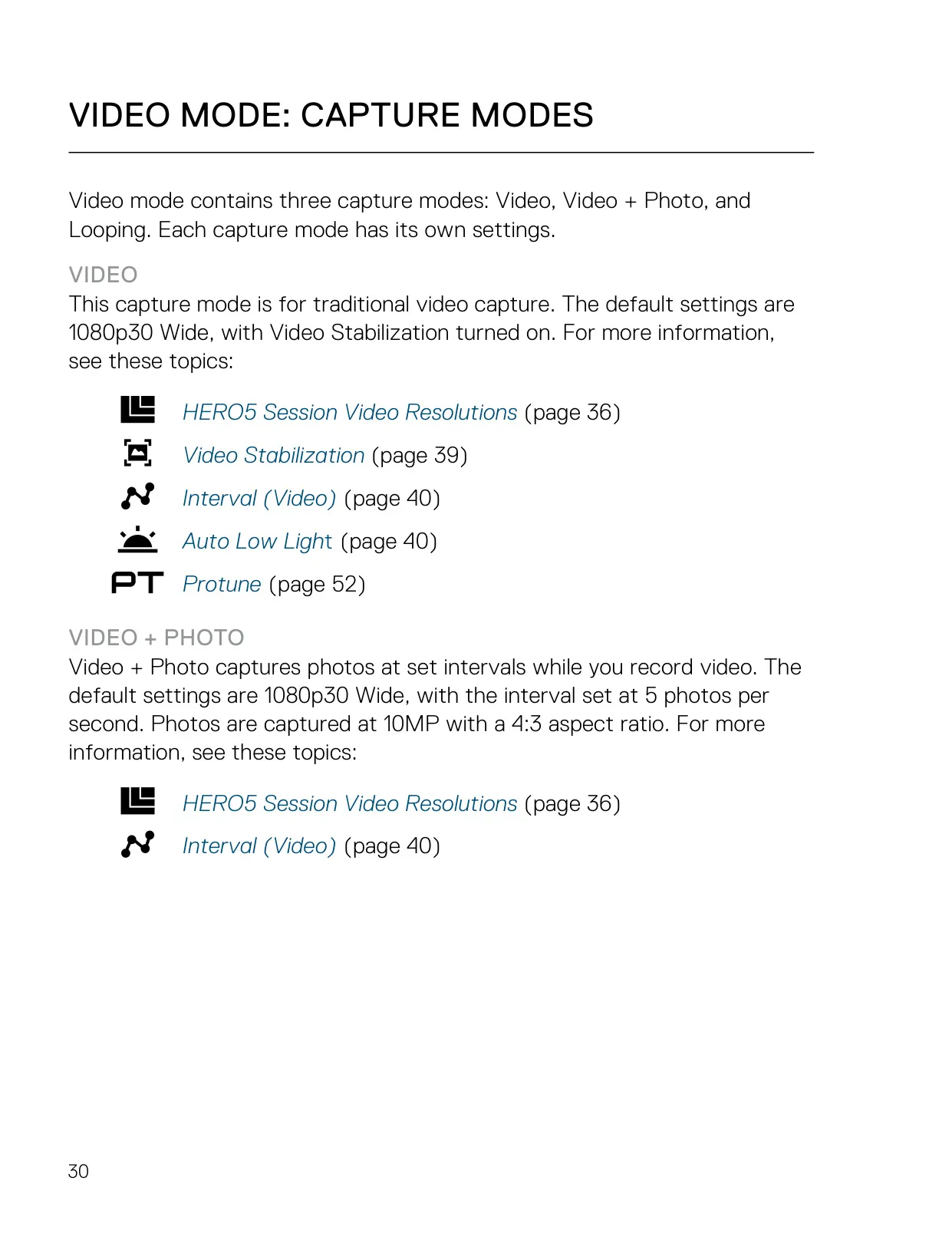
| Default Video Settings | 1080p30, Wide FOV, Video Stabilization on |
| Video Stabilization | On (default) / Off; not available in 4K or above 60 fps; 10% crop in Wide FOV |
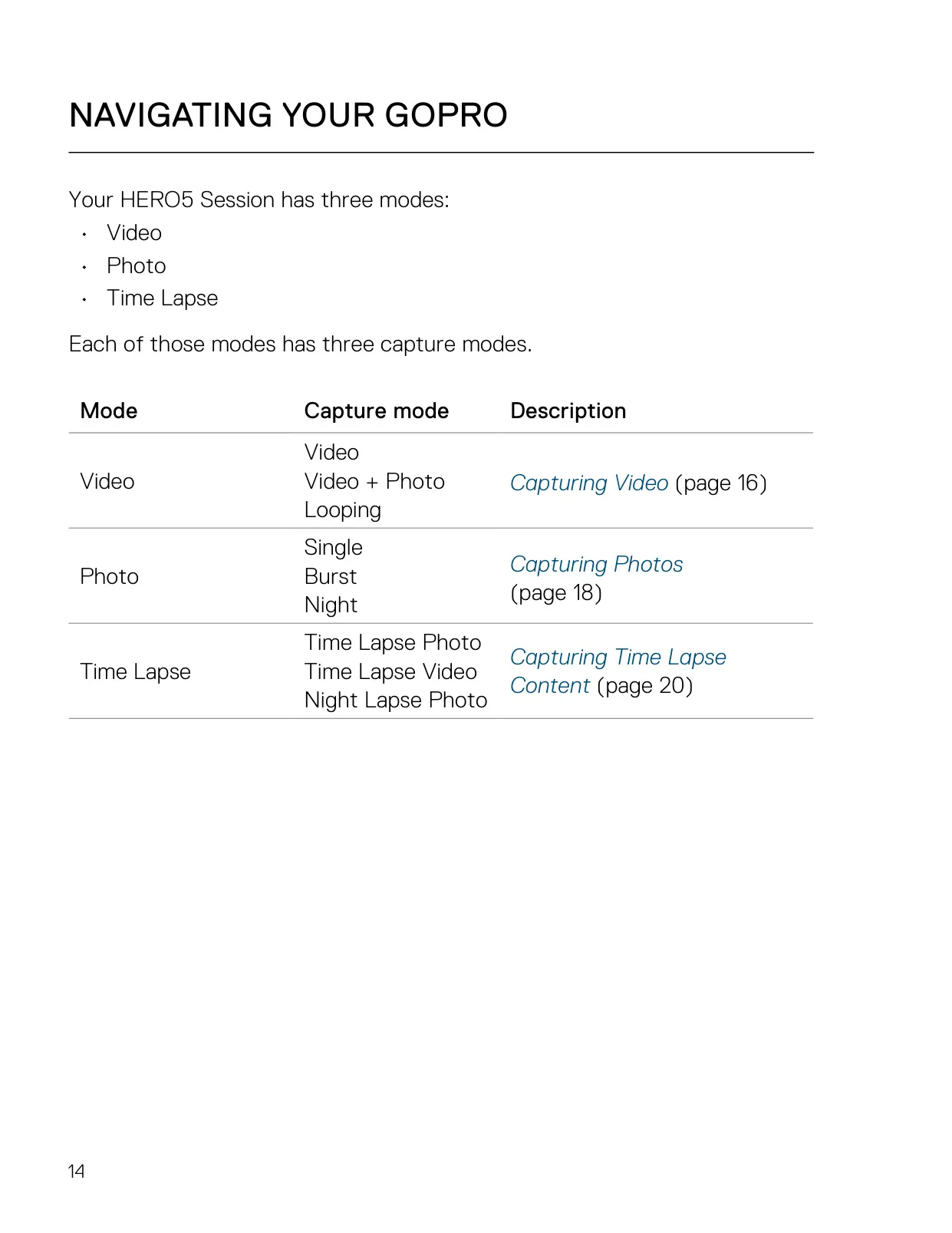
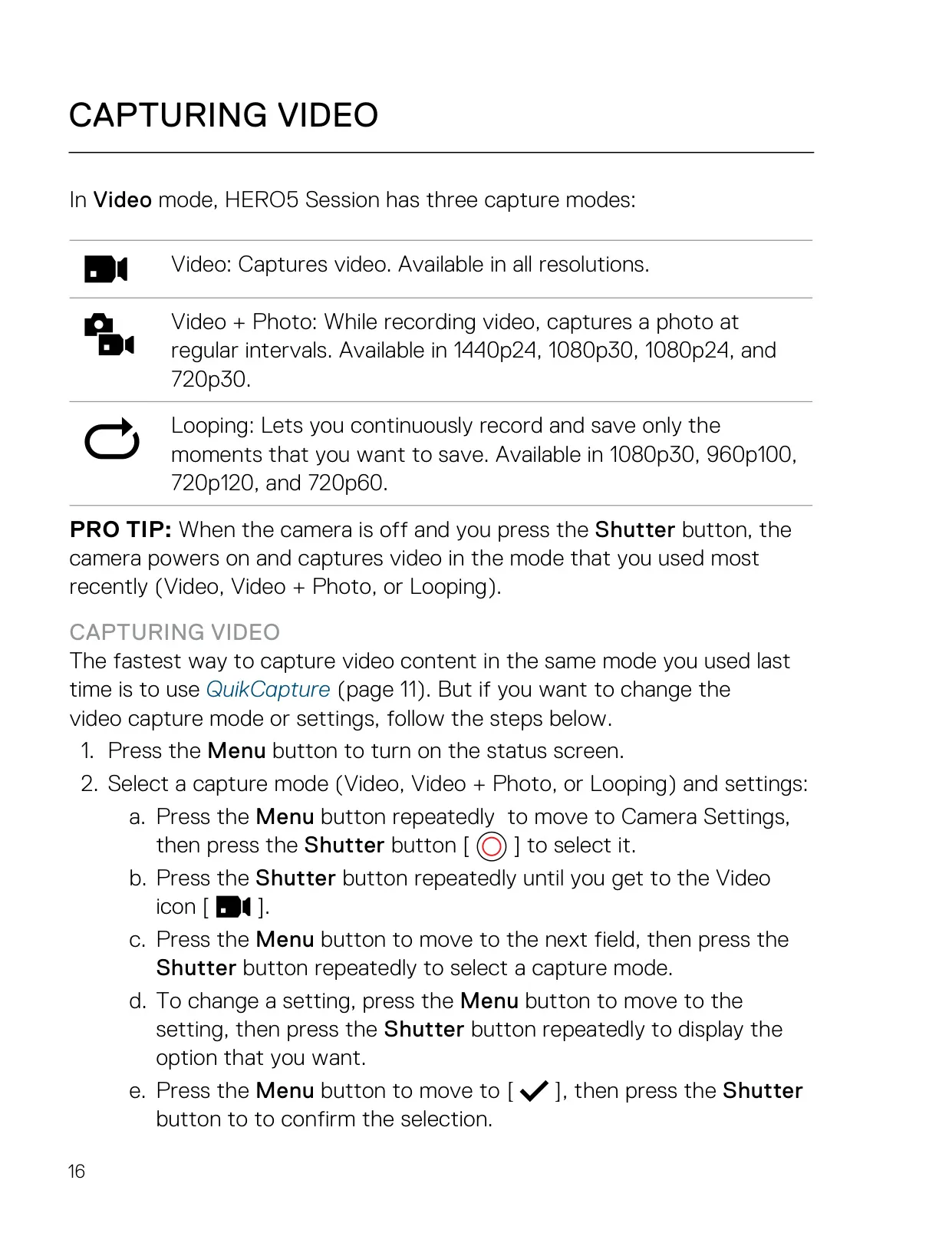
| Video Capture Modes | Video, Video + Photo, Looping |
| Video + Photo | Available in 1440p24, 1080p30, 1080p24 and 720p30; photo intervals of 5 (default), 10, 30 and 60 seconds |
| Looping Intervals | 5 (default), 20, 60, 120 minutes, or Max; available in 1080p30, 960p100, 720p120 and 720p60 |
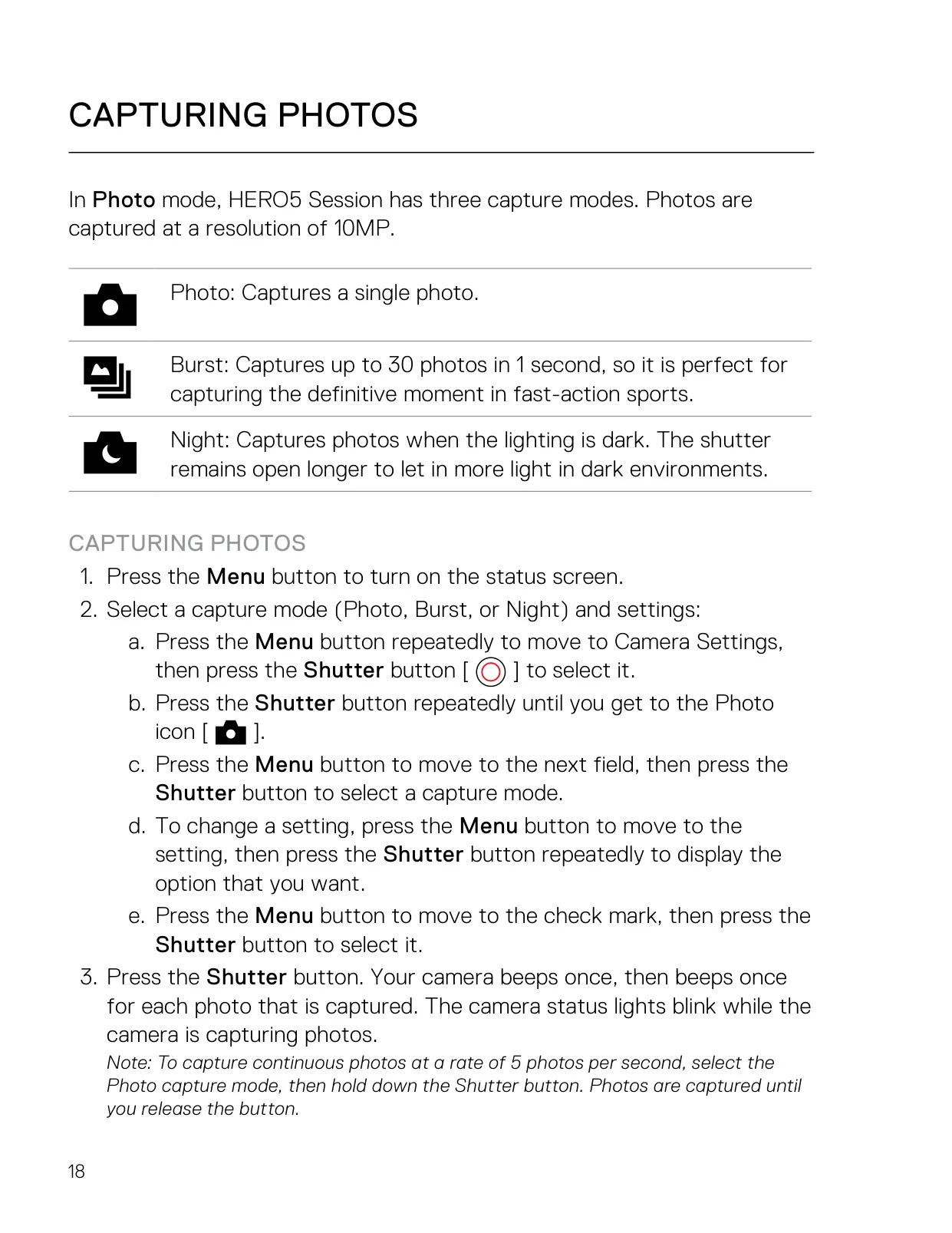
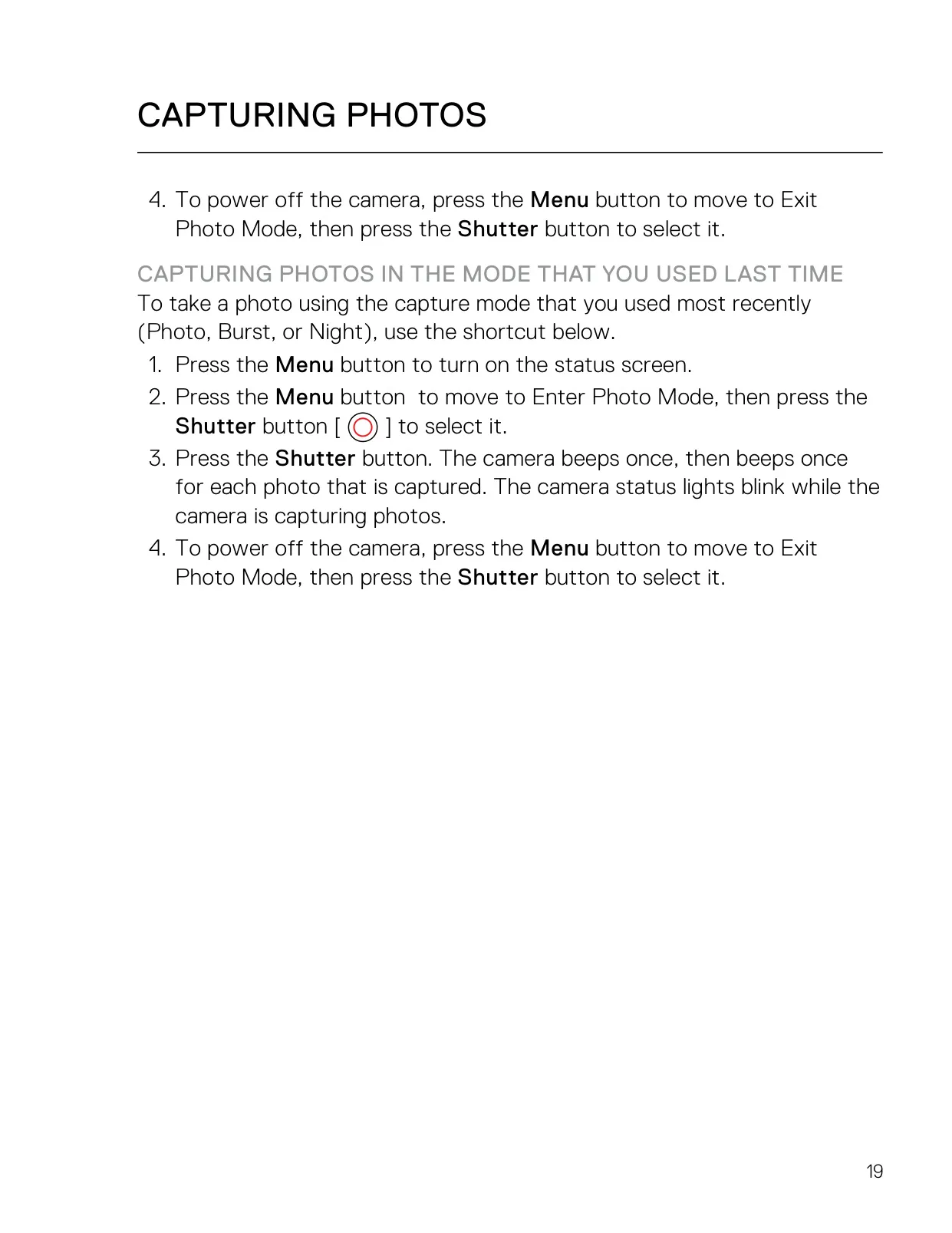
| Photo Capture Modes | Single, Burst, Night |
| Continuous Photo | 5 photos per second, up to 30 photos |
| Burst Rates | 30 photos in 1, 2, 3 or 6 s; 10 photos in 1, 2 or 3 s; 5 photos in 1 s; 3 photos in 1 s (default 30/1 s, Linear FOV) |
| Night Photo Shutter | Auto (default), 2 seconds, 5 seconds |
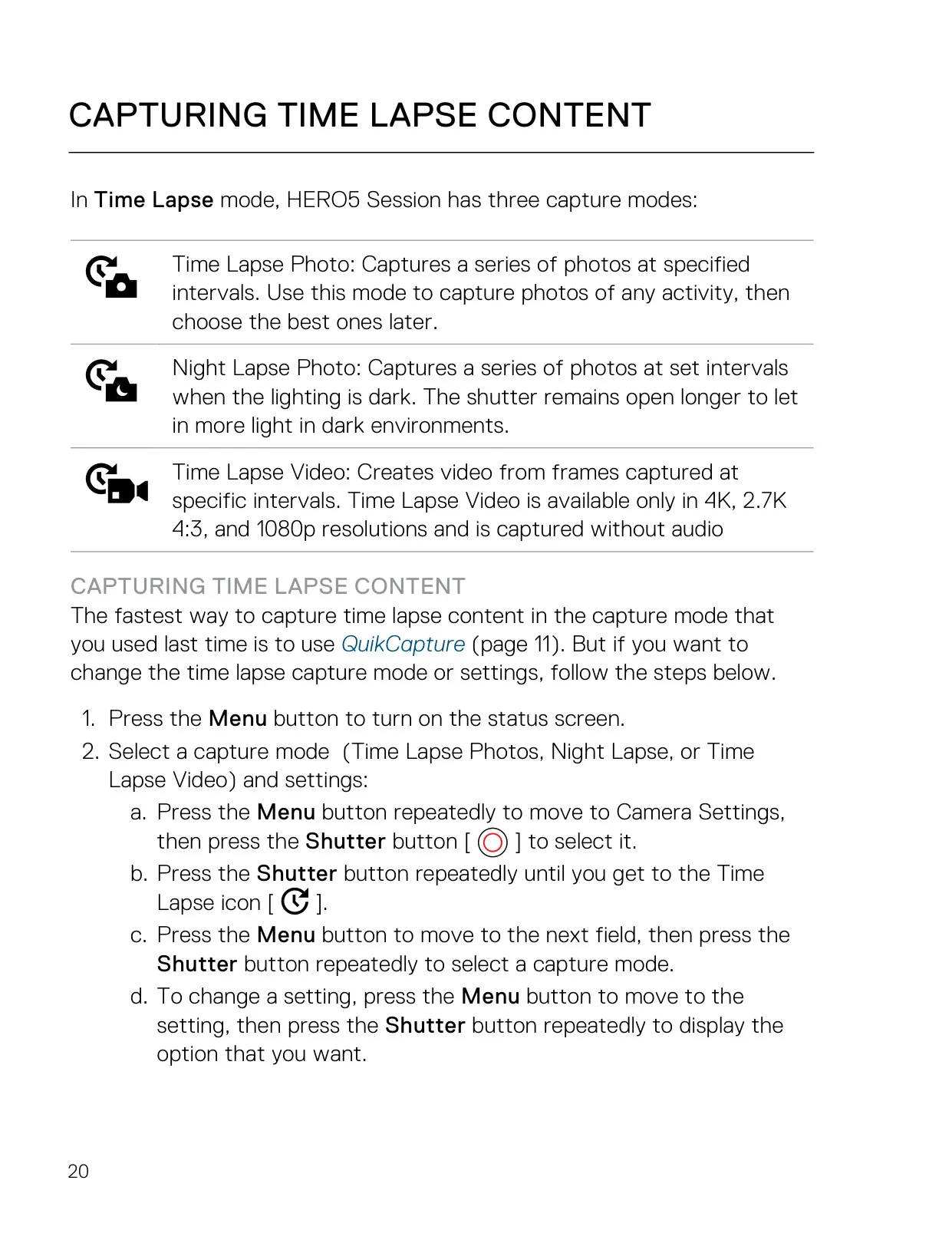
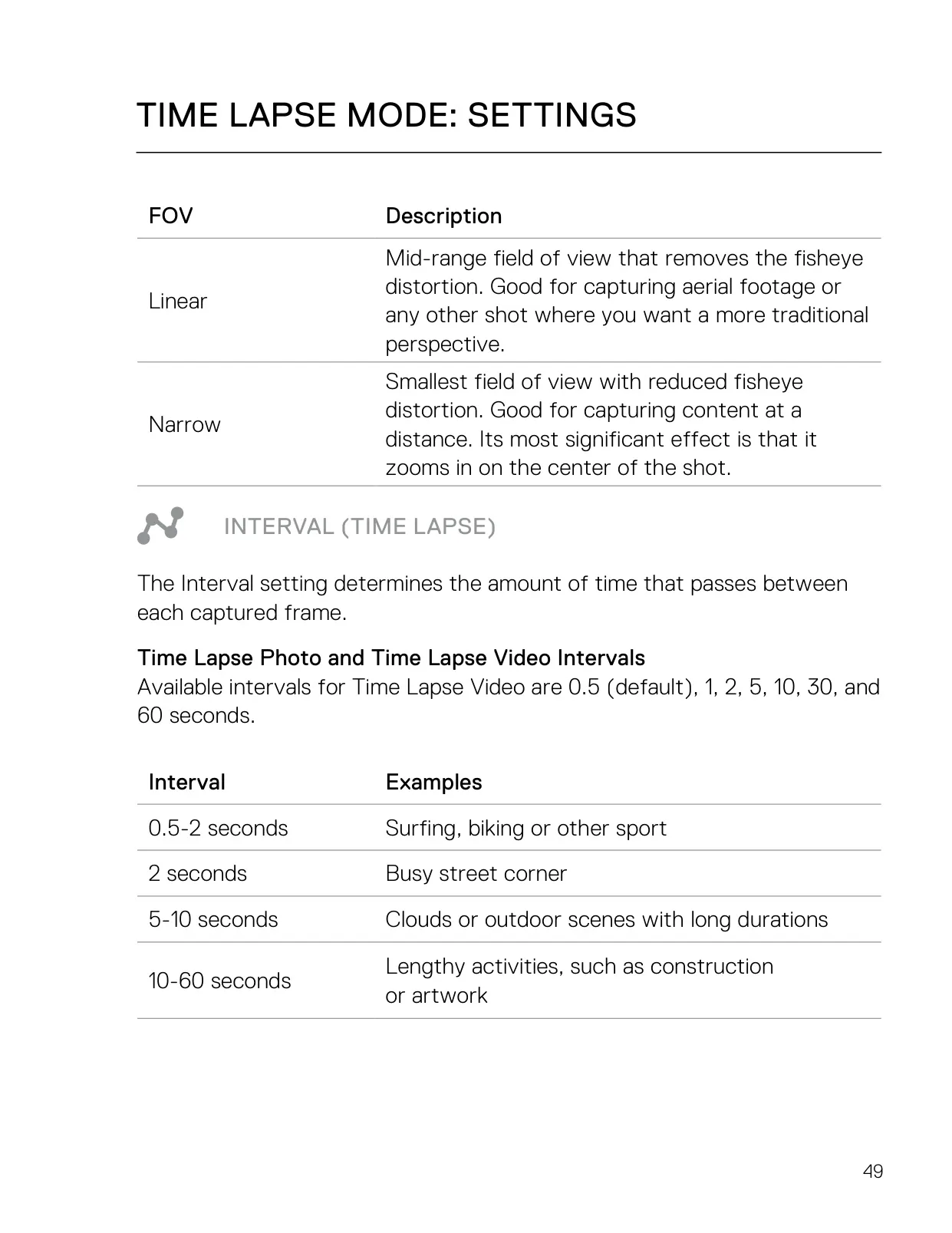
| Time Lapse Capture Modes | Time Lapse Video, Time Lapse Photo, Night Lapse Photo |
| Time Lapse Video Resolutions | 4K (default), 2.7K 4:3, 1080p; recorded without audio |
| Time Lapse Intervals | 0.5 (default), 1, 2, 5, 10, 30, 60 seconds |
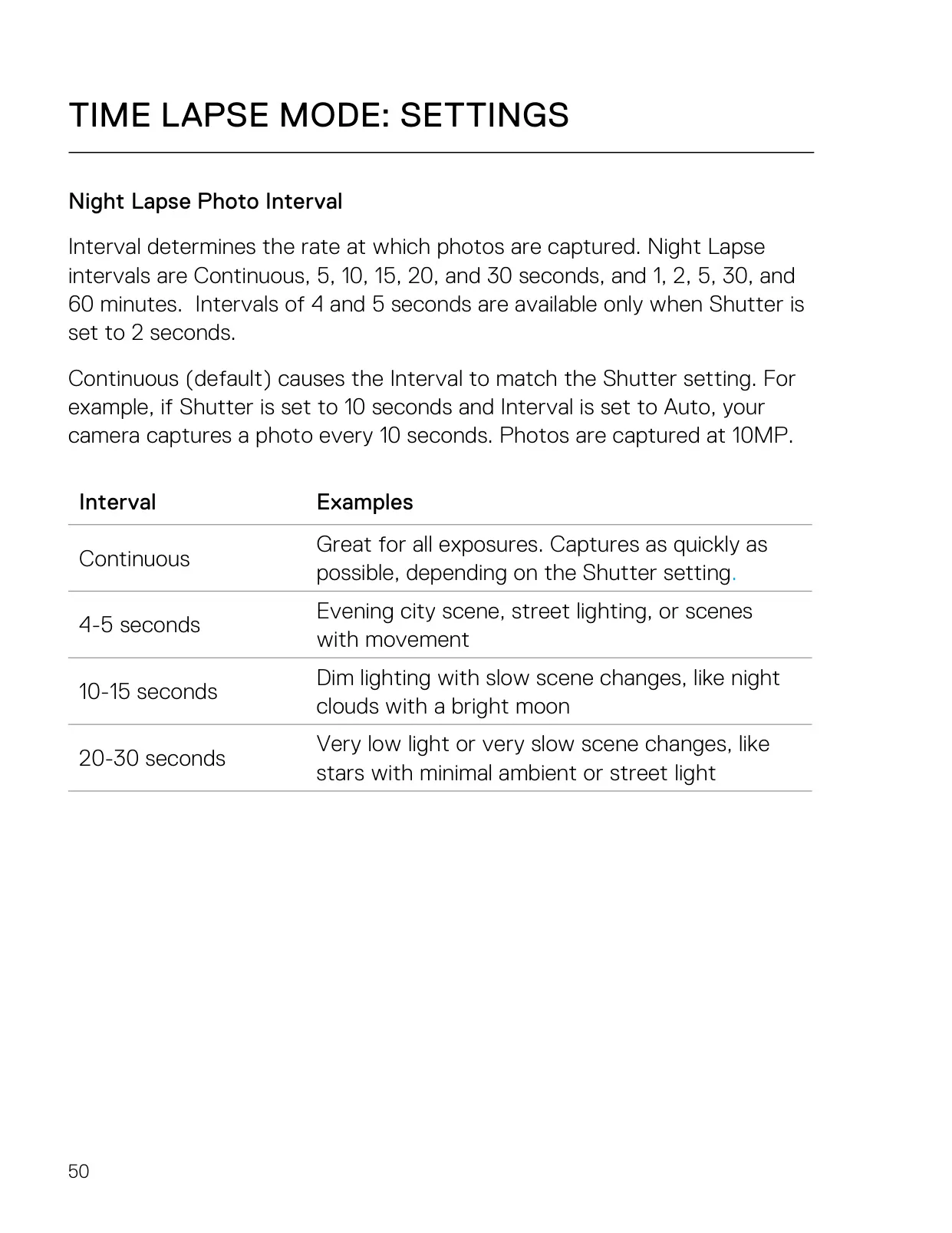
| Night Lapse Intervals | Continuous (default), 4, 5, 10, 15, 20, 30 seconds; 1, 2, 5, 30, 60 minutes |
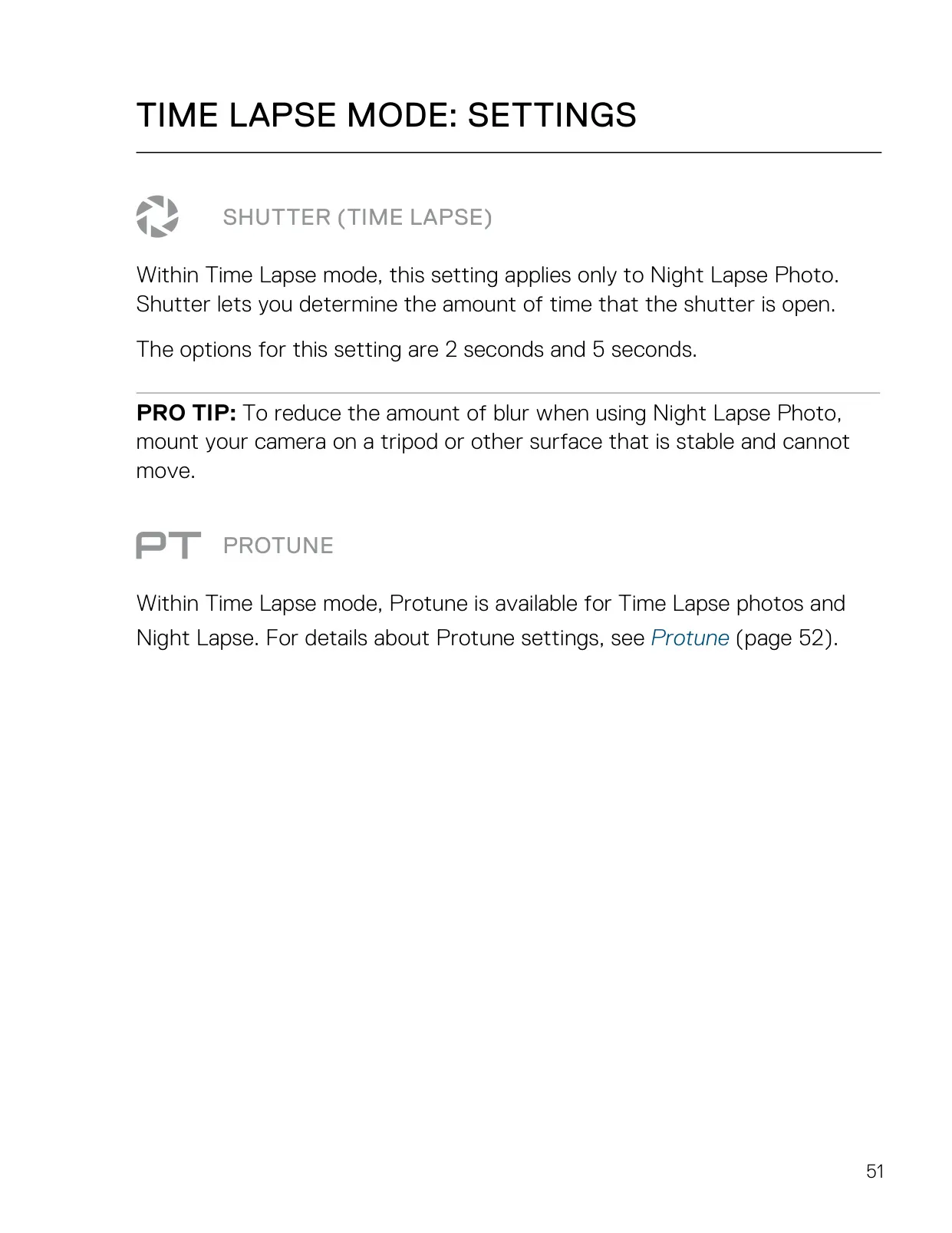
| Night Lapse Shutter | 2 seconds (default), 5 seconds |
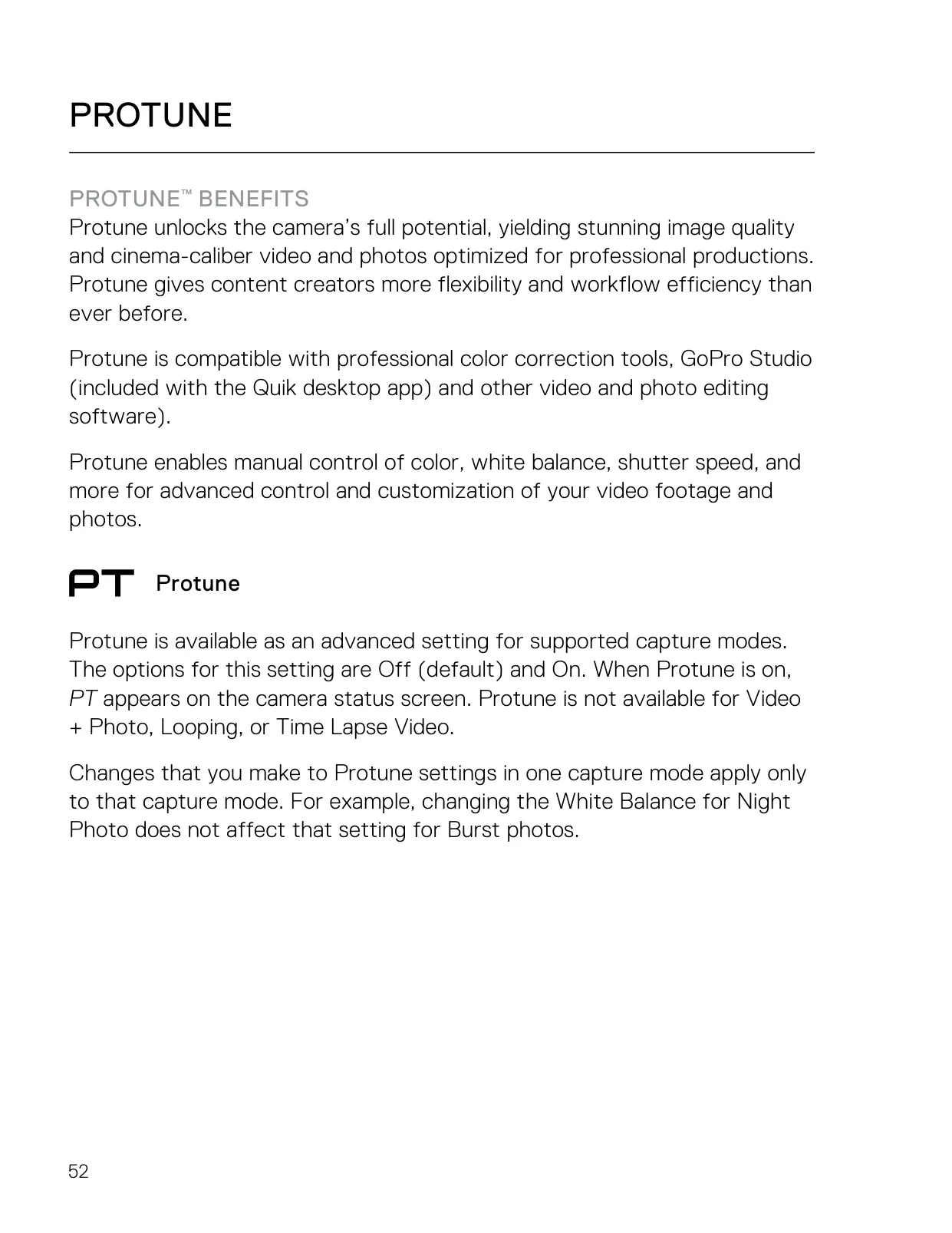
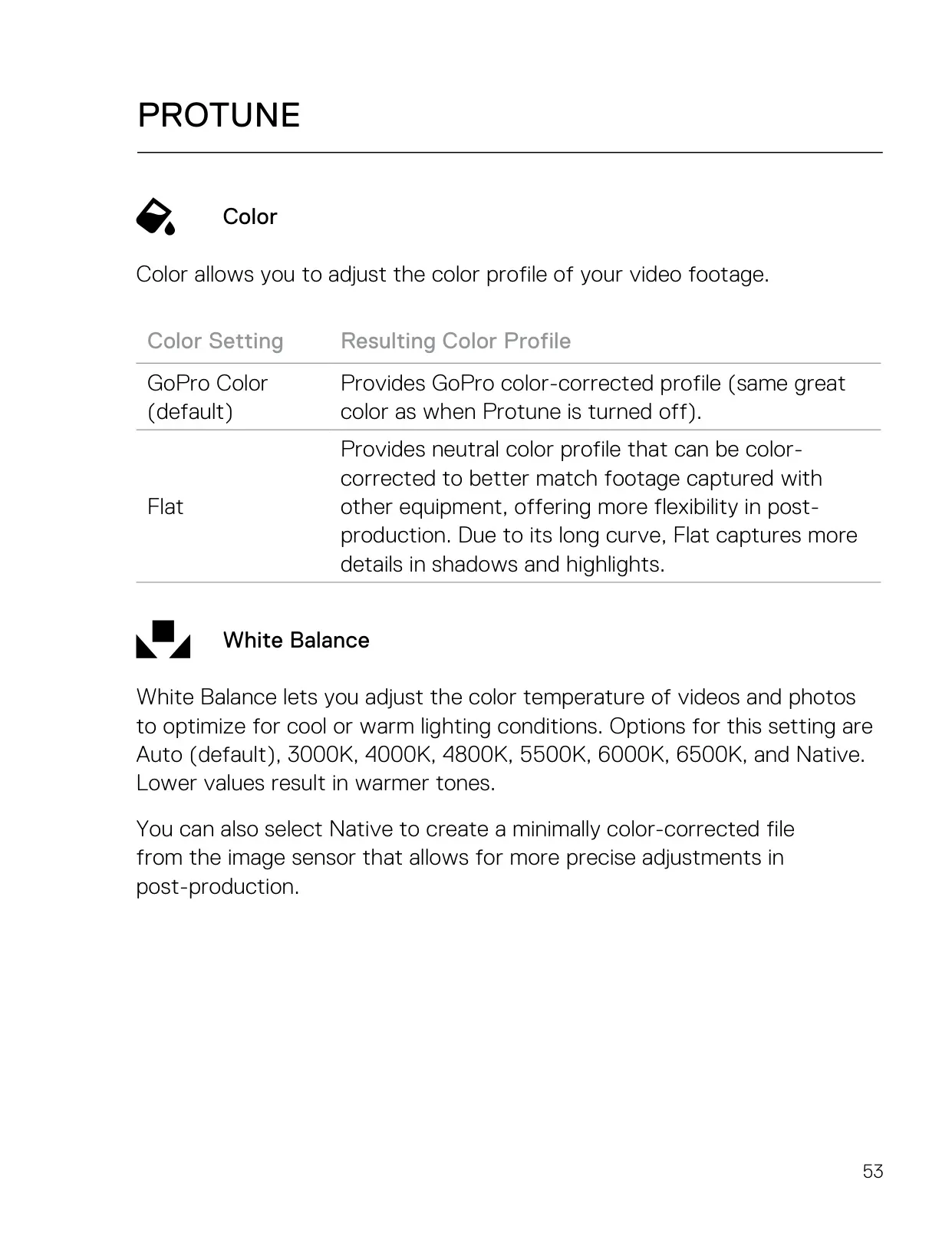
| Protune Color | GoPro Color (default), Flat |
| Protune White Balance | Auto (default), 3000K, 4000K, 4800K, 5500K, 6000K, 6500K, Native |
| Protune ISO Limit | 400, 800, 1600 (Max or Lock mode; Video only) |
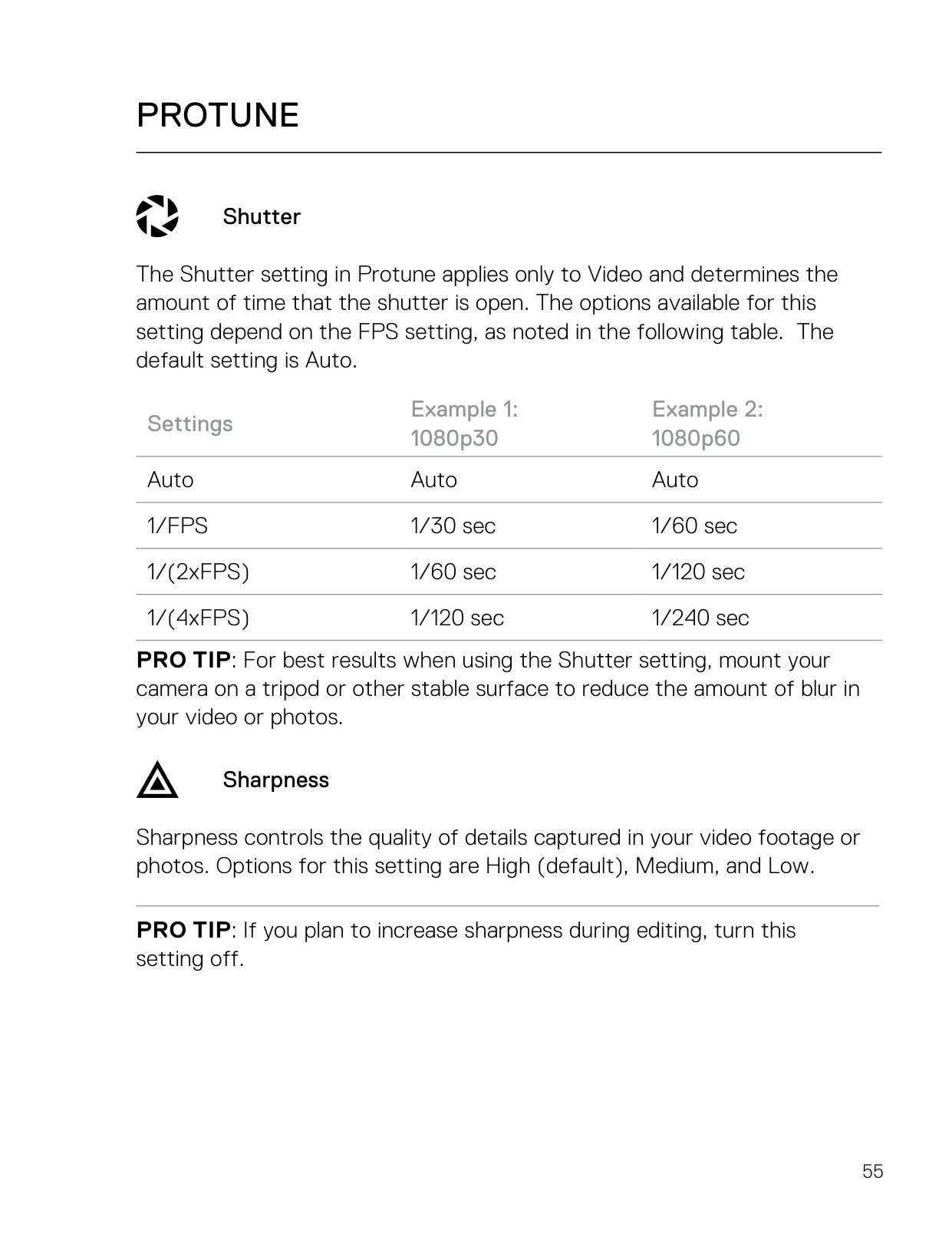
| Protune Video Shutter | Auto (default), 1/FPS, 1/(2xFPS), 1/(4xFPS) |
| Protune Sharpness | High (default), Medium, Low |
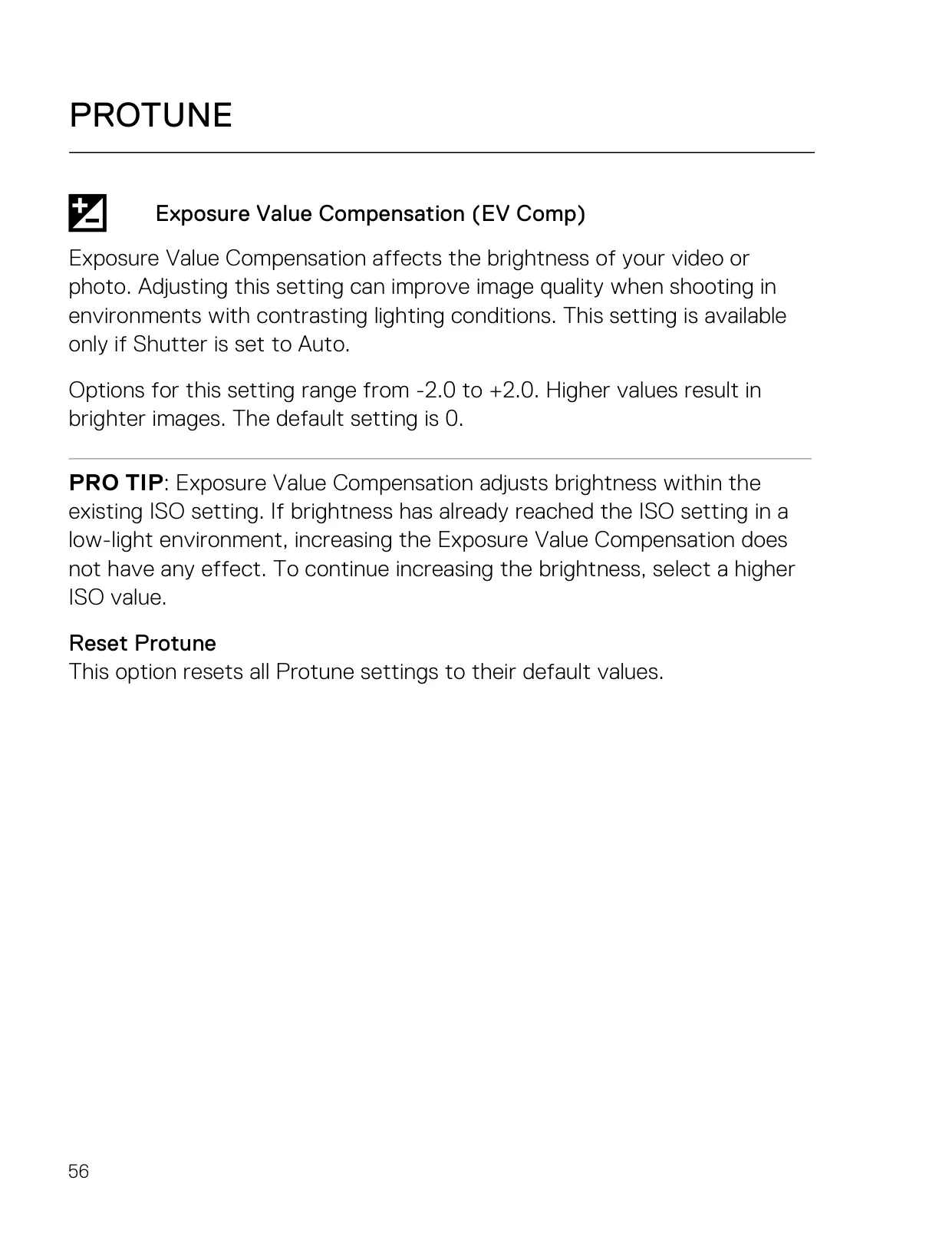
| Exposure Value Compensation | -2.0 to +2.0 (default 0), only with Shutter set to Auto |
| Auto Low Light | Available at frame rates higher than 30 fps |
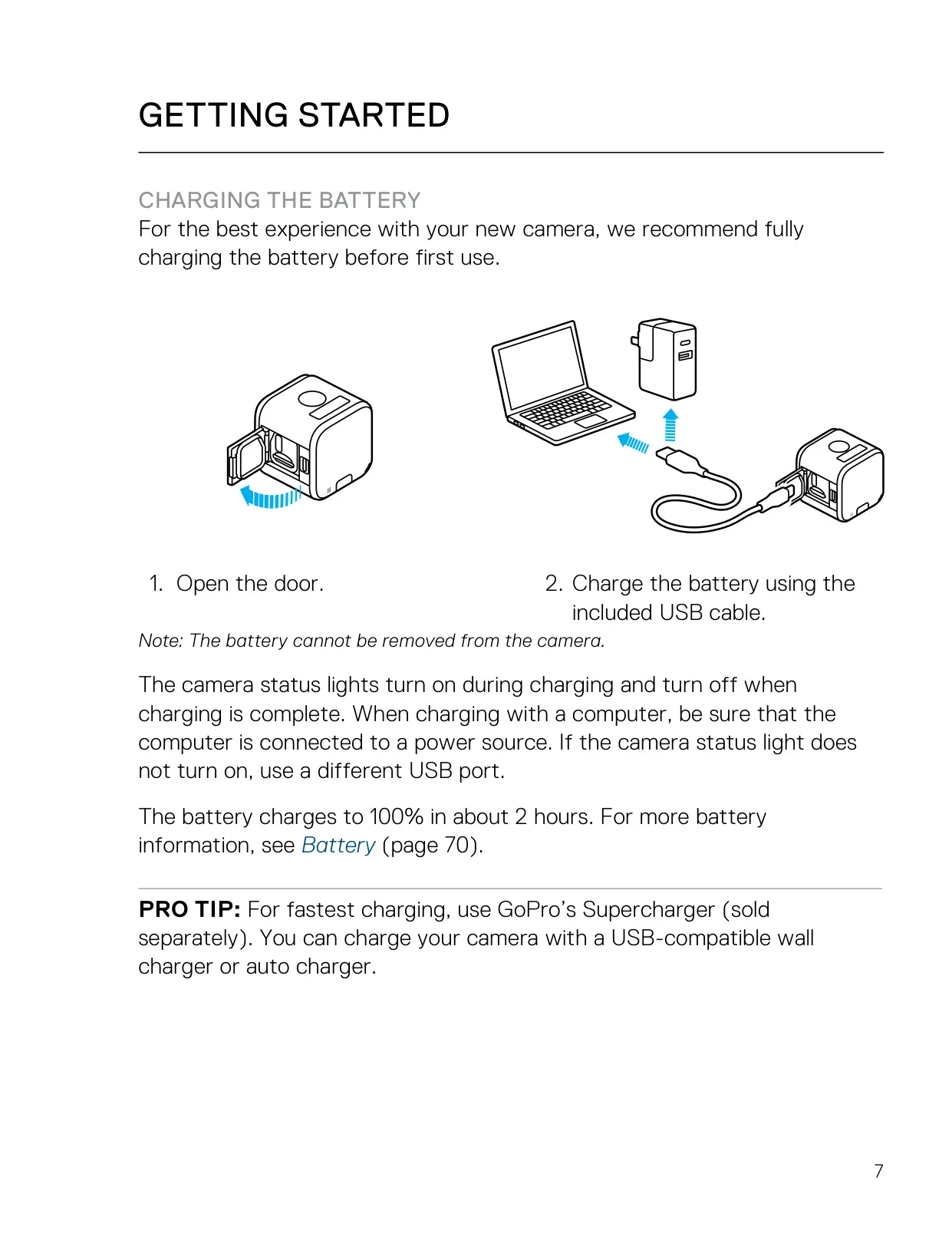
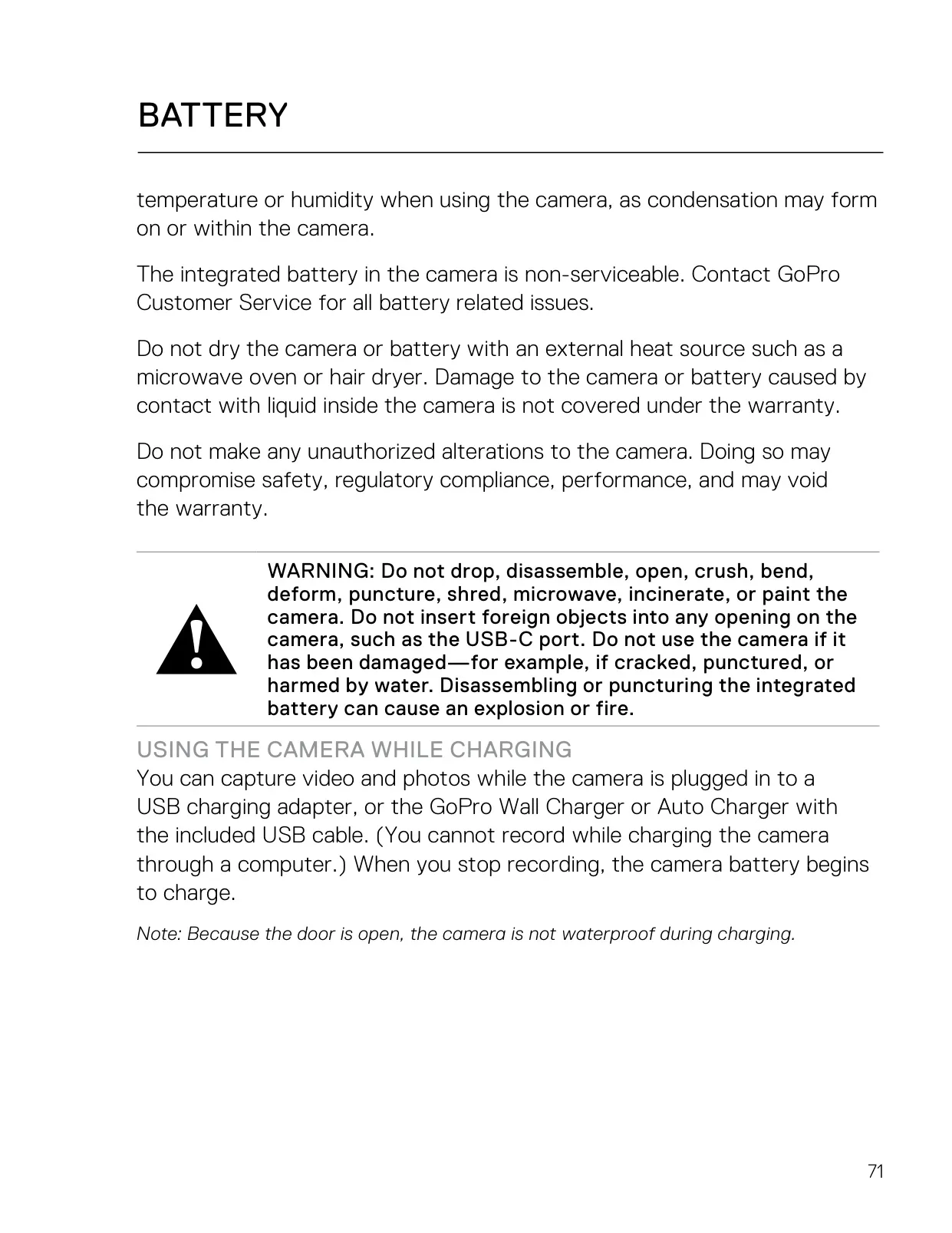
| Battery | Integrated, non-removable, non-serviceable rechargeable battery |
| Charging Time | Approximately 2 hours to 100% |
| Charger Requirements | Output 5V 1A (or GoPro Supercharger) |
| Low Battery Warning | Below 10% |
| Port | USB-C |
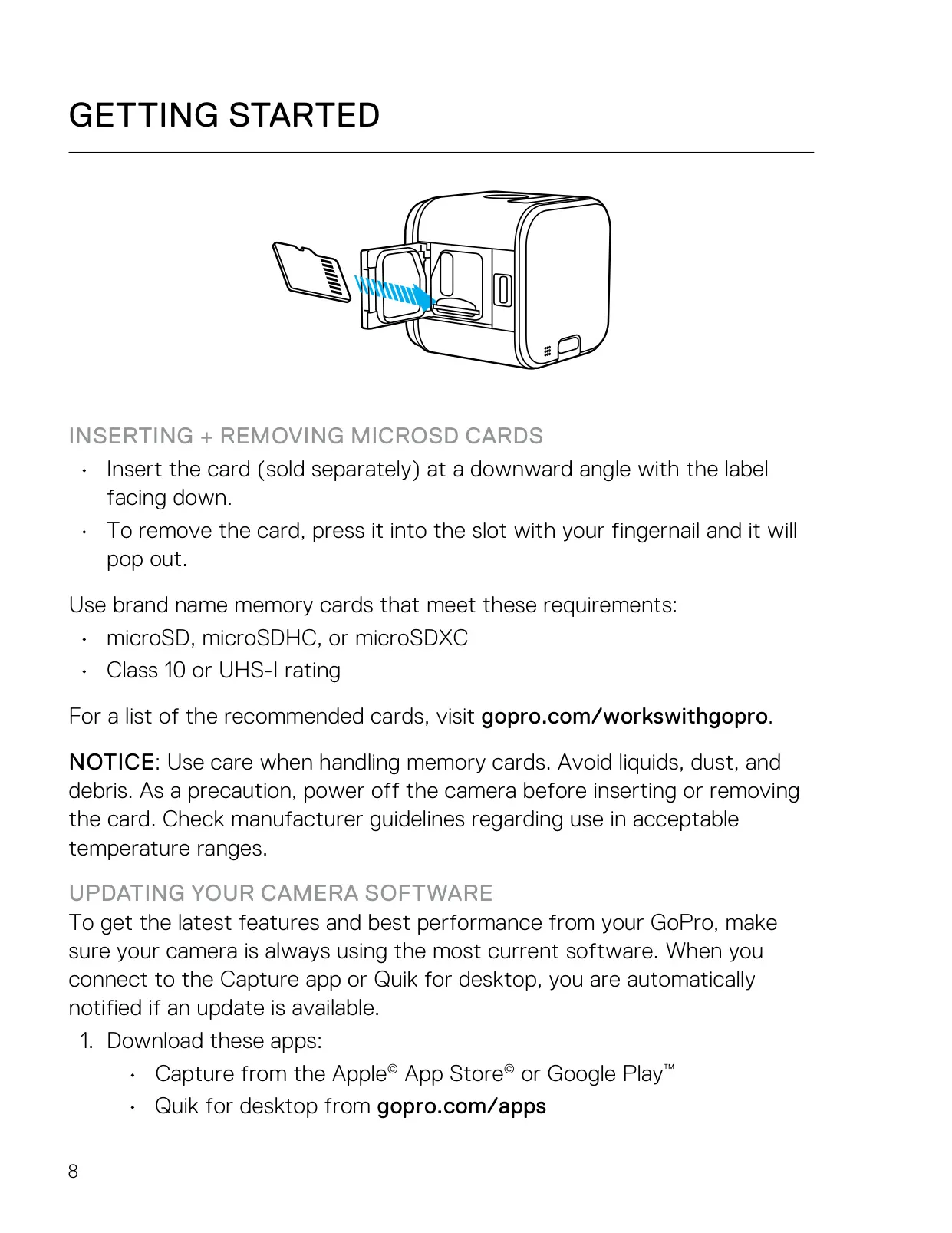
| Storage | microSD, microSDHC or microSDXC, Class 10 or UHS-I (sold separately) |
| Wireless | Wi-Fi connection to GoPro Capture app |
| Compatible Remotes | Smart Remote, Wi-Fi Remote, Remo (Waterproof Voice Activated Remote) |
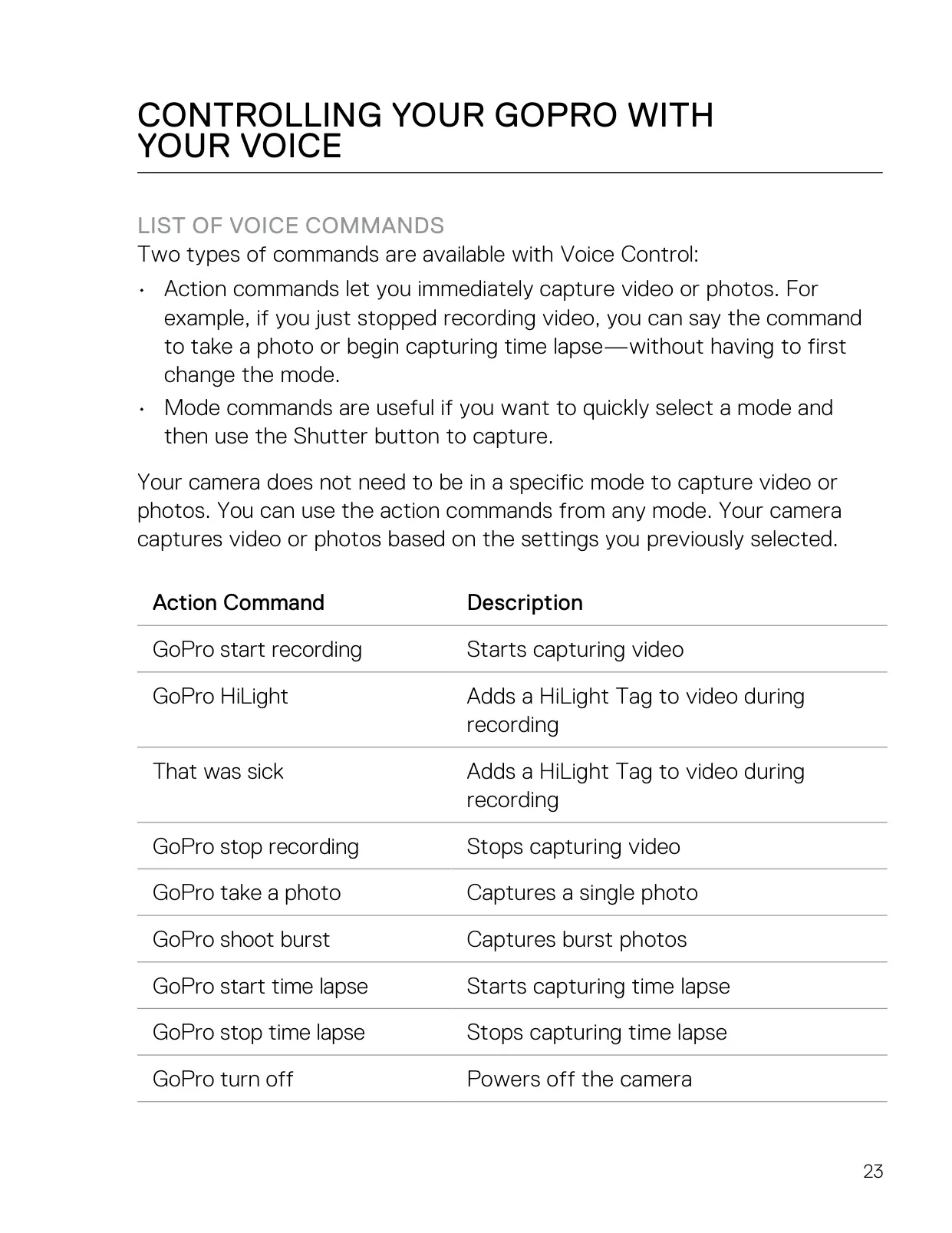
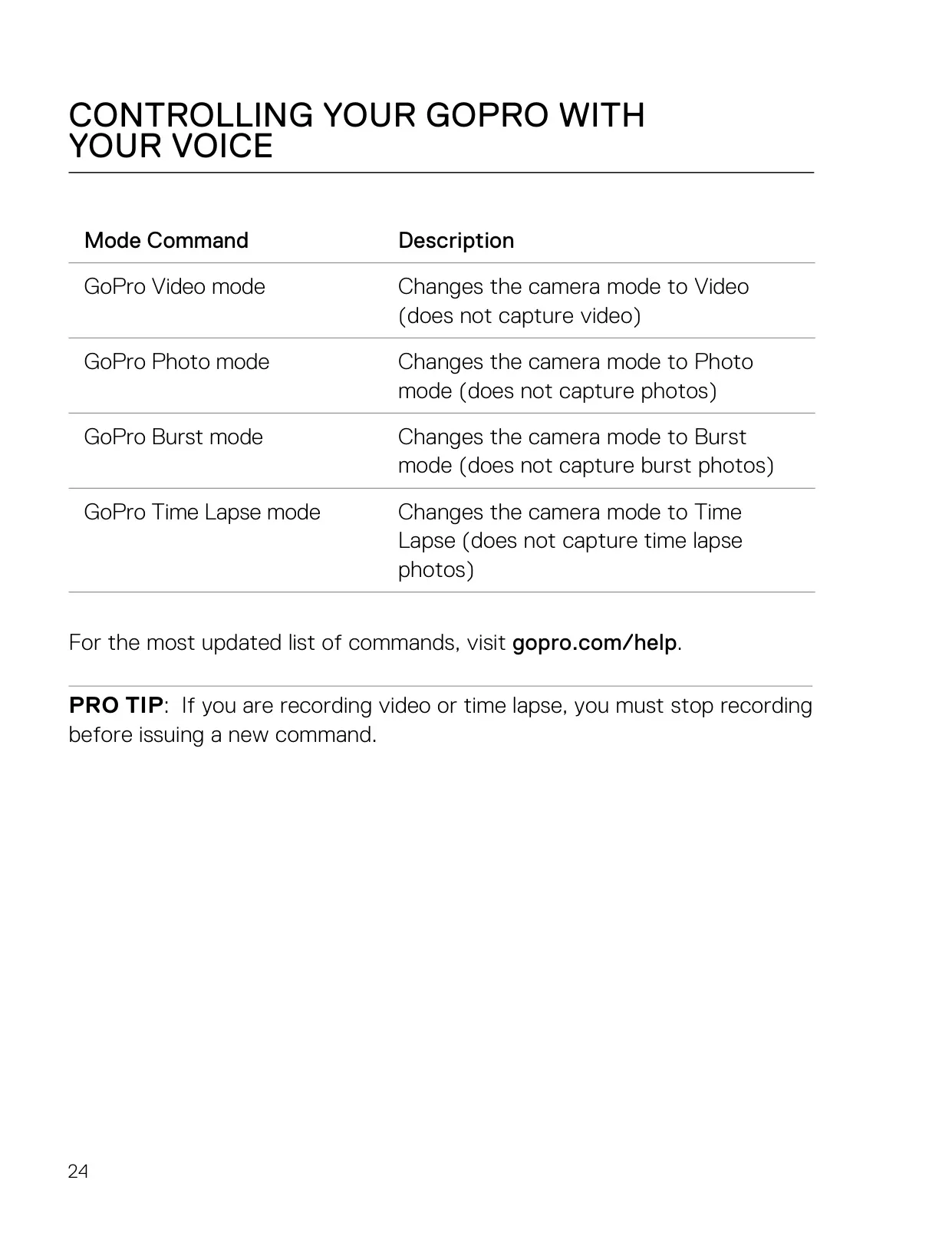
| Voice Control | Yes, with 9 action commands and 4 mode commands |
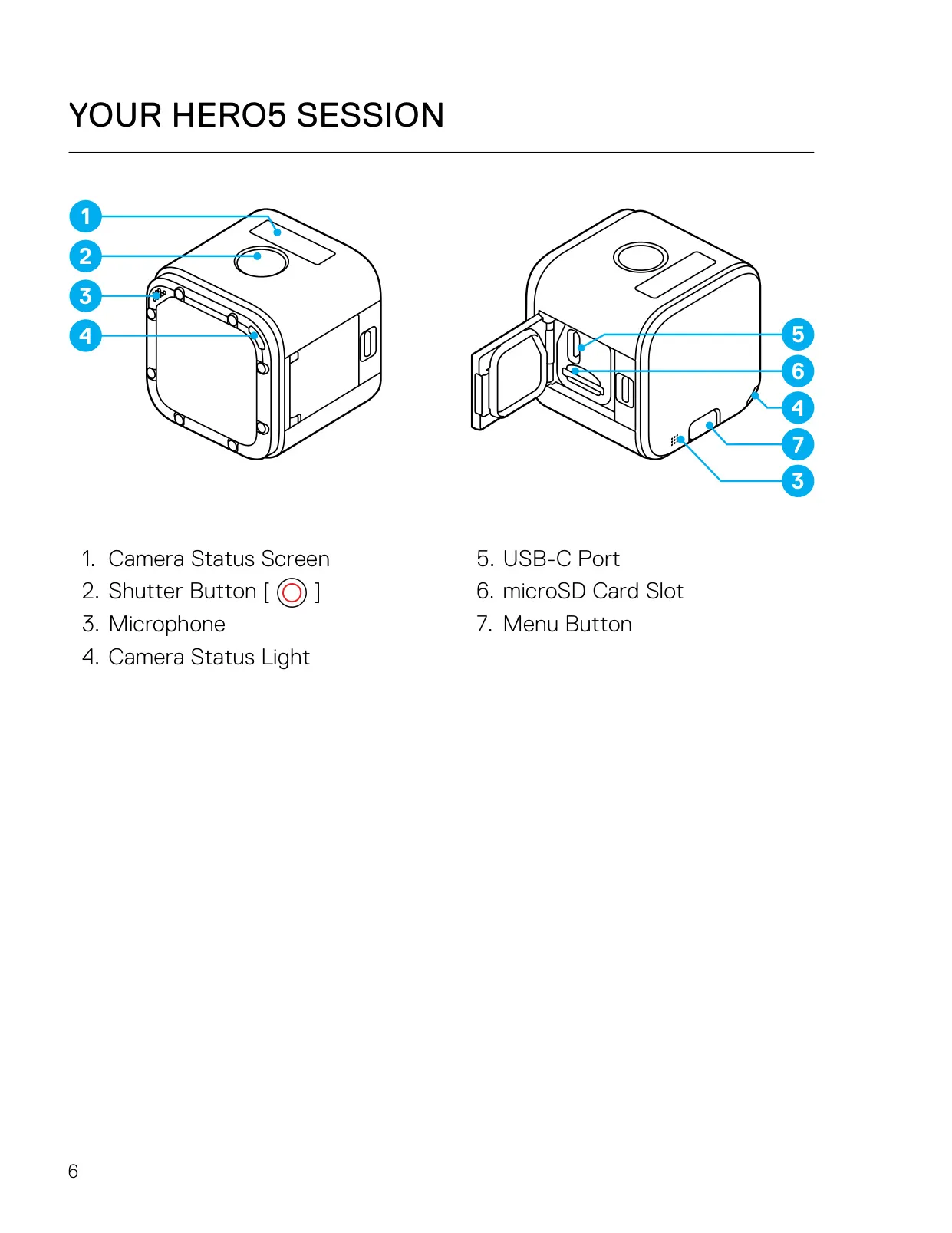
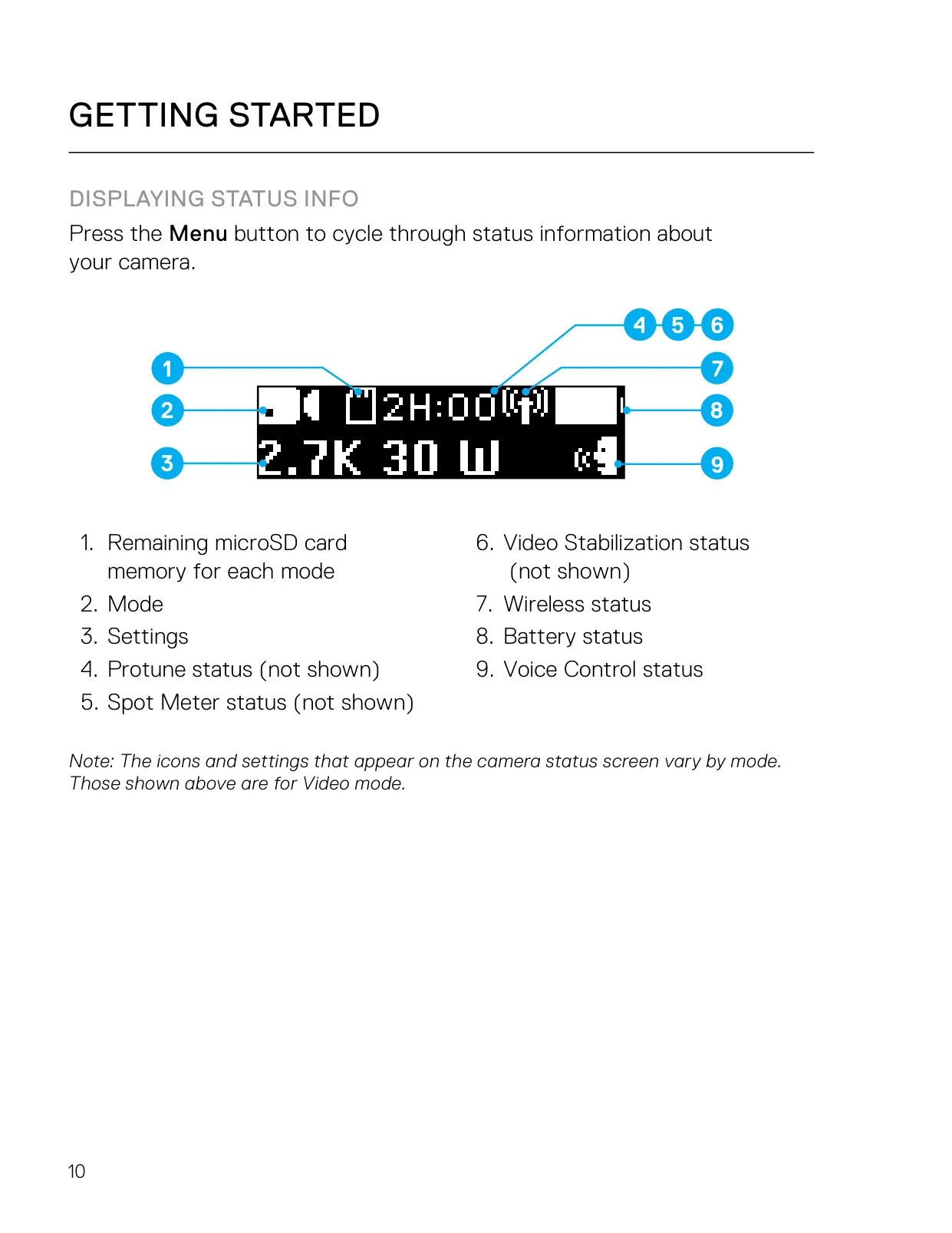
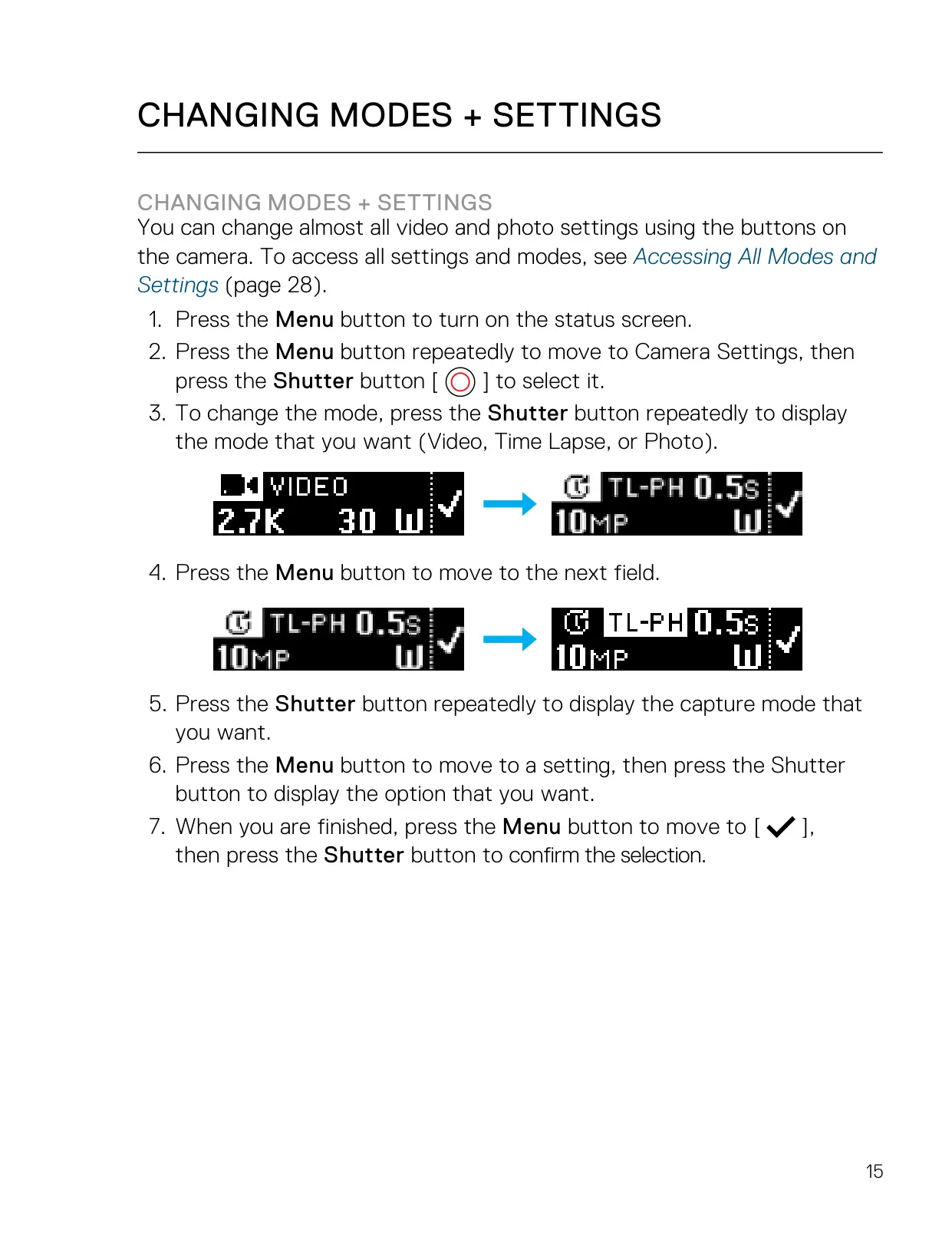
| Controls | Shutter button, Menu button, camera status screen |
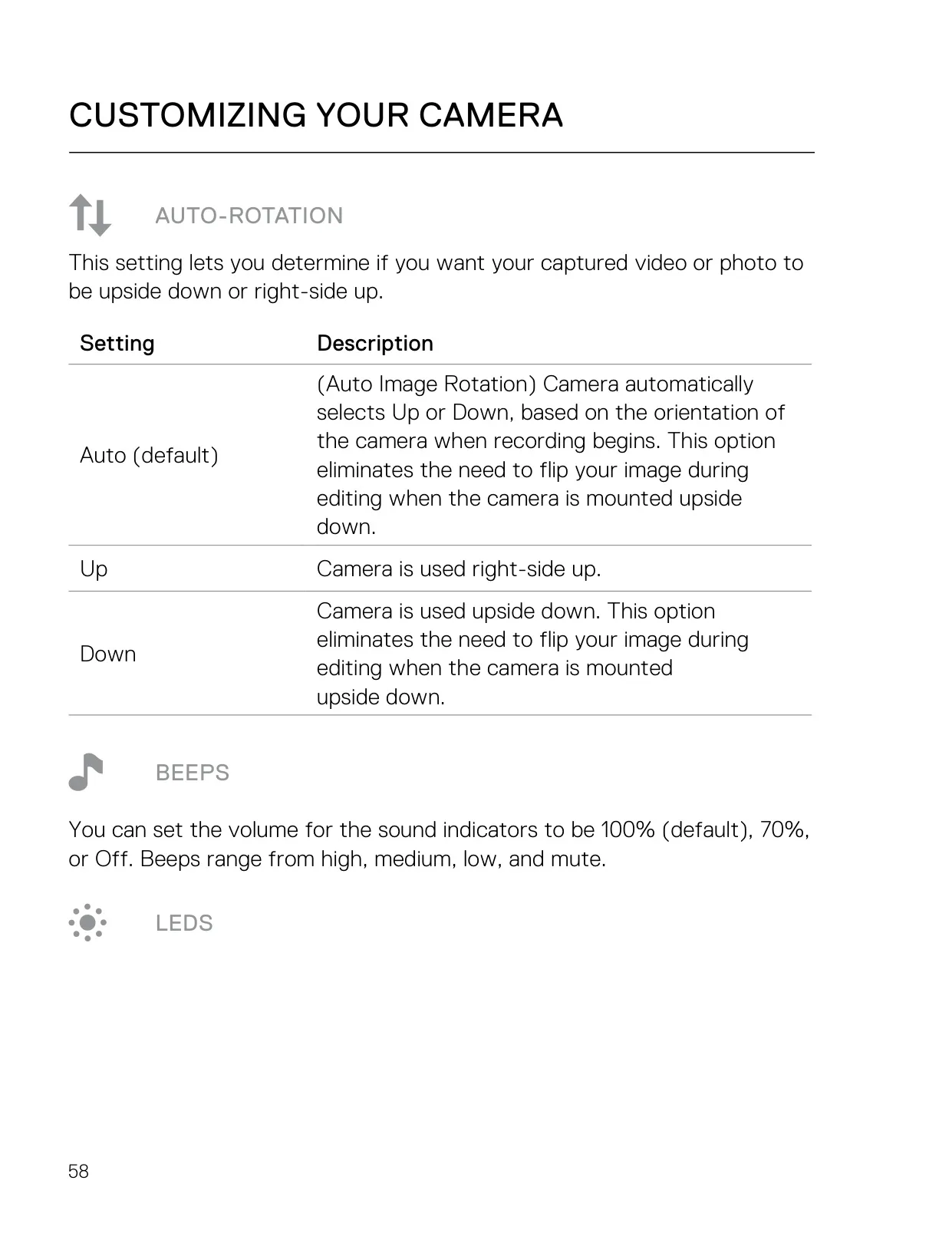
| Beep Volume | 100% (default), 70%, Off |
| Auto-Rotation | Auto (default), Up, Down |
| Included Accessories | Standard Frame, USB cable |
| Manual Part Number | 130-18524-000 REVD |
GoPro Hero 5 Session Action Camera Details
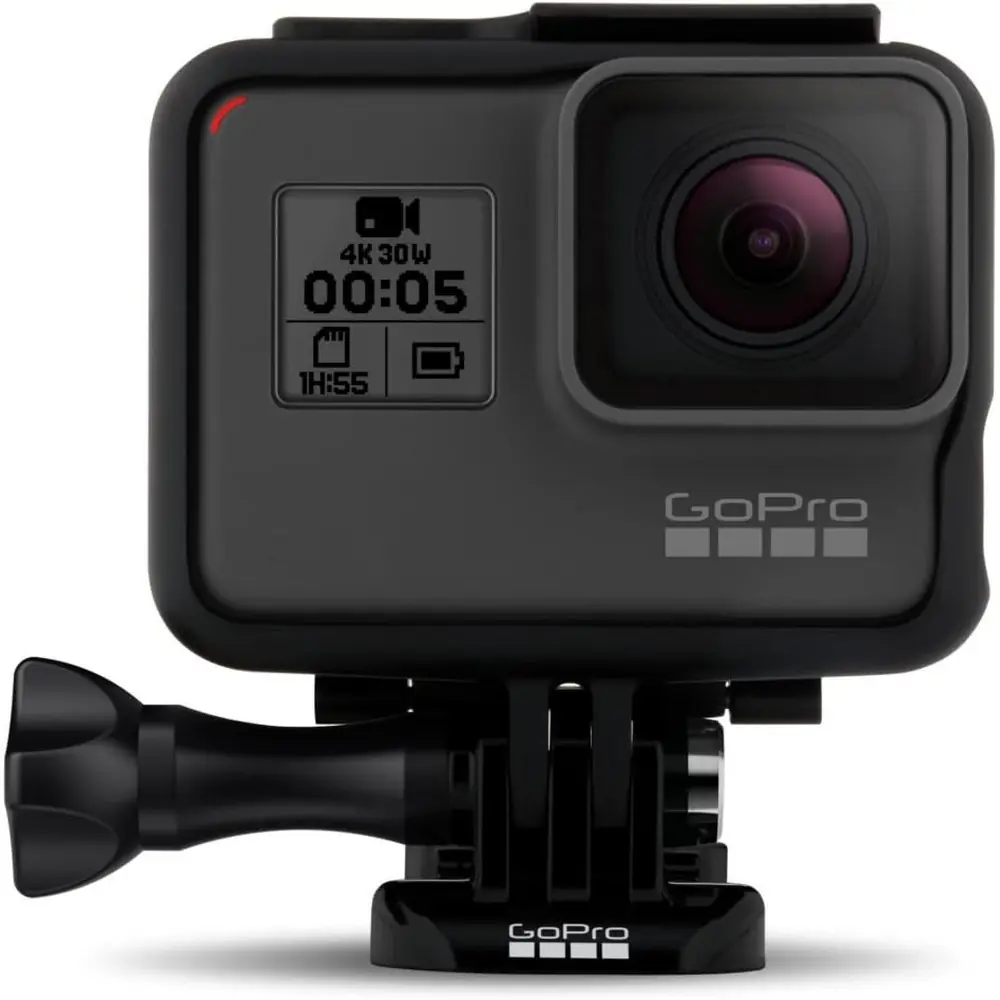
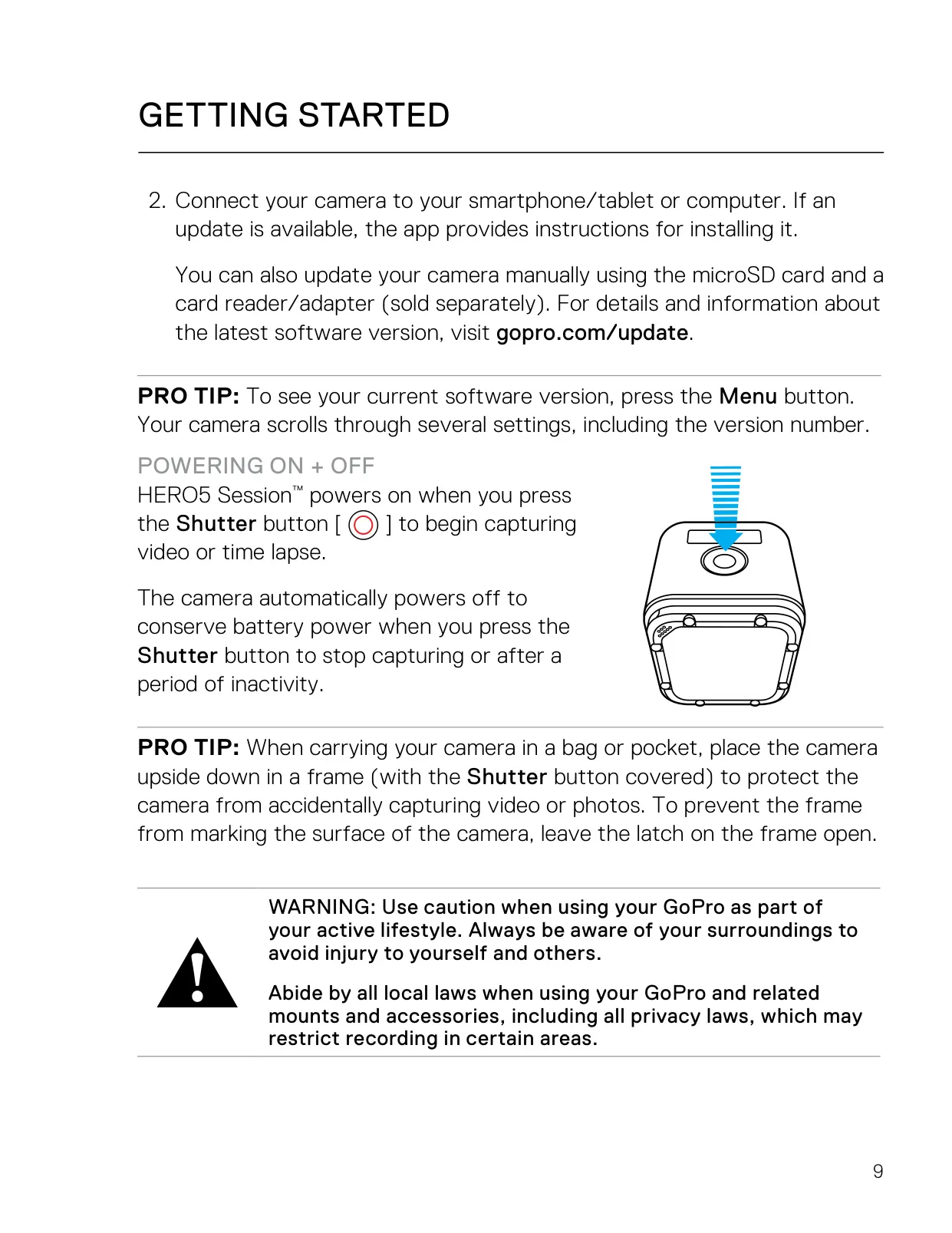
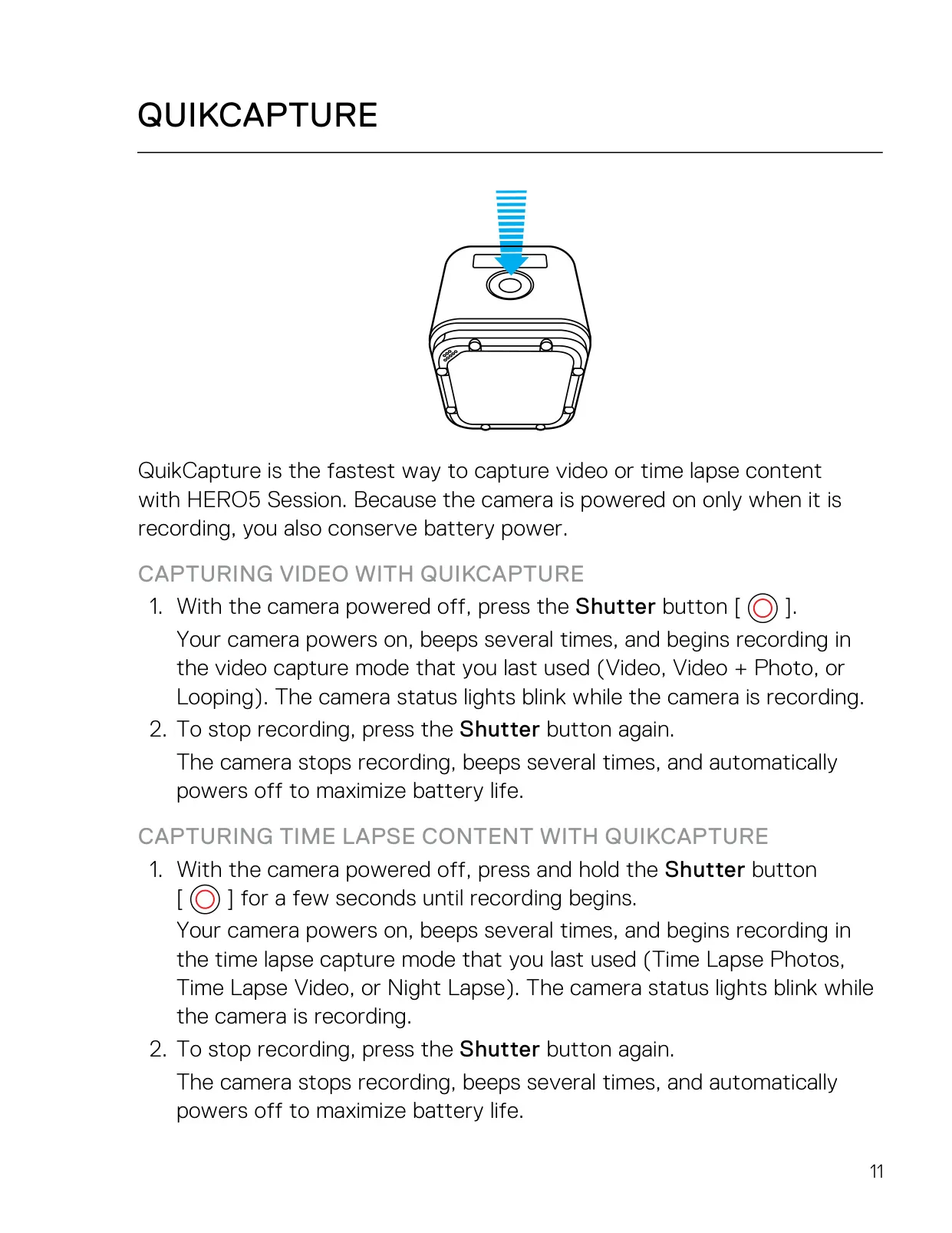
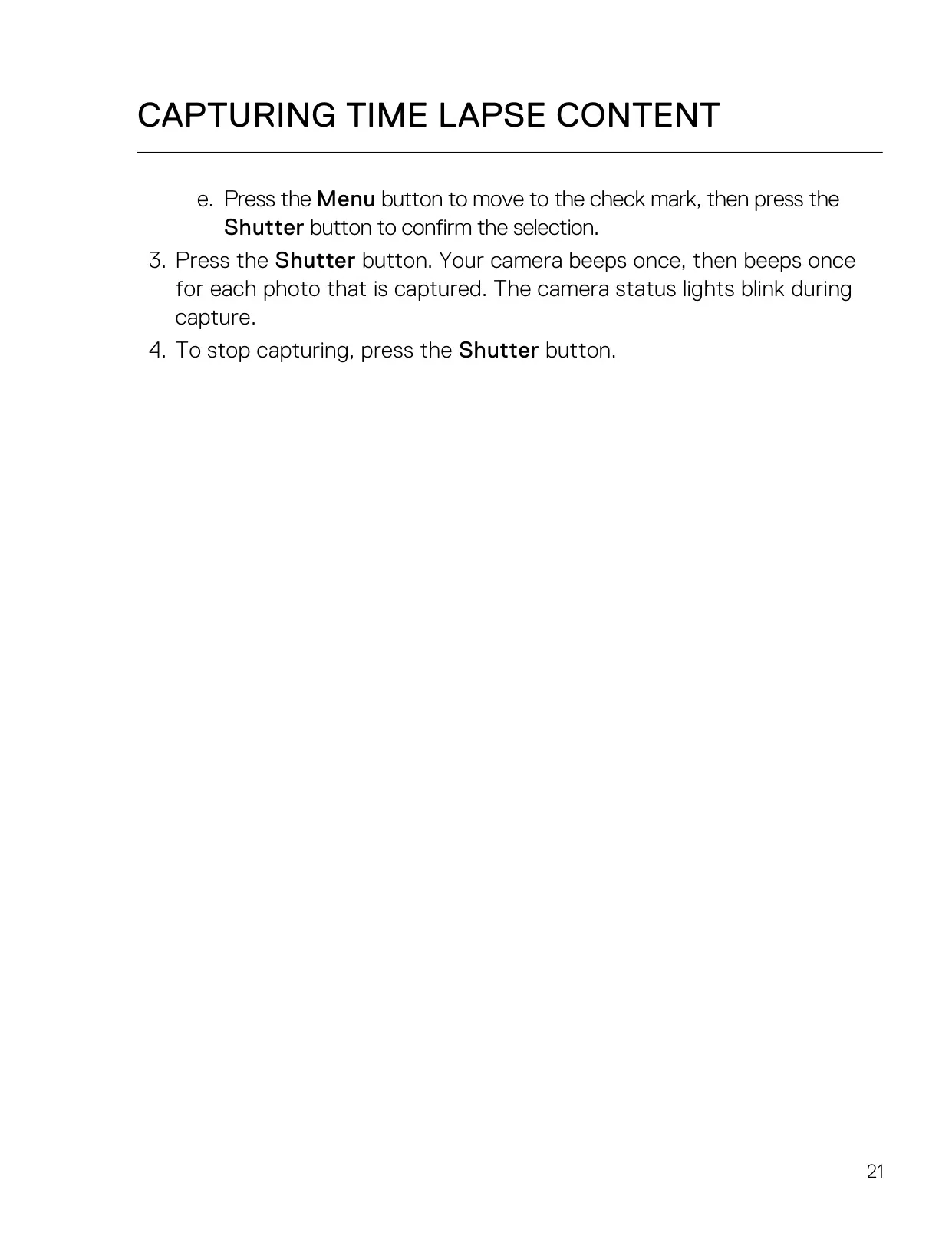
The GoPro HERO5 Session is a compact, cube-shaped action camera built around simplicity. Its standout feature is QuikCapture: with the camera off, one press of the Shutter button powers it on and starts recording video in the last used video mode. Pressing and holding the button for a few seconds starts the last used time lapse mode instead. When you stop recording, the camera beeps and powers off on its own. Because it only runs while recording, this saves a lot of battery.
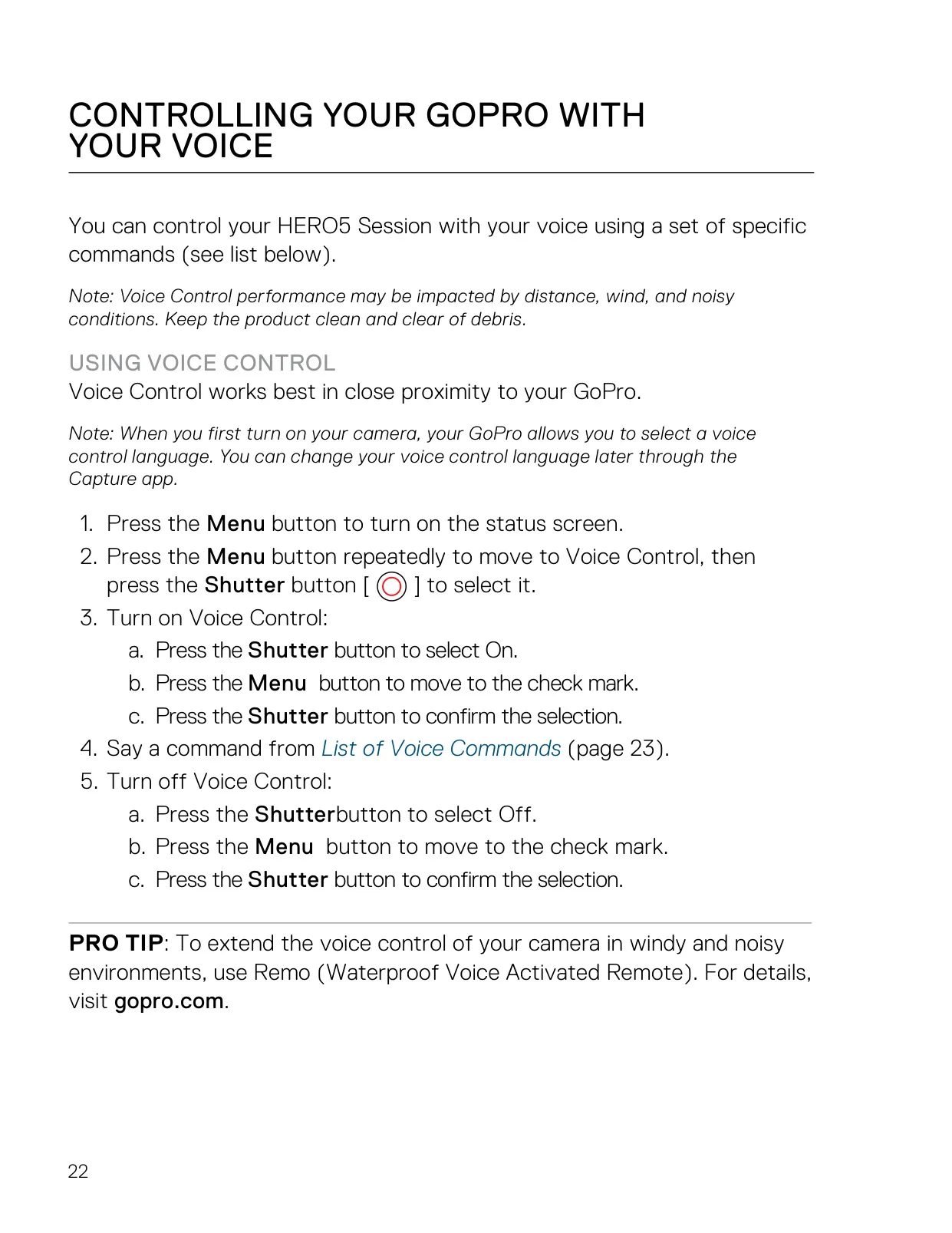
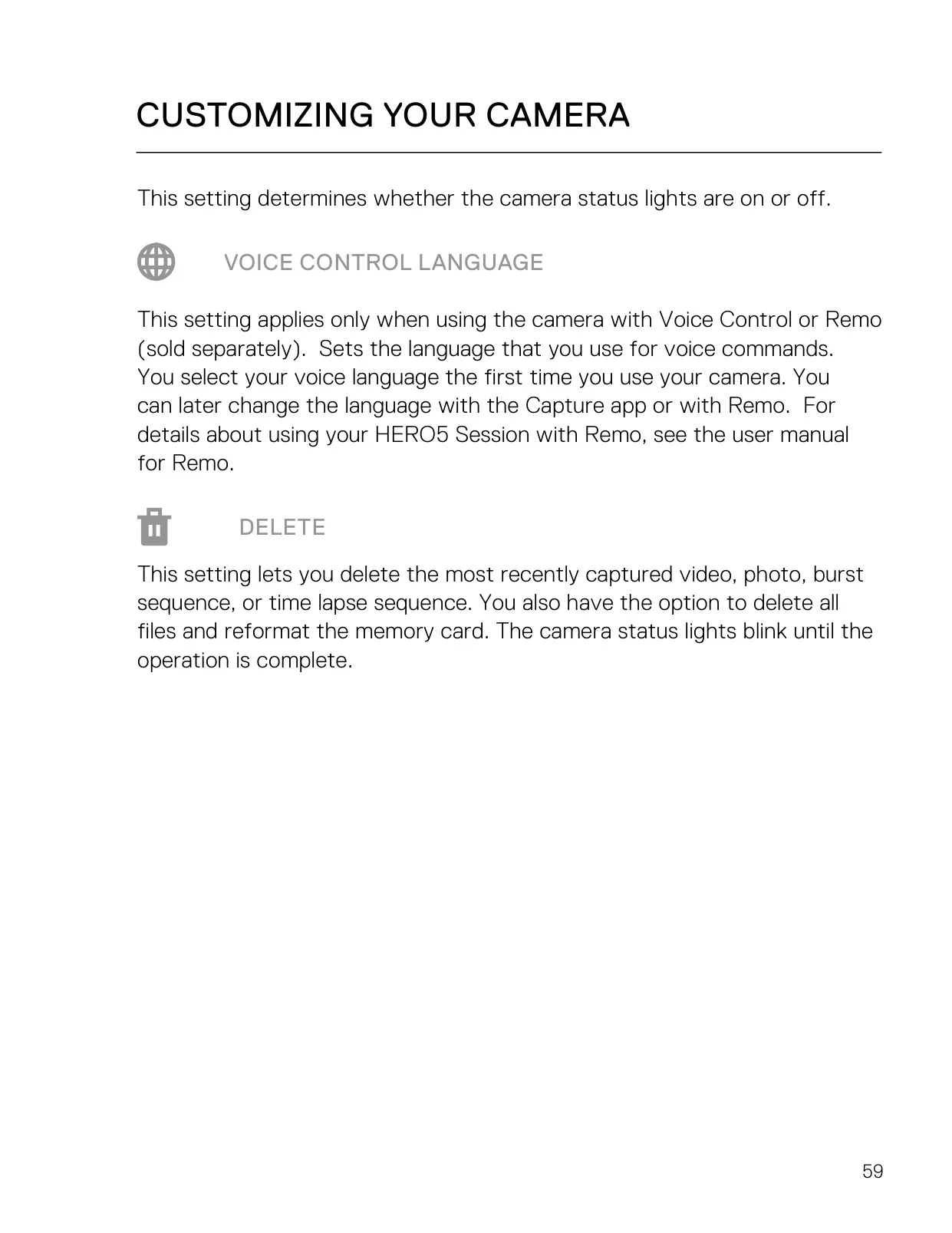
Hands-free operation is another strength. Voice Control responds to commands such as "GoPro start recording", "GoPro take a photo", "GoPro shoot burst" and "GoPro turn off". Action commands capture right away from any mode, while mode commands only switch the camera mode. You pick the voice language the first time you turn the camera on and can change it later in the Capture app. Wind, distance and noise can reduce accuracy, so in loud environments GoPro recommends the optional Remo remote.
HiLight Tags let you mark key moments while recording. You can add them by pressing the Menu button, by saying "GoPro HiLight" or "That was sick", or from the Capture app or Smart Remote. You can also add tags during playback in Capture or Quik for desktop. The Capture app gives you full camera control, live preview, playback, sharing and software updates. With a GoPro Plus subscription, footage uploads to the cloud automatically while the camera charges.
Several automatic features make shooting easier. Auto Low Light adjusts the frame rate in dark scenes and temporarily turns off stabilization to keep image quality up. Auto-Rotation detects when the camera is mounted upside down and flips the footage, so you don't have to fix it in editing. If the battery runs out or the card fills up mid-recording, the camera saves the file before shutting down. You can also record while charging from a wall or auto charger, but not while charging from a computer.
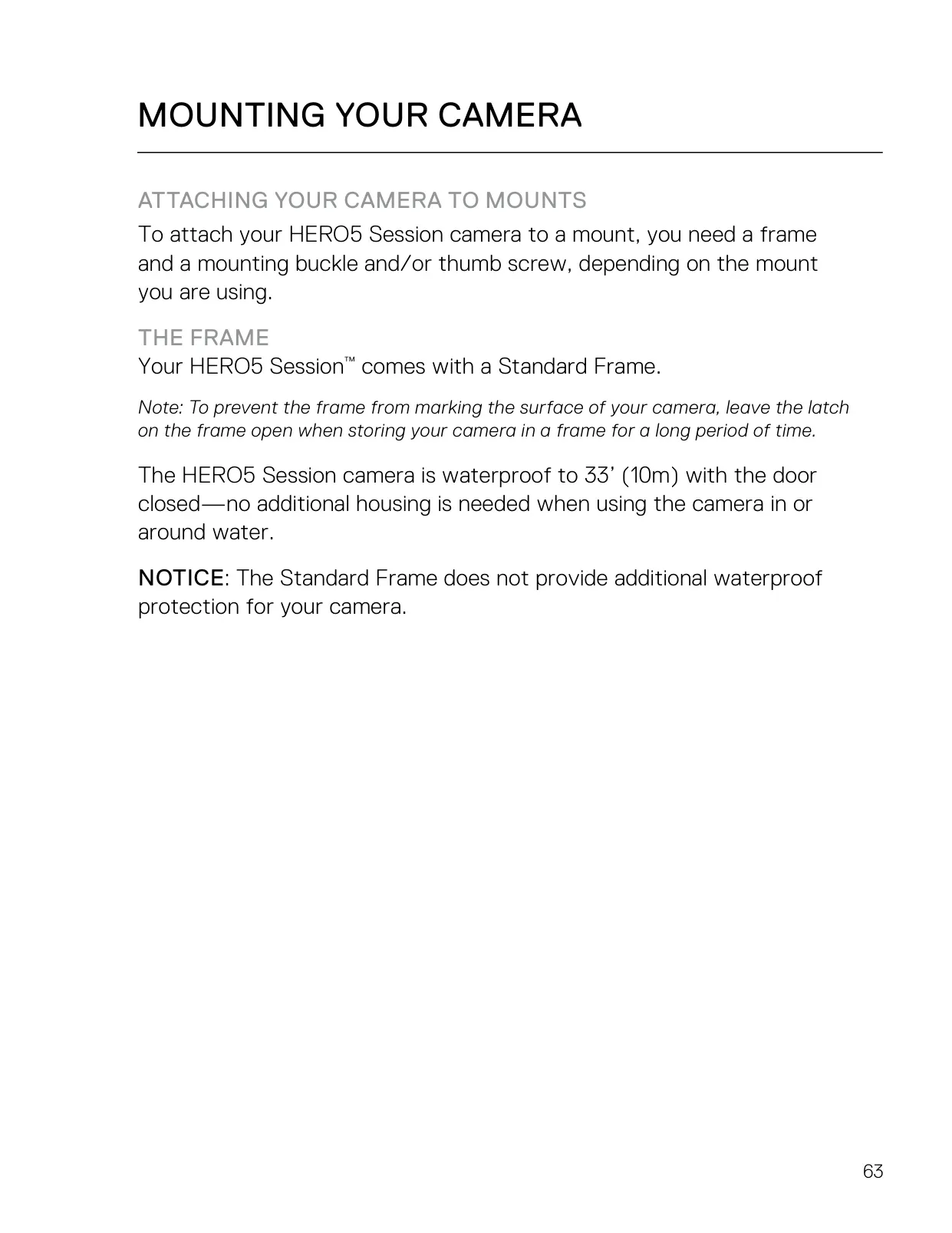
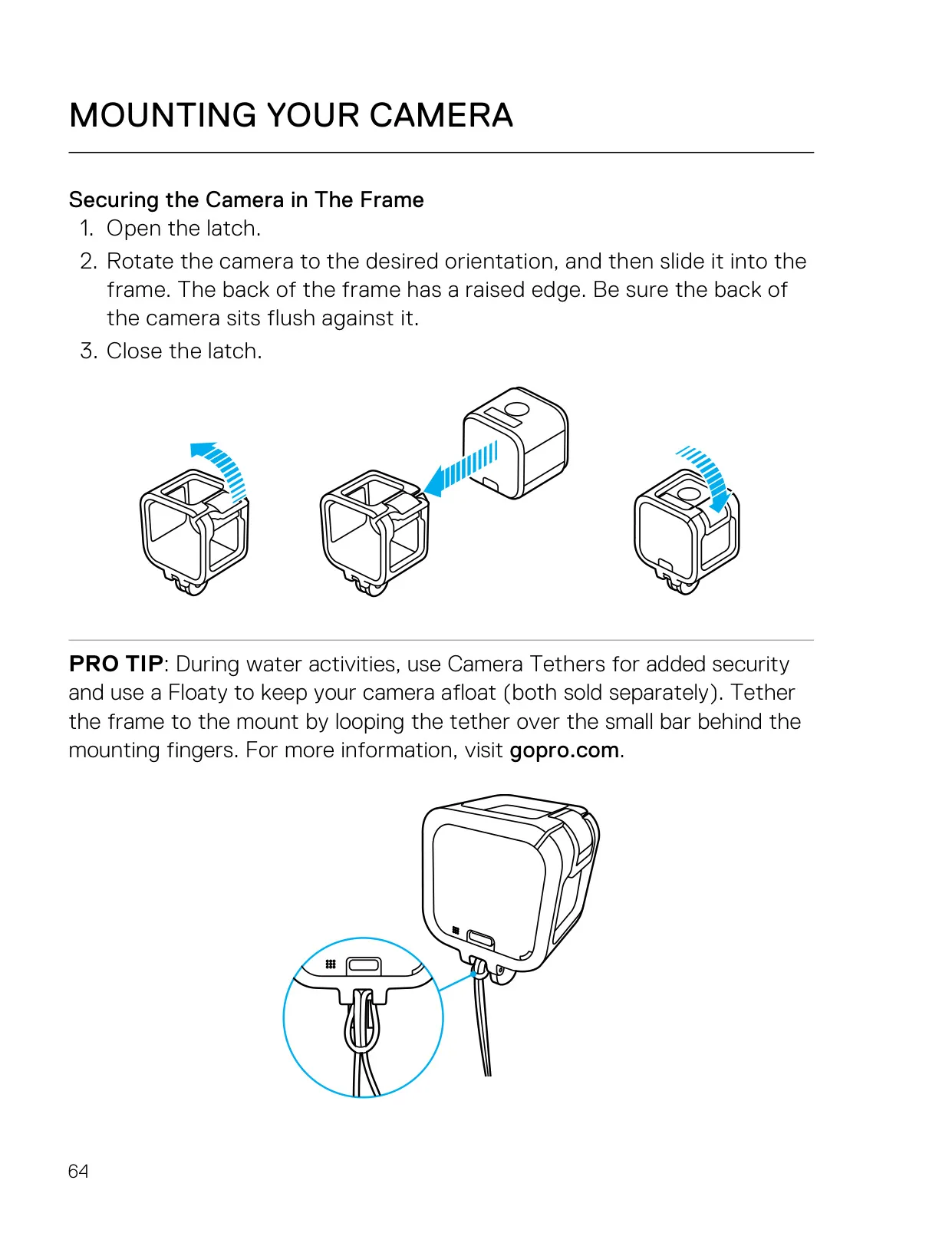
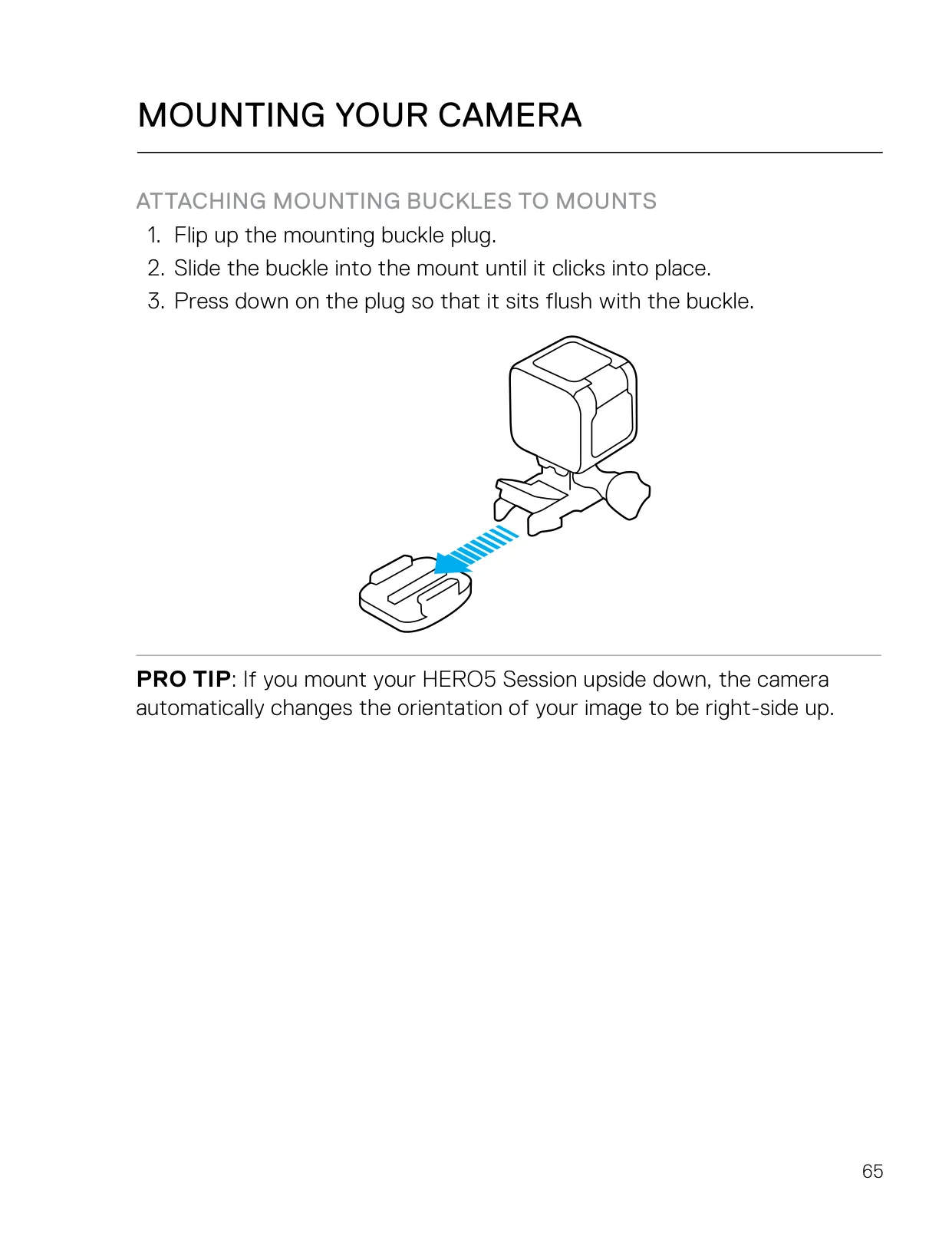
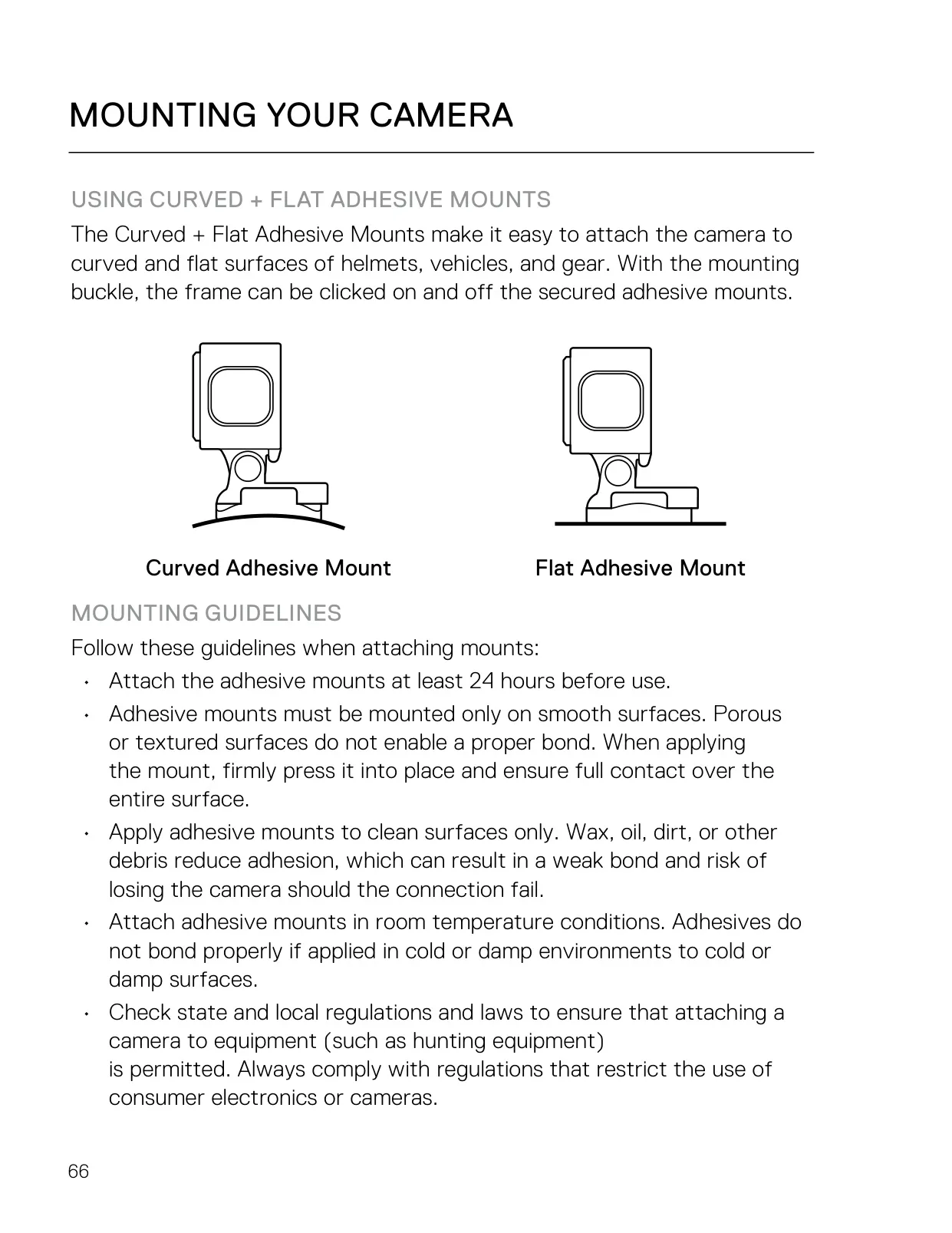
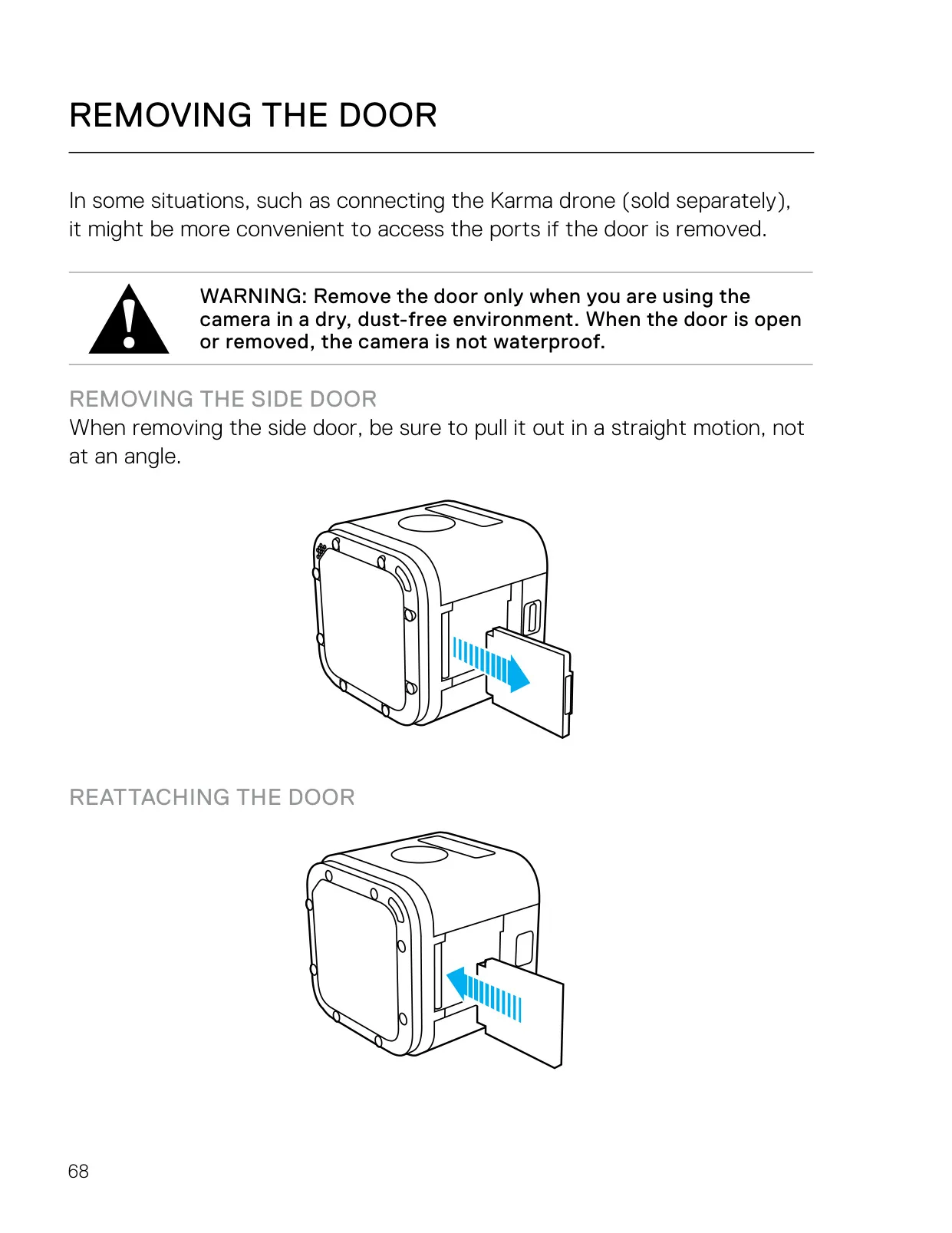
For mounting, the camera slides into the included Standard Frame and attaches to mounting buckles. Curved and flat adhesive mounts should go on clean, smooth surfaces at room temperature, at least 24 hours before use. GoPro warns against using a tether on helmet mounts. You can remove the side door to reach the ports, for example when connecting to the Karma drone. With the door open or removed, the camera is not waterproof, and the frame does not add any water protection.
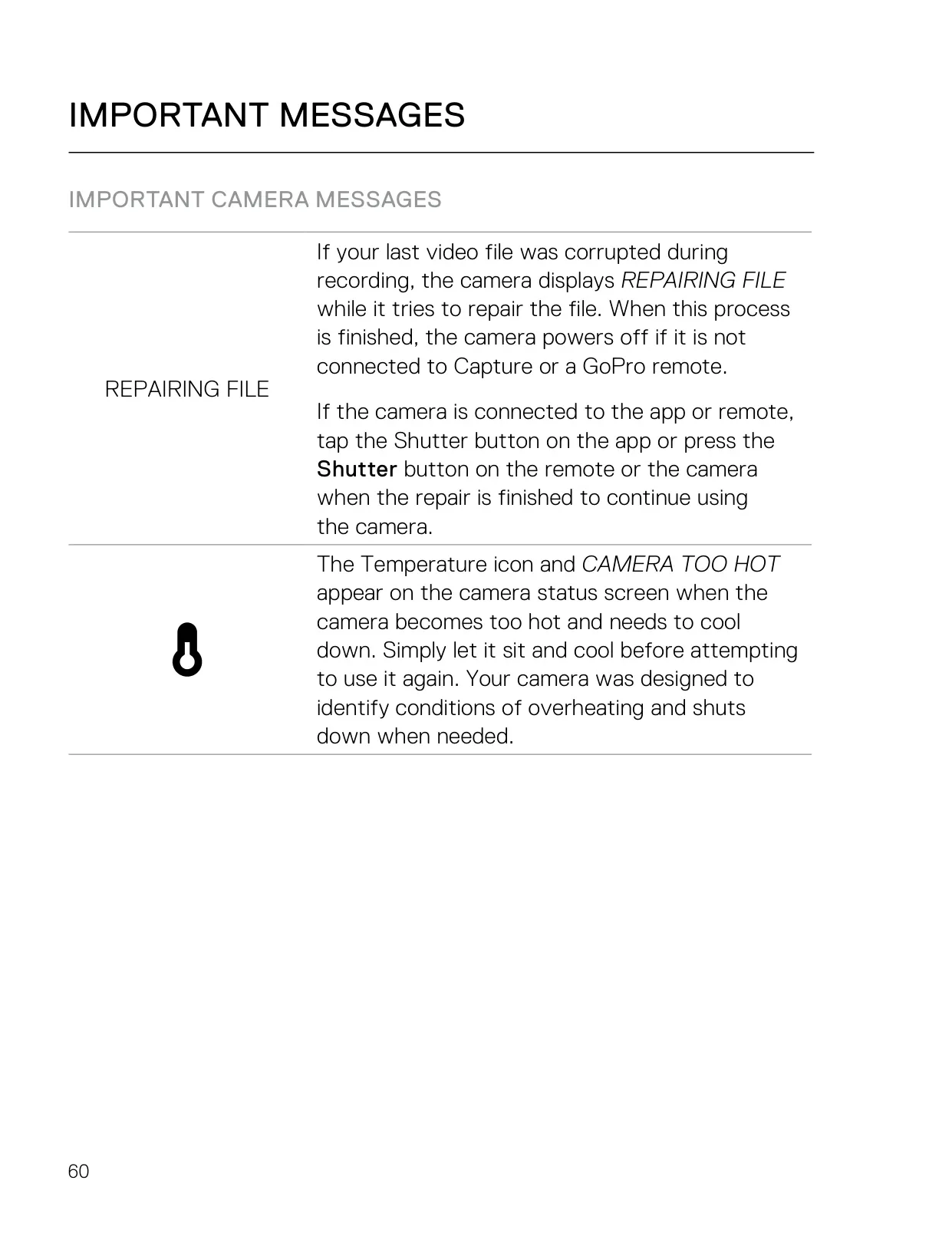
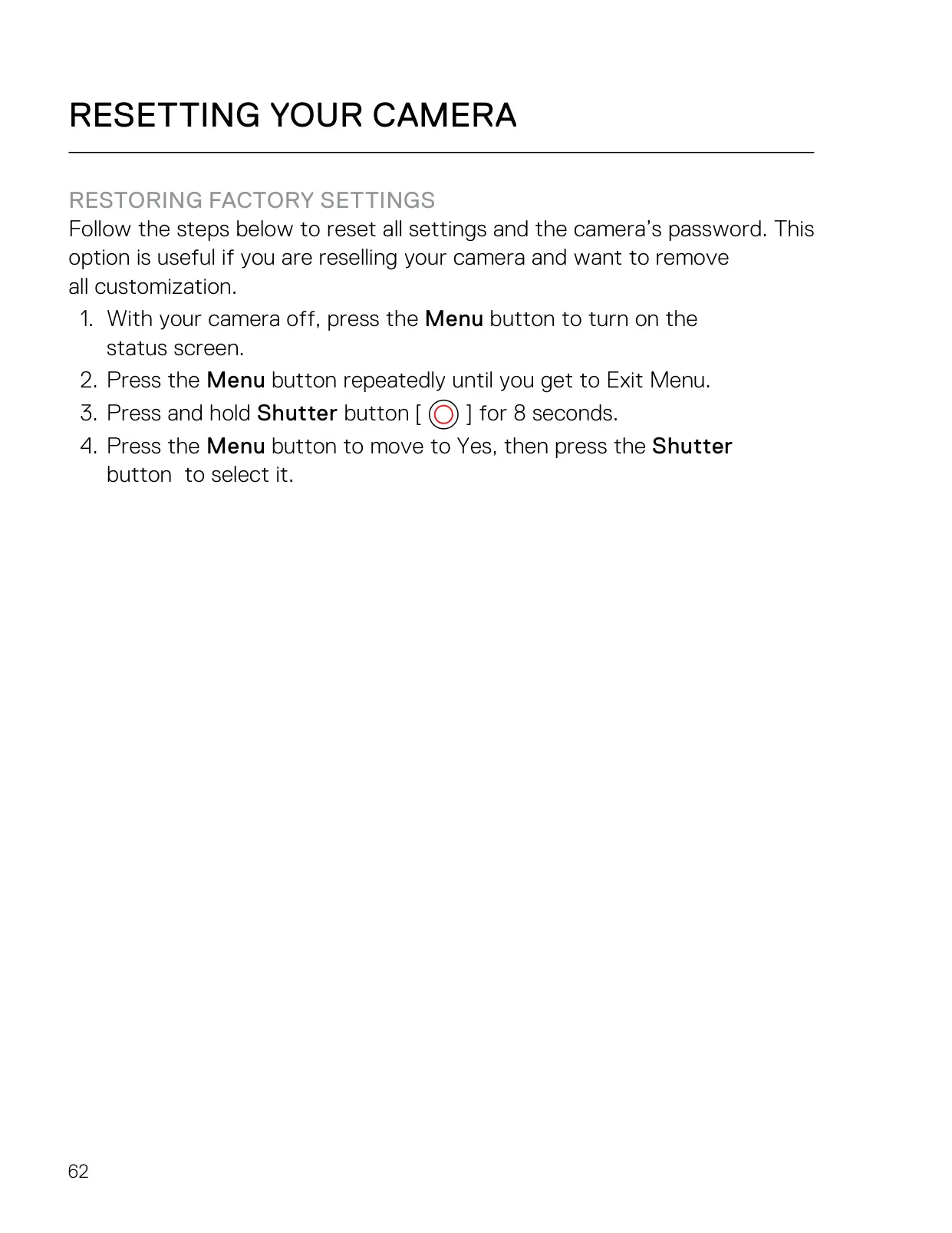
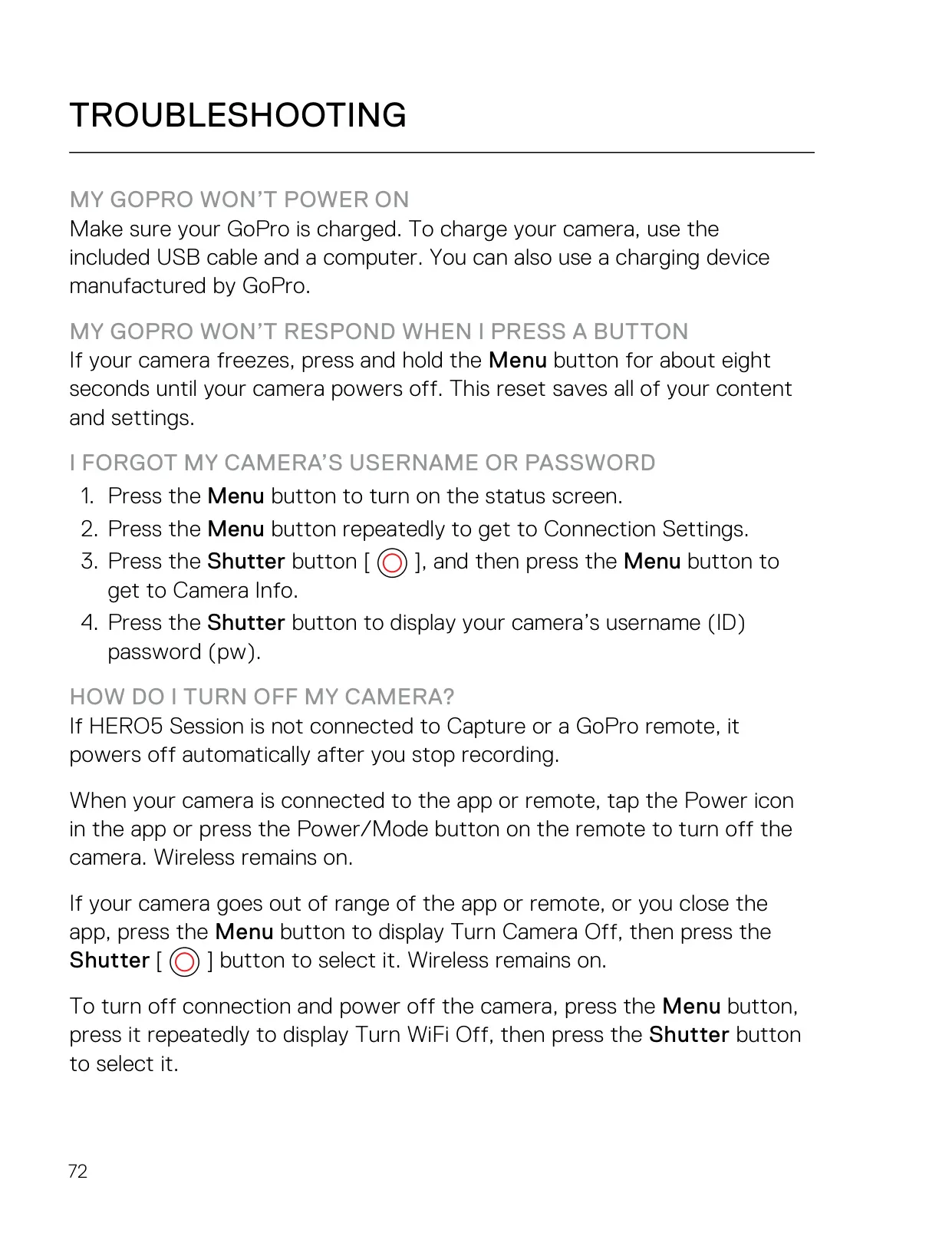
Good maintenance keeps the camera reliable. Rinse it with fresh water after using it in salt water. Soak it in warm water for 15 minutes if sand hardens around the doors. Never use compressed air on the microphone holes, because it can damage the internal membranes. Warning messages such as CAMERA TOO HOT, REPAIRING FILE and SD ERROR tell you when something needs attention. Holding the Menu button for about eight seconds force-restarts a frozen camera without losing content or settings.
Frequently Asked Questions (FAQs)
Can't find the answer you need? Here are some frequently asked questions about the GoPro Hero 5 Session Action Camera, and we answer them below.