
Pro Instruments HTC-1 Hygrometer Instruction Manual
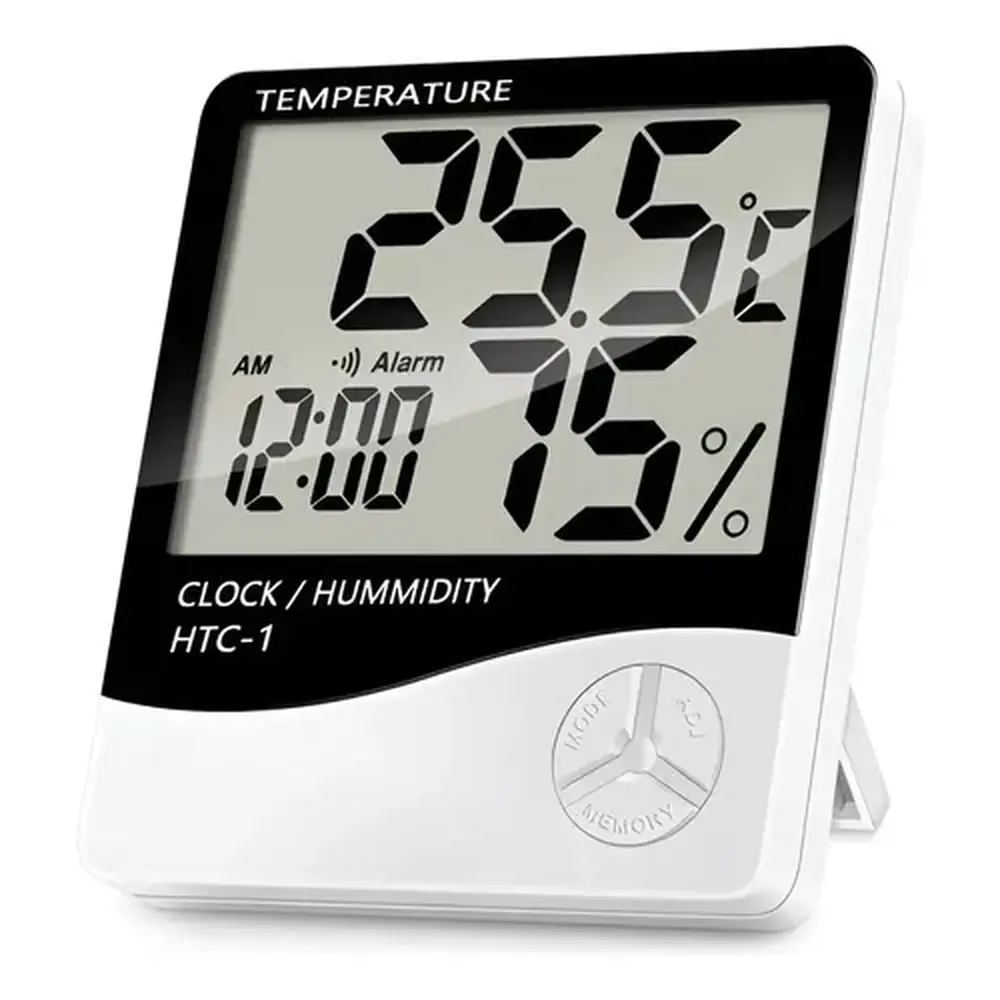
Pro Instruments HTC-1 Hygrometer
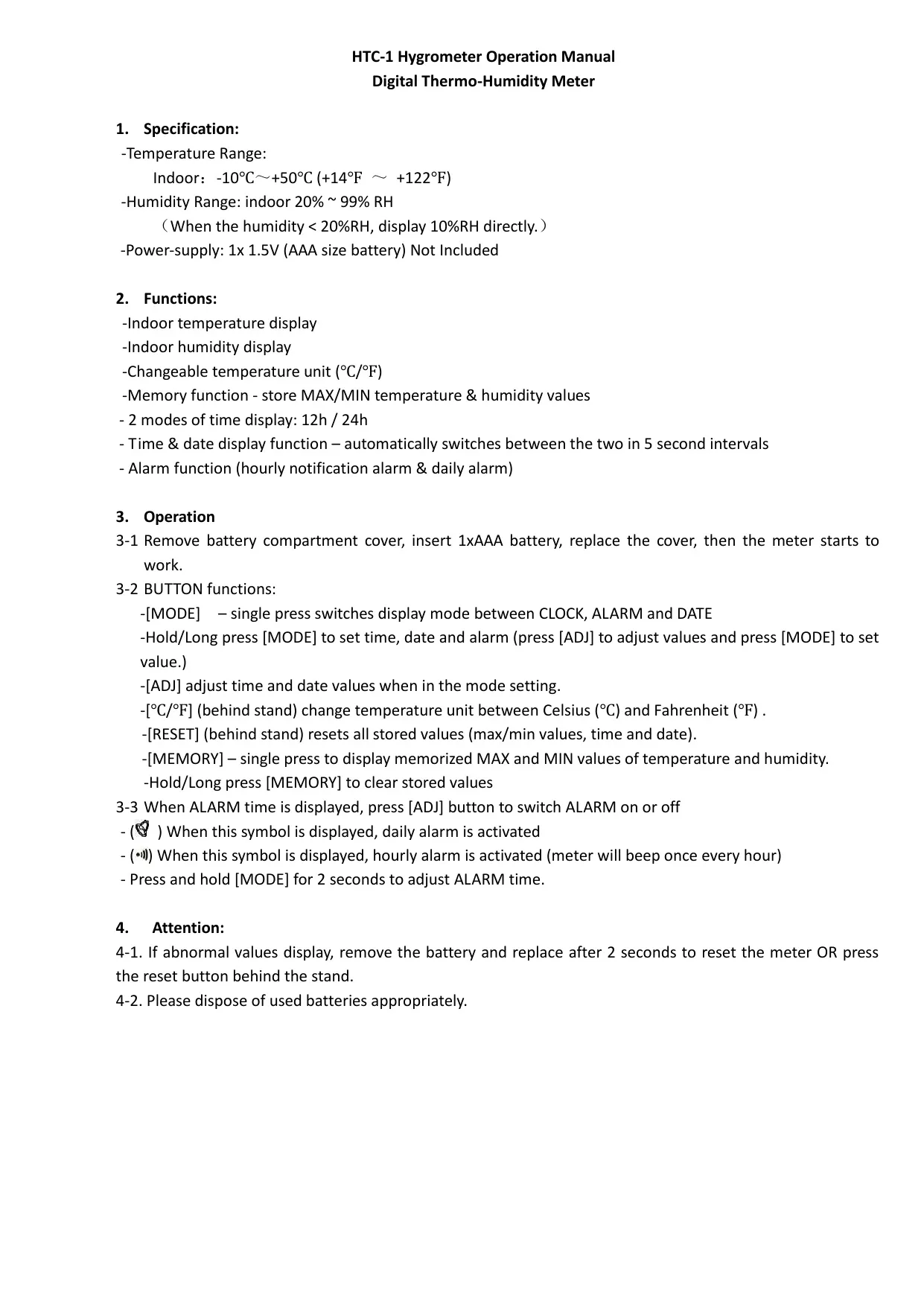


Pro Instruments HTC-1 Hygrometer
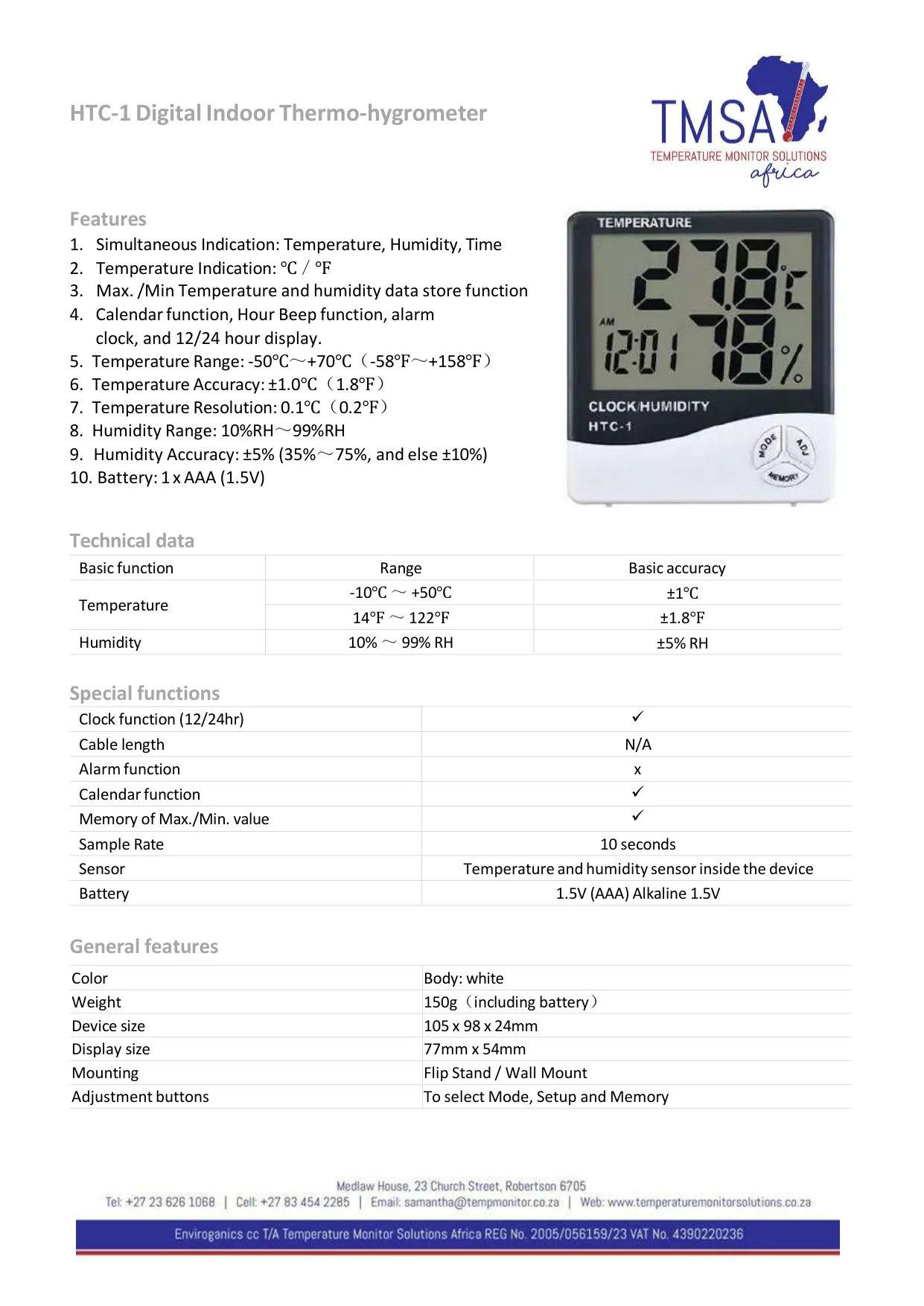
HTC-1 Hygrometer Instructions
Here we offer the Pro Instruments HTC-1 Hygrometer manual completely free and in English. We have cataloged this manual in the Hygrometers section on Manualverse, and it has been rated by 1 users with an average rating of 5. If you have any specific questions about Pro Instruments HTC-1 Hygrometer, we suggest checking the Frequently Asked Questions (FAQs) section of this manual.
Product Images
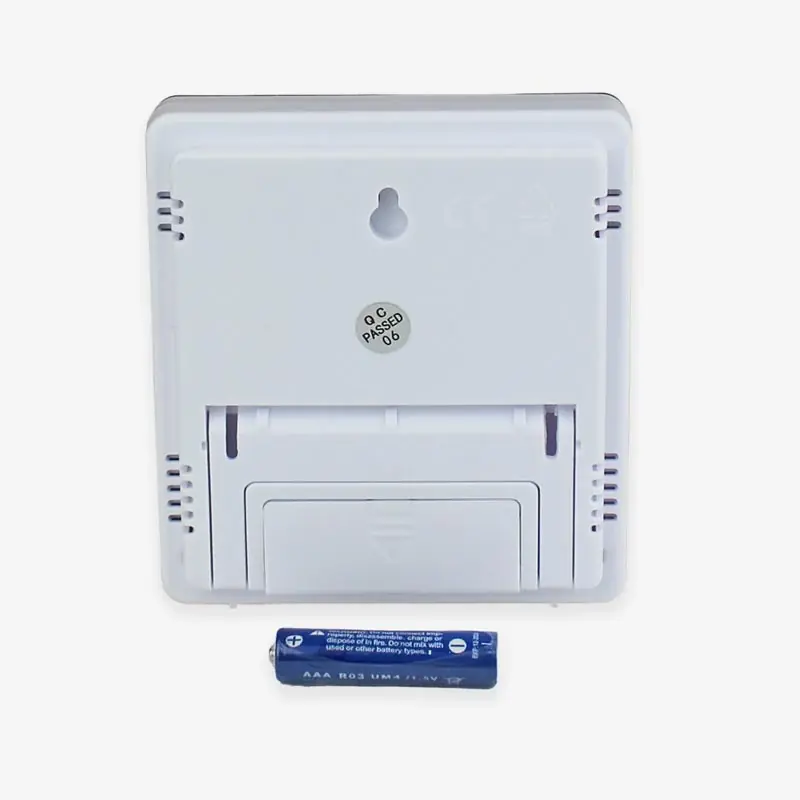
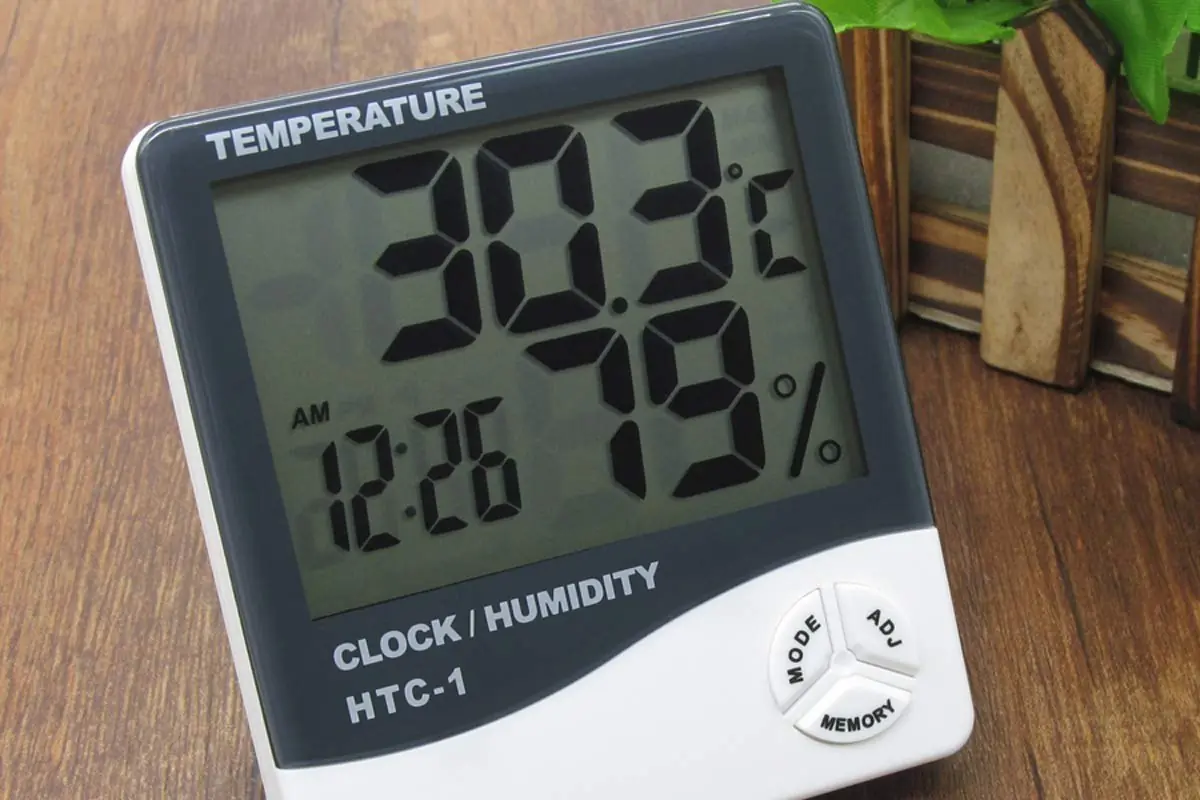
Pro Instruments HTC-1 Hygrometer Specifications
| Feature | Specification |
|---|---|
| Product Type | Digital indoor thermo-hygrometer (thermo-humidity meter) |
| Model | HTC-1 |
| Temperature Measuring Range | -10 °C to +50 °C (14 °F to 122 °F), indoor |
| Temperature Accuracy | ±1.0 °C (±1.8 °F) |
| Temperature Resolution | 0.1 °C (0.2 °F) |
| Temperature Units | Celsius (°C) / Fahrenheit (°F), switchable |
| Humidity Range | 10% to 99% RH (indoor measuring range 20% to 99% RH; readings below 20% RH display as 10% RH) |
| Humidity Accuracy | ±5% RH (35% to 75% RH); ±10% RH outside that range |
| Sample Rate | 10 seconds |
| Sensor | Temperature and humidity sensor built into the device |
| Cable Length | N/A (no external probe) |
| Clock | 12 h / 24 h display |
| Calendar | Yes, date display |
| Alarm | Daily alarm and hourly beep |
| Memory | MAX/MIN temperature and humidity values |
| Power Supply | 1 x 1.5 V AAA alkaline battery (not included) |
| Body Color | White |
| Weight | 150 g (including battery) |
| Device Size | 105 x 98 x 24 mm |
| Display Size | 77 x 54 mm |
| Mounting | Flip stand / wall mount |
| Buttons | MODE, ADJ, MEMORY, °C/°F and RESET (last two behind the stand) |
Pro Instruments HTC-1 Hygrometer Details
The Pro Instruments HTC-1 is a compact digital thermo-humidity meter for indoor use. It shows temperature, relative humidity and time on one screen at the same time, so you can check room conditions at a glance. It suits homes, offices, nurseries, storage rooms and small workshops. Setup is quick: remove the battery compartment cover, insert one AAA battery, put the cover back, and the meter starts measuring right away. There is no power switch and no pairing step.
The time and date share one area of the screen. In normal operation, the meter switches between time and date every 5 seconds, so both are always available without pressing a button. A single press of [MODE] cycles the display through CLOCK, ALARM and DATE. To set the time, date and alarm, press and hold [MODE]. Then press [ADJ] to change the flashing value and press [MODE] again to confirm it and move to the next field.
The alarm section has two separate functions. The daily alarm sounds at a set time each day, and the hourly alarm makes the meter beep once at the top of every hour. While the ALARM time is on screen, press [ADJ] to turn the alarms on or off. A symbol on the display shows which alarm is active. To change the alarm time, hold [MODE] for 2 seconds while in alarm mode, then use the usual ADJ/MODE sequence.
The memory function records the highest and lowest temperature and humidity readings since the last reset. A single press of [MEMORY] shows the stored MAX and MIN values, which helps you spot overnight temperature drops, humidity peaks after showers, or dry spells while the heating is running. To start a new monitoring period, press and hold [MEMORY] to clear the stored values.
Two less-used controls sit behind the flip stand, where they can't be pressed by accident. The [°C/°F] button switches the temperature unit. The [RESET] button clears all stored data, including the MAX/MIN values, time and date, so you will need to set the clock again afterward. Because the stand folds out and the unit can also hang on a wall, you can put it on a desk or shelf or mount it at eye level.
The manual gives a simple troubleshooting step for abnormal readings. Take out the battery, wait about 2 seconds, and put it back in. You can also press the reset button behind the stand. Either way, the meter restarts. When you replace the battery, dispose of the used one properly according to local rules. Accuracy is best in the middle humidity range, which matches typical indoor comfort levels.
Frequently Asked Questions (FAQs)
Can't find the answer you need? Here are some frequently asked questions about the Pro Instruments HTC-1 Hygrometer, and we answer them below.