
HP Deskjet 3720 Printer Instruction Manual

HP Deskjet 3720 Printer








































HP Deskjet 3720 Printer



HP Deskjet 3720 Printer


HP Deskjet 3720 Printer Instructions
Here we offer the HP Deskjet 3720 Printer manual completely free and in English. We have cataloged this manual in the Printers section on Manualverse, and it has been rated by 1 users with an average rating of 5. If you have any specific questions about HP Deskjet 3720 Printer, we suggest checking the Frequently Asked Questions (FAQs) section of this manual.
Product Images

HP Deskjet 3720 Printer Specifications
| Feature | Specification |
|---|---|
| Product series | HP DeskJet 3700 All-in-One series (HP DeskJet 3720) |
| Functions | Print, copy, scan |
| Regulatory Model Number | SDGOB-1621 |
| Series product numbers | J9V86A, J9V87A, and others |
| Radio module | SDGOB-1392 |
| Print method | Drop-on-demand thermal inkjet |
| Printer language | PCL3 GUI |
| Cartridges | 2 (black and tri-color); single cartridge mode supported |
| Copy processing | Digital image processing, normal quality mode only |
| Scan resolution | Up to 600 ppi |
| Scan color depth | 24-bit RGB color, 8-bit grayscale |
| Maximum scan size (scan path) | 21.6 x 29.7 cm (8.5 x 11 inches) |
| Input tray capacity | Up to 60 plain sheets (80 g/m²), 5 envelopes, 20 index cards, 20 photo sheets |
| Output tray capacity | Up to 25 plain sheets (80 g/m²), 5 envelopes, 10 index cards, 10 photo sheets |
| Plain paper weight | 64 to 90 g/m² (16 to 24 lb) |
| Envelope weight | 75 to 90 g/m² (20 to 24 lb) |
| Card weight | Up to 200 g/m² (110-lb index maximum) |
| Photo paper weight | Up to 280 g/m² (75 lb) |
| Recycled paper suitability | DIN 19309 and EN 12281:2002 |
| USB connection | Rear USB 2.0 High Speed port |
| Recommended USB cable length | 3 m (10 feet) or less |
| Wireless standard | 802.11b/g/n, 2.4 GHz only |
| Wi-Fi Direct | Up to 5 simultaneous computers or mobile devices |
| Wi-Fi Direct default IP address | 192.168.223.1 |
| Supported computer operating systems | Windows 10, 8.1, 8, 7, Vista, XP; OS X |
| Mobile printing | iOS 4.2 or later (AirPrint), Android 4.4 or later (HP Print Service Plugin), Windows Mobile, Chromebook, Amazon Kindle Fire HD9 and HDX |
| Power supply | 100-240 Vac or 200-240 Vac, 50/60 Hz |
| Sleep mode | After 5 minutes of inactivity (adjustable in EWS) |
| Auto-Off | After 2 hours of inactivity (when wireless and Wi-Fi Direct are off) |
| Recommended operating temperature | 15 ºC to 30 ºC (59 ºF to 86 ºF) |
| Allowable operating temperature | 5 ºC to 40 ºC (41 ºF to 104 ºF) |
| Operating humidity | 15% to 80% RH non-condensing, 28 ºC maximum dewpoint |
| Storage temperature | -40 ºC to 60 ºC (-40 ºF to 140 ºF) |
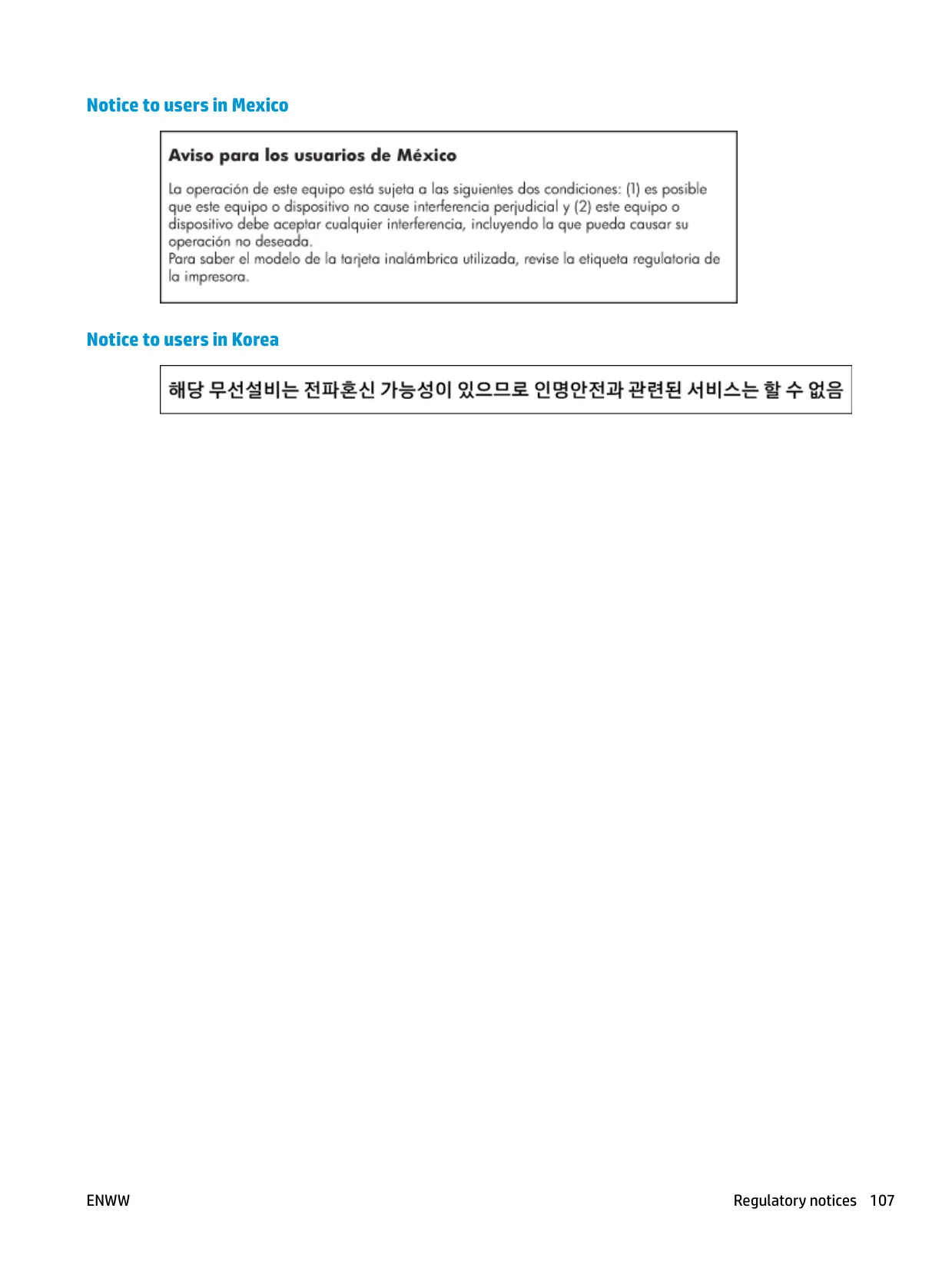
| RF exposure separation distance | 20 cm (8 inches) |
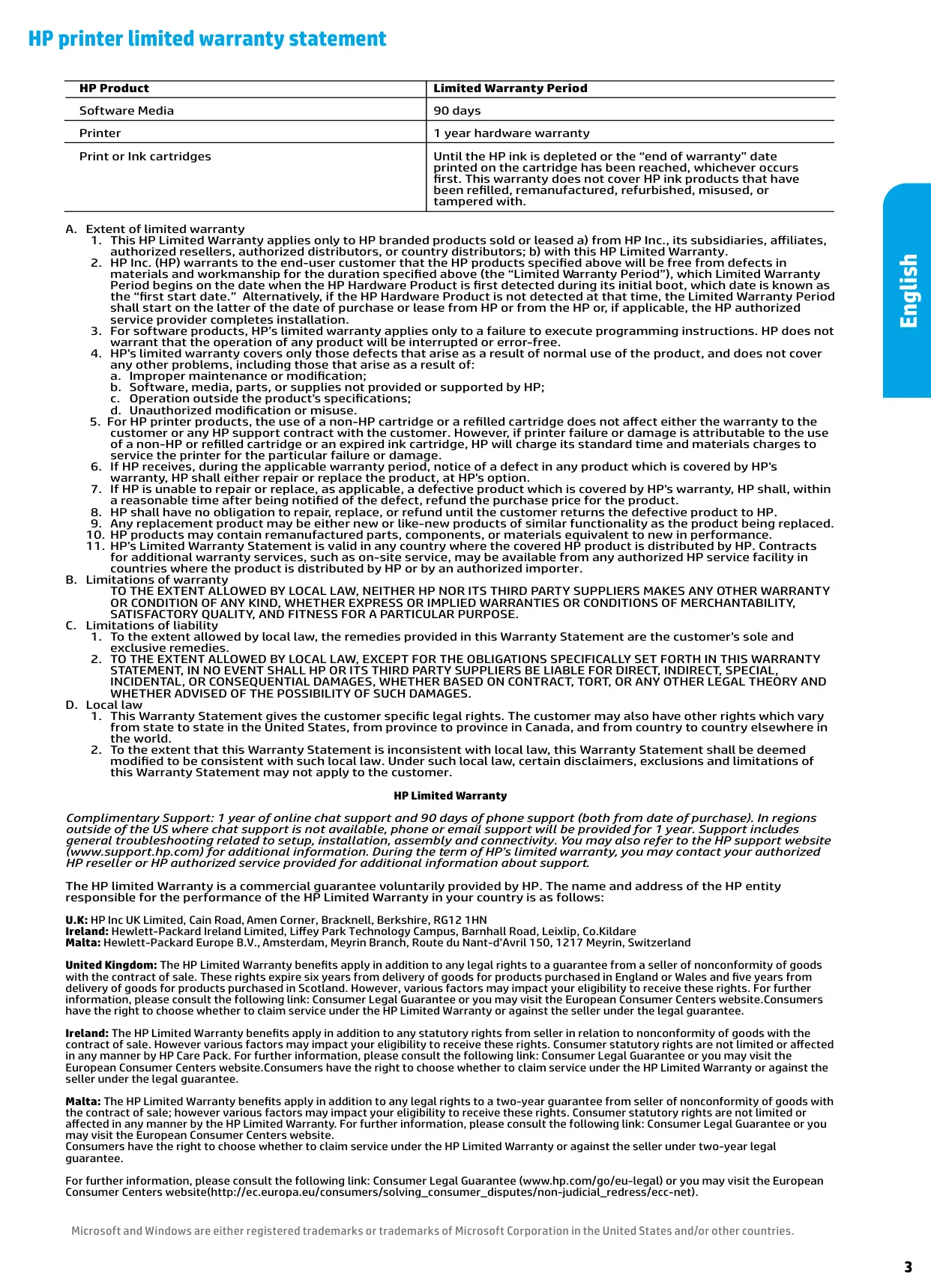
| Printer warranty | 1 year hardware |
| Software media warranty | 90 days |
| Complimentary support | 1 year online chat, 90 days phone support (from purchase date) |
HP Deskjet 3720 Printer Details
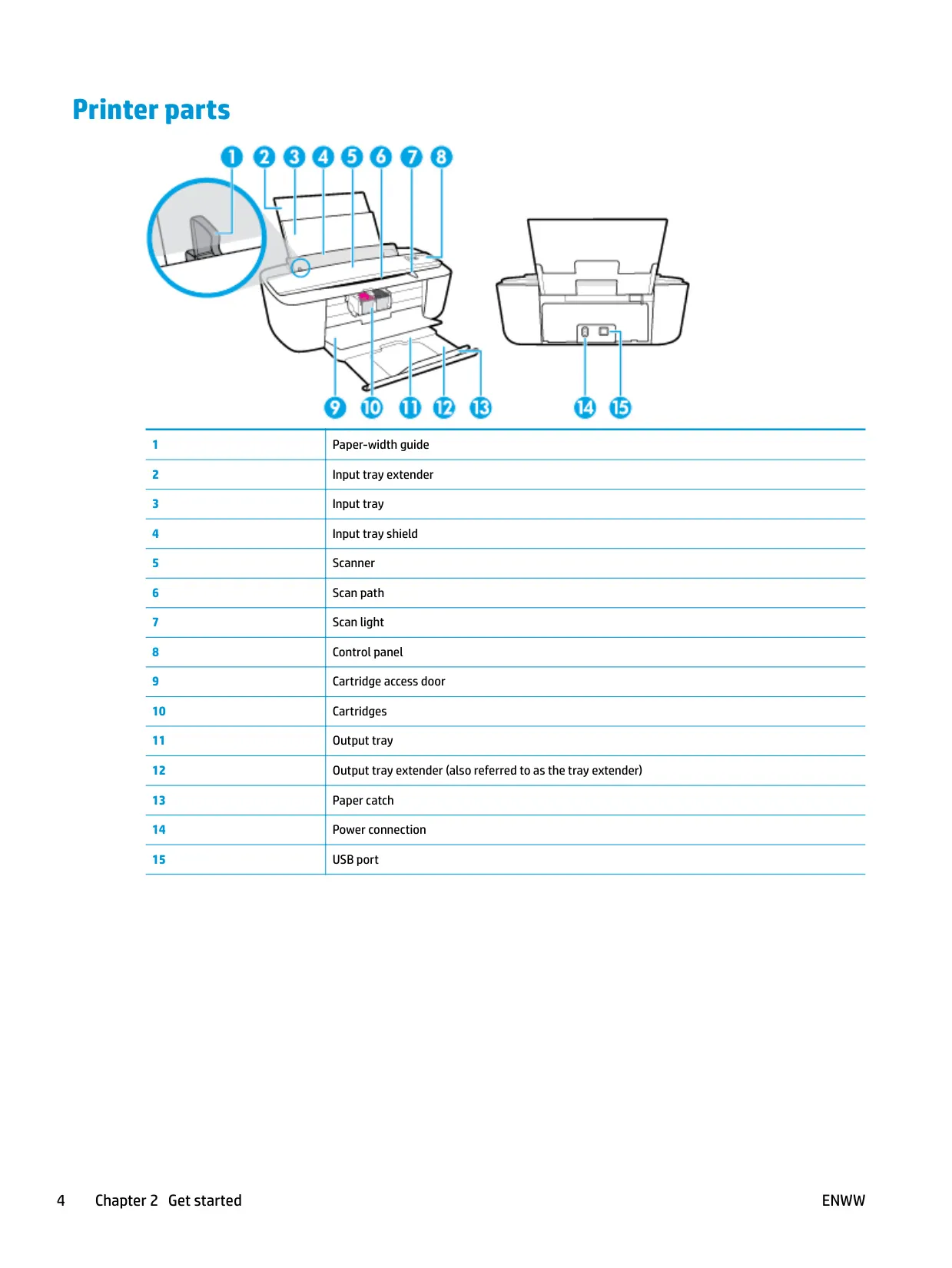
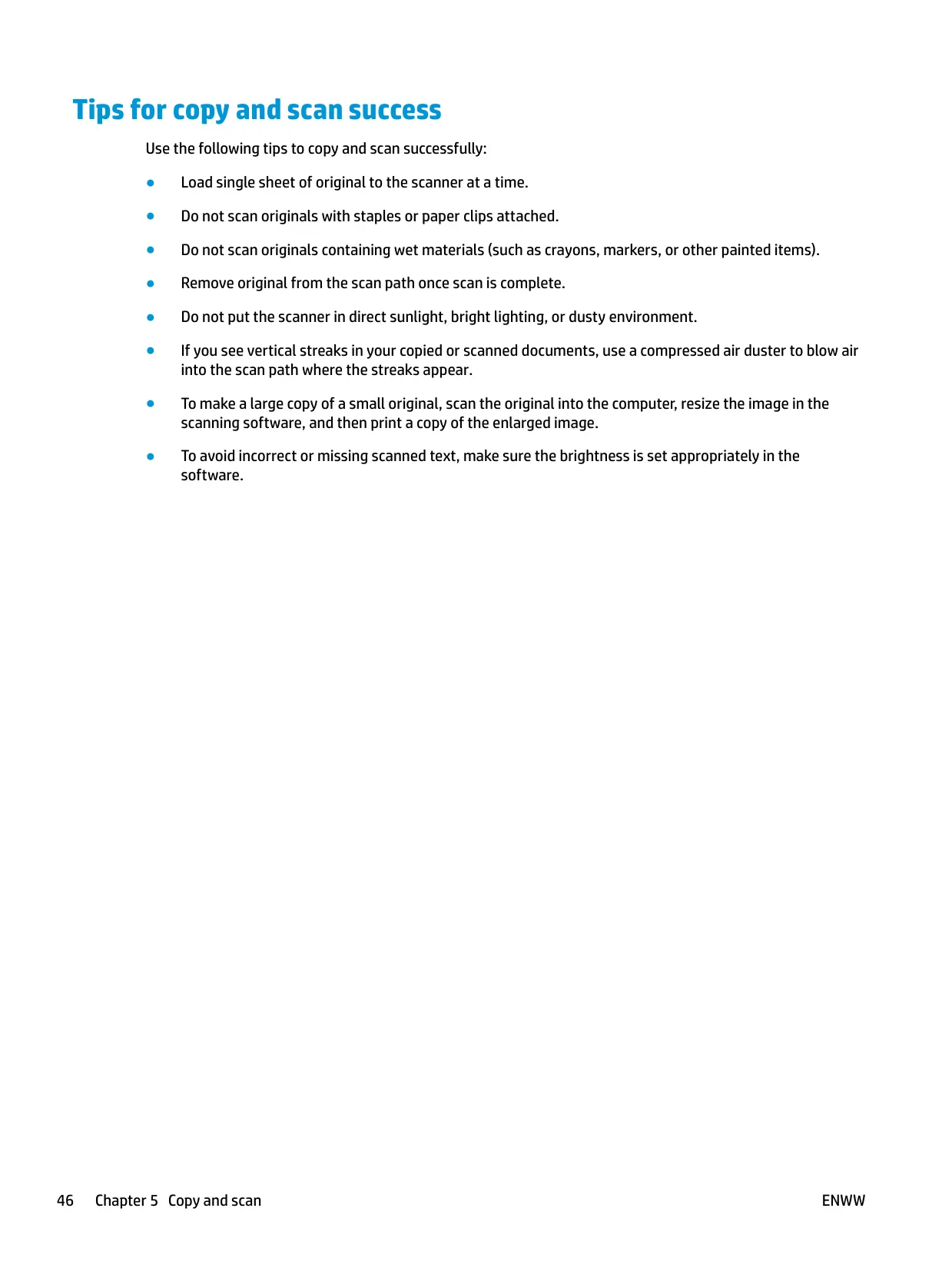
The HP Deskjet 3720 is a compact all-in-one with a sheet-fed scanner rather than a flatbed. To copy or scan, you load the original print side up, pushed against the right side of the scanner, until it feeds into the scan path and the scan light turns on. Pressing Start Copy Black or Start Copy Color starts a copy. Each extra press within two seconds adds another copy. Copying always uses normal quality, and the printer can still print if the scanner fails.
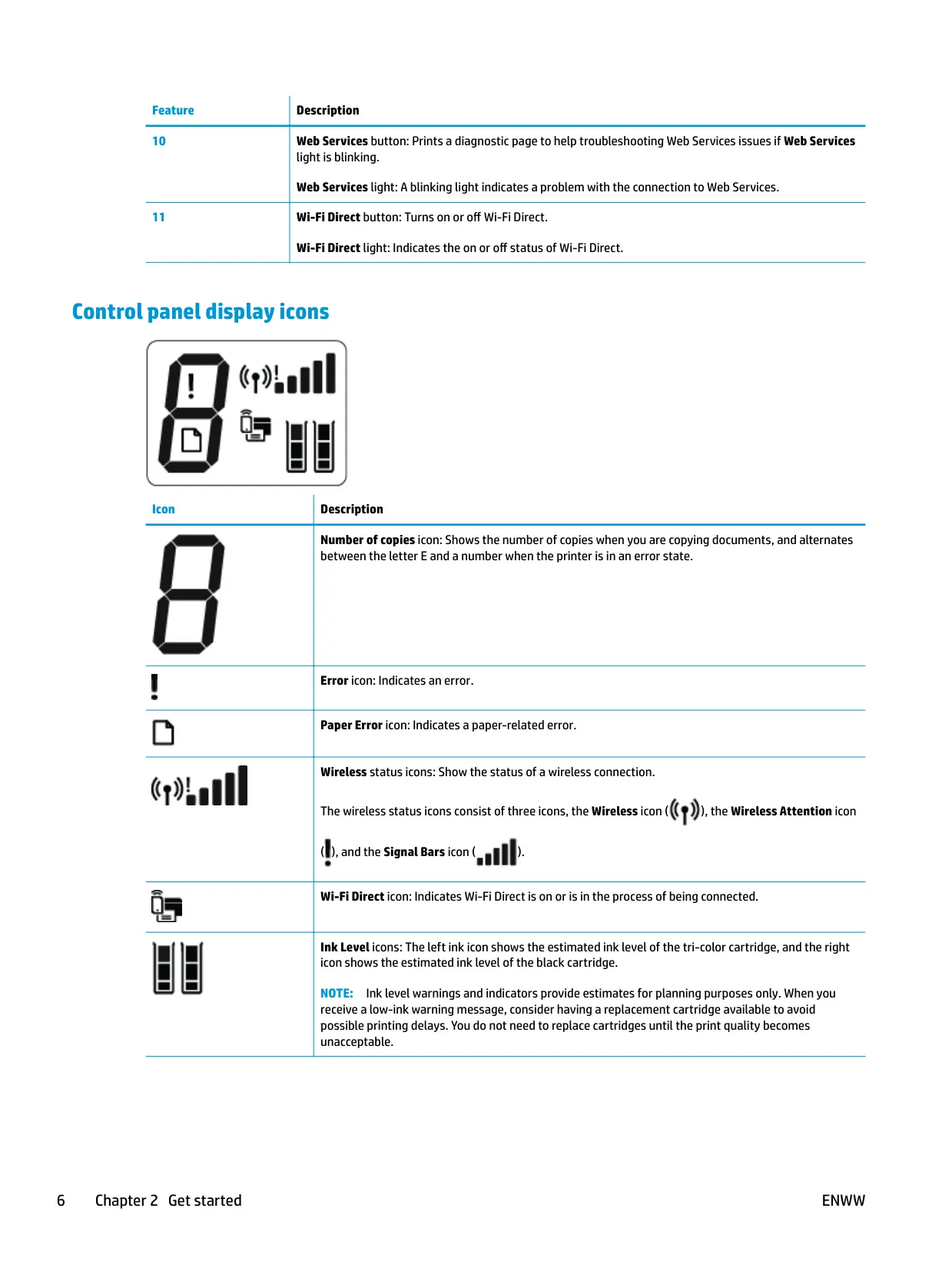
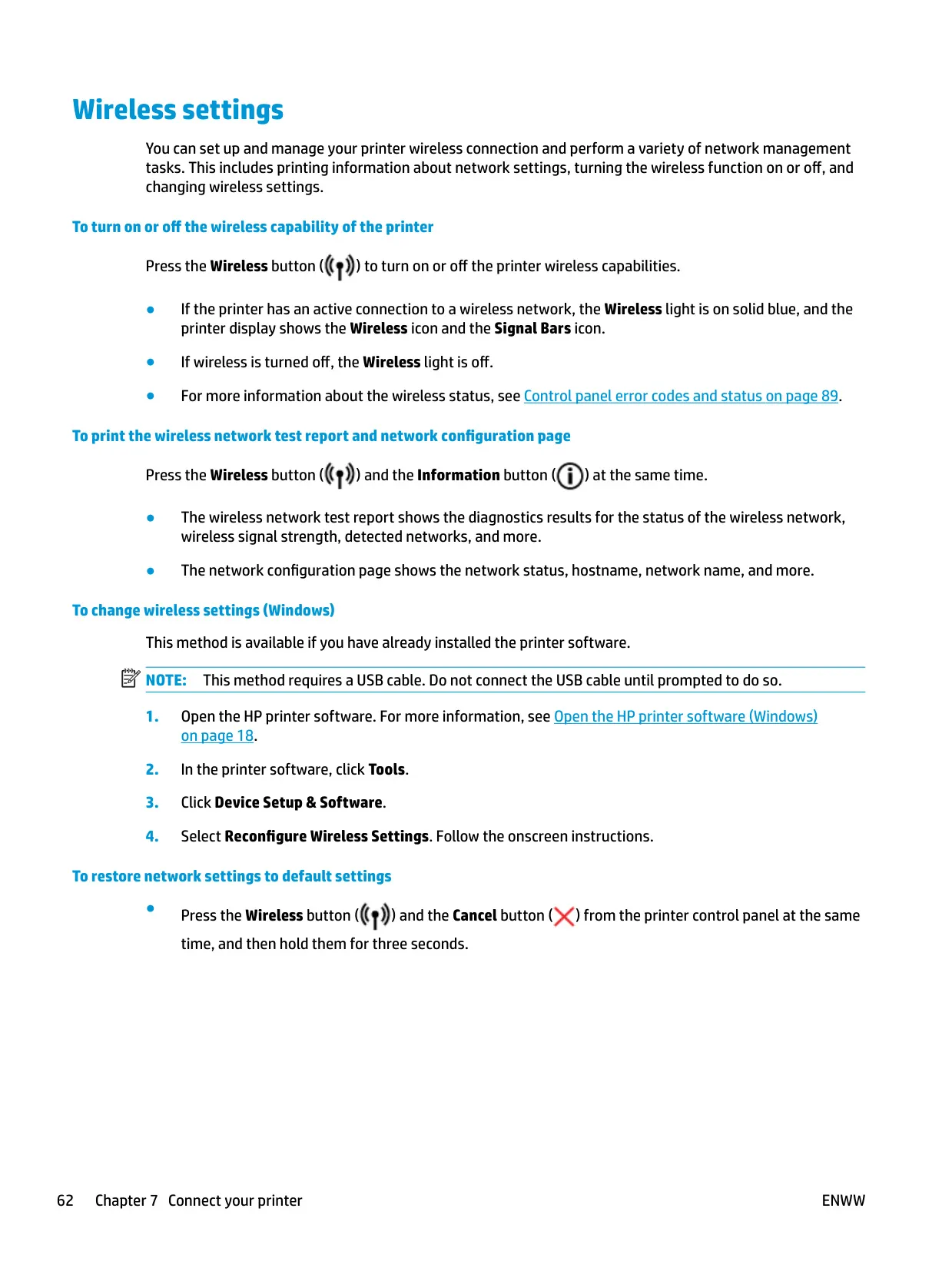
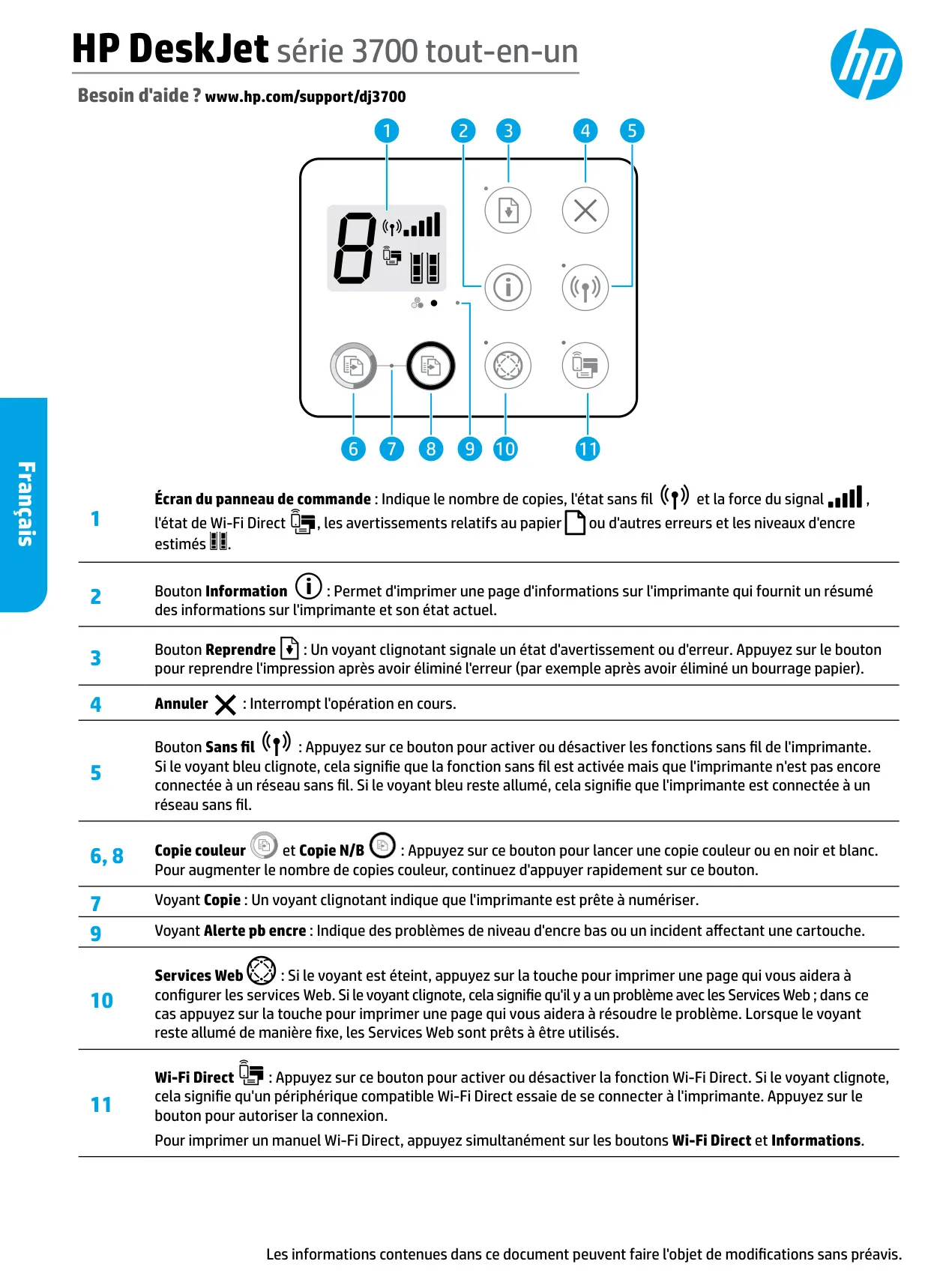
The control panel has a small display showing the copy count, wireless signal bars, Wi-Fi Direct status and the estimated ink levels of both cartridges. Errors show up as the letter E alternating with a number. E1 means the paper is too narrow for the job, E2 means a paper-length mismatch, E3 means the carriage has stalled, E4 means a paper jam, E5 means a scanner failure and E6 means a general error. You can fix an E6 by unplugging the printer for a minute.
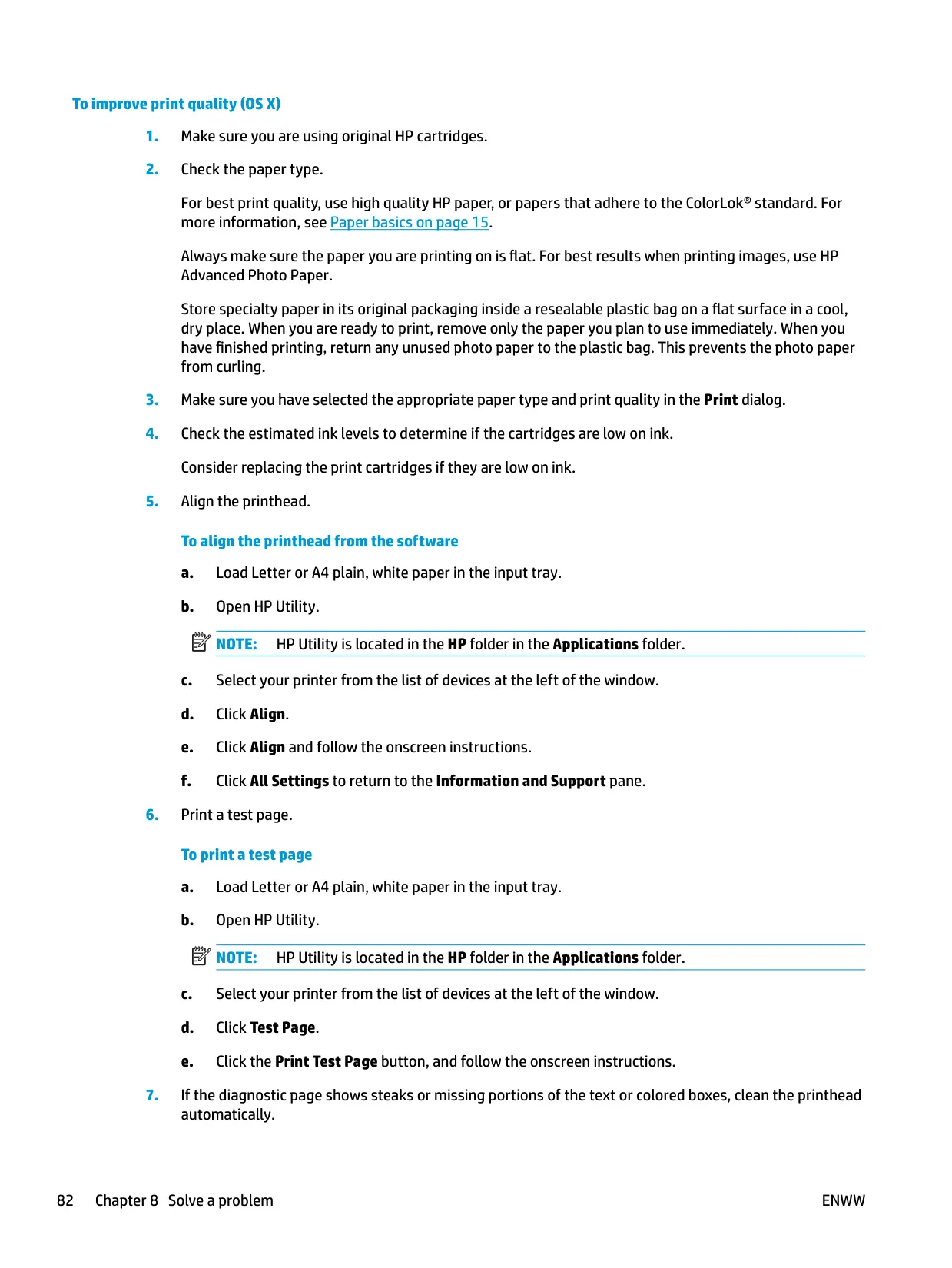
The printer detects whether paper is loaded and whether it is small, medium or large width. You can change the default paper size it detects in the embedded web server (EWS). Quiet Mode slows printing to reduce noise without lowering quality. It only works with Normal quality on plain paper and is off by default. There is no automatic two-sided printing: the driver has a Two-sided (Duplex) Printing shortcut that prompts you to reload the pages by hand.
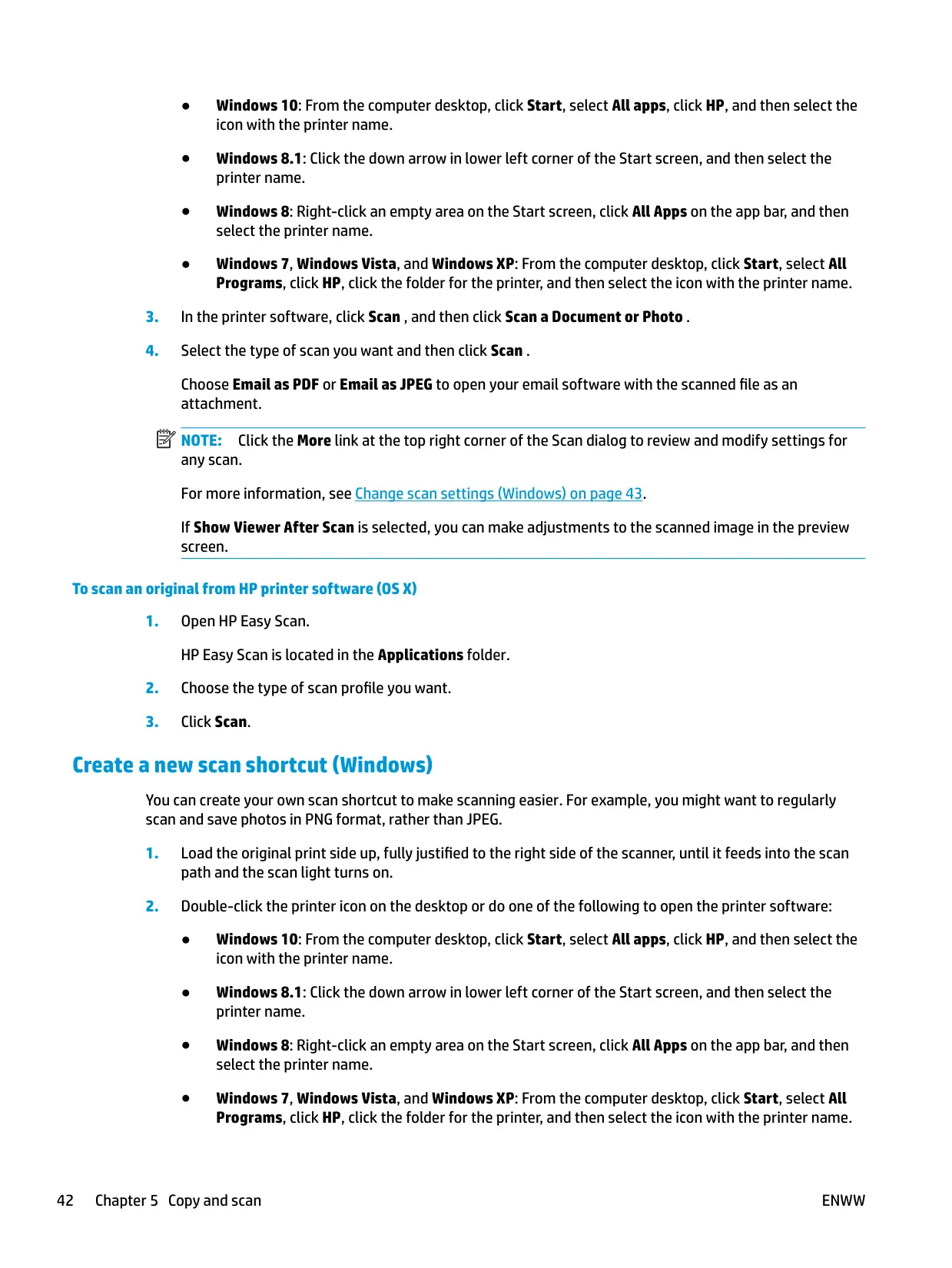
The Windows driver includes booklet printing with left or right binding, several pages per sheet with borders, grayscale printing with black ink only, HP Real Life Technologies image enhancement, and custom printing shortcuts. A Max DPI mode gives sharper photos on photo paper, but printing takes longer. The scan software saves files as PDF or JPEG, can attach them to an email, and lets you create your own scan shortcuts, for example to save photos as PNG.
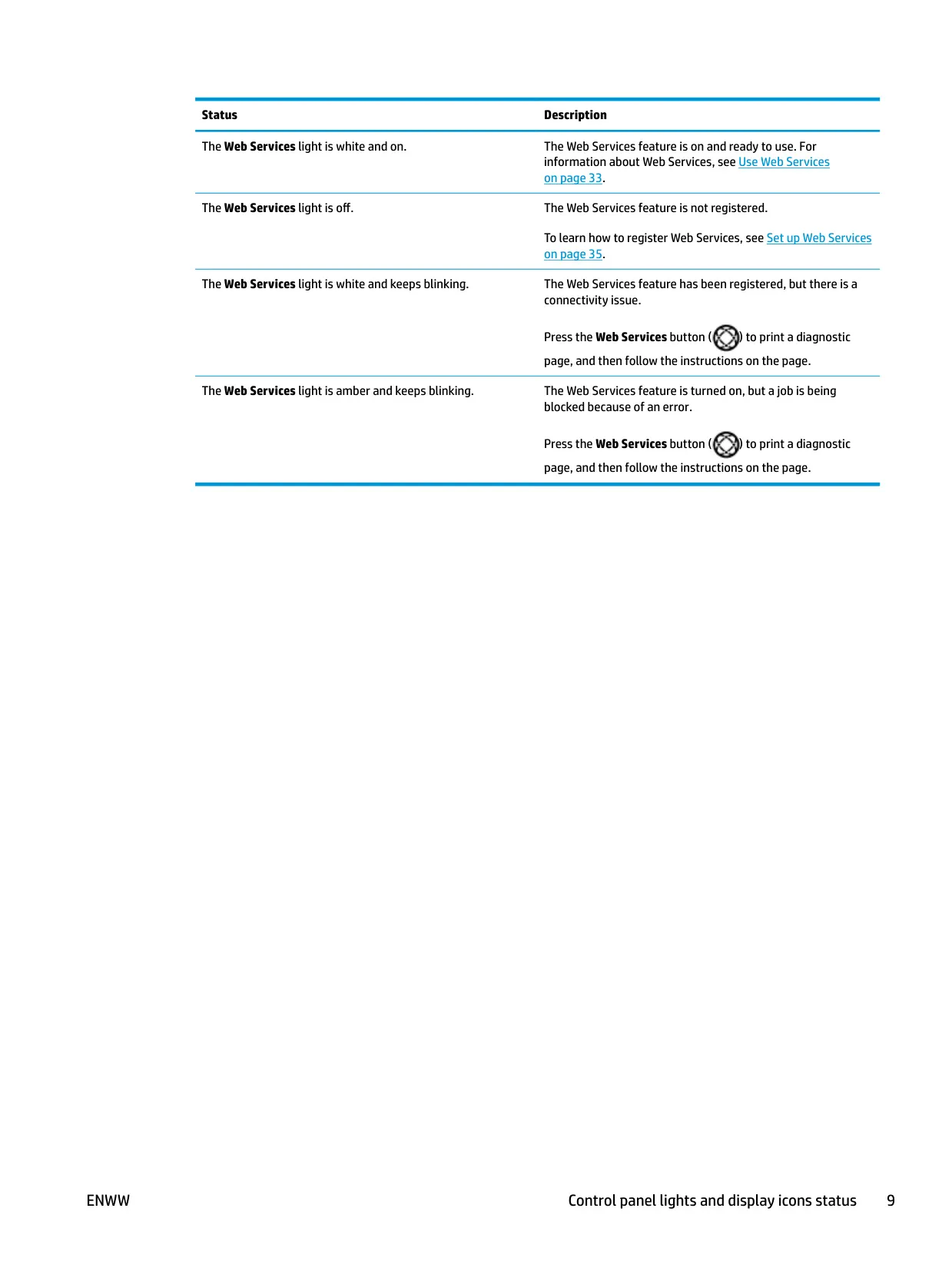
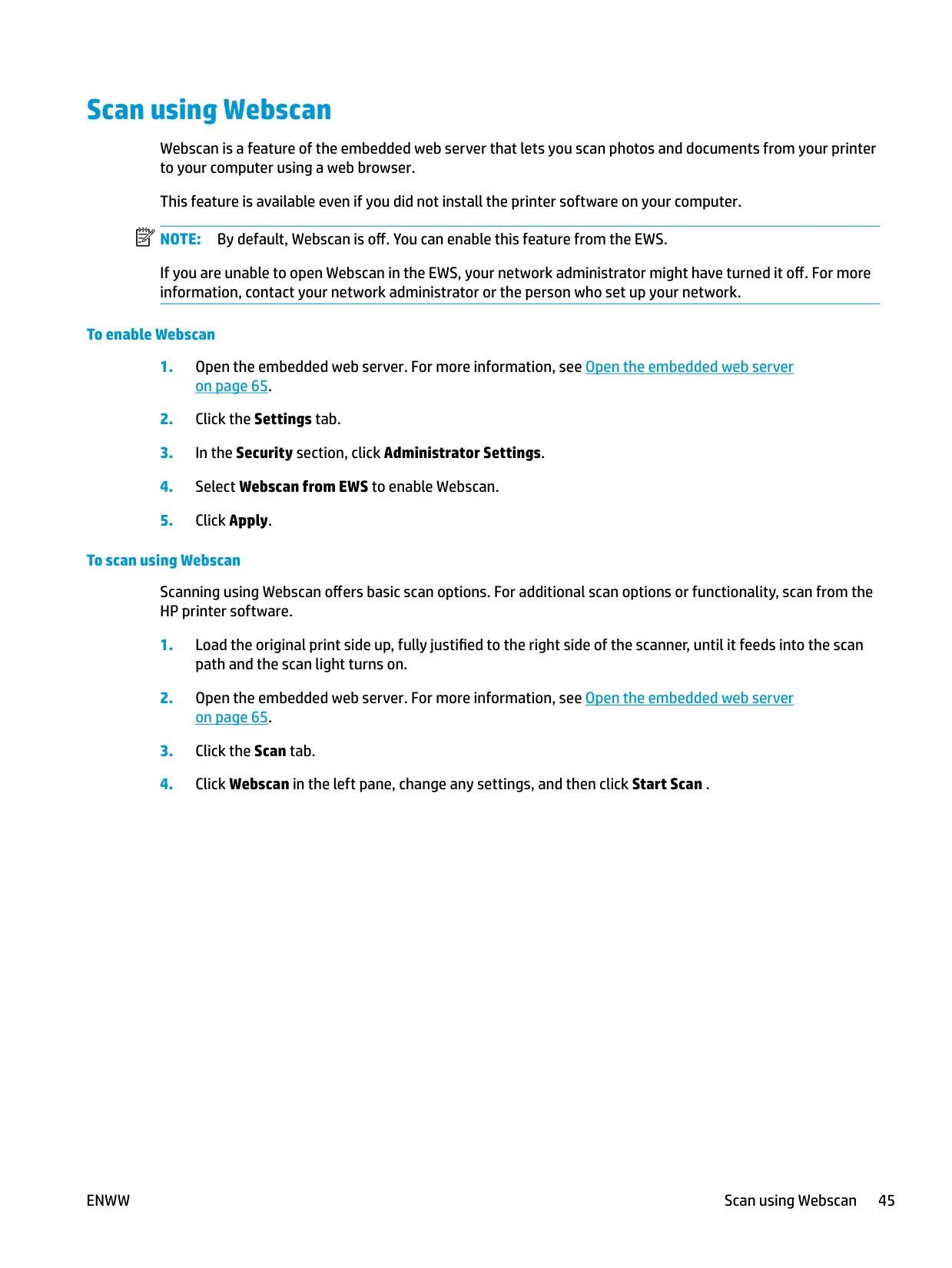
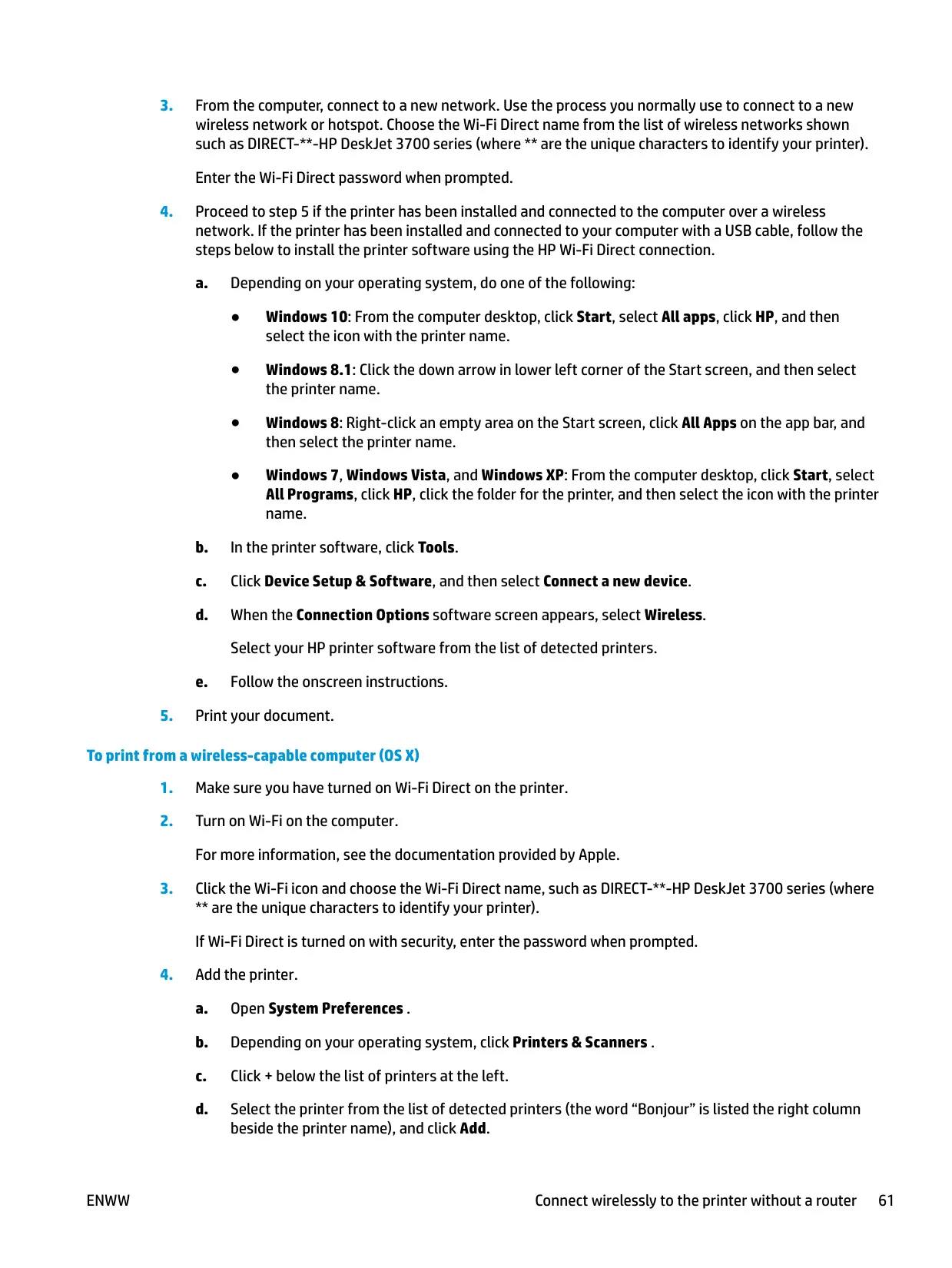
When Web Services are turned on, HP ePrint gives the printer its own email address, so you can print from anywhere by sending attachments to it. Webscan, which is off by default, lets you scan from a web browser through the EWS without installing any software. By default, Wi-Fi Direct connects in Automatic mode with no password. HP recommends switching it to Manual and setting an administrator password if you need more security.
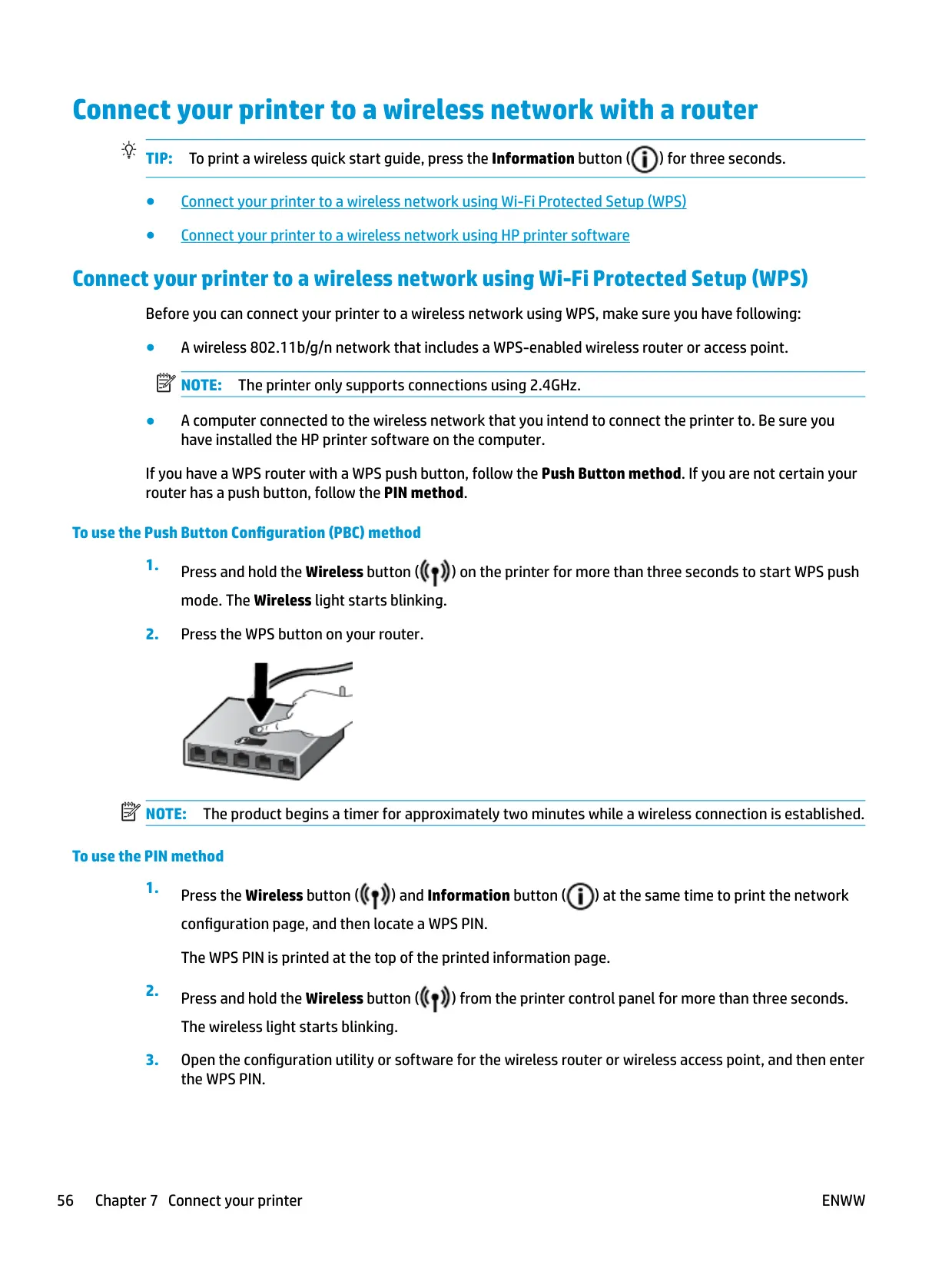
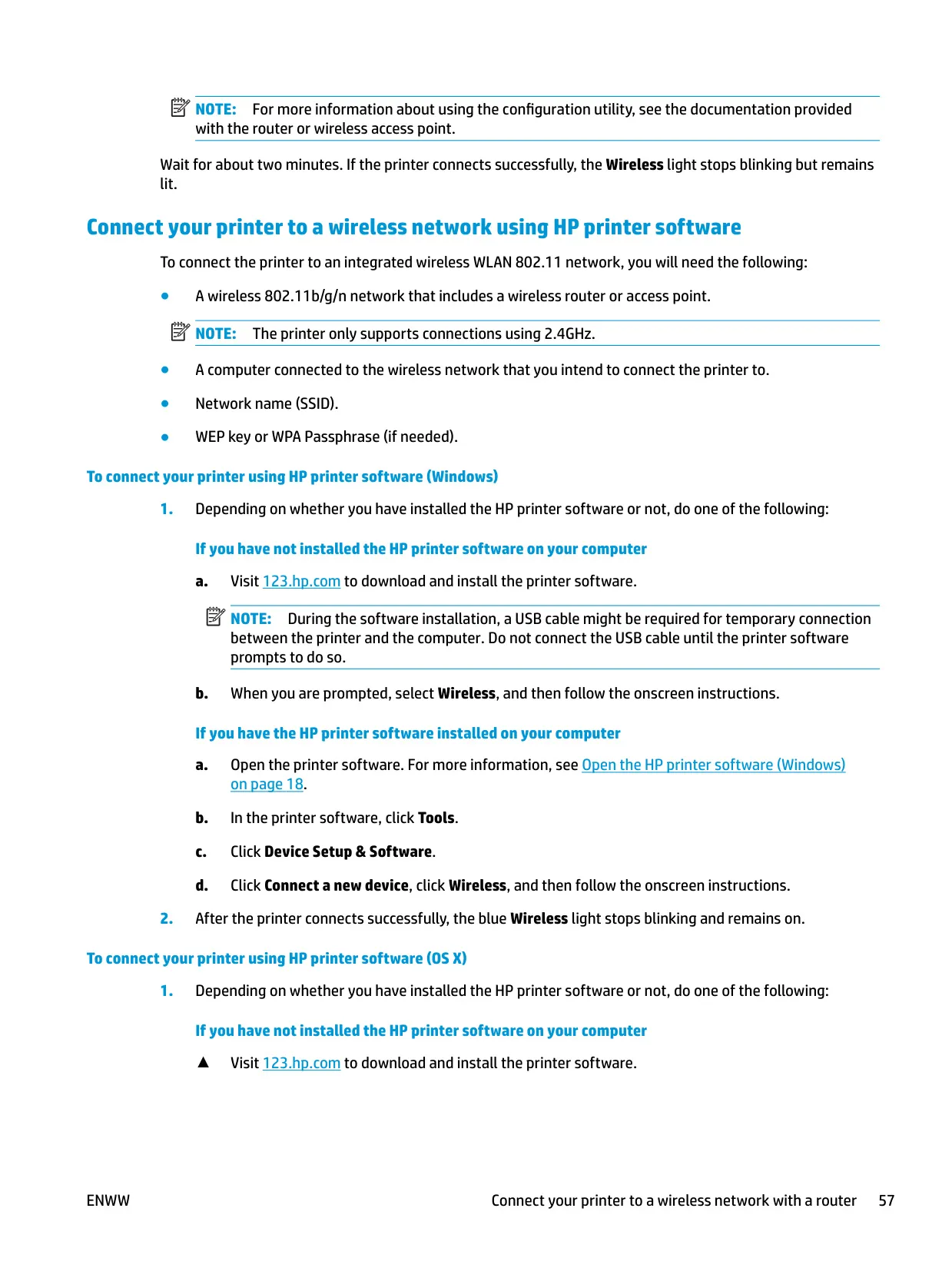
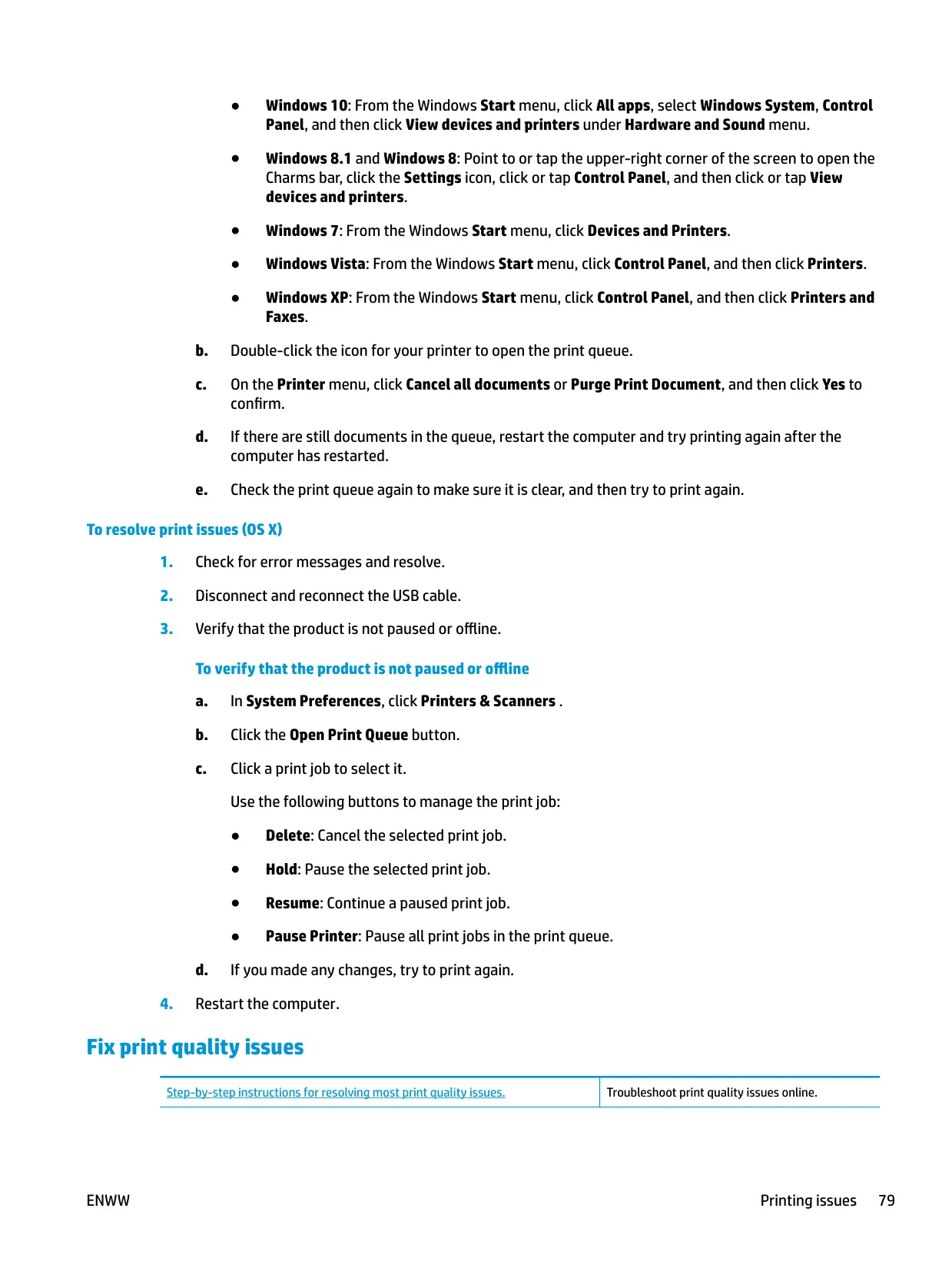
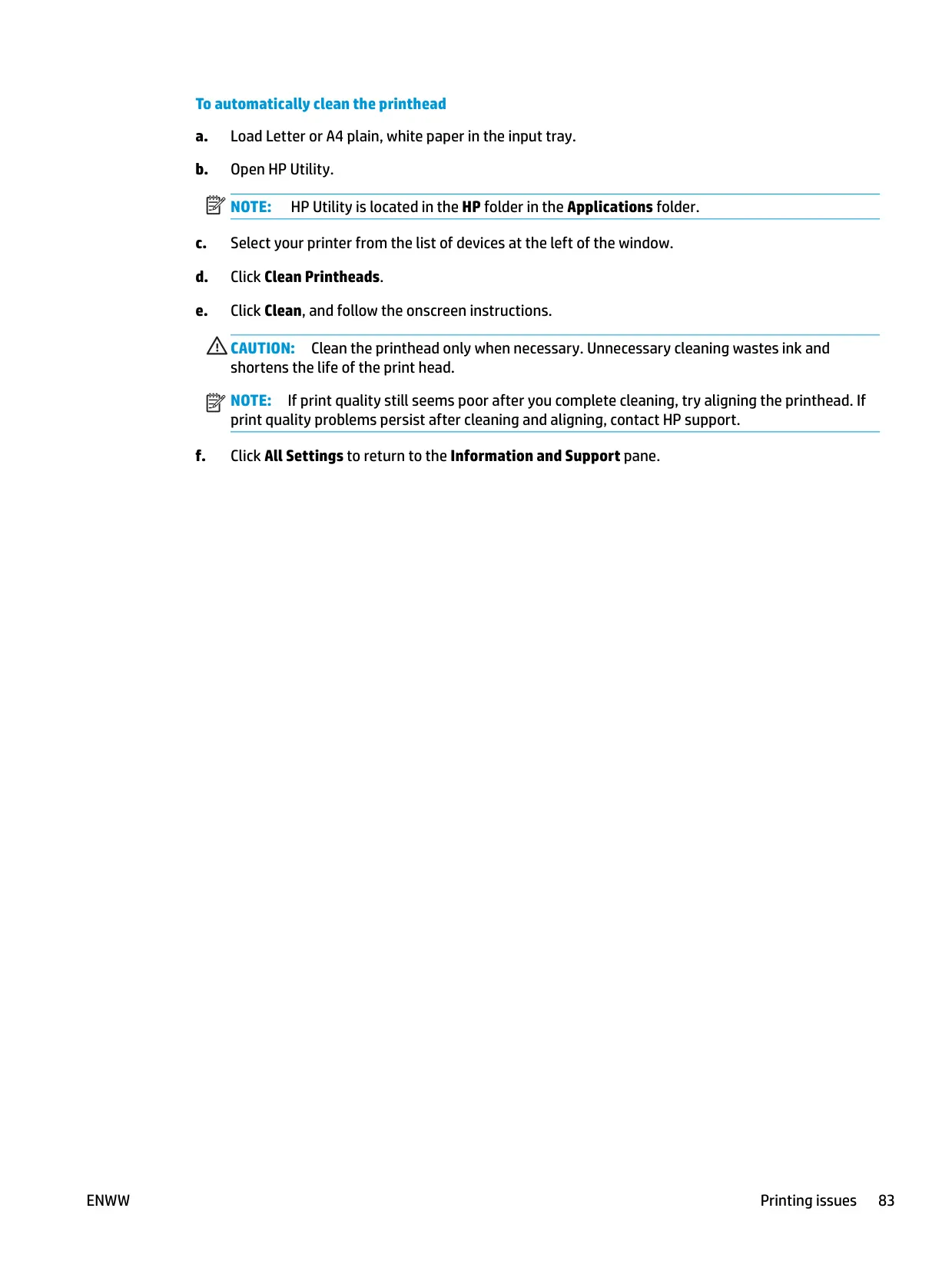
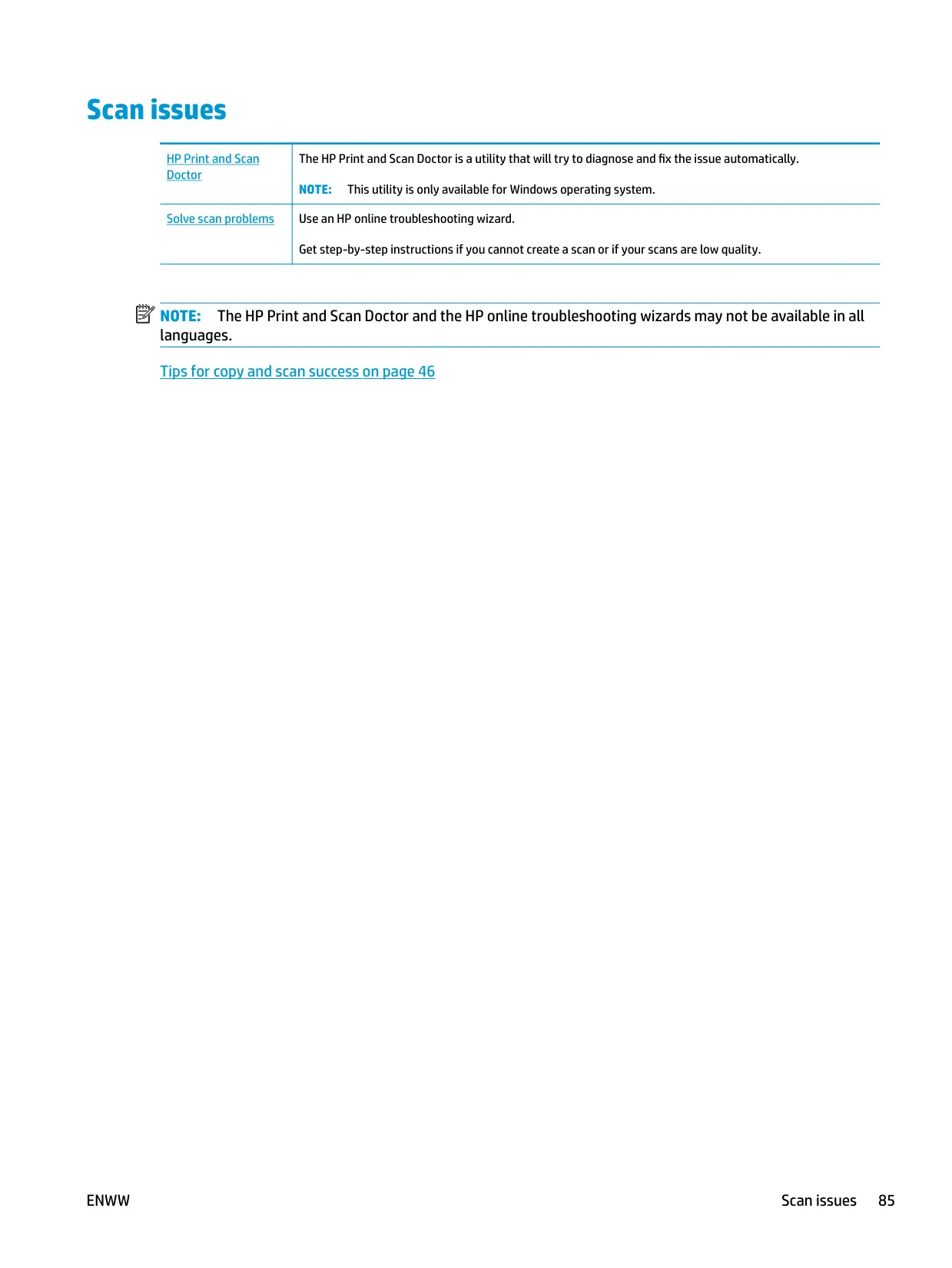
If one cartridge fails, single cartridge mode lets the printer keep working with just the black or just the tri-color cartridge. Maintenance tools in the software align and clean the cartridges and print diagnostic pages. On Windows, the HP Print and Scan Doctor can find and fix connection problems automatically. To keep the cartridges from drying out, always turn the printer off with the Power button. The HP Smart app from 123.hp.com handles wireless setup on computers and mobile devices.
Frequently Asked Questions (FAQs)
Can't find the answer you need? Here are some frequently asked questions about the HP Deskjet 3720 Printer, and we answer them below.

