
Orskey Dash Cam S900 Instruction Manual

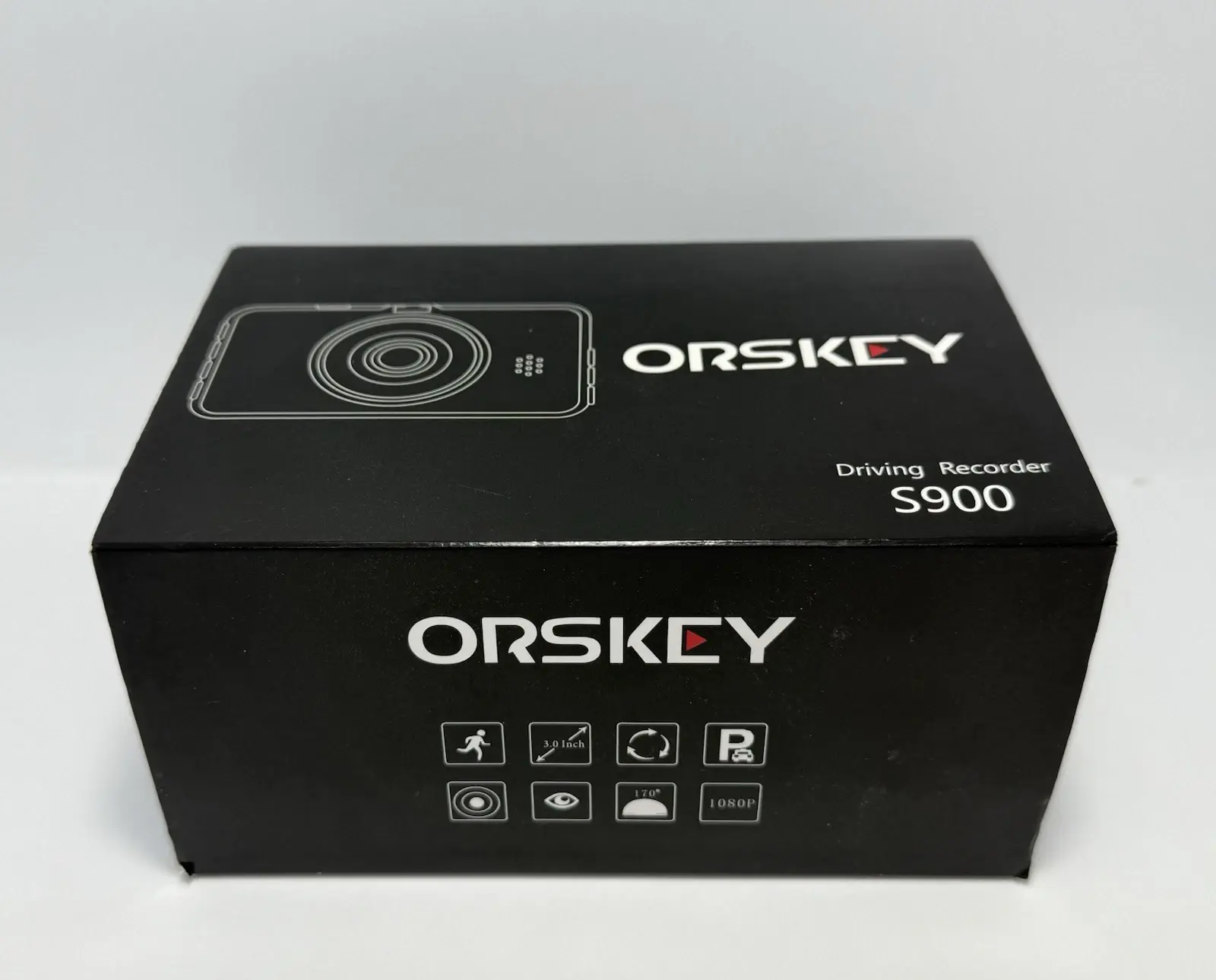
Orskey Dash Cam S900












Orskey Dash Cam S900 Instructions
Here we offer the Orskey Dash Cam S900 manual completely free and in English. We have cataloged this manual in the Dash Cams section on Manualverse, and it has been rated by 1 users with an average rating of 5. If you have any specific questions about Orskey Dash Cam S900, we suggest checking the Frequently Asked Questions (FAQs) section of this manual.
Product Images


Orskey Dash Cam S900 Specifications
| Feature | Specification |
|---|---|
| Display | 3’’ HD Screen |
| Angle | 170° Wide Angle |
| Record Method | Loop Recording / Motion Detection |
| Recording Format | AVI |
| Video Resolution | 1920×1080 (1080FHD) / 1440×1080 (1080P) / 1280×720 (720P) |
| Photo Resolution | 4032x3024 (12M) / 3648x2736 (10M) / 3264x2448 (8M) / 2592x1944 (5M) |
| Video Output | No |
| Language Options | English, Français, Español, Português, Deutsch, Italiana, Simplified Chinese, Traditional Chinese, Русский, Japanese |
| Gravity Sensor (G-Sensor) | Files locked in emergency |
| Manual Lock | Press Lock button during recording |
| Loop Recording Duration | Off / 1 Minute / 2 Minutes / 3 Minutes / 5 Minutes |
| Infrared Night Vision | Yes |
| Memory Card Support | Micro SD card (4GB-32GB, Class 10 or above) |
| USB Interface | USB 2.0 |
| Battery | Lithium Polymer Battery |
| Power Supply | DC-5V / 1.5A |
Orskey Dash Cam S900 Details
Before initial use, the Orskey Dash Cam S900 requires charging for at least two to three hours. This critical step ensures that the device can properly save its settings and function optimally from the start. Neglecting this initial charge may lead to configuration issues.
The product comes with a one-year warranty covering defects in materials or quality. ORSKEY provides customer support via email for assistance with accessories, replacements, or general inquiries. Users can contact support.us@orskey.com for America or support.eu@orskey.com for Europe.
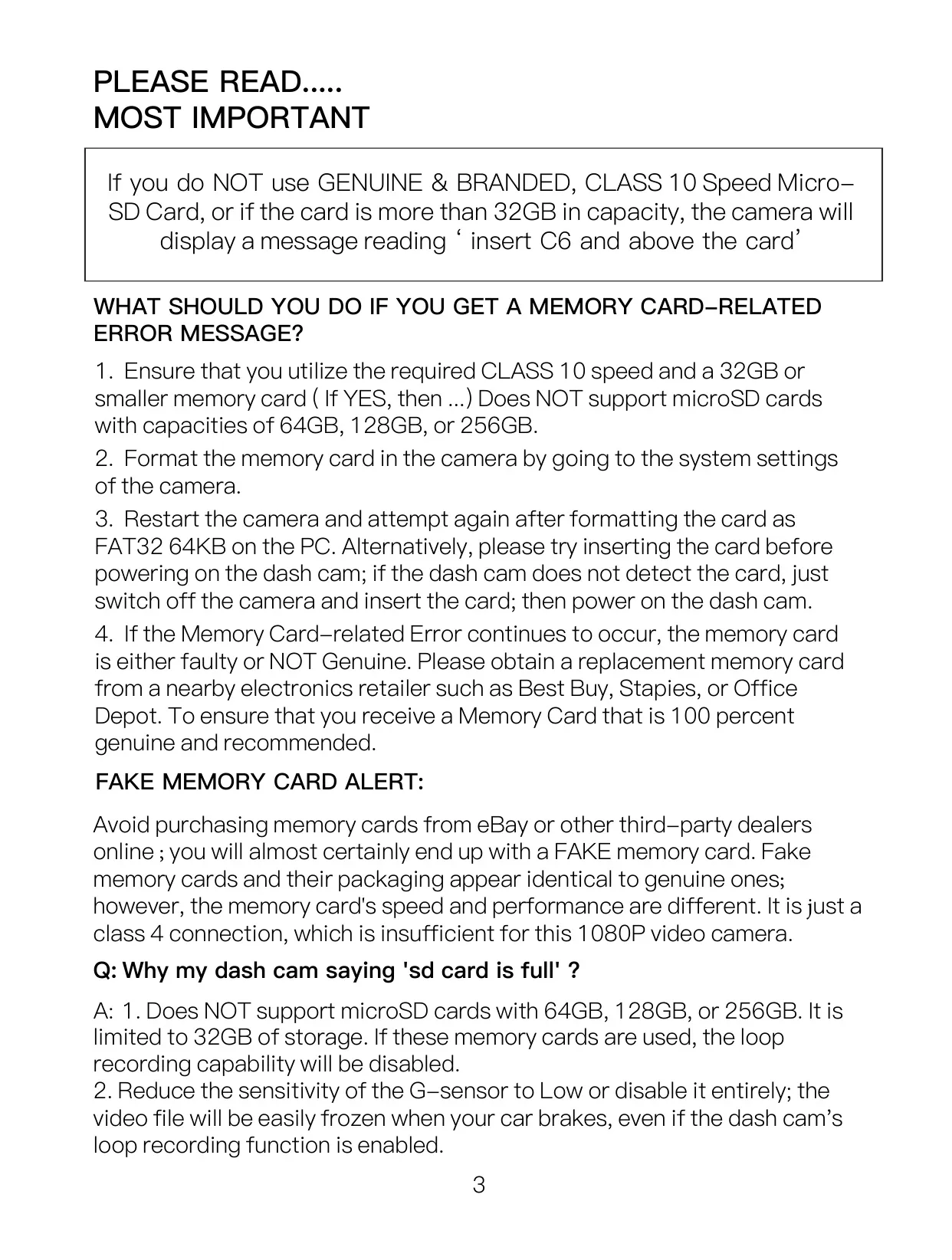
For optimal performance, it is crucial to use a genuine Class 10 MicroSD card with a maximum capacity of 32GB. The camera explicitly does not support 64GB, 128GB, or 256GB cards. Monthly formatting of the memory card is recommended to maintain product stability and prevent data storage issues.
The dash cam operates reliably within an ambient temperature range of -10°C to 60°C. Exceeding these limits may lead to product failure. Proper installation of the suction mount is vital; clean the windshield and ensure a secure lock to prevent detachment, which can occur due to prolonged exposure to temperature fluctuations.
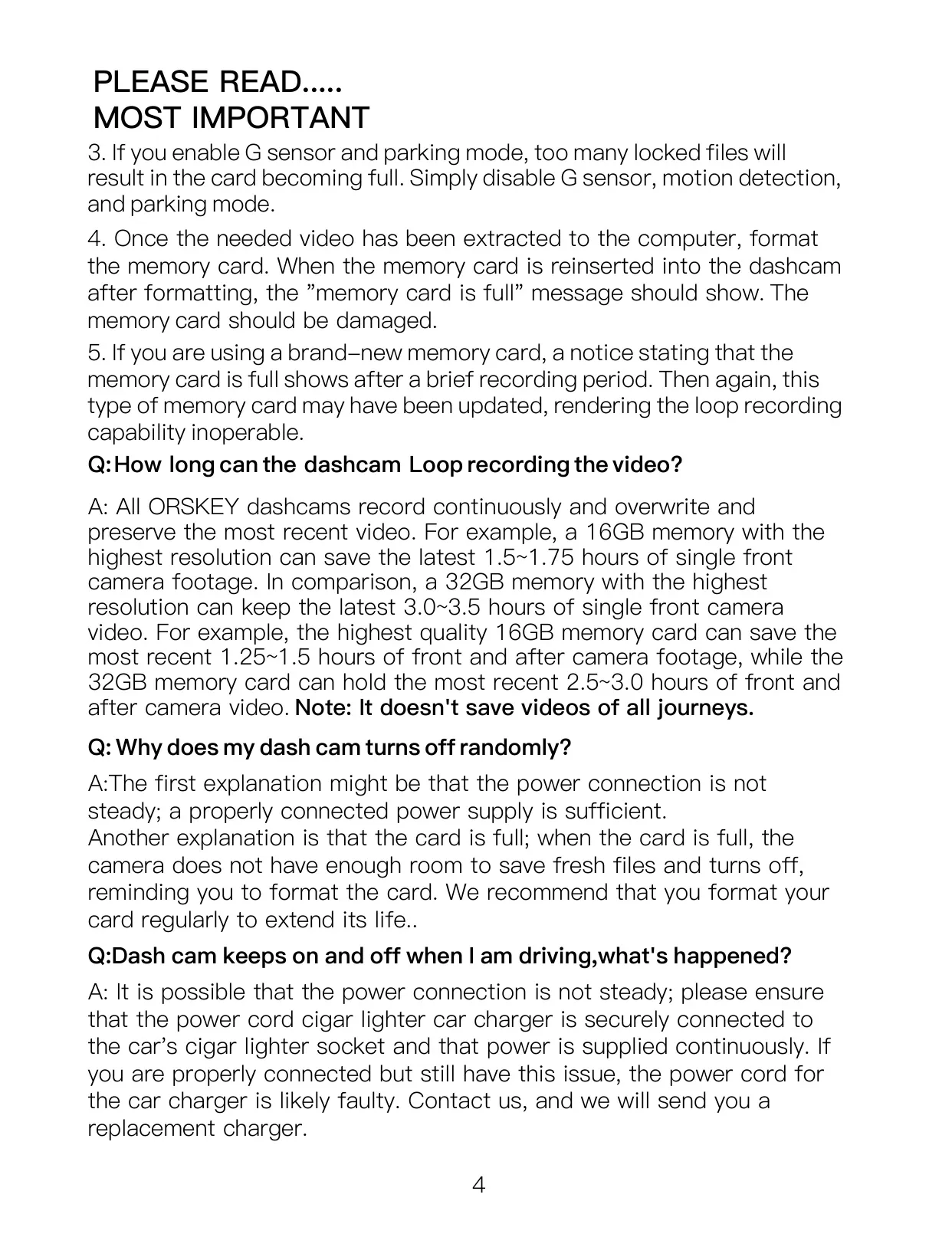
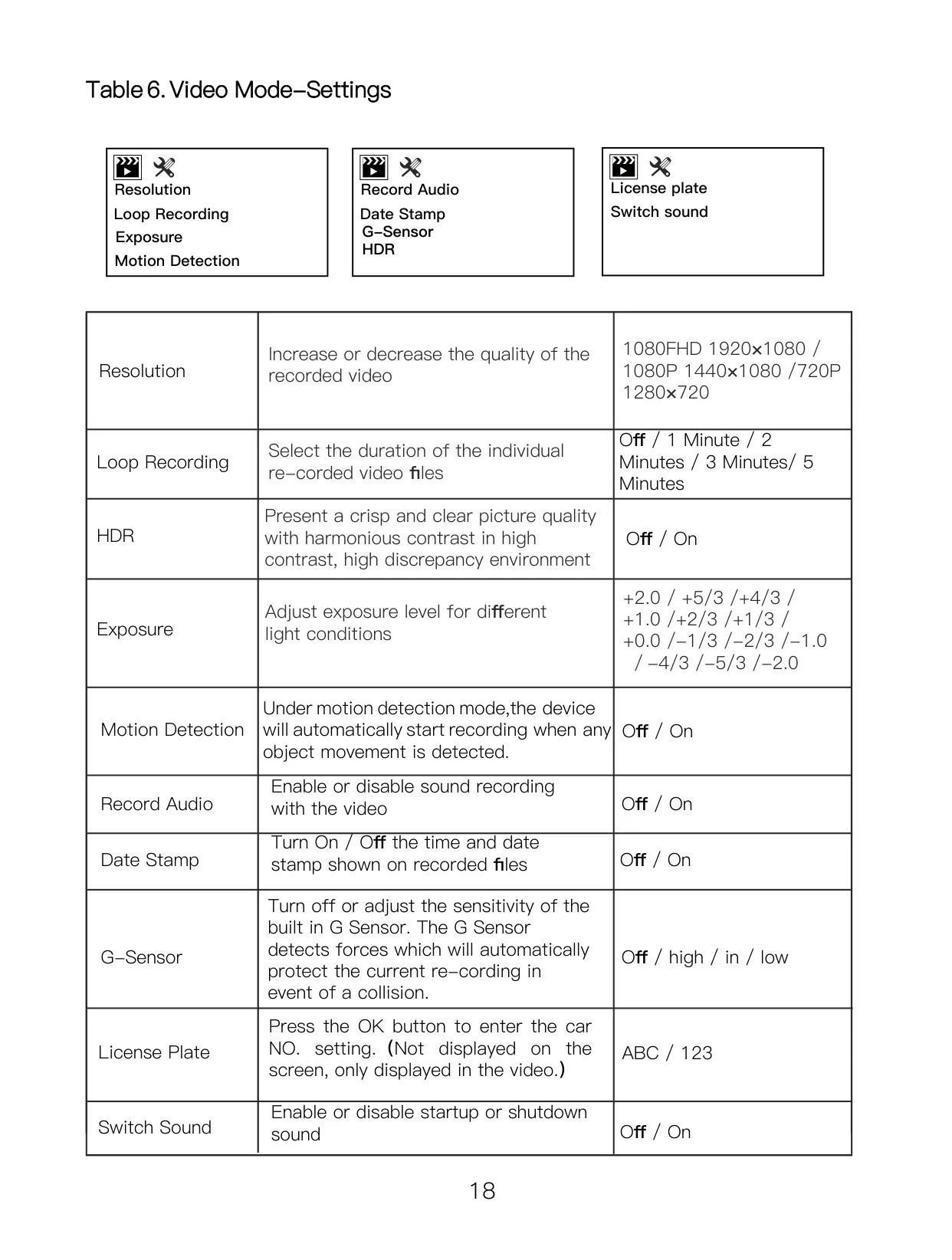
To ensure uninterrupted video recording while driving, users should disable the 'Motion Detection' function. Additionally, setting the G-sensor sensitivity to 'Low' or turning it 'Off' prevents video files from being easily frozen or locked during routine braking, which can fill the memory card prematurely.
For continuous 24-hour monitoring, the purchase of a separate Hardwire Kit is necessary. Connecting the dash cam to an uninterruptible power supply without authorization or expert consultation for installation may lead to vehicle or product malfunctions. There are specific hardwire connection methods outlined for parking monitoring.
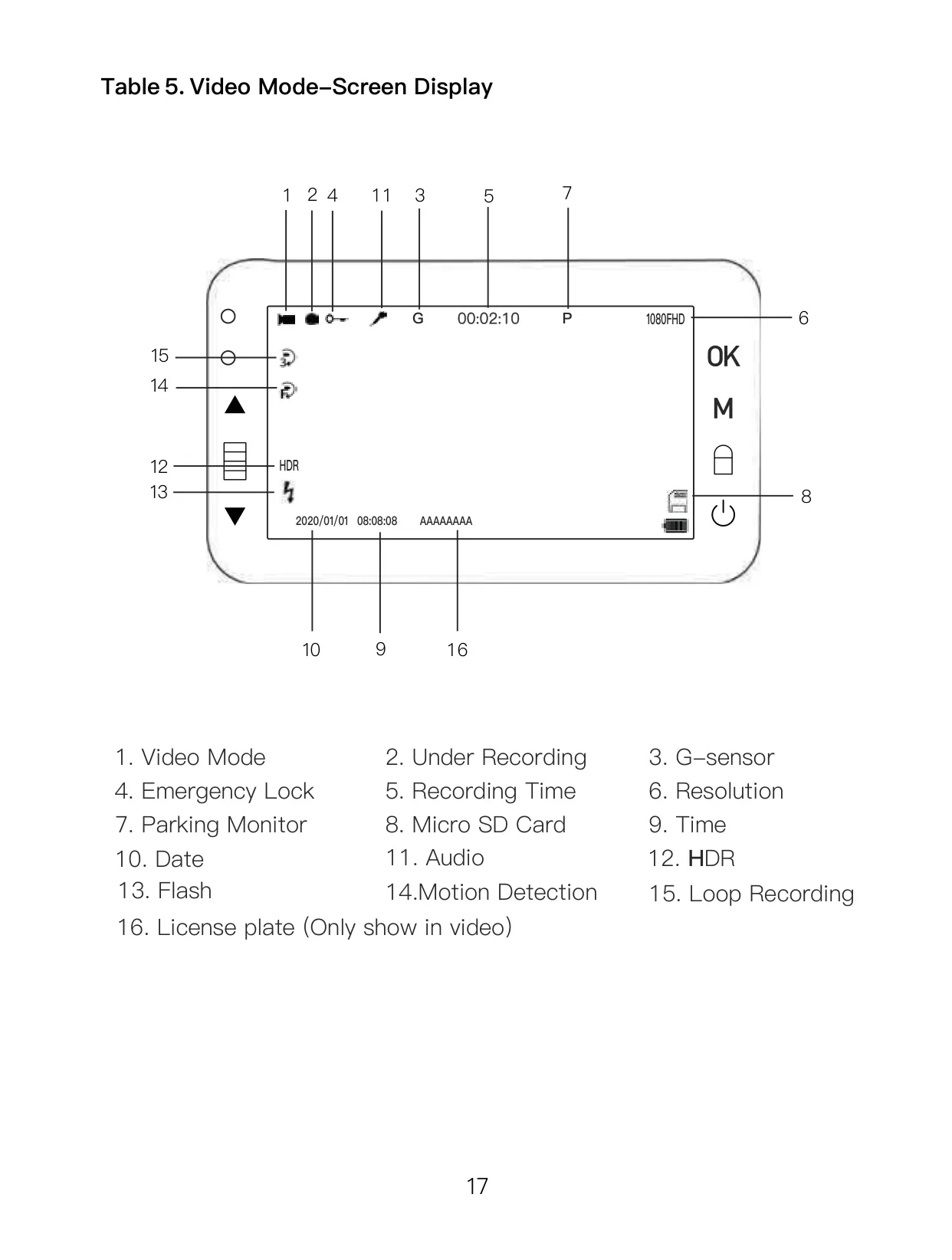
The dash cam features High Dynamic Range (HDR) to provide crisp, clear picture quality with harmonious contrast in high-contrast environments. This improves visibility in challenging lighting conditions, such as low light or strong backlighting, enhancing the overall video clarity.
Users can adjust the 'Exposure' level to suit different light conditions, allowing for fine-tuning of video brightness. The 'Date Stamp' function offers the flexibility to display or hide the time and date on recorded video files, providing essential context to footage when needed.
The device also allows for a 'License Plate' entry, which is not displayed on the screen but is embedded into the video recordings. This feature can be beneficial for identification purposes if footage needs to be used as evidence.
In Photo Mode, the camera offers various settings beyond basic capture. Users can adjust 'Resolution,' 'Sequence' (for burst shots), 'Quality' (compression strength), 'Sharpness,' 'White Balance,' 'ISO,' 'Exposure,' 'Anti-Shaking,' and 'Quick Review' duration. These options enable more customized still image capture.
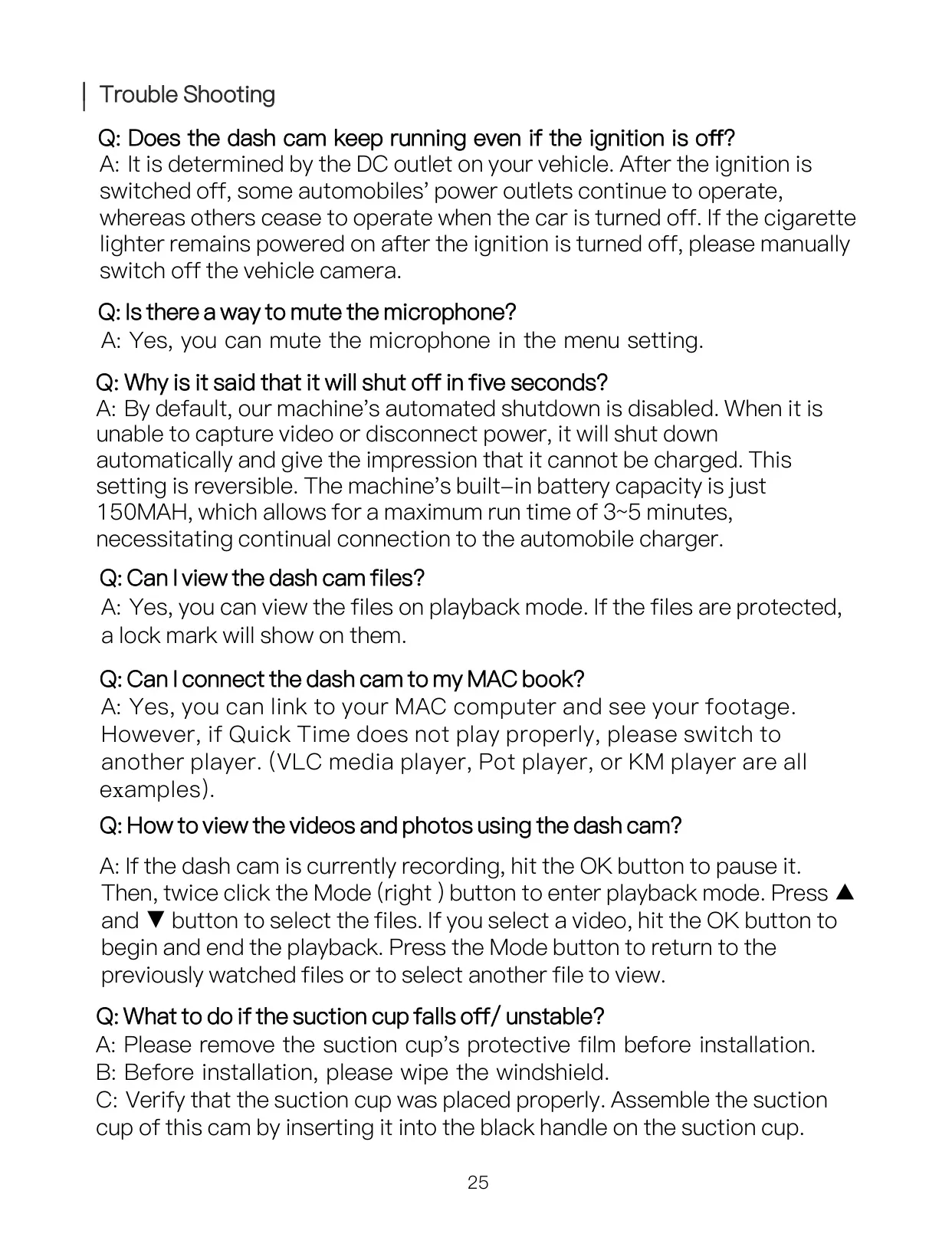
The internal lithium polymer battery has a limited capacity, providing only 3-5 minutes of runtime. For continuous recording, the dash cam must remain connected to the vehicle's power supply using the supplied car charger. This limitation is crucial for users to understand regarding power management.
During playback on a PC, the manual recommends using VLC media player, Pot player, or KM player for smoother video viewing. The dash cam connects via a mini USB data cable, entering 'Mass storage' mode, and organizes files into folders like DCIMA (front camera), DCIMB (rear camera), and LOCA/MOVA (locked/normal video).
The rear camera offers two installation positions: on the rear windshield for easy setup or near the license plate for enhanced reversing guidance. If the reversing function is desired, the rear camera's red trigger wire must connect to the vehicle's reversing lamp's positive lead.
Frequently Asked Questions (FAQs)
Can't find the answer you need? Here are some frequently asked questions about the Orskey Dash Cam S900, and we answer them below.