
Omron BP742N Blood Pressure Monitor Instruction Manual
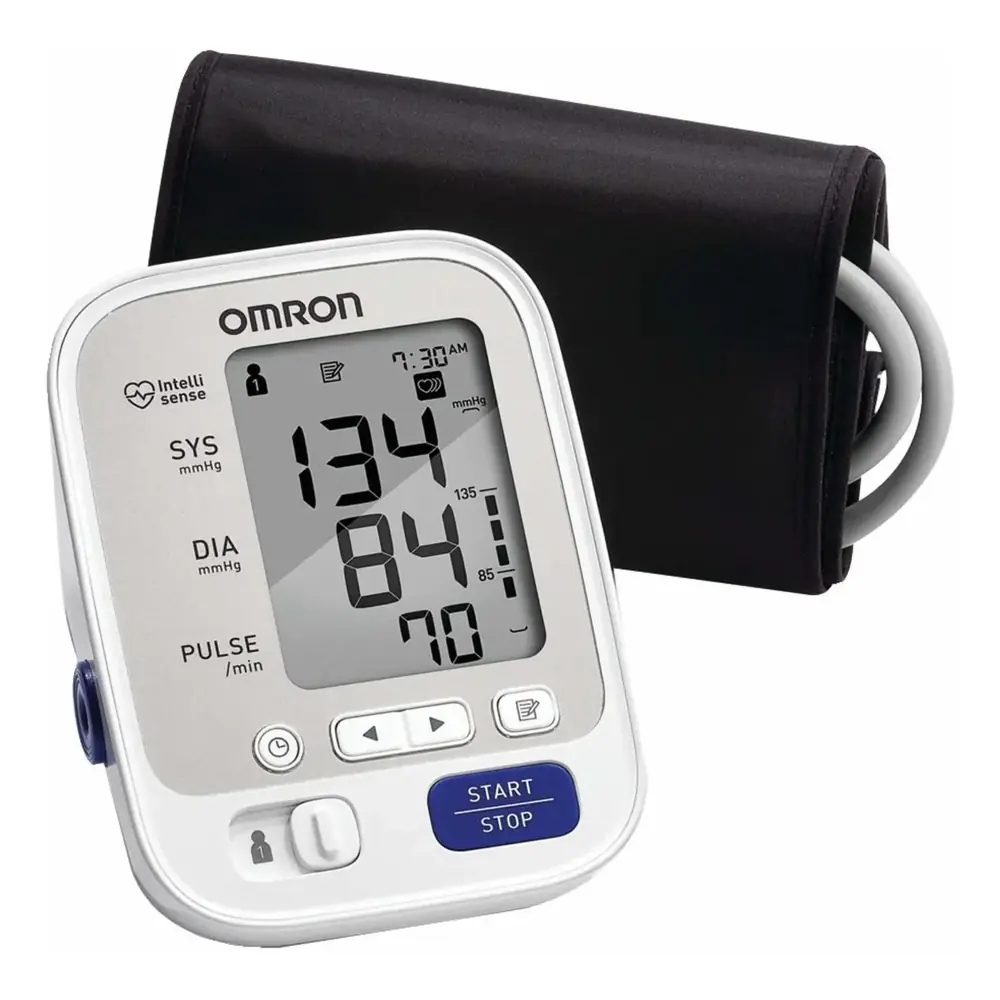
Omron BP742N Blood Pressure Monitor







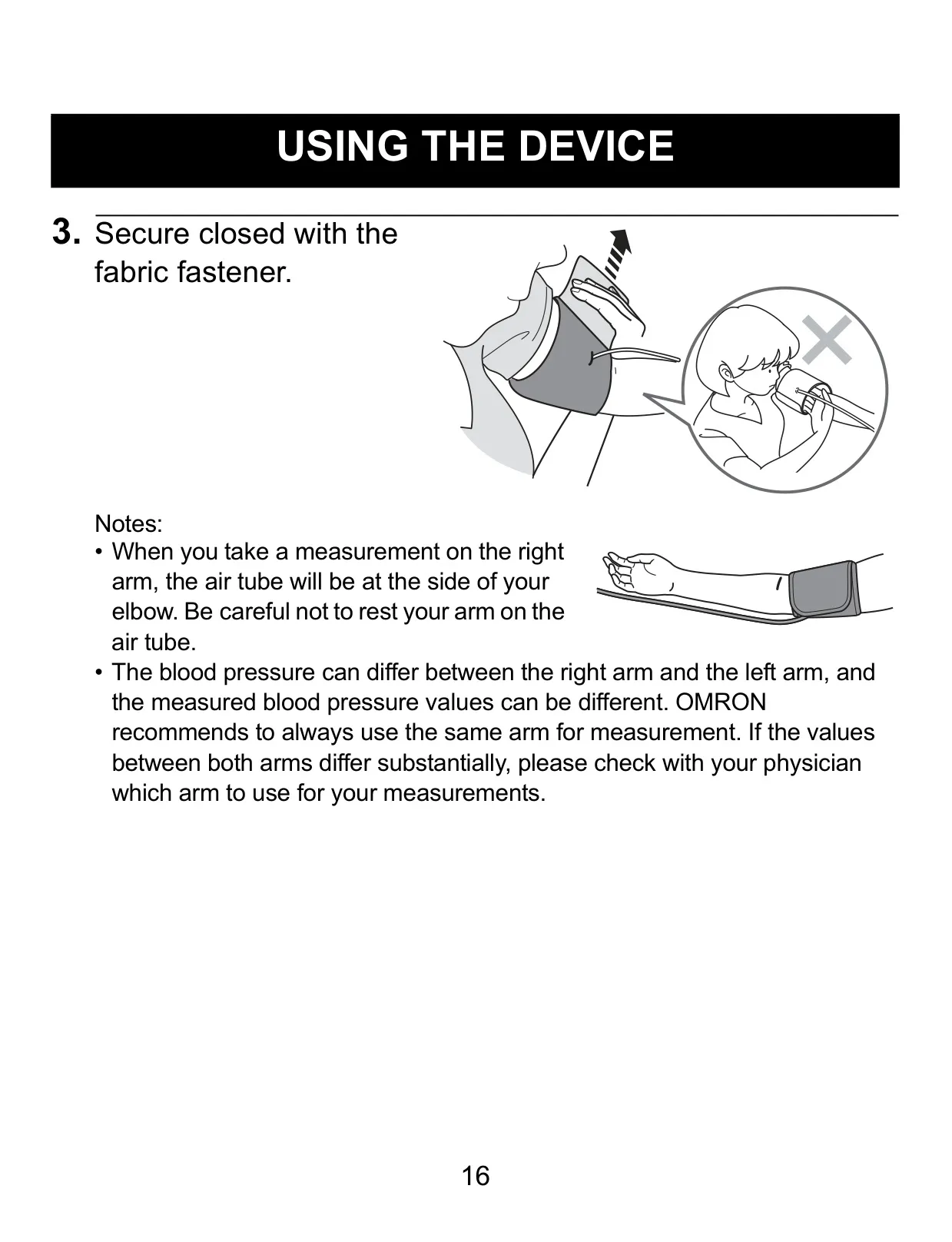
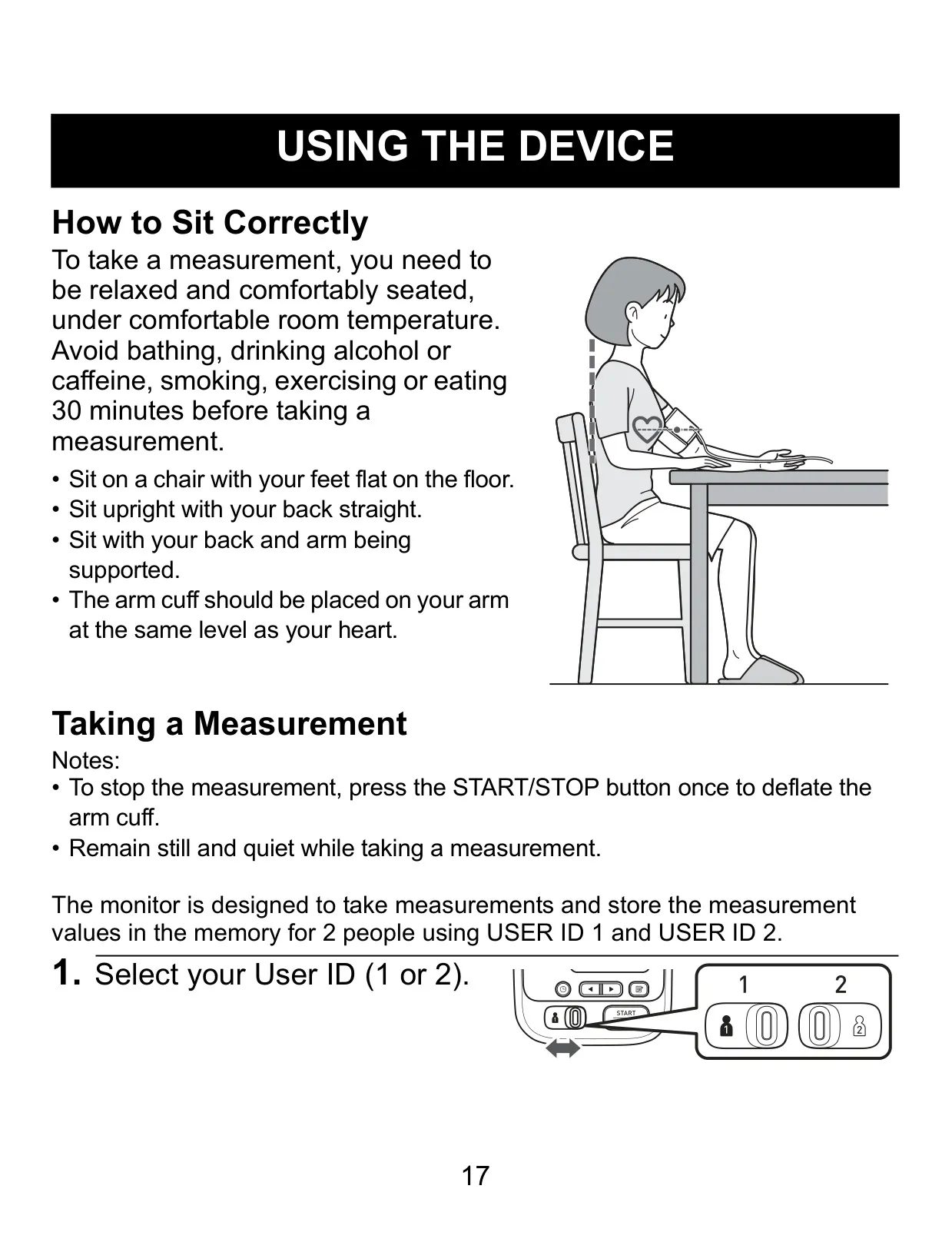
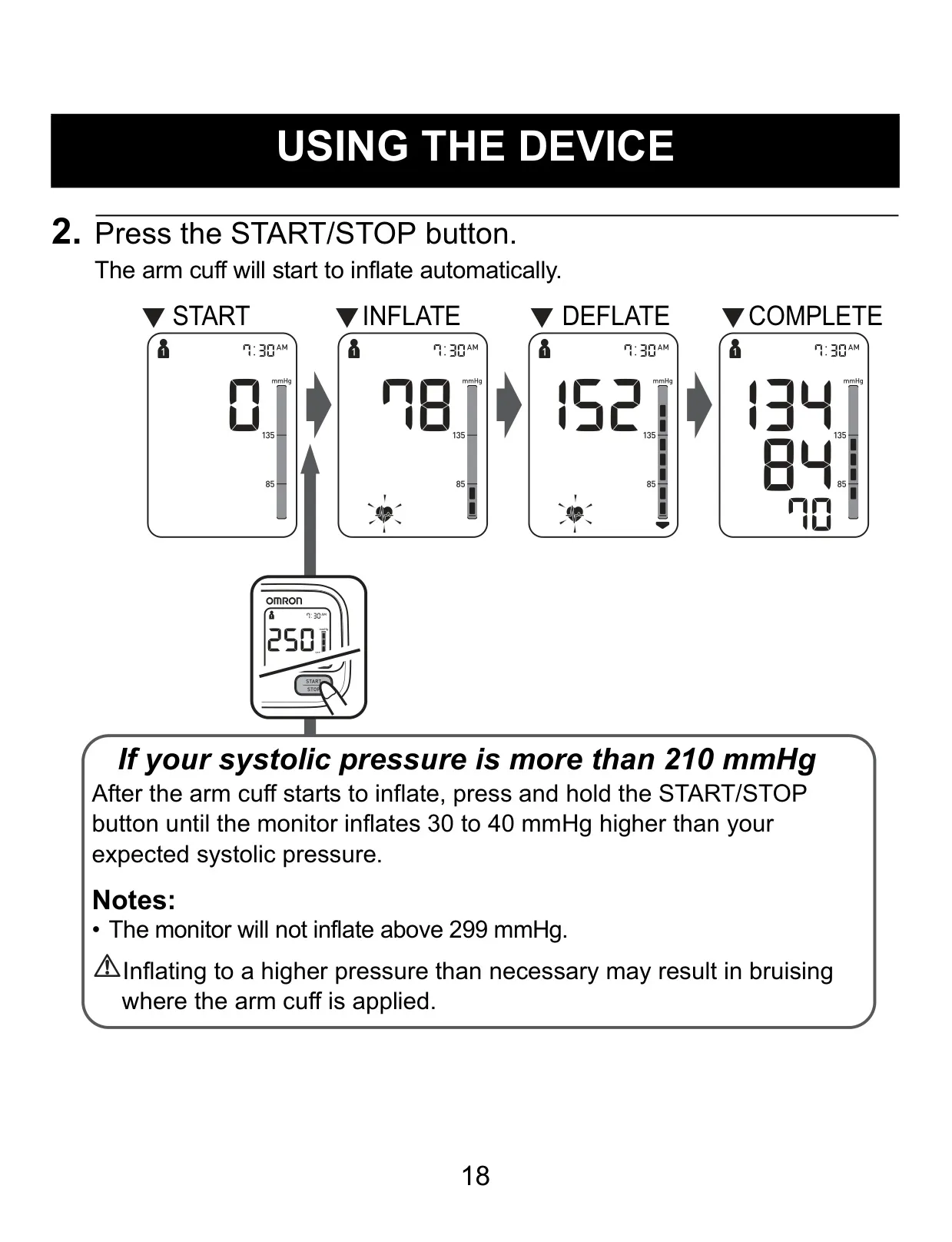


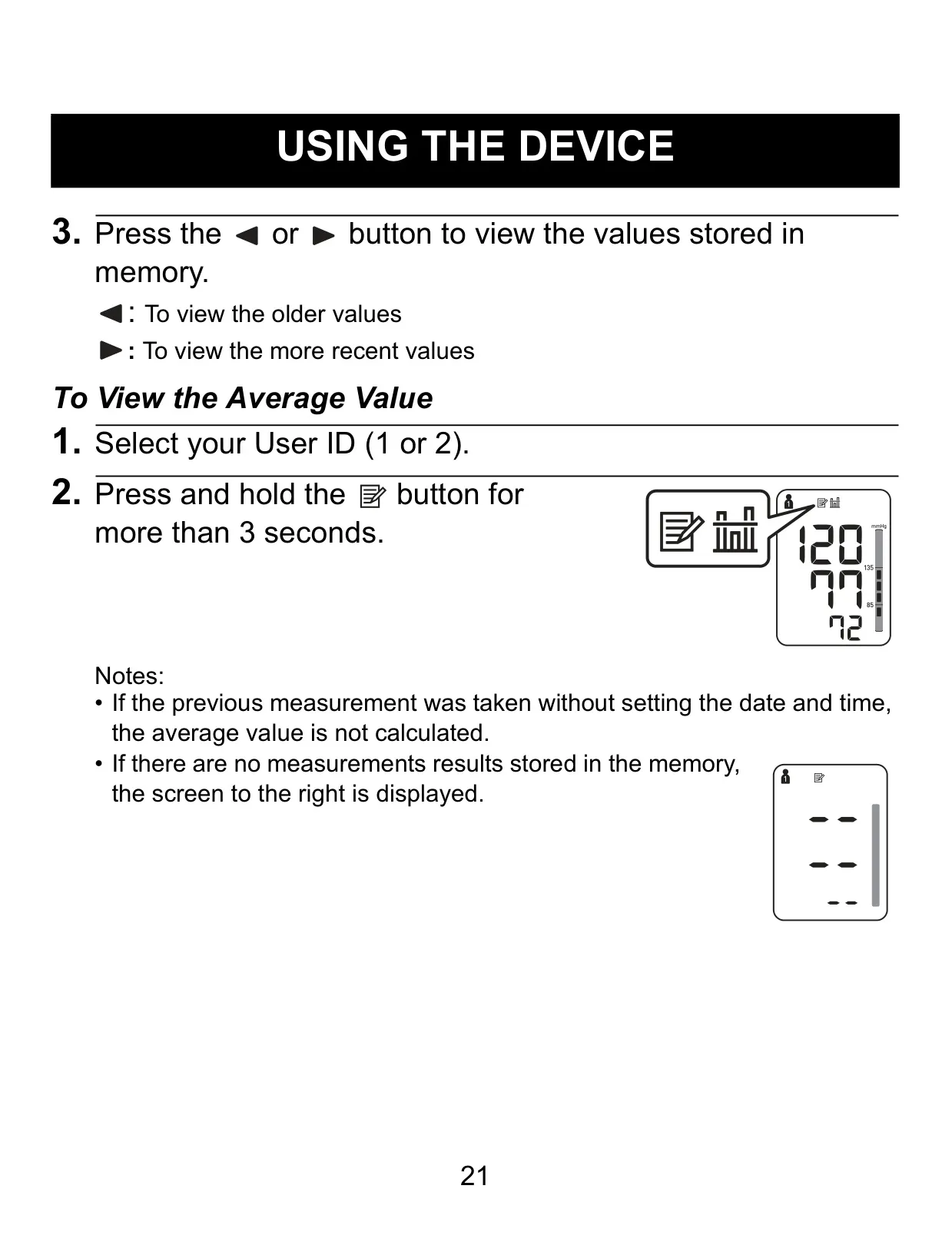








Omron BP742N Instructions
Here we offer the Omron BP742N Blood Pressure Monitor manual completely free and in English. We have cataloged this manual in the Blood Pressure Monitors section on Manualverse, and it has been rated by 1 users with an average rating of 5. If you have any specific questions about Omron BP742N Blood Pressure Monitor, we suggest checking the Frequently Asked Questions (FAQs) section of this manual.
Product Images



Omron BP742N Blood Pressure Monitor Specifications
| Feature | Specification |
|---|---|
| Model | BP742N (HEM-7131-Z) |
| Display | LCD digital display |
| Measurement Range (Pressure) | 0 to 299 mmHg |
| Measurement Range (Pulse) | 40 to 180 beats / min. |
| Accuracy (Pressure) | ±3 mmHg or 2% of reading |
| Accuracy (Pulse) | ±5% of display reading |
| Inflation Method | Fuzzy-logic controlled by electric pump |
| Deflation Method | Automatic pressure release valve |
| Measurement Method | Oscillometric method |
| IP Classification | IP 20 |
| Power Source | 4 “AA” 1.5V batteries or optional AC adapter (INPUT AC100-240V 50/60Hz 0.12A) |
| Battery Life | Approximately 1000 measurements (using new alkaline batteries) |
| Operating Temperature / Humidity | 50°F to 104°F (10°C to 40°C) / 15 to 90% RH |
| Storage Temperature / Humidity / Air Pressure | -4°F to 140°F (-20°C to 60°C) / 10 to 95% RH / 700 to 1060 hPa |
| Monitor Weight | Approx. 10 5/8 oz. (300 g) not including batteries |
| Arm Cuff Weight | Approx. 6 oz. (170 g) |
| Monitor Dimensions (W×H×L) | Approx. 4 1/4” × 3 1/8” × 5 1/2” (107 mm × 79 mm × 141 mm) |
| Arm Cuff Dimensions | Approx. 5 3/4” × 23 1/2” (air tube: 29 1/2”) (145 mm × 594 mm (air tube: 750 mm)) |
| Cuff Circumference | 9” to 17” (220 to 420 mm) |
| Memory Capacity | Up to 50 sets per user |
| Contents | Monitor, arm cuff, battery set, instruction manual, quick start guide |
| Applied Part | Type BF |
| Protection against Electric Shock | Internally powered ME equipment (batteries) / Class II ME equipment (optional AC adapter) |
Omron BP742N Monitor Details
The Omron BP742N Blood Pressure Monitor is a sophisticated digital device designed for accurate blood pressure and pulse rate measurement in adults. It employs the oscillometric method, detecting blood movement through your brachial artery and converting it into a digital reading, thus eliminating the need for a stethoscope. This simplified process ensures ease of use for home monitoring. A key safety feature is its ability to detect irregular heartbeats during measurement, displaying a warning symbol if irregularities occur two or more times, prompting users to consult their physician for further guidance.
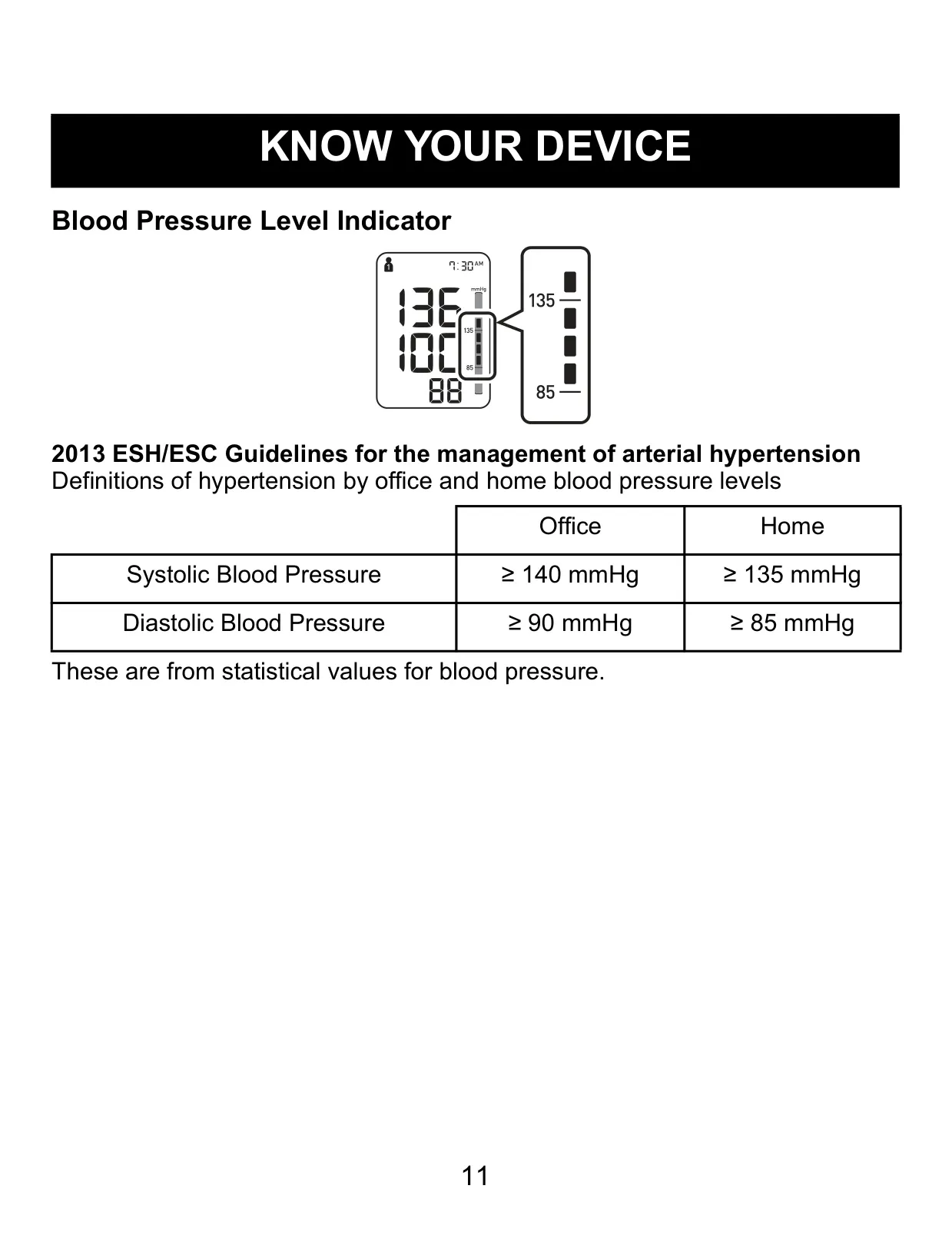
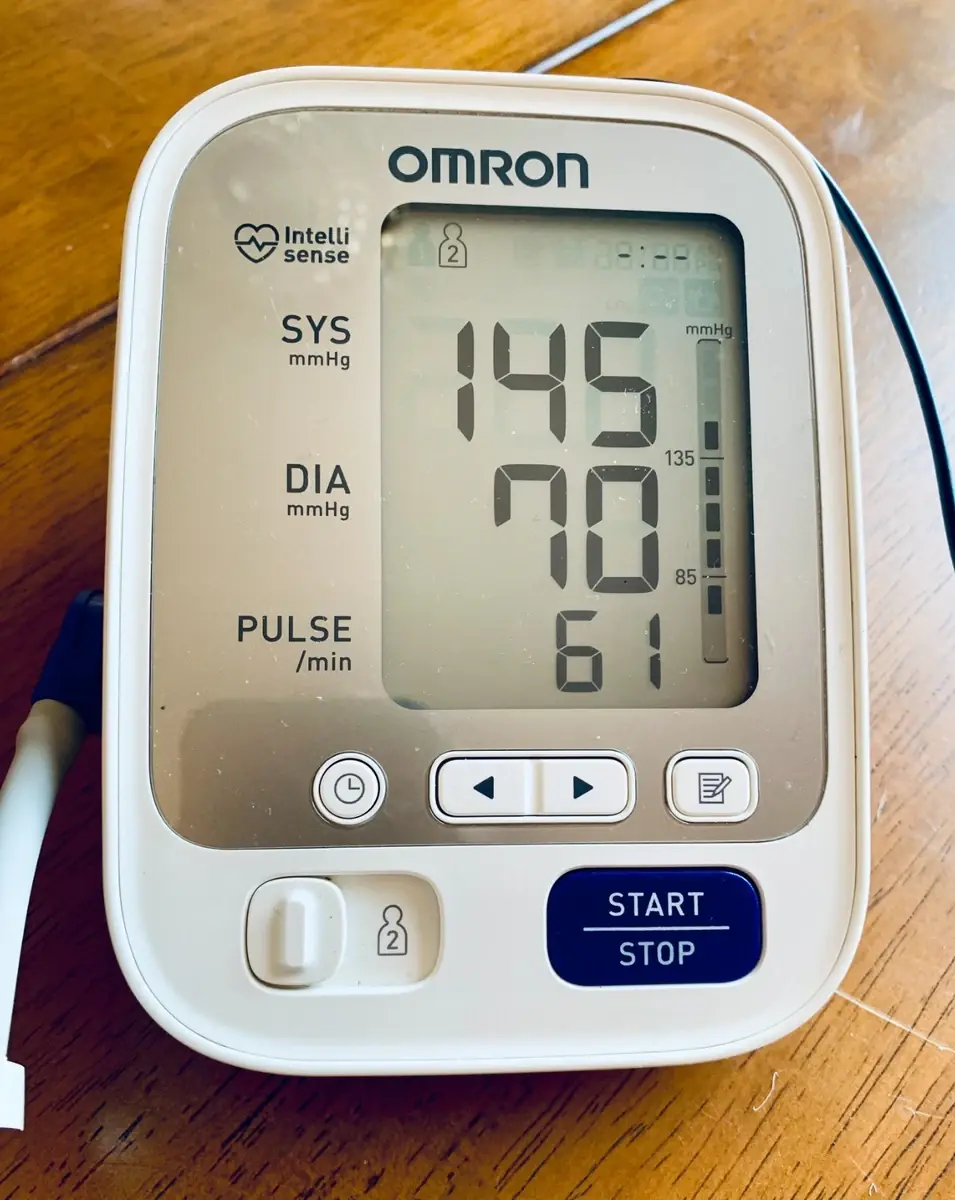
The monitor's comprehensive display provides users with crucial information at a glance. It features symbols for USER ID, Systolic and Diastolic blood pressure, Pulse display, and a Heartbeat symbol that flashes during measurement. Additional indicators include a Low battery symbol, Memory symbol, Average value symbol, and Date/Time display. For immediate feedback on readings, a Blood Pressure Level Indicator visually classifies results according to 2013 ESH/ESC guidelines, offering a quick assessment of blood pressure status against hypertension definitions.
Ensuring accurate measurements requires proper preparation and technique. Users should avoid activities like bathing, drinking alcohol or caffeine, smoking, exercising, and eating for 30 minutes before a measurement, and rest for at least 15 minutes prior. It's crucial to sit correctly—feet flat, back straight, arm supported, and the cuff at heart level—and remain still and silent during the reading. The device includes a Movement Error Symbol to alert users if motion interferes with accuracy, recommending re-measurement after a brief pause. Consistent daily measurements at the same time are also advised.
The BP742N offers practical features for tracking and managing blood pressure data. It supports two distinct user IDs, each with memory for up to 50 measurement sets, allowing individual monitoring over time. The monitor also calculates an average value from the last three readings taken within a 10-minute period, providing a convenient summary. For one-off measurements without storage, a Guest Mode is available. When the memory is full, the oldest value is automatically overwritten, ensuring continuous data recording.
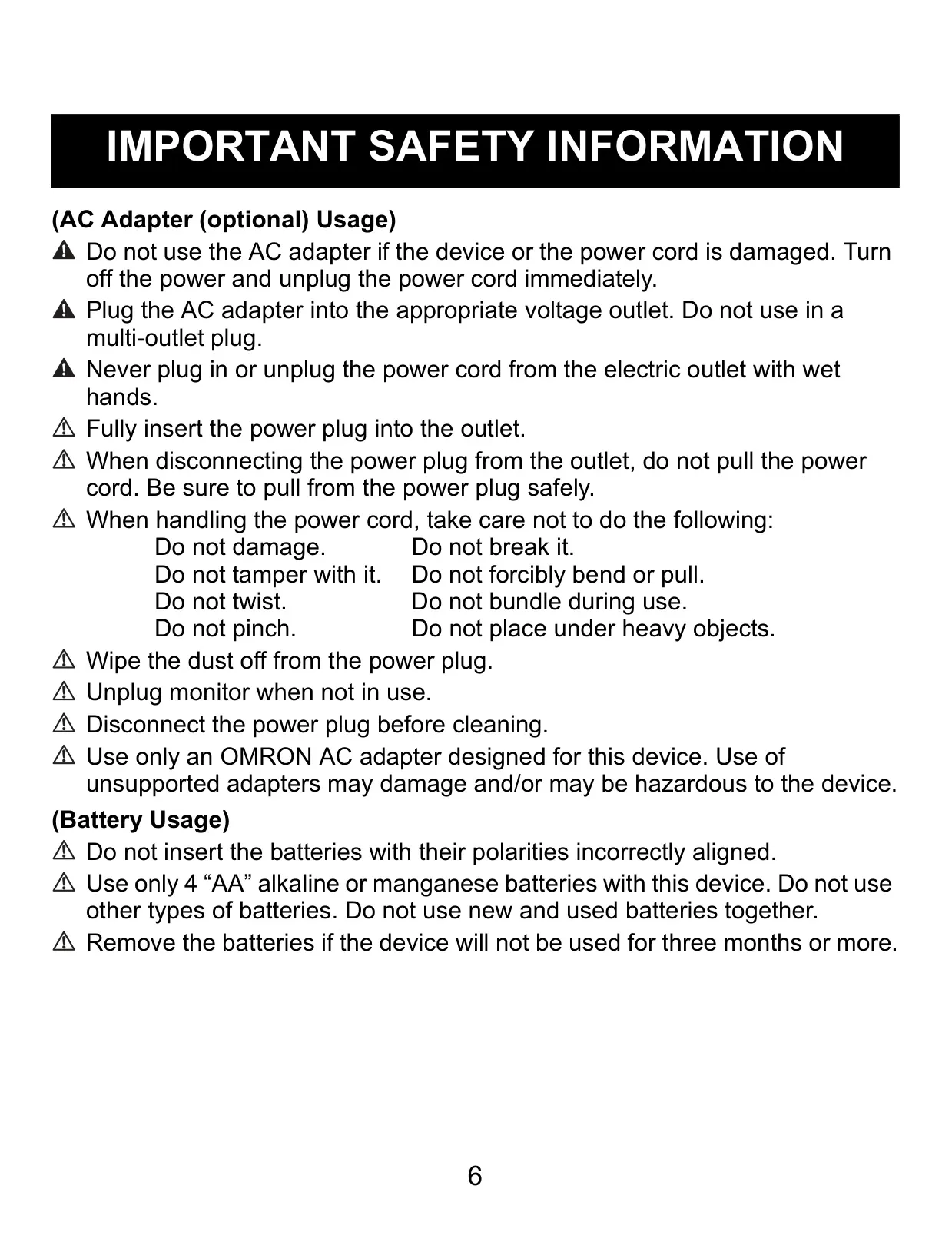
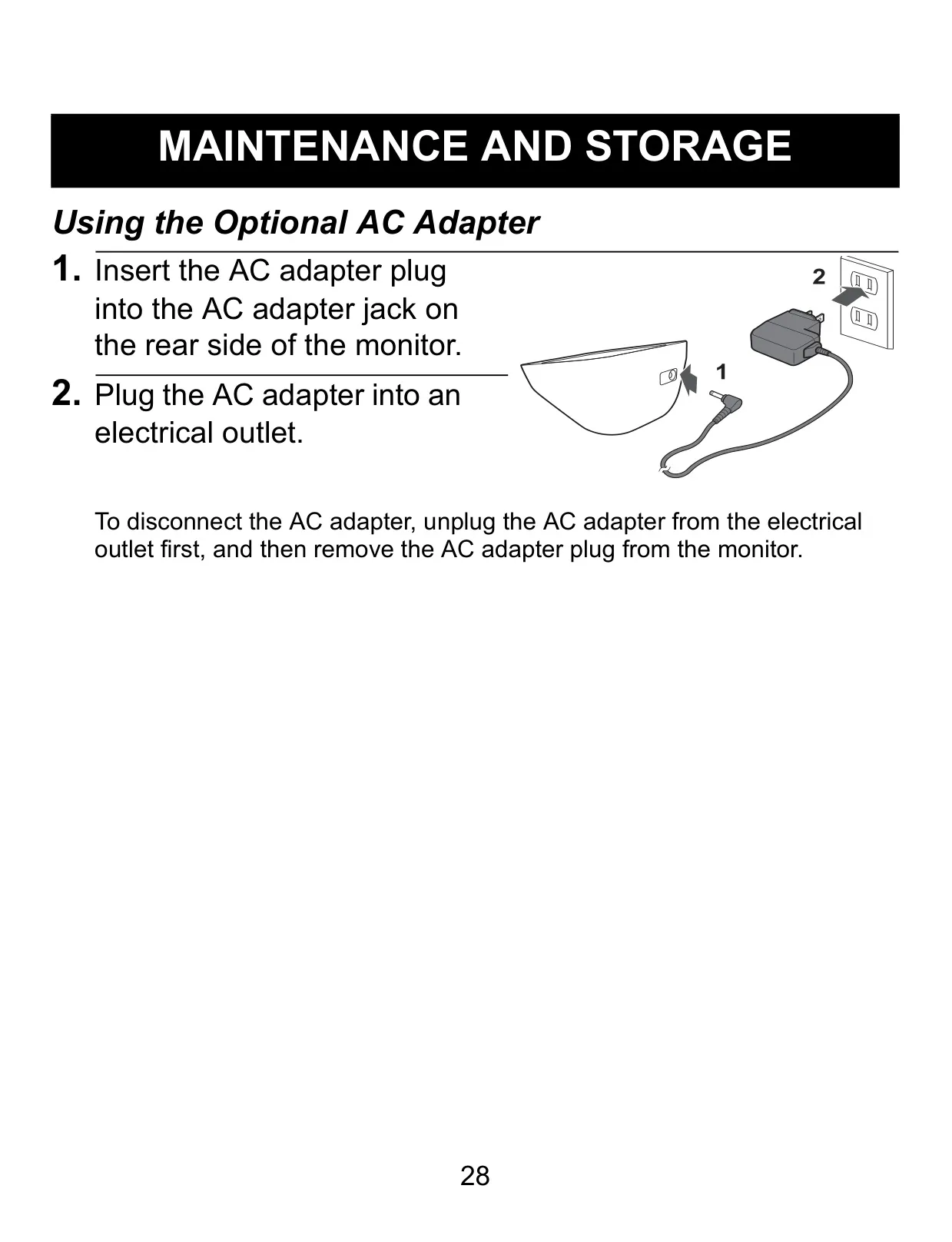
The device is powered by four "AA" batteries, with an optional AC adapter (HEM-ADPTW5) for alternative power. Battery life is approximately 1000 measurements. Maintenance is straightforward, requiring only a soft, dry or slightly moistened cloth with neutral soap for cleaning; harsh chemicals or immersion in water should be avoided. The accompanying arm cuff (Model: HEM-RML31) accommodates arm circumferences from 9” to 17”. Proper storage—unplugging the air tube and avoiding extreme conditions—helps preserve the monitor’s longevity and accuracy.
Frequently Asked Questions (FAQs)
Can't find the answer you need? Here are some frequently asked questions about the Omron BP742N Blood Pressure Monitor, and we answer them below.